Free Price Sheet Templates (Word, Excel, PDF)
DataTemplates

FAQ
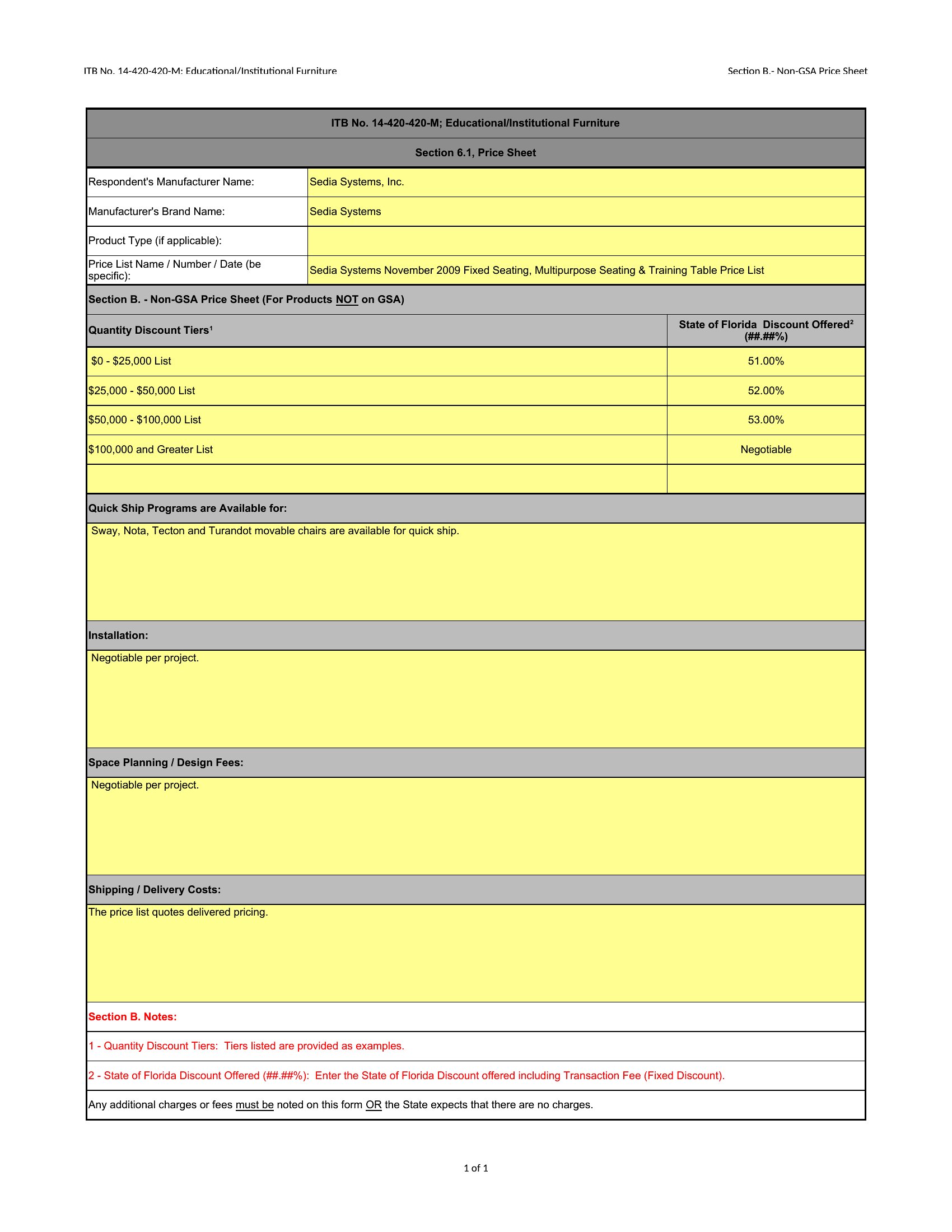
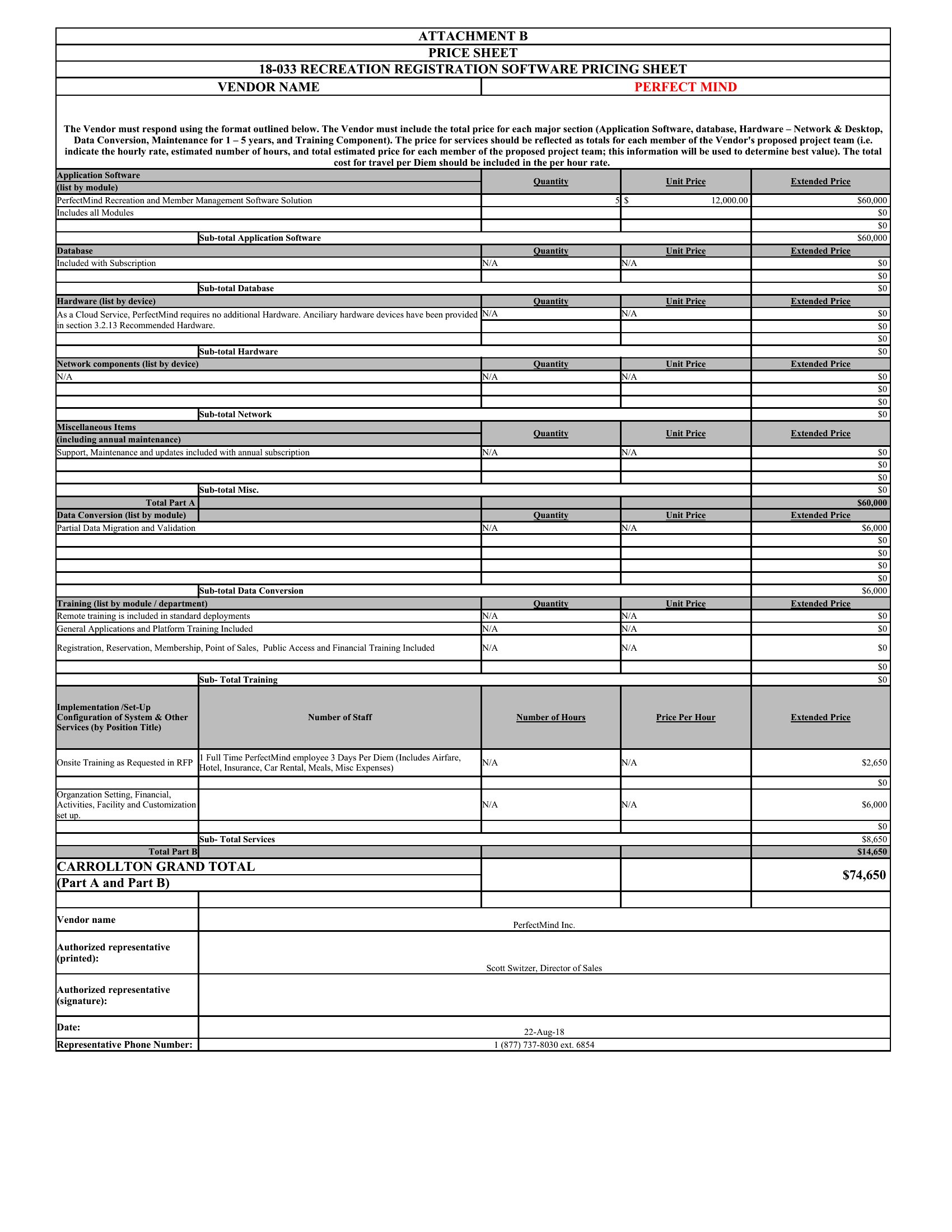
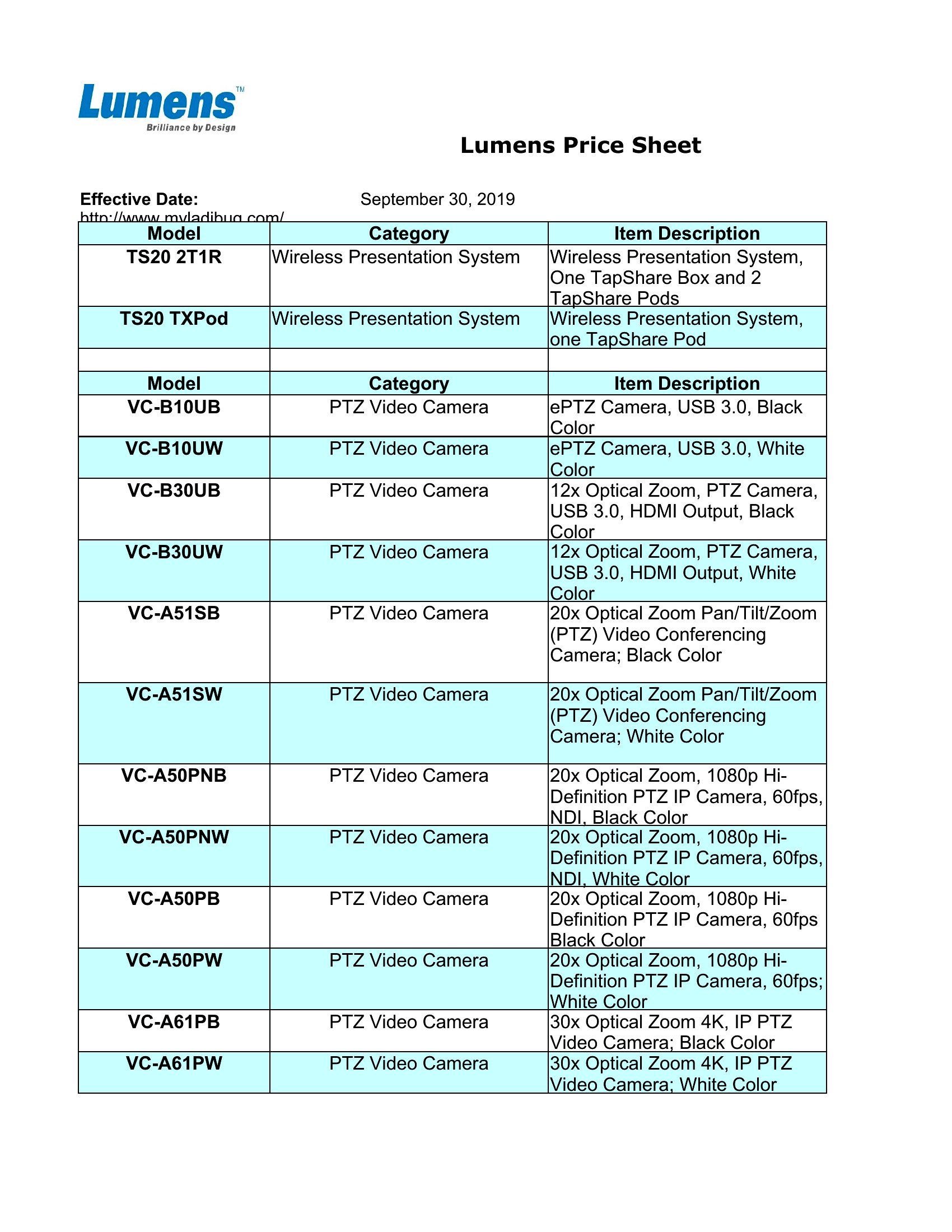
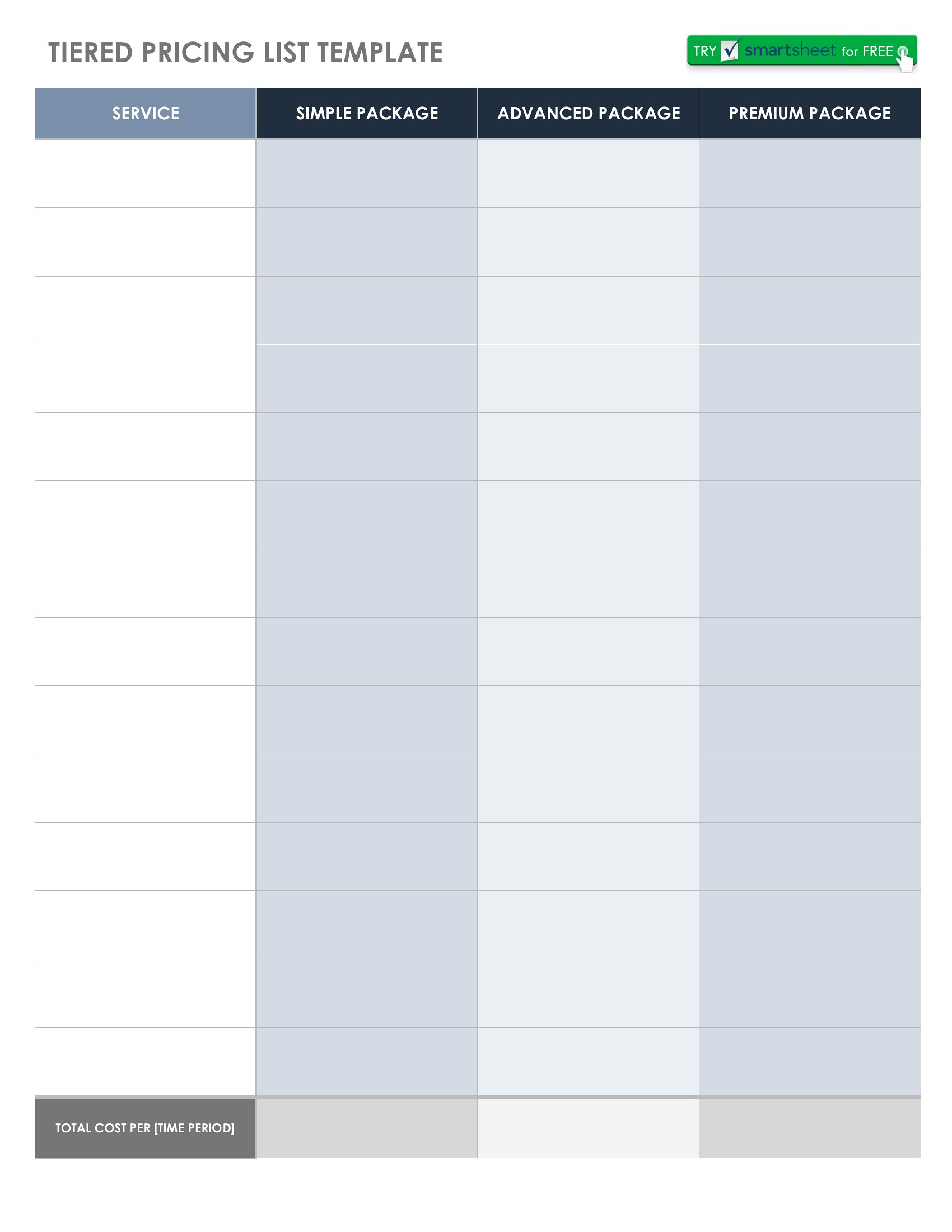
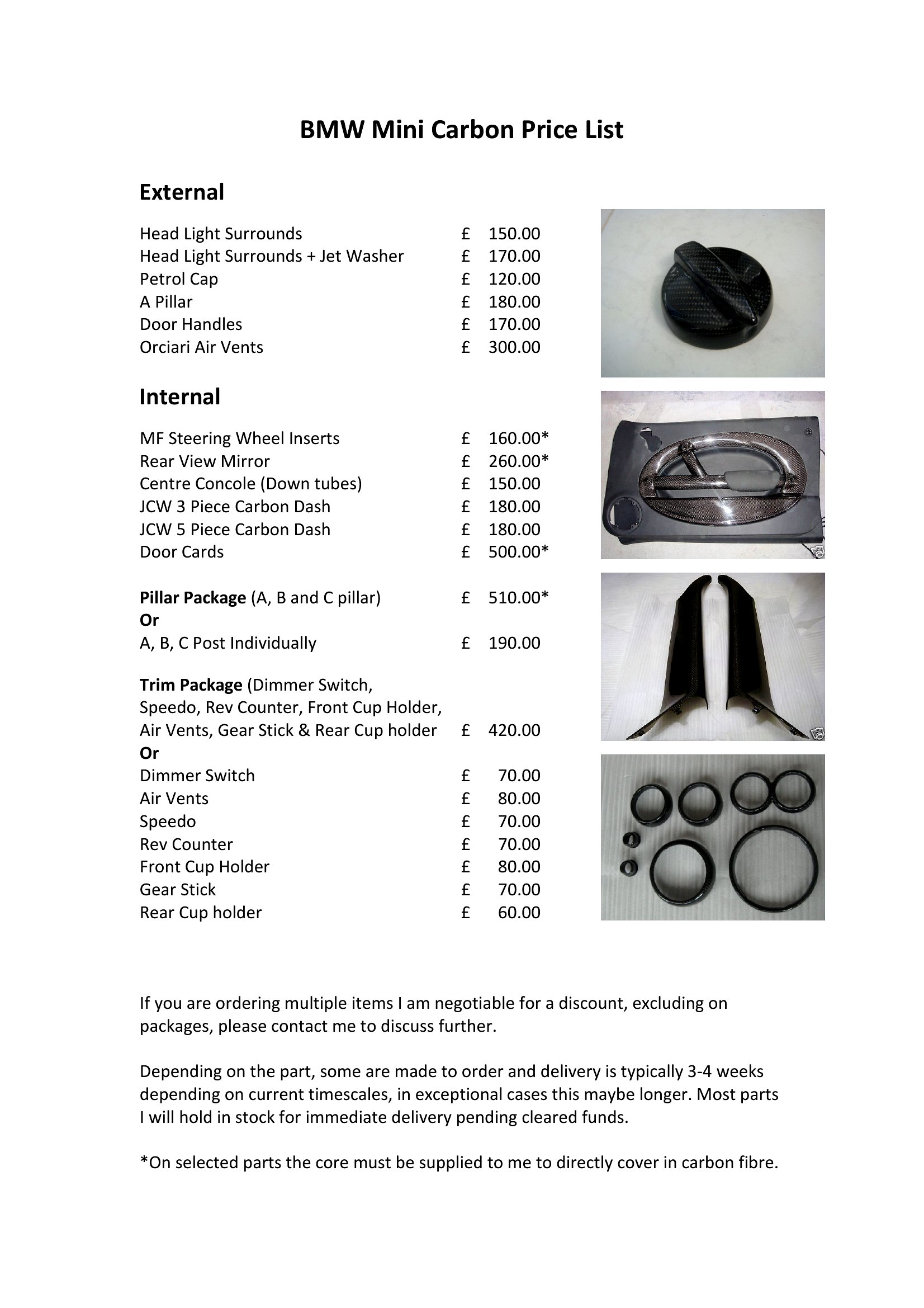
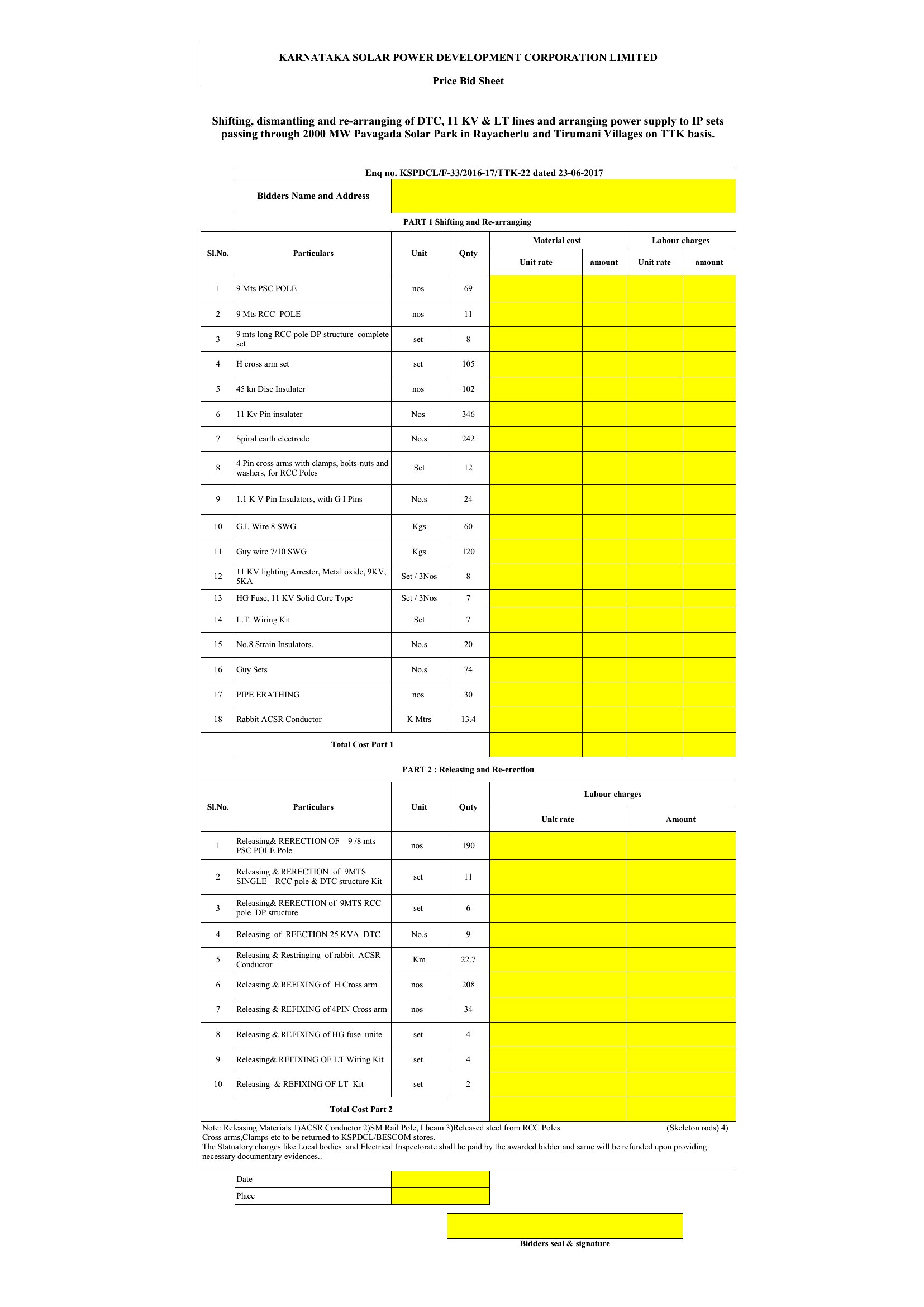
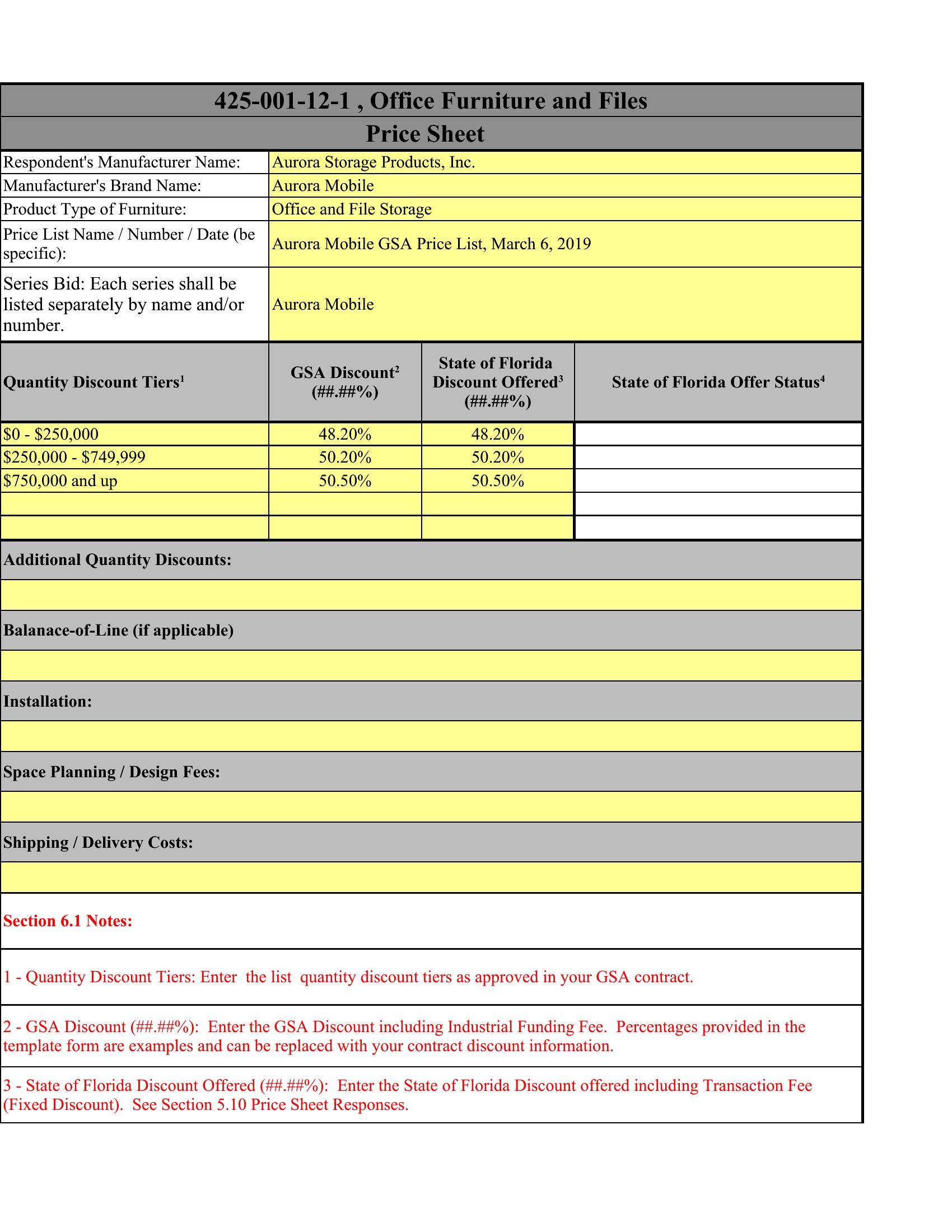
Can a price sheet template help me explain custom pricing without confusing my clients?
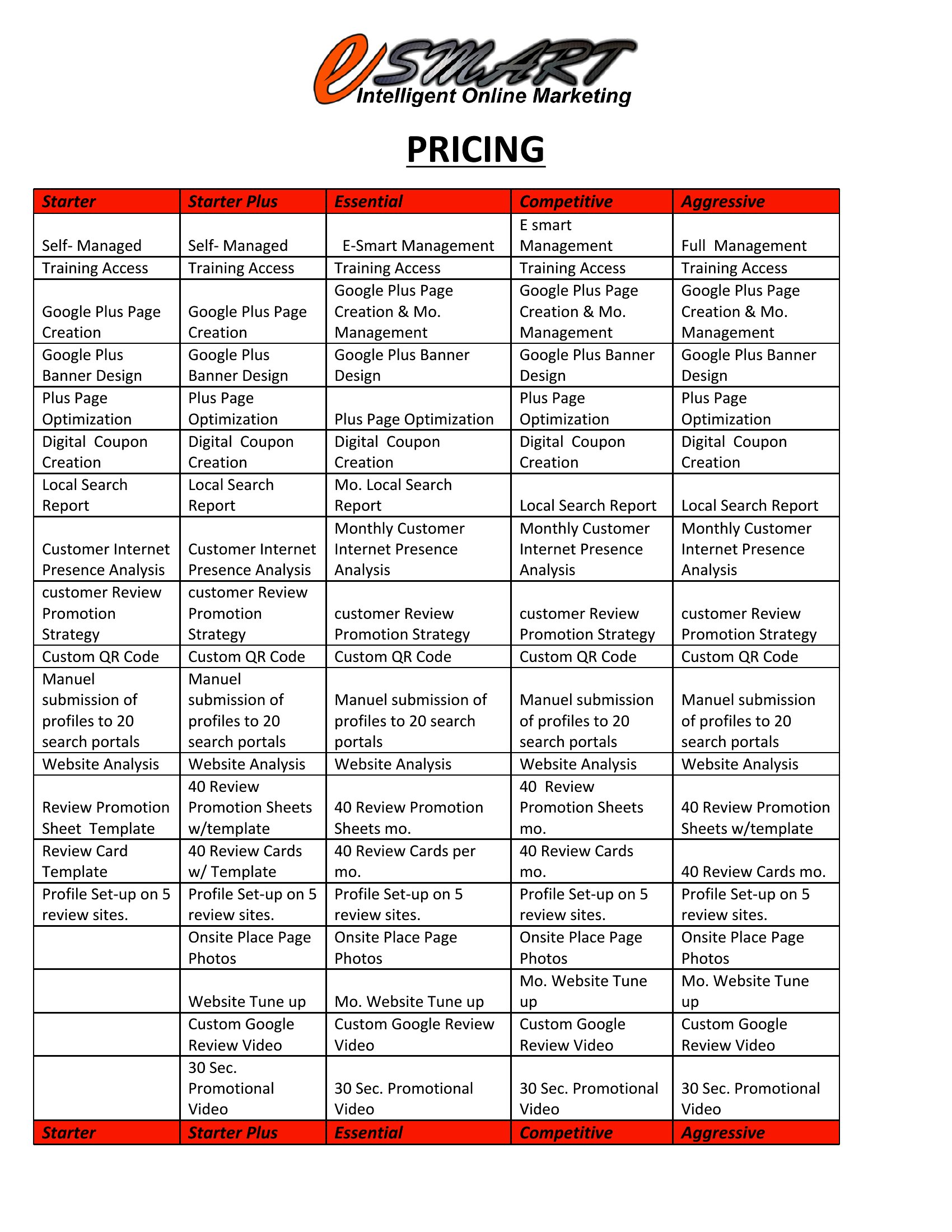
Yes, these templates include sections for clear descriptions and tiered options. For example, a freelancer can list ‘Basic,’ ‘Standard,’ and ‘Premium’ service packages with defined deliverables, so clients instantly understand value differences without needing a follow-up call. Start with a template that has checkboxes for add-ons to further simplify choices.
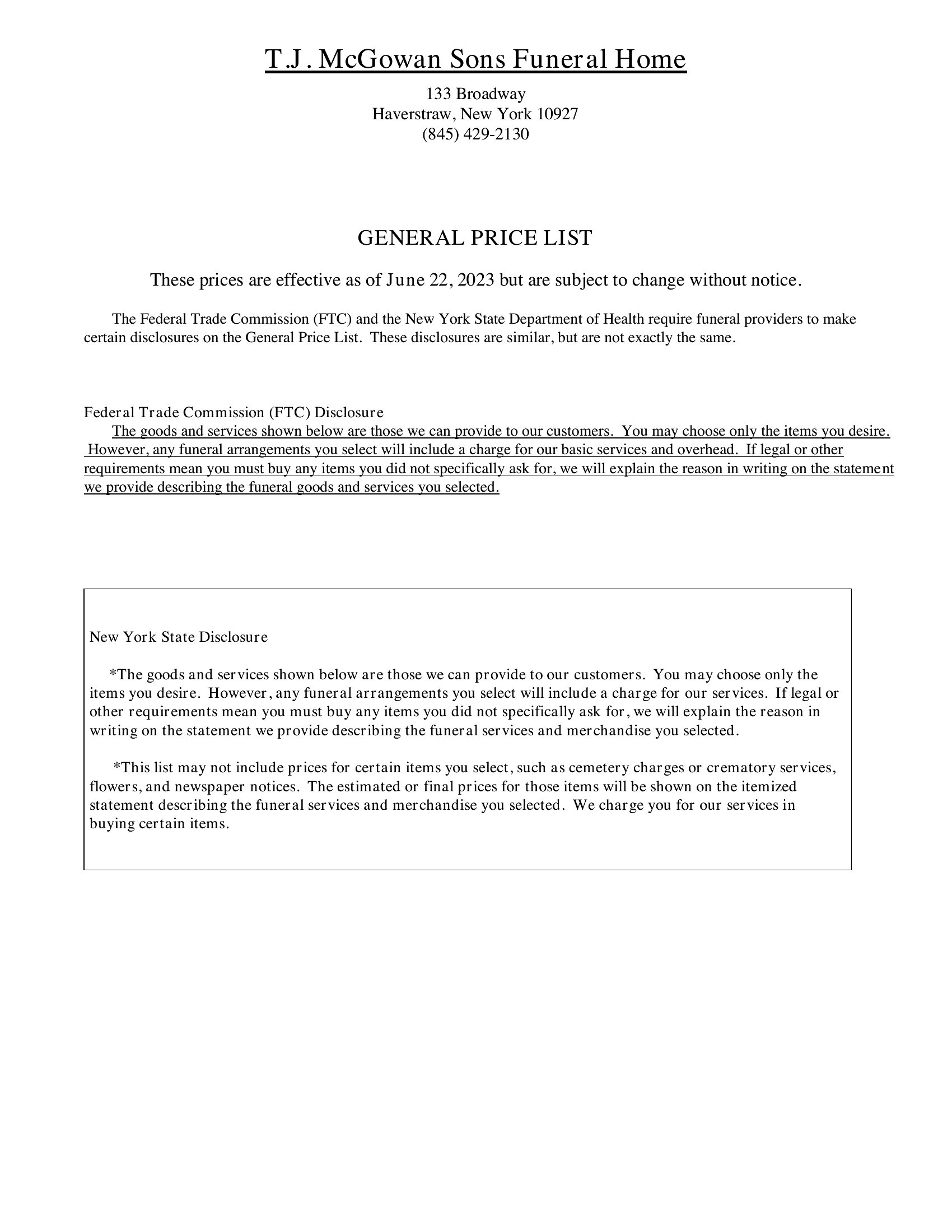
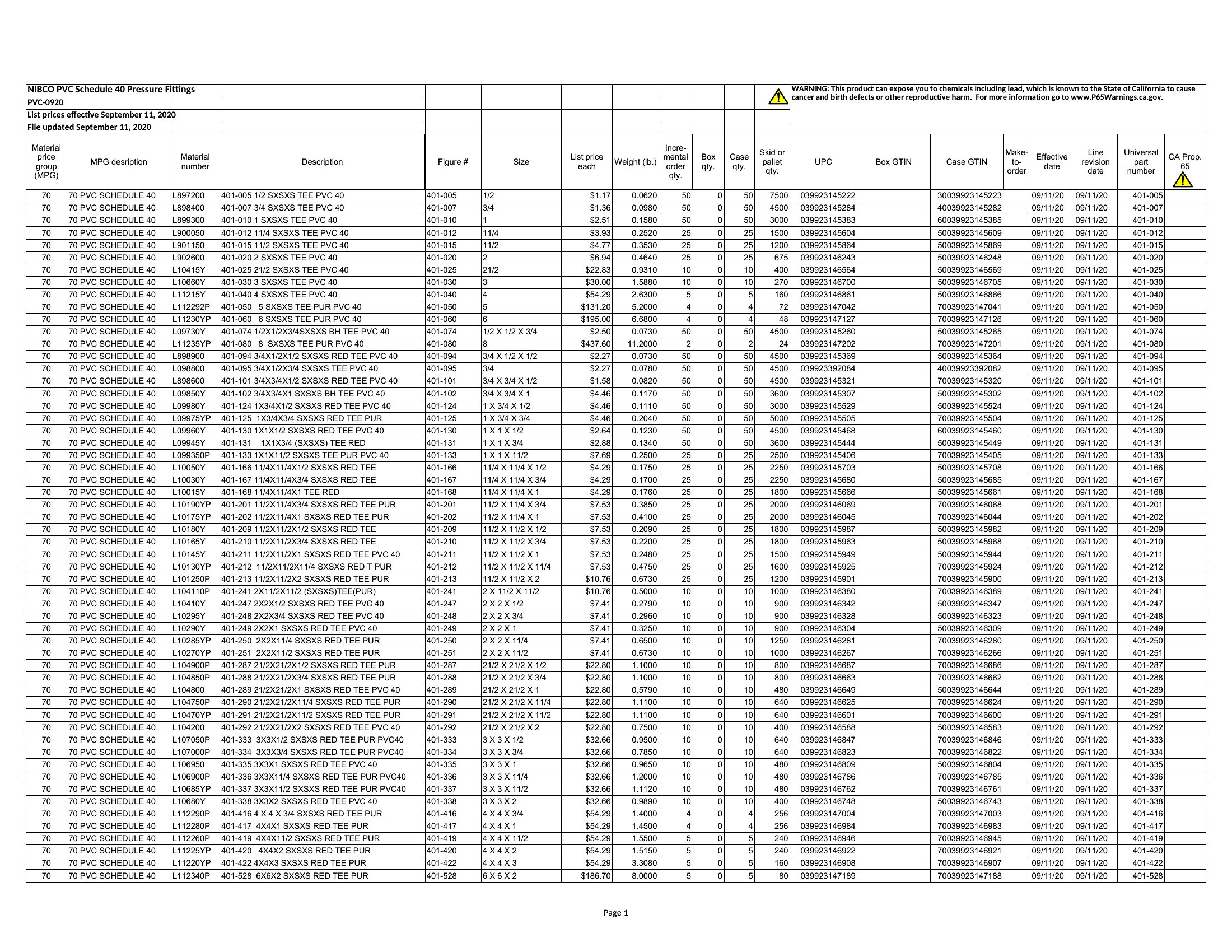
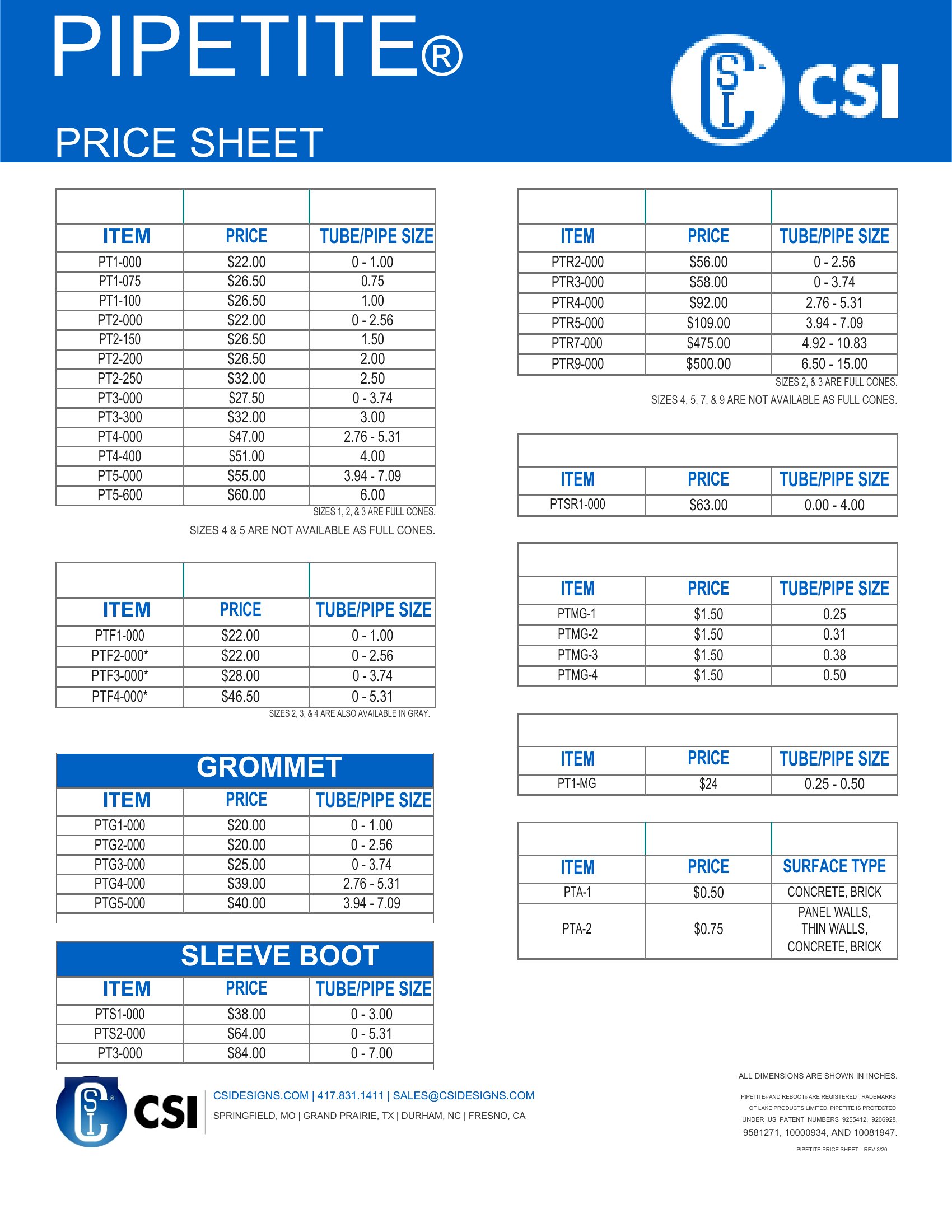
How do I make my price sheet look professional without design skills?
The templates use clean layouts with consistent fonts and spacing to ensure a polished look. Stick to 2–3 colors from your brand palette and avoid clutter—prioritize white space around pricing tables. For Excel or Word, use built-in themes or save as a PDF to lock in the design. If needed, add a simple header/footer with your logo.
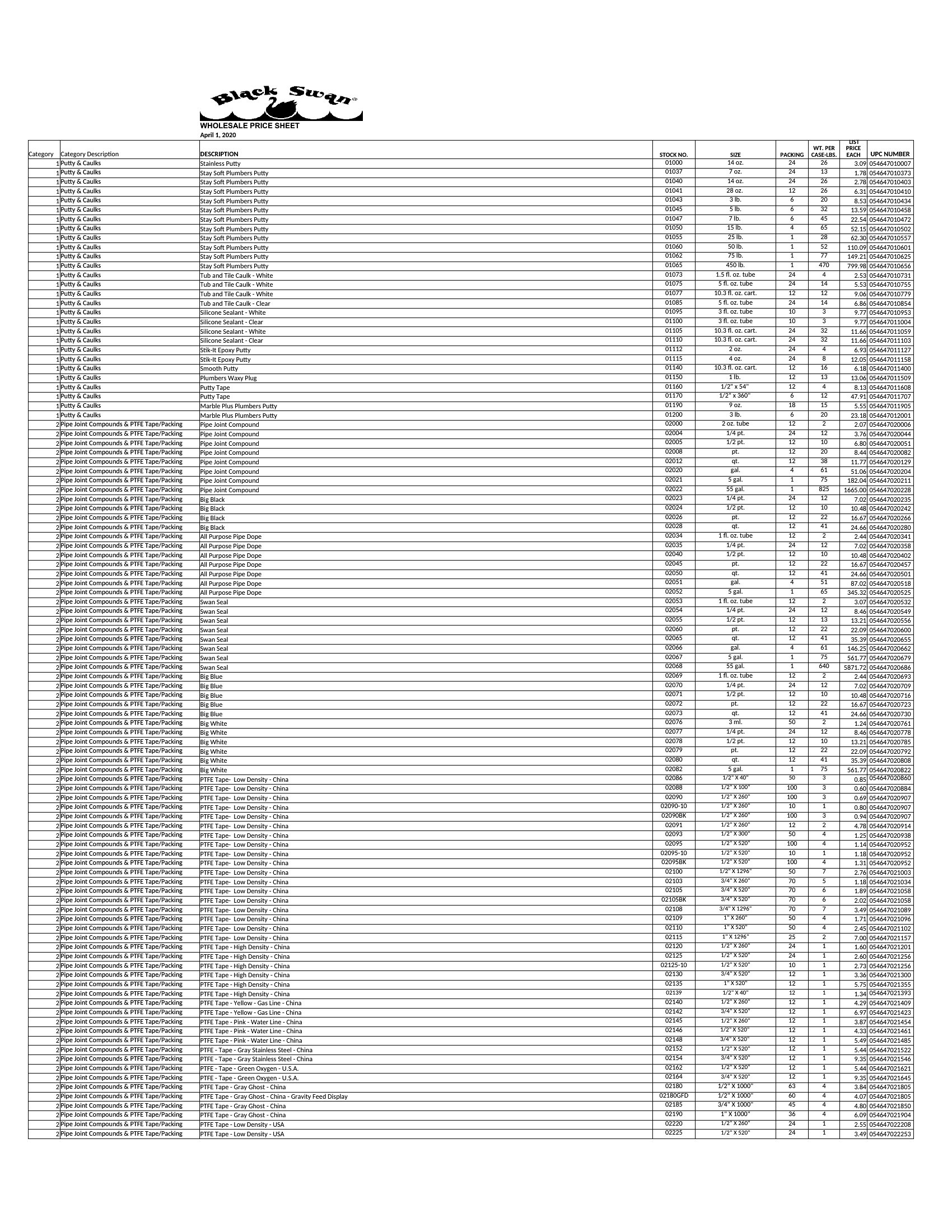
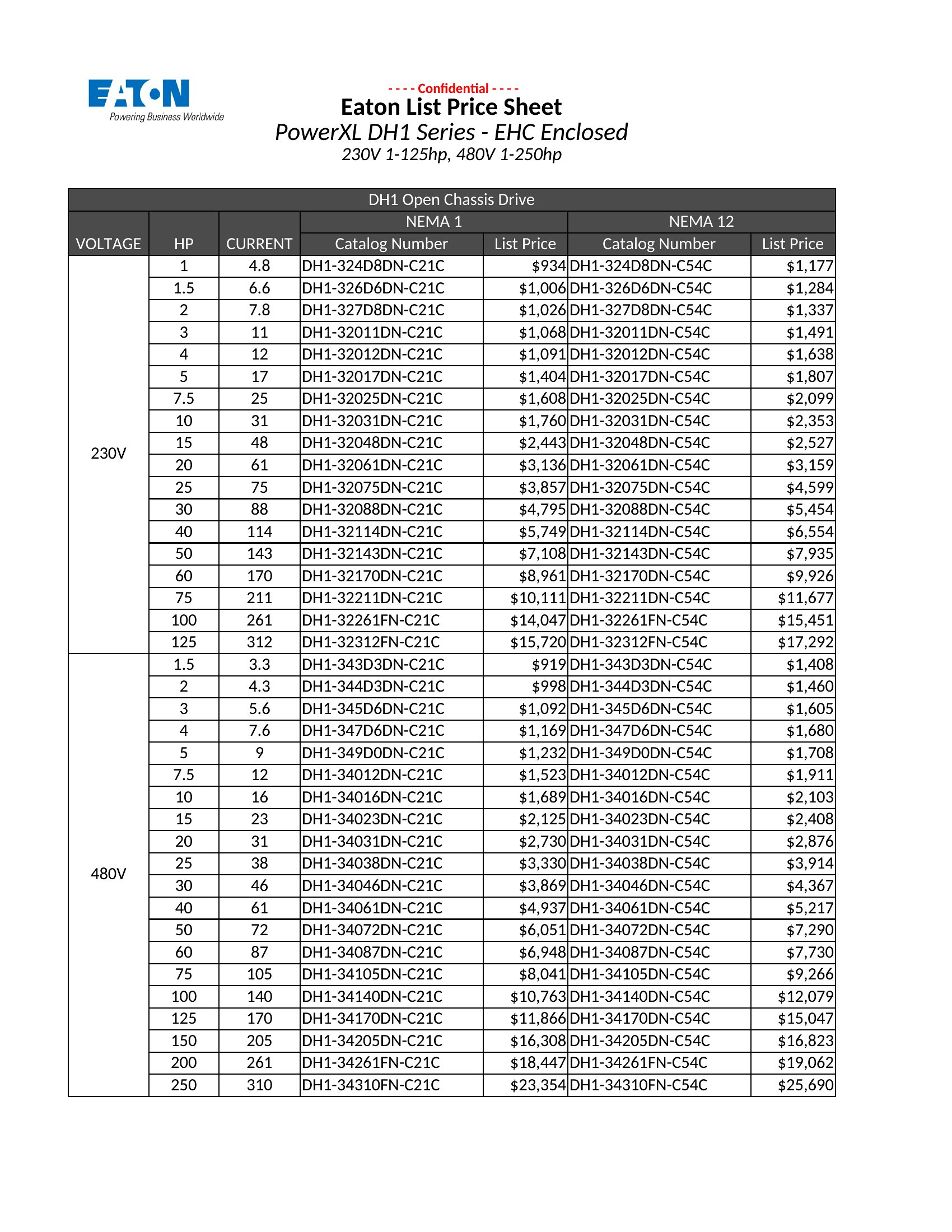
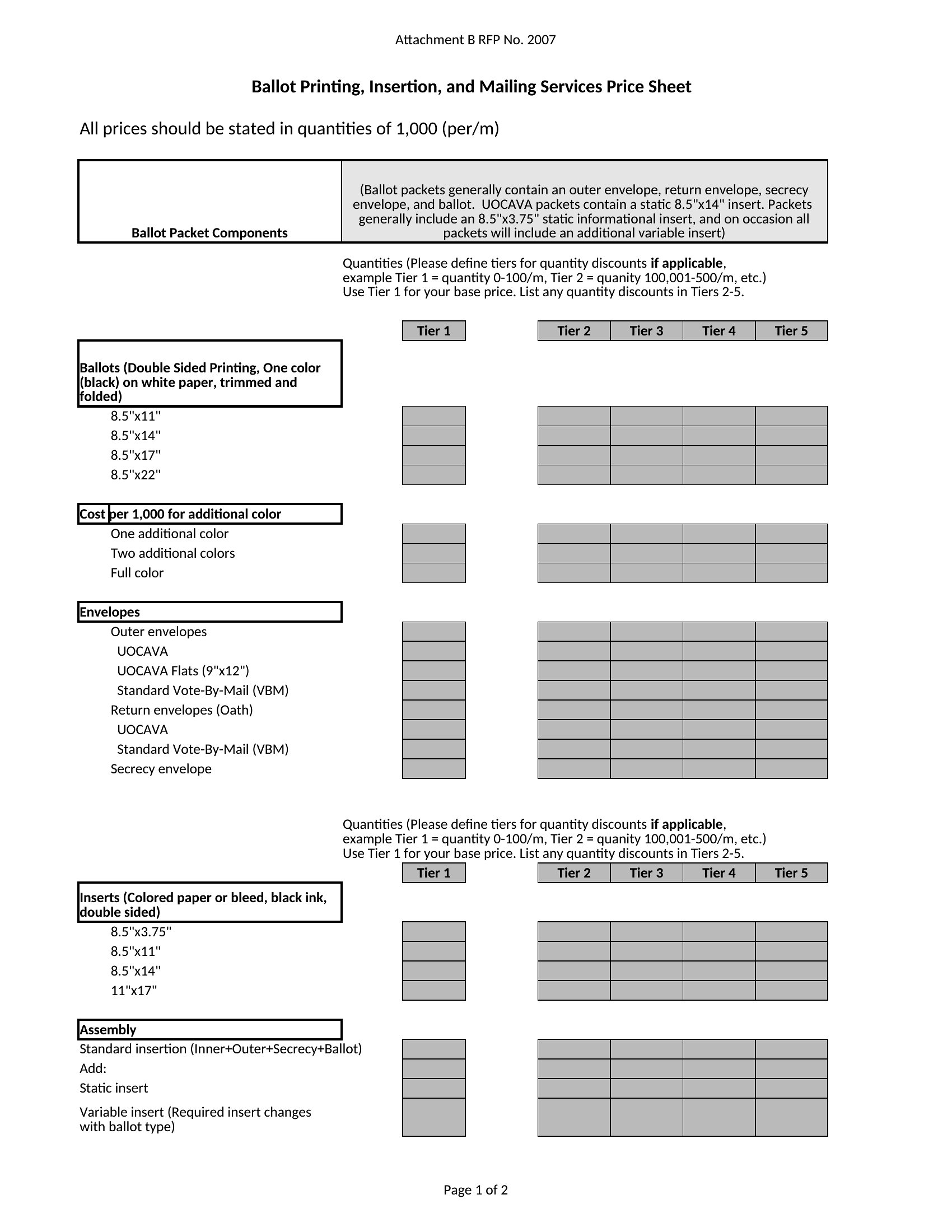
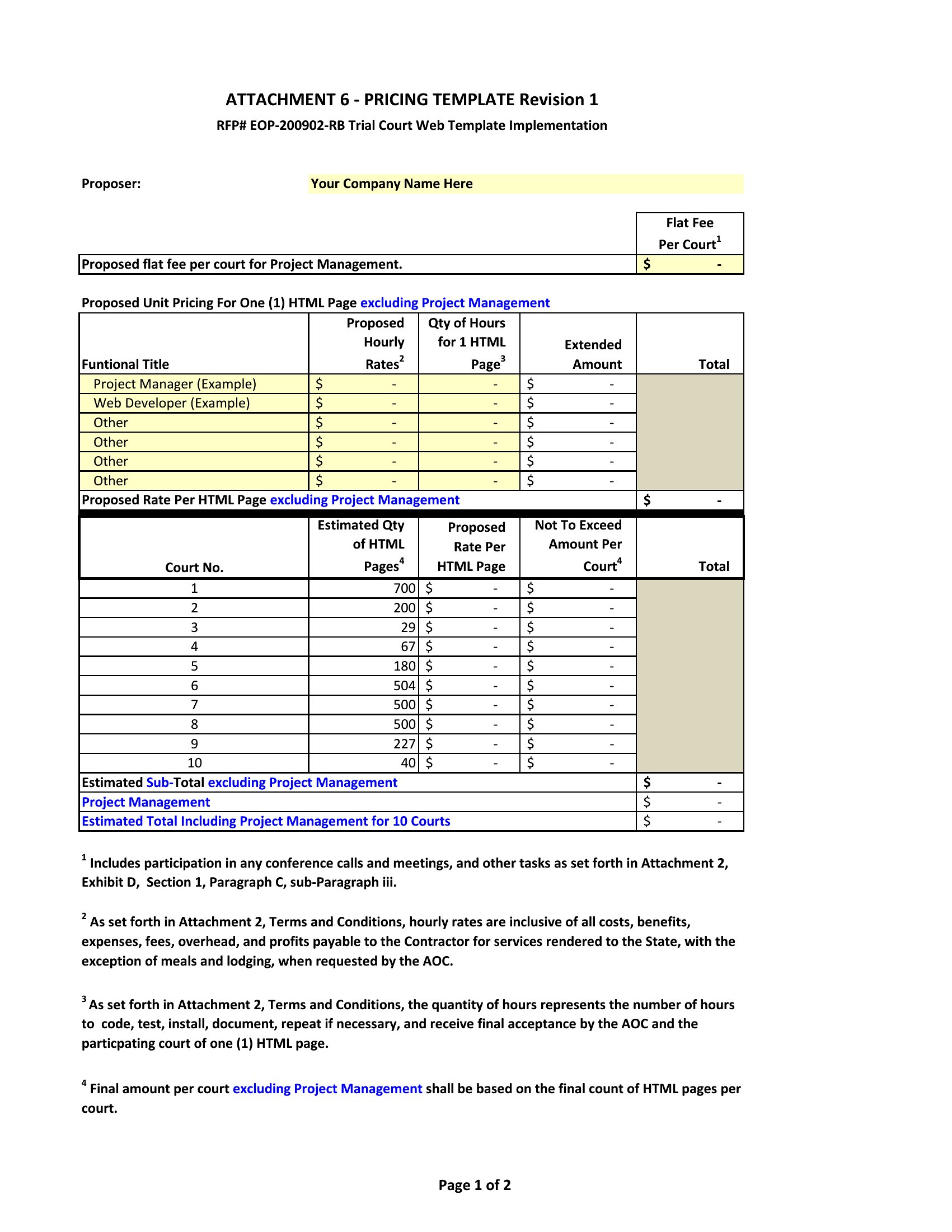
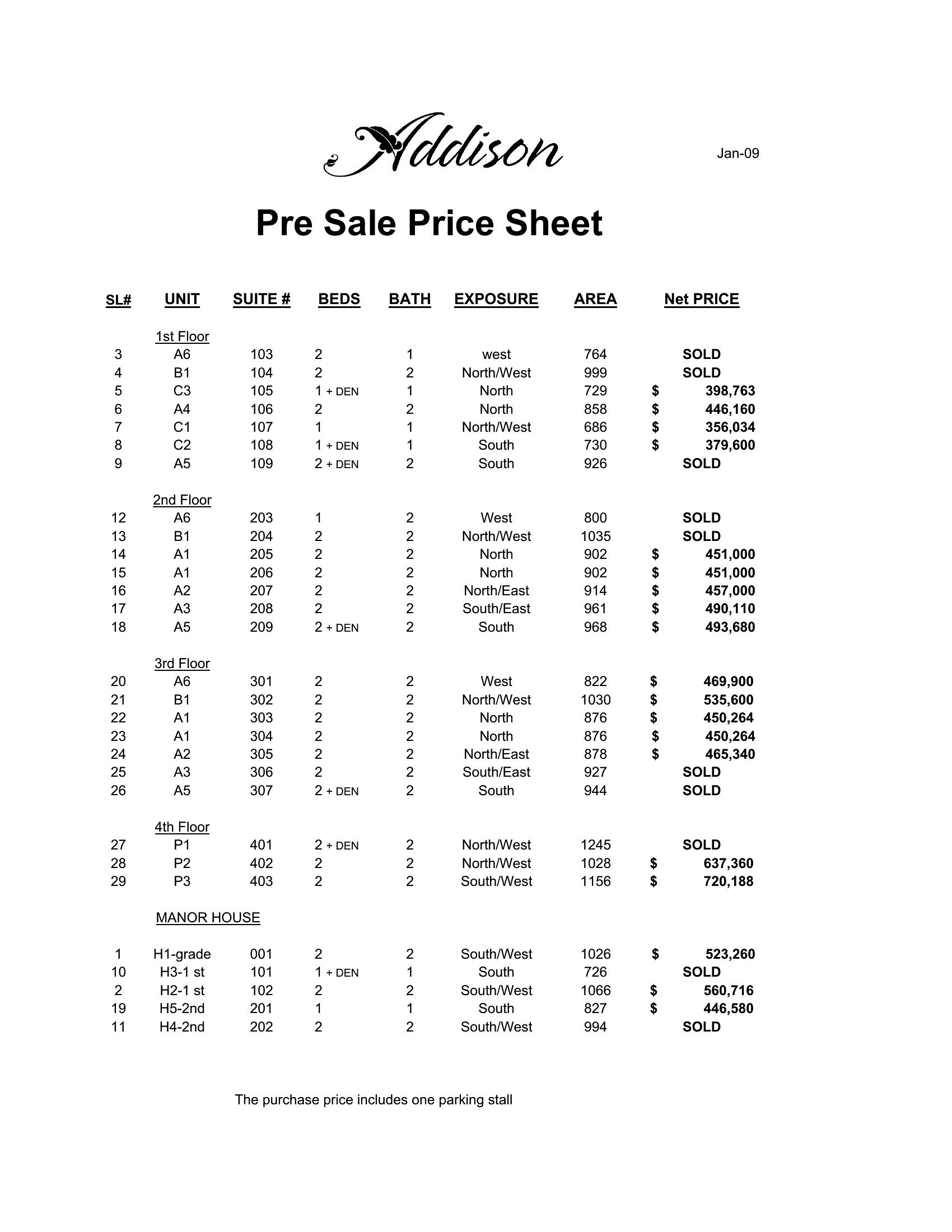
What’s the best way to organize pricing for services with multiple variables (e.g., time + materials)?
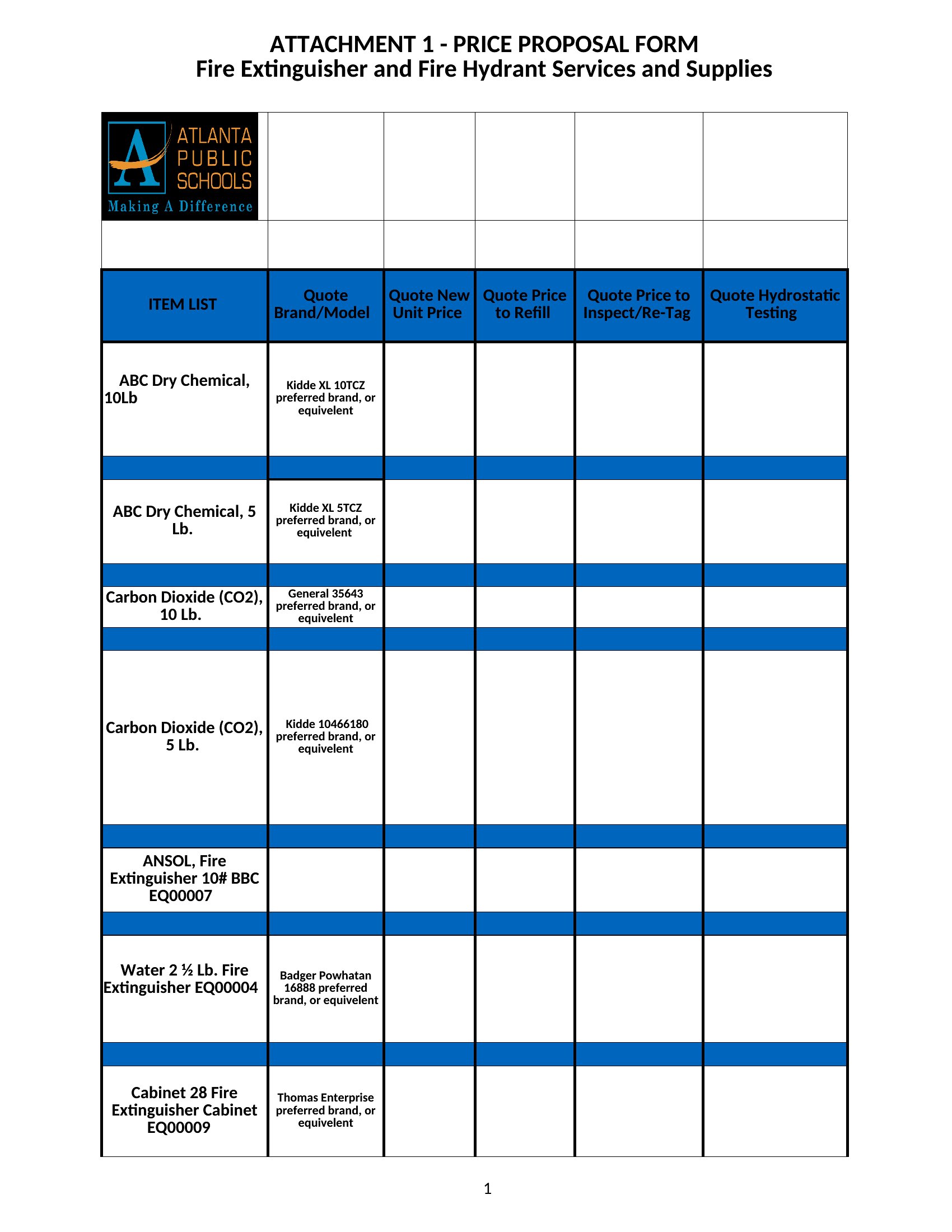
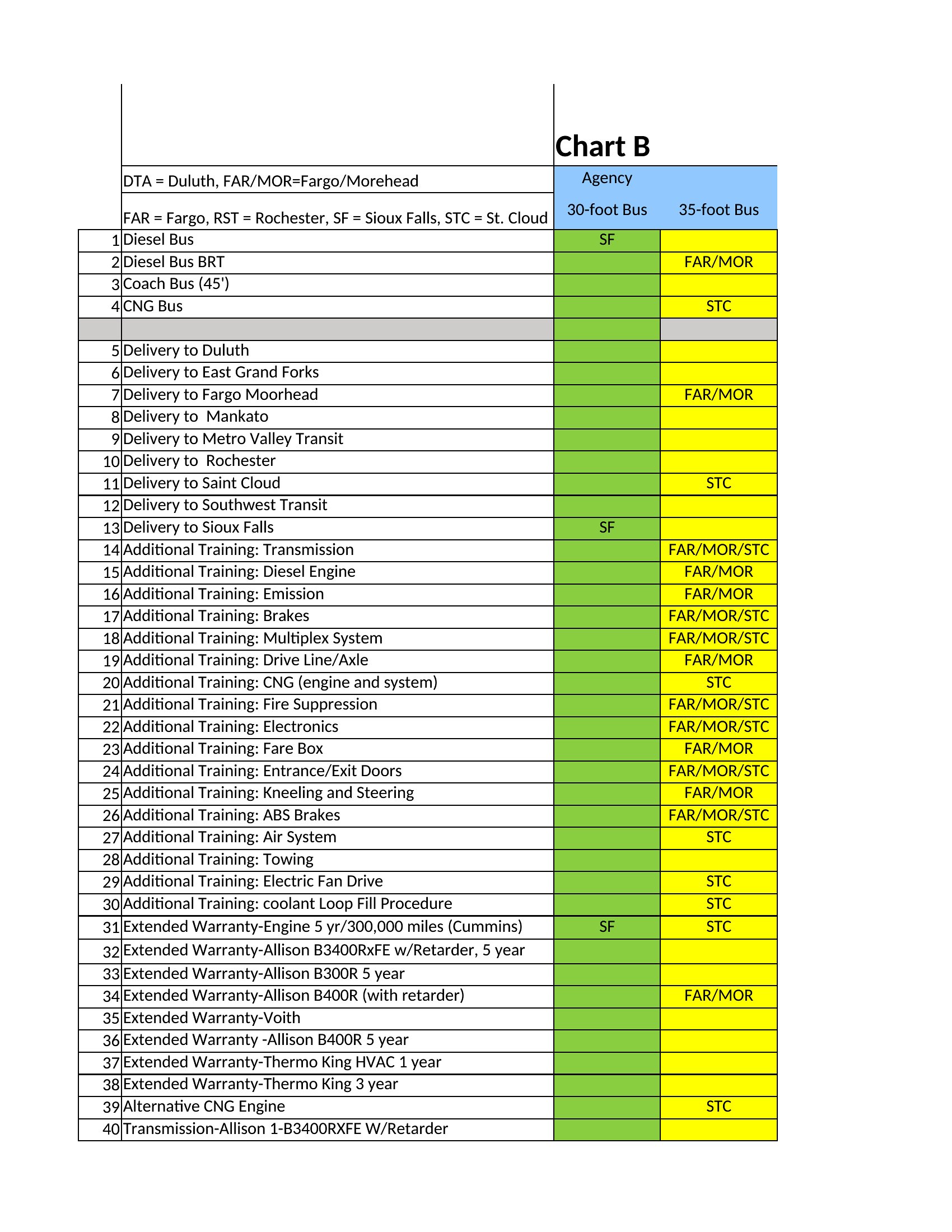
Use a two-column approach: list fixed-price services in one section and variable services in another with clear formulas (e.g., ‘$50/hour + $200 material fee’). For Excel, add a notes column to explain assumptions, like ‘Labor capped at 10 hours.’ PDF templates let you include footnotes for complex terms without overwhelming the main table.
Comments
Join the conversation
Sign in to share your thoughts and leave a comment on this resource.