Skip to content
50% off this one-time $1.99 pack with HALFOFF — or unlimited with Pro.HALFOFF
Premium

Free Asset List Templates (Word, Excel)

Data
everardocarvalho by everardocarvalho
Updated 0 downloads 1 community comment

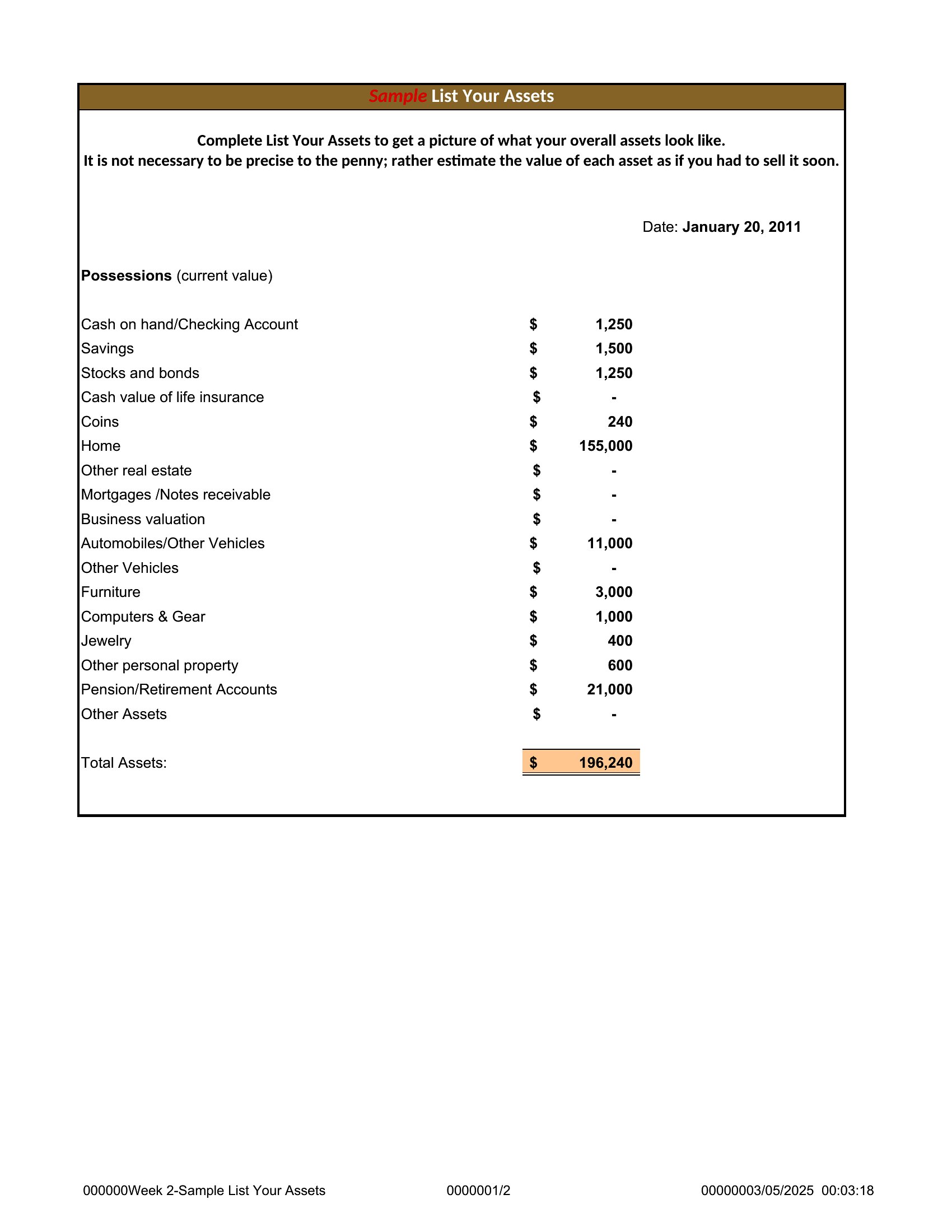
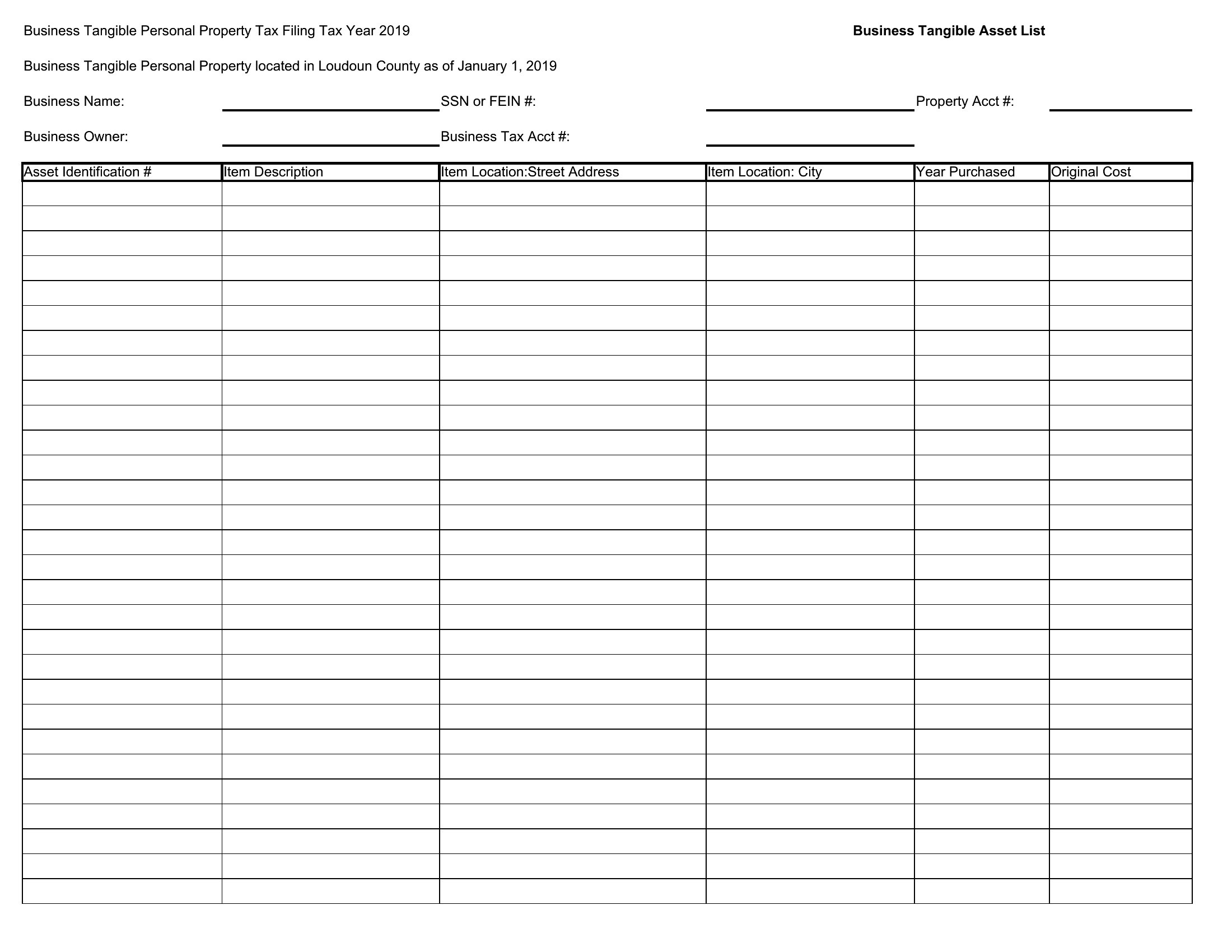
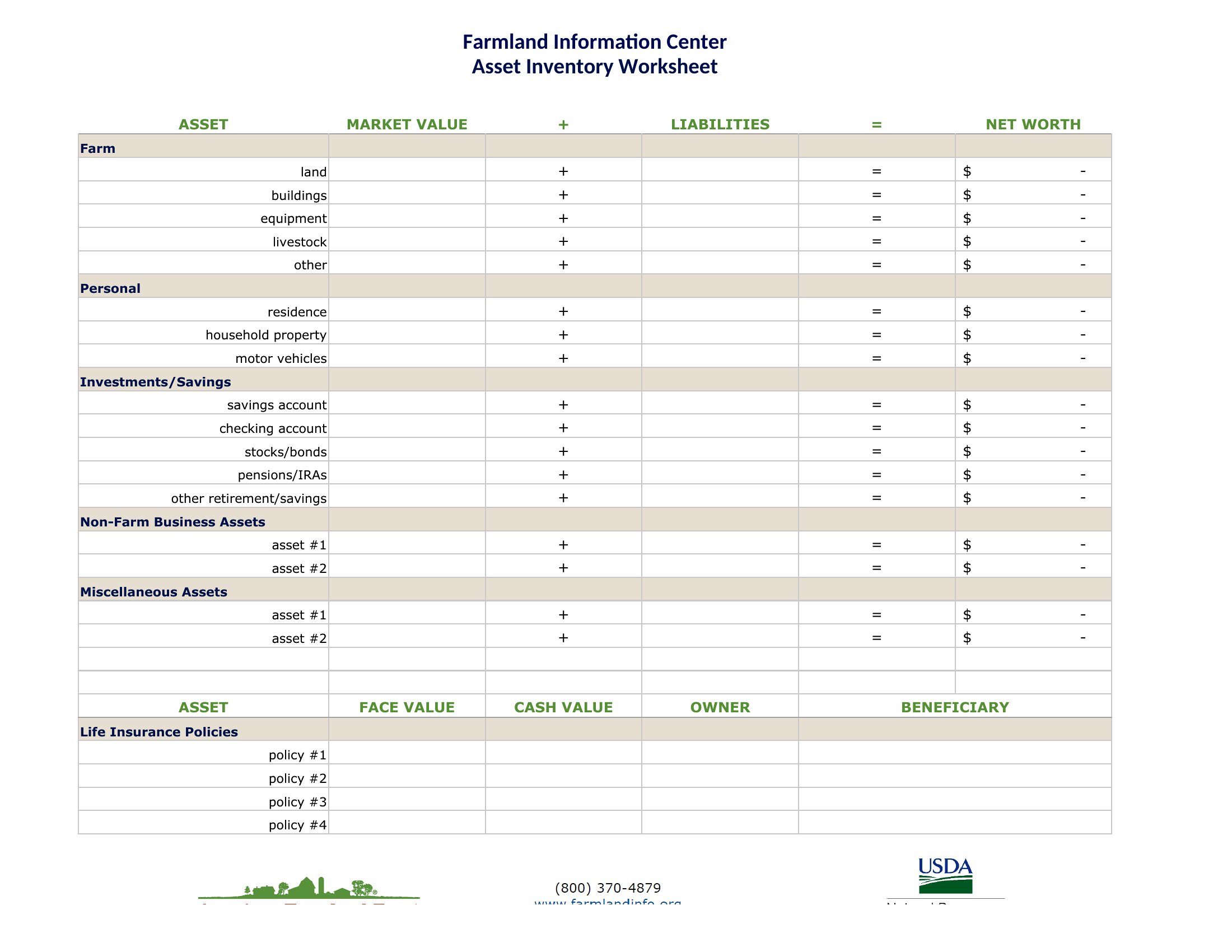
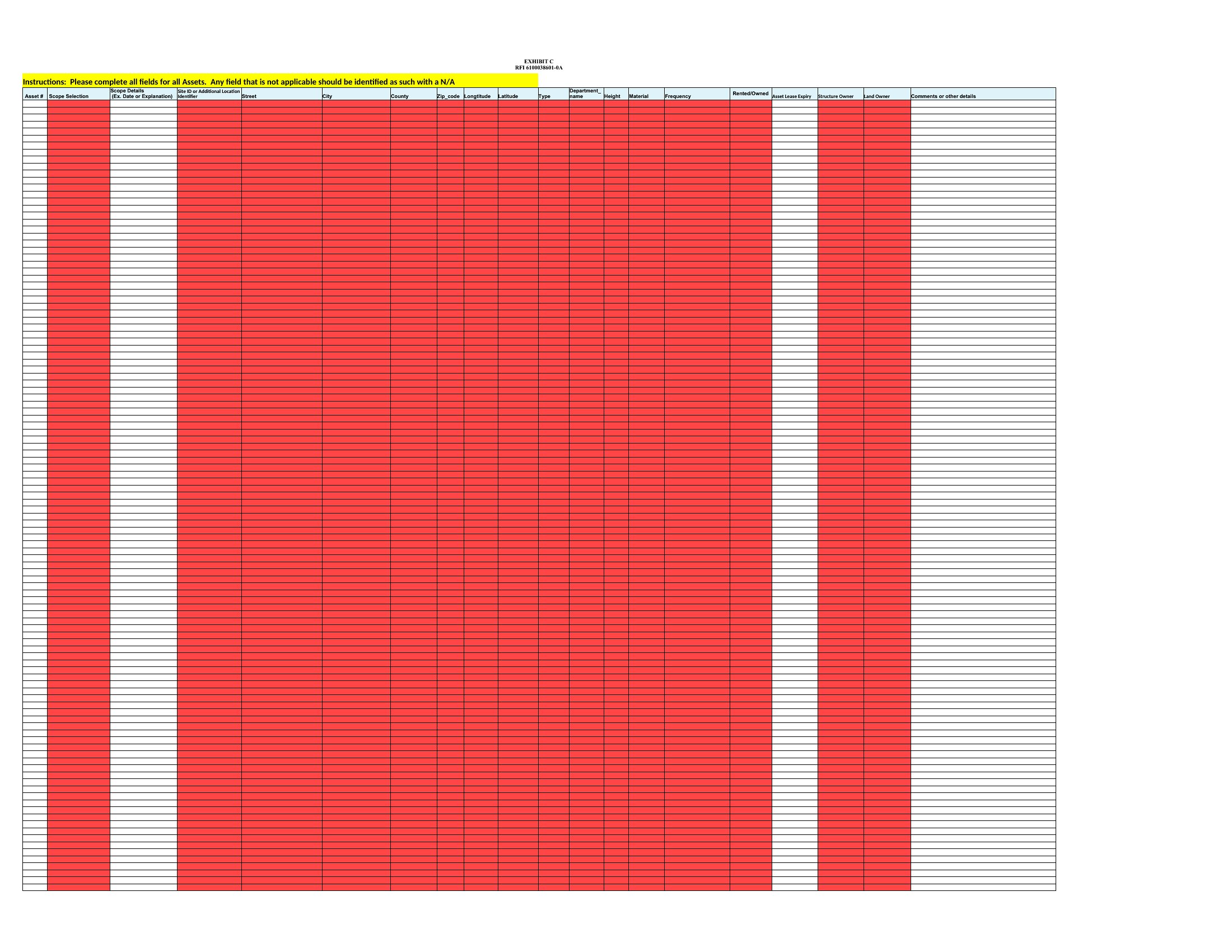
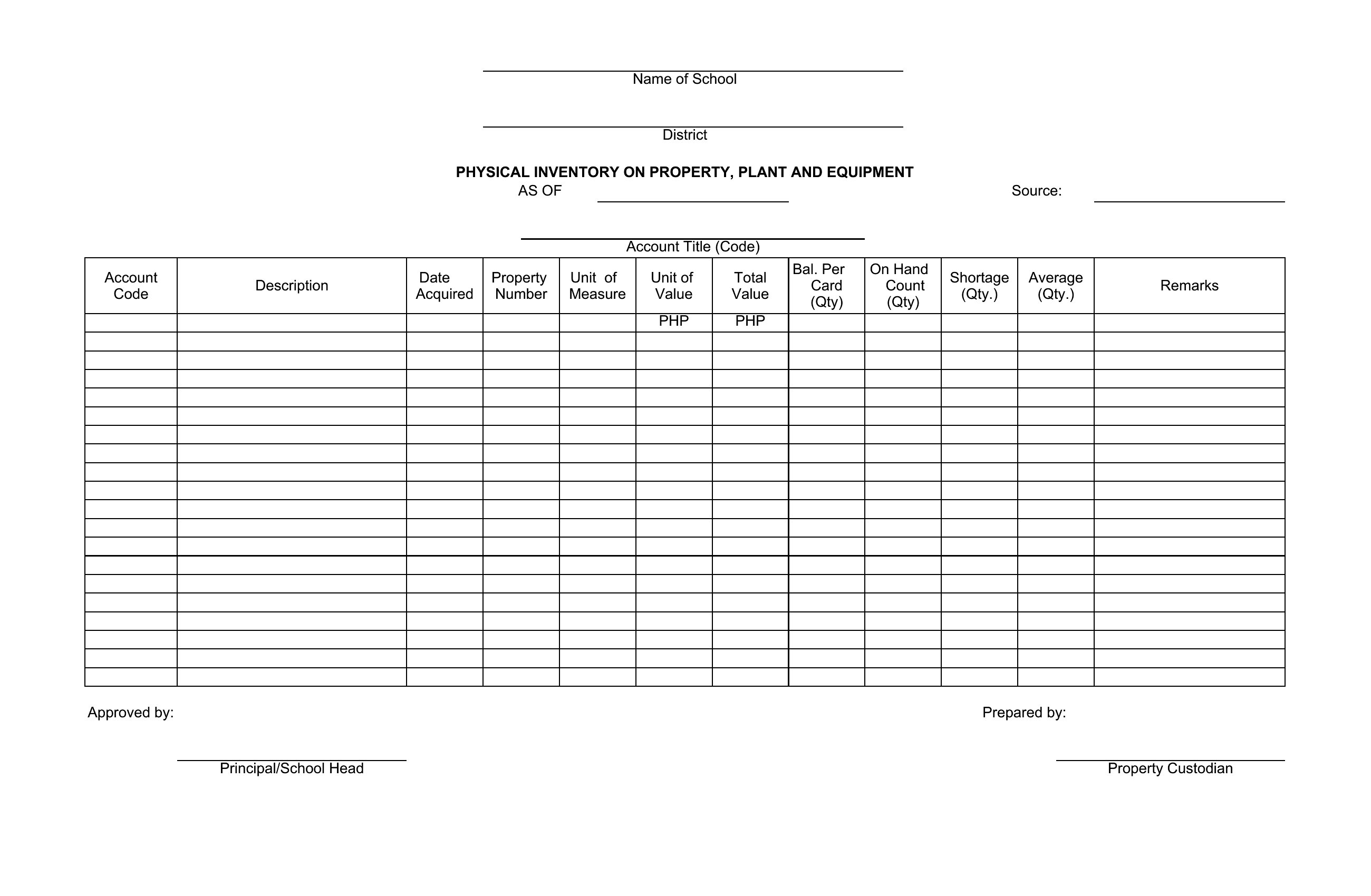
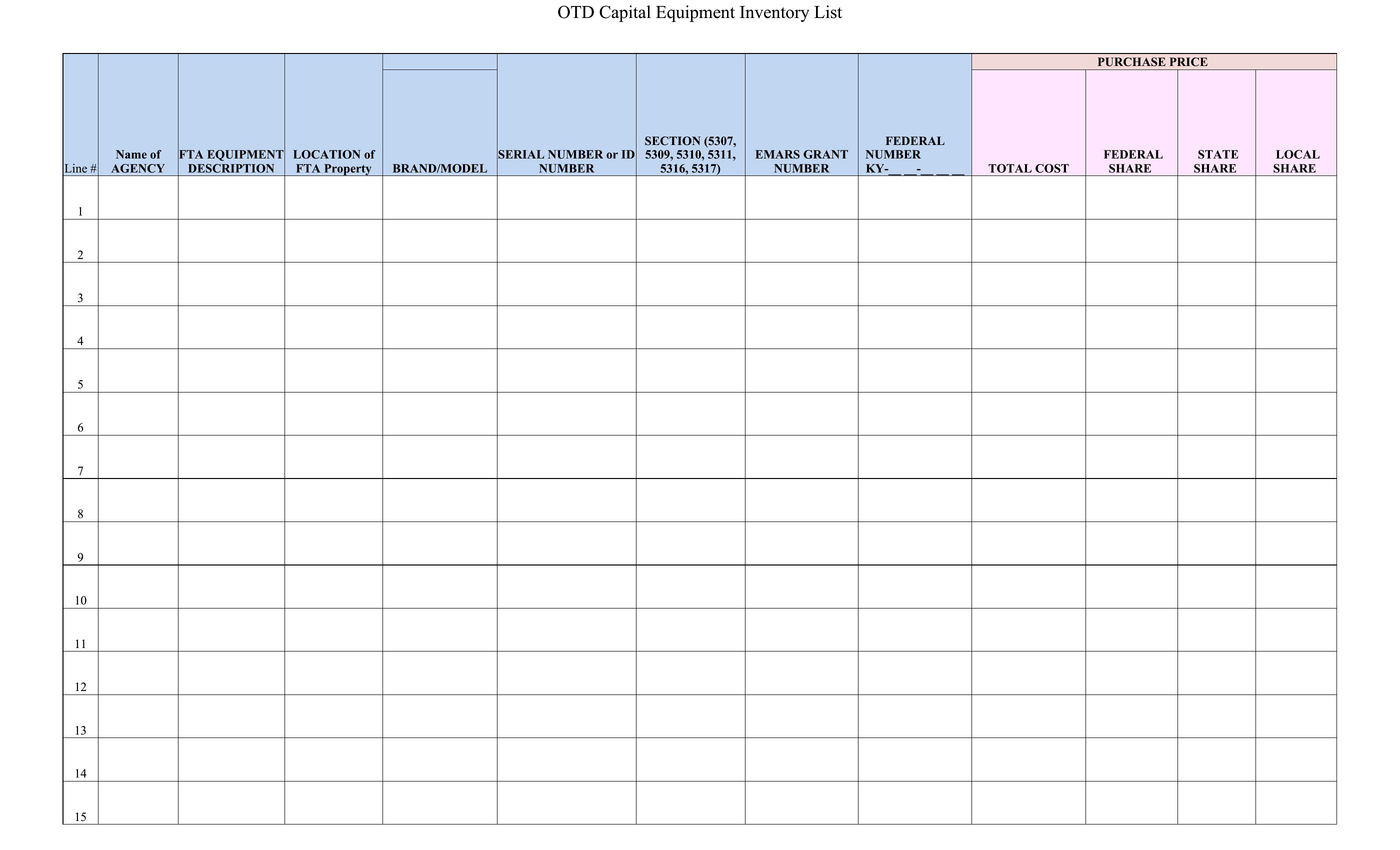
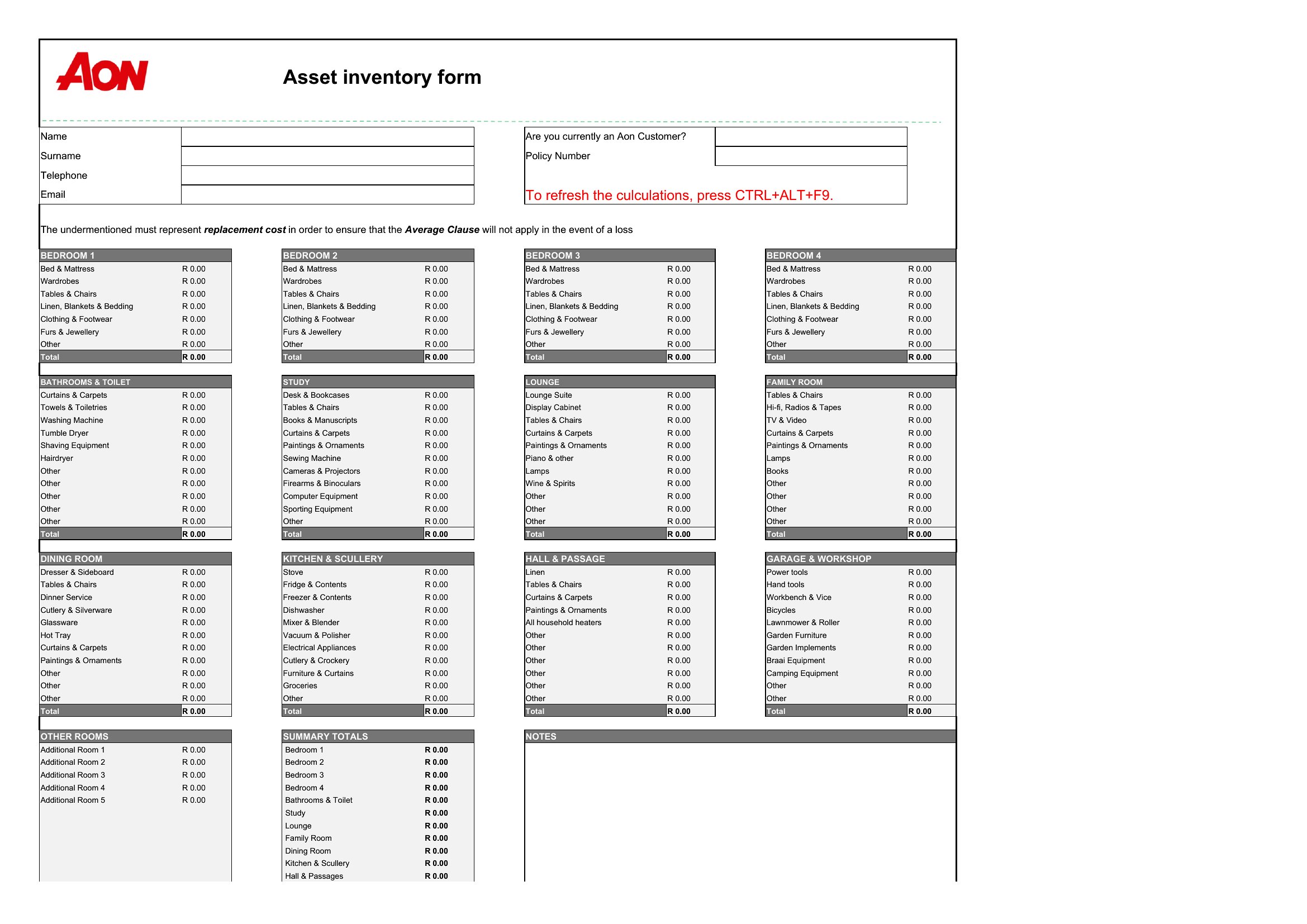
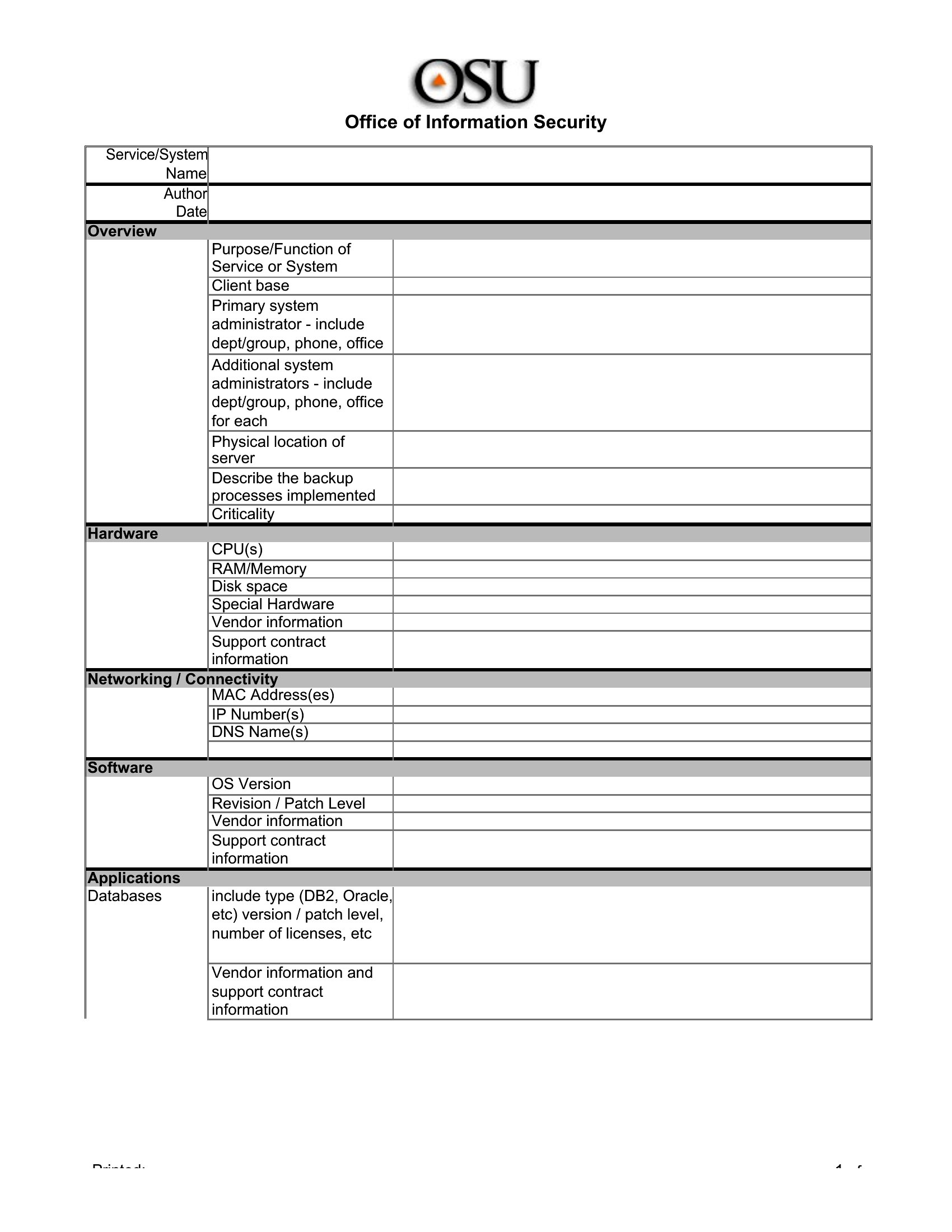
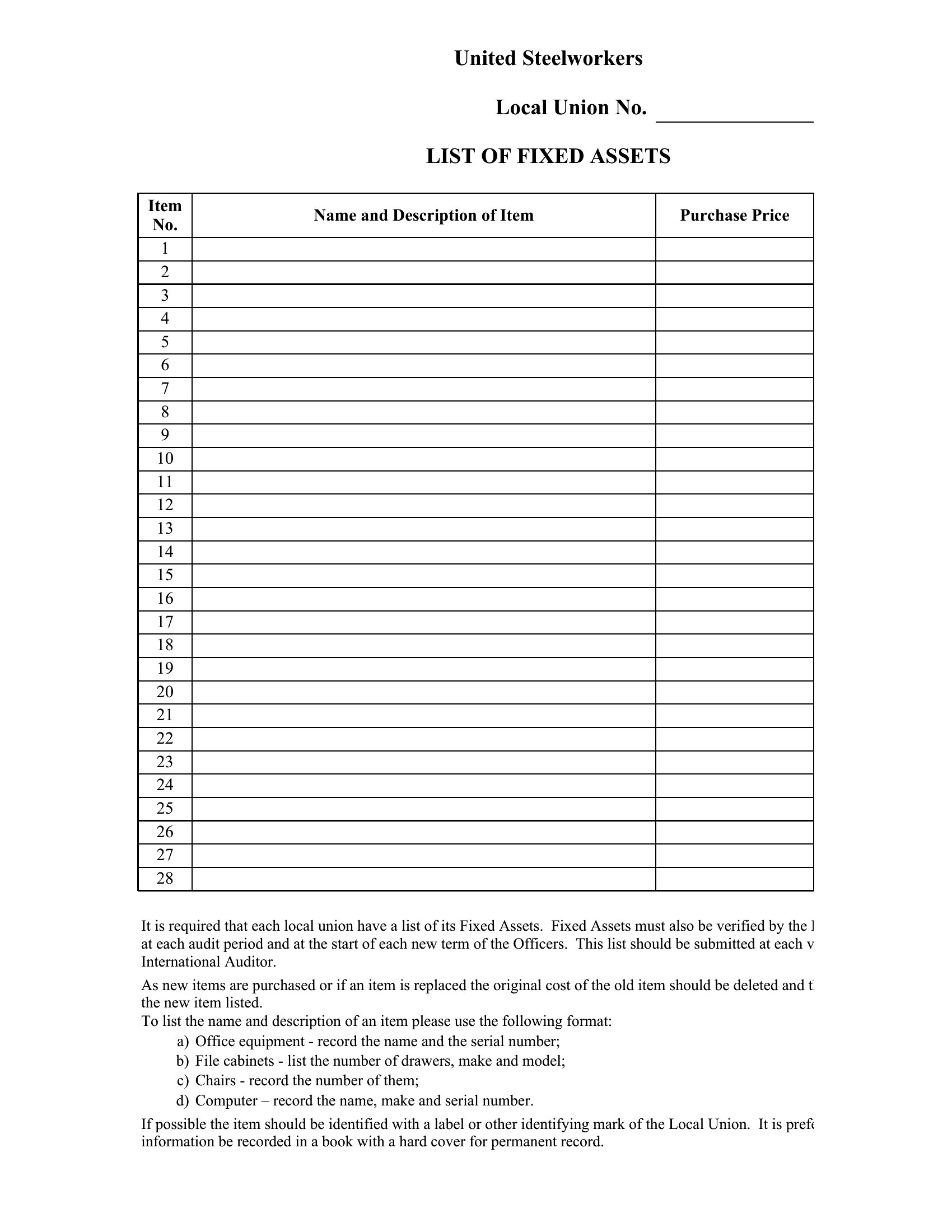
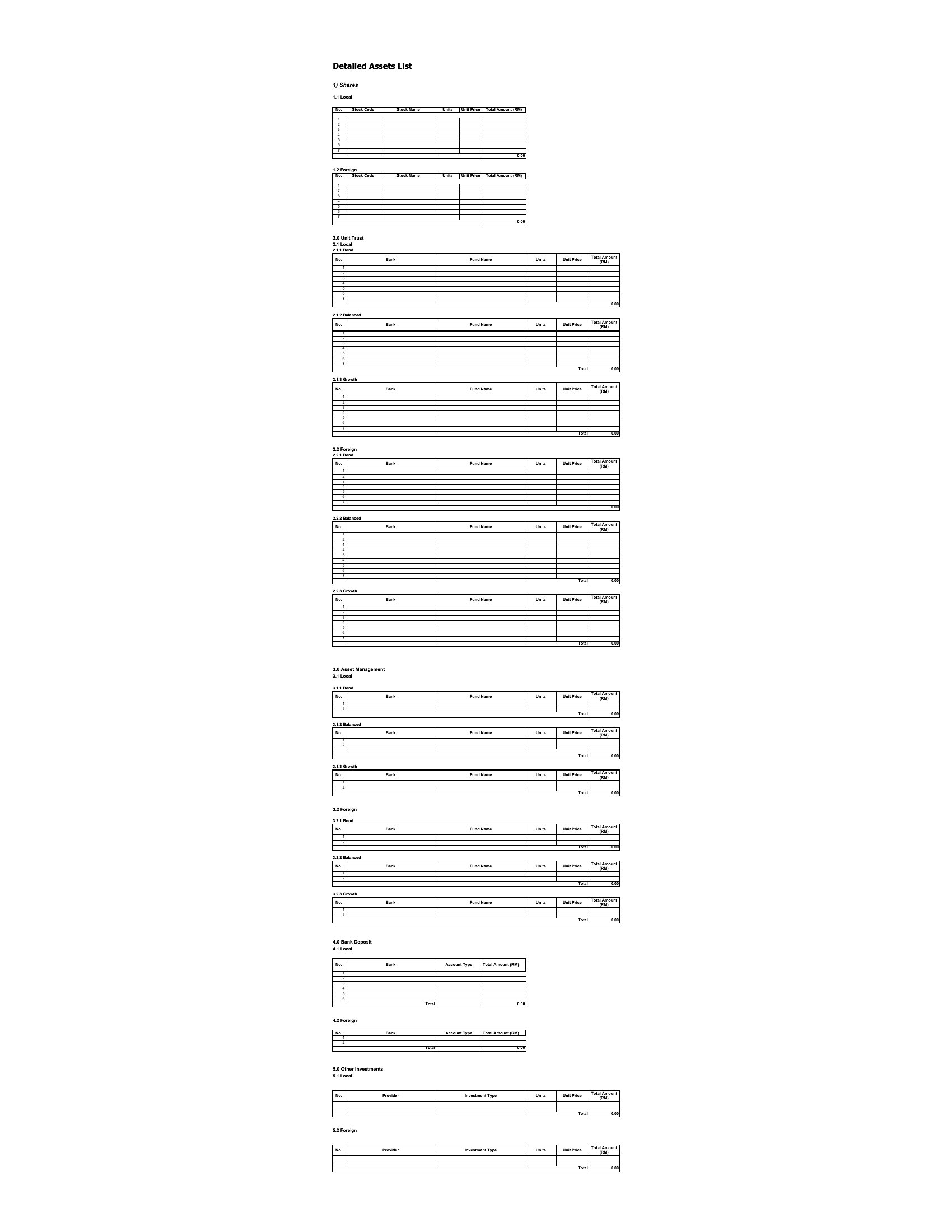
Keeping an accurate list of what your business or household owns pays off at insurance time, tax time, and whenever something goes missing. This set of 53 asset list templates gives owners, office managers, and bookkeepers a structured place to record equipment, values, serial numbers, and purchase dates so nothing slips through the cracks.

The Excel versions total values and let you sort by category or location, while the Word layouts work for a simple printed inventory. Enter your items, update the list as you buy or retire assets, and keep a copy somewhere safe. Download the version that fits your needs and get a clear picture of what you own.

When to use this Asset List template

  • Small business owners tracking inventory, serial numbers, and depreciation schedules for tax deductions and insurance claims during quarterly reviews or audits.
  • Property managers organizing rental unit fixtures, appliances, and outdoor equipment to document condition before new tenants move in or before annual inspections.
  • Real estate investors cataloging purchased properties’ assets—landscaping, HVAC, smart home tech—to assess resale value or determine repair priorities after acquisitions.
  • Nonprofit coordinators recording donated equipment and office supplies to justify grants, monitor usage, and streamline future fundraising appeals to sponsors.

Which format should I download?

WordExcel

Choose Word for detailed, narrative-based asset lists where you’ll add purchase receipts, photos, or descriptive notes (e.g., a law firm’s tech inventory with warranty details). Excel is ideal when you need automatic calculations (total value, depreciation), sorting/filtering by category, or sharing data with accountants. For mixed needs—like a landlord tracking both equipment and financials—Excel’s flexibility wins, but Word’s clarity may suit static, one-time reports. The Word templates fit best for non-technical users; Excel suits those comfortable with formulas.

Choose from 53 Asset List Templates

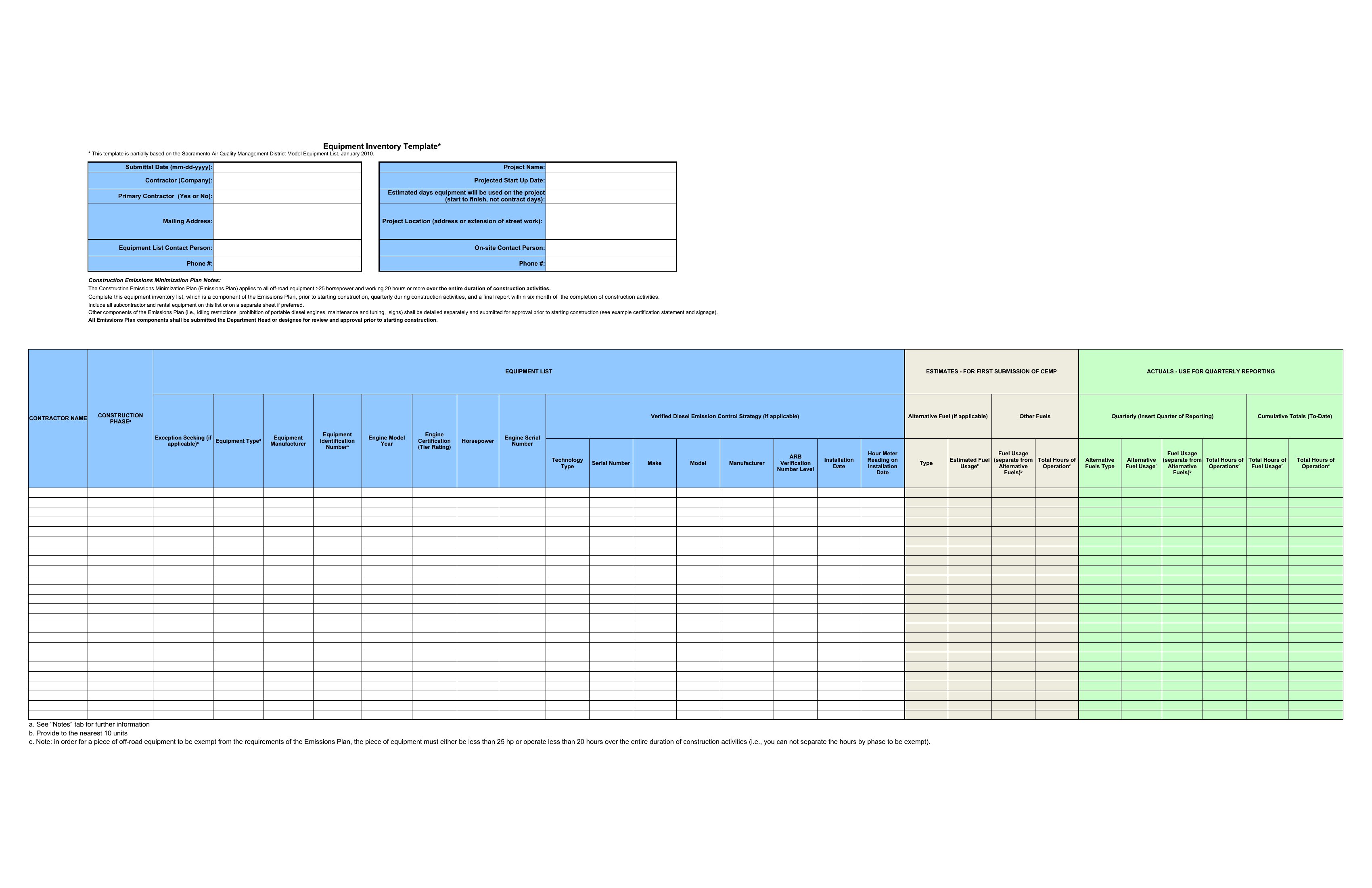
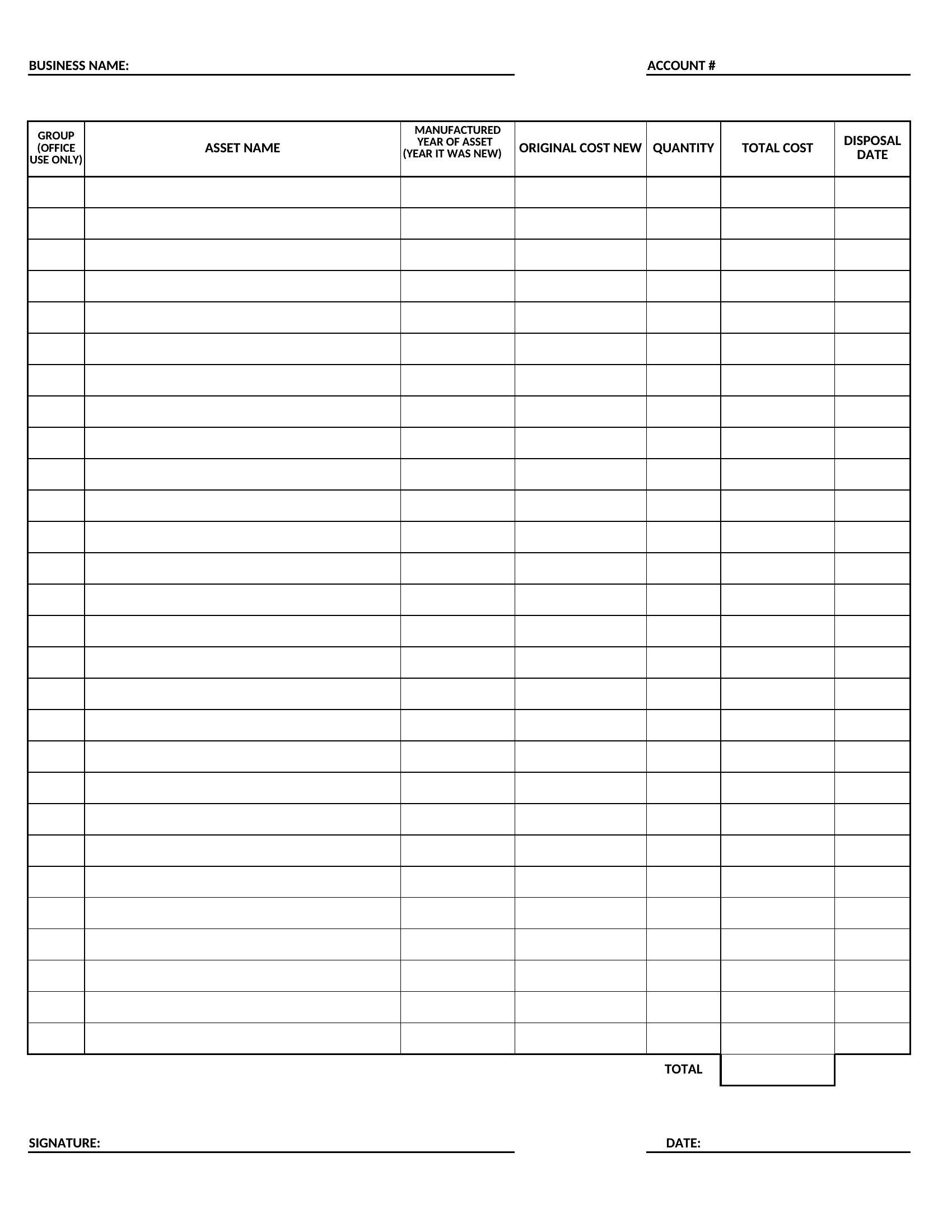
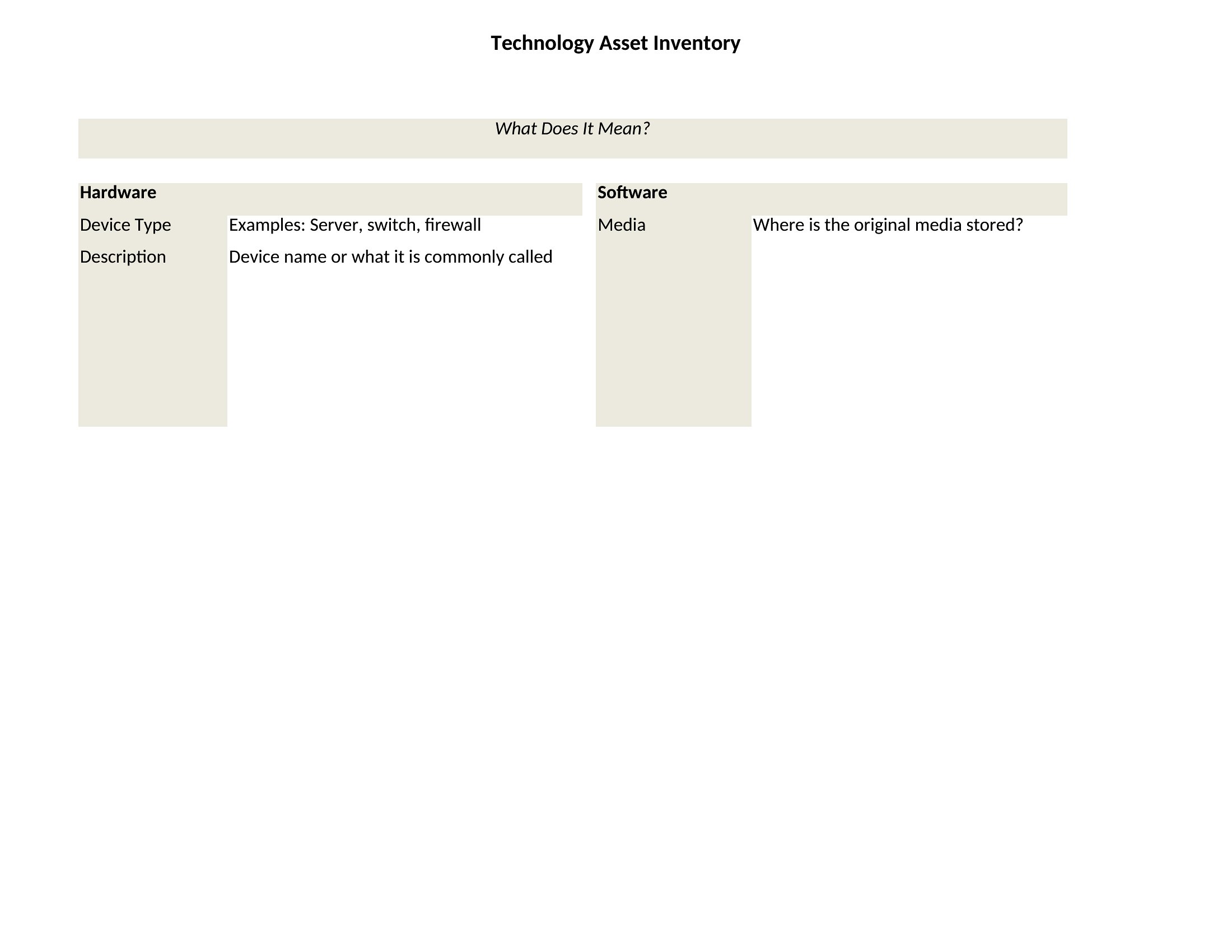
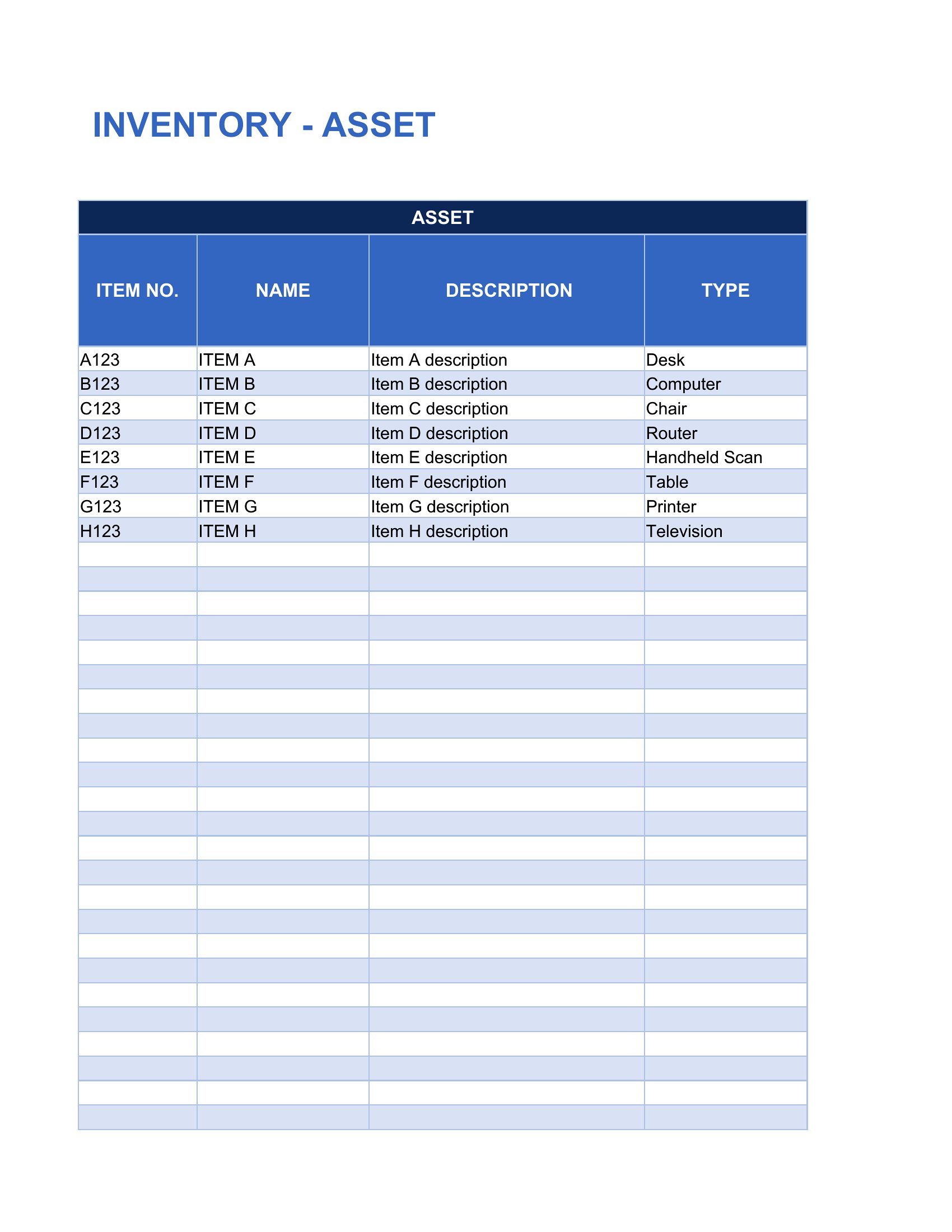
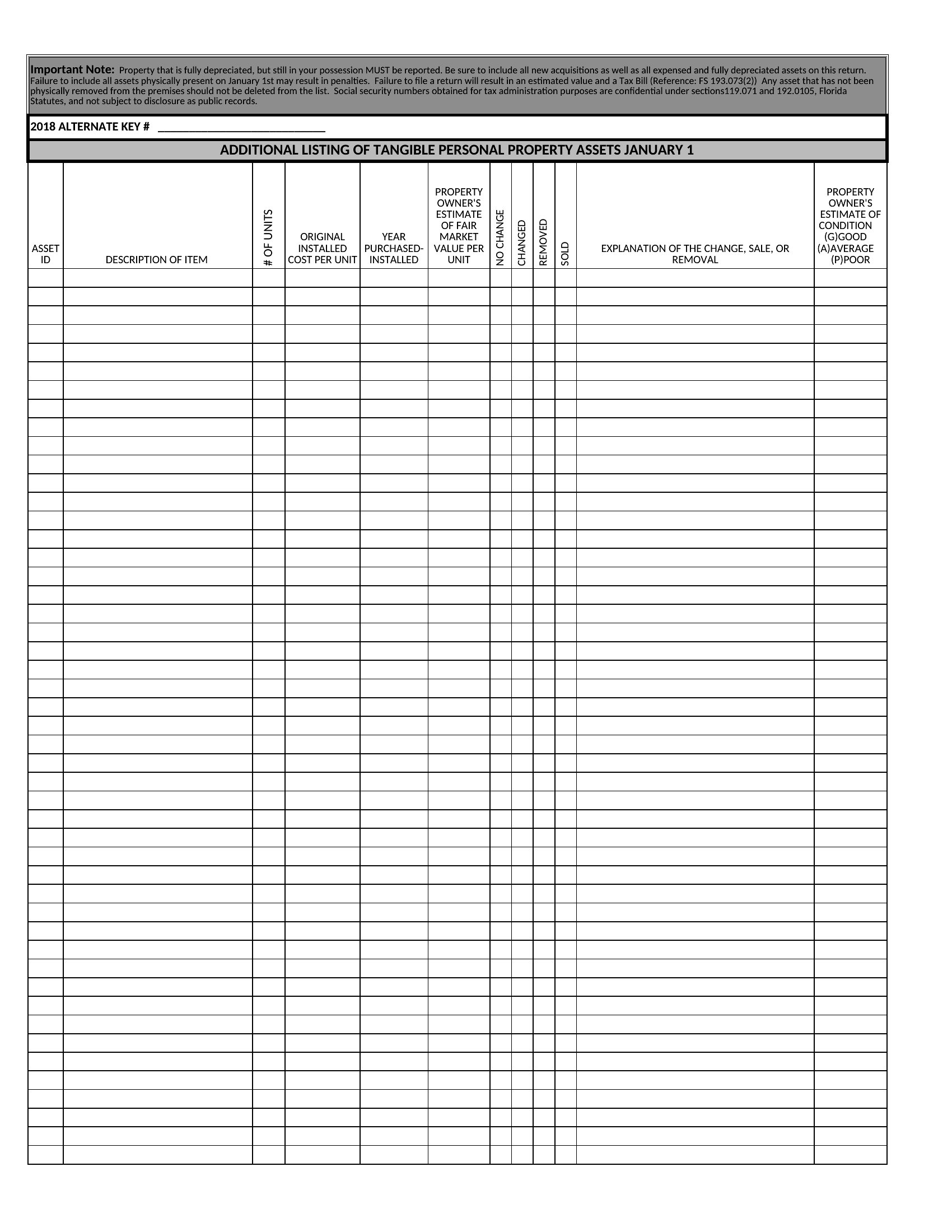
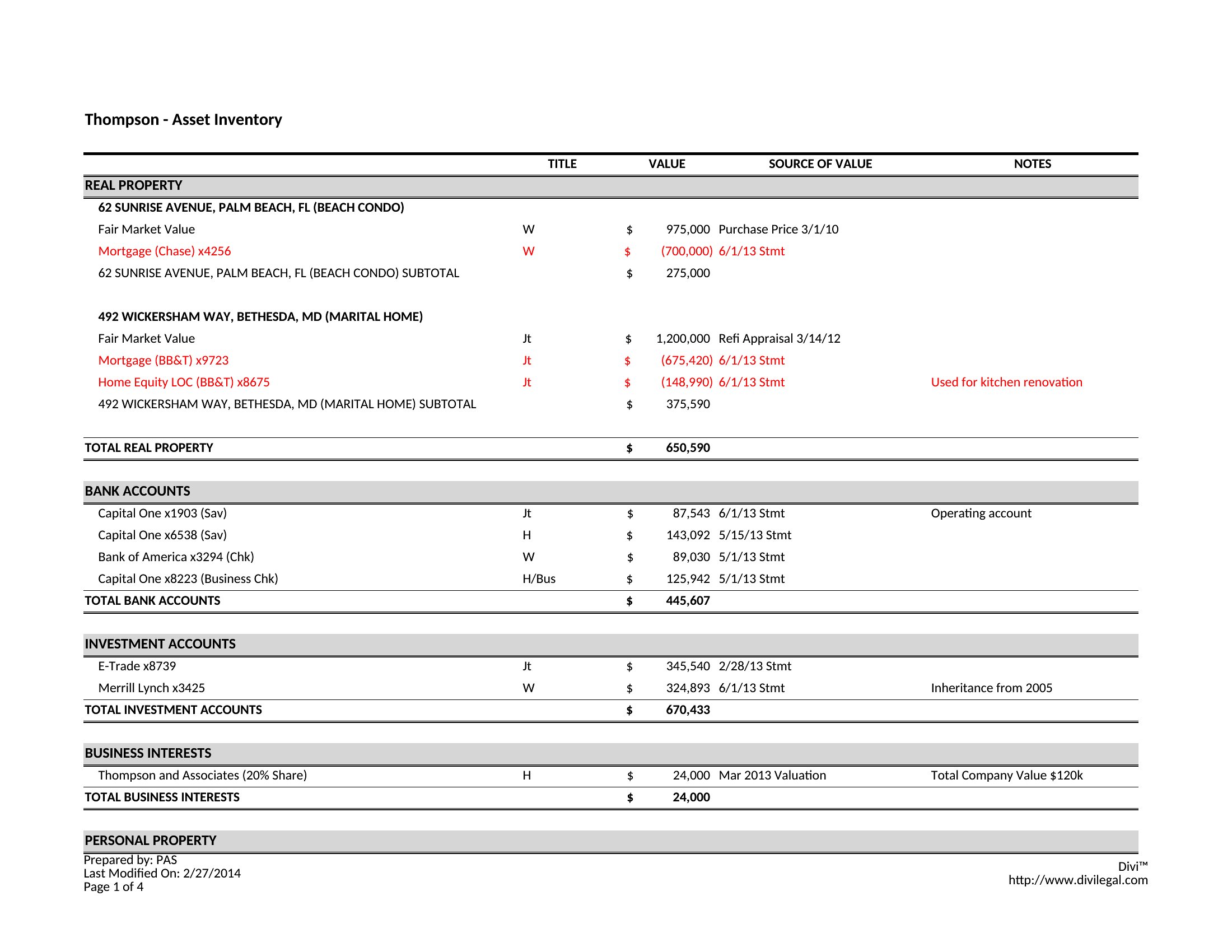
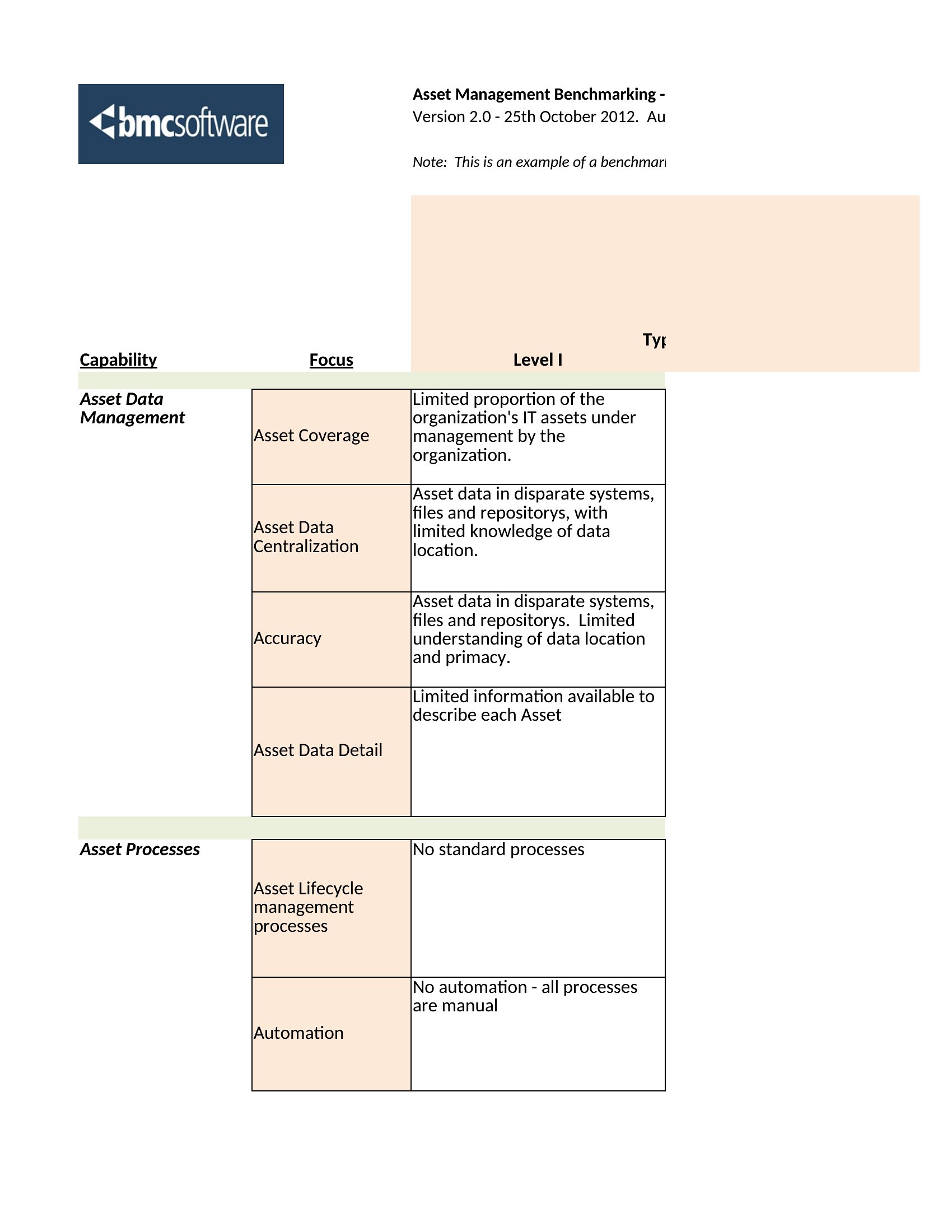
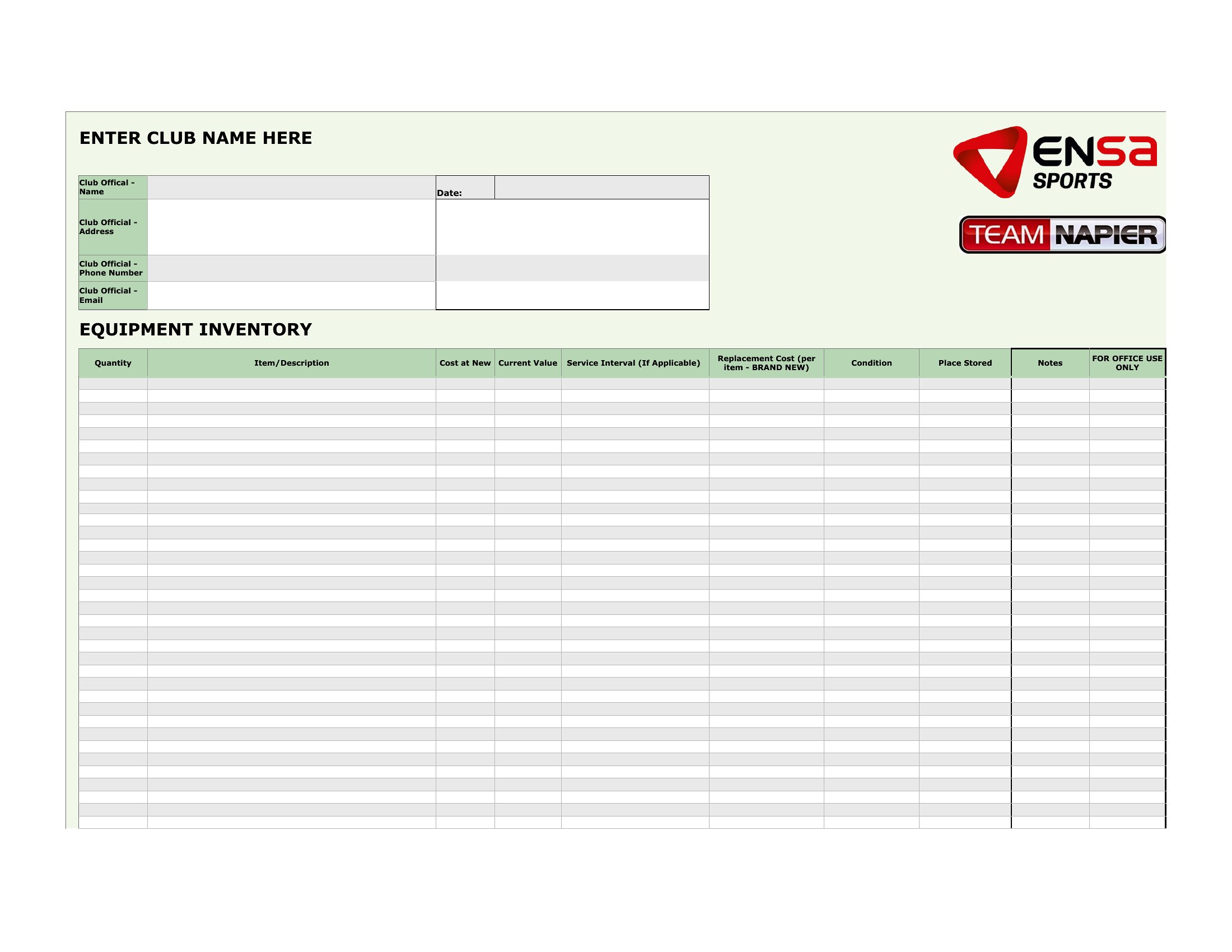
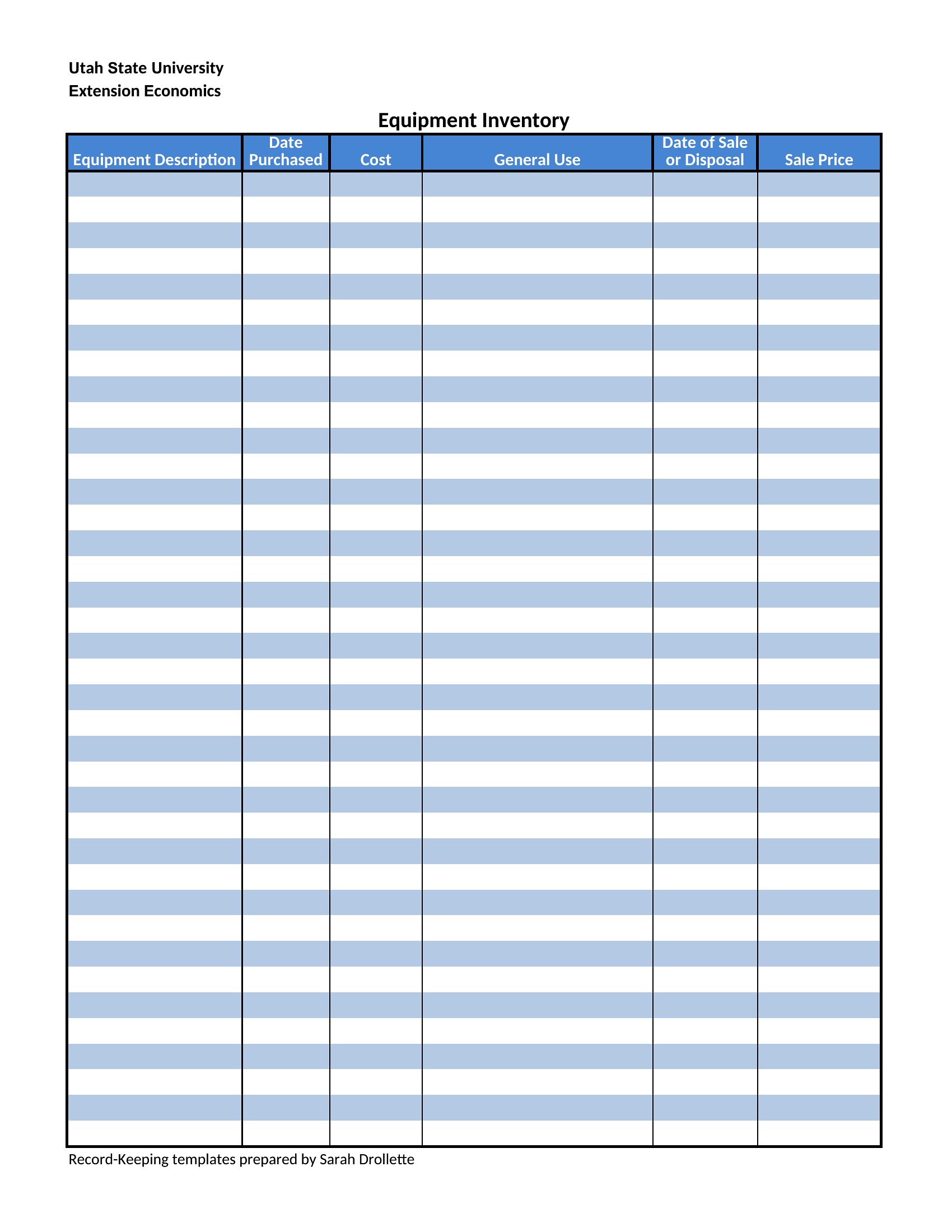
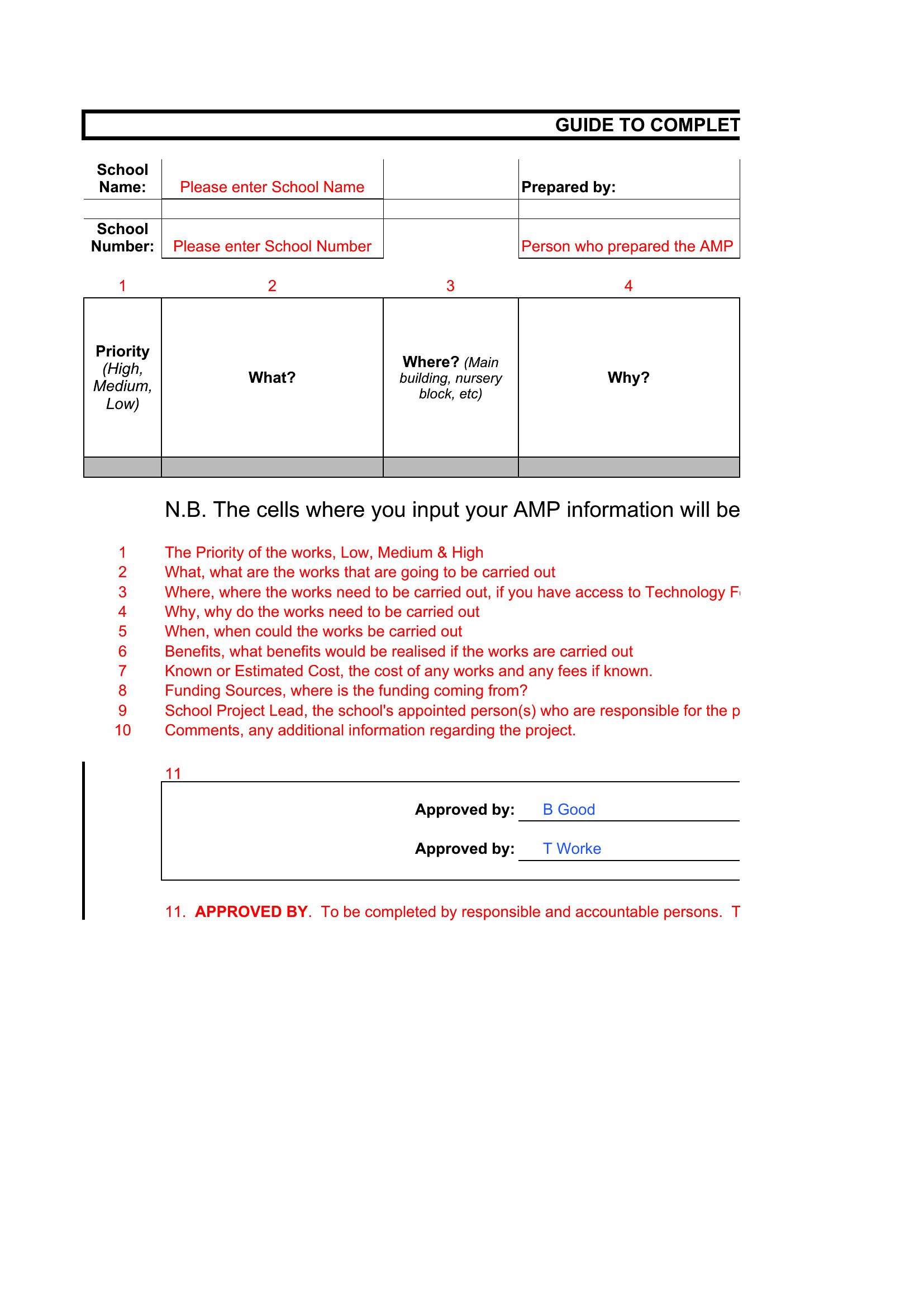
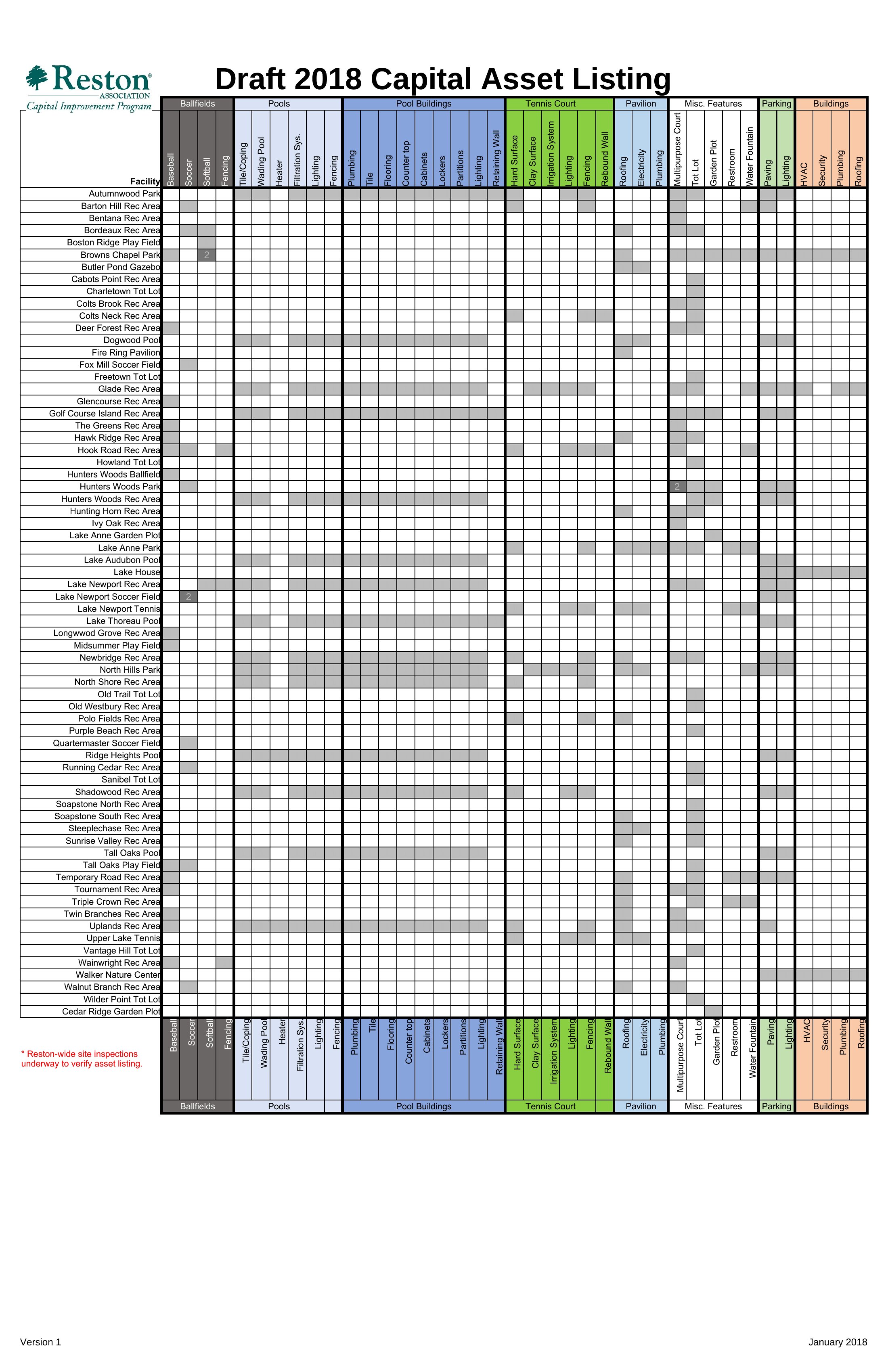
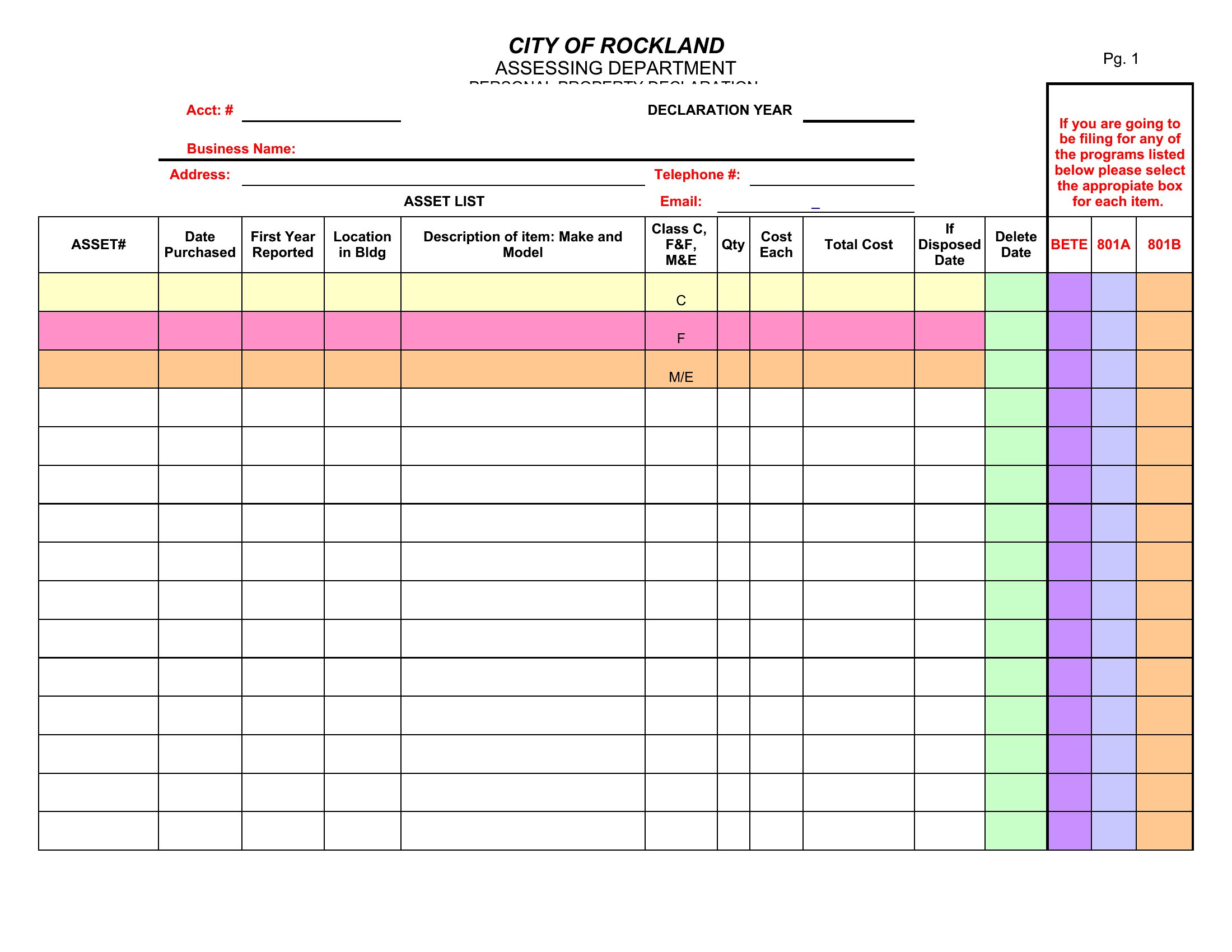
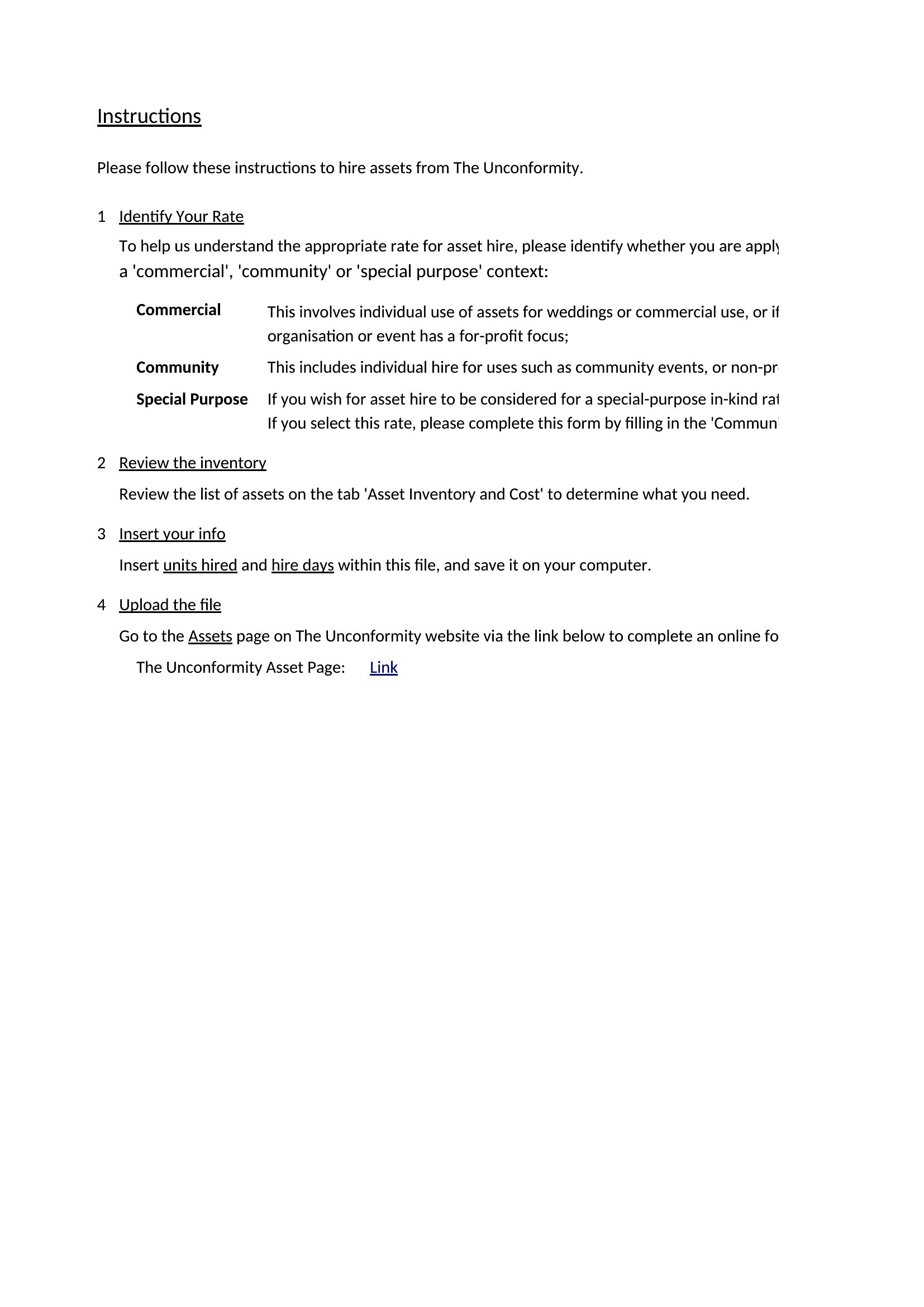
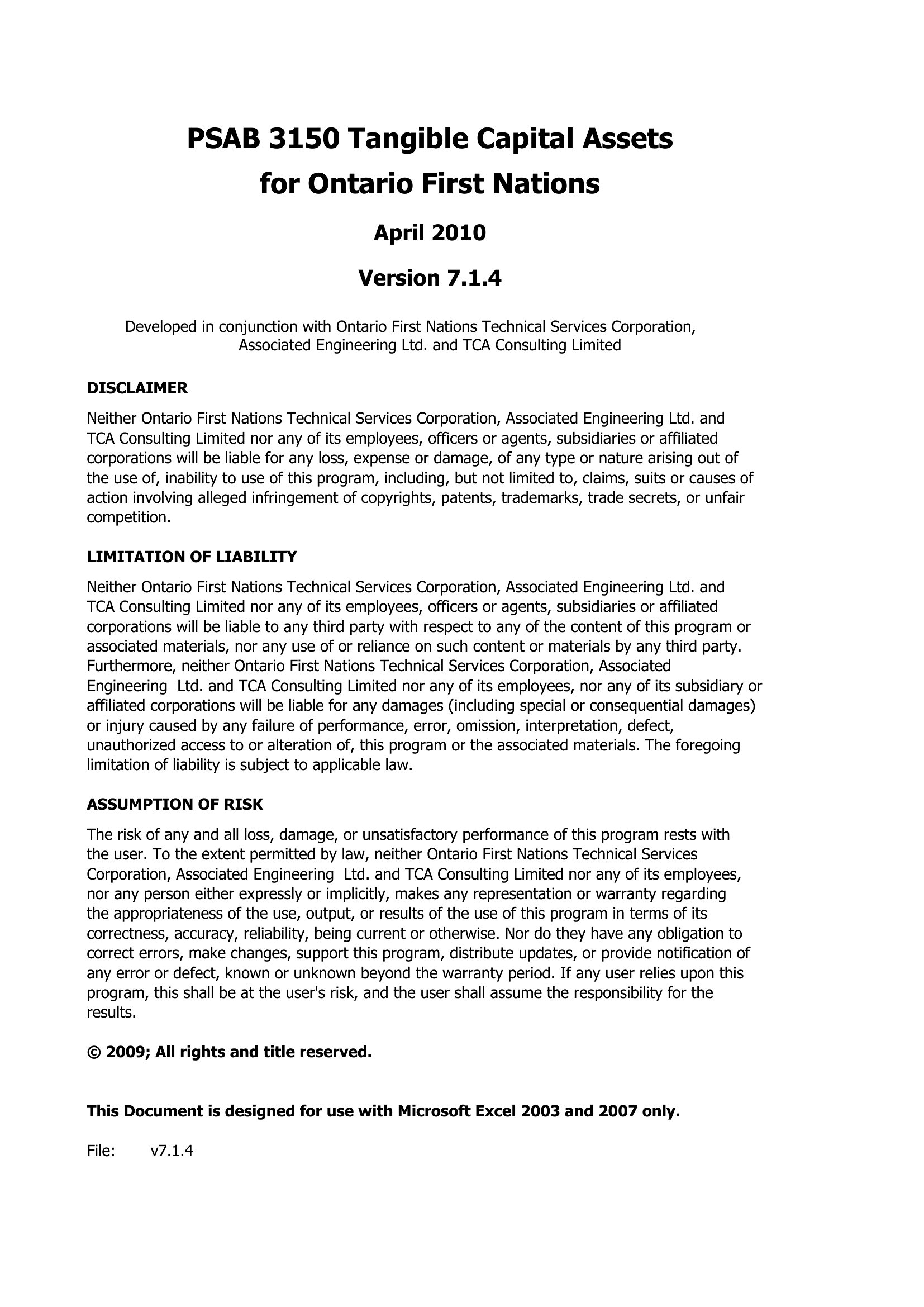
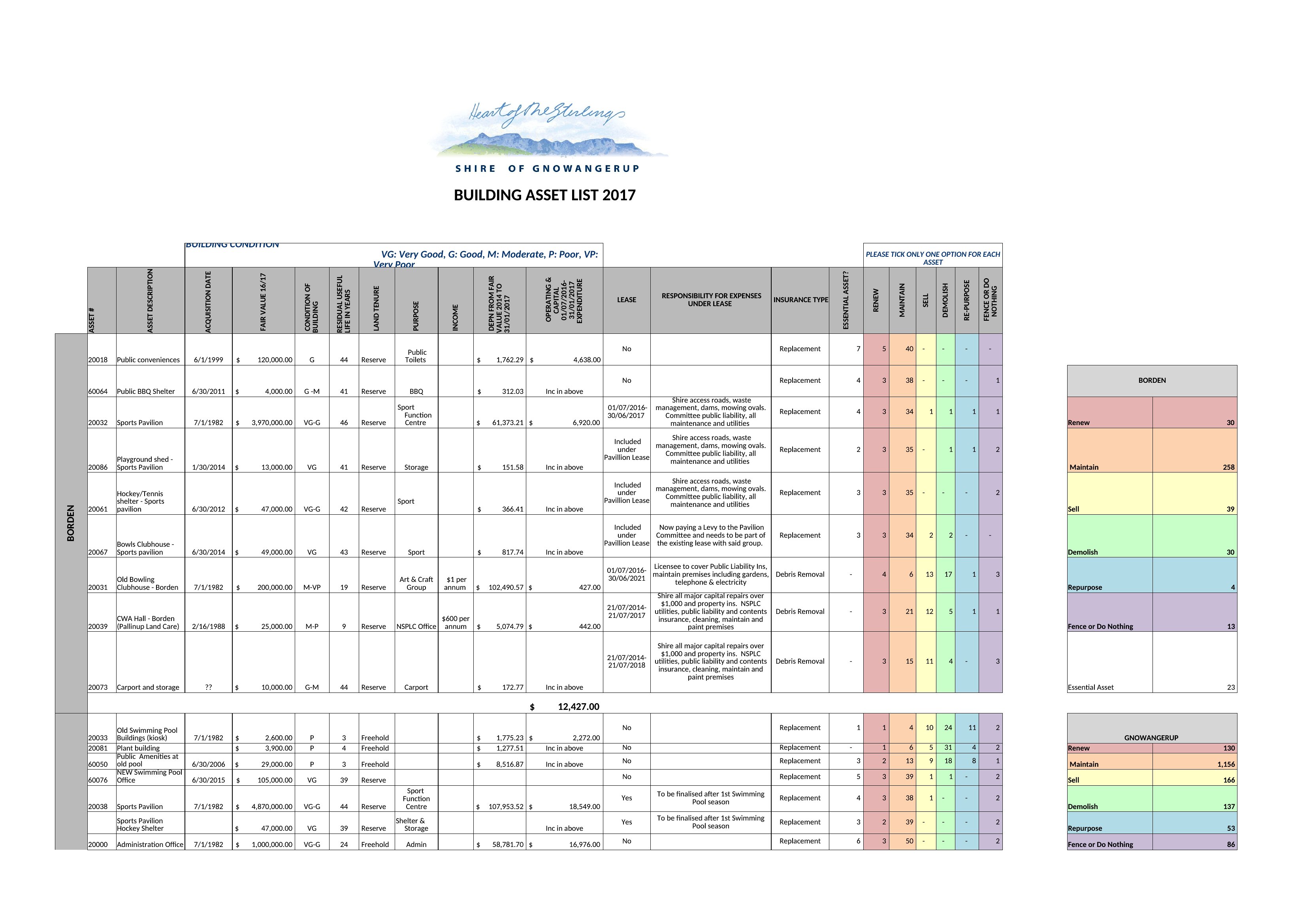
Word Asset List template thumbnail
0 downloads
Download
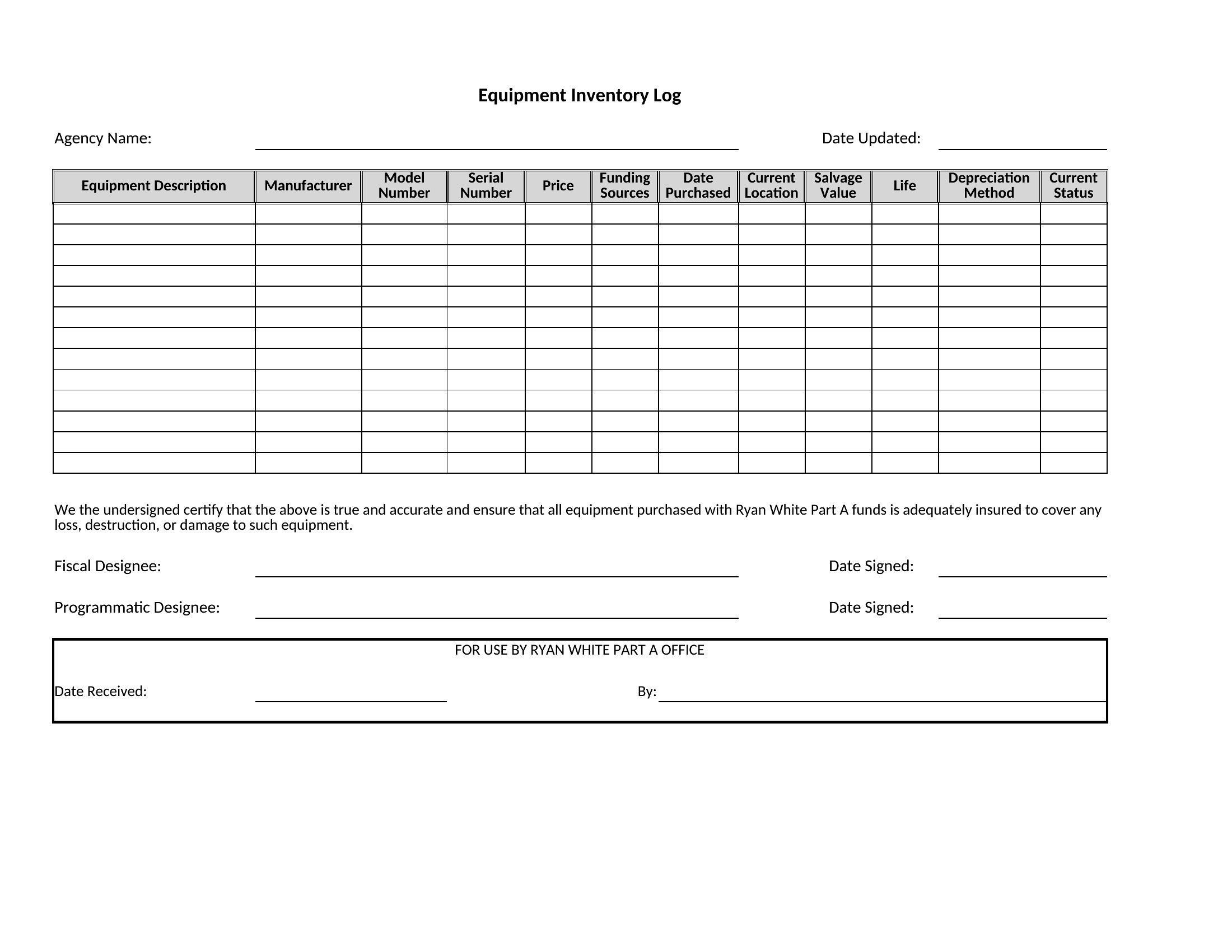
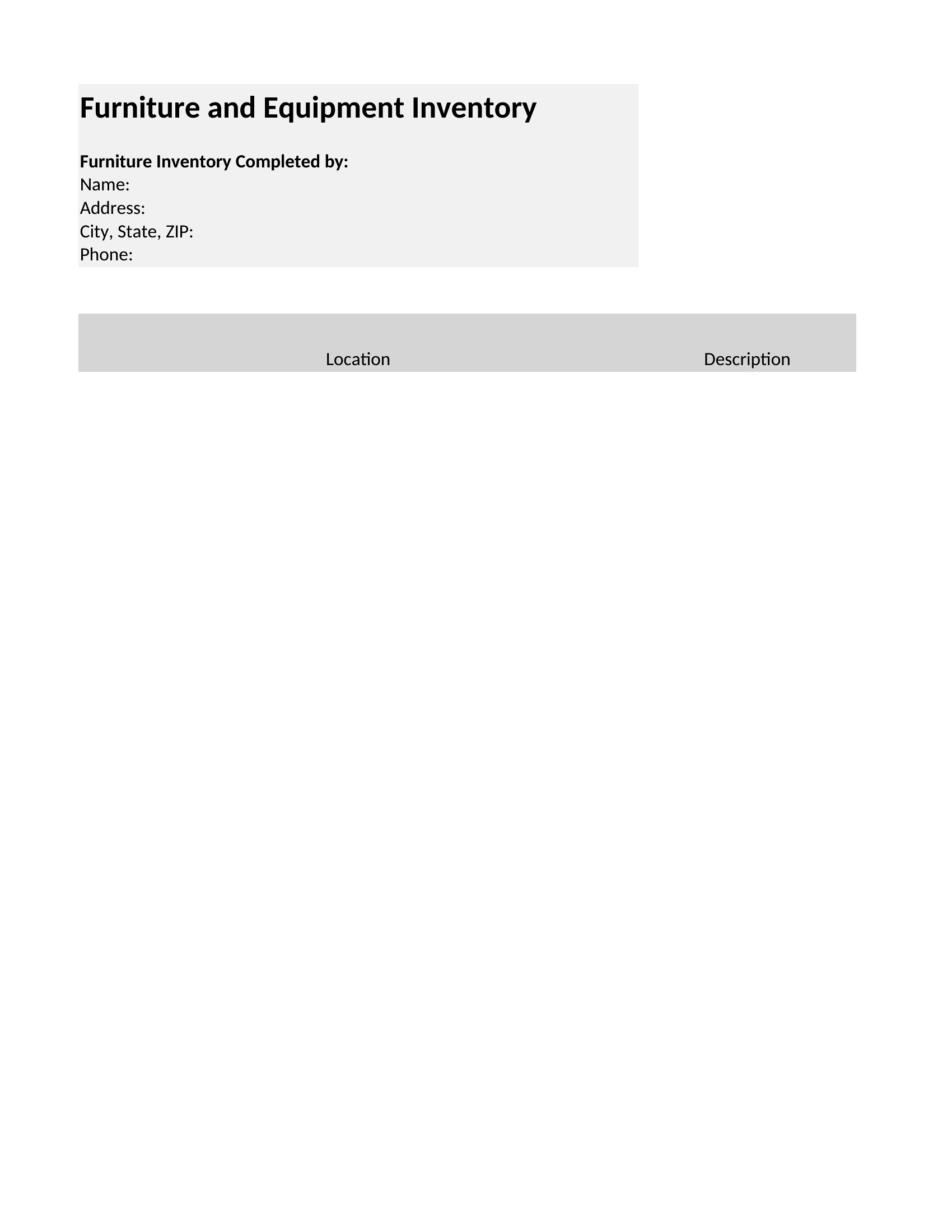
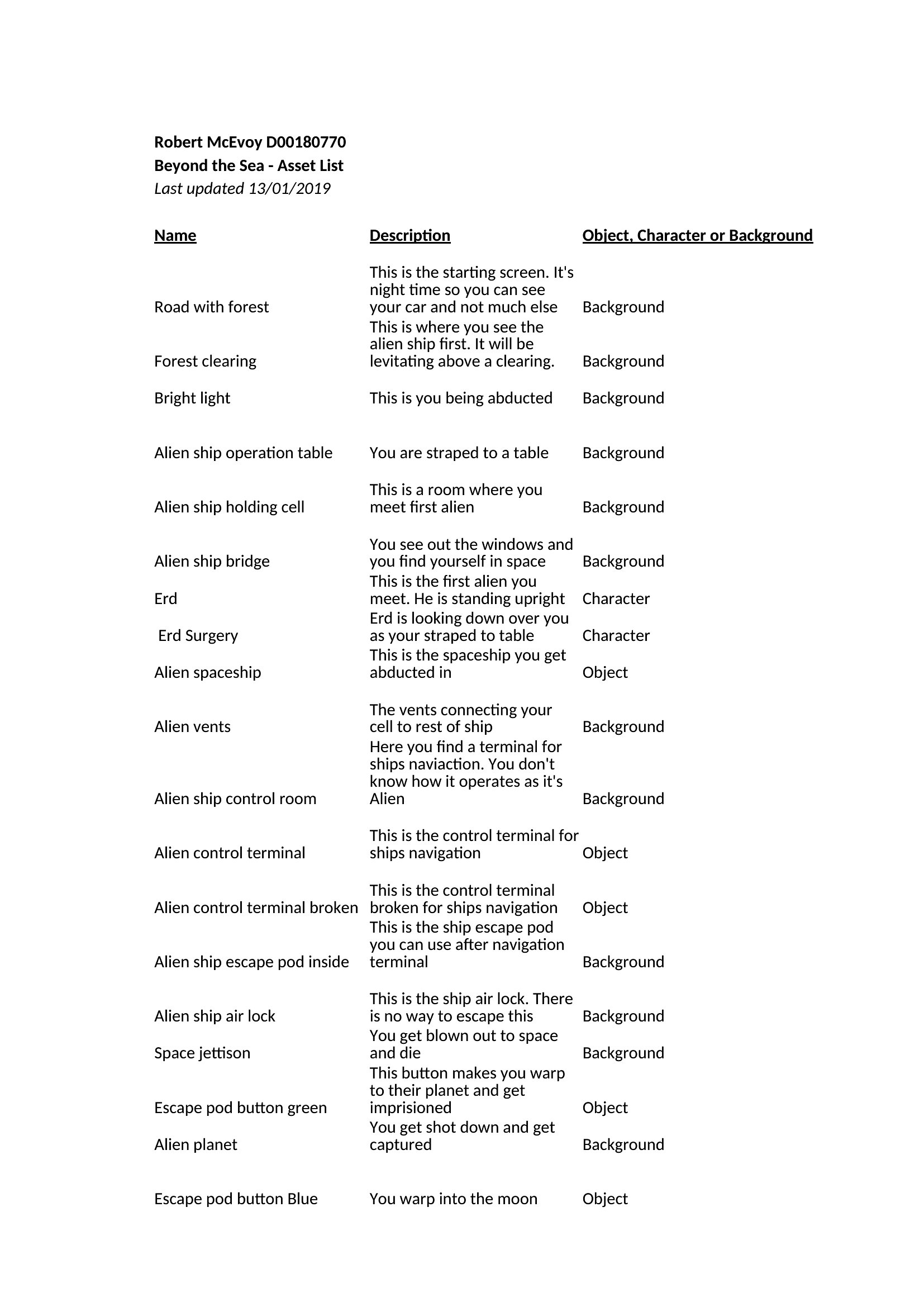
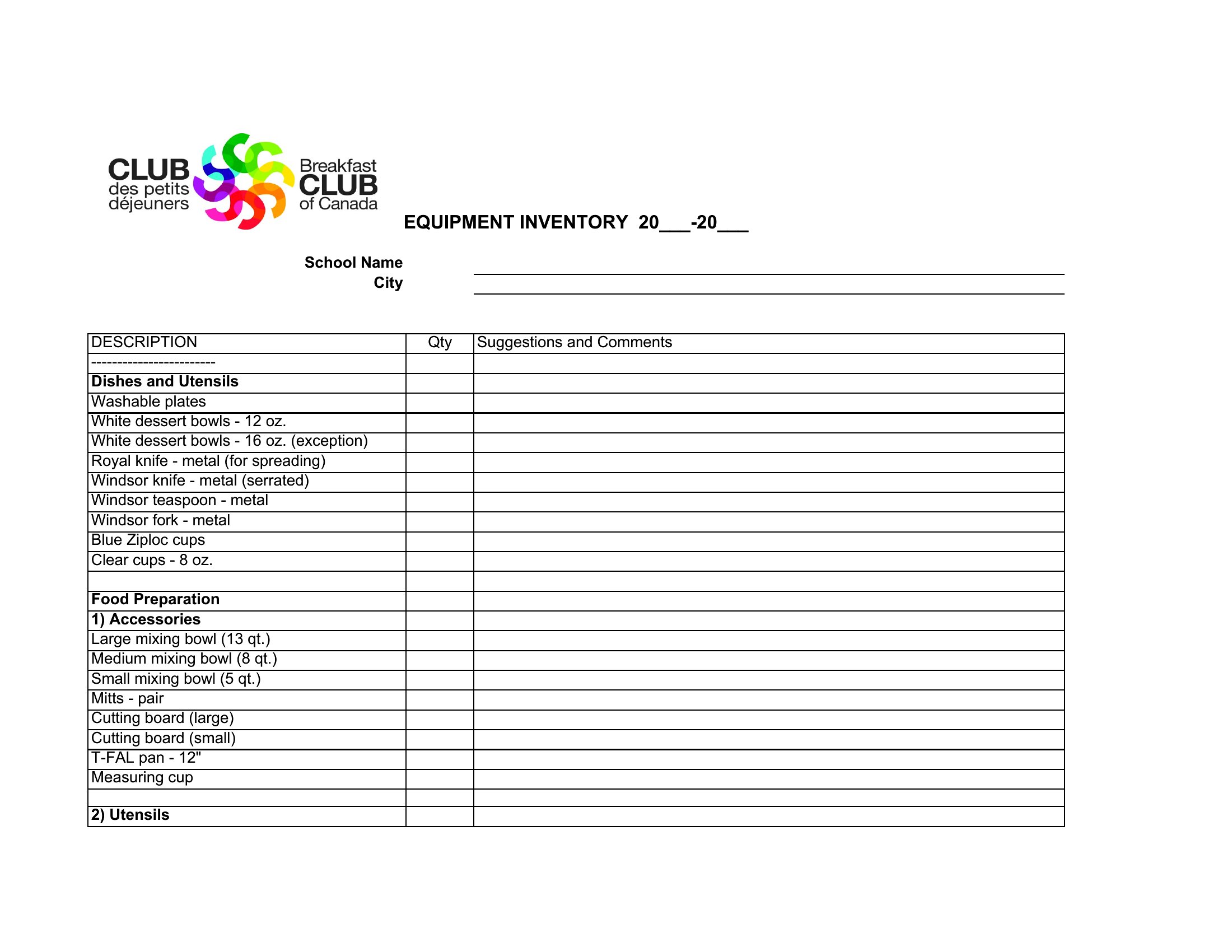
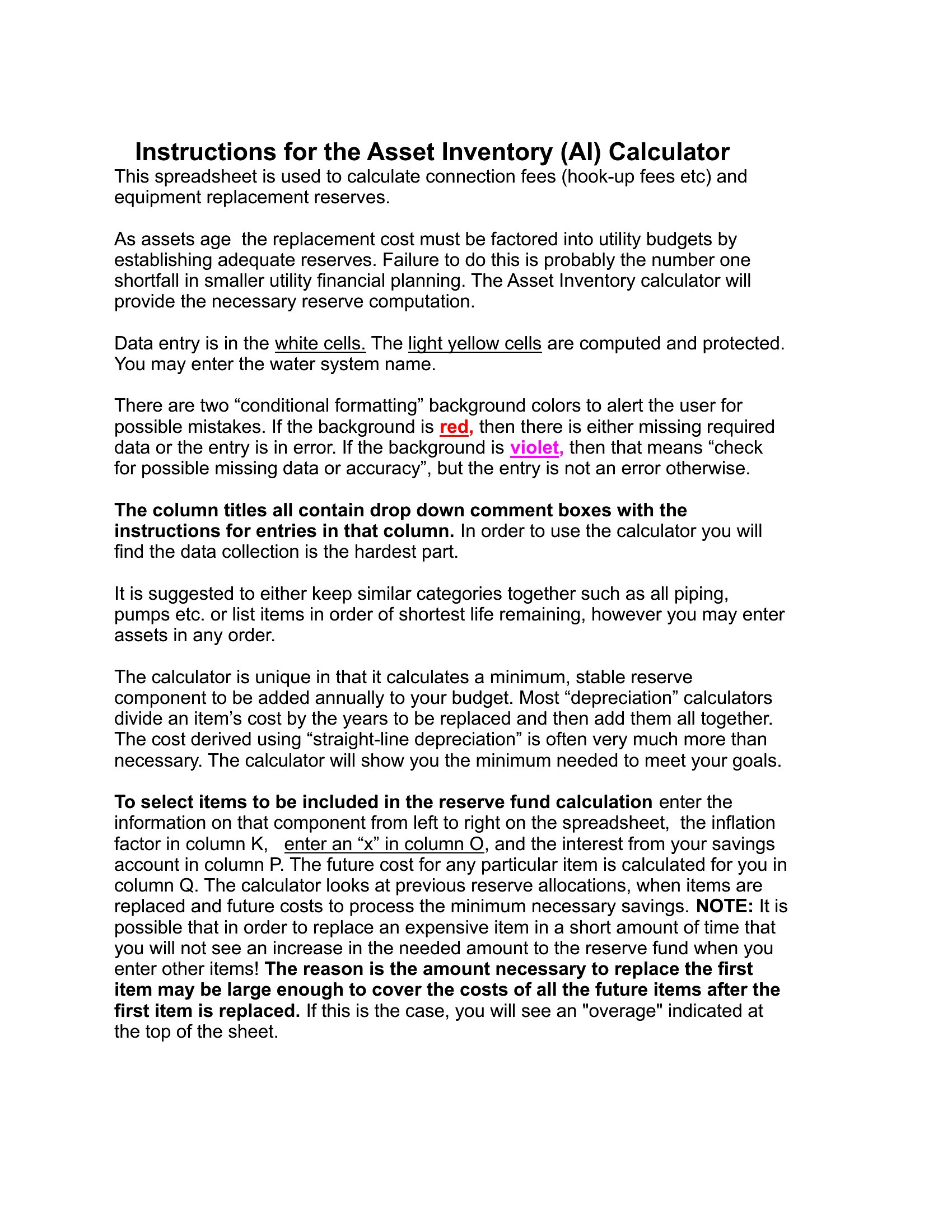
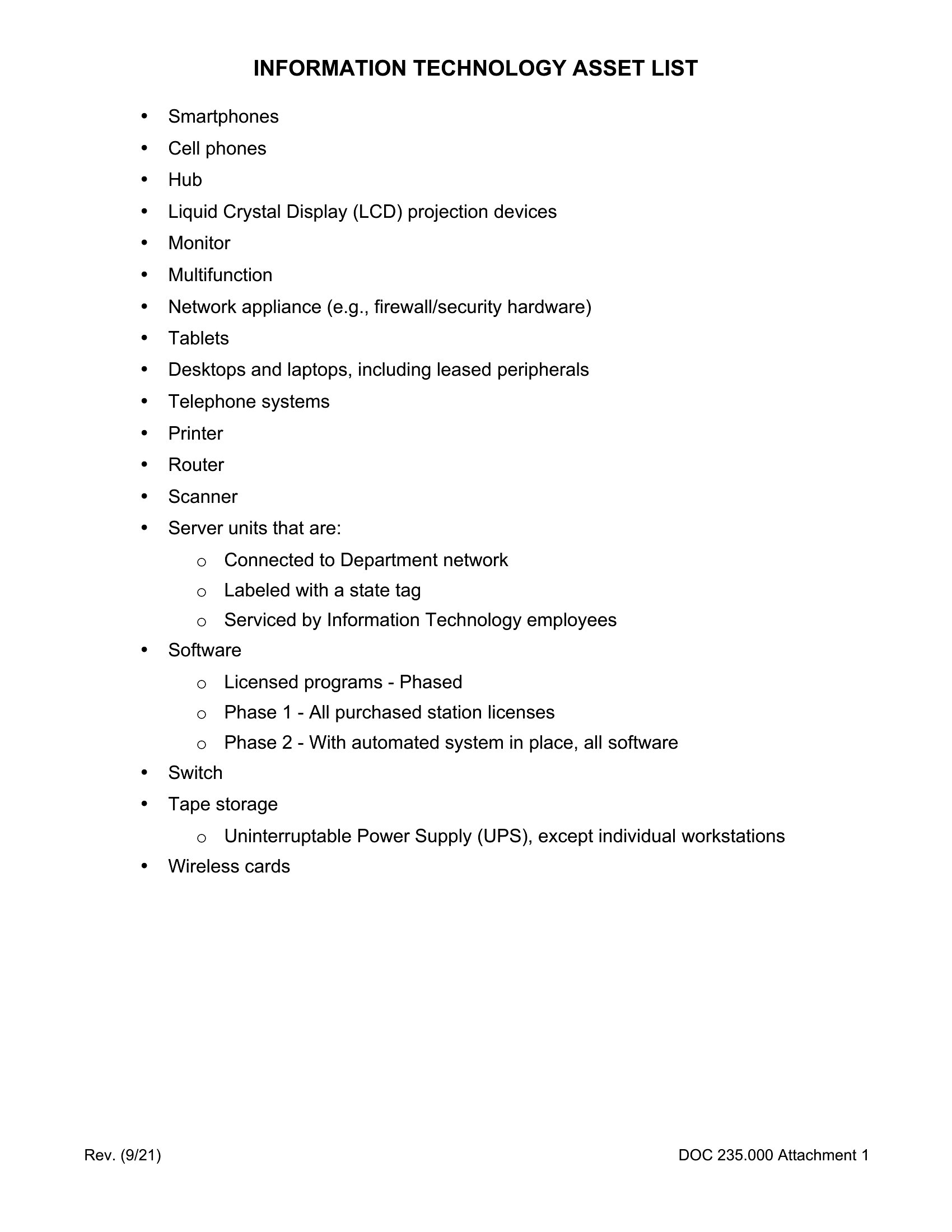
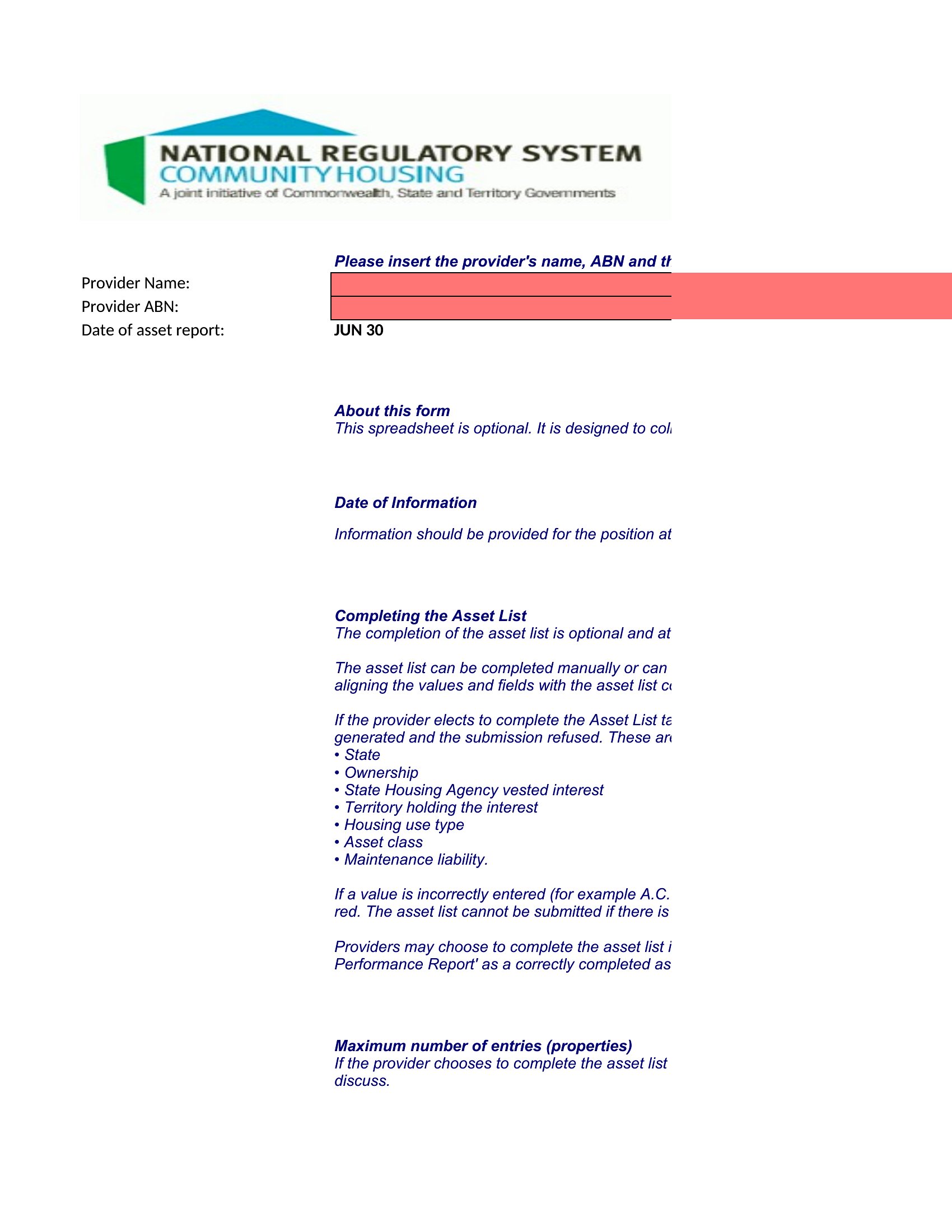
Word Asset List Free template thumbnail
0 downloads
Download
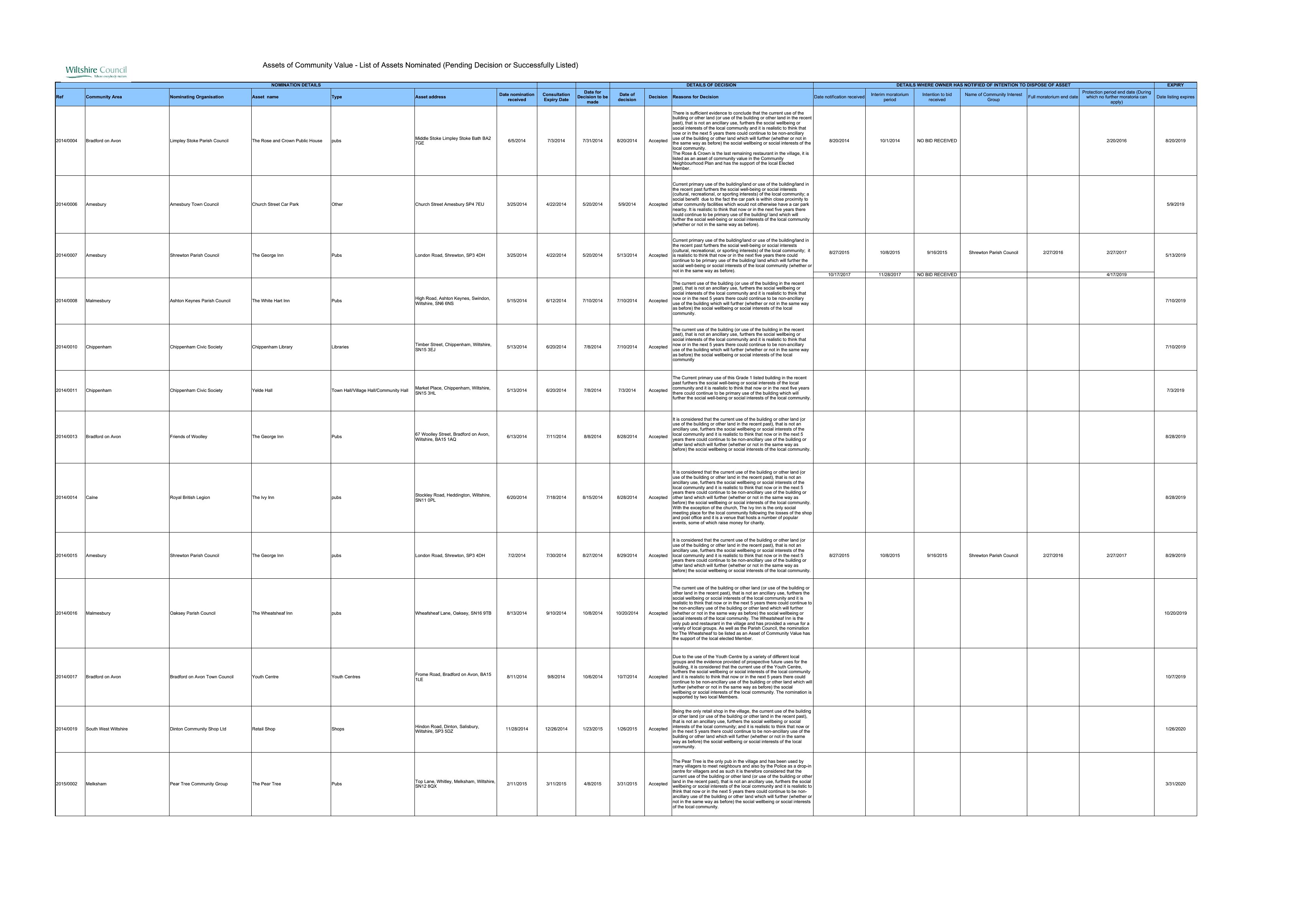
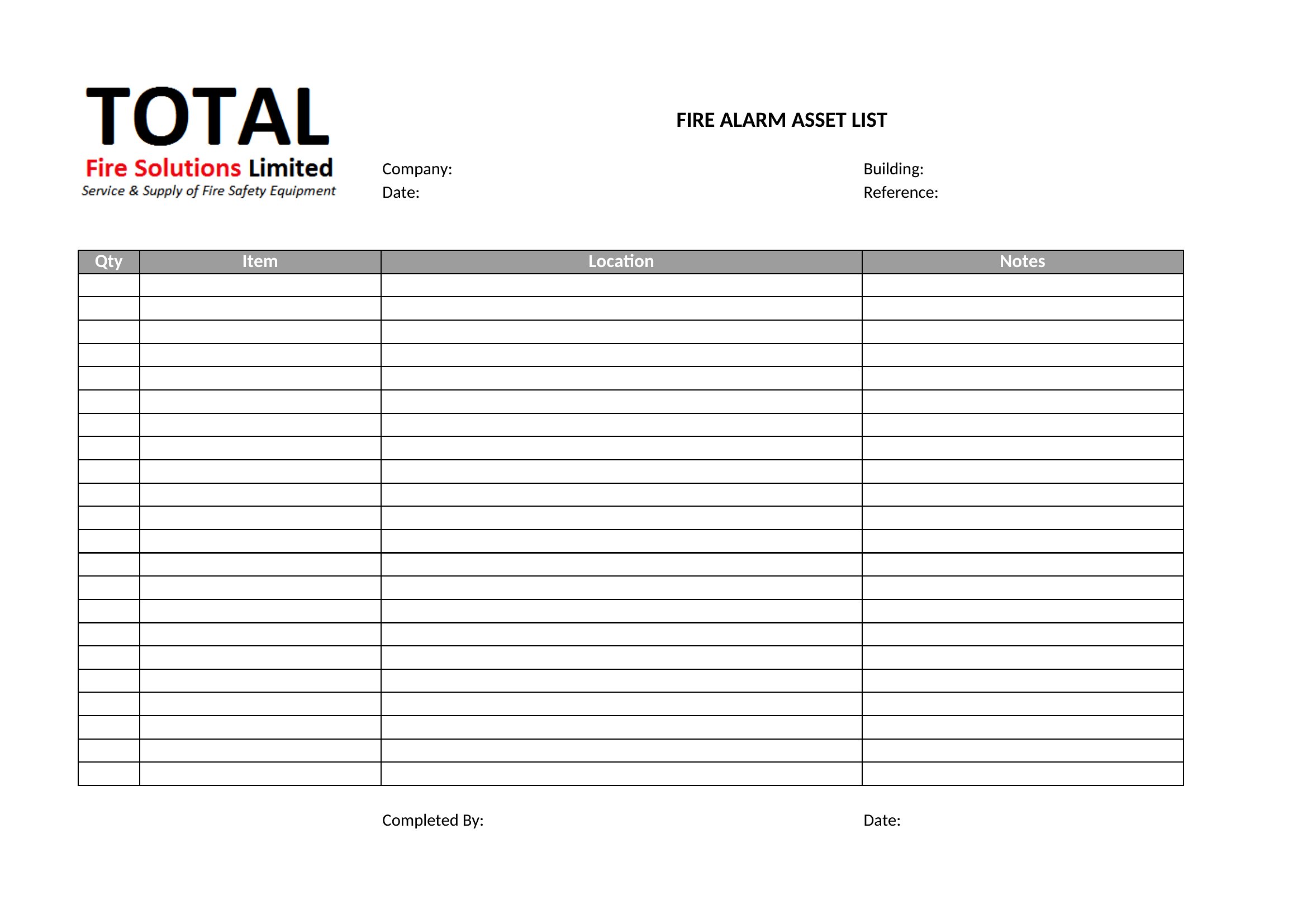
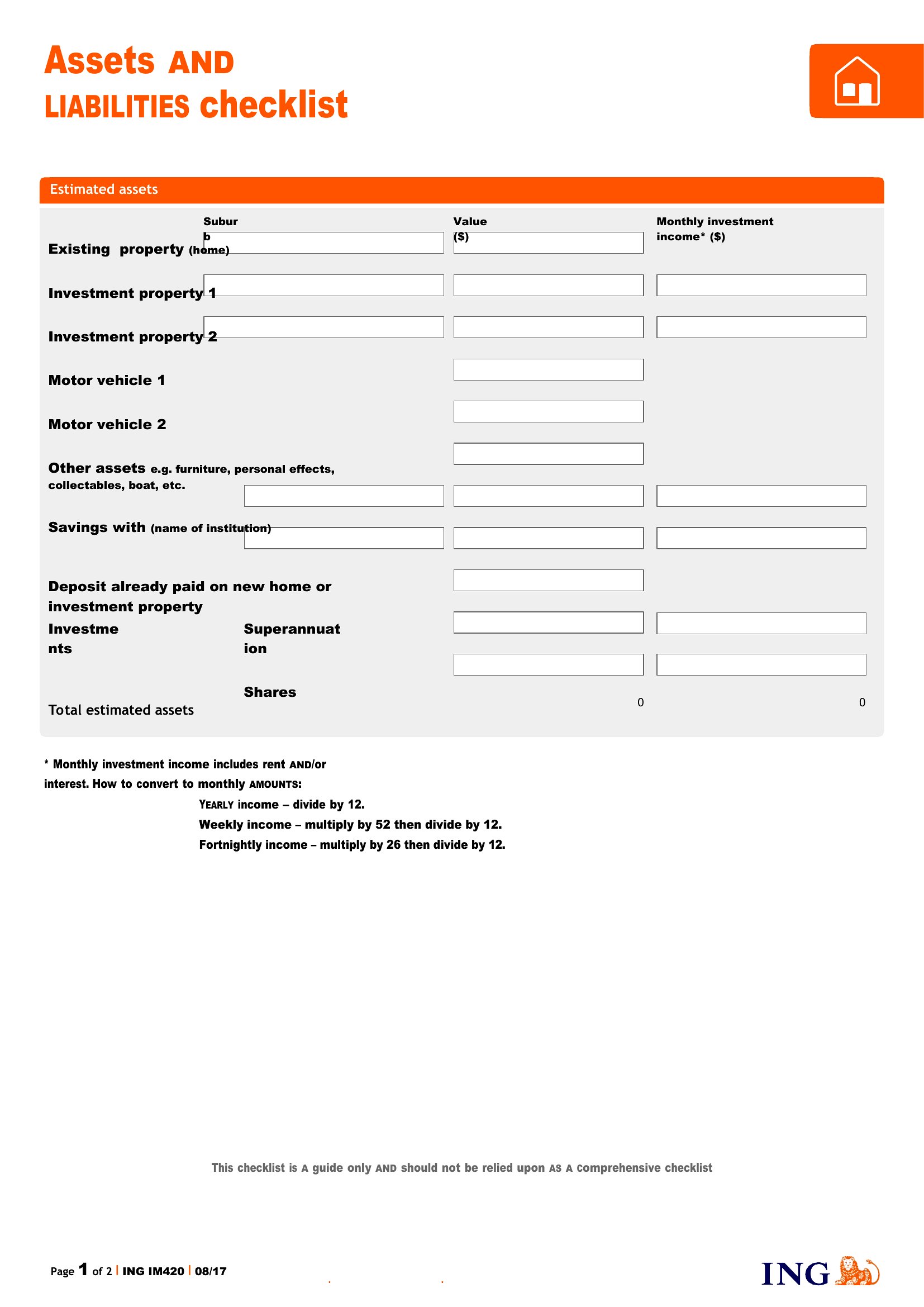
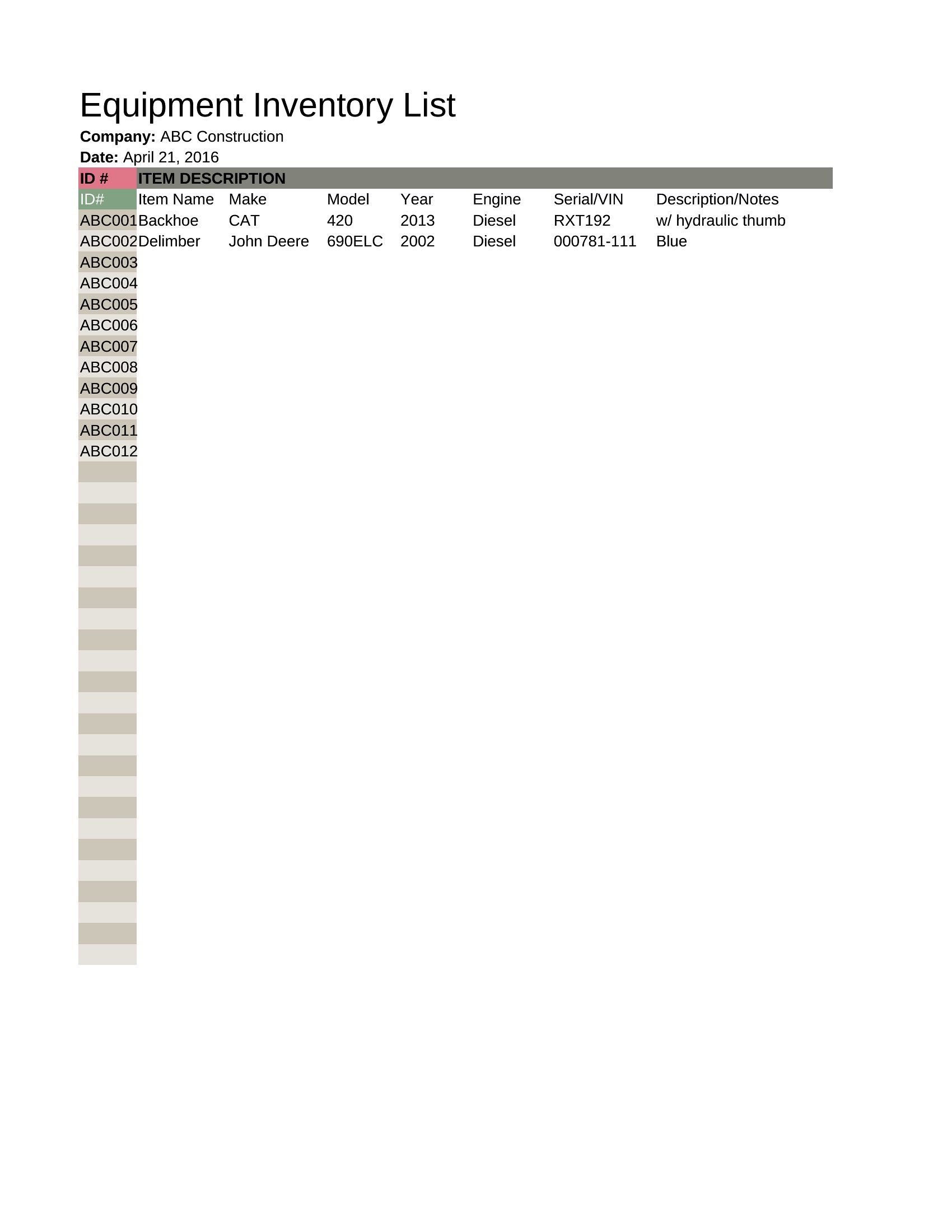
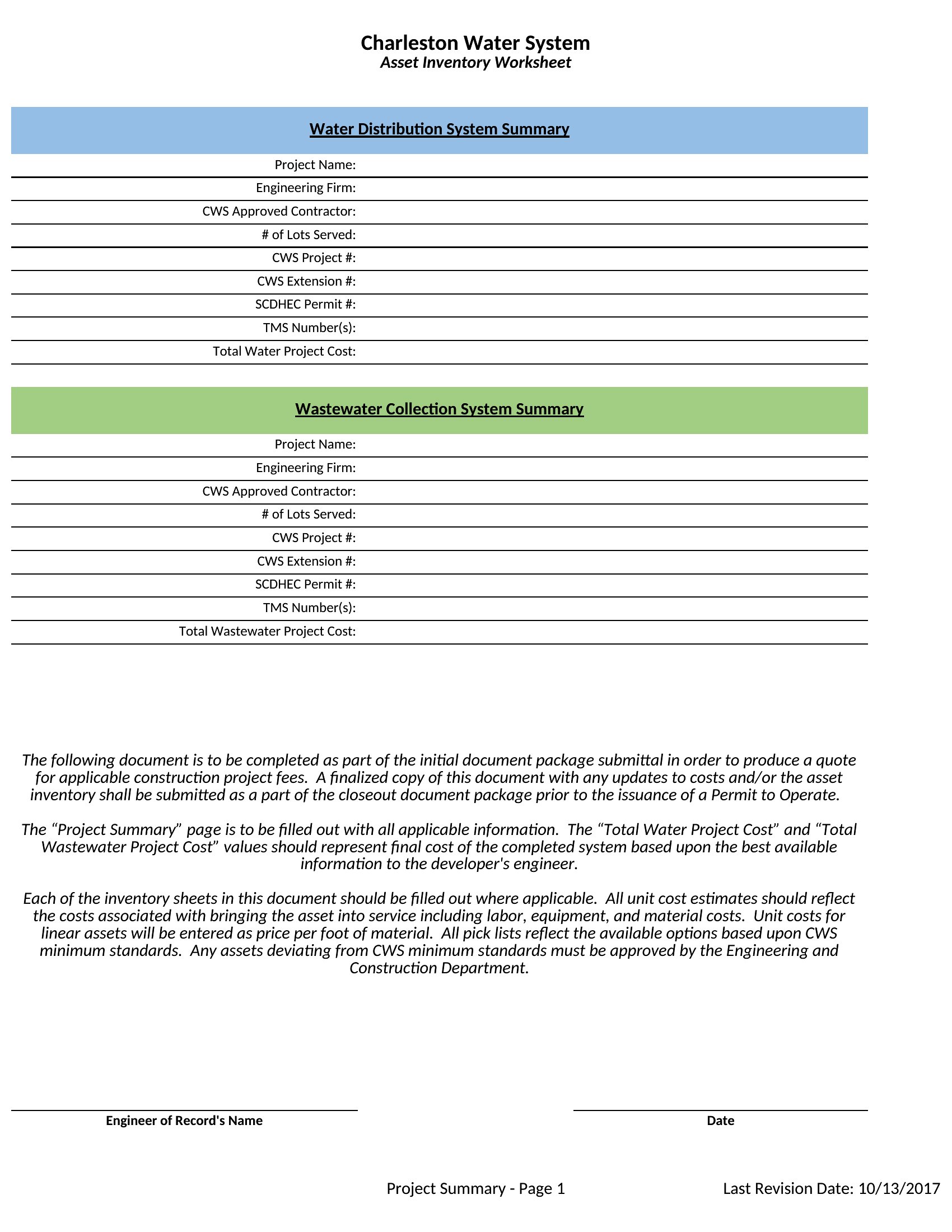
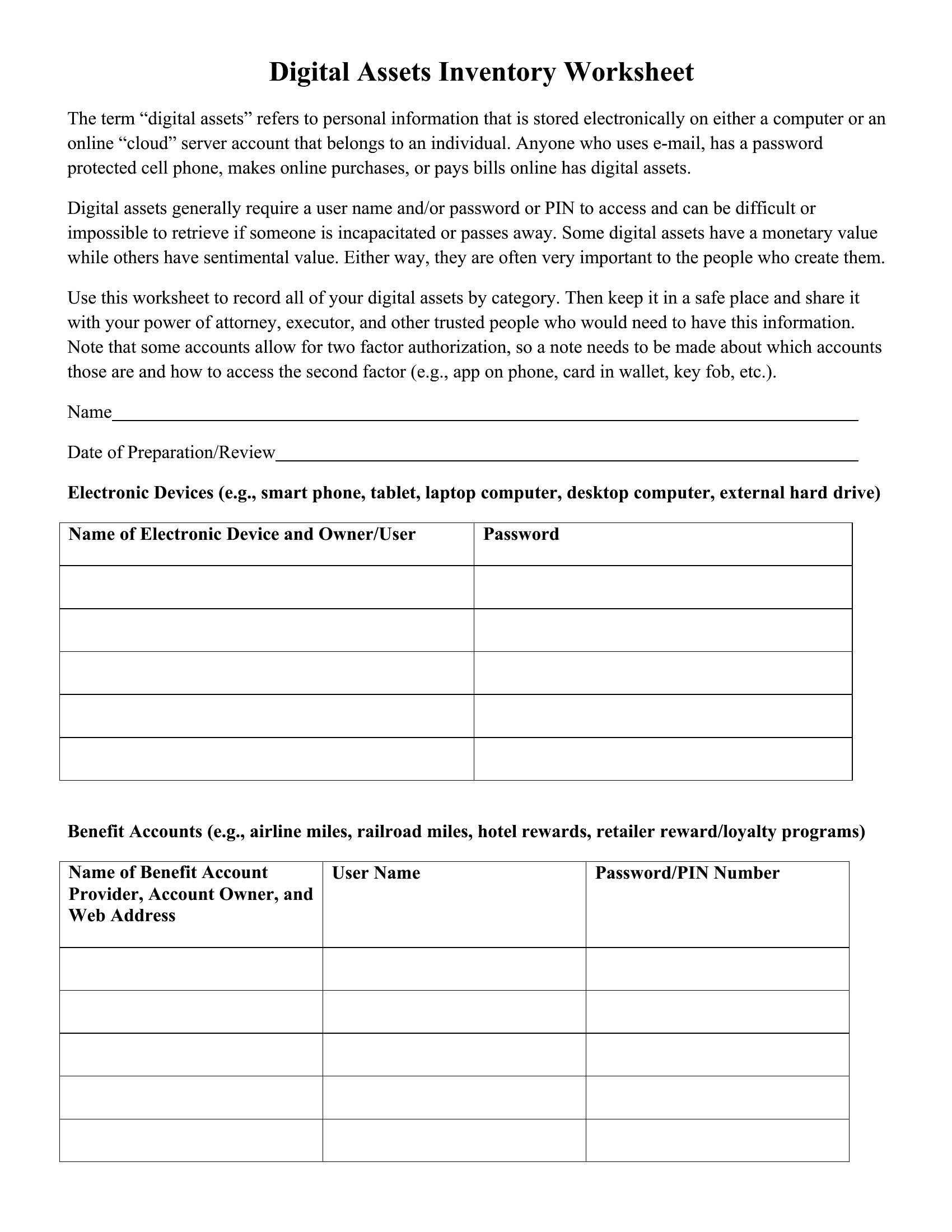
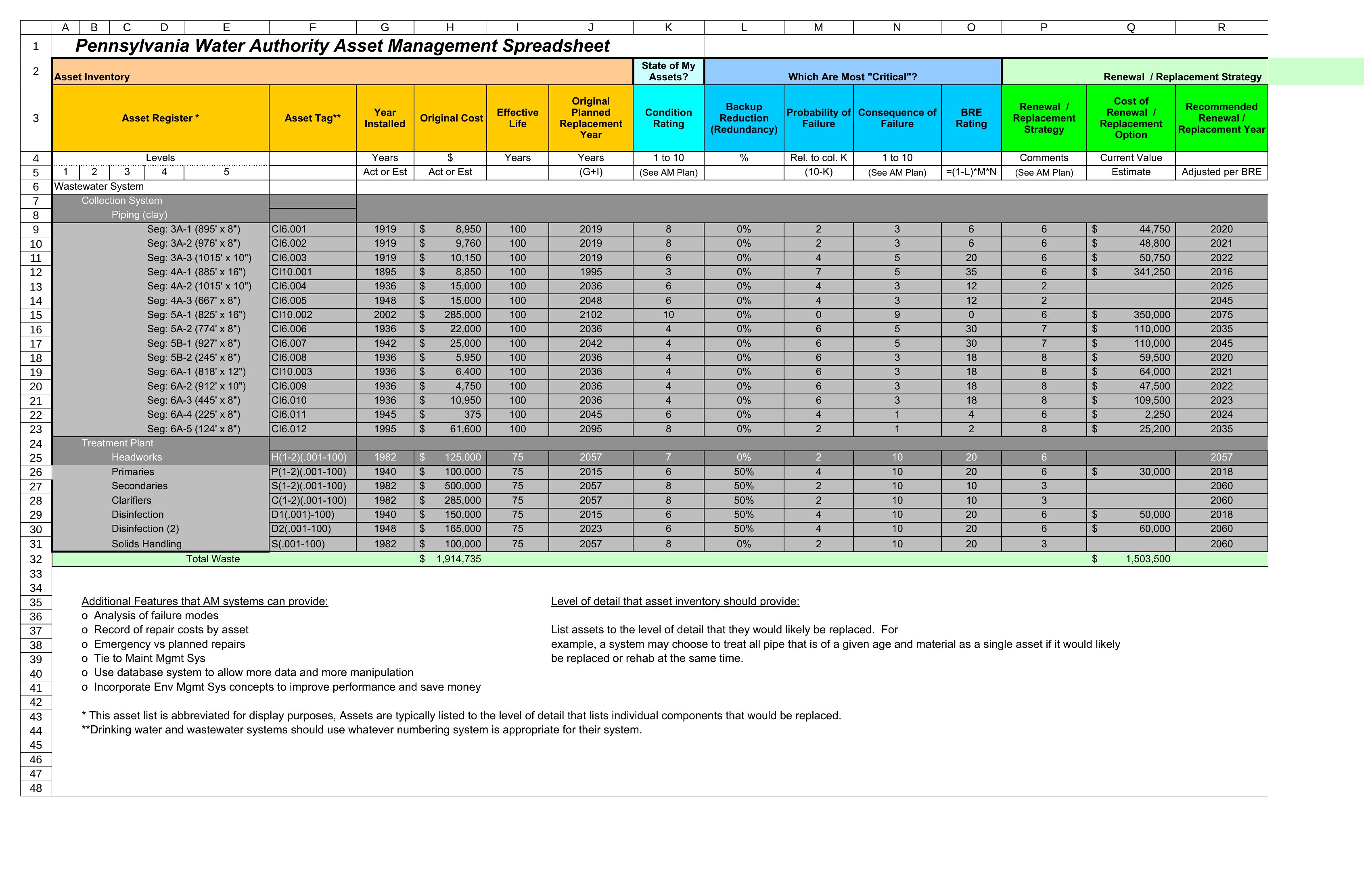
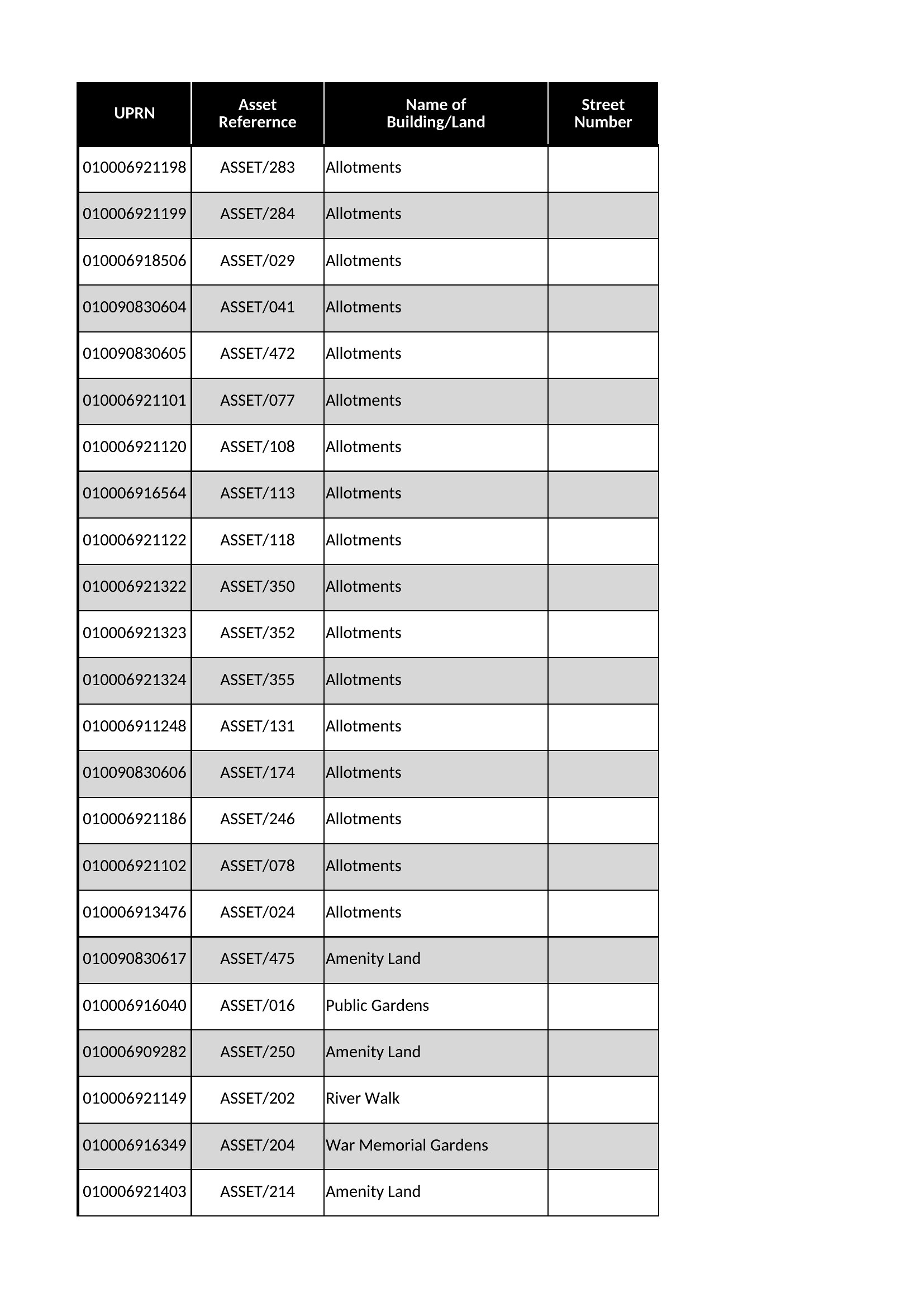
Blank Asset List template thumbnail
0 downloads
Download
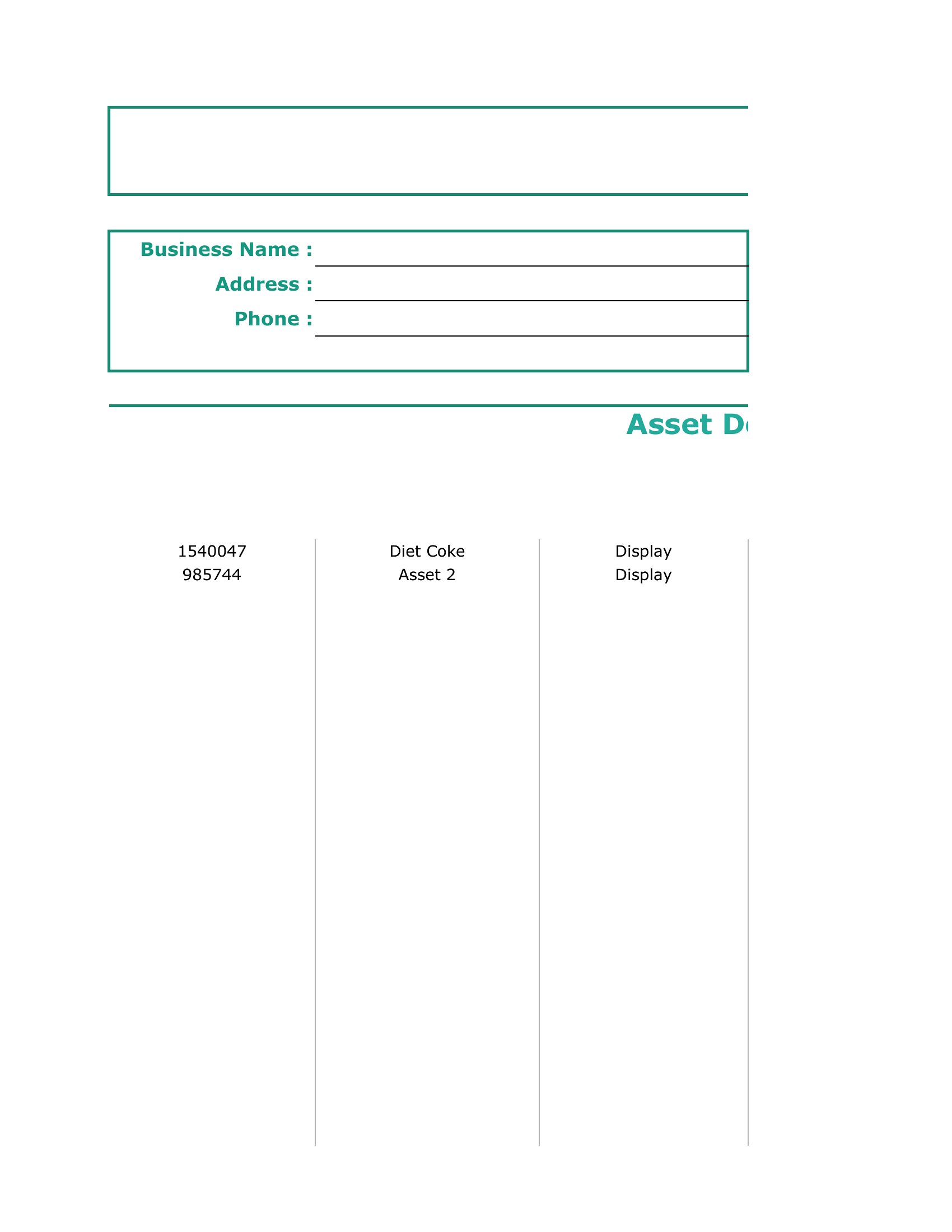
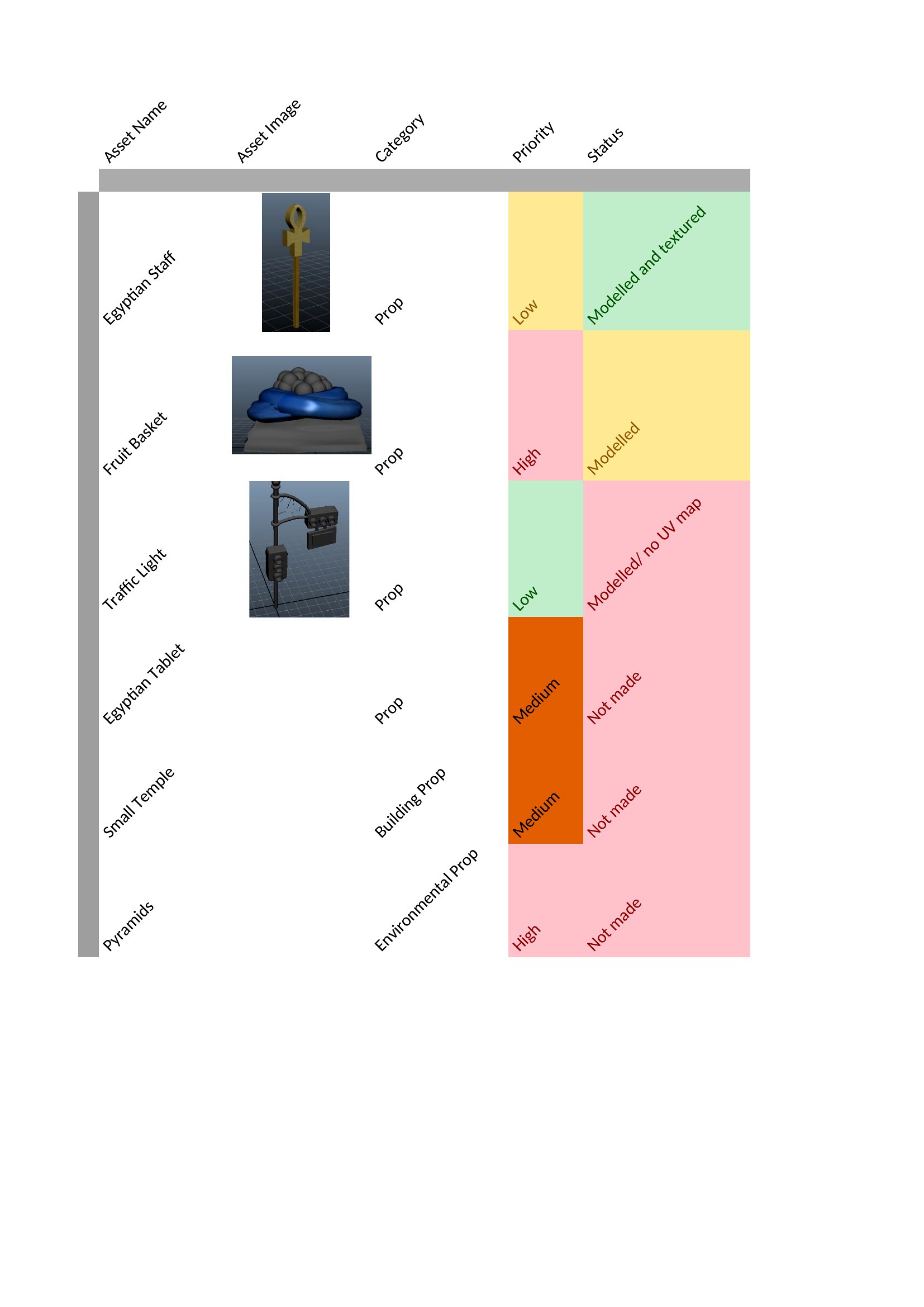
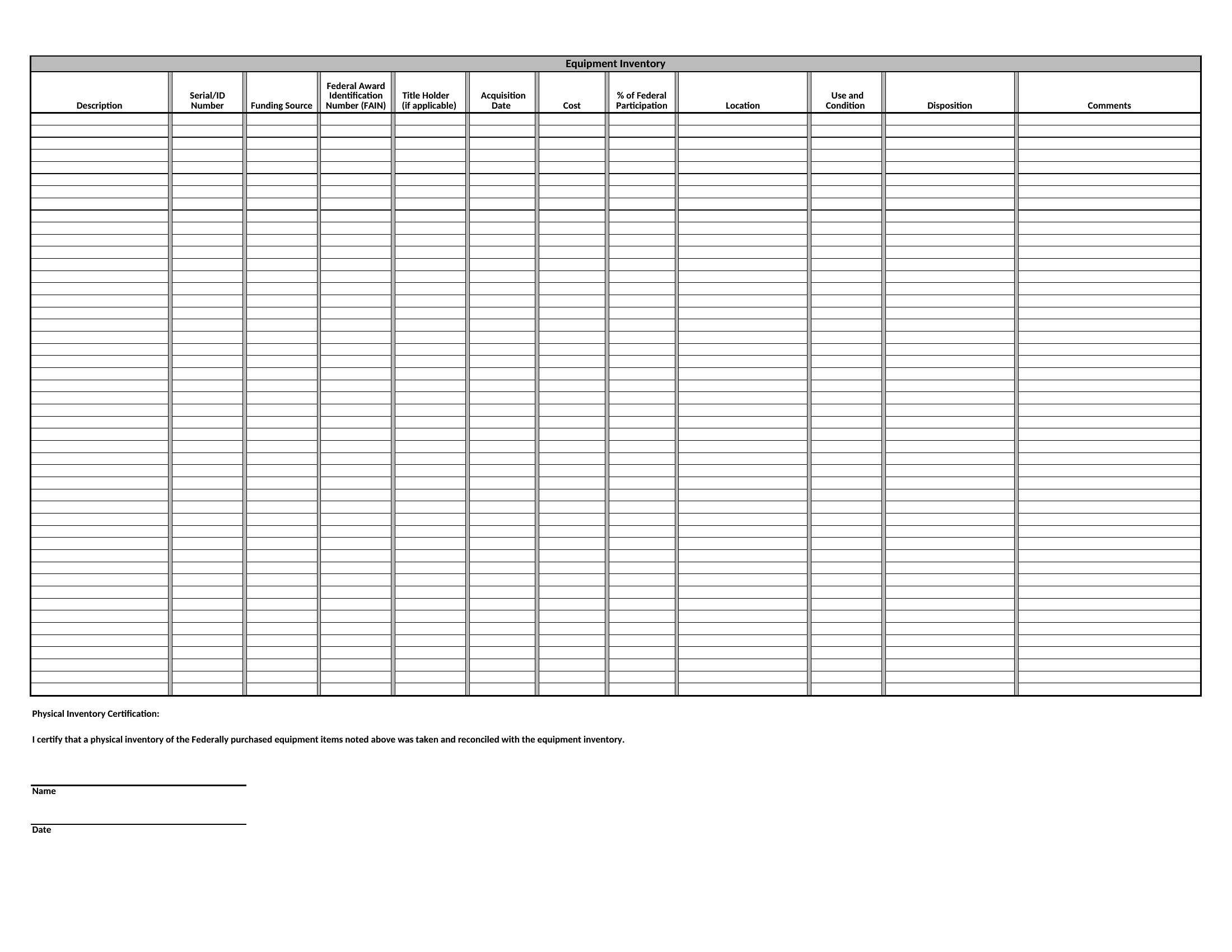
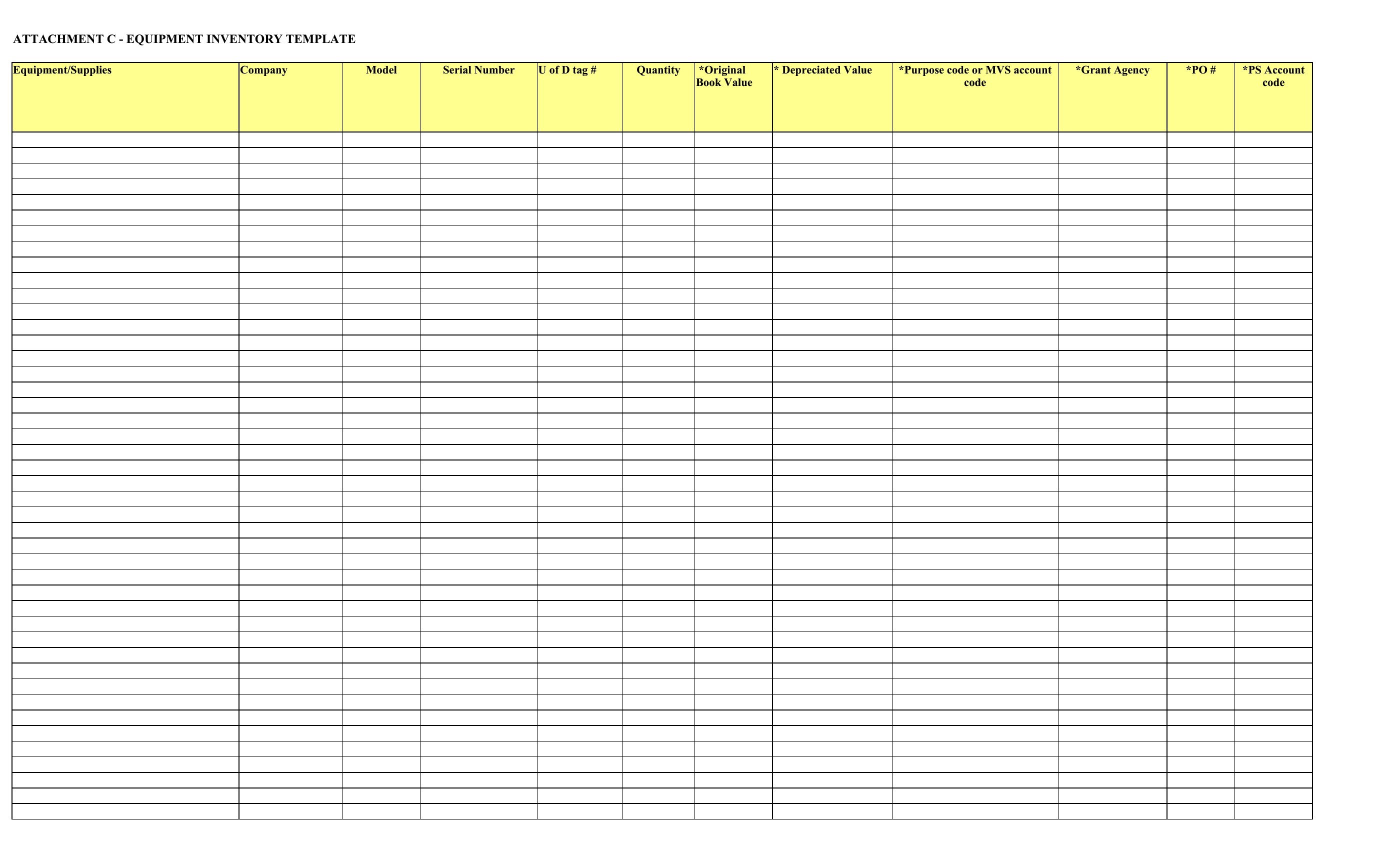
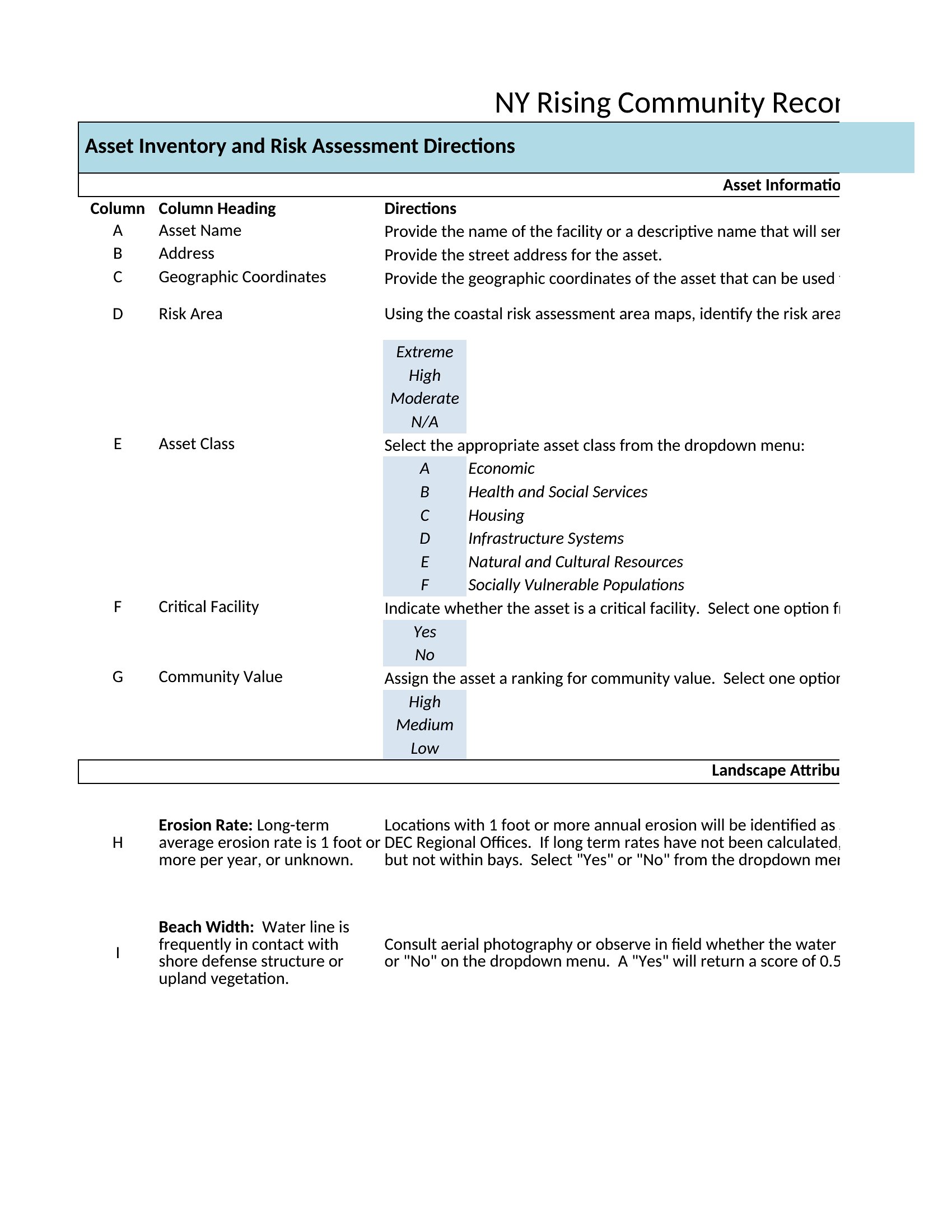
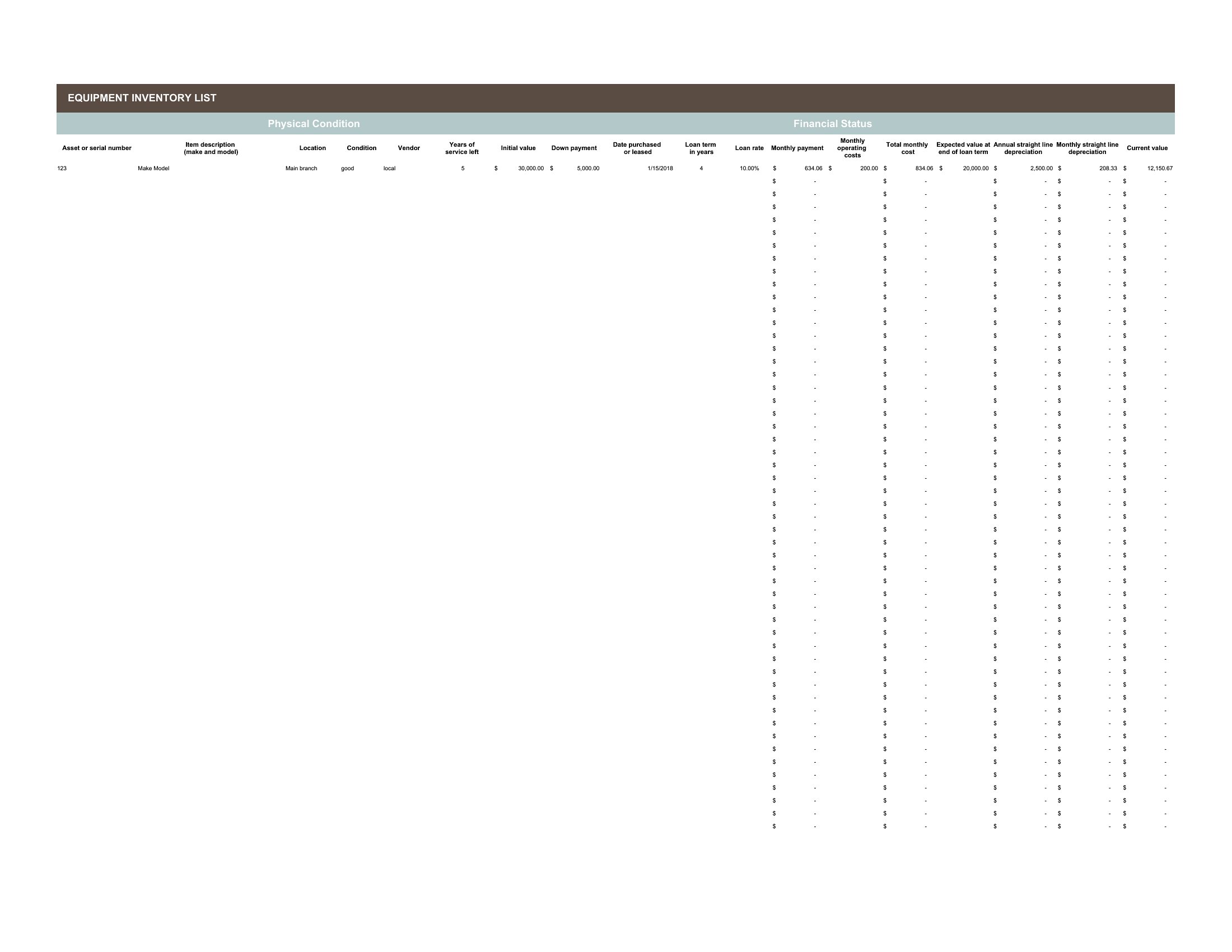
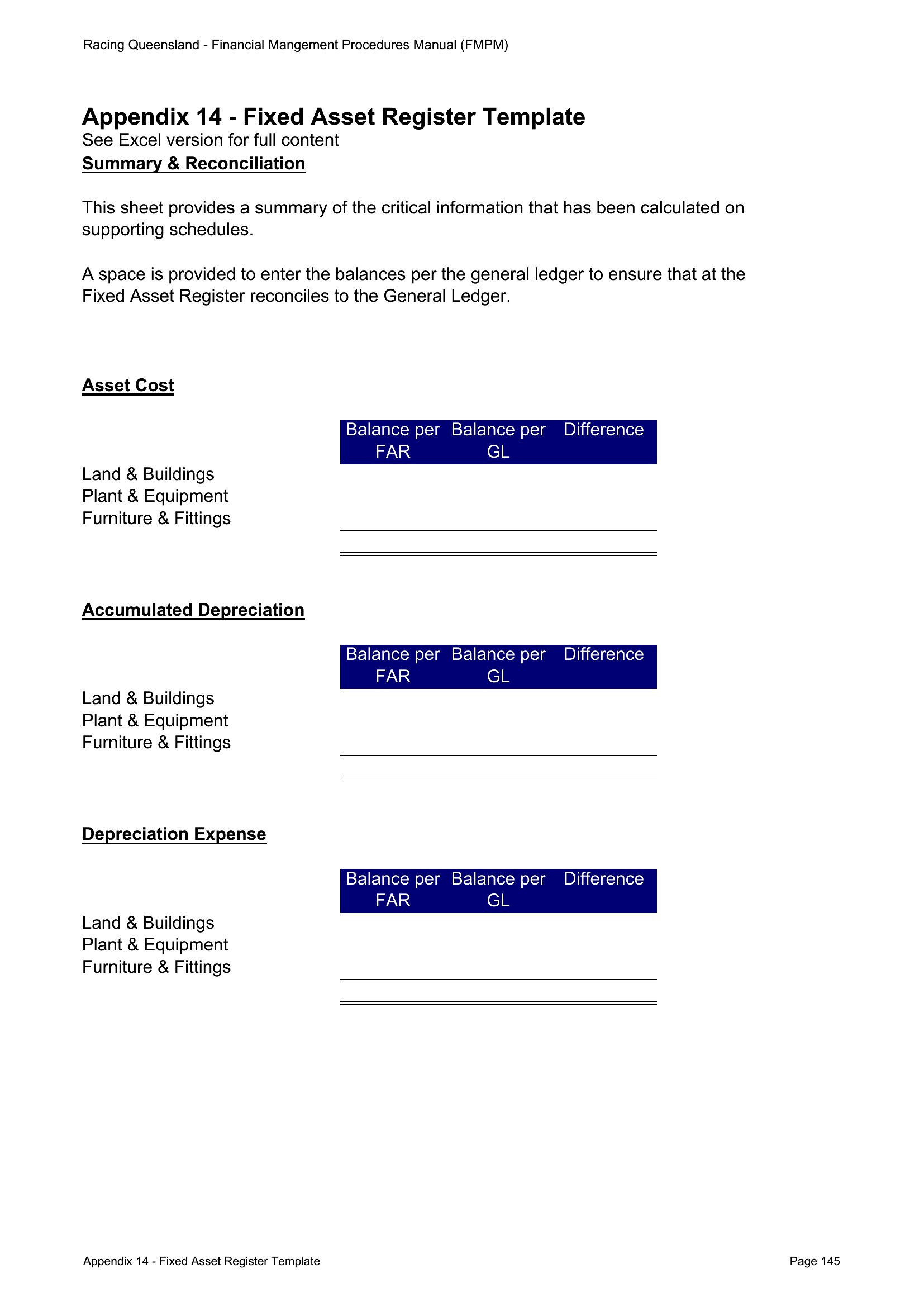
Printable Asset List template thumbnail
0 downloads
Download
Blank Asset List Free template thumbnail
0 downloads
Download

How to use this Asset List template

How should we handle assets with no purchase records or unknown value?

Start by documenting what you know—estimated age, condition, and replacement cost. Add a notes column in Word or a separate “Notes” sheet in Excel for follow-up. For insurance purposes, err on the side of underestimating value unless you have appraisals. These templates are for tracking, not valuation, so focus on consistency over precision until receipts or appraisals are available.

Can we use these templates to track intangible assets like patents or trademarks?

These templates are designed for physical and tangible assets (equipment, property, vehicles), but you can adapt the structure for intangibles by renaming columns (e.g., “Asset Name” → “Patent/Trademark Name,” “Purchase Date” → “Filing Date”). For legal or financial reporting, consult a professional to ensure compliance with accounting standards. Always save a copy under a new filename to avoid overwriting the original template.

What’s the best way to organize assets across multiple locations or departments?

In Excel, use a dropdown menu (Data Validation) in the “Category” or “Location” column to standardize entries, then filter or sort by department. For Word, create a separate table per location/department and label each clearly. If managing 50+ assets, consider a master Excel sheet linked to department-specific Word summaries. Add a “Last Reviewed” column to track when each section was updated.

Comments

Join the conversation

Sign in to share your thoughts and leave a comment on this resource.

Newsletter

Get Weekly Design Updates

Join our community to receive curated resources and inspiration.

Weekly Tips Resources Early Access

We respect your privacy. Confirmation email required. Privacy Policy