Skip to content
50% off this one-time $1.99 pack with HALFOFF — or unlimited with Pro.HALFOFF
Premium

Free Master Grocery List Templates (Word, Excel, PDF)
Applications
stellaford by stellaford
Updated 0 downloads Quality-checked template

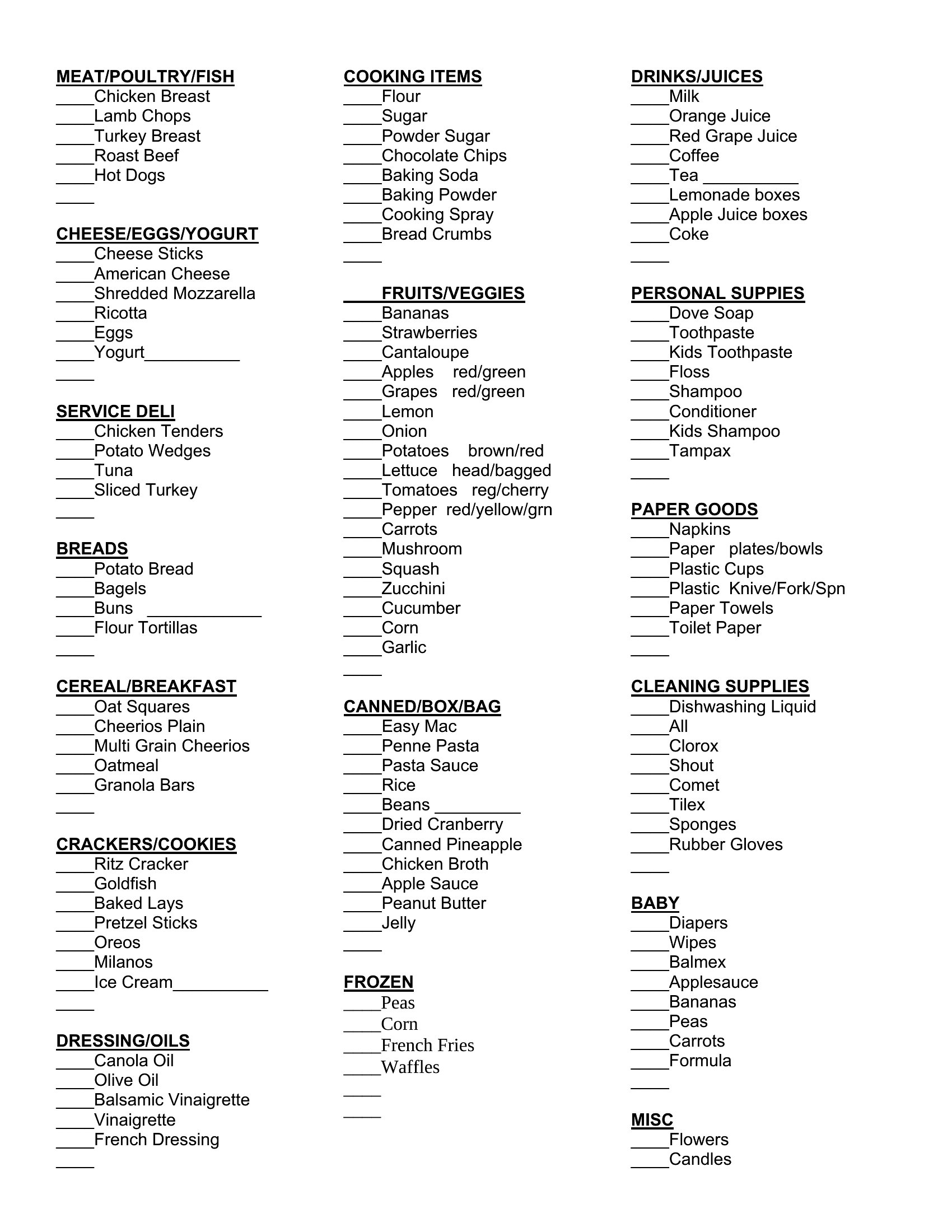
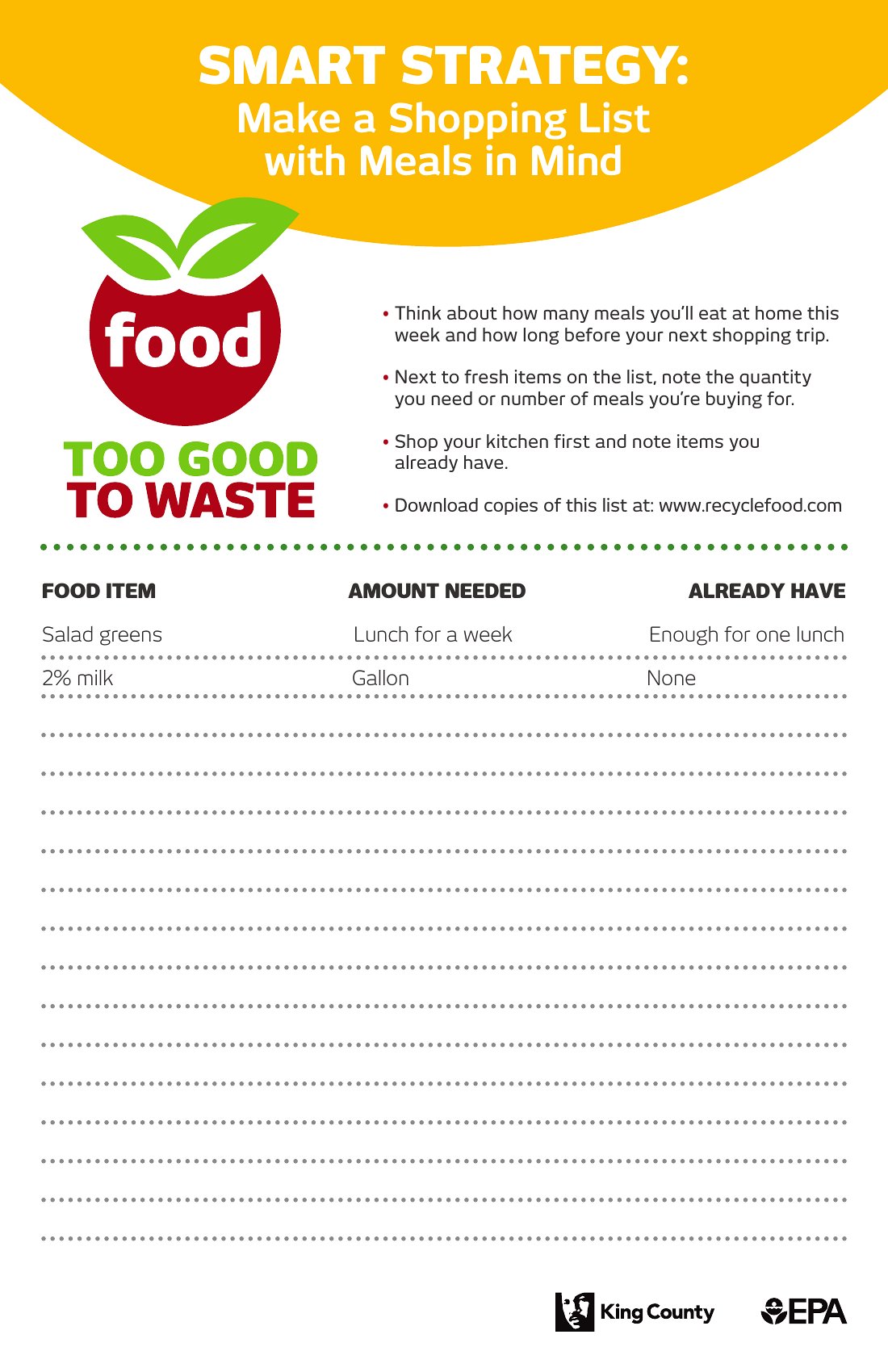
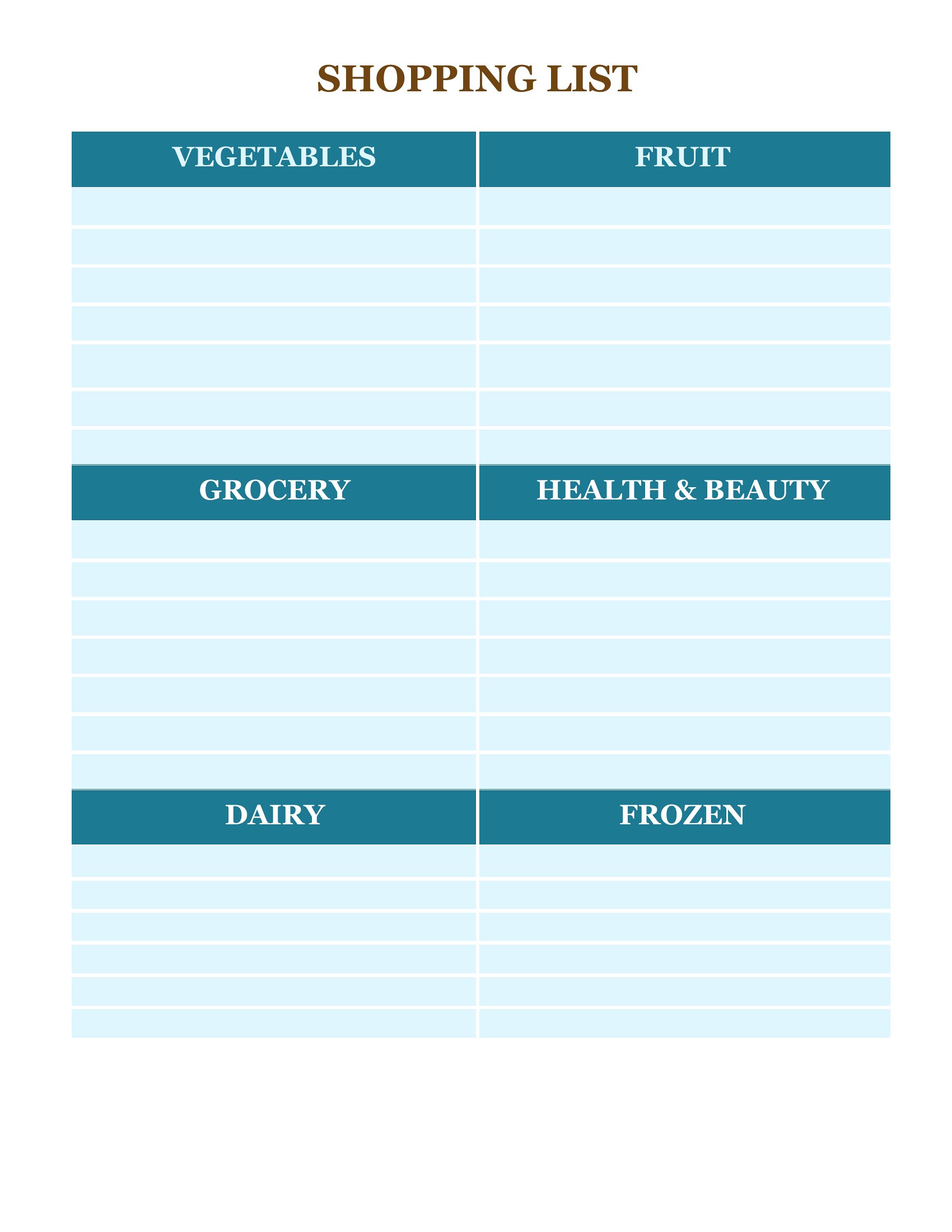
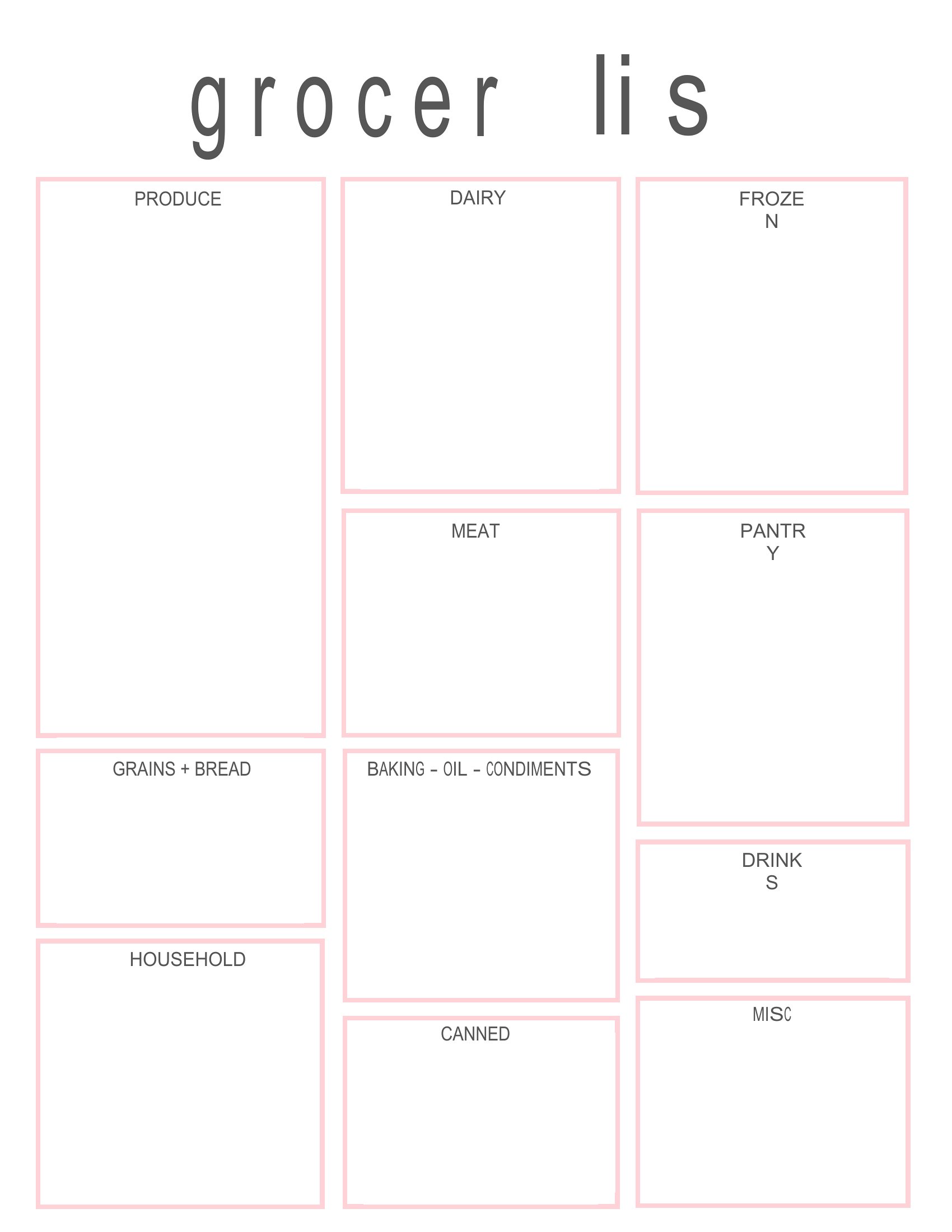
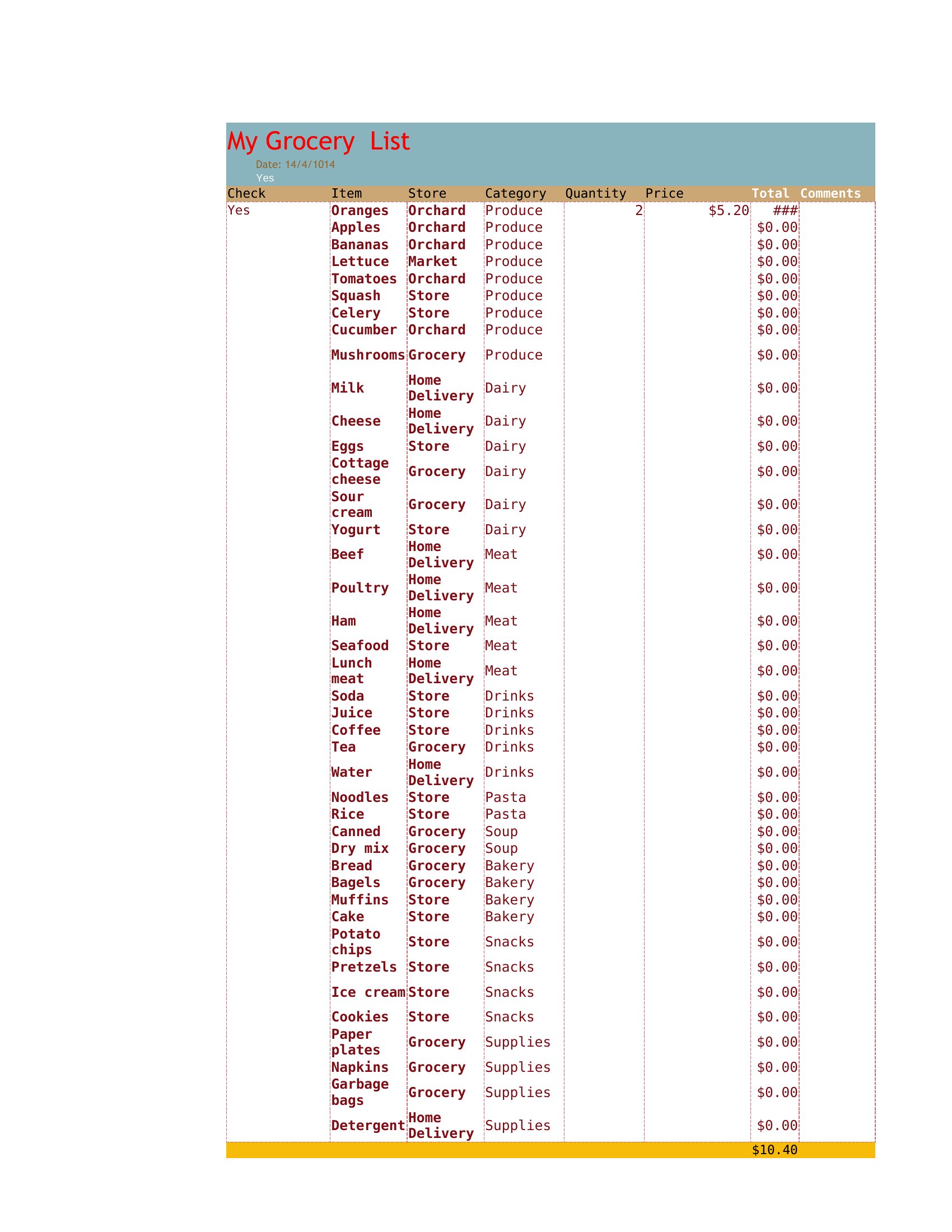
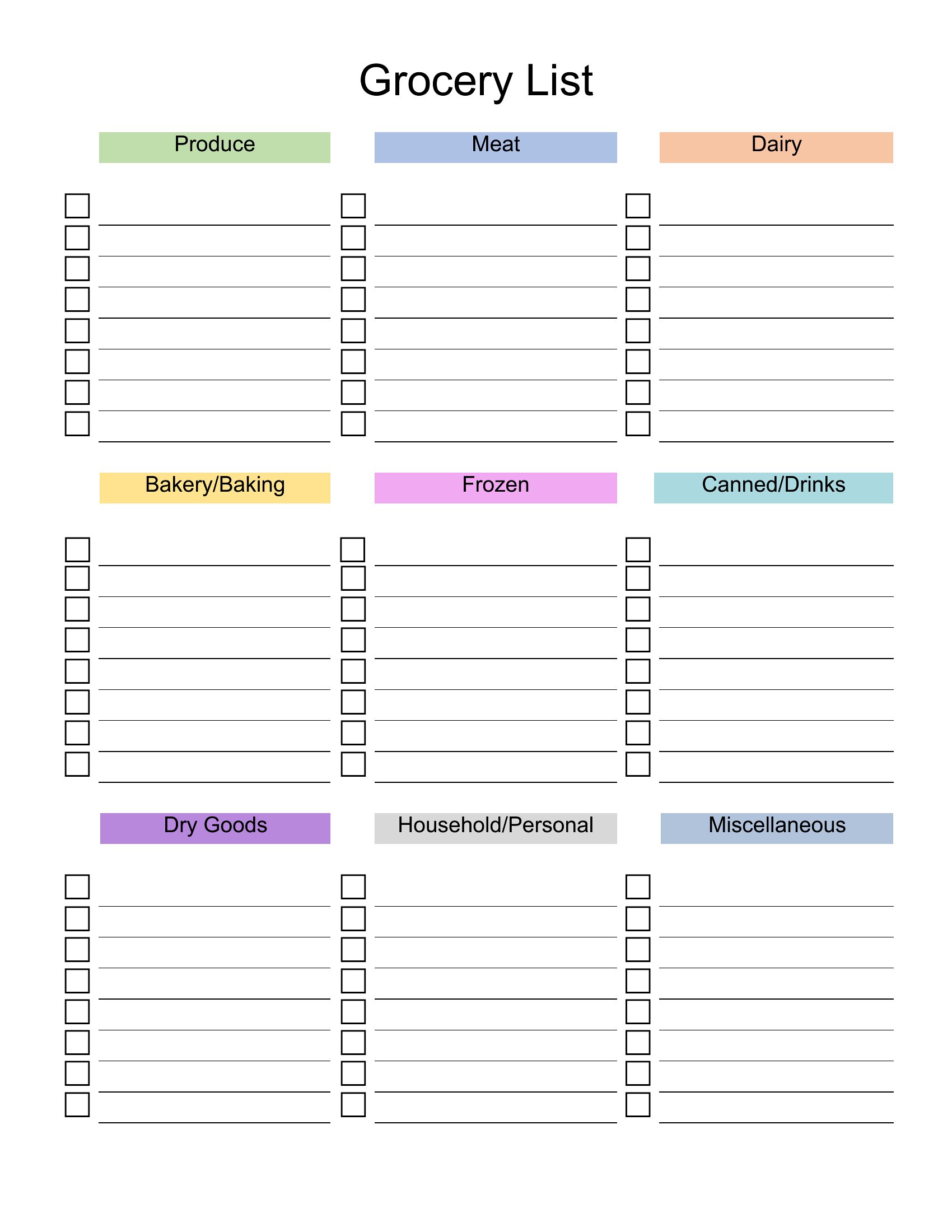
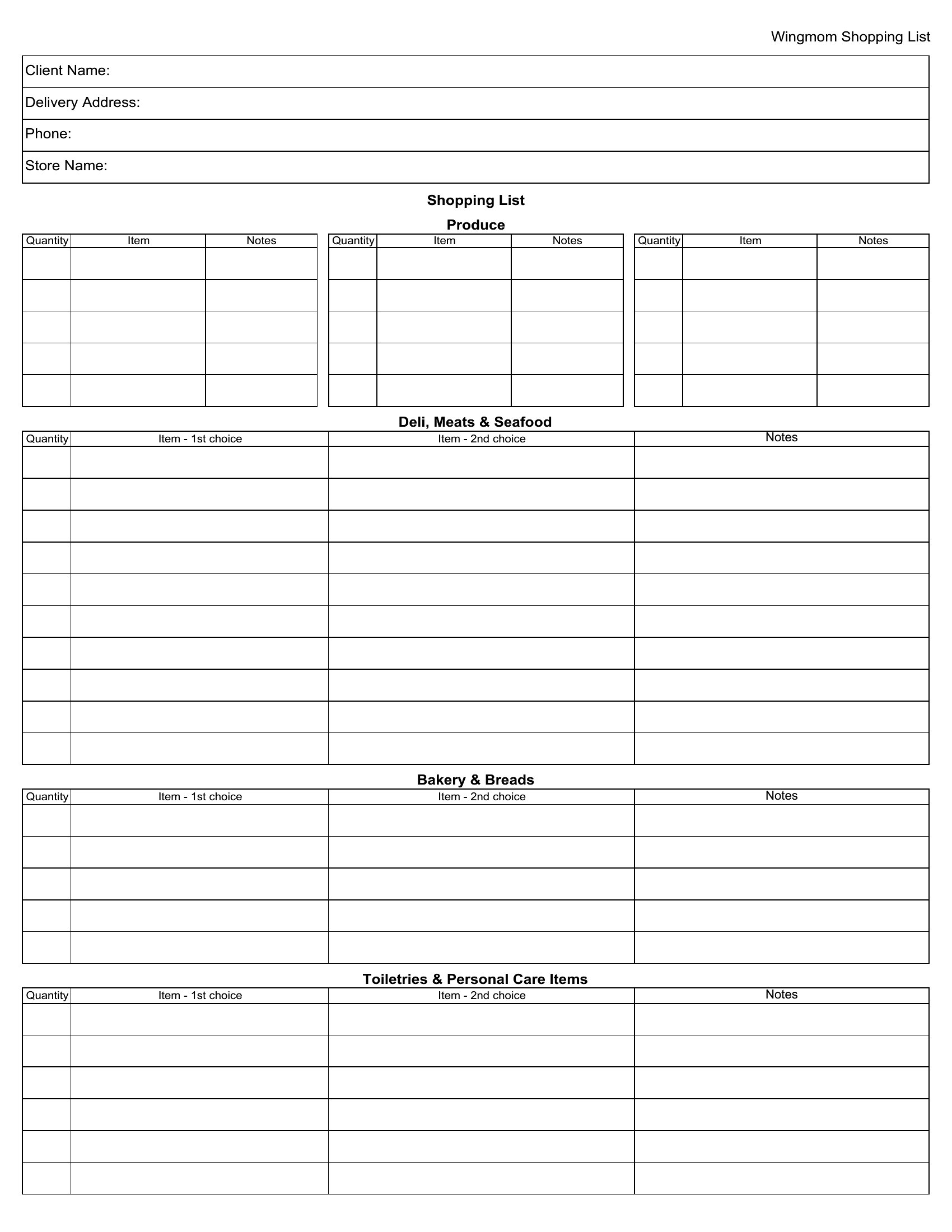
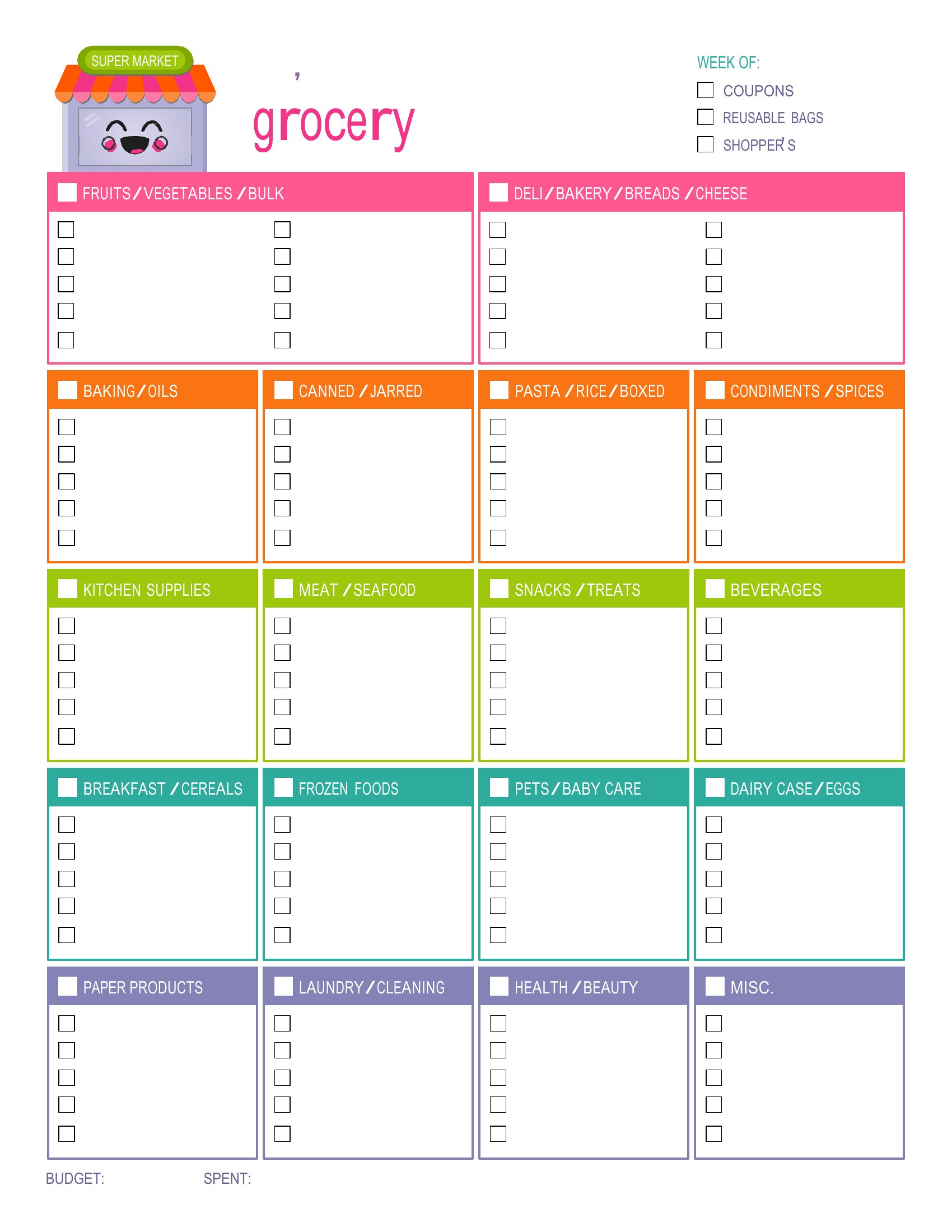
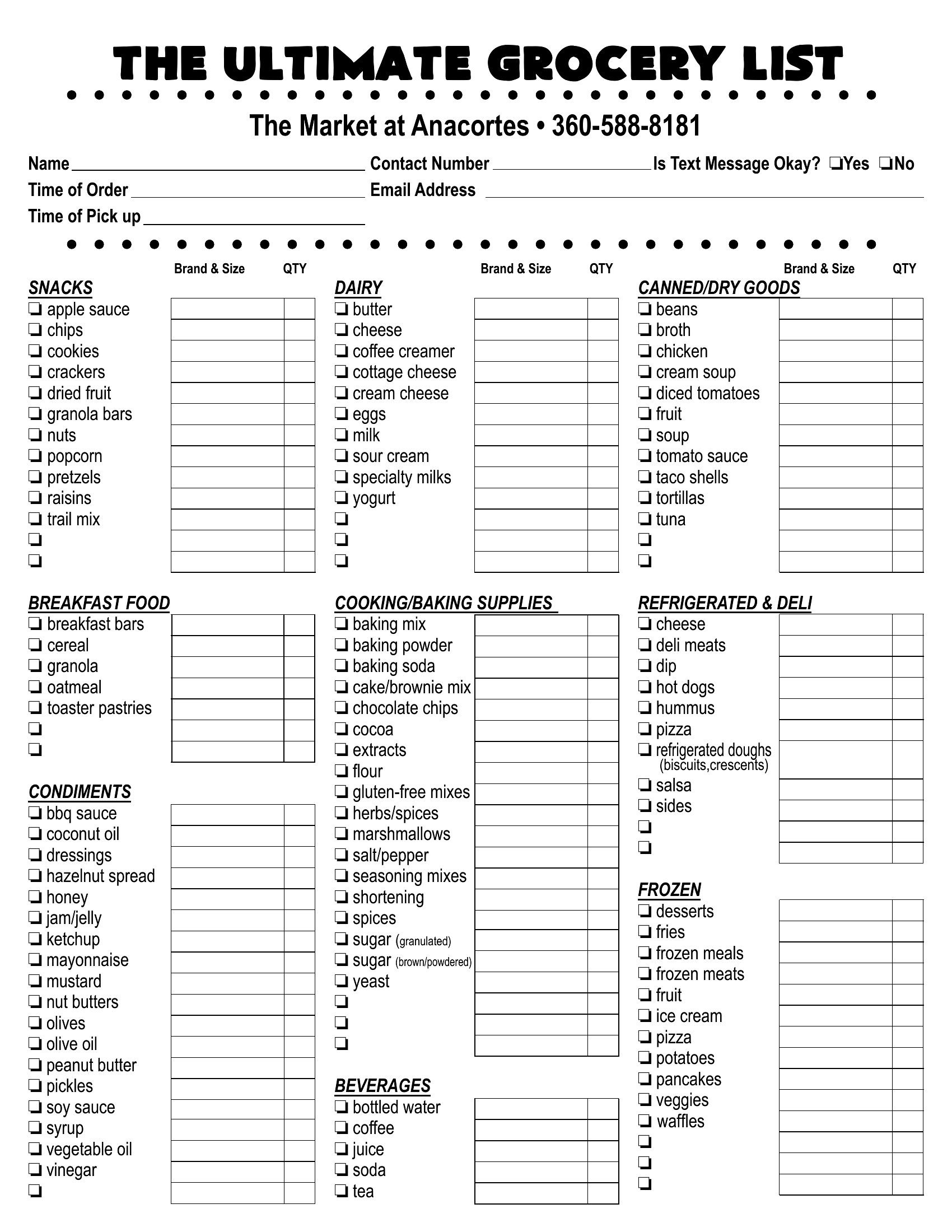
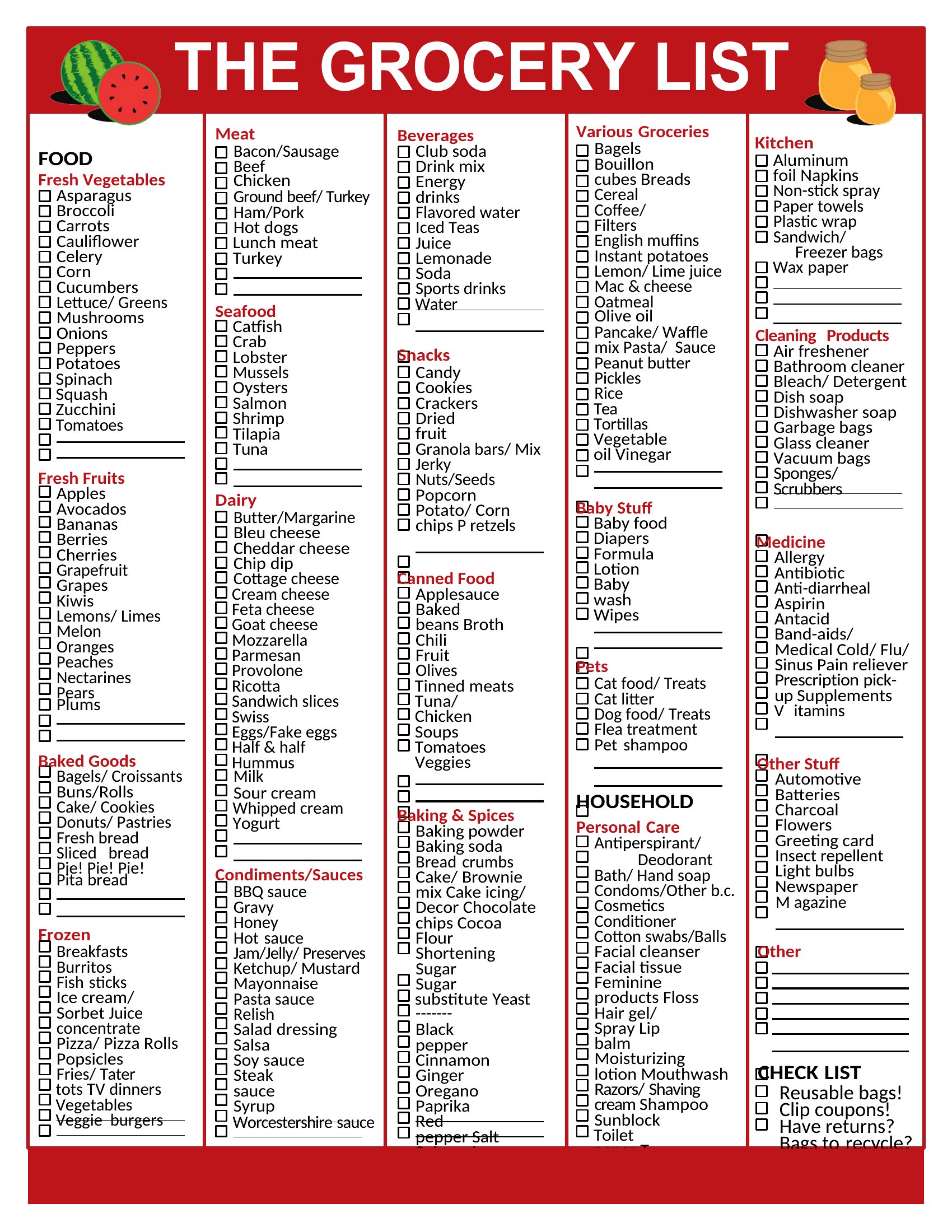
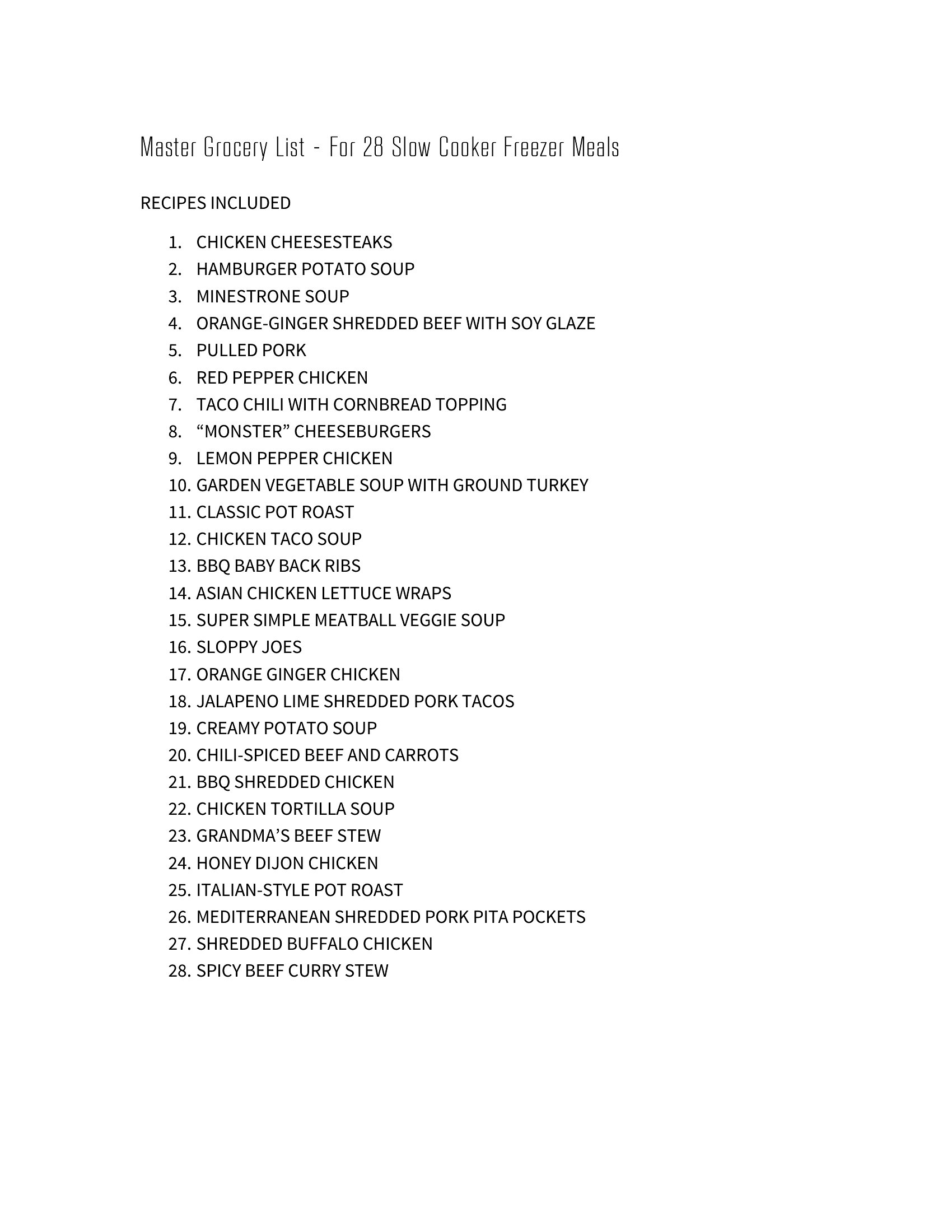
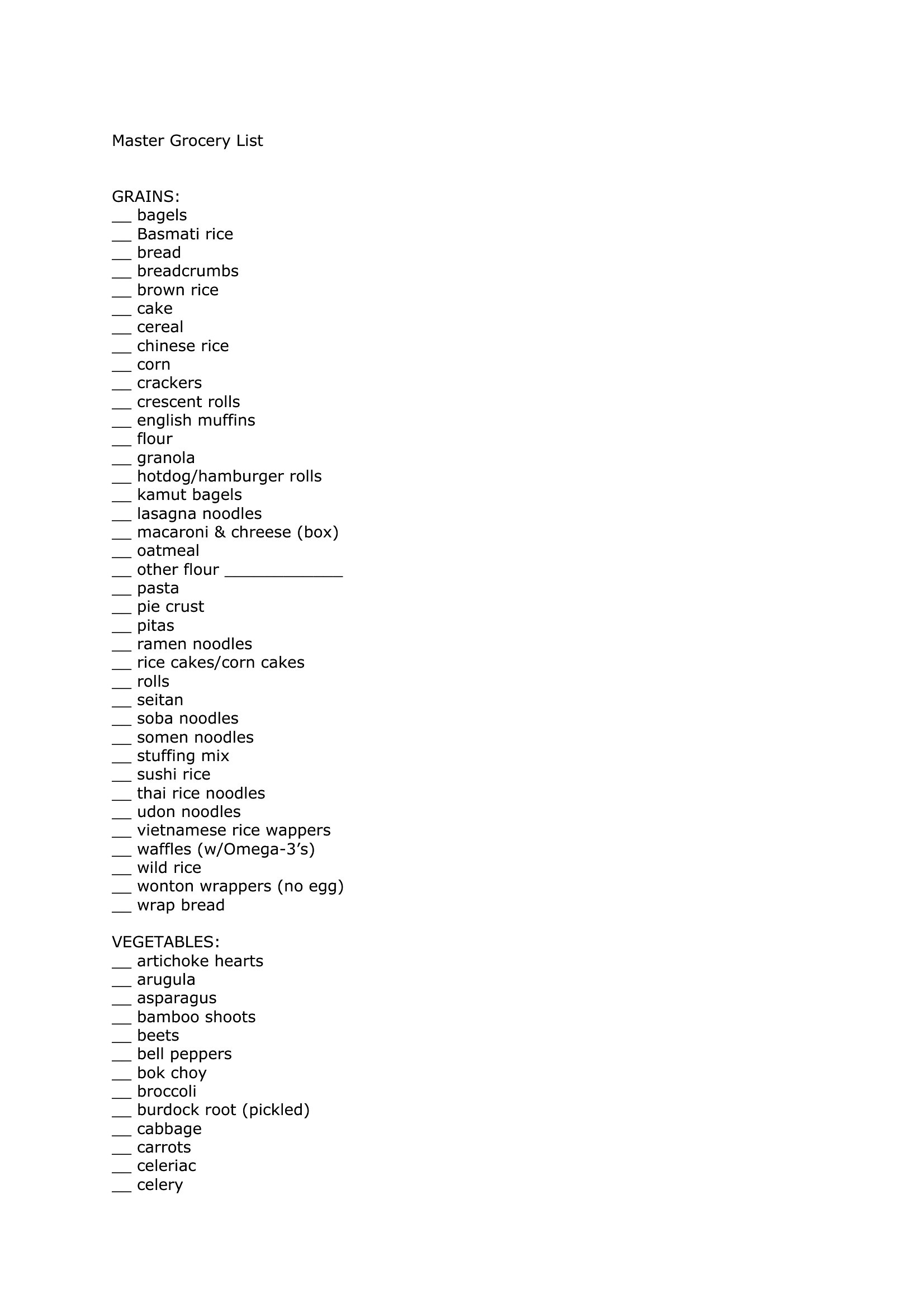
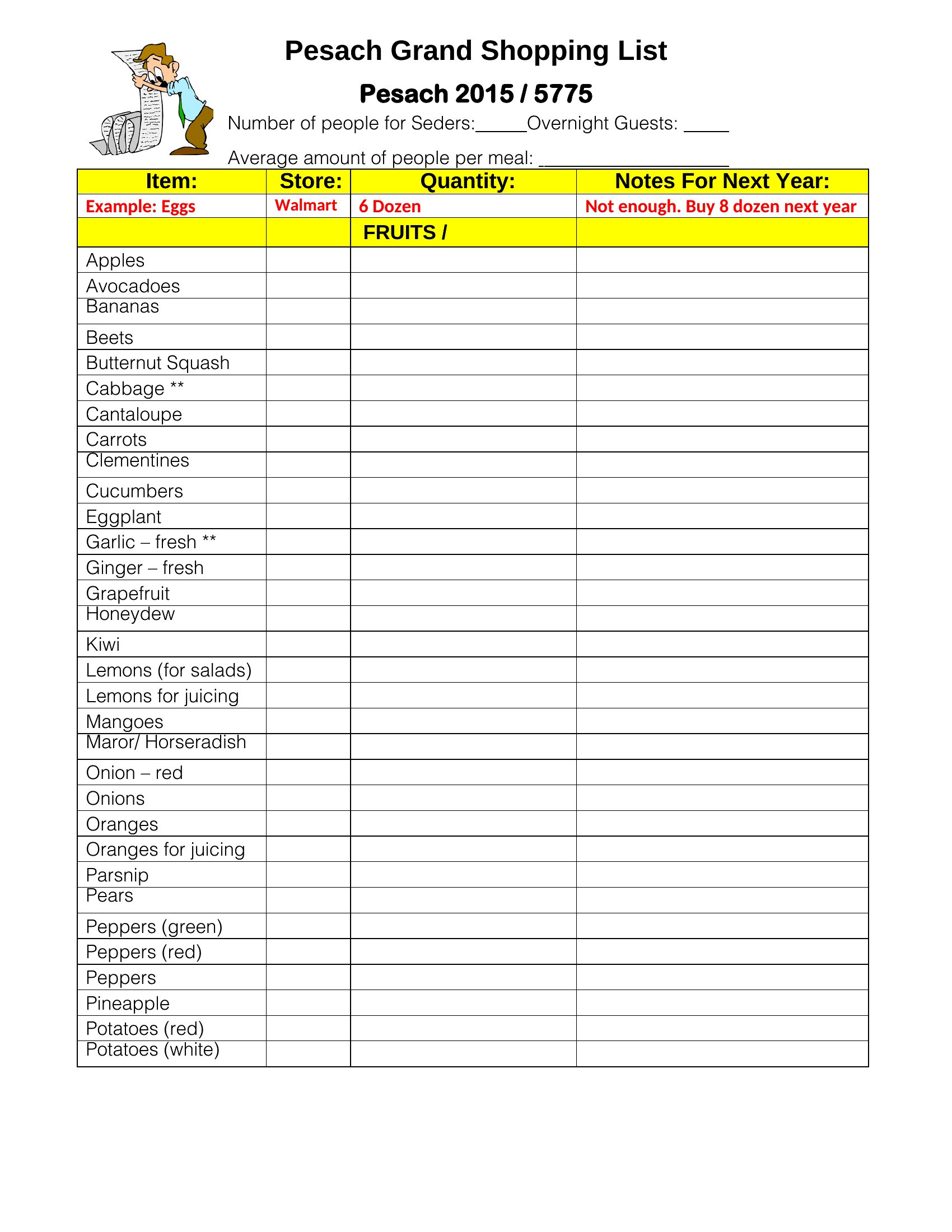
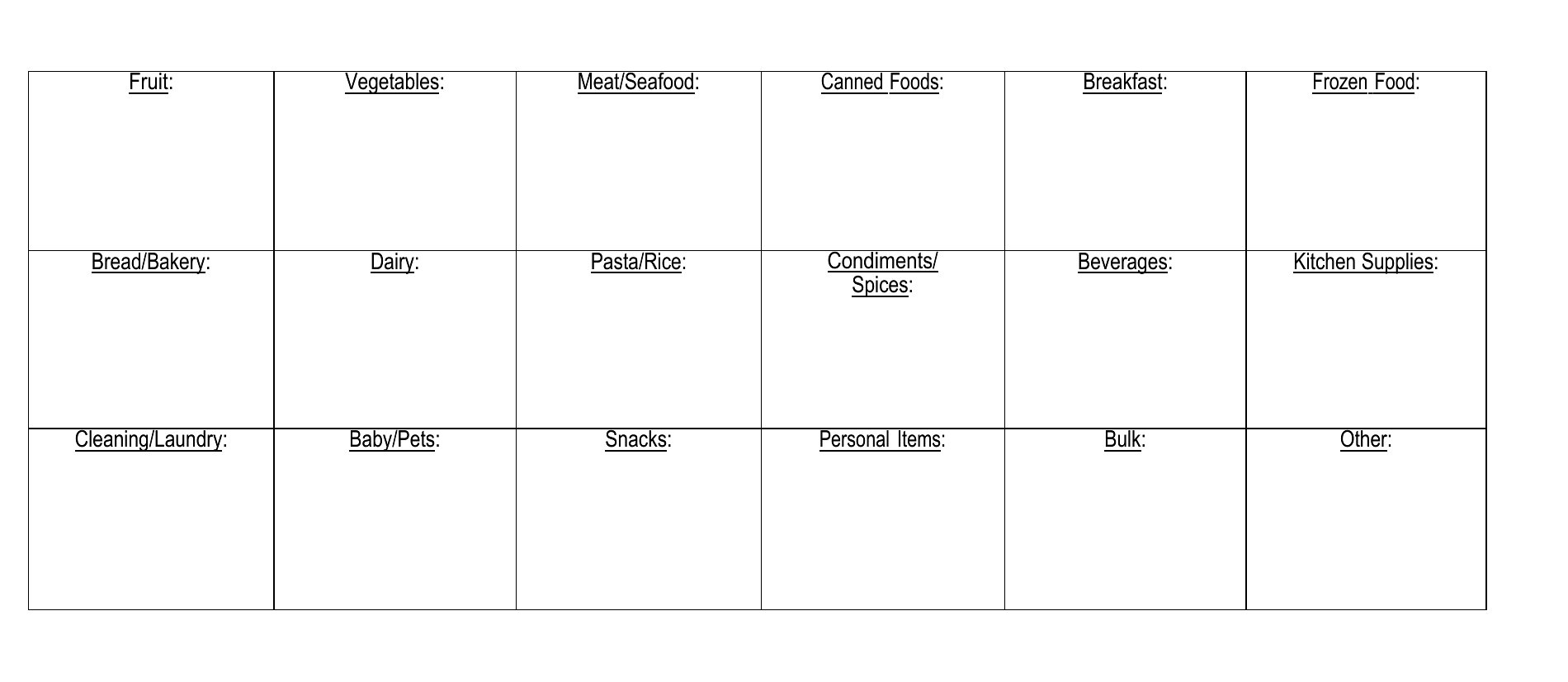
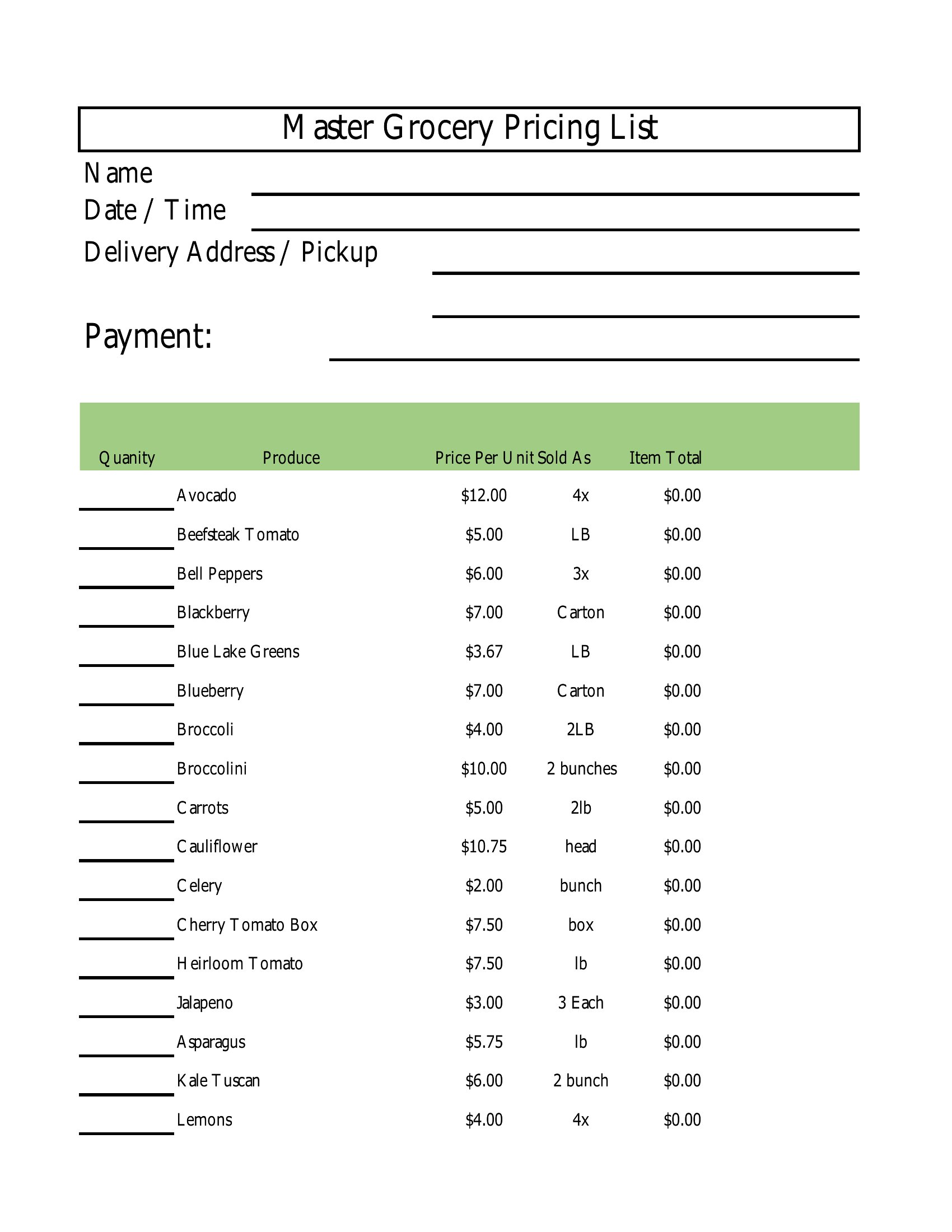
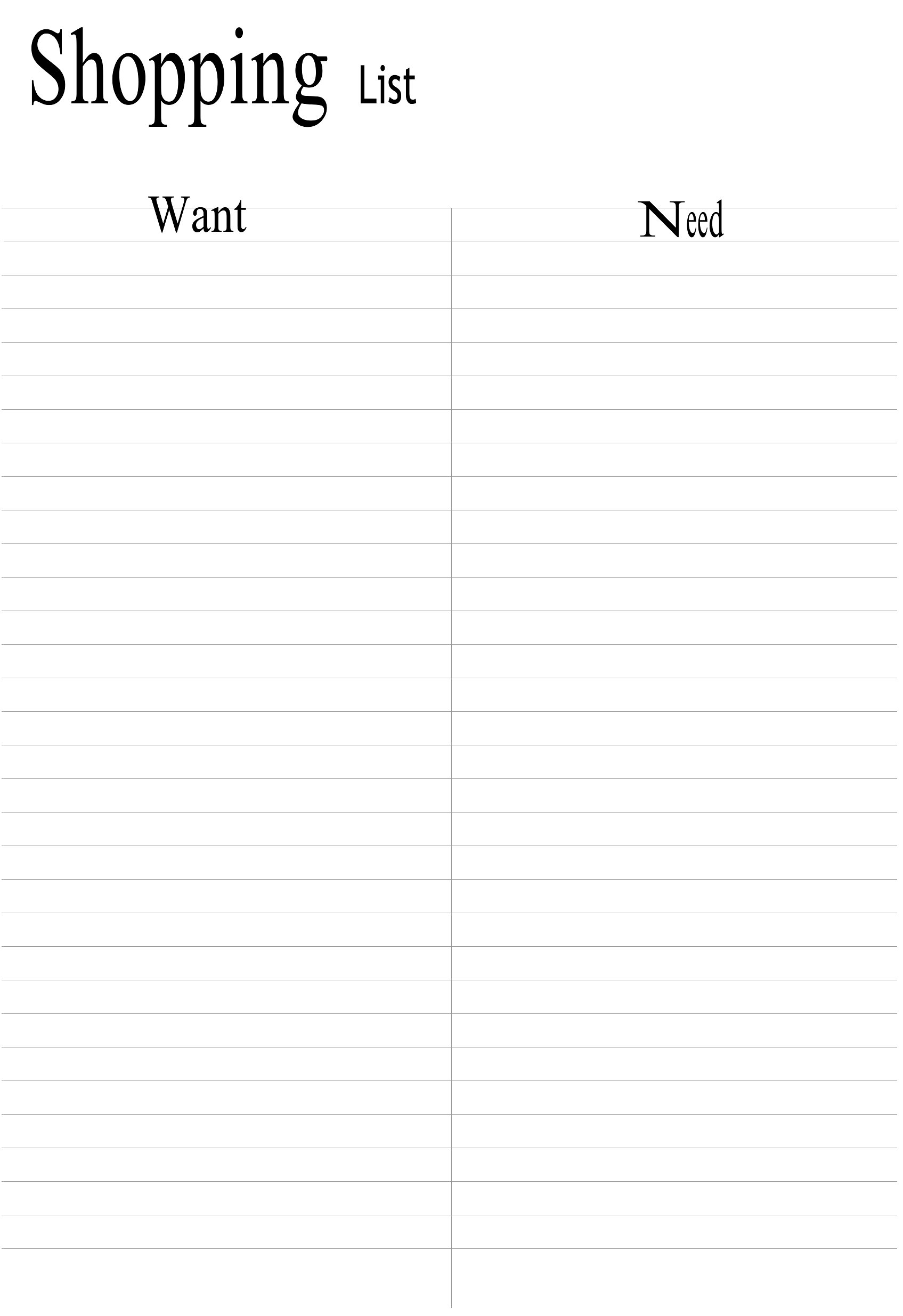
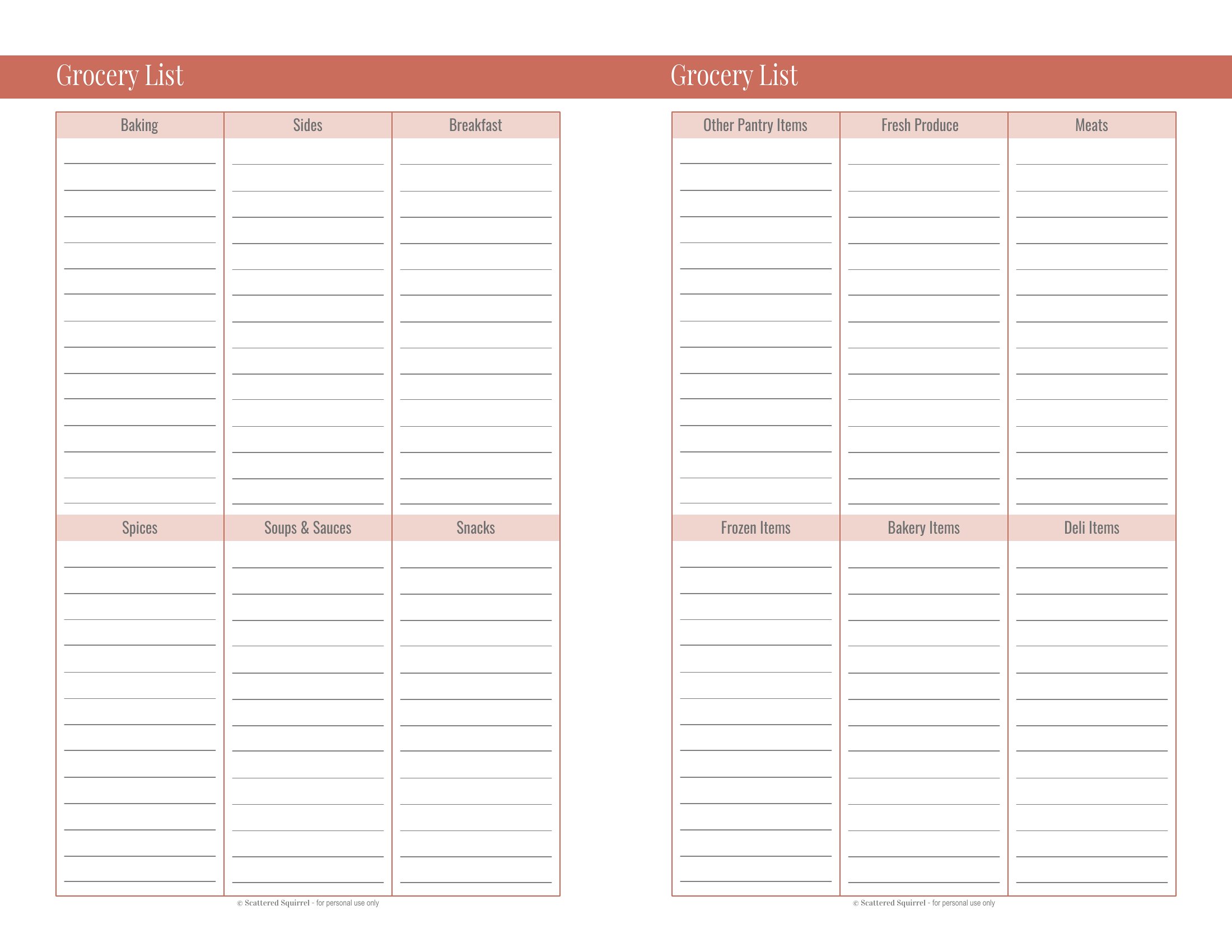
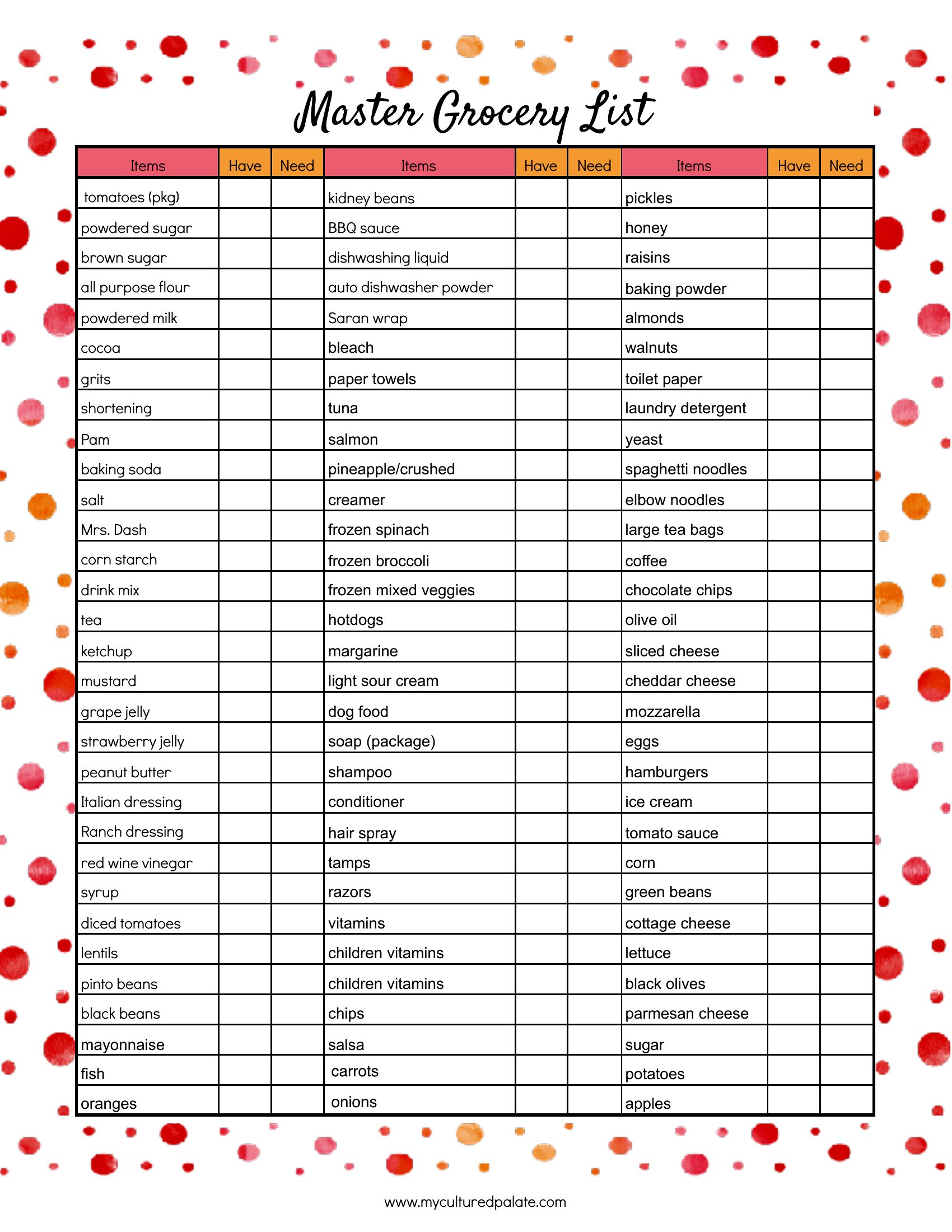
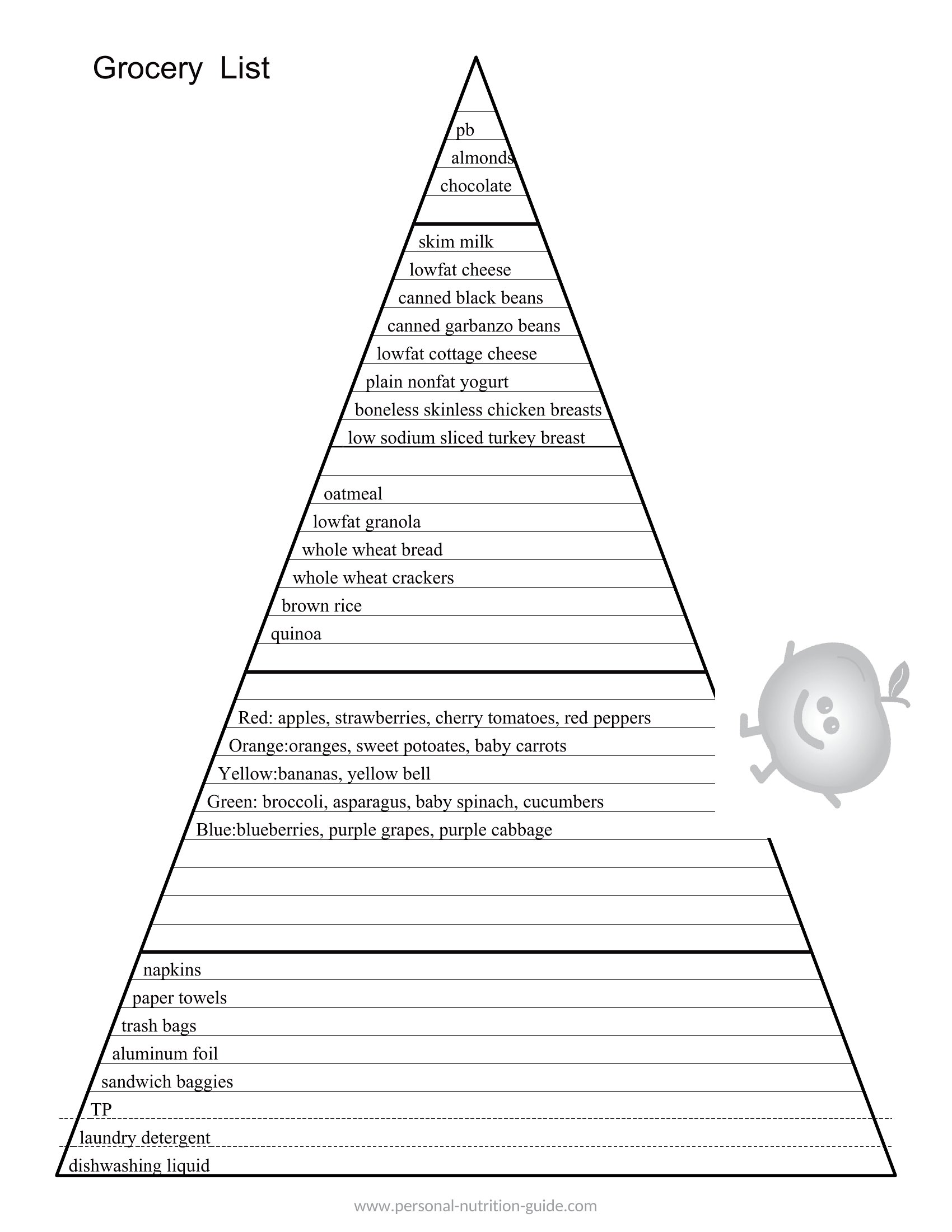
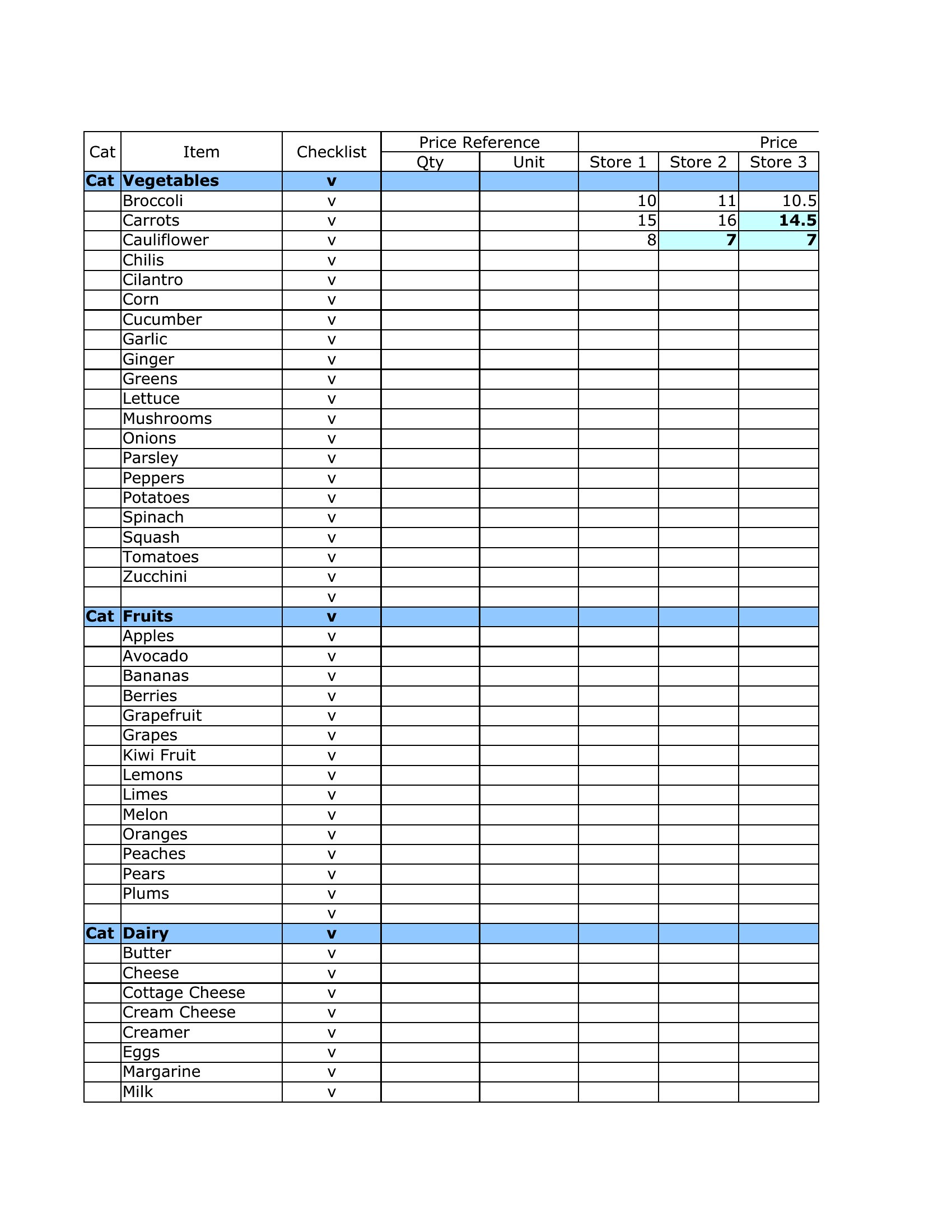
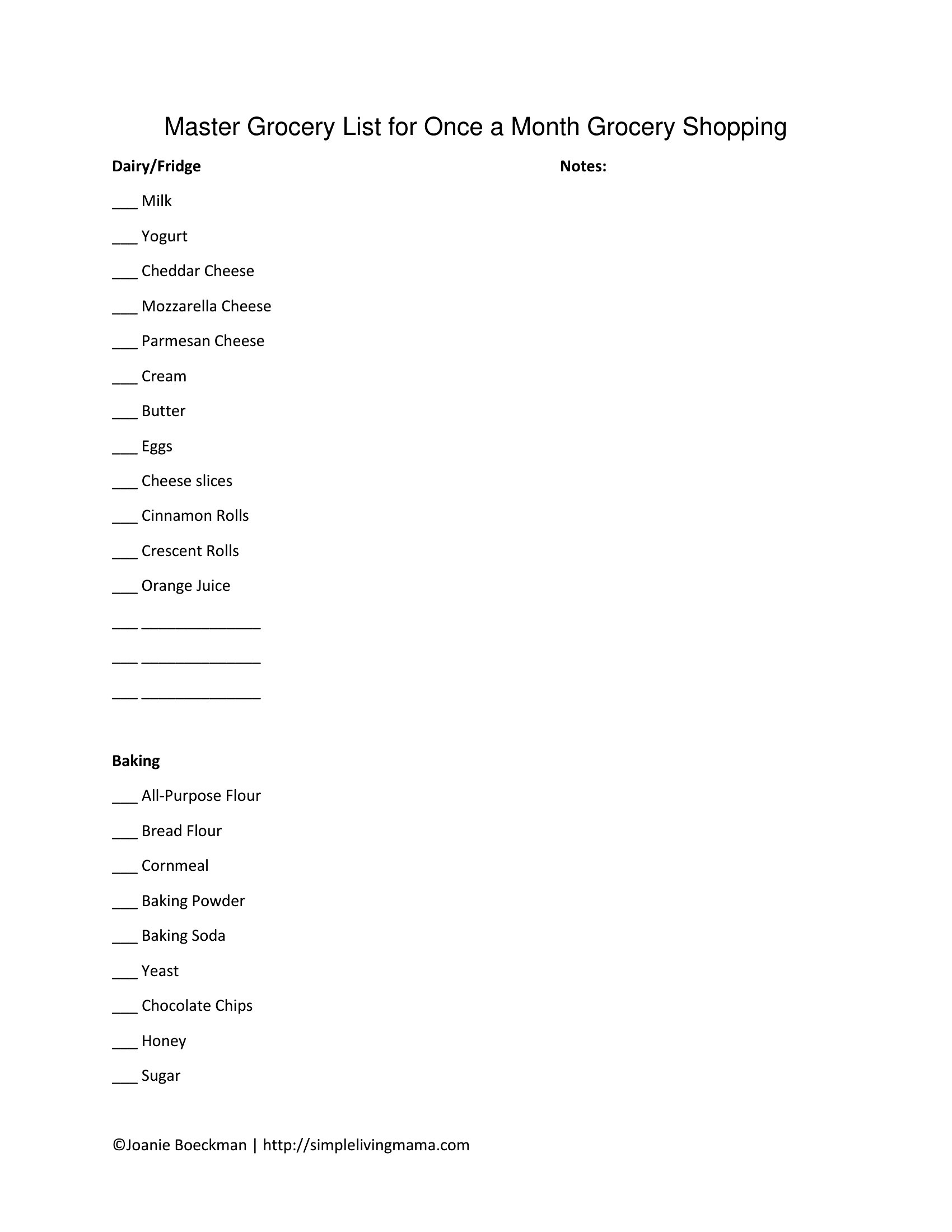
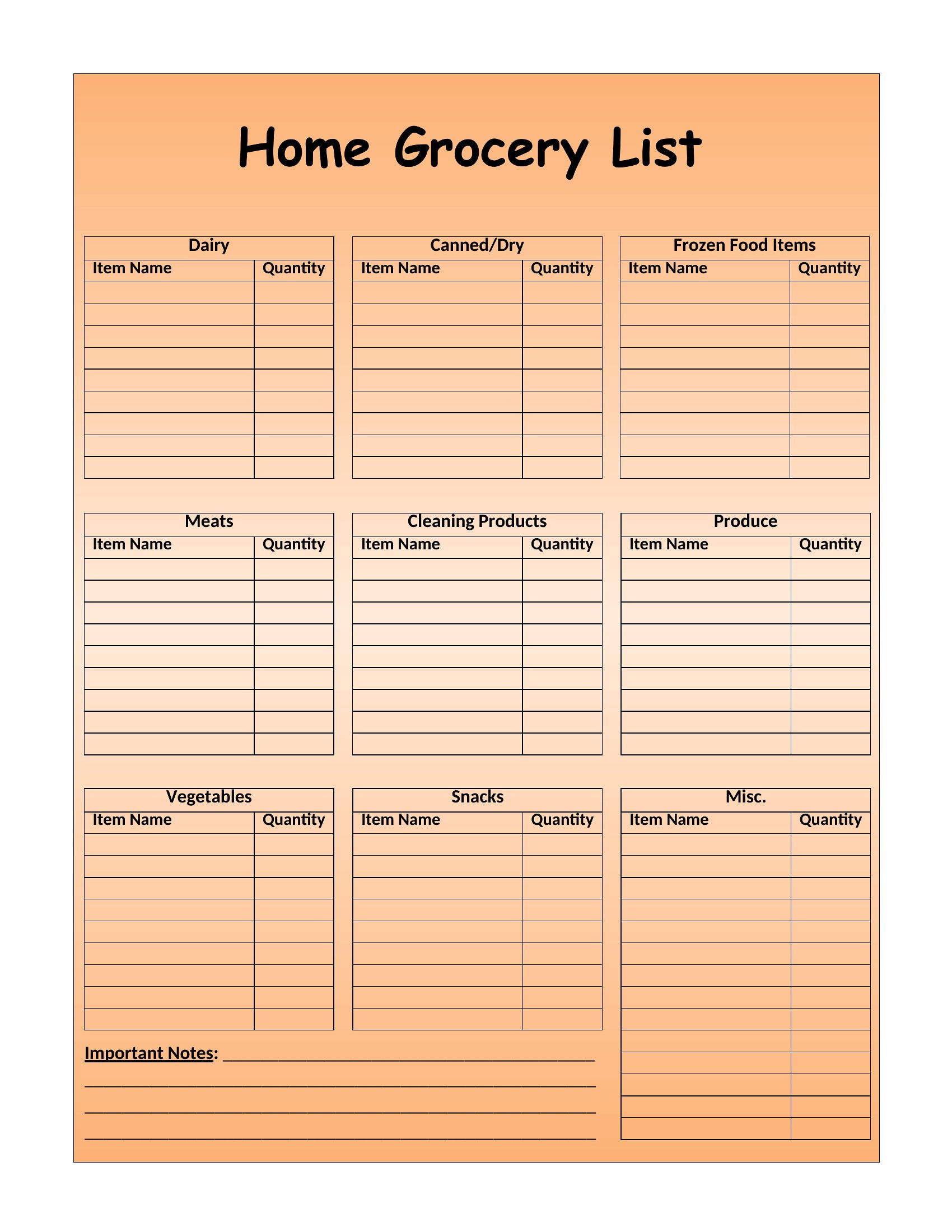
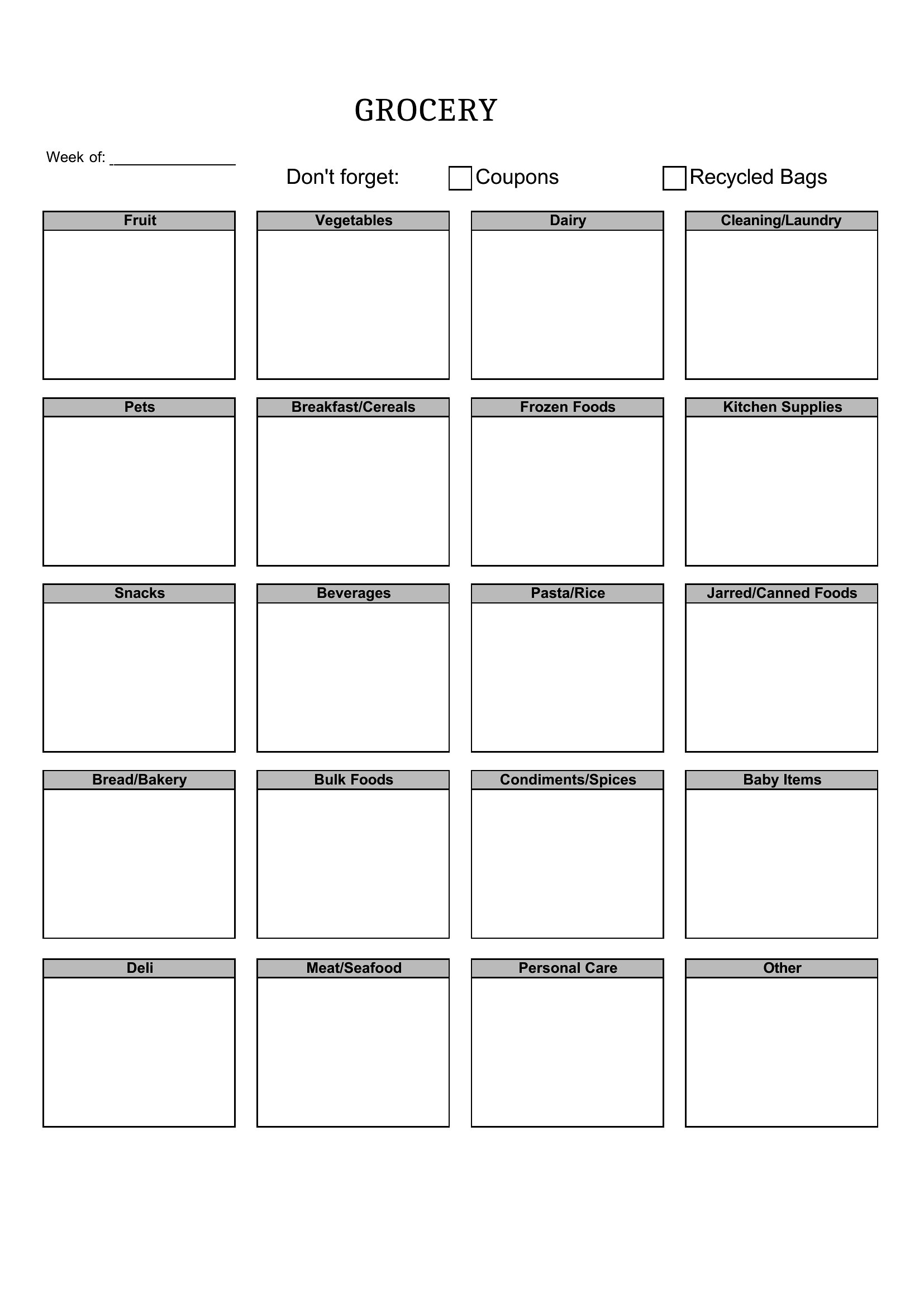
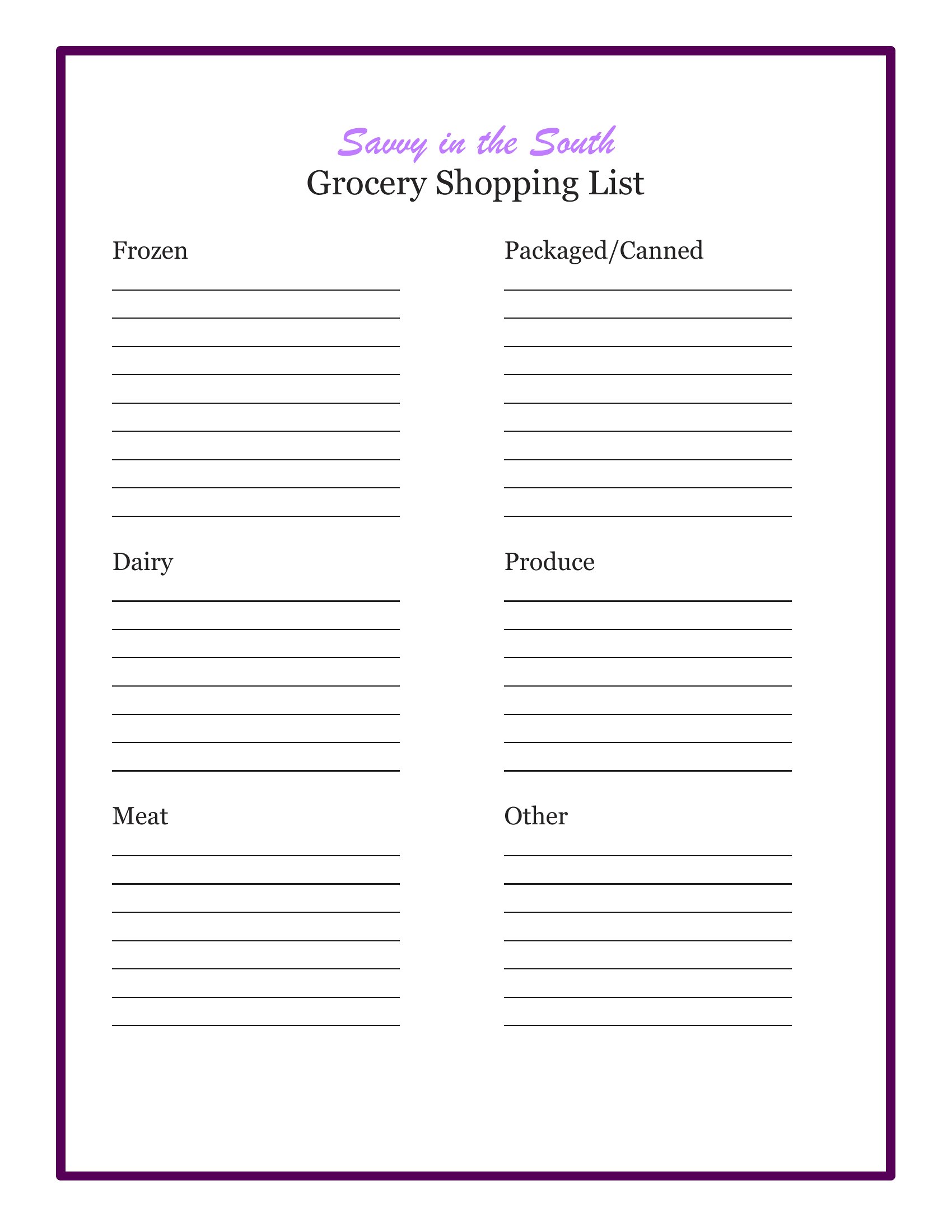
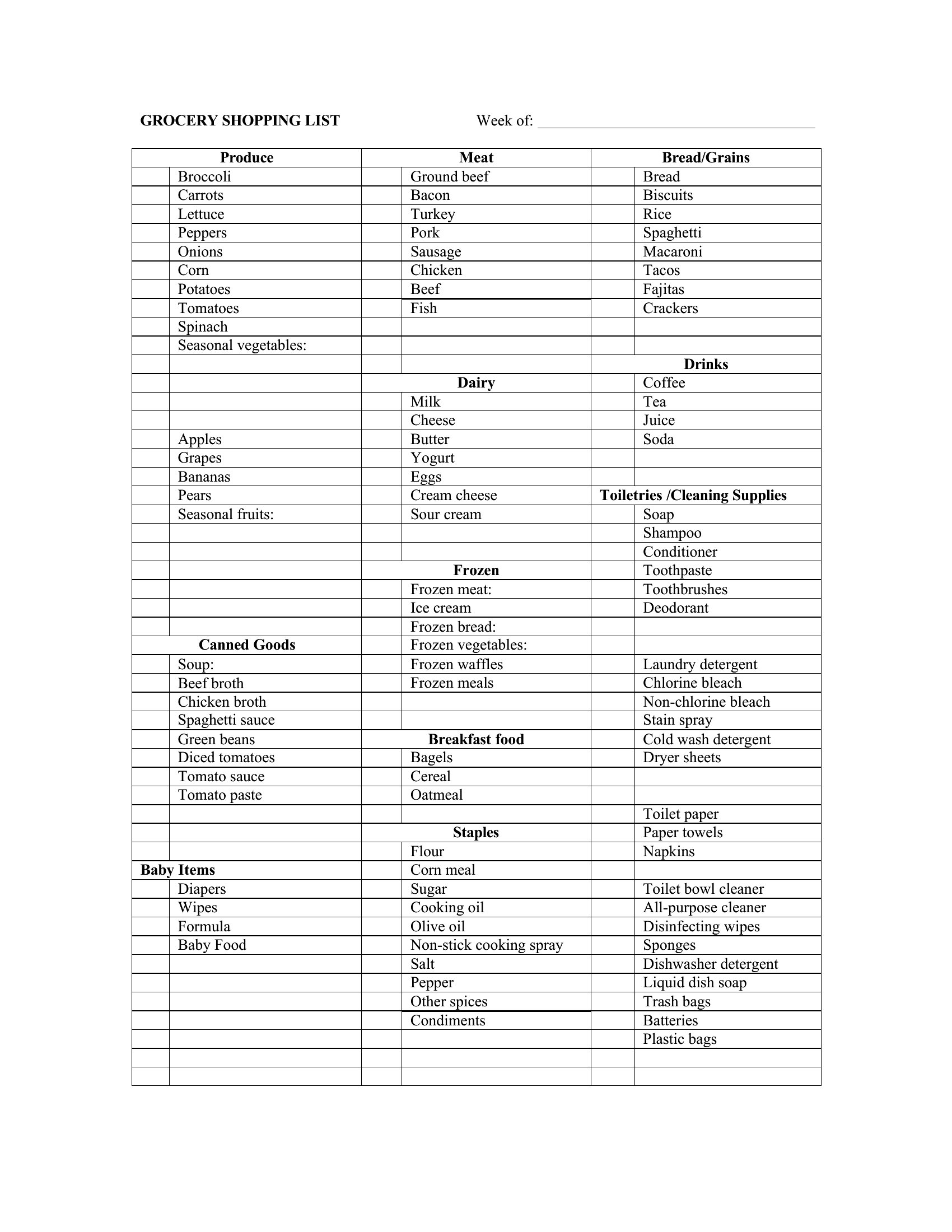
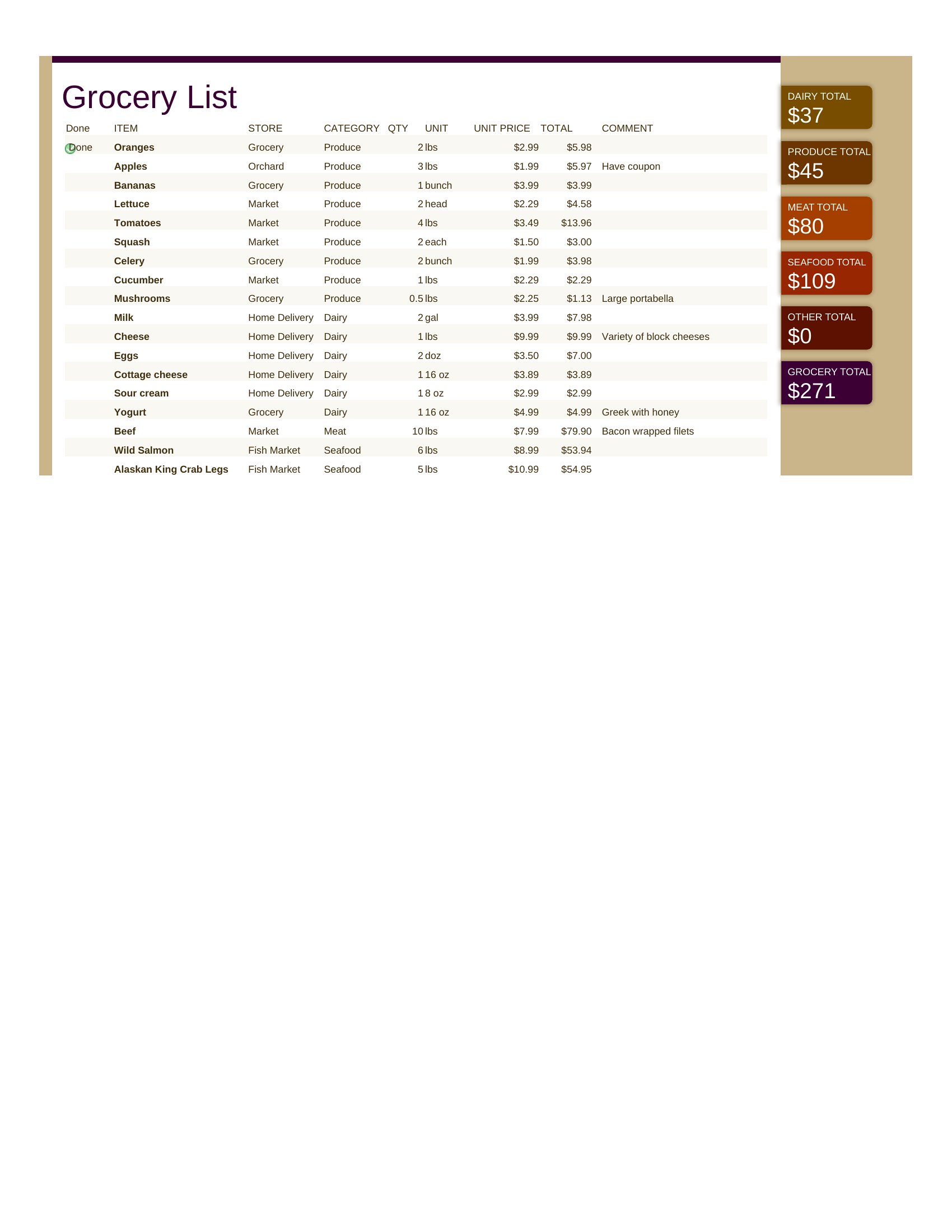
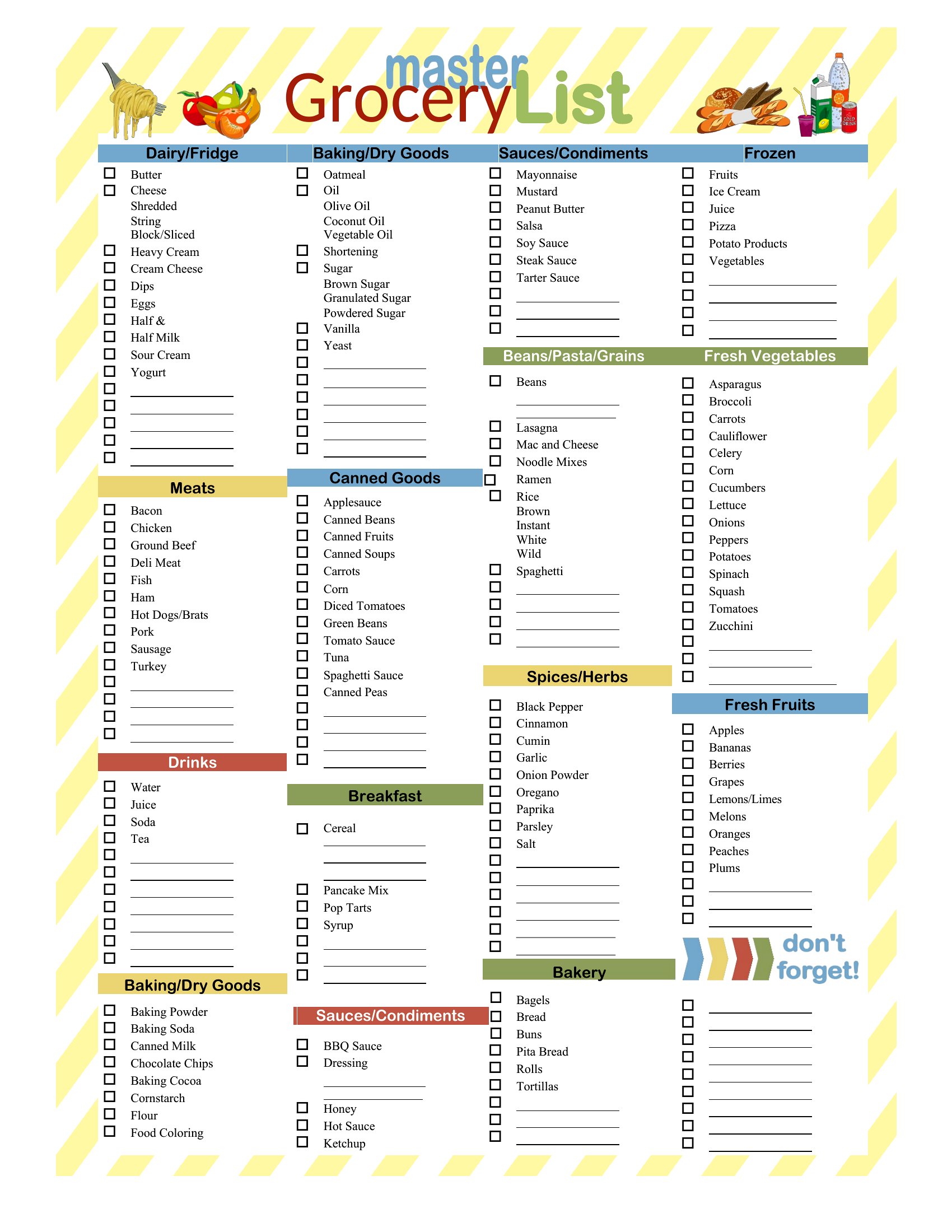
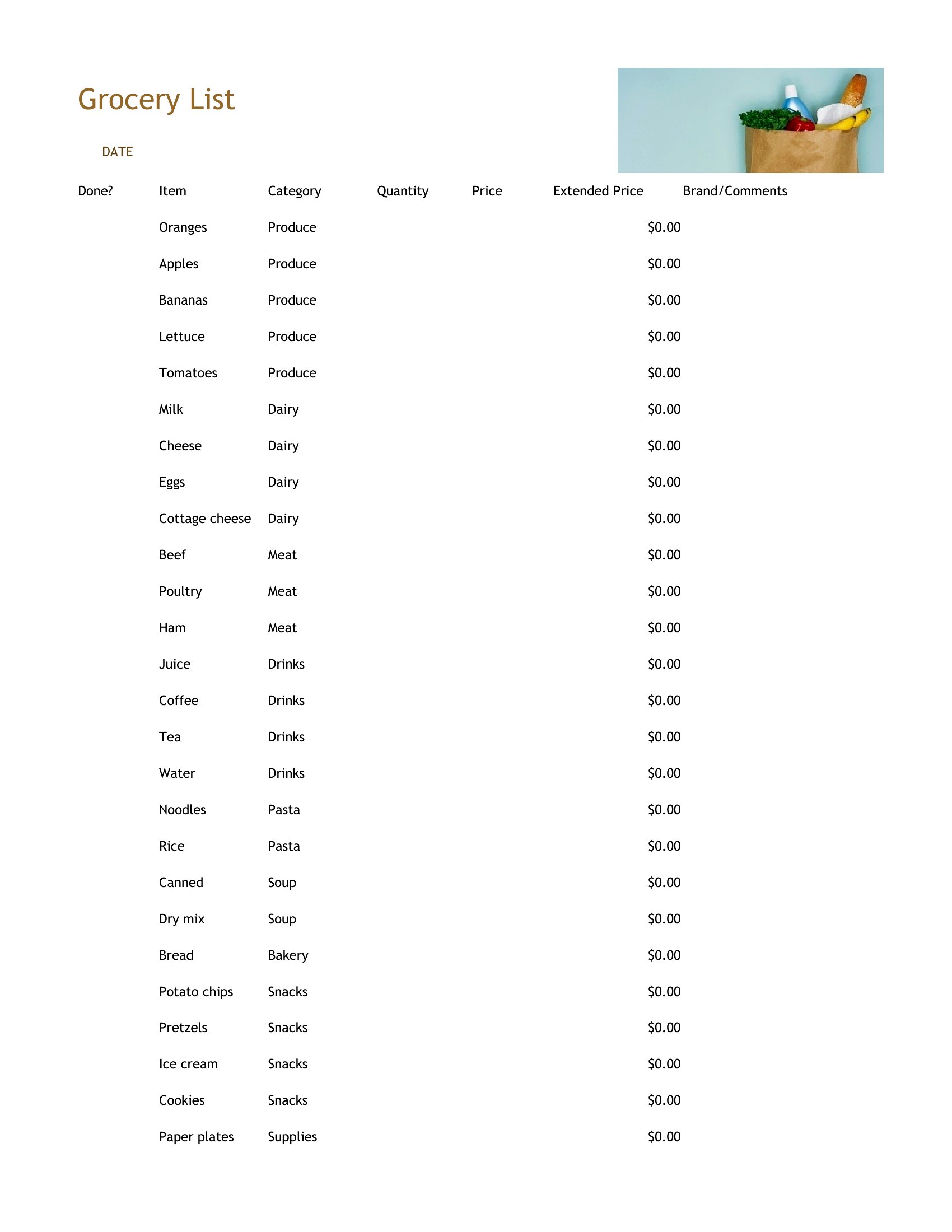
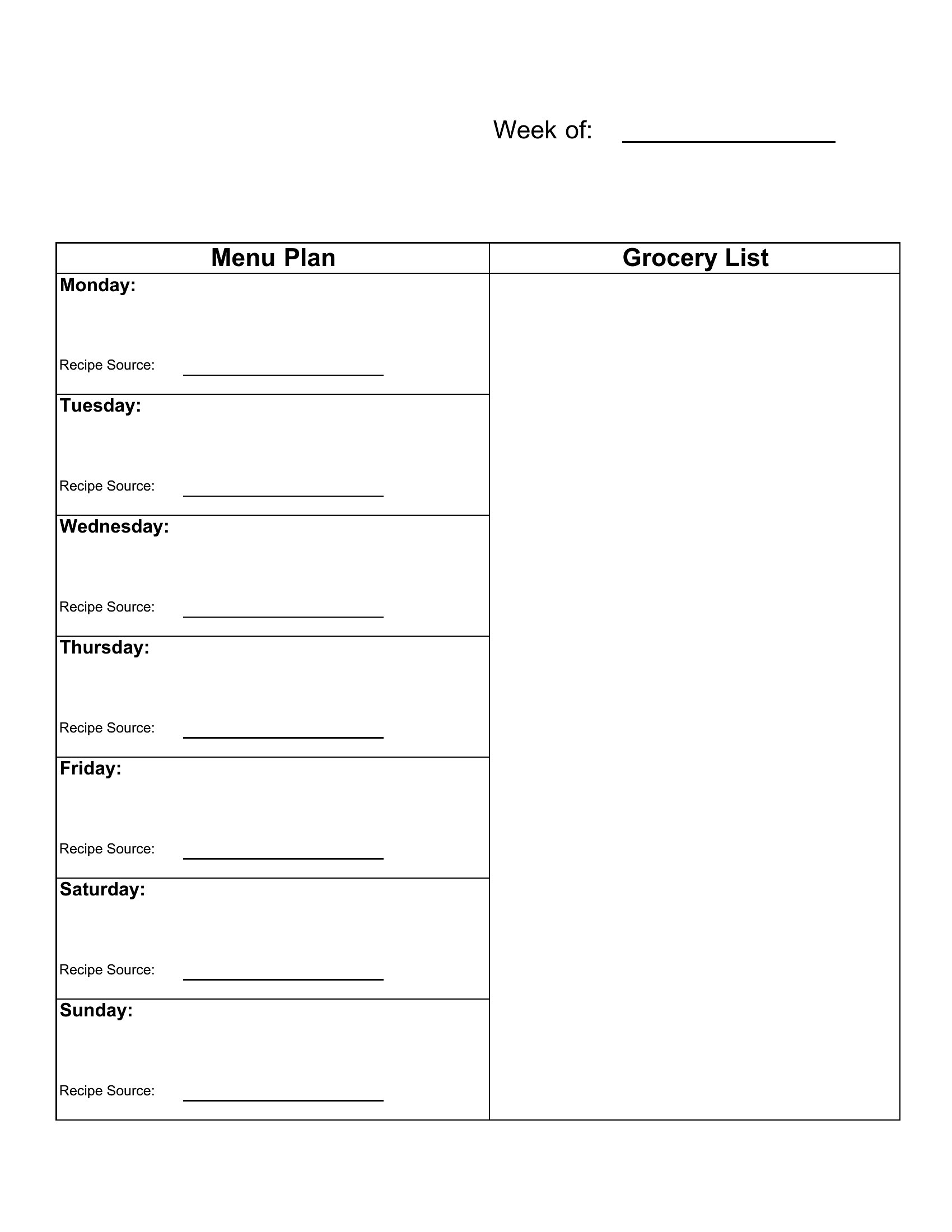
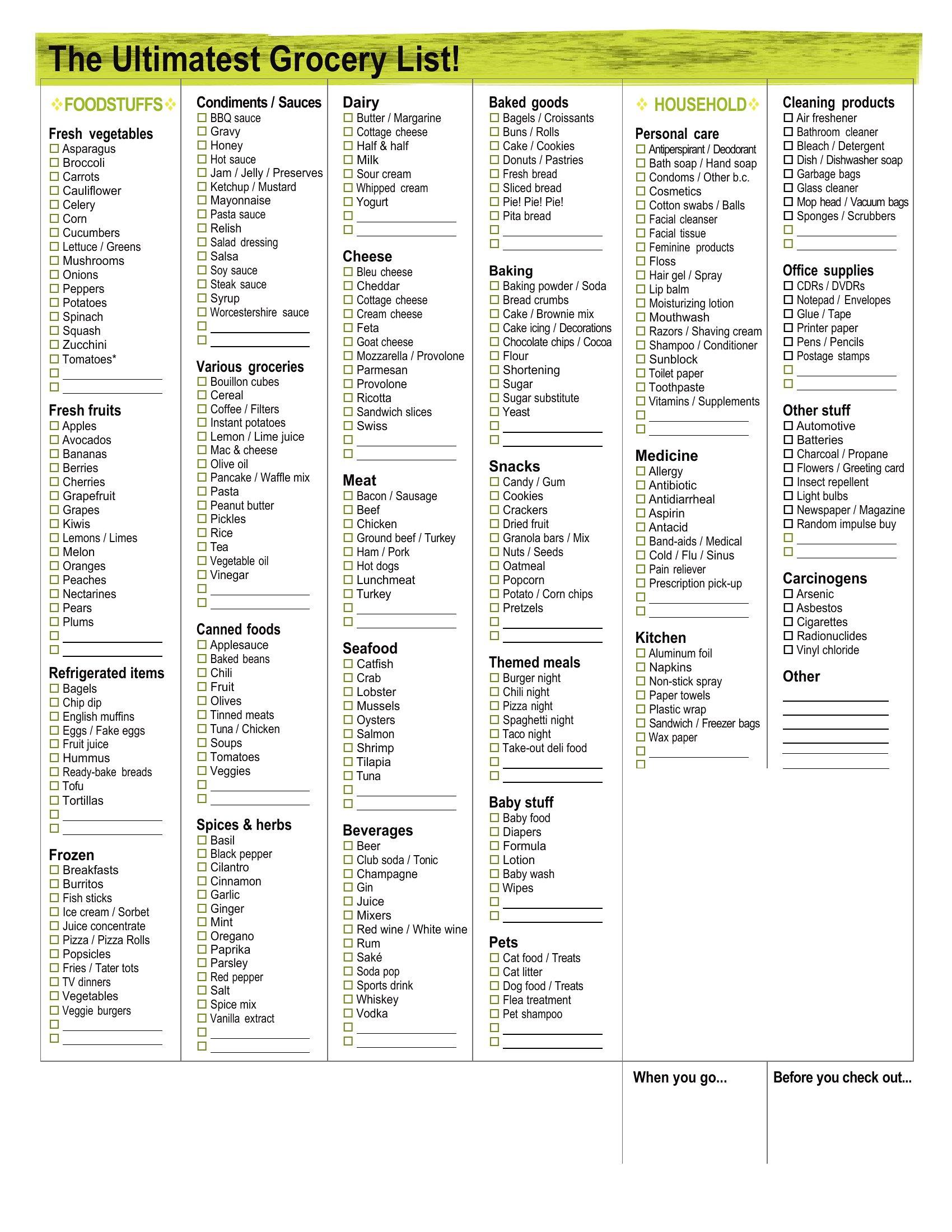
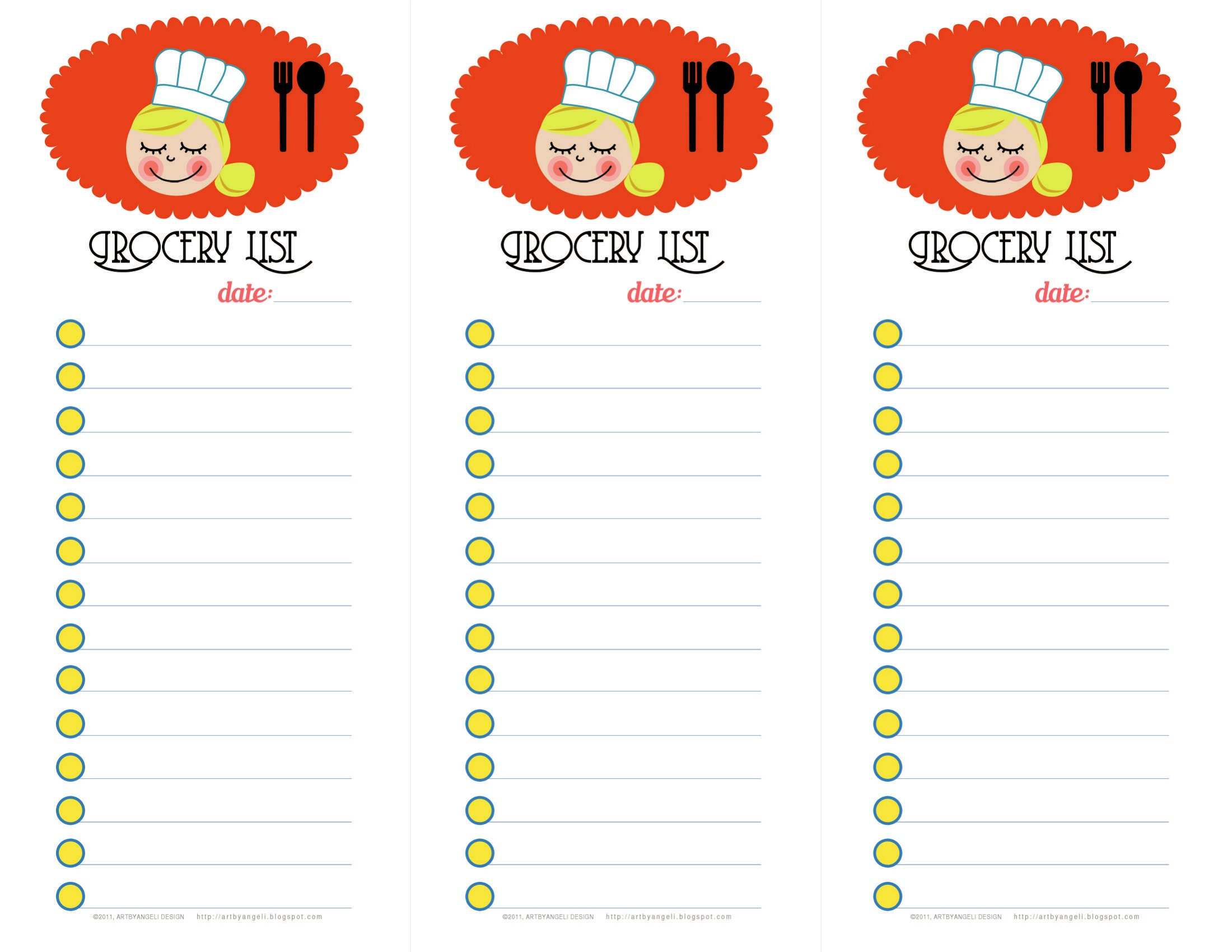
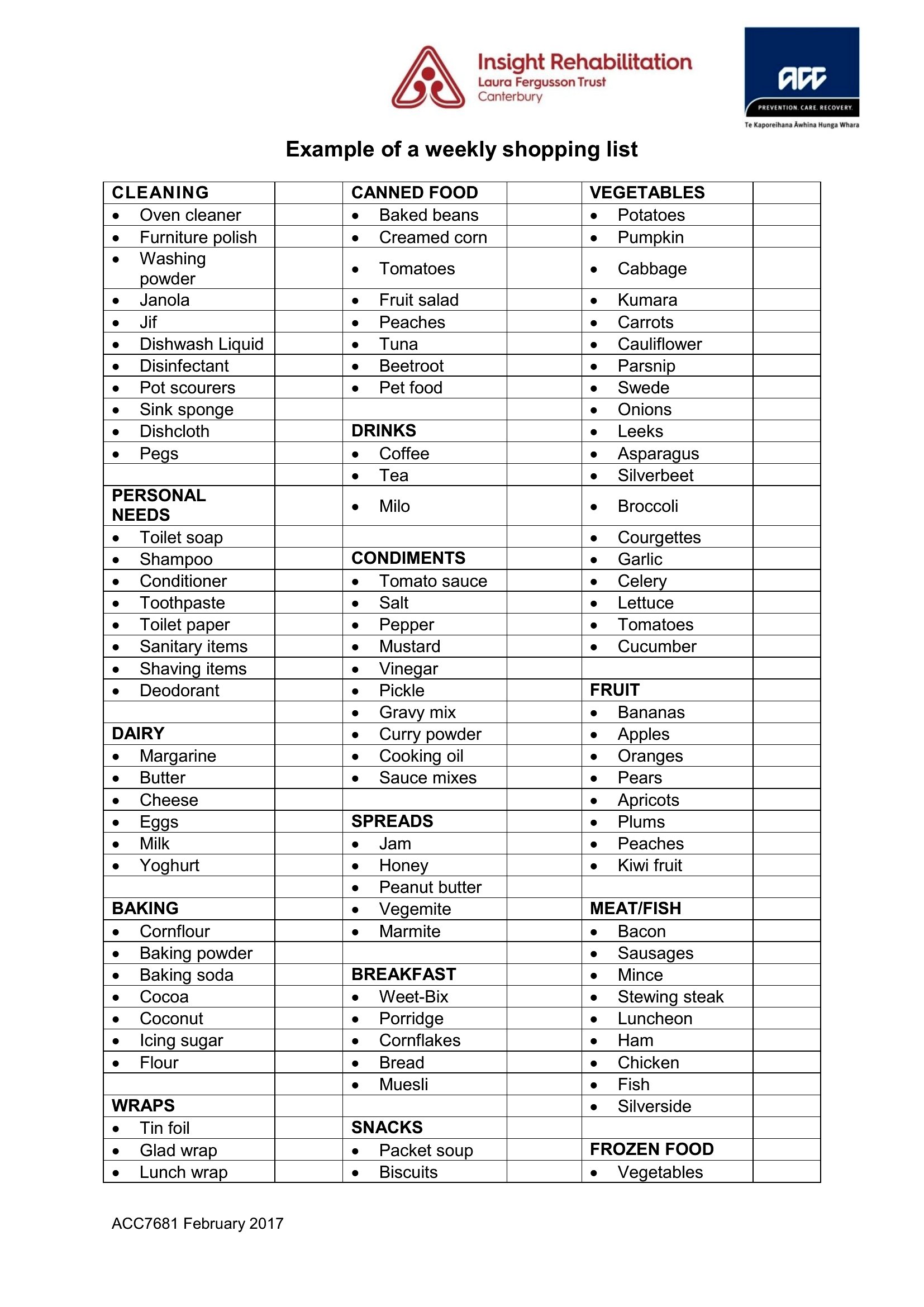
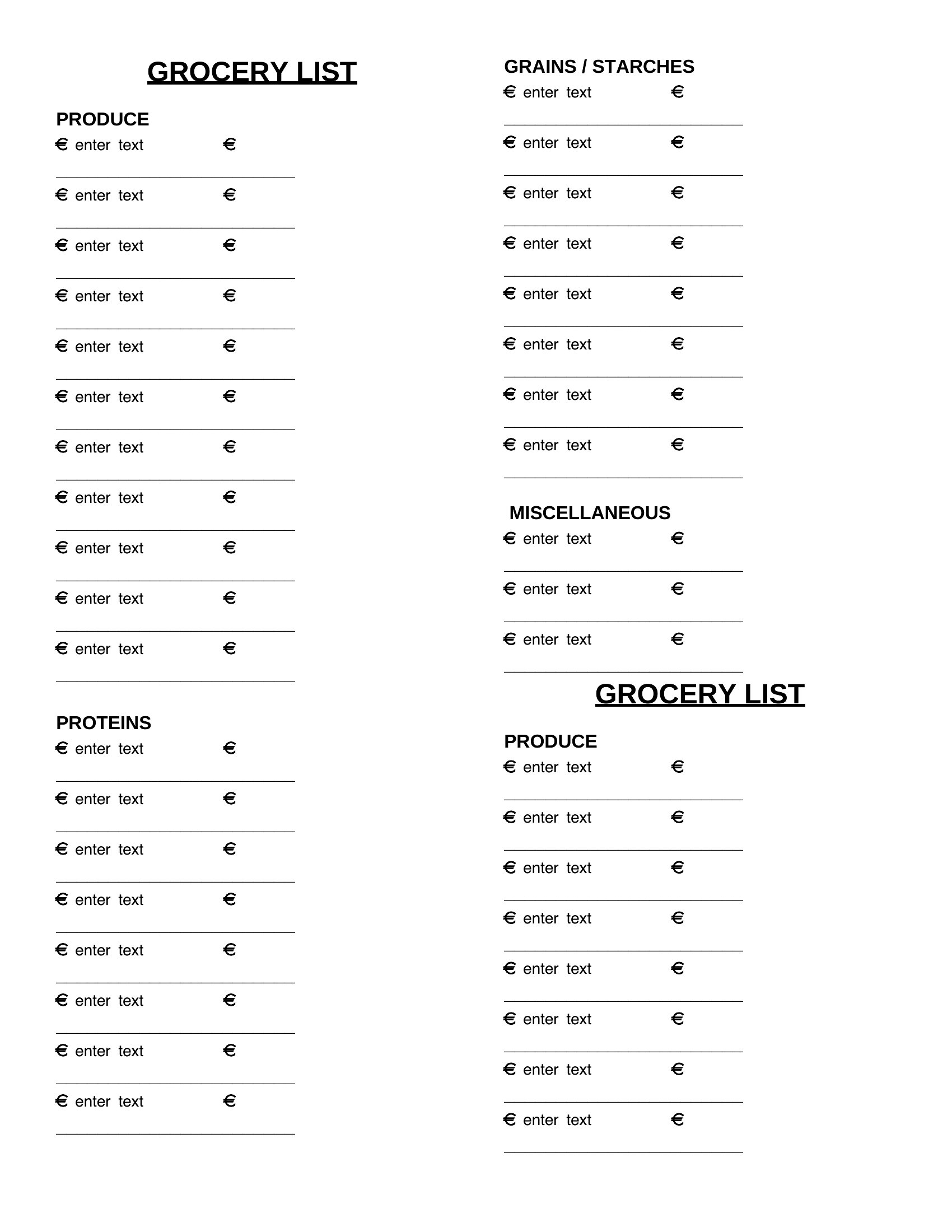
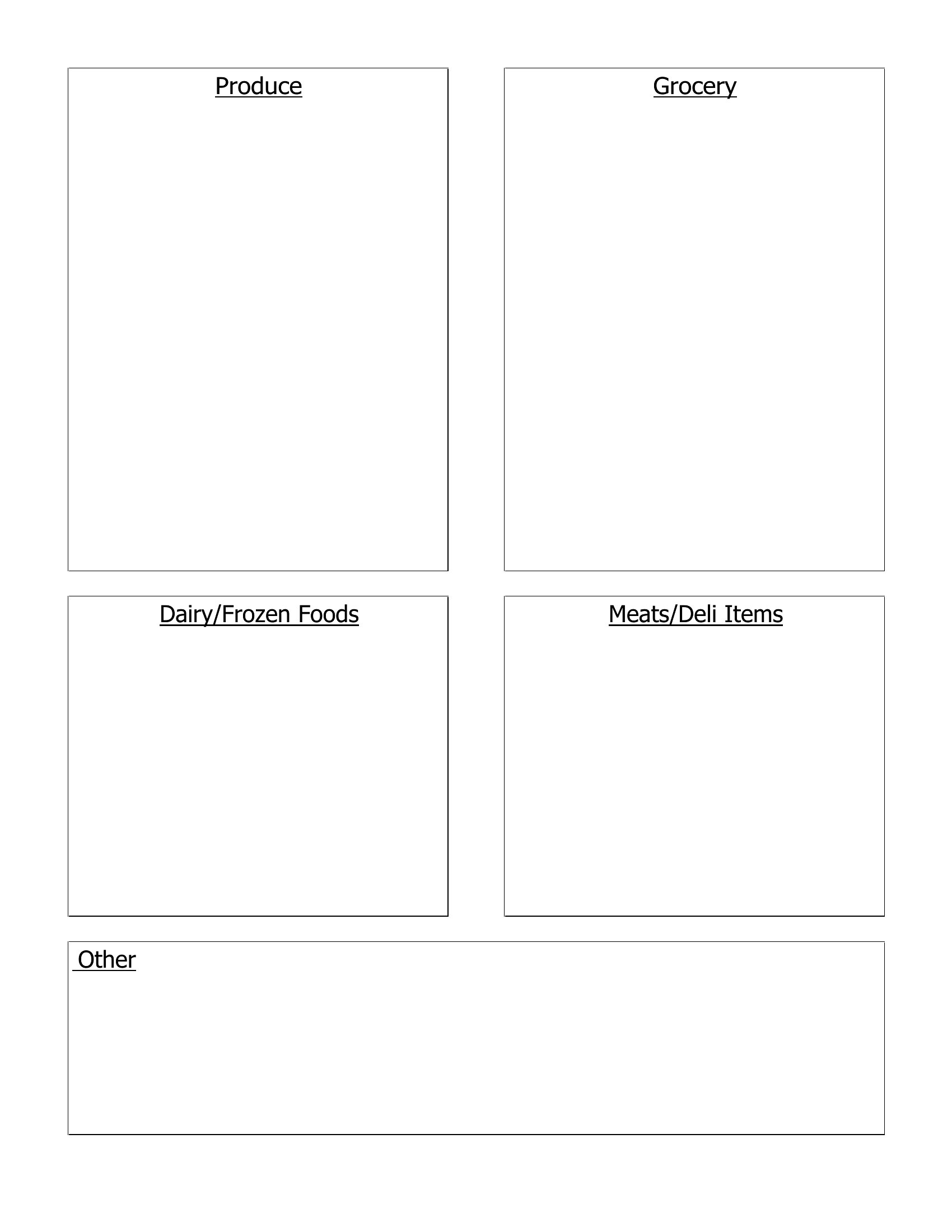
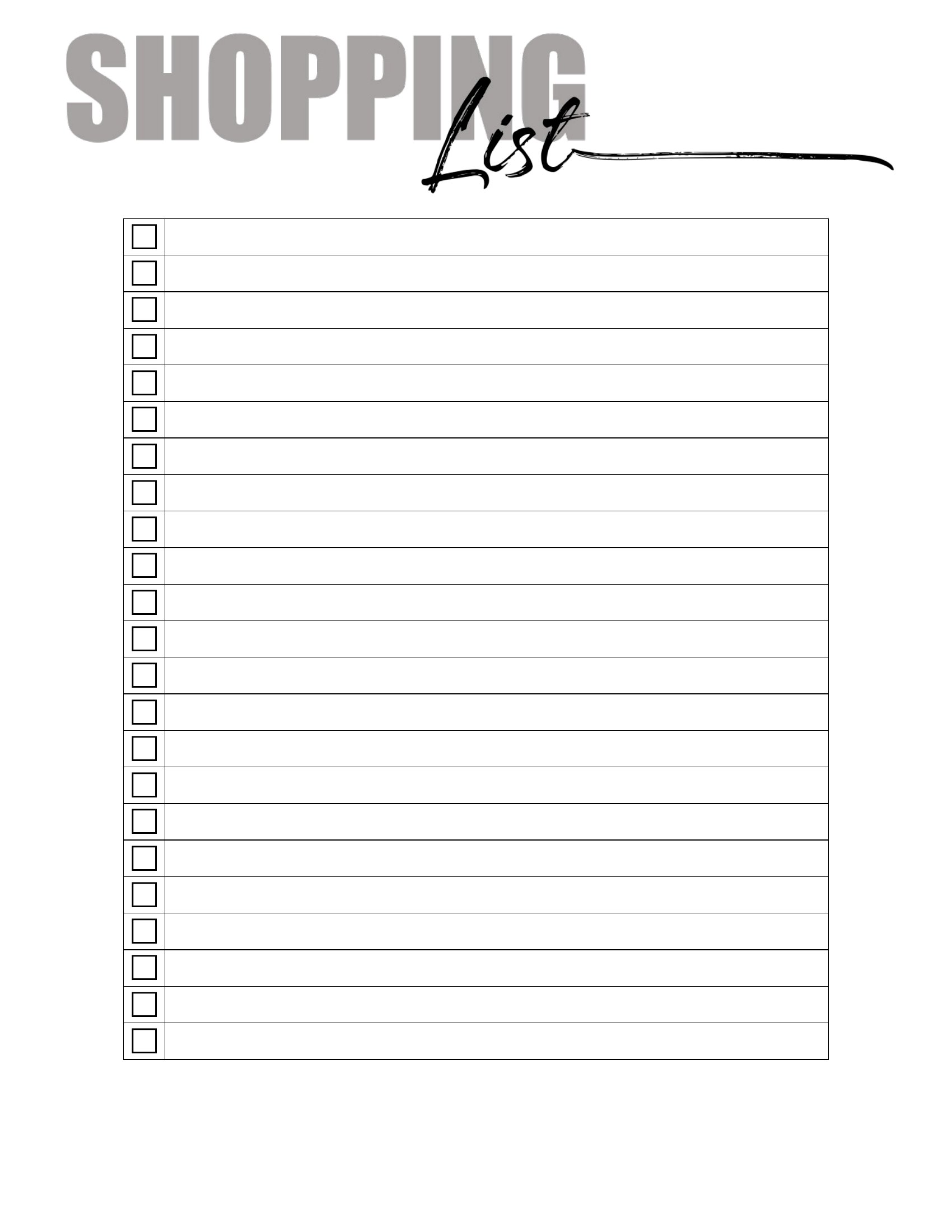
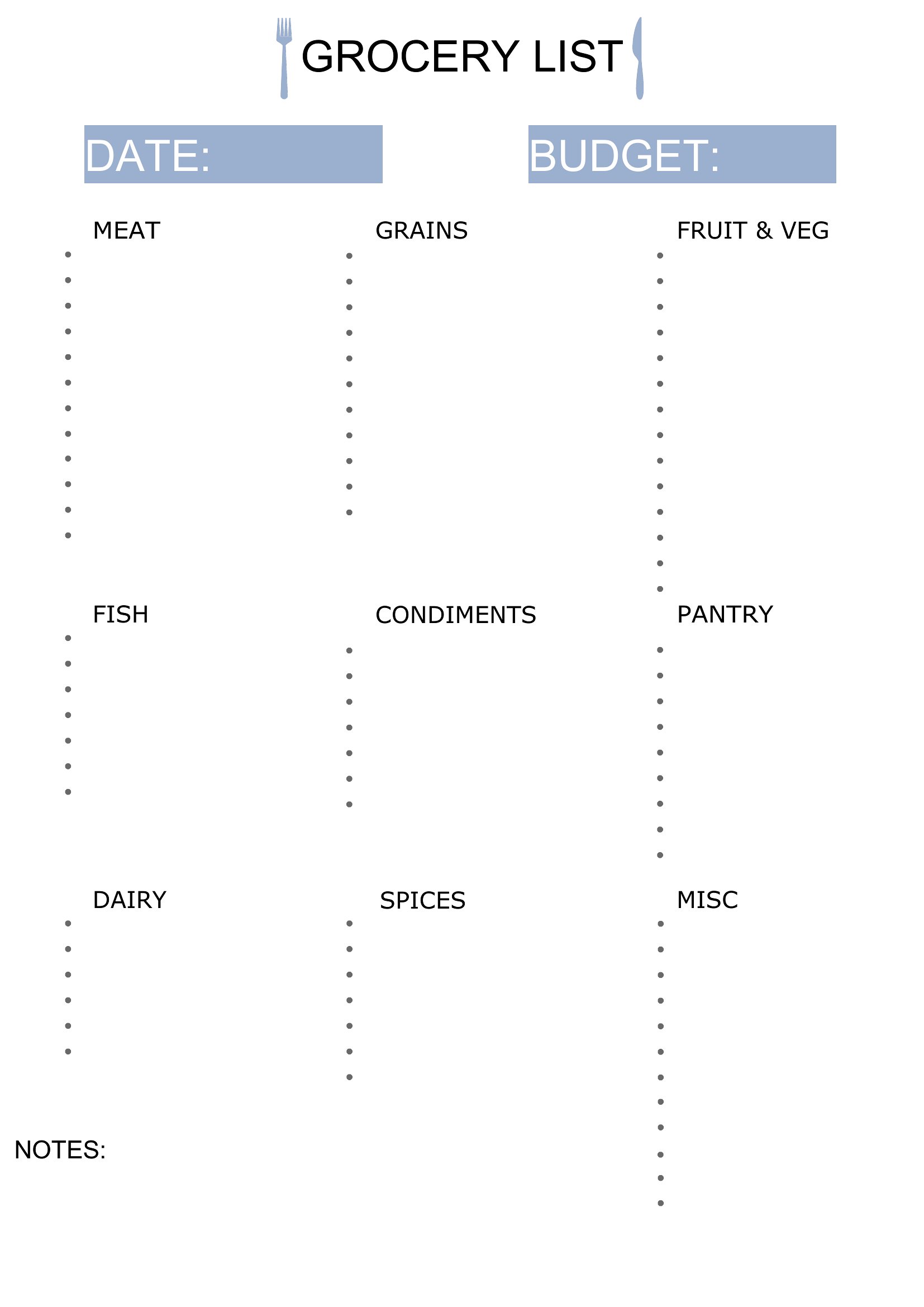
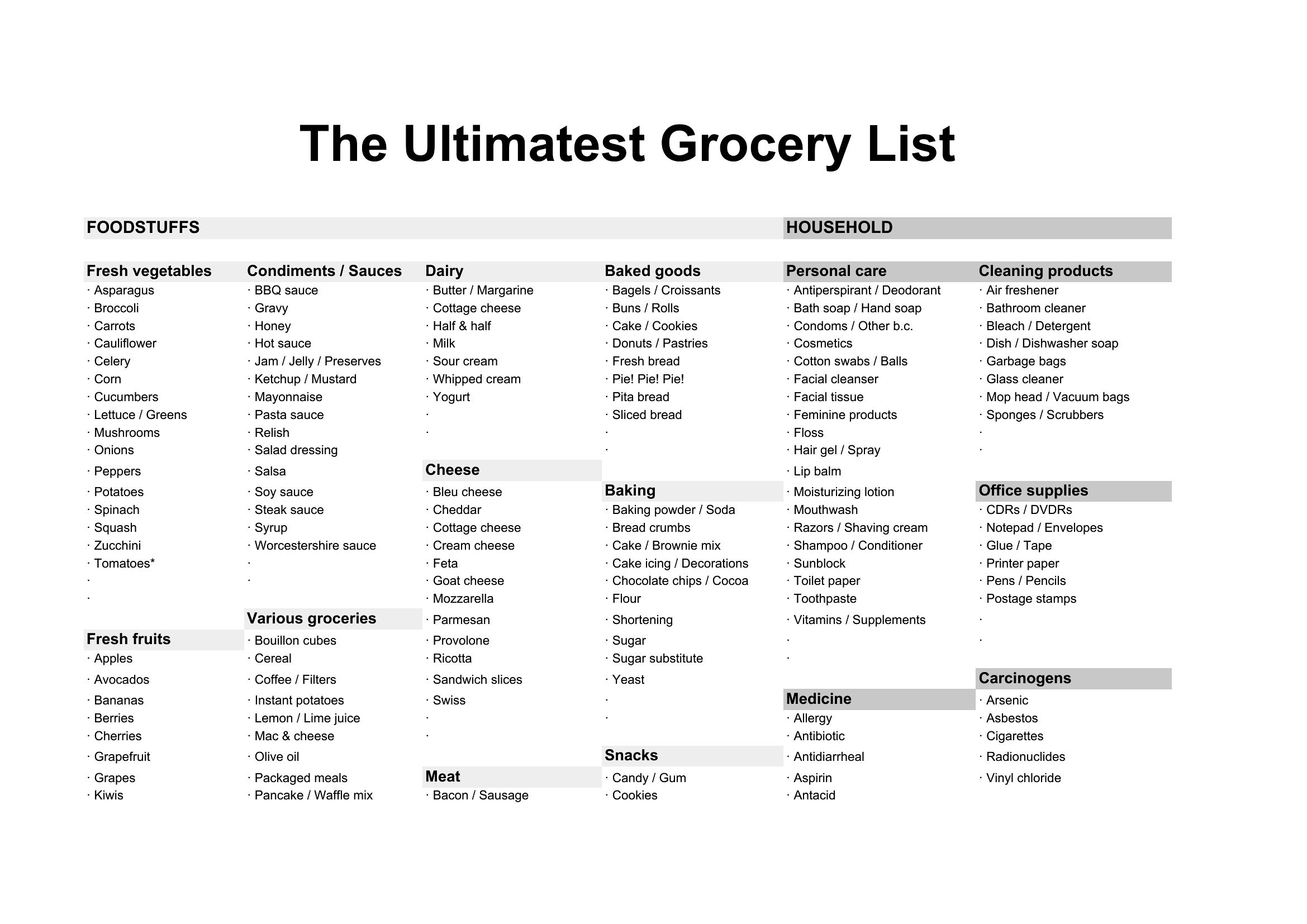
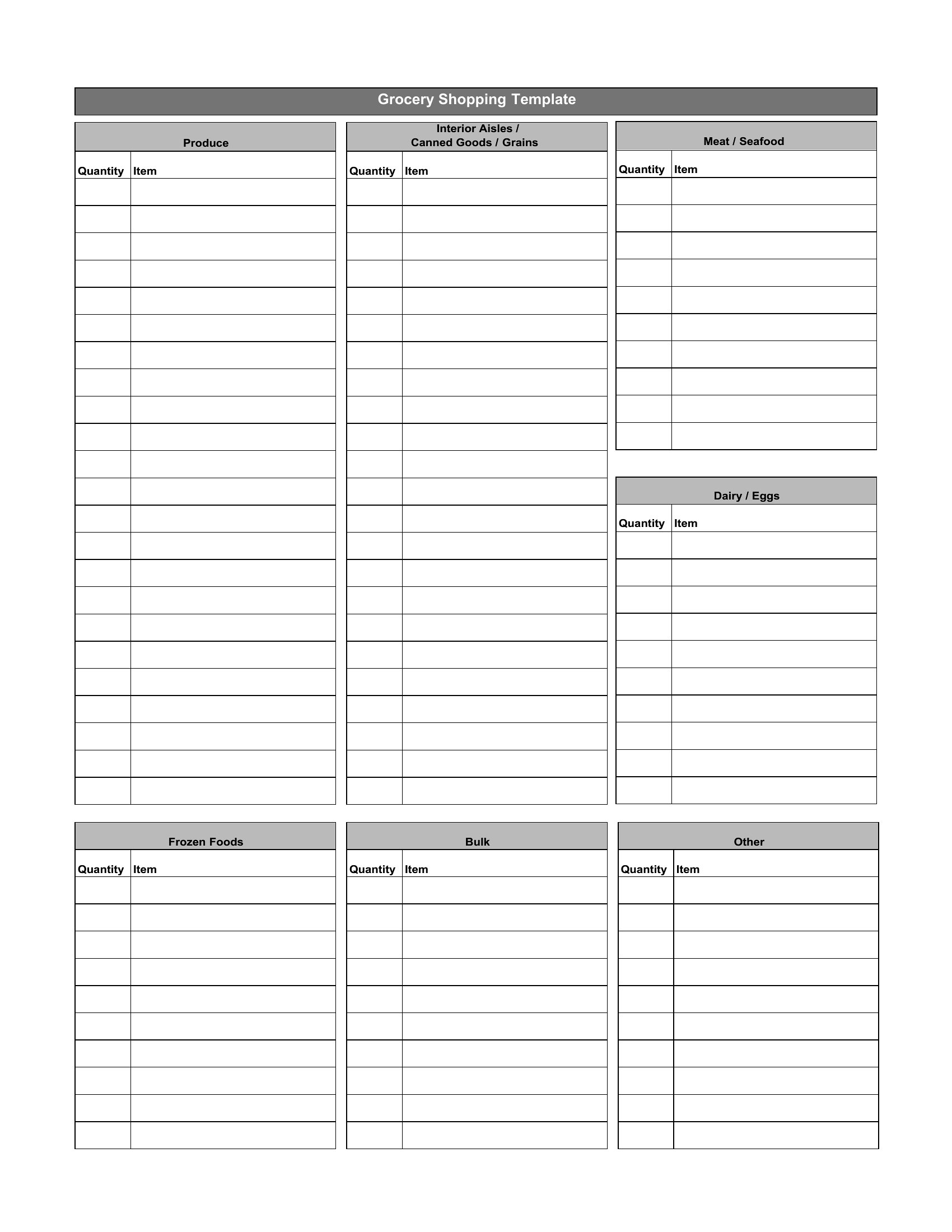
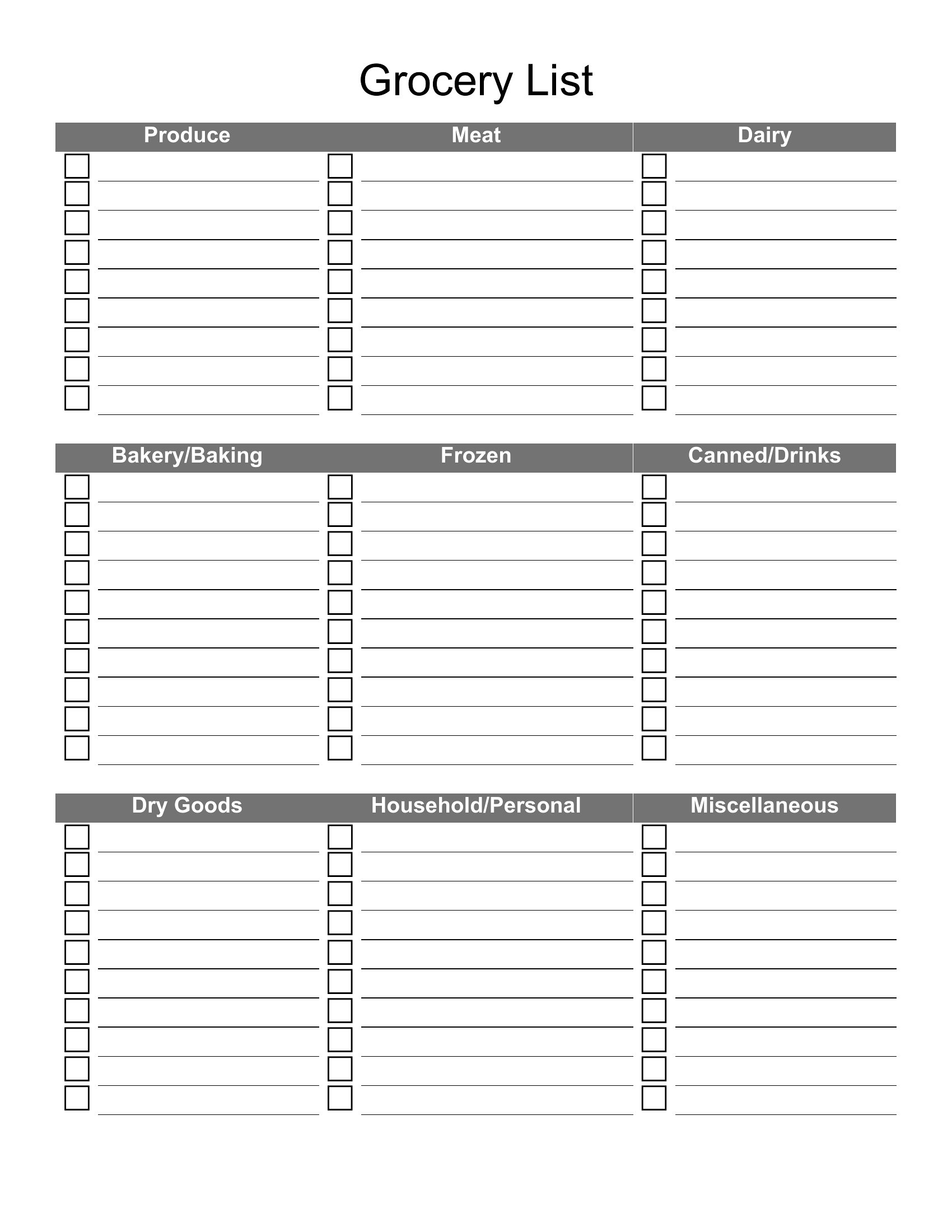
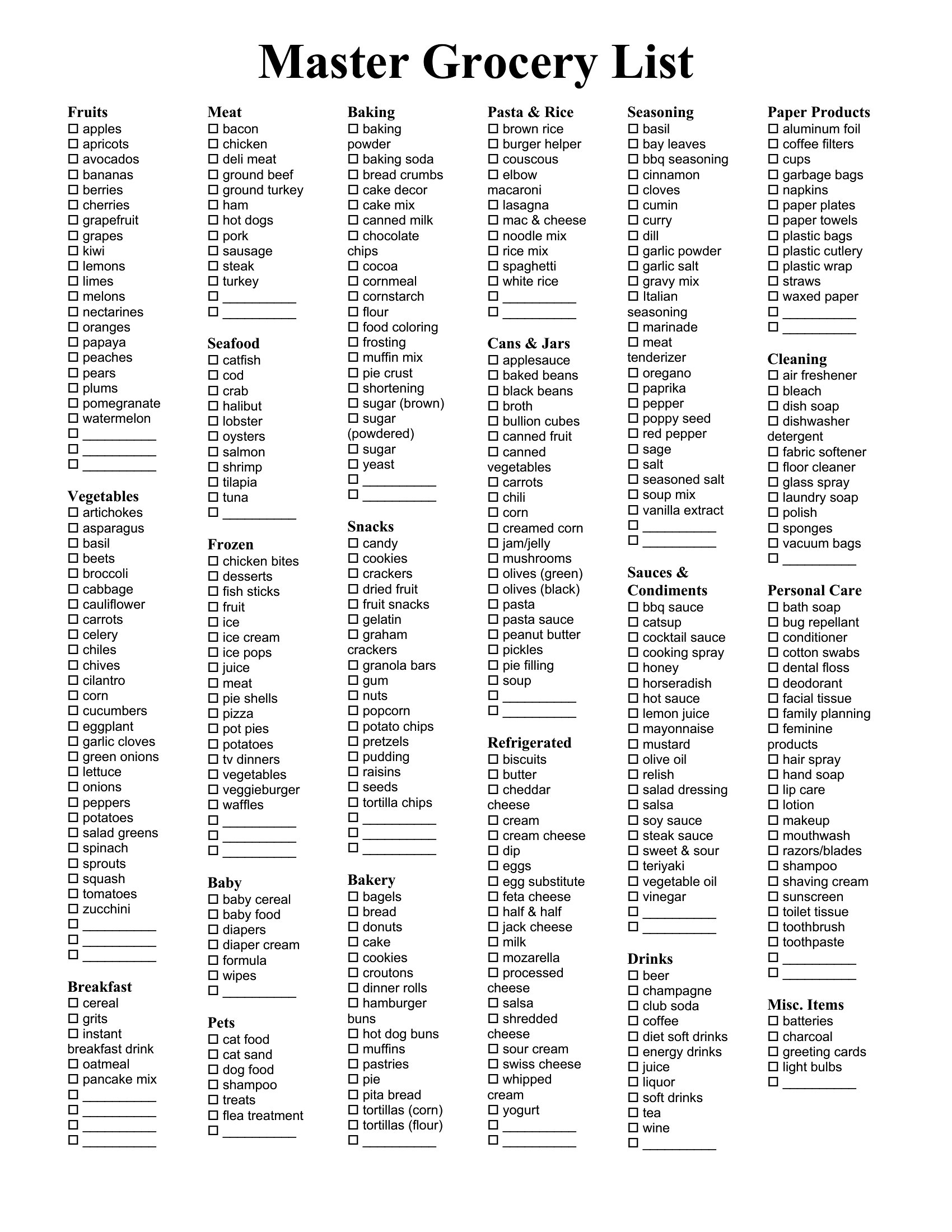
A master grocery list keeps every staple you buy in one place, so weekly shopping becomes a quick check-off instead of a guessing game in the aisles. This set of 47 templates helps busy families, meal planners, and roommates organize items by category and shop without backtracking.
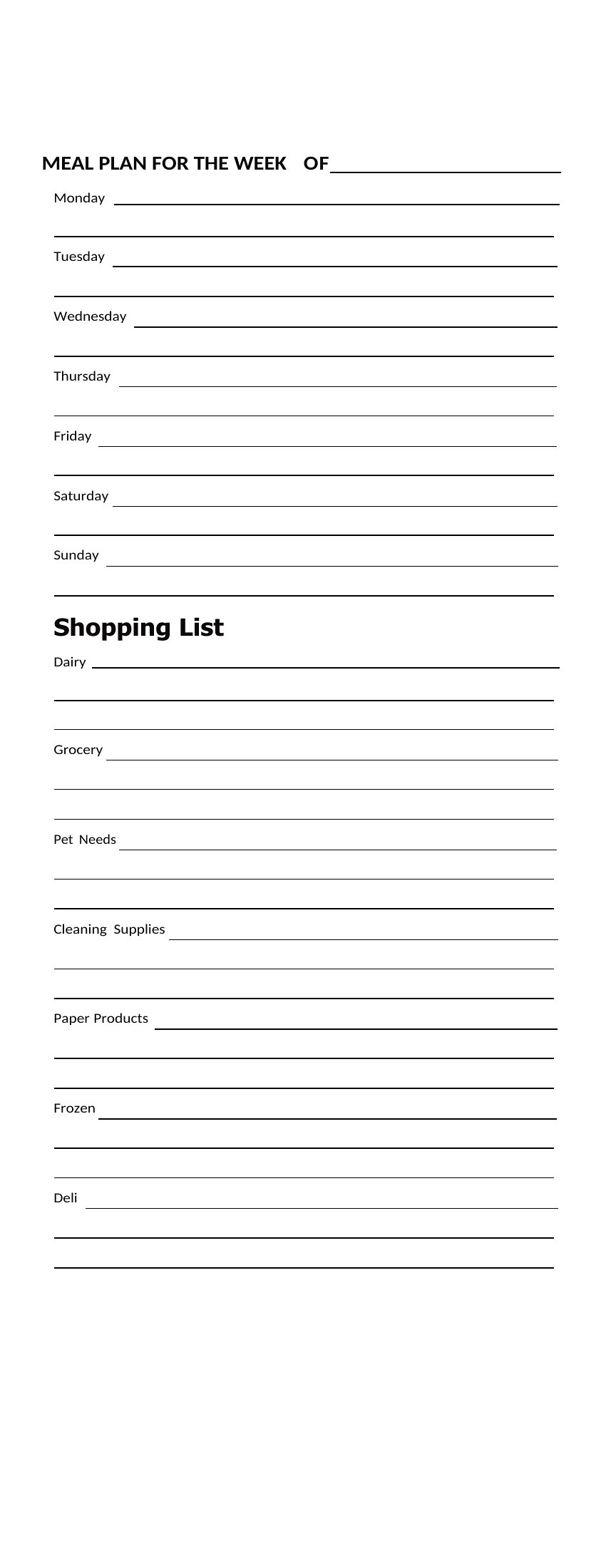
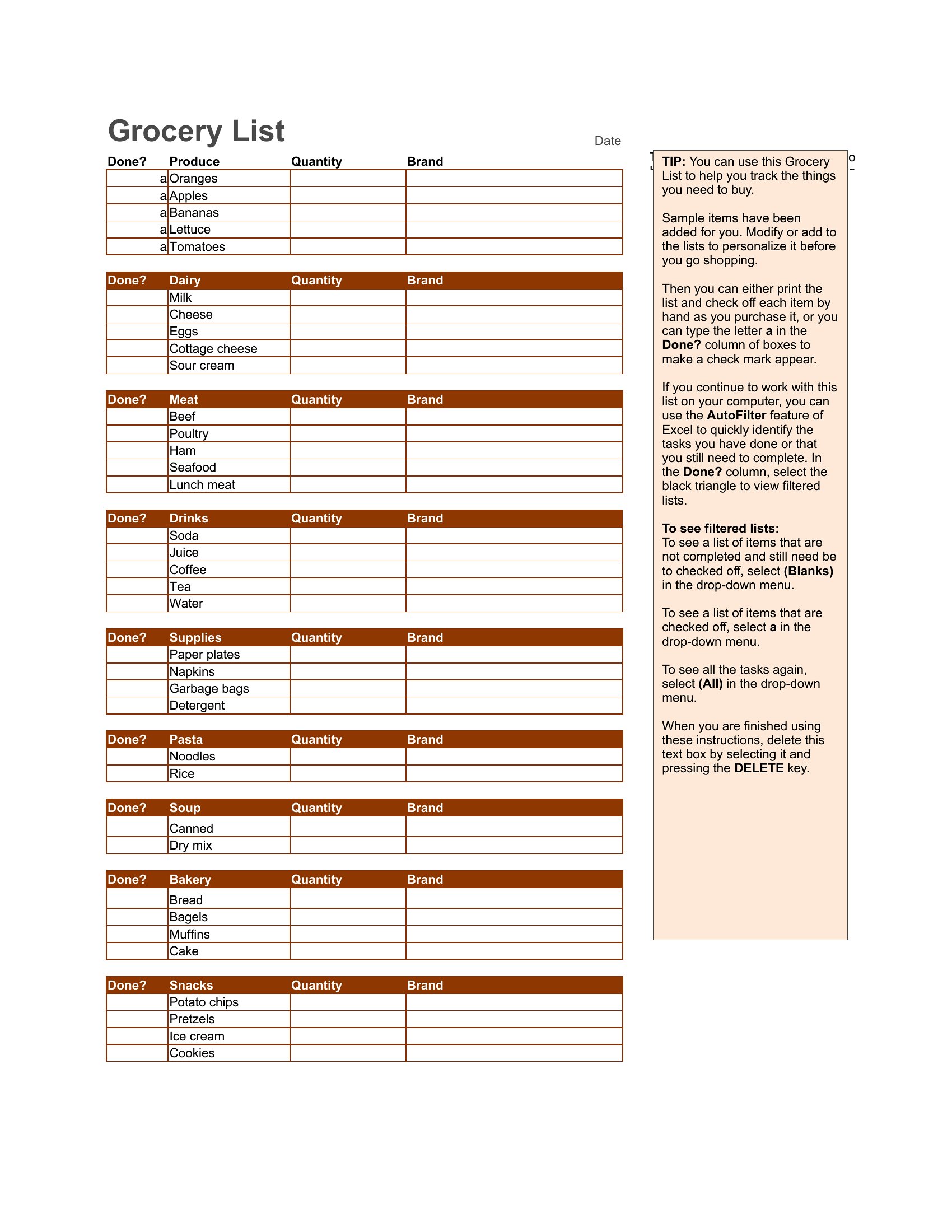
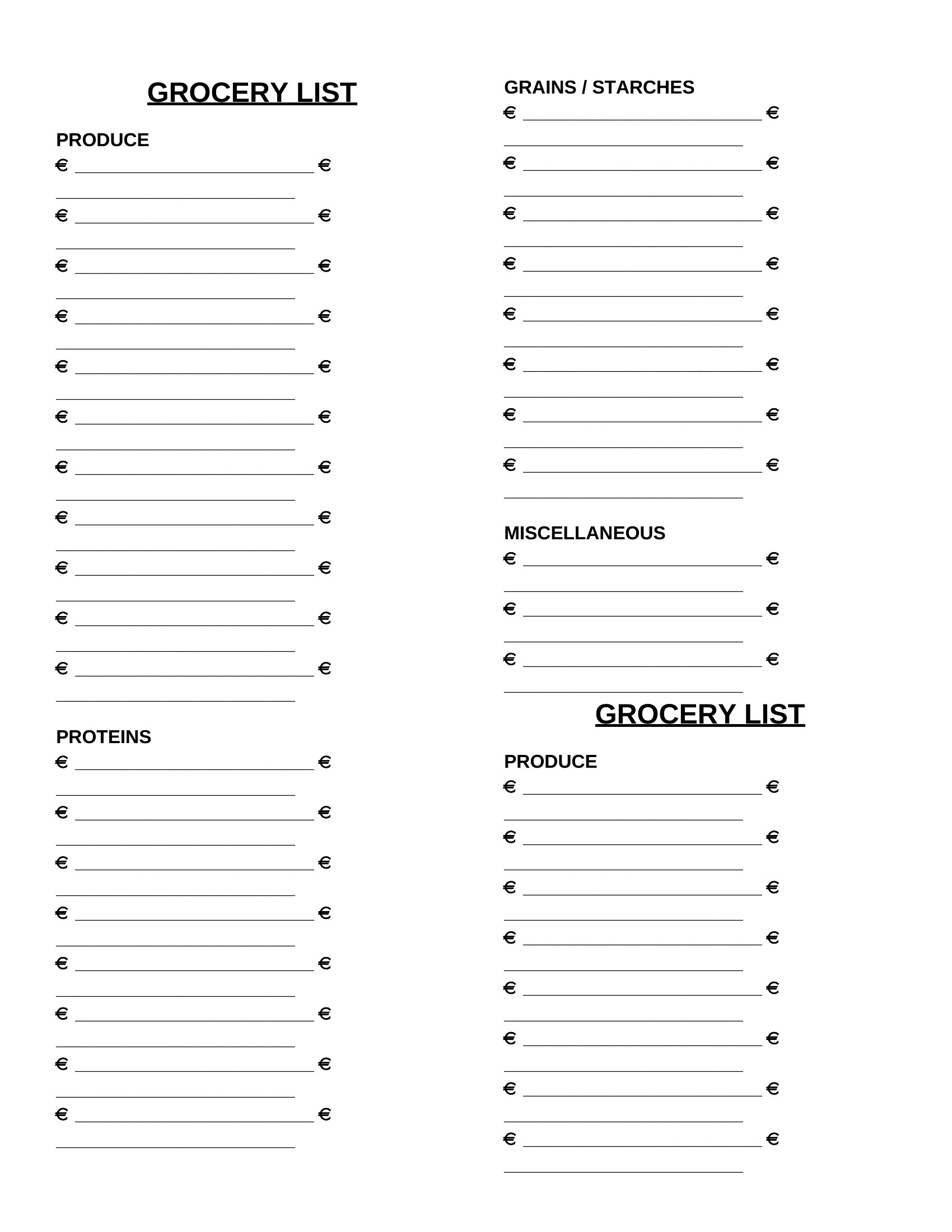
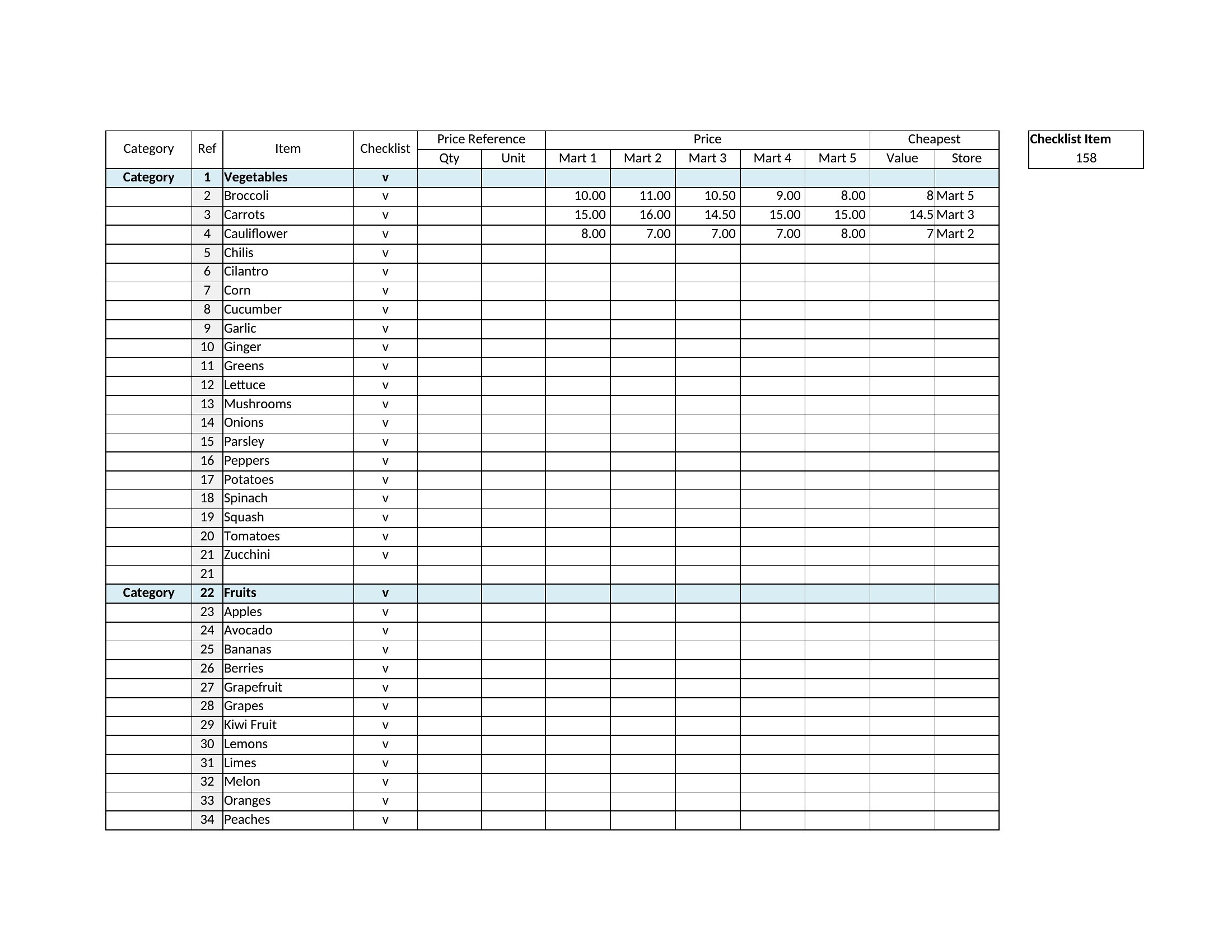
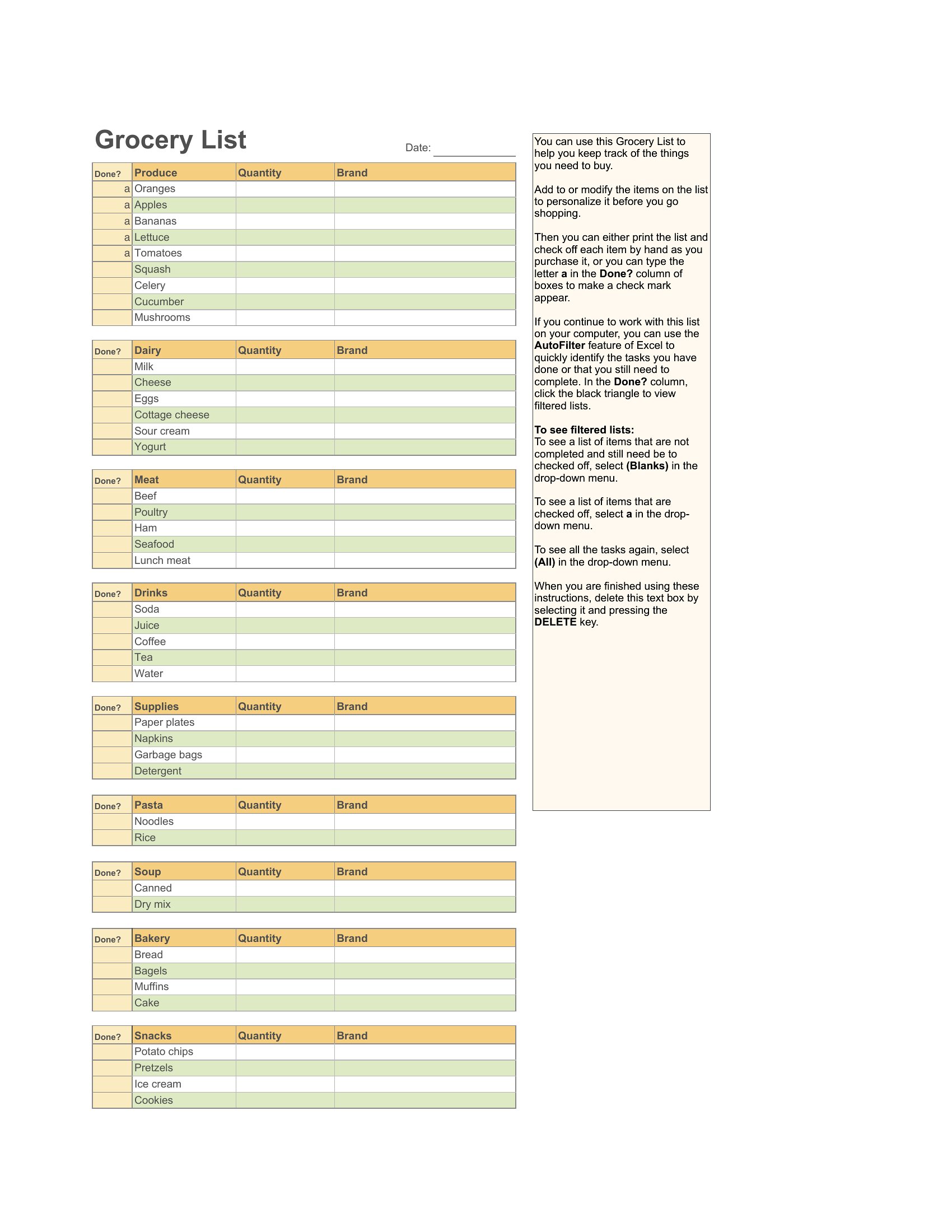
The Excel versions let you sort and reuse your list each week, the Word files are easy to customize, and the PDFs print for the fridge or your bag. Group items by aisle, tick what you need, and you're set for the store. It's free and simple to adapt to how your household eats. Choose the layout that fits your routine and build a grocery list you'll actually stick to.

When to use this Master Grocery List template

  • A family of four who shops weekly but forgets staples like detergent or toilet paper—use this to catalog everything in one central list, then check off only what’s needed each trip.
  • Meal preppers planning weekly menus for five but struggle to keep ingredients organized across recipes—this helps group like items (e.g., all spices, all dairy) to avoid missing a key component mid-cook.
  • Roommates splitting grocery costs who argue over who buys what—assign shared items to the list and let everyone check off their own tasks to streamline shared shopping trips.
  • New parents juggling formula, diaper supplies, and household basics—keep a running master list to track inventory levels and restock before running out of essentials during chaotic mornings.

Which format should I download?

WordExcelPDF

Choose Excel for dynamic lists you’ll update weekly, especially if you want to sort items by category or track usage (like pantry staples with quantities). Go with Word if you prefer a simple, customizable text-based list that’s easy to print or share as a document. Opt for PDF when you need a fillable, print-ready version to take straight to the store—ideal for families who want to avoid screen time while shopping. Skip the fillable PDF if you need editable fields later, as these are best for one-time use.

How to use this Master Grocery List template

Can I use this for bulk shopping or Costco trips?

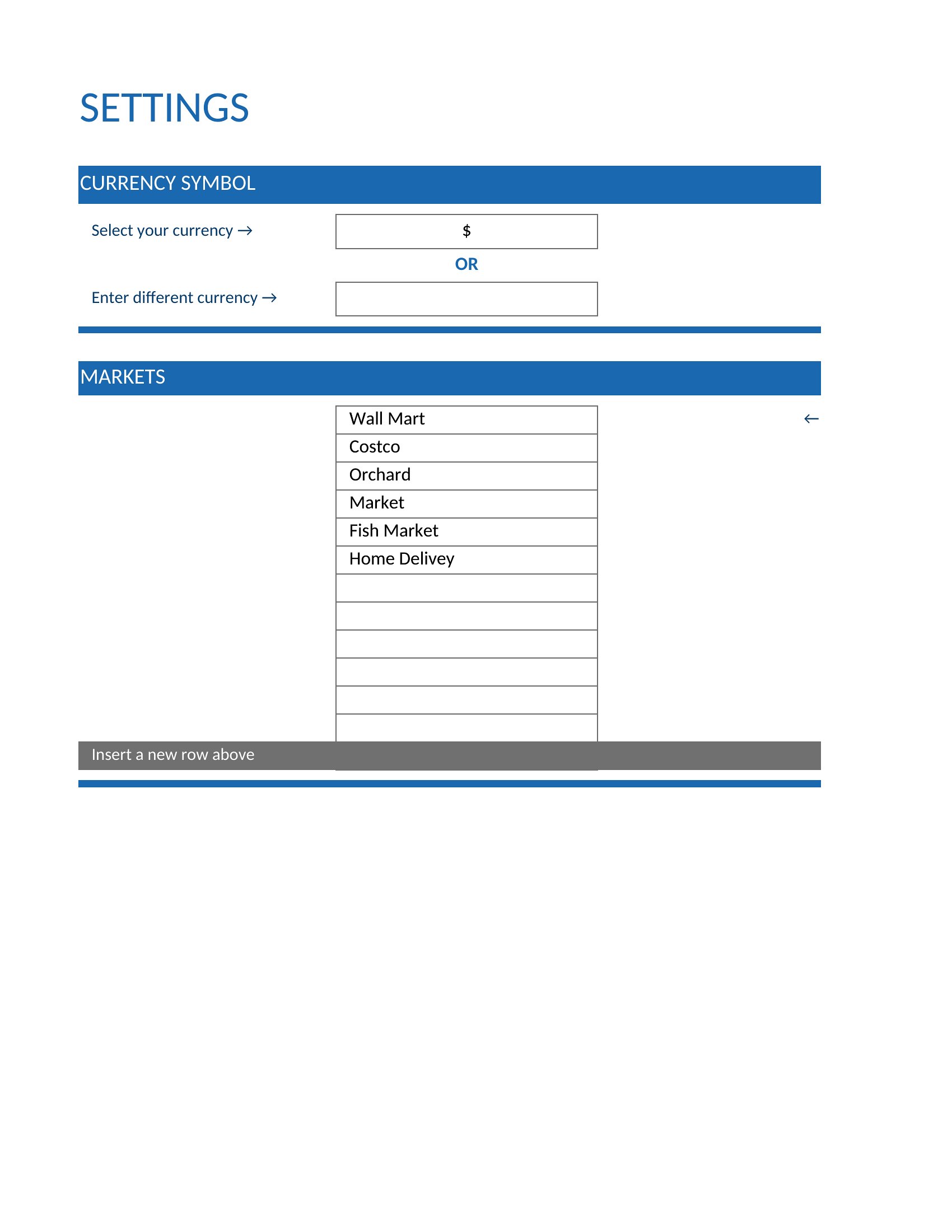
Yes, but adjust the list to group bulk items (like rice, canned goods, or cleaning supplies) by quantity or shelf life. Excel templates let you add columns for bulk sizes, while Word or PDF versions work for static bulk lists. Just label sections clearly—e.g., ‘Non-Perishables (Buy Once/Month)’—to avoid overbuying.
What’s the best way to handle seasonal or occasional items?

Add a ‘Seasonal’ or ‘Occasional’ category at the bottom of your list and mark items with notes like ‘Halloween (Oct only)’ or ‘BBQ (Summer).’ In Excel, use a dropdown menu to filter these out when shopping for staples. Word users can bold or color-code these entries, and PDFs work well if you print a fresh version for each season.

How do I share this with a partner or roommate without sending a file?

For real-time collaboration, use the Excel version and save it to a shared cloud drive (Google Sheets or OneDrive) where both can edit. Word lists can be saved as PDFs and emailed, but for updates, resave and resend. PDFs are least flexible for sharing unless you use a fillable form with restricted fields—best for read-only sharing of static lists.

Comments

Join the conversation

Sign in to share your thoughts and leave a comment on this resource.

Newsletter

Get Weekly Design Updates
Join our community to receive curated resources and inspiration.
Weekly Tips Resources Early Access
We respect your privacy. Confirmation email required. Privacy Policy