Free Shot List Templates (Word, Excel, PDF)
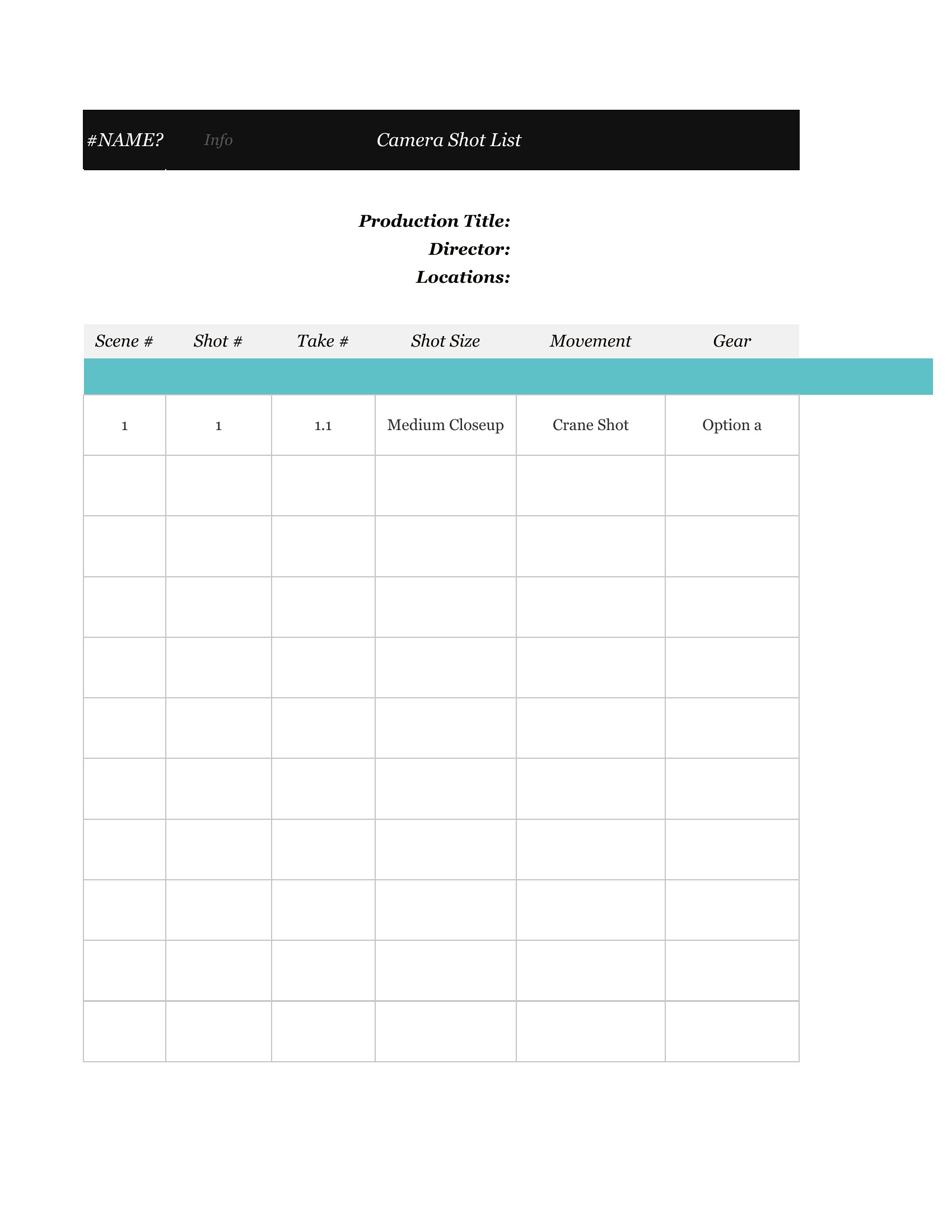
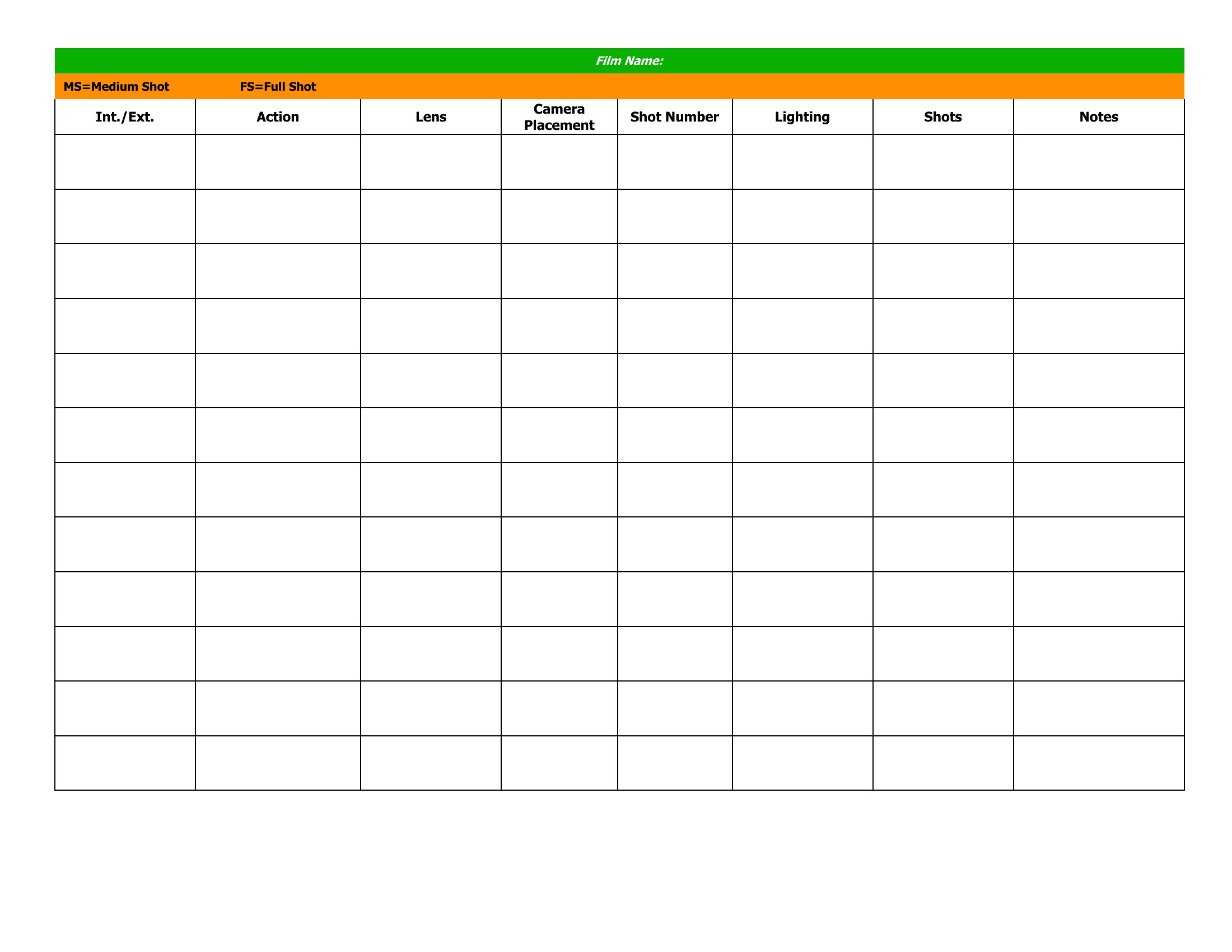
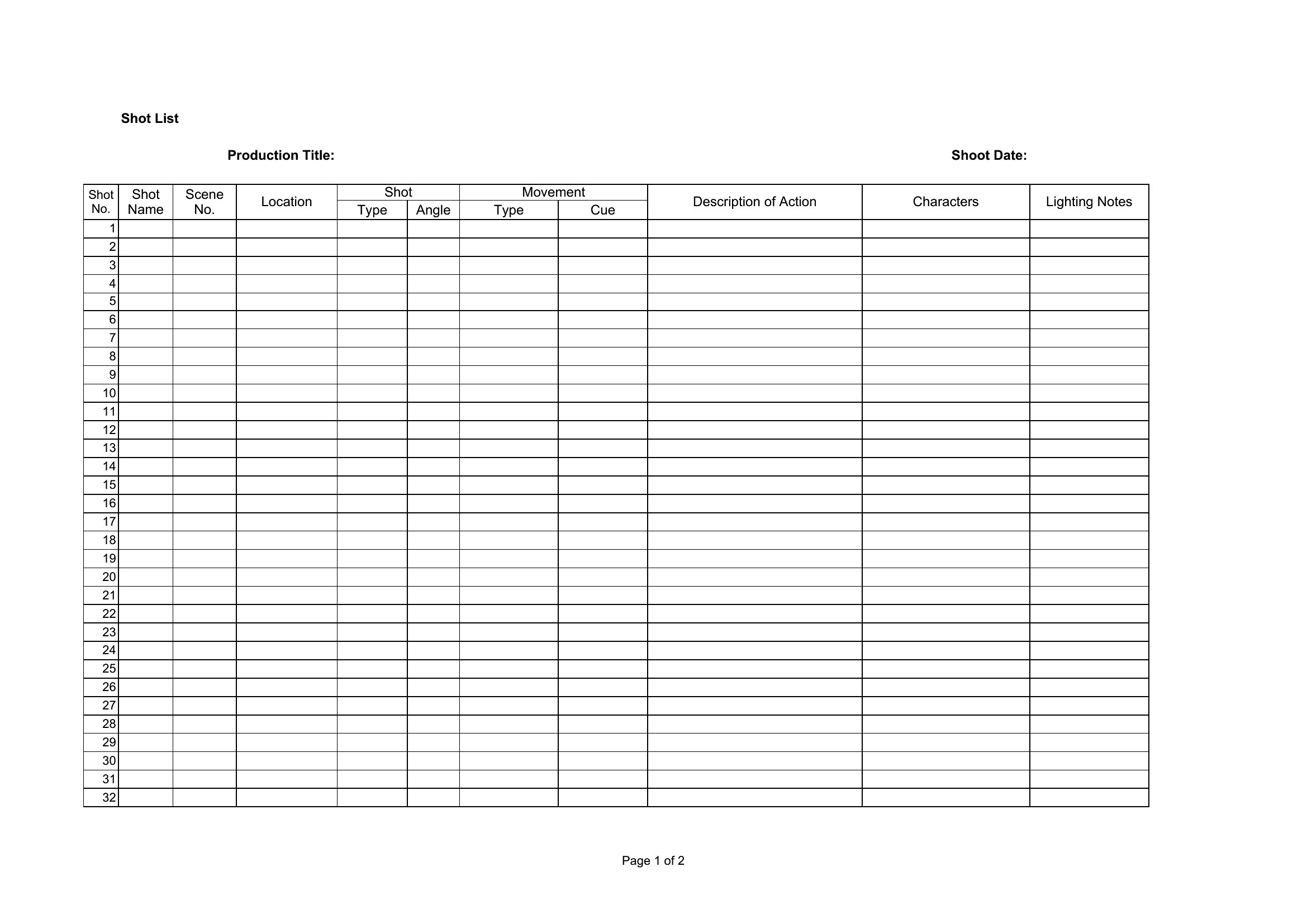
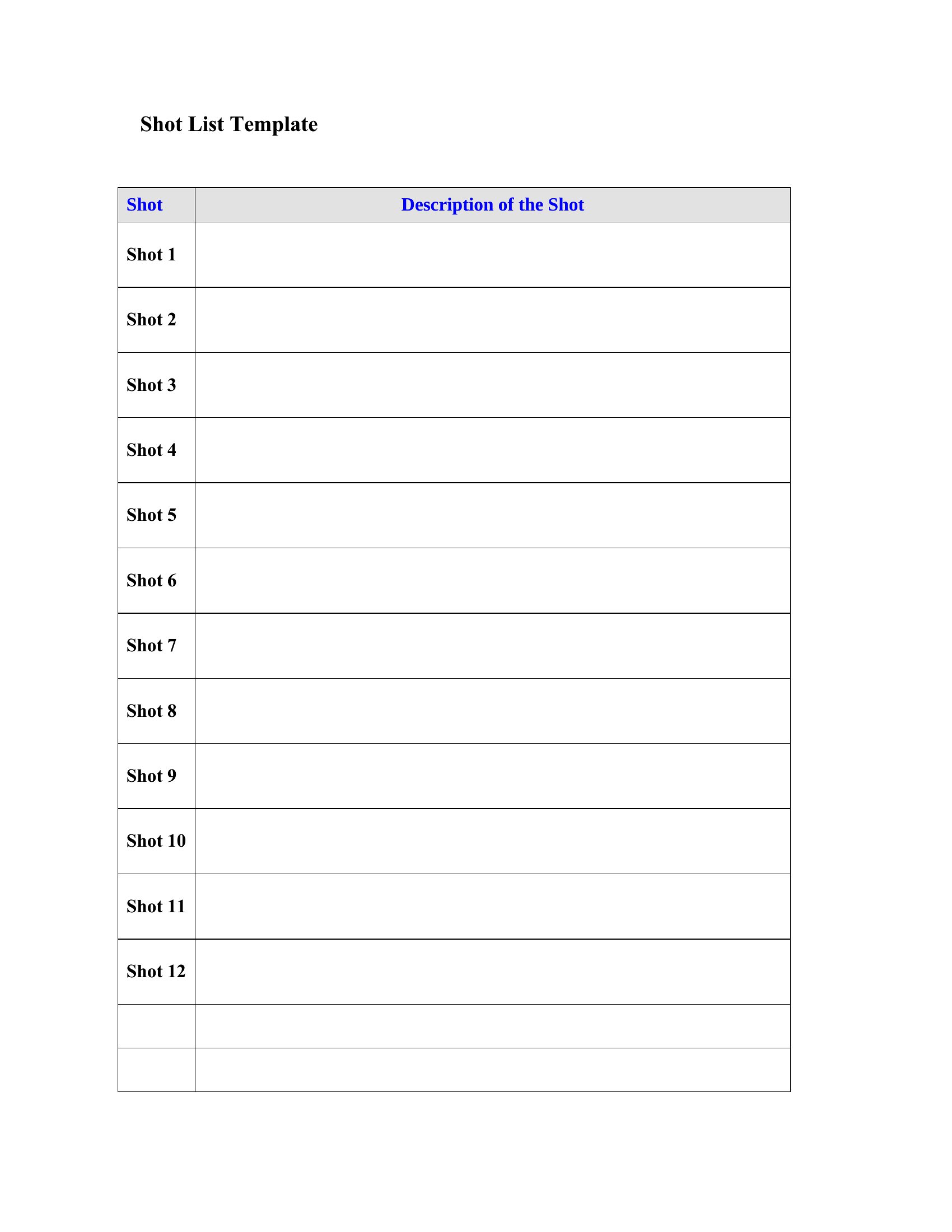
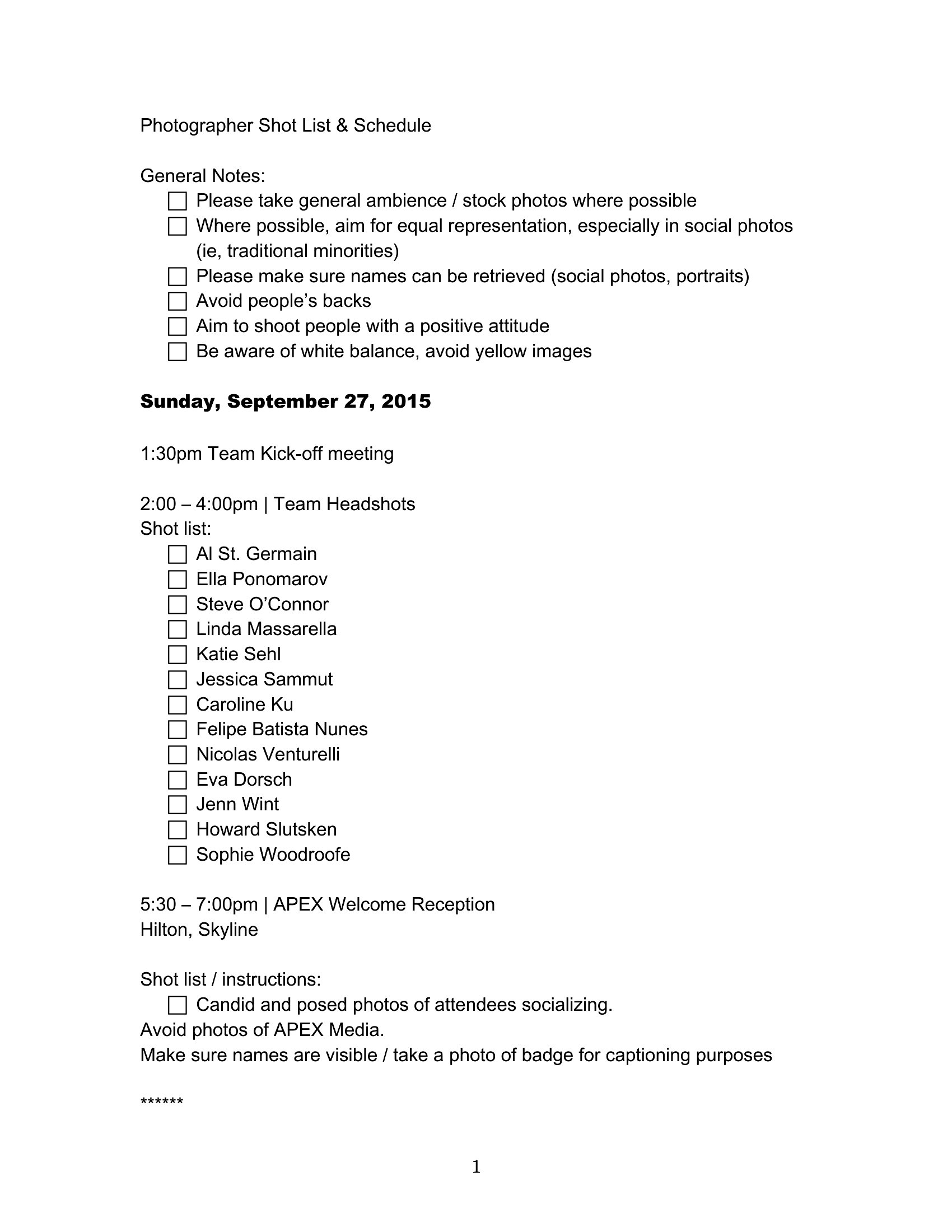
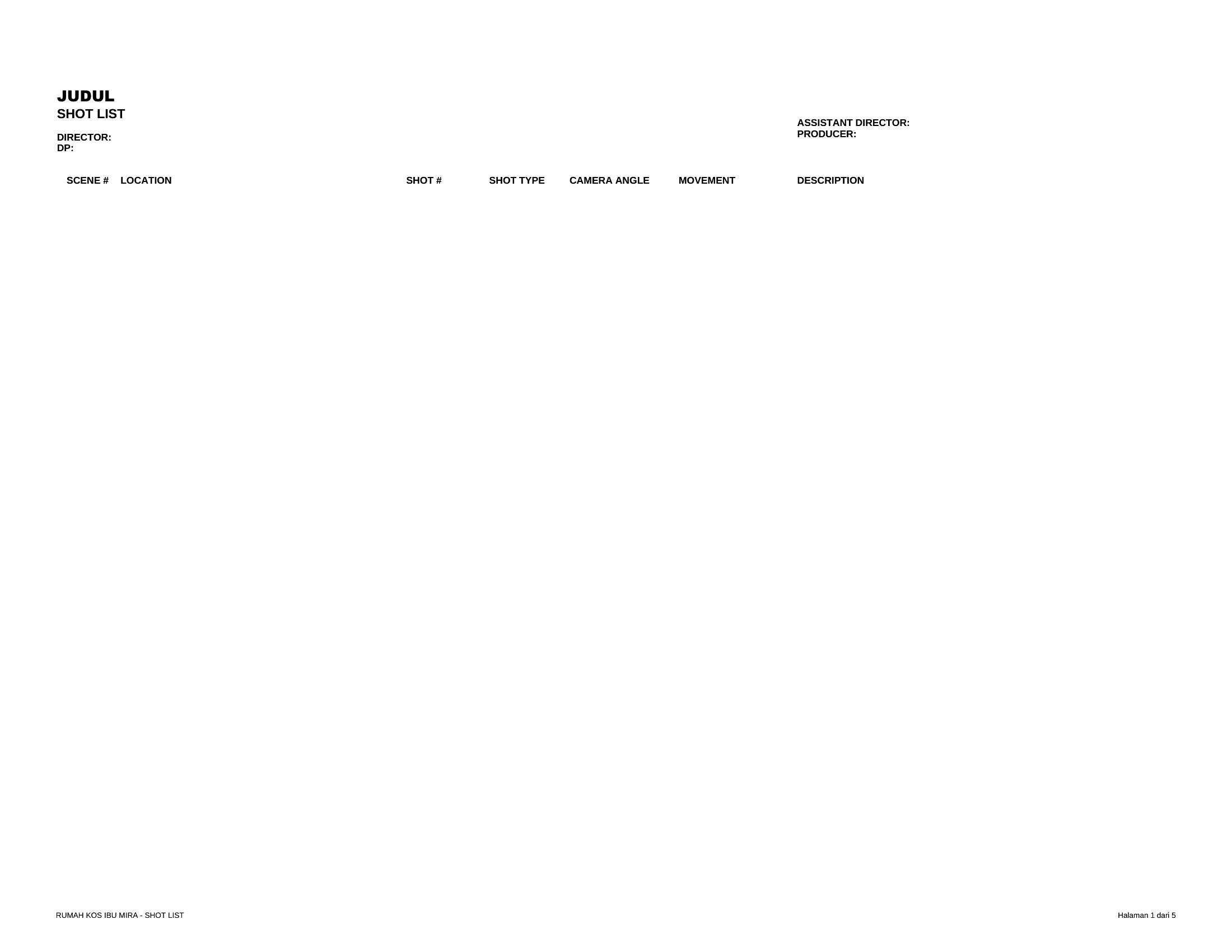
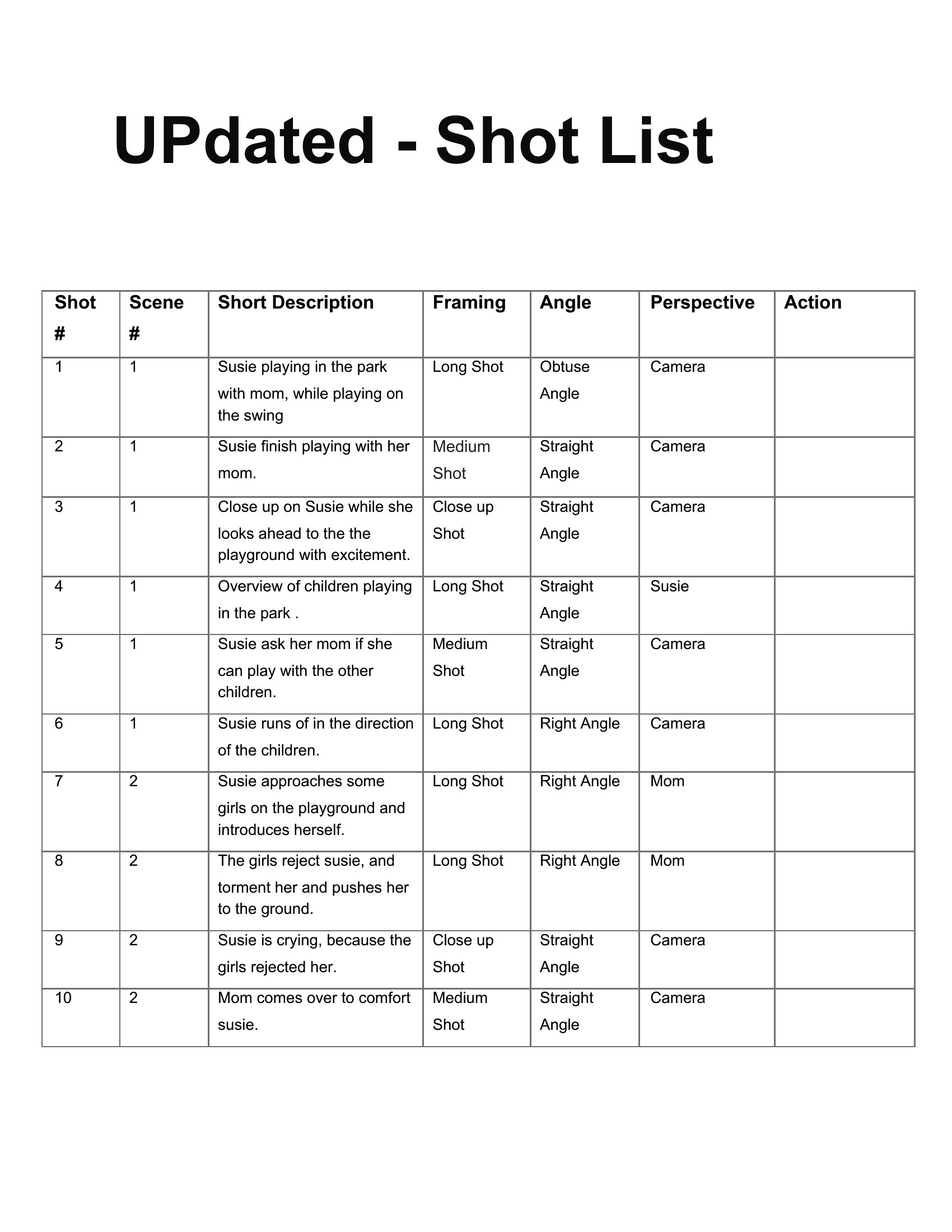
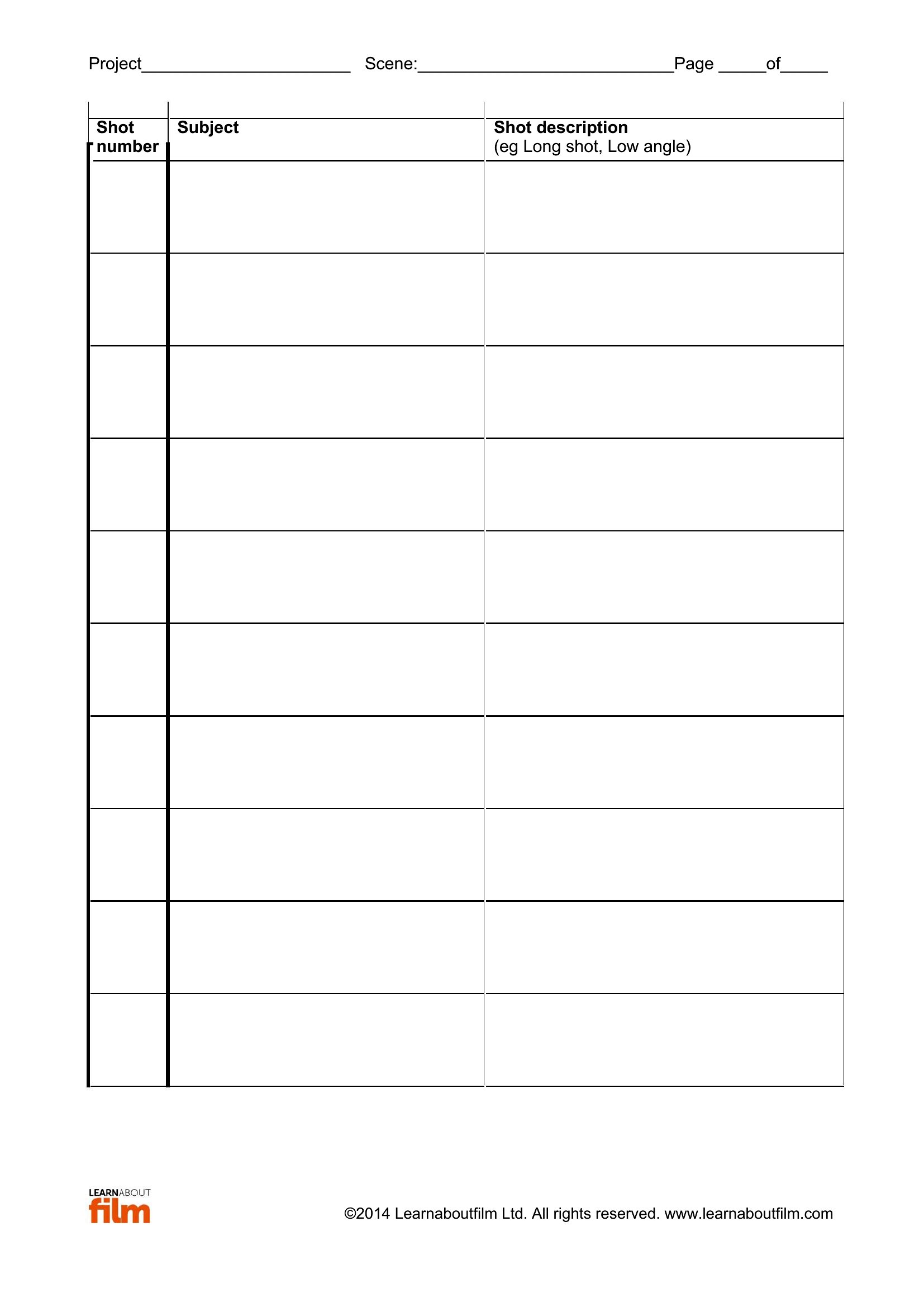
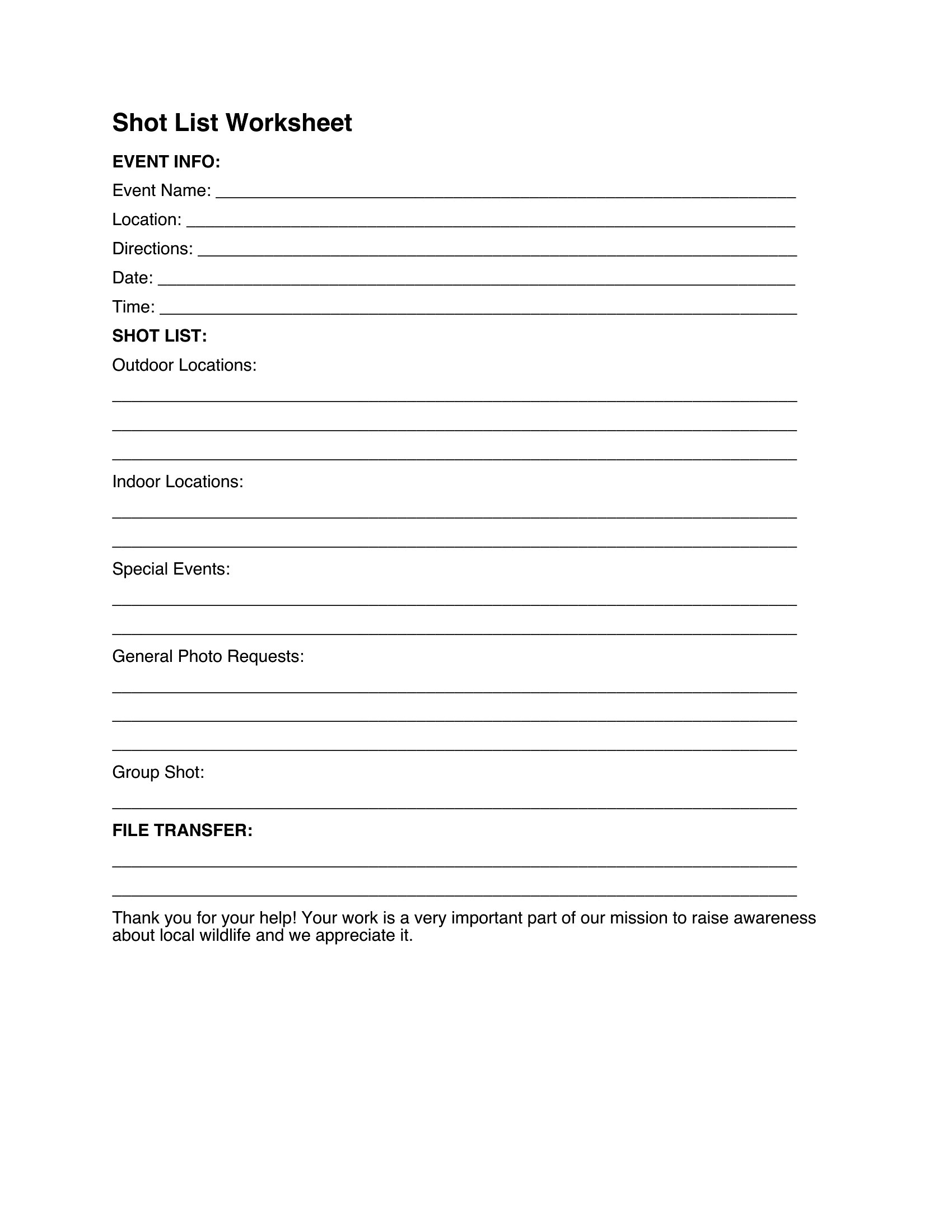
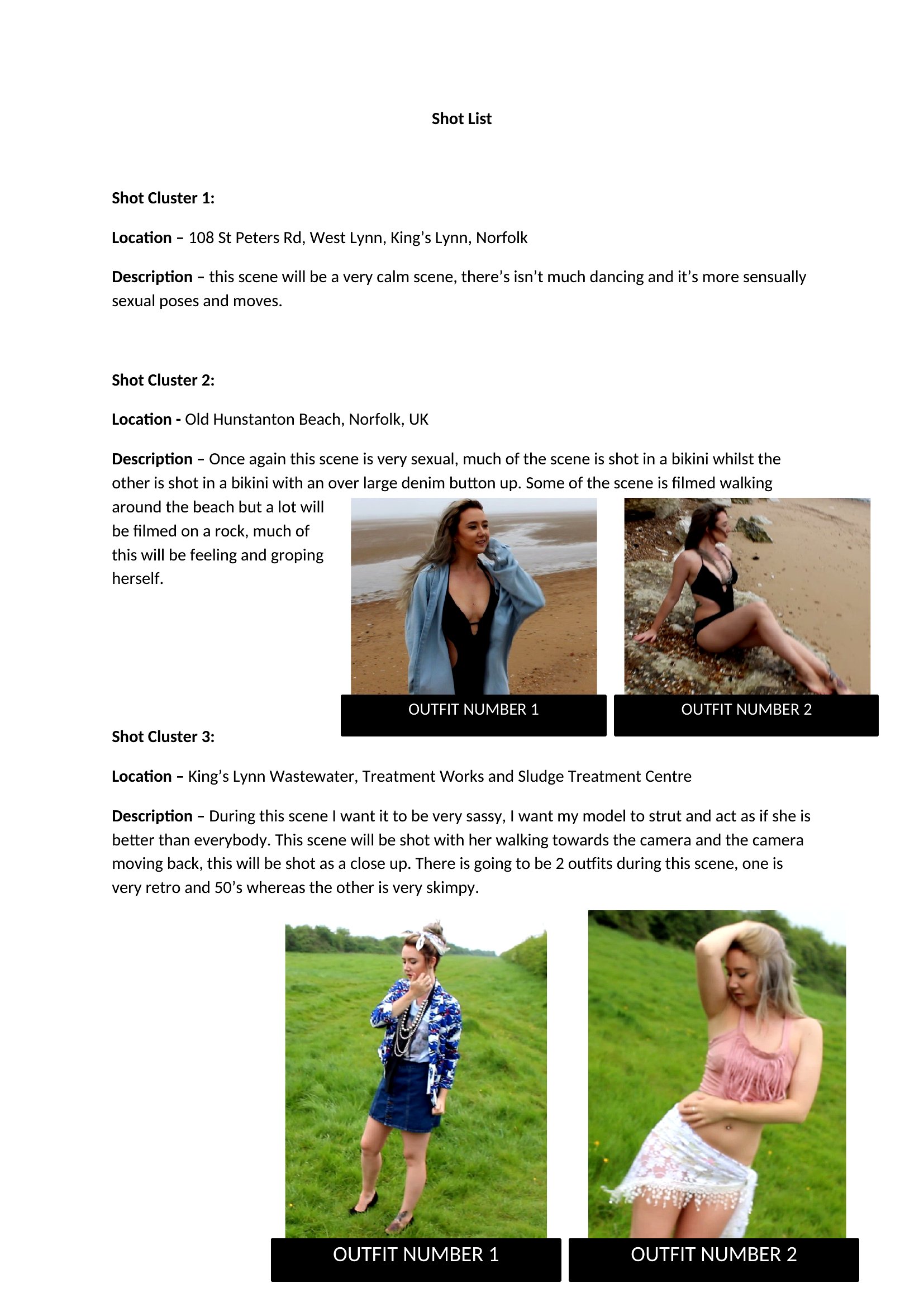
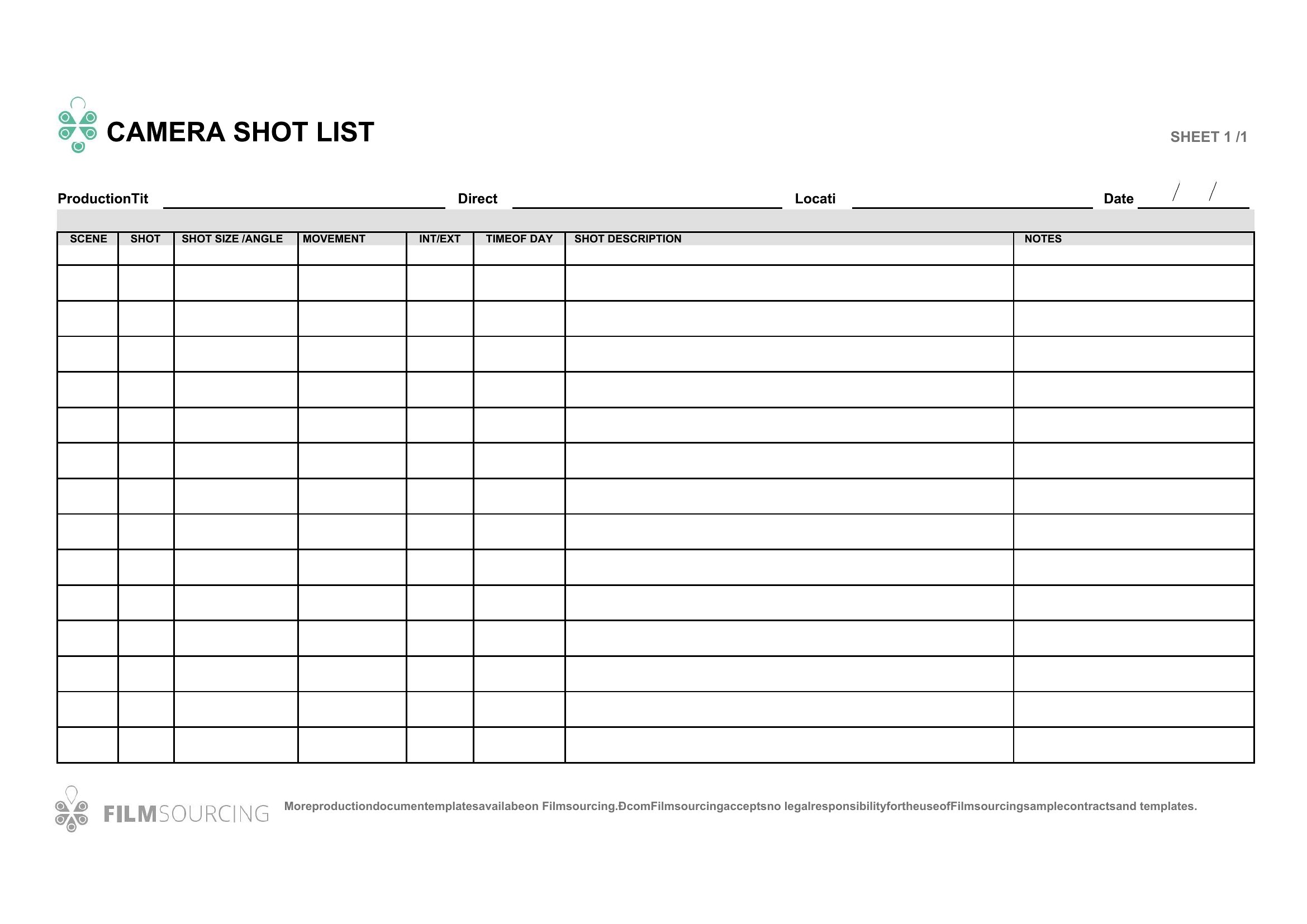
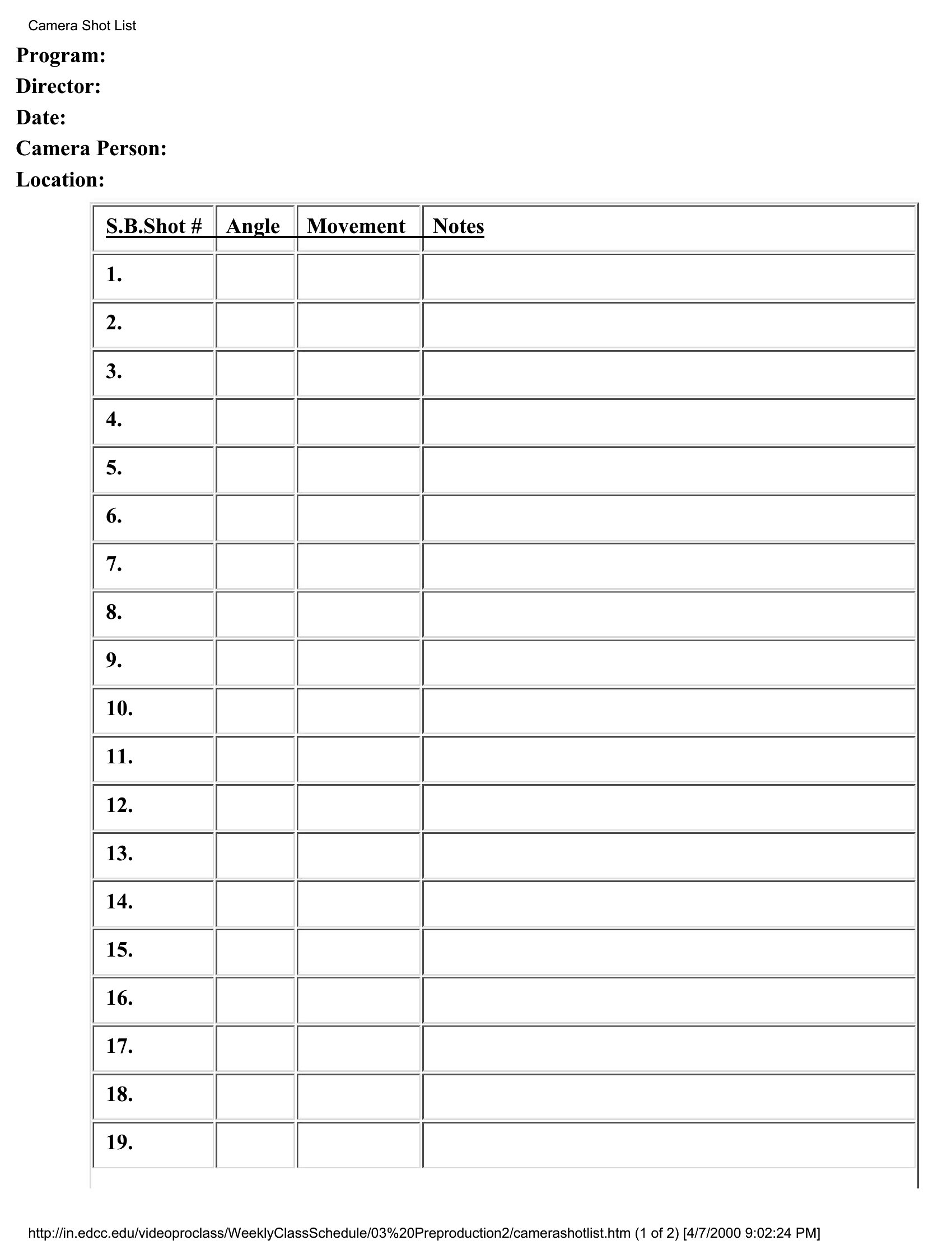
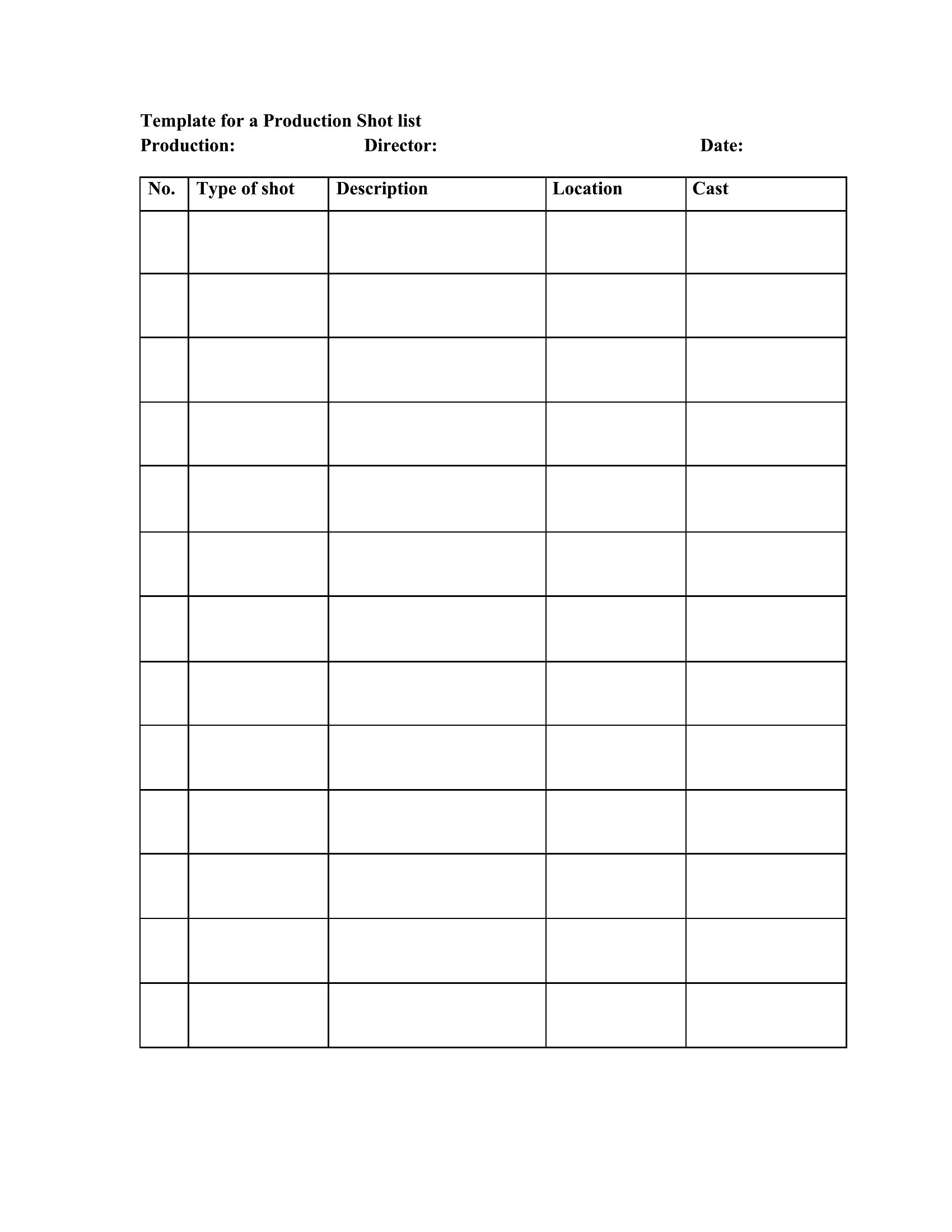
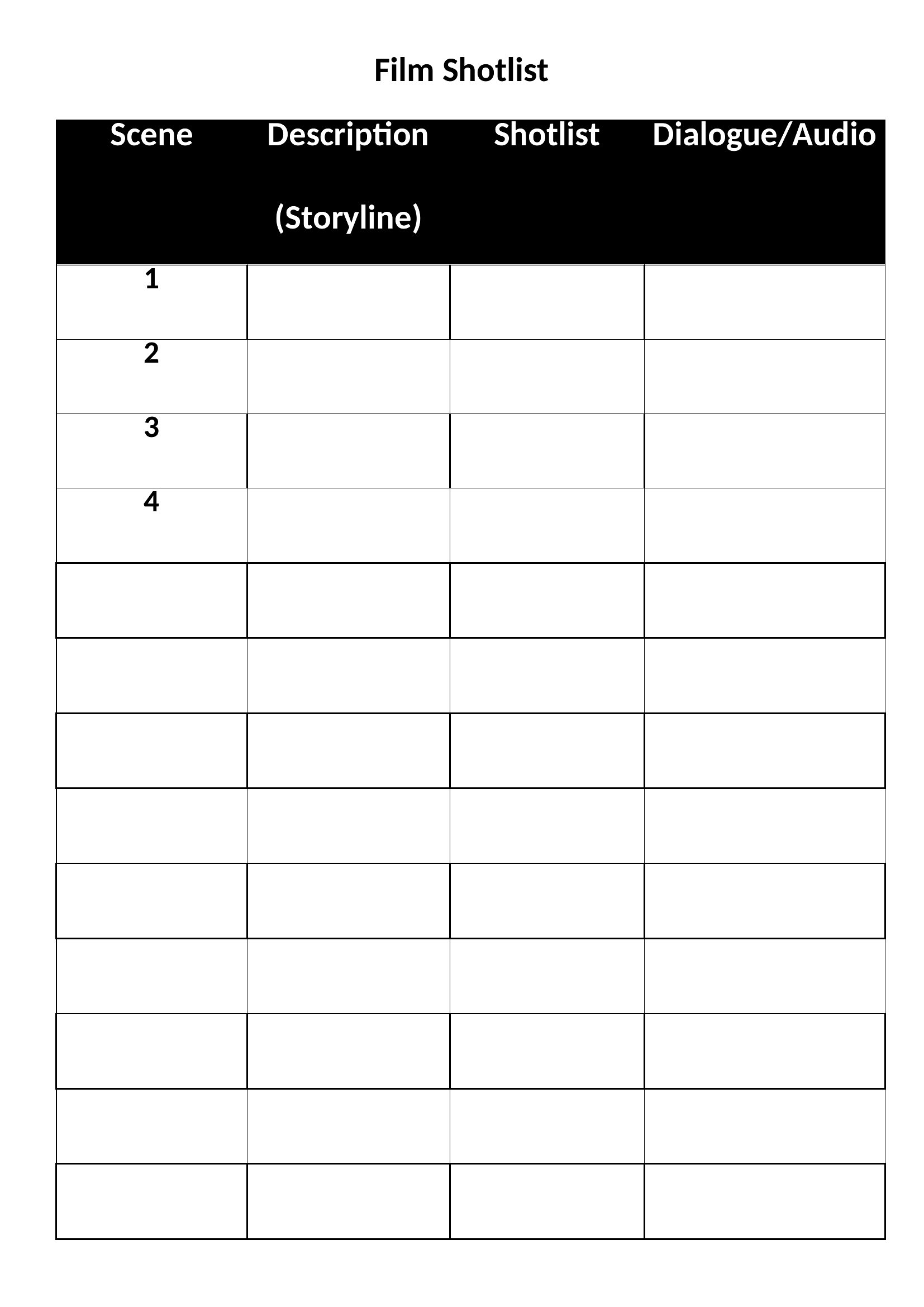
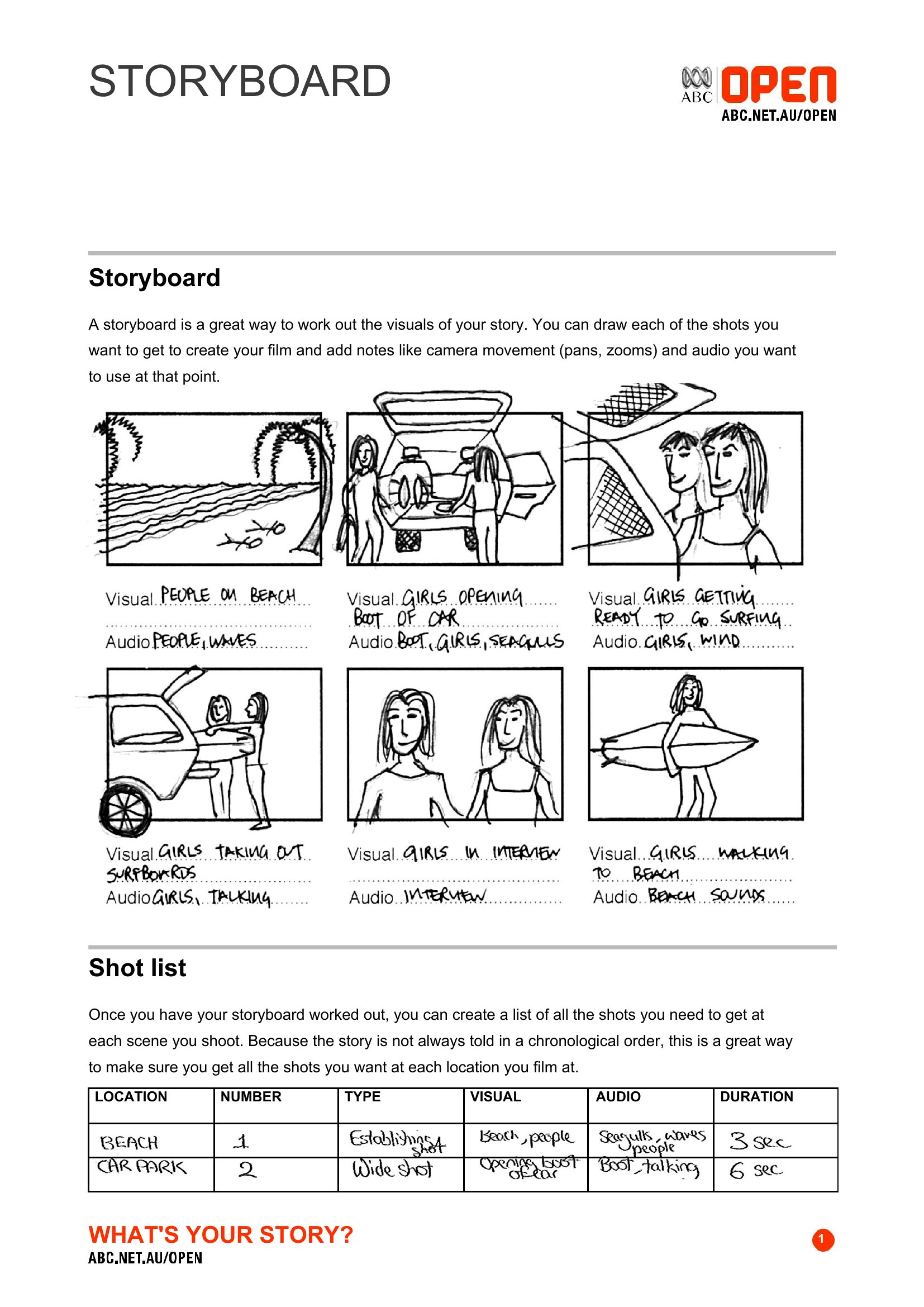
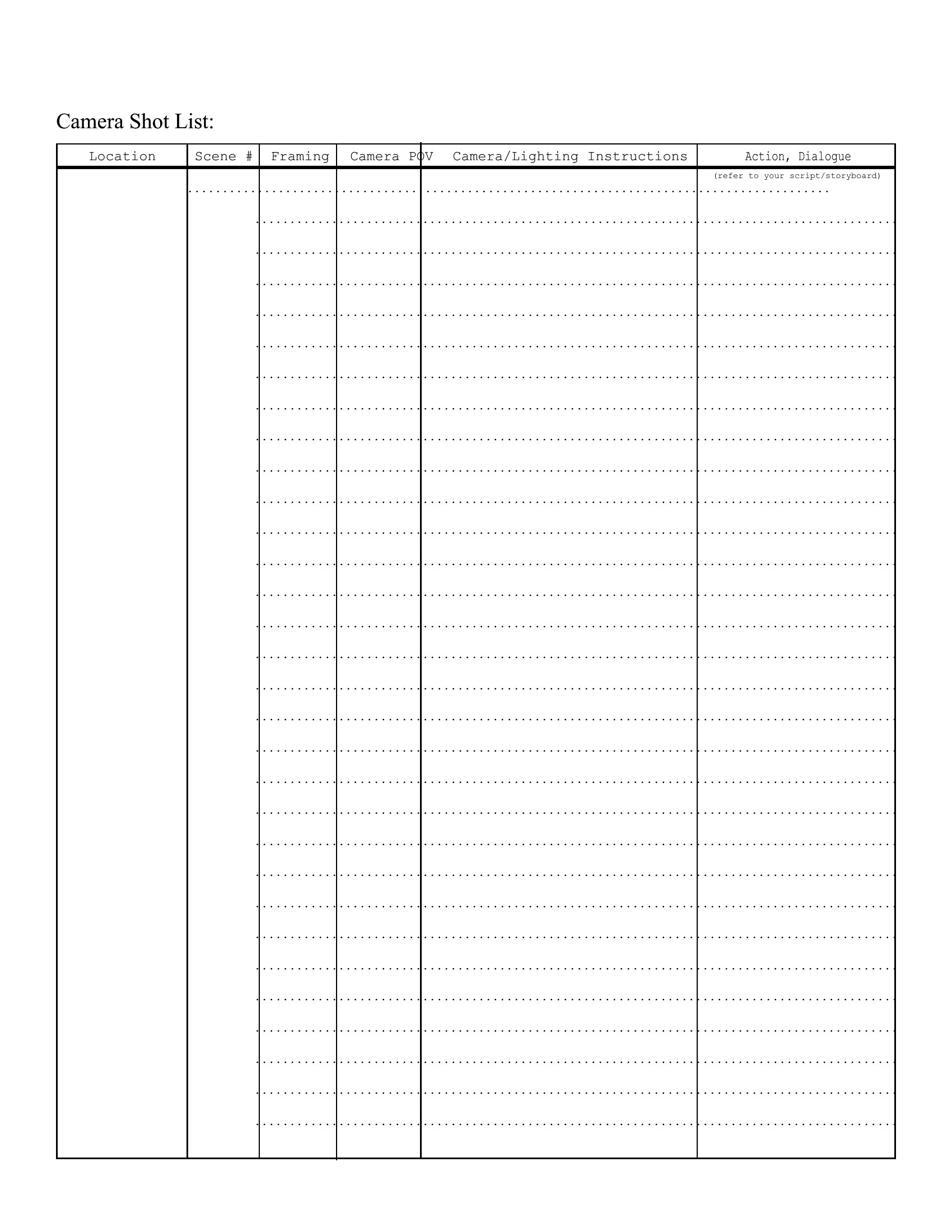
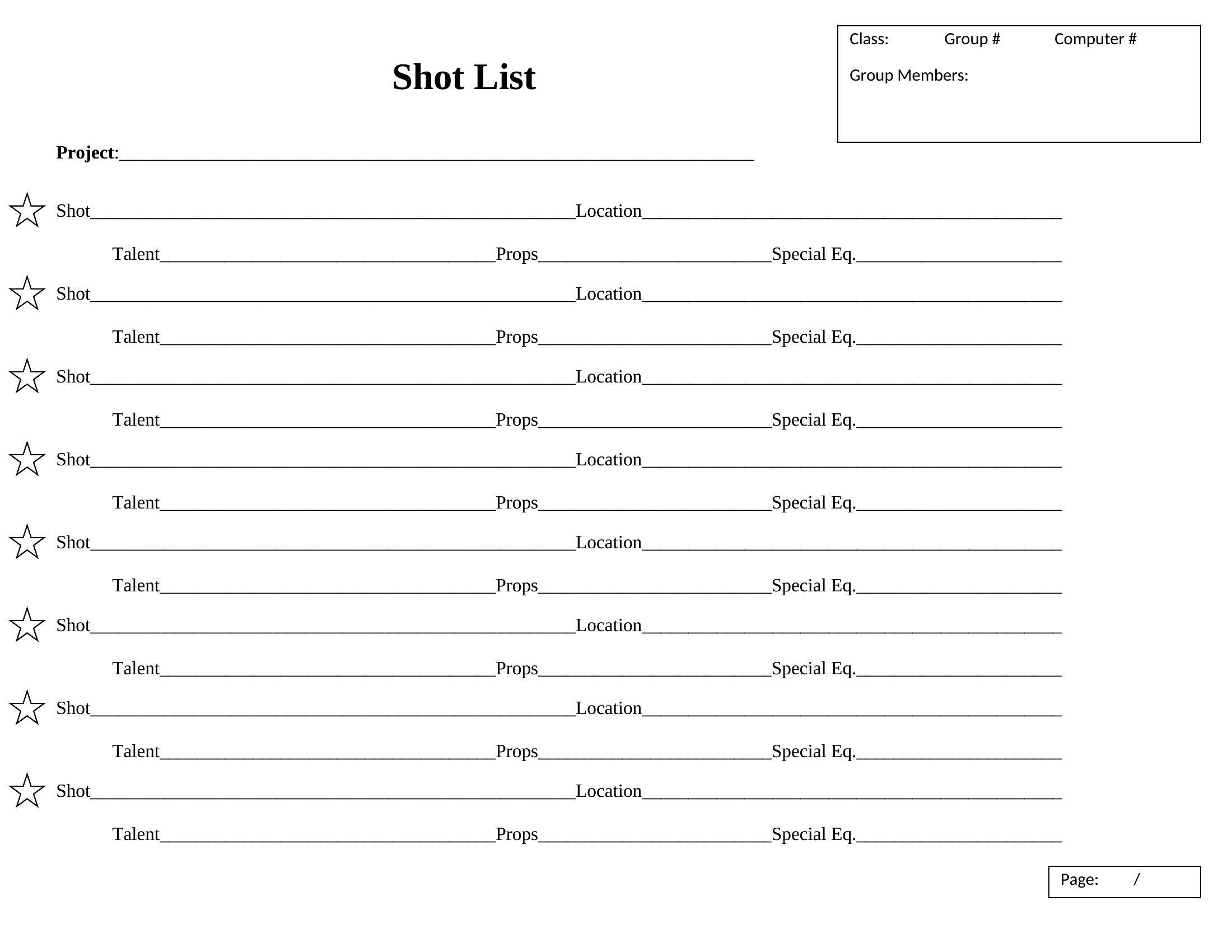
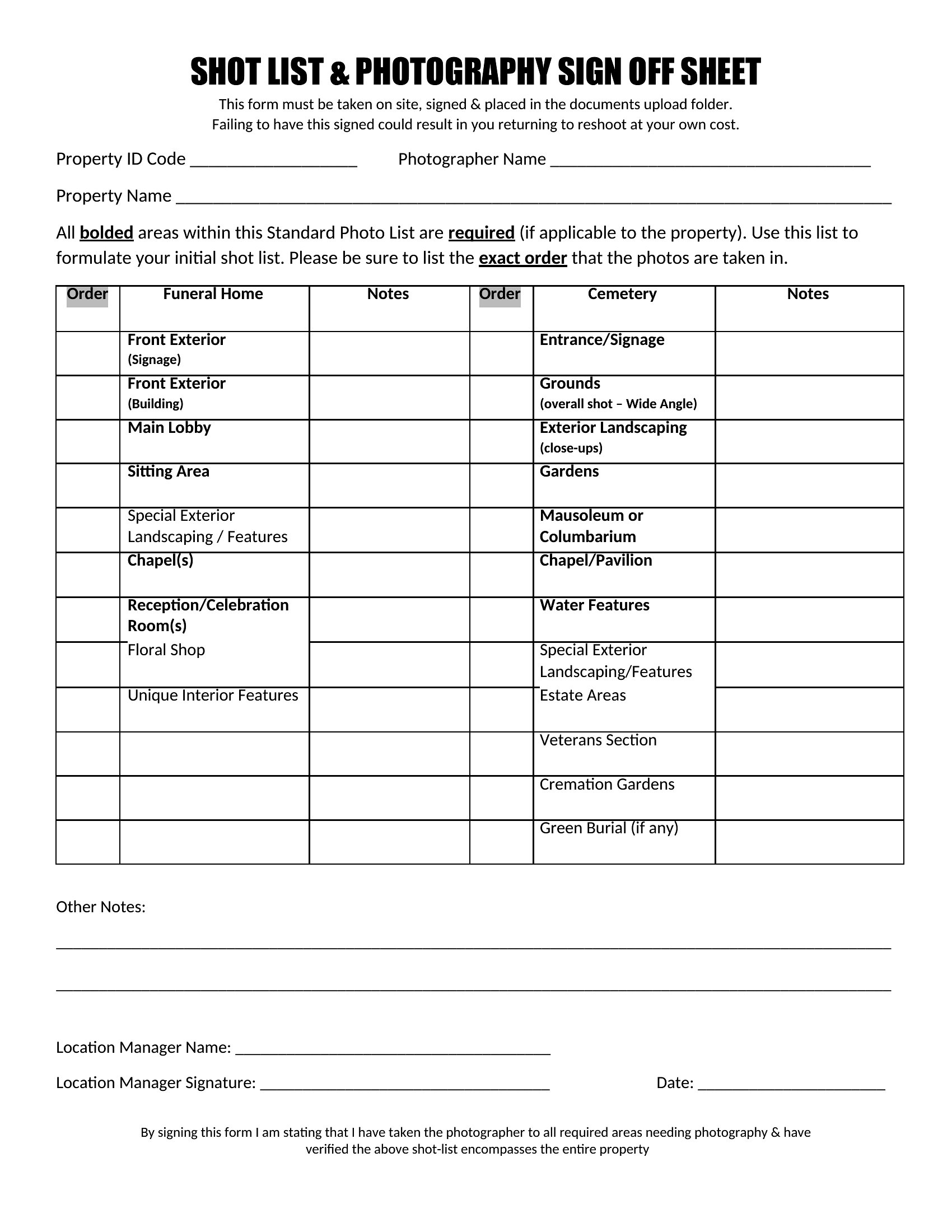
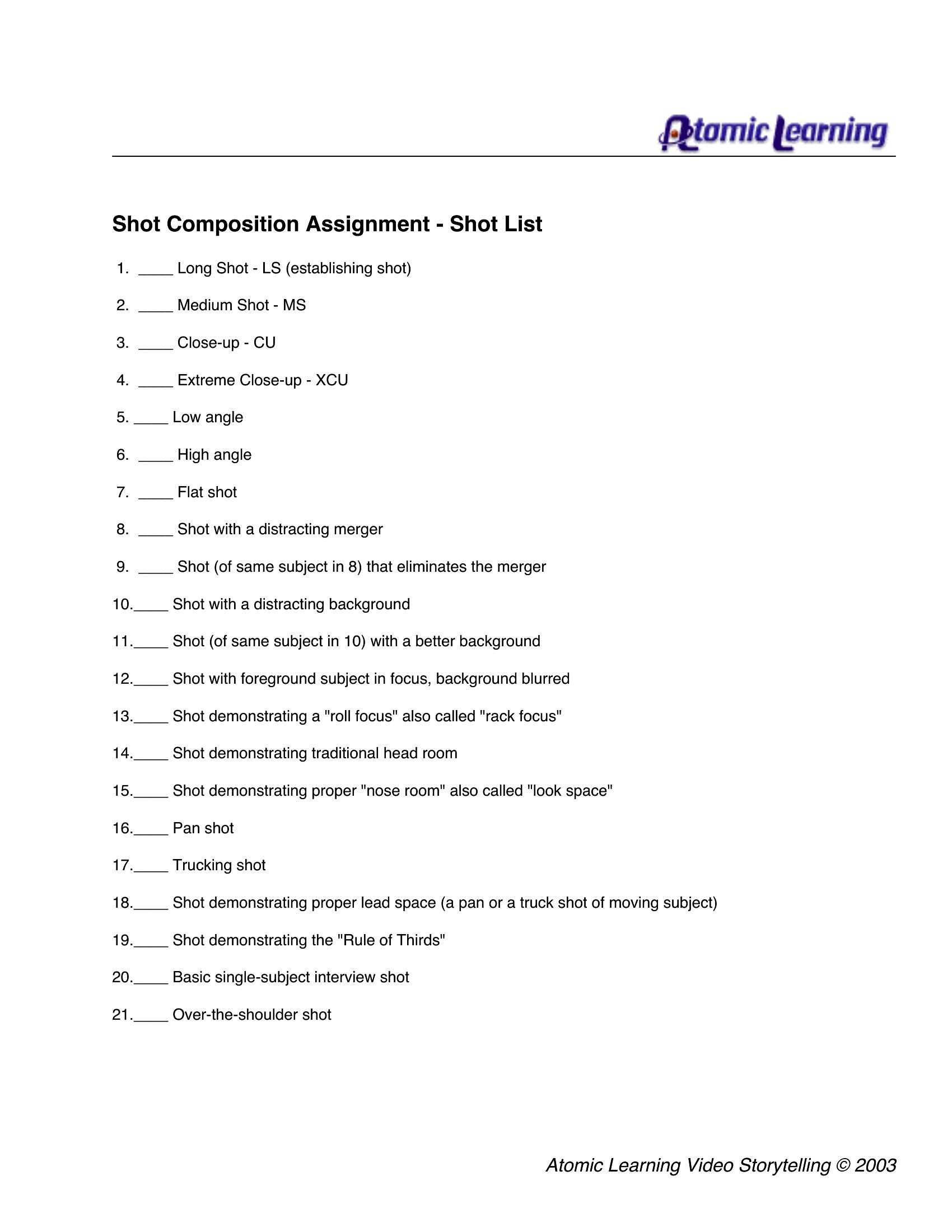
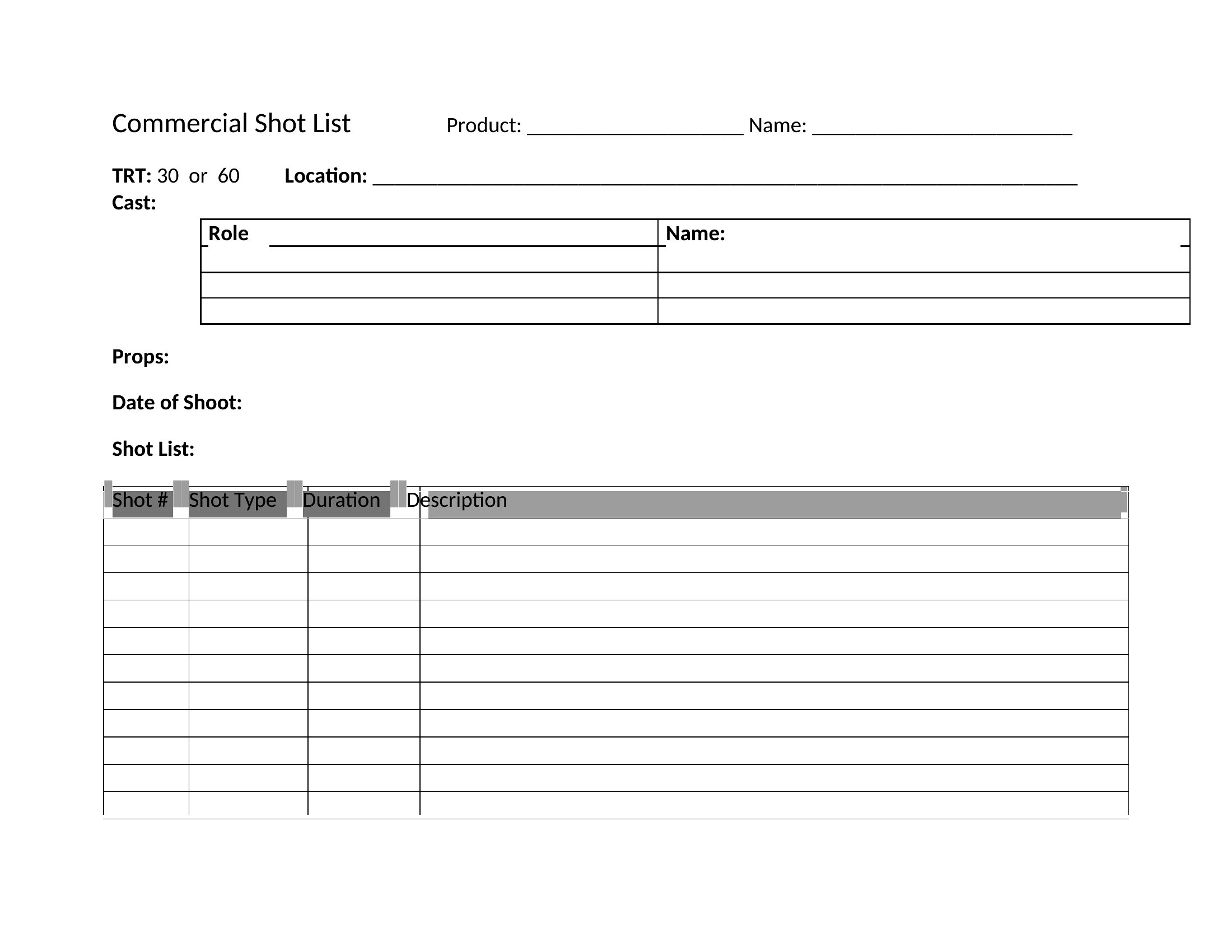
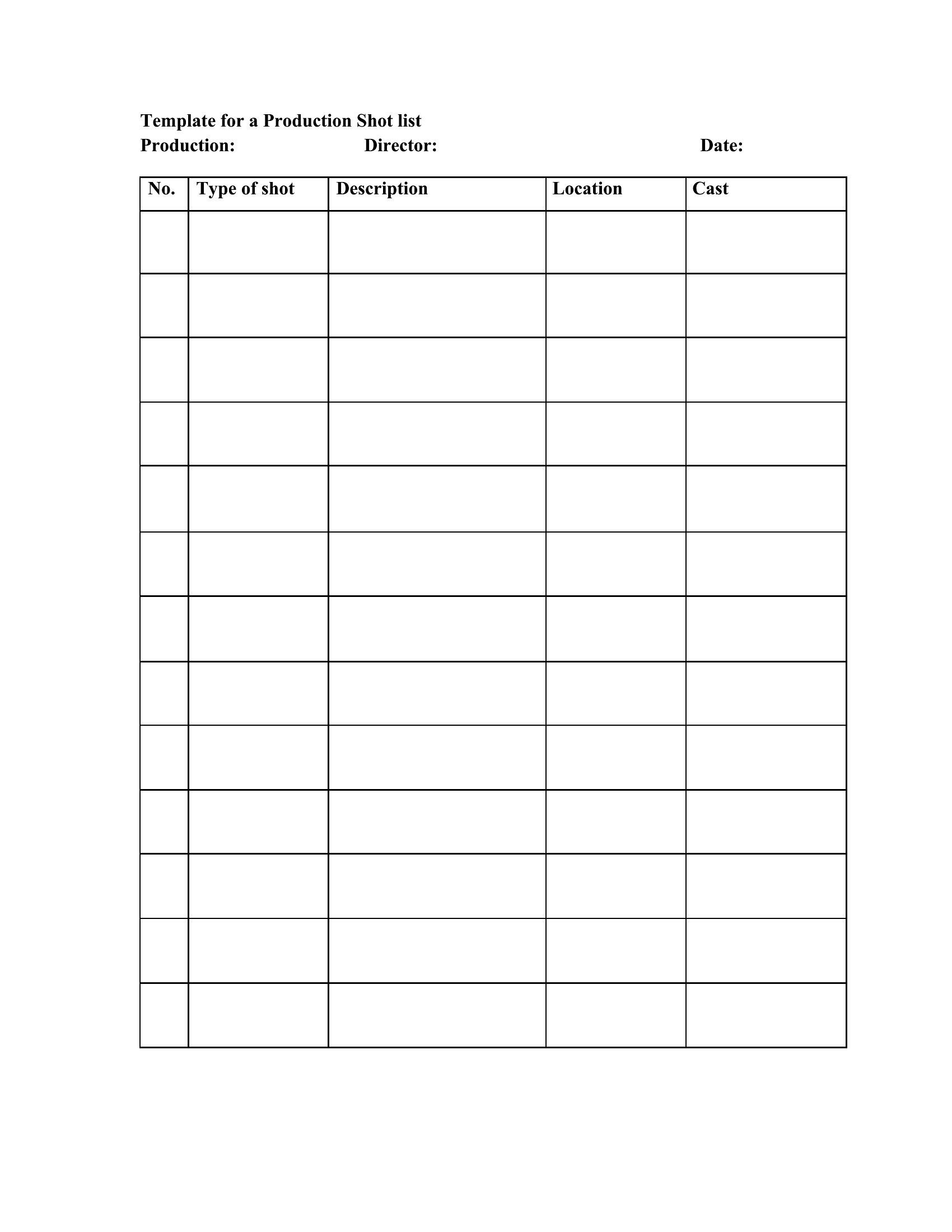
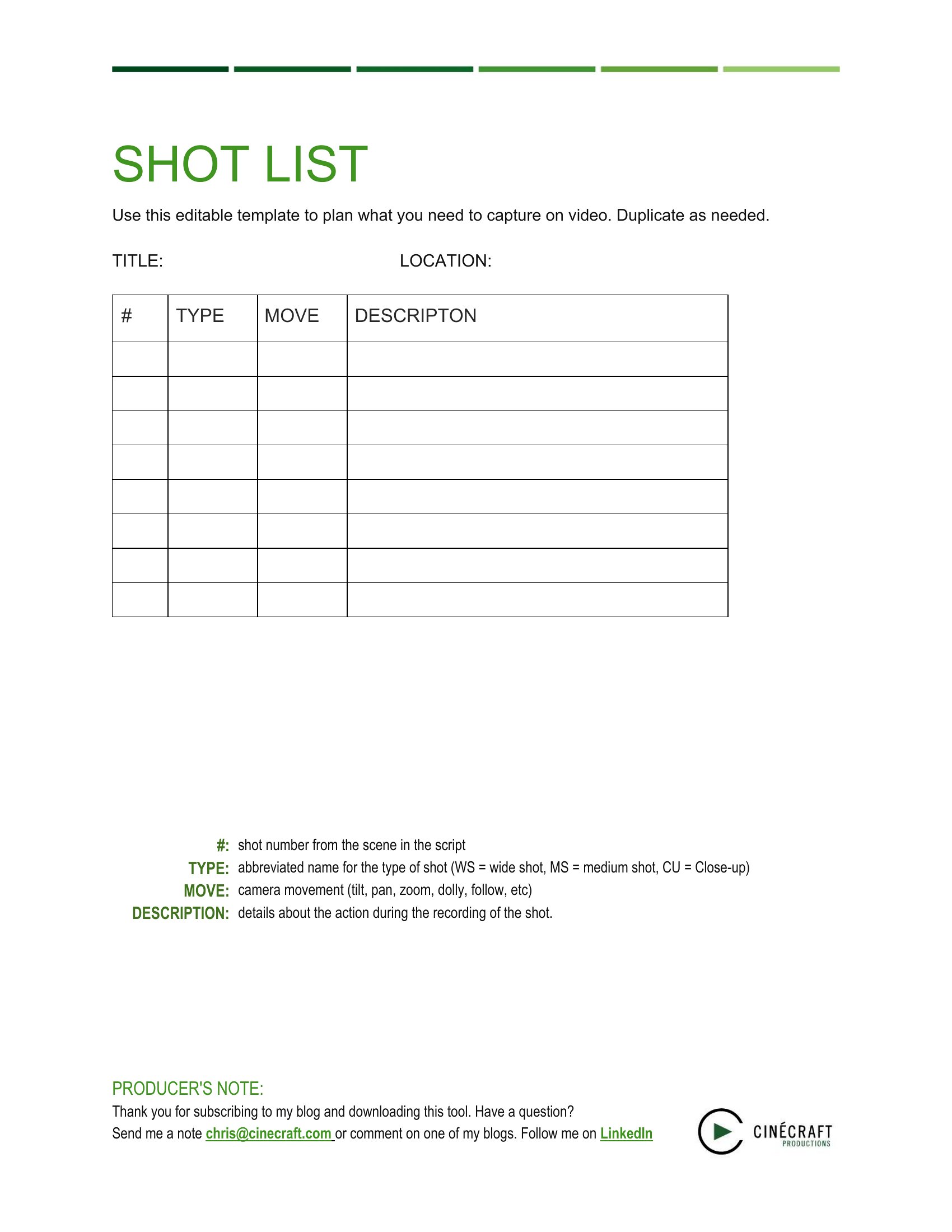
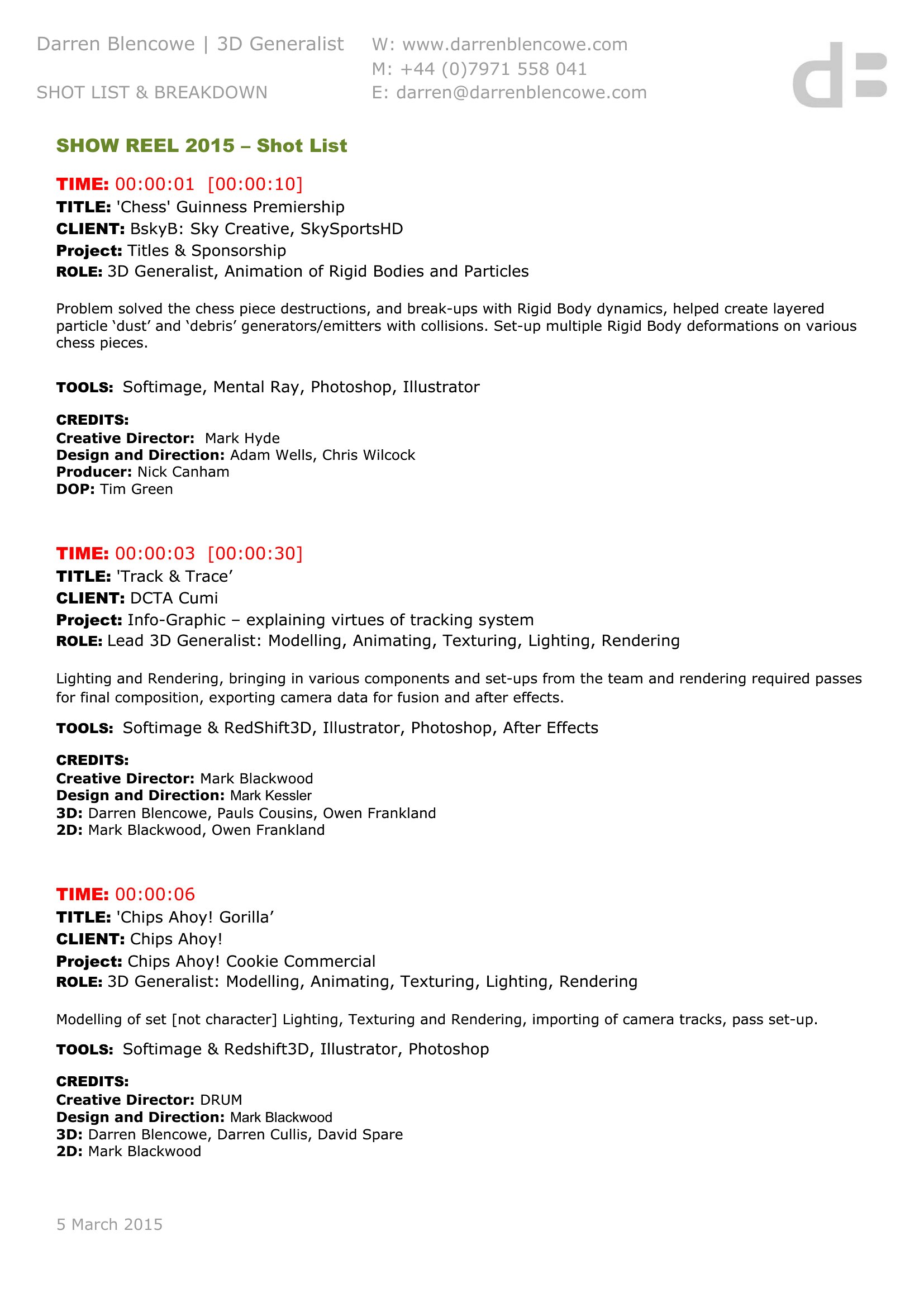
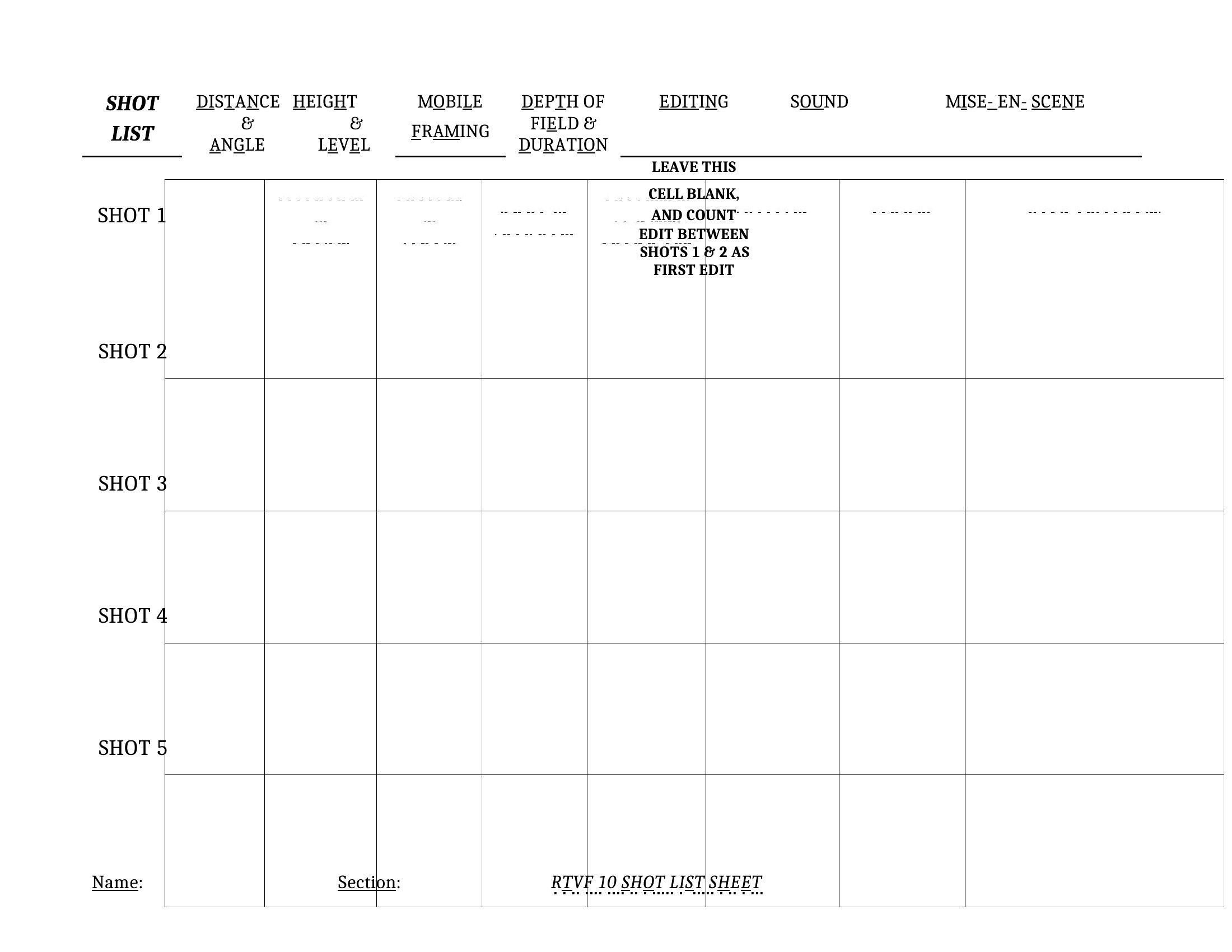
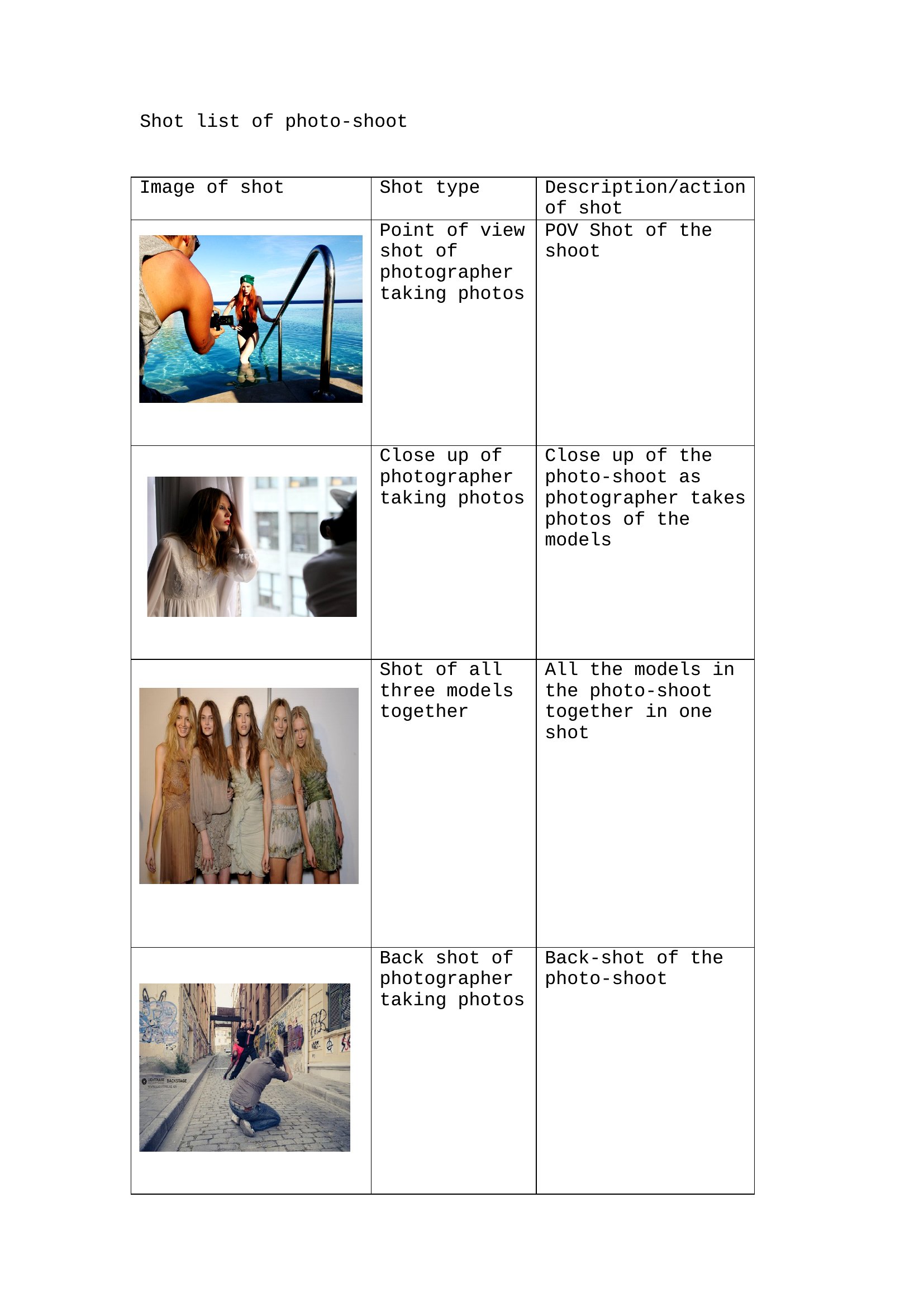
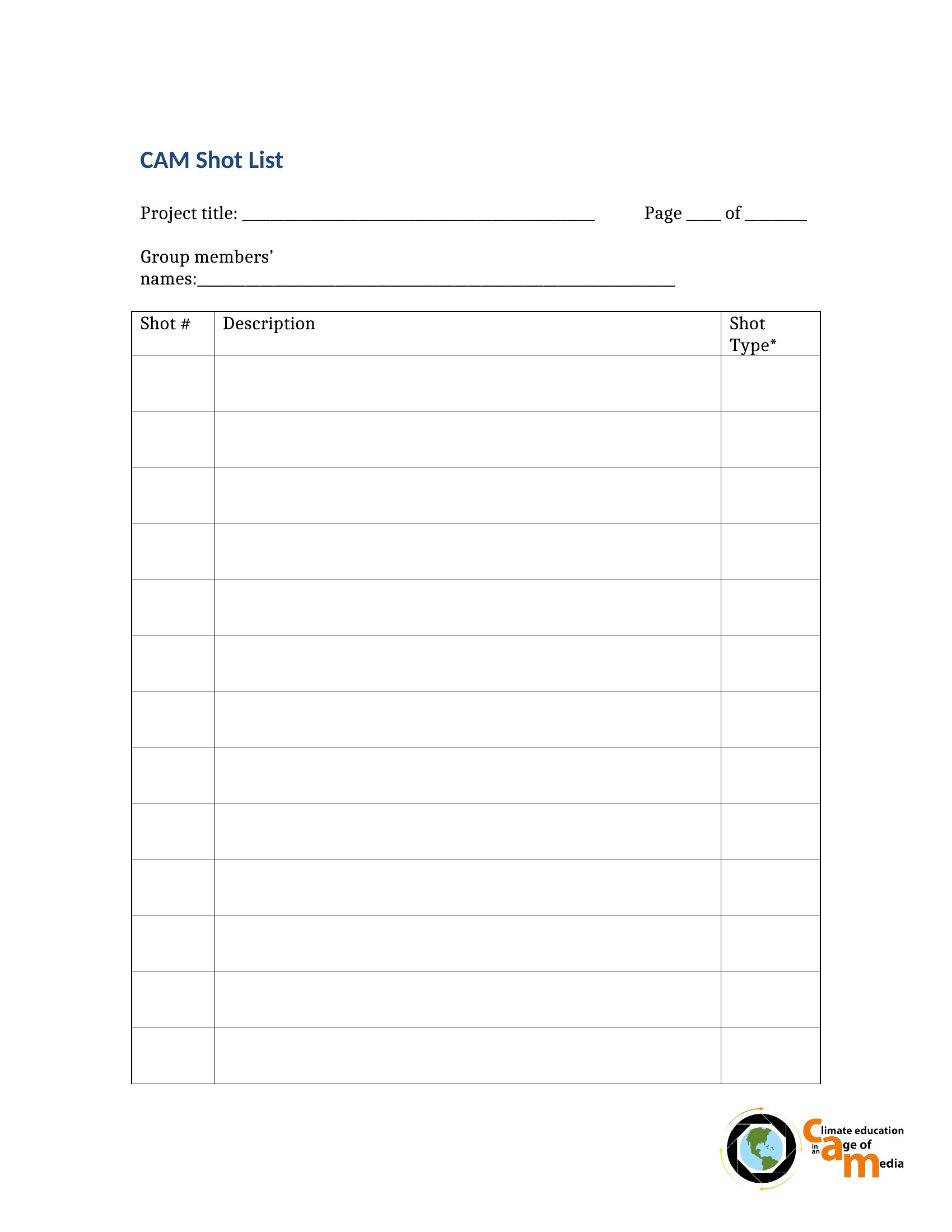
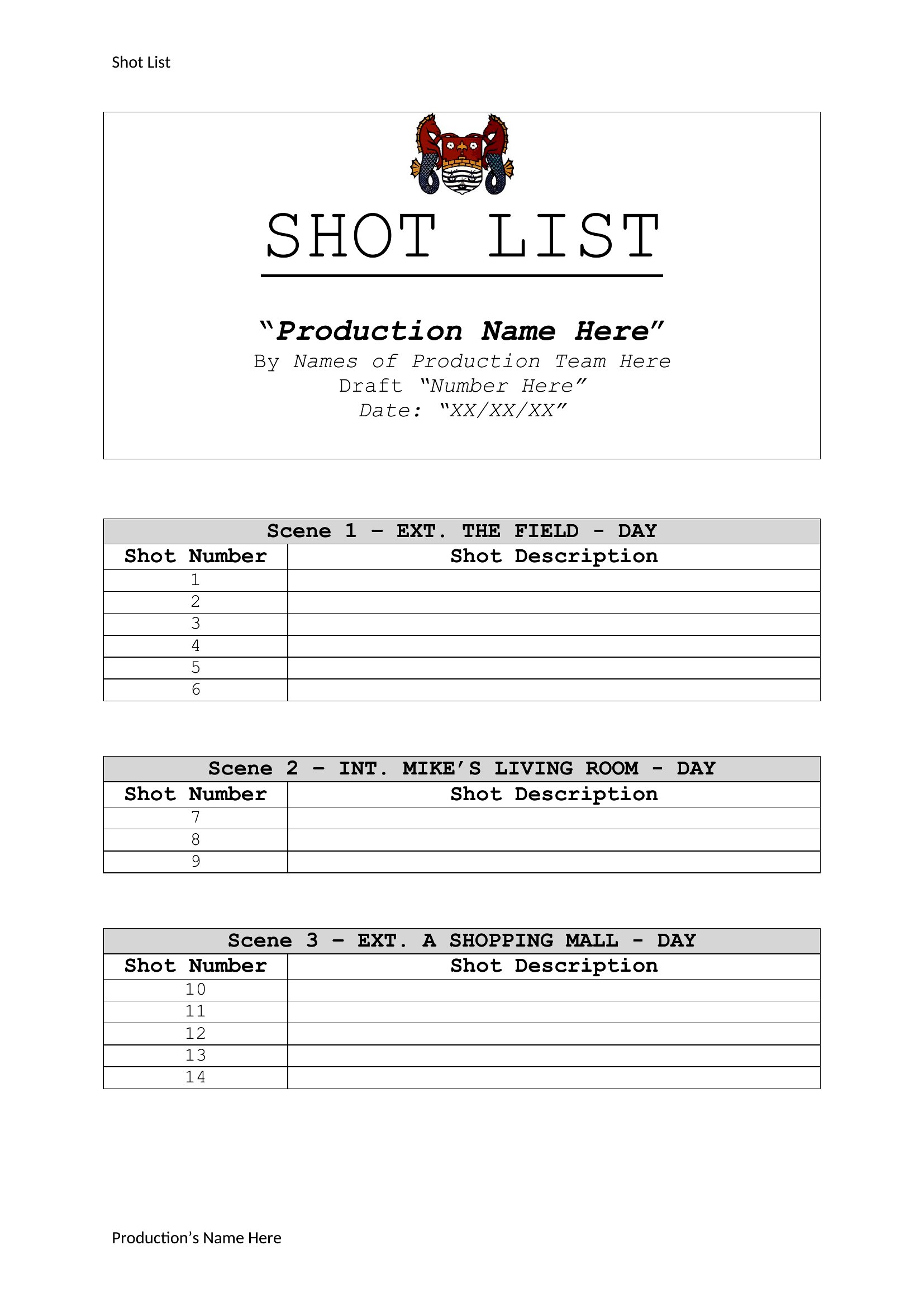
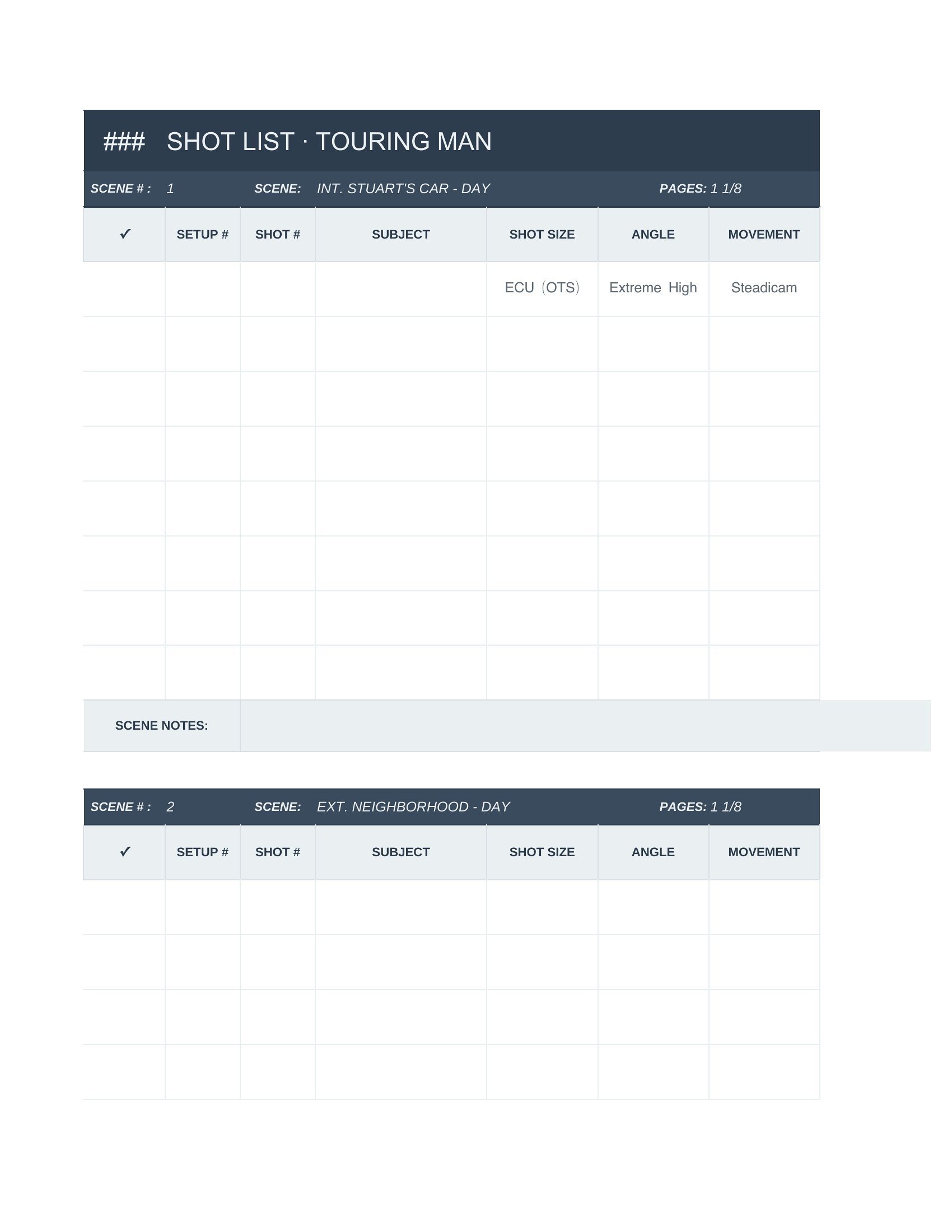
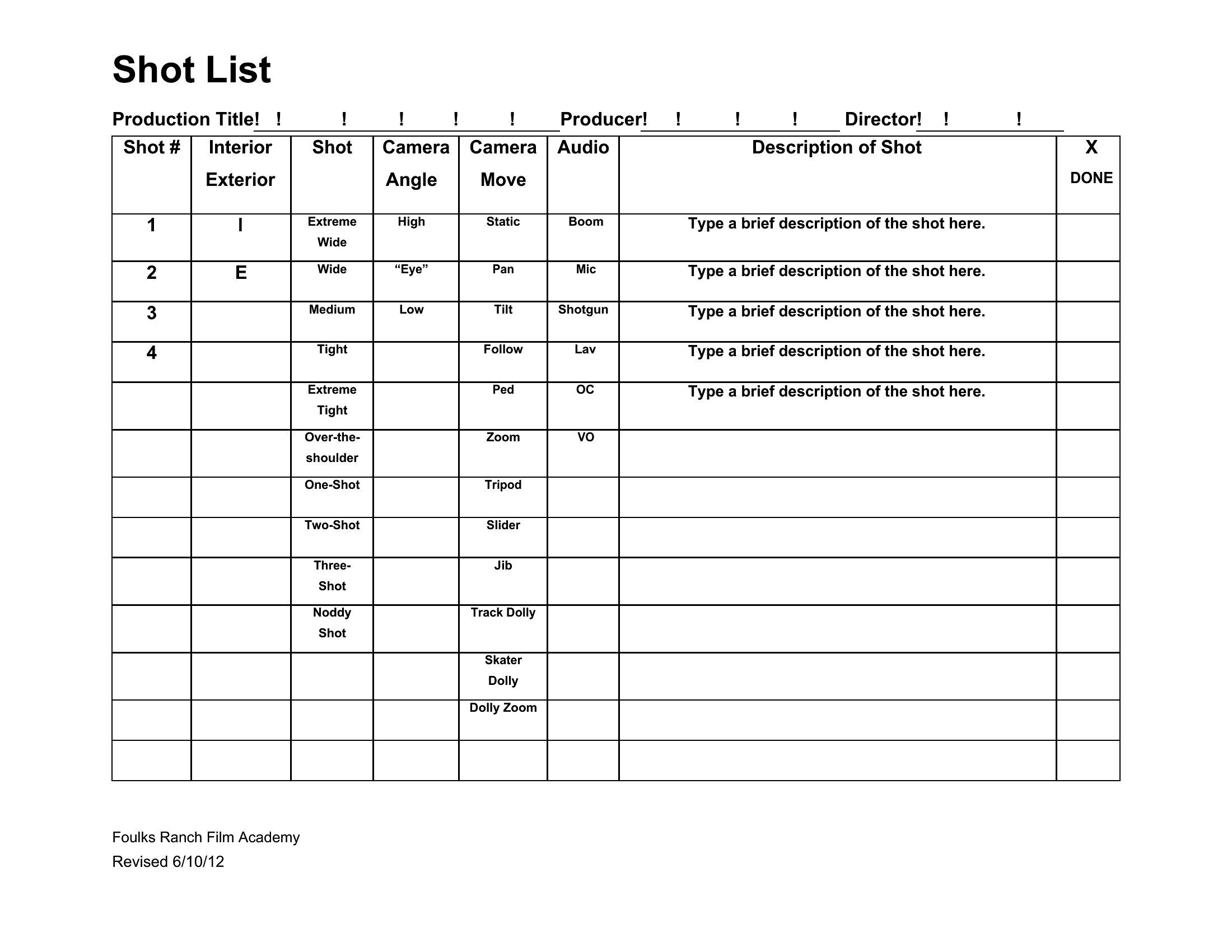
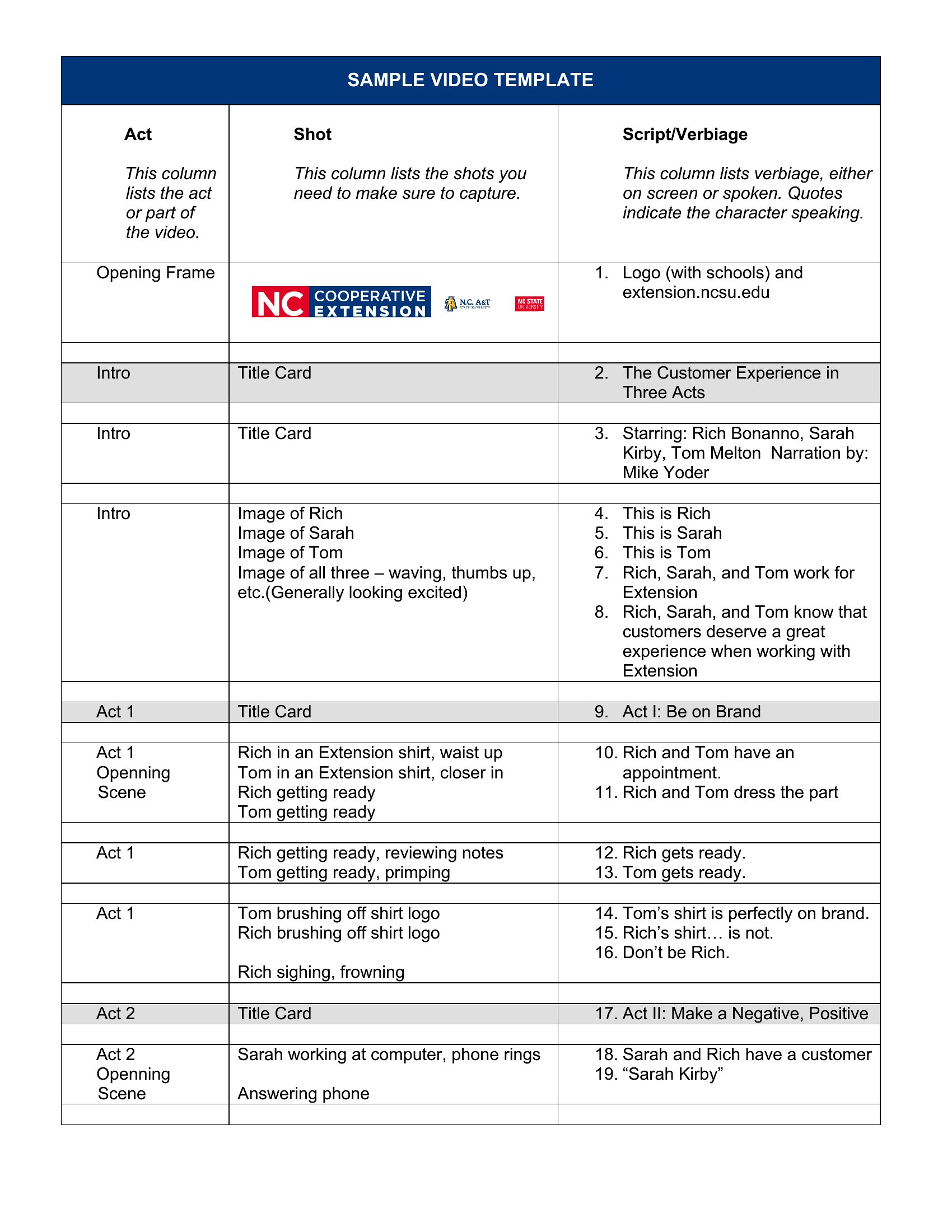
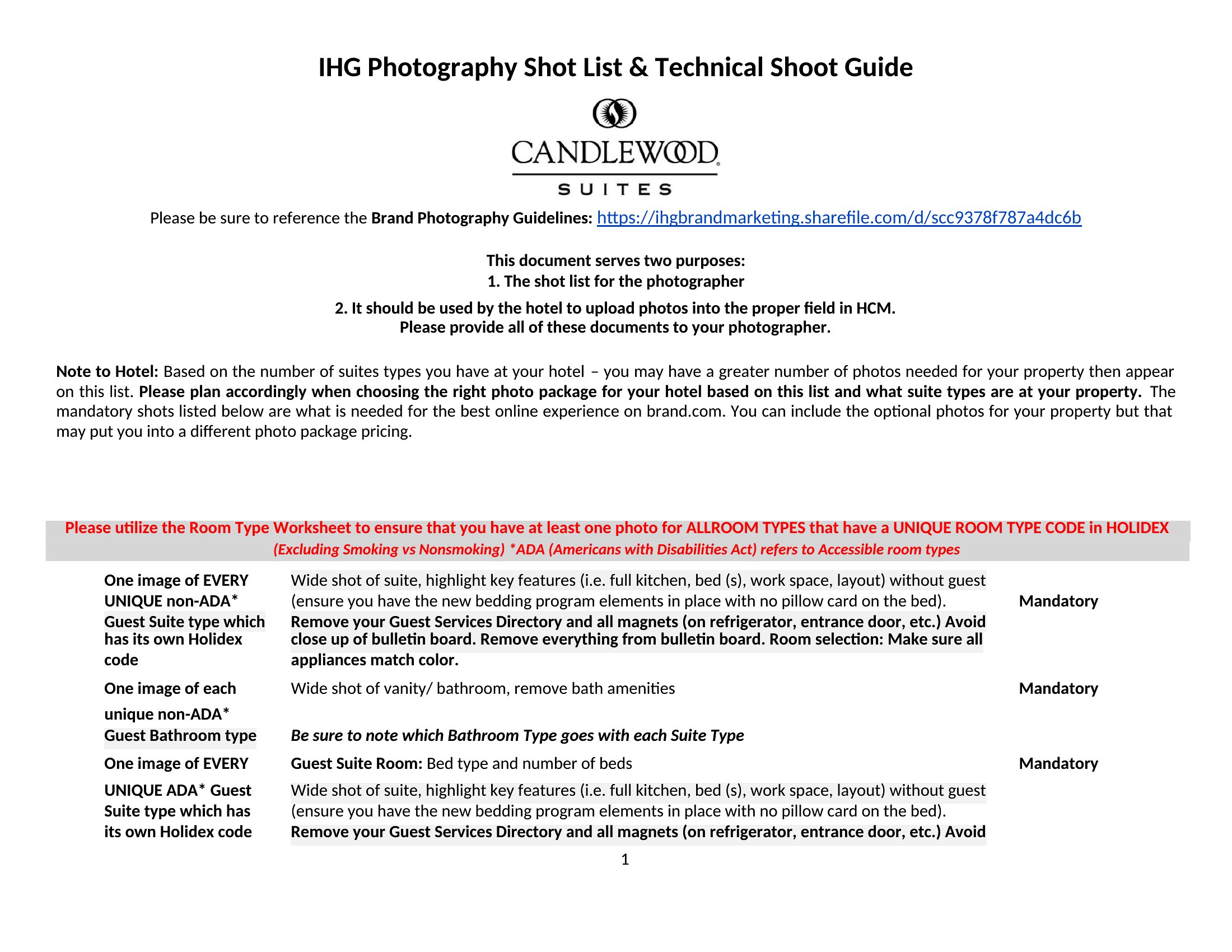
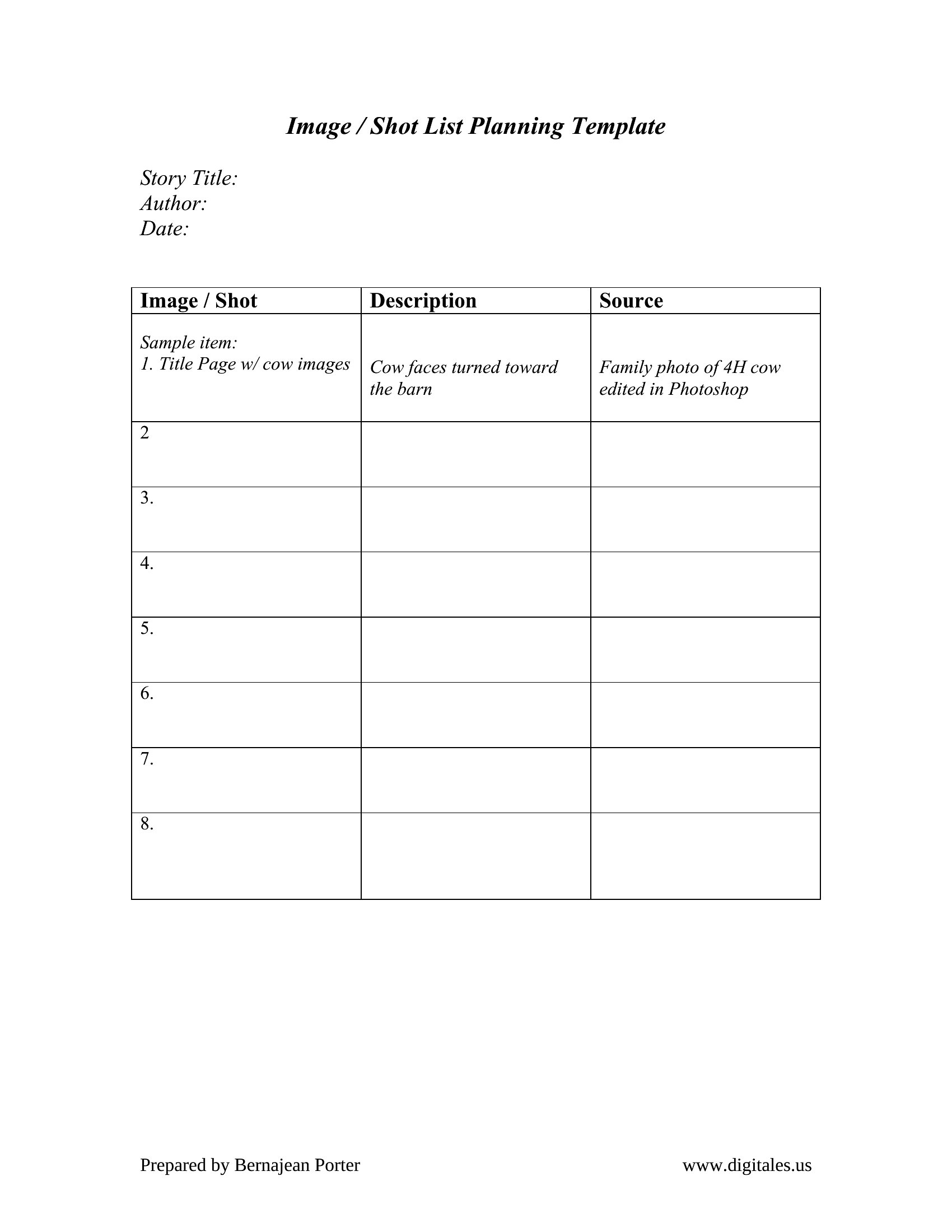
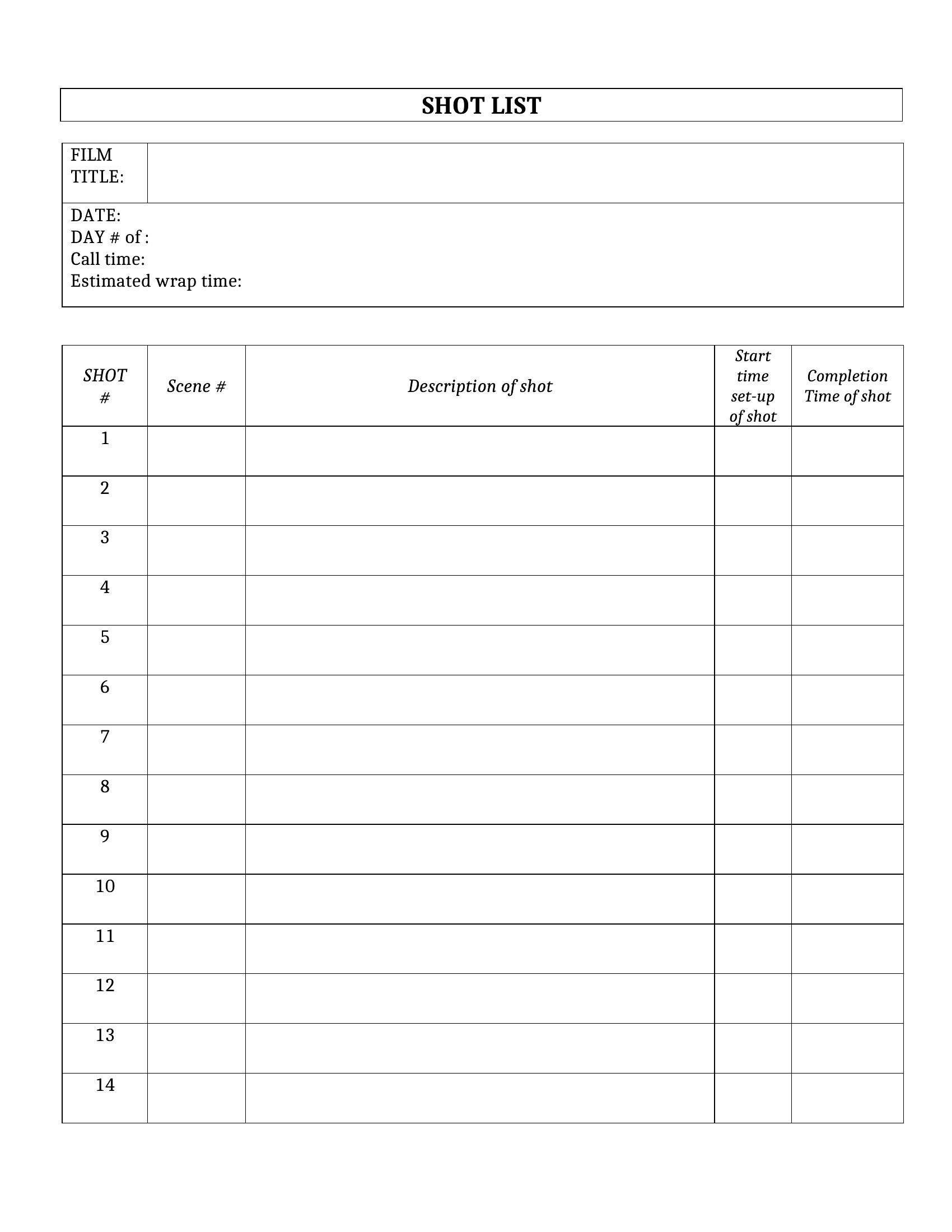
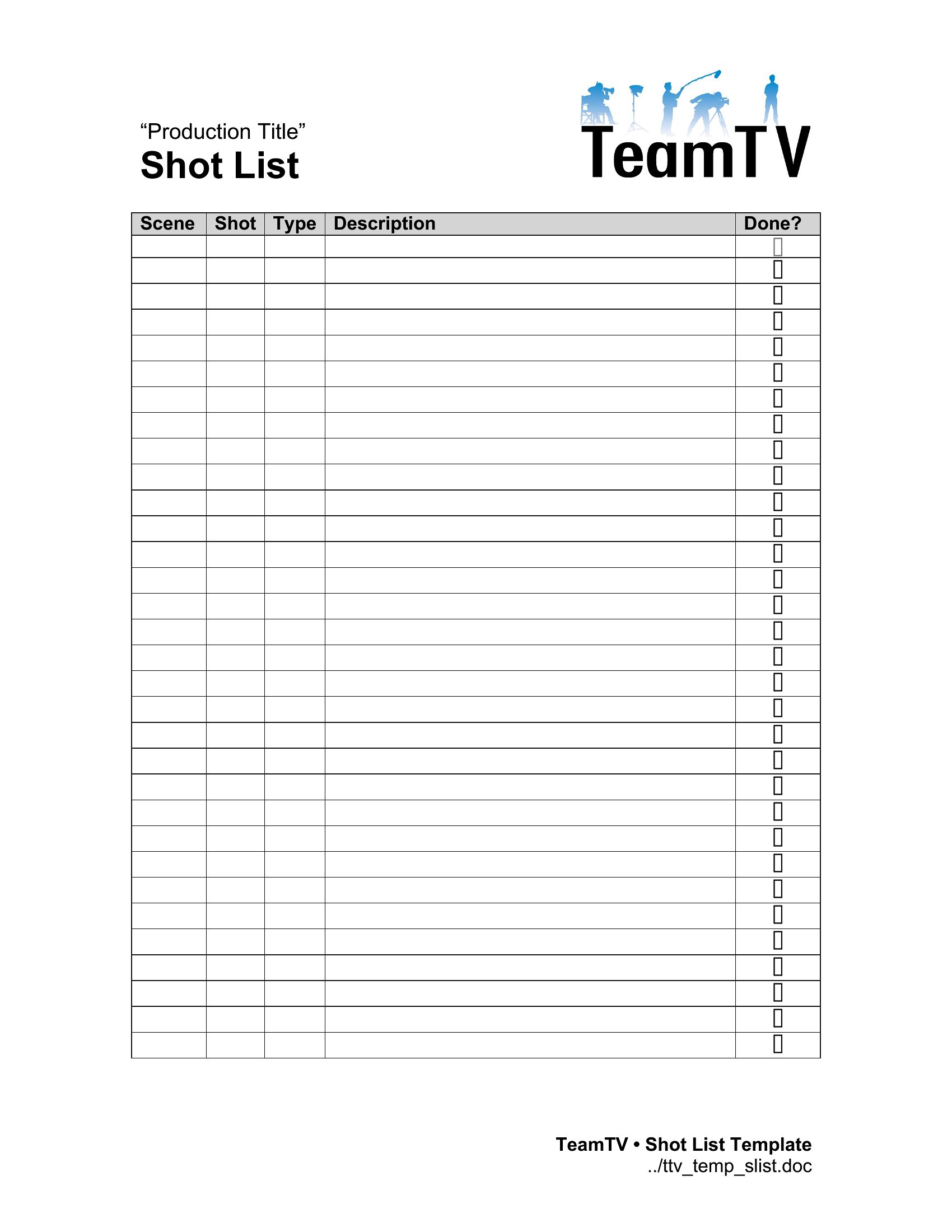
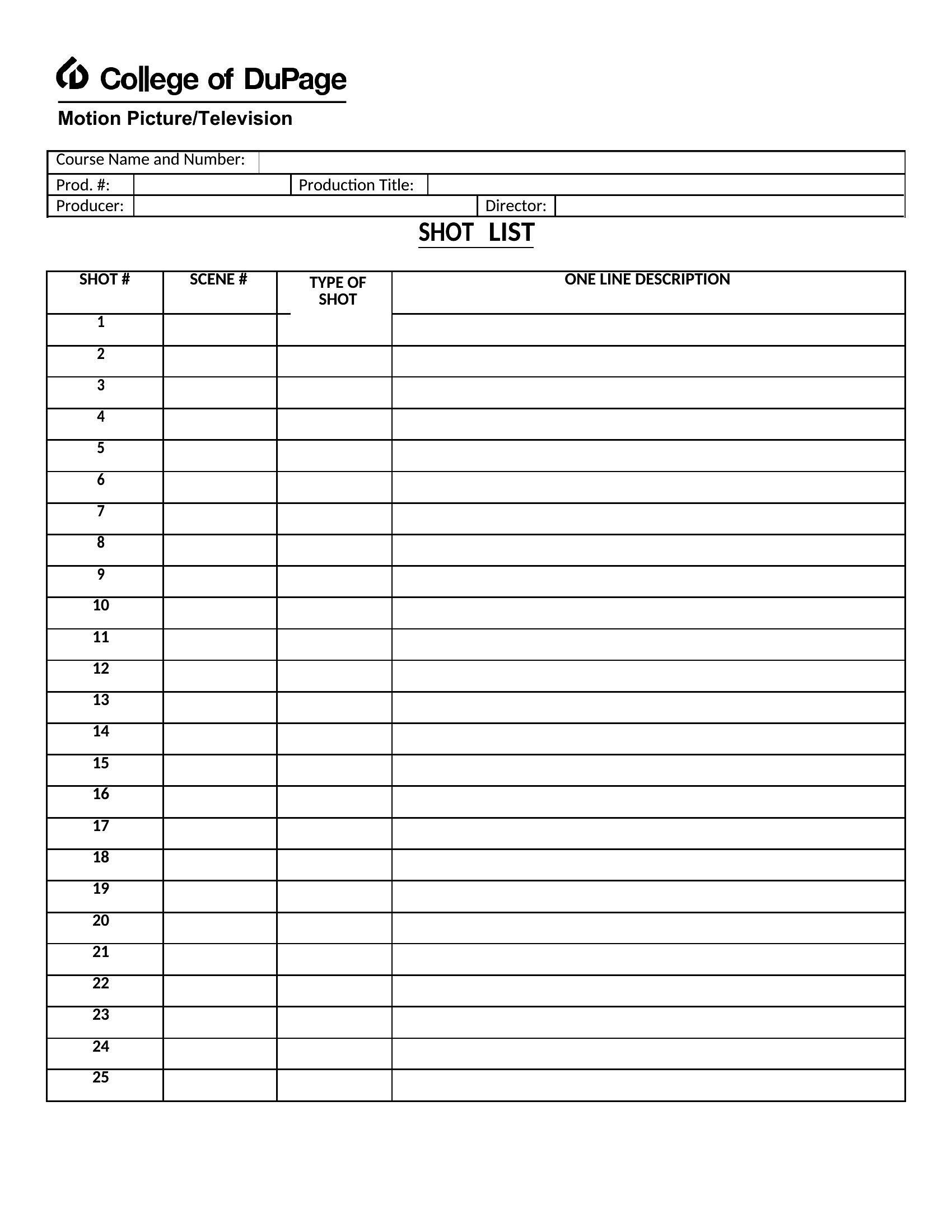
ApplicationsA good shot list keeps a film or photo shoot on schedule by mapping every angle, lens, and setup before the camera rolls. These 51 templates give directors, videographers, and photographers a ready structure for logging scenes, framing notes, and equipment so nothing gets missed on a busy production day. Whether it's a wedding, a short film, or a product shoot, there's a layout that fits.
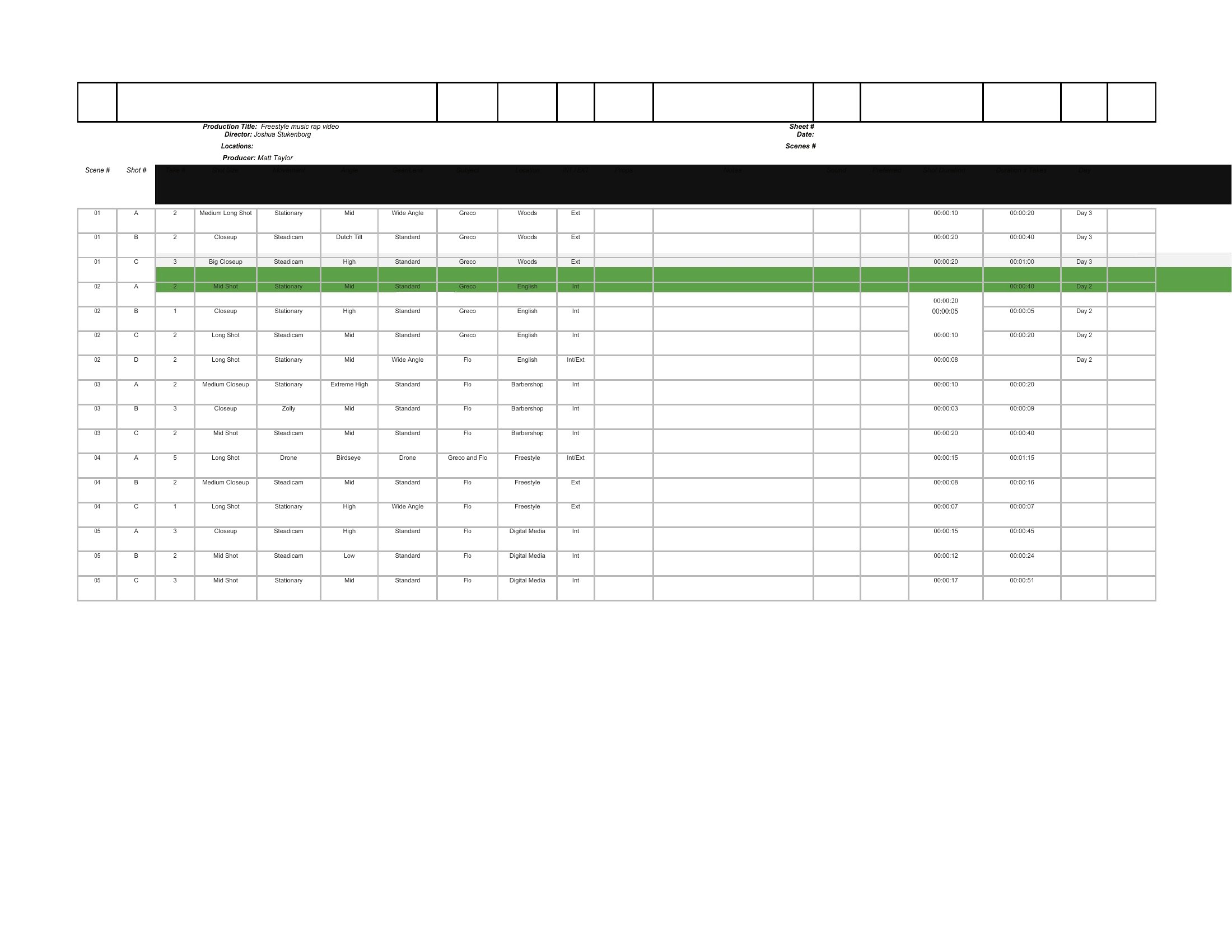
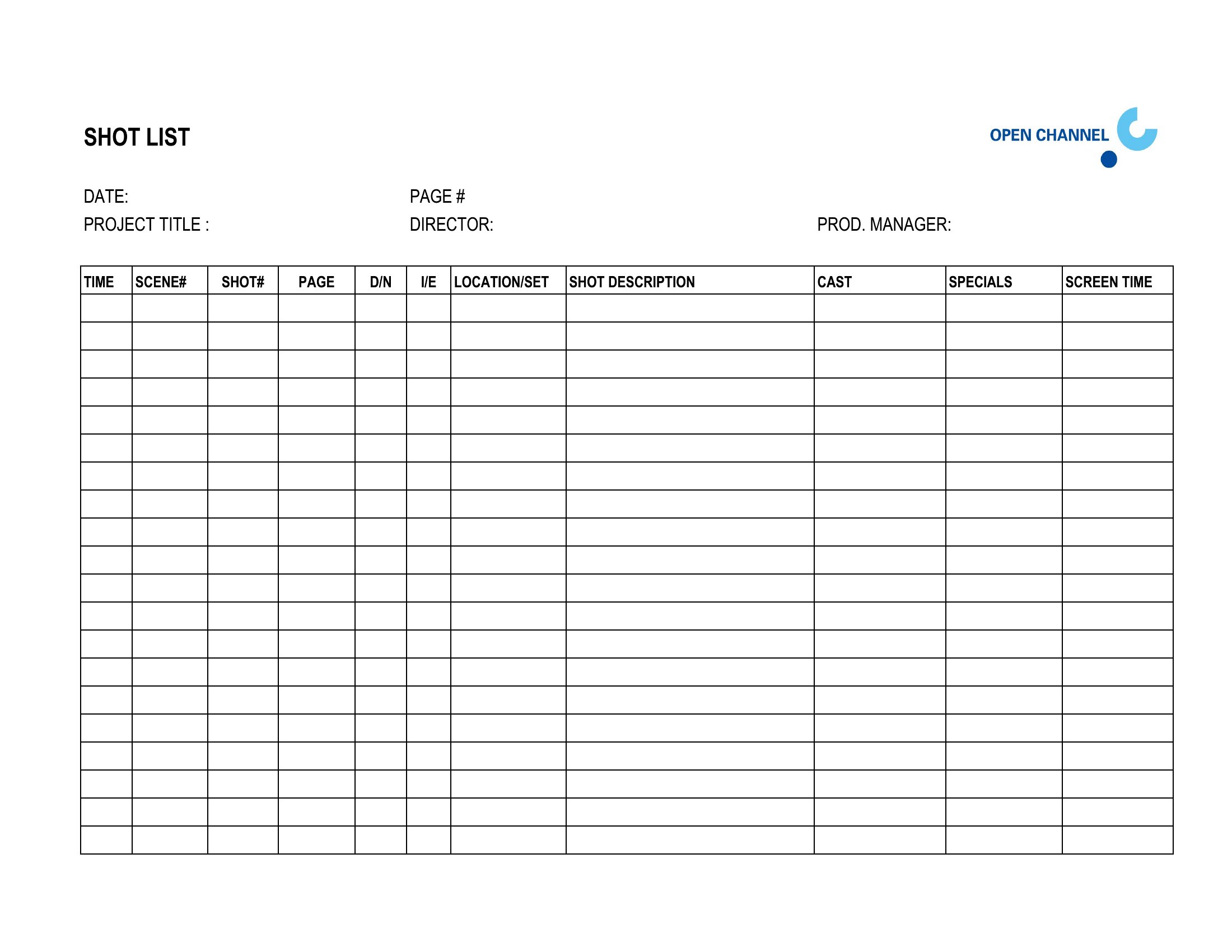
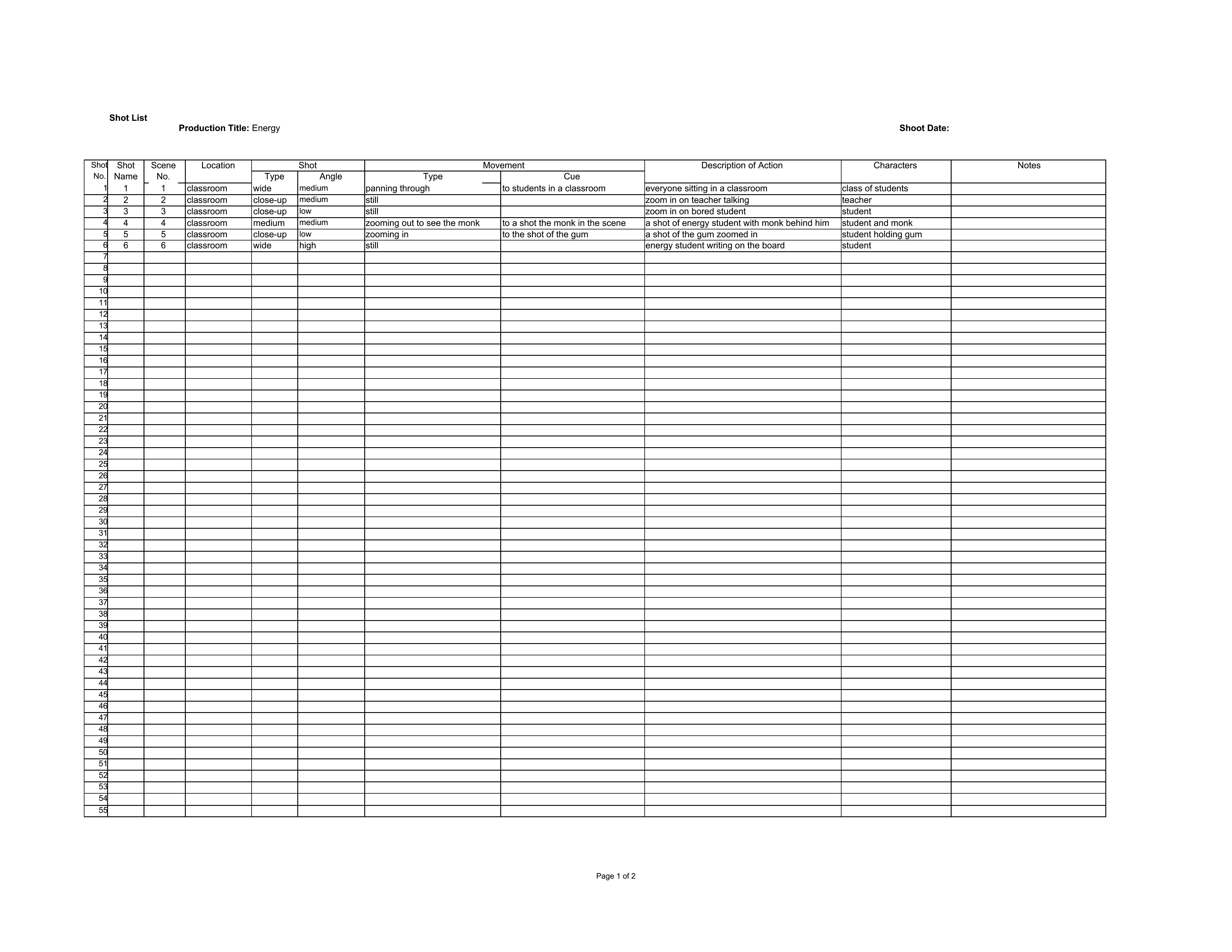
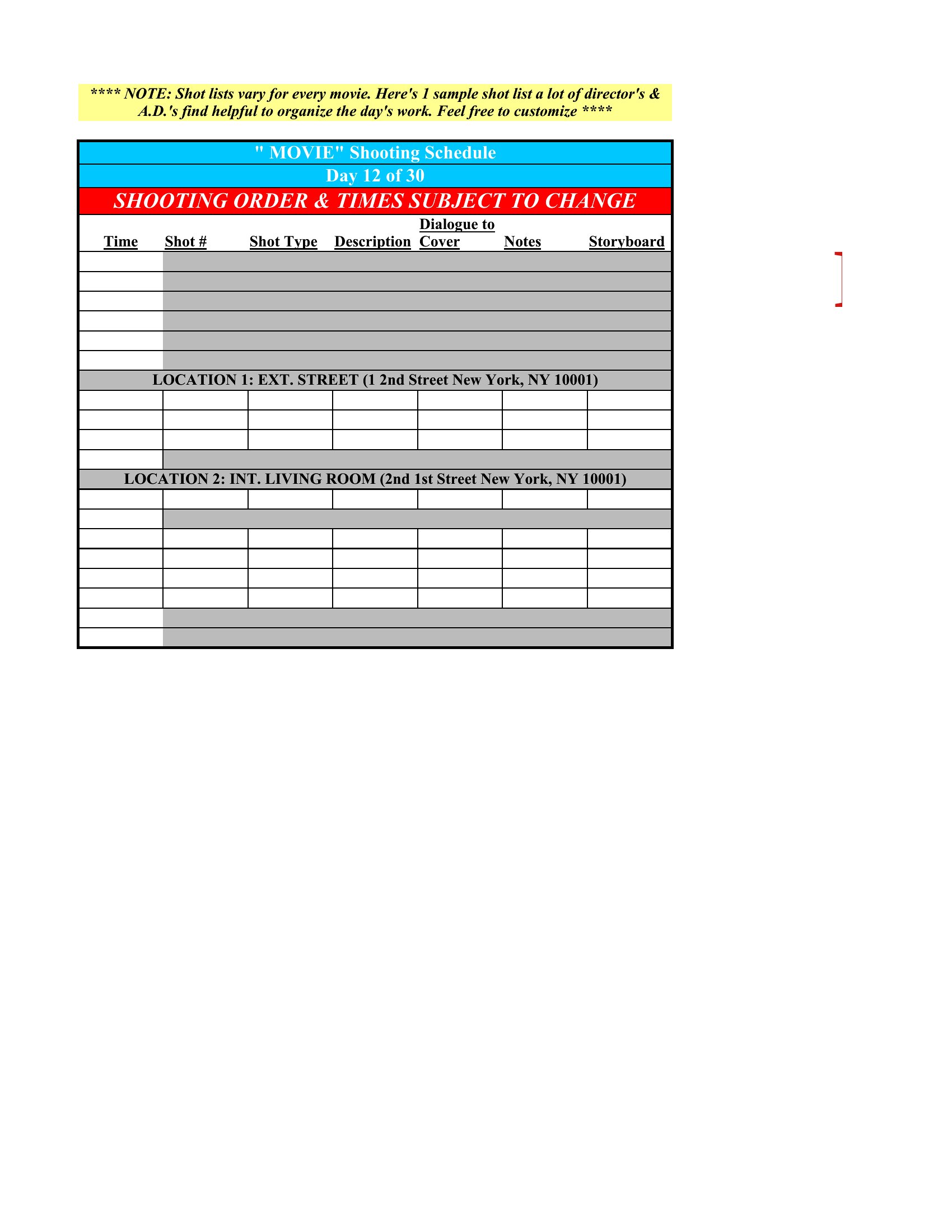
Grab a Word version for simple written lists, a PDF to print and clip to a clipboard on set, or an Excel sheet that sorts shots by location and tracks what's already in the can. Add your scenes, reorder rows as plans change, and hand copies to the crew. Download the one that suits your shoot and walk on set prepared.
When to use this Shot List template
- Filmmakers on tight indie budgets use shot lists to pre-visualize scenes and ensure continuity when working with limited crew and no second takes.
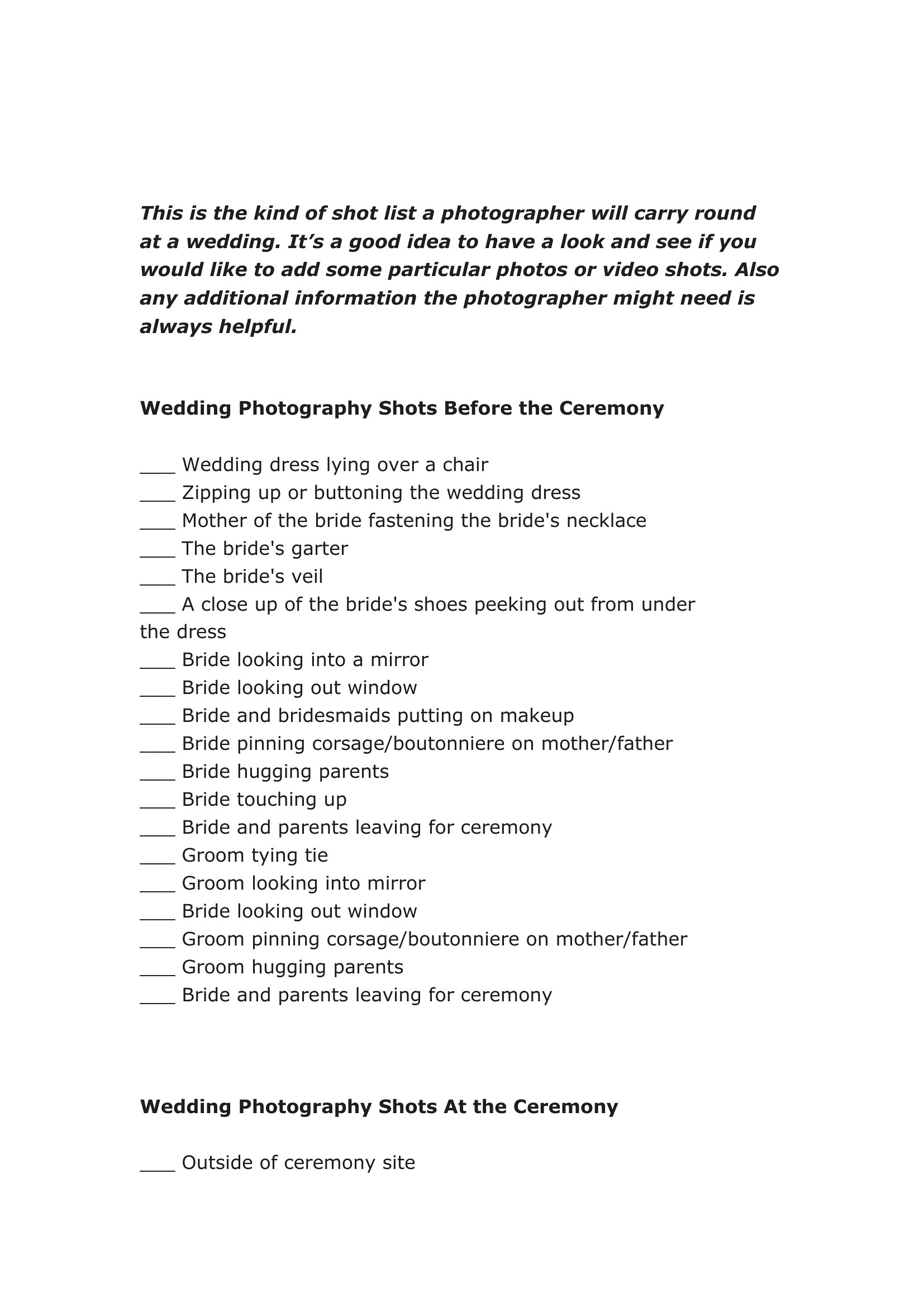
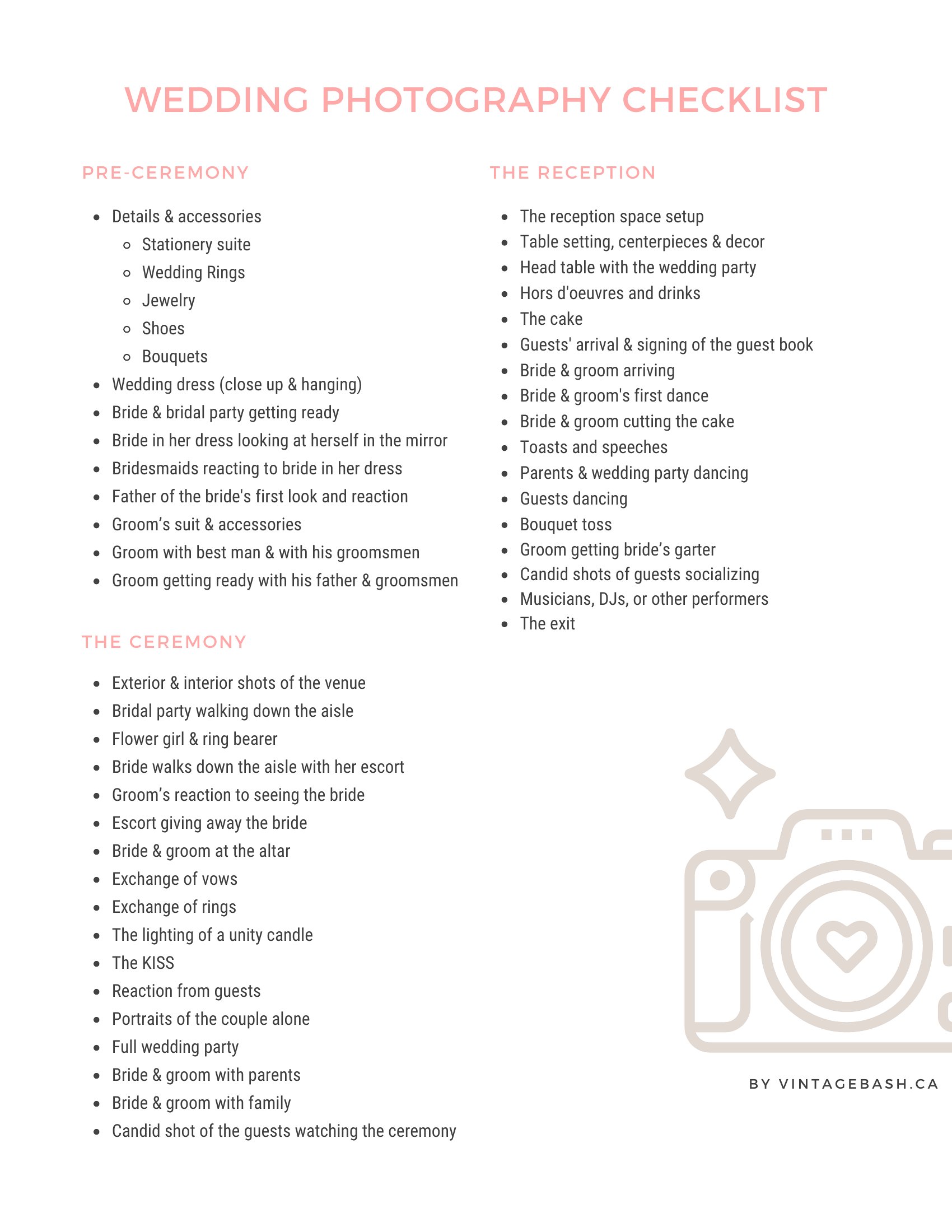
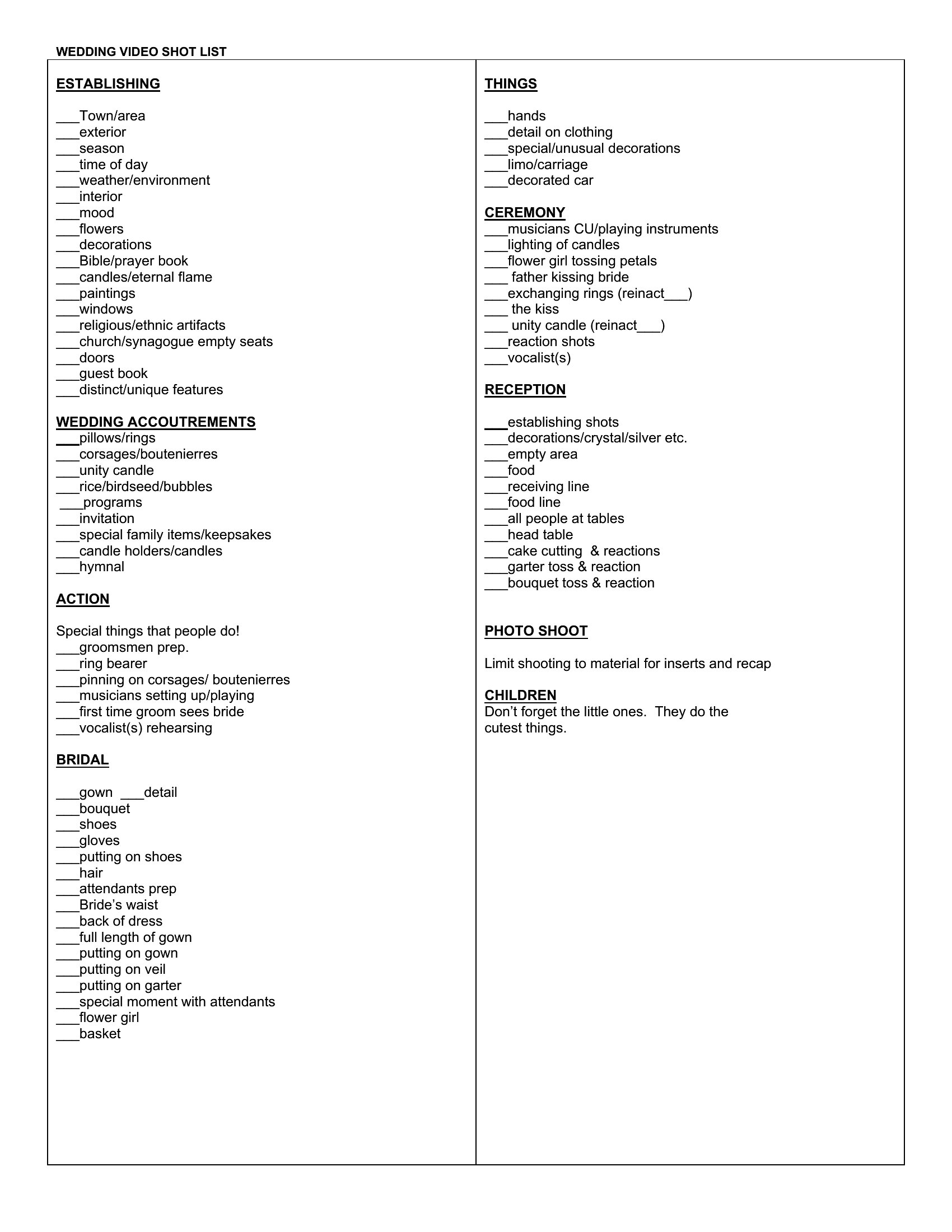
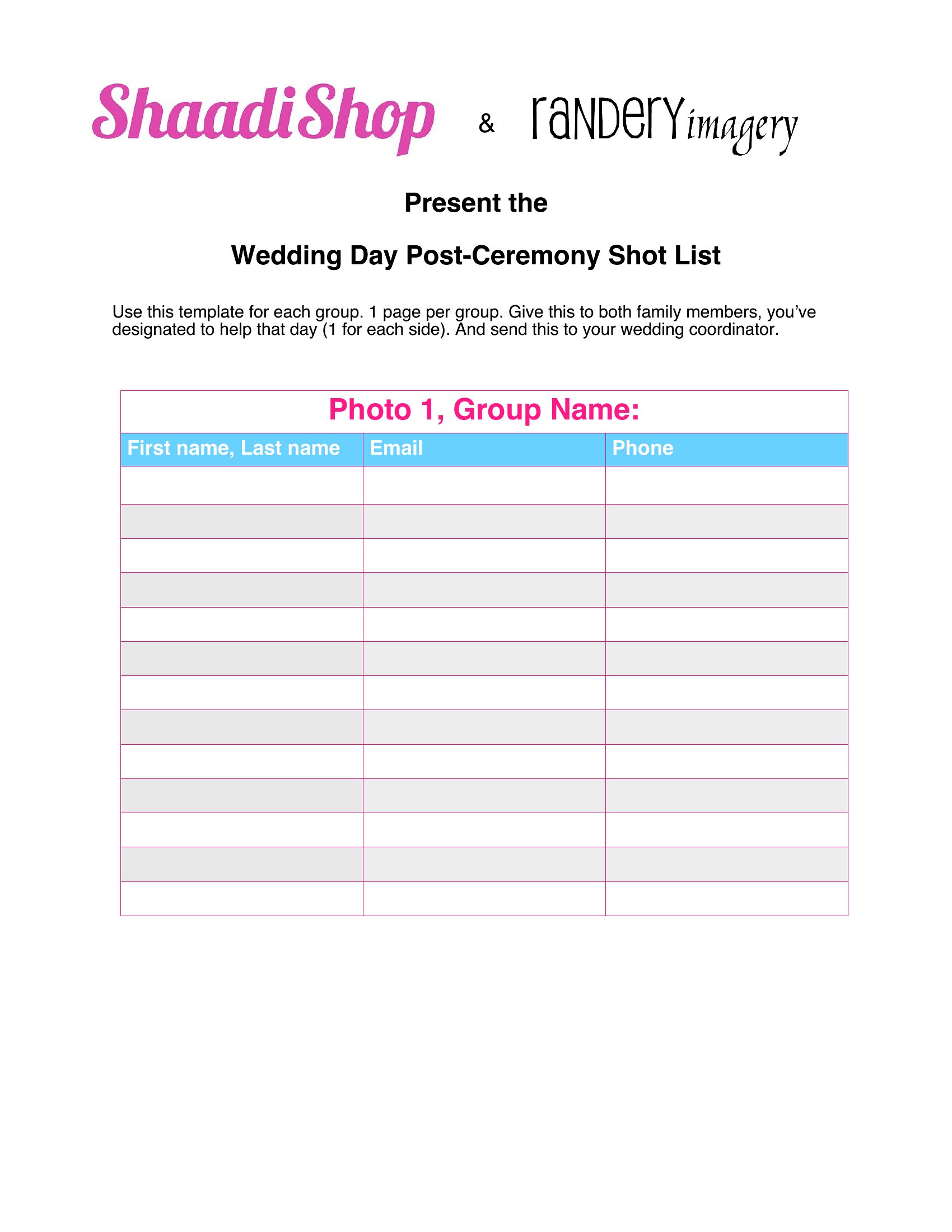
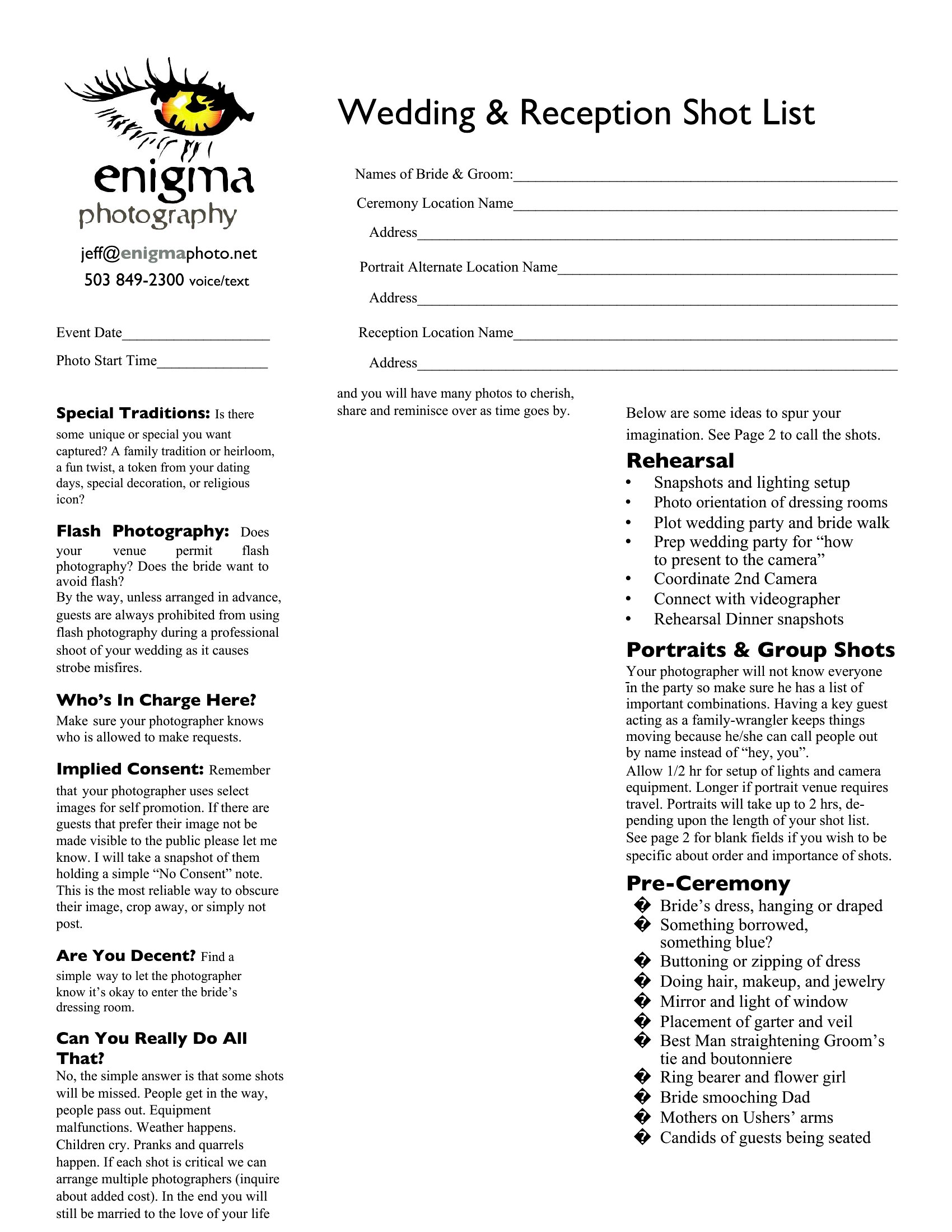
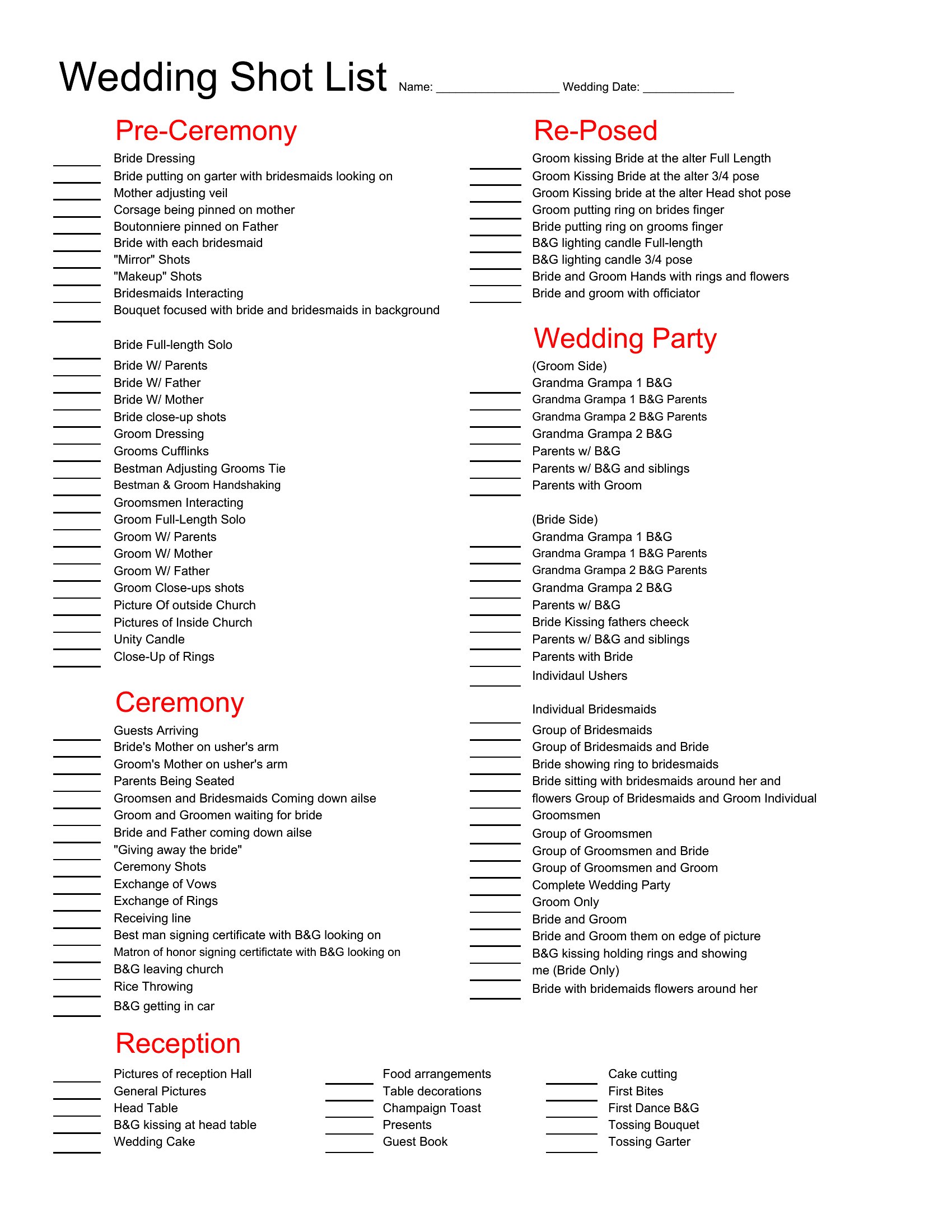
- Wedding videographers rely on shot lists to capture every moment systematically—from the first look to the cake cut—without forgetting key details in fast-paced ceremonies.
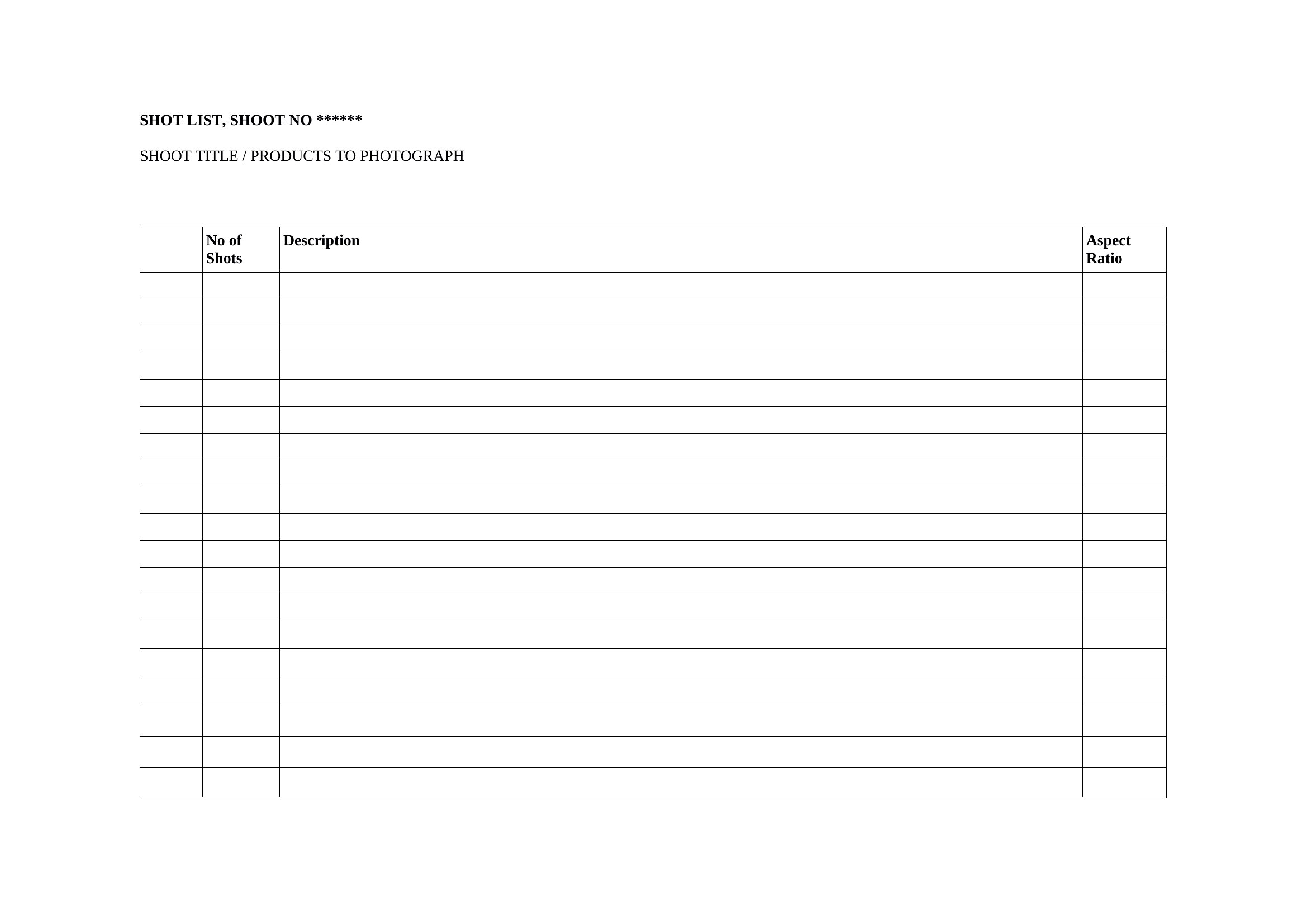
- Commercial photographers for e-commerce brands organize product shoots with shot lists to document all angles, lighting setups, and background variations before entering the studio.
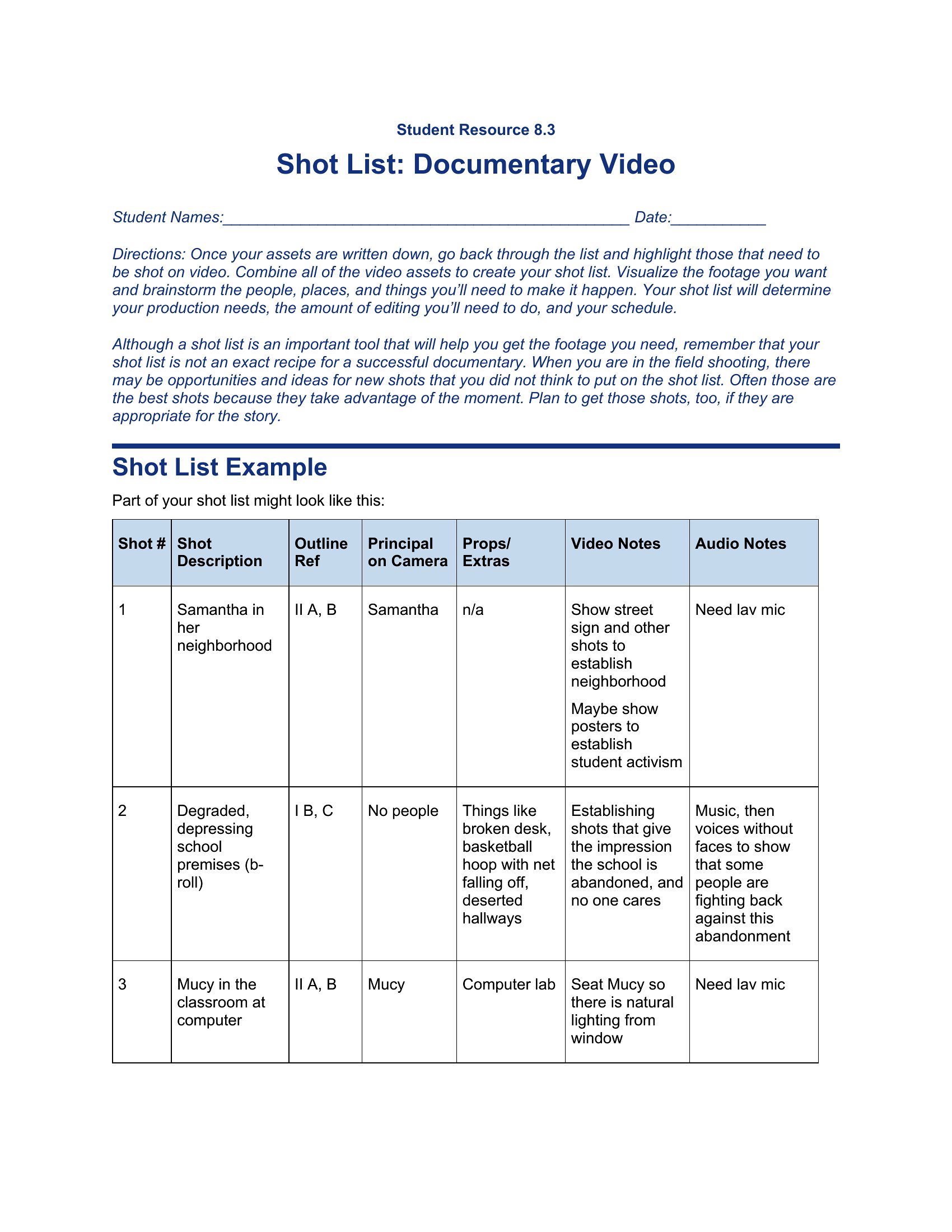
- Documentary teams use shot lists to track interviews, B-roll requirements, and location shots across multiple days, ensuring no critical footage is overlooked in remote or unpredictable environments.
Which format should I download?
Choose Word for editable, collaborative shot lists where directors need to tweak angles or framing notes on set. Excel is ideal when tracking sequential shots with timecodes, equipment assignments, or multiple takes across sheets. PDF works best for final, unchanging shot lists to share with crew or clients who don’t need to modify the document—like a reference guide for a wedding videographer’s team.
Choose from 51 Shot List Templates
How to use this Shot List template
Can these shot lists include timecodes or sync points for audio/video synchronization?
Yes, several templates are designed with columns for timecodes, sync points, or even embedded audio/video references. Look for Excel-based templates, which often include dedicated cells for timing details or links to reference files. These are popular with videographers who need to align shots with specific dialogue or sound cues.
Are there templates that separate shot lists by department (e.g., camera, sound, grip)?
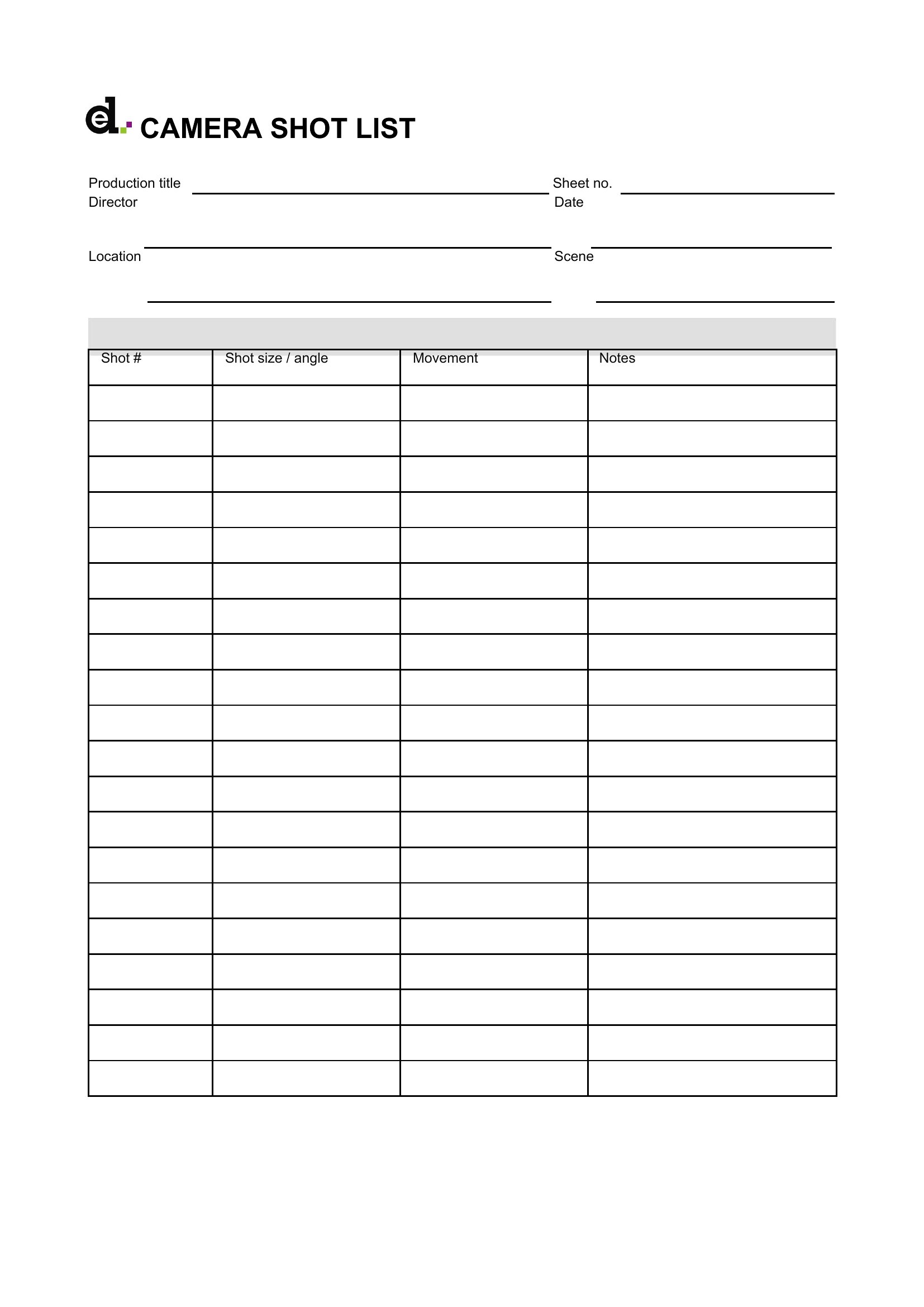
A few templates include tabs or sections that can be customized for department-specific tasks. For example, you might find a camera-focused shot list with lens and focus notes alongside a separate sound sheet for microphone placements. These are useful on larger productions where crew roles are specialized, but smaller teams can adapt them to fit their workflow.
How do these templates handle reshoots or last-minute changes to the shoot plan?
Most templates include space for notes, revisions, or a “to-do” column to track adjustments. Word and Excel formats allow easy editing, so you can strike through completed shots and add new ones. For PDFs, you’d need to export to an editable format first, but they’re still a good starting point for documenting changes verbally before updating the master list.
Comments
Join the conversation
Sign in to share your thoughts and leave a comment on this resource.