Free Asset List Templates (Word, Excel)
DataTemplates
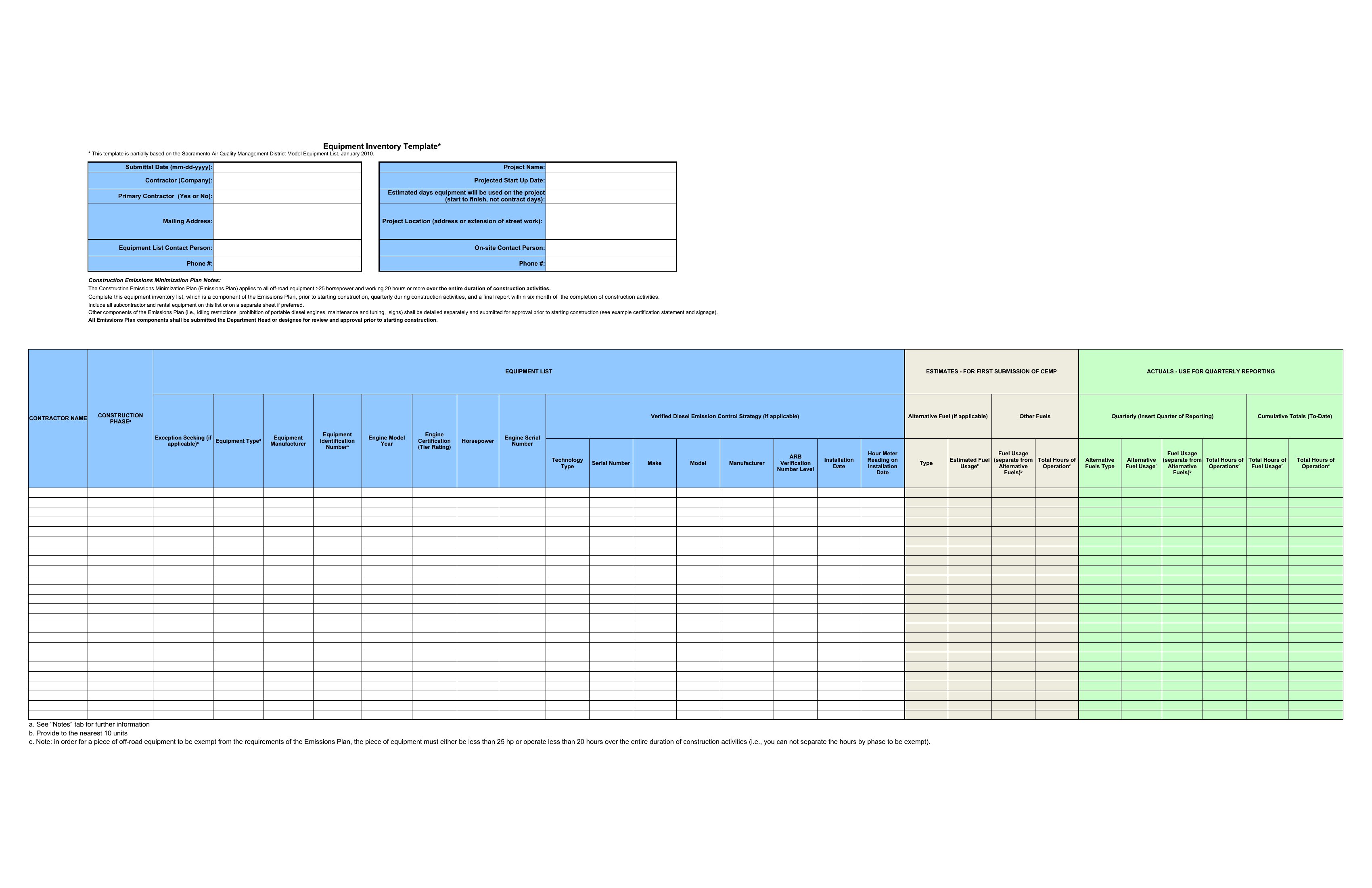
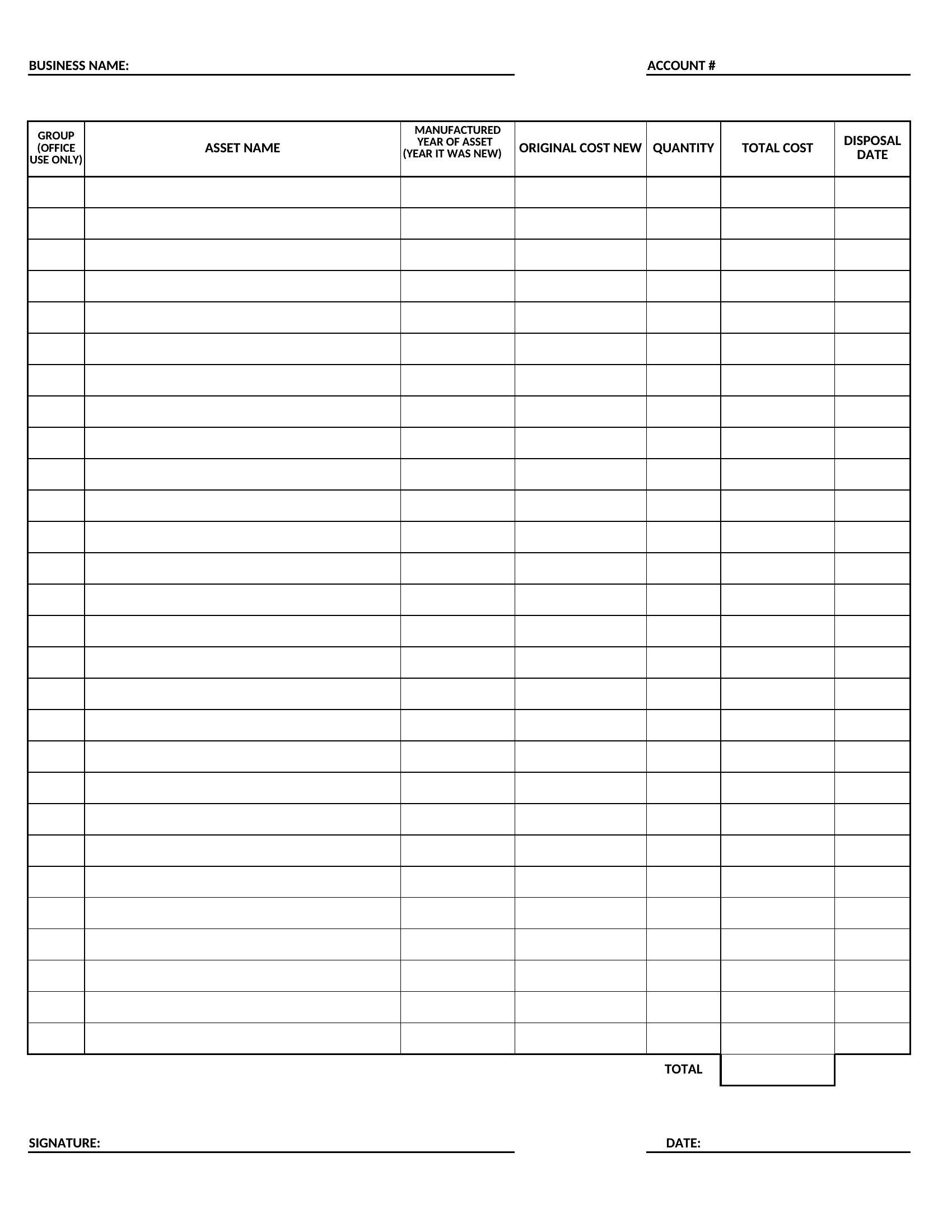
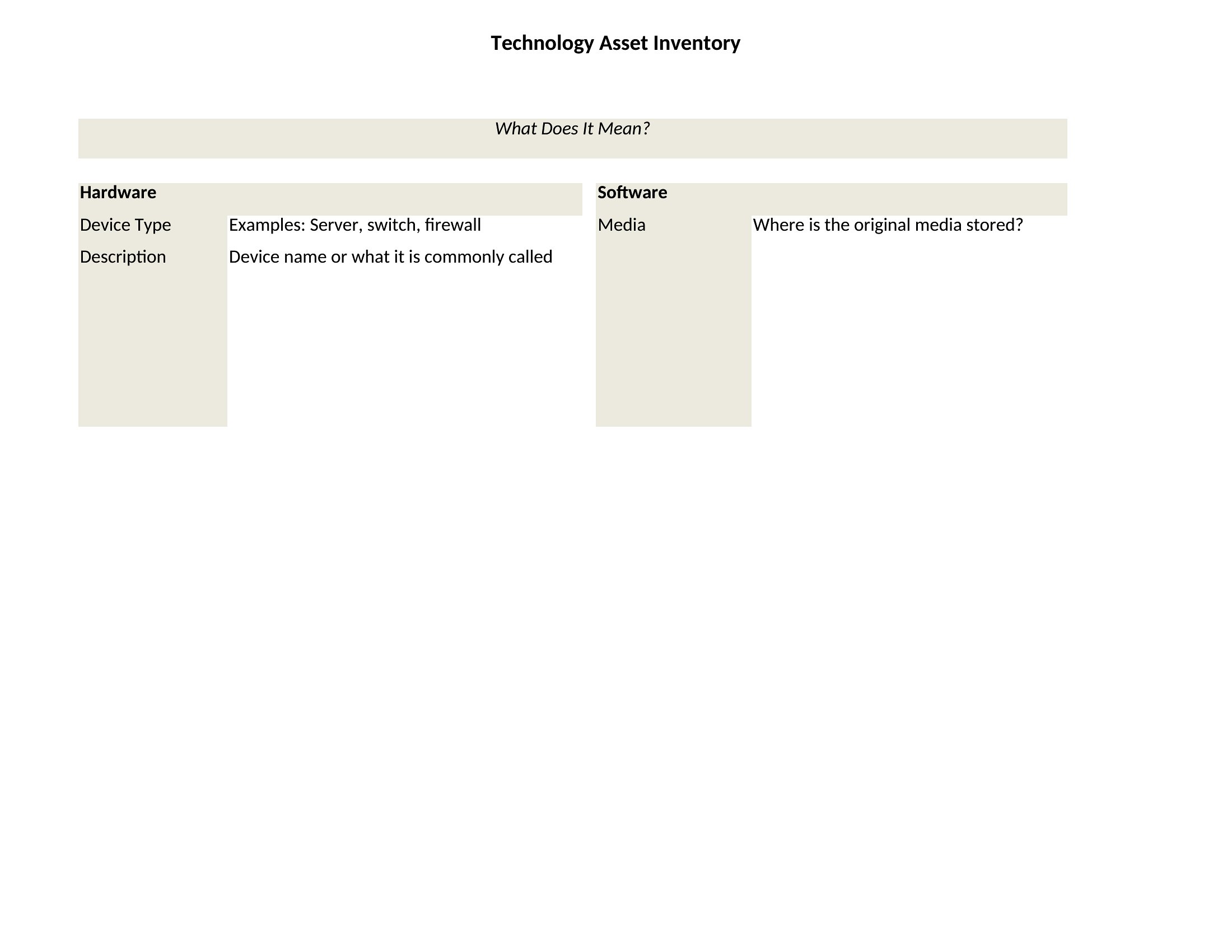
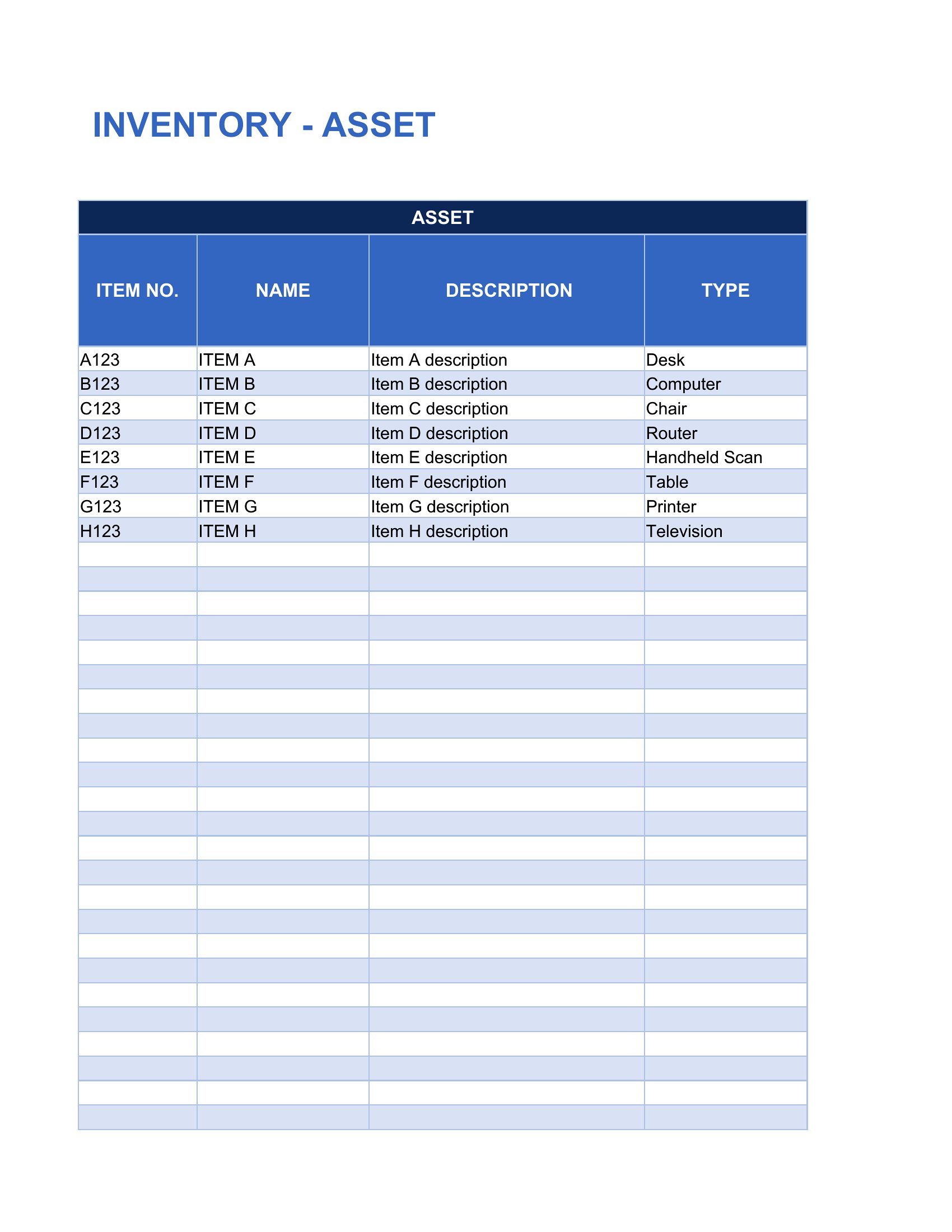

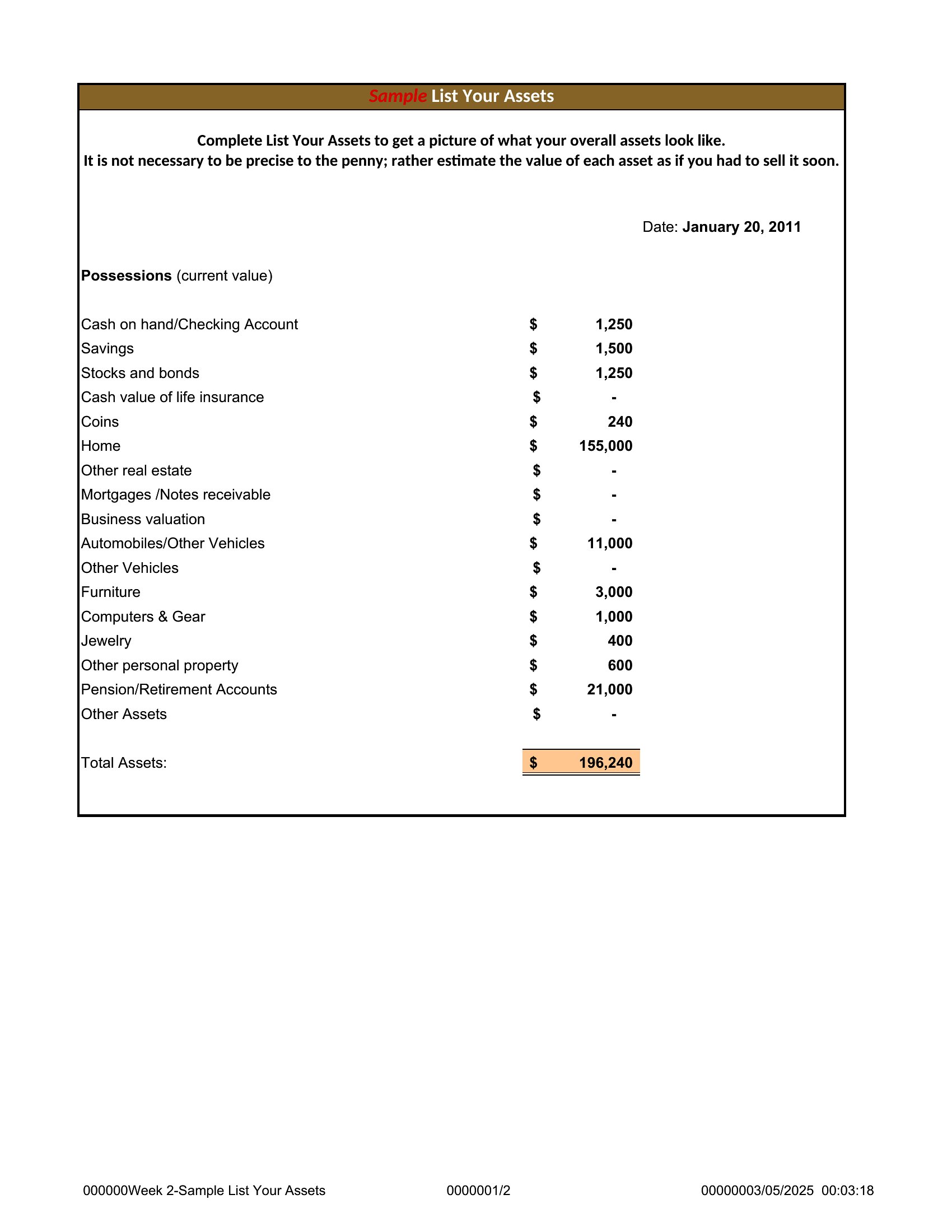
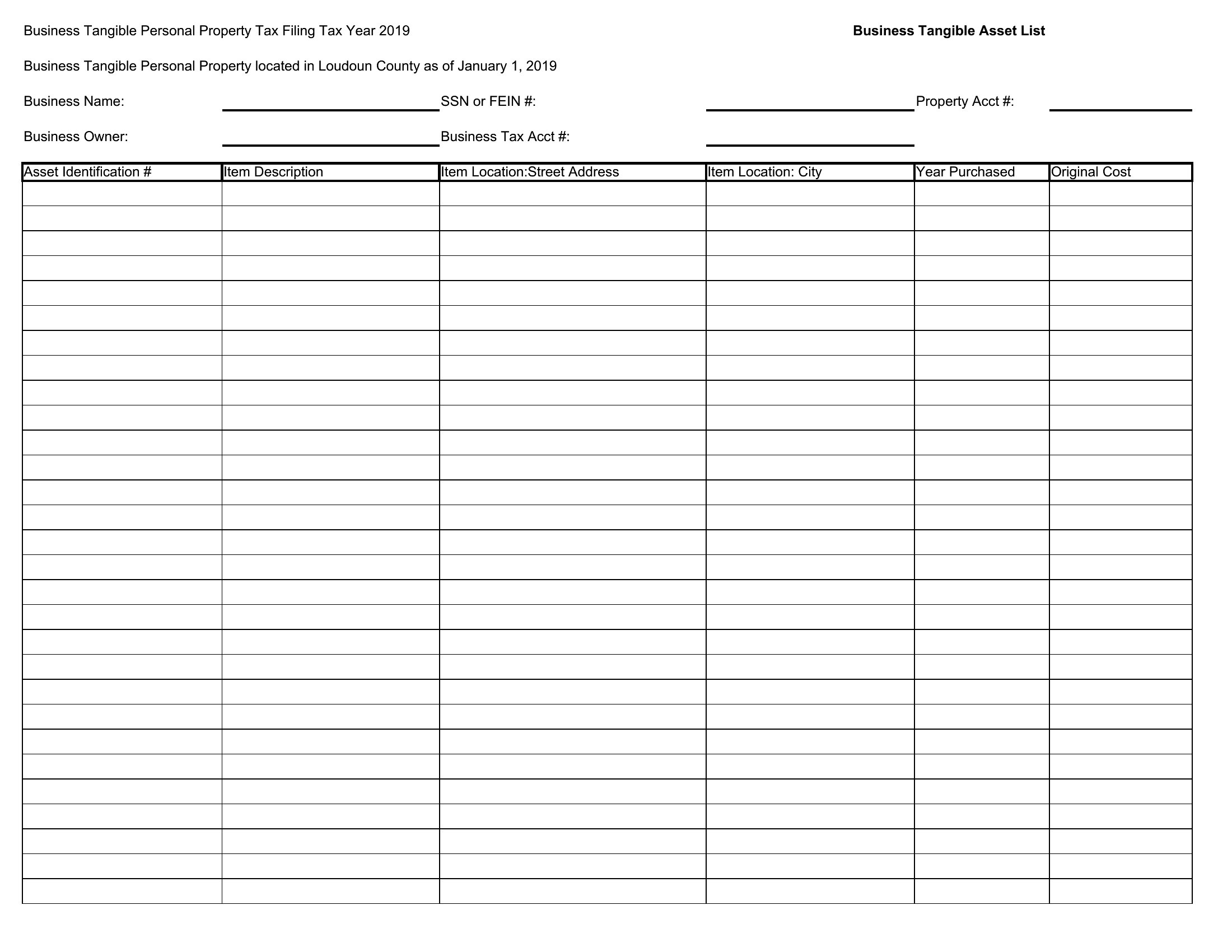
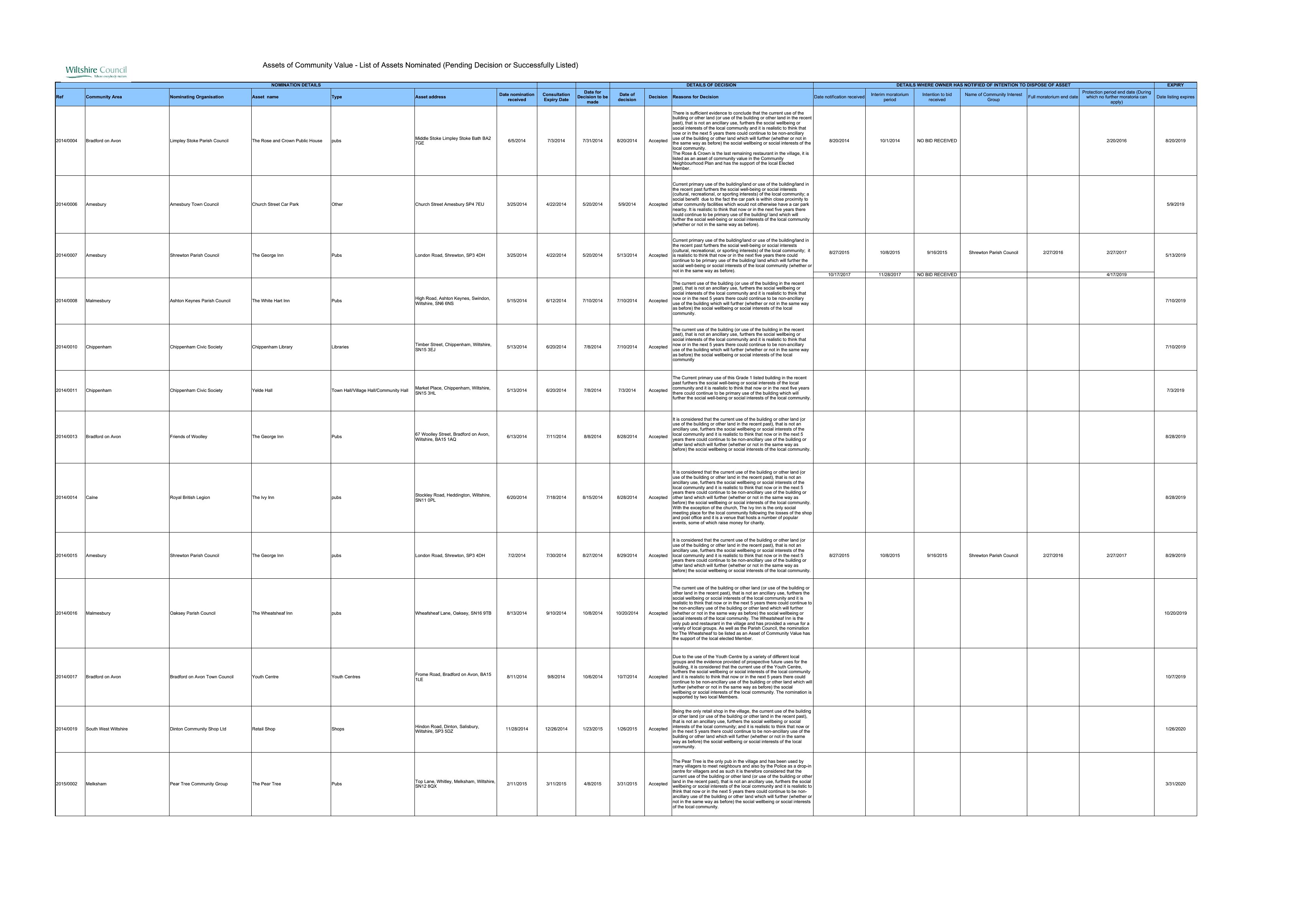
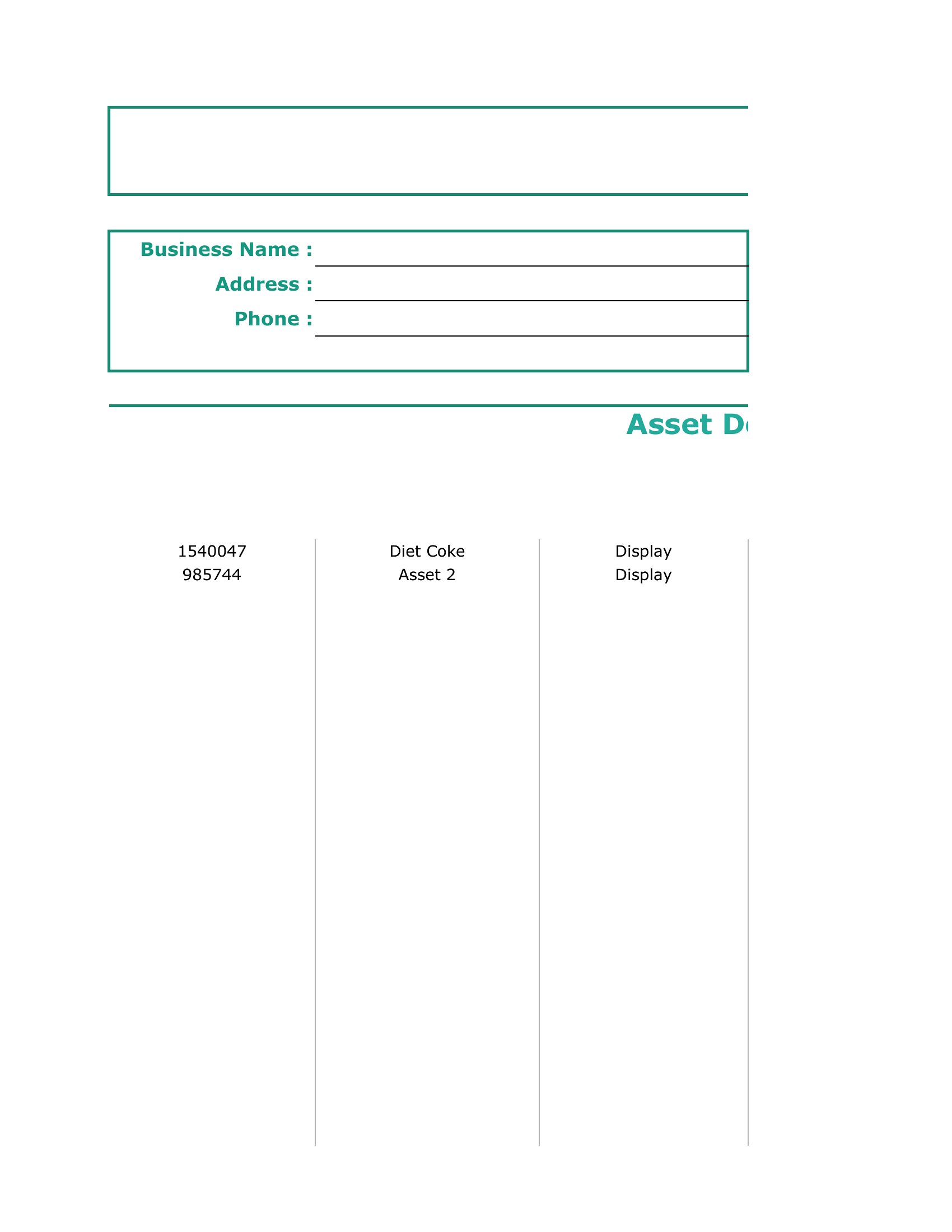
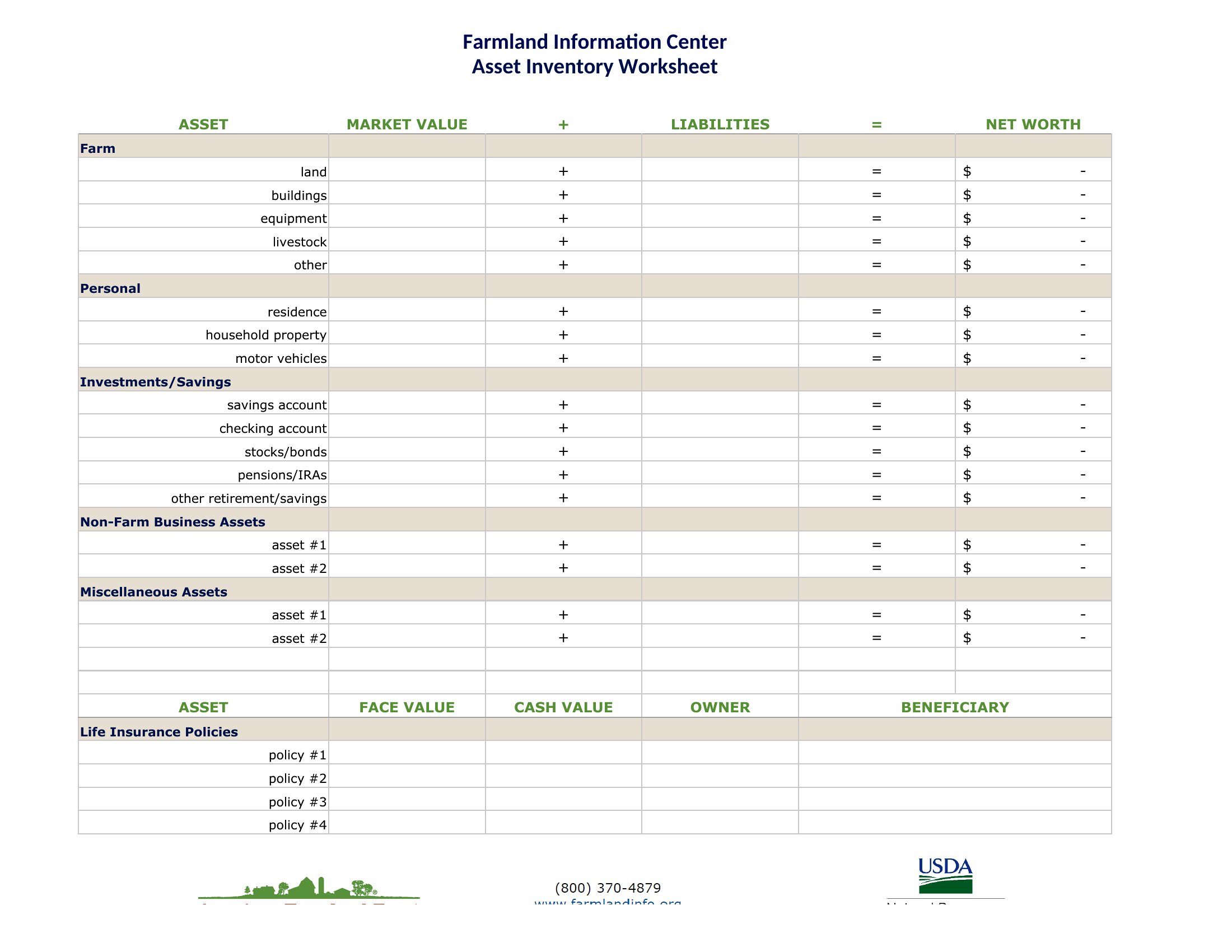
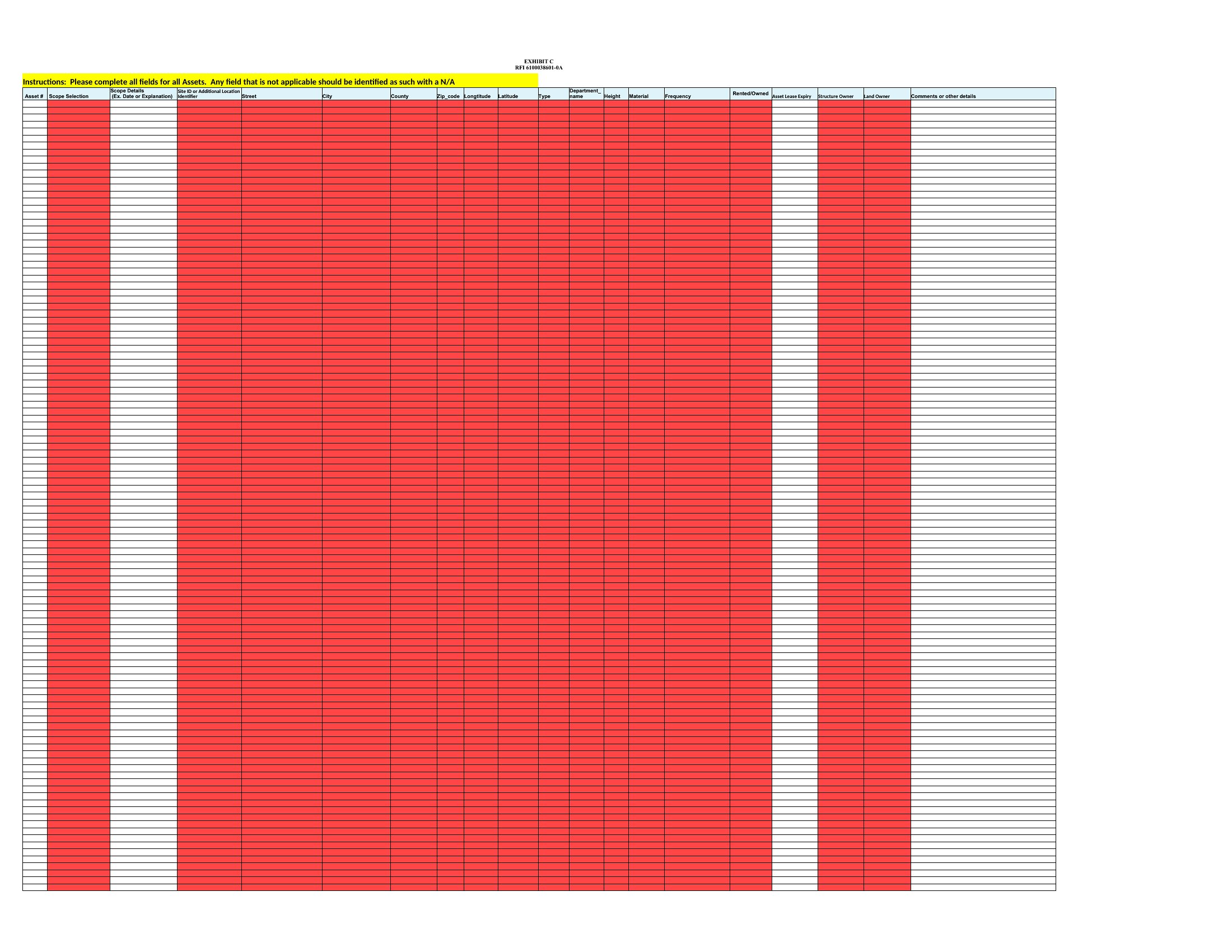
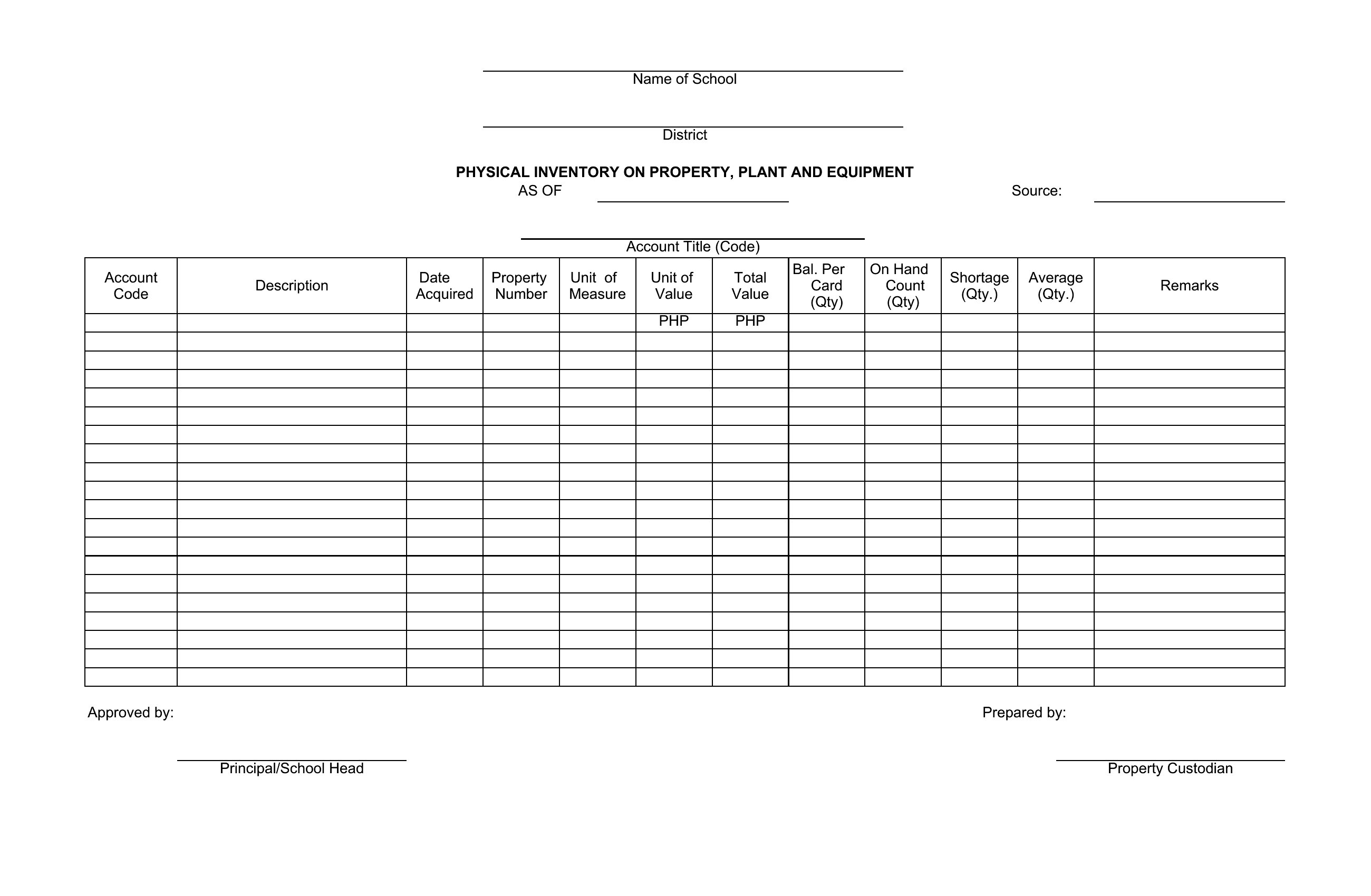
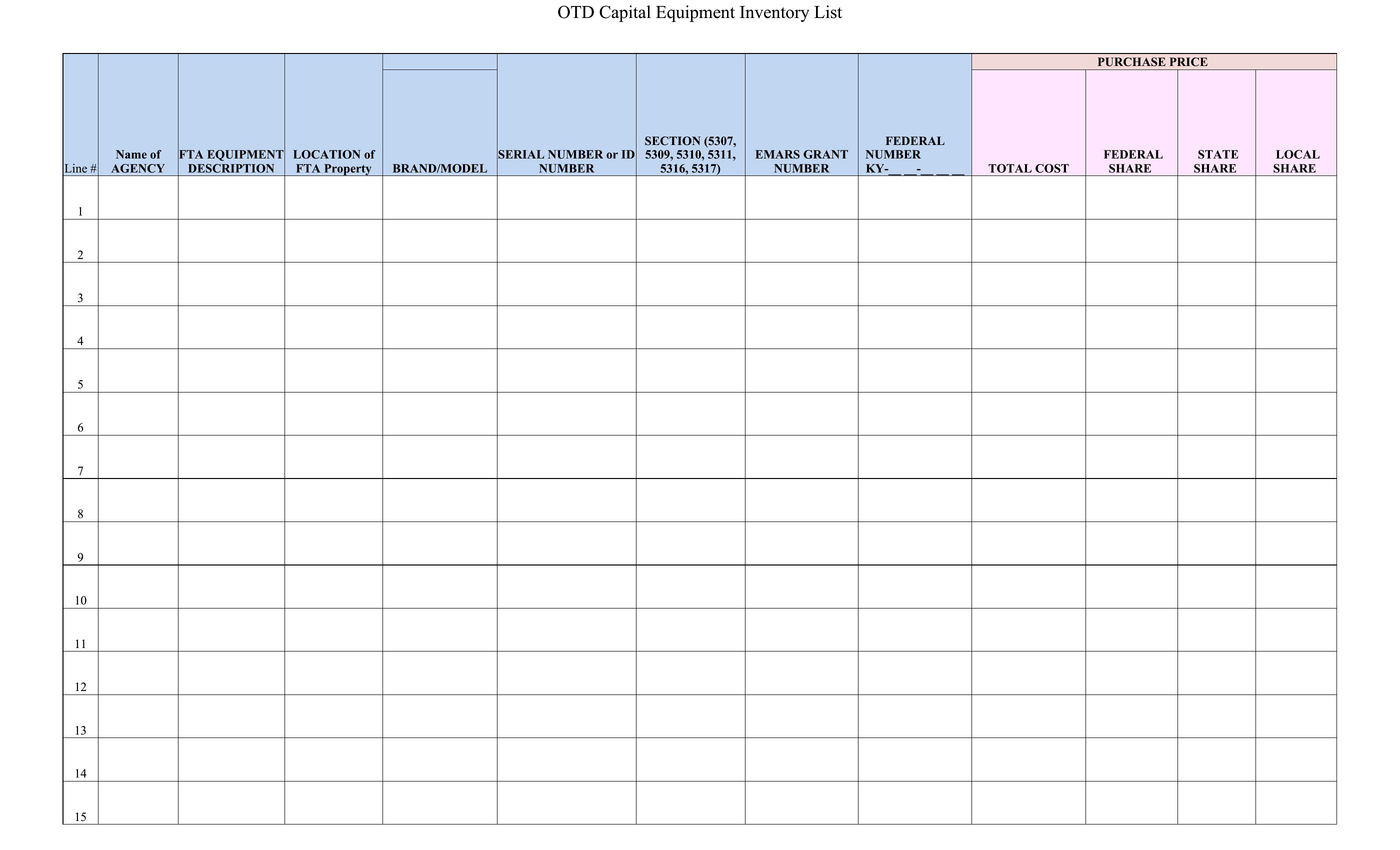
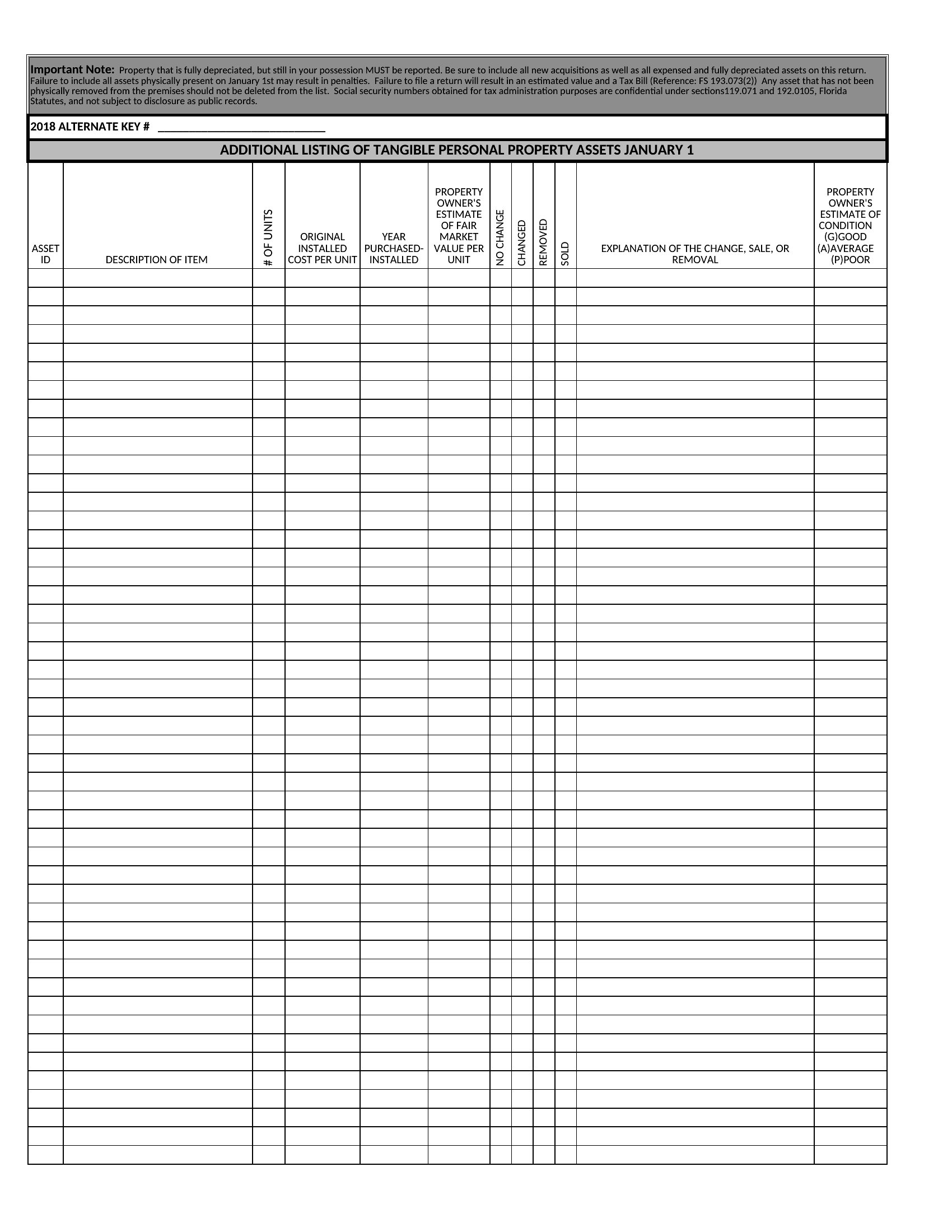
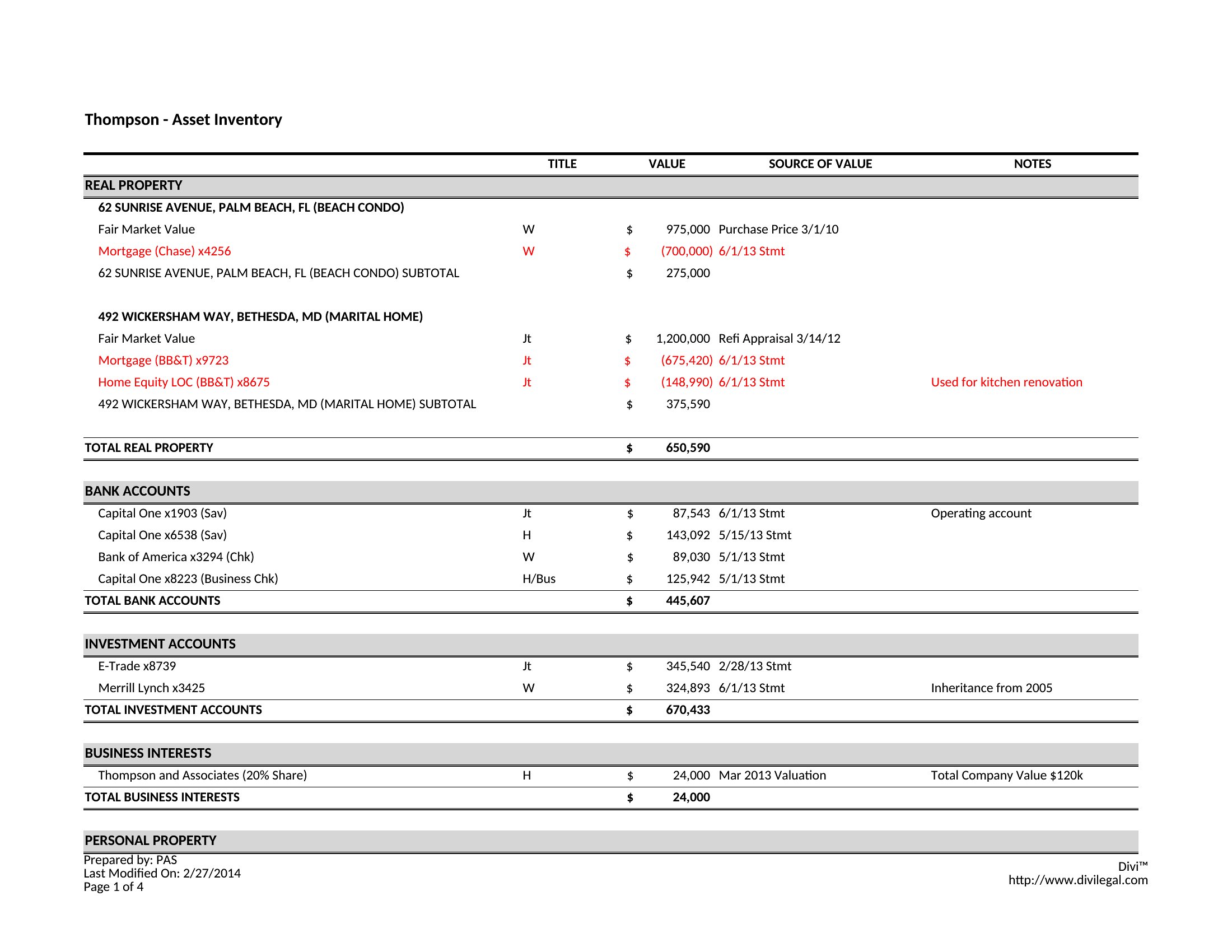
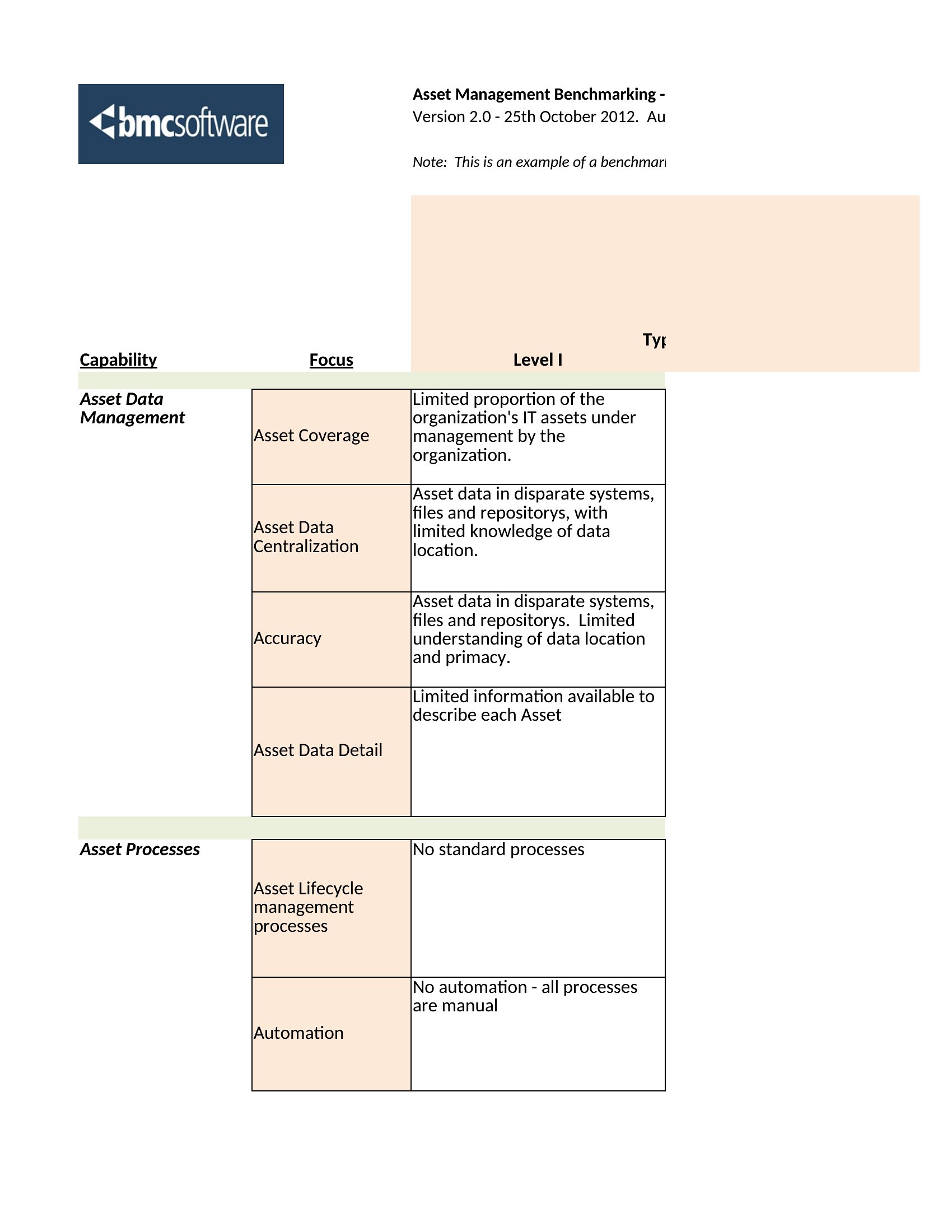
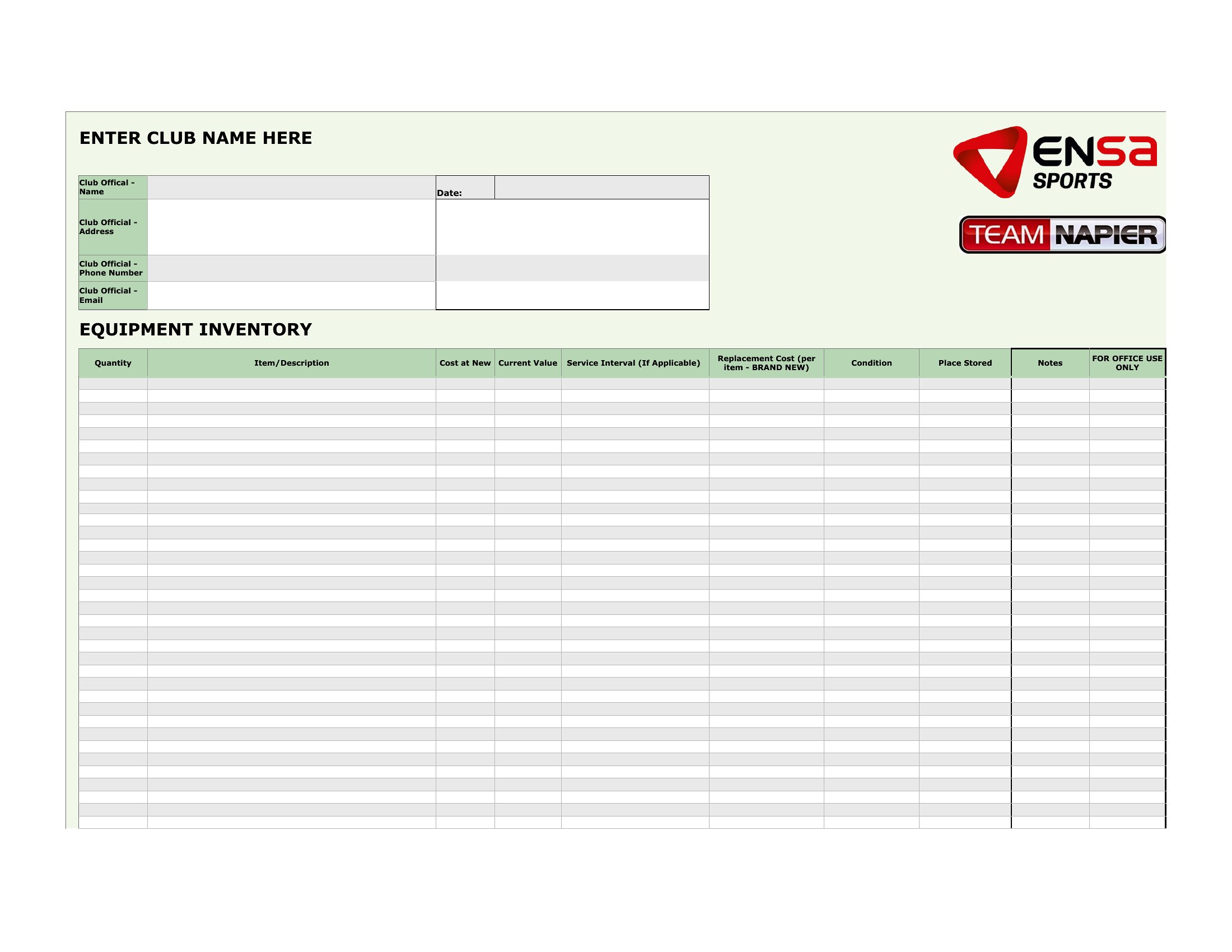
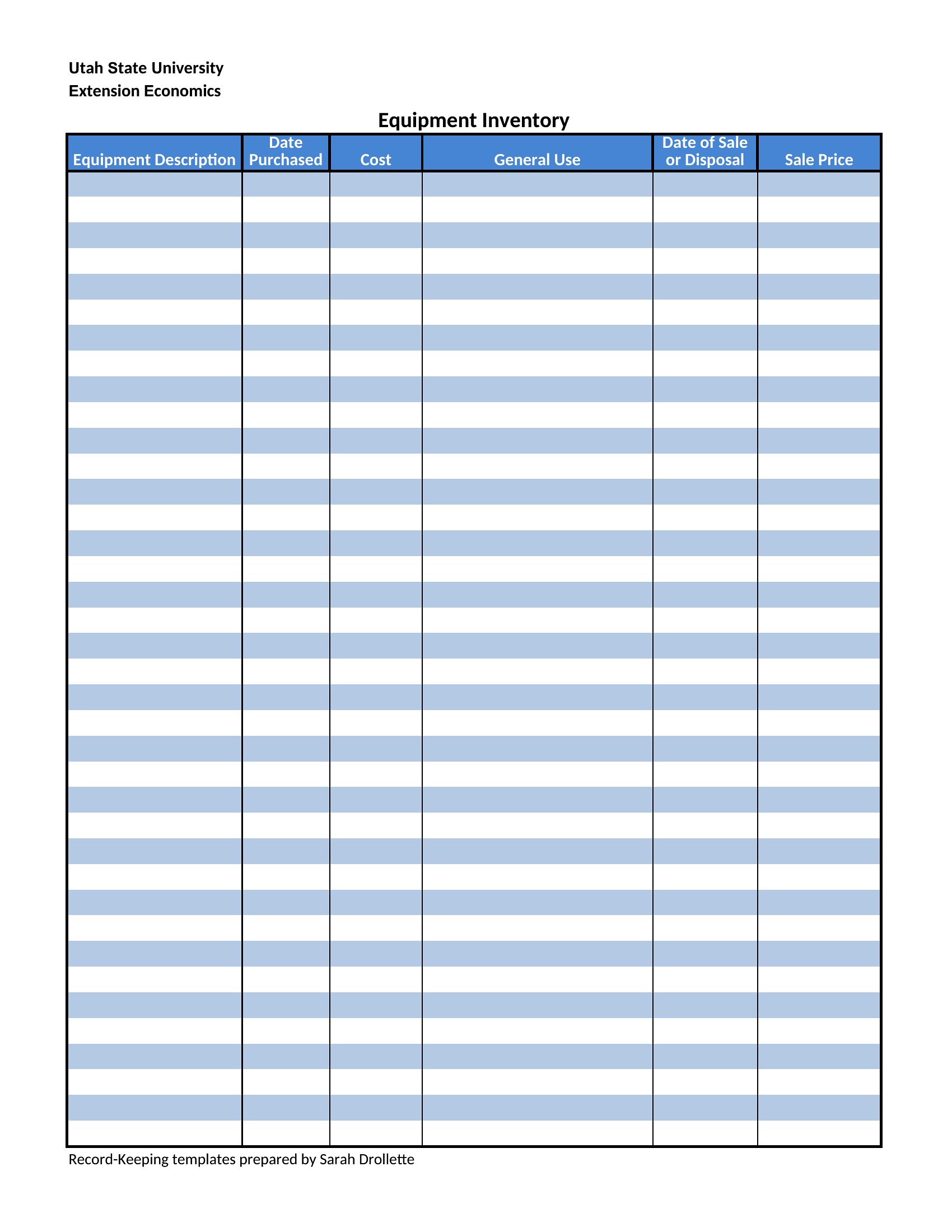

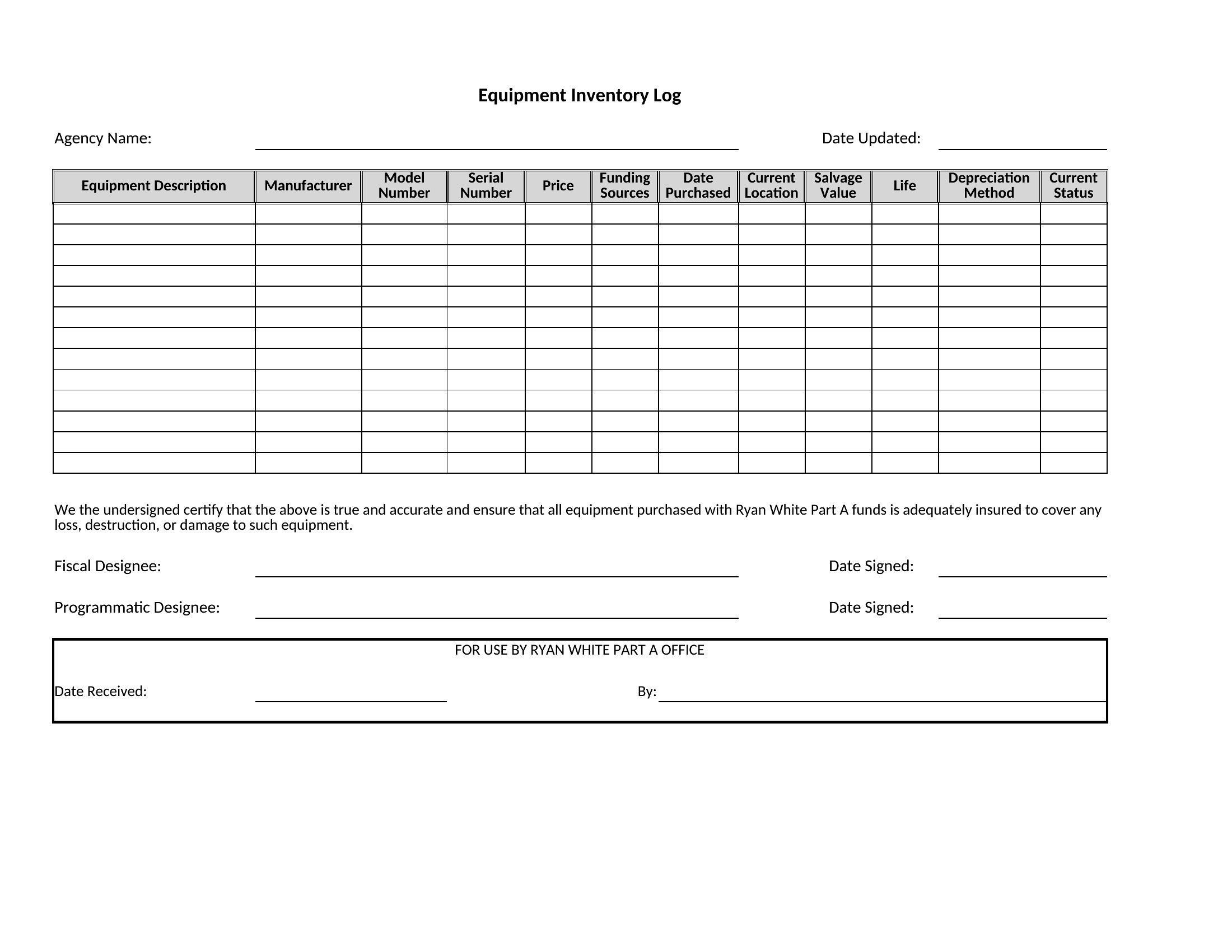
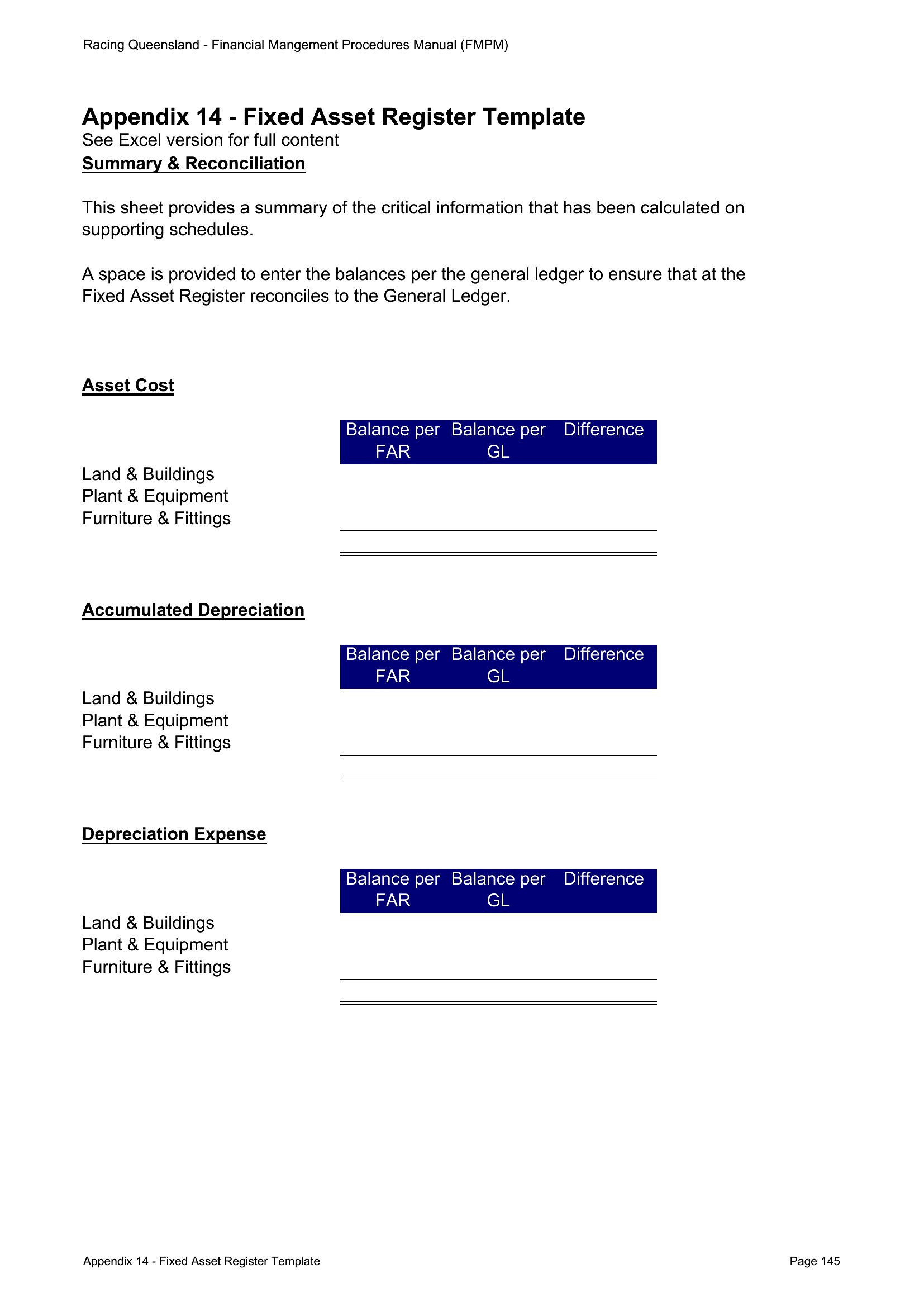
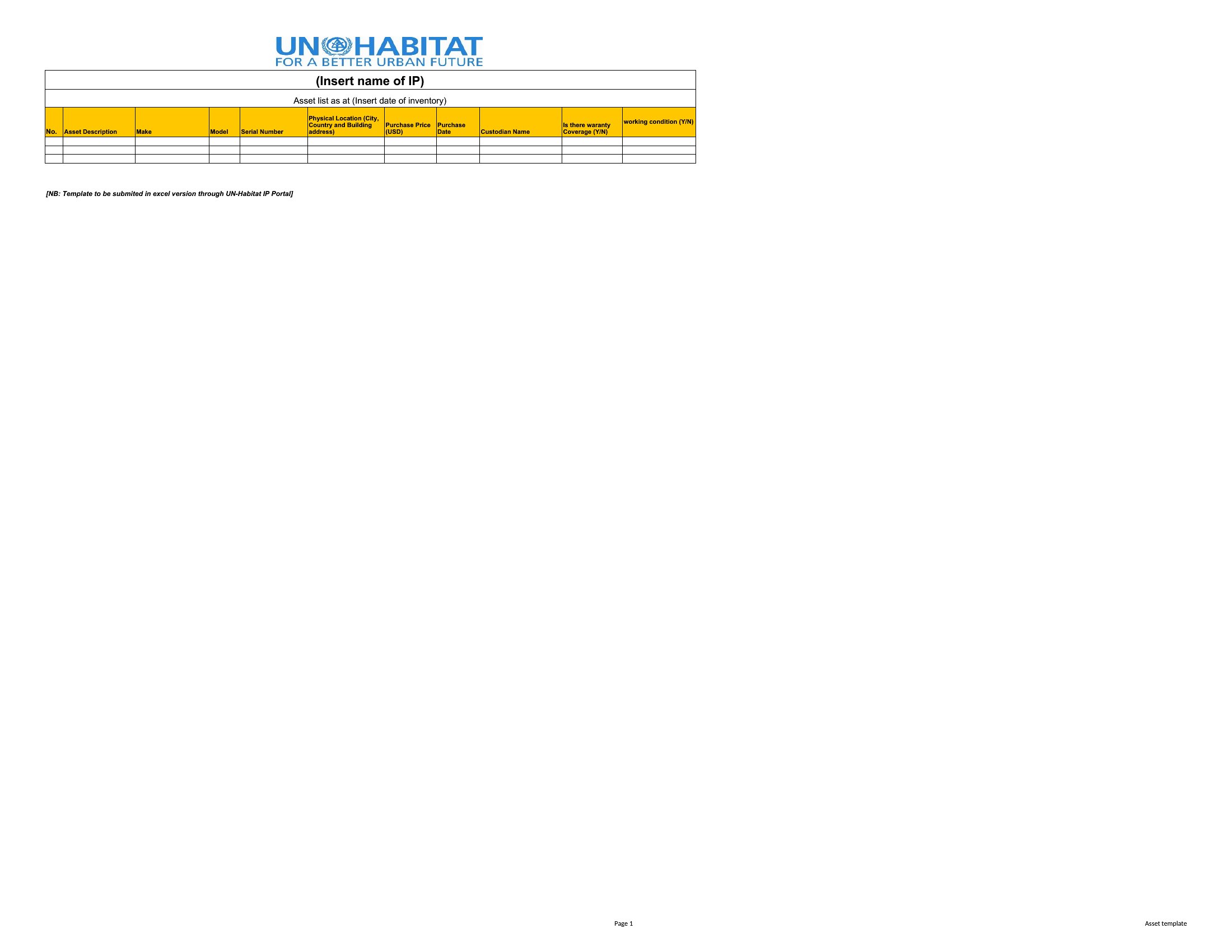
Blank Asset List
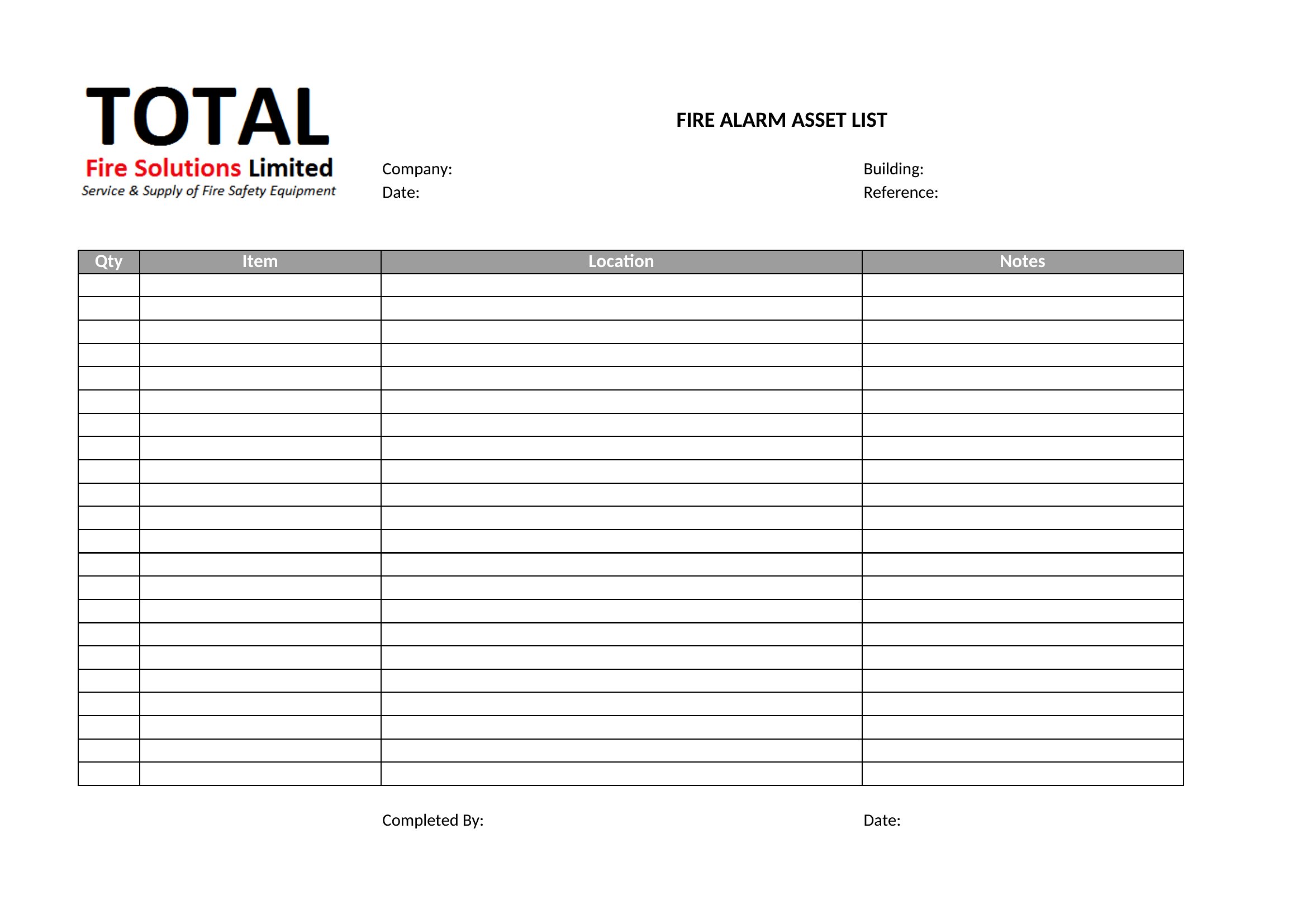
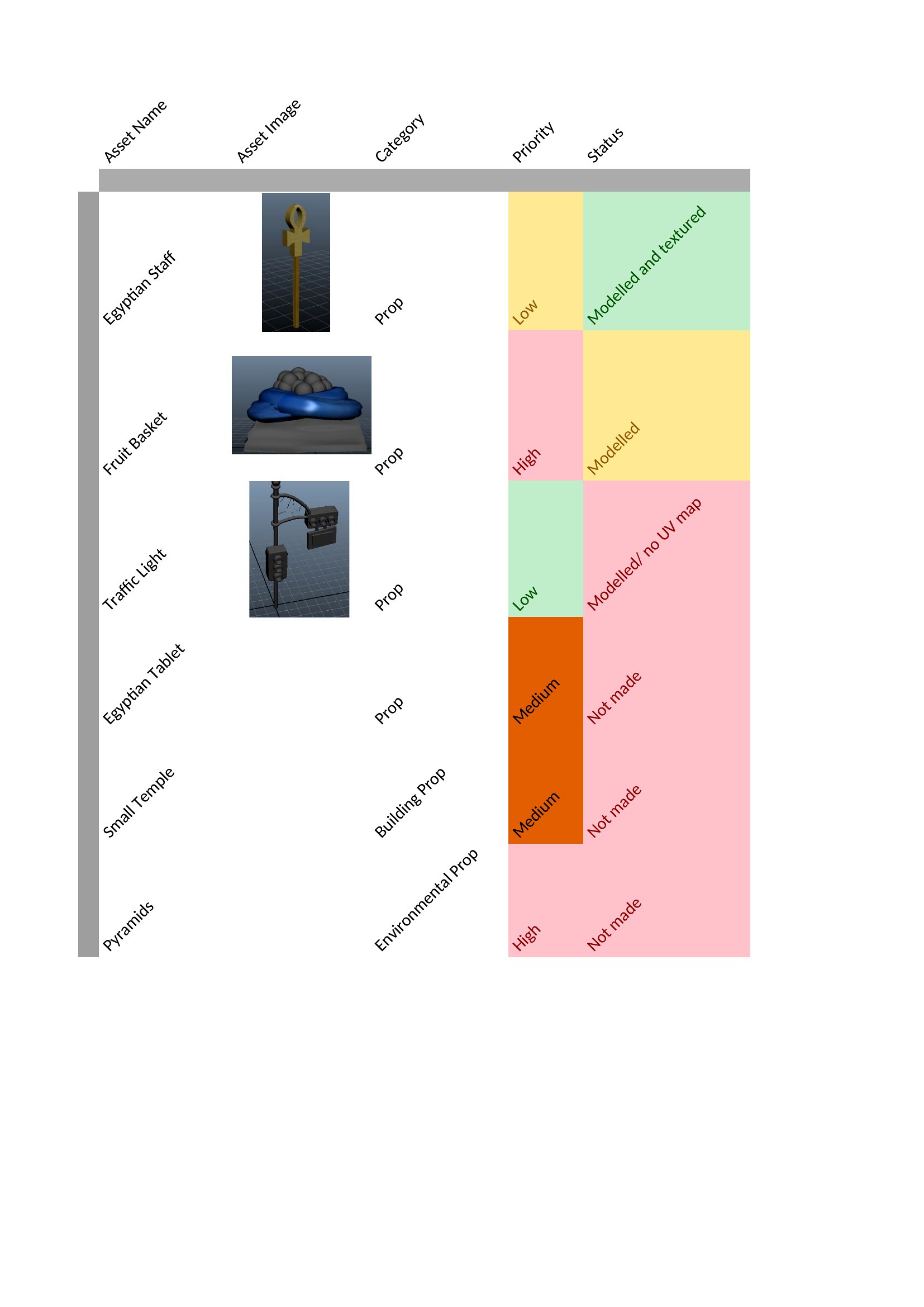
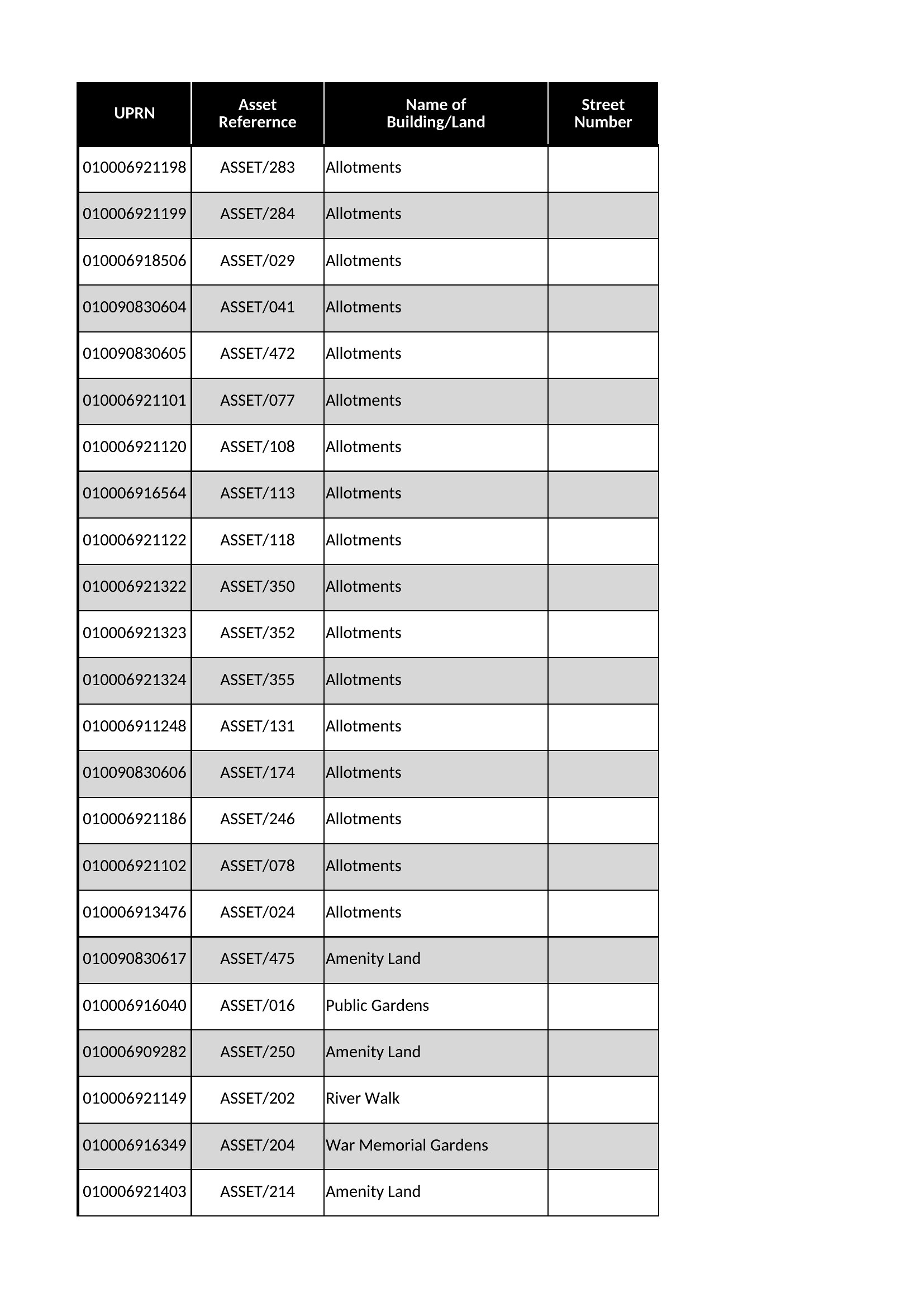
Free Asset List
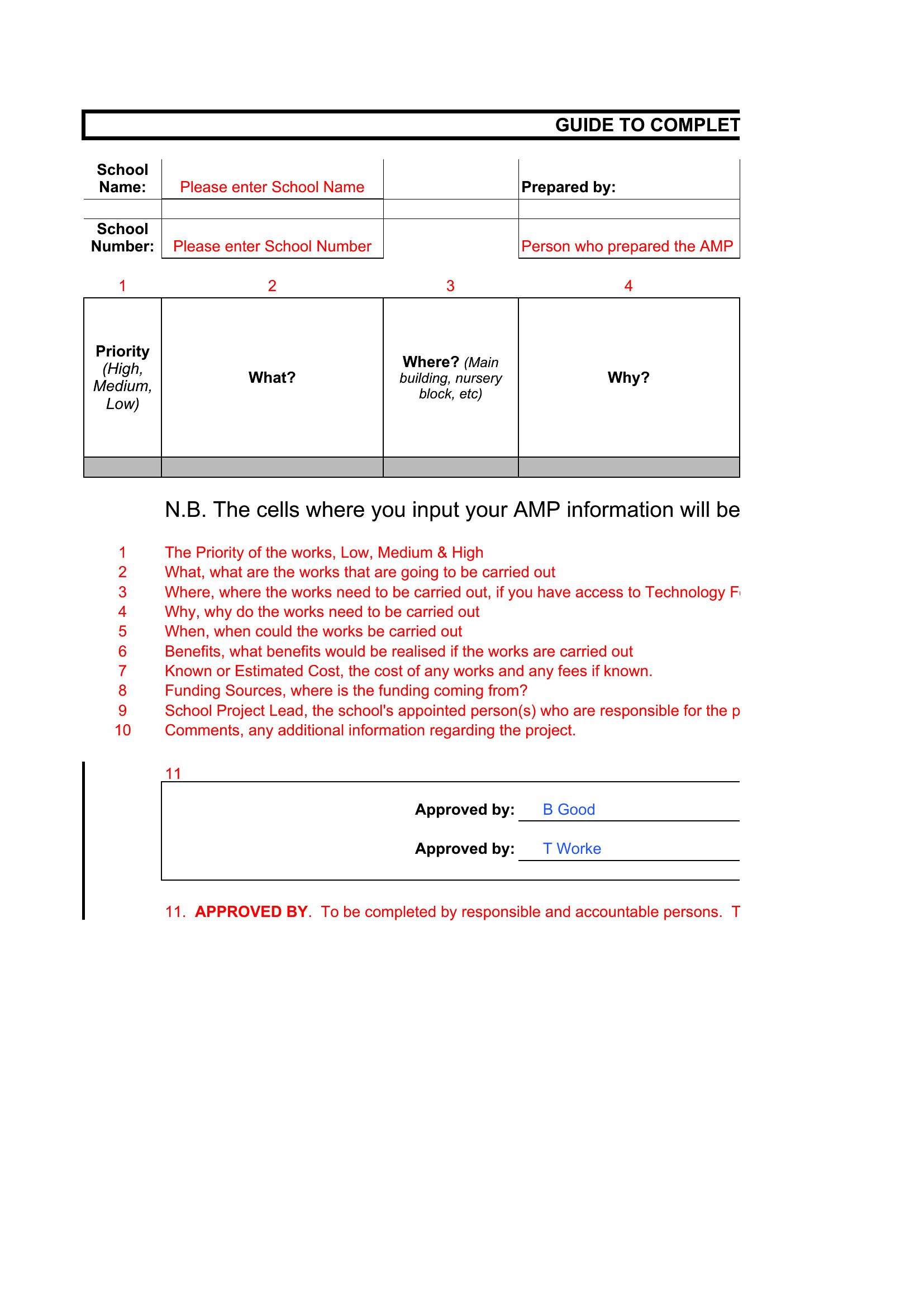
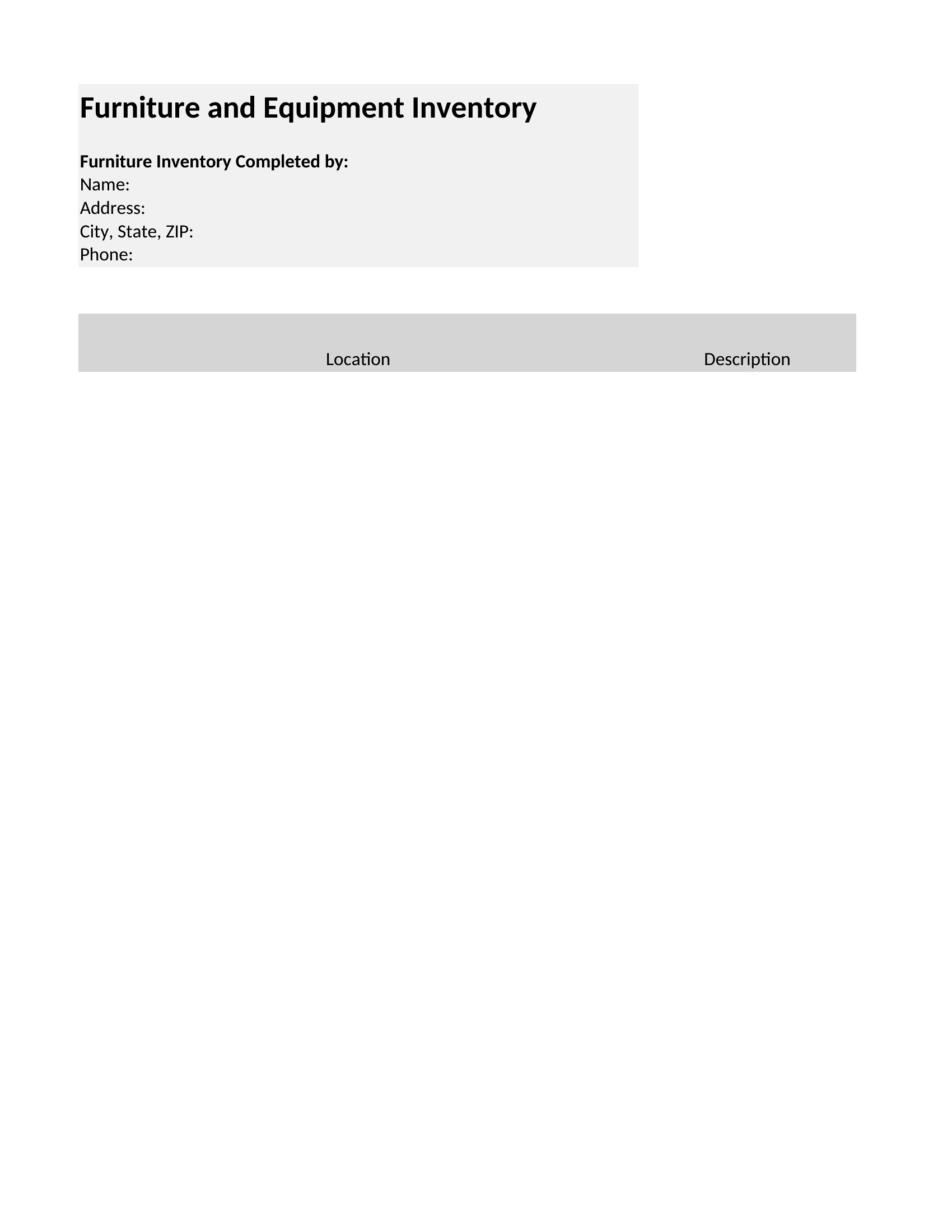
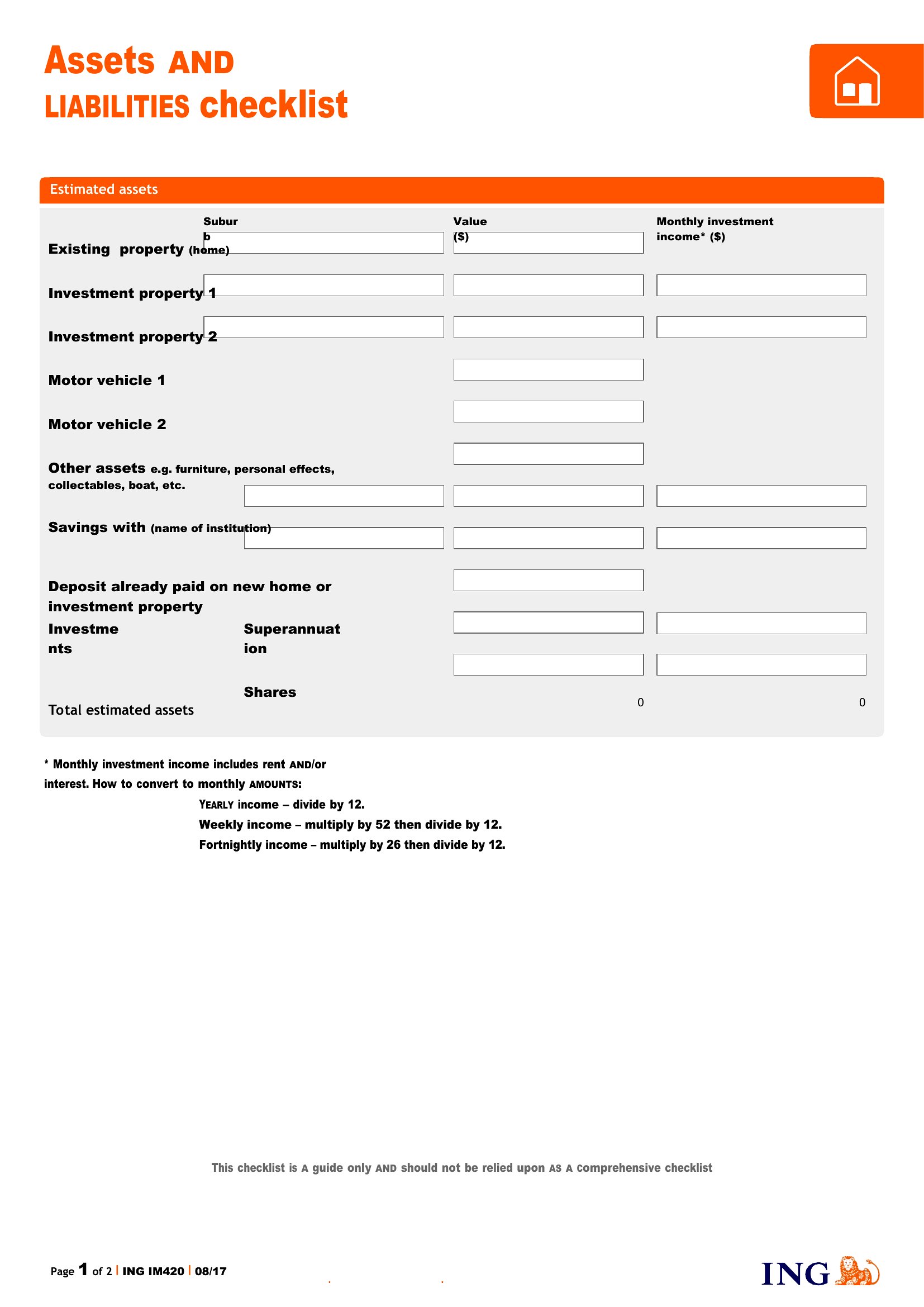
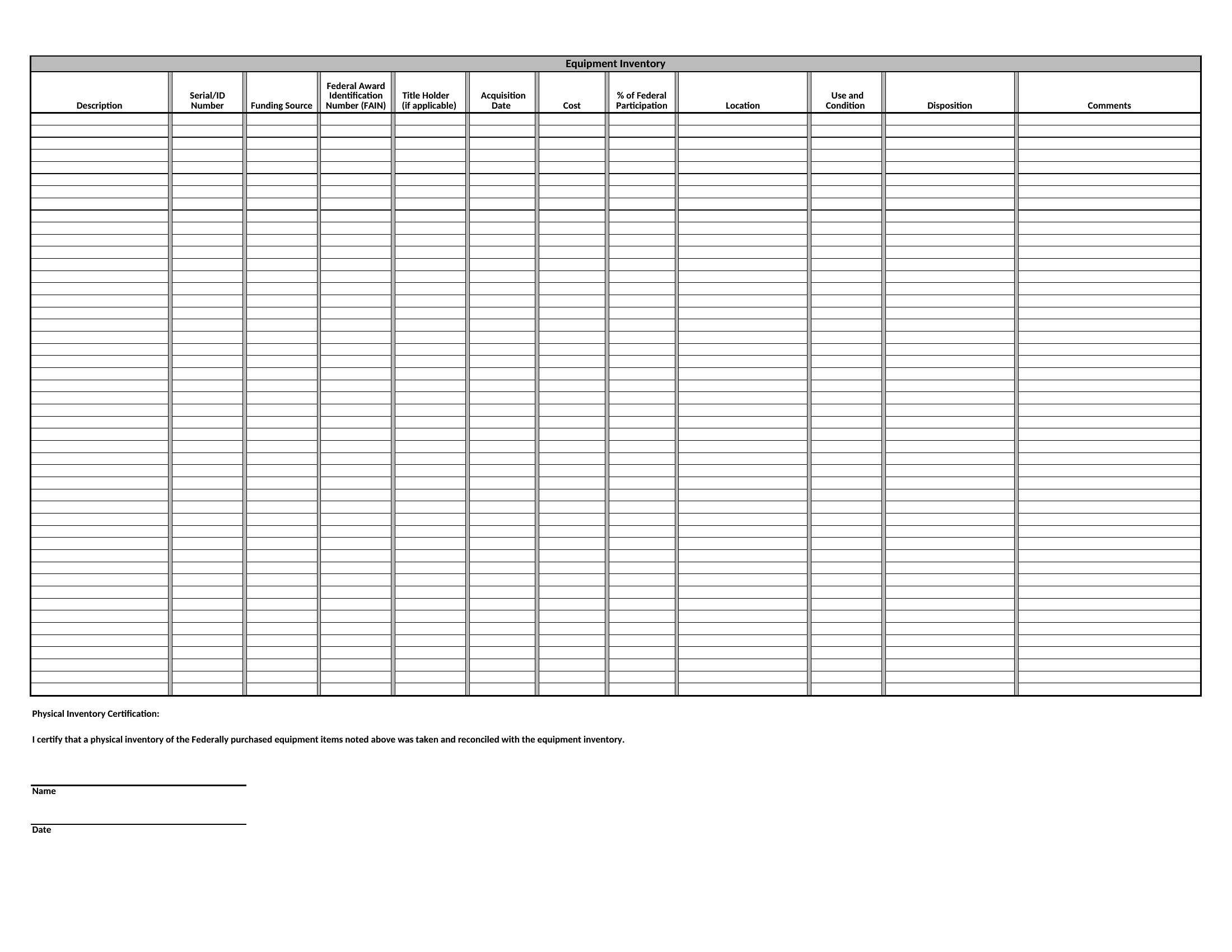
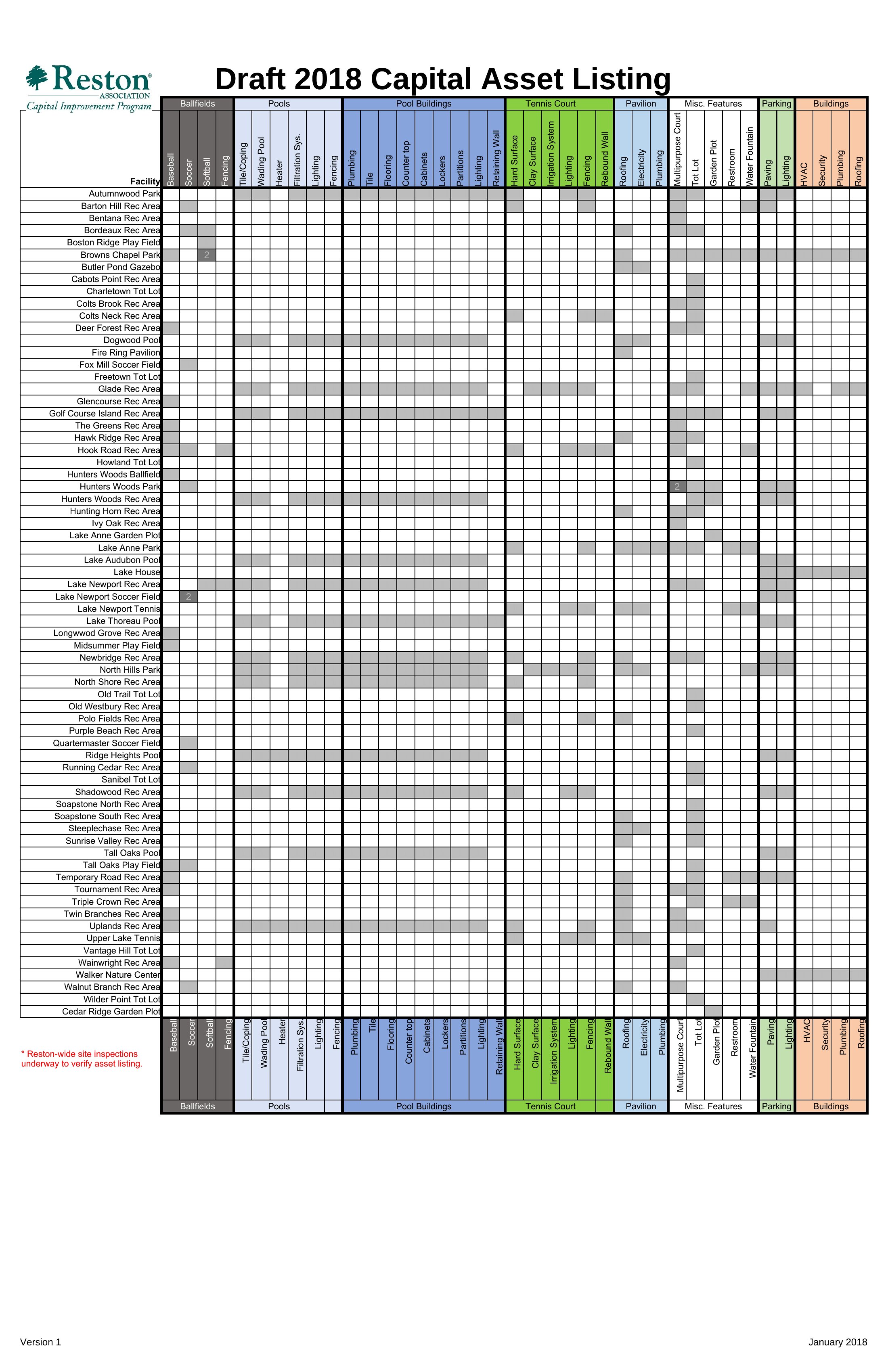
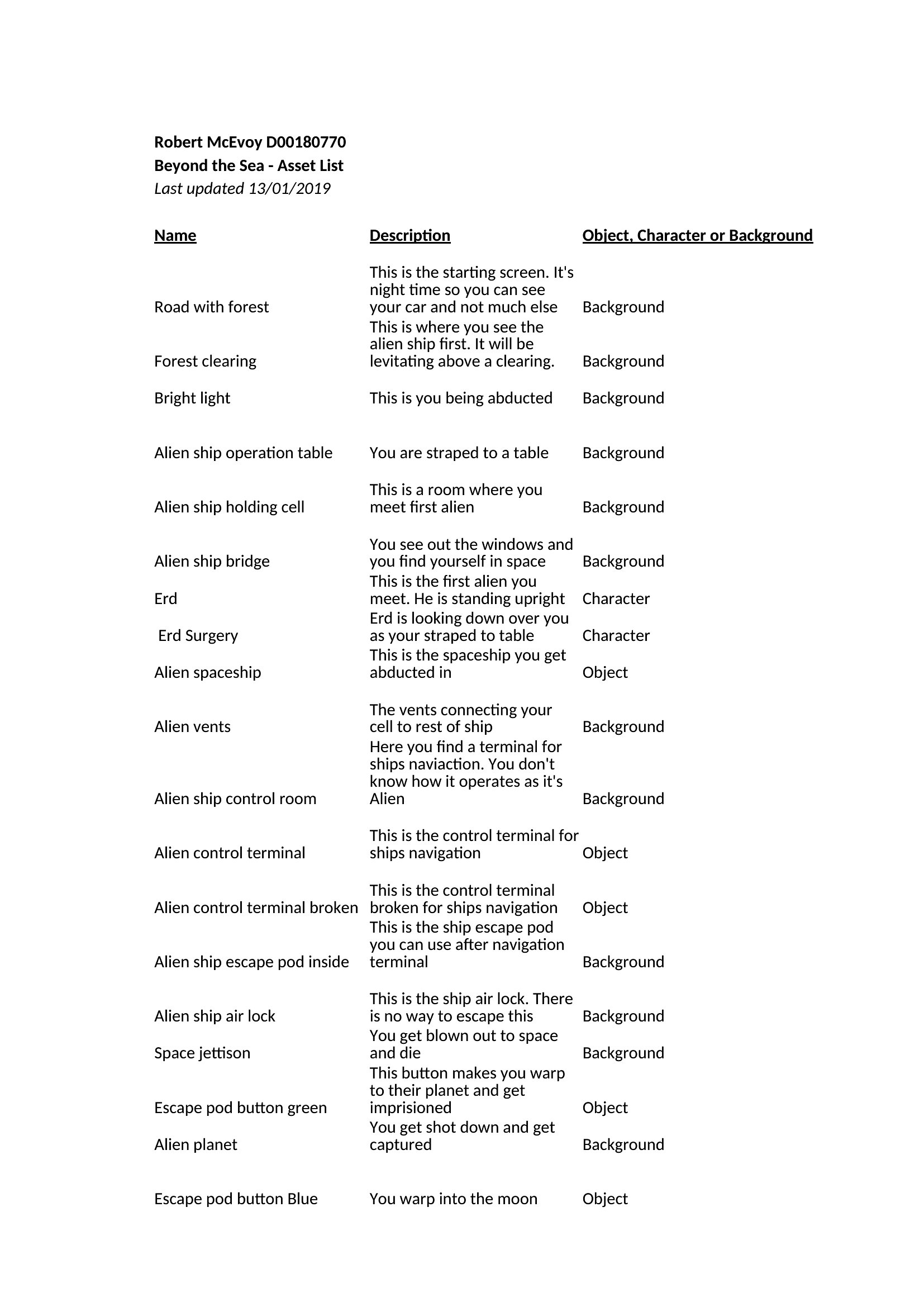
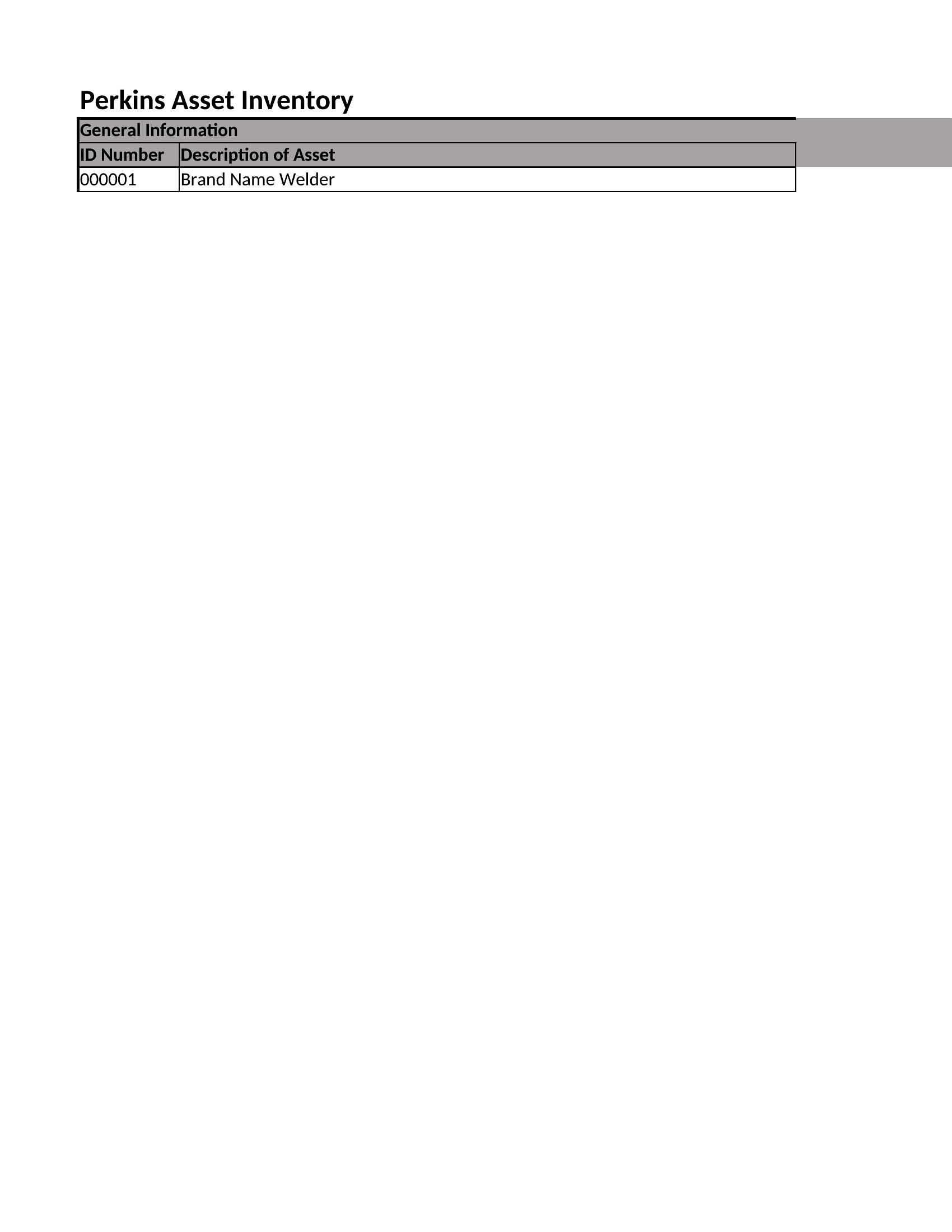
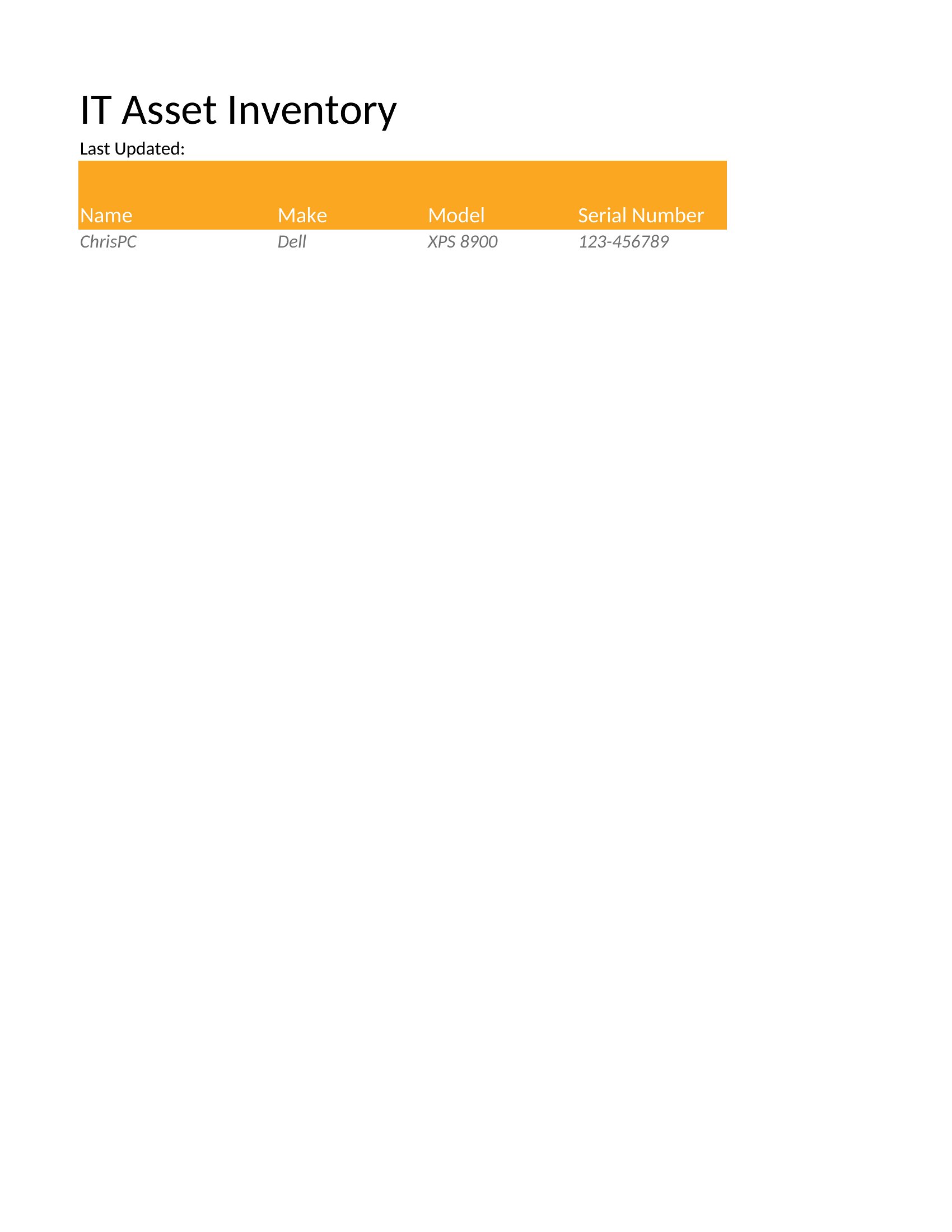
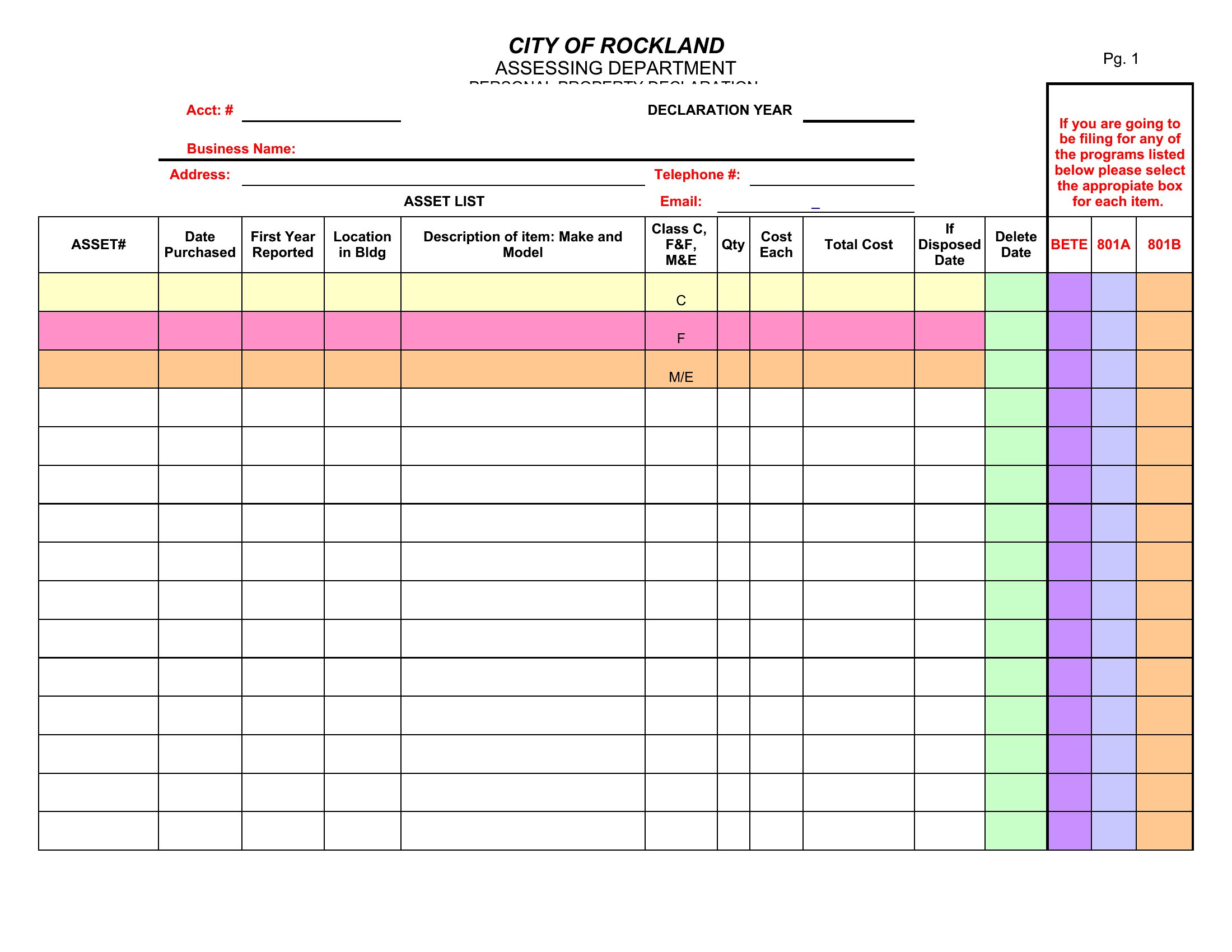
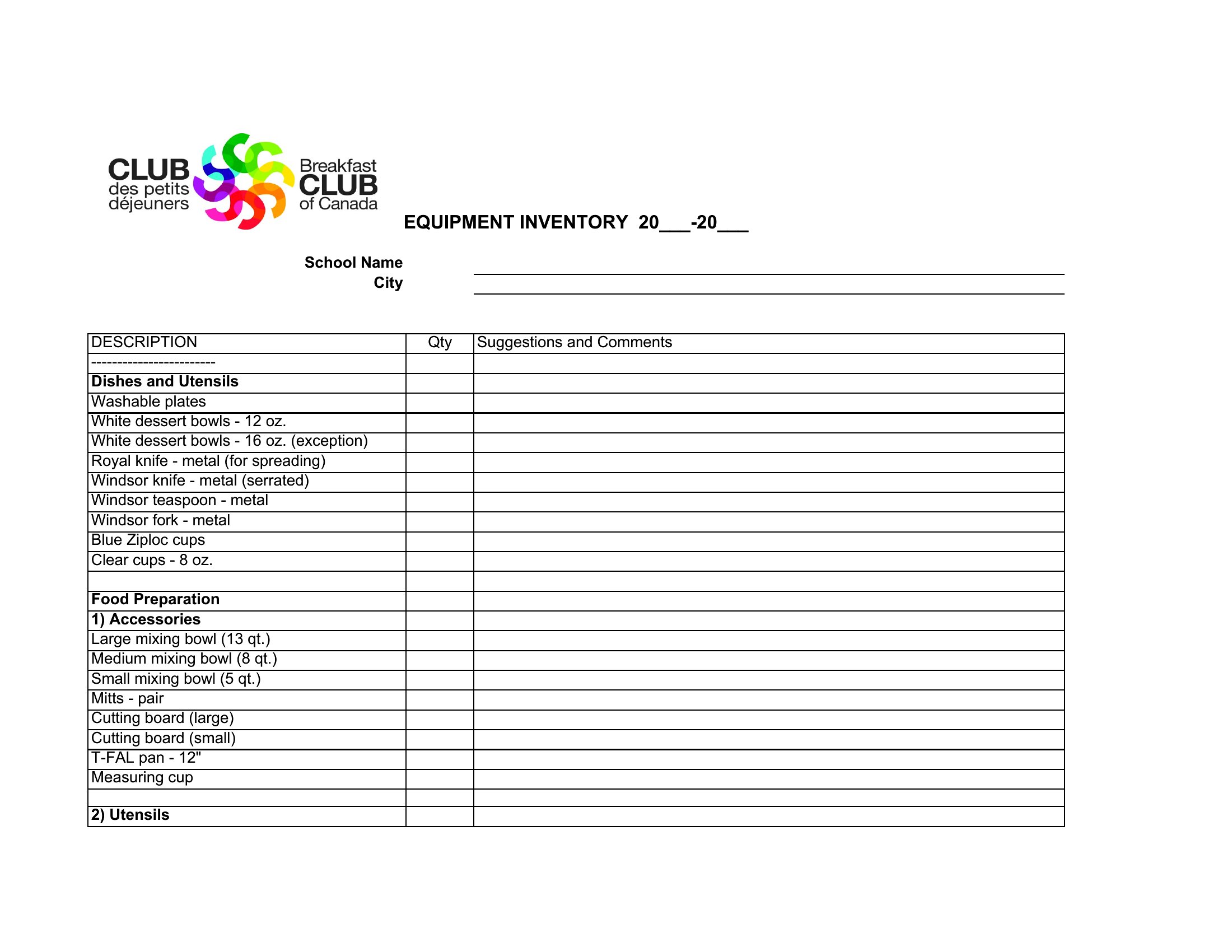
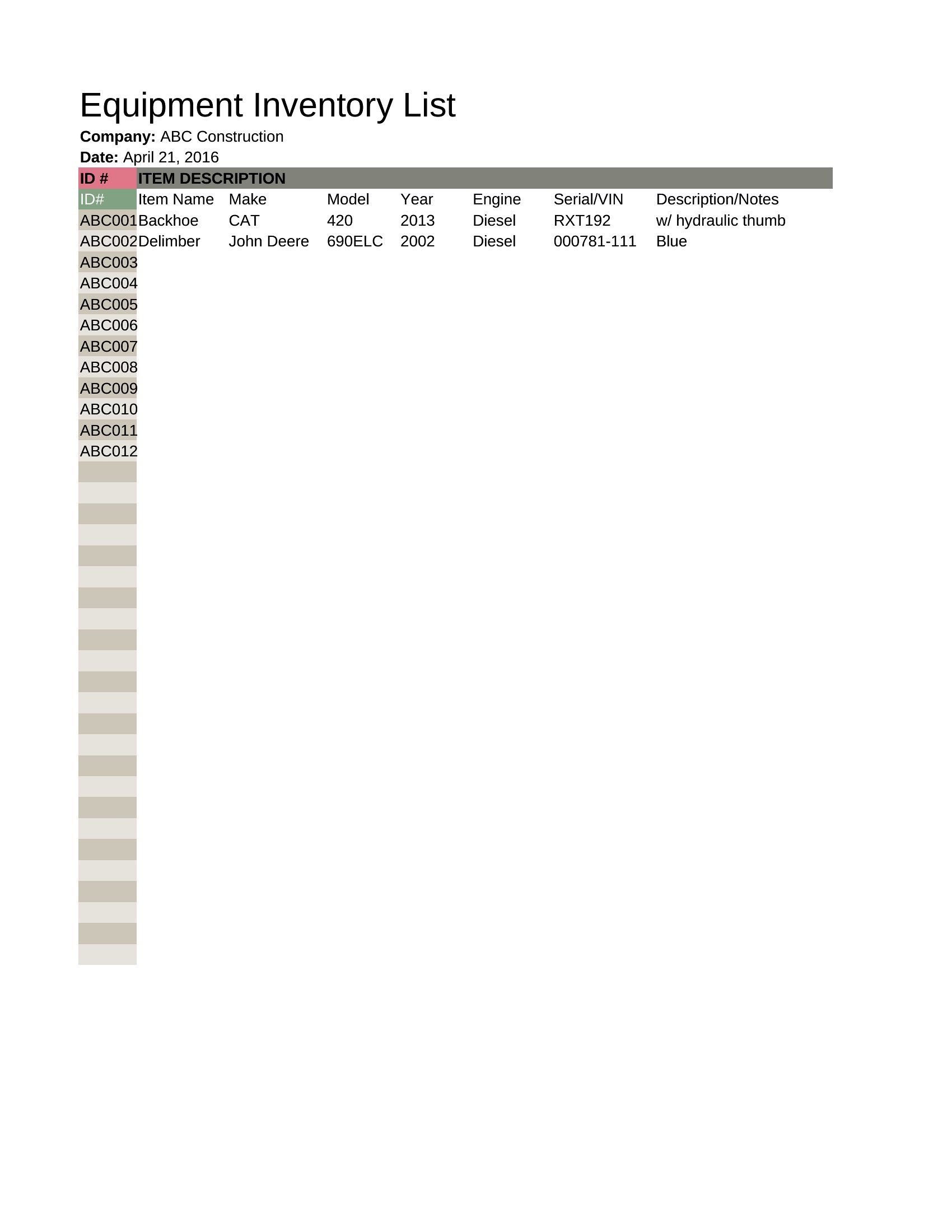
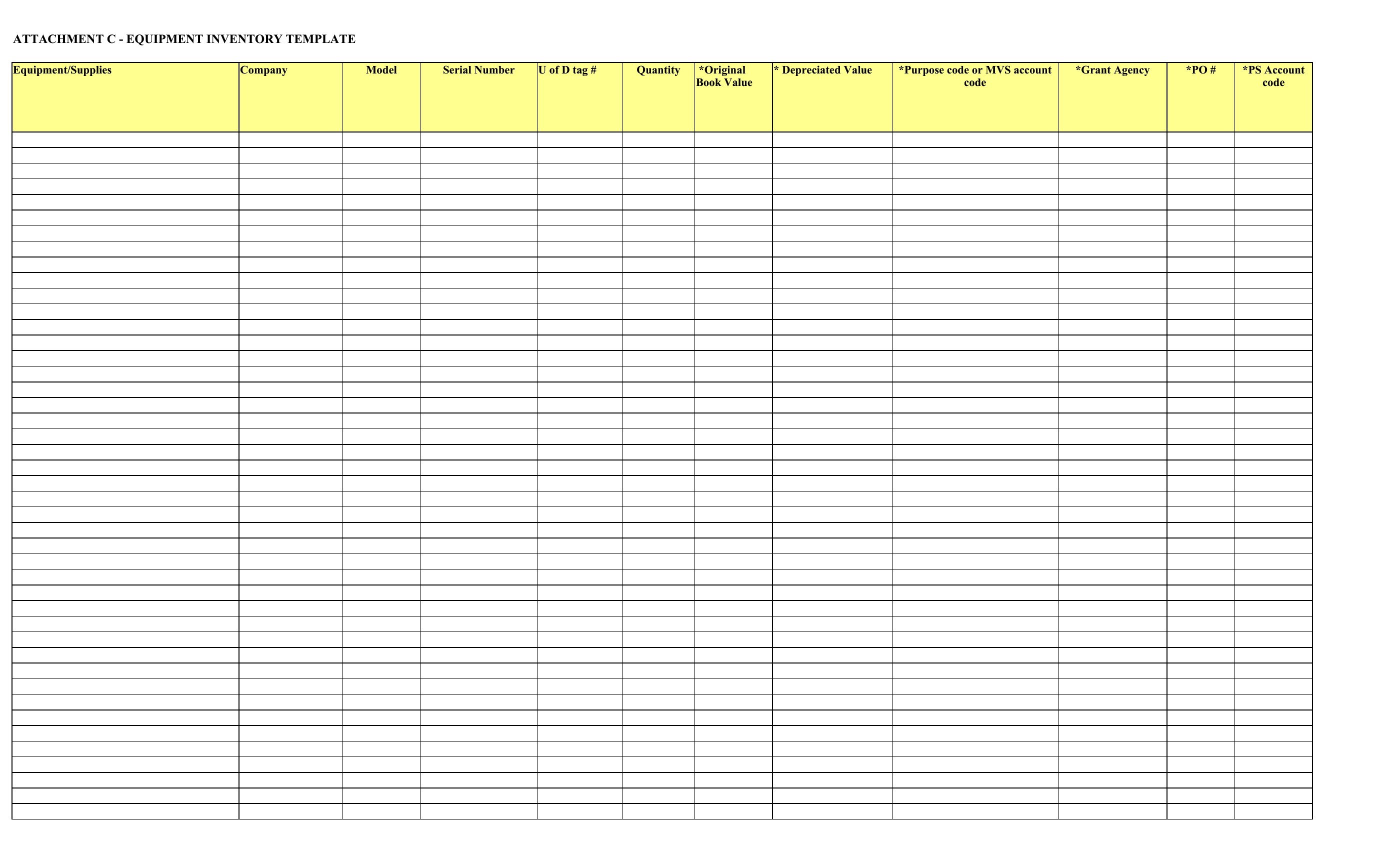
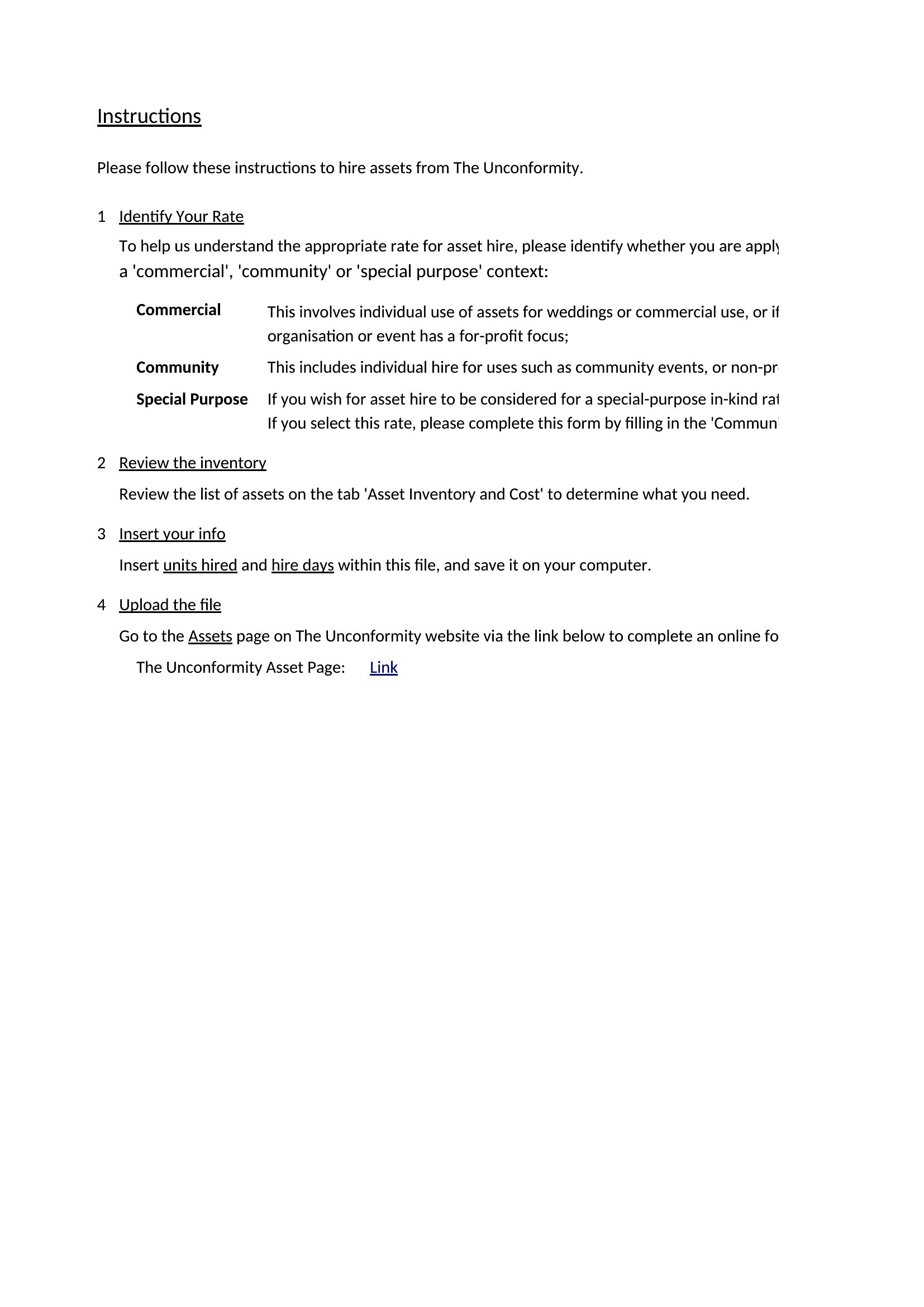
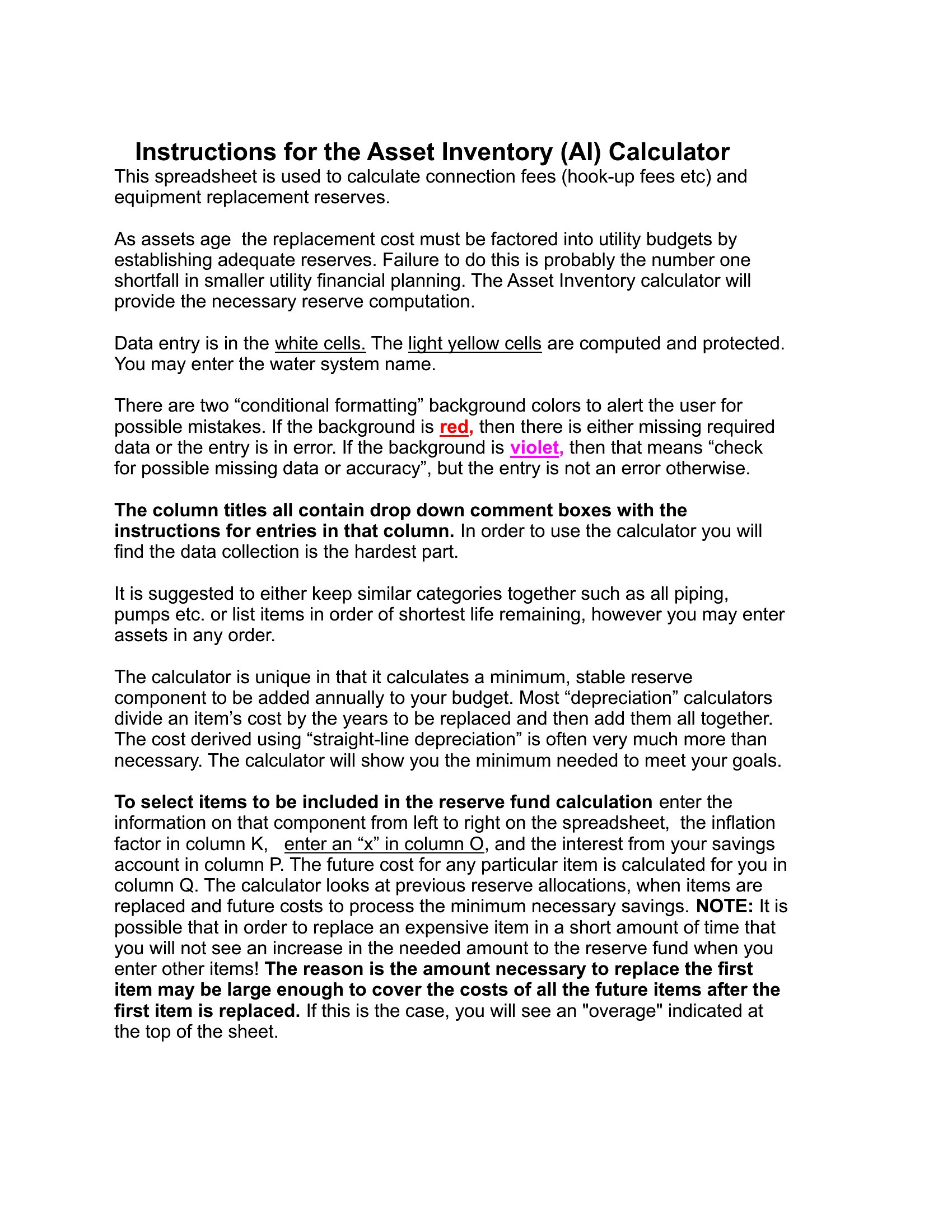
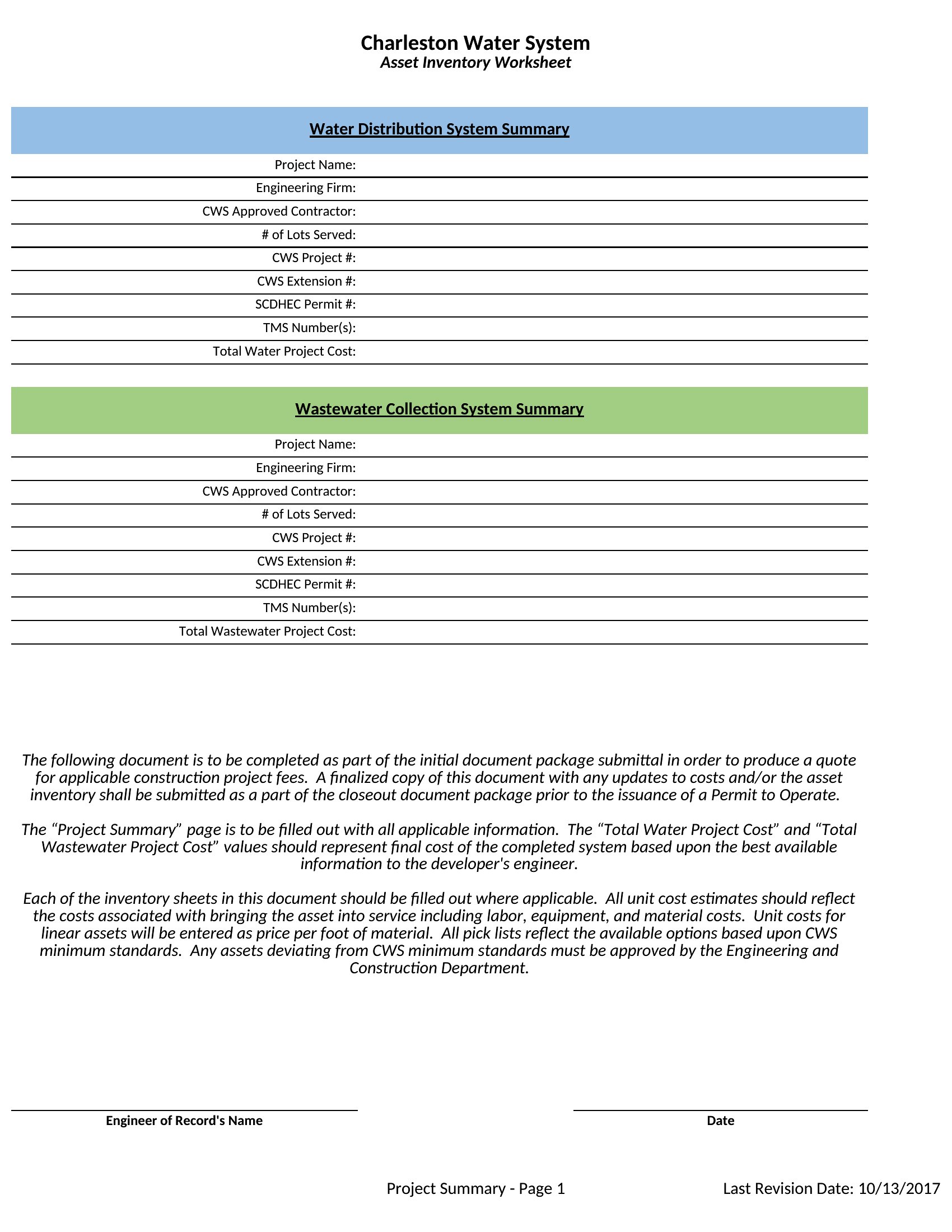
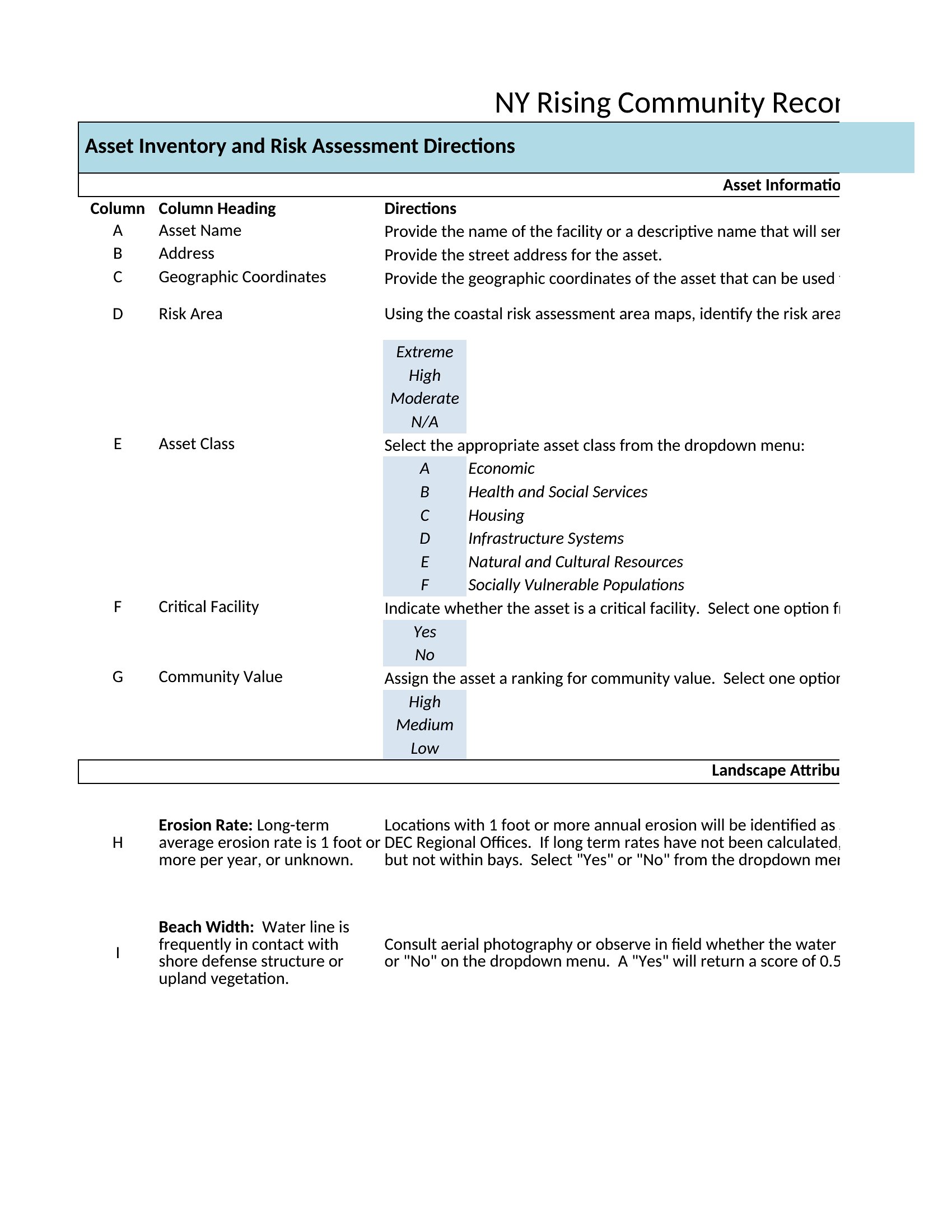
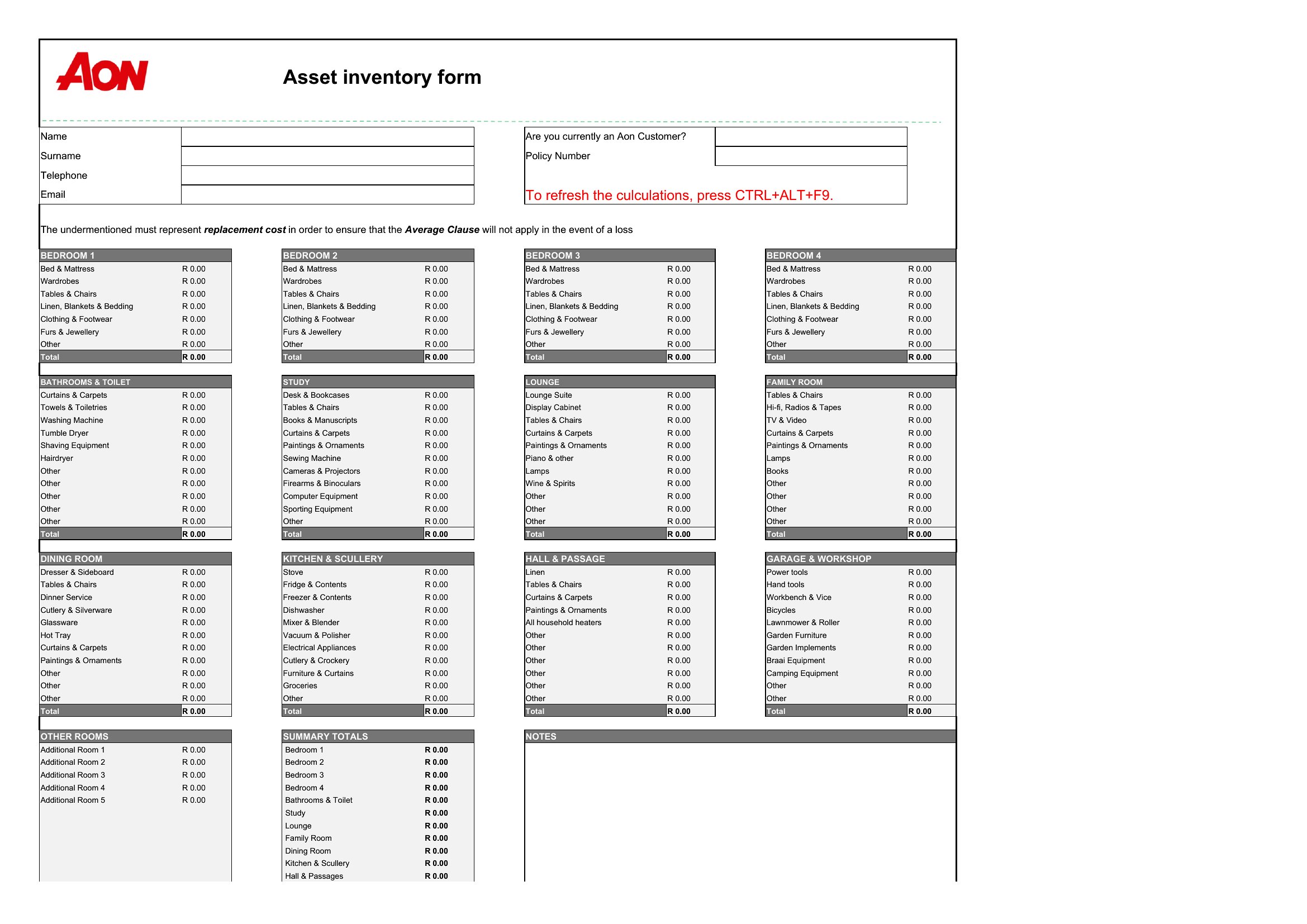
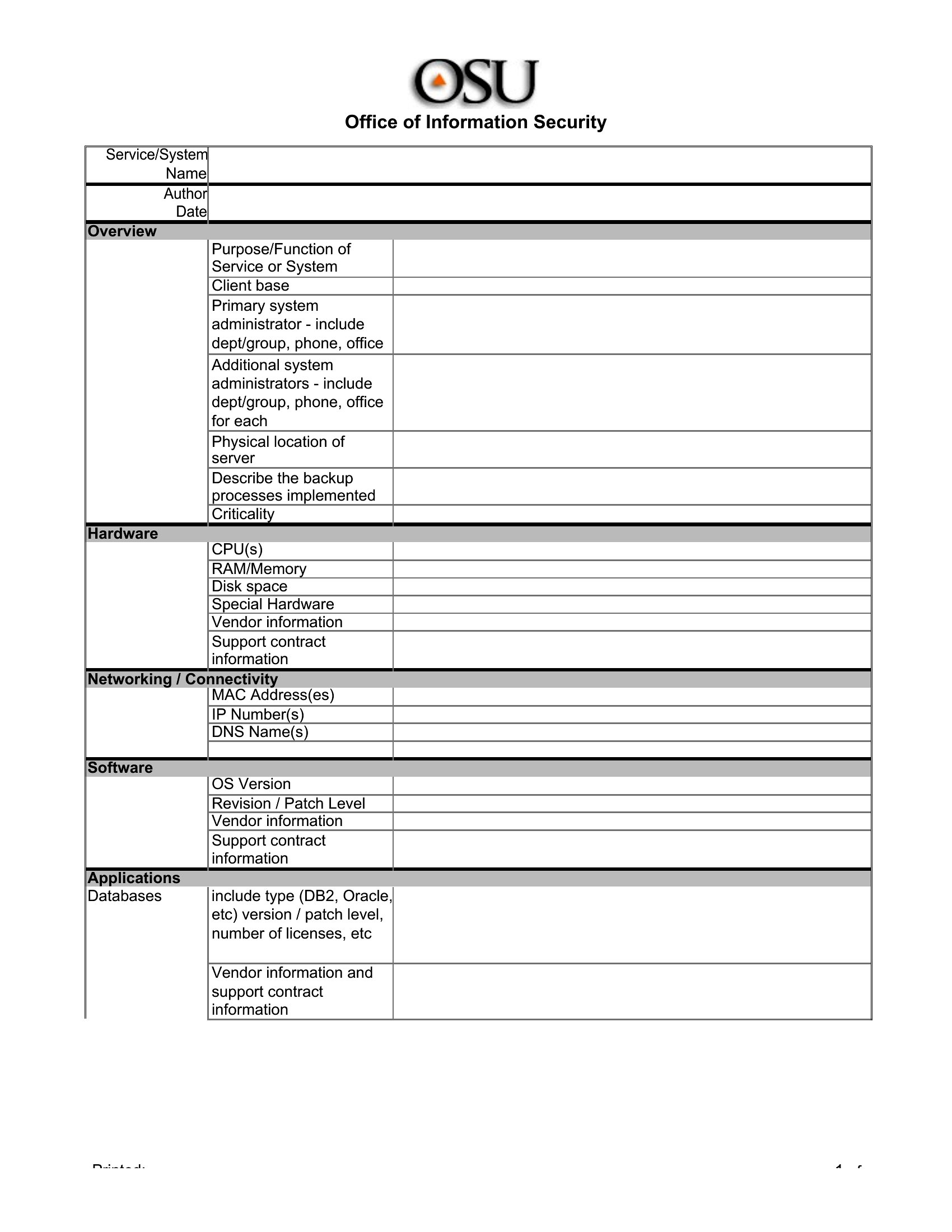
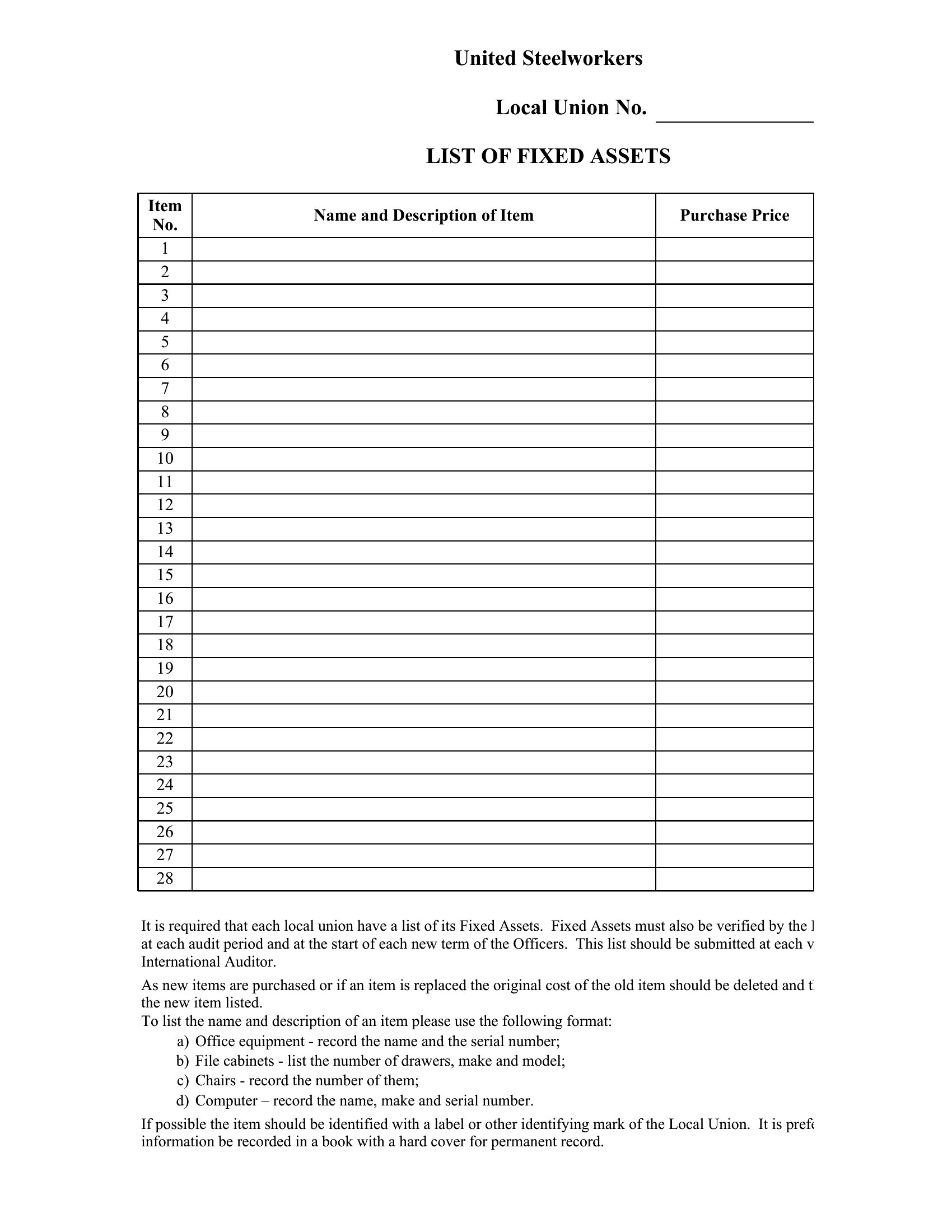
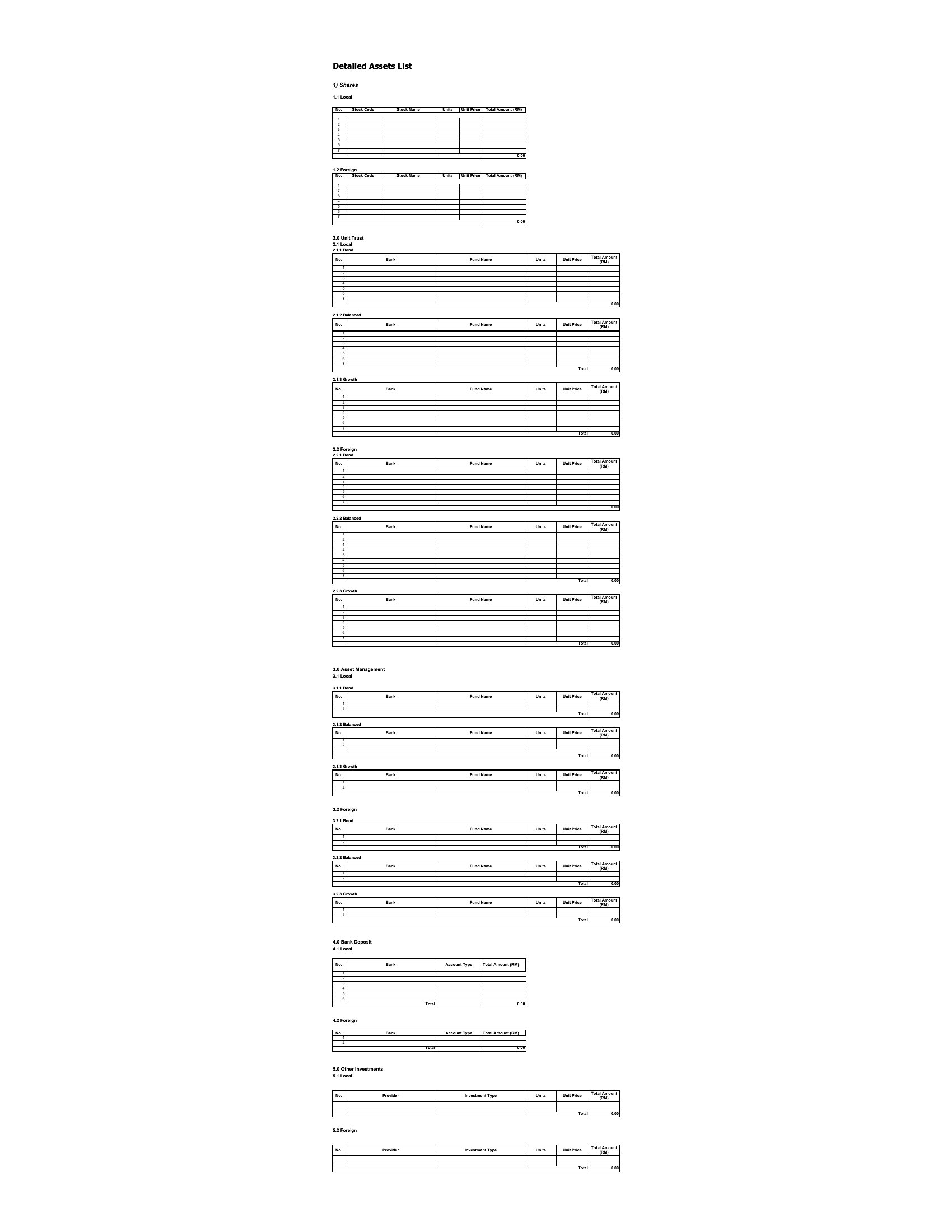

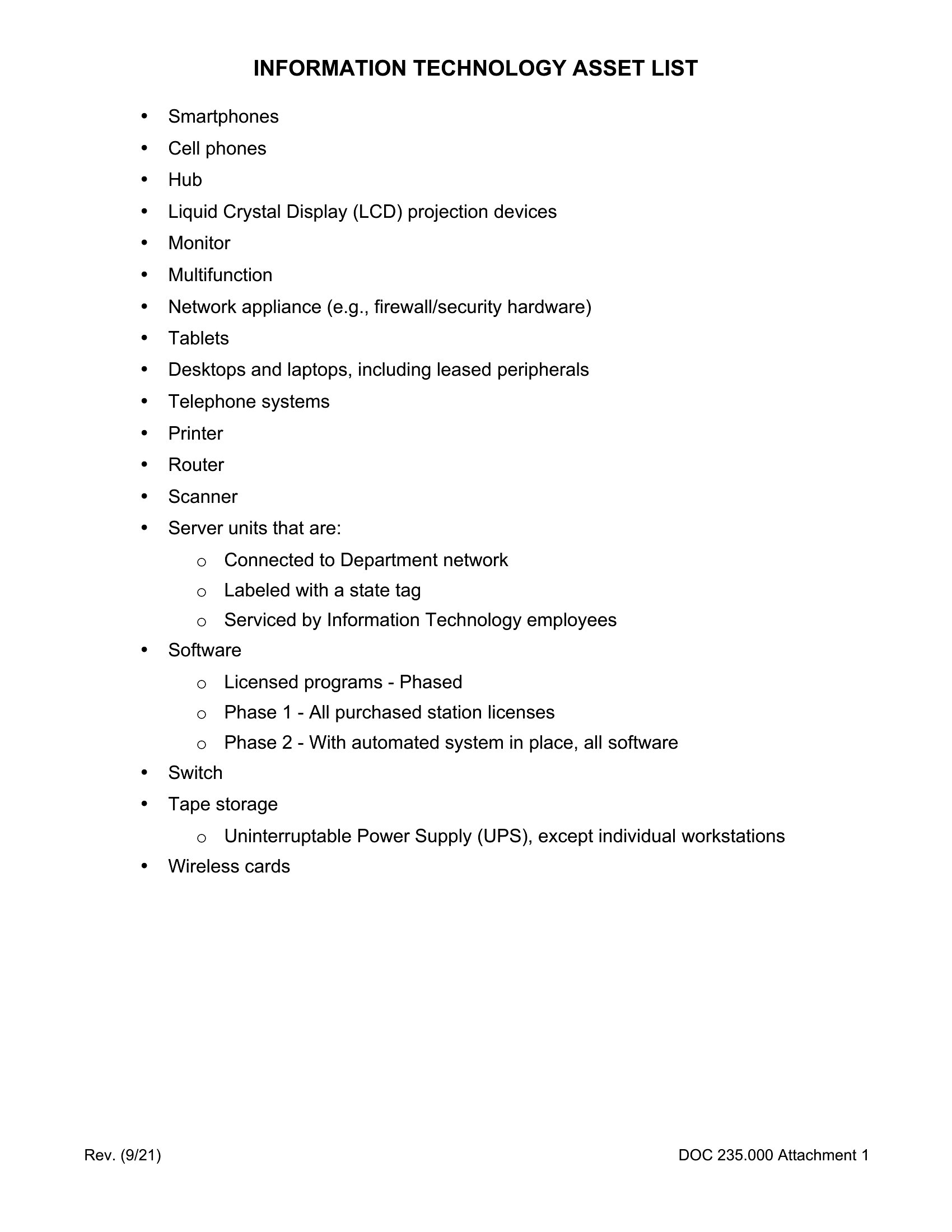
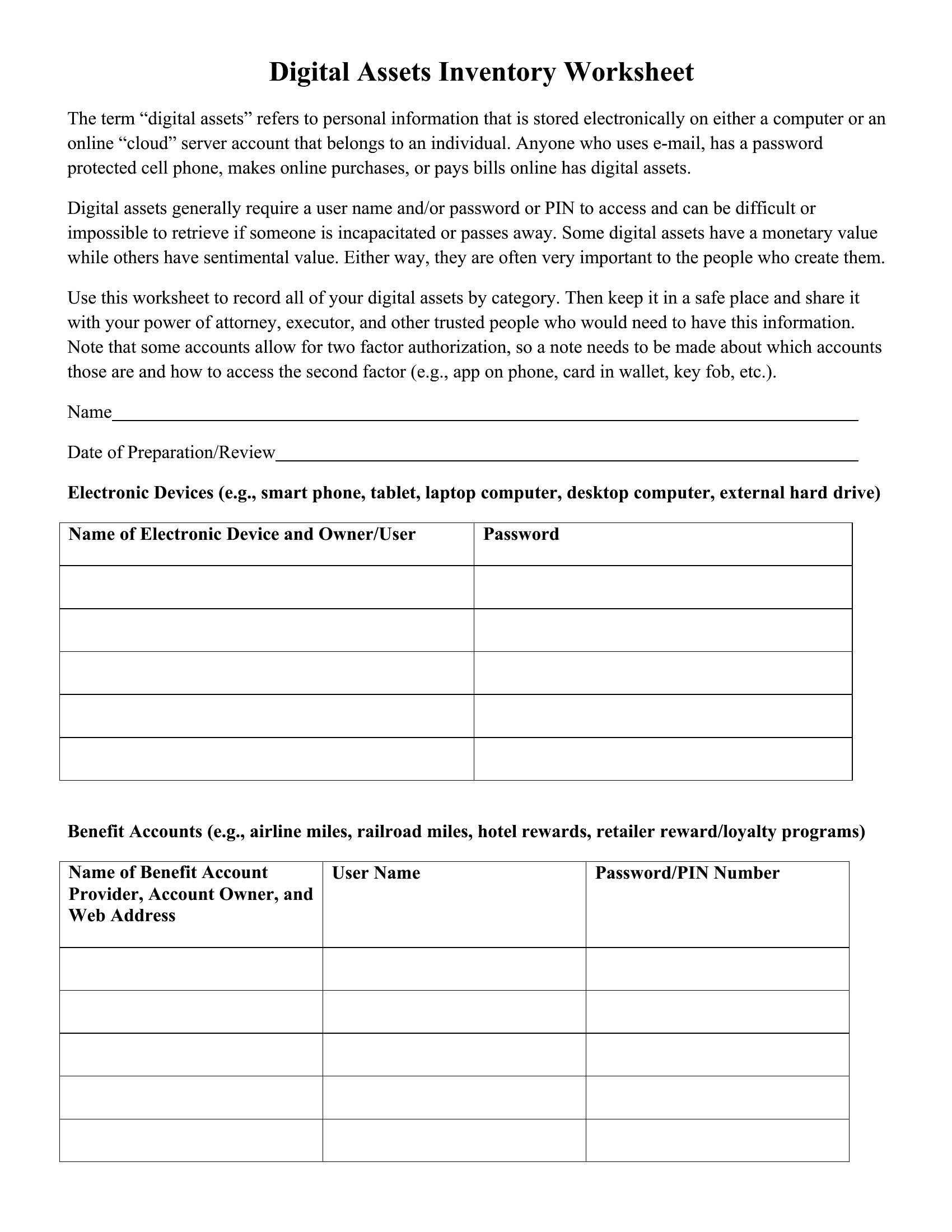
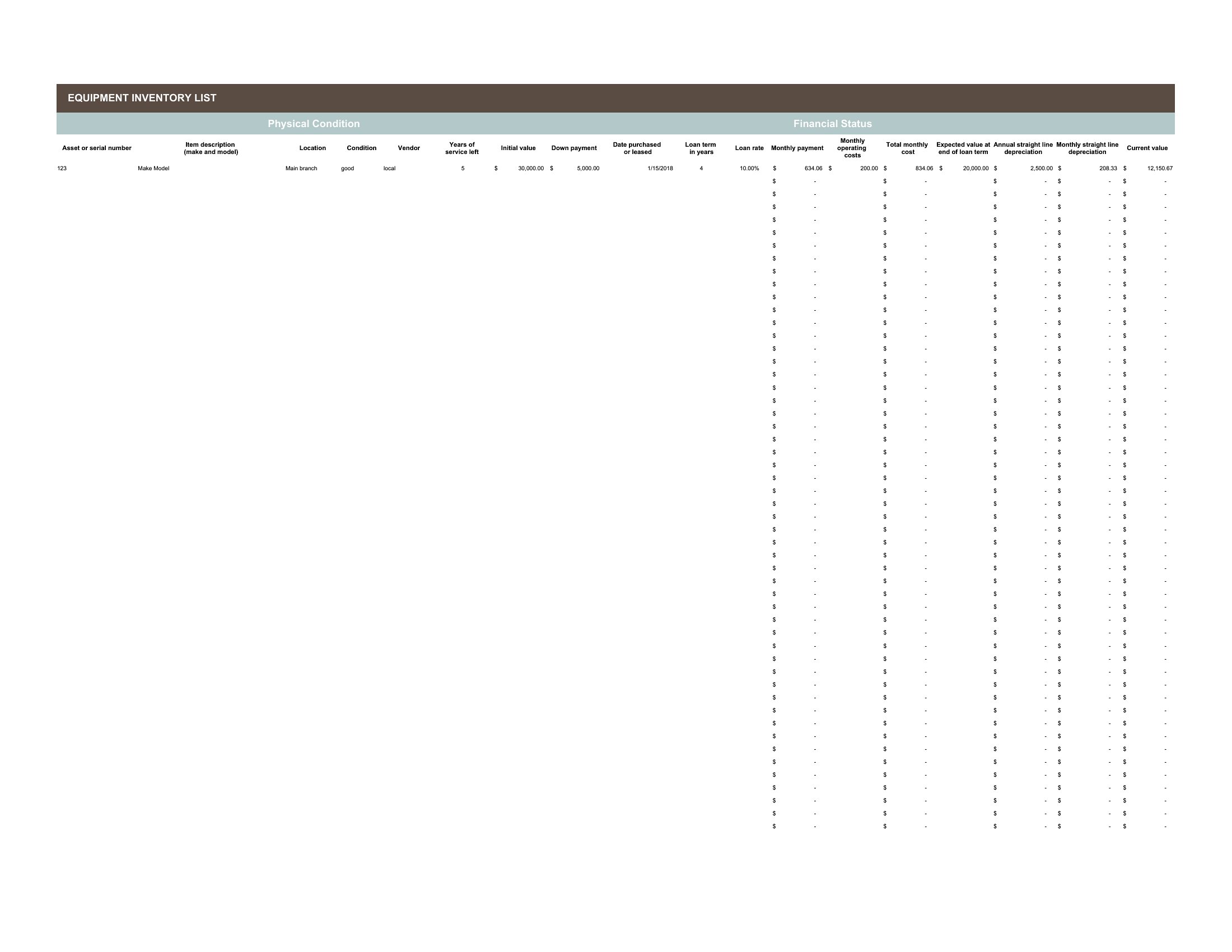
Pdf Asset List
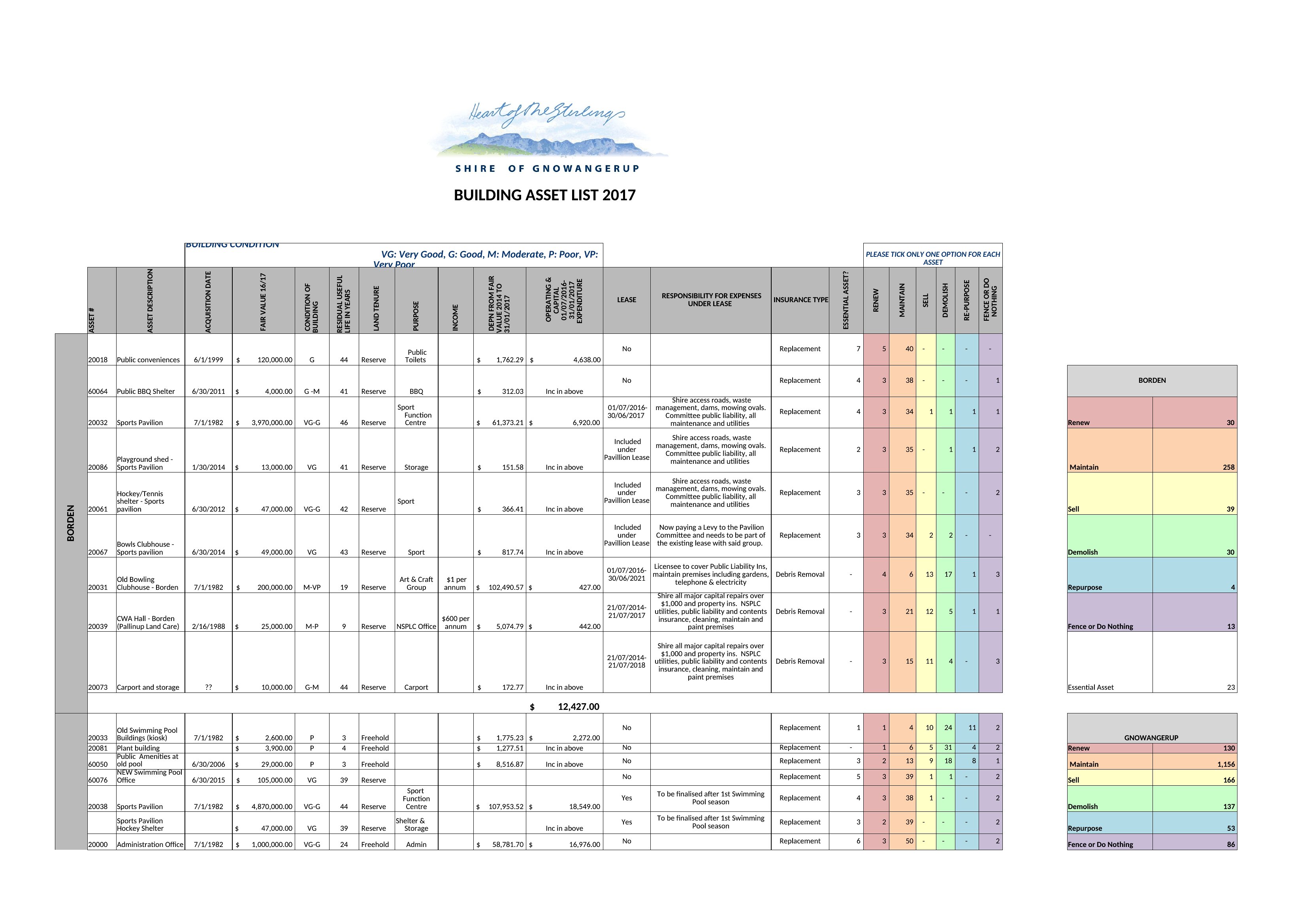
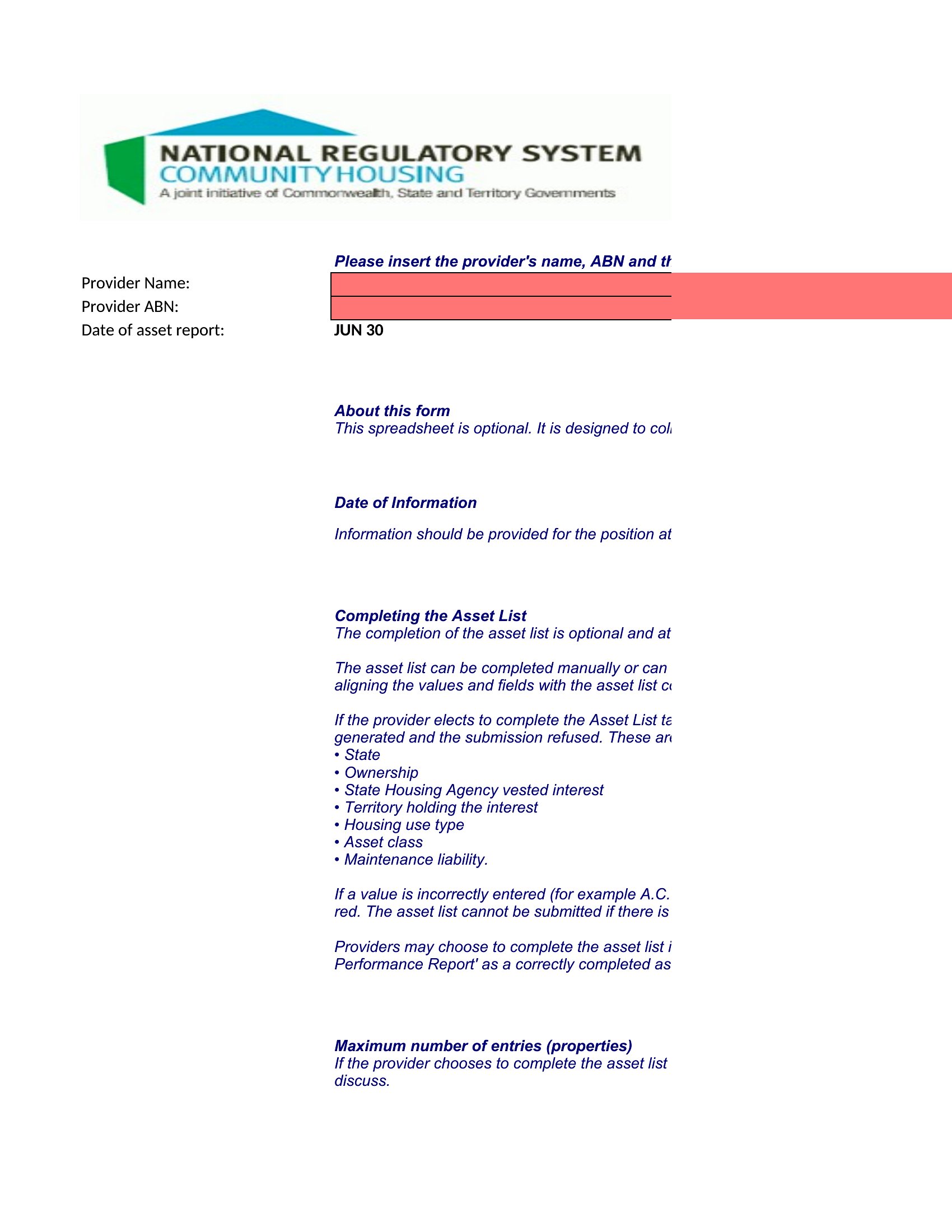
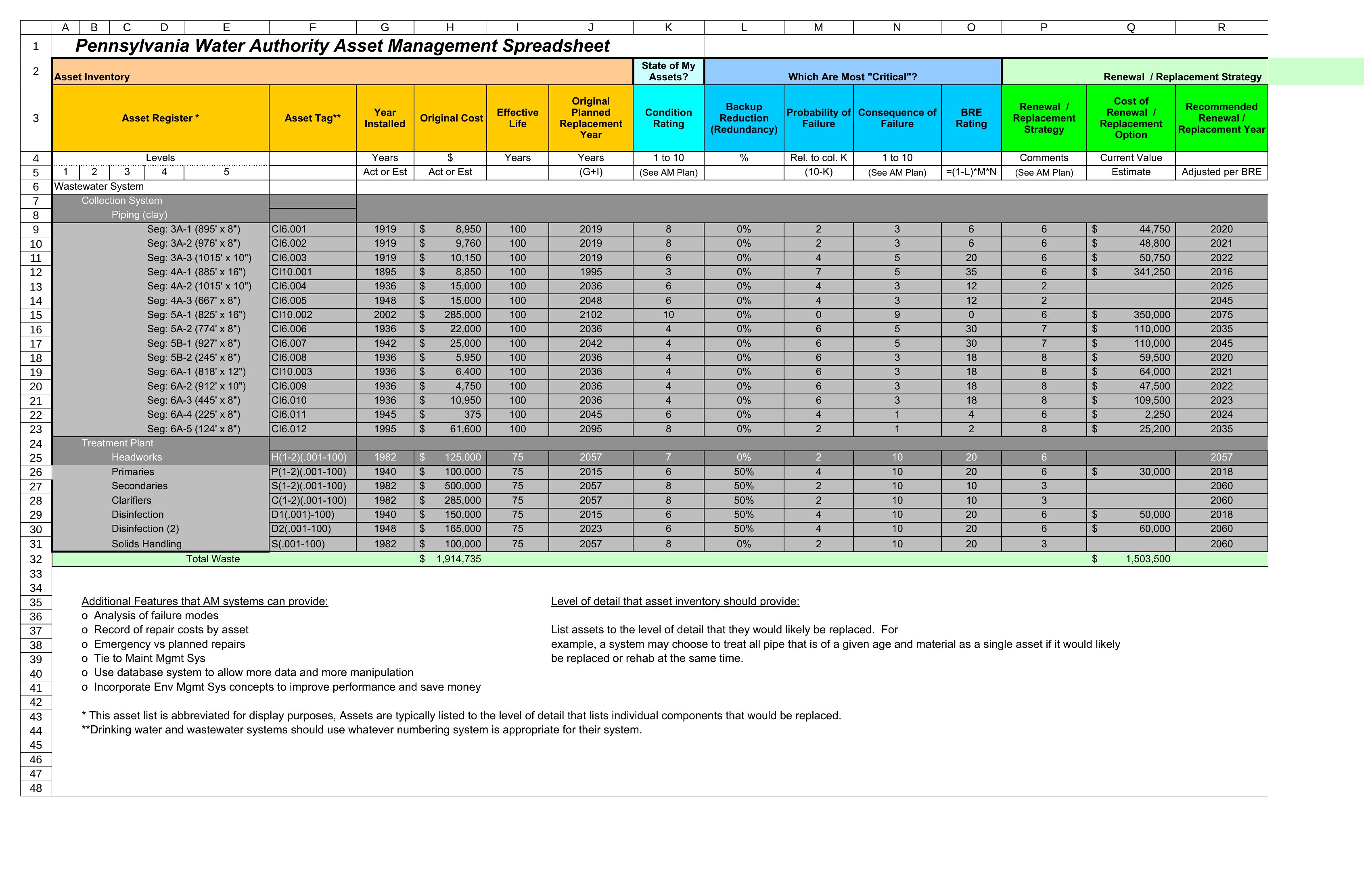
FAQ
How should we handle assets with no purchase records or unknown value?
Start by documenting what you know—estimated age, condition, and replacement cost. Add a notes column in Word or a separate “Notes” sheet in Excel for follow-up. For insurance purposes, err on the side of underestimating value unless you have appraisals. These templates are for tracking, not valuation, so focus on consistency over precision until receipts or appraisals are available.
Can we use these templates to track intangible assets like patents or trademarks?
These templates are designed for physical and tangible assets (equipment, property, vehicles), but you can adapt the structure for intangibles by renaming columns (e.g., “Asset Name” → “Patent/Trademark Name,” “Purchase Date” → “Filing Date”). For legal or financial reporting, consult a professional to ensure compliance with accounting standards. Always save a copy under a new filename to avoid overwriting the original template.
What’s the best way to organize assets across multiple locations or departments?
In Excel, use a dropdown menu (Data Validation) in the “Category” or “Location” column to standardize entries, then filter or sort by department. For Word, create a separate table per location/department and label each clearly. If managing 50+ assets, consider a master Excel sheet linked to department-specific Word summaries. Add a “Last Reviewed” column to track when each section was updated.
Comments
Join the conversation
Sign in to share your thoughts and leave a comment on this resource.