



FAQ
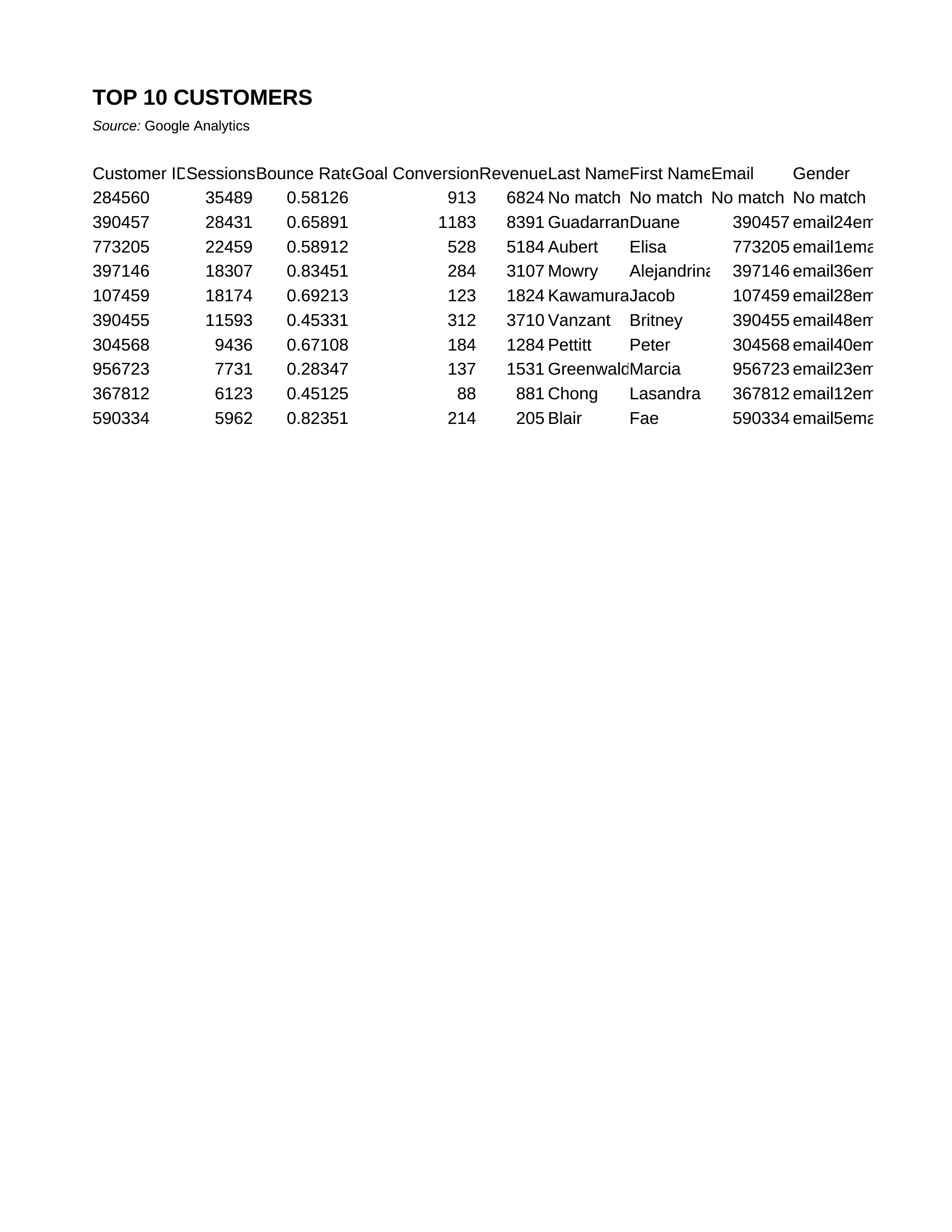
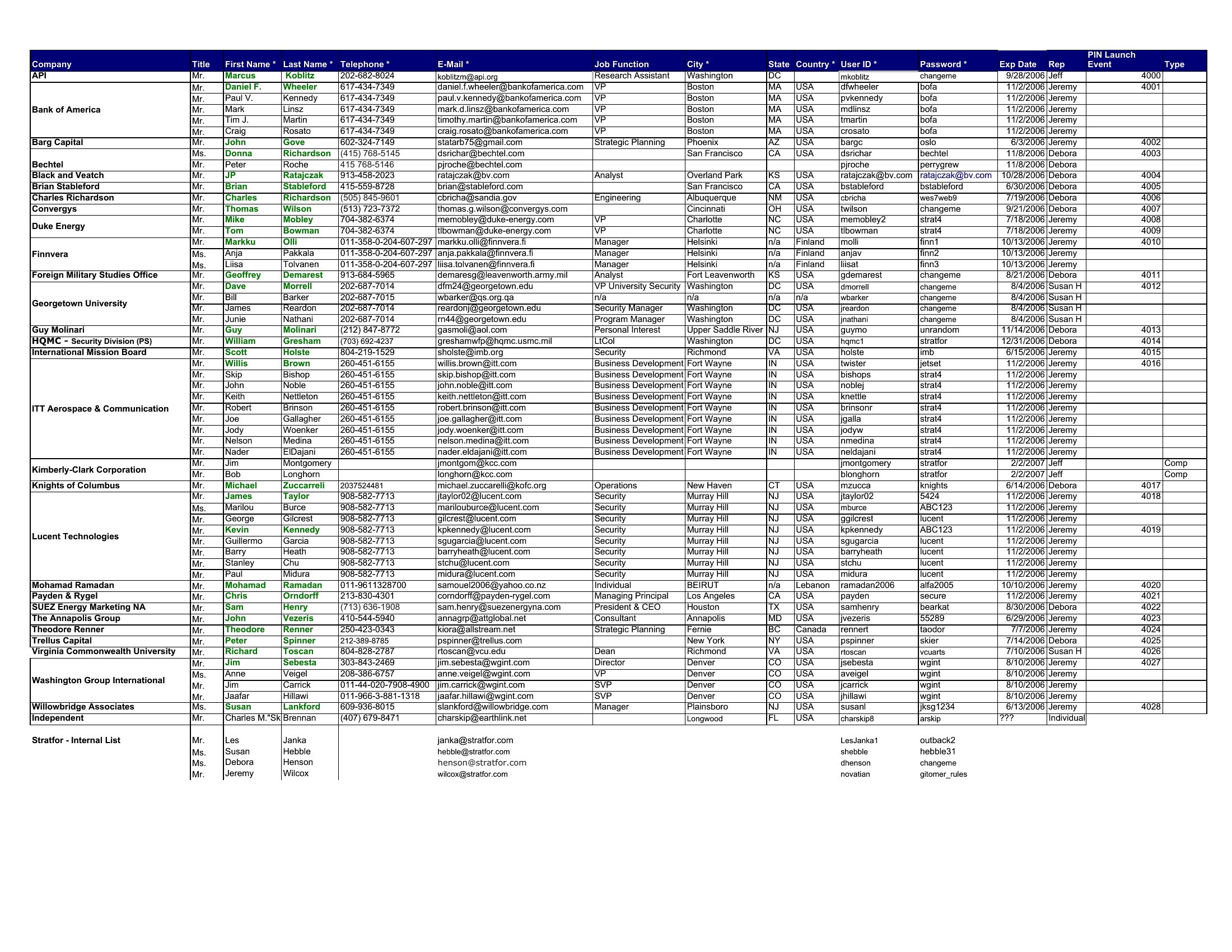
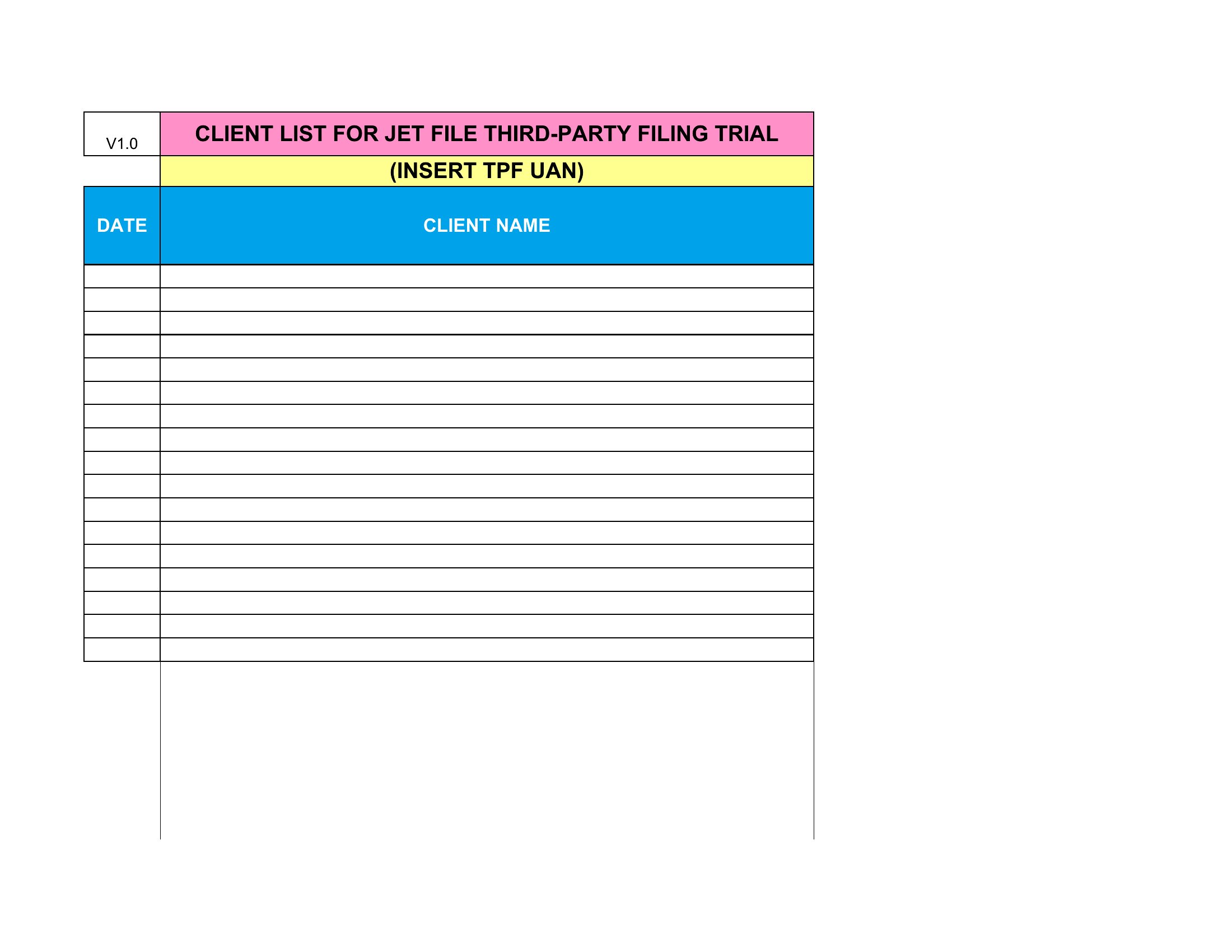
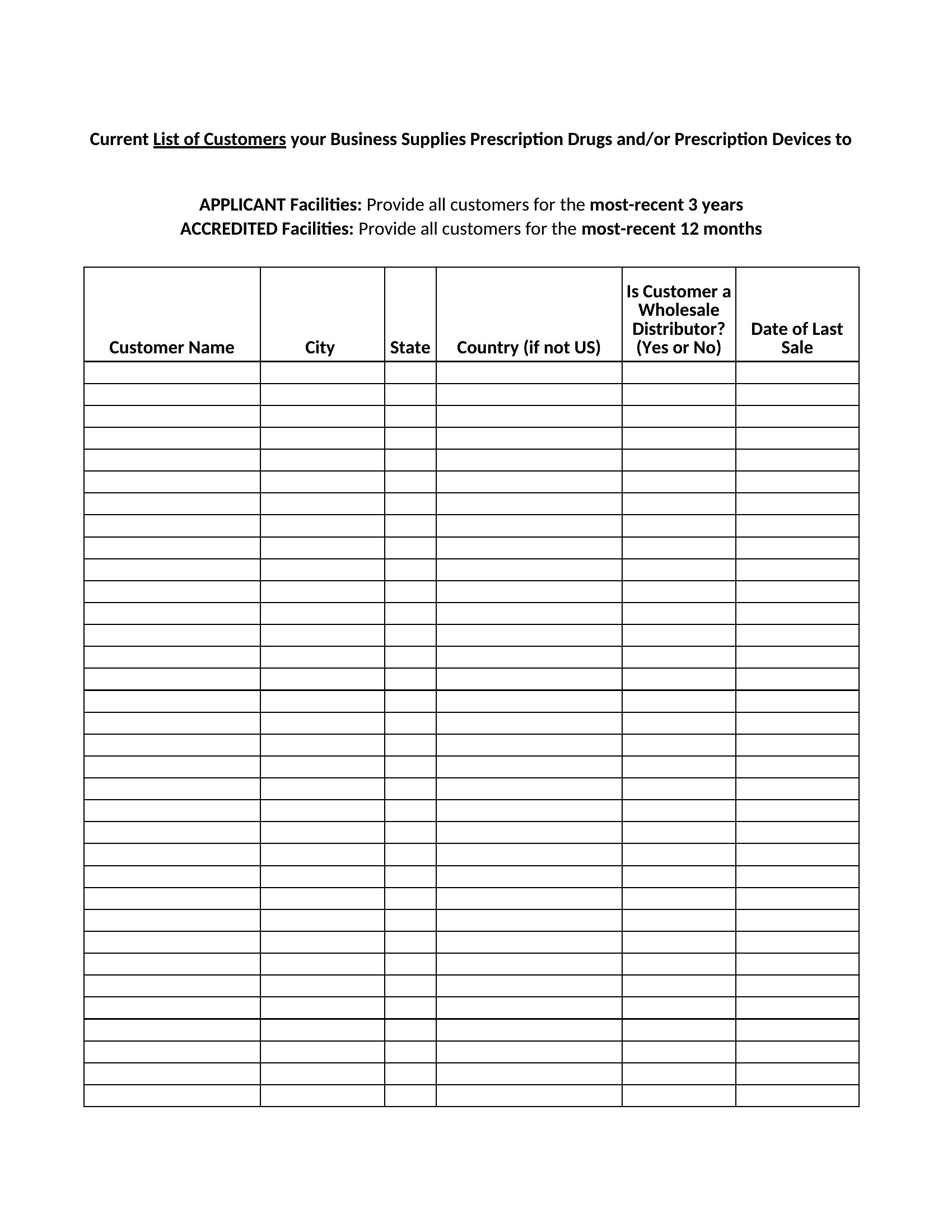
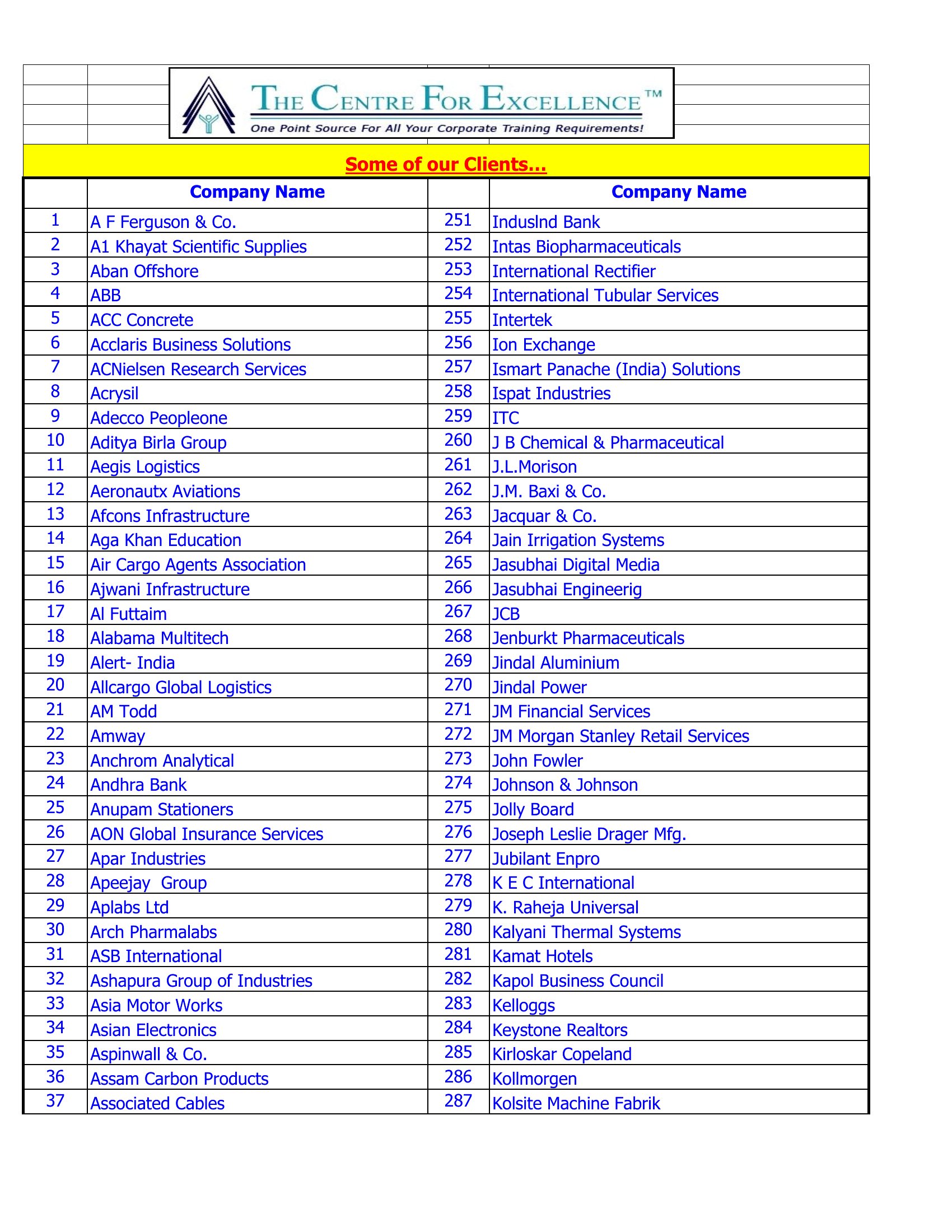
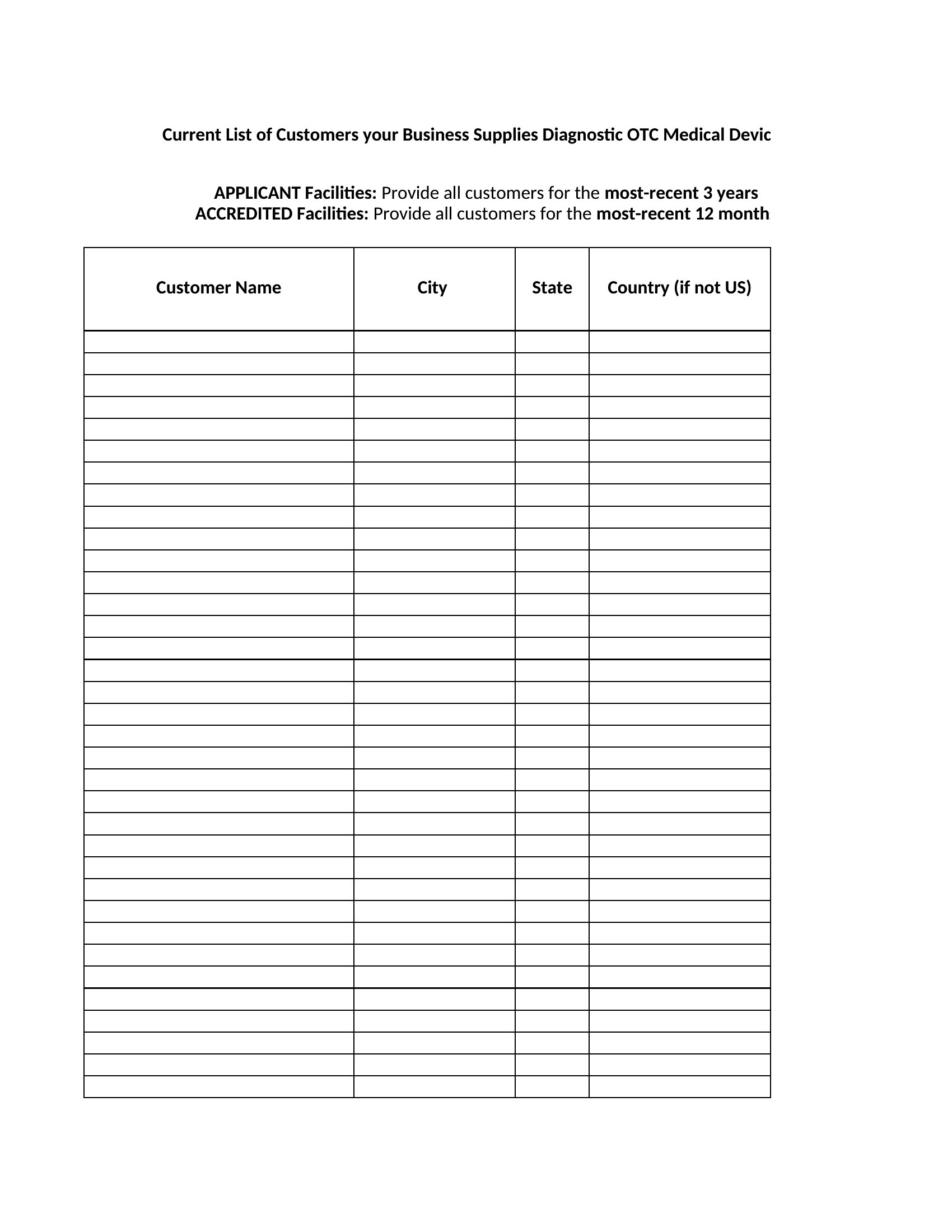
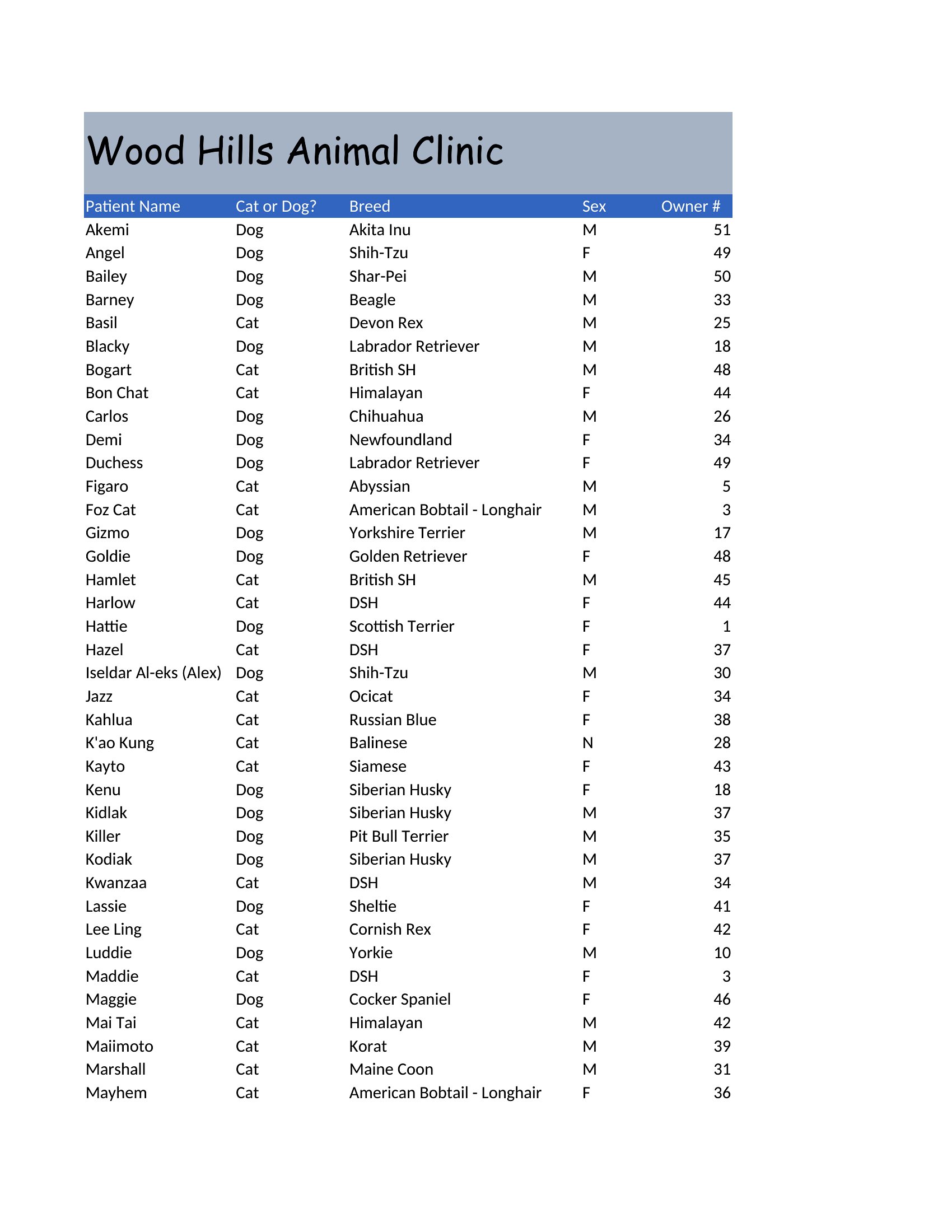
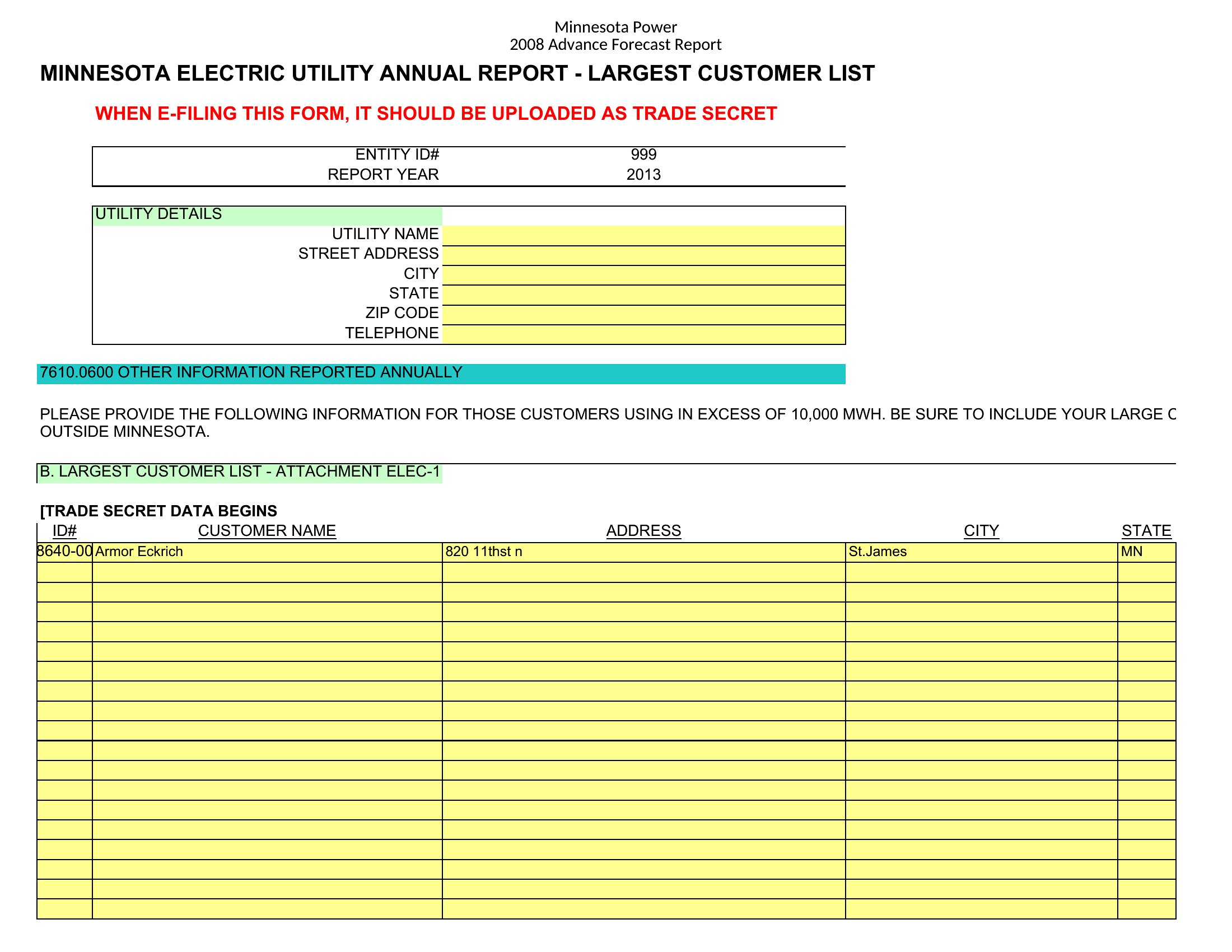
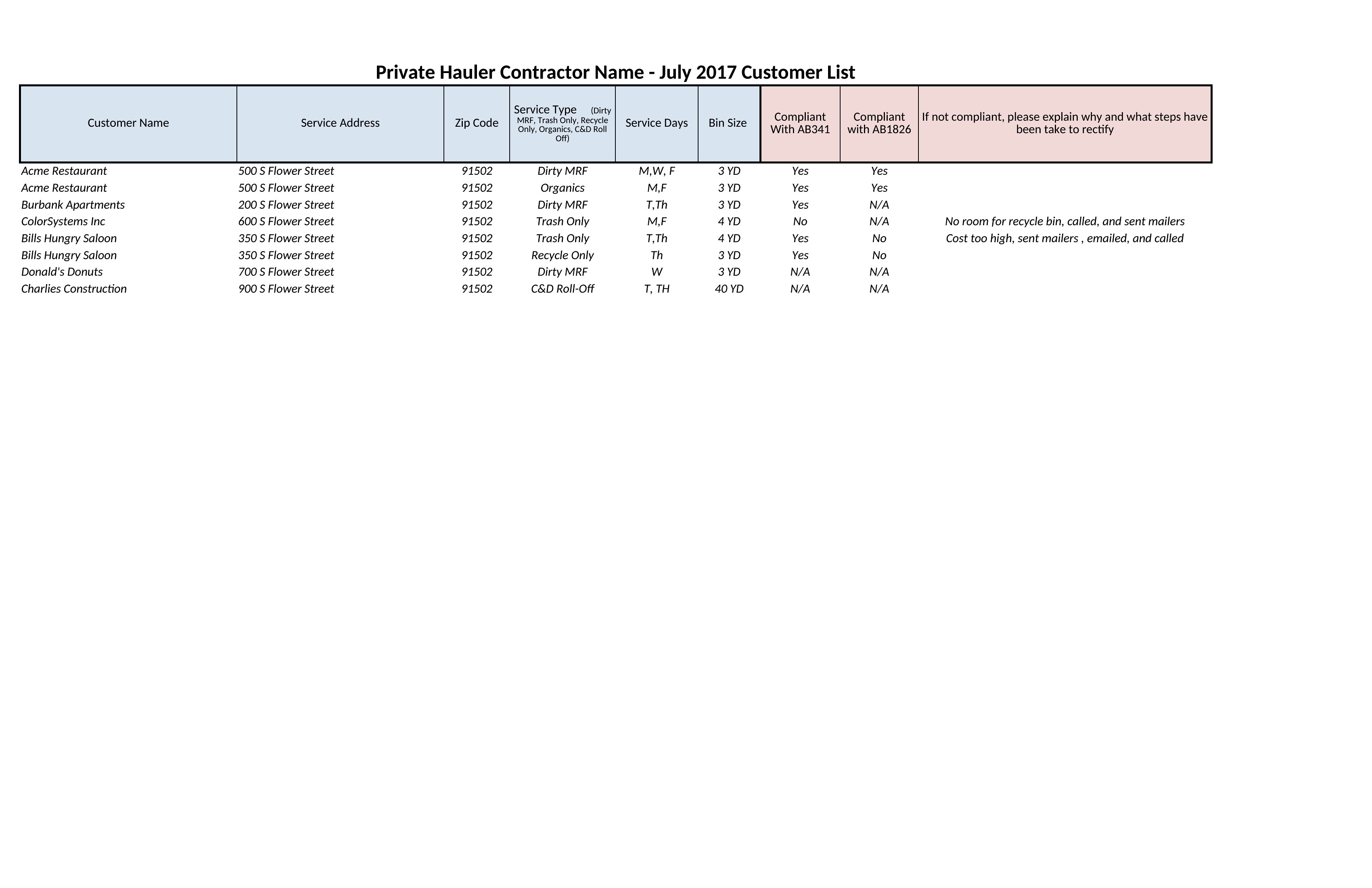
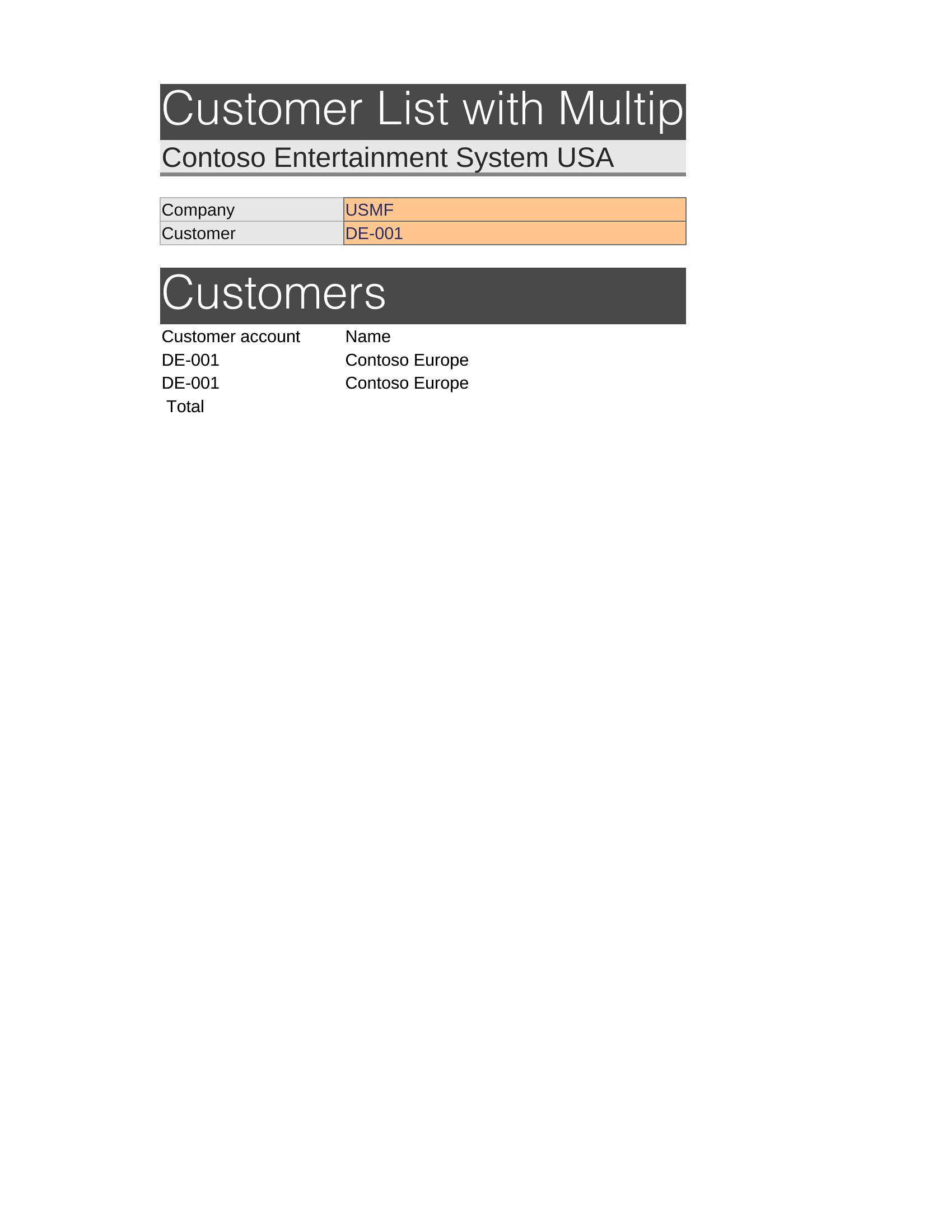
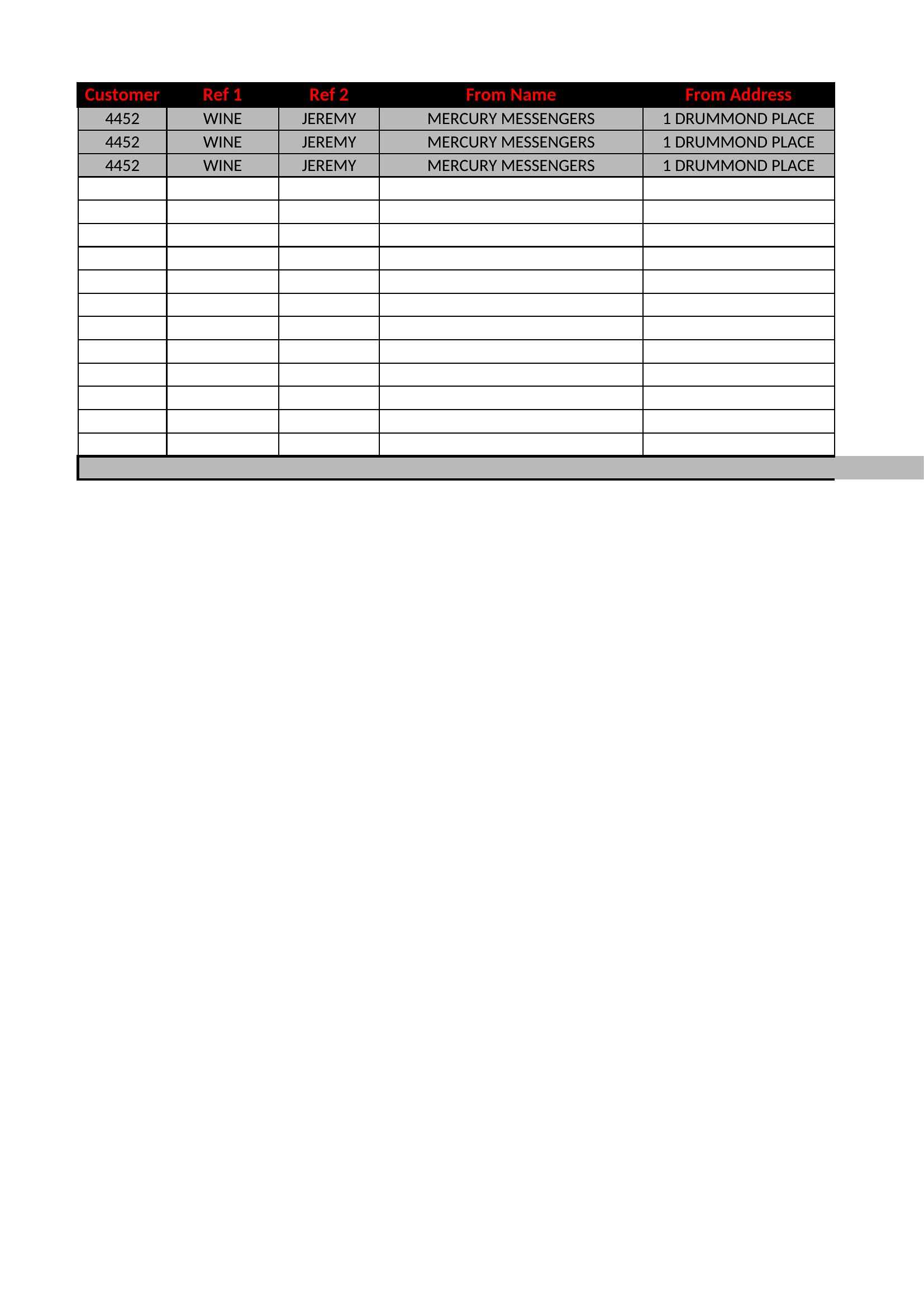
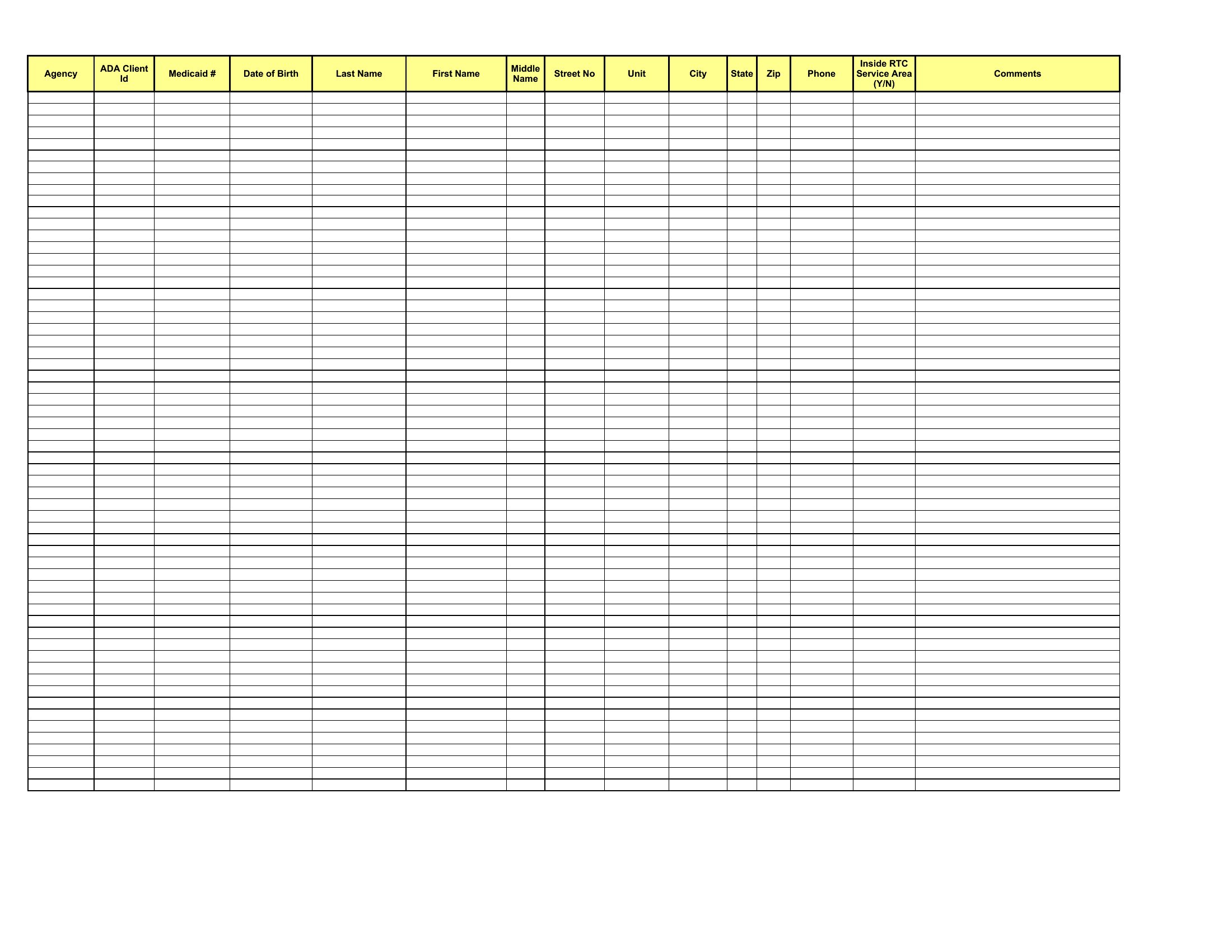
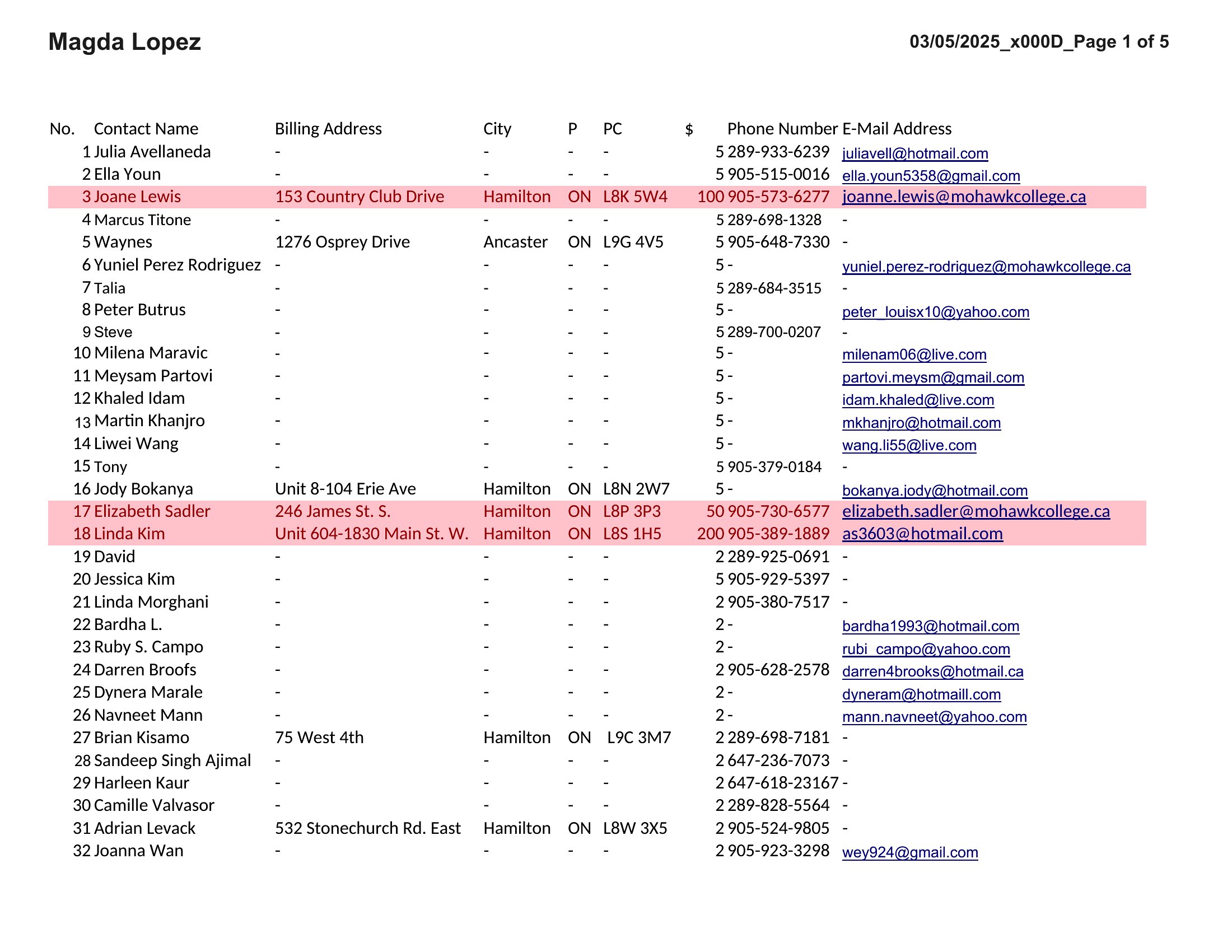
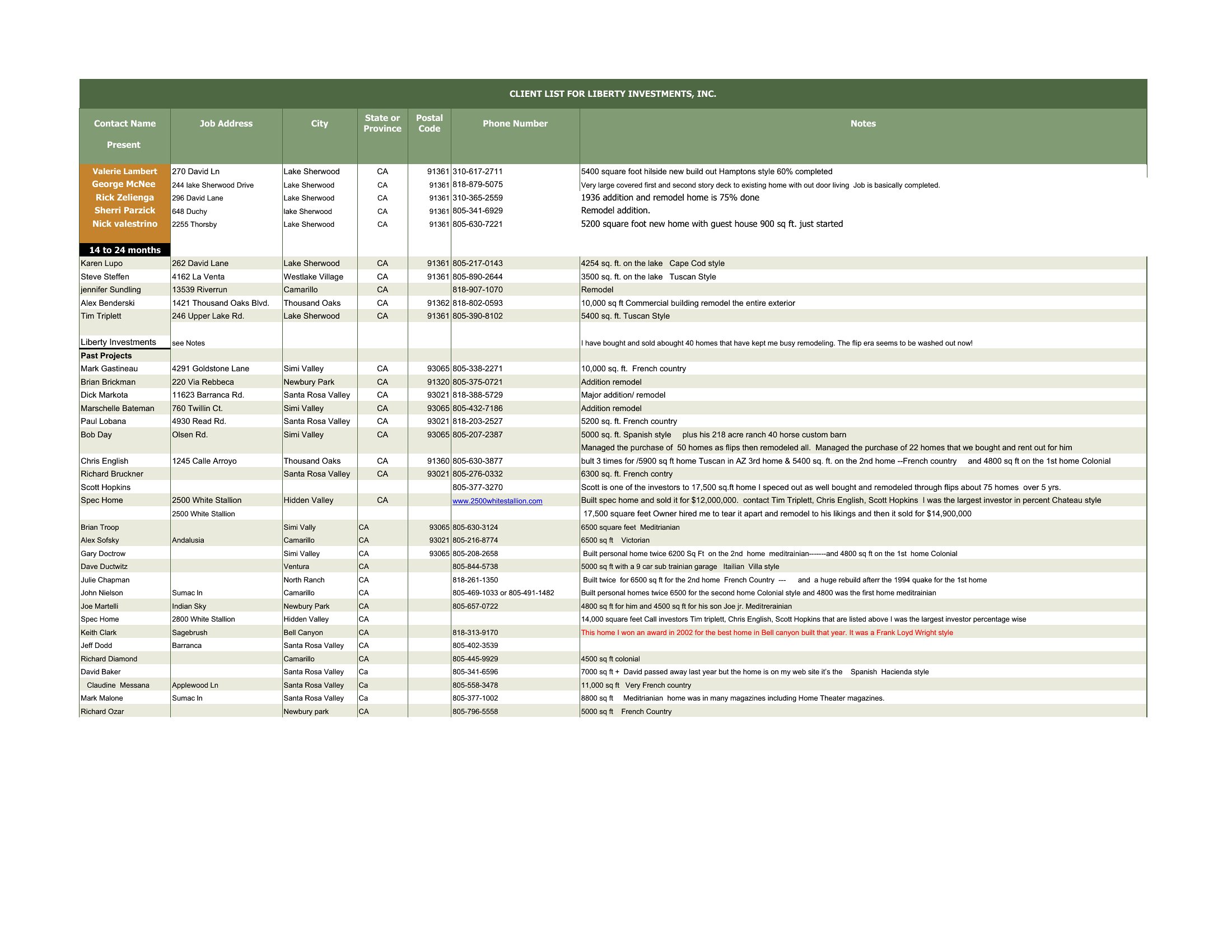
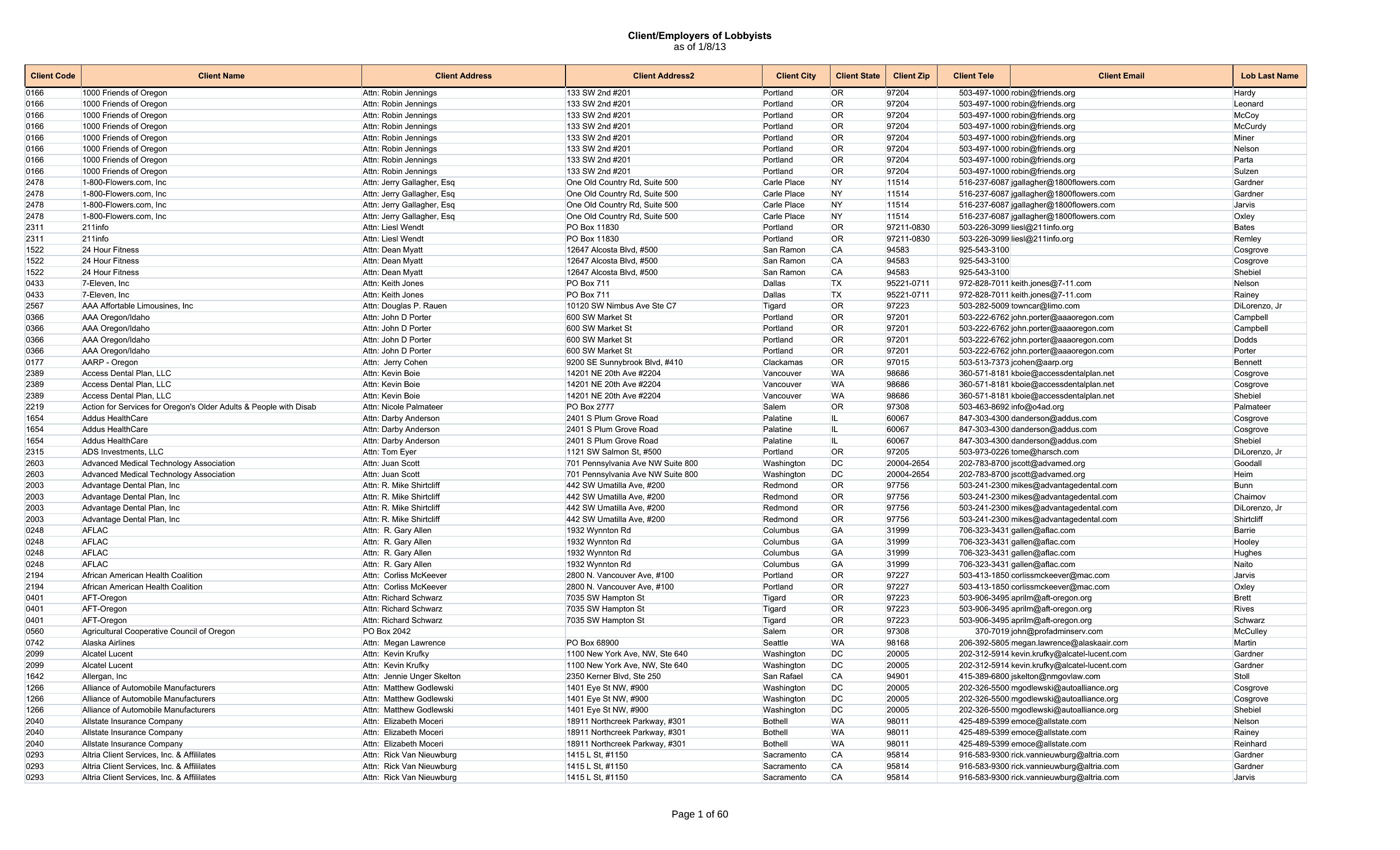
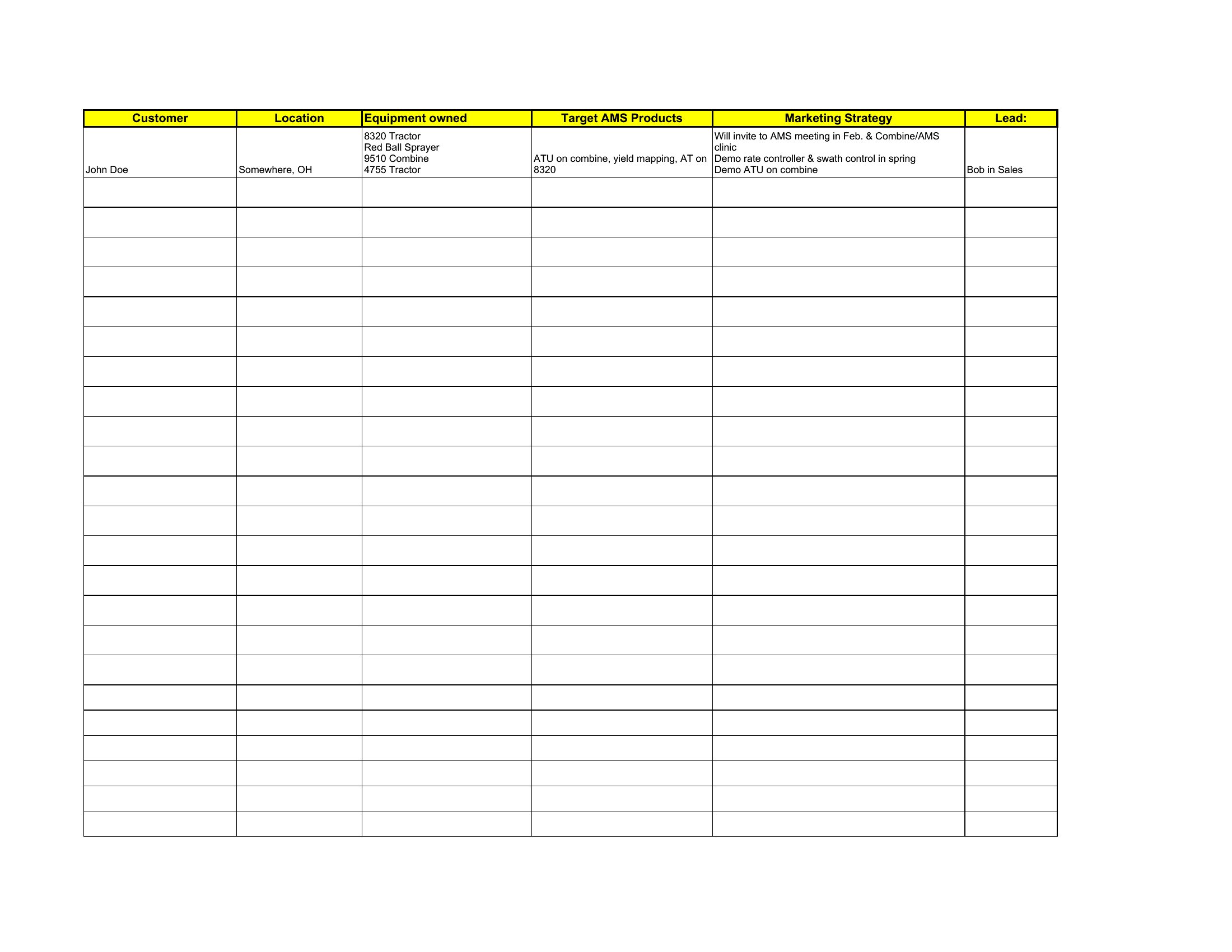
Can I use these templates to track customer preferences like favorite products or communication styles?
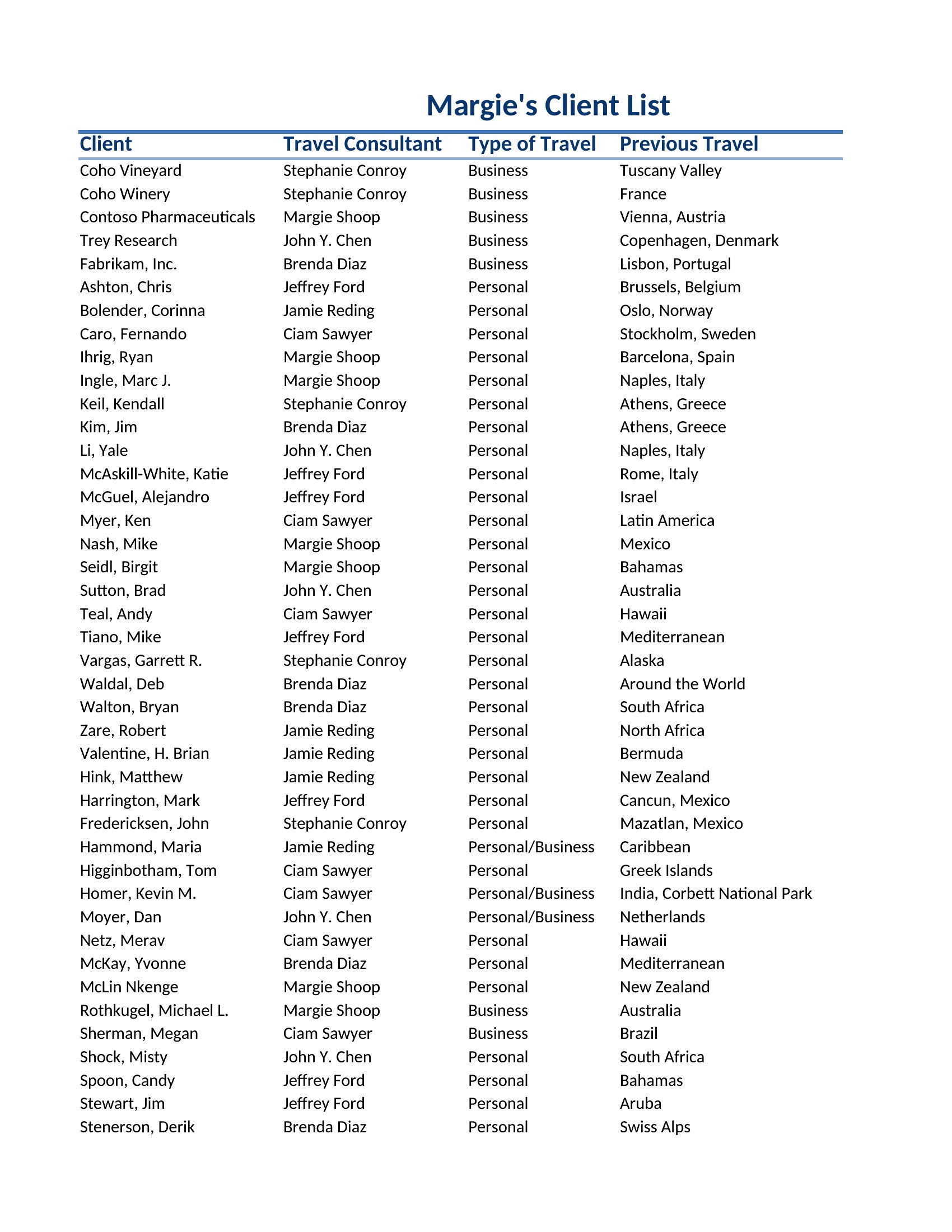
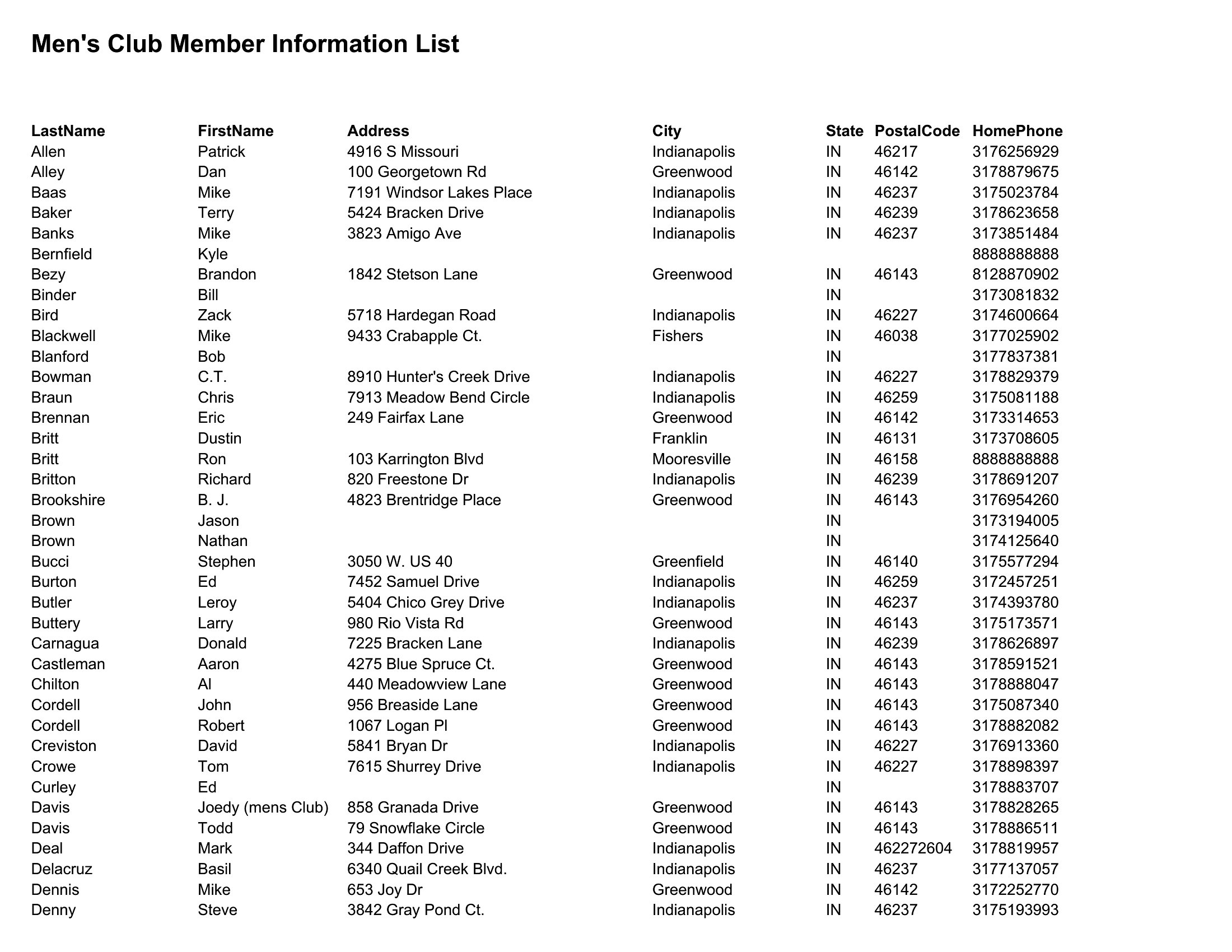
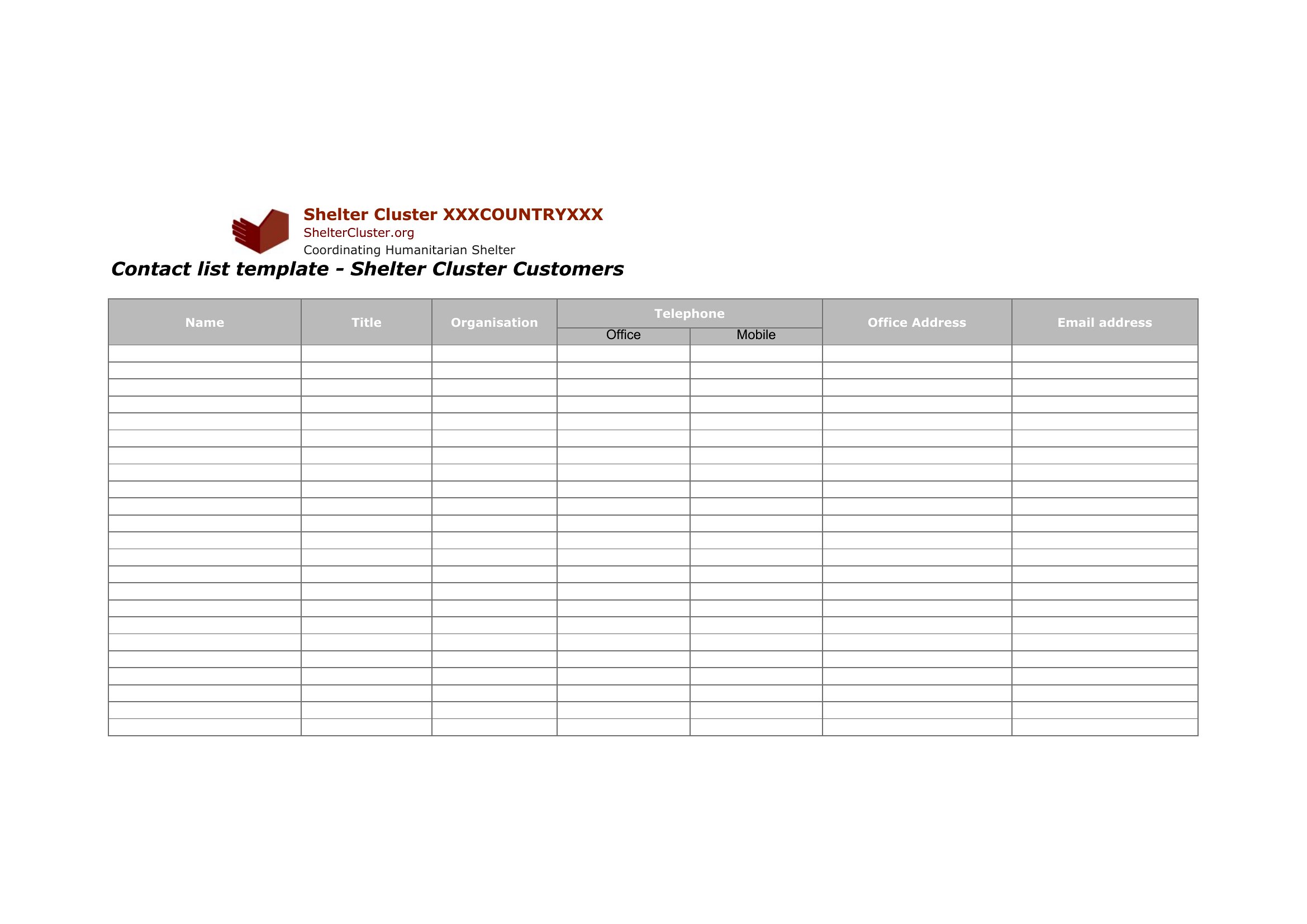
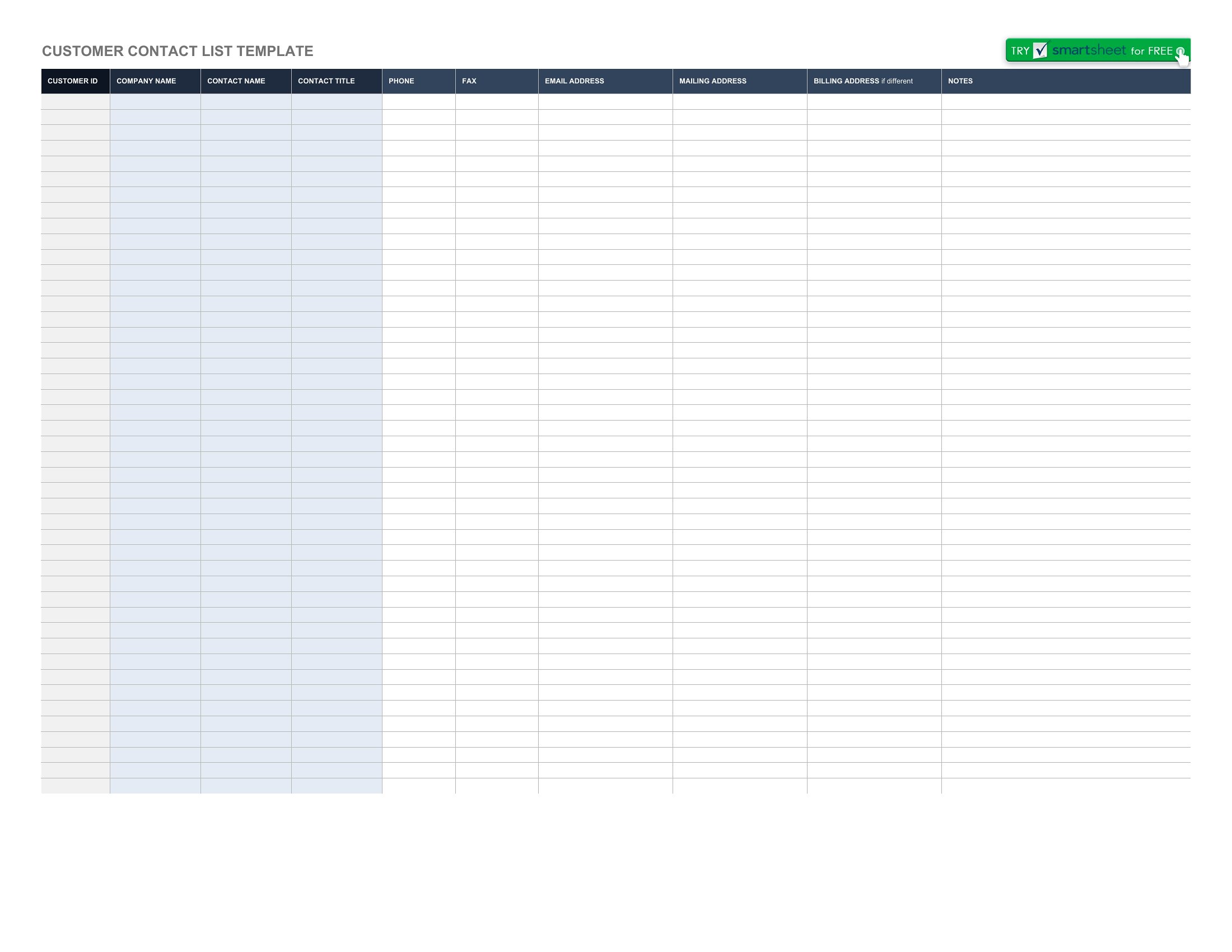
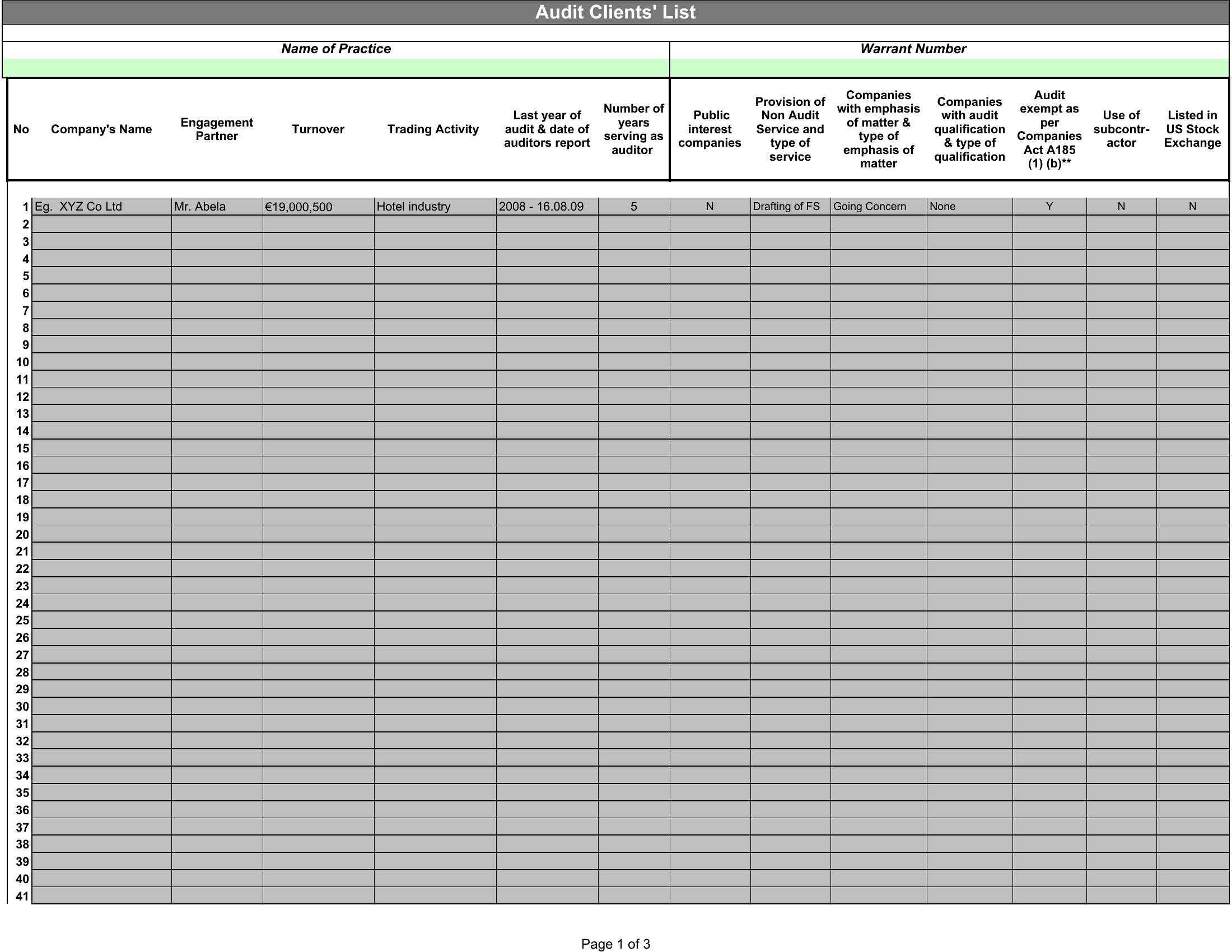
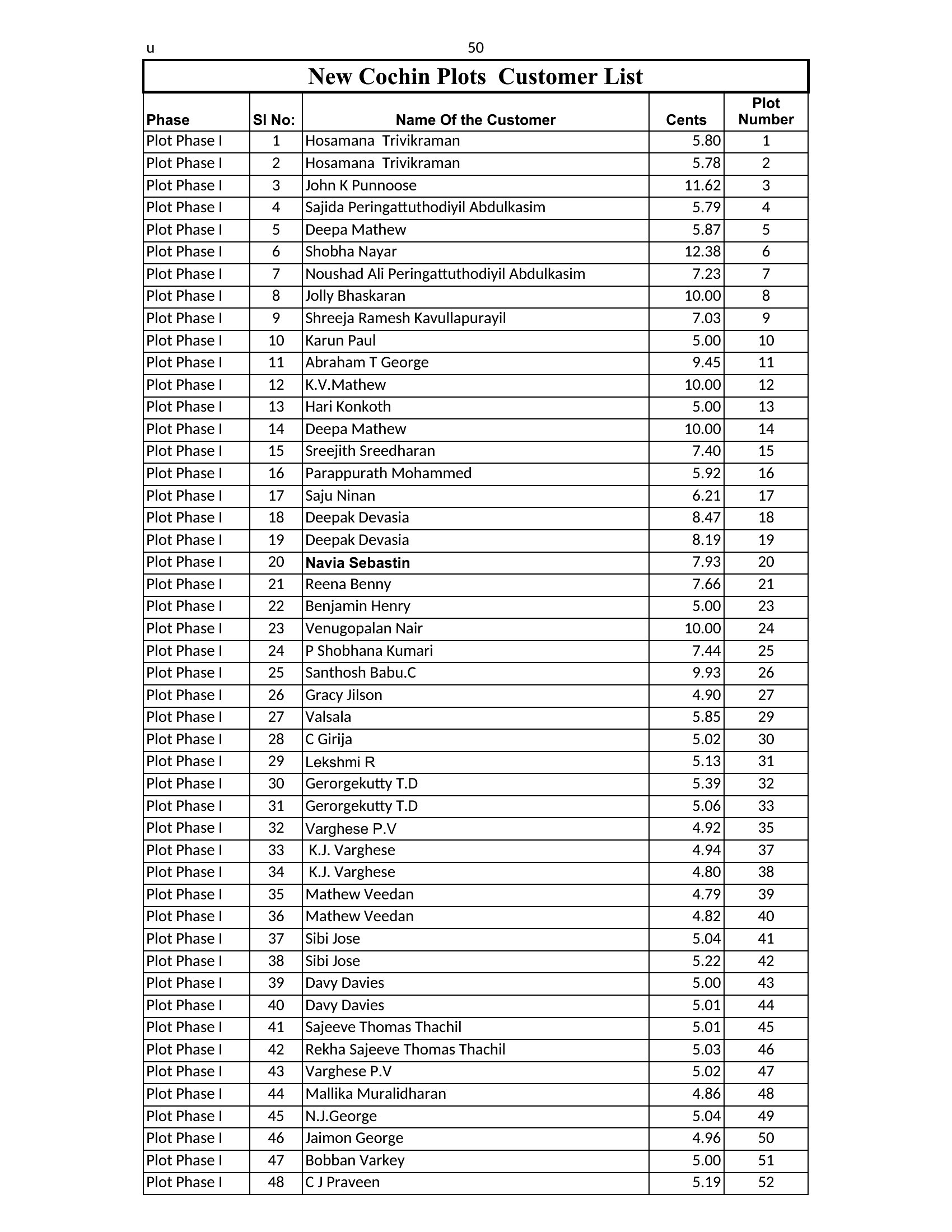
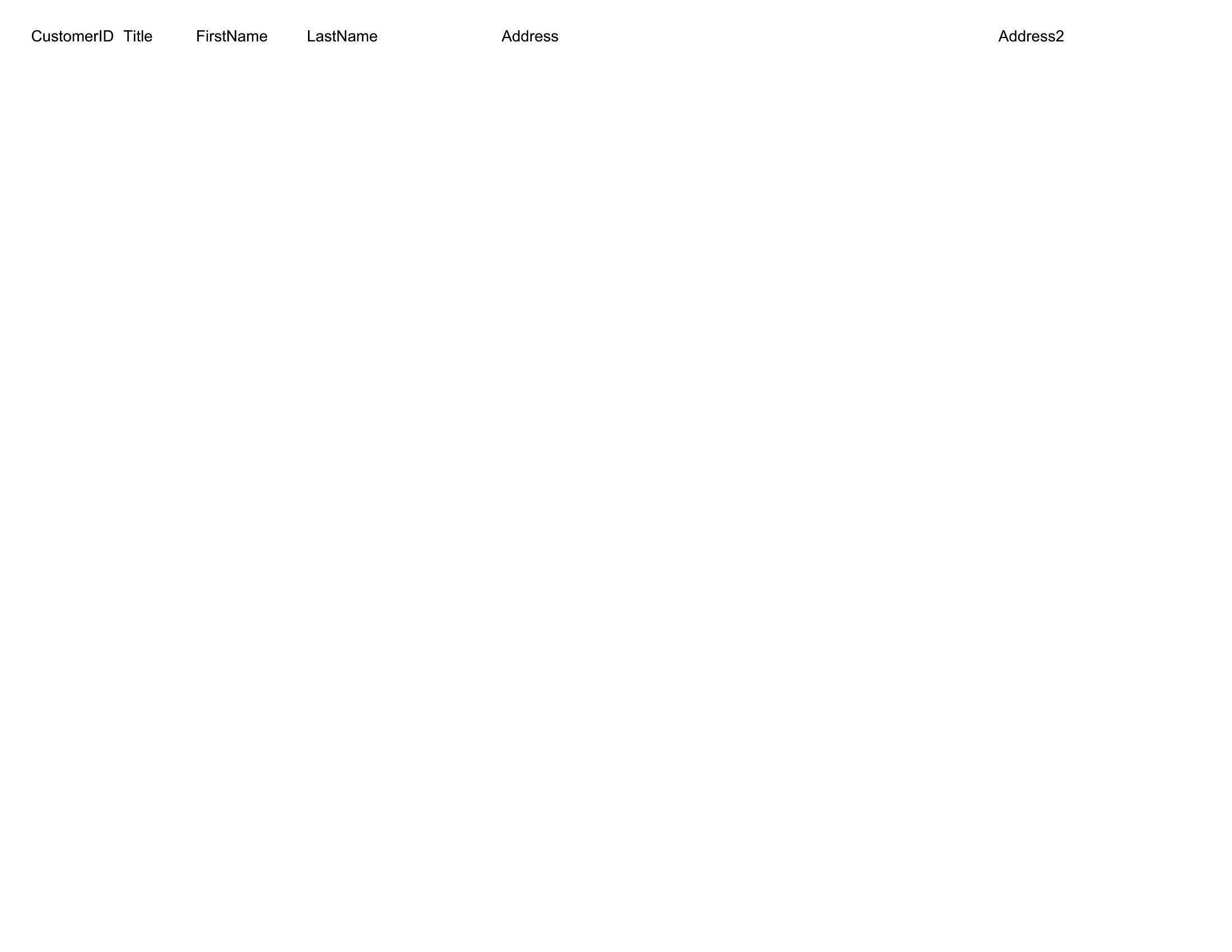
Yes, most of these templates include customizable columns. Excel versions let you add multiple tabs for preferences, notes, or tags, while Word templates can integrate tables or text boxes for manual annotations. Start with the fields you use most, then expand as your workflow evolves.
How do I ensure customer privacy when sharing a list with my team?
Treat these templates as organizational tools, not legal documents. Remove sensitive details like home addresses or payment info before sharing. For extra security, use password-protected Excel files or restrict editing permissions in cloud versions like Google Sheets. Consult privacy policies for your region if handling regulated data.
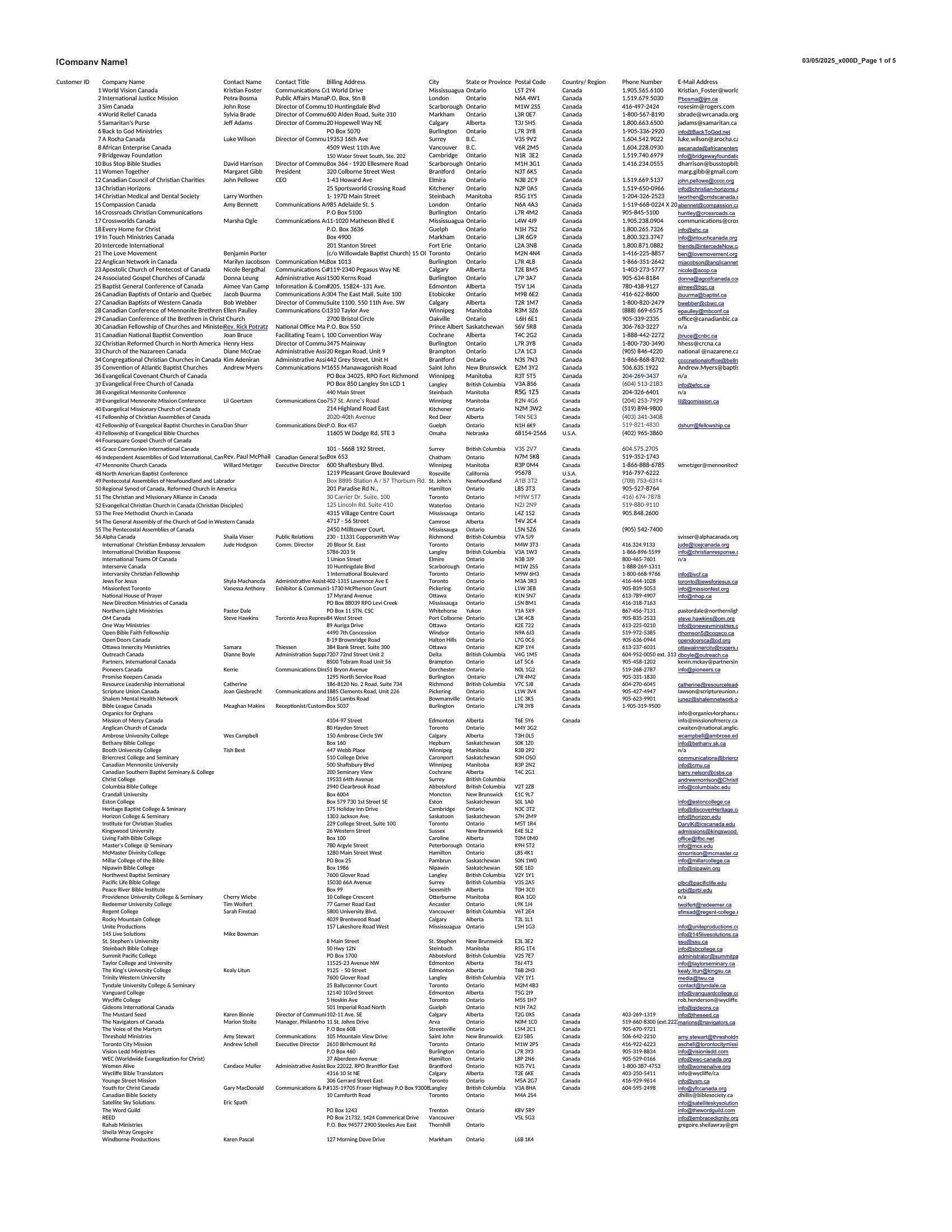
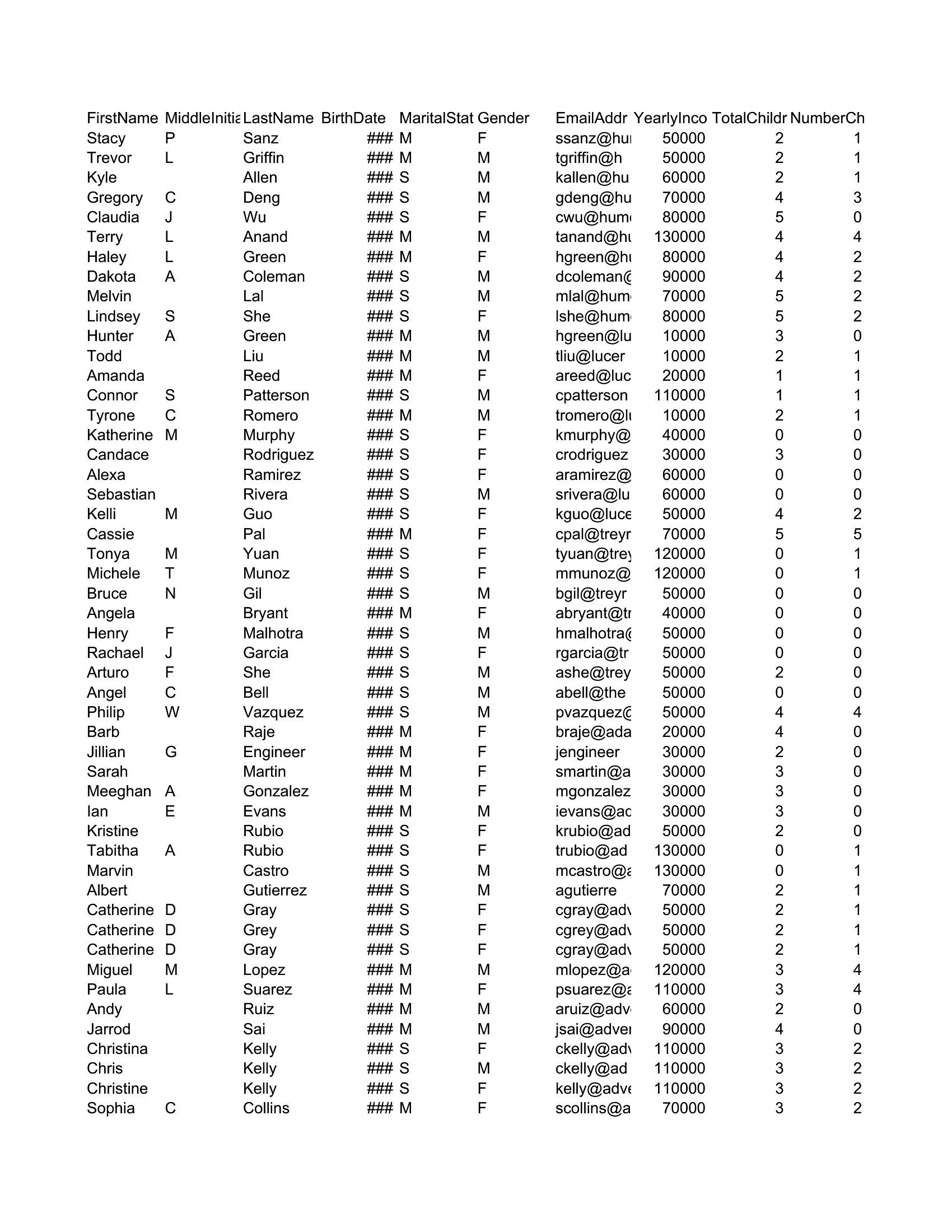
What’s the best way to merge this customer list with my email marketing tool?
Export the Excel version as a CSV file, then import it into your email platform. Many tools (like Mailchimp or Klaviyo) support direct imports from Excel. For Word lists, manually copy-paste contact details into a CSV first. Avoid merging directly from Word to preserve formatting and data integrity.
Comments
Join the conversation
Sign in to share your thoughts and leave a comment on this resource.