Skip to content
50% off this one-time $1.99 pack with HALFOFF — or unlimited with Pro.HALFOFF
Premium

Free Process Flow Chart Templates (Word, Excel, PDF)

Diagrams
ishwarbhardwaj by ishwarbhardwaj
Updated 0 downloads 2 community comments
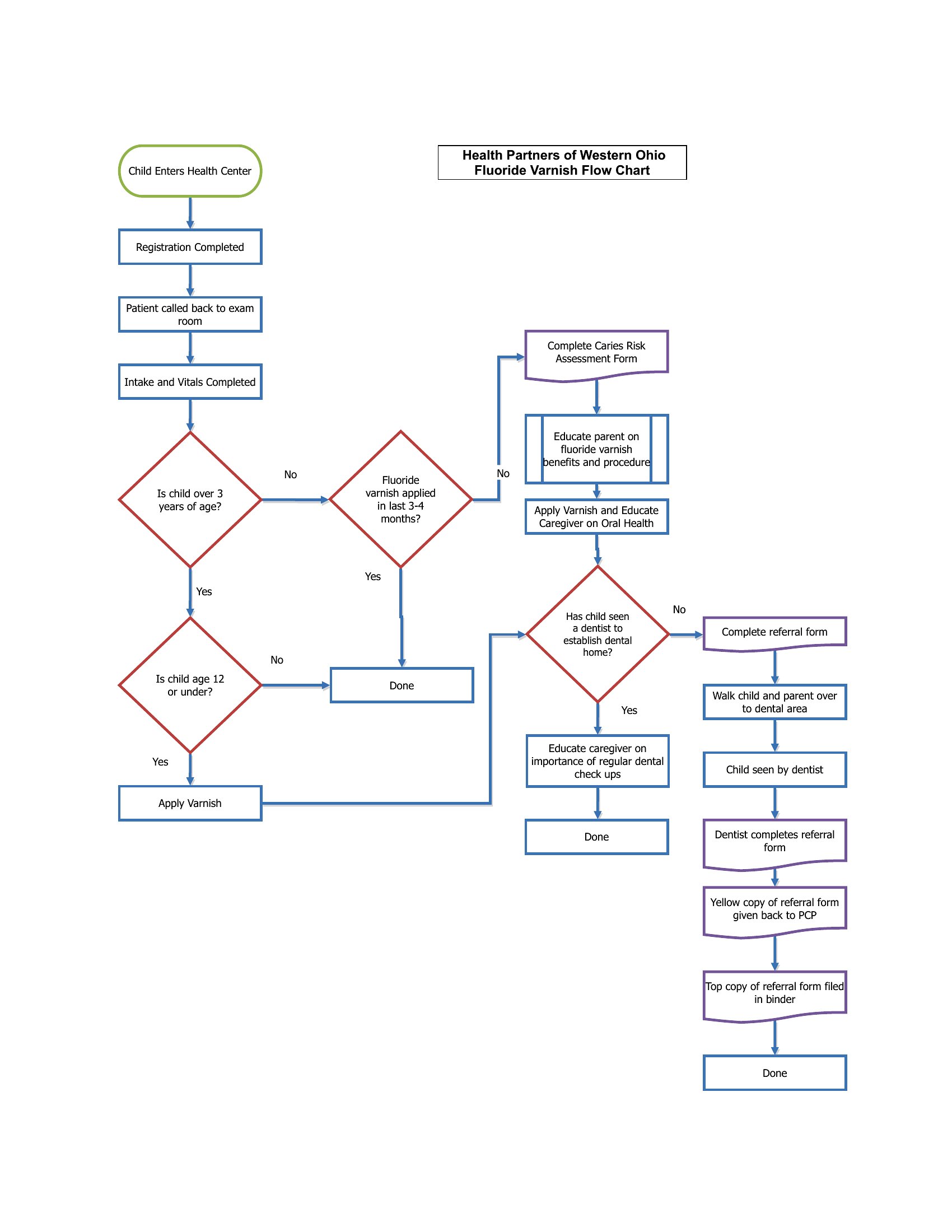
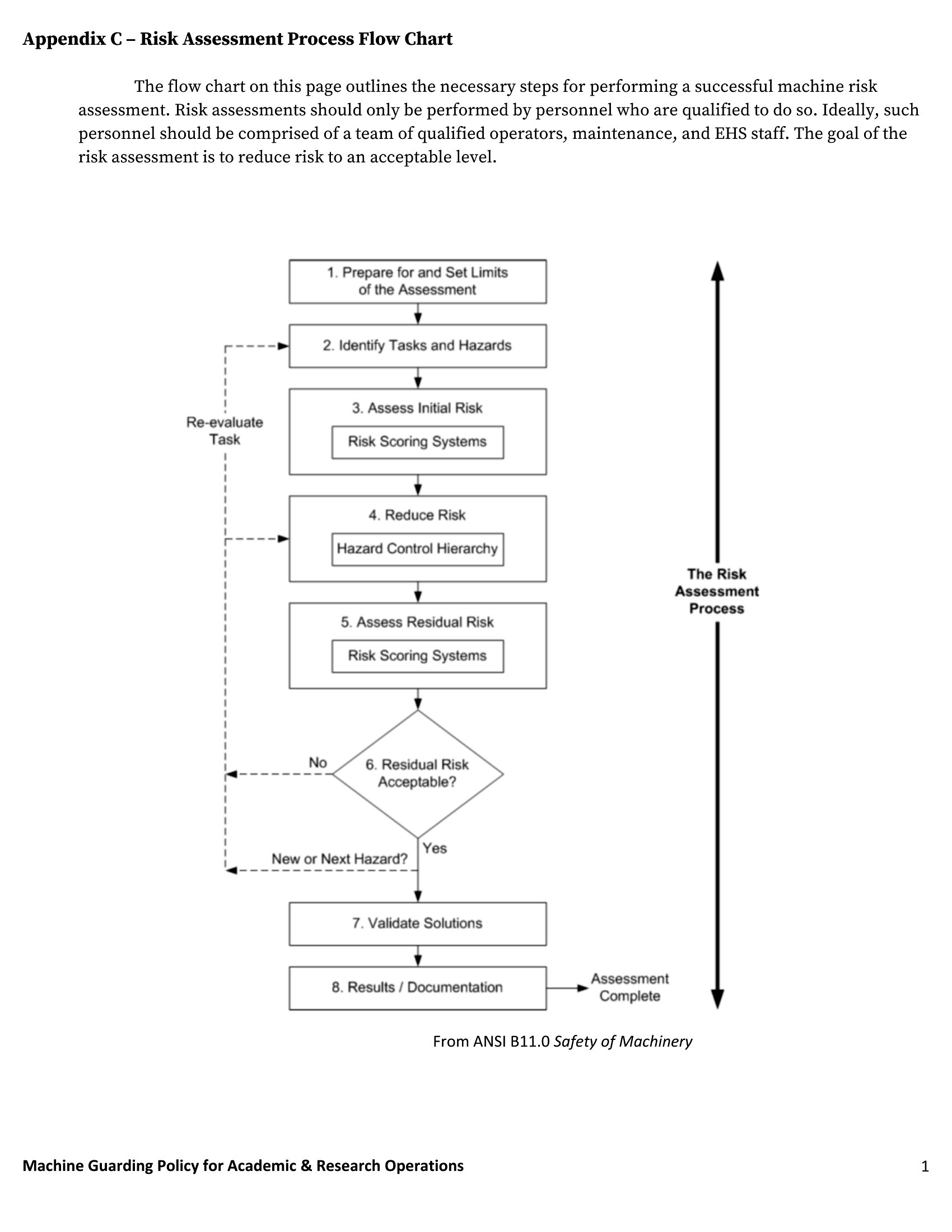
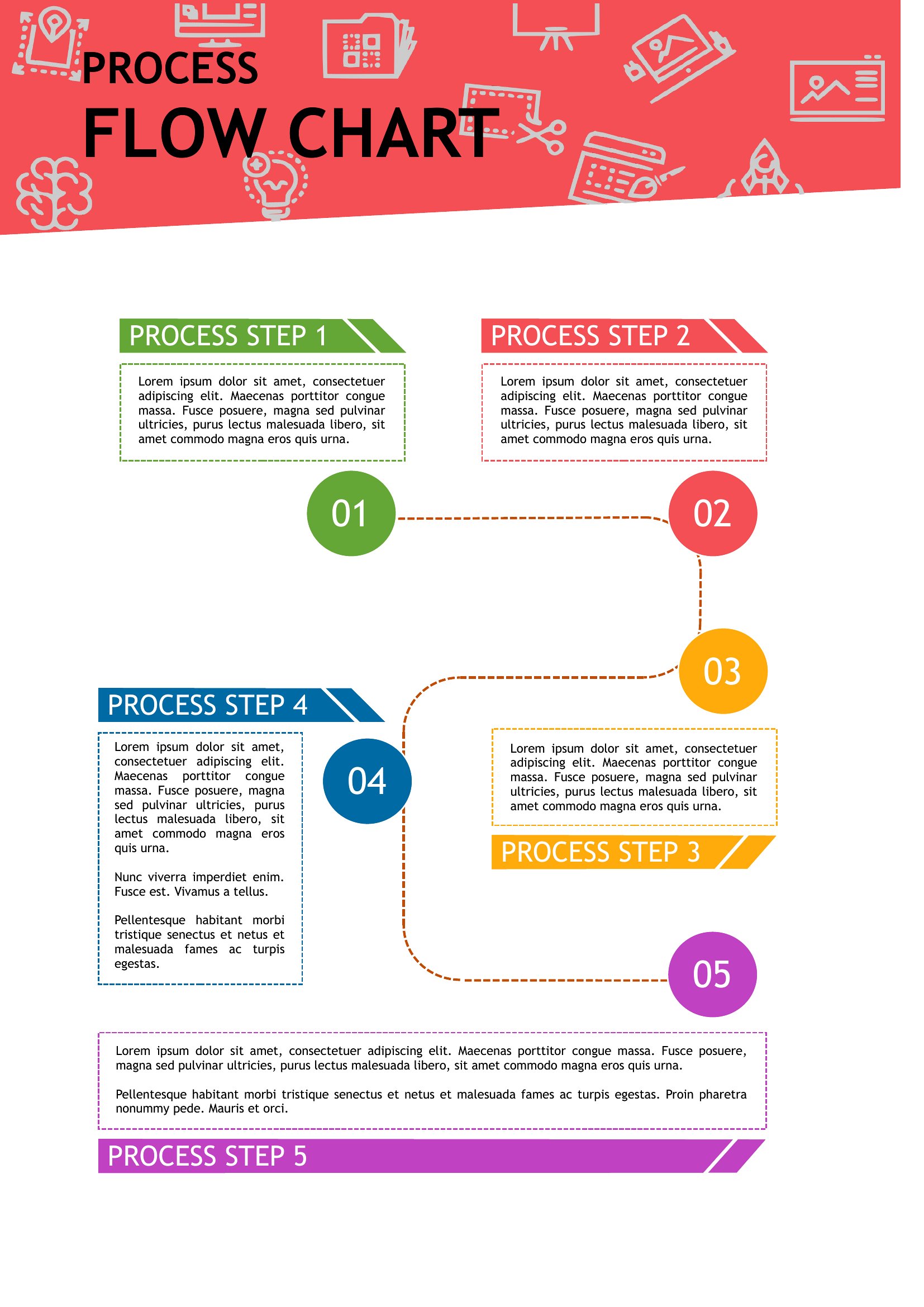
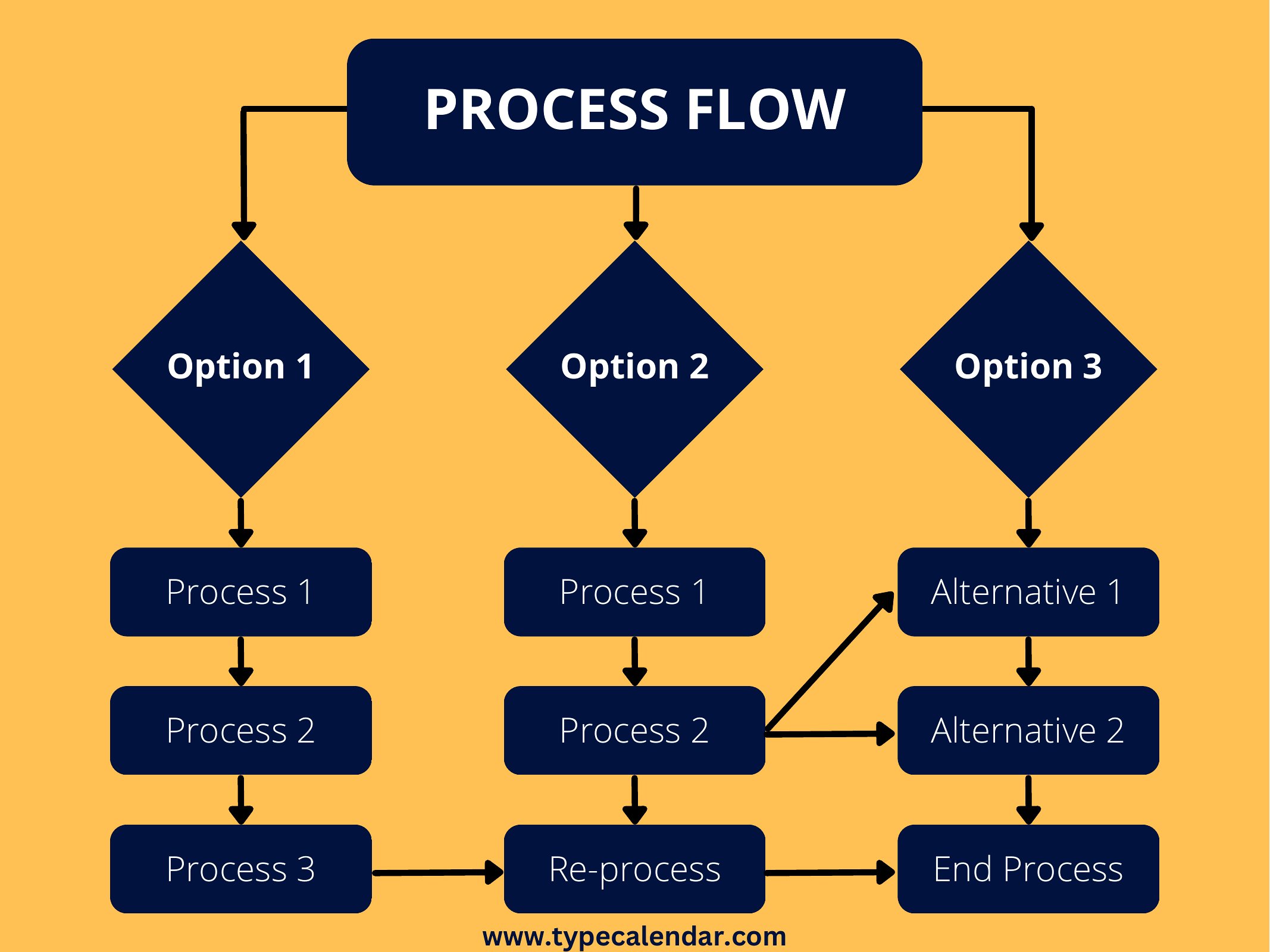
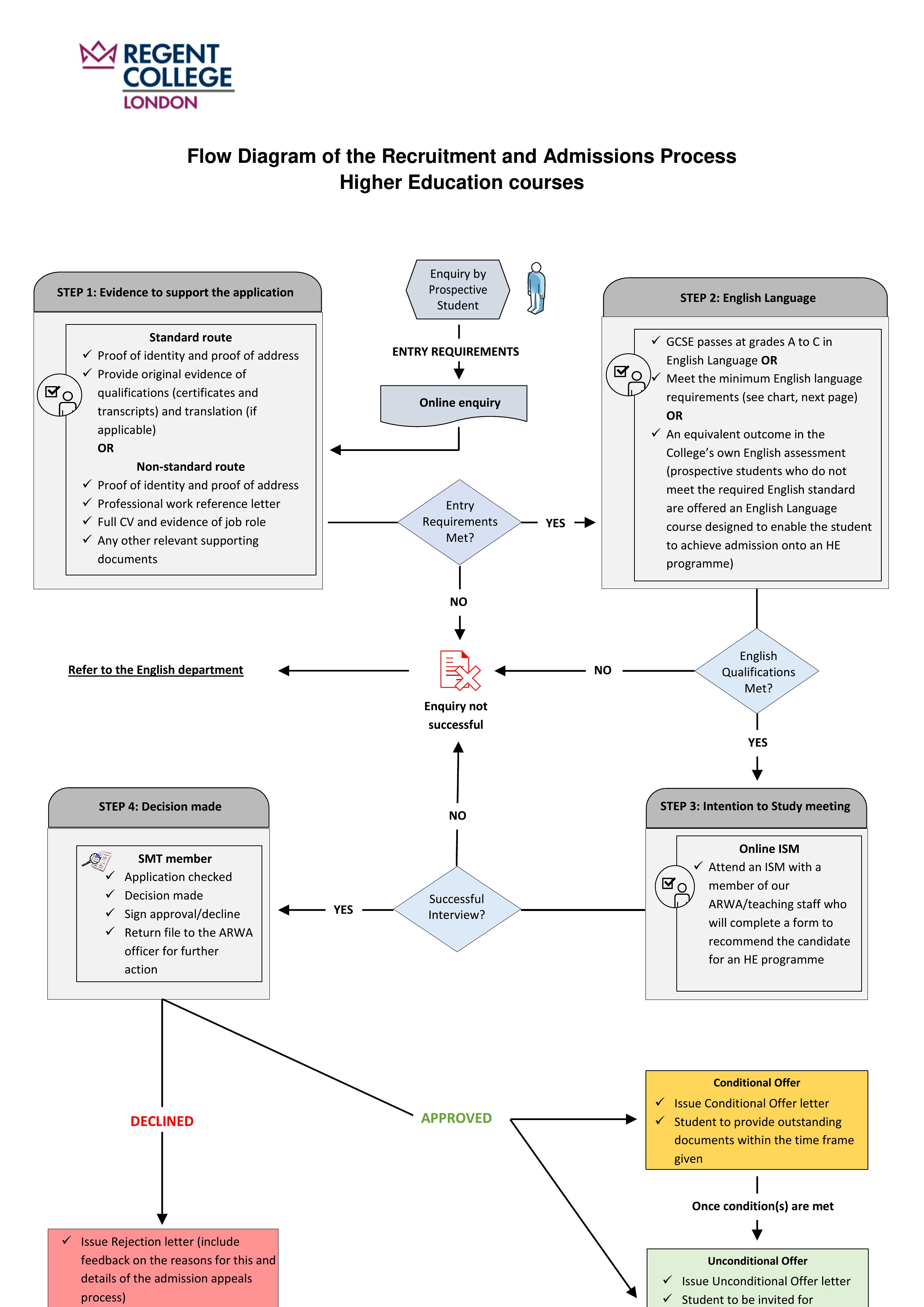
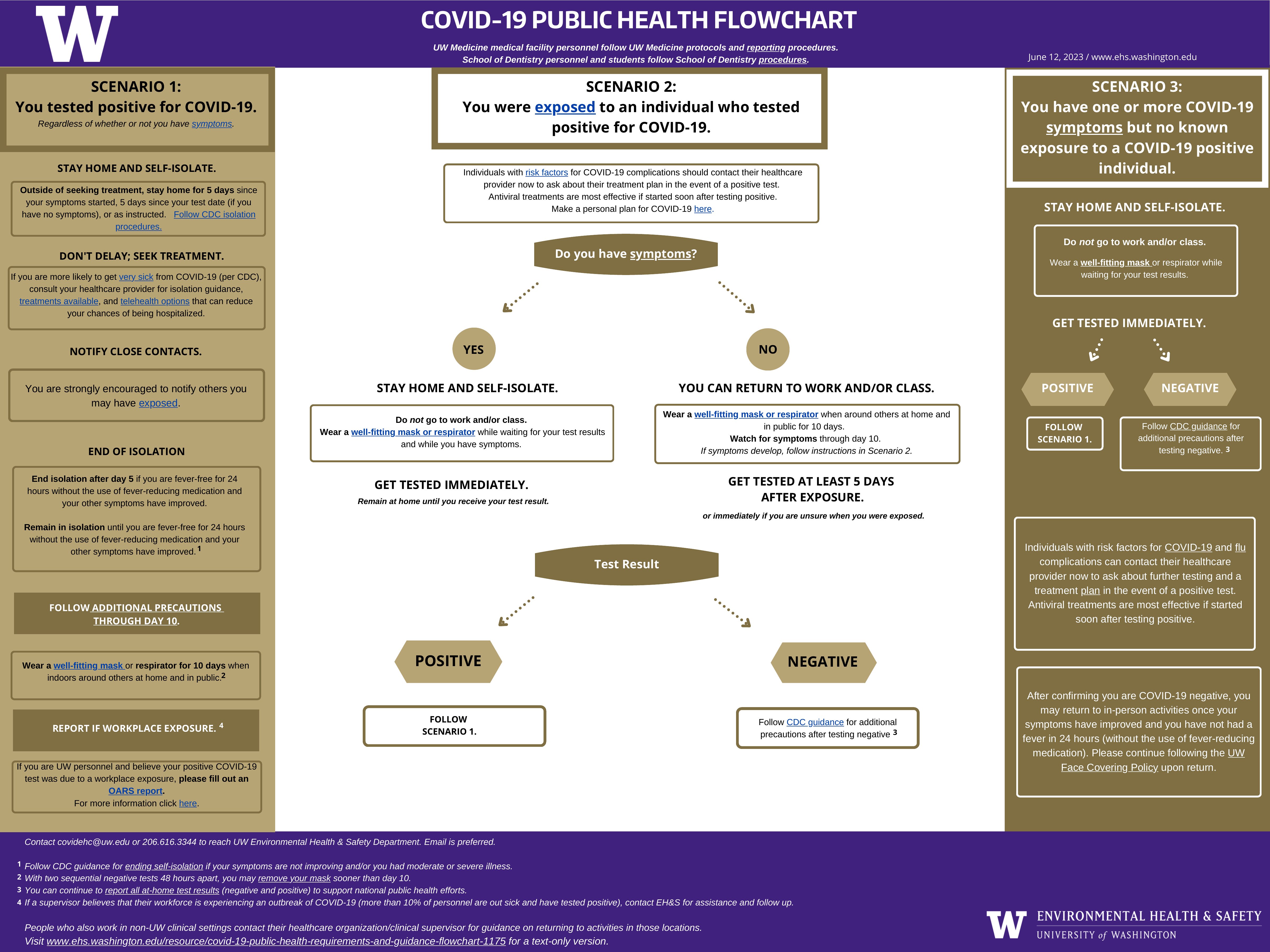
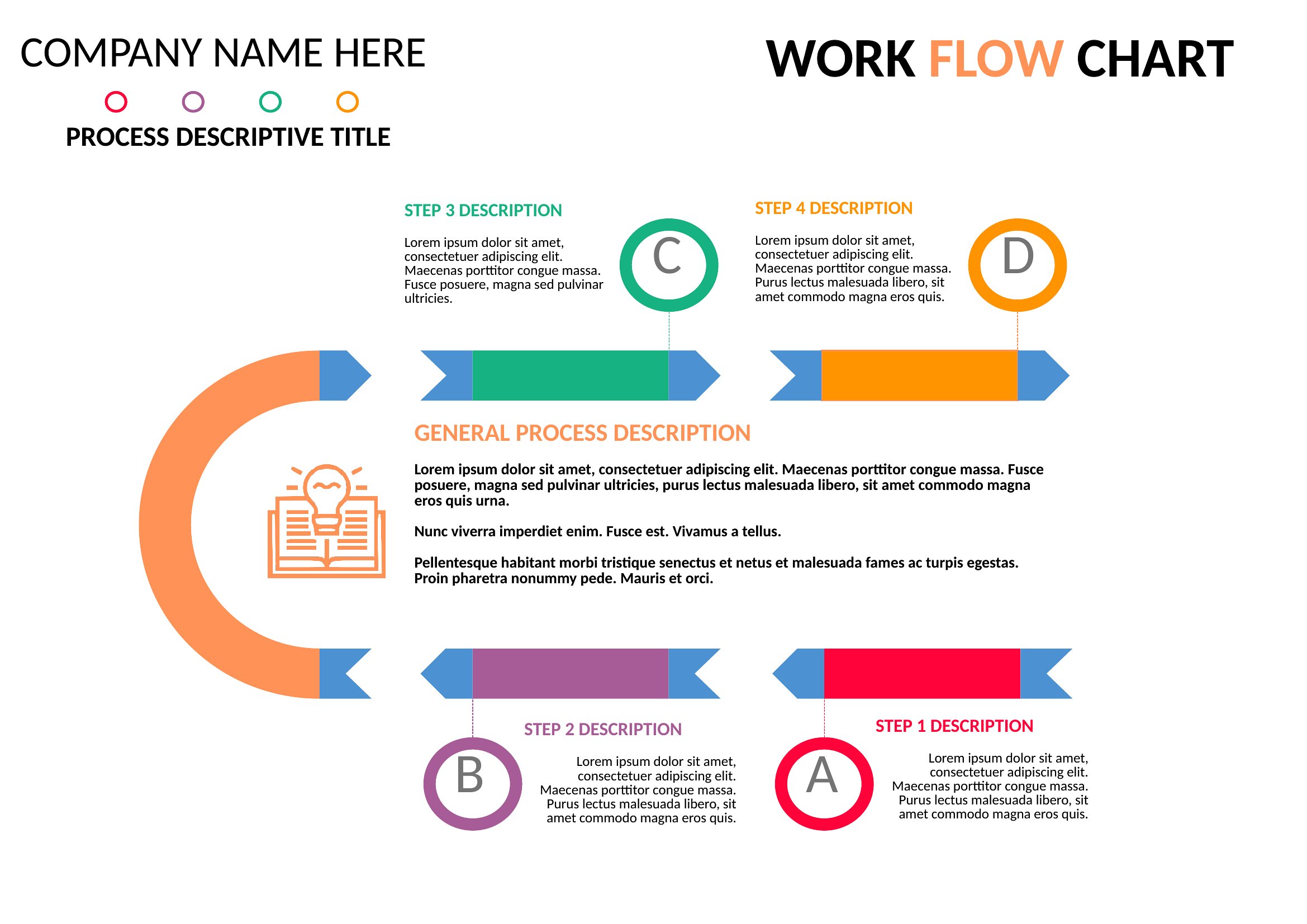
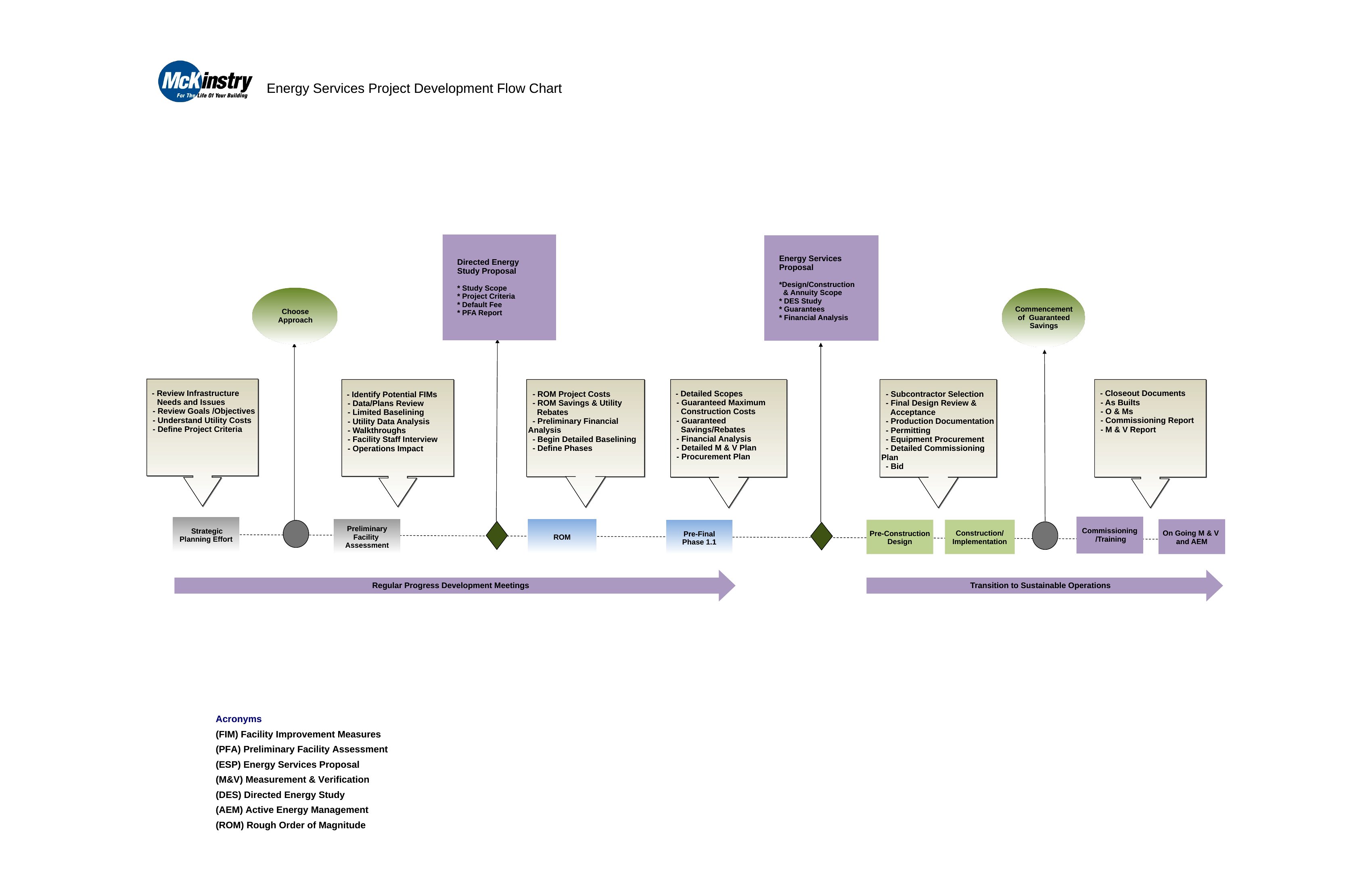
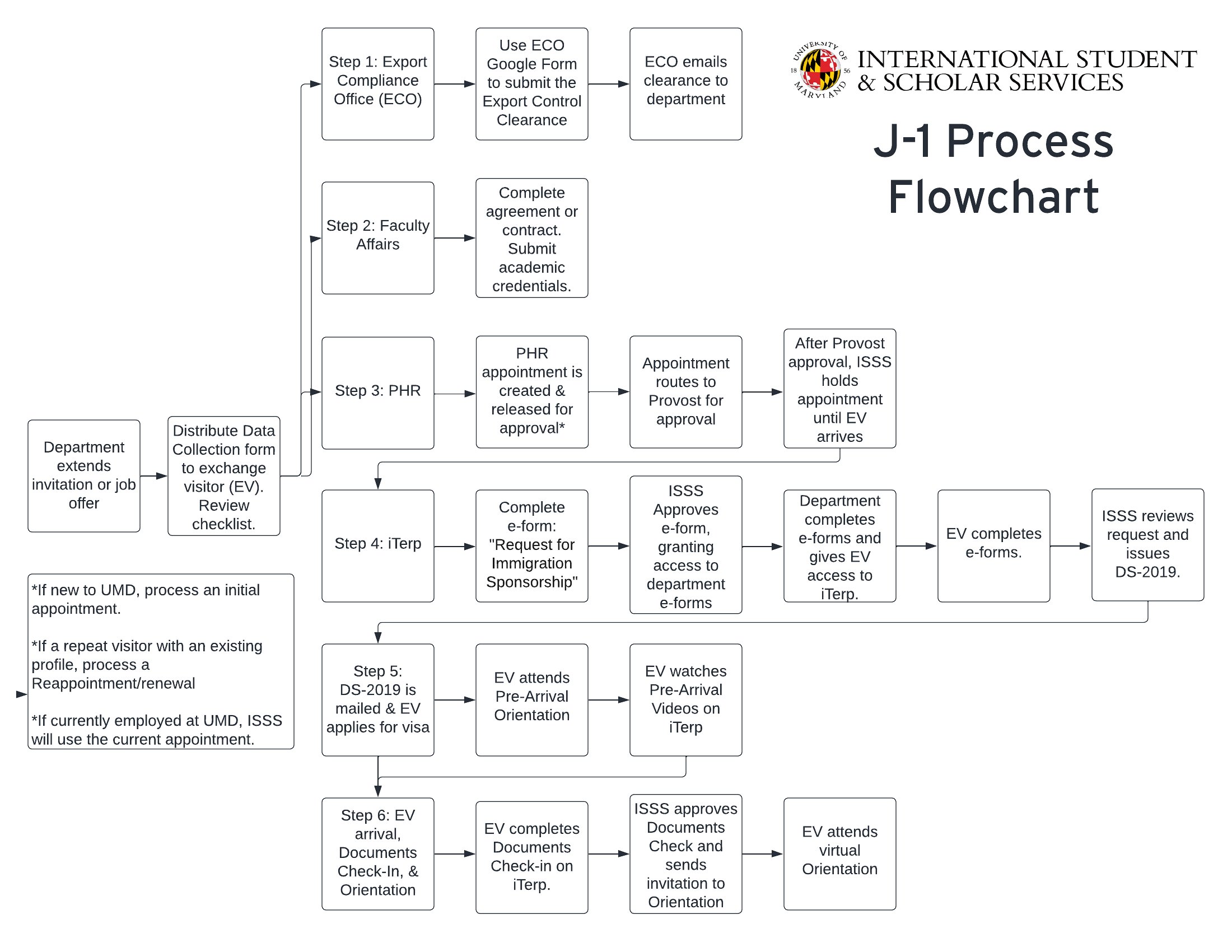
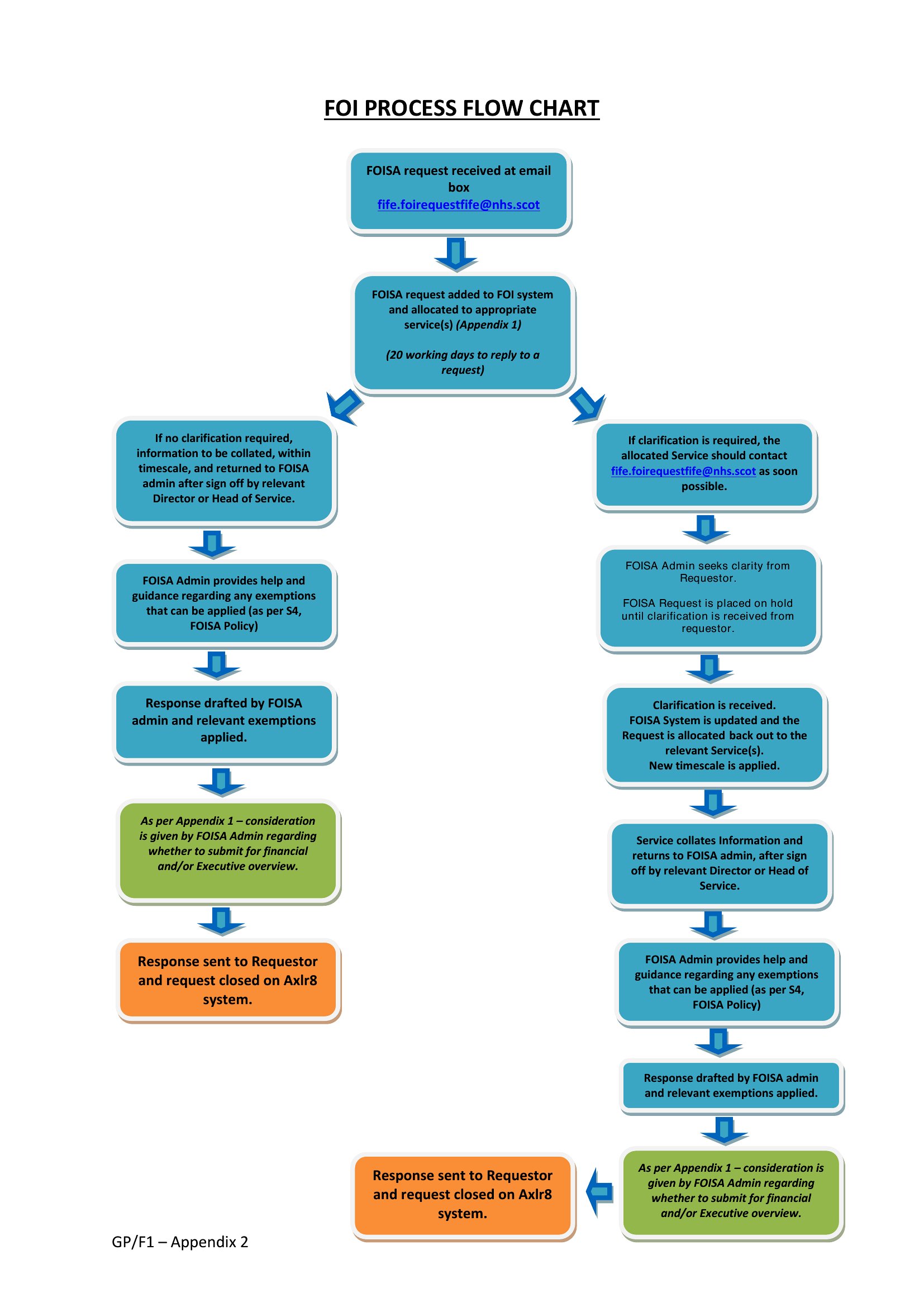
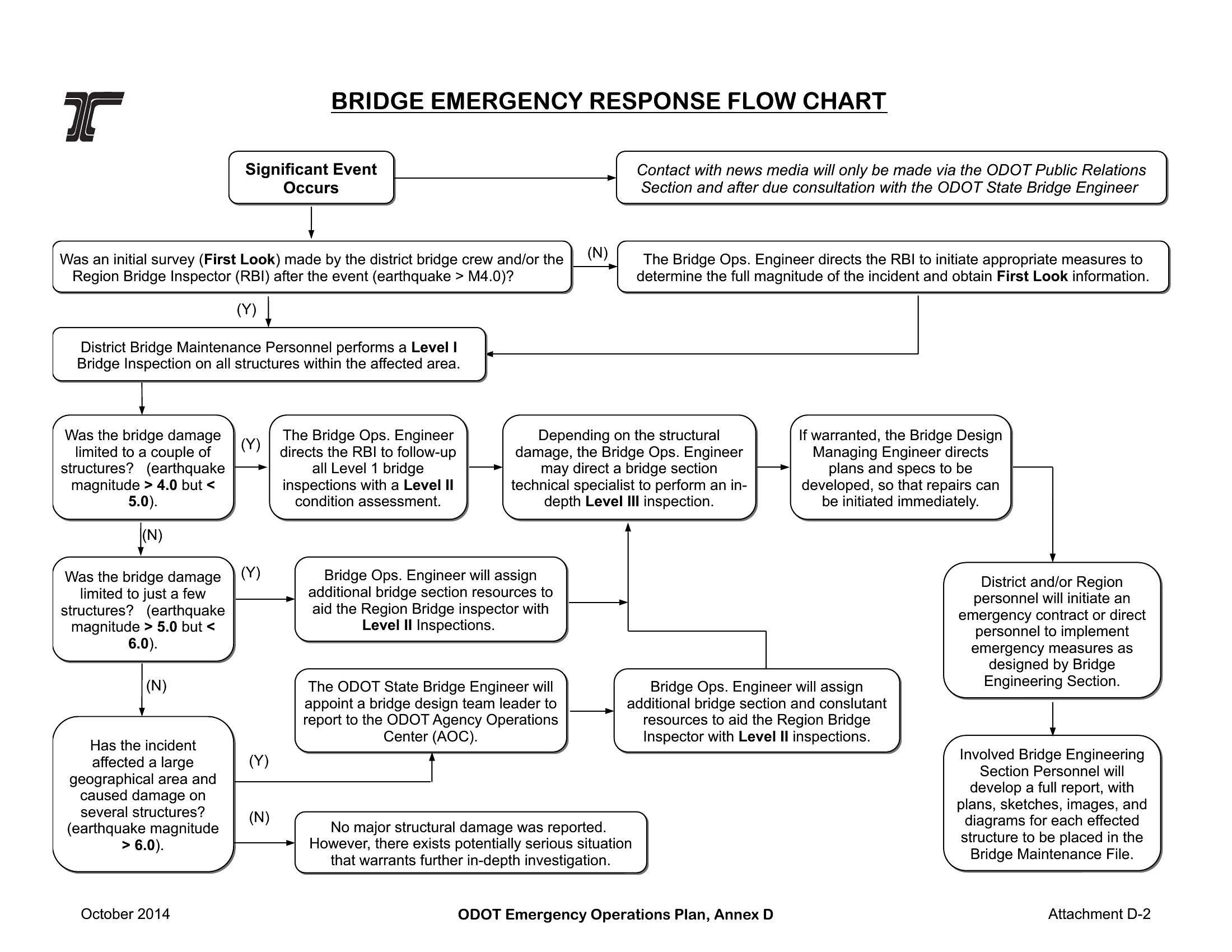
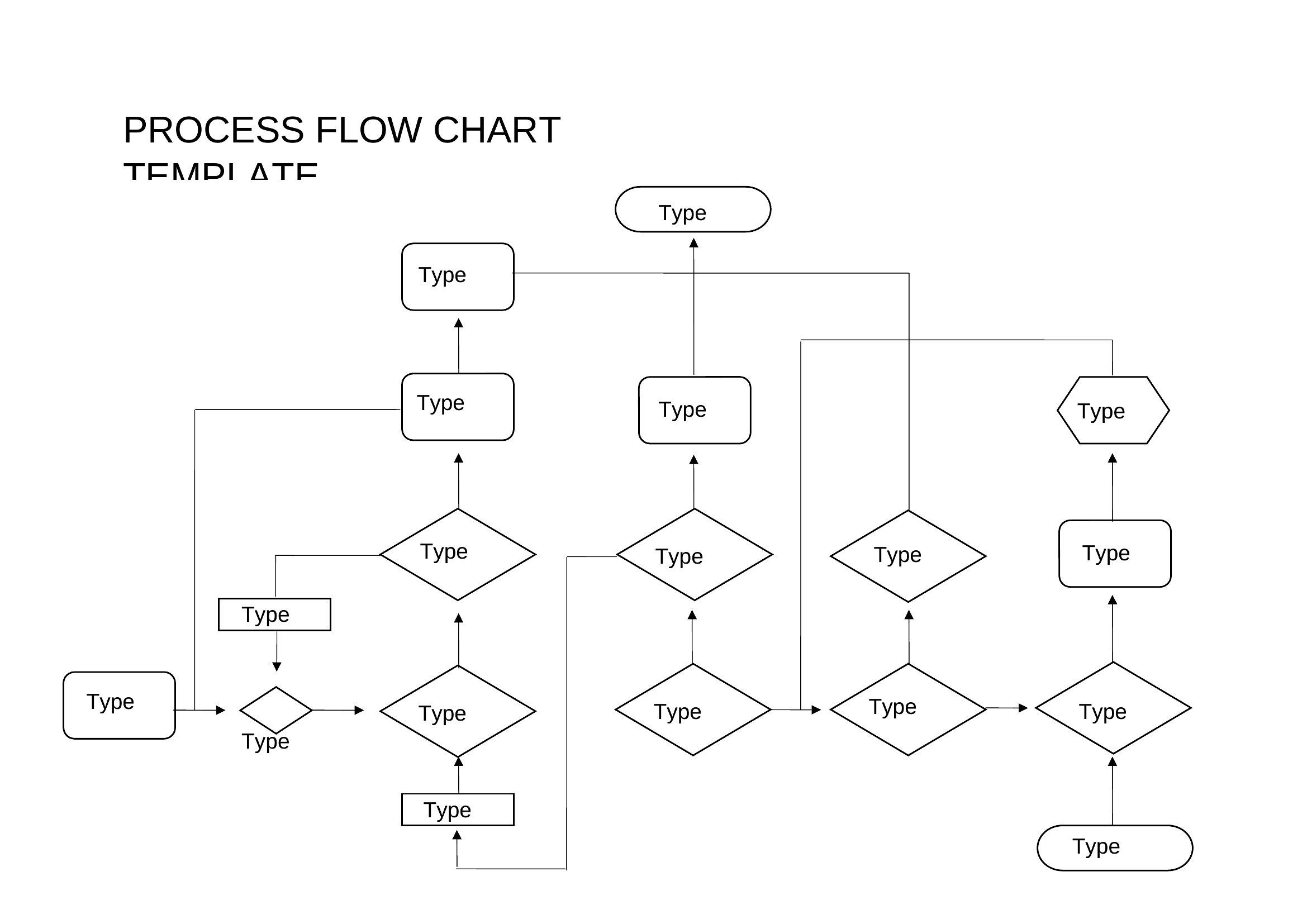
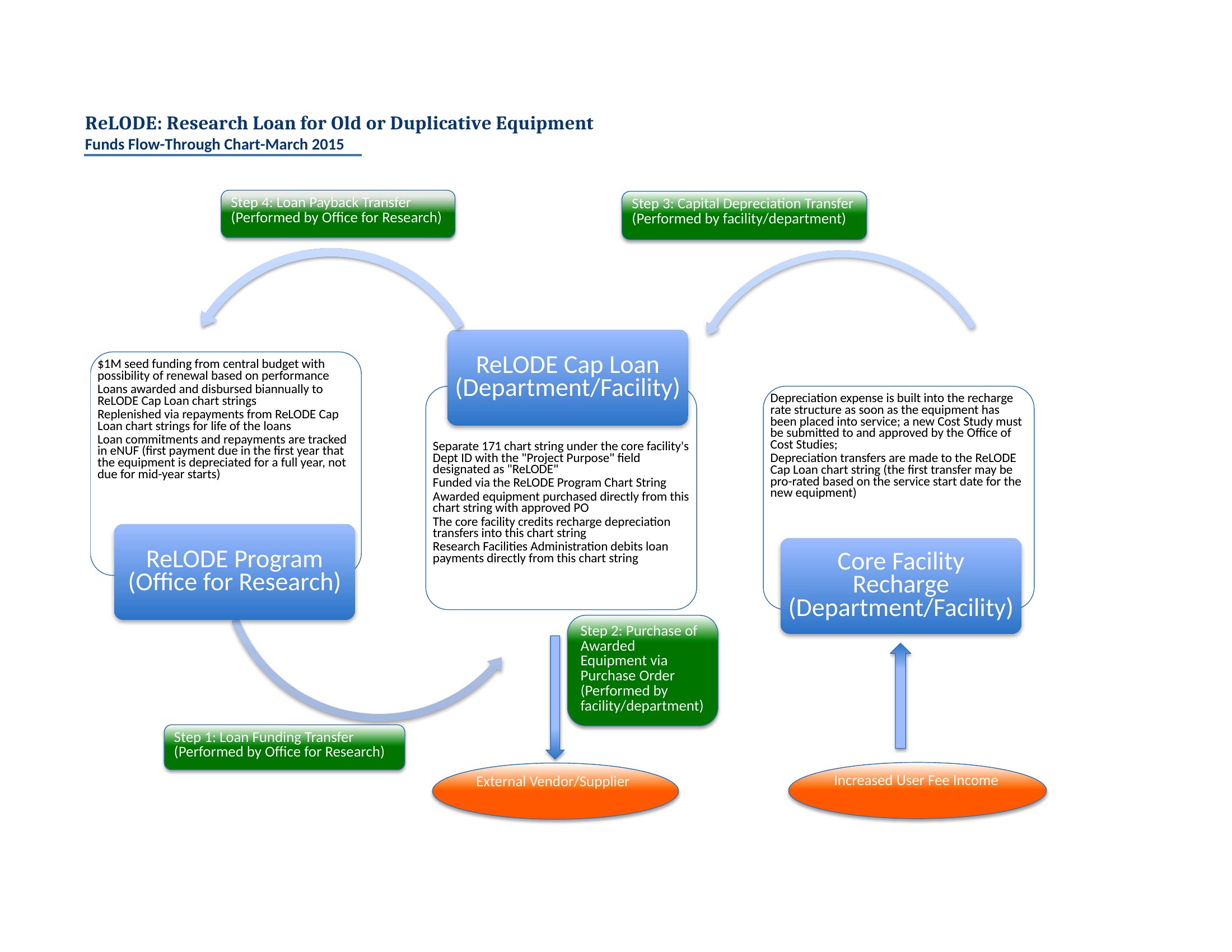
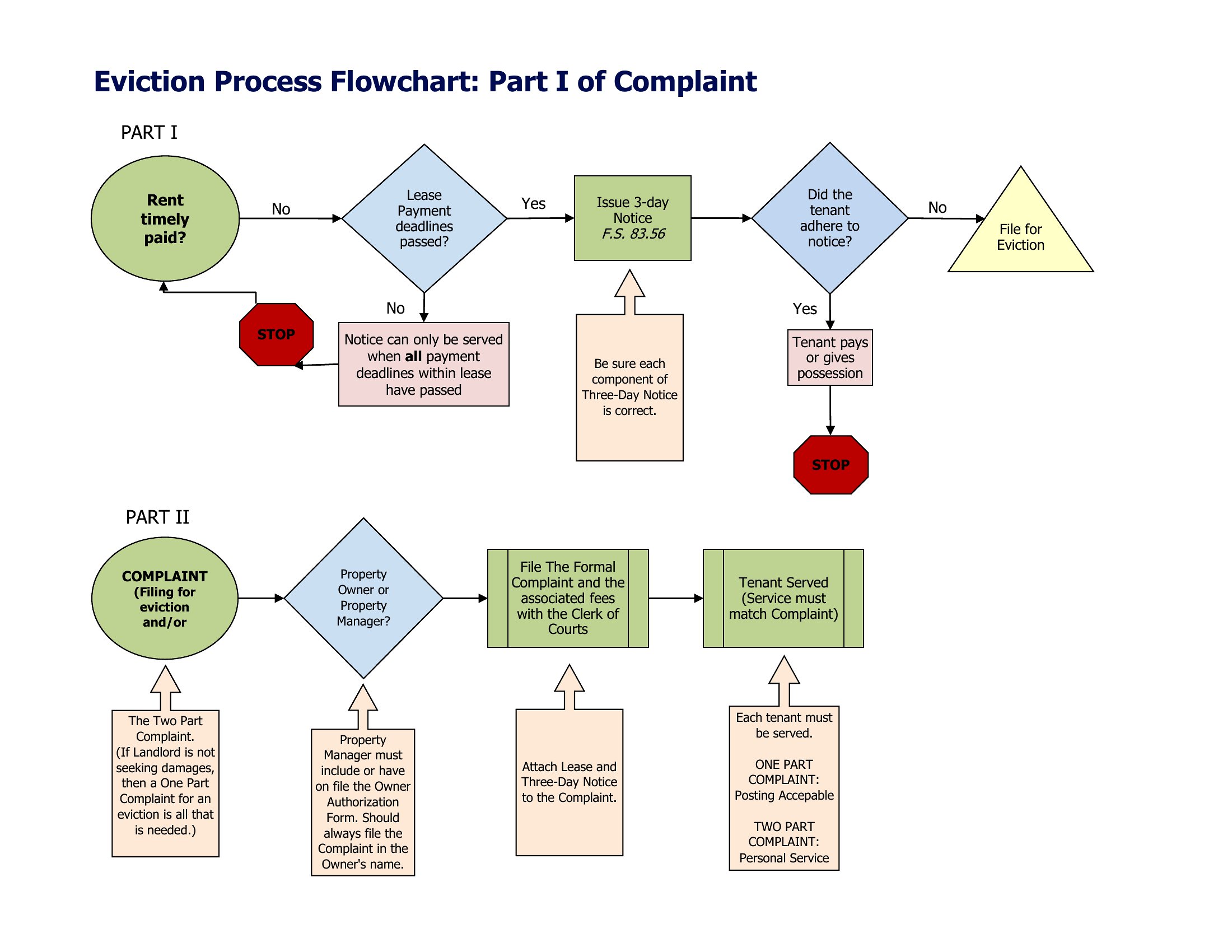
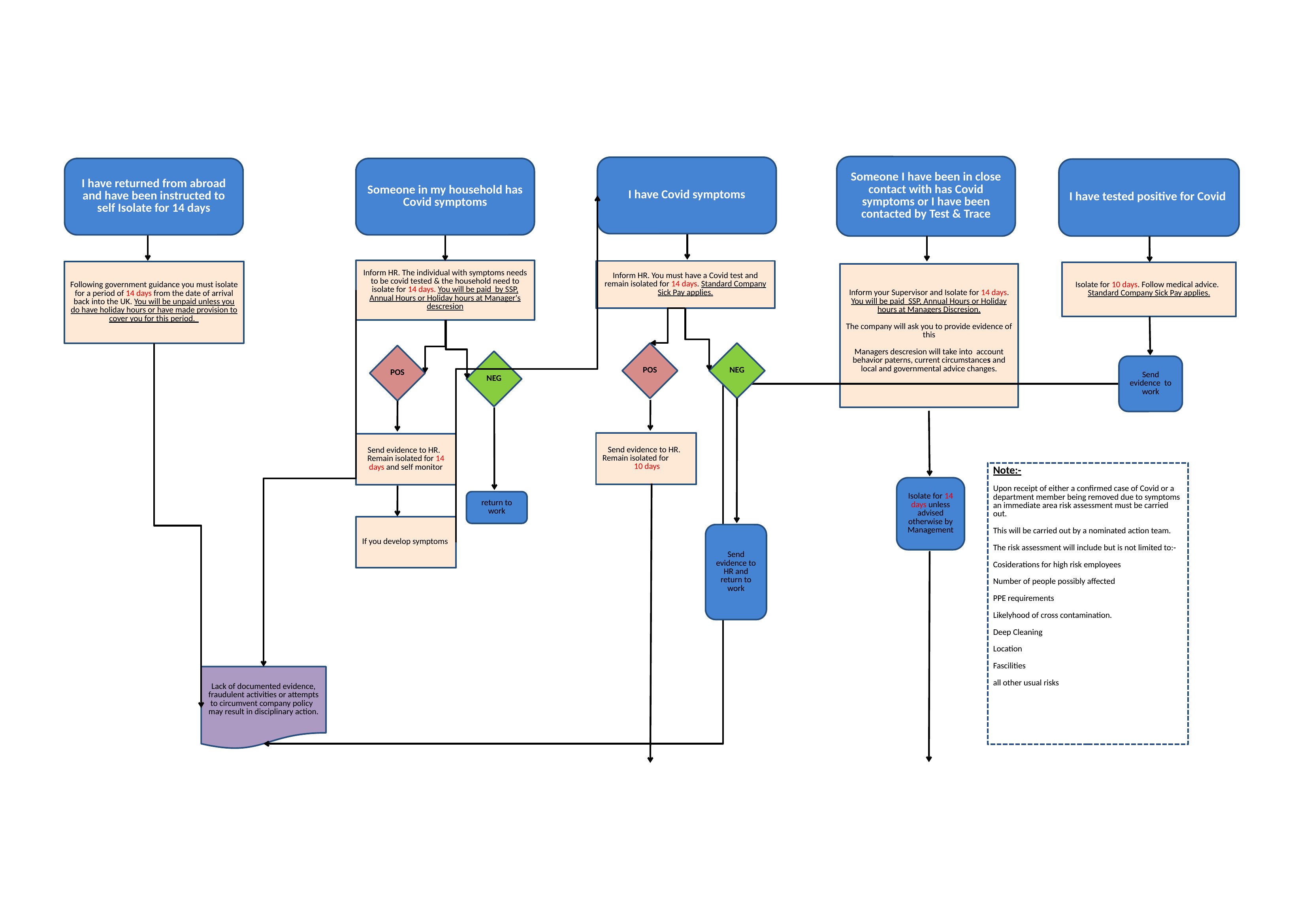
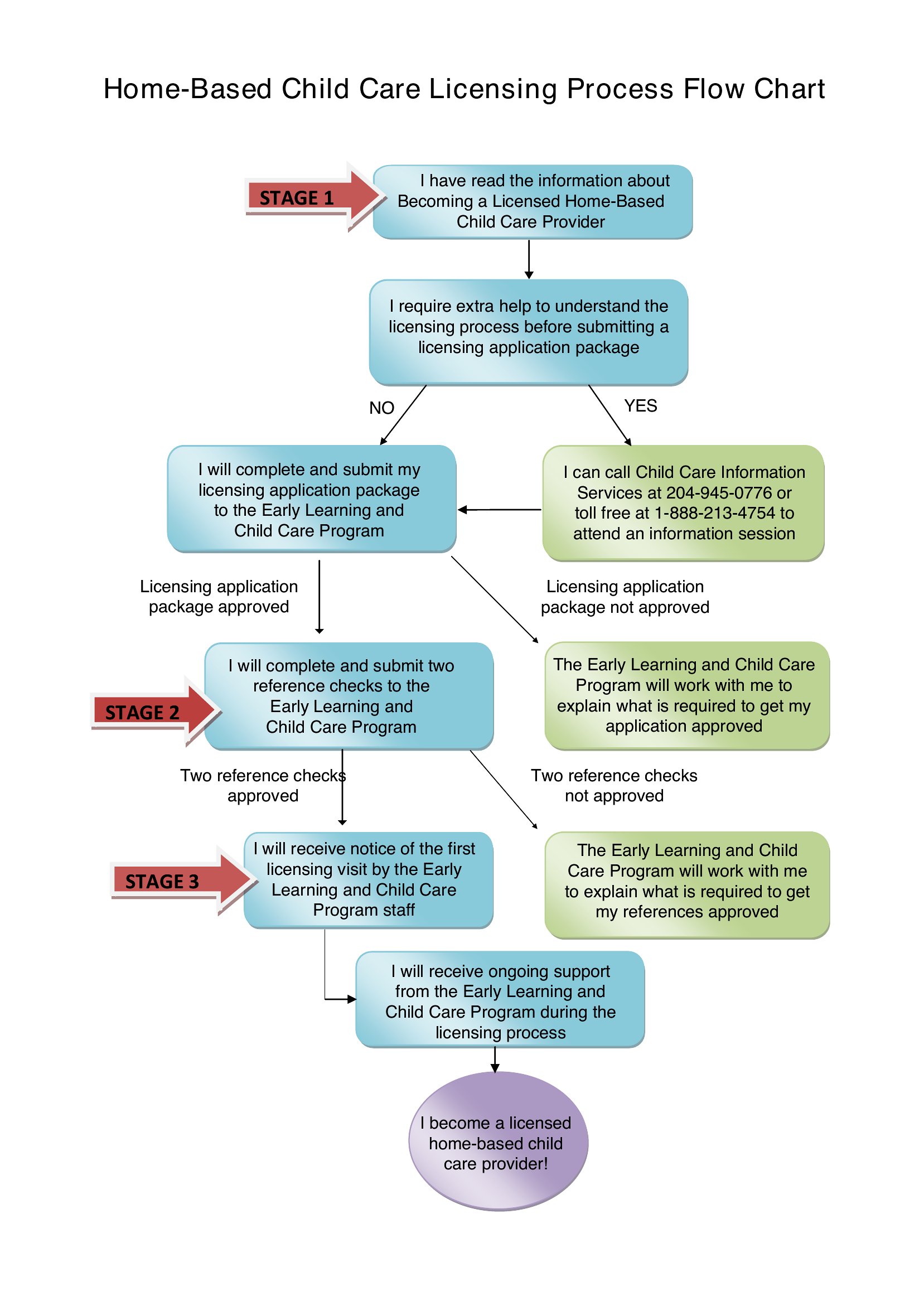
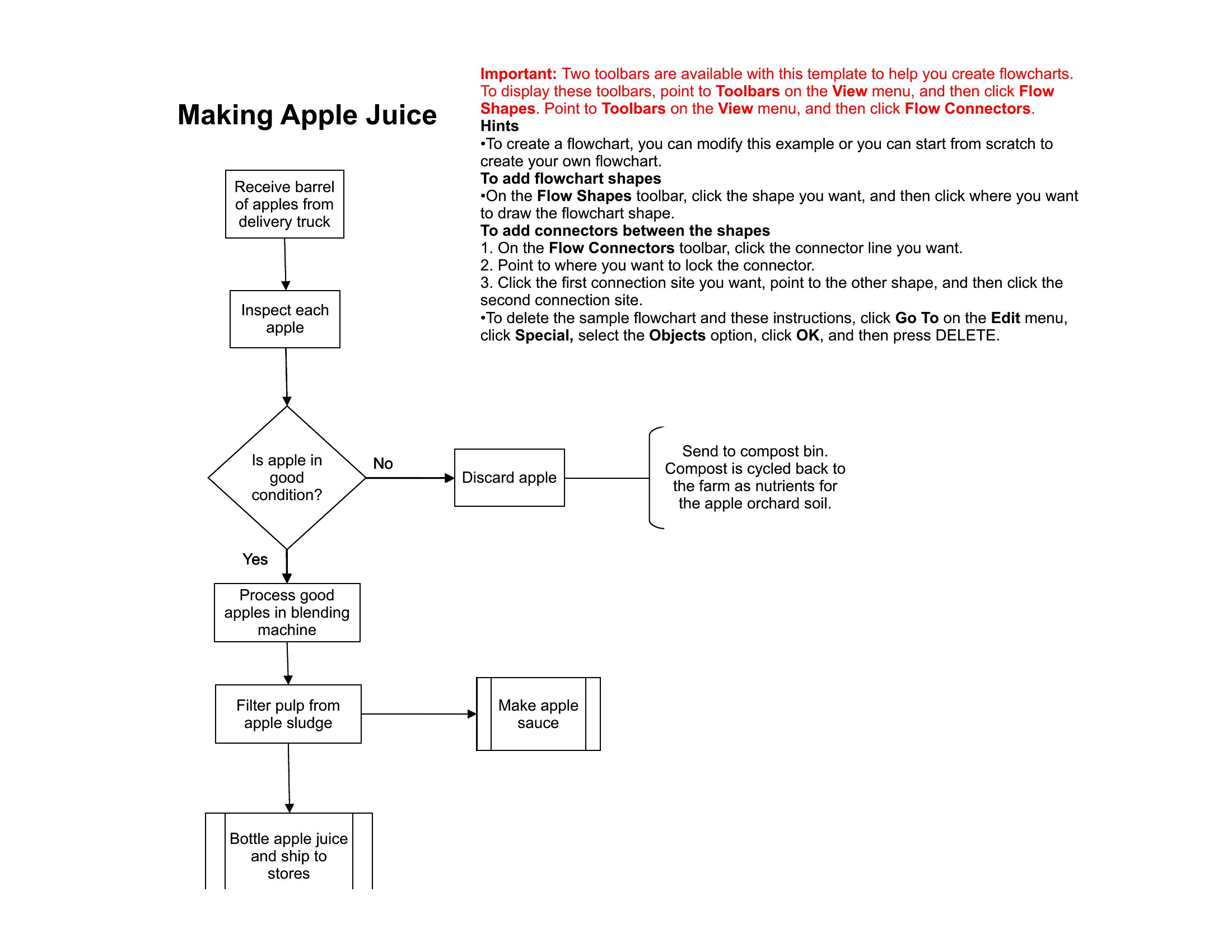
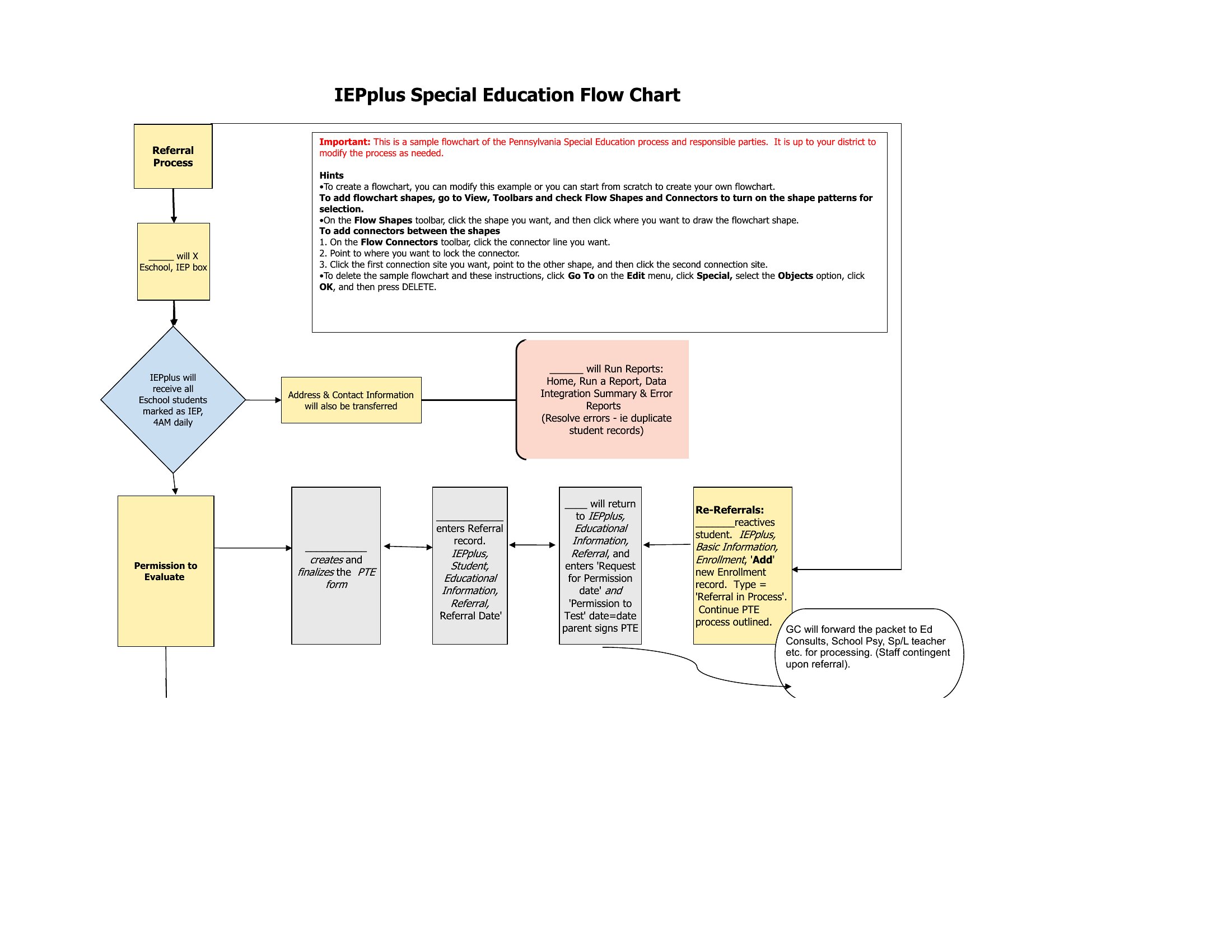
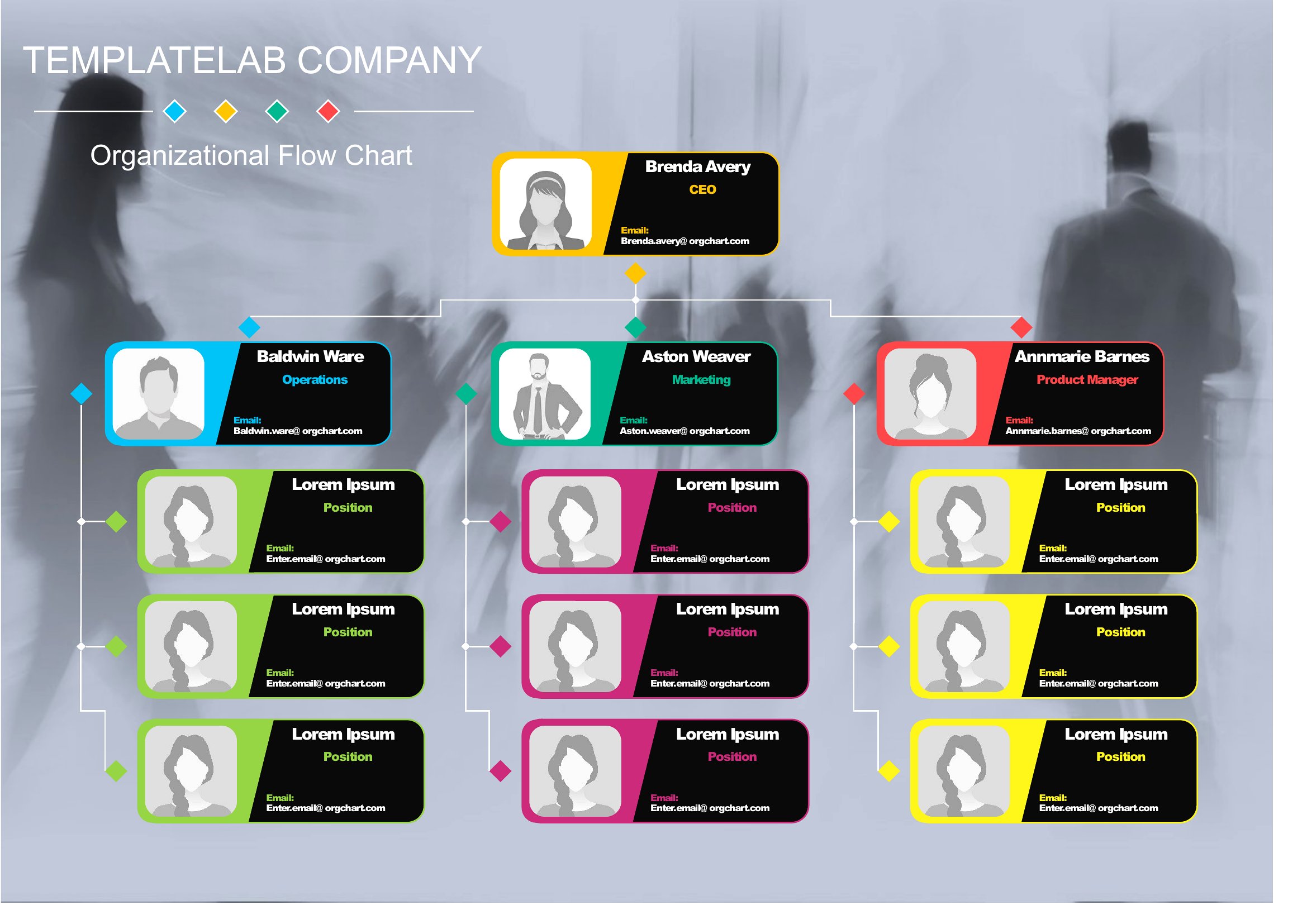
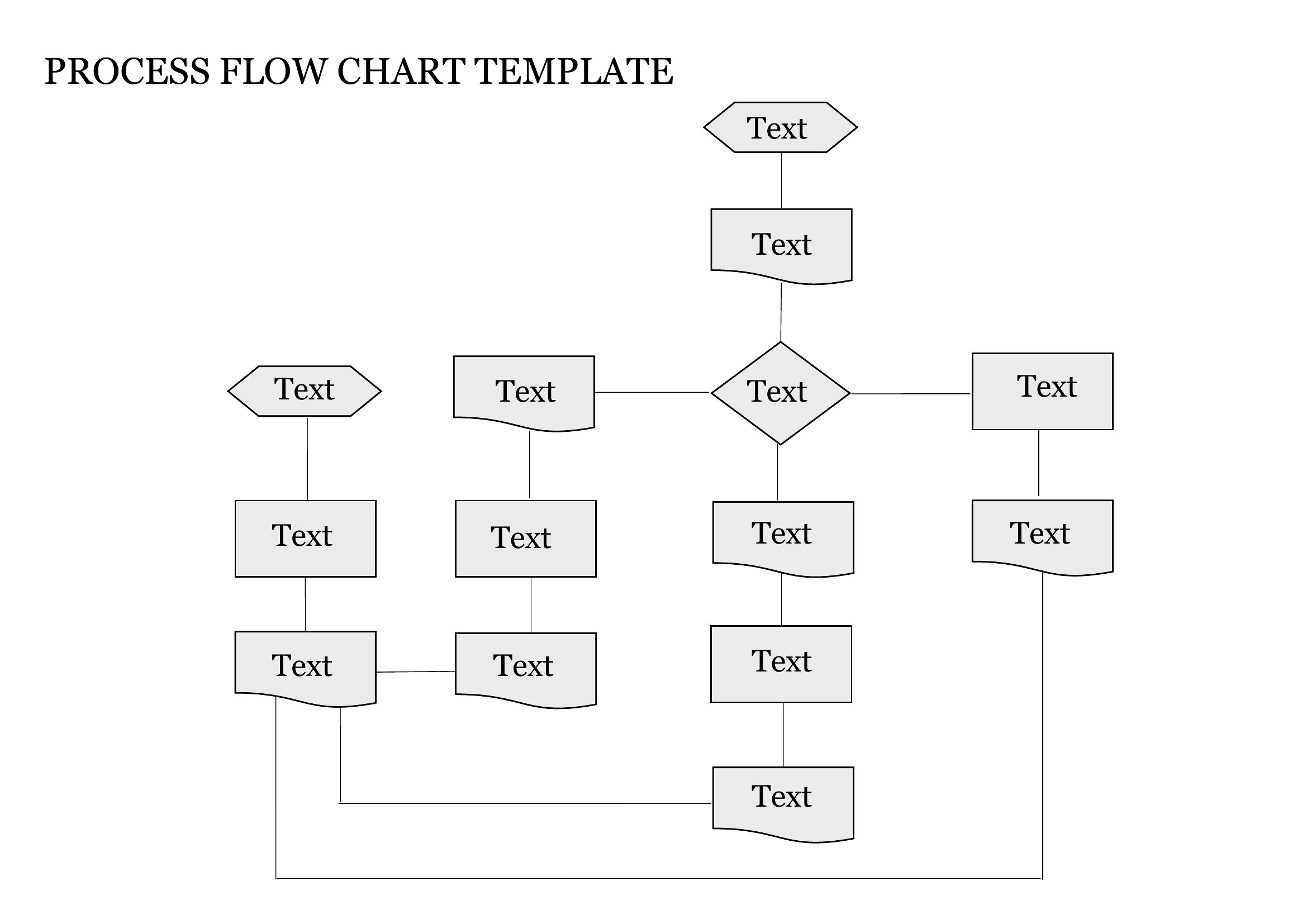
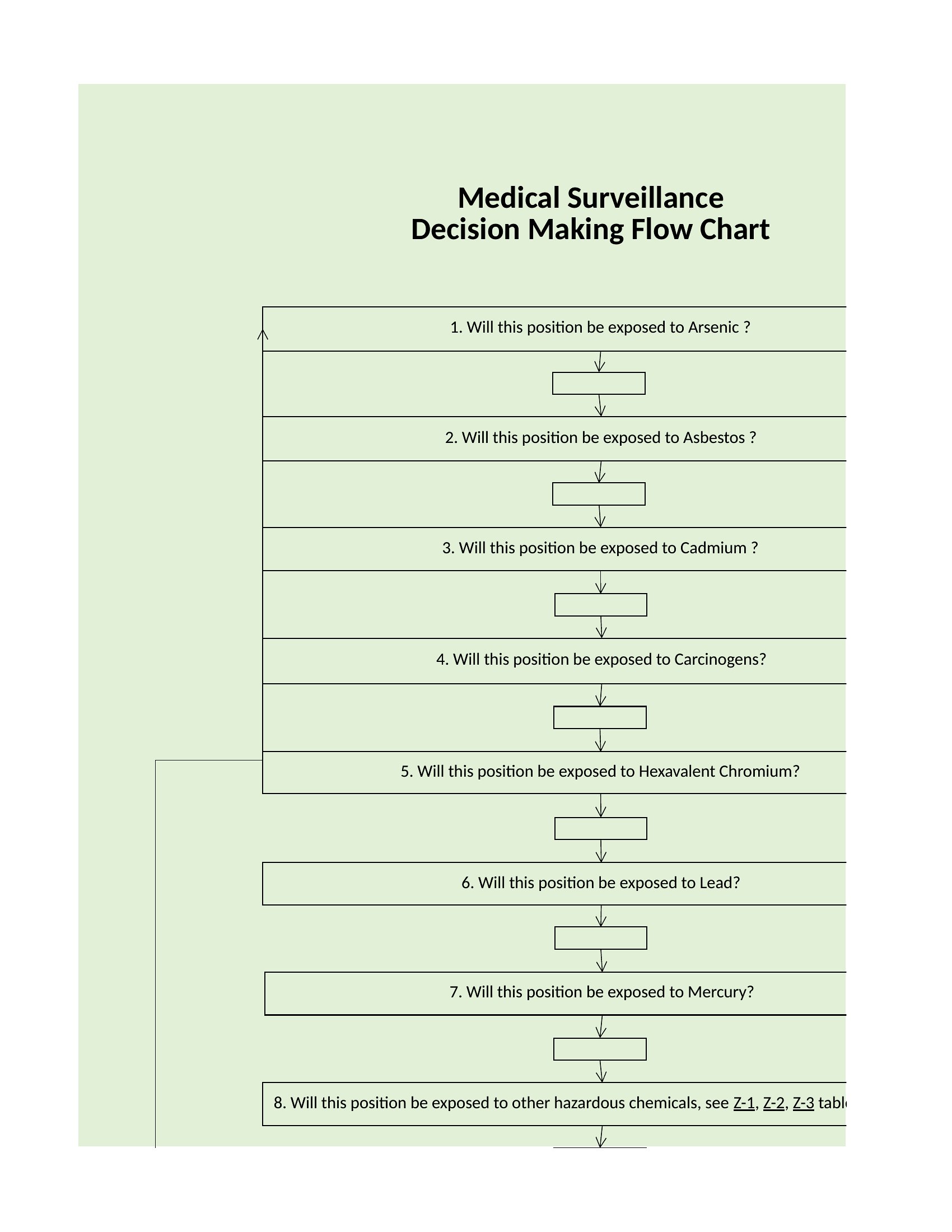
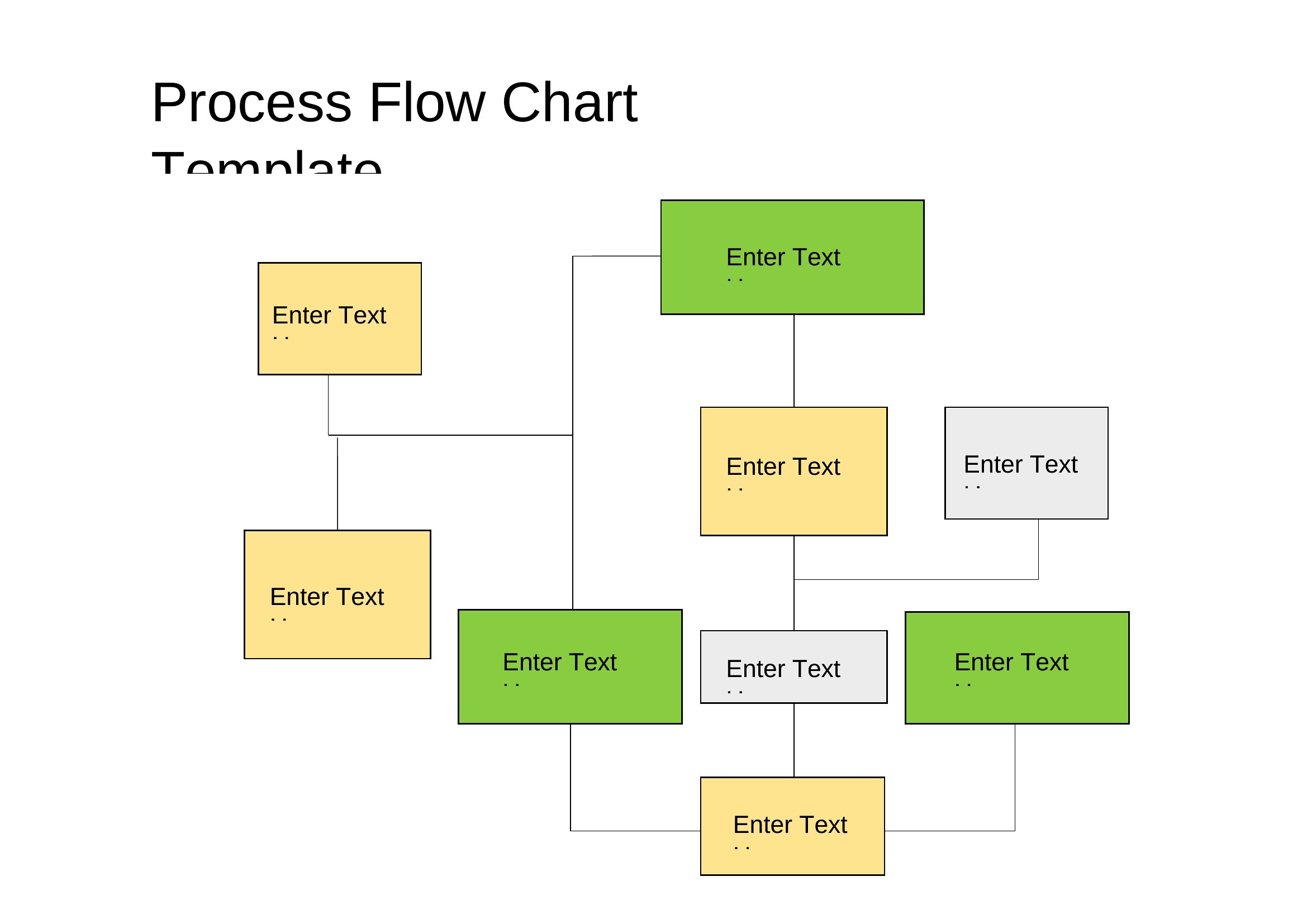
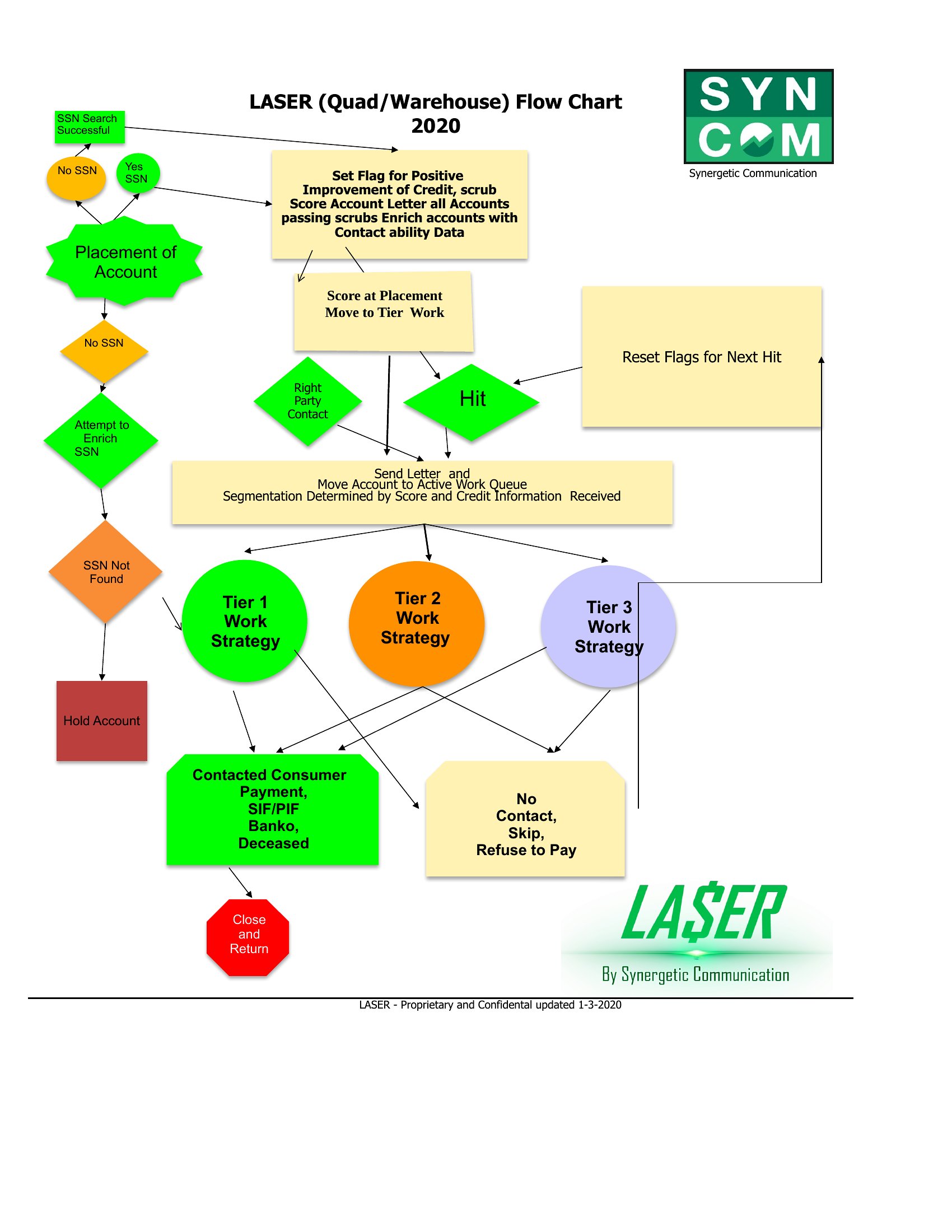
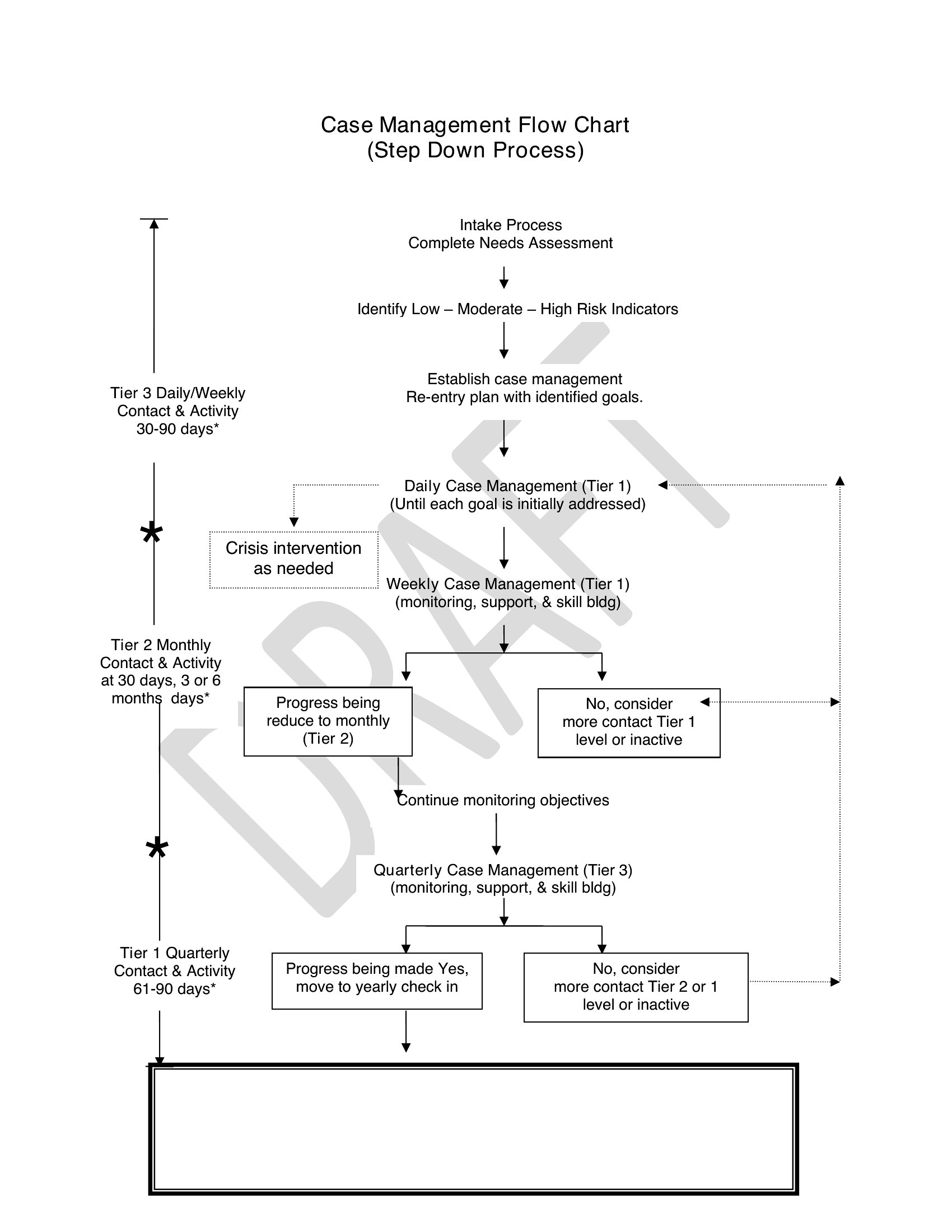
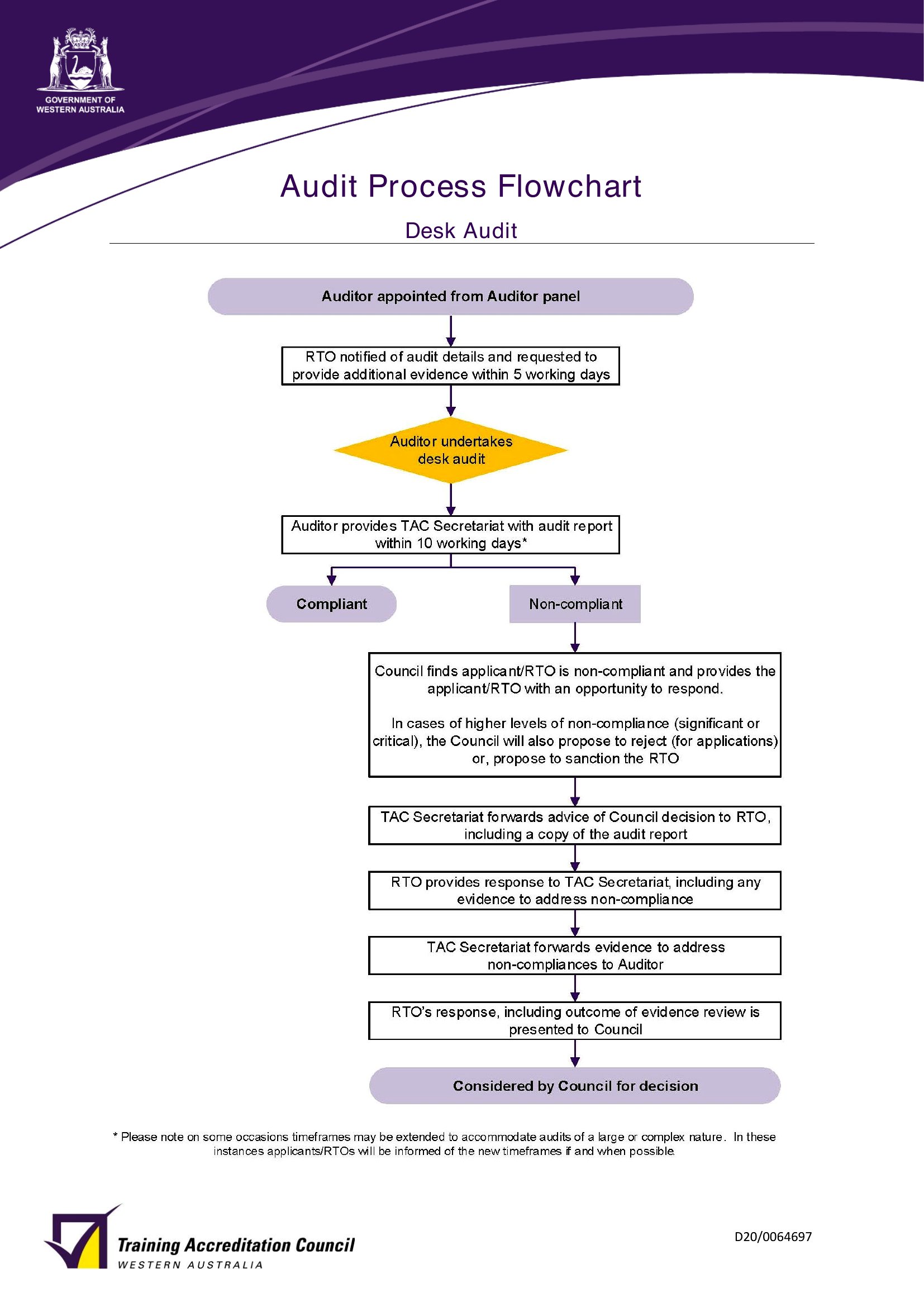
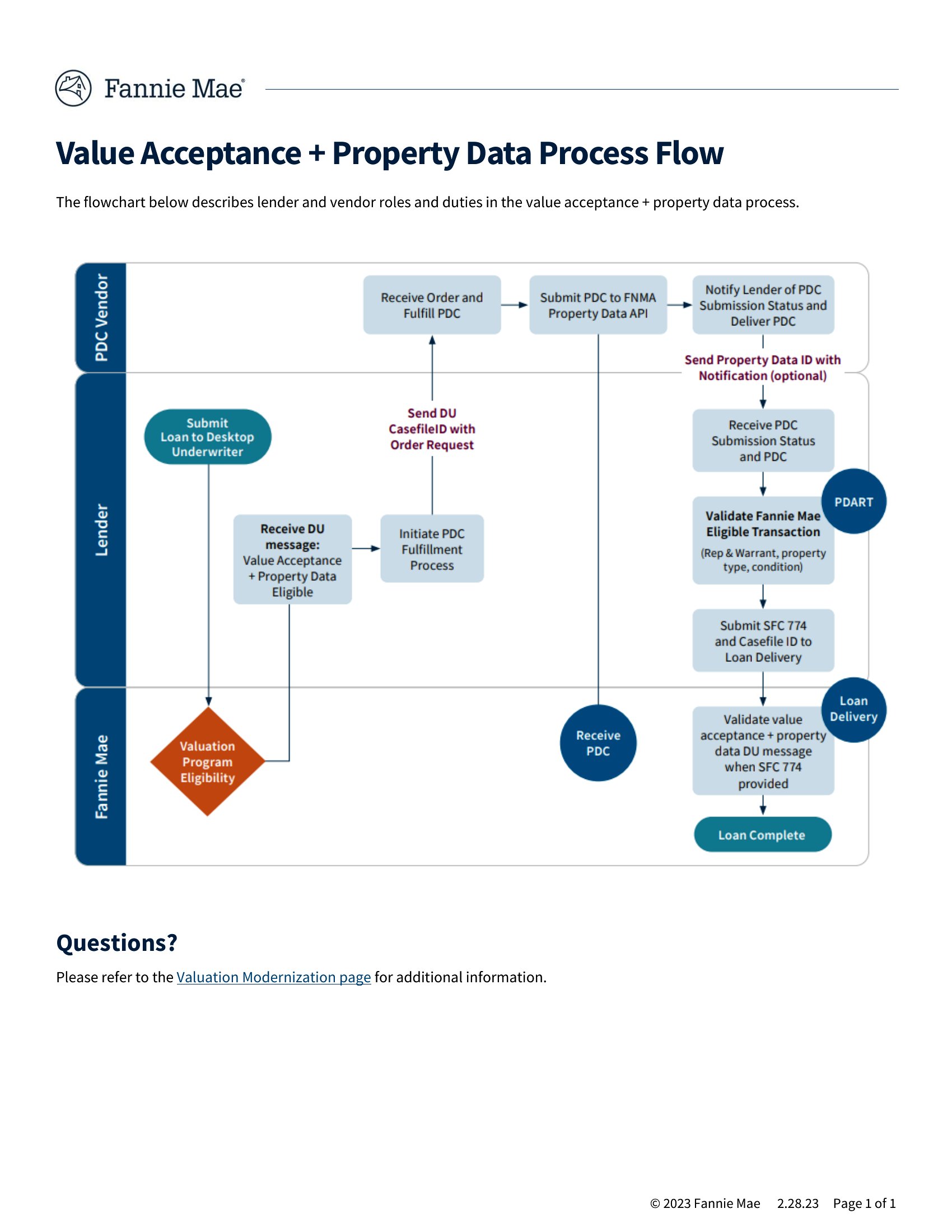
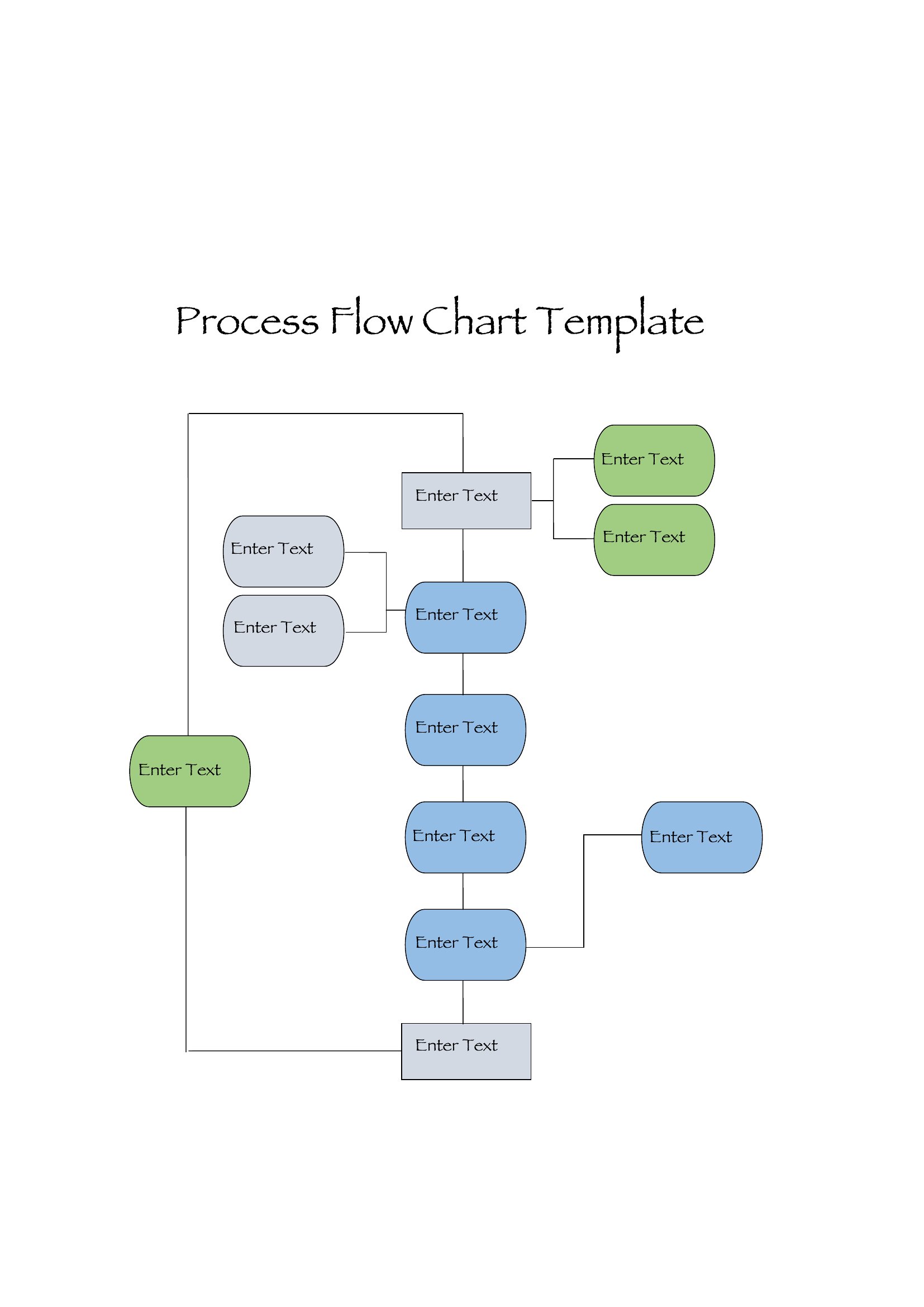
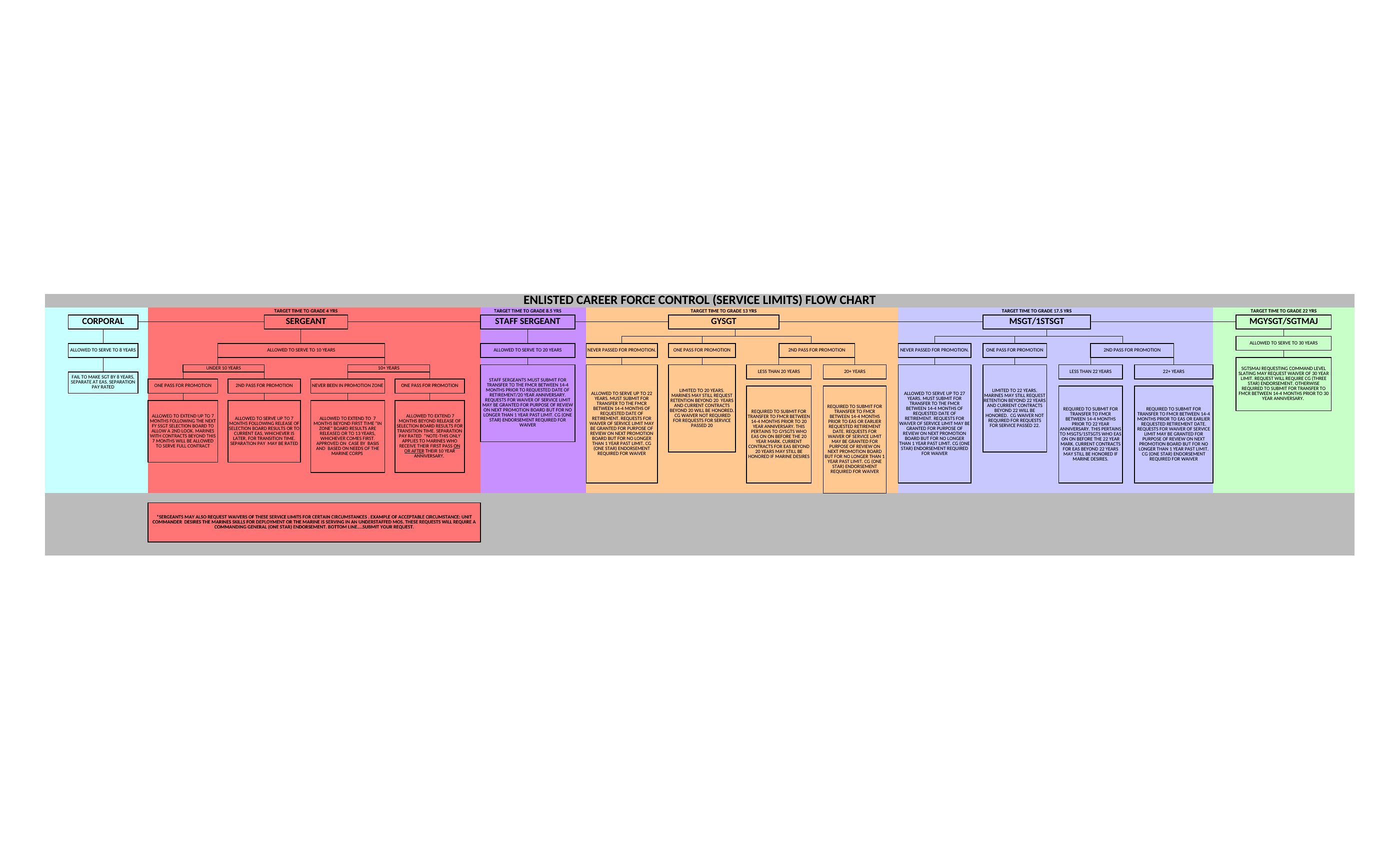
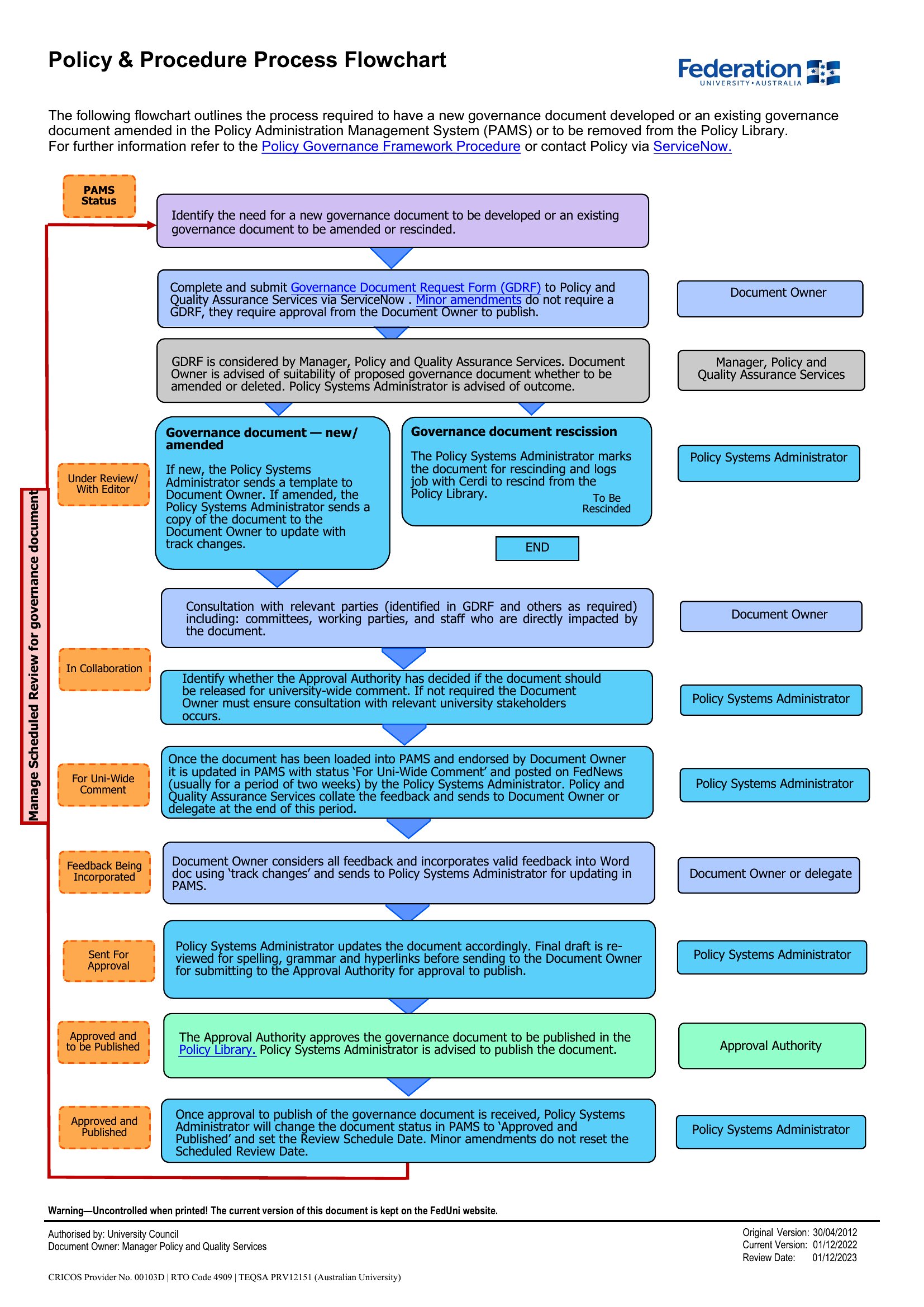
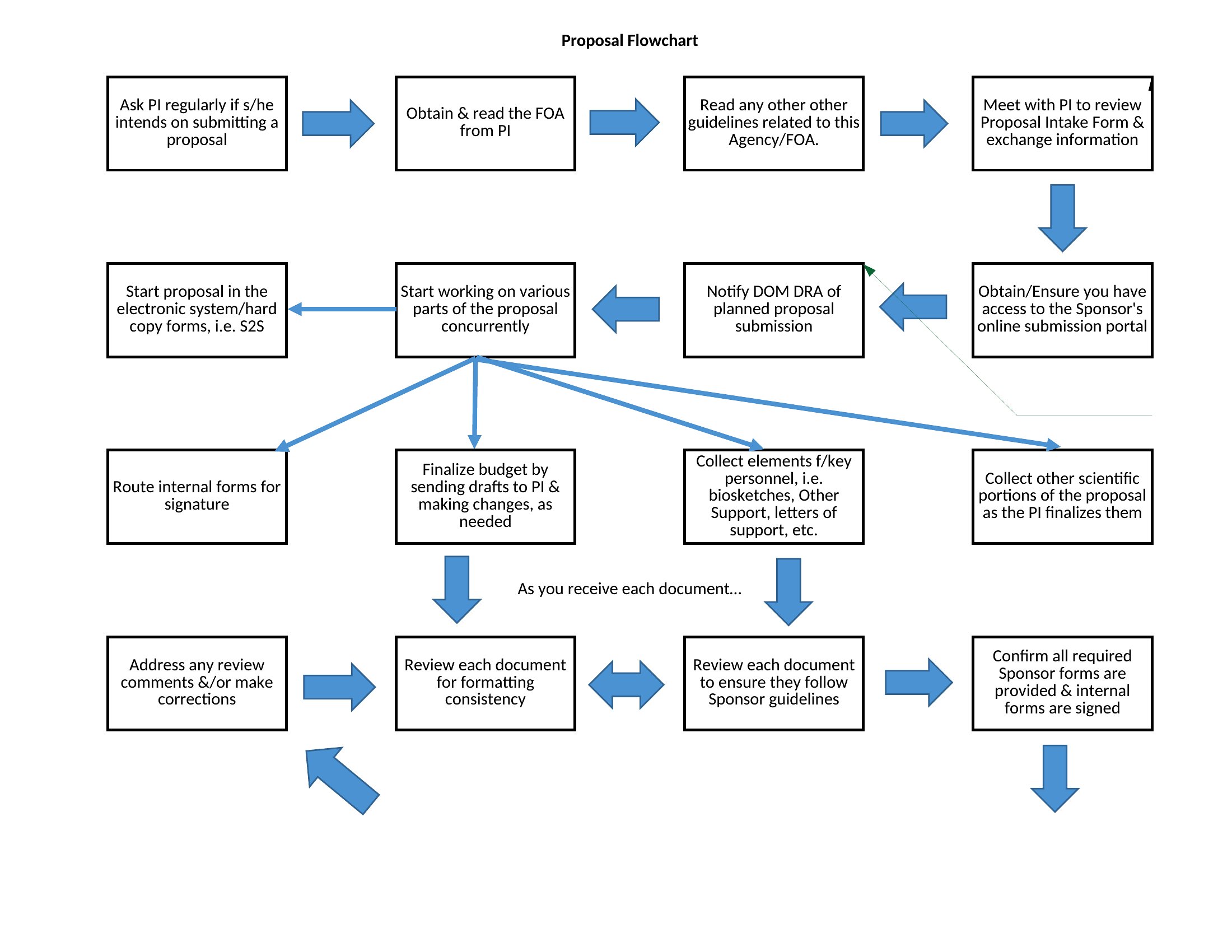
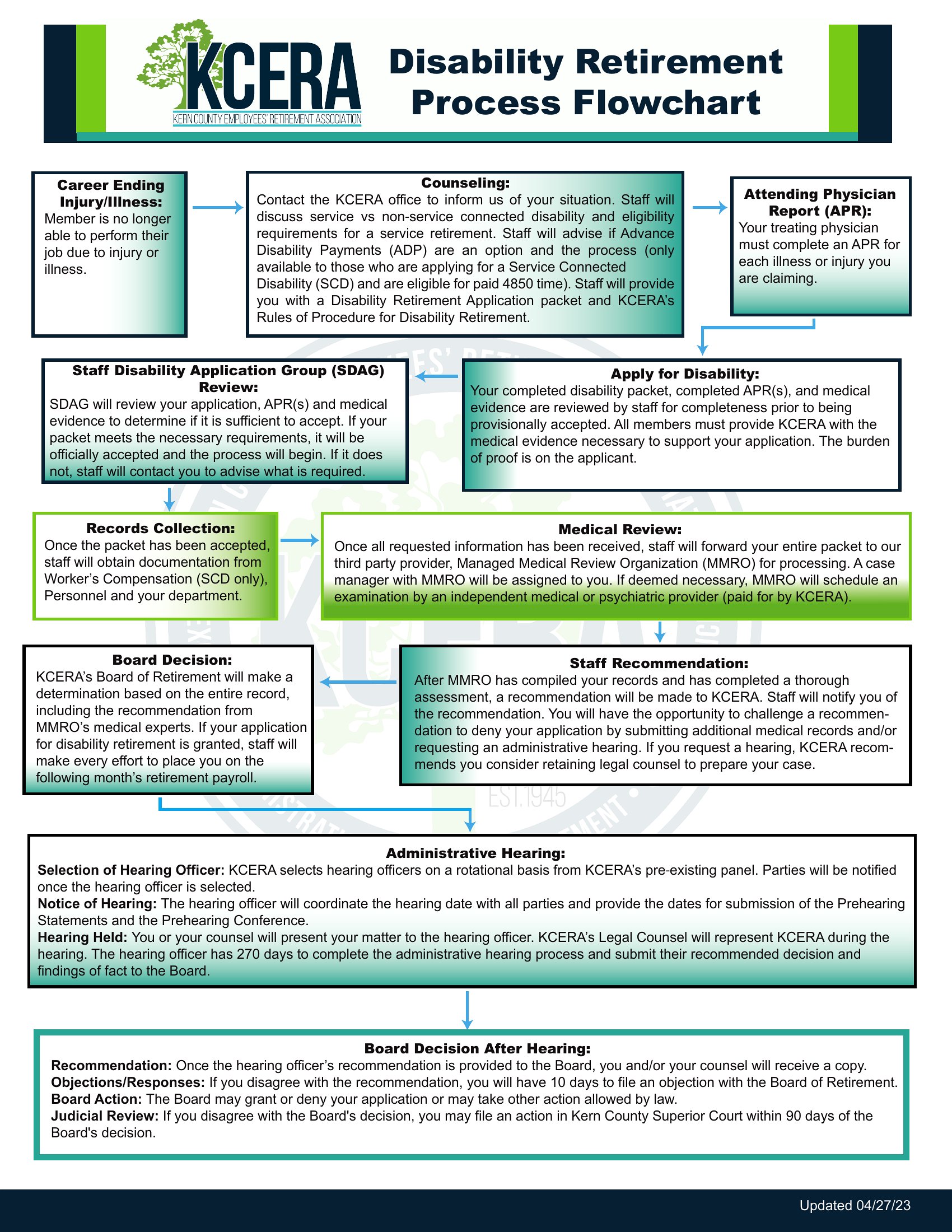
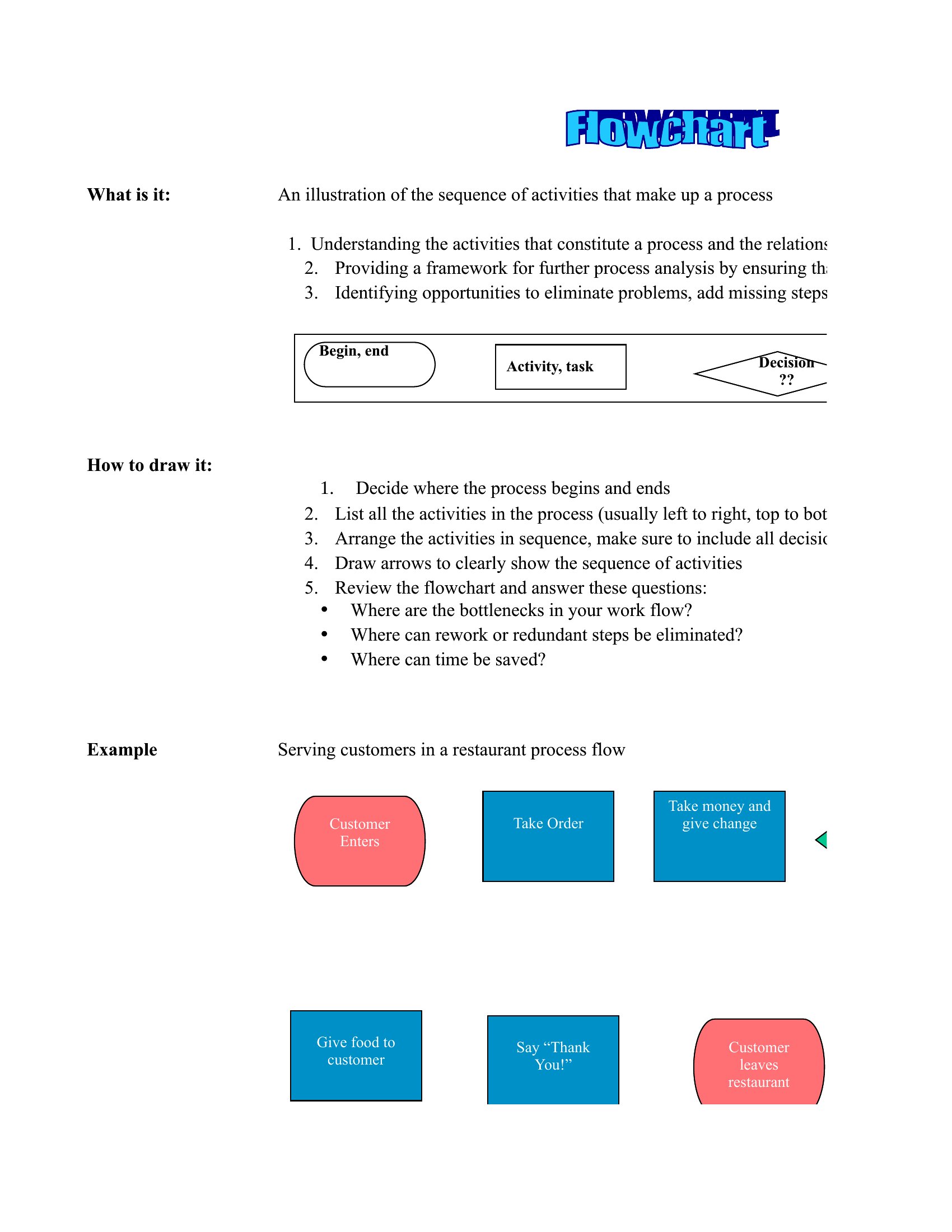
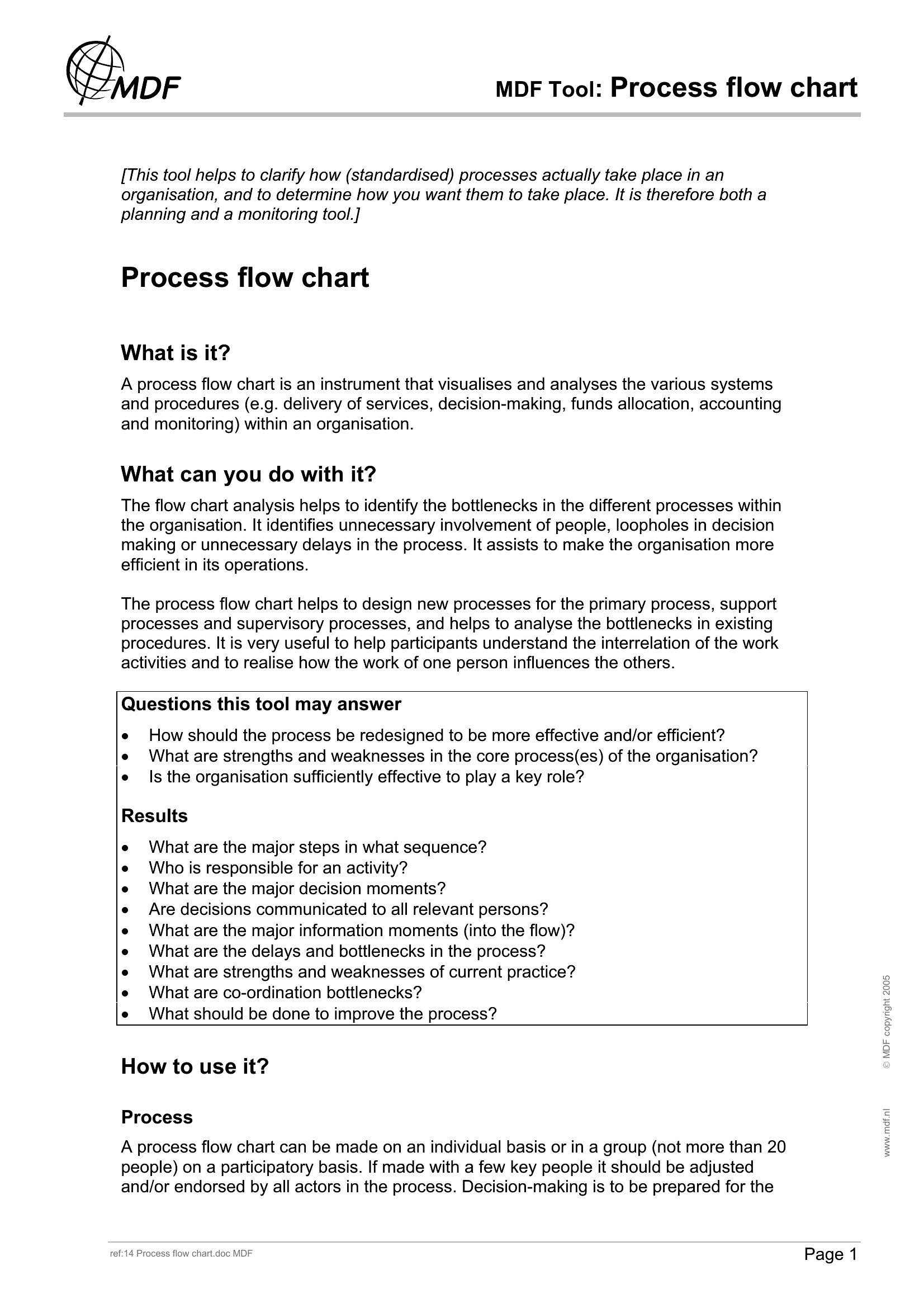
When a process lives only in people's heads, things break the moment someone's out. A flow chart gets those steps on paper where everyone can follow them. These 48 process flow chart templates help managers and analysts map workflows, decision points, and handoffs with clean, connected shapes. They suit onboarding guides, approval routes, and procedure documentation.

The Word and Excel versions let you drag, label, and rearrange the boxes to match your process, and the PDFs print for a wall or handbook. Lay out the steps, mark the decisions, and you've got a diagram the whole team can read. Download the layout that fits your workflow and map your process clearly.

When to use this Process Flow Chart template

  • A quality assurance manager documenting the step-by-step inspection process for a new production line to ensure every team follows identical procedures and catches defects early.
  • A human resources specialist creating a visual guide for the hiring workflow—from screening resumes to finalizing offers—so new recruiters can quickly understand their roles in each stage.
  • A healthcare operations coordinator mapping the patient discharge workflow to identify bottlenecks, such as delays in insurance verification or medication coordination, and streamline the process.
  • A project manager breaking down the approval chain for marketing campaigns to clarify who signs off on drafts, budgets, and final assets before launch.

Which format should I download?

WordExcelPDF

Choose Word for editable process flow charts that need frequent updates, like internal training documents or workflows that evolve with team feedback. Opt for Excel when tracking data alongside the process, such as time spent at each step or approval metrics for continuous improvement. Use PDF for finalized, shareable versions—like client-facing process overviews or compliance documentation—that shouldn’t be altered. The PDF format locks in the design while keeping it accessible for review.

Choose from 48 Process Flow Chart Templates

How to use this Process Flow Chart template

How do I incorporate decision points into my process flow chart?

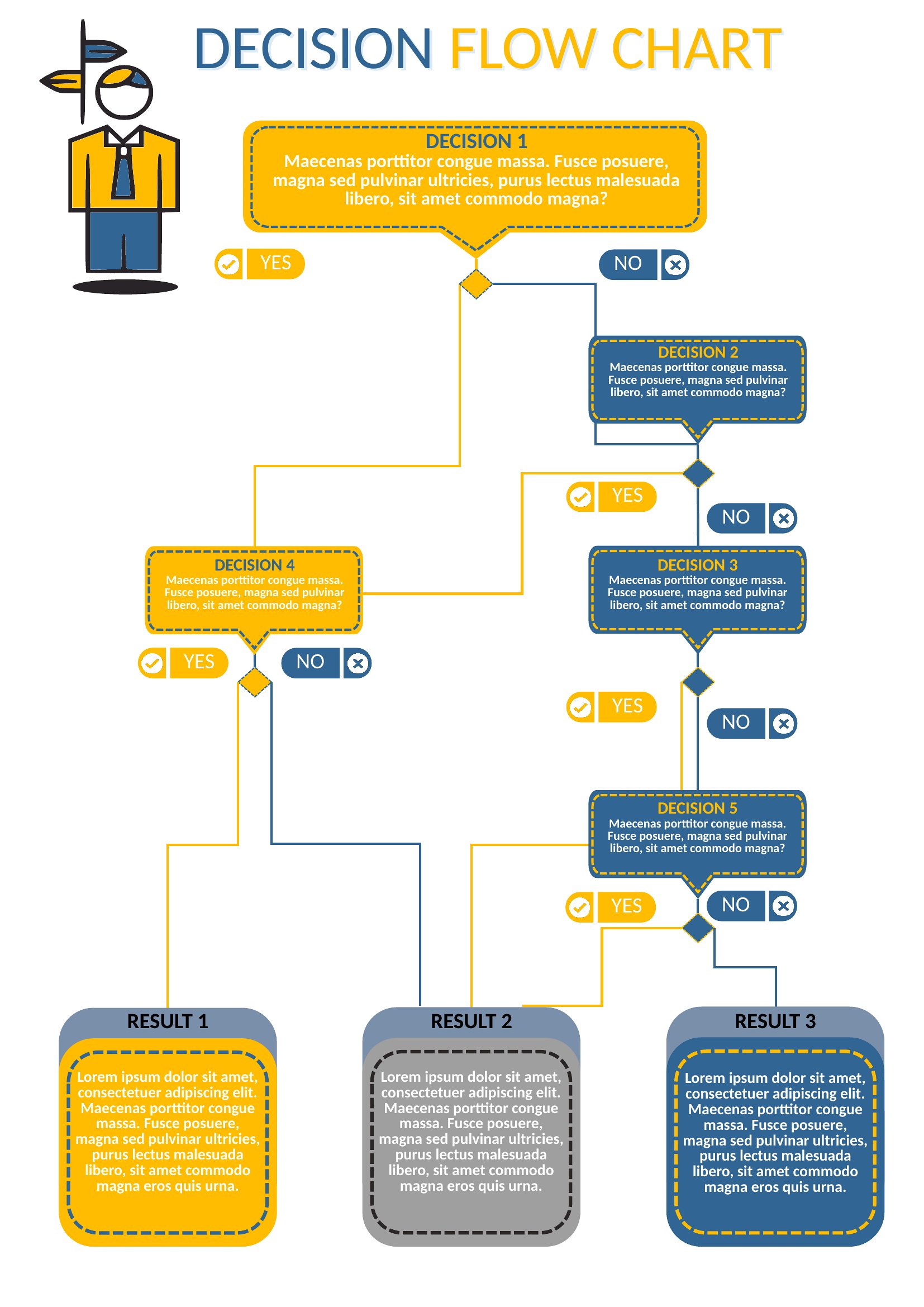
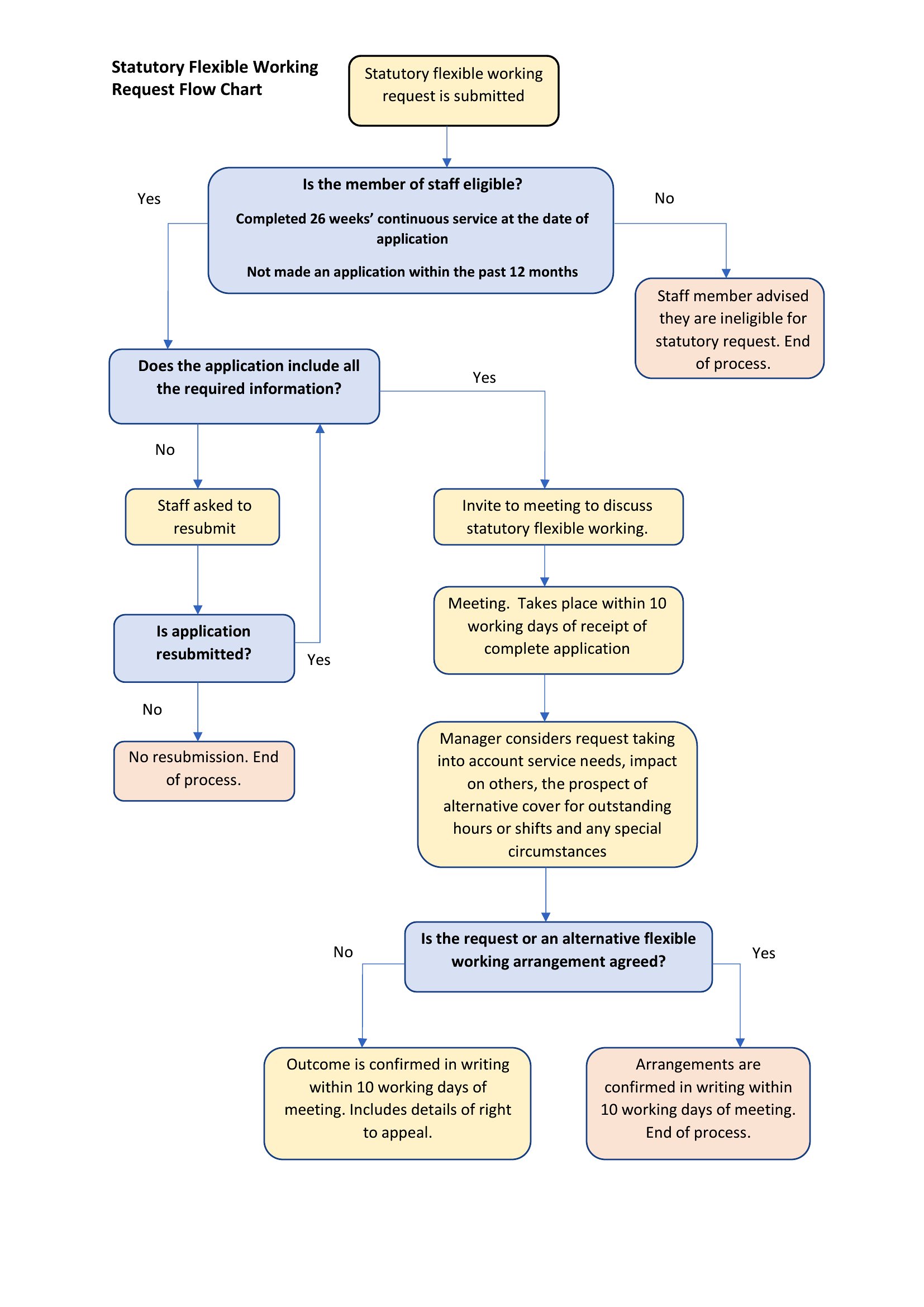
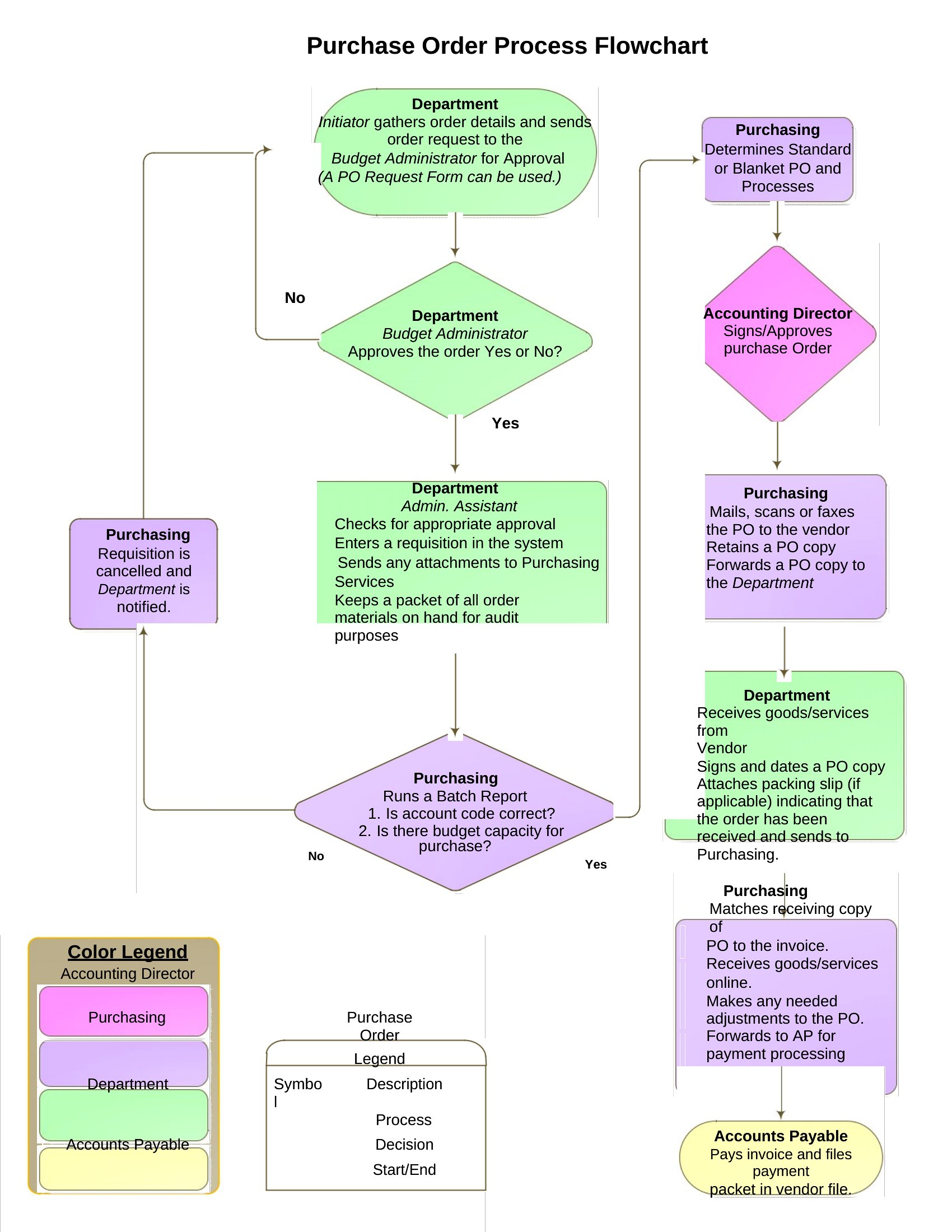
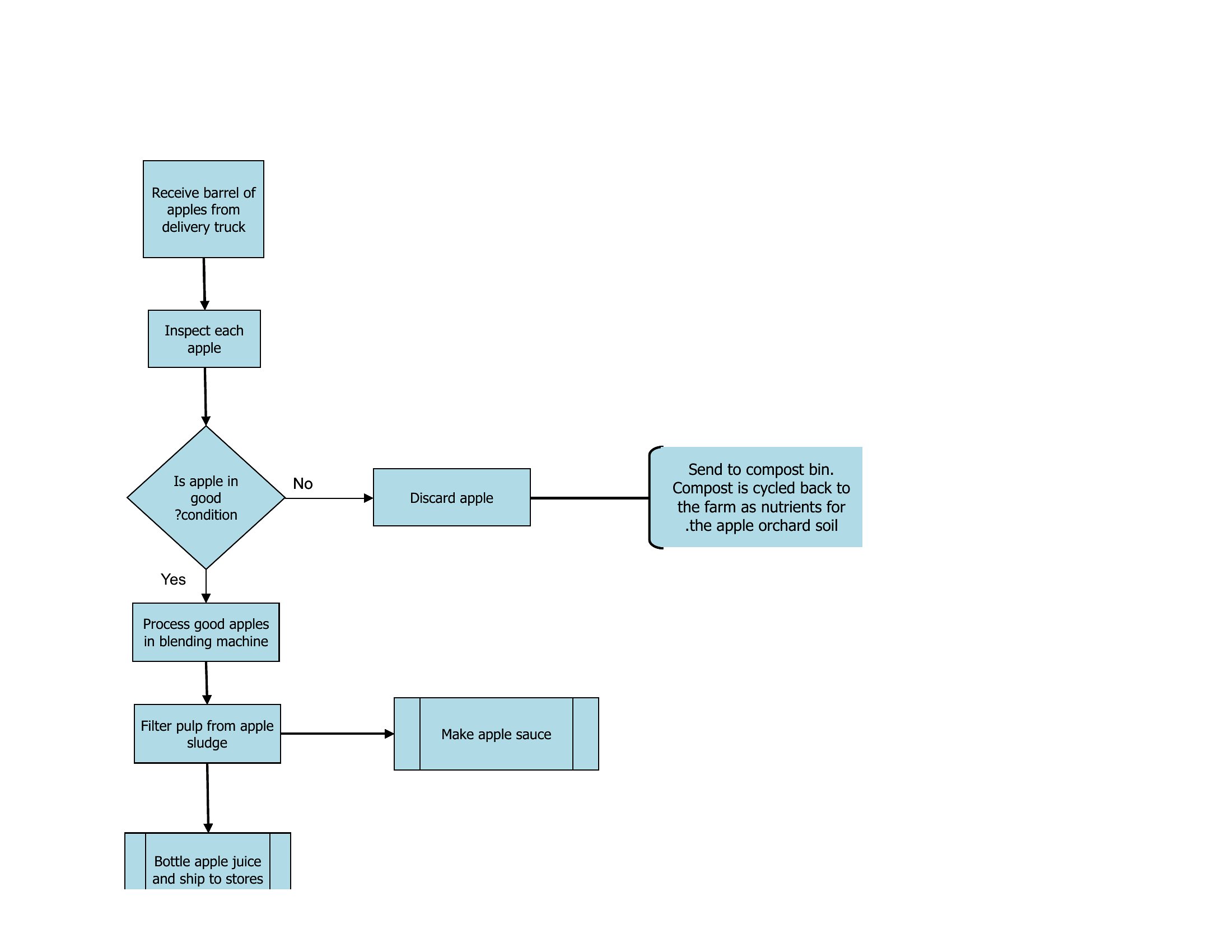
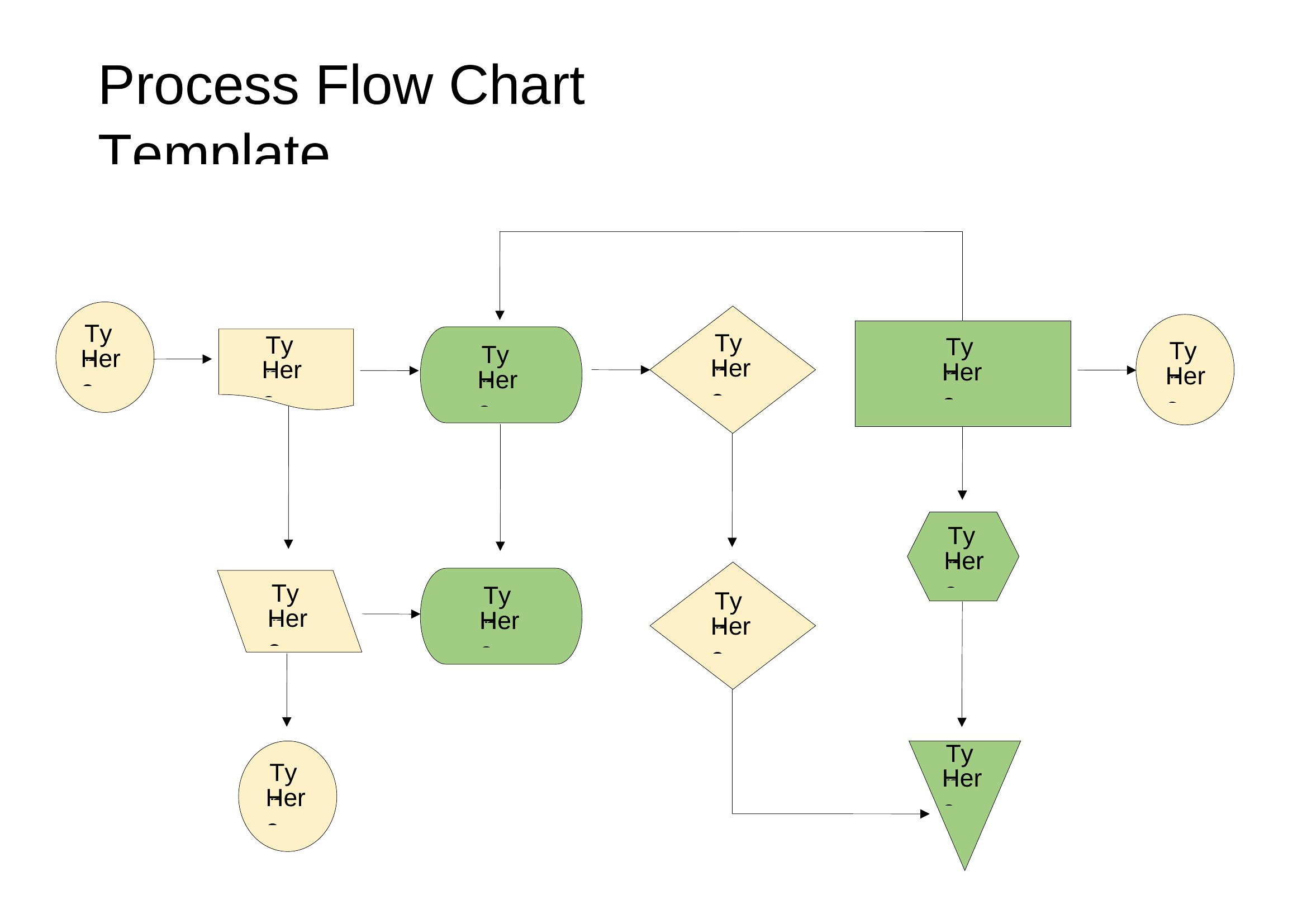
Use diamond-shaped boxes to represent decision points, then add arrows leading to ‘Yes’ or ‘No’ branches. Label each branch clearly (e.g., ‘Resubmit’ or ‘Approve’) and include brief notes about next steps or responsible parties. The Word and Excel templates include pre-made decision symbols to keep your chart professional and easy to follow.

Can I combine multiple workflows into one chart if they share steps?

Yes, overlay related workflows by using color-coding or dashed lines to distinguish between processes. For example, a manufacturing workflow and a quality control workflow might share inspection steps—highlight shared steps in the same color and include a legend. Excel’s formatting tools make this especially clear for data-heavy processes.

What’s the best way to include external stakeholders in a process flow chart?

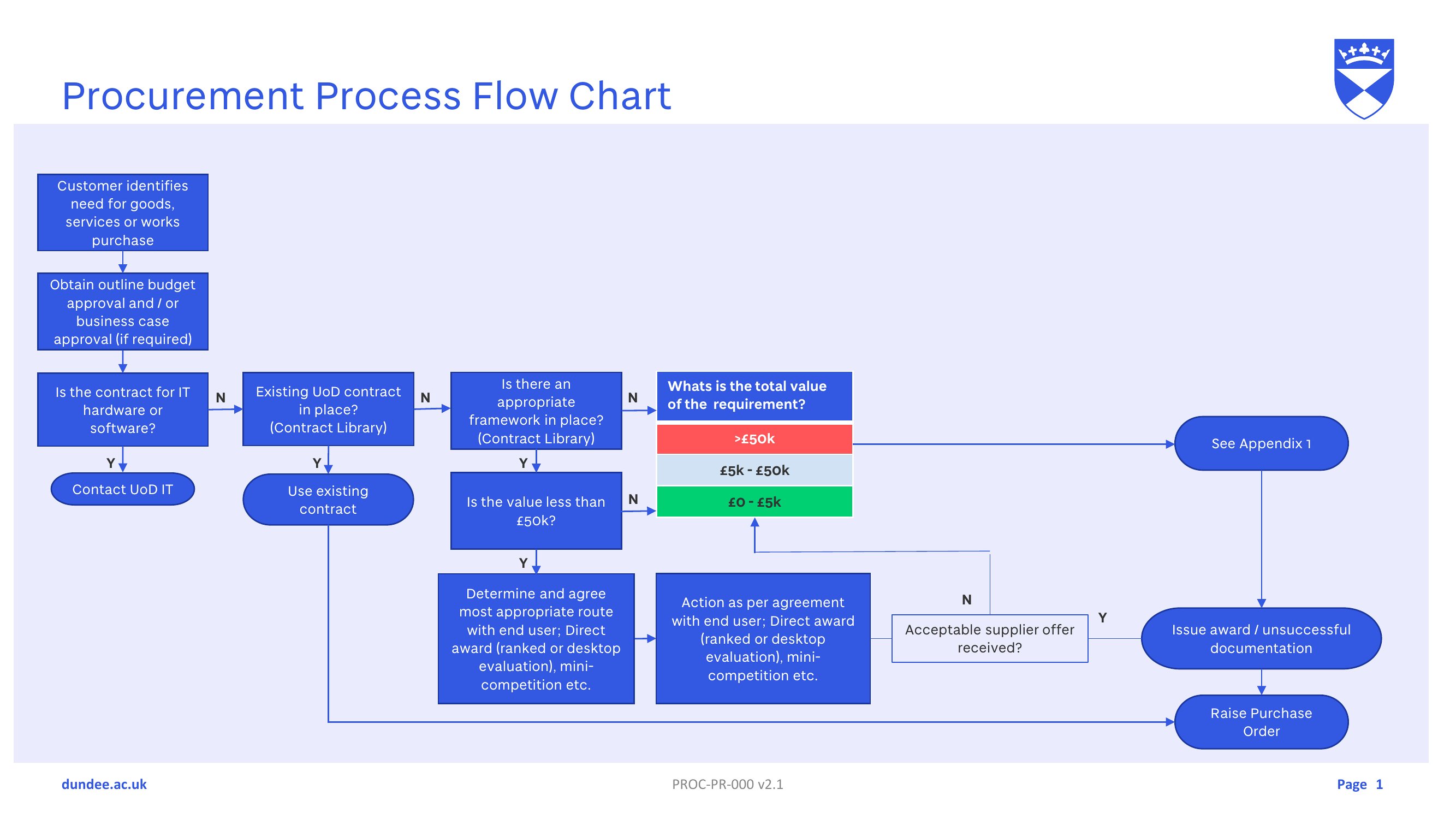
Add a legend or key at the bottom of your chart to label external parties with icons (e.g., a cloud for vendors or a handshake for clients). Use arrows to show where their input or approval is required. For example, in a procurement workflow, mark ‘Vendor Confirmation’ as a step involving an external party, then reference their contact info in a side note if needed.

Comments

Join the conversation

Sign in to share your thoughts and leave a comment on this resource.

Newsletter

Get Weekly Design Updates

Join our community to receive curated resources and inspiration.

Weekly Tips Resources Early Access

We respect your privacy. Confirmation email required. Privacy Policy