Free Process Map Templates (Word)
DiagramsTemplates
FAQ
How detailed should I make the process map for internal audits?
Include every step, decision point, and responsible party—but balance detail with clarity. Overly granular maps slow down adoption; focus on the flow of work and key hand-offs. For audits, highlight compliance checkpoints or escalation paths. Start with a high-level overview, then drill into critical sections as needed.
Can I use these templates to map a process that’s still being designed?
Yes, these templates work perfectly for designing new processes. Outline the intended steps, assign hypothetical roles, and refine the flow based on feedback. Treat it as a living document—update as you test the process in real scenarios. They’re especially useful for brainstorming before committing to software or tools.
What’s the best way to visualize decision points in a process map?
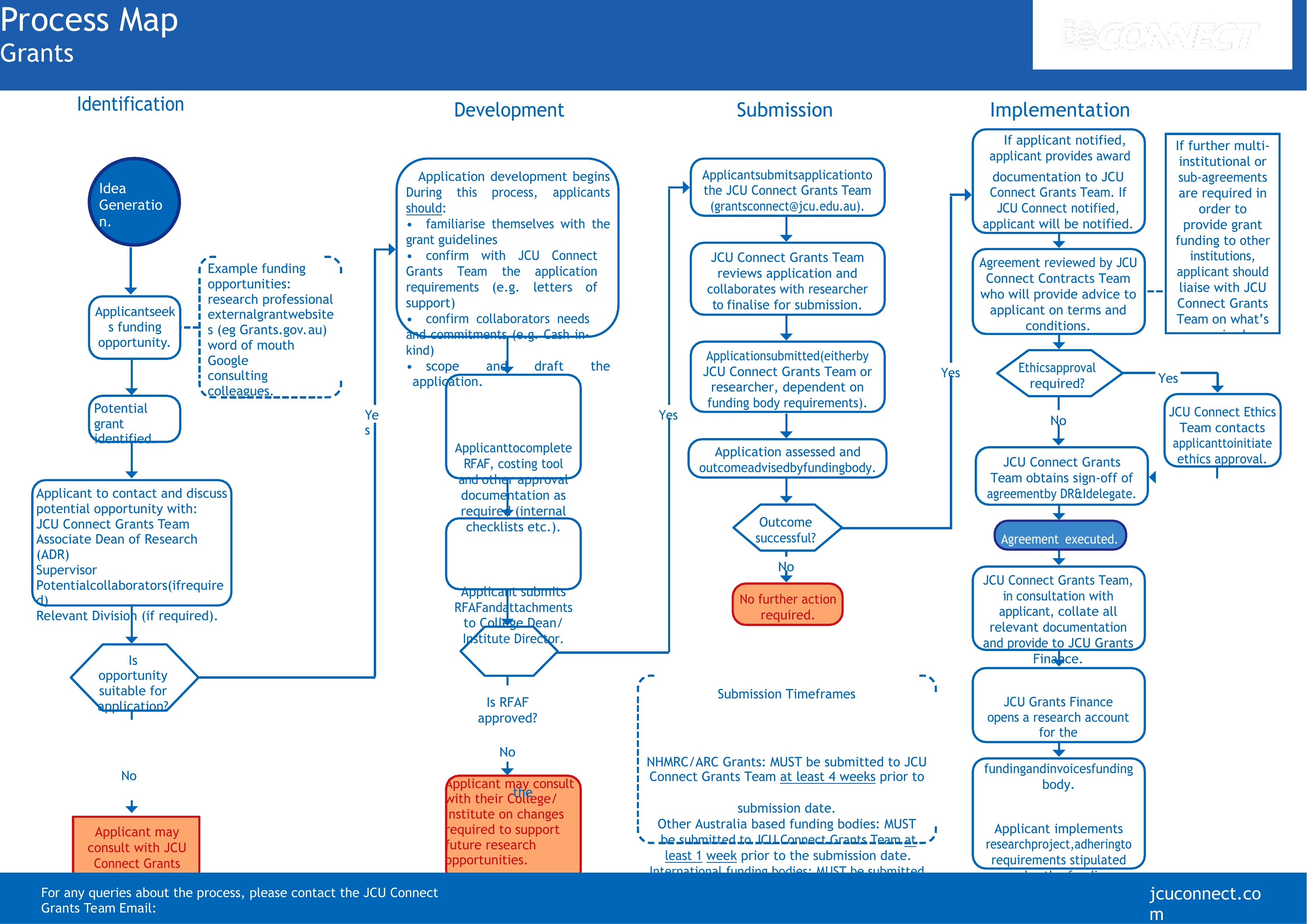
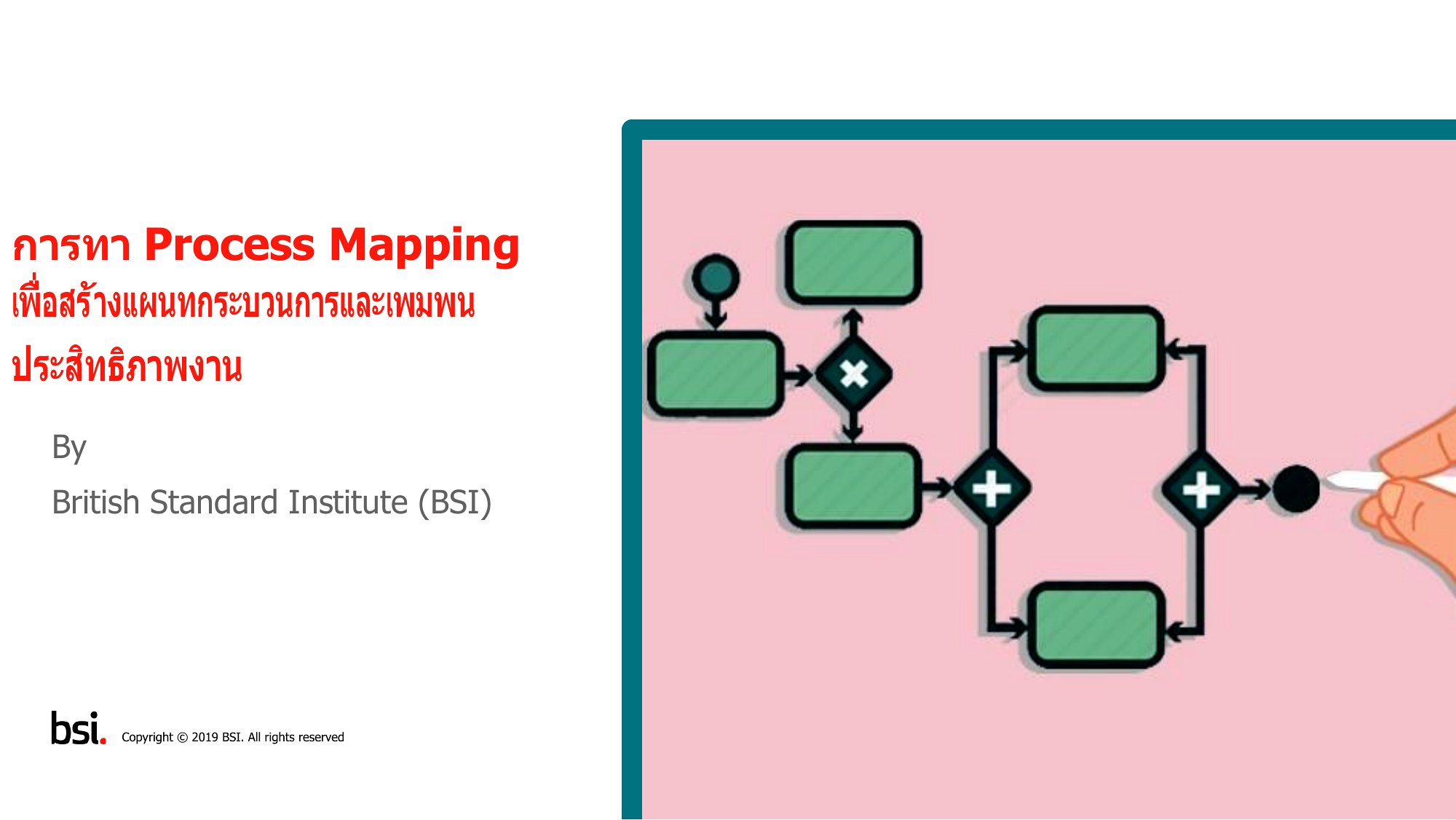
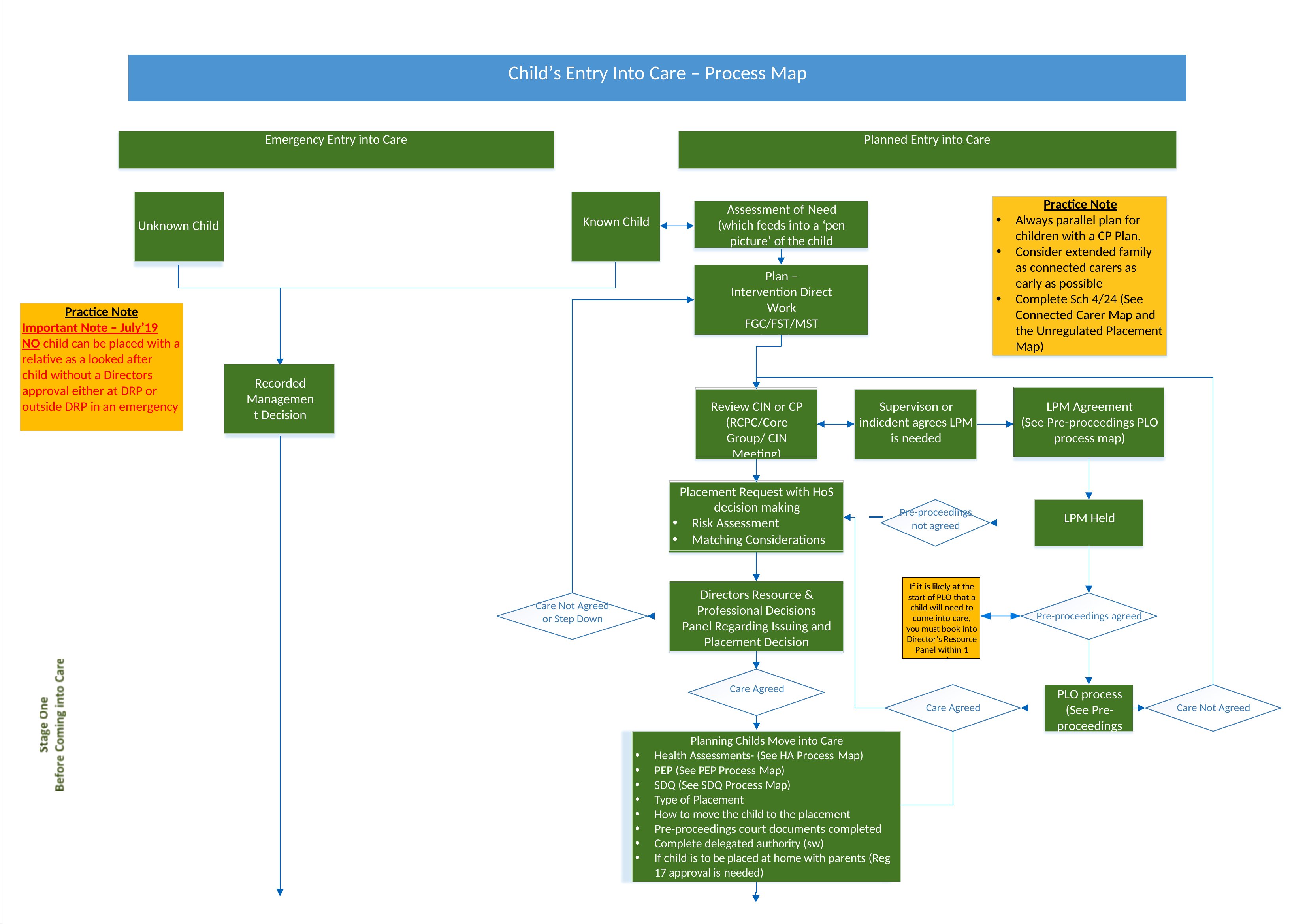
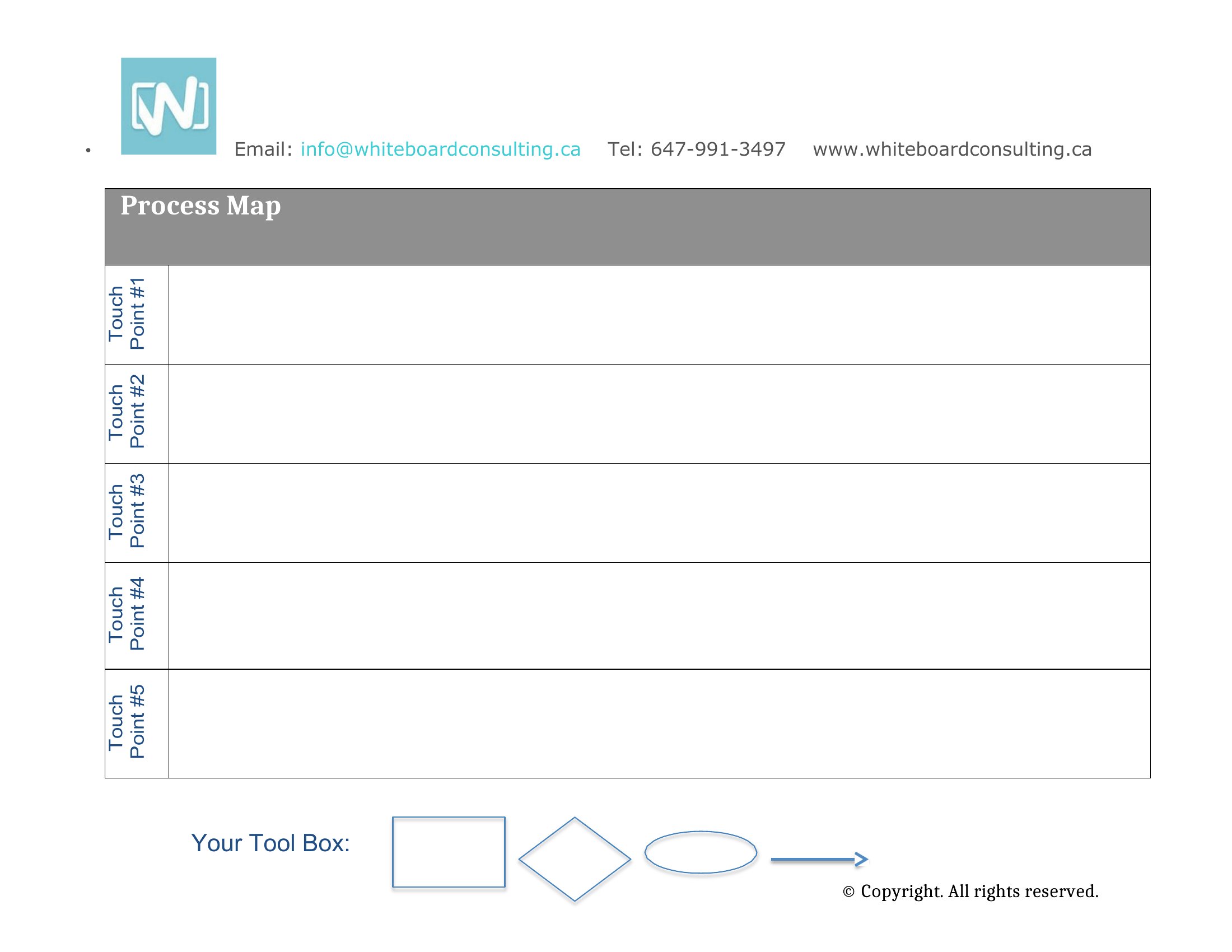
Use diamonds or rounded rectangles to mark decision points, then label them clearly (e.g., ‘Approval Needed?’ or ‘Inventory Low?’). Add short arrows or notes to show the ‘Yes’/‘No’ paths and who makes the call. Keep it simple—avoid overcomplicating with too many branches unless the process truly requires it.
Comments
Join the conversation
Sign in to share your thoughts and leave a comment on this resource.