FAQ
How detailed should I make the sitemap before sharing it with developers or stakeholders?
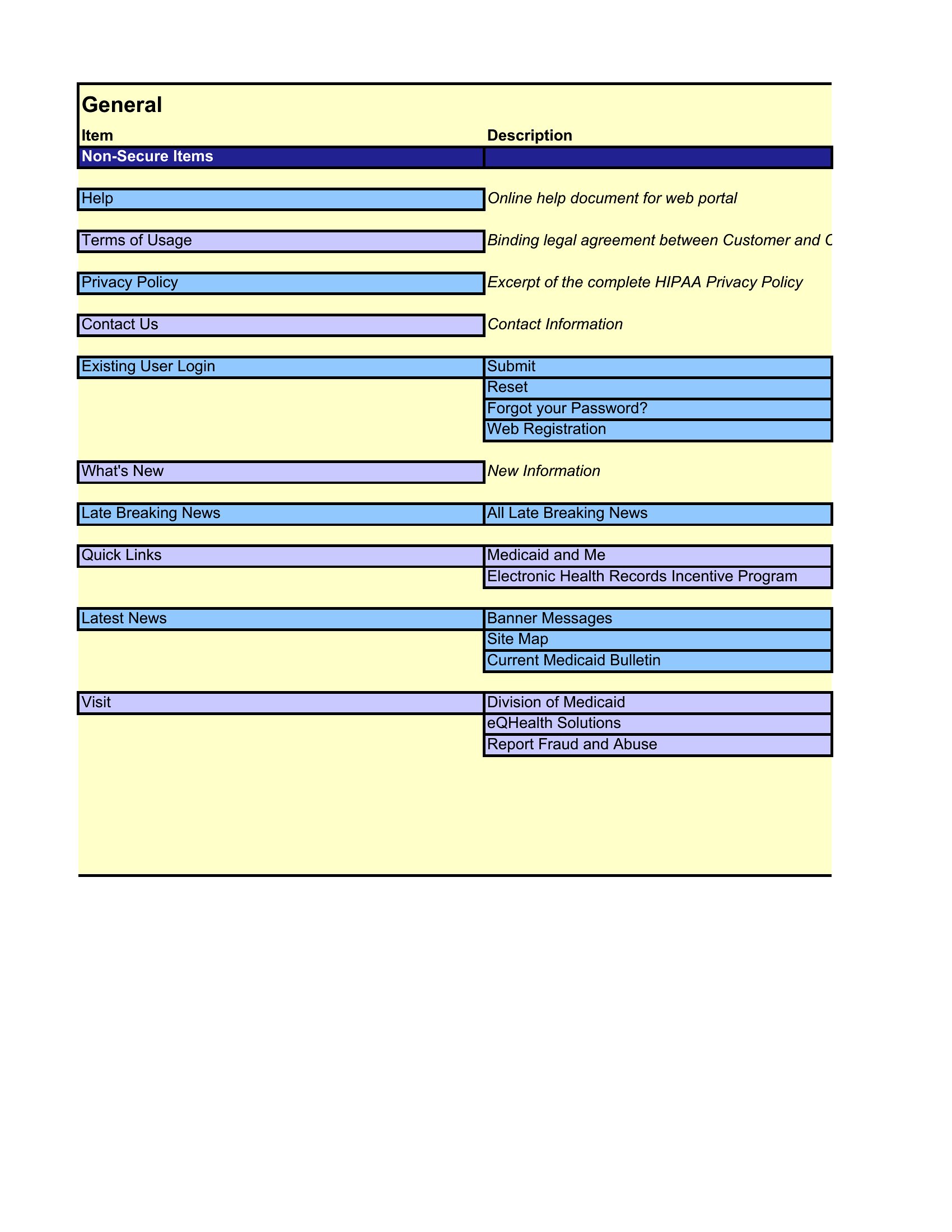
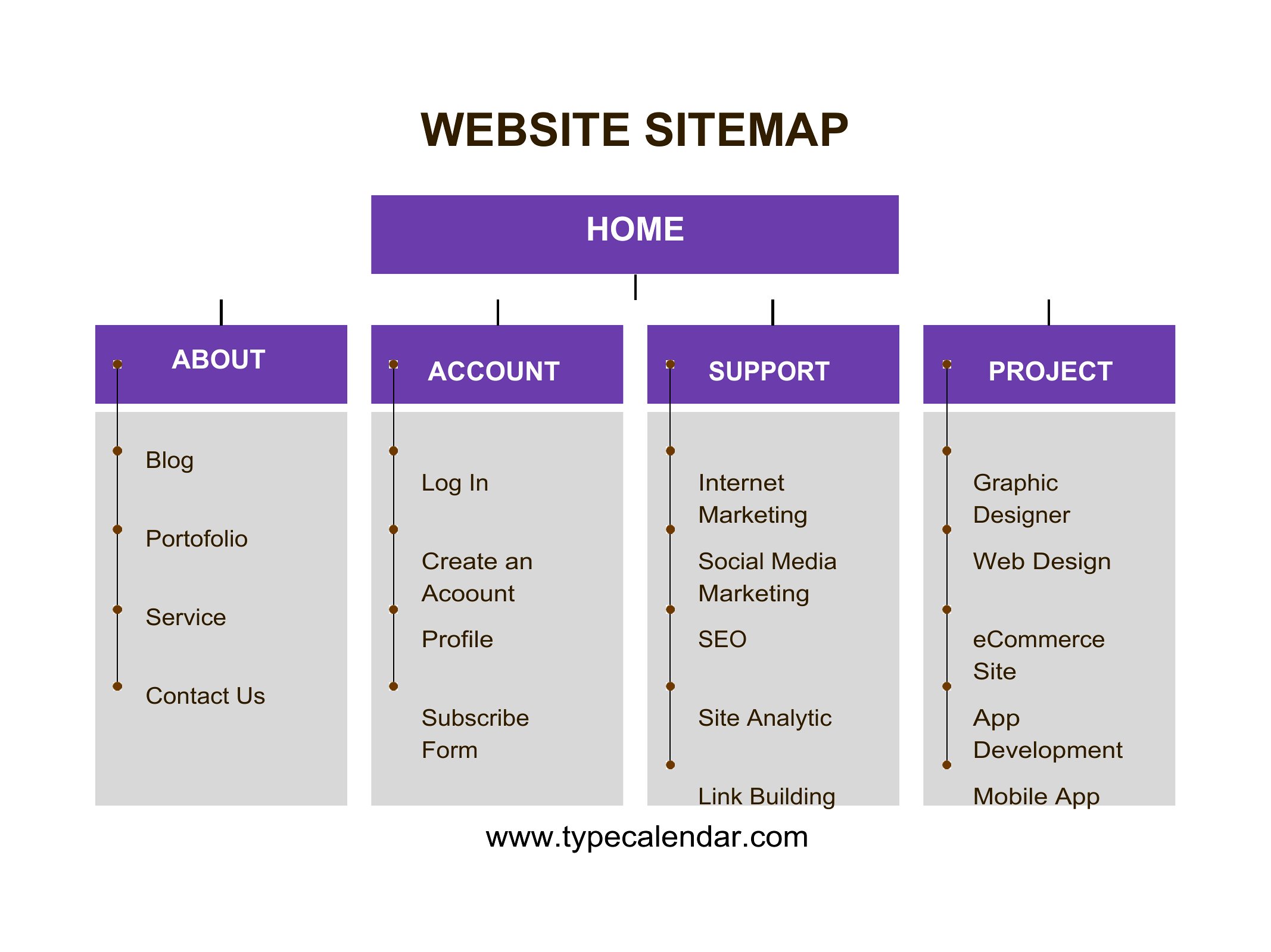
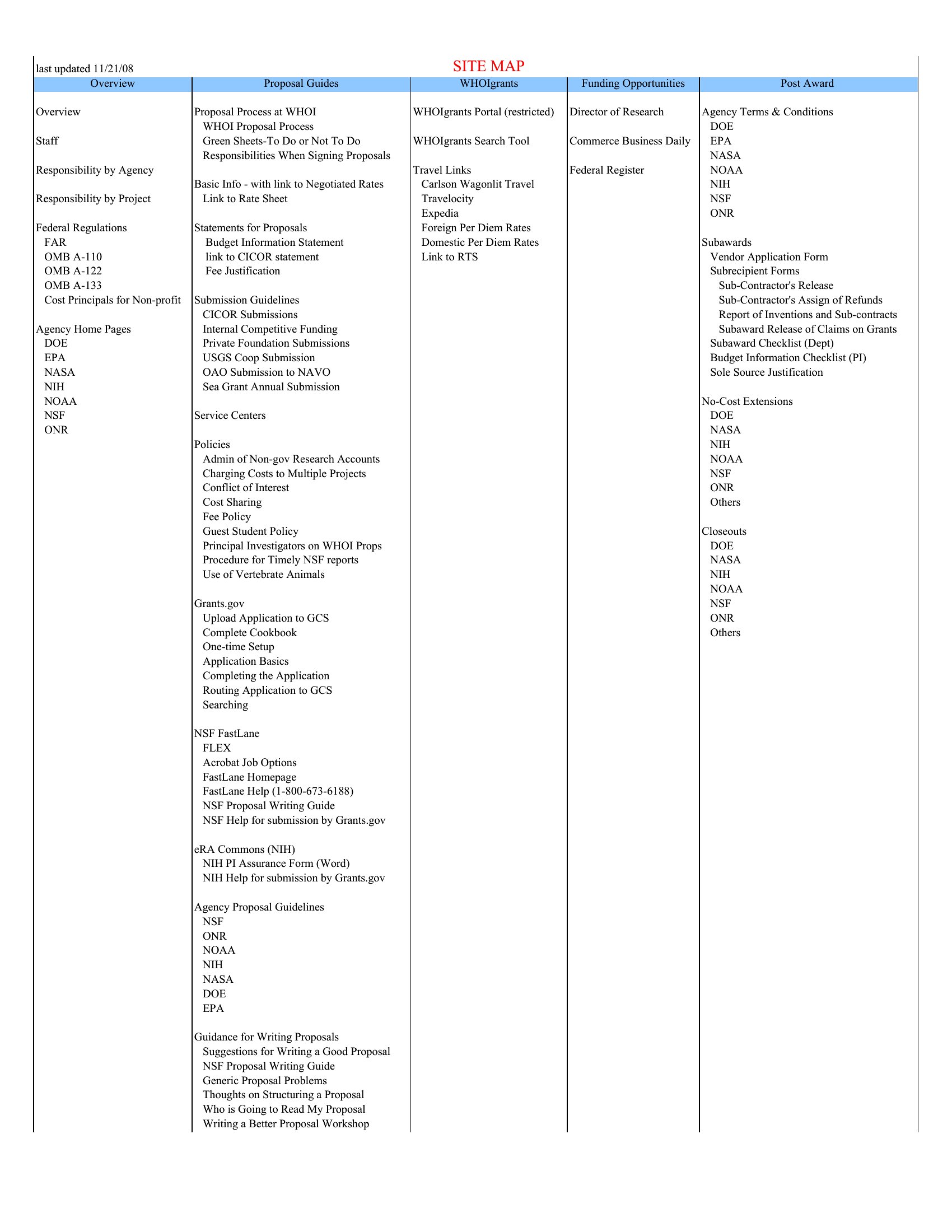
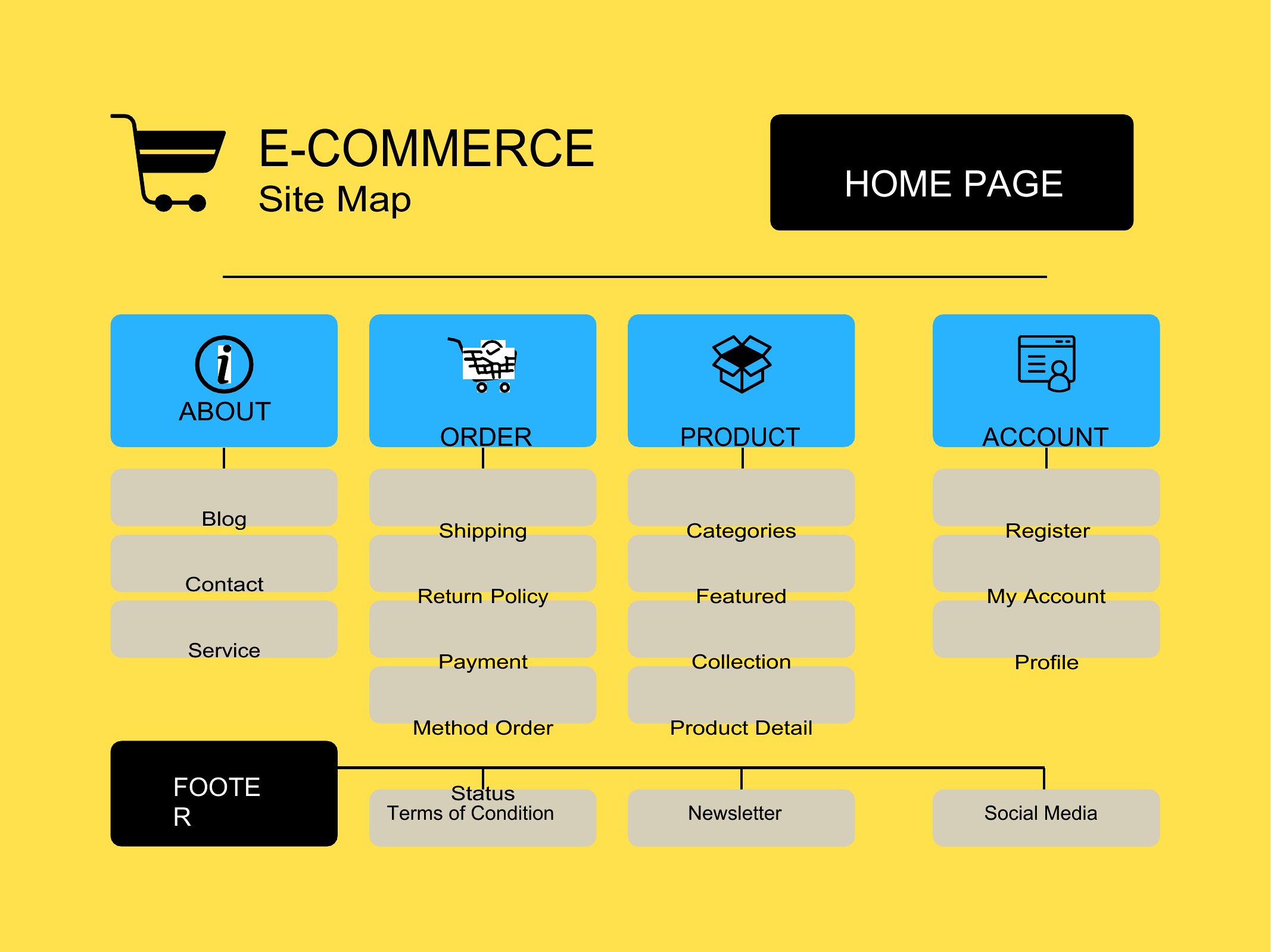
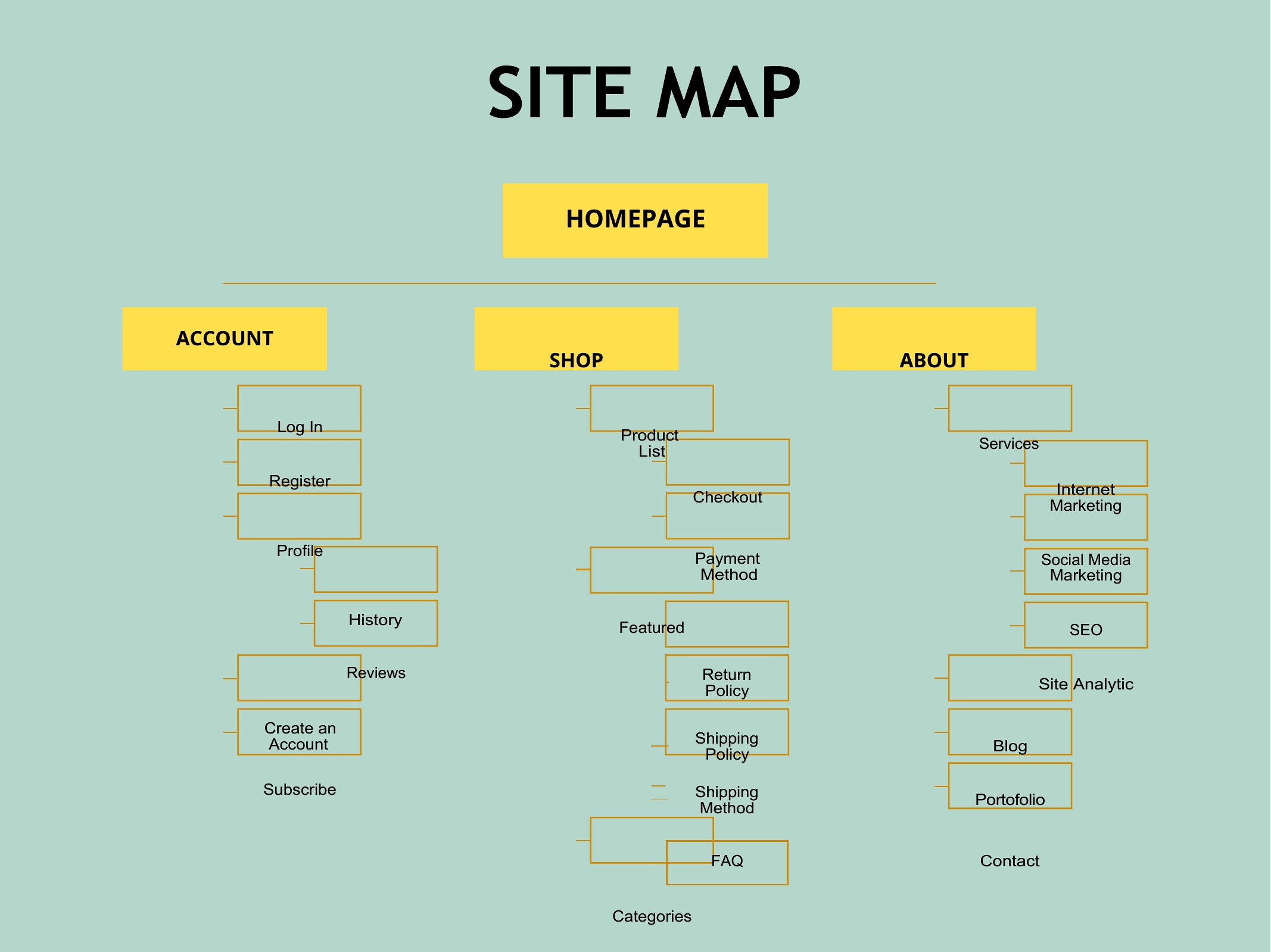
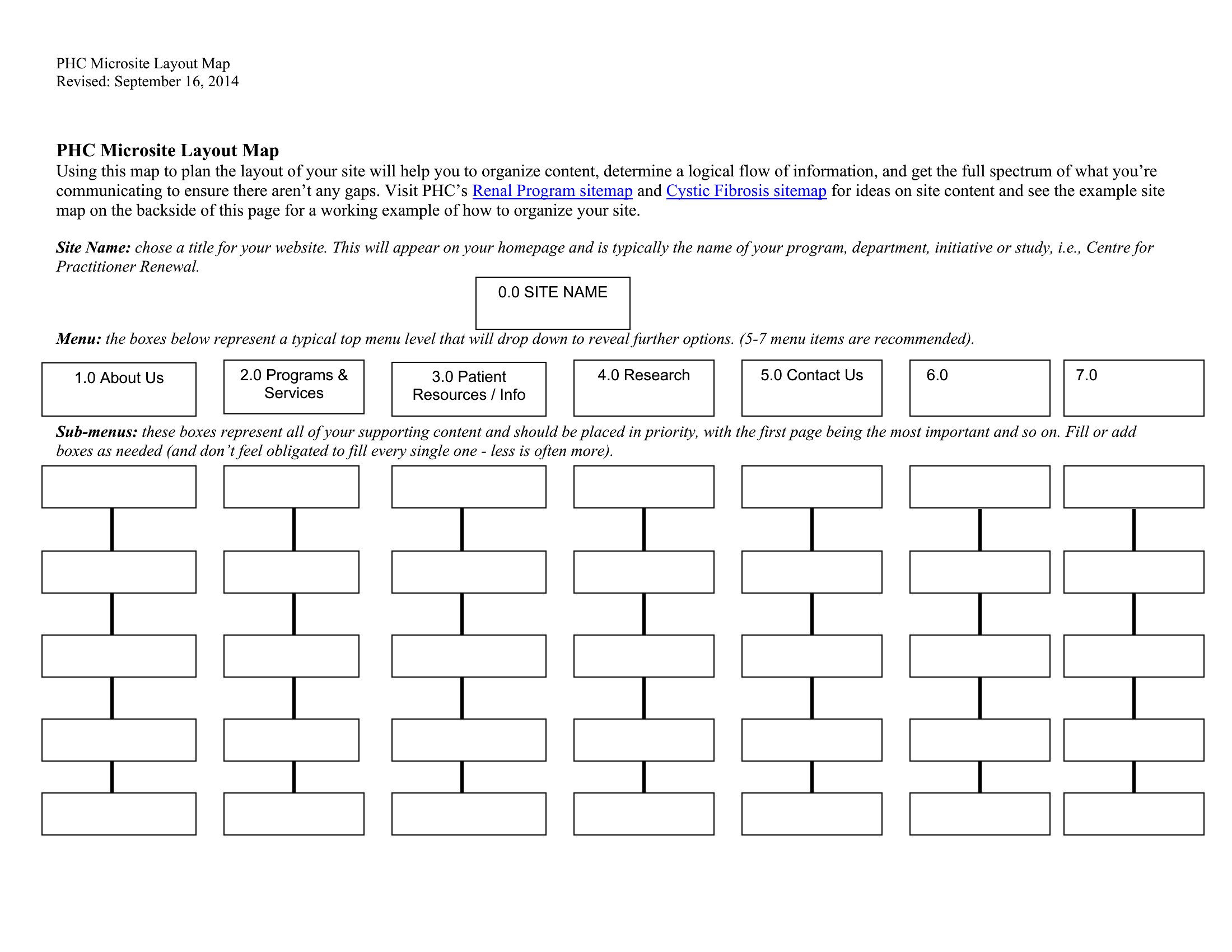
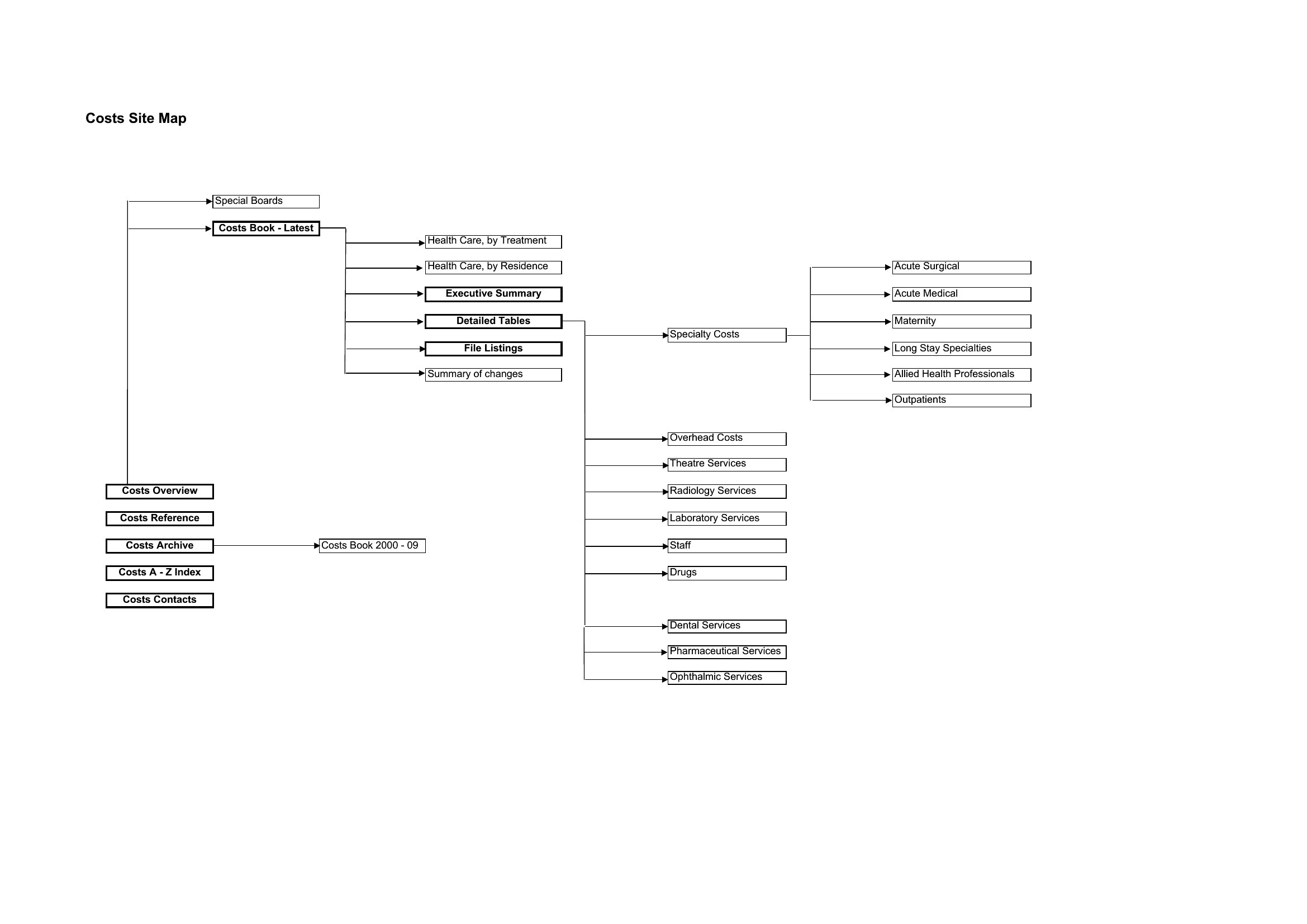
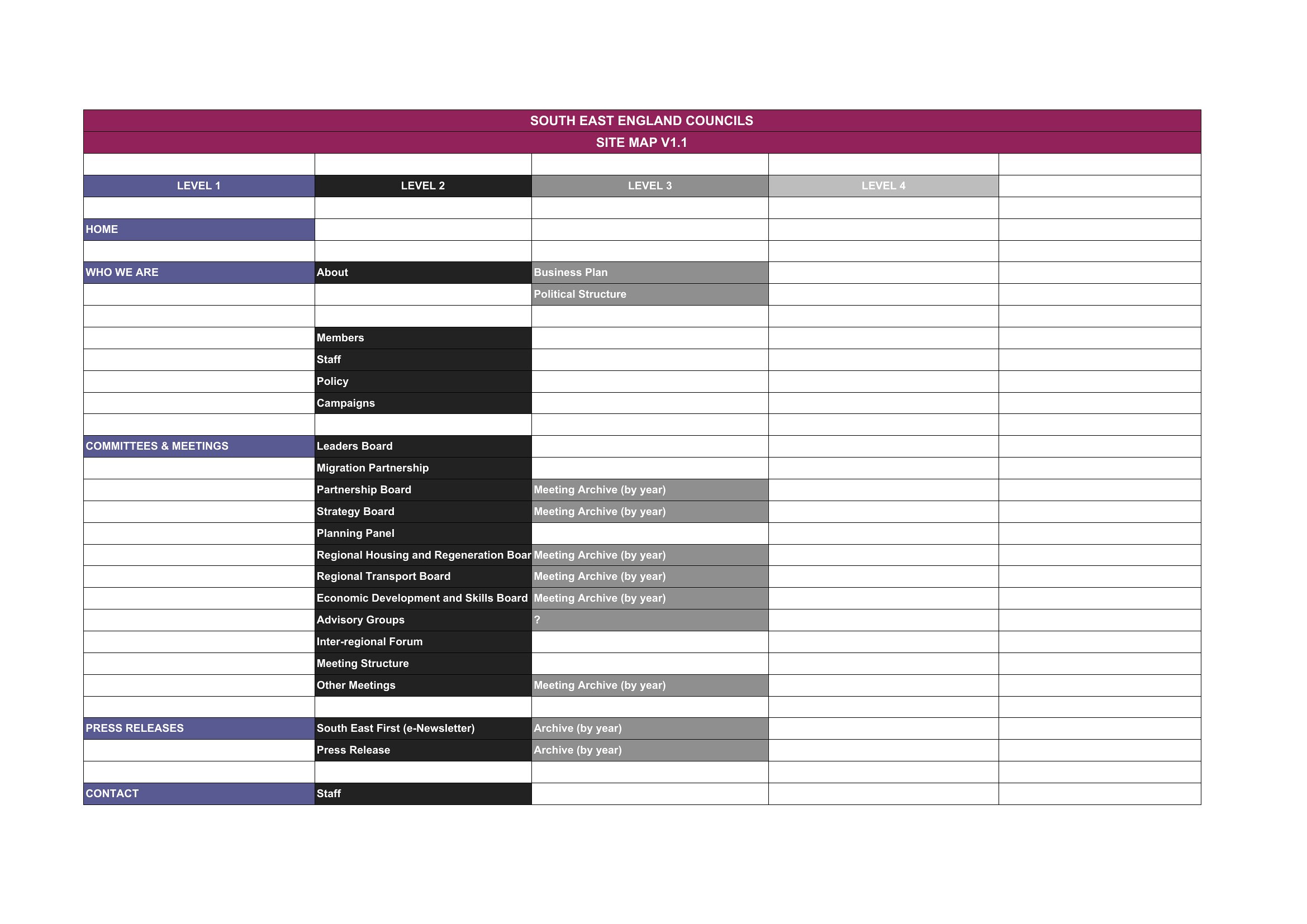
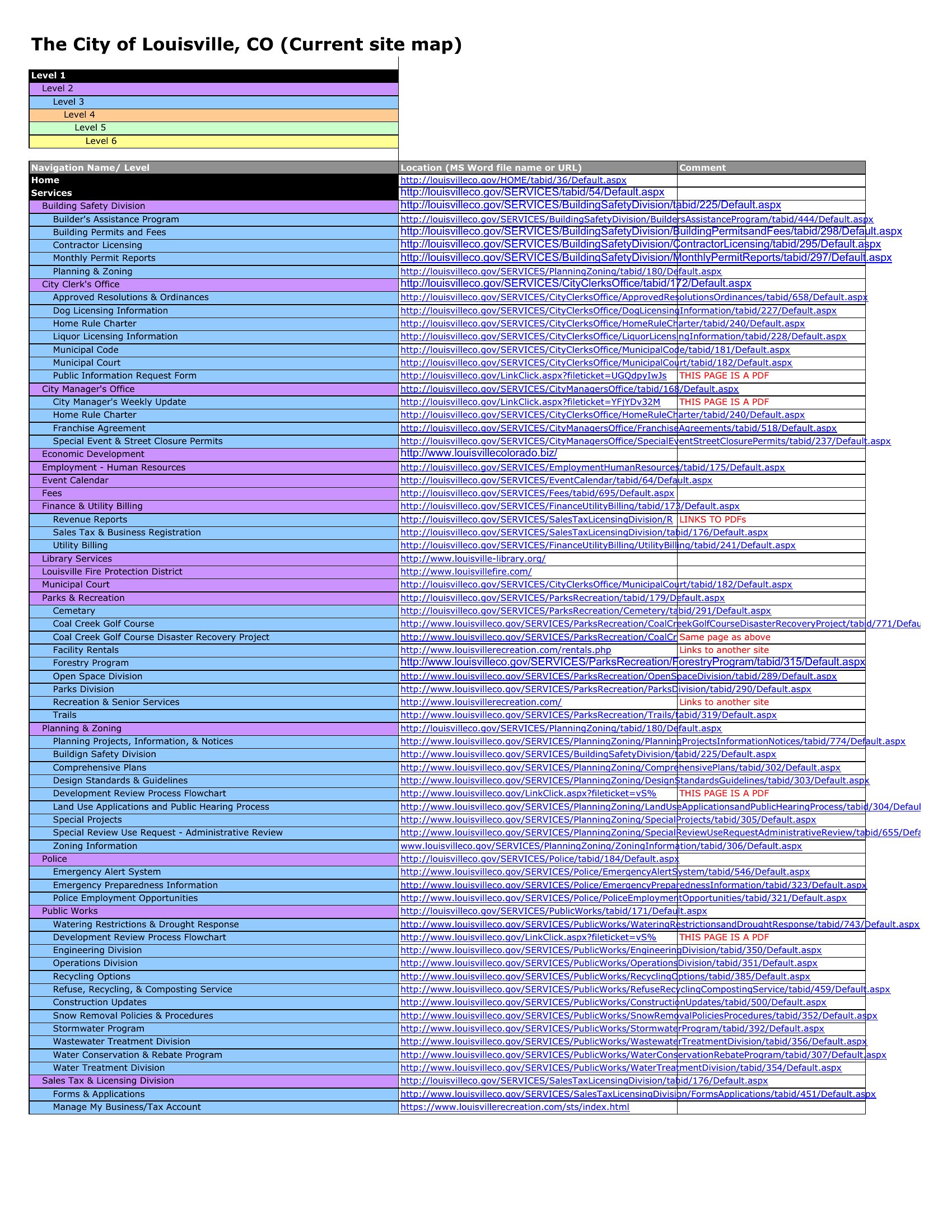
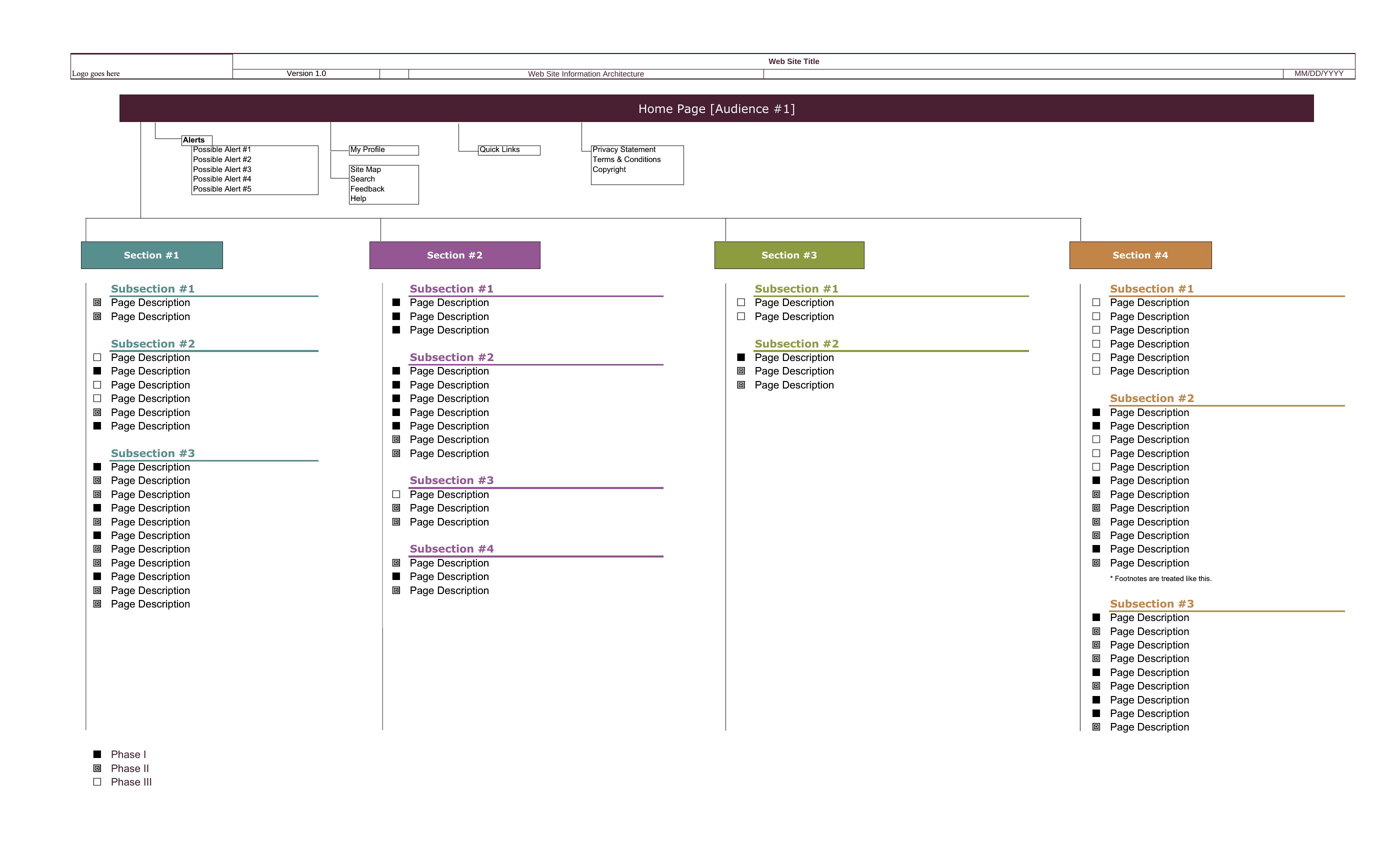
Start with a high-level outline of key pages and their relationships—this ensures everyone agrees on the core structure before diving into specifics. Add details like subpages or internal links only after the main flow is approved. Over-detailing too early can slow down feedback loops. Aim for a balance: broad enough to show the big picture, but specific enough to highlight potential gaps.
Can I use these templates to map out more than just a website, like an app’s navigation or a physical store layout?
Yes, these templates work for any hierarchical structure needing visualization. For apps, focus on user flows between screens instead of URLs; for stores, label zones (e.g., checkout counters, product displays) like you would website pages. The templates’ emphasis on linking elements makes them adaptable, though you may need to rename columns (e.g., ‘Page Title’ → ‘Store Section’) to fit your context.
What’s the best way to involve non-technical team members in reviewing the sitemap?
Simplify the language in the template—replace jargon like ‘parent page’ with ‘main menu’ or ‘hub page.’ Use Word’s comment feature to highlight uncertainties or ask direct questions (e.g., ‘Should “About Us” link to team bios or company history?’). Share a printed version during meetings to point out sections visually. Avoid Excel unless the team is comfortable with spreadsheets, as it can feel overwhelming for non-data users.
Comments
Join the conversation
Sign in to share your thoughts and leave a comment on this resource.