FAQ
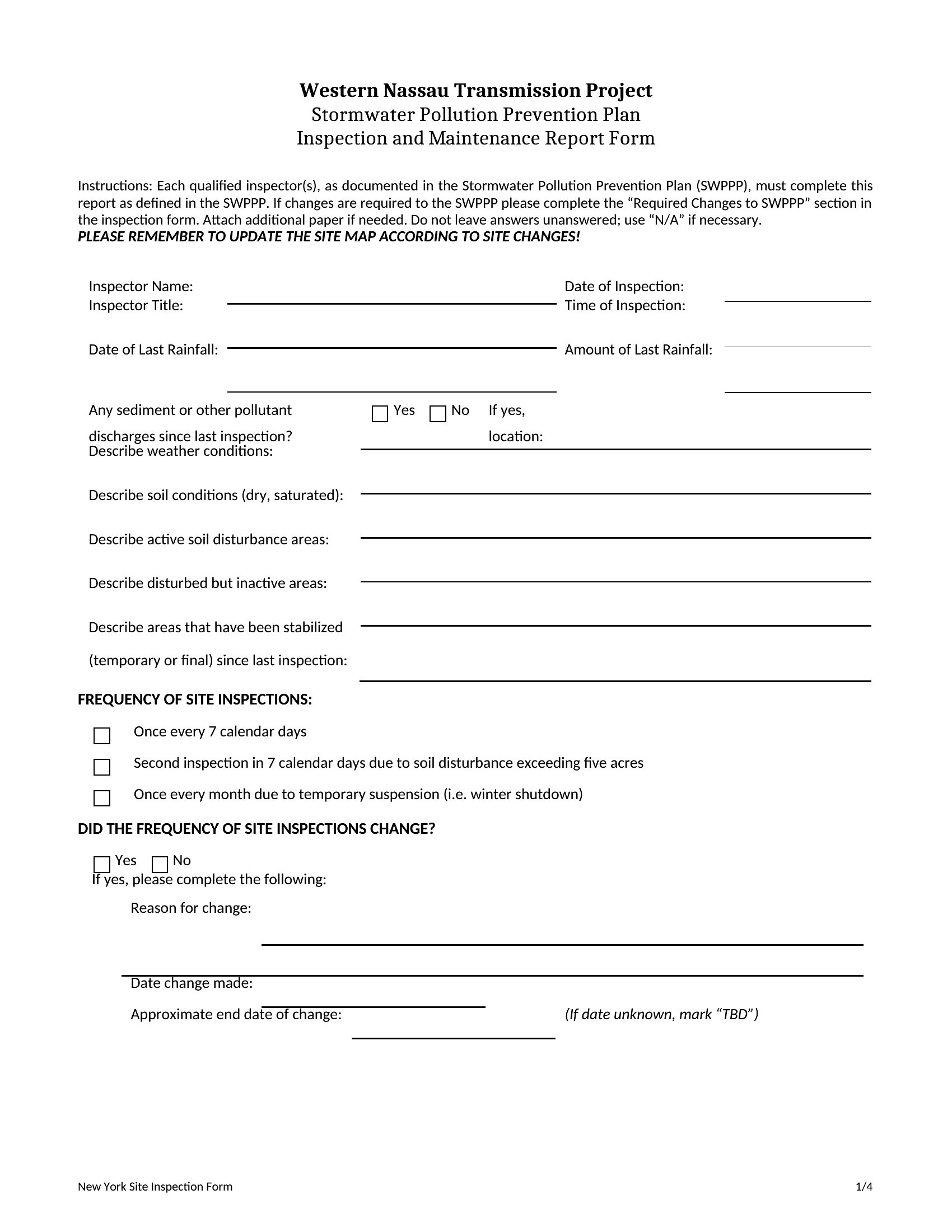
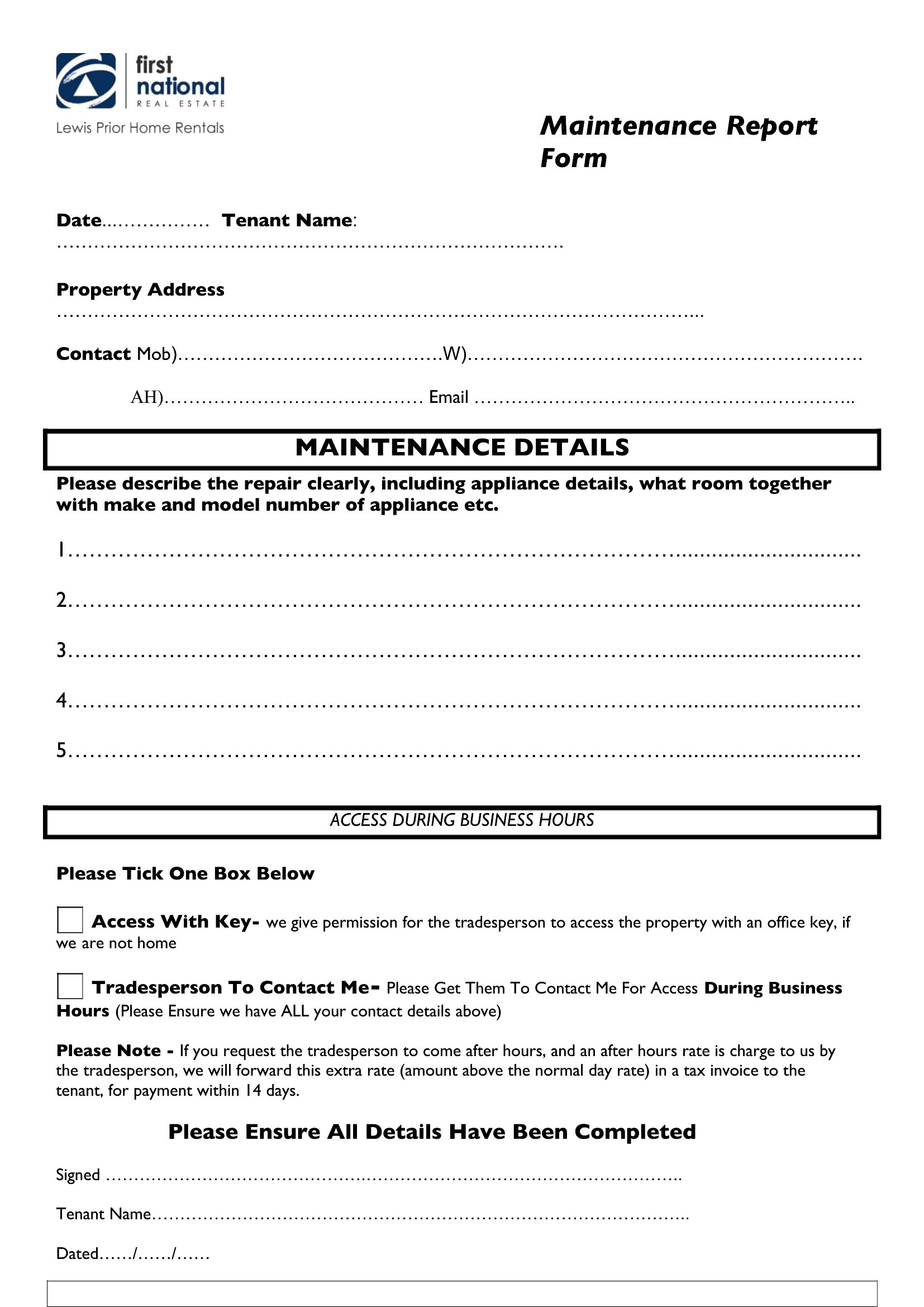
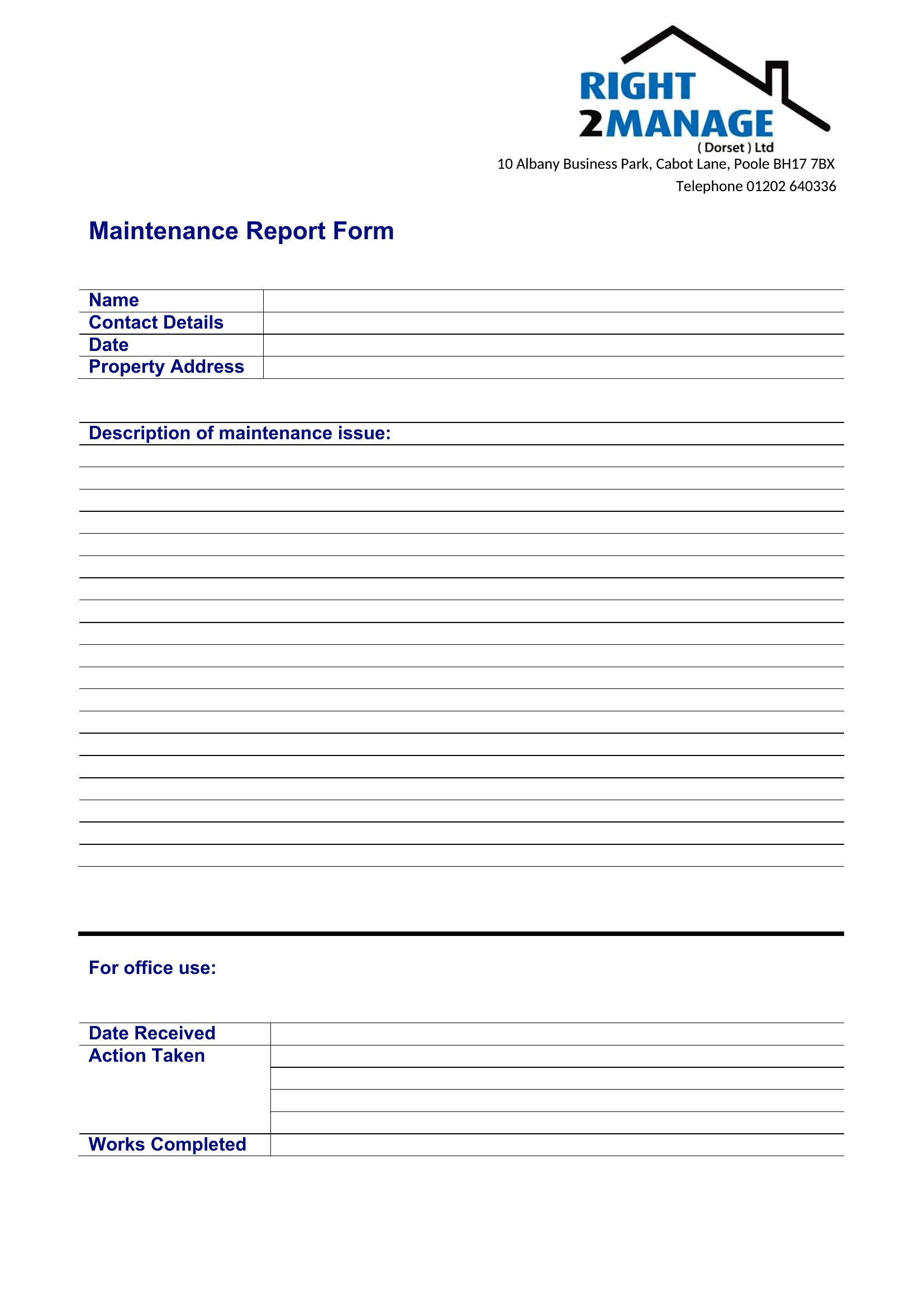
How detailed should I be when describing a maintenance issue in the report?
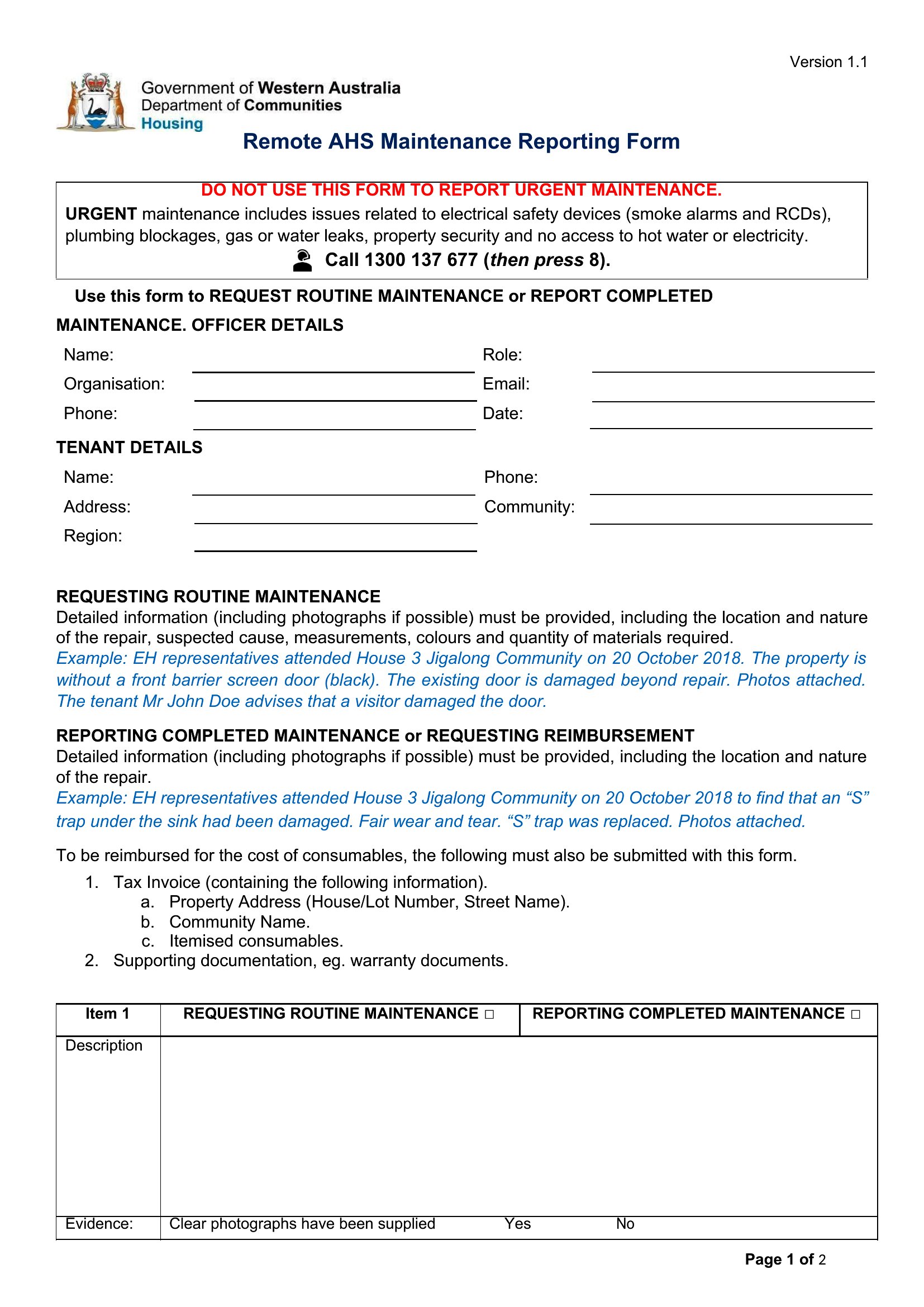
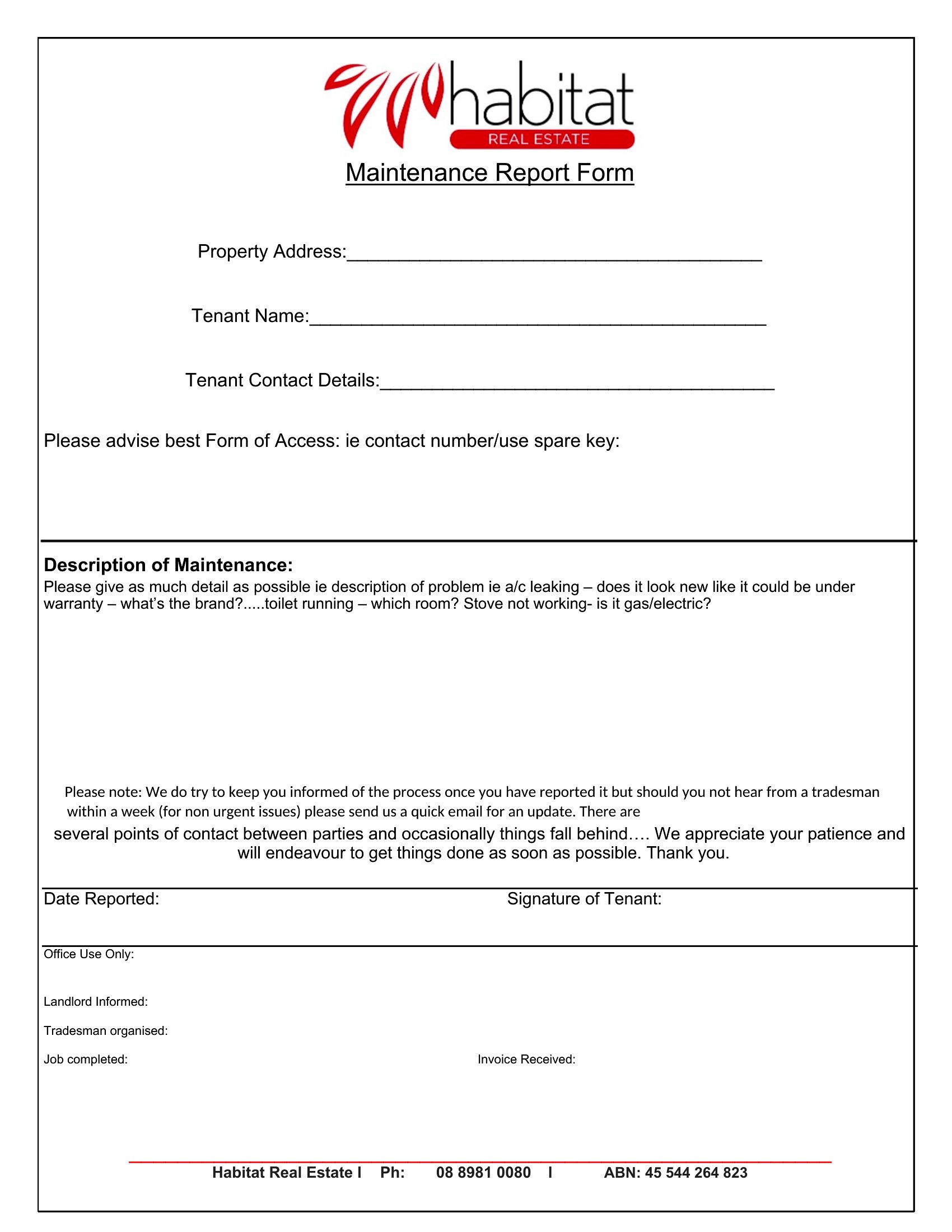
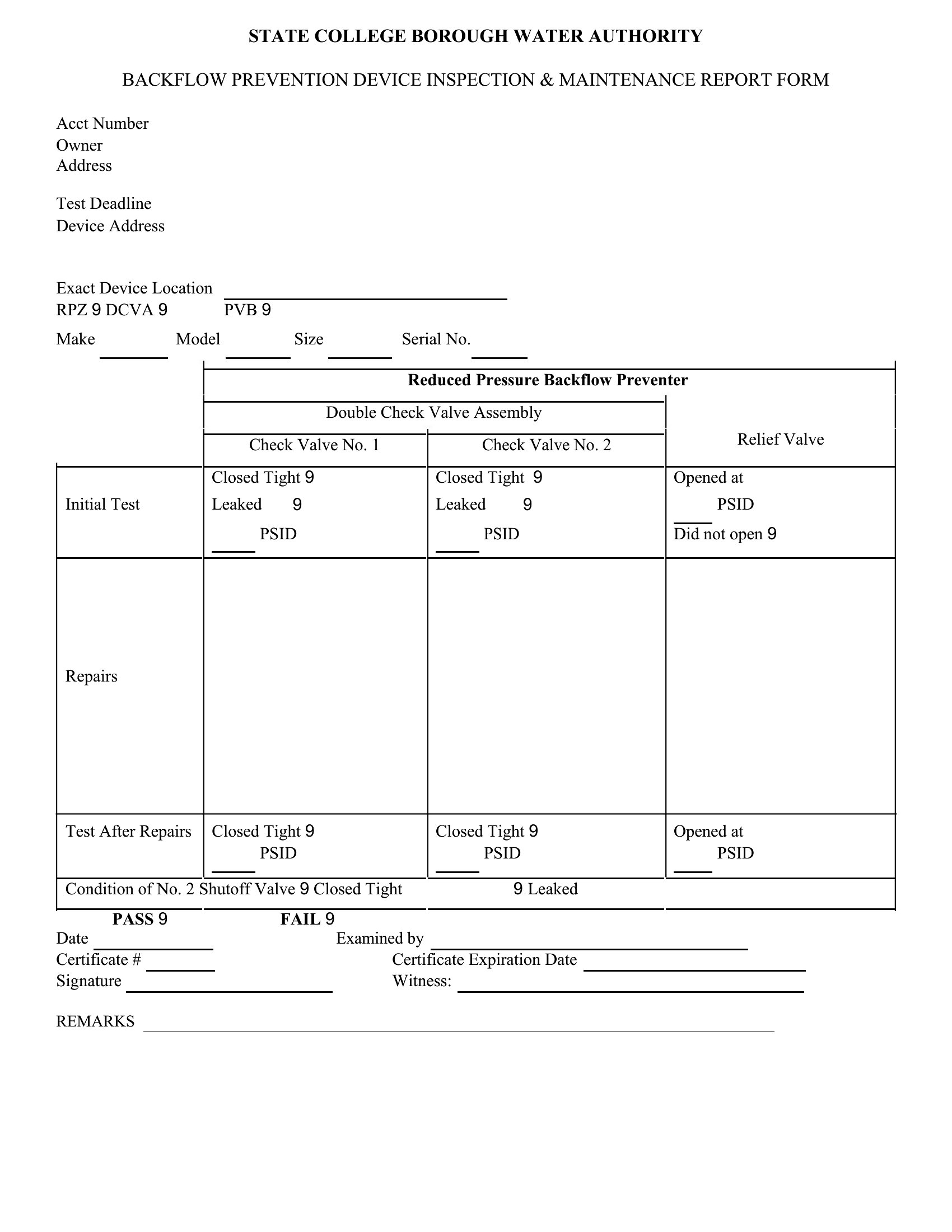
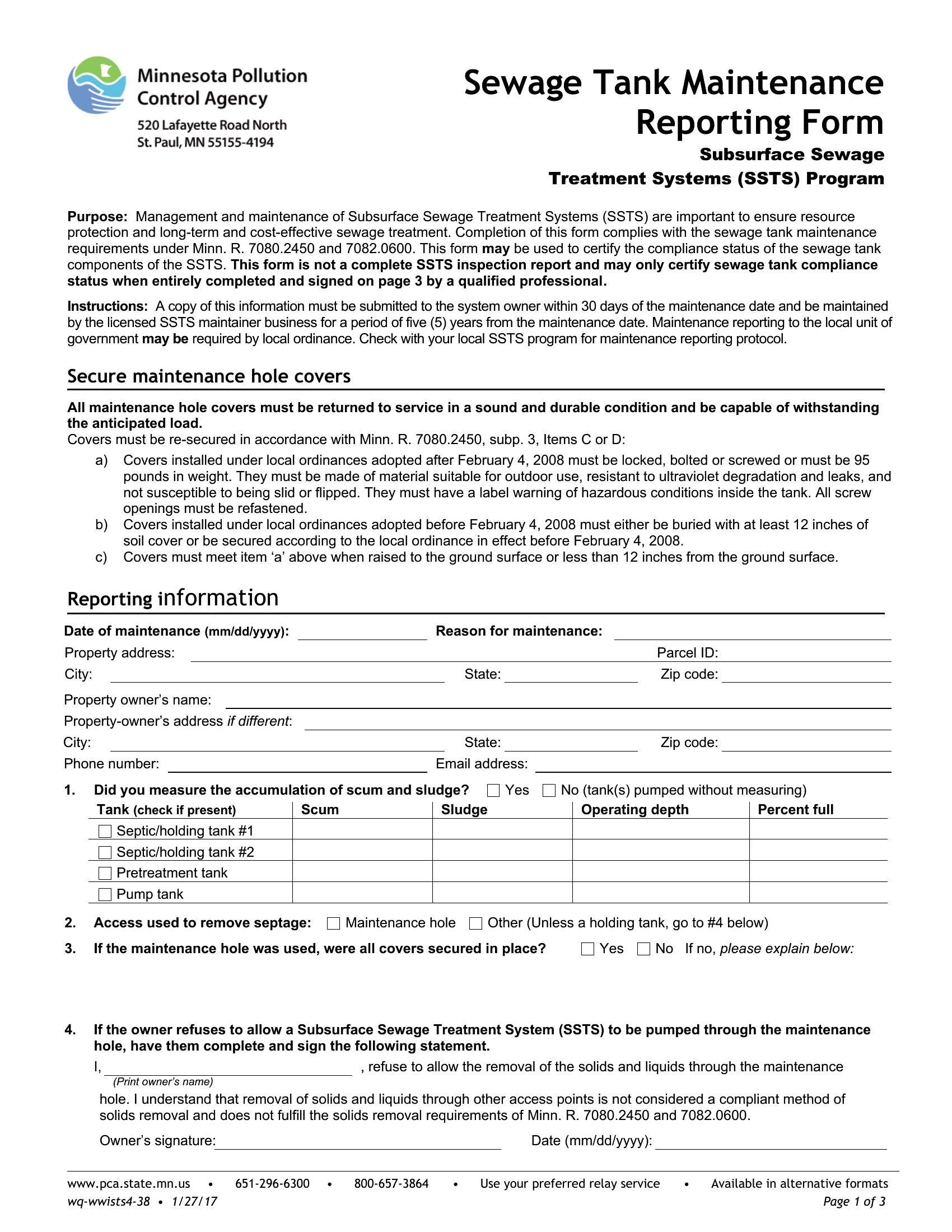
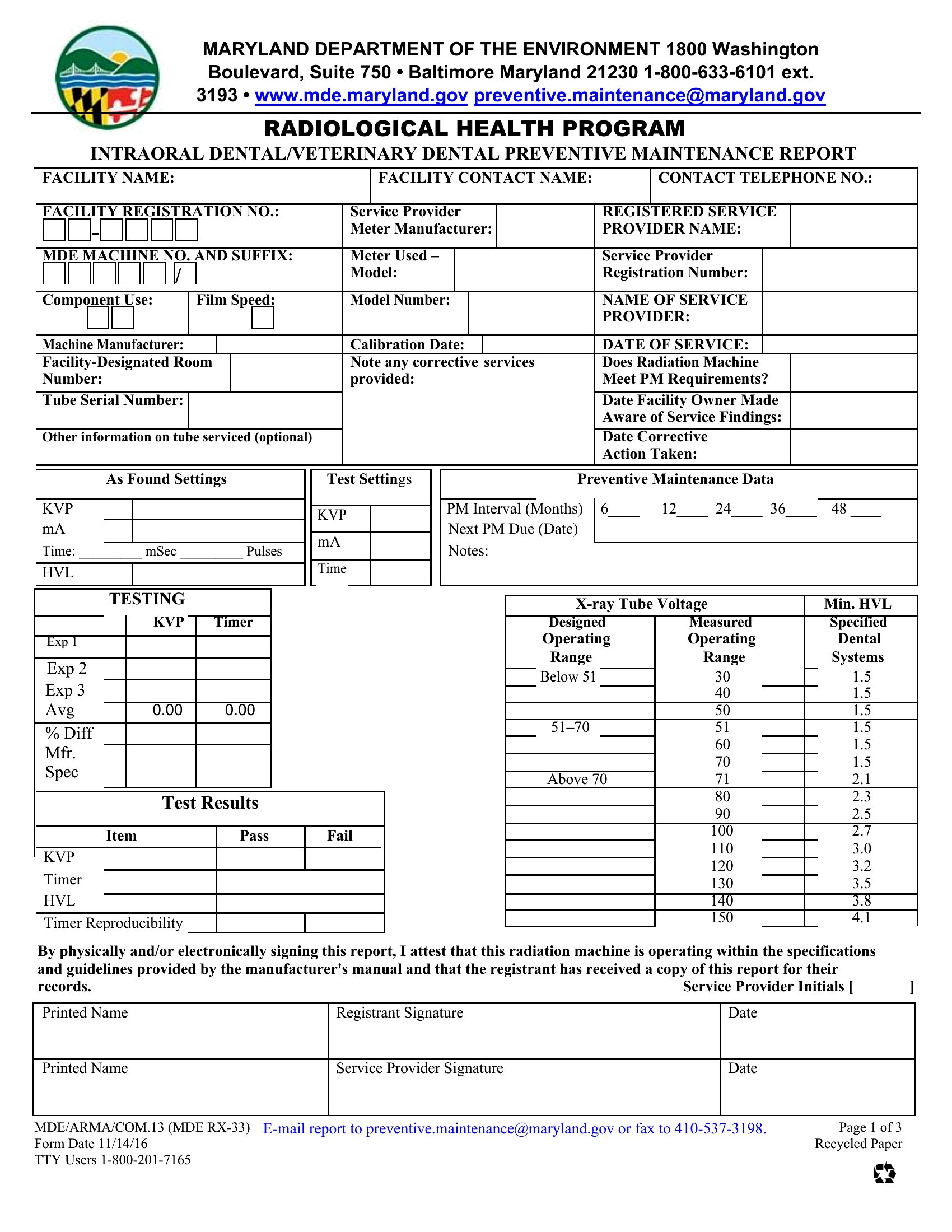
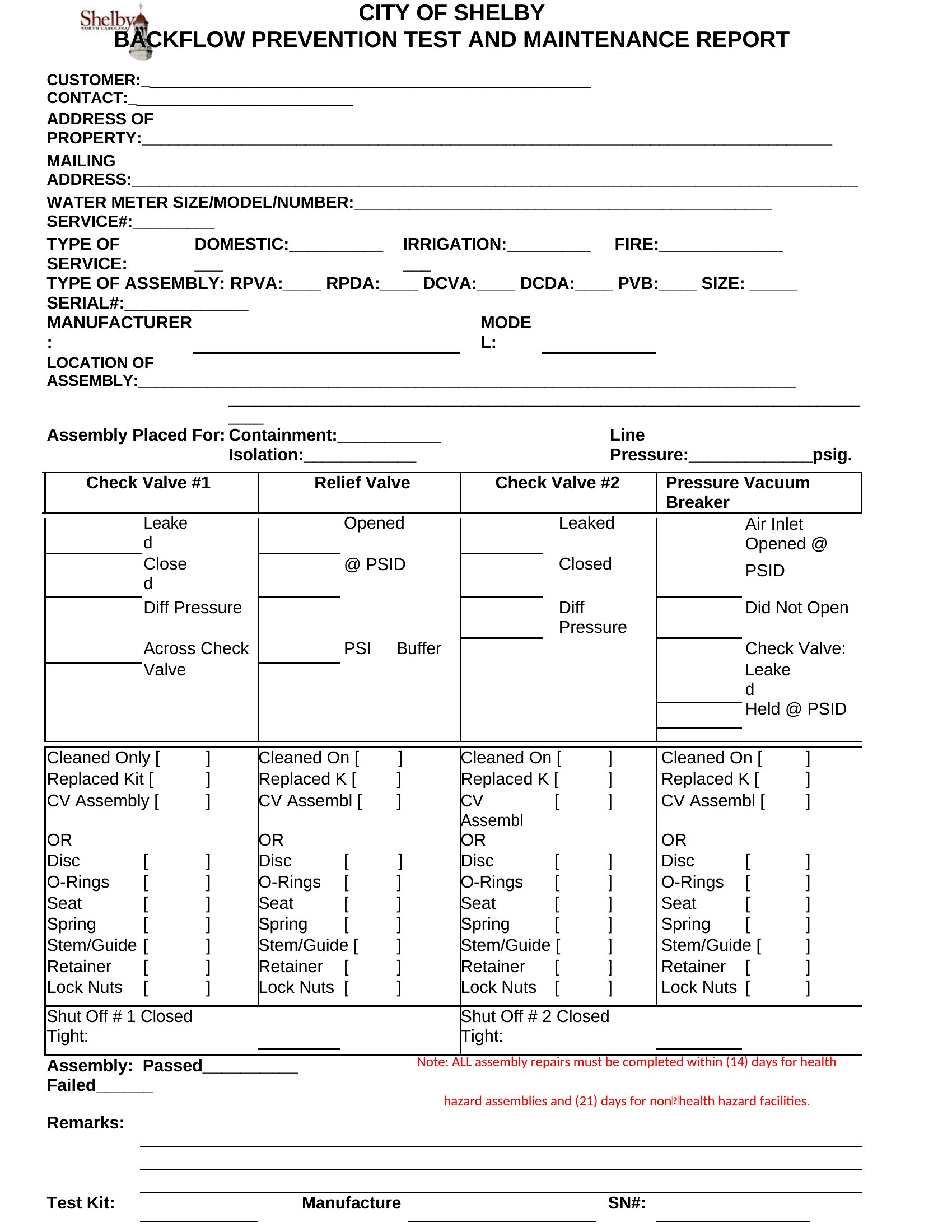
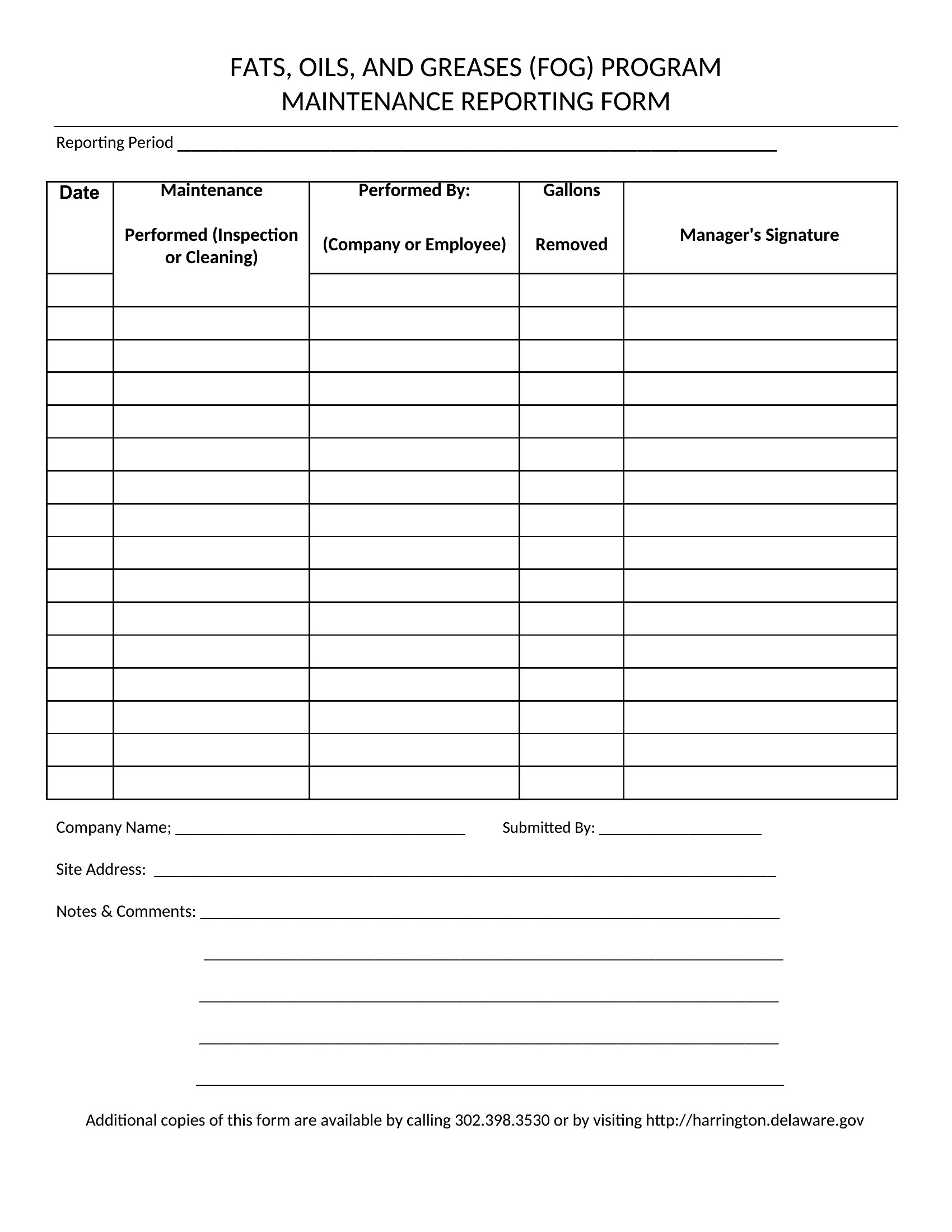
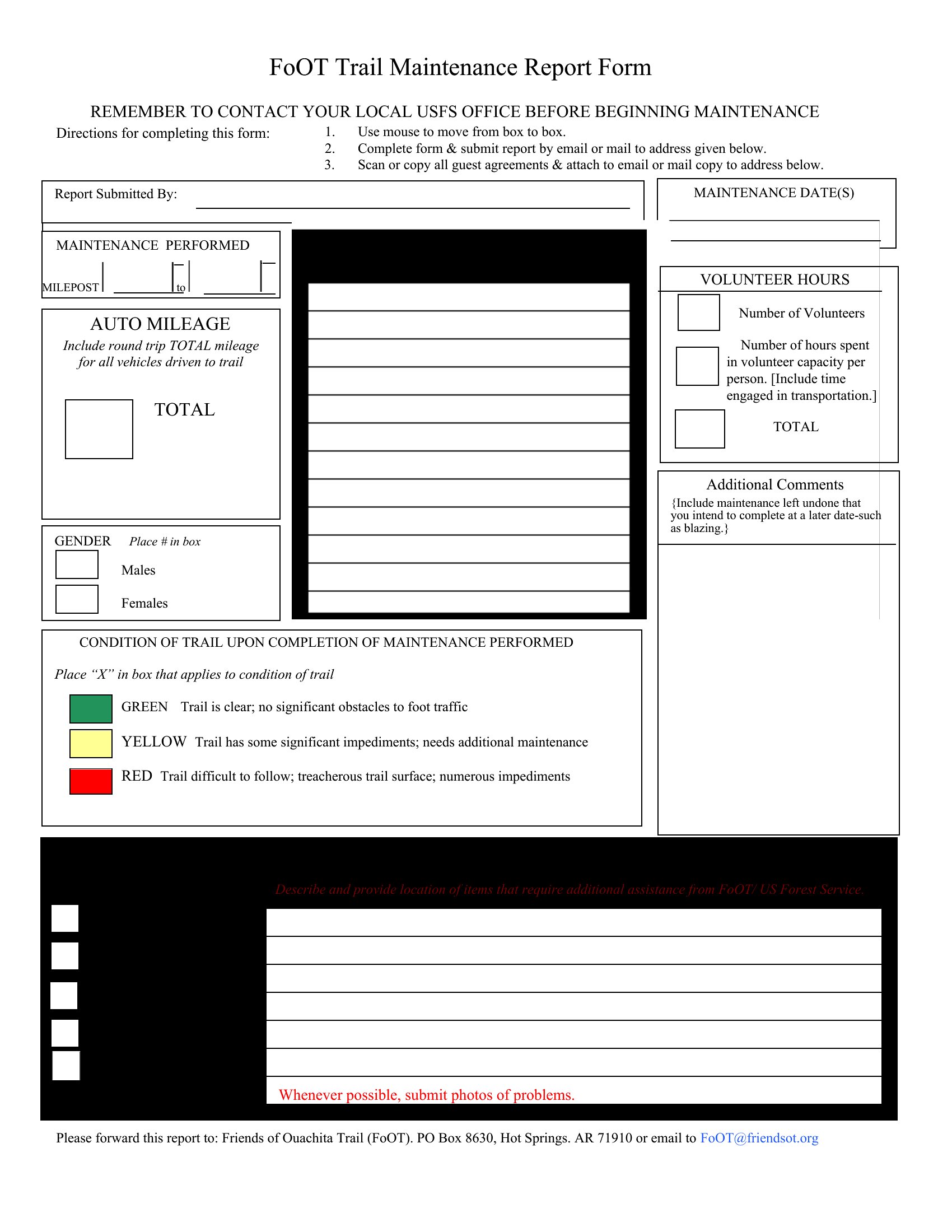
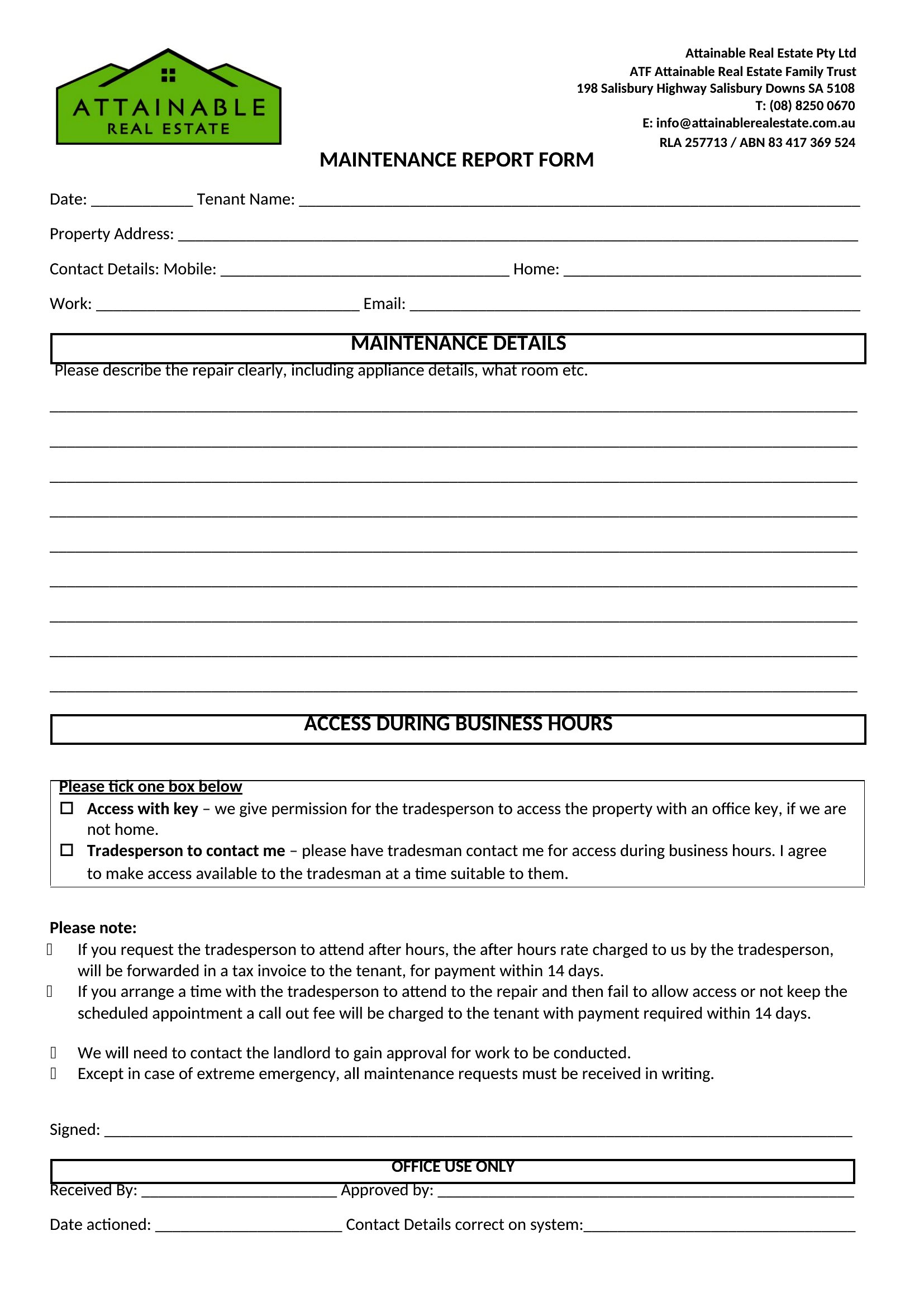
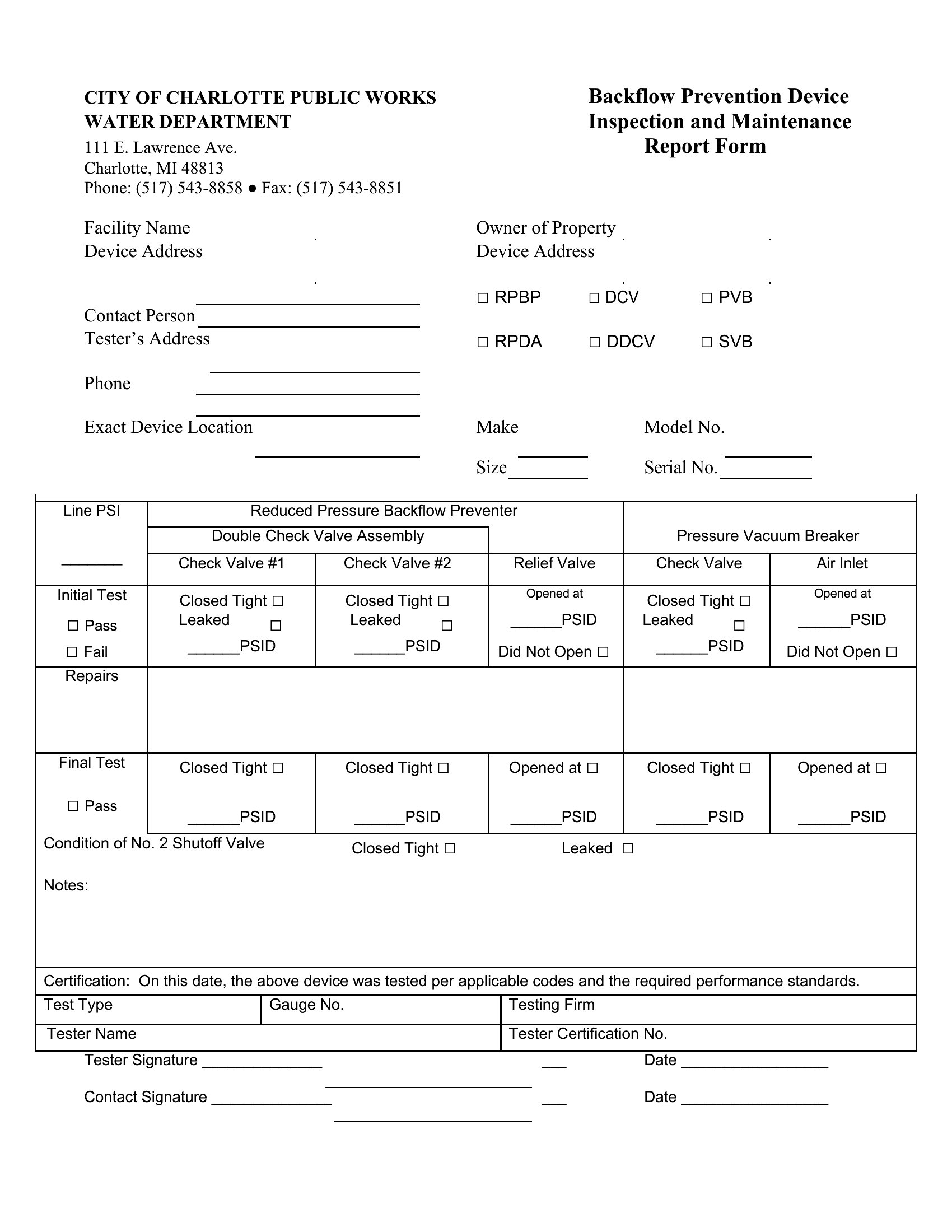
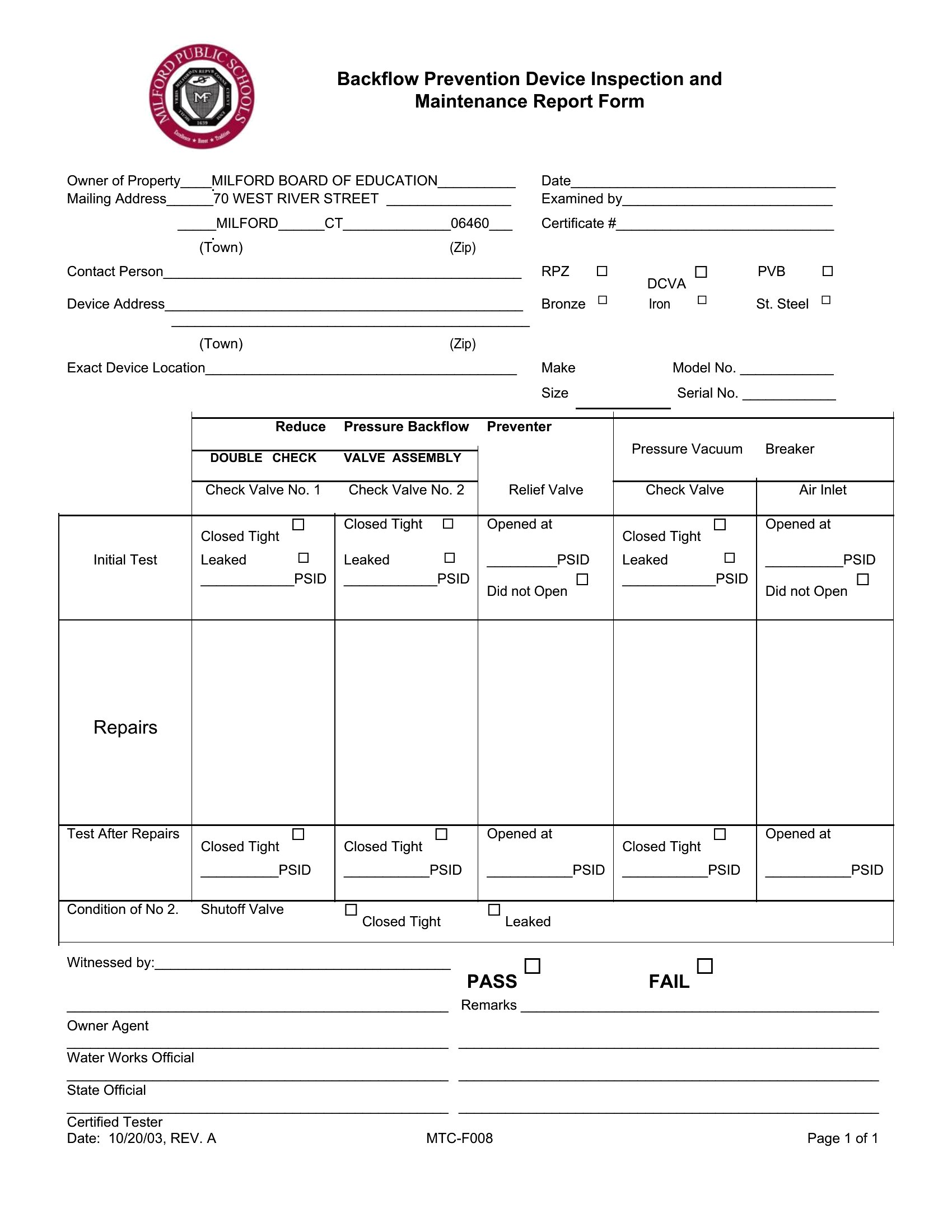
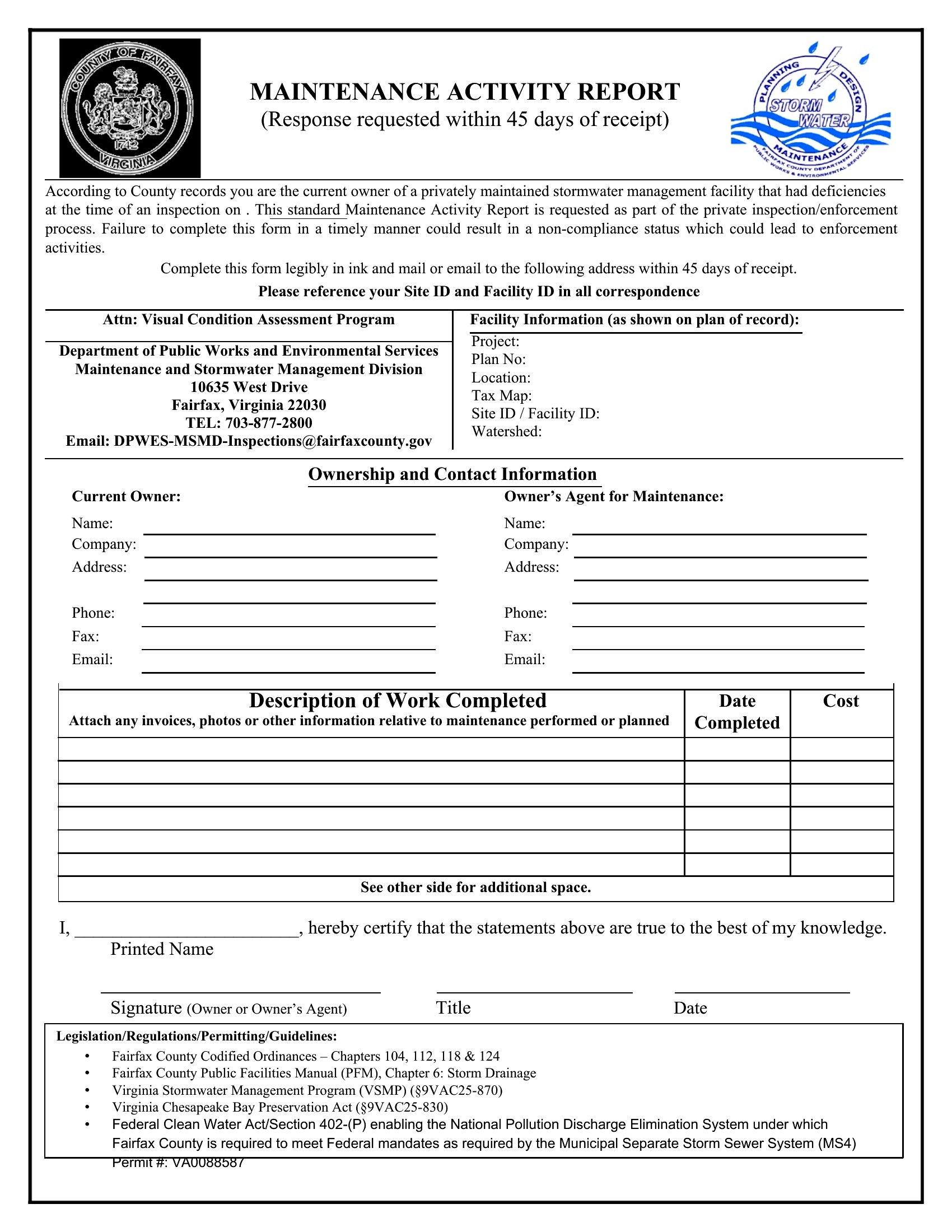
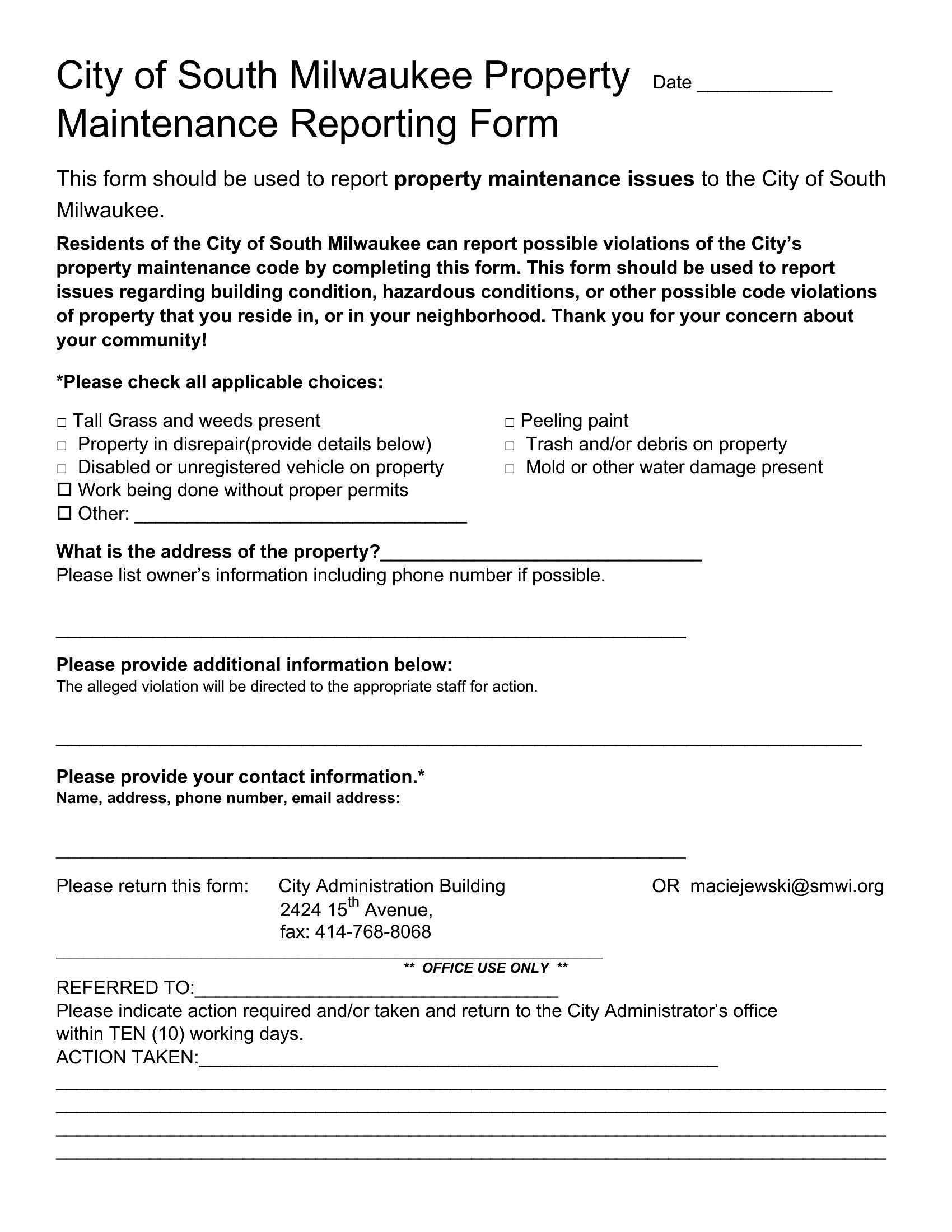
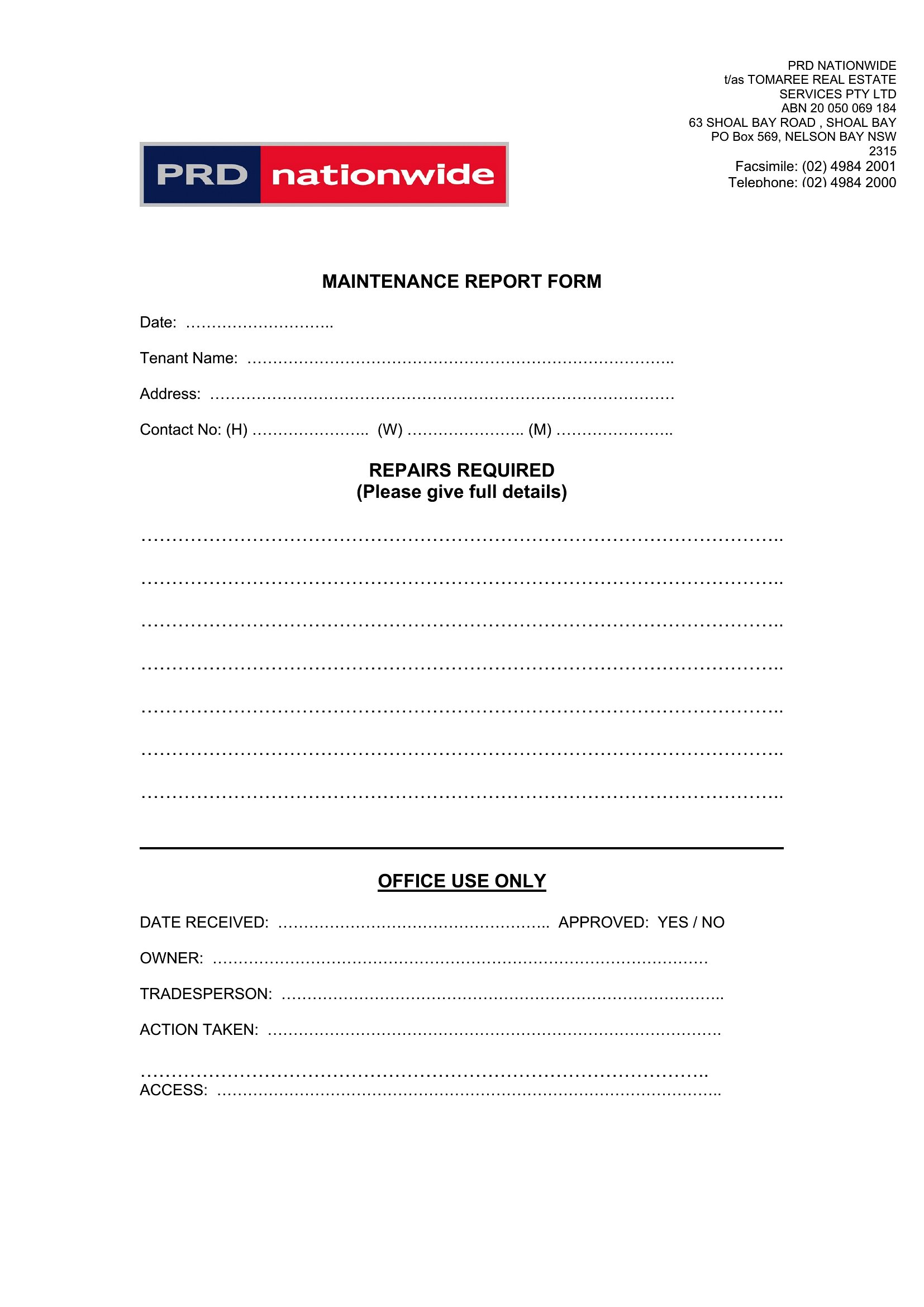
Include enough detail to help future technicians diagnose the problem without assuming they’ll inspect the equipment firsthand. For example, instead of ‘motor is noisy,’ write ‘bearing emits a grinding sound at 1,200 RPM with visible vibration in the housing.’ Avoid vague terms like ‘not working’—specify error codes if applicable, and note any environmental factors, like humidity or unusual wear patterns.
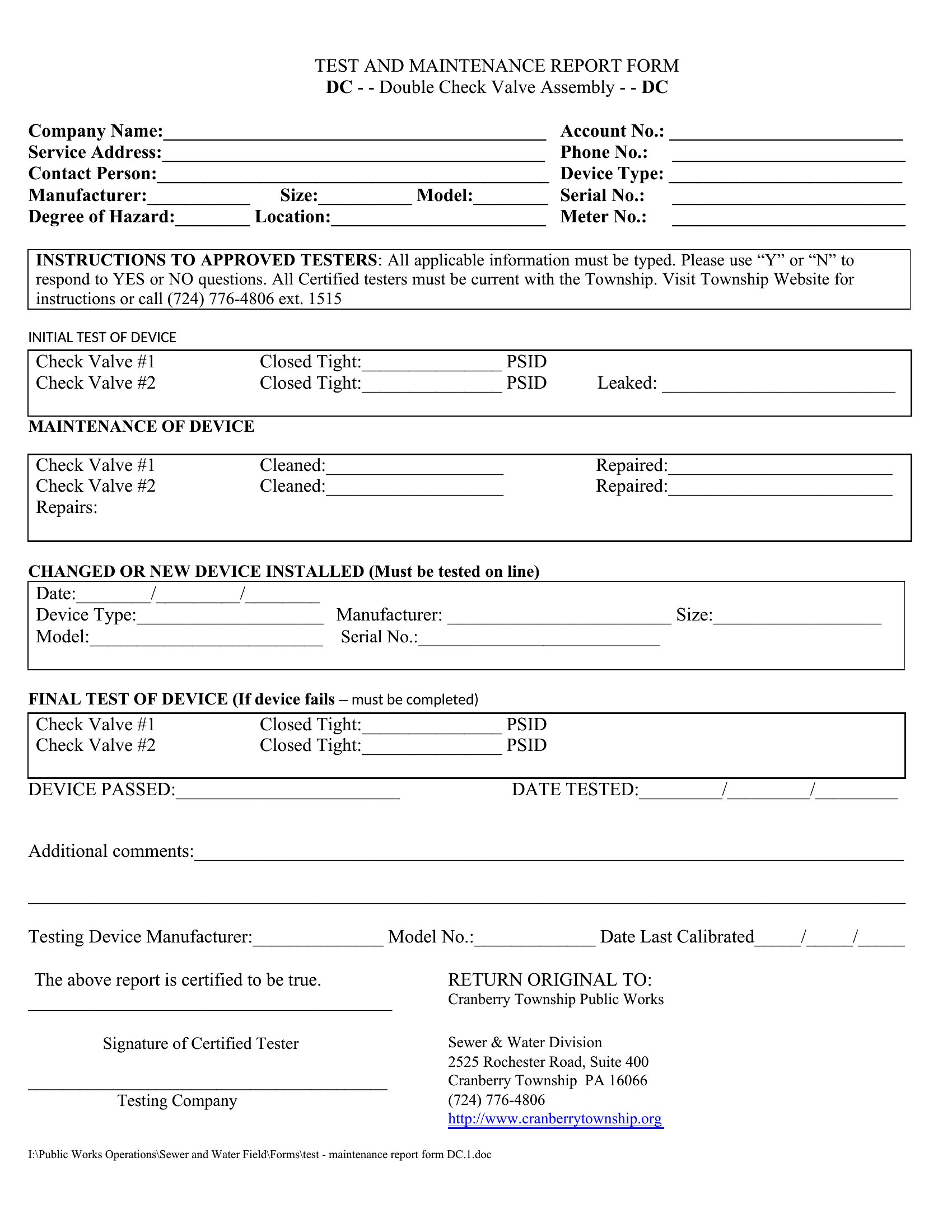
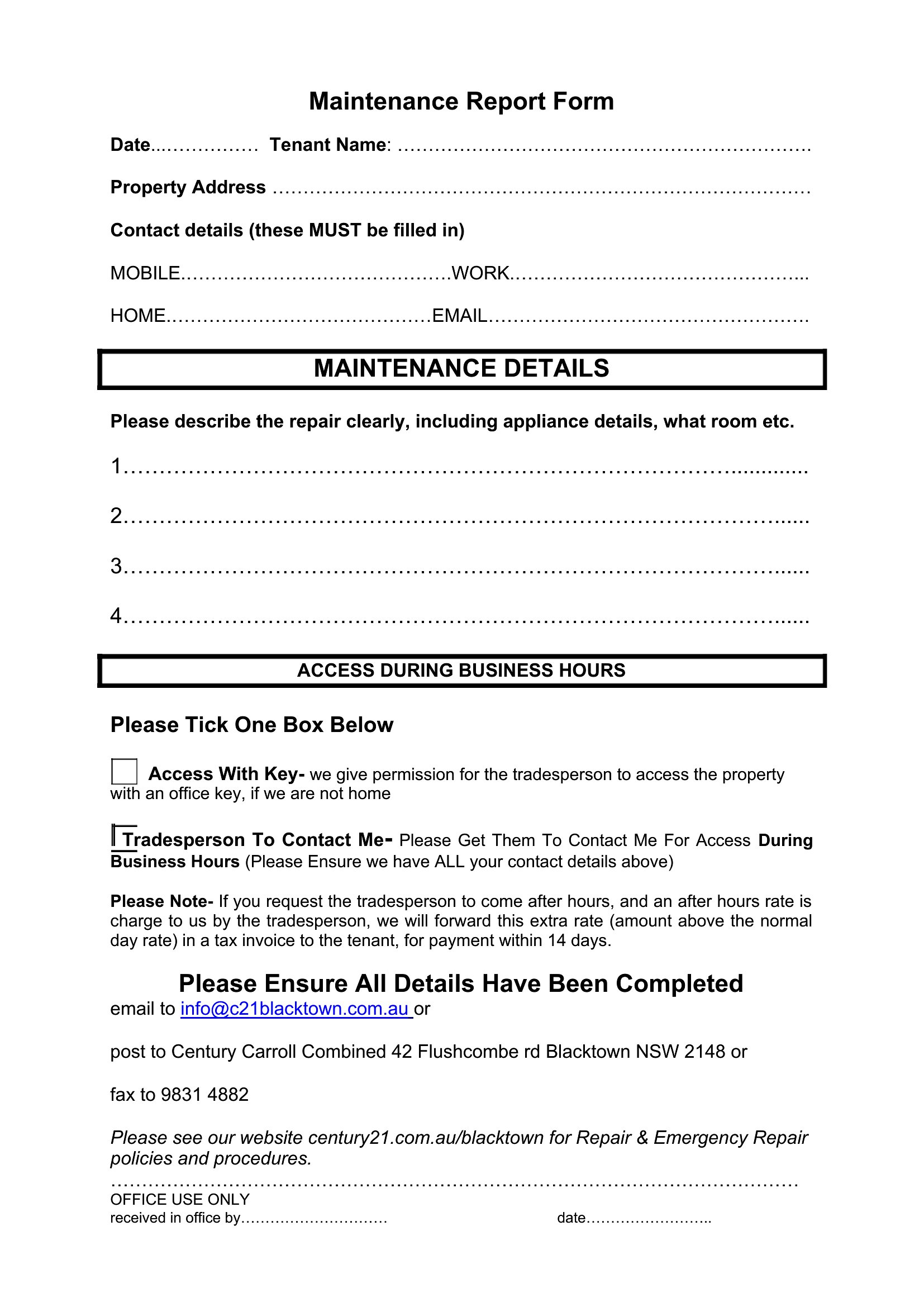
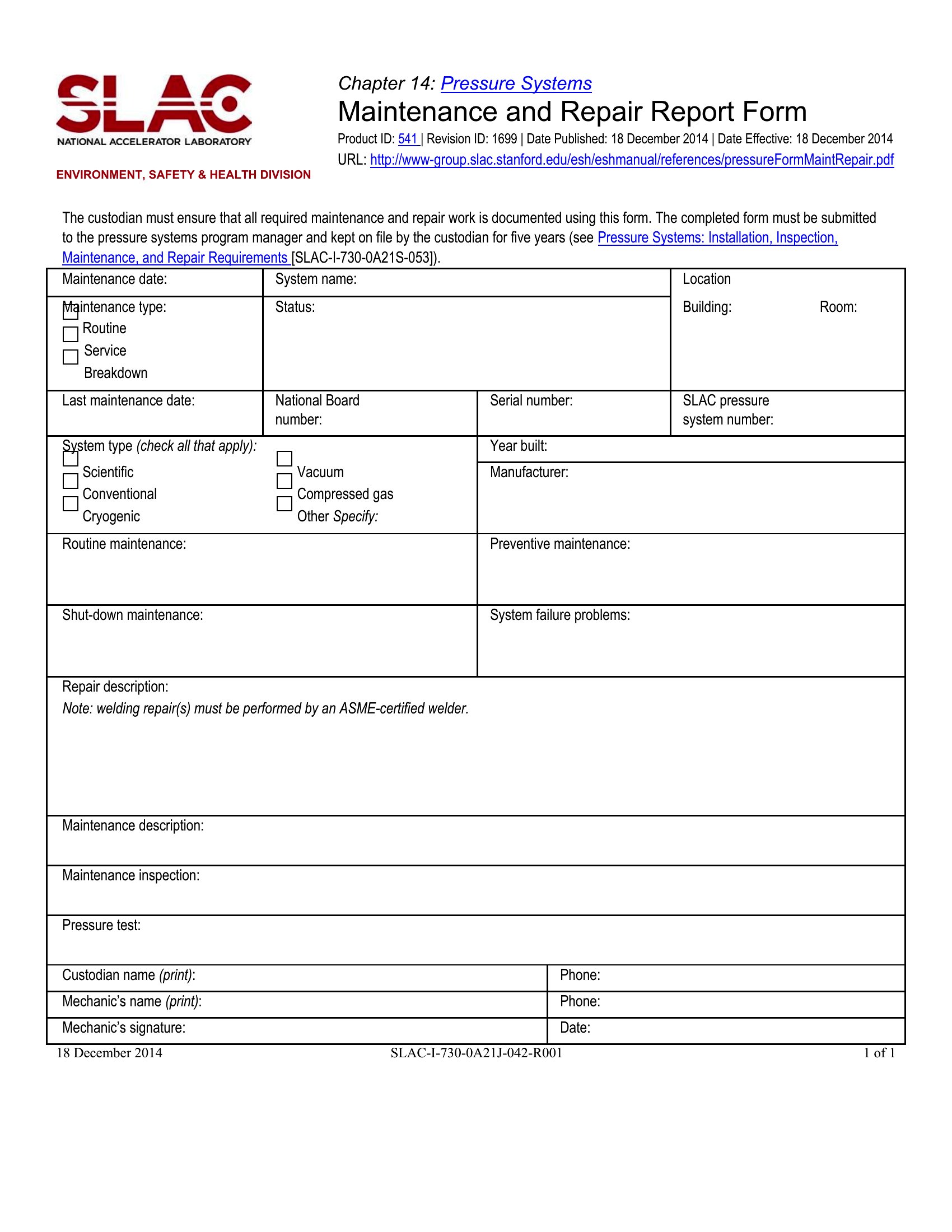
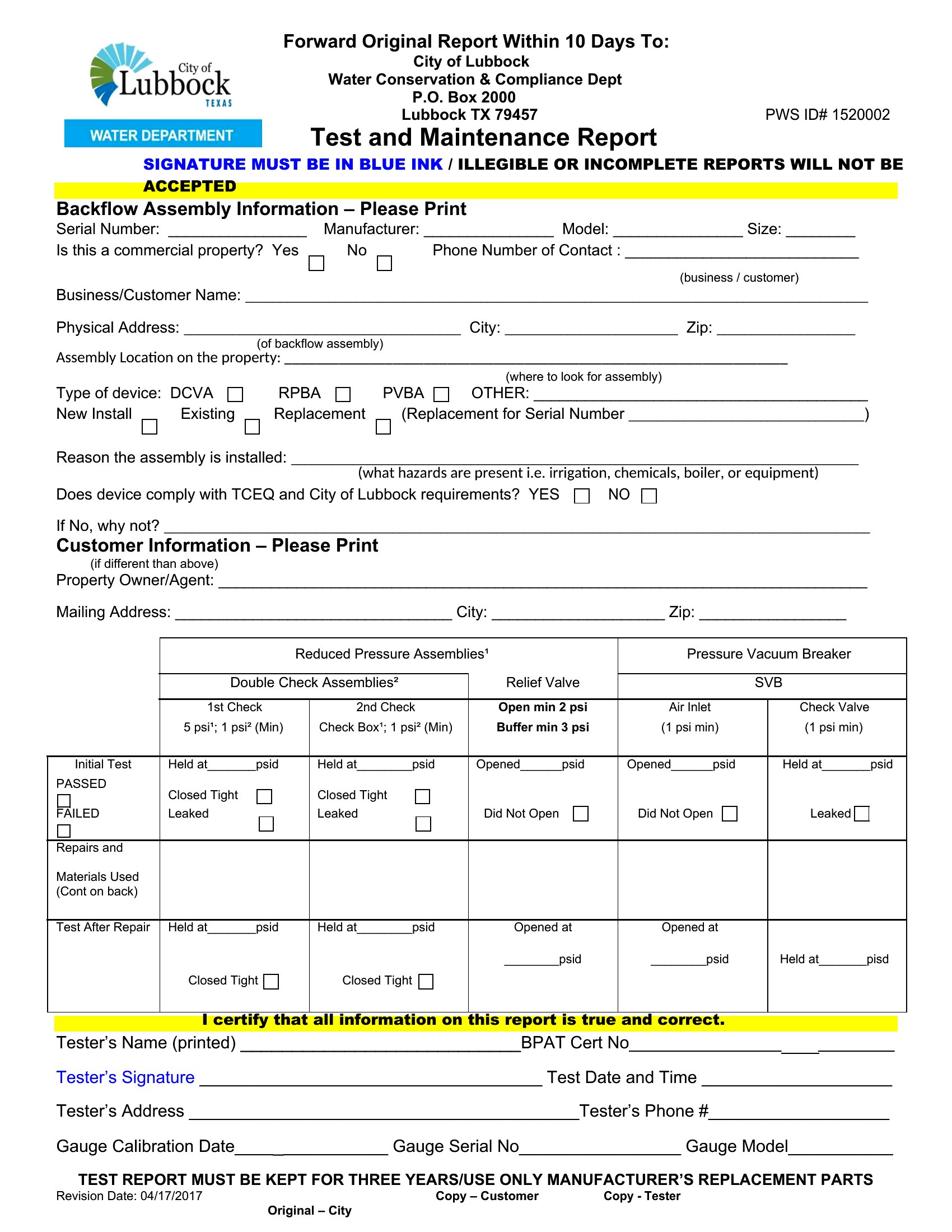
Can I use these templates to track both preventive and corrective maintenance in the same report?
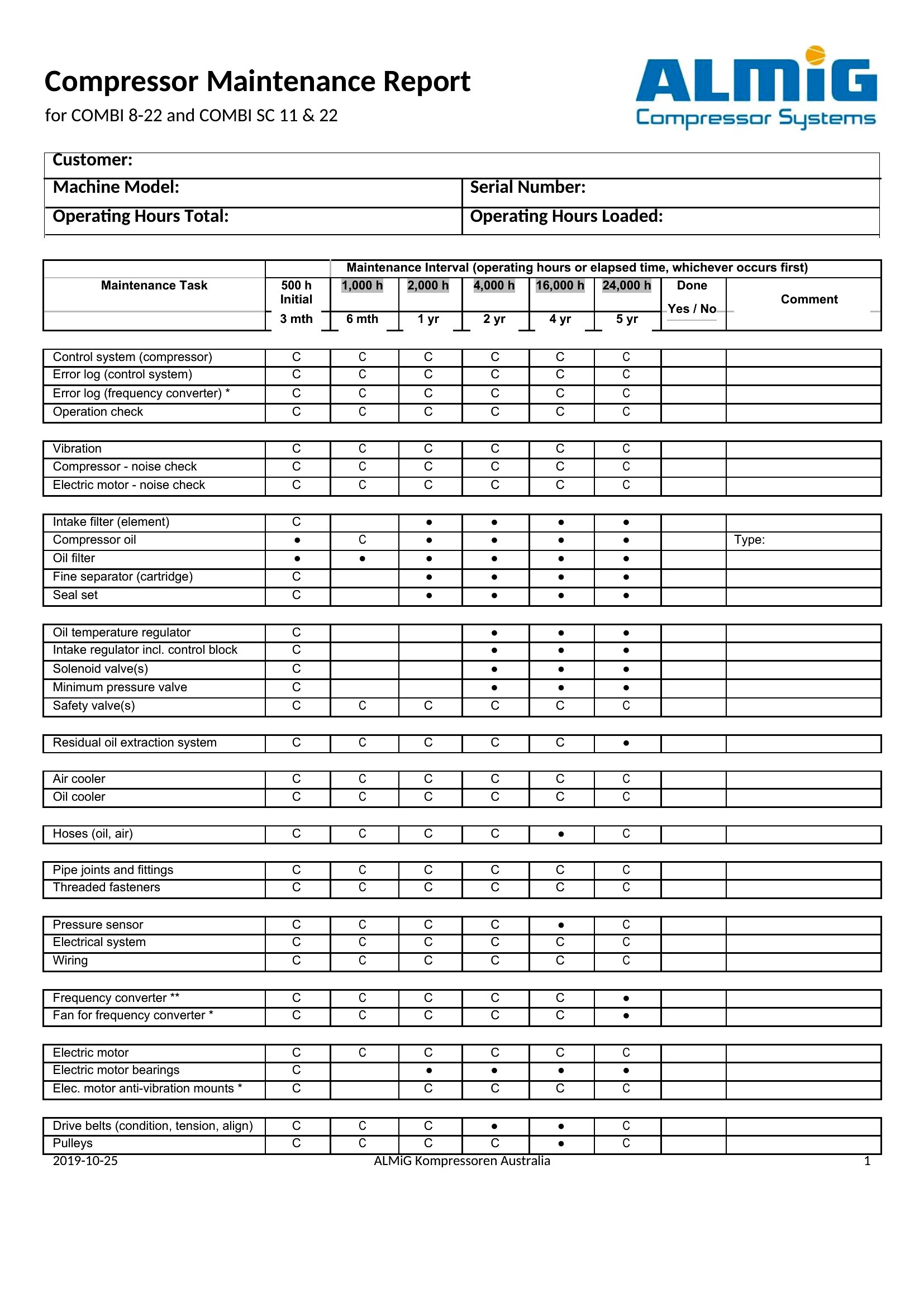
Yes, but structure your entries clearly by adding columns like ‘Maintenance Type’ (e.g., ‘Preventive’ or ‘Corrective’) and ‘Root Cause’ (e.g., ‘Worn belt’ or ‘Lubrication neglect’). Some templates here include sections for scheduled tasks, so you can list routine checks—like filter replacements—alongside unscheduled repairs. Just ensure dates and responsible parties are always recorded to distinguish between planned and reactive work.
What’s the best way to organize maintenance reports if I’m managing multiple locations or equipment types?
Use a standardized naming convention for your Word files (e.g., ‘2024_BranchA_HVAC_Weekly_Report.docx’) and save them in a shared folder by location or equipment category. For high-volume teams, add a ‘Summary’ section at the end of each report to highlight recurring issues or cost trends. Some templates here include a ‘Parts Replacement Log’ tab—consolidate those into a master spreadsheet linked to the report for easier tracking across sites.
Comments
Join the conversation
Sign in to share your thoughts and leave a comment on this resource.