FAQ
Can these spreadsheets automatically pull stock or crypto prices from market APIs?
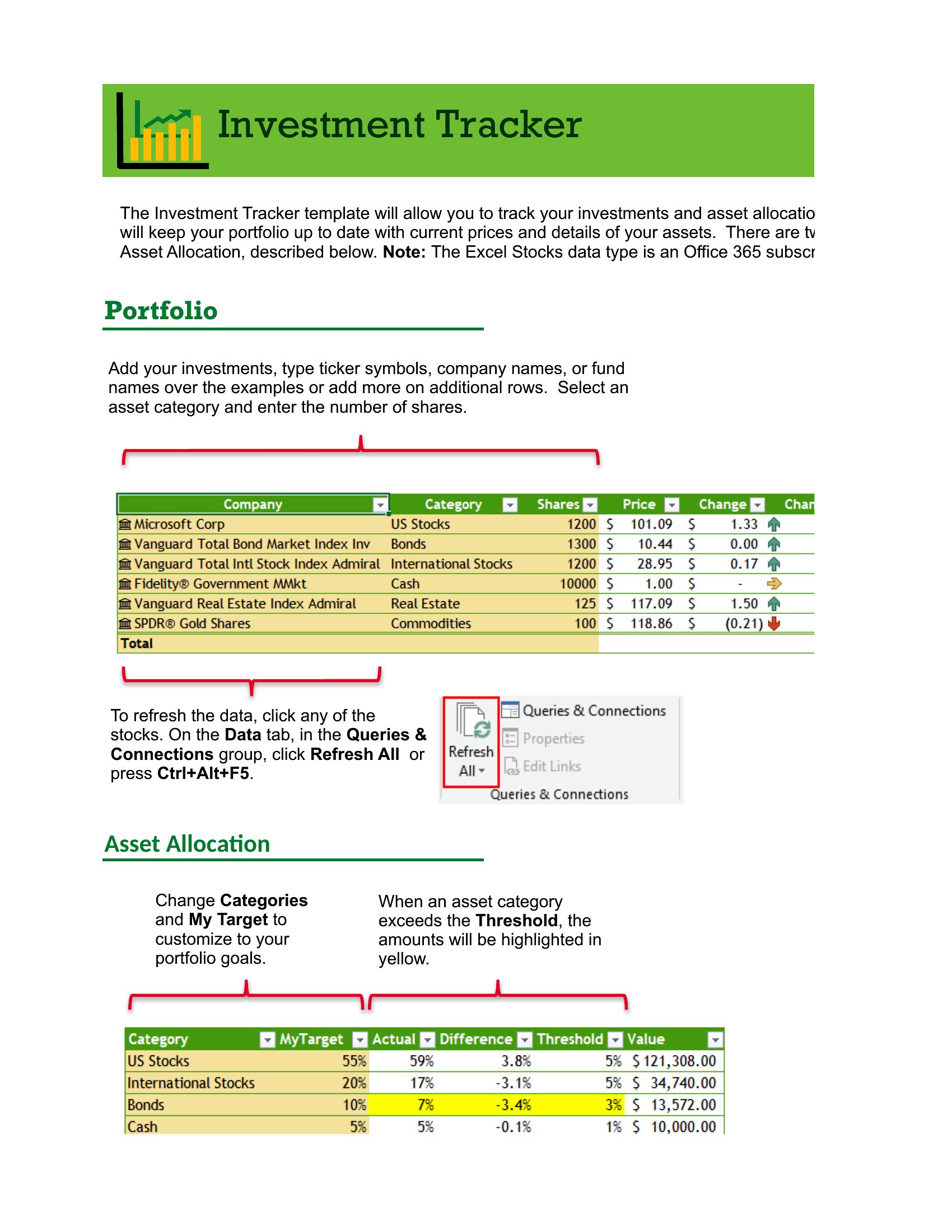
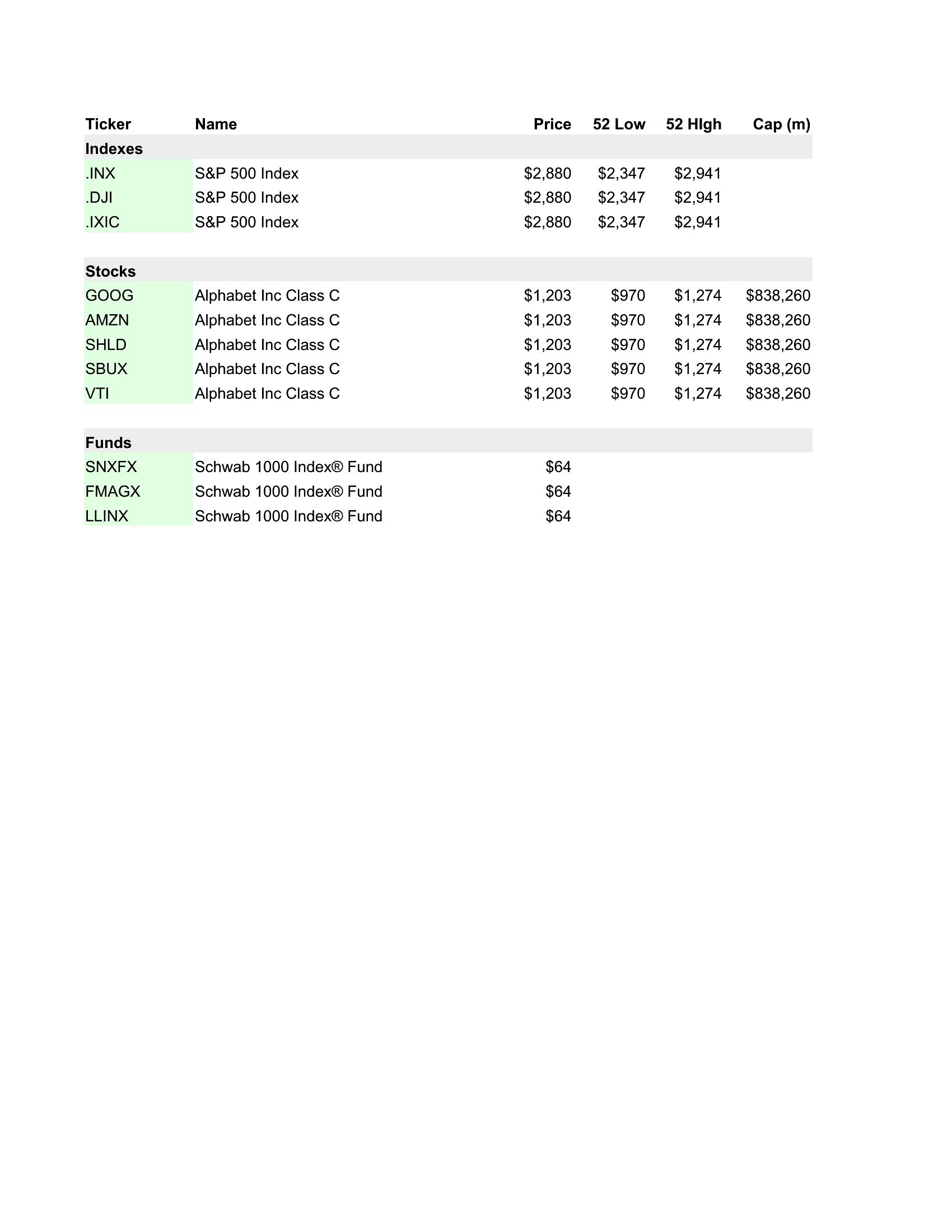
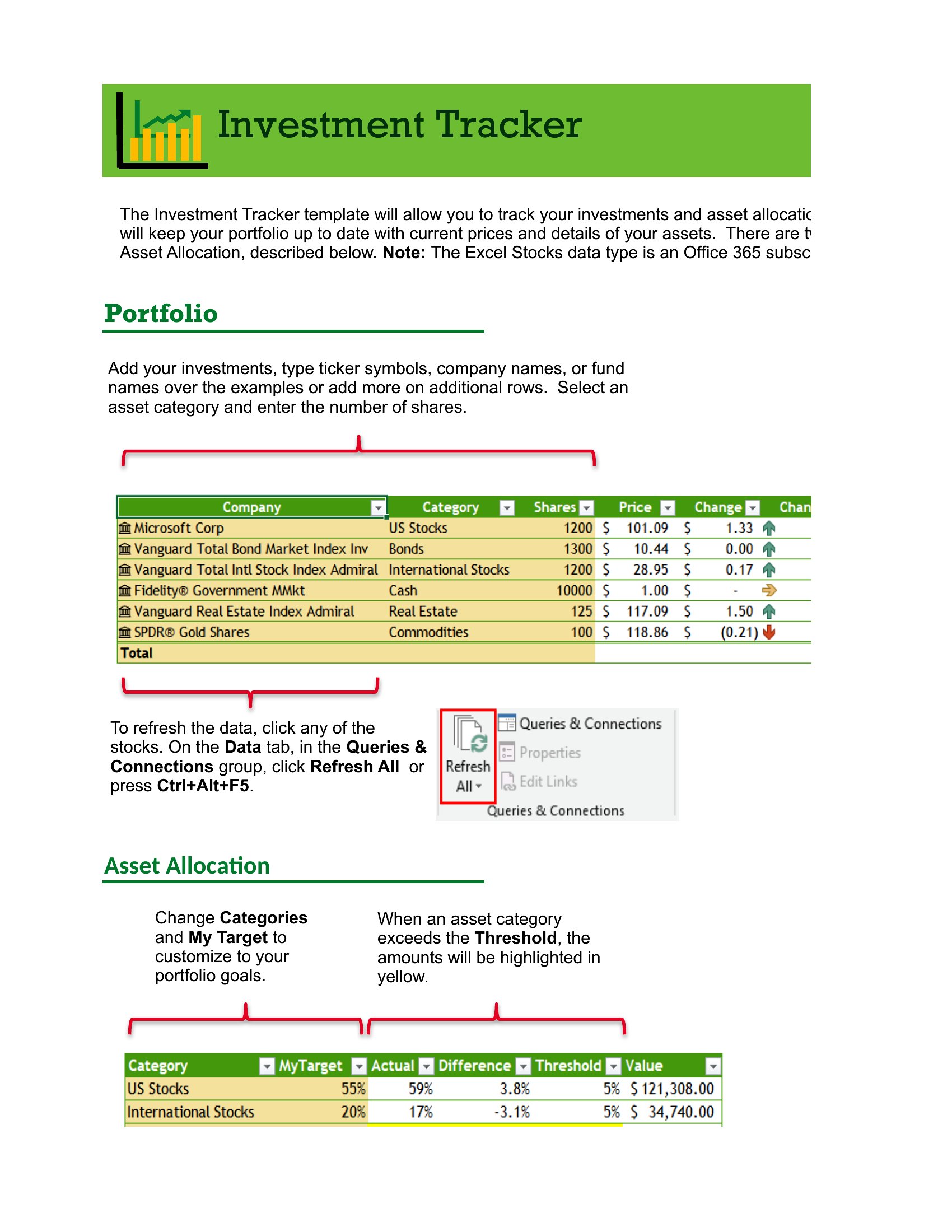
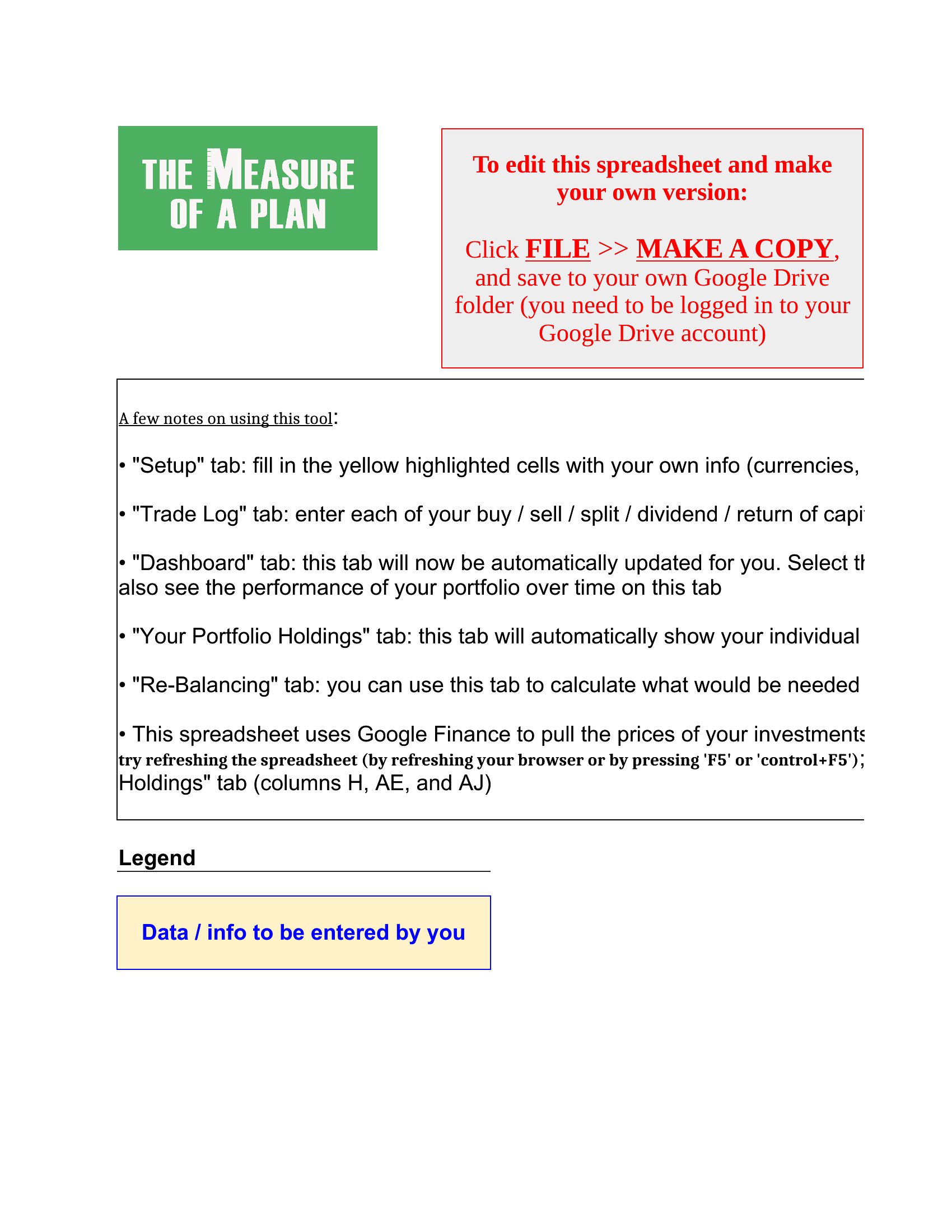
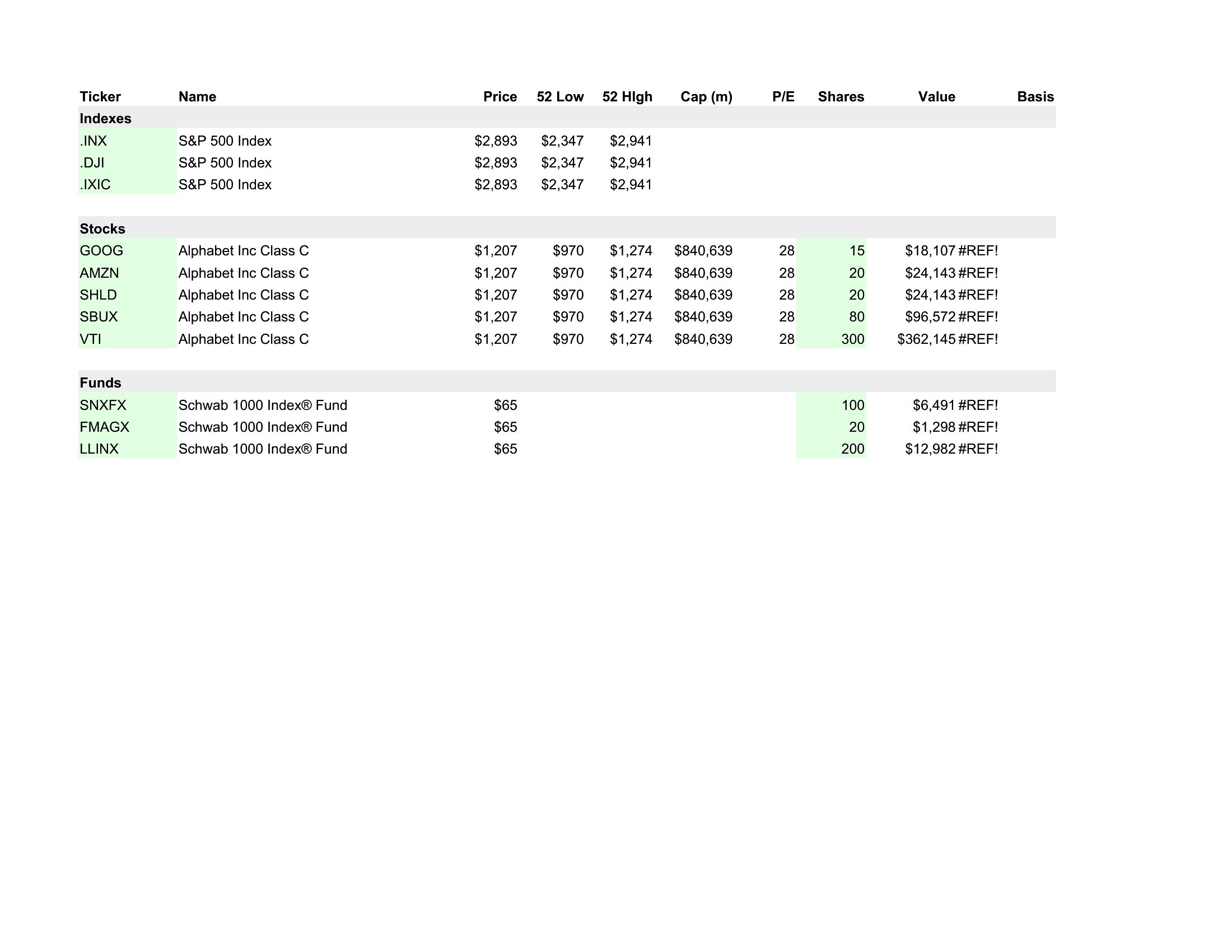
Some templates include built-in functions to fetch live prices (like GOOGLEFINANCE in Excel), but most require manual updates or a third-party add-on. For crypto, you’ll often need to input prices yourself unless the template specifies a compatible API. Always check the included instructions for setup steps.
How do I adjust a template if my brokerage provides unique fields (e.g., fractional shares or foreign currency holdings)?
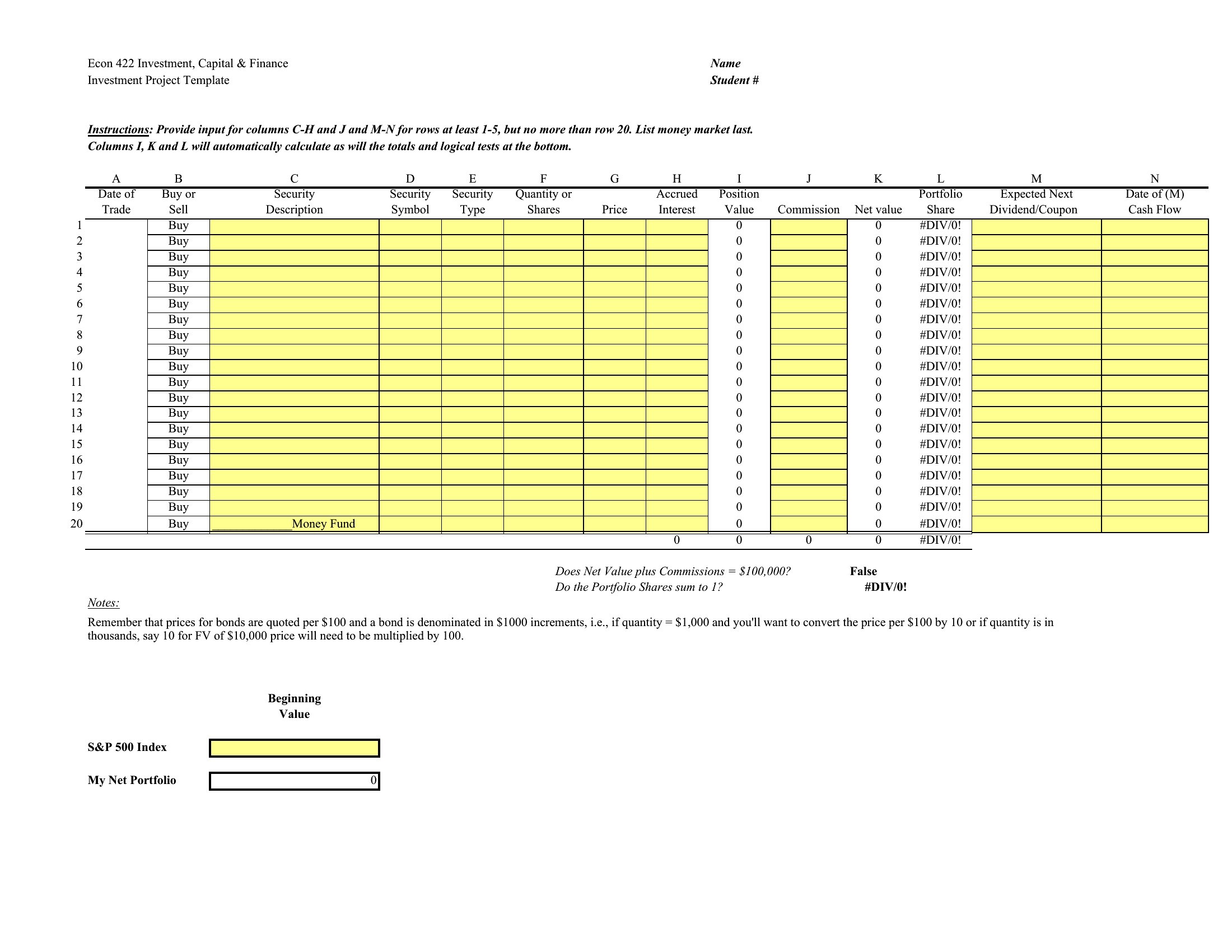
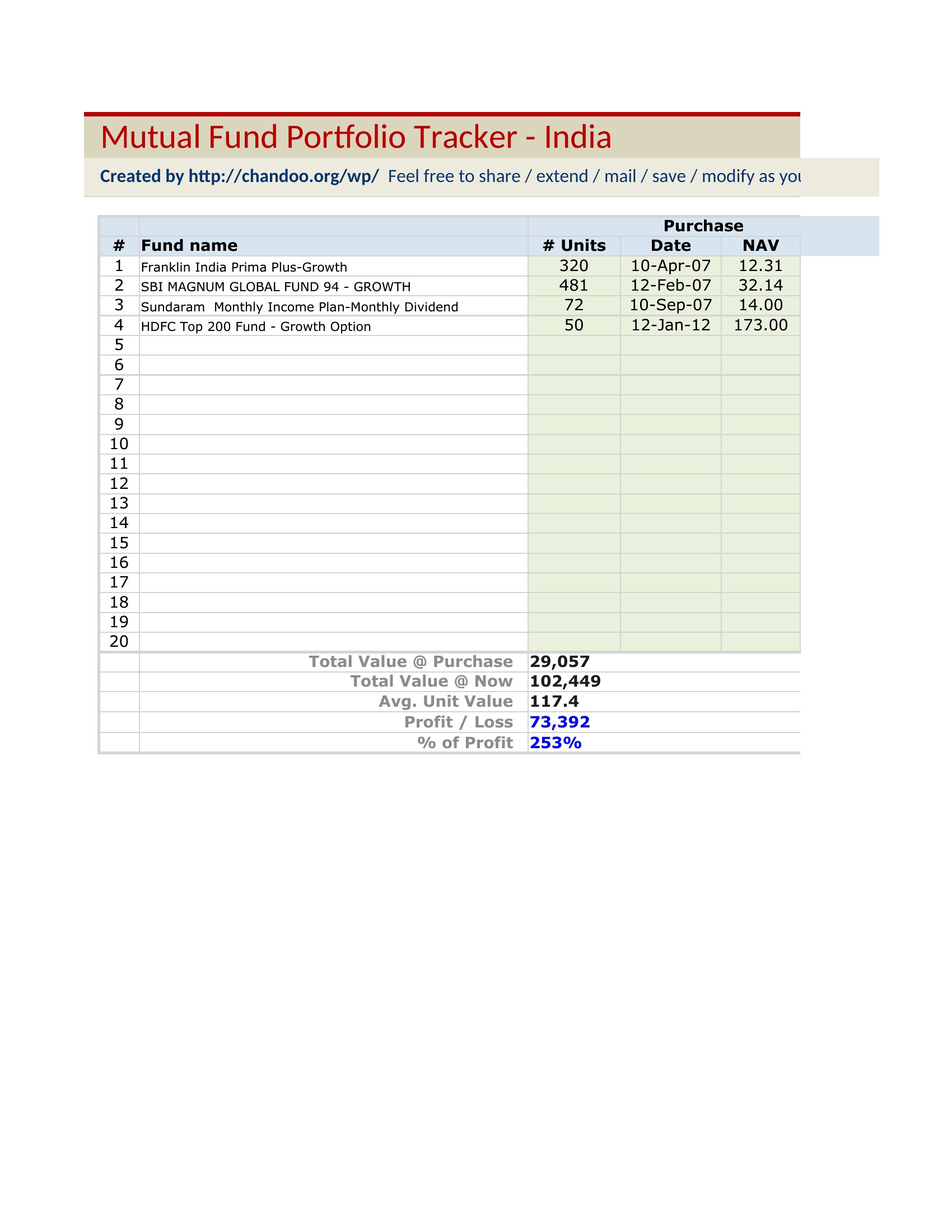
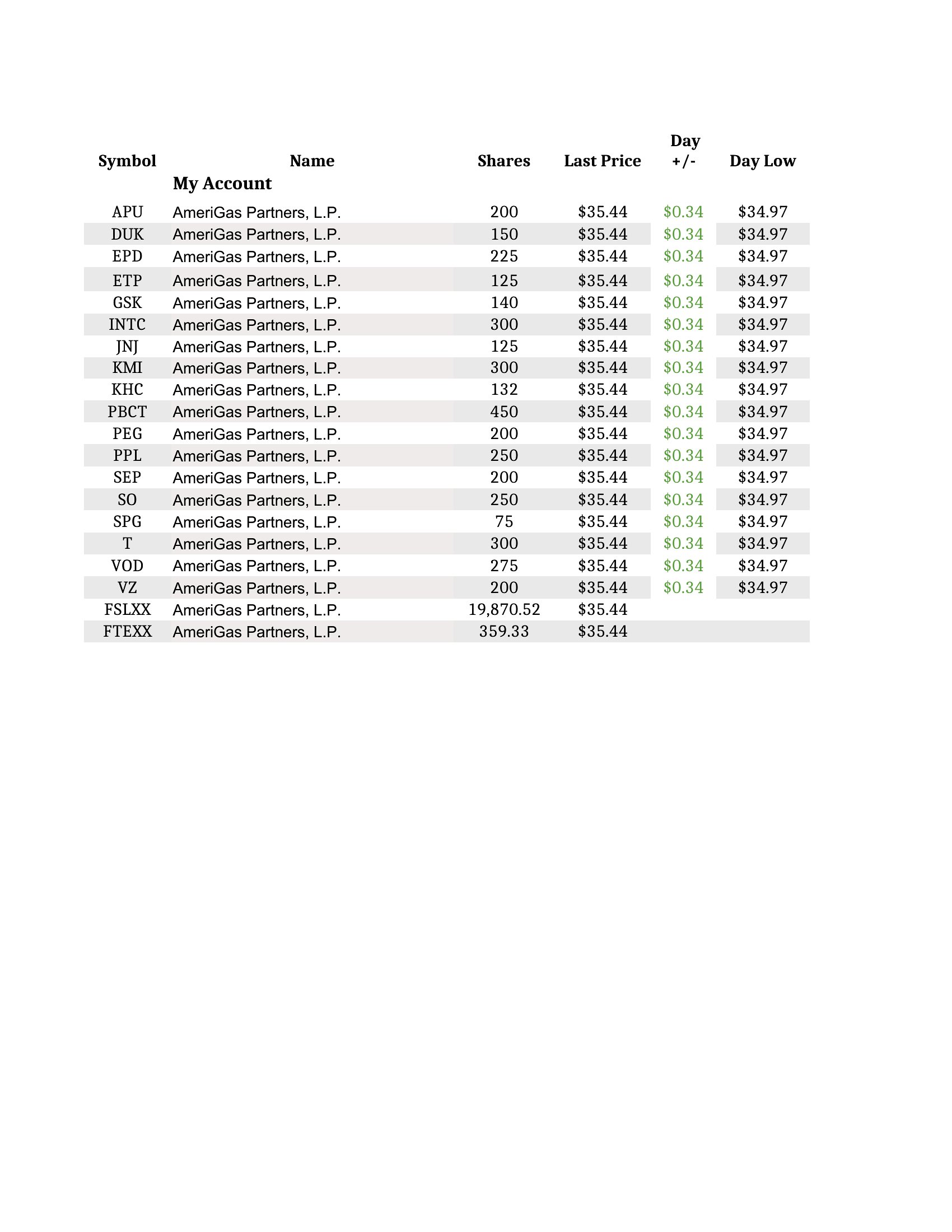
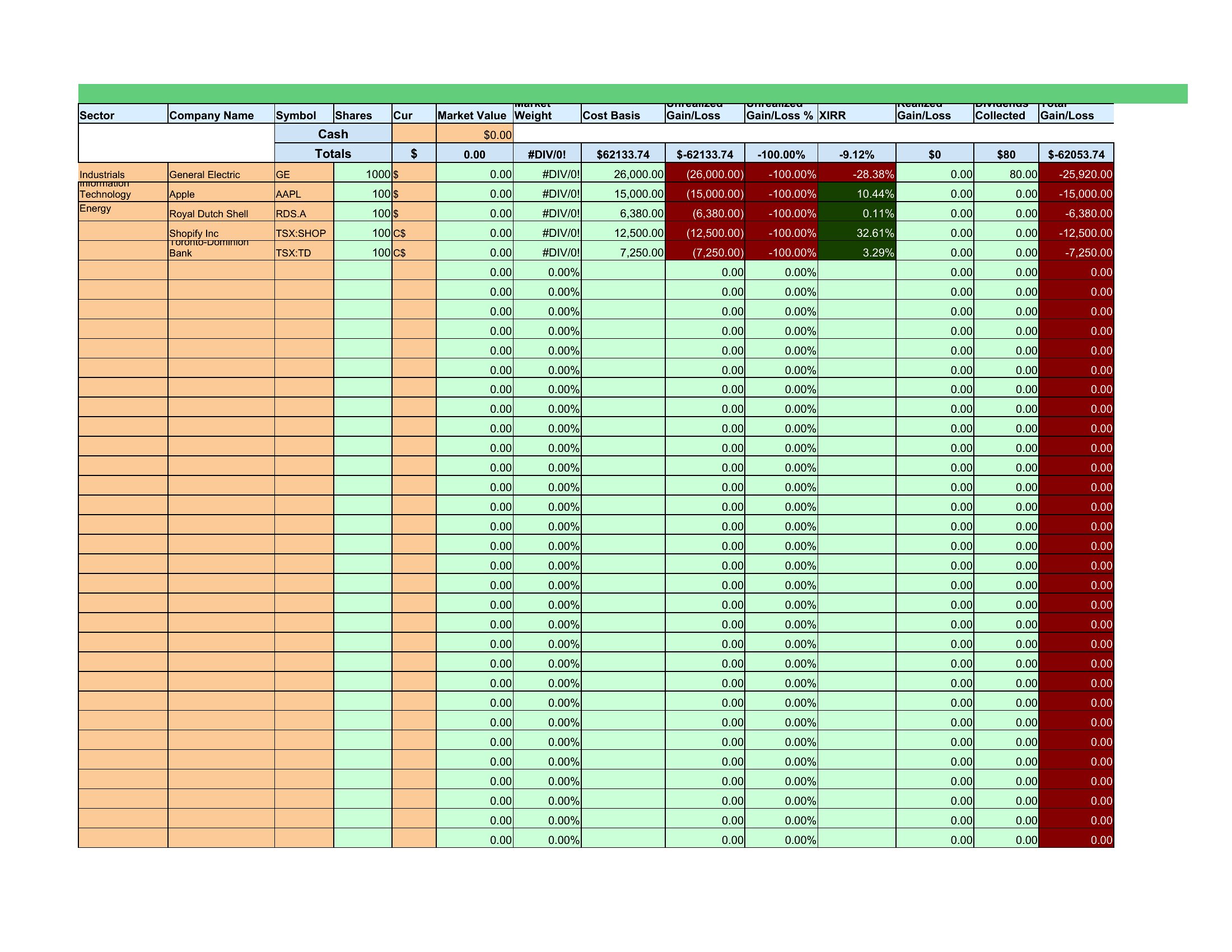
Most Excel templates let you add custom columns—simply insert a new column header and adjust formulas to reference it. For complex cases, duplicate the template file and save as a new version to avoid overwriting the original. Word templates won’t support calculations, so stick to Excel for editable fields.
Are these suitable for tracking tax-lot methods (FIFO, LIFO, or specific ID)?
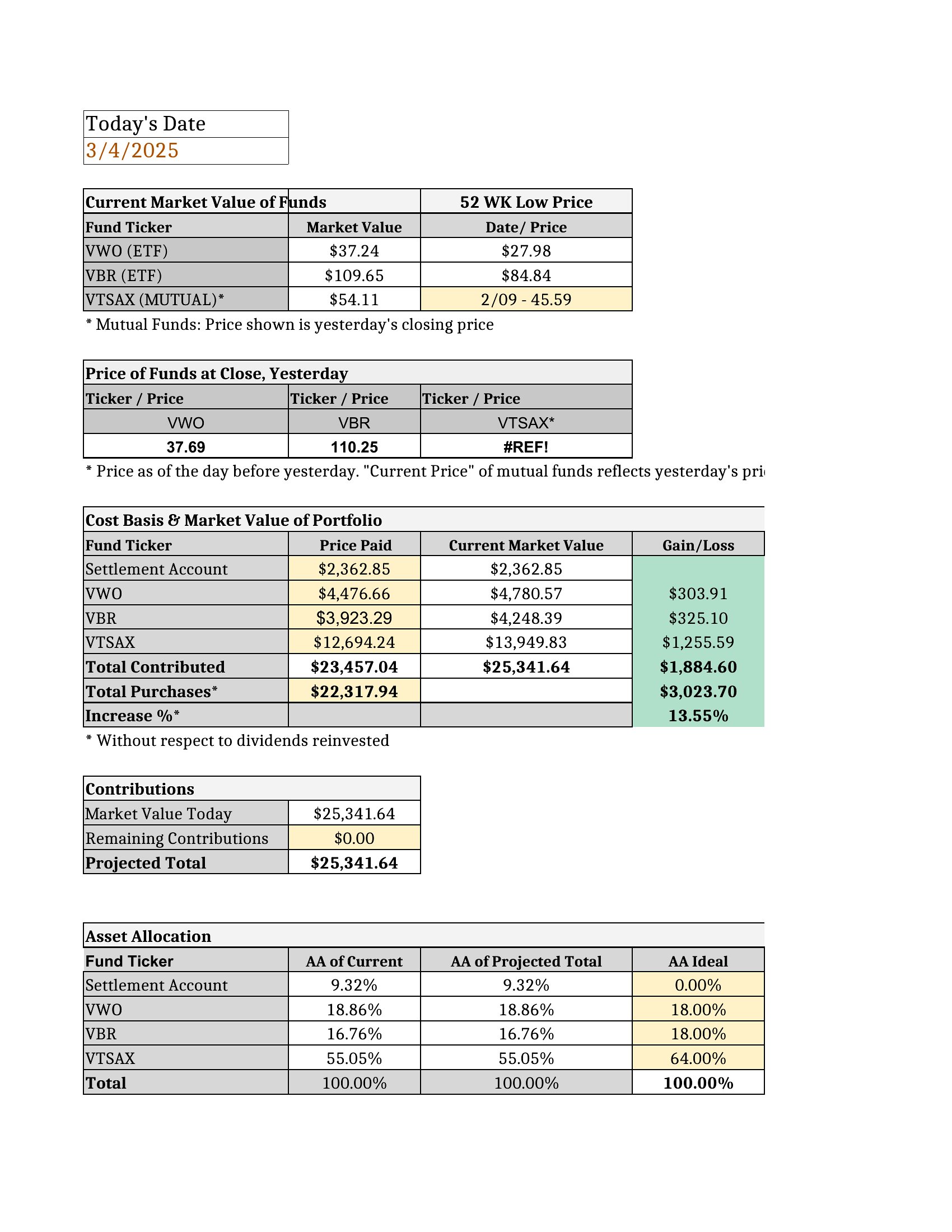
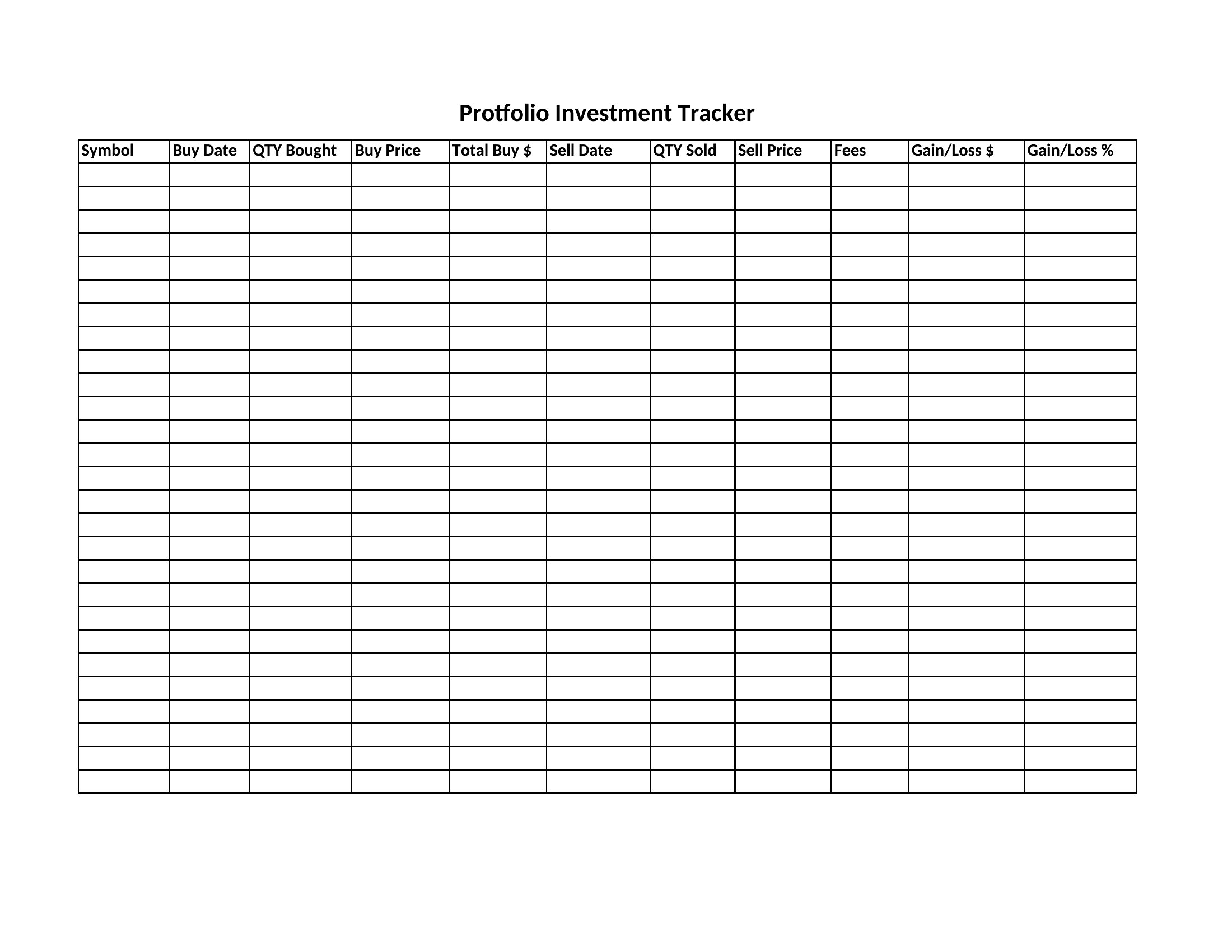
Some advanced templates include tax-lot tracking, but most focus on basic performance metrics. For tax purposes, consult a CPA to ensure the template aligns with IRS or local regulations. Start with a simple tracker, then layer in tax-specific columns (e.g., ‘Cost Basis,’ ‘Sale Date’) as needed.
Comments
Join the conversation
Sign in to share your thoughts and leave a comment on this resource.