Free Investment Tracking Spreadsheets (Word, Excel)
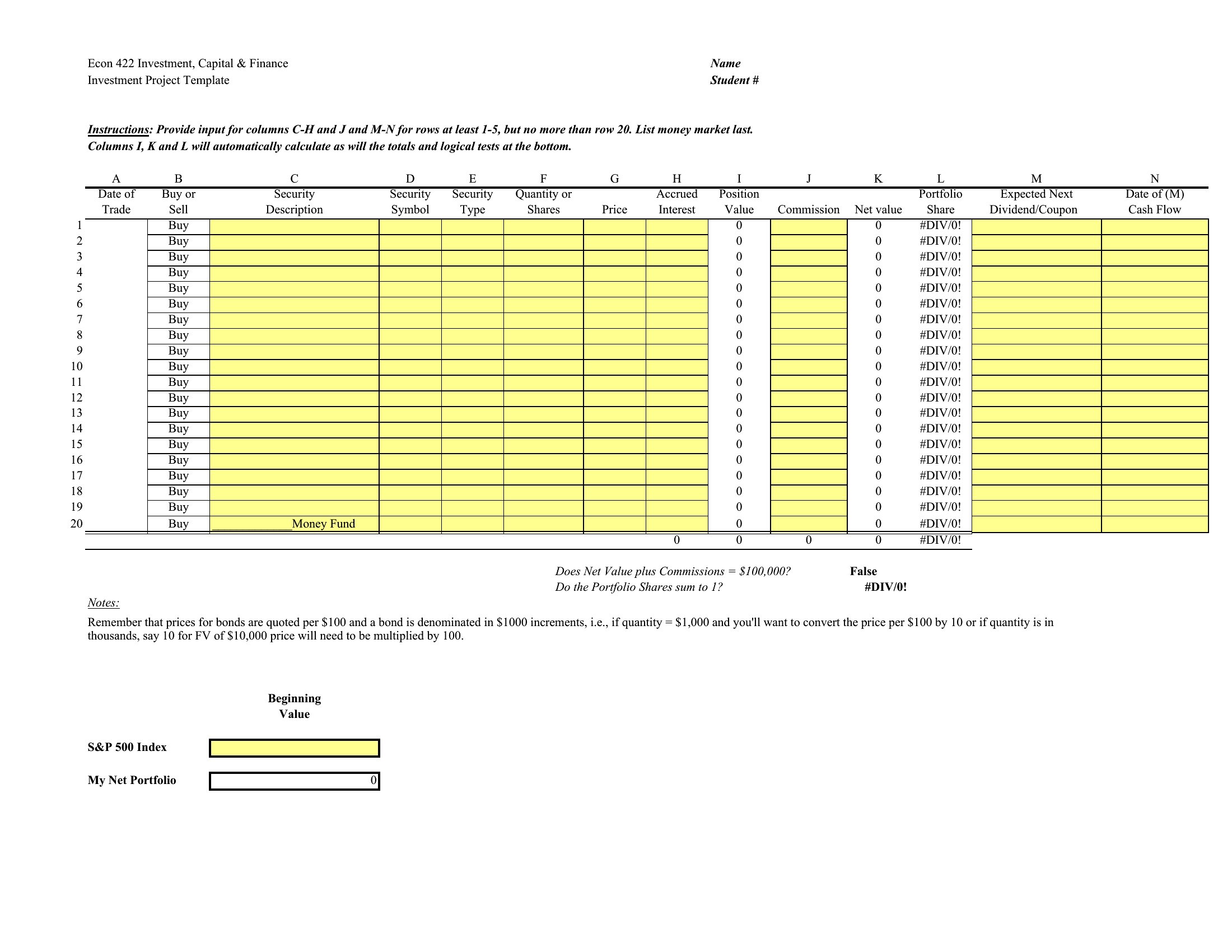
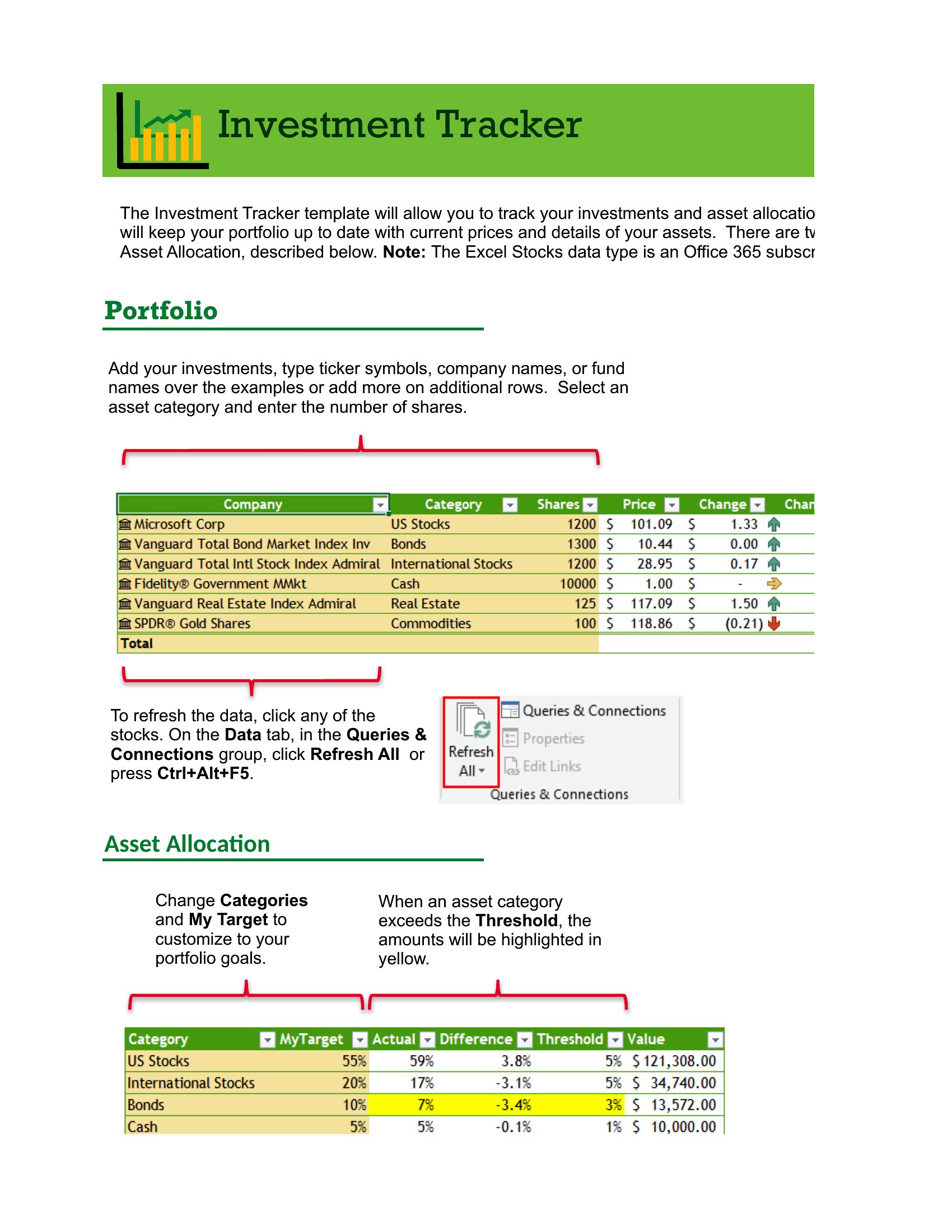
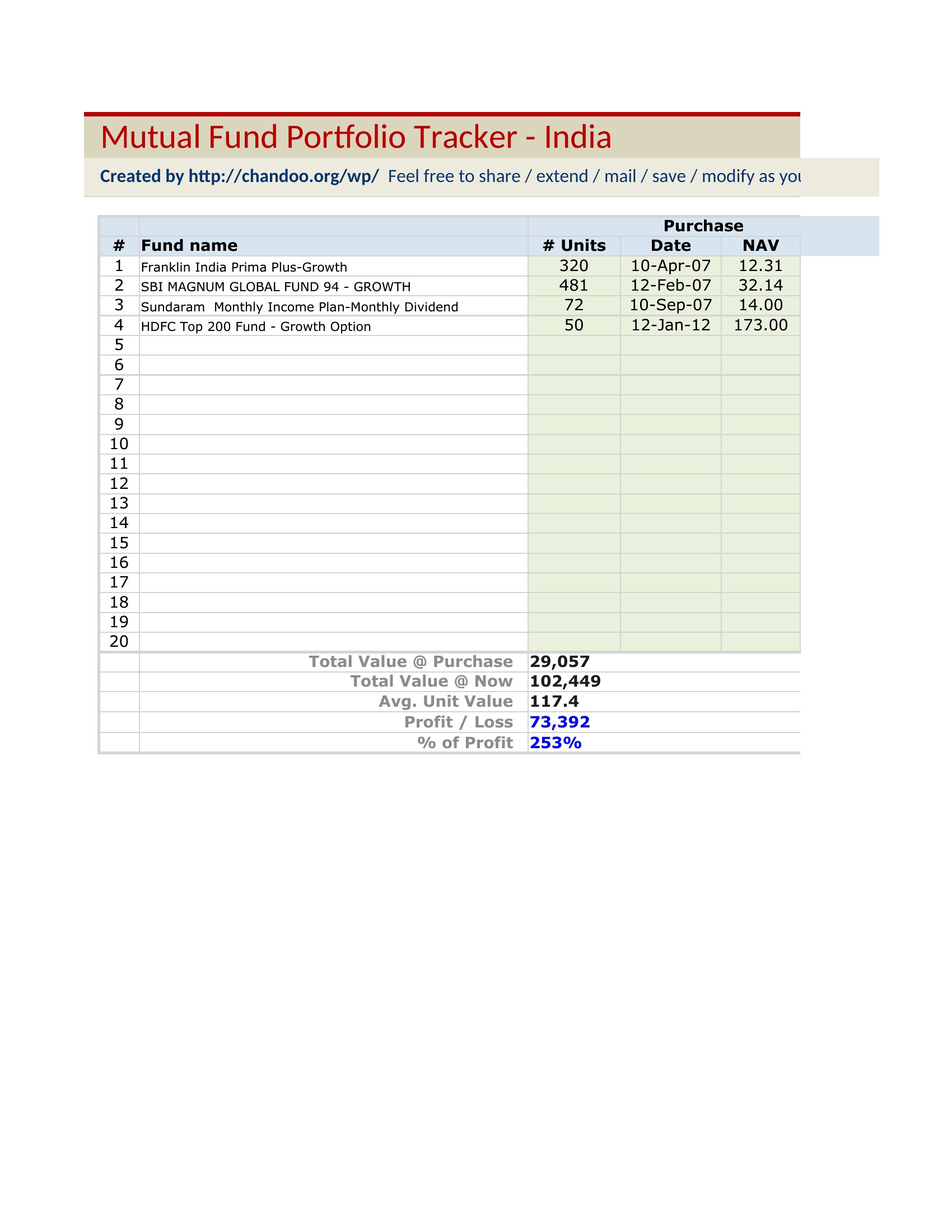
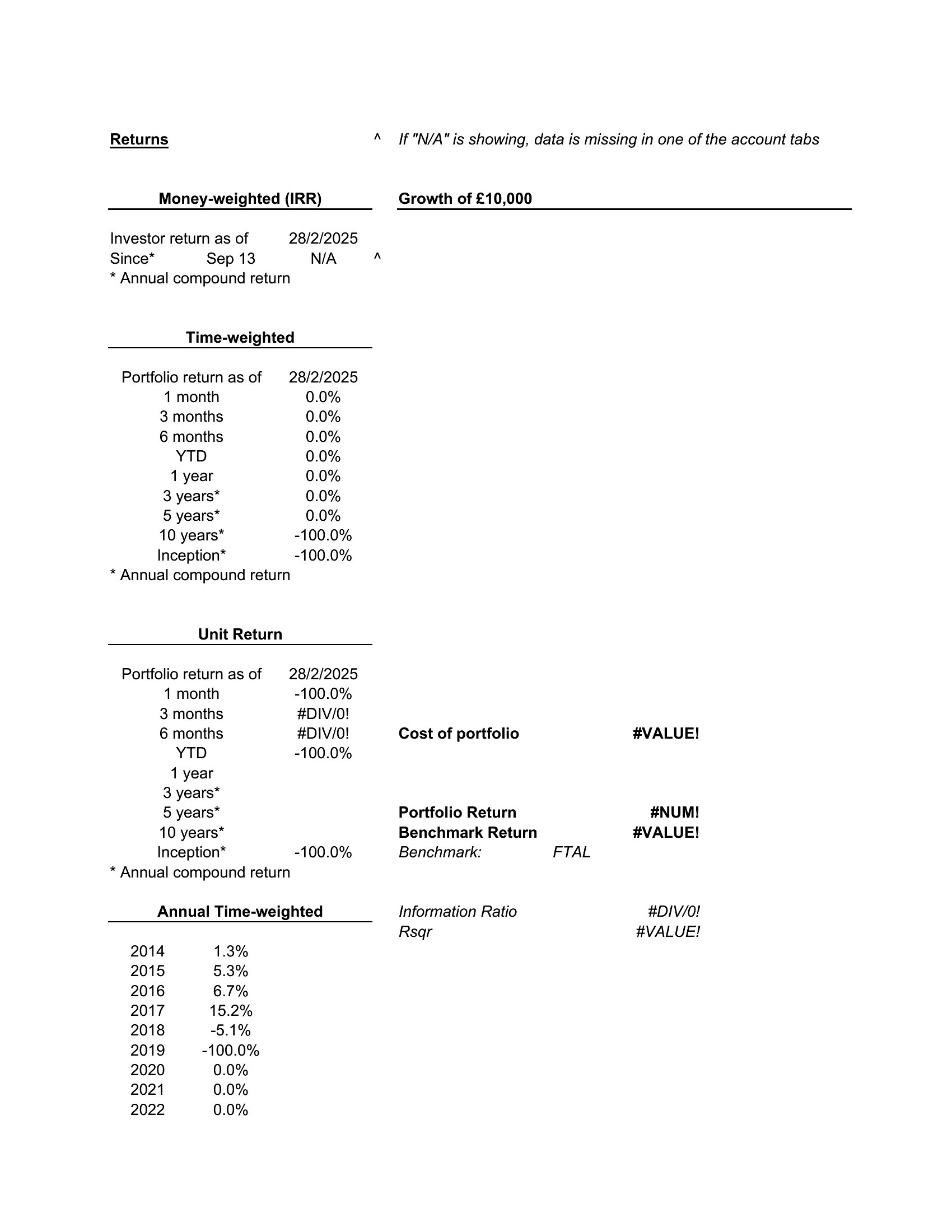
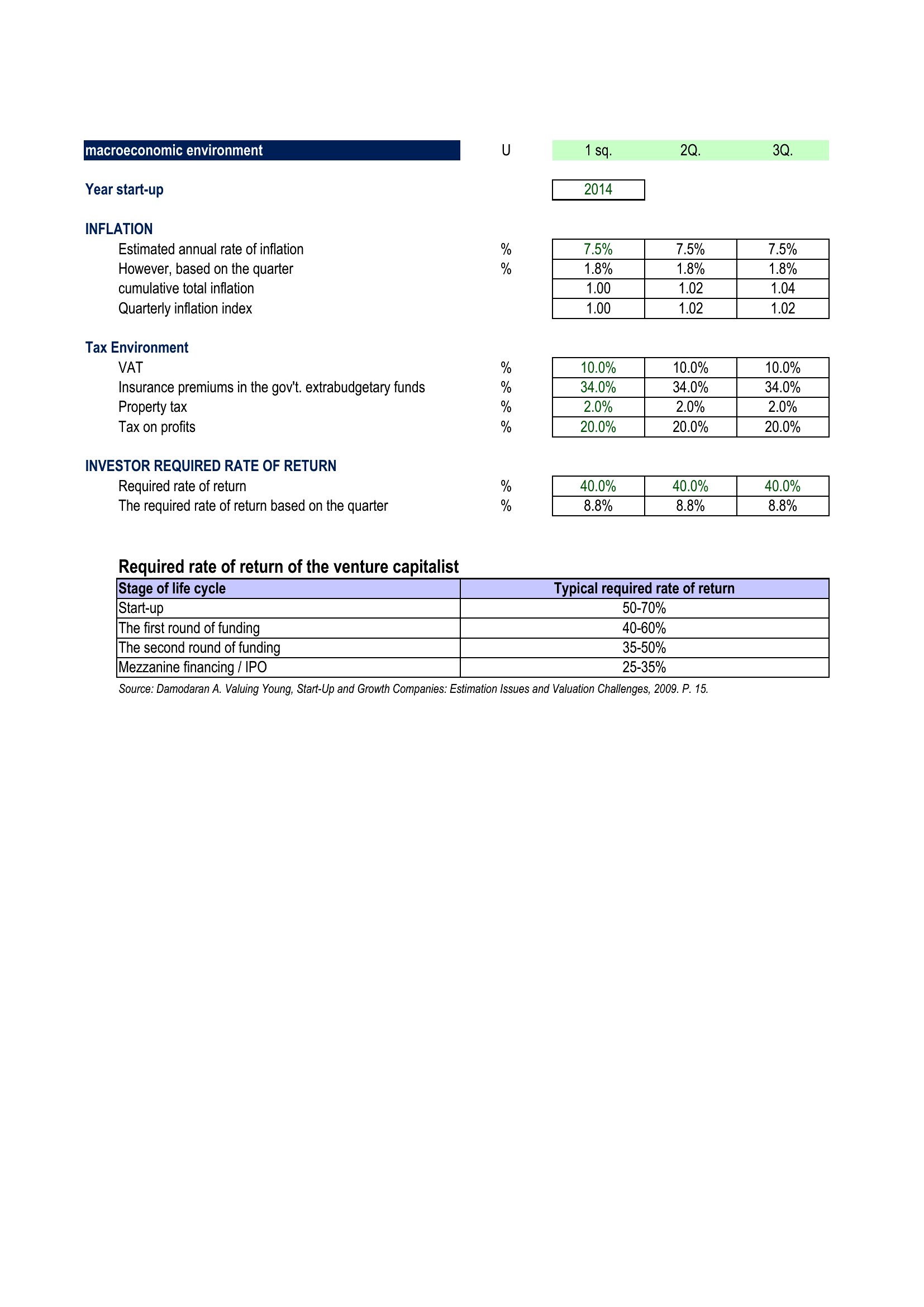
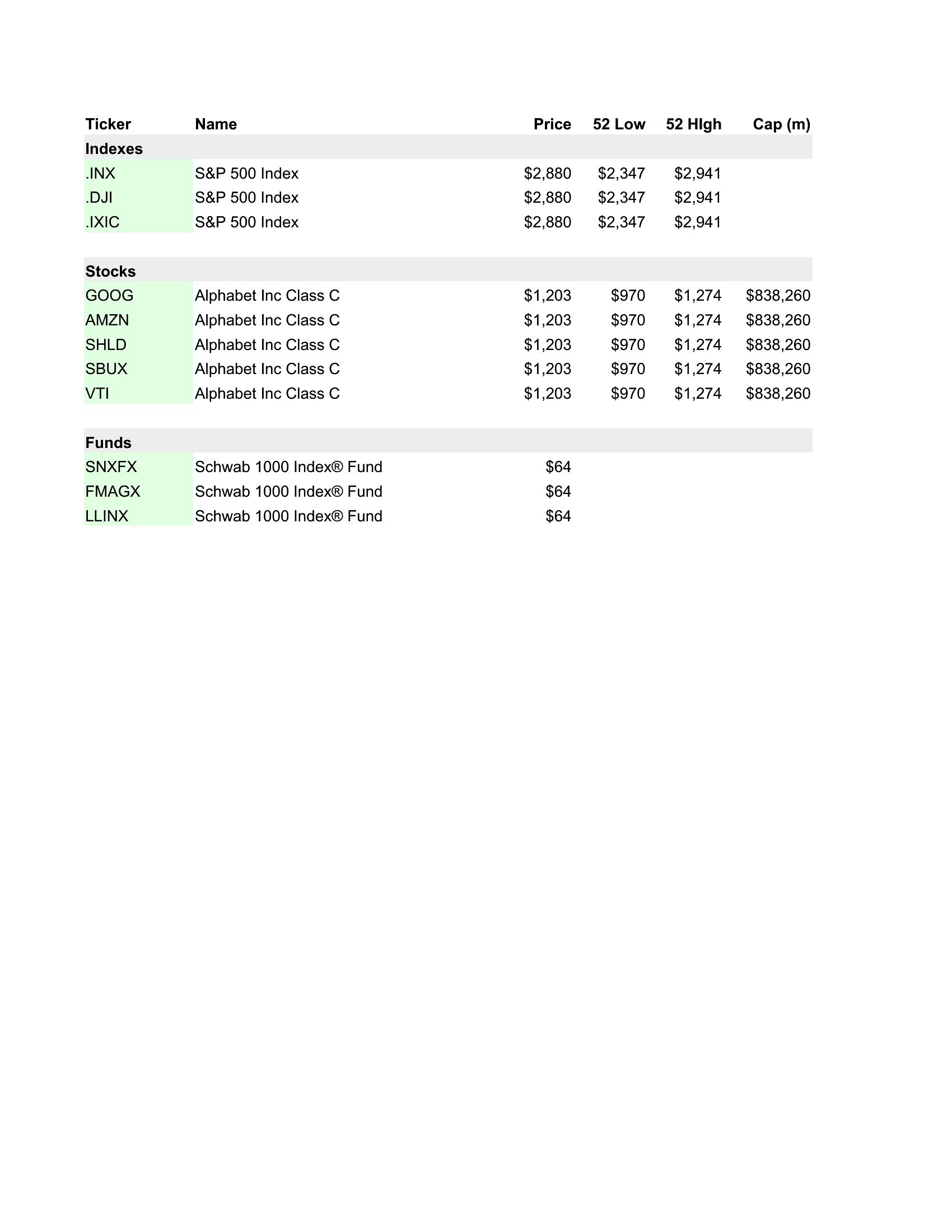
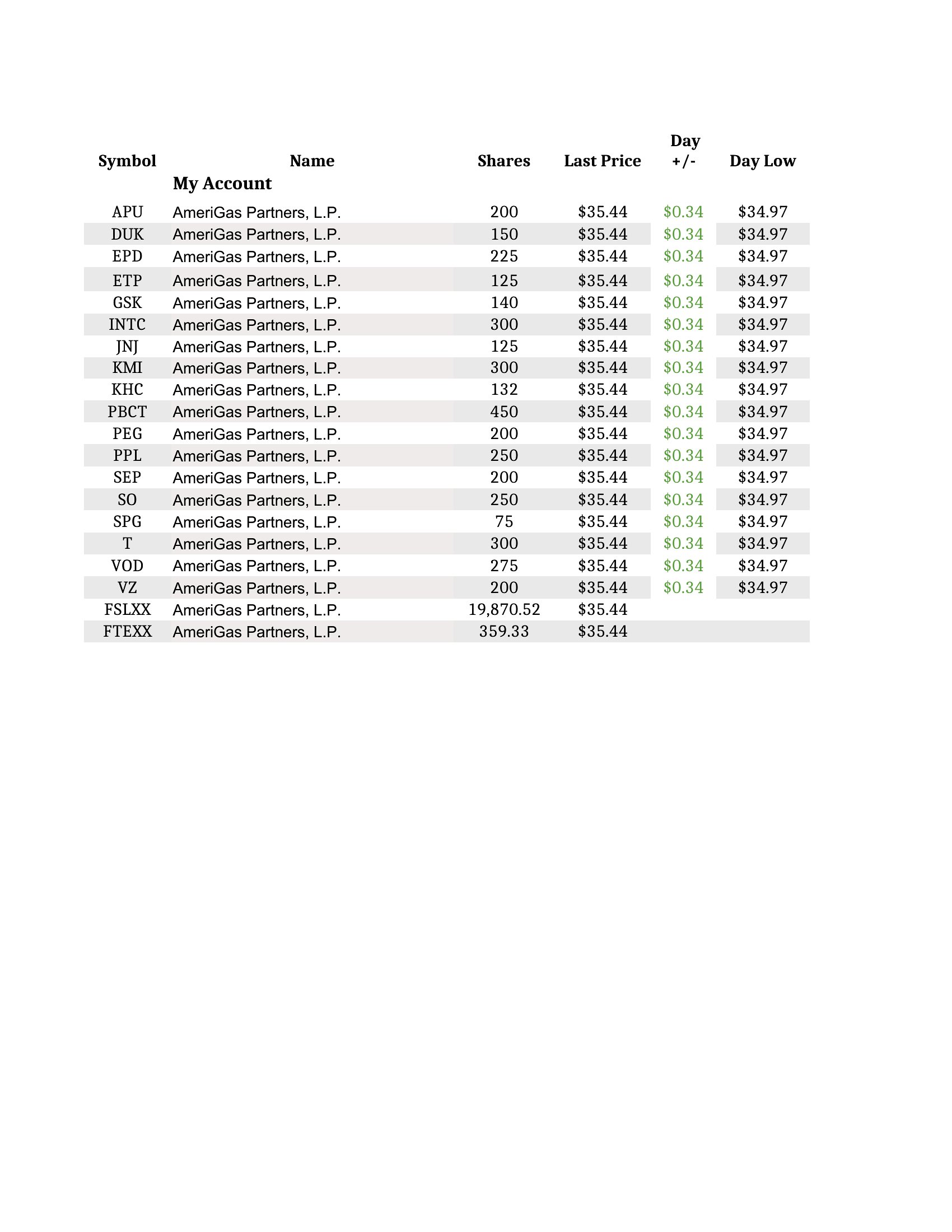
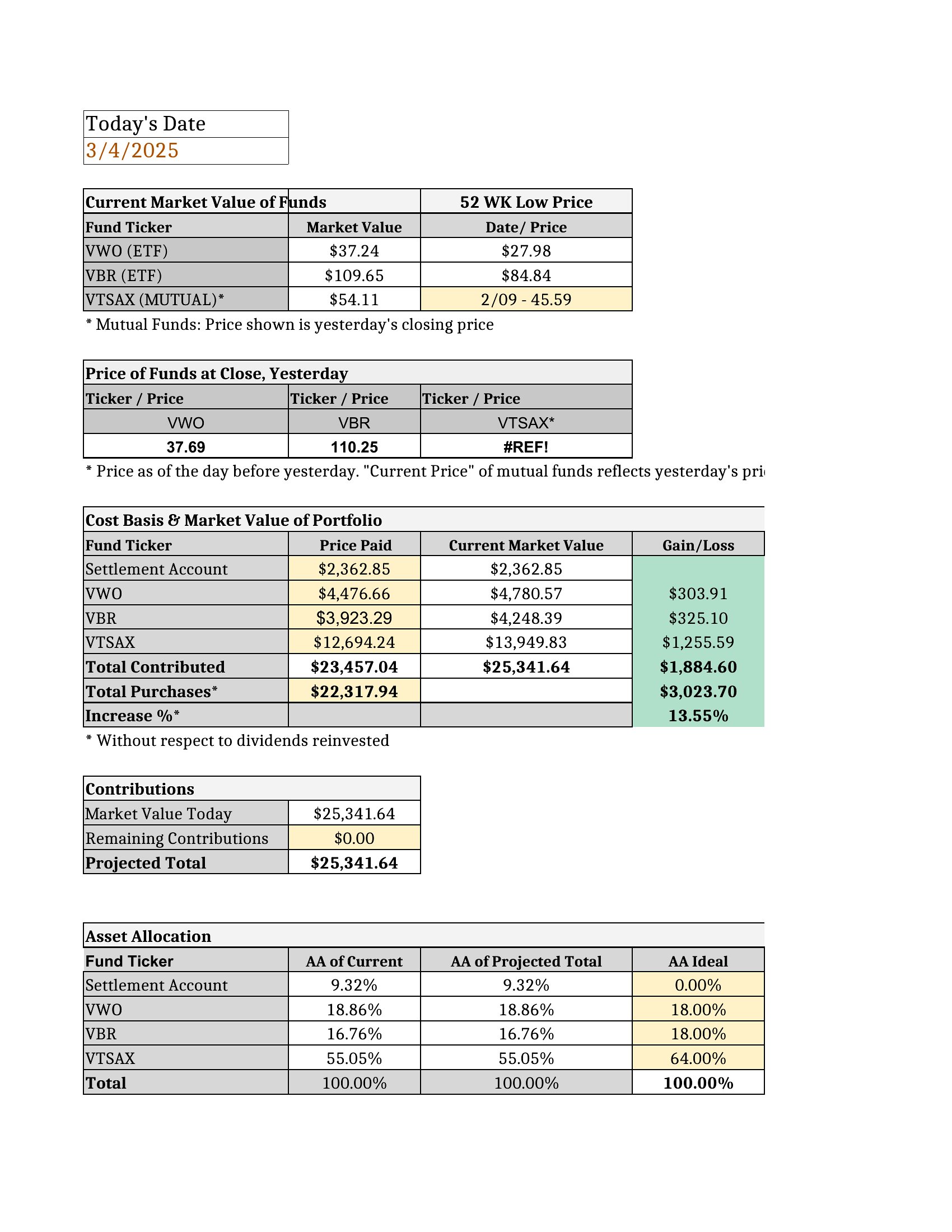
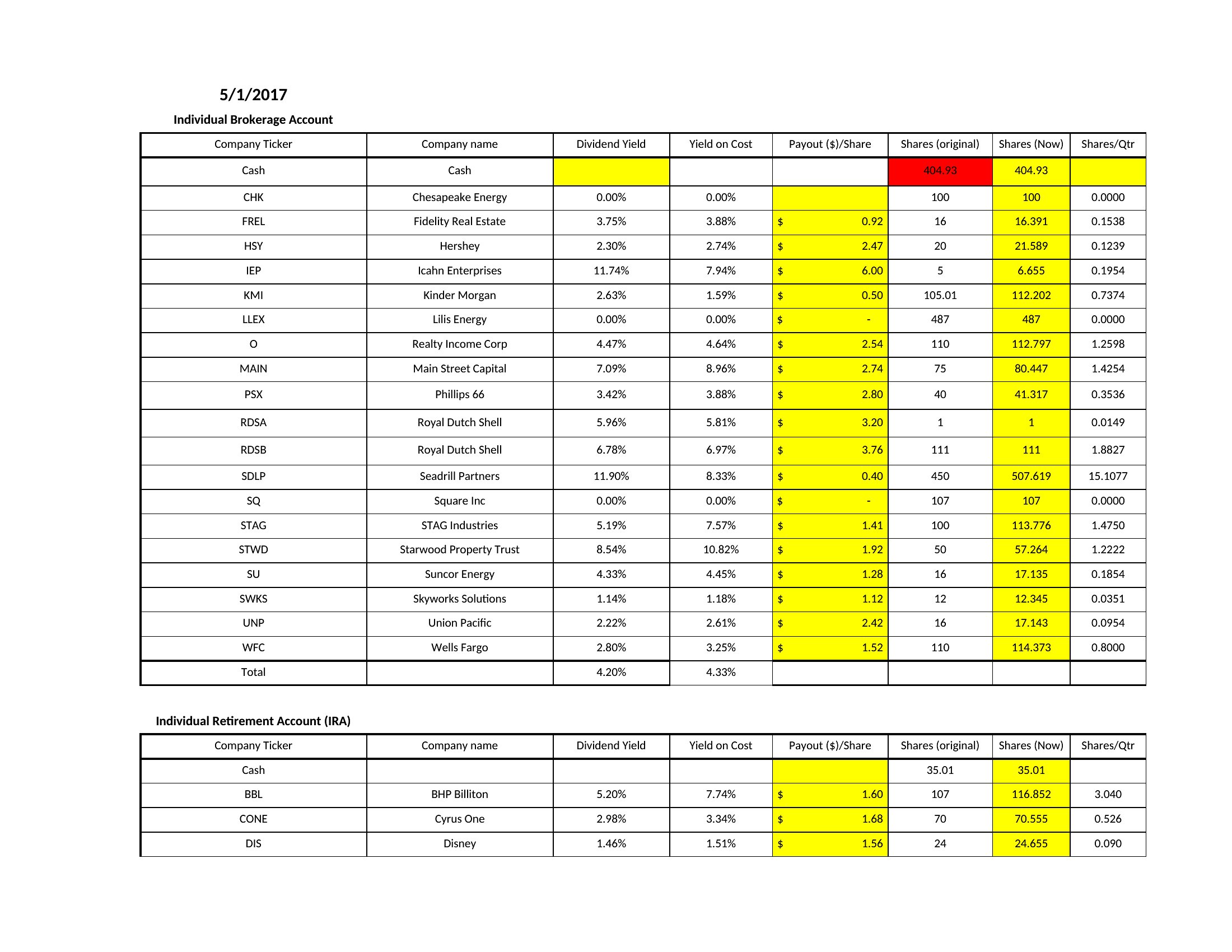
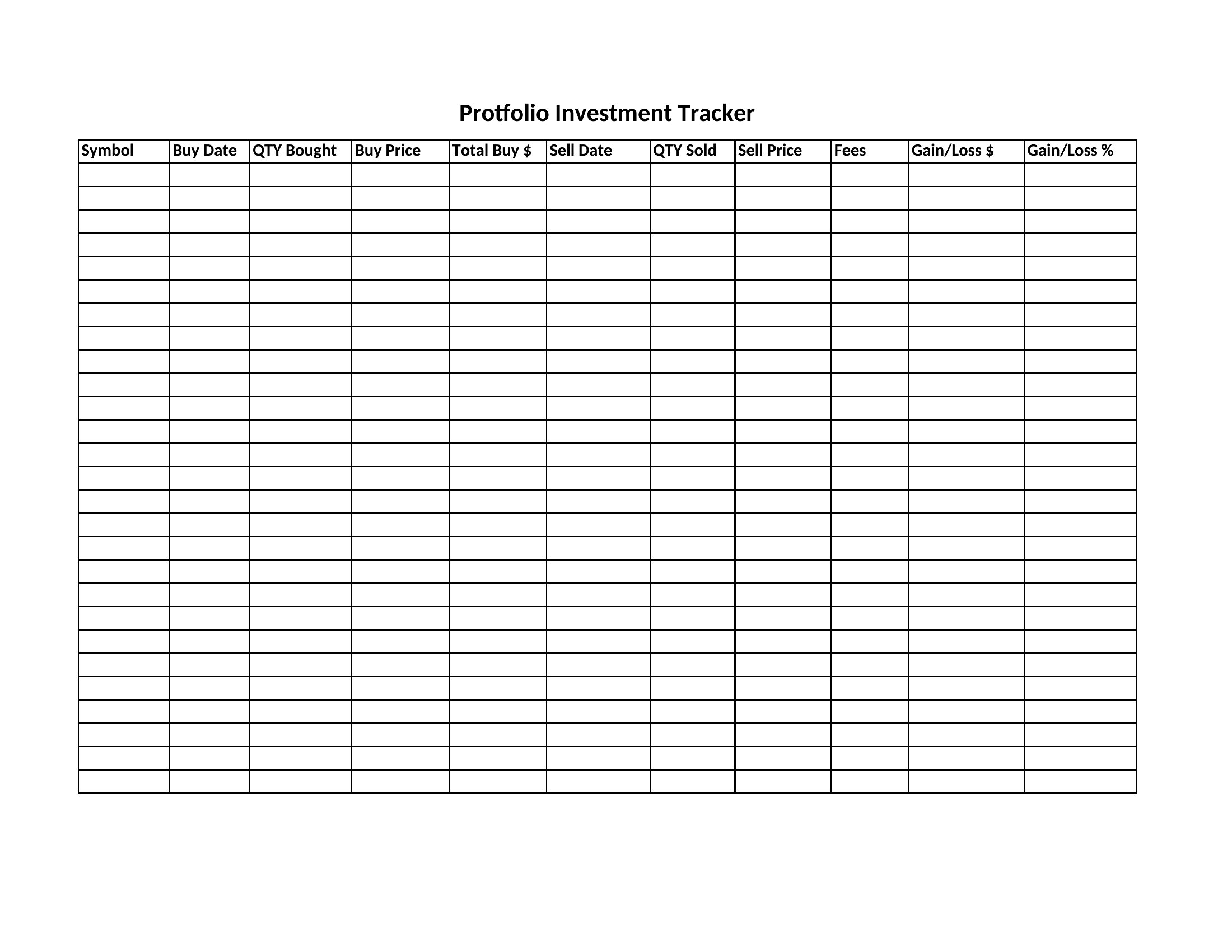
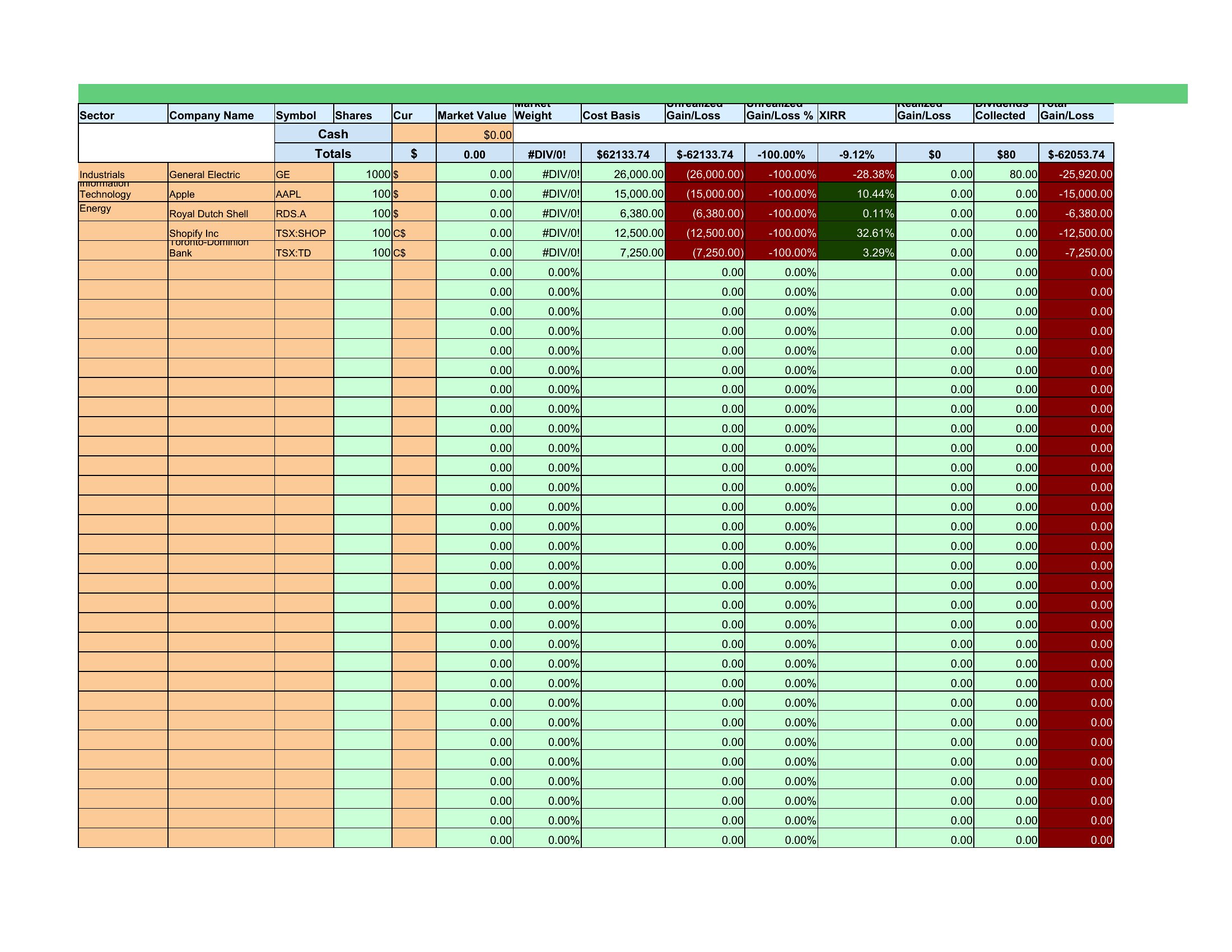
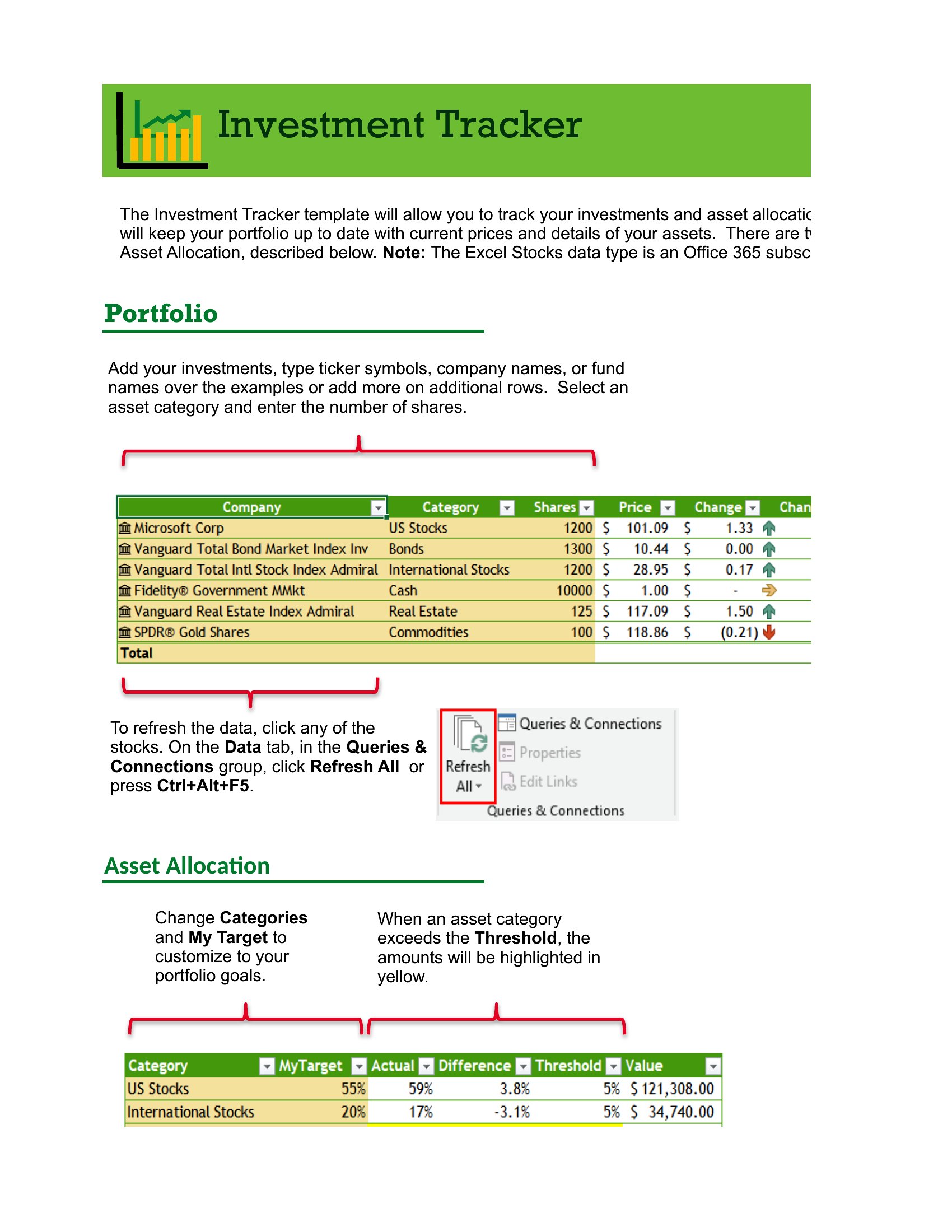
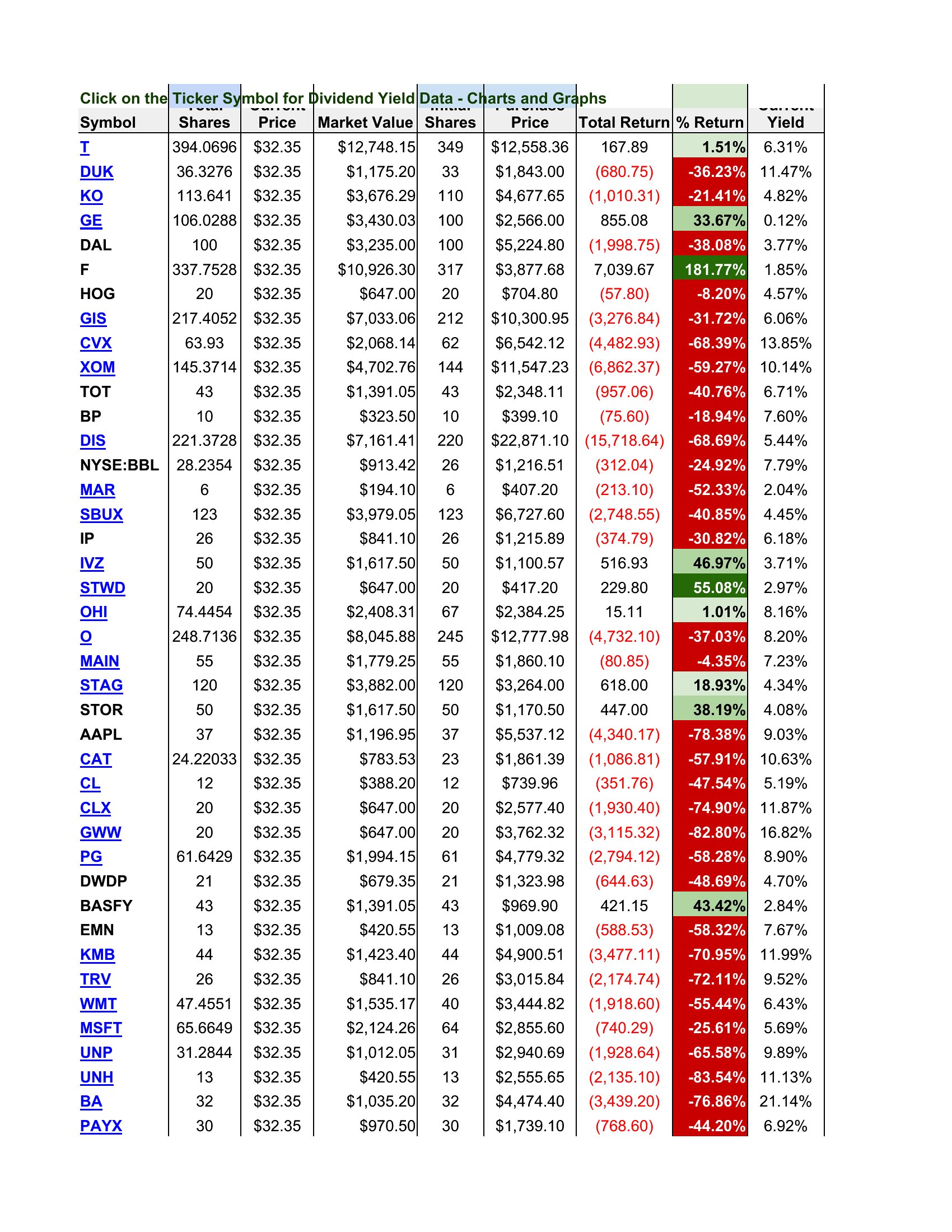
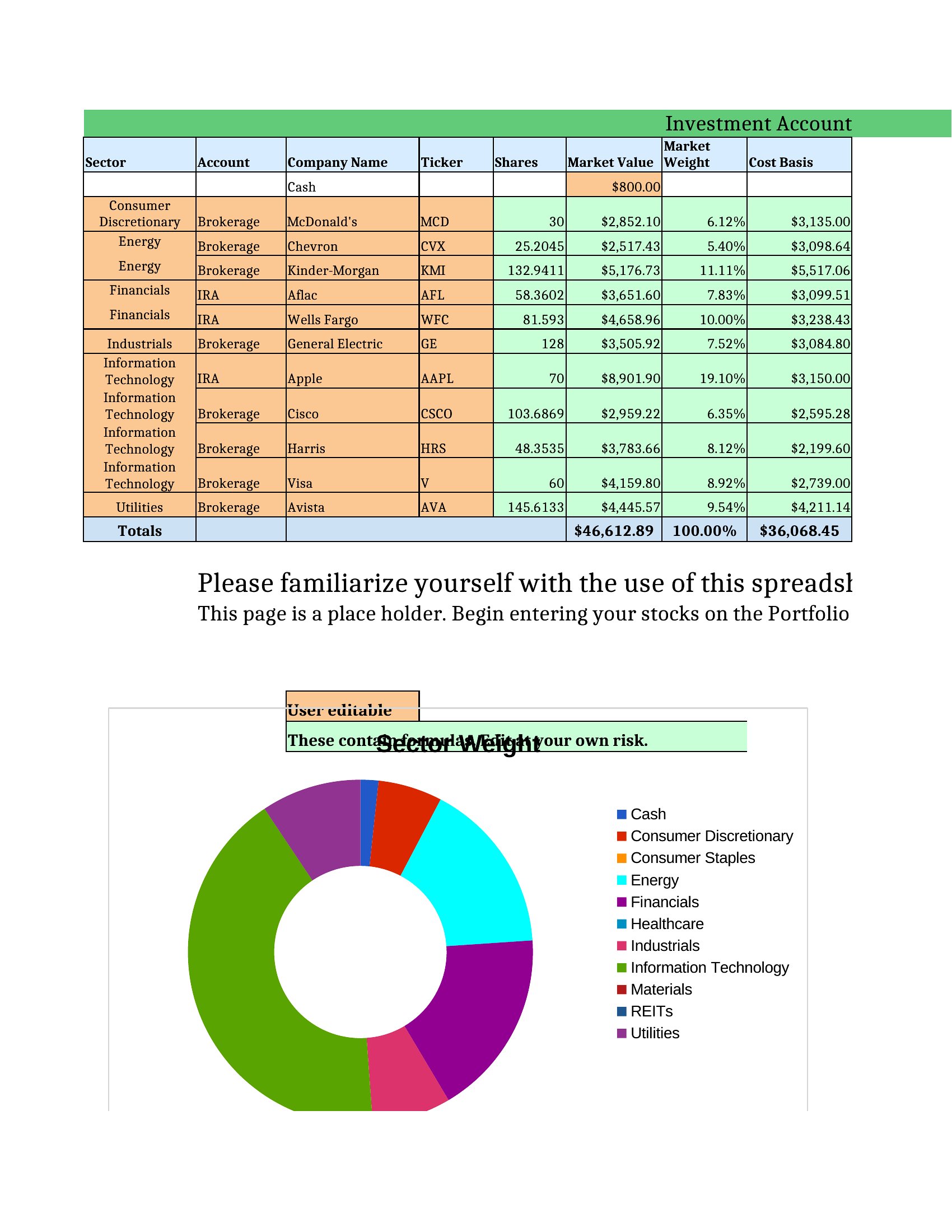
StatementsKeeping tabs on a portfolio gets messy fast without one place to see it all, and a tracking spreadsheet brings your holdings into a single clear view. This set of 22 investment tracking spreadsheets covers stocks, crypto, dividends, and overall portfolio performance, with columns for cost basis, current value, and gains. Individual investors can monitor returns without paying for a subscription tool.
Most versions are Excel sheets that calculate totals, gains, and allocations automatically as you enter your positions, with Word layouts for simpler records. Plug in your holdings and let the formulas track the rest. These are organizational tools, not financial advice, so pair them with your own research. Download the tracker that fits your portfolio and keep your investments in view.
When to use this Investment Tracking Spreadsheet template
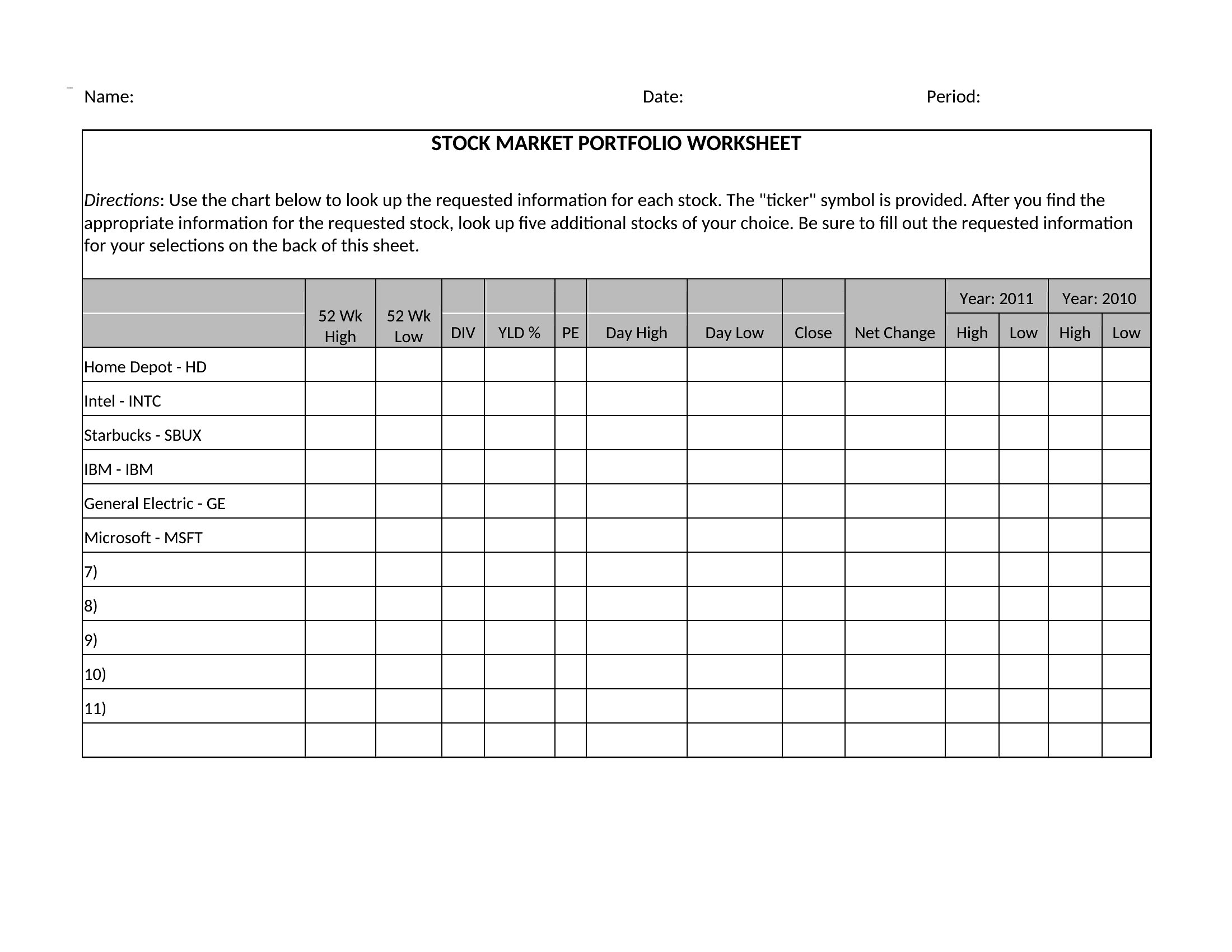
- New stock traders need a simple way to log purchases, dividends, and performance metrics in one place without complex software.
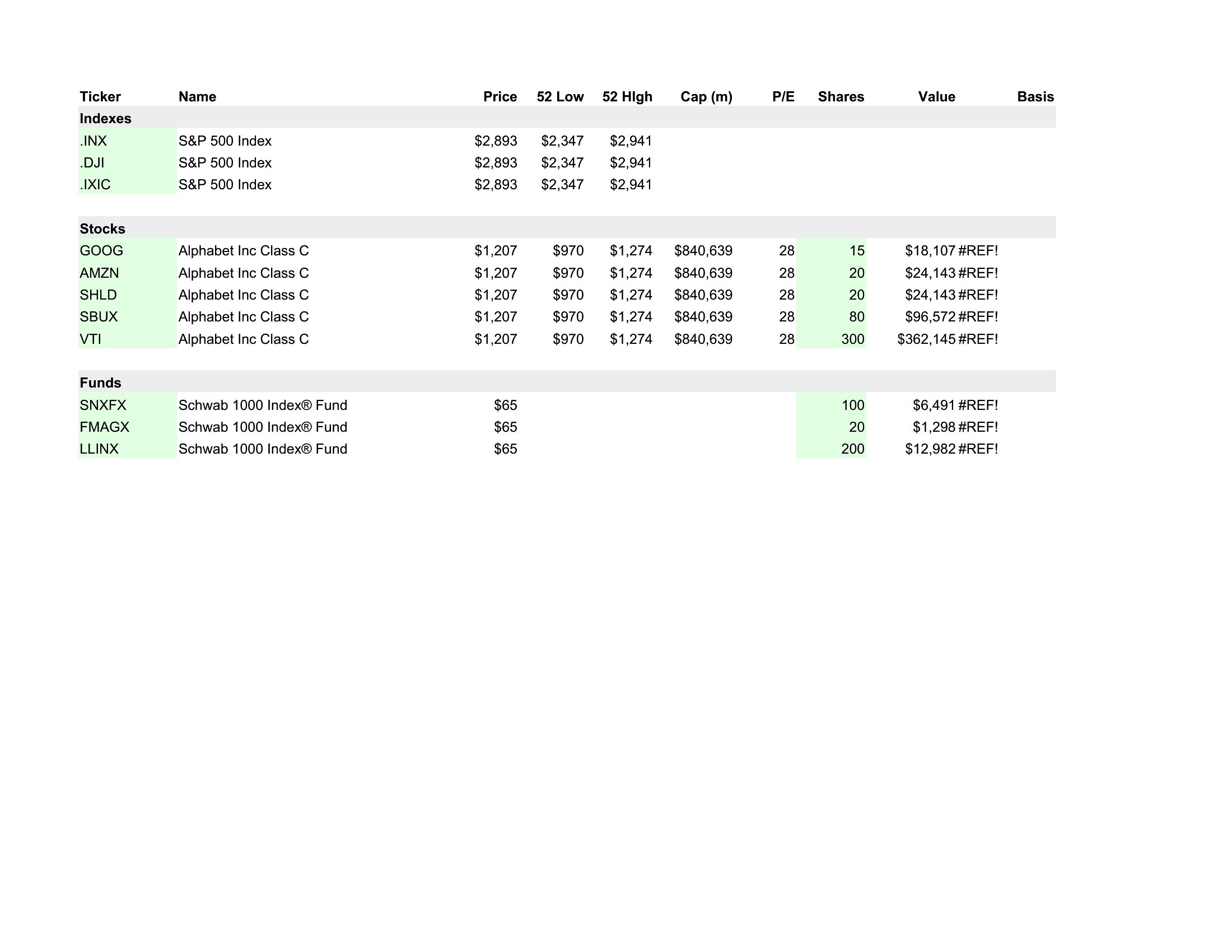
- Retirees reviewing multiple brokerage accounts want to consolidate all holdings—bonds, ETFs, and mutual funds—in a searchable format for annual tax reporting.
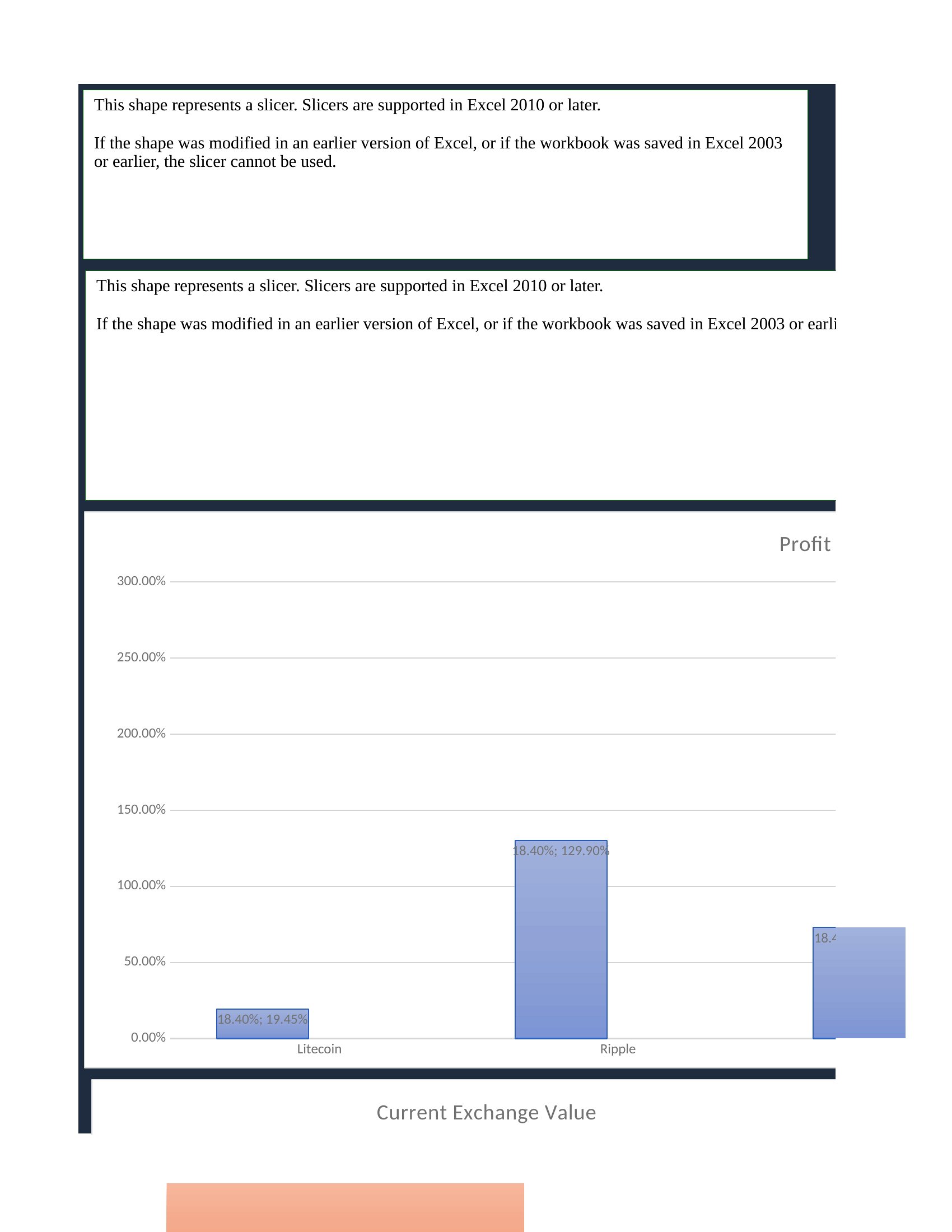
- Crypto investors tracking volatile assets across exchanges require a spreadsheet with real-time price pull features and automatic gain/loss calculations.
- Small business owners with a side stock portfolio need a lightweight template to reconcile quarterly dividends with operating expenses without mixing personal and business finances.
Which format should I download?
The Excel format is ideal here—it’s built for financial calculations, formulas (like P&L tracking), and dynamic tables for portfolio adjustments. Choose Word only if you need to embed the spreadsheet within a longer report (e.g., for a client) and prefer formatting text alongside data. Excel is the better tool for most investors because it handles conditional highlighting (e.g., red for losses) and pull-down lists for ticker symbols automatically, saving time during reviews.
Choose from 22 Investment Tracking Spreadsheet Templates
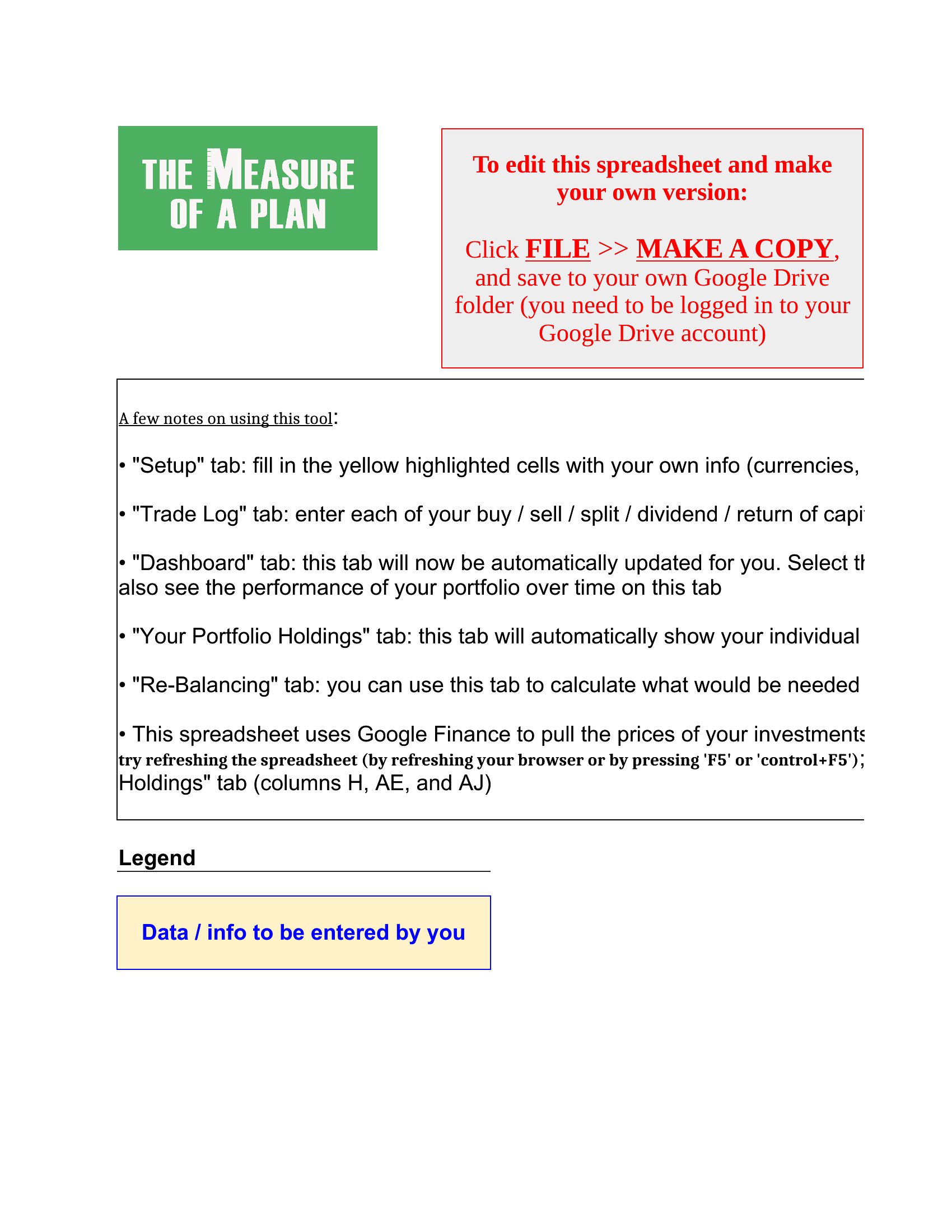
How to use this Investment Tracking Spreadsheet template
Can these spreadsheets automatically pull stock or crypto prices from market APIs?
Some templates include built-in functions to fetch live prices (like GOOGLEFINANCE in Excel), but most require manual updates or a third-party add-on. For crypto, you’ll often need to input prices yourself unless the template specifies a compatible API. Always check the included instructions for setup steps.
How do I adjust a template if my brokerage provides unique fields (e.g., fractional shares or foreign currency holdings)?
Most Excel templates let you add custom columns—simply insert a new column header and adjust formulas to reference it. For complex cases, duplicate the template file and save as a new version to avoid overwriting the original. Word templates won’t support calculations, so stick to Excel for editable fields.
Are these suitable for tracking tax-lot methods (FIFO, LIFO, or specific ID)?
Some advanced templates include tax-lot tracking, but most focus on basic performance metrics. For tax purposes, consult a CPA to ensure the template aligns with IRS or local regulations. Start with a simple tracker, then layer in tax-specific columns (e.g., ‘Cost Basis,’ ‘Sale Date’) as needed.
Comments
Join the conversation
Sign in to share your thoughts and leave a comment on this resource.