Skip to content
50% off this one-time $1.99 pack with HALFOFF — or unlimited with Pro.HALFOFF
Premium

Free Business Expense Spreadsheets (Word, Excel, PDF)

Statements
jimmygray by jimmygray
Updated 0 downloads 2 community comments

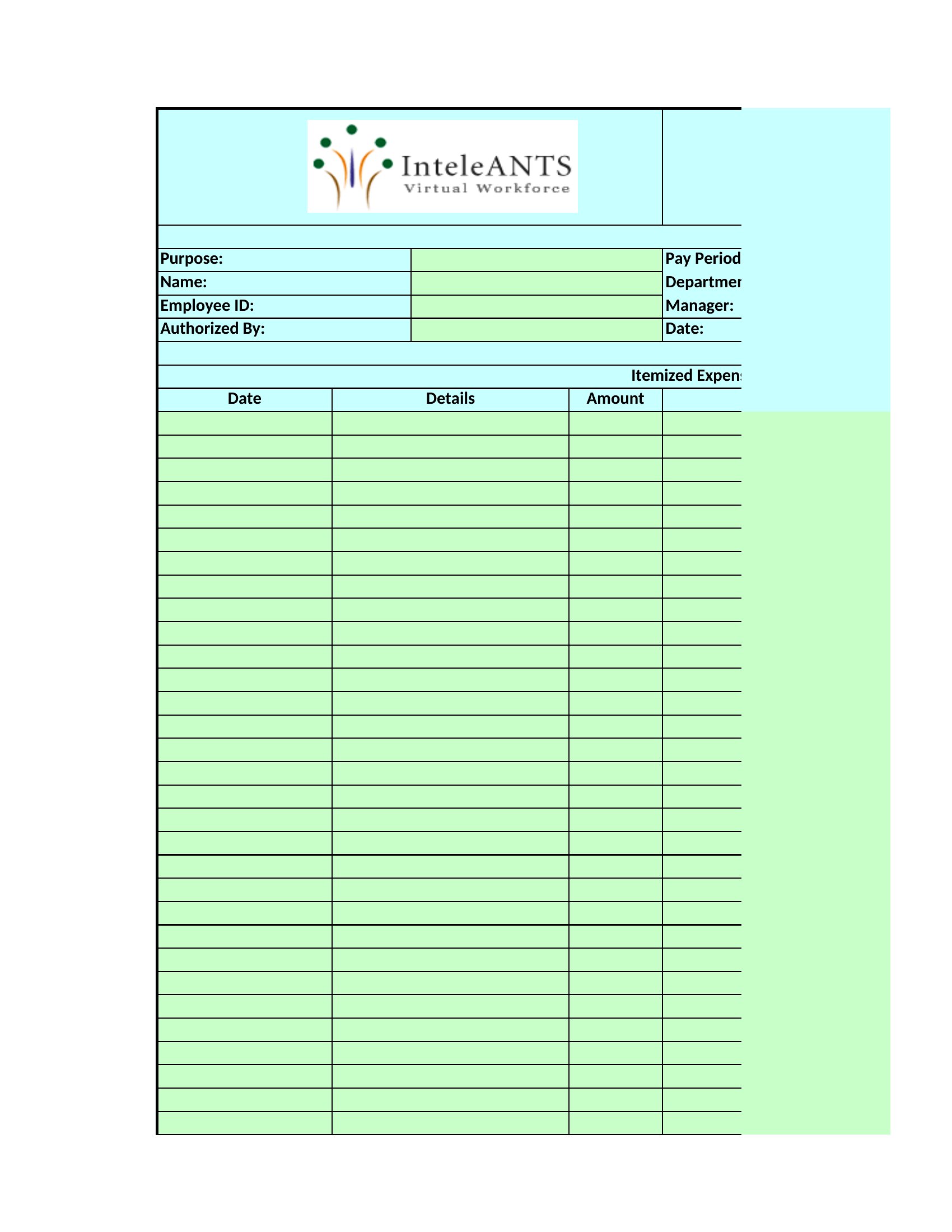
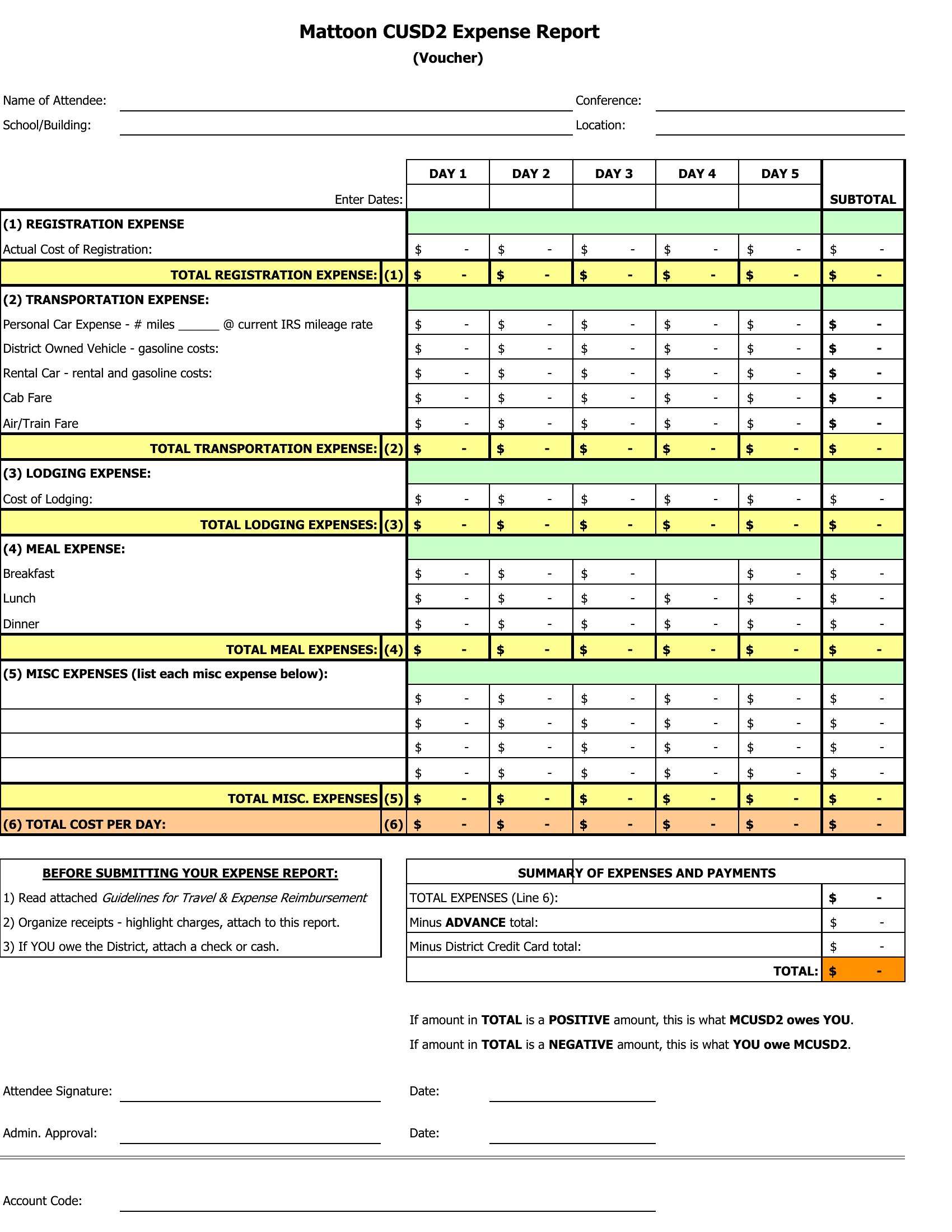
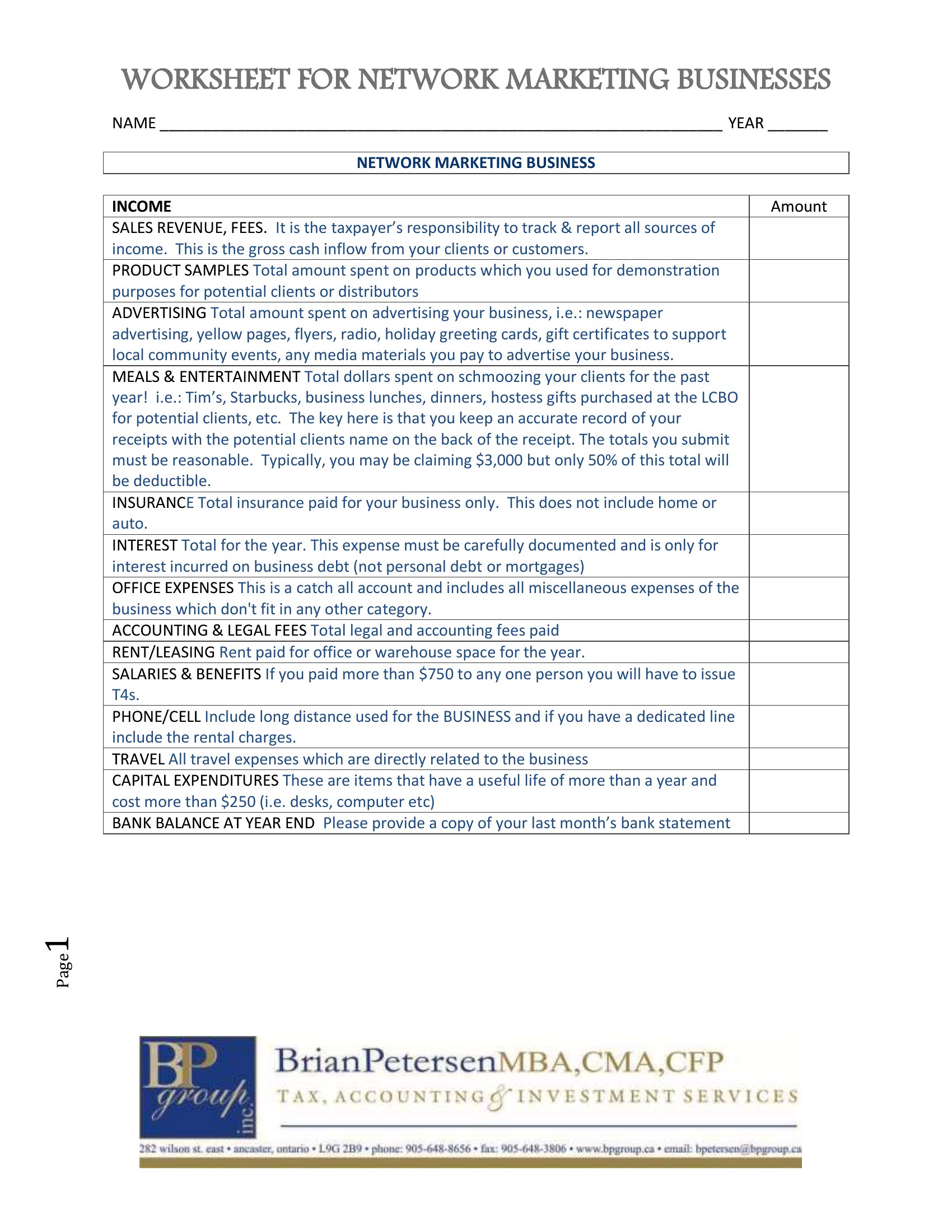
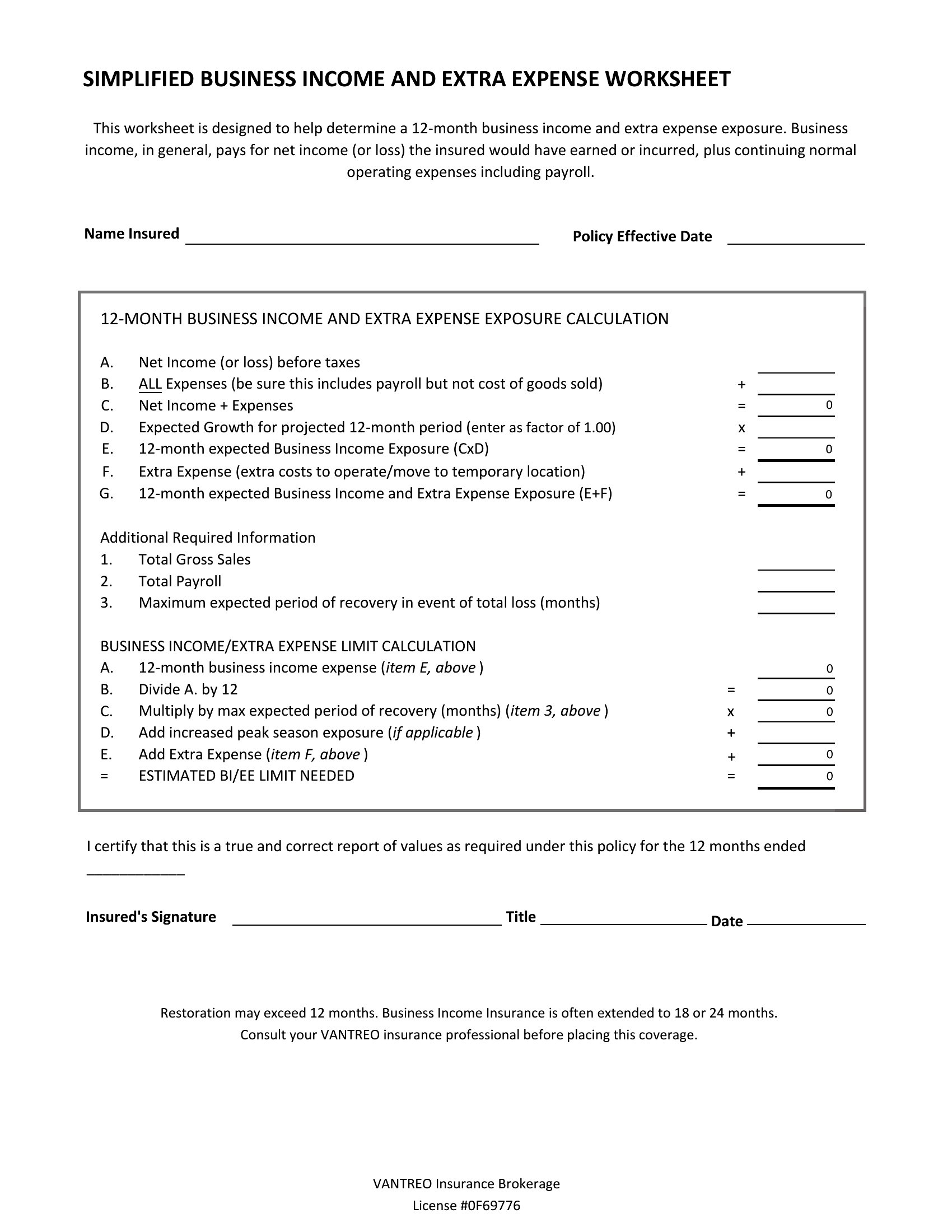
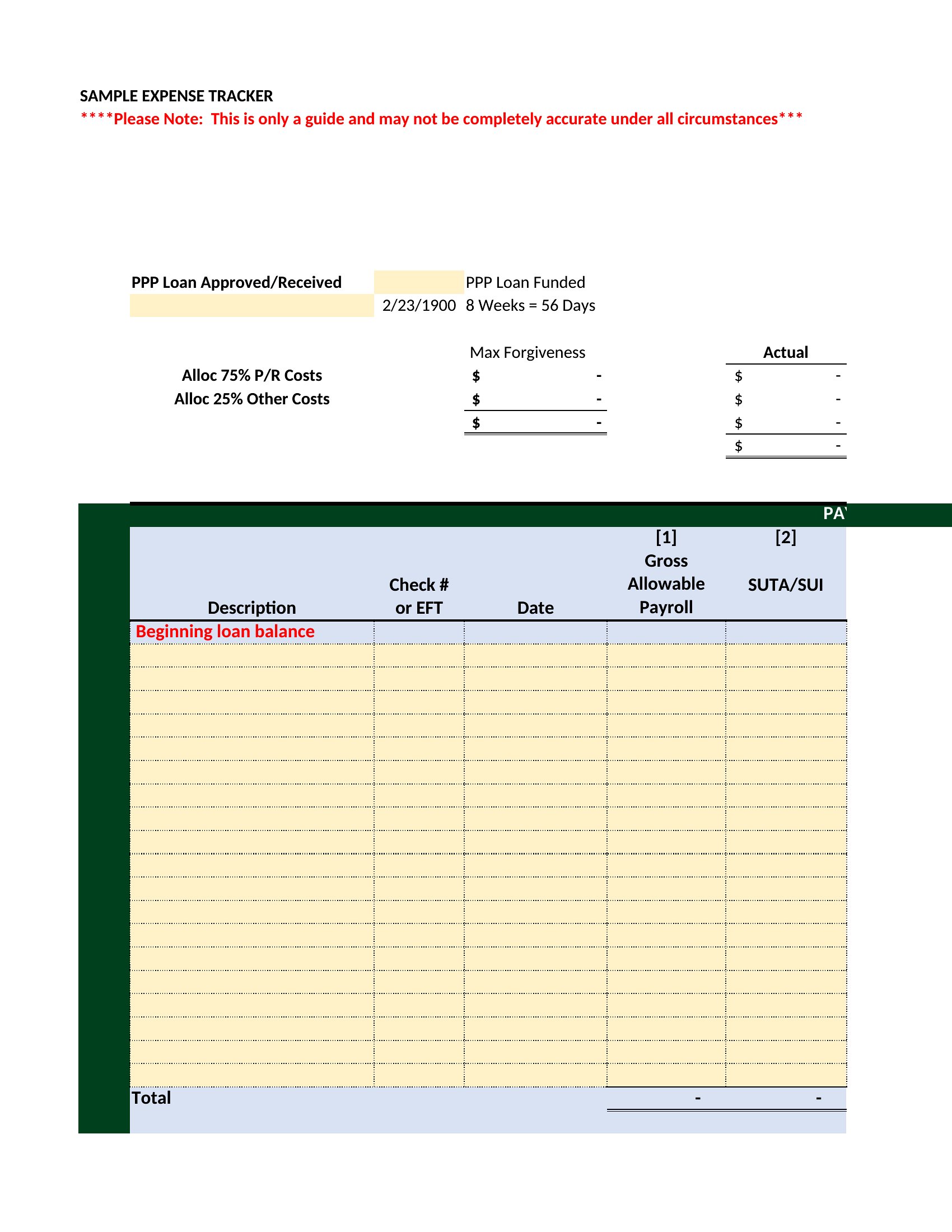
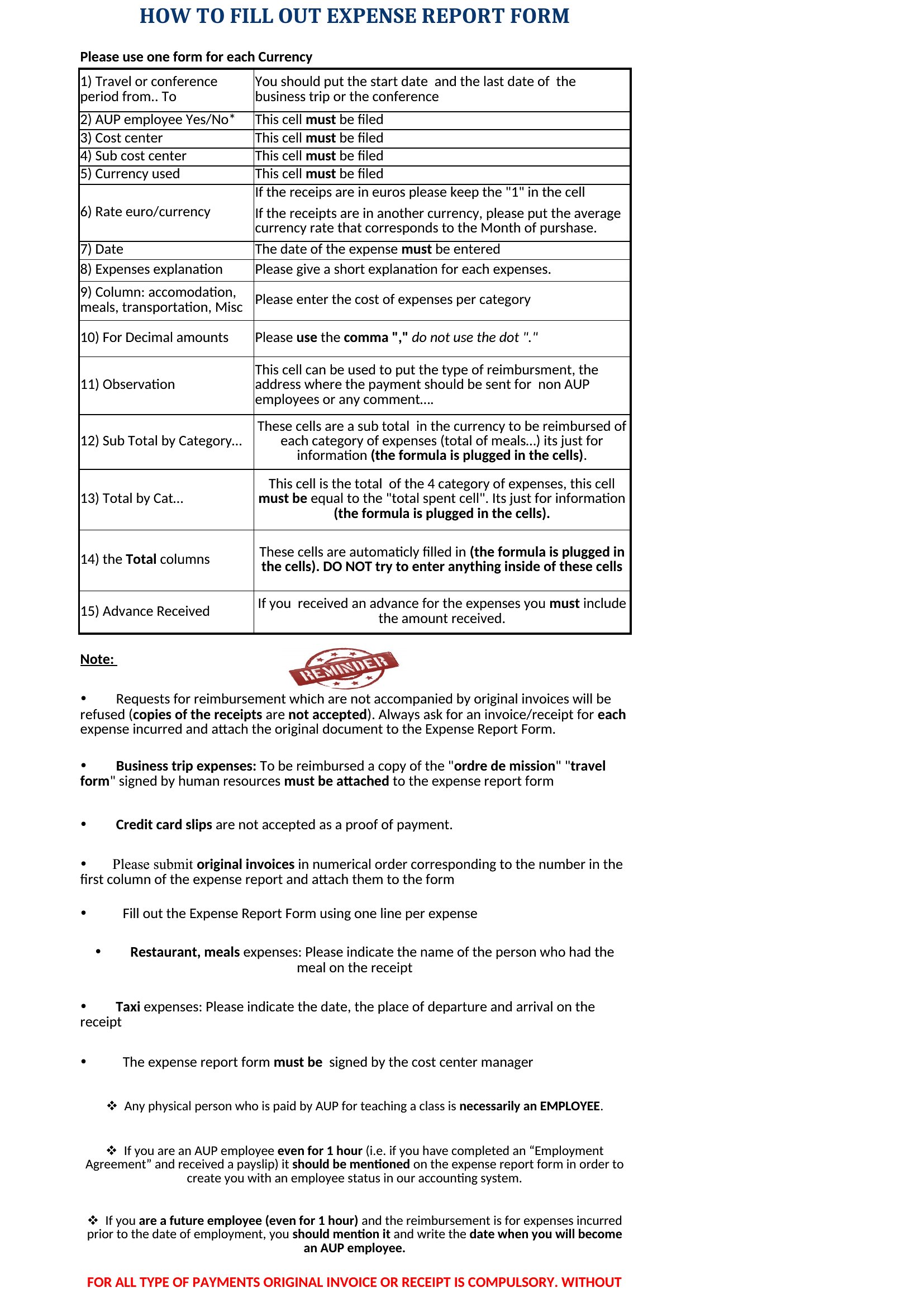
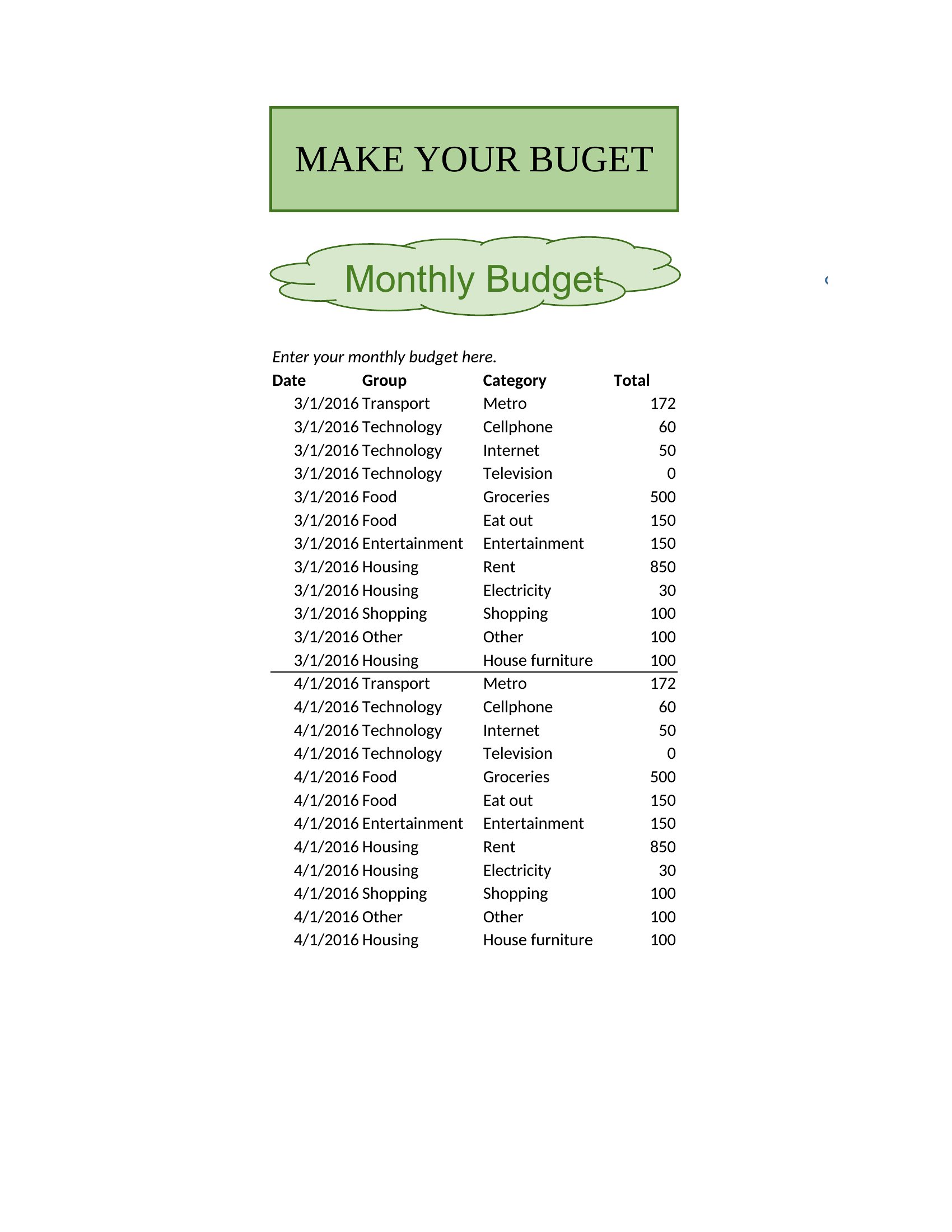
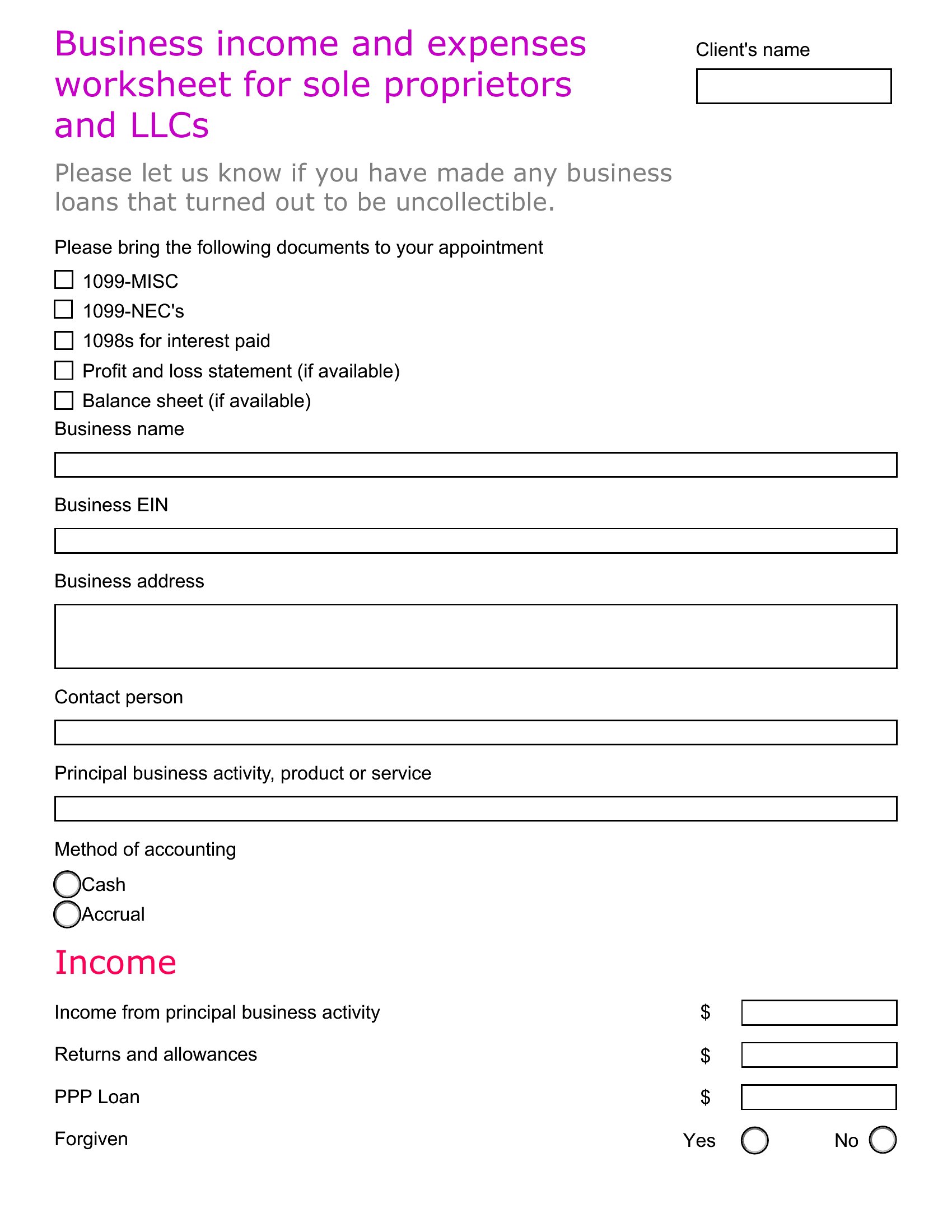
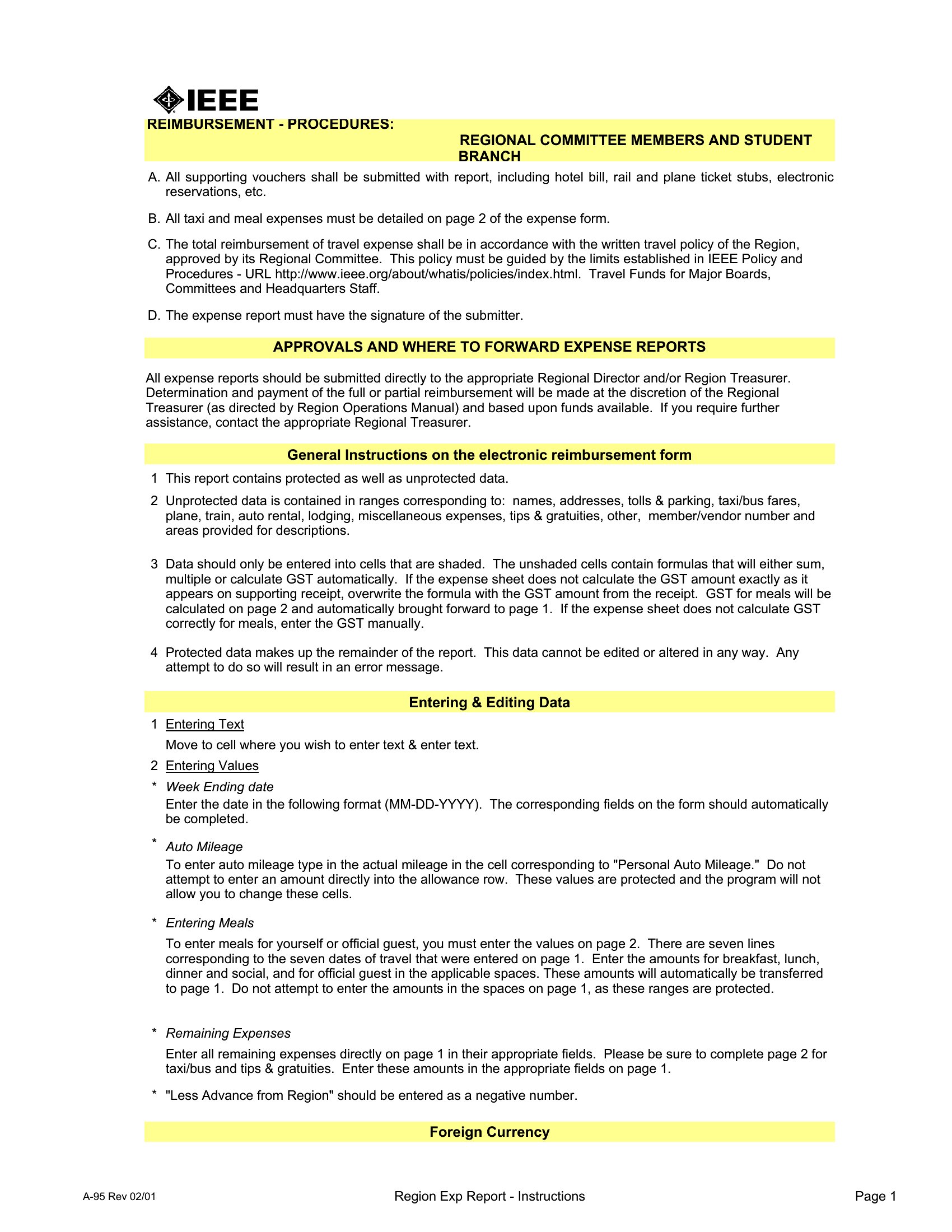
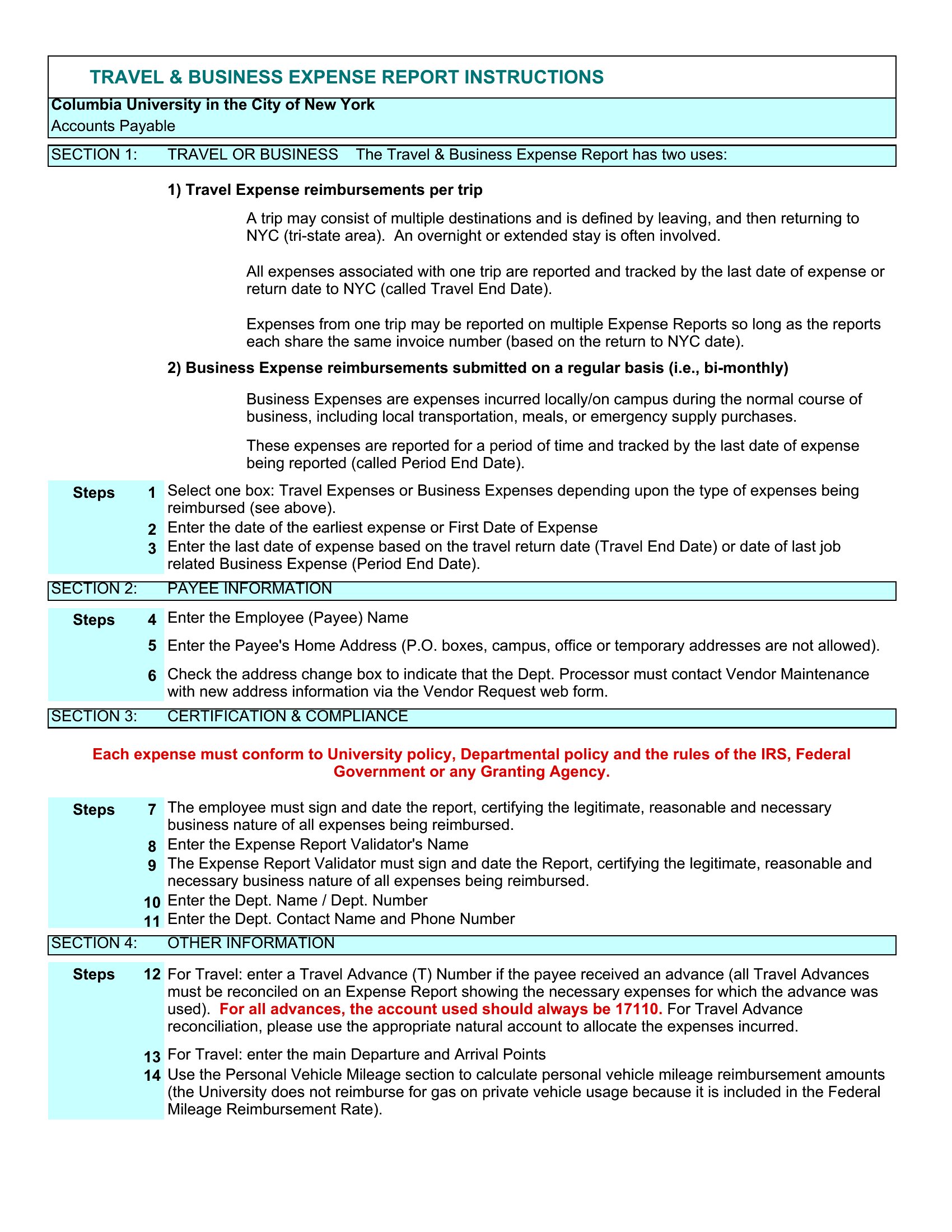
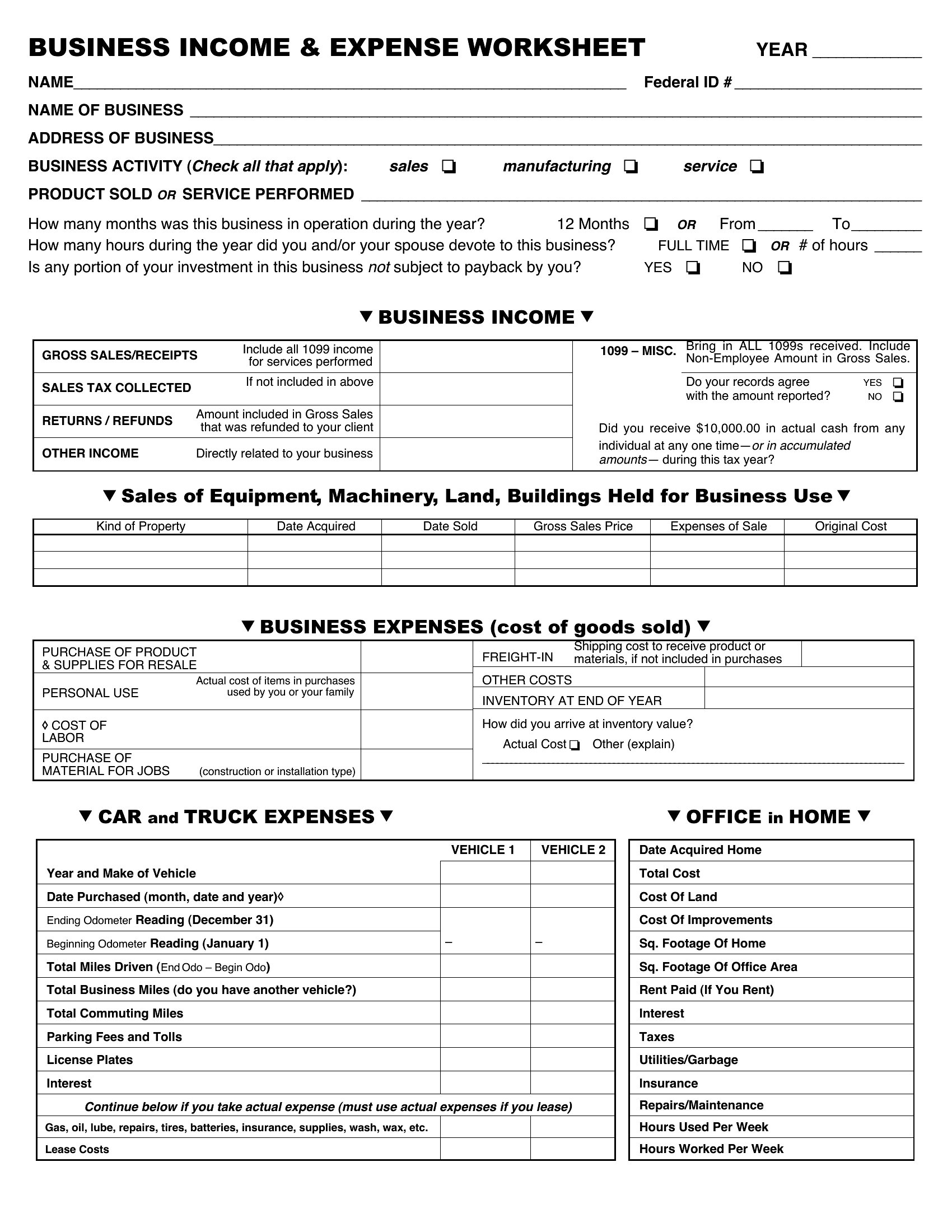
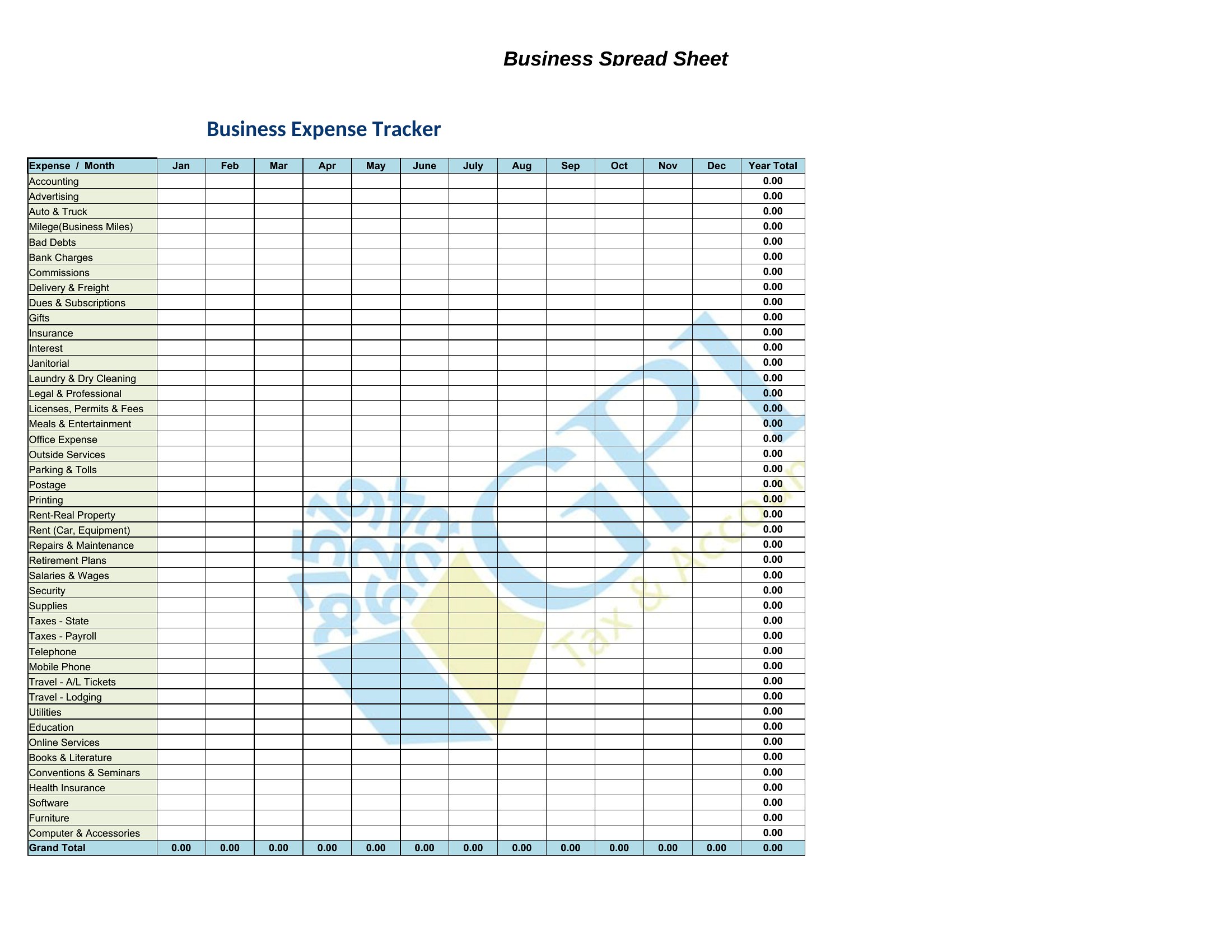
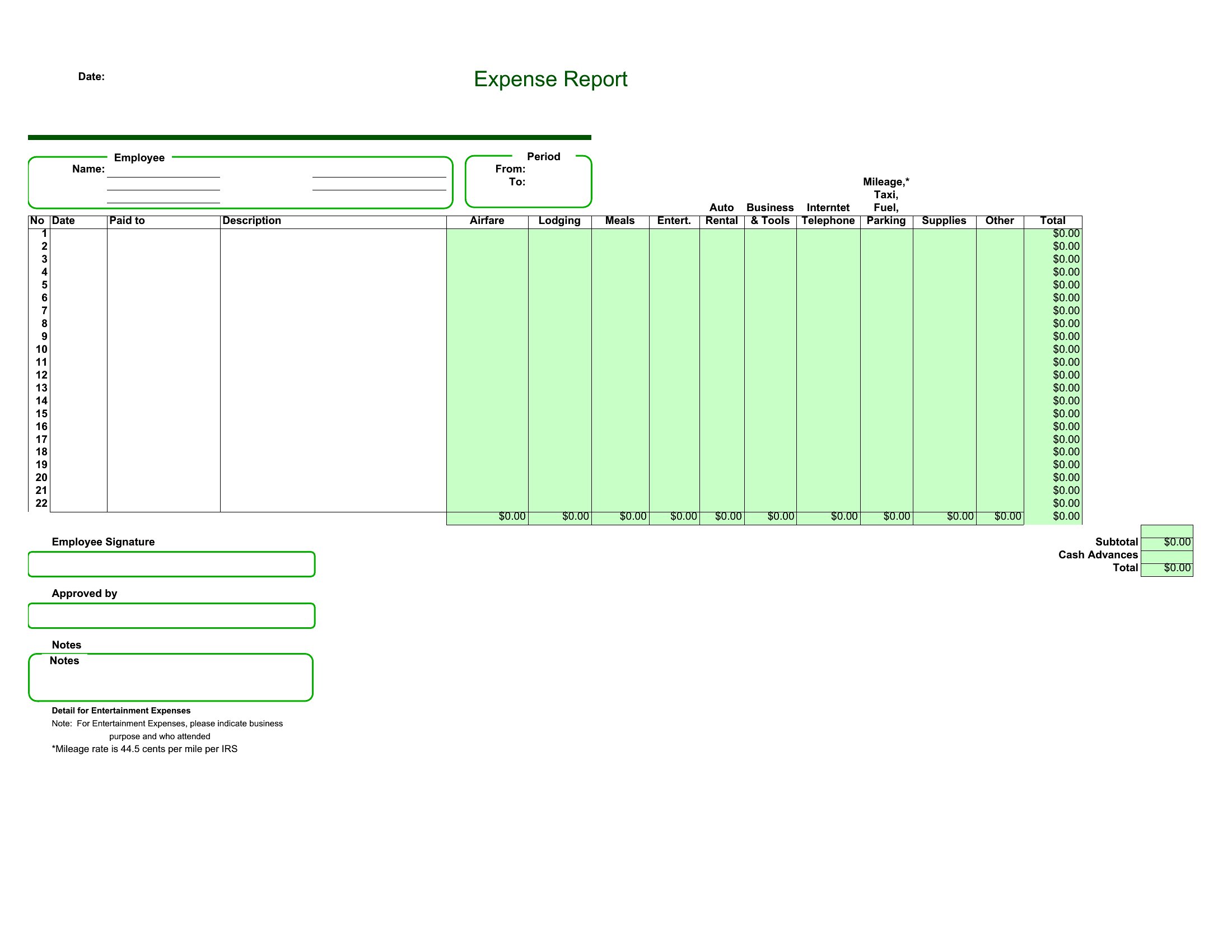
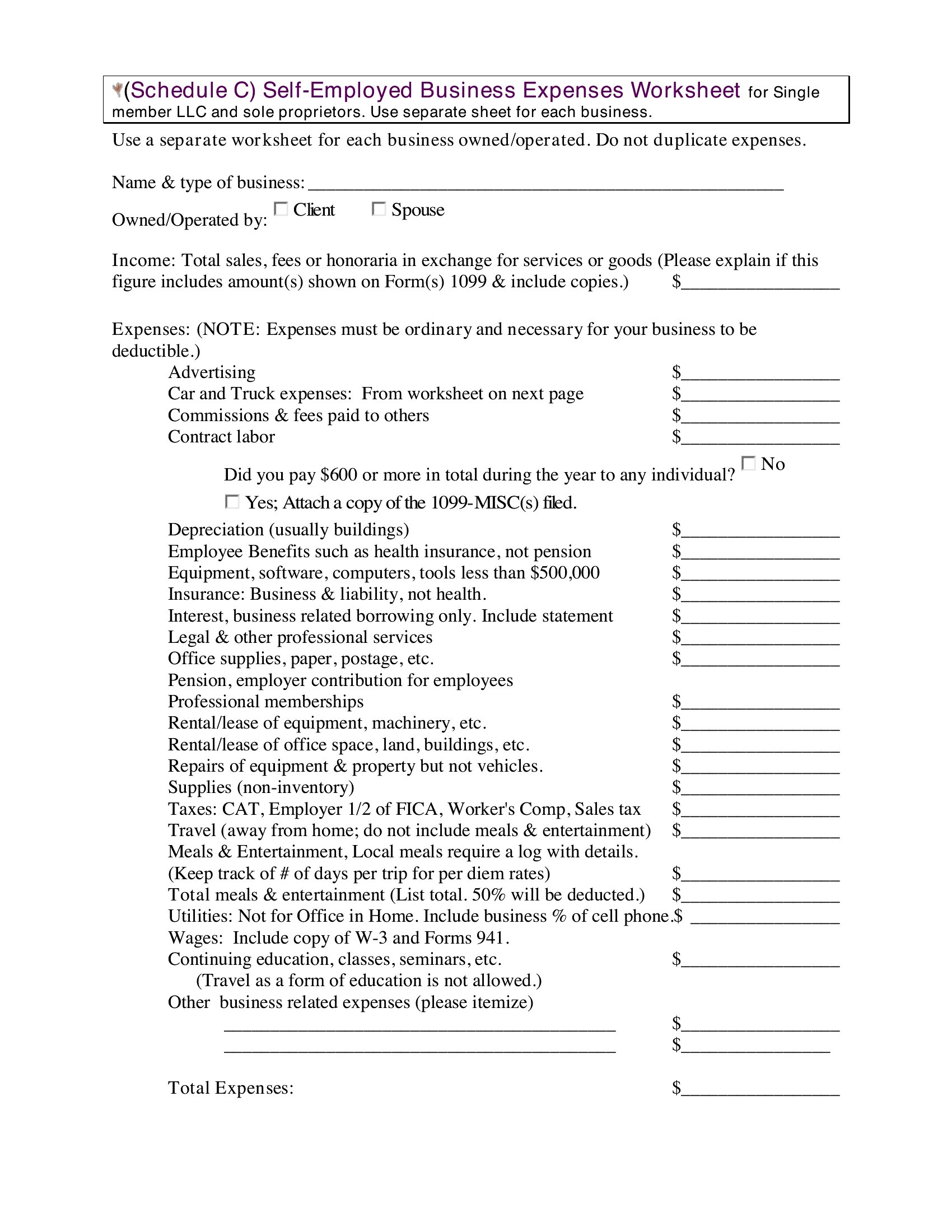
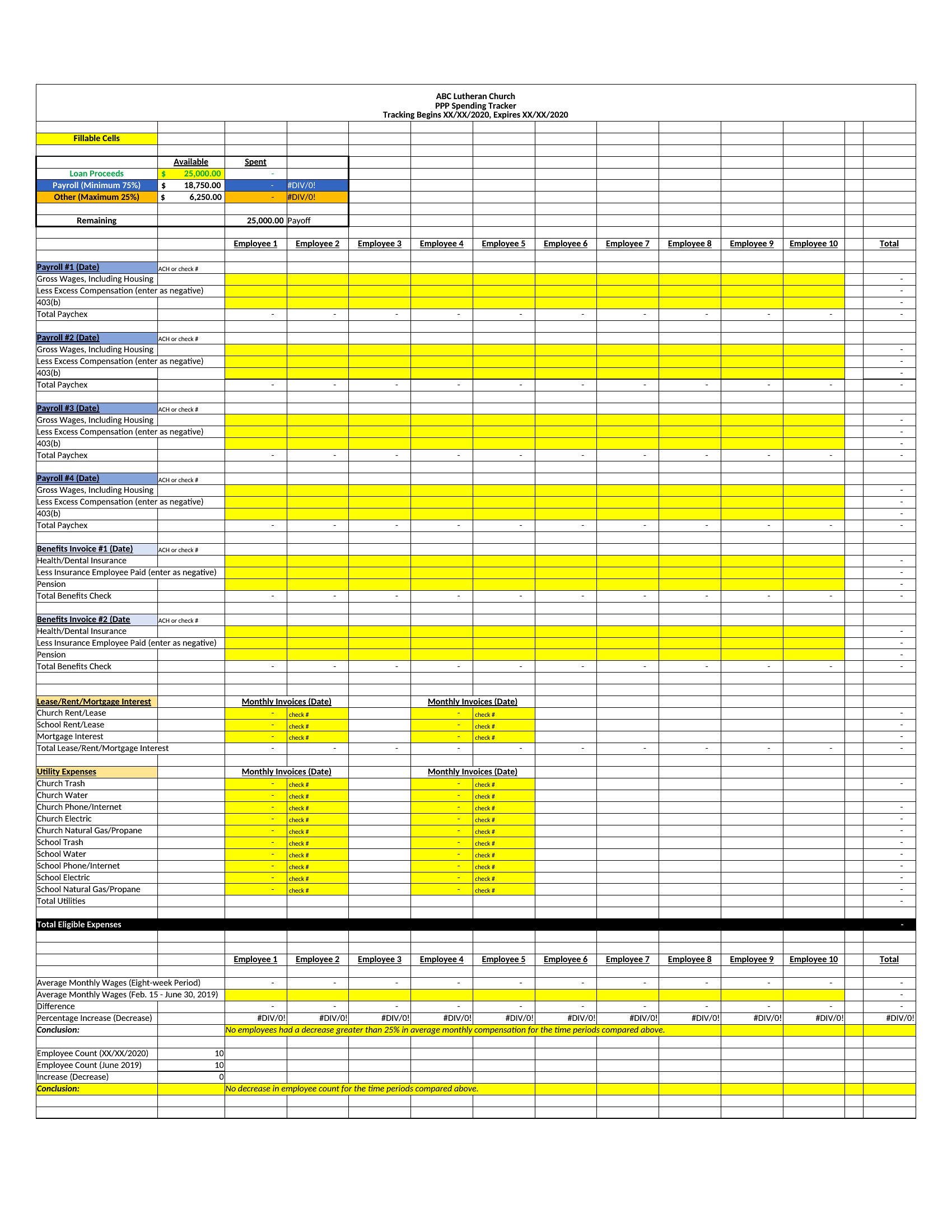
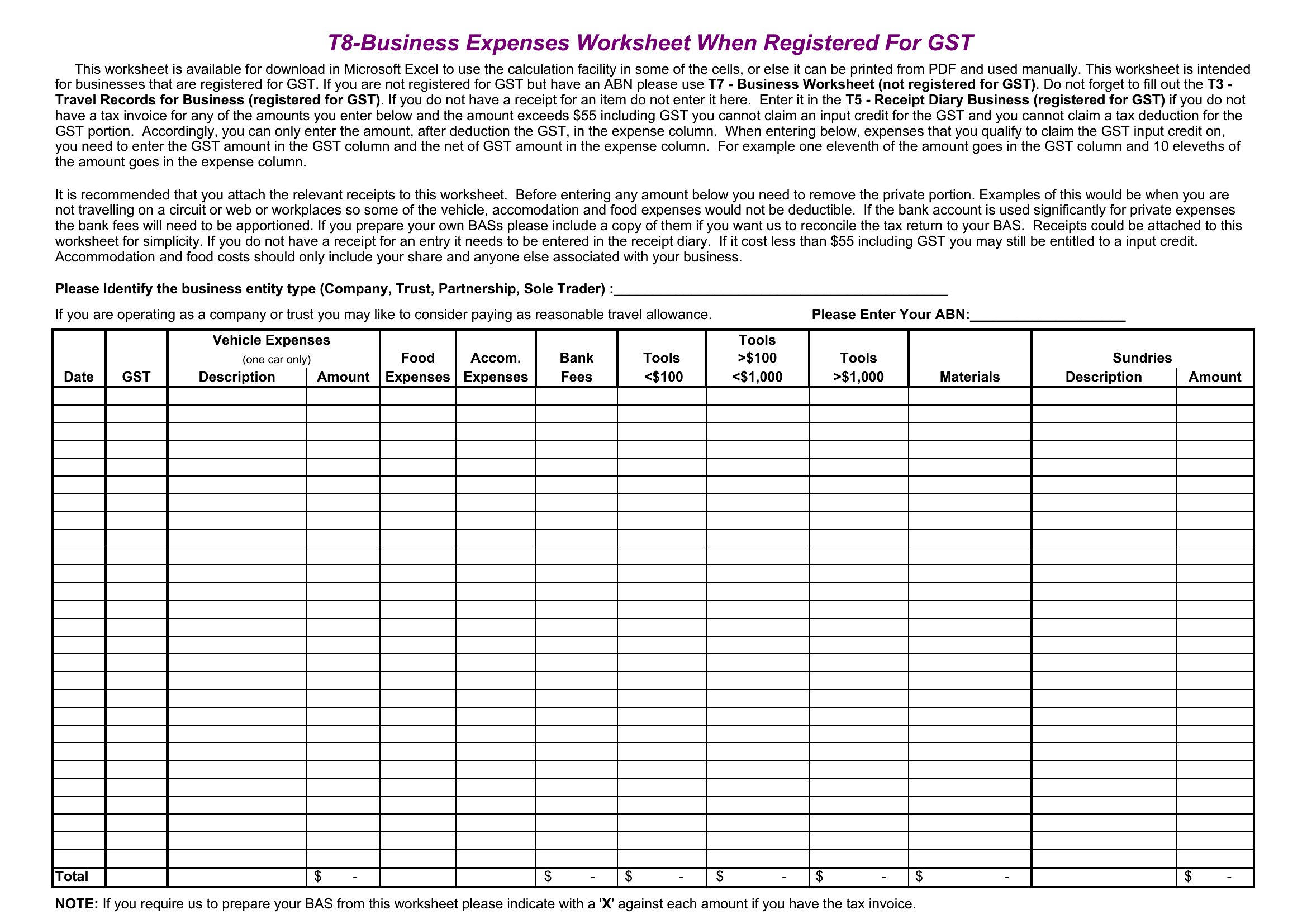
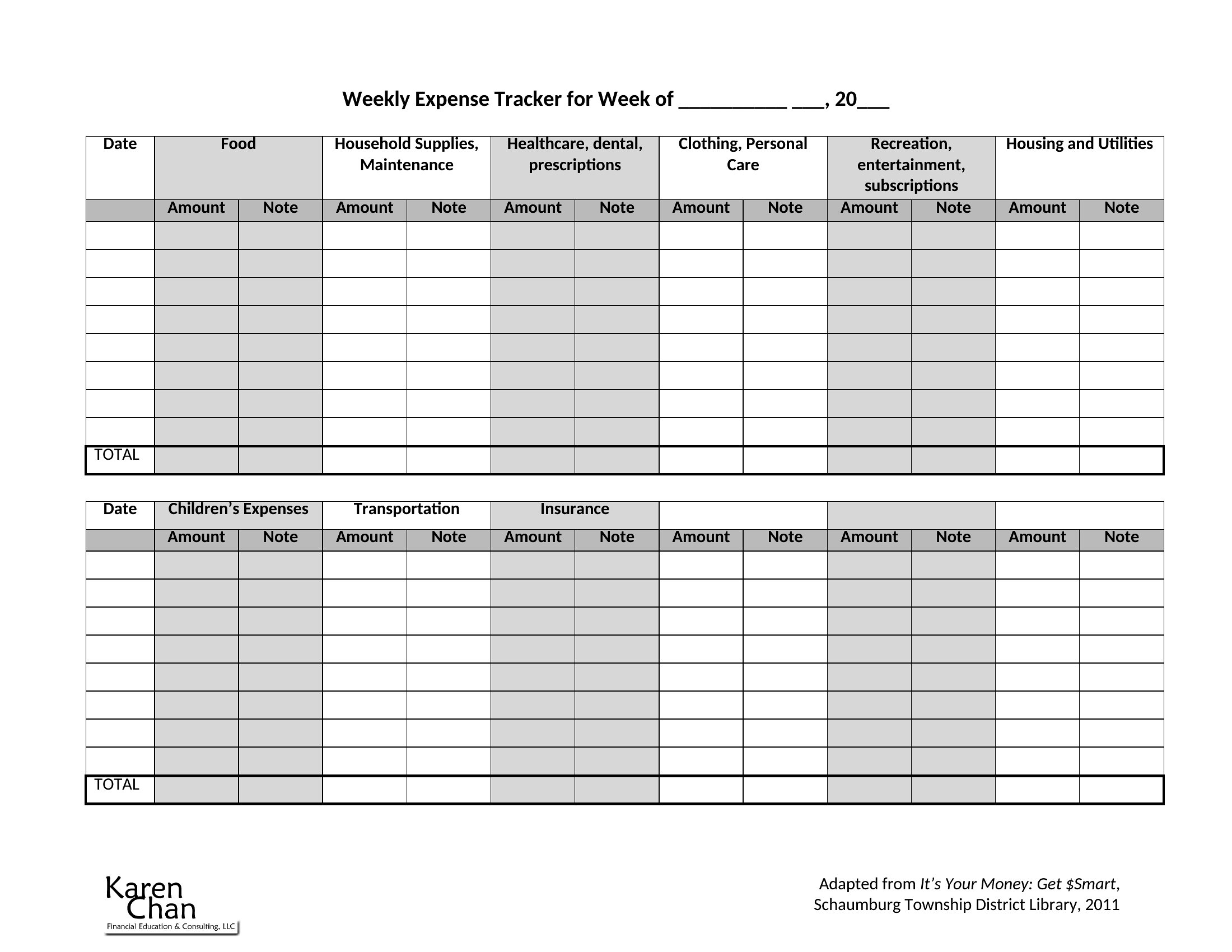
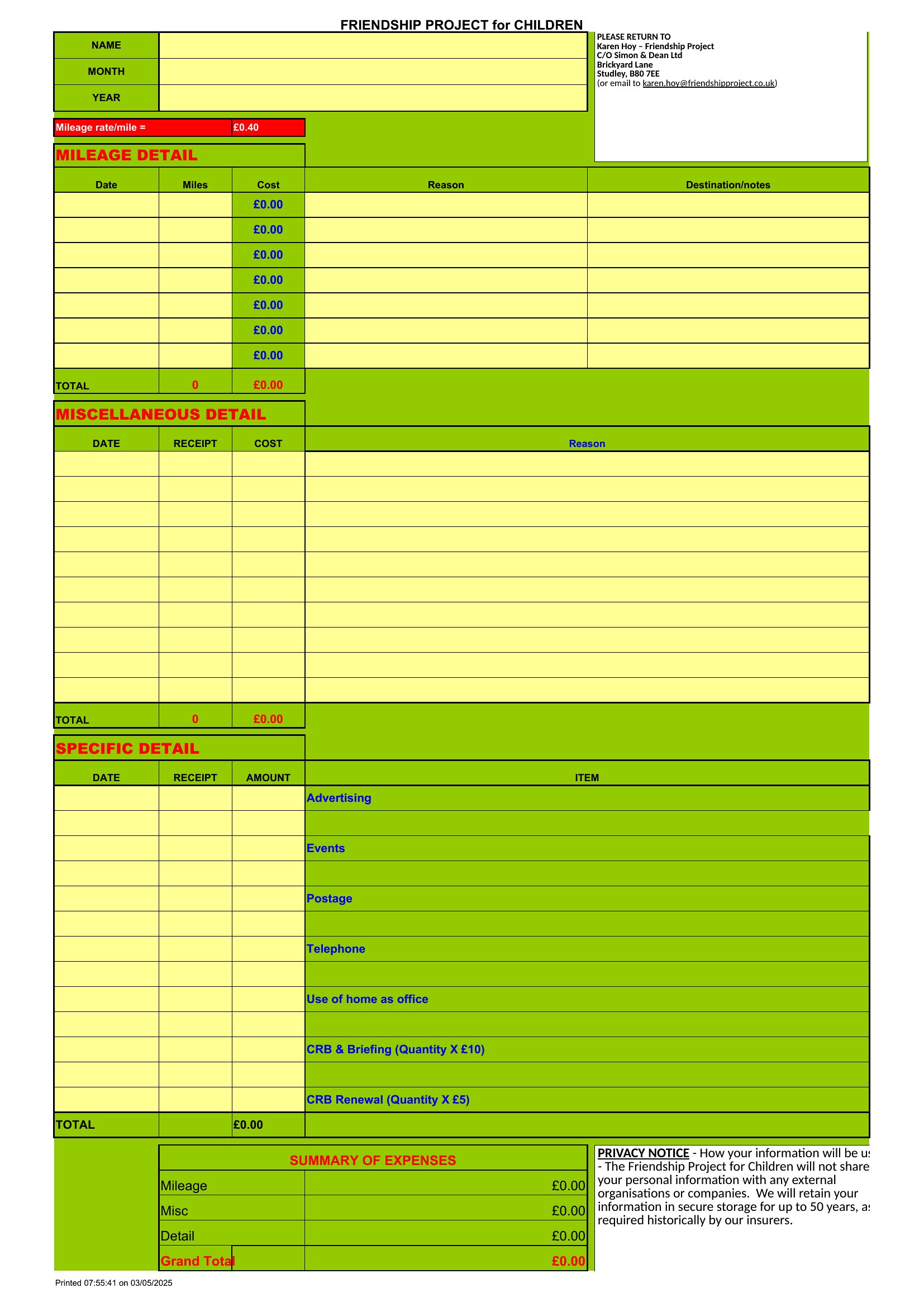
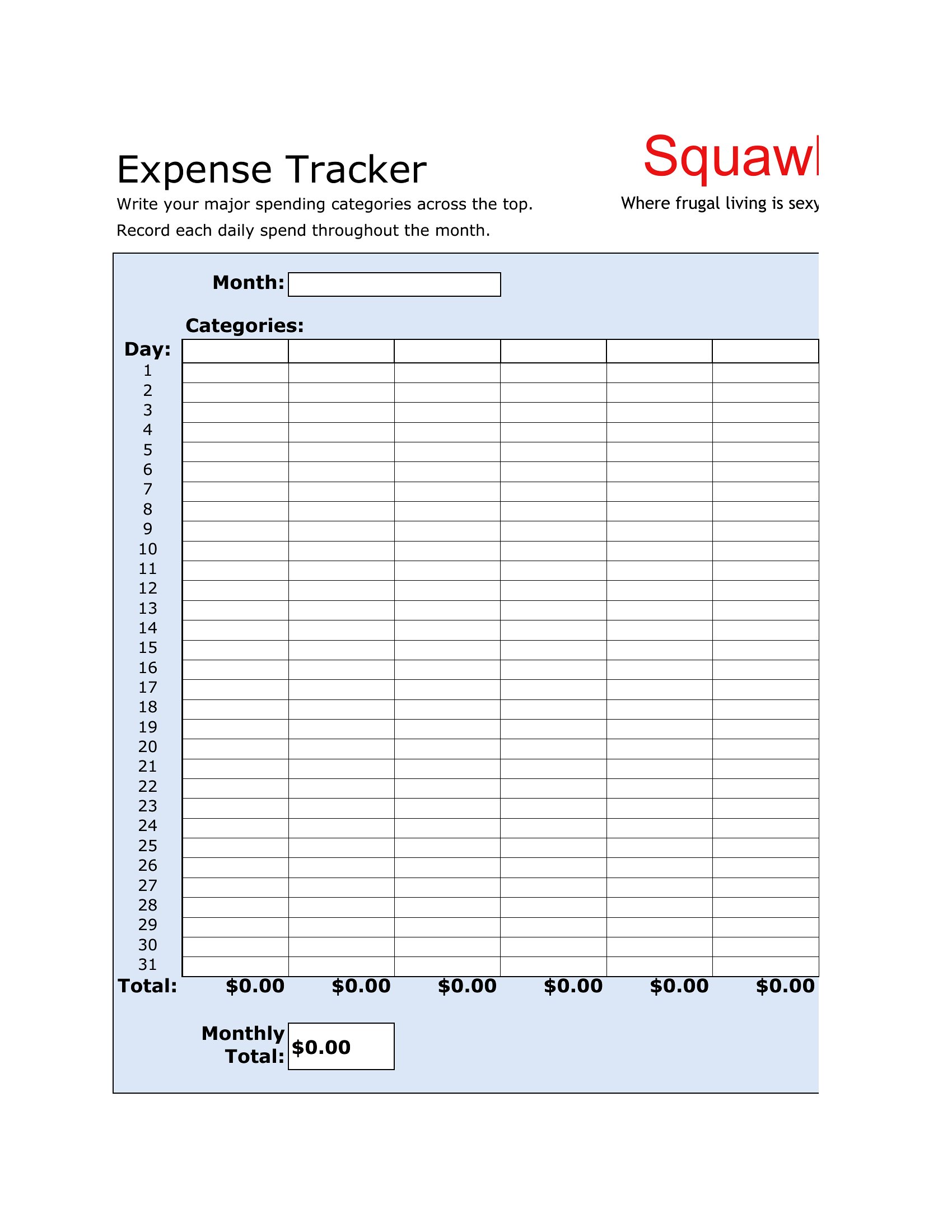
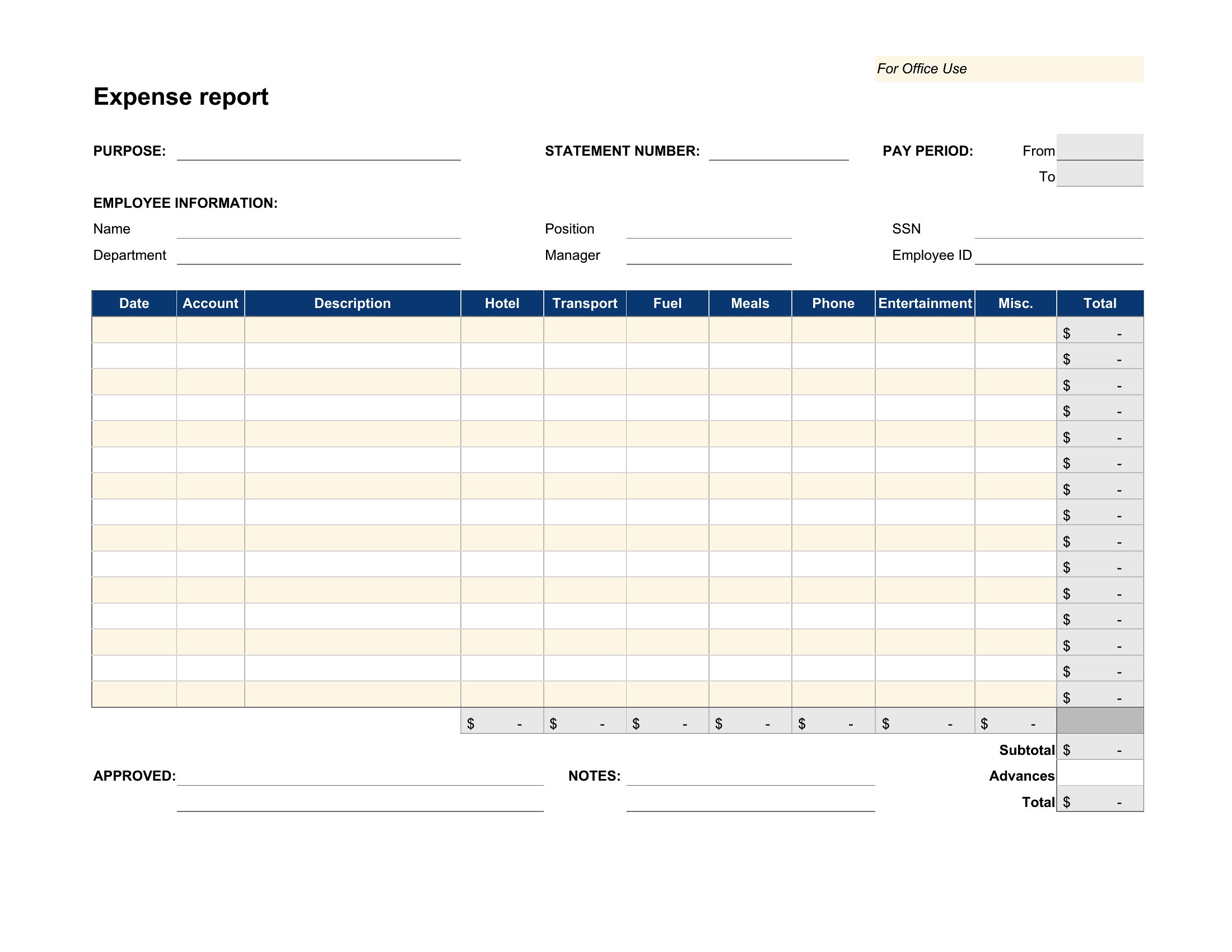
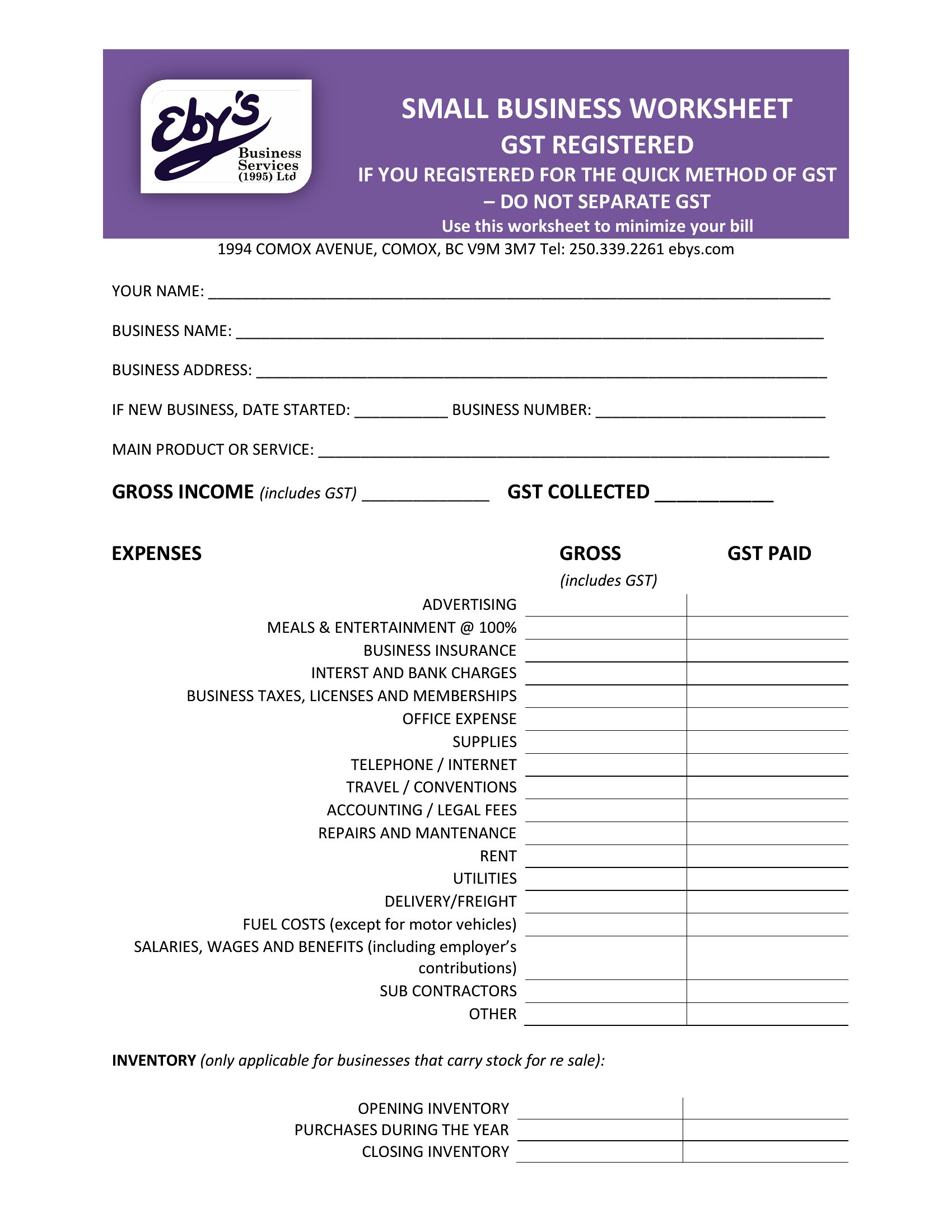
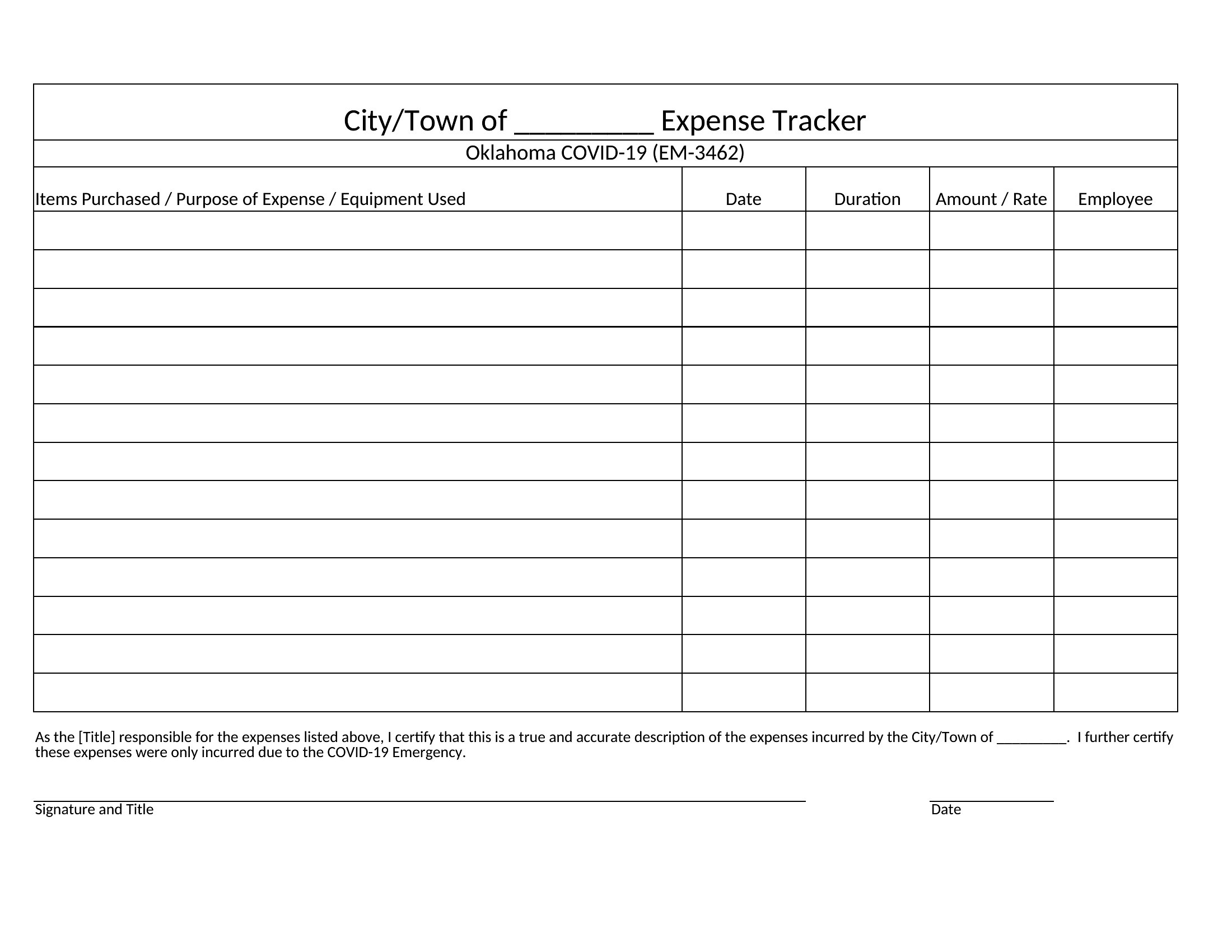
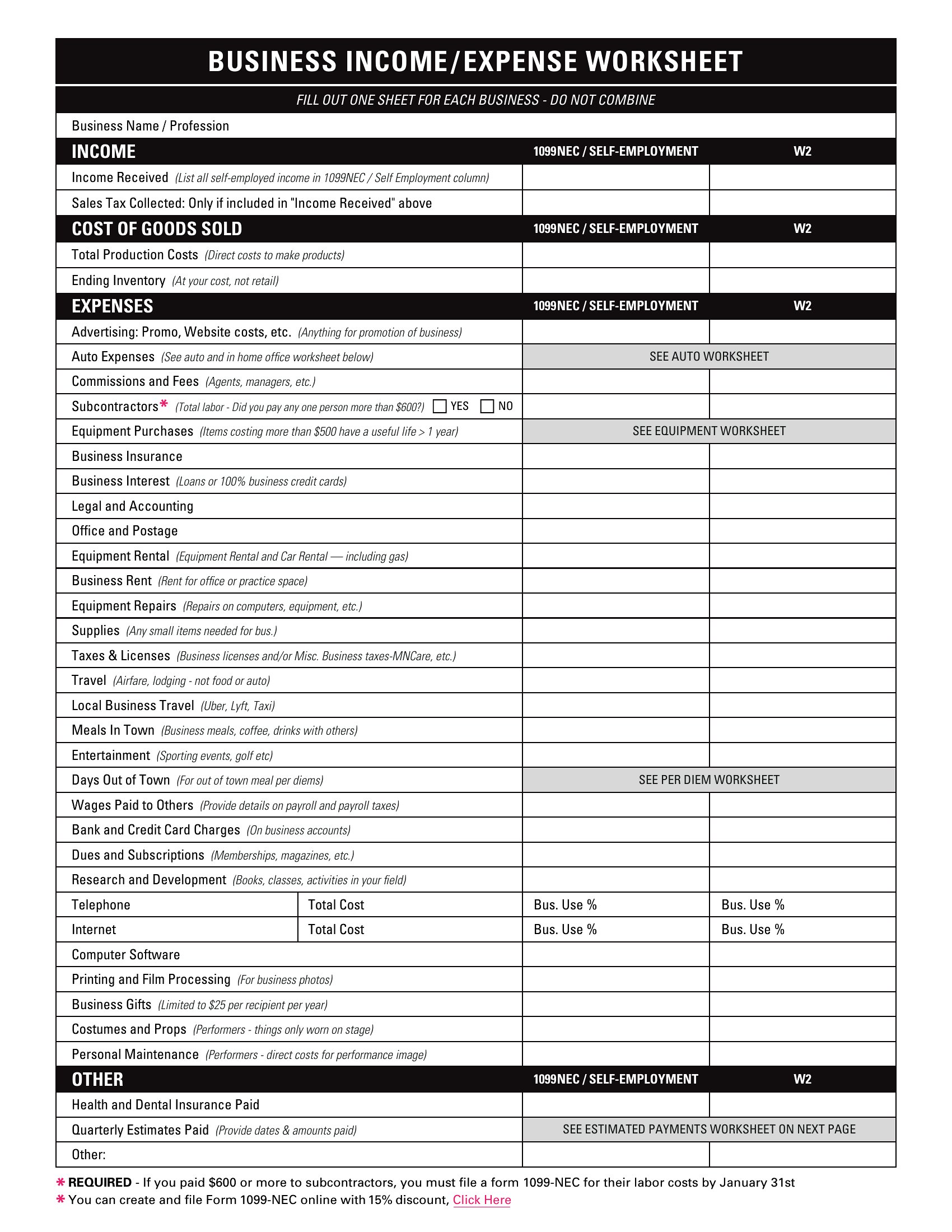
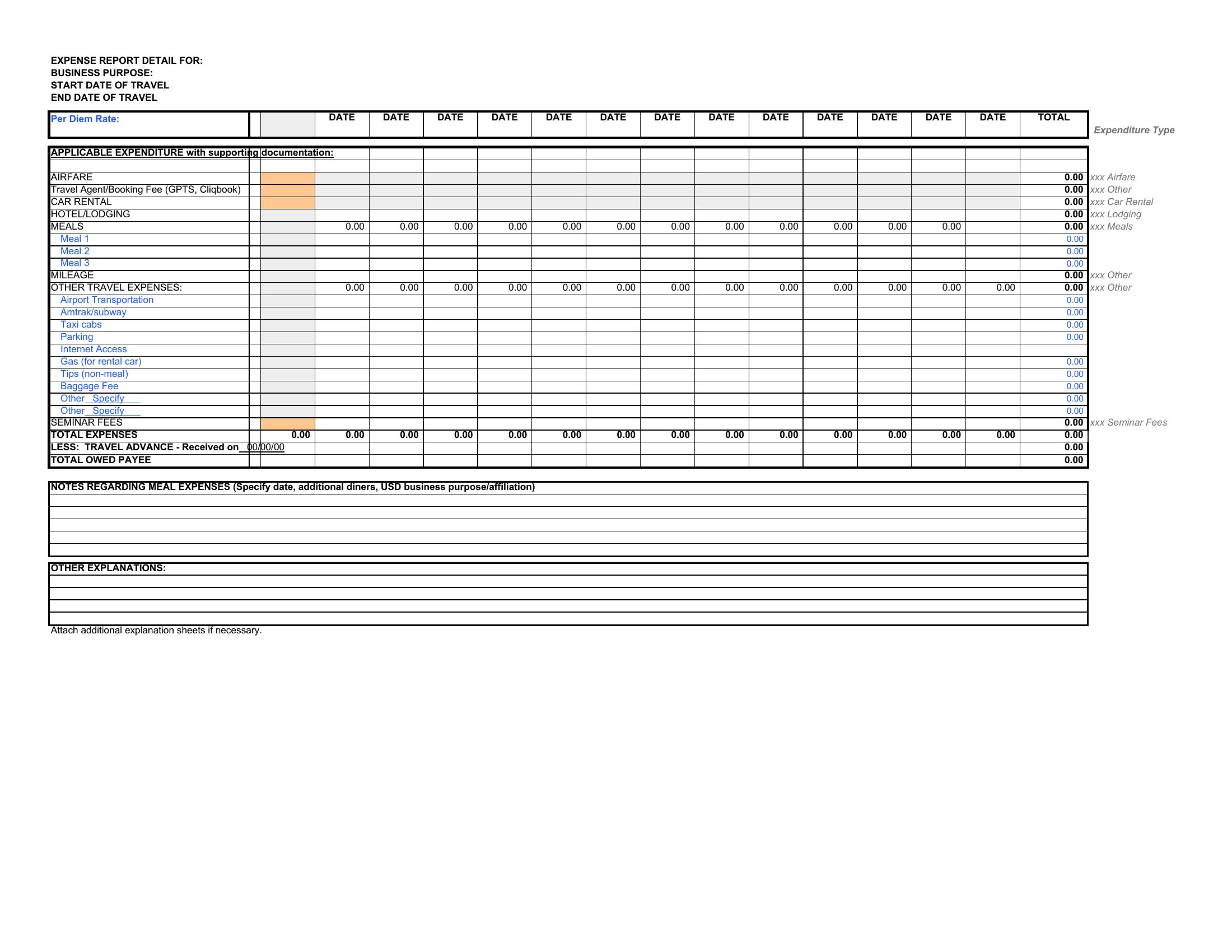
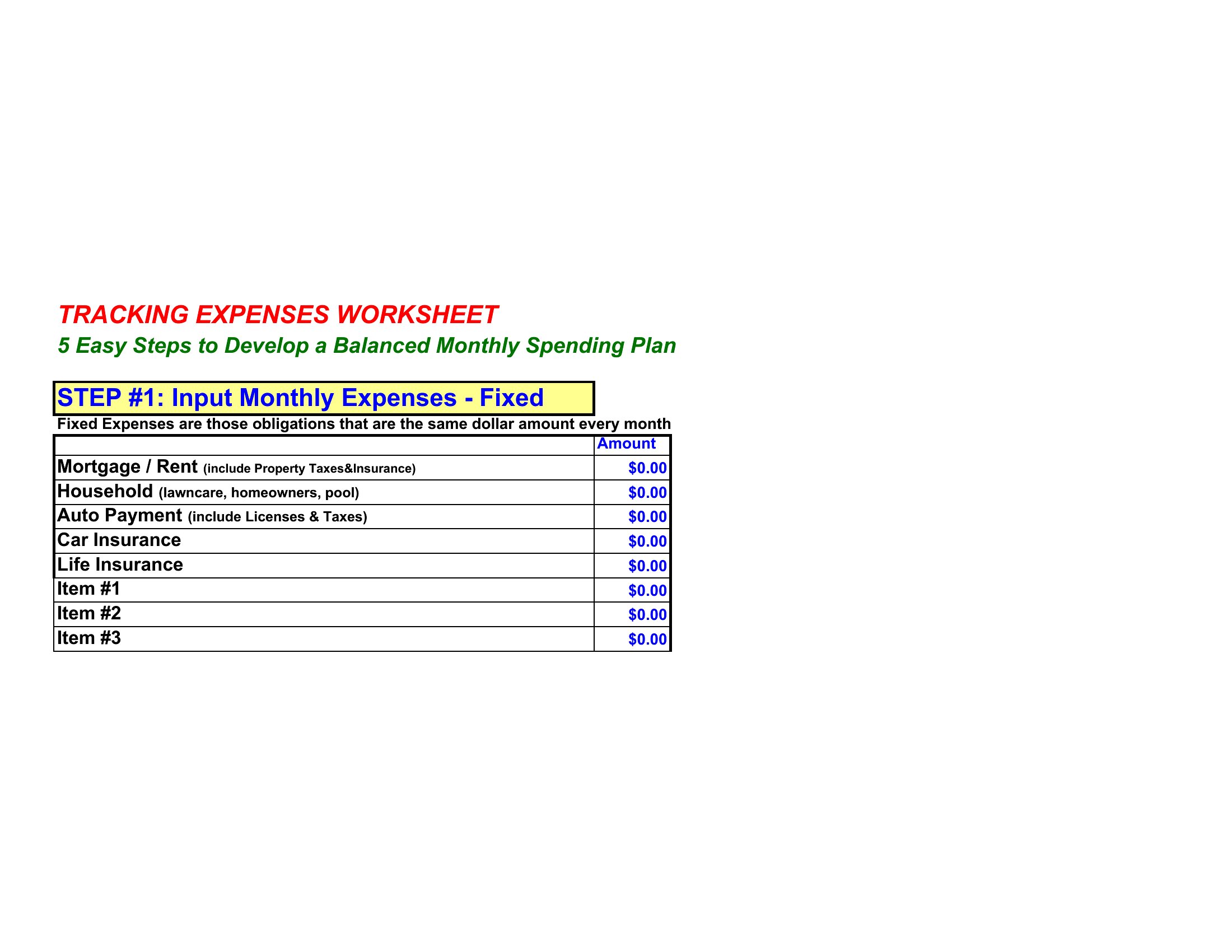
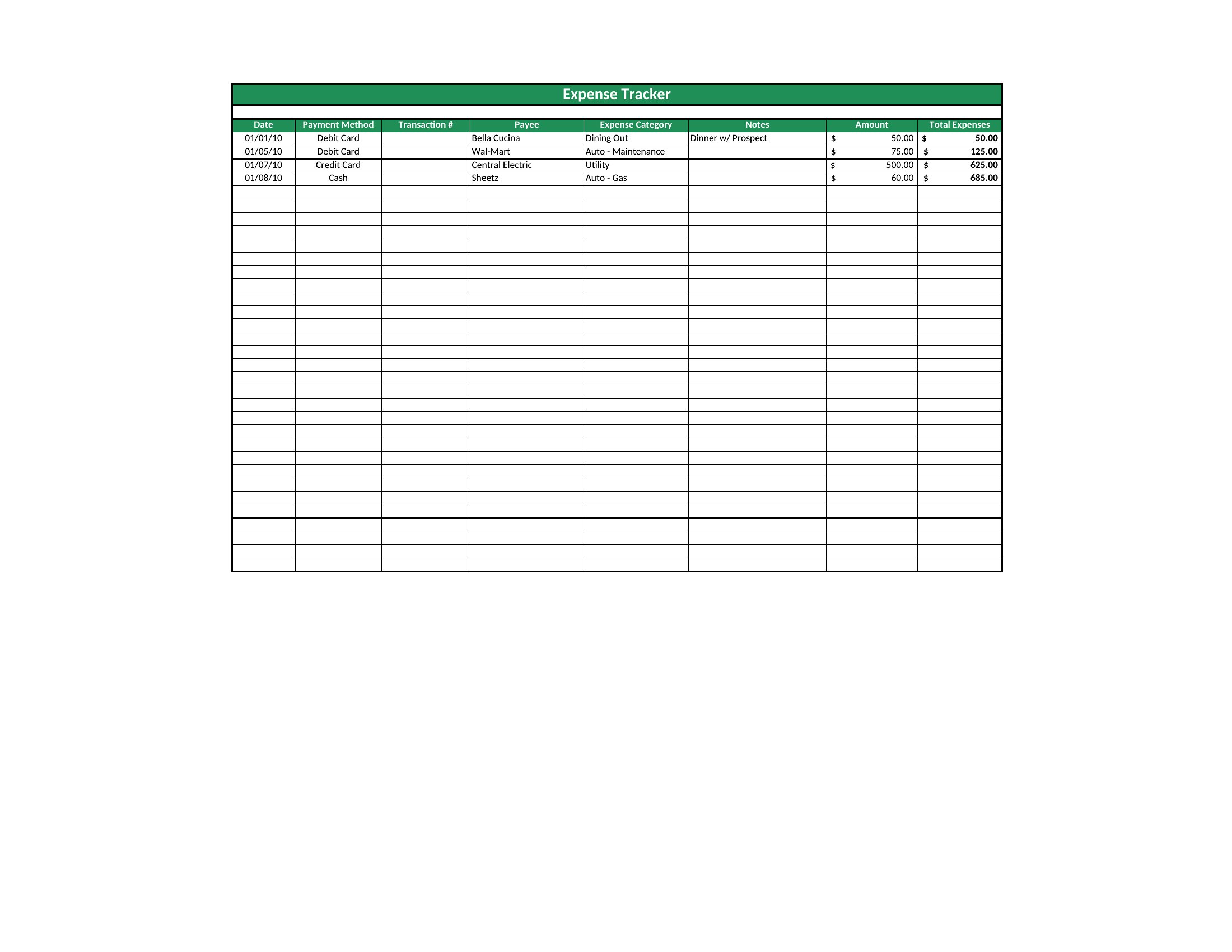
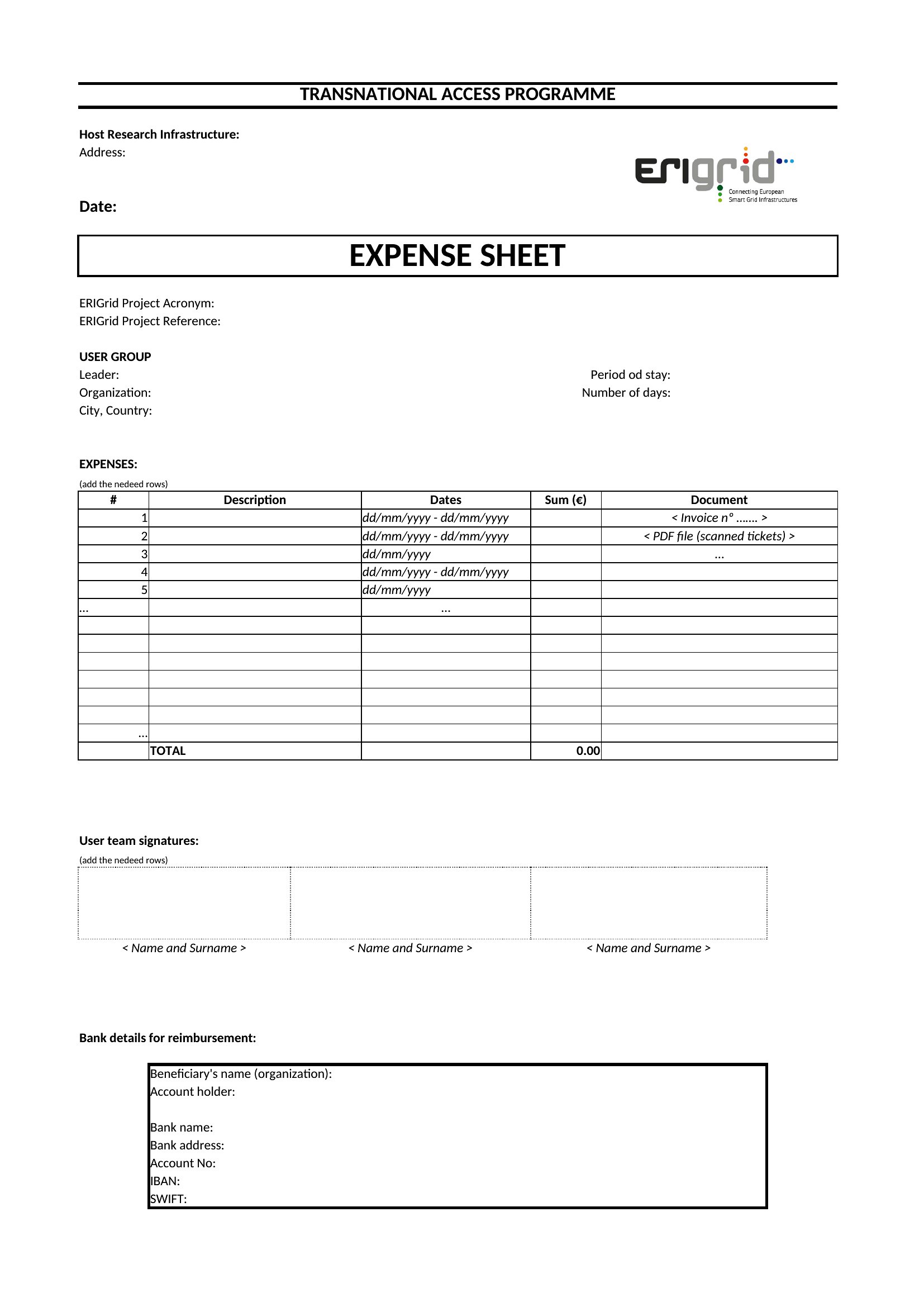
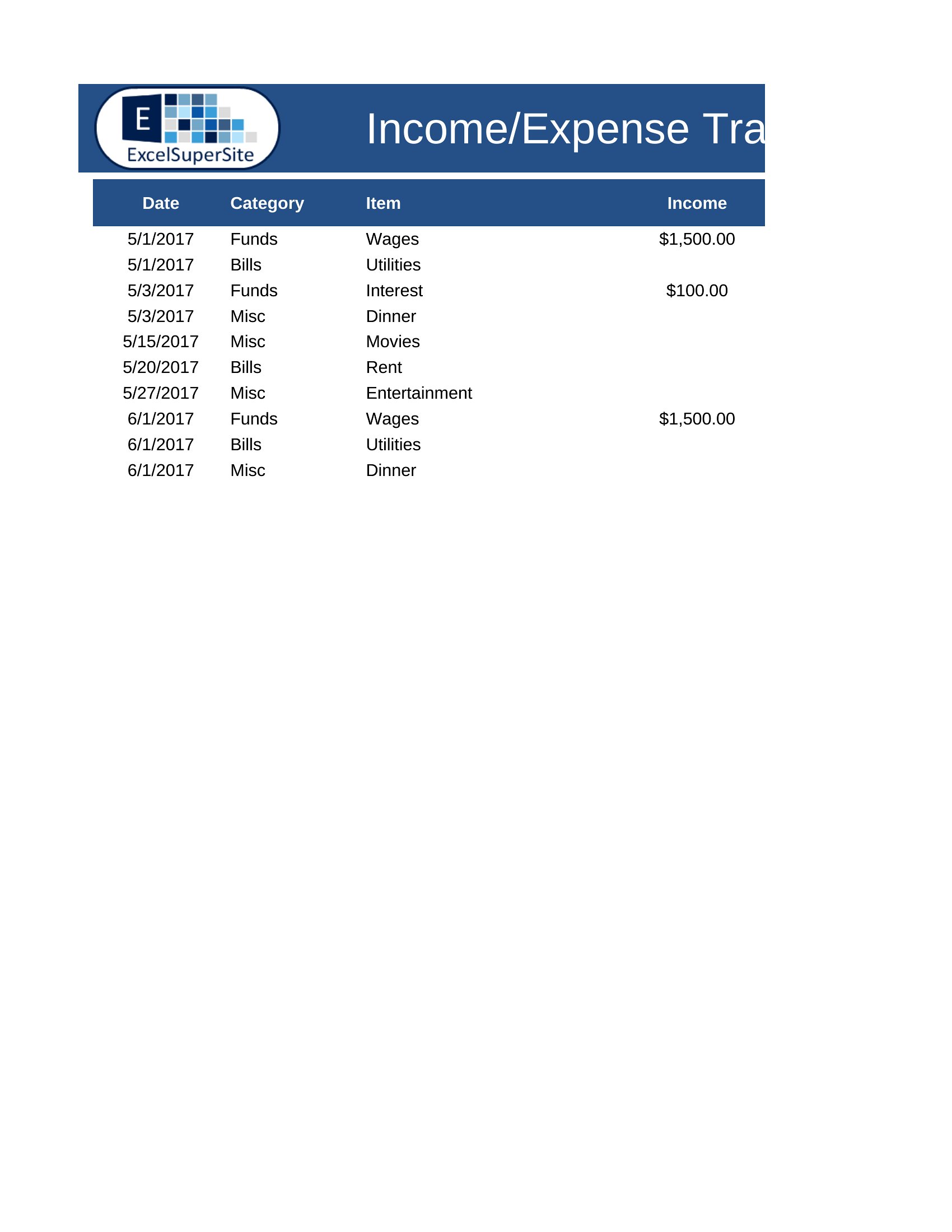
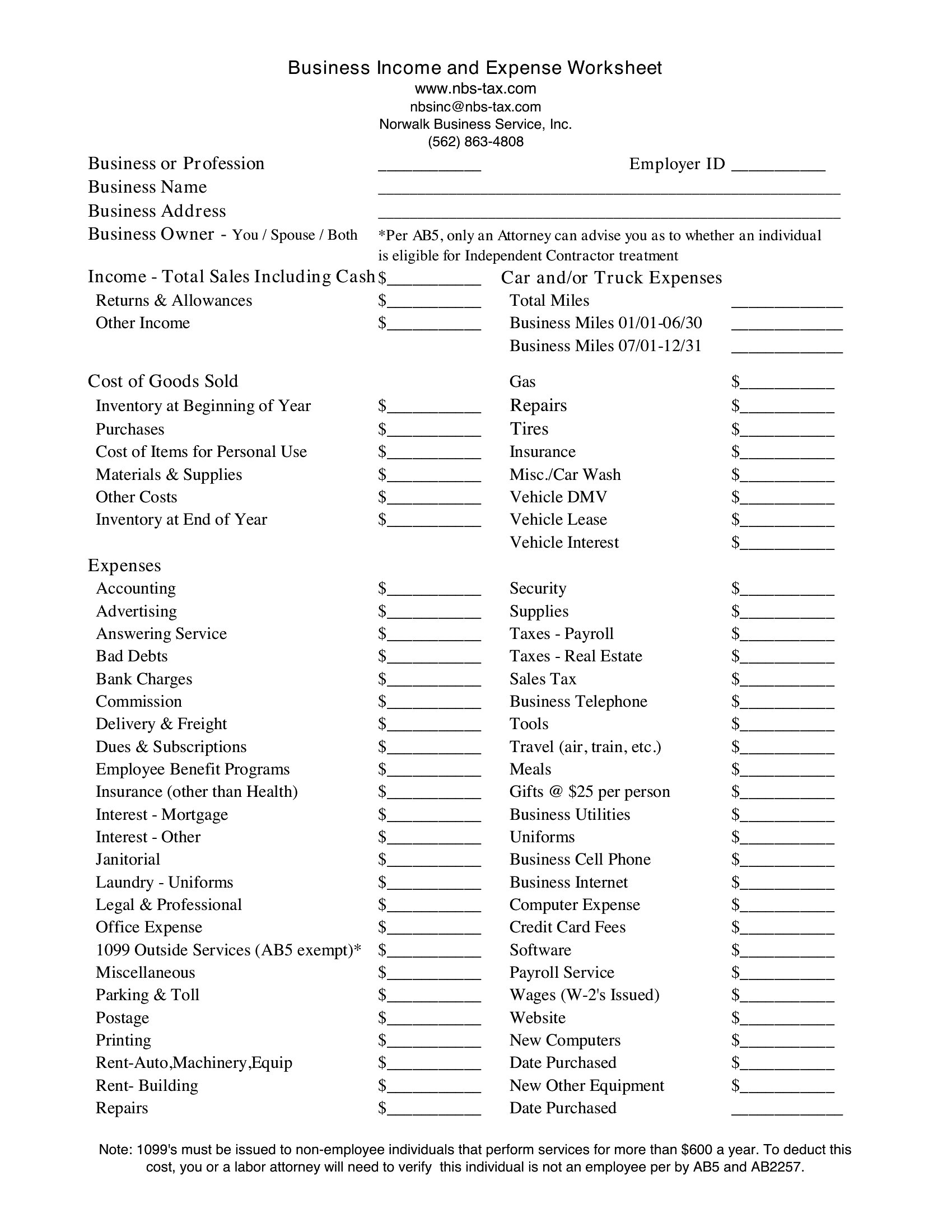
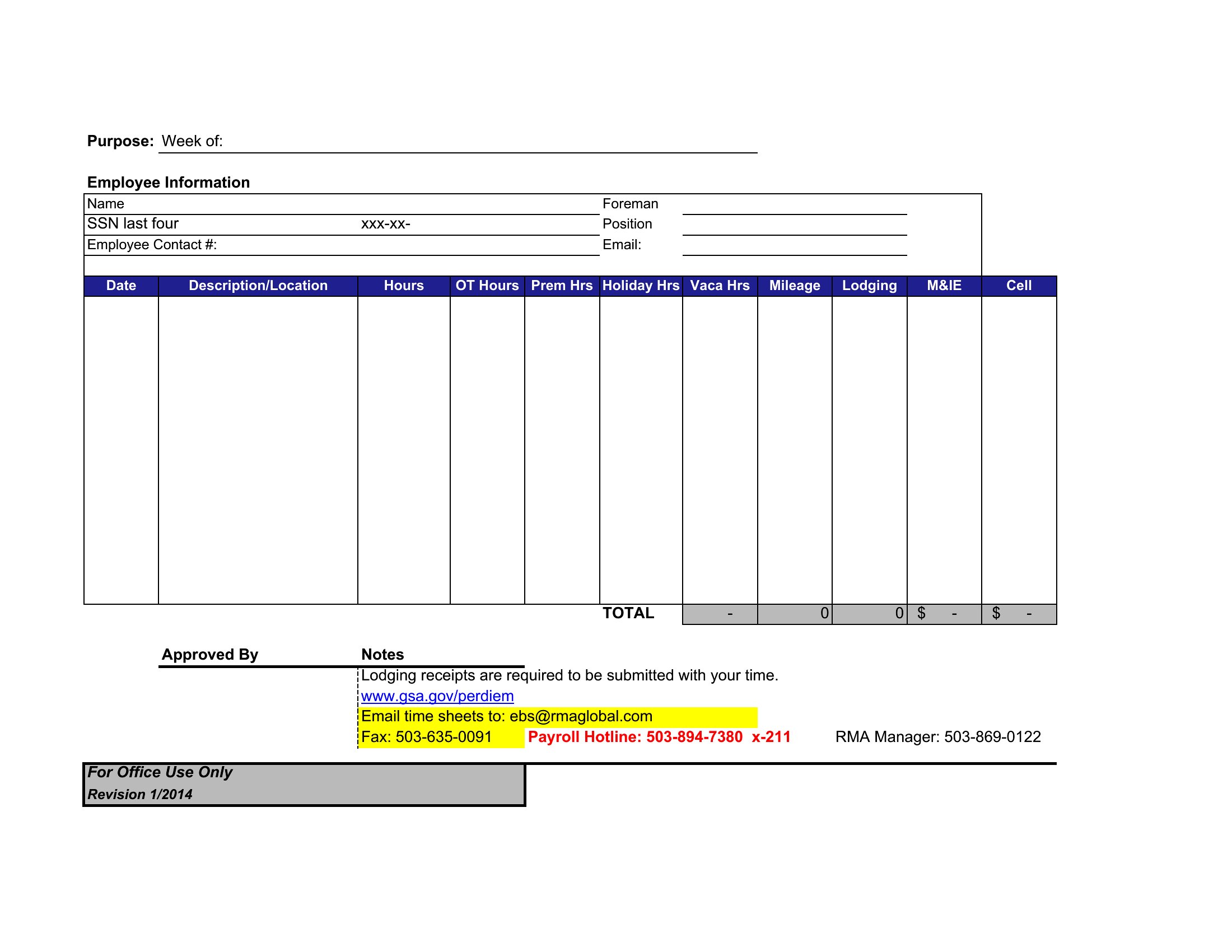
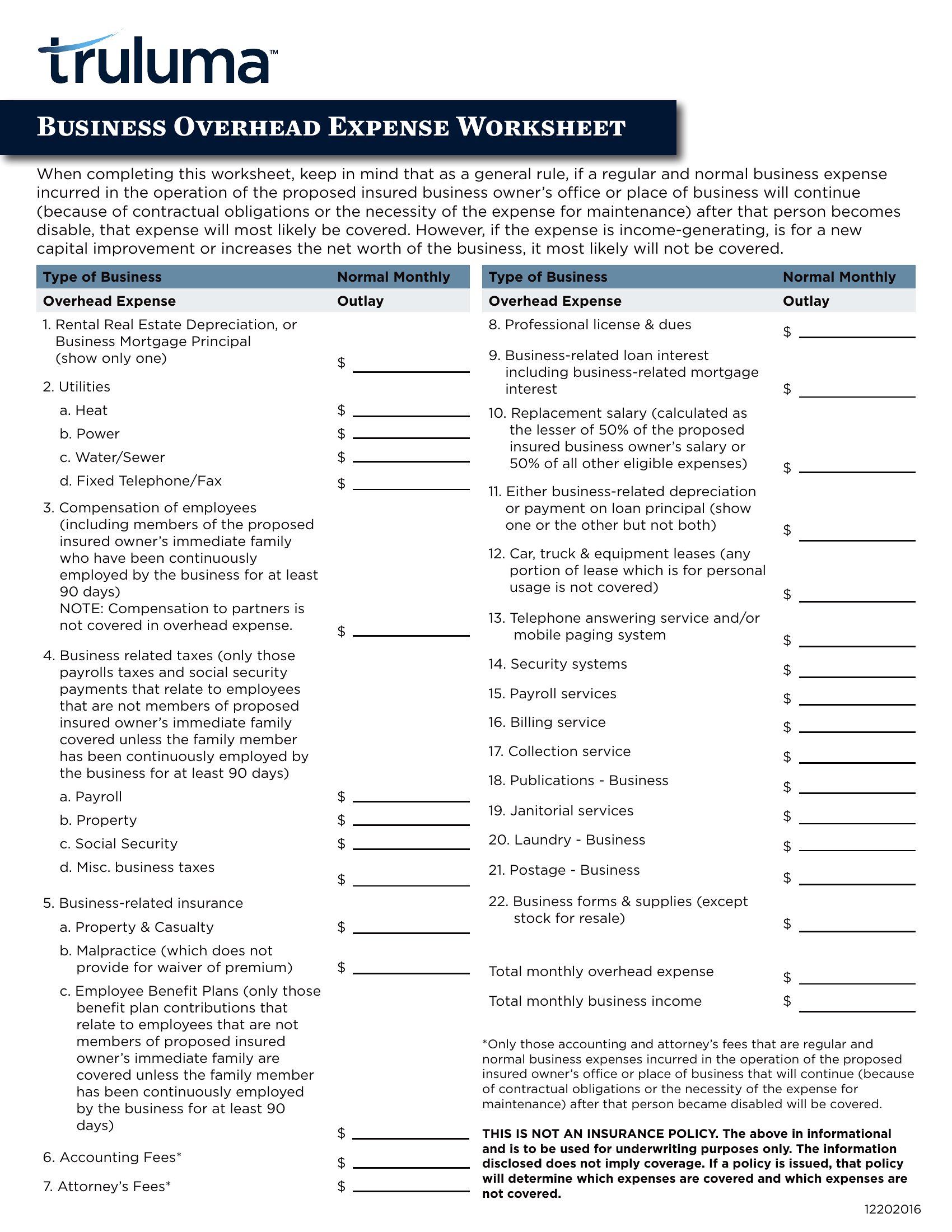
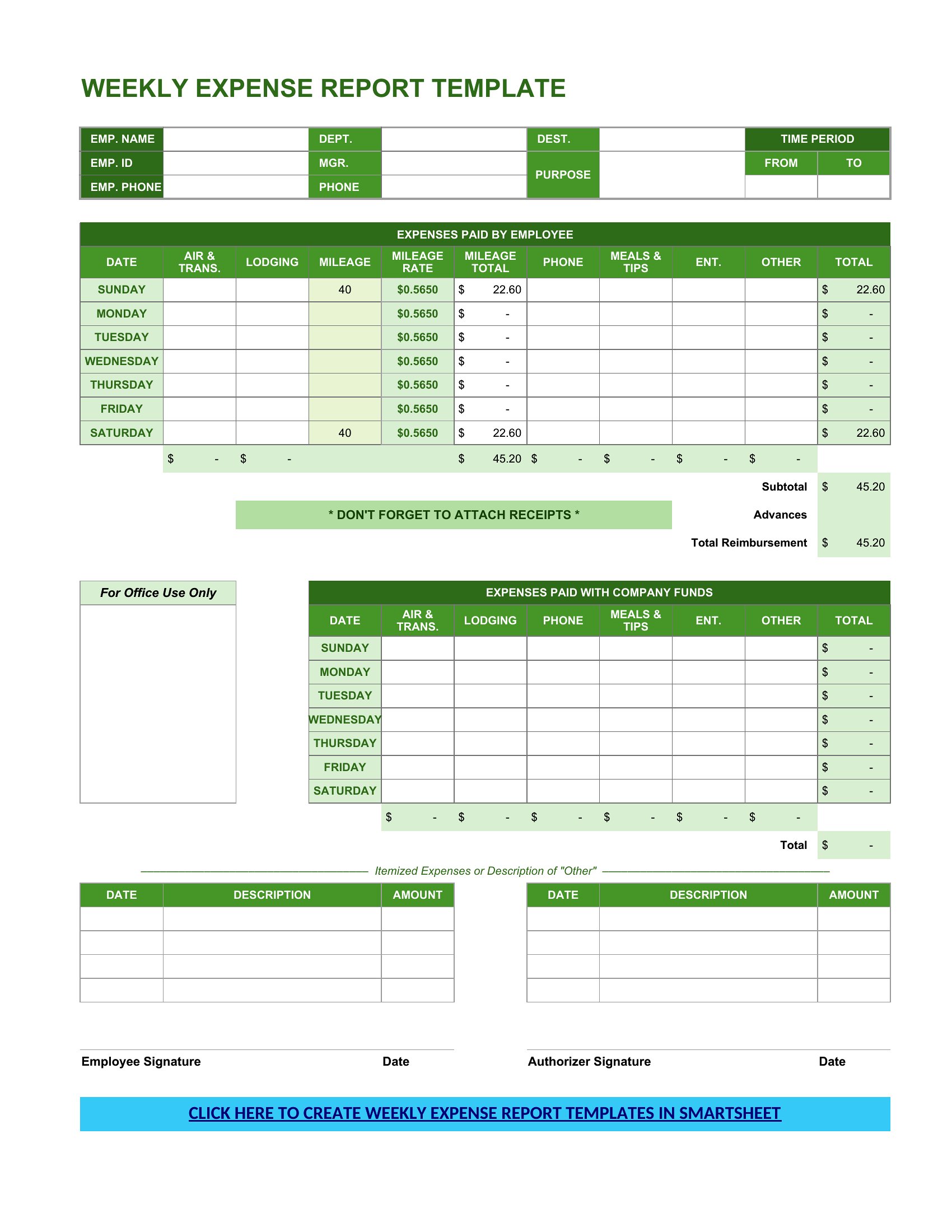
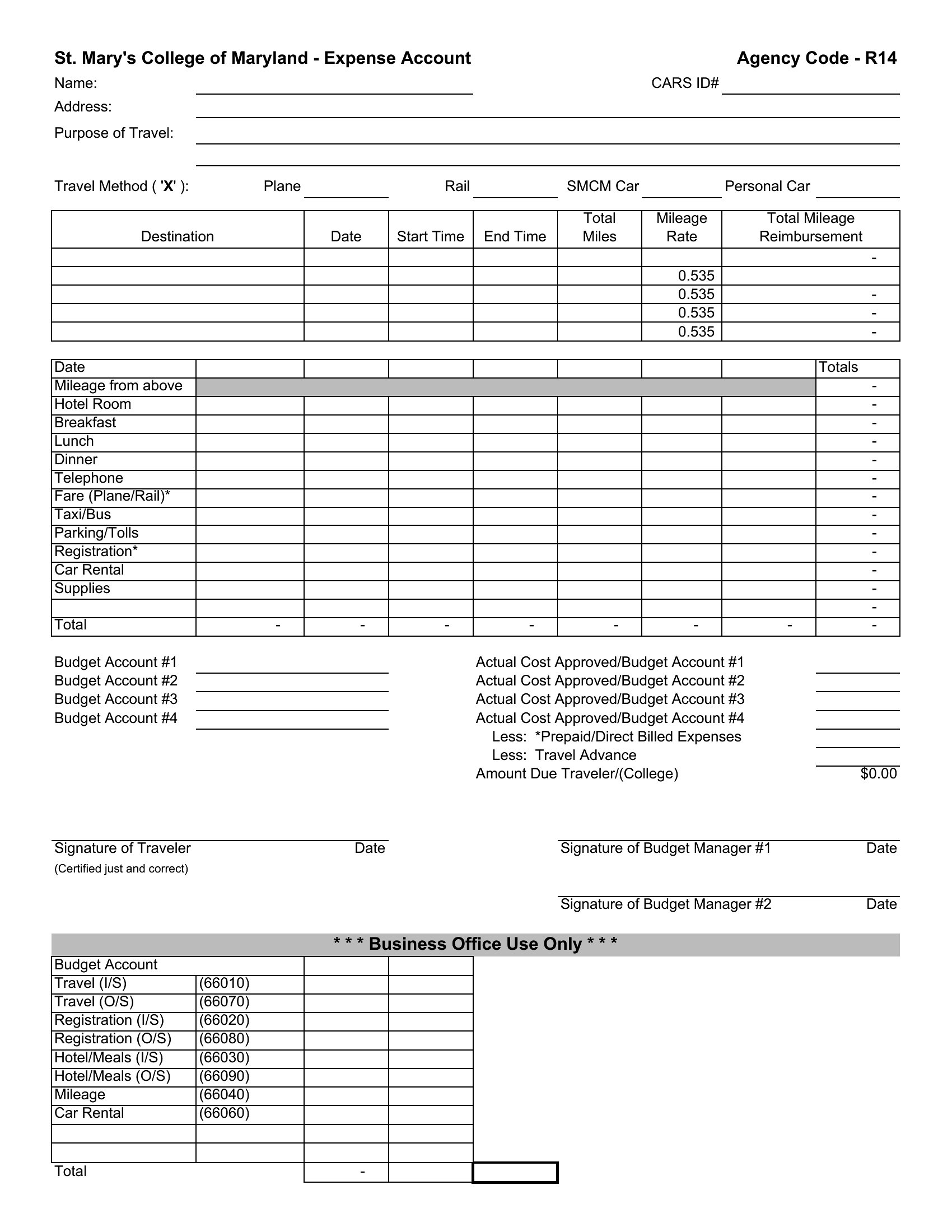
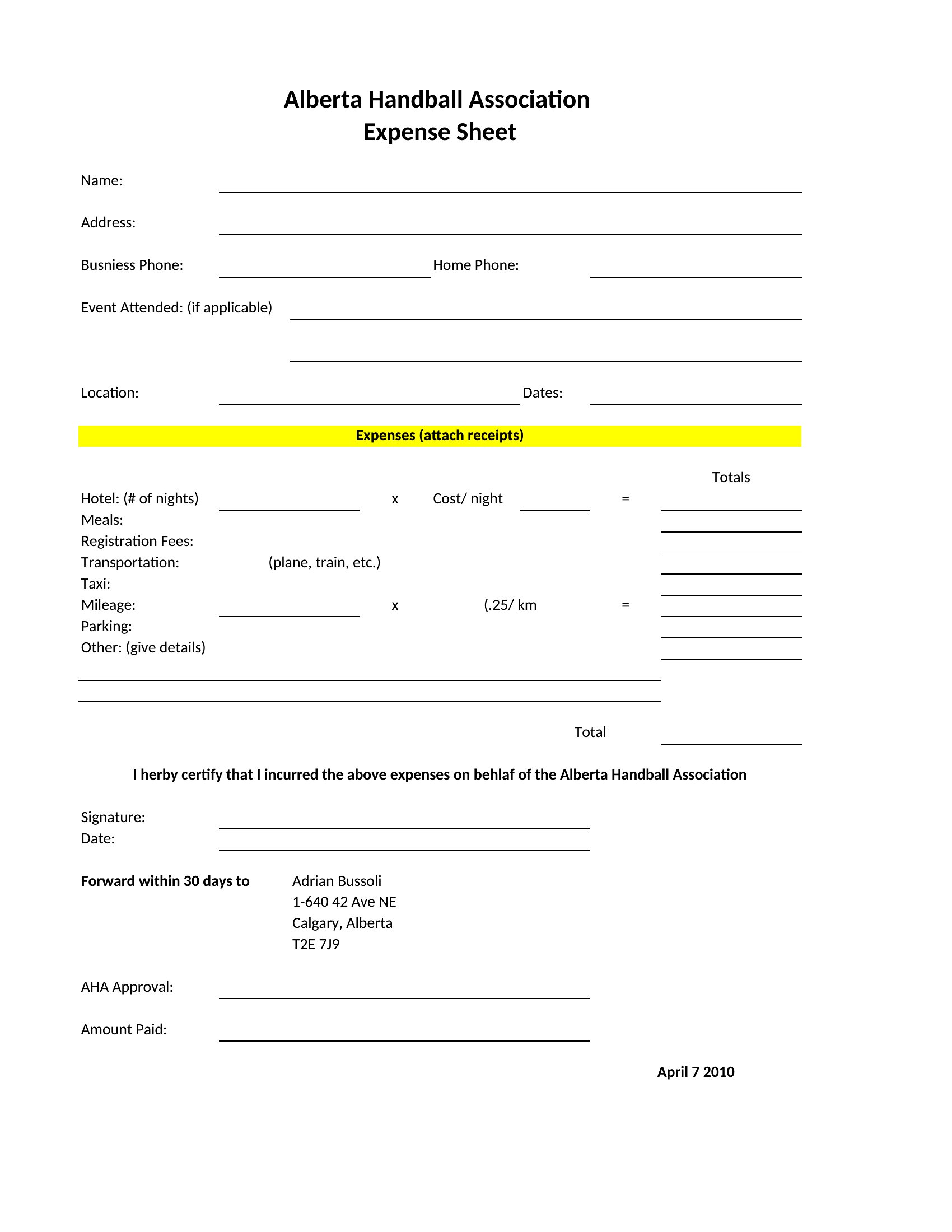
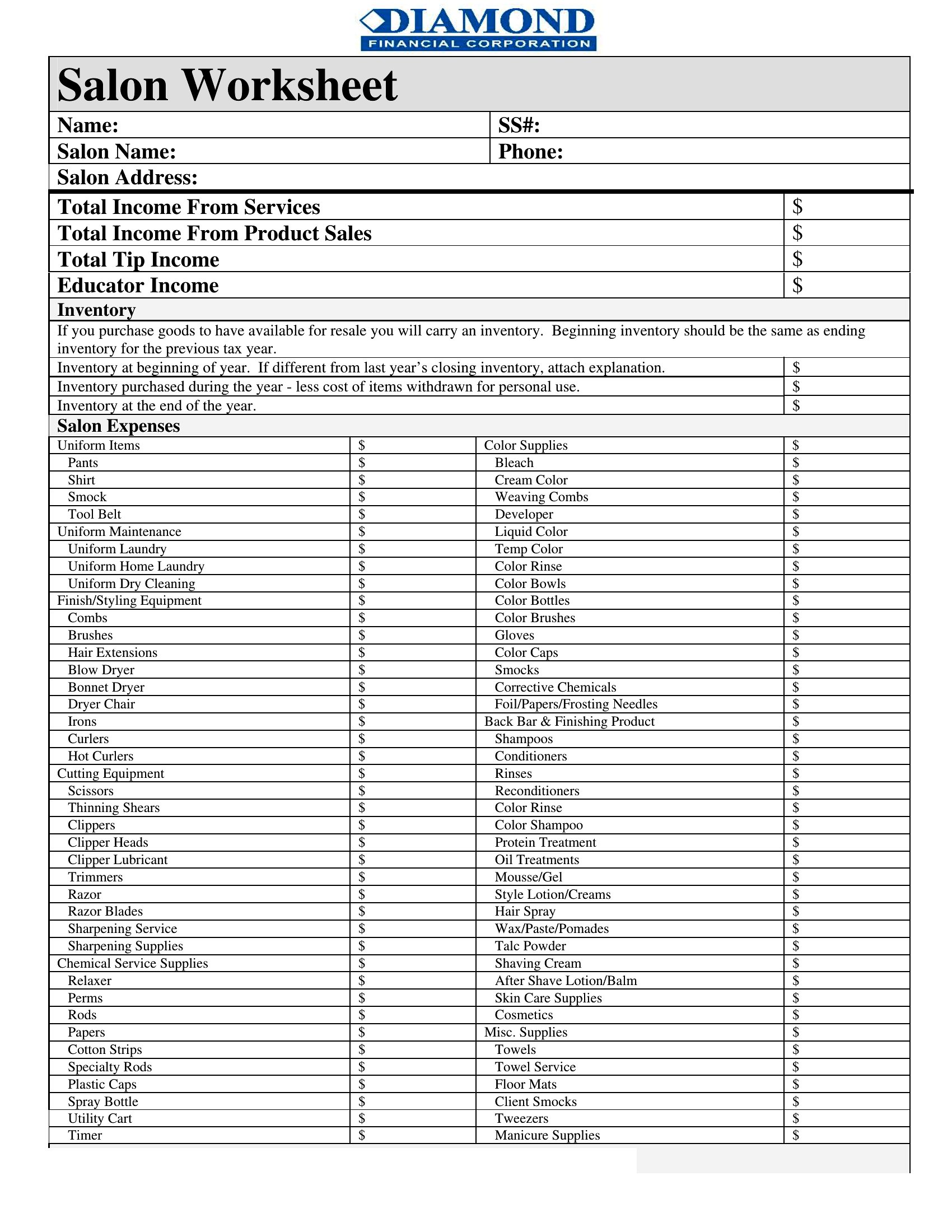
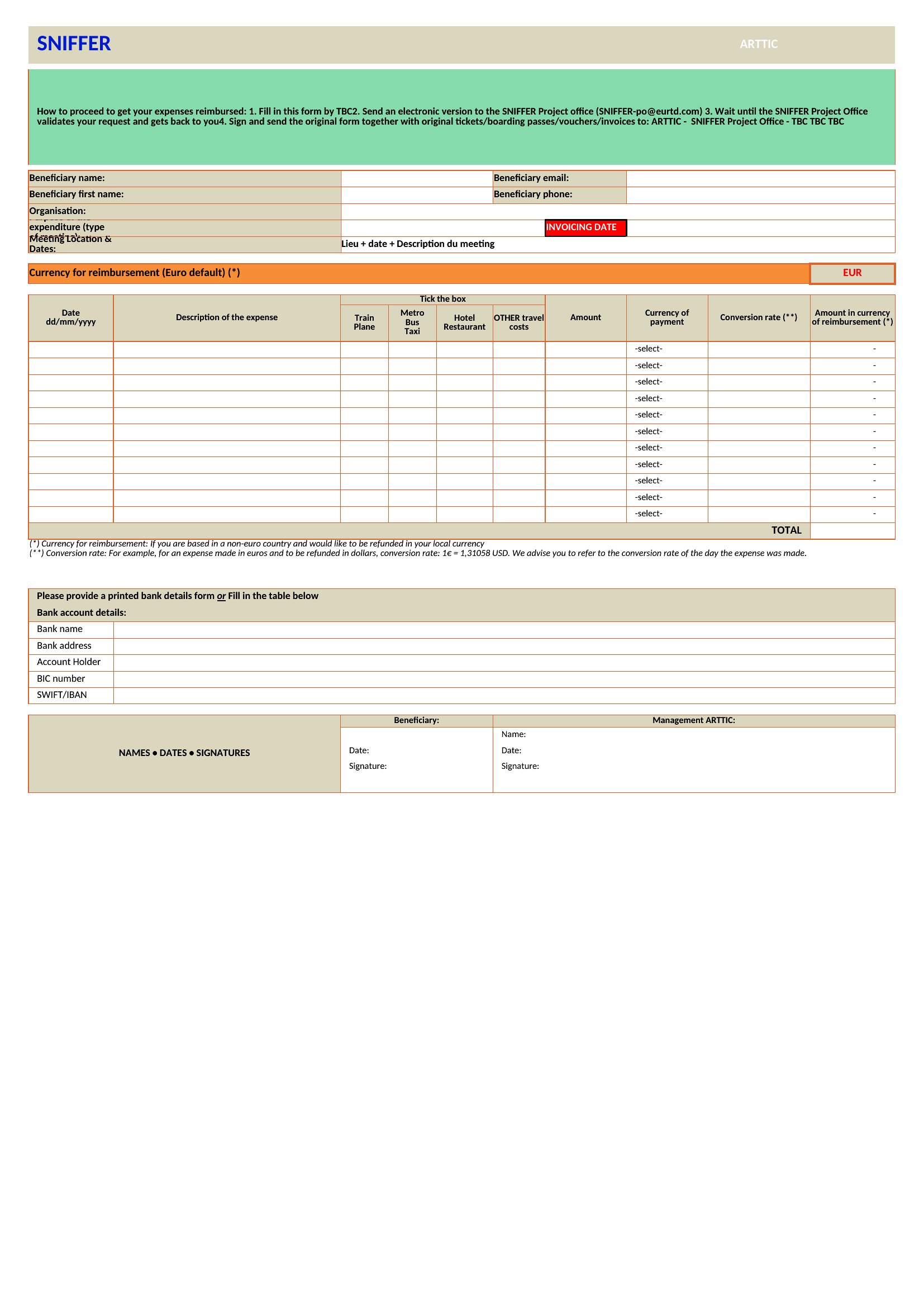
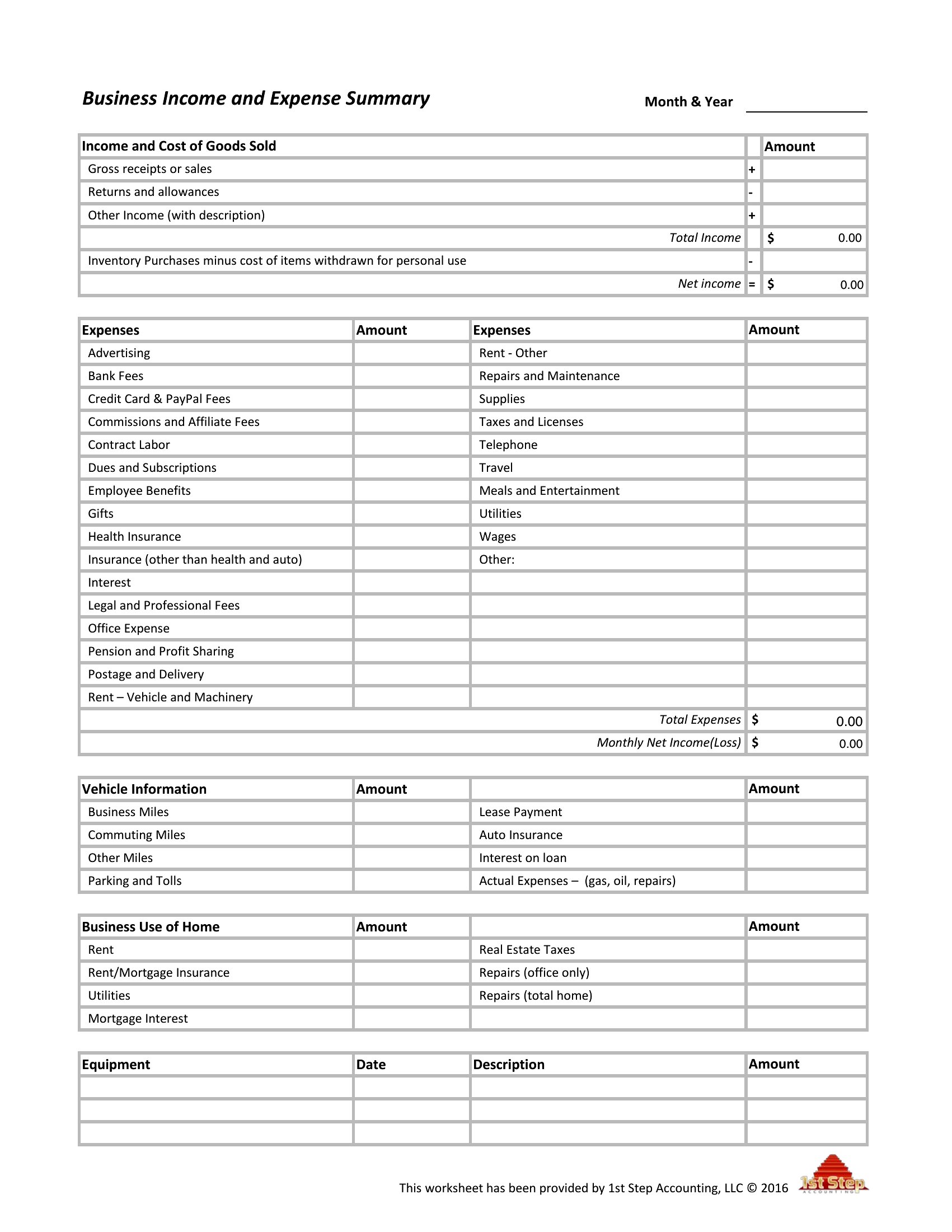
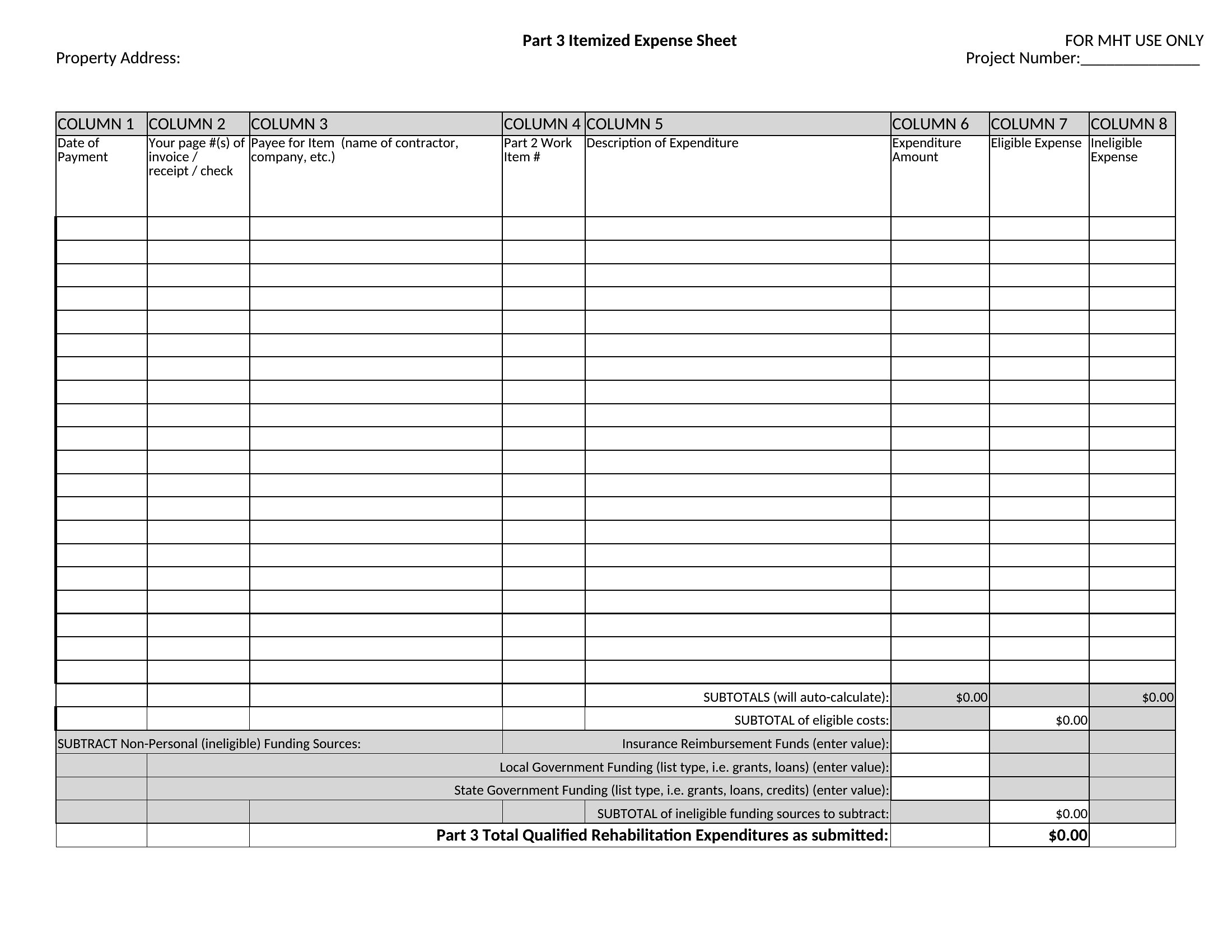
Receipts pile up fast, and a good expense spreadsheet turns that mess into numbers you can actually use at tax time. This collection of 41 business expense spreadsheets gives owners, freelancers, and office managers a ready place to log spending by date, category, and payment method. Each one keeps totals running so you always know where the money's gone.

The Excel versions sum categories and build subtotals automatically, the Word file handles simpler logs, and the PDF prints for a paper trail. Enter each purchase, tag it to a category, and your reports come together without a calculator. Deduction rules change by location and year, so confirm specifics with a tax professional. Download the layout that fits your business and start logging today.

When to use this Business Expense Spreadsheet template

  • Small business owners tracking travel expenses for quarterly tax filings in a spreadsheet that separates vehicle mileage, meals, and lodging by vendor invoice numbers.
  • Freelancers logging project-specific expenses like software subscriptions or office supplies, needing a format that totals by client for accurate invoicing.
  • Office managers reconciling departmental purchases across multiple credit cards, requiring a template that matches receipts to purchase order numbers for audits.
  • Self-employed consultants categorizing mixed-use expenses (e.g., home office vs. client meetings) to maximize deductions while keeping IRS-compliant records.

Which format should I download?

WordExcelPDF

Excel is the best choice for this spreadsheet if you need real-time calculations, sorting by date or category, or formulas to auto-sum totals. The Word format works well for printable, manual-entry versions where you prefer handwritten notes or scanned receipts attached. For a fixed, shareable record—like sending to an accountant or saving for a tax audit—PDF is ideal because it locks in formatting and prevents accidental edits. Avoid Word if you rely on formulas, and avoid Excel if you need a portable, non-editable backup.

How to use this Business Expense Spreadsheet template

Can these spreadsheets handle multiple types of transactions, like cash, credit card, and reimbursements?

Yes, most templates in this collection include columns for transaction type, payment method, and vendor details. The Excel versions often have dropdown menus to streamline categorization, while PDF and Word formats let you manually label entries. For mixed payment methods, check templates with separate tabs or sections for each type. Always reconcile totals to your bank statements monthly to avoid discrepancies.

Do any of these templates help track mileage for business use, including IRS-safe logging?

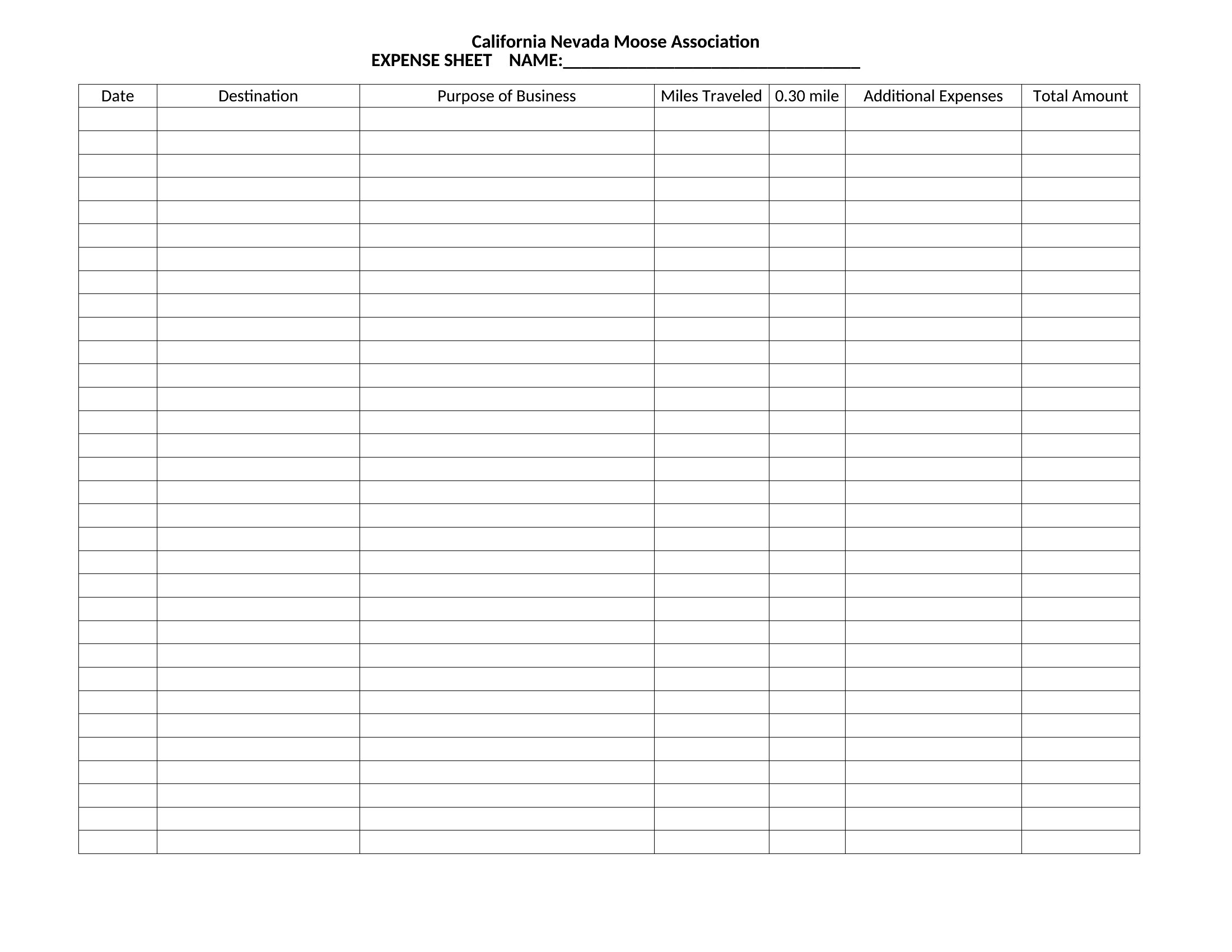
Several templates include dedicated mileage logs with columns for date, starting/ending odometer readings, purpose of trip, and business percentage. These are designed to mirror IRS Form 2106 for deductions. Look for spreadsheets labeled with ‘mileage’ or ‘vehicle’ in the title, particularly in the Excel format, as they often include built-in calculations for depreciation or standard mileage rates.

What’s the difference between a ‘fillable’ PDF and a regular PDF in this collection?

Fillable PDFs allow you to type directly into fields (like expense amounts or dates) using a PDF reader, while regular PDFs are static and require printing or manual entry in another program. Fillable PDFs are best for quick, on-the-go logging—ideal for freelancers or small teams—while regular PDFs work if you’re scanning paper receipts and attaching them as annotations. Always save a backup copy of fillable PDFs after editing to prevent data loss.

Comments

Join the conversation

Sign in to share your thoughts and leave a comment on this resource.

Newsletter

Get Weekly Design Updates

Join our community to receive curated resources and inspiration.

Weekly Tips Resources Early Access

We respect your privacy. Confirmation email required. Privacy Policy