
Free Travel Expense Report Forms (Word, Excel)
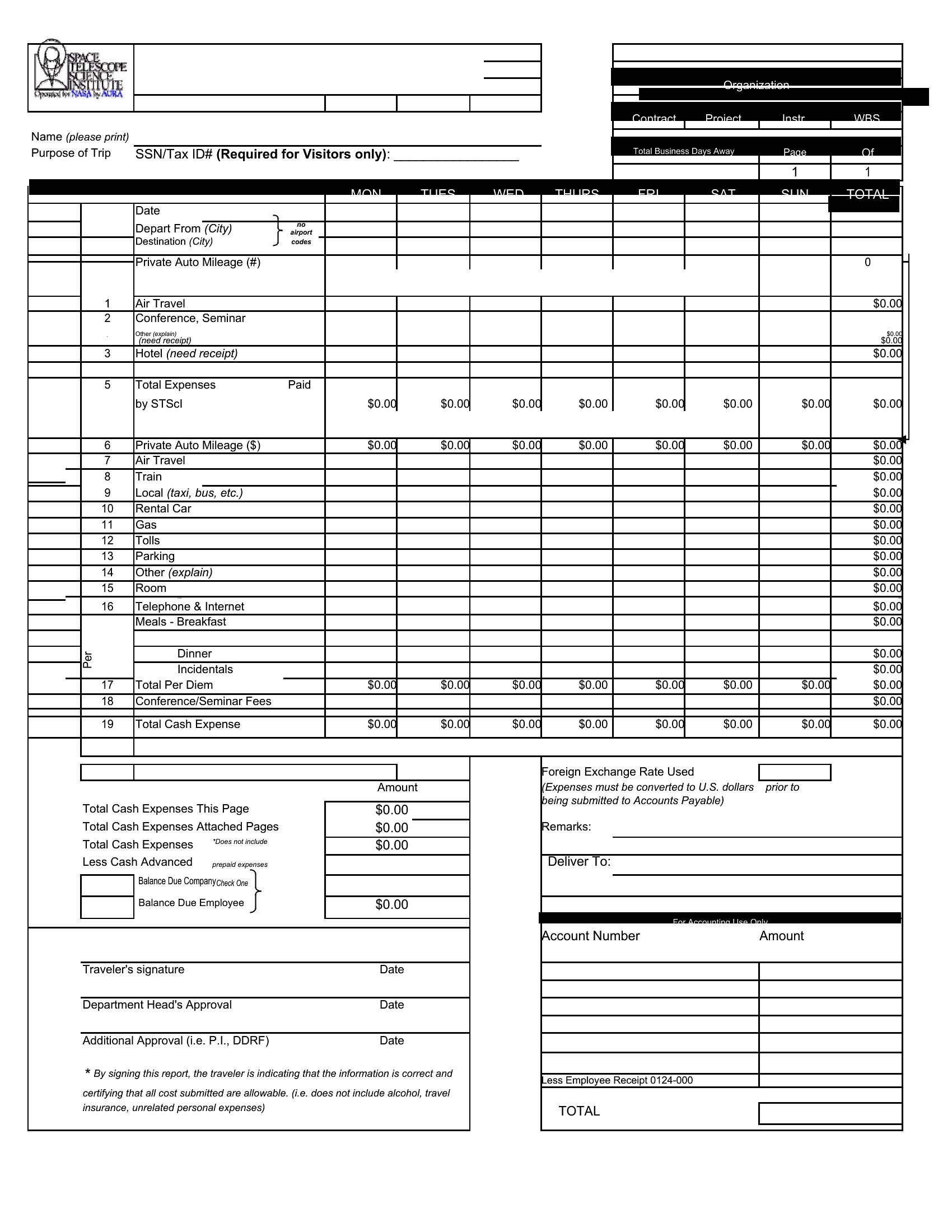
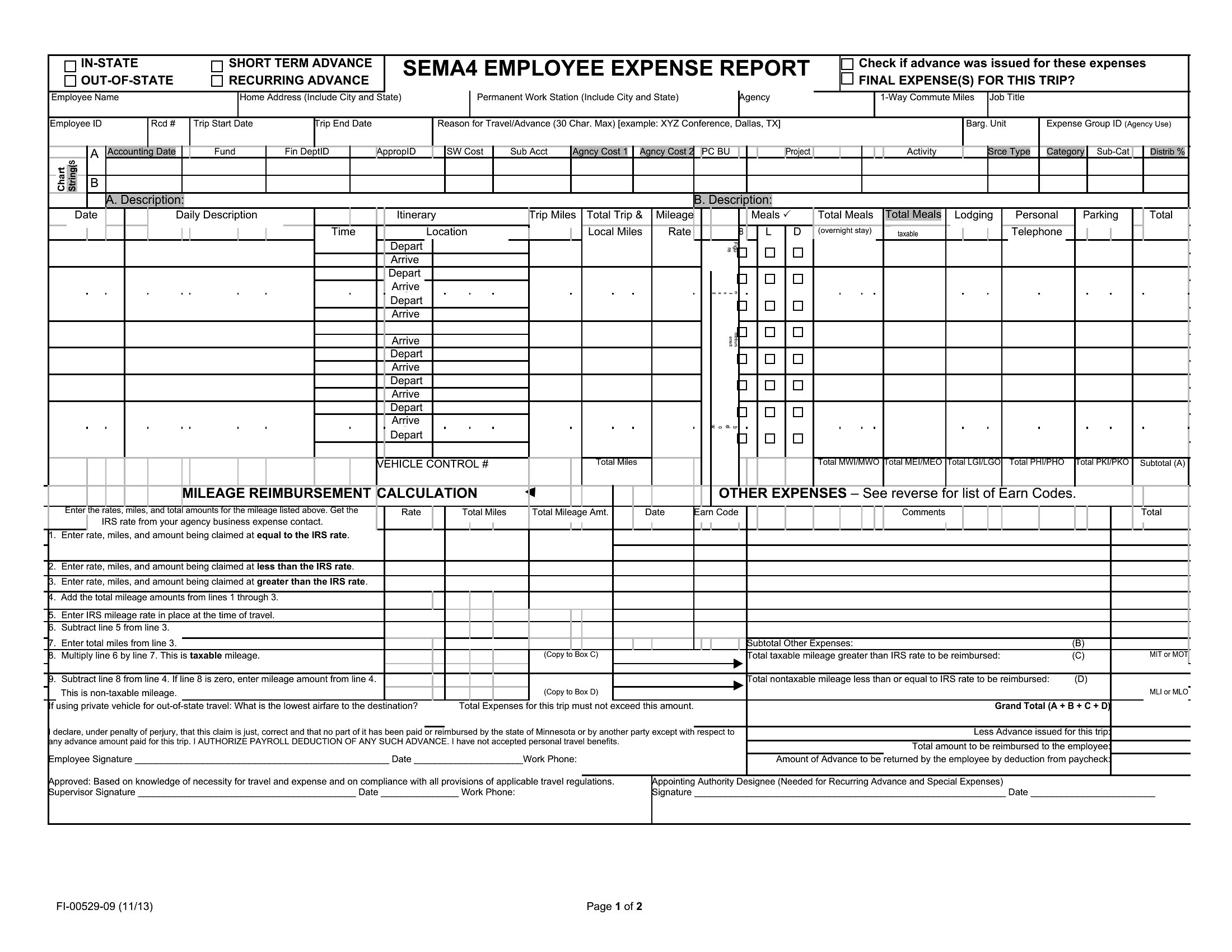
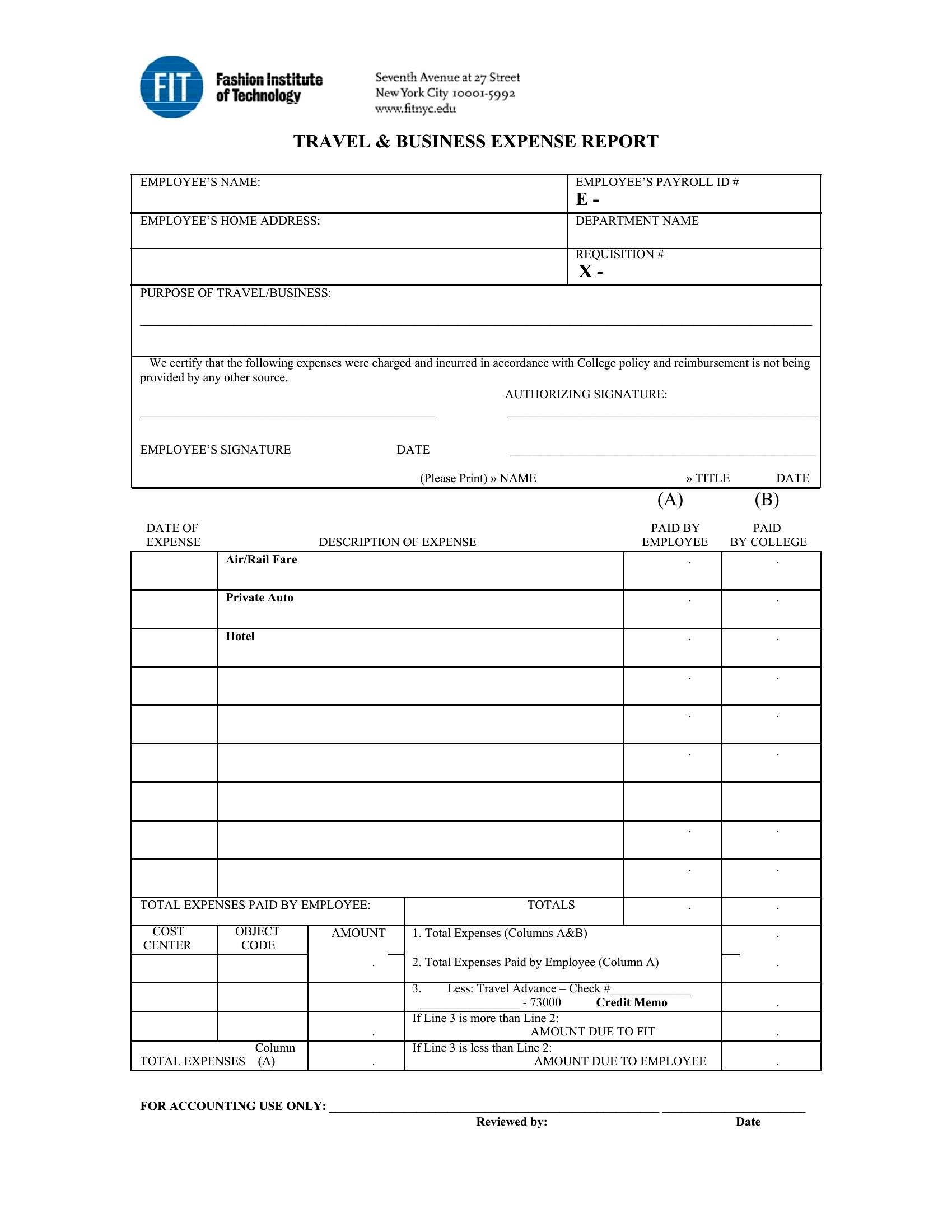
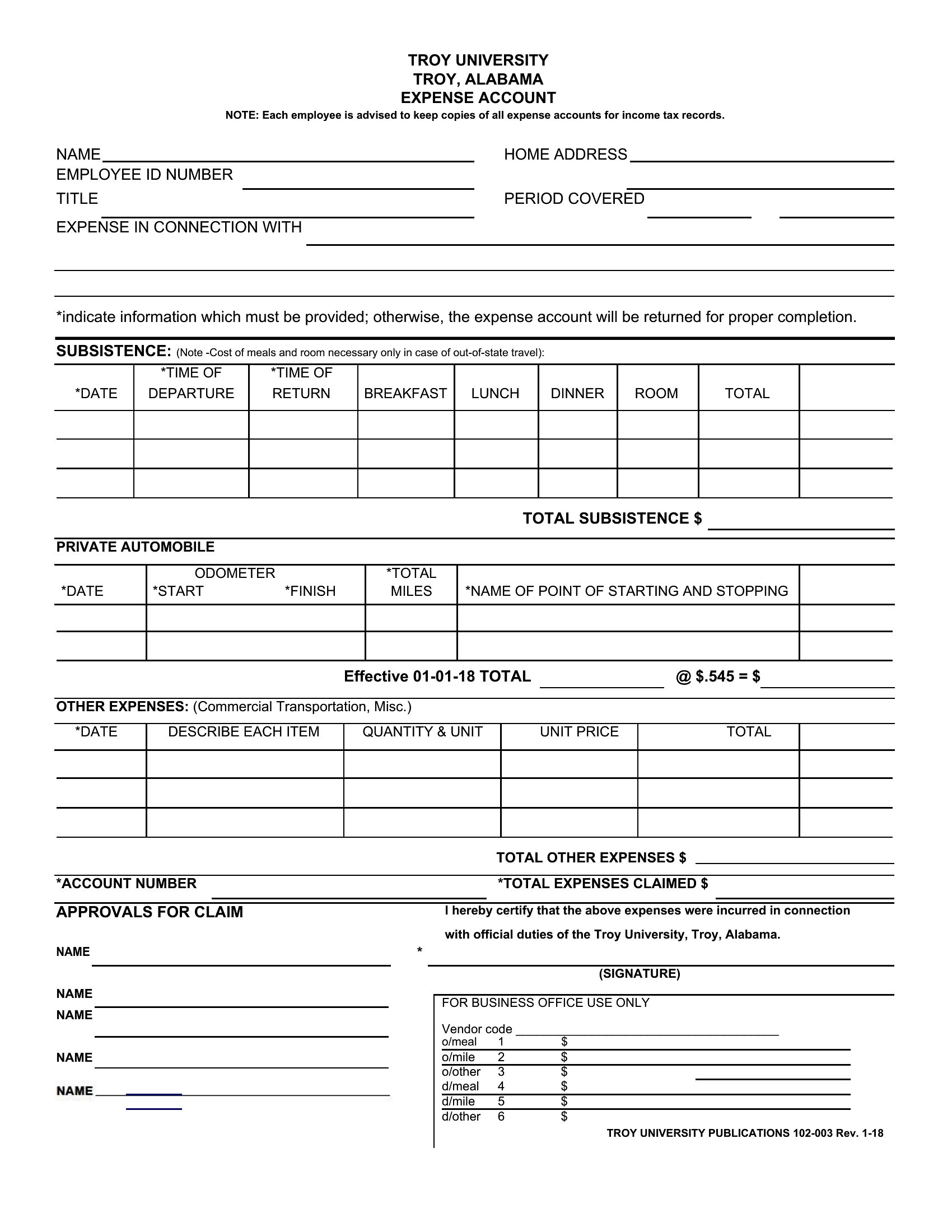
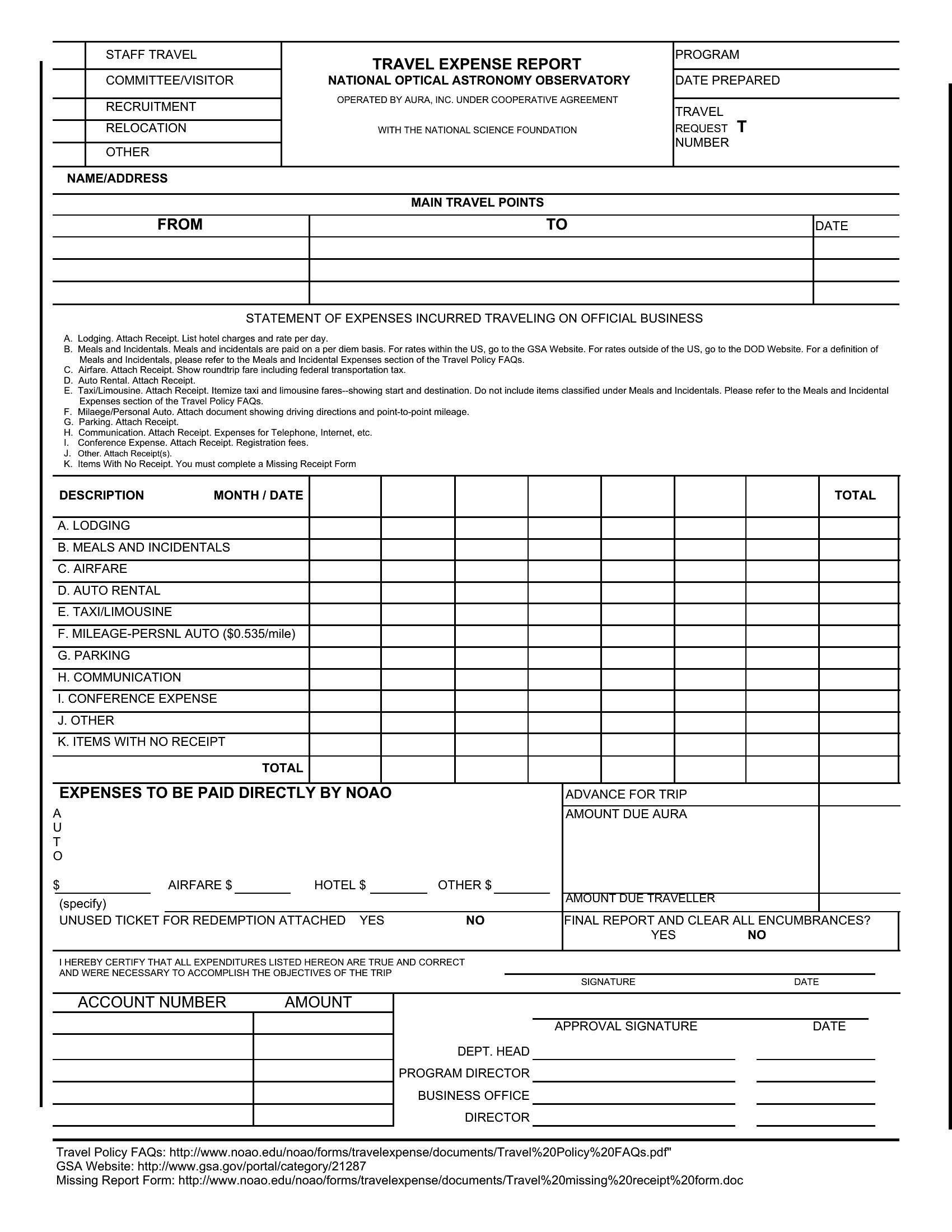
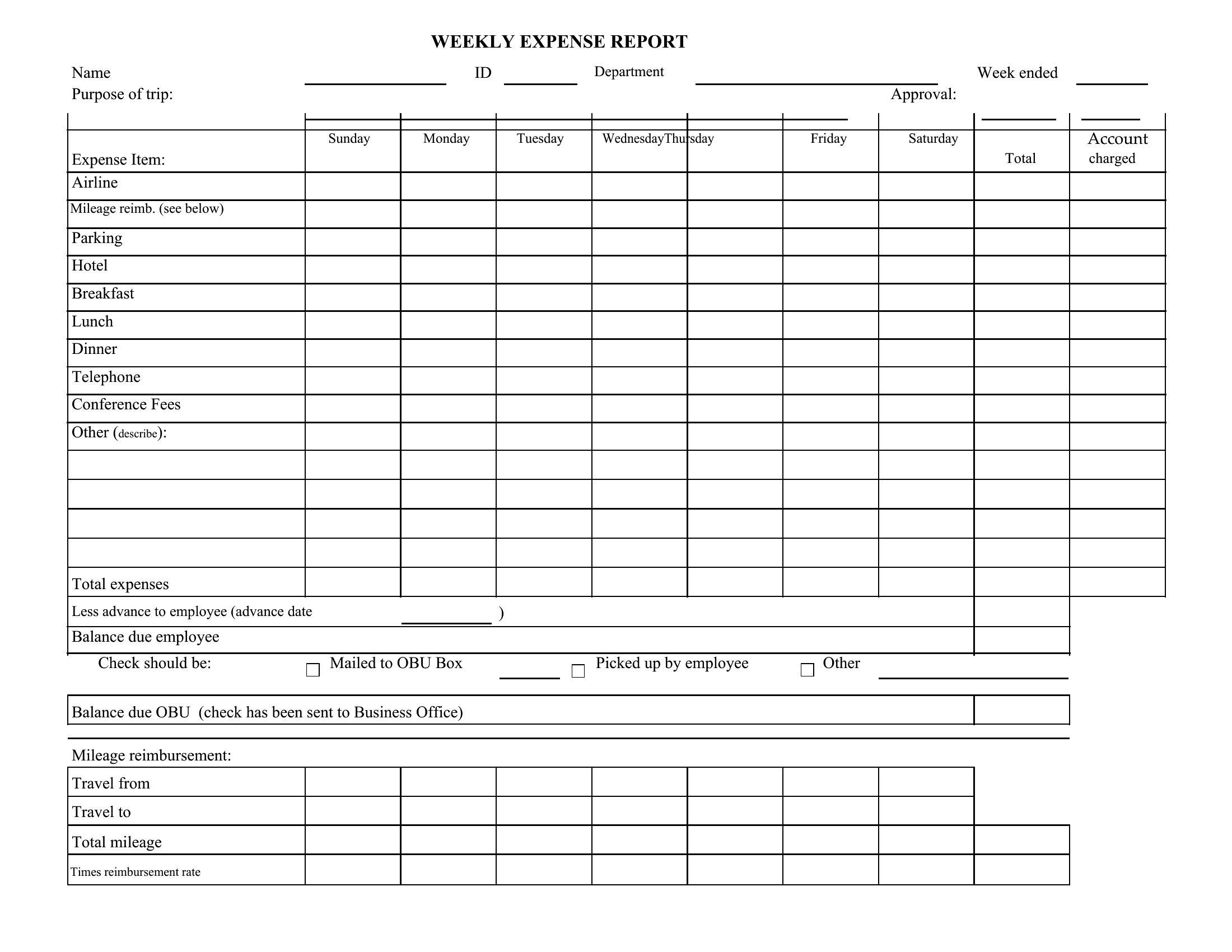
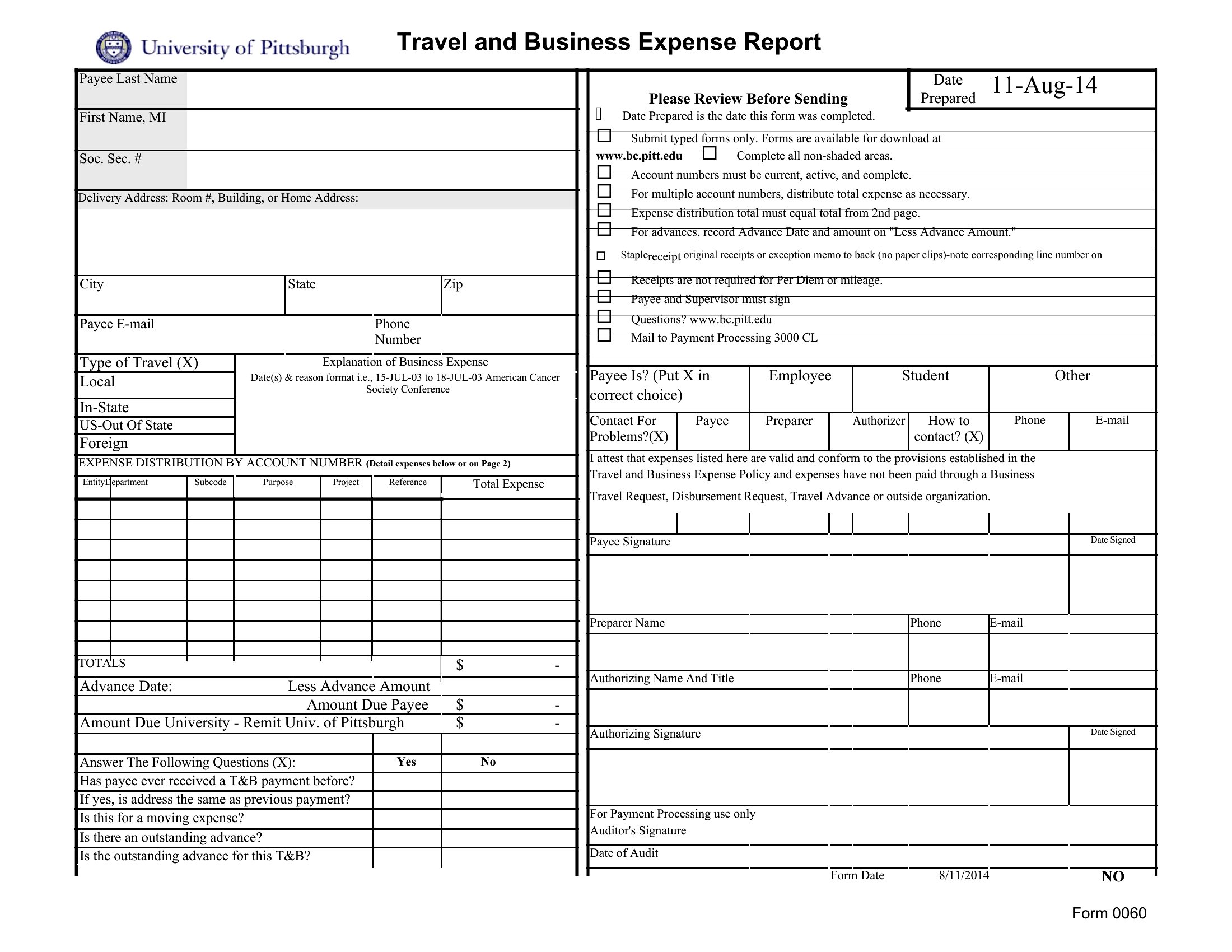
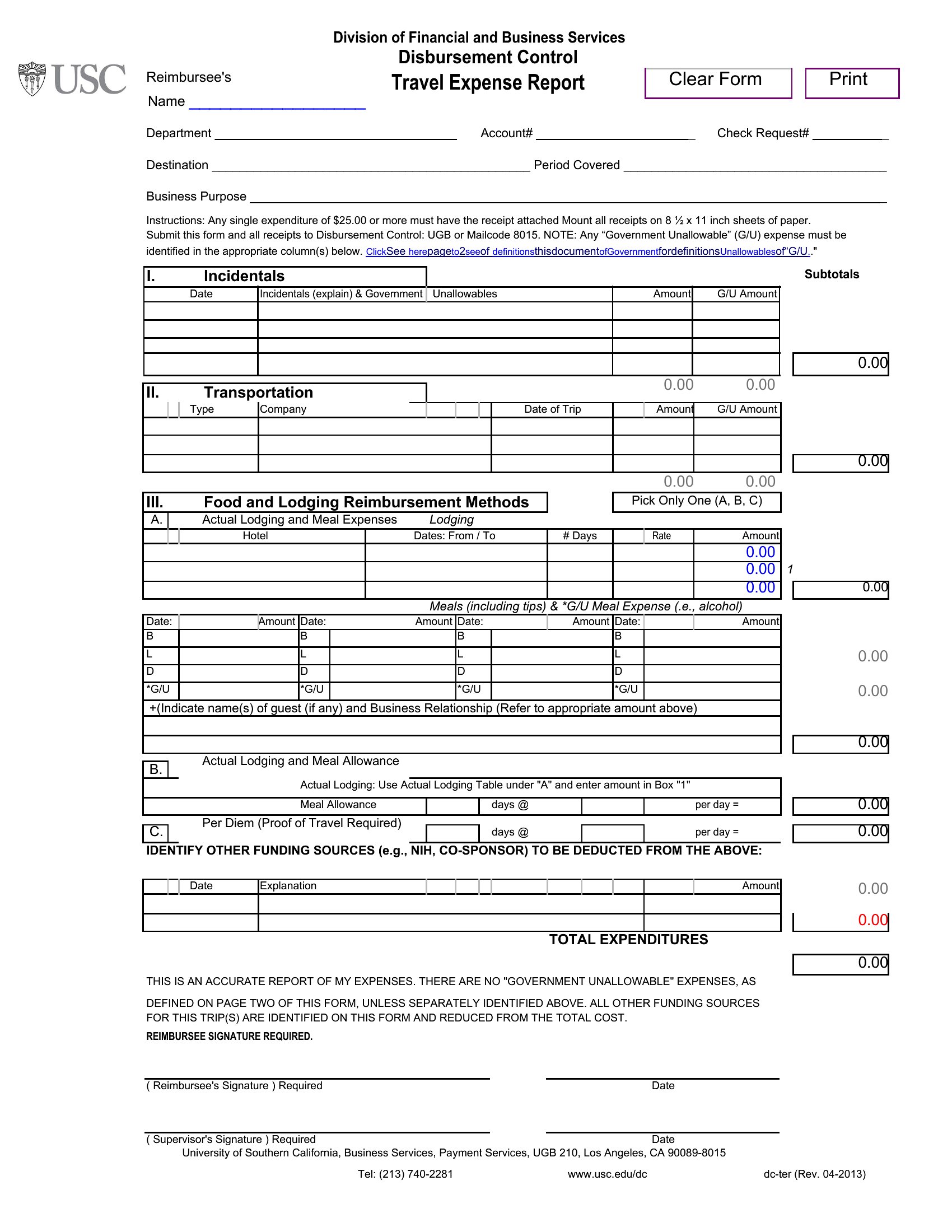
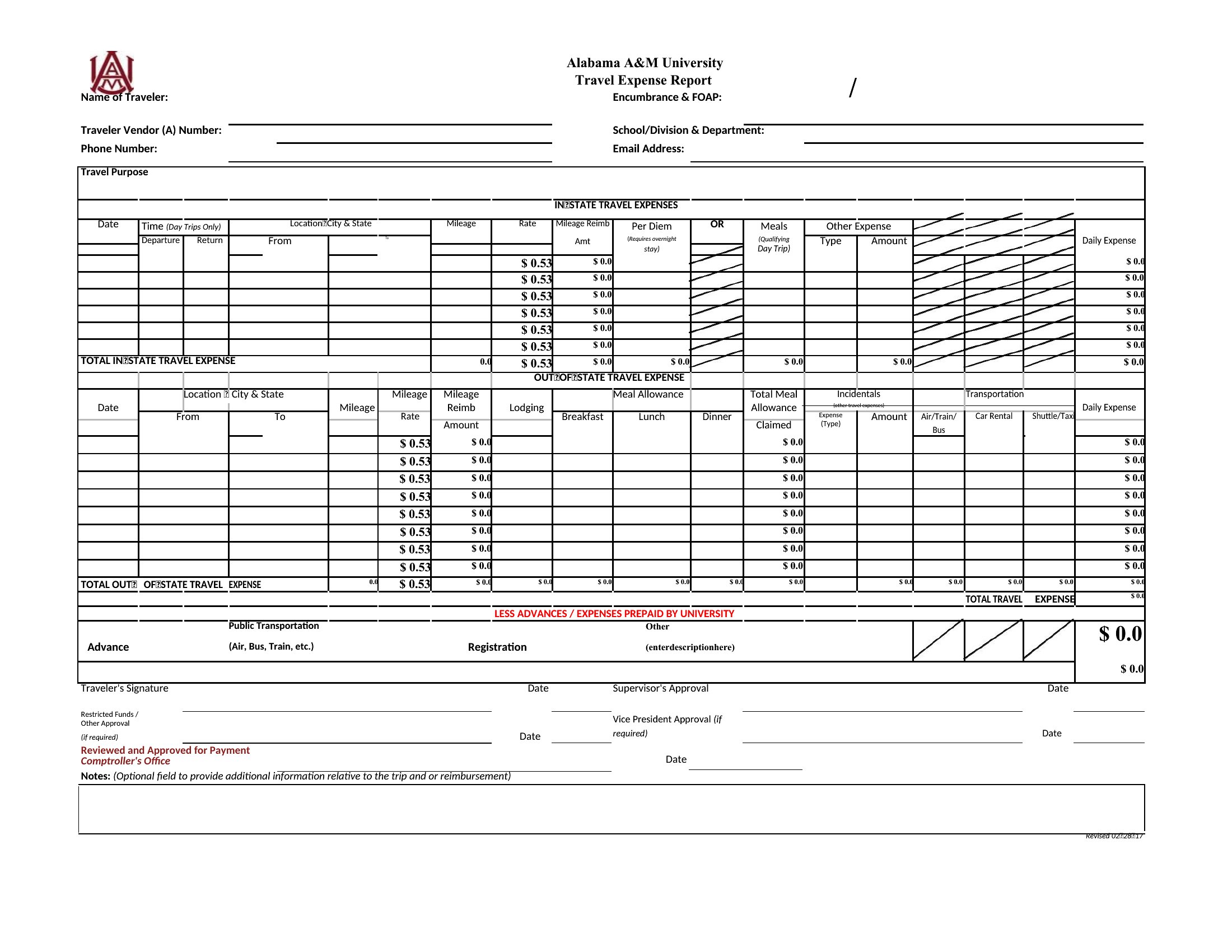
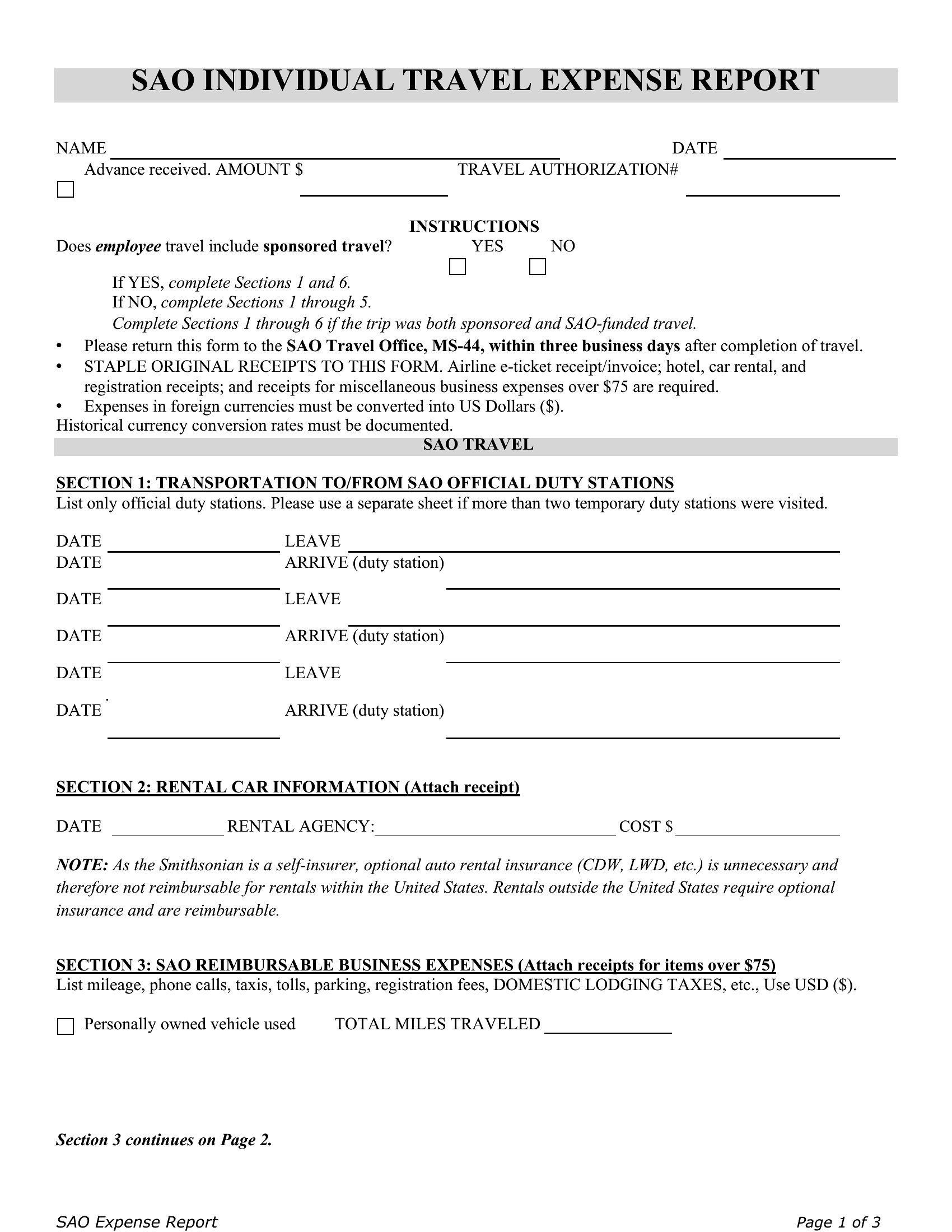
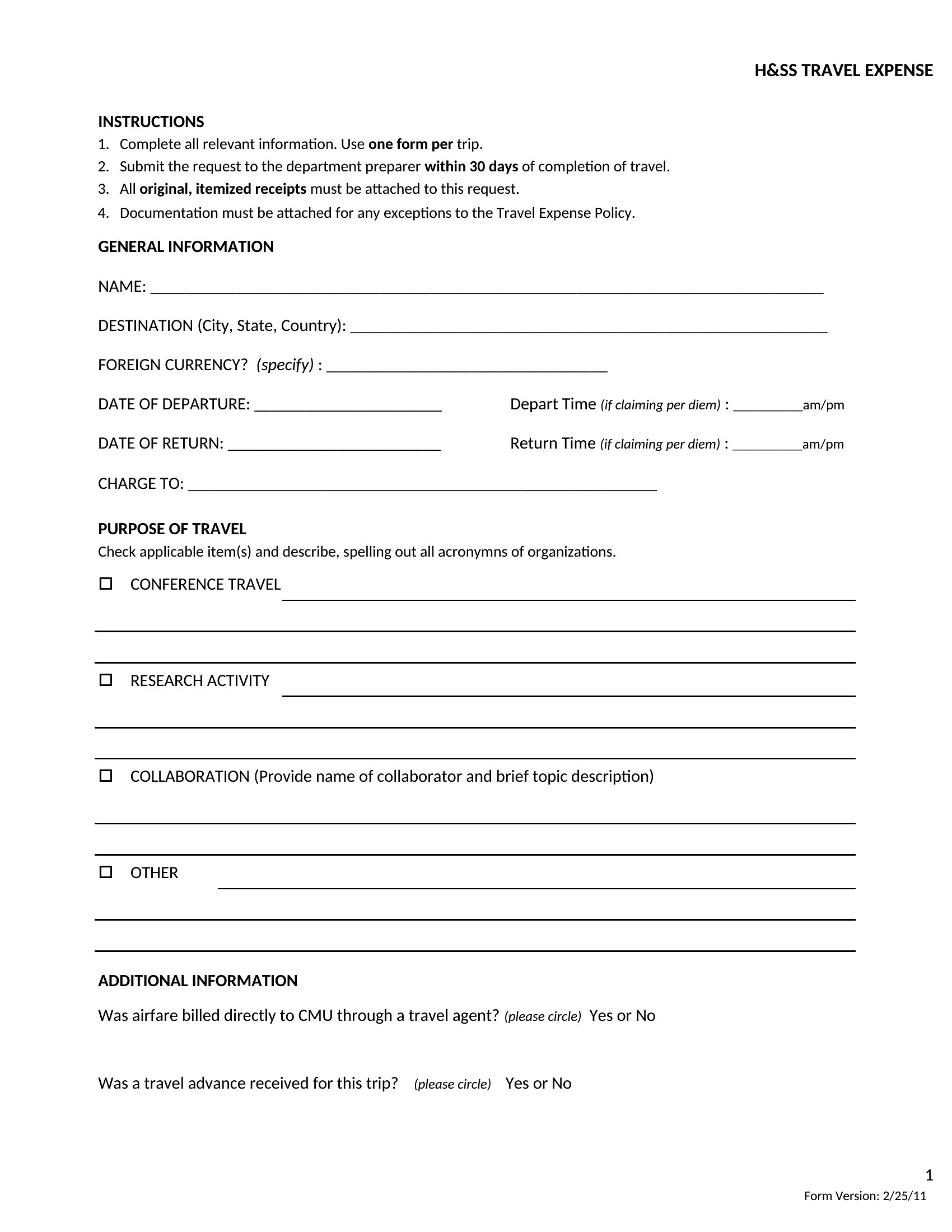
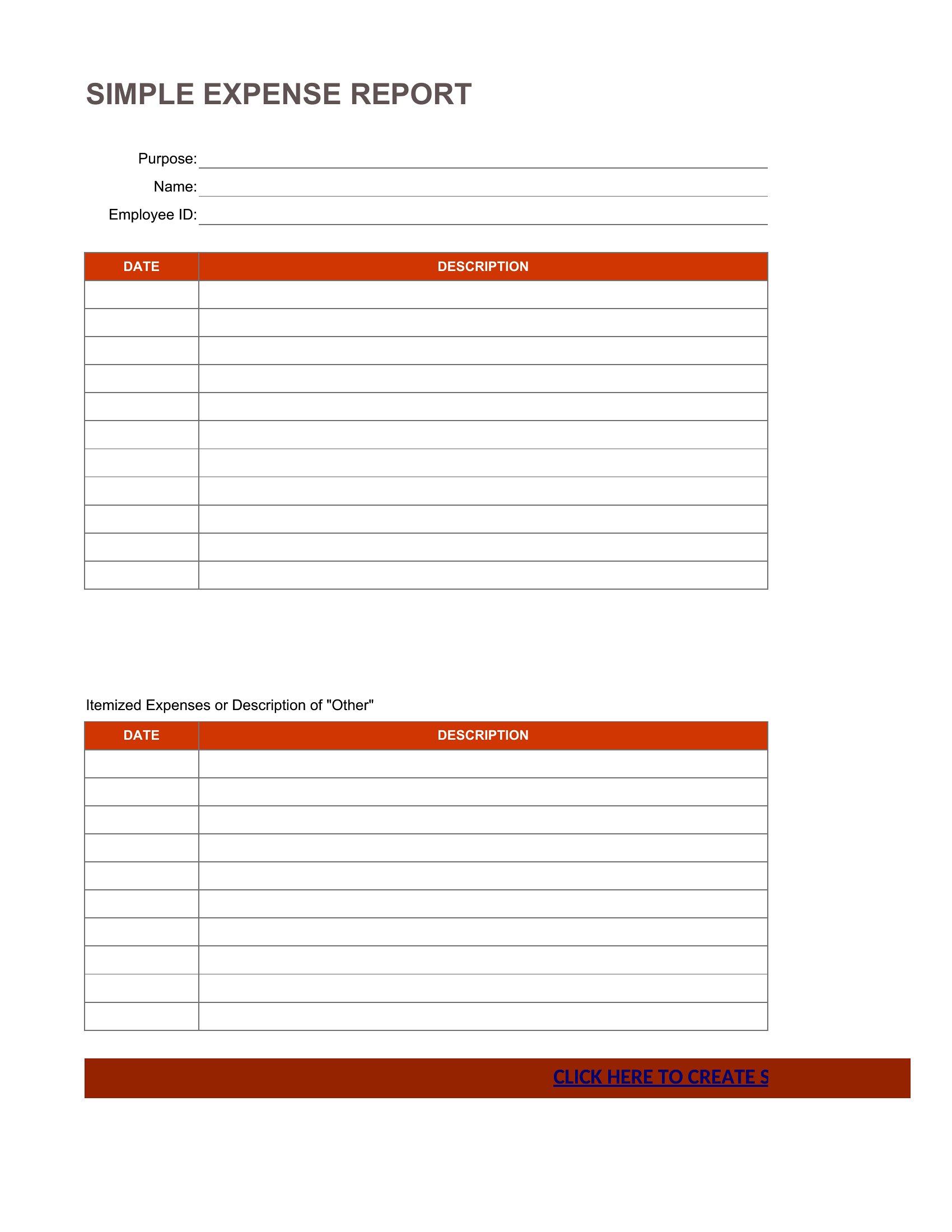
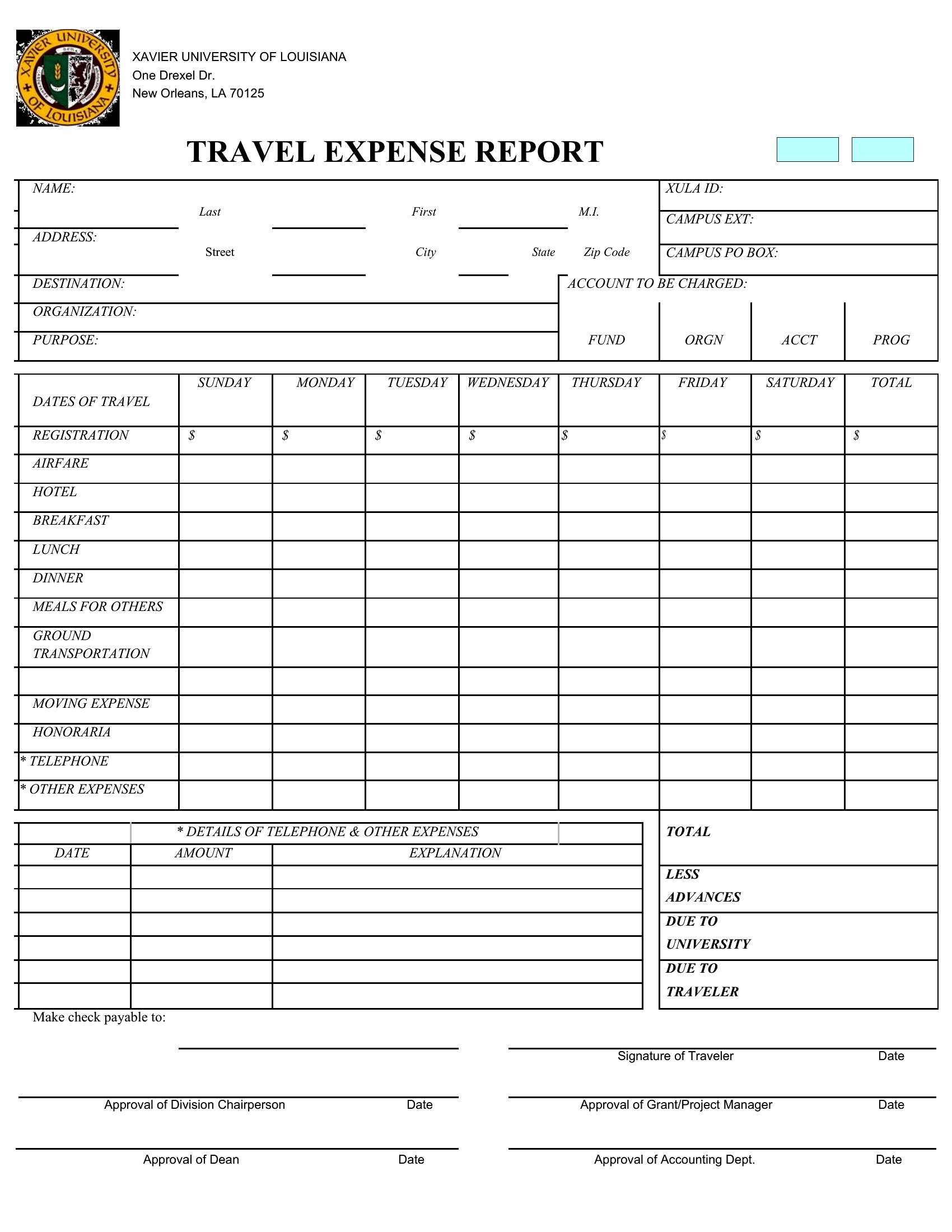
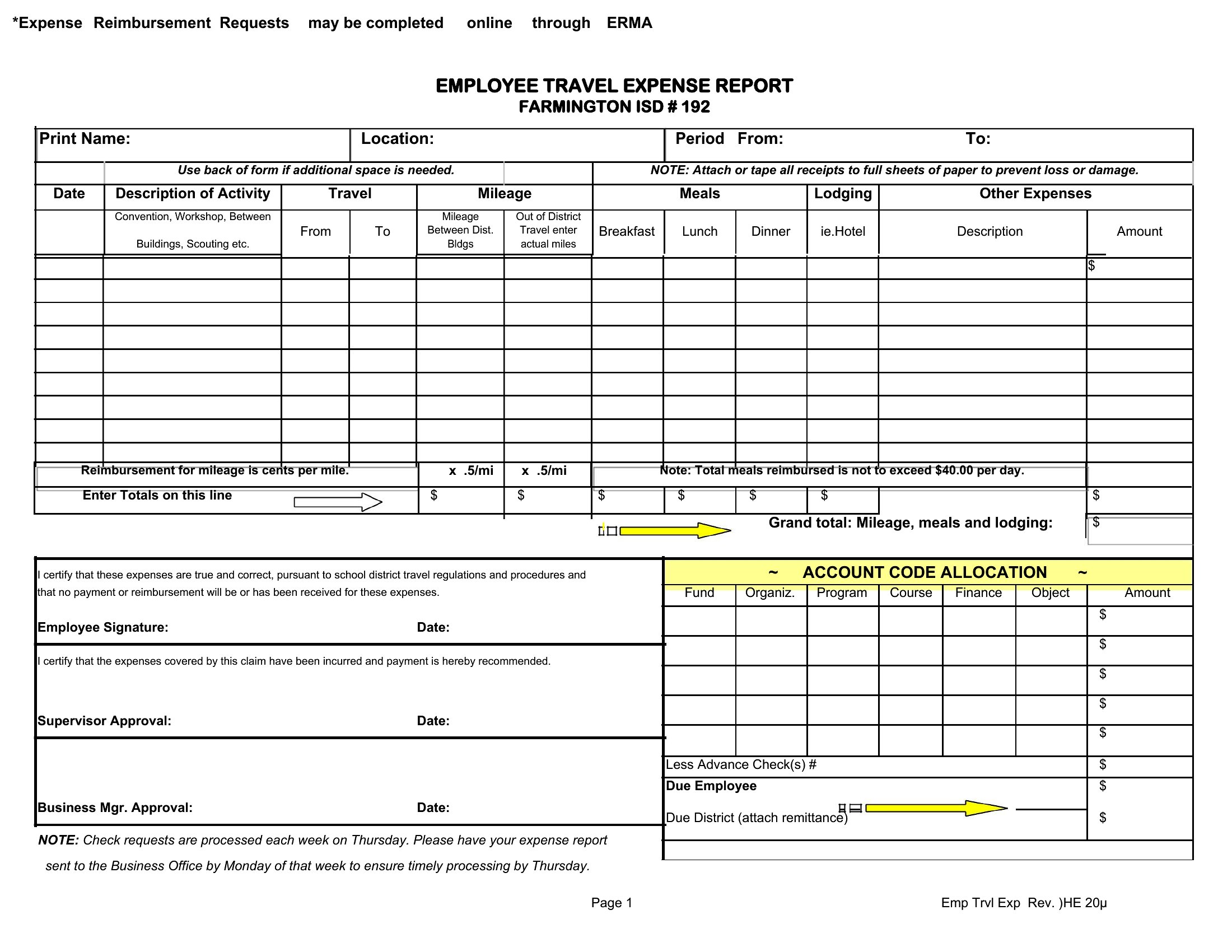
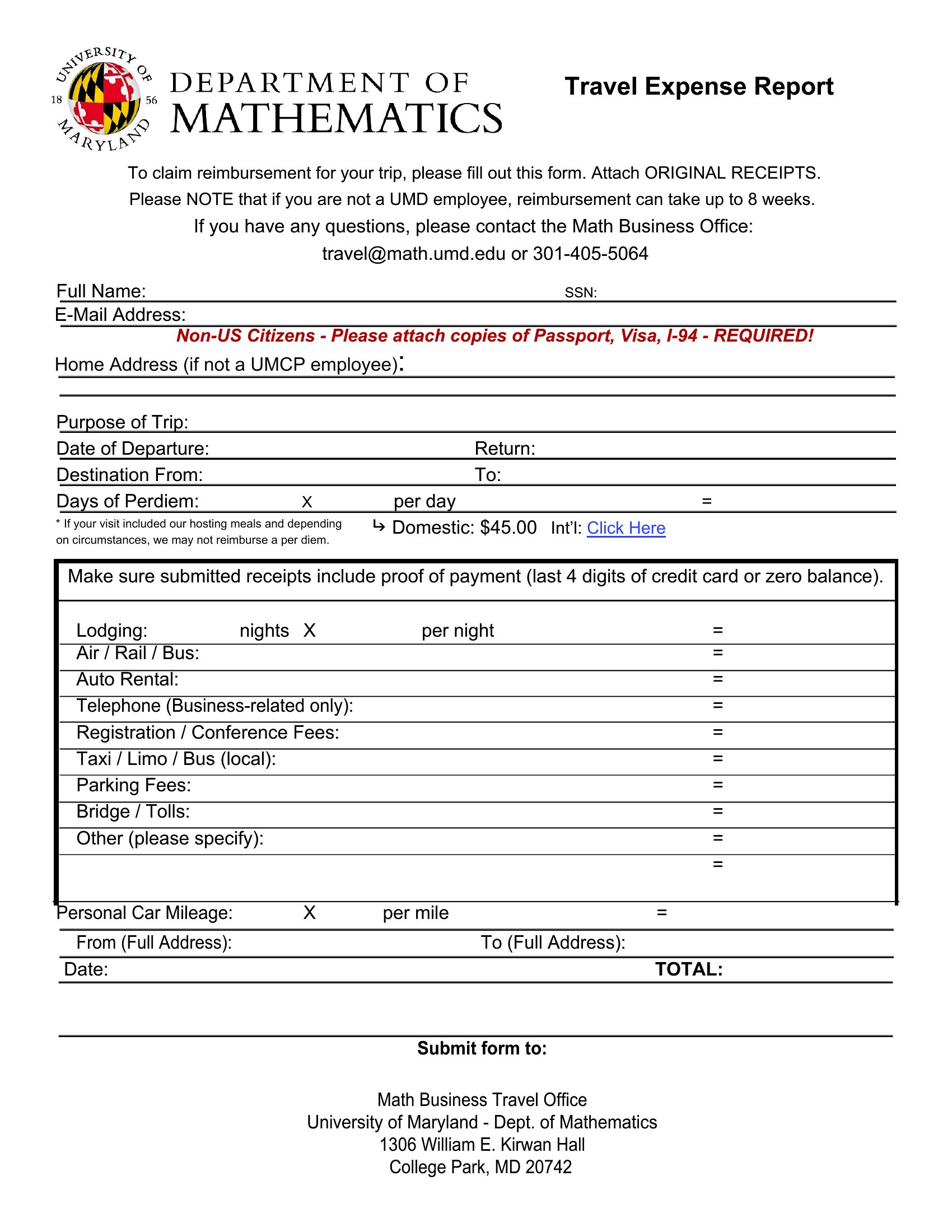
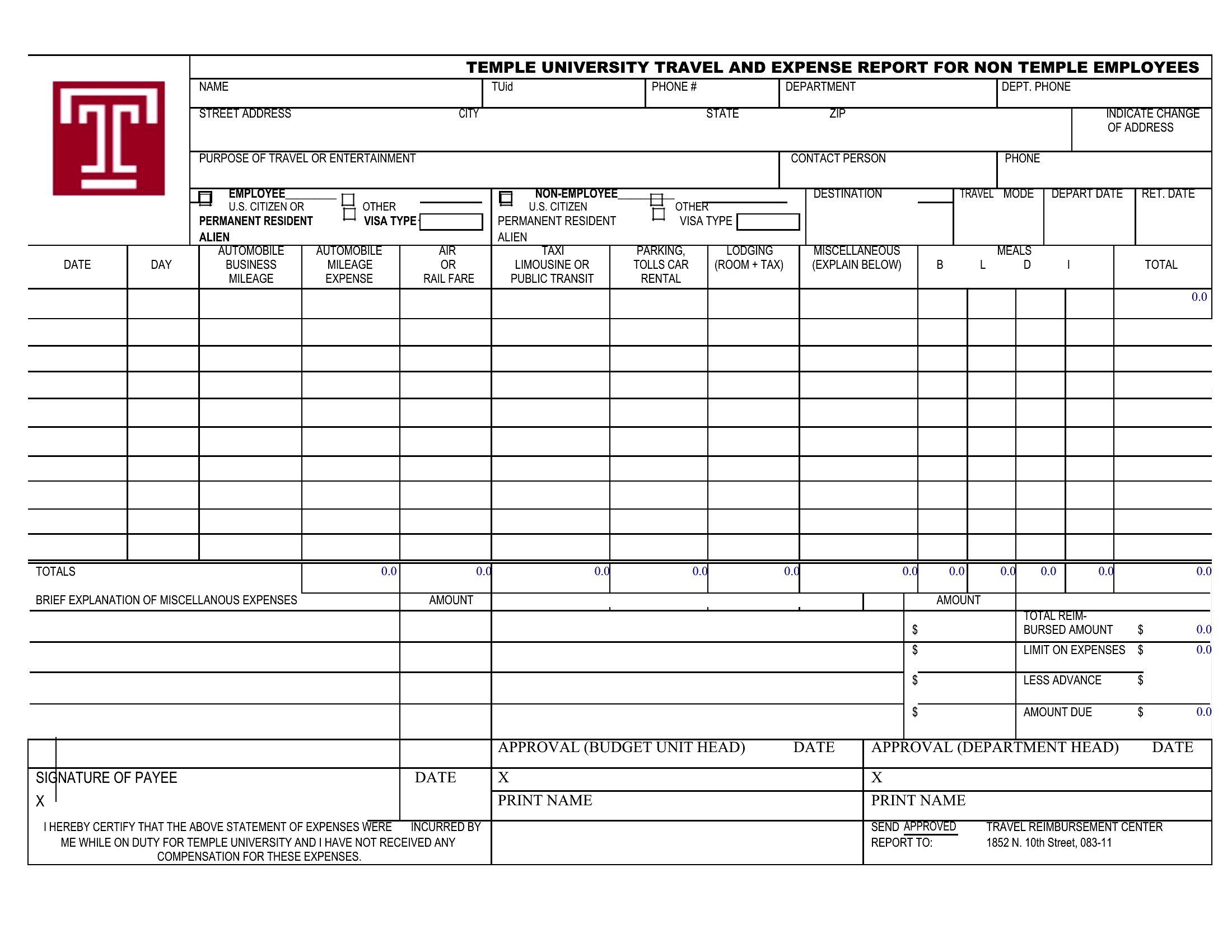
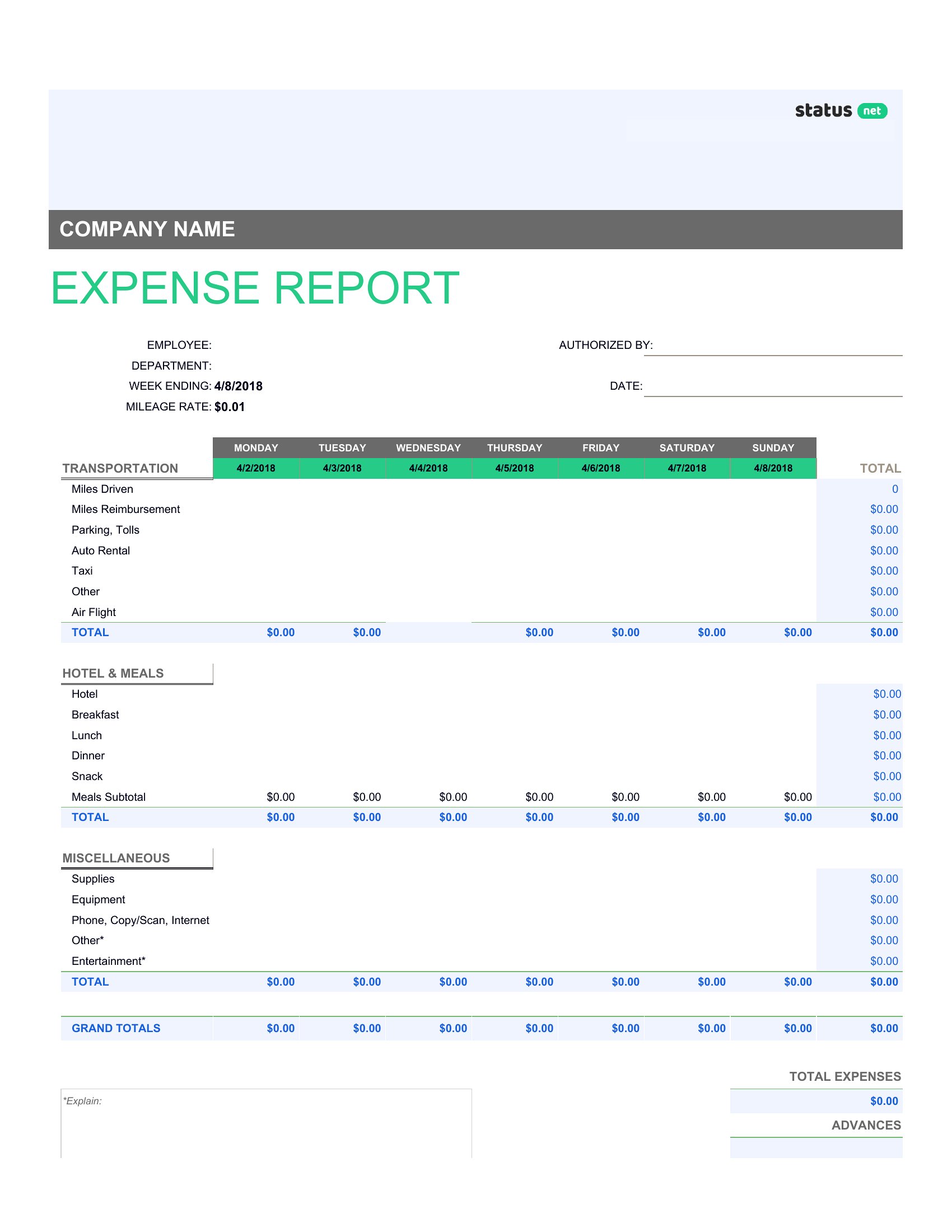
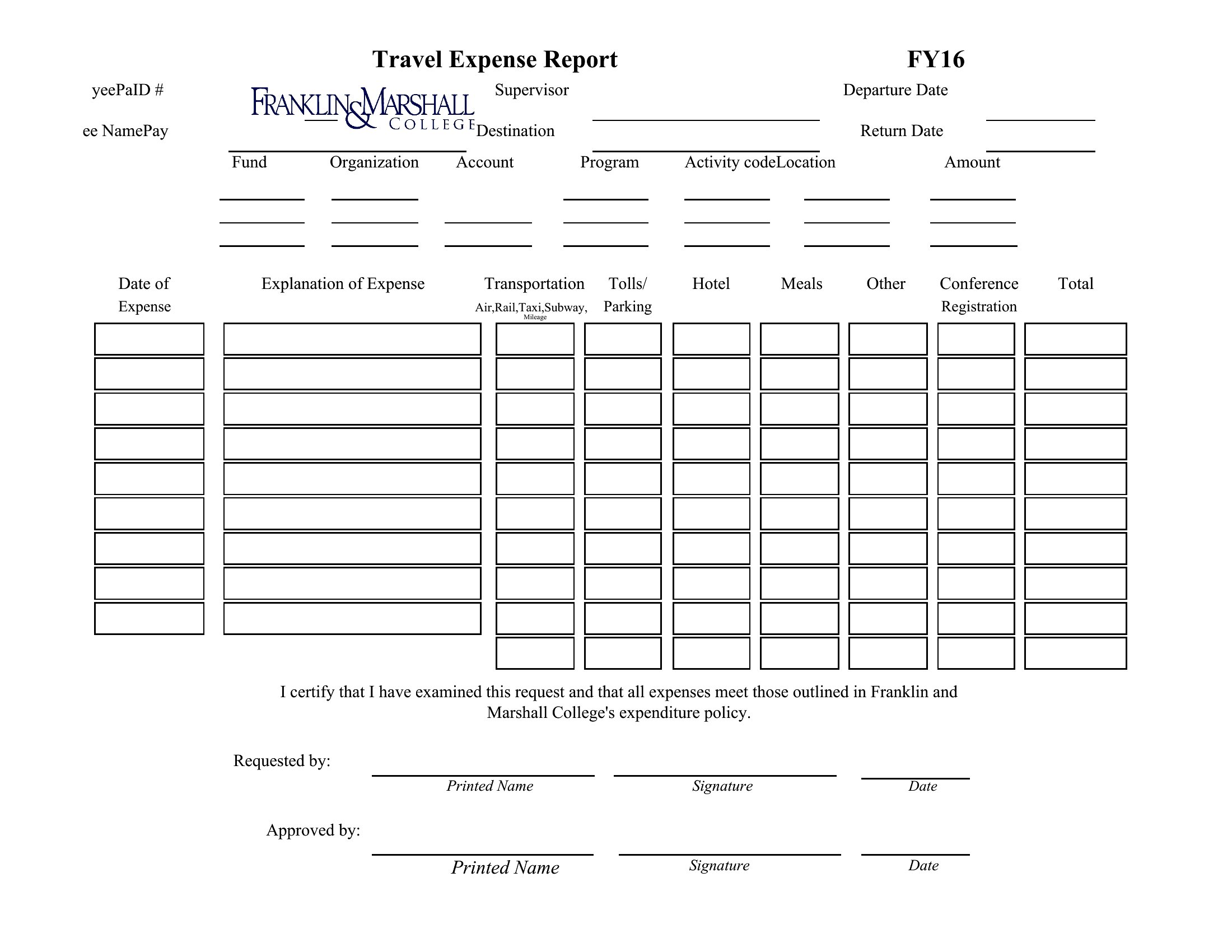
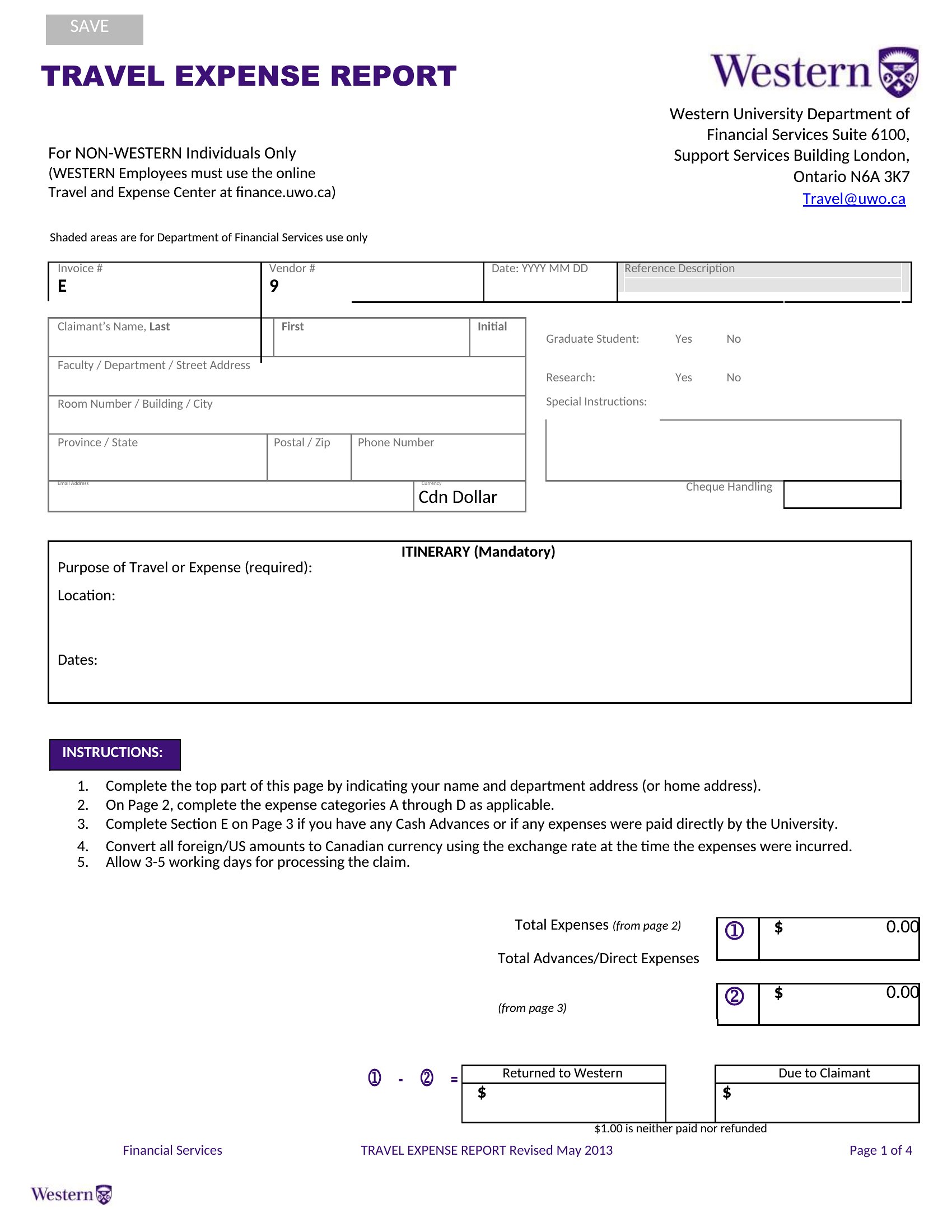
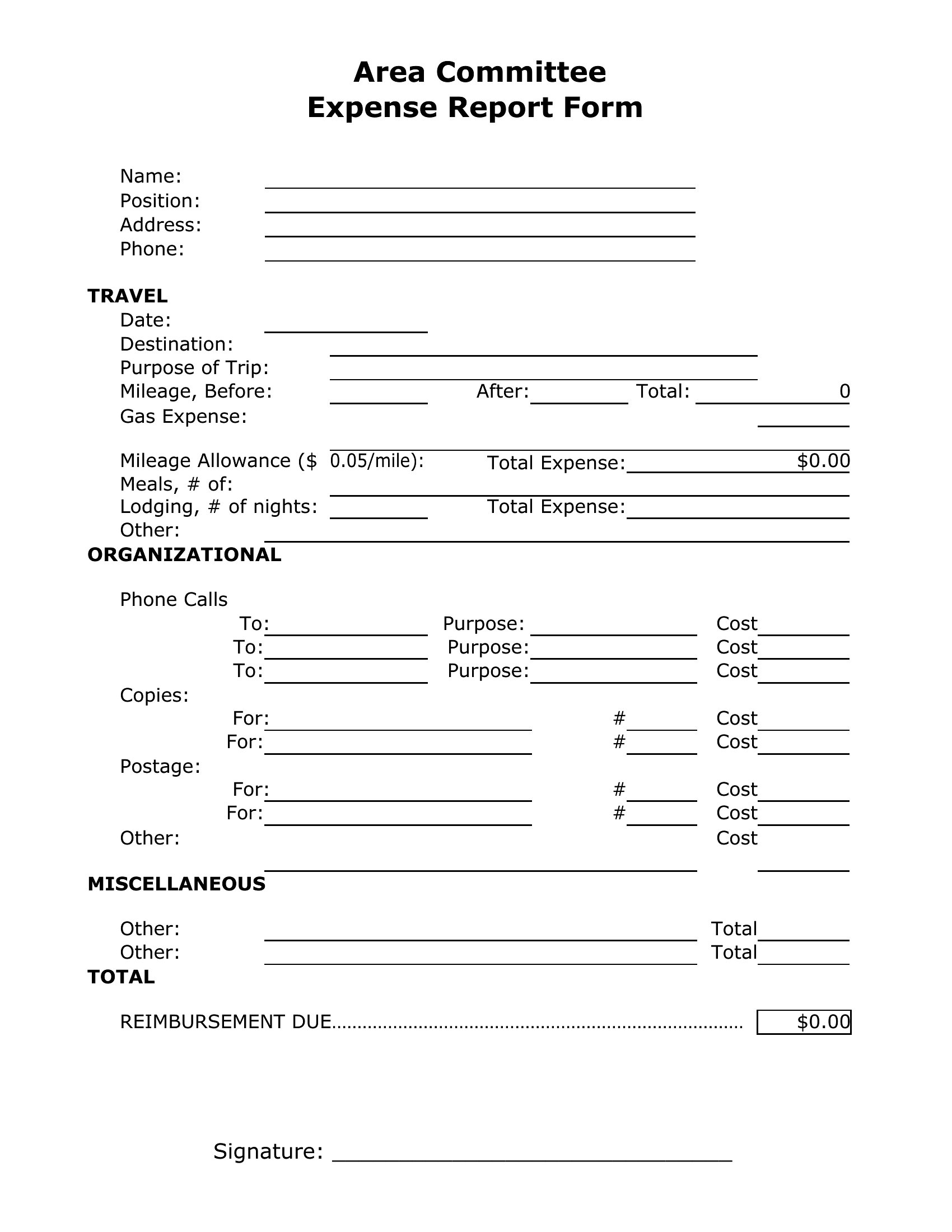
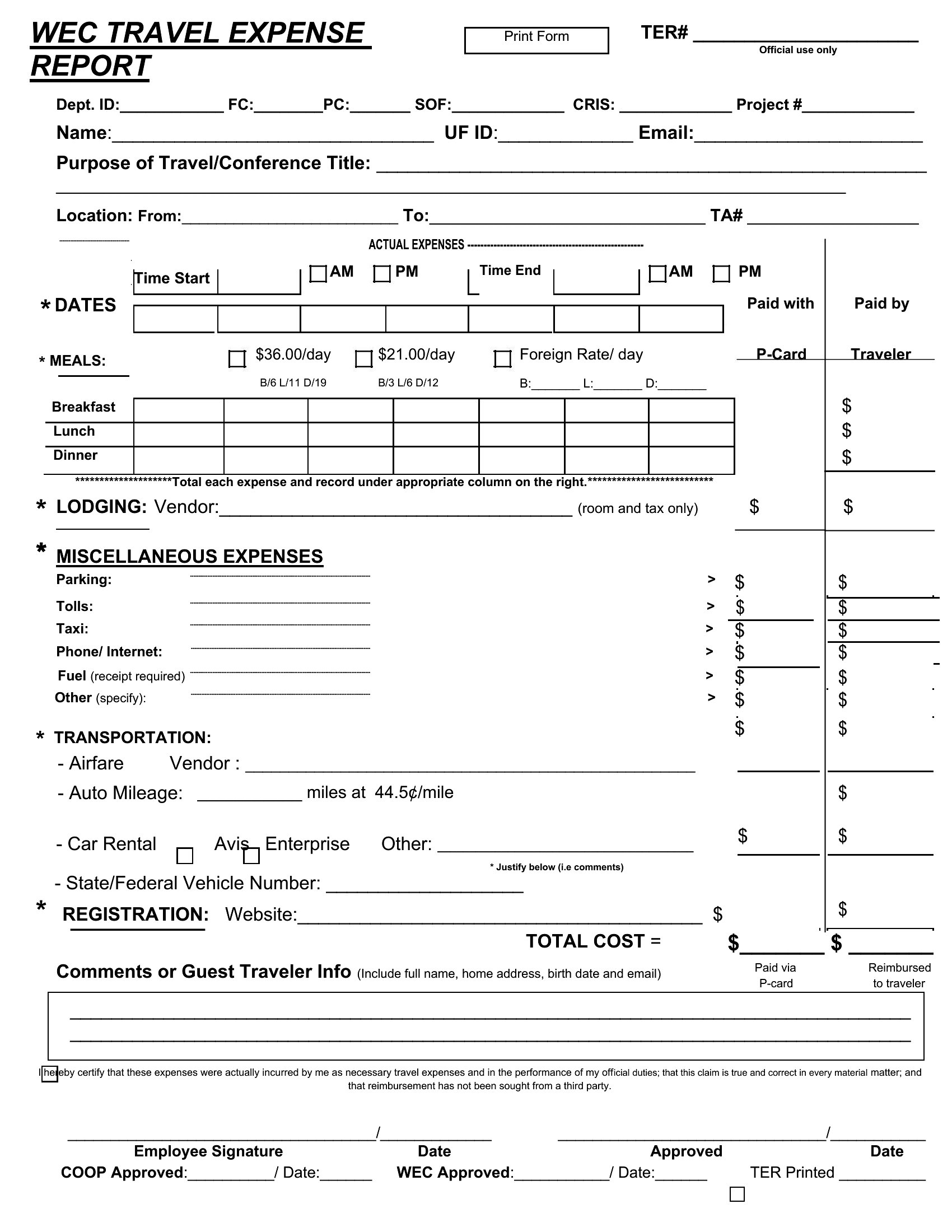
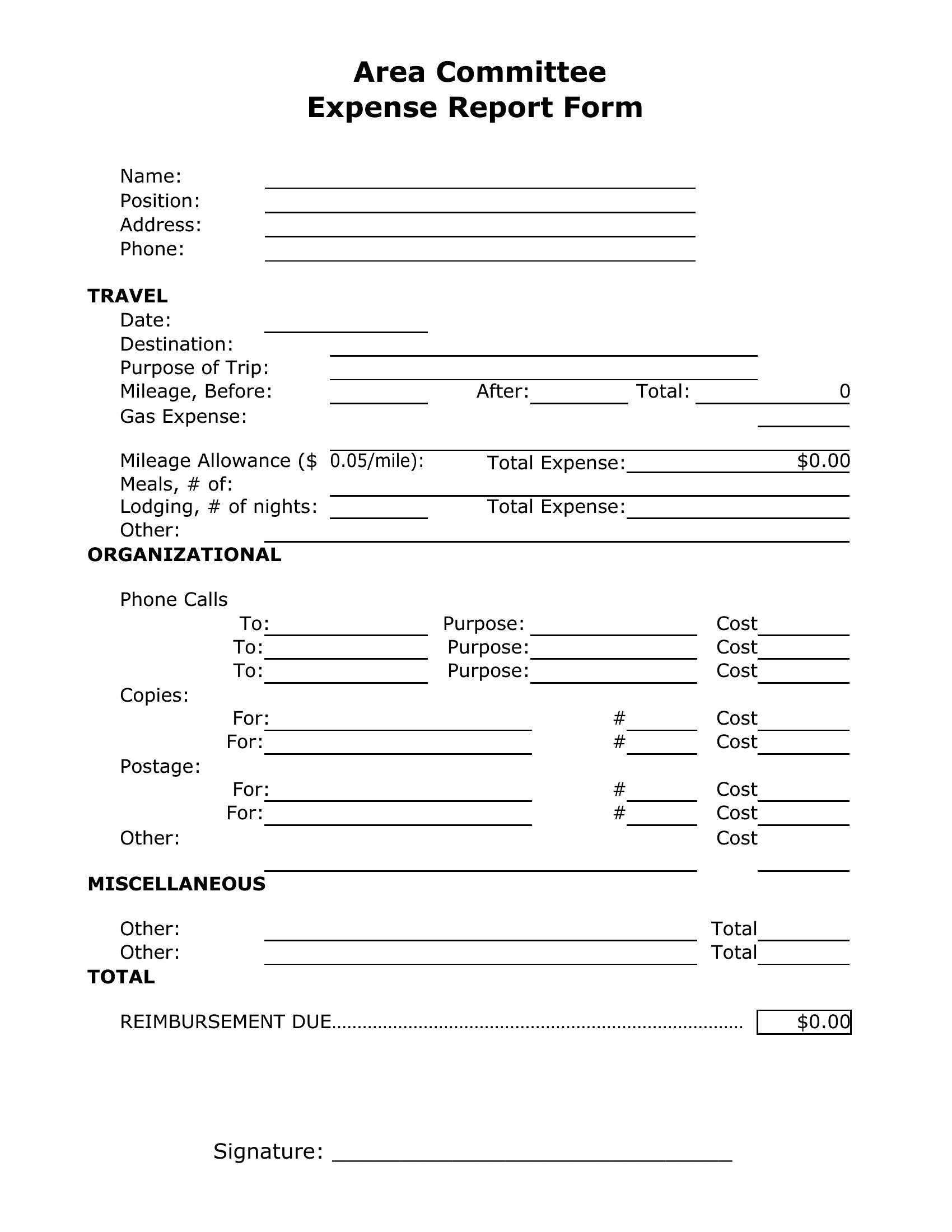
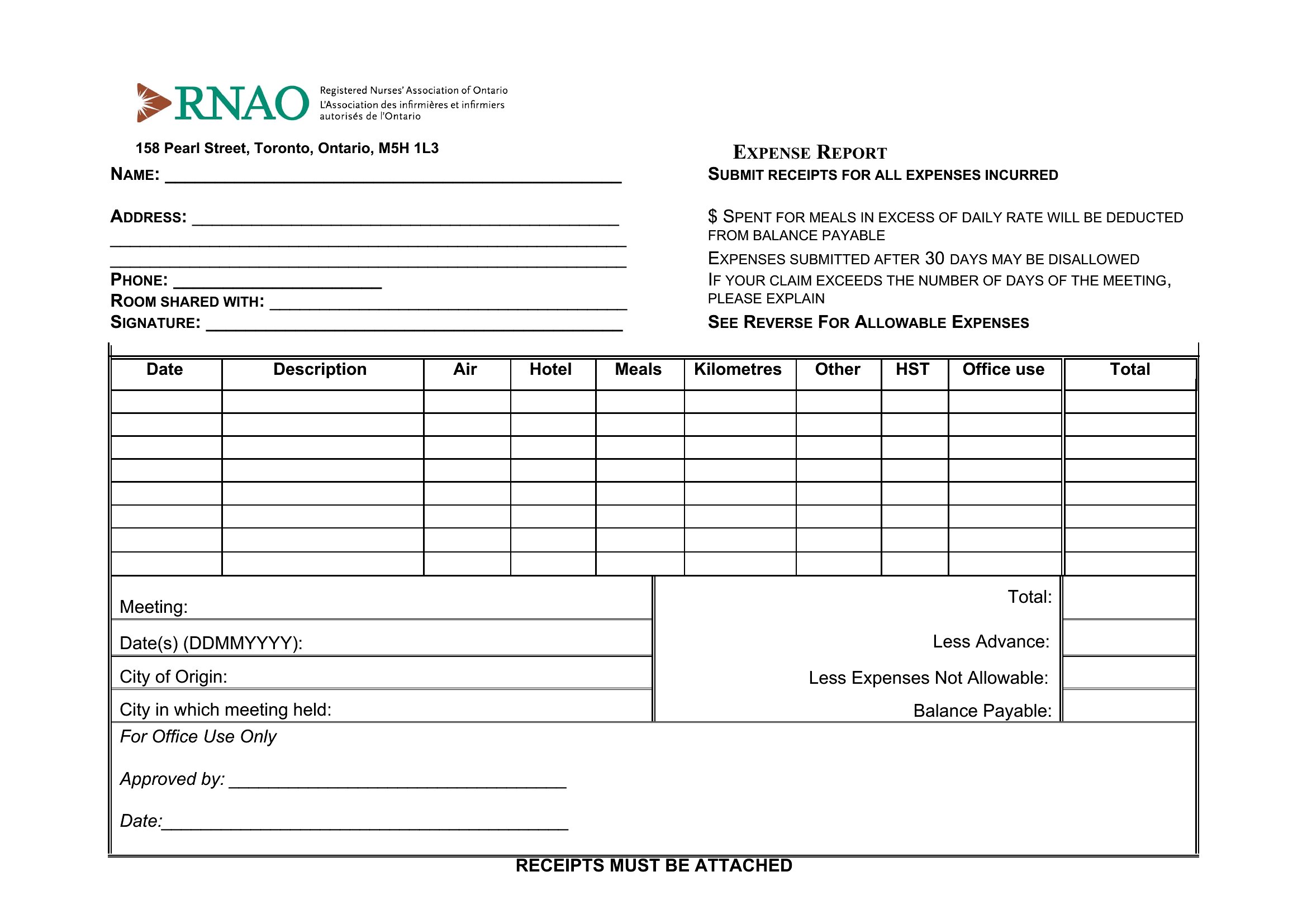
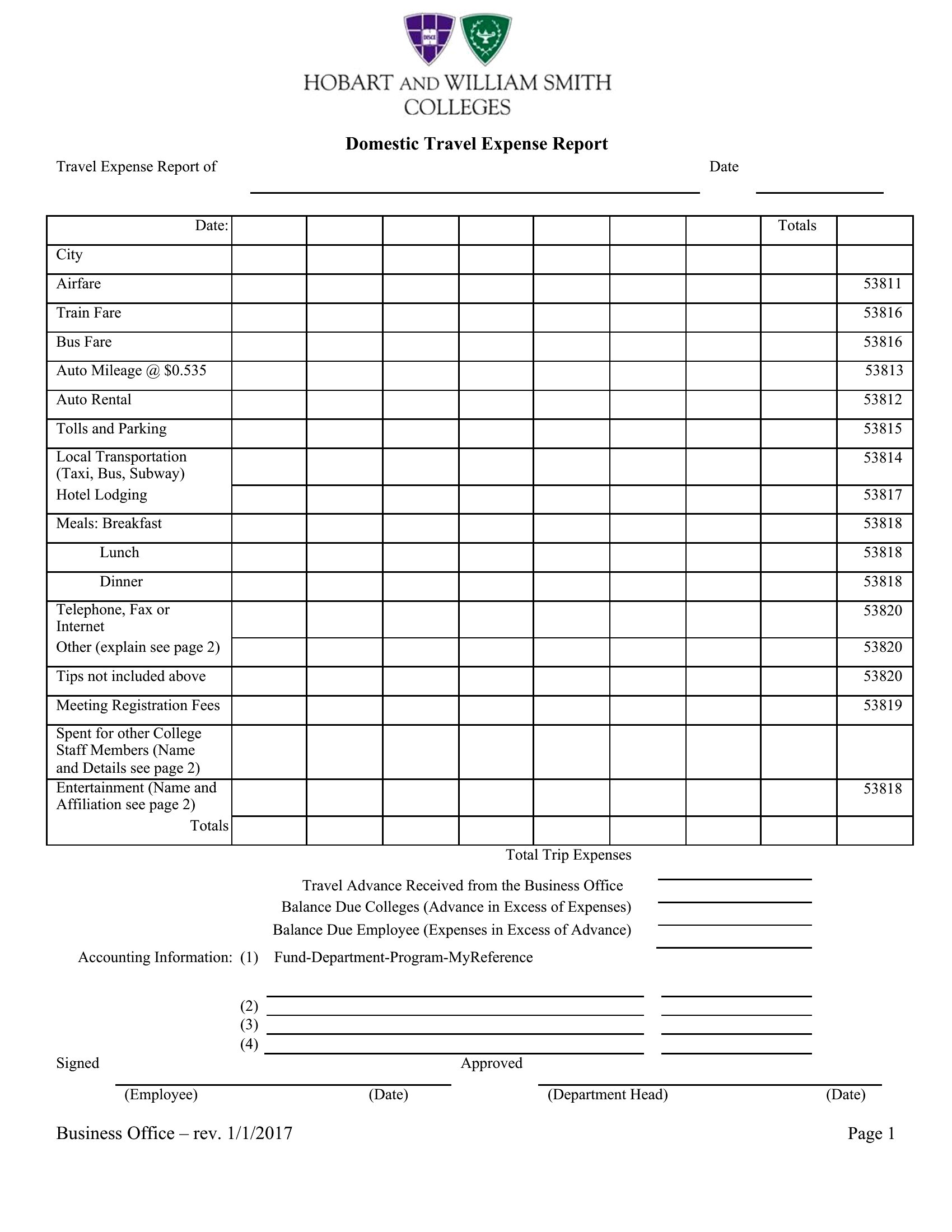
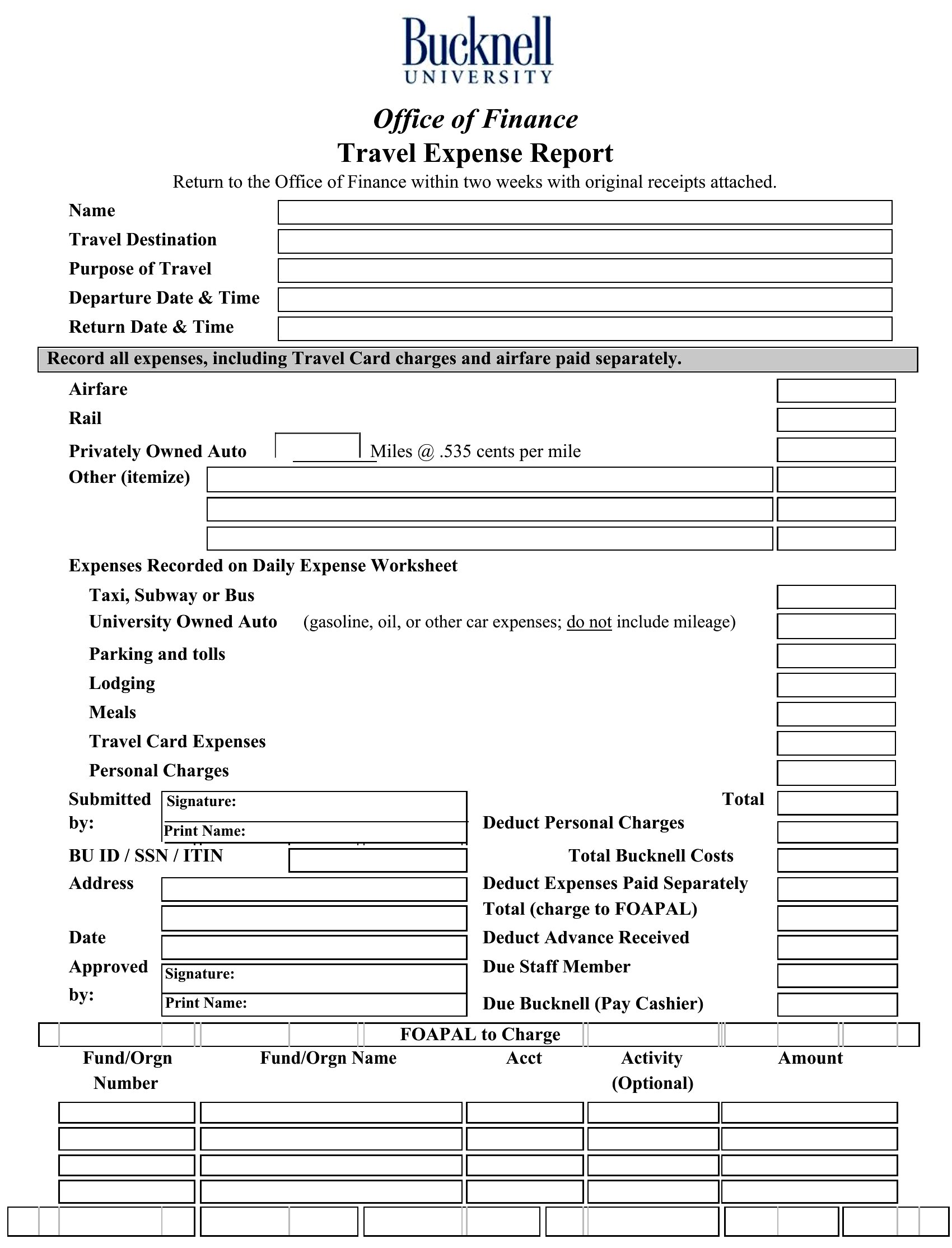
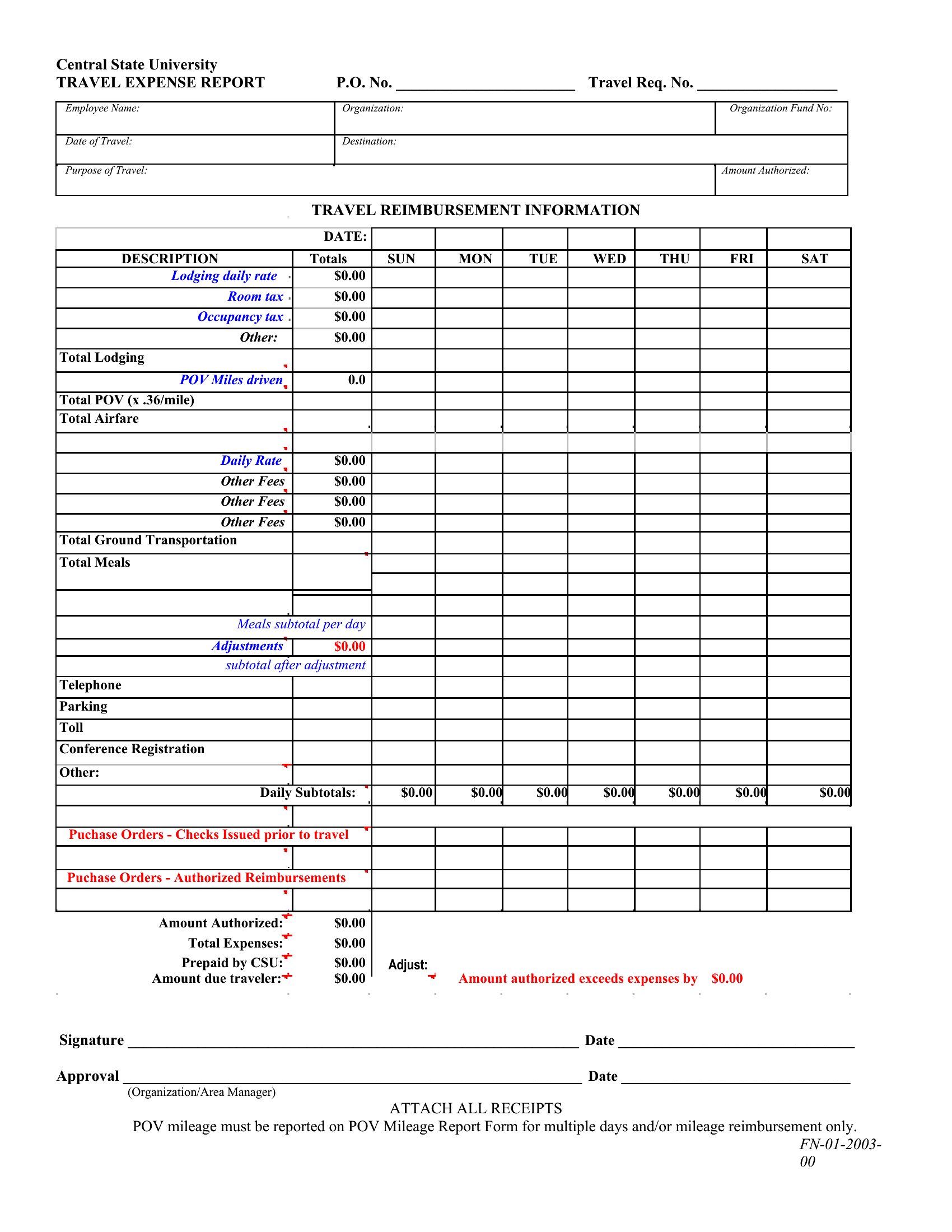
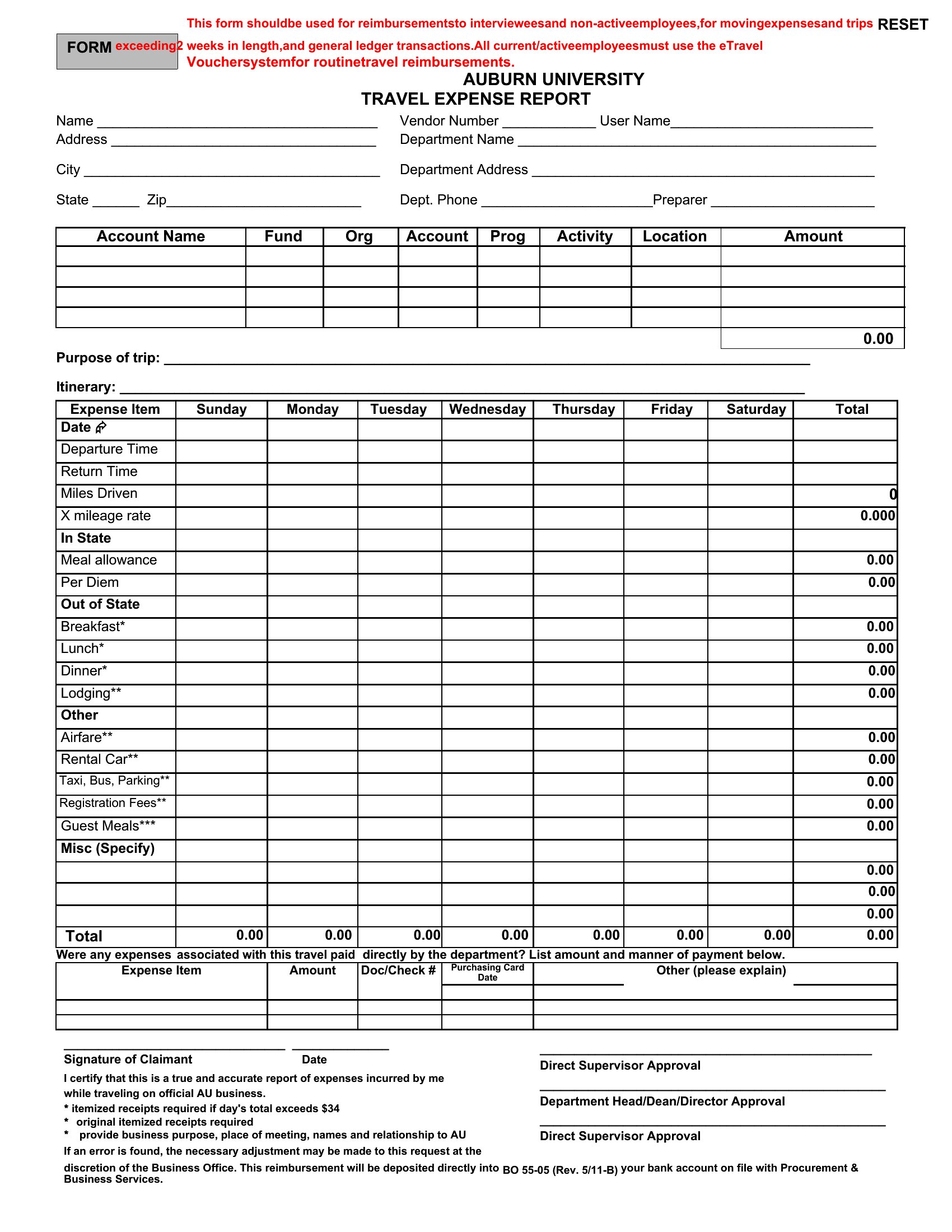
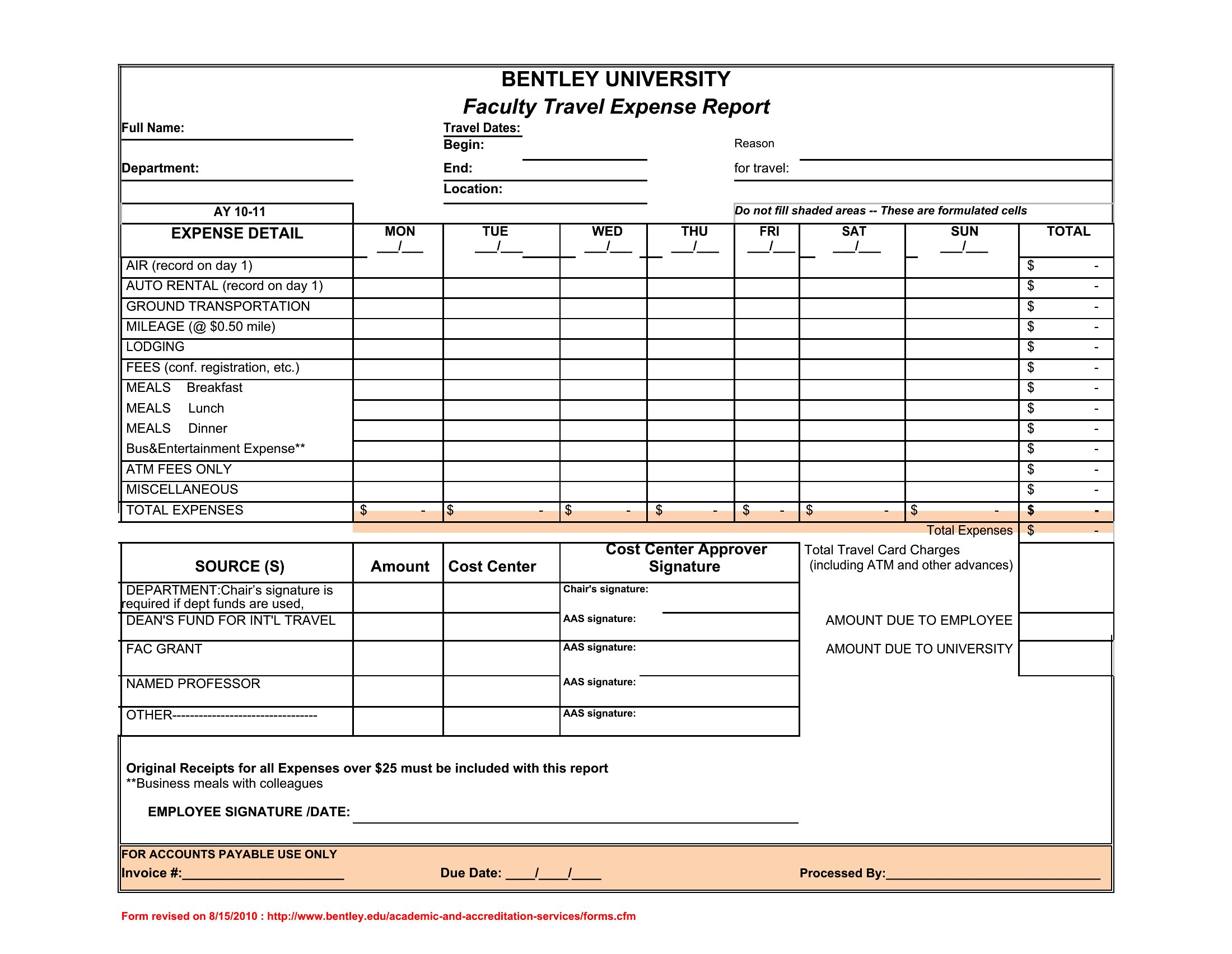
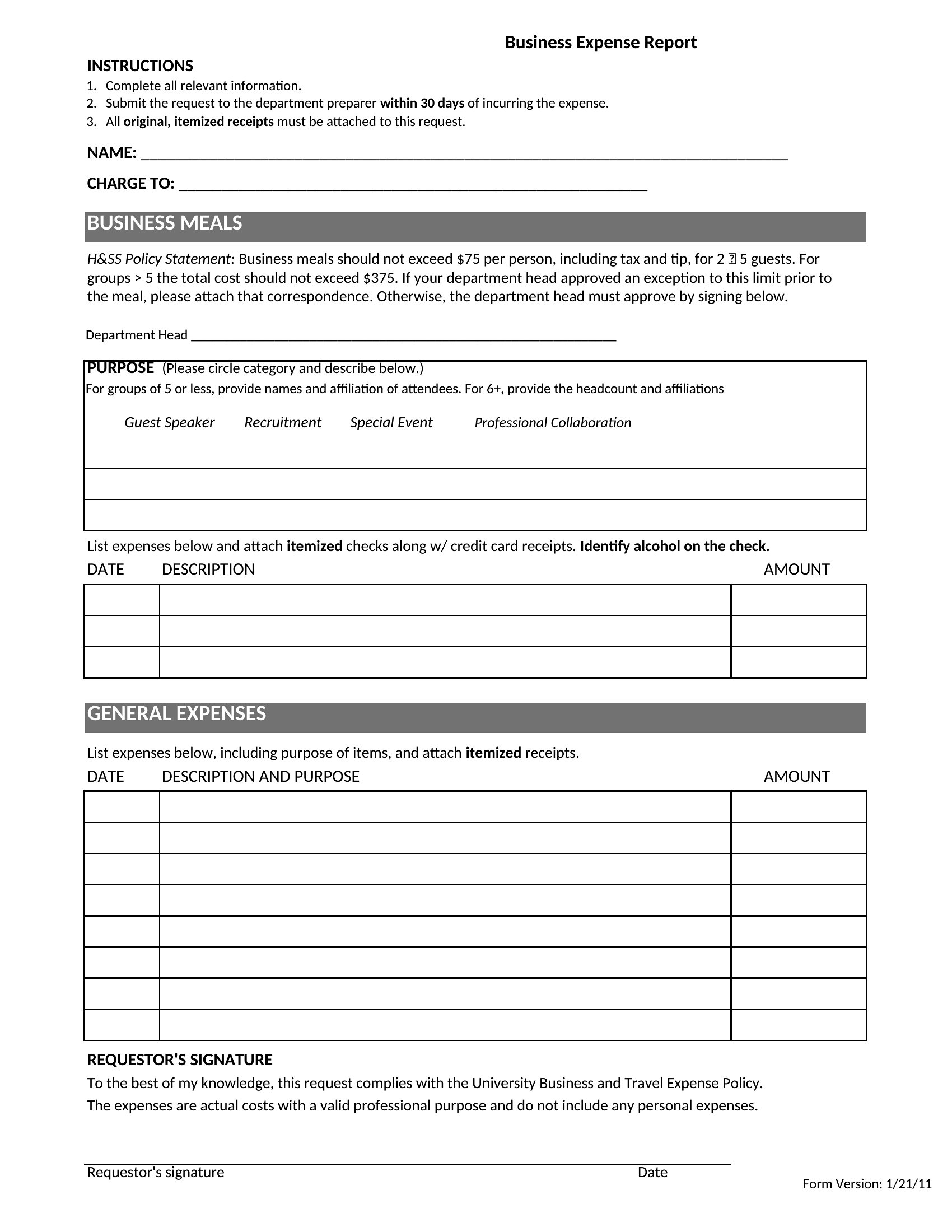
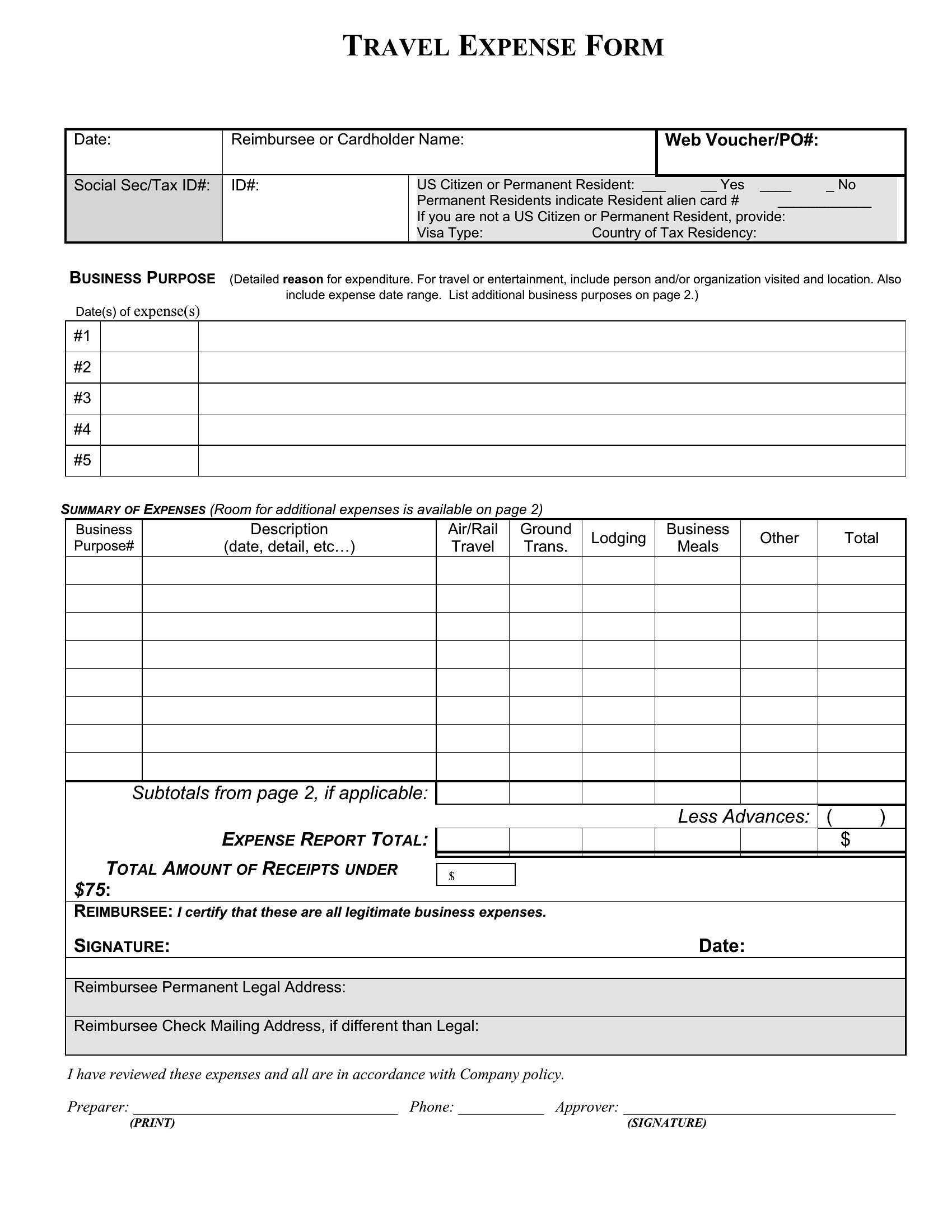
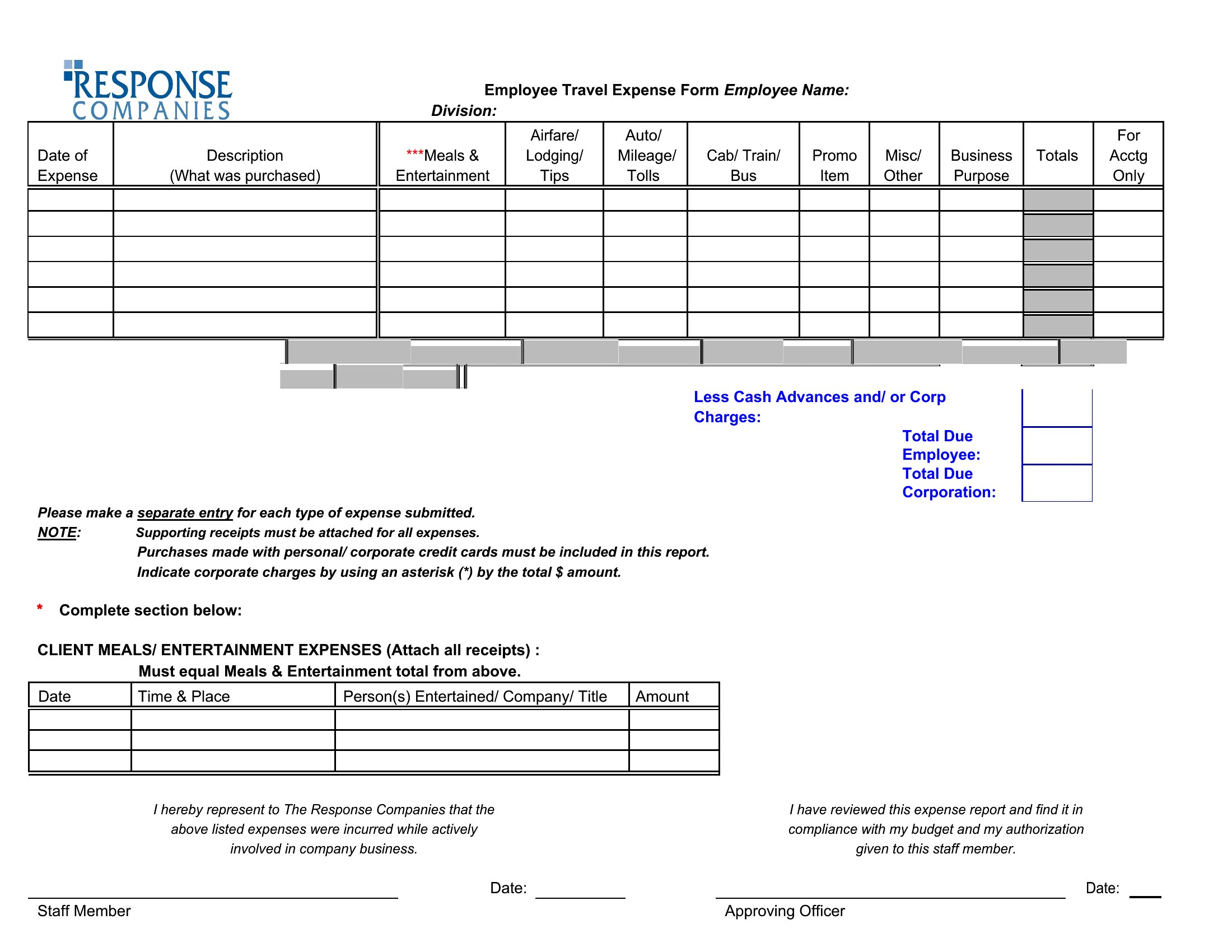
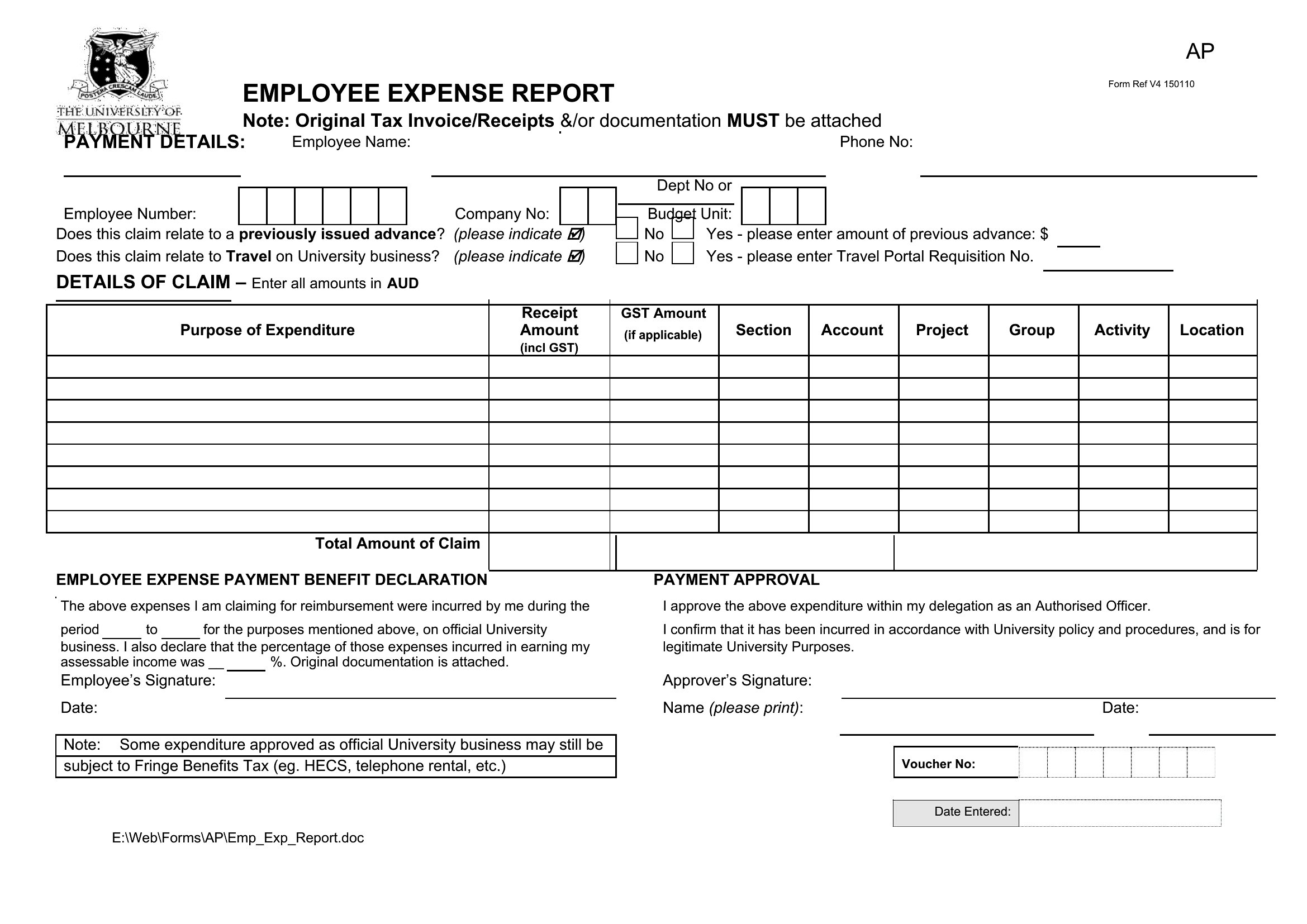
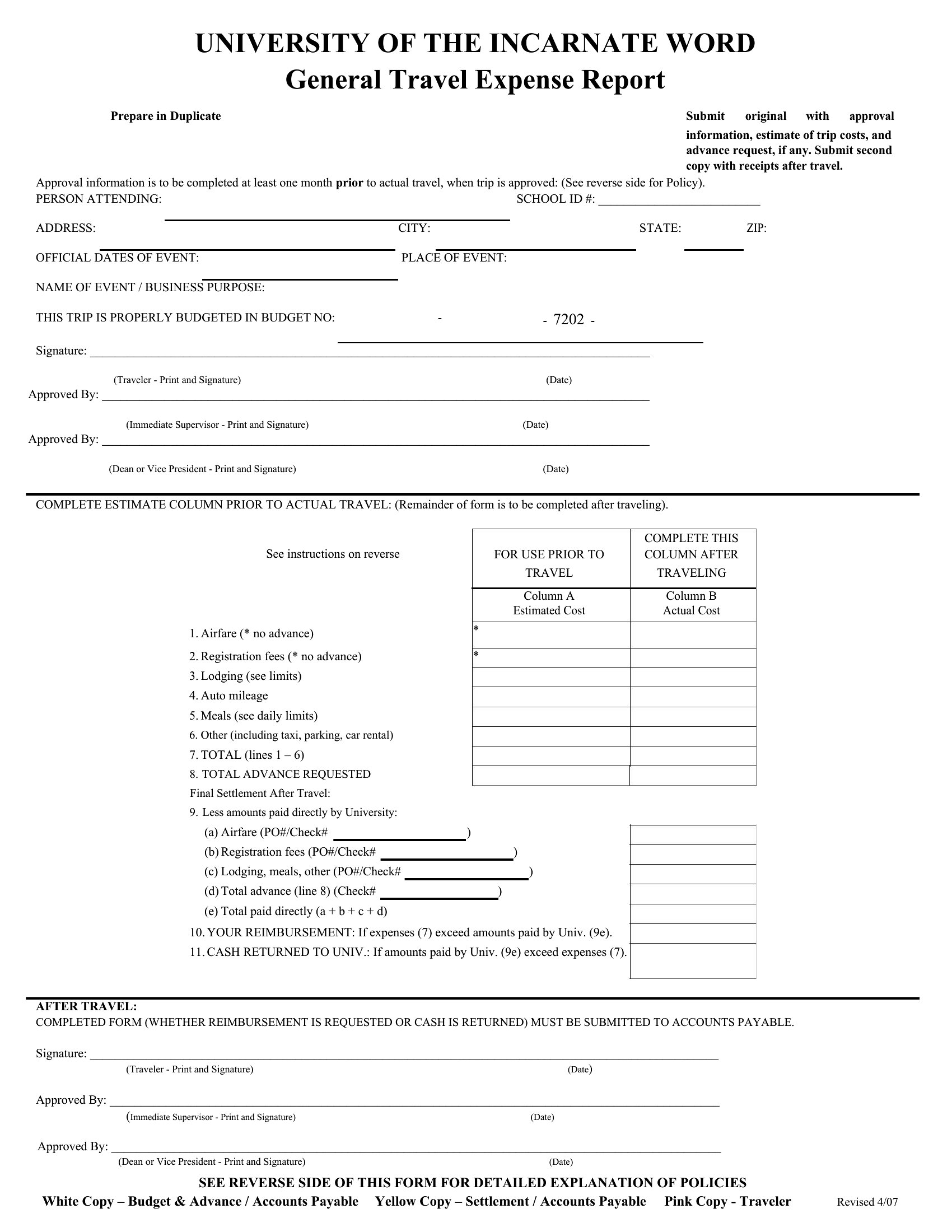
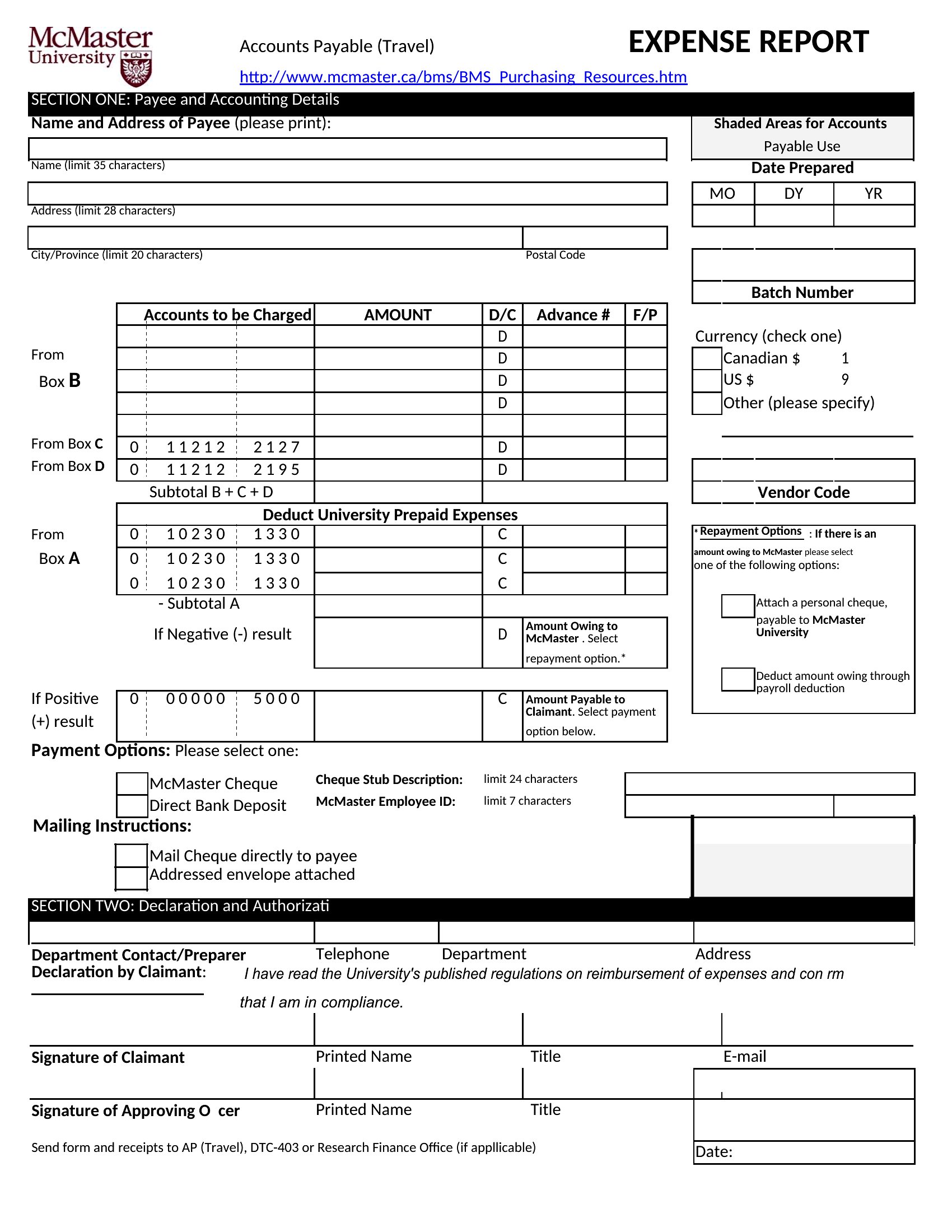
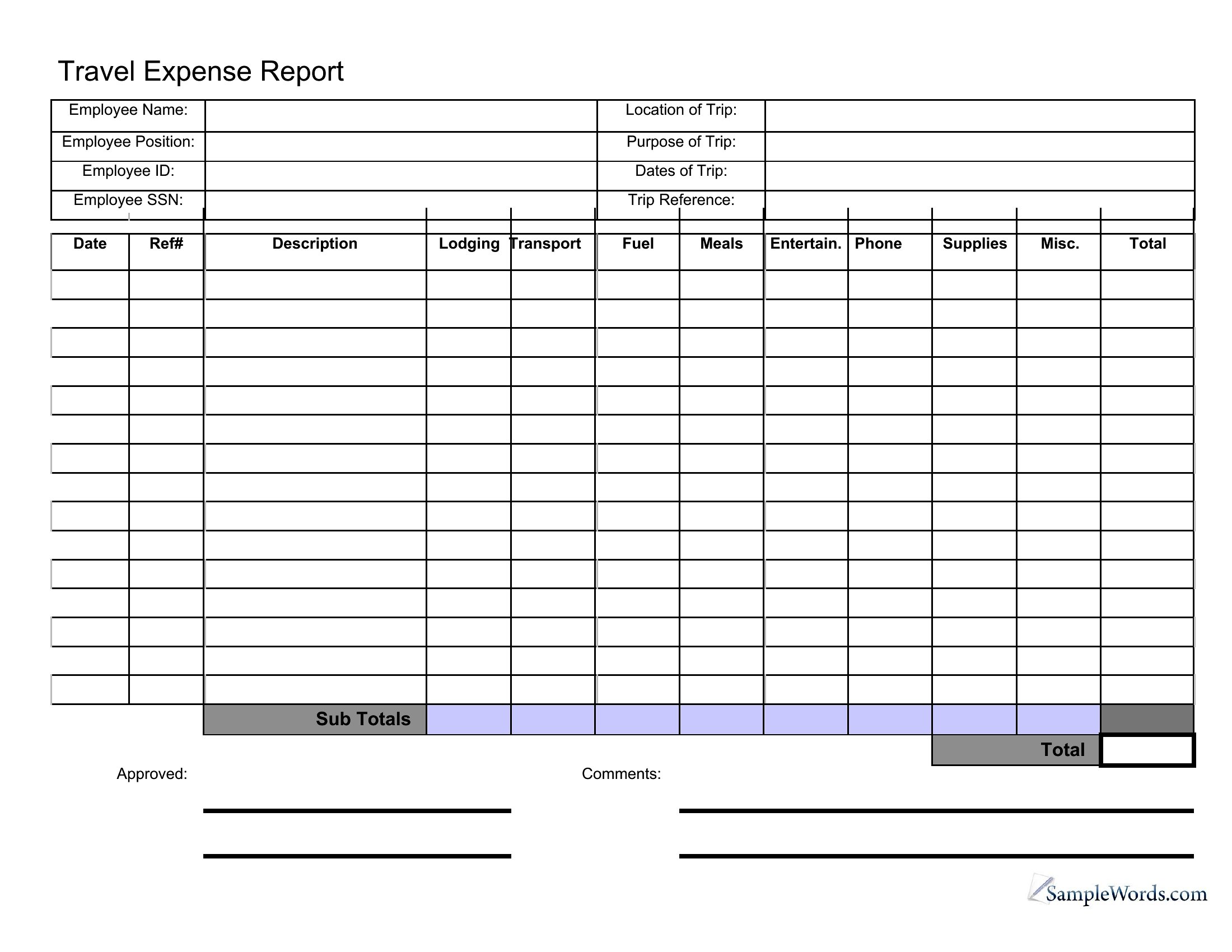
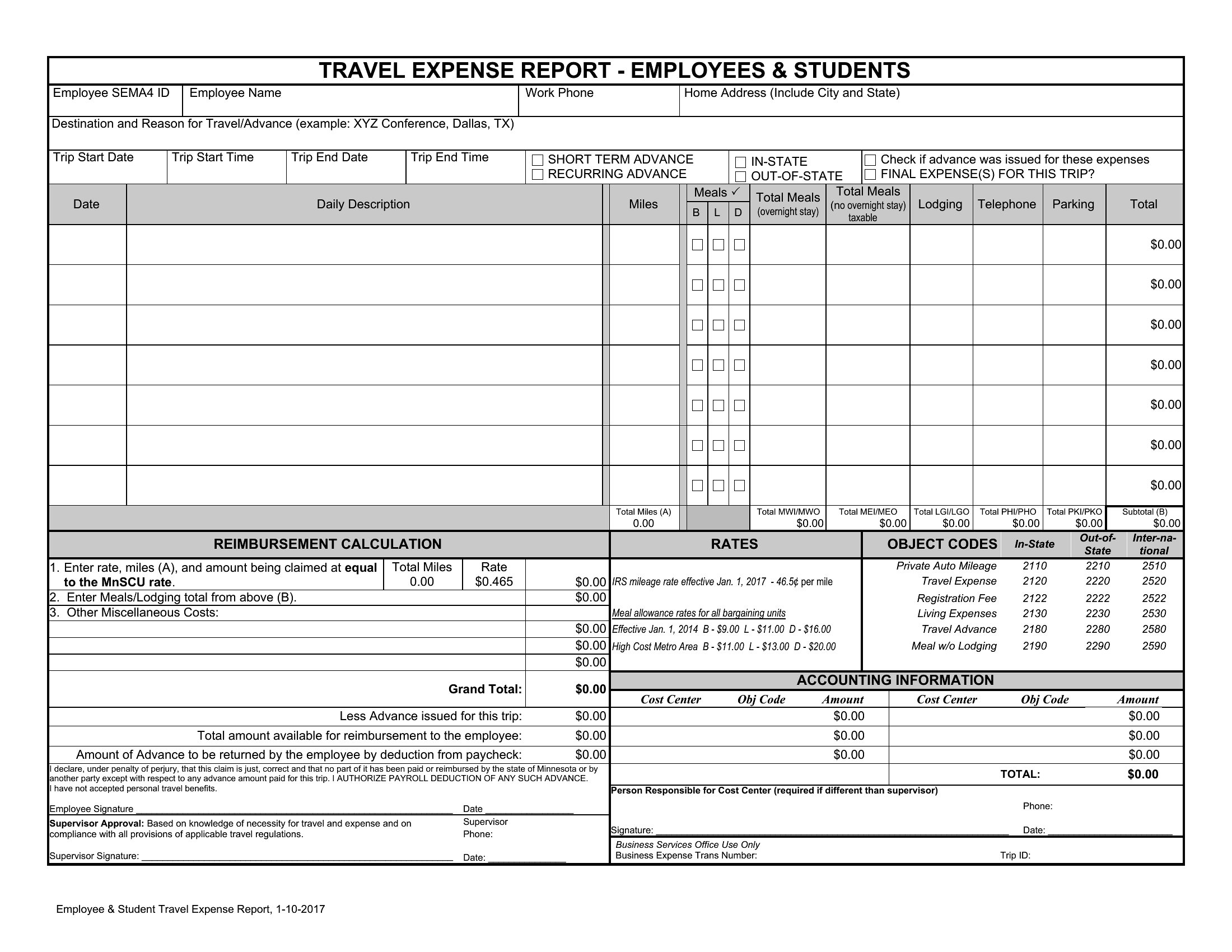
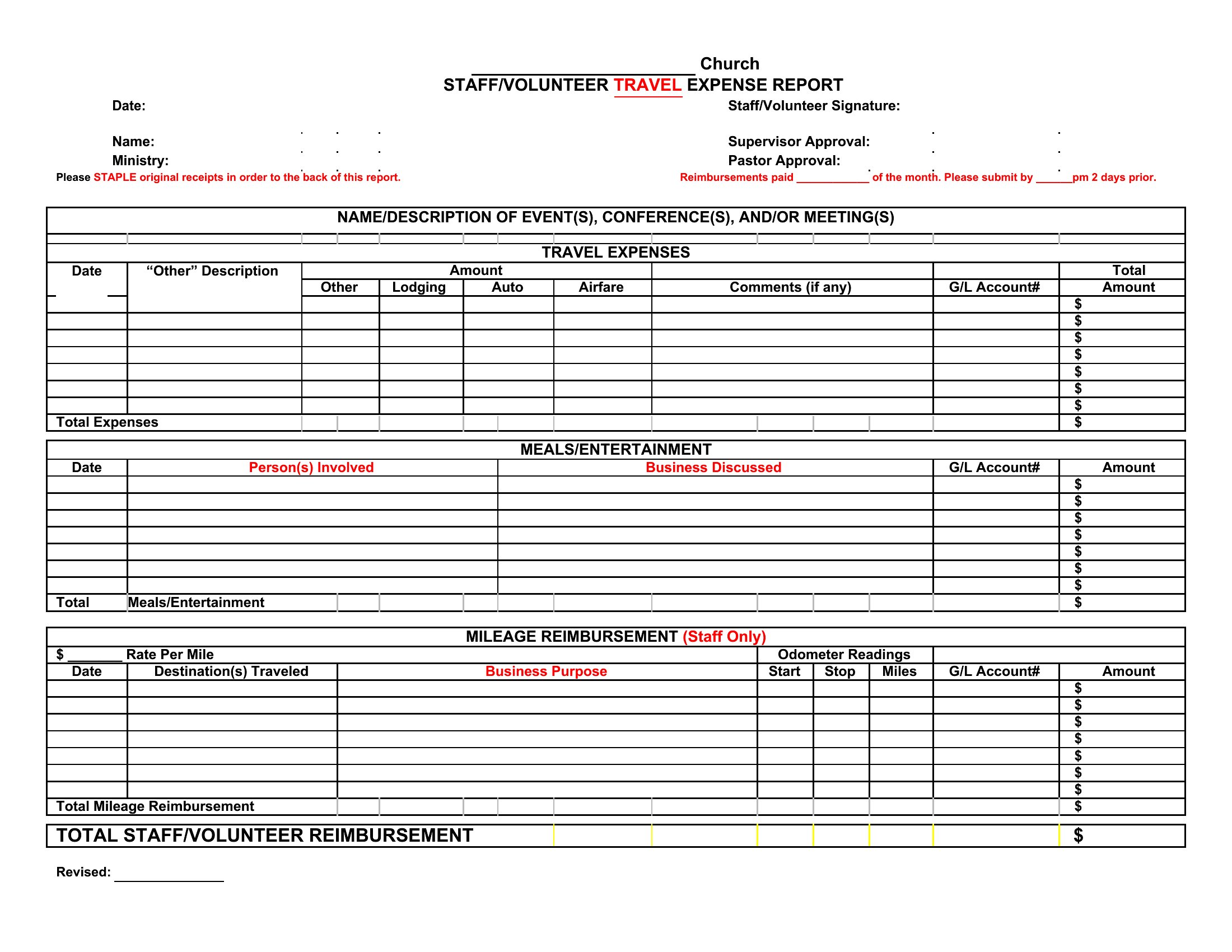
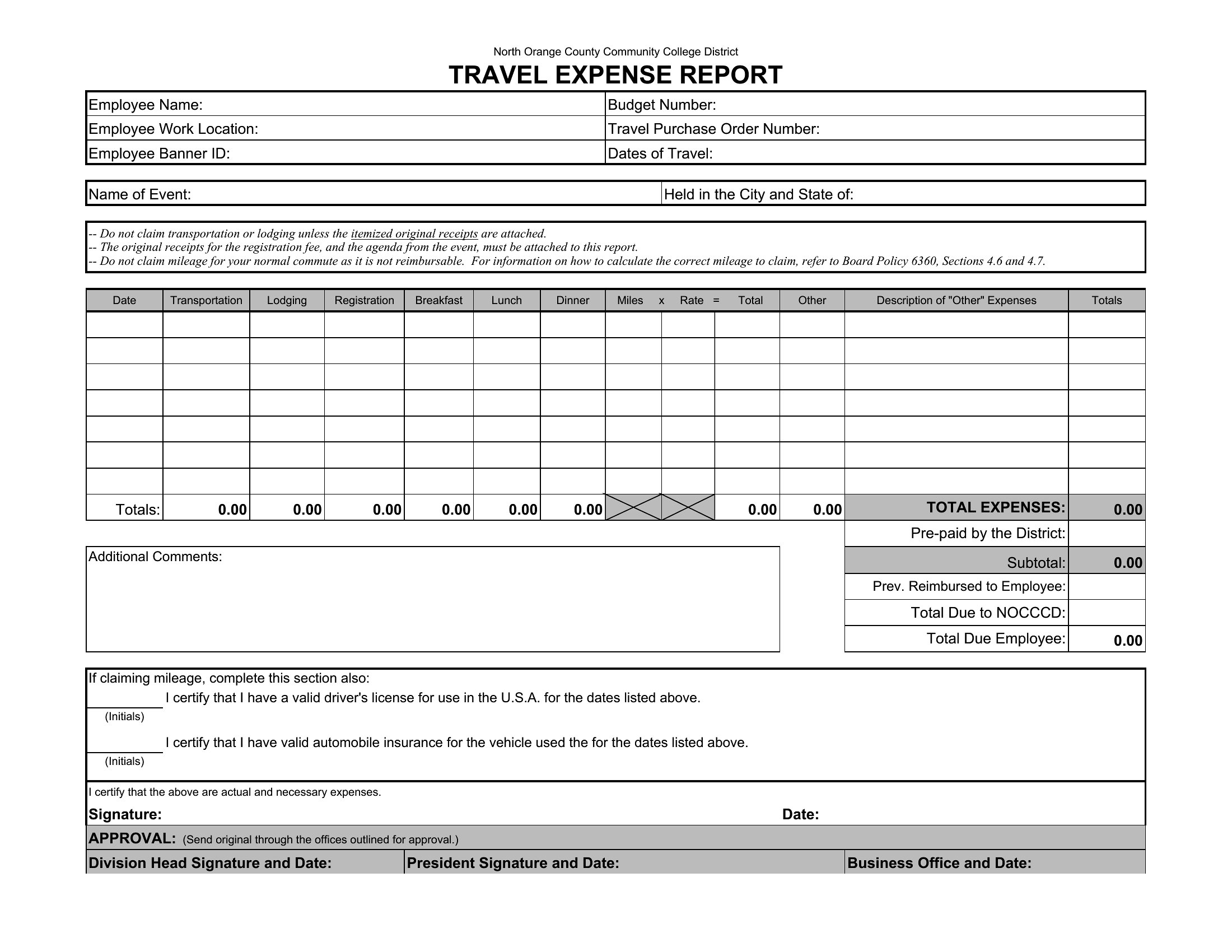
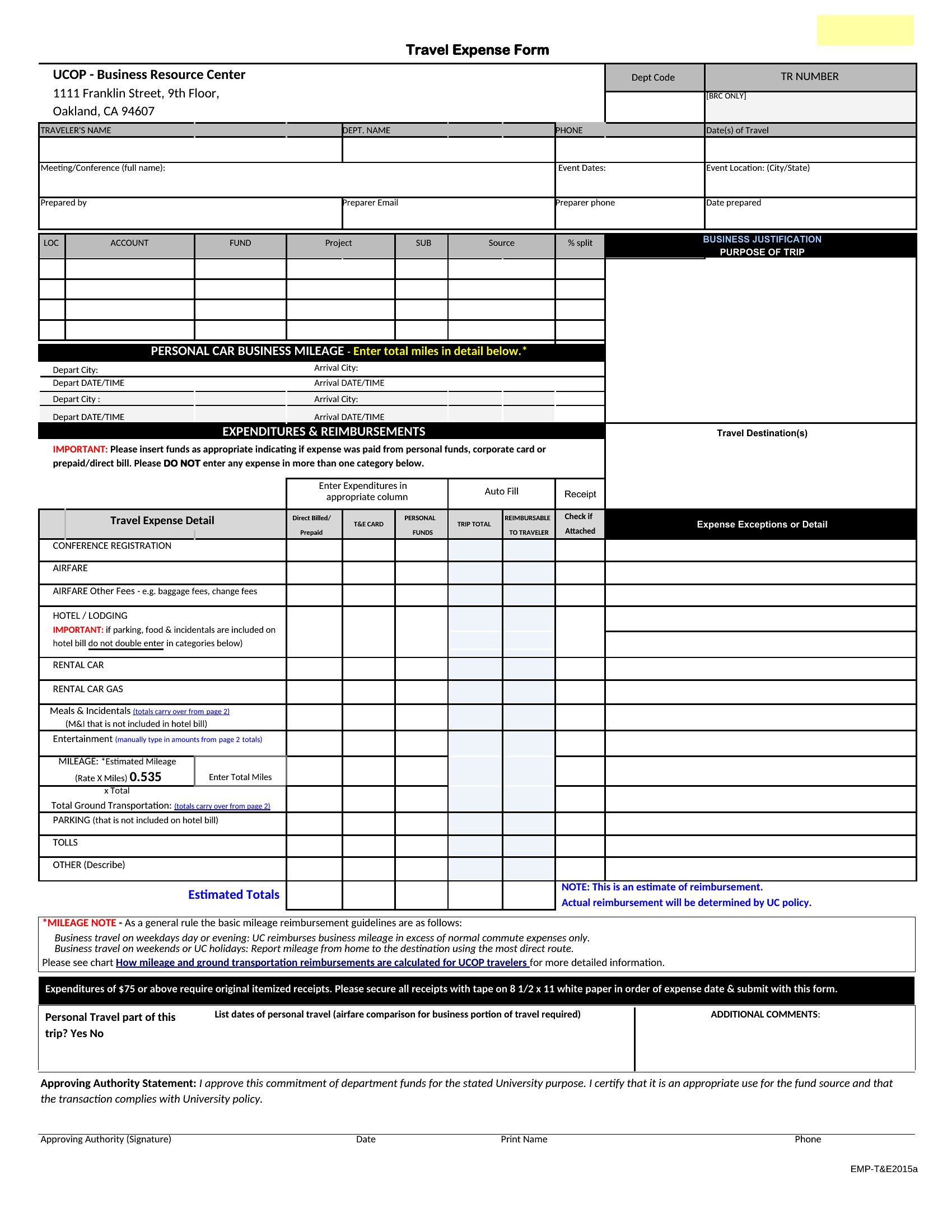
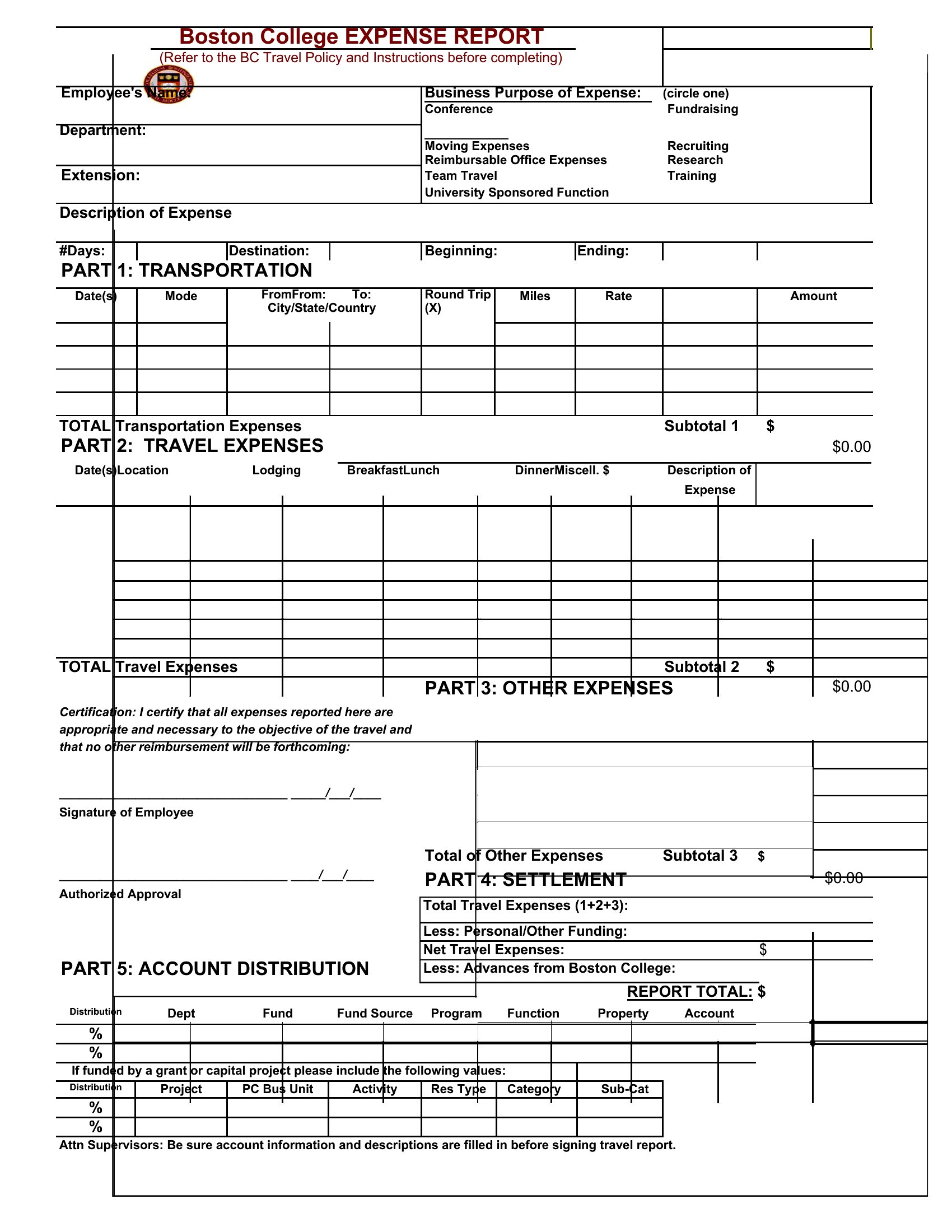
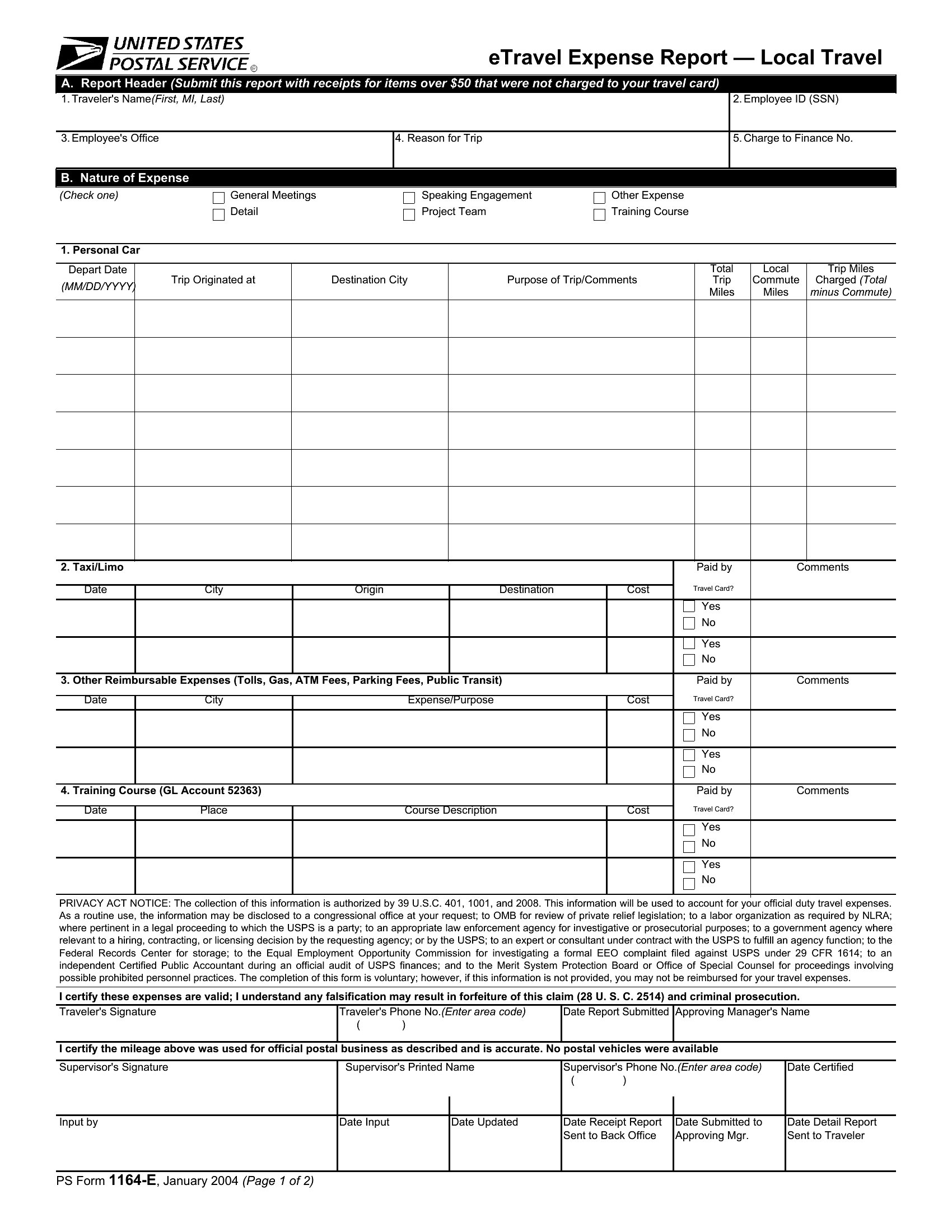
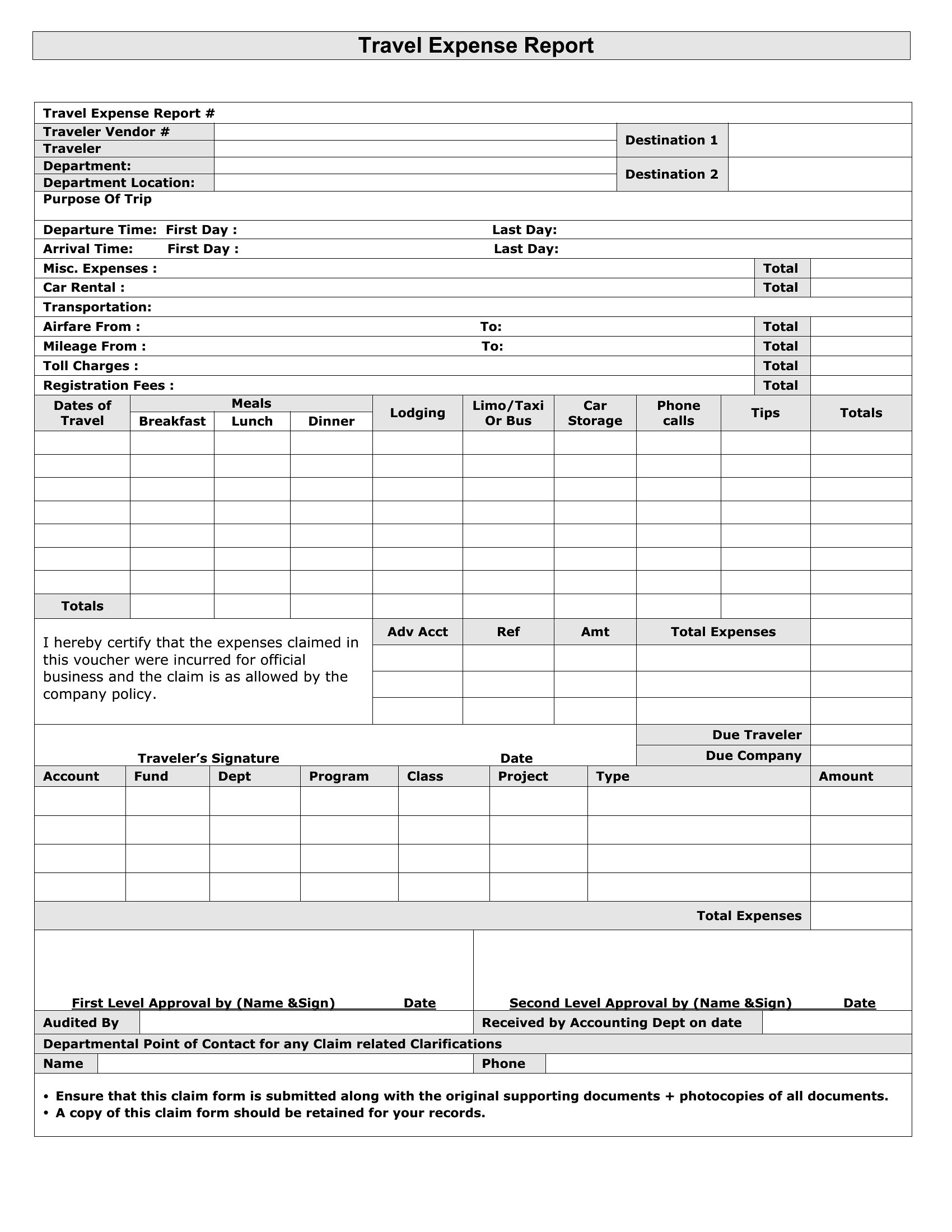
StatementsSorting out travel costs after a trip is tedious, and a clear expense report keeps every receipt and mile accounted for. This set of 44 travel expense report templates works for employees, contractors, and small-business owners who need to claim back what they spent on the road. The layouts cover the usual categories, from airfare and lodging to meals, mileage, and incidentals, so nothing slips through the cracks.
Excel versions add up each column and the grand total automatically, while the Word files are easy to fill in and print for signatures. Enter your dates, attach the receipts, and hand a finished report to accounting. Choose the one that matches your company's policy and submit your next trip without the spreadsheet struggle.
When to use this Travel Expense Report template
- Freelance consultants tracking client-funded travel costs when submitting reimbursement requests to avoid disputes over missed deductions or personal expenses.
- Small business owners who need to categorize employee travel expenses accurately for tax deductions, ensuring compliance with IRS or local accounting standards.
- HR managers compiling expense reports for remote employees or sales teams who frequently travel, streamlining approval workflows by standardizing data entry.
- Contractors who split personal and business travel expenses but lack accounting software, requiring a manual yet structured way to log receipts and justify deductions.
Which format should I download?
Choose Word if you need a flexible, editable template that can be customized with company branding or additional notes—ideal for teams who may require follow-up explanations alongside the report. Excel is better for data-heavy users who want built-in formulas for automatic totals, mileage calculations, or currency conversions, reducing manual errors. Both formats support receipt attachment fields, but Excel’s tabular structure is easier to export for payroll or accounting software integration.
How to use this Travel Expense Report template
Can these templates help reconcile discrepancies when an employee forgets to submit receipts?
Yes, these templates include sections for notes or exceptions where missing receipts can be flagged. You can also add a disclaimer (not legal advice) noting that estimates require approval, helping manage potential disputes early. Some versions even have a ‘pending’ column for unresolved items.
Do the Excel templates automatically calculate mileage deductions based on IRS rates?
No, these templates provide a blank mileage log where you manually input rates, but many include pre-formatted cells for calculations. For accurate compliance, cross-check with current IRS standard mileage rates or your company’s policy, and adjust the formulas as needed.
Are these templates suitable for international travel where expenses involve multiple currencies?
Yes, some Excel templates feature currency conversion fields or dropdowns for exchange rates. For Word templates, you can manually add a conversion table or use a plugin like ‘Currency Converter’ to insert live rates. Always verify rates against the trip’s effective dates for precision.
Comments
Join the conversation
Sign in to share your thoughts and leave a comment on this resource.