Free Implementation Plan Templates (Word, Excel)
ProjectTemplates

FAQ
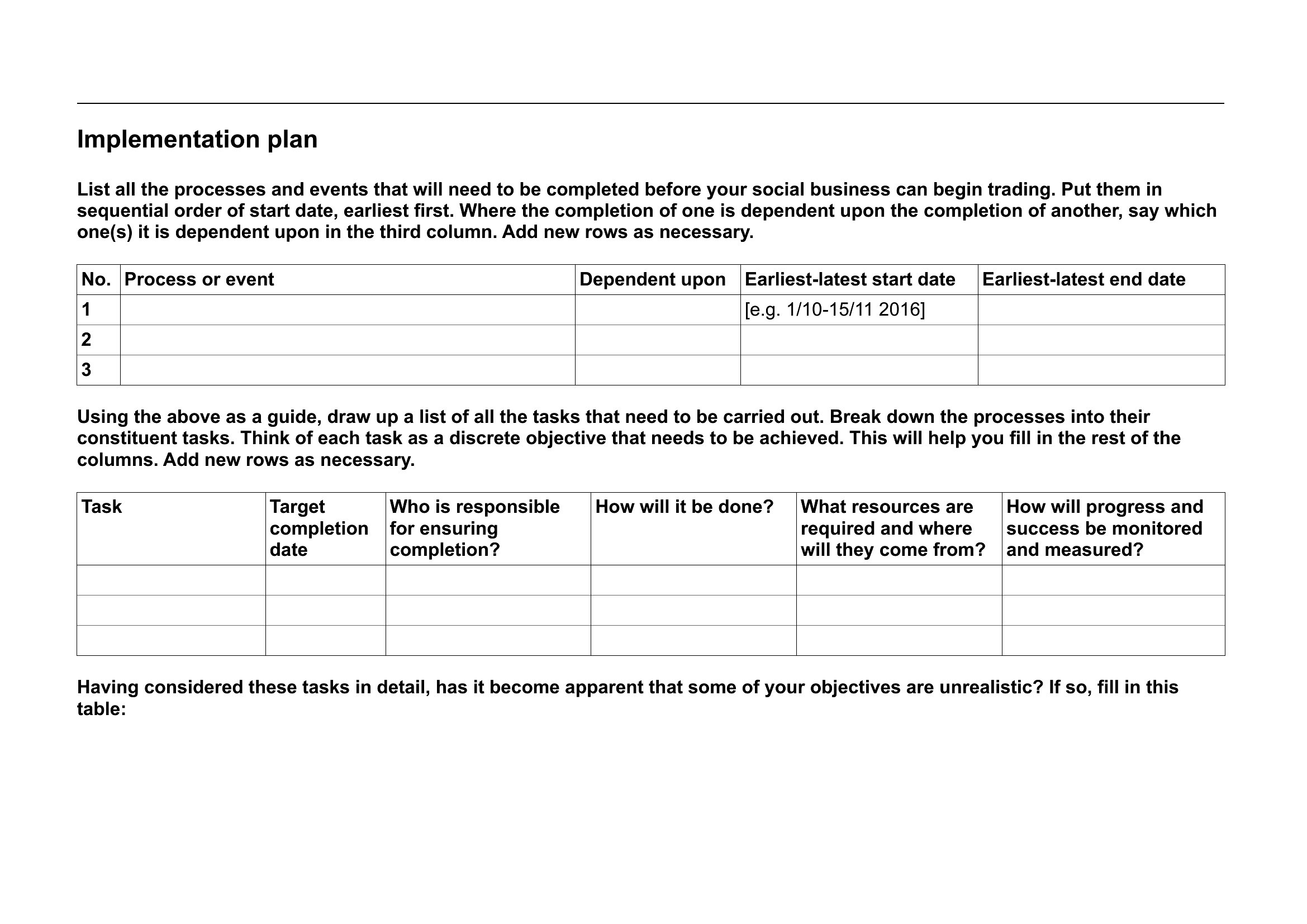
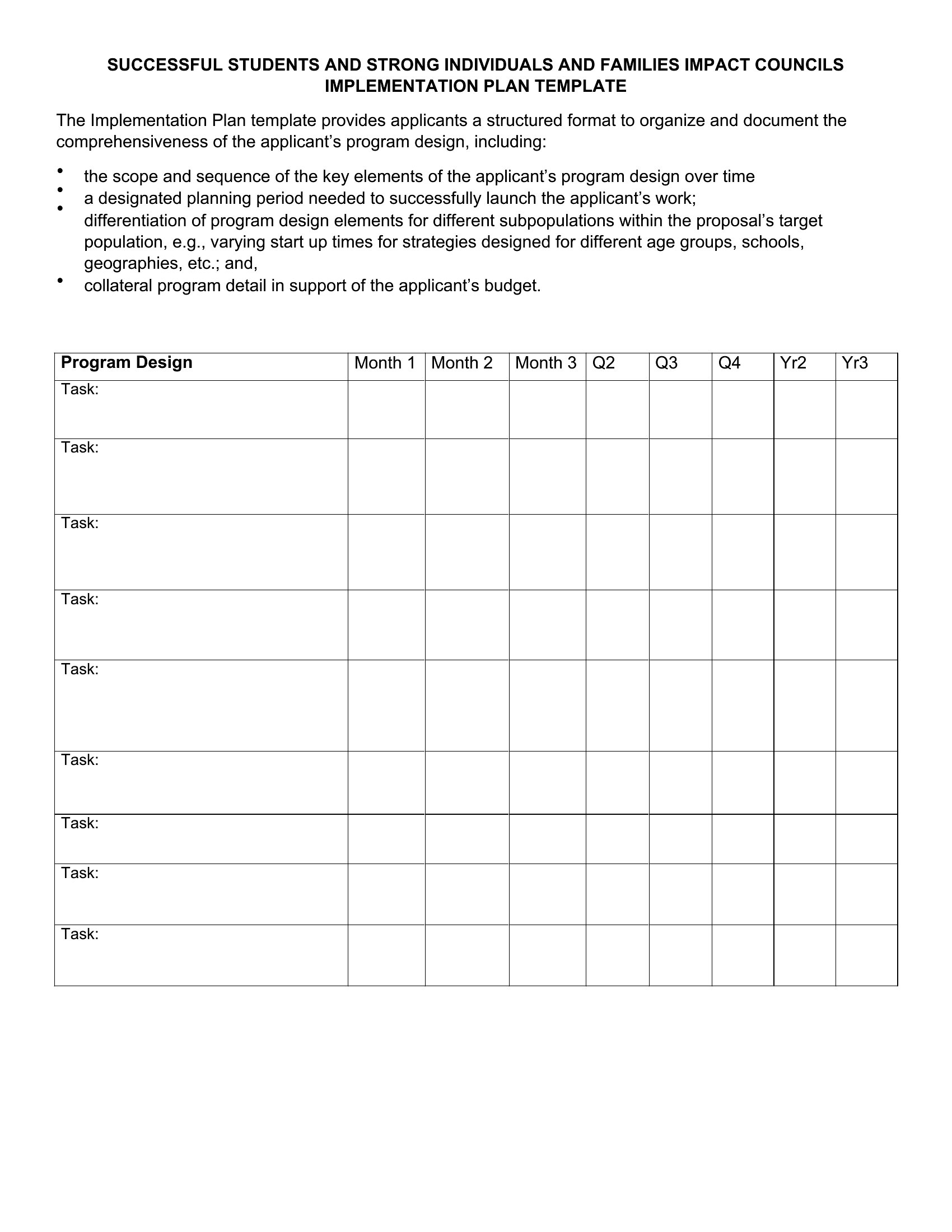
How can I adapt this template for a project with multiple interdependent phases, like a phased software rollout?
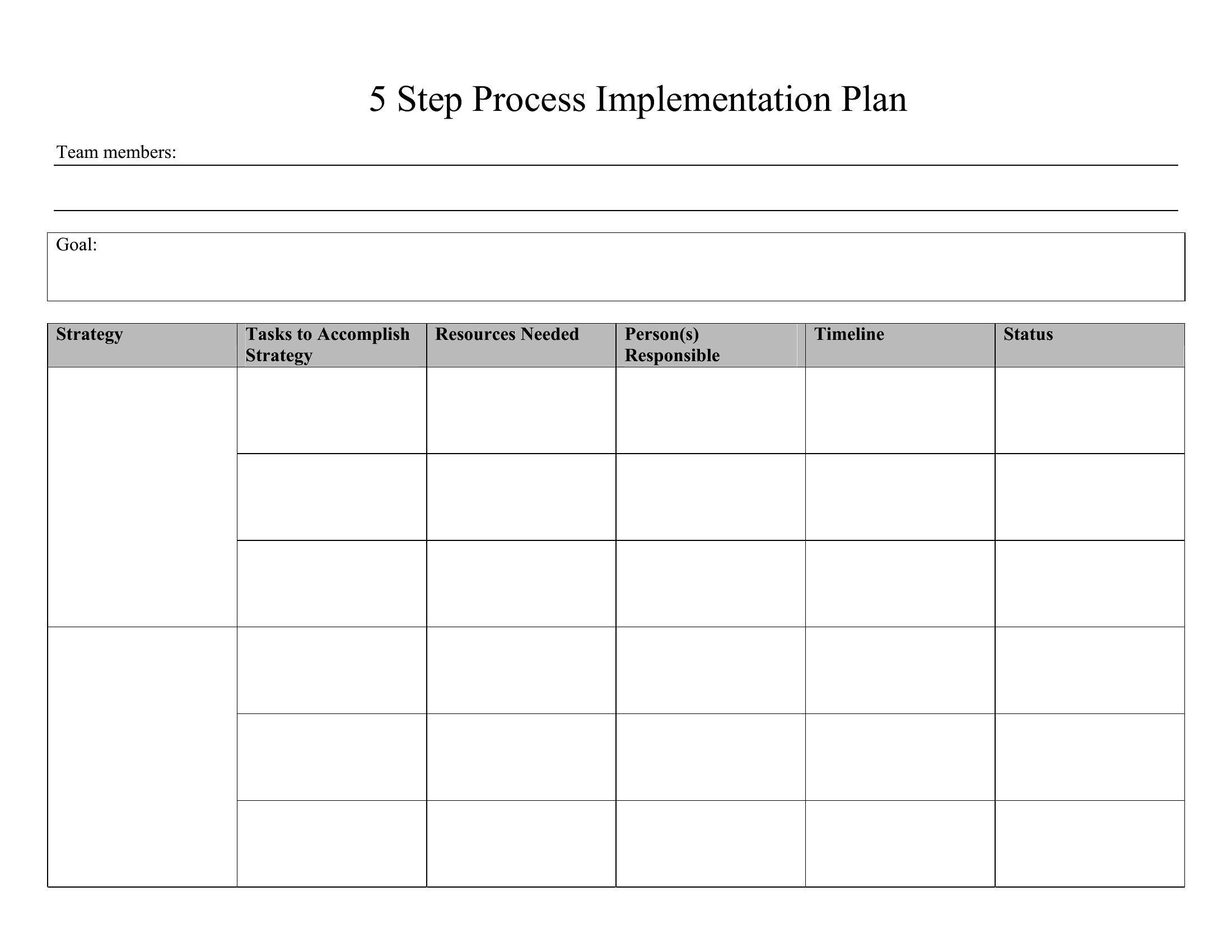
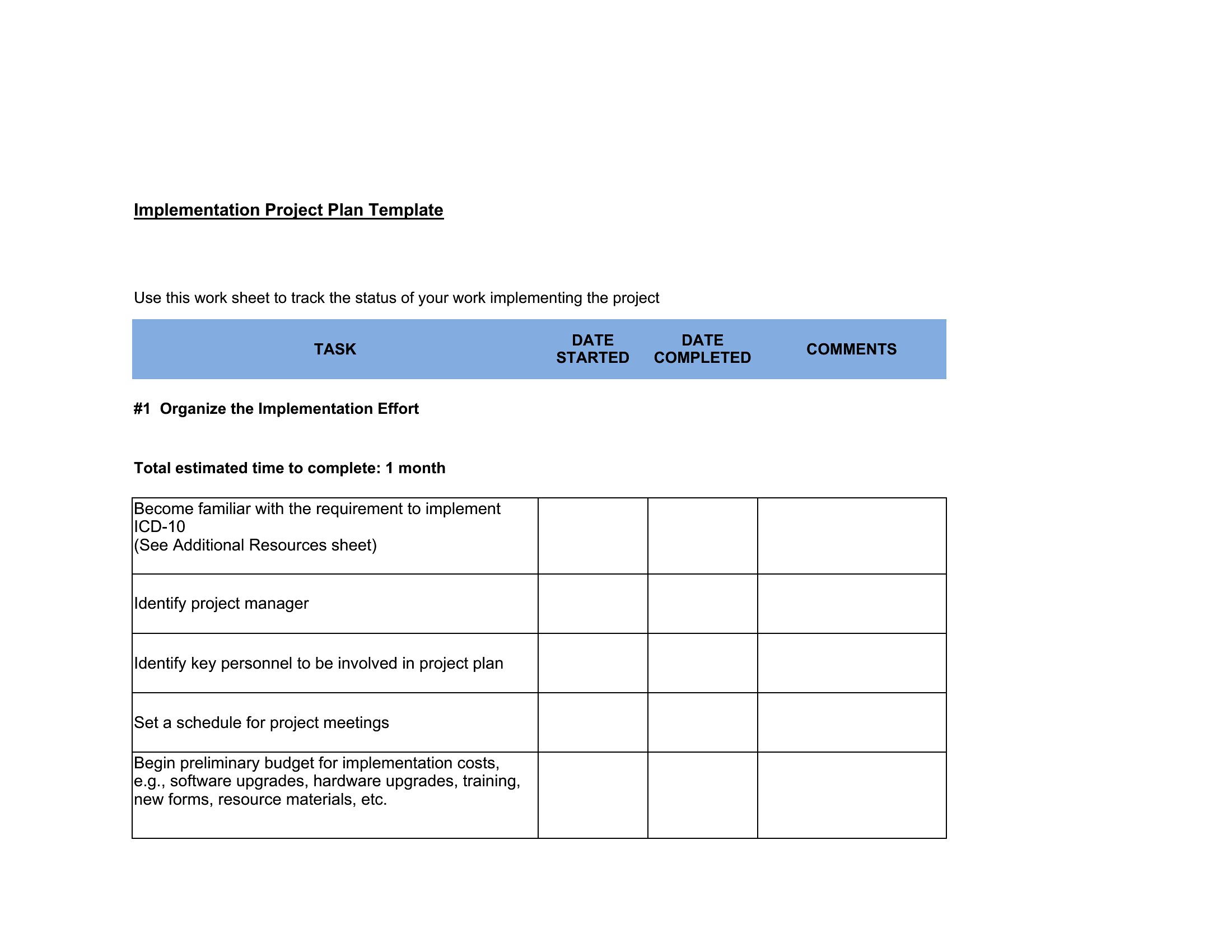
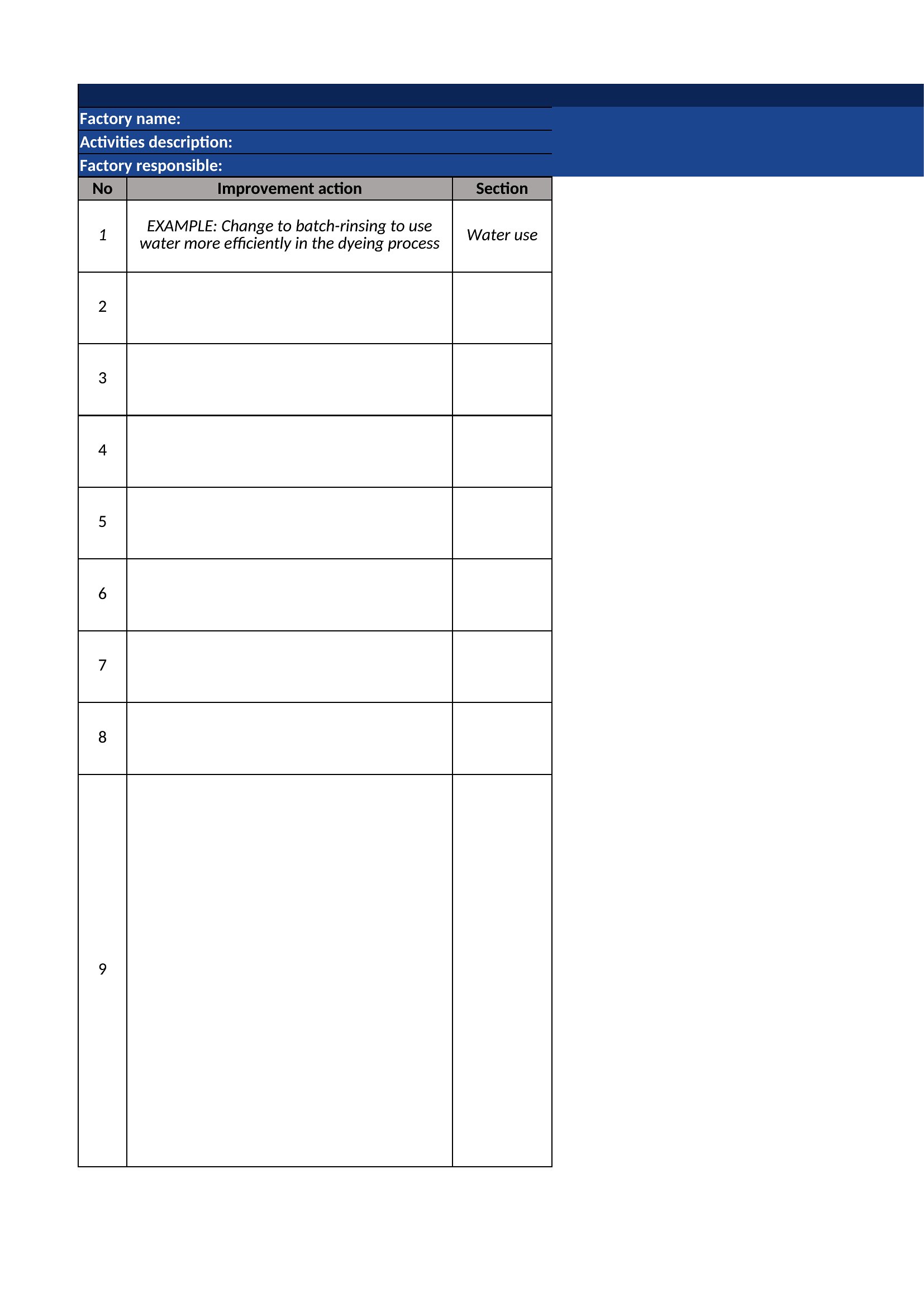
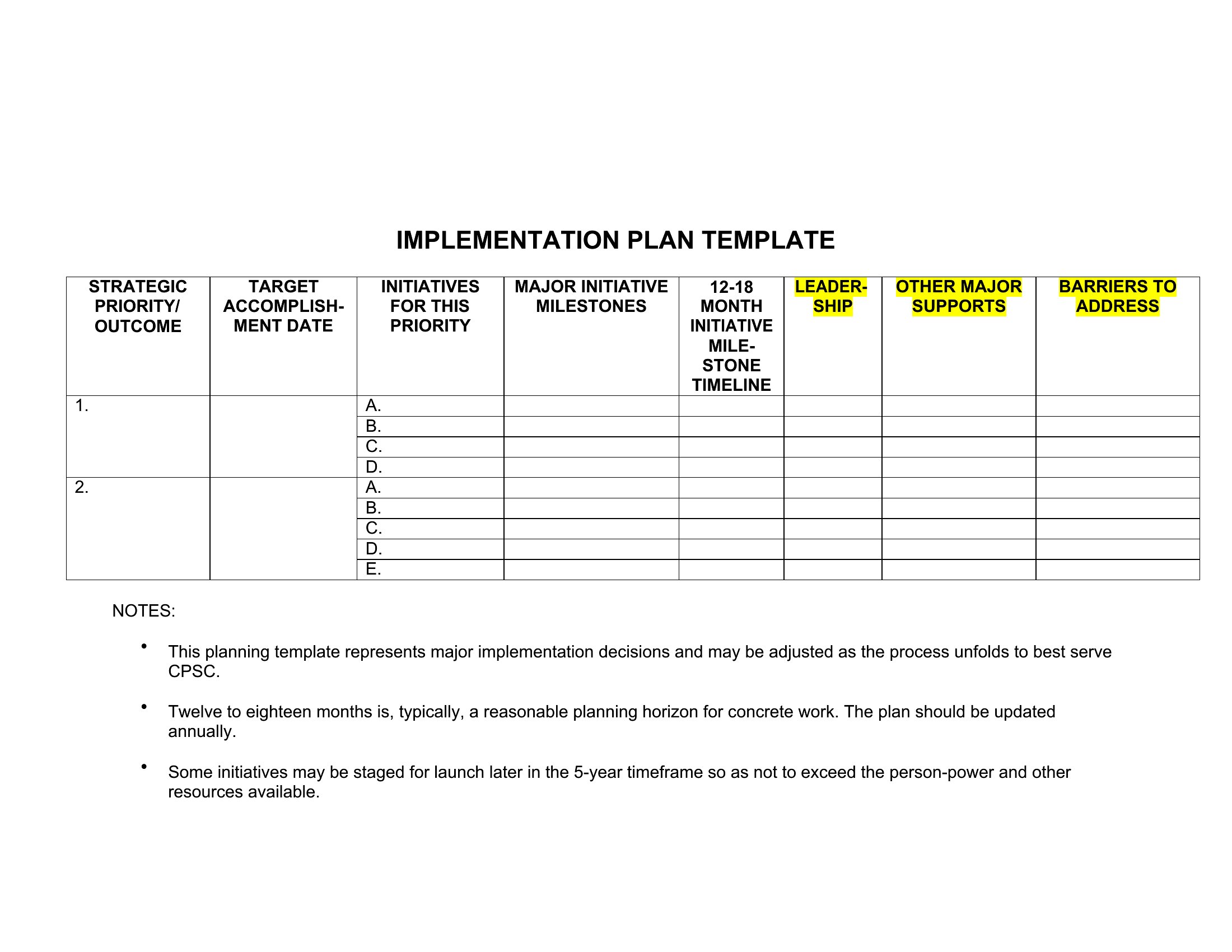
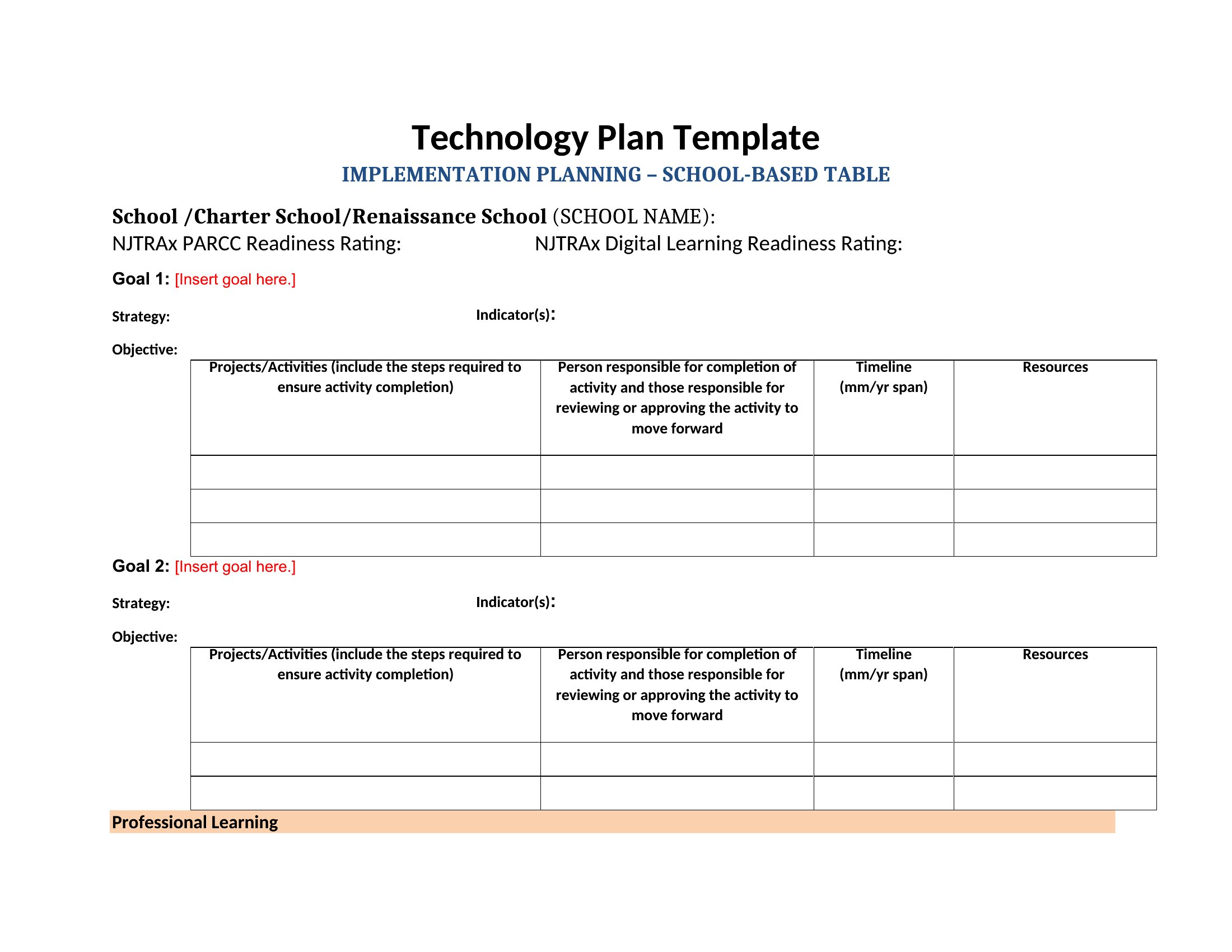
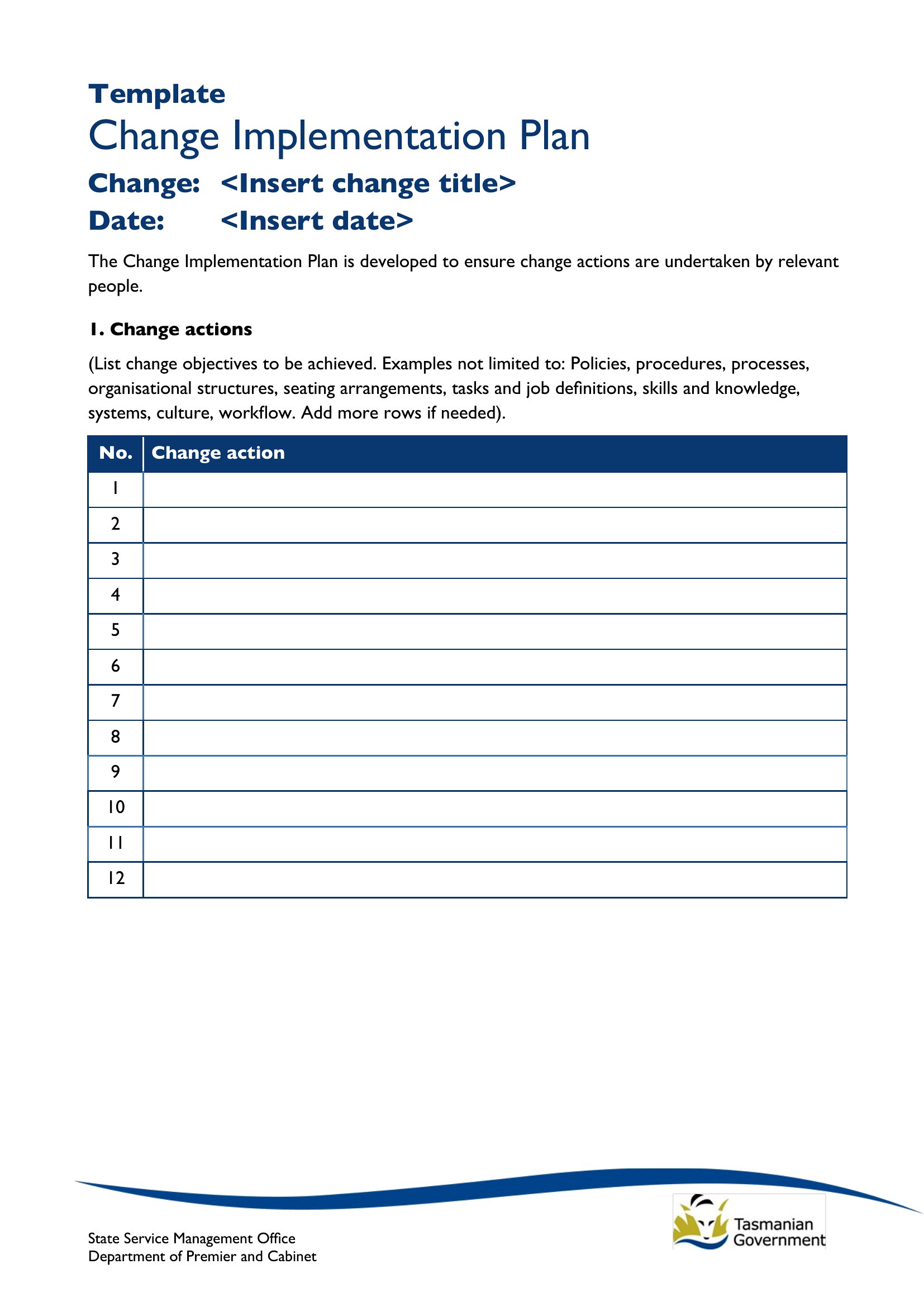
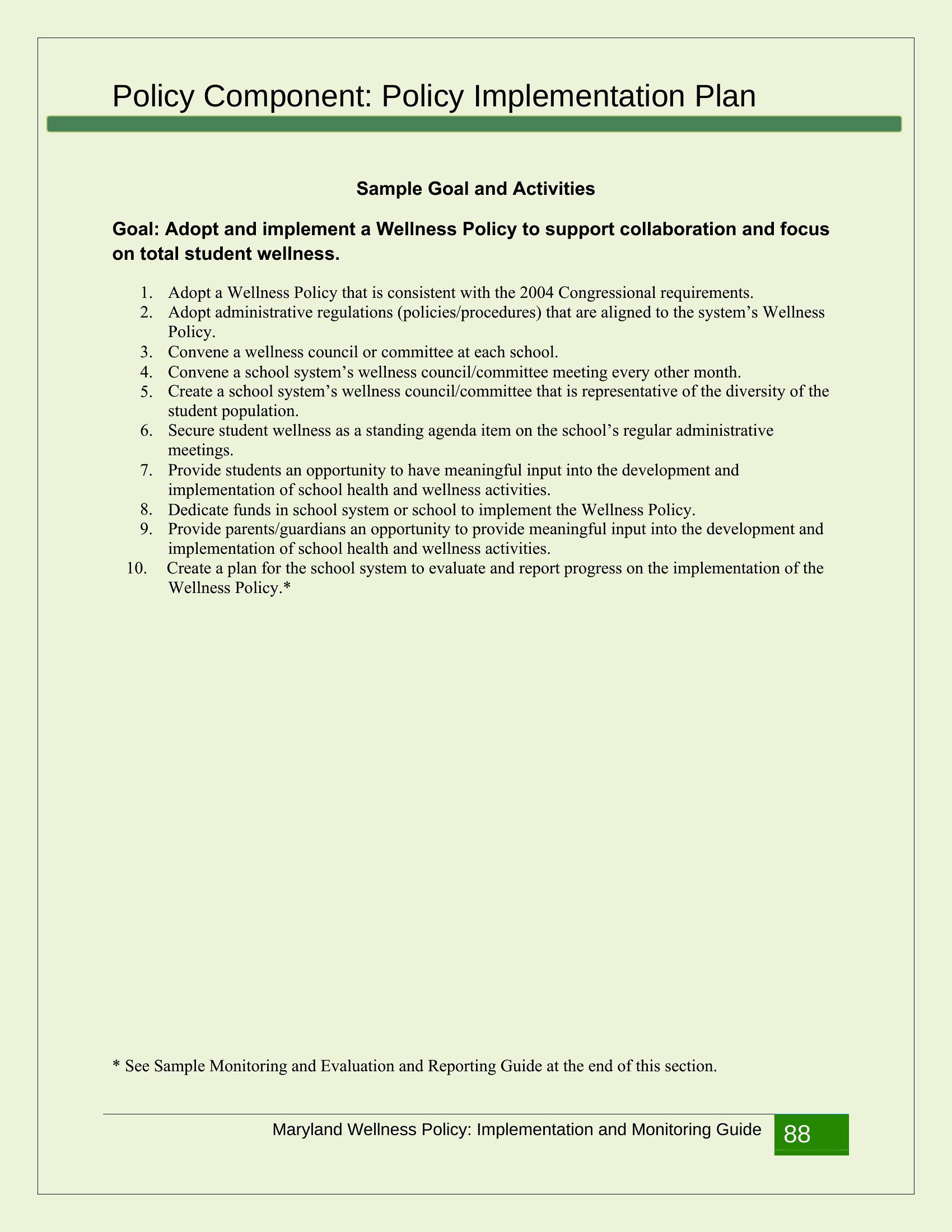
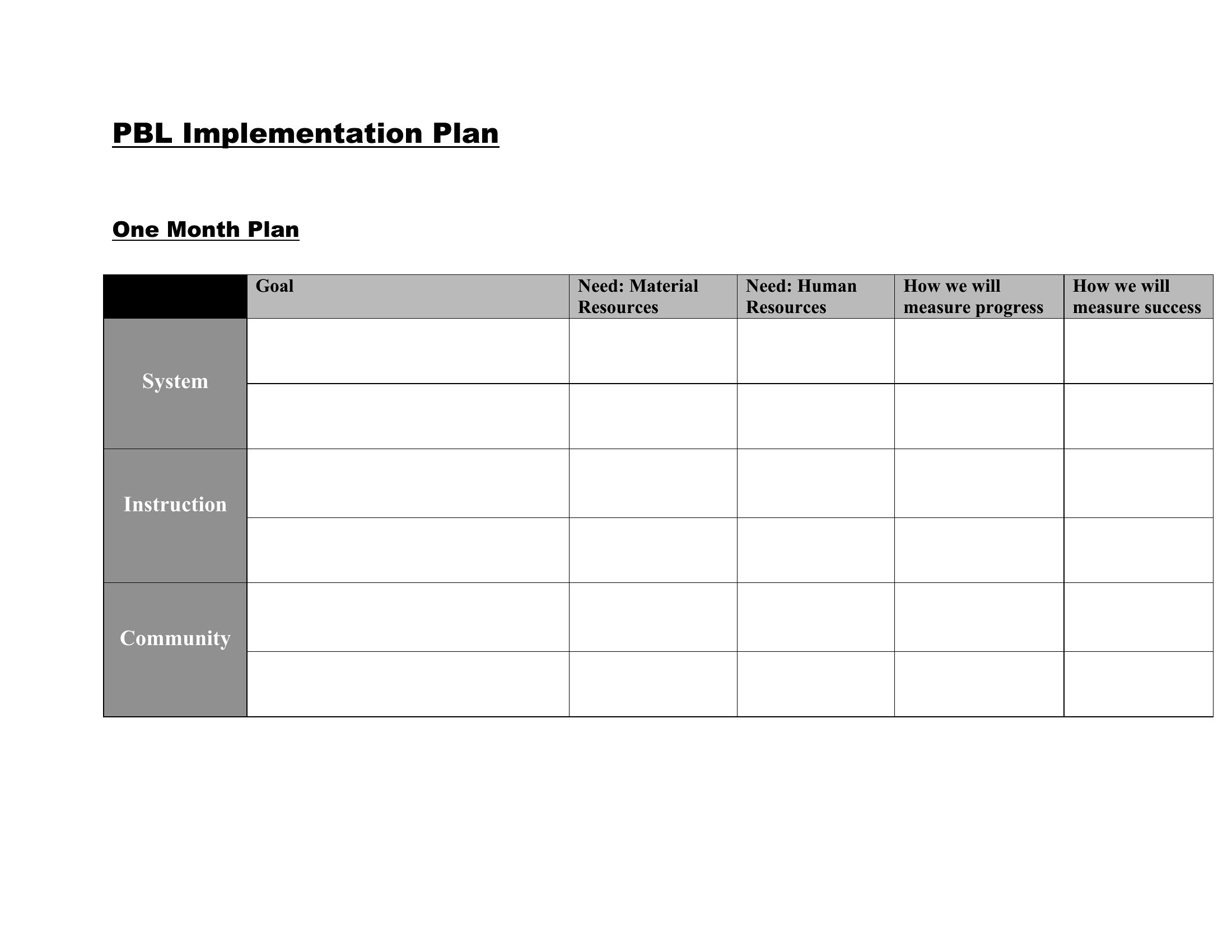
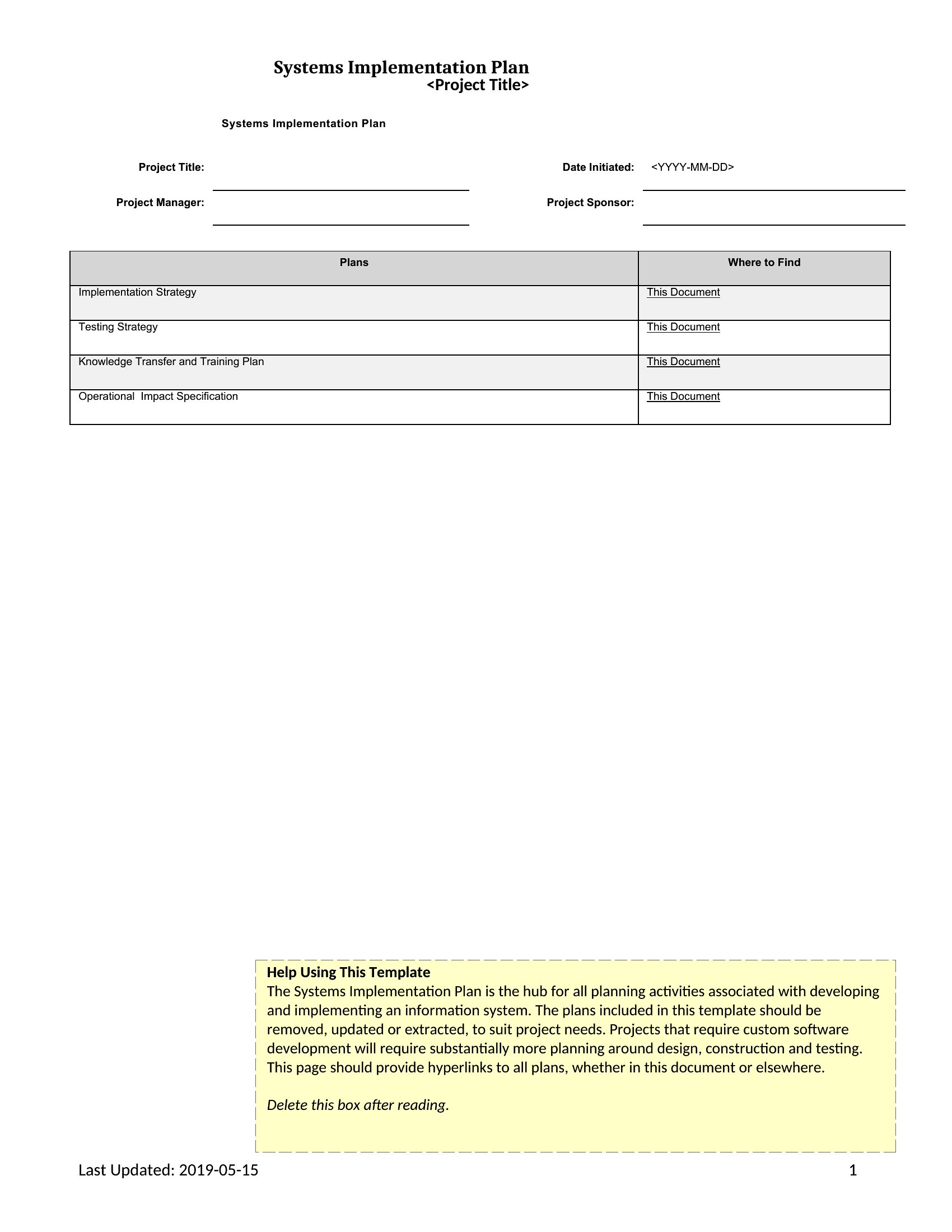
Use the Excel format to create separate sheets for each phase, linking timelines and resources to a master dashboard. In Word, insert section dividers for each phase and duplicate task lists with conditional formatting to highlight dependencies. Both formats allow you to visually map how delays in one phase impact others, but Excel’s formula tools can auto-calculate ripple effects.
What’s the best way to assign accountability in the plan without overloading individual contributors?
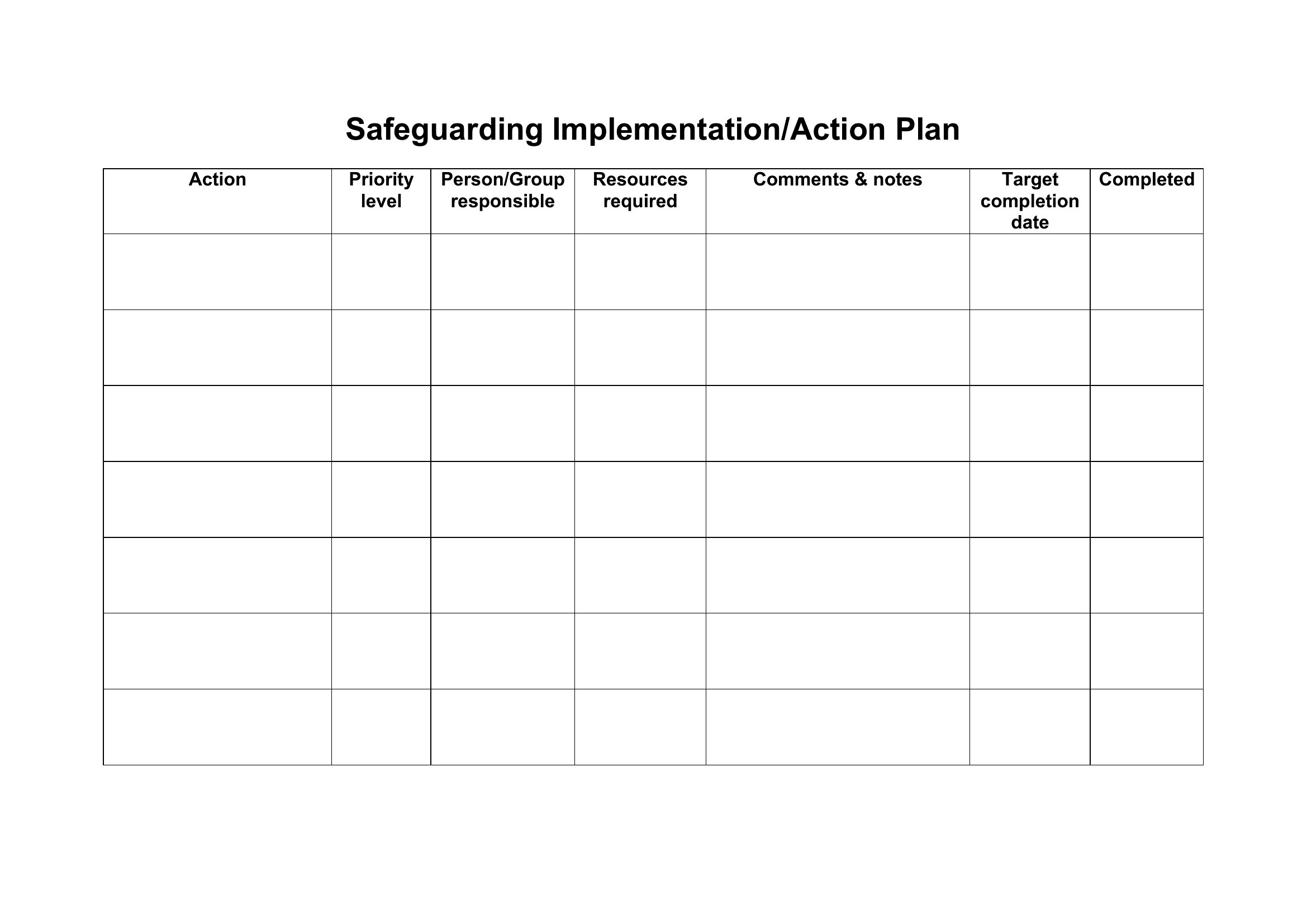
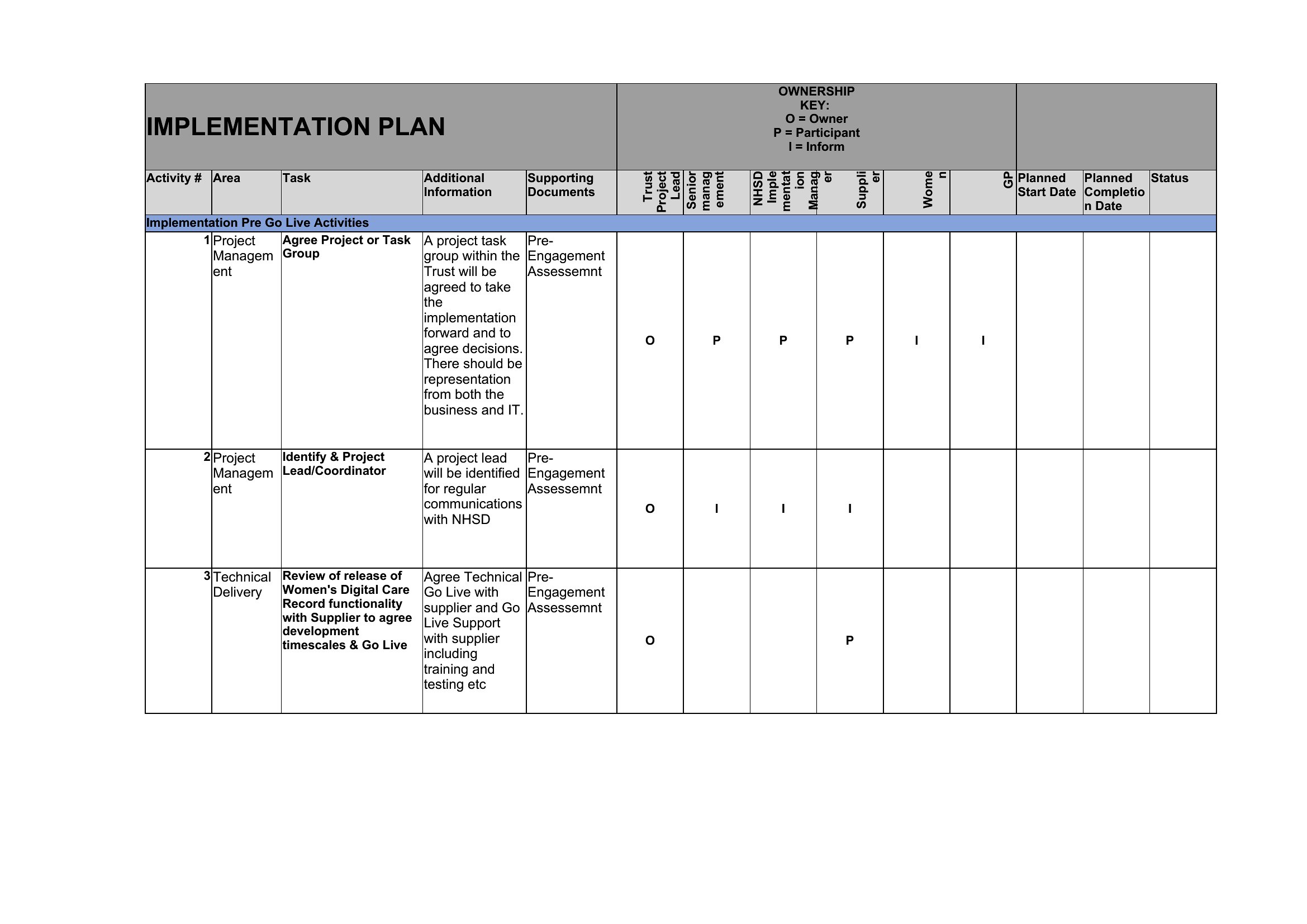
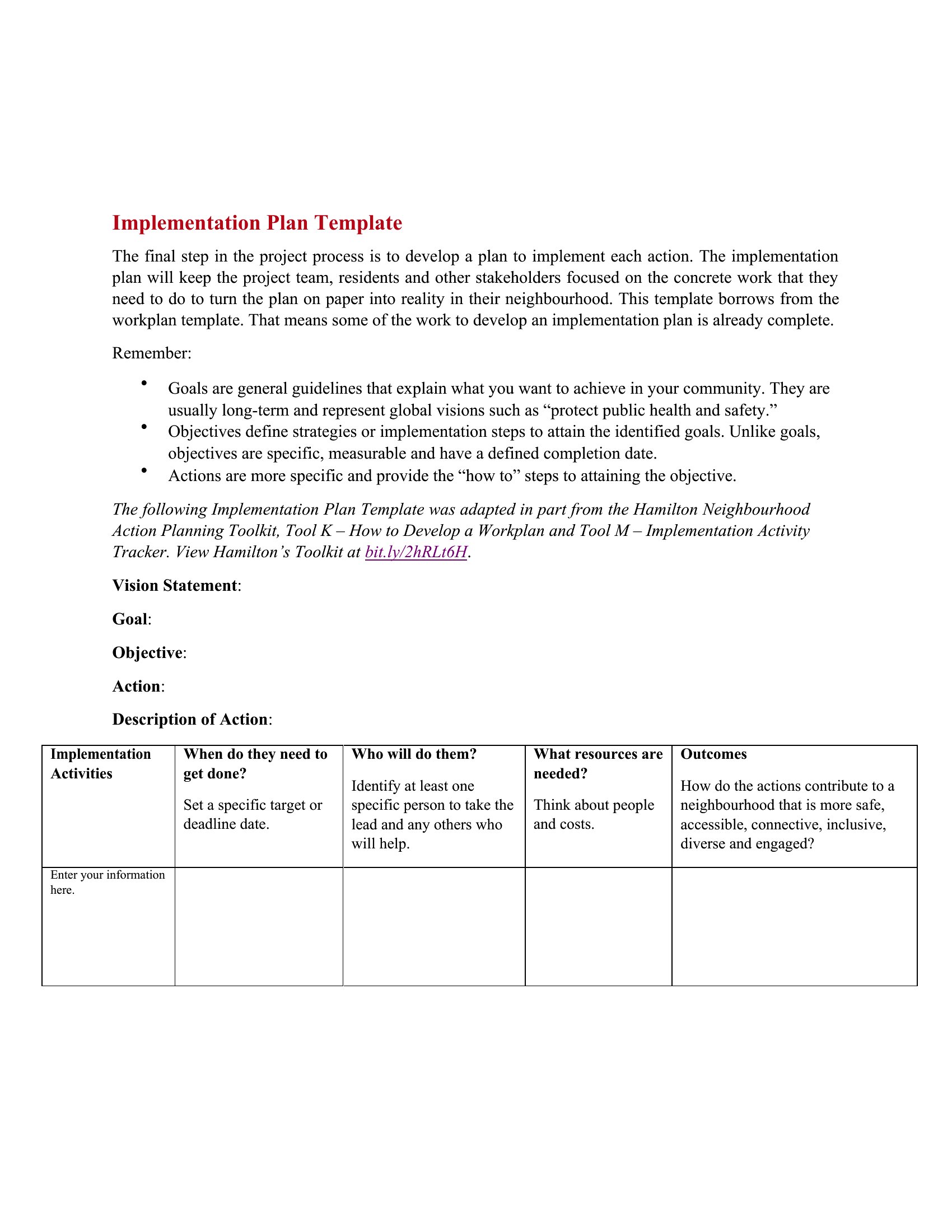
In Word, use a dedicated “Owners” column in task lists and color-code by role for quick reference. In Excel, add a dropdown menu in the “Responsible” column to limit selections to team member names, reducing errors. Both formats let you flag high-risk tasks requiring backup owners, but Excel’s data validation ensures consistency across hundreds of entries.
Can I use these templates to track both internal and external dependencies, like vendor deliverables alongside internal milestones?
Yes. In Word, create a separate “External Partners” section with vendor-specific timelines and contract clauses. In Excel, use conditional formatting to distinguish internal (green) from external (yellow) tasks, and add a “Vendor Status” column to log contract progress. Excel’s ability to link cells across sheets makes it ideal for cross-referencing internal deadlines with vendor SLAs.
Comments
Join the conversation
Sign in to share your thoughts and leave a comment on this resource.