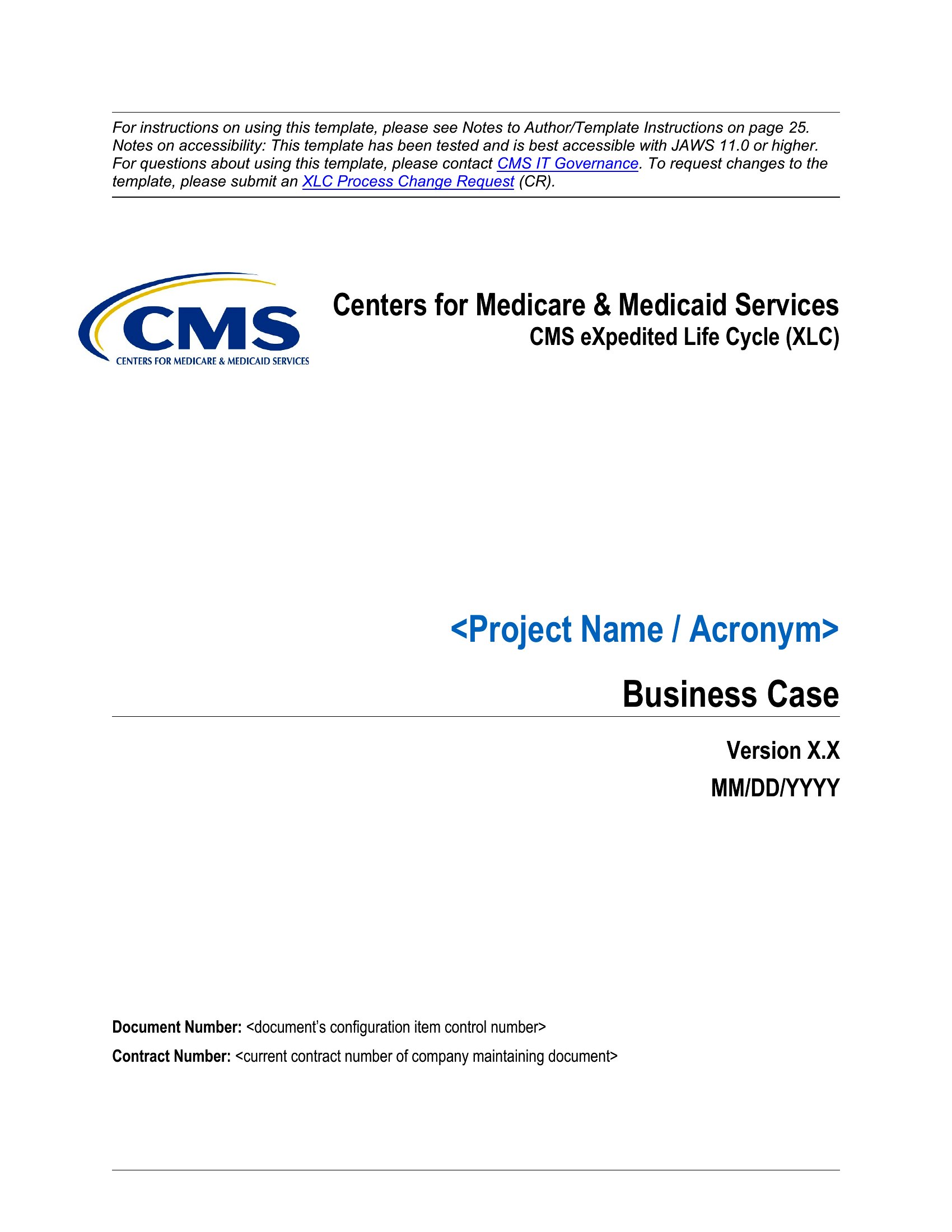
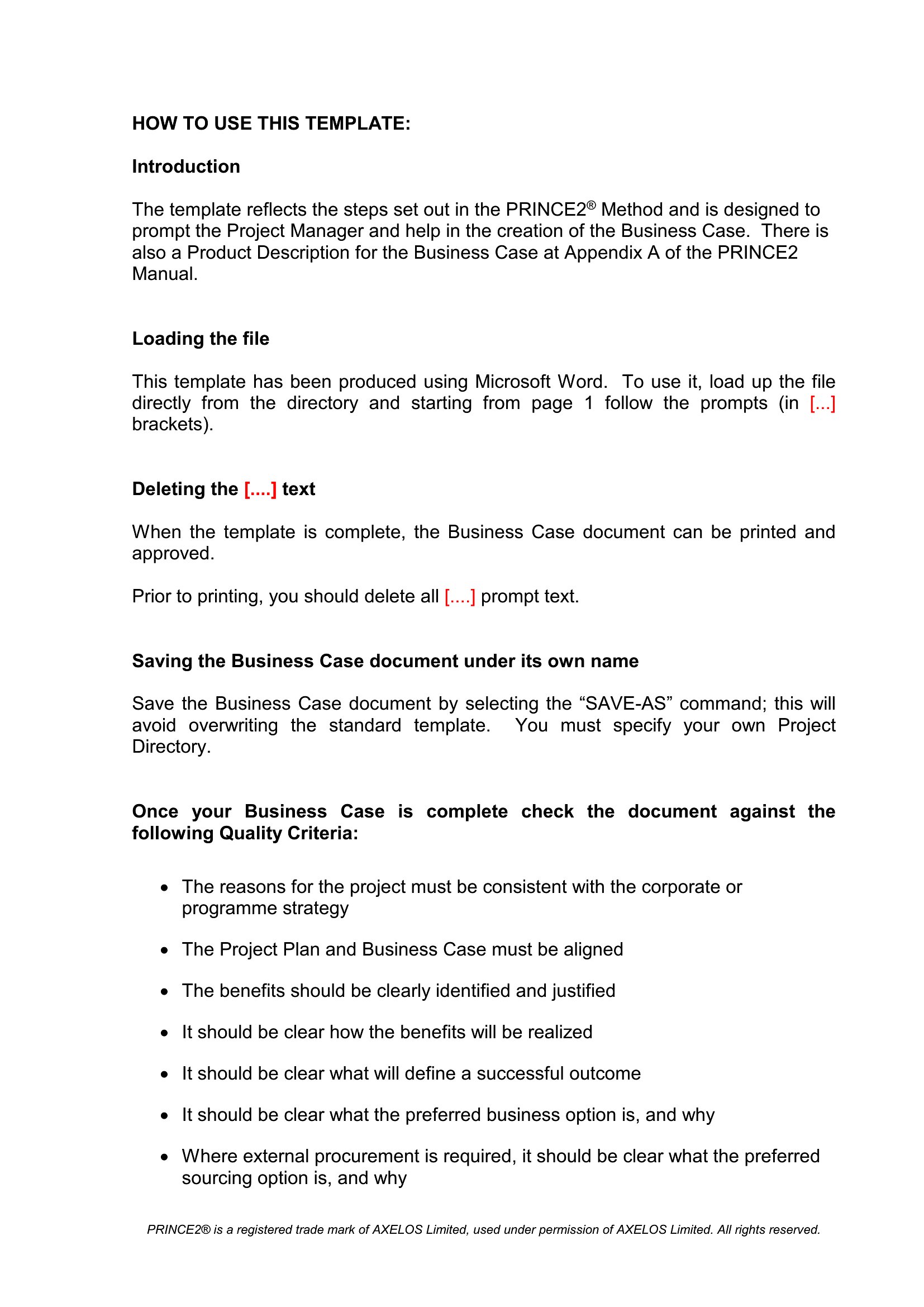
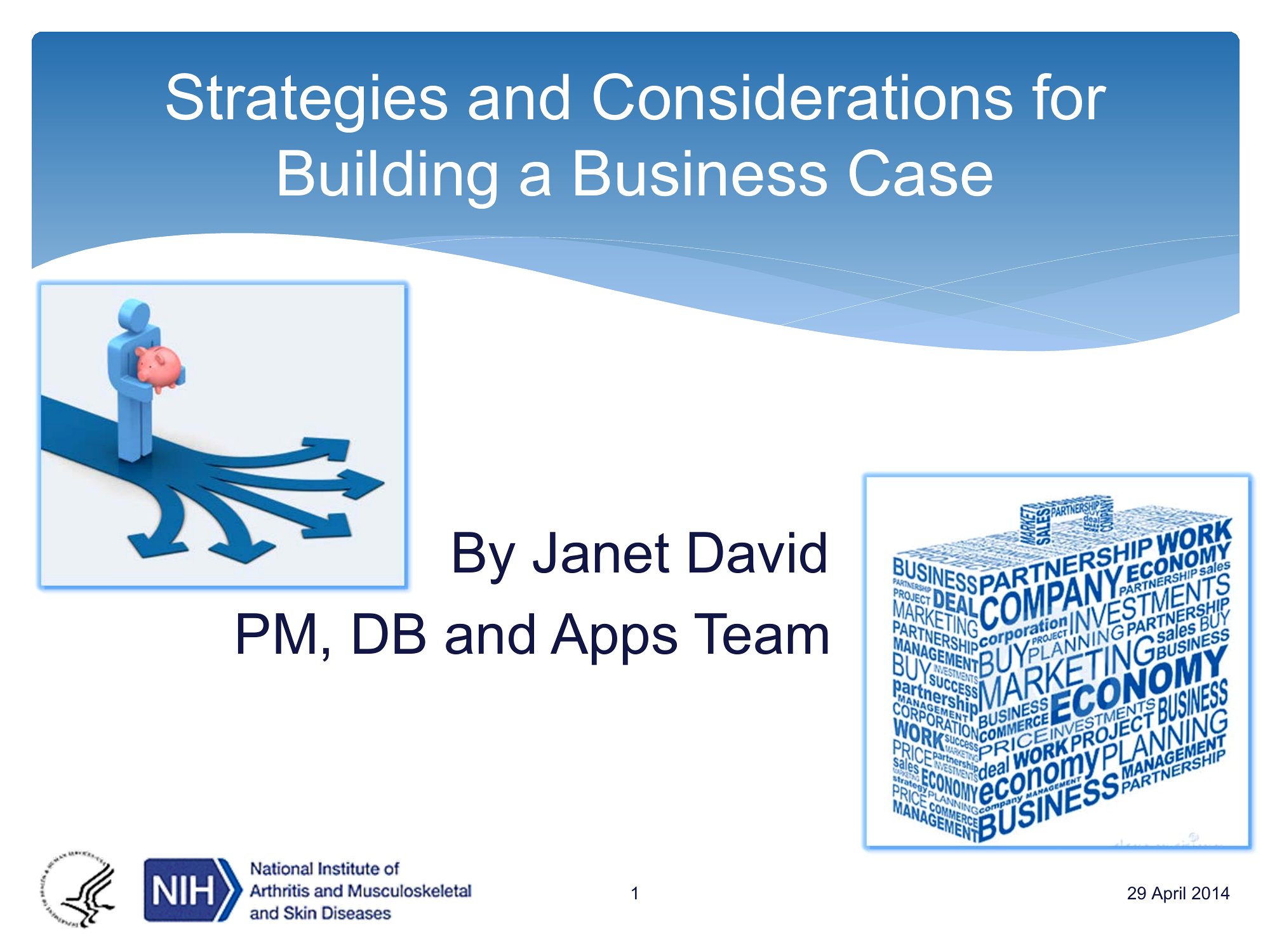
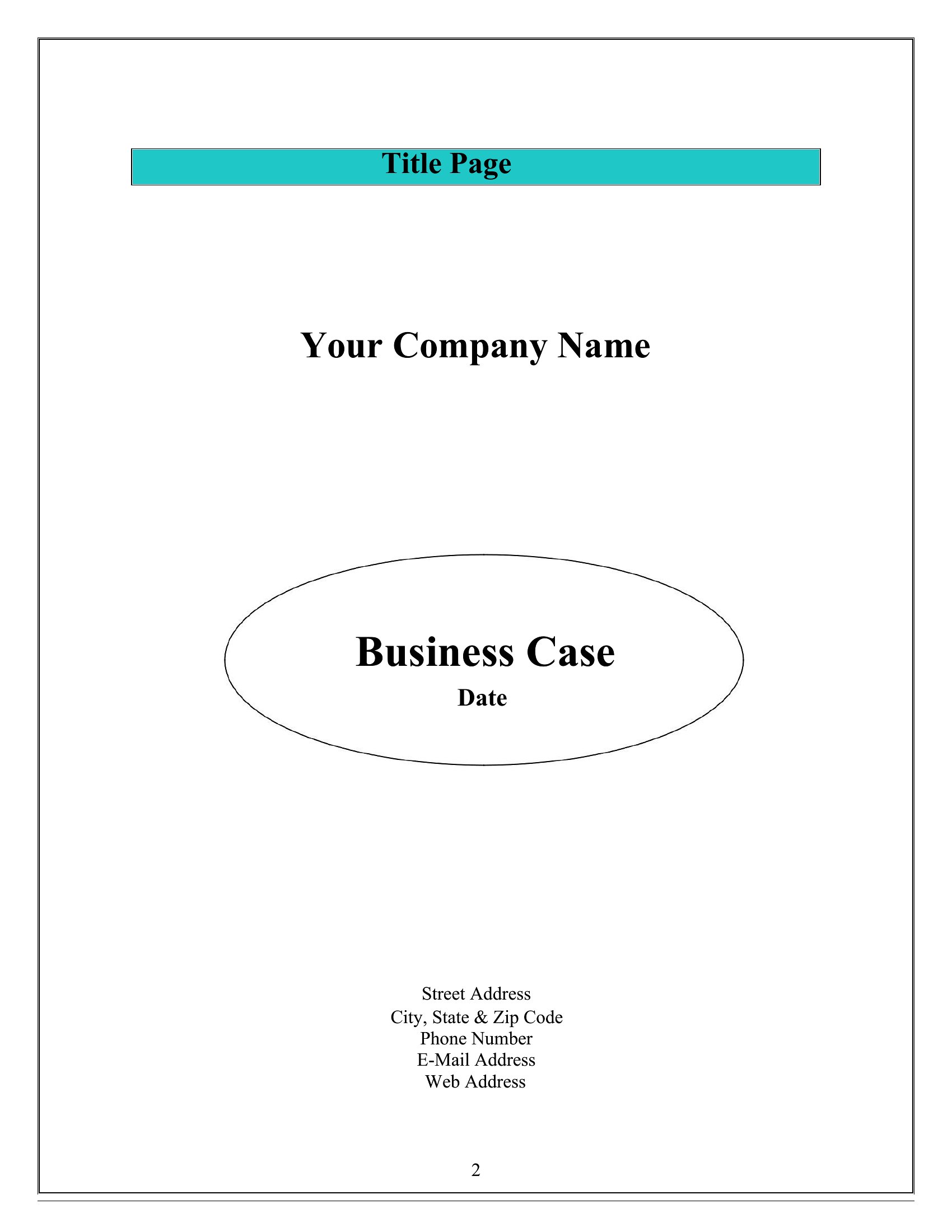
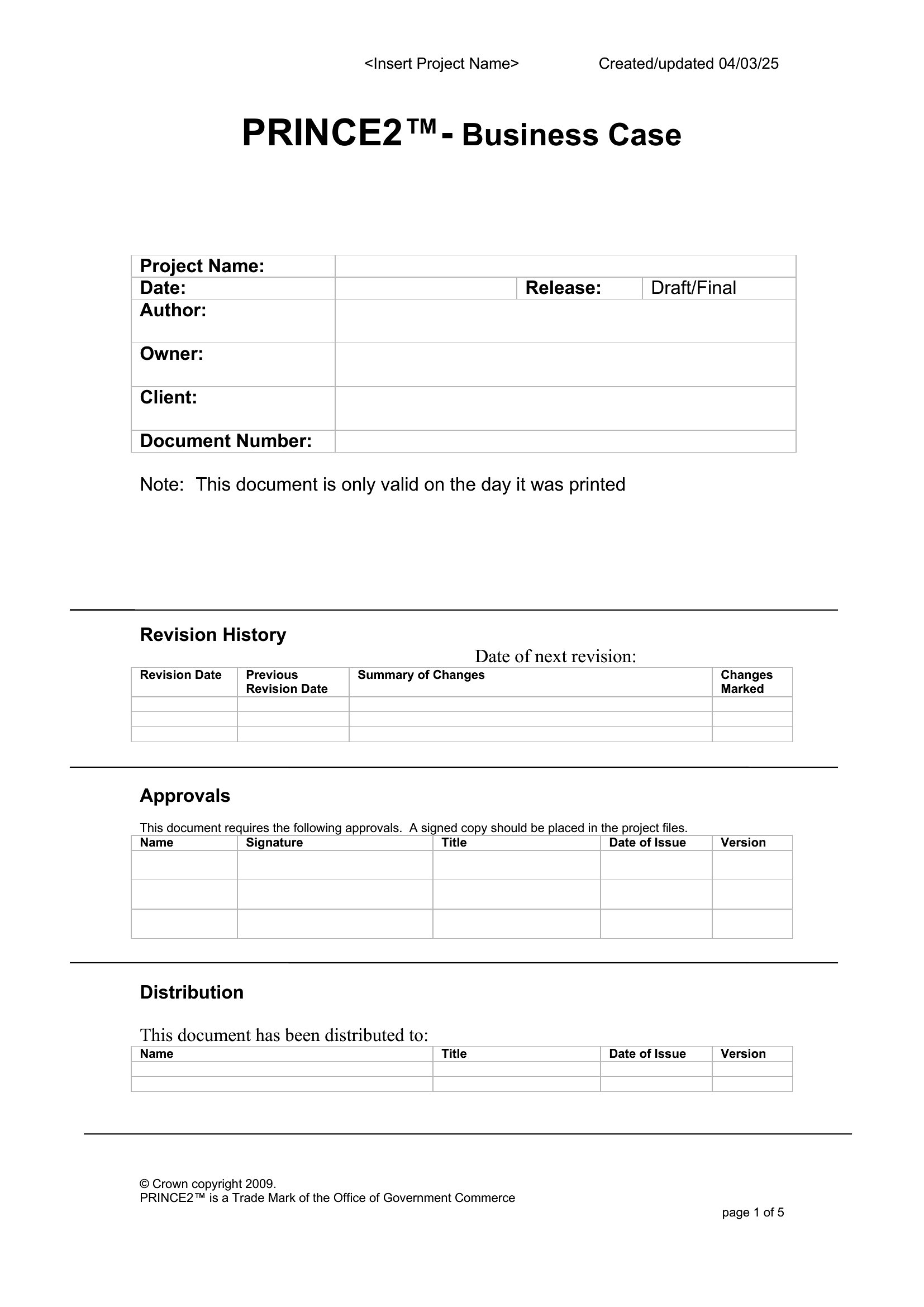
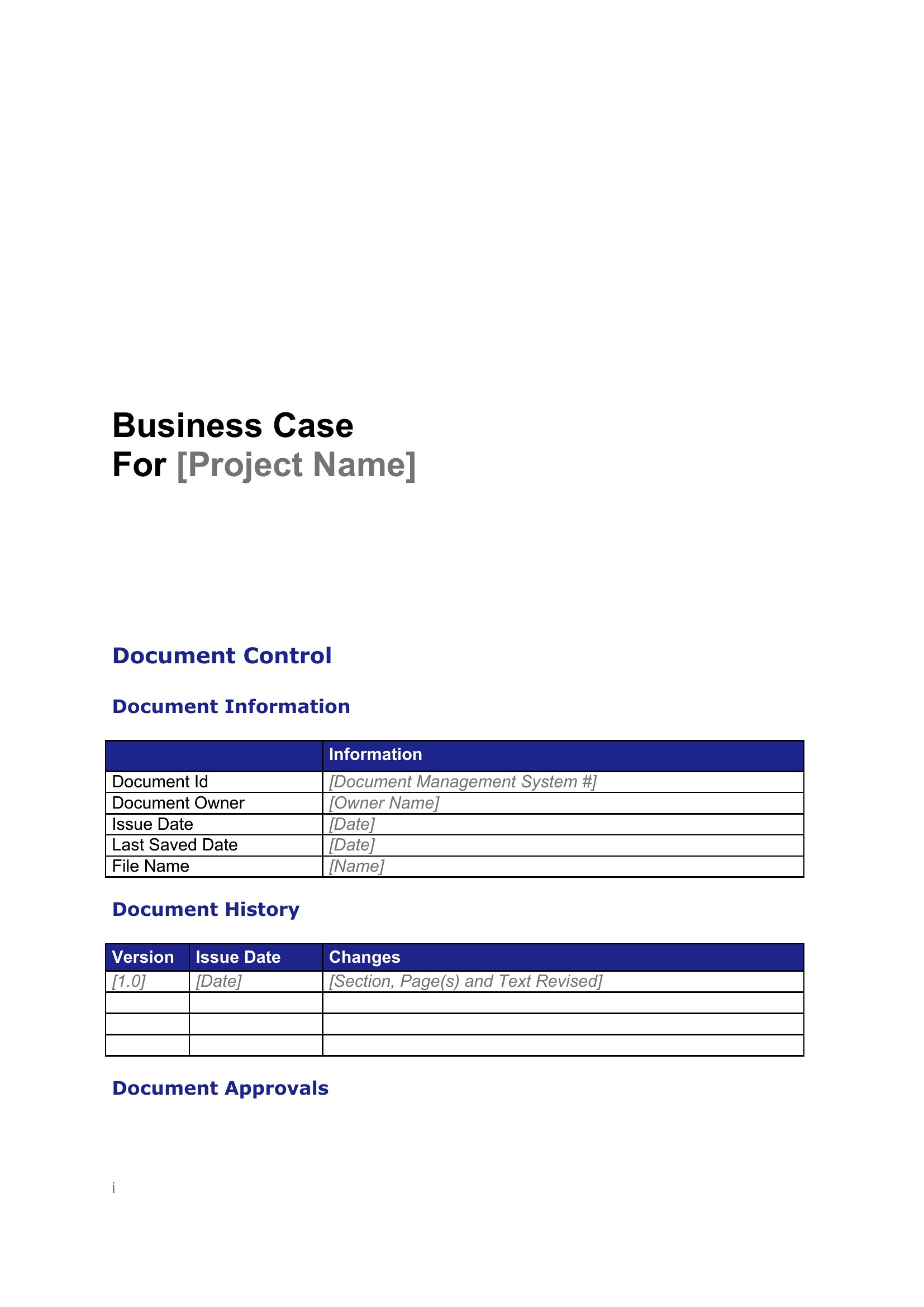
Free Business Case Templates (Word, PDF)
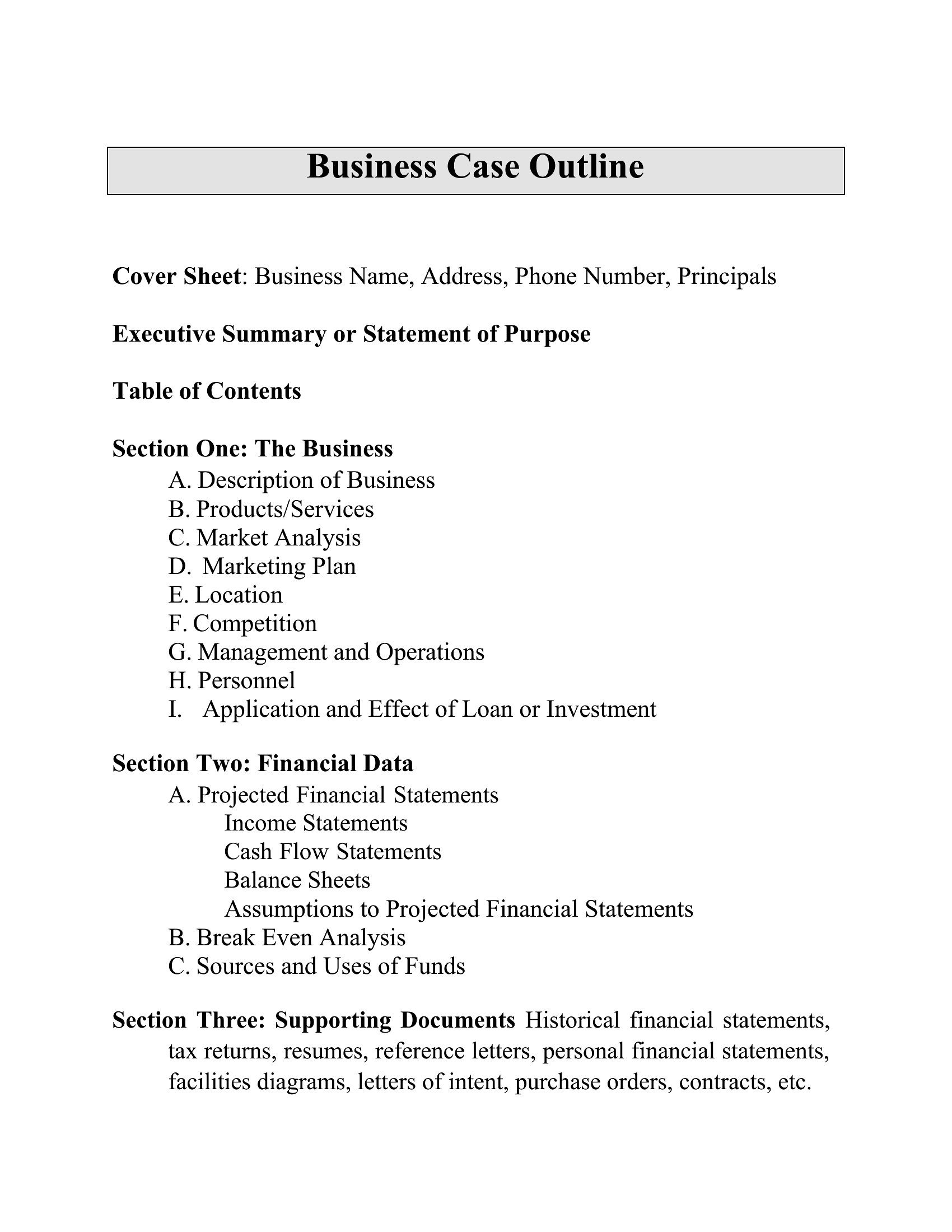
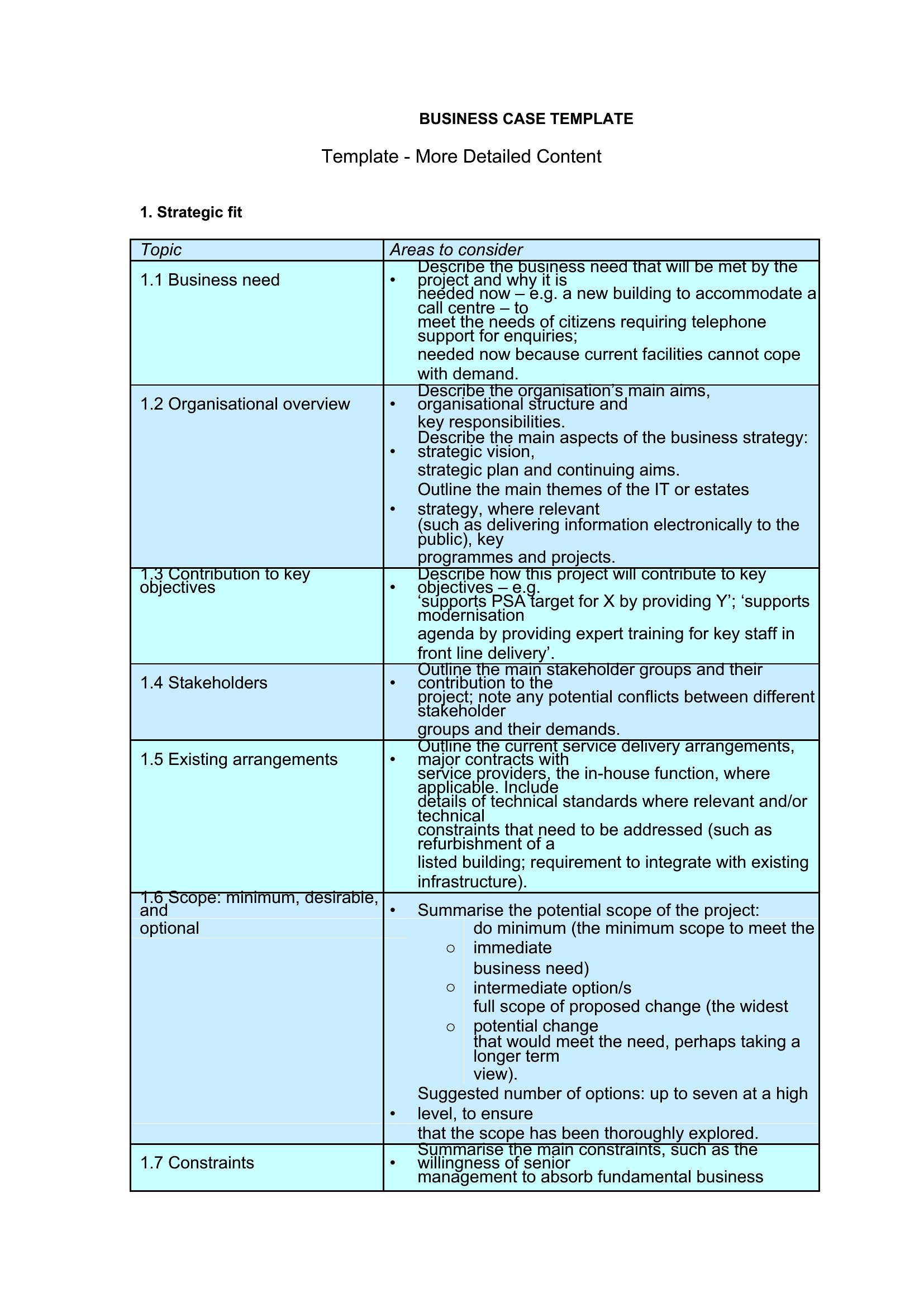
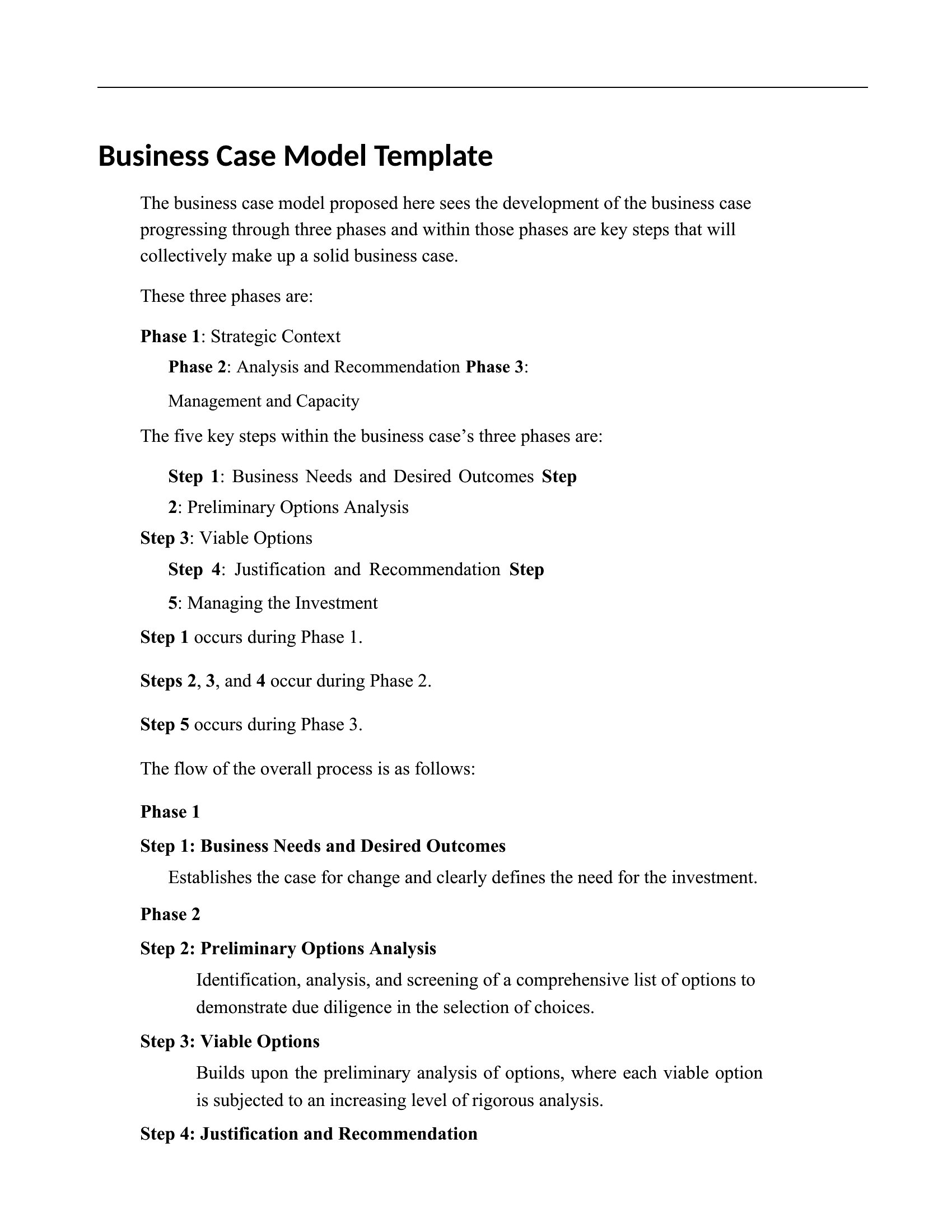
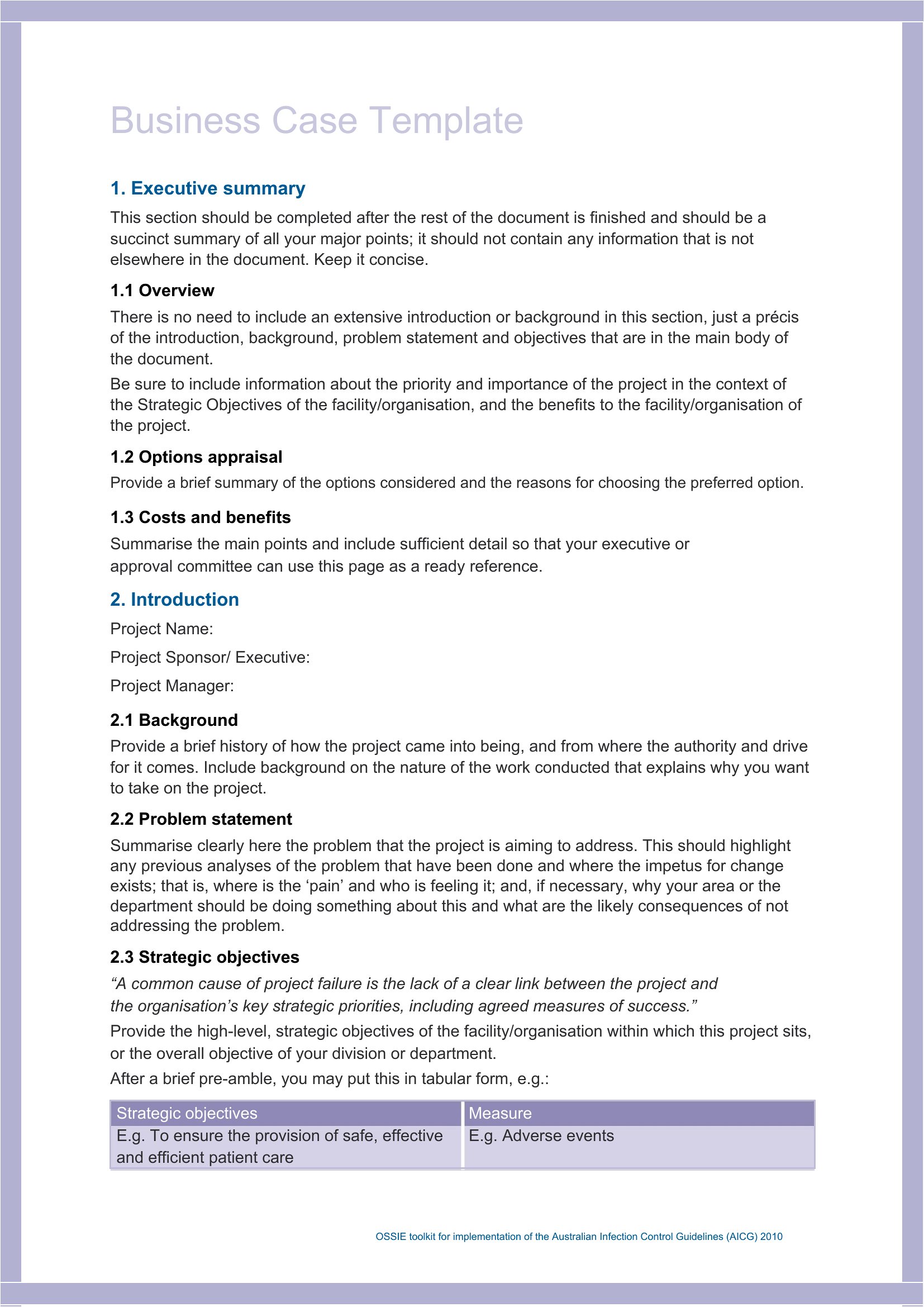
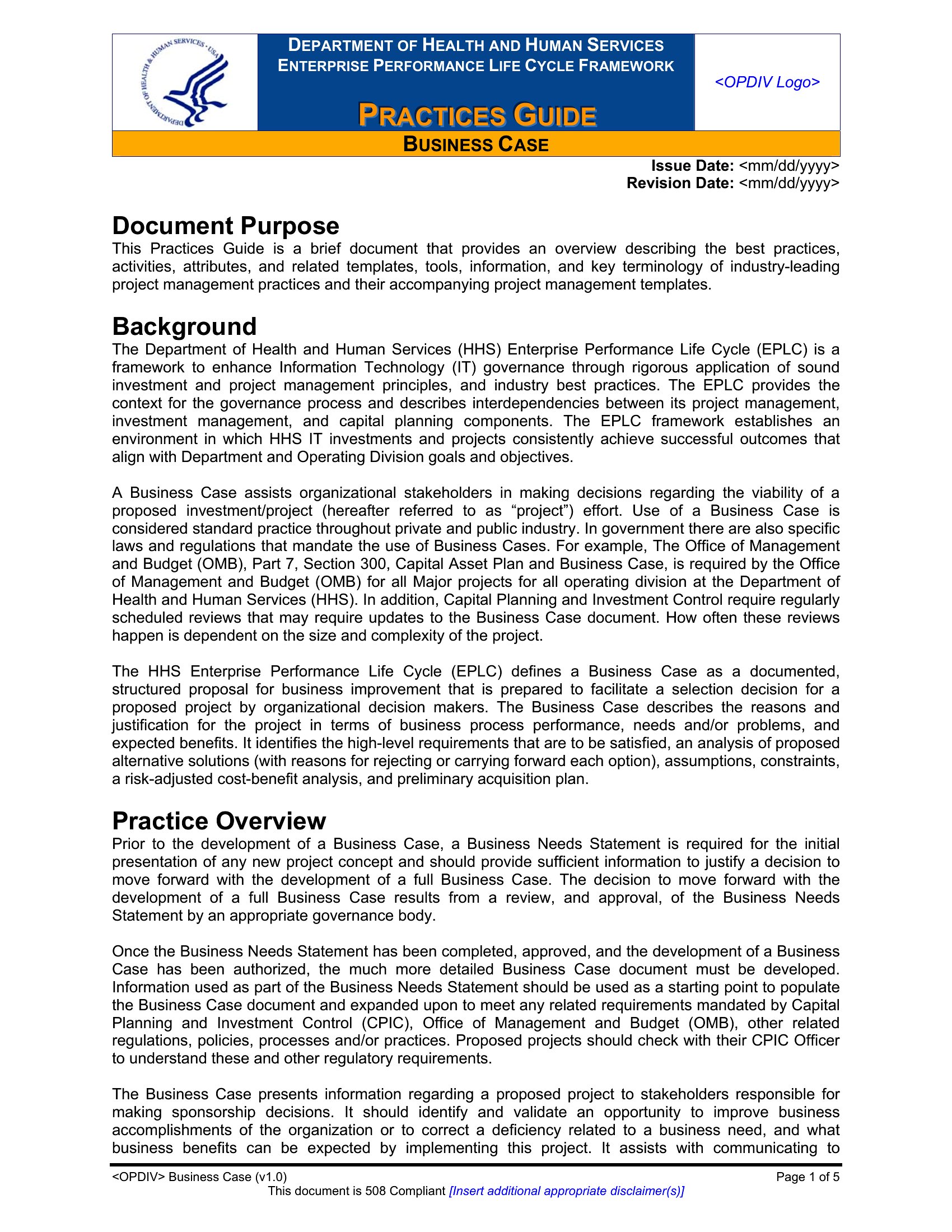
AnalysisA strong business case spells out why a project deserves funding, weighing the costs, benefits, risks, and expected return so decision-makers can say yes with confidence. This collection of 61 templates helps managers, analysts, and entrepreneurs build that argument clearly, from a quick one-page summary to a detailed proposal. Lay out the problem, the options, and the payoff, and let the numbers make your case.
You'll find versions in Word for full write-ups and clean PDFs for sharing with stakeholders. Plug in your figures, adjust the sections to fit your project, and present a proposal that's easy to follow. Treat any projections as estimates worth double-checking before you commit. Download the template that fits your project and start building your case.
When to use this Business Case template
- Product managers pitching a new SaaS feature to stakeholders who need a concise 2-page summary of ROI, timeline, and risk mitigation before approving development funds.
- Nonprofit directors preparing for a board meeting where they must justify a $500K grant request by comparing three program options with measurable community impact metrics.
- Hospital administrators drafting a business case for a new electronic health record system, blending clinical workflow improvements with 5-year cost-benefit projections for CFO review.
- Startup founders seeking seed funding and needing a narrative-driven 10-page document that ties market validation data to a clear path for scaling revenue within 18 months.
Which format should I download?
Use Word when you need to collaborate with team members or stakeholders who require editable sections—such as a draft business case where financial assumptions may shift. The interactive nature of Word lets you revise scenarios and incorporate feedback before finalizing. Choose PDF when your audience demands a polished, non-editable presentation (e.g., submitting to investors or regulators) or when you’re distributing a final version that shouldn’t be altered. PDFs also preserve formatting for complex charts or tables, ensuring consistency across devices.
Choose from 61 Business Case Templates
How to use this Business Case template
How do I handle highly sensitive or proprietary data in a business case template?
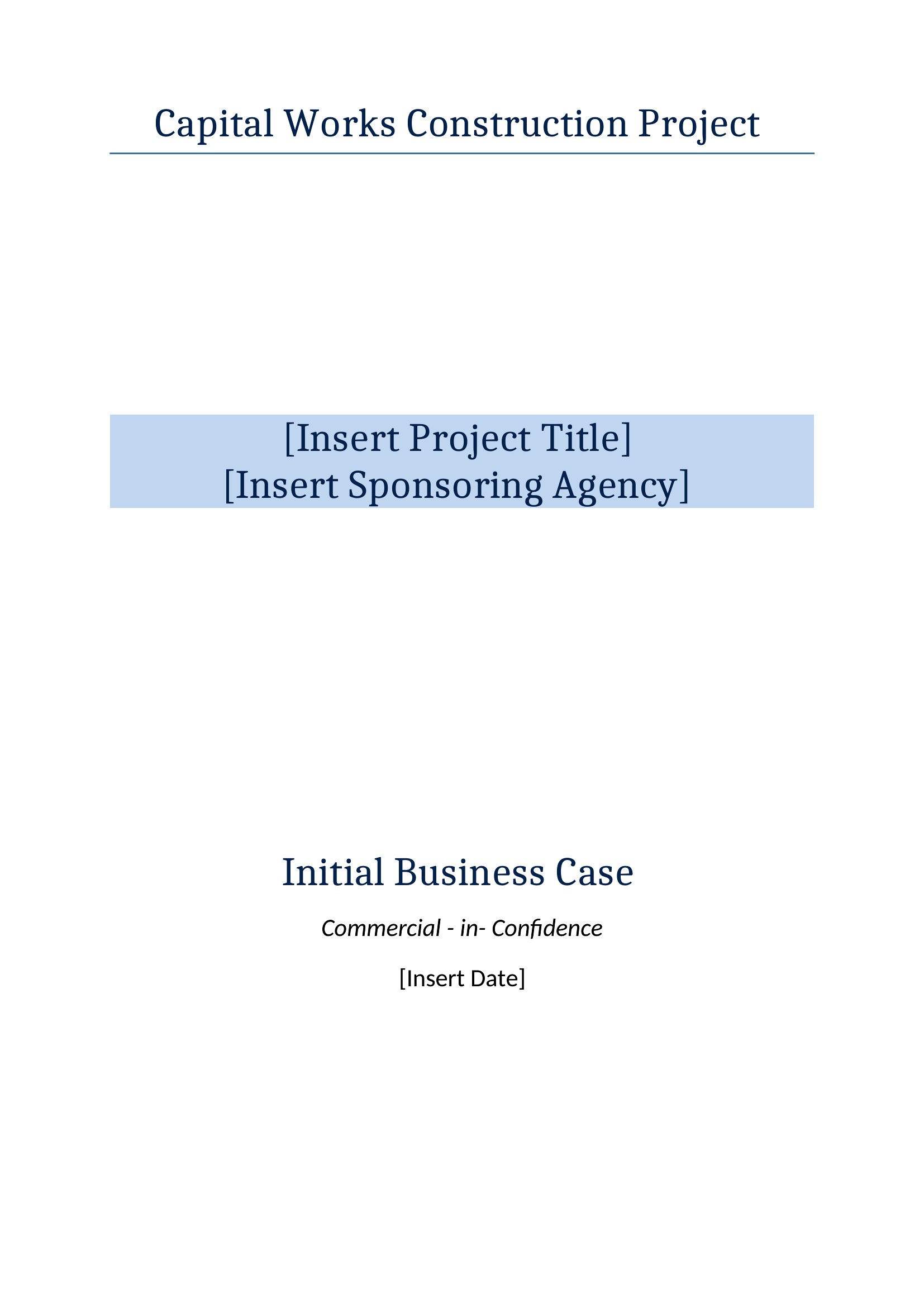
Treat templates as frameworks, not final documents. Replace placeholder figures with your actual data while redacting or encrypting confidential details before sharing. For internal use, restrict access to the editable Word version; for external submissions, use a PDF with sanitized numbers or summary-level insights. Always consult your legal or compliance team to ensure alignment with data protection policies.
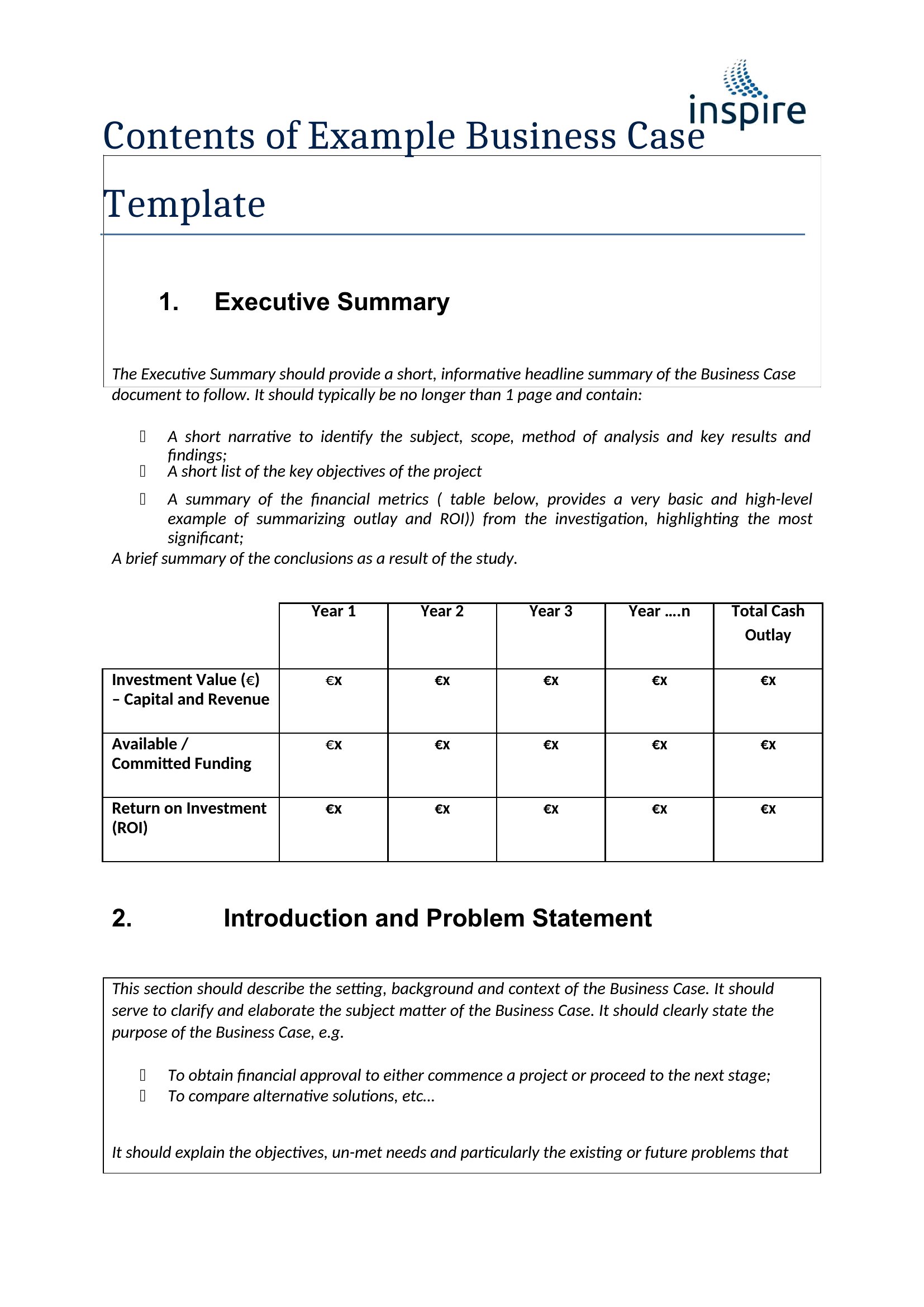
Can these templates help structure a business case for a non-revenue-generating initiative, like corporate social responsibility projects?
Absolutely. Many templates include sections for qualitative benefits, such as brand reputation or employee engagement, alongside cost analyses. Focus on measurable outcomes—like customer survey improvements or volunteer participation rates—and align them to your organization’s strategic goals. Use the ‘risk assessment’ section to highlight potential challenges, such as stakeholder skepticism or resource constraints.
What’s the best way to present a business case when decision-makers prefer visual over text-heavy documents?
Leverage the Word templates to create summaries with embedded charts, infographics, or Gantt-style timelines, then export to PDF for a clean, shareable format. Prioritize executive summaries with bullet-point key takeaways and use color-coding to distinguish costs, benefits, and risks. For deeper dives, include appendices with detailed data tables or scenario analyses—link them in the main document for easy reference.
Comments
Join the conversation
Sign in to share your thoughts and leave a comment on this resource.