FAQ
How do I decide between a simple test plan and an Agile-focused one?
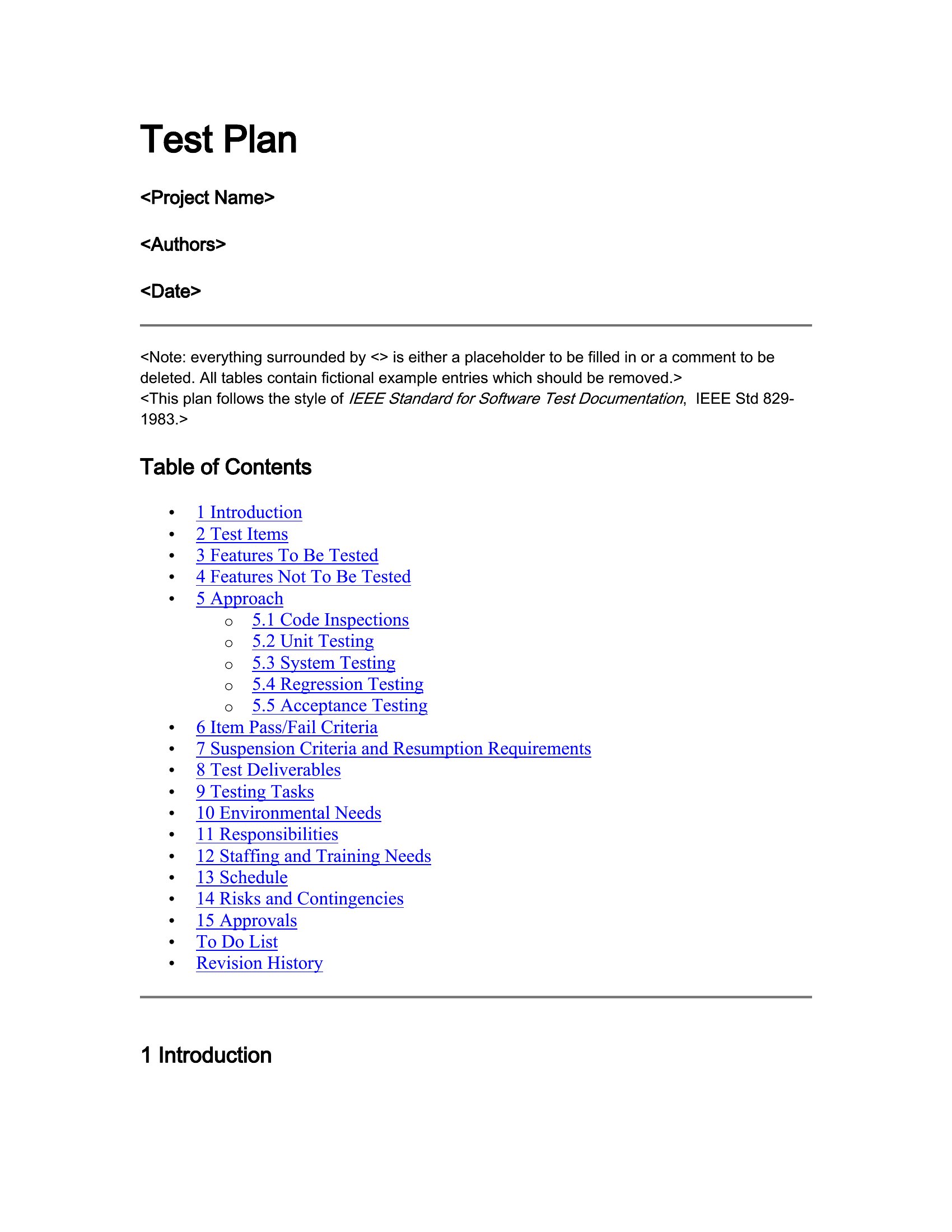
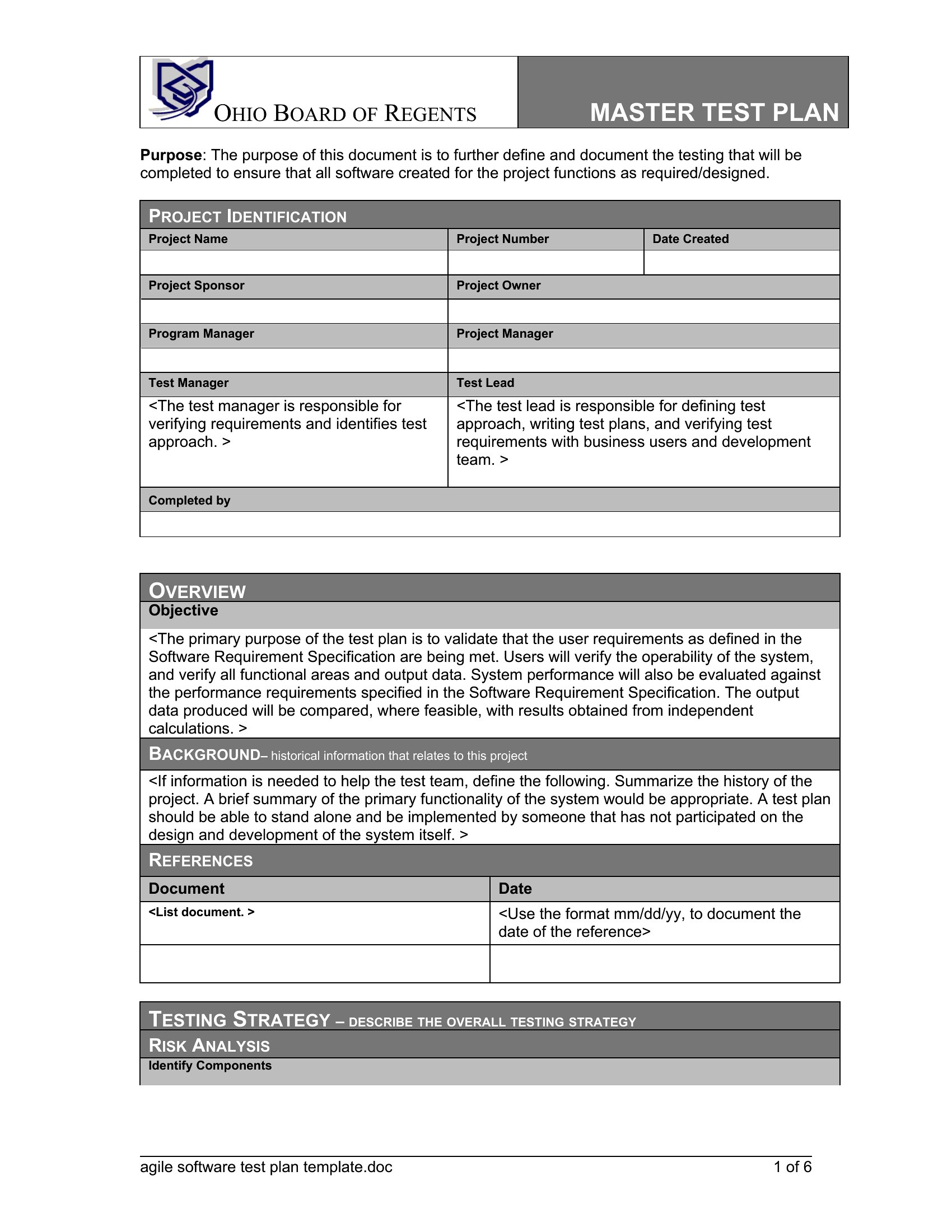
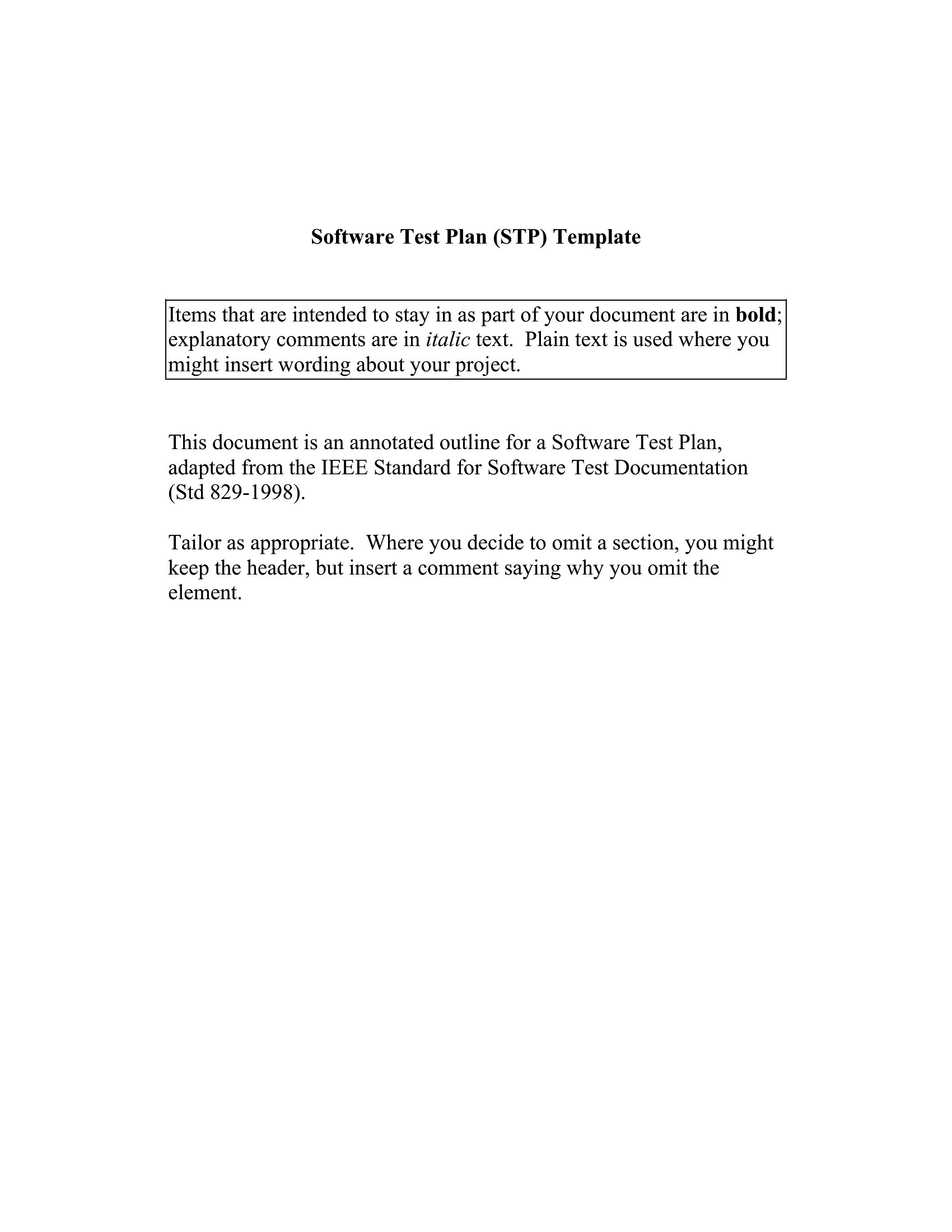
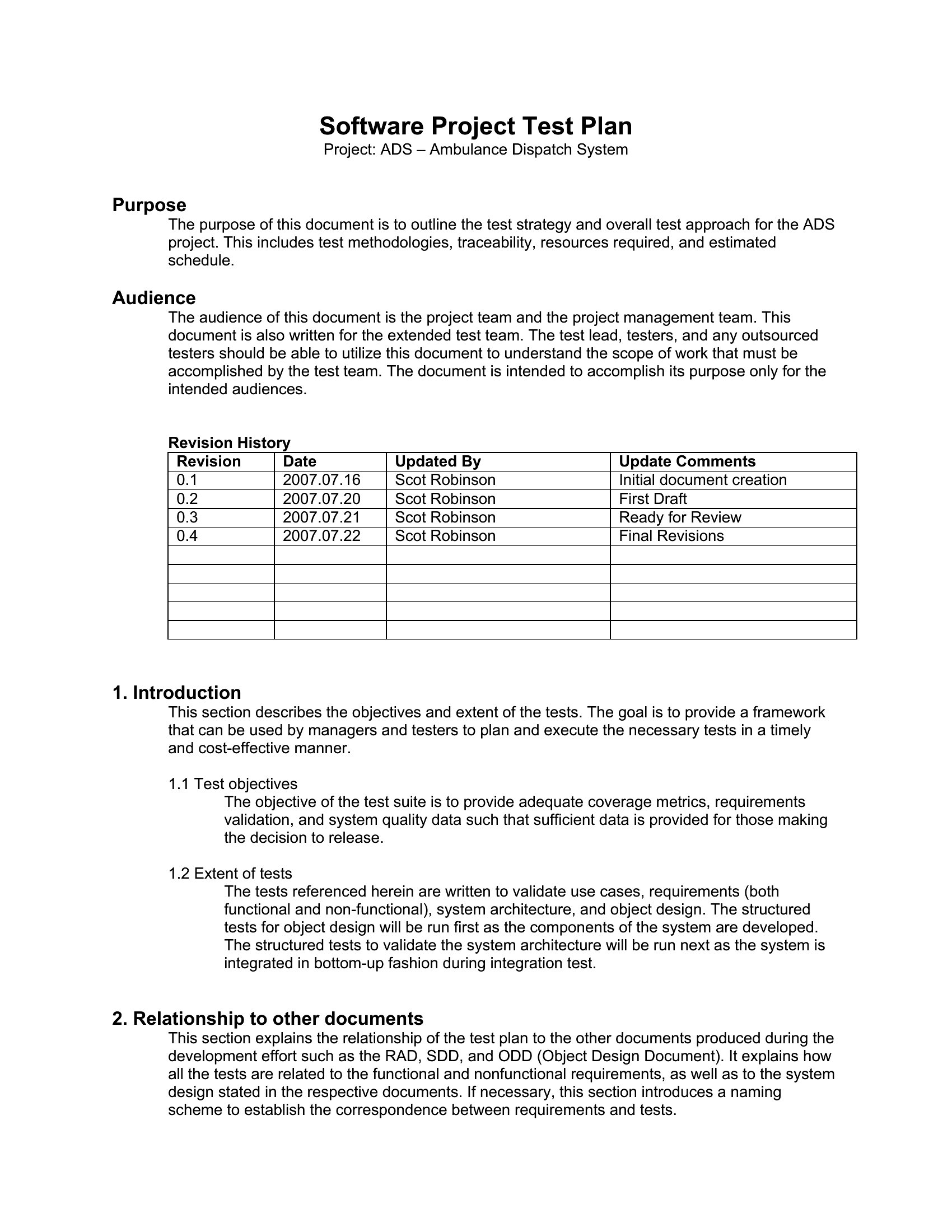
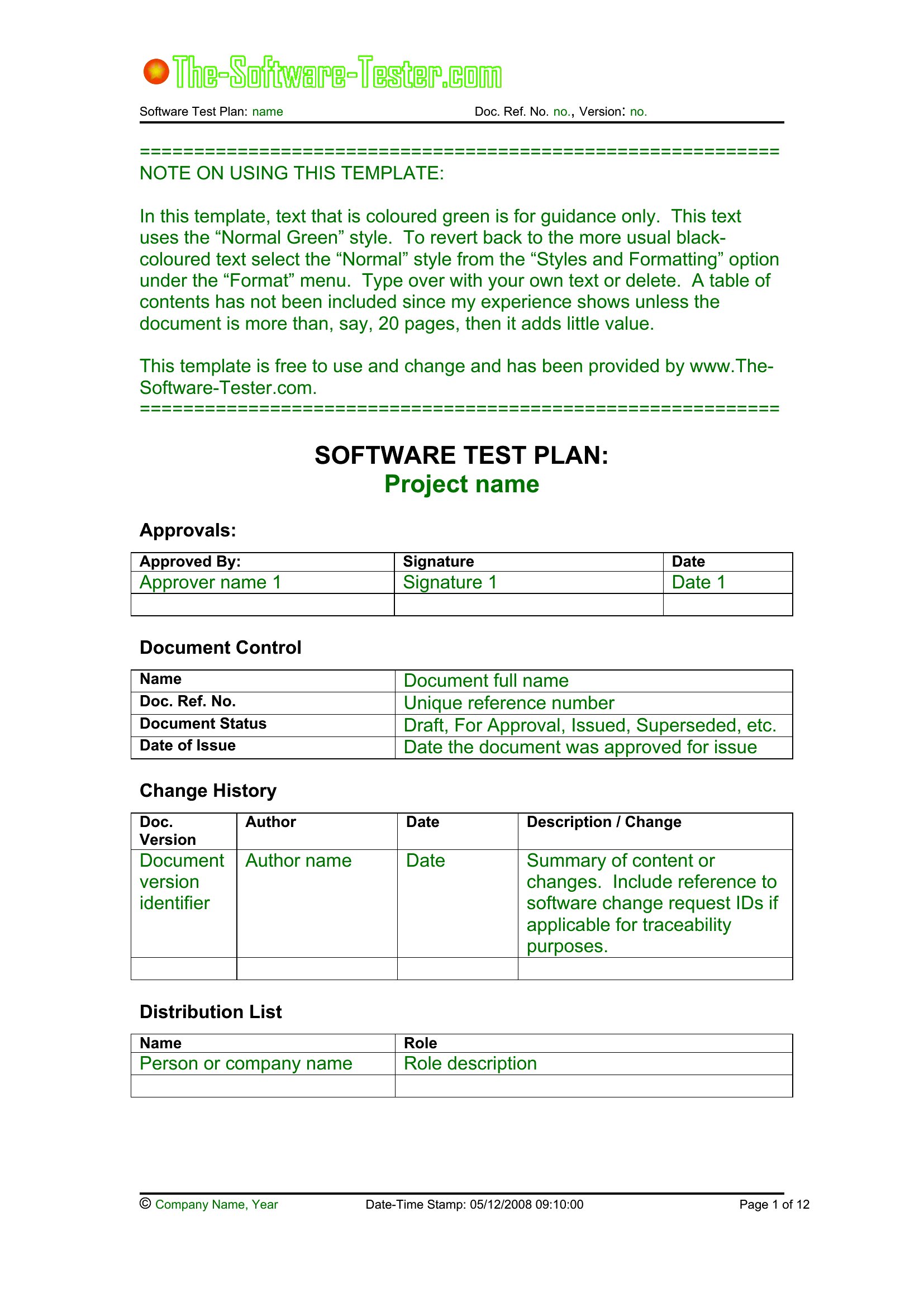
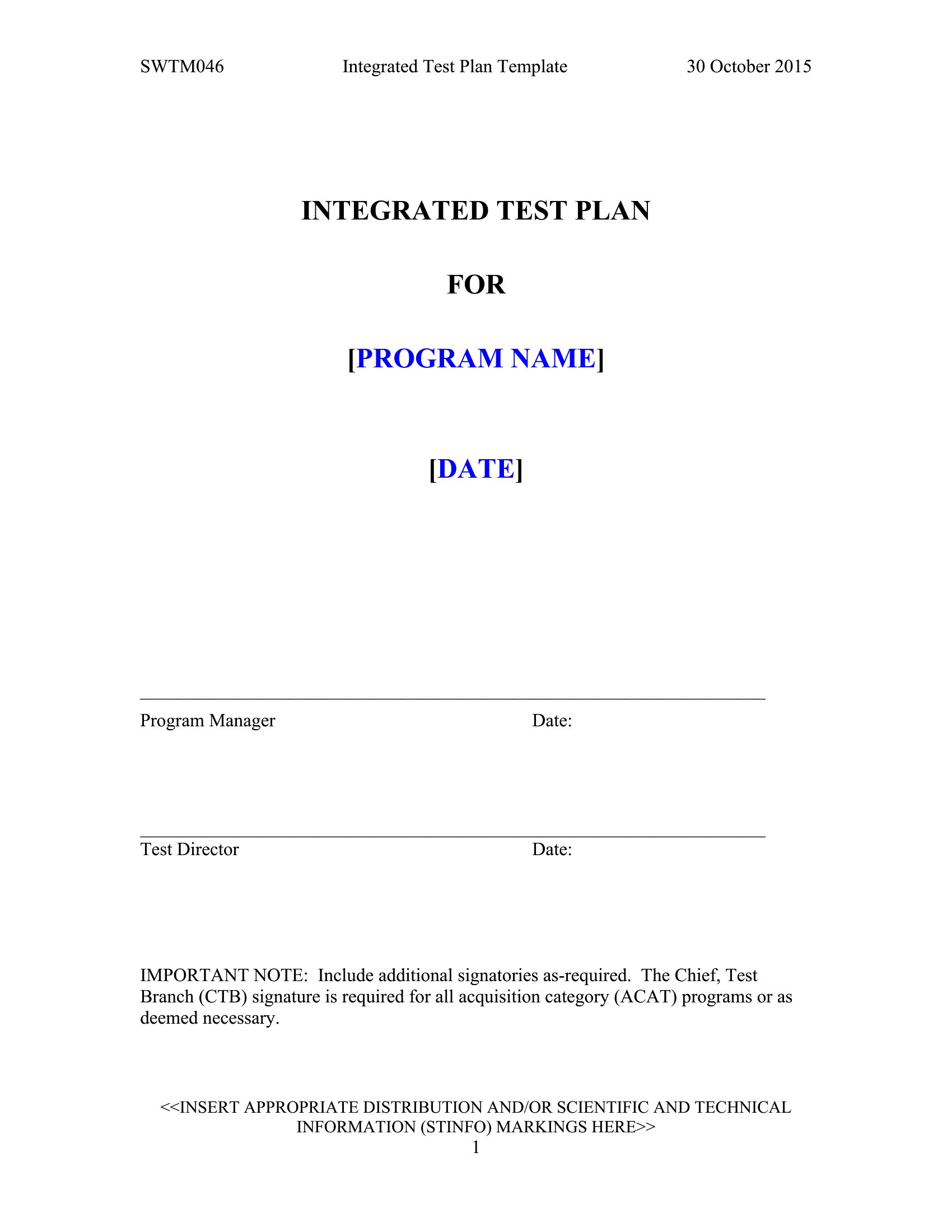
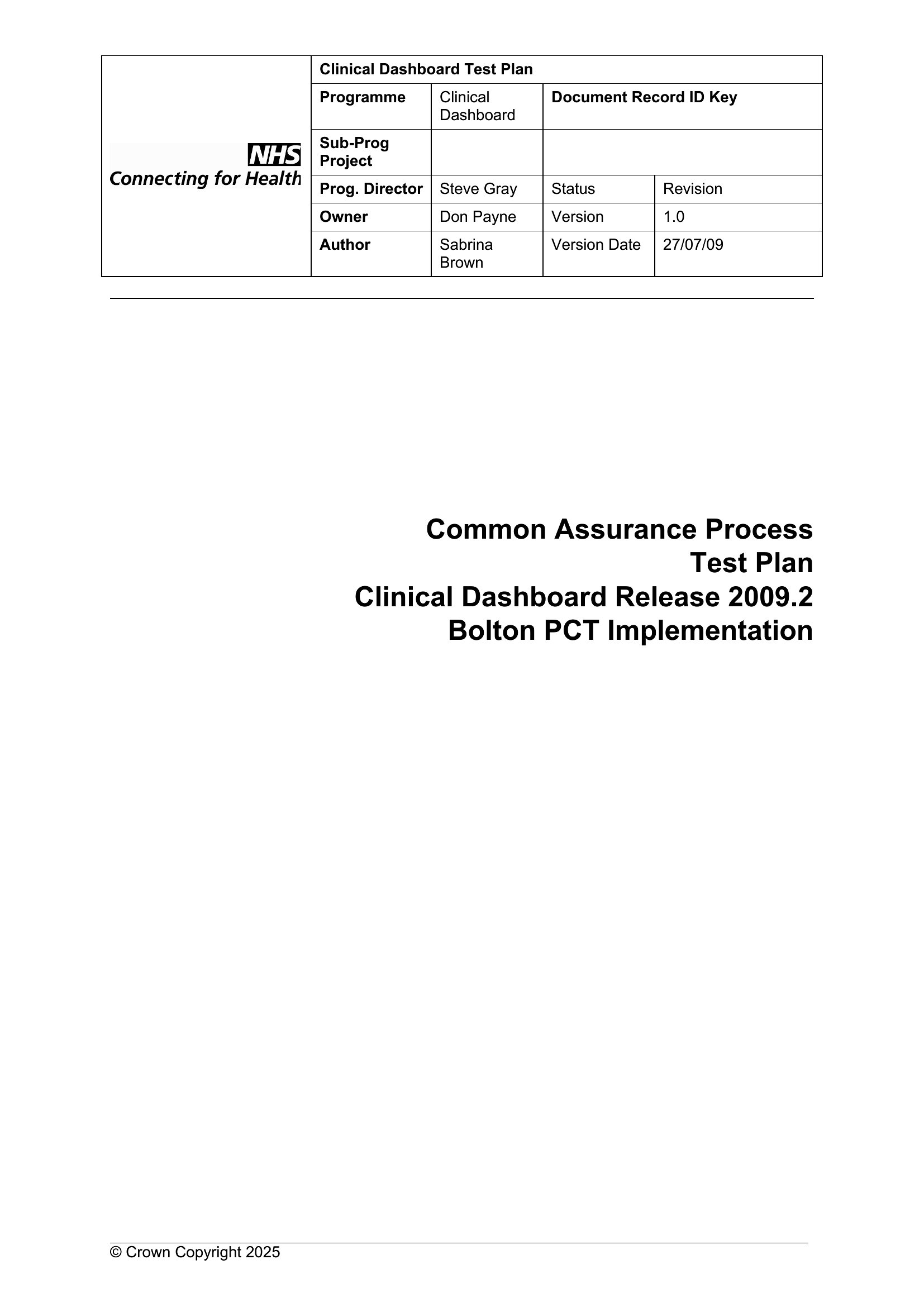
Use a simple test plan for linear projects with fixed scope, like a one-time desktop app update, where testing phases follow a clear sequence. Opt for the Agile template when your team works in sprints, prioritizing adaptability—it includes placeholders for evolving user stories and continuous feedback loops. The Agile version also aligns better with tools like Jira or Azure DevOps if you’re tracking test cases iteratively.
Can these templates help me define pass-fail criteria for non-functional tests like performance or security?
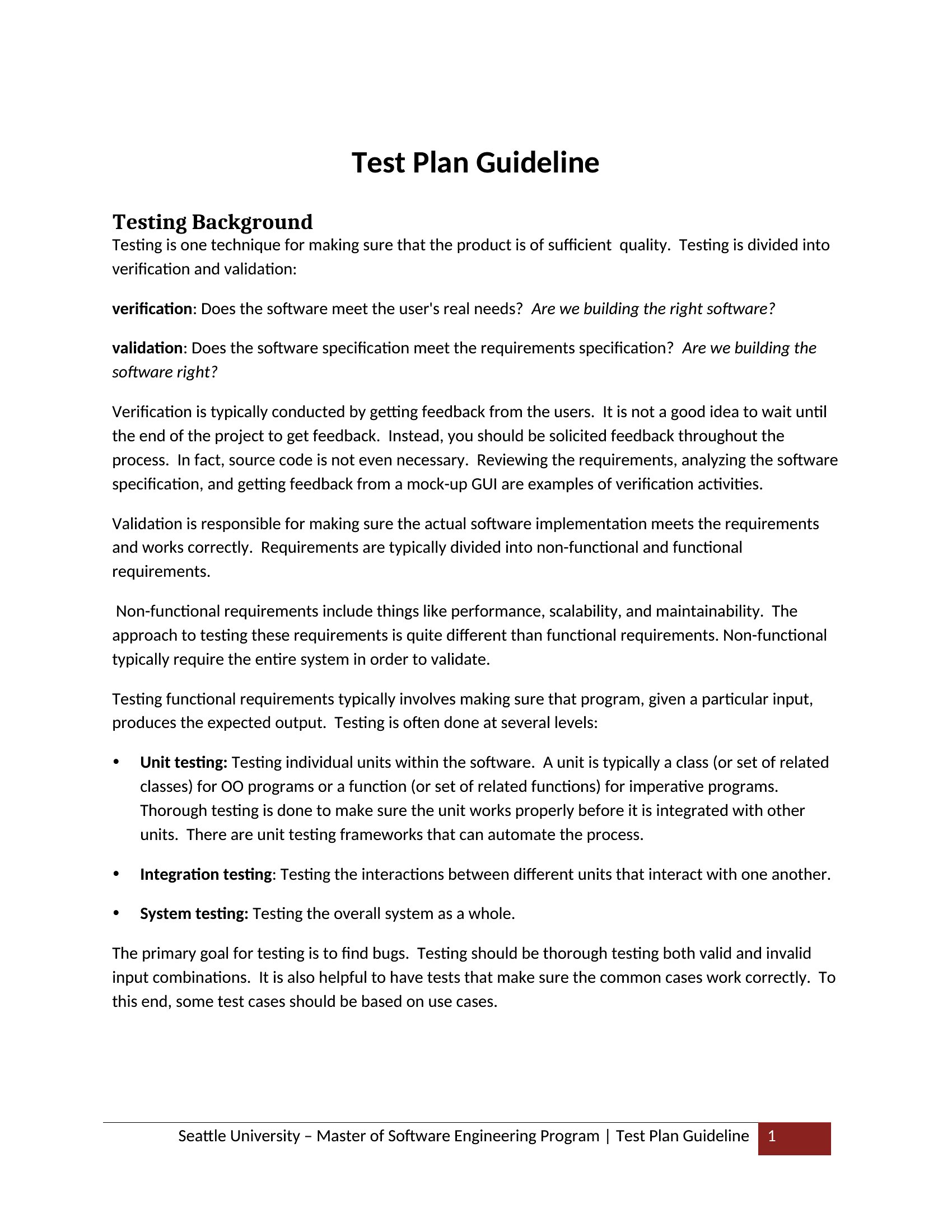
Yes, most templates include dedicated sections for non-functional testing, including performance (e.g., response time thresholds) and security (e.g., penetration test checklists). Fill in measurable benchmarks, such as ‘95% of API calls must complete under 2 seconds,’ or ‘No SQL injection vulnerabilities detected in OWASP Top 10 scans.’ Adjust the ‘Test Data’ and ‘Environment’ sections to reflect load-testing tools or security scanners you’ll use.
What’s the best way to reuse a template for a similar but different project?
Start by duplicating the Word file and saving it with a version-specific name (e.g., ‘ProjectX_UAT_TestPlan_v2’). Update the ‘Scope’ and ‘Test Objectives’ sections first to reflect new requirements, then copy relevant test cases from past projects into the ‘Test Cases’ table. Use Word’s ‘Compare’ feature to merge changes if multiple team members revise the same sections. Keep a ‘Master’ template locked to prevent accidental overwrites during updates.
Comments
Join the conversation
Sign in to share your thoughts and leave a comment on this resource.