Free Staffing Plan Templates (Word, Excel)
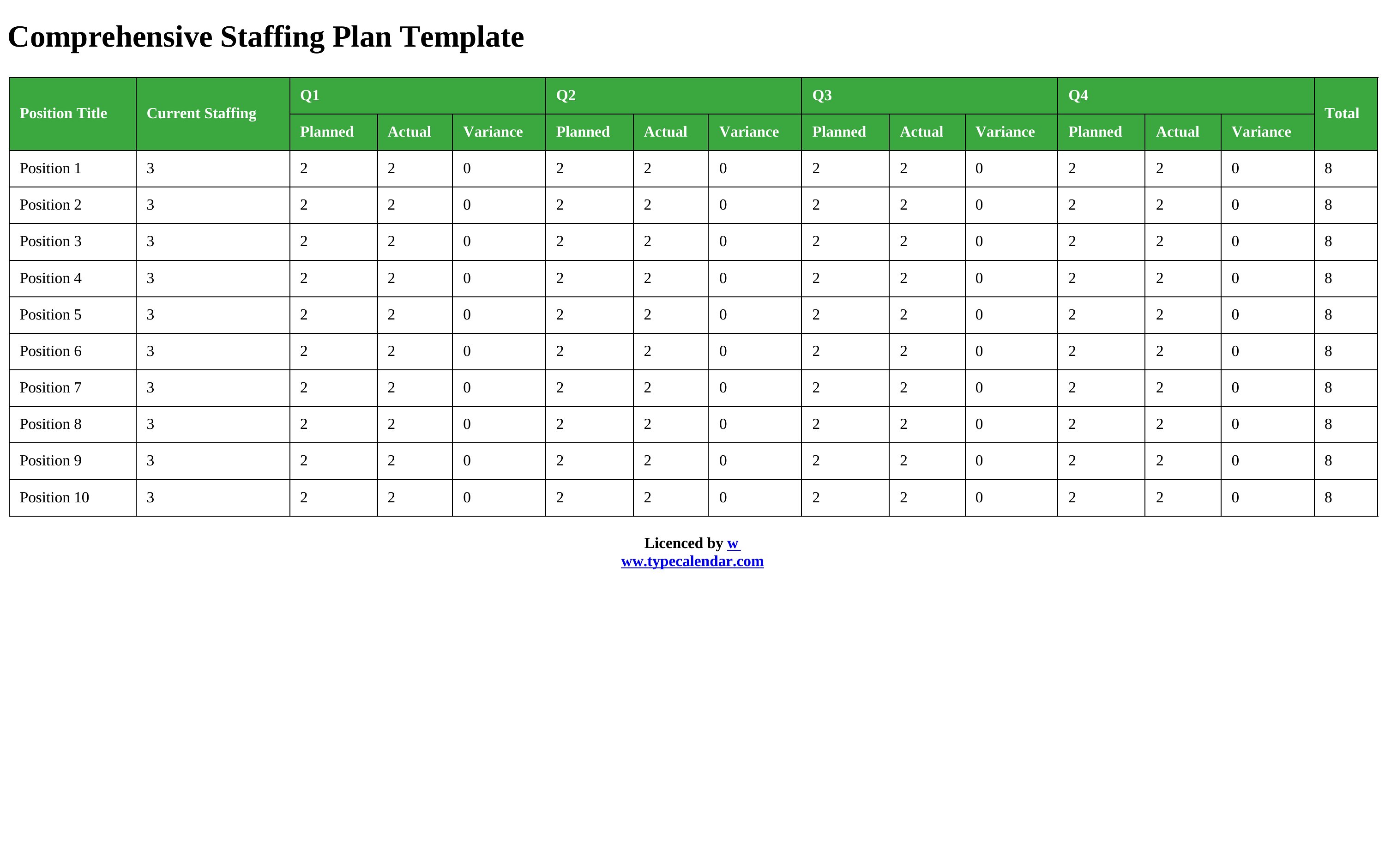
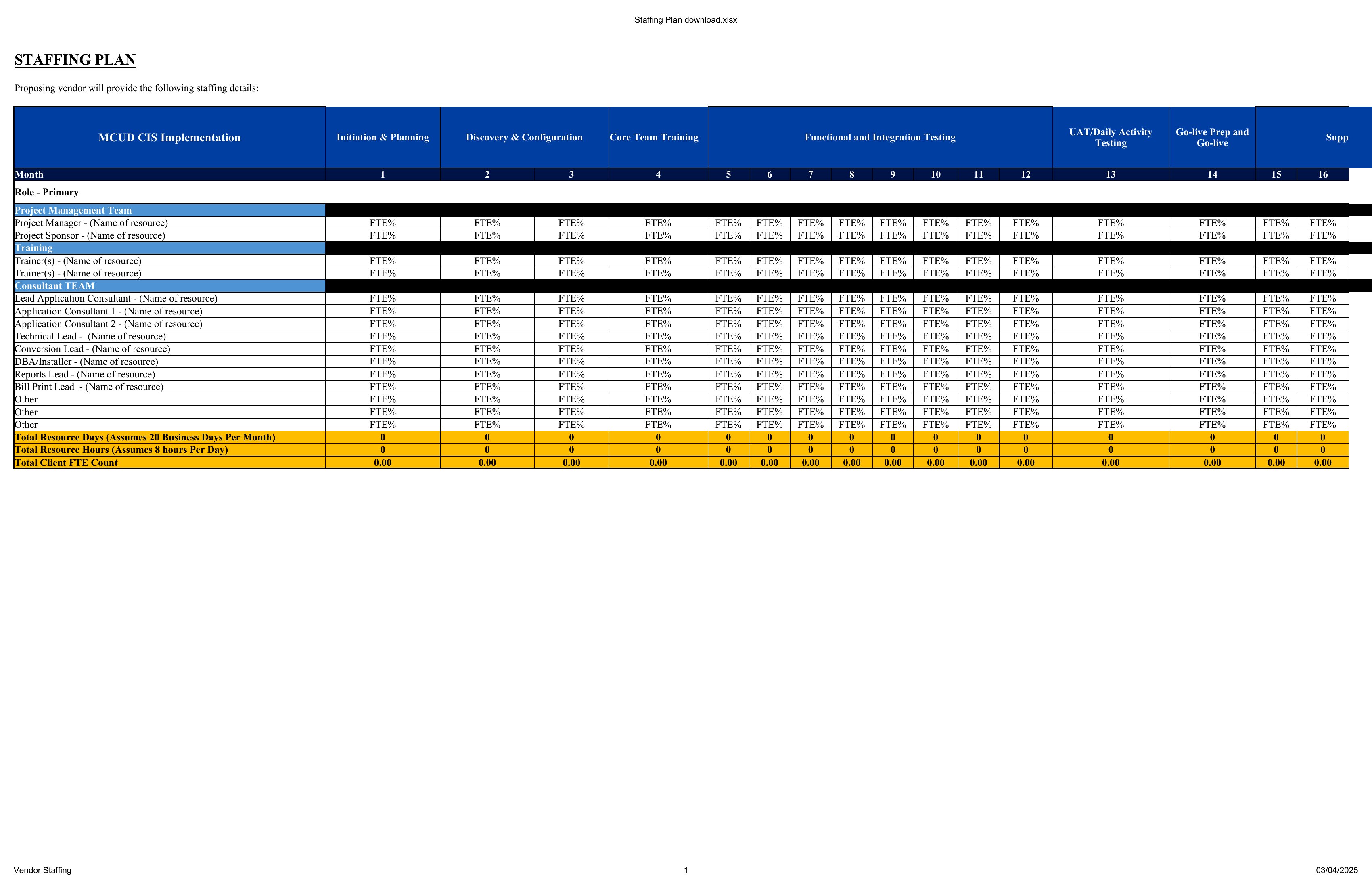
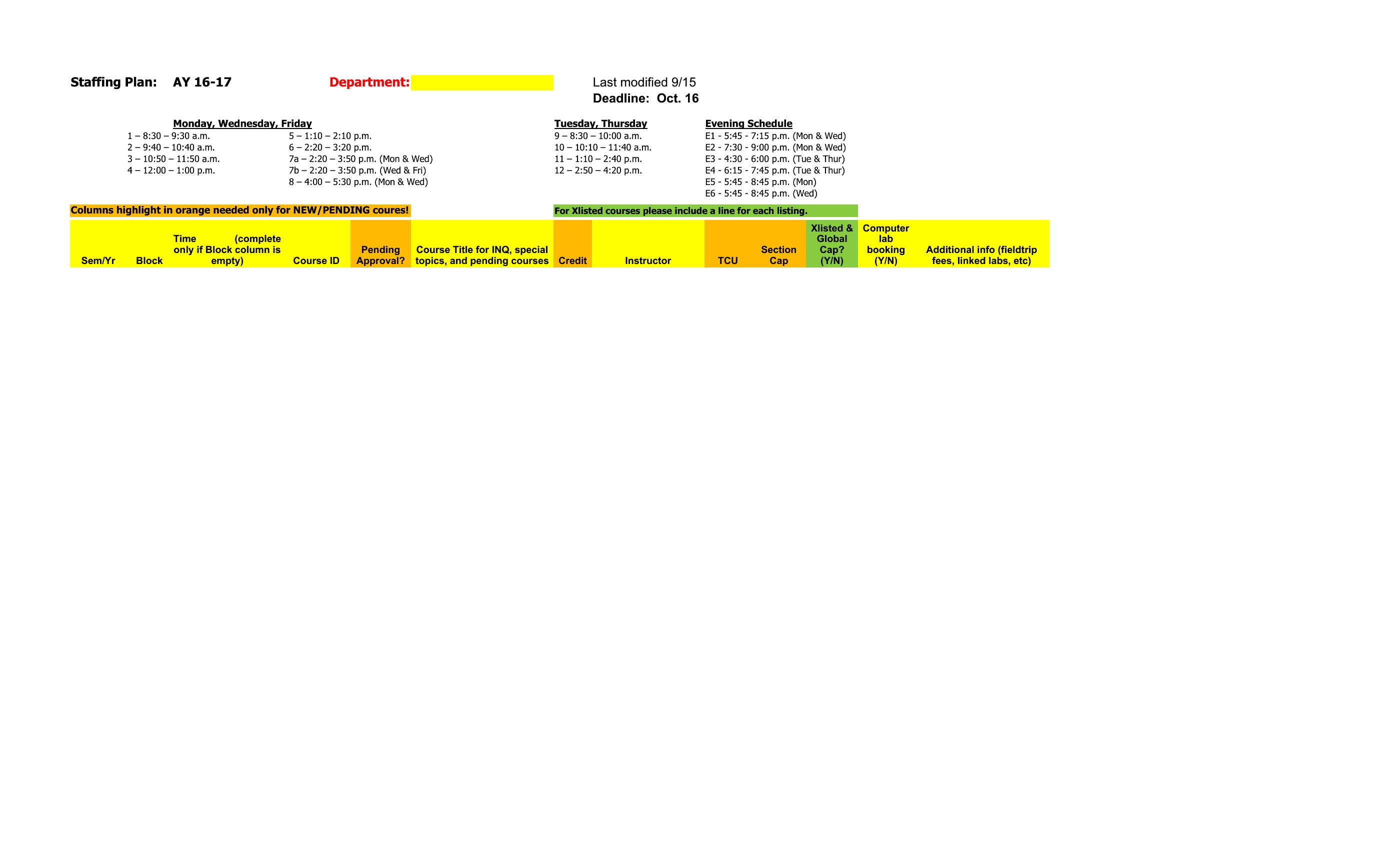
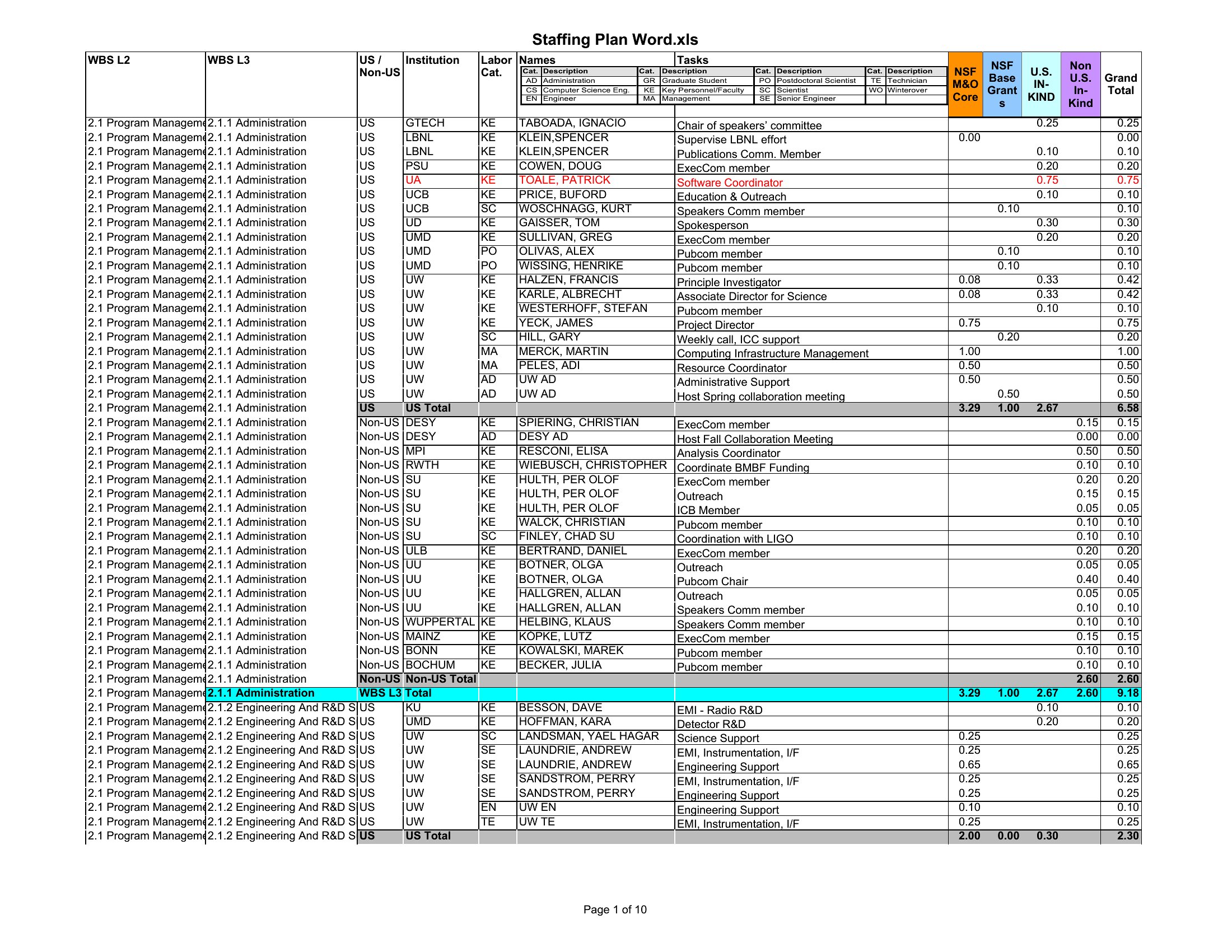
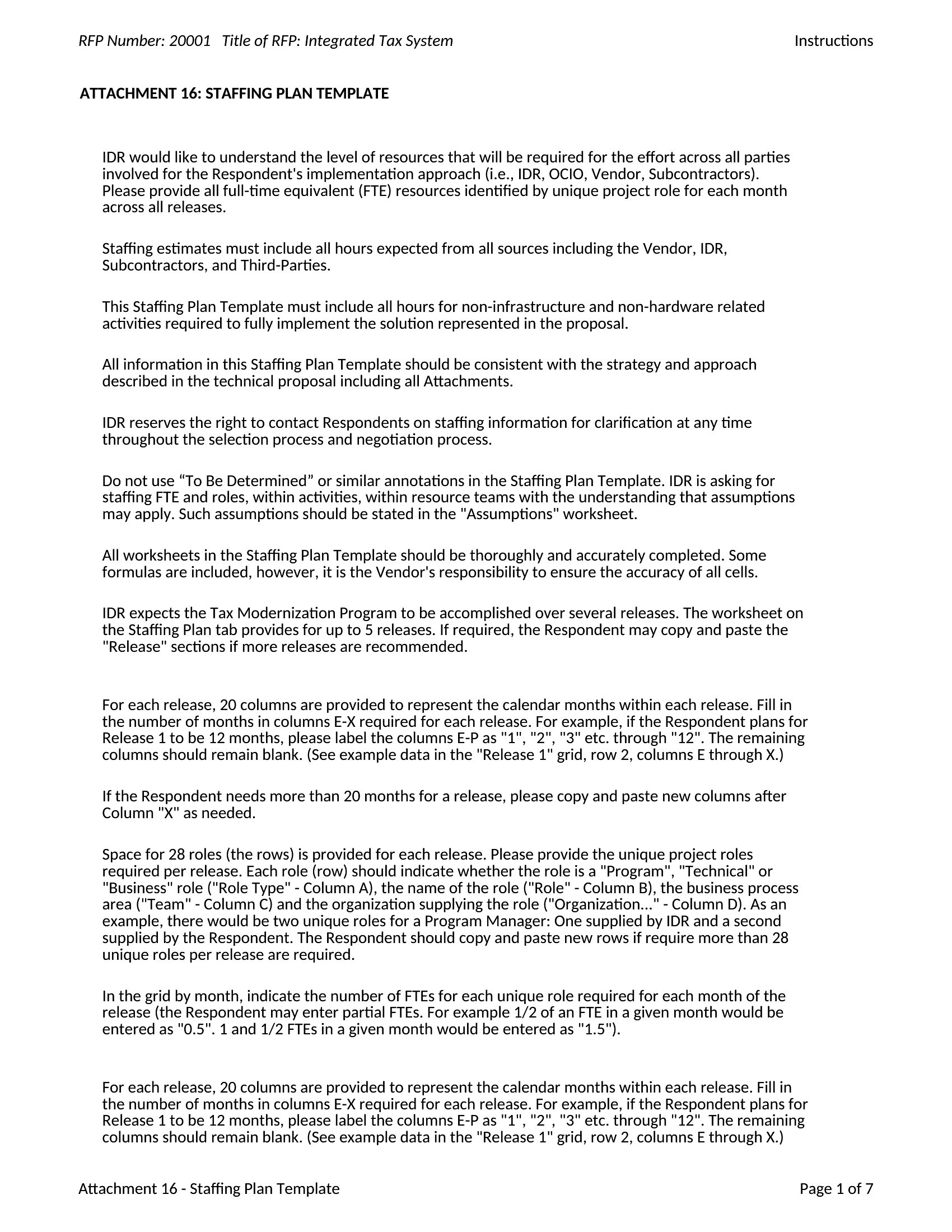
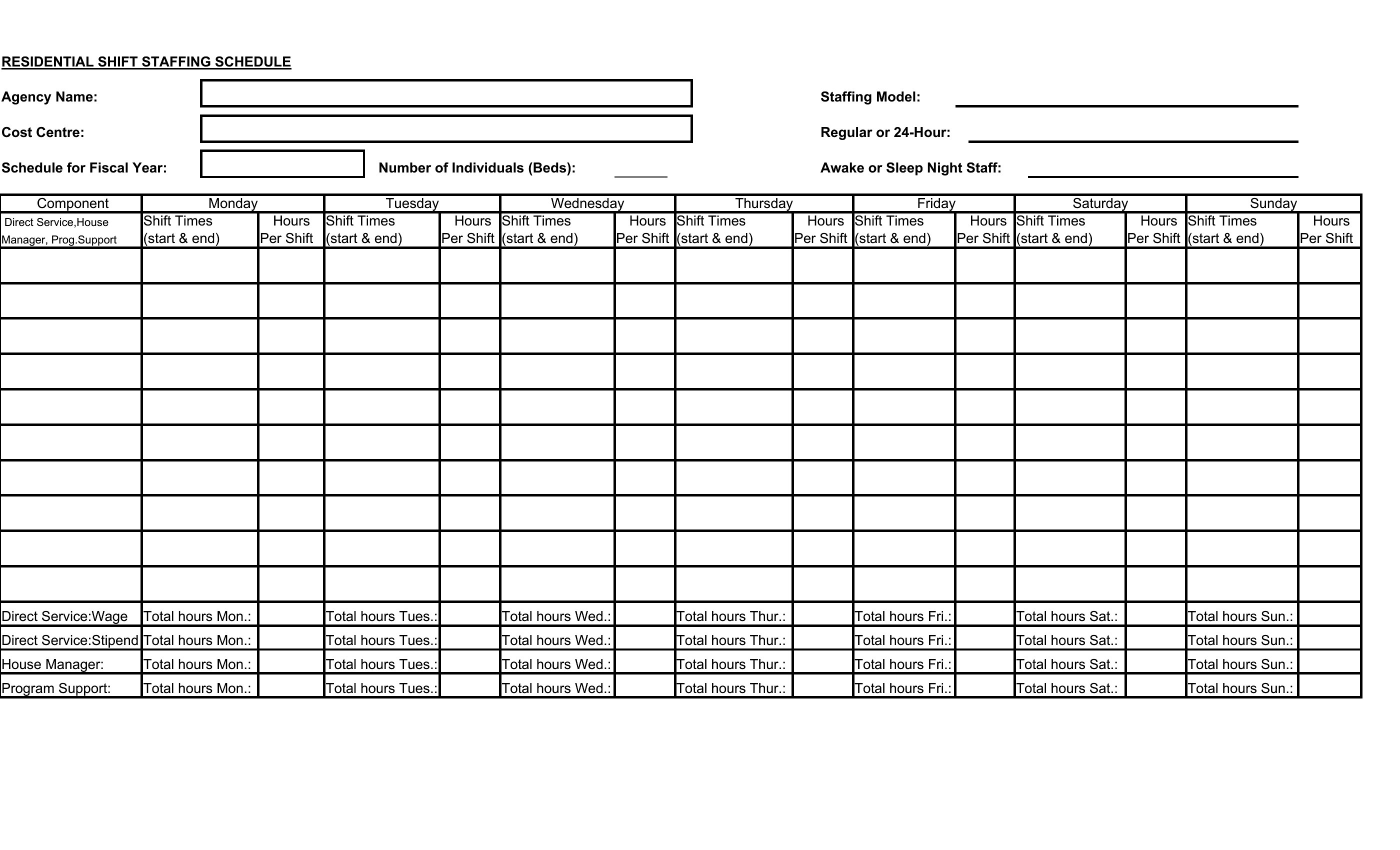
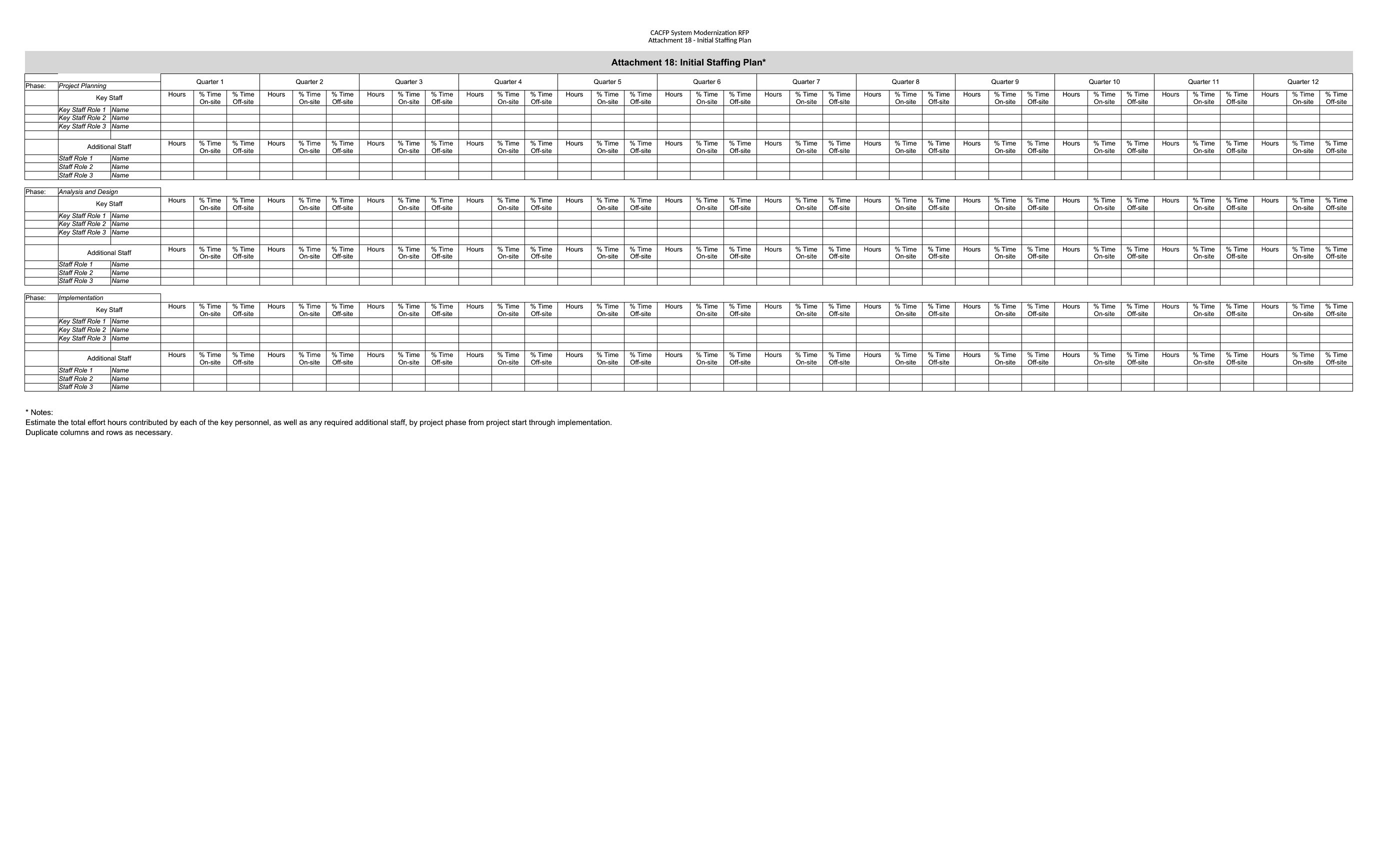
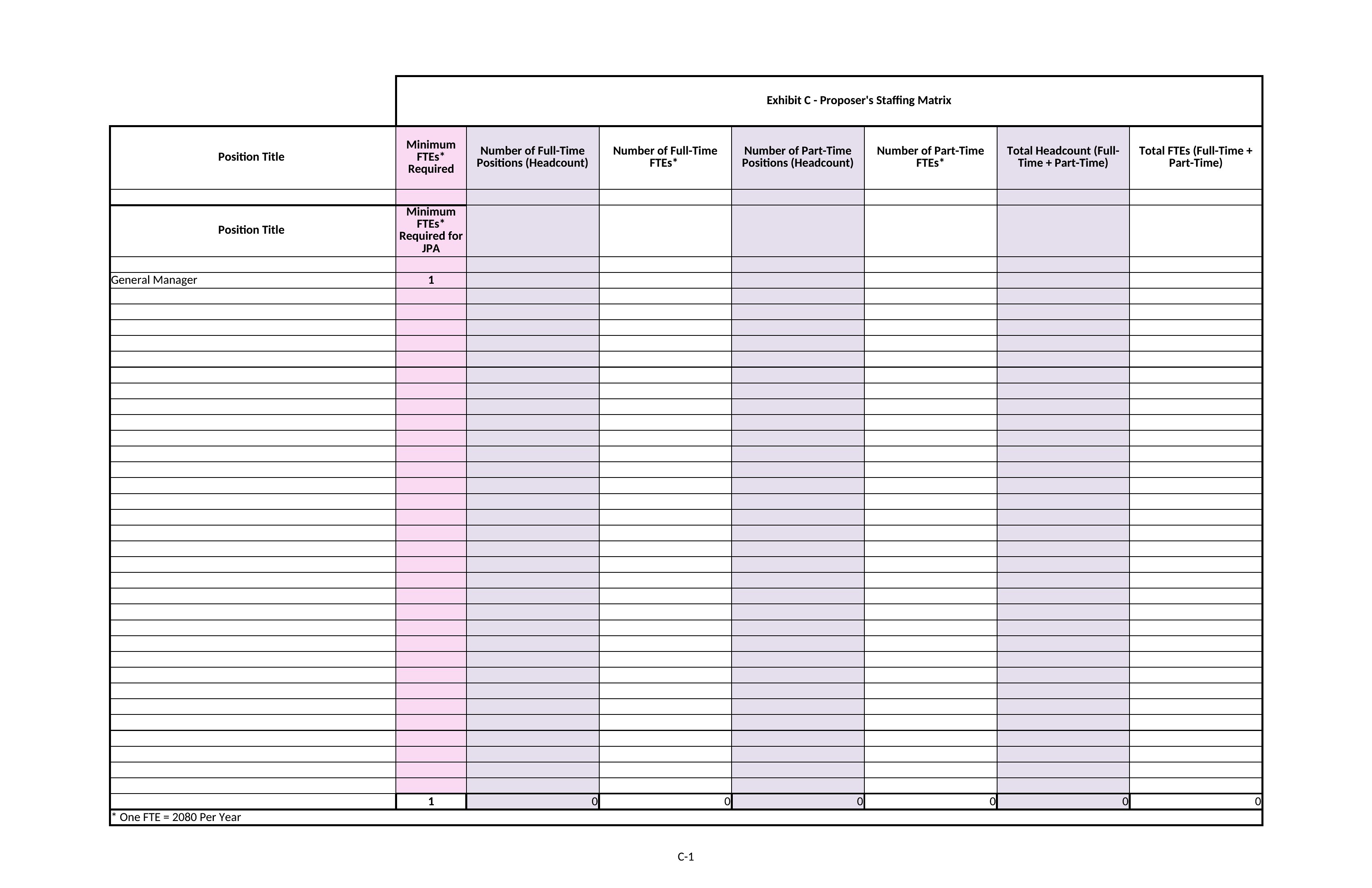
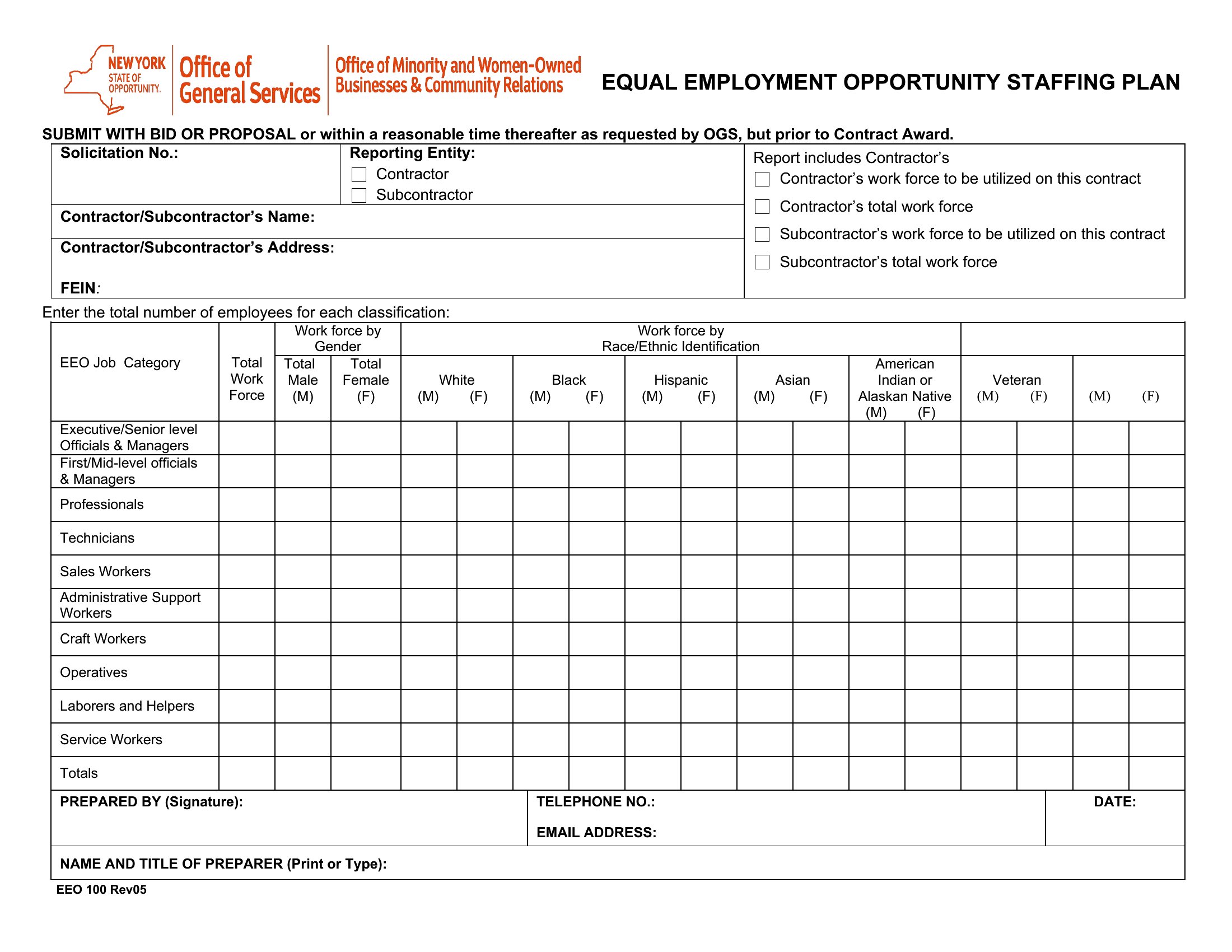
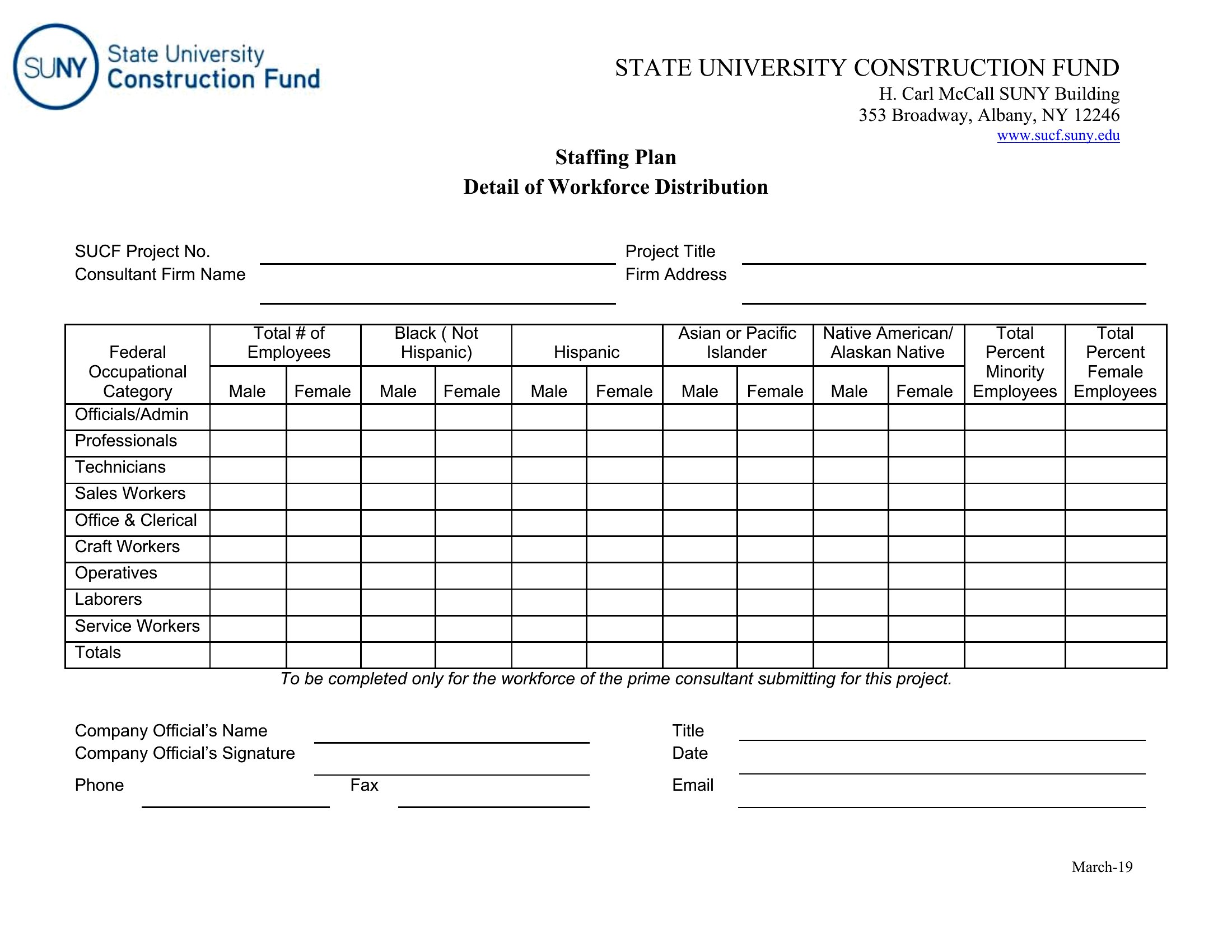
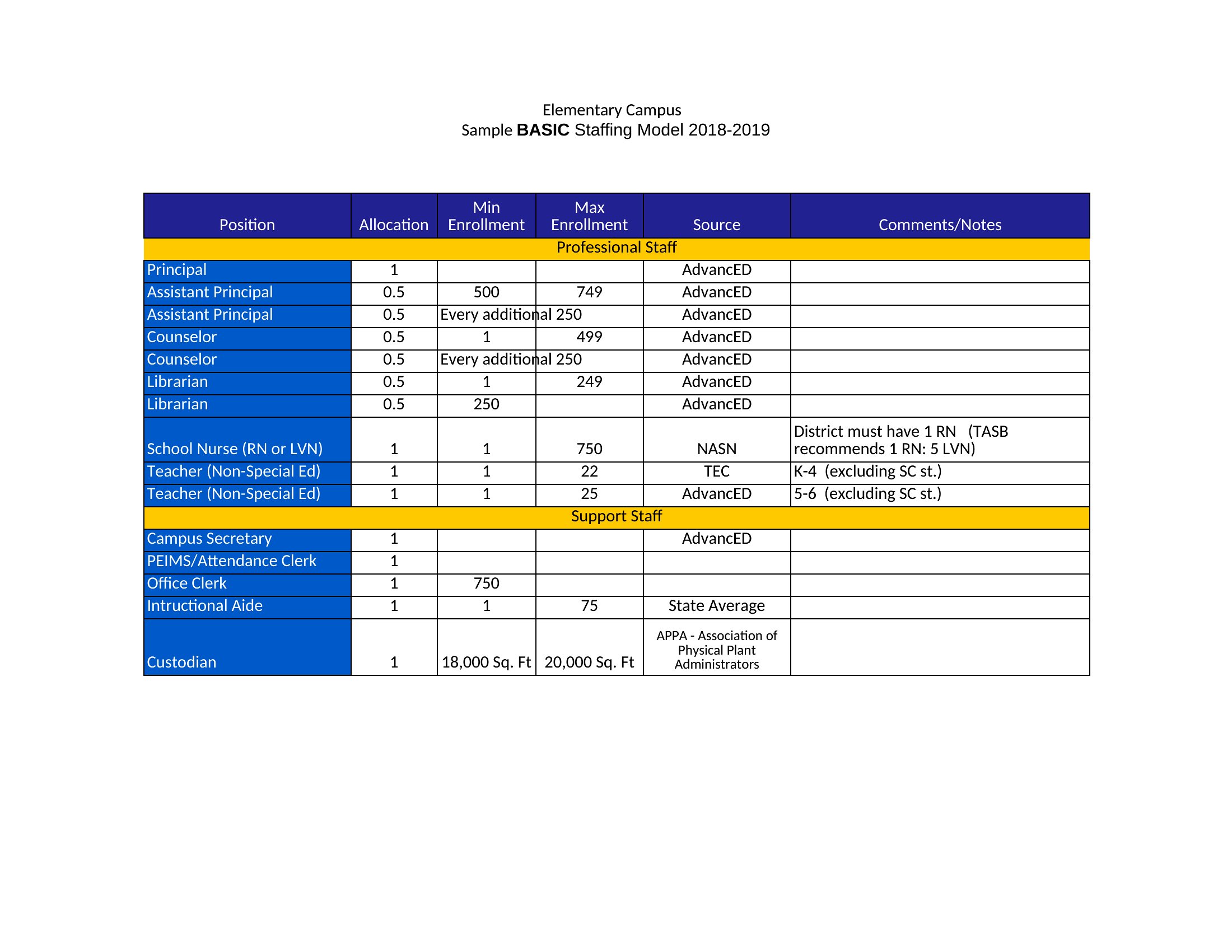
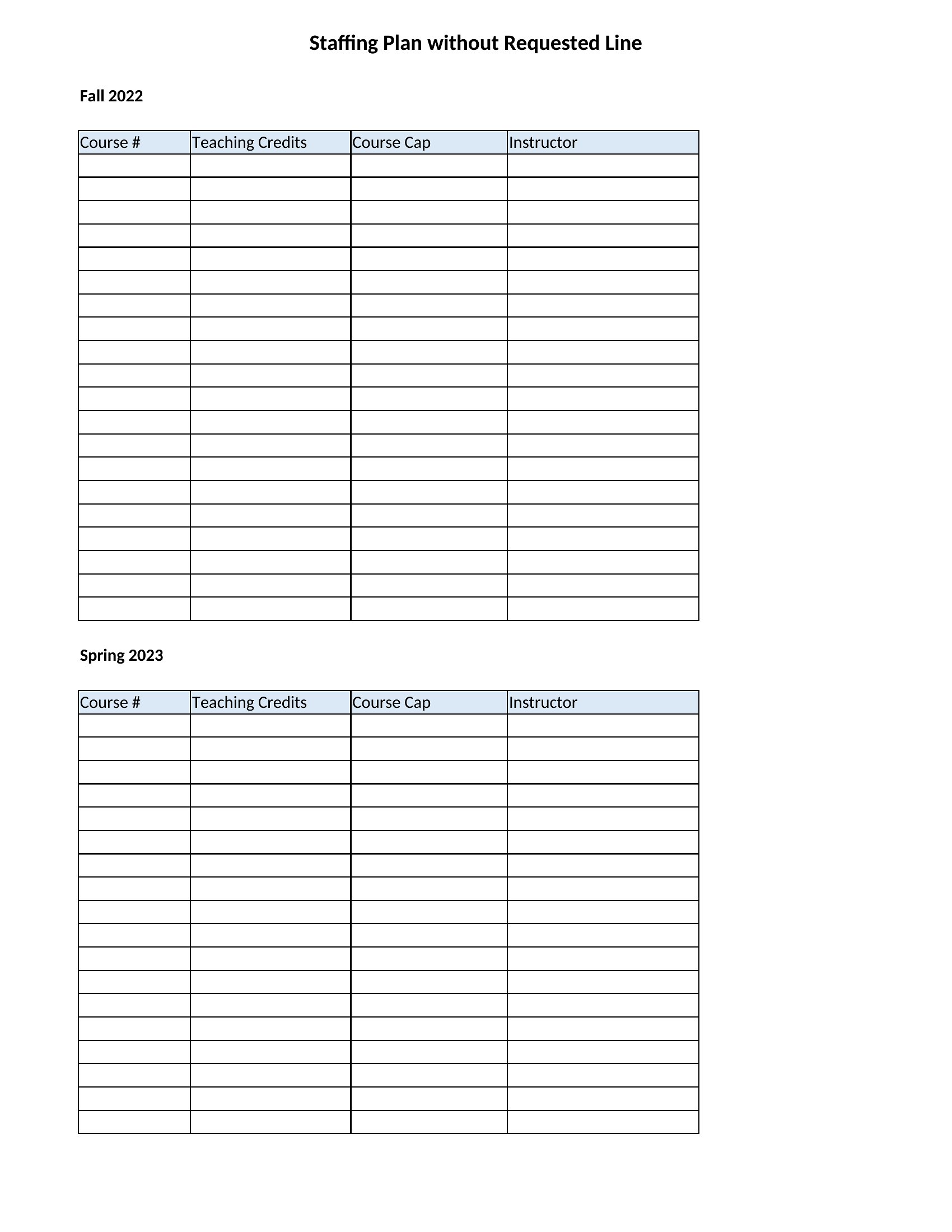
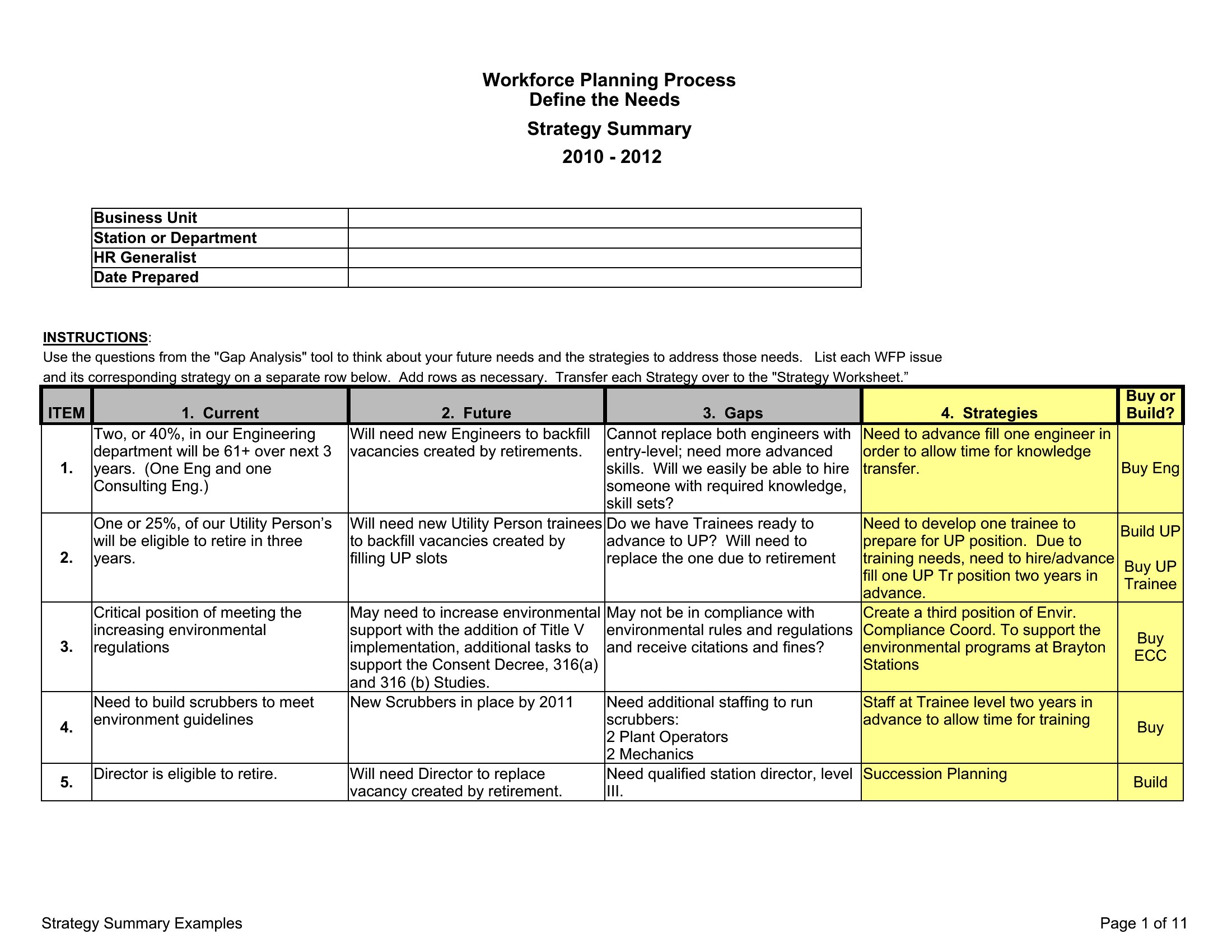
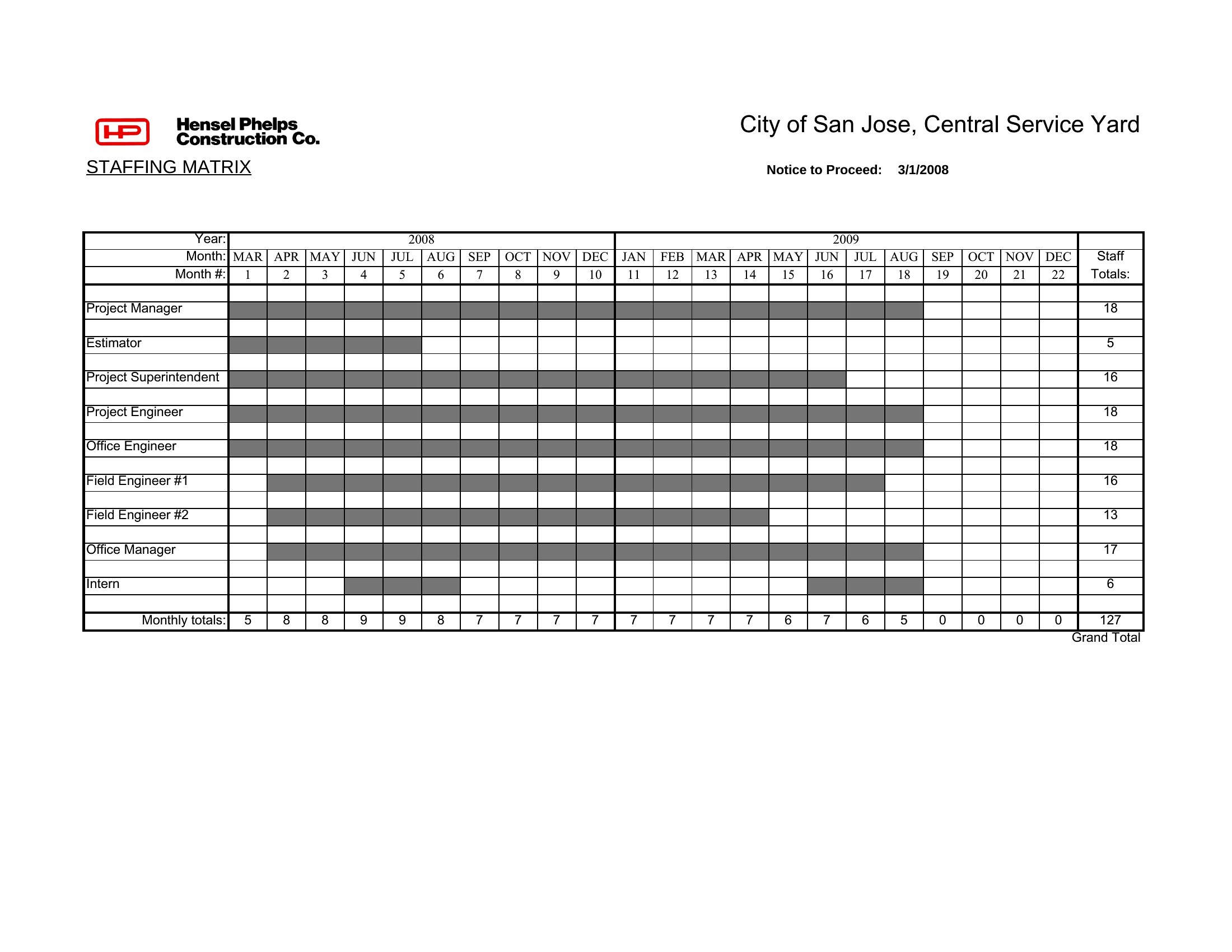
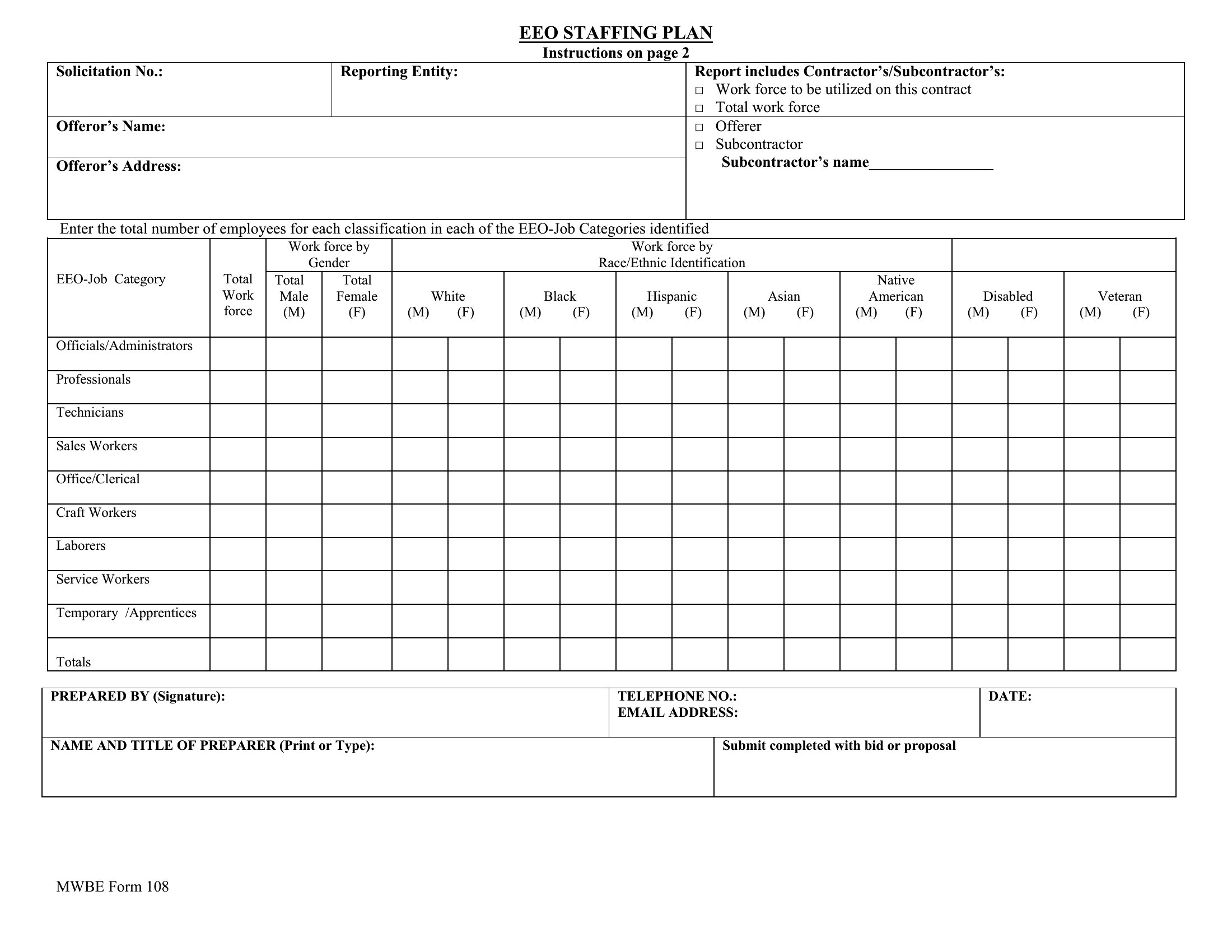
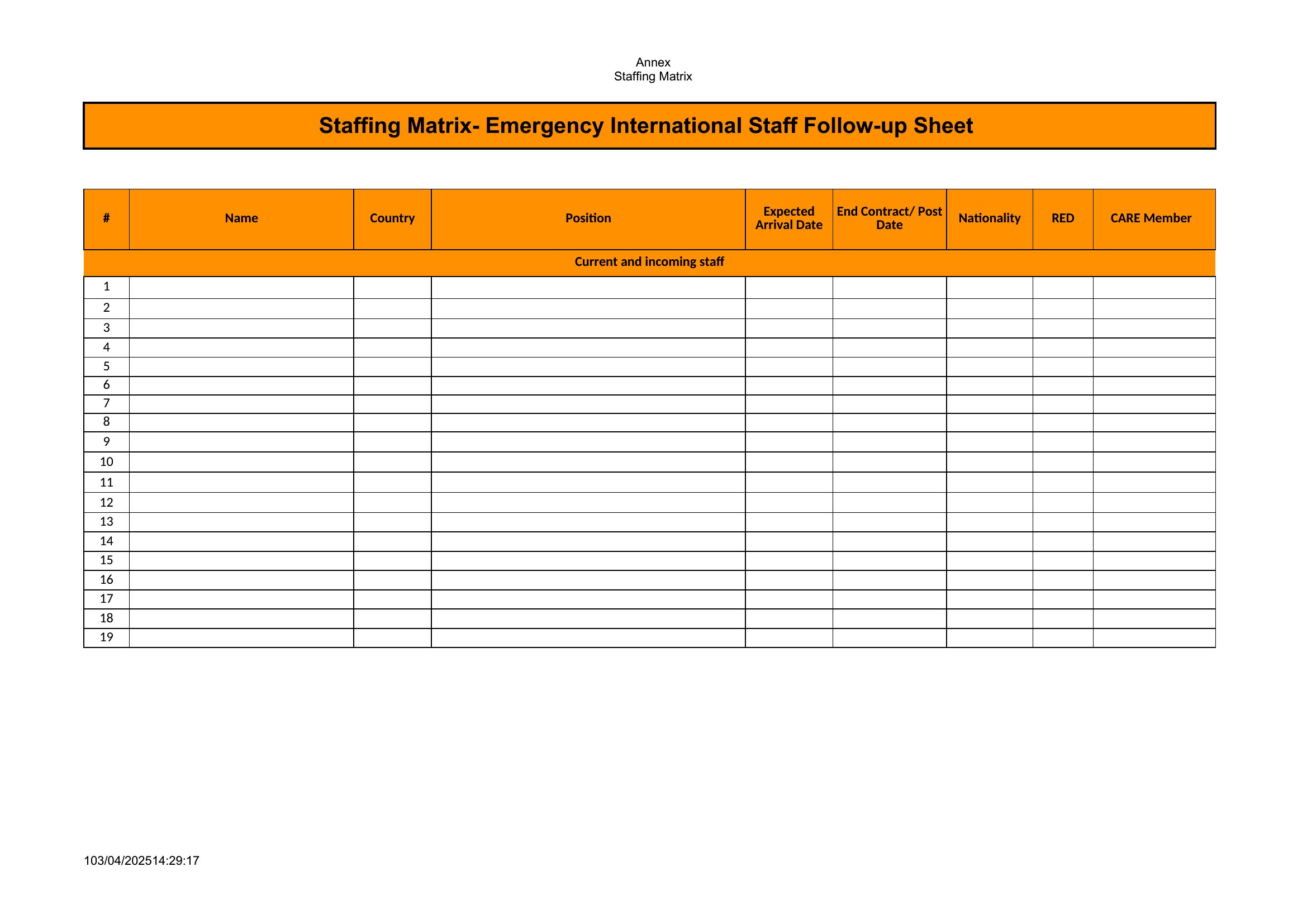
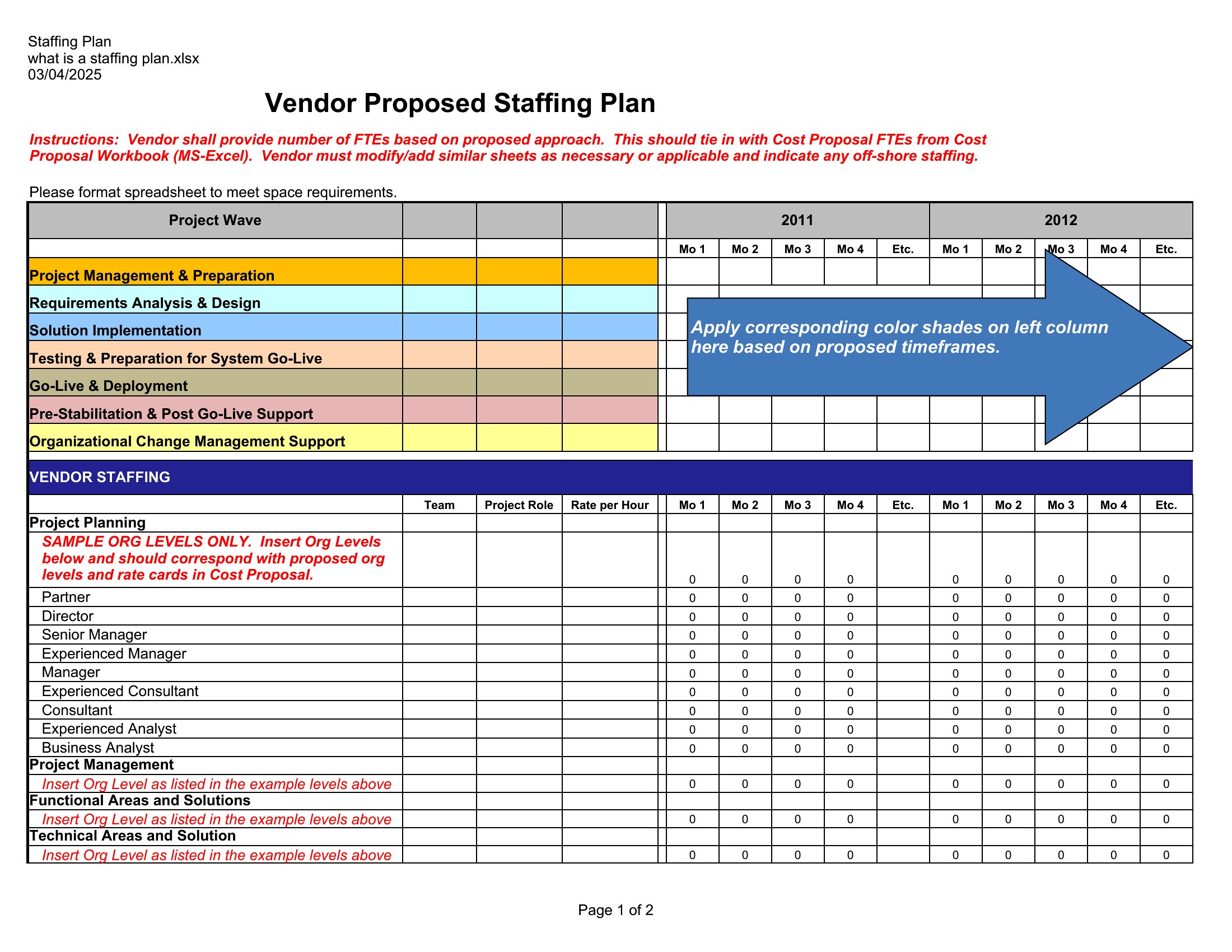
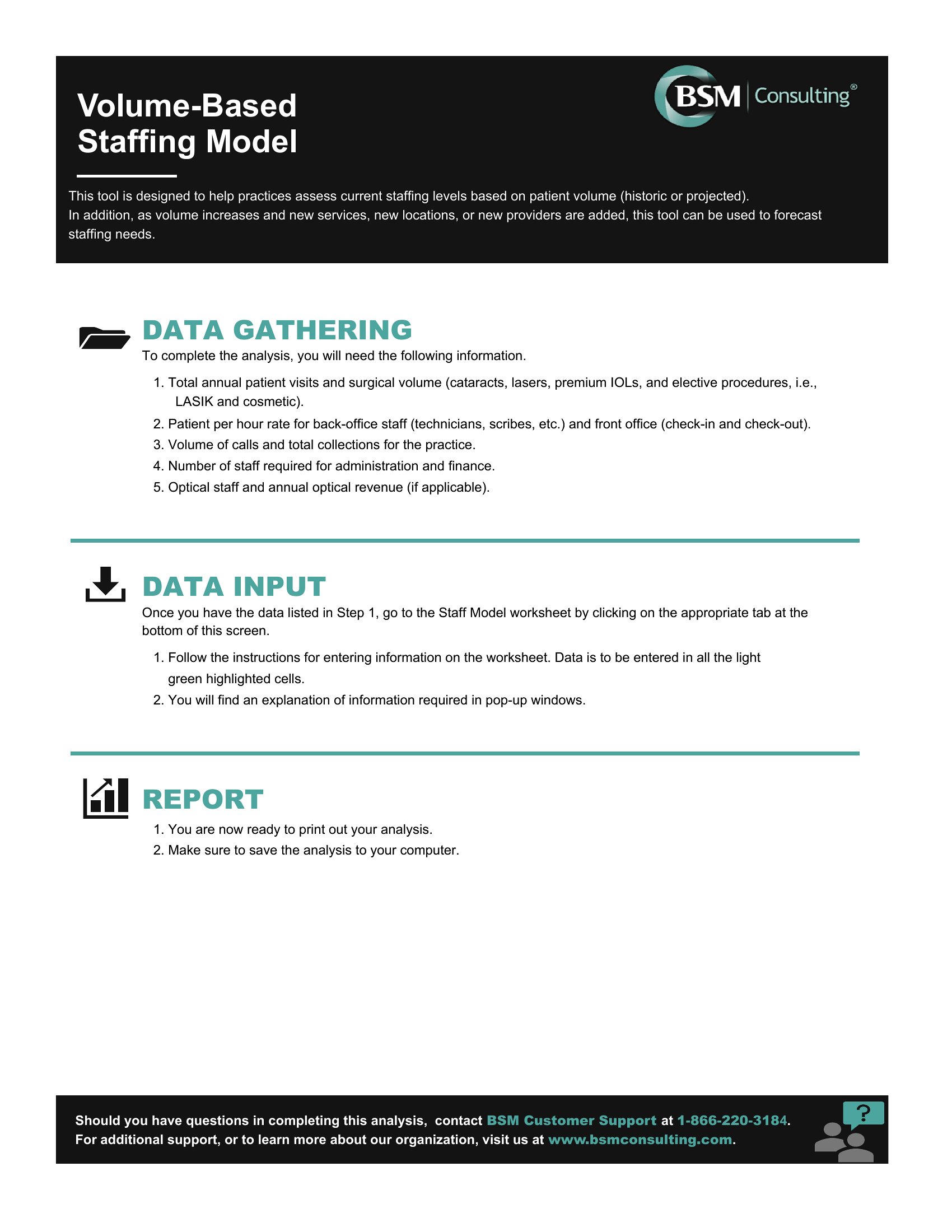
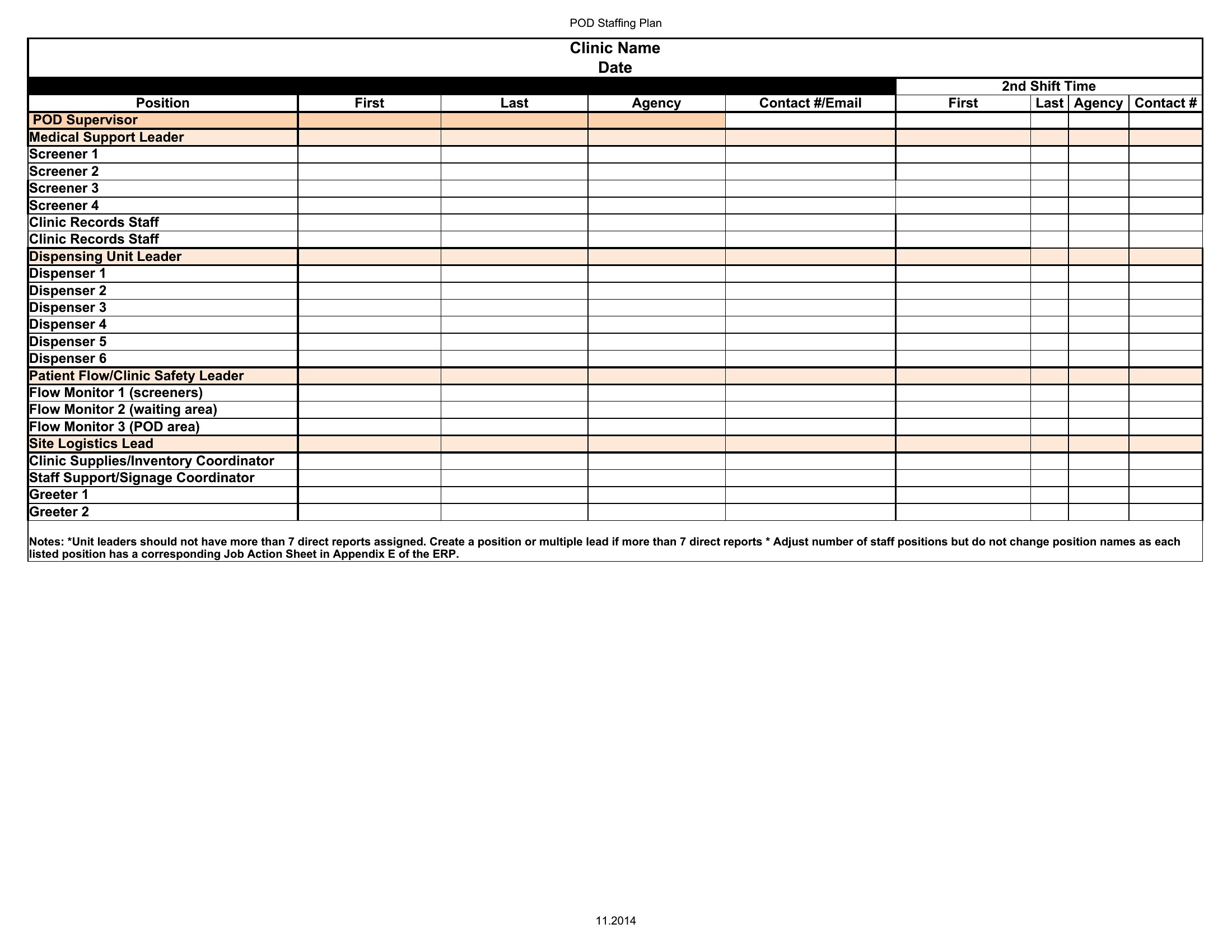
AnalysisKnowing who you'll need, when, and at what cost keeps a growing team from scrambling. This collection of 41 staffing plan templates helps HR leads, business owners, and project managers map current roles, forecast hiring, and match headcount to workload and budget.
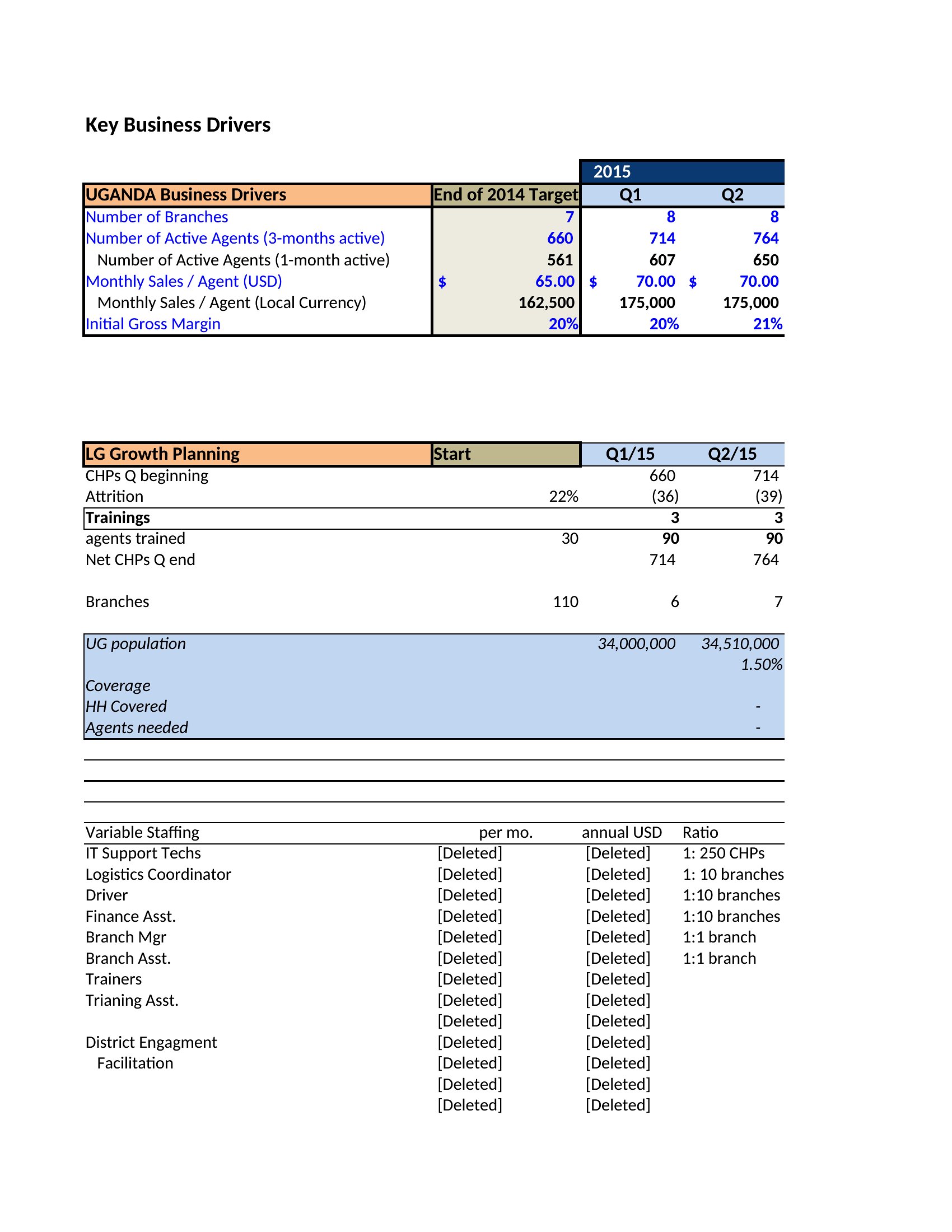
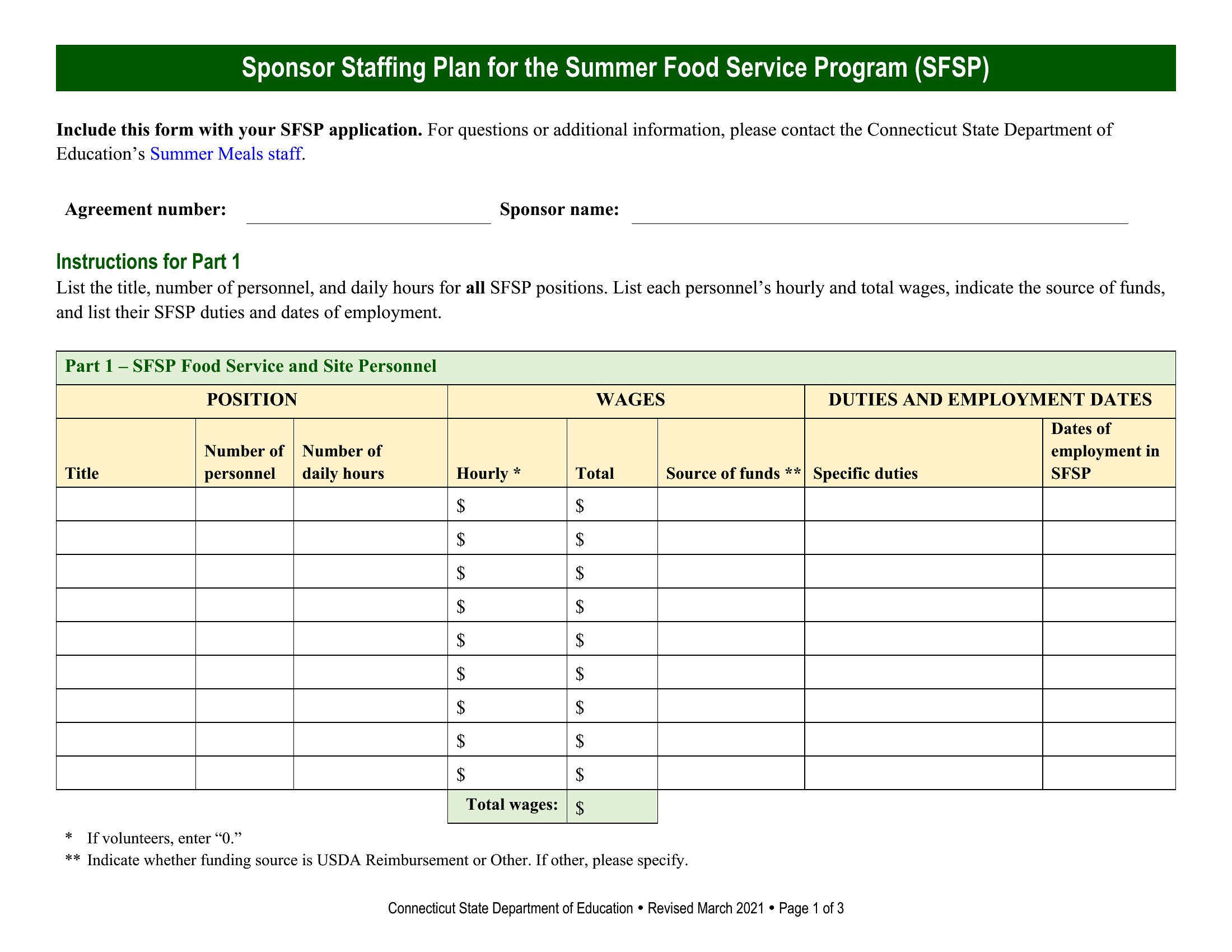
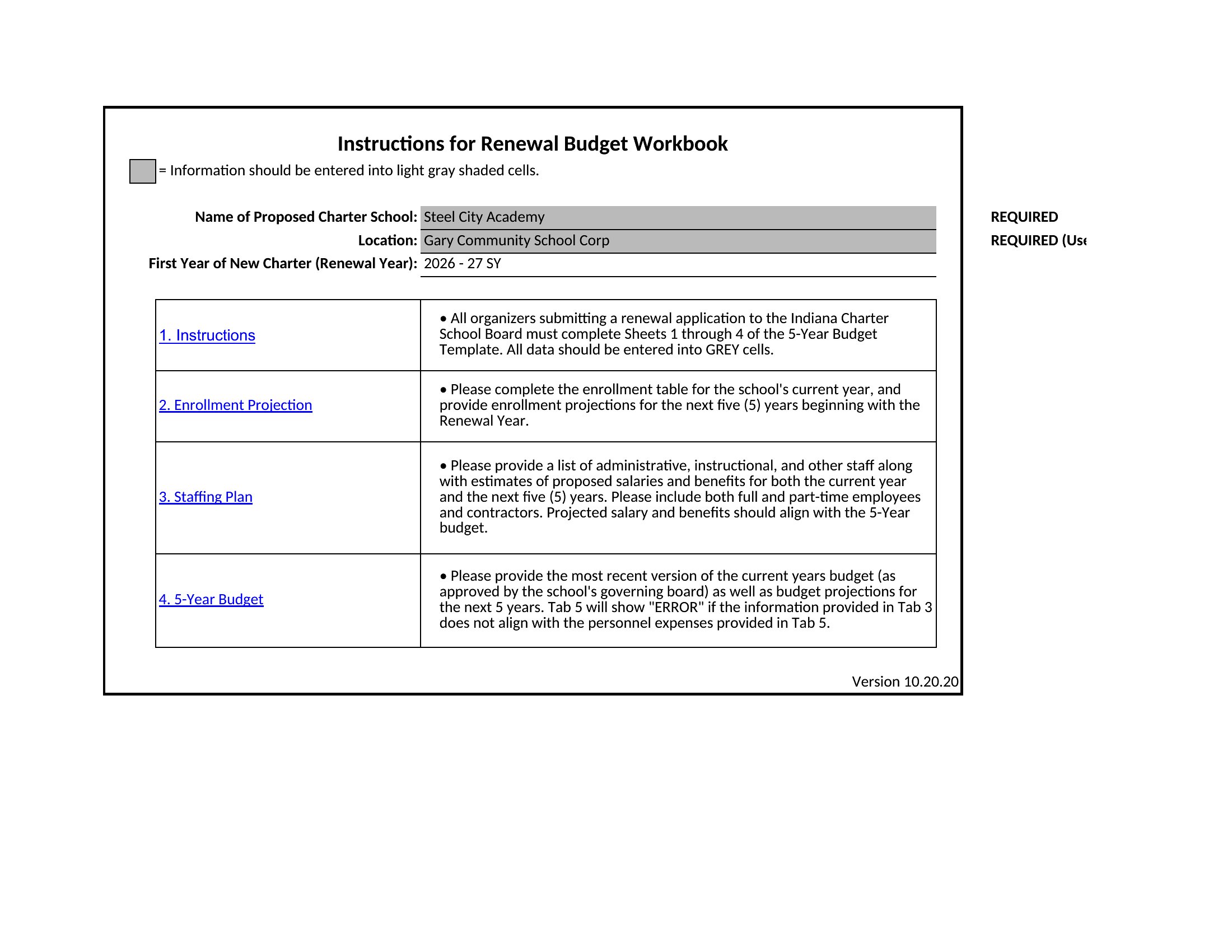
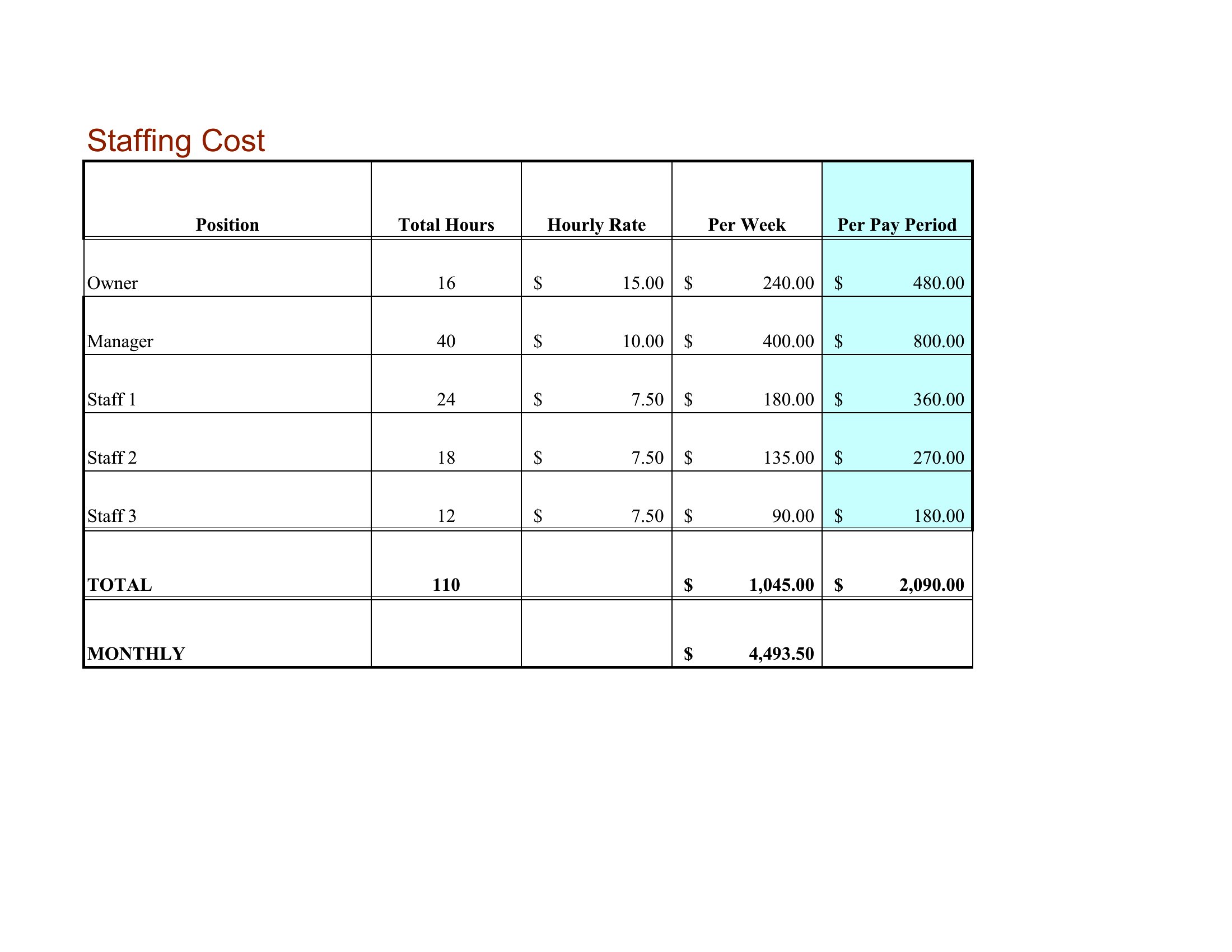
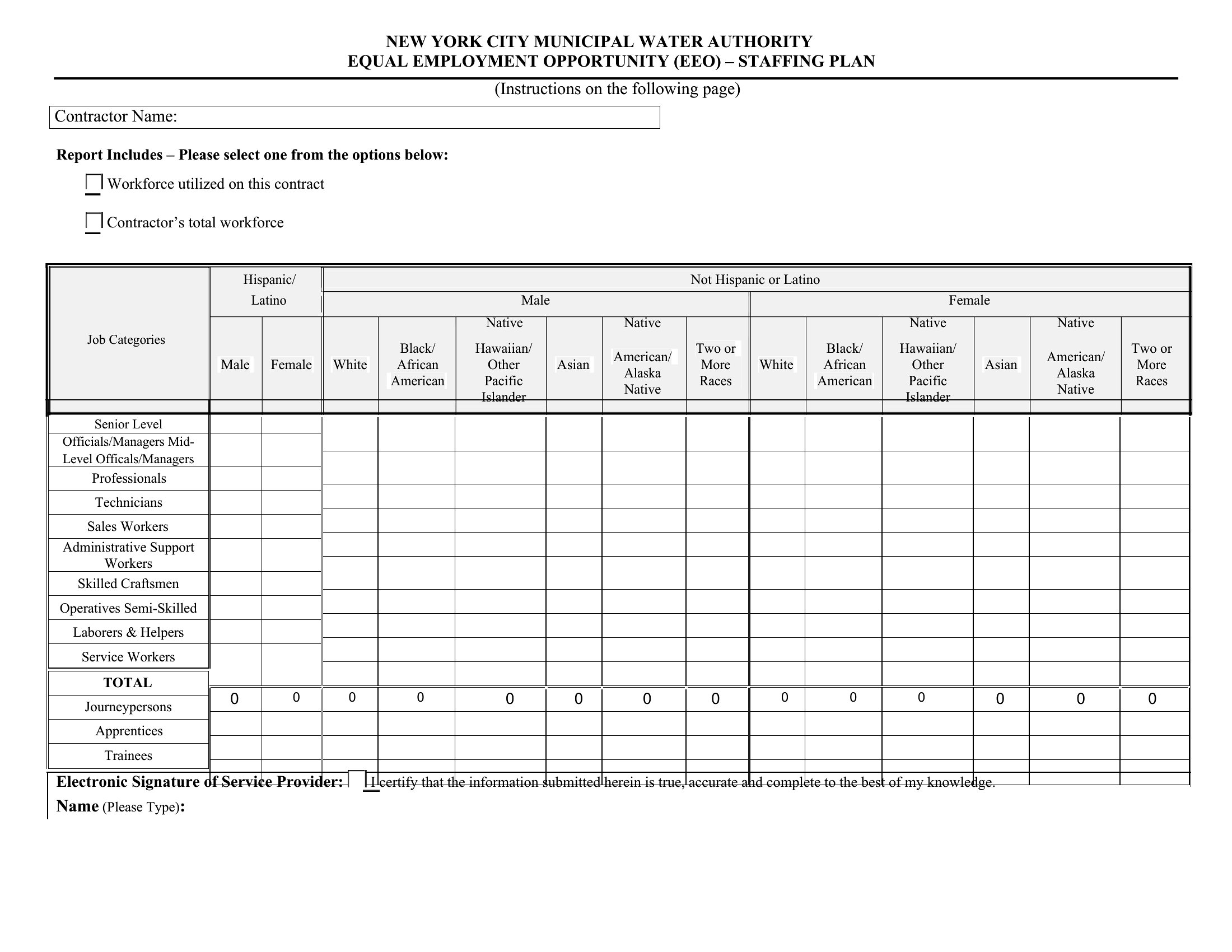
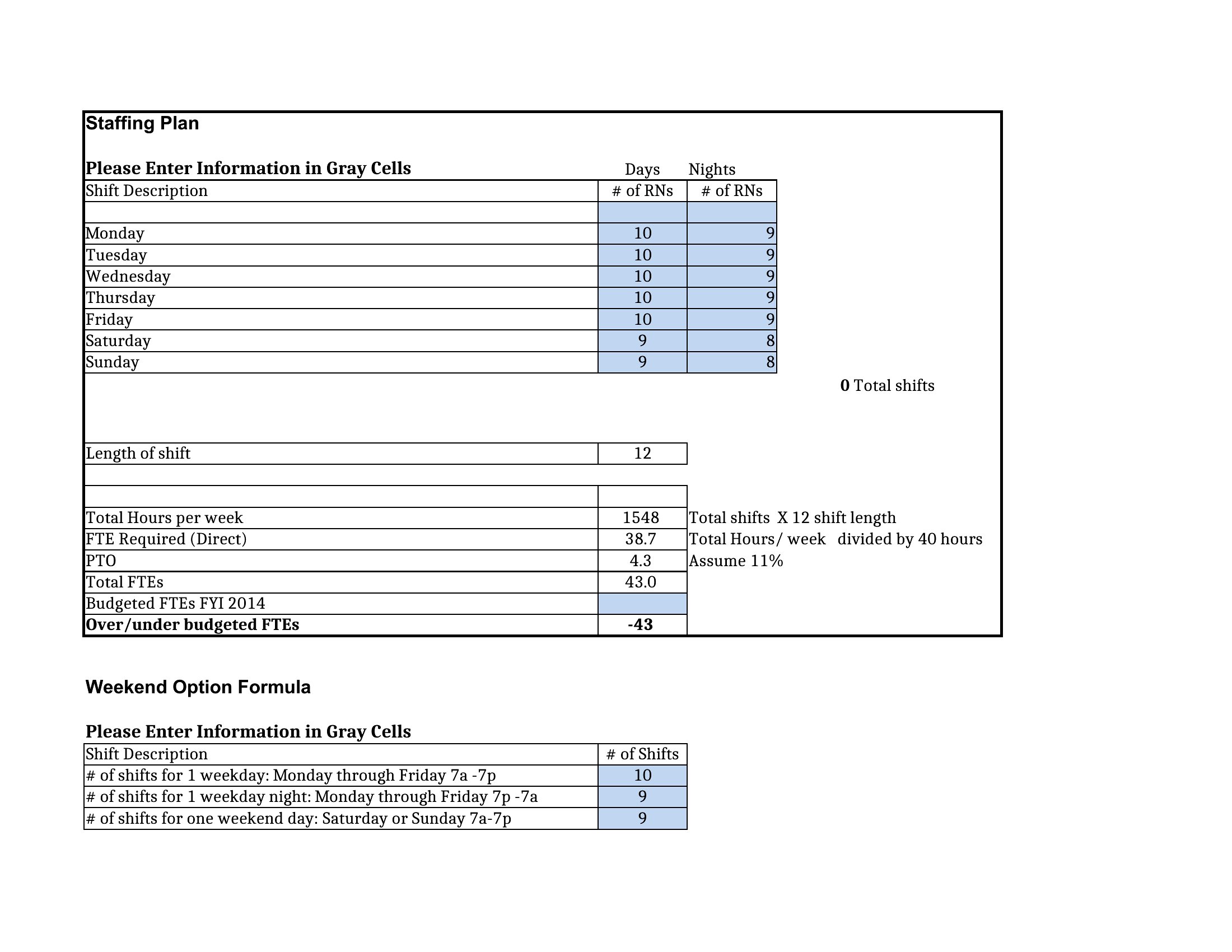
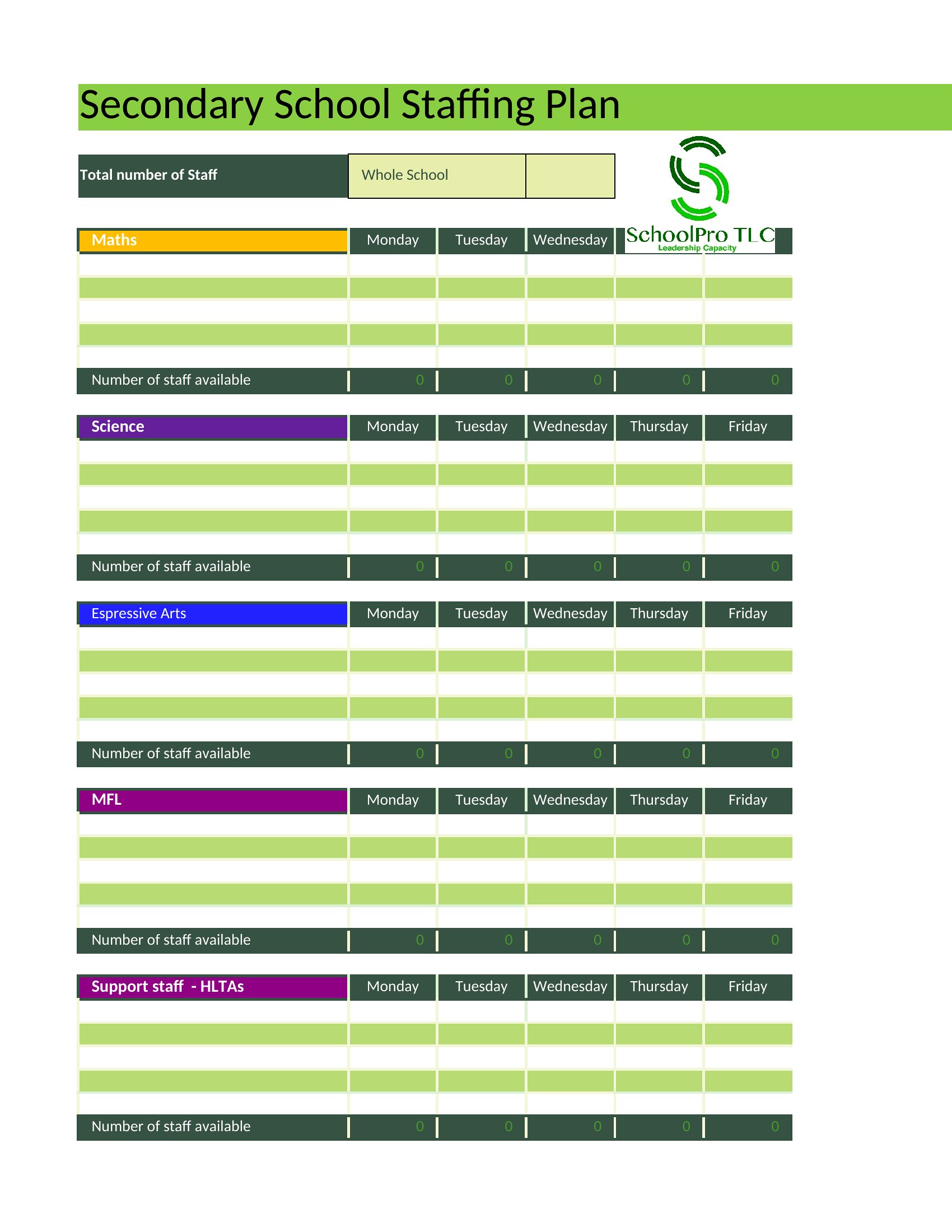
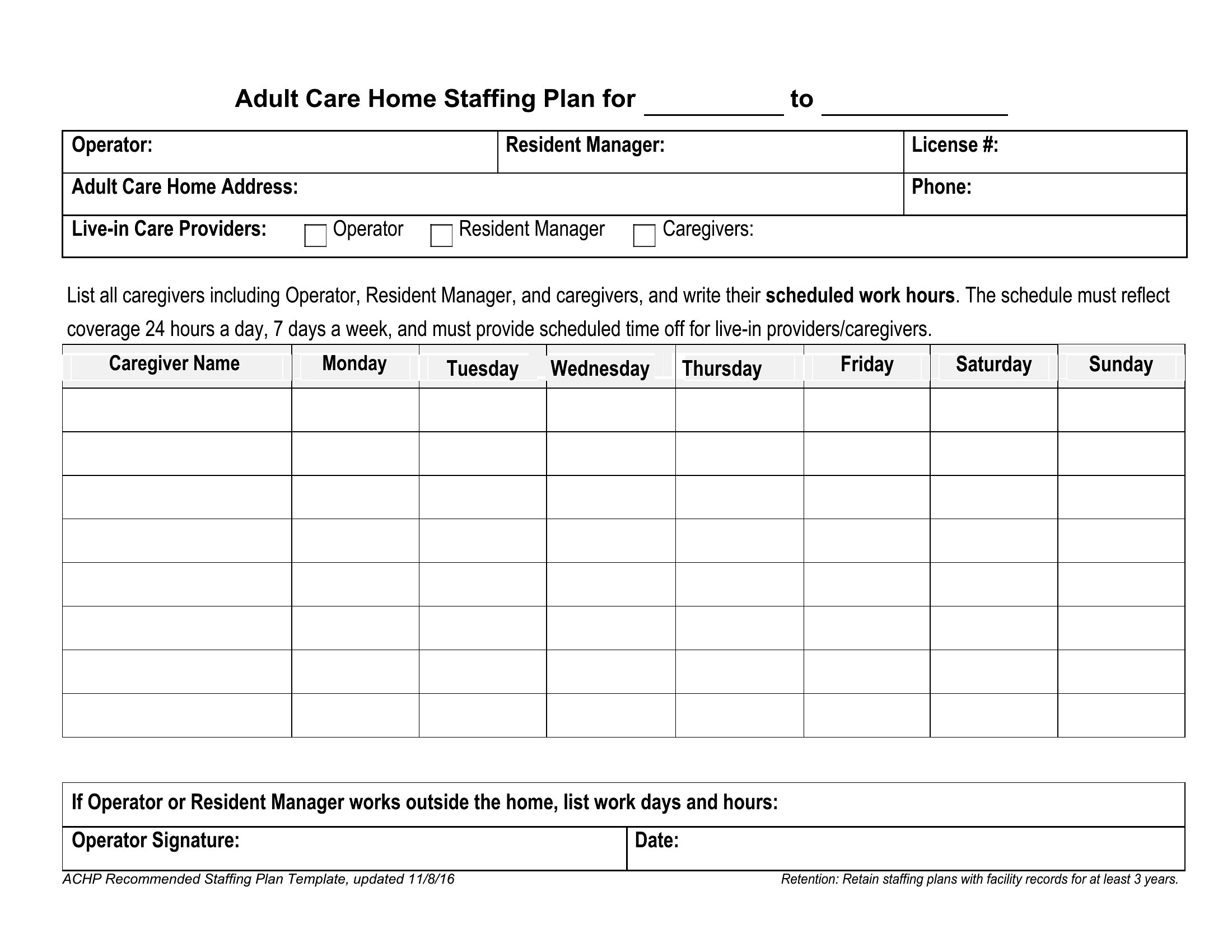
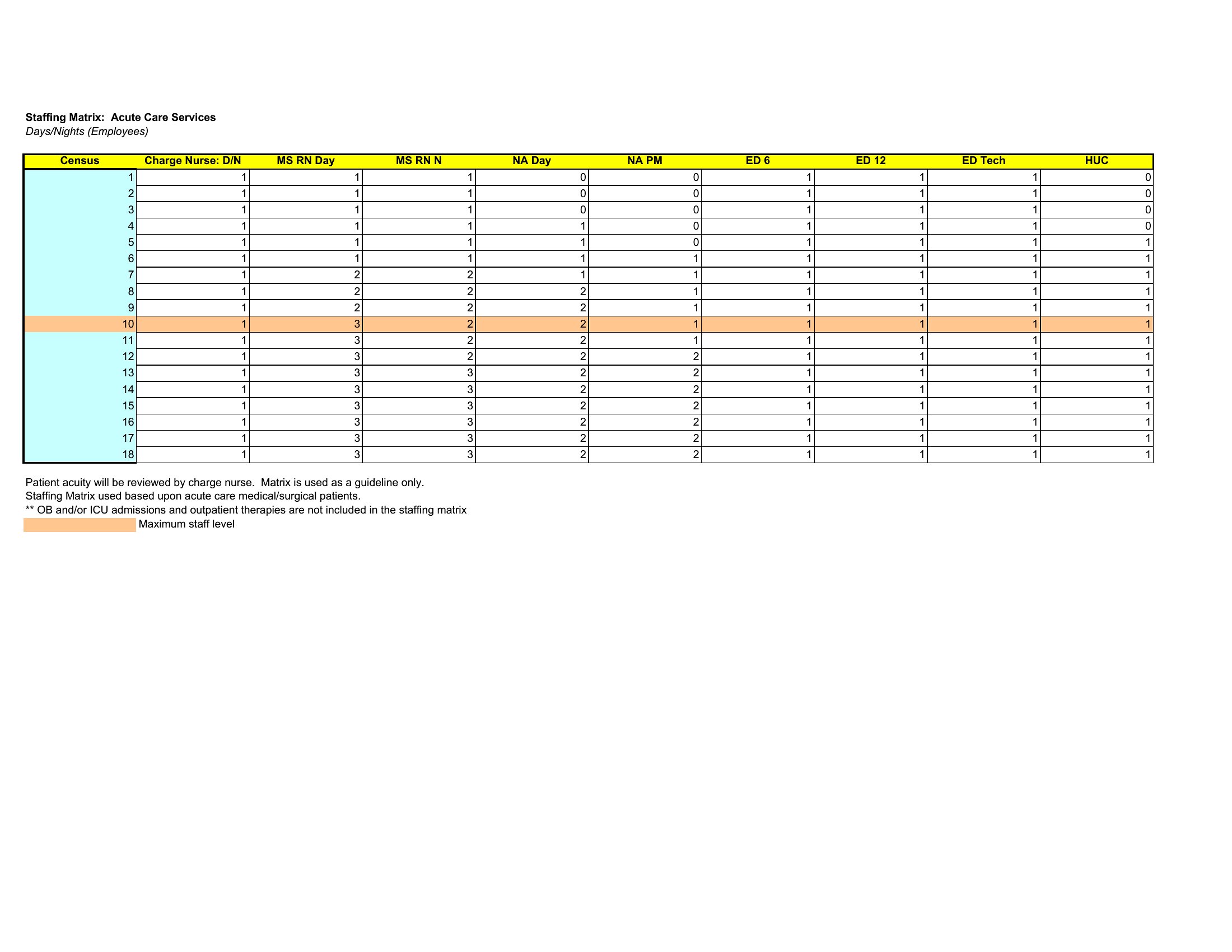
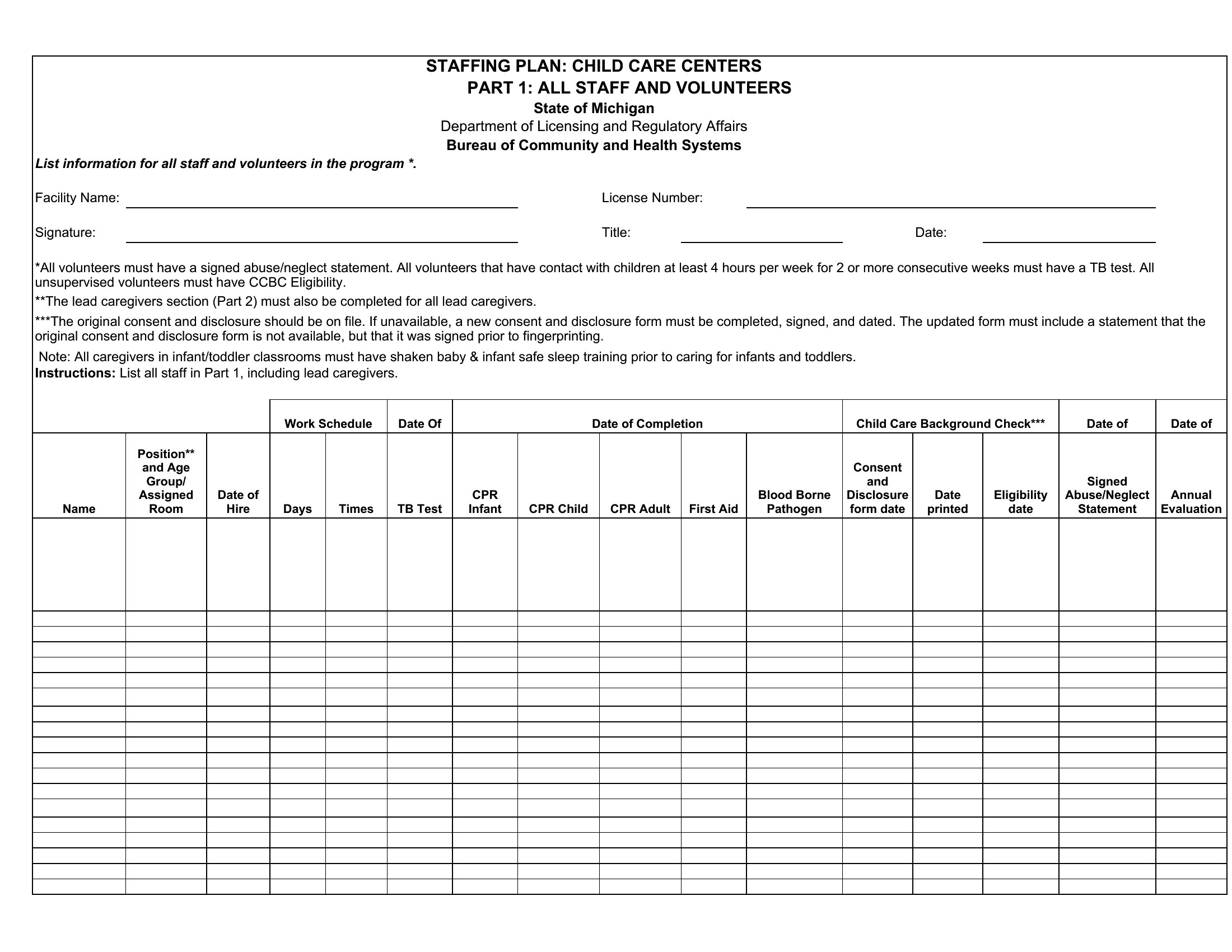
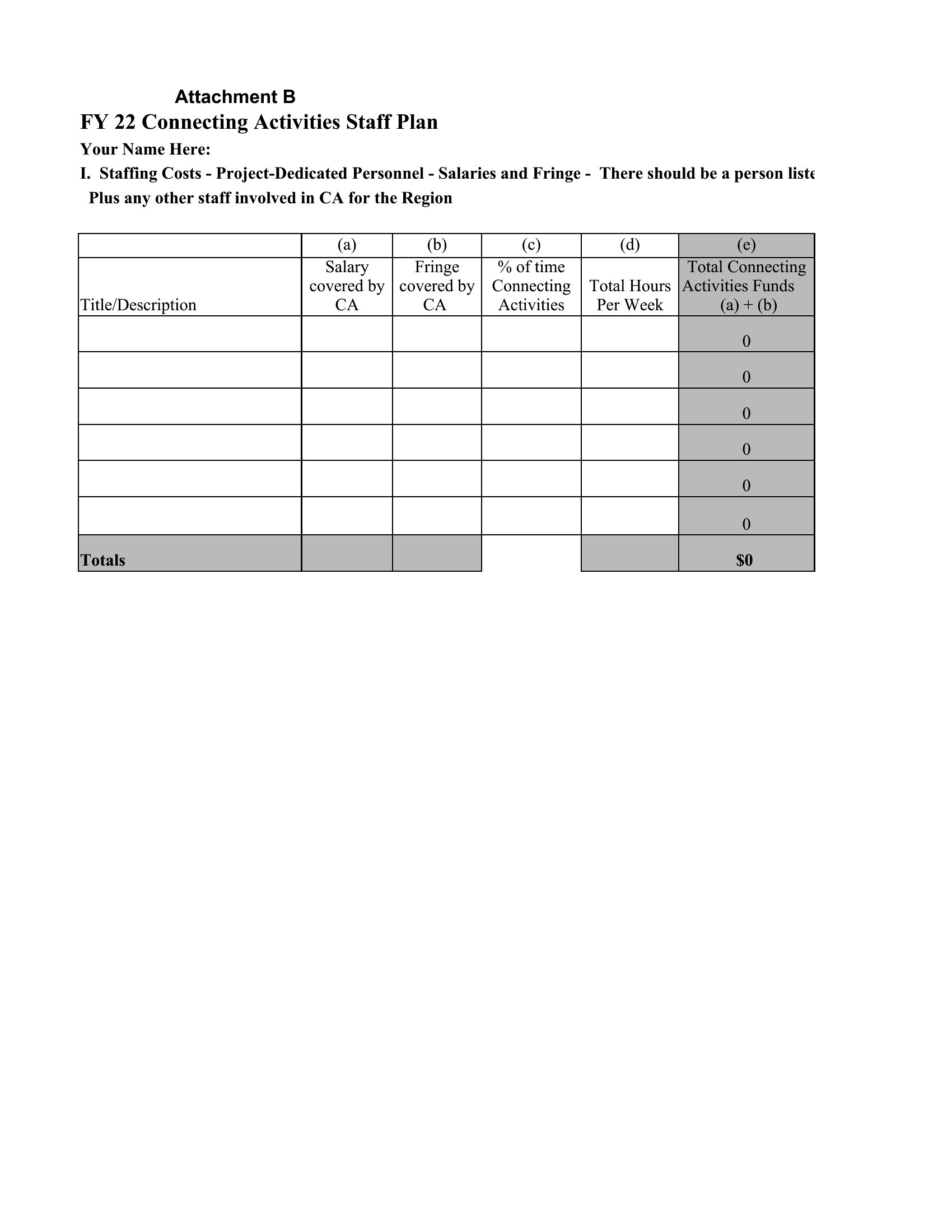
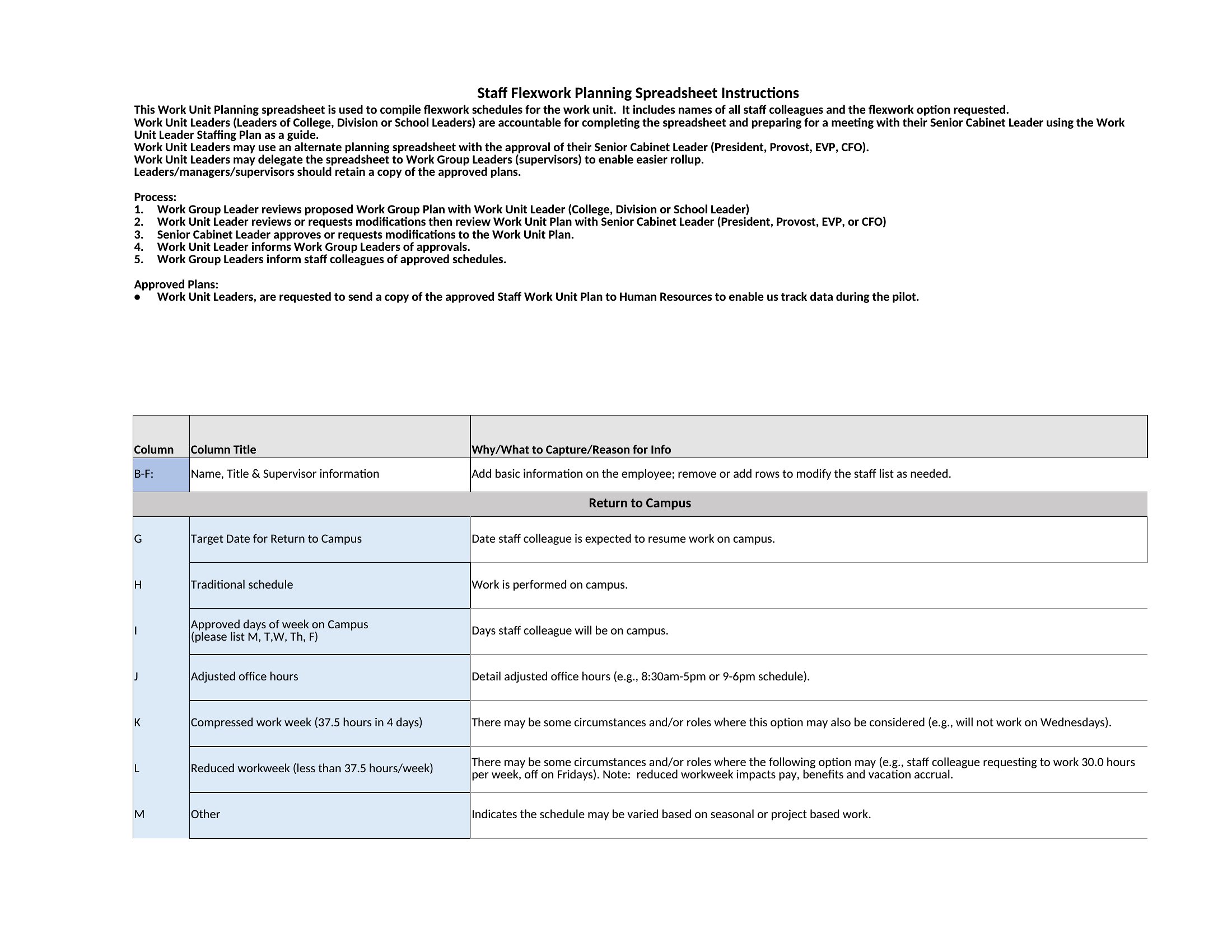
Edit the Word documents to outline roles and responsibilities, or use the Excel sheets to model headcount, salaries, and totals that update as you adjust the numbers. Plan for seasonal demand, fill gaps before they hurt, and present a clear picture to leadership. Pick the format that fits your organization and build a plan you can act on.
When to use this Staffing Plan template
- HR directors planning a 12-month hiring roadmap for a fast-growing SaaS startup, ensuring they align headcount with revenue projections and departmental growth phases.
- Project managers at a marketing agency mapping temporary roles for a 6-month campaign, comparing freelance versus full-time costs to justify budget requests.
- Small business owners calculating seasonal hiring needs for retail or hospitality—like holiday staffing—without overcommitting to permanent salaries.
- Nonprofit executives designing a volunteer-to-paid staff transition plan, balancing donor-funded budgets with long-term operational sustainability.
Which format should I download?
Choose Word if you need to draft a narrative staffing plan for stakeholders, detailing role descriptions, reporting structures, or hiring timelines in a polished document. Opt for Excel when you’re running financial projections, comparing salary benchmarks across regions, or modeling headcount scenarios with pivot tables. The Excel format is ideal for data-driven adjustments, while Word excels for approval workflows or internal presentations.
Choose from 41 Staffing Plan Templates
How to use this Staffing Plan template
Can these templates help me justify hiring decisions to leadership when budget cuts are expected?
Yes. Many templates include cost-per-hire calculations and workload-to-headcount ratios. Use the Excel sheets to model reduced headcount scenarios, or adapt Word documents to highlight critical roles tied to revenue-generating projects. Frame the plan around risk mitigation—like avoiding overtime costs or turnover—rather than just growth.
How do I account for remote or hybrid roles in a staffing plan when time zones or productivity metrics vary?
Start with the Excel templates to build a column for role-specific remote policies (e.g., core hours, async work expectations). Add a notes section in Word to outline how you’ll measure performance for hybrid teams, such as project deliverables over hours logged. Reference industry benchmarks for remote salary adjustments if needed.
Are there templates suited for non-traditional workforces, like contractors or part-time roles?
Yes. Several Excel templates include fields for variable compensation (e.g., hourly rates, per-project fees) and part-time FTE equivalents. For Word, search for samples labeled ‘flexible workforce’ or ‘gig economy planning’—these often include sections for contractor agreements or phasing in full-time roles over time.
Comments
Join the conversation
Sign in to share your thoughts and leave a comment on this resource.