


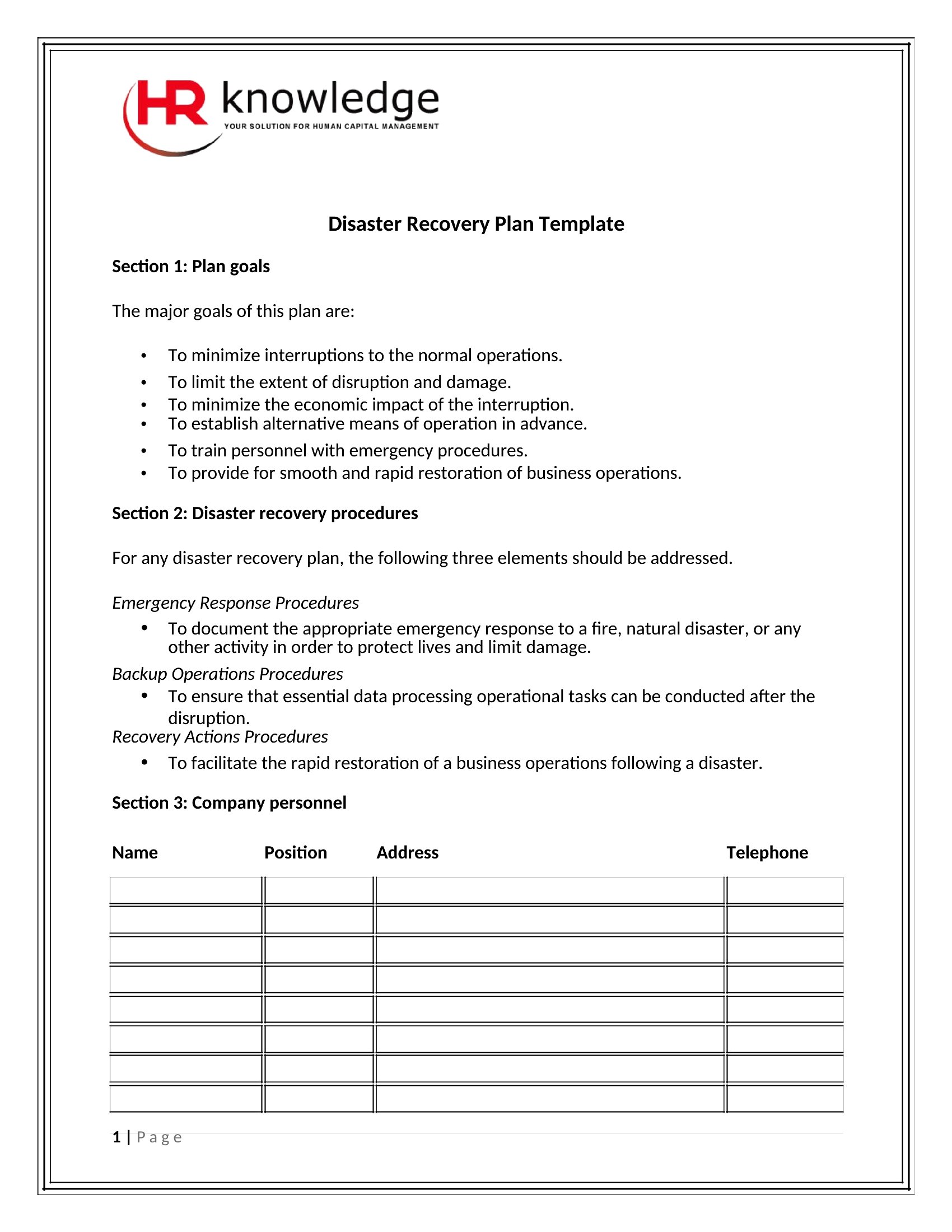
Free Disaster Recovery Plan Templates (Word, PDF)
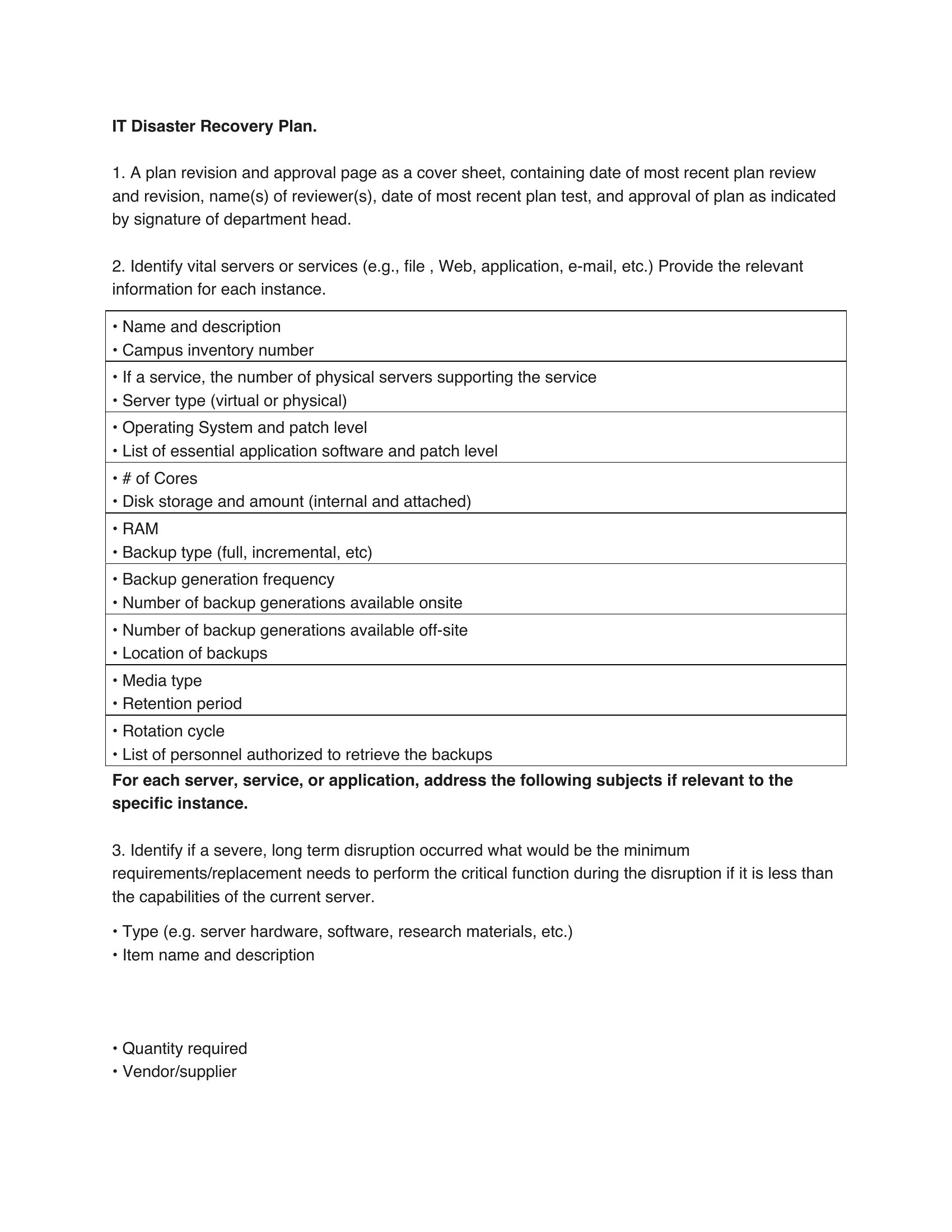
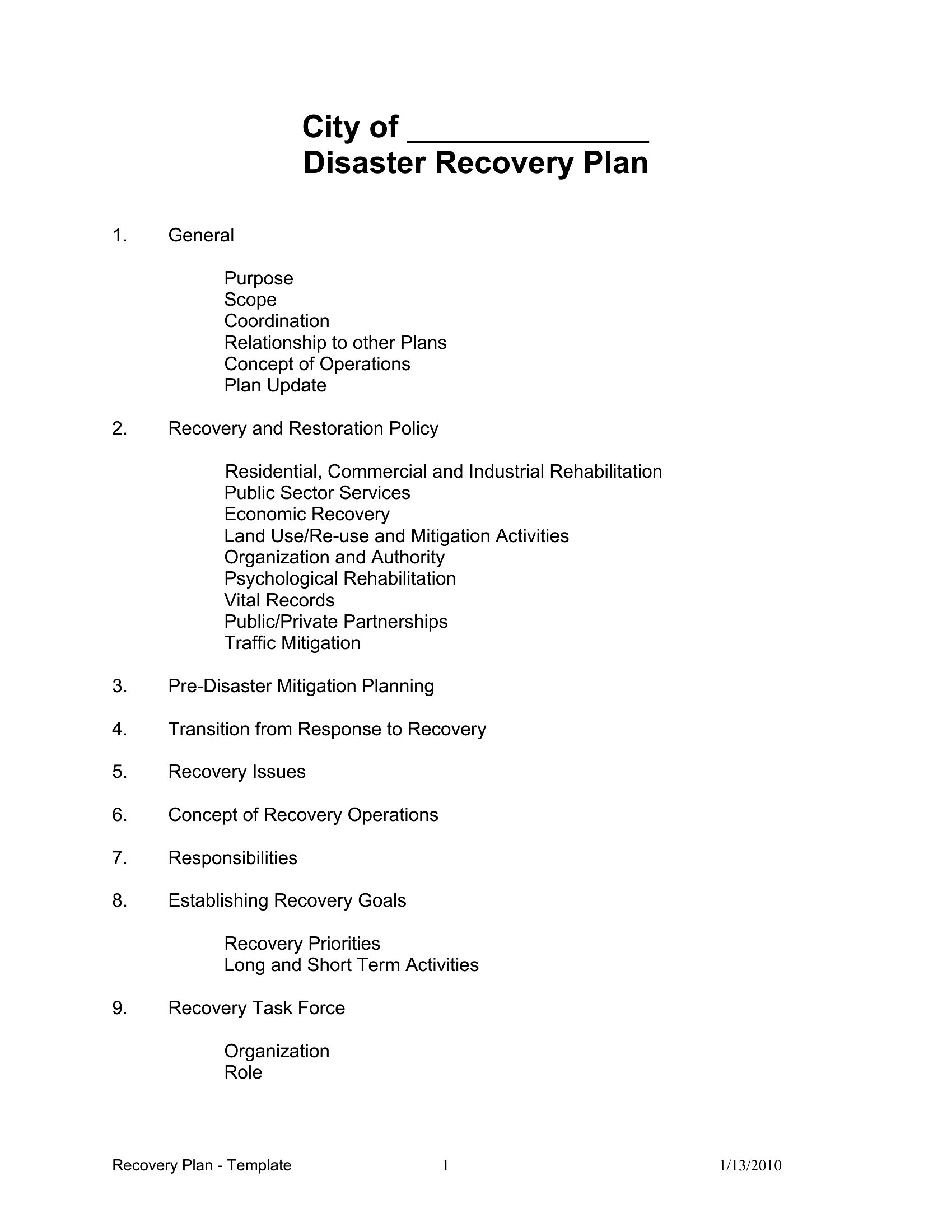
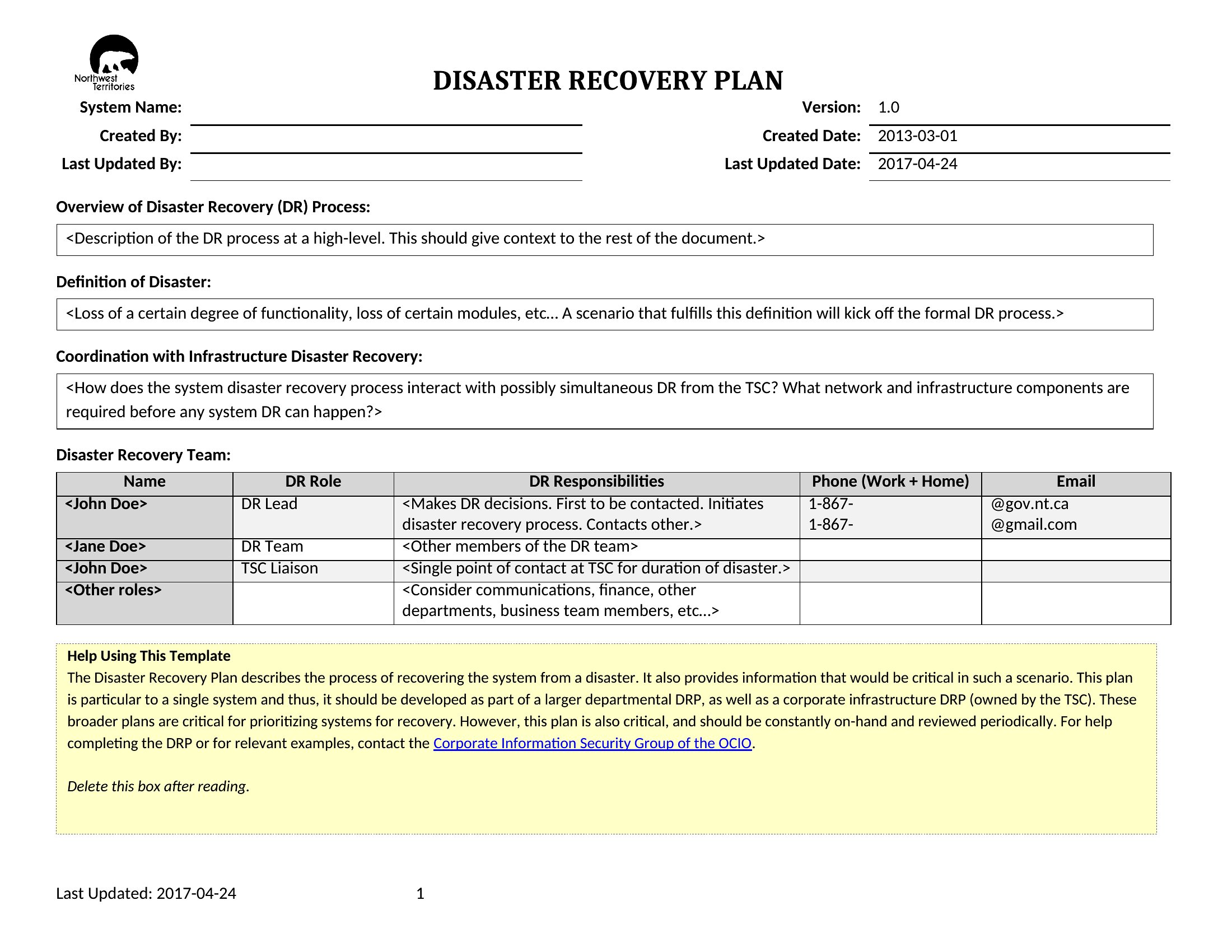
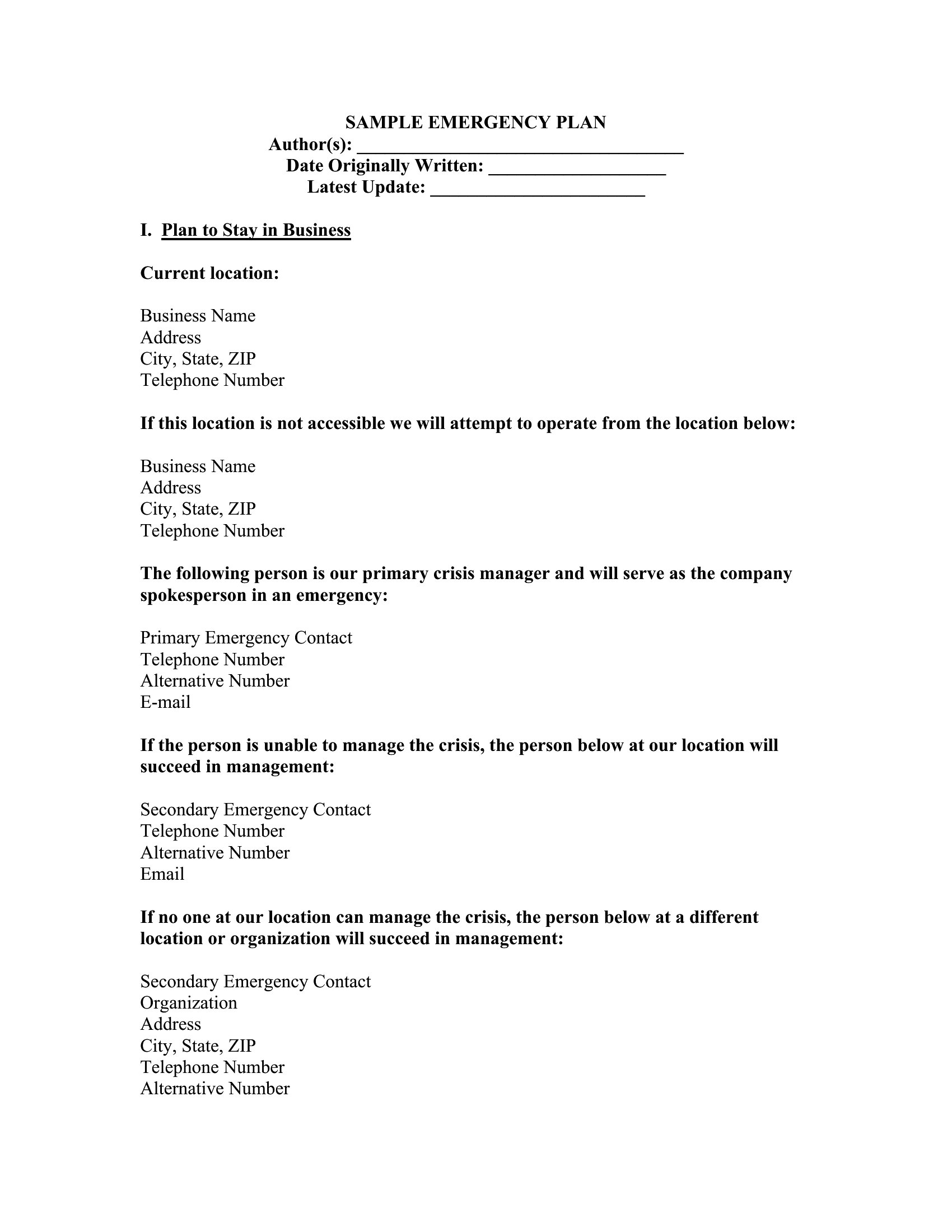
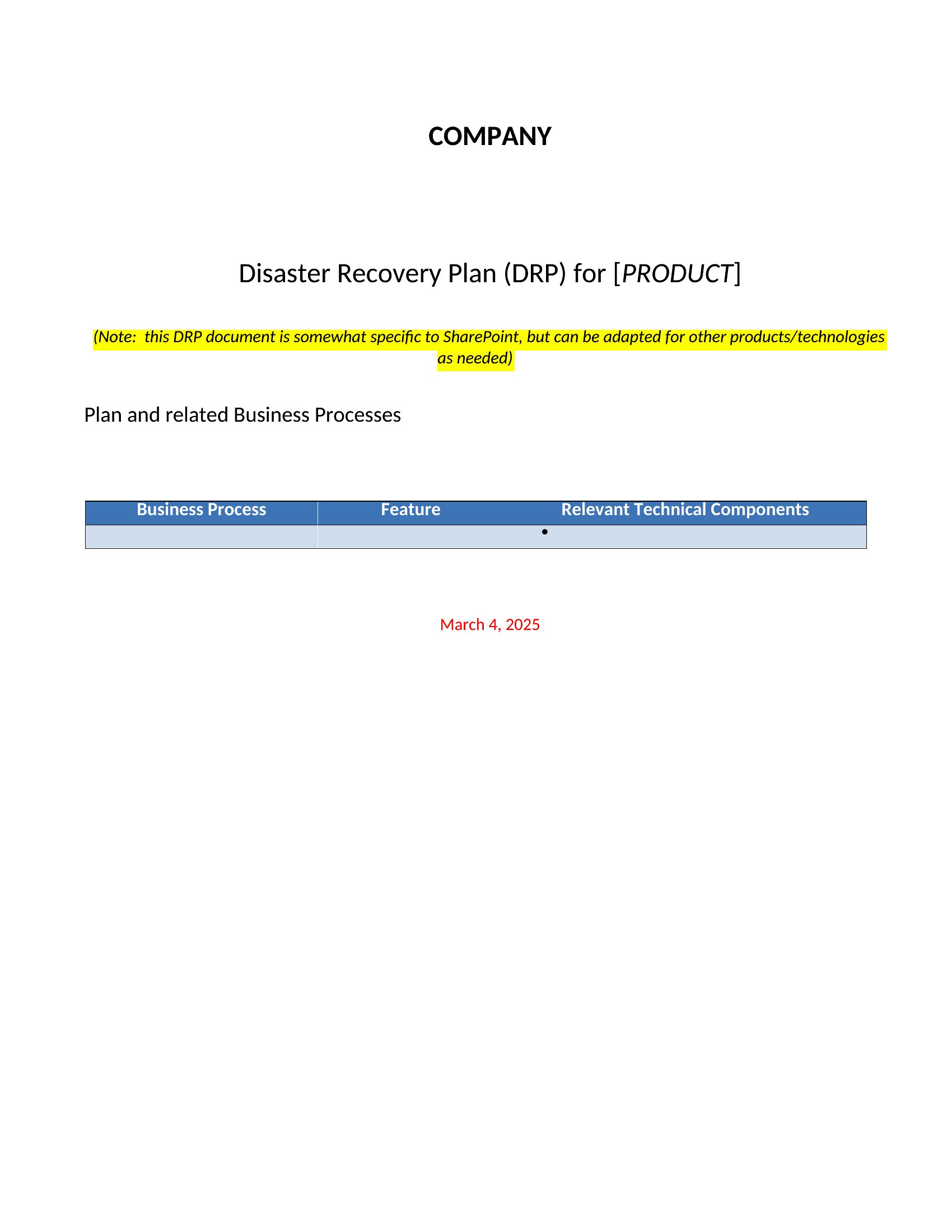
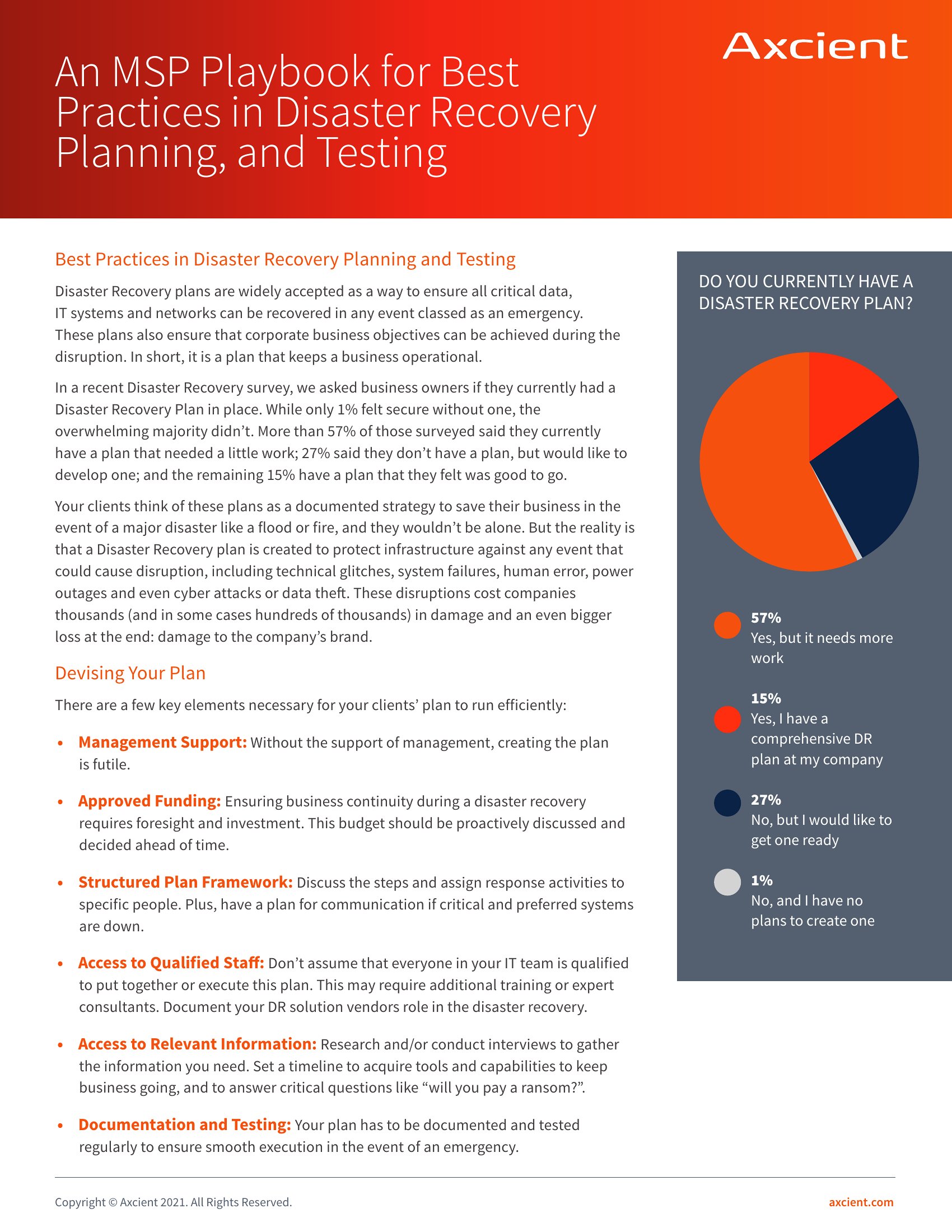
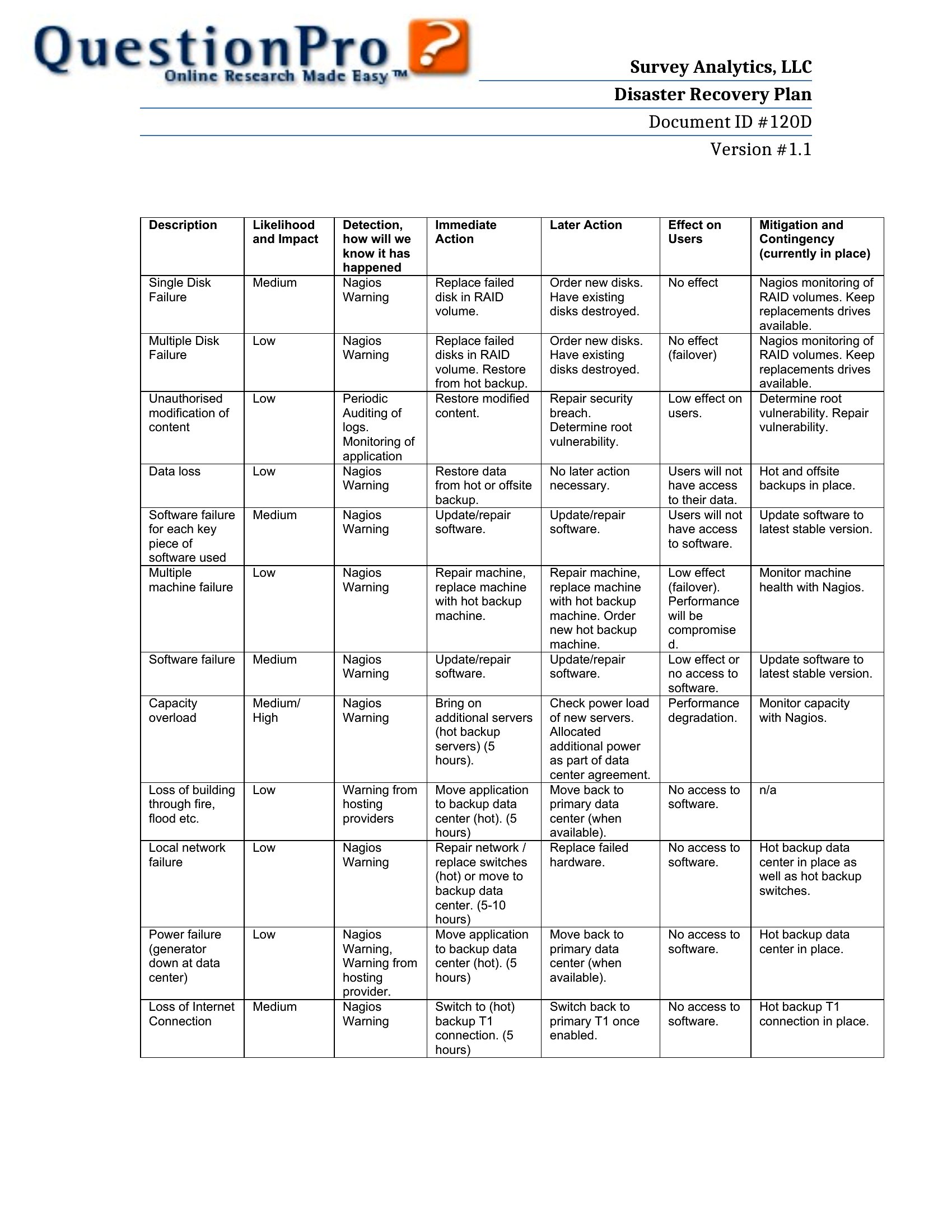
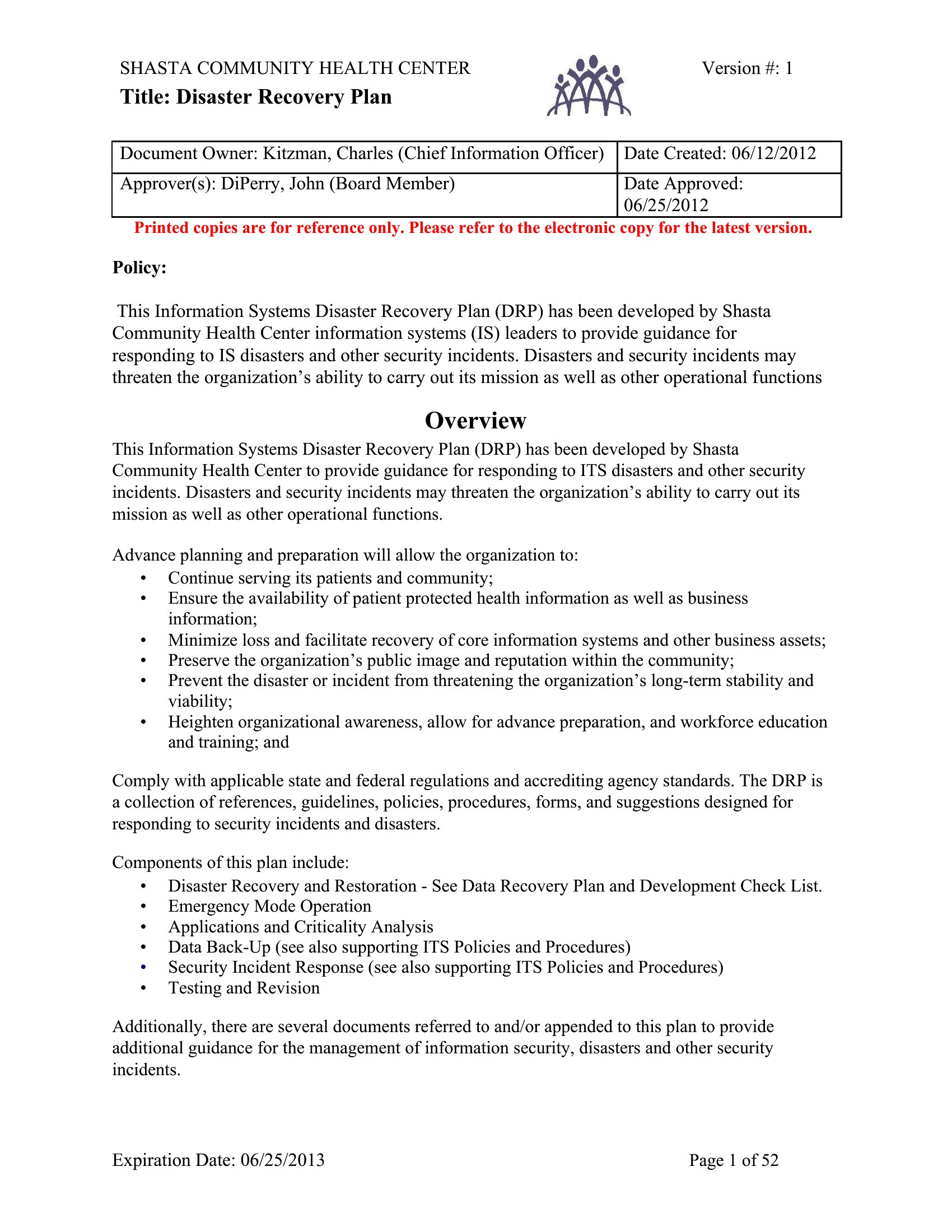
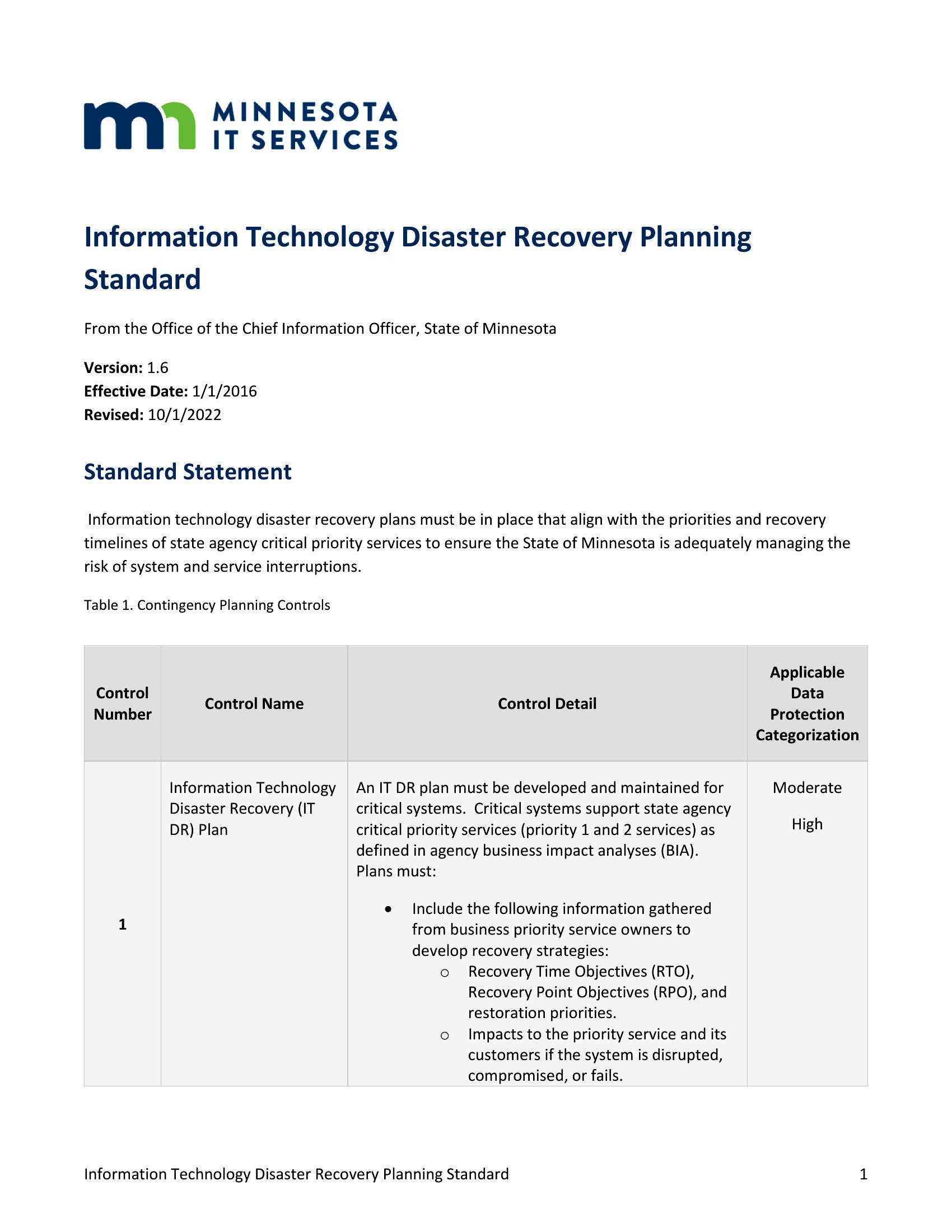
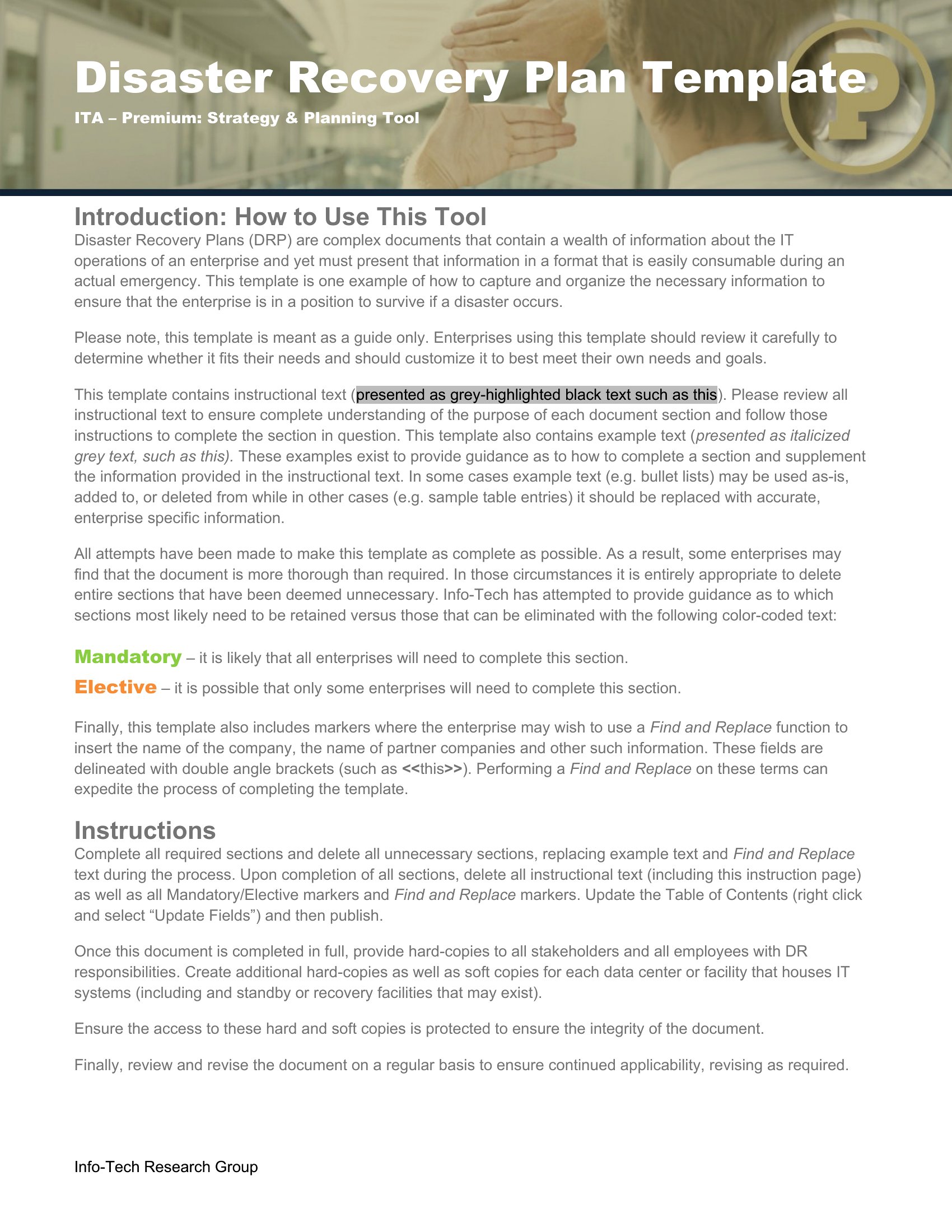
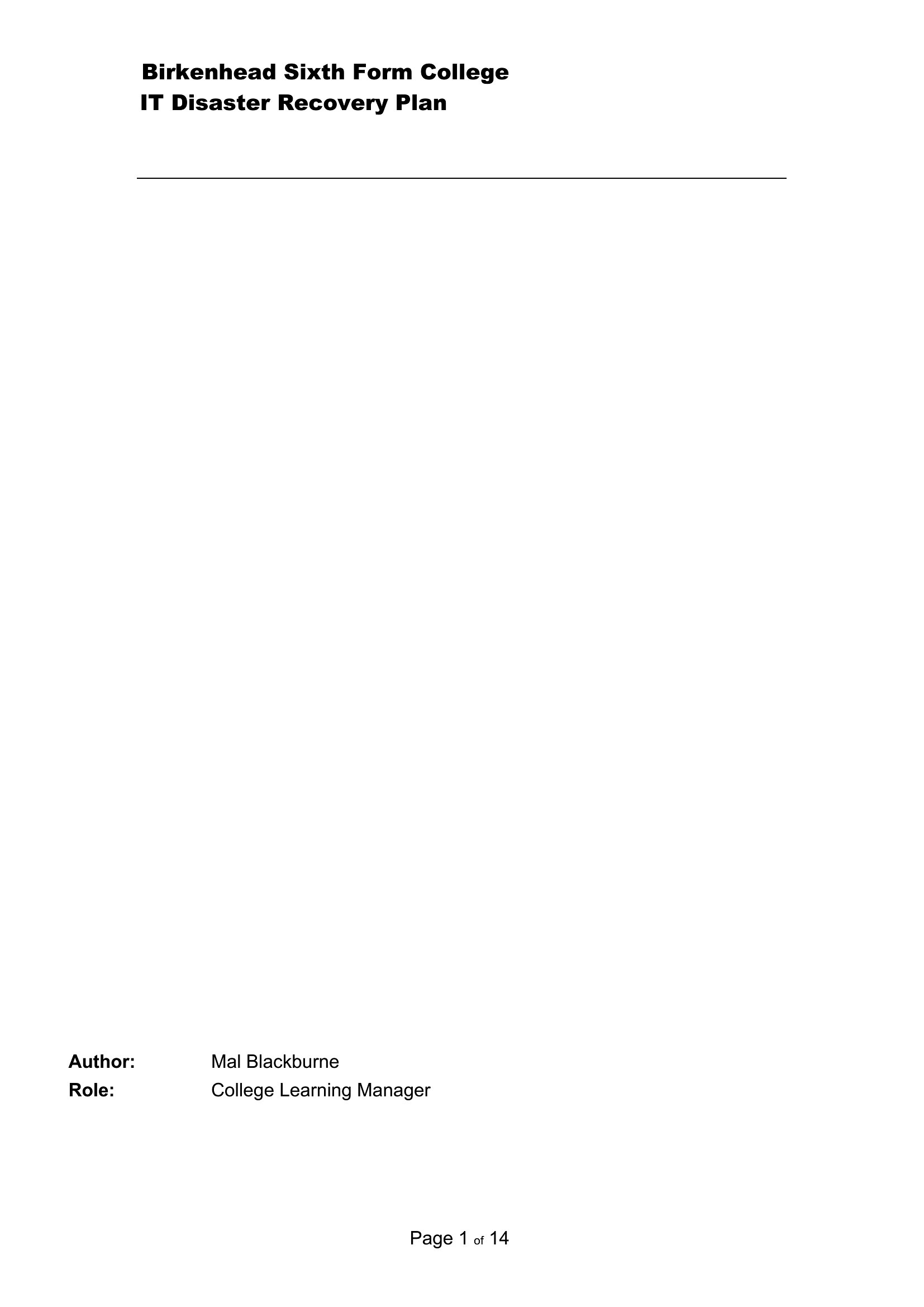
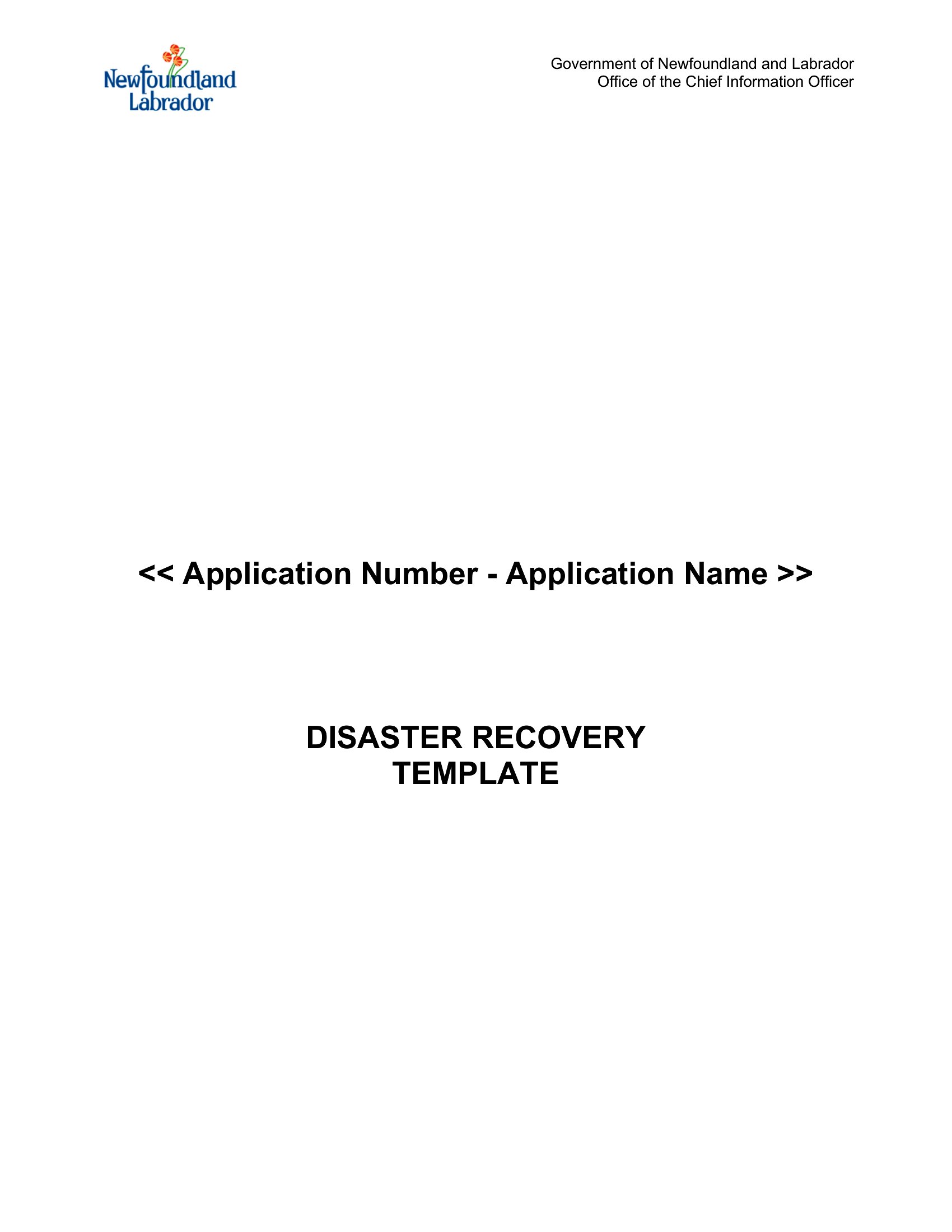
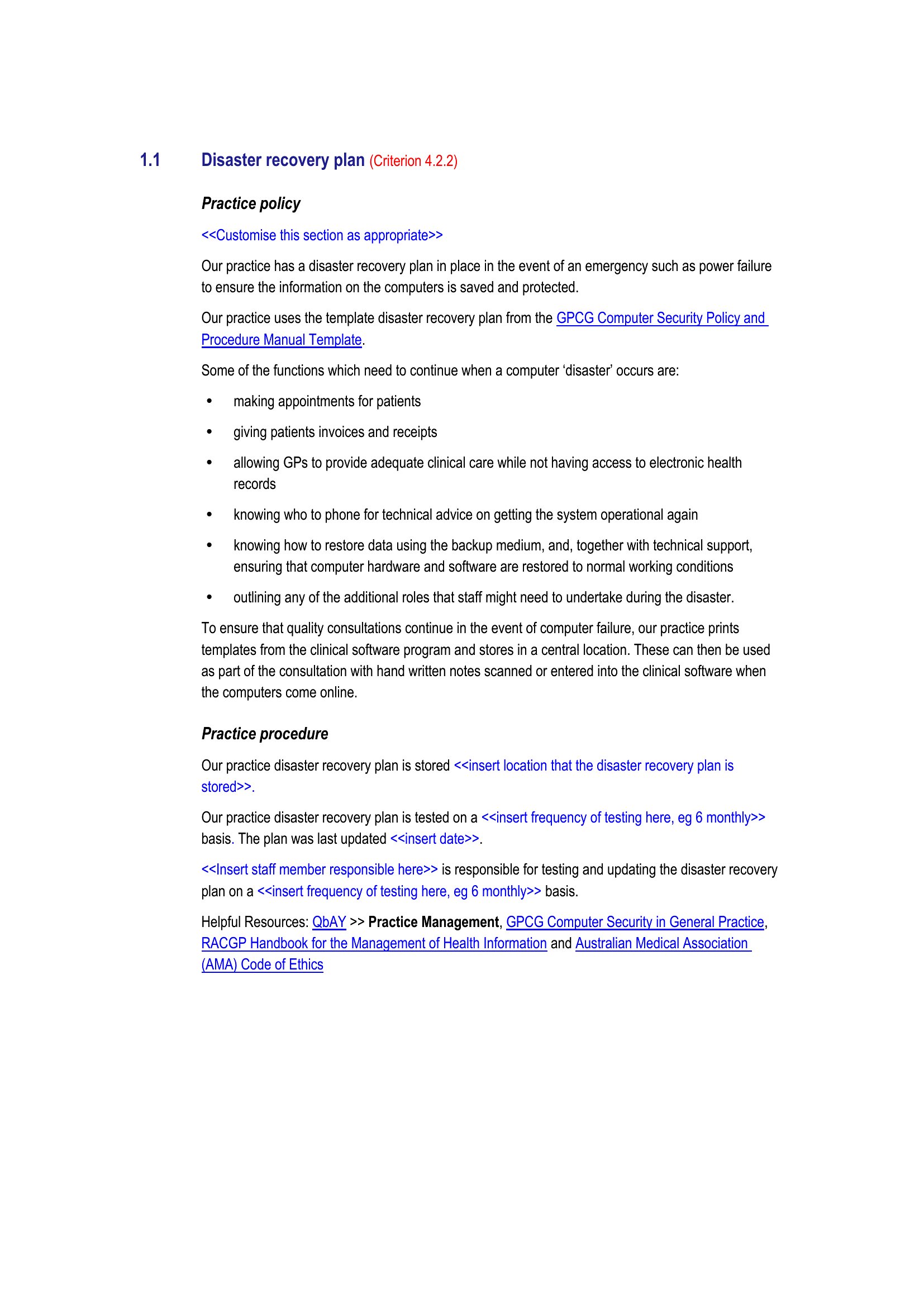
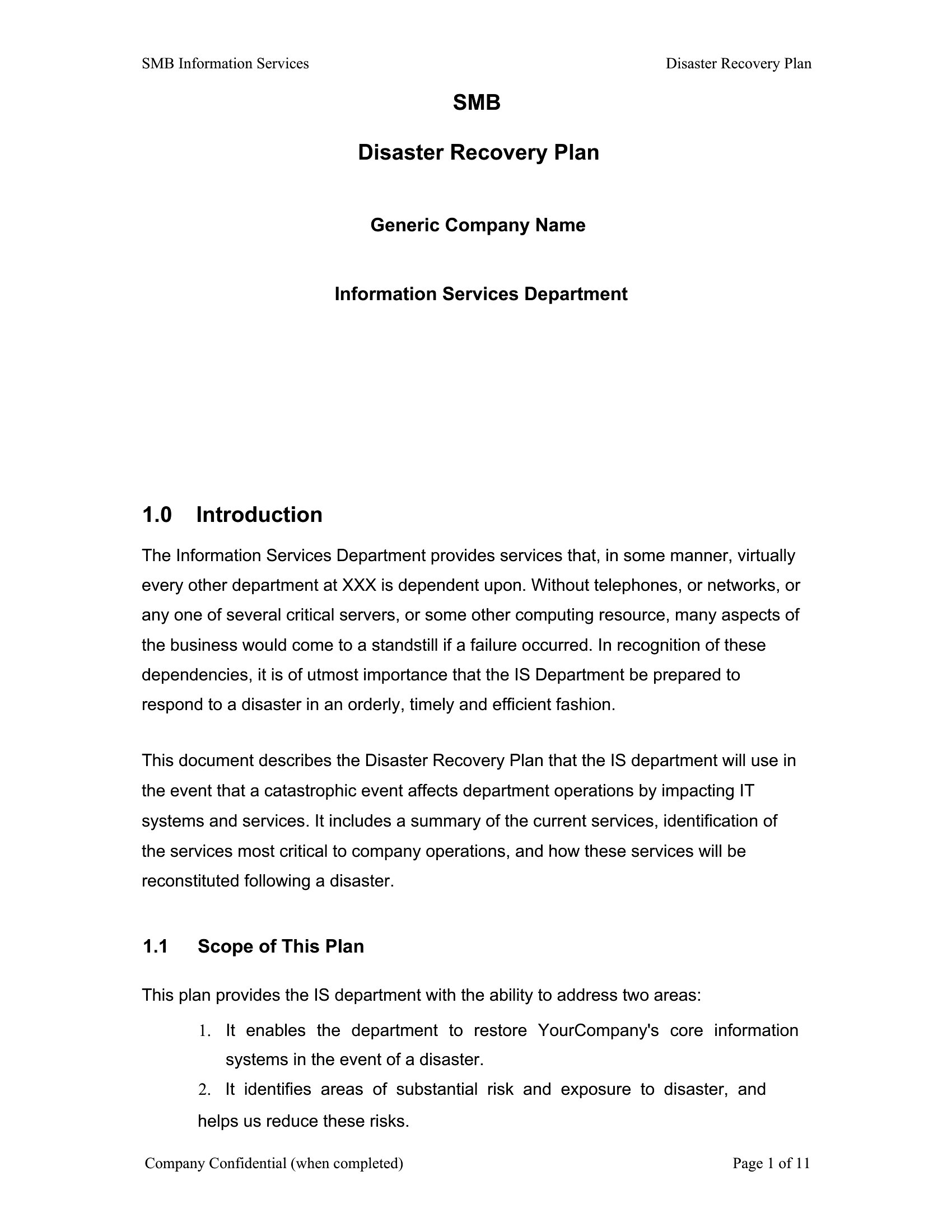
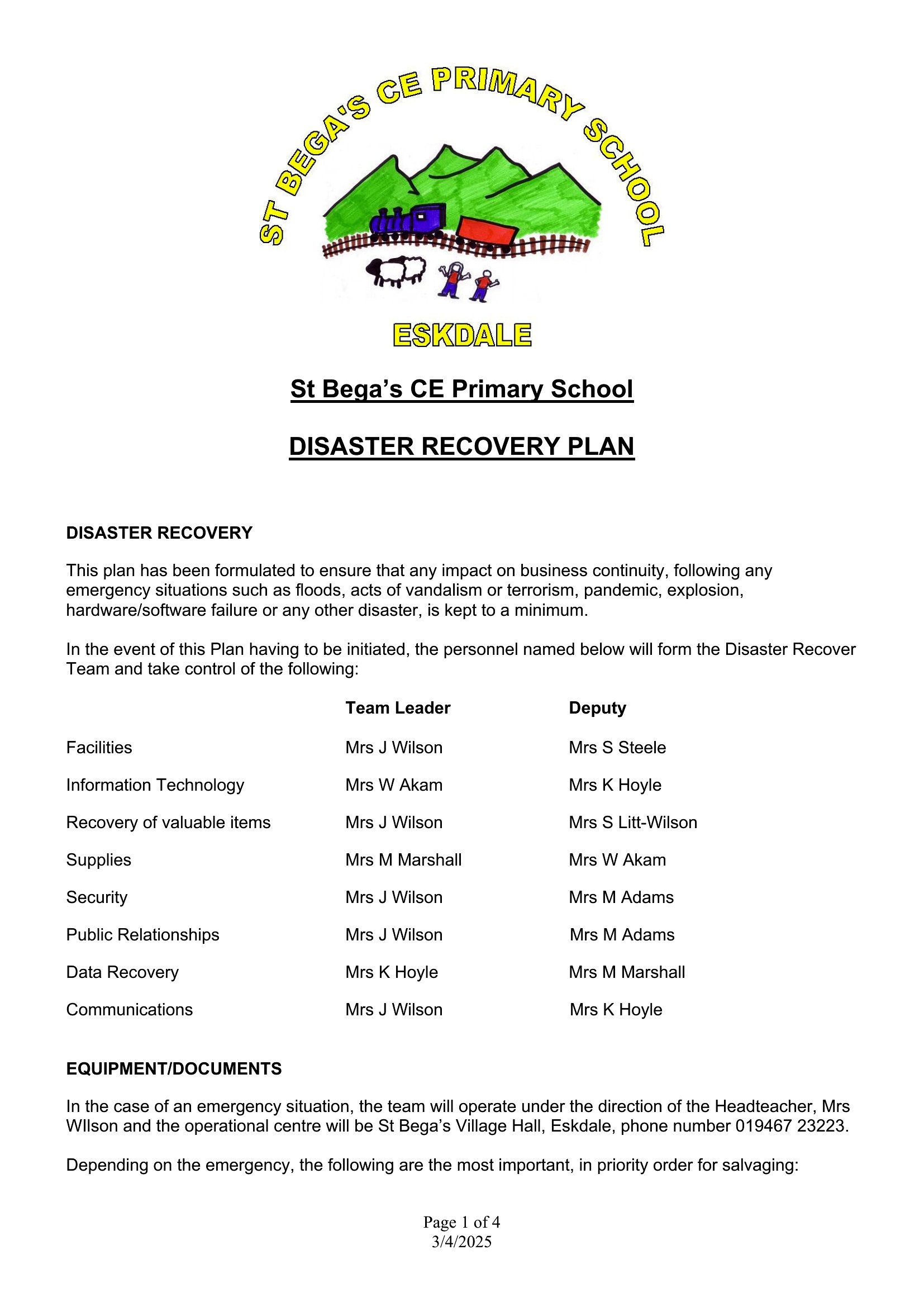
DiagramsWhen systems crash or disaster strikes, a recovery plan is the difference between a rough afternoon and a full shutdown. This set of 64 disaster recovery plan templates helps IT teams and business owners document backups, recovery steps, contacts, and priorities ahead of time. The formats range from quick checklists to full business-continuity plans for larger operations.
You'll find layouts in Word for detailed write-ups and PDFs for printing and distributing to your team. Fill in your own systems, recovery time goals, and responsibilities, and you've got a reference people can actually follow during a crisis. Download the version that matches your setup and start documenting your plan.
When to use this Disaster Recovery Plan template
- IT teams in mid-sized companies drafting a formal disaster recovery playbook with roles, timelines, and vendor contacts for compliance-heavy industries like finance or healthcare.
- Small business owners with no dedicated IT staff creating a one-page recovery checklist to ensure critical data backups and supplier notifications during localized storms or cyber threats.
- Cybersecurity consultants preparing customizable templates for clients in e-commerce, where downtime costs $10k+/hour, to align recovery steps with payment processor and cloud provider SLAs.
- Hospital administrators mapping out redundant systems for patient records and emergency alert protocols, ensuring HIPAA-compliant documentation in case of power outages or ransomware attacks.
Which format should I download?
Word is the best choice if you need an editable, collaborative disaster recovery plan that can evolve with your business—ideal for IT teams drafting policies that may require updates from multiple stakeholders. Choose PDF for finalized, locked-down plans that will be shared externally with vendors, insurers, or board members, where consistency and version control are critical. The Word format supports embedded comments and table updates, while PDF ensures a polished, error-free output for compliance or audits.
Choose from 64 Disaster Recovery Plan Templates
How to use this Disaster Recovery Plan template
How detailed should a disaster recovery plan be for a startup with no IT department?
For startups, focus on the essentials: backup frequency (local + cloud), a single contact for cloud providers, and a step-by-step guide to restore critical systems like email or POS. Prioritize simplicity—include a checklist for turning on backup power or notifying key staff, and keep it under three pages. Revisit annually or after major tech changes.
Can these templates help with recovery from a ransomware attack specifically?
Yes, but with adjustments. Use the IT-focused templates to outline isolation steps (disconnecting infected systems), vendor contacts for decryption tools, and a communication plan for customers affected by service delays. Add a section for legal/crisis PR teams if your business handles sensitive data. These templates can’t replace forensic experts, but they ensure you act fast and reduce chaos.
What’s the difference between a disaster recovery plan and a business continuity plan in these templates?
Disaster recovery here focuses on restoring IT infrastructure, data, and hardware post-event (e.g., recovering servers from backups). Business continuity plans in this set expand on that by detailing how core operations—like customer service or supply chains—stay functional during disruptions, often including remote work setups or manual workarounds. Use both if your downtime risks impact revenue beyond tech failures.
Comments
Join the conversation
Sign in to share your thoughts and leave a comment on this resource.