Free Phone Tree Templates (Word, Excel)
DiagramsTemplates
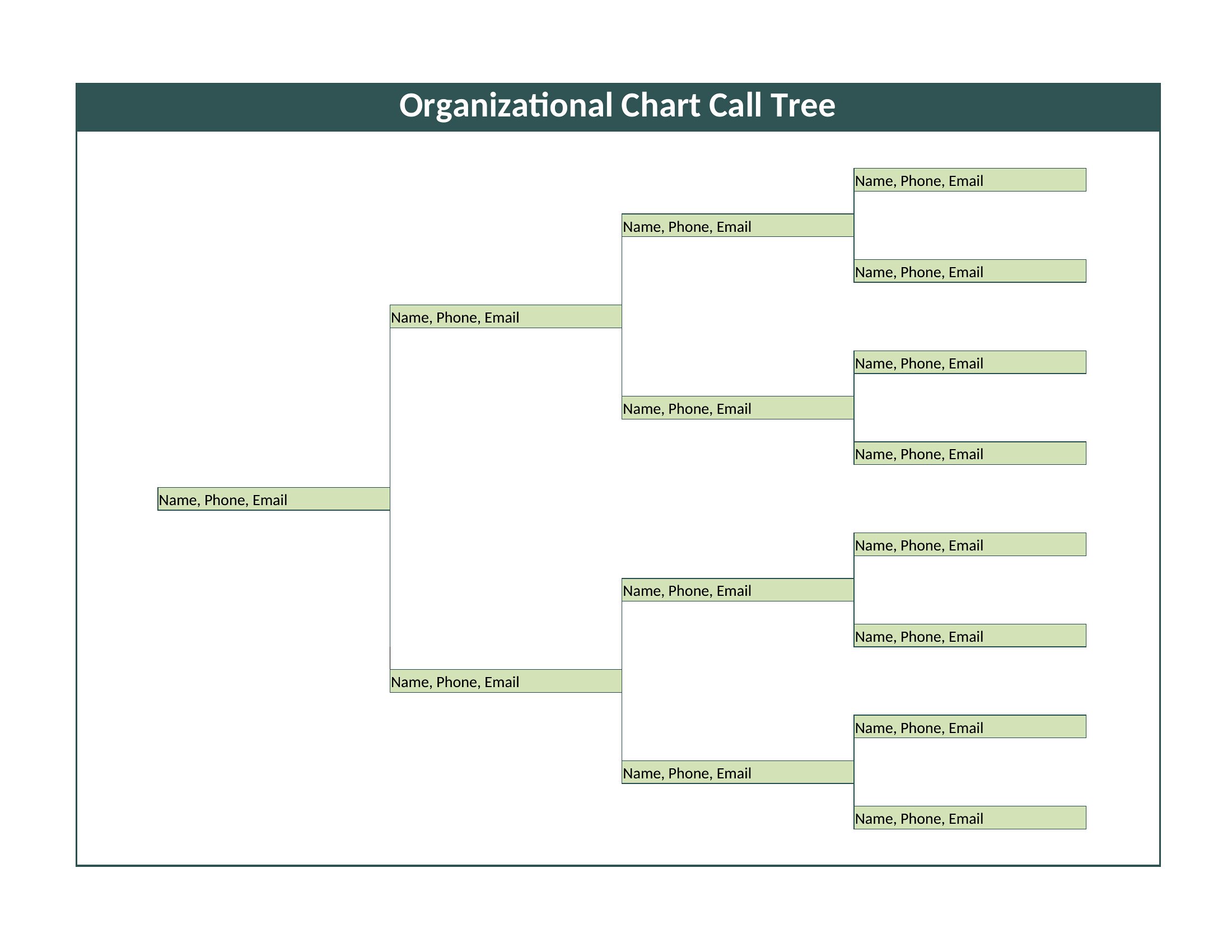
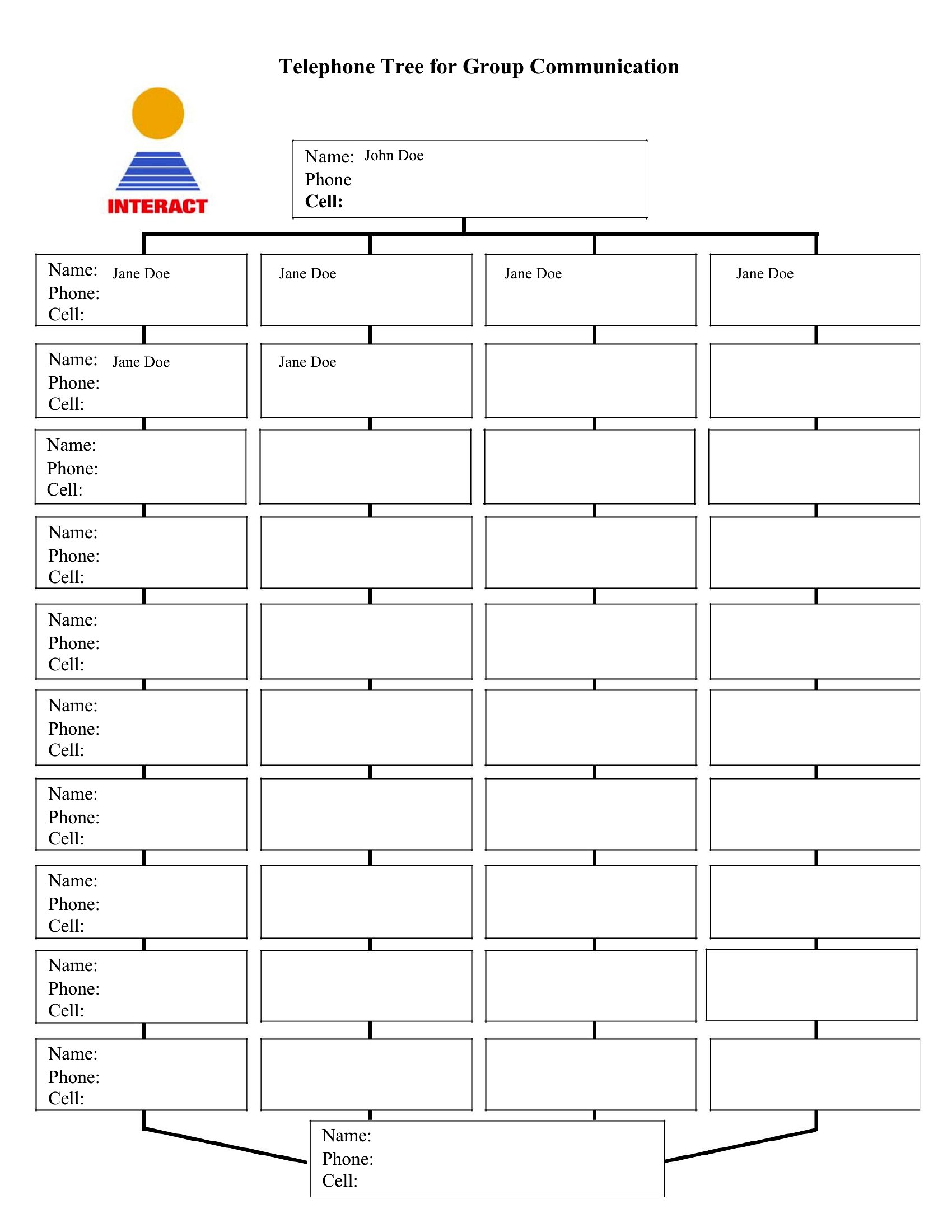
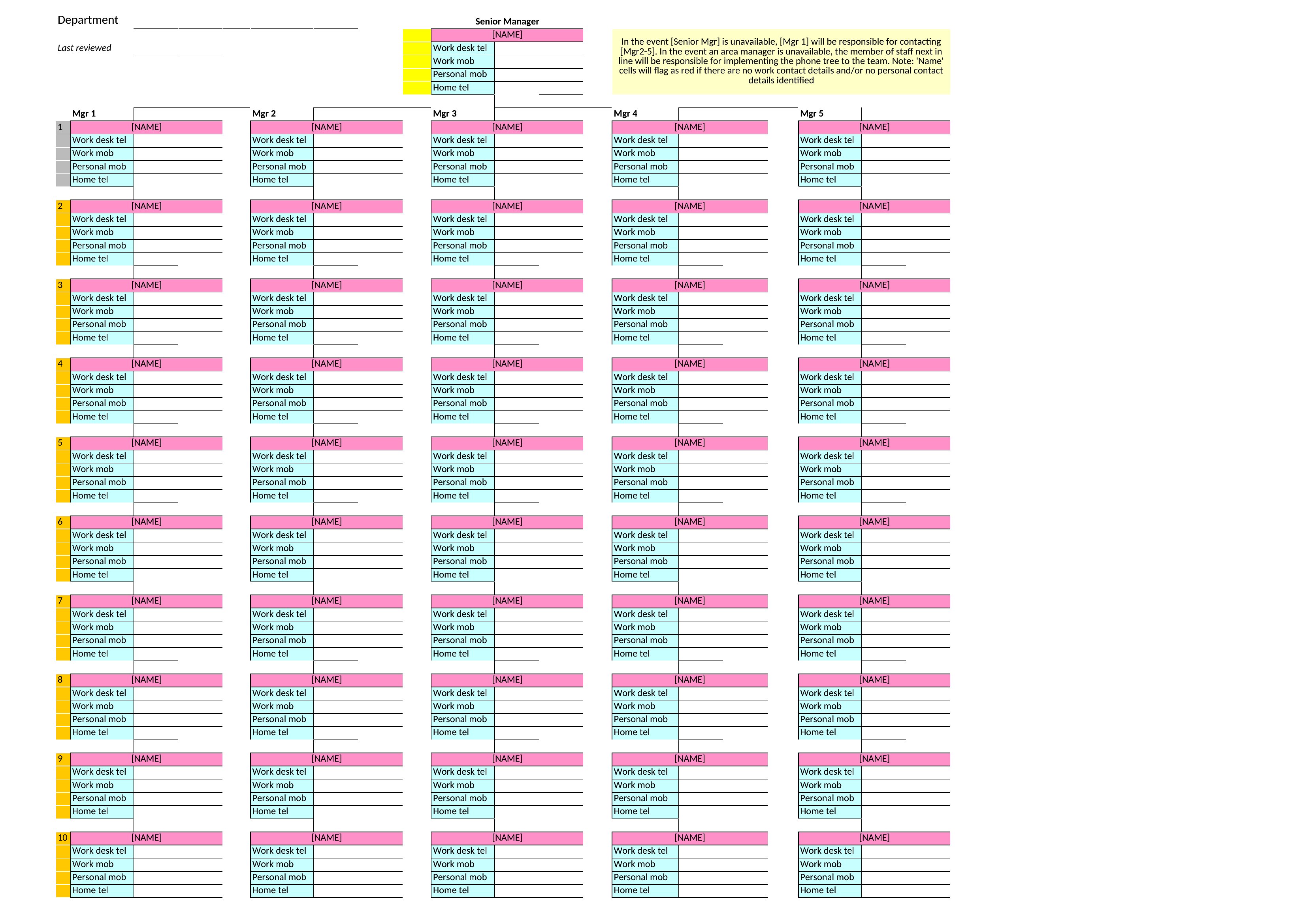
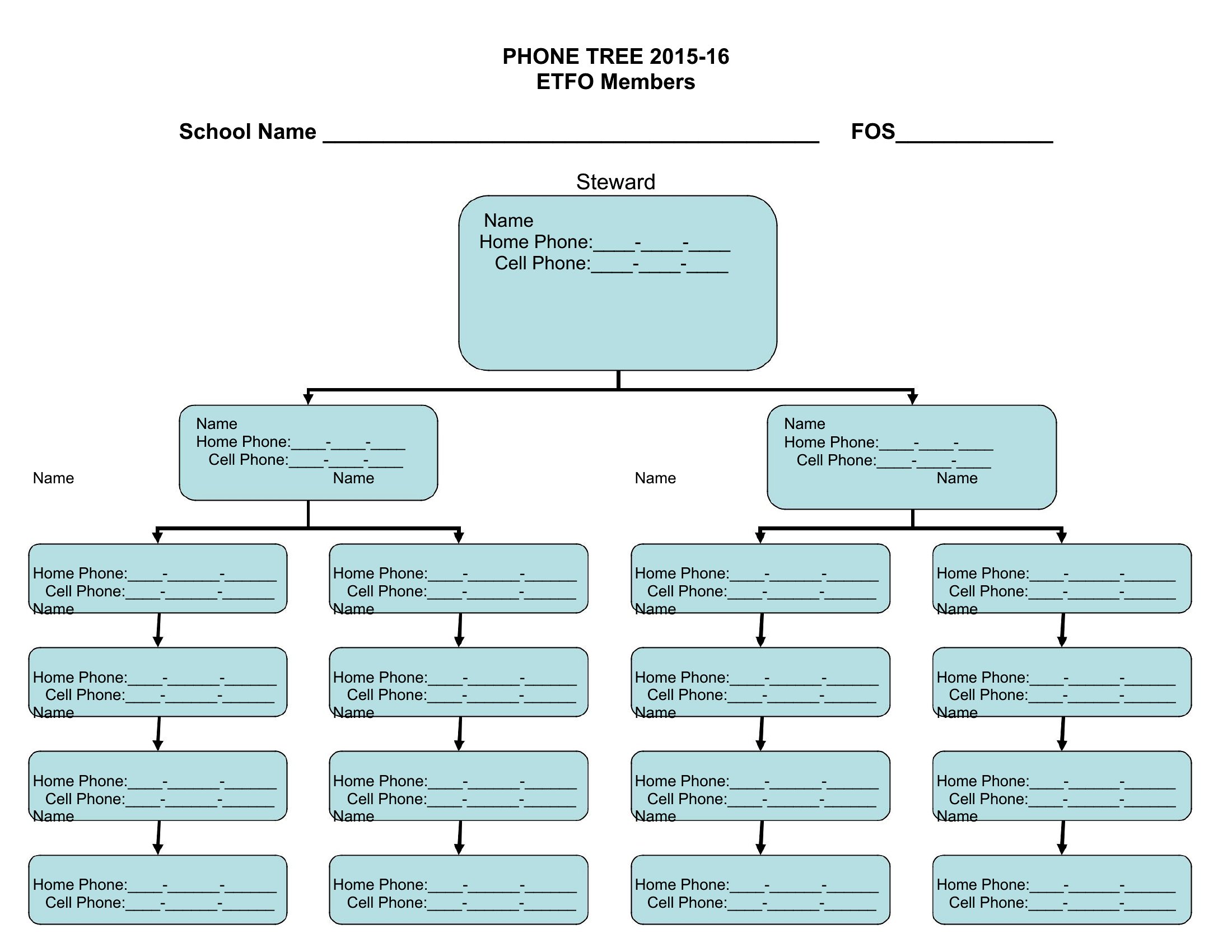
FAQ
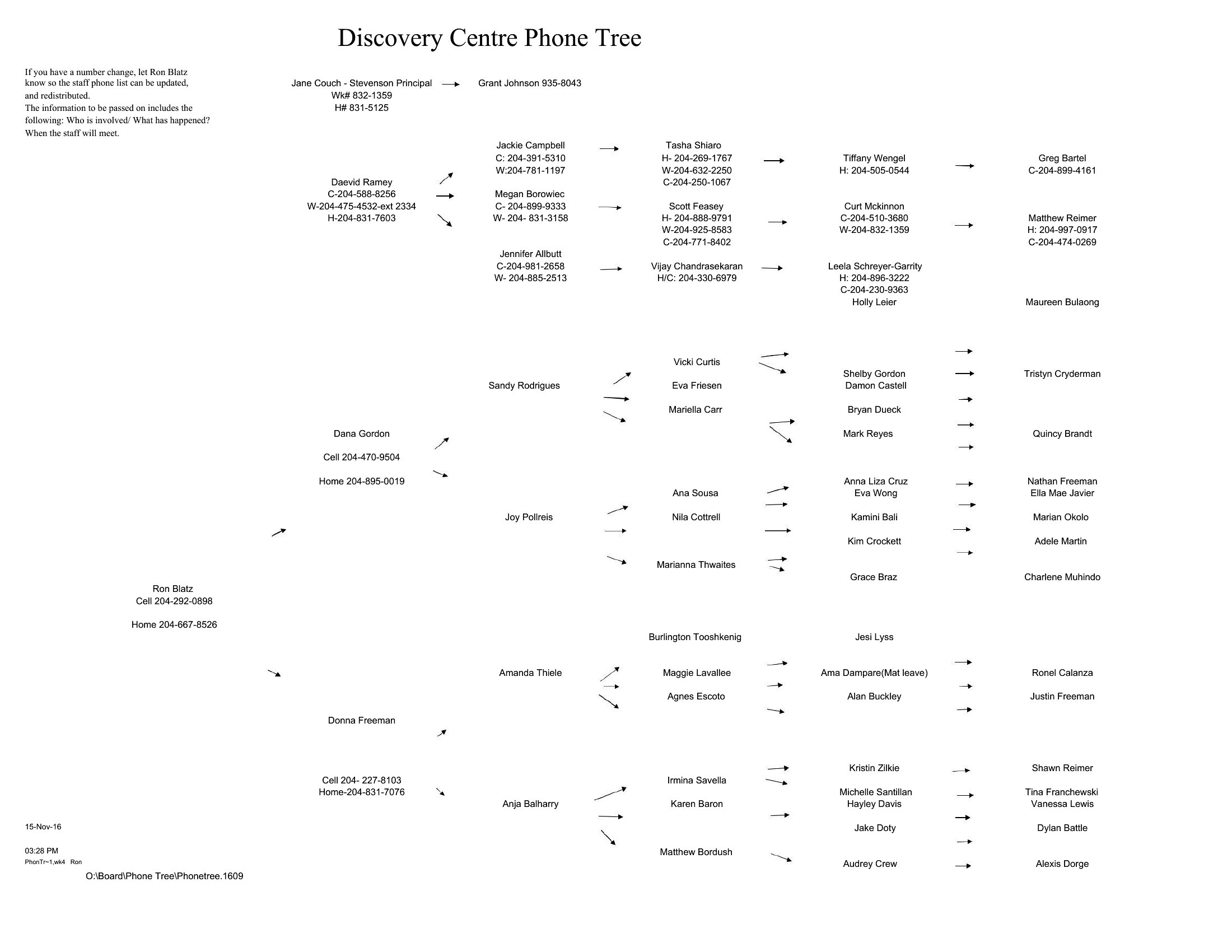
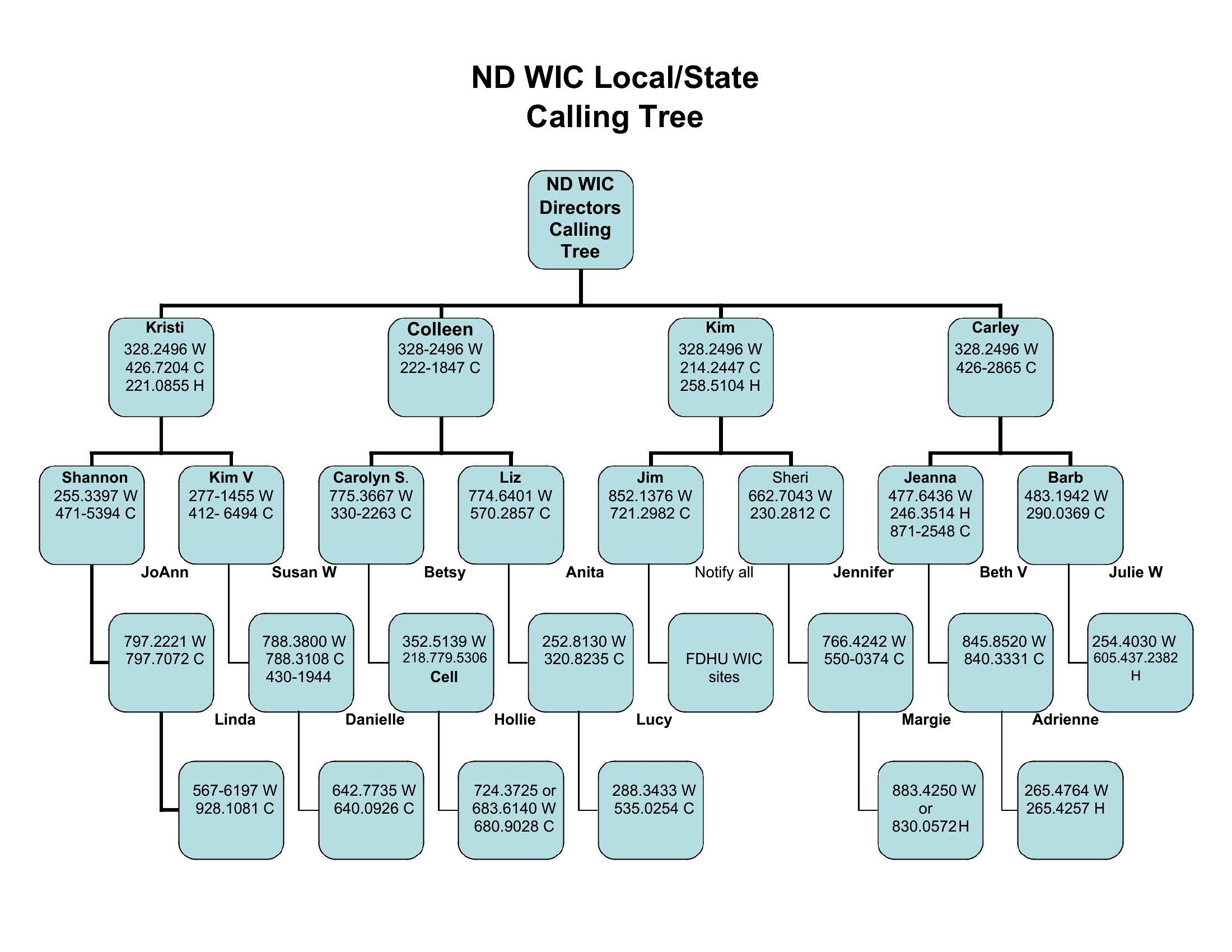
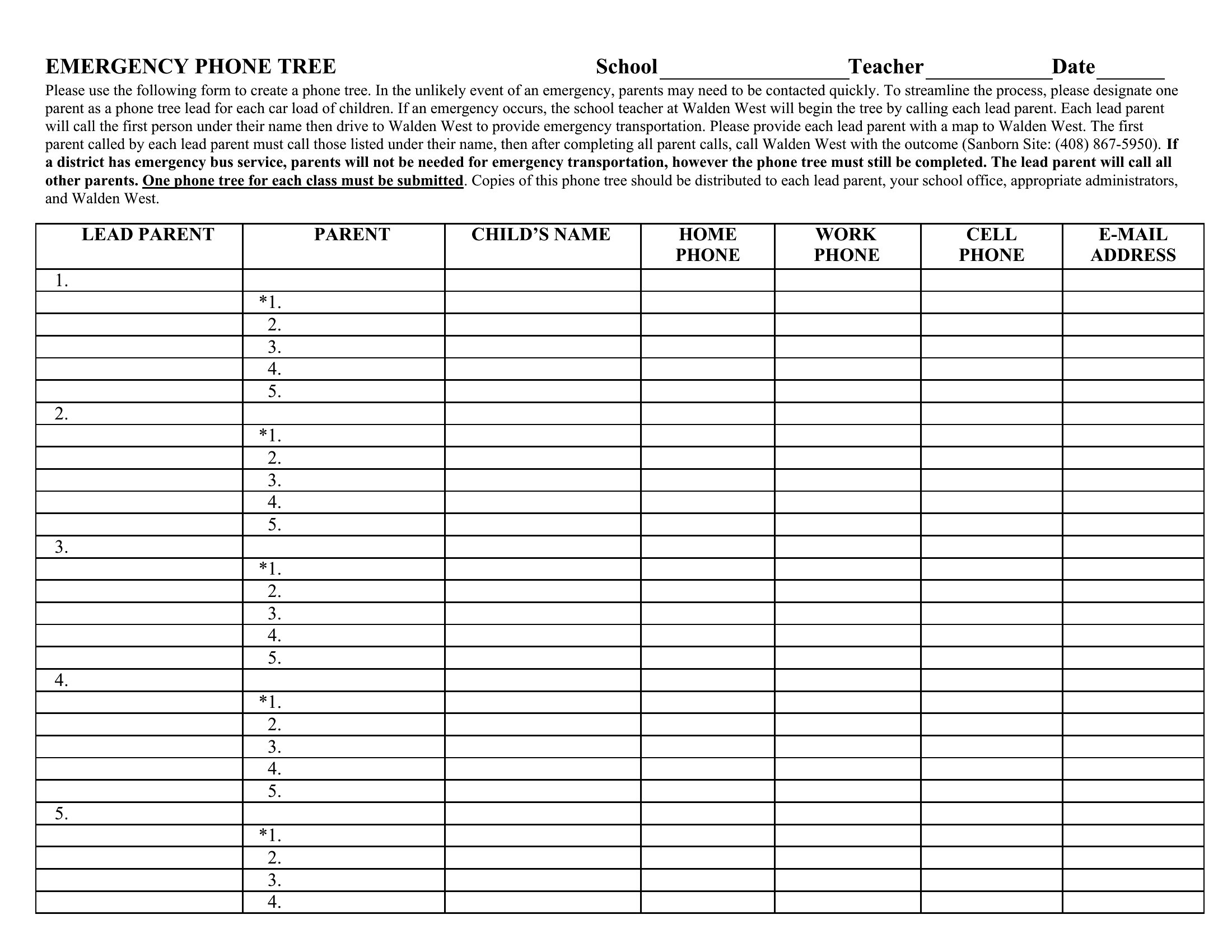
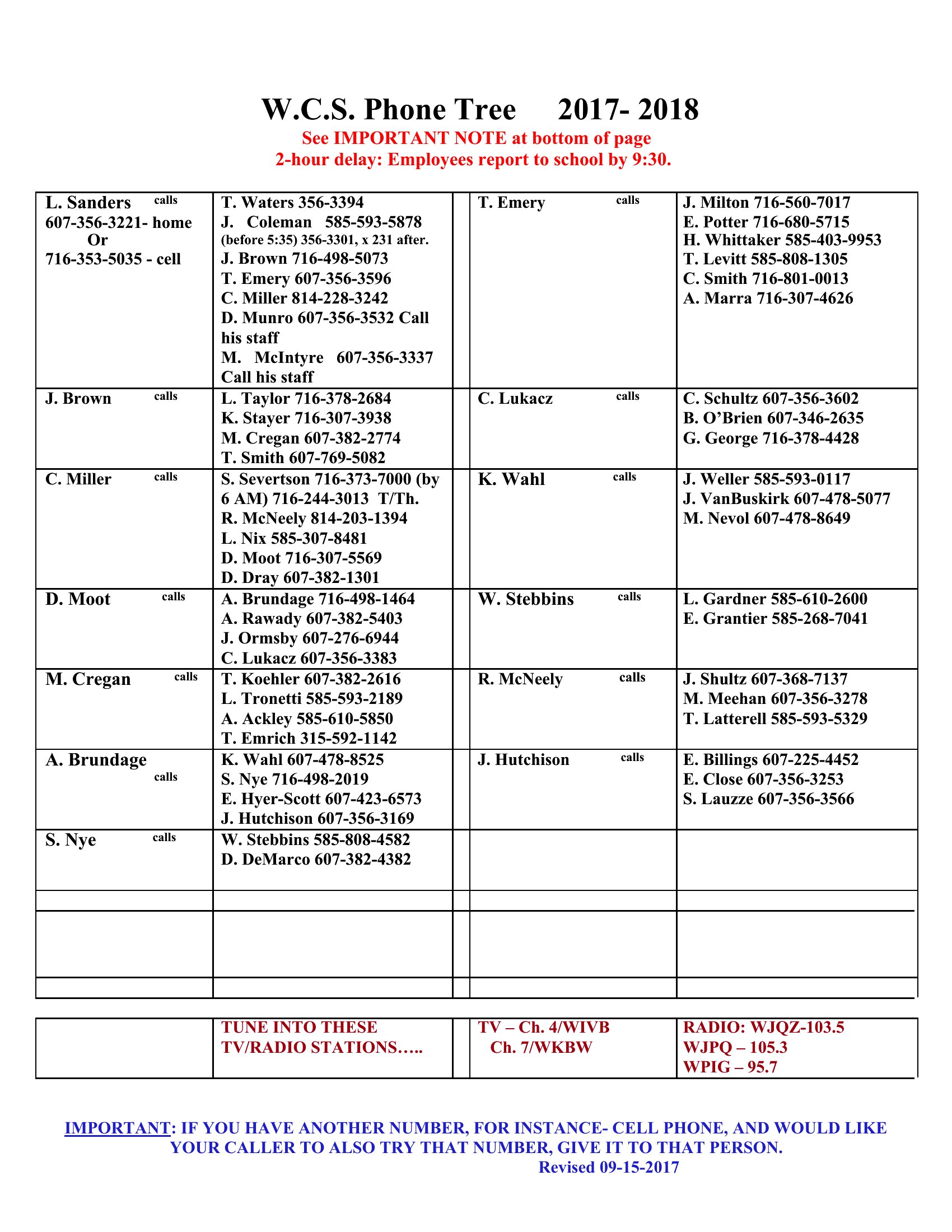
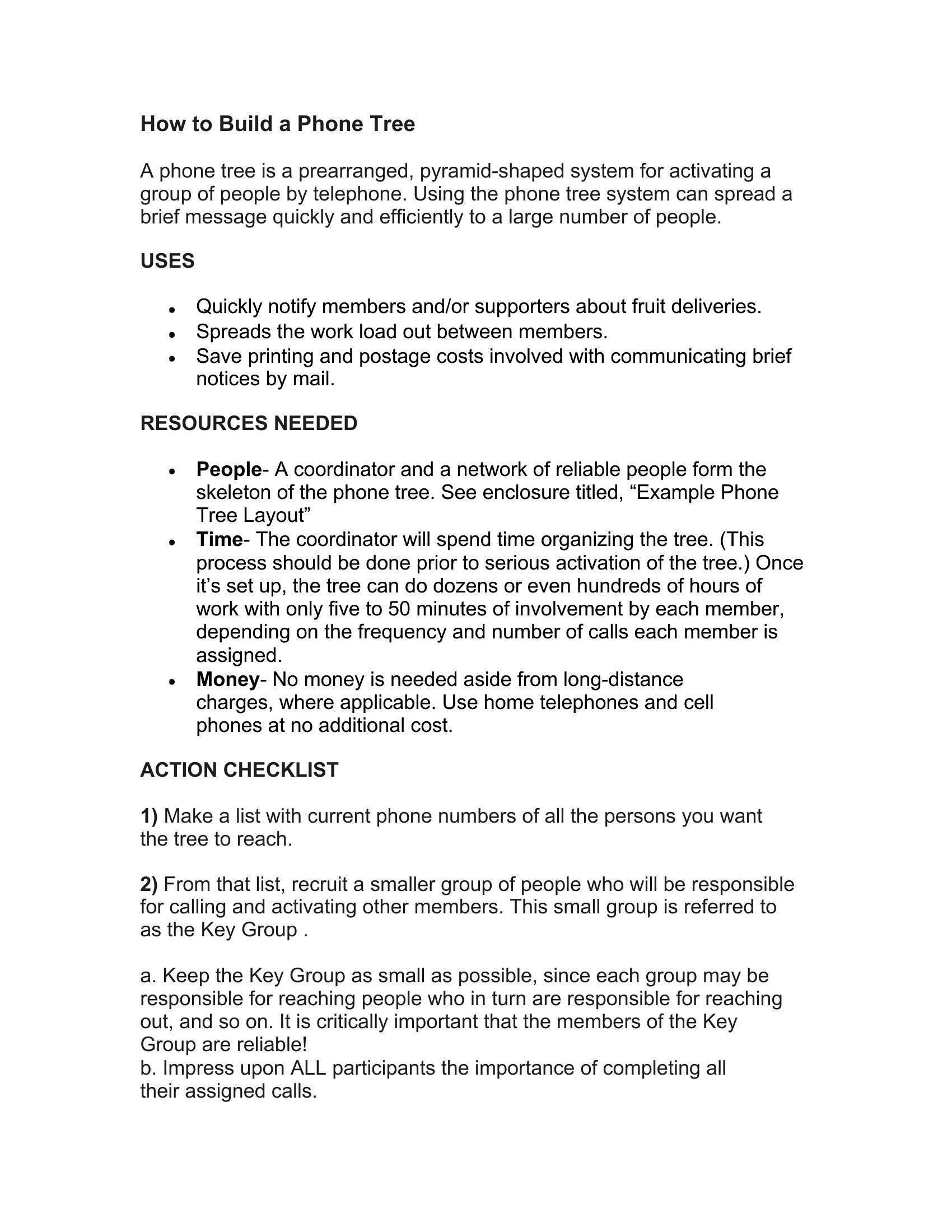
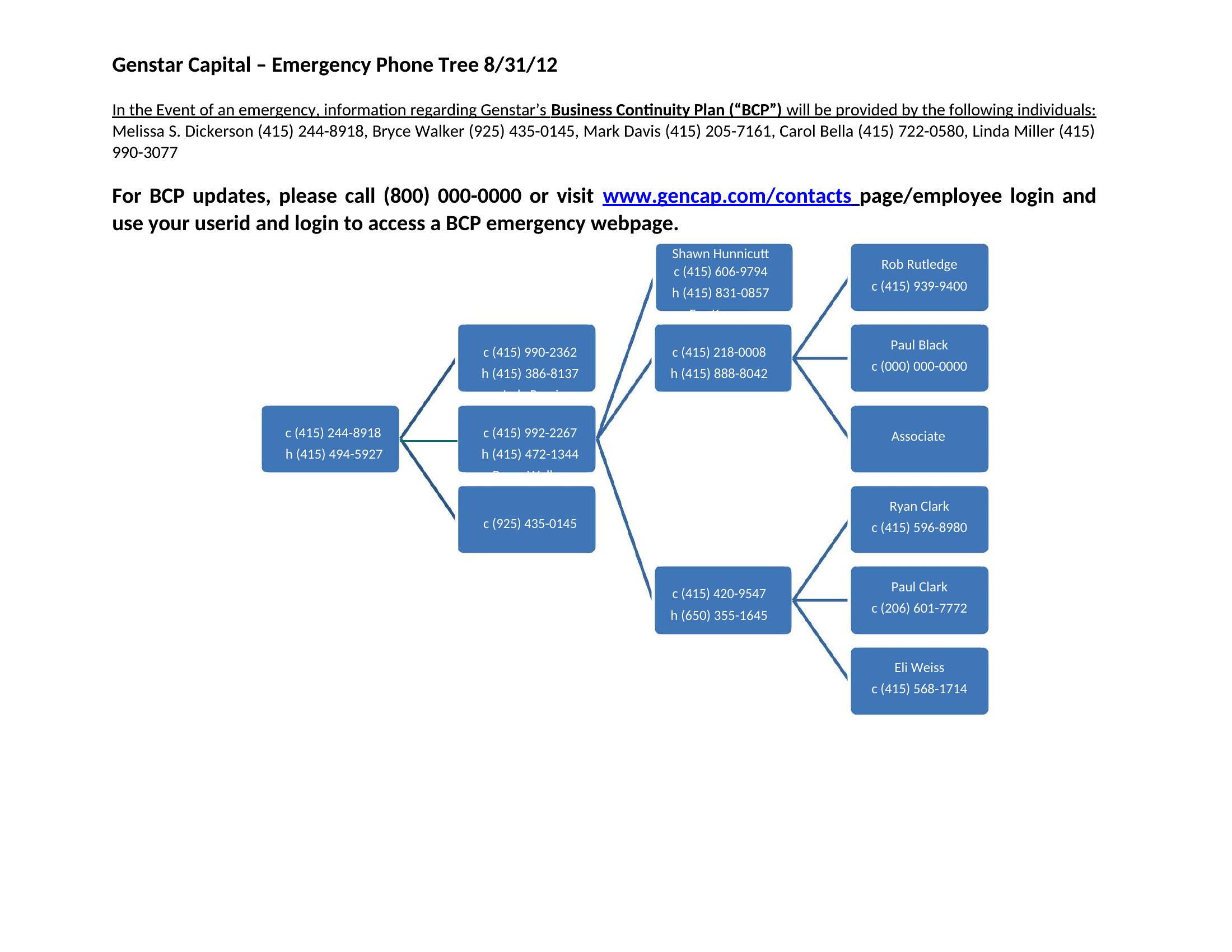
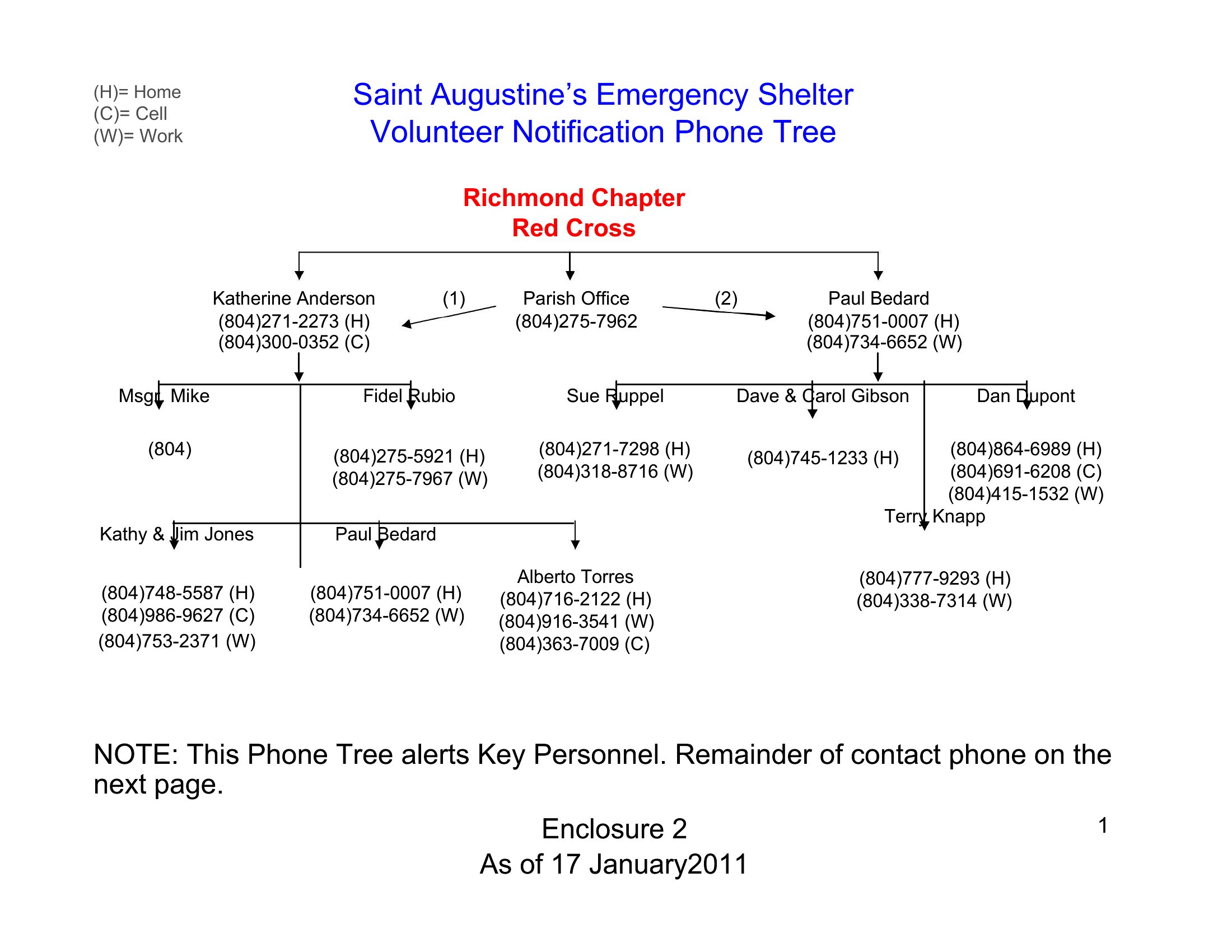
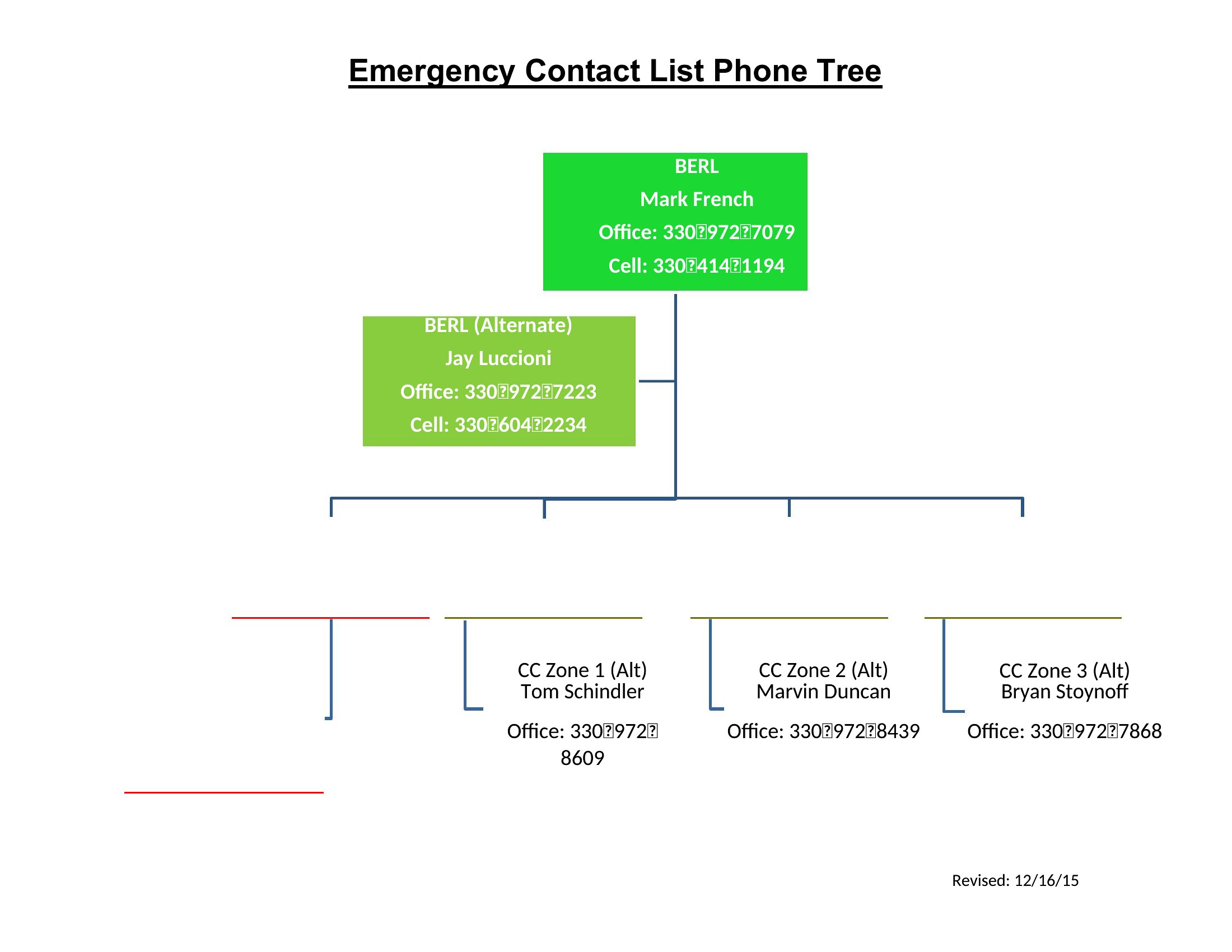
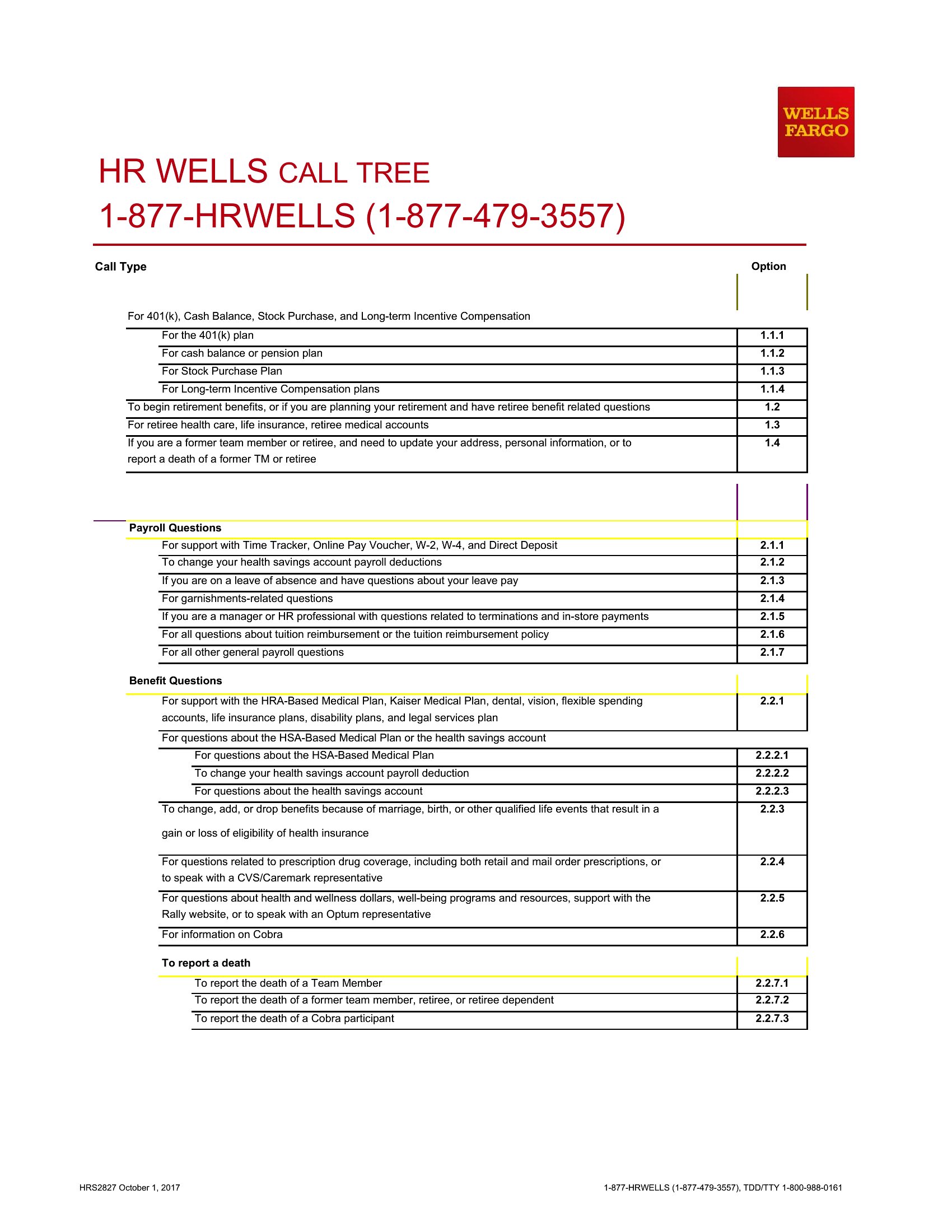
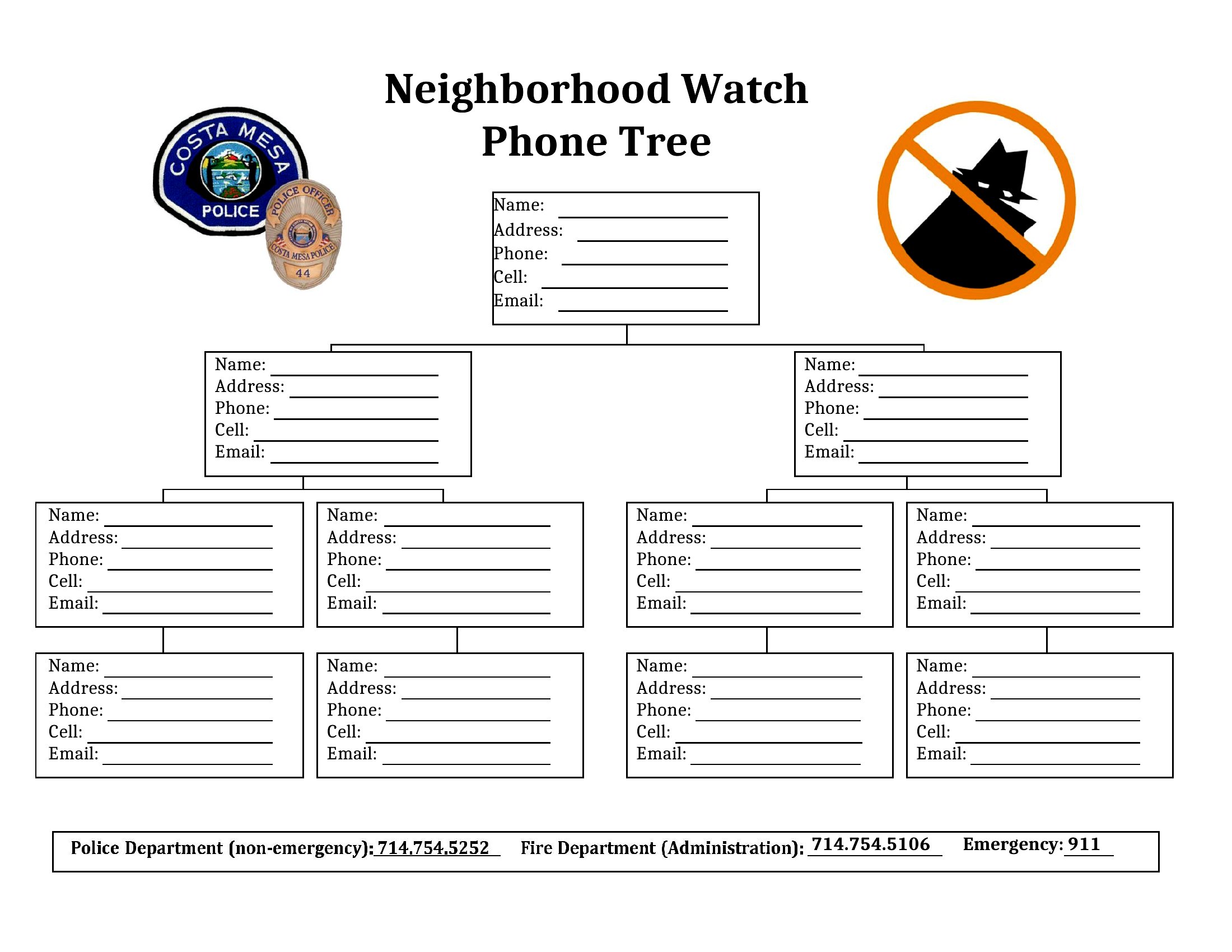
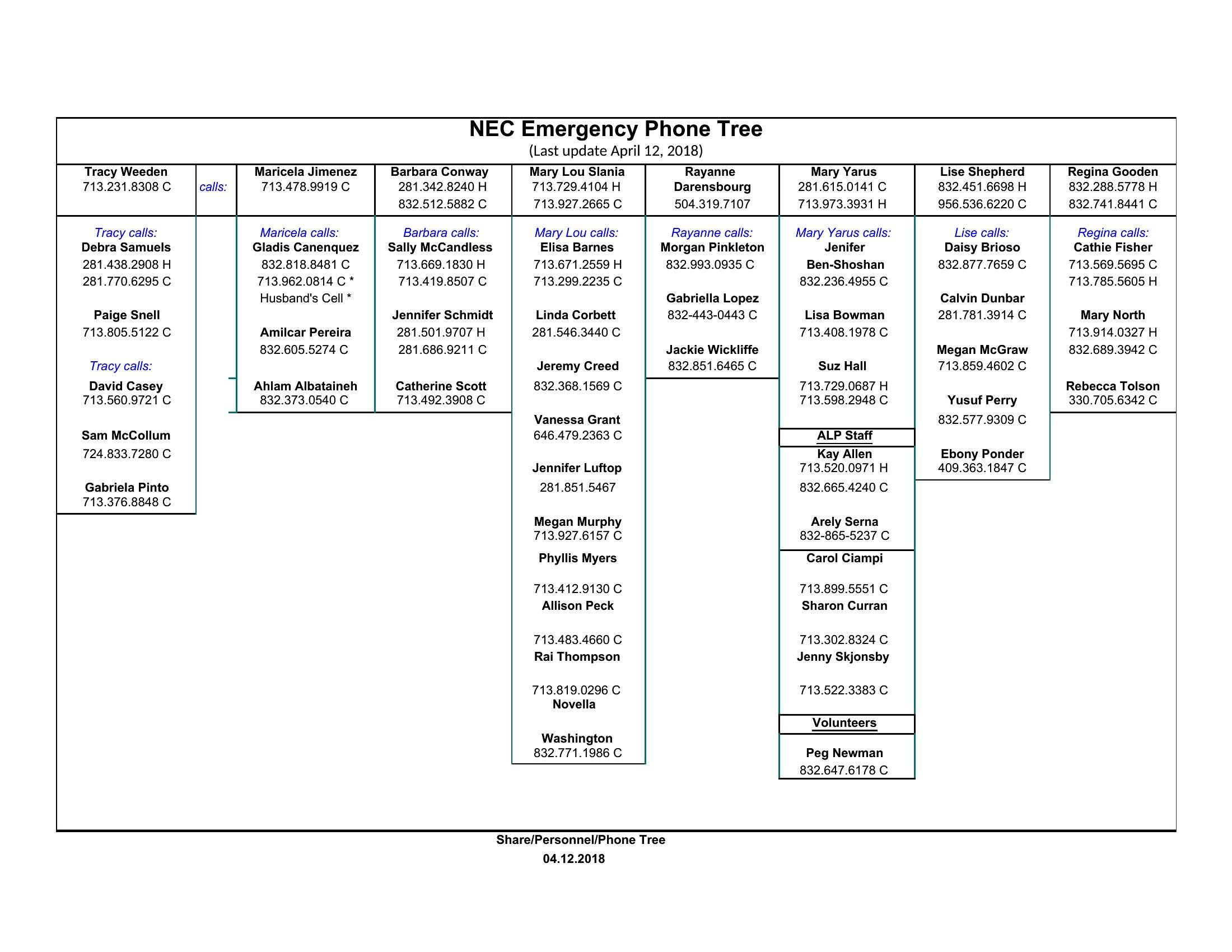
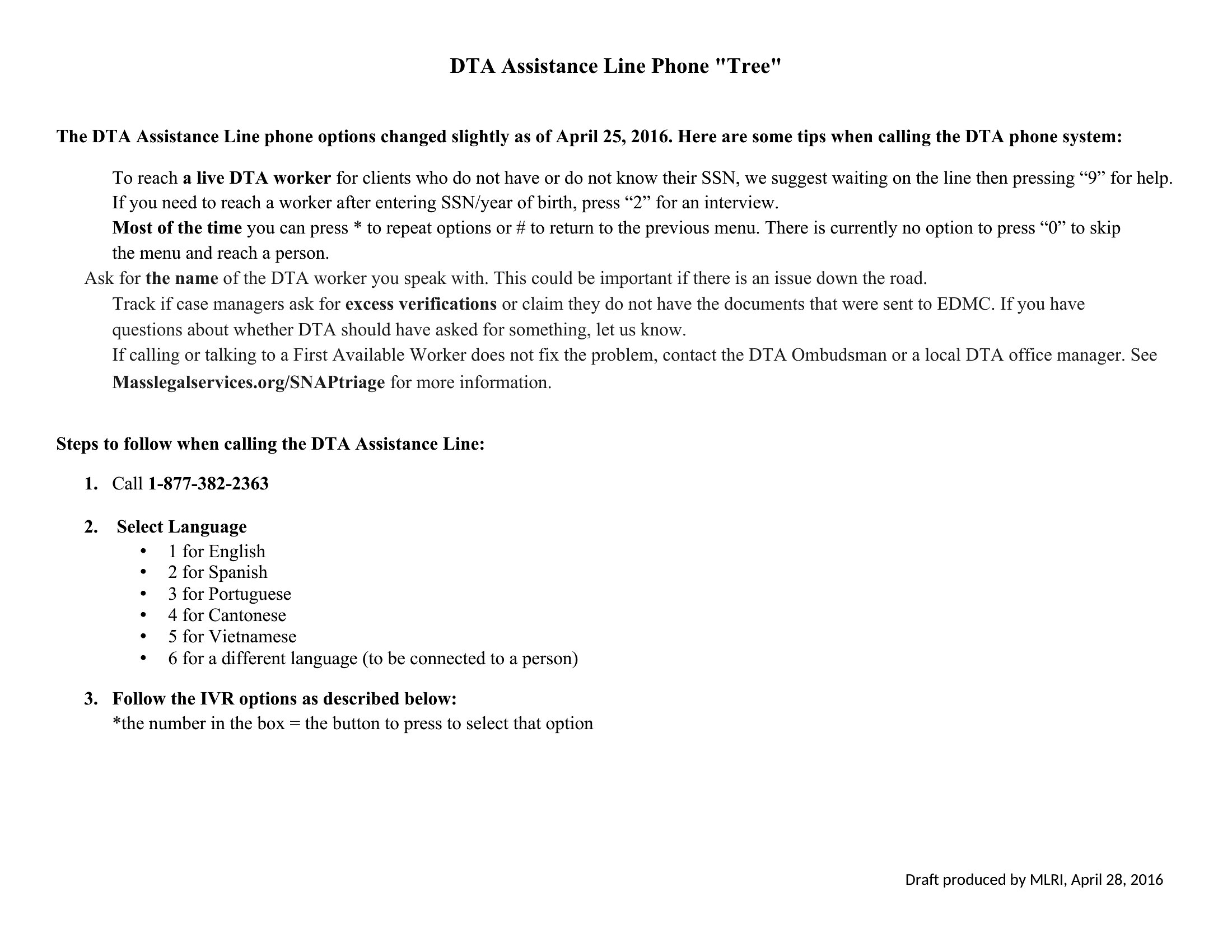
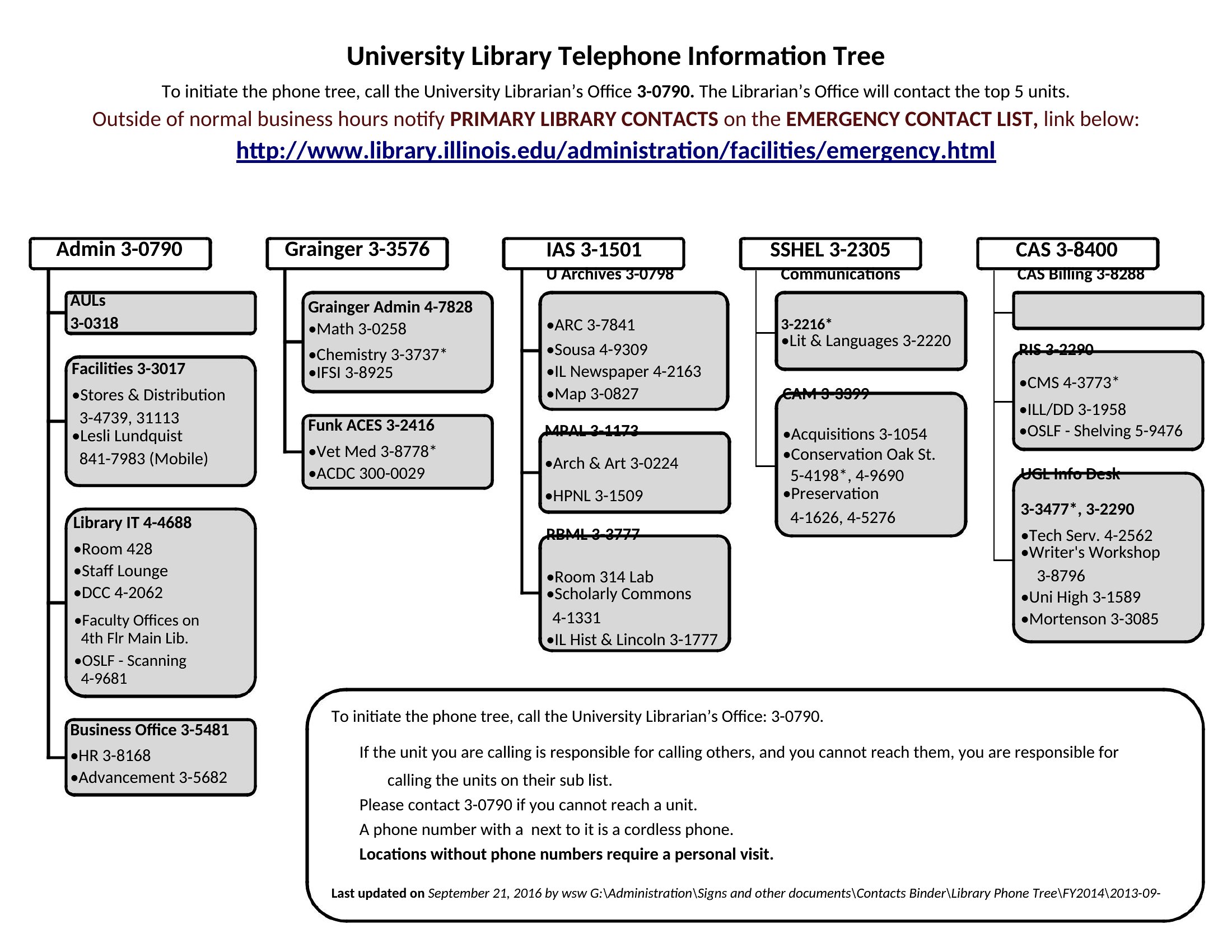
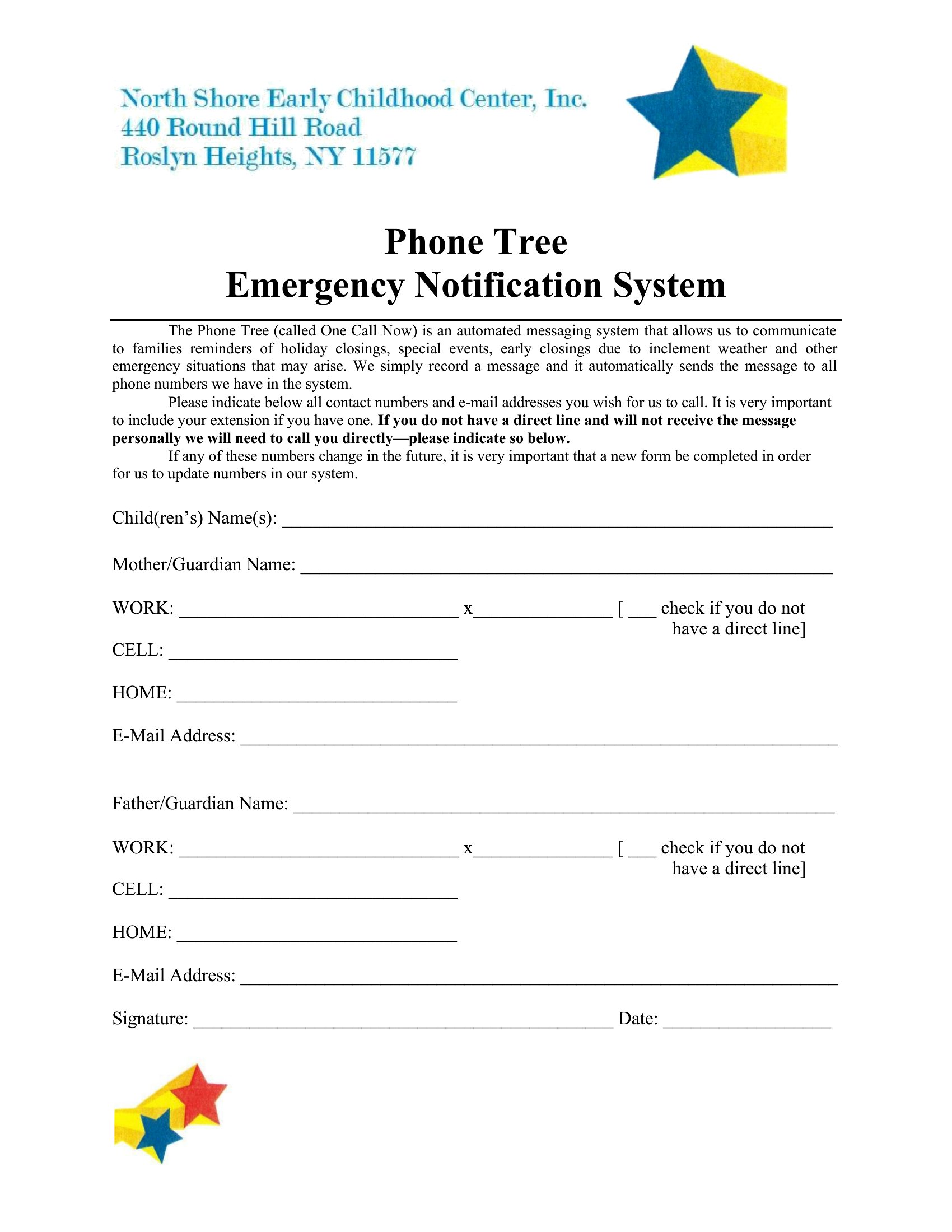
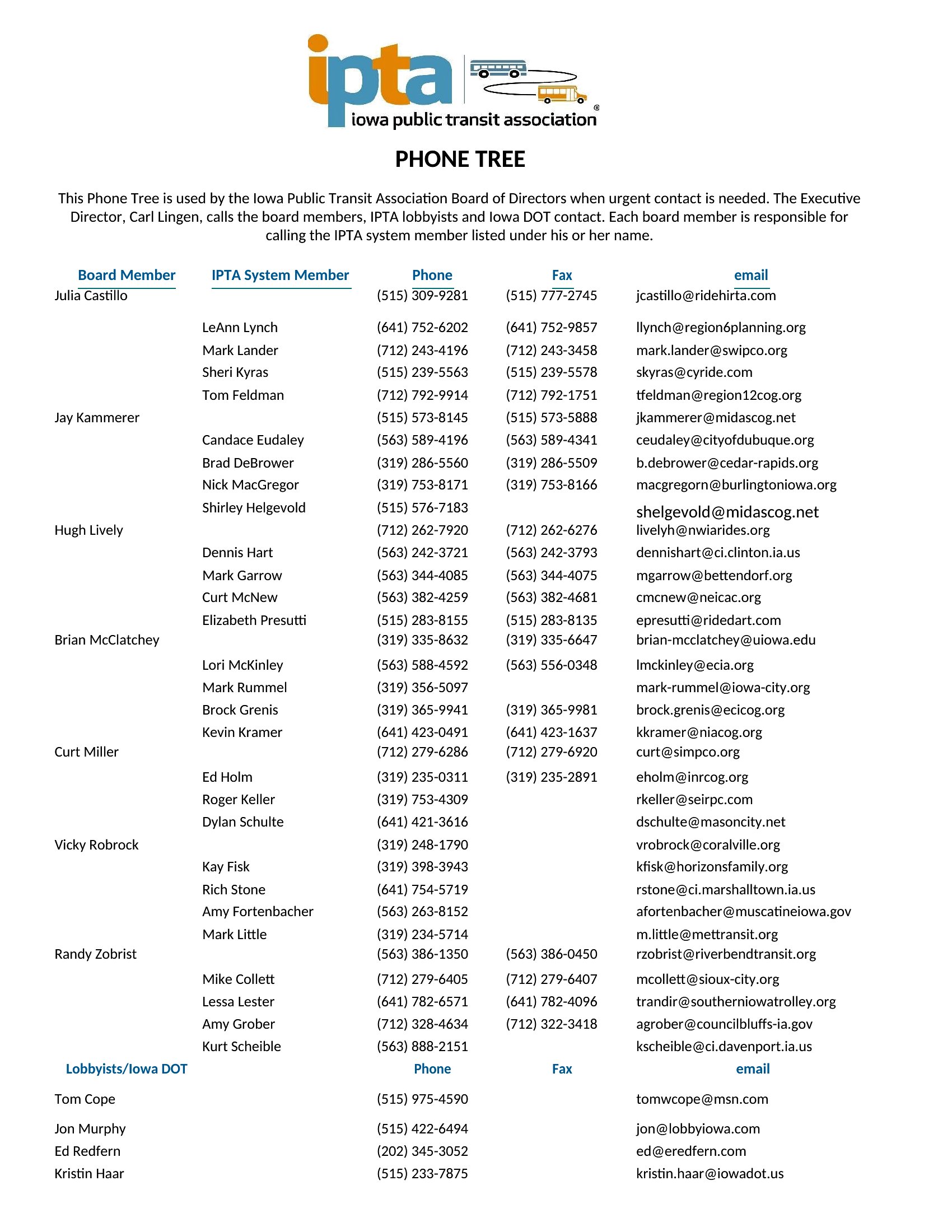
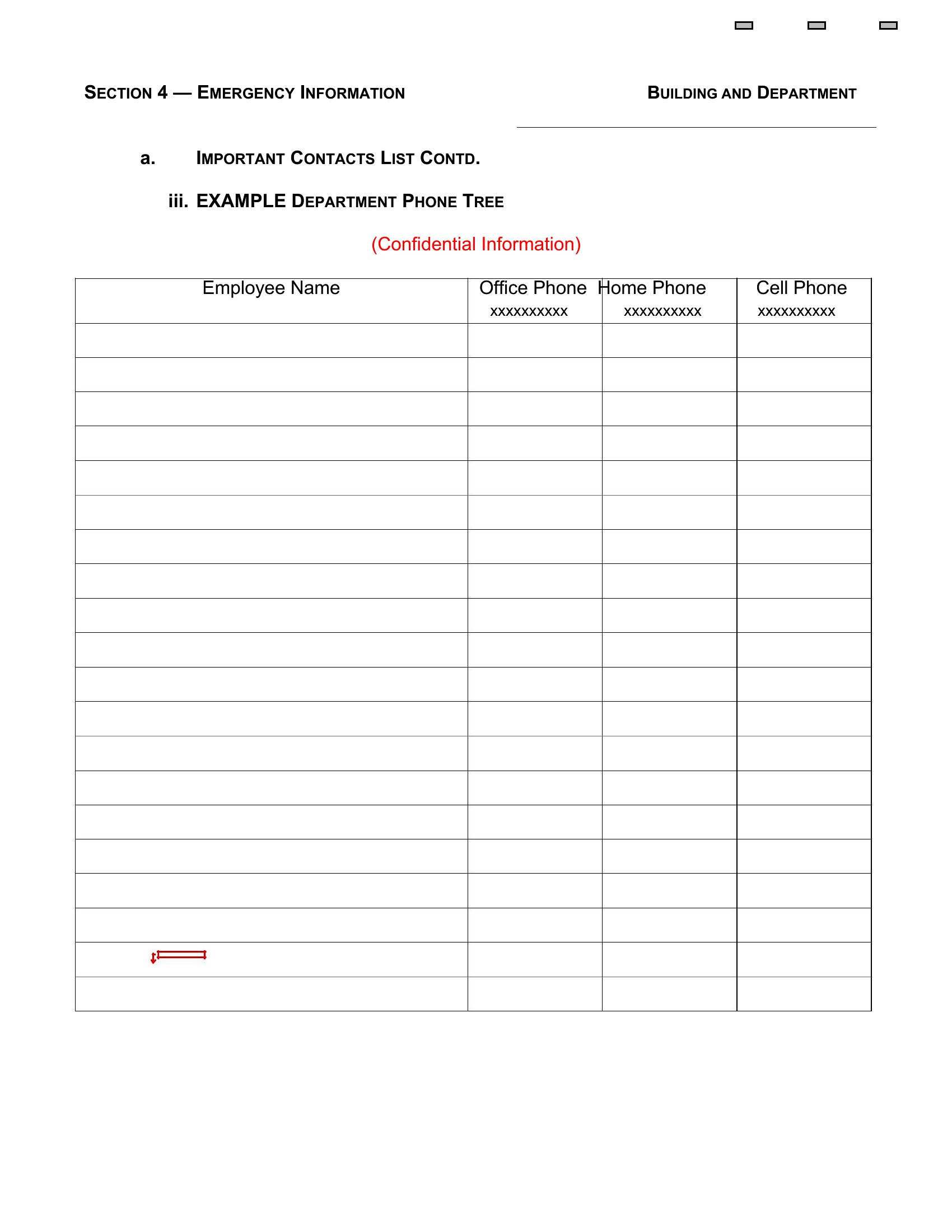
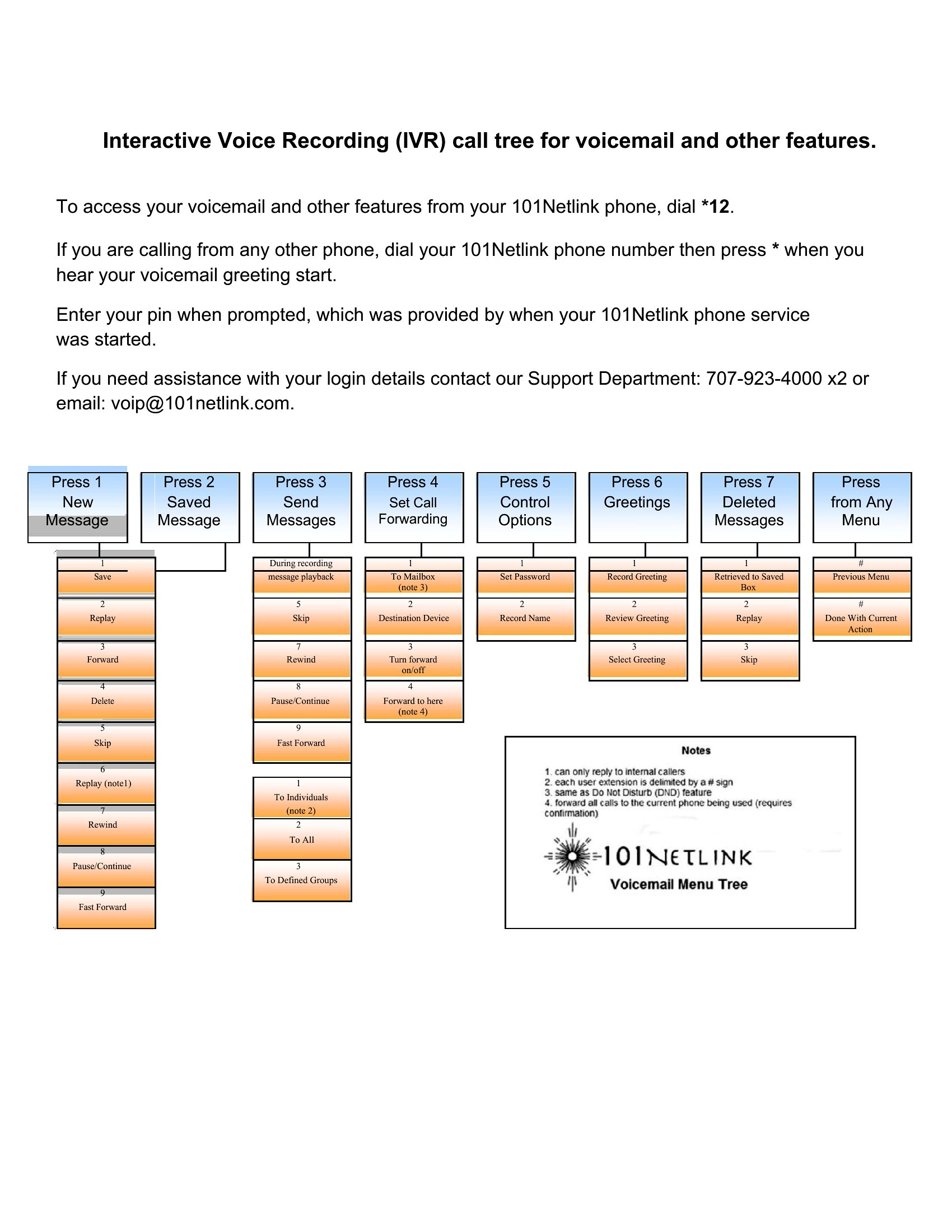
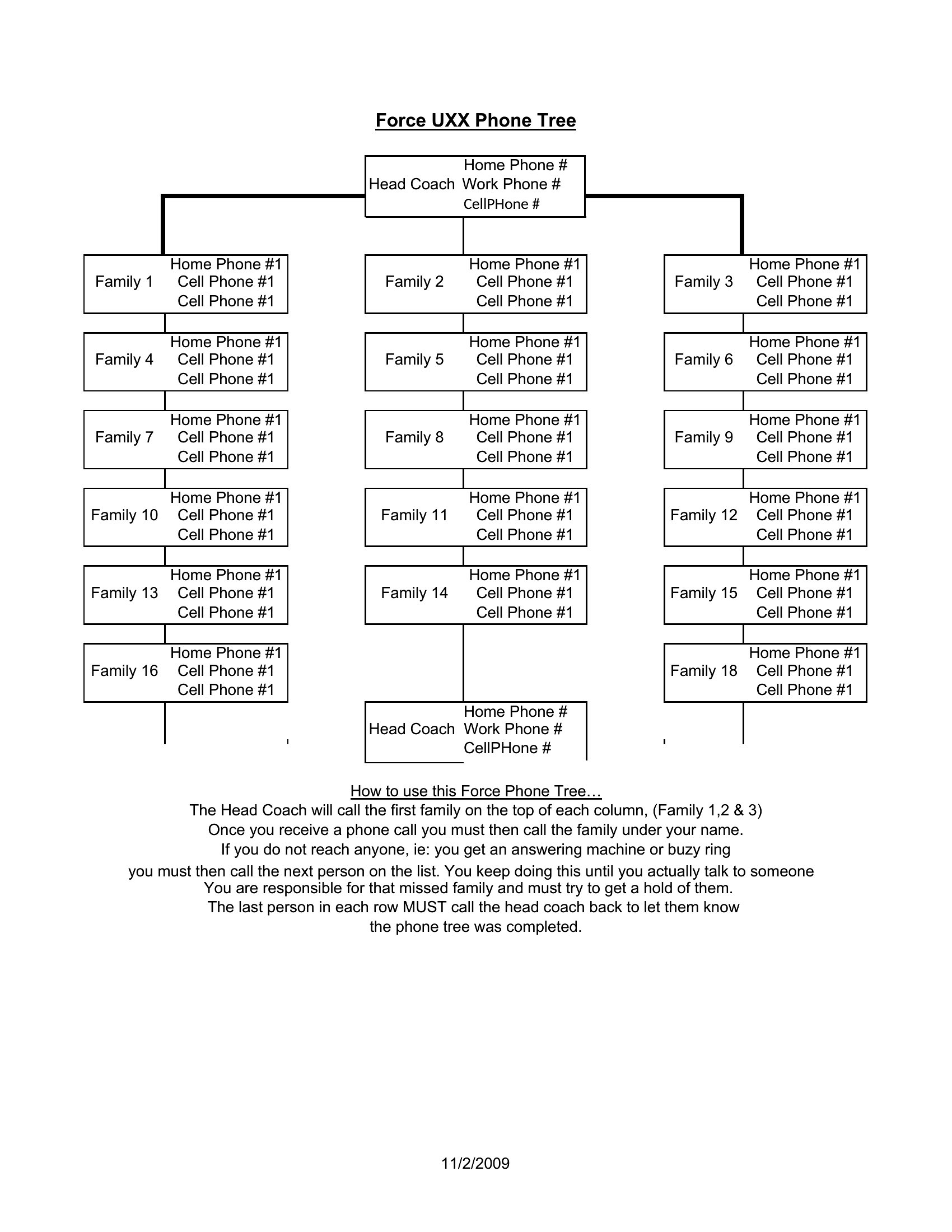
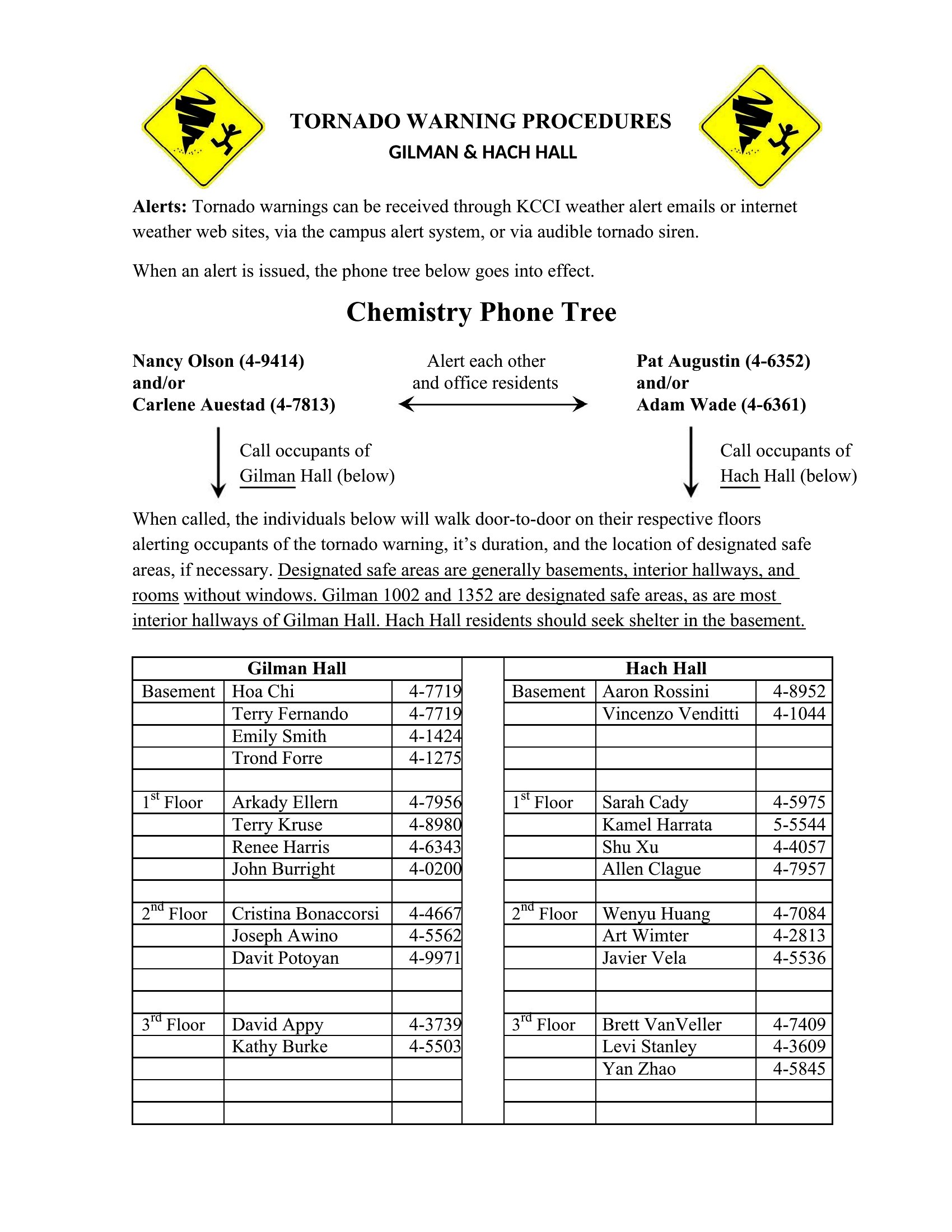
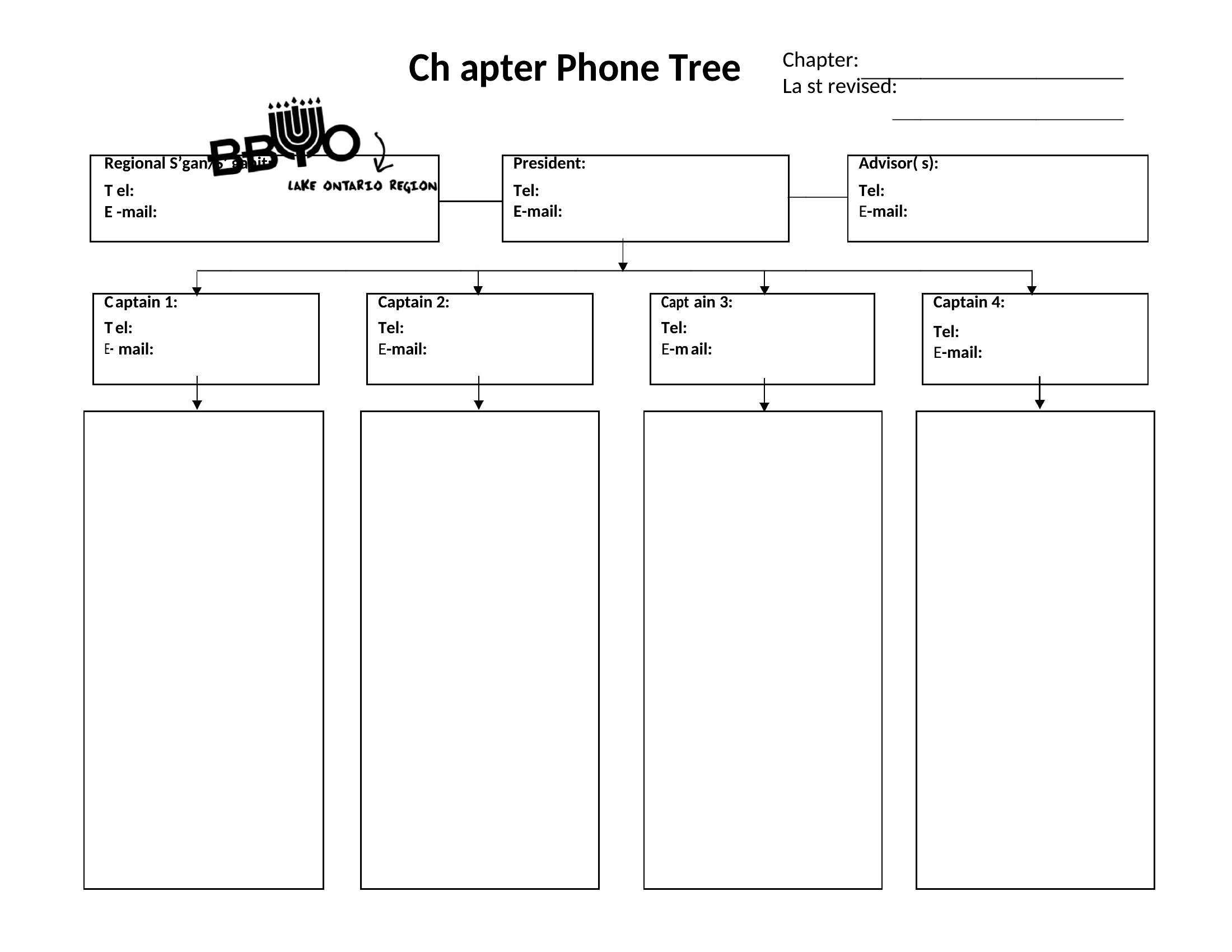
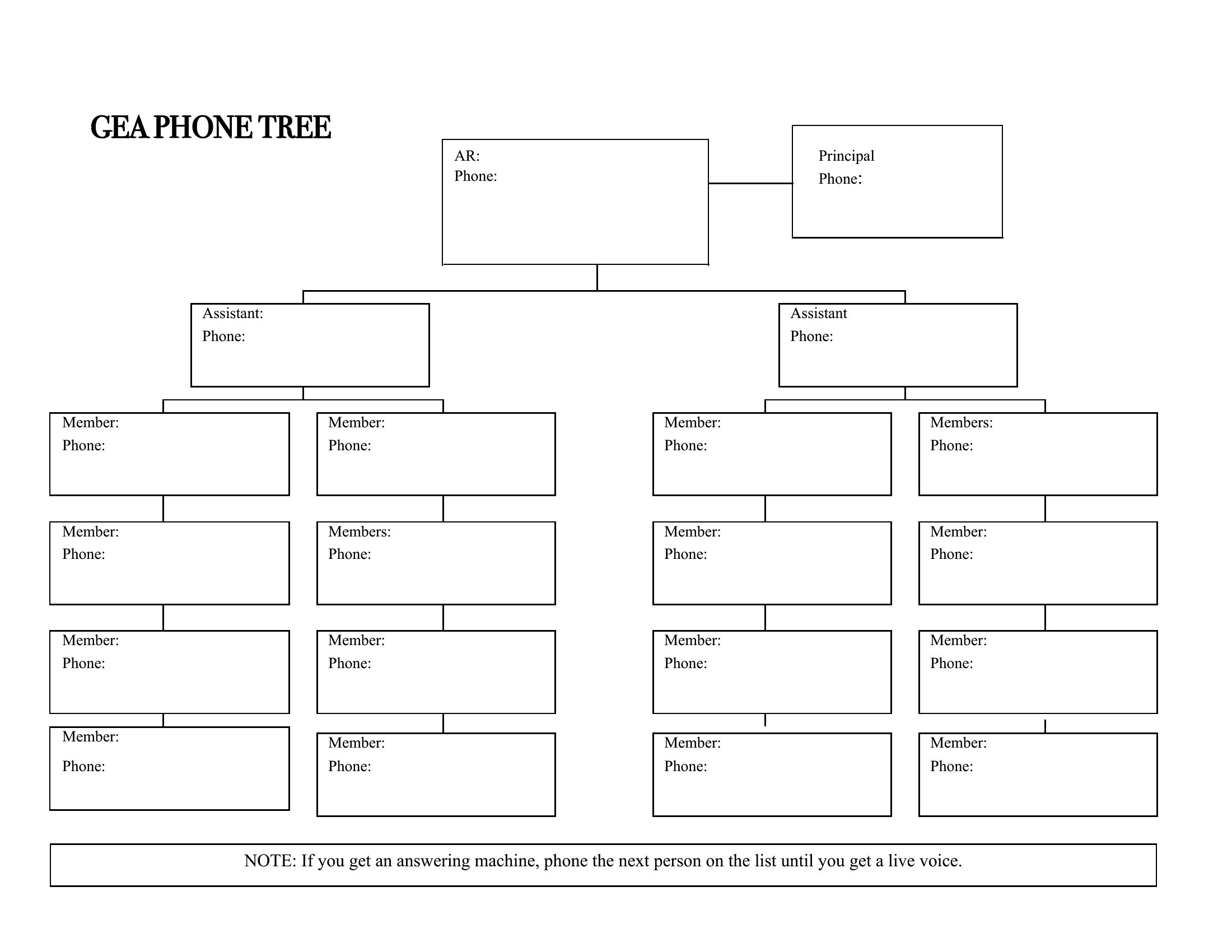
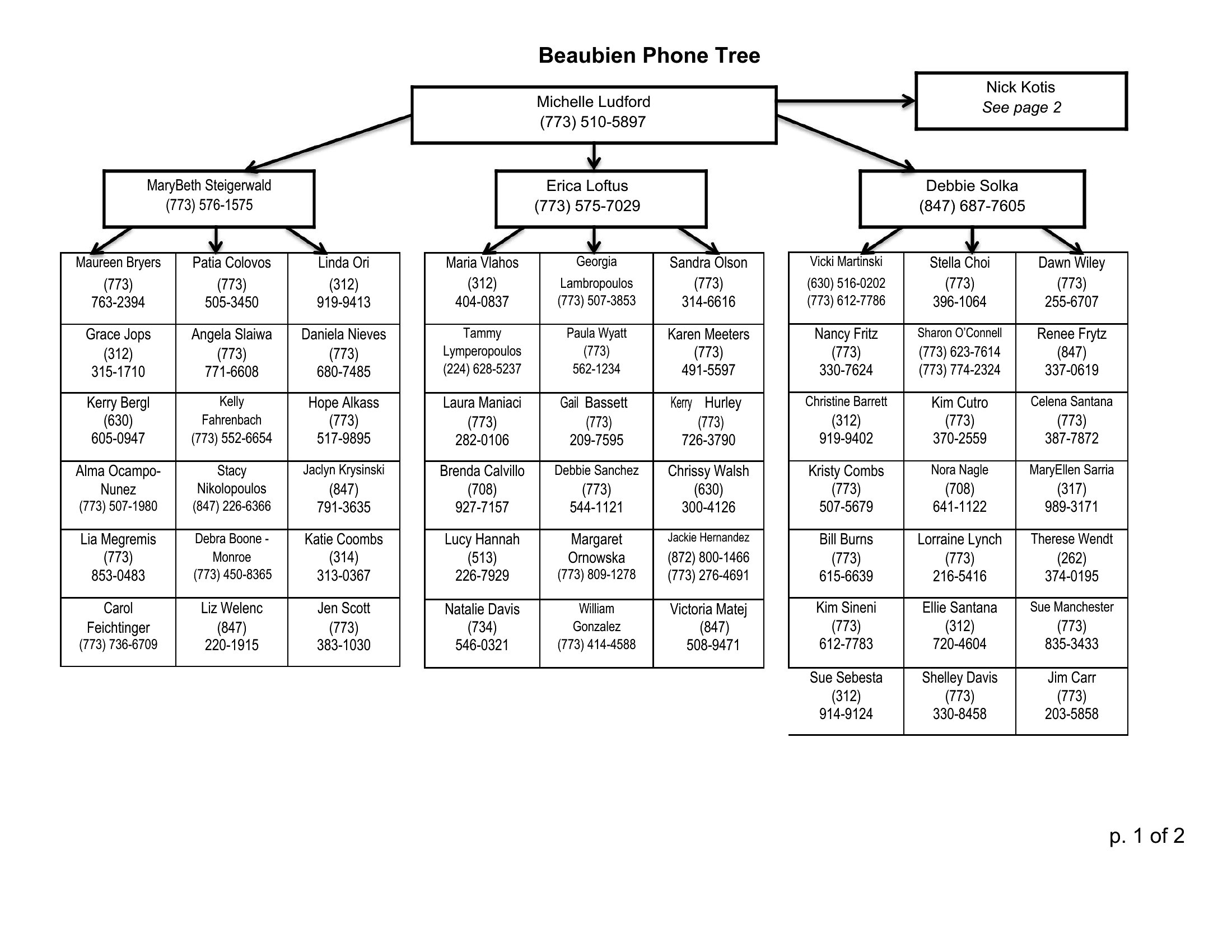
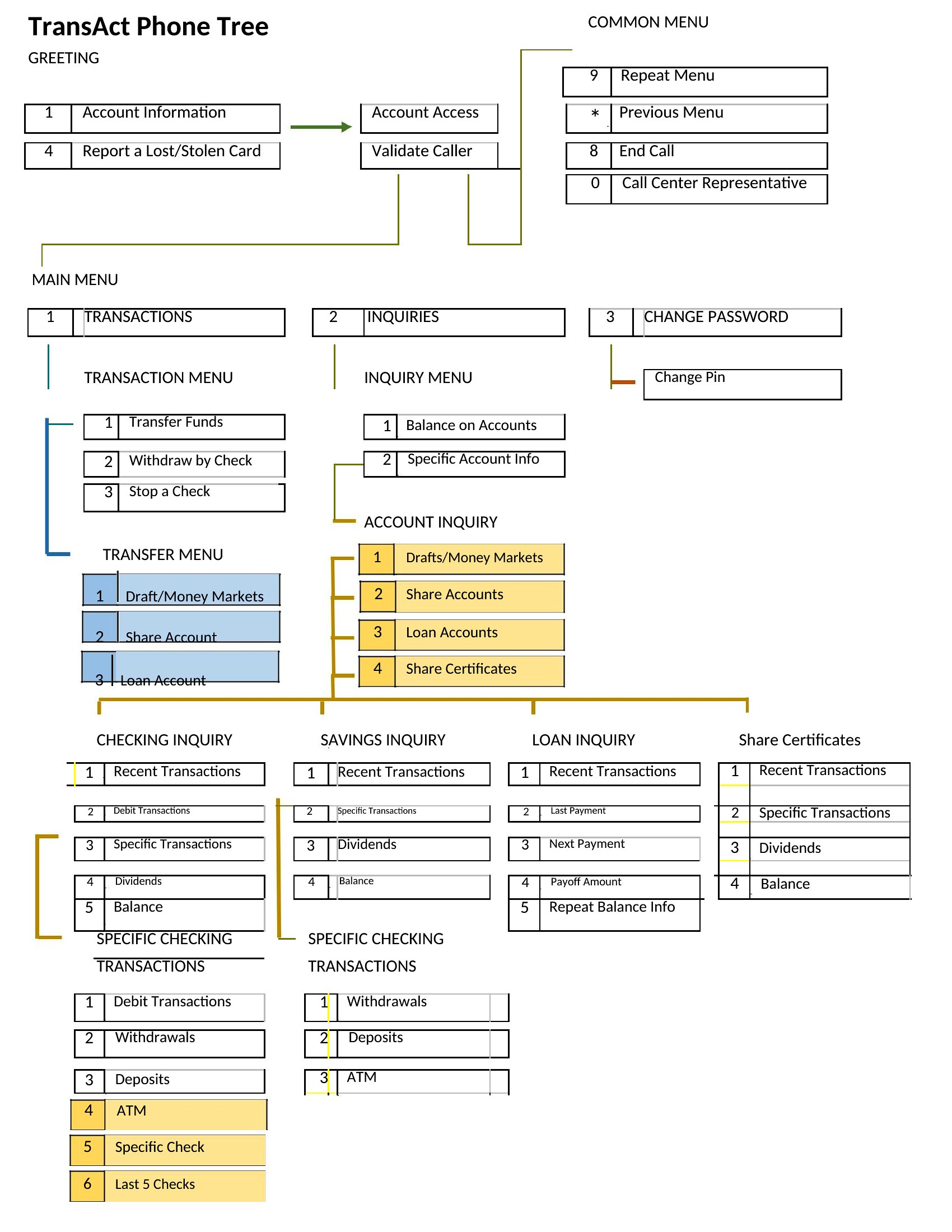
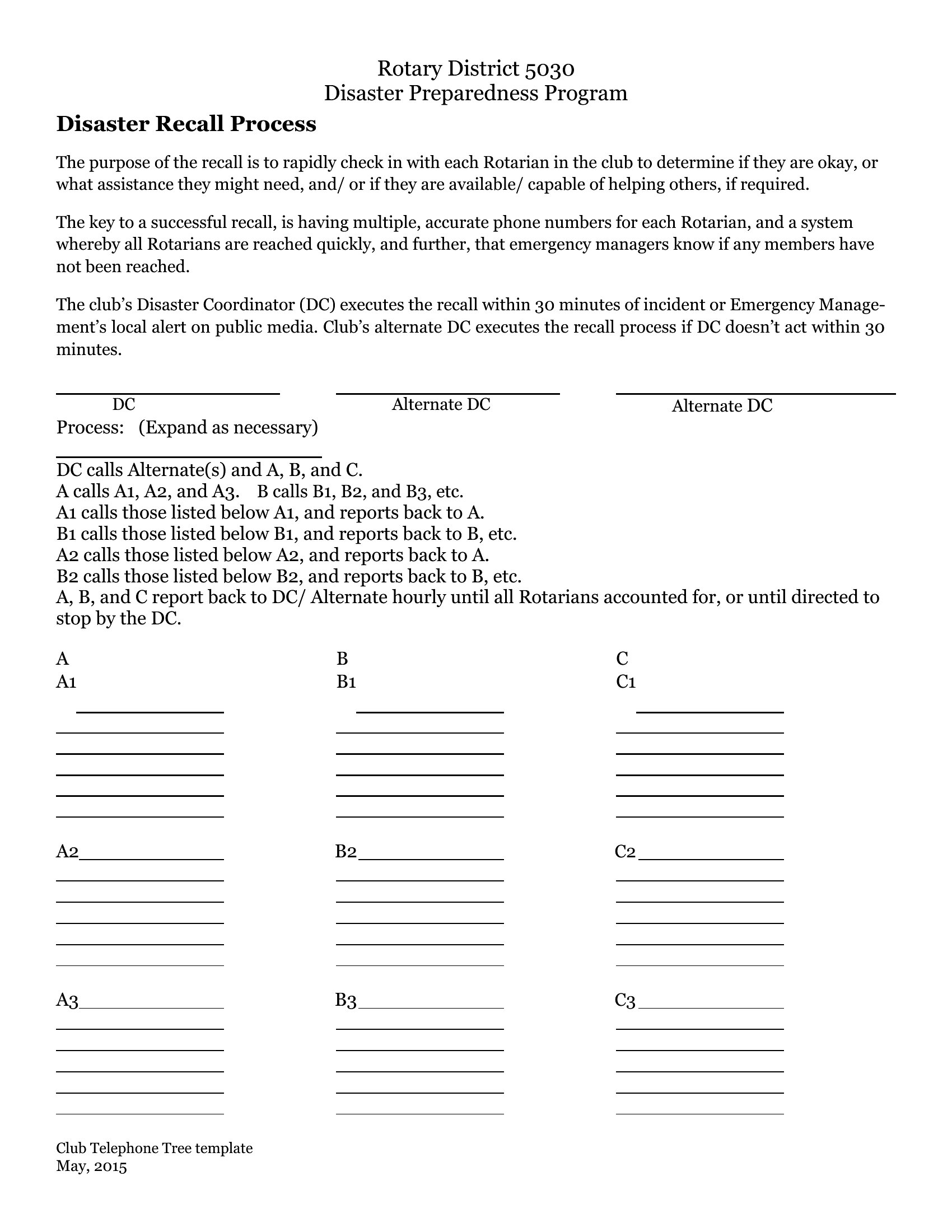
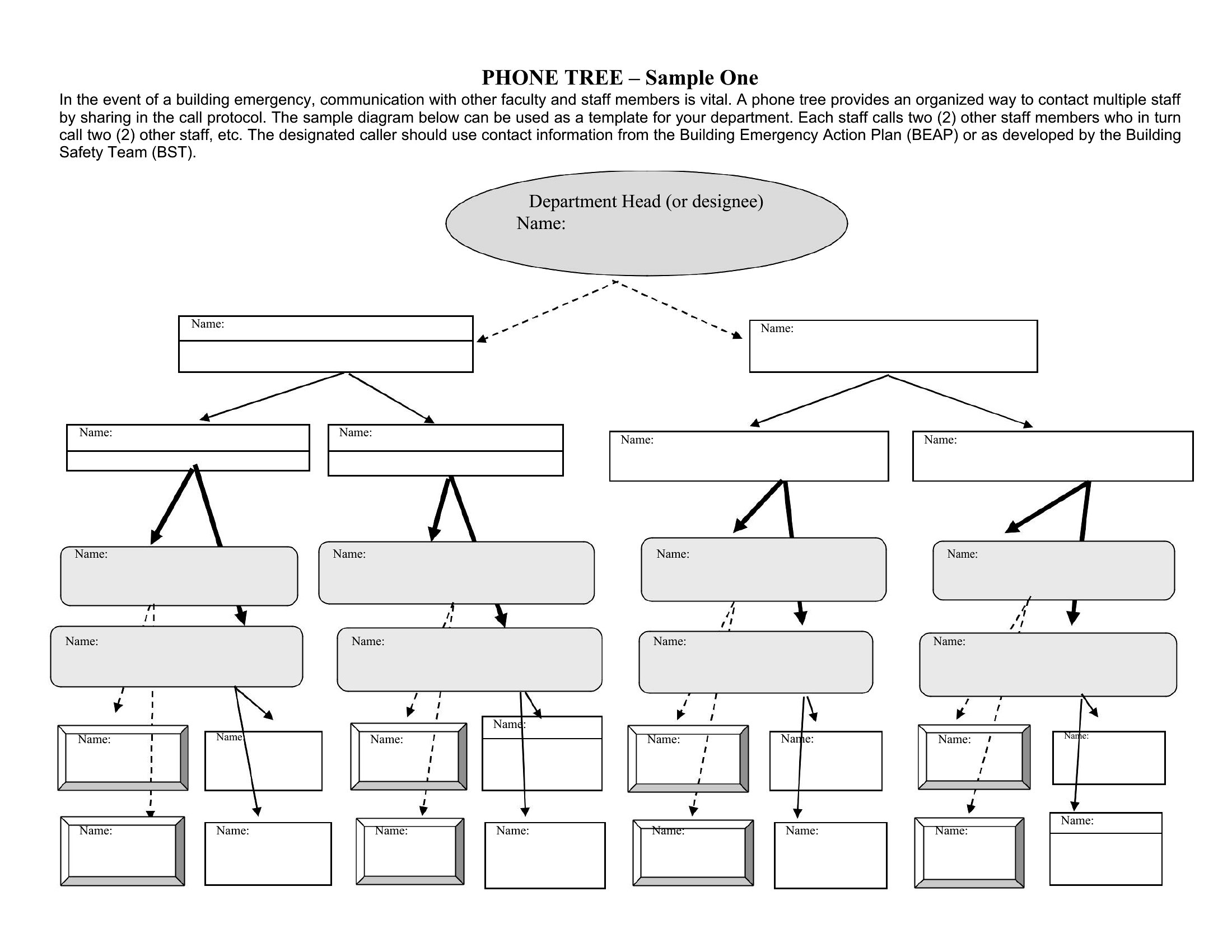
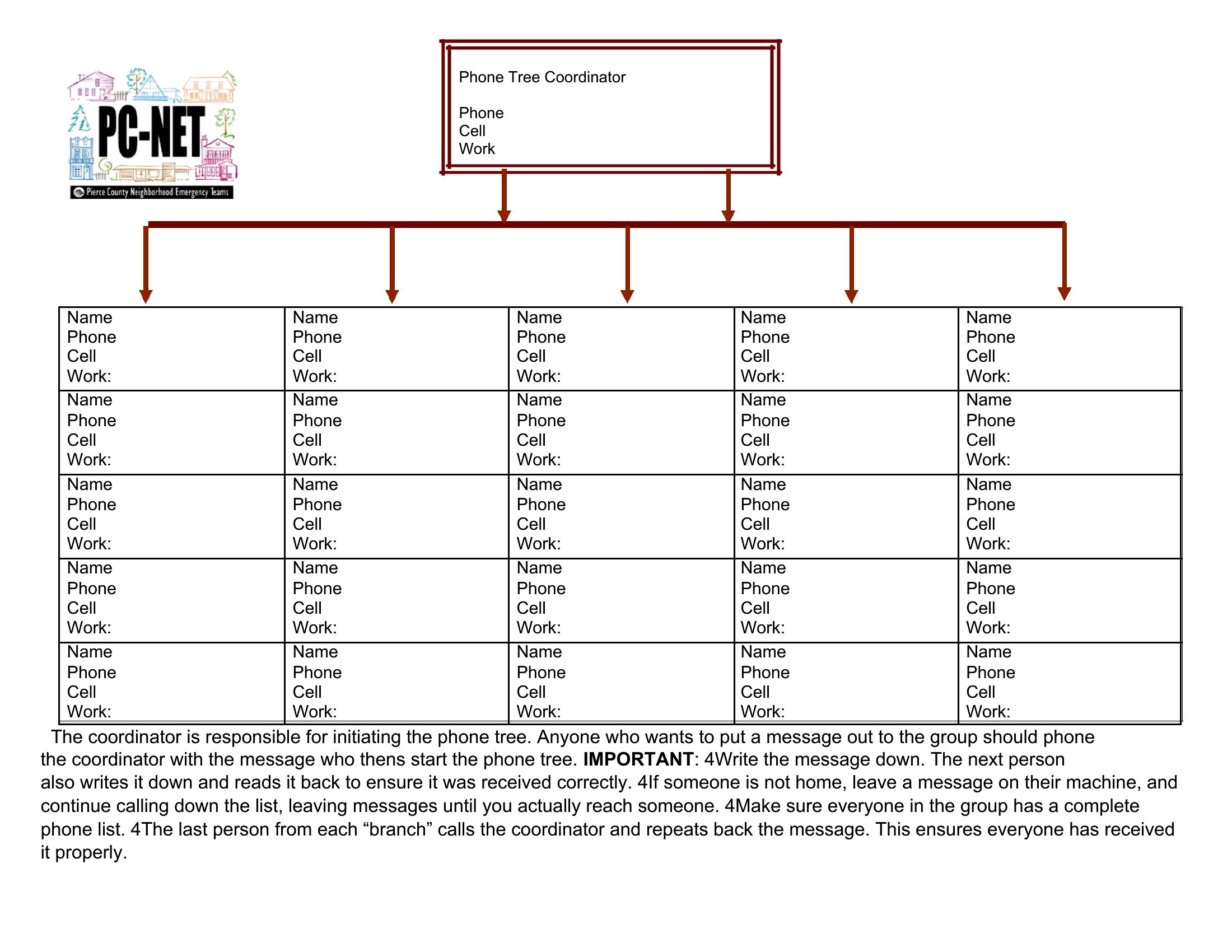
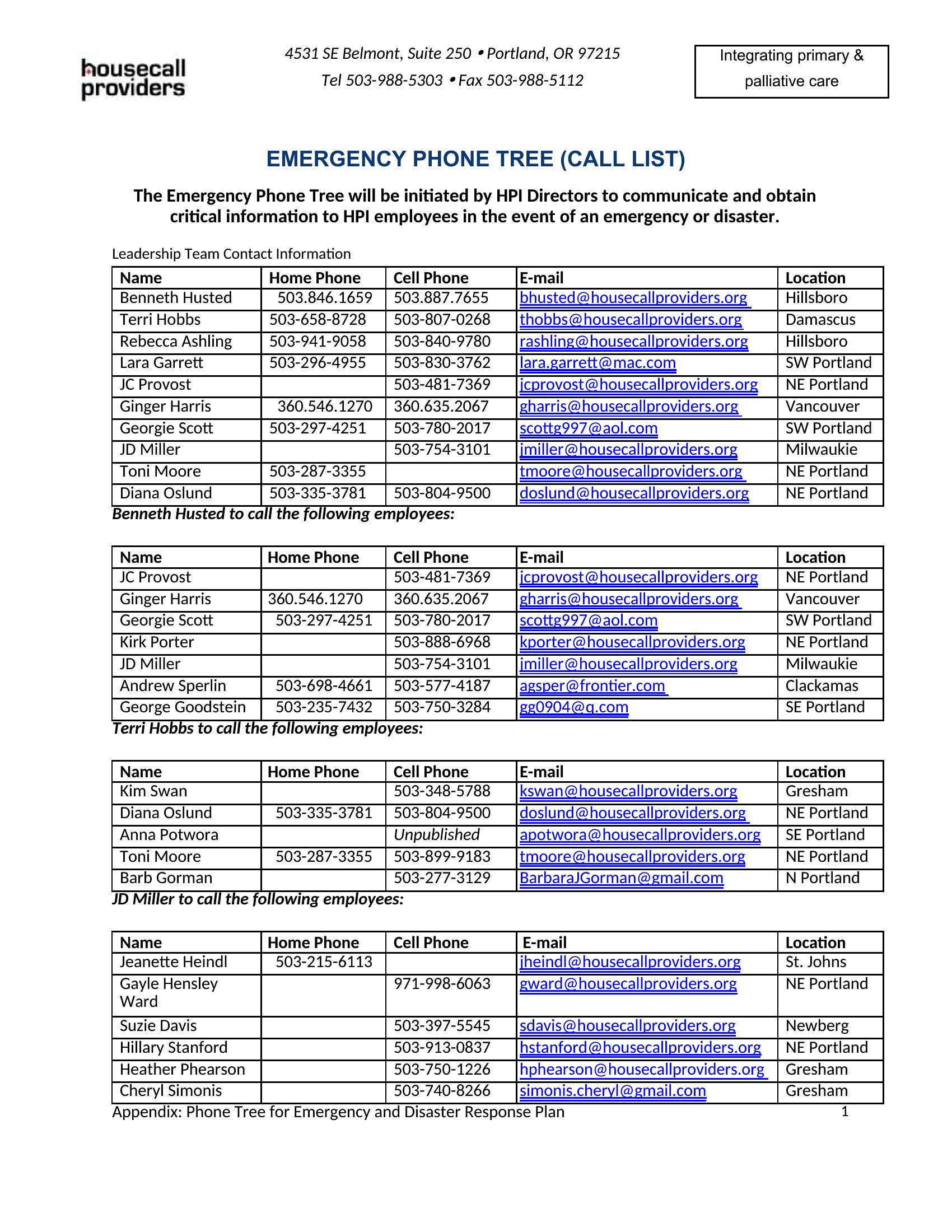
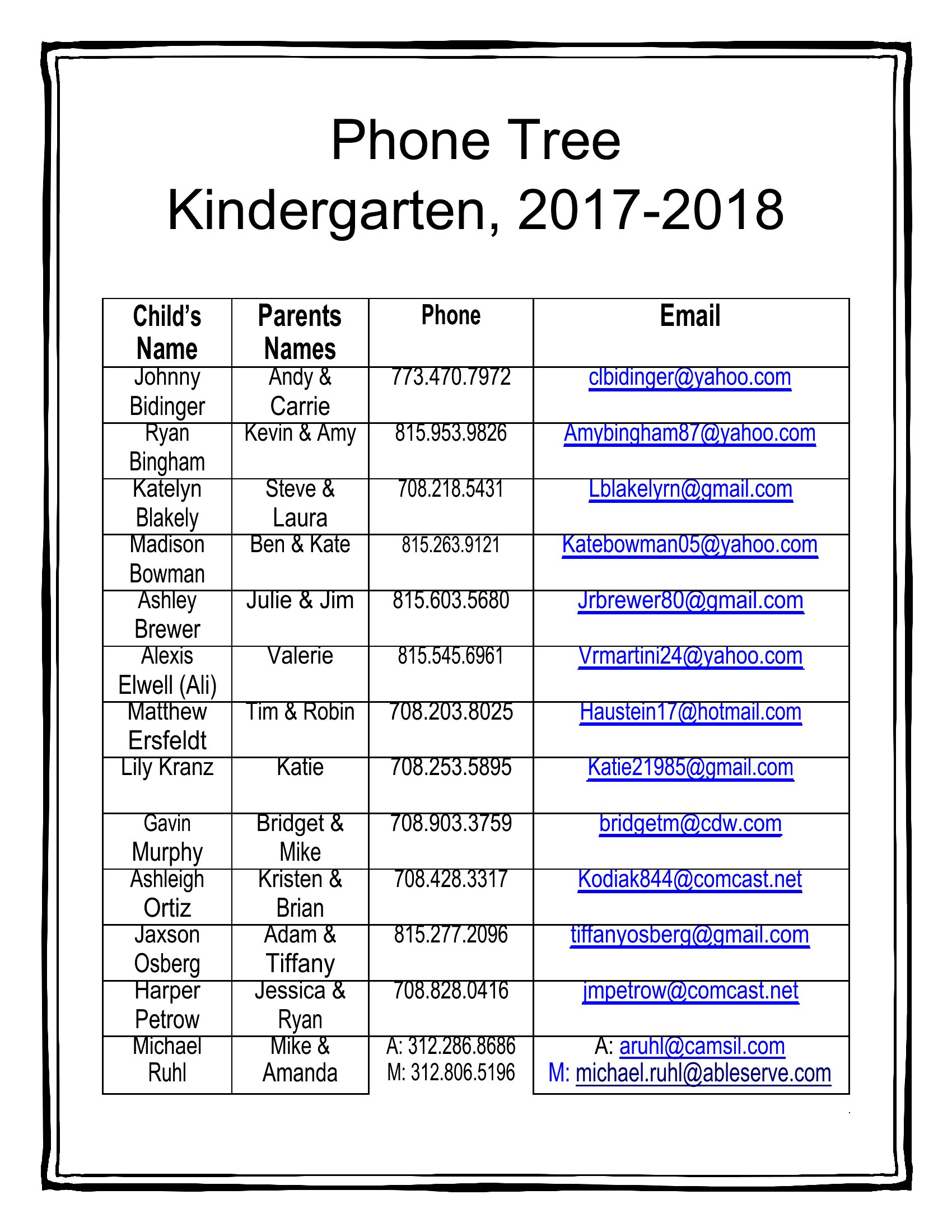
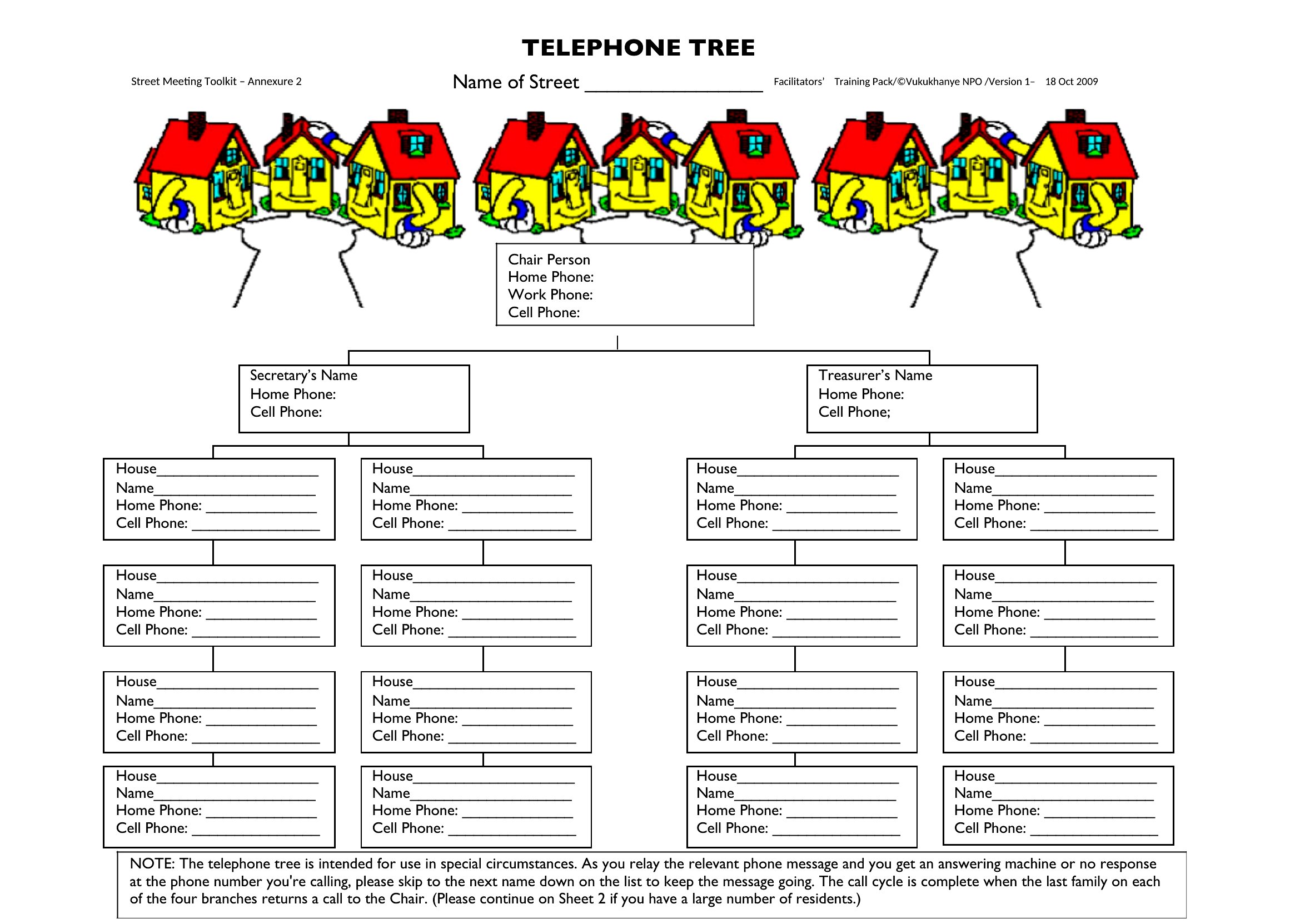
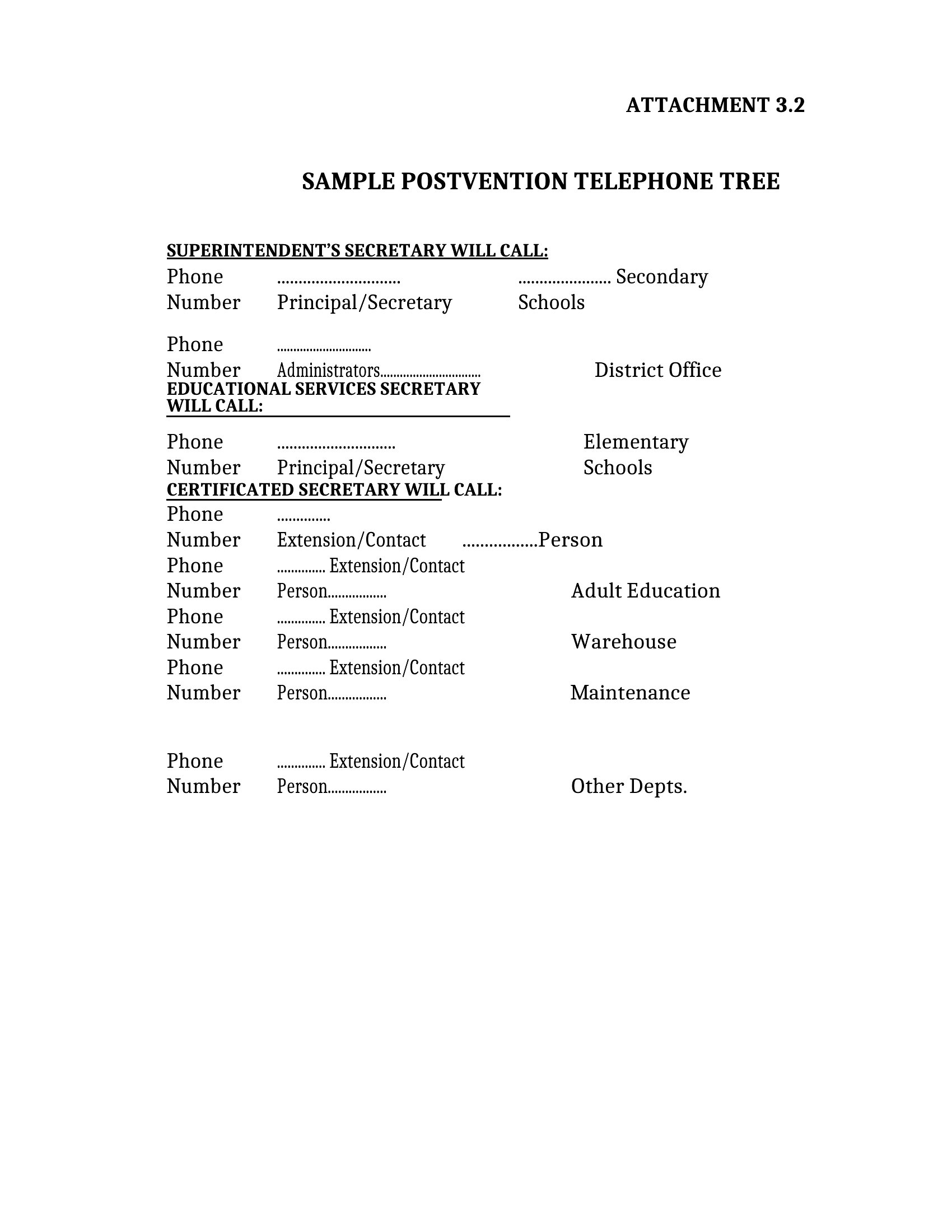
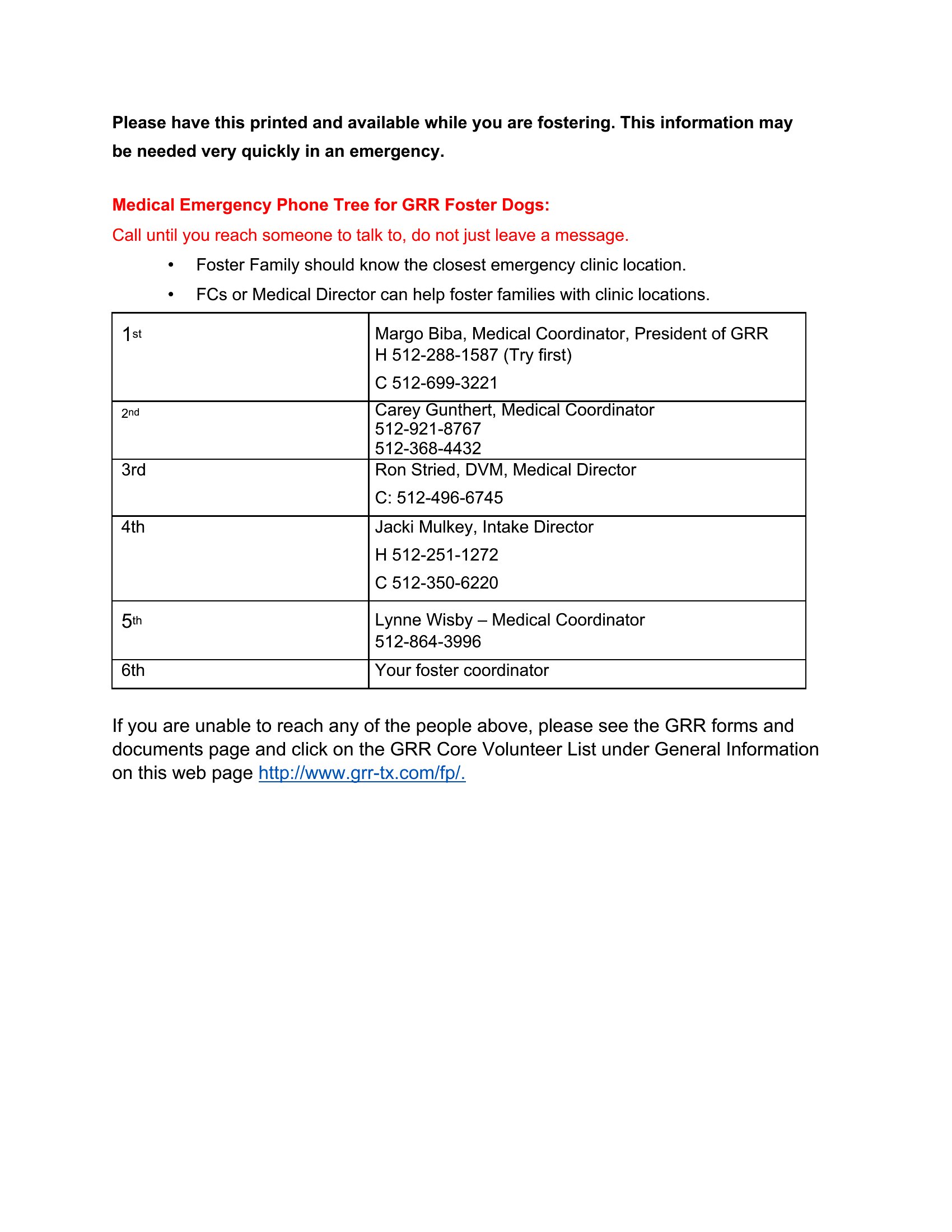
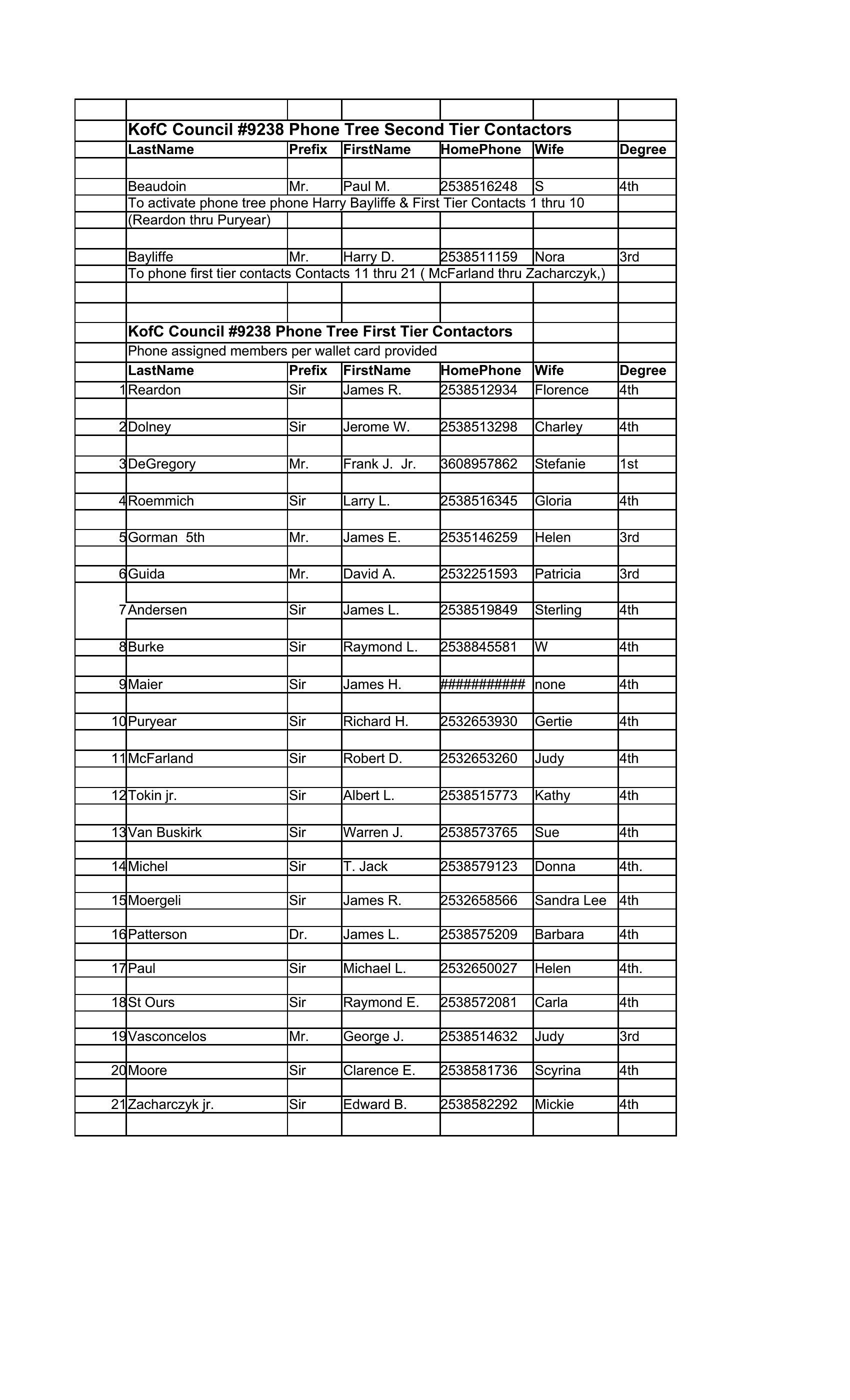
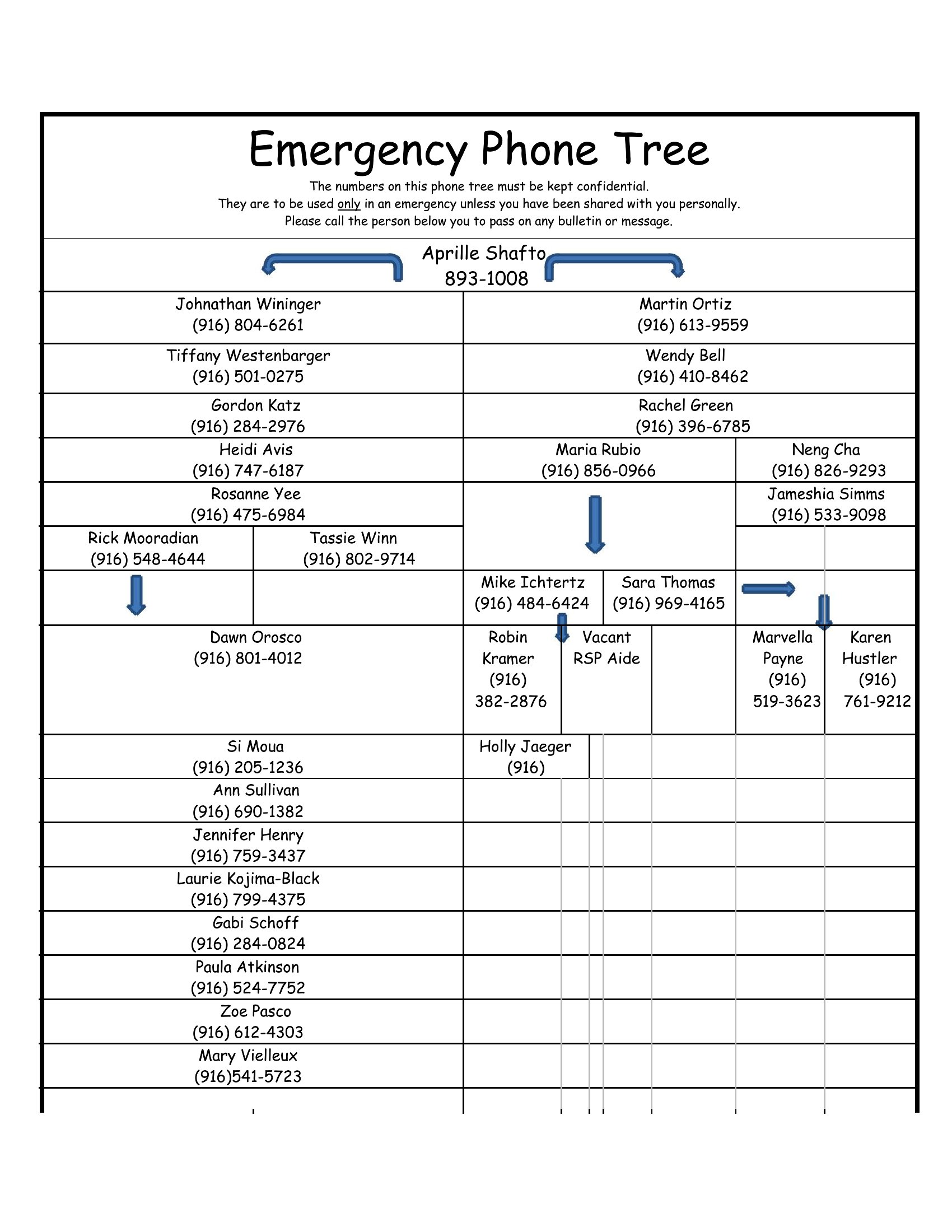
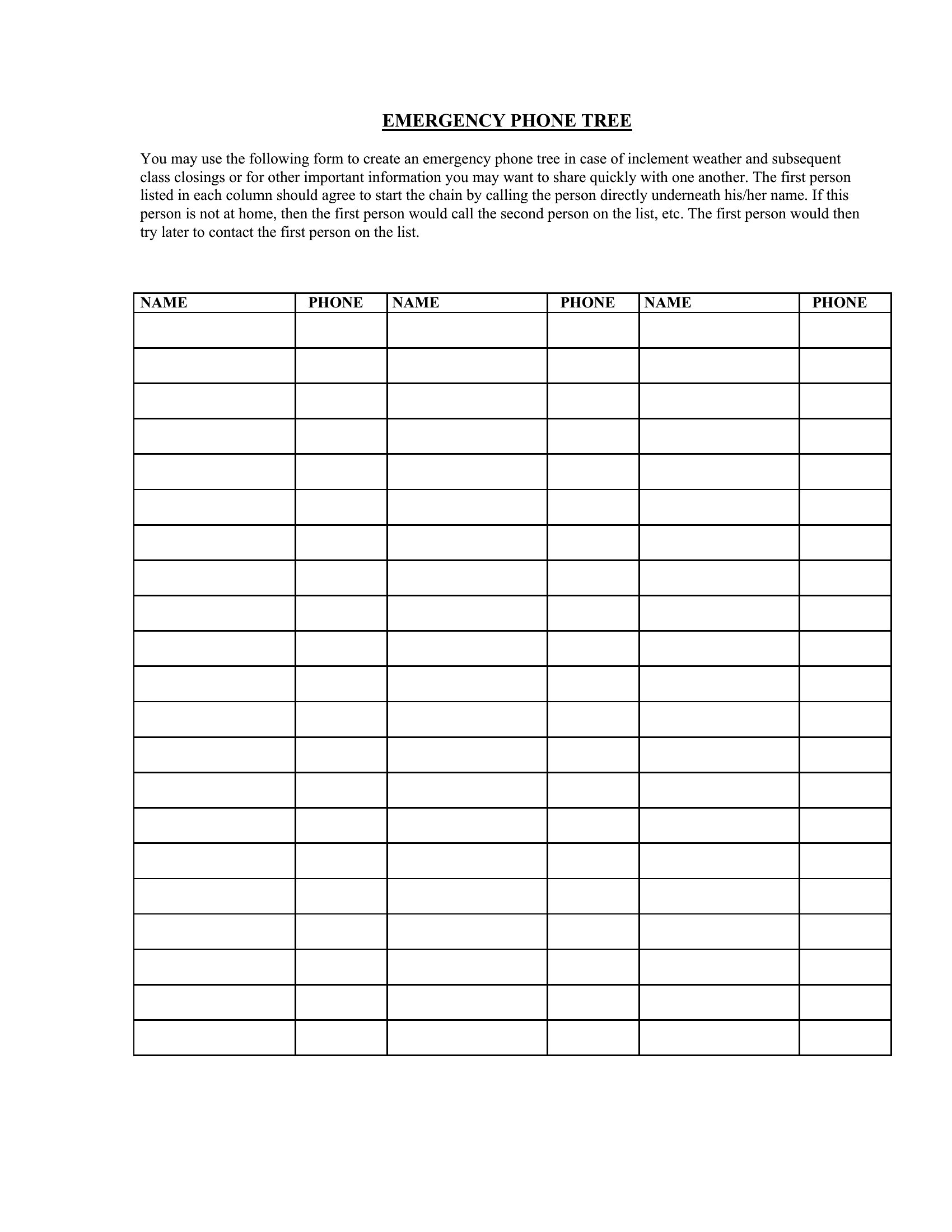
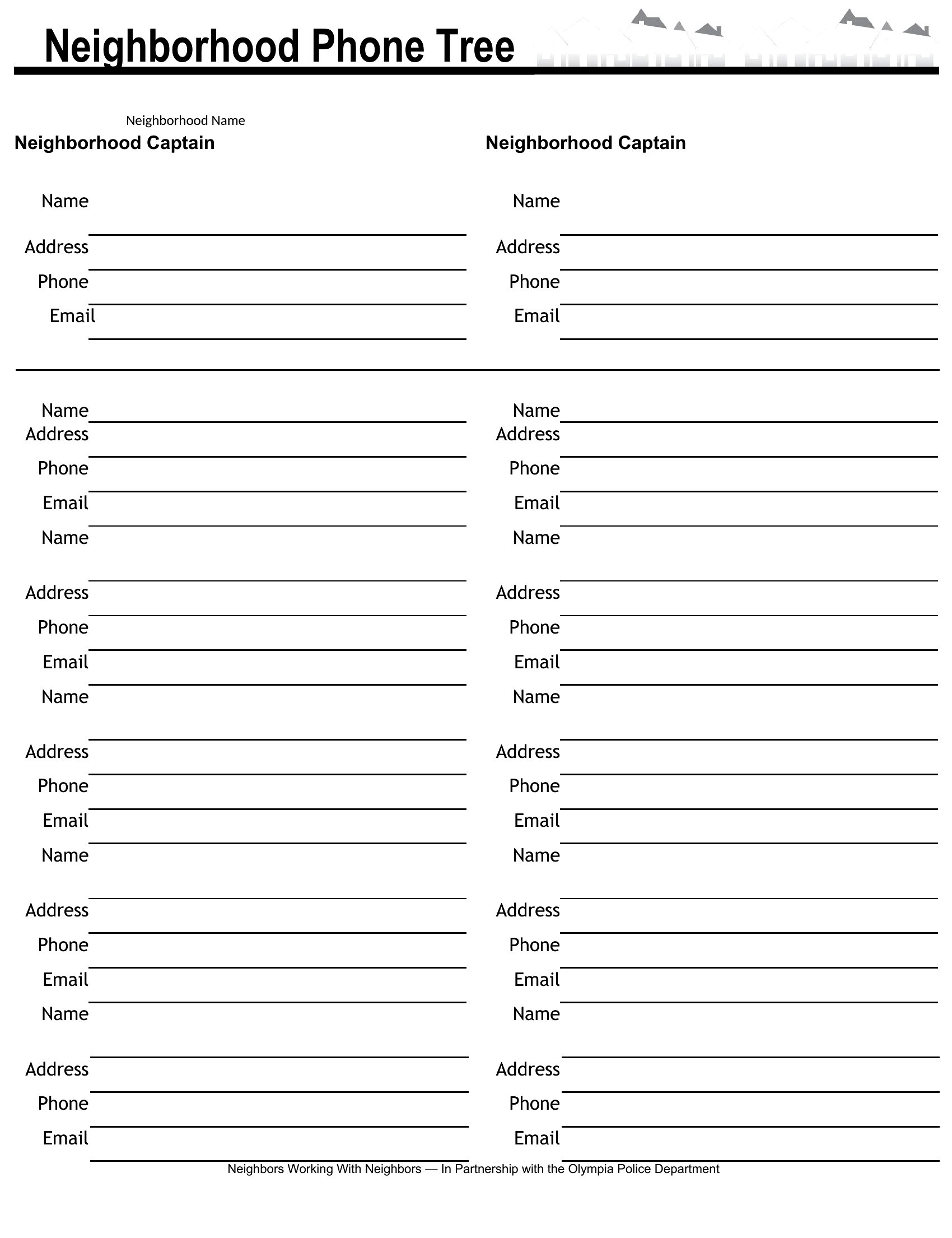
How do I ensure the phone tree includes everyone who needs to be contacted?
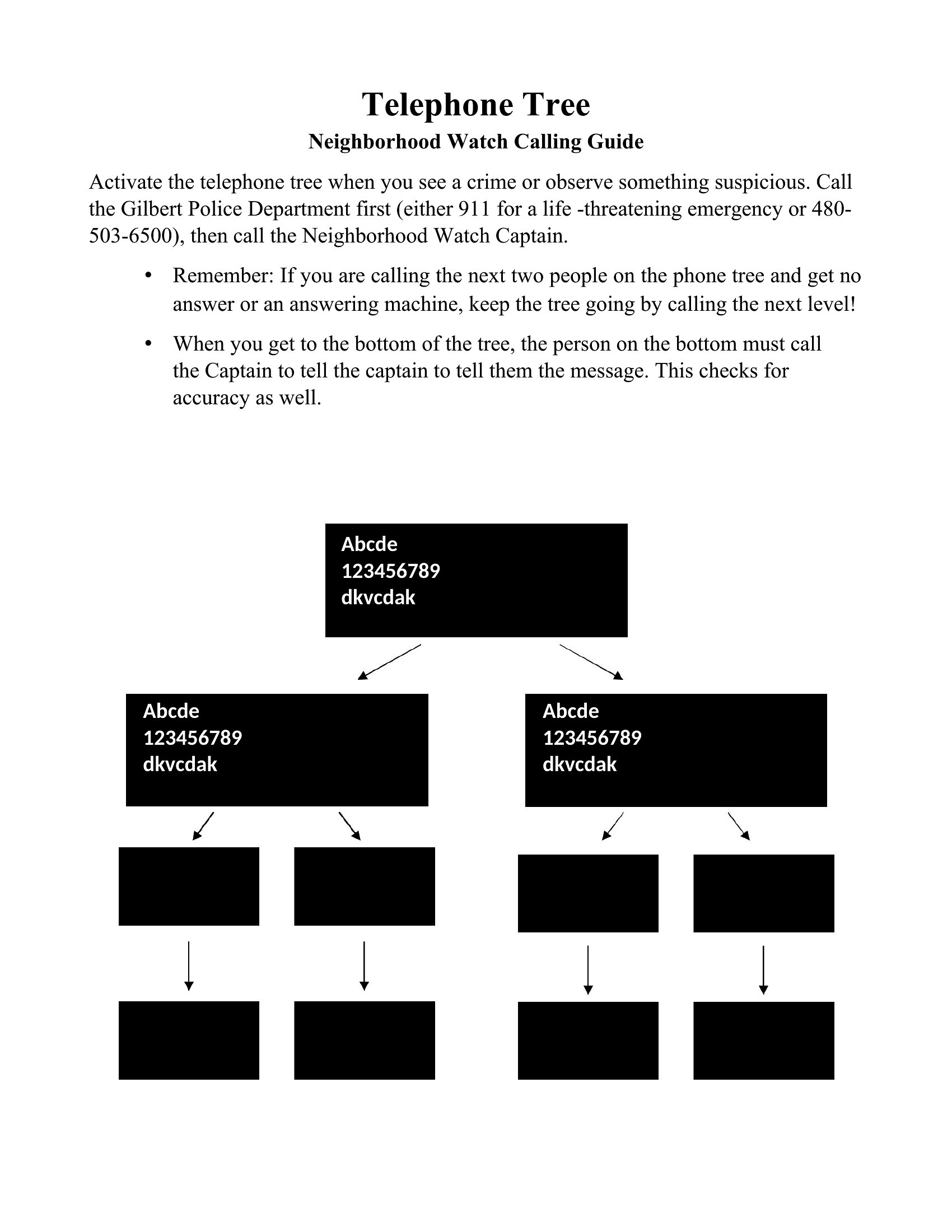
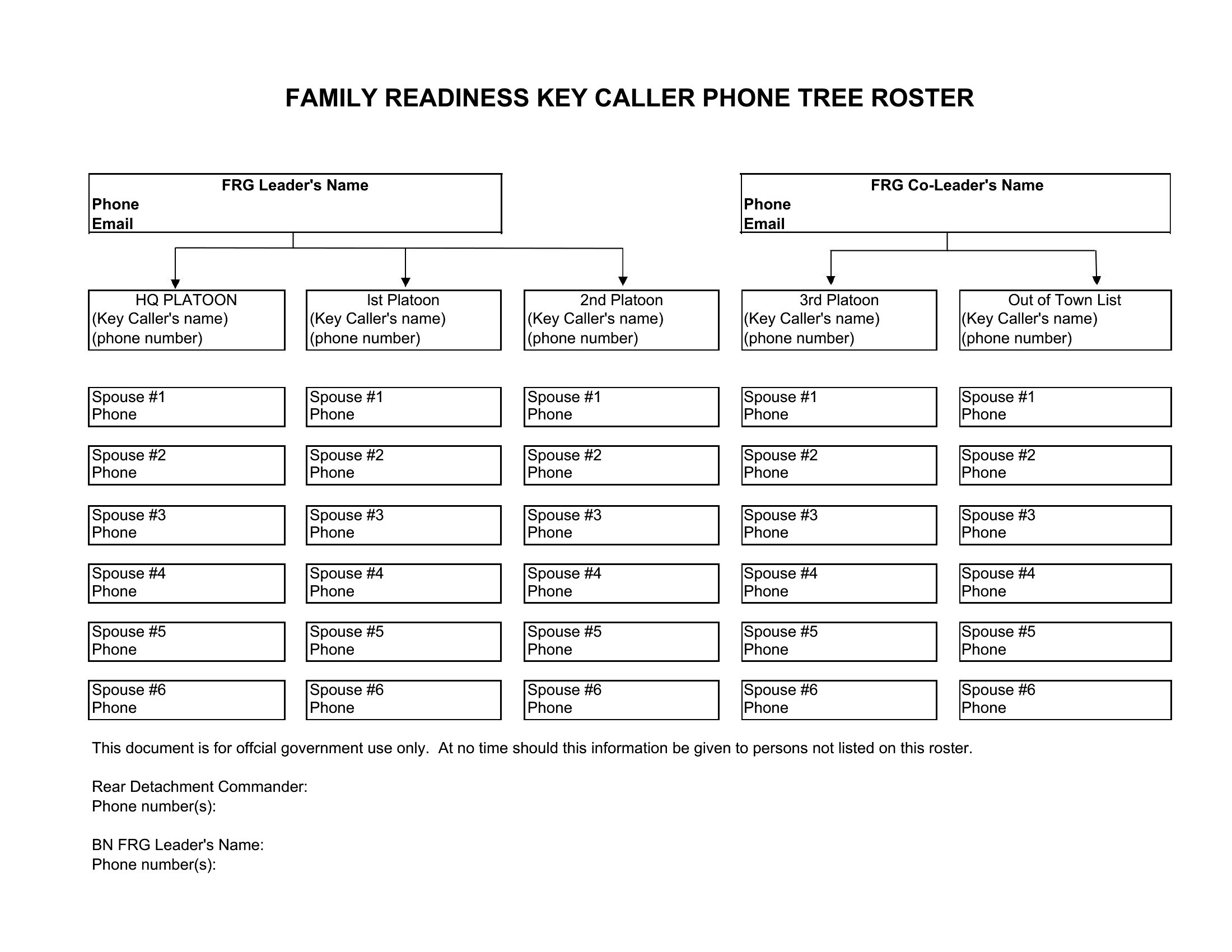
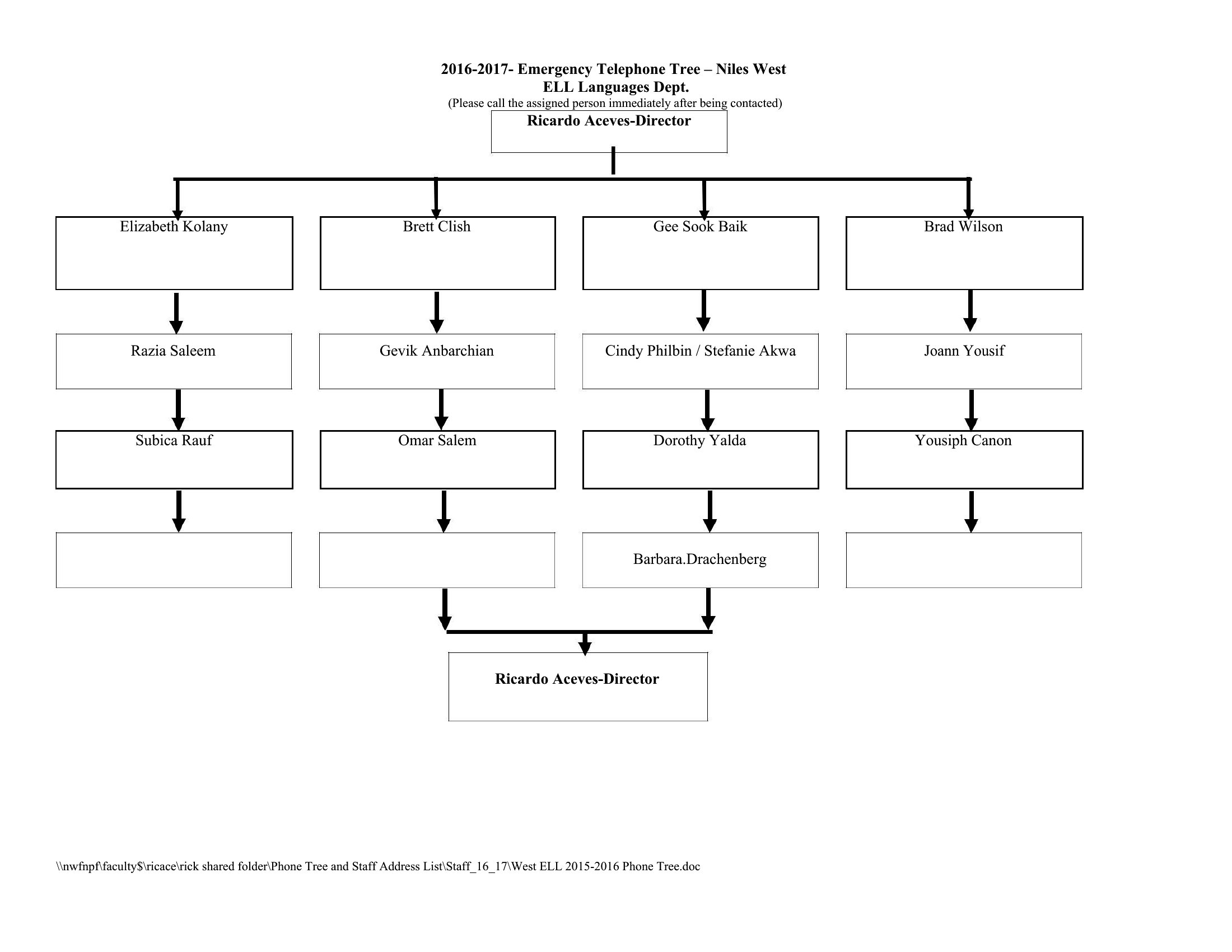
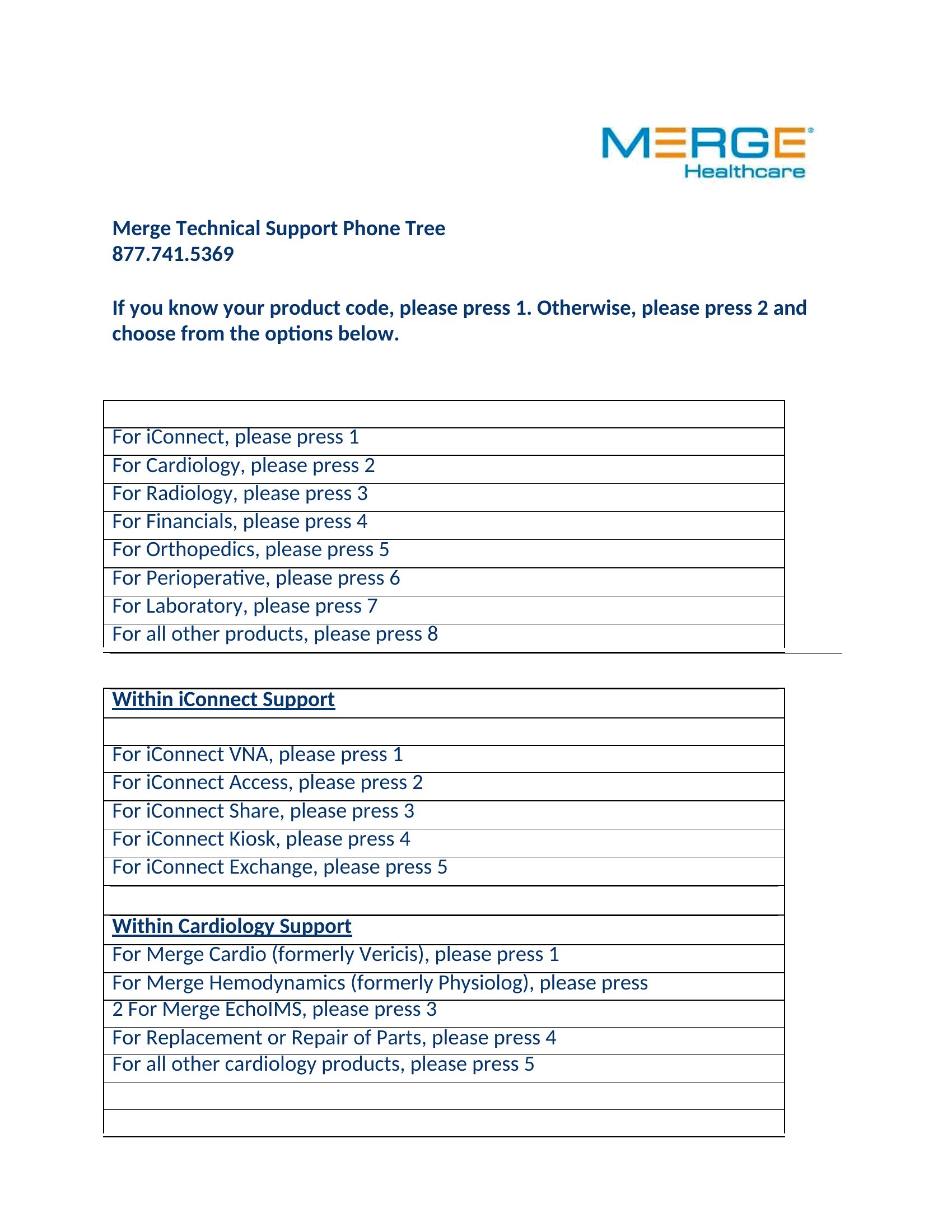
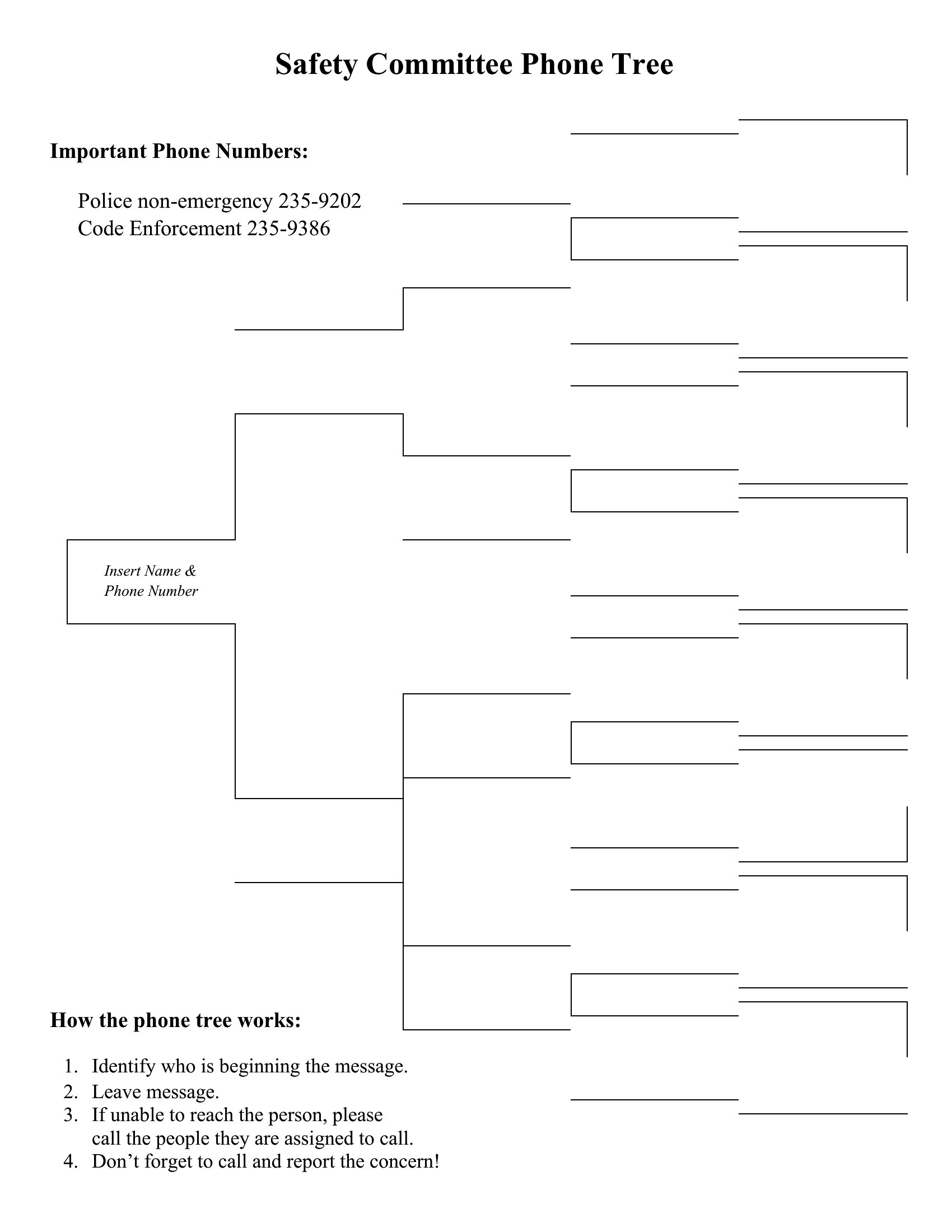
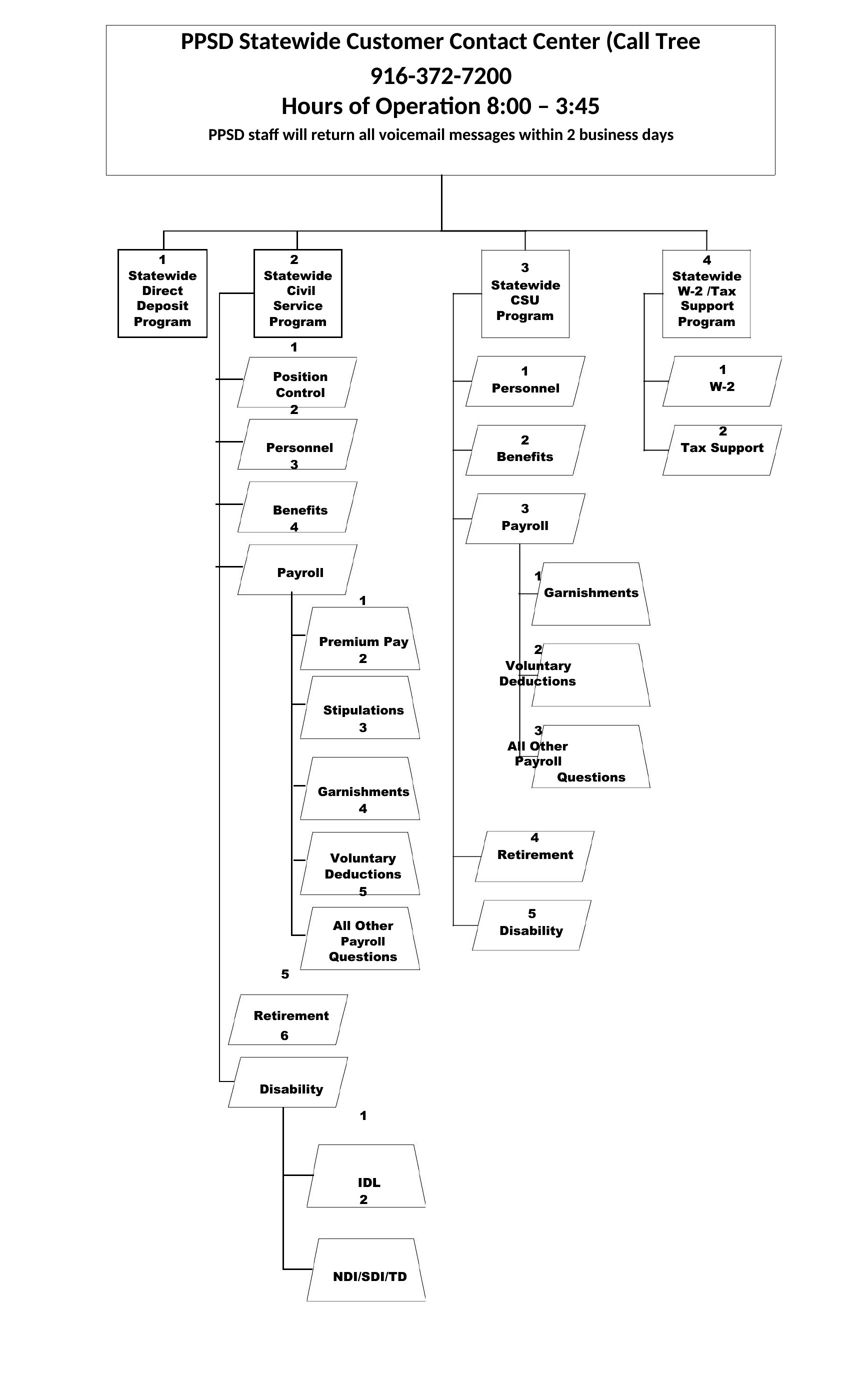
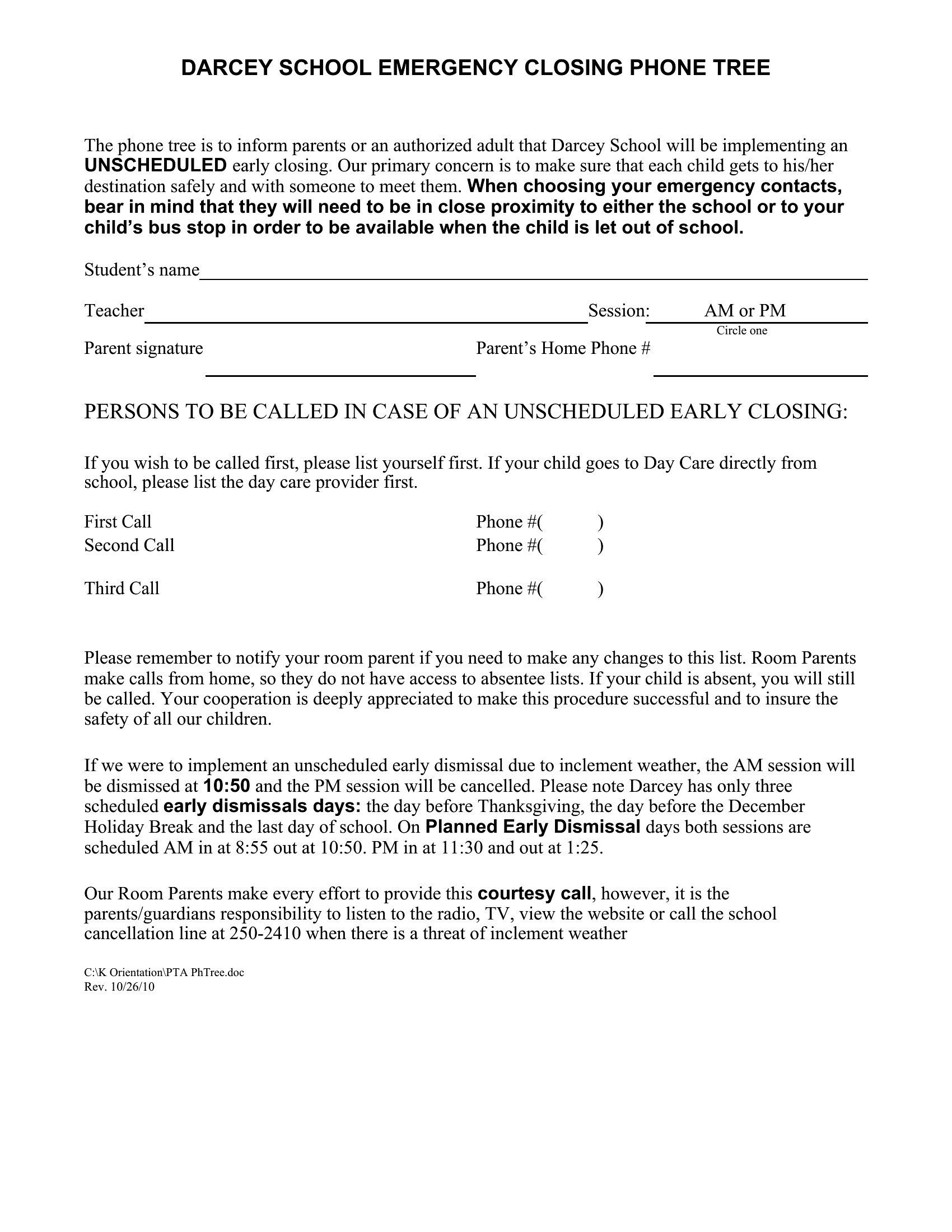
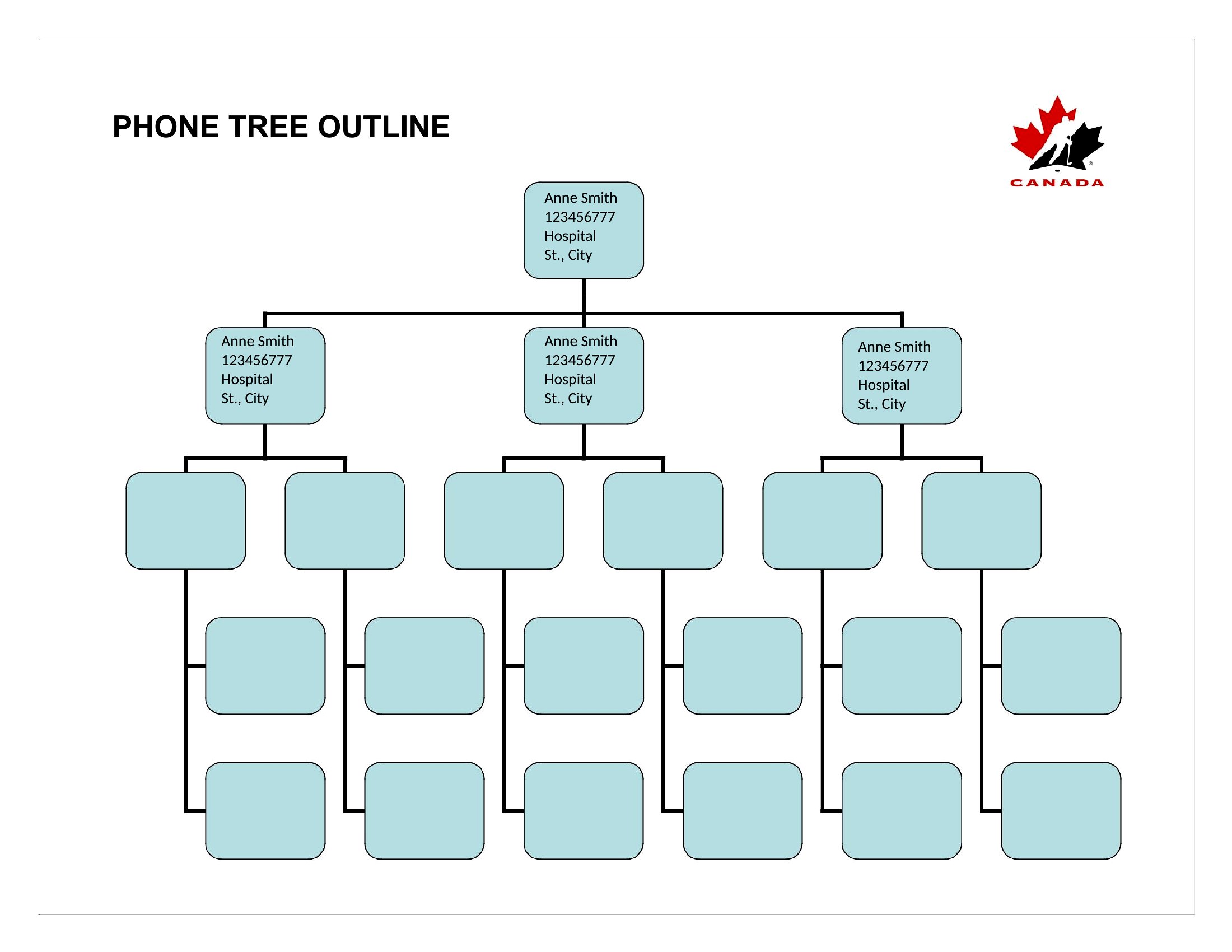
Start by listing all roles or groups that must be notified, then layer them by priority. For example, a school’s tree might begin with parents of elementary students, then high school staff. Use Excel’s nested rows to group related contacts and prevent overlaps. Double-check with department heads for missing stakeholders.
Can I customize the call sequence to account for time zones or shift changes?
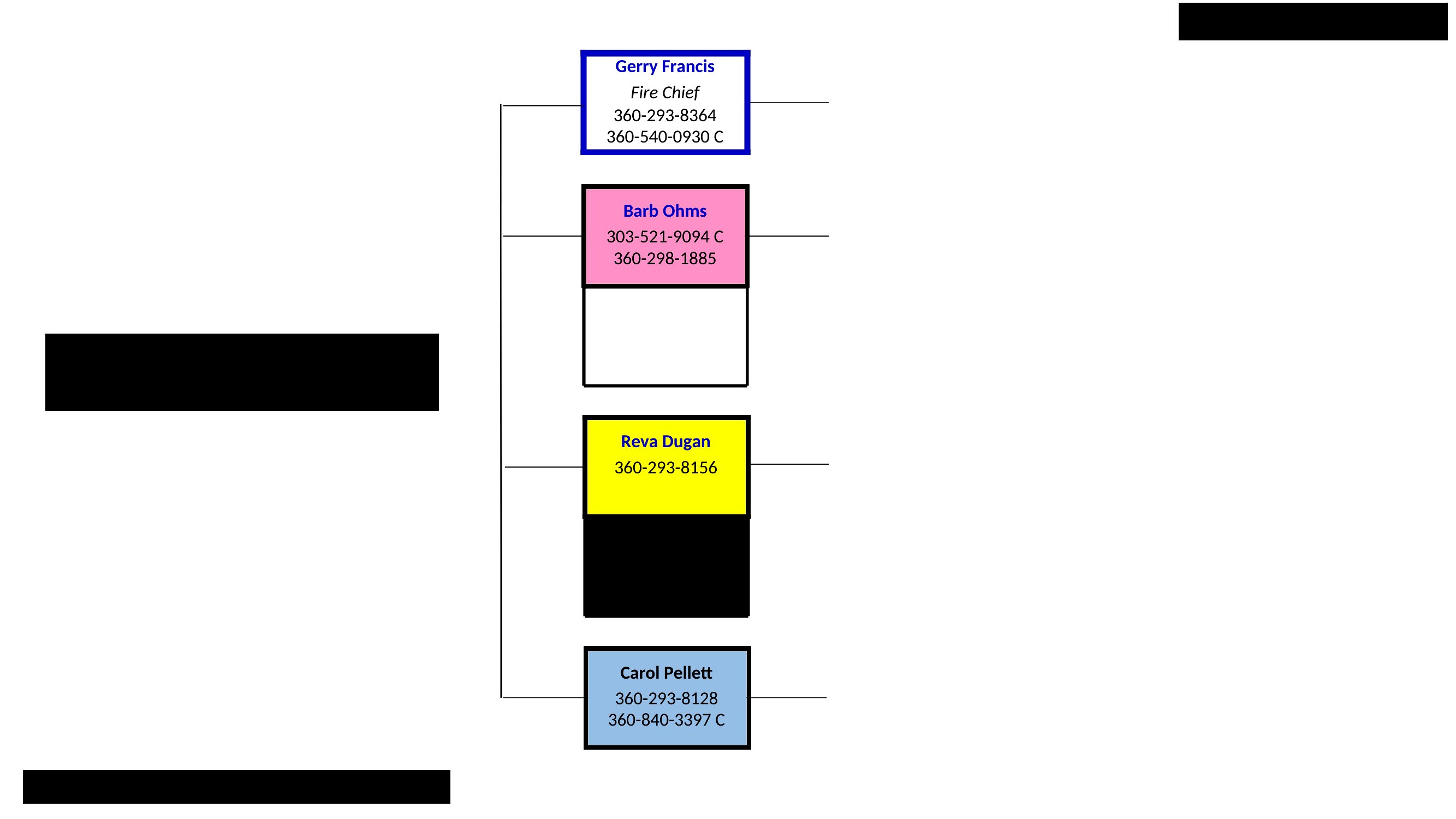
Yes. In Excel, assign time stamps or color-code shifts next to each contact’s name to visualize coverage gaps. In Word, add a parallel column for shift hours and manually adjust call order. For example, a retail store’s night crew could be contacted first if a late closure is announced.
What’s the best way to test the phone tree before an actual emergency?
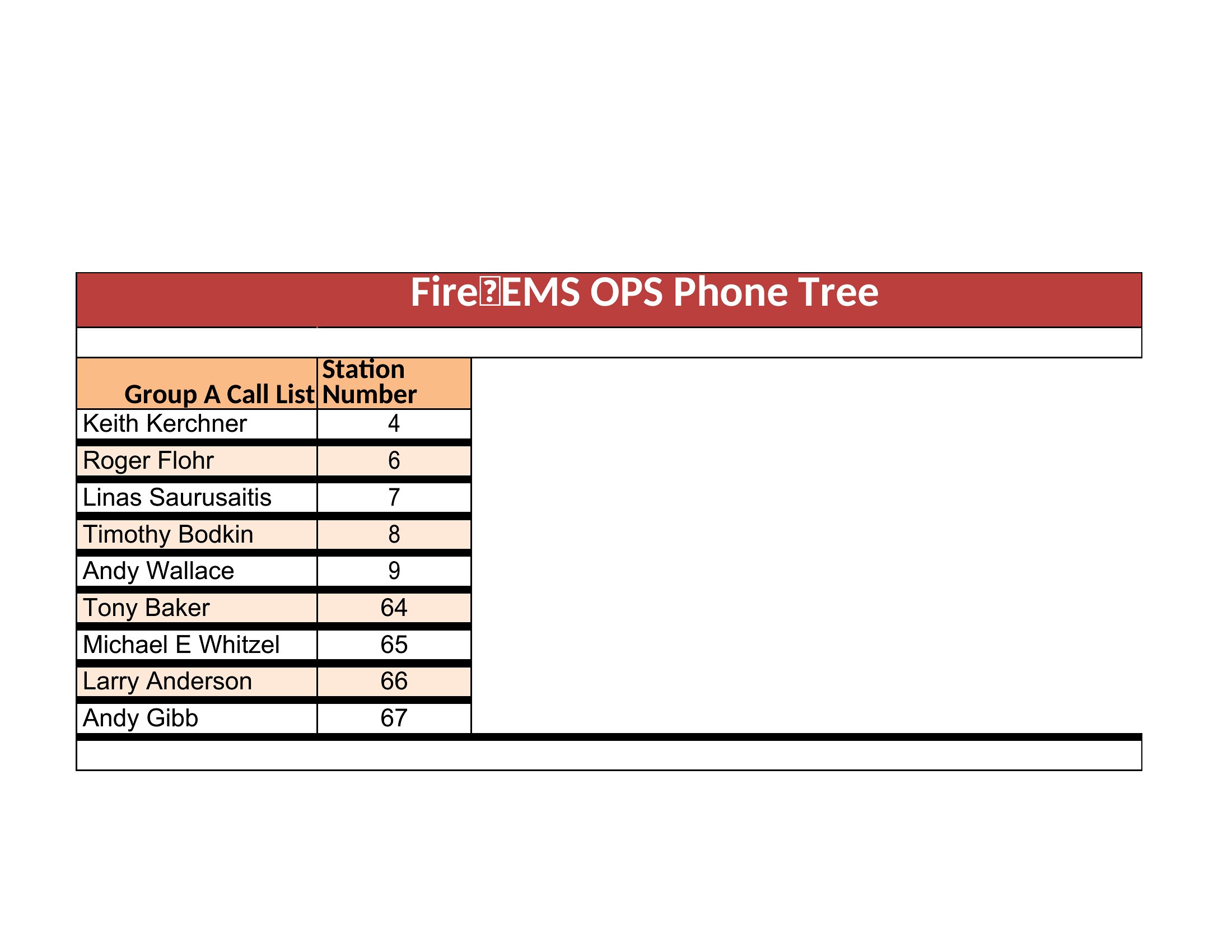
Run a mock drill by having a small group walk through the calls using the template. In Excel, use a separate sheet to log who was reached and when to identify bottlenecks. In Word, print a simplified version for tabletop exercises. Review results to refine the chain—aim for under 30 minutes to contact 90% of your group.
Comments
Join the conversation
Sign in to share your thoughts and leave a comment on this resource.