

FAQ
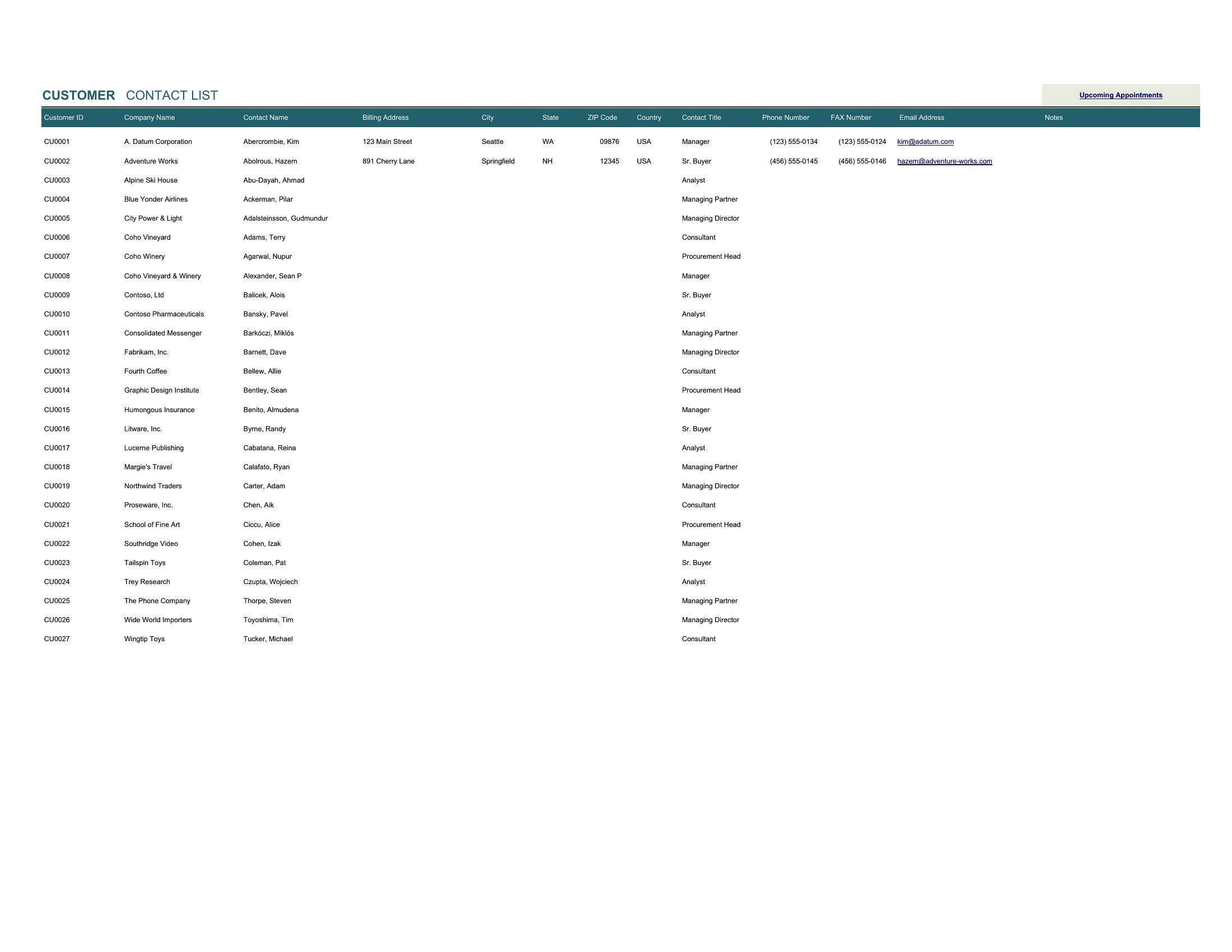
Can these CRM templates track email responses or integrate with tools like Gmail?
These templates are designed for manual data entry—no direct email integration—but you can pair them with free tools like Zapier to auto-log sent emails into the Excel sheets. For Gmail, use labels or filters to tag important messages, then manually input key details (dates, replies) into the CRM’s timeline columns.
How do I adapt this for a service business with subscription-based clients?
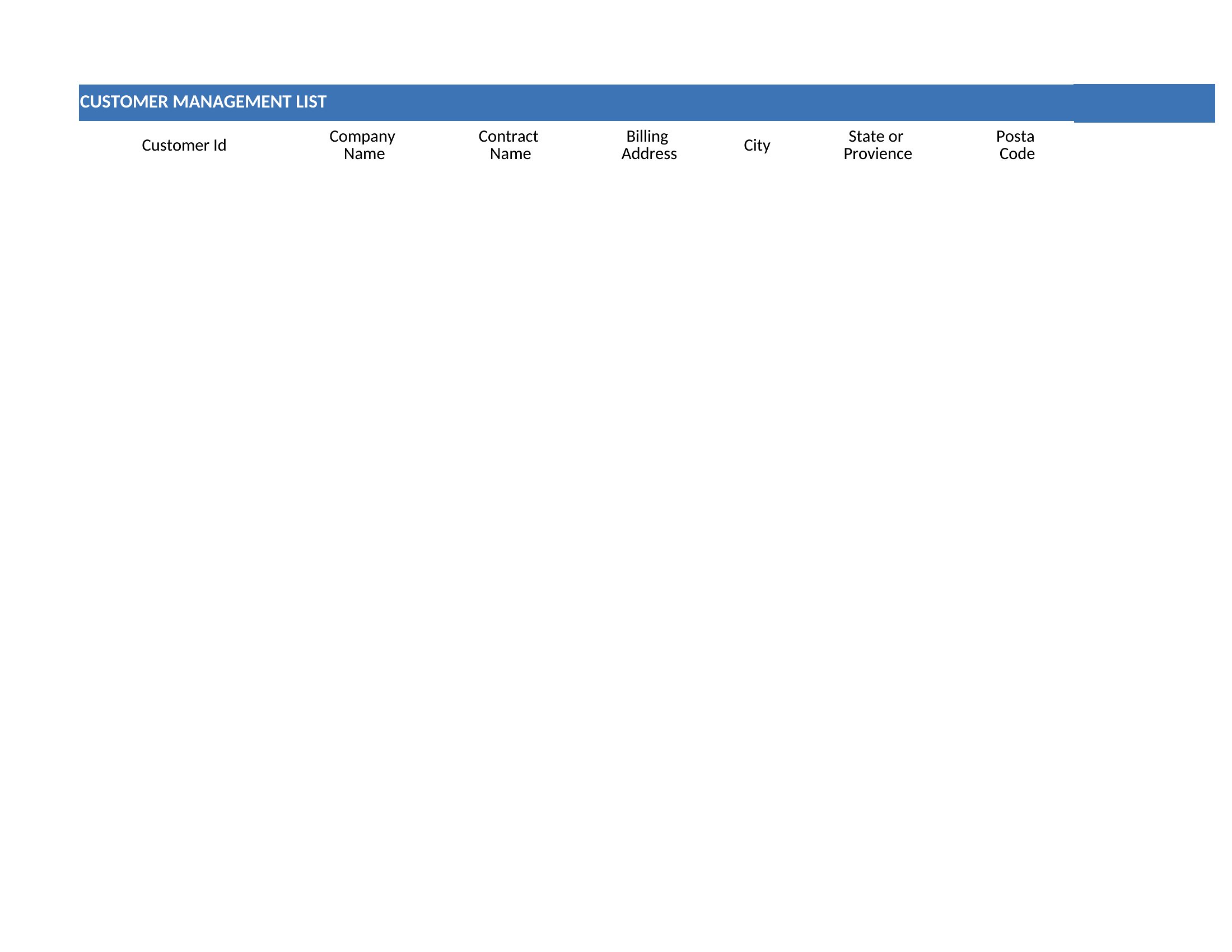
Add a ‘Contract End Date’ column in Excel to flag renewals, and use conditional formatting to highlight clients nearing their renewal window. In PDF templates, include a separate ‘Subscription Notes’ section to jot down upgrade opportunities or usage trends observed during check-ins.
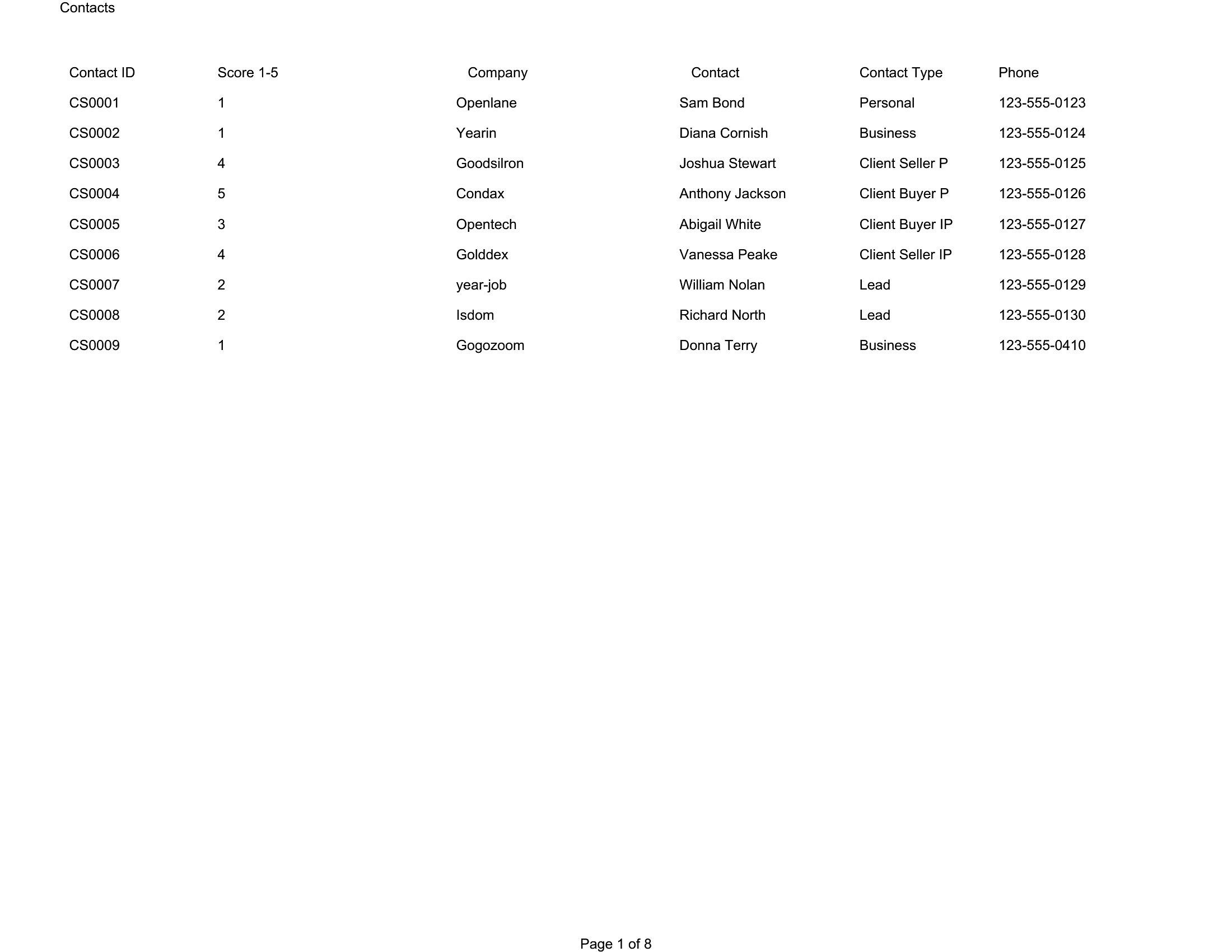
What’s the best way to organize contacts if I have multiple sales stages (e.g., lead, demo, proposal, client)?
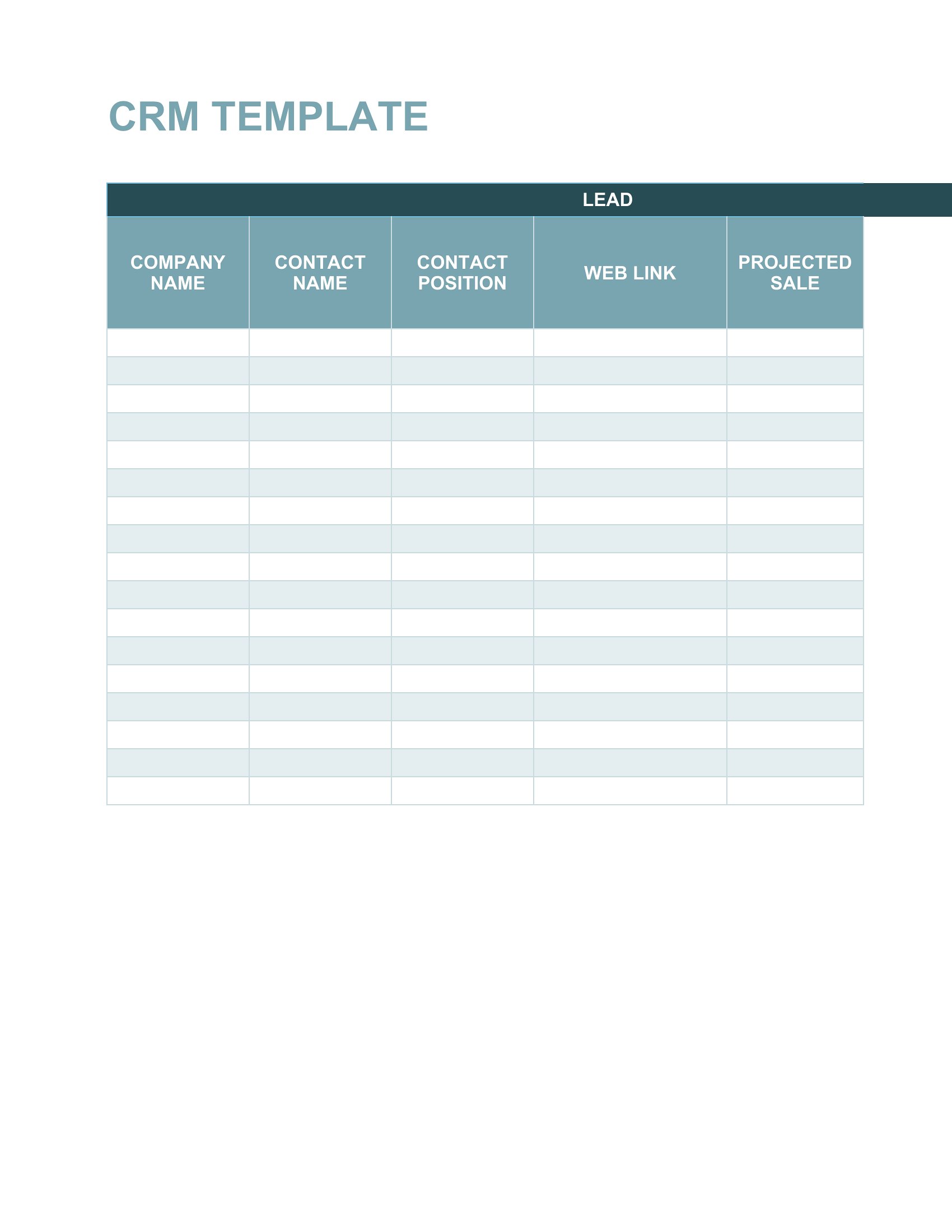
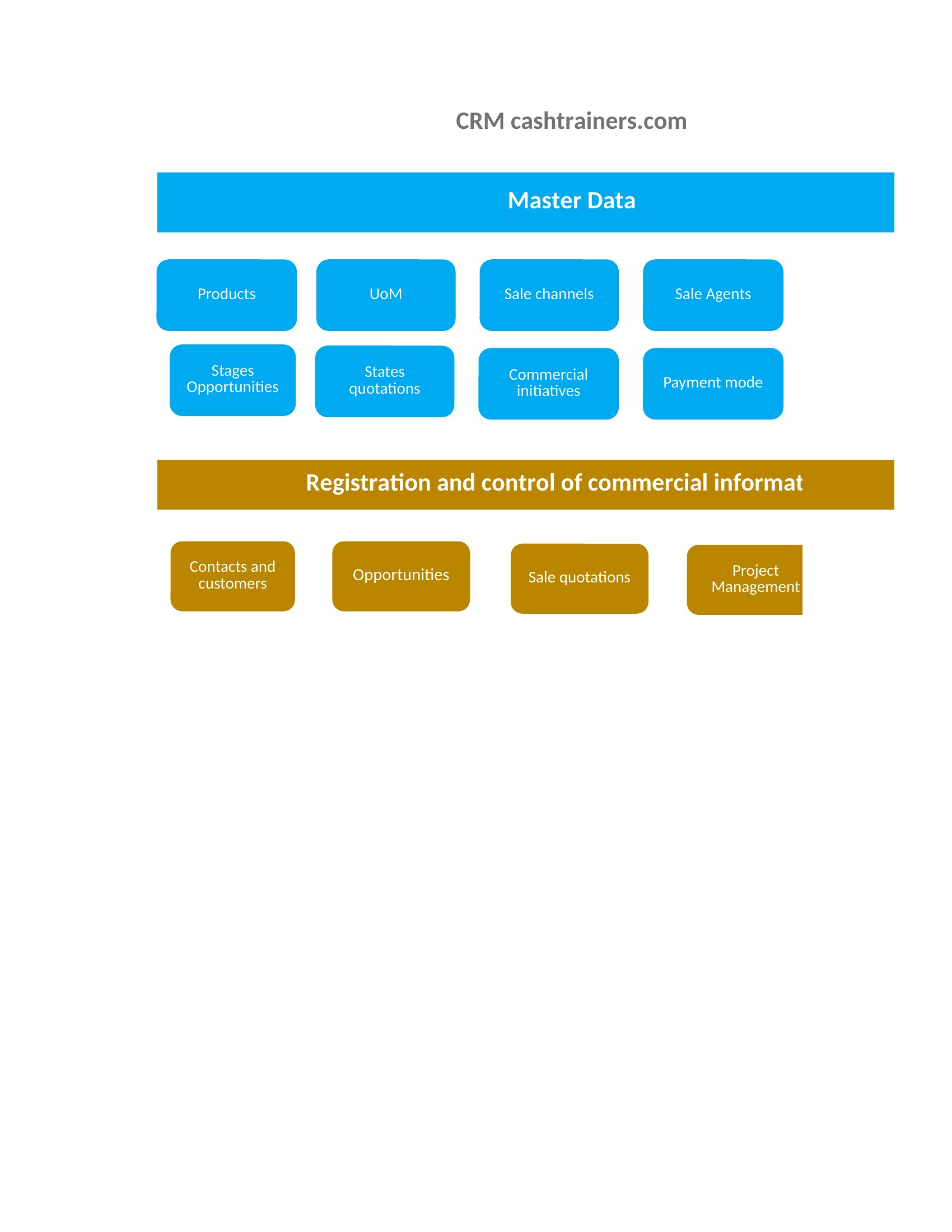
In Excel, use a dropdown menu in the ‘Stage’ column with your custom stages (Data > Validation > List). For PDFs, create a visual pipeline diagram with colored sections for each stage, and list contacts under their respective phase. Add a ‘Next Step’ column to assign tasks like ‘Schedule demo’ or ‘Send proposal.’
Comments
Join the conversation
Sign in to share your thoughts and leave a comment on this resource.