


Skip to content
50% off this one-time $1.99 pack with HALFOFF — or unlimited with Pro.HALFOFF
Premium

Free CRM Templates (Excel & PDF)

Data
islaniva by islaniva
Updated 0 downloads Quality-checked template

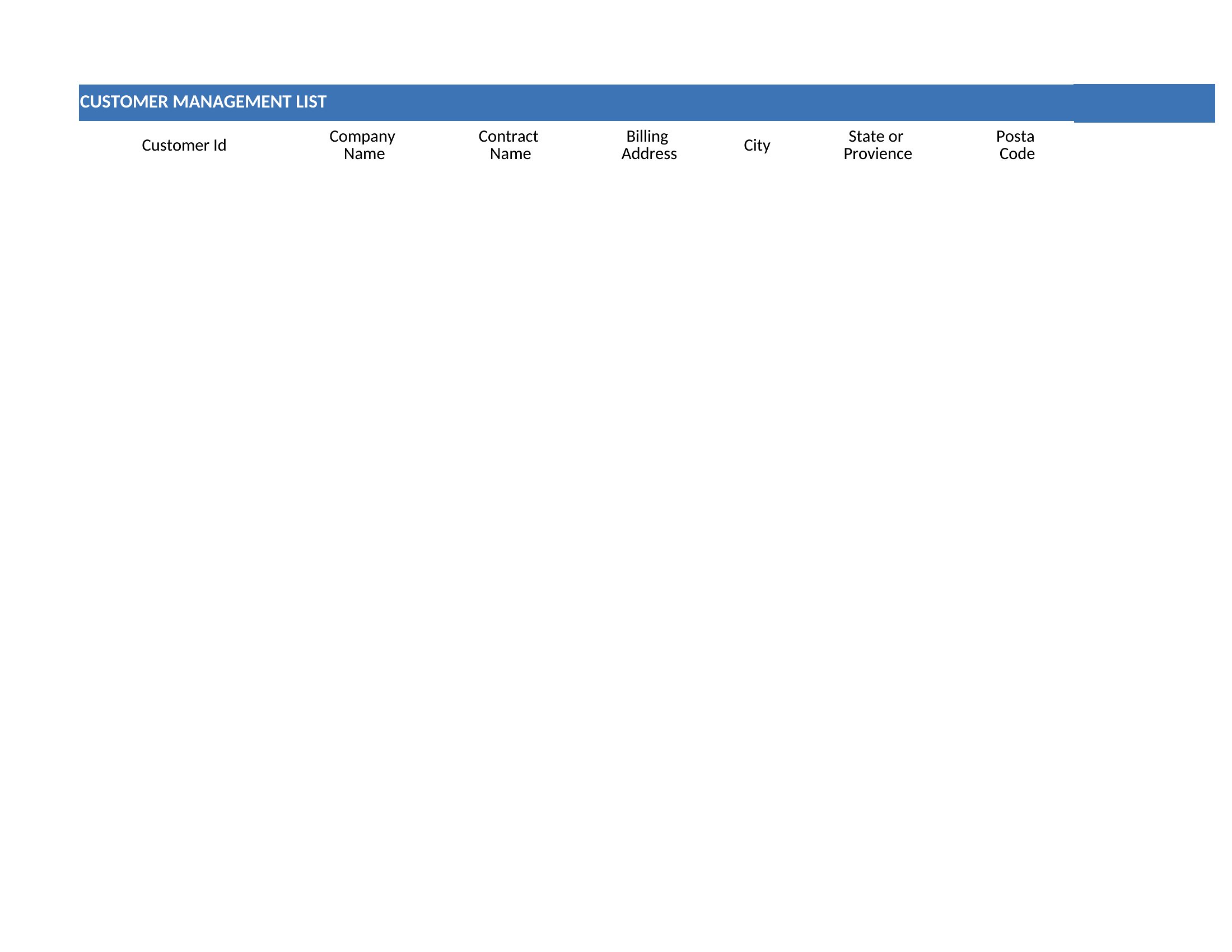
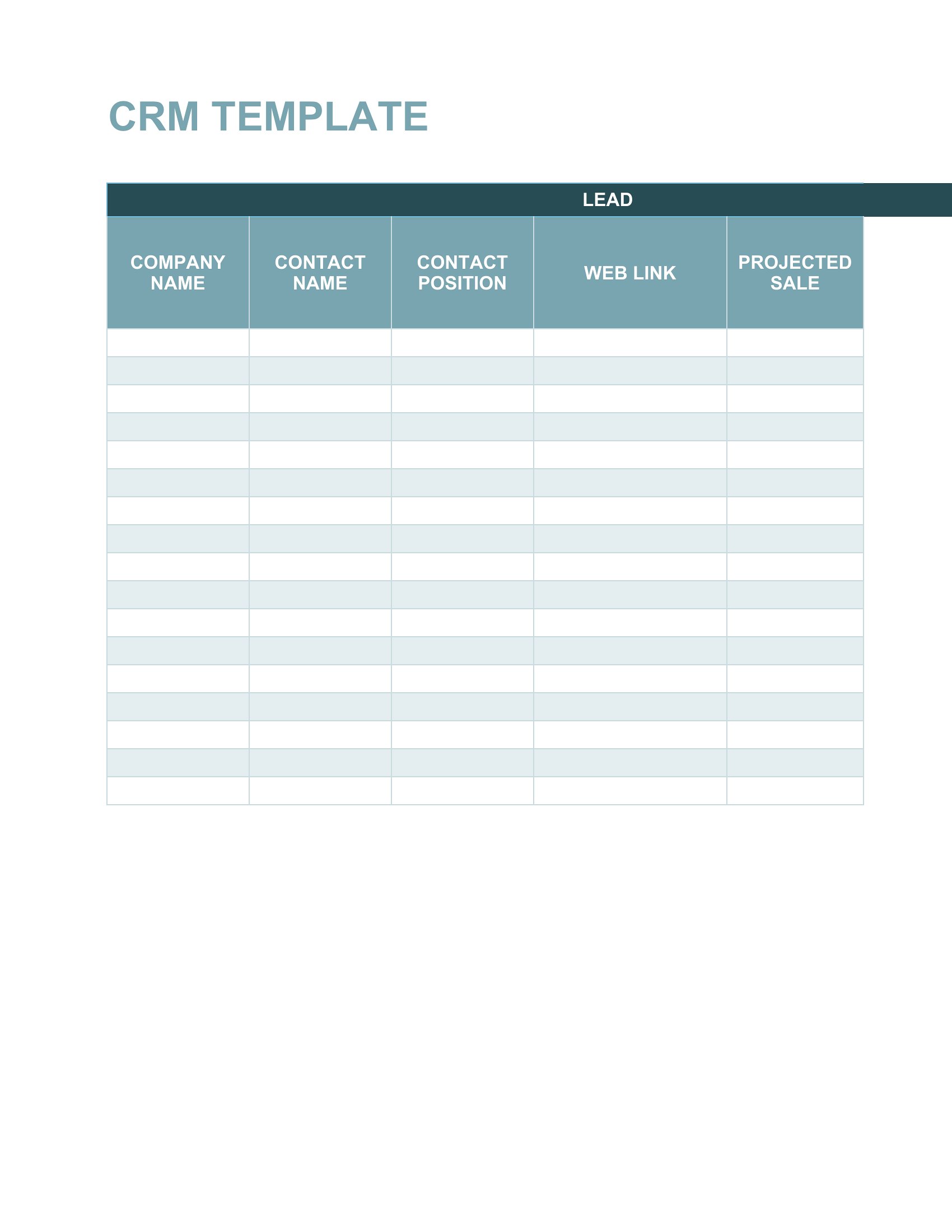
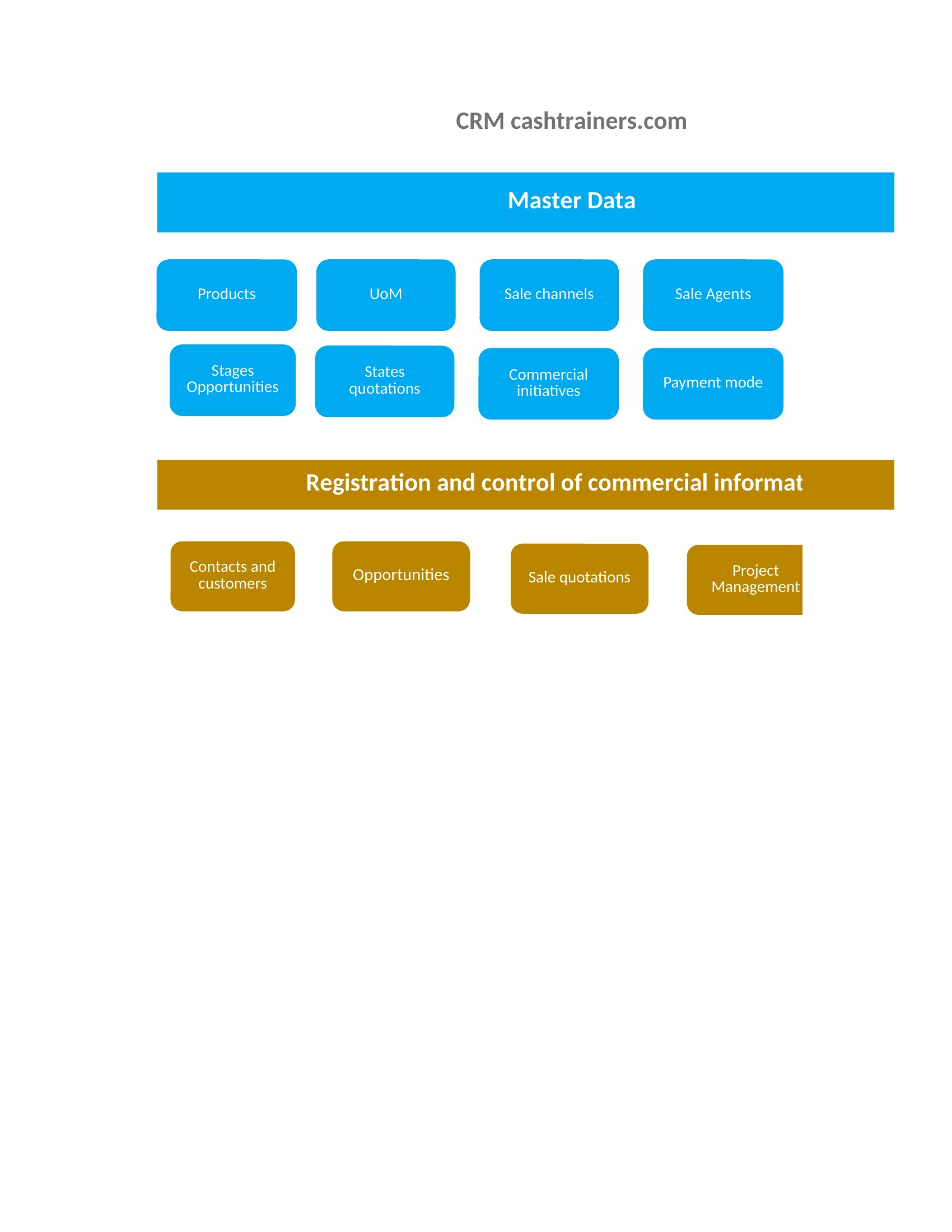
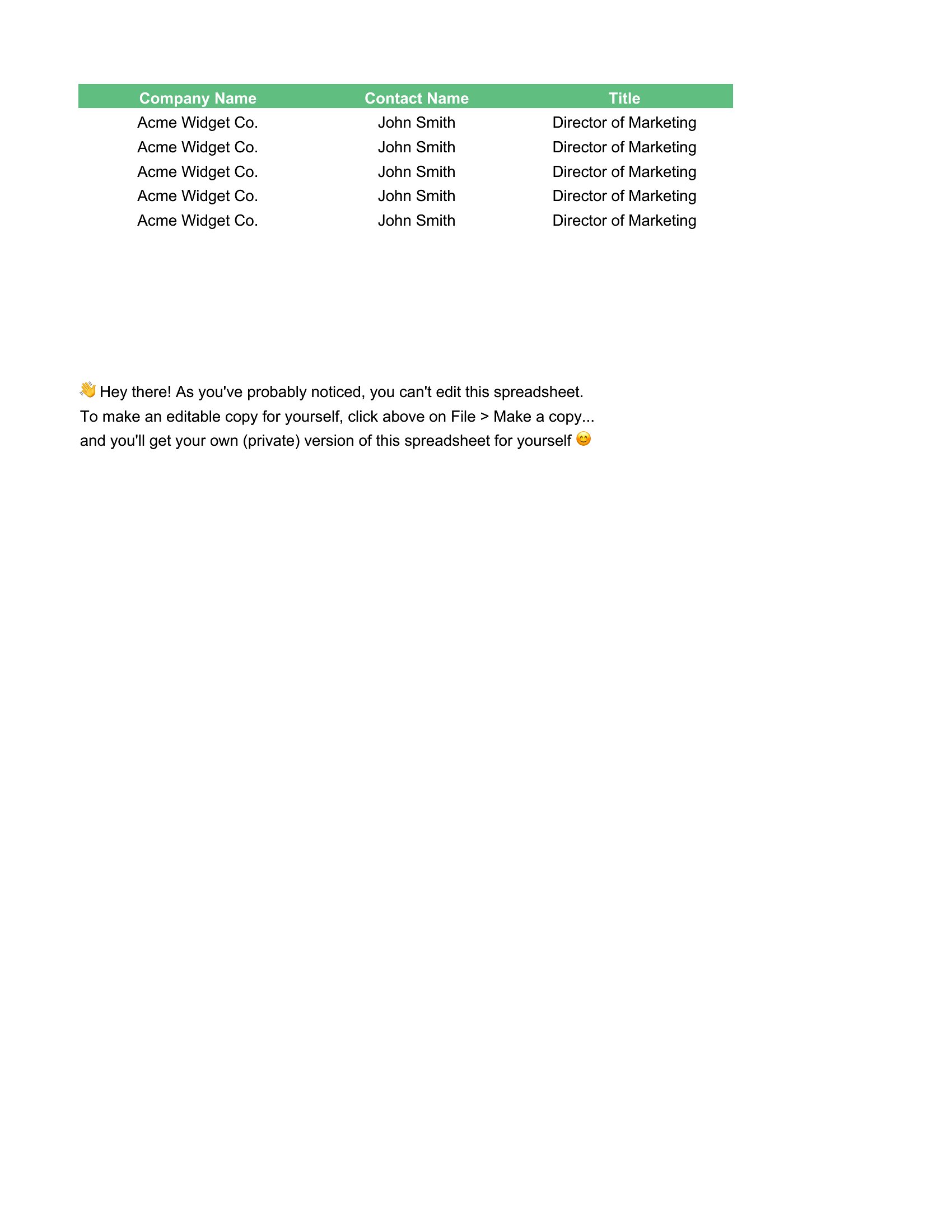
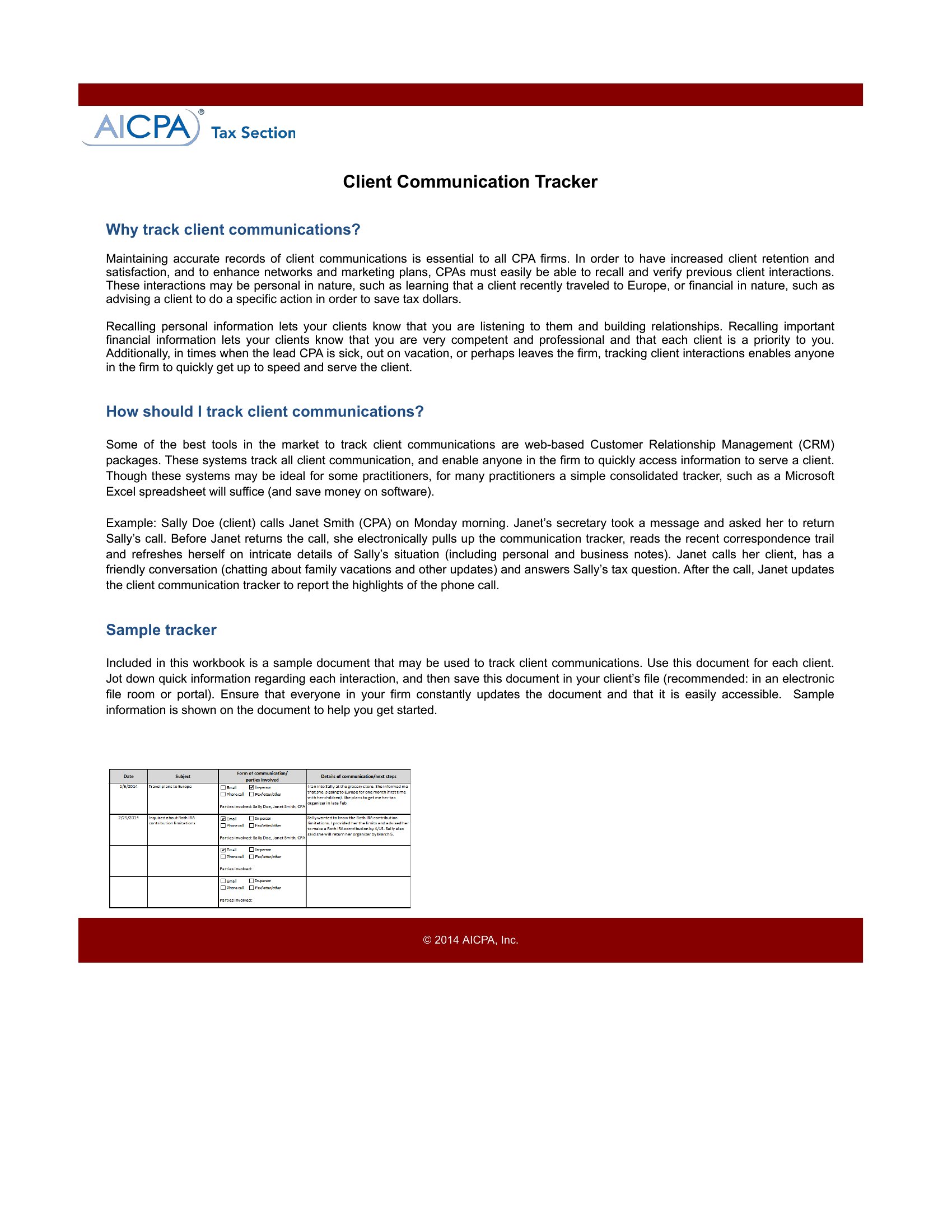
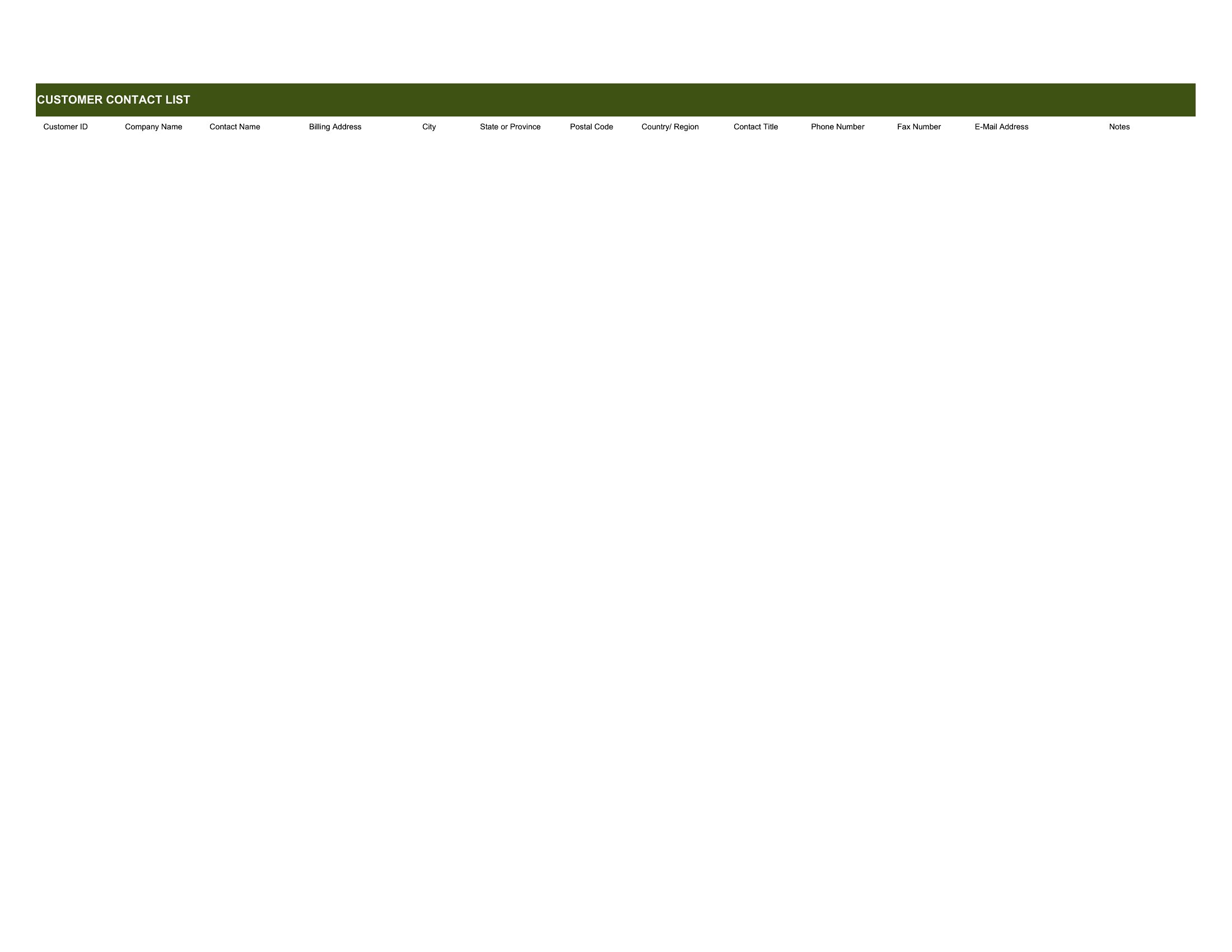
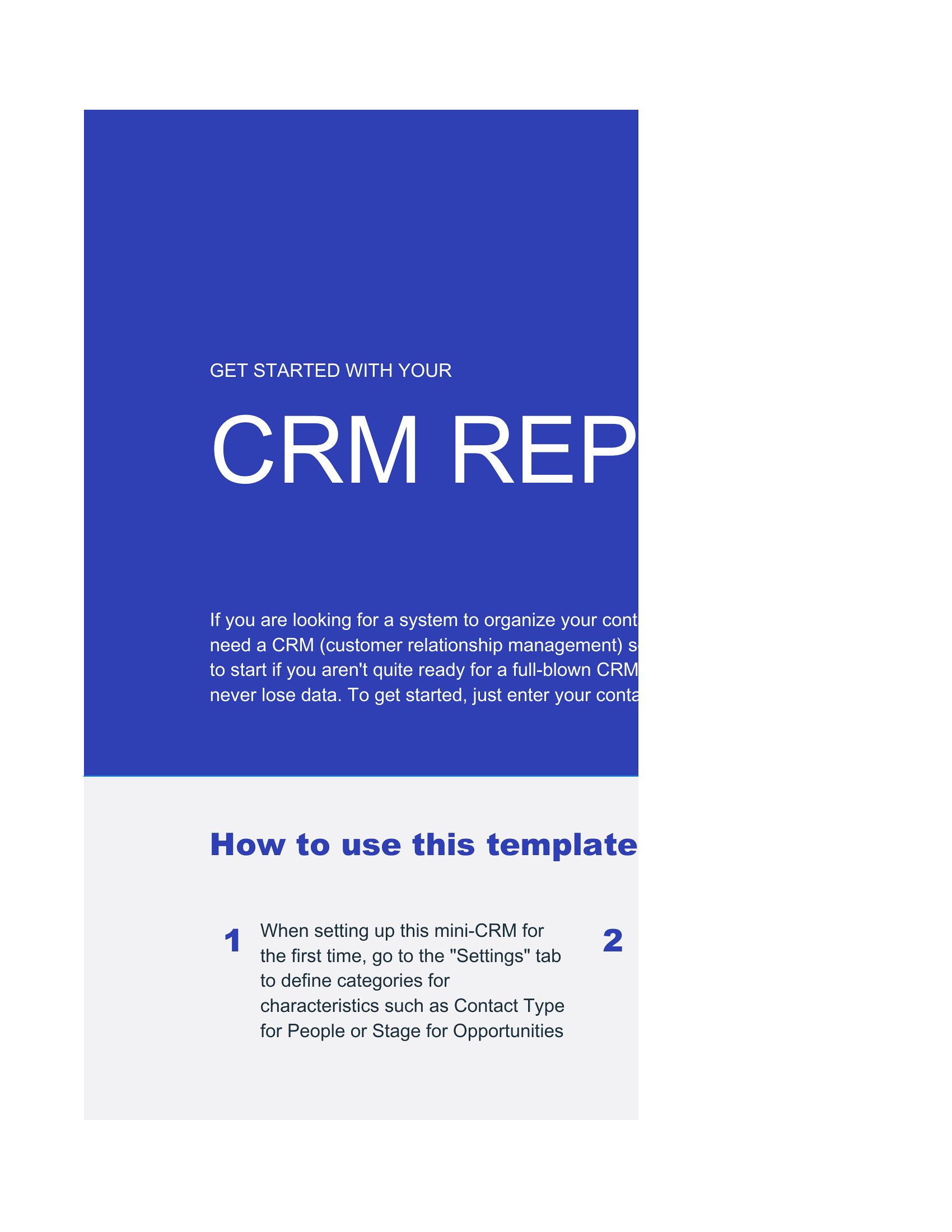
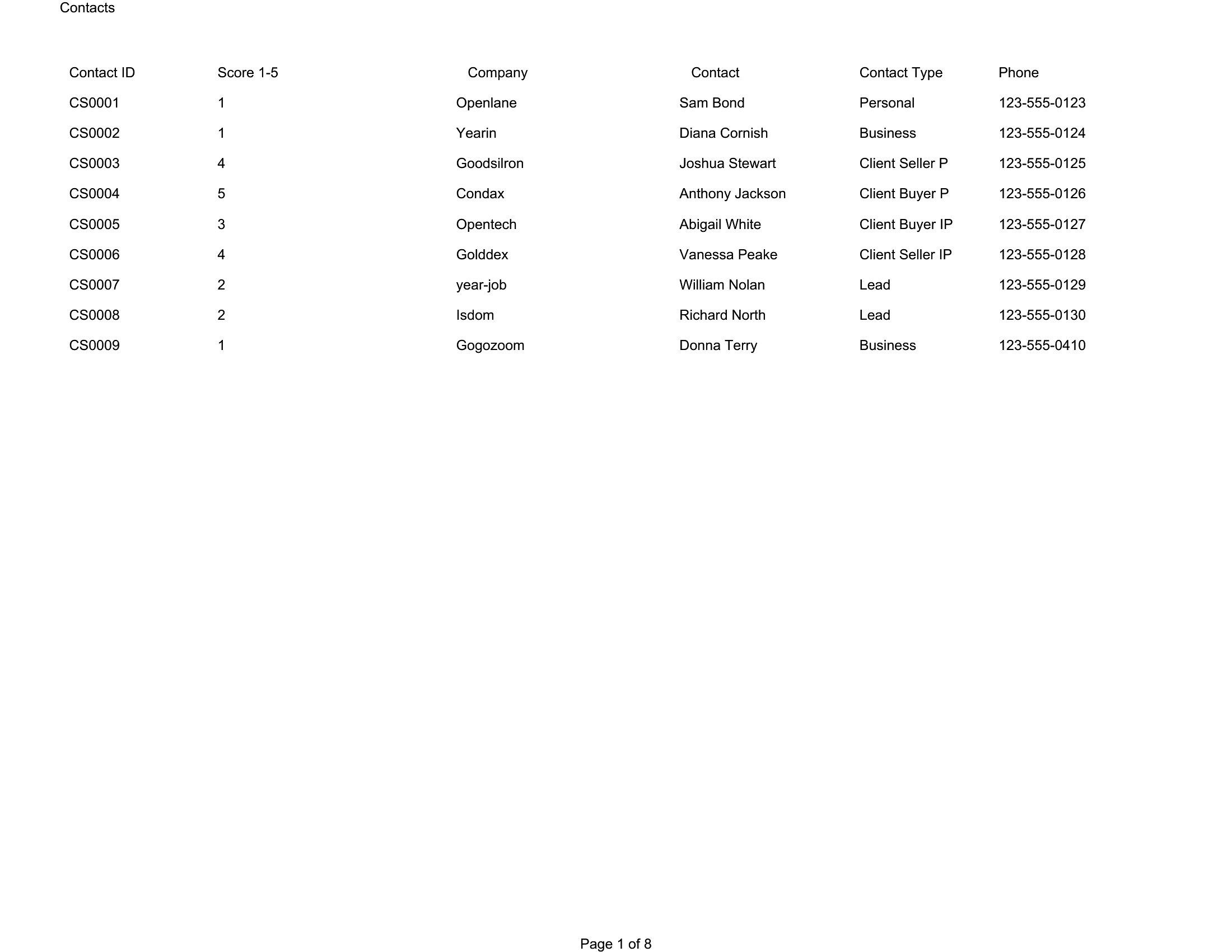
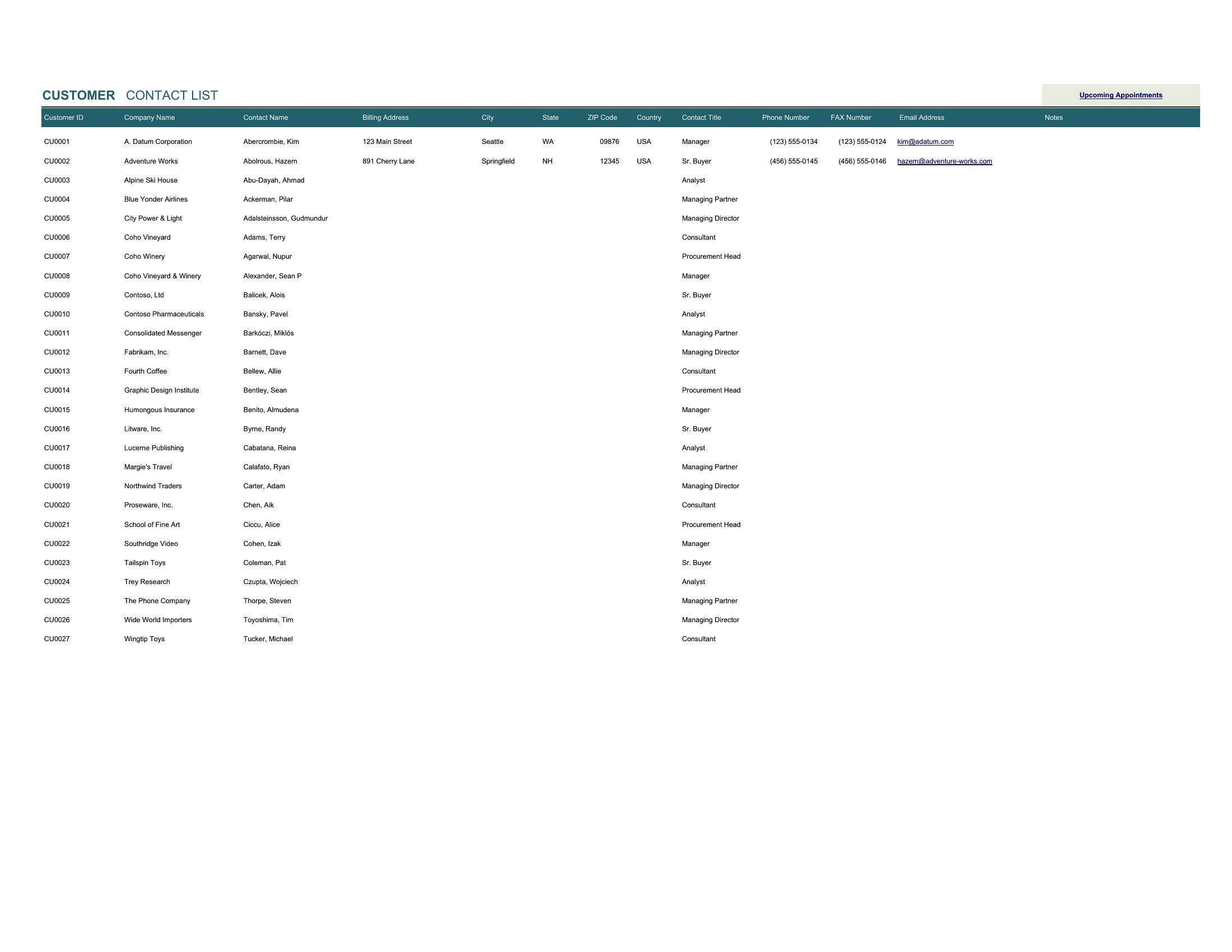
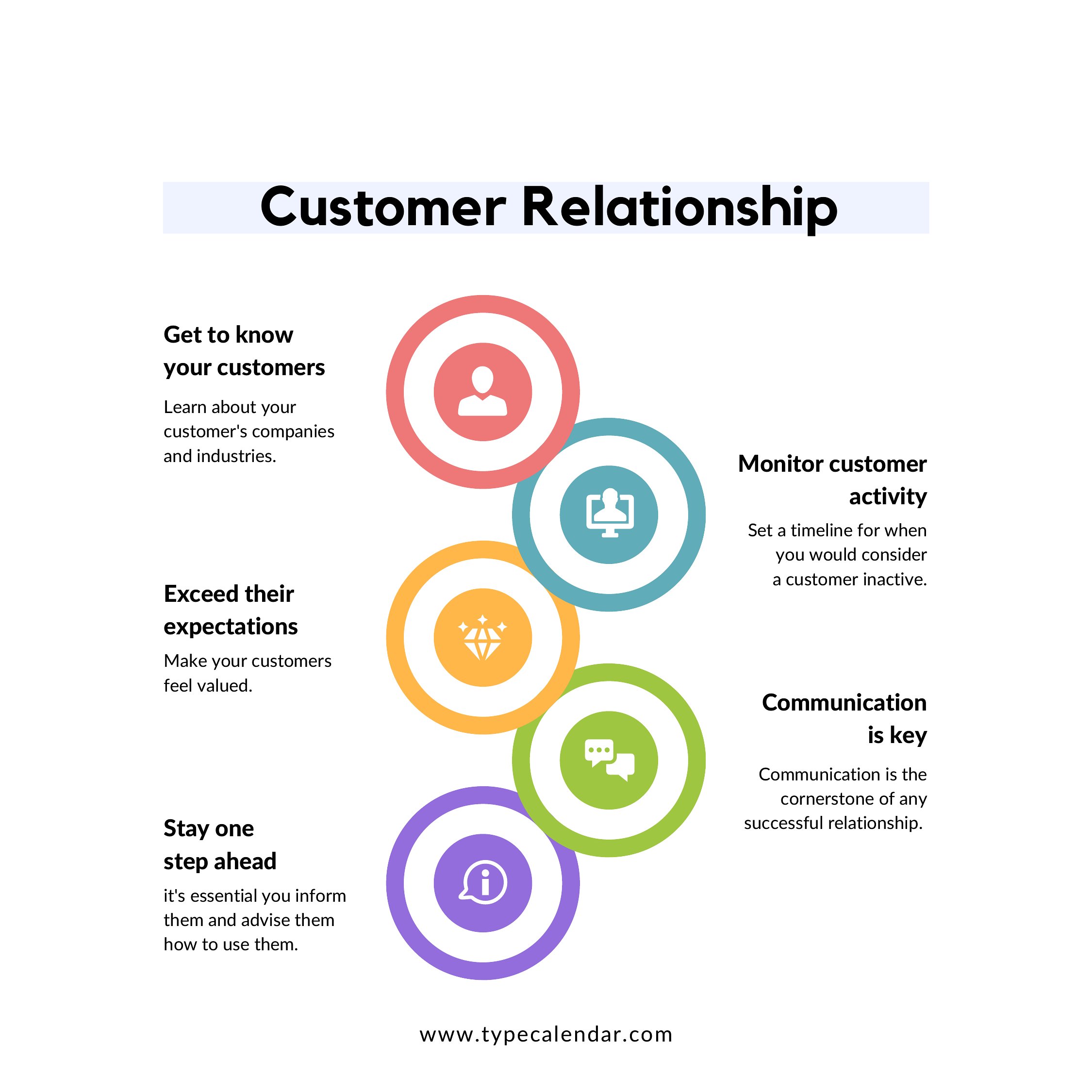
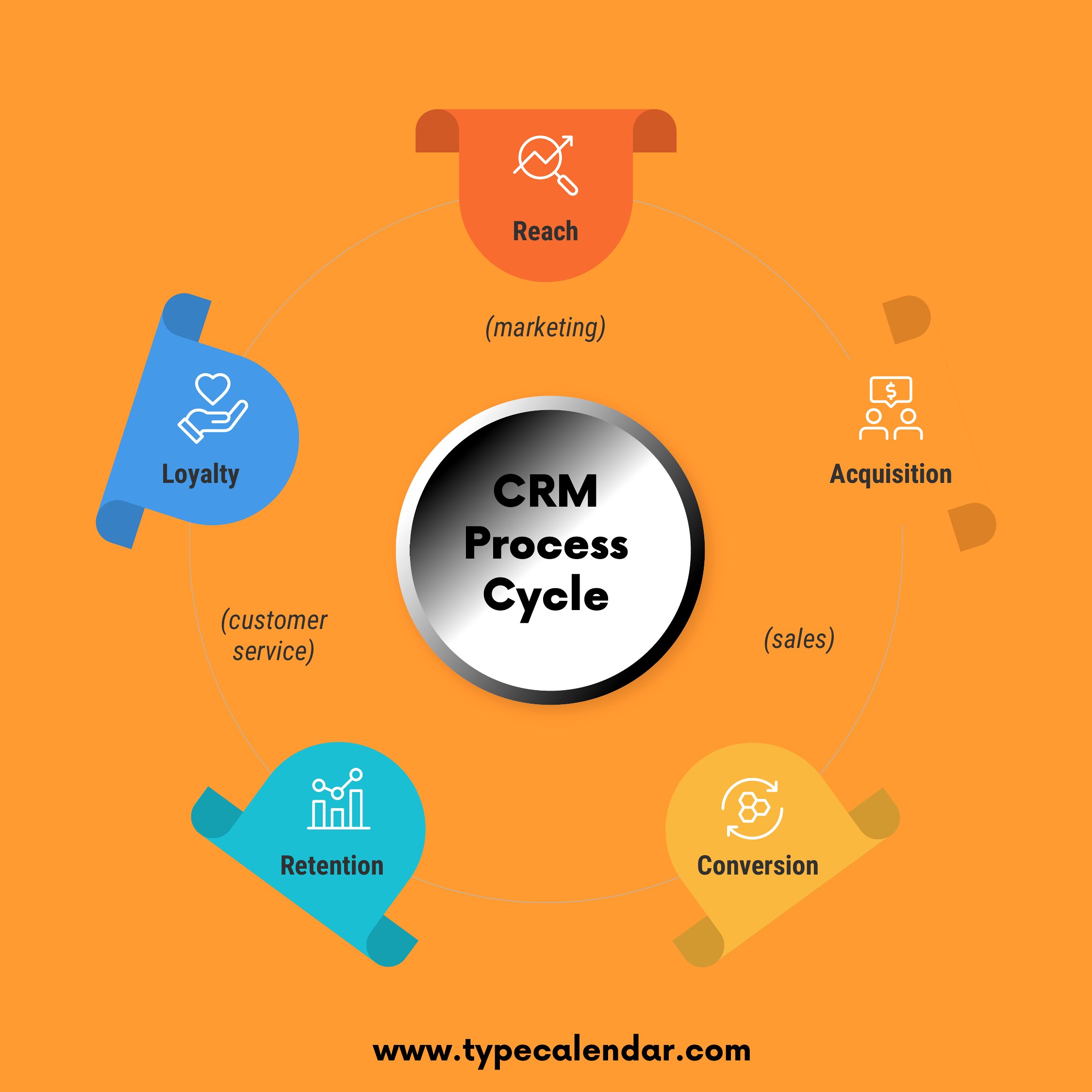
Losing track of leads and follow-ups? A simple CRM setup keeps every contact, conversation, and next step in one place. This collection of 15 customer relationship management templates helps freelancers, sales teams, and small businesses log prospects, track deal stages, and remember who to call without paying for expensive software.

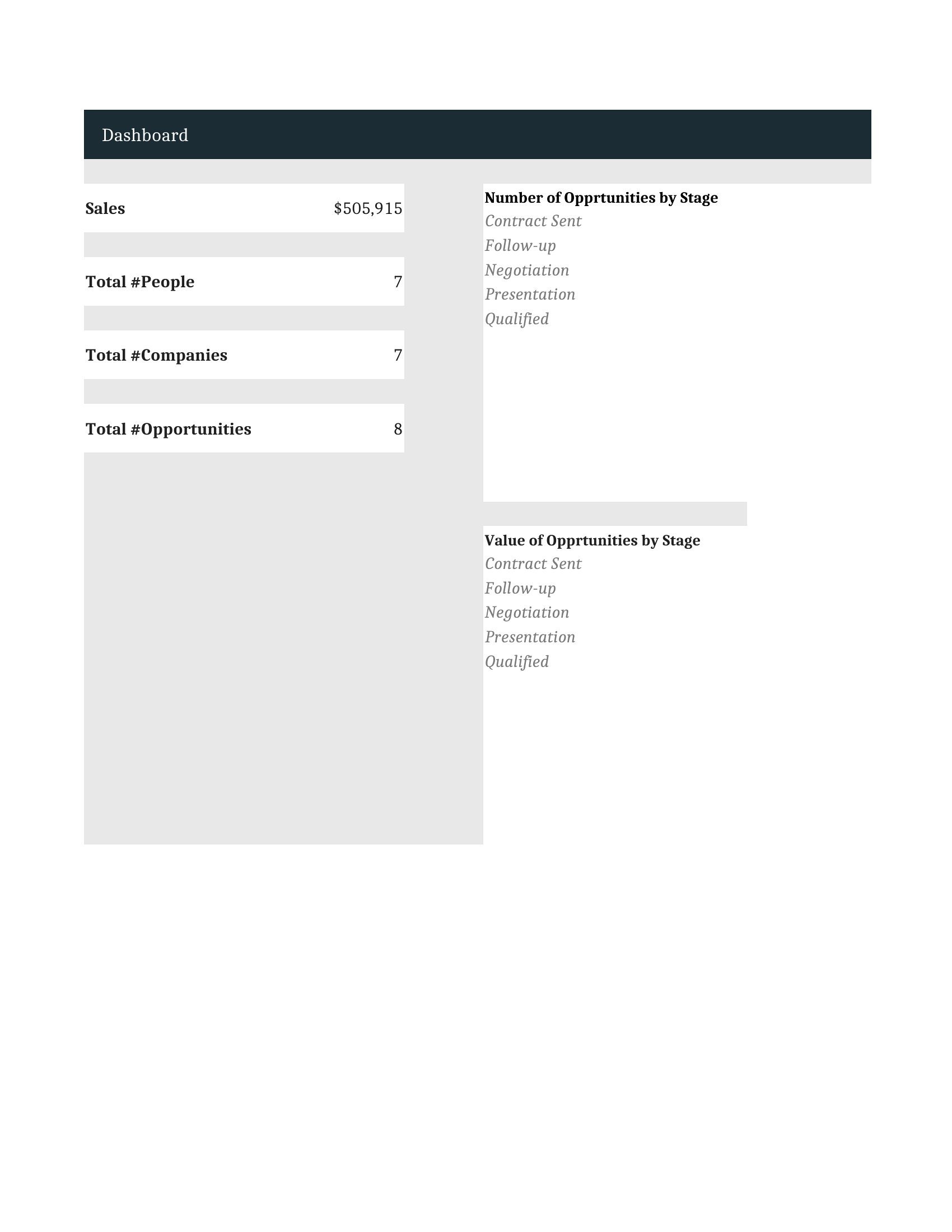
The Excel sheets do the heavy lifting, sorting and filtering contacts and tallying your pipeline as you type, while the PDFs work as clean printouts for quick reference. Add your own columns, drop in your contacts, and you've got a working system in minutes. Download the version that fits your workflow and start organizing your relationships.

When to use this Customer Relationship Management (CRM) template

  • A freelance consultant juggling 20+ potential clients needs a CRM to track proposal follow-ups, contract deadlines, and payment statuses in one Excel sheet, so nothing slips through the cracks during busy months.
  • A small retail team with a seasonal sales spike uses a PDF CRM template to log customer purchase histories and birthday reminders, ensuring personalized notes accompany repeat orders during holiday promotions.
  • A real estate agent managing 5 open listings and 15 buyer leads uses the Excel CRM to categorize contacts by interest stage (e.g., 'showing soon,' 'in contract') and auto-sort by last contact date to prioritize outreach.
  • A startup’s two-person sales team shares a PDF CRM to document demo feedback, pricing objections, and next steps for 30+ prospects, replacing scattered emails and sticky notes with a single actionable record.

Which format should I download?

ExcelPDF

Use the Excel format if you need dynamic sorting, filtering, or calculations—for example, to auto-highlight overdue follow-ups or sum deal values by stage. The PDF format is best for printing shared checklists or static overviews, like a one-page deal pipeline for client meetings or team huddles. Choose PDF when you want a clean, portable snapshot of relationships without editing features; Excel fits hands-on tracking and analysis.

How to use this Customer Relationship Management (CRM) template

Can these CRM templates track email responses or integrate with tools like Gmail?

These templates are designed for manual data entry—no direct email integration—but you can pair them with free tools like Zapier to auto-log sent emails into the Excel sheets. For Gmail, use labels or filters to tag important messages, then manually input key details (dates, replies) into the CRM’s timeline columns.

How do I adapt this for a service business with subscription-based clients?

Add a ‘Contract End Date’ column in Excel to flag renewals, and use conditional formatting to highlight clients nearing their renewal window. In PDF templates, include a separate ‘Subscription Notes’ section to jot down upgrade opportunities or usage trends observed during check-ins.

What’s the best way to organize contacts if I have multiple sales stages (e.g., lead, demo, proposal, client)?

In Excel, use a dropdown menu in the ‘Stage’ column with your custom stages (Data > Validation > List). For PDFs, create a visual pipeline diagram with colored sections for each stage, and list contacts under their respective phase. Add a ‘Next Step’ column to assign tasks like ‘Schedule demo’ or ‘Send proposal.’

Comments

Join the conversation

Sign in to share your thoughts and leave a comment on this resource.

Newsletter

Get Weekly Design Updates

Join our community to receive curated resources and inspiration.

Weekly Tips Resources Early Access

We respect your privacy. Confirmation email required. Privacy Policy