Free Password List Templates (Word, Excel, PDF)
Life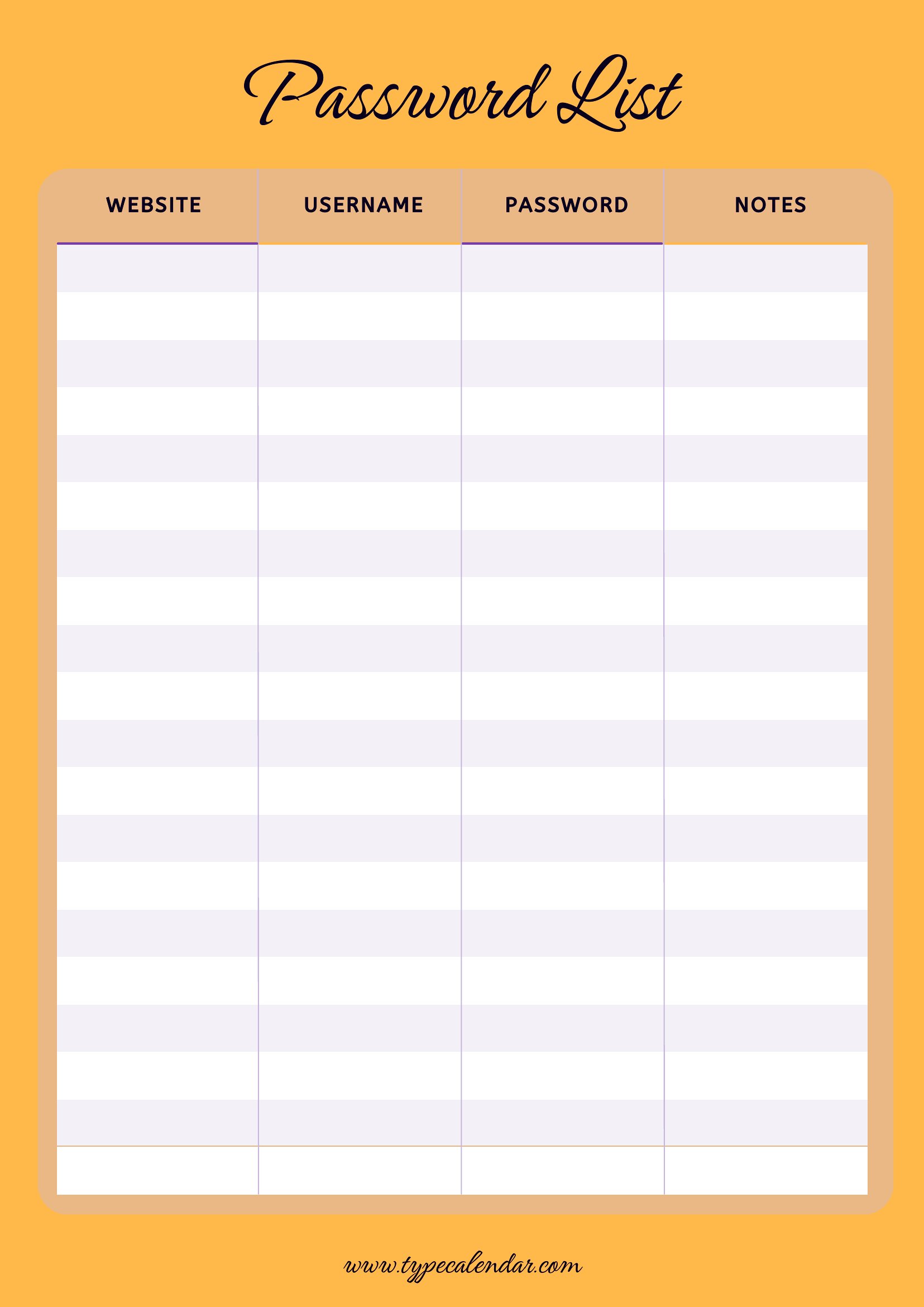
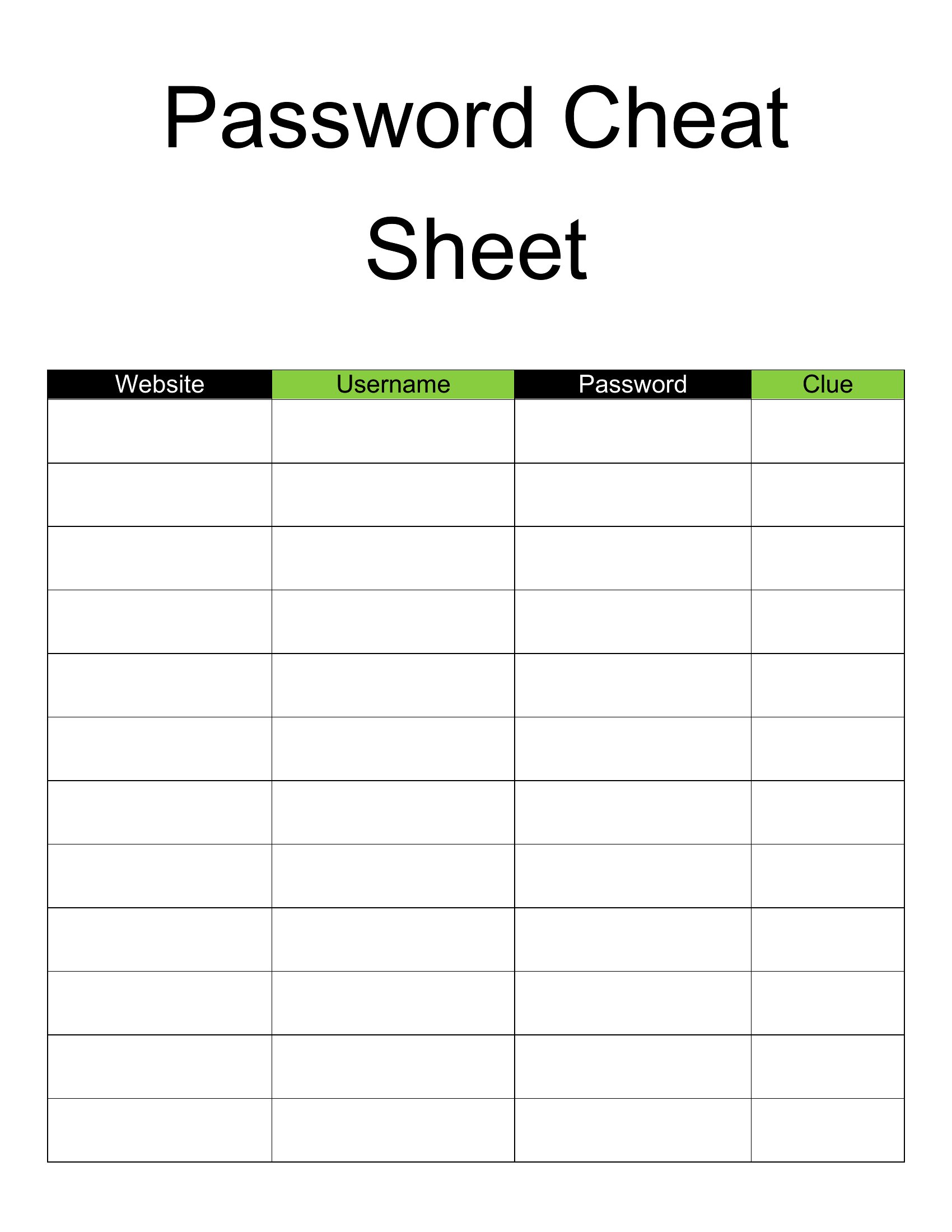
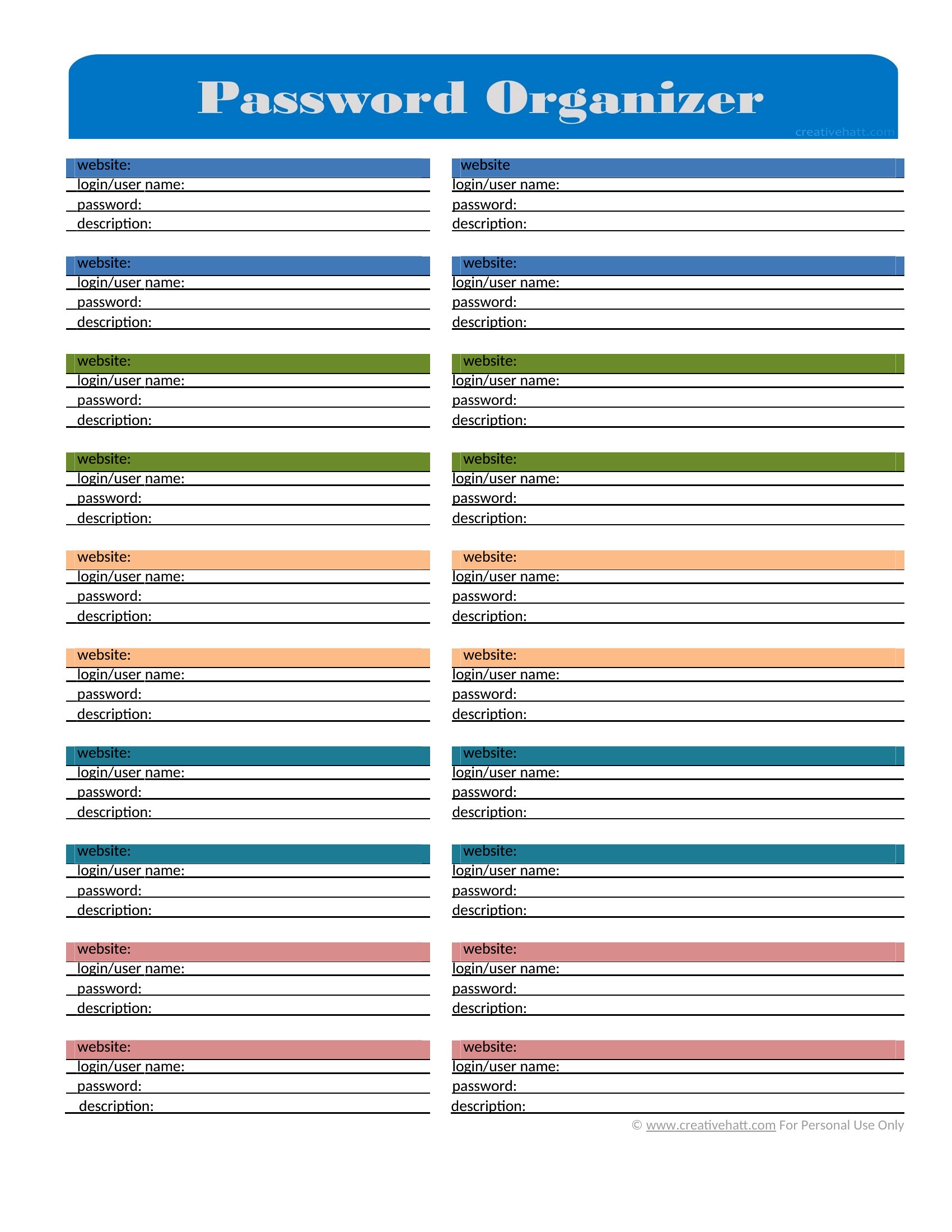
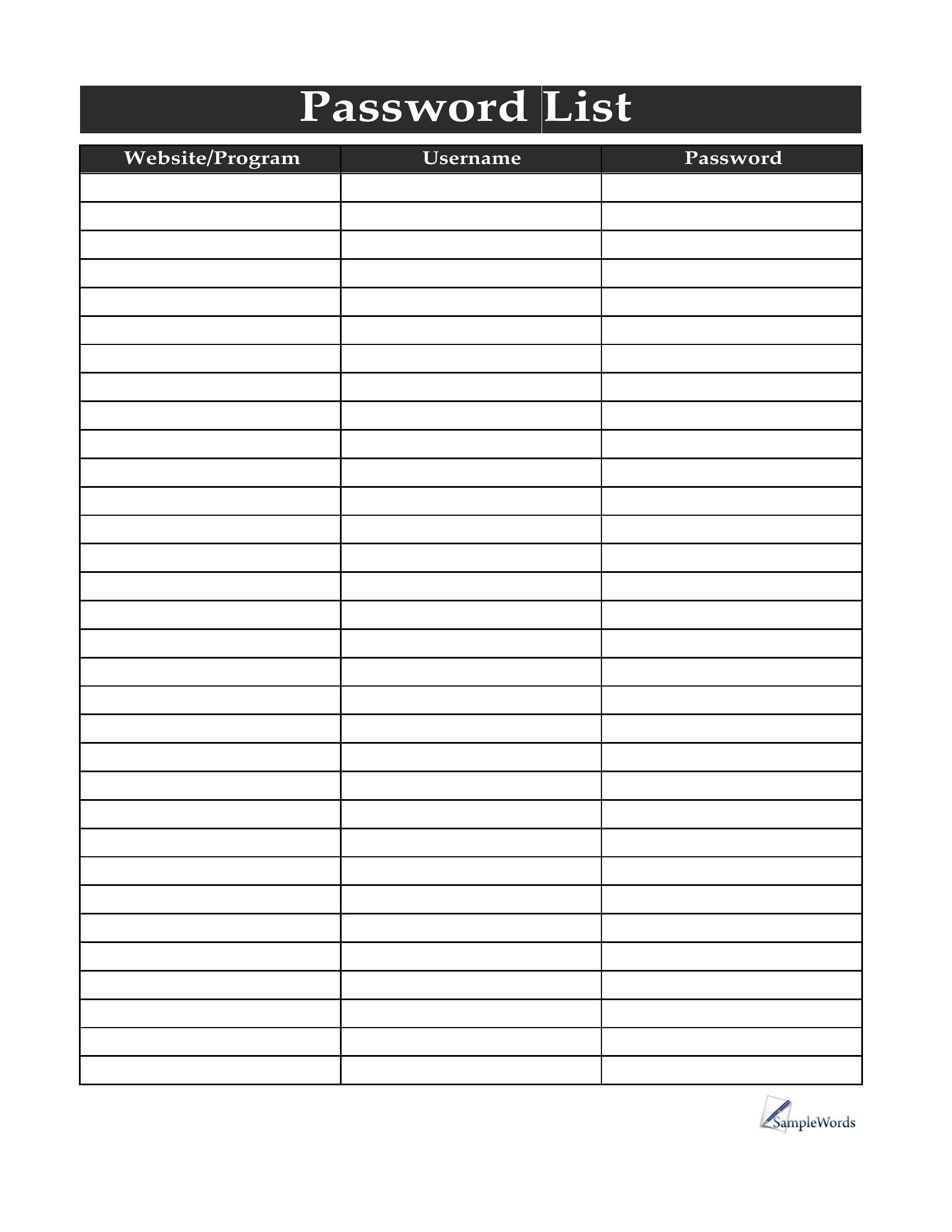
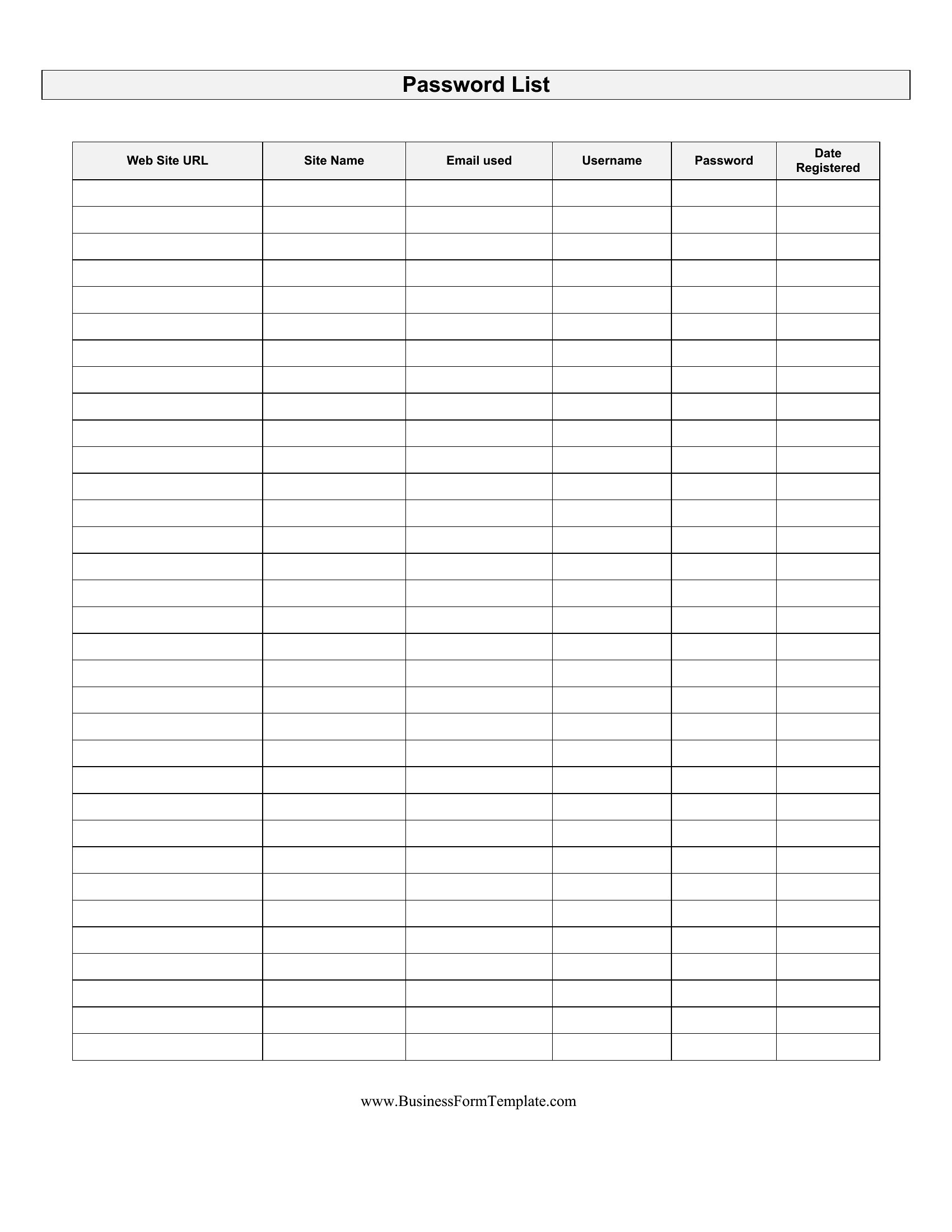
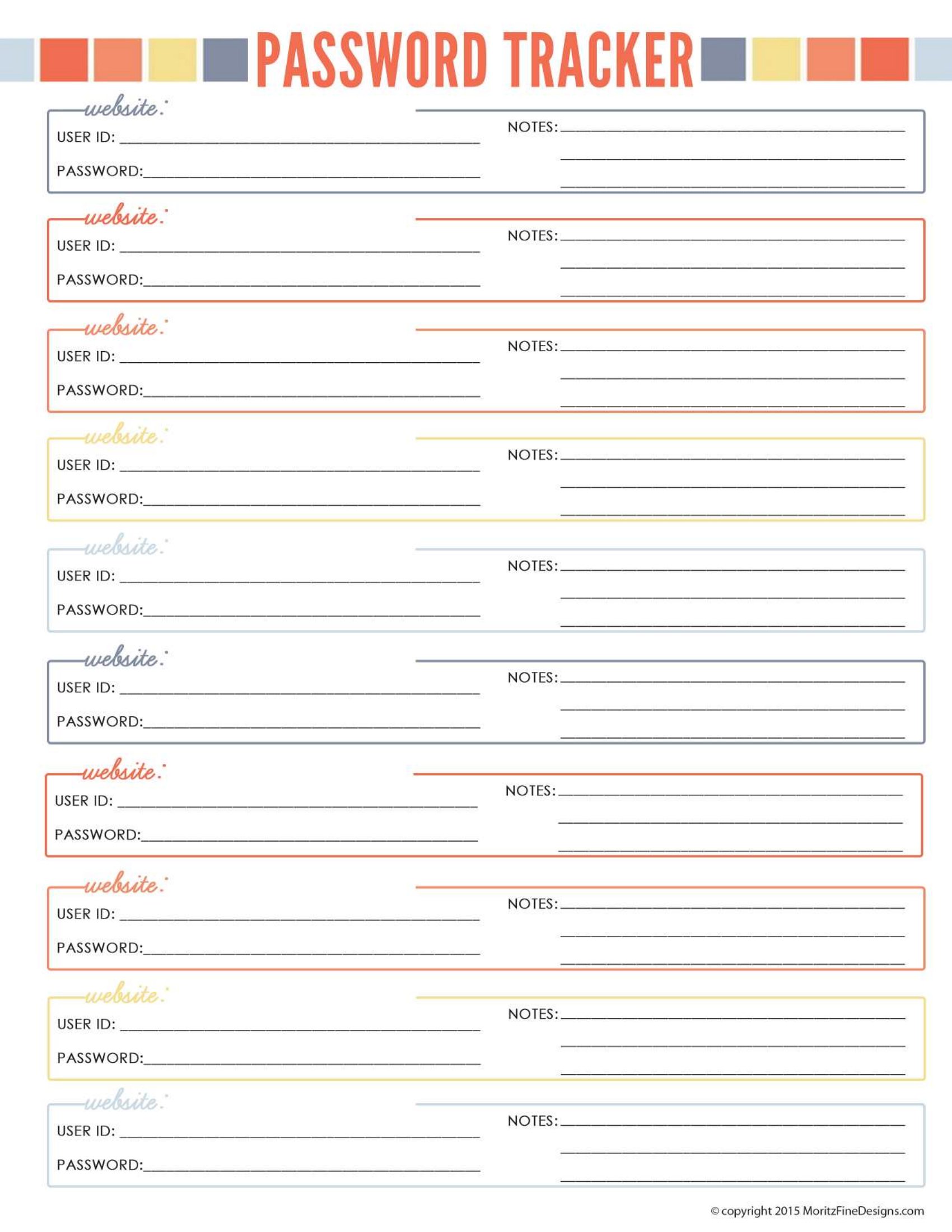
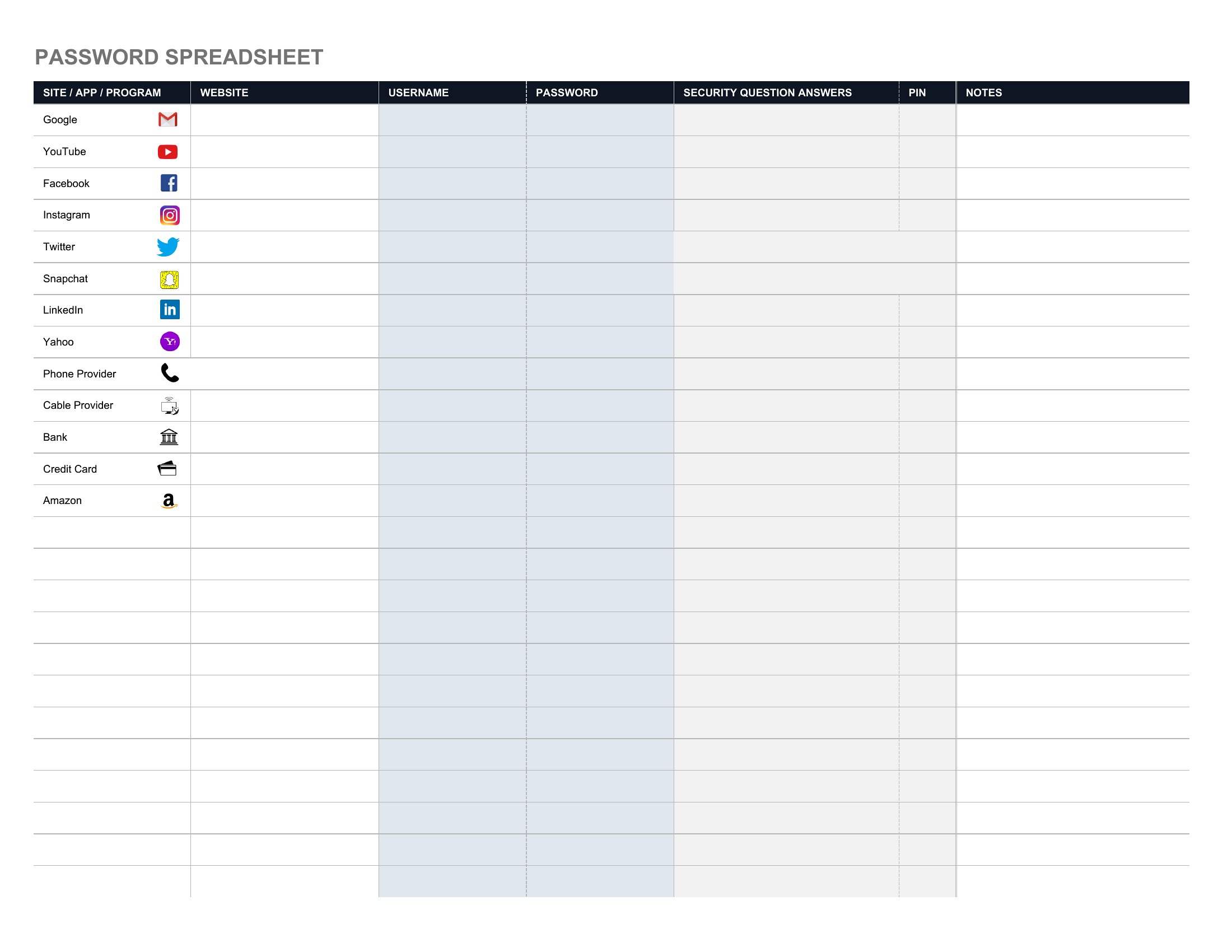
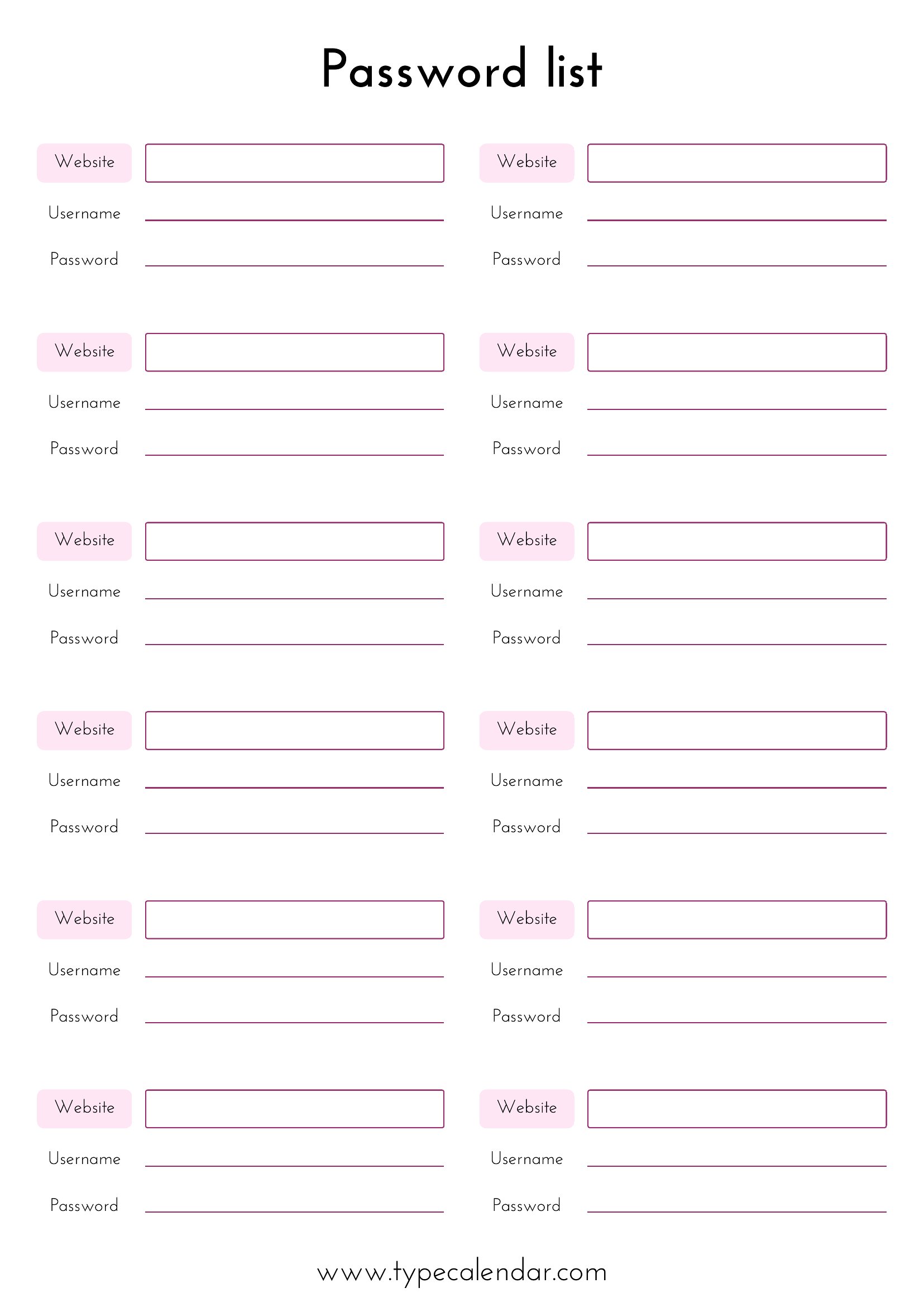
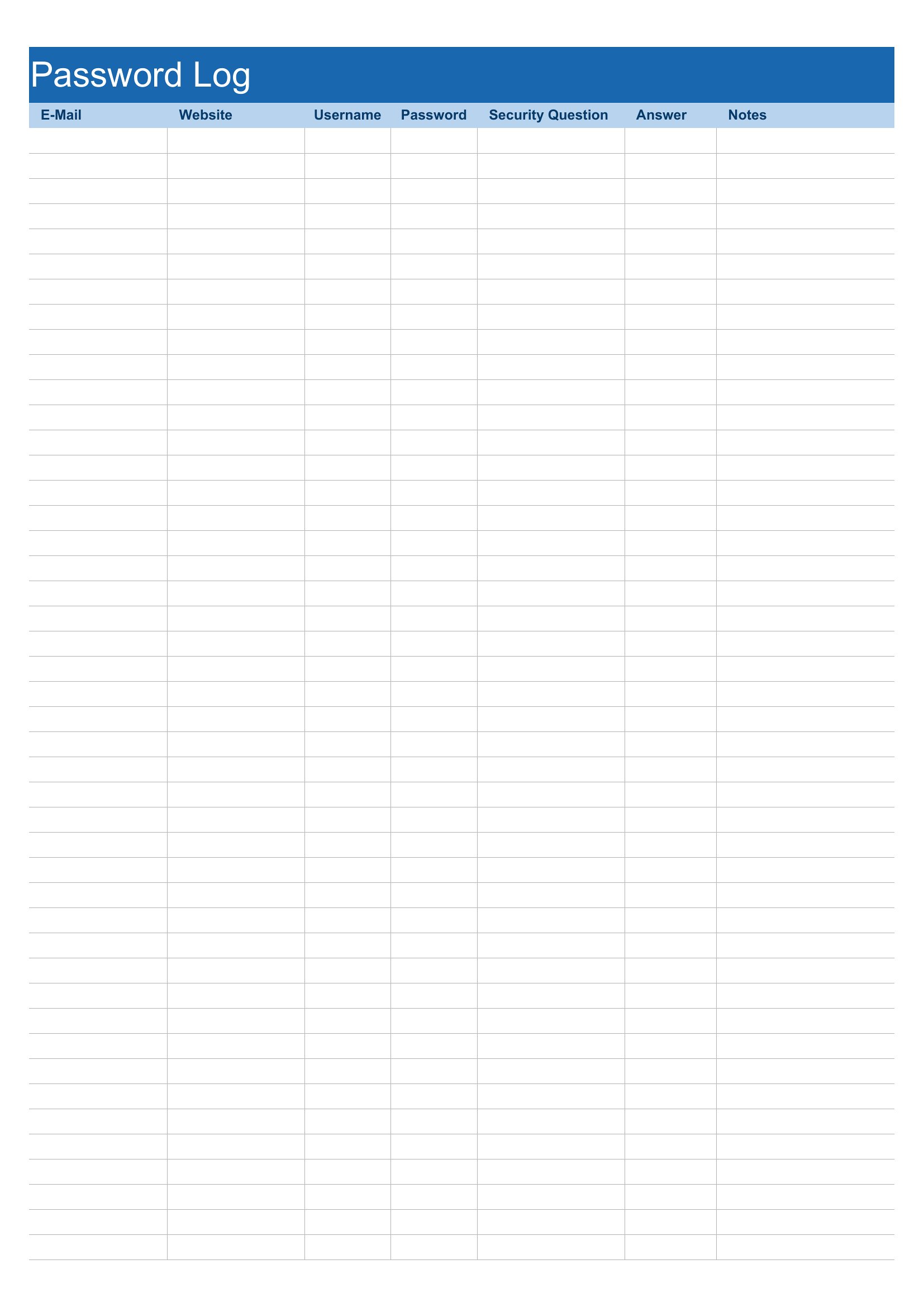
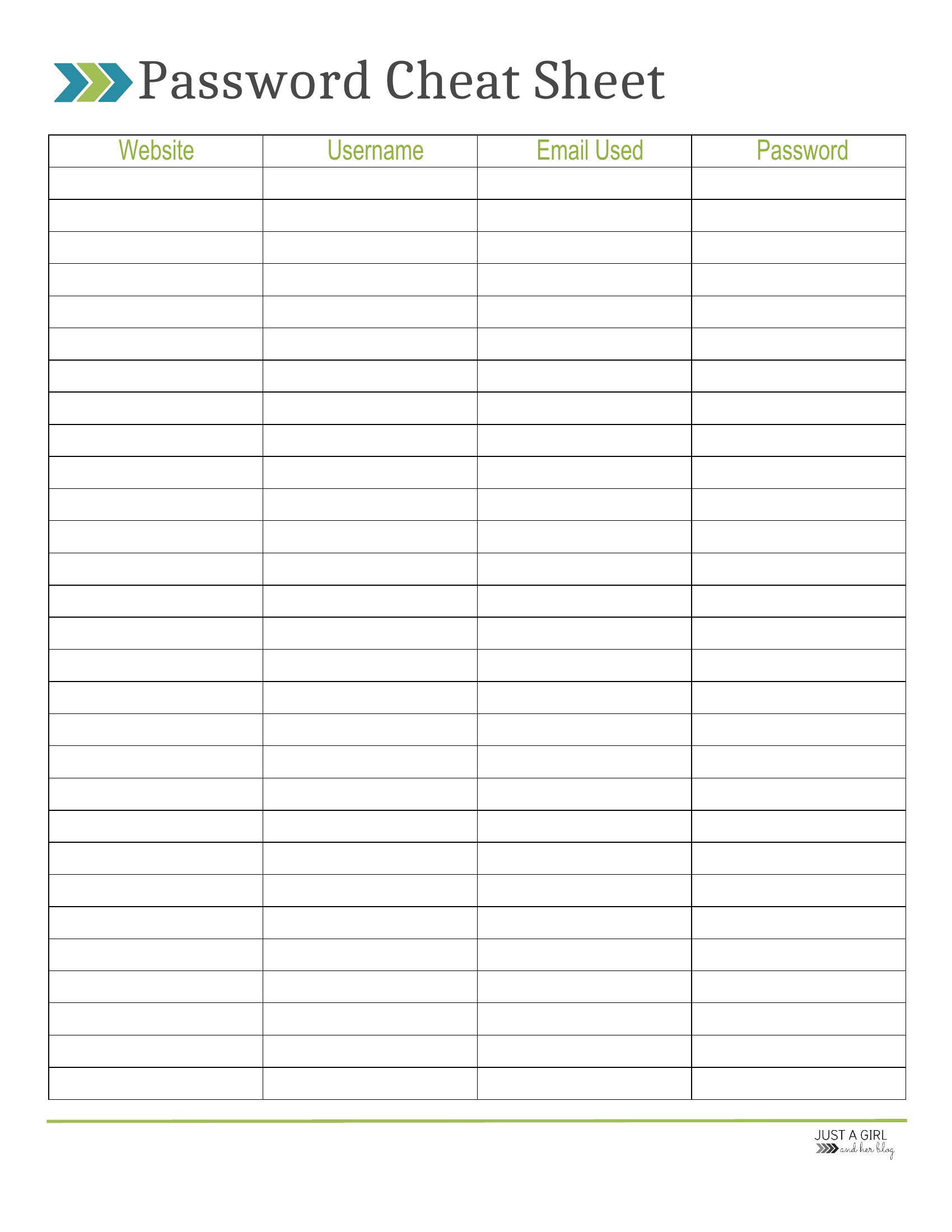
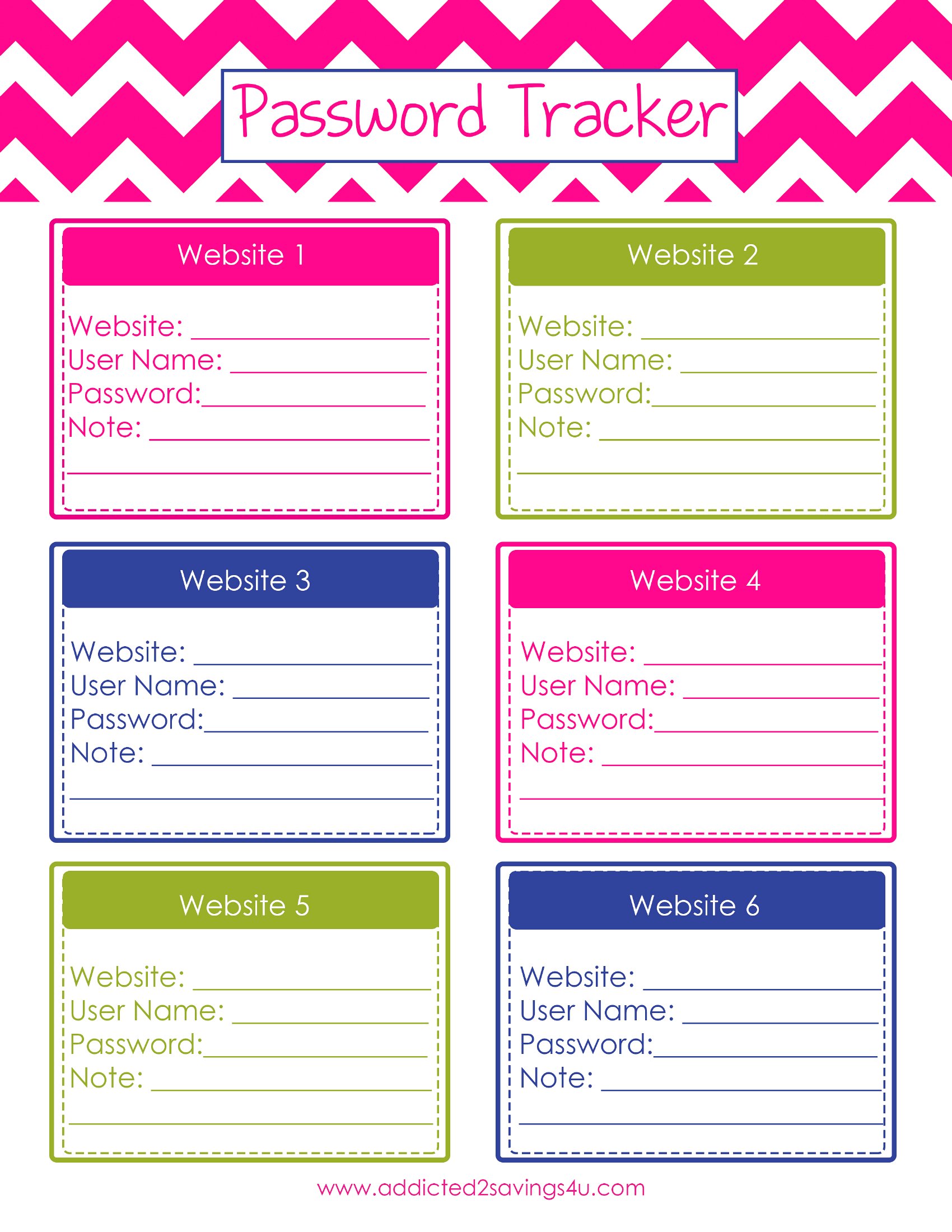
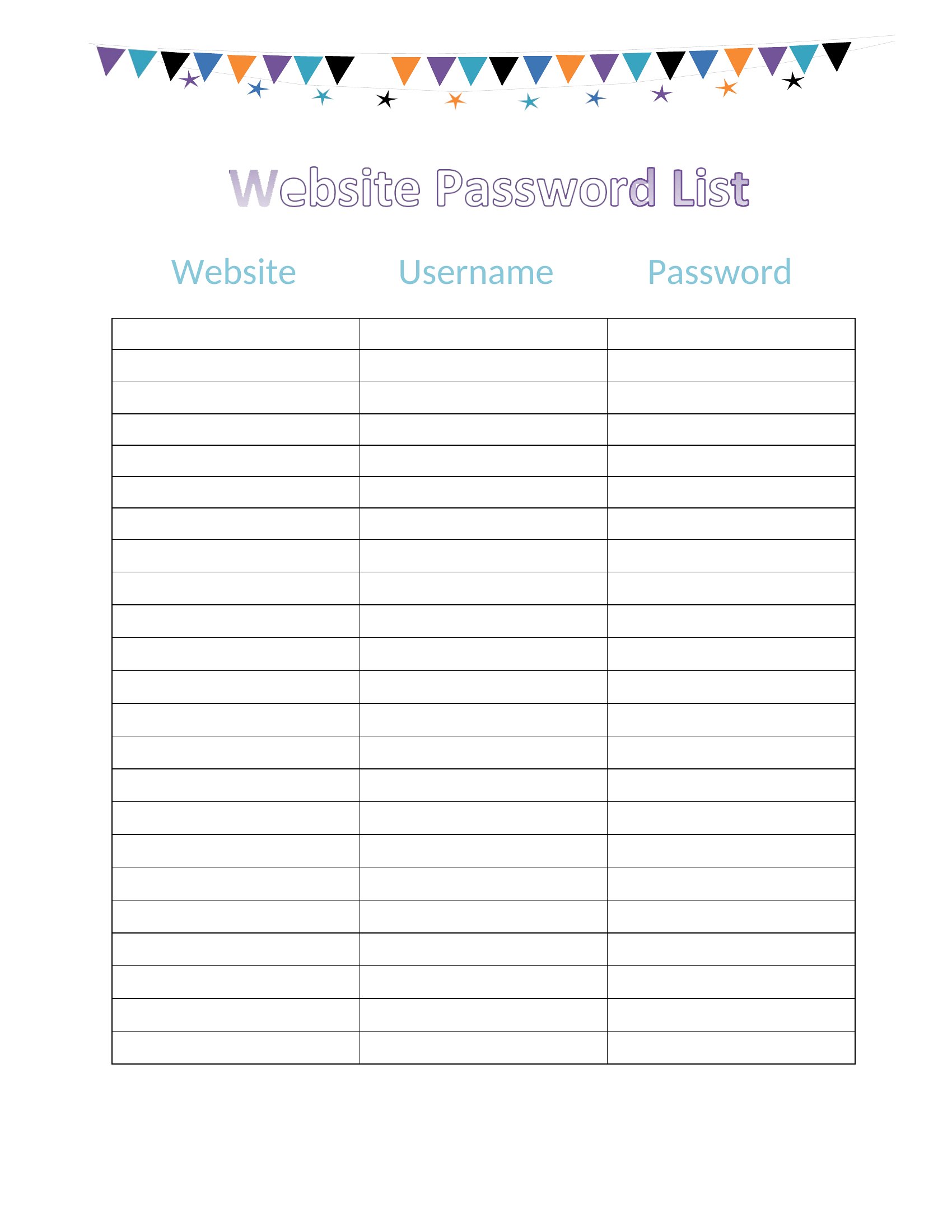
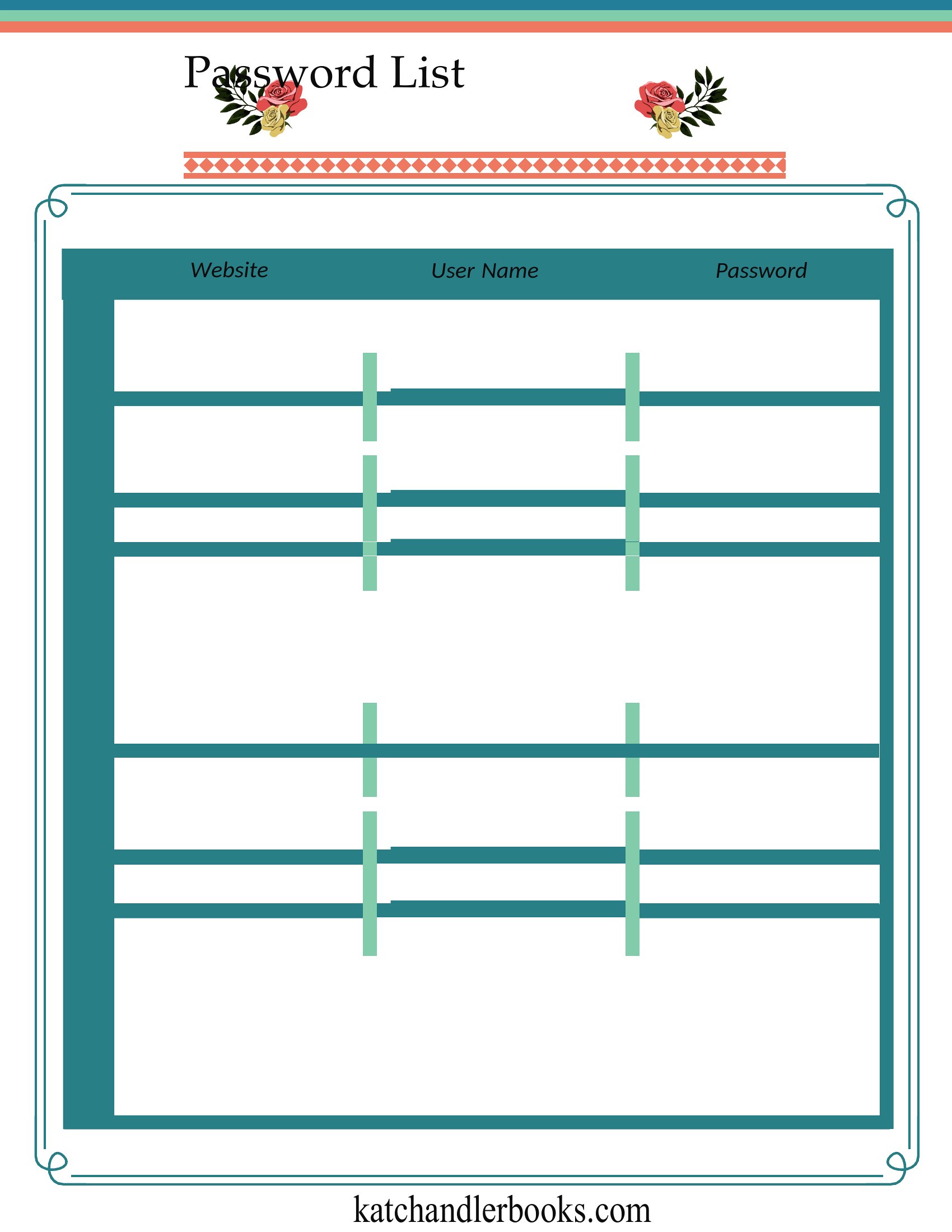
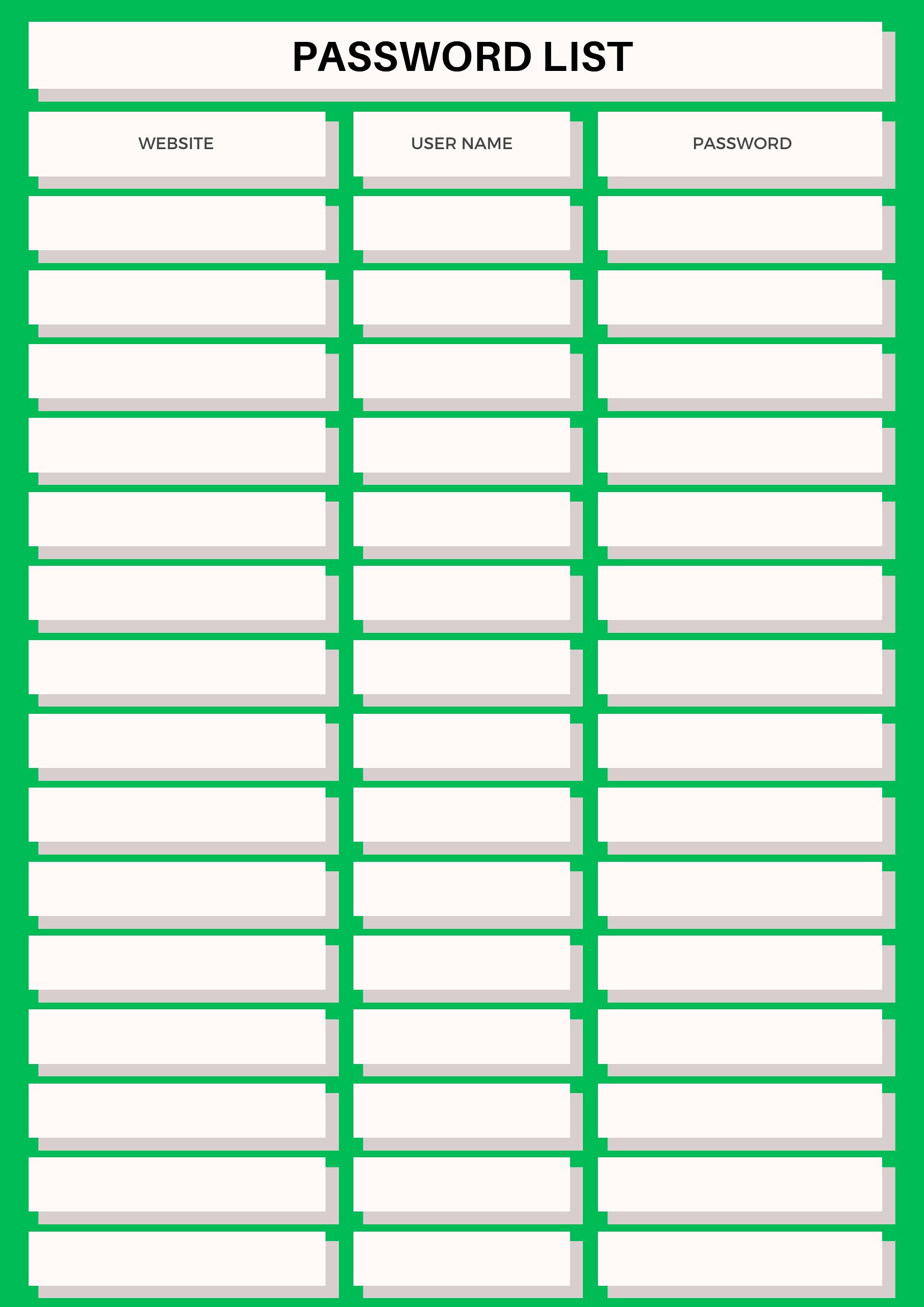
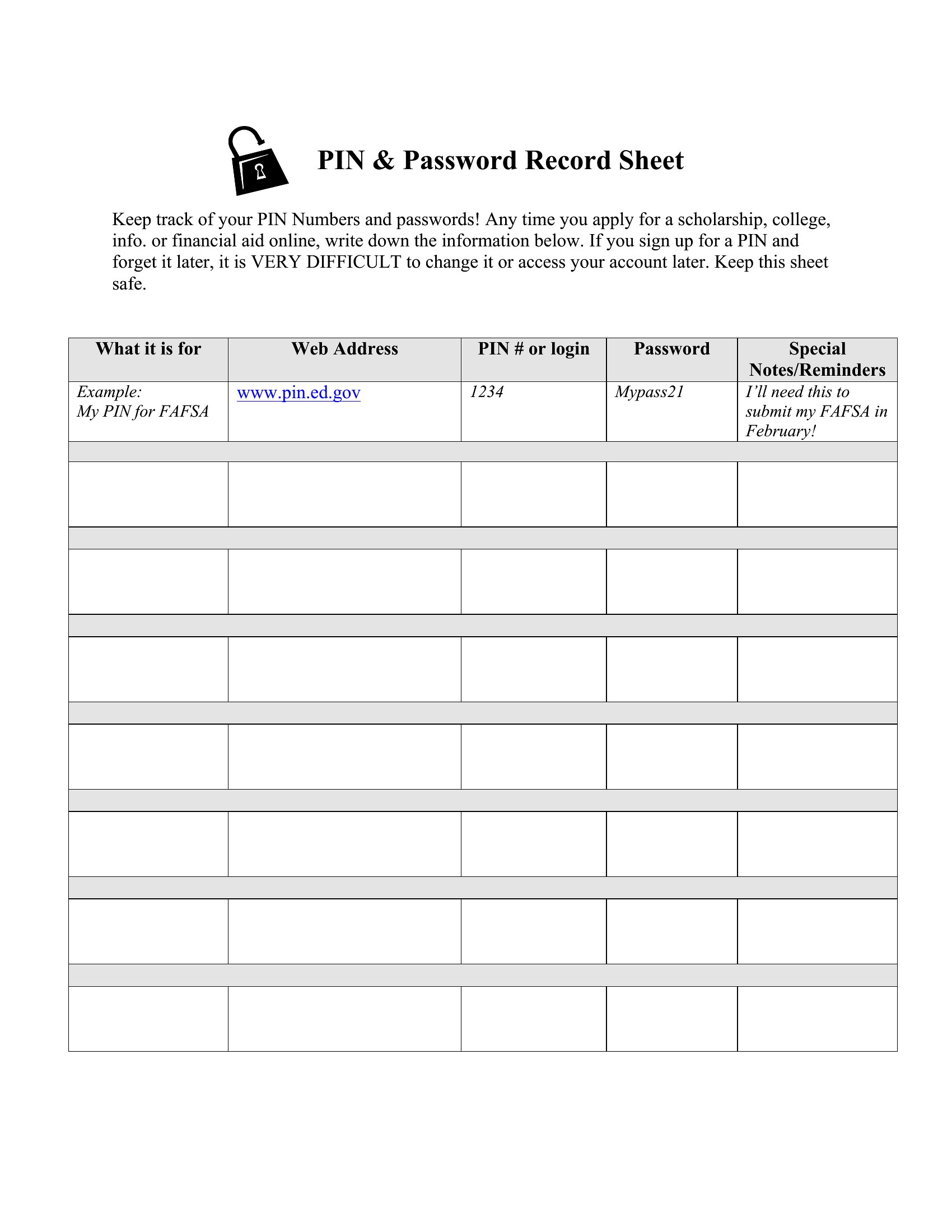
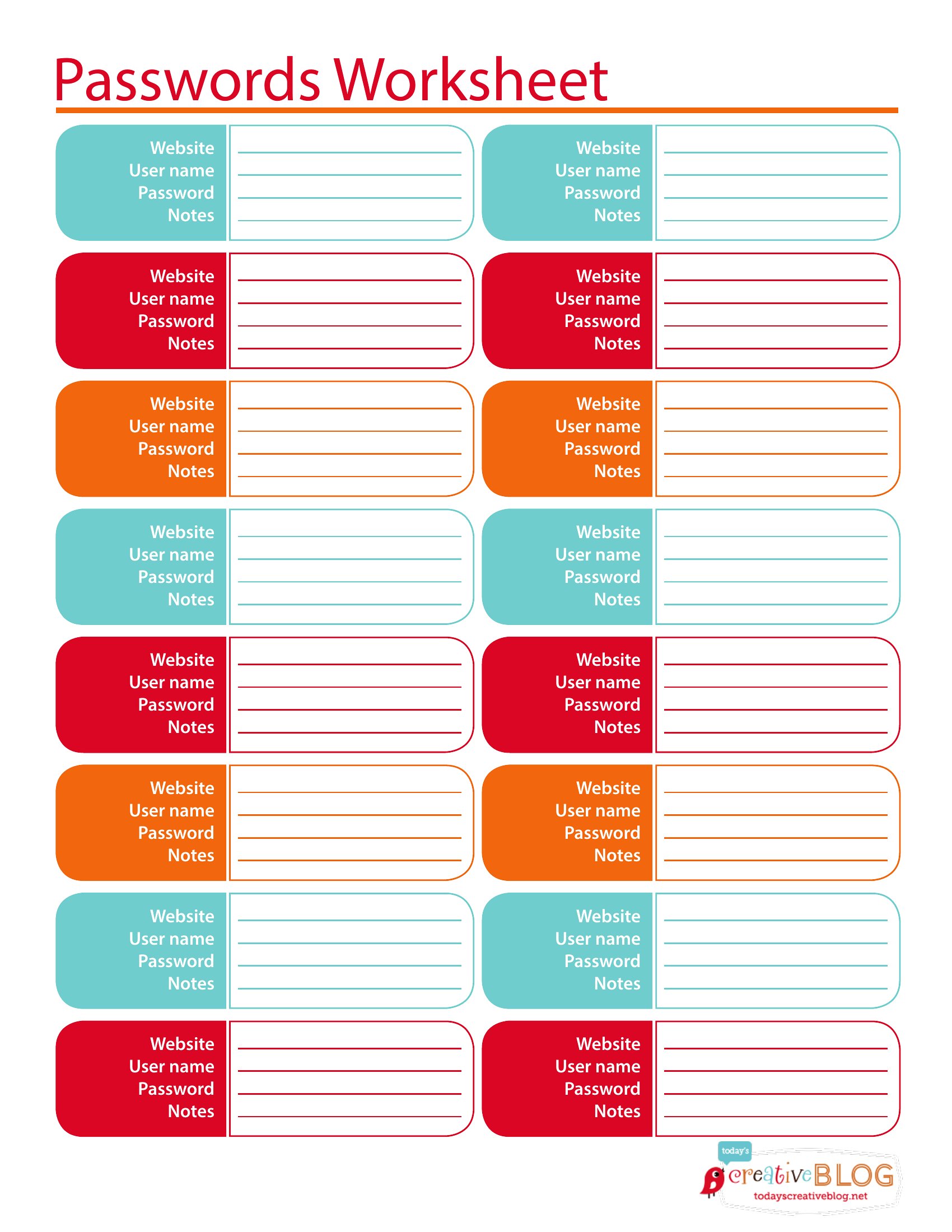
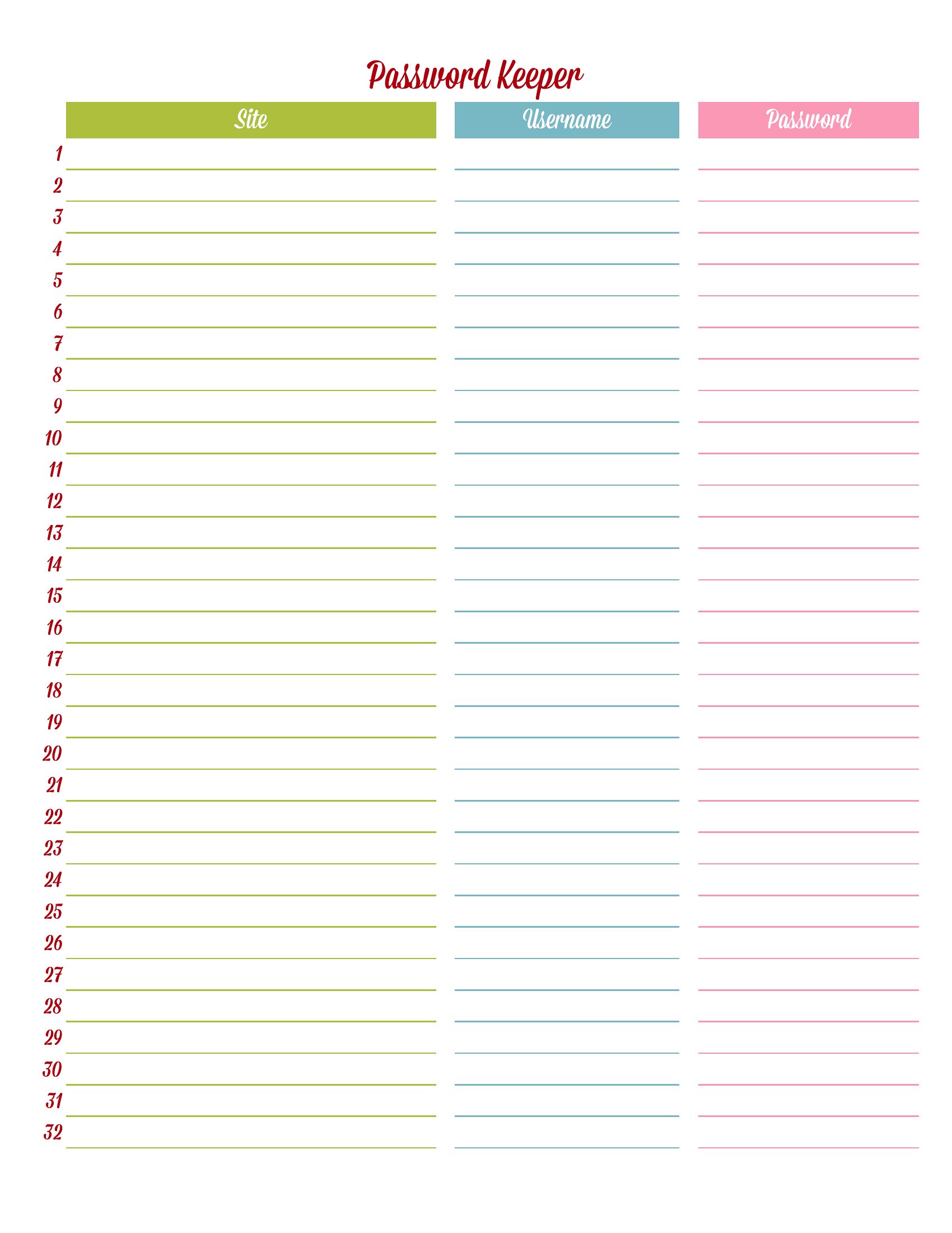
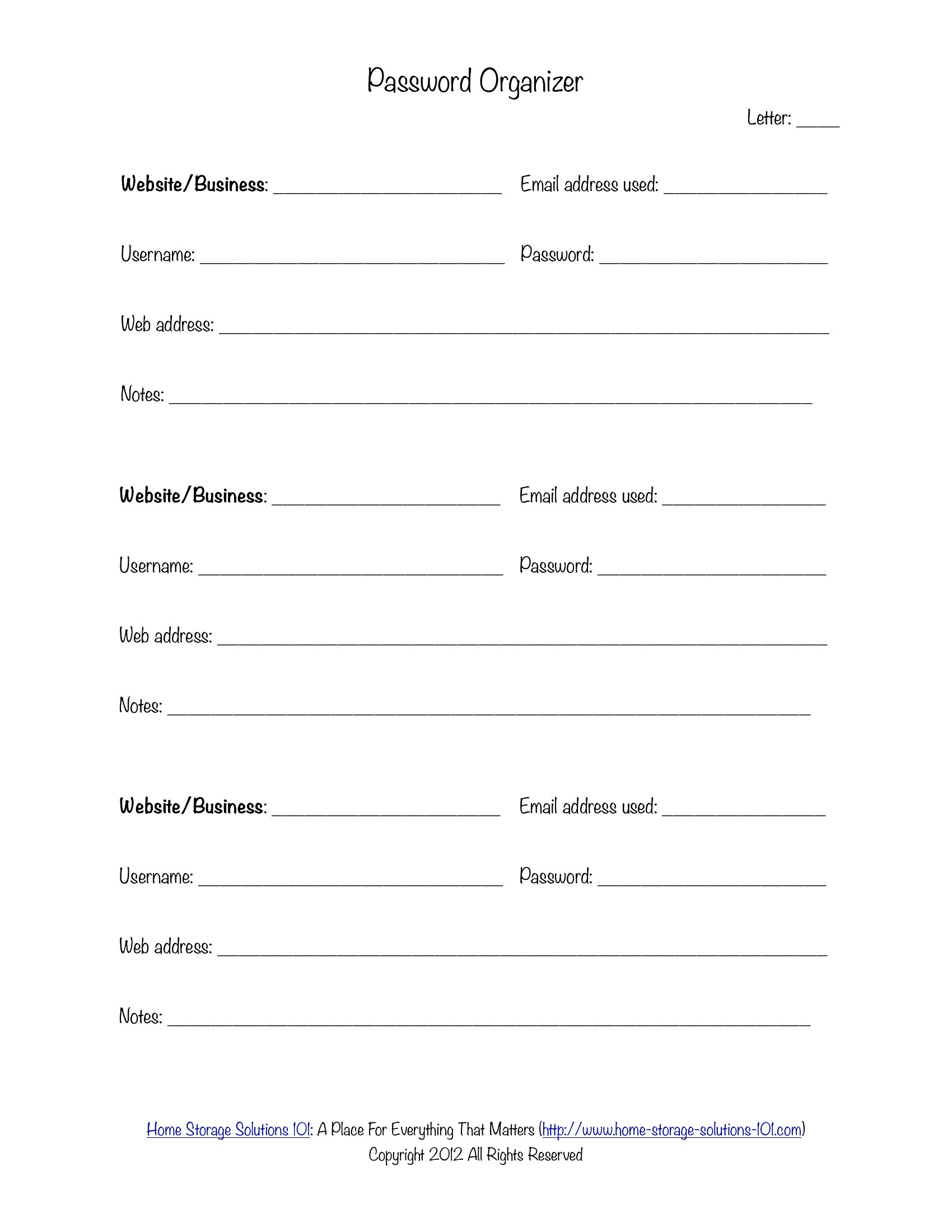
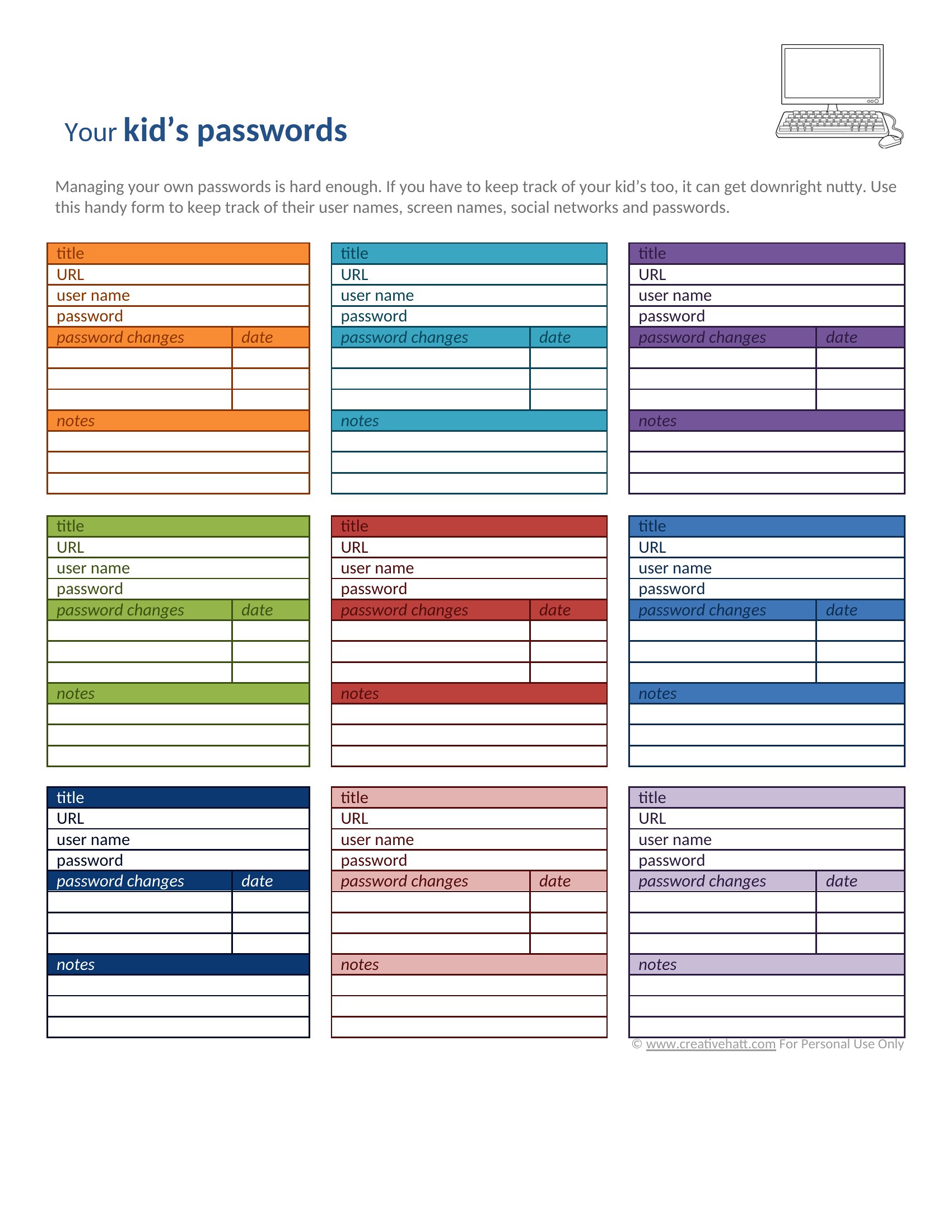
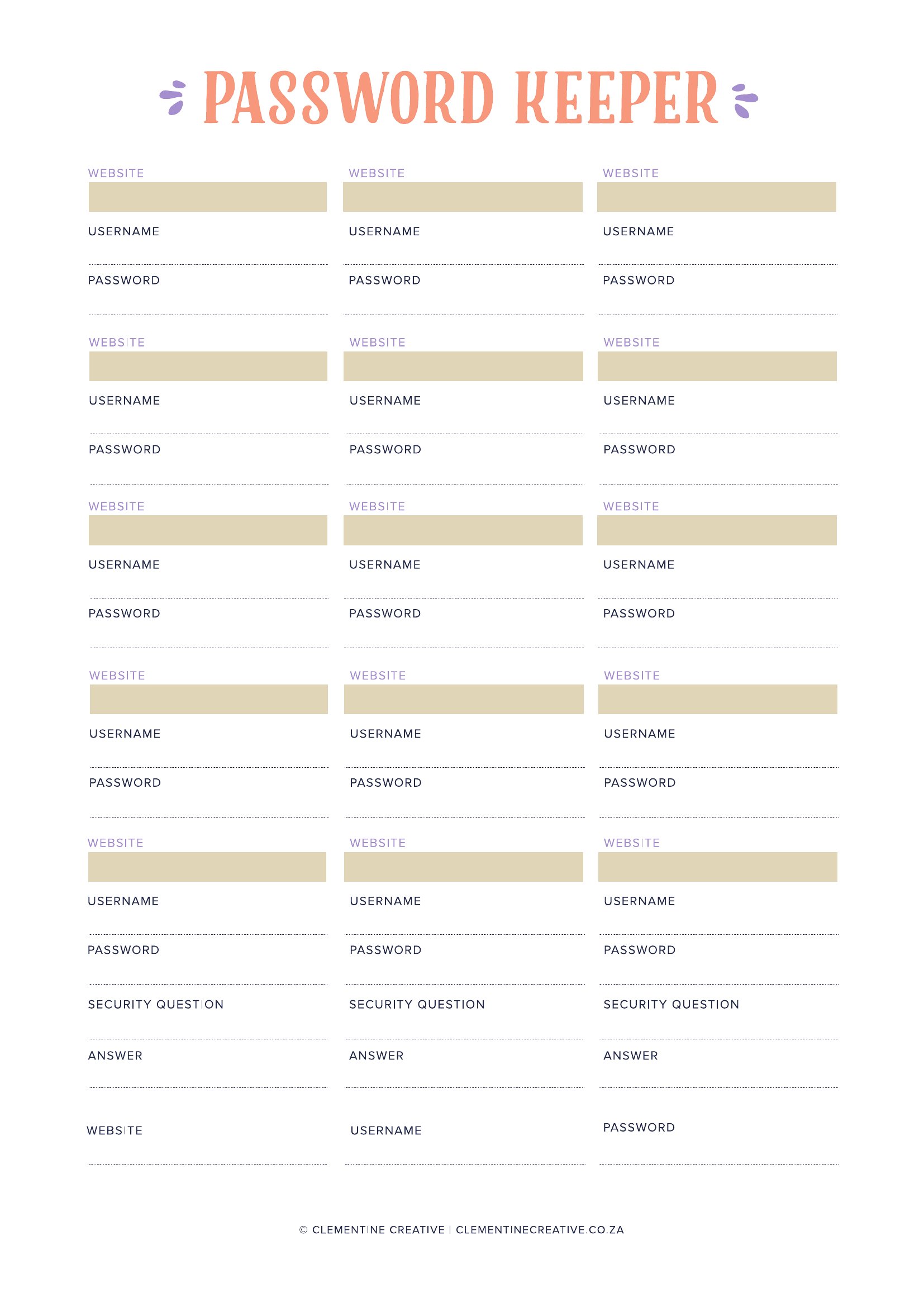
FAQ
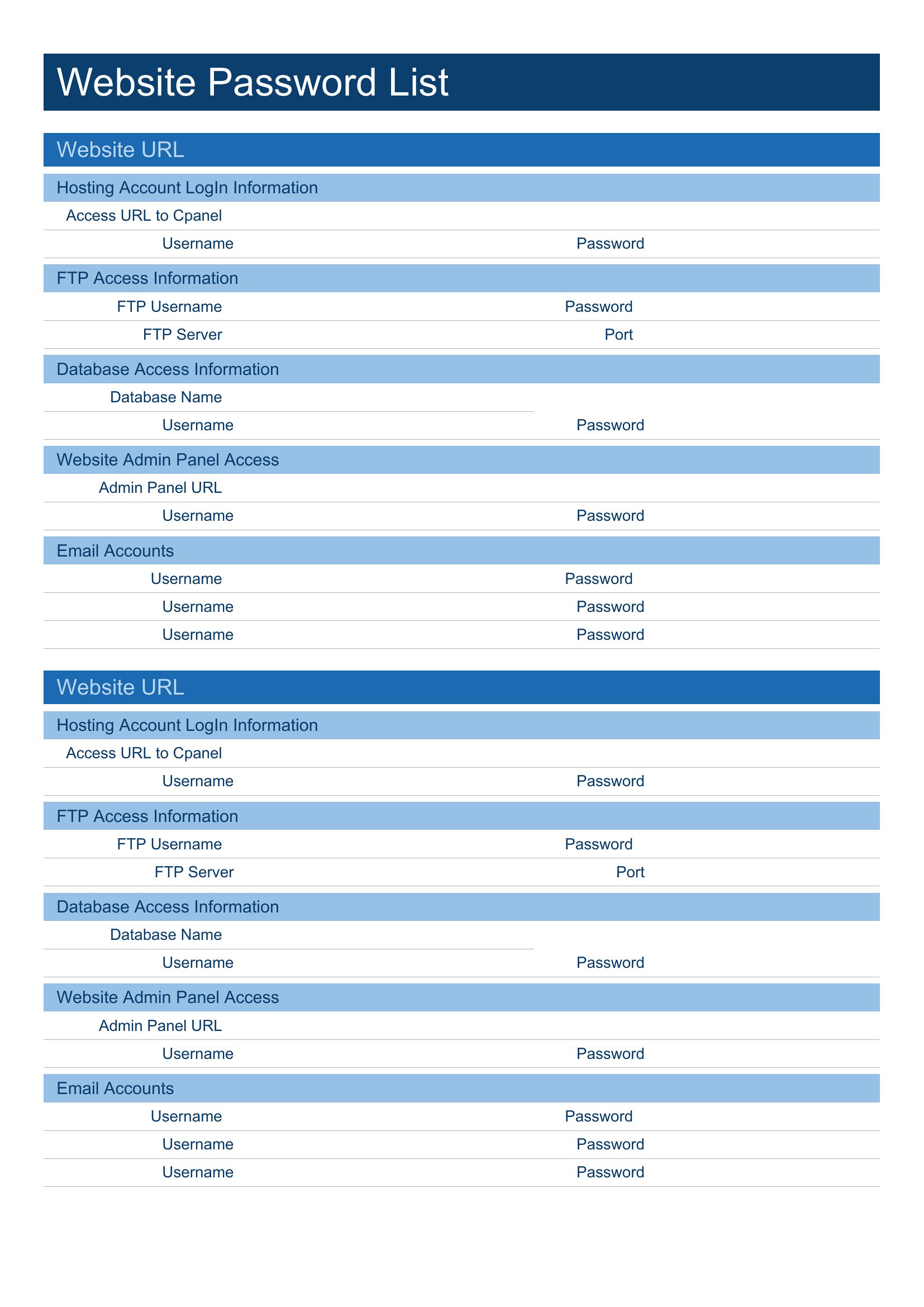
Can I use these templates to store passwords for my work email and company accounts?
These templates provide a structured way to organize passwords, but they’re not a replacement for secure, company-approved tools like password managers. For work accounts, follow your employer’s IT policies—these templates are best for personal or small-team logins where encryption or multi-factor authentication isn’t required.
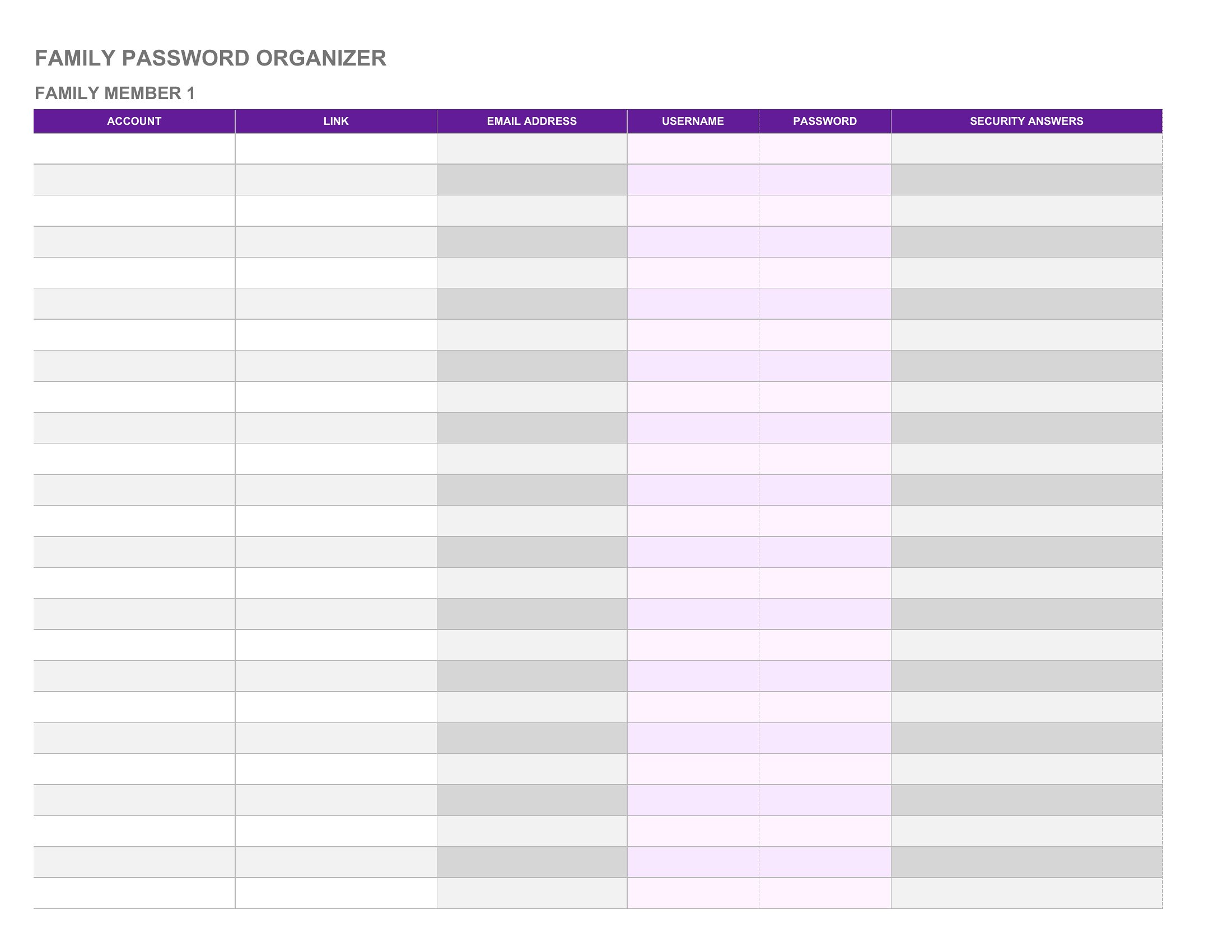
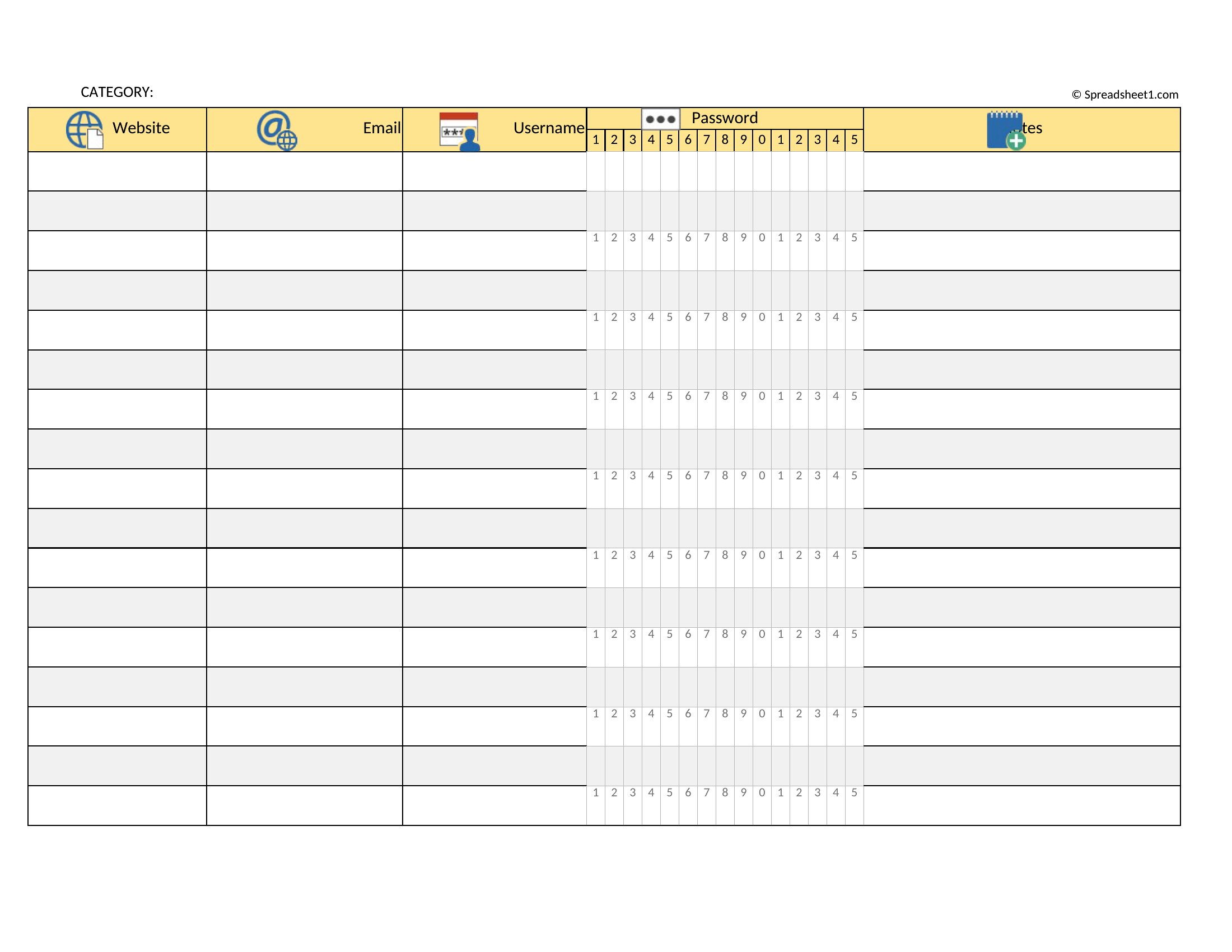
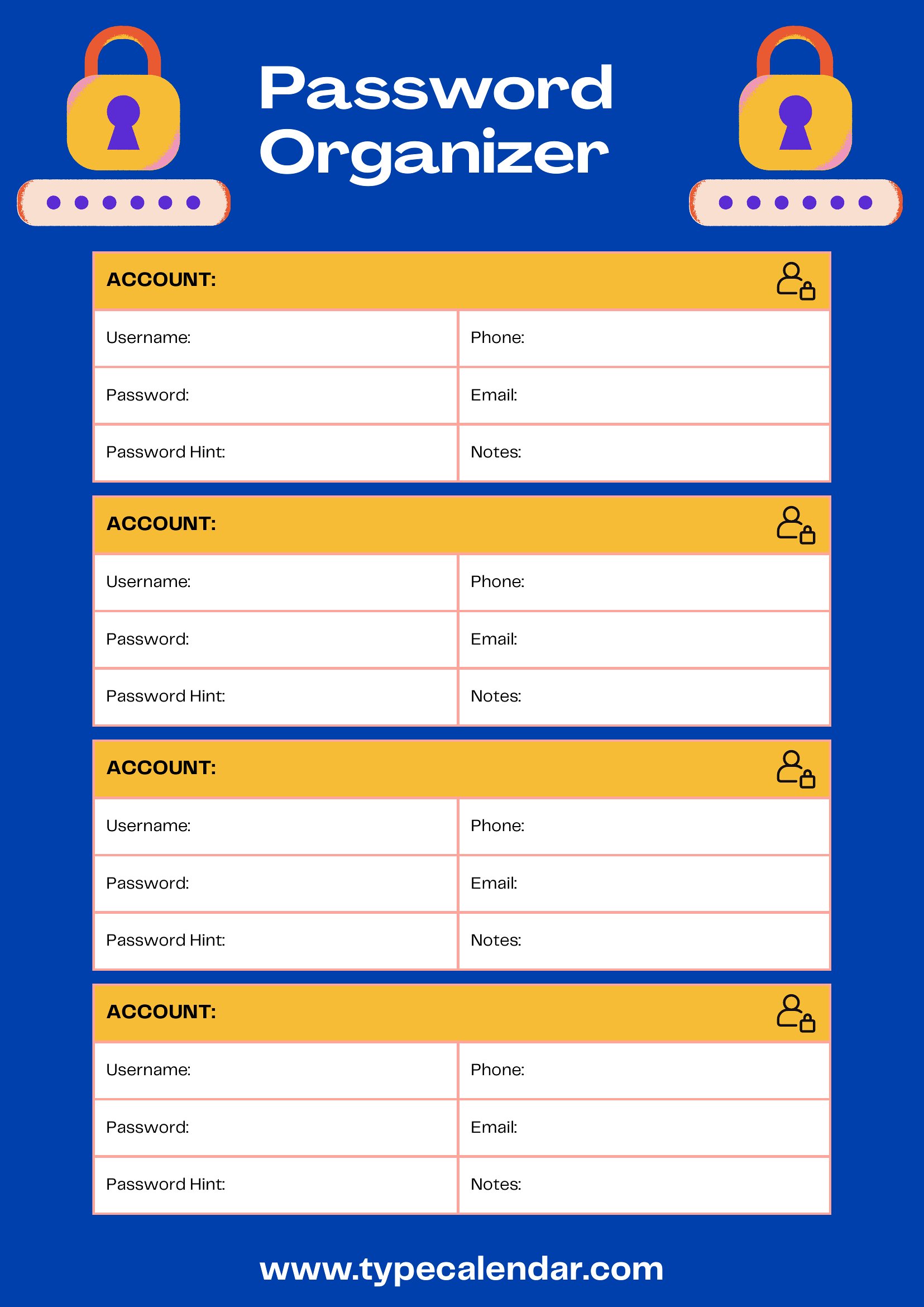
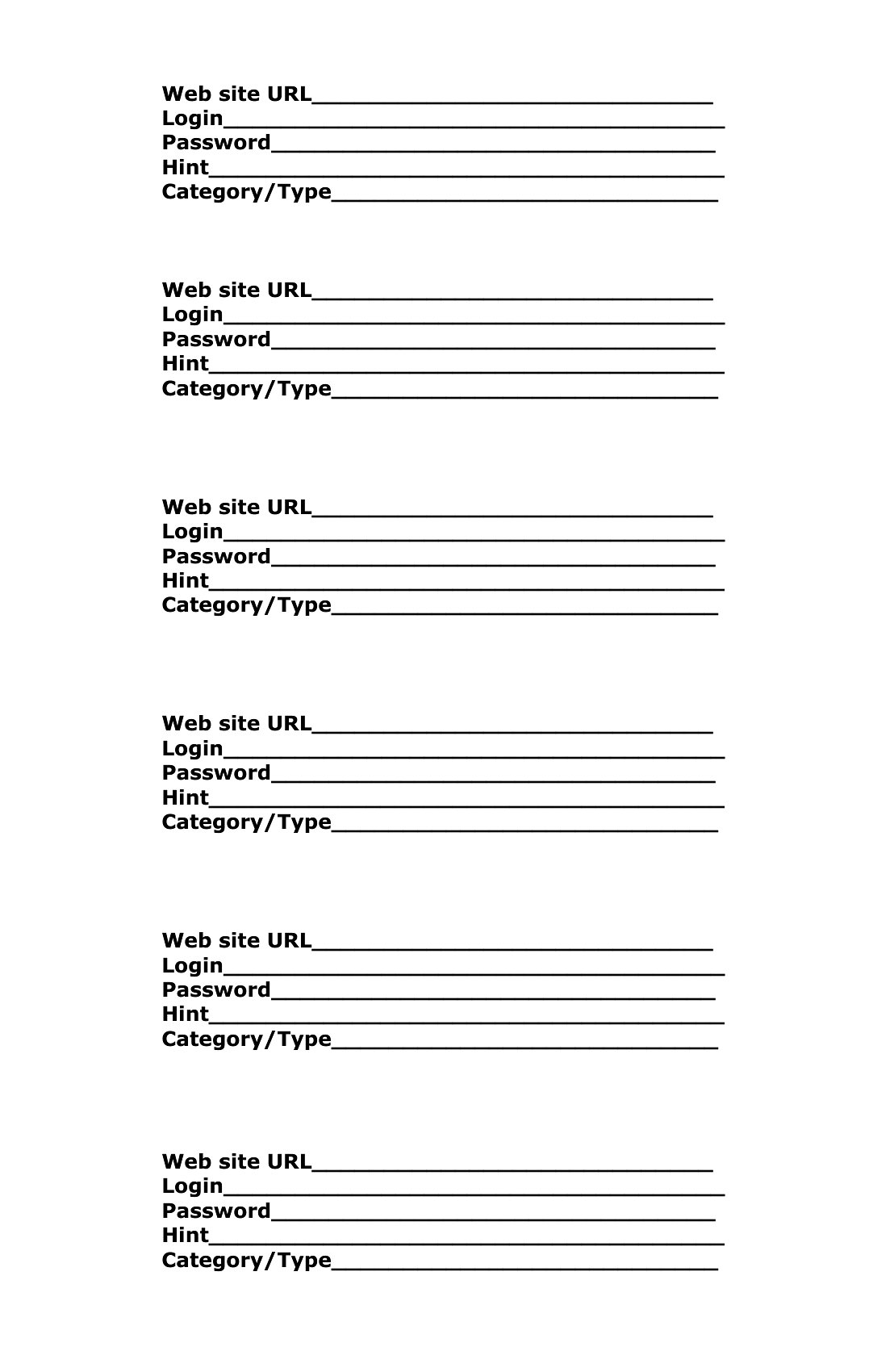
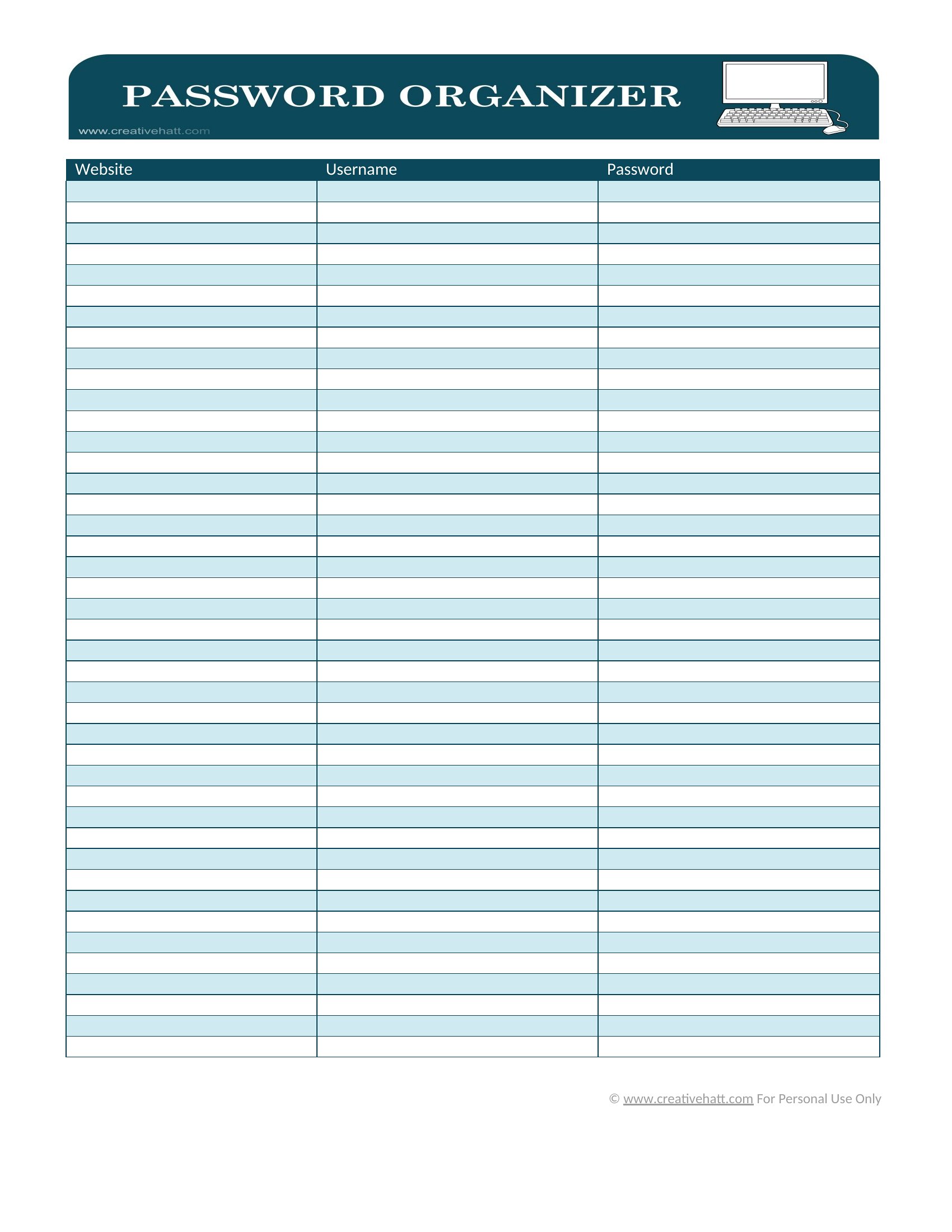
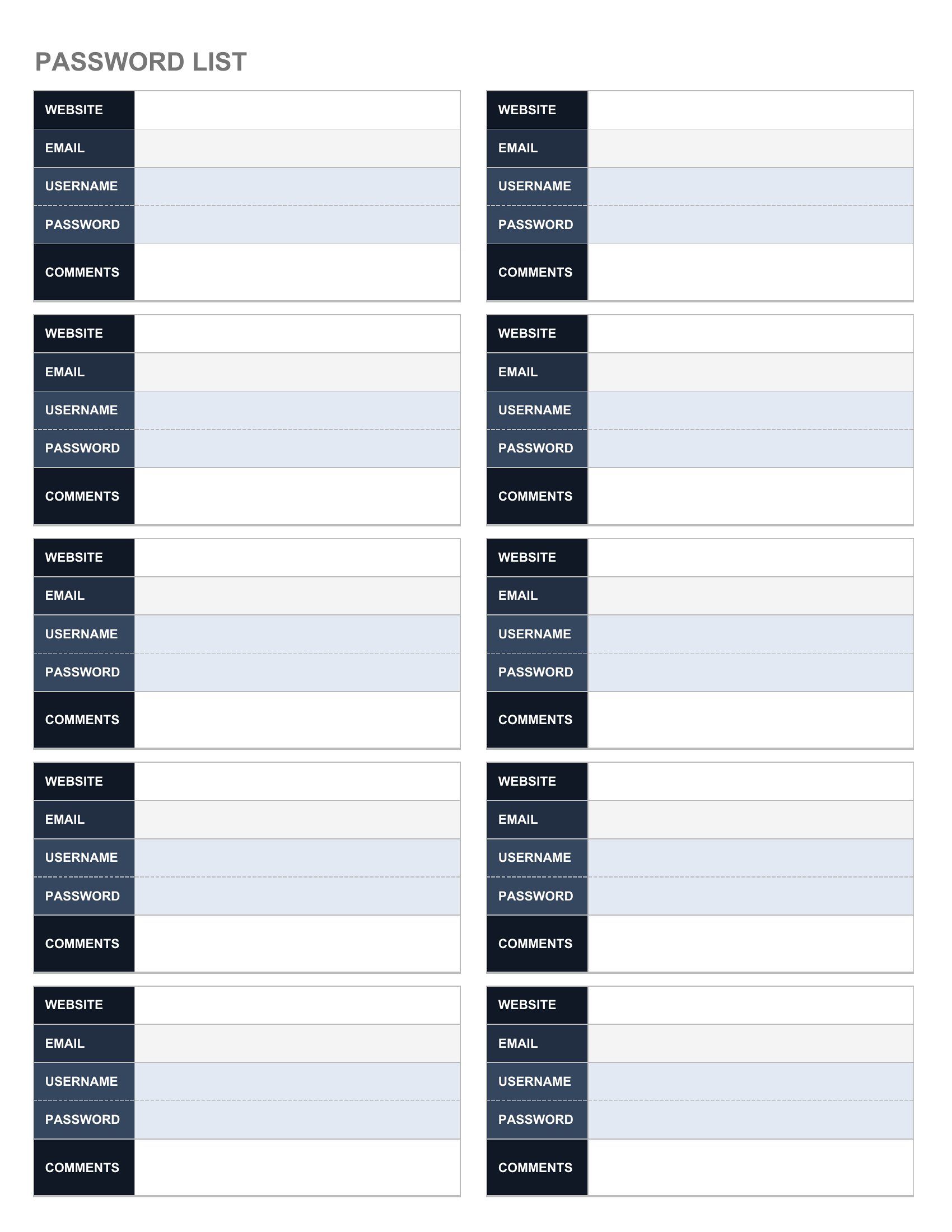
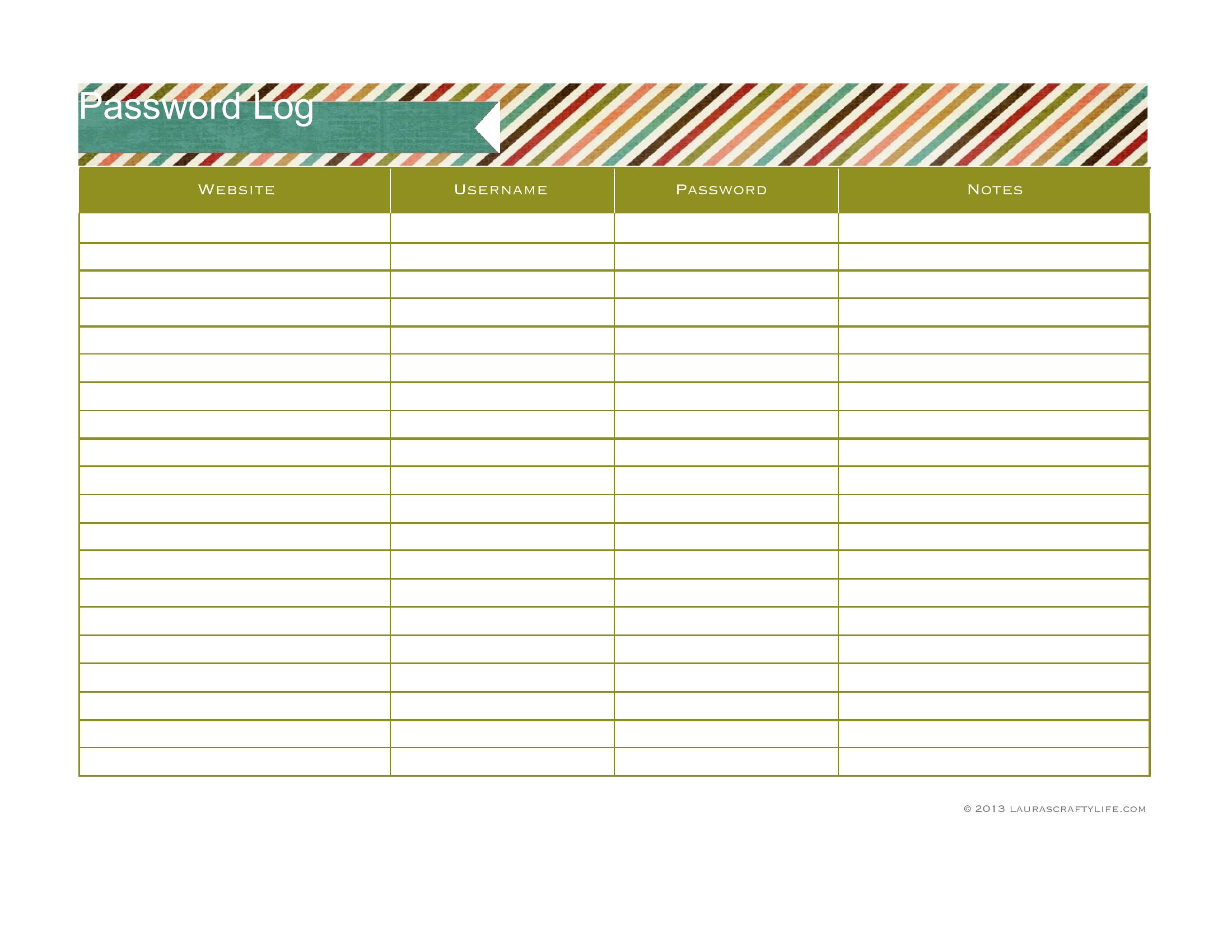
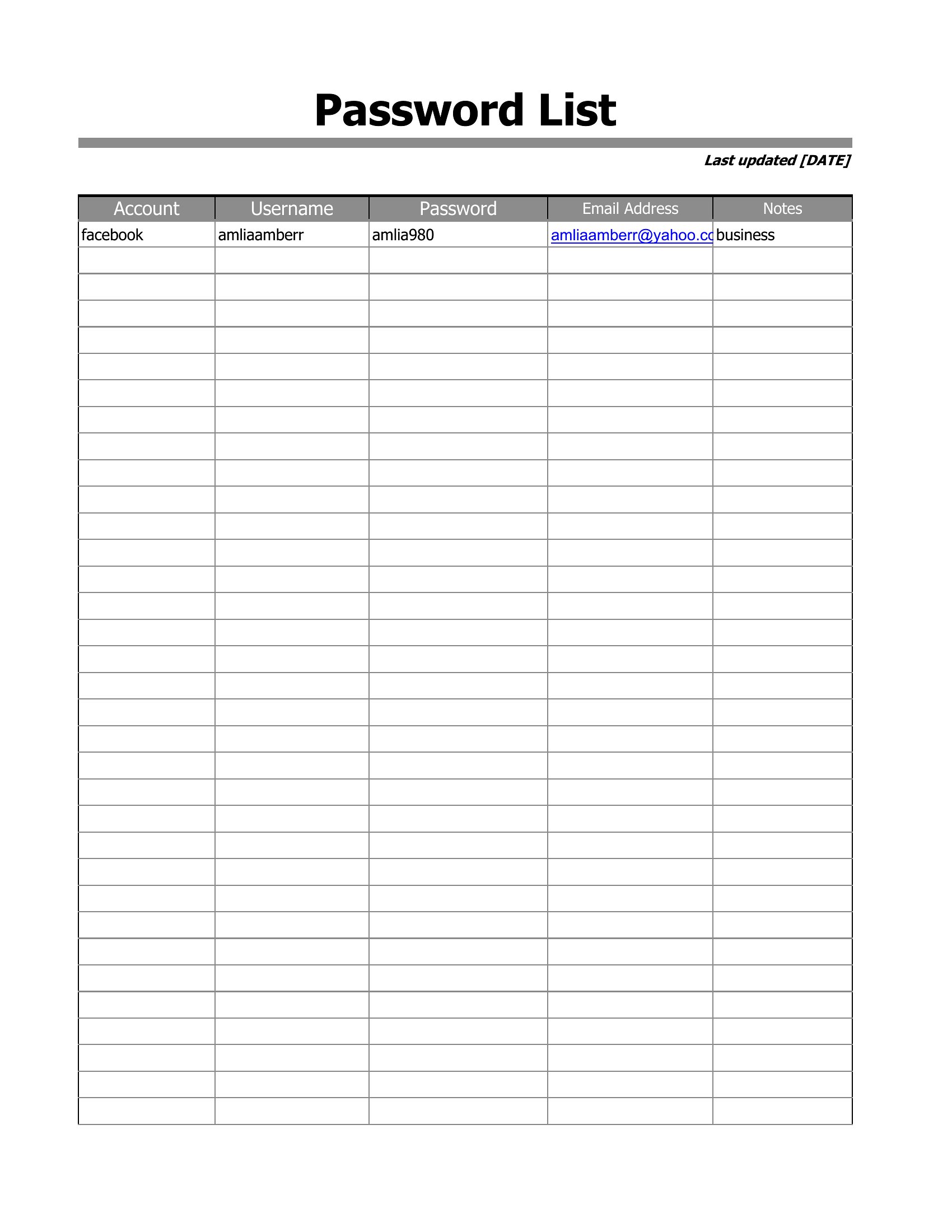
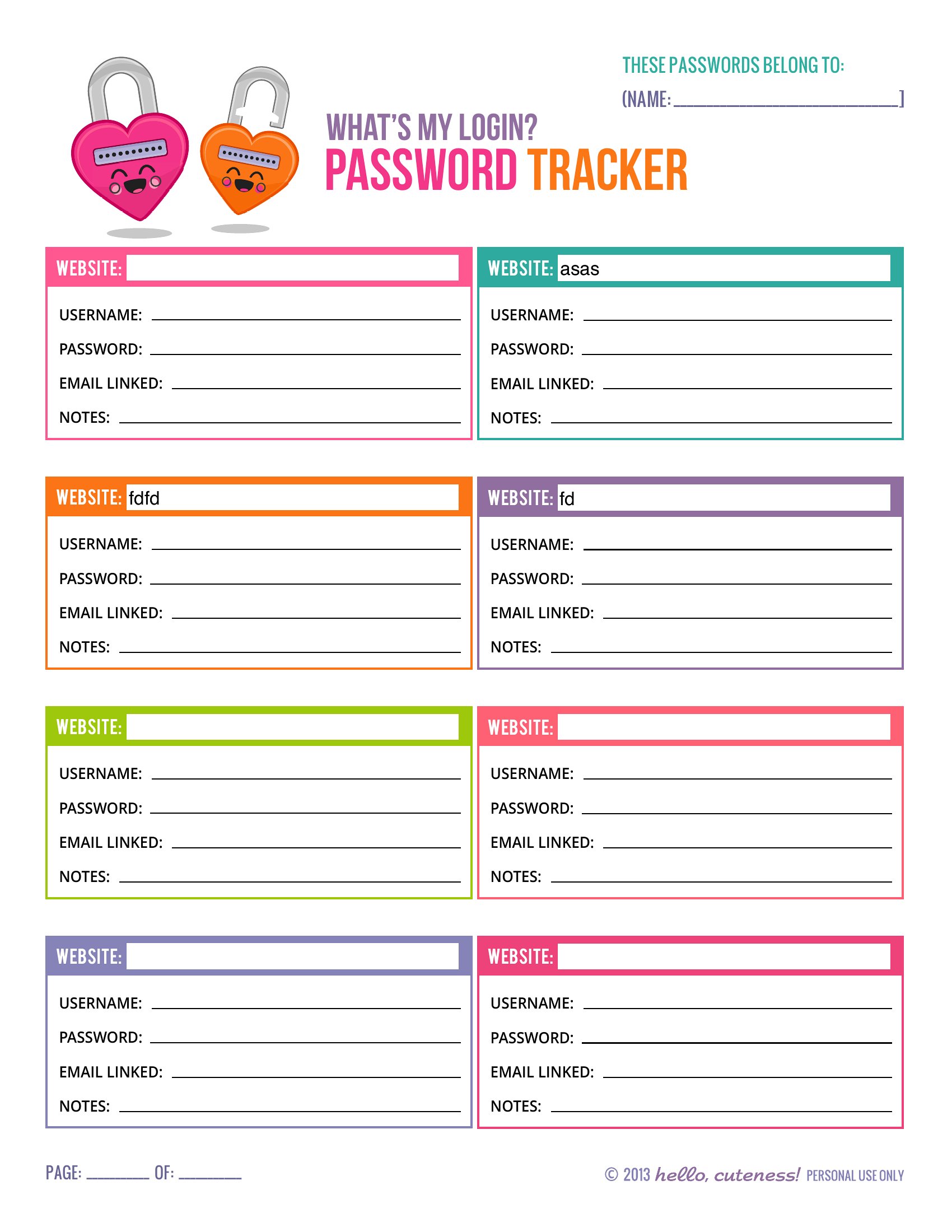
How do I decide whether to use a compact pocket log or a full-sheet layout?
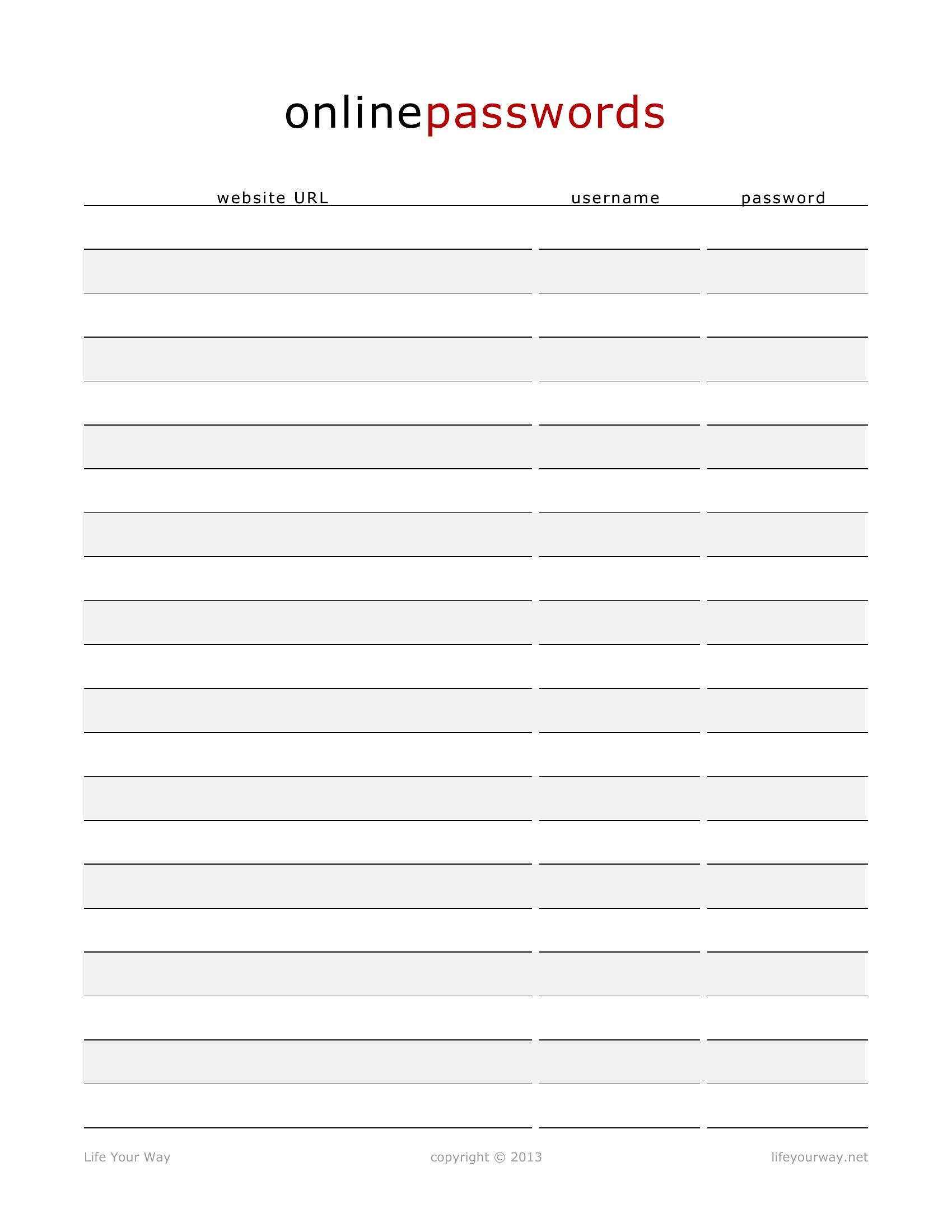
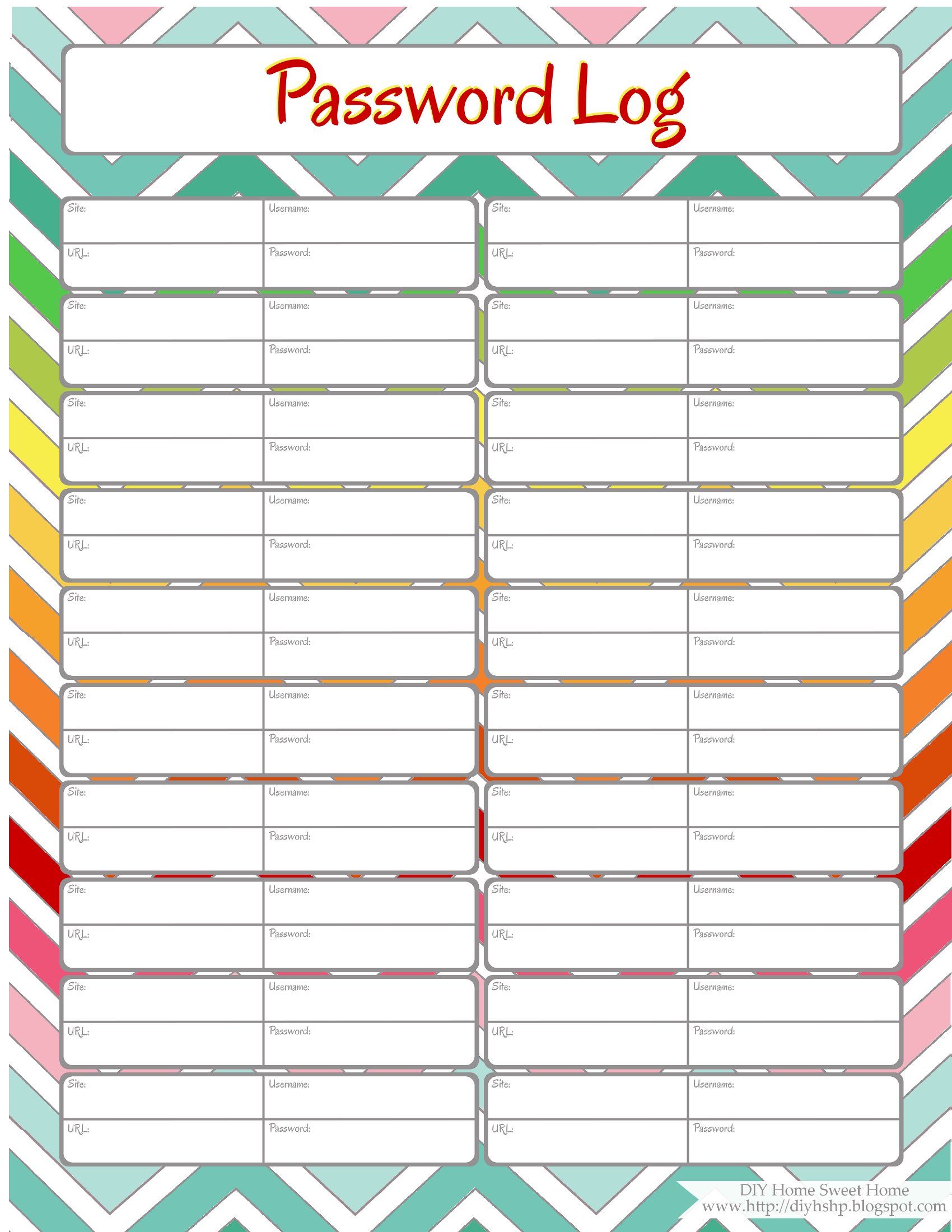
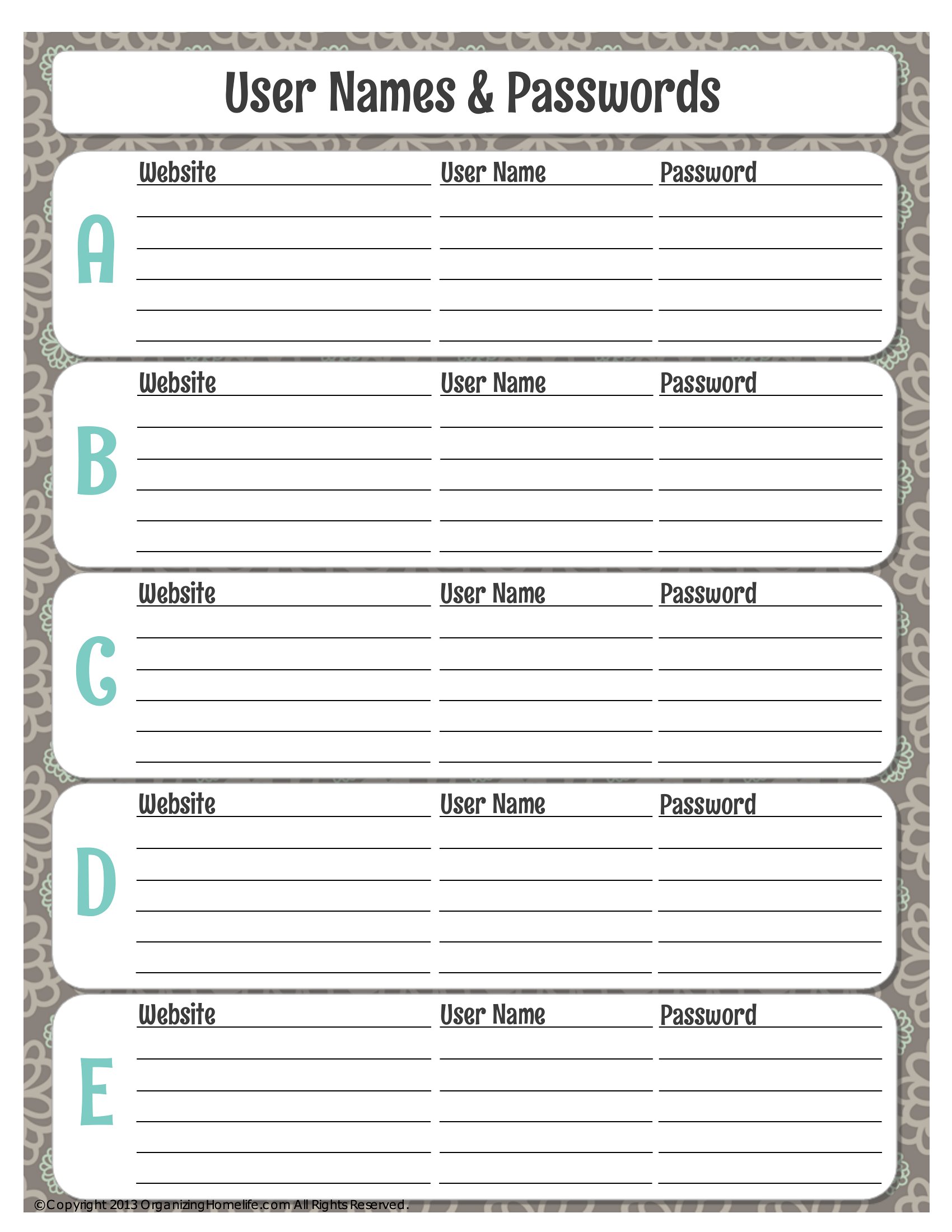
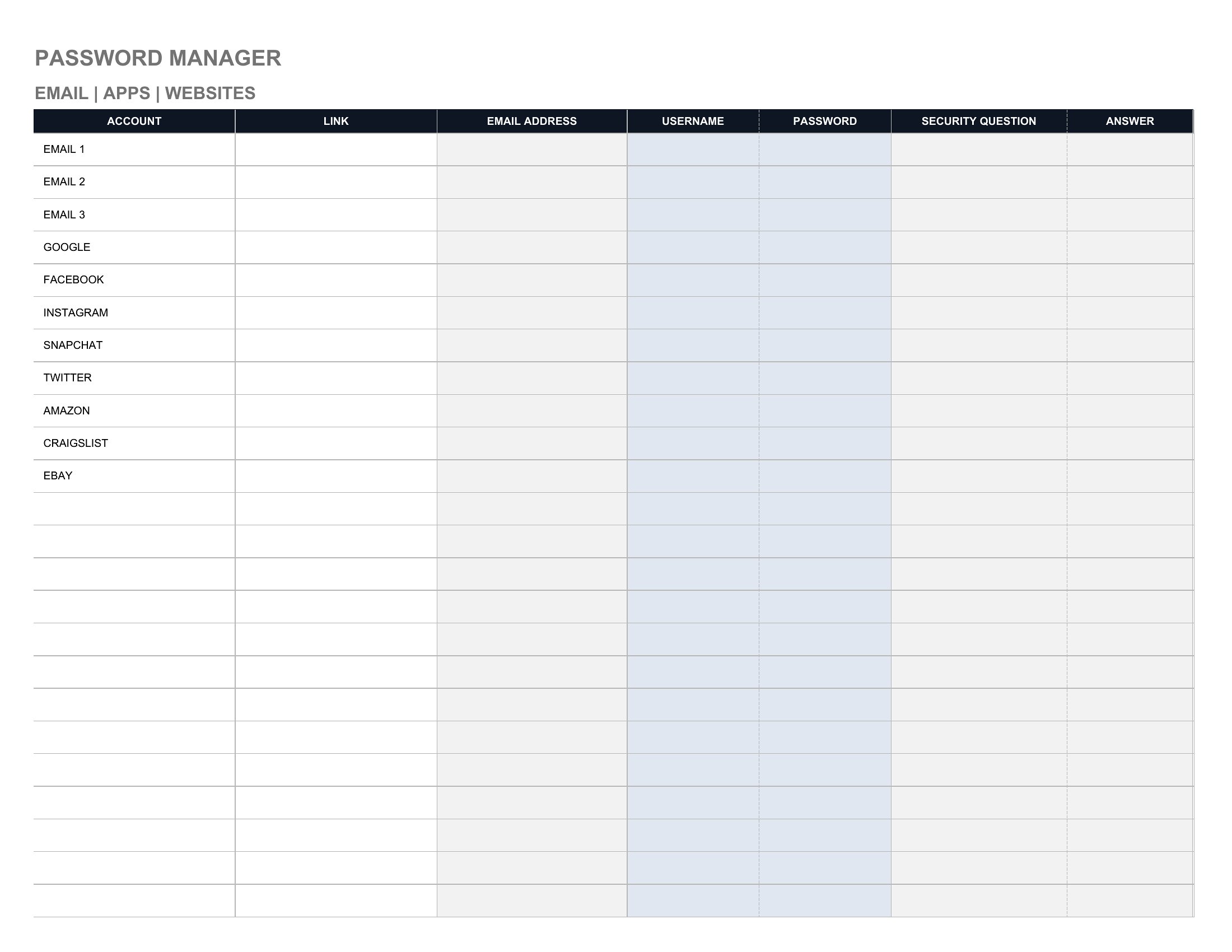
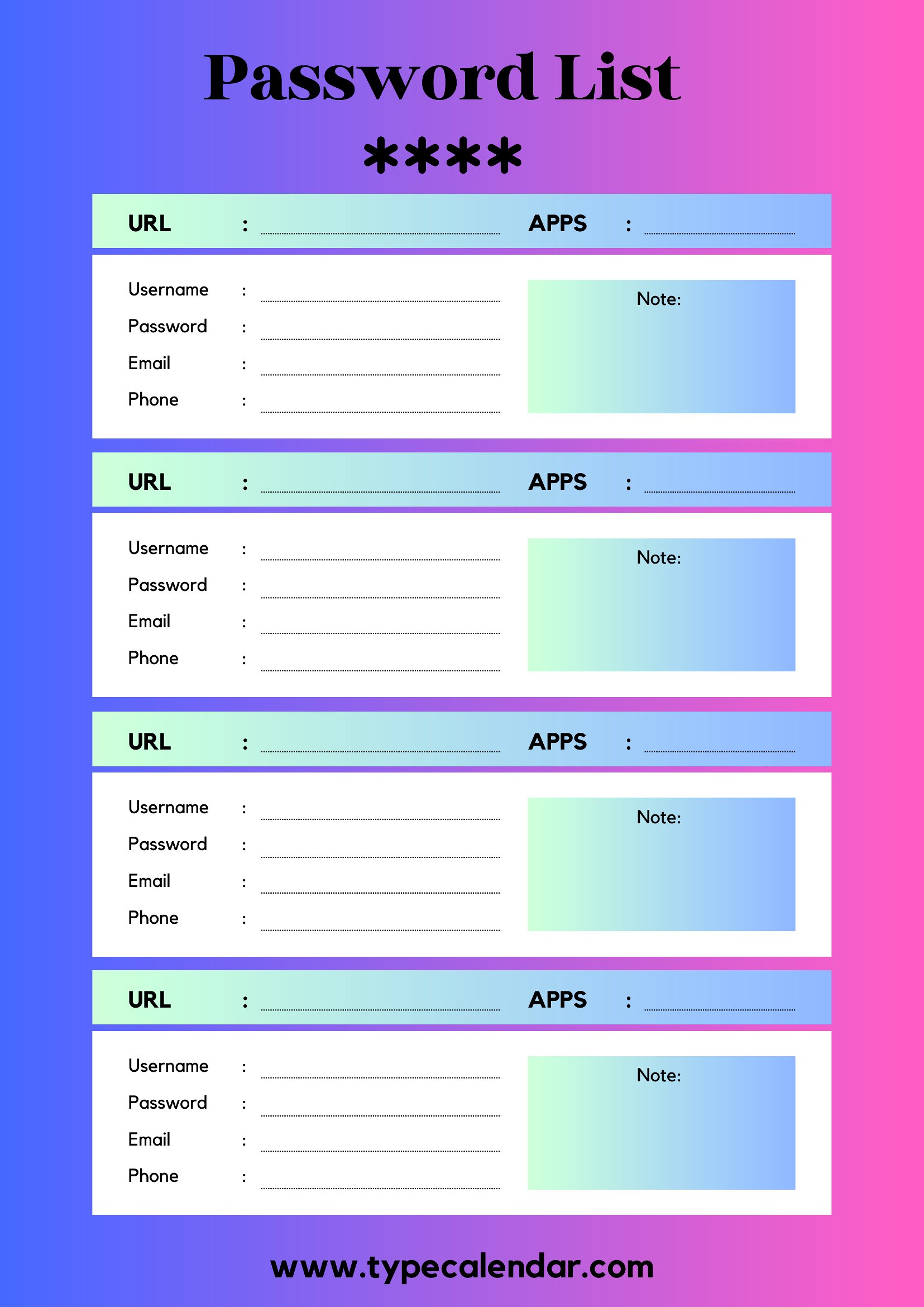
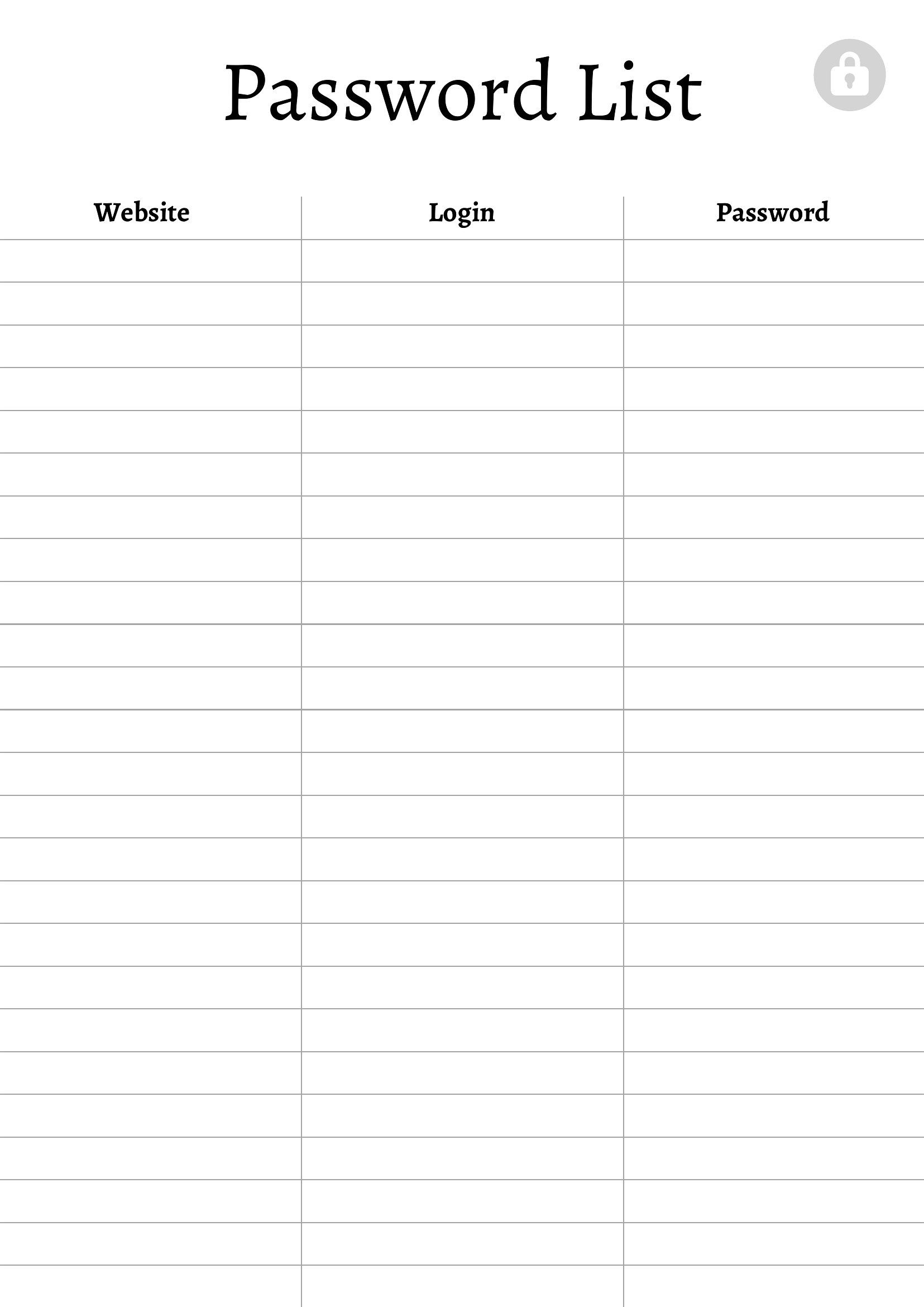
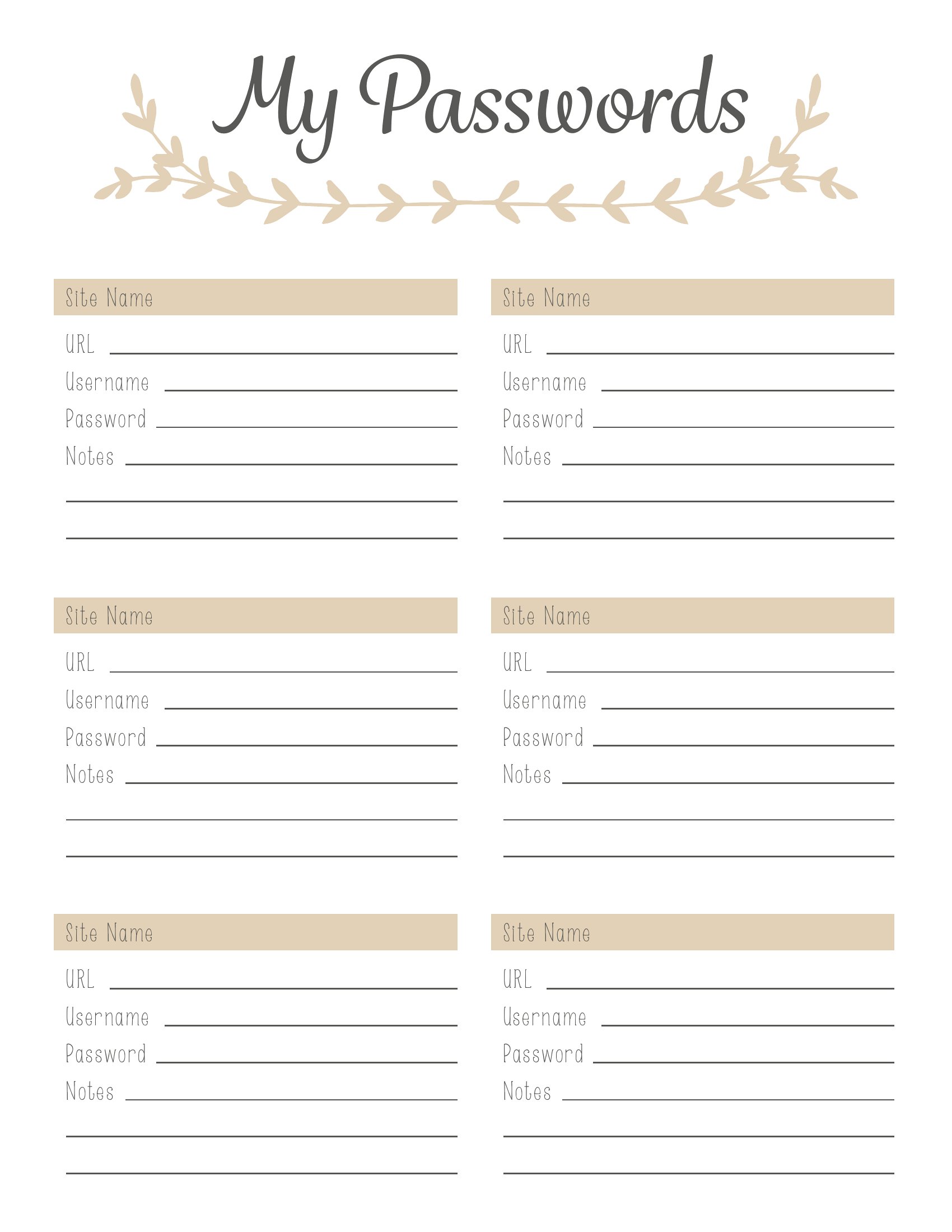
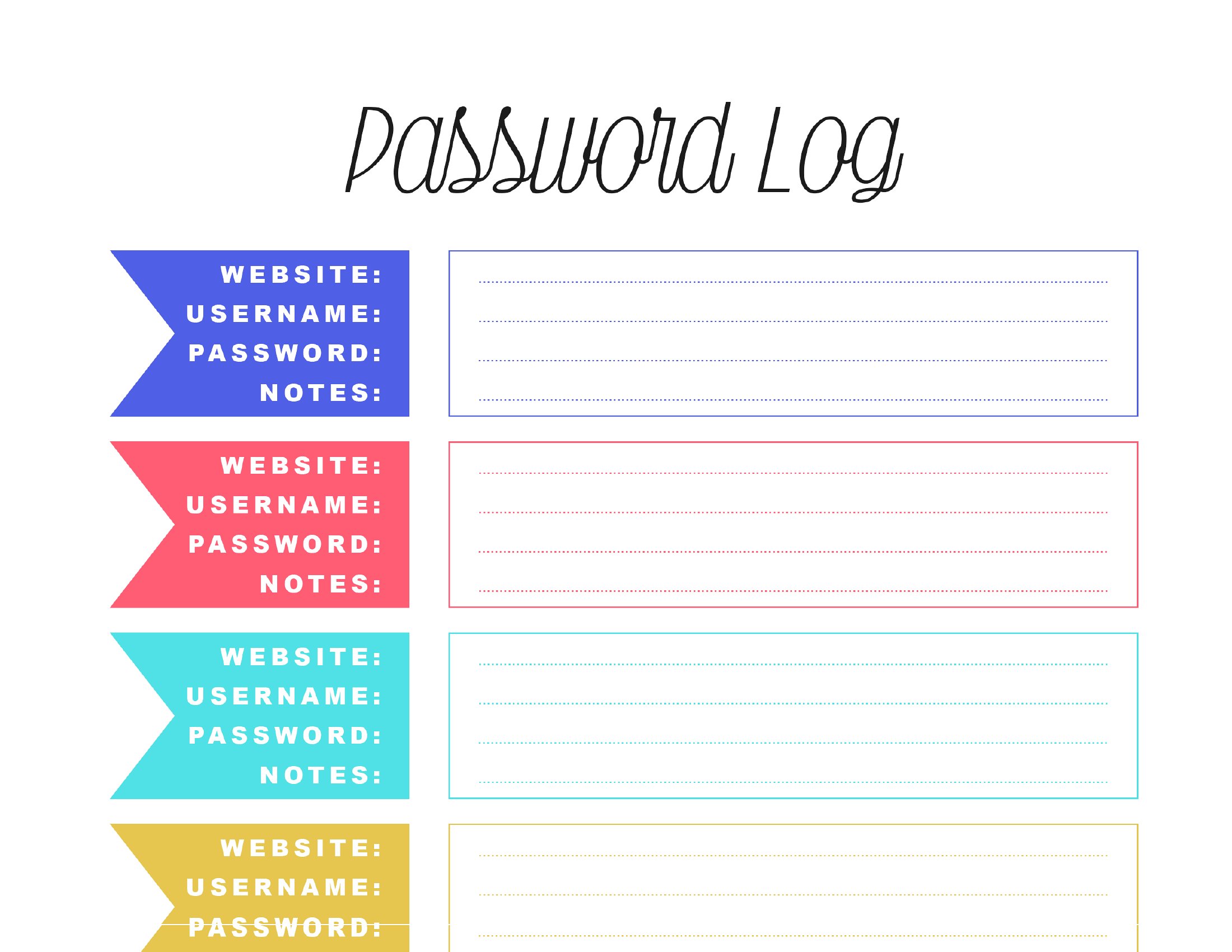
Pick the compact log if you want something portable to carry in your wallet or phone case for quick reference on the go. Opt for the full-sheet layout if you have 20+ entries or prefer printing a single sheet to tape to your monitor or keep in a home office binder for easy scanning.
Should I include password hints or just the passwords themselves?
It’s safer to use vague hints (e.g., ‘First pet’s name’) rather than full answers (e.g., ‘Fluffy1990’). Avoid storing the actual passwords in the template—use it to log only usernames, sites, and recovery questions. For extra security, consider using a separate encrypted file for the full details, stored offline.
Comments
Join the conversation
Sign in to share your thoughts and leave a comment on this resource.