Skip to content
50% off this one-time $1.99 pack with HALFOFF — or unlimited with Pro.HALFOFF
Premium

Free Password List Templates (Word, Excel, PDF)

Life
pierregerard by pierregerard
Updated 0 downloads Quality-checked template
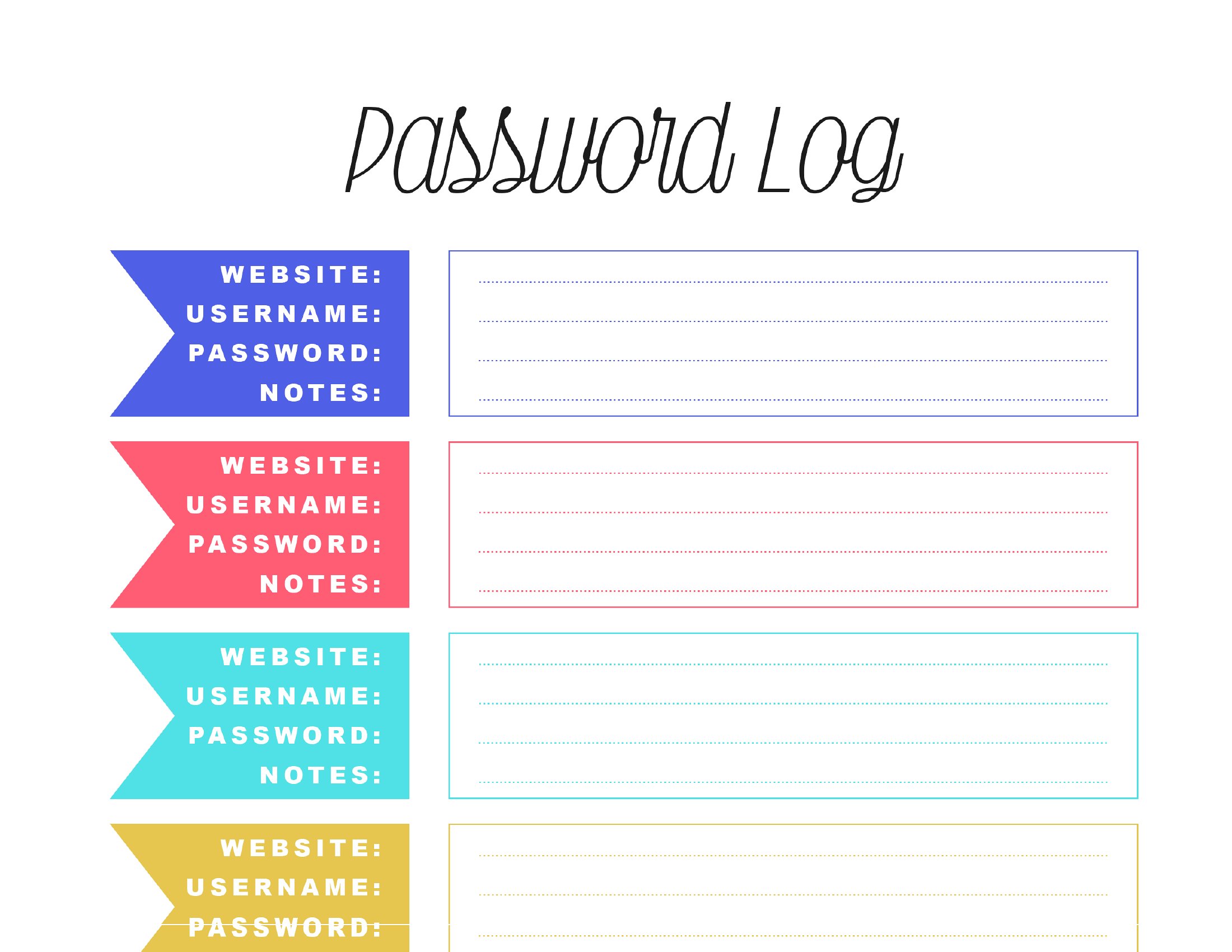
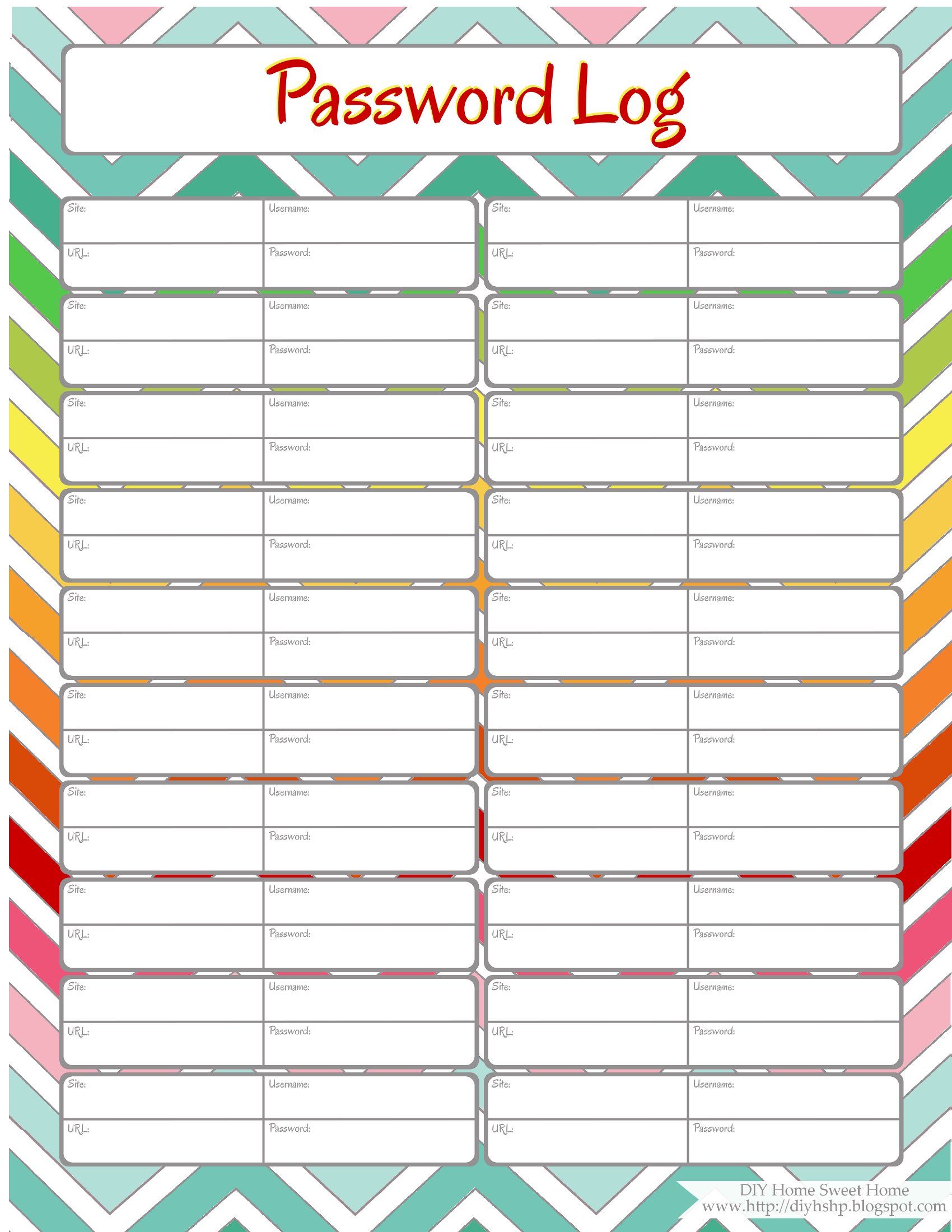
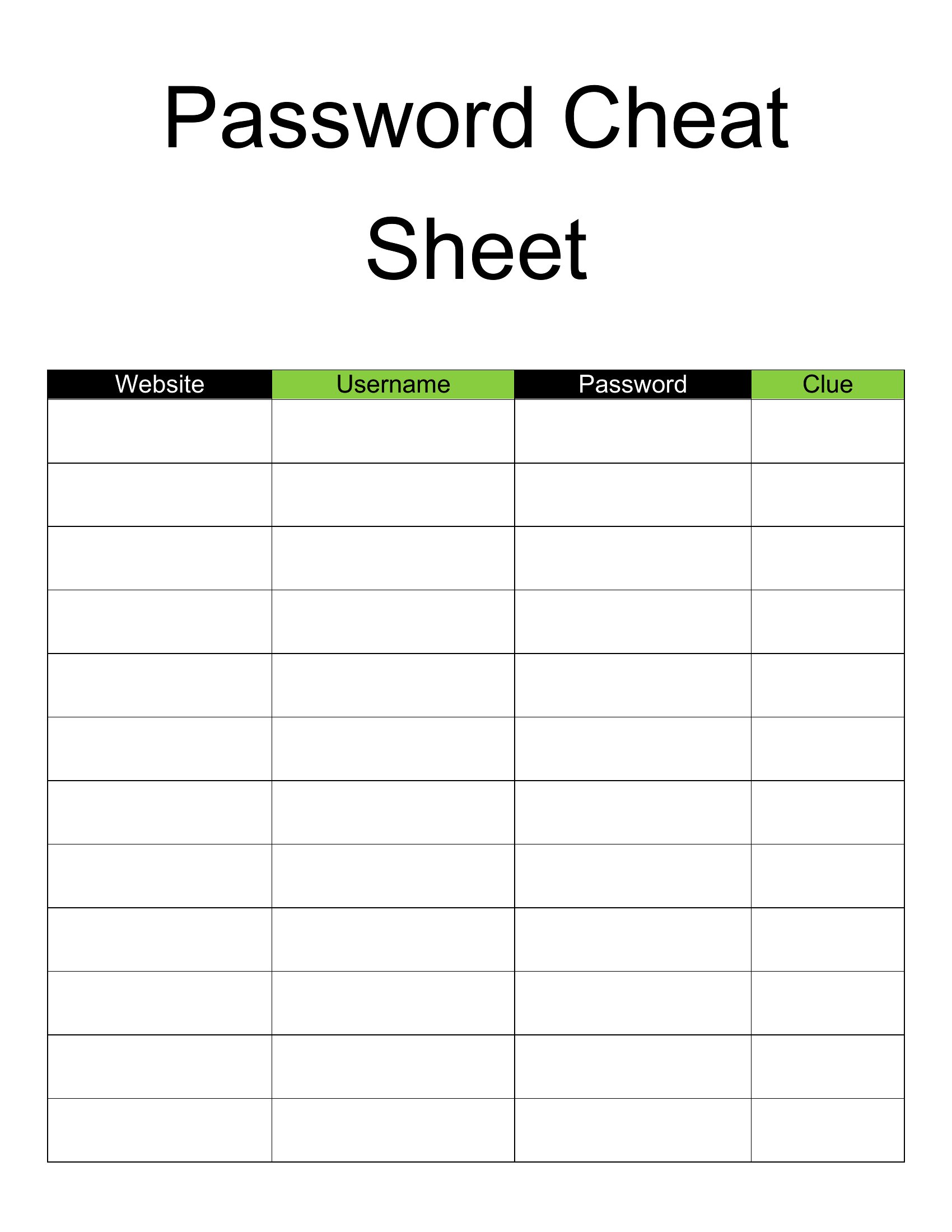
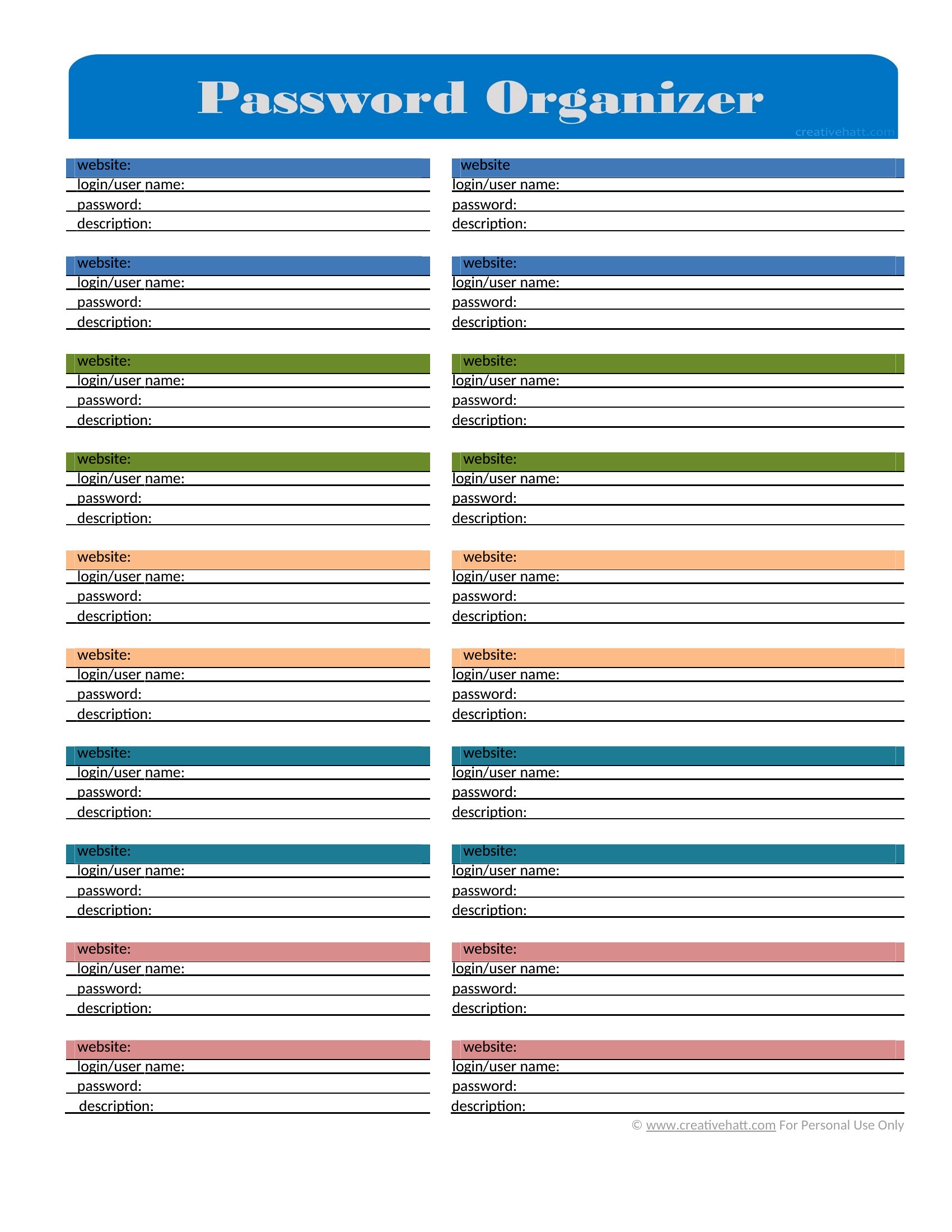
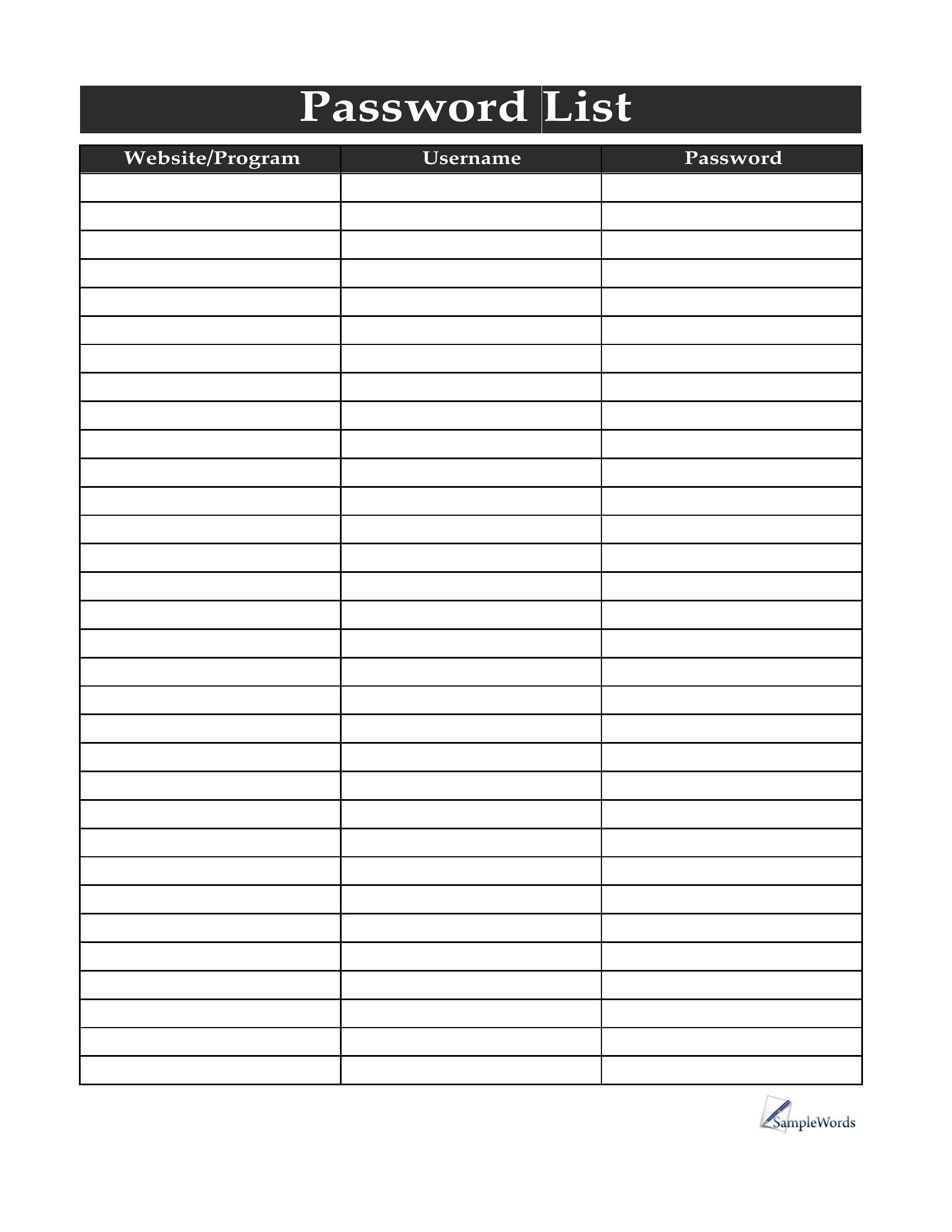
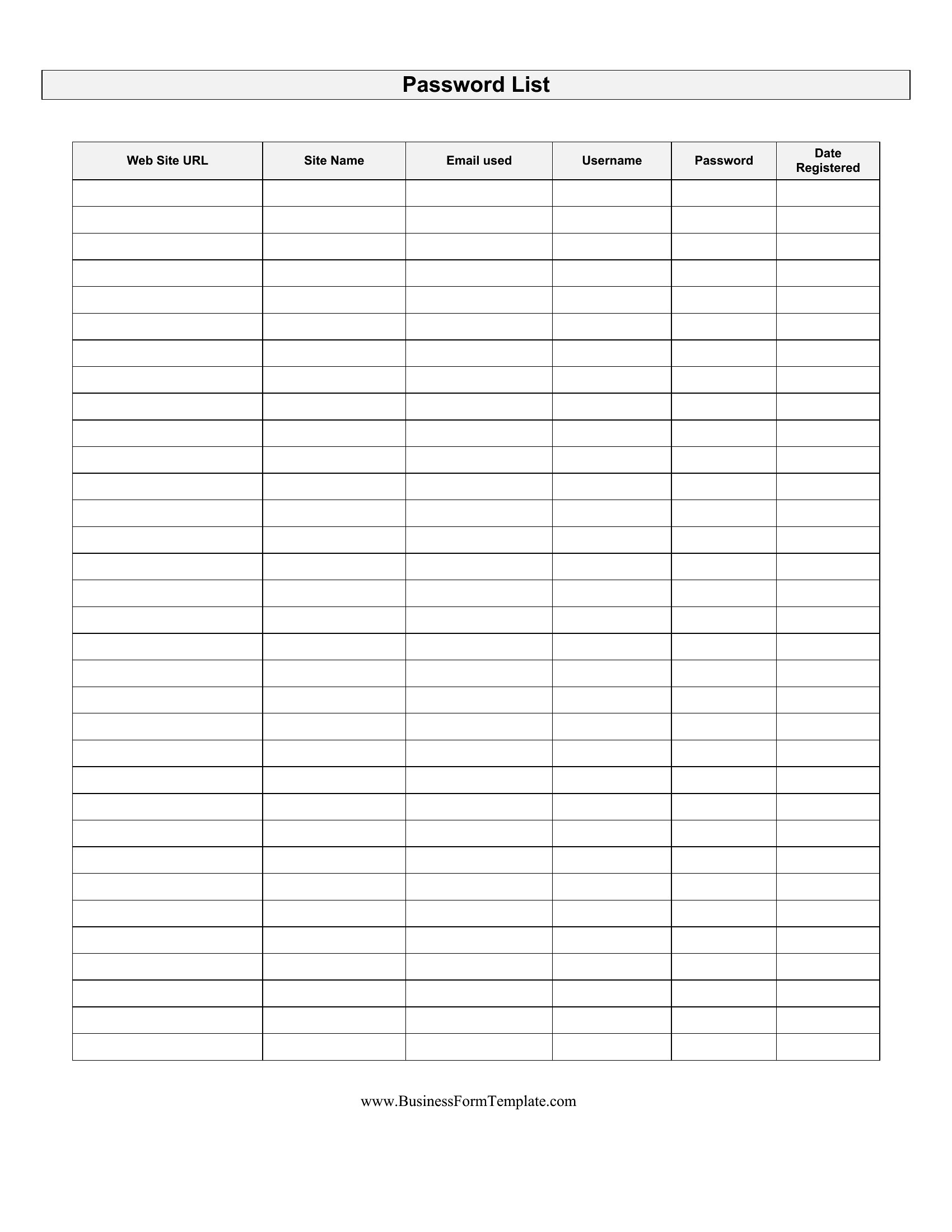
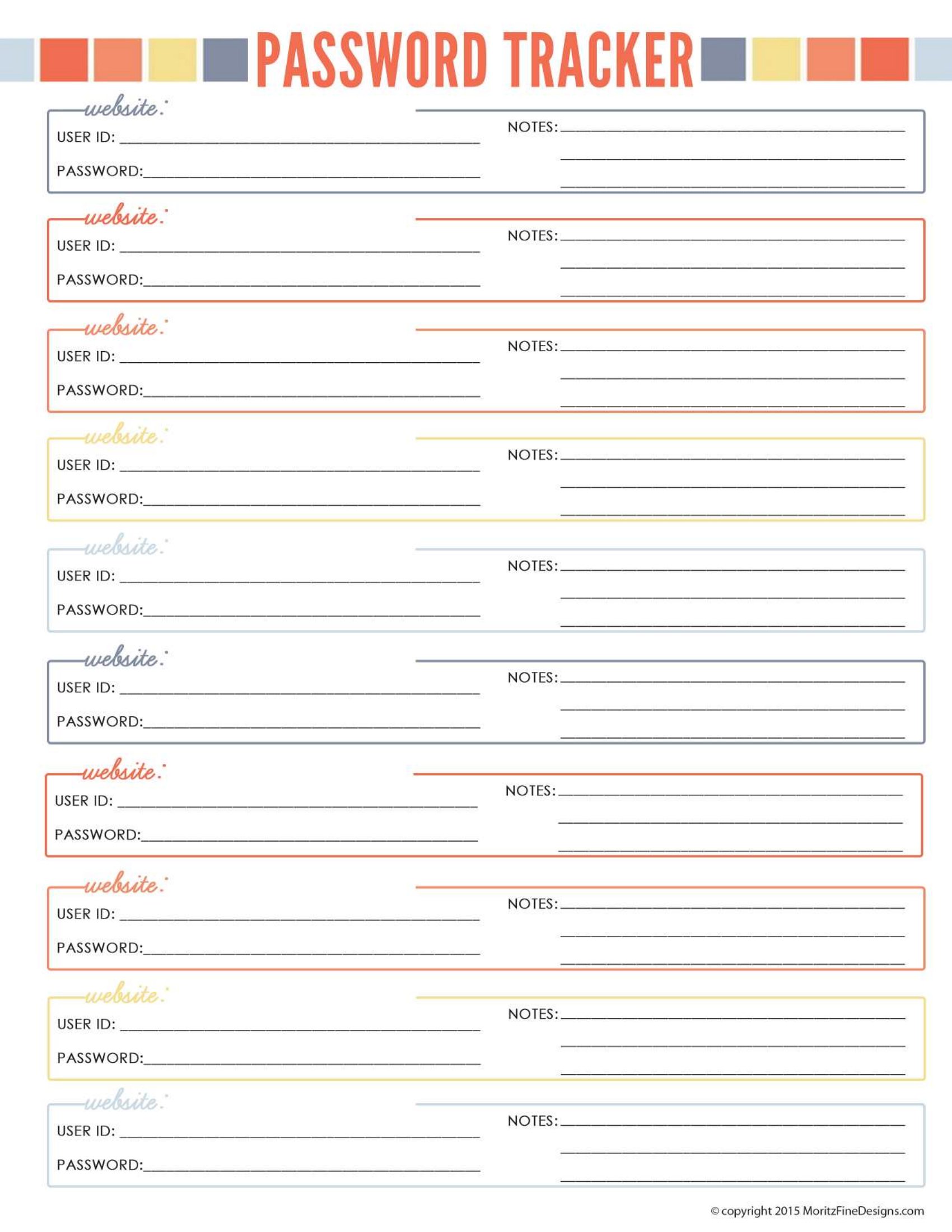
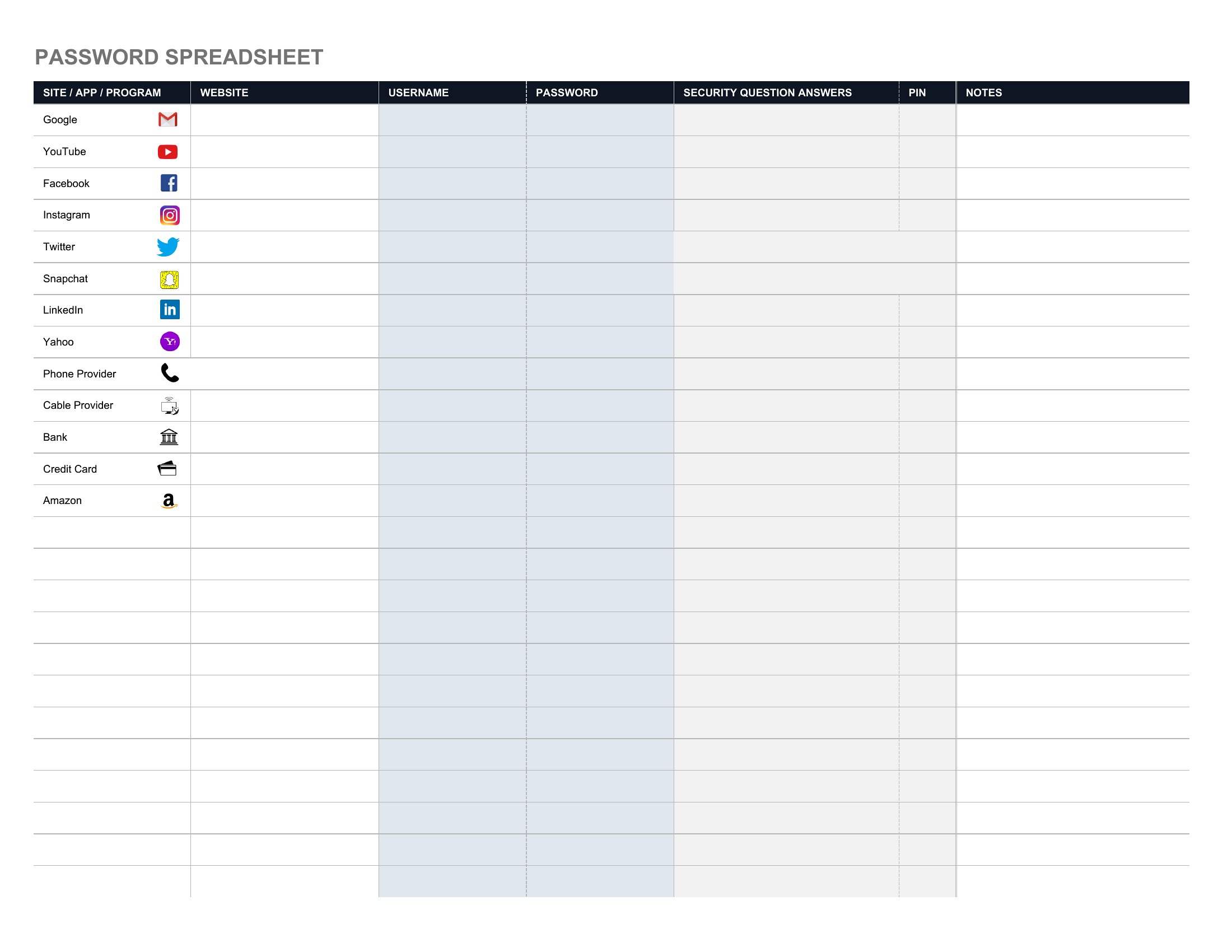
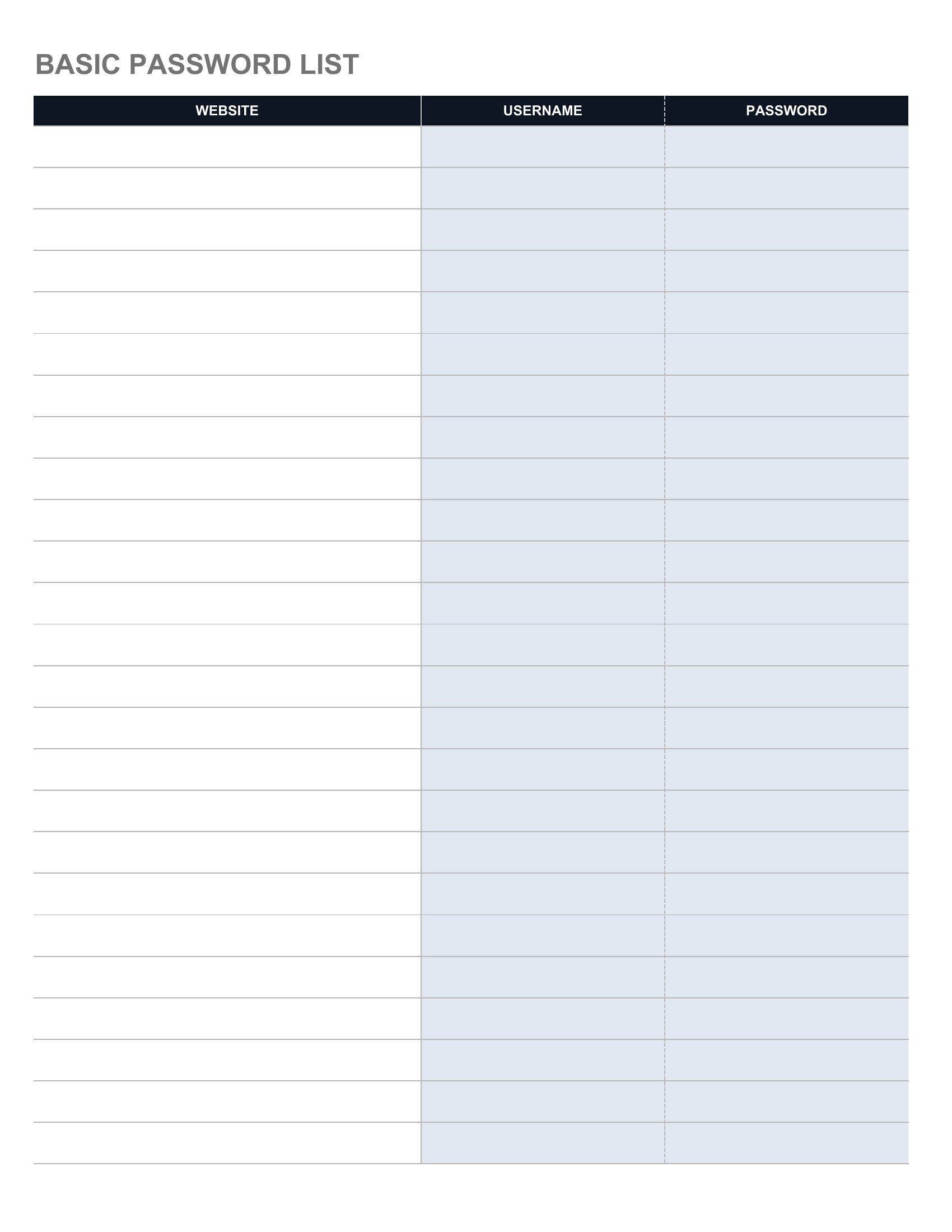
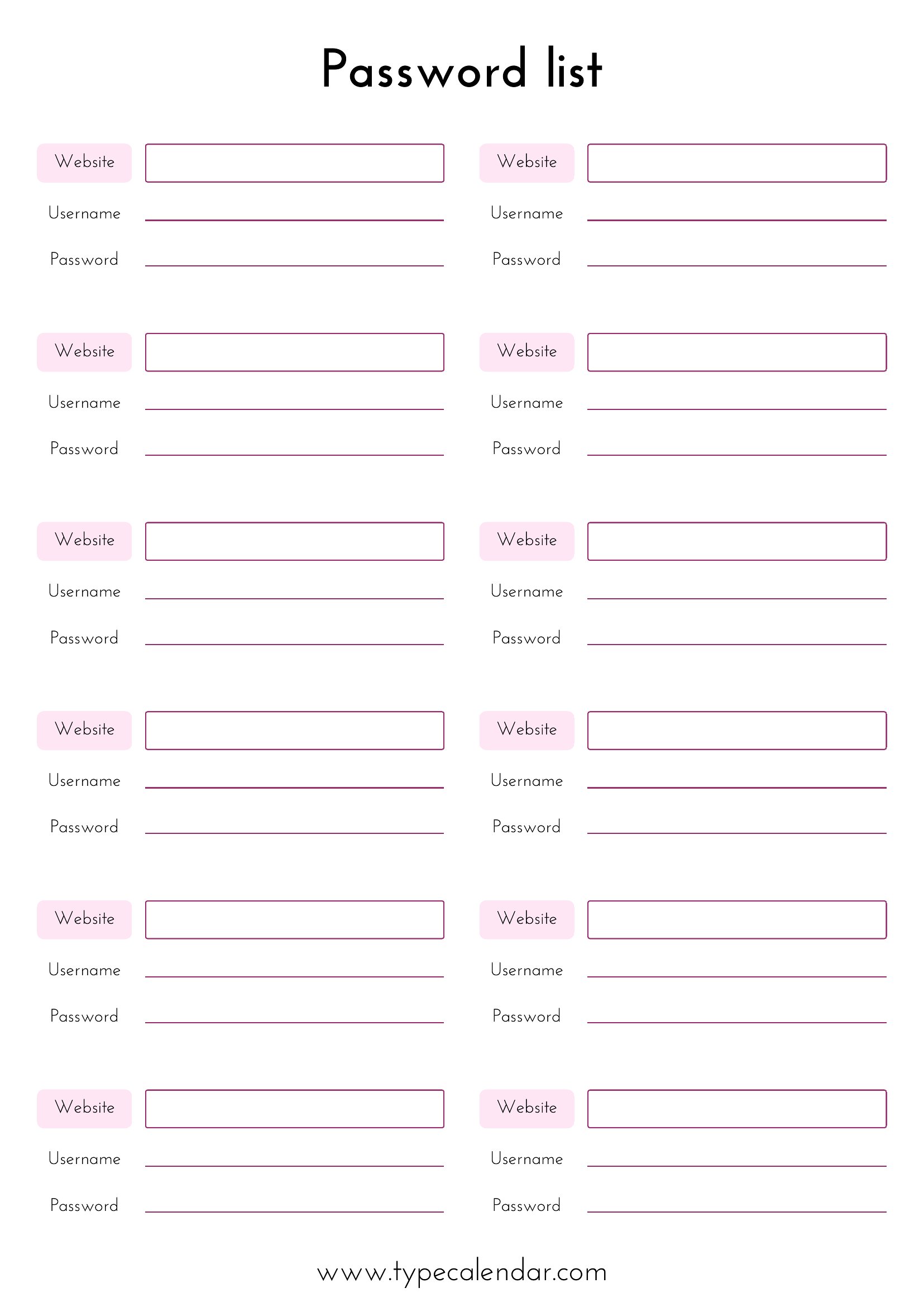
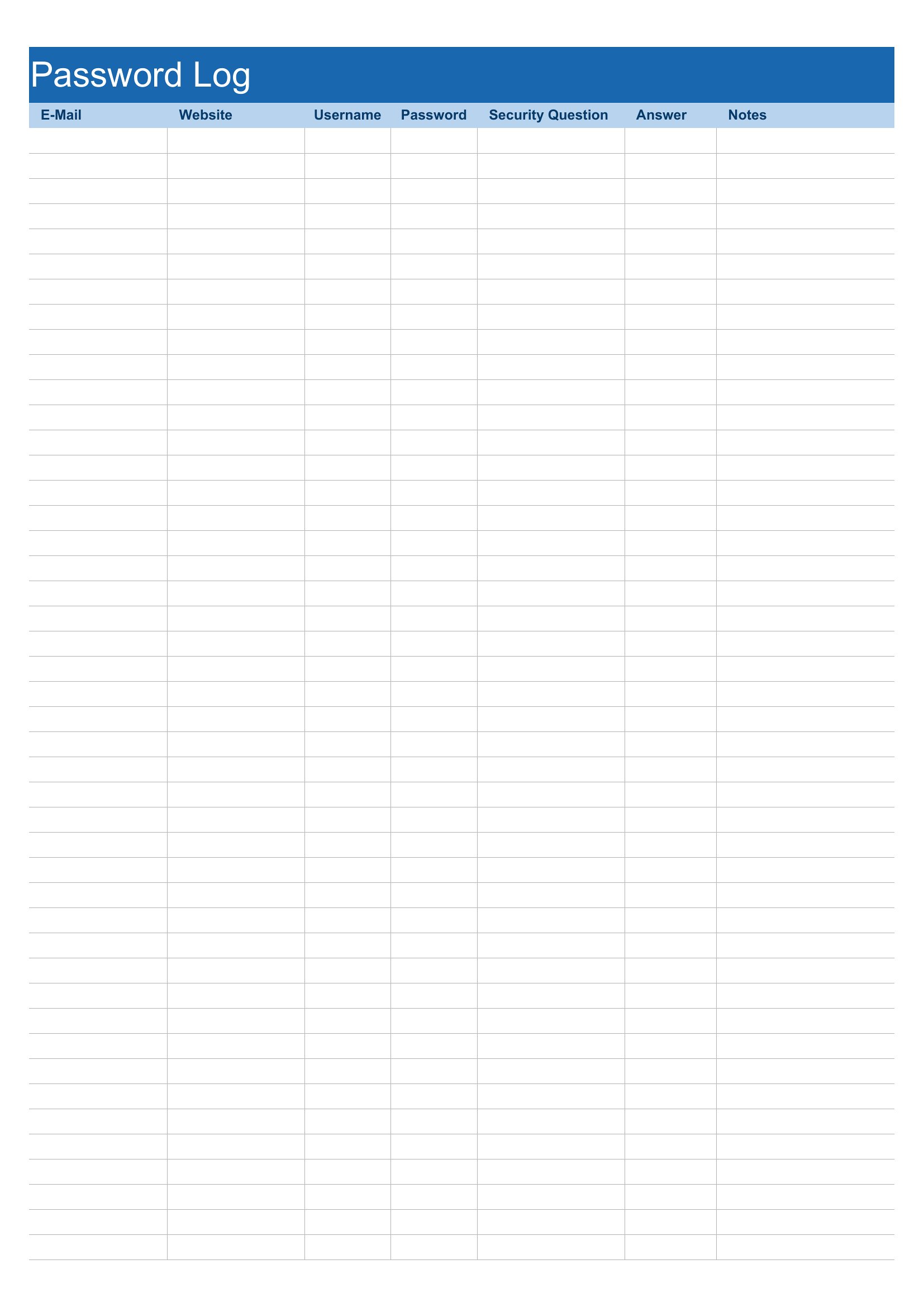
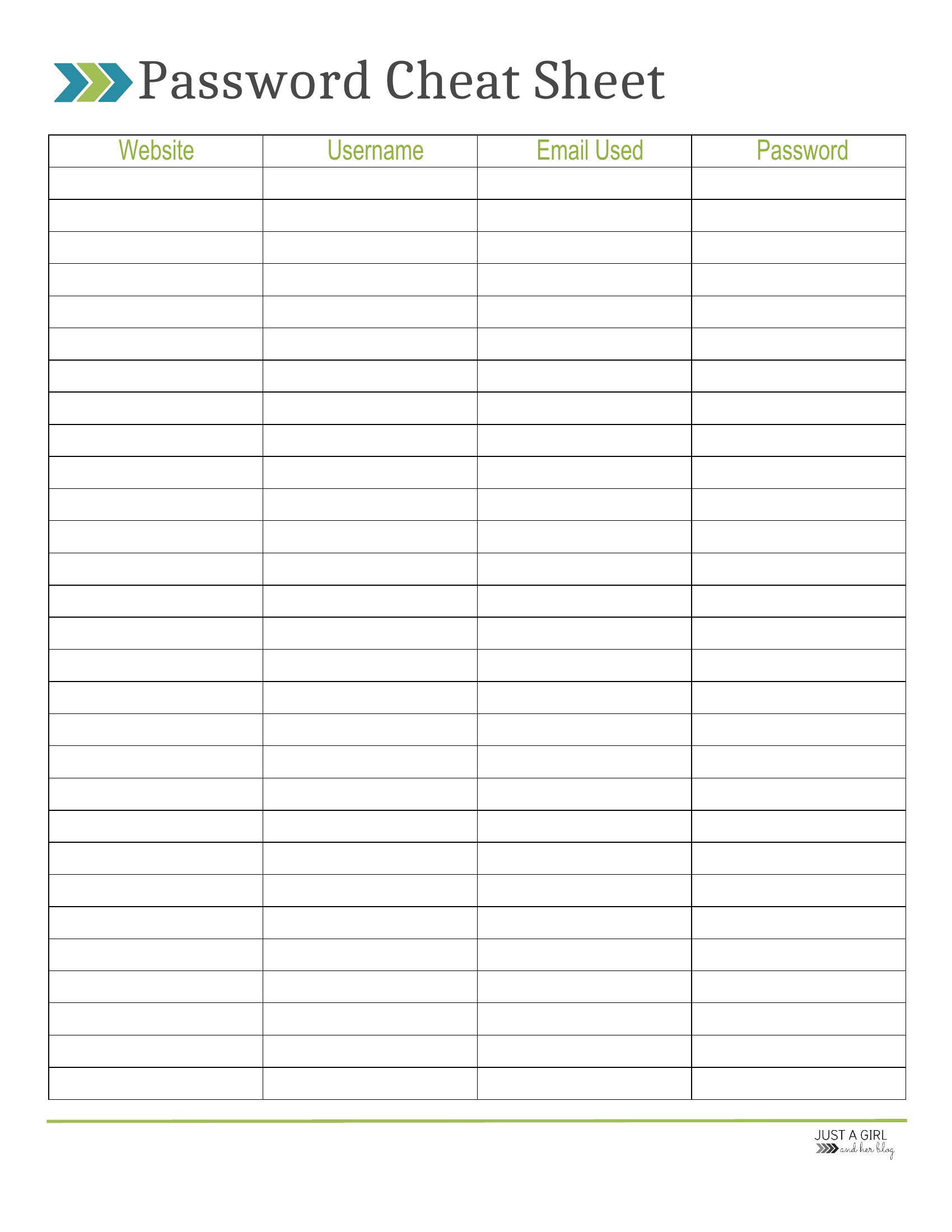
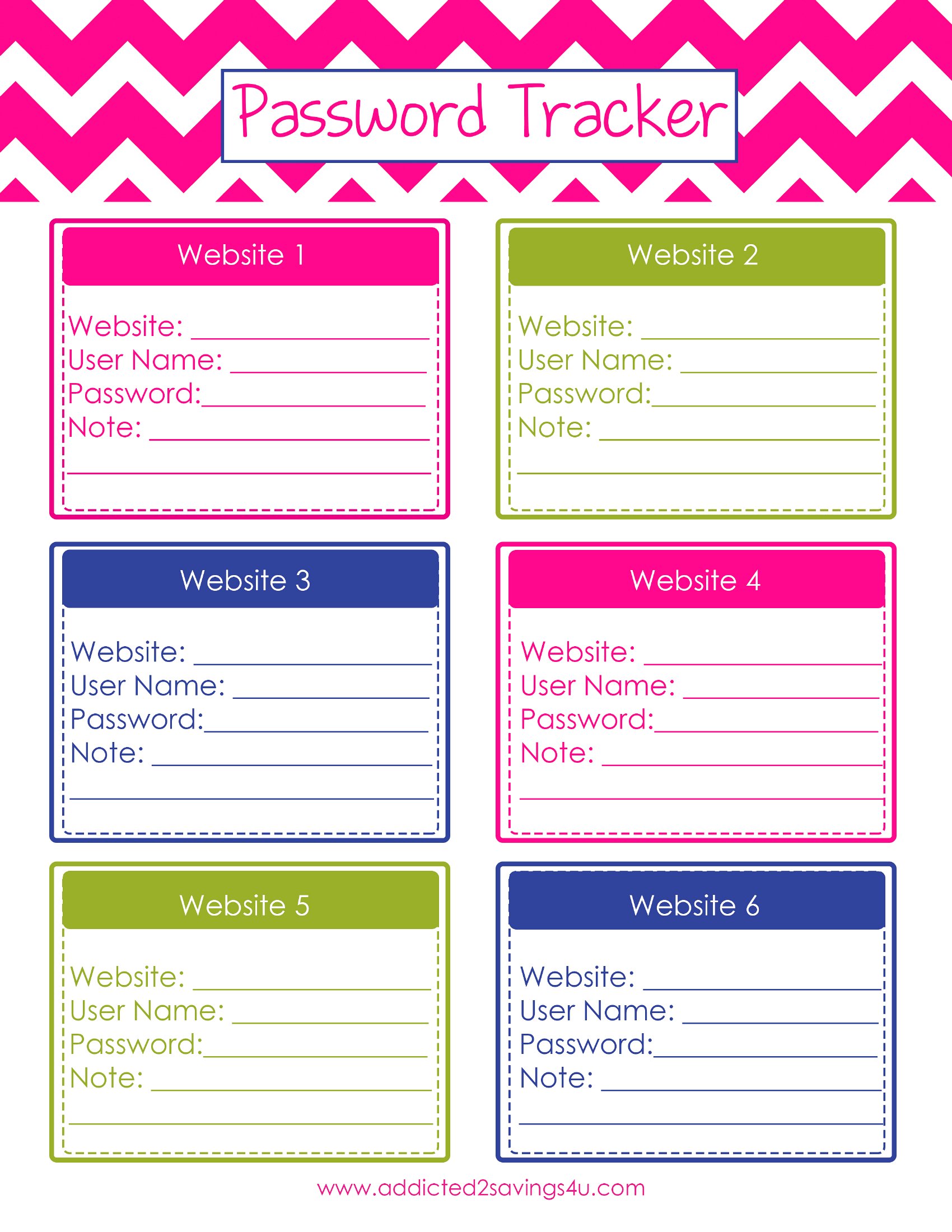
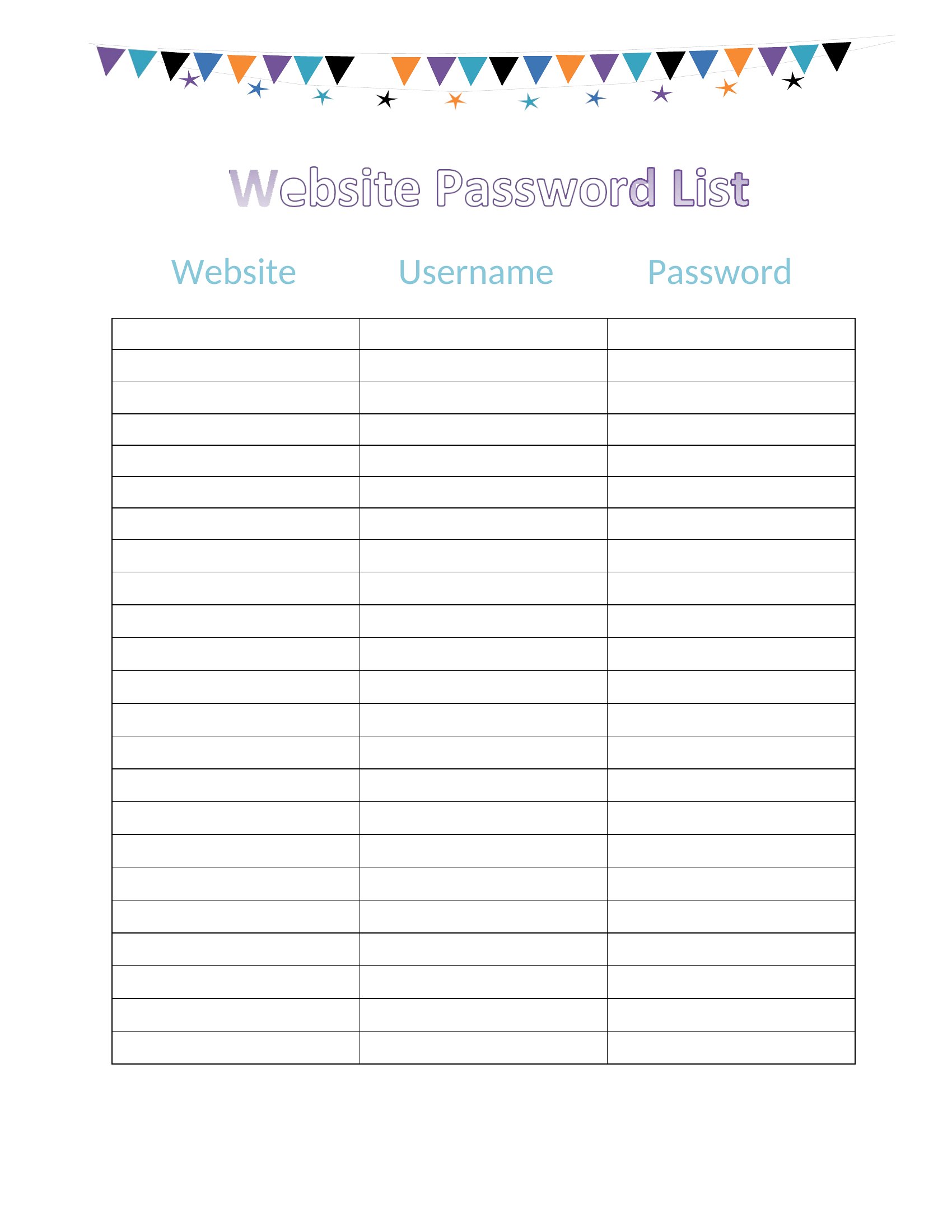
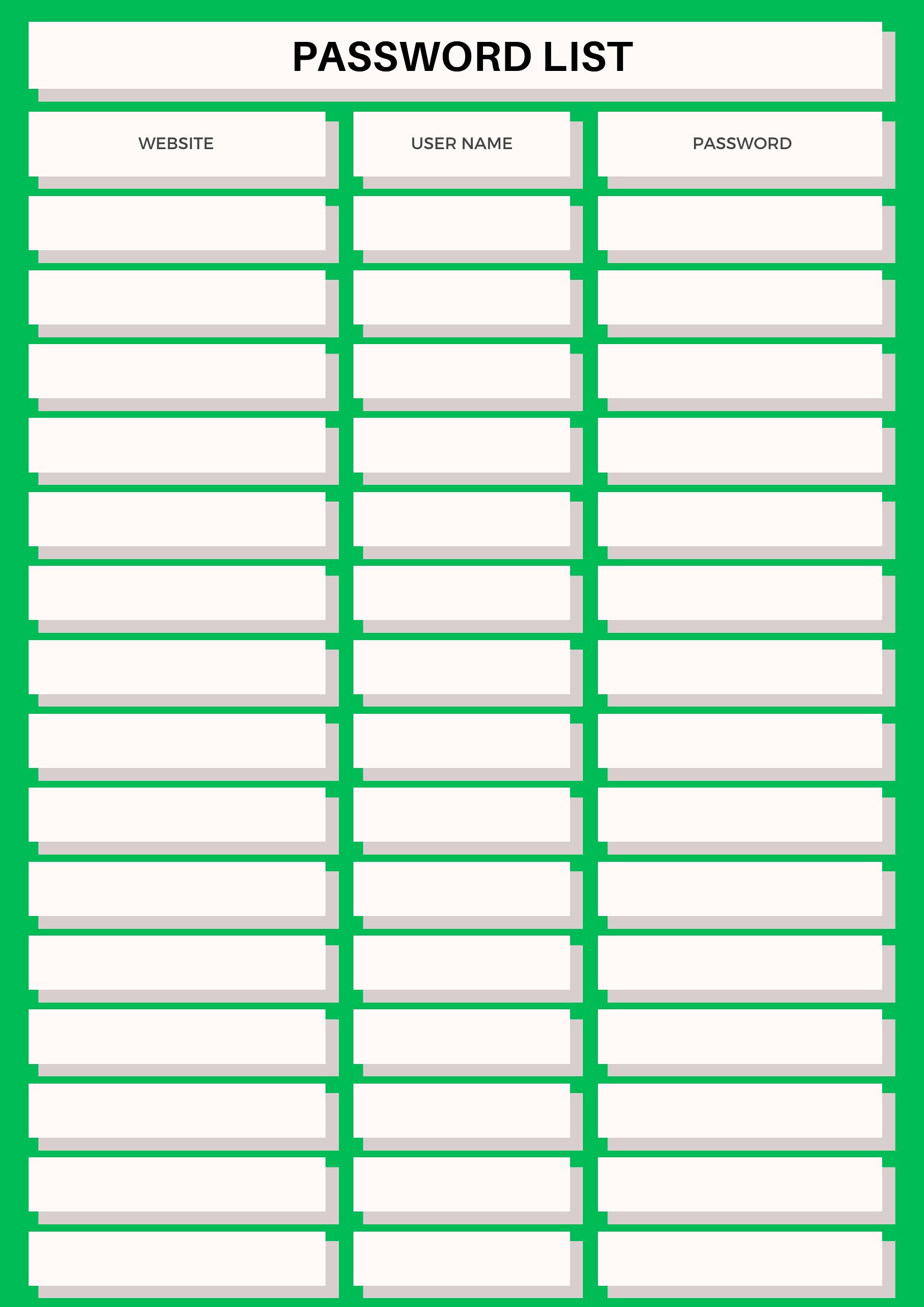
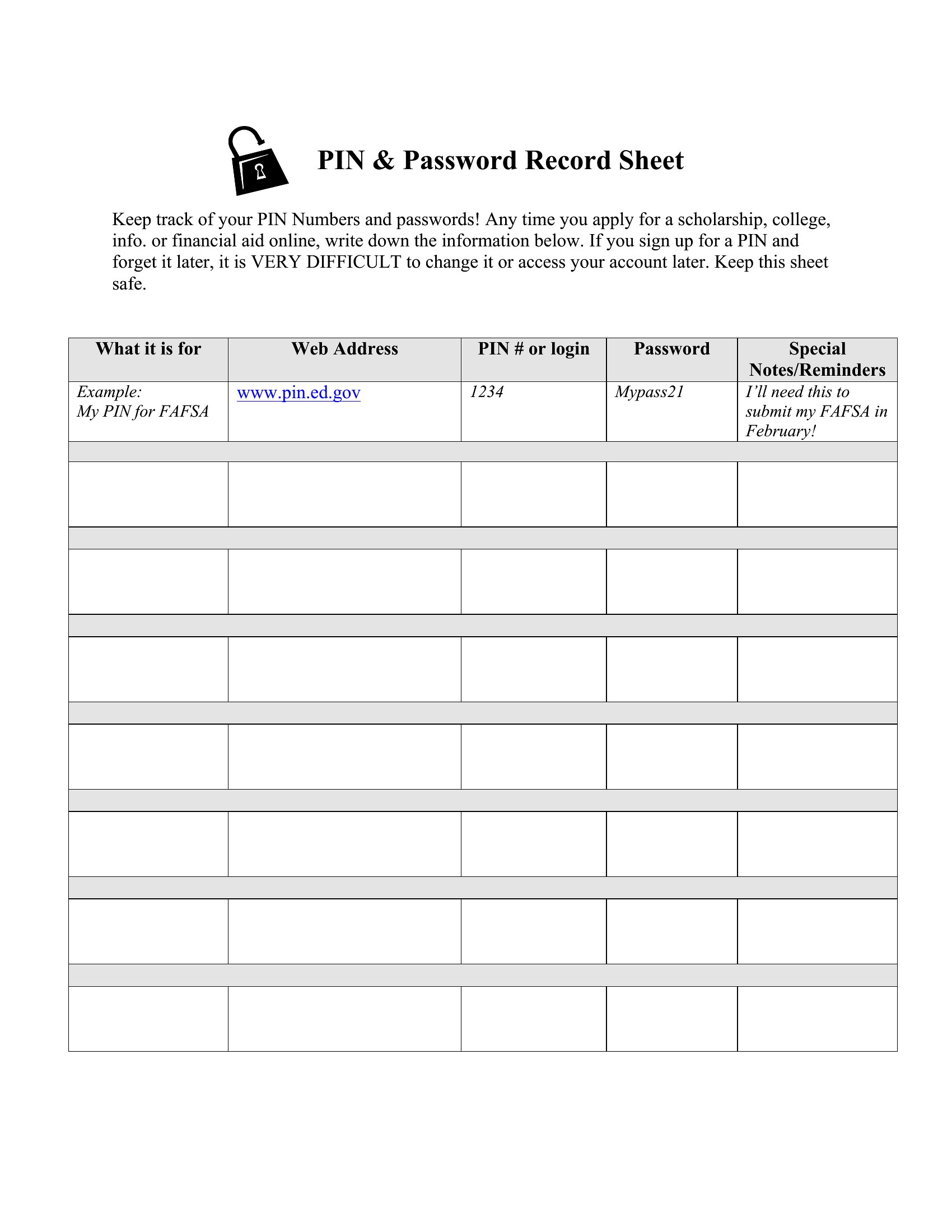
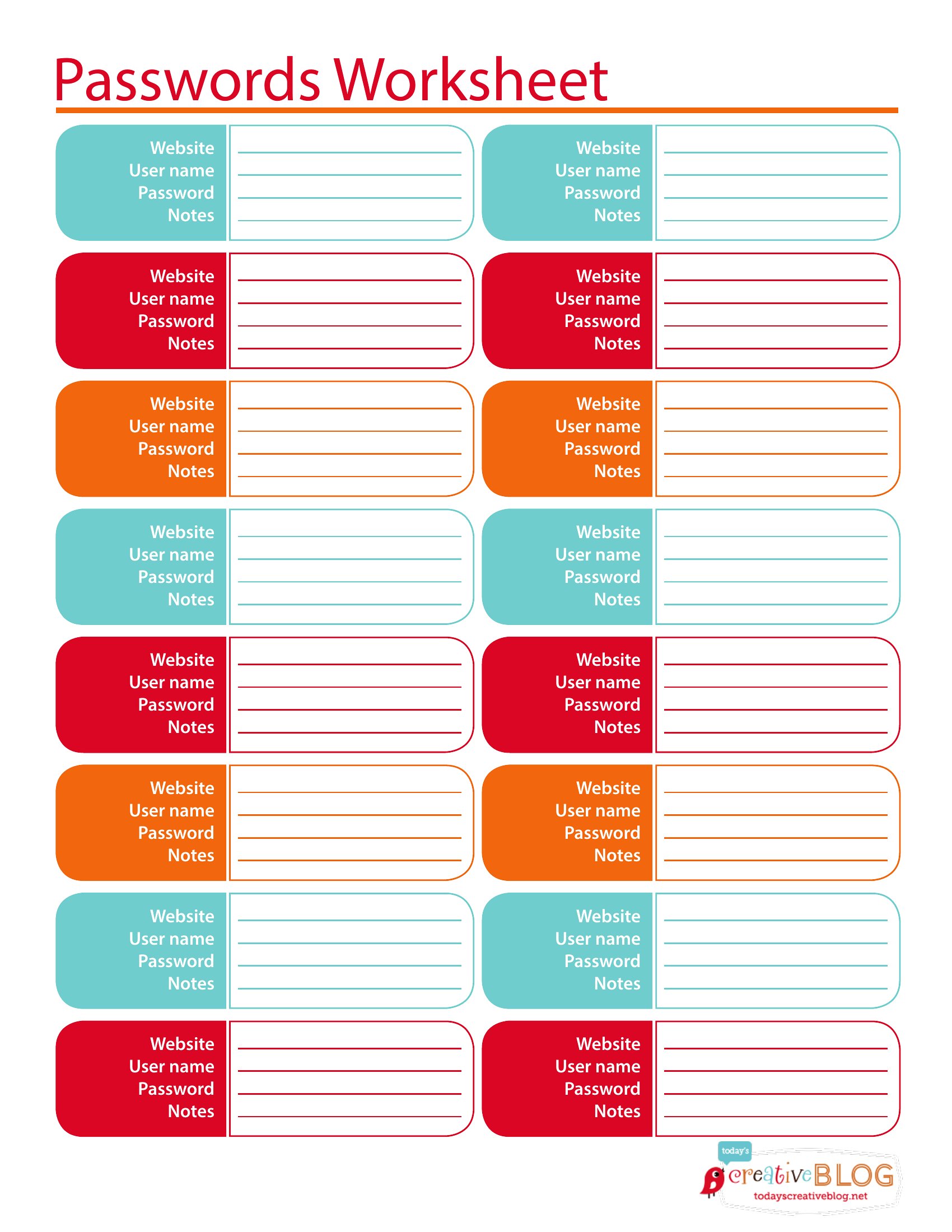
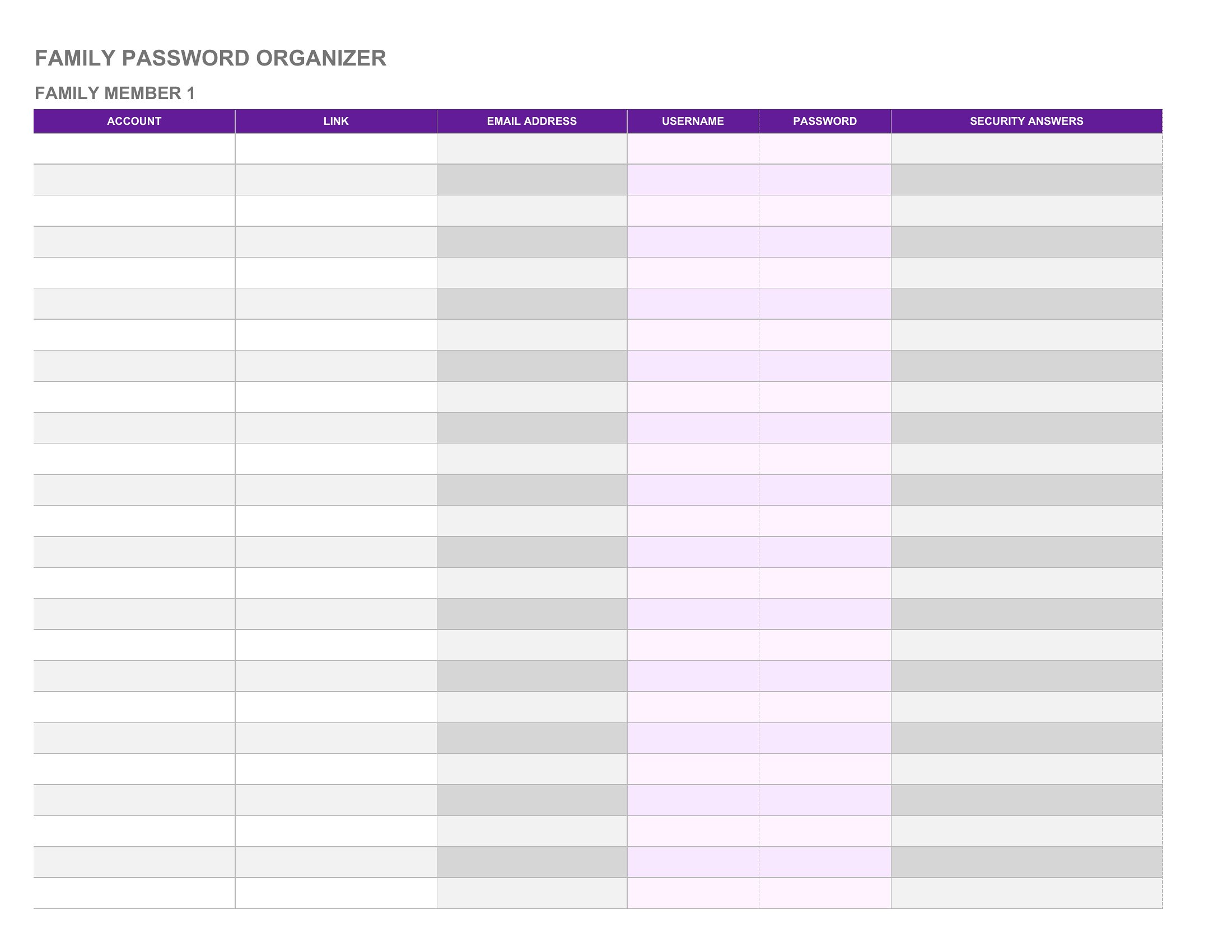
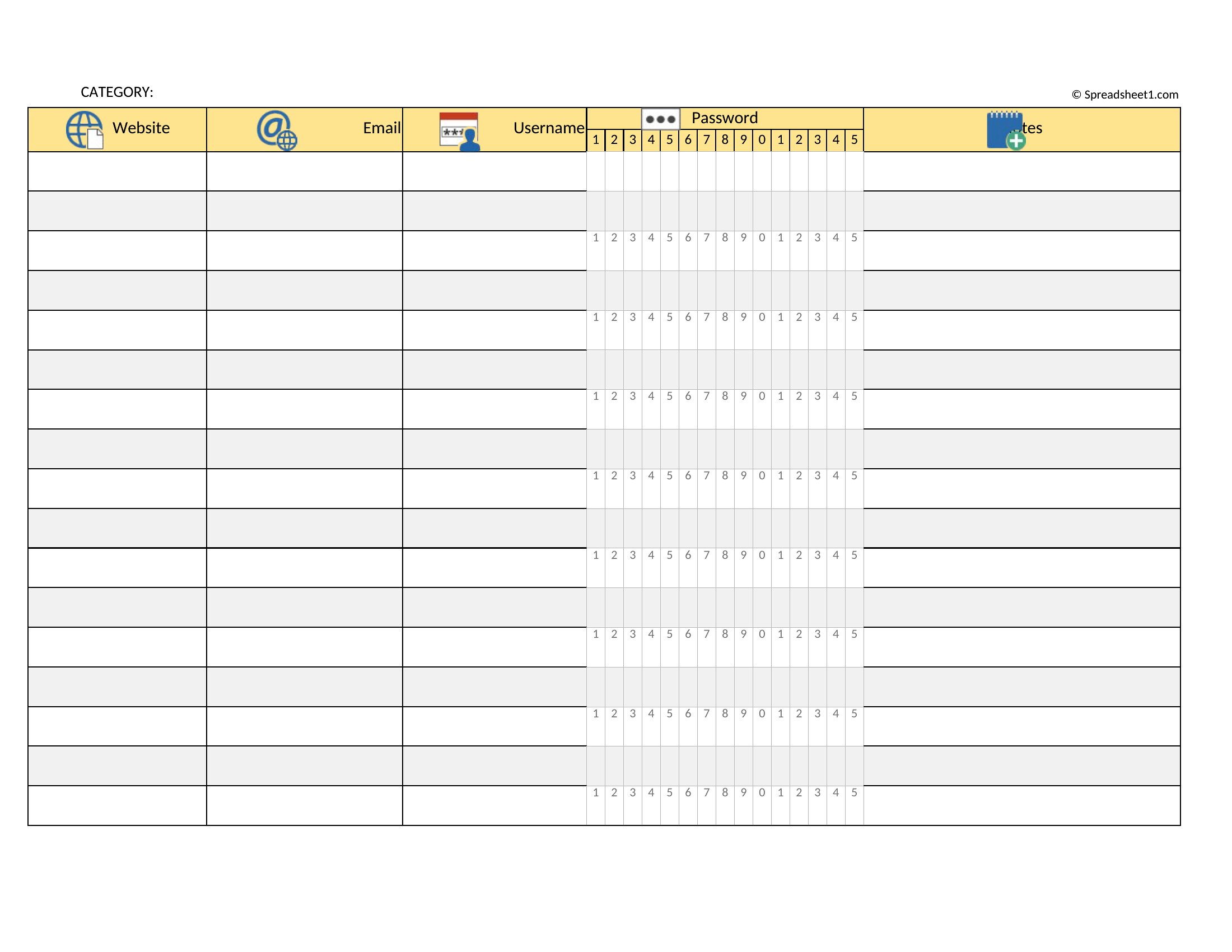
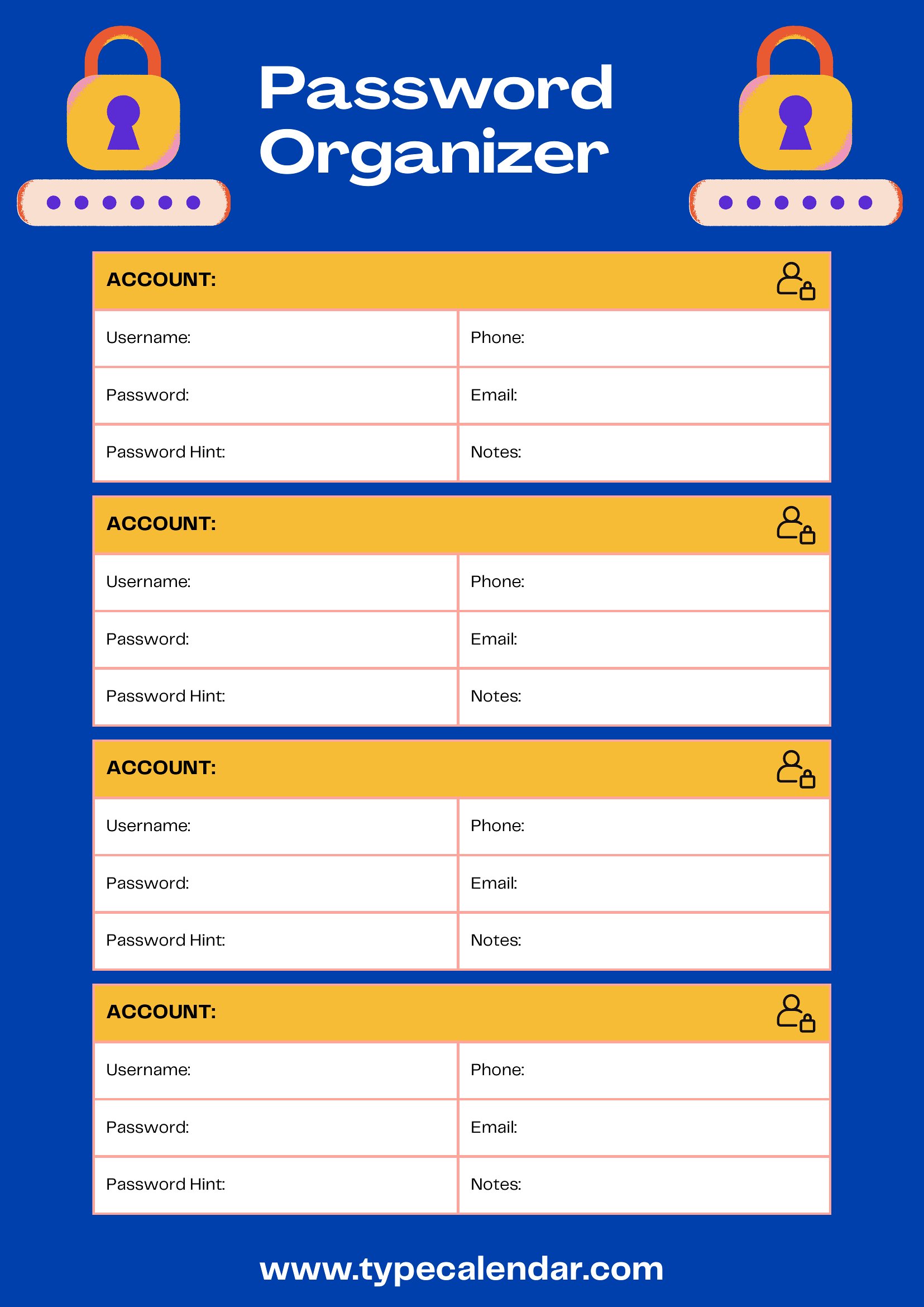
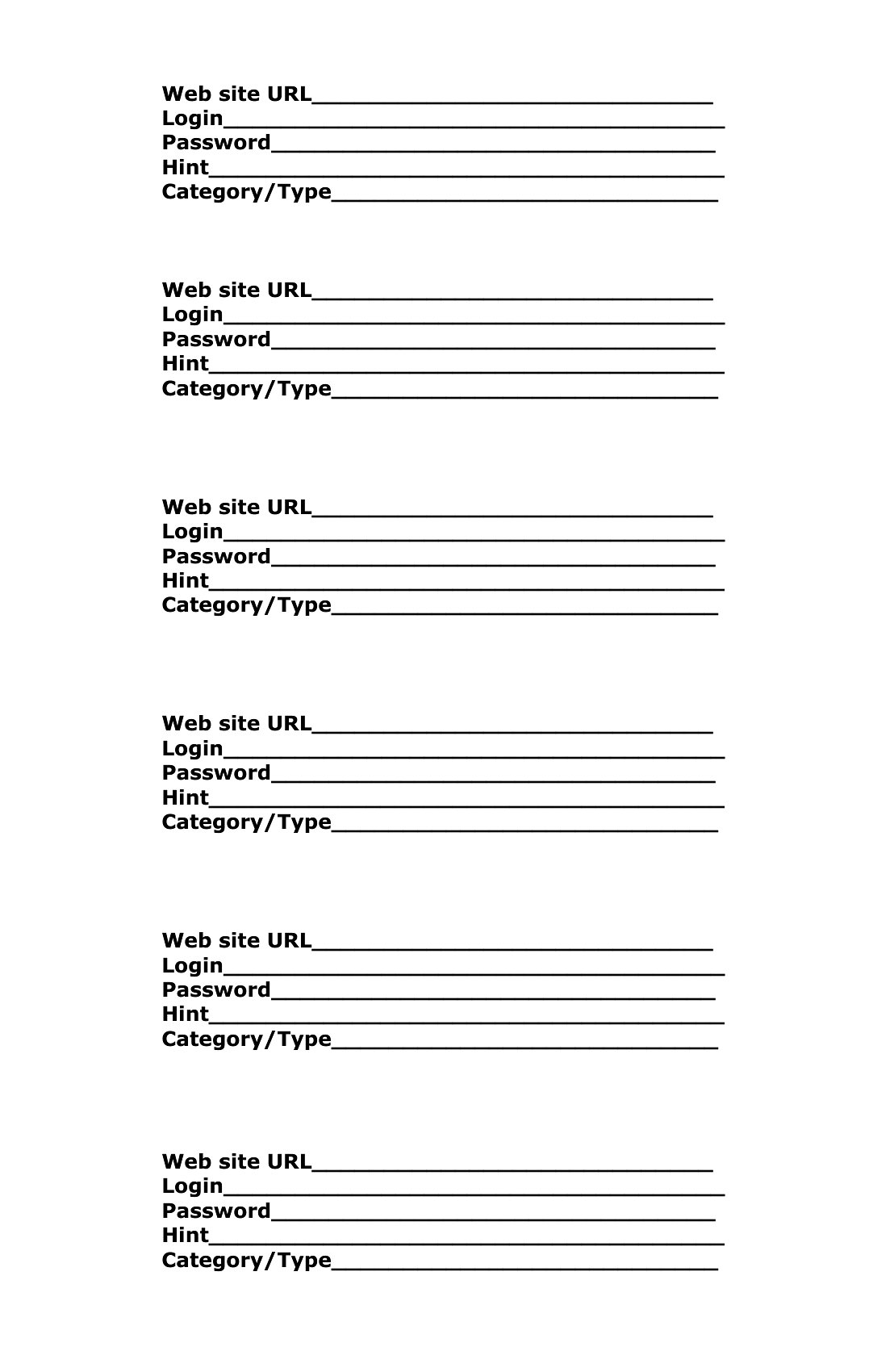
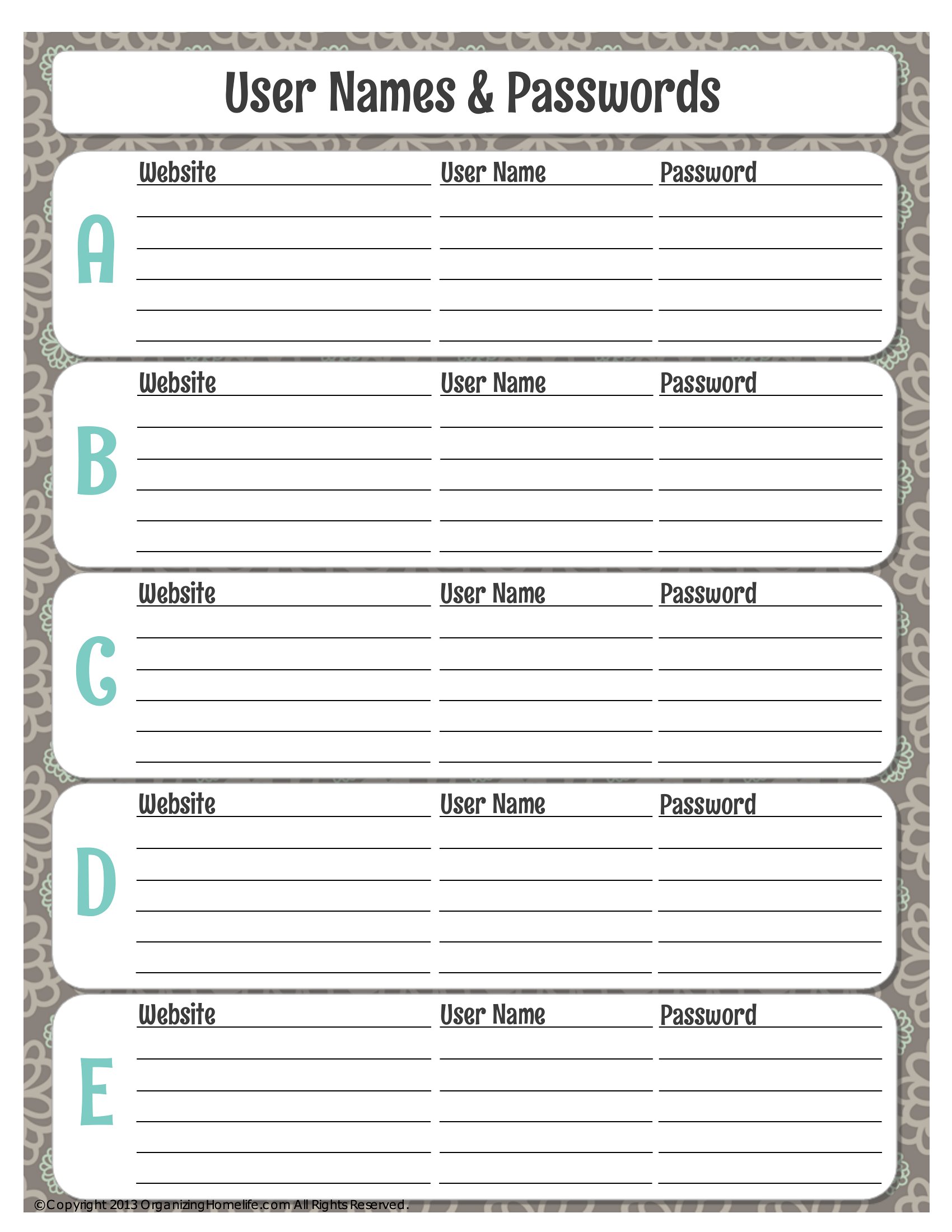
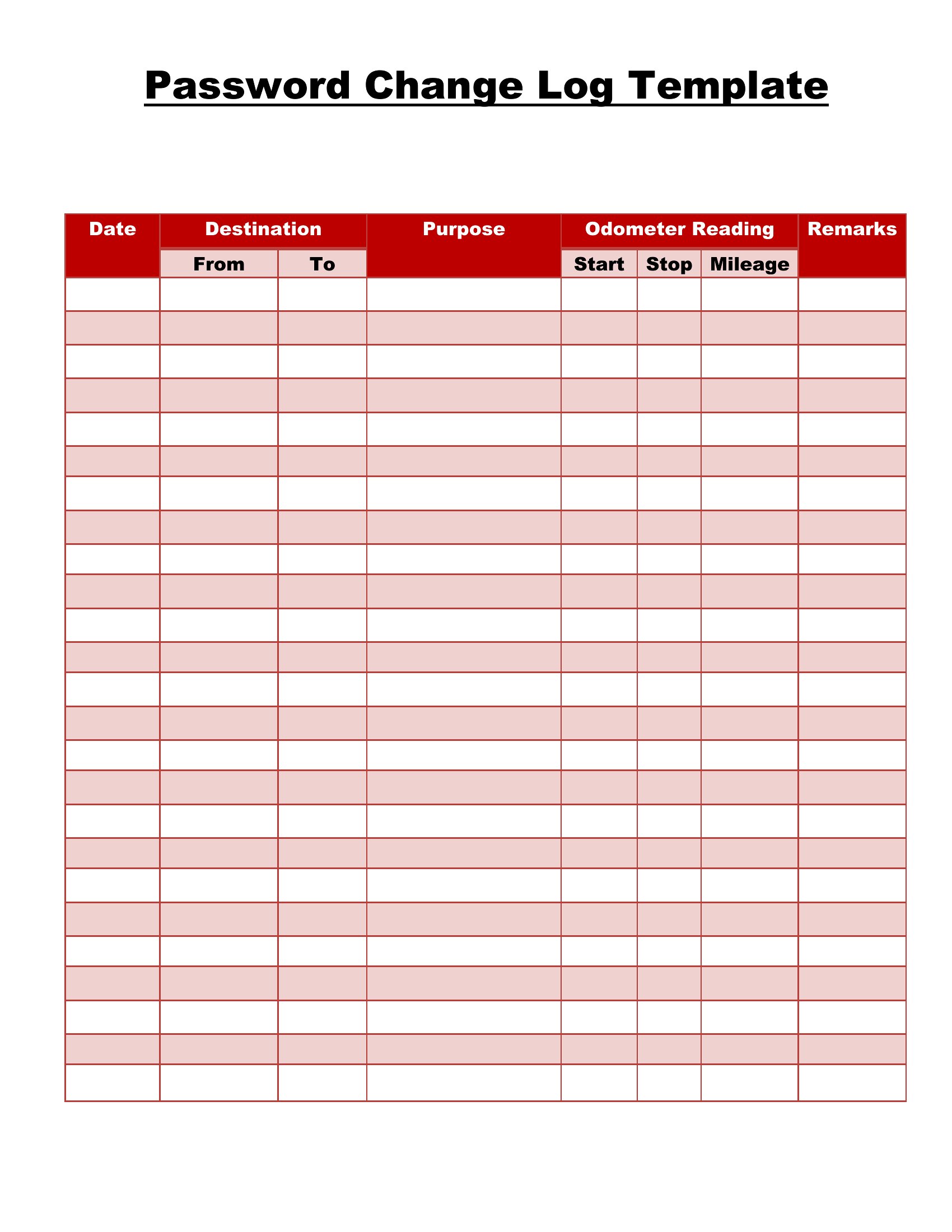
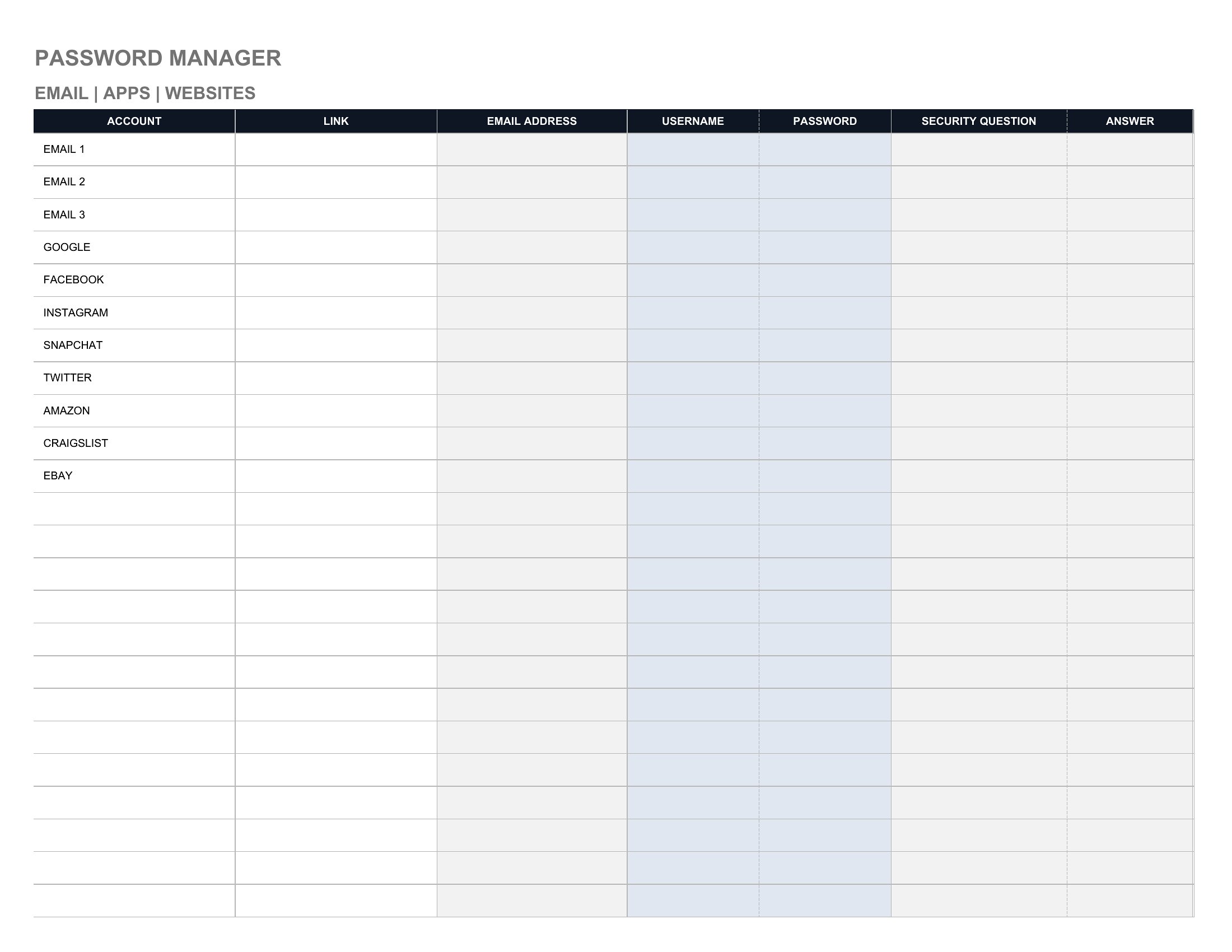
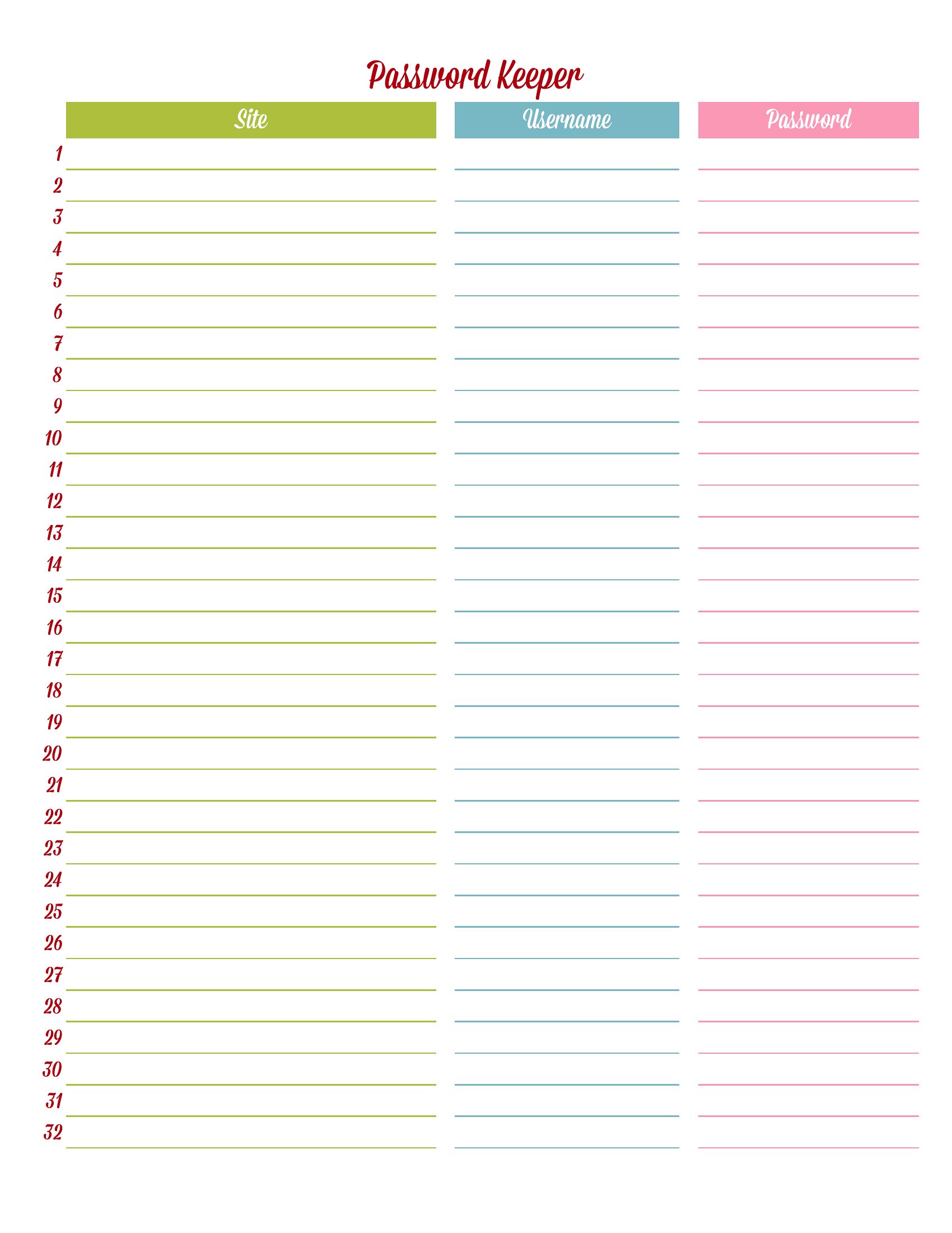
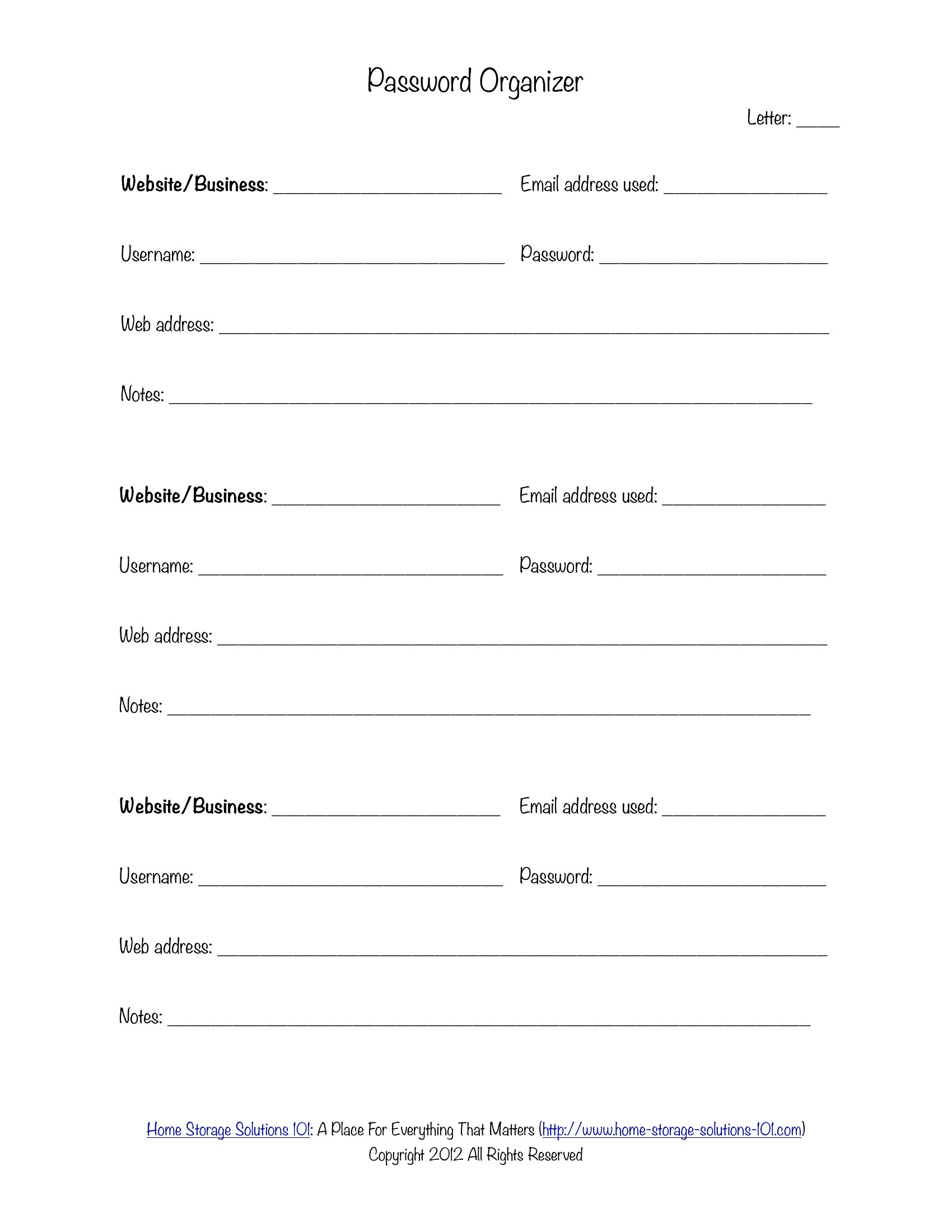
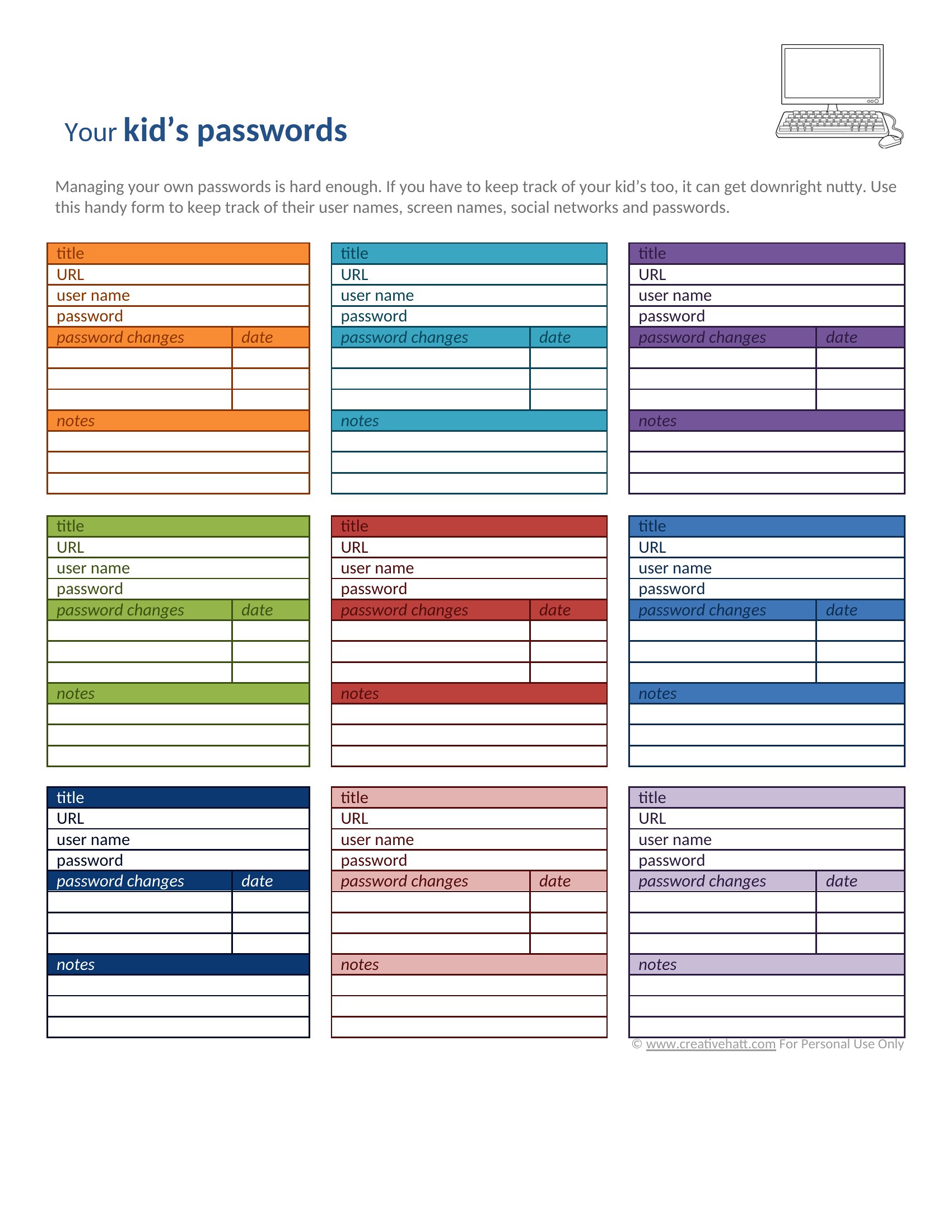
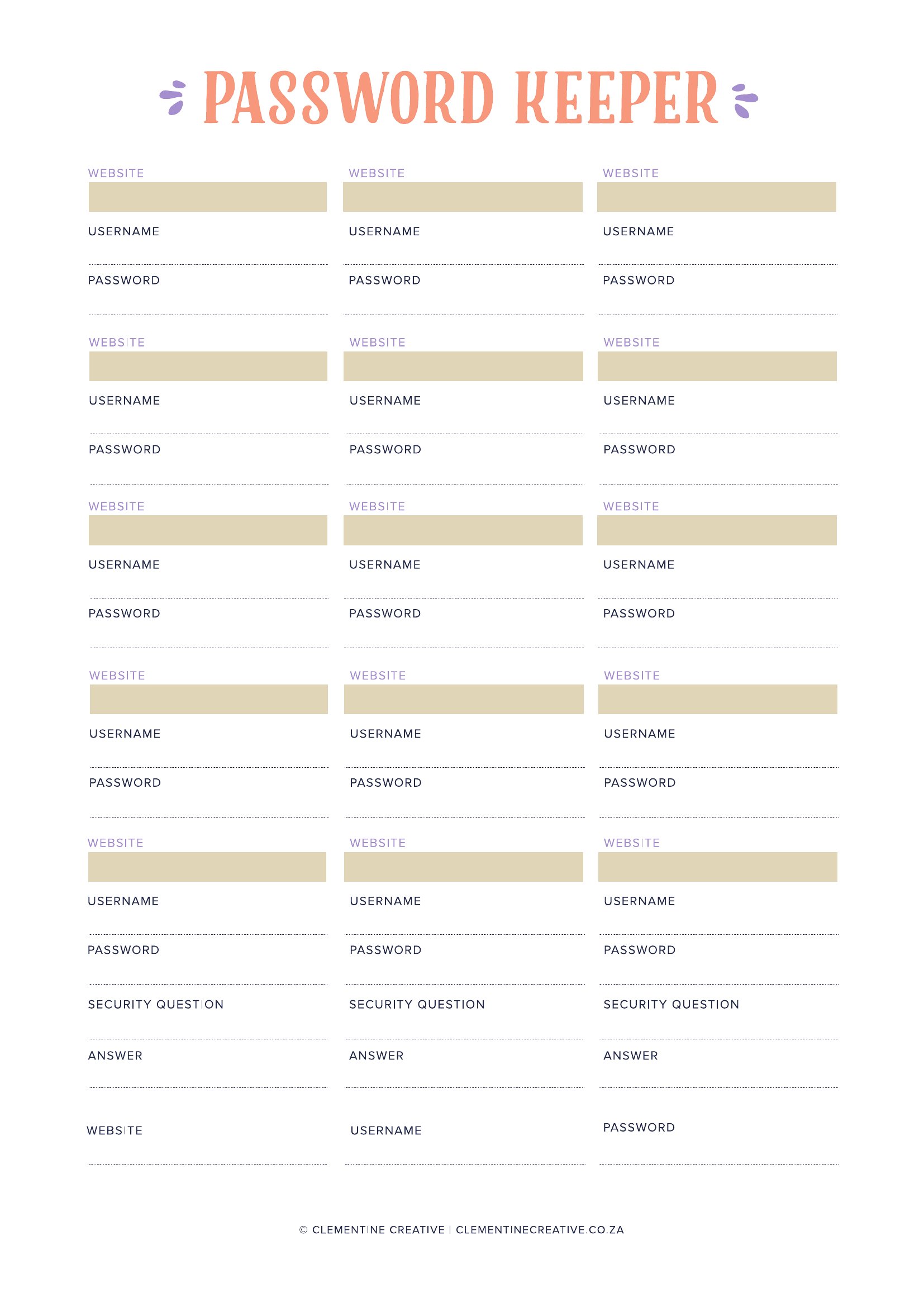
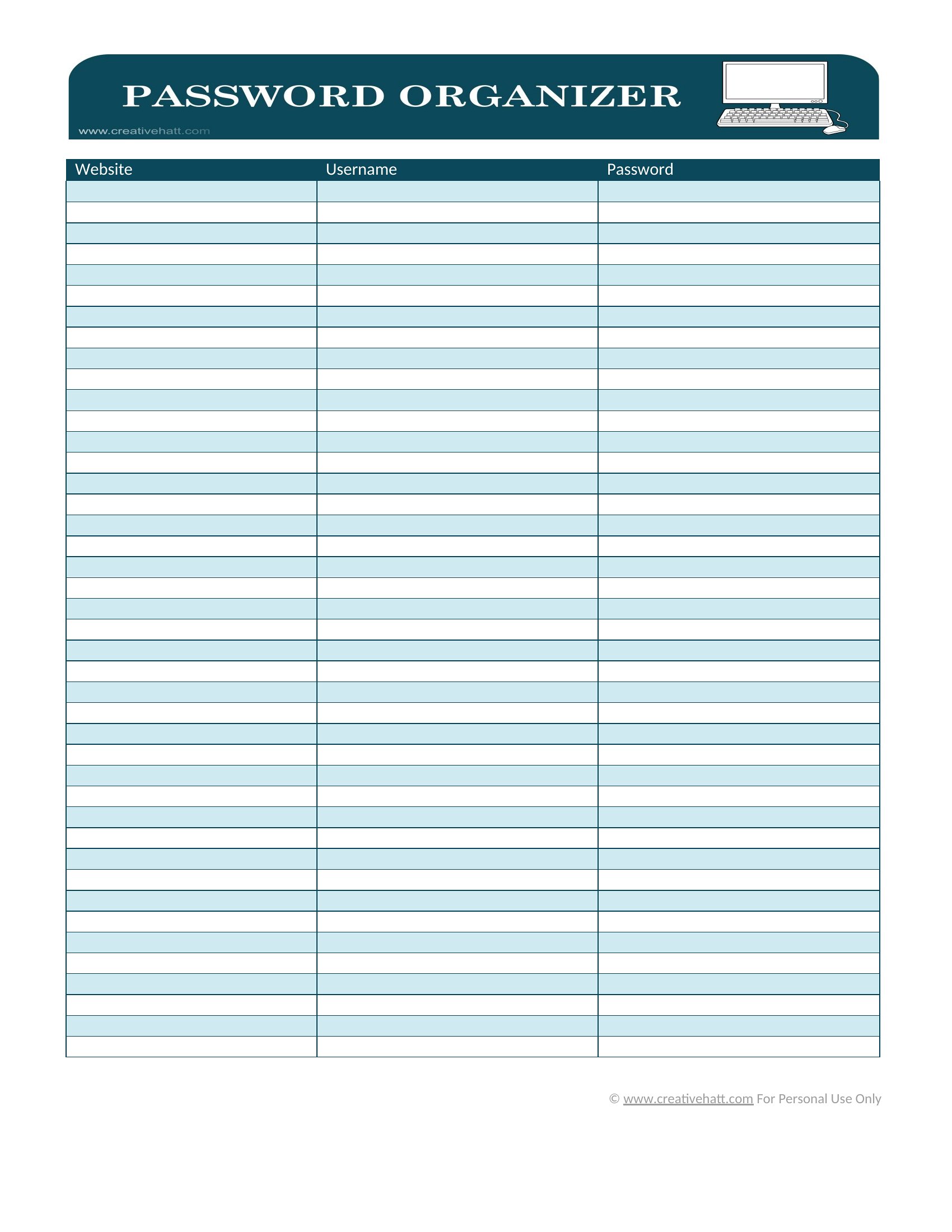
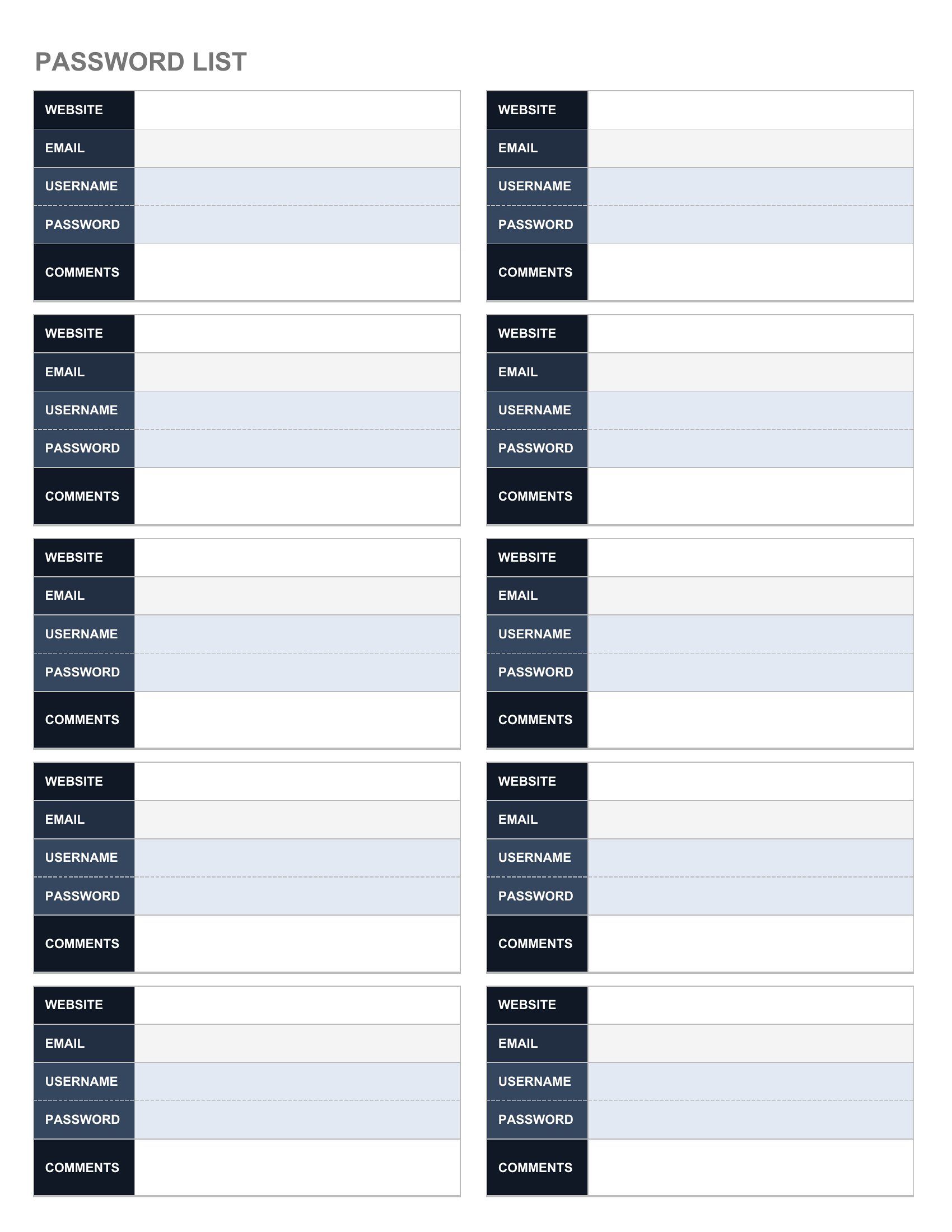
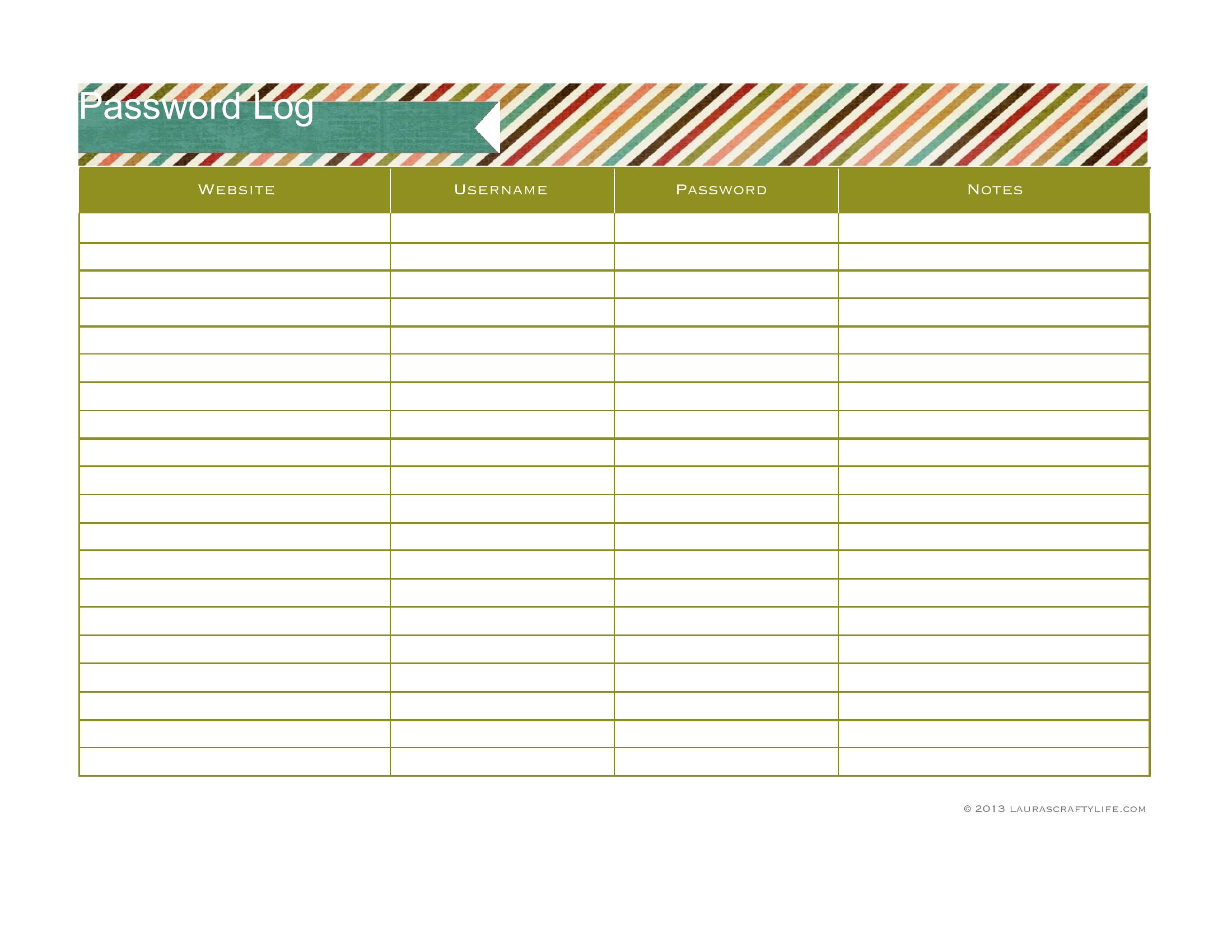
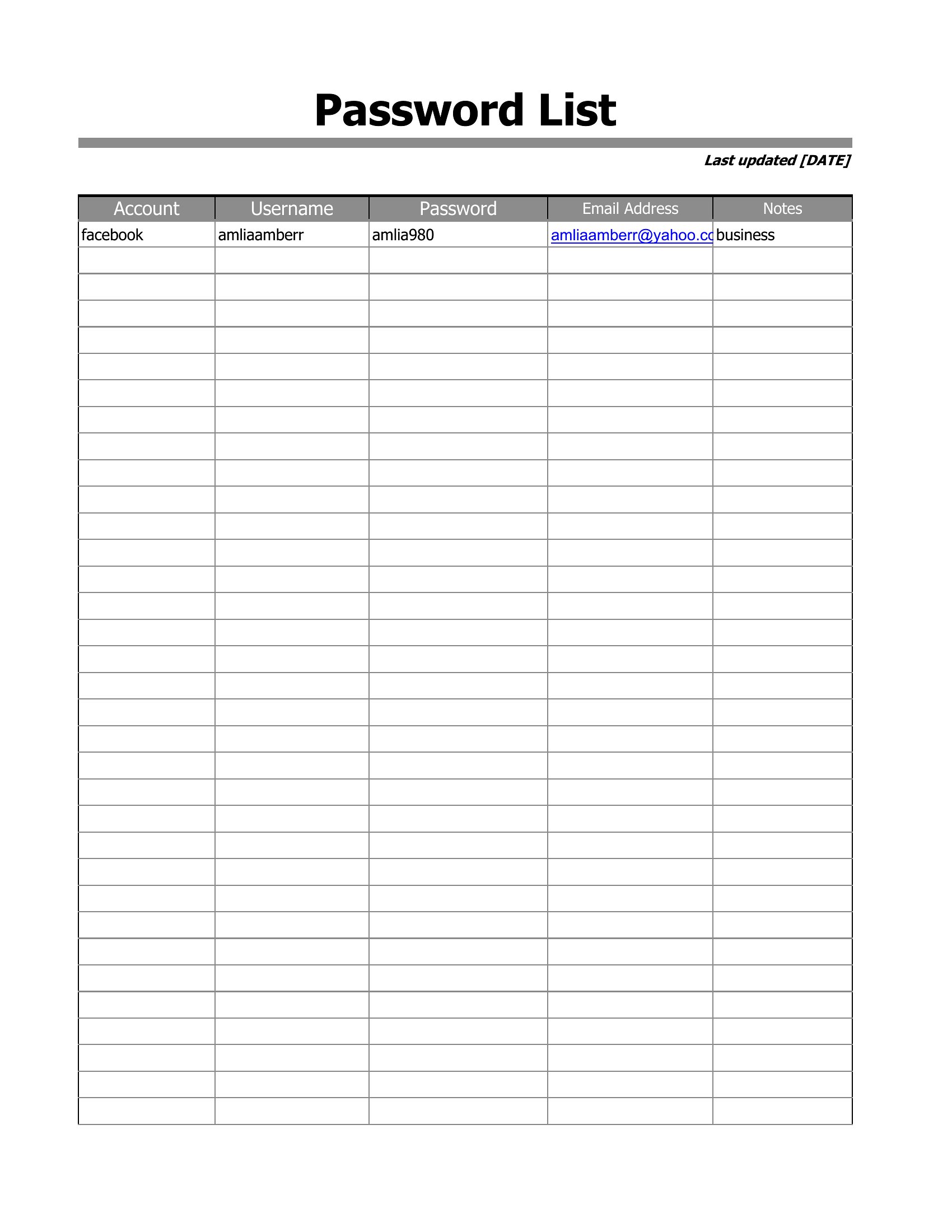
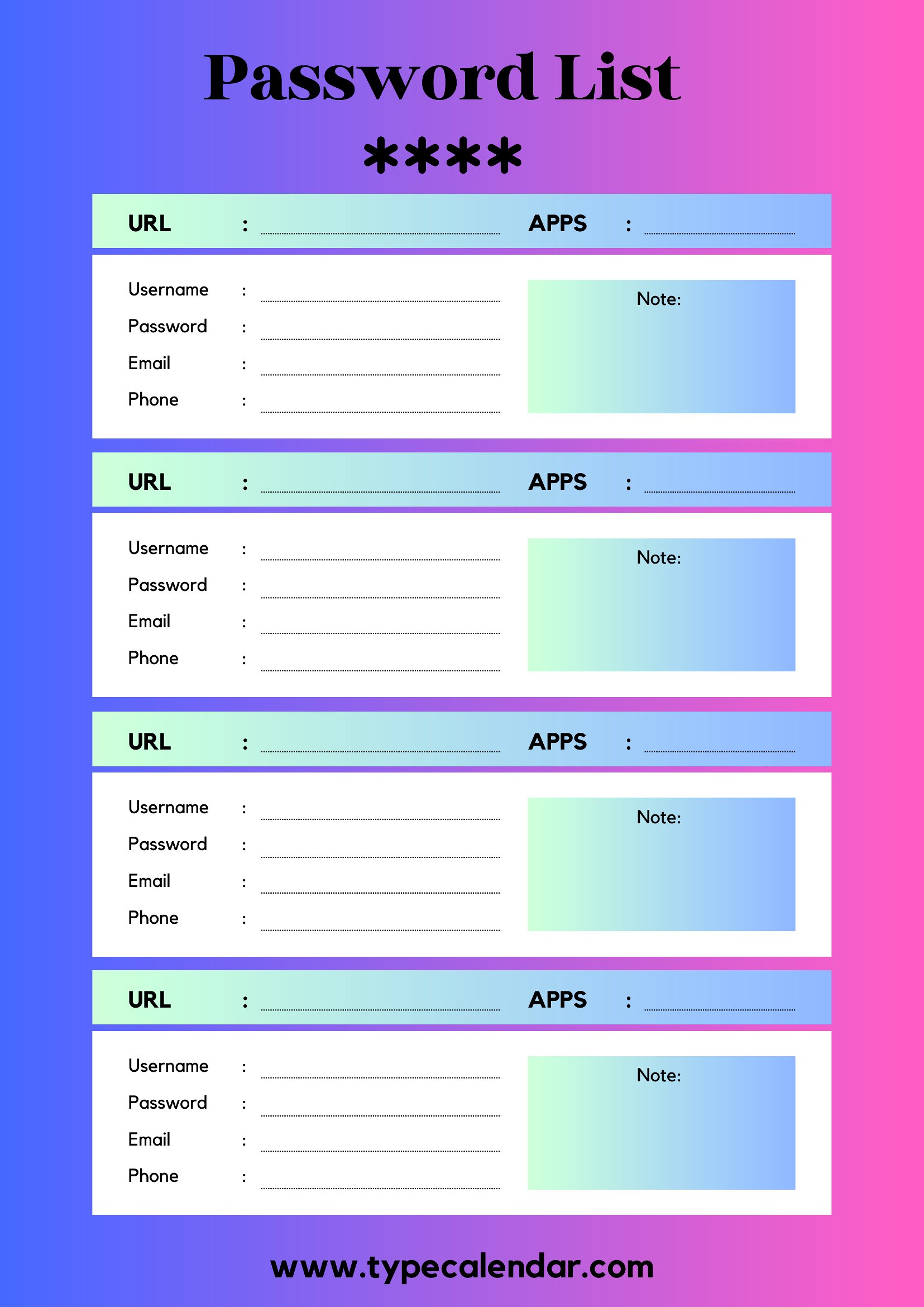
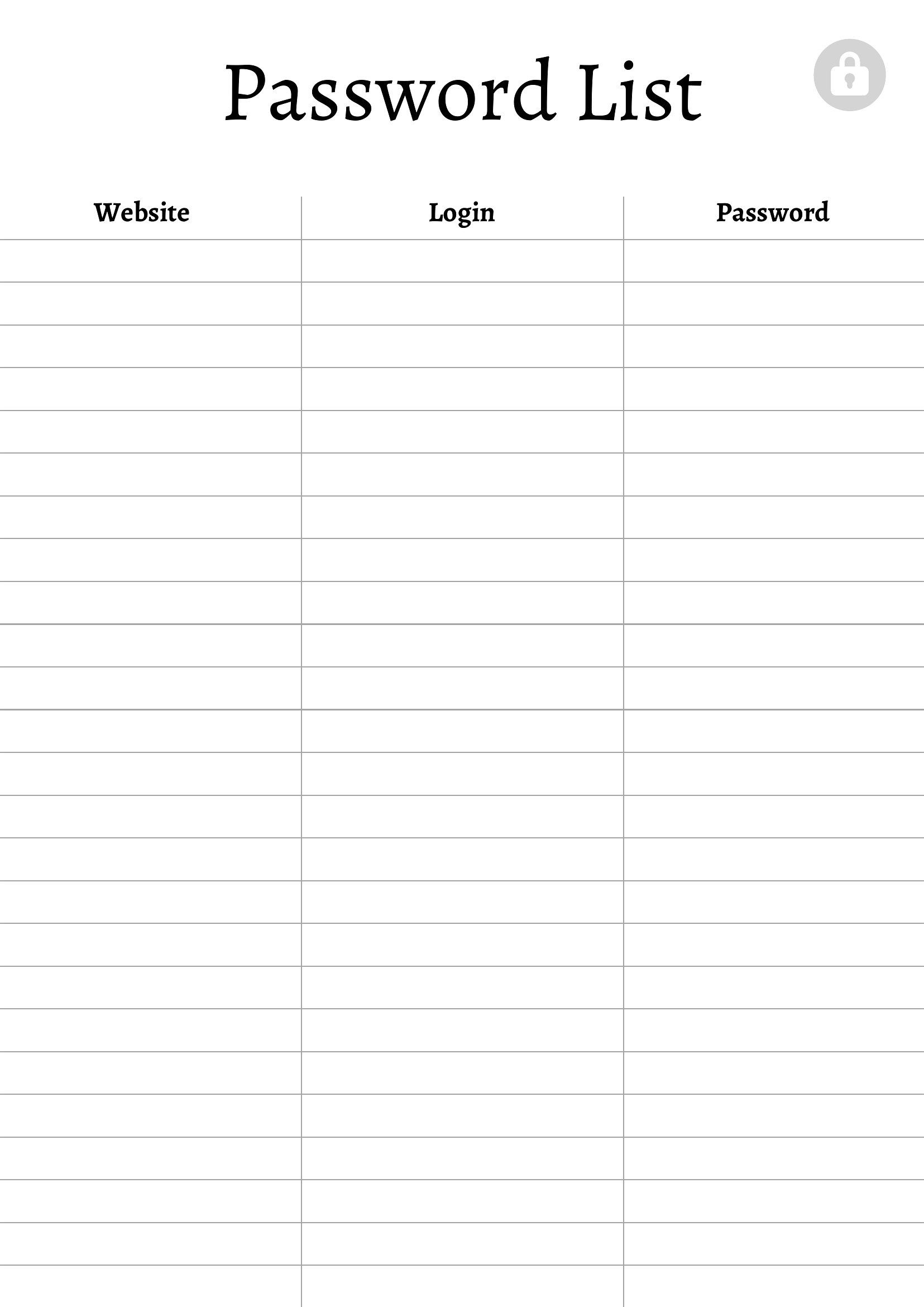
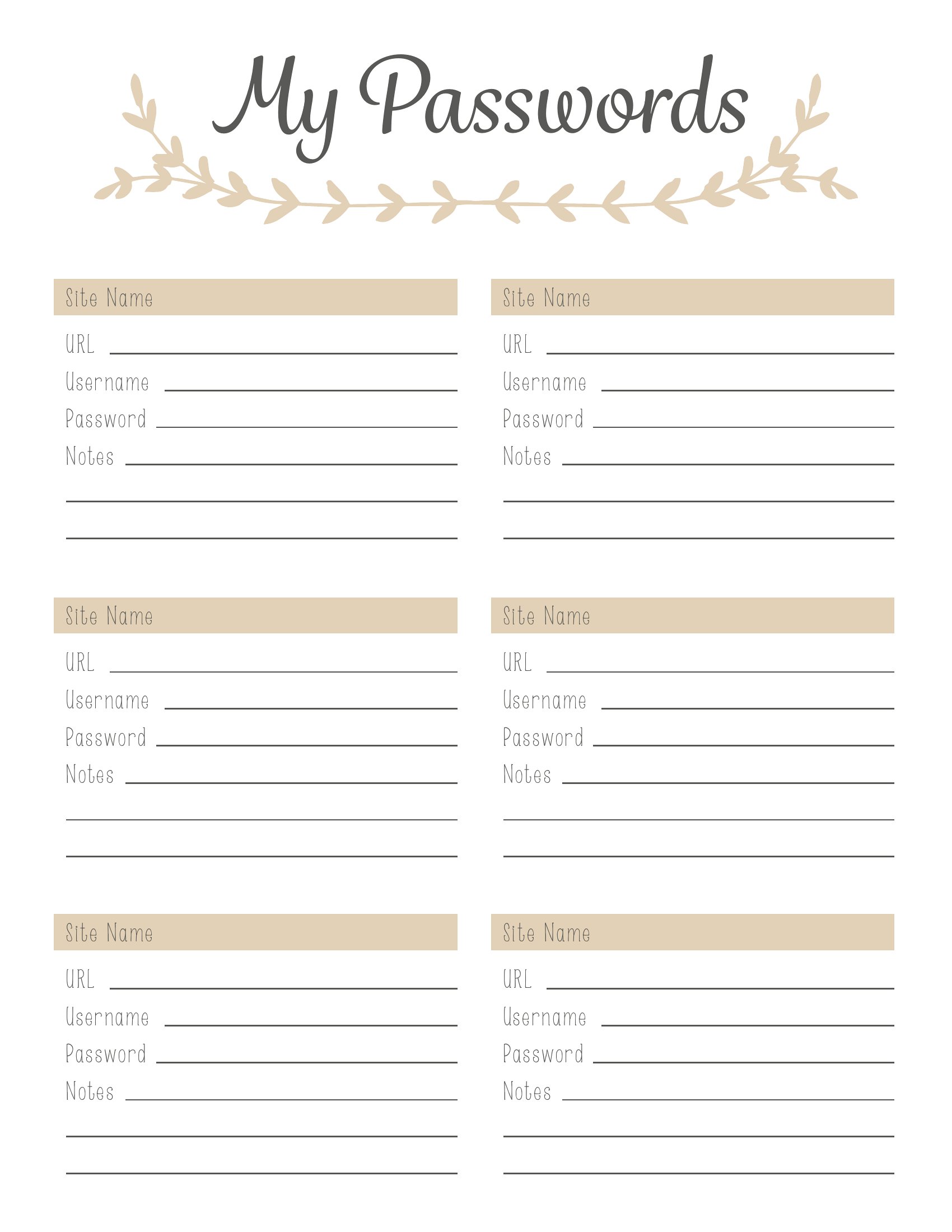
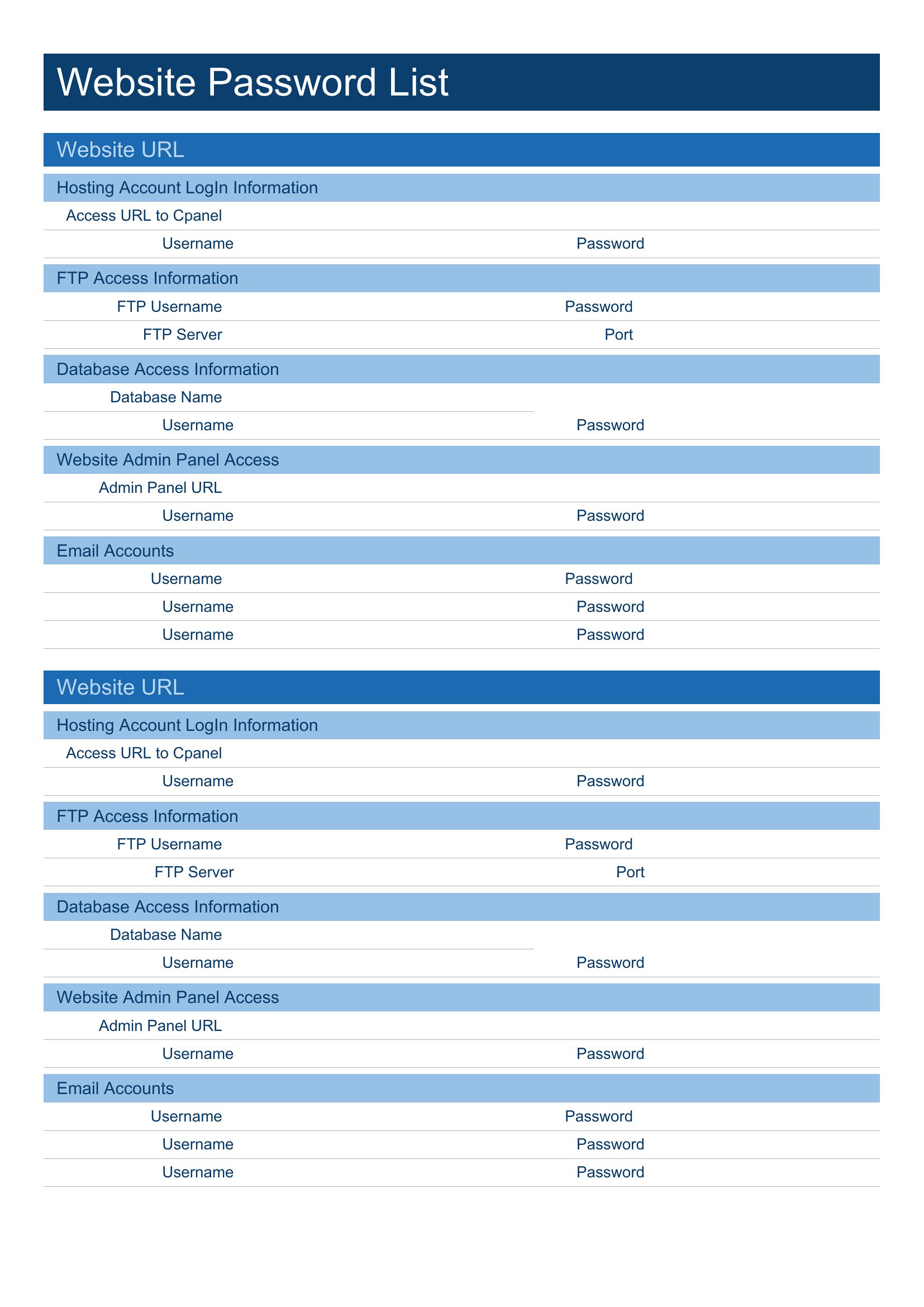
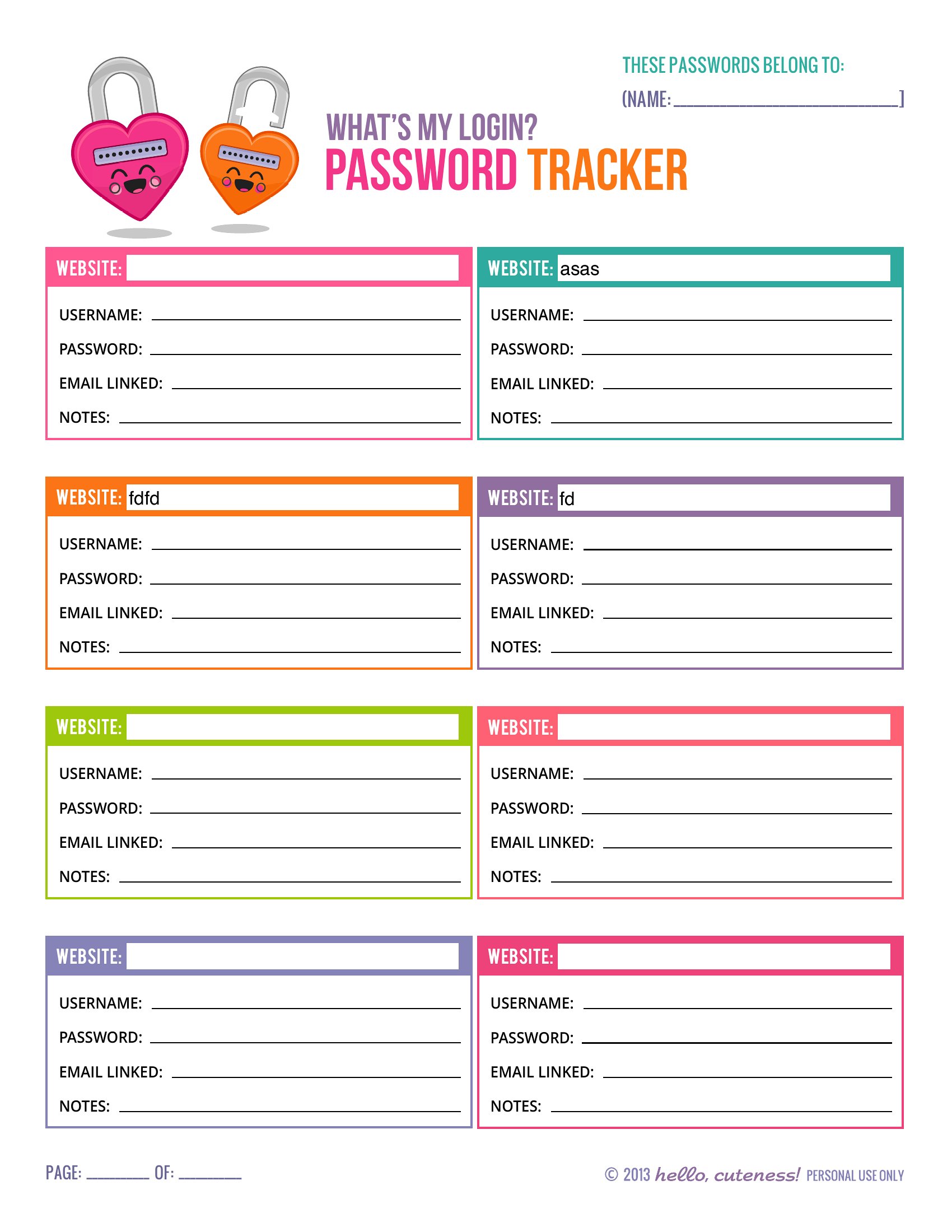
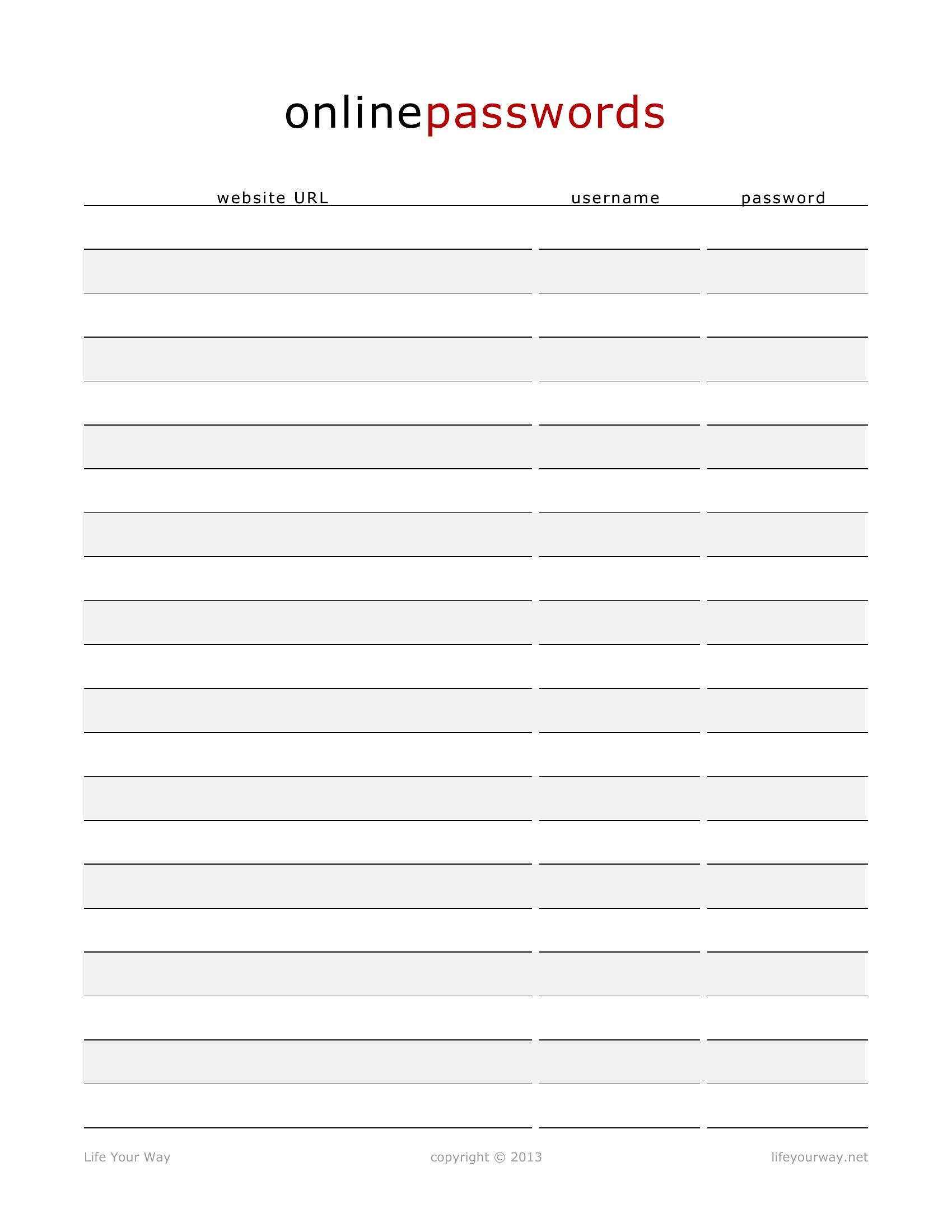
Remembering dozens of logins is impossible, and scribbling them on sticky notes is asking for trouble. These 42 password list templates give you a single organized place to record sites, usernames, and hints, whether for personal accounts or a small office. Layouts range from compact pocket logs to full sheets sorted alphabetically.

Choose an Excel sheet you can sort and search, a Word file to tweak the columns, or a printable PDF for a binder you keep somewhere safe. Because a password list is sensitive, store the finished copy securely and avoid leaving it in plain sight. Download the layout that suits you and get your logins out of your head and into one tidy reference.

When to use this Password List template

  • Small business owners tracking admin logins for 5+ team members to maintain security while avoiding shared passwords across departments.
  • Parents overseeing 3+ children’s online accounts for streaming services, educational platforms, and gaming, needing a single, searchable log for quick access.
  • Tech-savvy seniors managing their own passwords for banking, email, and social media but struggling to keep sticky notes organized in their wallet or planner.
  • Freelancers juggling client portals, invoicing tools, and subscription services, requiring a sortable list to quickly rotate passwords every 90 days as recommended by cybersecurity guidelines.

Which format should I download?

WordExcelPDF

For this collection, Word is ideal if you prioritize readability and ease of editing—add notes, color-code sections, or print a fillable version for sticky notes. Excel is the best choice if you need to sort by site, date, or security level, or search for specific logins quickly. PDF is best for sharing a finalized, uneditable version with a trusted family member or assistant who shouldn’t modify the list. Use PDF when you want to lock in the layout before printing or emailing it securely.

Choose from 42 Password List Templates

How to use this Password List template

Can I use these templates to store passwords for my work email and company accounts?

These templates provide a structured way to organize passwords, but they’re not a replacement for secure, company-approved tools like password managers. For work accounts, follow your employer’s IT policies—these templates are best for personal or small-team logins where encryption or multi-factor authentication isn’t required.

How do I decide whether to use a compact pocket log or a full-sheet layout?

Pick the compact log if you want something portable to carry in your wallet or phone case for quick reference on the go. Opt for the full-sheet layout if you have 20+ entries or prefer printing a single sheet to tape to your monitor or keep in a home office binder for easy scanning.

Should I include password hints or just the passwords themselves?

It’s safer to use vague hints (e.g., ‘First pet’s name’) rather than full answers (e.g., ‘Fluffy1990’). Avoid storing the actual passwords in the template—use it to log only usernames, sites, and recovery questions. For extra security, consider using a separate encrypted file for the full details, stored offline.

Comments

Join the conversation

Sign in to share your thoughts and leave a comment on this resource.

Newsletter

Get Weekly Design Updates

Join our community to receive curated resources and inspiration.

Weekly Tips Resources Early Access

We respect your privacy. Confirmation email required. Privacy Policy