
FAQ
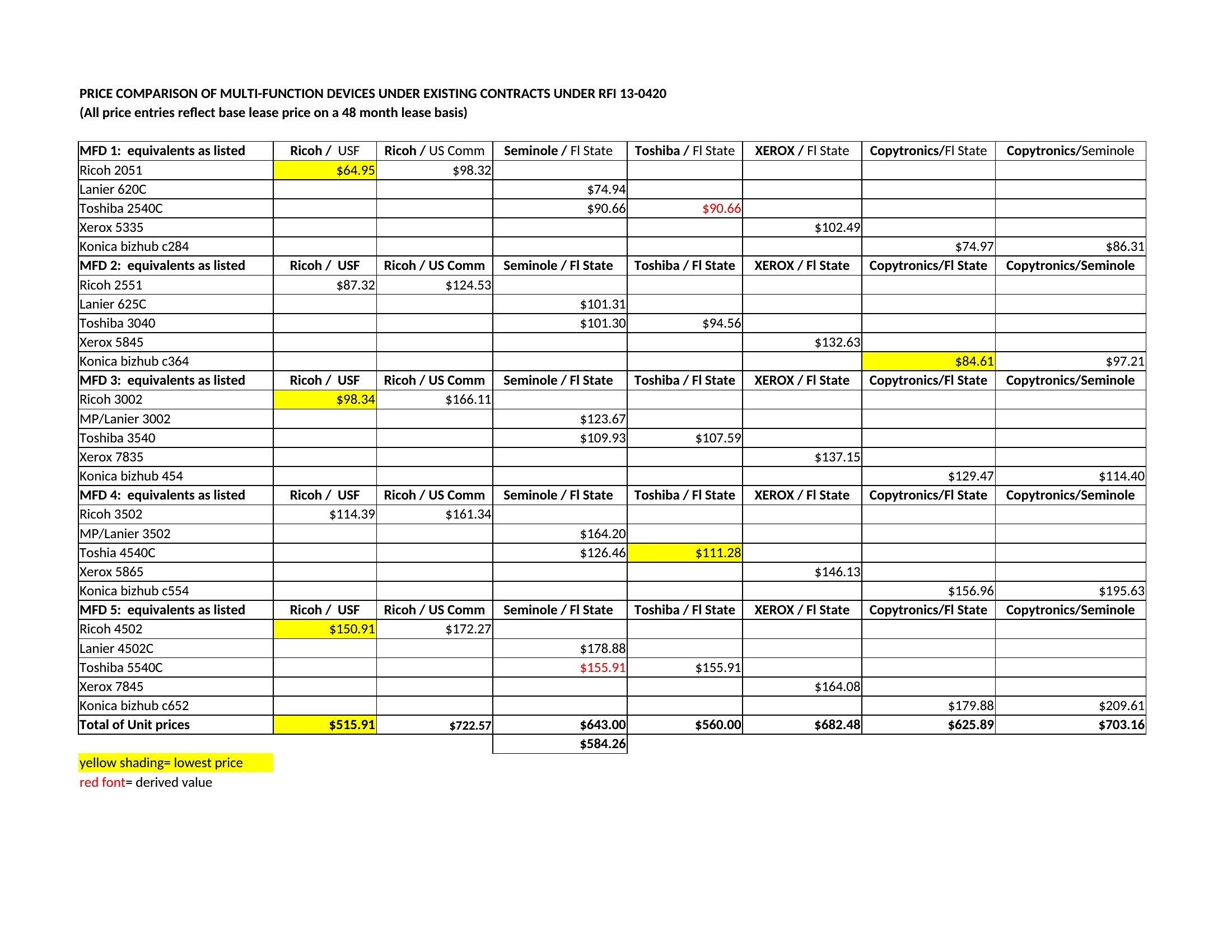
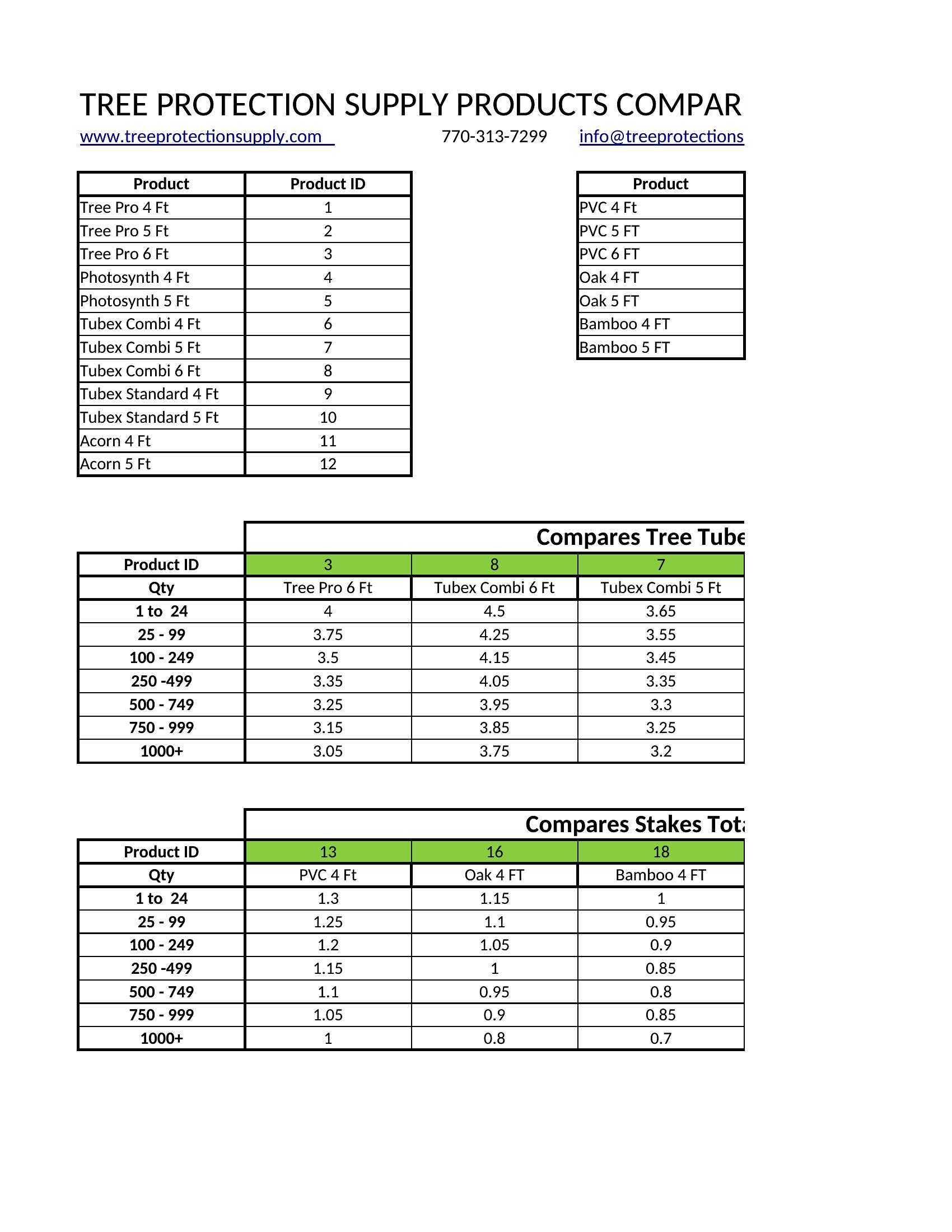
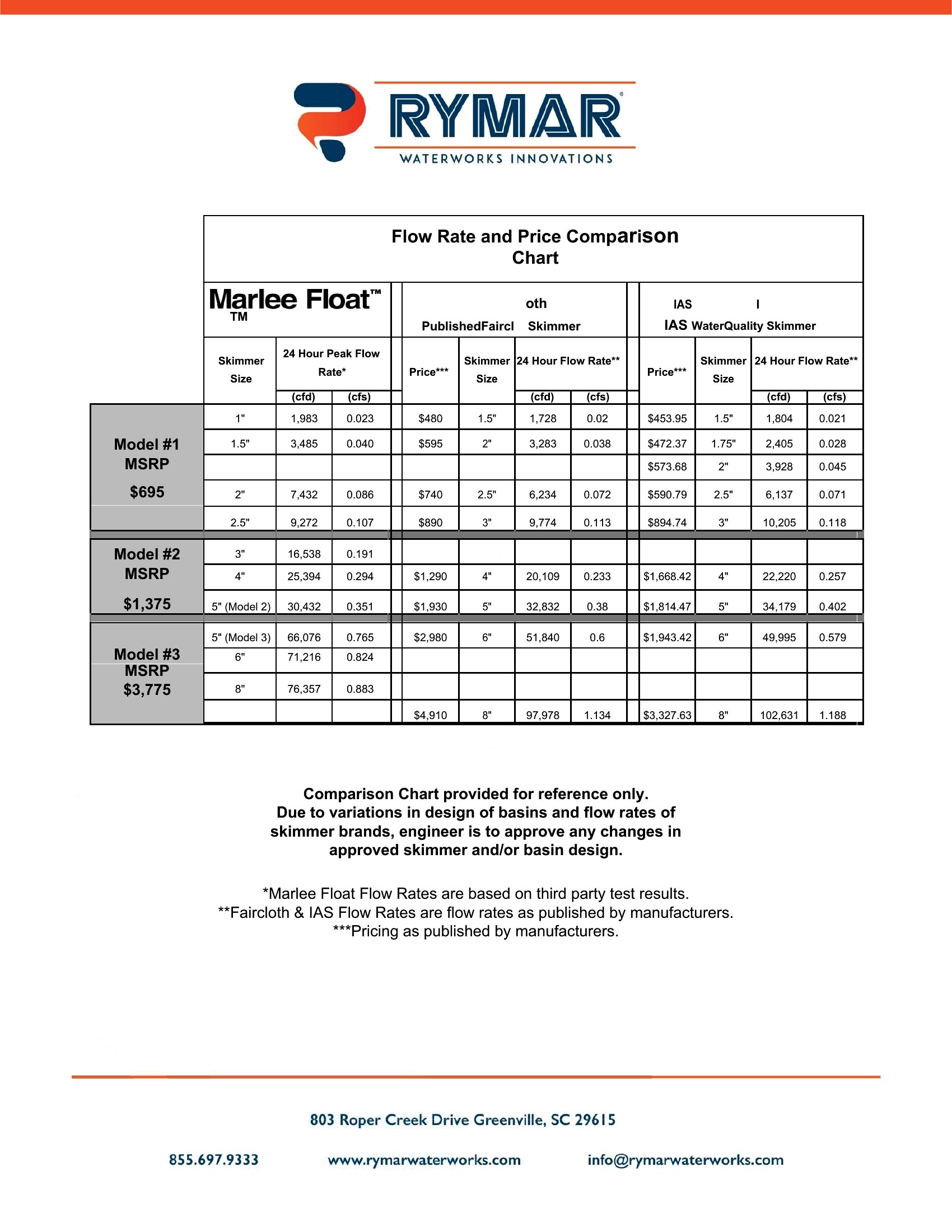
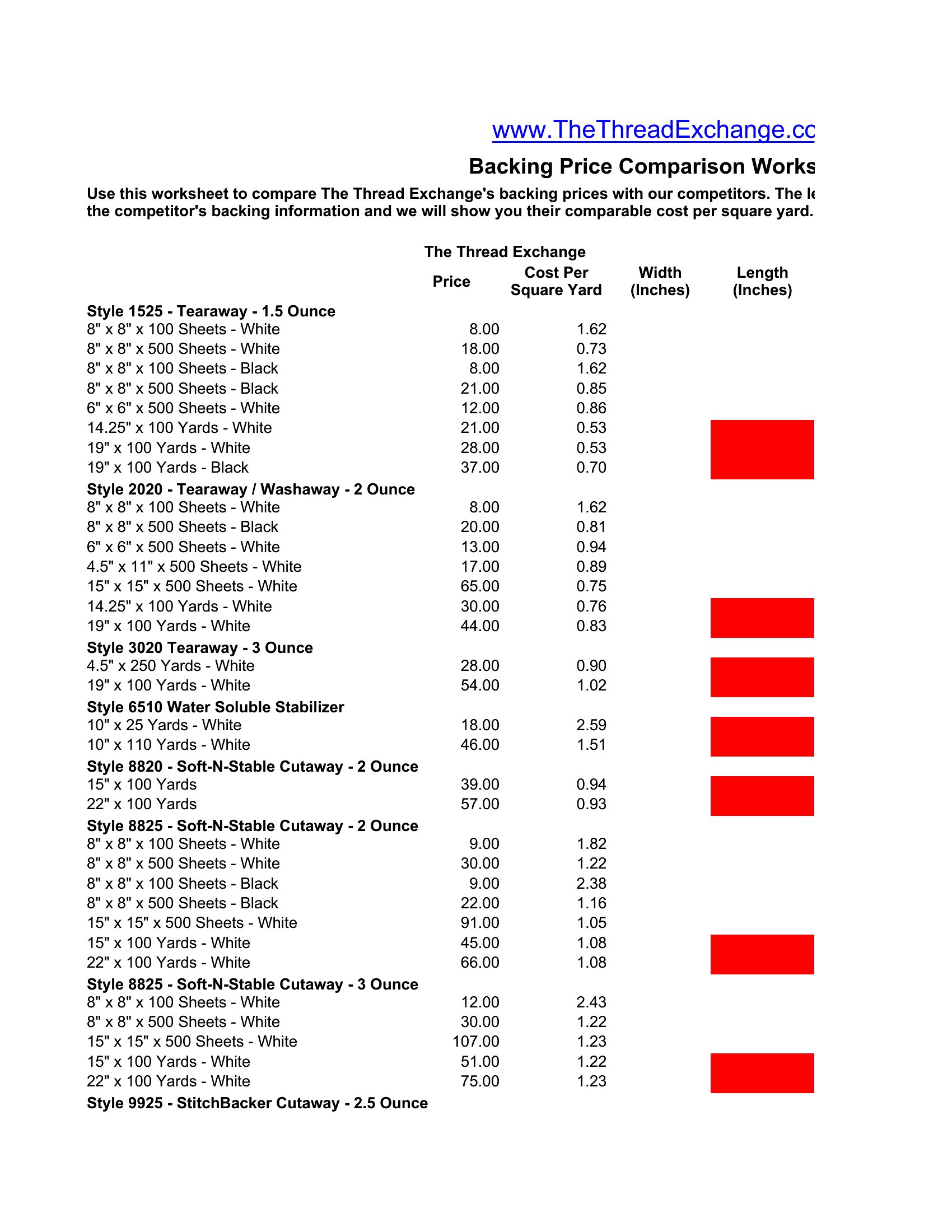
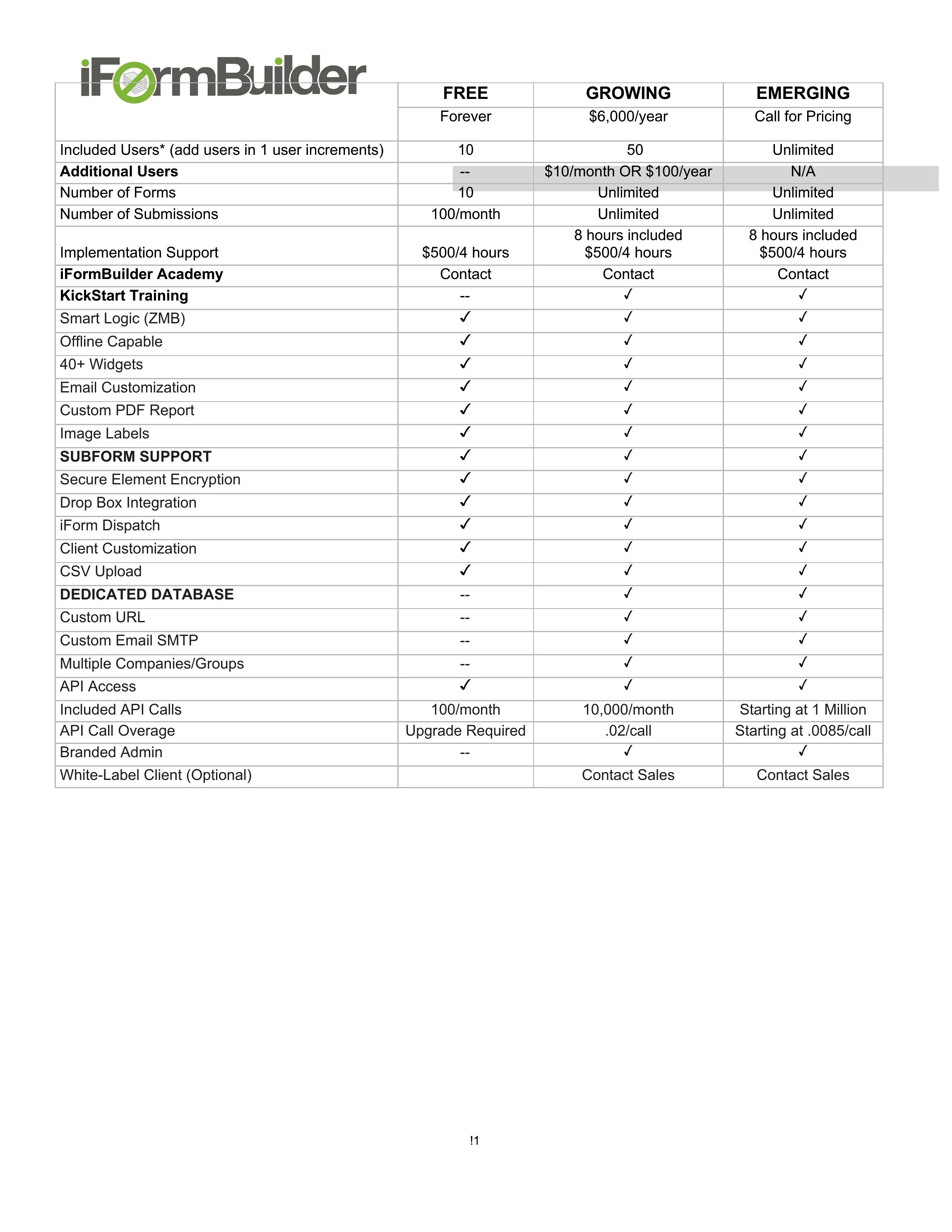
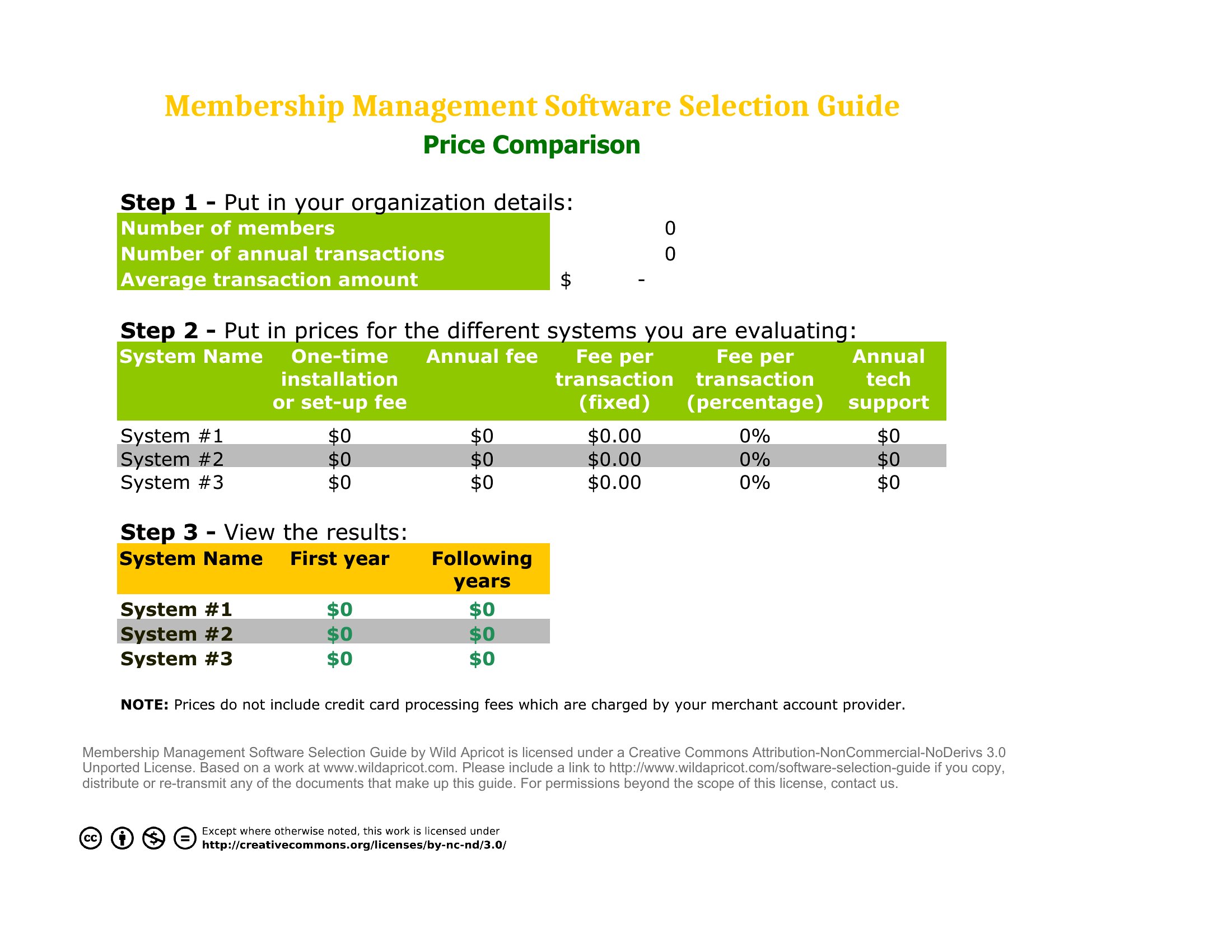
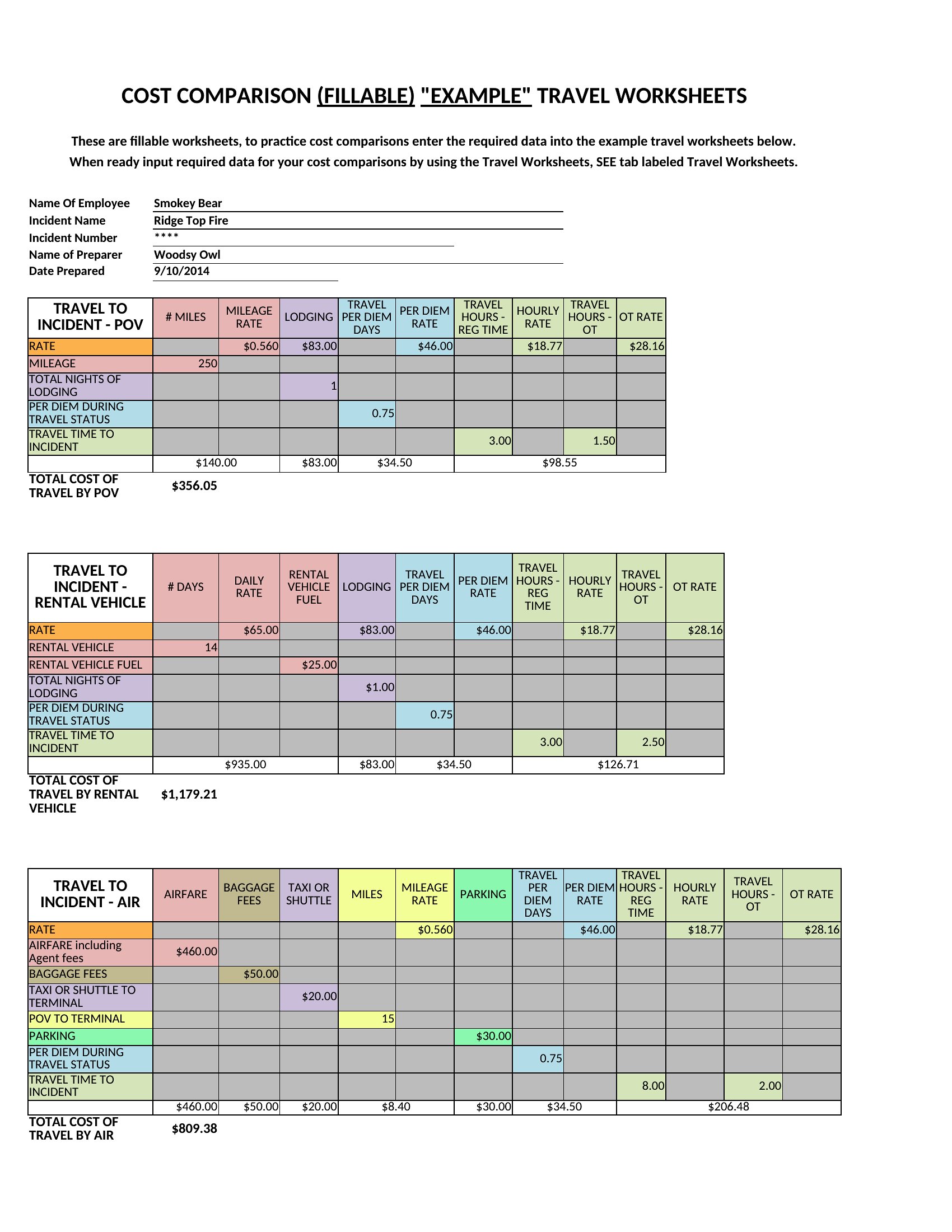
How can I make sure my price comparison is fair if the vendors offer different payment terms?
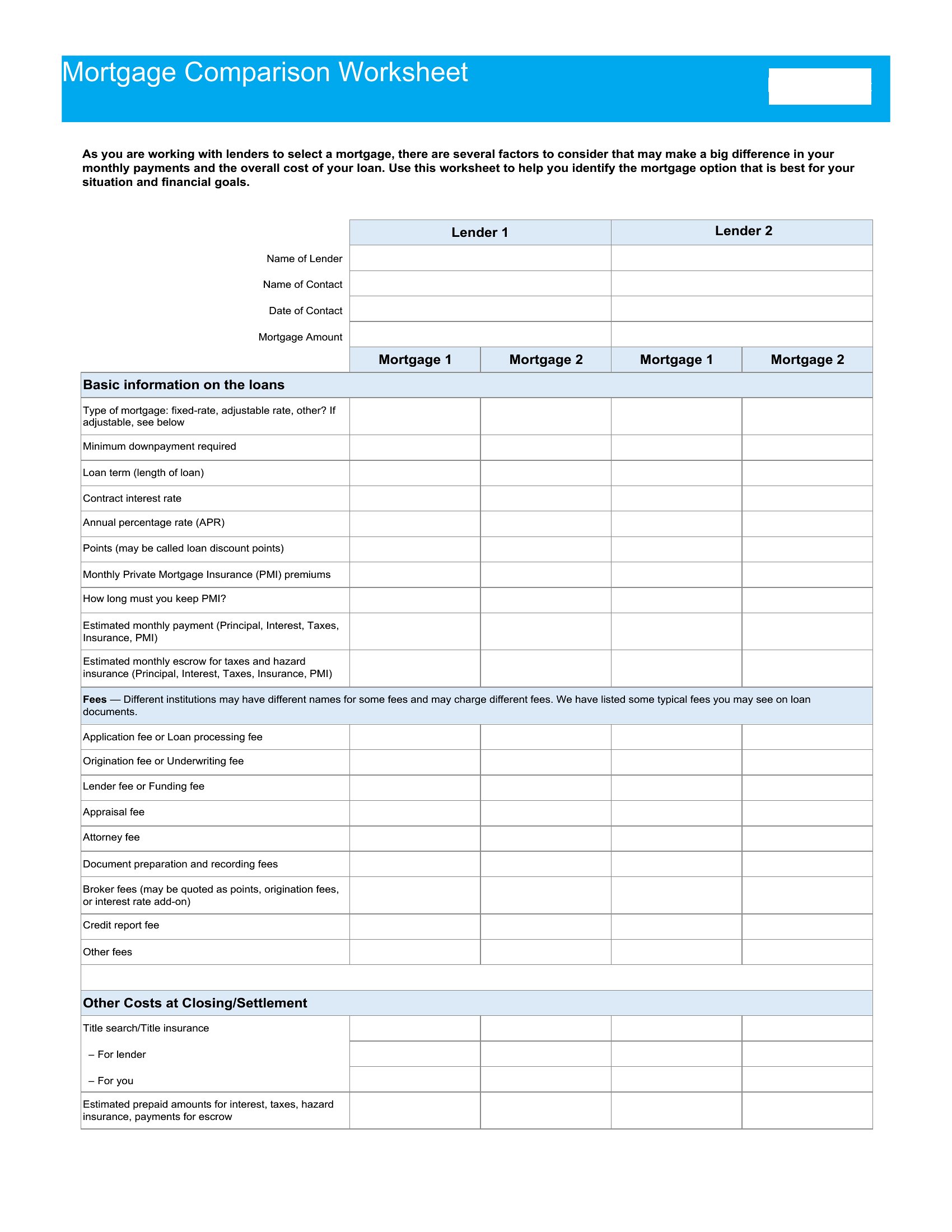
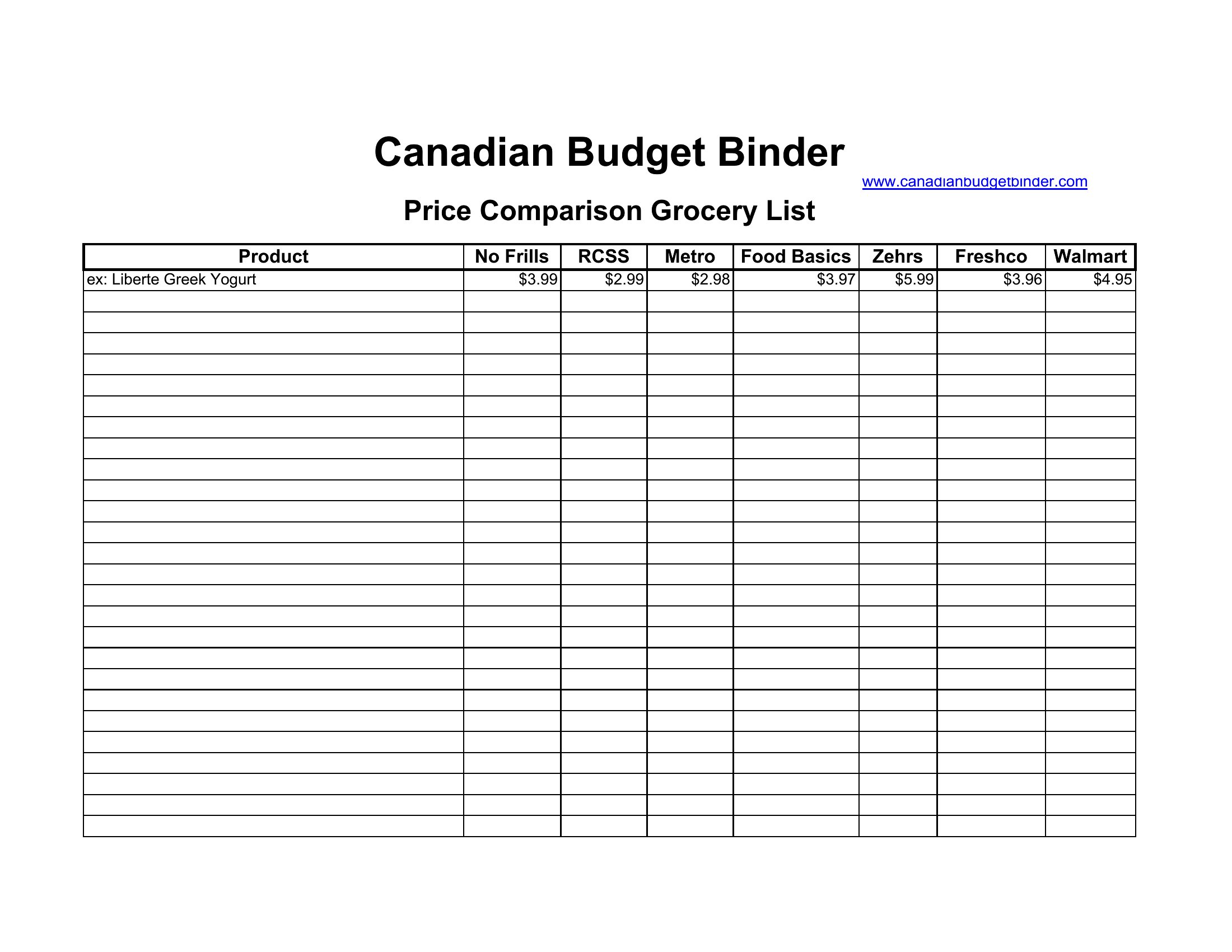
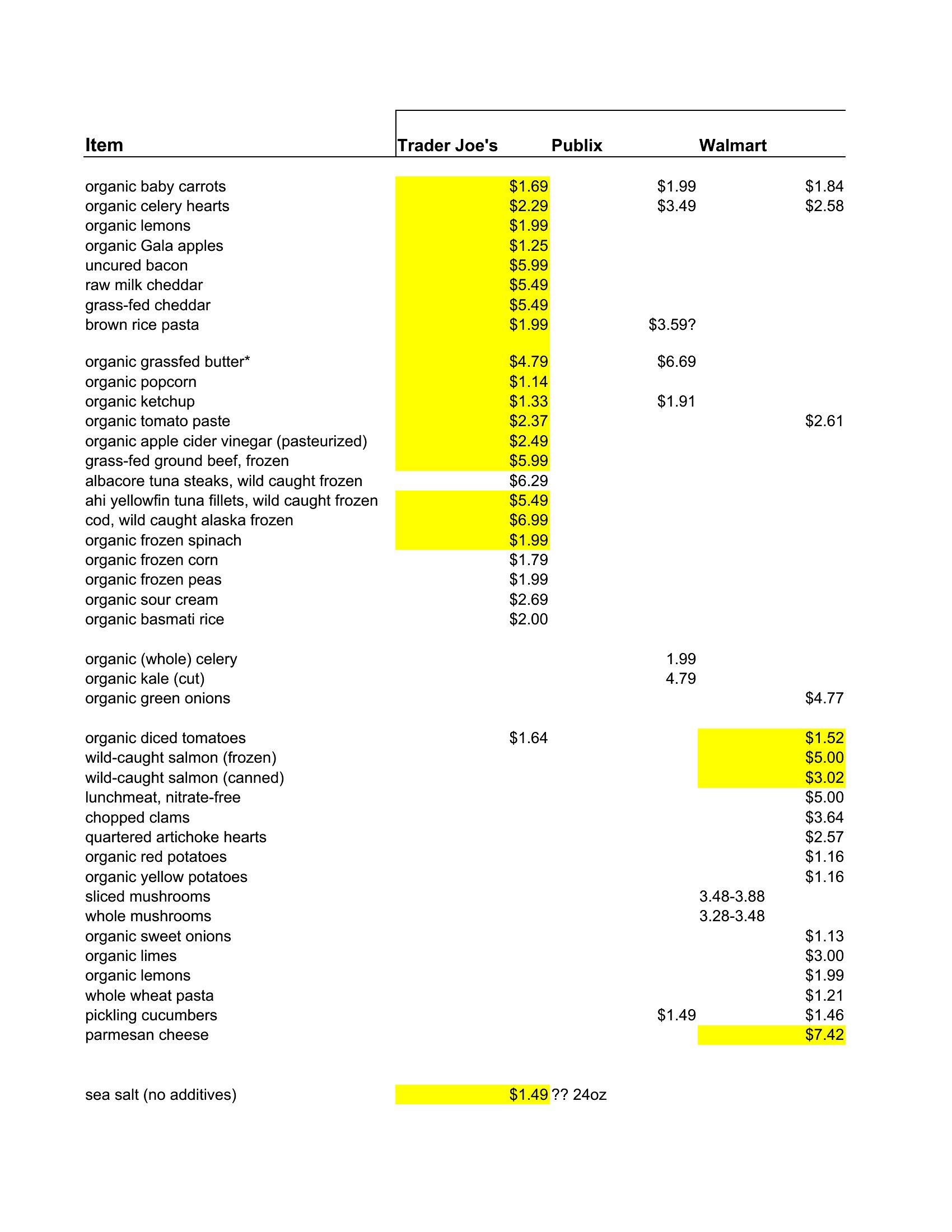
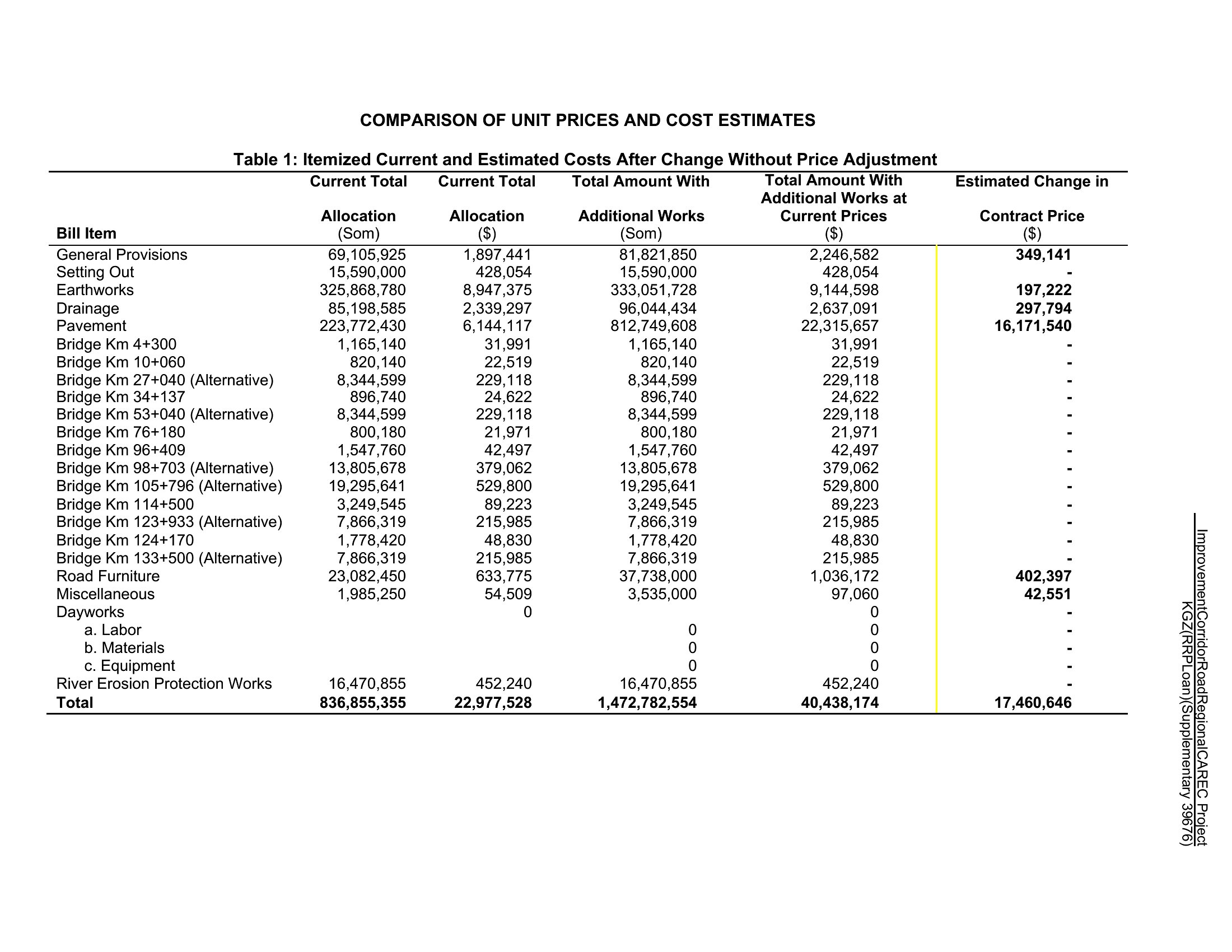
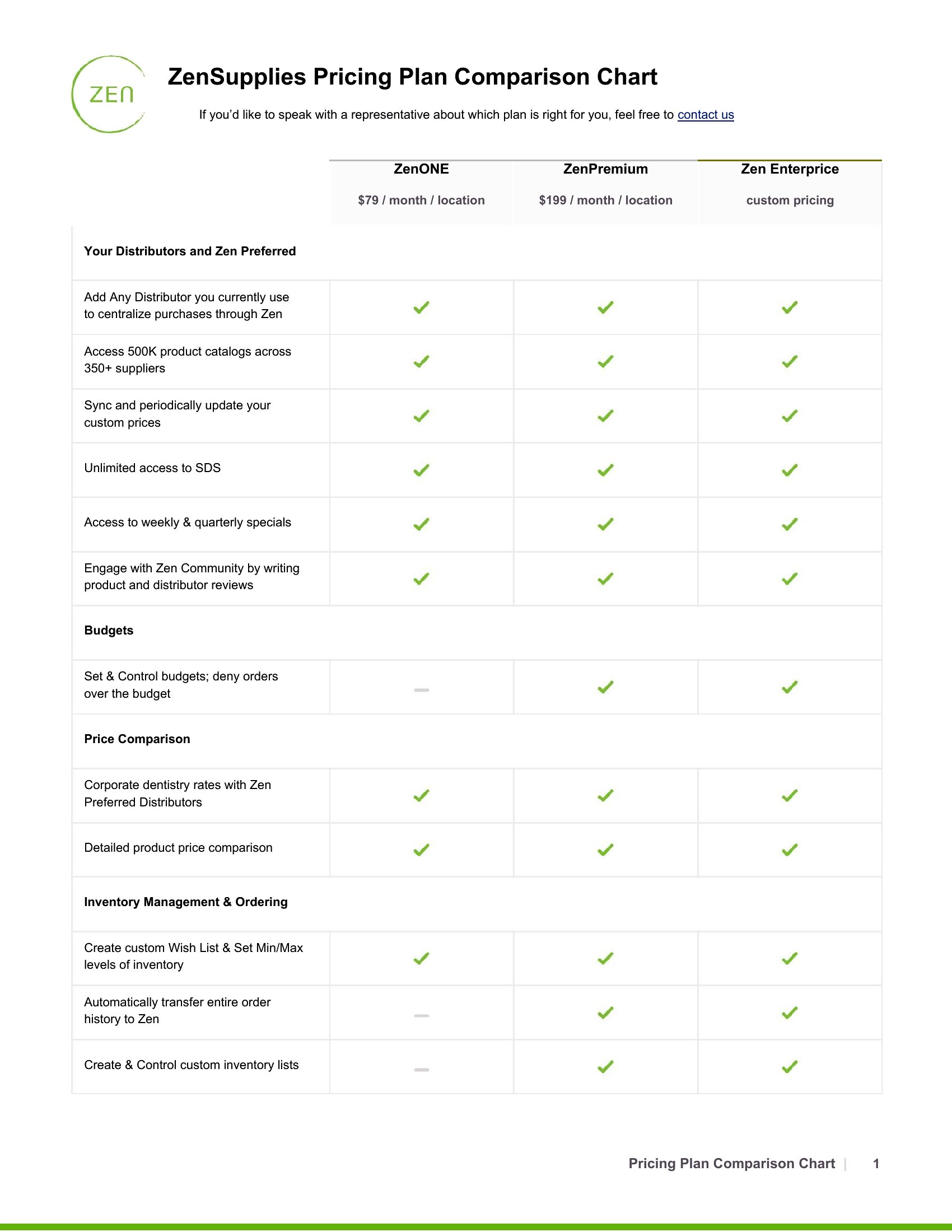
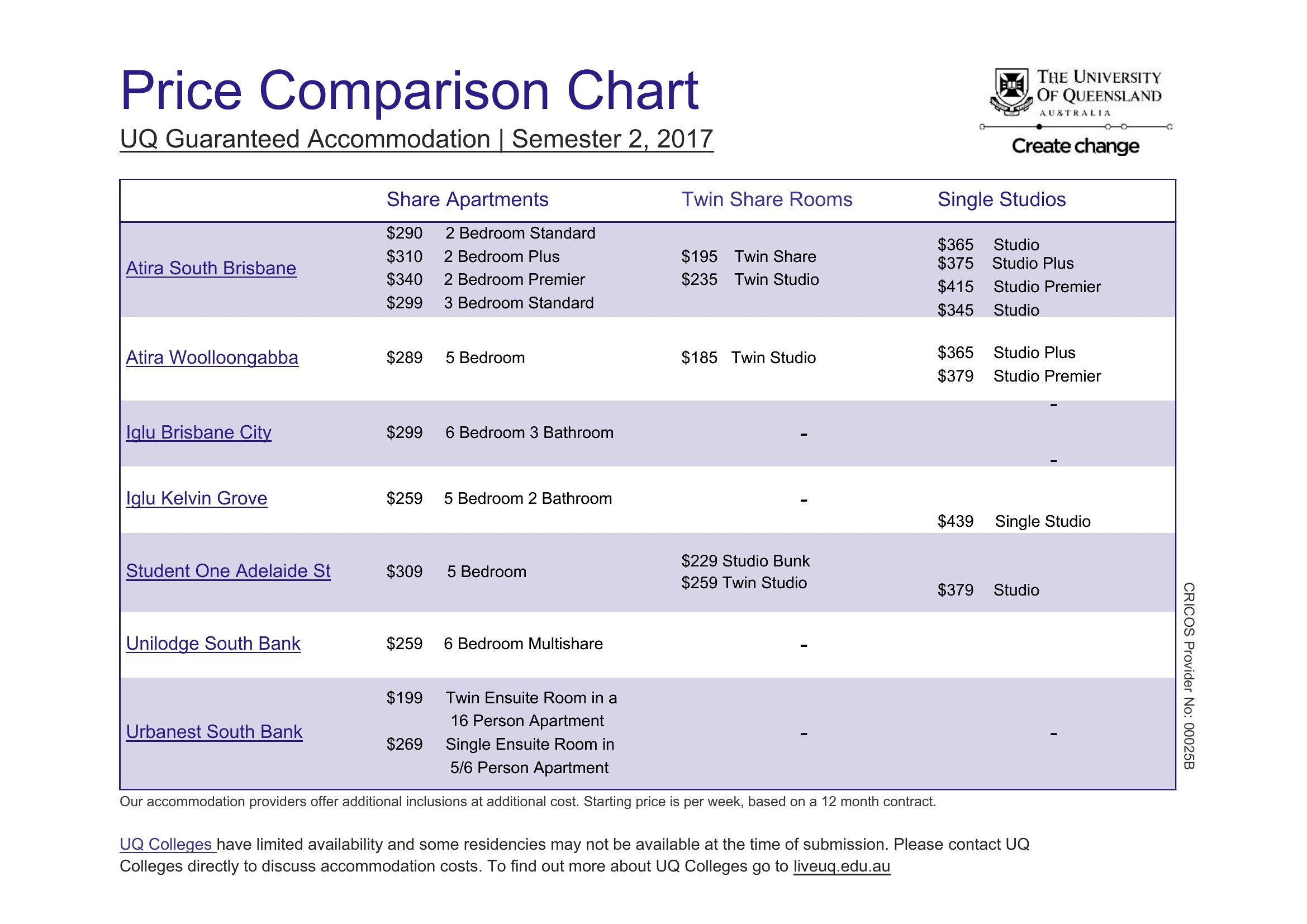
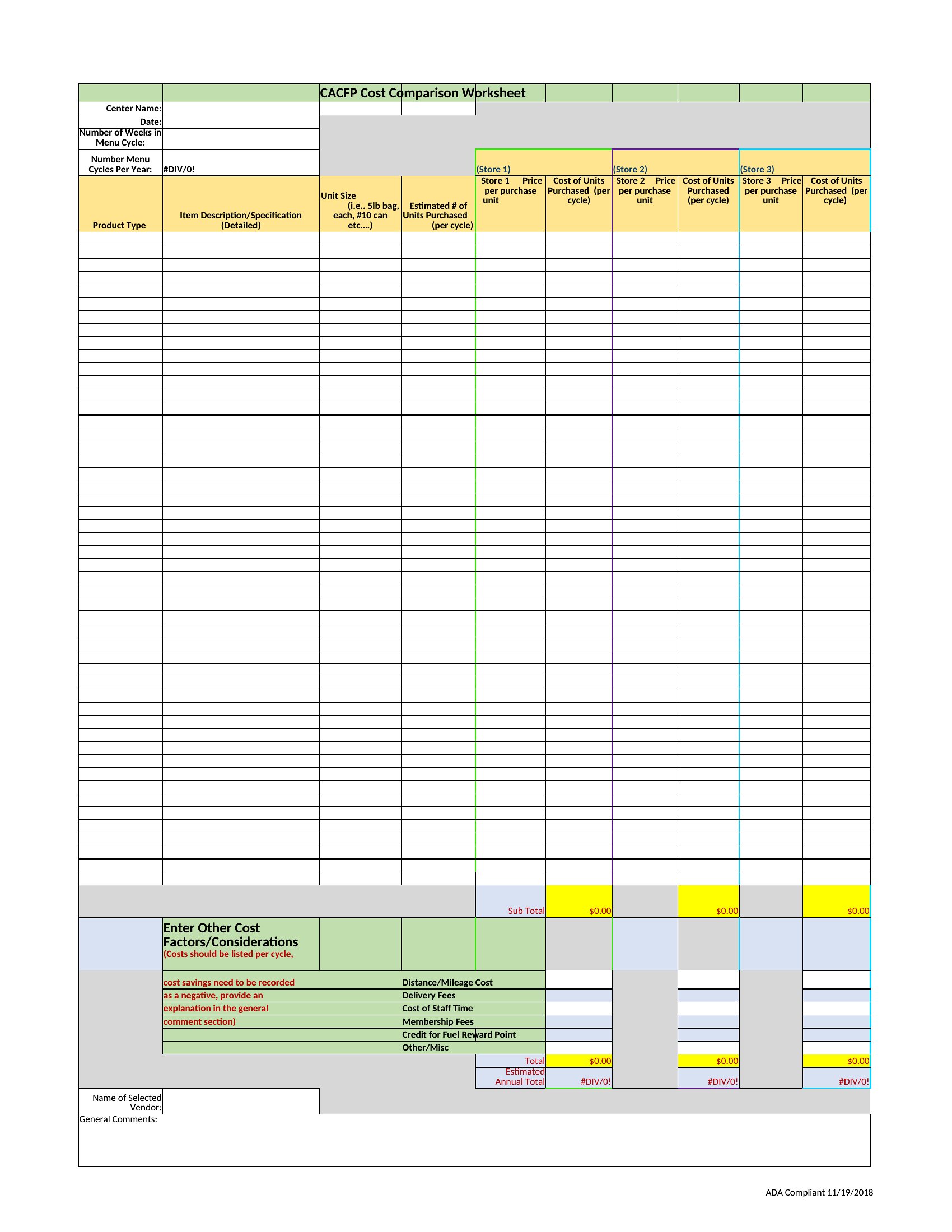
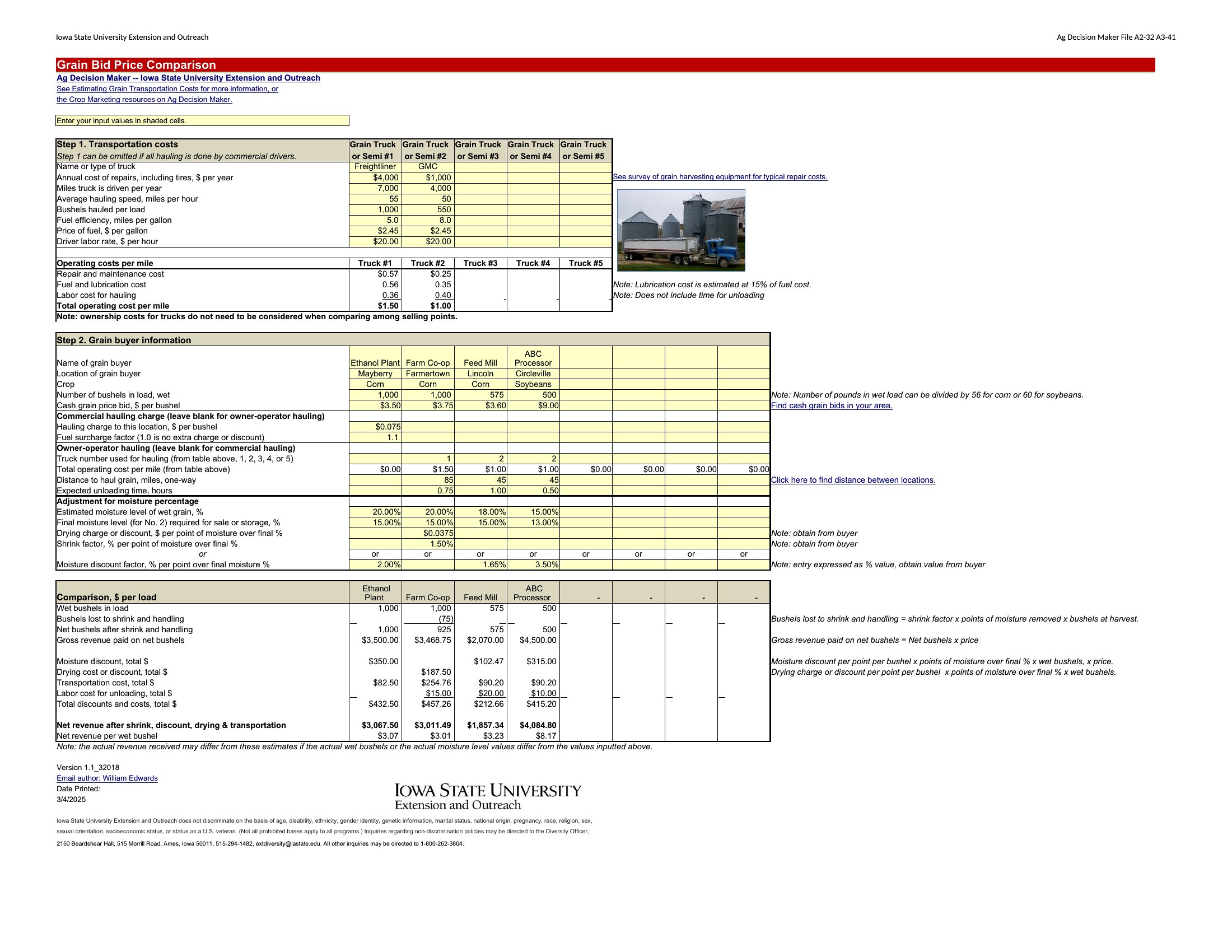
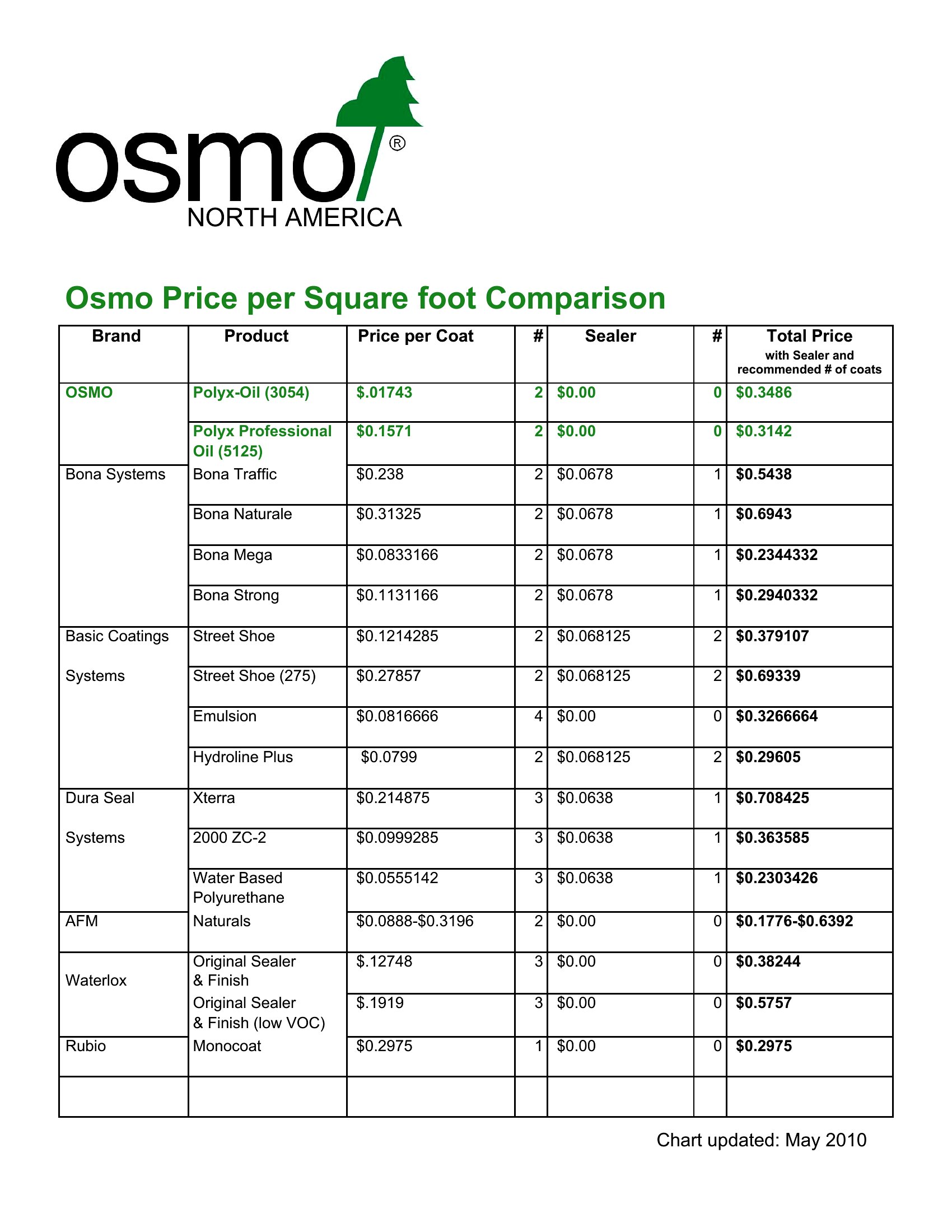
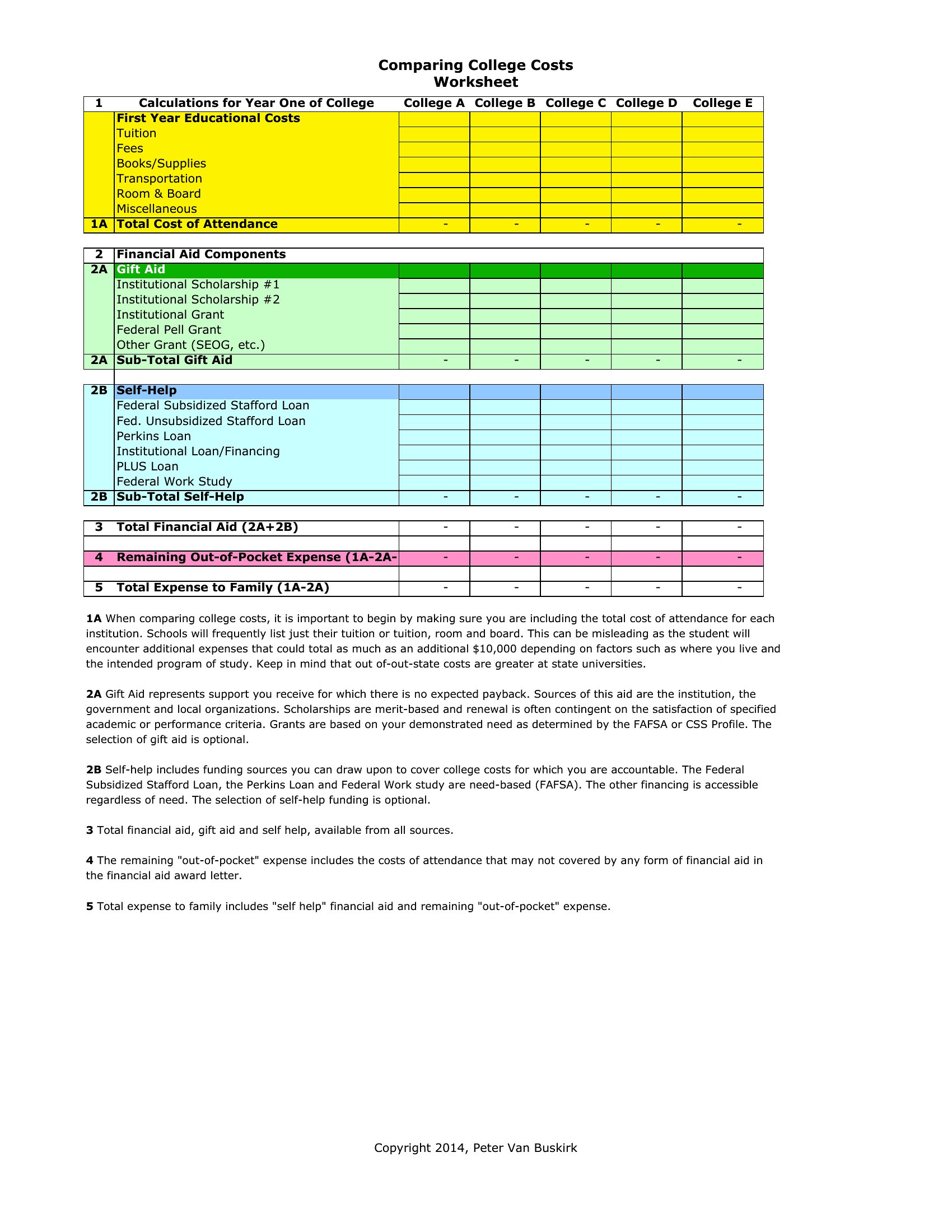
Adjust your comparison by converting all prices to a comparable metric, like the total cost per unit over a year, or include a separate column for payment terms. For example, if one vendor offers a 10% discount for upfront payment, note that alongside the listed price. This helps highlight the true value, not just the sticker price.
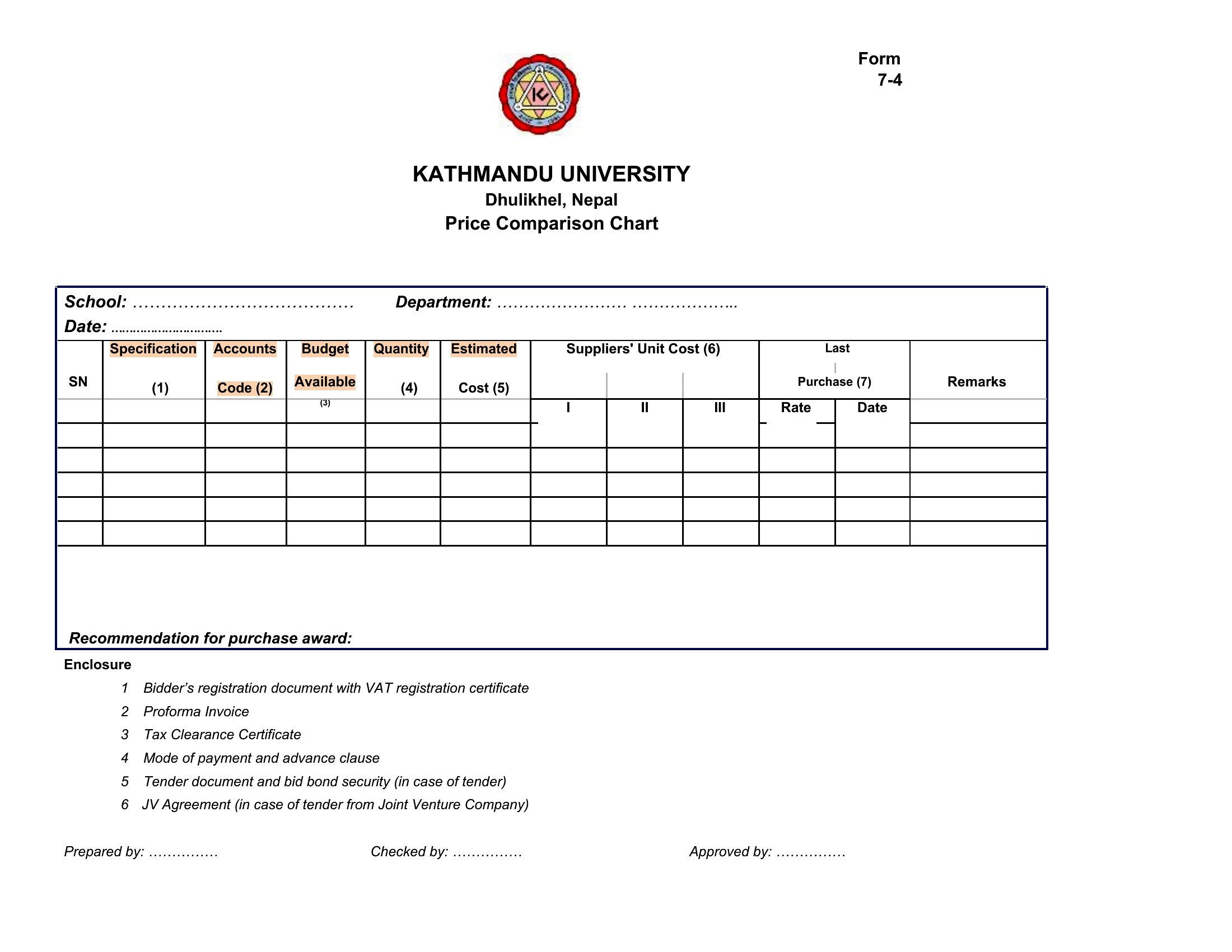
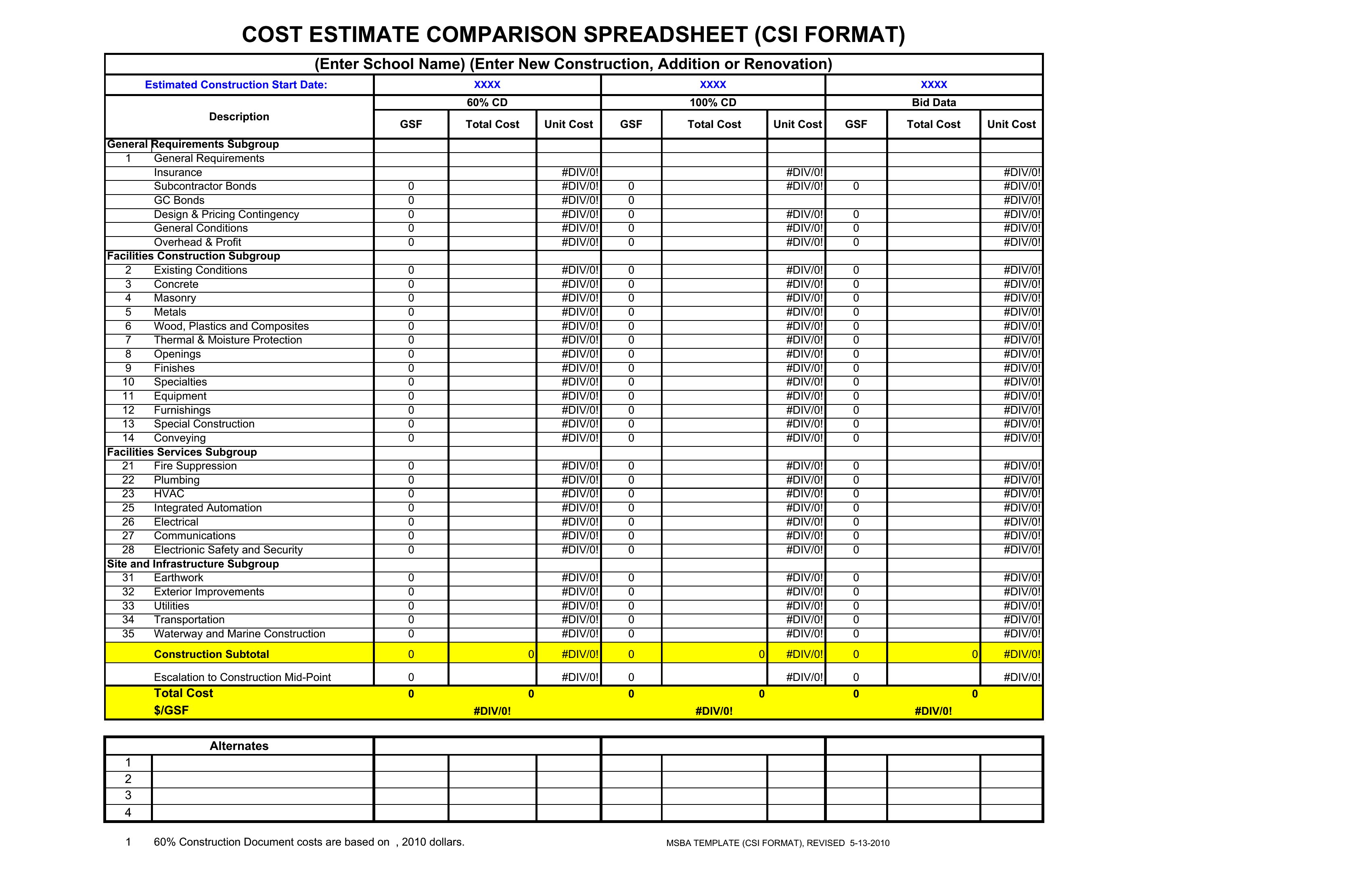
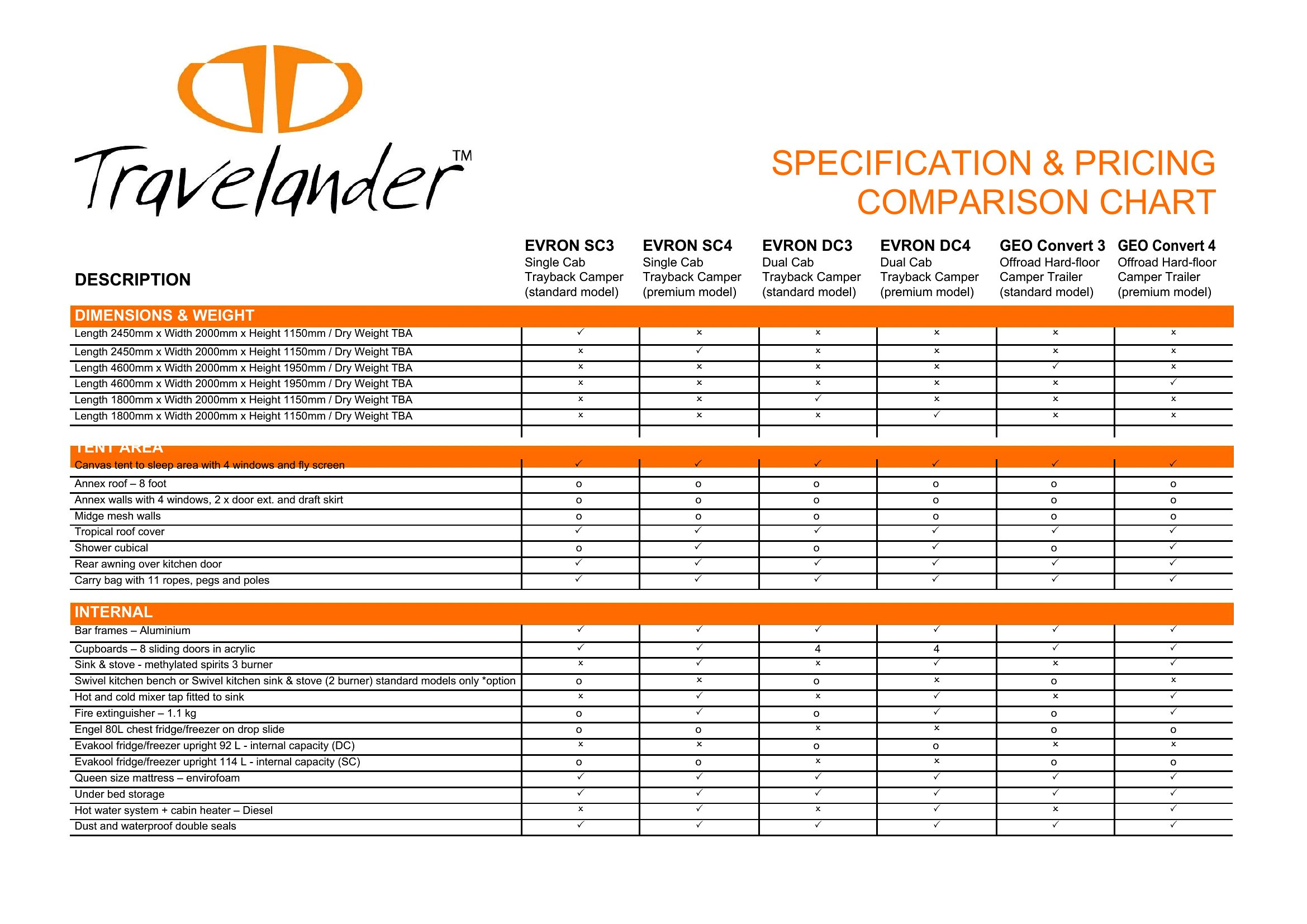
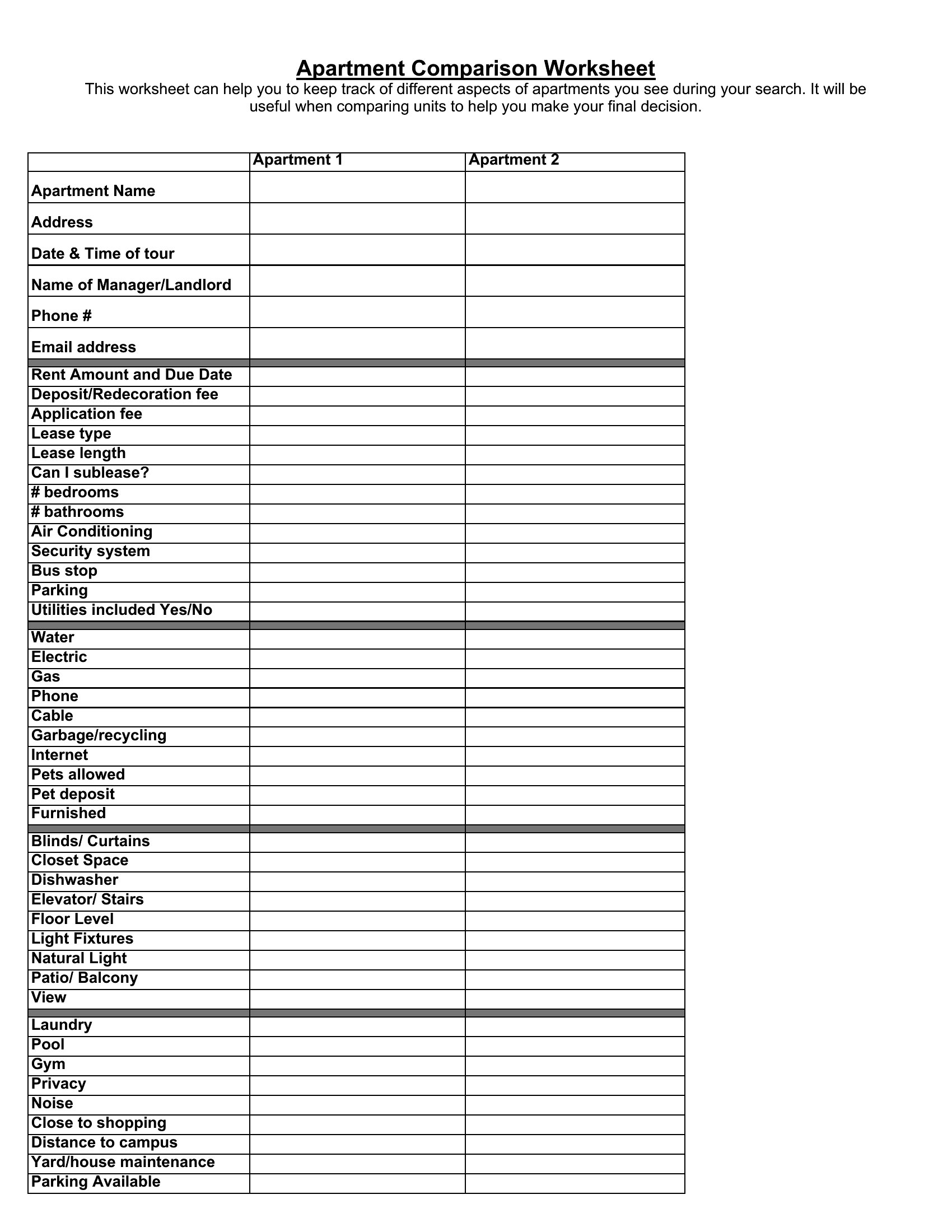
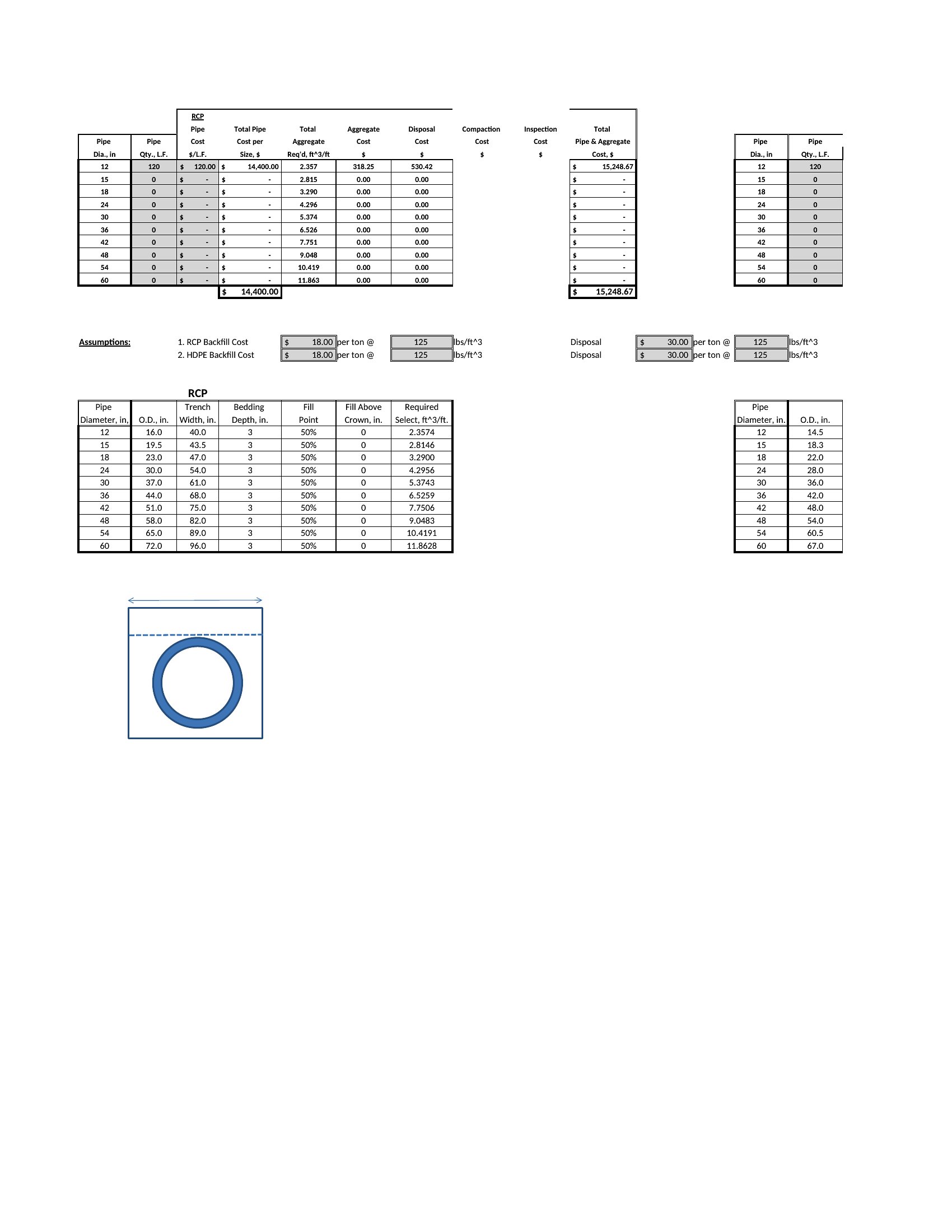
Can I add custom columns for features that aren’t included in the templates?
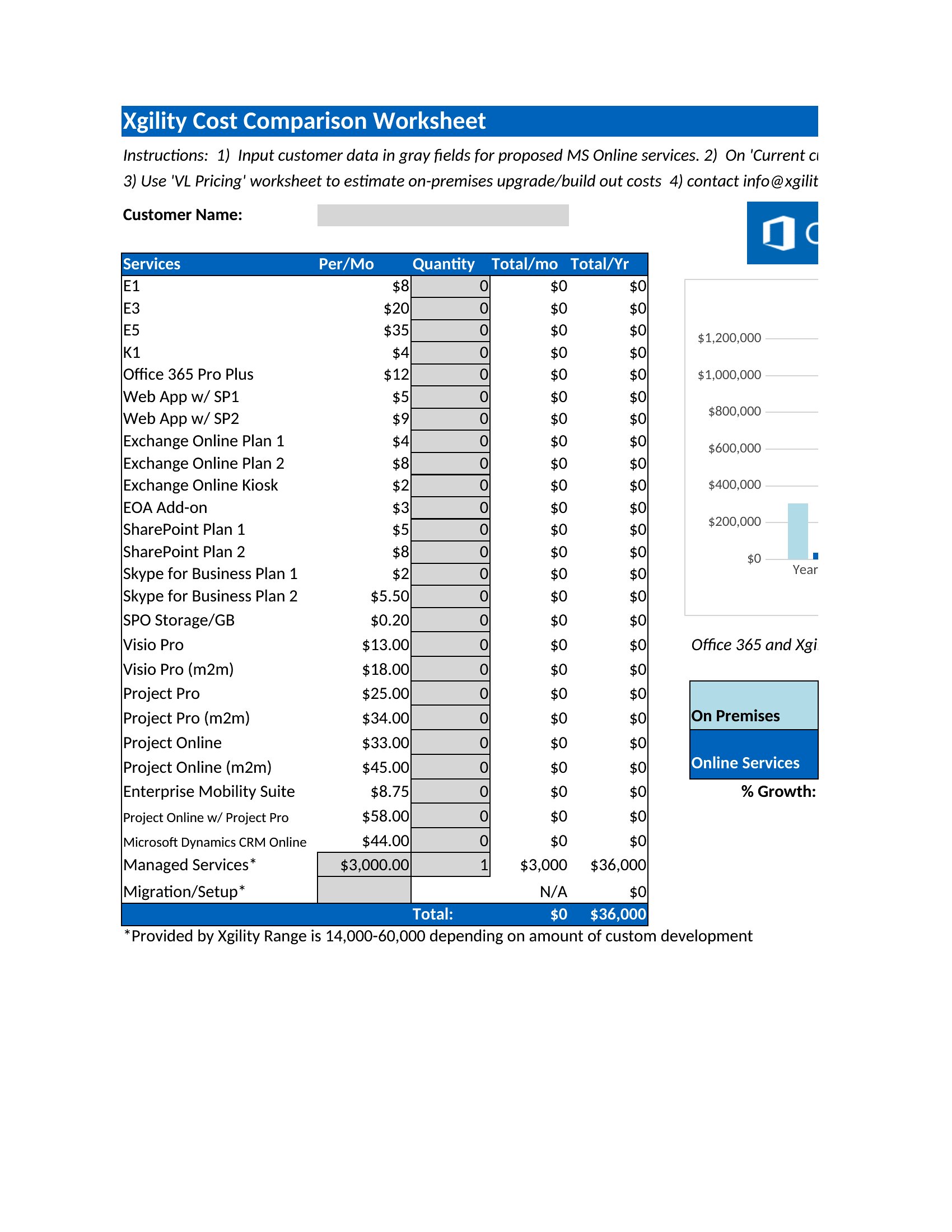
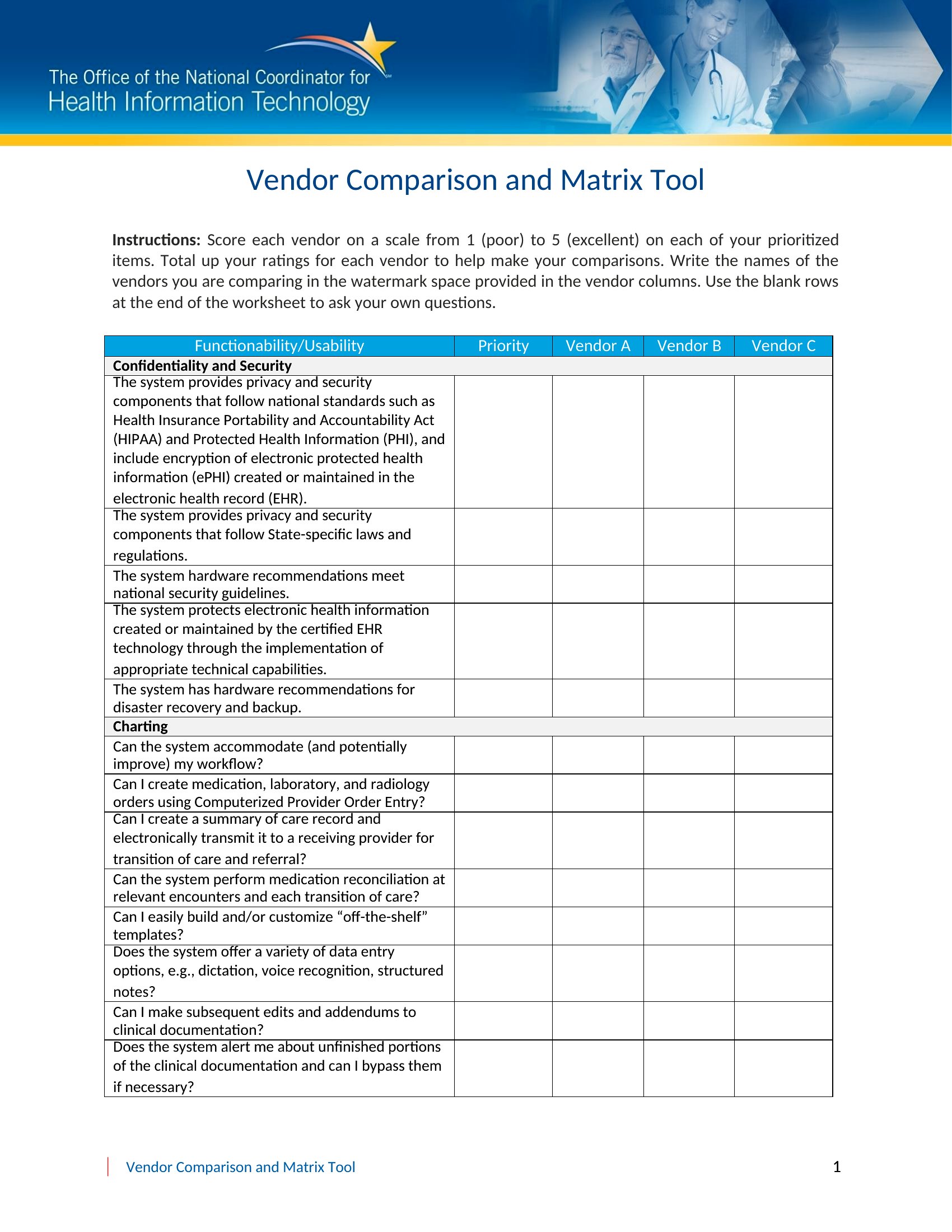
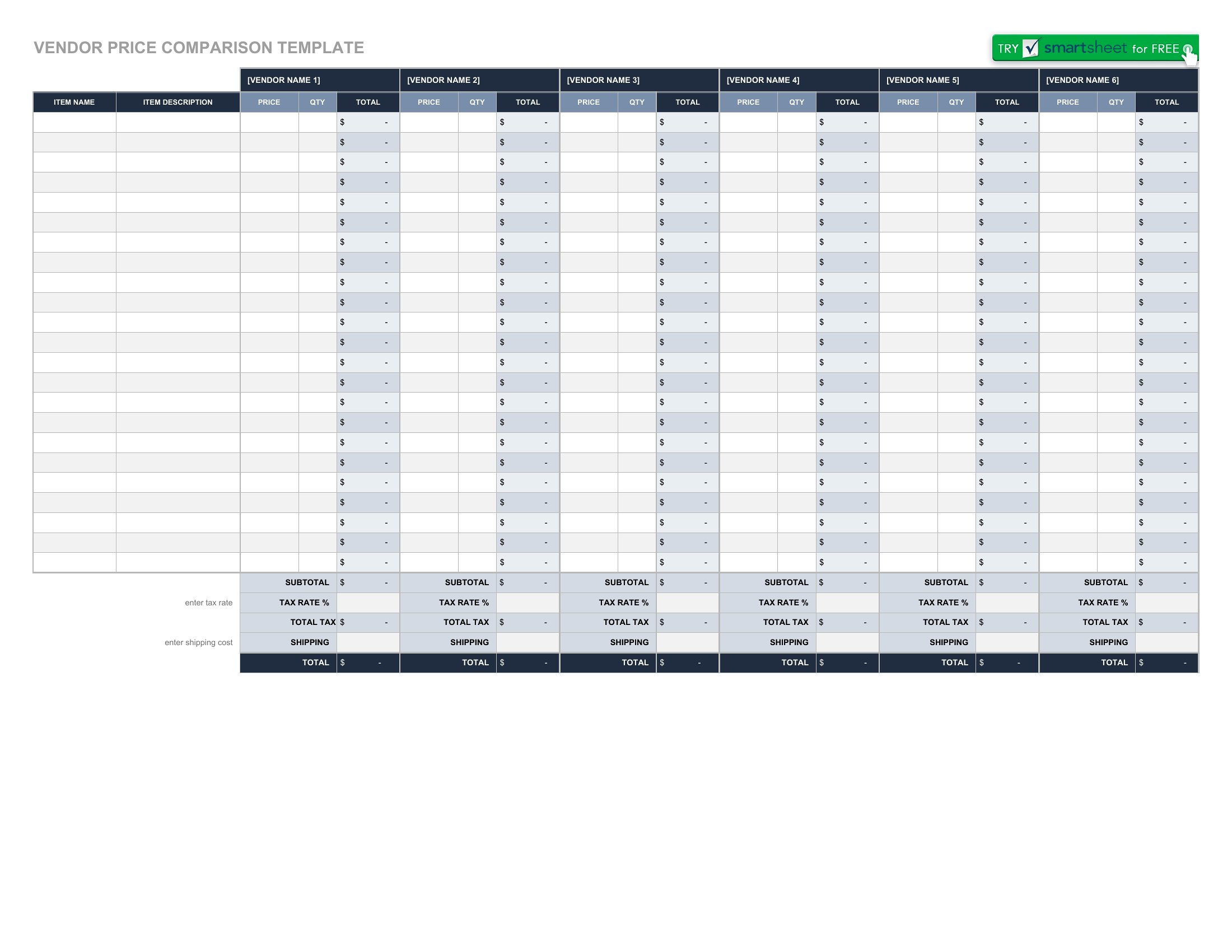
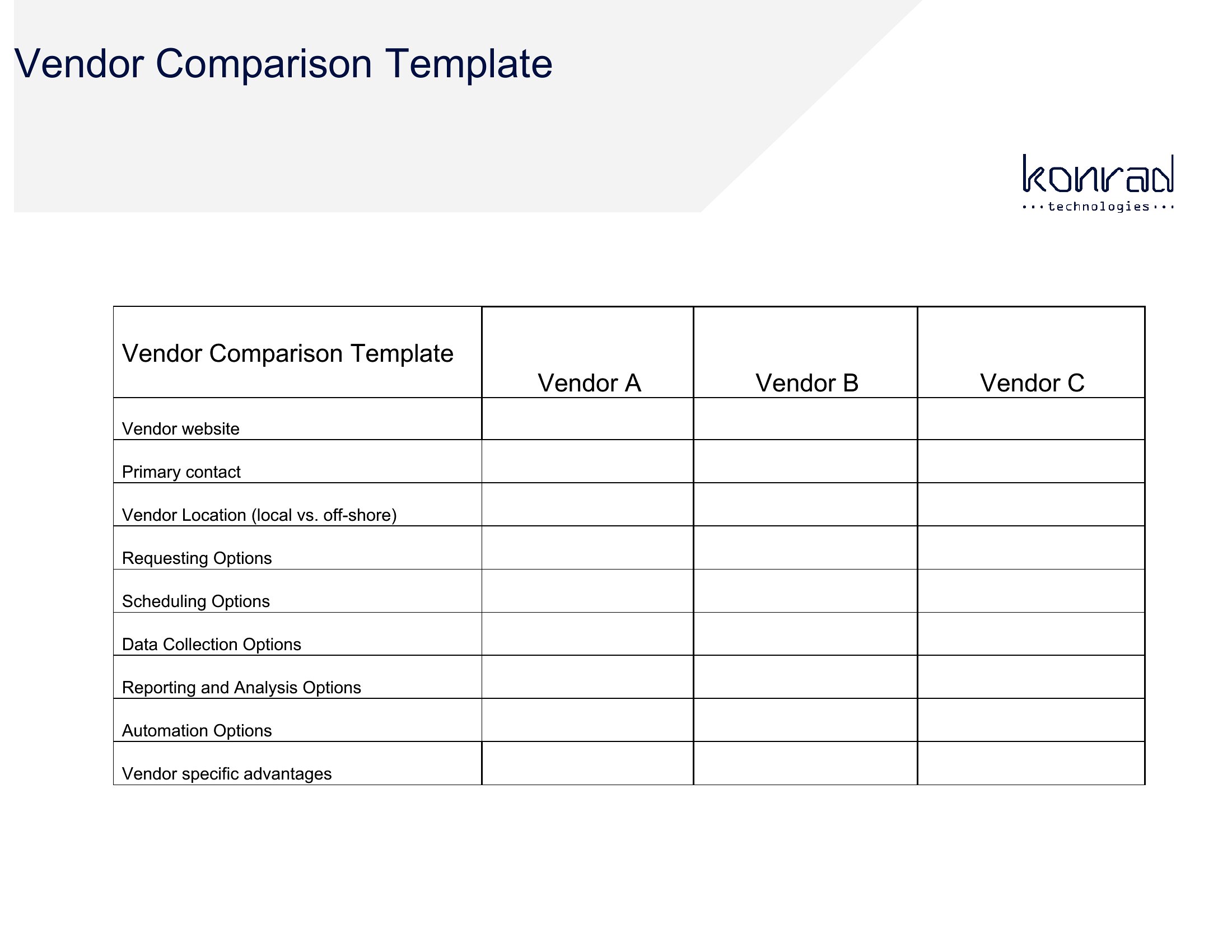
Yes, all templates allow you to modify or add columns to fit your needs. For instance, if you’re comparing software subscriptions, you might include columns for customer support response times or data migration assistance. Just ensure the new categories are relevant to your decision-making process.
What’s the best way to present this chart to stakeholders who prefer visuals over spreadsheets?
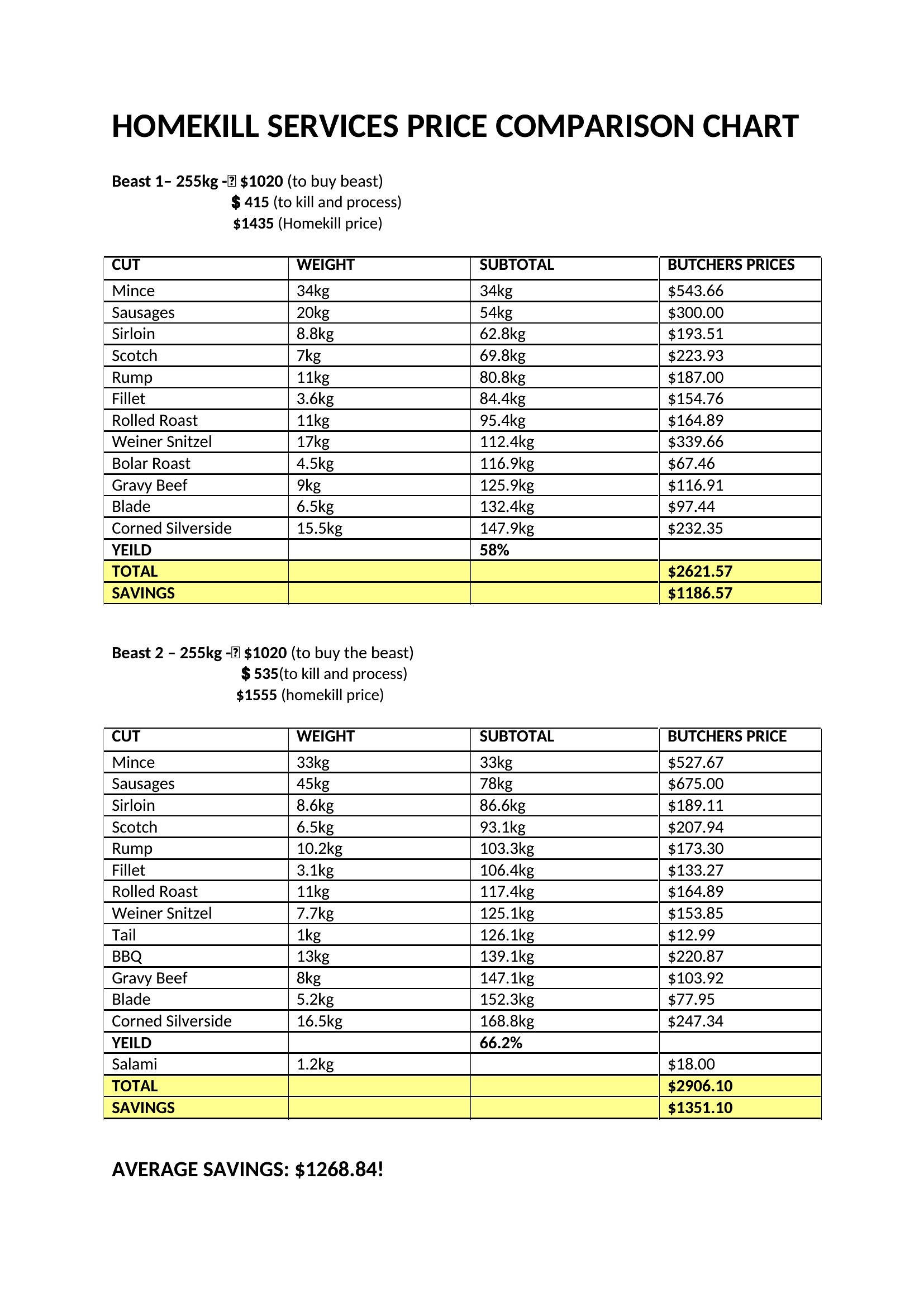
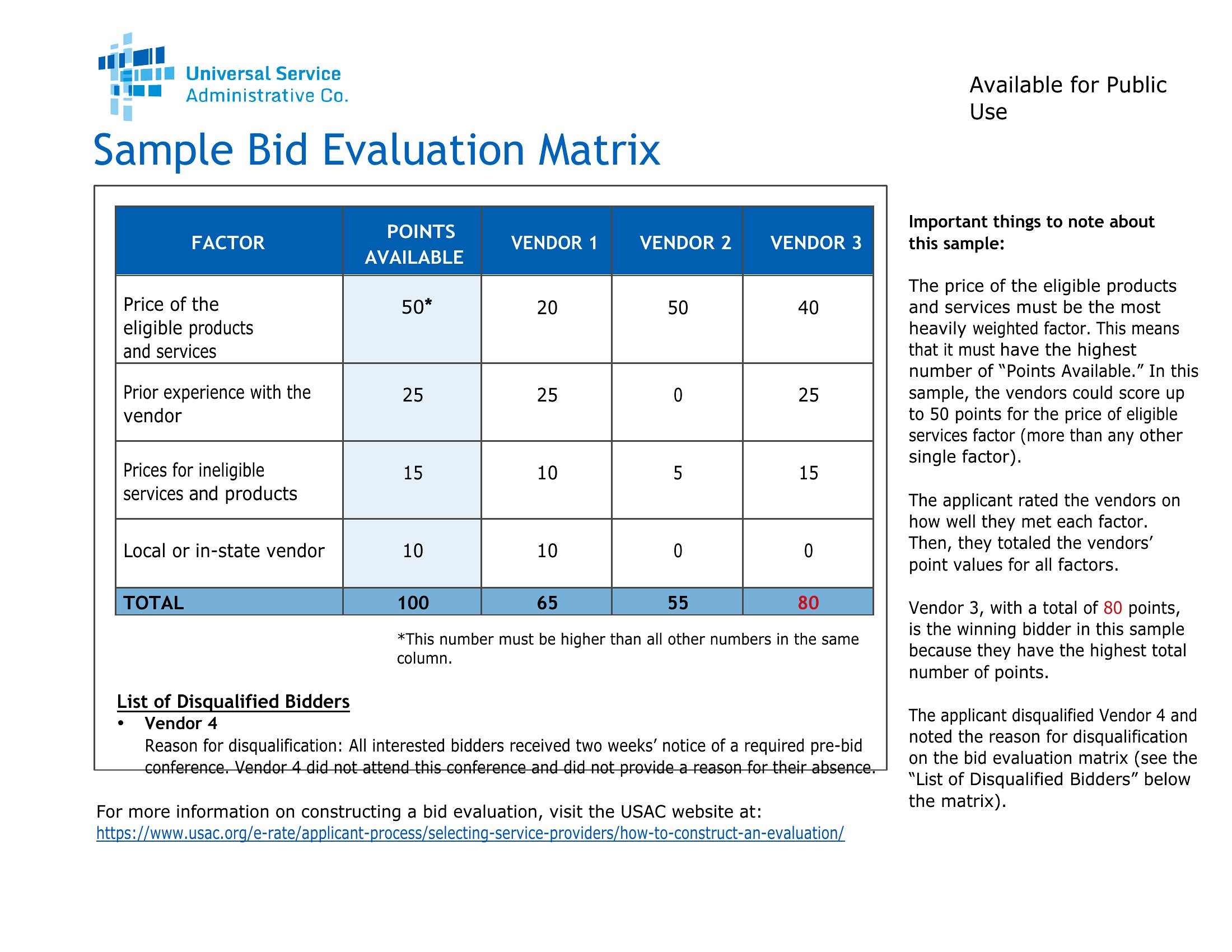
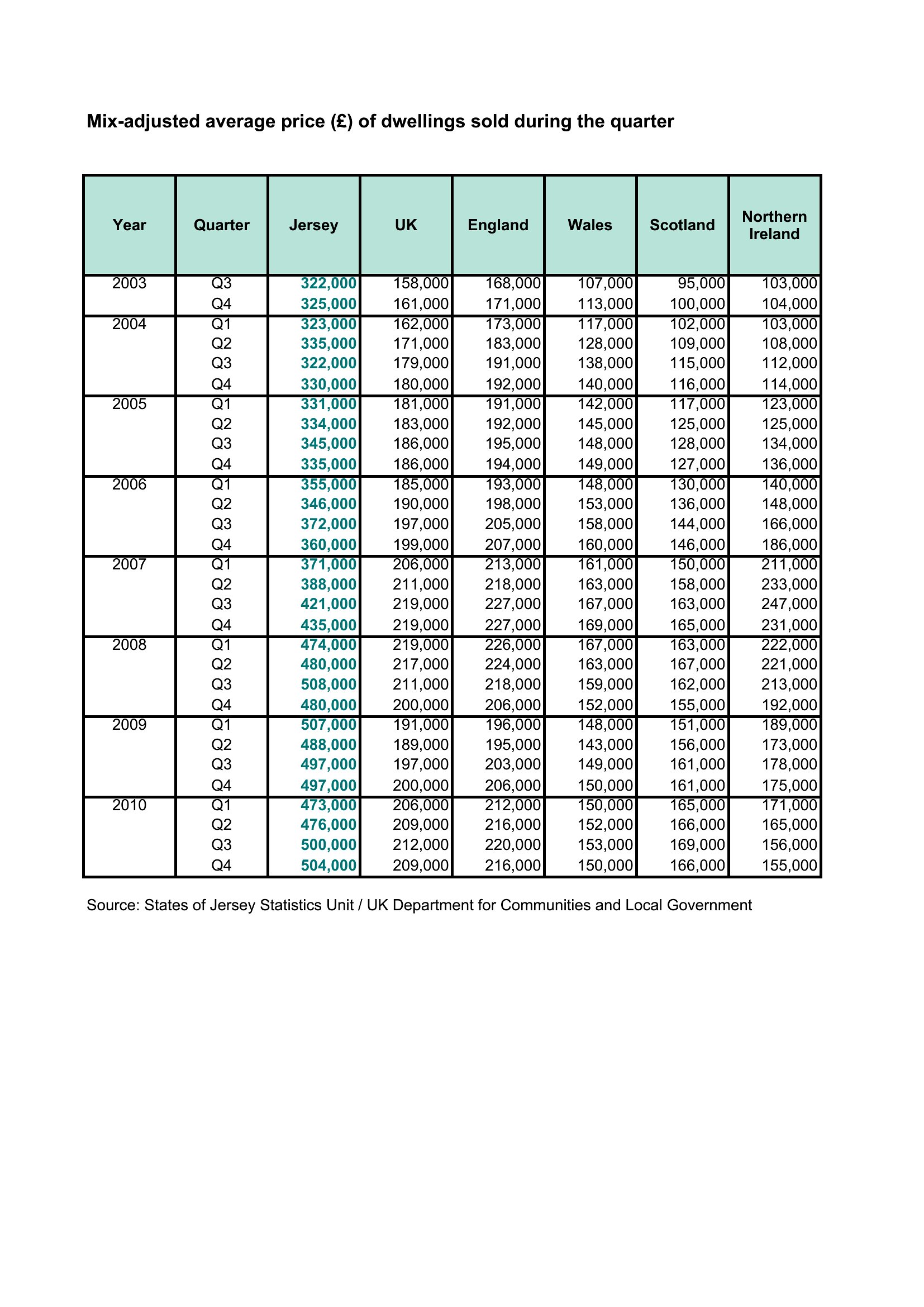
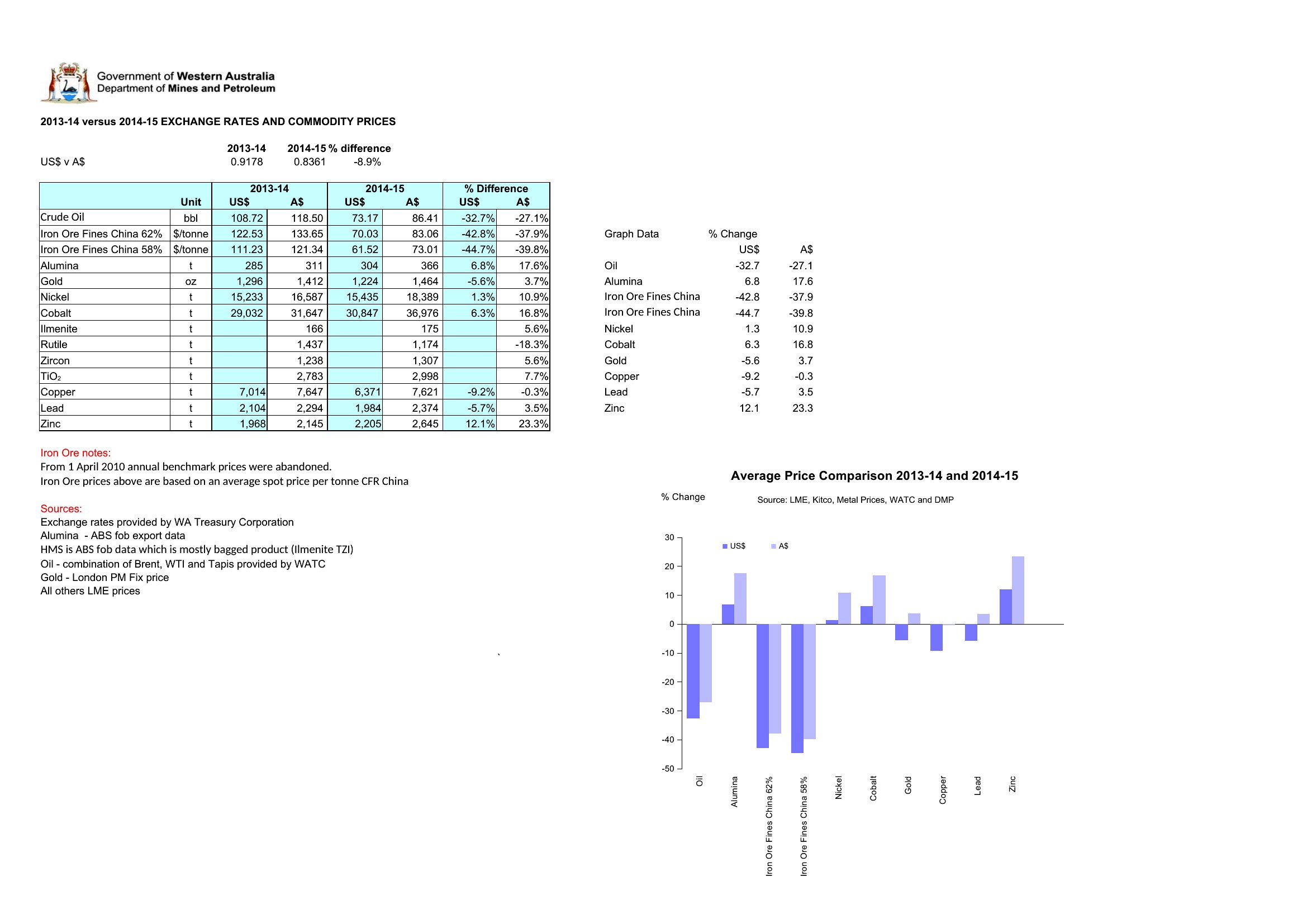
Export the Excel version as a PDF and use its built-in chart tools to create a bar or line graph highlighting key differences, like price per unit or total cost. For Word, use tables with alternating row colors and bold headers to make it scannable. Pair it with a one-page summary of your top recommendation to guide the conversation.
Comments
Join the conversation
Sign in to share your thoughts and leave a comment on this resource.