Skip to content
50% off this one-time $1.99 pack with HALFOFF — or unlimited with Pro.HALFOFF
Premium

Free Comparison Chart Templates (Word, Excel)
Data
samueltremblay by samueltremblay
Updated 0 downloads Quality-checked template

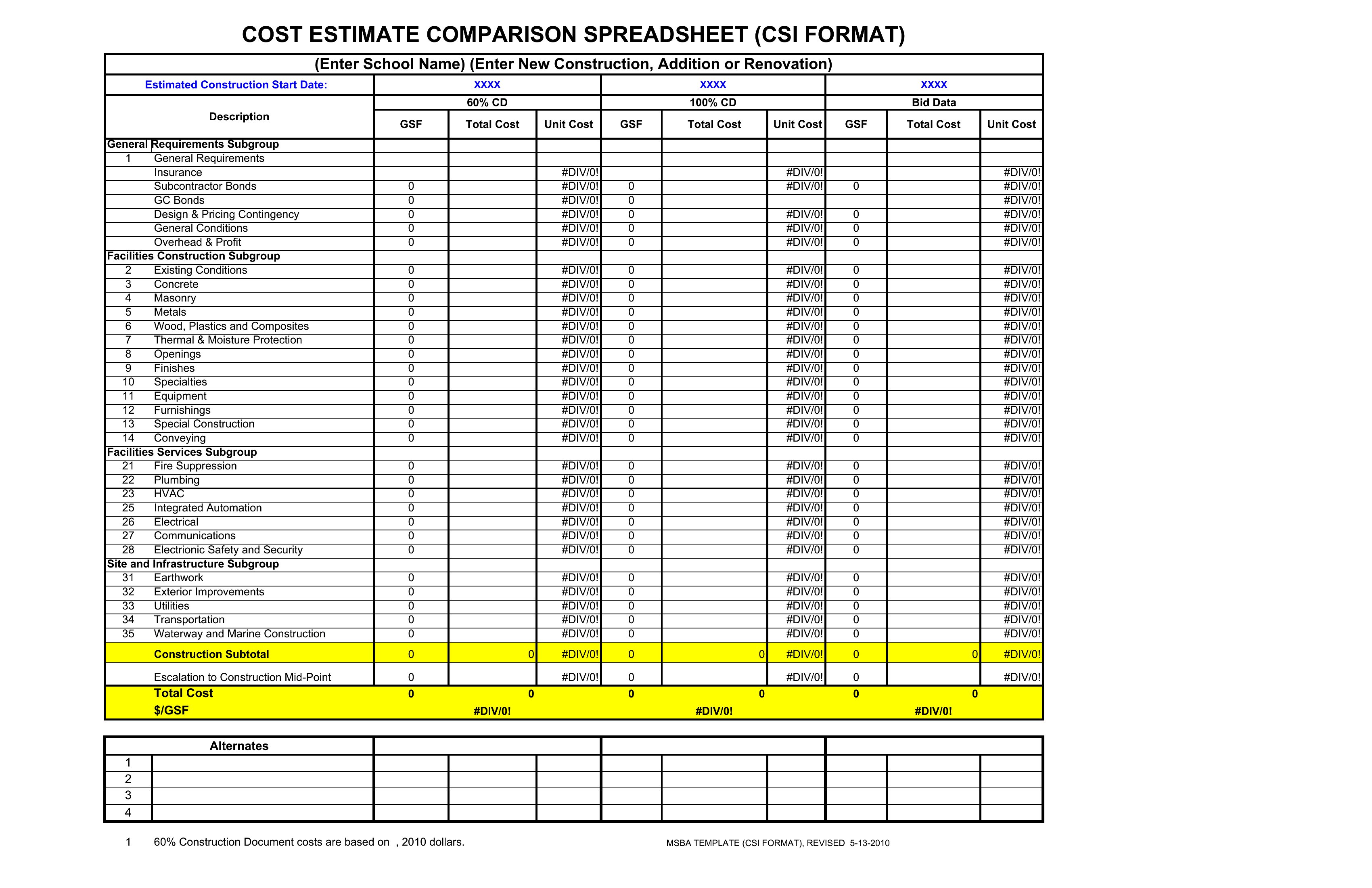
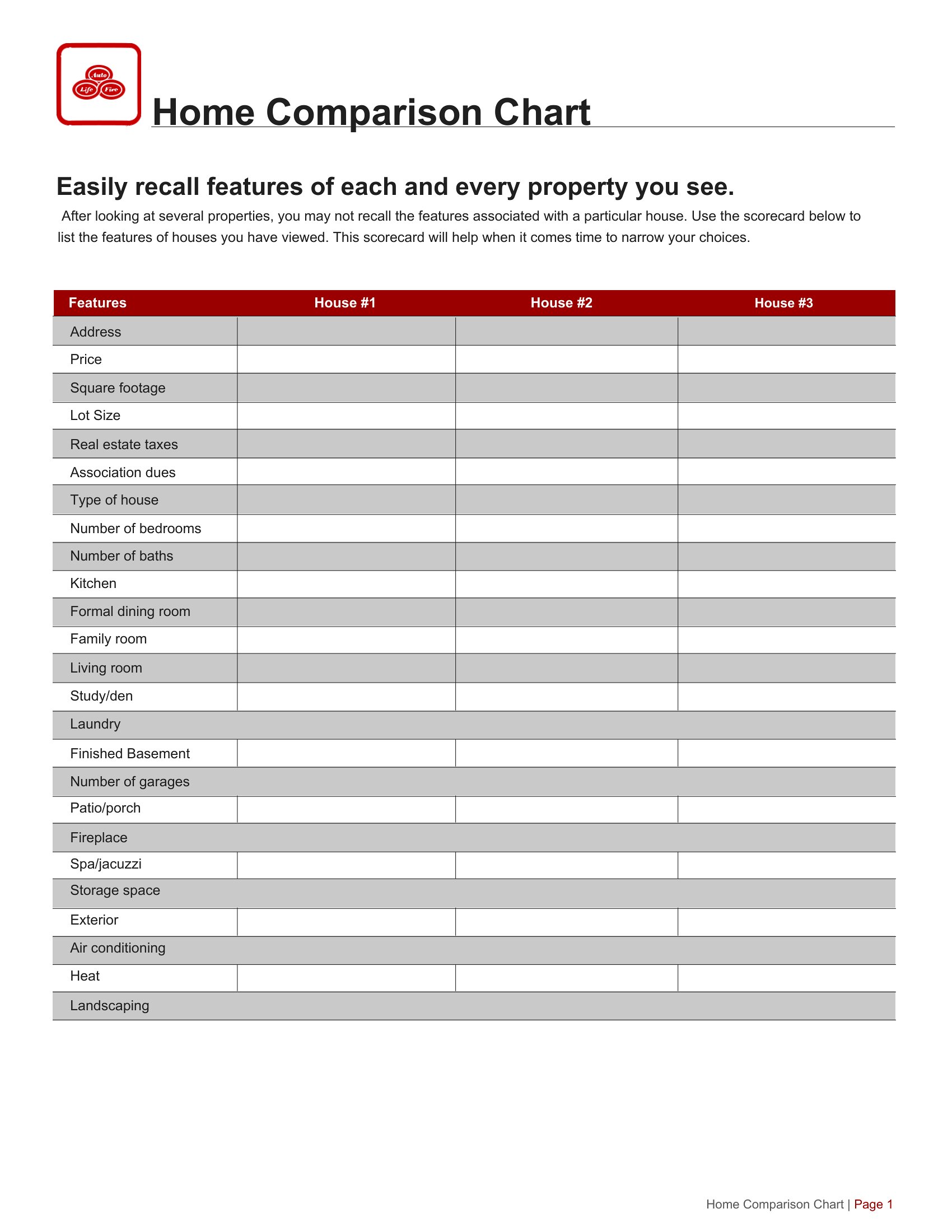
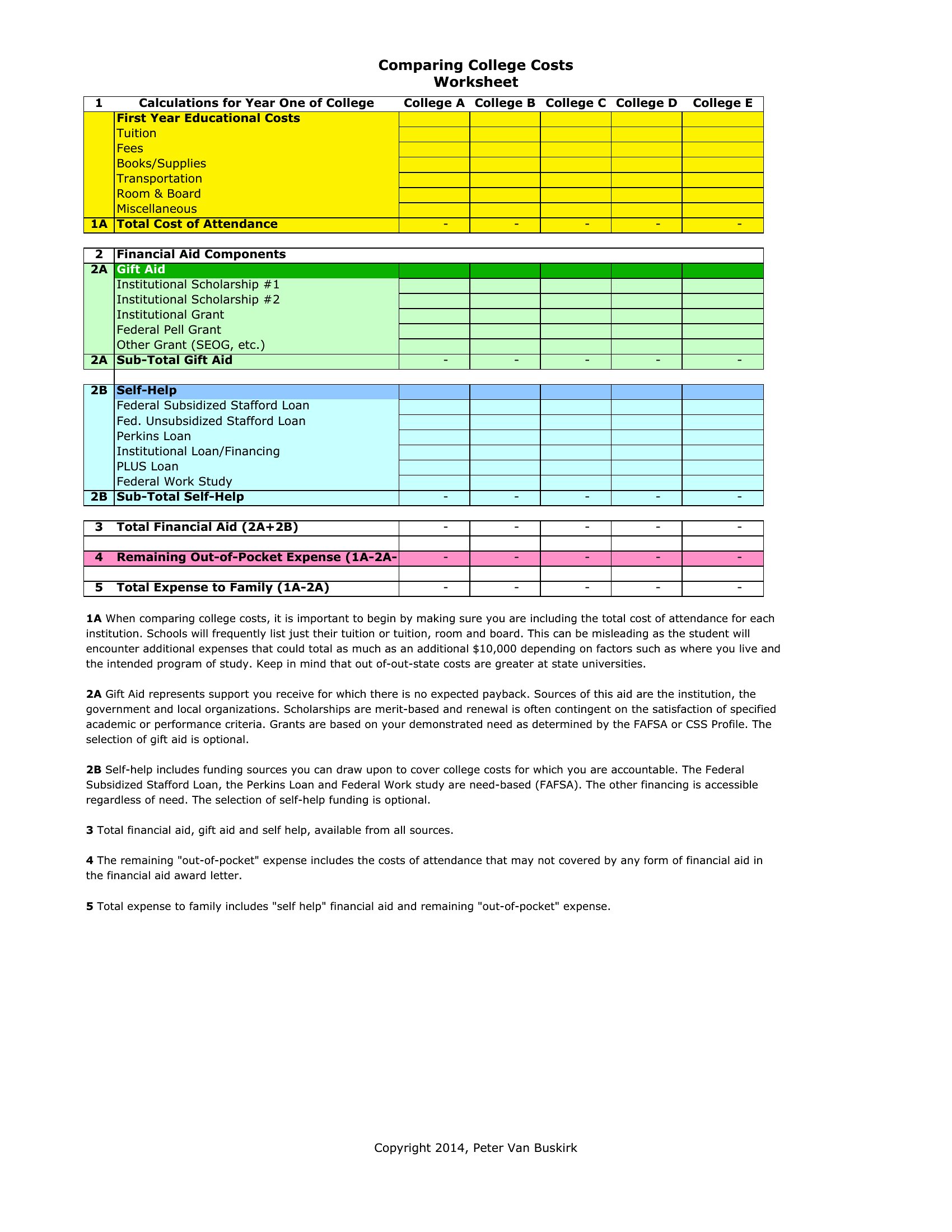
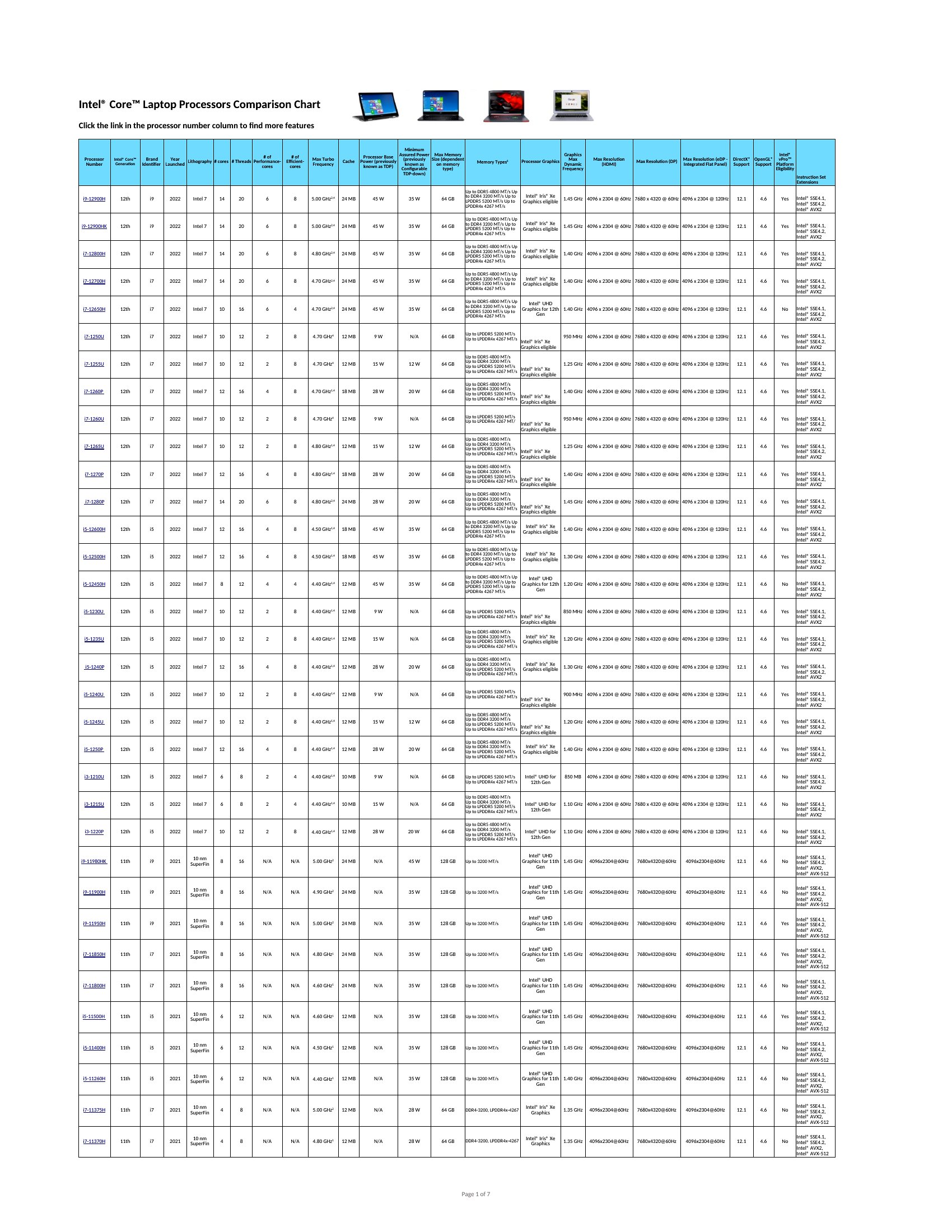
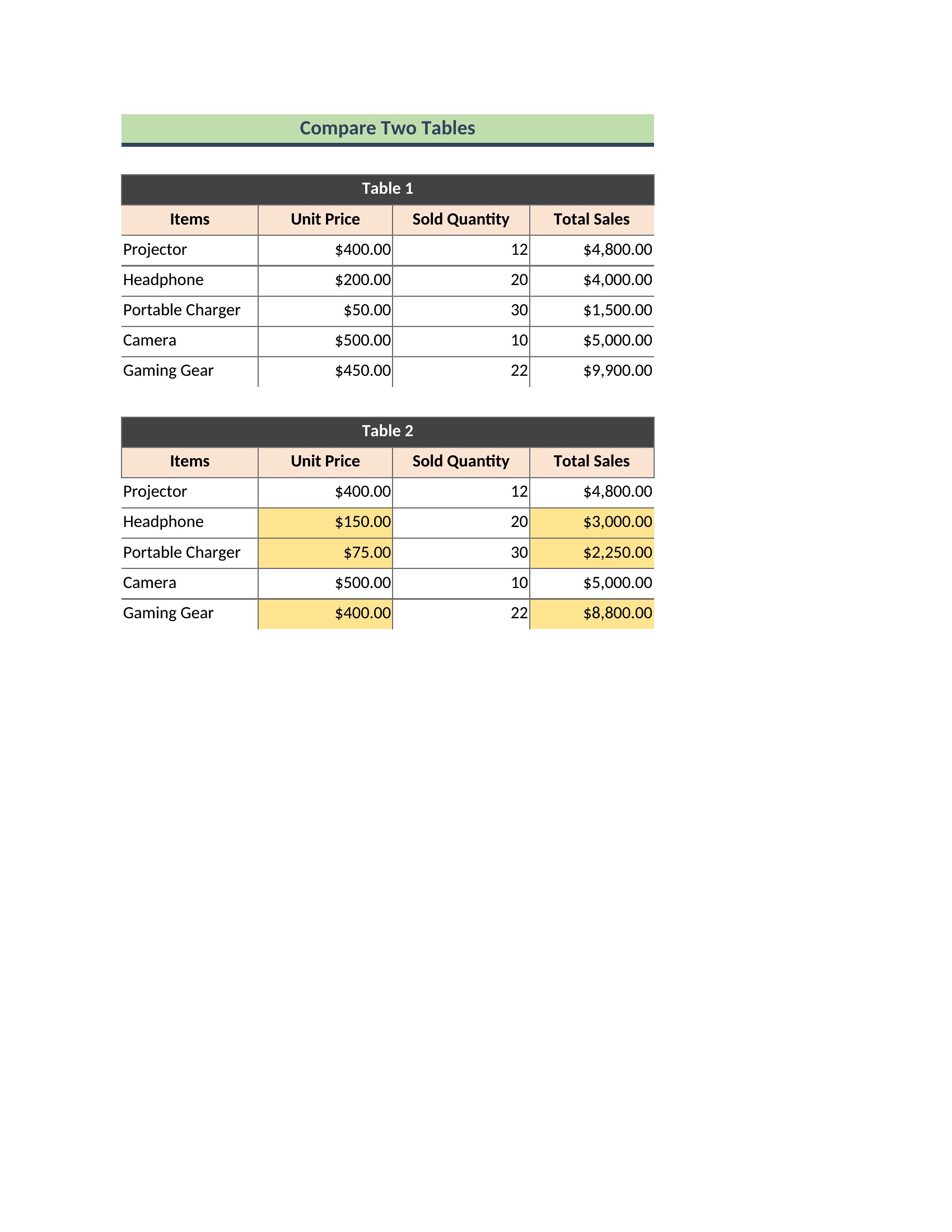
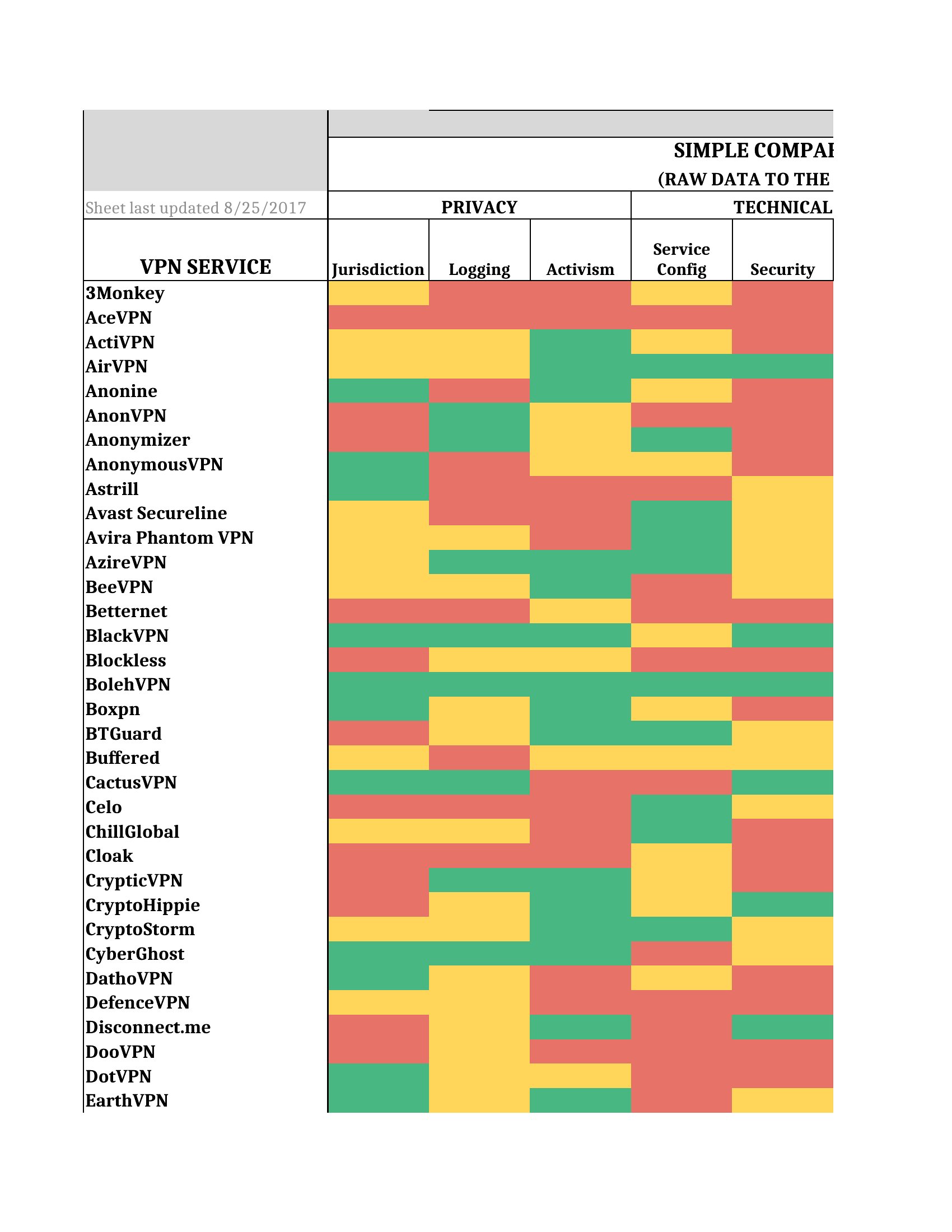
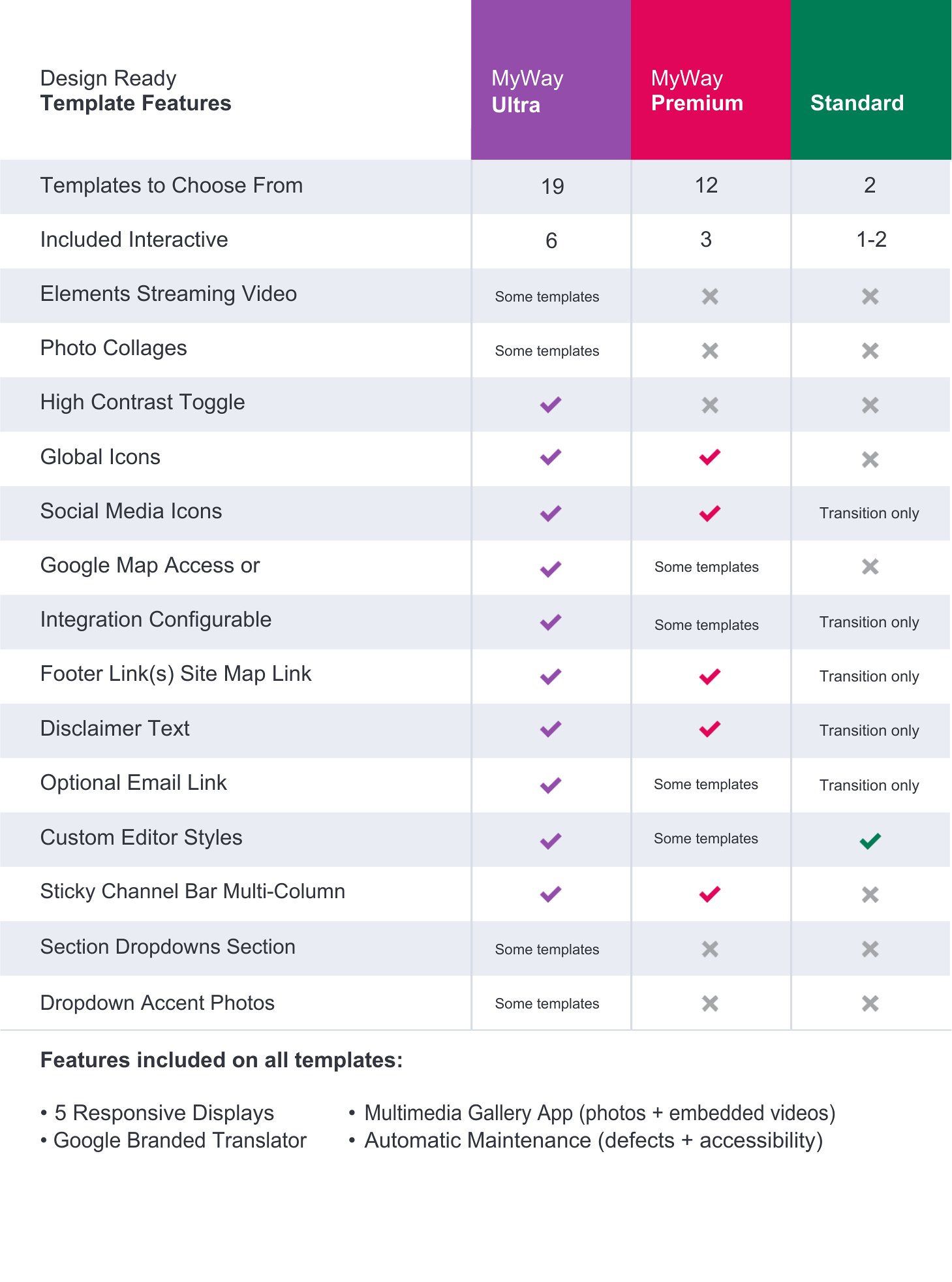
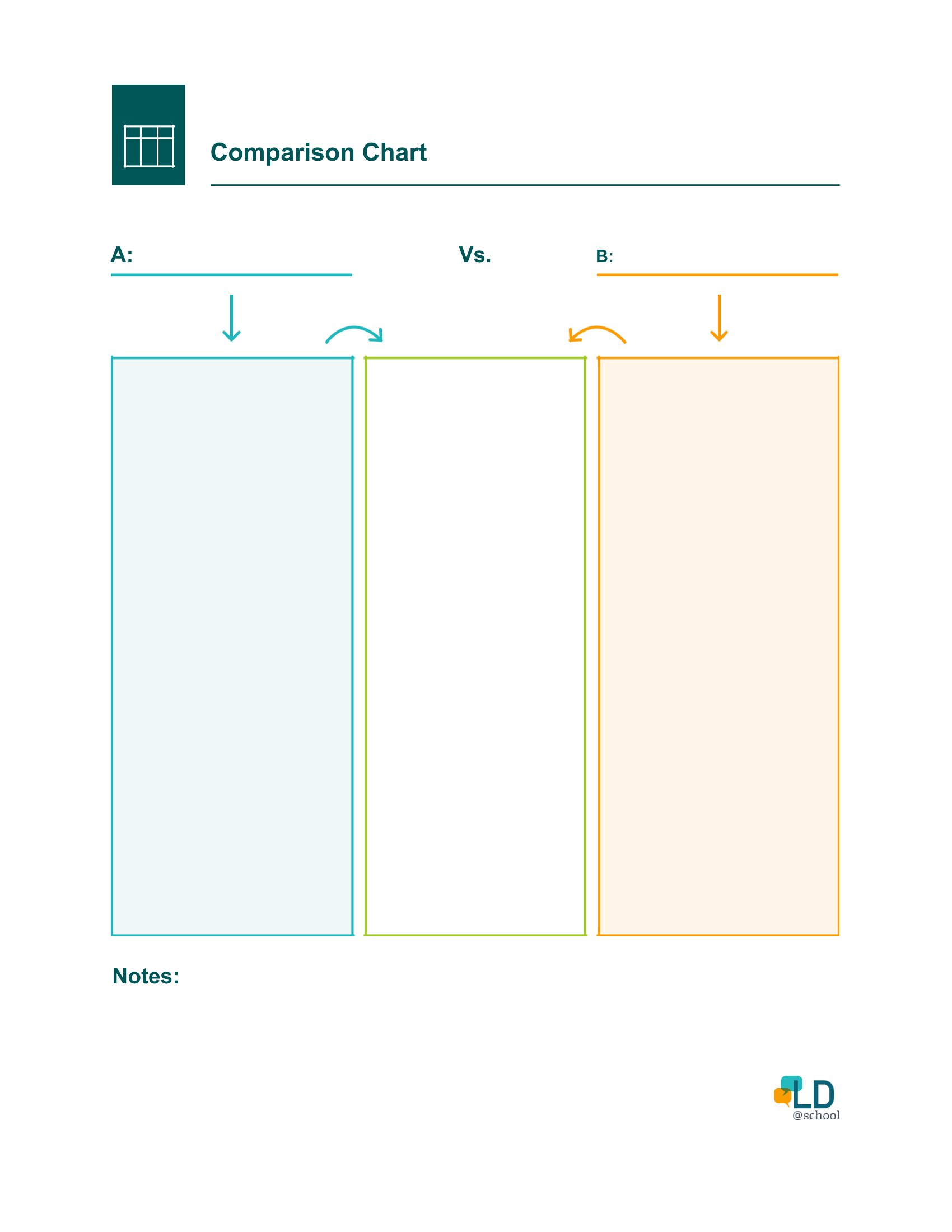
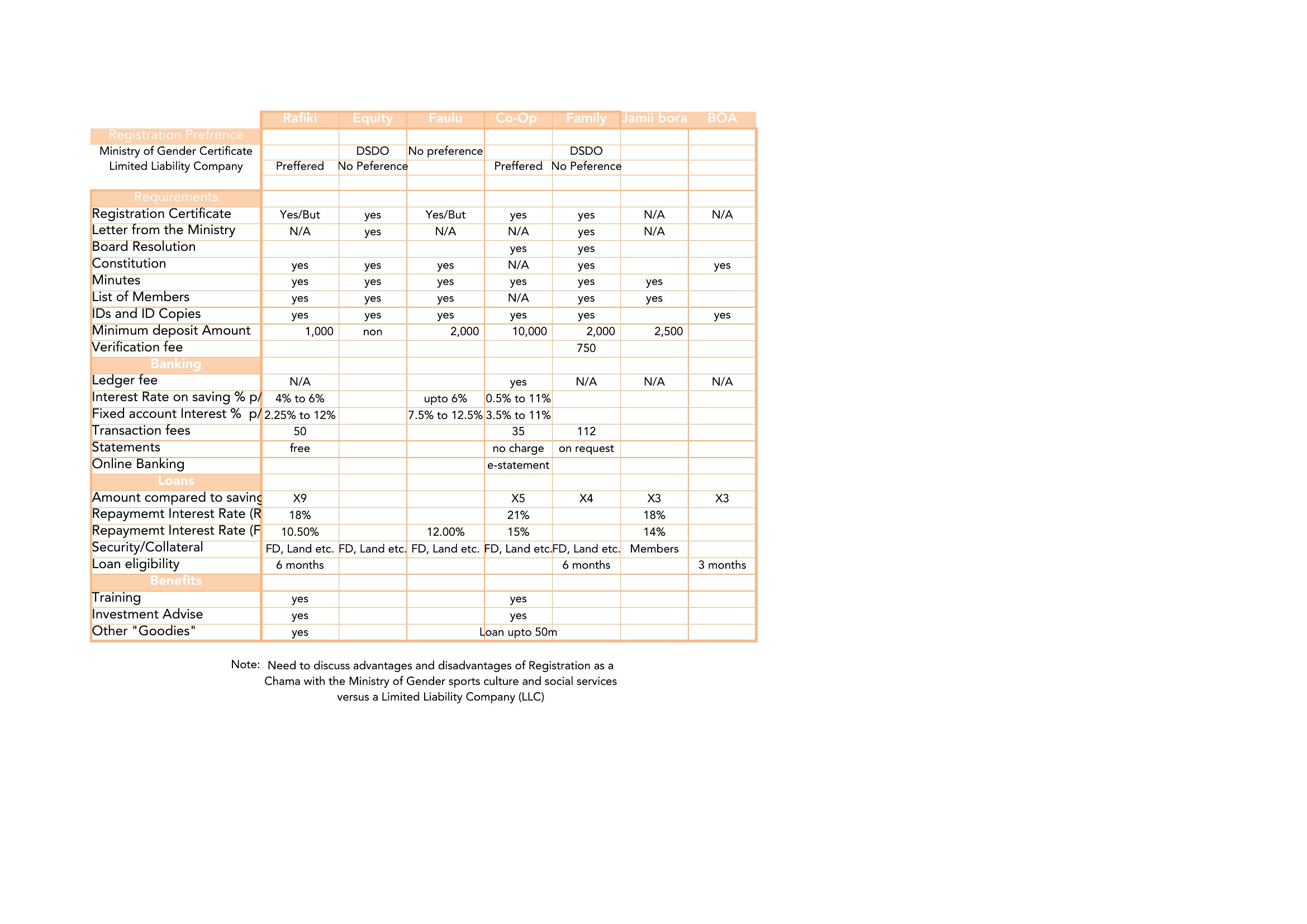
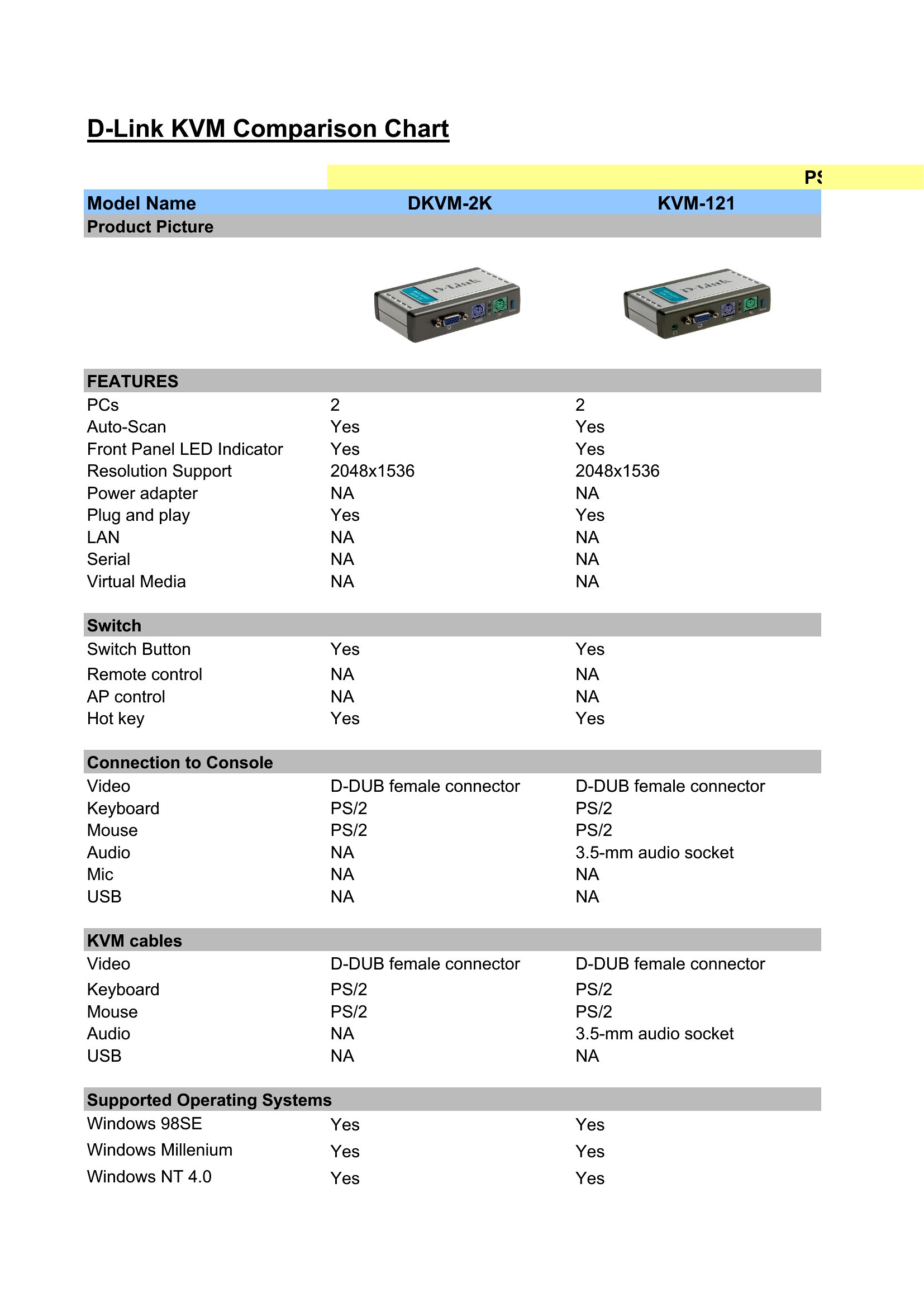
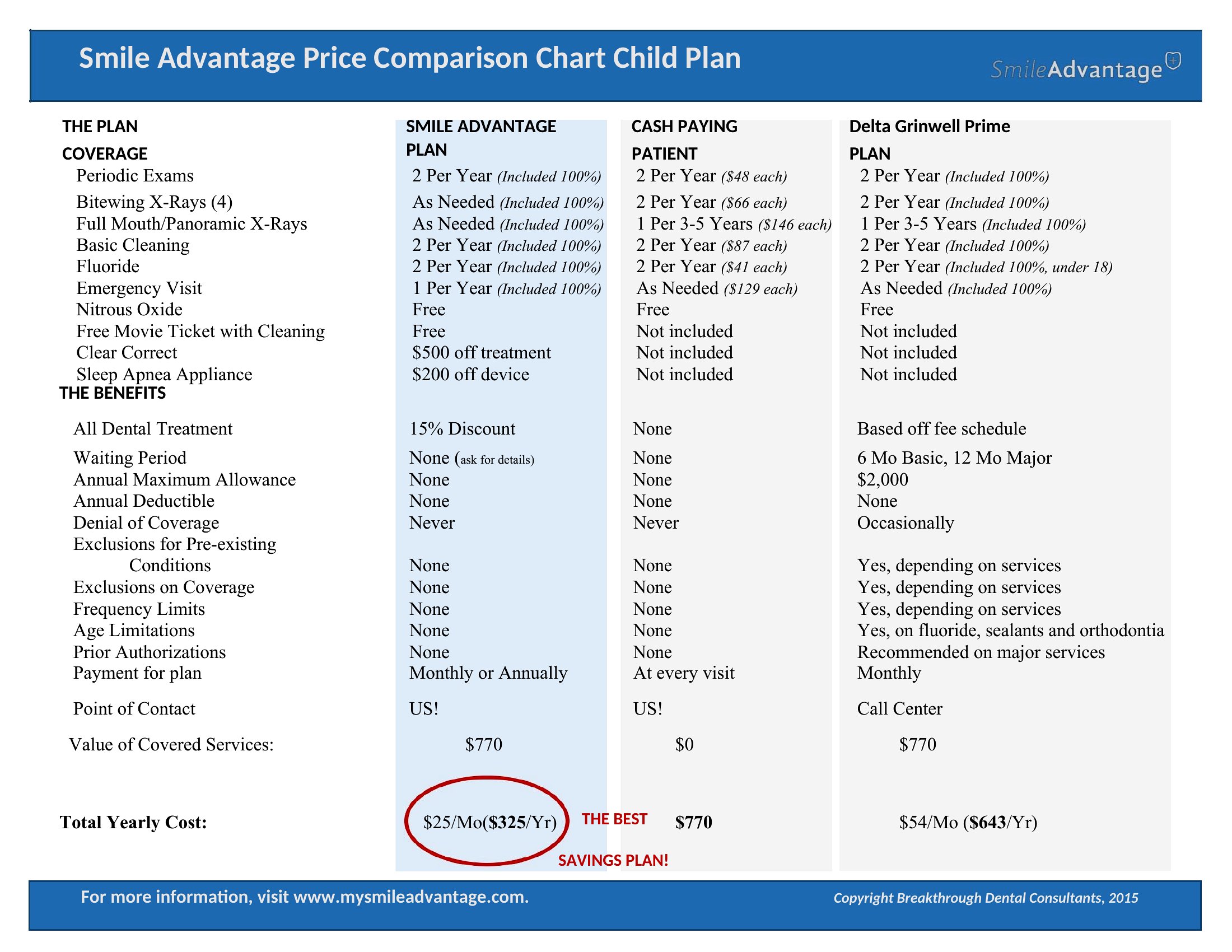
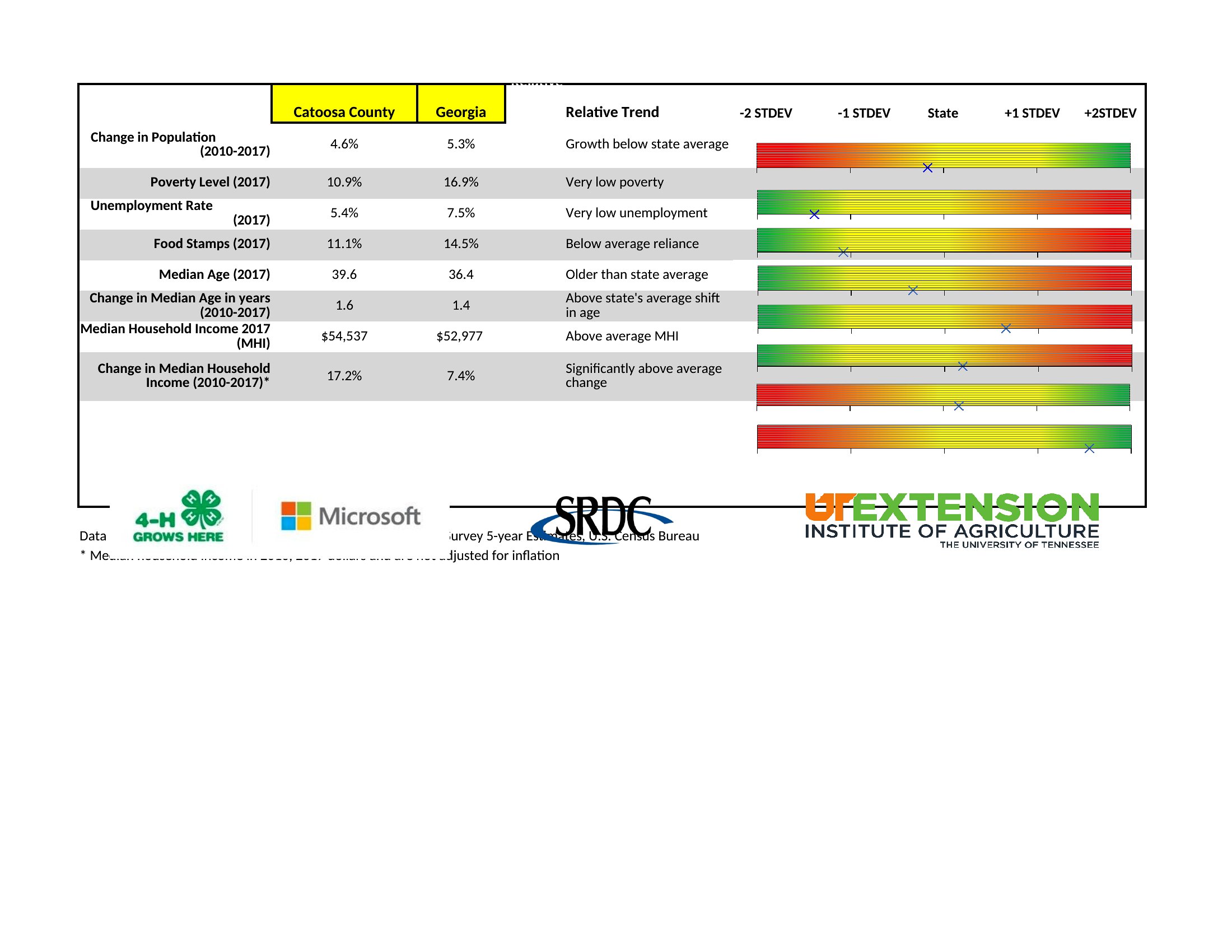
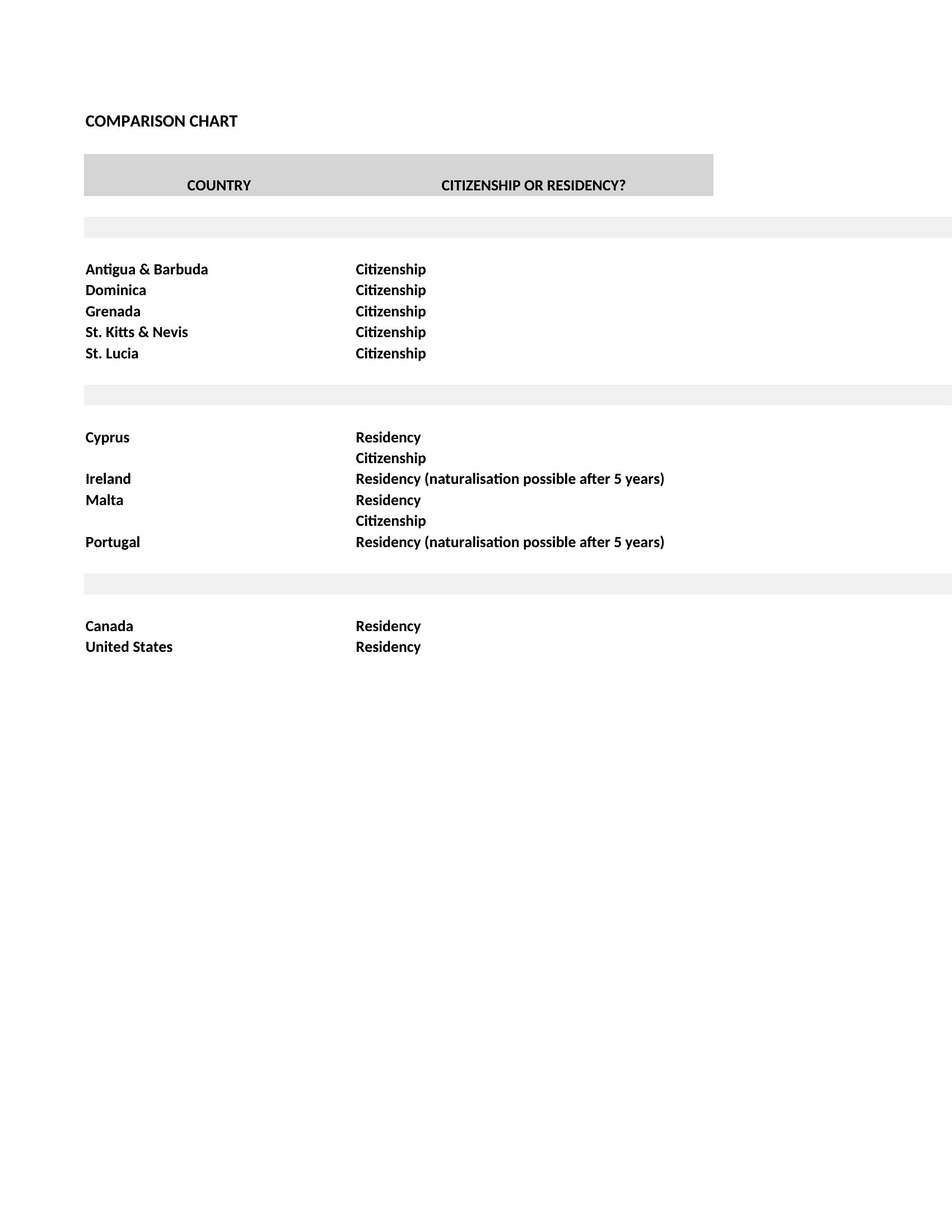
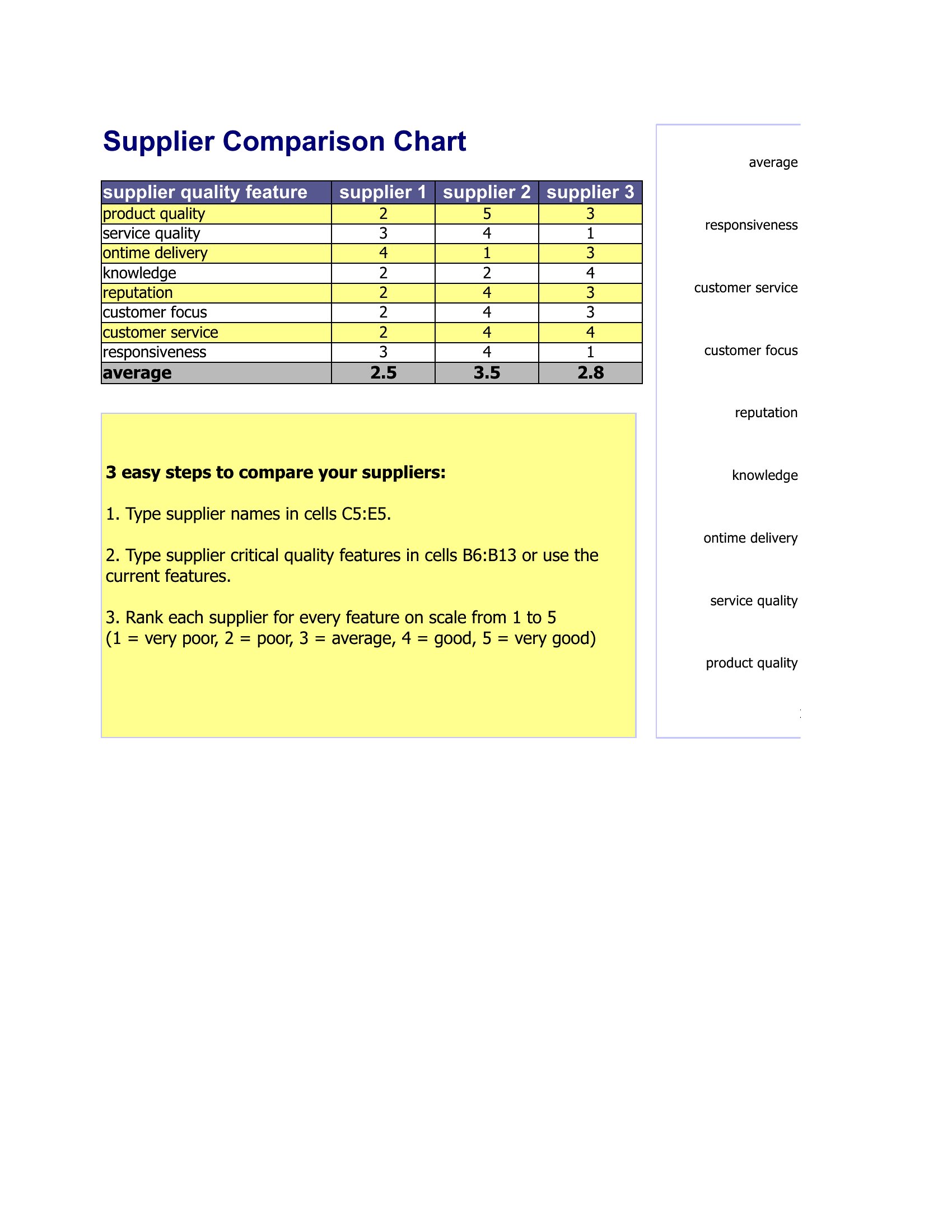
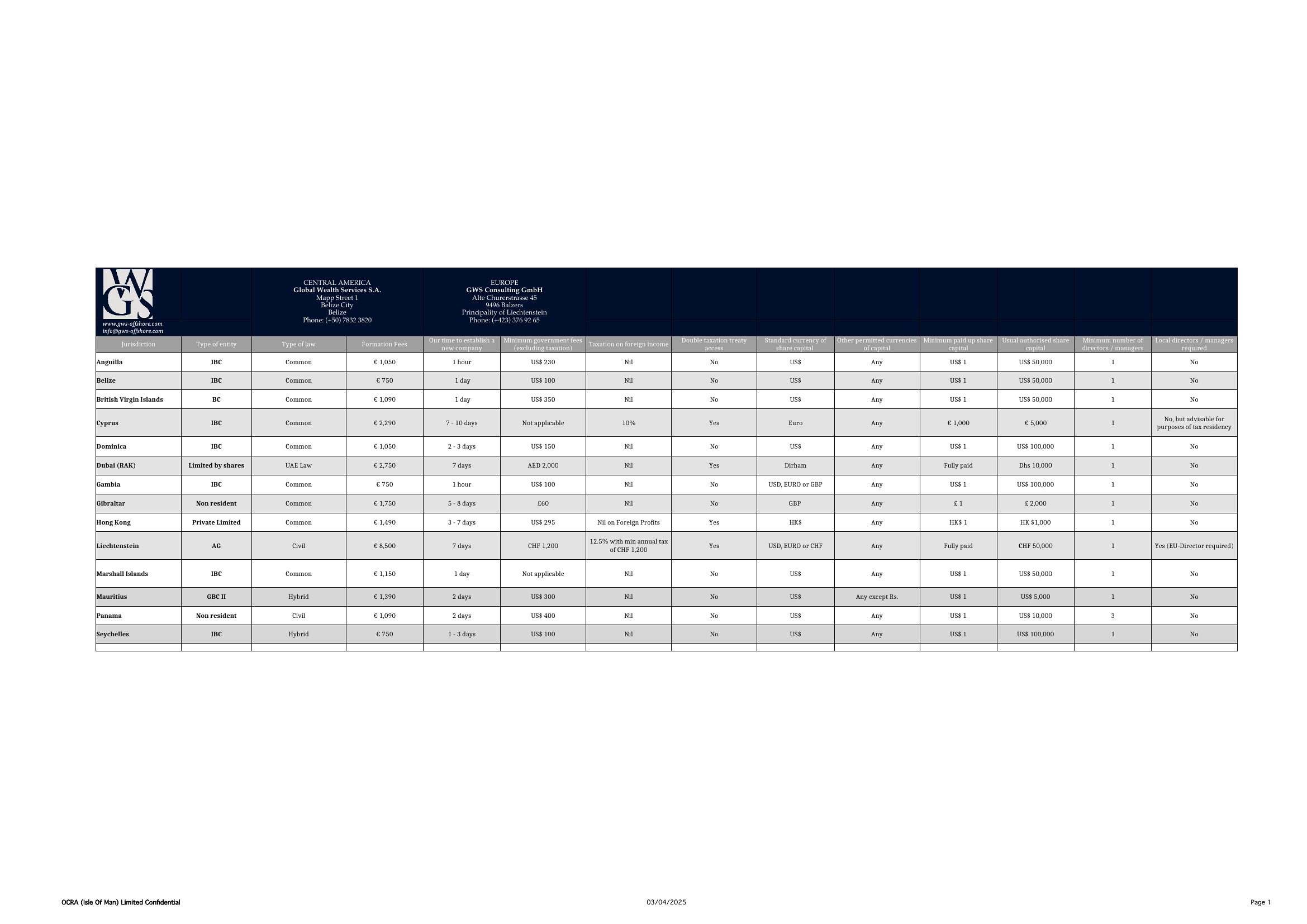
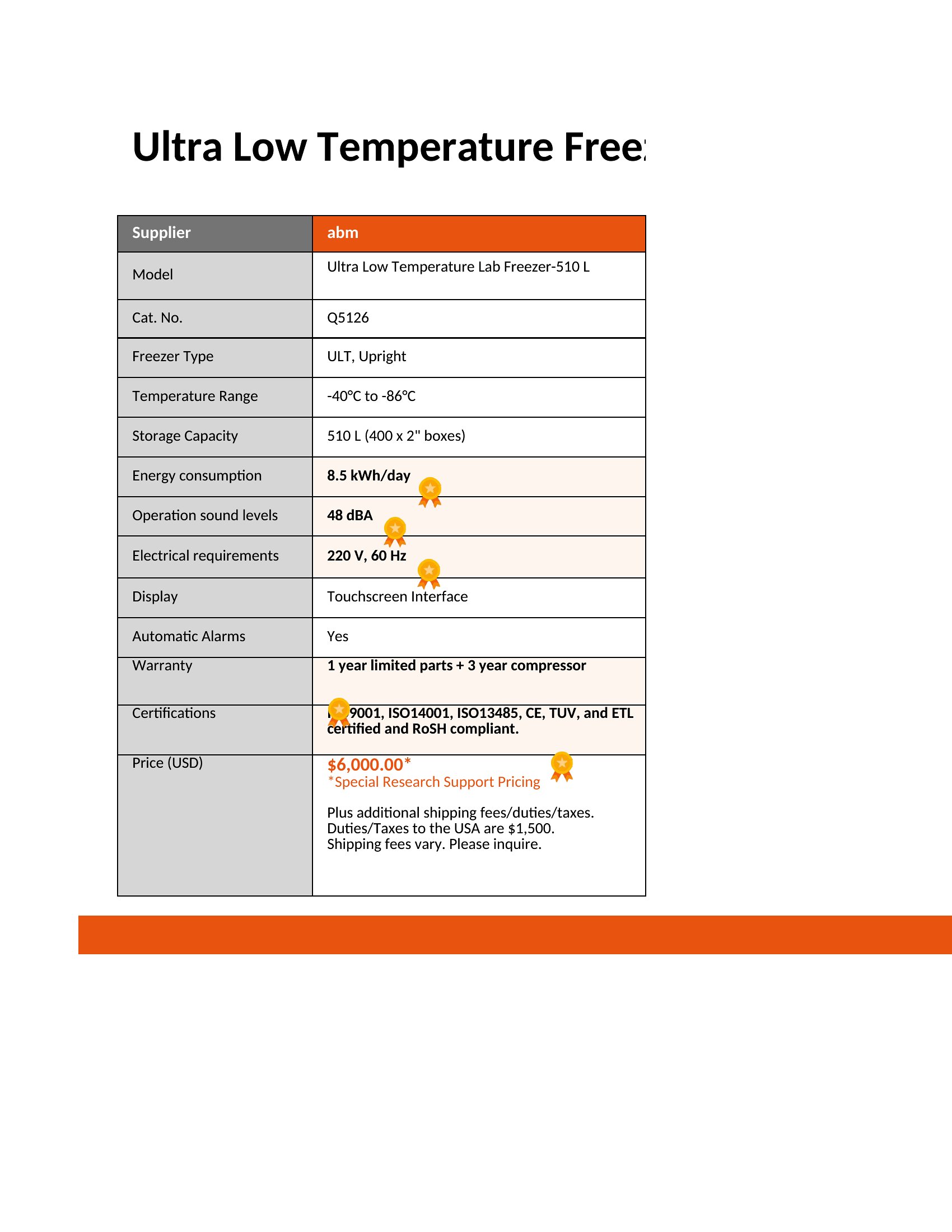
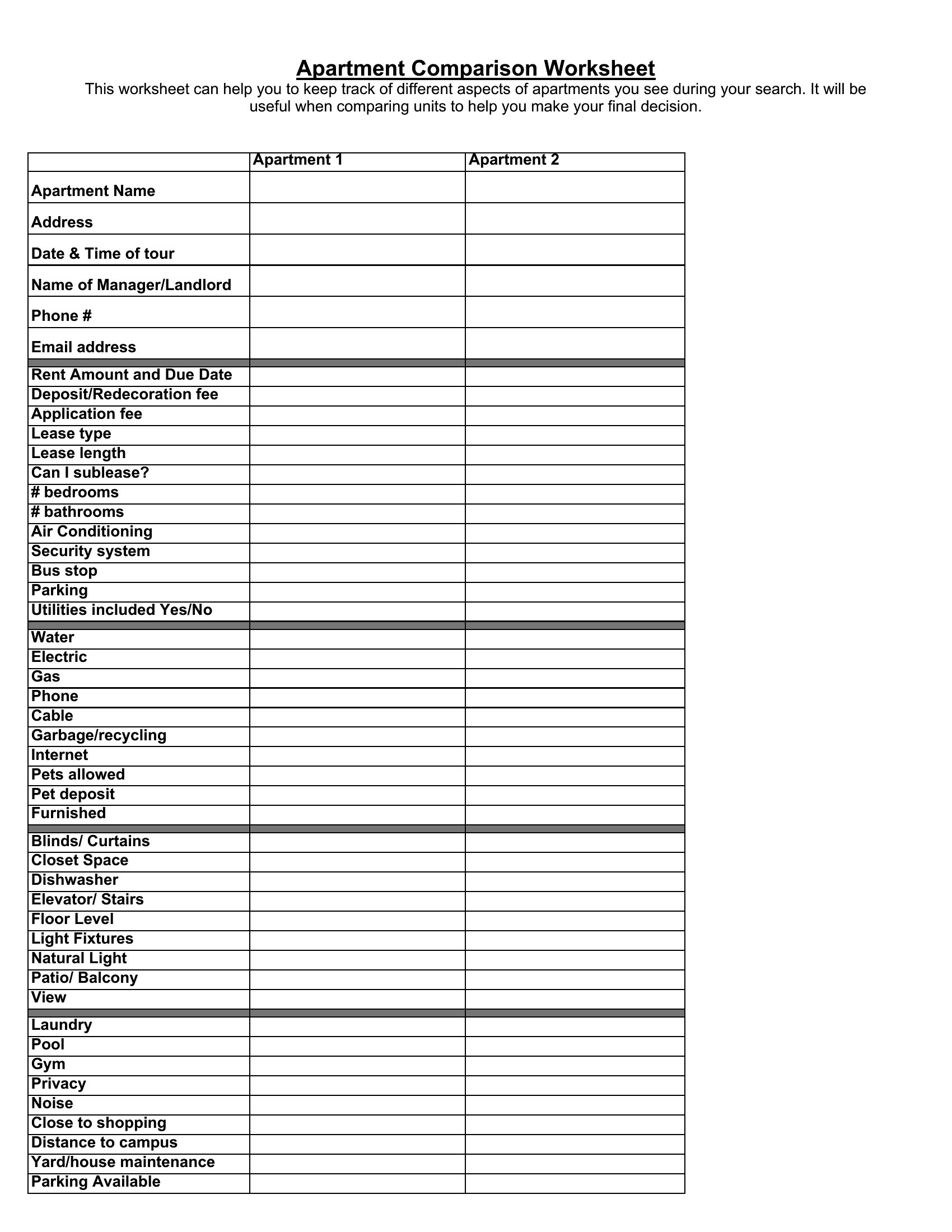
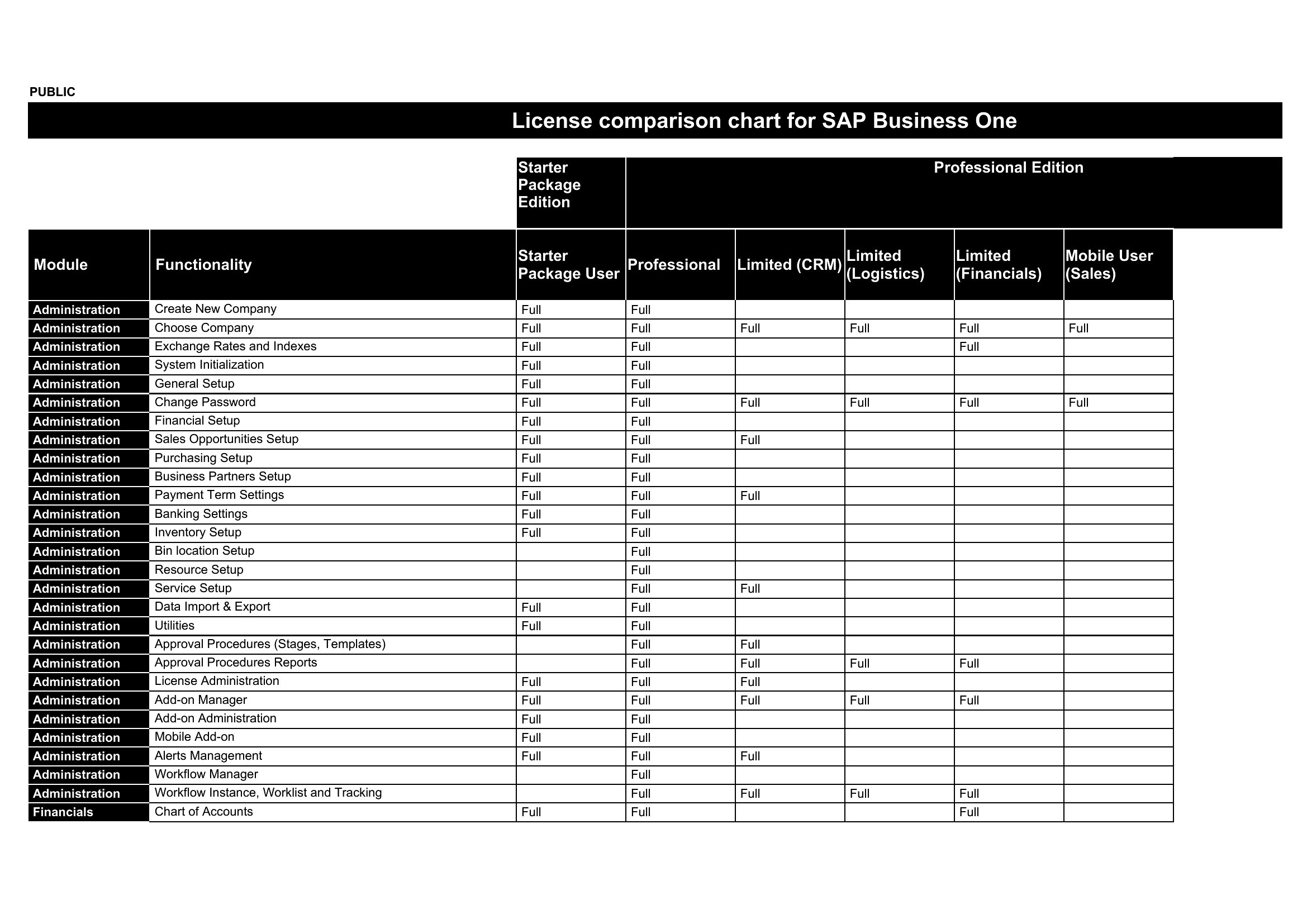
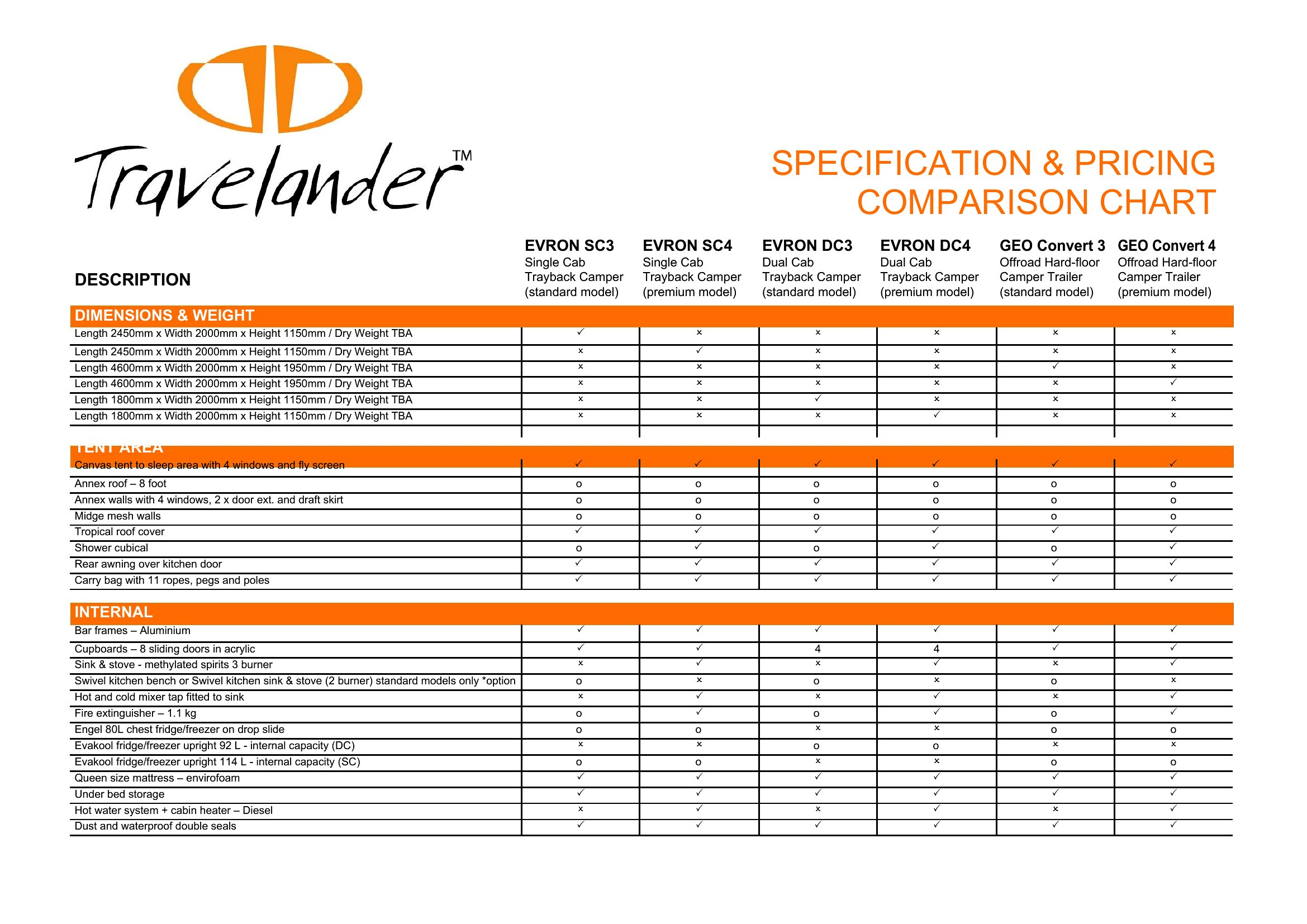
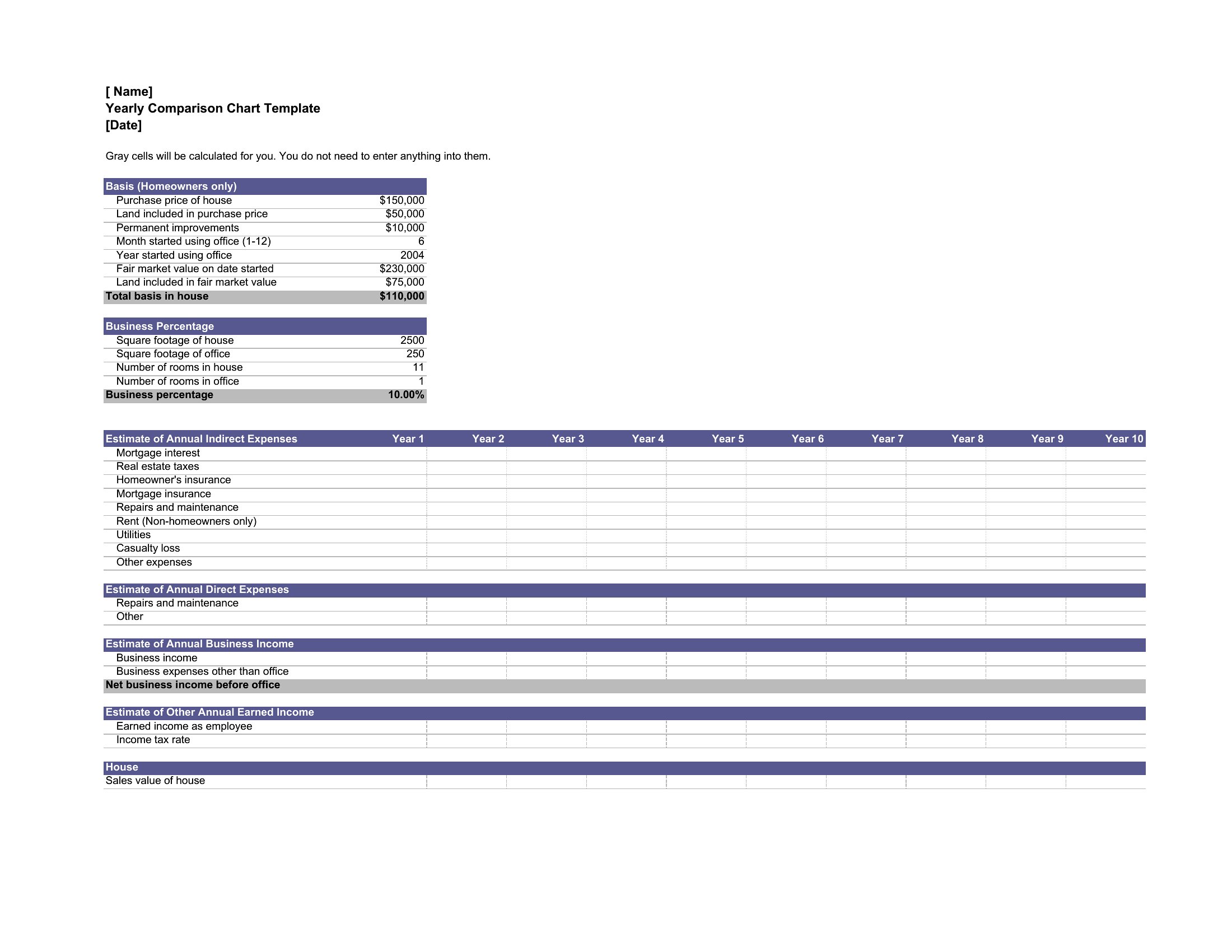
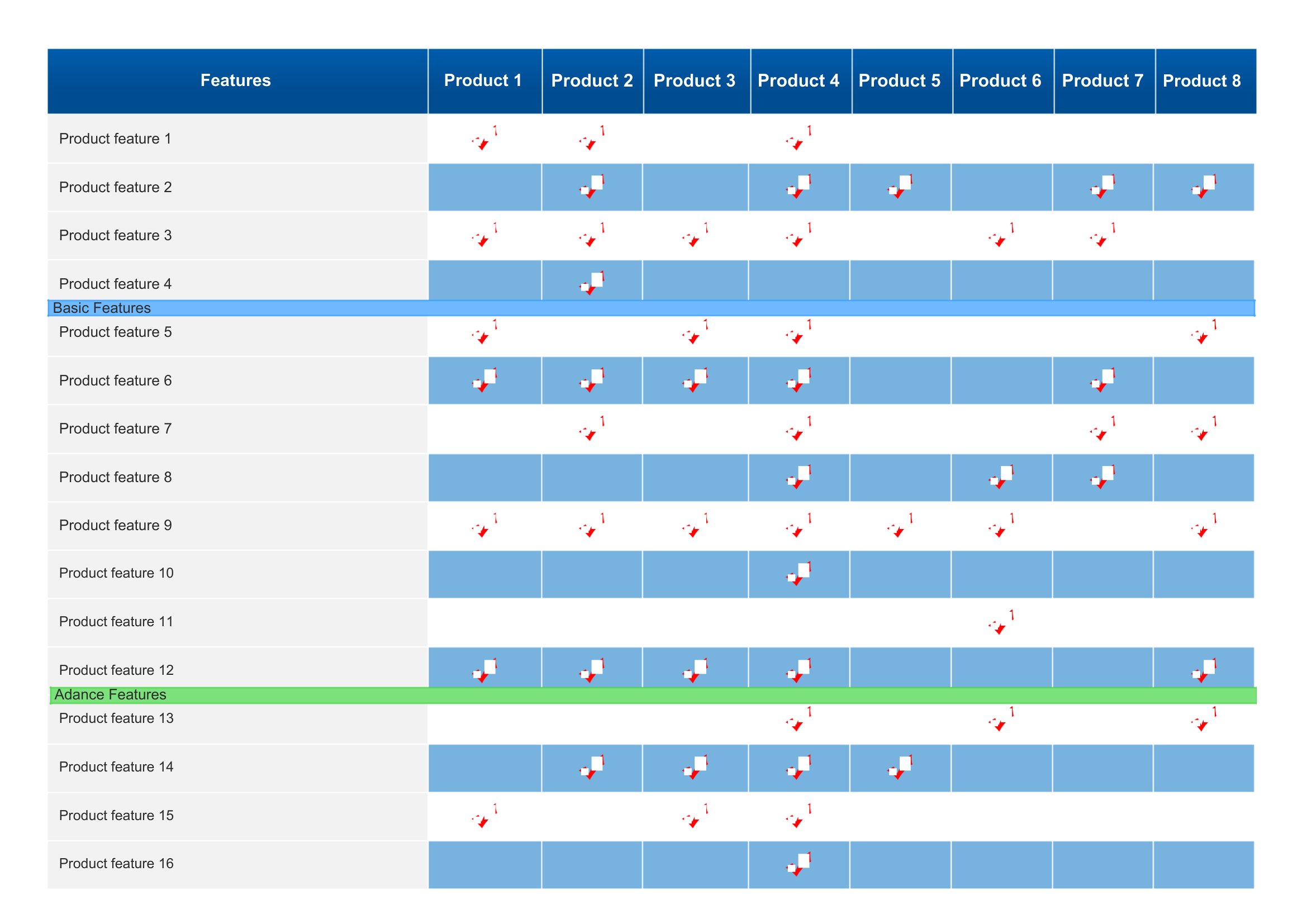
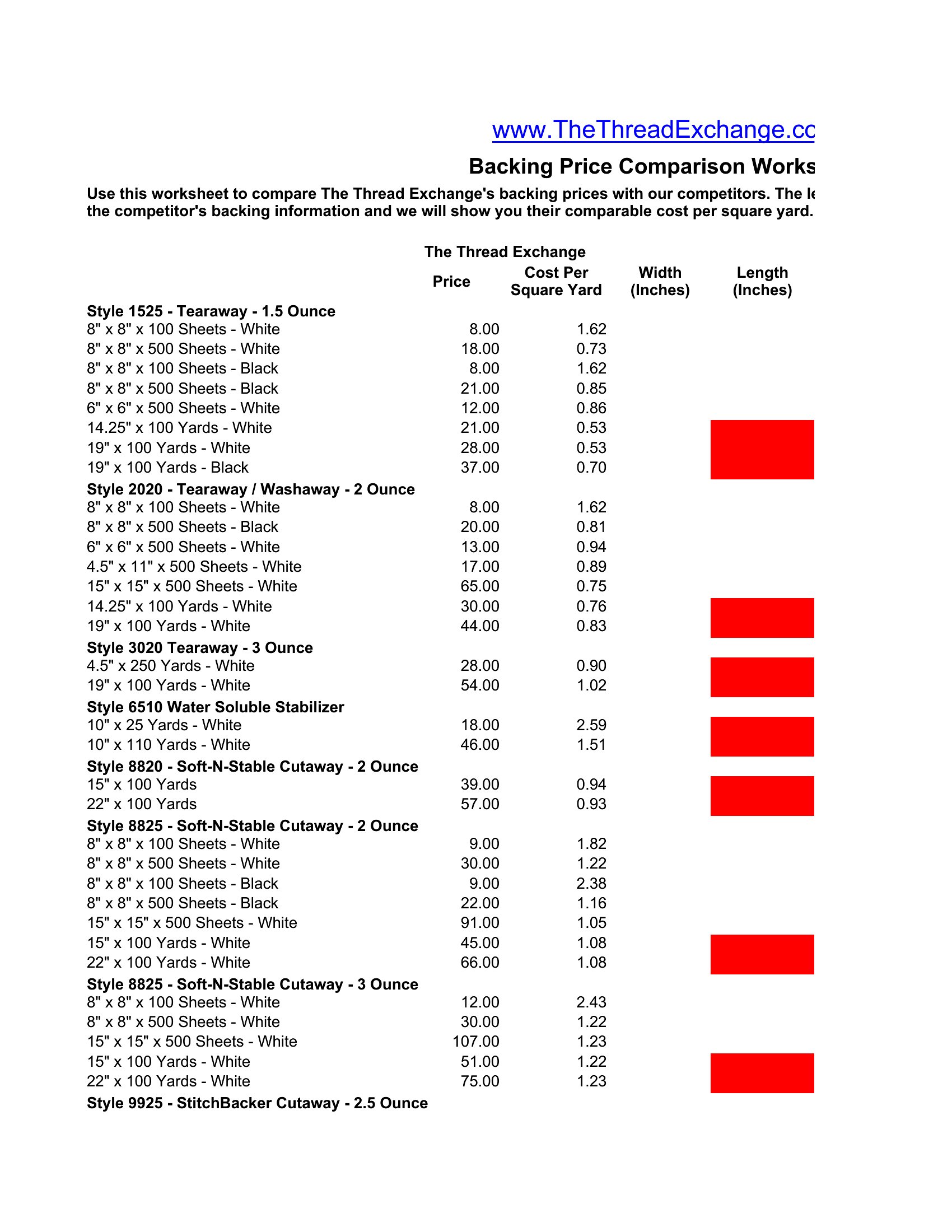
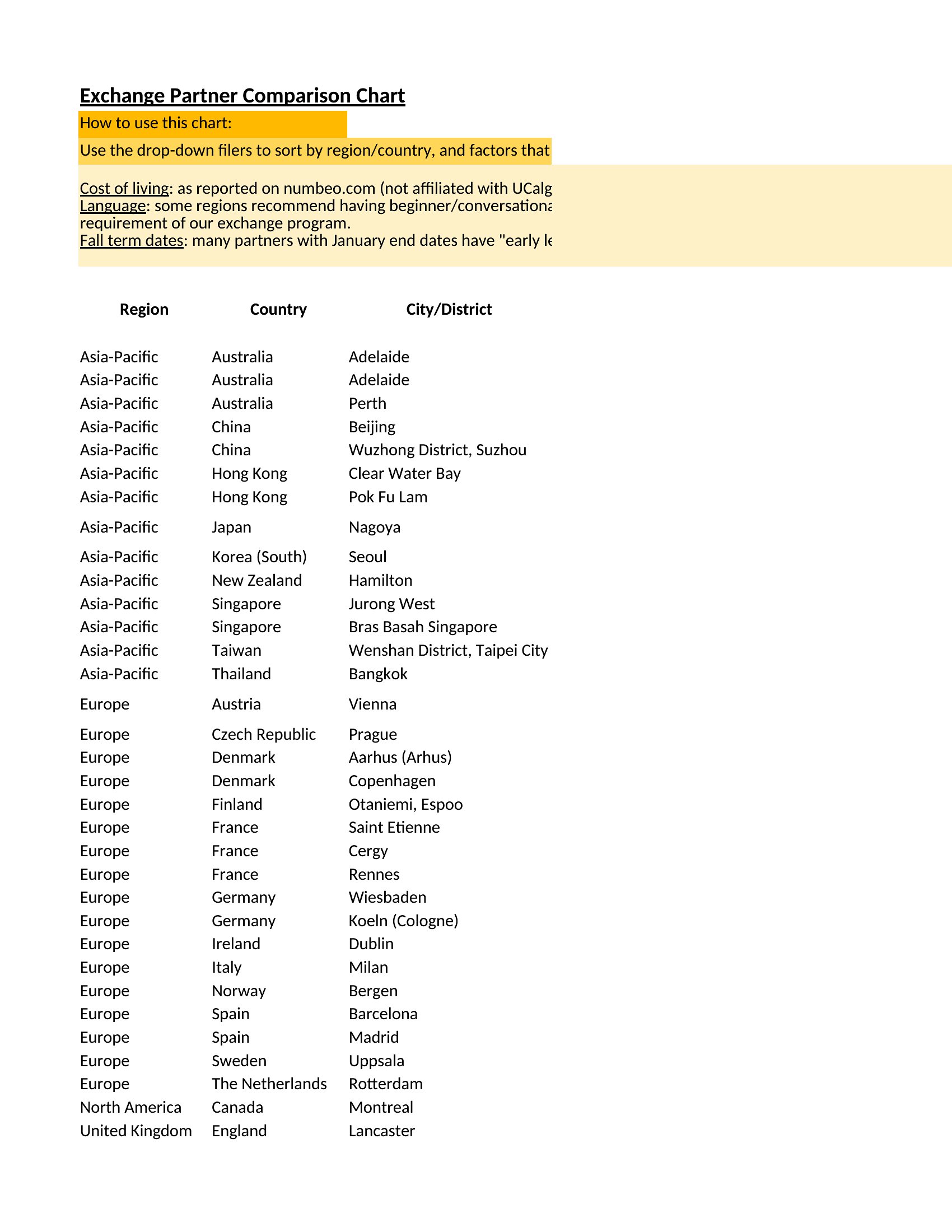
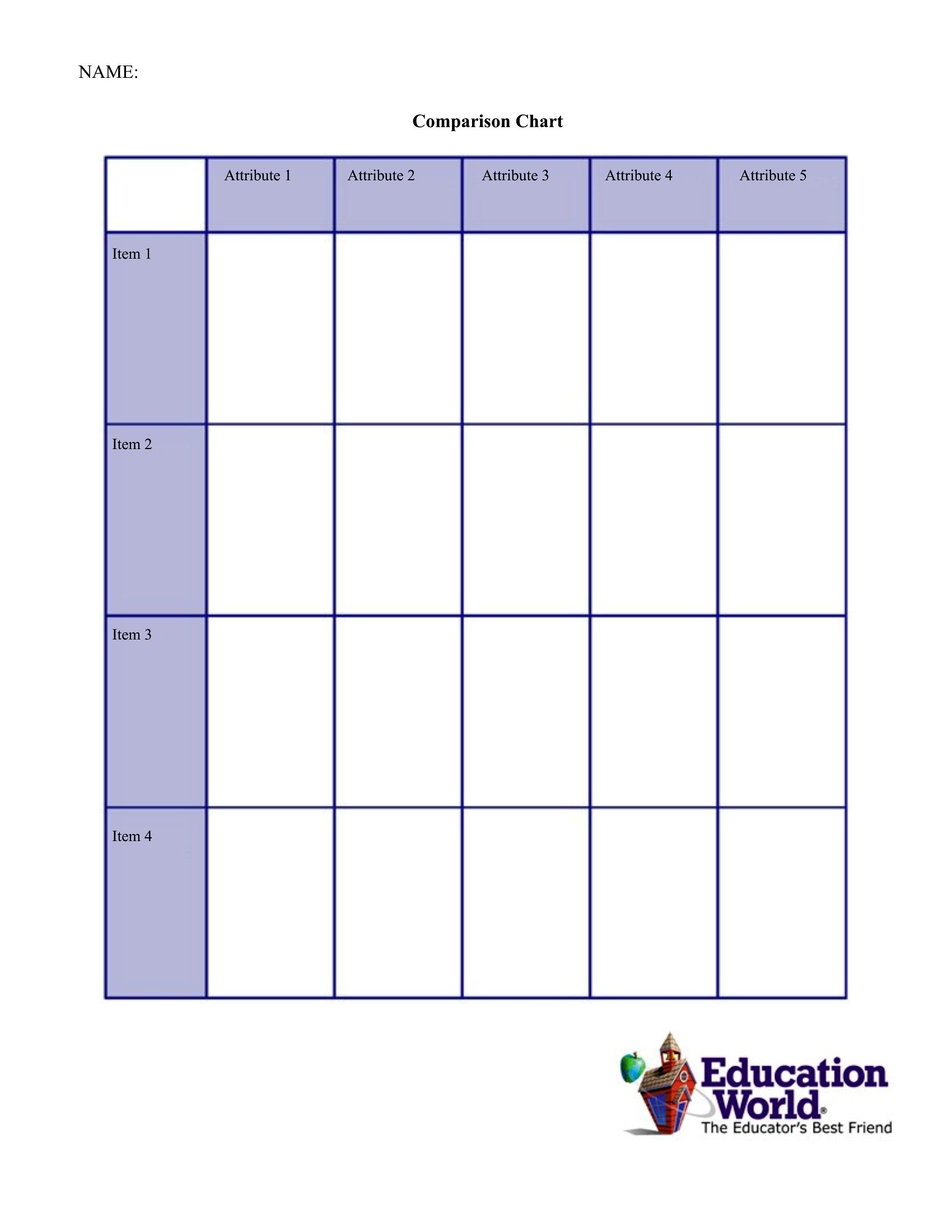
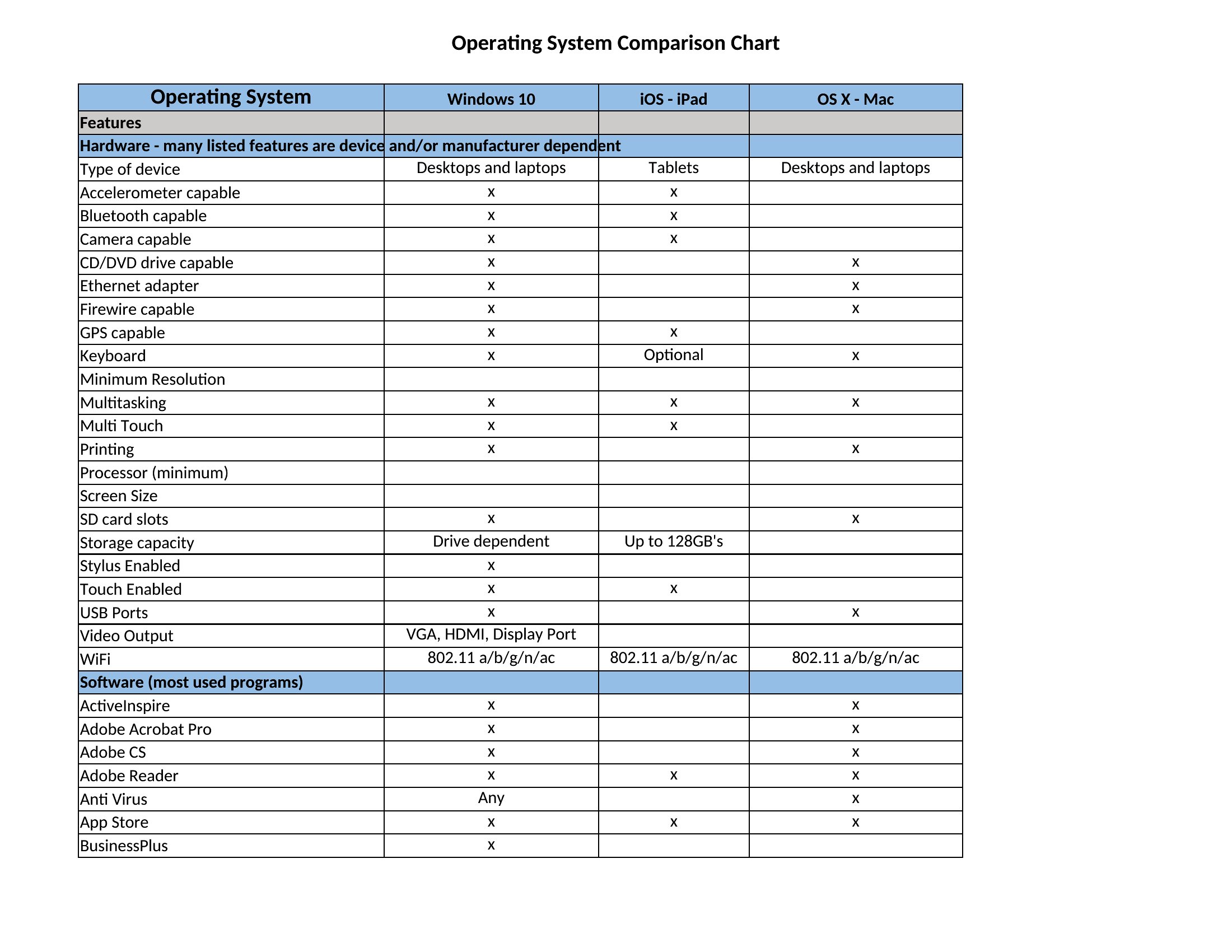
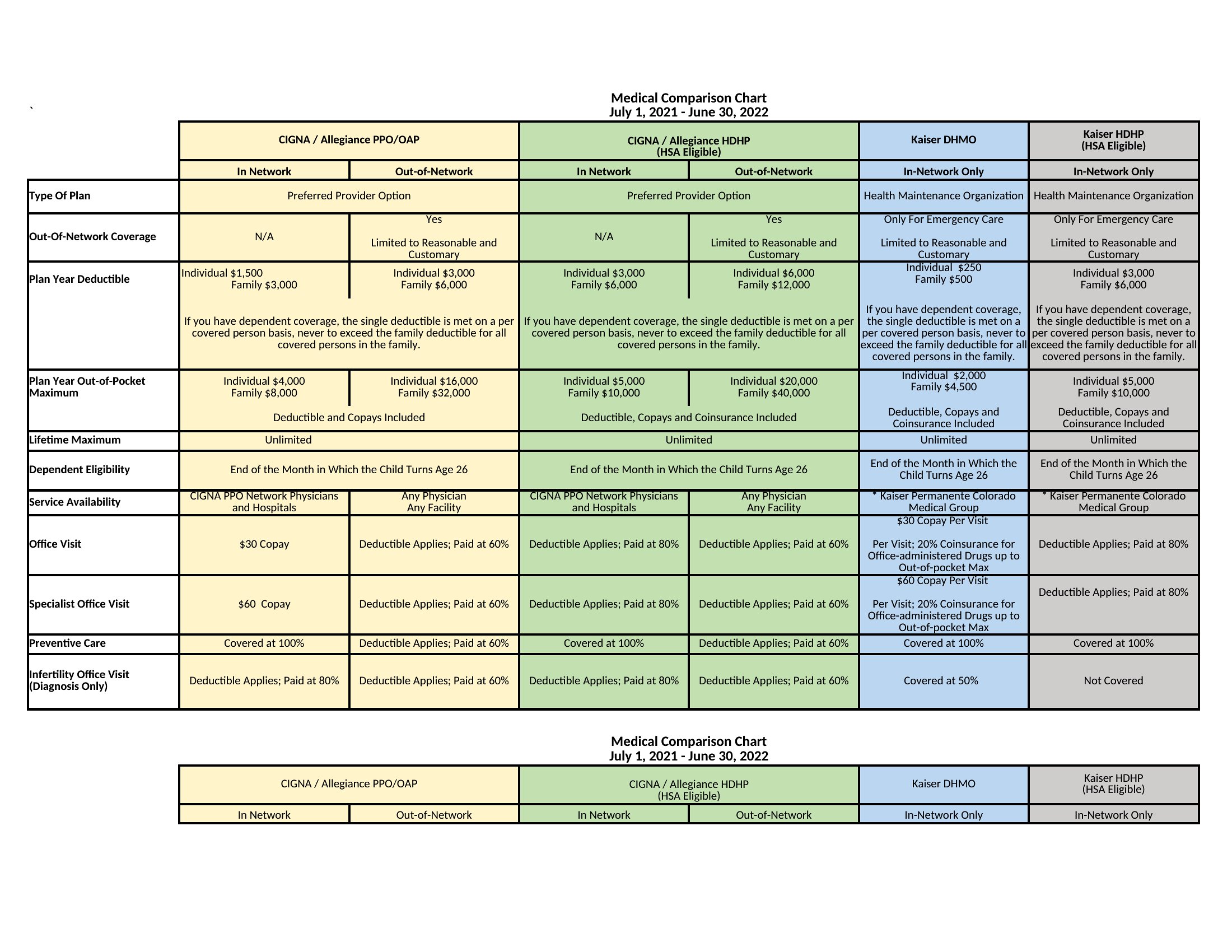
Laying out options side by side makes a decision obvious in a way that paragraphs never will. These 39 comparison chart templates help you stack products, plans, or vendors against each other across the features that matter. Shoppers, business buyers, and presenters can weigh choices clearly without building a chart from scratch.
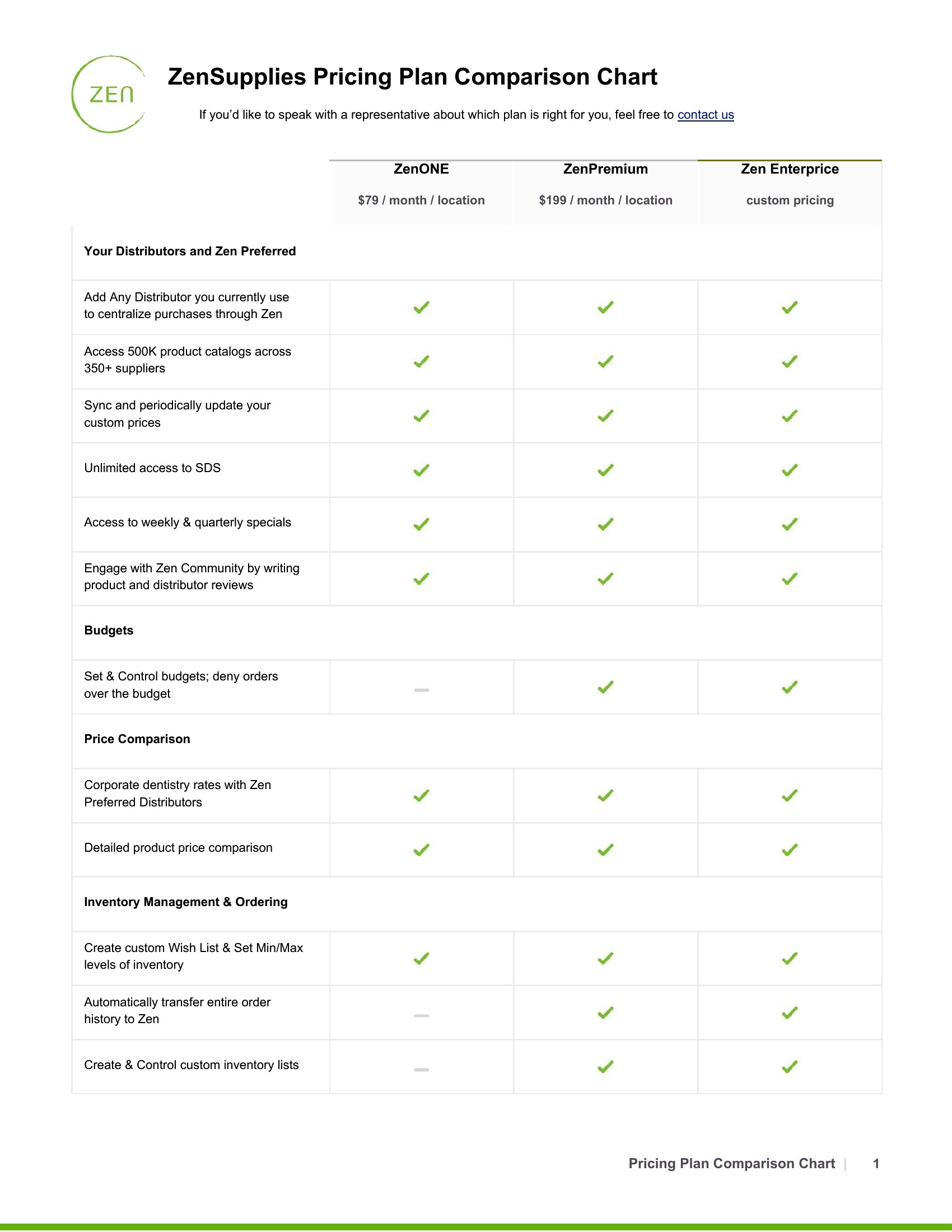
You'll find Word versions for documents and Excel sheets that let you add rows and sort columns easily. Enter your options, fill in the details, and the comparison comes together fast. Drop it into a report, a slide, or a buying guide. Download the format that fits your needs and start comparing.

When to use this Comparison Chart template

  • Finance teams comparing software subscriptions for a department and need to justify the best fit to stakeholders by highlighting cost, integrations, and scalability in a shareable document.
  • Nonprofit boards evaluating three grant applications and want volunteers to align on criteria like funding amounts, project timelines, and community impact before voting.
  • E-commerce store owners helping customers decide between two product tiers by listing specs like delivery times, return policies, and bundled features in an easy-to-print guide.
  • Sales managers training new reps on how to position competing vendor solutions during client calls, using a visual layout to emphasize strengths and weaknesses in key decision-making moments.

Which format should I download?

WordExcel

Choose Word when you need a polished, print-ready comparison to embed in reports, proposals, or presentations where visual hierarchy matters most. The table formats here integrate seamlessly with text explanations, making them ideal for audiences who prefer scannable documents over spreadsheets. Opt for Excel when your data is complex, requires calculations (like weighted scoring), or needs frequent updates—its dynamic sorting, filtering, and conditional formatting tools keep comparisons current for ongoing evaluations.

Choose from 39 Comparison Chart Templates
How to use this Comparison Chart template

Can I use these templates to compare more than three options?
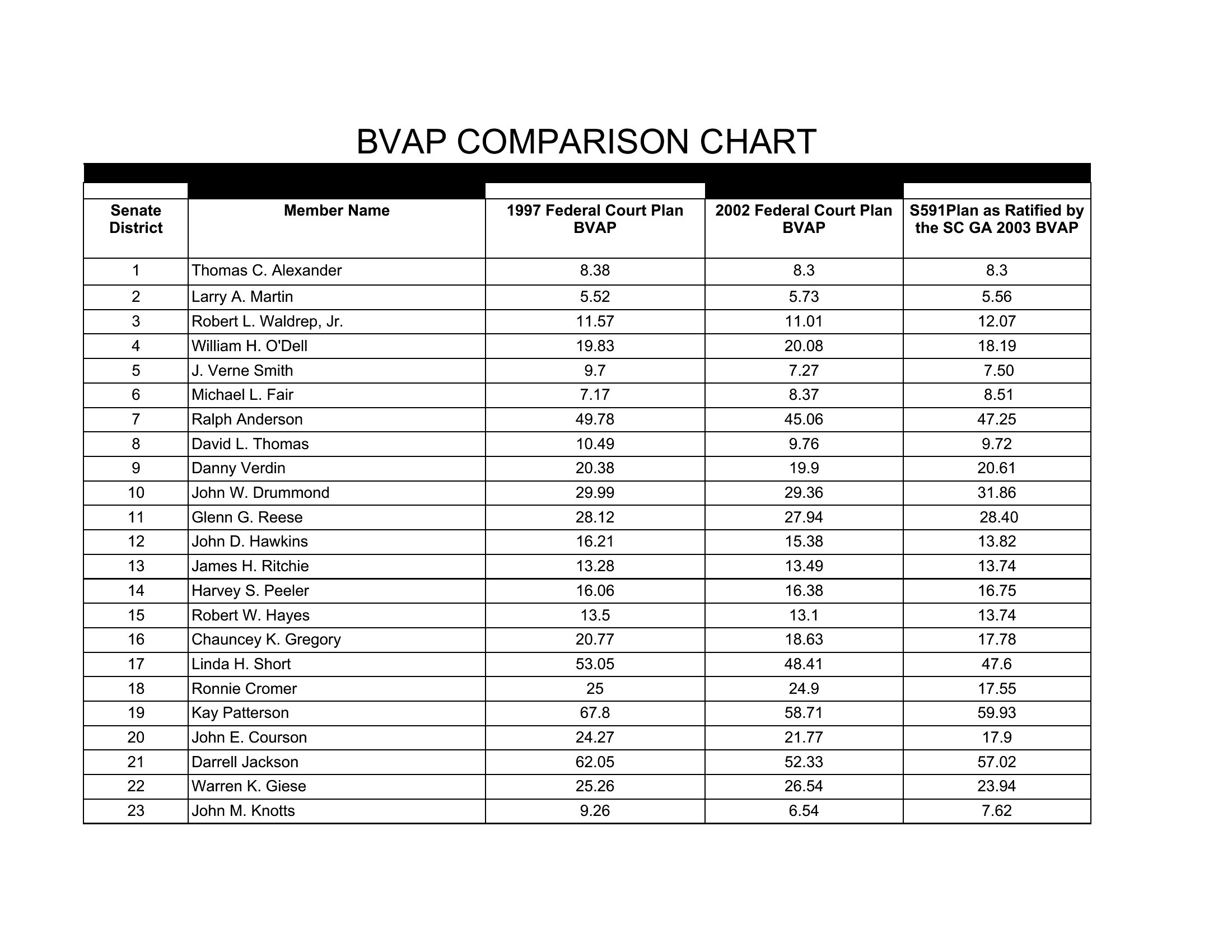
Yes, these templates are designed to handle as many rows as you need. For Word, simply duplicate the existing rows, and for Excel, add new rows while maintaining consistent column headers. If comparing more than five options, consider using Excel’s sorting tools to organize results by priority or score.
How do I ensure my comparison is fair if some vendors/products don’t disclose certain details?

Leave the relevant cells blank or use a note like ‘N/A’ or ‘Not disclosed’ in your comparison. For Word, you can merge cells or add a footnote; in Excel, use conditional formatting to highlight gaps. This keeps your comparison transparent while acknowledging limitations—just avoid filling missing data with assumptions.

Are these templates suitable for comparing intangible services, like consulting firms or support teams?
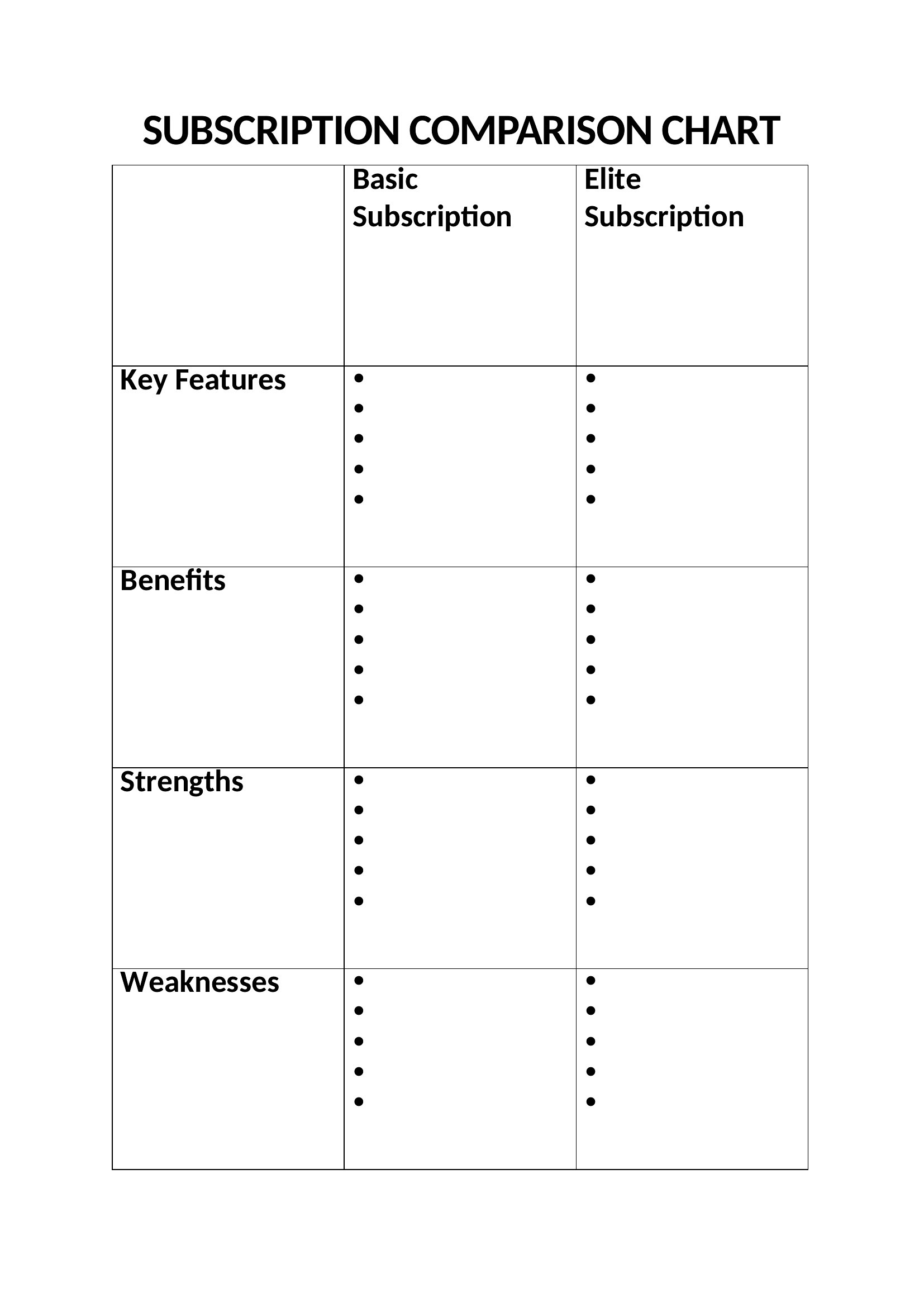
Absolutely. Focus on measurable criteria like response times, client testimonials, or service-level agreements, and use qualitative descriptors (e.g., ‘Expertise level: High/Medium/Low’) for subjective factors. The Excel templates work well for adding weighted scores, while Word formats let you include narrative justifications beside each criterion.
Comments

Join the conversation

Sign in to share your thoughts and leave a comment on this resource.

Newsletter

Get Weekly Design Updates
Join our community to receive curated resources and inspiration.
Weekly Tips Resources Early Access

We respect your privacy. Confirmation email required. Privacy Policy