Free Expense Report Templates (Word, Excel, PDF)
StatementsTemplates
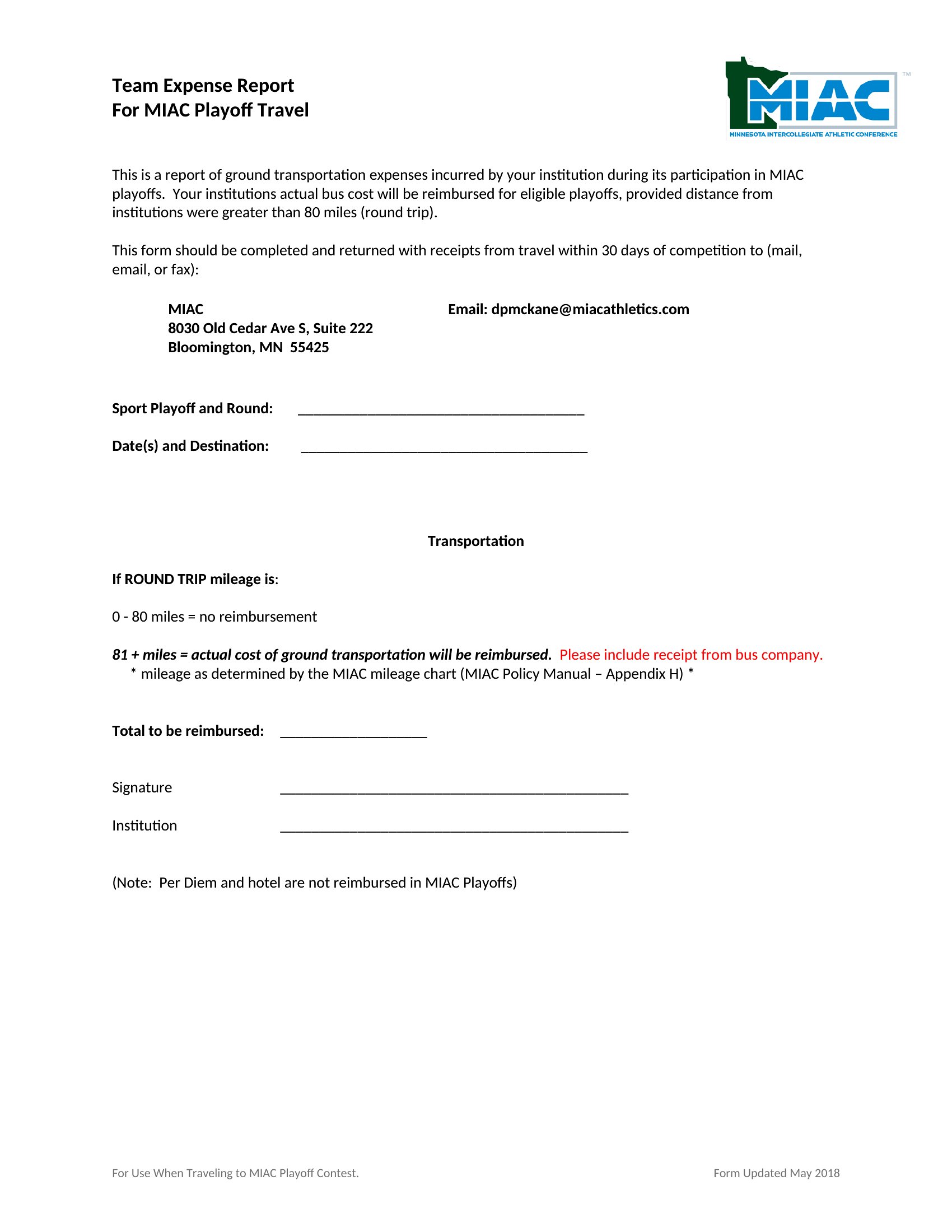
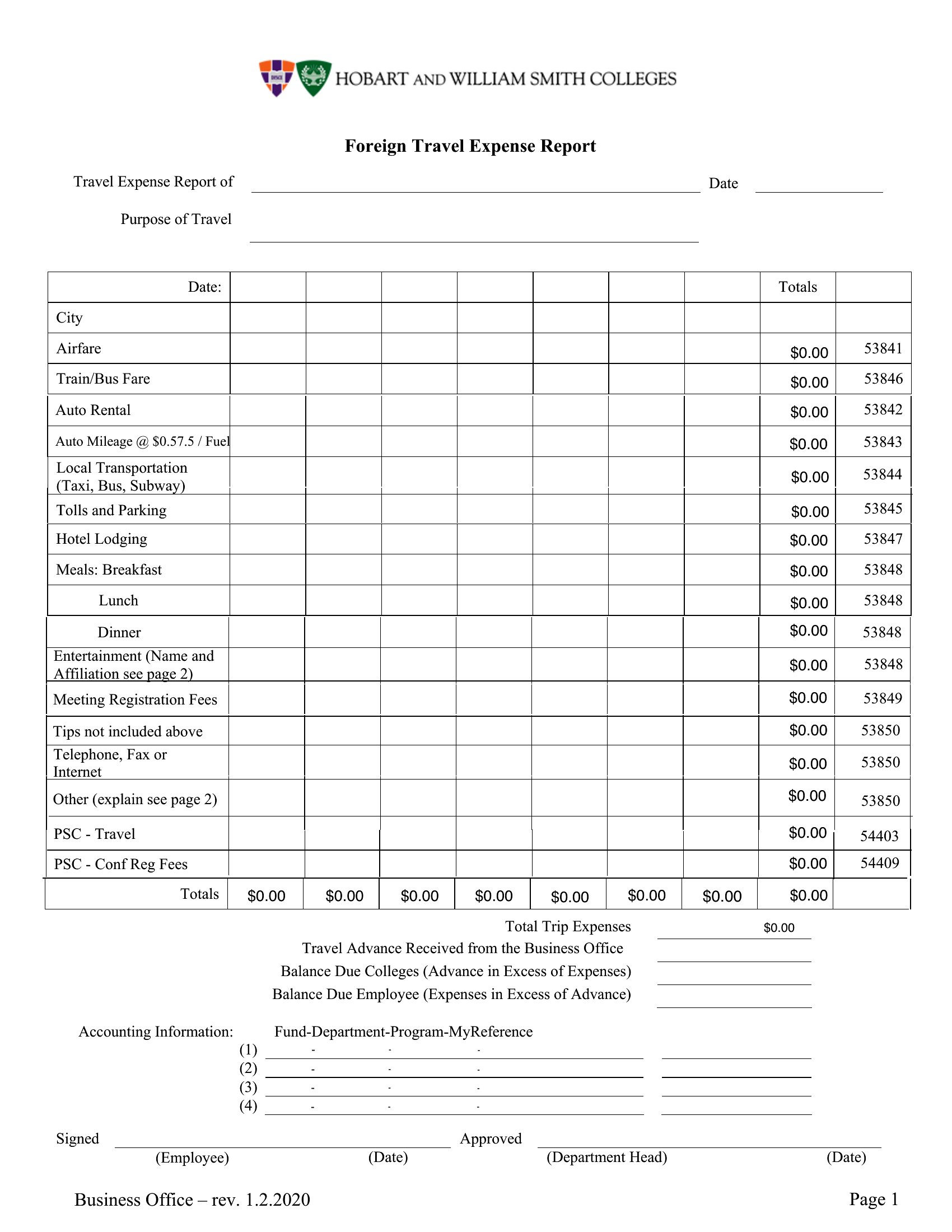
FAQ
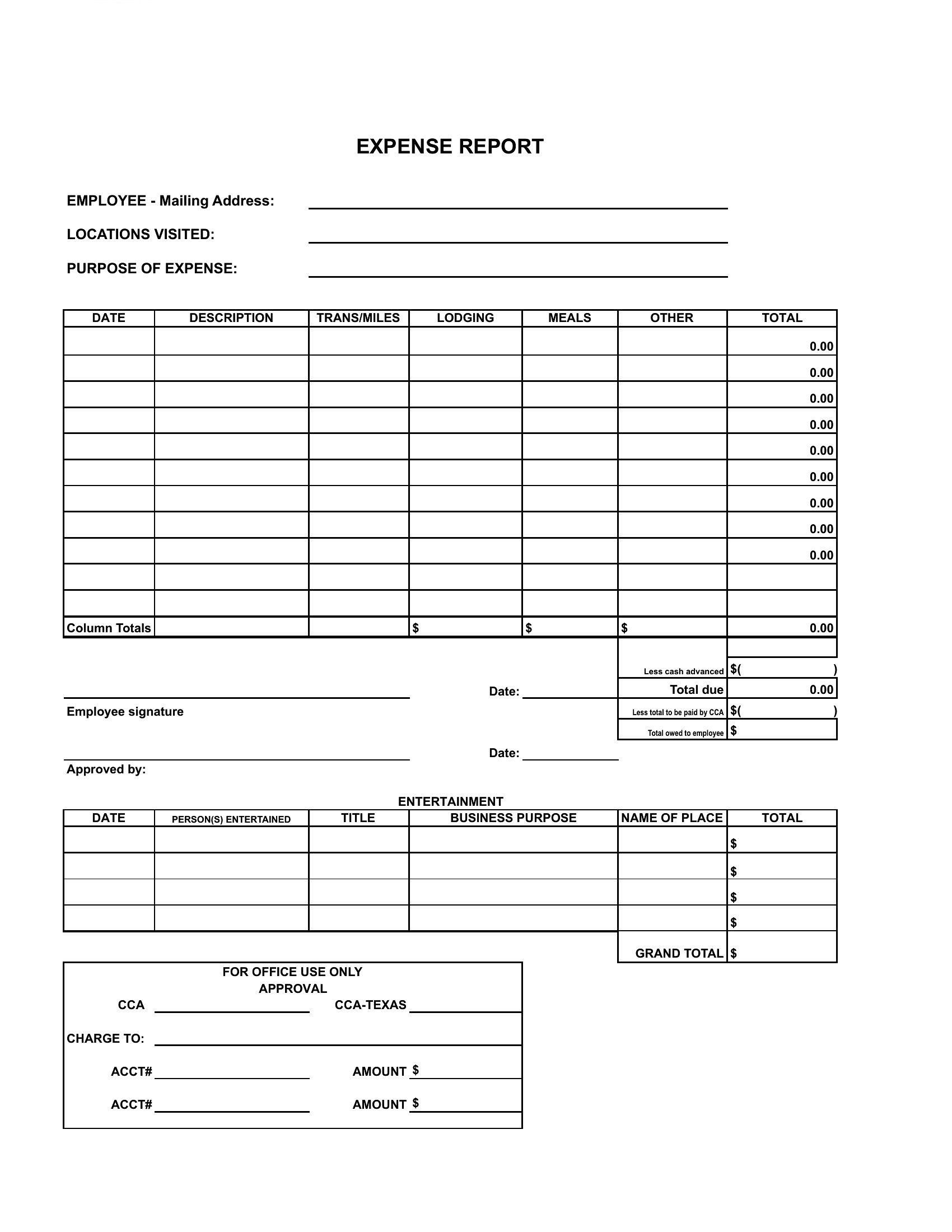
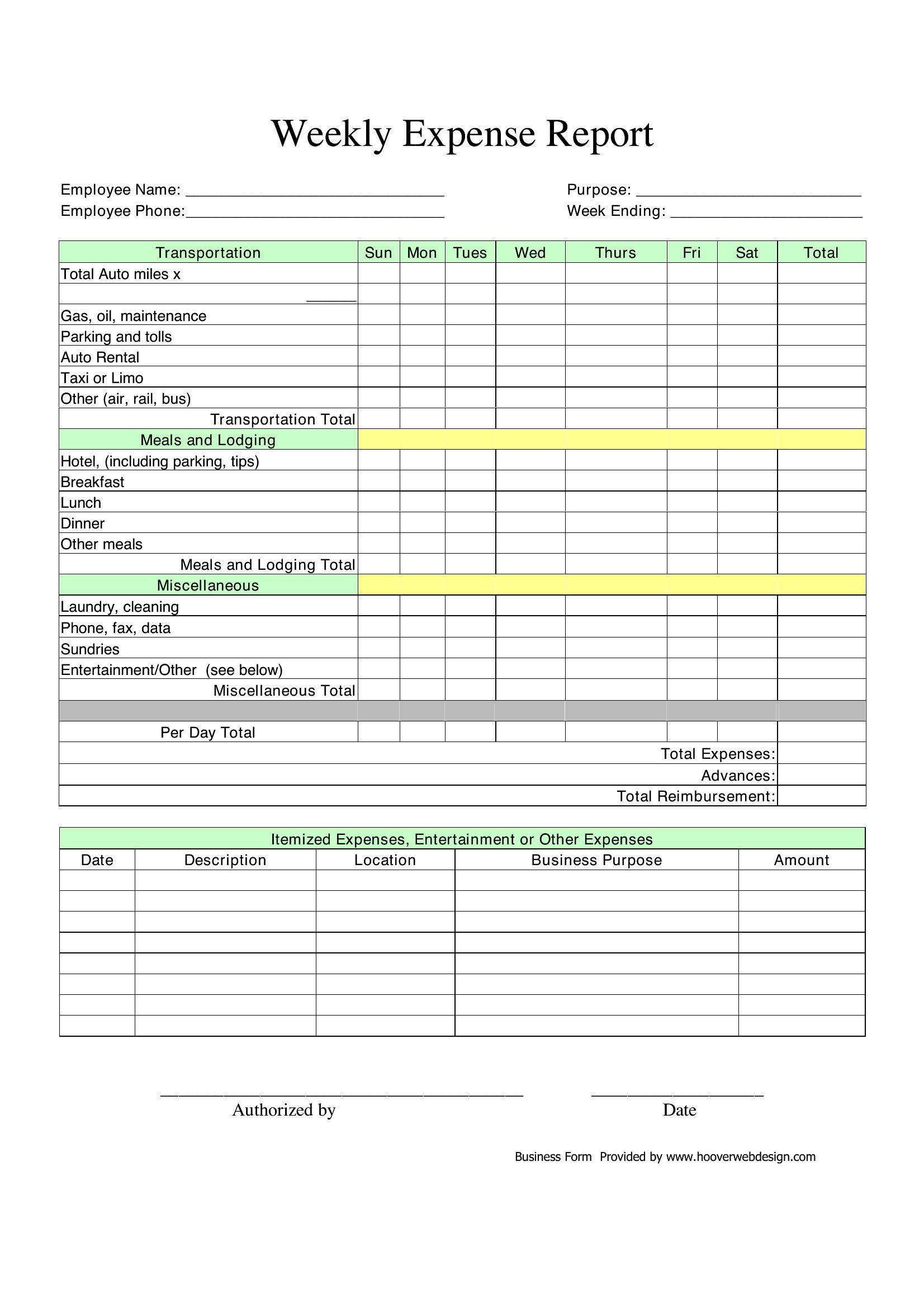
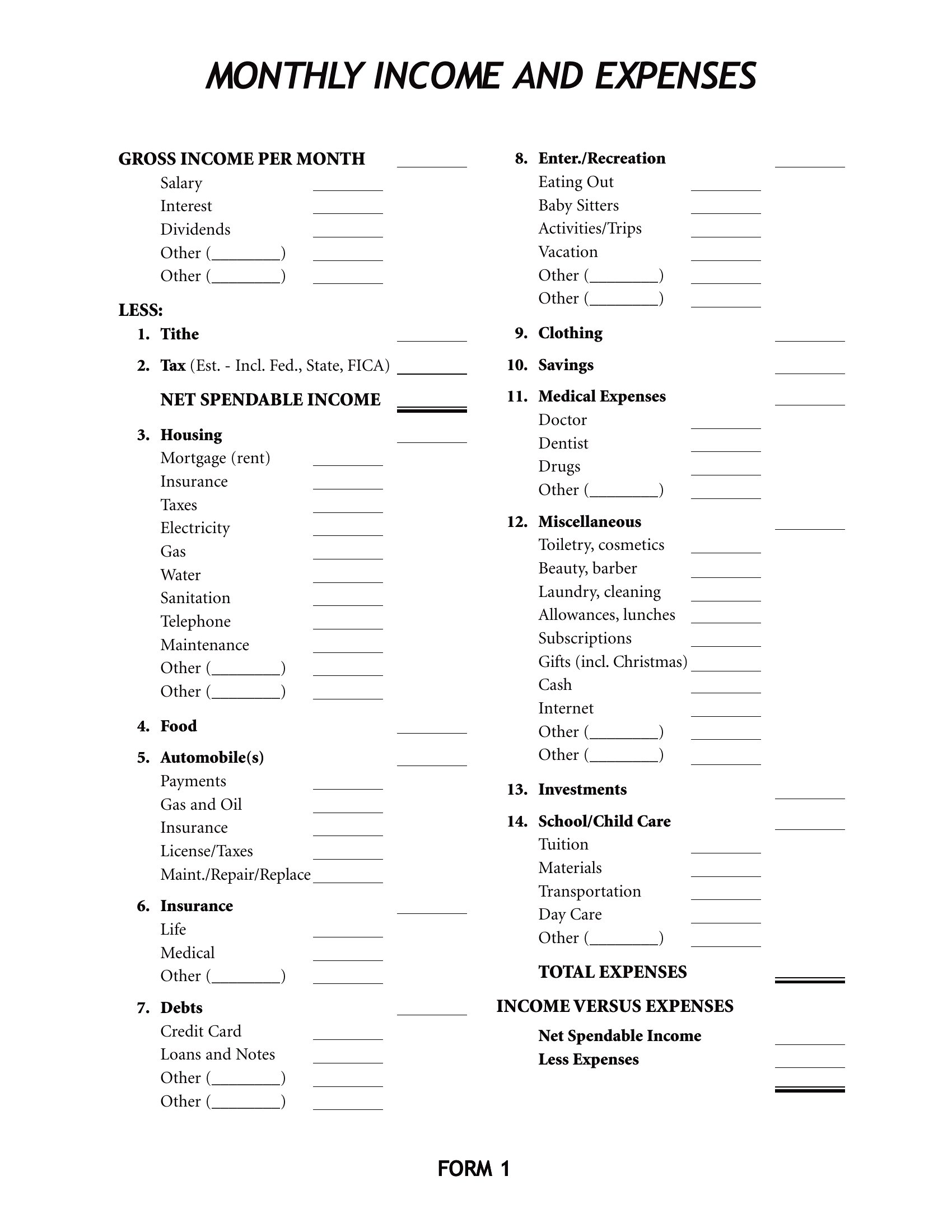
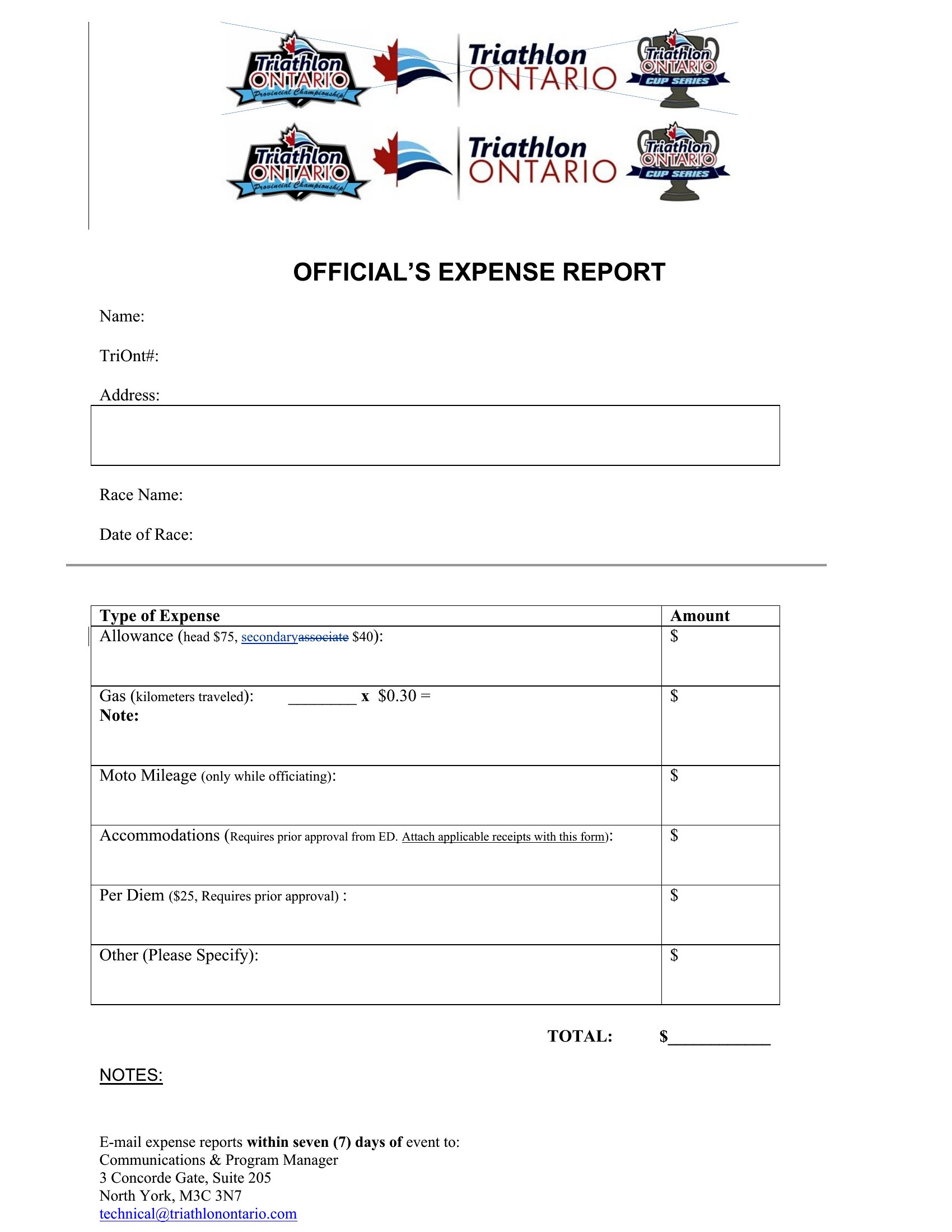
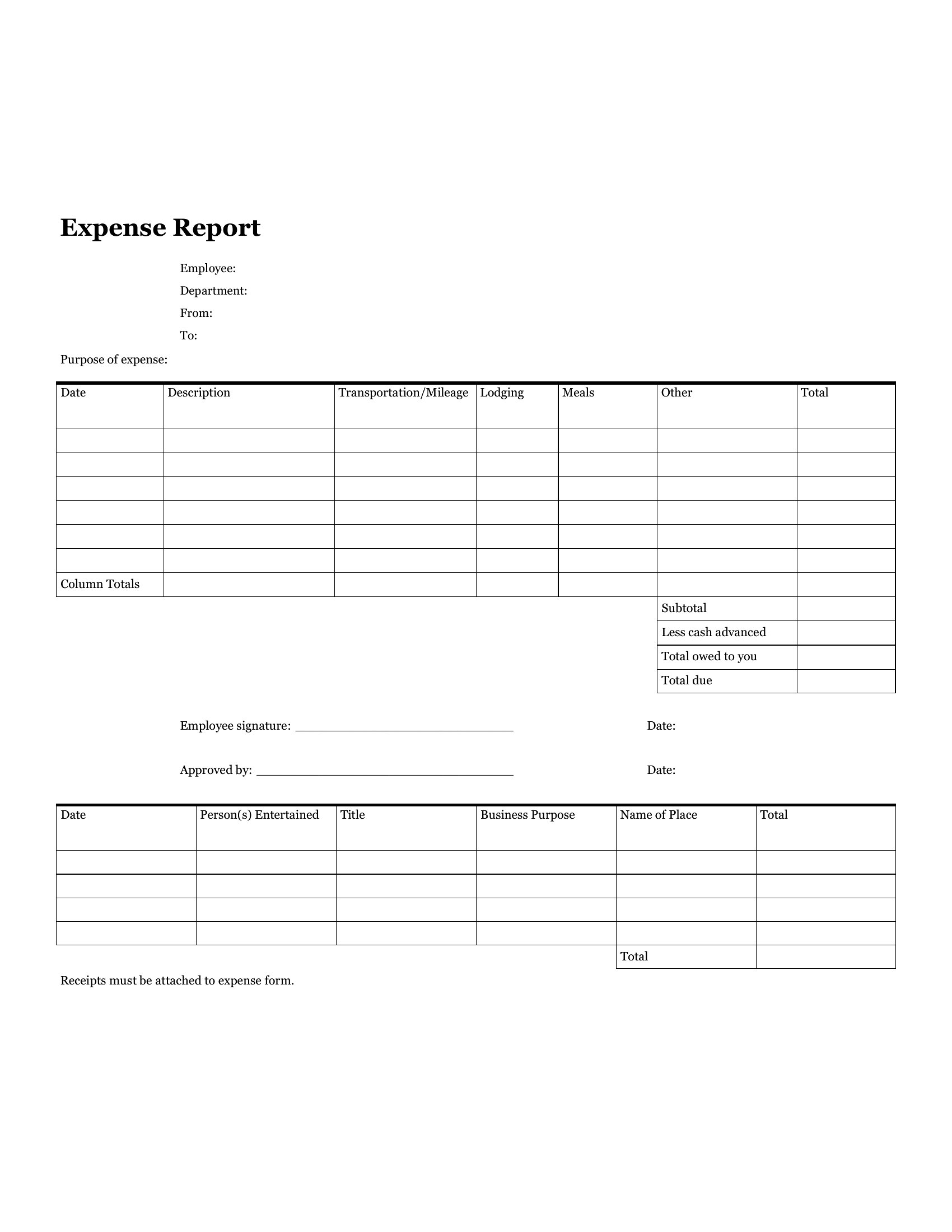
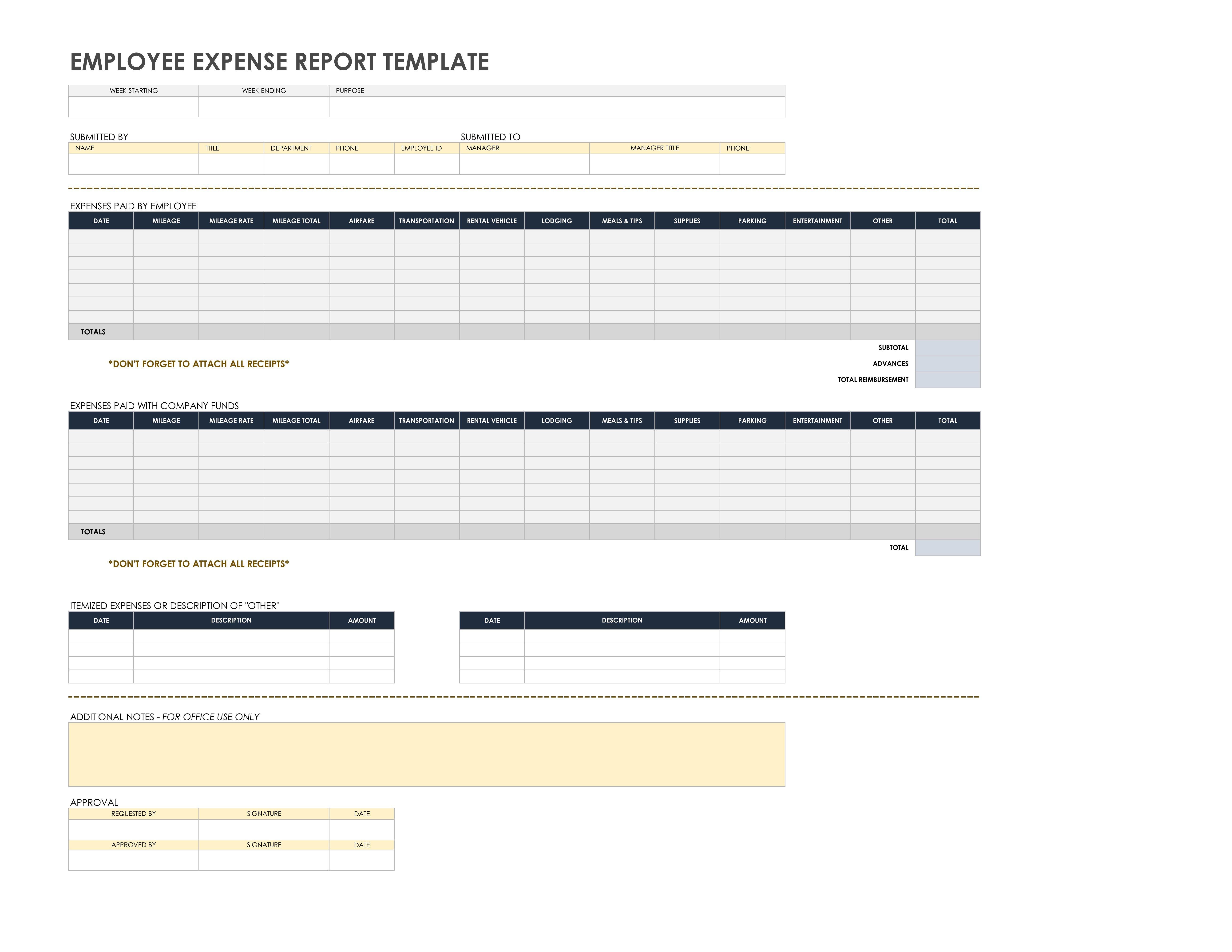
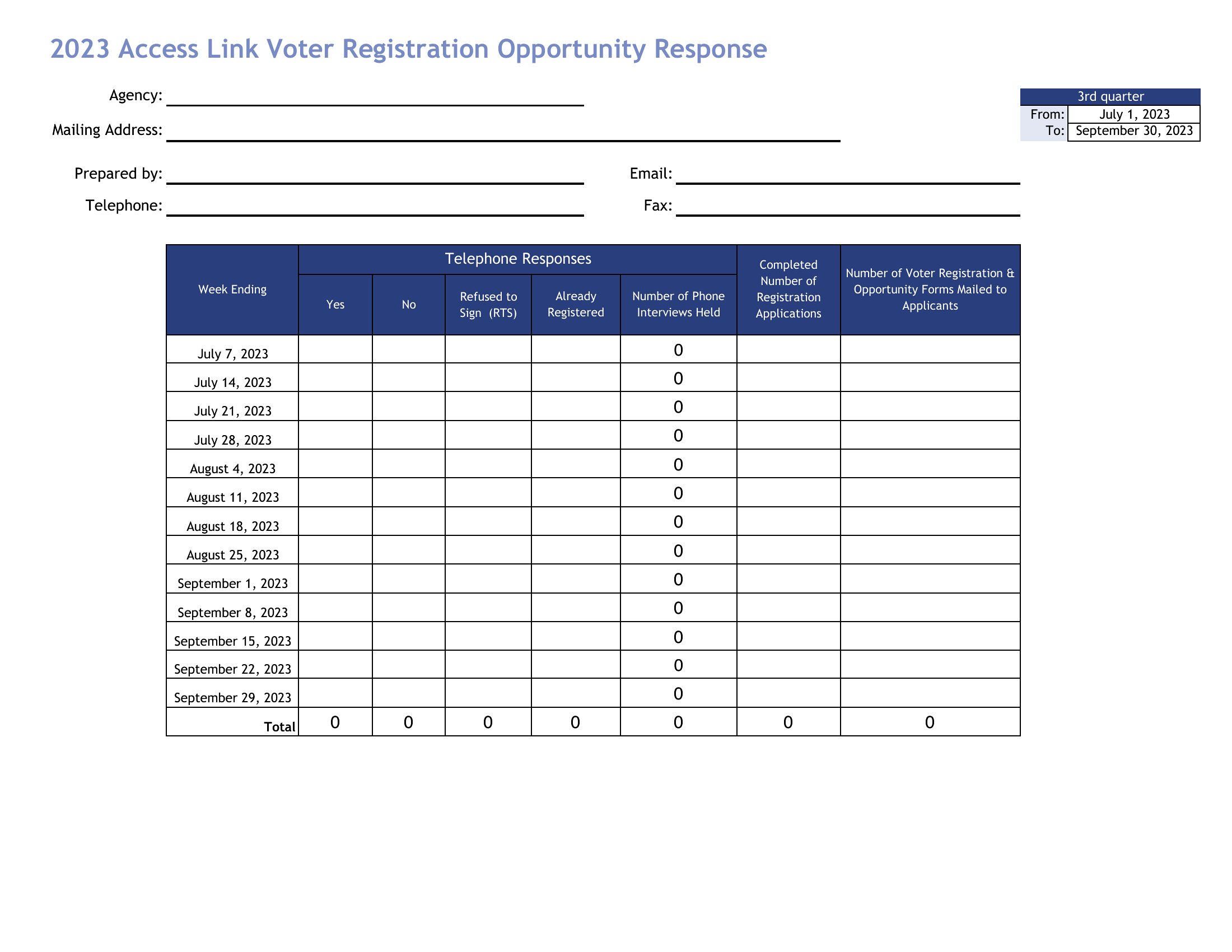
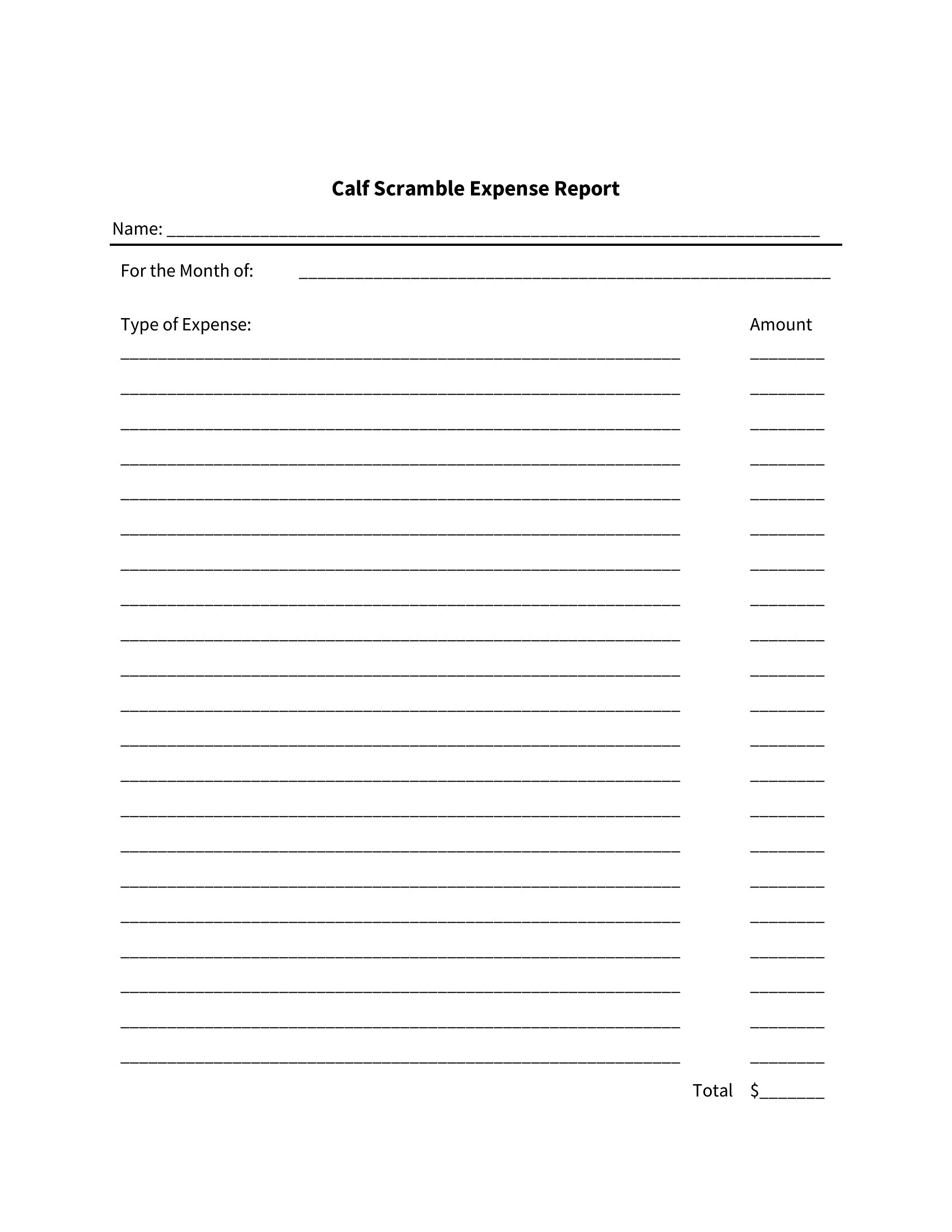
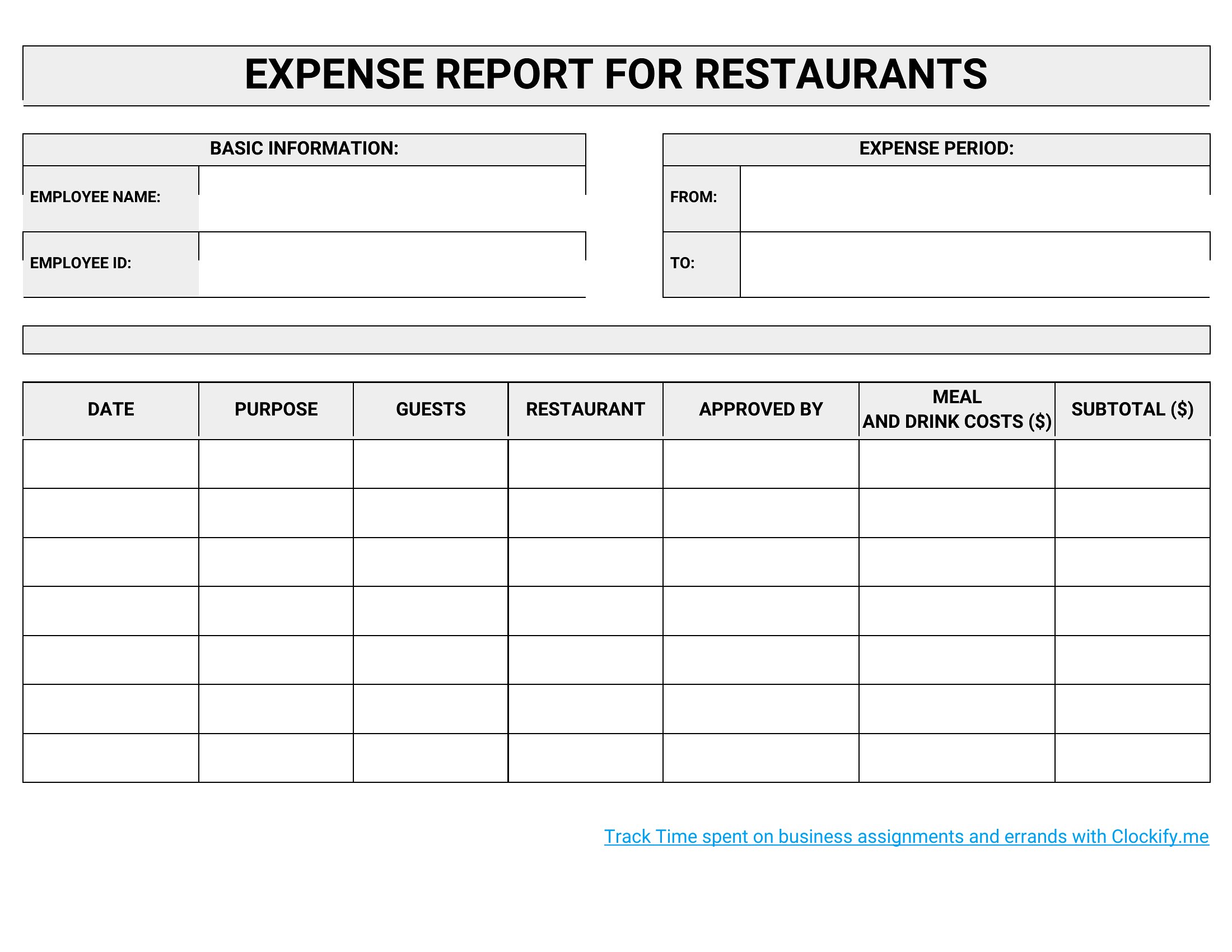
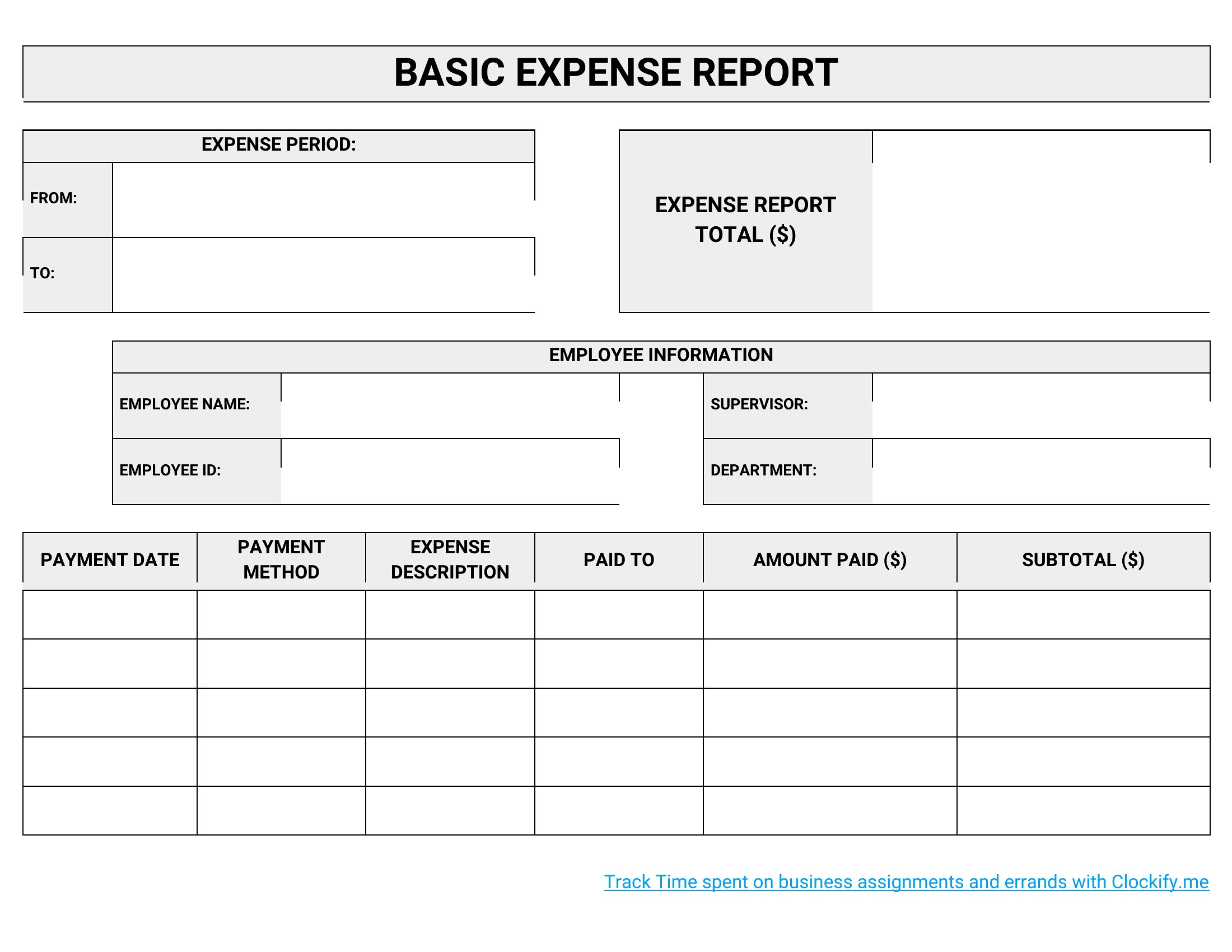
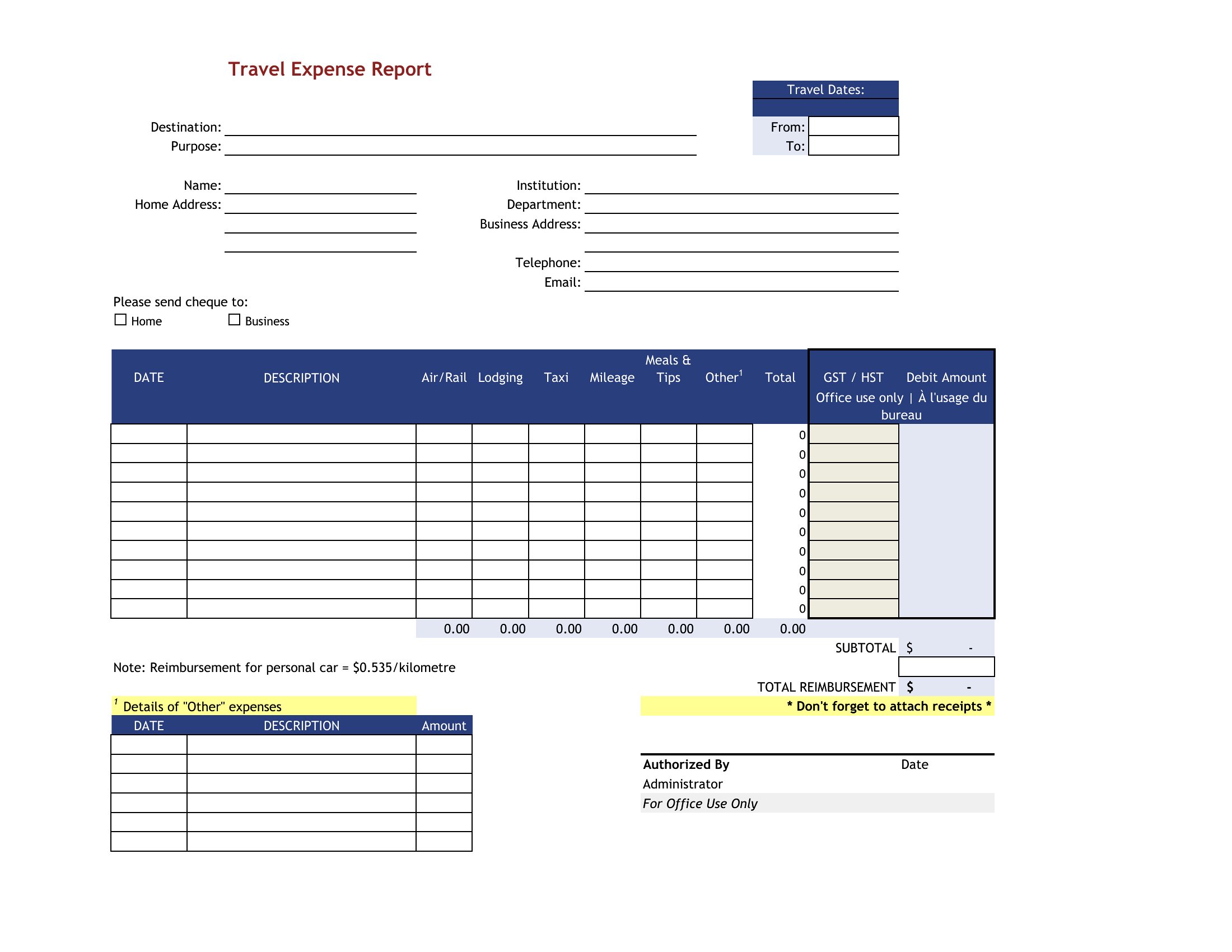
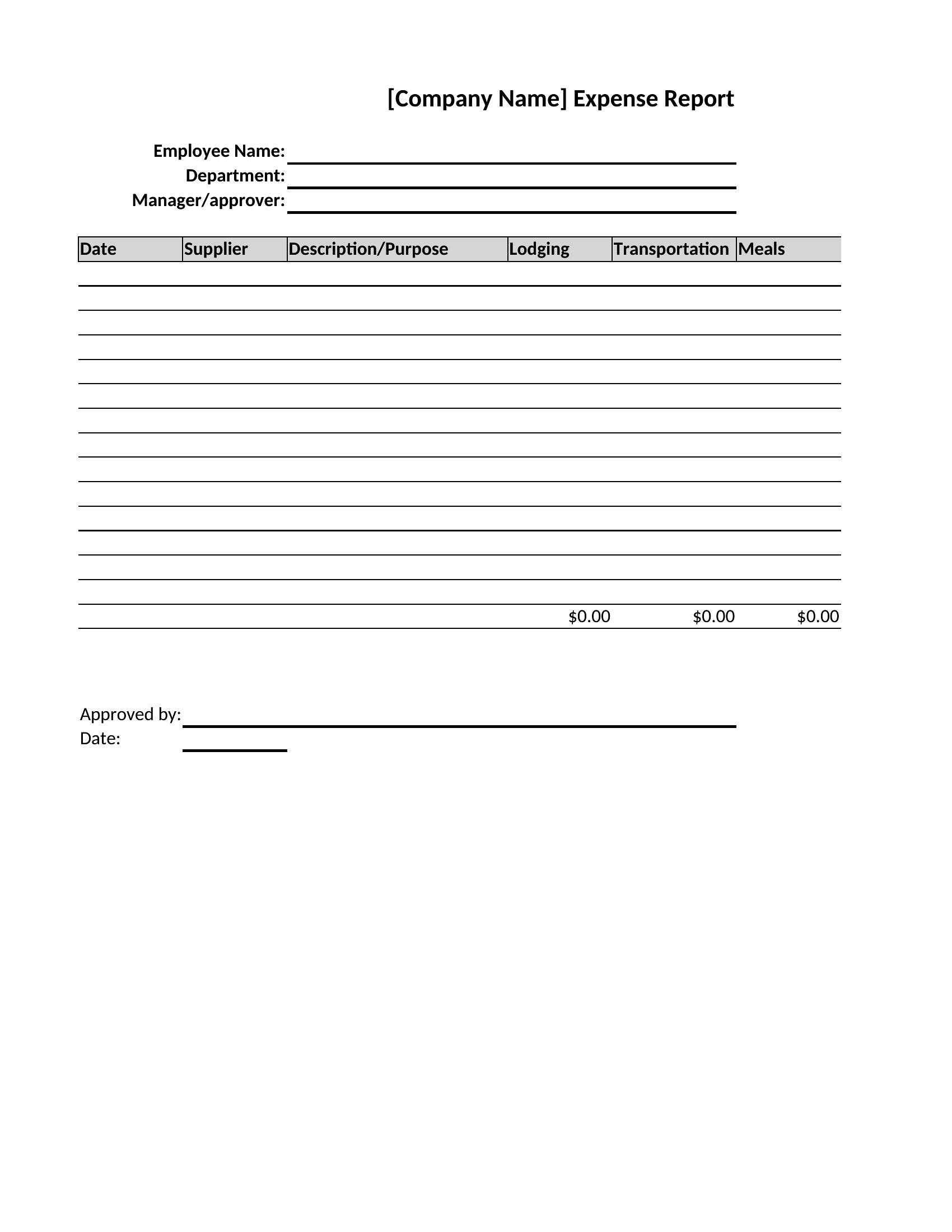
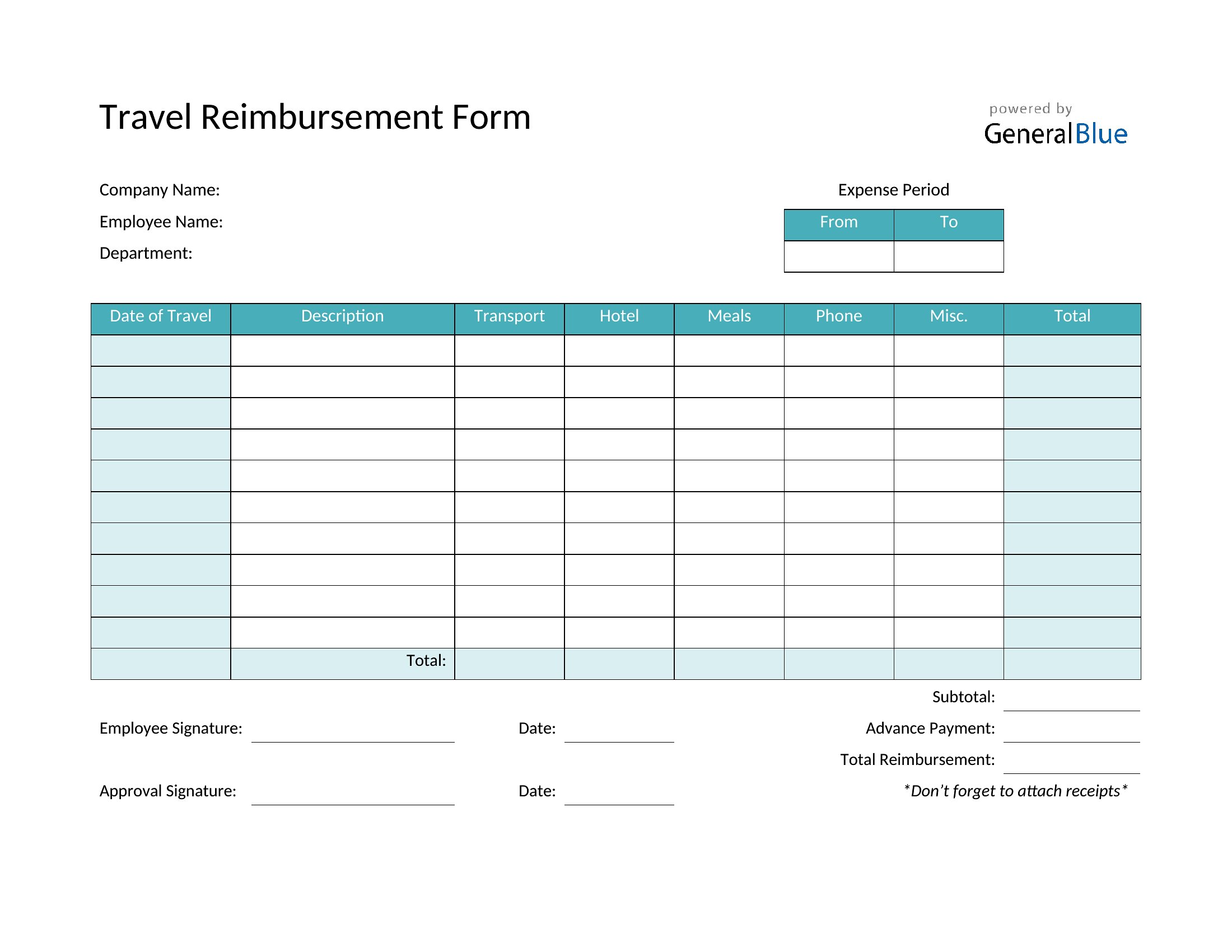
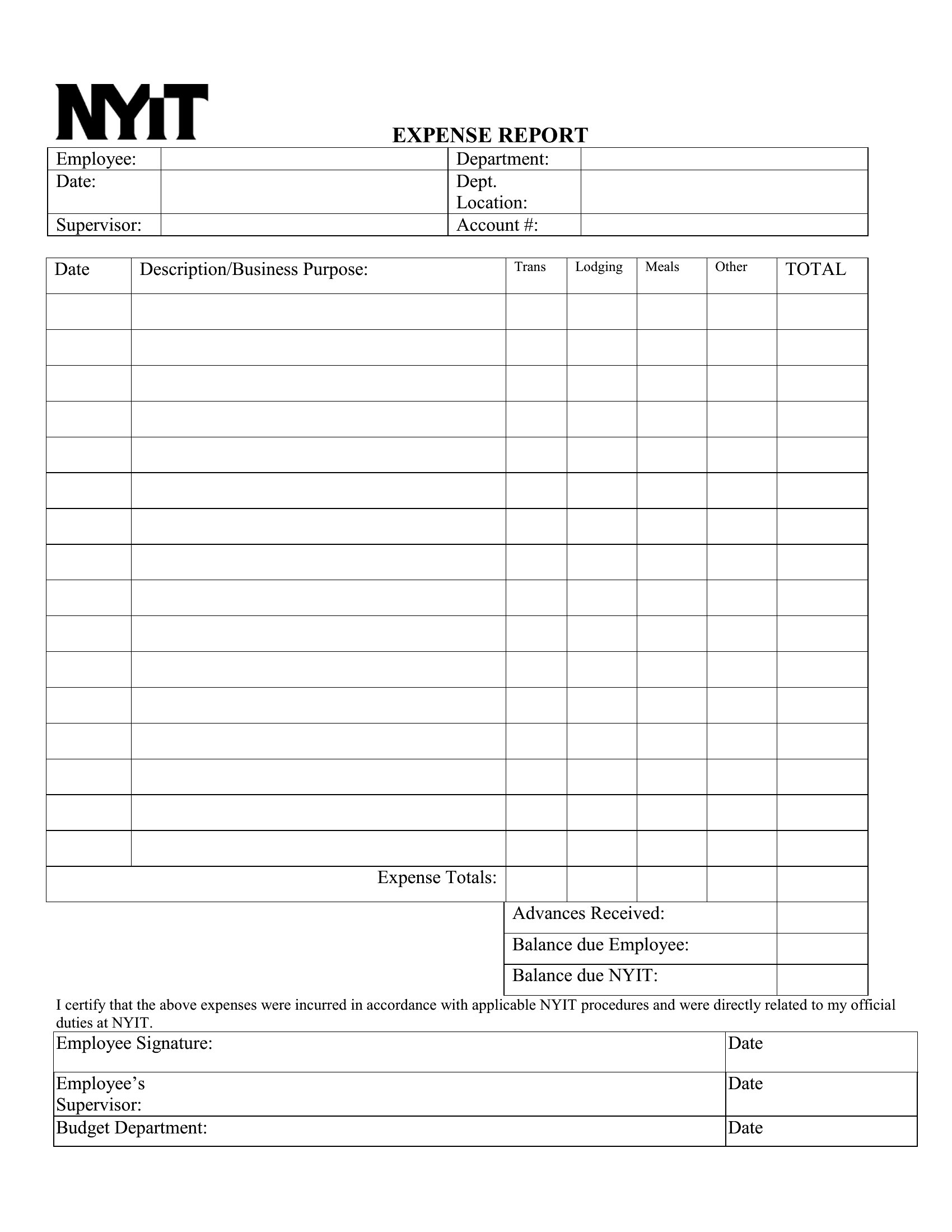
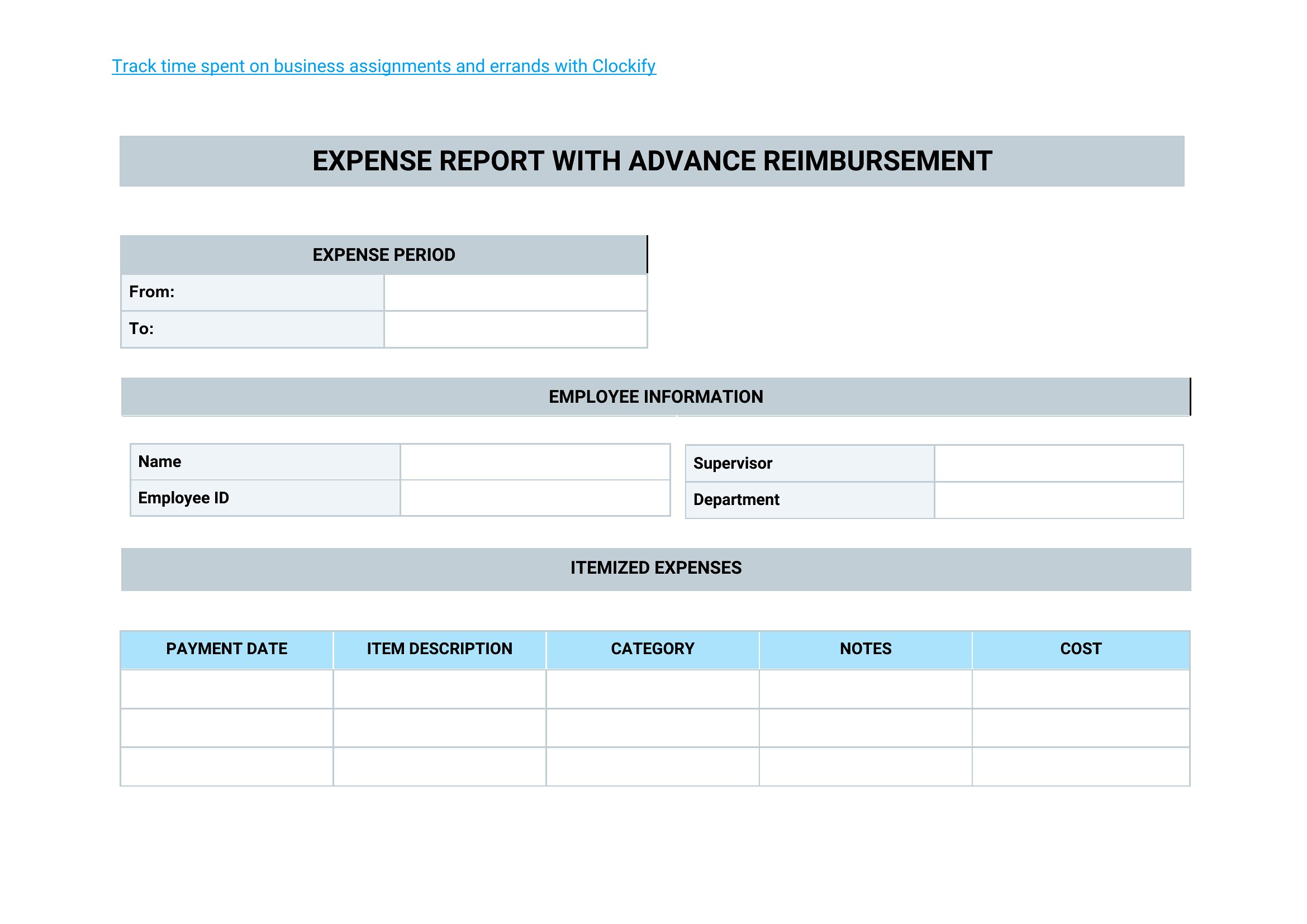
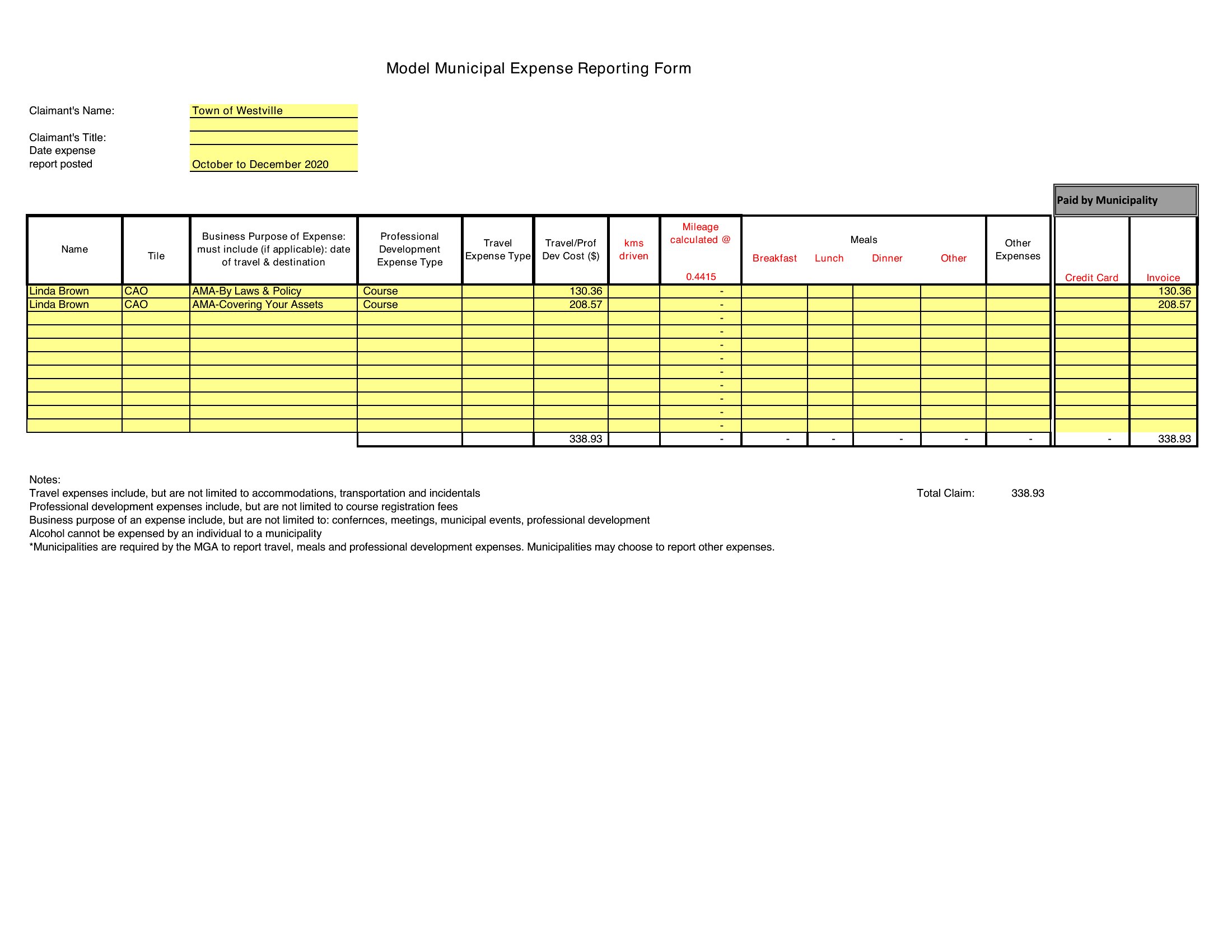
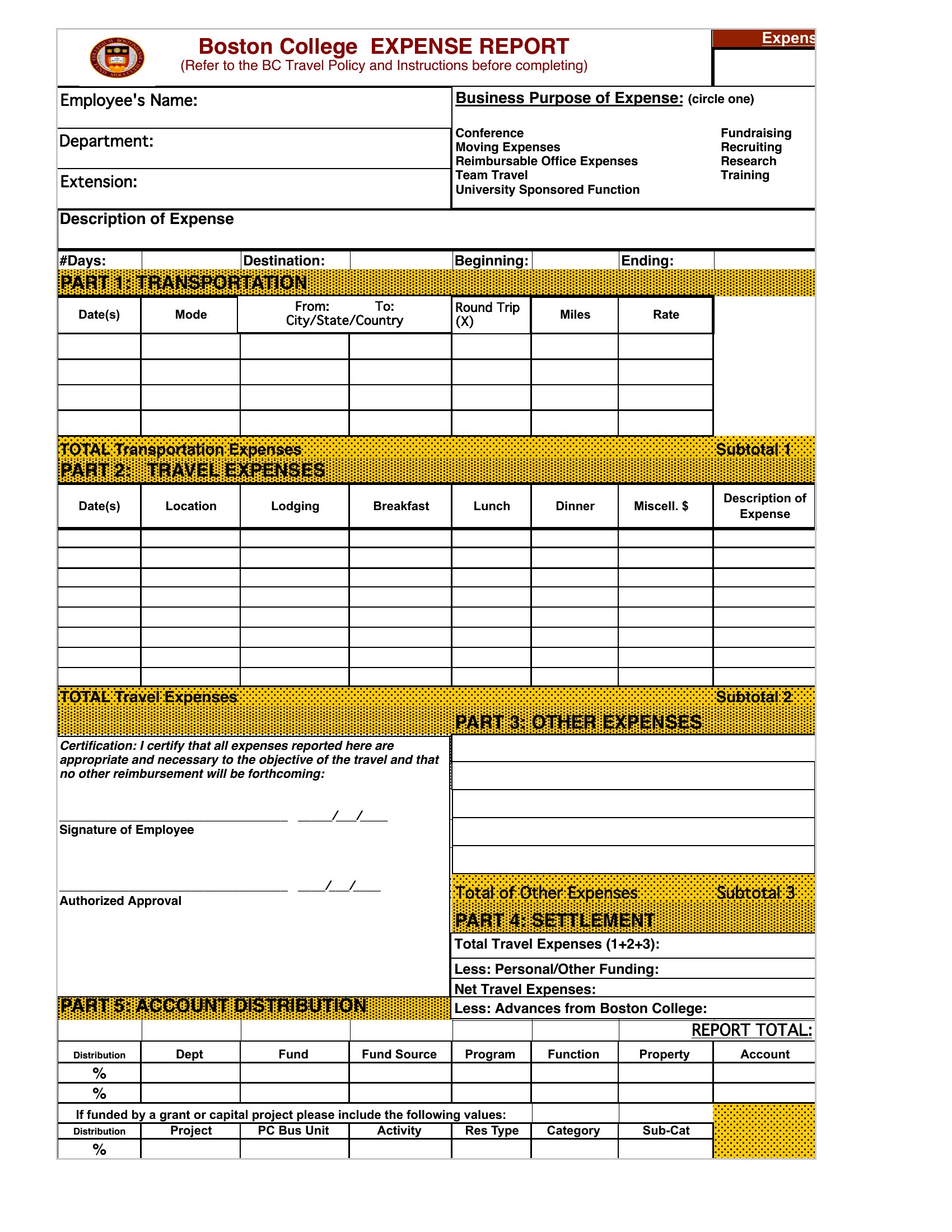
Can I customize the expense categories to match my company’s accounting software?
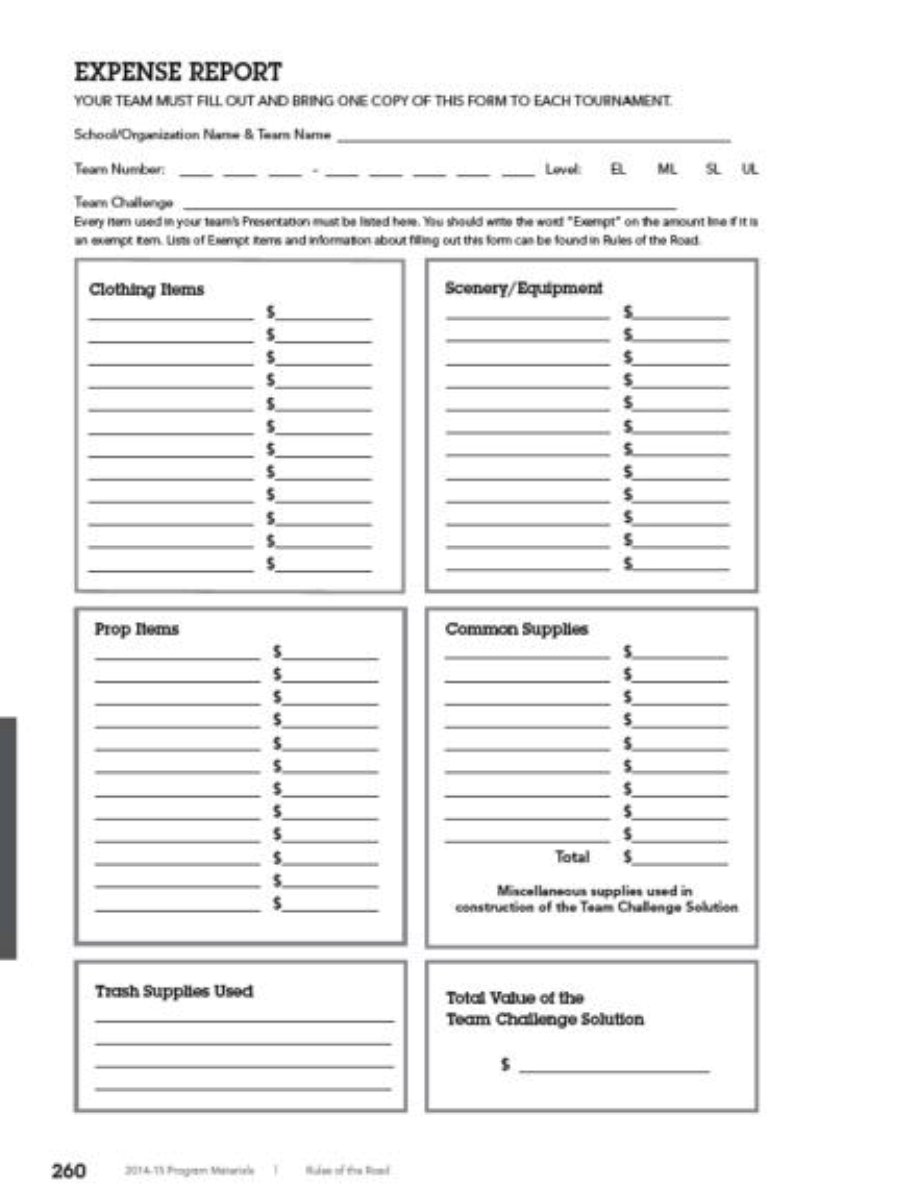
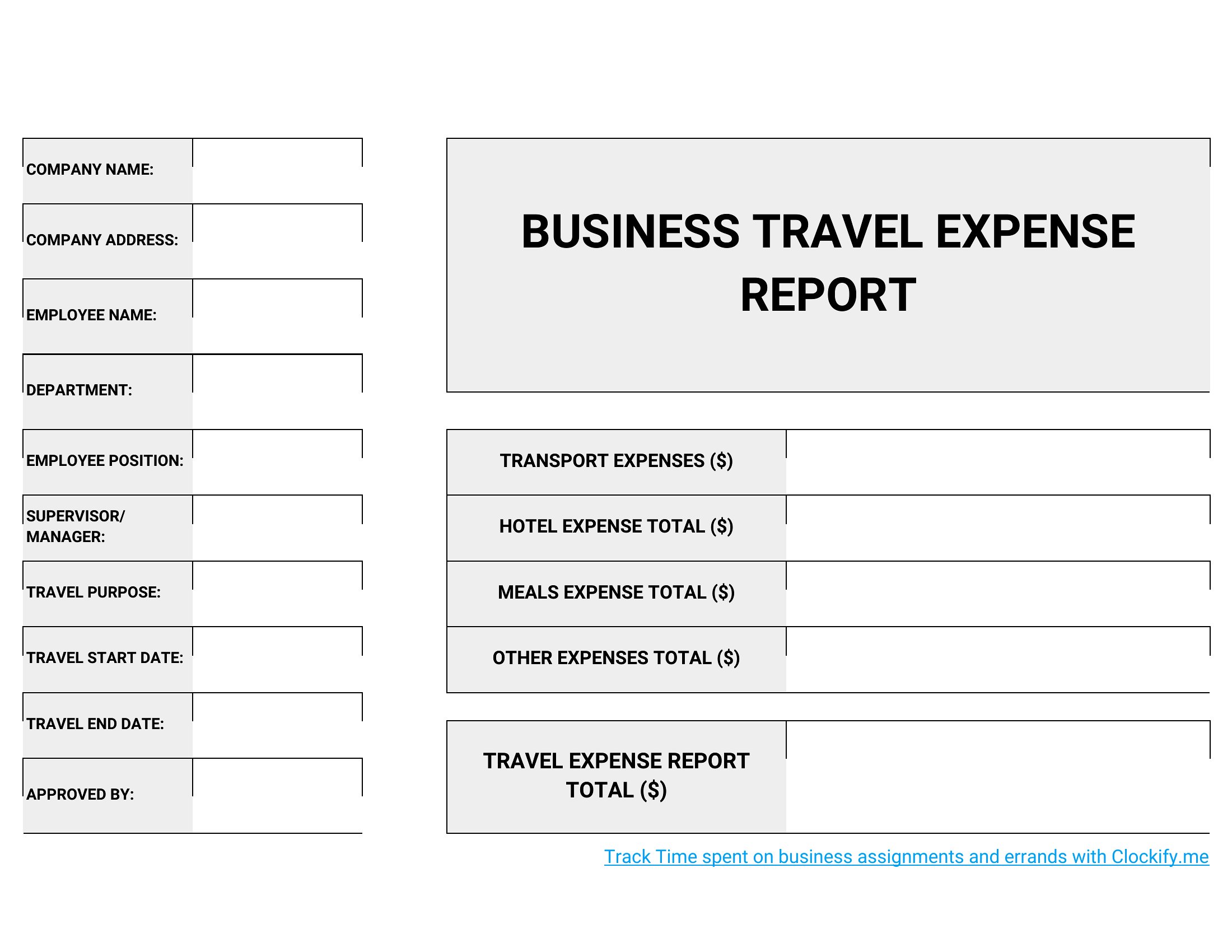
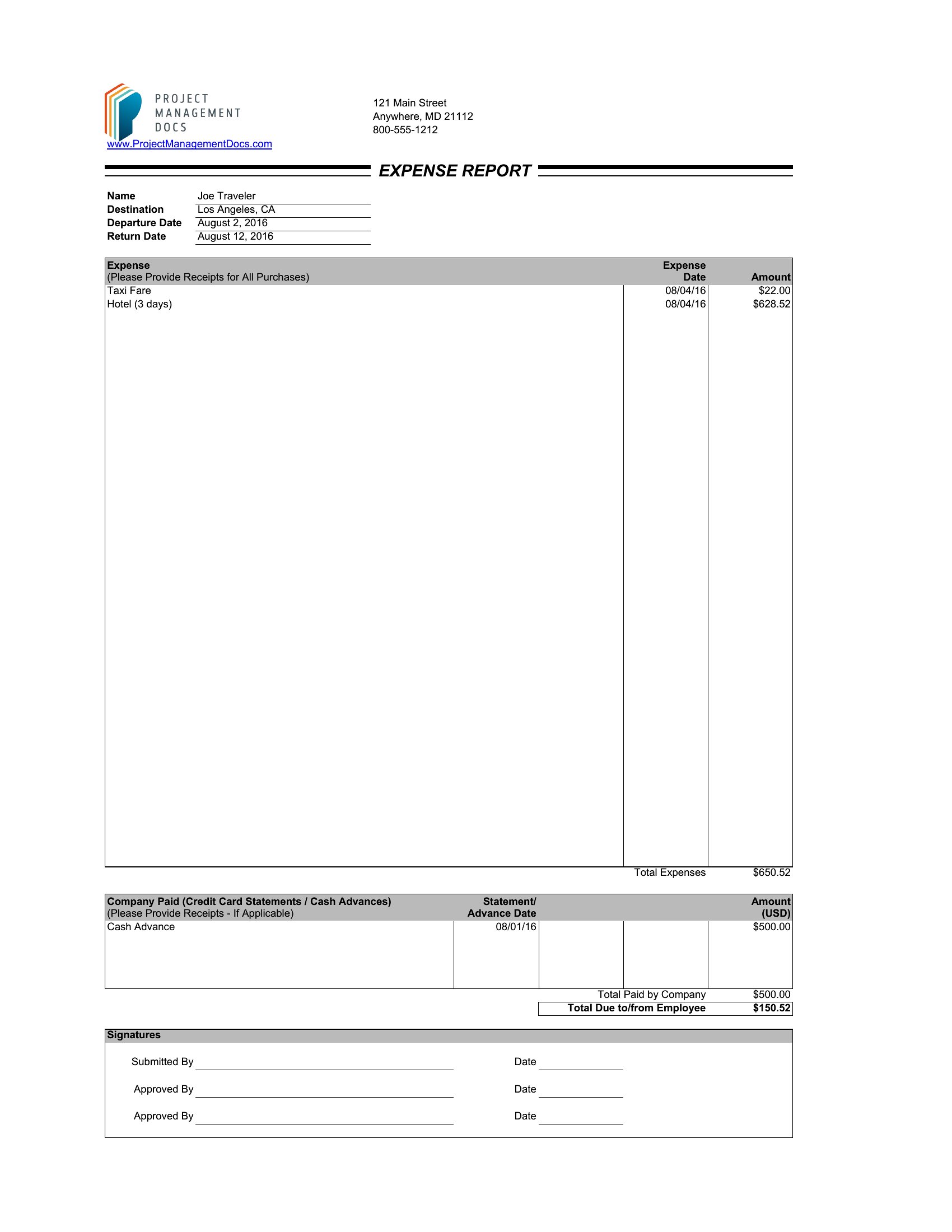
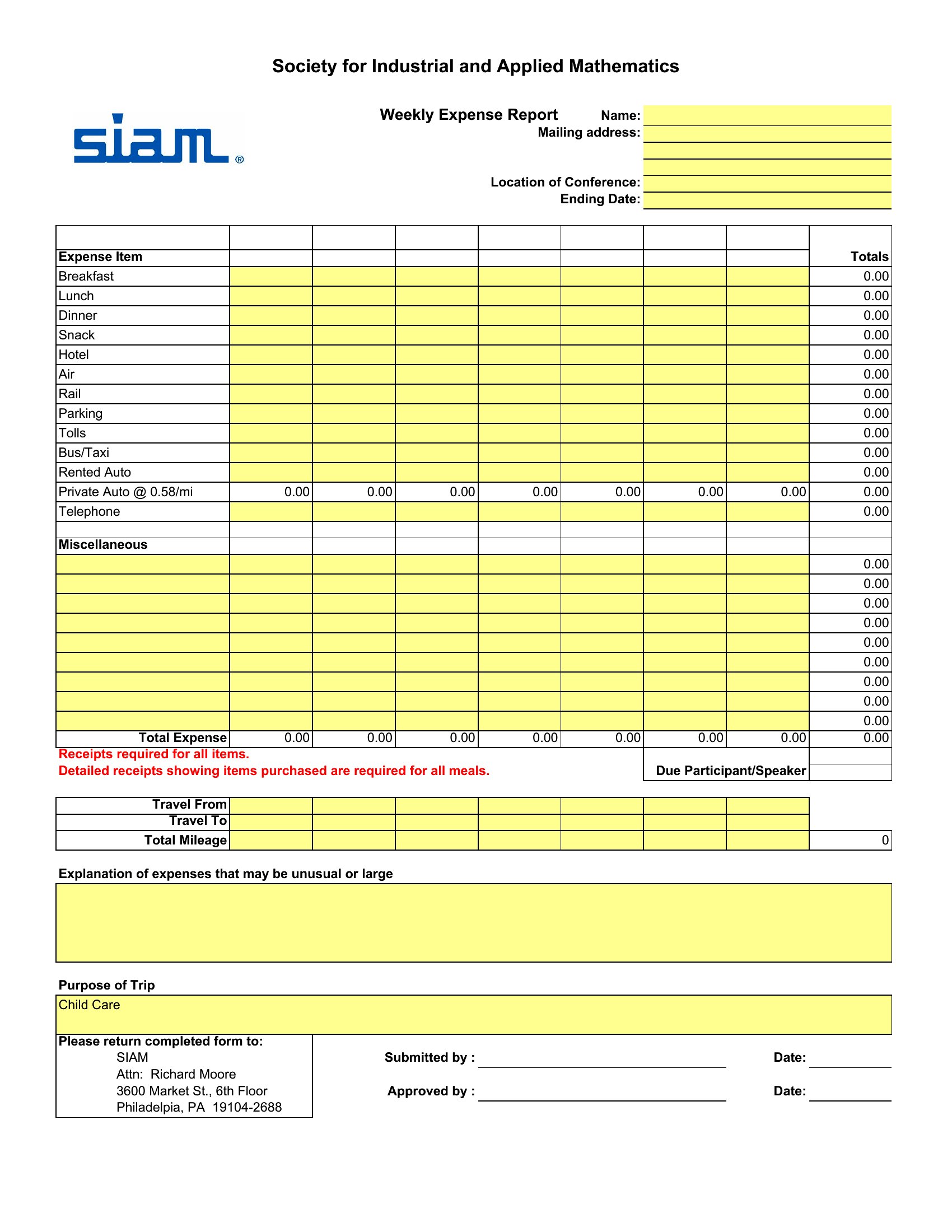
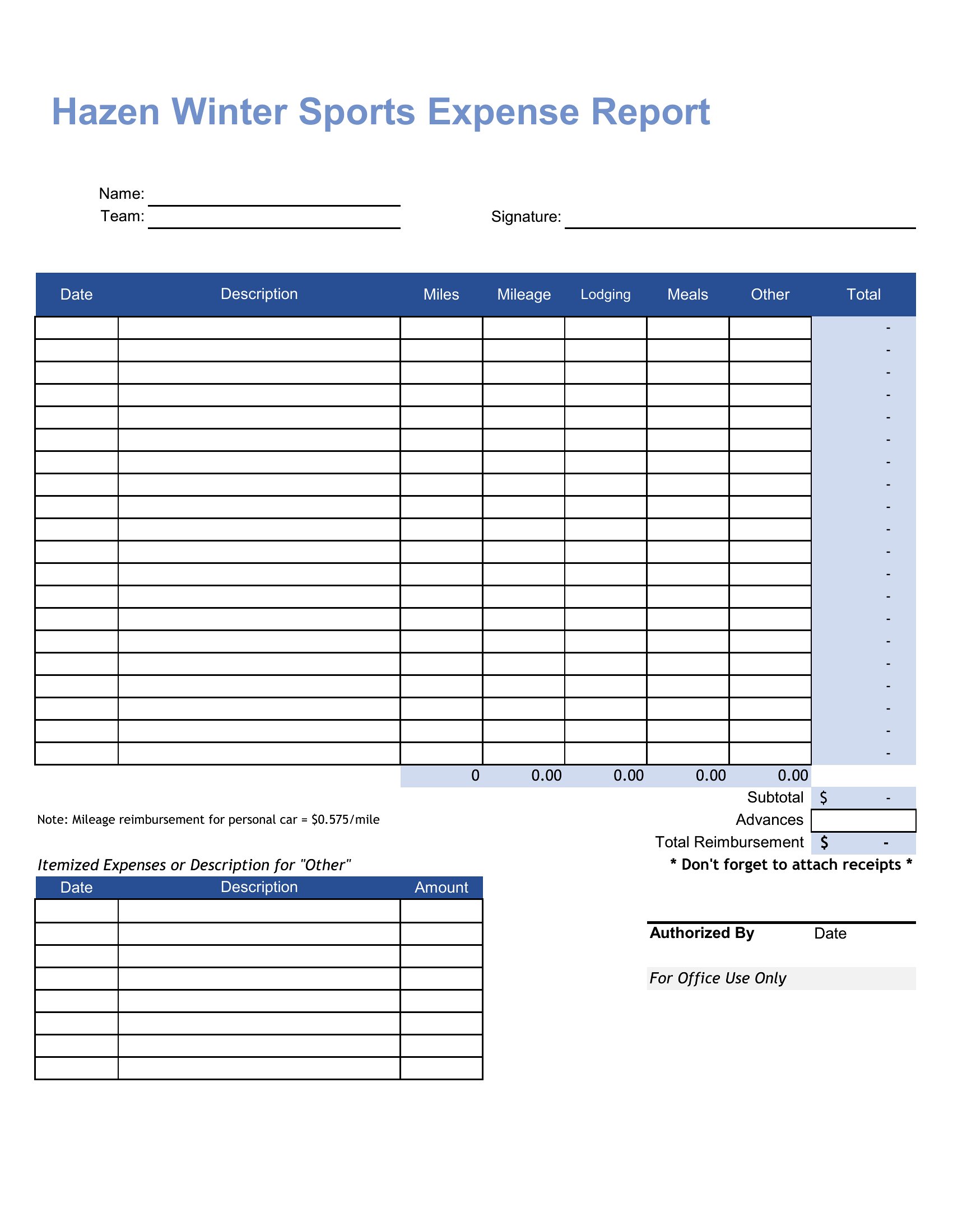
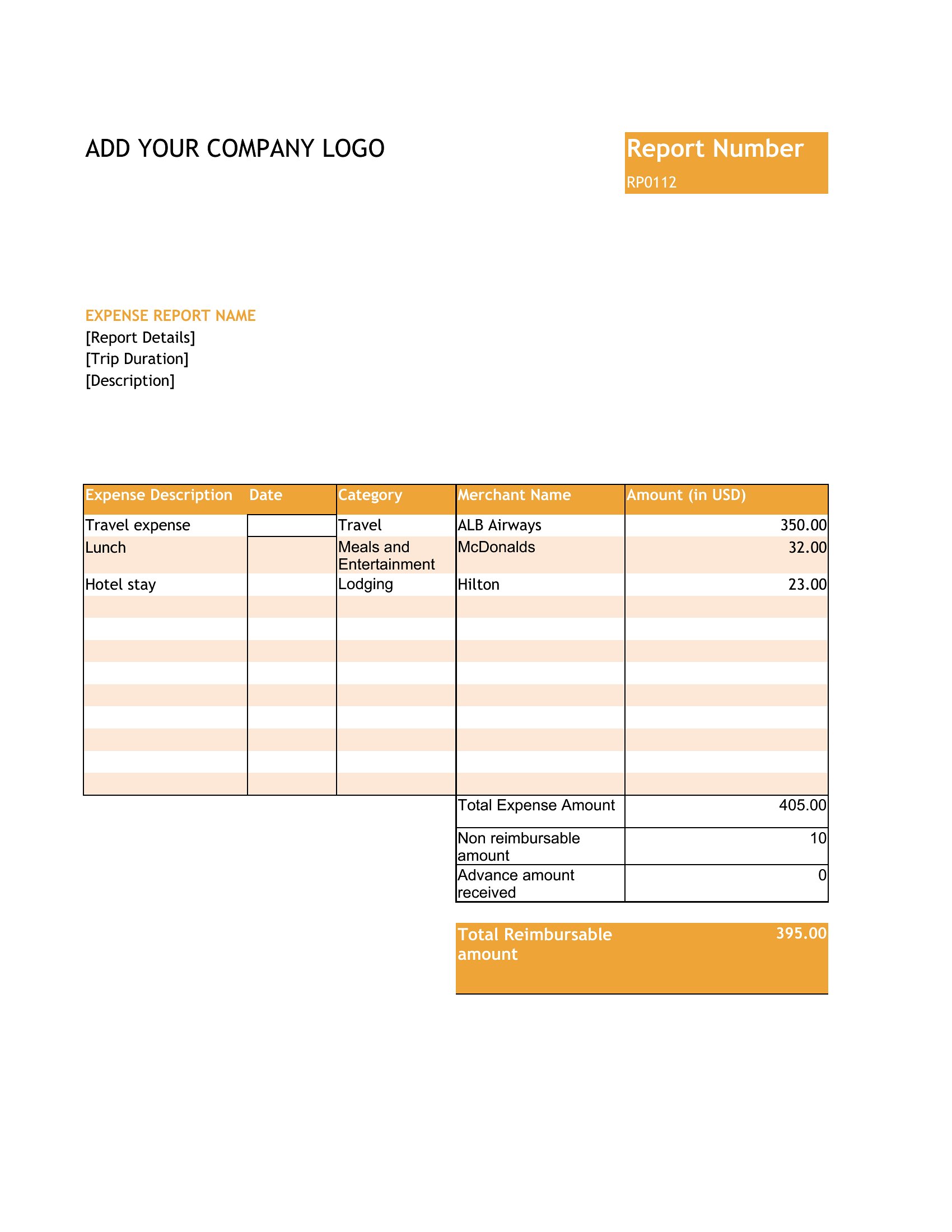
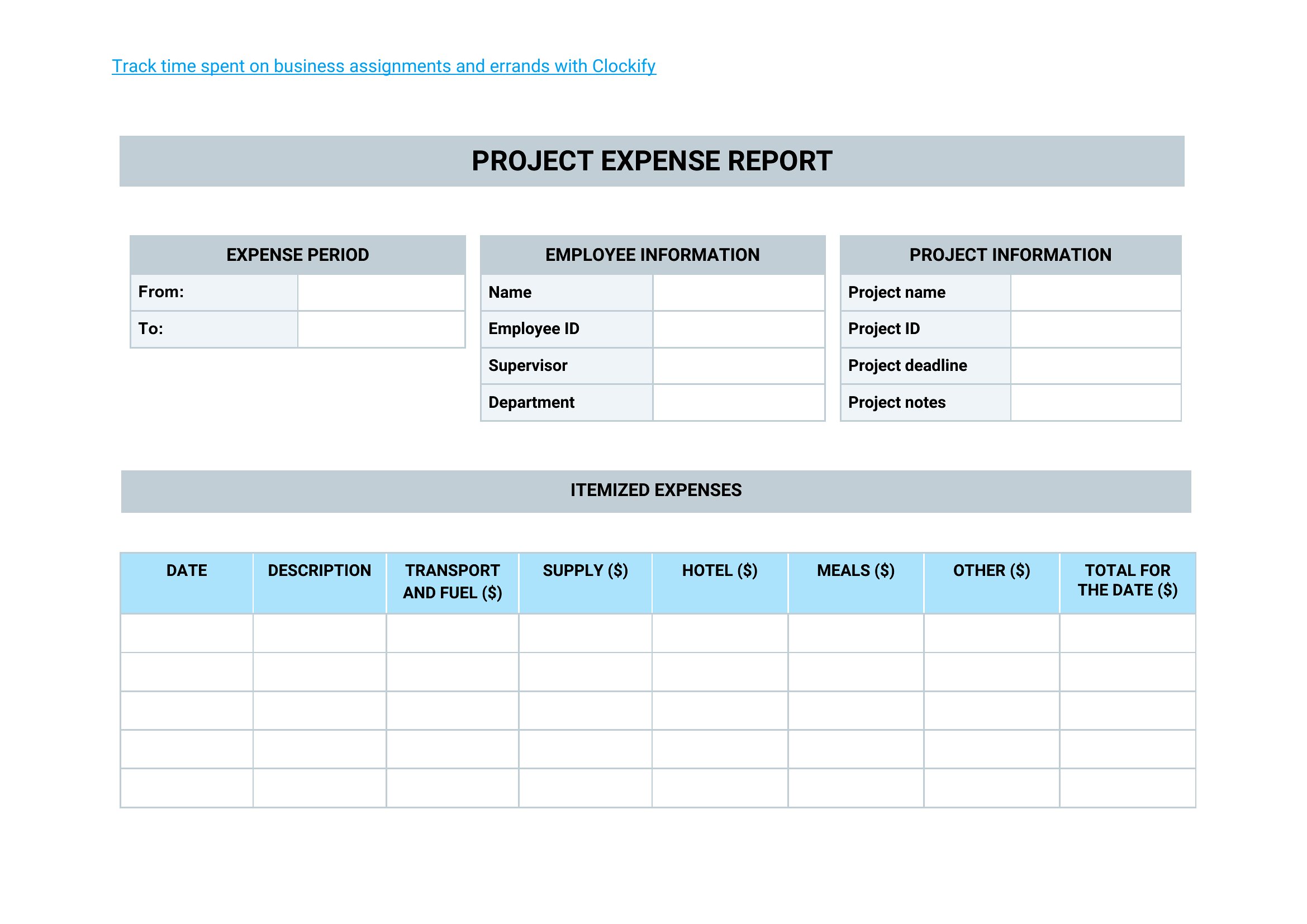
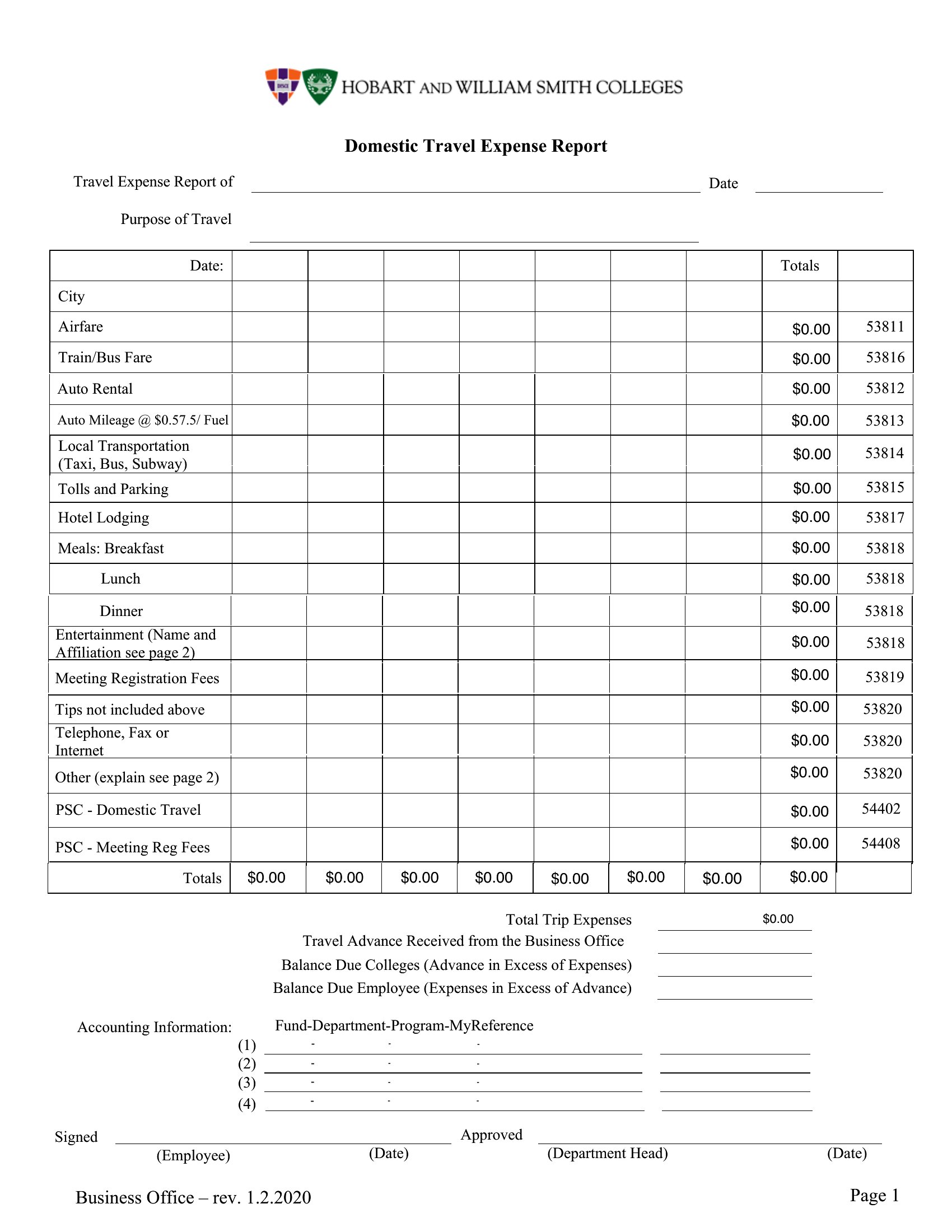
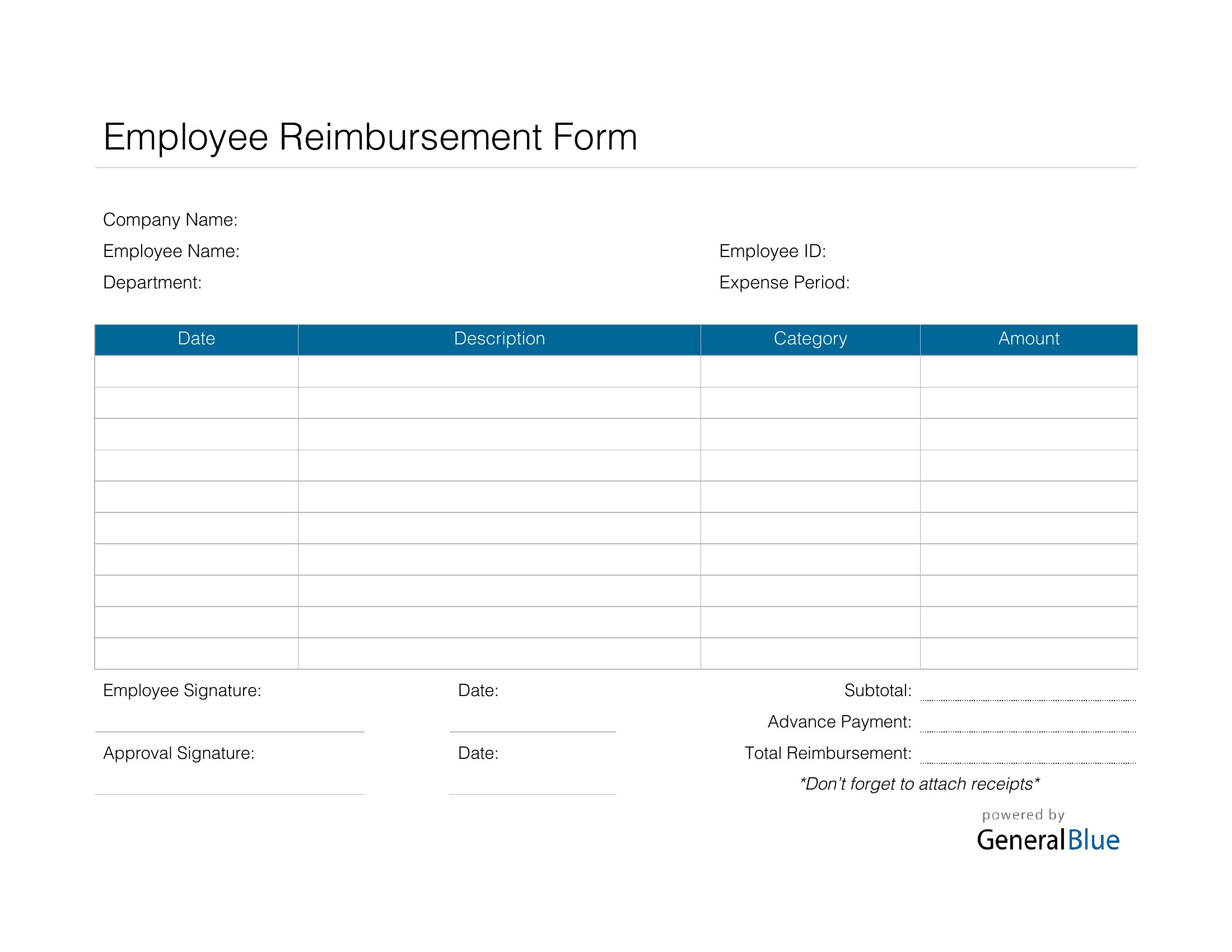
Yes, all templates include editable fields for categories like ‘Travel,’ ‘Meals,’ or ‘Office Supplies.’ For deeper integration, use the Excel format—it’s easy to import into QuickBooks, Xero, or Excel-based accounting tools later. Copy the column headers exactly to preserve data structure.
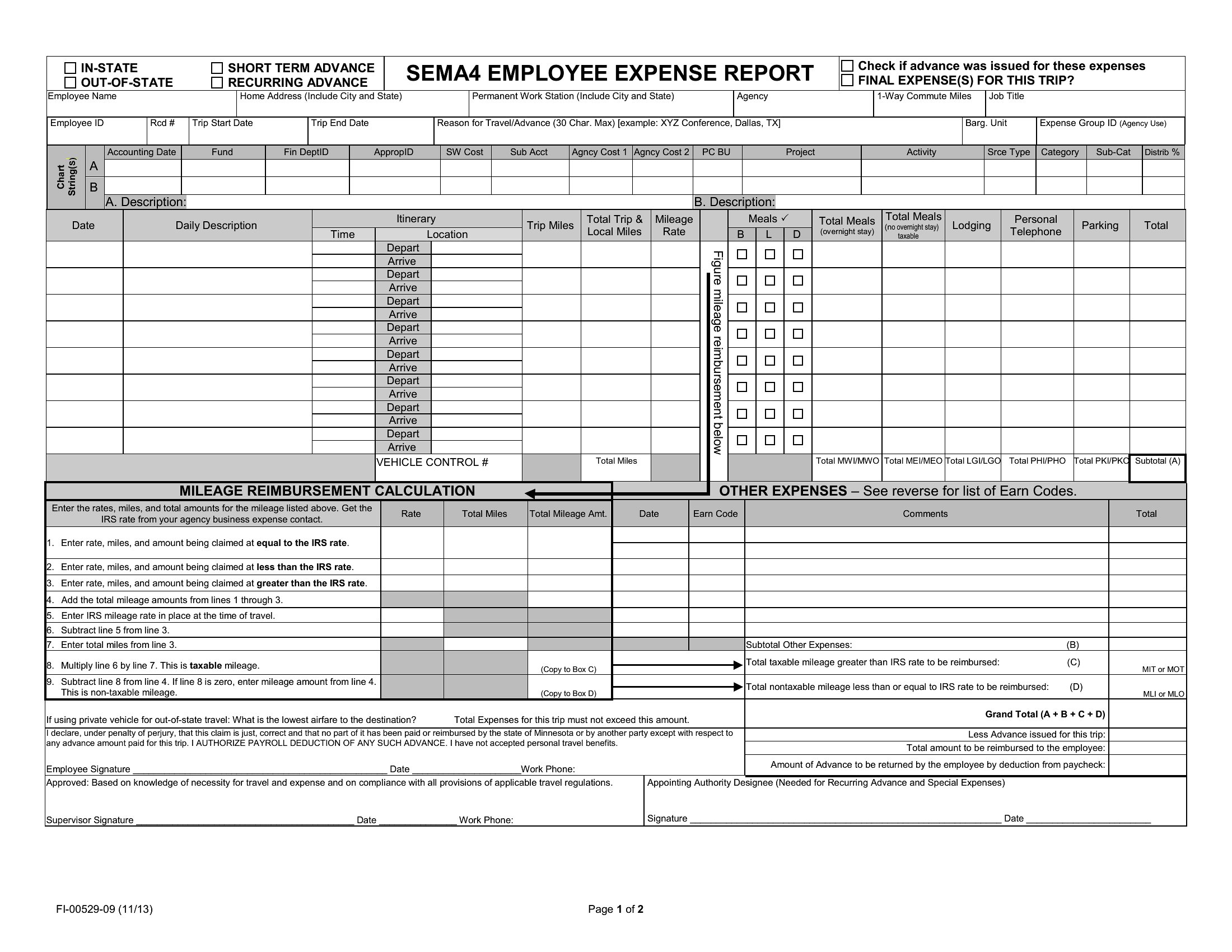
What’s the difference between the ‘fillable’ and standard PDF templates?
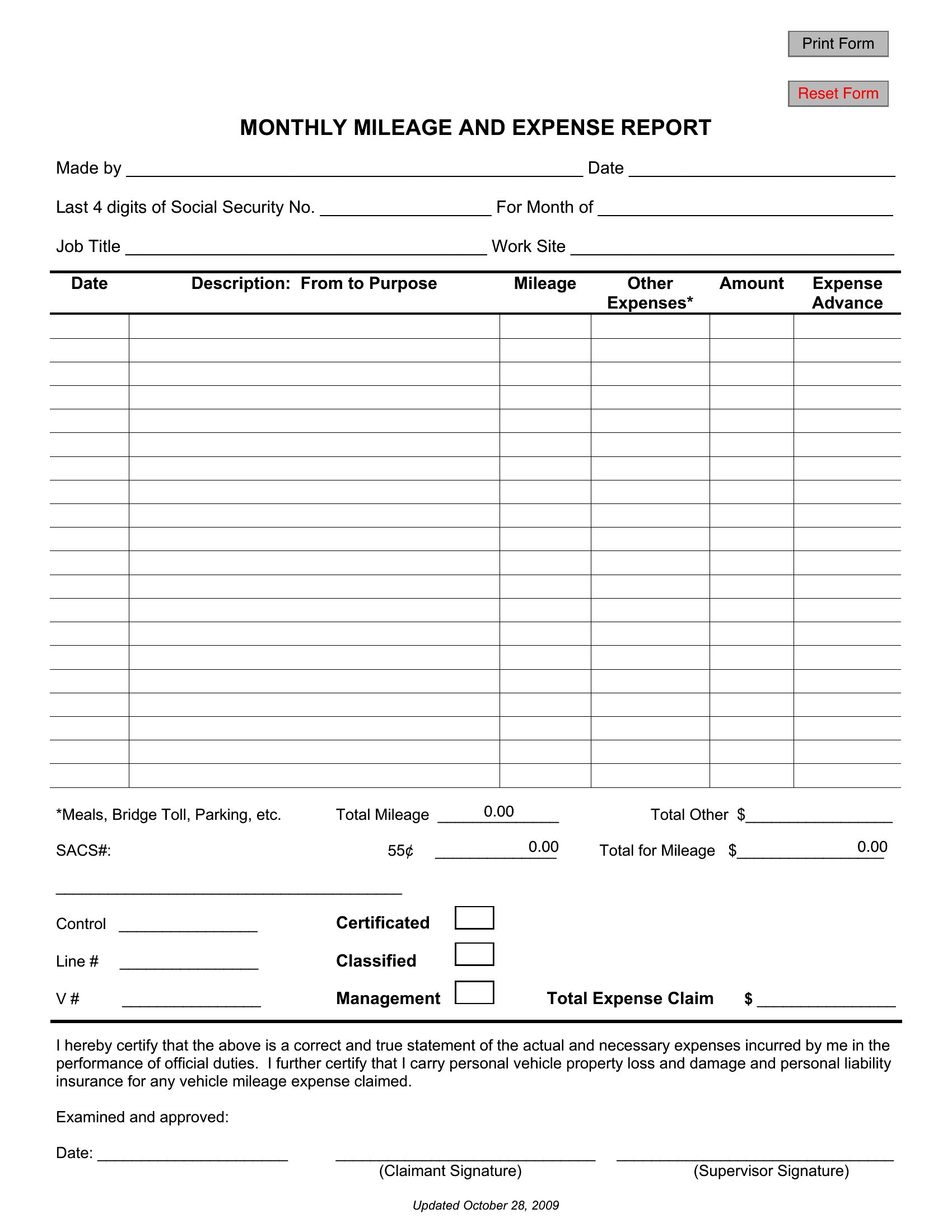
Fillable PDFs let users type directly into the form on any device, then save or print. Standard PDFs are static designs—better for branding but require manual data entry in another tool first. Fillable versions are ideal for remote teams or clients submitting reports digitally.
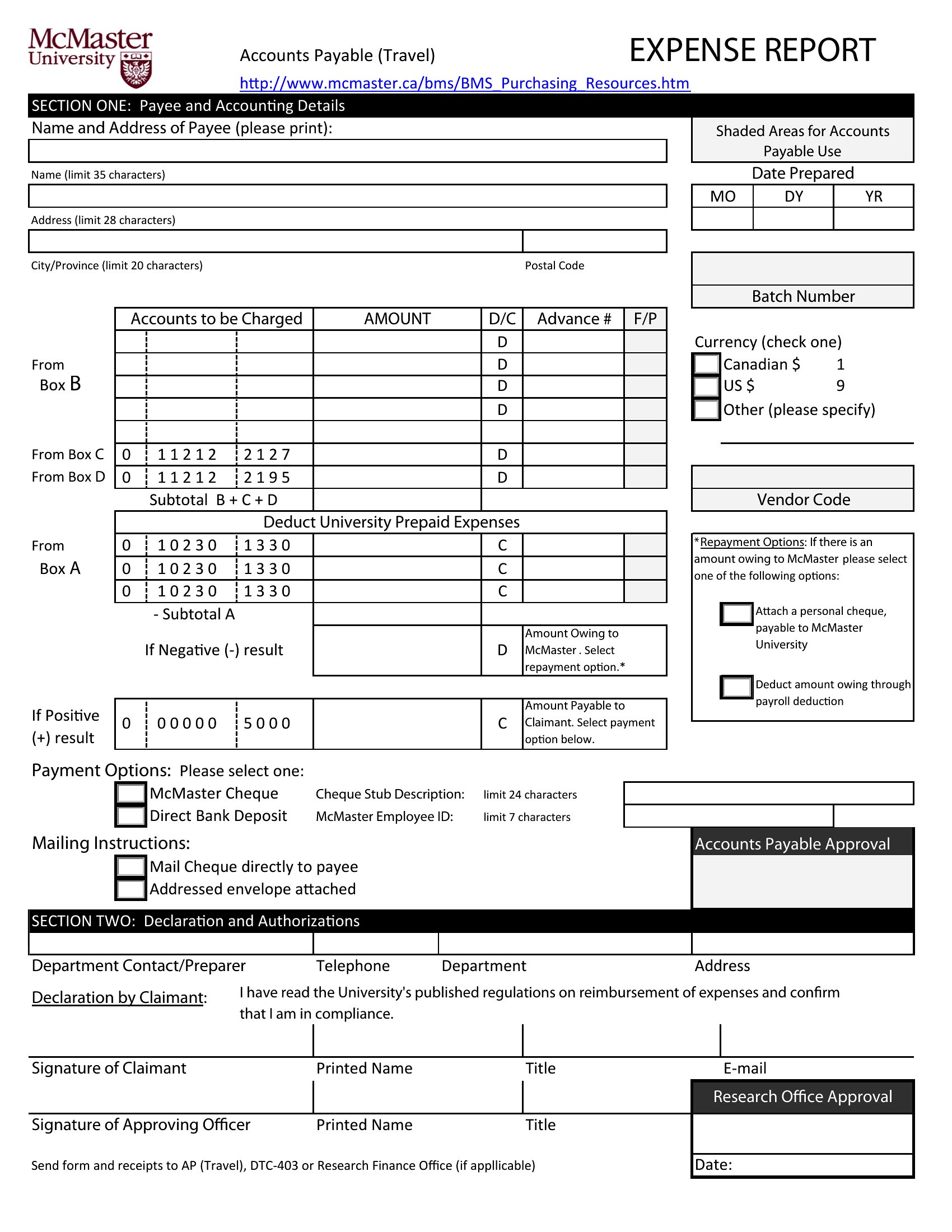
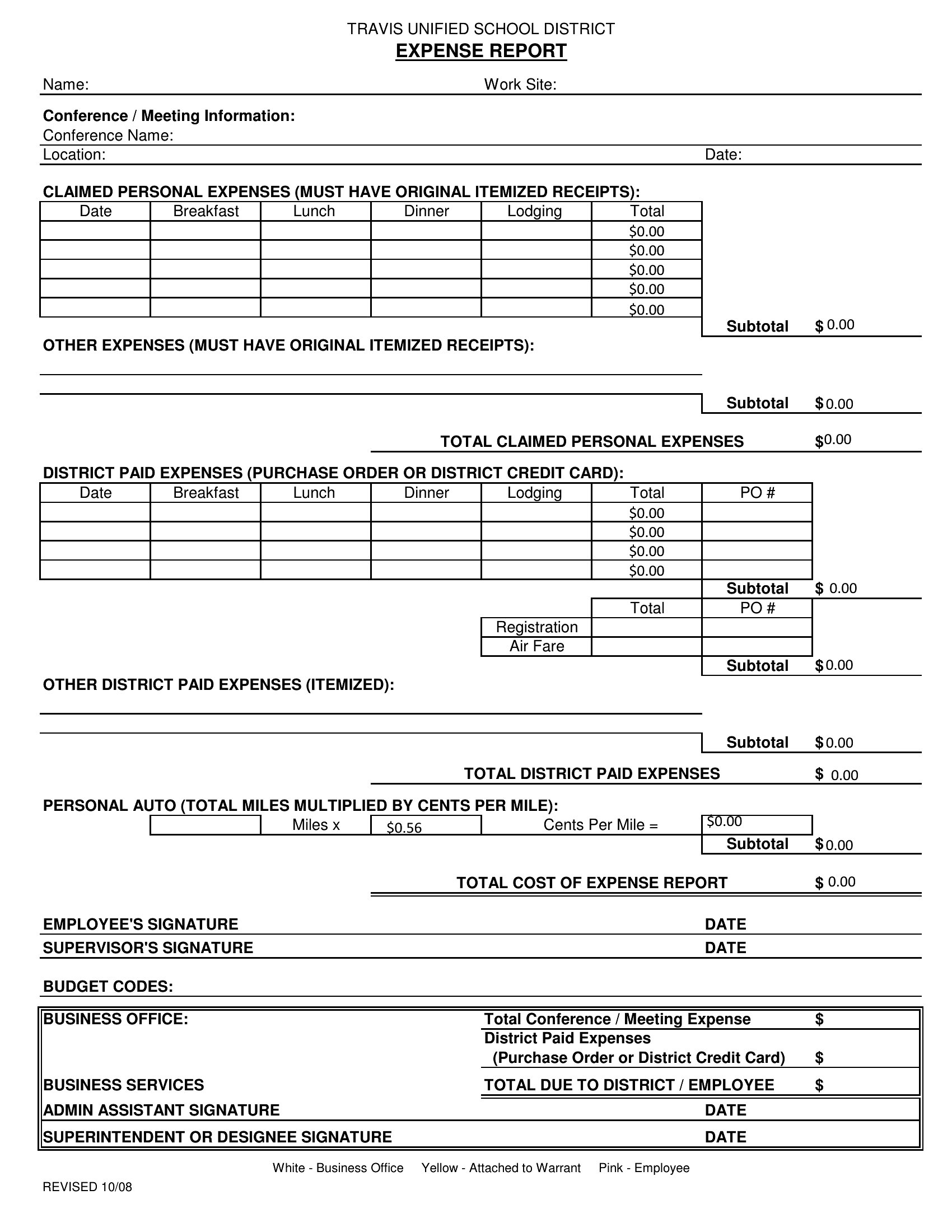
How do I ensure the template works for international business travel with currency conversions?
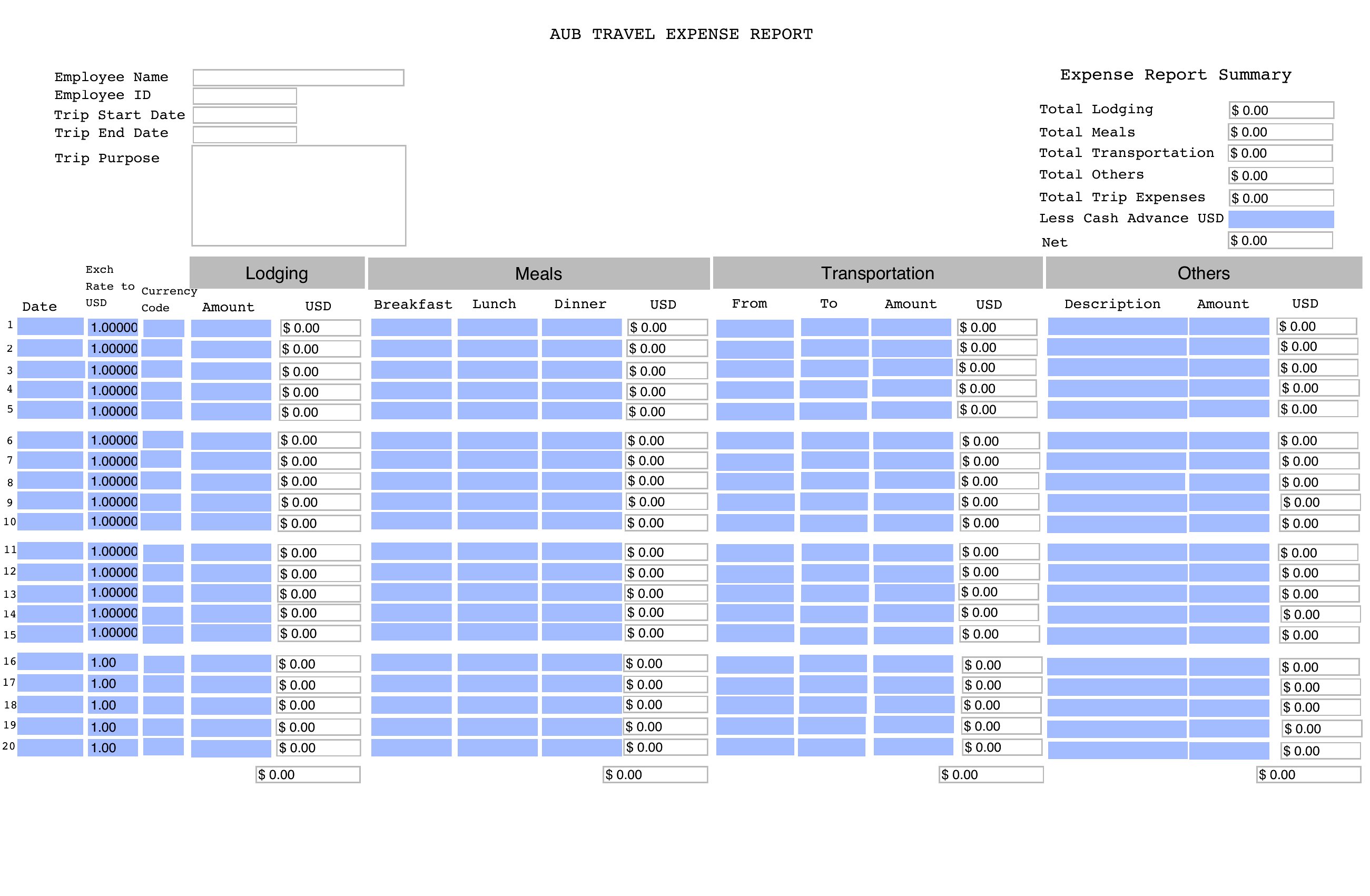
Use the Excel format to add a ‘Currency’ column and a conversion formula (e.g., =B2*exchange_rate). For PDFs, note the conversion rate manually in a remarks section. Always save receipts in the local currency alongside converted amounts to avoid discrepancies during audits.
Comments
Join the conversation
Sign in to share your thoughts and leave a comment on this resource.