Skip to content
50% off this one-time $1.99 pack with HALFOFF — or unlimited with Pro.HALFOFF
Premium

Free Expense Report Templates (Word, Excel, PDF)
Statements
miltoncosta by miltoncosta
Updated 0 downloads Quality-checked template

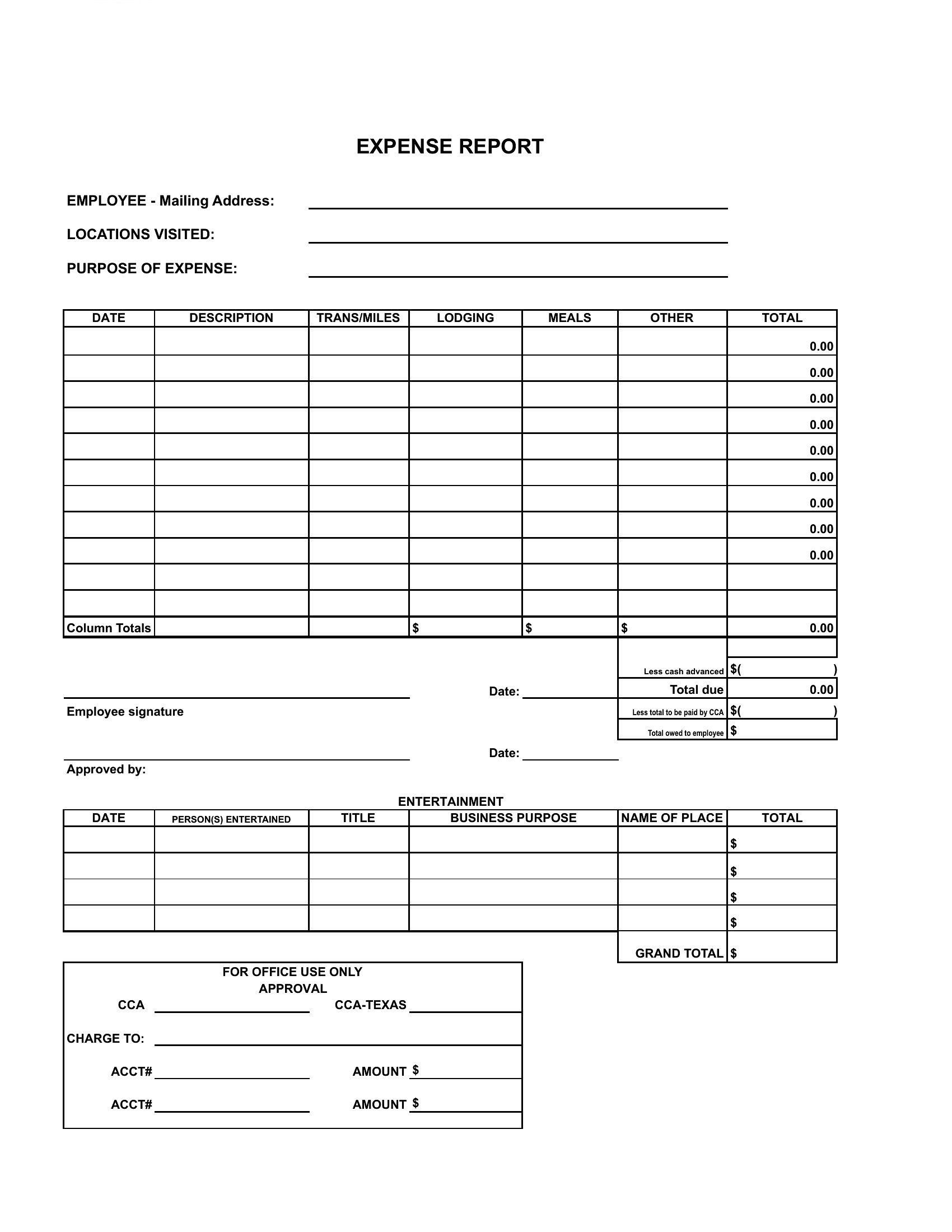
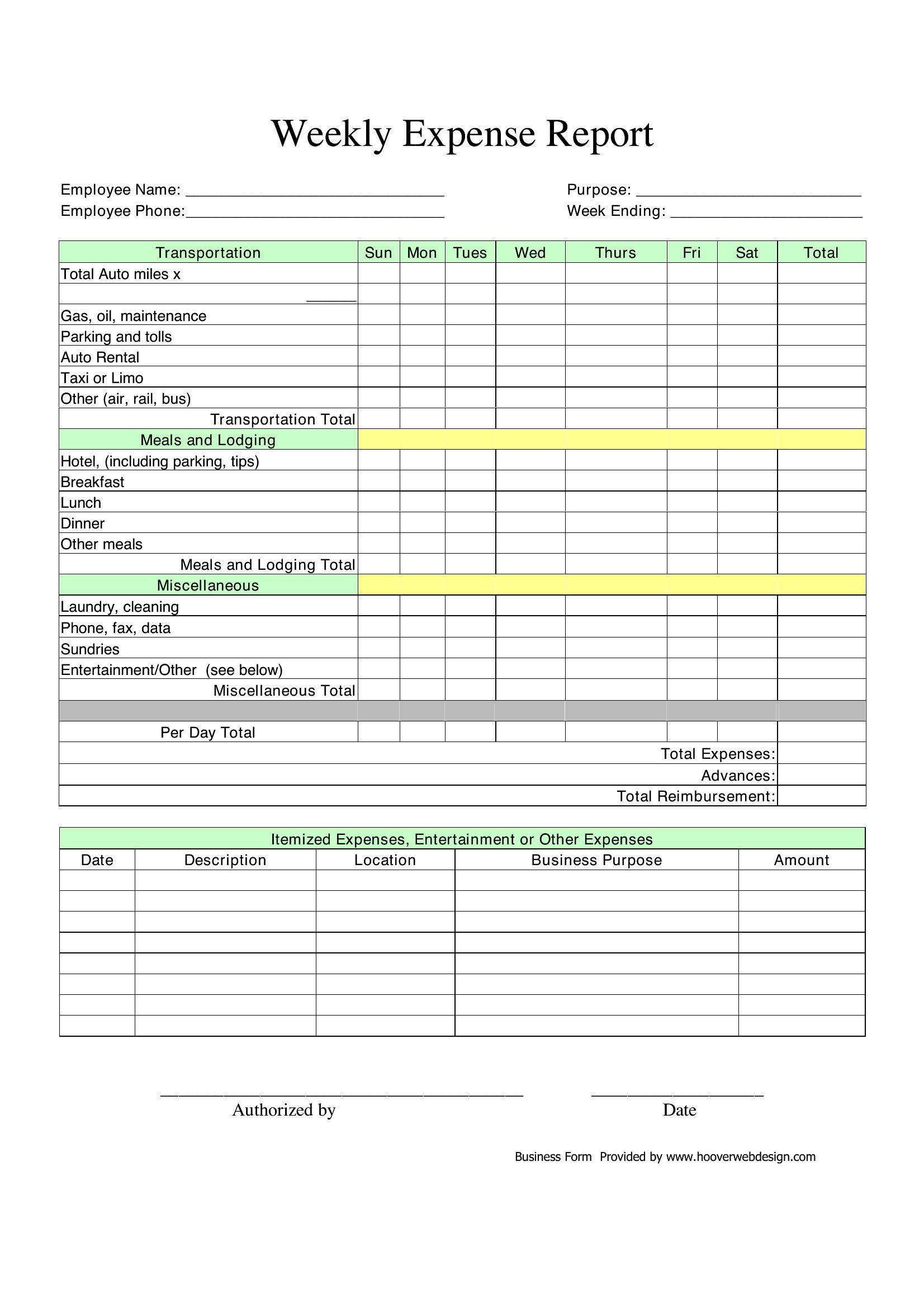
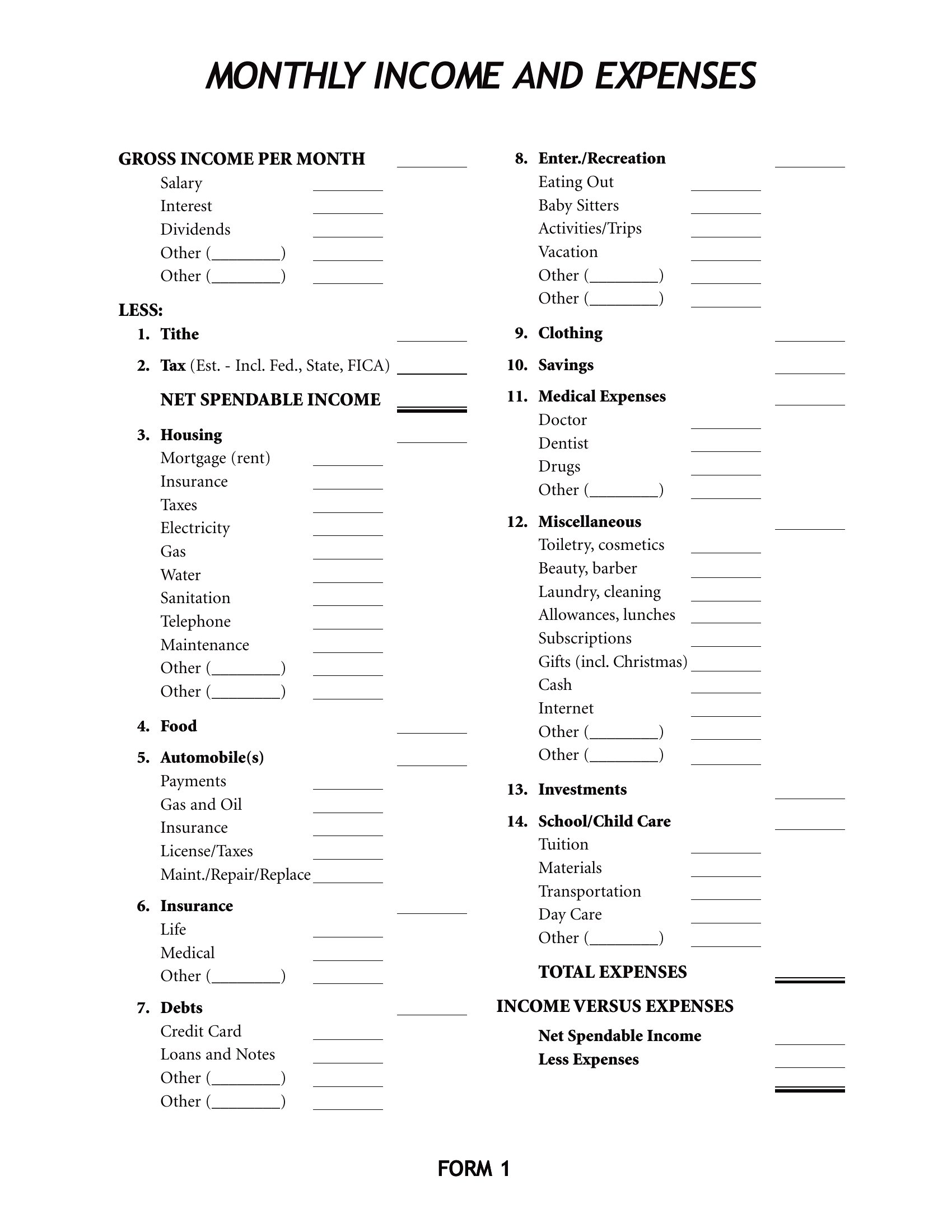
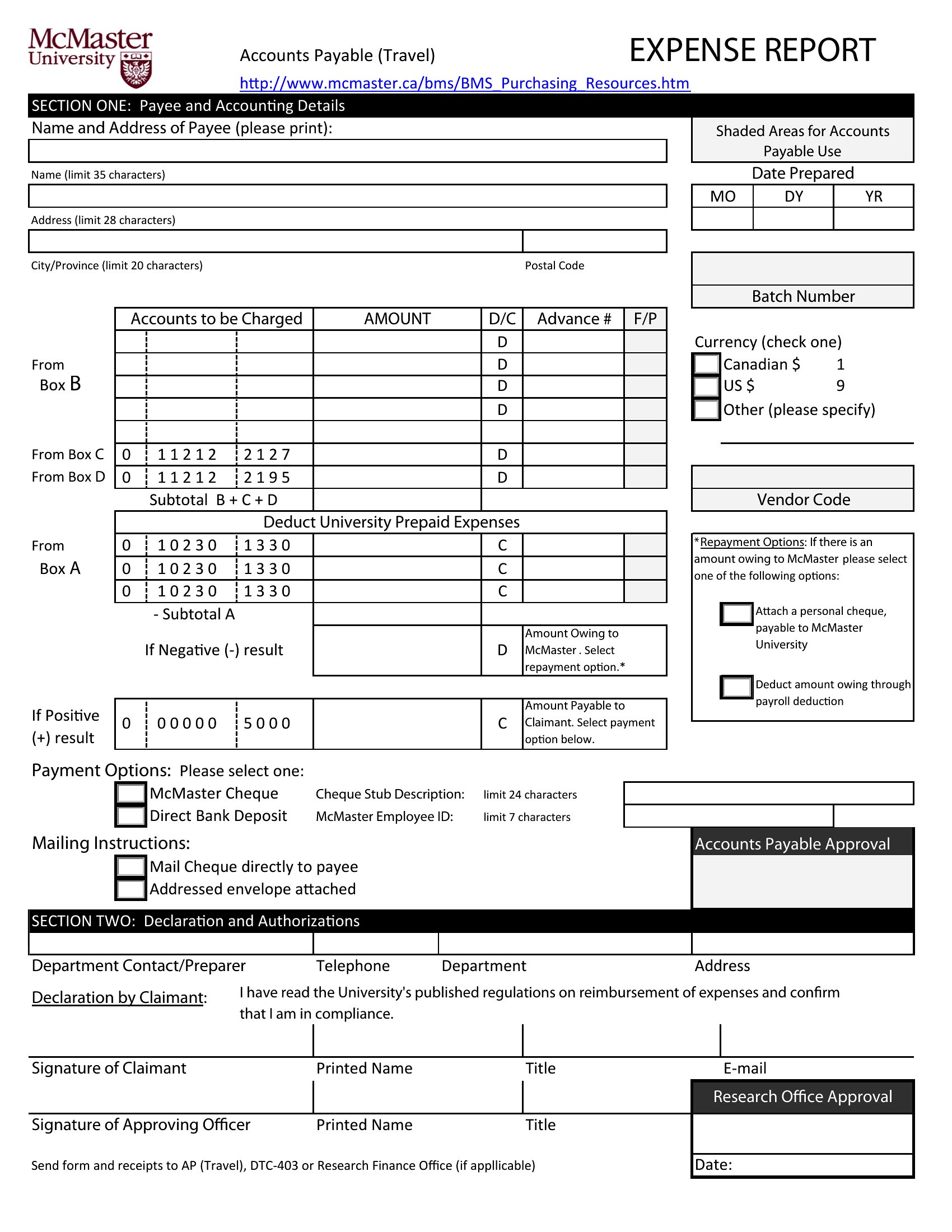
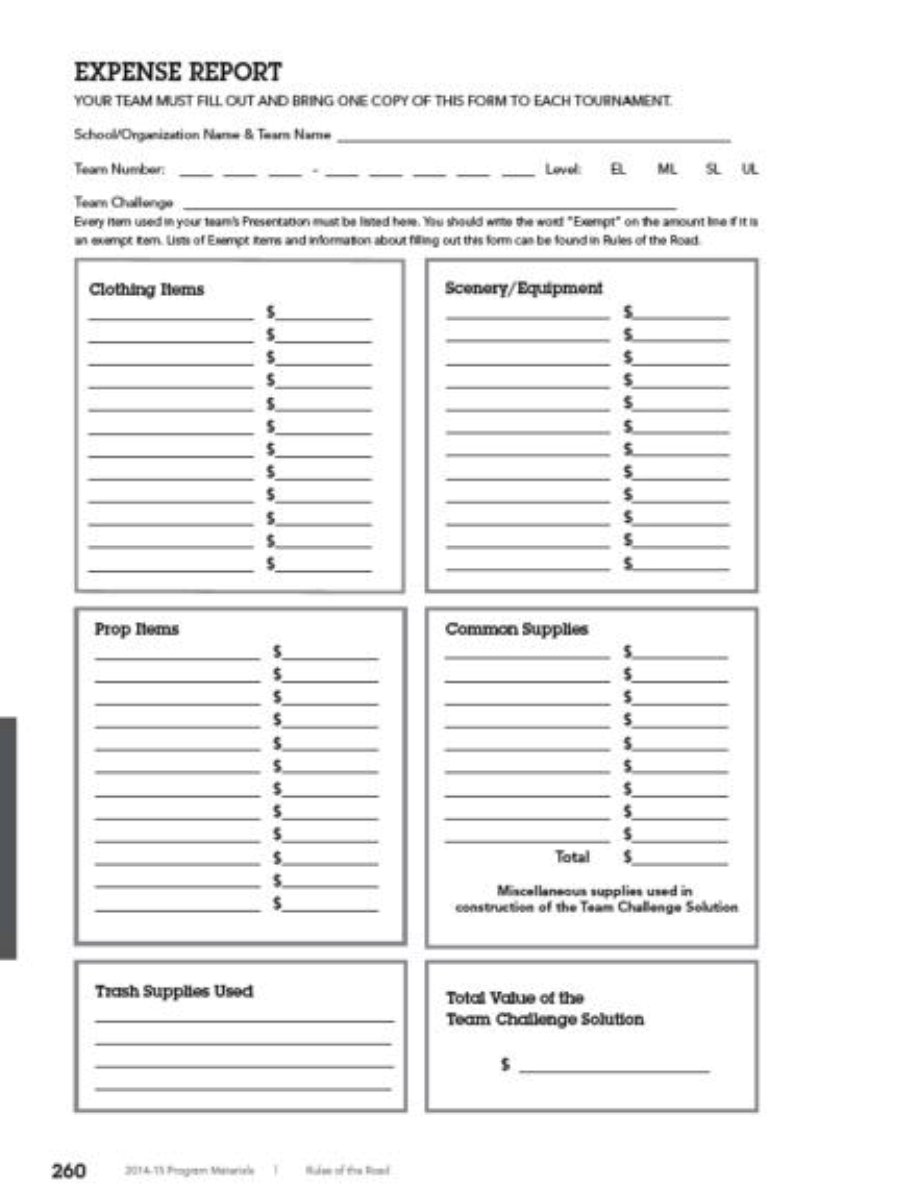
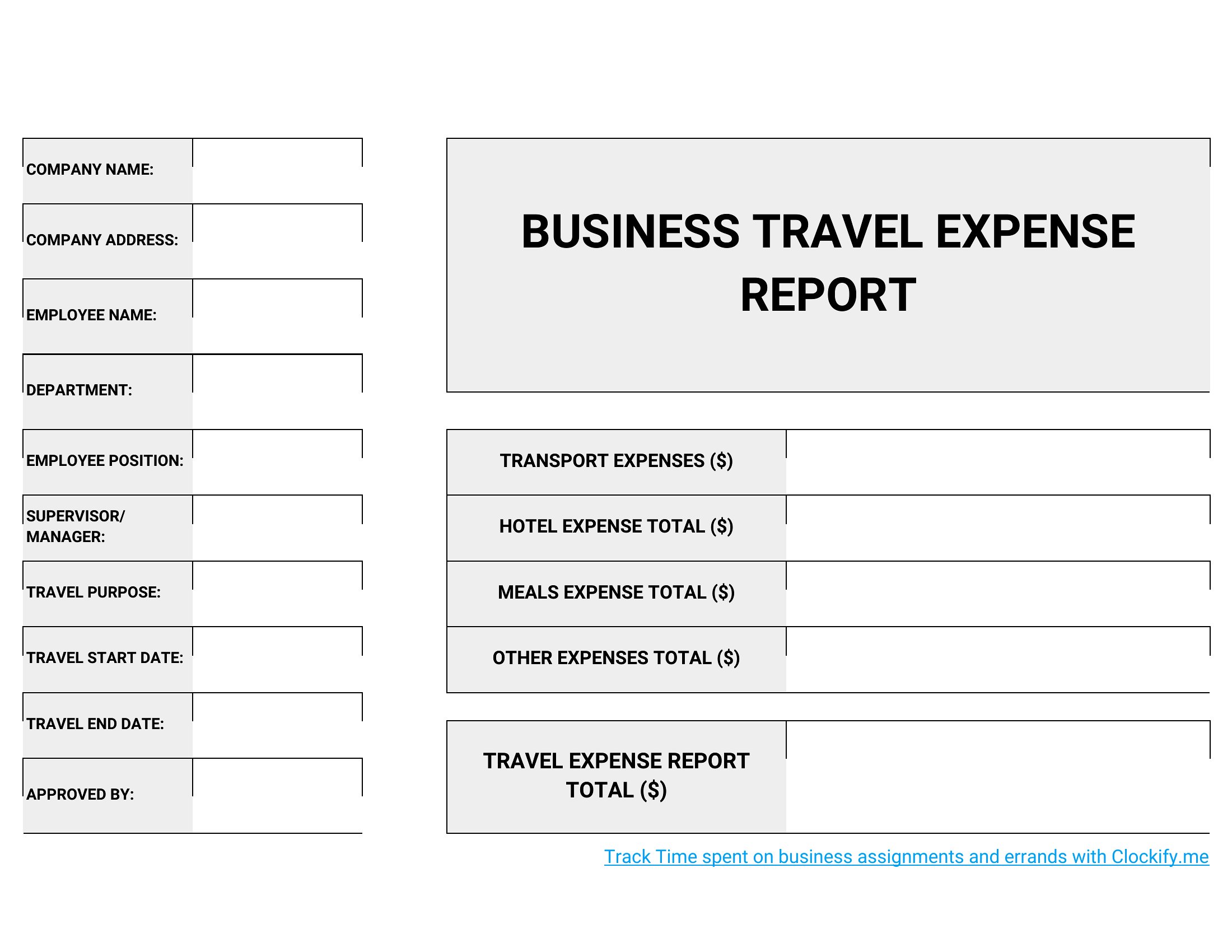
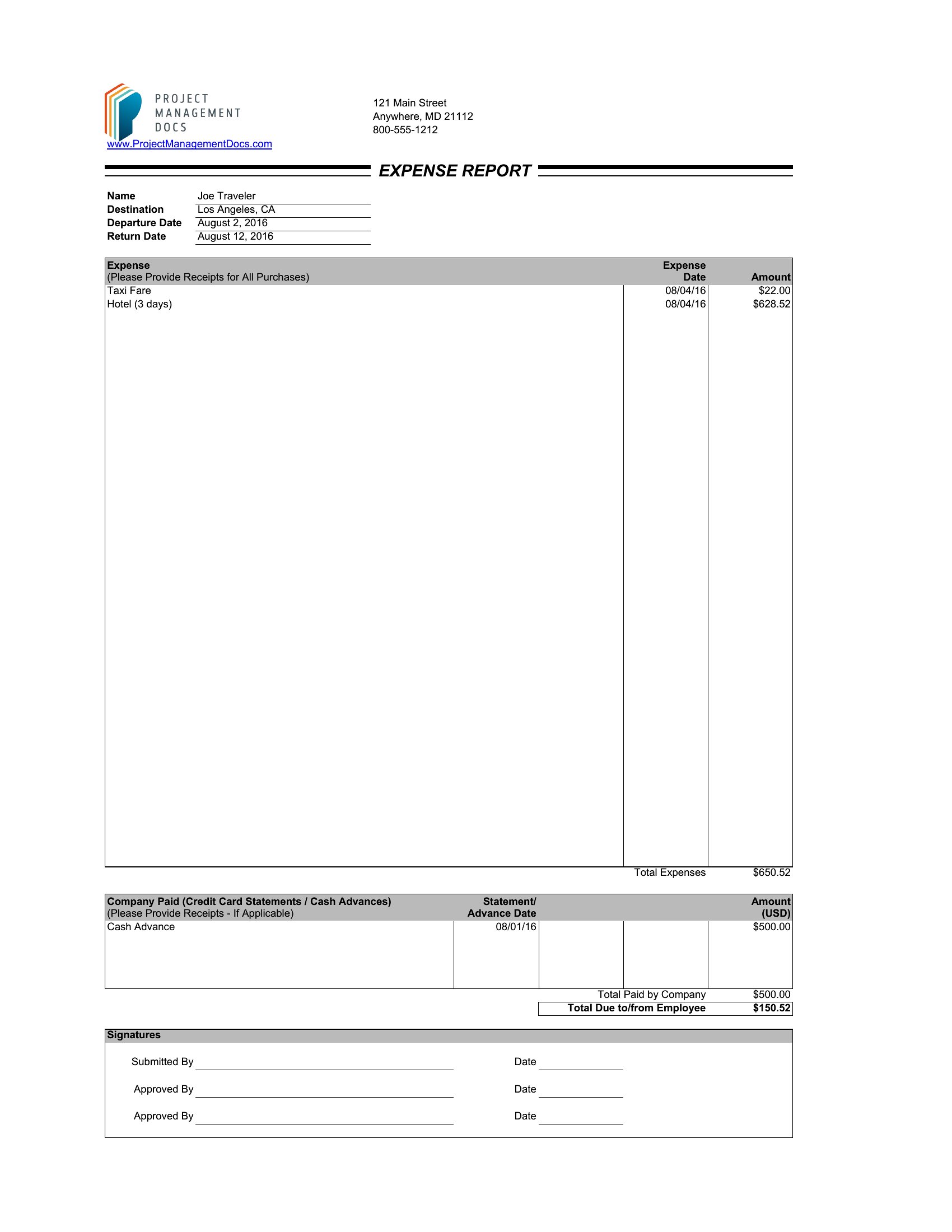
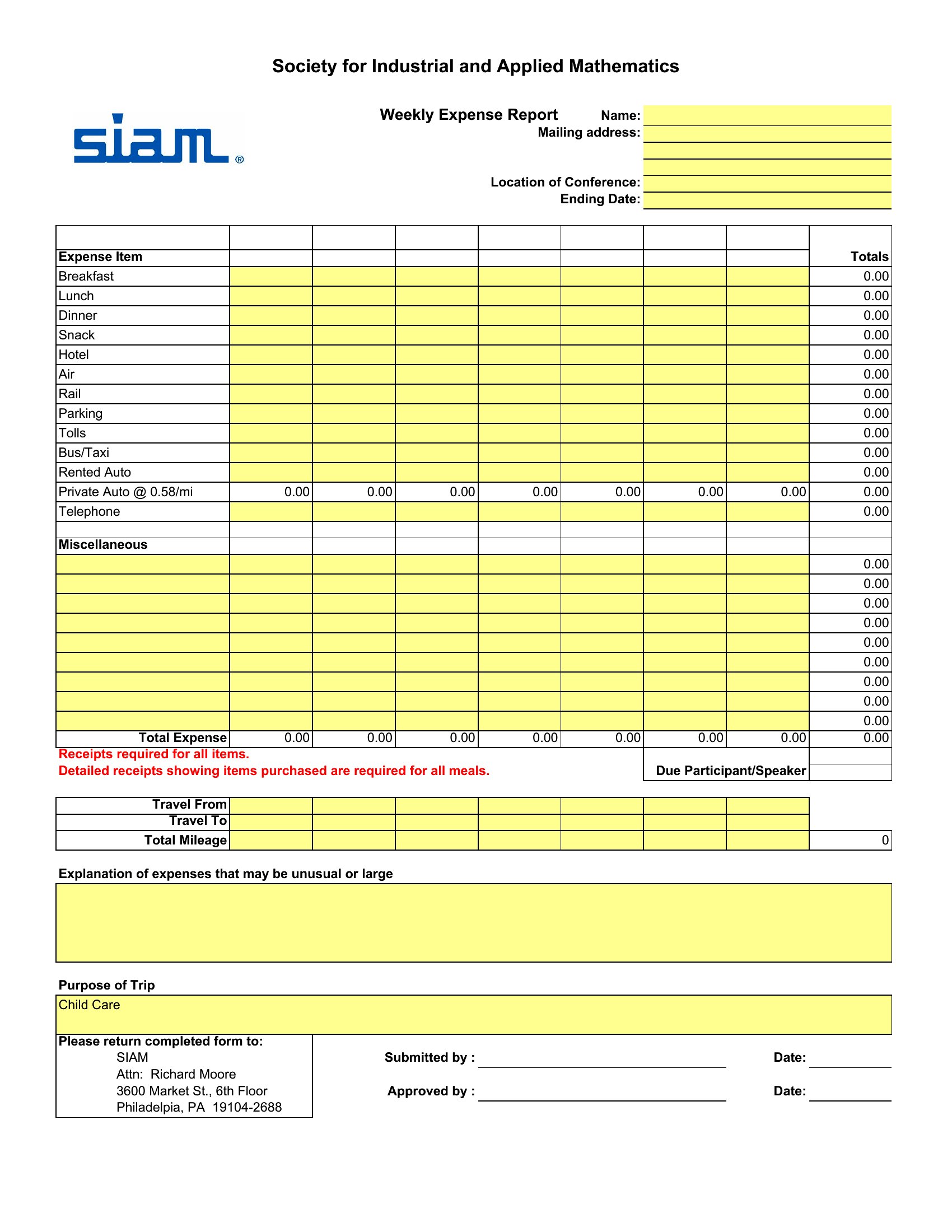
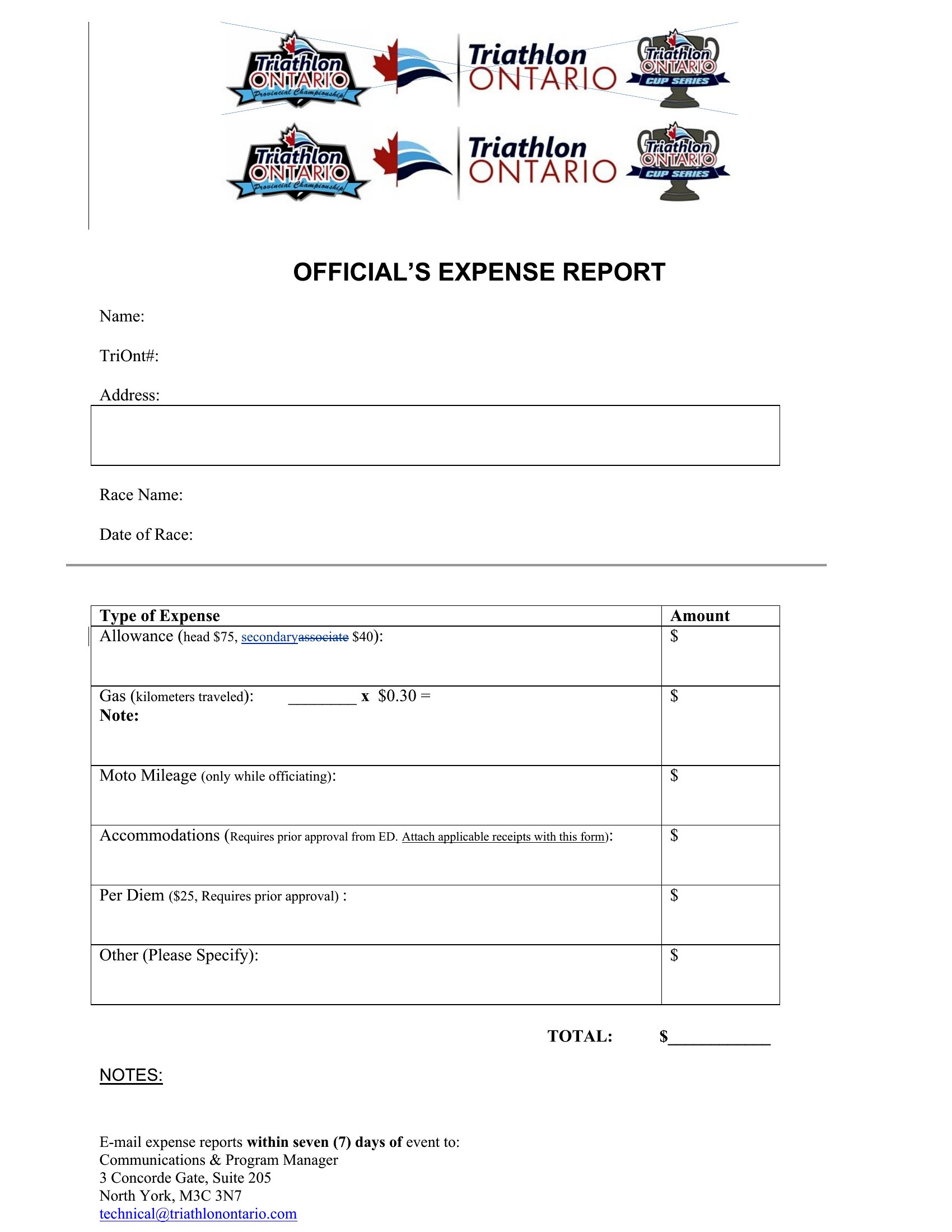
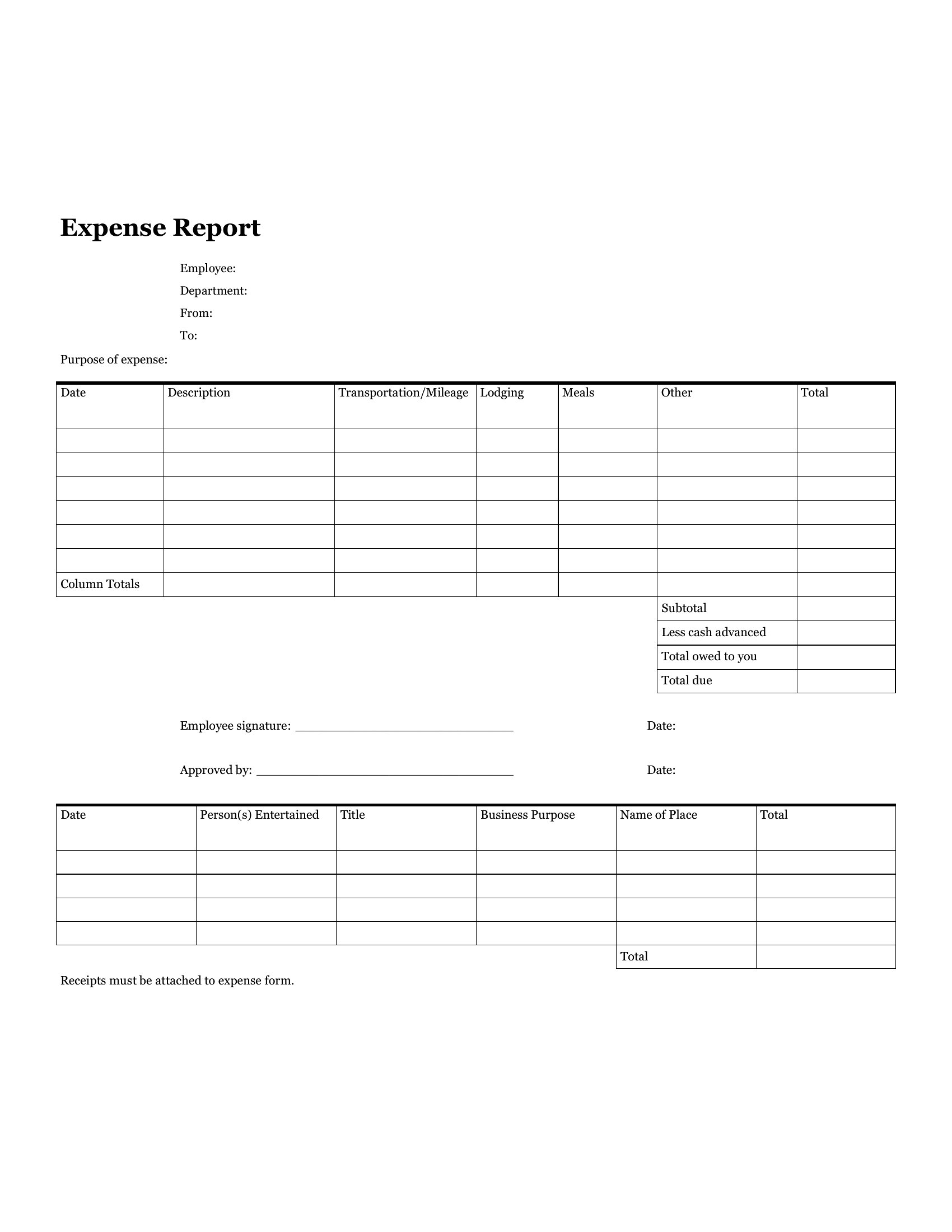
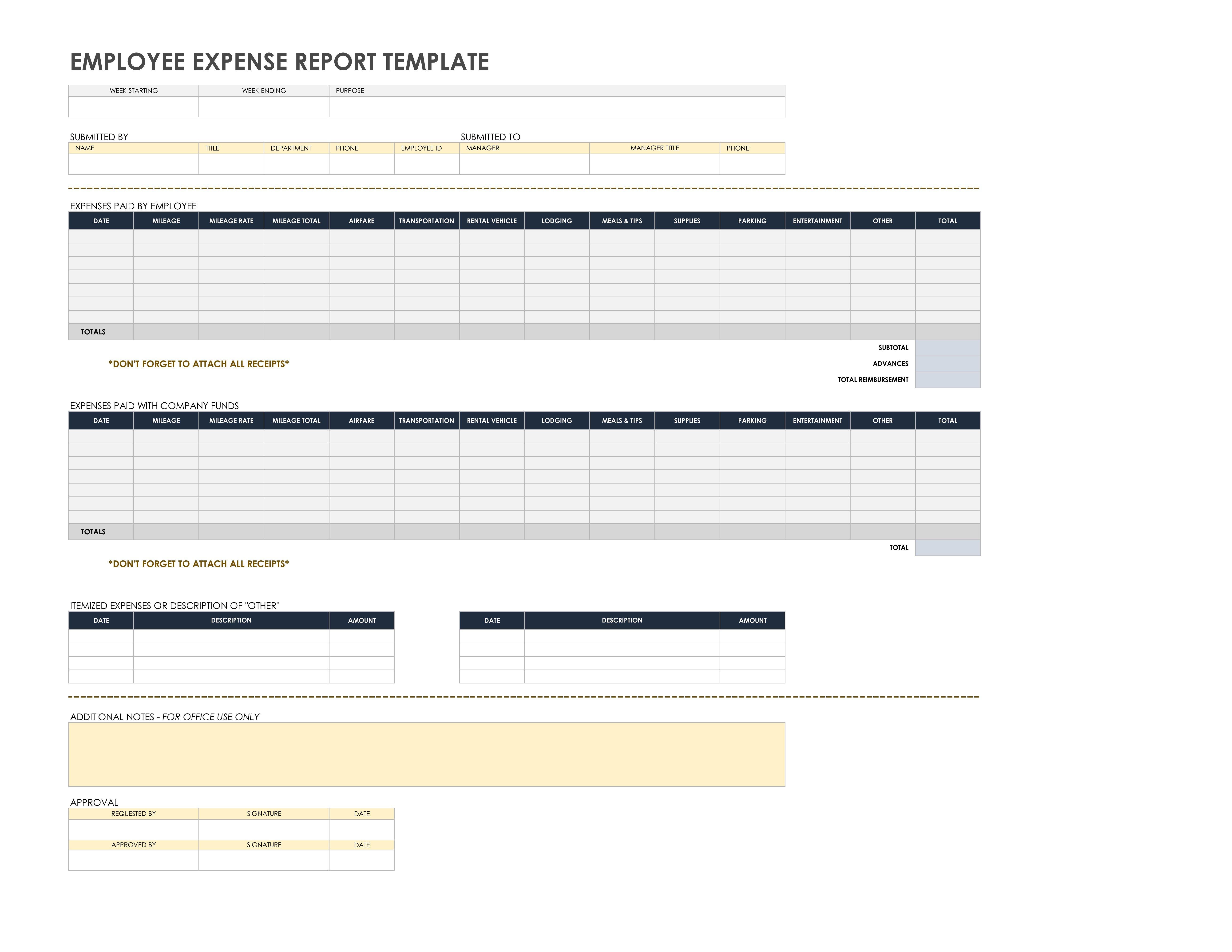
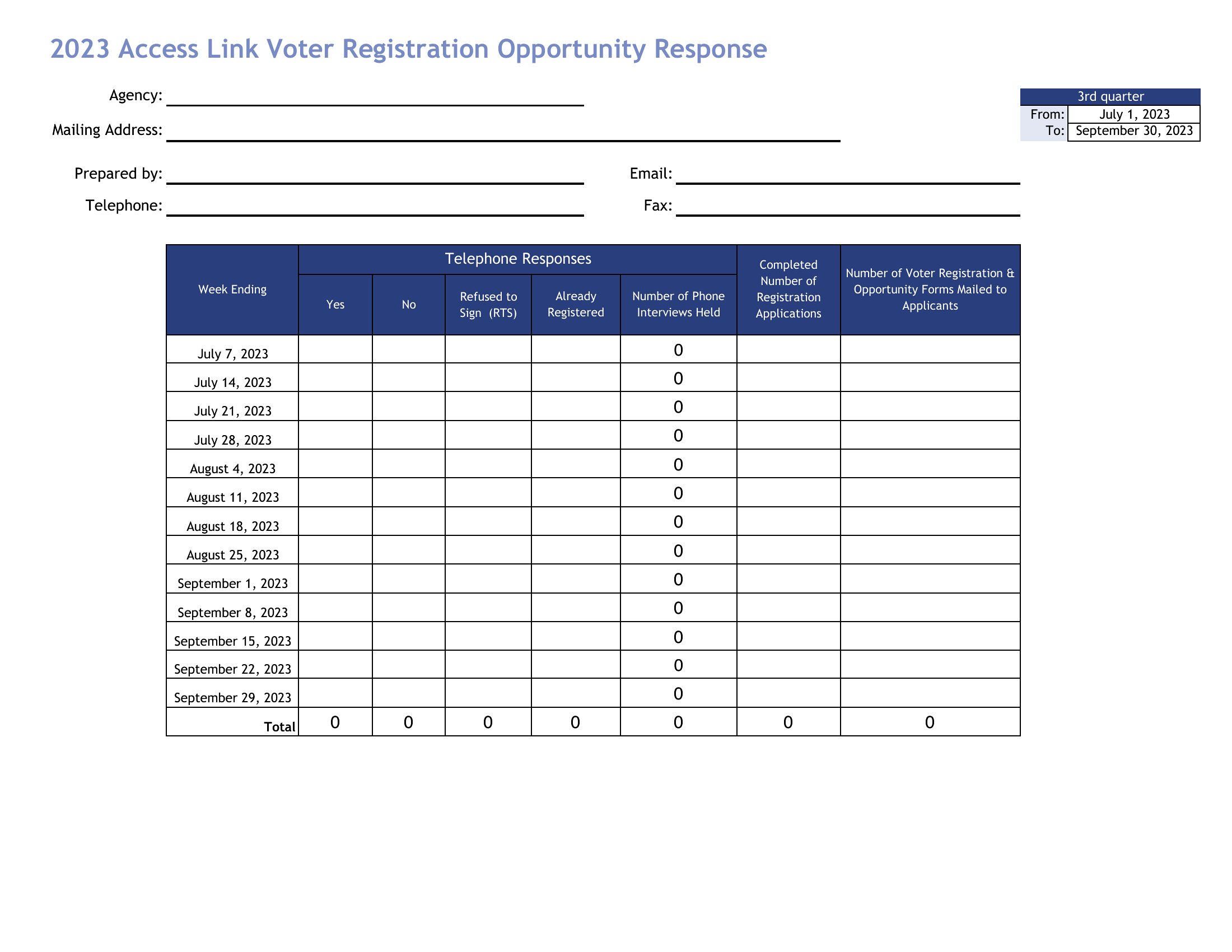
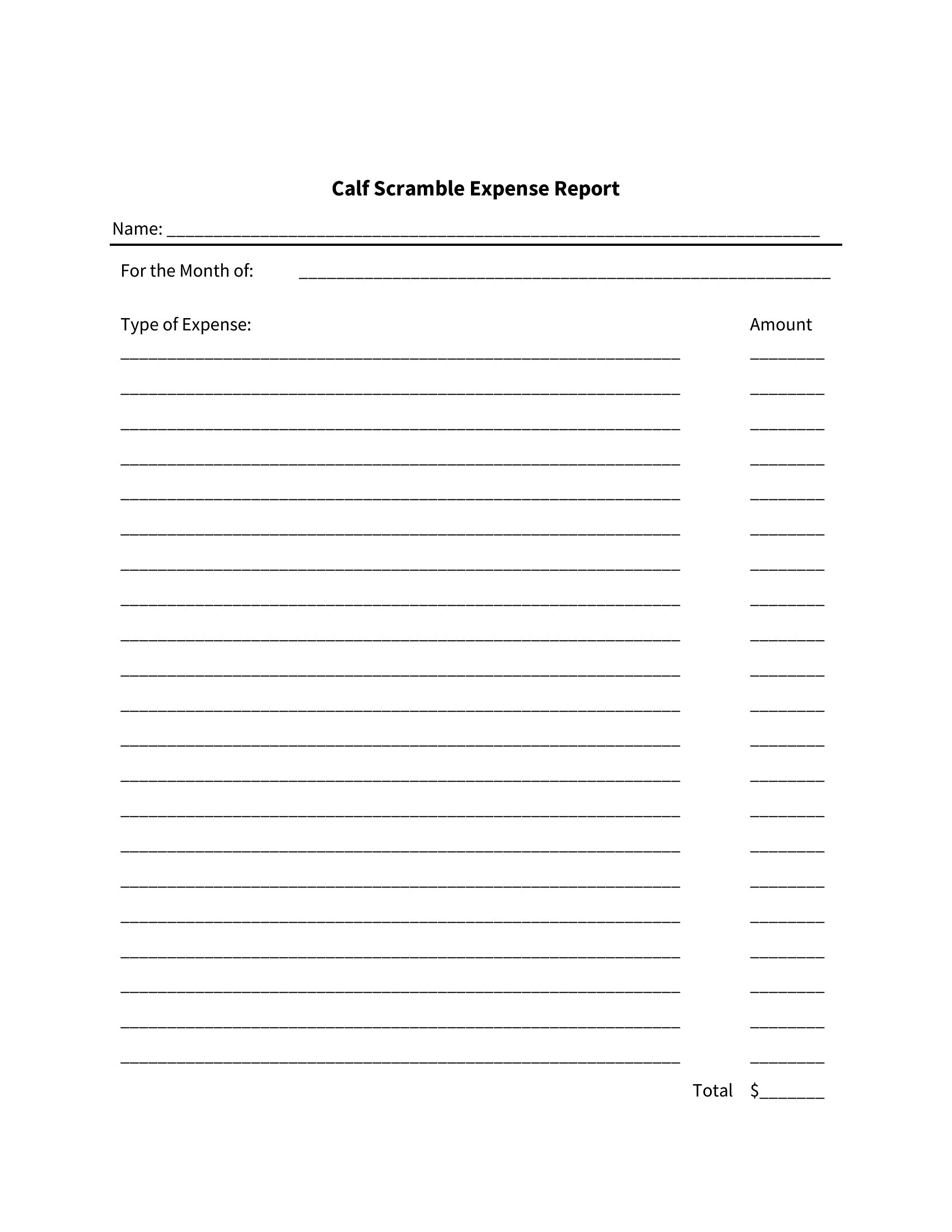
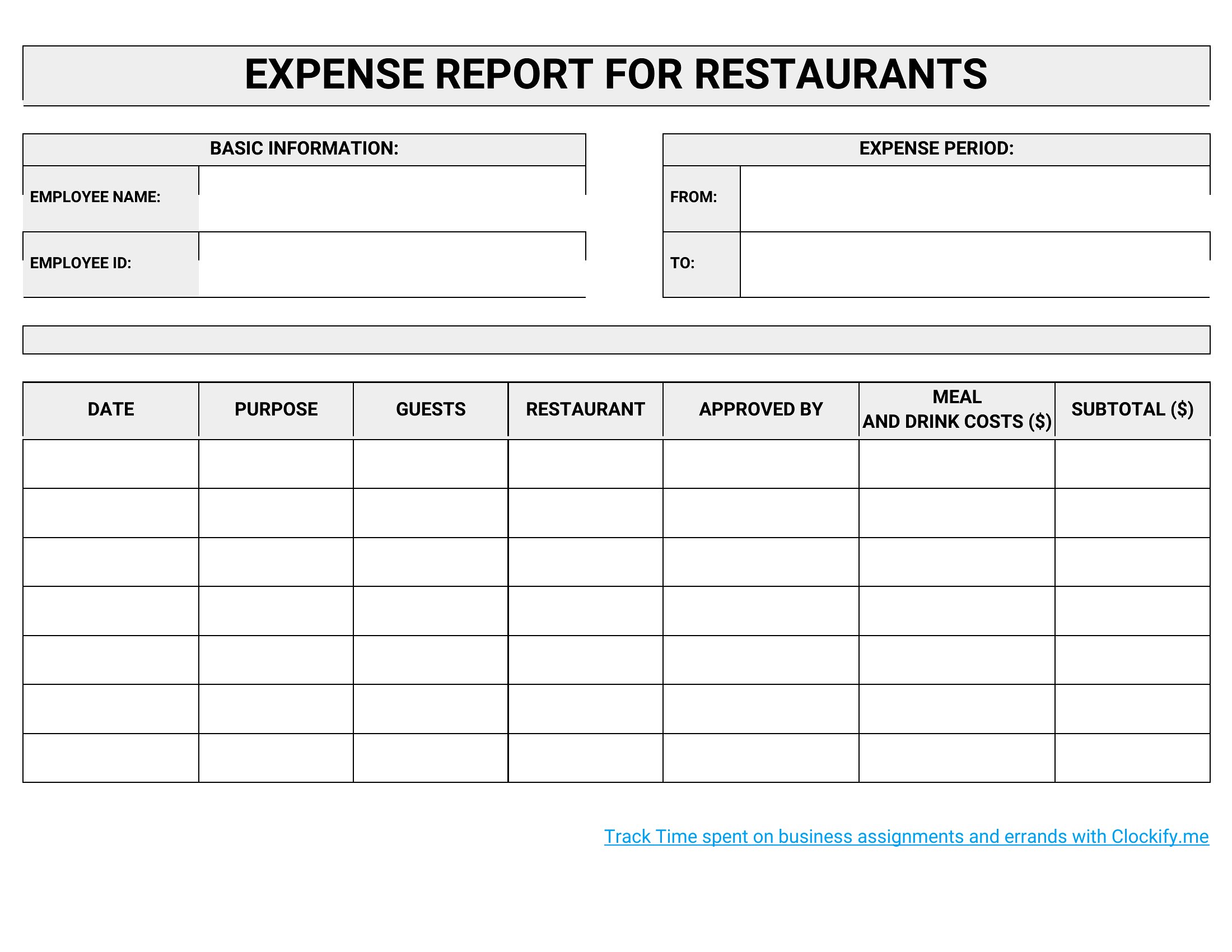
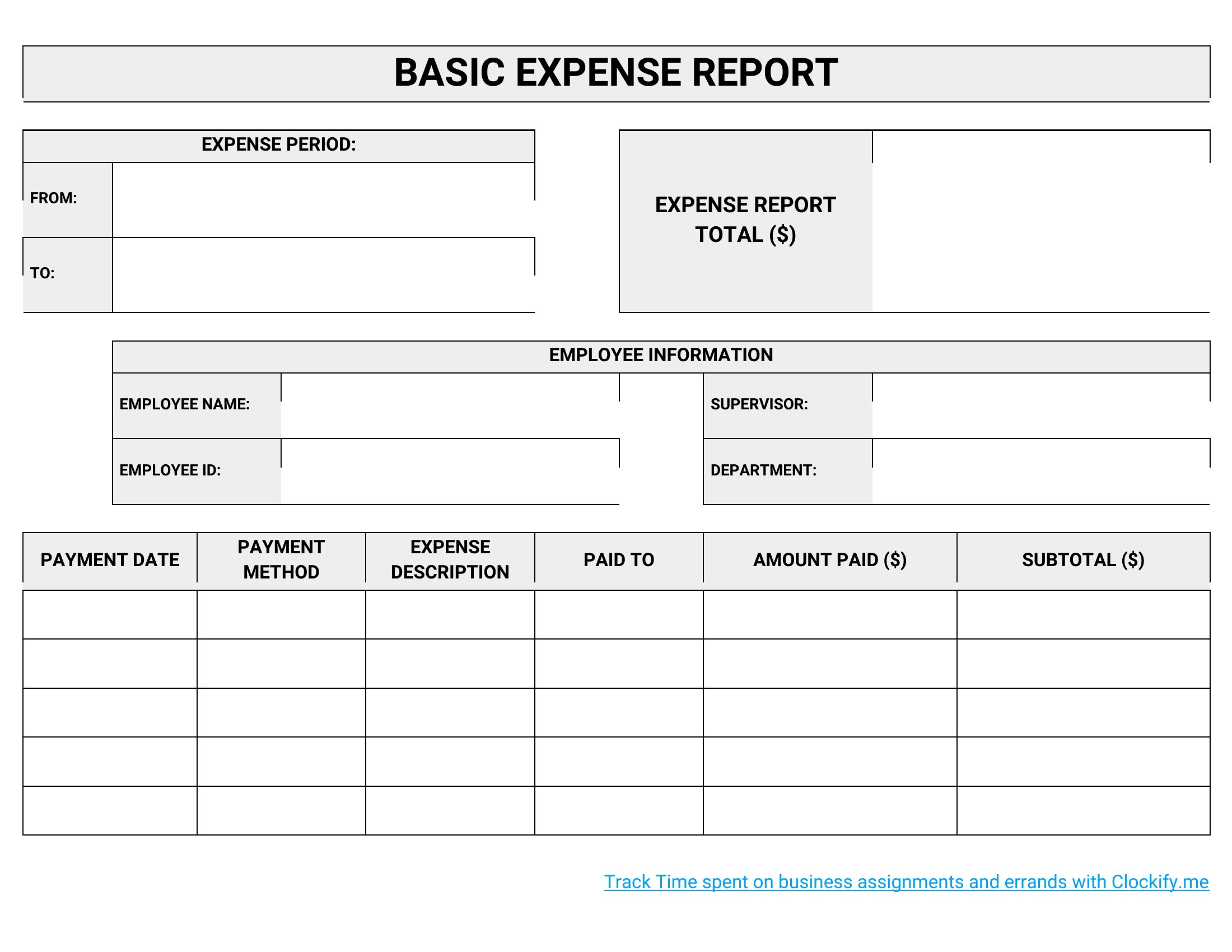
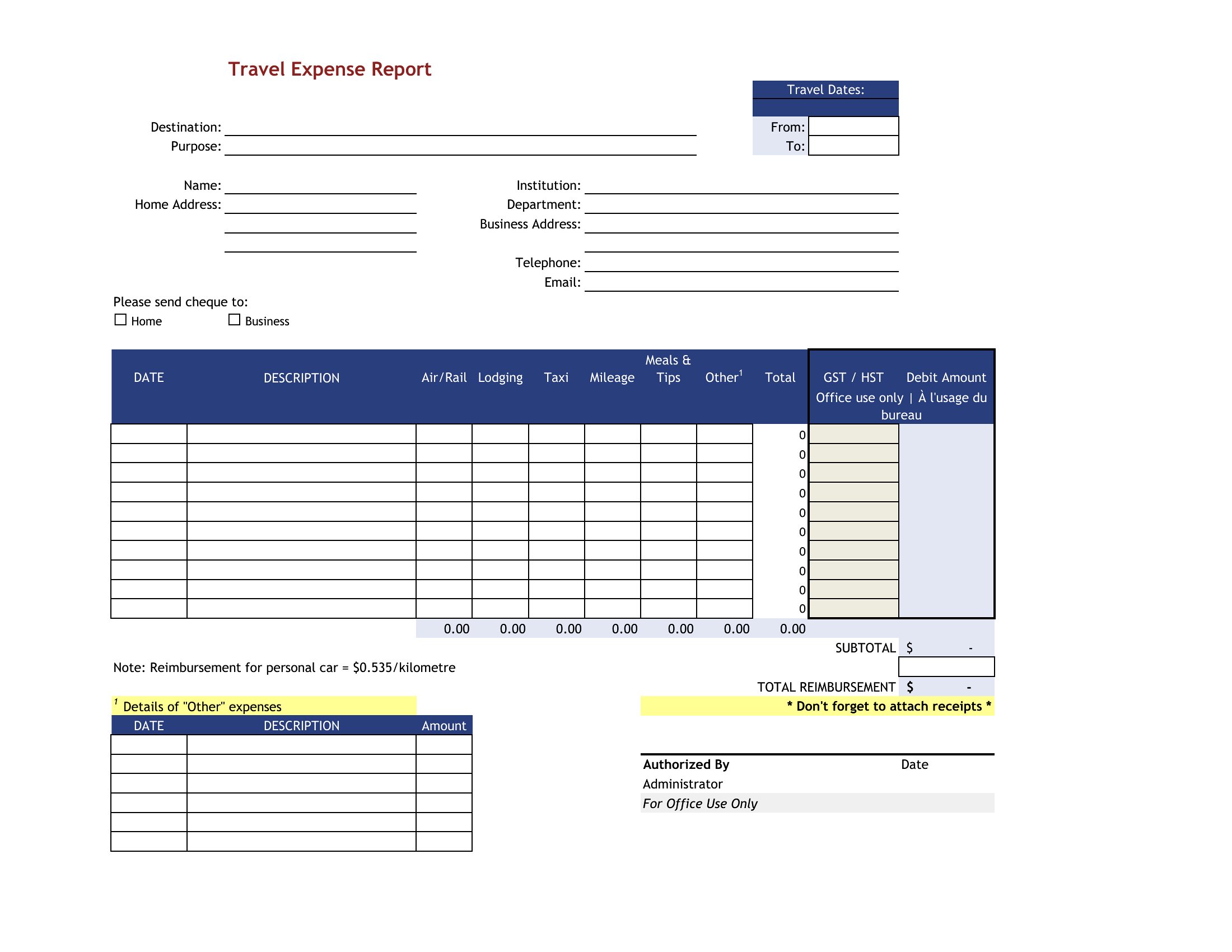
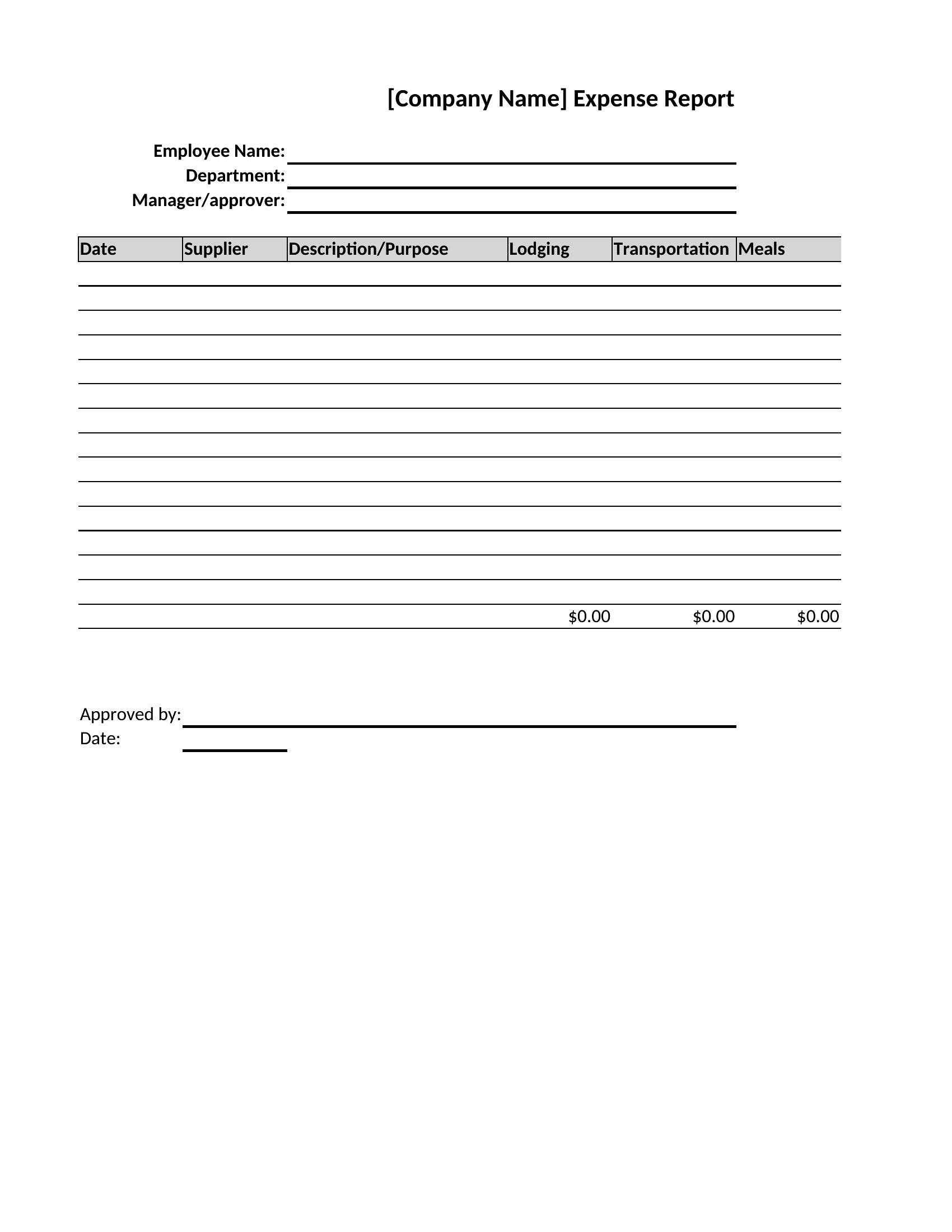
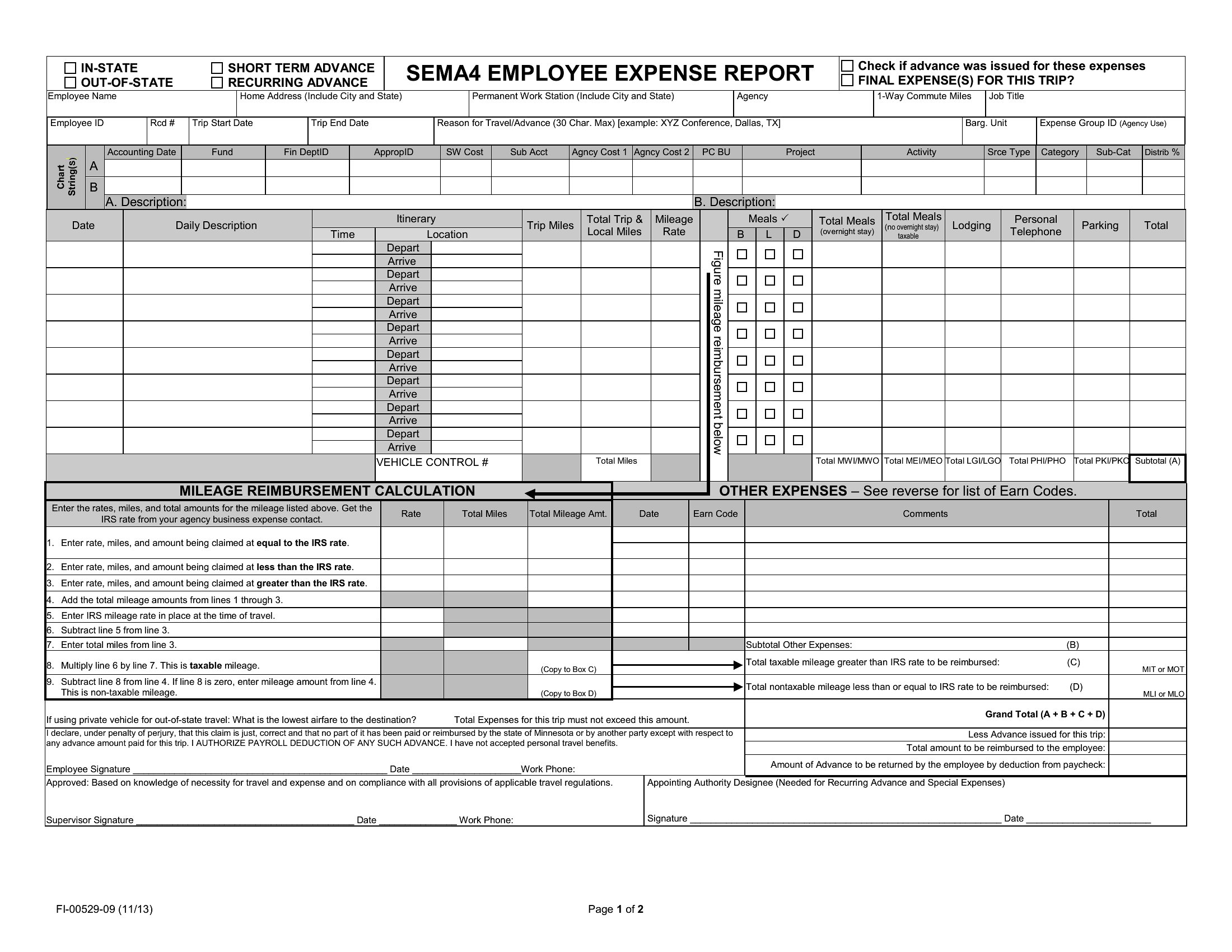
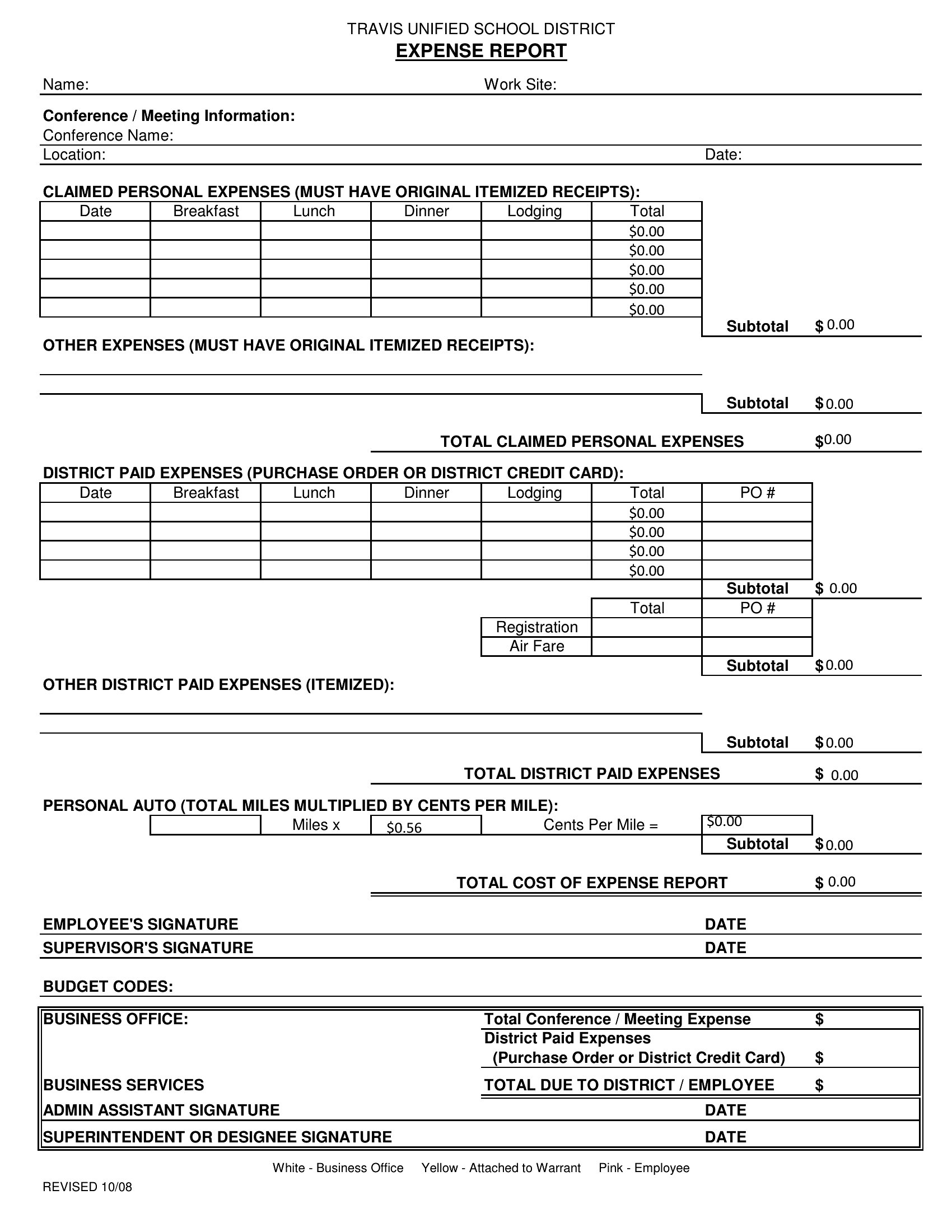
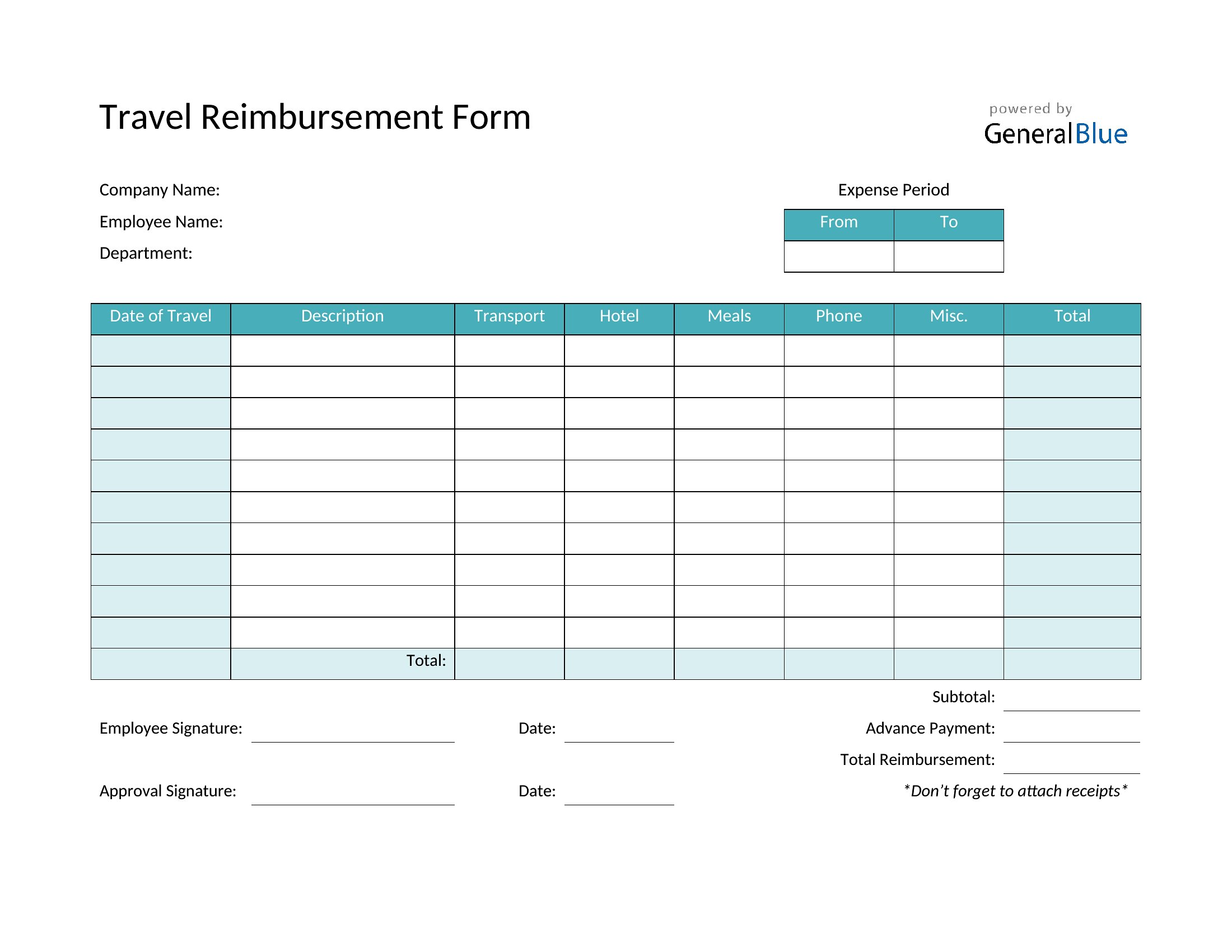
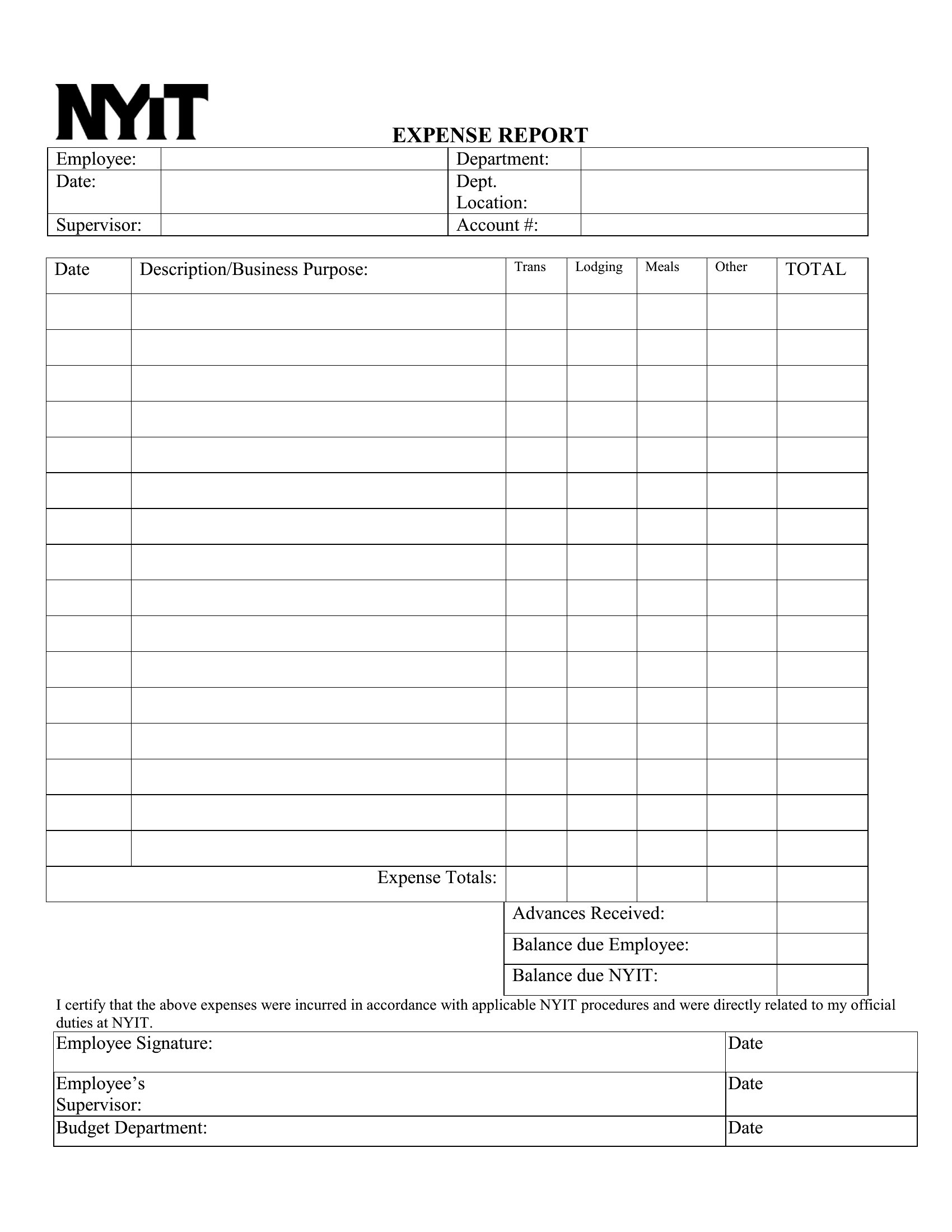
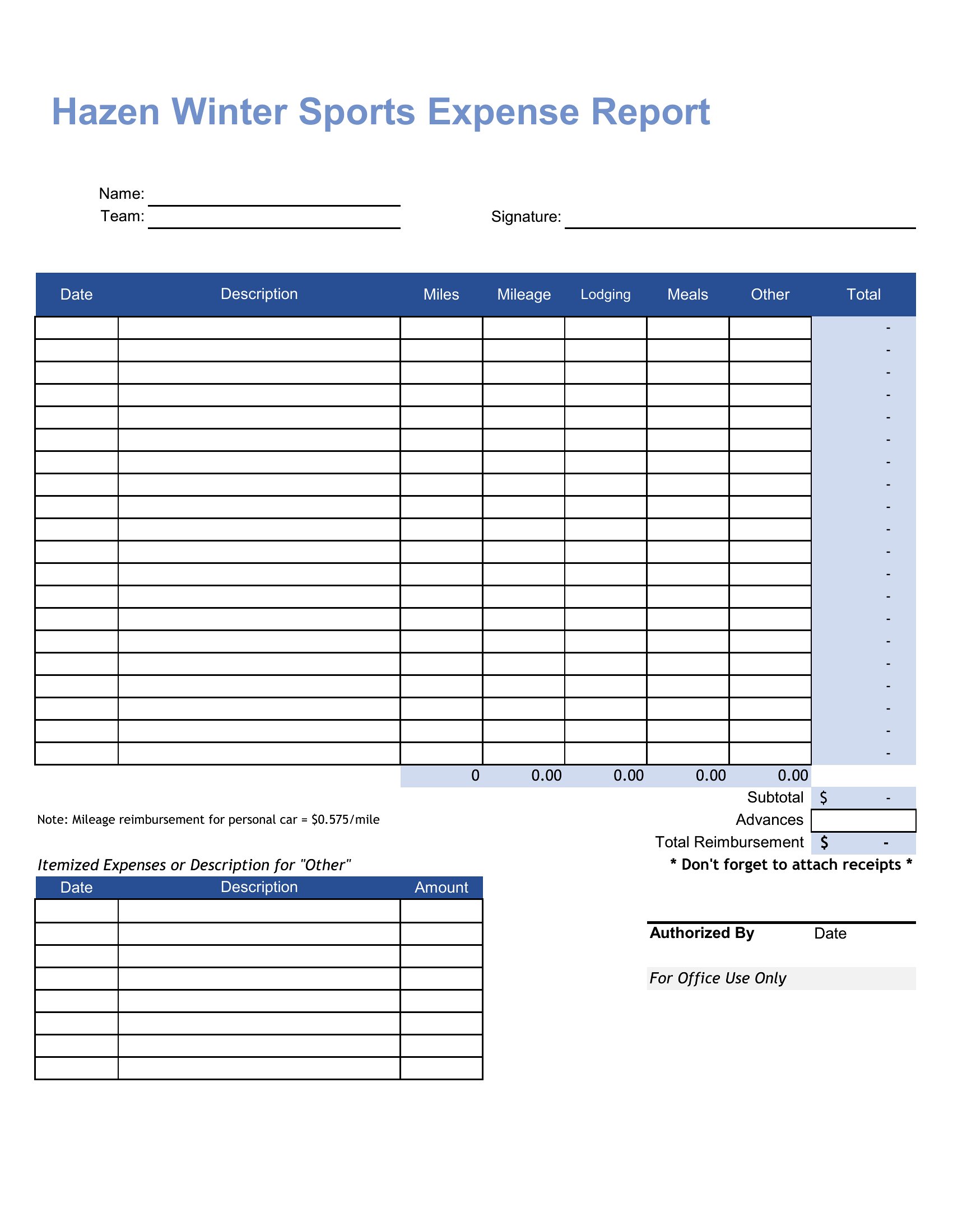
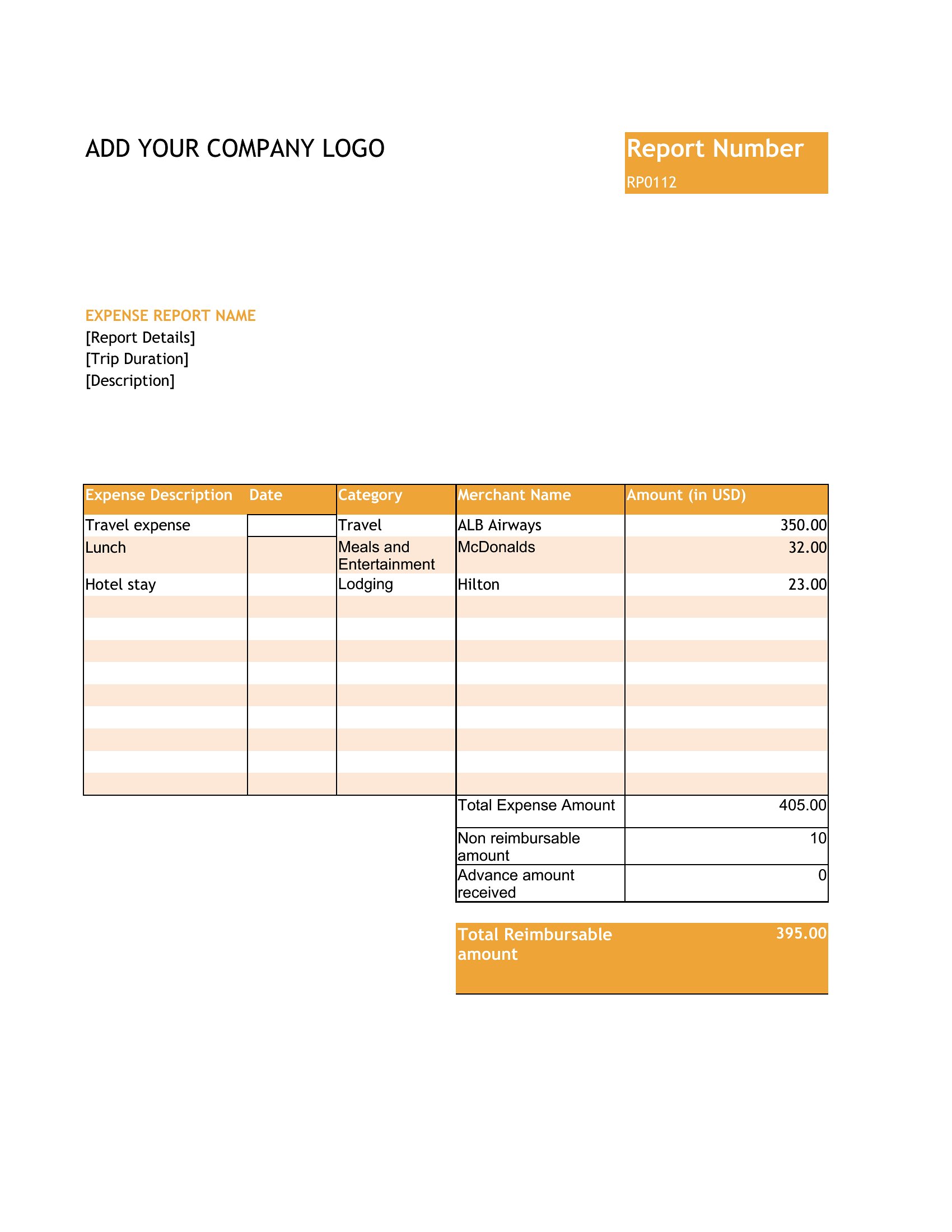
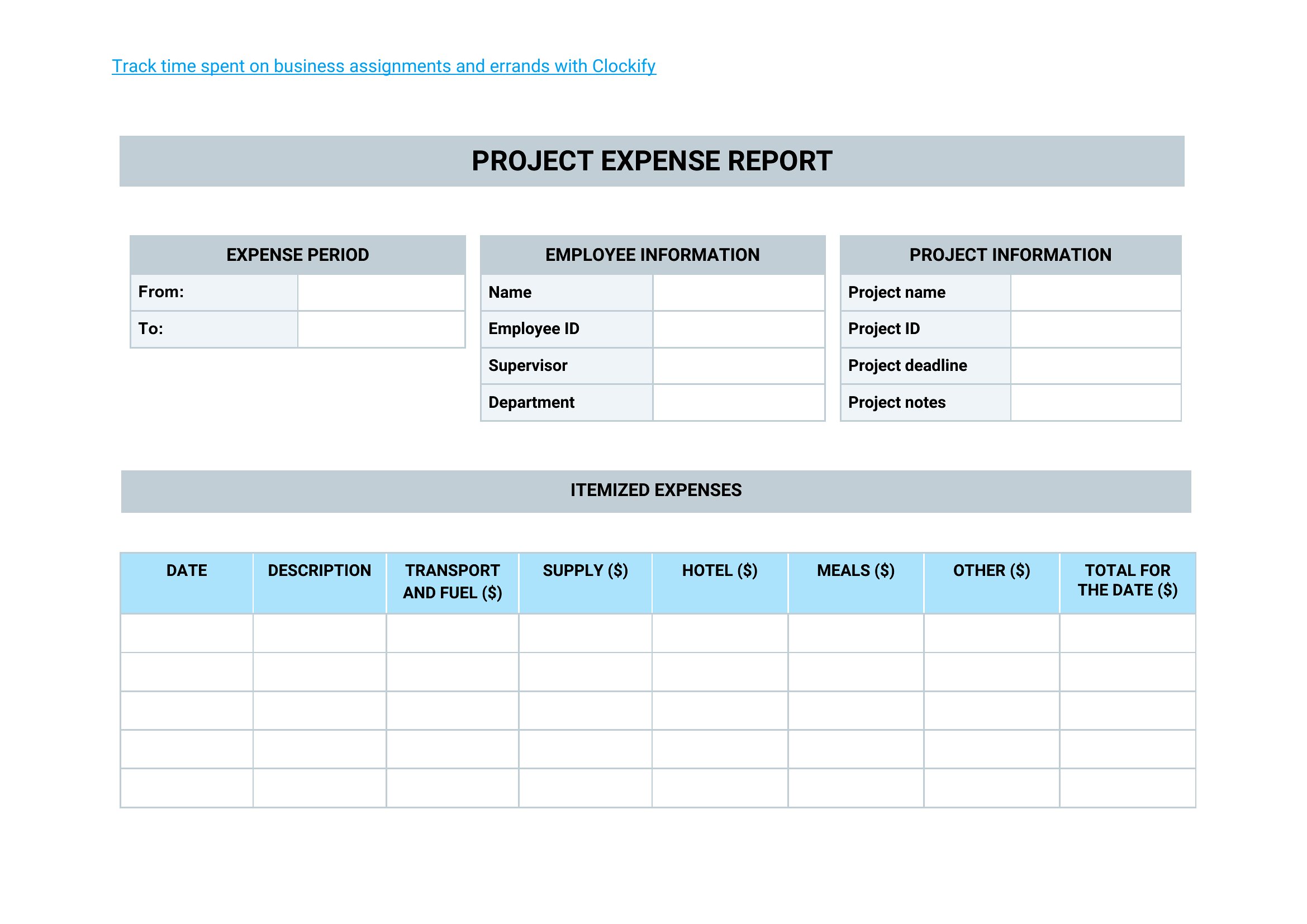
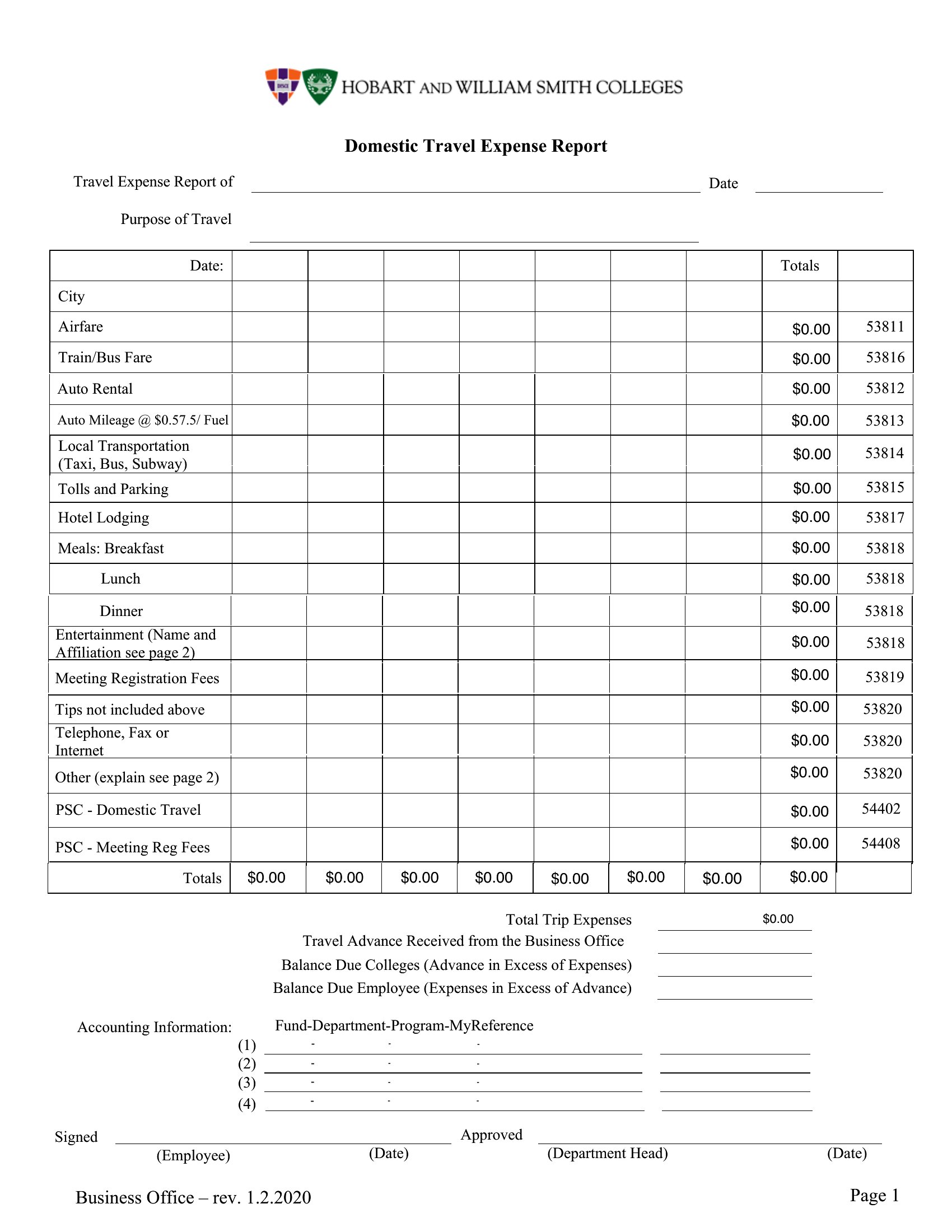
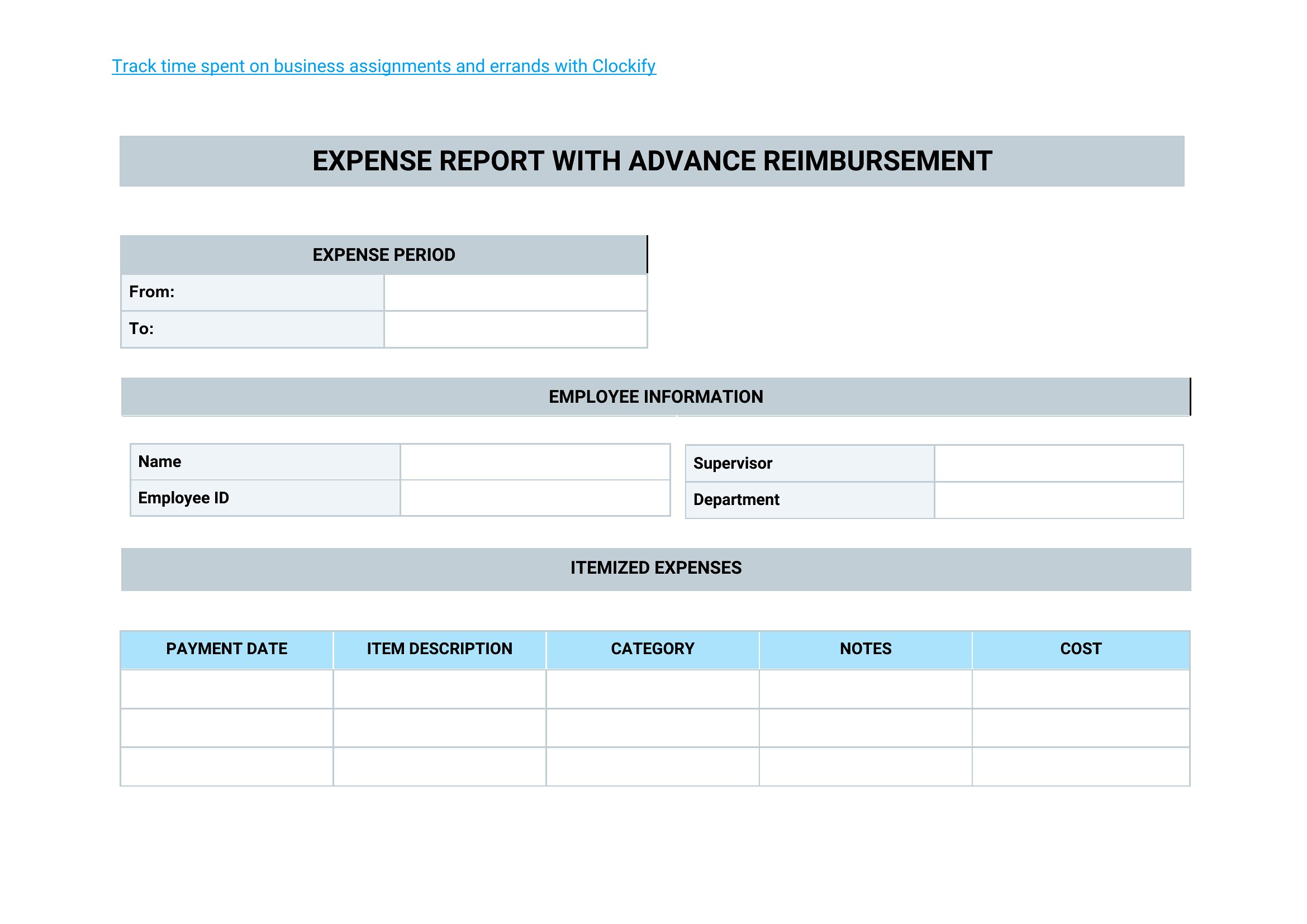
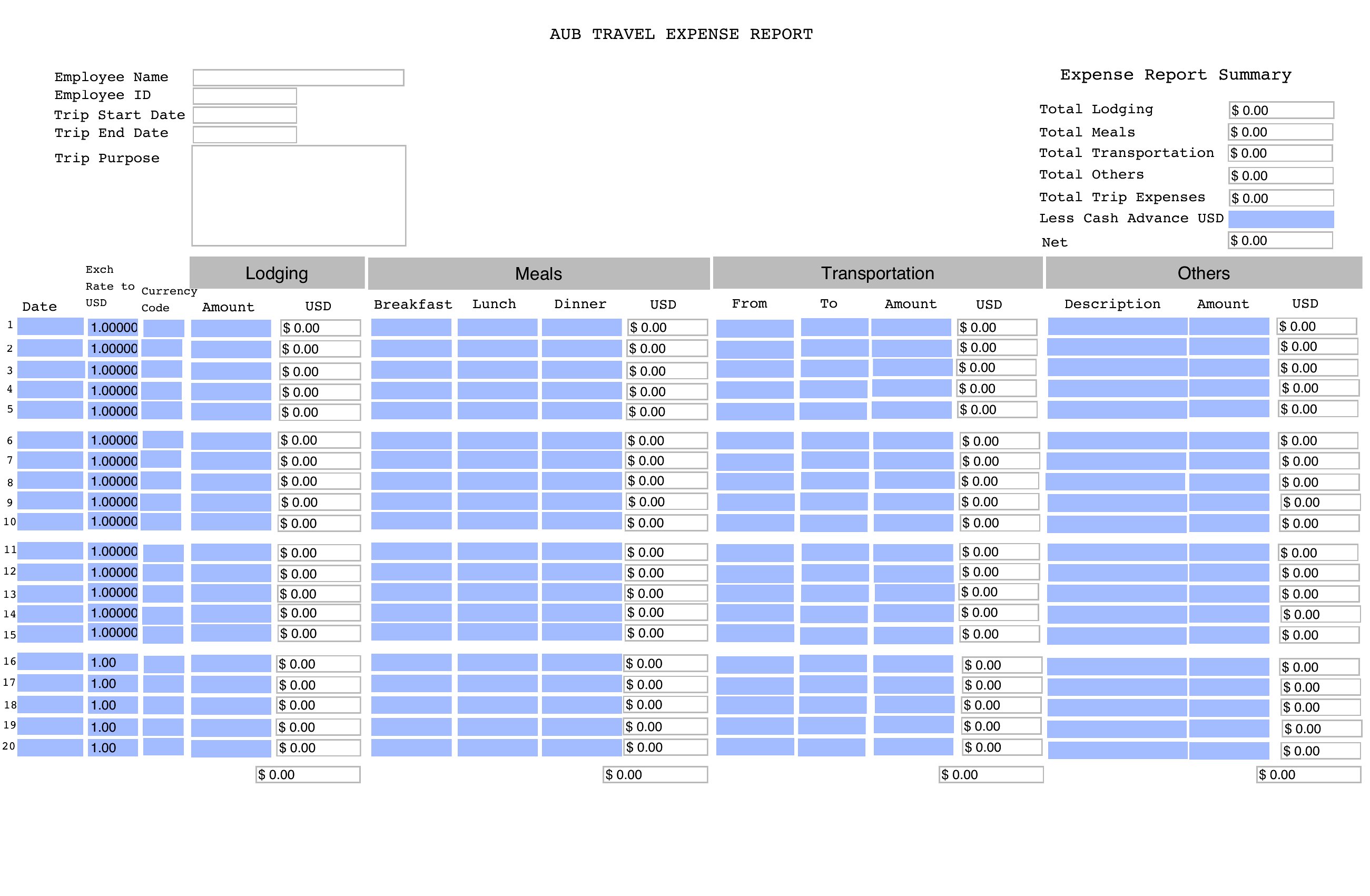
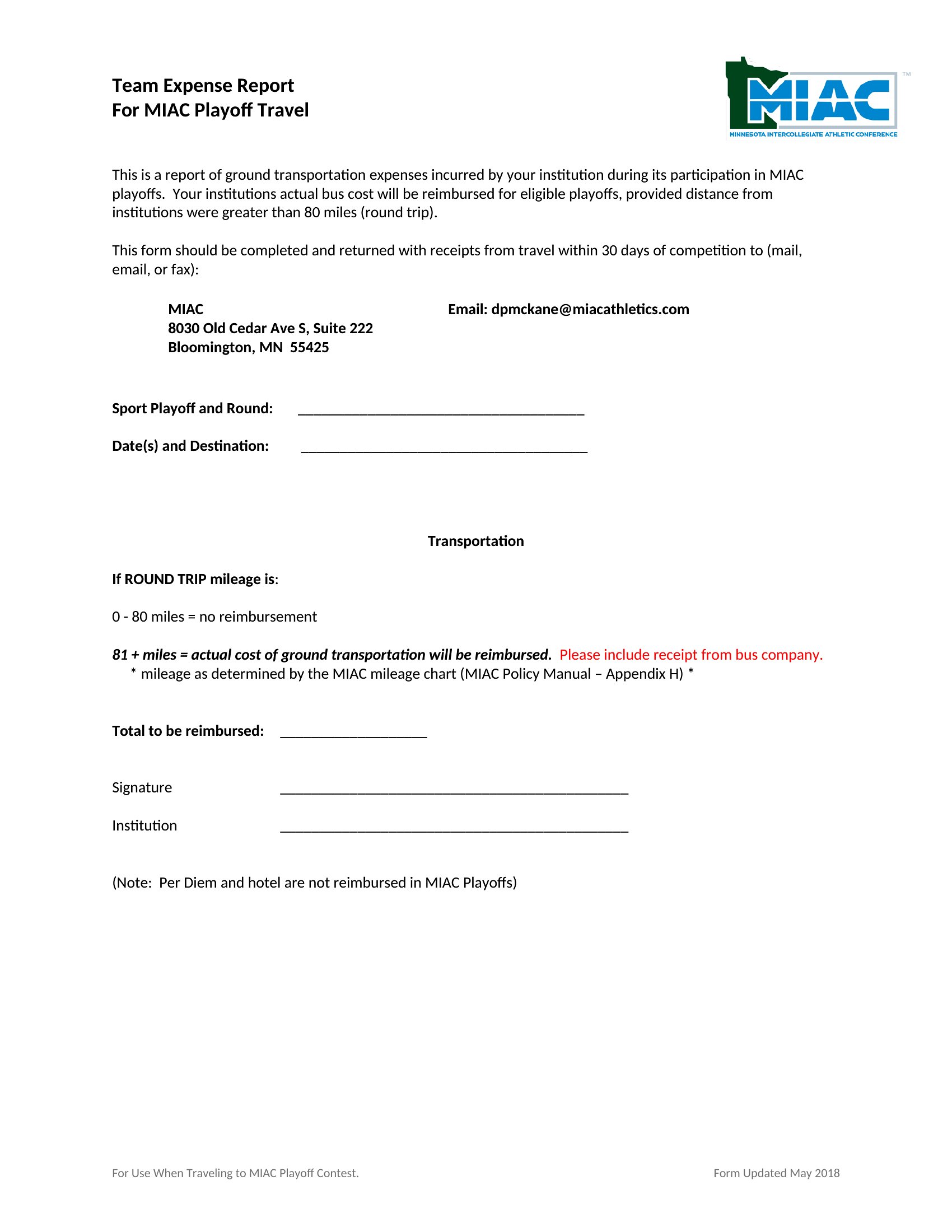
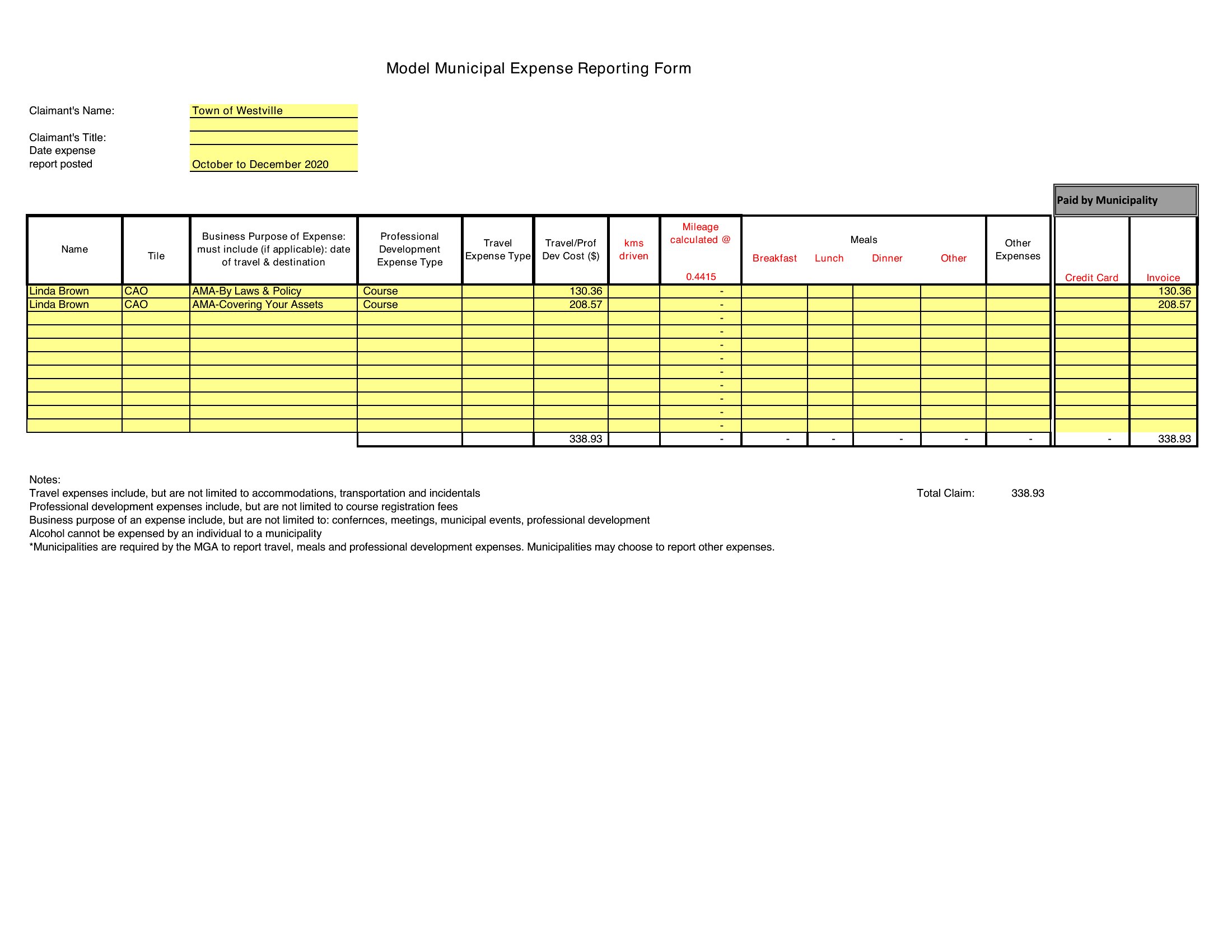
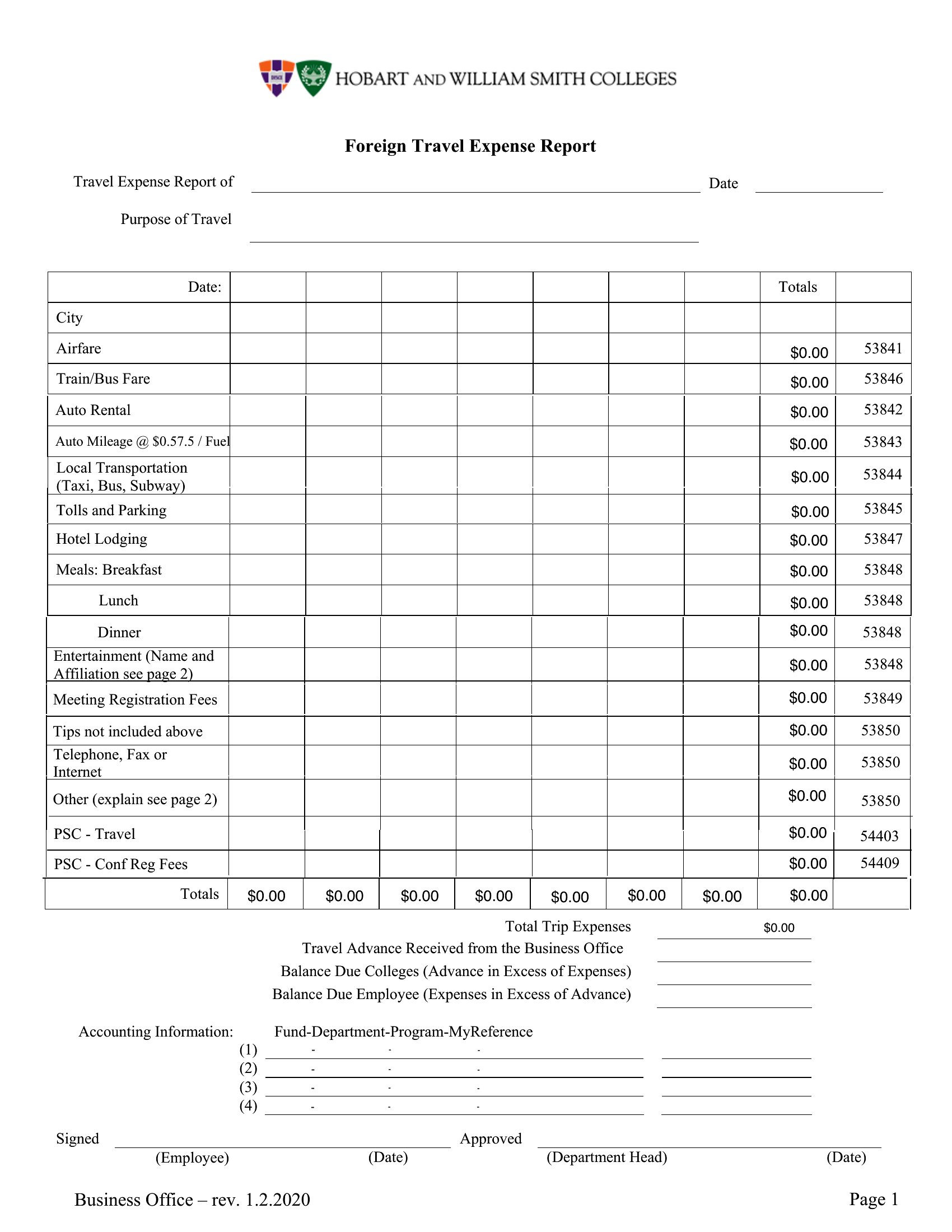
Submitting expenses shouldn't mean rebuilding a spreadsheet every month. This set of 38 expense report templates gives employees and small-business owners a consistent way to log travel, meals, mileage, and supplies, then total it all for reimbursement. Finance teams get records in the same format every time, which makes review and approval far quicker.
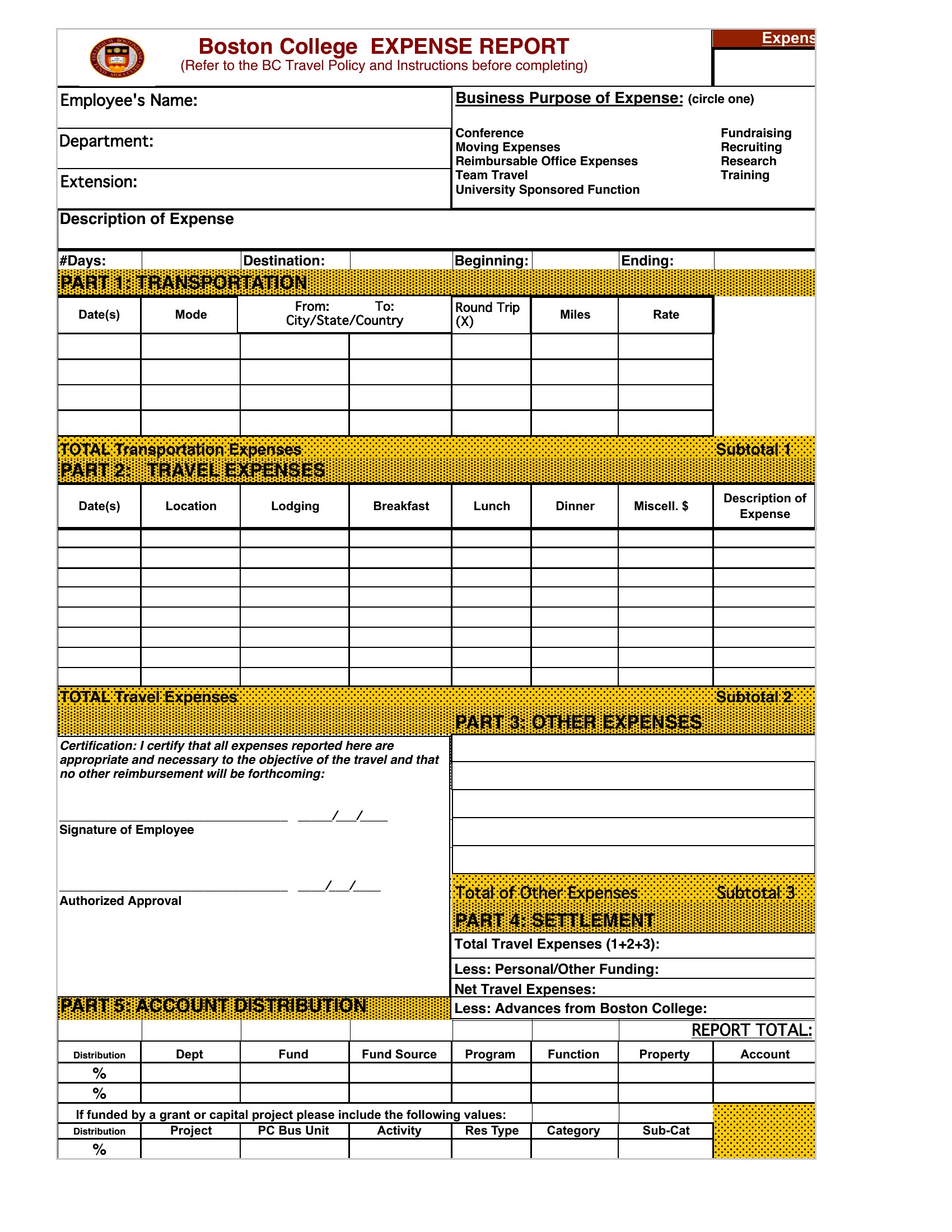
Choose Word or PDF for a clean printable form, or grab an Excel version that adds up categories and mileage automatically as you type. Drop in your company details, set the date range, and attach receipts before you send it for sign-off. Keeping tidy expense records also smooths things over at tax time. Download the layout that fits your process and file your next report without the headache.

When to use this Expense Report template

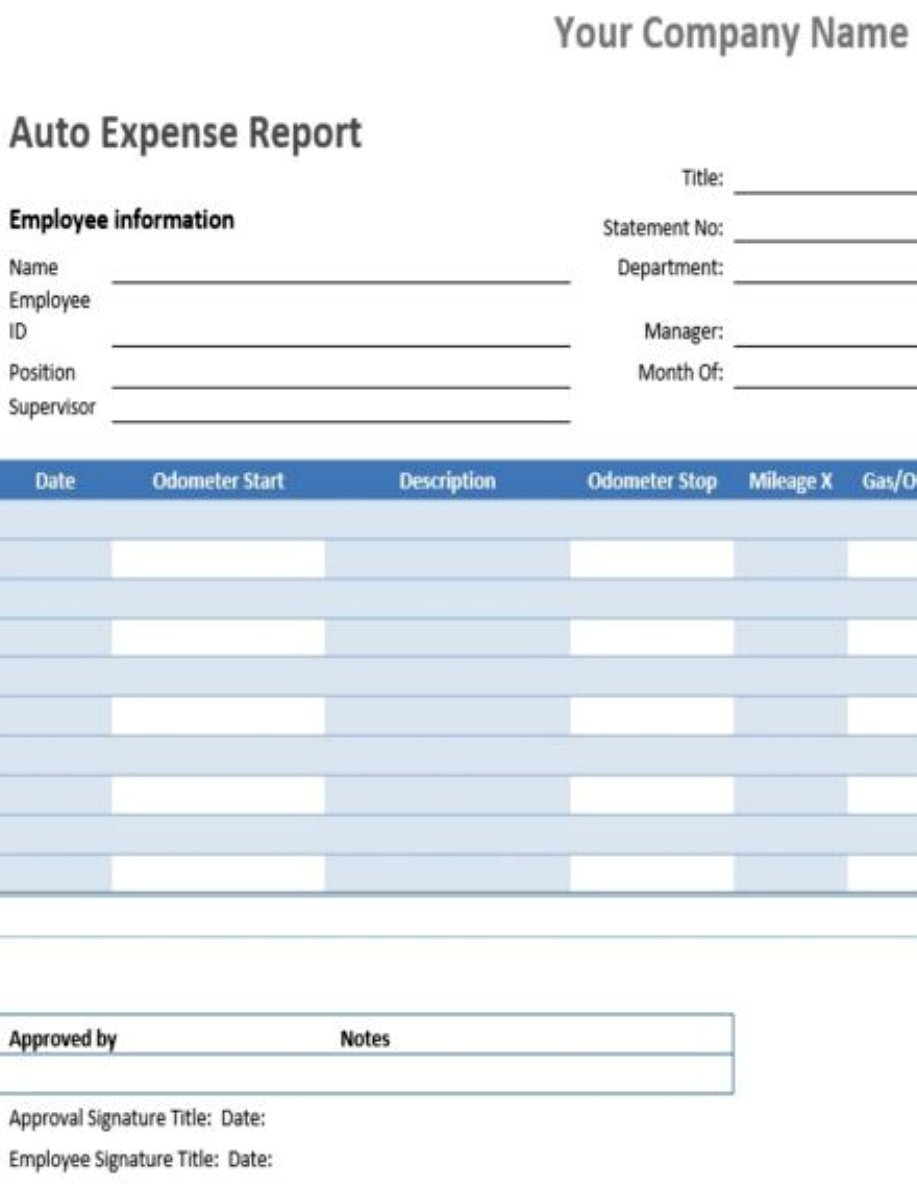
  • Freelancers submitting client reimbursements need a structured way to categorize receipts, mileage logs, and software subscriptions without manual calculations.
  • Small business owners tracking monthly office supplies, travel, and entertainment expenses for quarterly tax filings require a template that auto-sums deductions by category.
  • Accounting assistants reviewing employee expense reports for compliance with company policy benefit from a consistent PDF or Excel format that flags missing receipts or suspicious amounts.
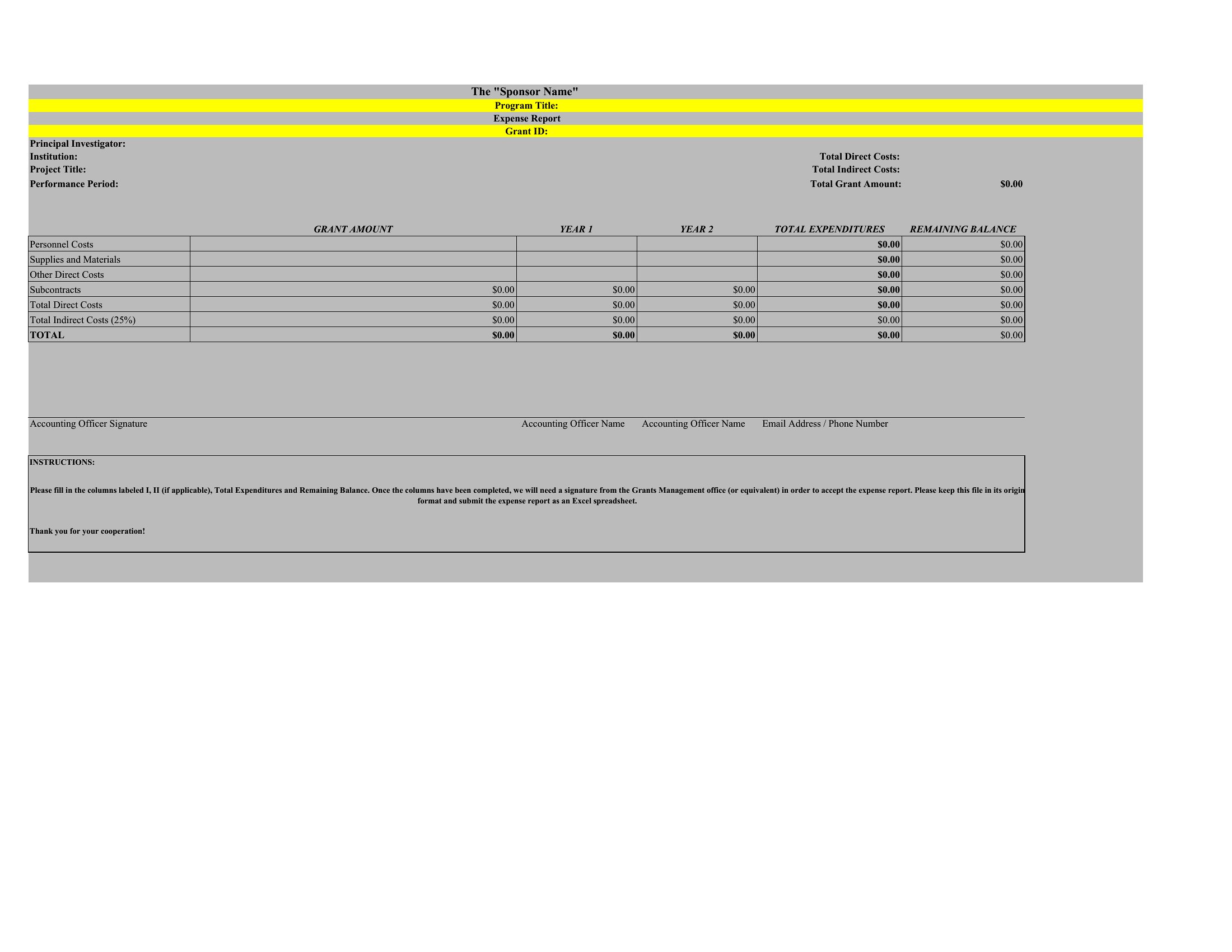
  • Nonprofit program managers documenting grant-funded travel and training expenses for donors need a fillable PDF that tracks authorized spend against budget limits.

Which format should I download?

WordExcelPDF

For most users, Excel is ideal—it allows easy data entry, auto-calculations for totals, and simple sharing with finance teams. Choose Word if you need to print a professional-looking document with pre-filled company letterhead or instructions. PDF is best when you require a fillable, locked template for standardized submissions that can’t be altered, like vendor reimbursements or audit trails.

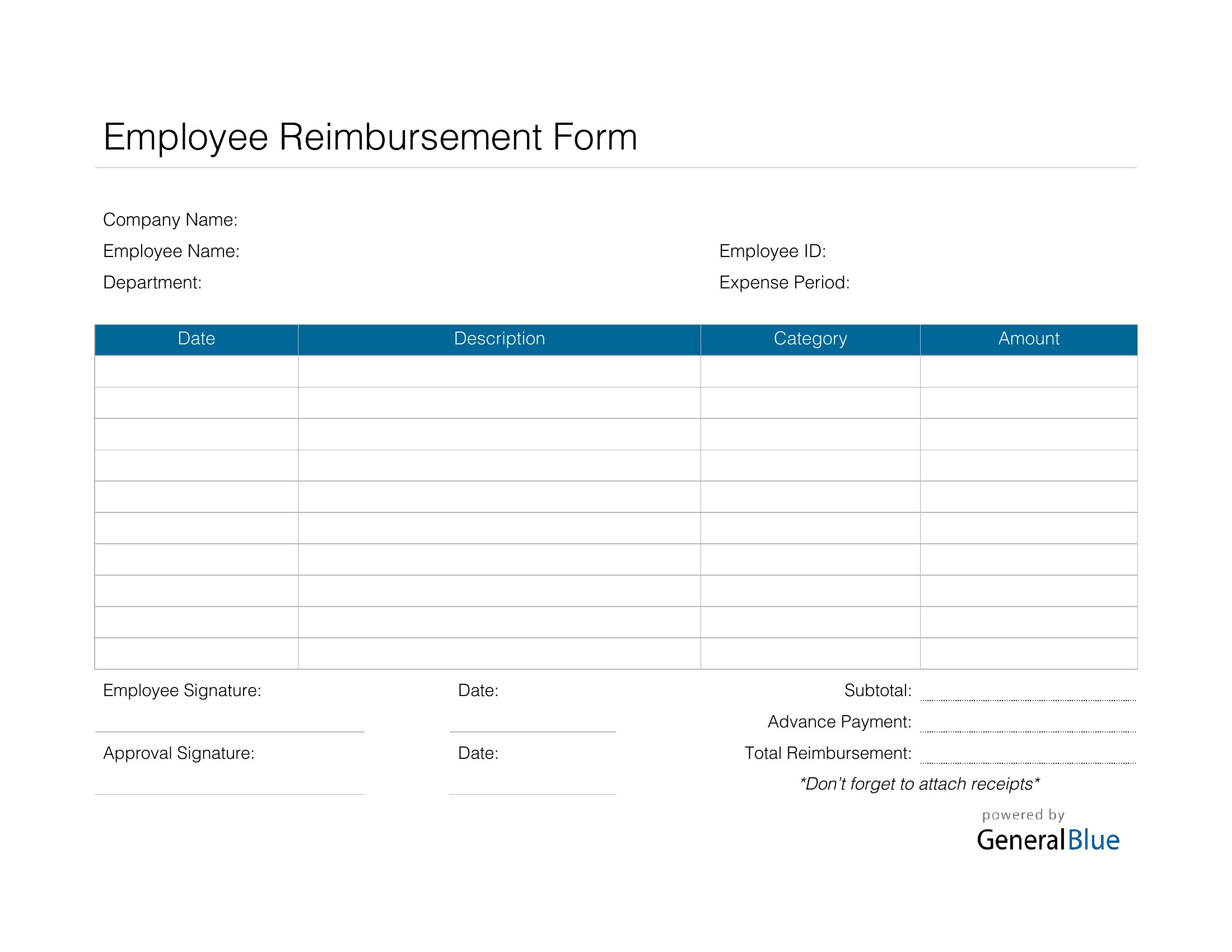
Choose from 38 Expense Report Templates
How to use this Expense Report template

Can I customize the expense categories to match my company’s accounting software?

Yes, all templates include editable fields for categories like ‘Travel,’ ‘Meals,’ or ‘Office Supplies.’ For deeper integration, use the Excel format—it’s easy to import into QuickBooks, Xero, or Excel-based accounting tools later. Copy the column headers exactly to preserve data structure.
What’s the difference between the ‘fillable’ and standard PDF templates?

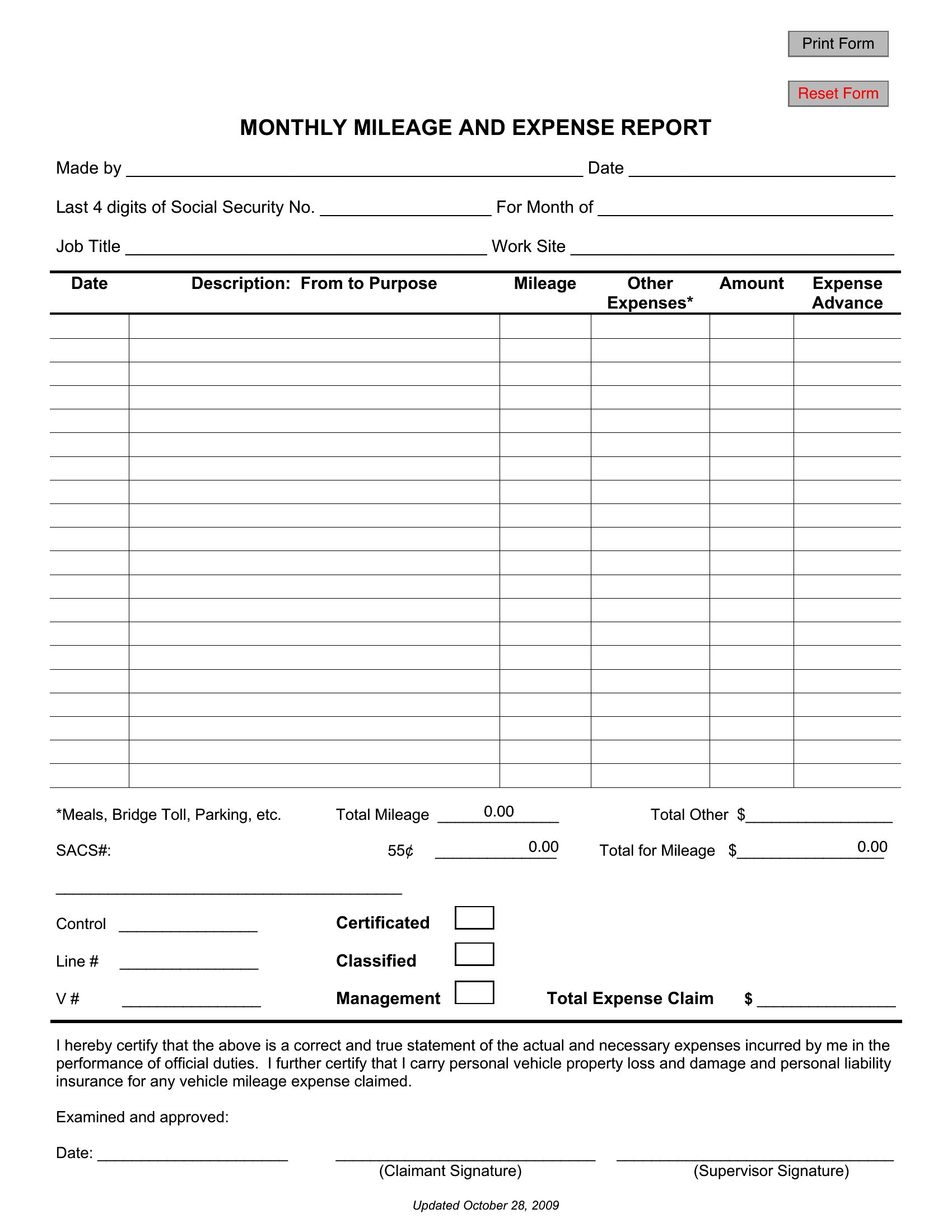
Fillable PDFs let users type directly into the form on any device, then save or print. Standard PDFs are static designs—better for branding but require manual data entry in another tool first. Fillable versions are ideal for remote teams or clients submitting reports digitally.

How do I ensure the template works for international business travel with currency conversions?

Use the Excel format to add a ‘Currency’ column and a conversion formula (e.g., =B2*exchange_rate). For PDFs, note the conversion rate manually in a remarks section. Always save receipts in the local currency alongside converted amounts to avoid discrepancies during audits.

Comments

Join the conversation

Sign in to share your thoughts and leave a comment on this resource.

Newsletter

Get Weekly Design Updates
Join our community to receive curated resources and inspiration.
Weekly Tips Resources Early Access

We respect your privacy. Confirmation email required. Privacy Policy