
Printable Weekly Schedule Templates (Word, Excel, PDF)
Daily by elizabethchavez
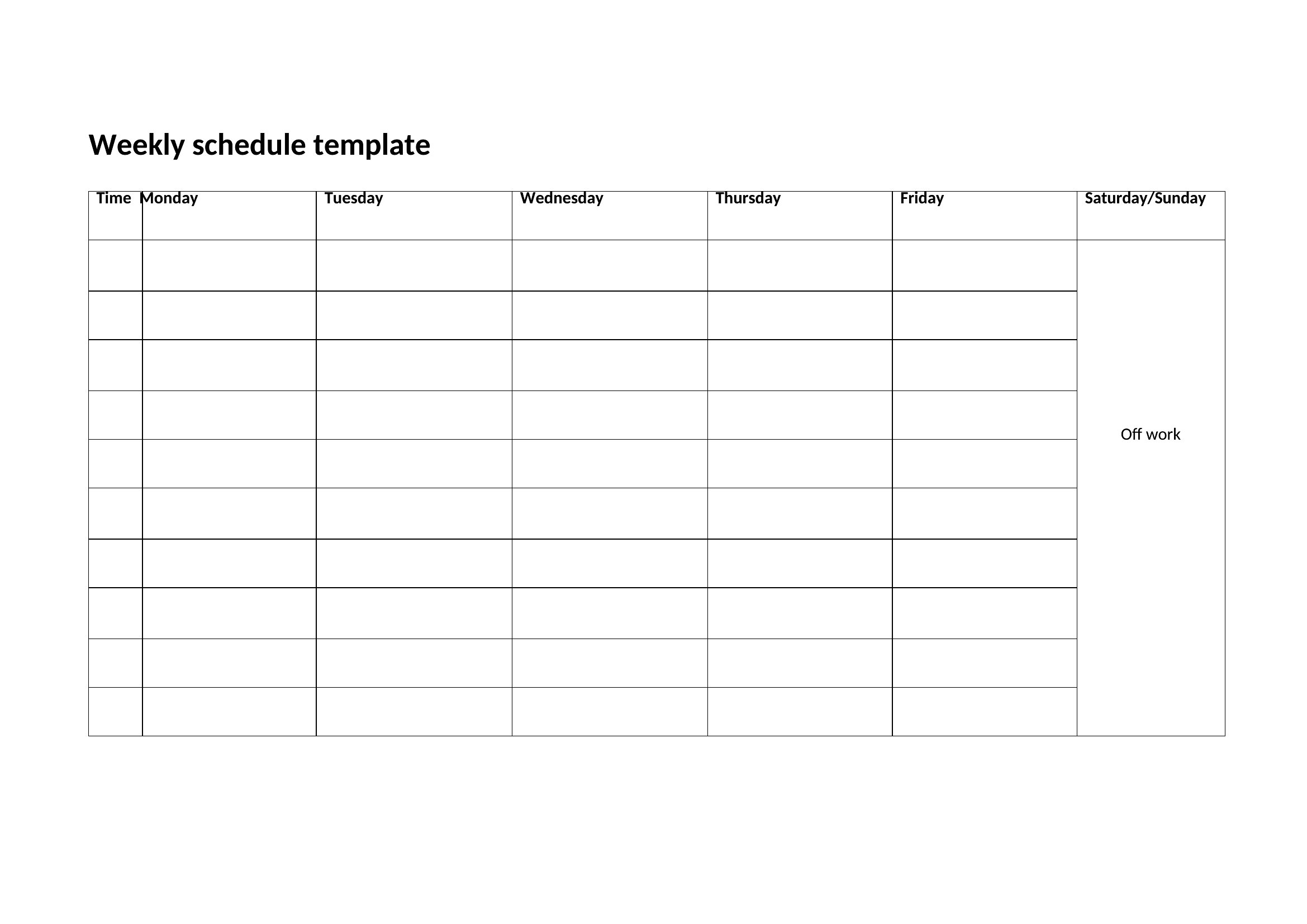
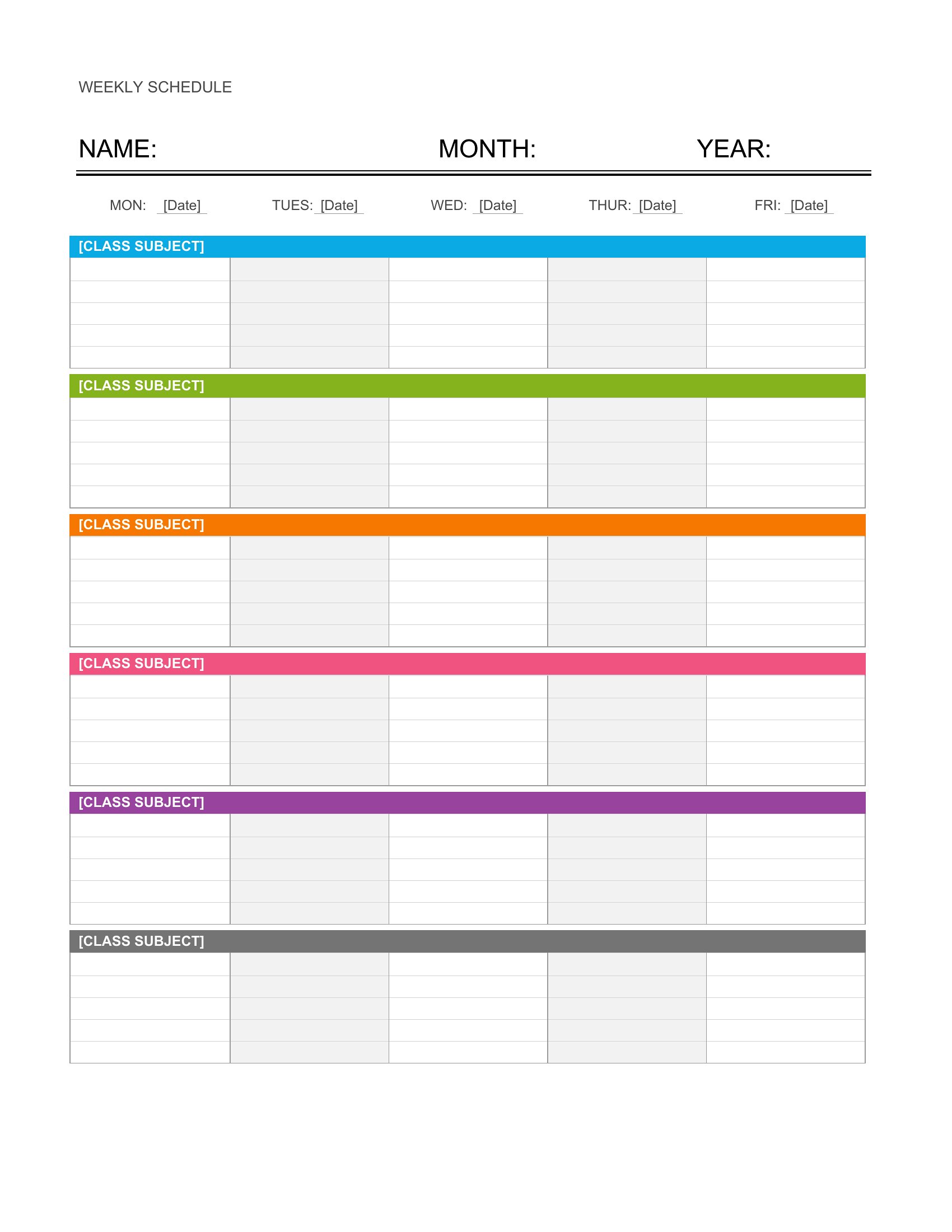
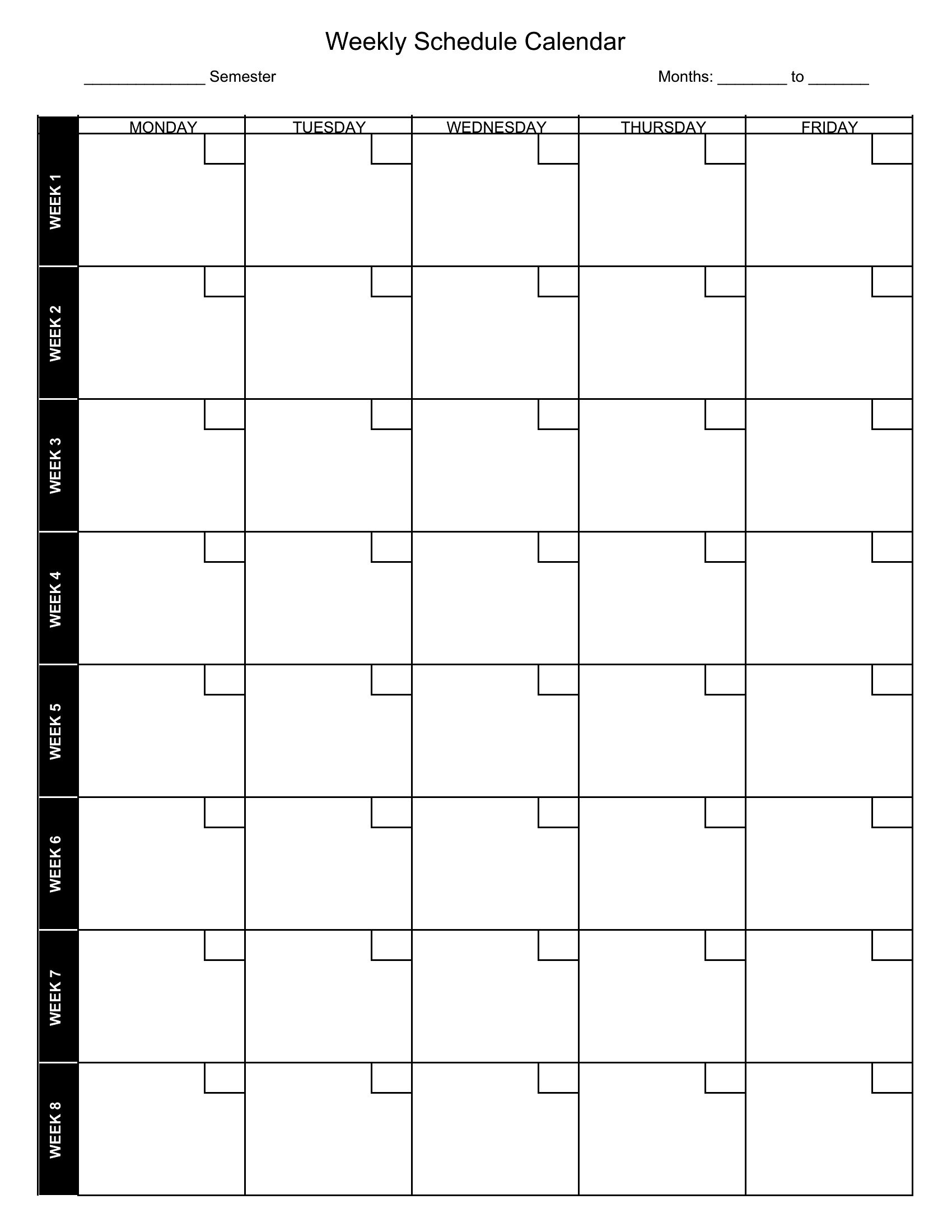
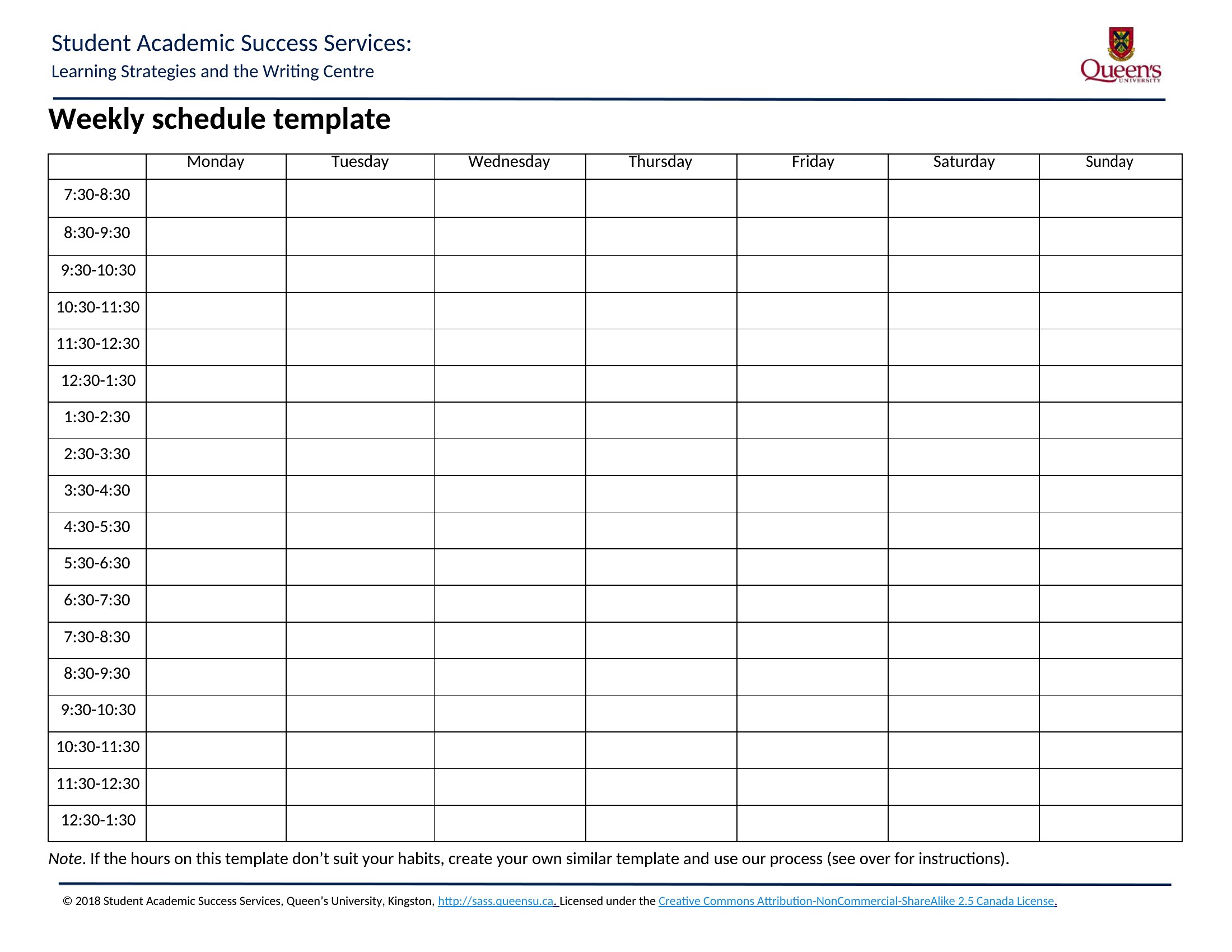
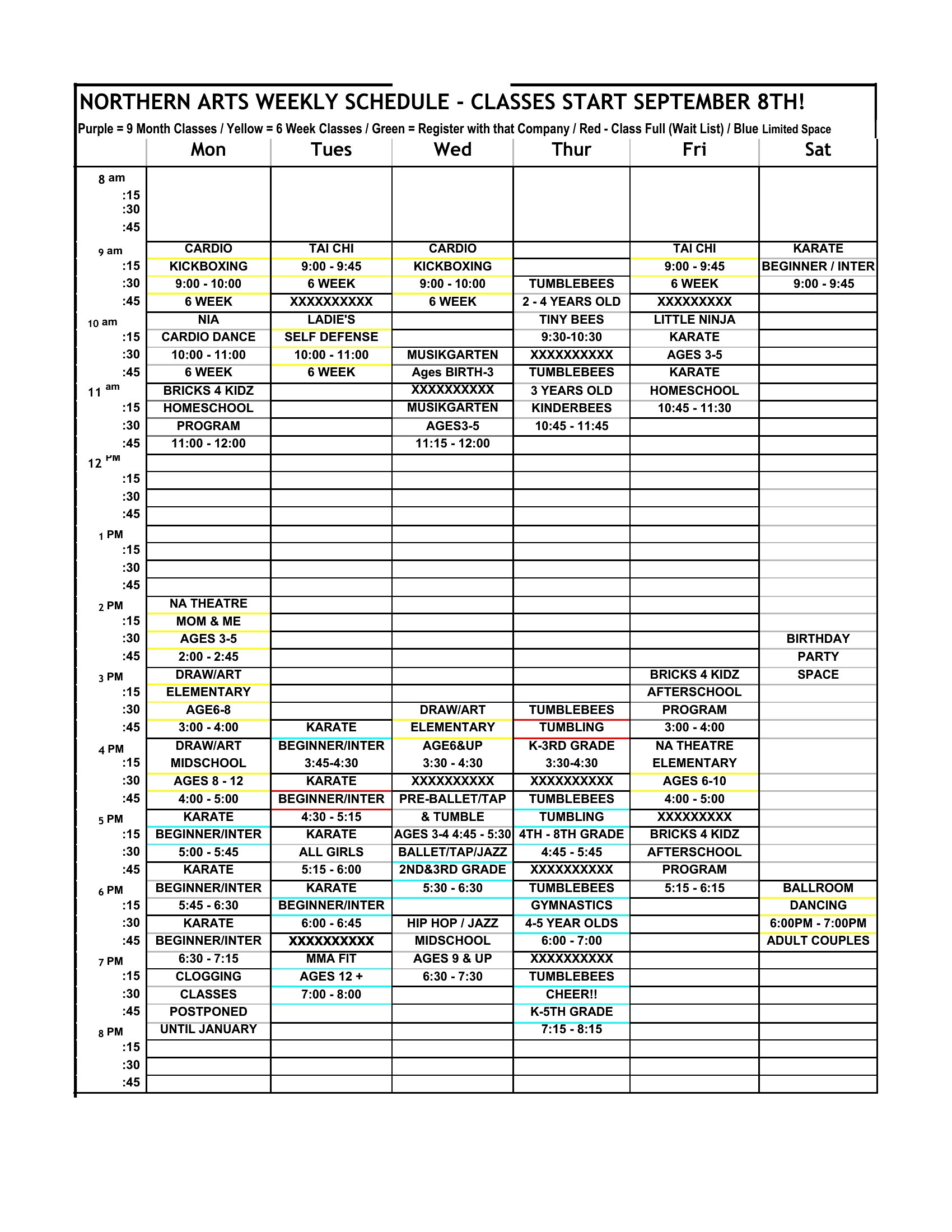
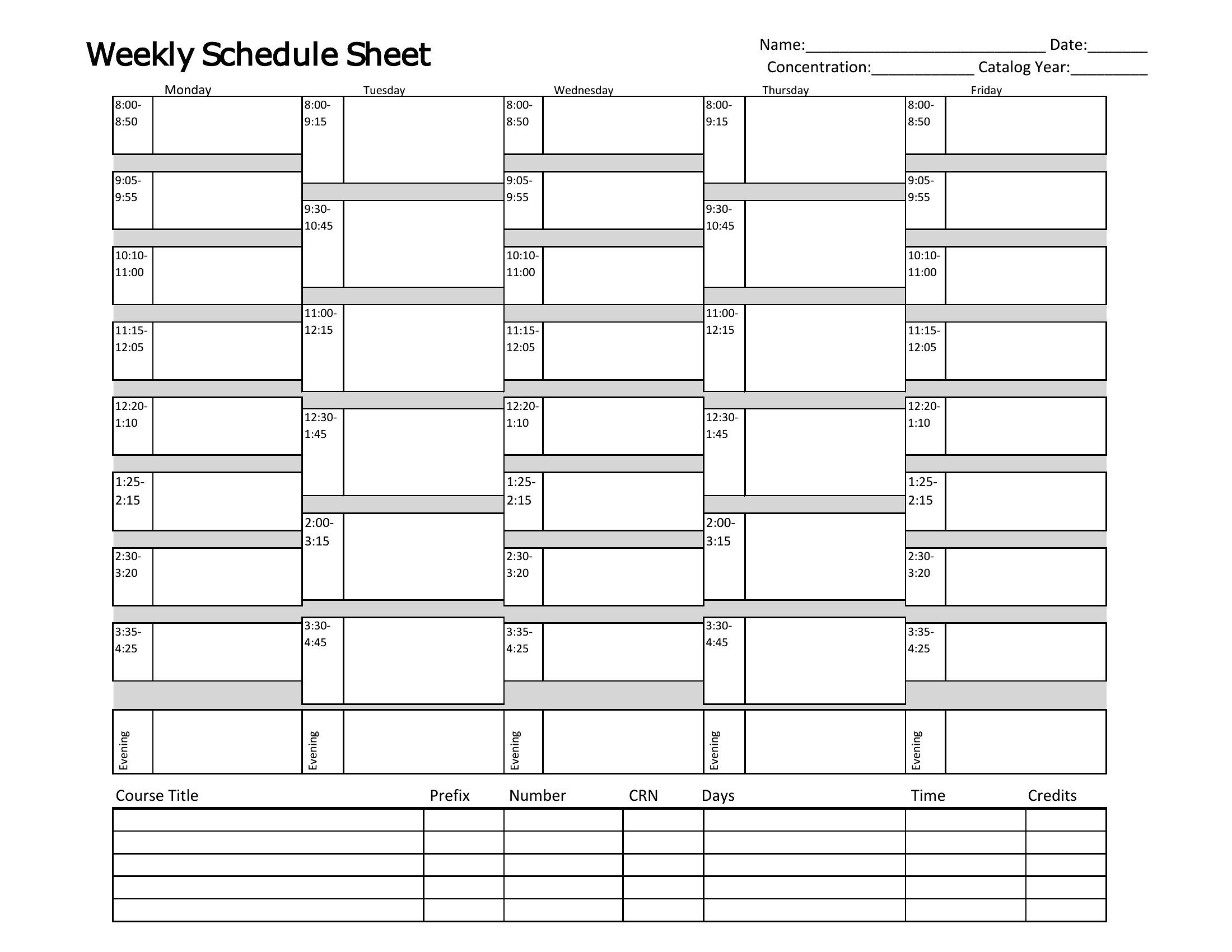
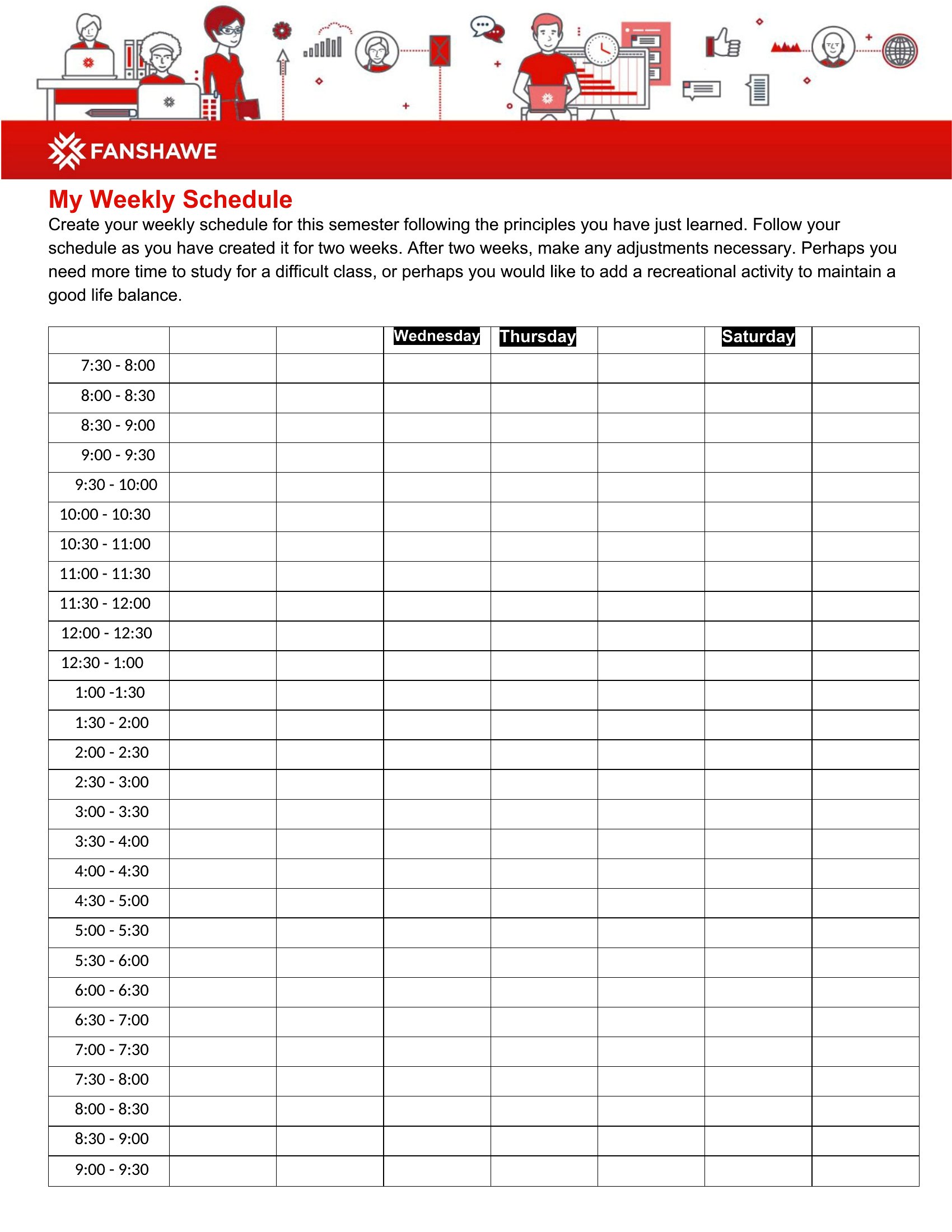
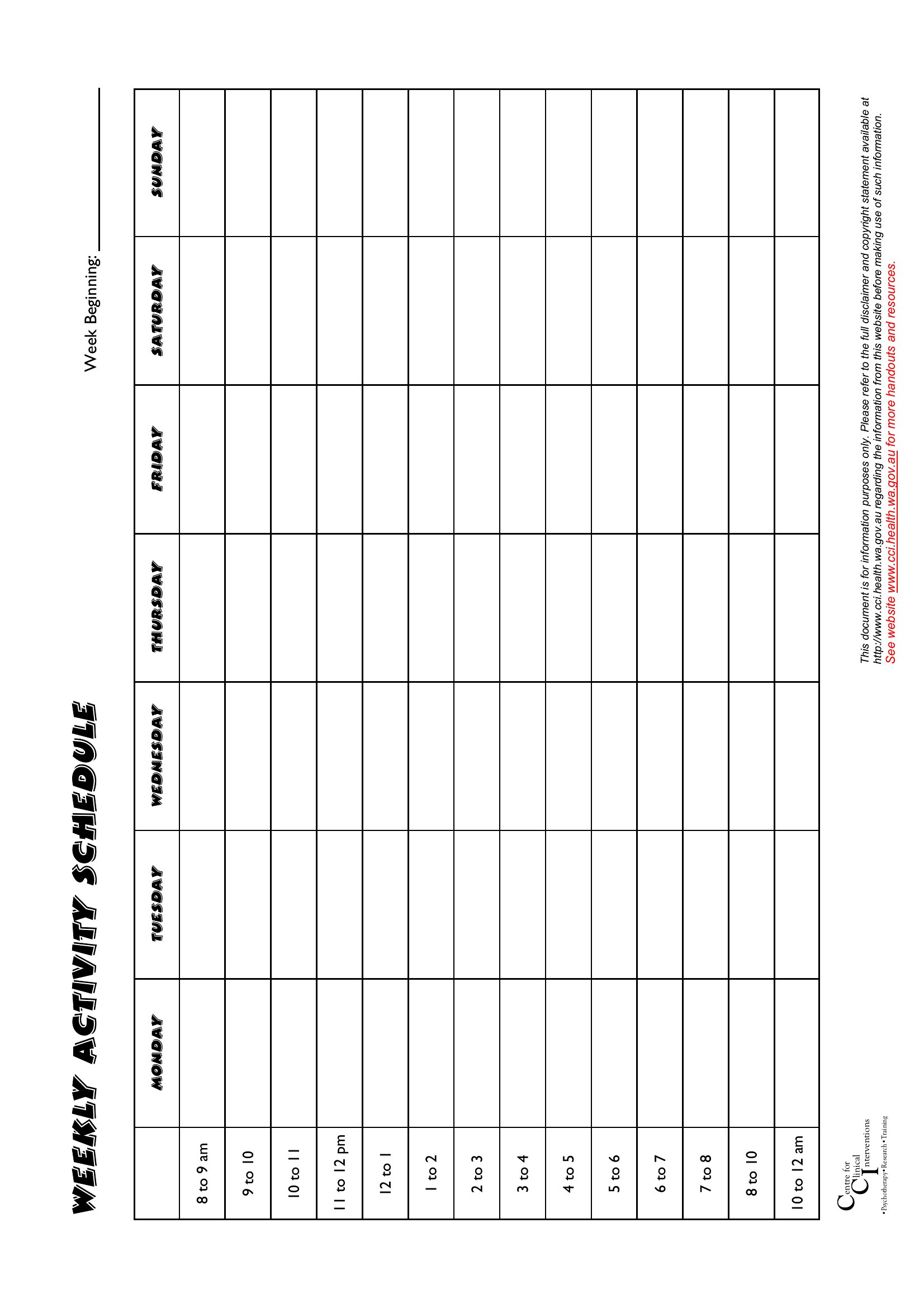
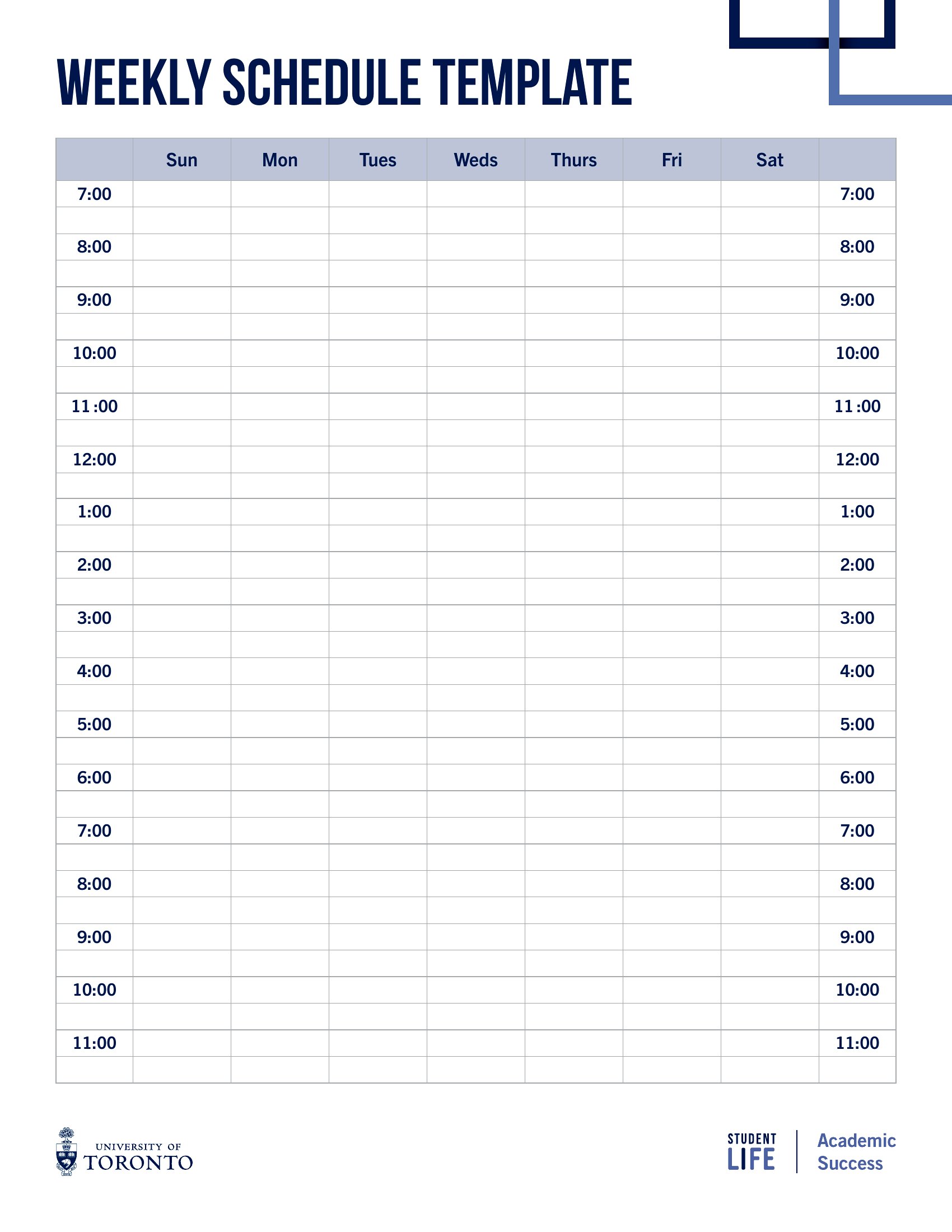
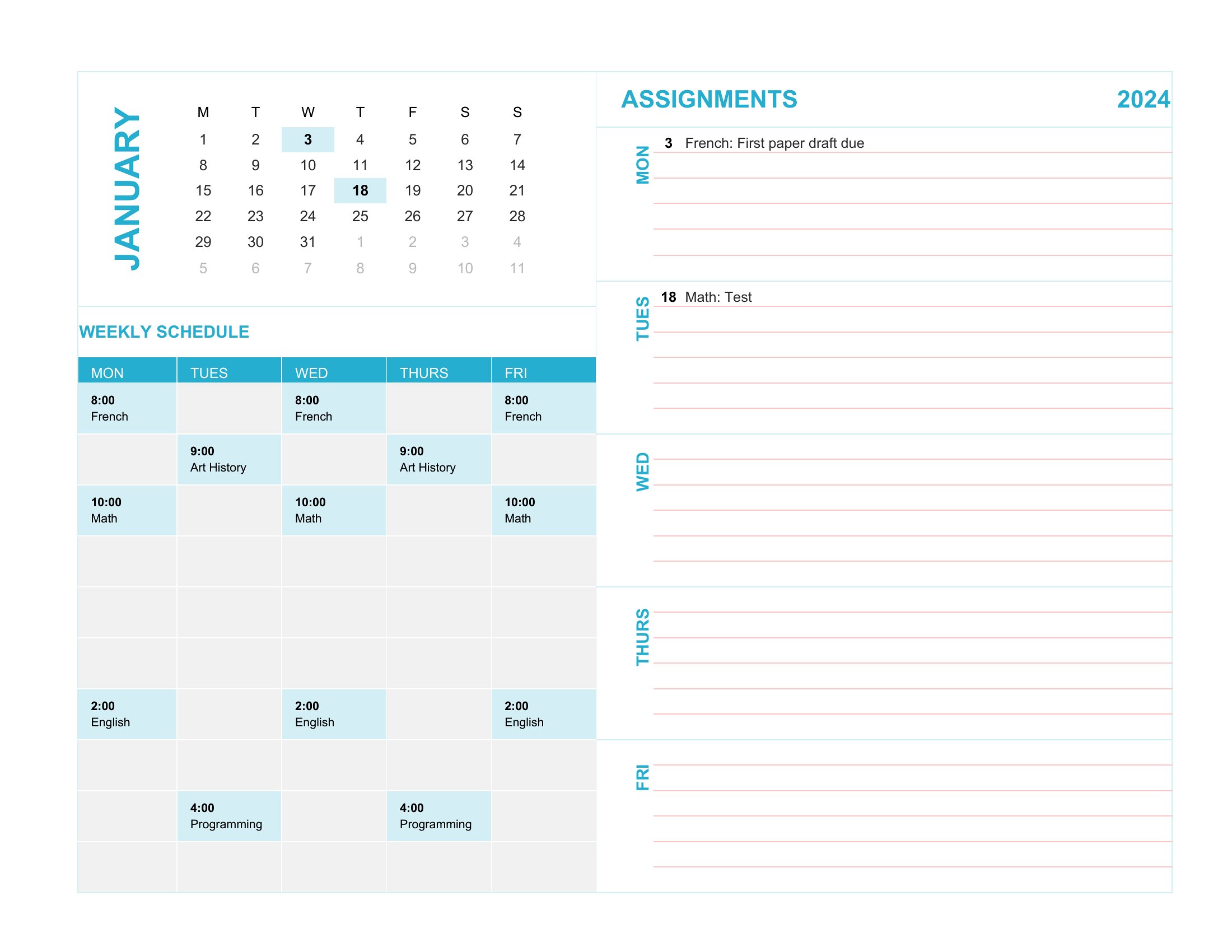
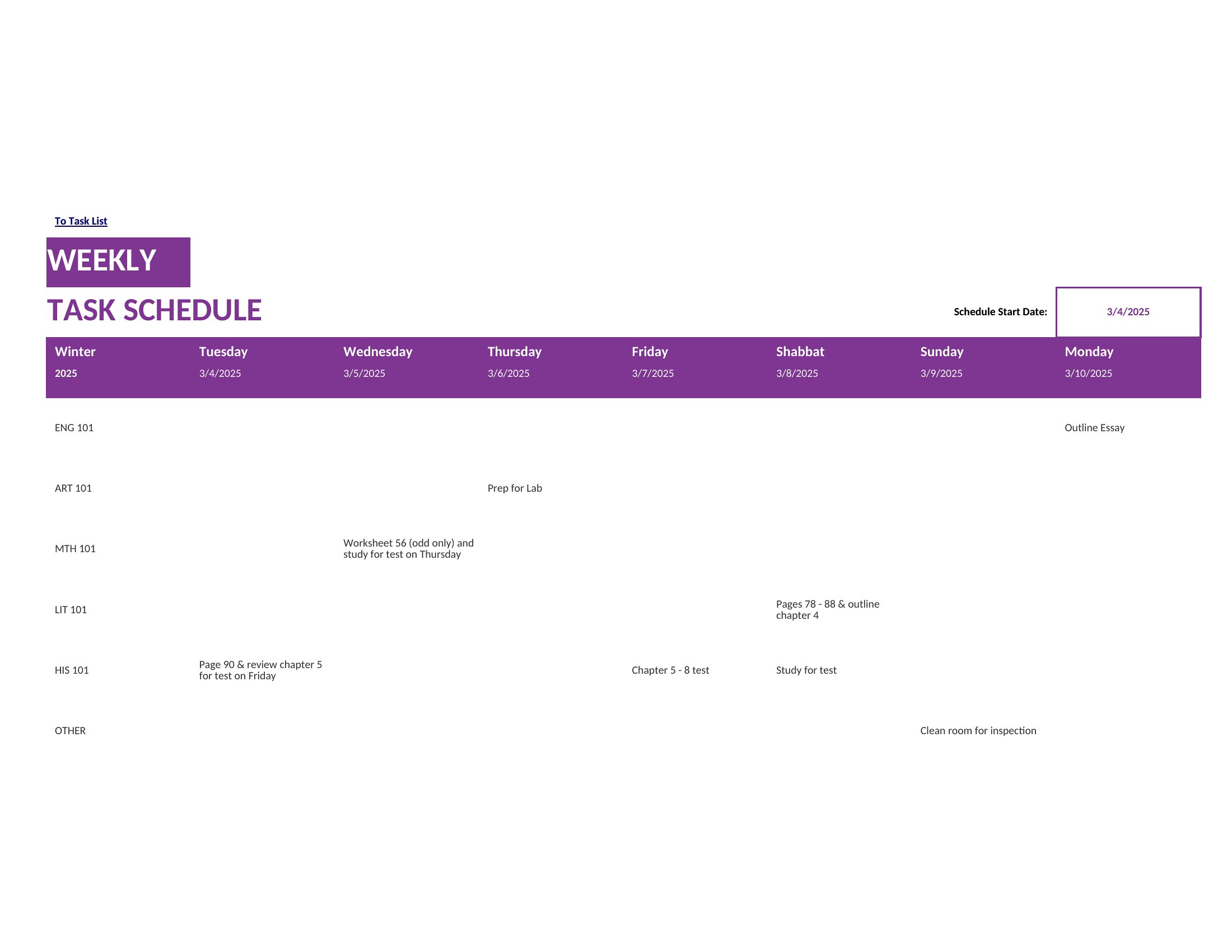
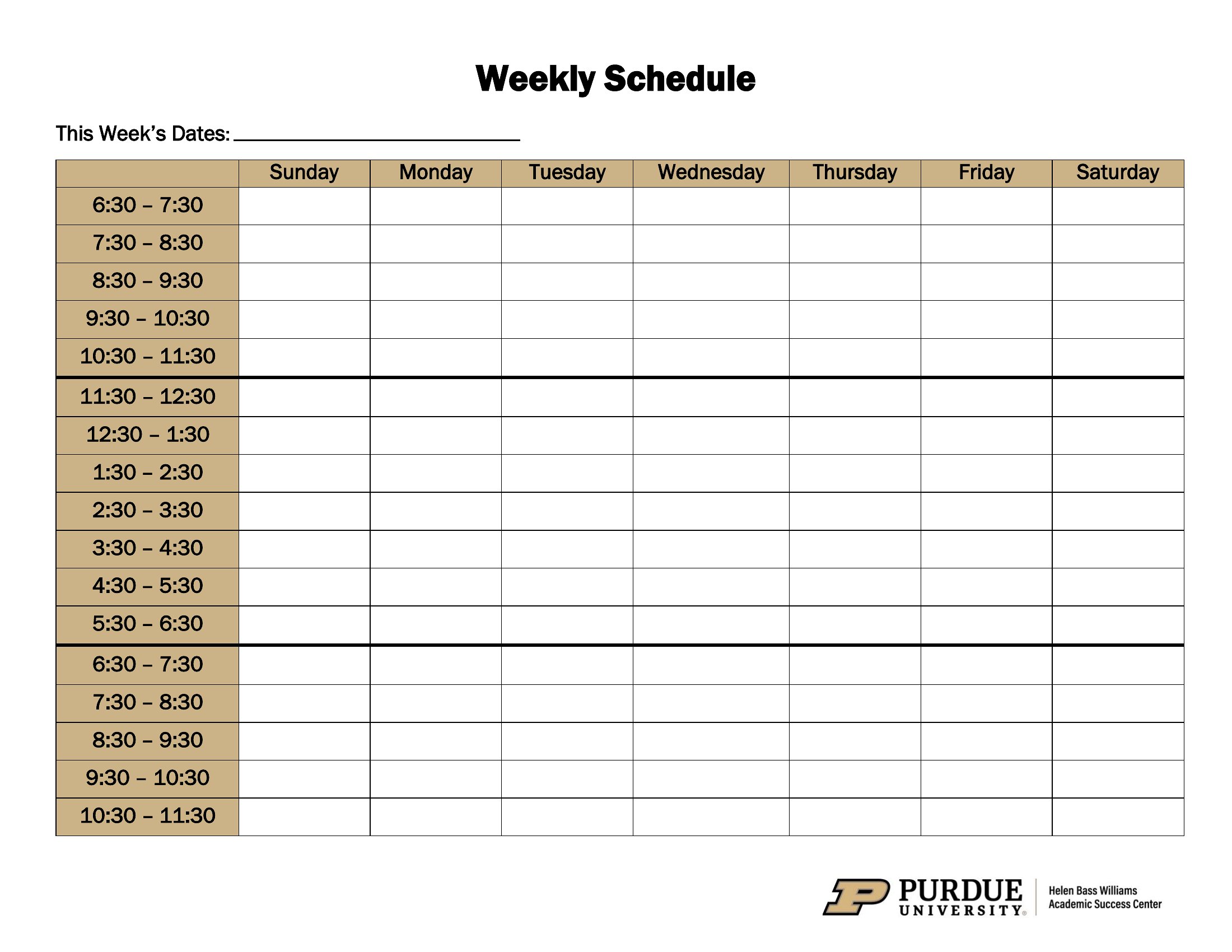
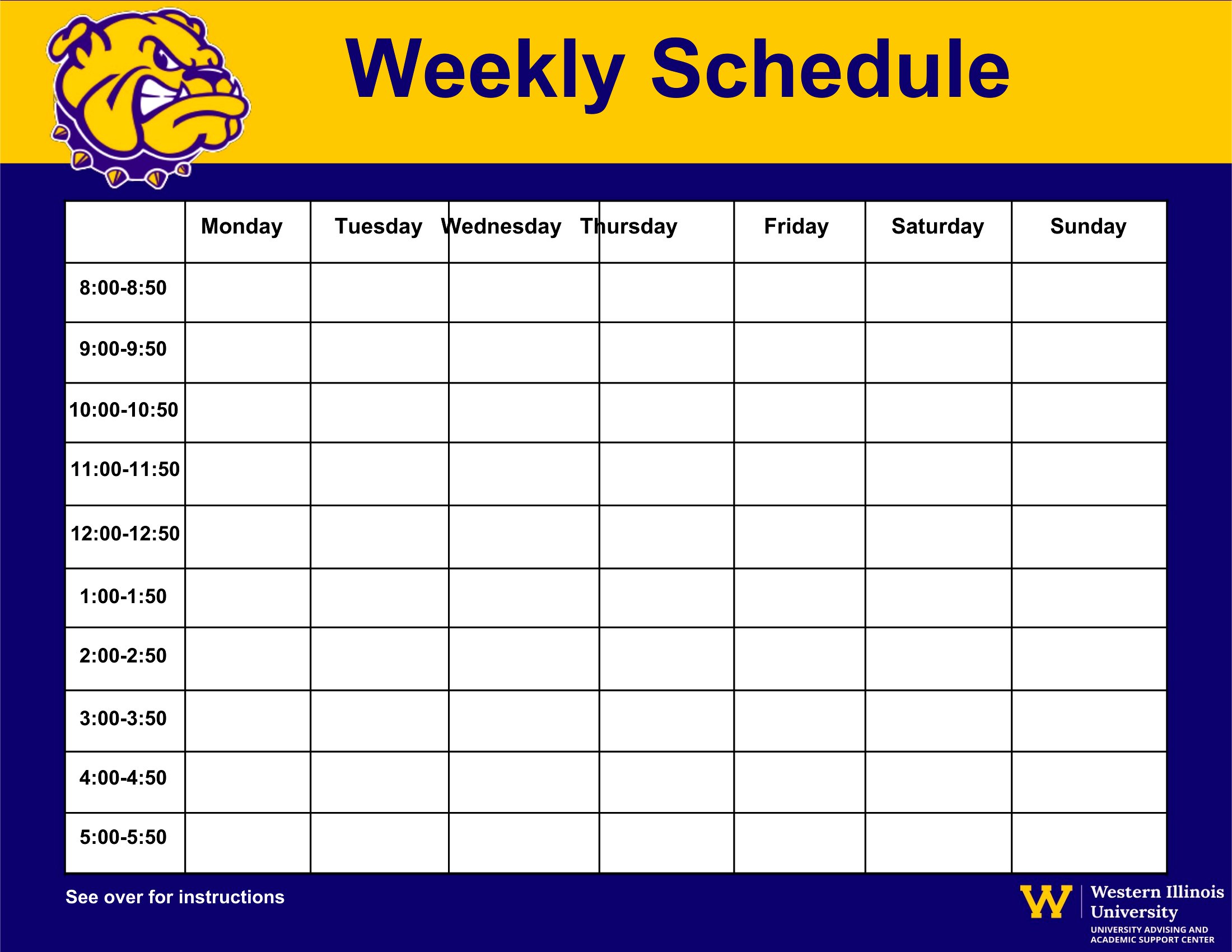
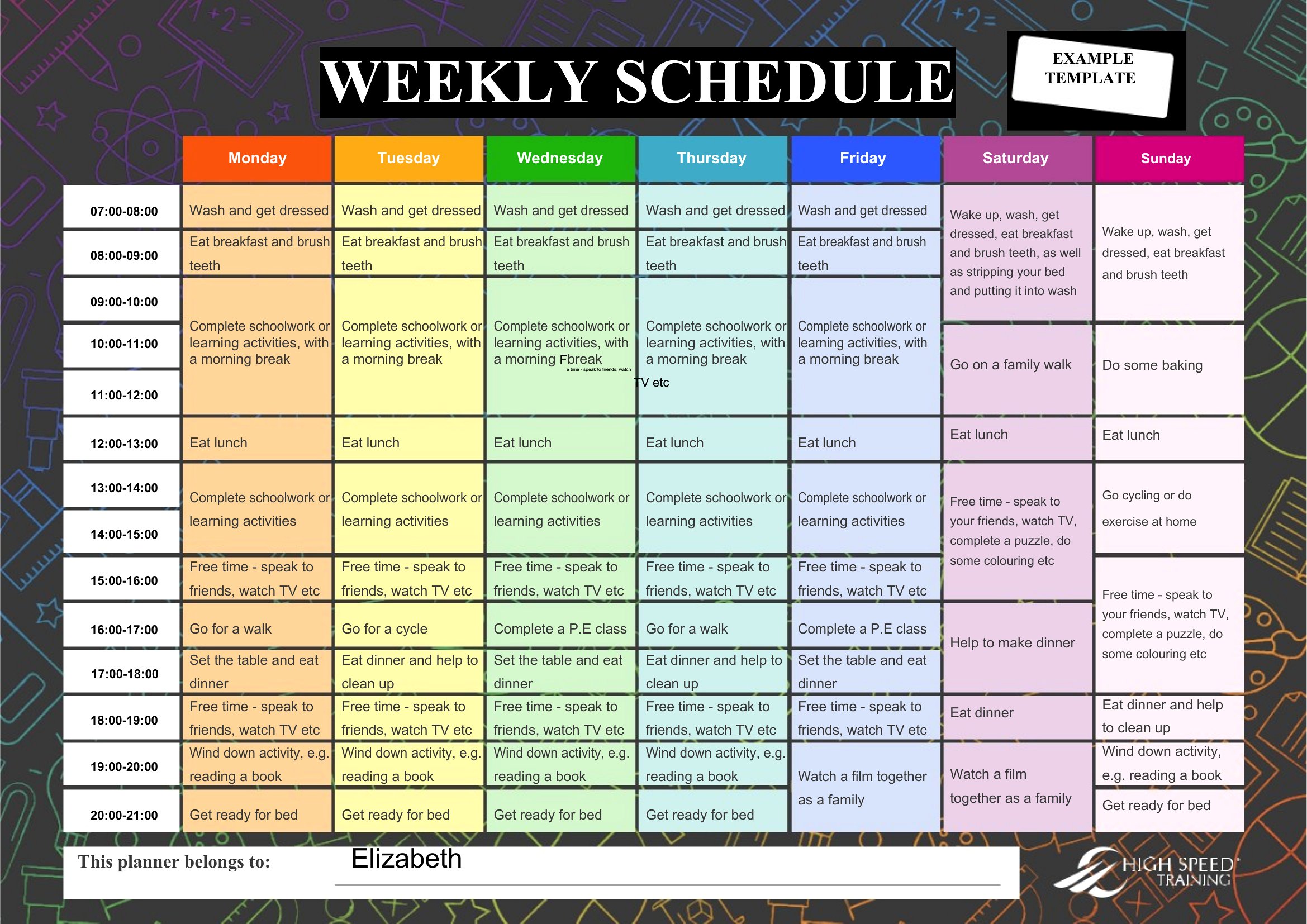
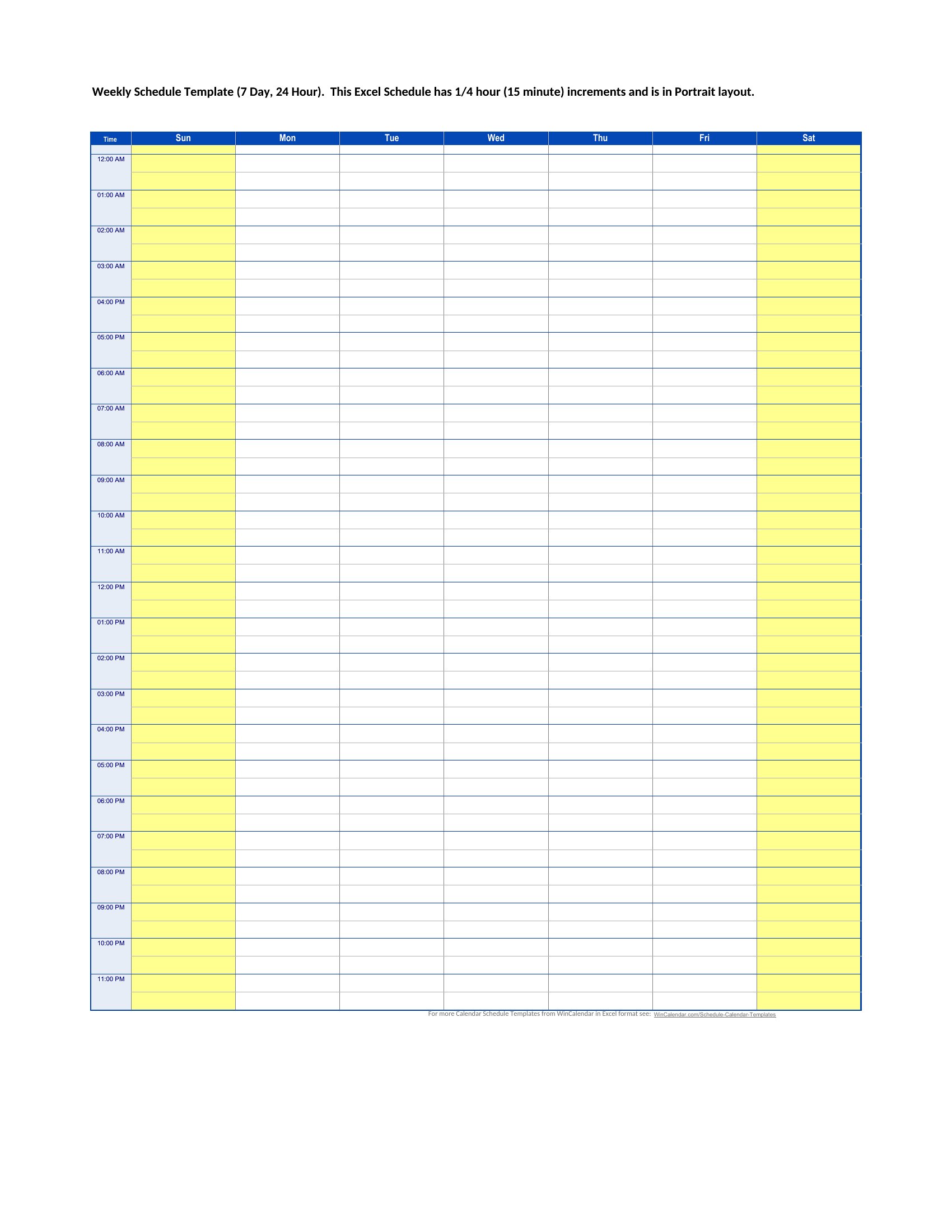
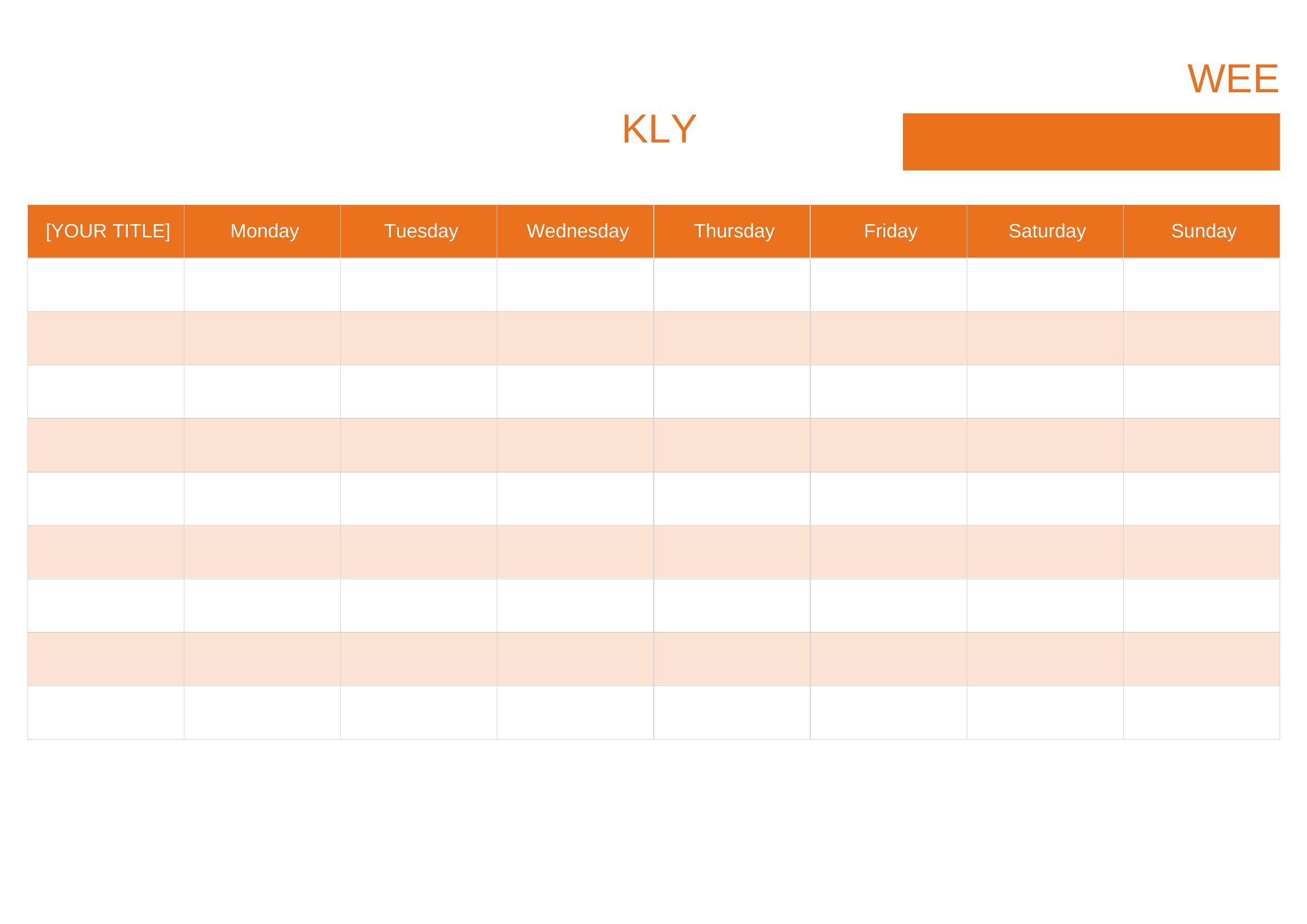
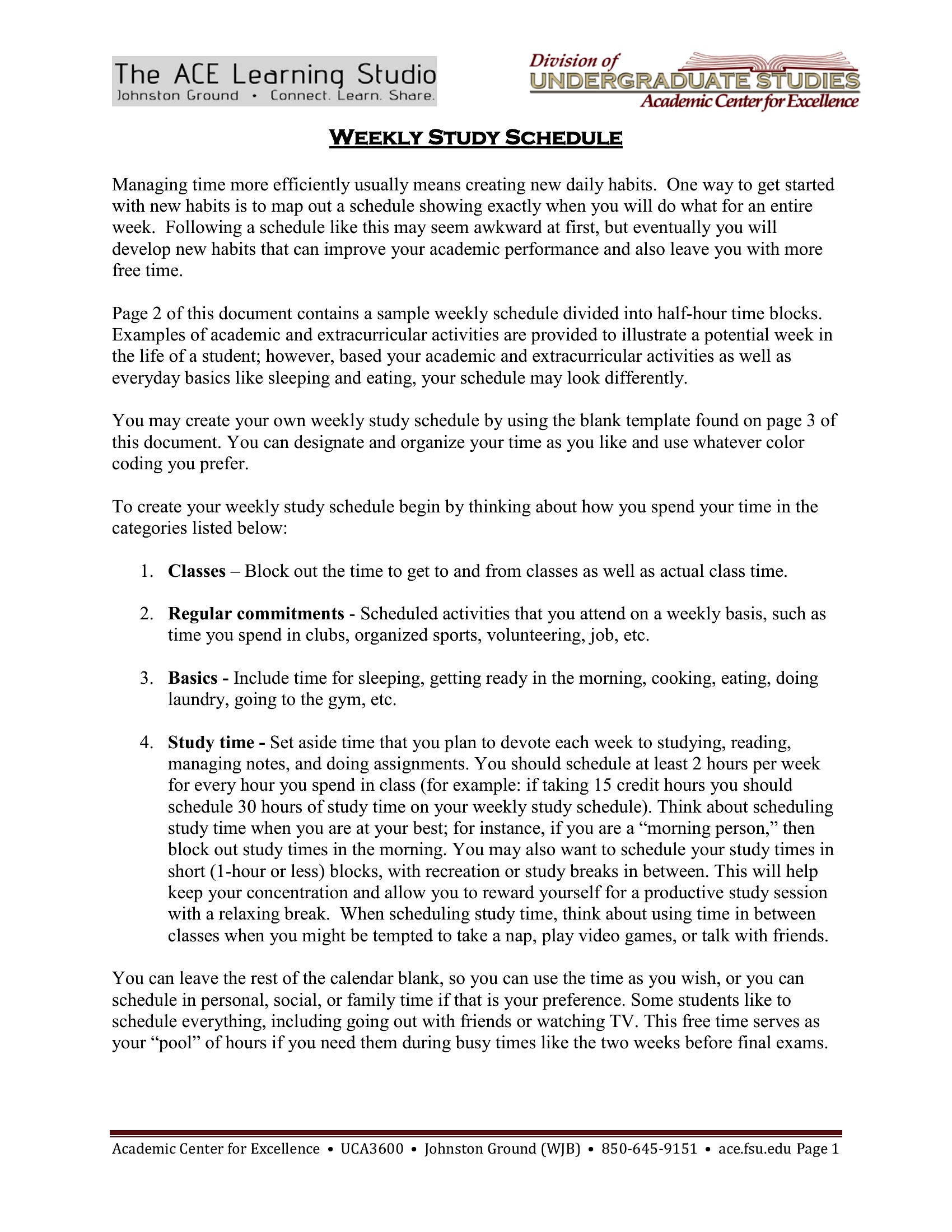
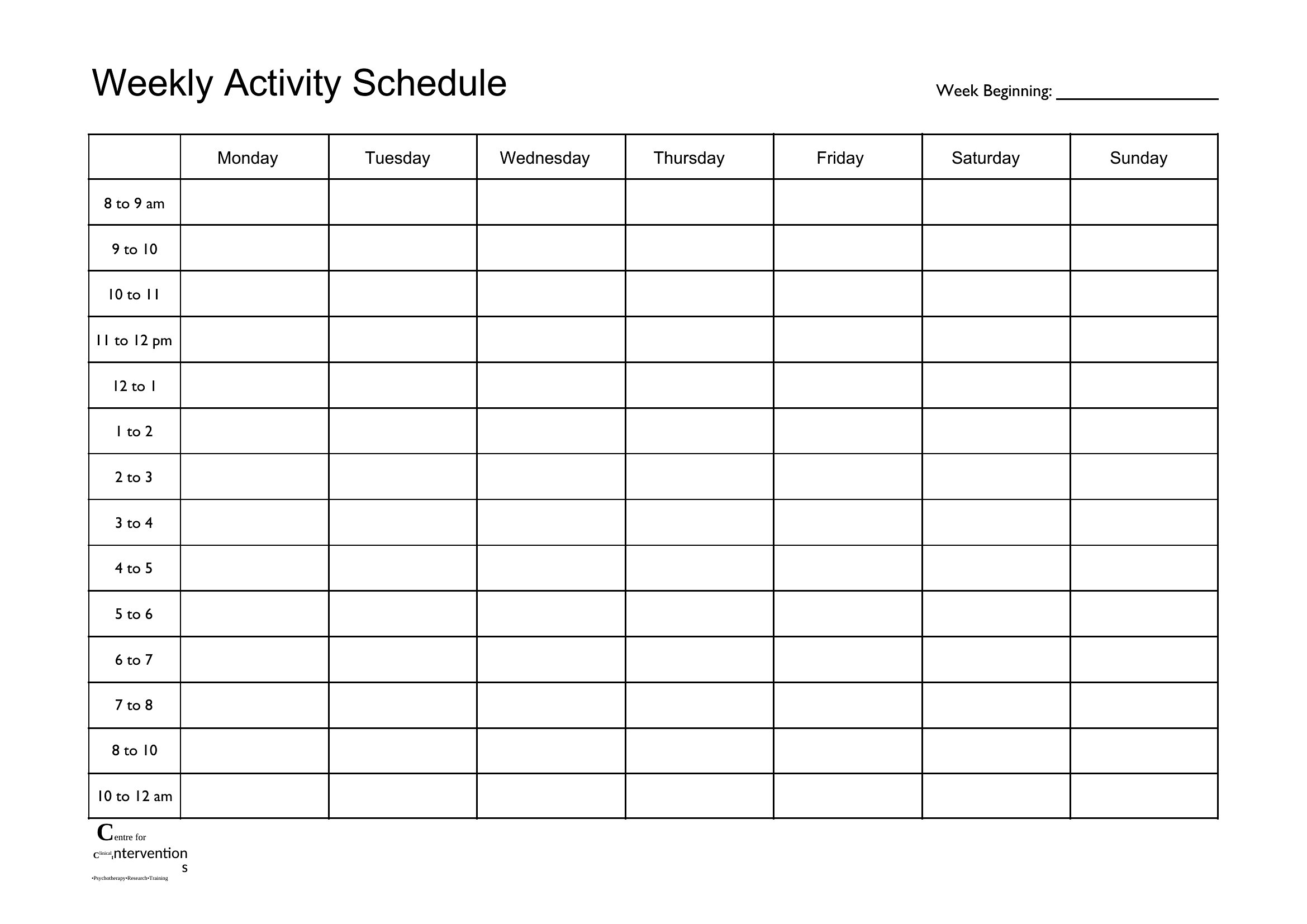
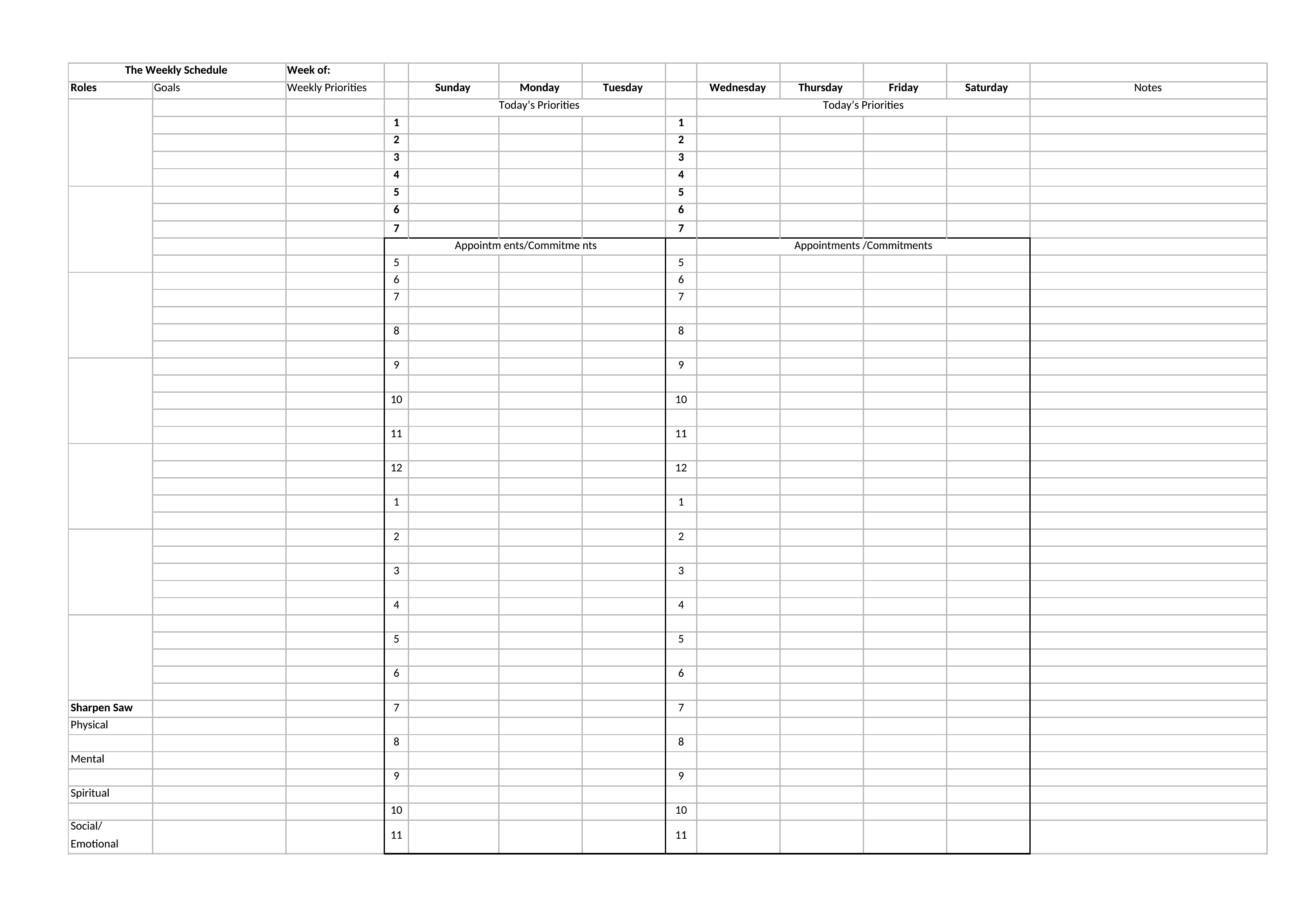
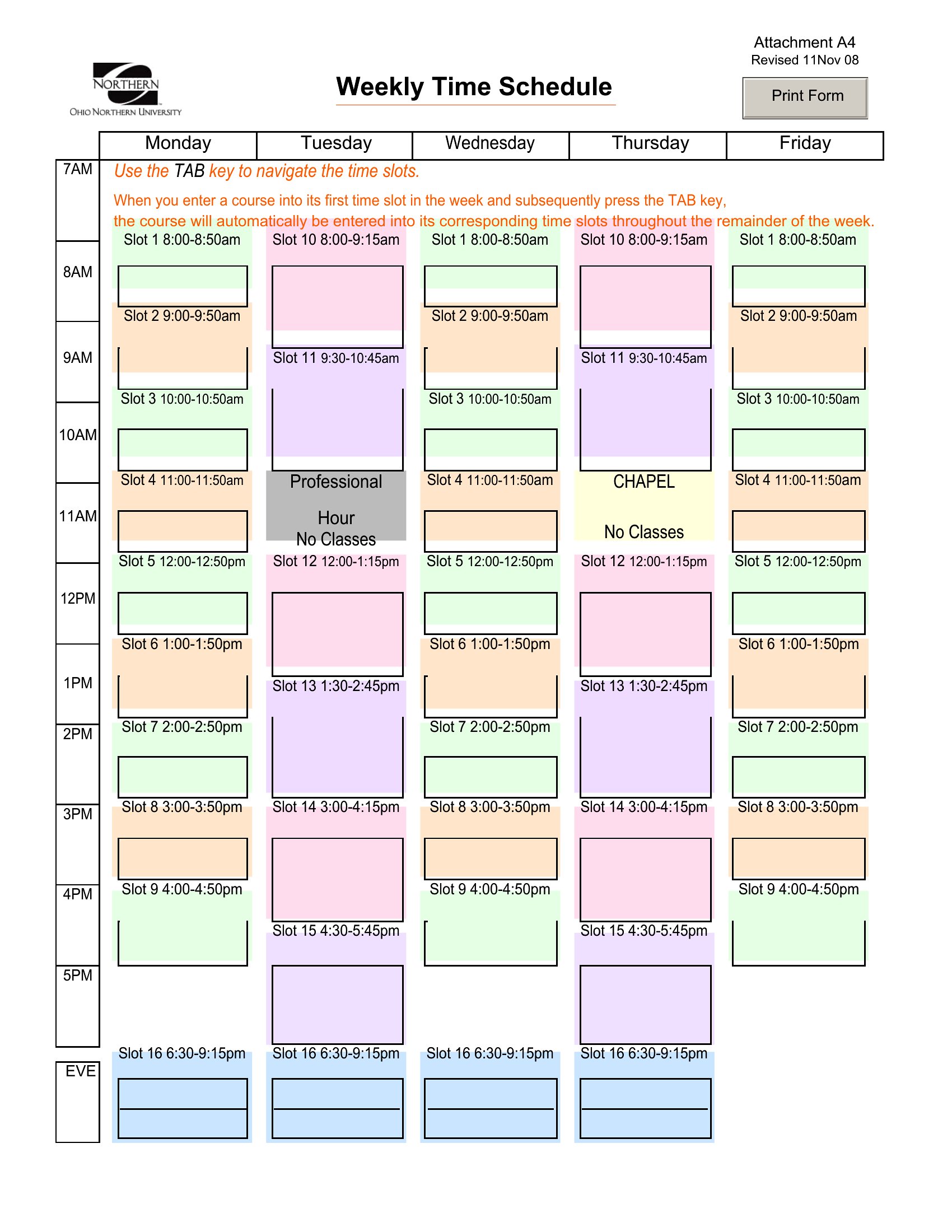
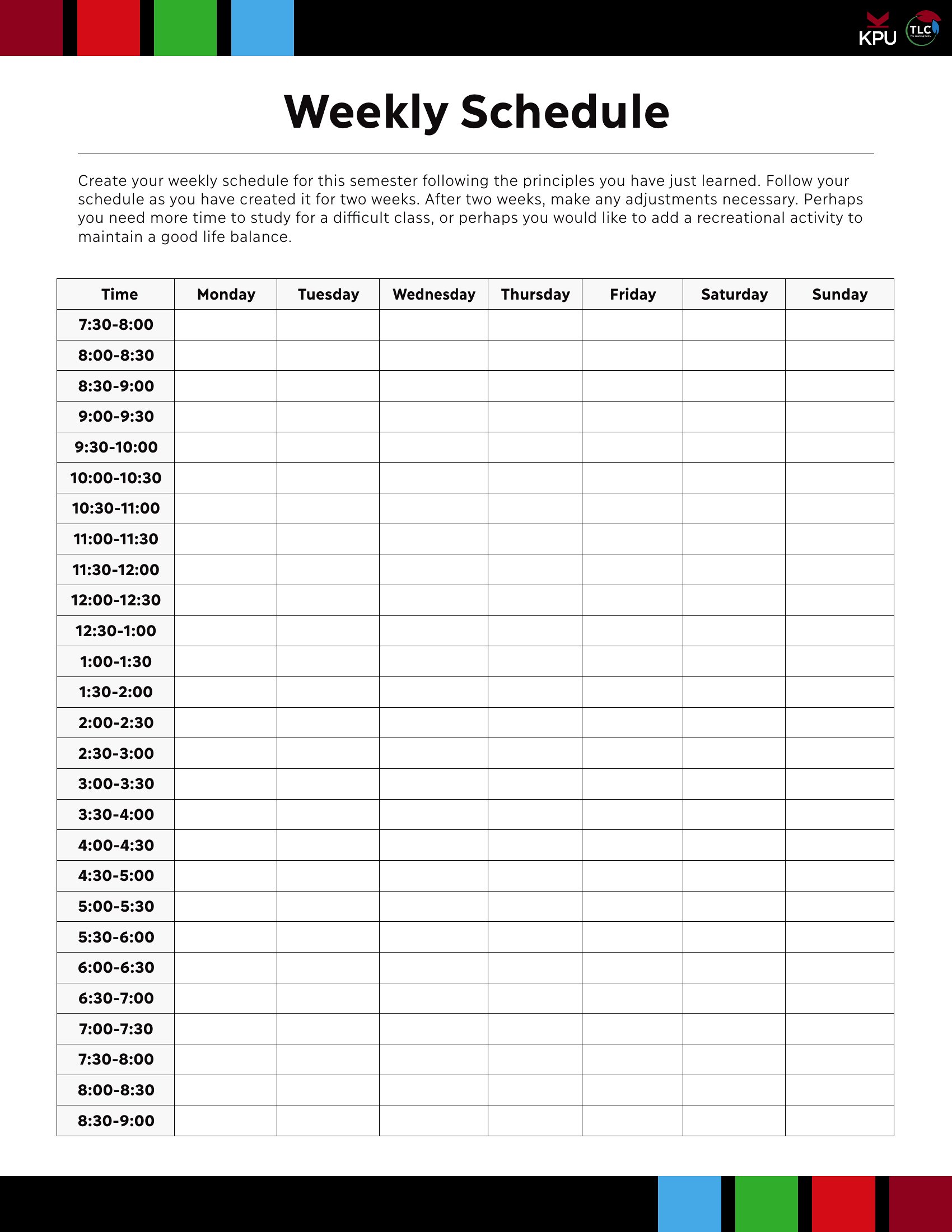
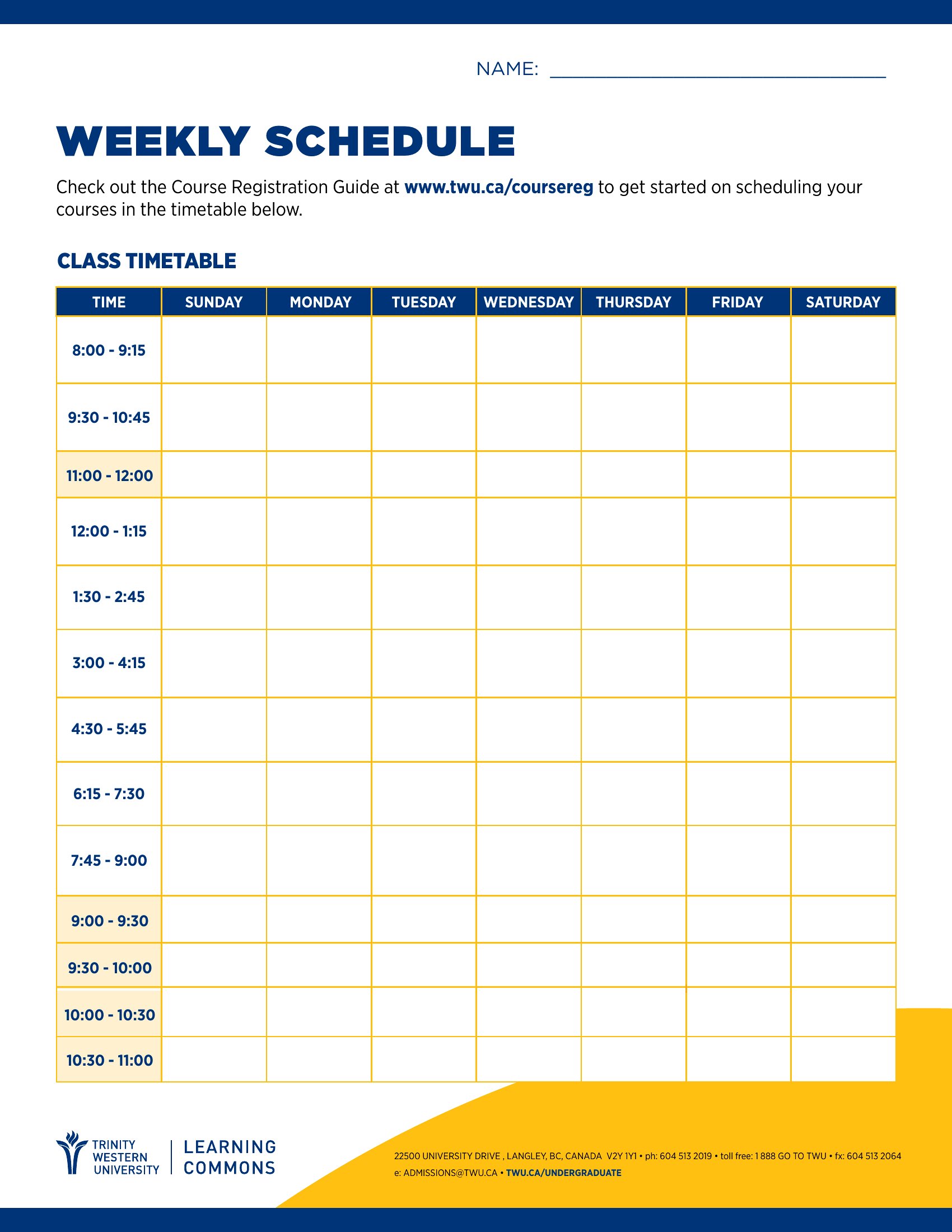
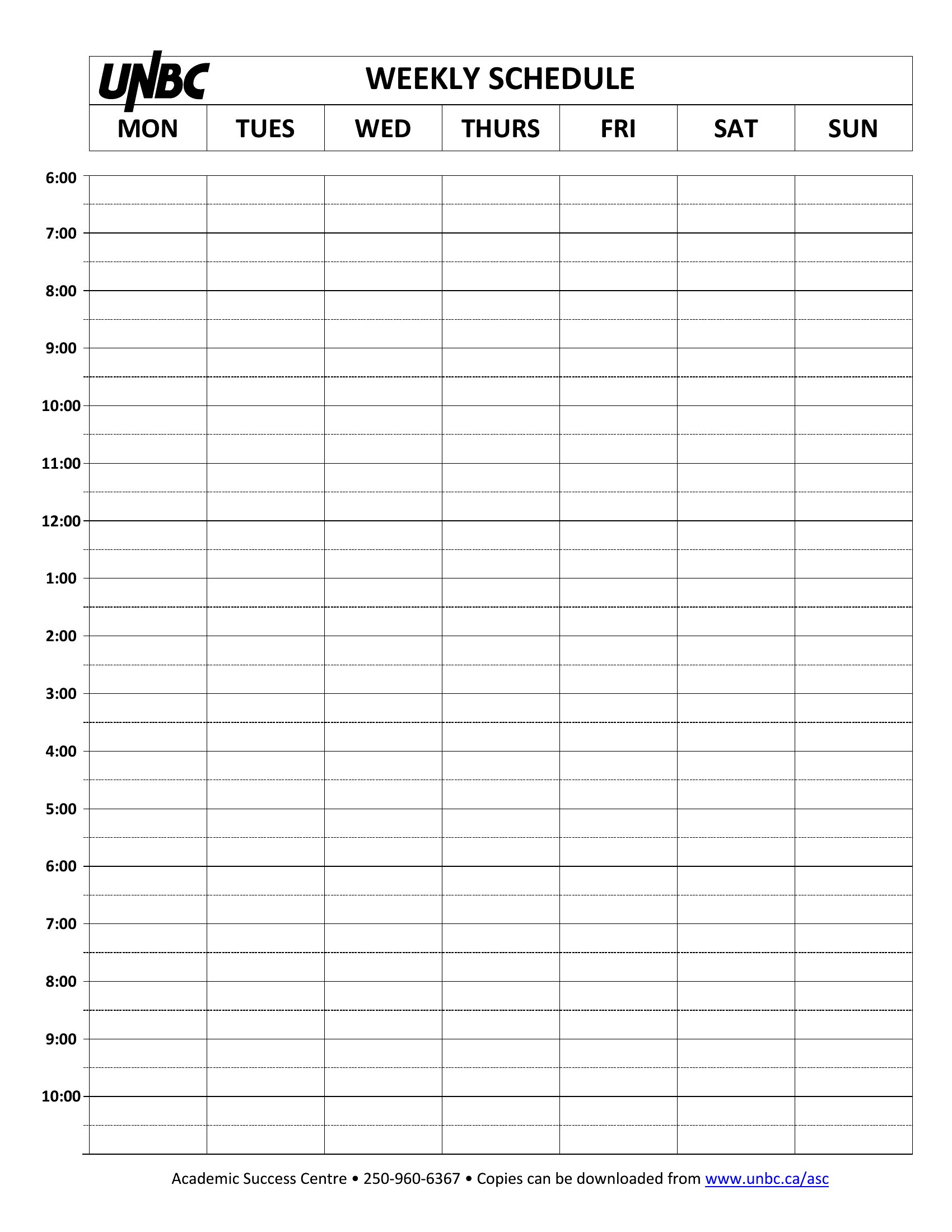
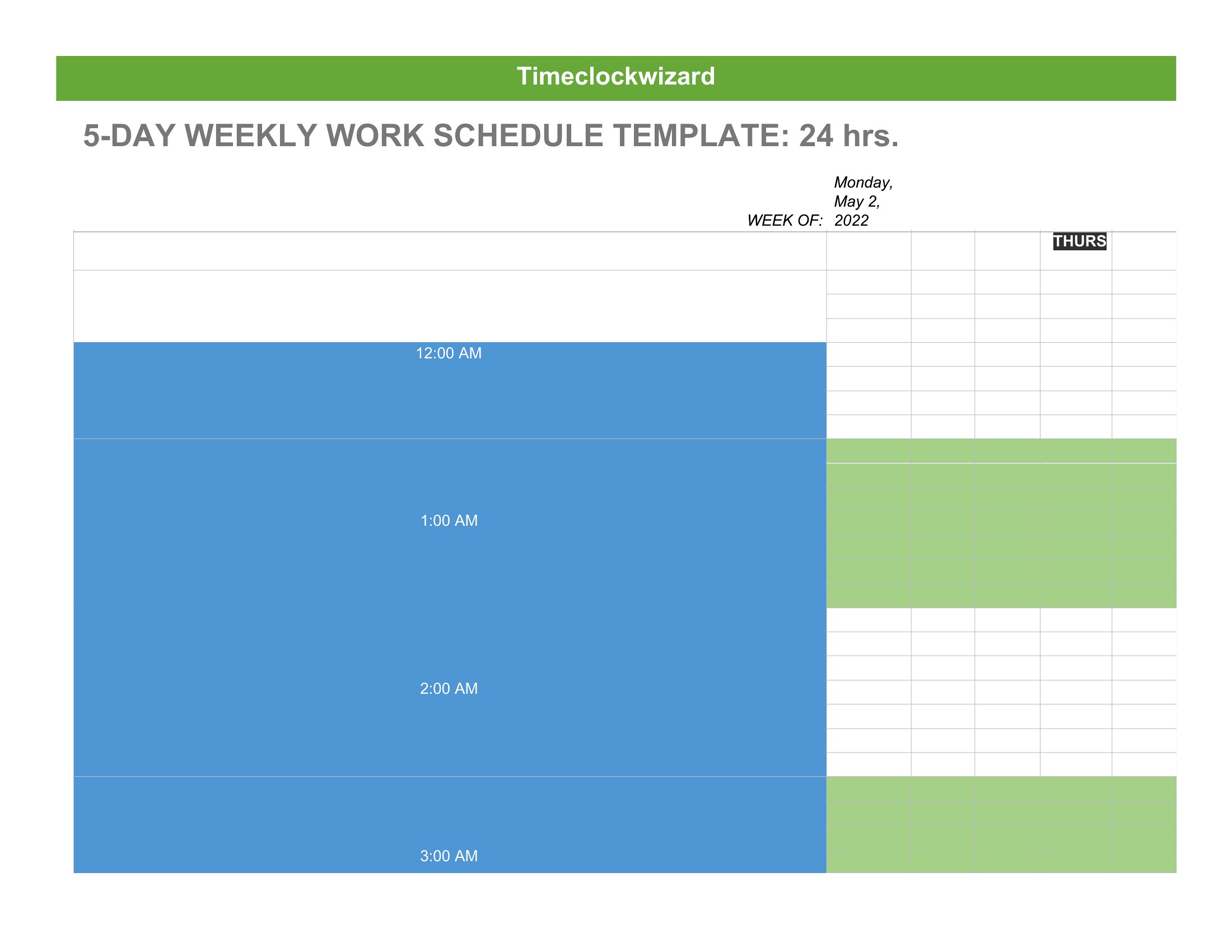
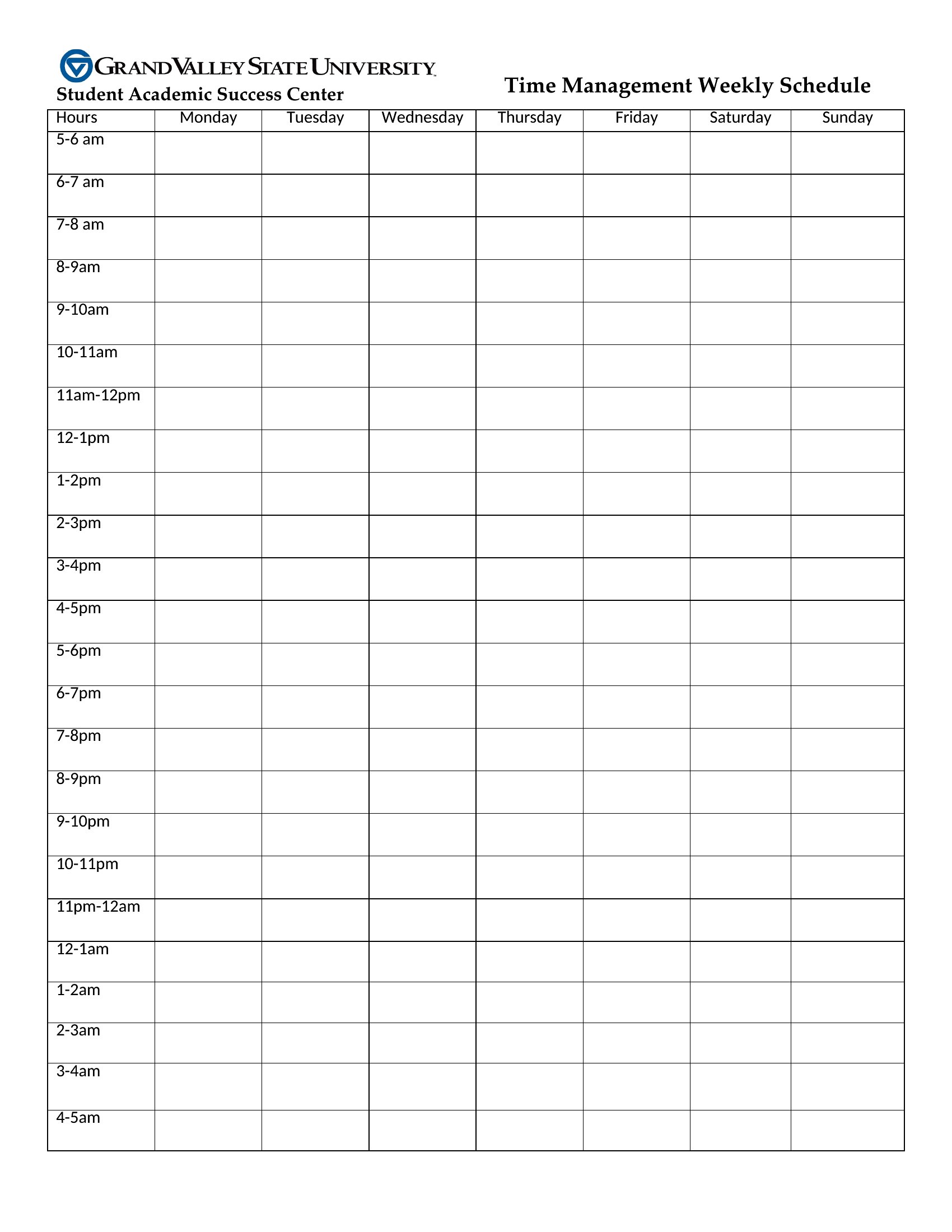
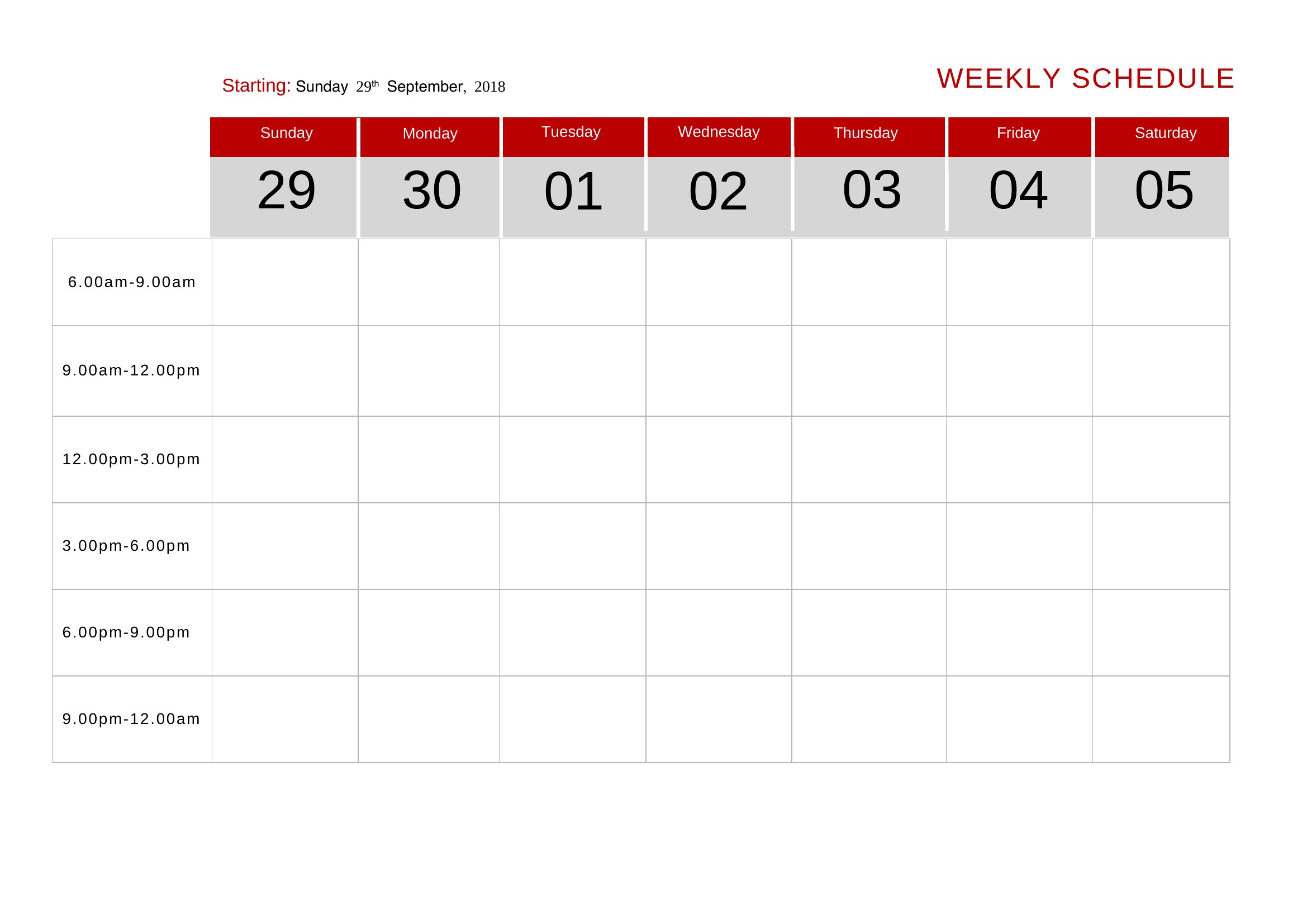
A weekly schedule turns a scattered to-do list into a plan you can actually follow. This collection of 40 weekly schedule templates works for students mapping classes, parents juggling activities, and managers building staff shifts, with clear day-by-day and hour-by-hour layouts.
Print the PDF versions to pin on the fridge, edit the Word files to match your routine, or use the Excel sheets to total hours as you go. Block out your commitments, color-code priorities, and see the whole week at a glance. Pick the layout that fits how you plan and take back control of your time.
When to use this Weekly Schedule template
- A college student juggling three classes, a part-time job, and study hours needs a visual breakdown of their week to avoid burnout while hitting deadlines.
- A parent coordinating after-school activities, mealtimes, and volunteer shifts for three kids will use hourly slots to keep everyone on track without last-minute chaos.
- A small business manager assigning tasks to a remote team across time zones relies on shared Excel schedules to clarify deadlines and sync progress remotely.
- A fitness trainer planning group classes, personal sessions, and inventory checks uses color-coded weekly layouts to balance client appointments with administrative tasks.
Which format should I download?
Choose Word if you need to customize text fields, add notes, or tweak layouts frequently—it’s ideal for schedules that evolve daily. Pick PDF when you want a clean, printer-friendly version to post in shared spaces like offices or break rooms. Use Excel for data-heavy tasks, like tracking project hours, budgeting time, or calculating overlaps between team schedules. Excel’s formulas let you automate reminders or flag conflicts instantly.
Choose from 40 Weekly Schedule Templates

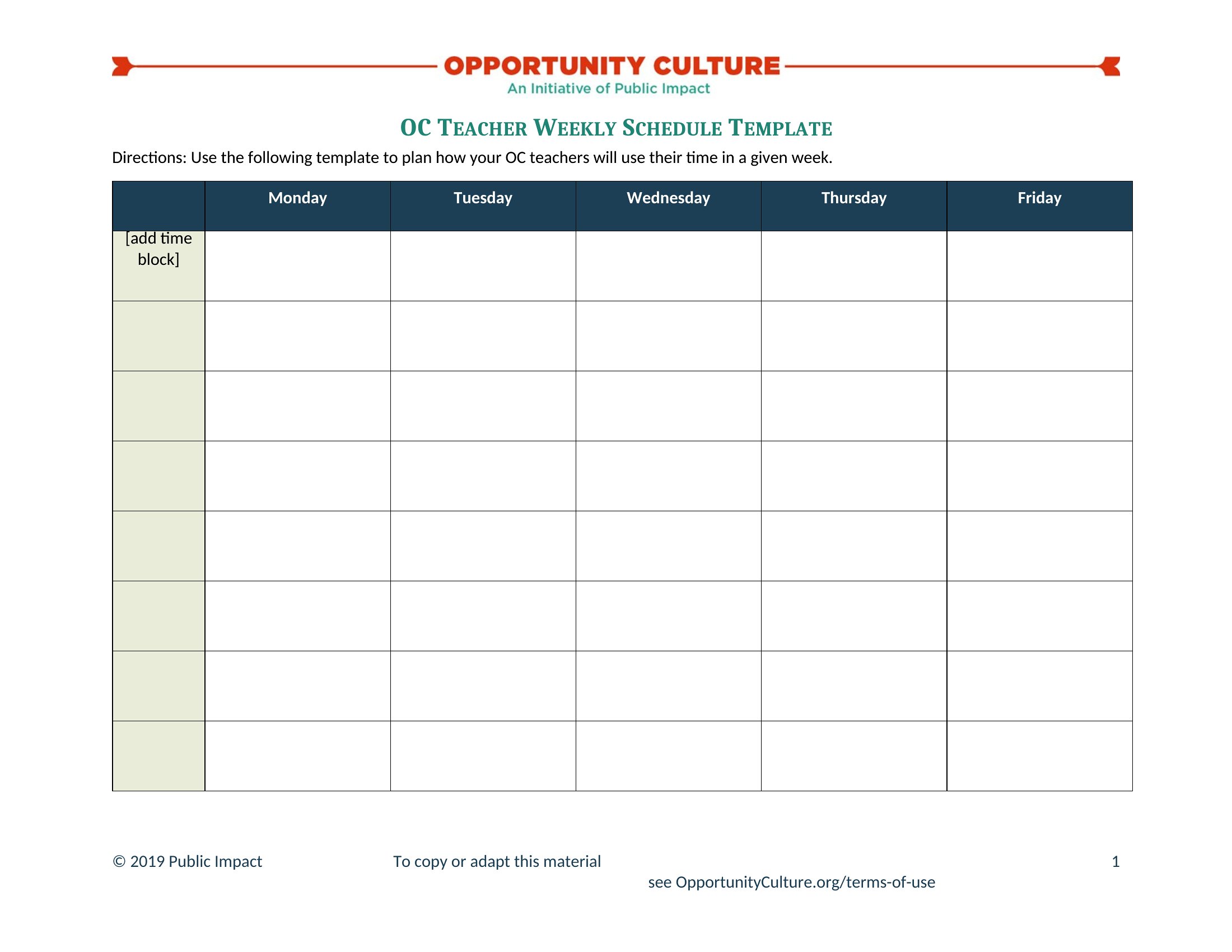
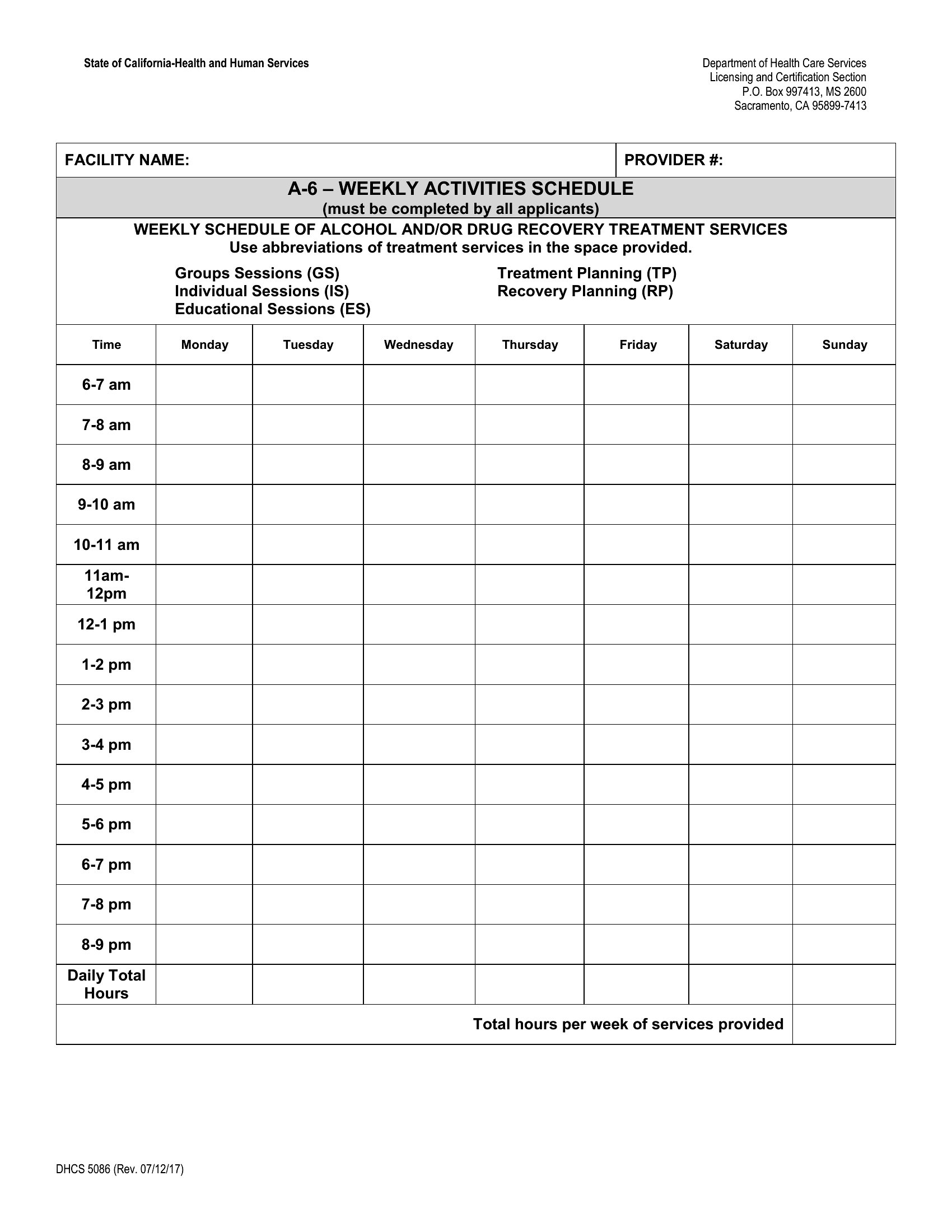
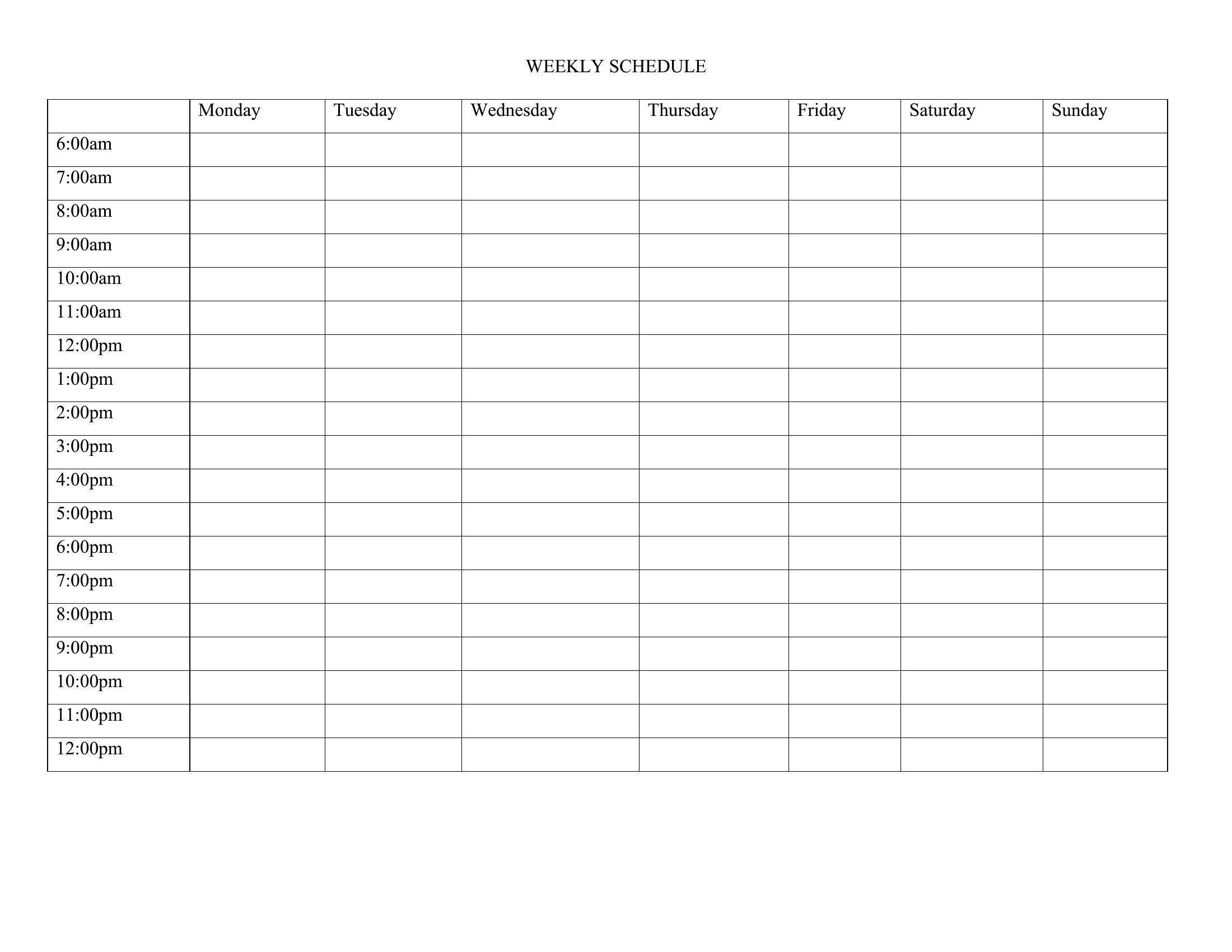
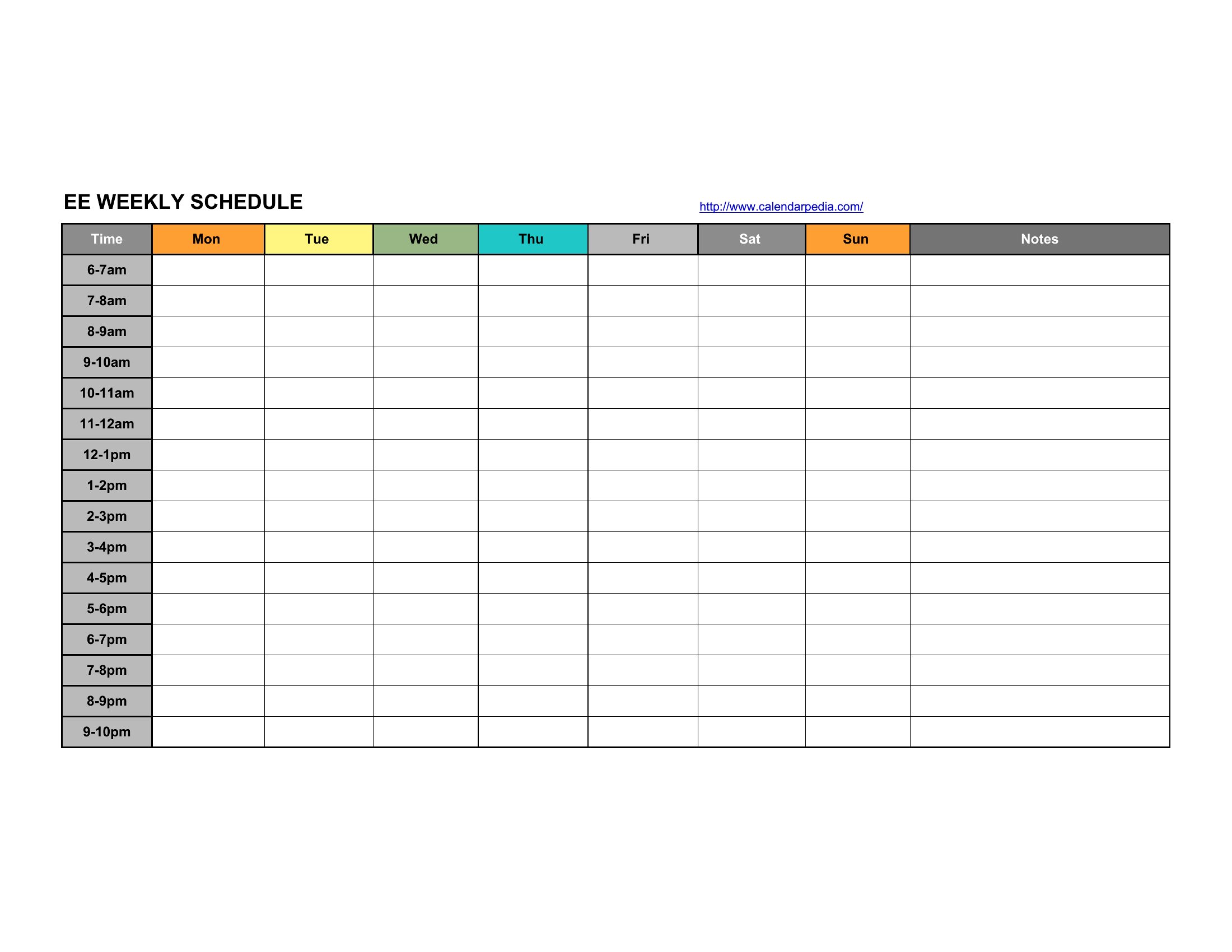
How to use this Weekly Schedule template
Can I combine Excel’s tracking features with a printed weekly layout?
Yes. Use the Excel templates to log time commitments, then export the structured layout to PDF for printing. You’ll retain the data benefits while keeping a visual reference visible in your workspace.
How do I adjust the schedule for irregular work hours, like rotating shifts?
The Word and Excel formats let you edit time slots directly. Start with a template’s standard grid, then delete or merge blocks to fit your shift patterns—great for nurses, security guards, or retail staff with variable schedules.
Are these templates suitable for teams who need to sync schedules with calendar apps like Google Calendar?
The Excel formats export cleanly to CSV, which you can import into Google Sheets or Calendar. For Word/PDF, manually copy key events into your calendar app to keep both systems updated.
Comments
Join the conversation
Sign in to share your thoughts and leave a comment on this resource.