
Free Printable Medication Schedules (Word, Excel, PDF)
Daily by stellaford
Keeping track of which pill to take and when gets complicated fast, especially with more than one prescription. This set of 41 medication schedule templates helps patients, caregivers, and family members lay out doses by time of day, with columns for the medication, amount, and whether it's been taken. A clear chart cuts down on missed or doubled doses.
Print the PDFs for the fridge or a pill organizer, edit the Word versions to match a routine, or use the Excel sheets to track refills and timing. Fill in the names, dosages, and schedule, then keep it somewhere easy to check. Always confirm dosing details with a doctor or pharmacist rather than relying on the chart alone. Download the layout that works for you.
When to use this Medication Schedule template
- Caregivers managing multiple prescriptions for elderly parents struggling to organize morning and evening doses without missing critical timings.
- Adults on complex medication regimens like chemotherapy or insulin who need a daily visual aid to track varying doses and side effects.
- College students with ADHD who rely on a printable checklist to ensure they take stimulants at the same time daily while balancing school and extracurriculars.
- Parents of young children with chronic illnesses requiring frequent dose adjustments, who prefer a shared digital tracker to sync with pediatricians’ notes.
Which format should I download?
Choose Word for editable medication schedules that must be adjusted frequently—like when prescriptions change or dosages are tweaked. Opt for Excel if you need to add formulas to track trends, such as missed doses over weeks or interactions between medications. For quick, portable reference, the PDF format works best when printing for pill organizers or posting on a fridge. Avoid PDF if you plan to make recurring edits—Word or Excel will be more practical long-term.
Choose from 41 Medication Schedule Templates
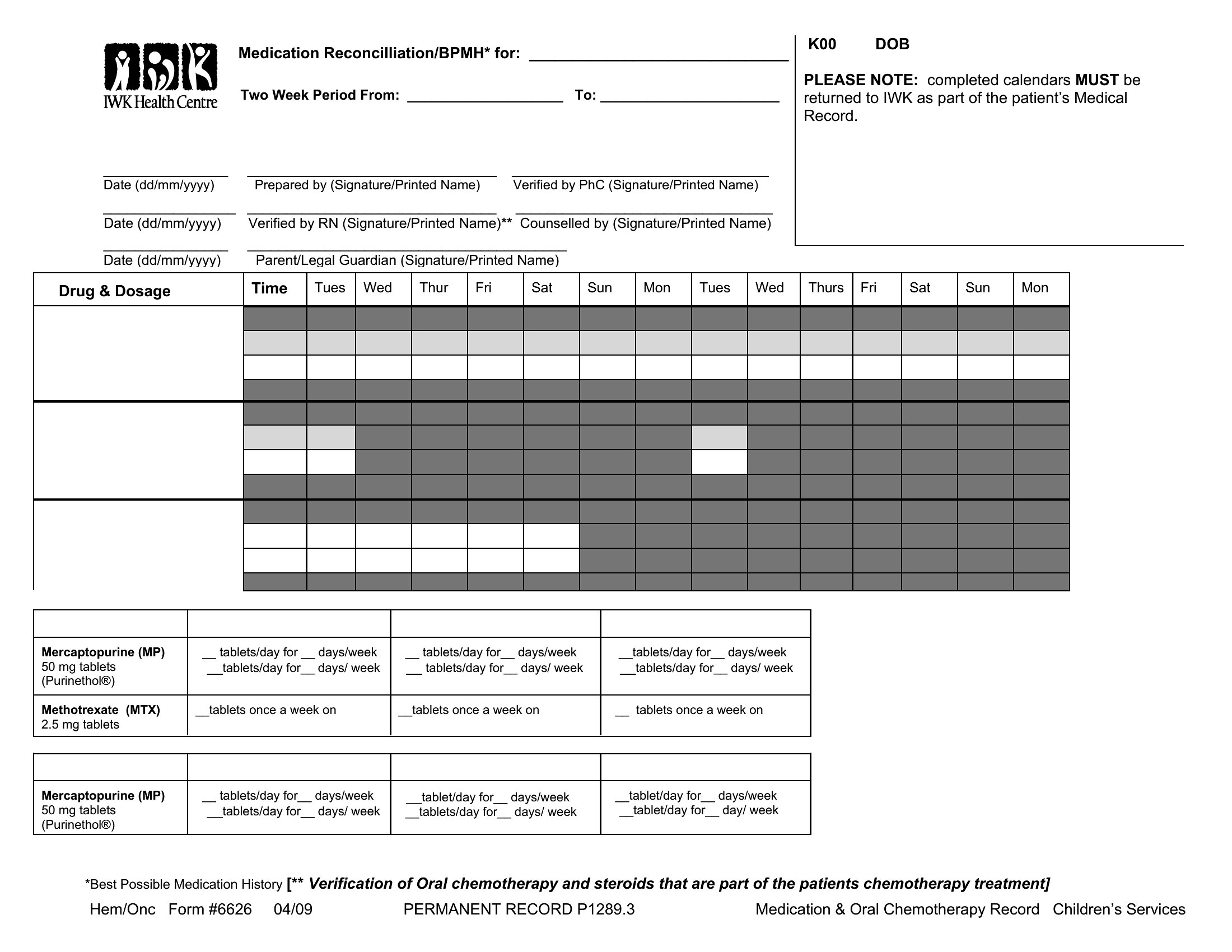
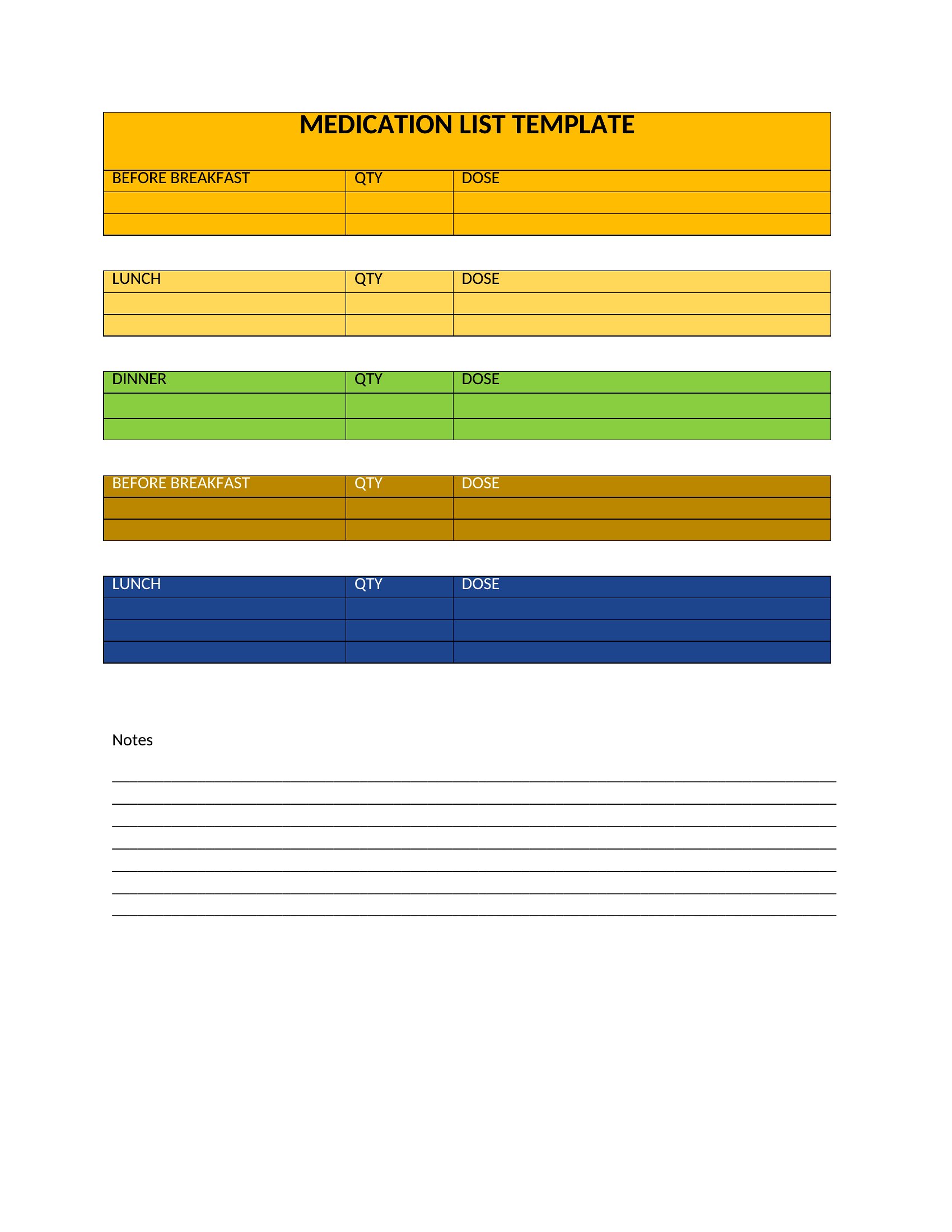
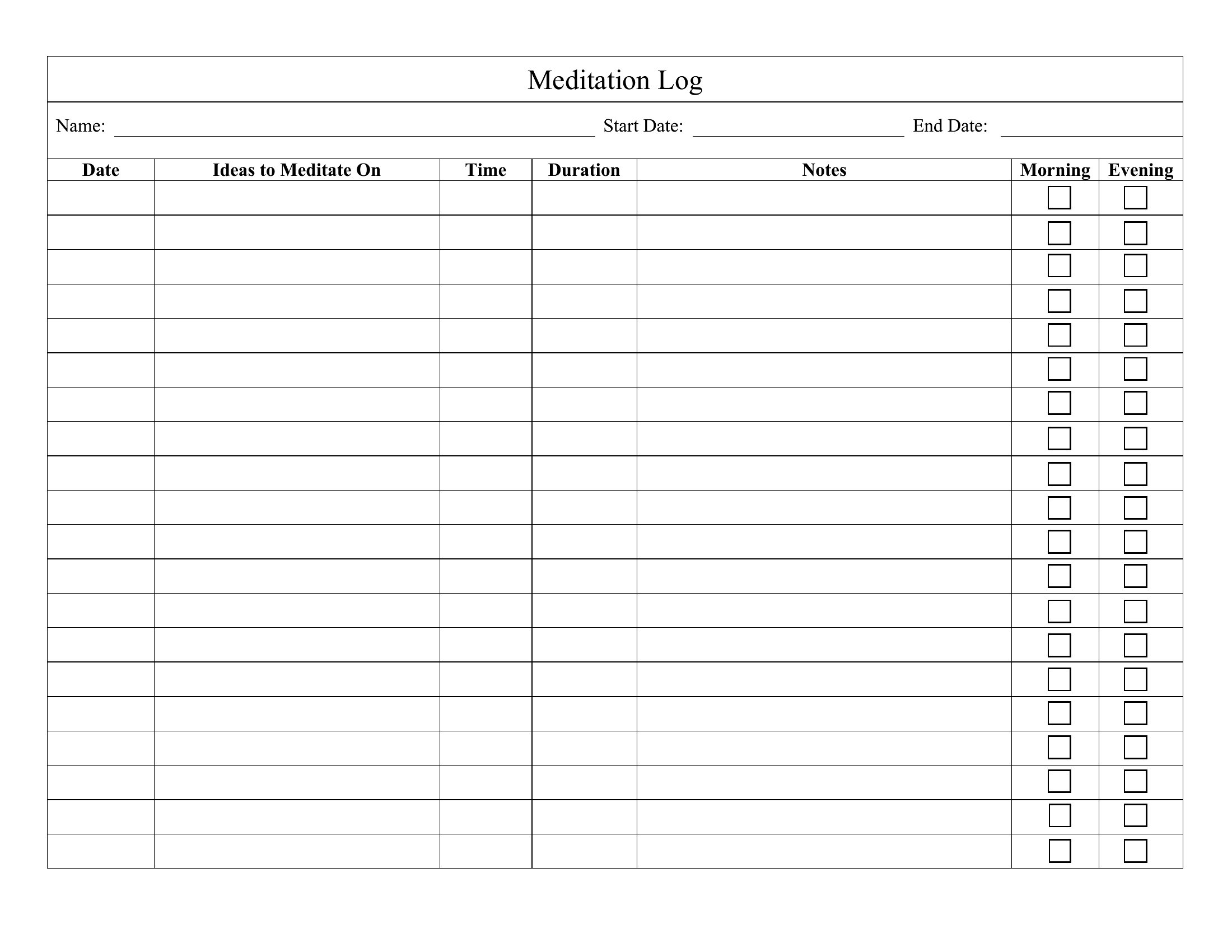
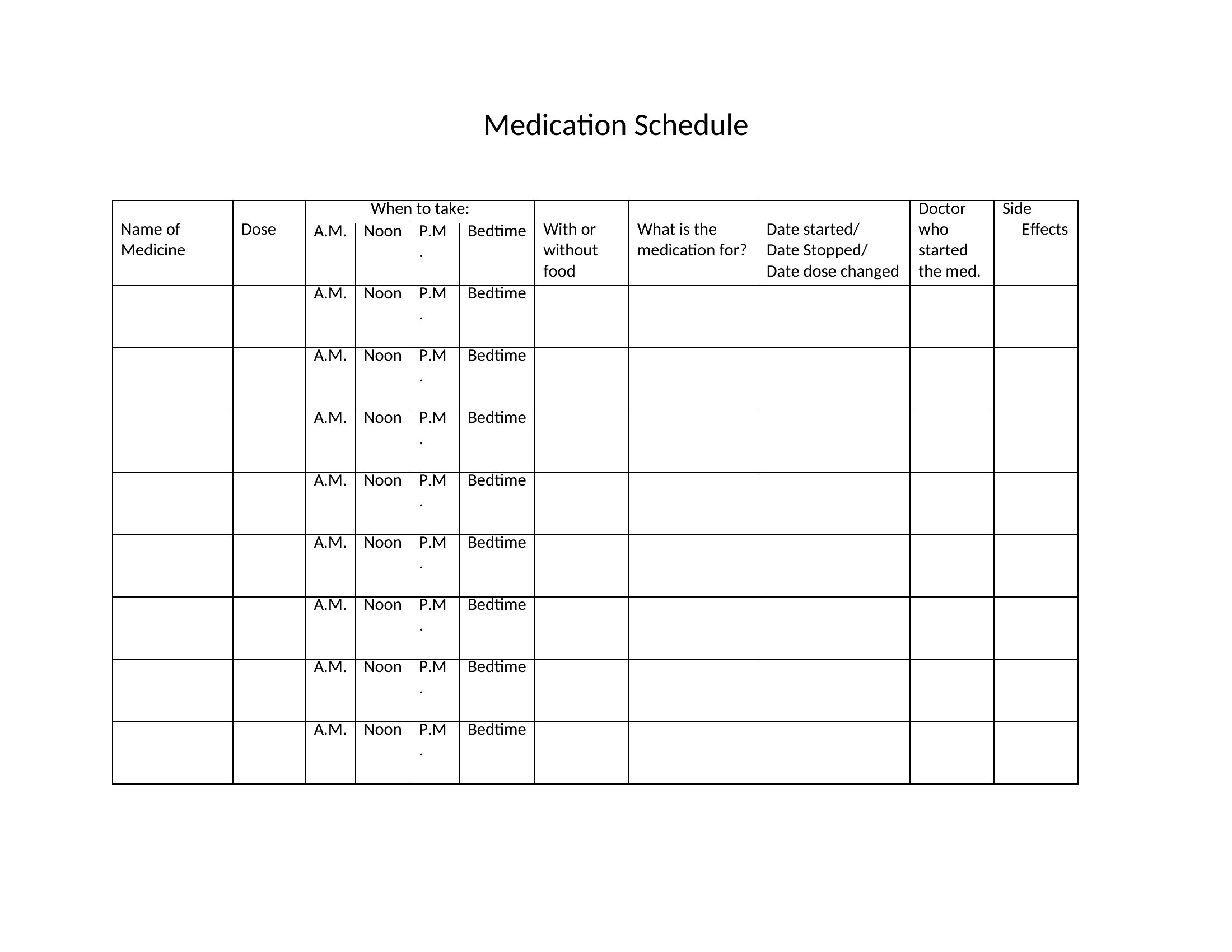
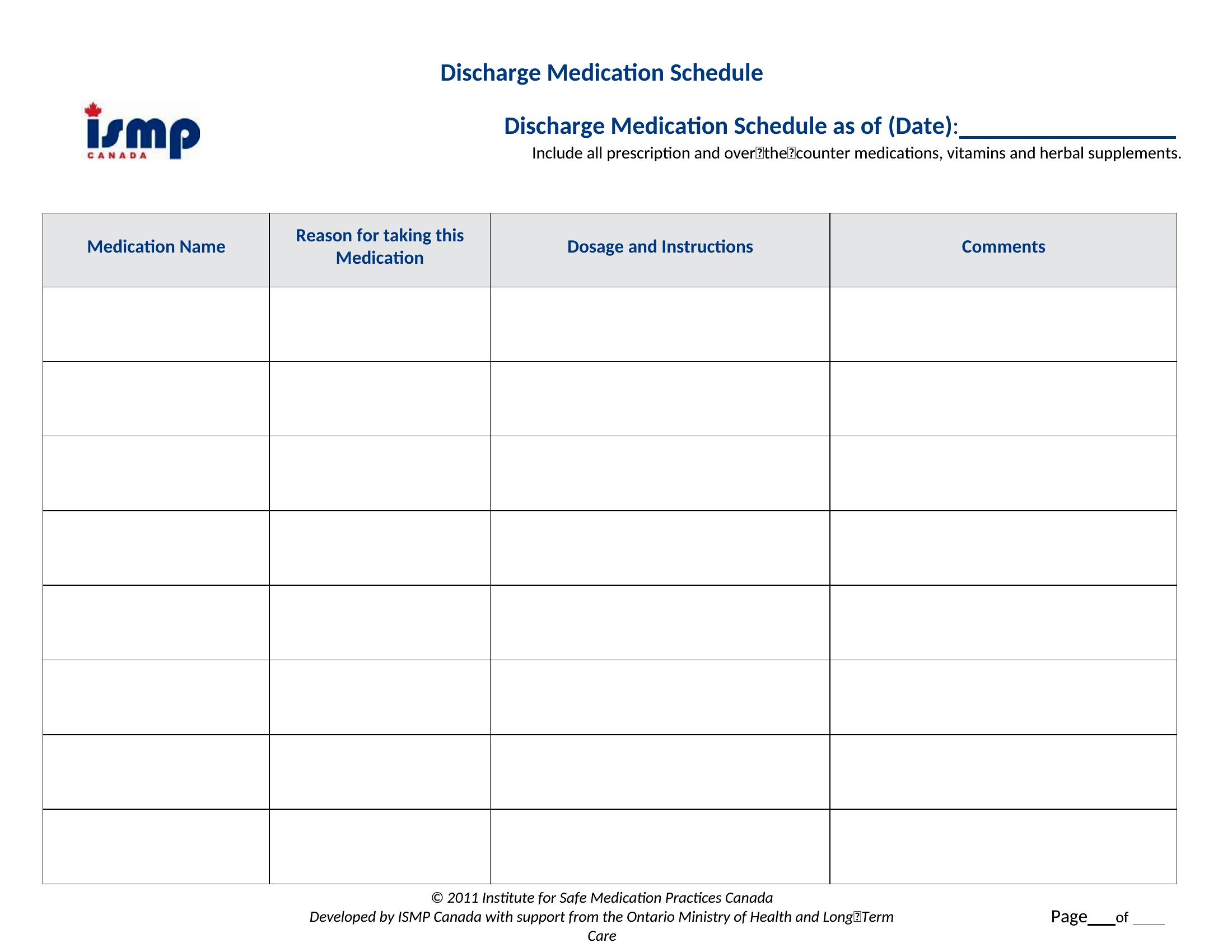
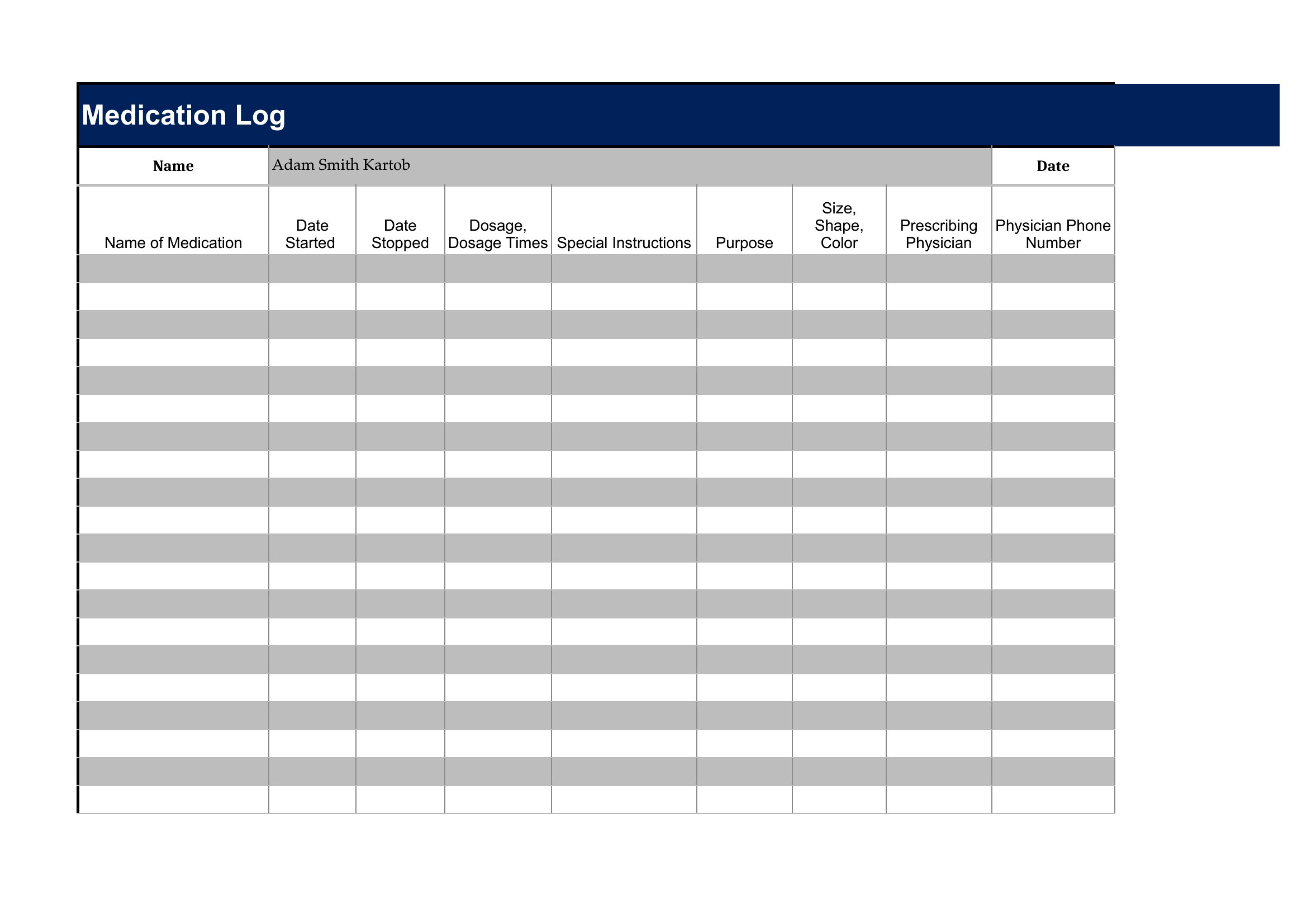
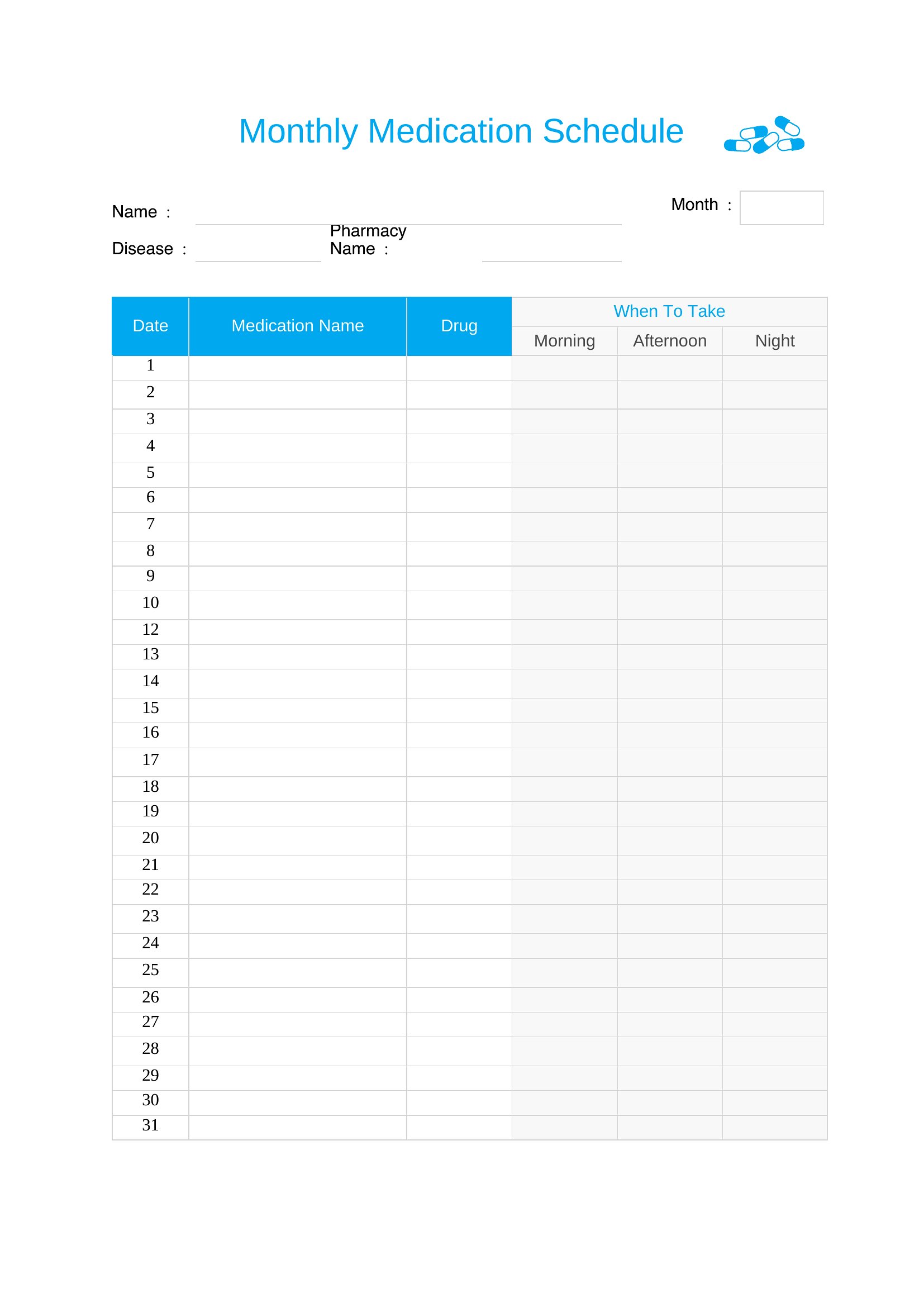
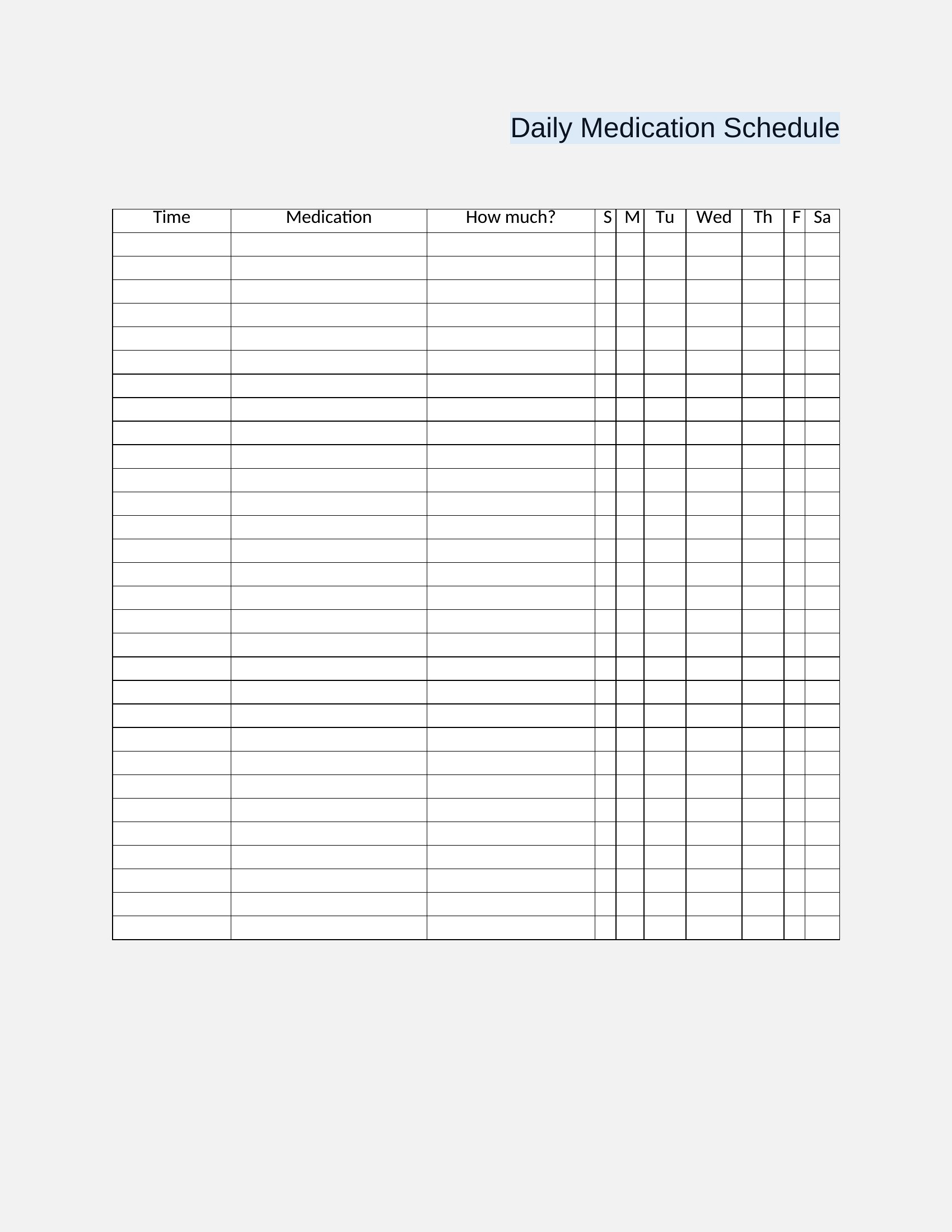
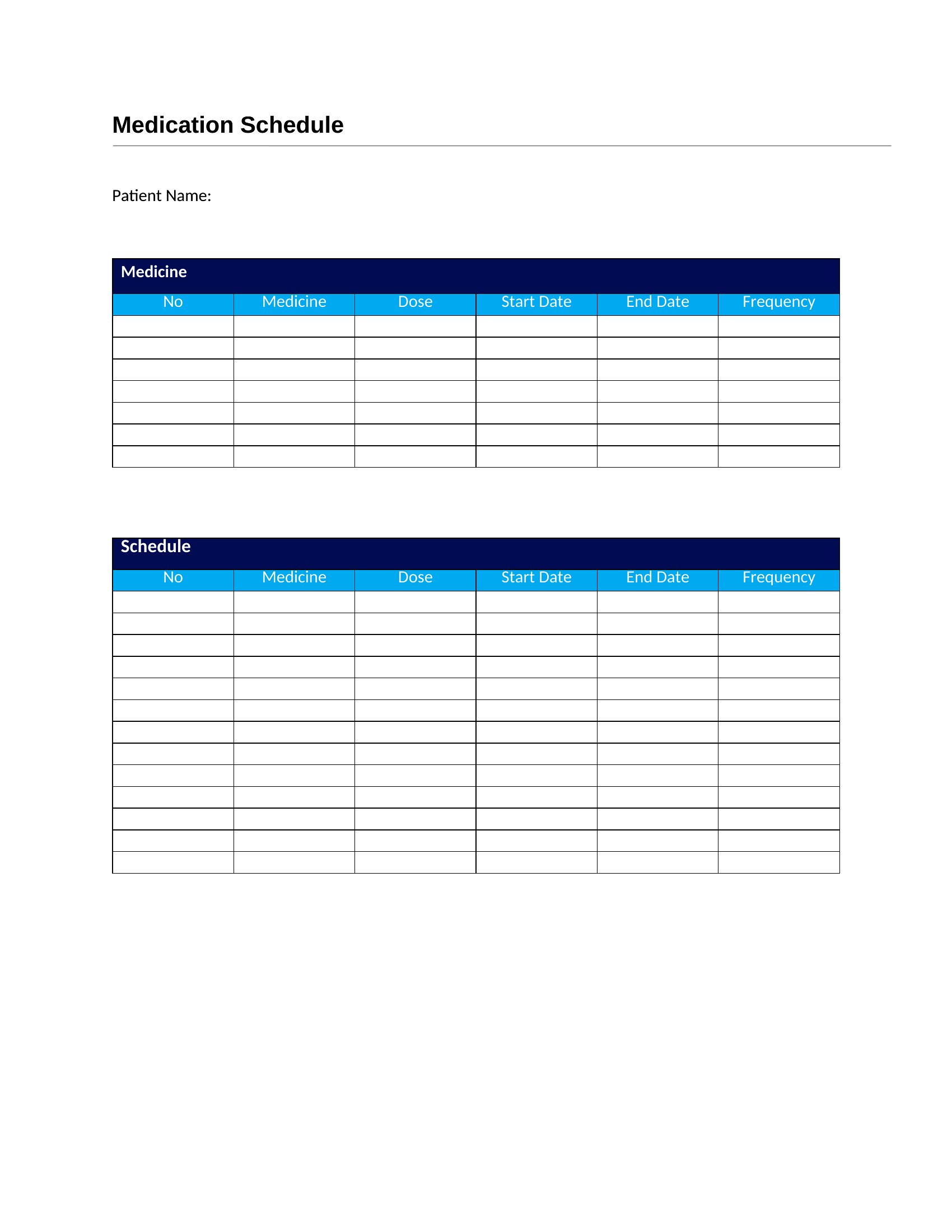
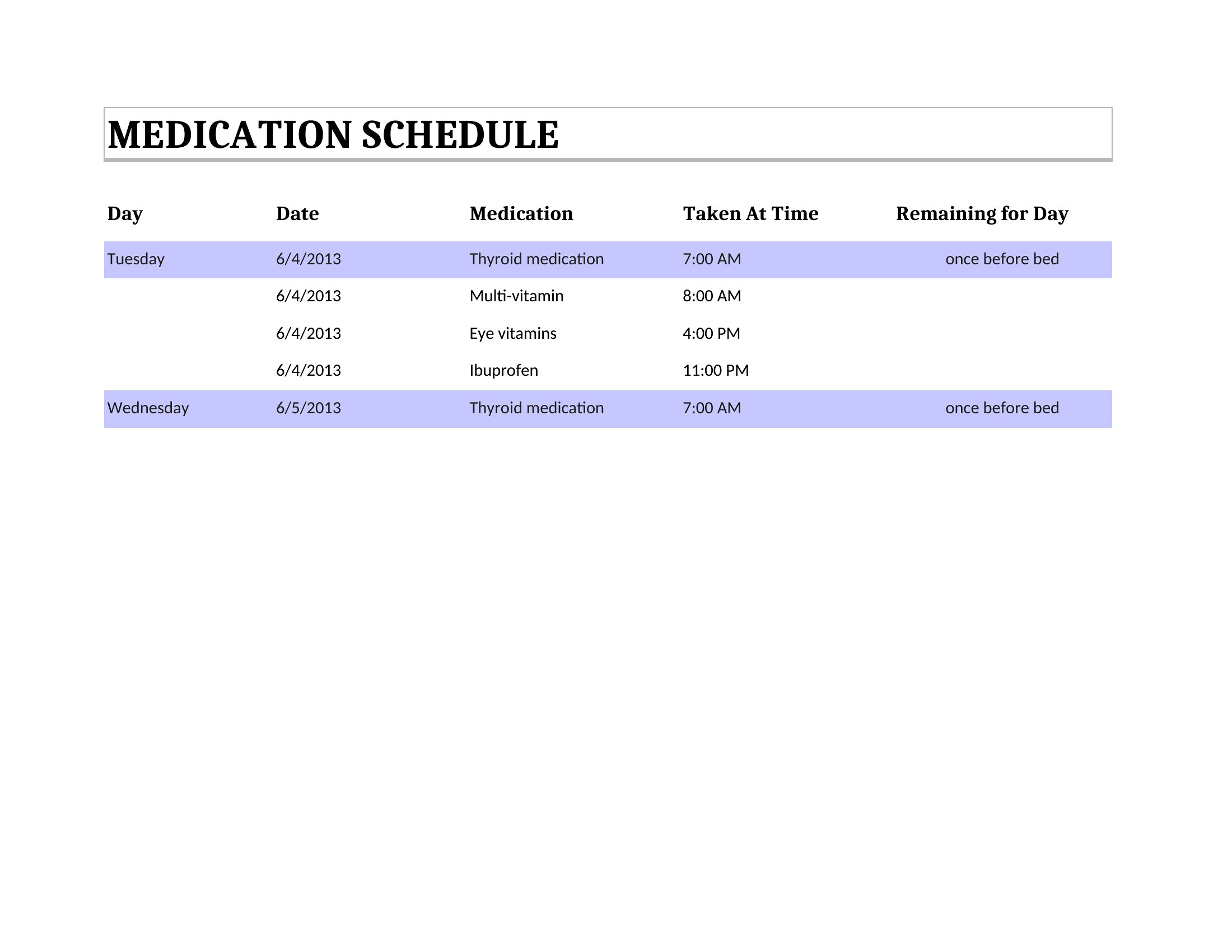
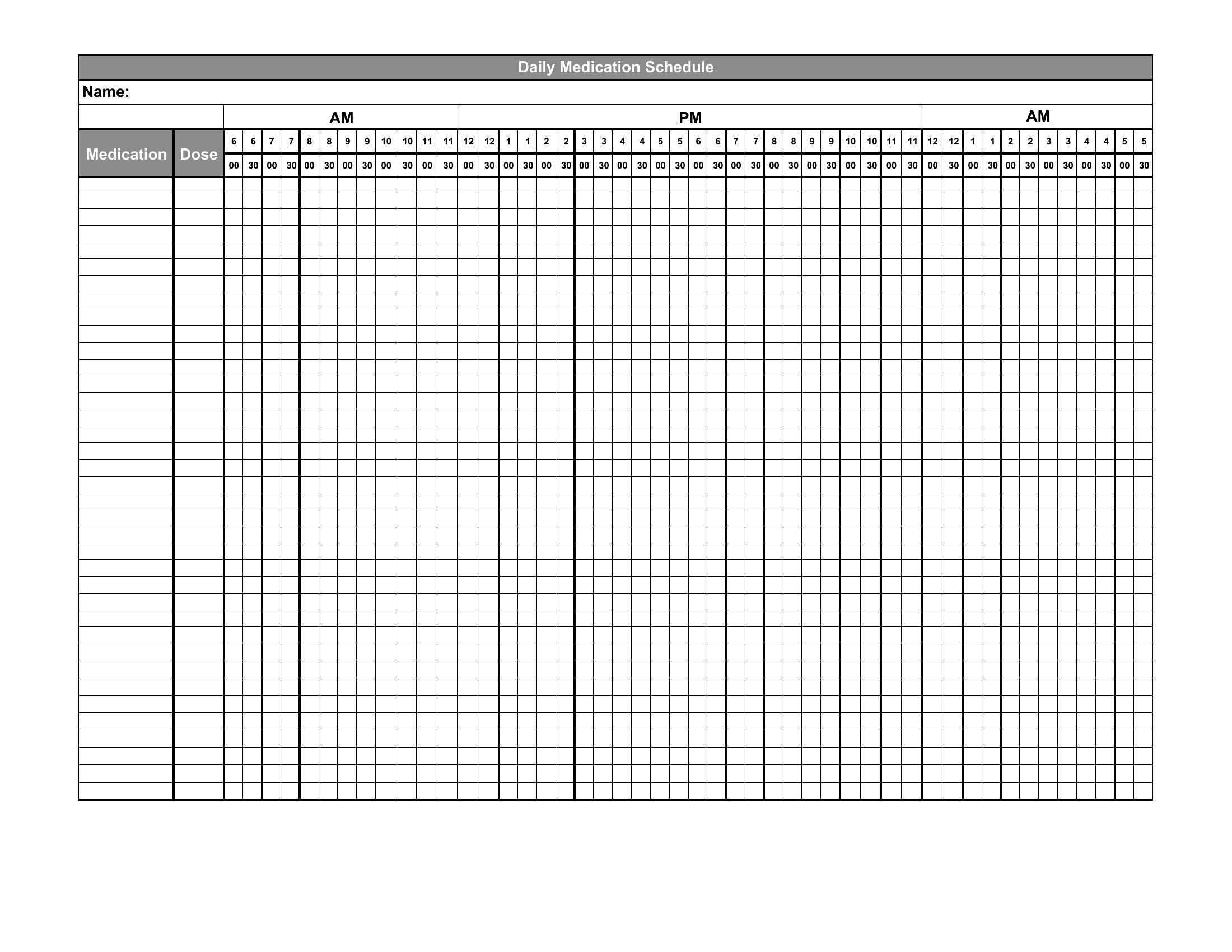
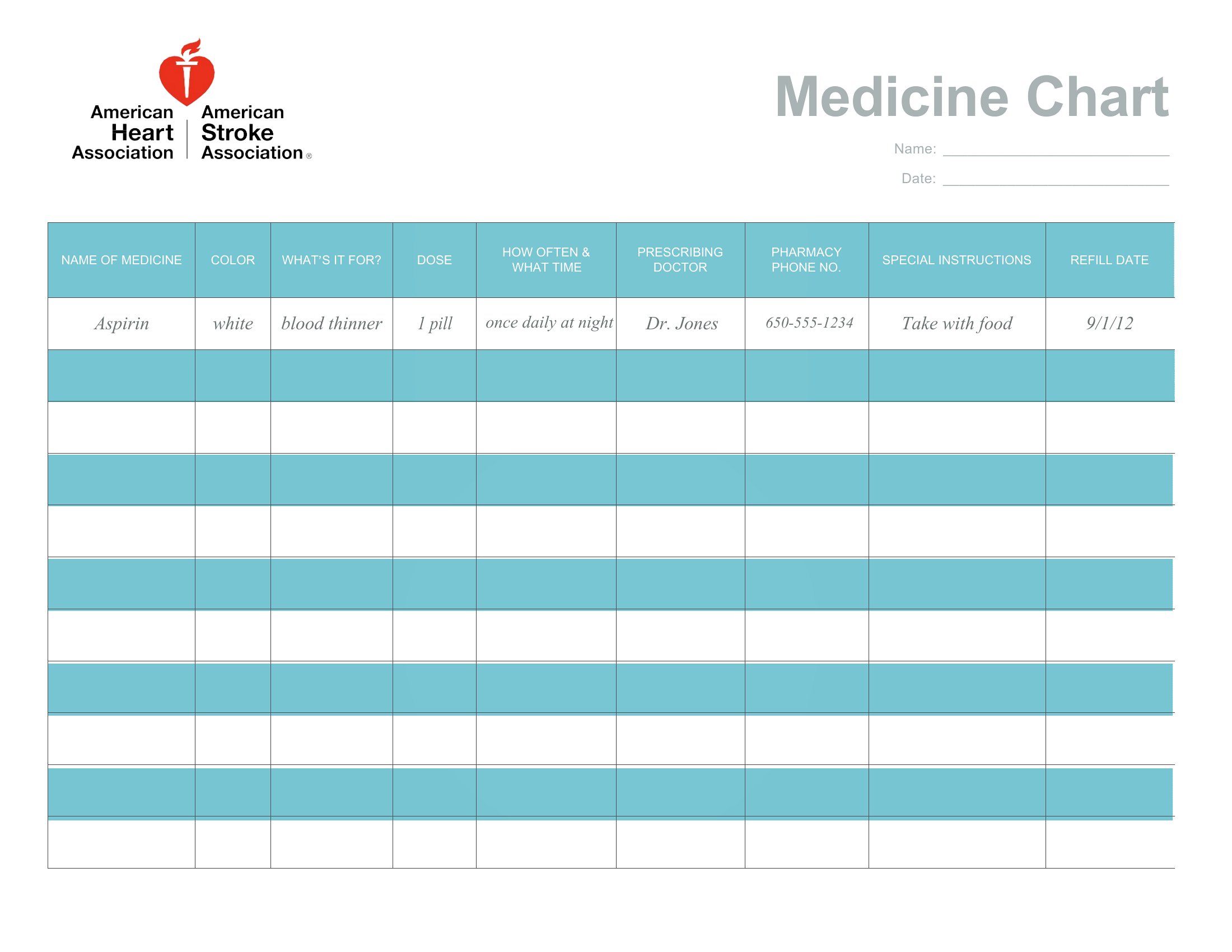
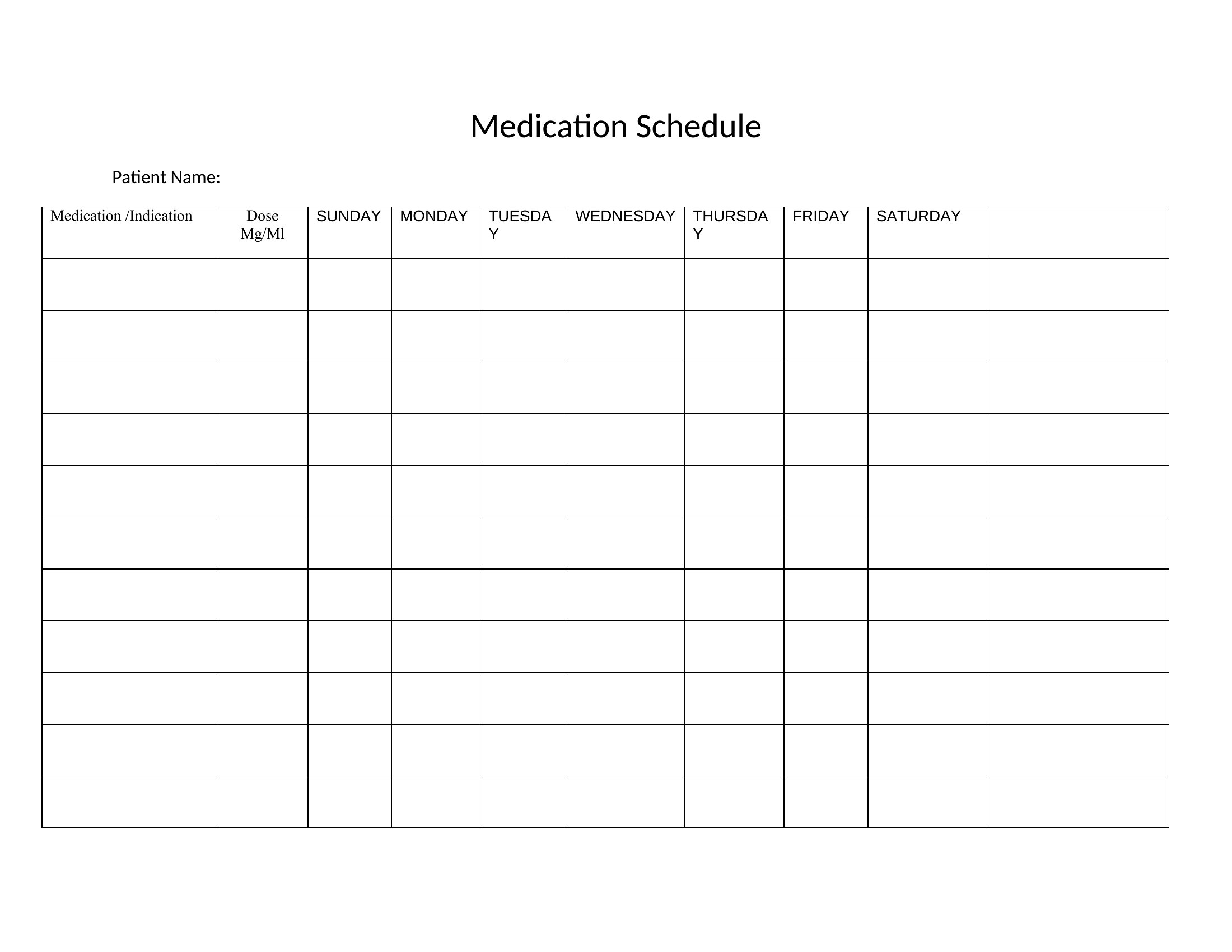
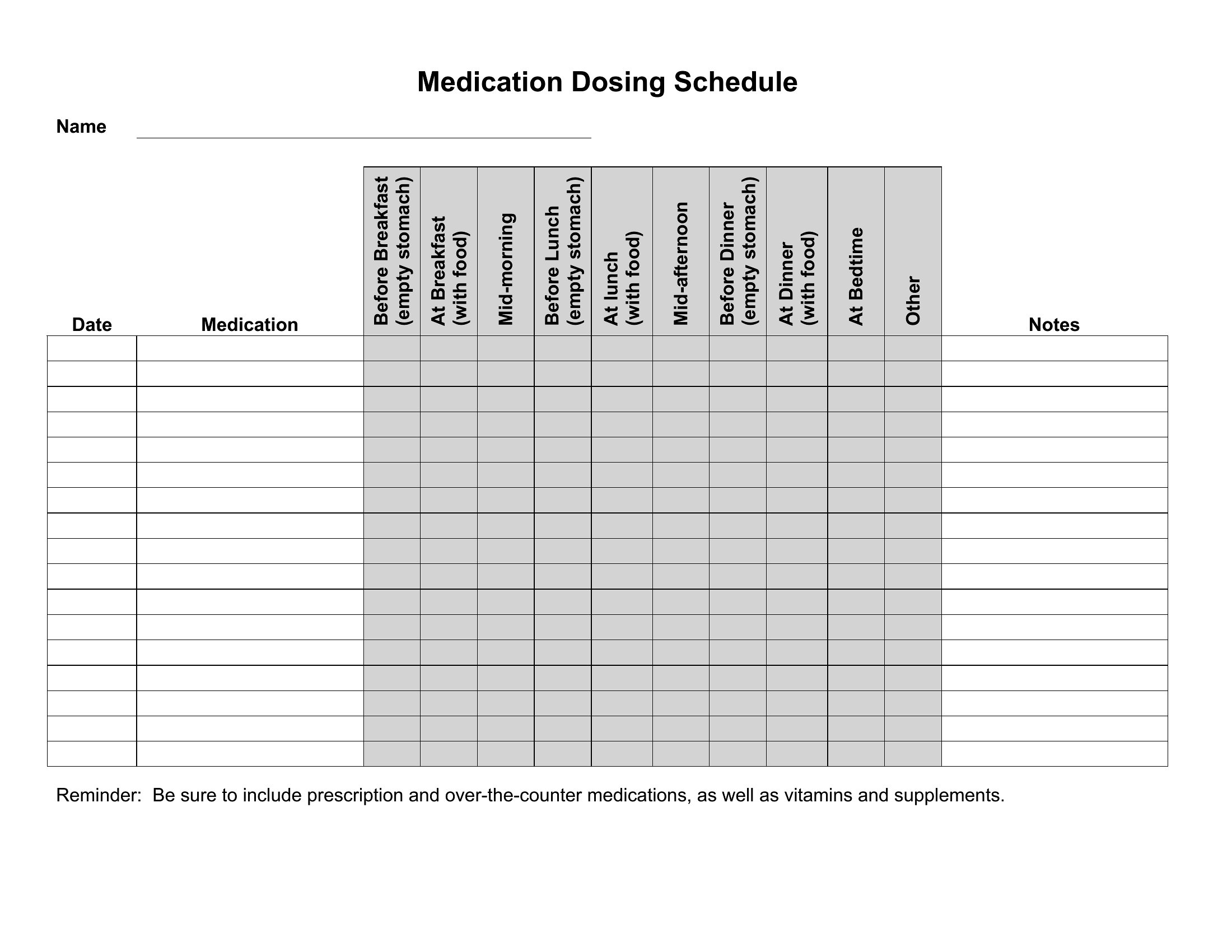
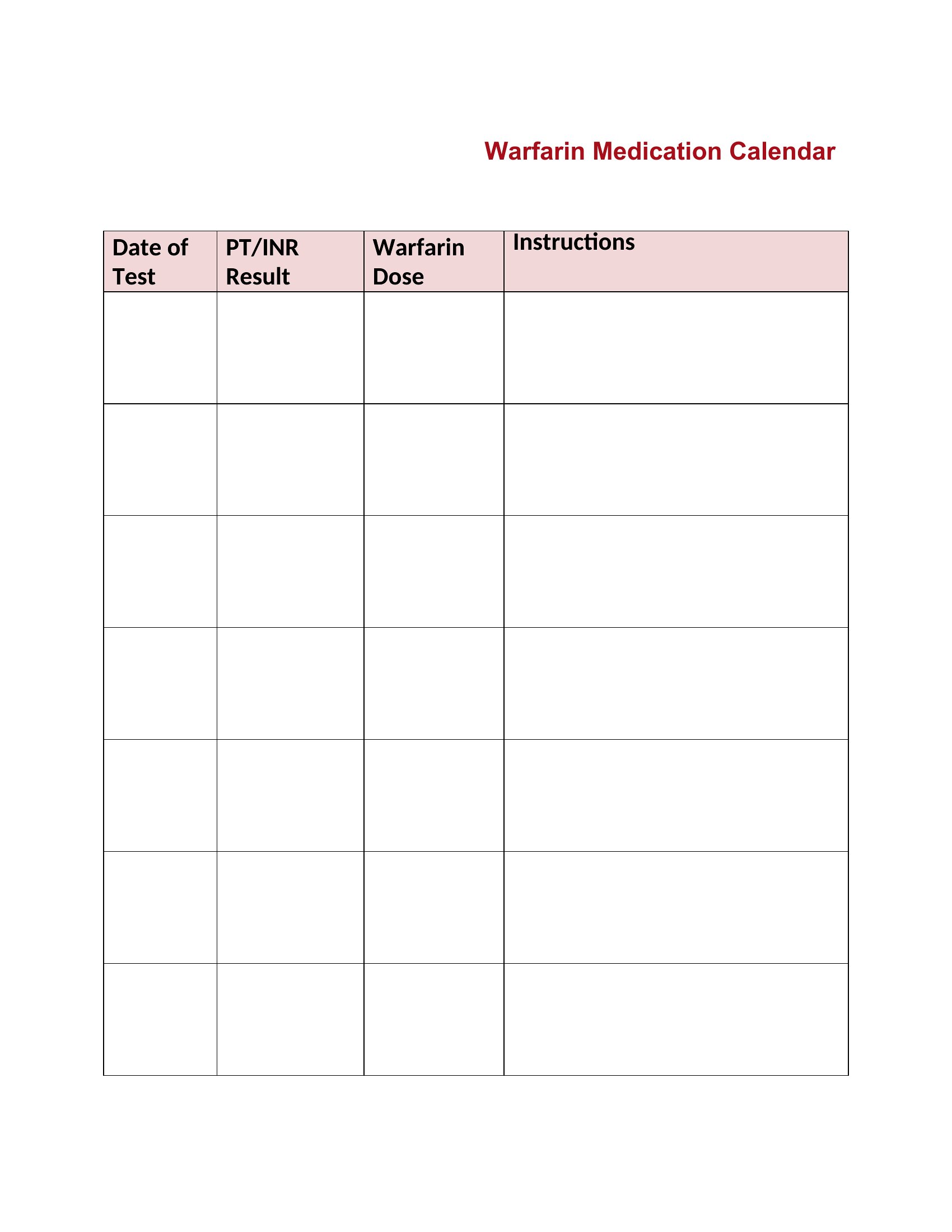
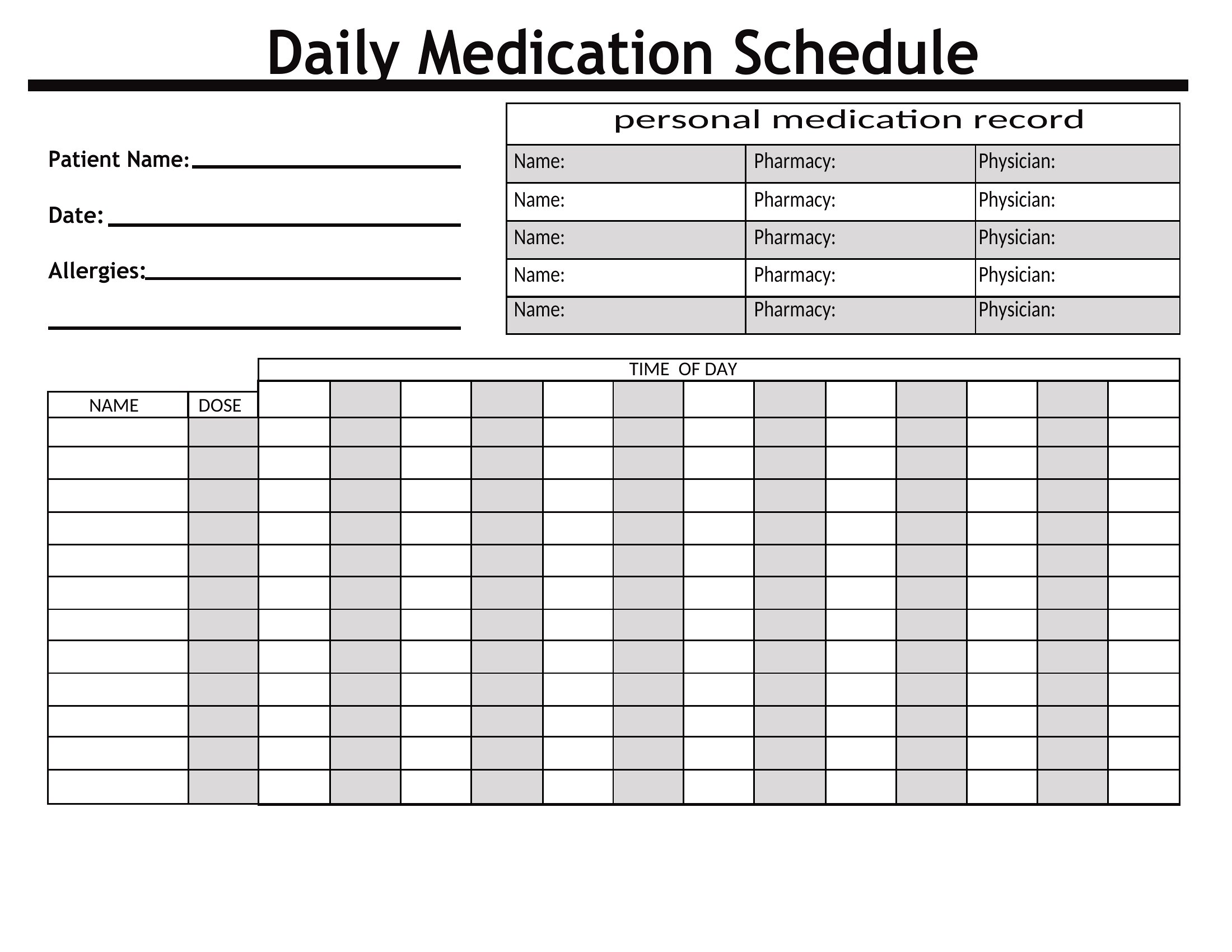
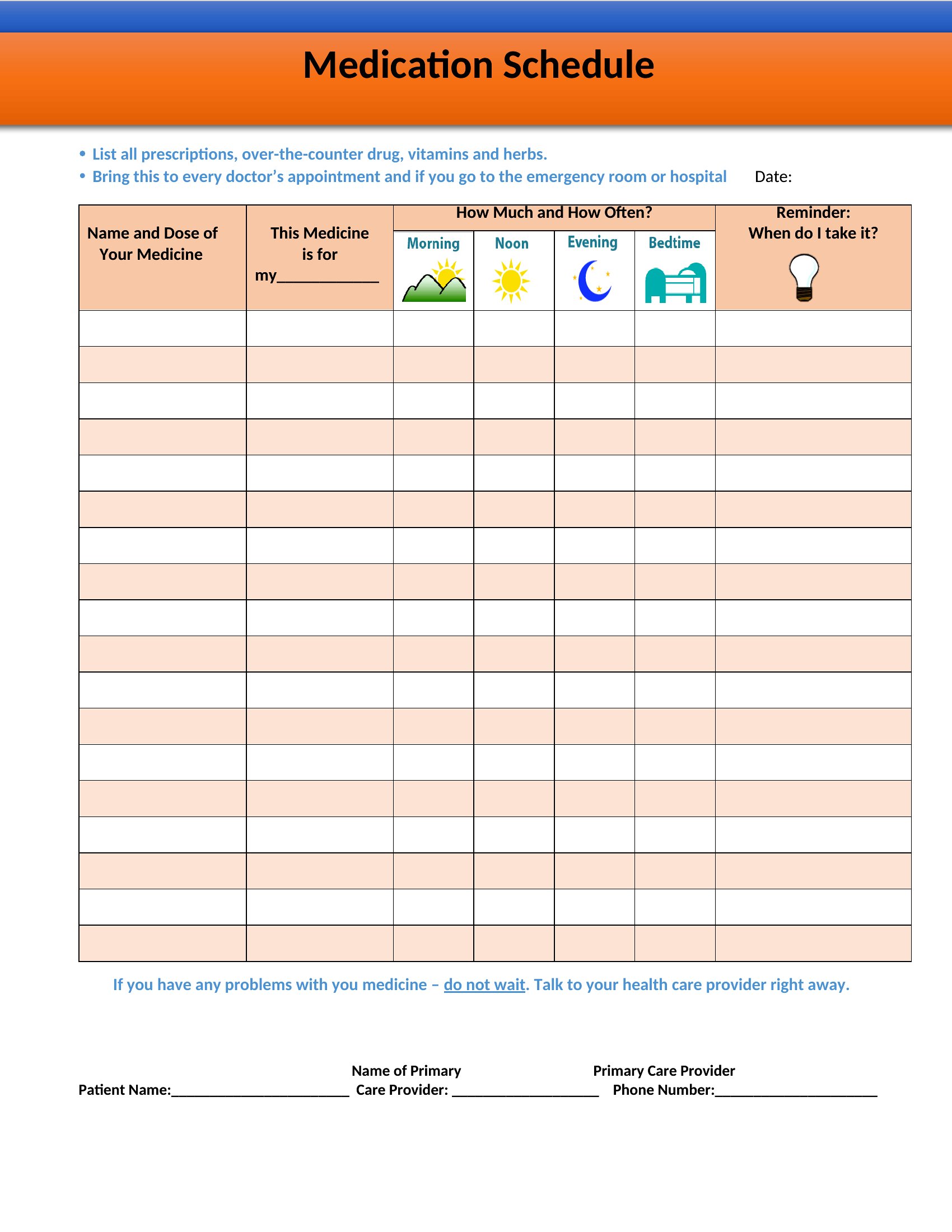
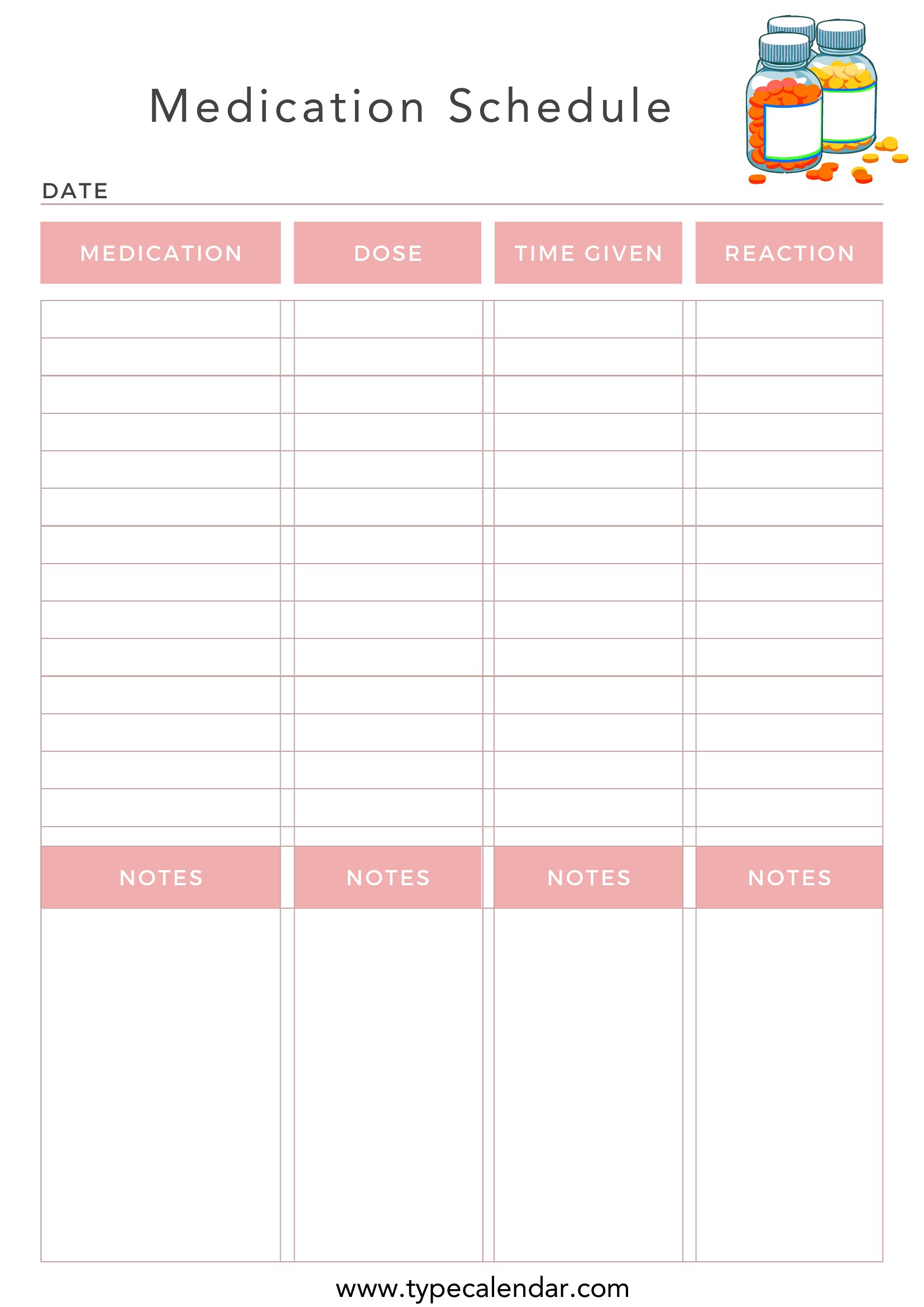
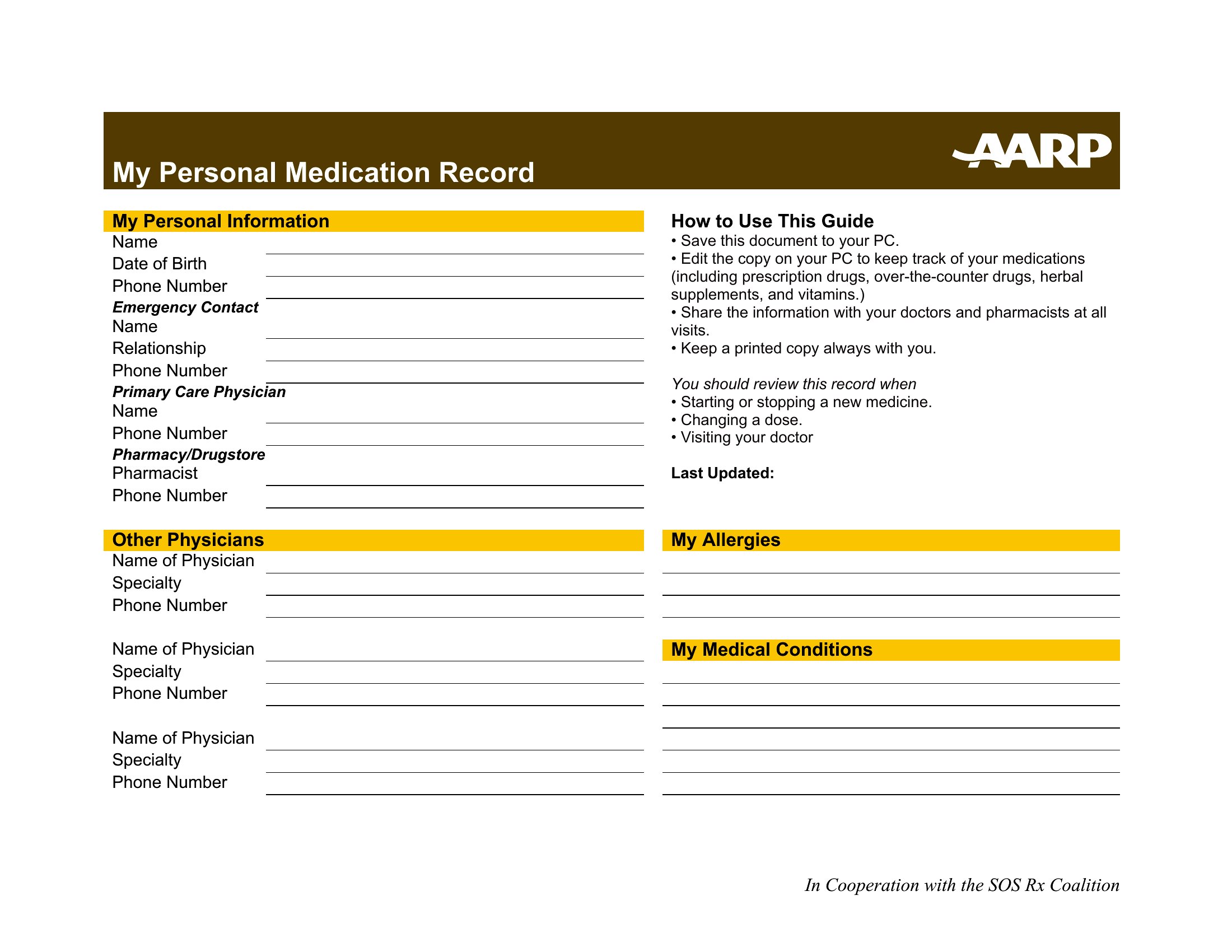
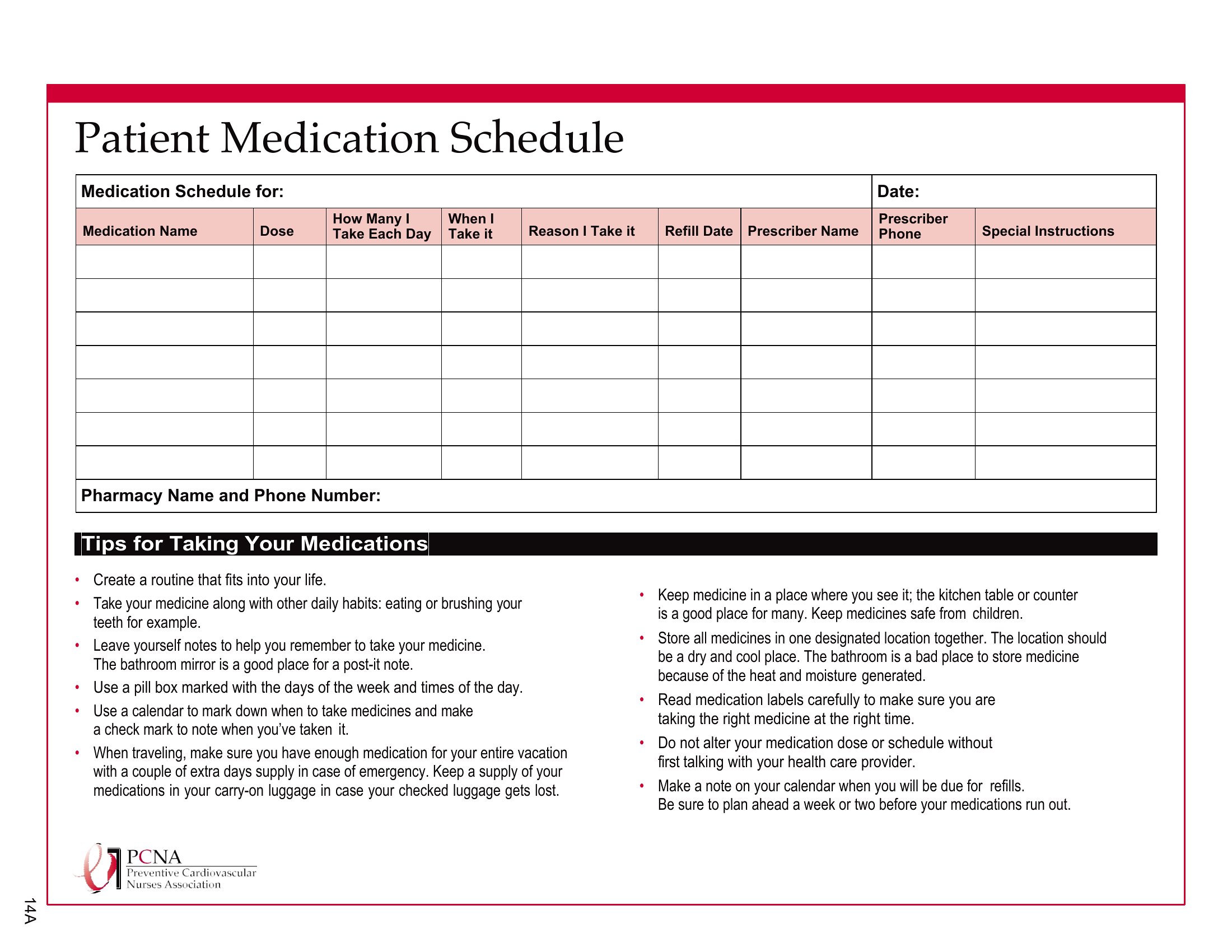
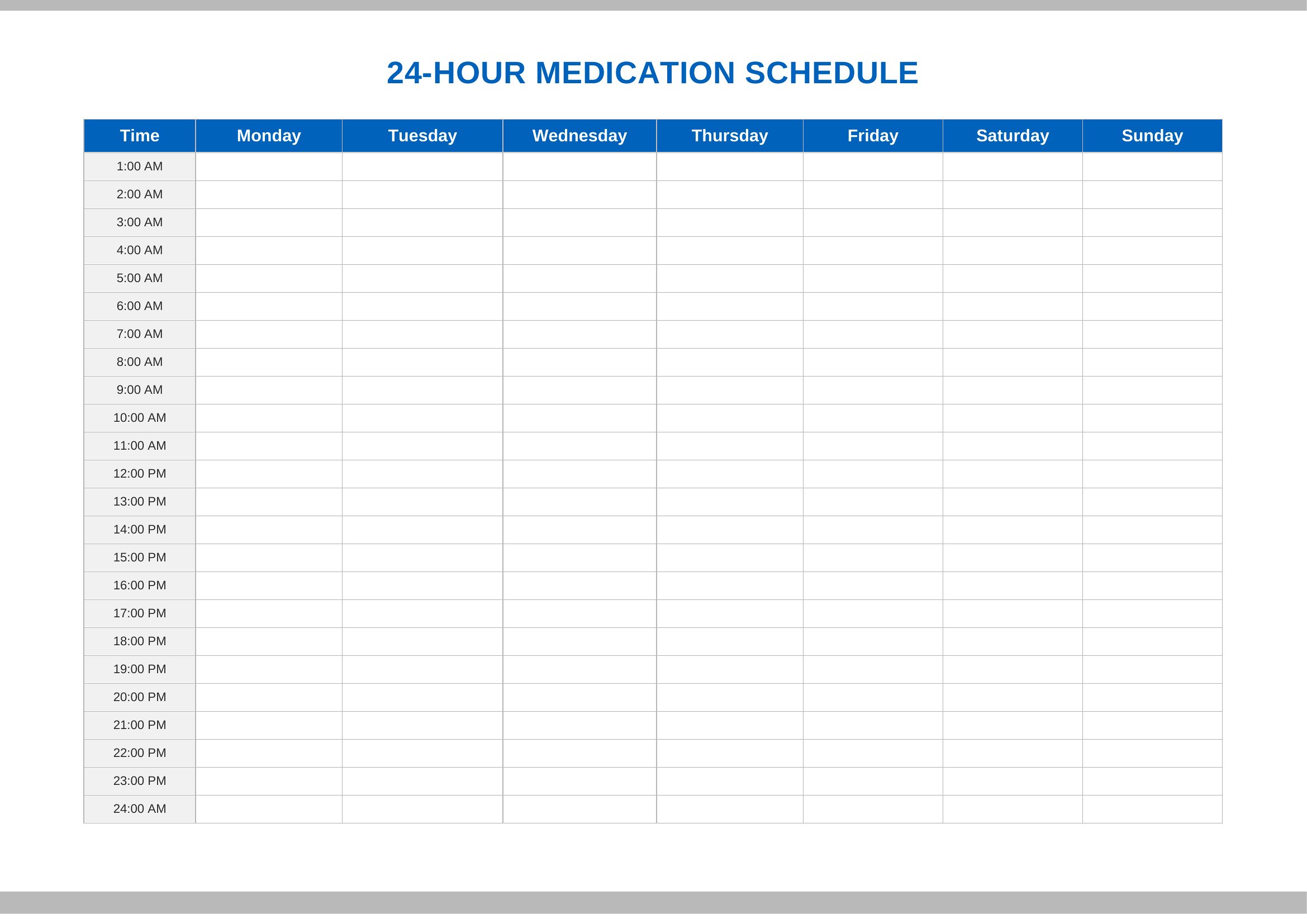
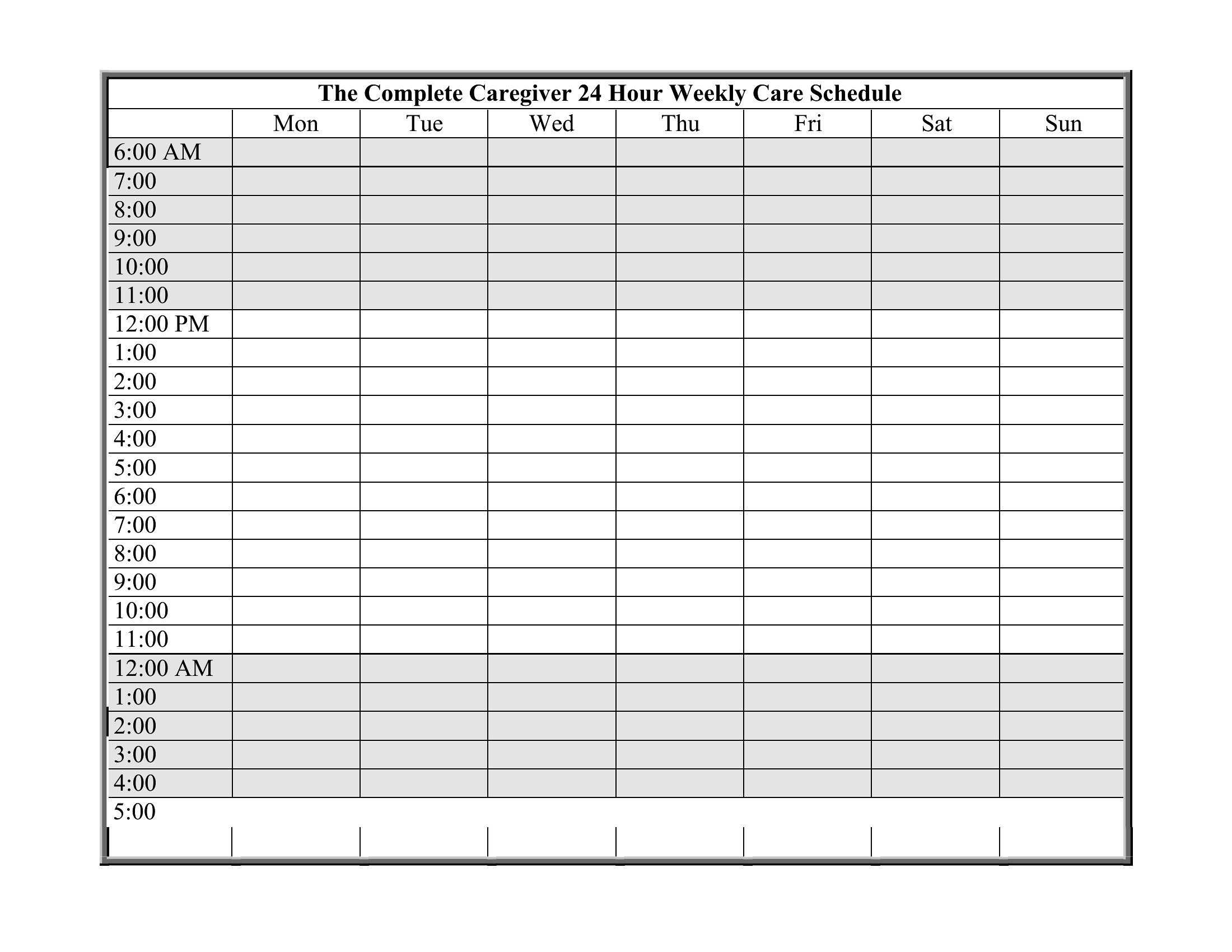
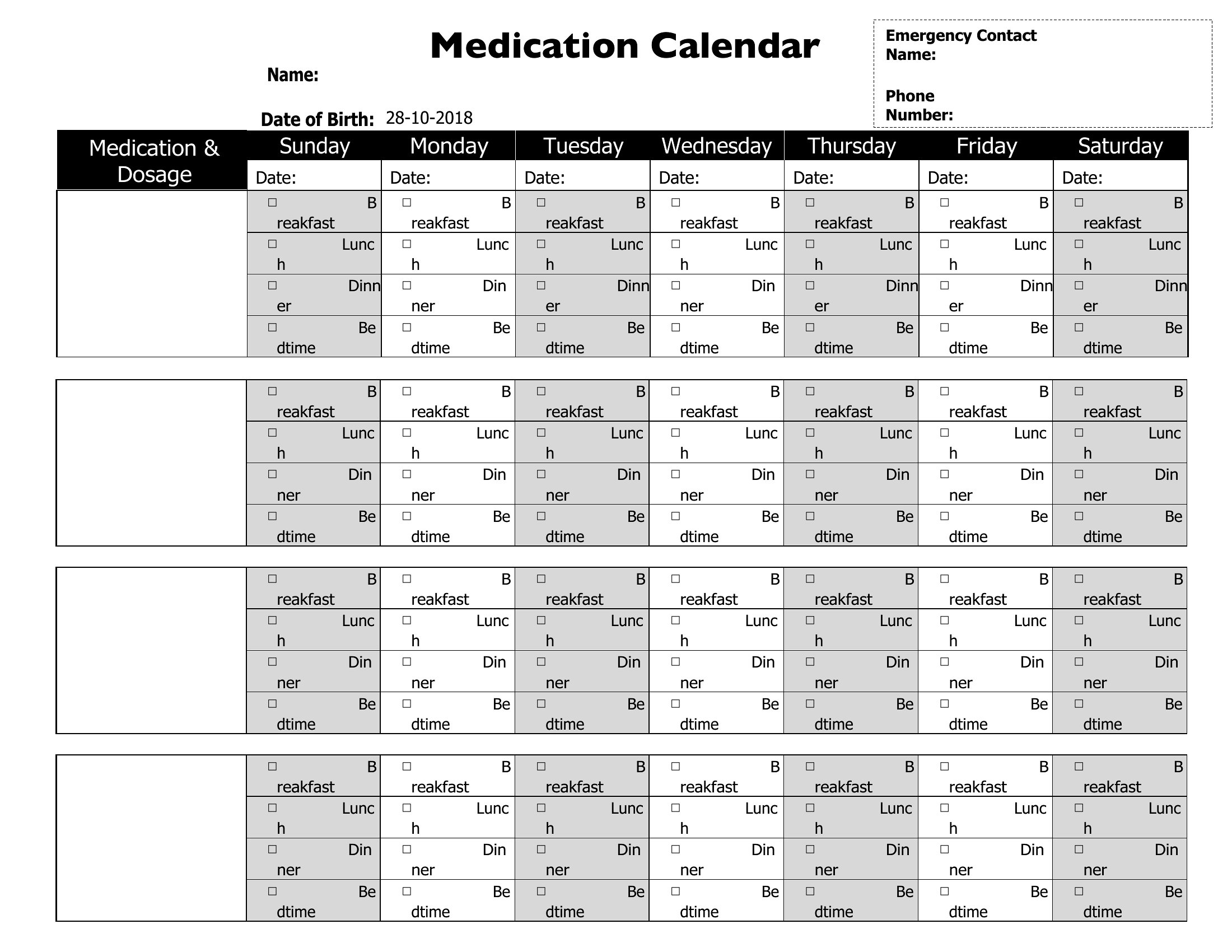
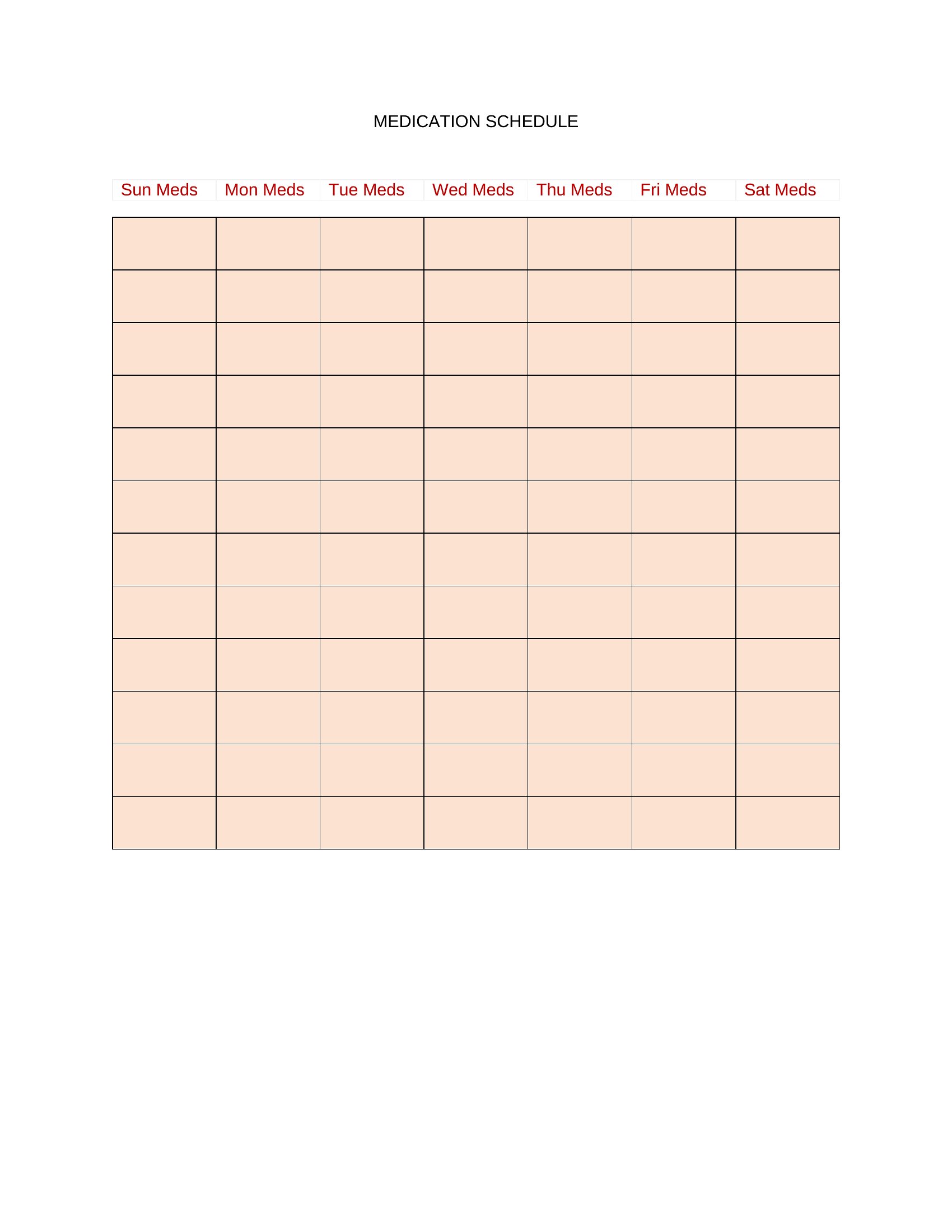
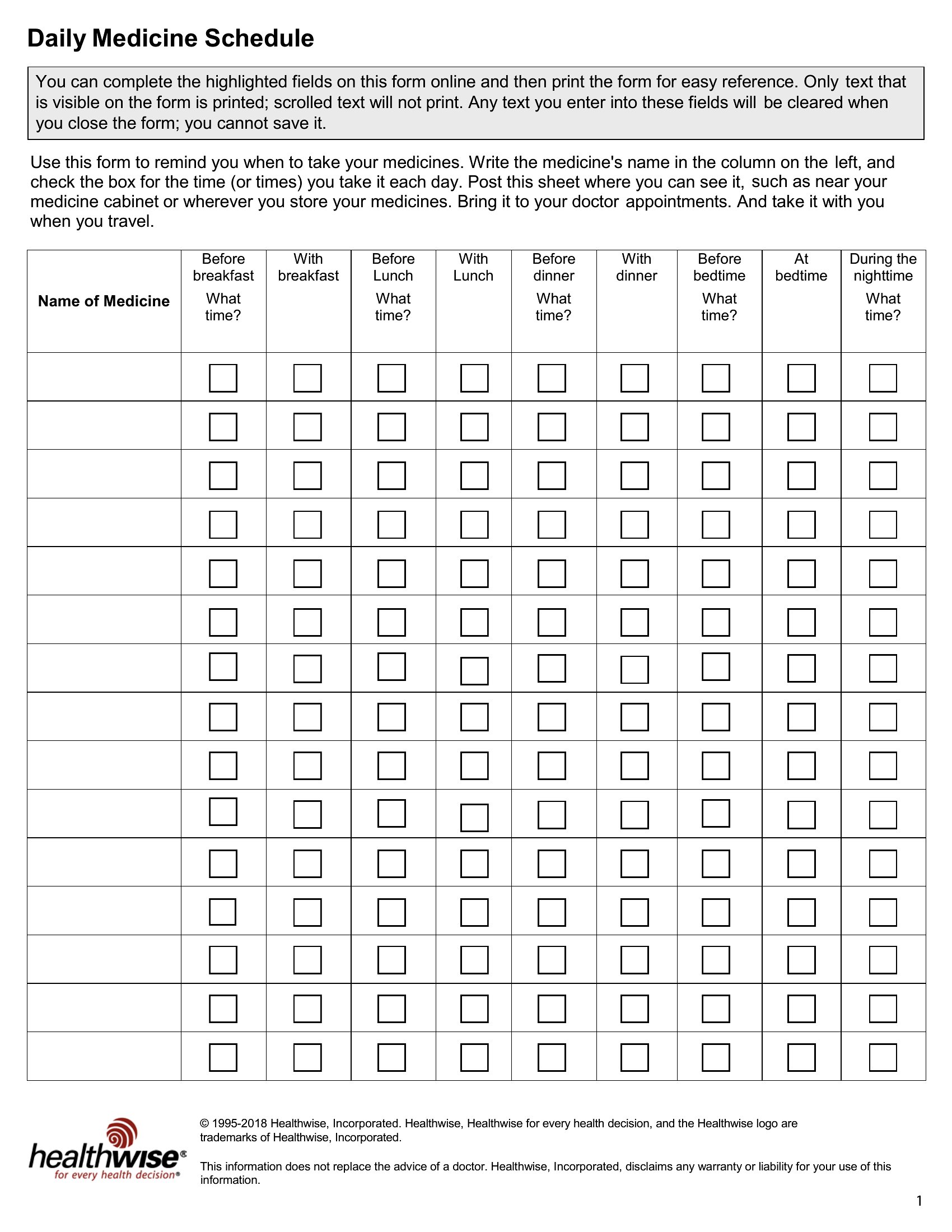
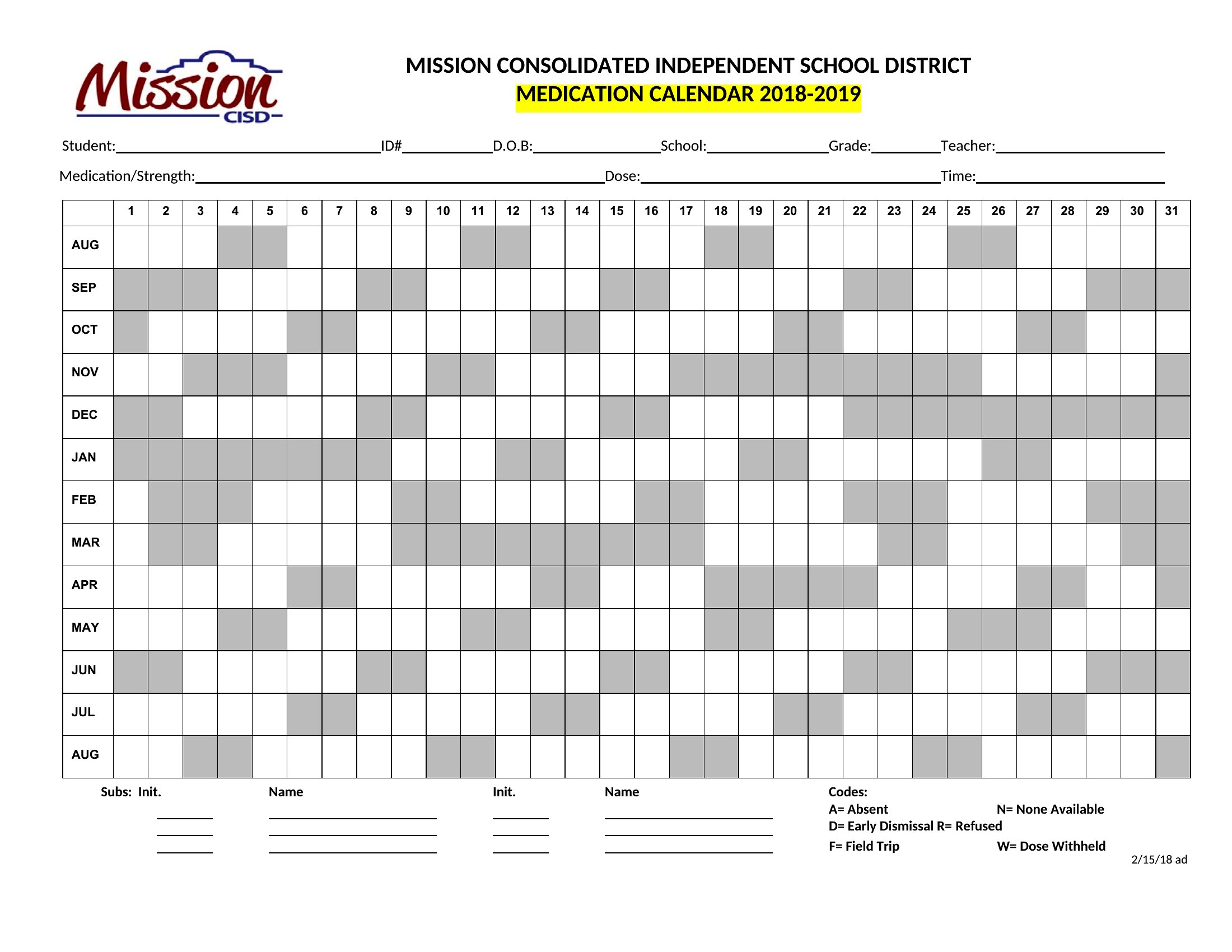
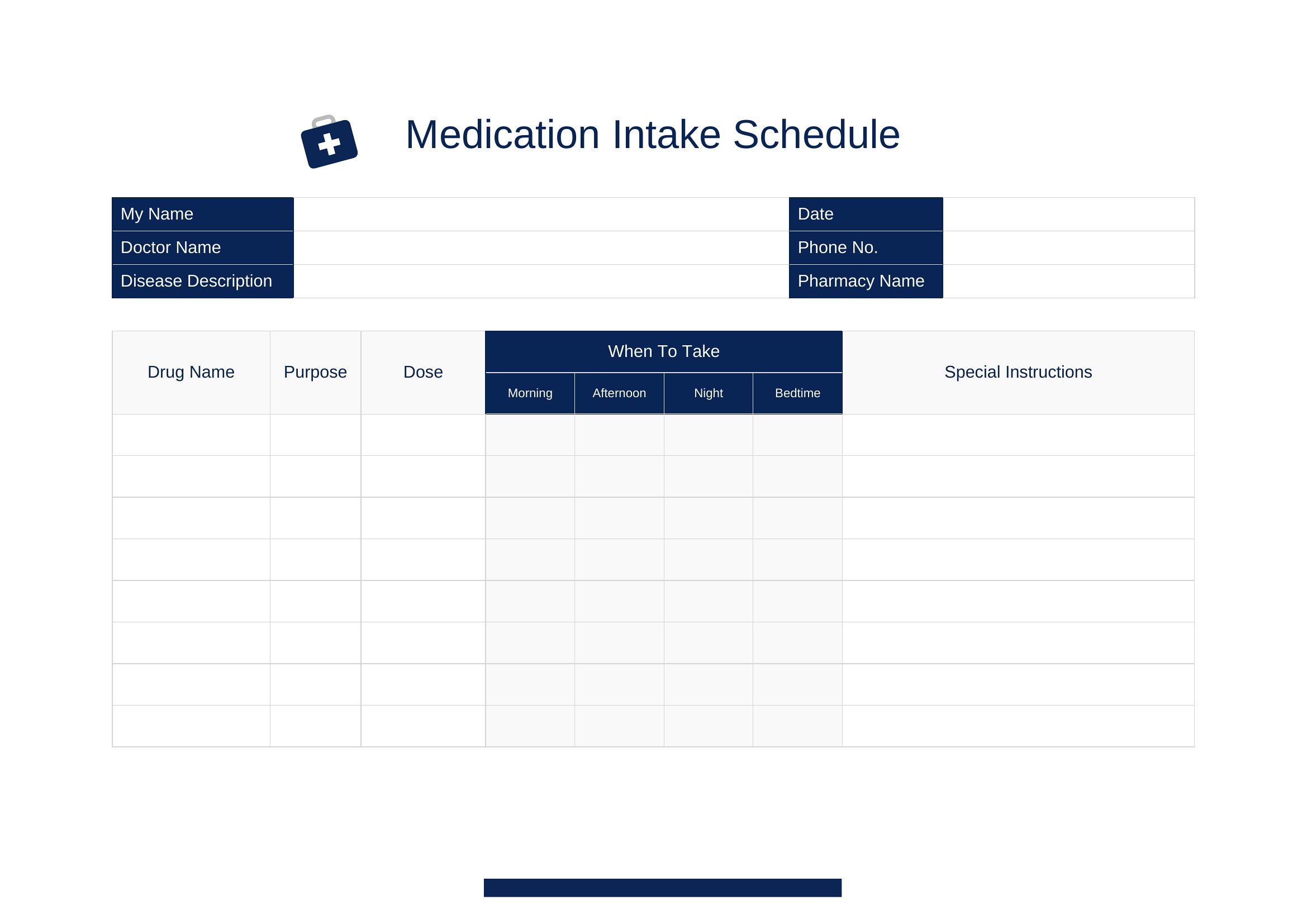
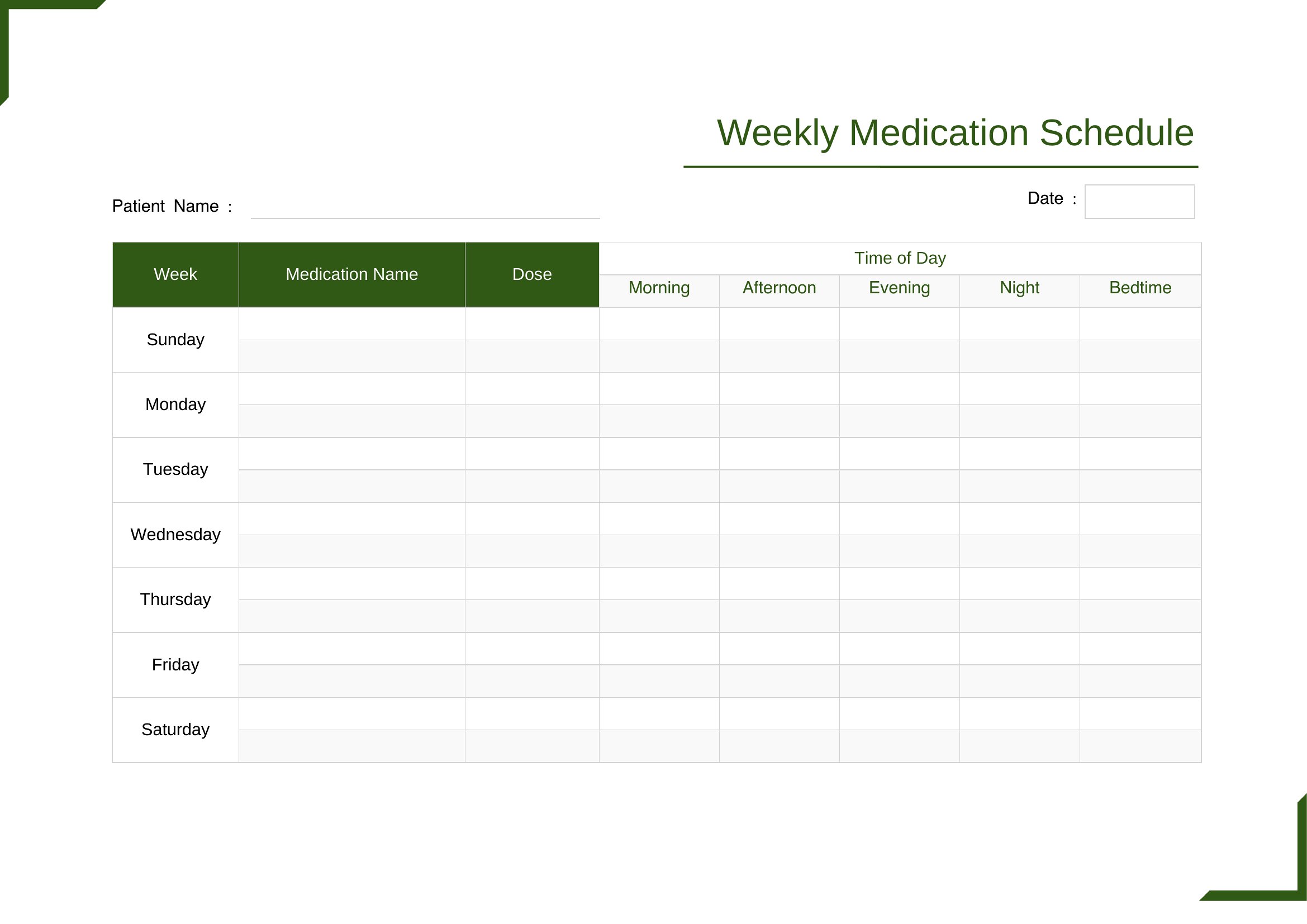
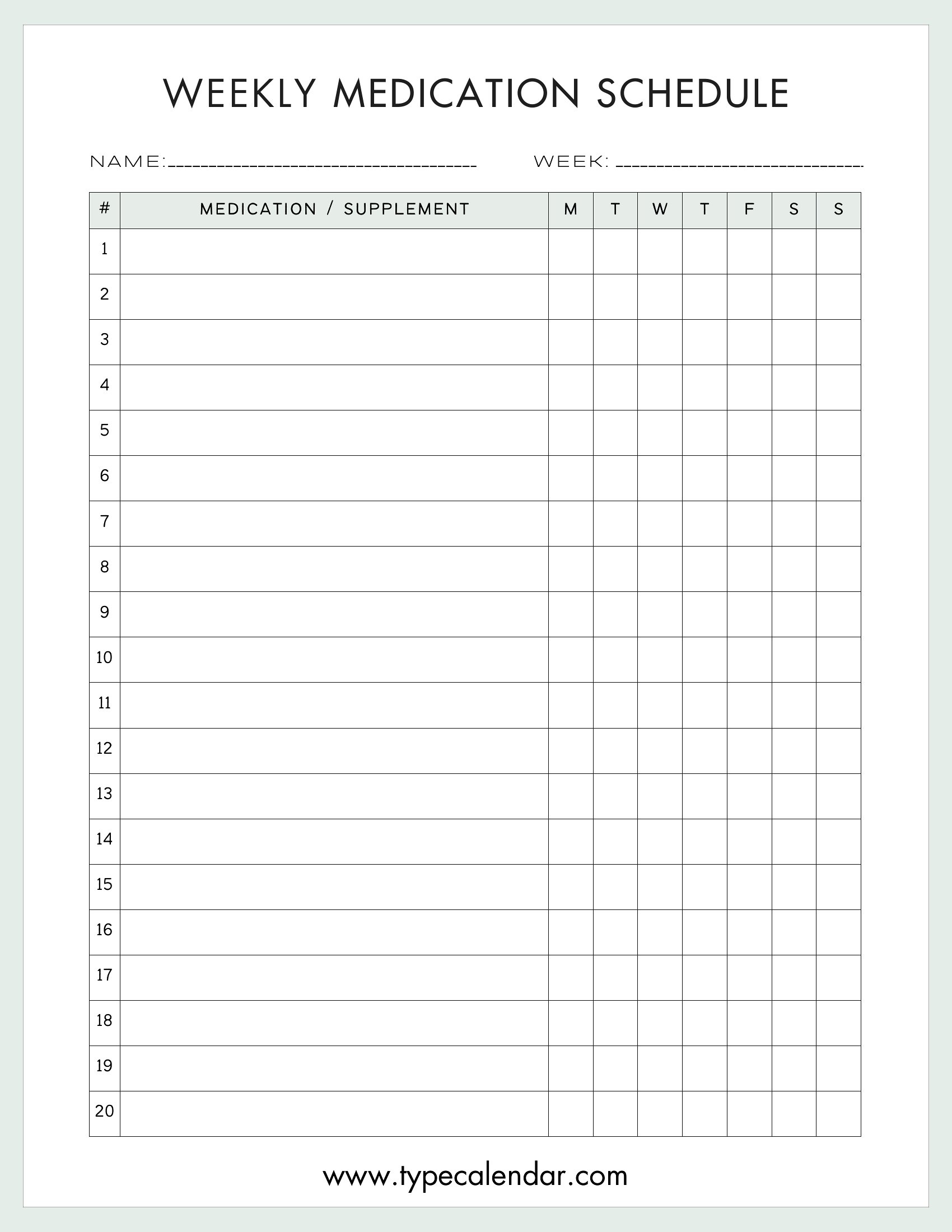
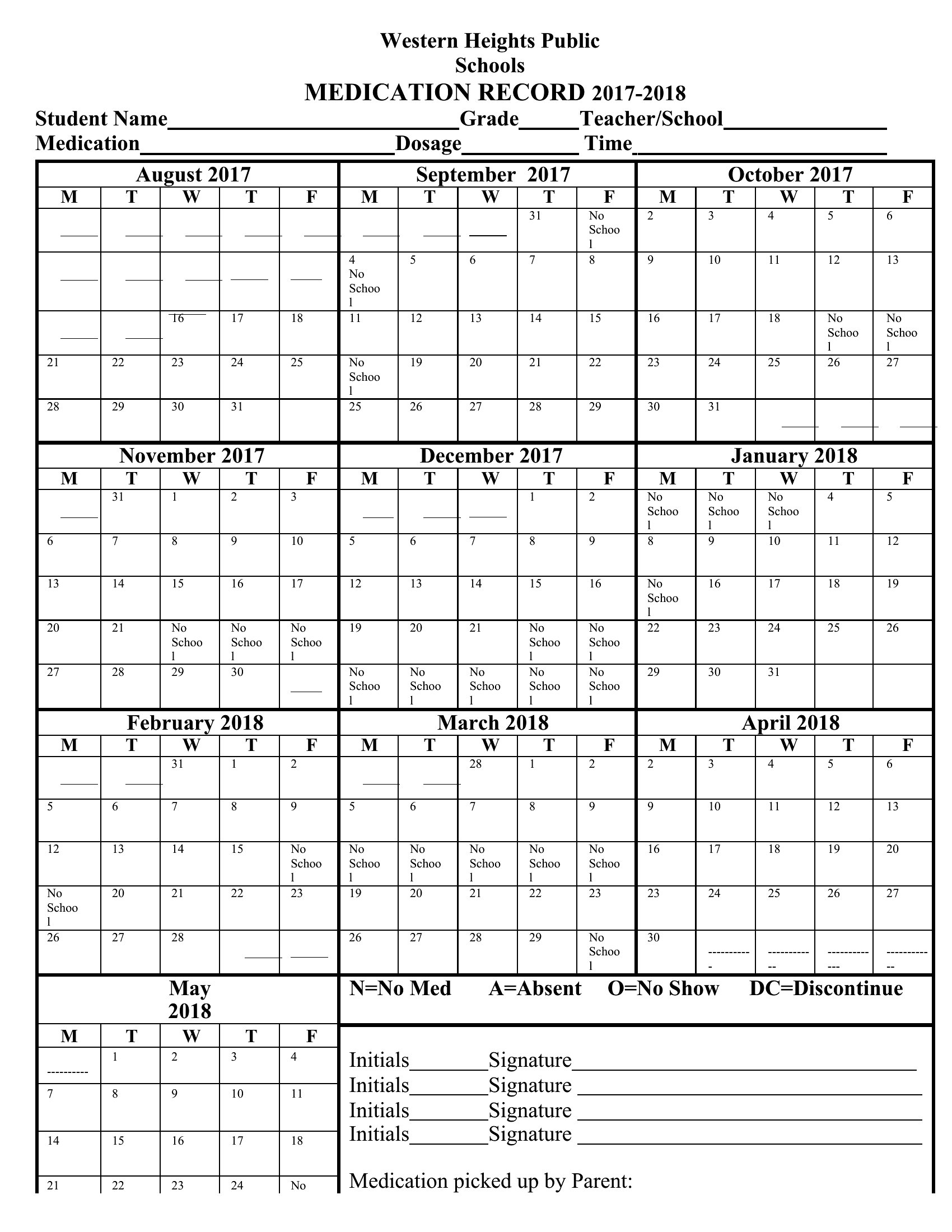
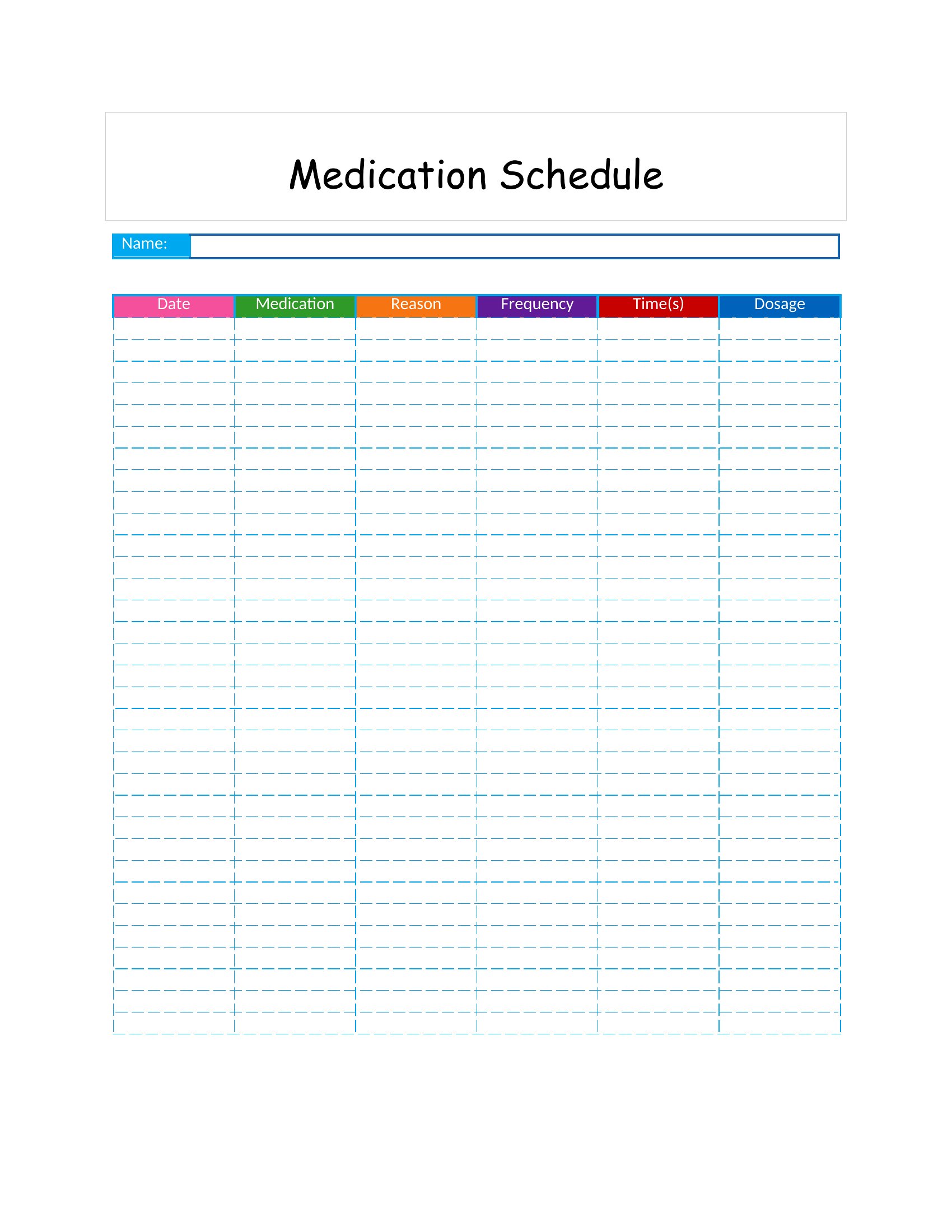
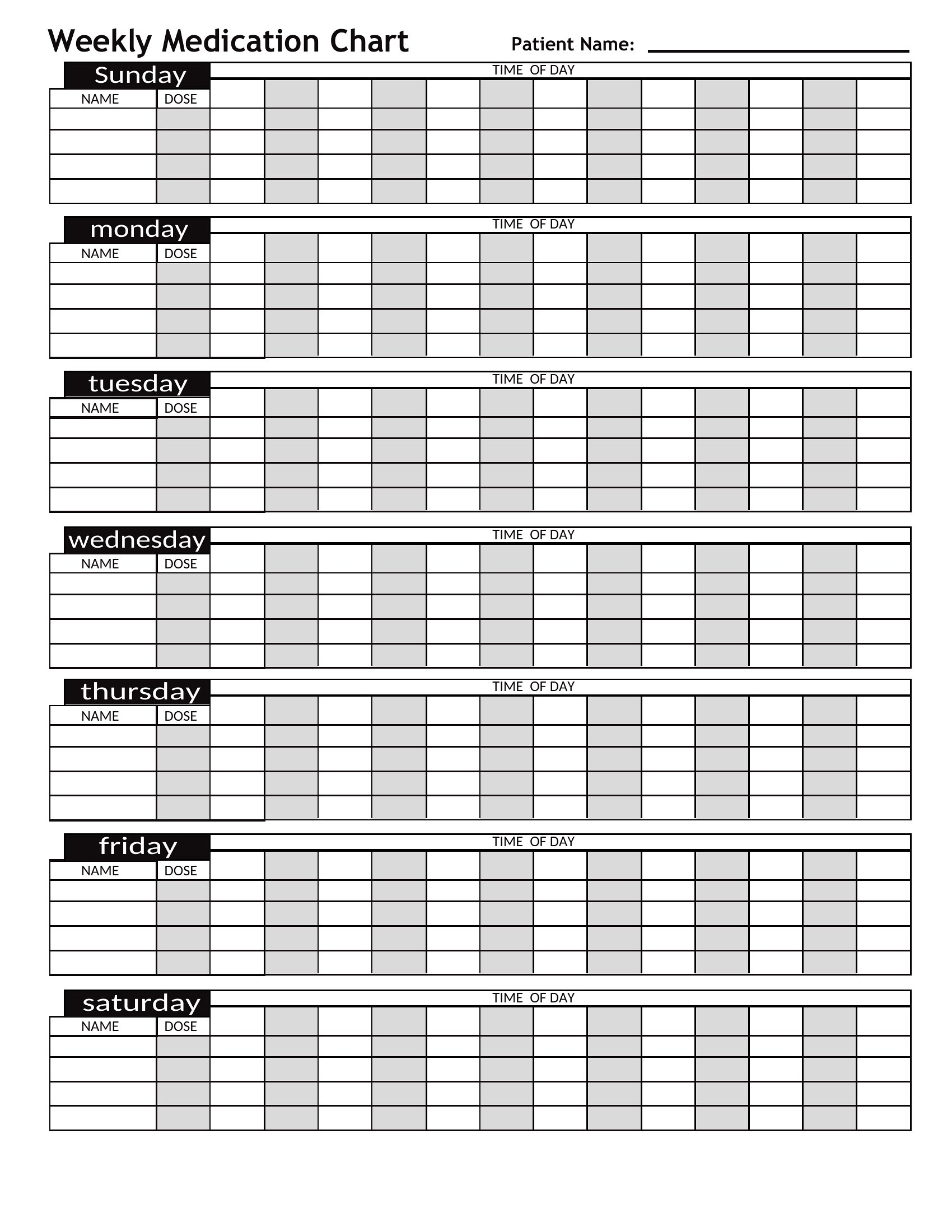
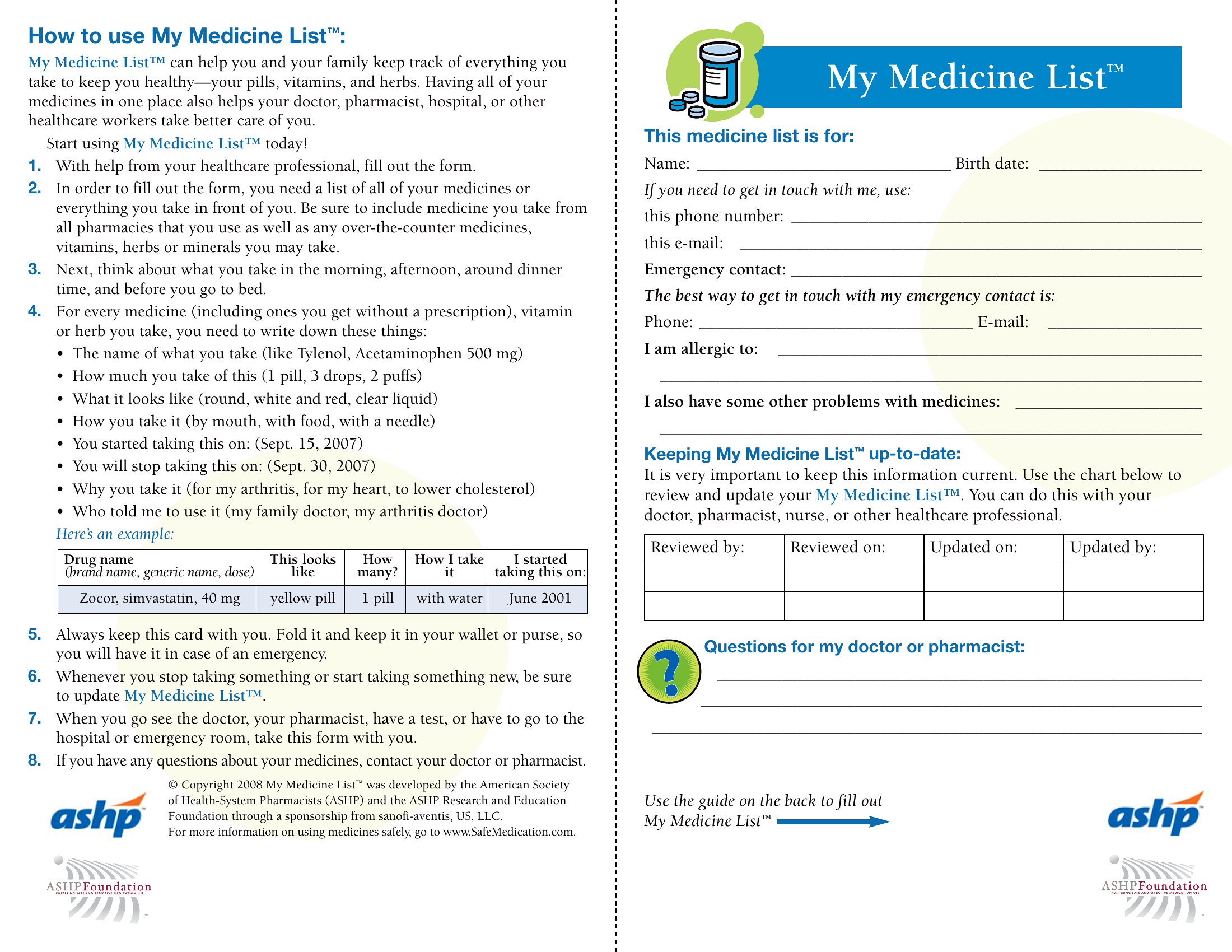
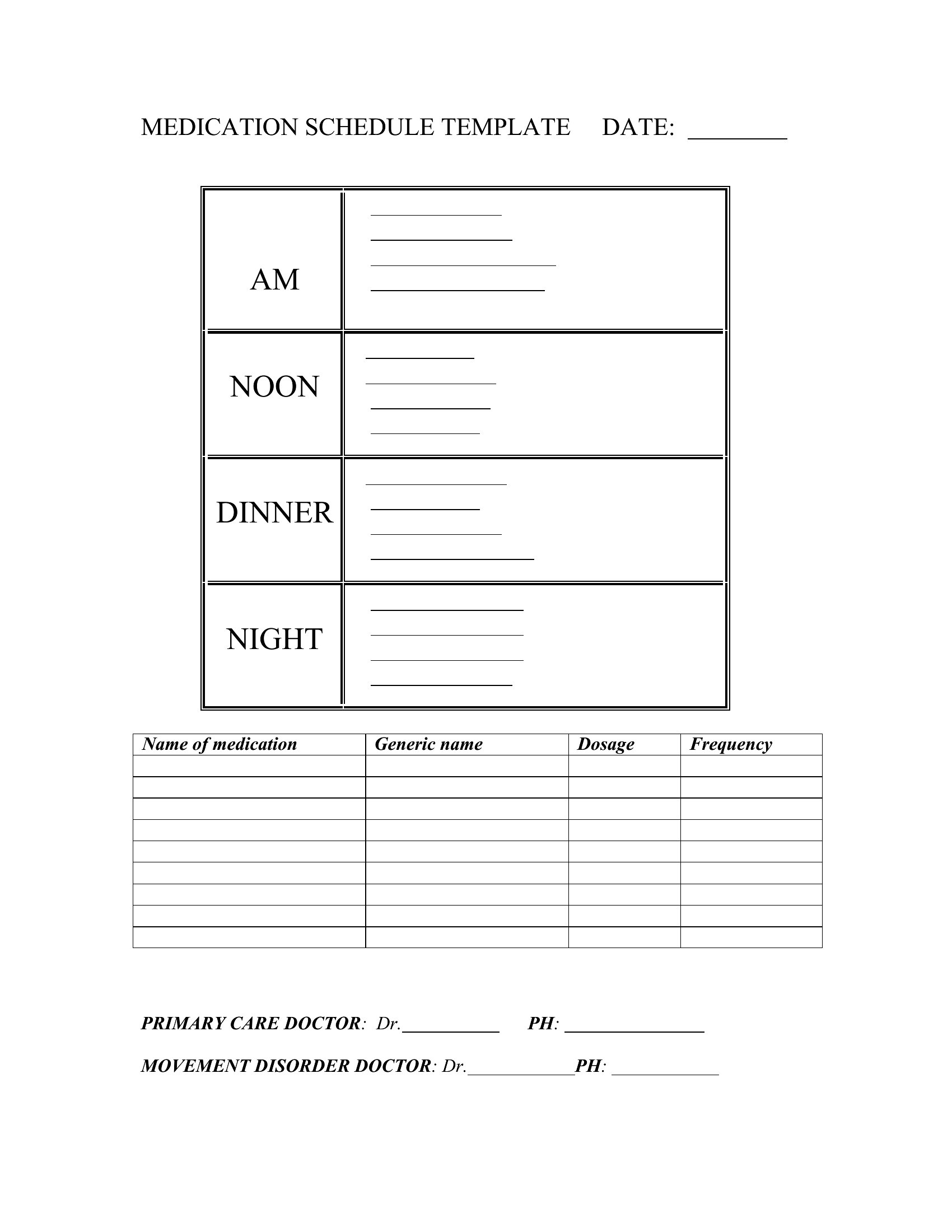
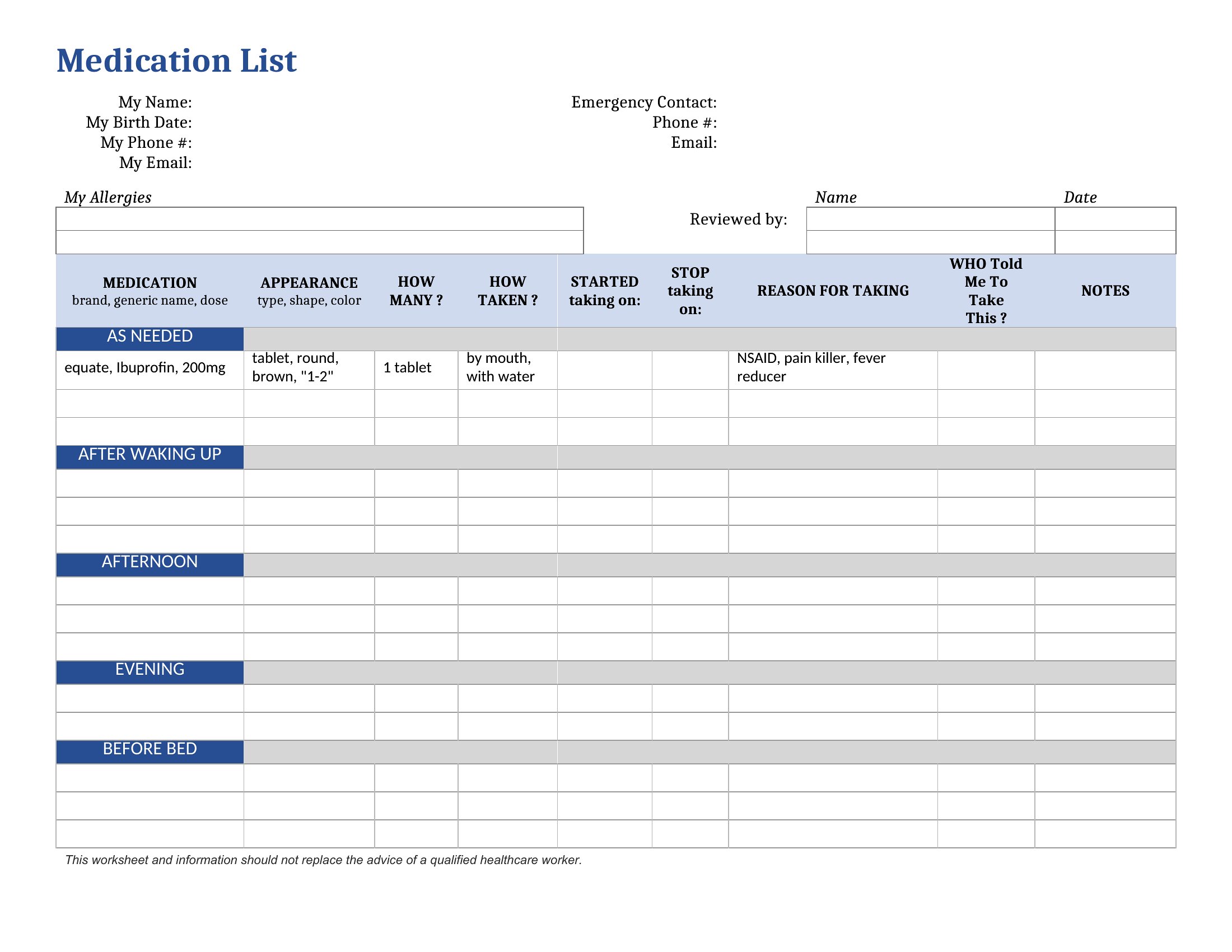
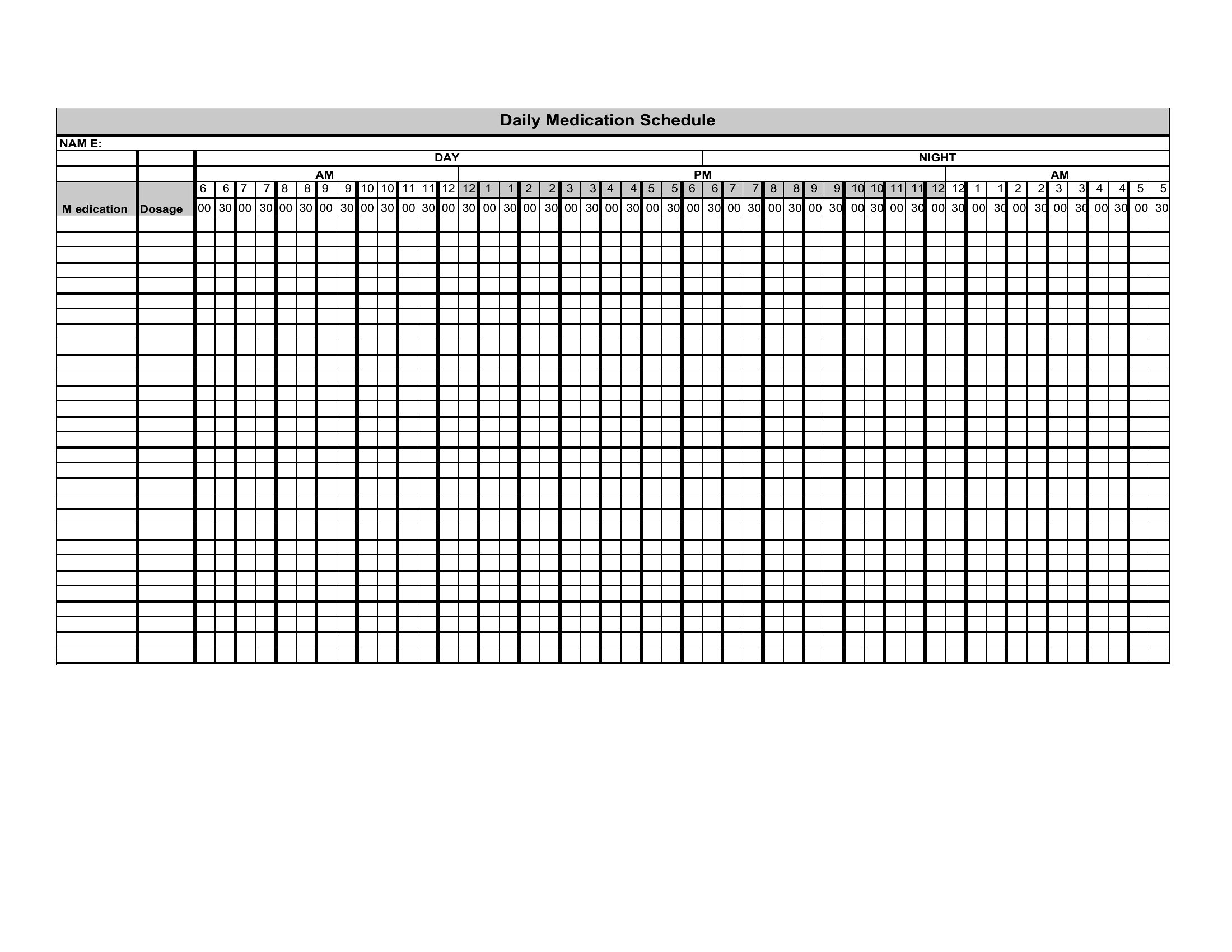
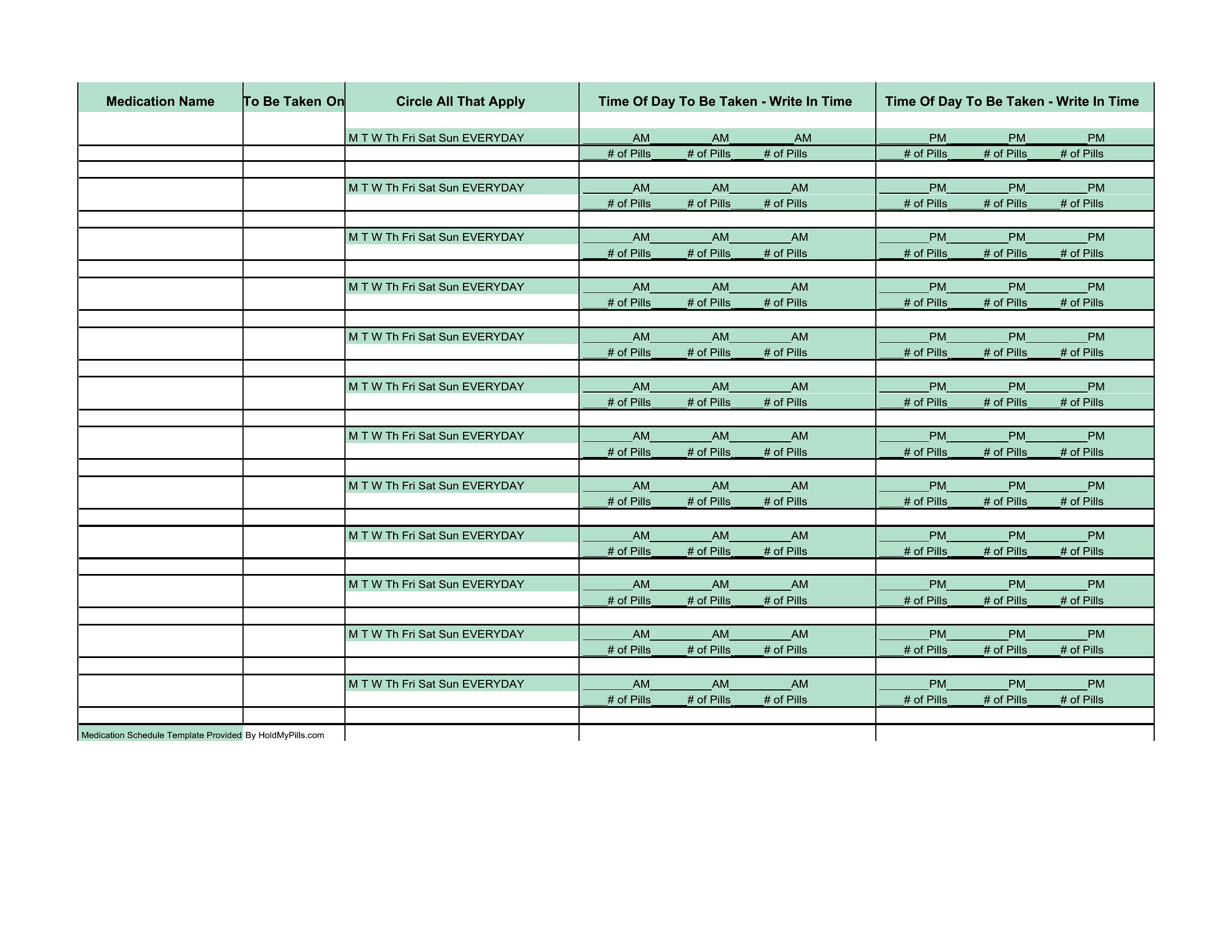
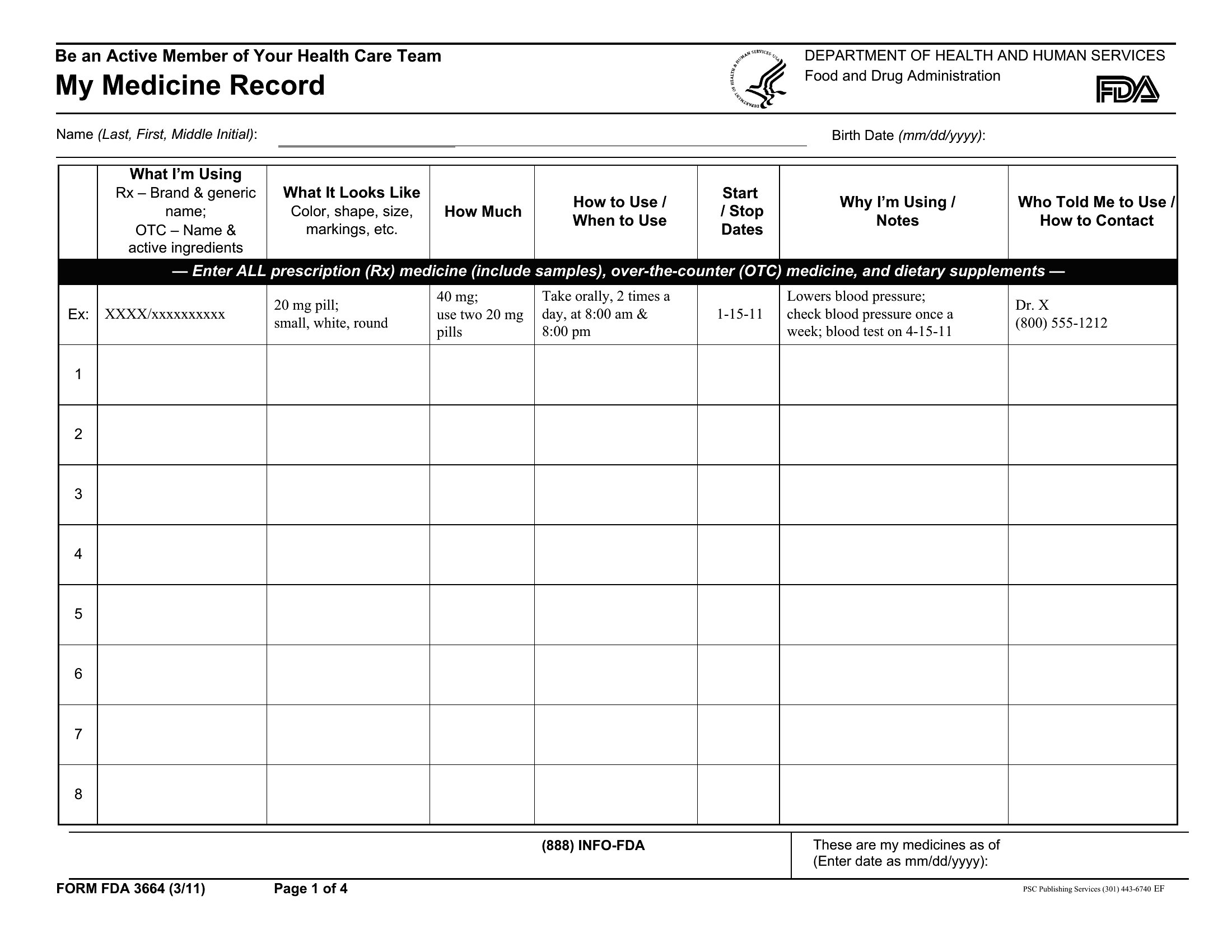
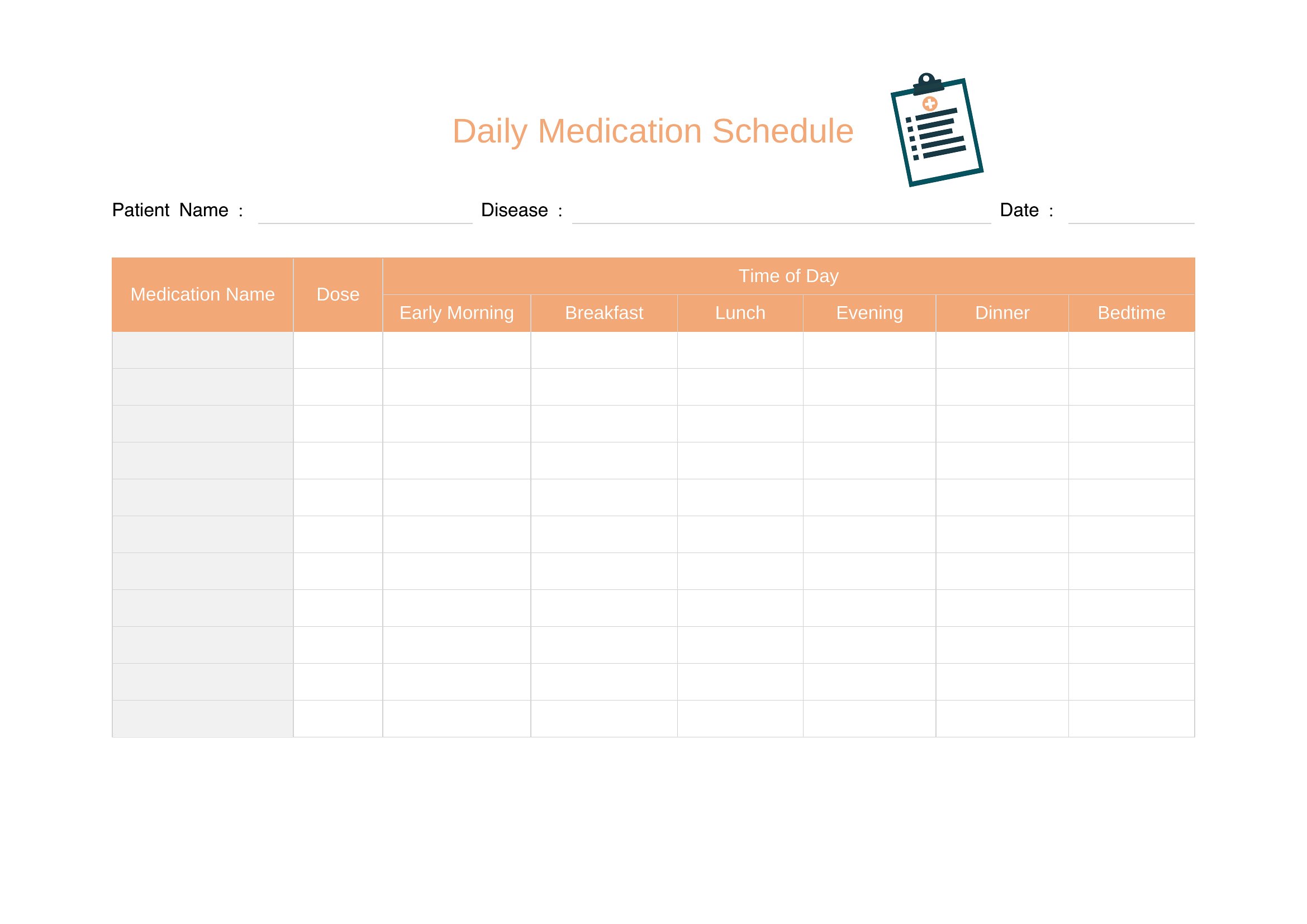
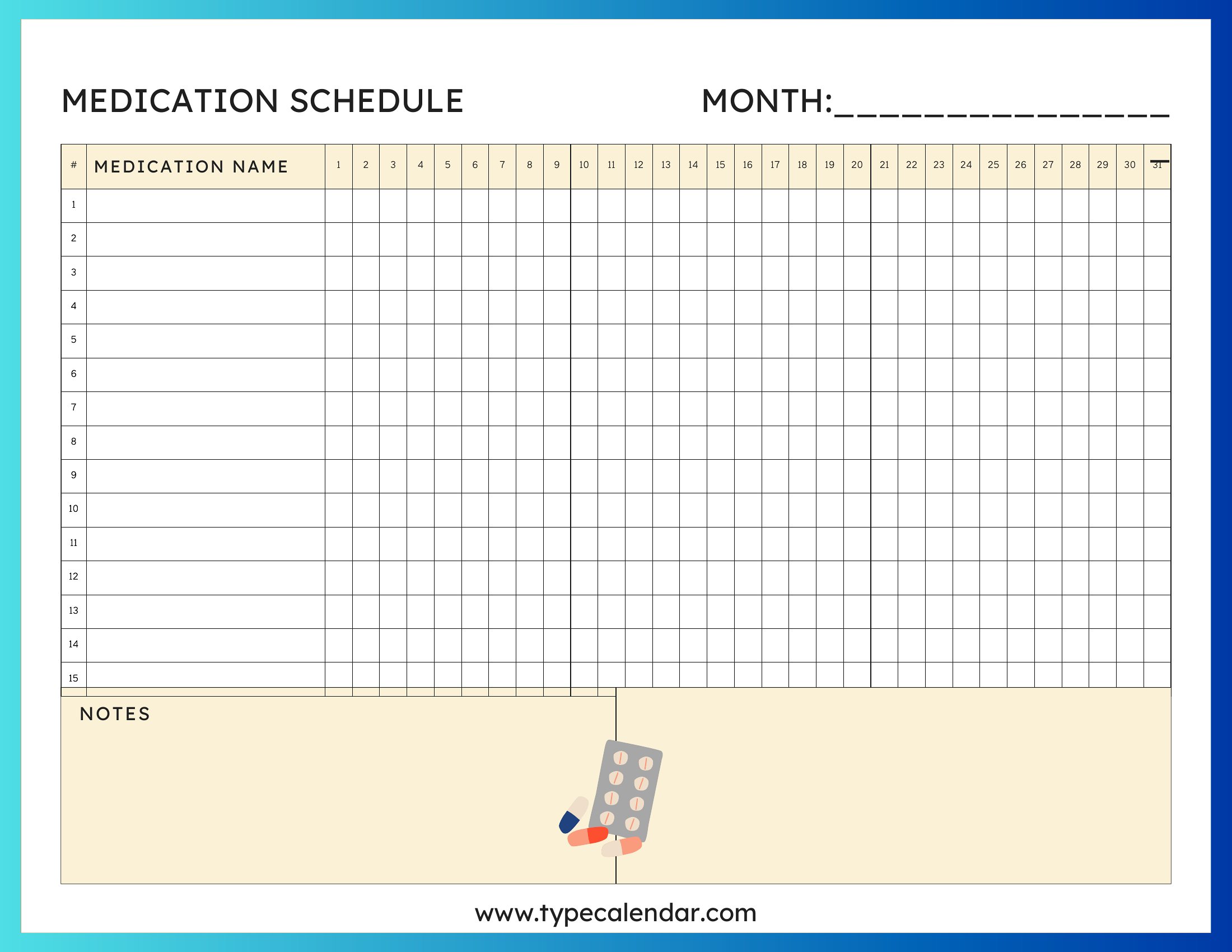
Medication Chart
How to use this Medication Schedule template
How can I add reminders or alerts to these medication schedule templates?
These templates are designed for tracking, not alerts. Pair the schedule with your phone’s alarm app—set recurring reminders tied to the times listed in your template. For more advanced tracking, combine the Word or Excel version with a habit-tracking app like Google Keep or Notion, where you can set notifications.
What’s the best way to organize medications if someone takes them at irregular intervals?
Use the Word or Excel format to create custom columns for notes, like ‘as needed’ or ‘after meals.’ Highlight irregular doses in yellow or red for quick reference. For printable versions, jot down exceptions in the ‘Notes’ section and keep the schedule near their medication supply.
Can I use these templates to track over-the-counter meds alongside prescriptions?
Yes, these templates include space for all medications. Label OTC meds clearly (e.g., ‘ibuprofen 200mg’) and note frequency. If combining with prescriptions could cause interactions, consult a pharmacist and add a ‘Pharmacist Review’ reminder to the template. Avoid relying solely on these templates for safety advice.
Comments
Join the conversation
Sign in to share your thoughts and leave a comment on this resource.