Free Critical Path Templates (Word, Excel, PDF)
ProjectTemplates

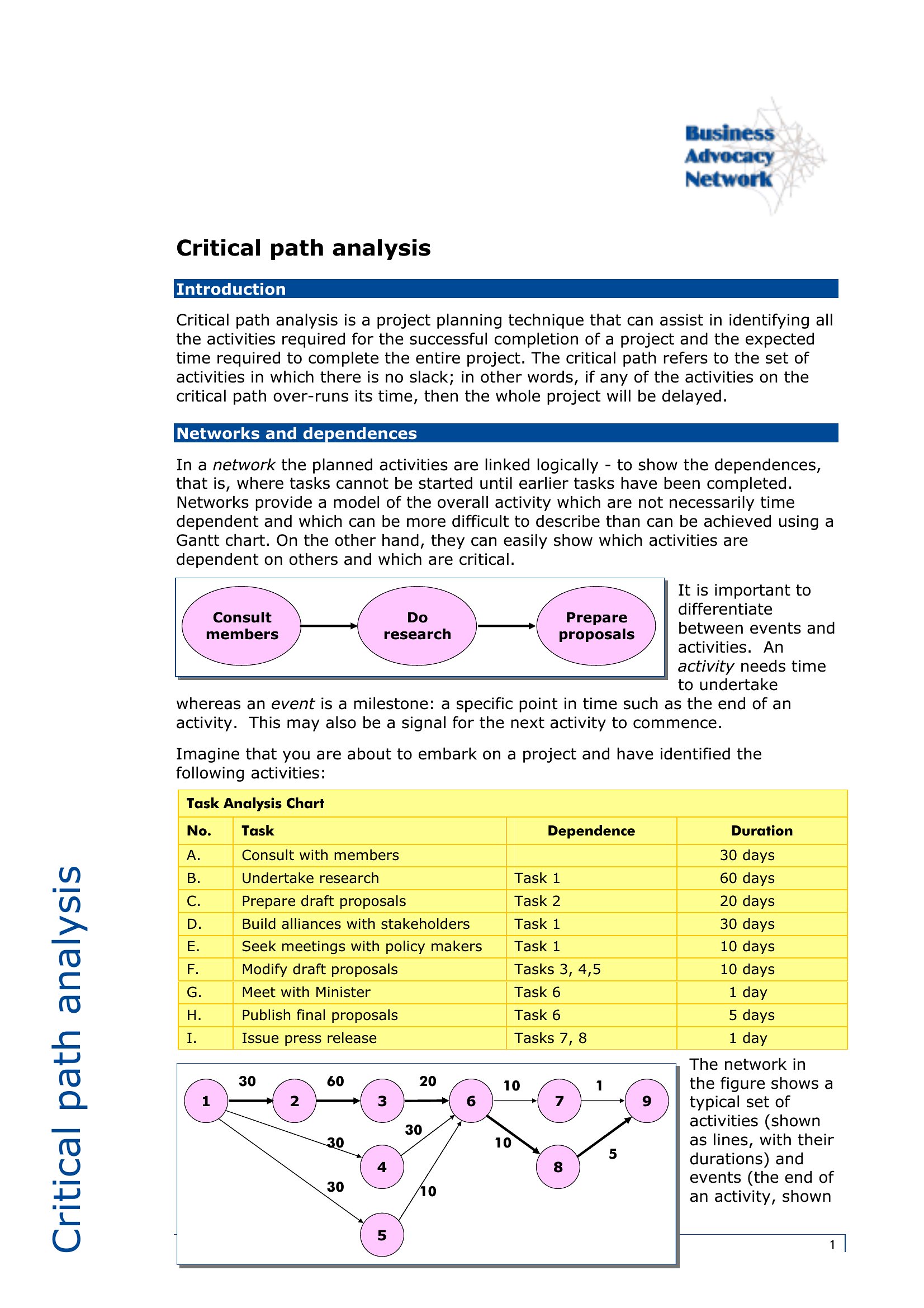
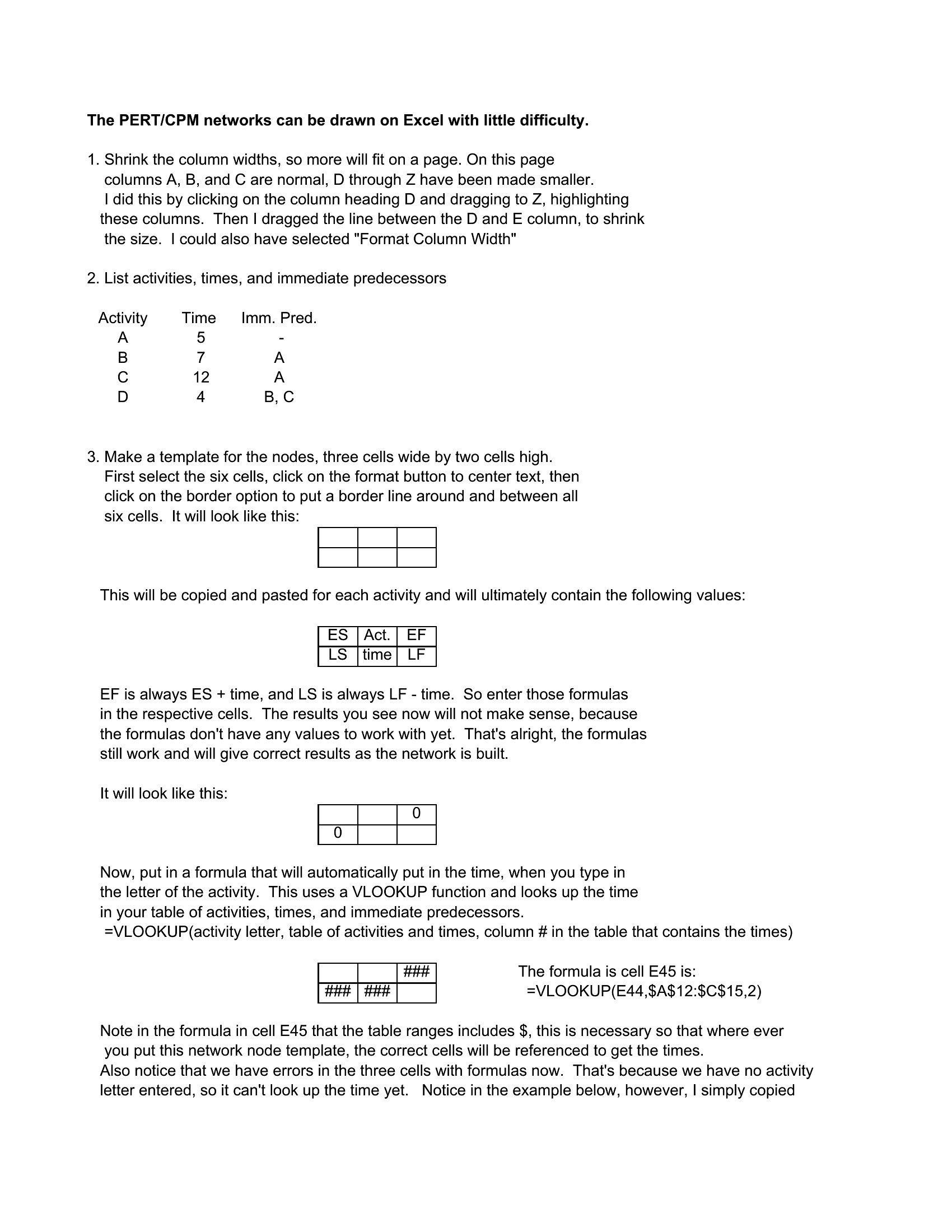

FAQ
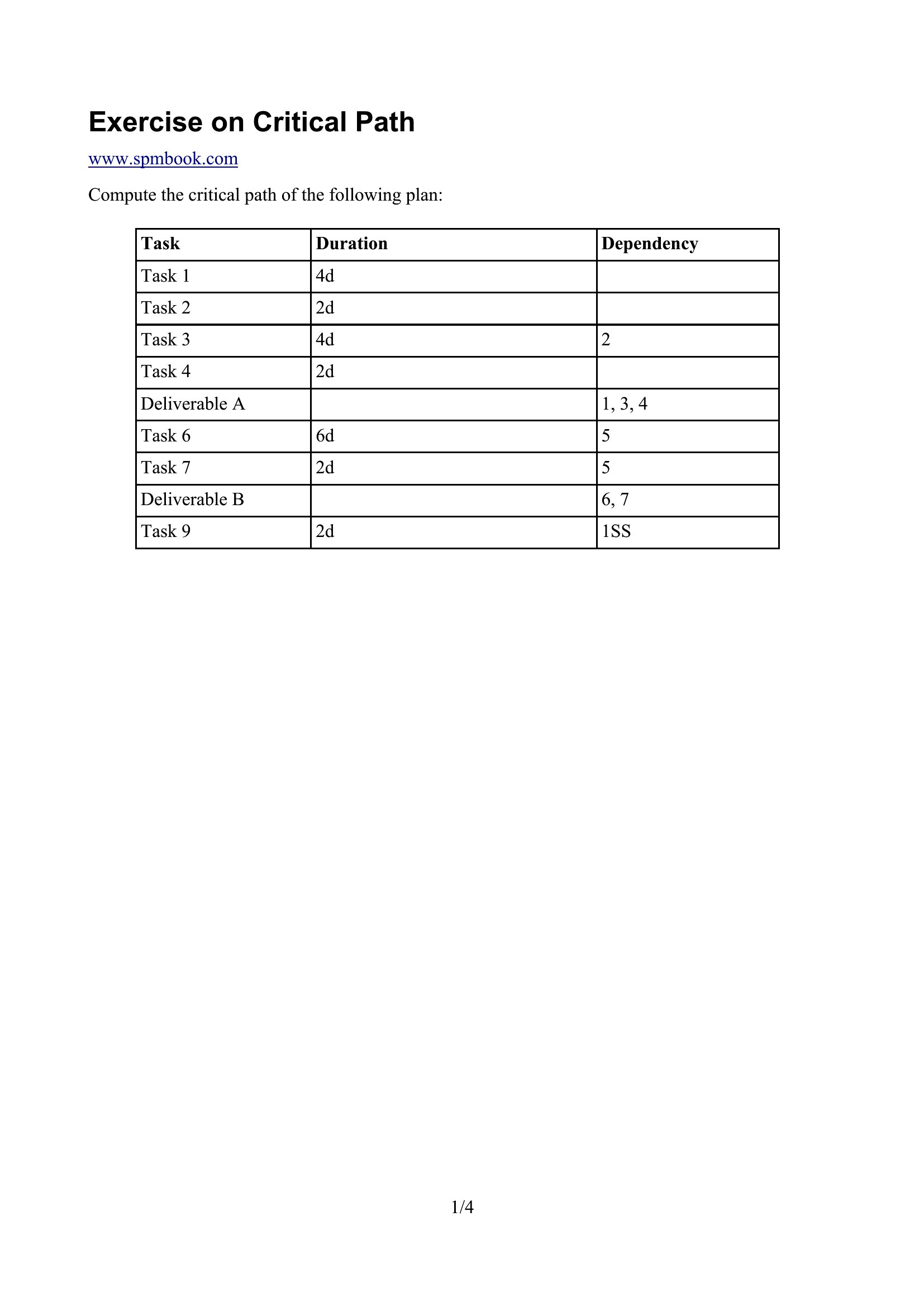
Can these templates help identify non-critical tasks that might be safely delayed without affecting the project end date?
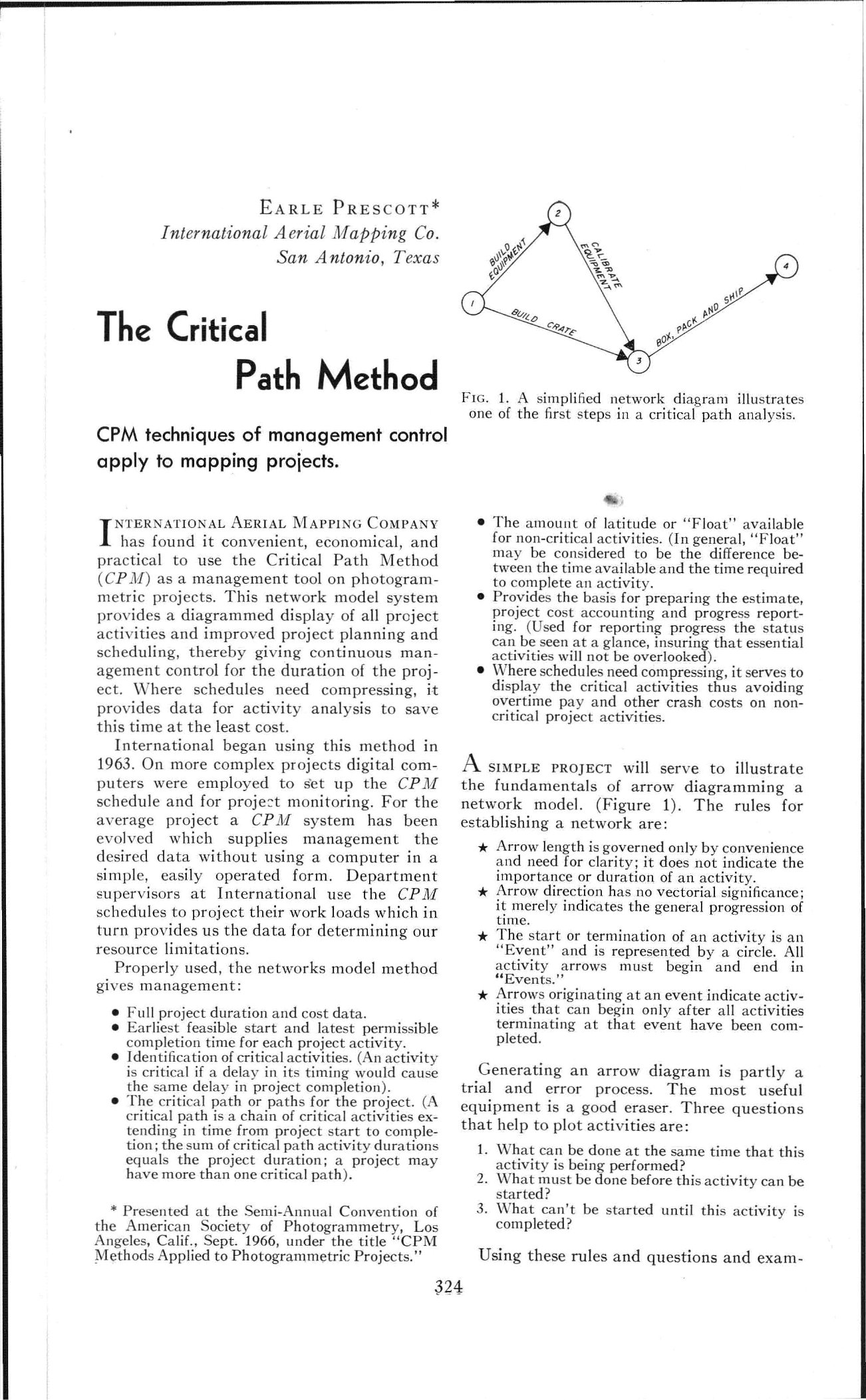
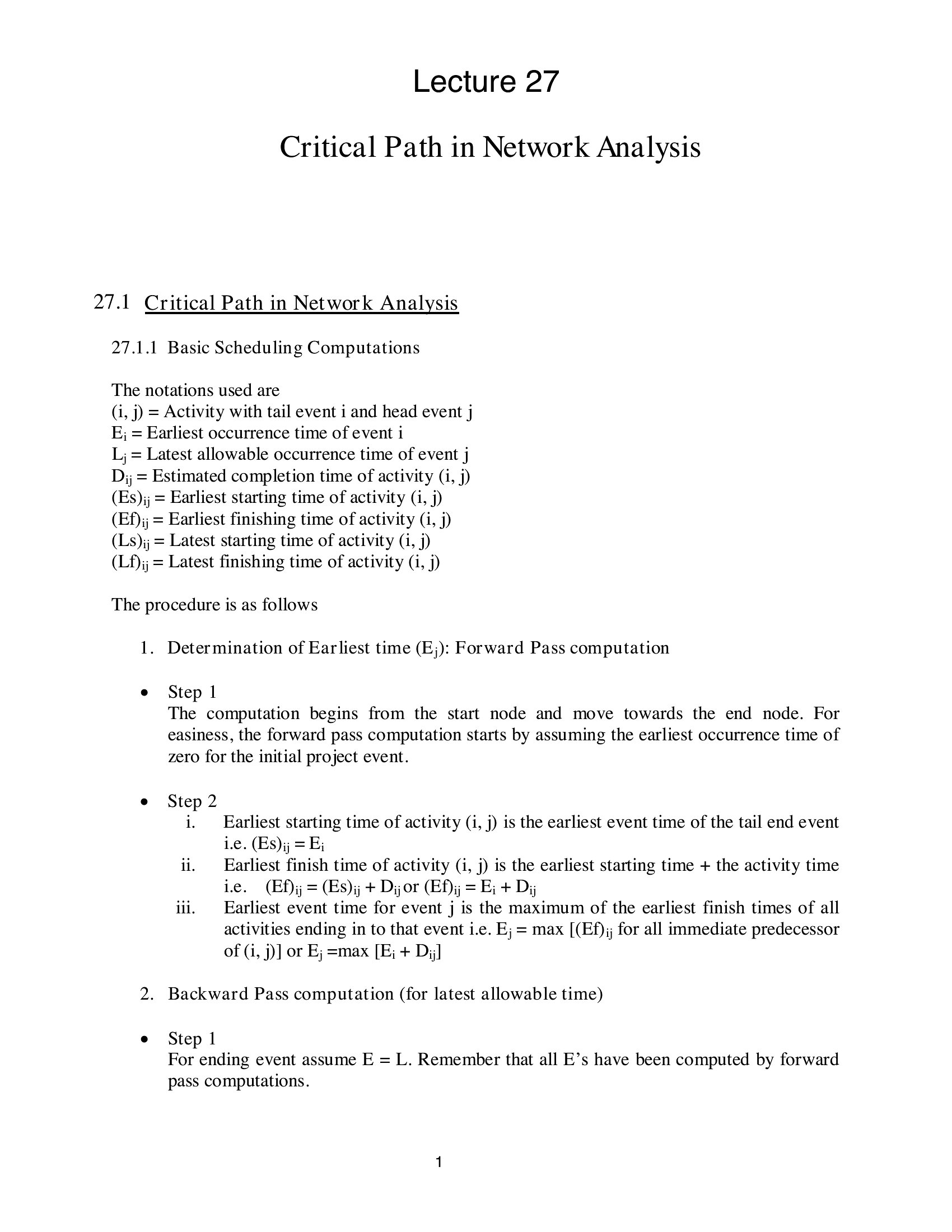
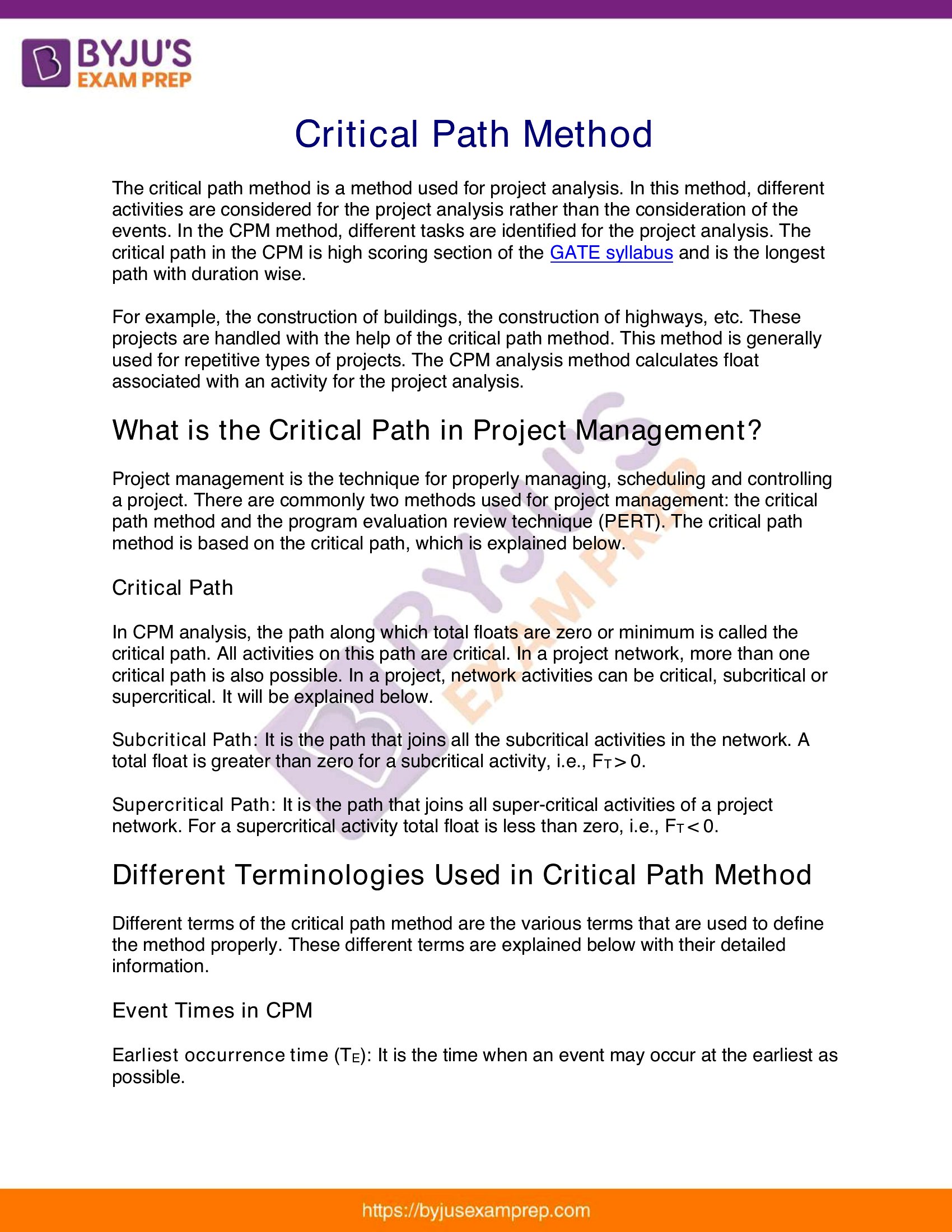
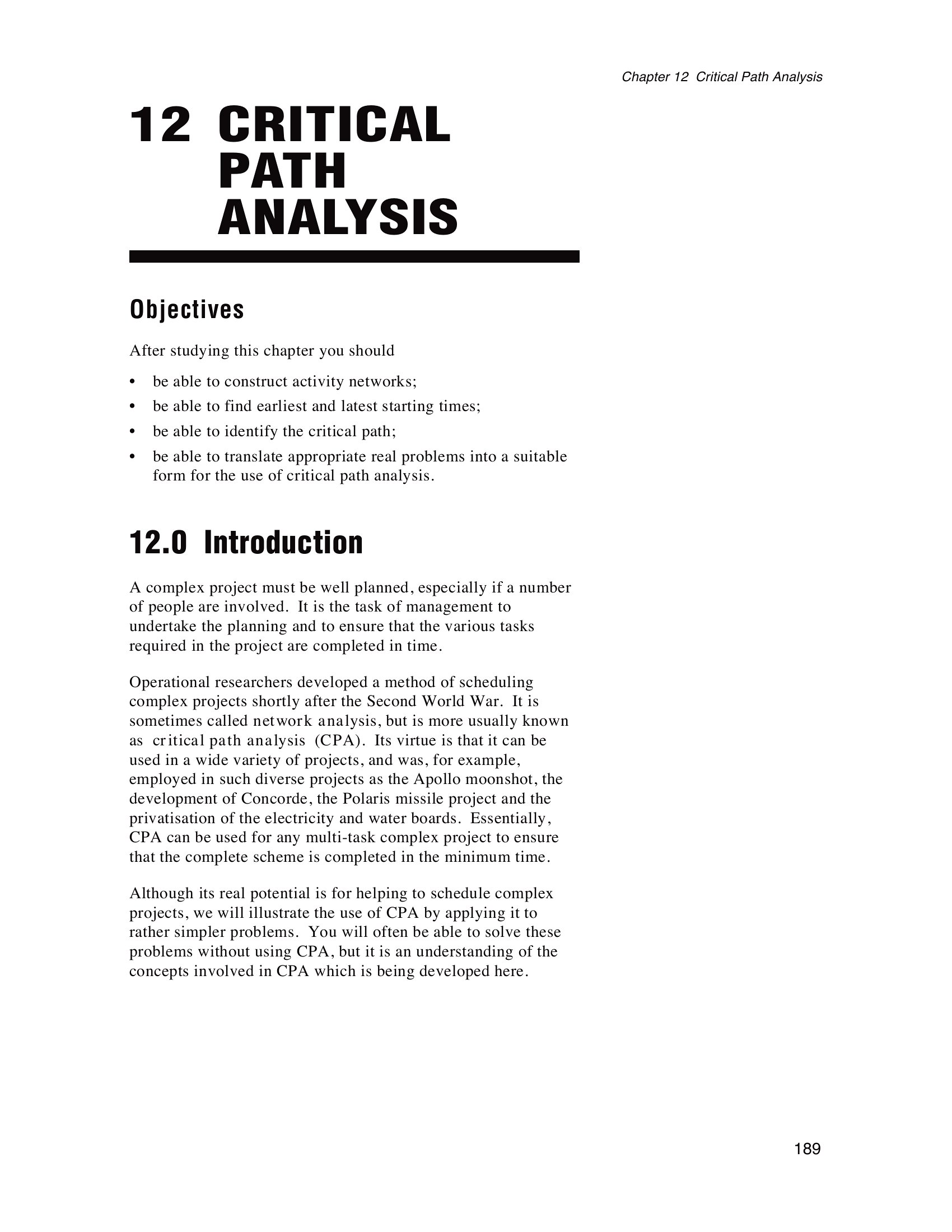
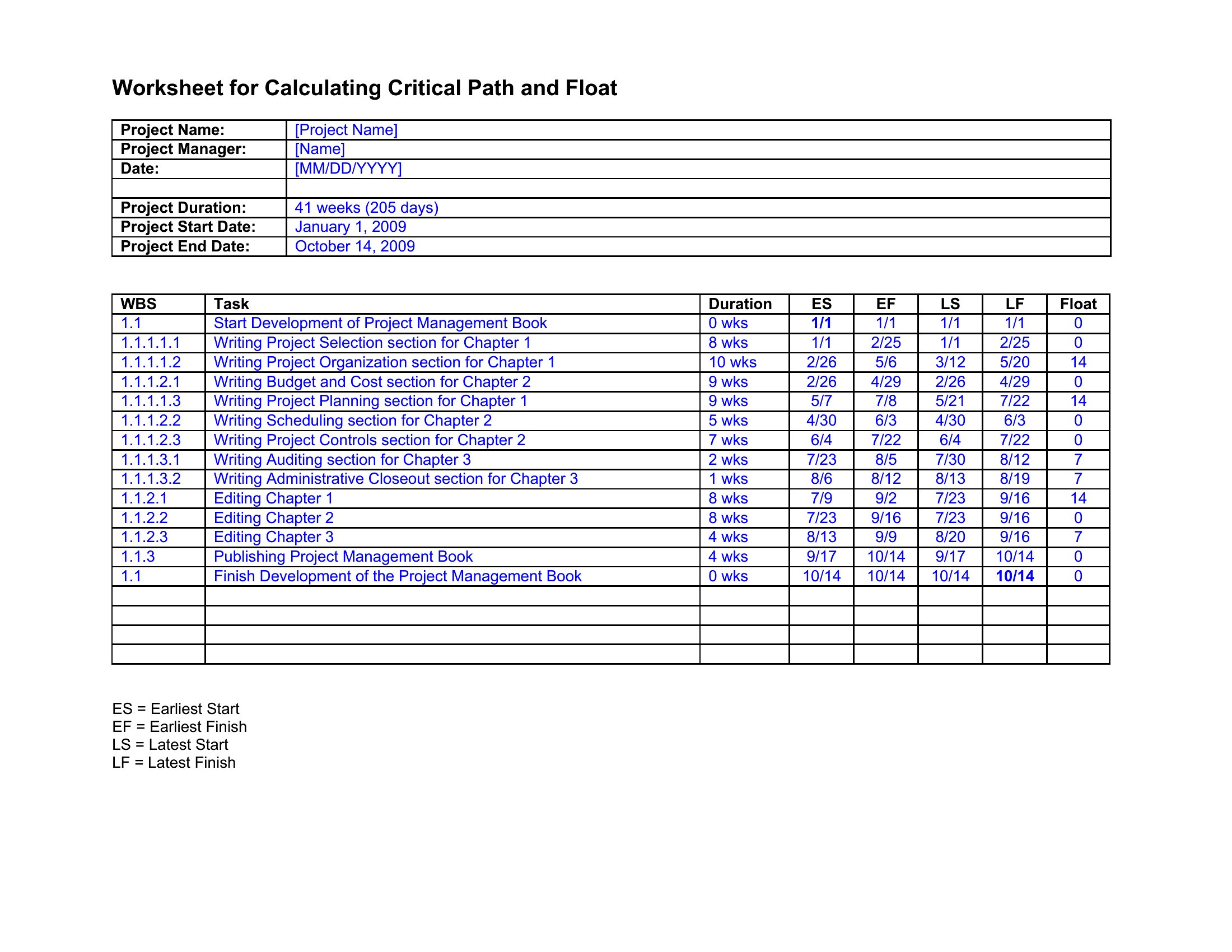
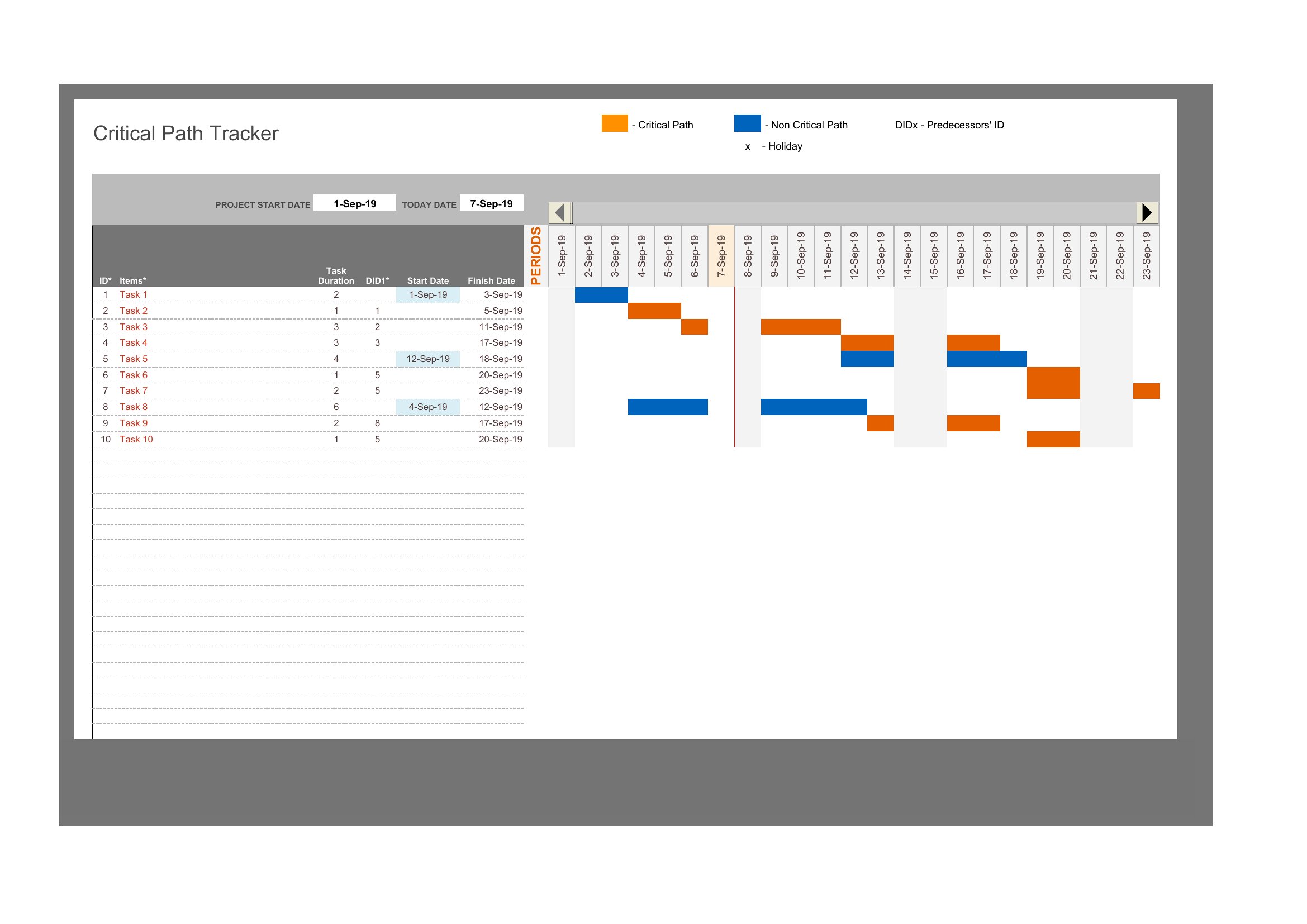
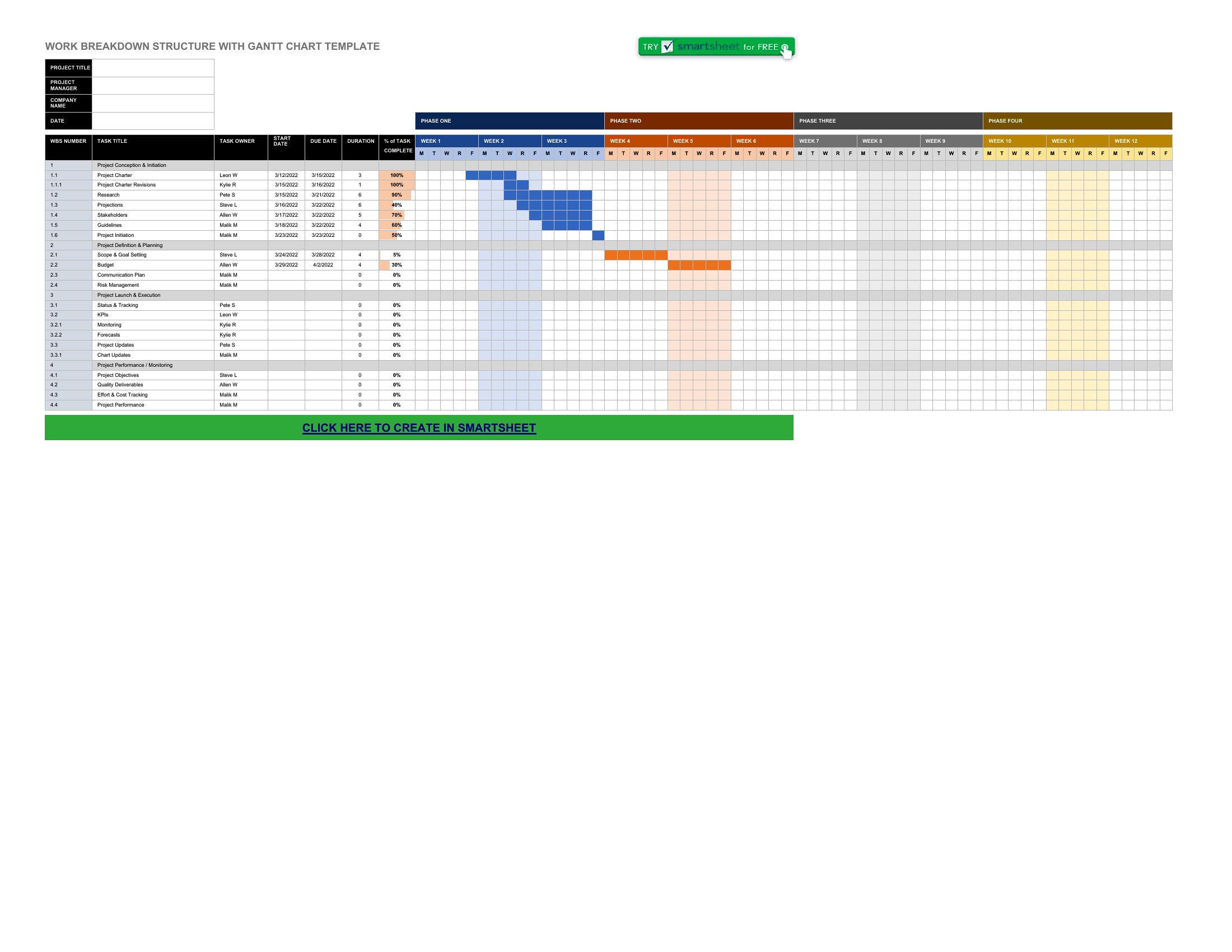
Yes, all templates in this collection include slack time calculations, which highlight non-critical tasks. In Excel and Word formats, you’ll see visual cues (like grayed-out bars or zero-duration floats) marking tasks with buffer time. Focus on these to reallocate resources without risking delays to the critical path.
What if my project has overlapping phases with shared dependencies, like construction and interior design in a renovation?
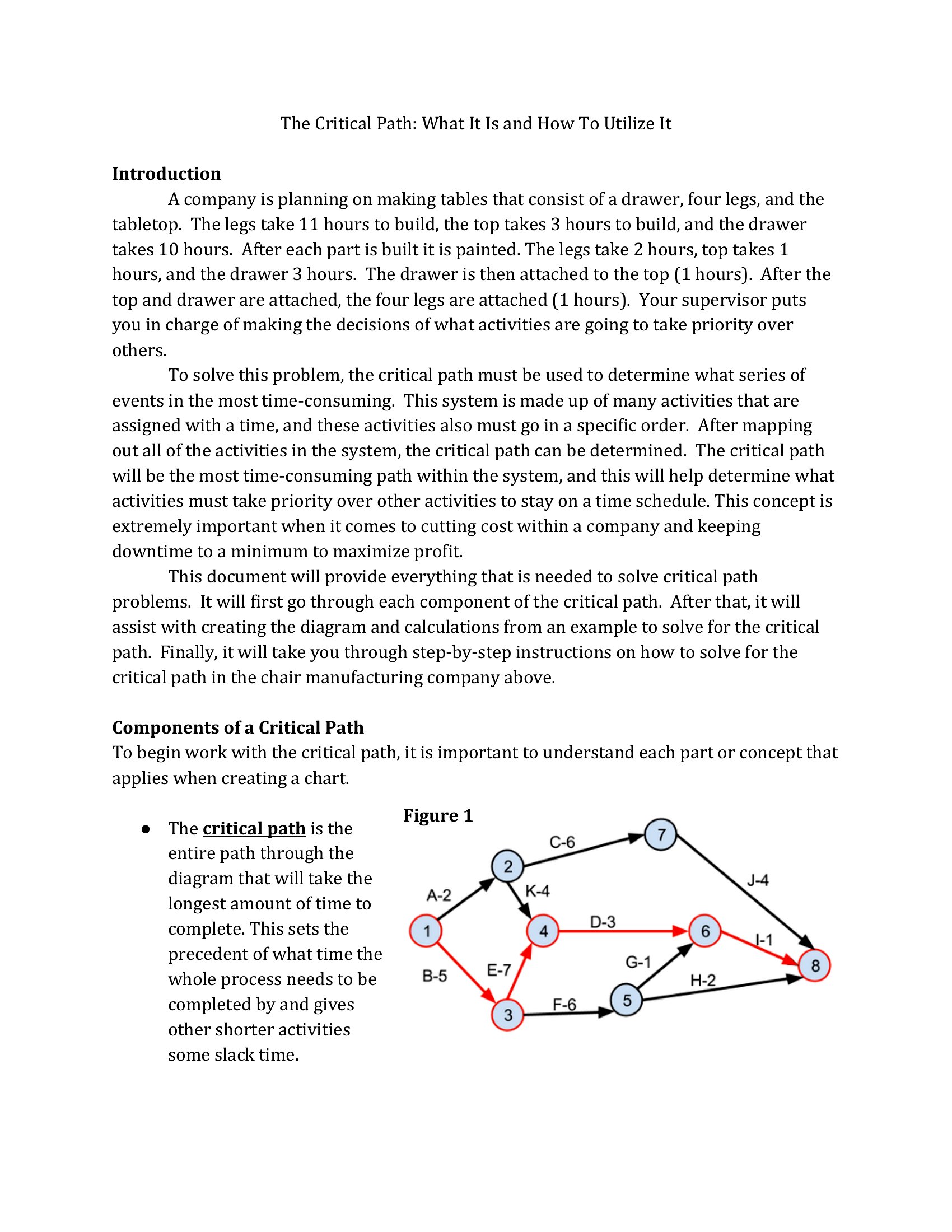
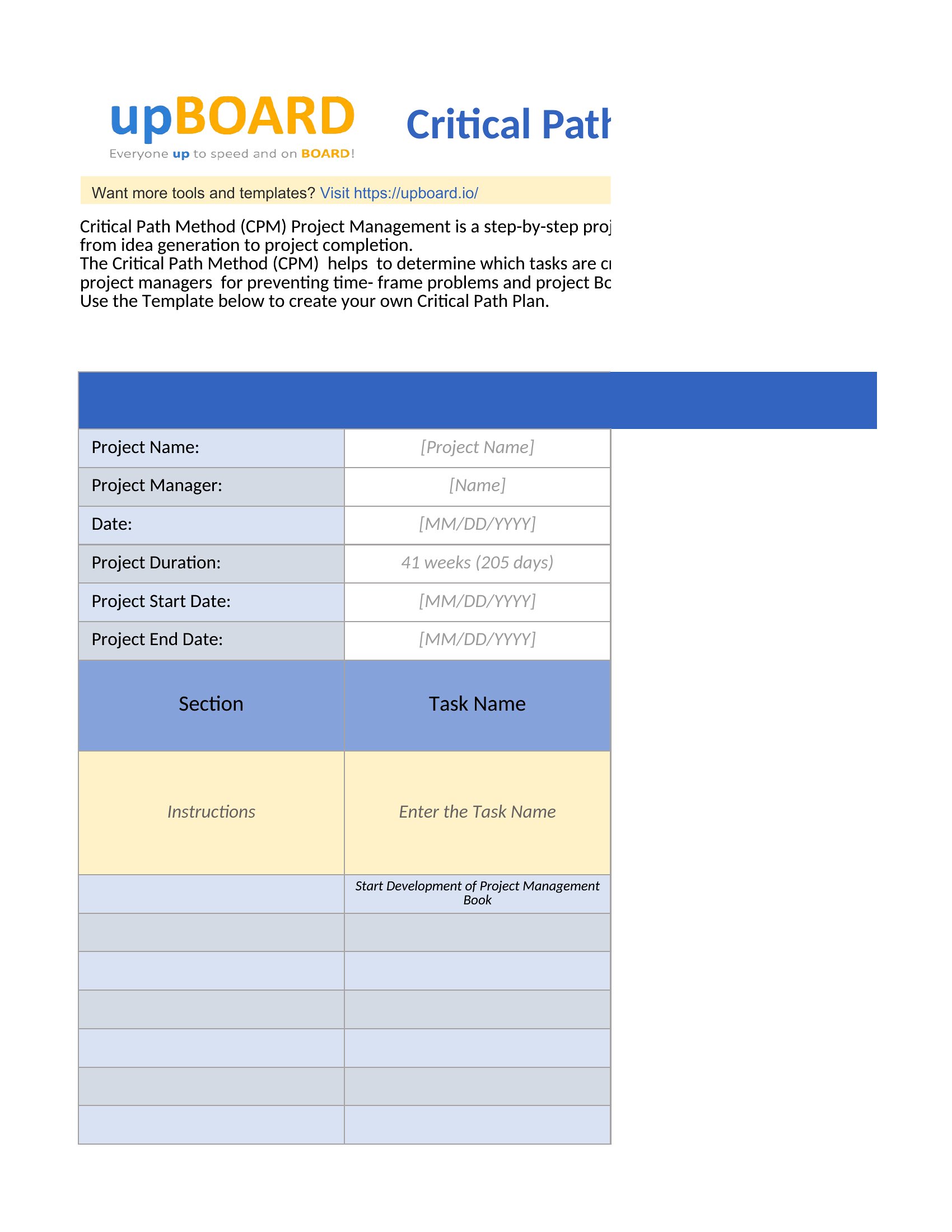
These templates support complex dependencies, including start-to-start or finish-to-start relationships with lags. In Excel, use the dependency dropdowns to link tasks between phases, and the critical path will auto-adjust to reflect realistic sequencing. For Word or PDF, manually map dependencies in the diagram section and verify the longest path visually.
How do I account for tasks with uncertain durations, like ‘awaiting vendor approval’ or ‘pending regulatory sign-off’?
Add these tasks as fixed-duration placeholders (e.g., 1 day) and note them in the task description. In Excel, use conditional formatting to flag them, or assign them to a separate ‘risk’ category. The critical path will still calculate, but you’ll spot these uncertainties early. For Word/PDF, highlight them in red to prompt follow-up discussions during planning meetings.
Comments
Join the conversation
Sign in to share your thoughts and leave a comment on this resource.