Premium
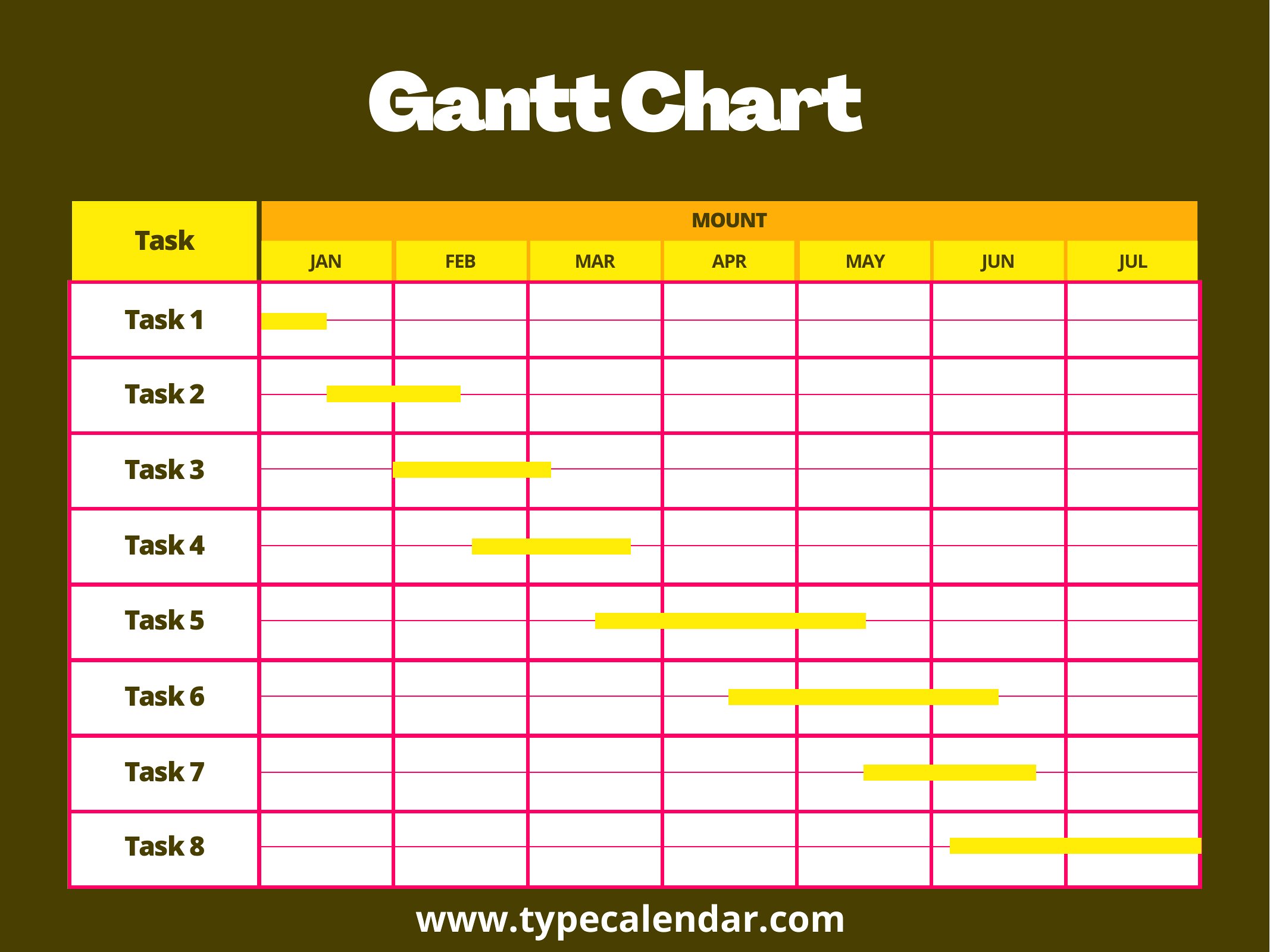
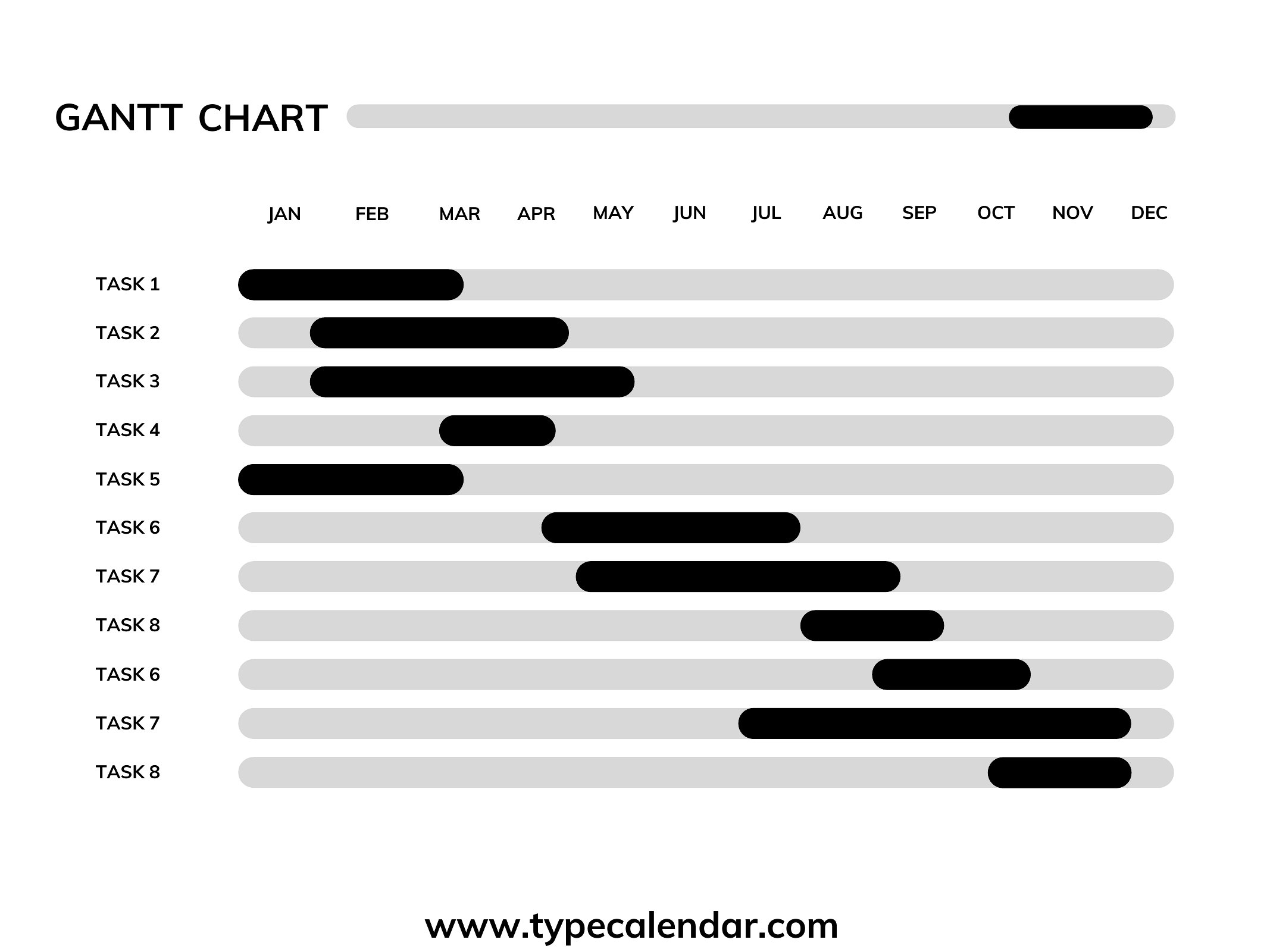
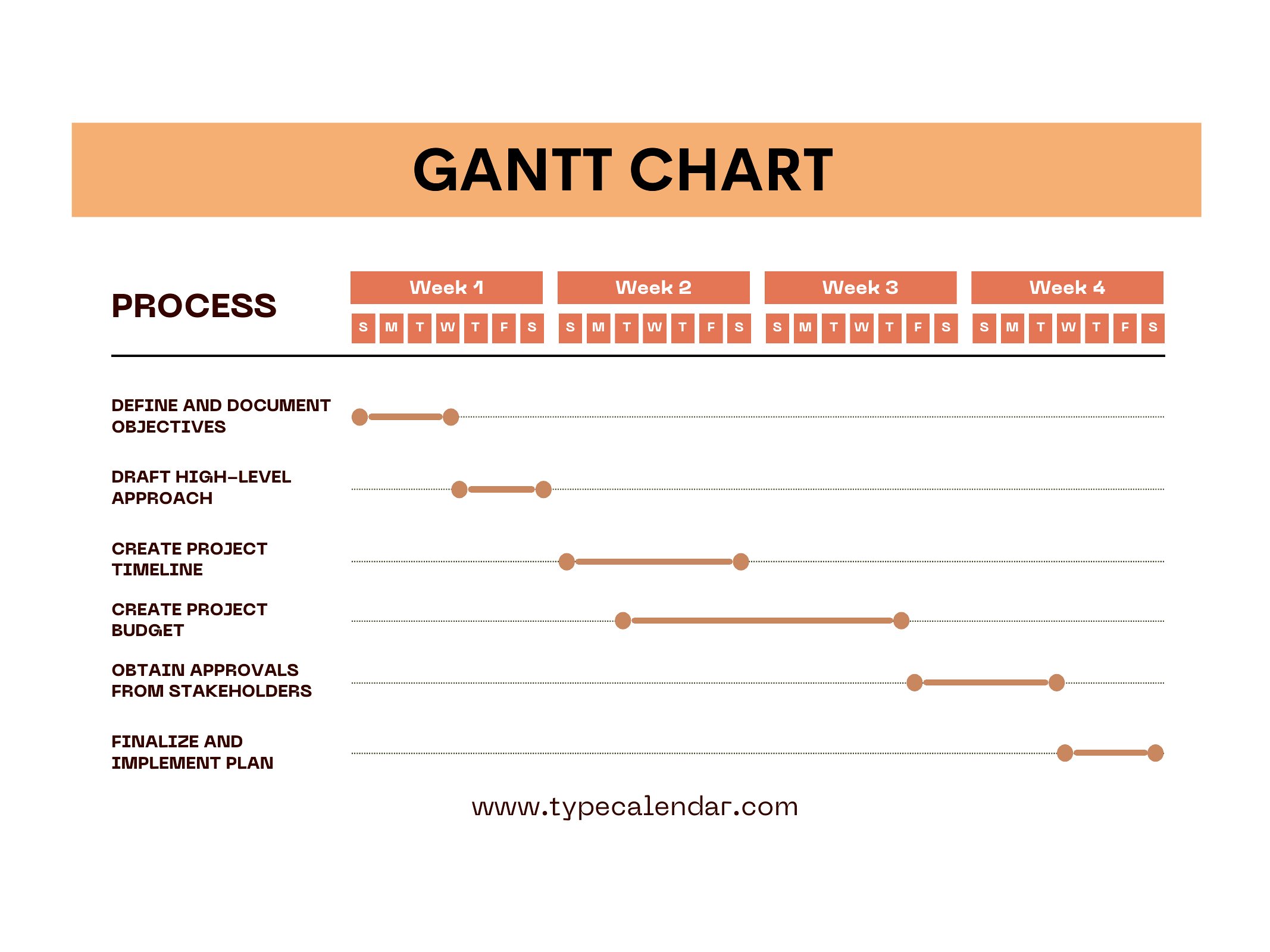
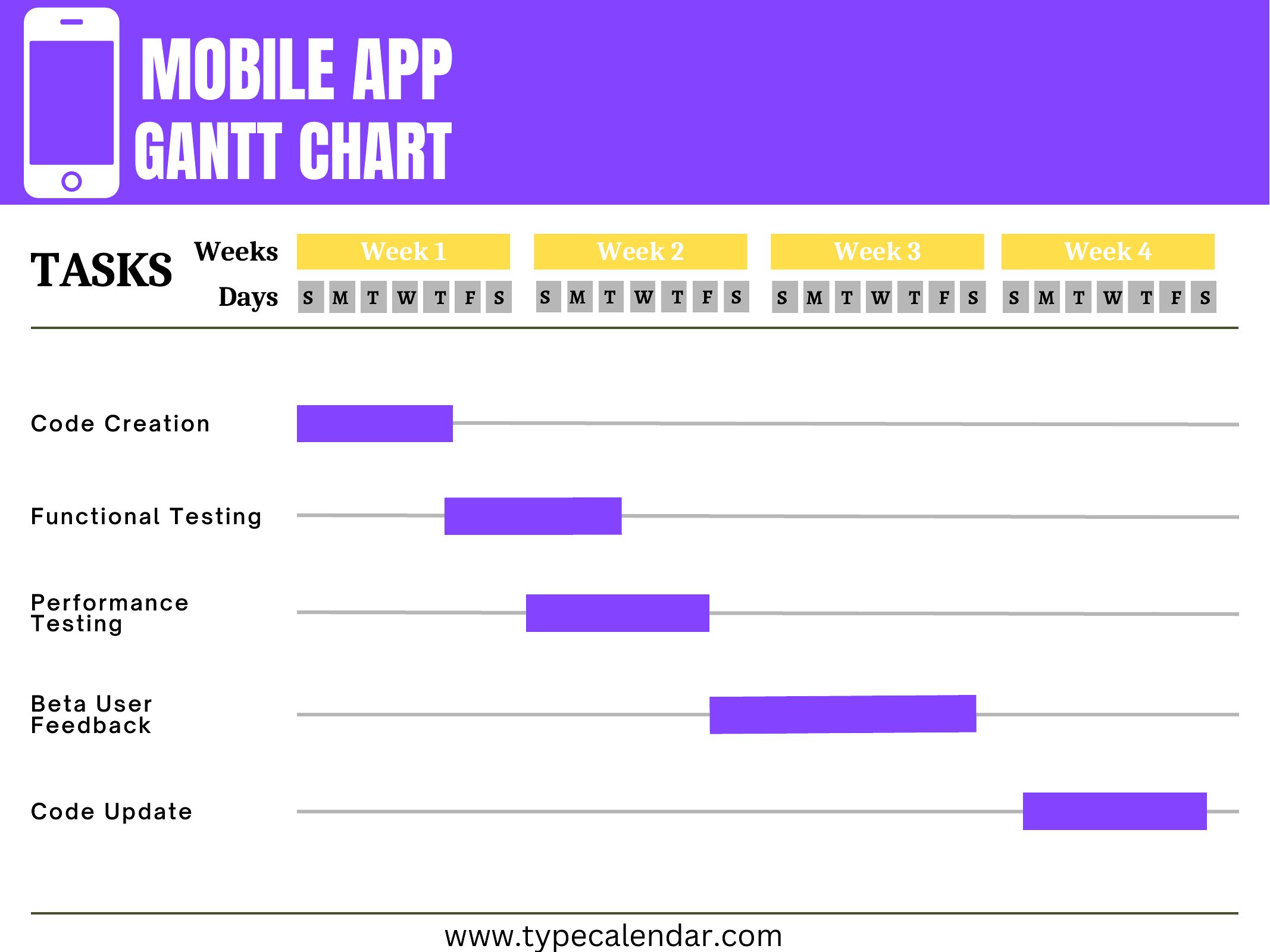
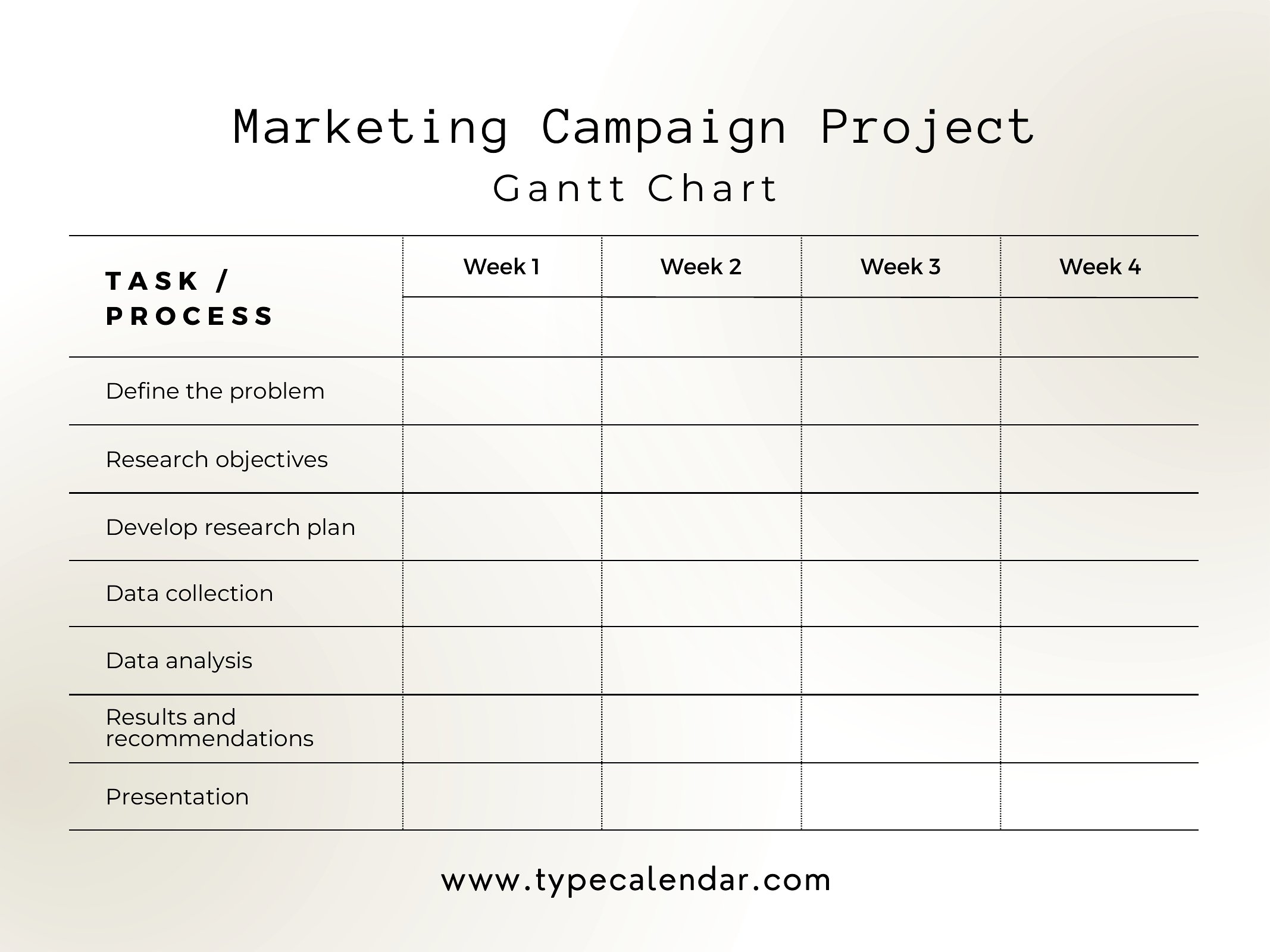
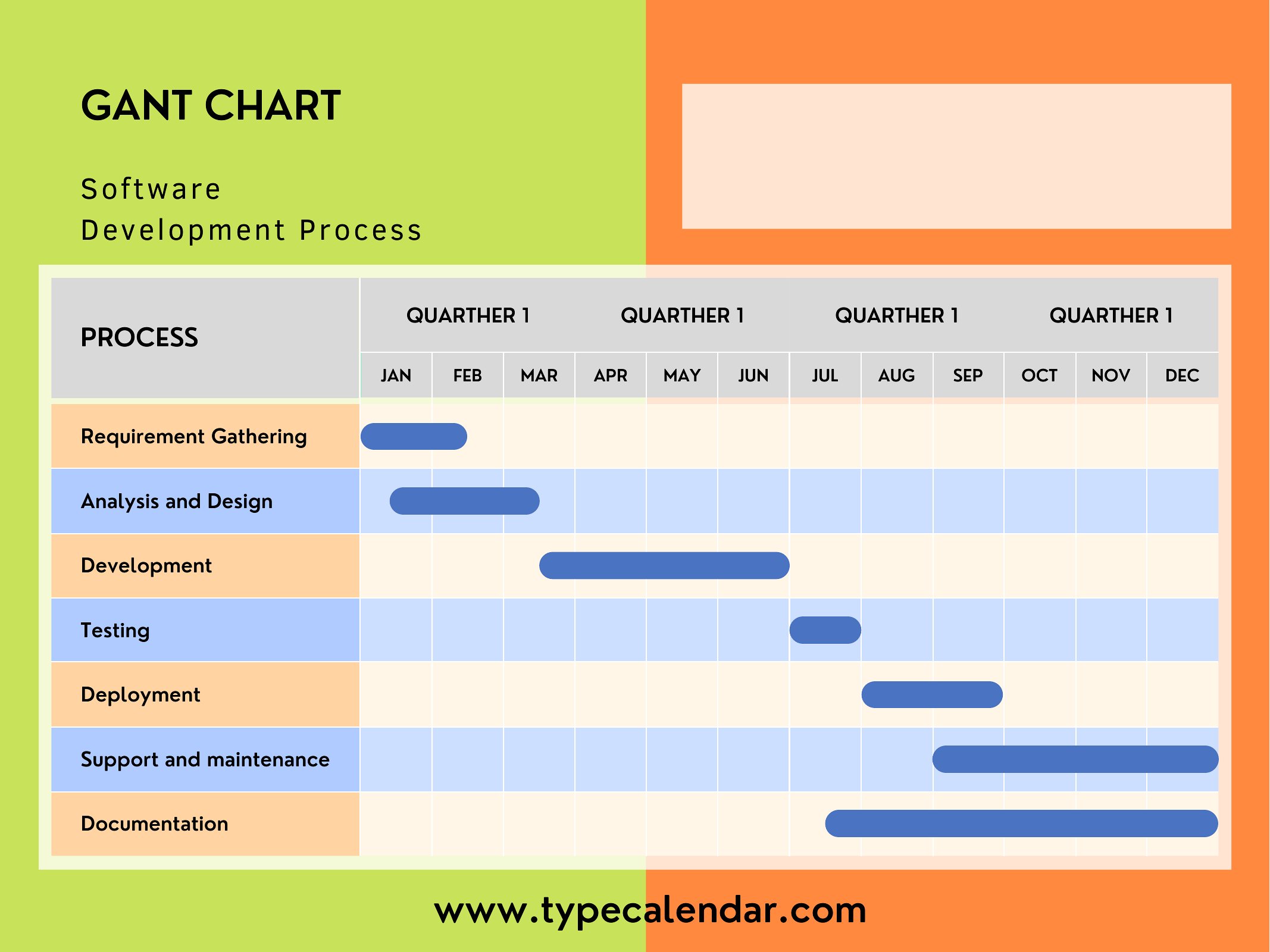
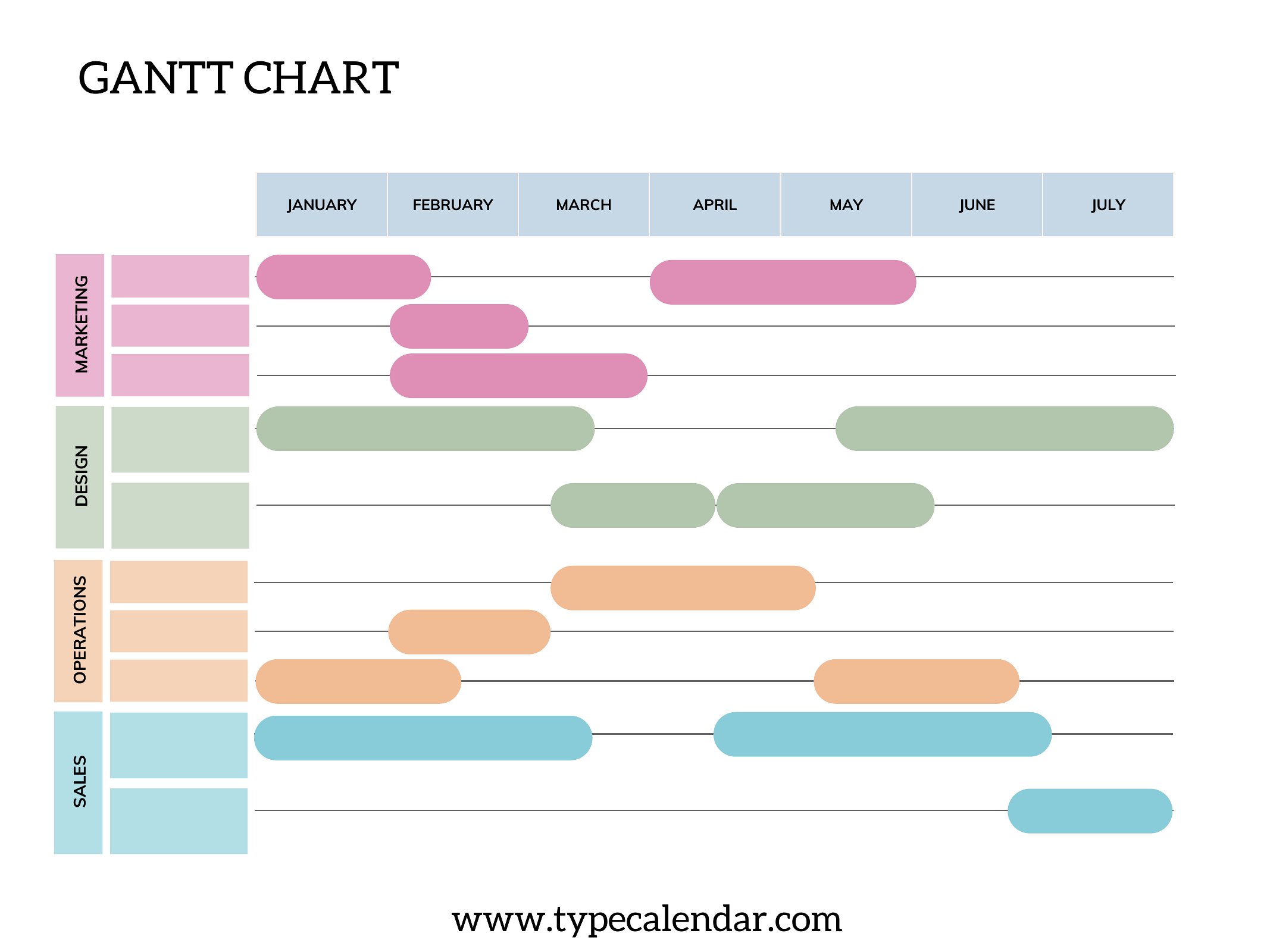
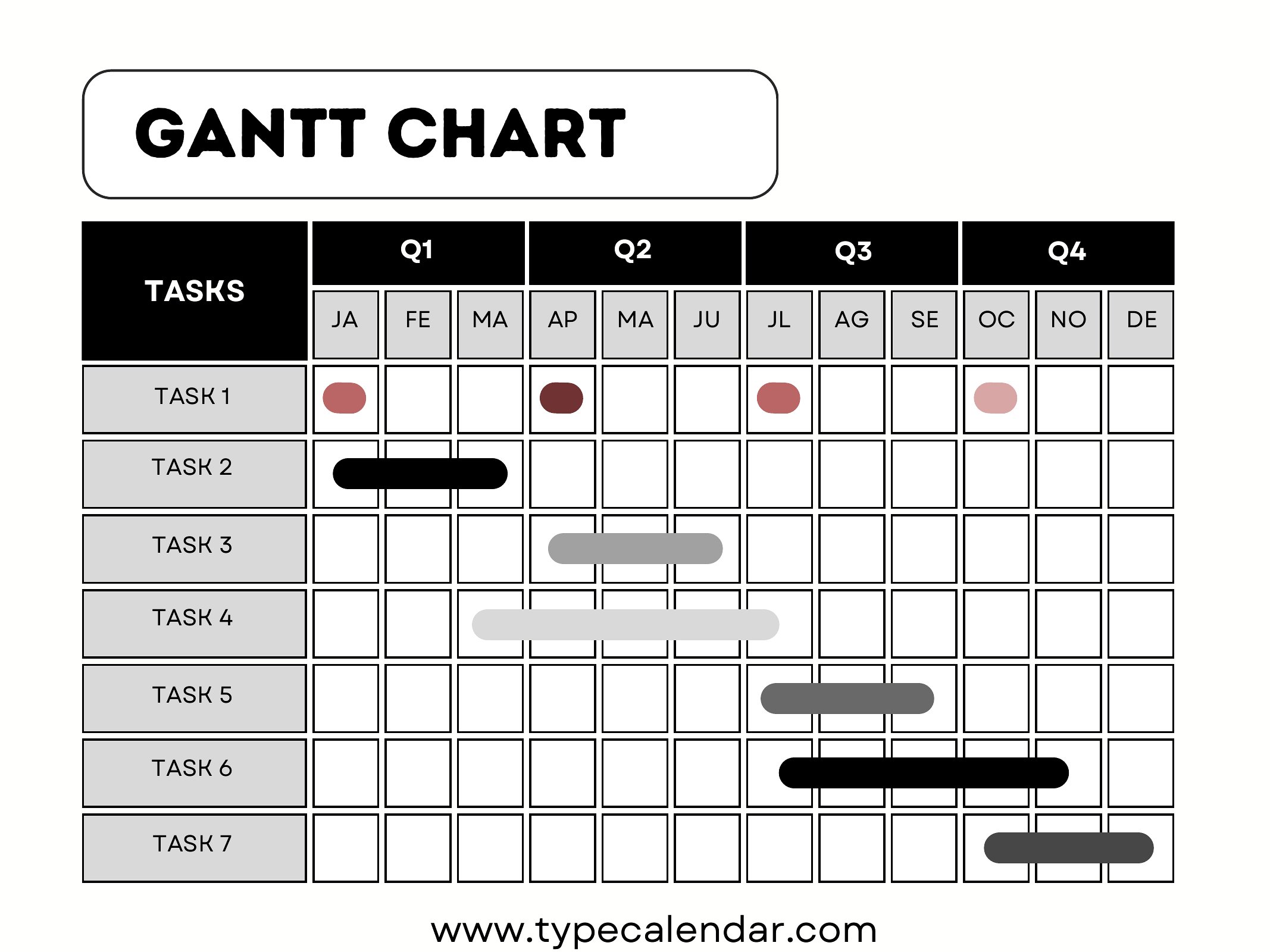
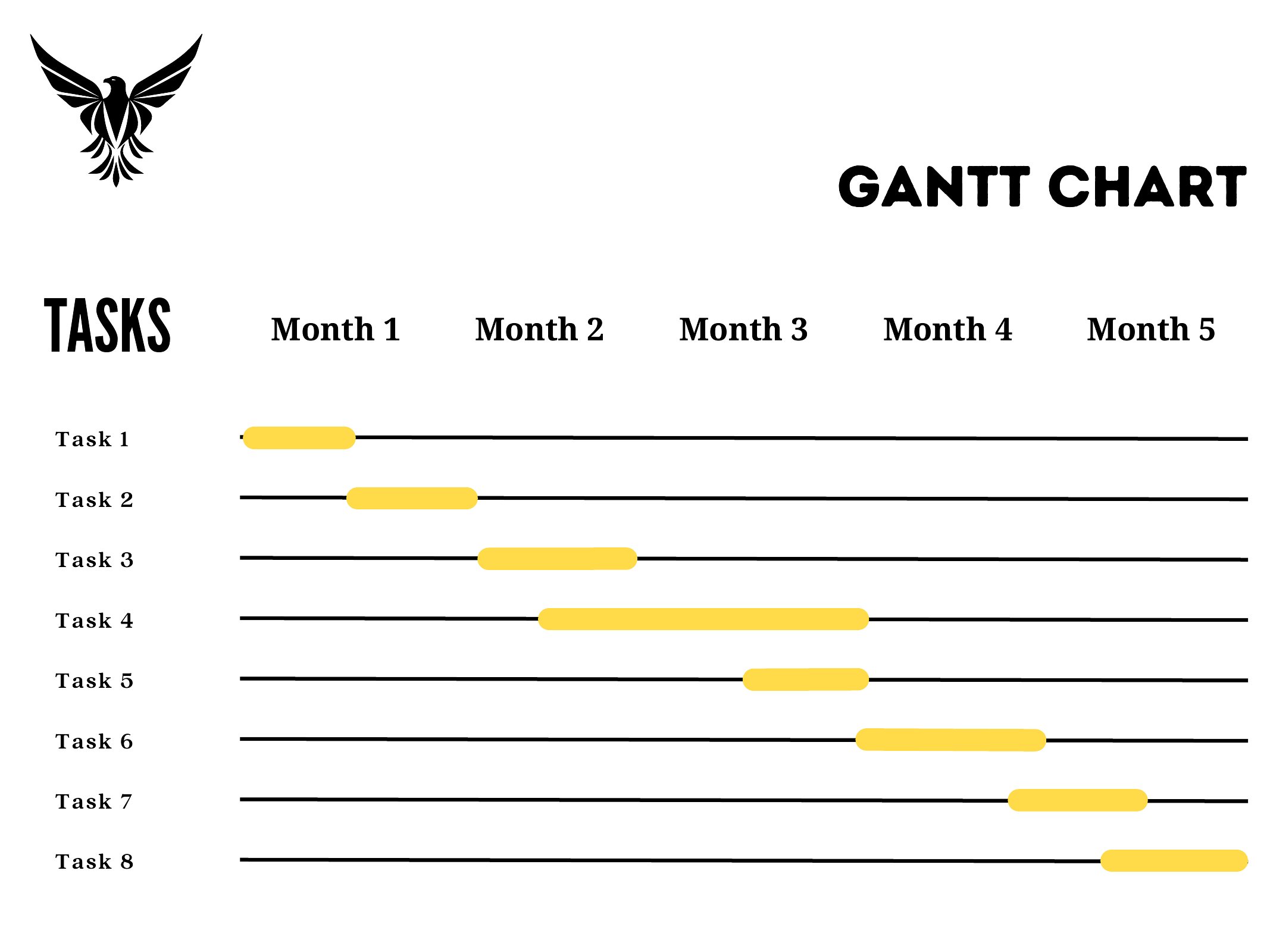
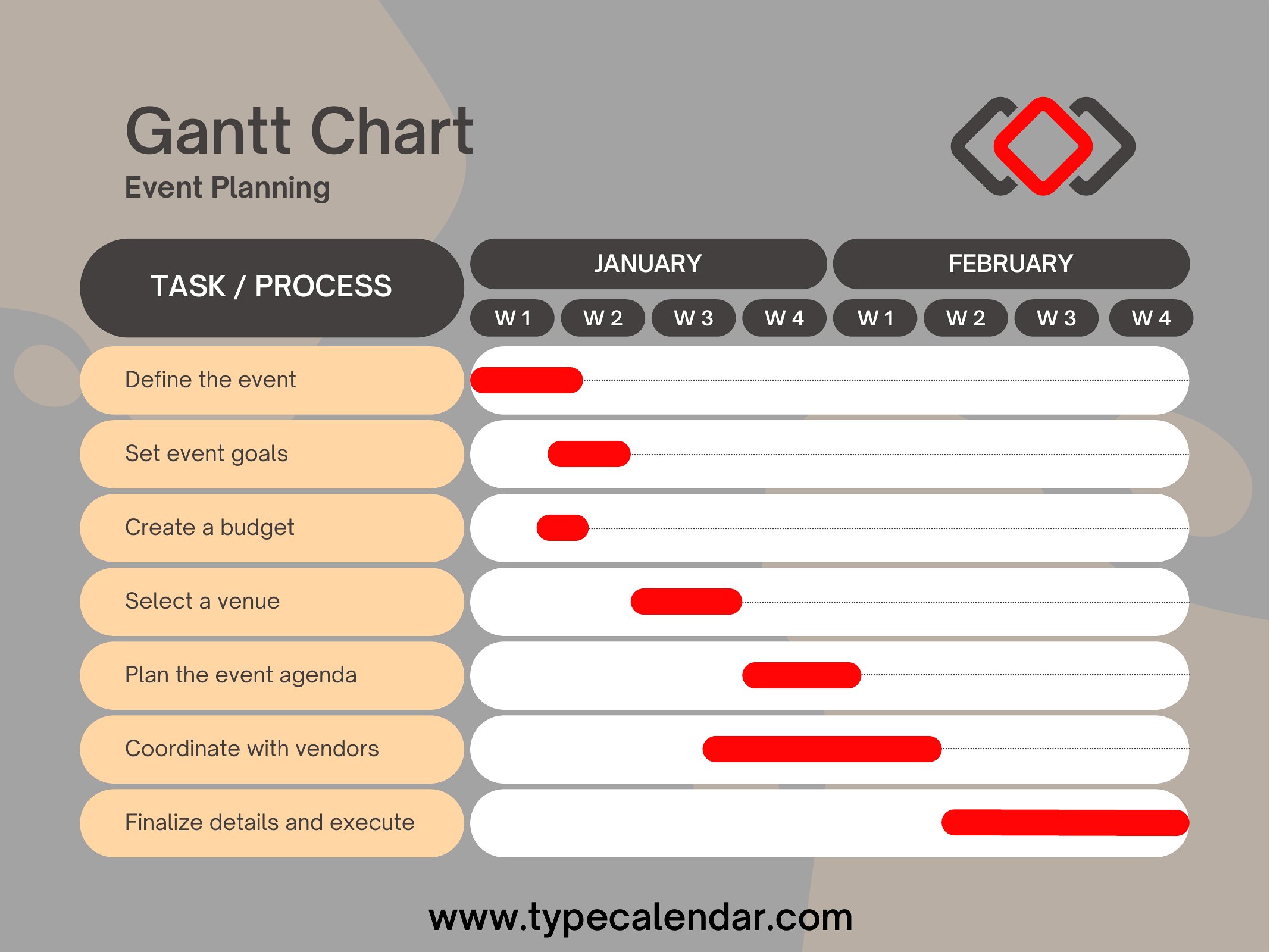
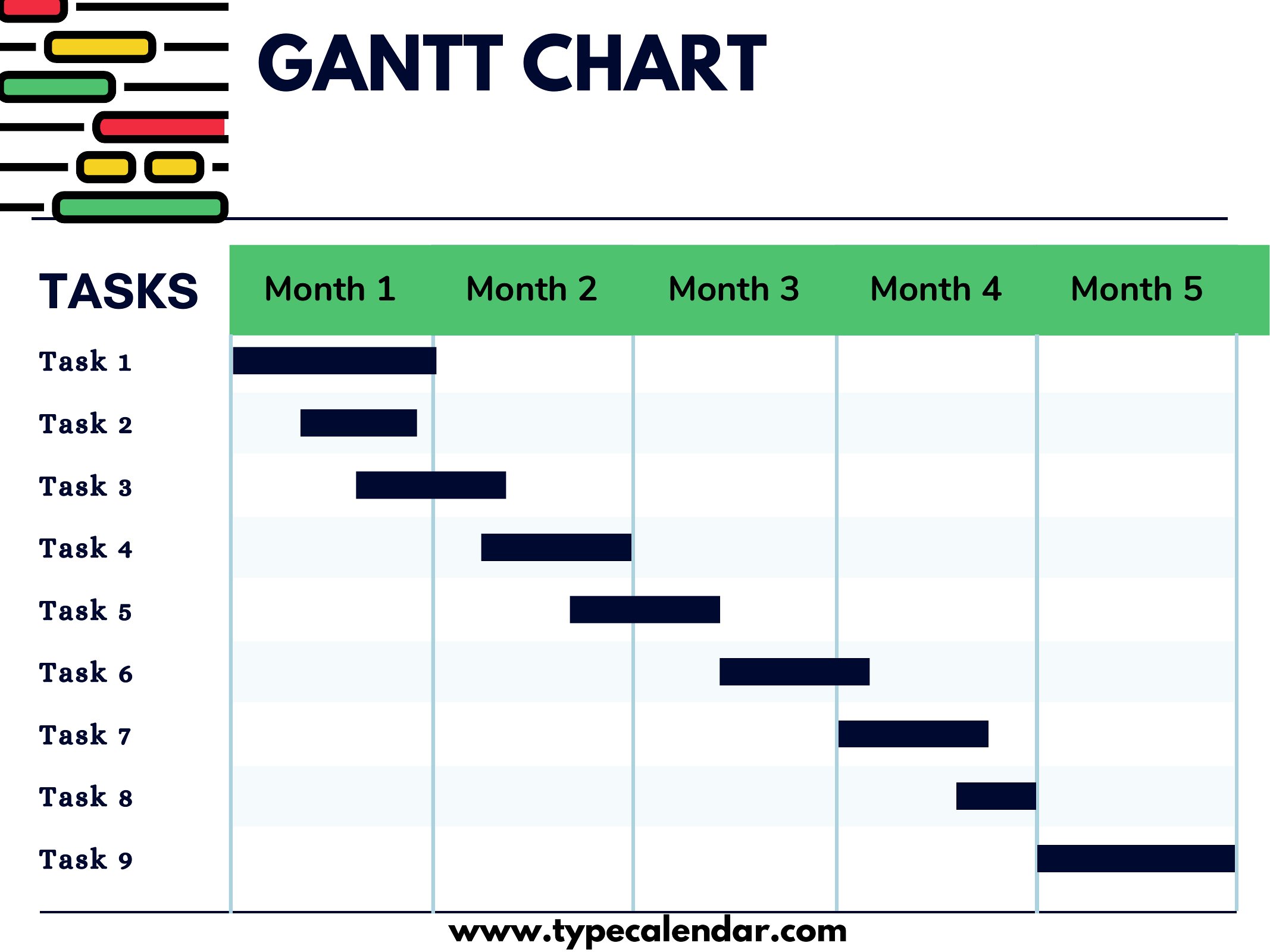
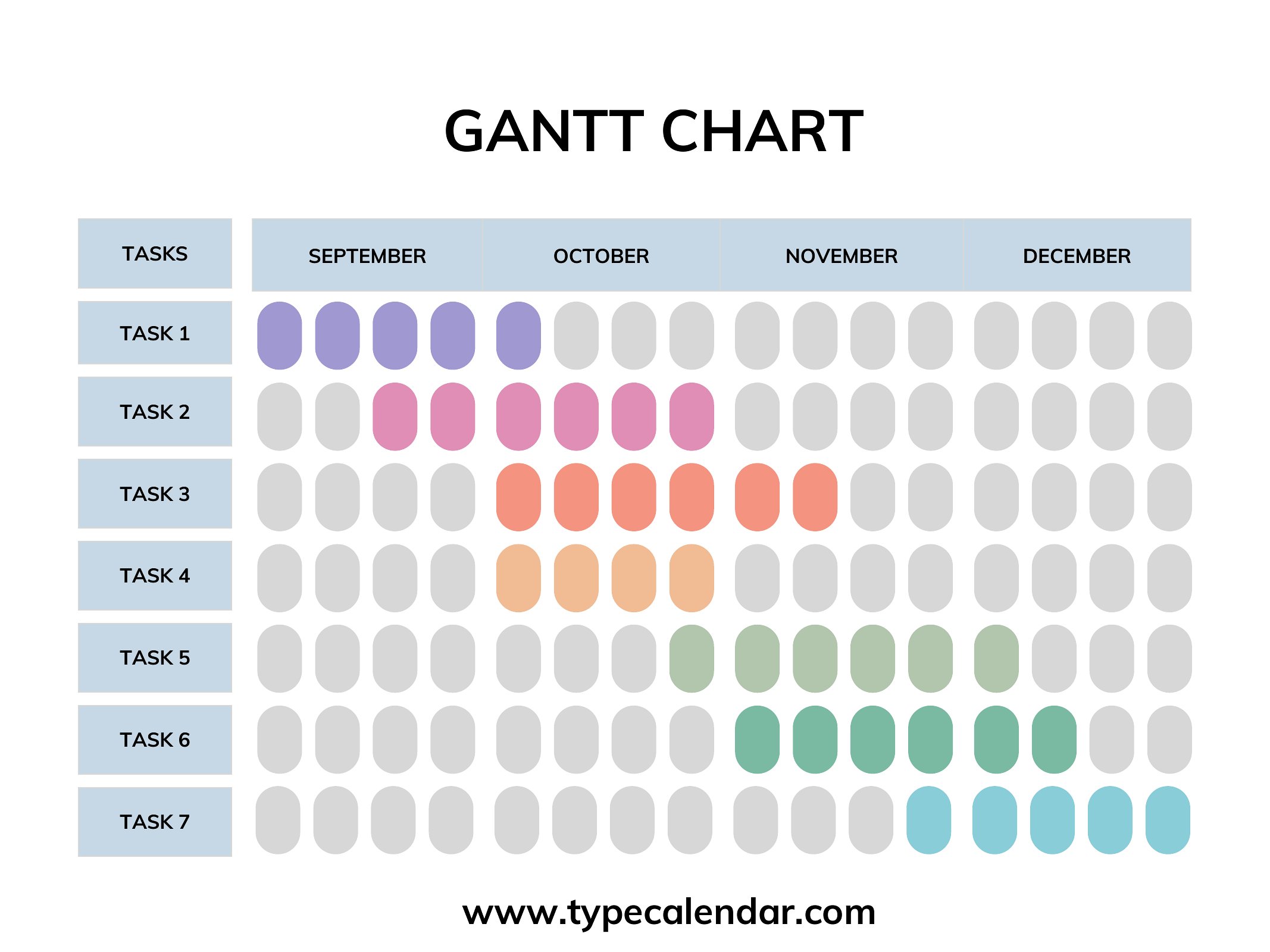
Free Gantt Chart Templates (PDF)
Project
•
808 views
Templates
FAQ
Can I adjust task durations or dependencies after downloading the PDF?
PDFs are static, so you’ll need to recreate or edit the timeline in a tool like Excel or Google Sheets if adjustments are required. For flexibility, start with a blank editable Gantt template before finalizing as PDF.
How do I handle projects with recurring tasks, like weekly team meetings or biweekly reports?
Use the blank Gantt templates to manually repeat tasks across the timeline or note them as placeholders. For automated recurrence, recreate the chart in a spreadsheet program after using the PDF for initial planning.
Are these templates suitable for tracking personal goals alongside work projects, like fitness or learning a skill?
Yes, the blank Gantt templates work well for personal projects—simply label tasks (e.g., ‘Study 1 hour,’ ‘Gym 3x/week’) and set durations. Use the PDF to print and track progress visually, though spreadsheets offer more dynamic updates.
Comments
Join the conversation
Sign in to share your thoughts and leave a comment on this resource.