Skip to content
50% off this one-time $1.99 pack with HALFOFF — or unlimited with Pro.HALFOFF
Premium

Free Team Charter Templates (Word, PDF)

Project
constancefournier by constancefournier
Updated 0 downloads Quality-checked template

A team charter gets everyone aligned at the start of a project by writing down the mission, roles, ground rules, and goals before the work picks up speed. This focused set of 19 templates gives teams a shared reference point, so members know who's responsible for what and how decisions will be made. Project leads, scrum masters, and new departments can use one to build trust and avoid early misunderstandings.

The templates open in Word for easy editing and come as PDFs when you want a clean copy to share or post. Fill in your team's purpose, values, and working agreements, and you've got a document the whole group can sign on to. Pick the layout that fits your team and set the tone before kickoff.

When to use this Team Charter template

  • A cross-functional startup team launching their first product needs to clarify roles and decision-making before sprint planning begins. This charter ensures engineers, designers, and marketers align on priorities and communication norms before coding starts.
  • A newly formed hospital patient safety committee must define accountability for incident reporting and response protocols. The charter helps physicians, nurses, and administrators agree on workflows and escalation paths before high-pressure situations arise.
  • A university research lab with faculty, postdocs, and student assistants is about to begin a multi-year study. This template lets them document shared expectations for data ownership, publication credit, and lab meeting participation upfront.
  • A non-profit’s grant-funded initiative includes volunteers, board members, and local partners. The charter maps out who approves expenses, how progress reports will be shared, and conflict resolution steps to prevent misunderstandings during tight deadlines.

Which format should I download?

WordPDF

Word is ideal when your team needs to edit or collaborate on the charter after drafting it, such as adding names or revising roles. Choose PDF for a polished, final version to distribute widely—like sharing with stakeholders who shouldn’t edit the content. Since team charters often evolve, Word’s flexibility suits most drafting phases, while PDF works best for archiving or external sharing once agreed upon.

Choose from 19 Team Charter Templates

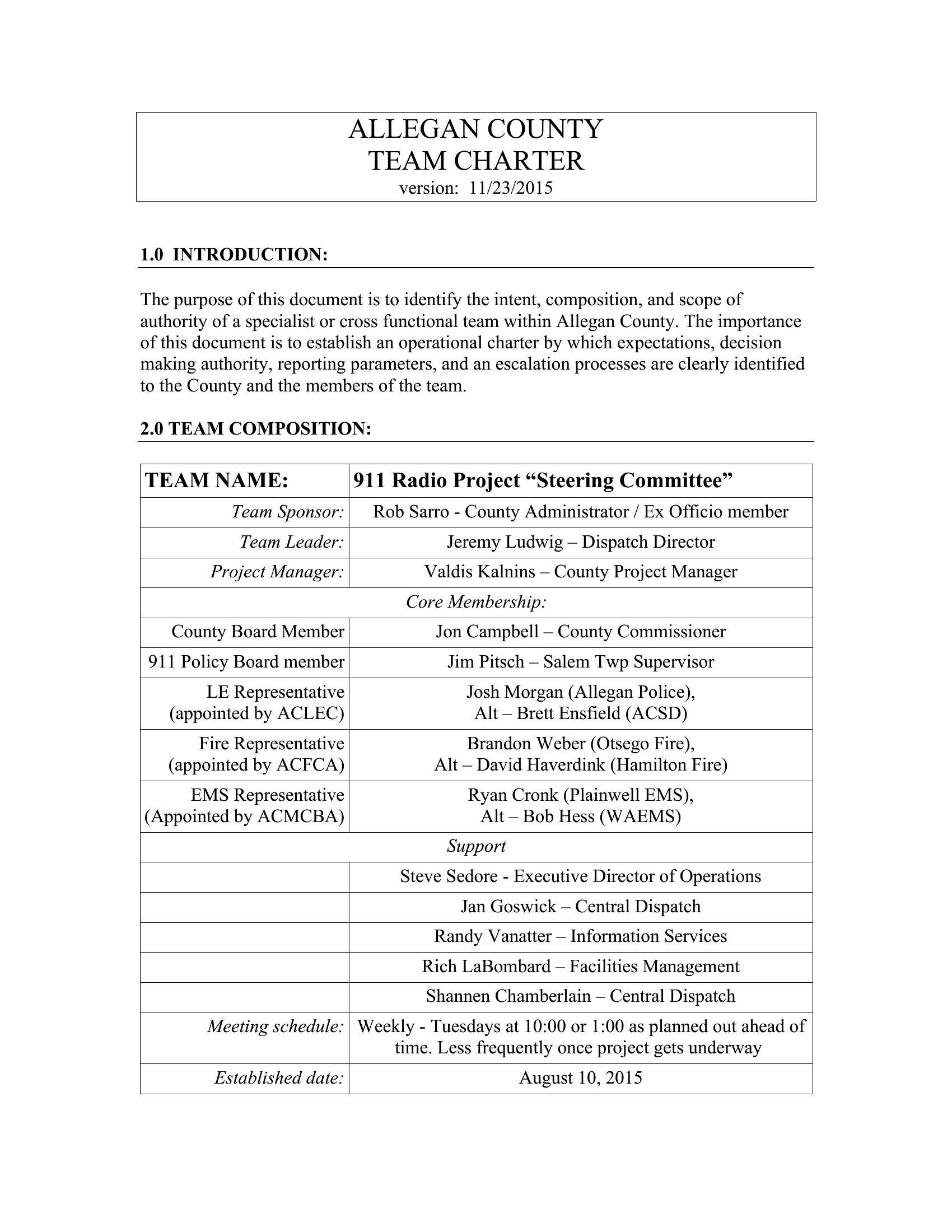
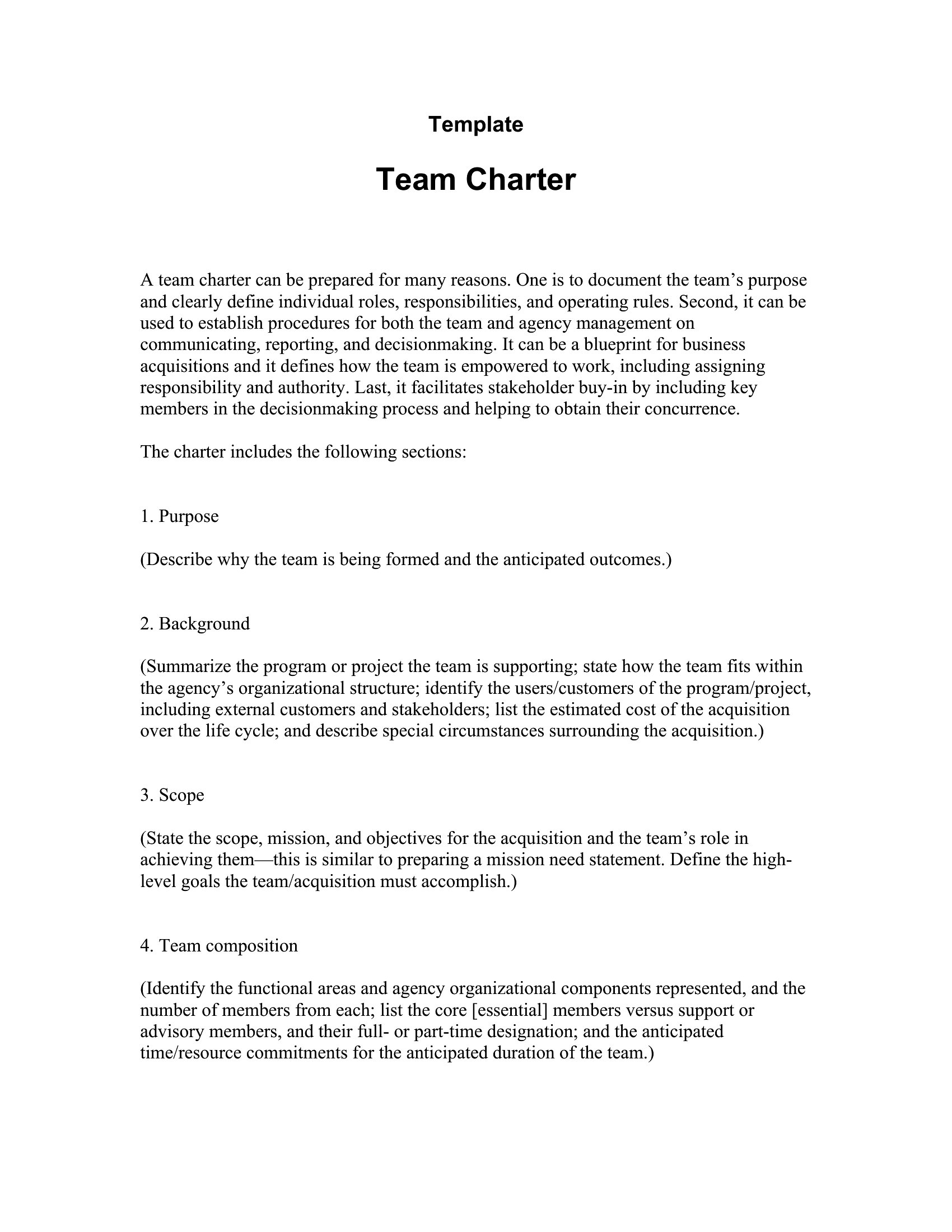
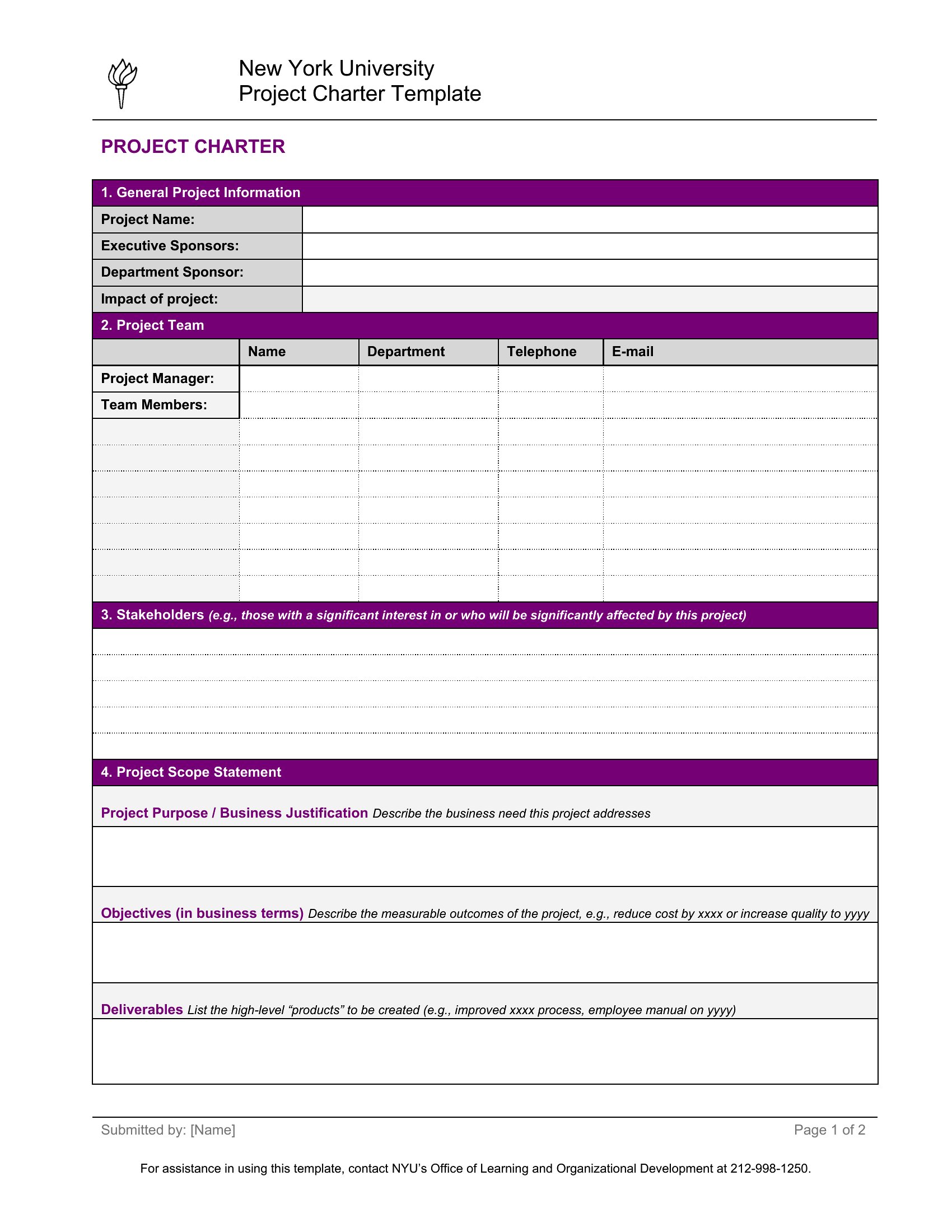
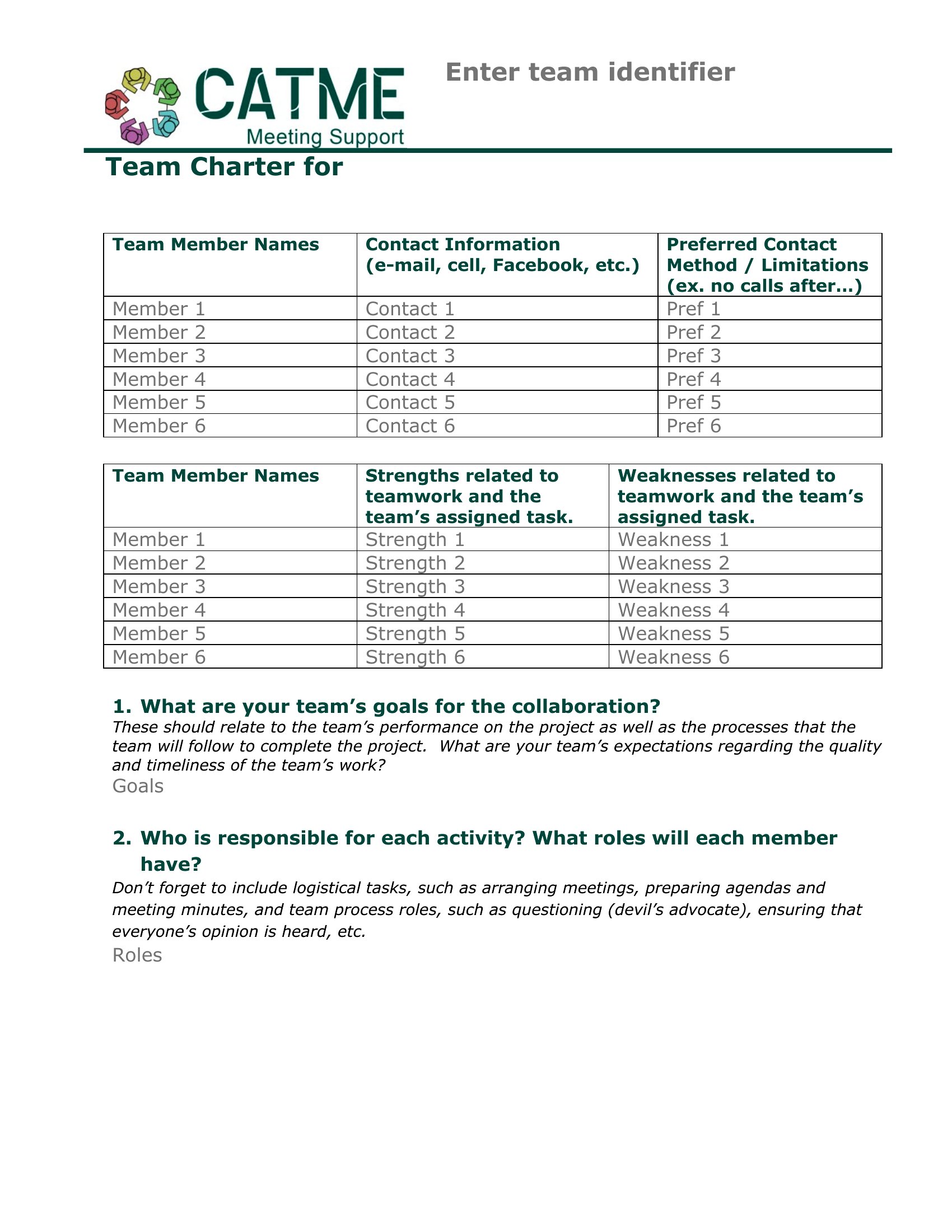
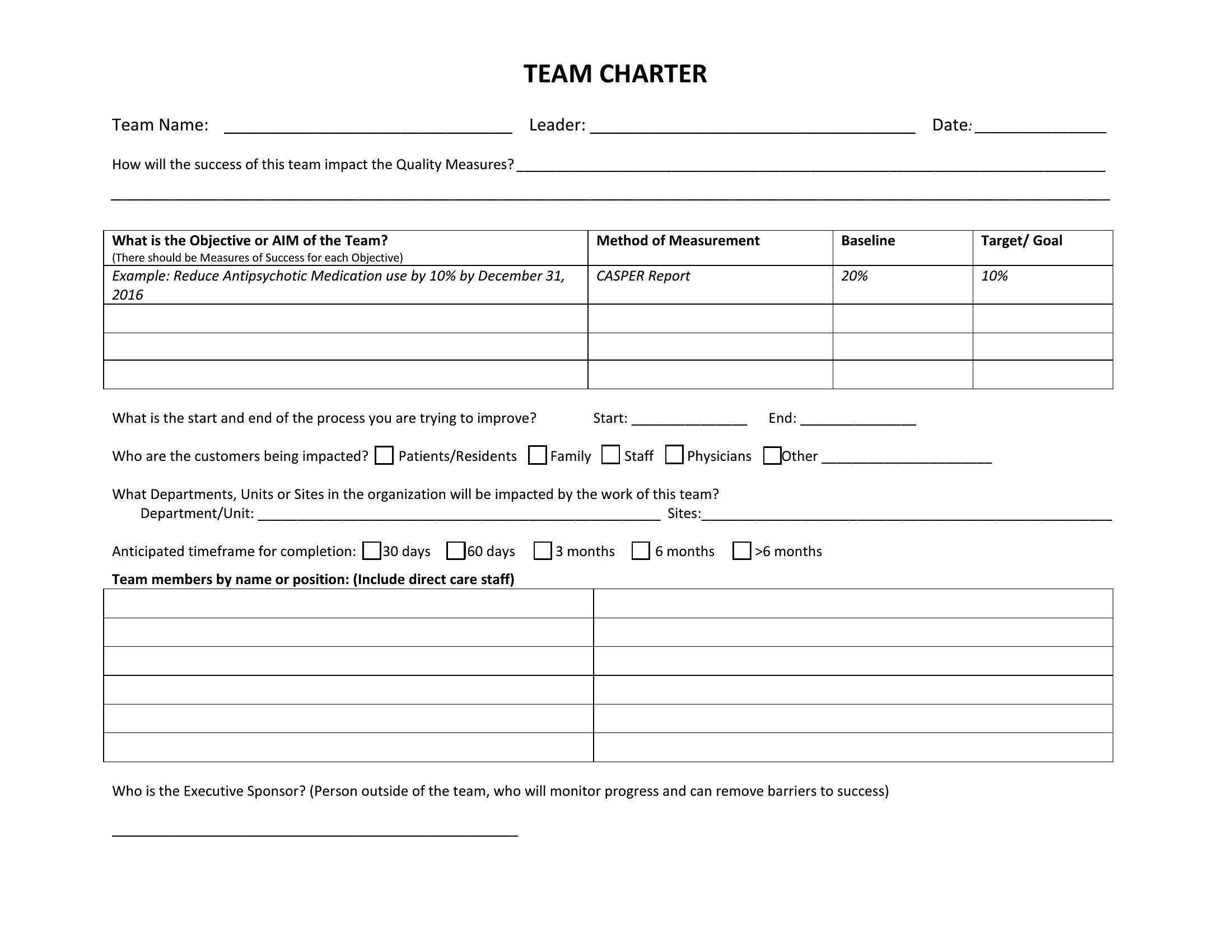
Team Charter Sample template thumbnail
0 downloads
Download
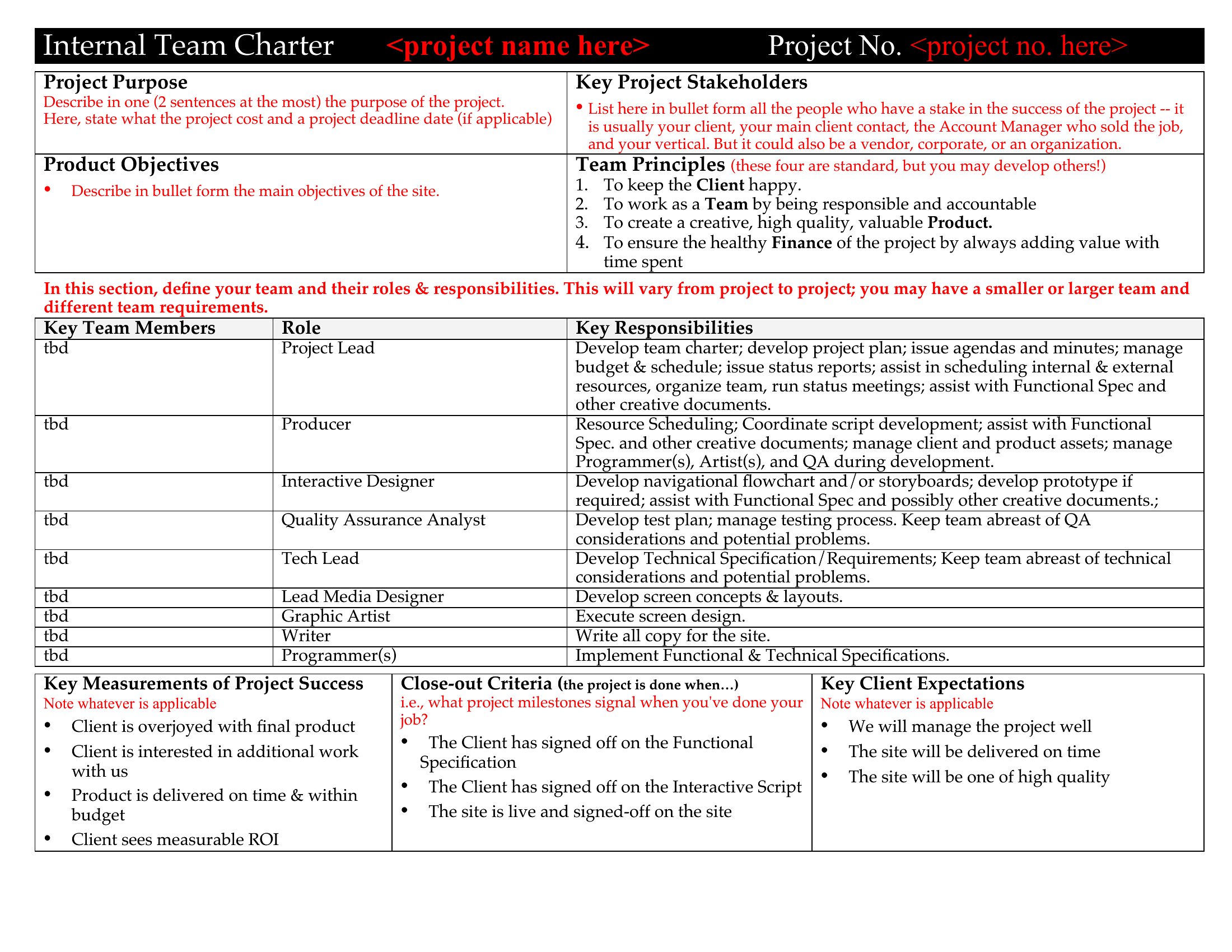
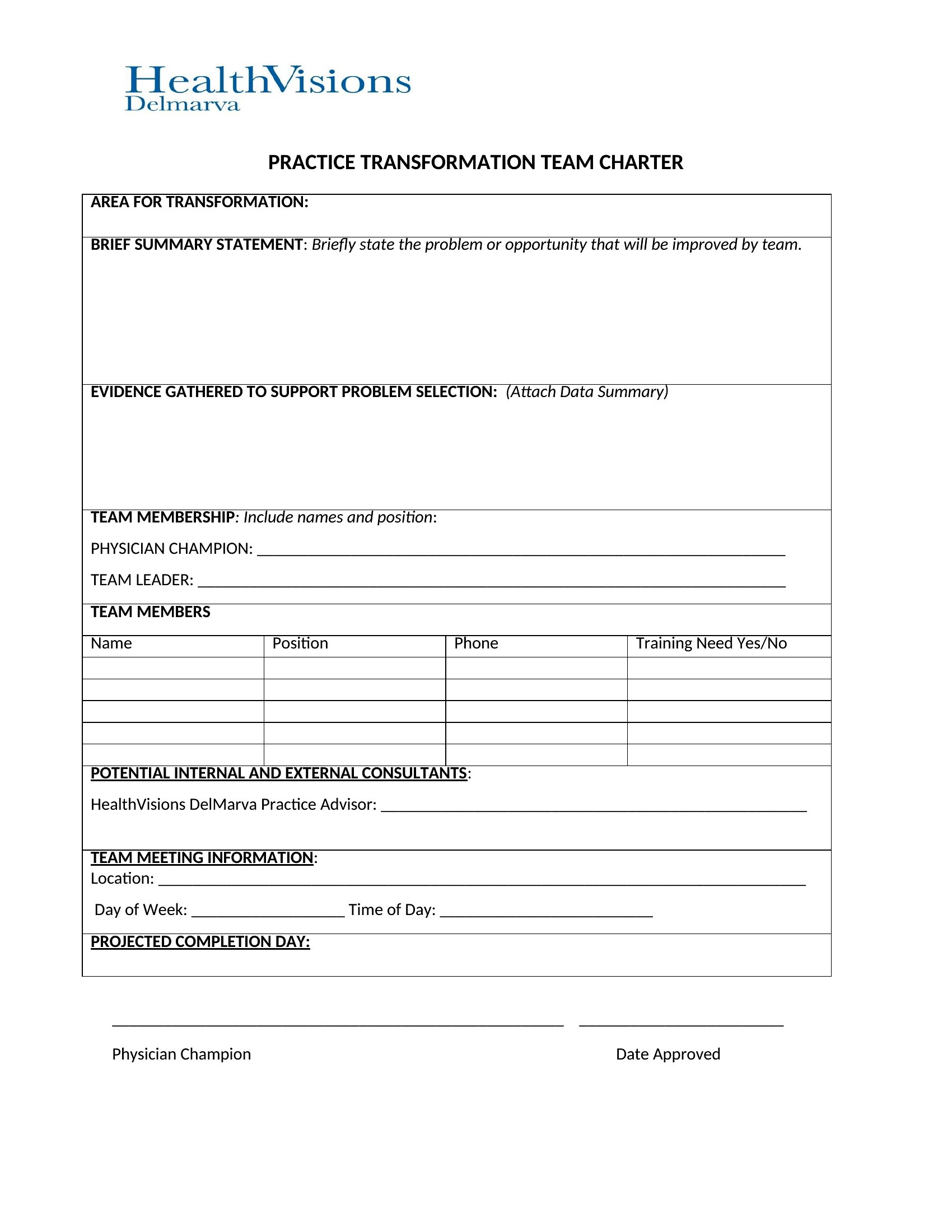
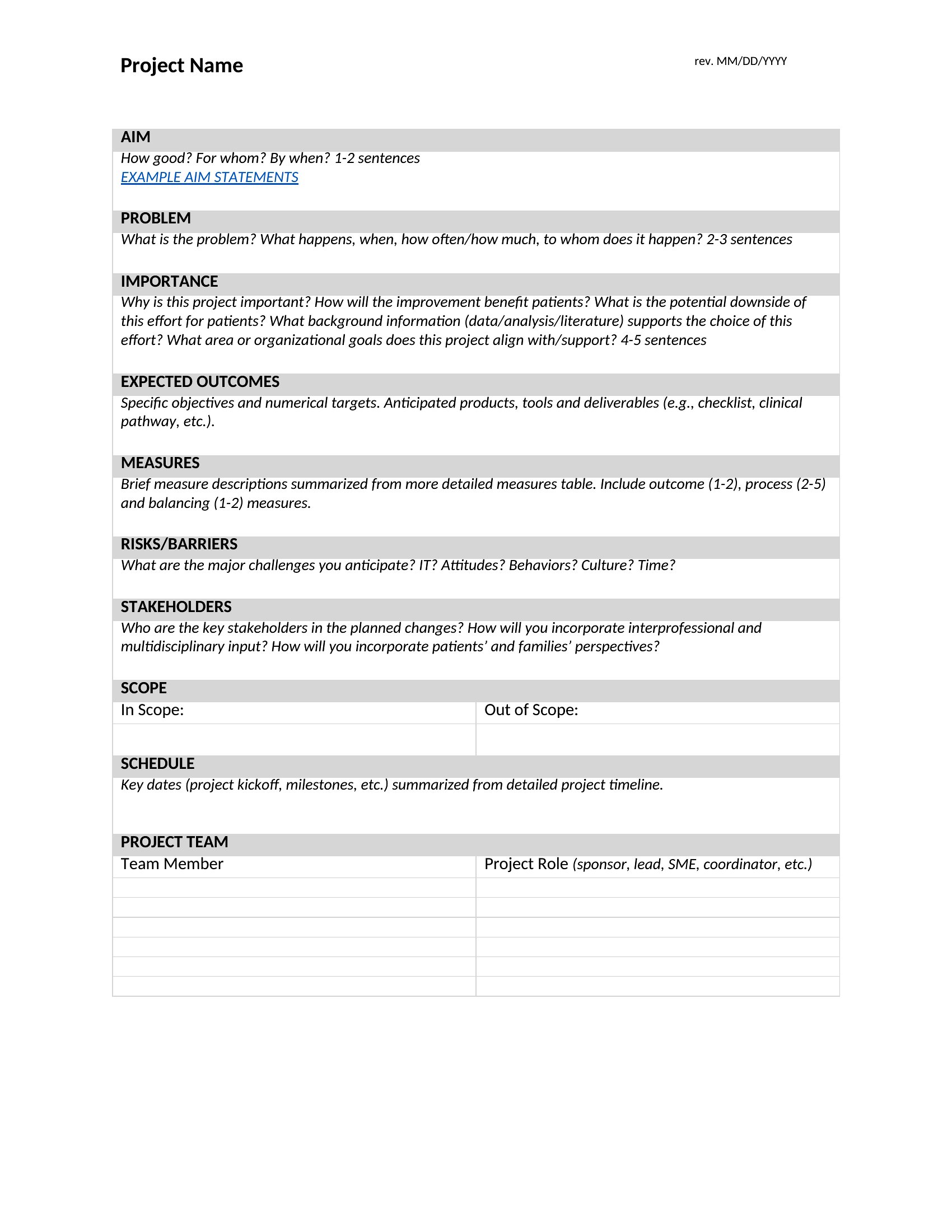
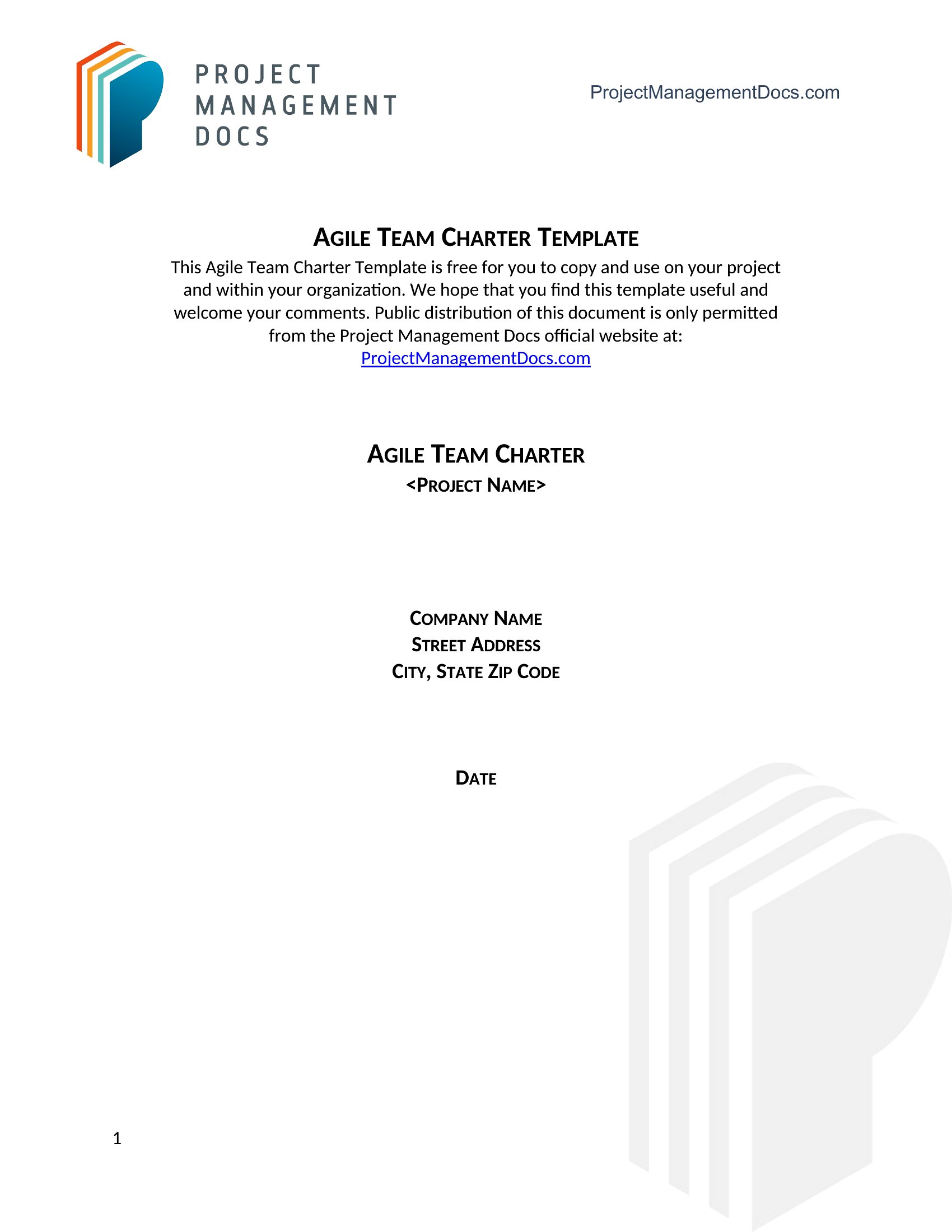
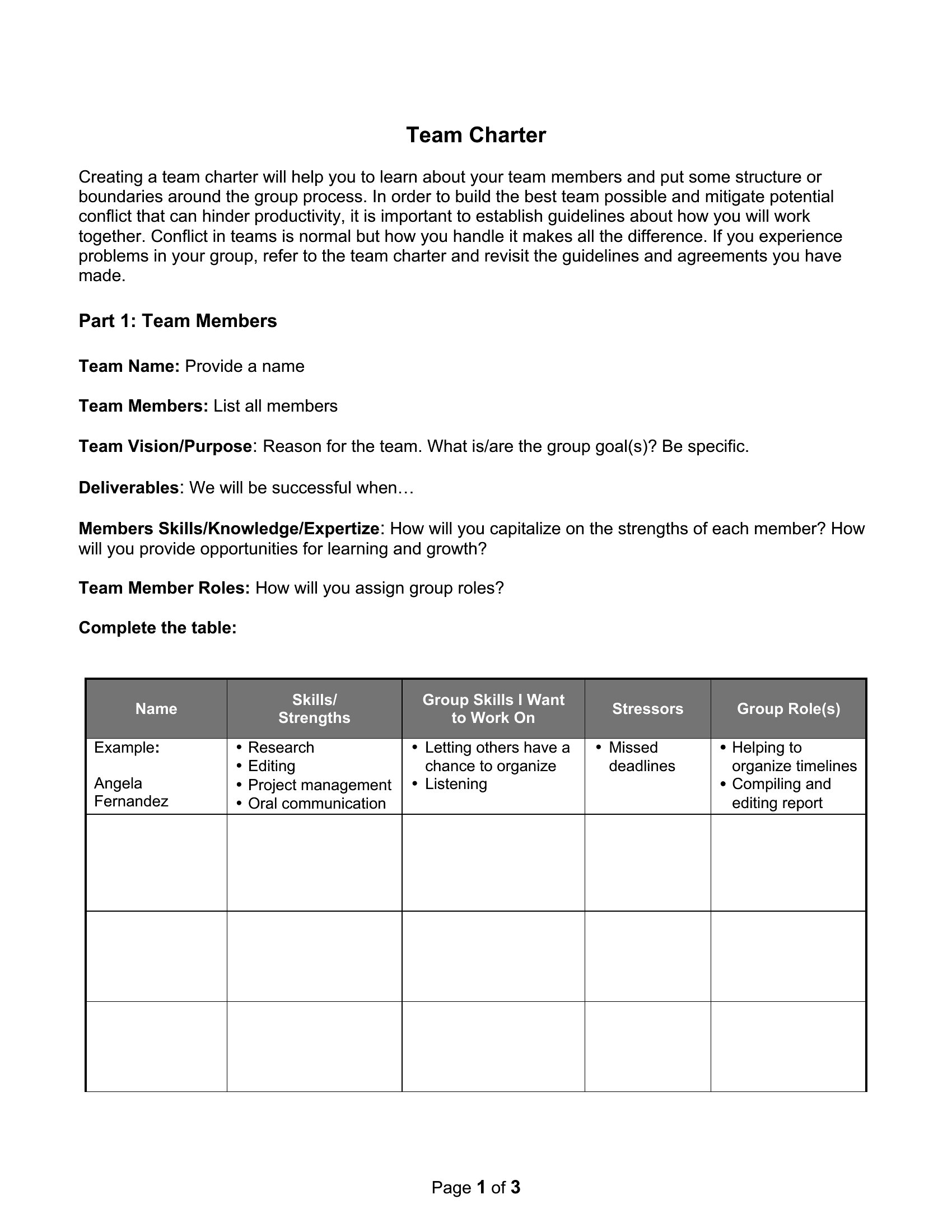
Team Charter Example template thumbnail
0 downloads
Download
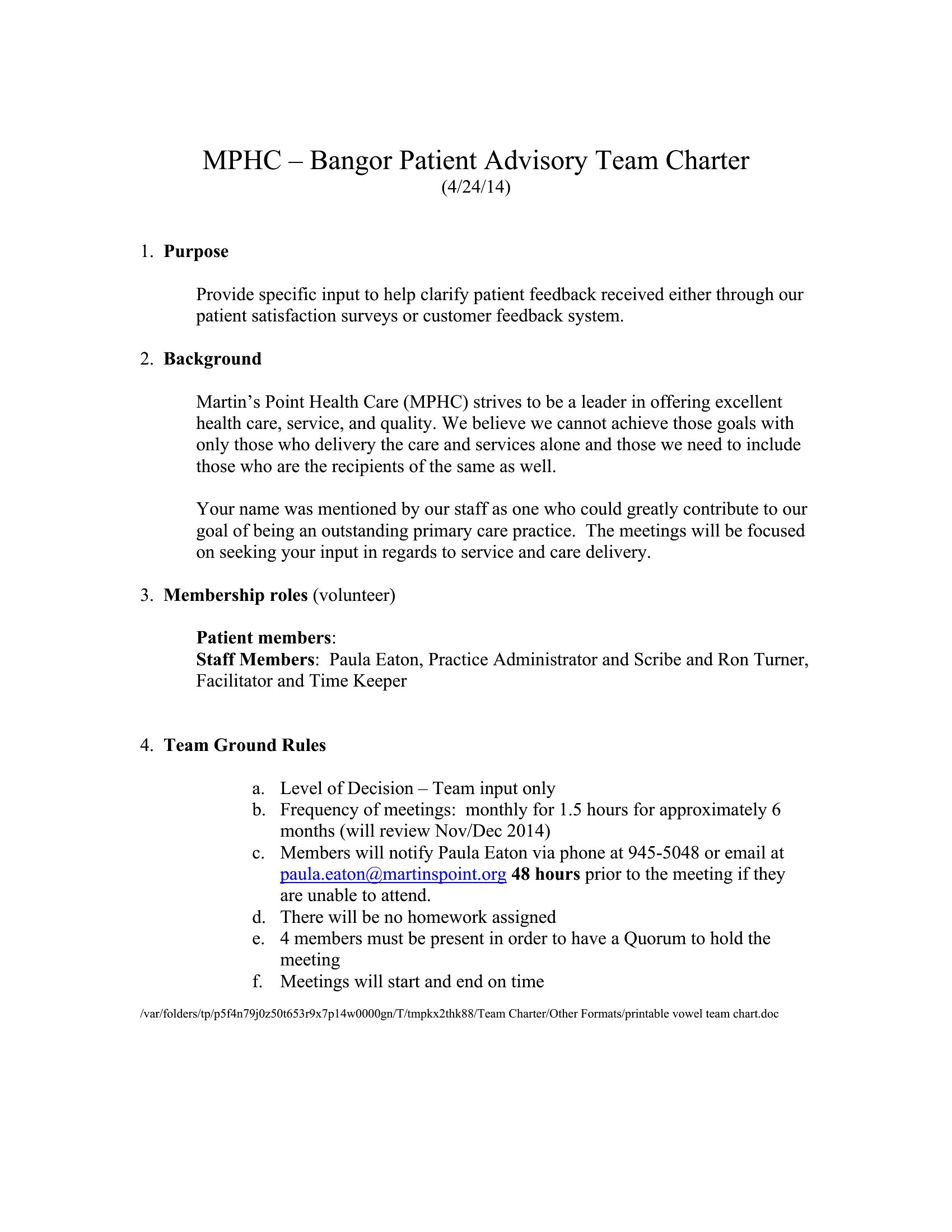
Vowel Teams Chart template thumbnail
0 downloads
Download
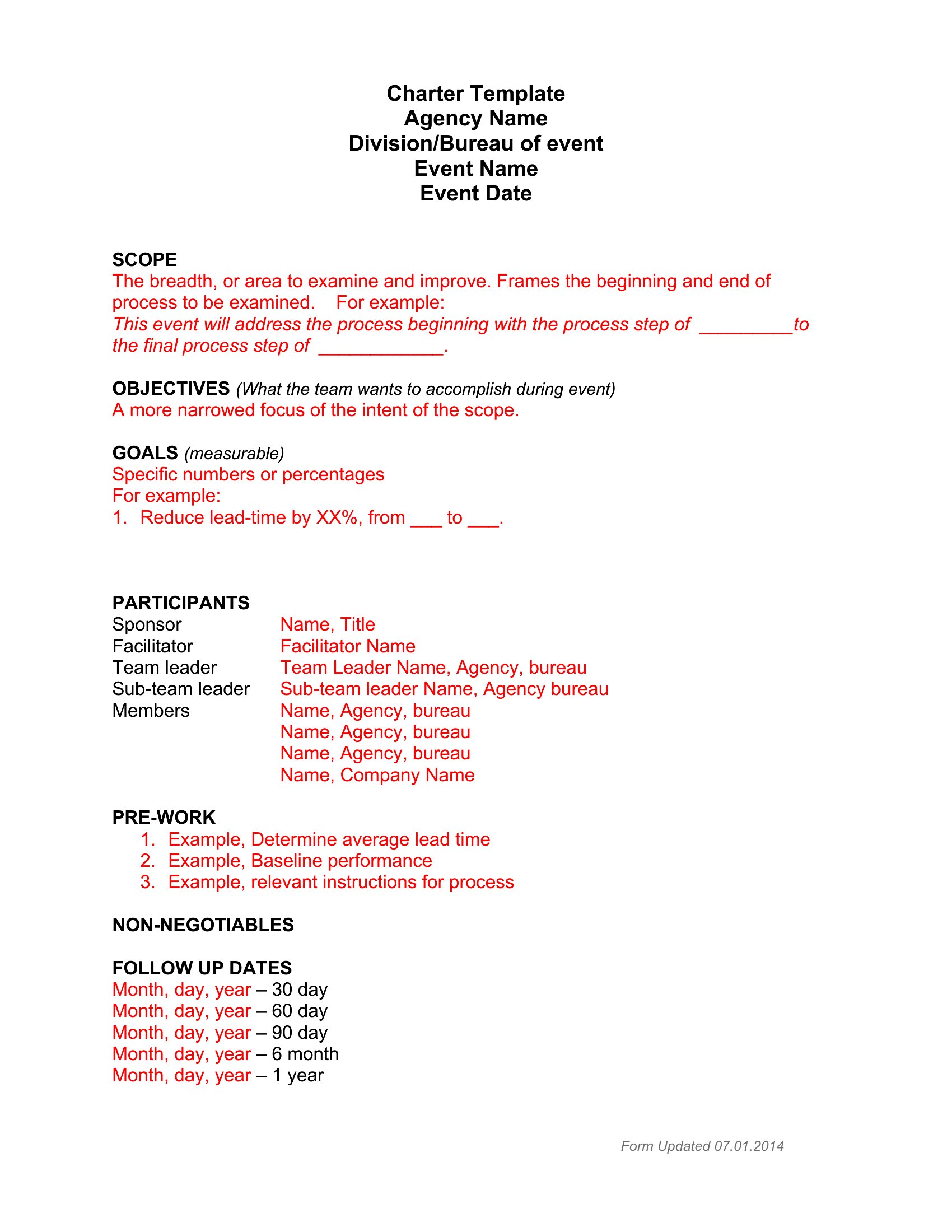
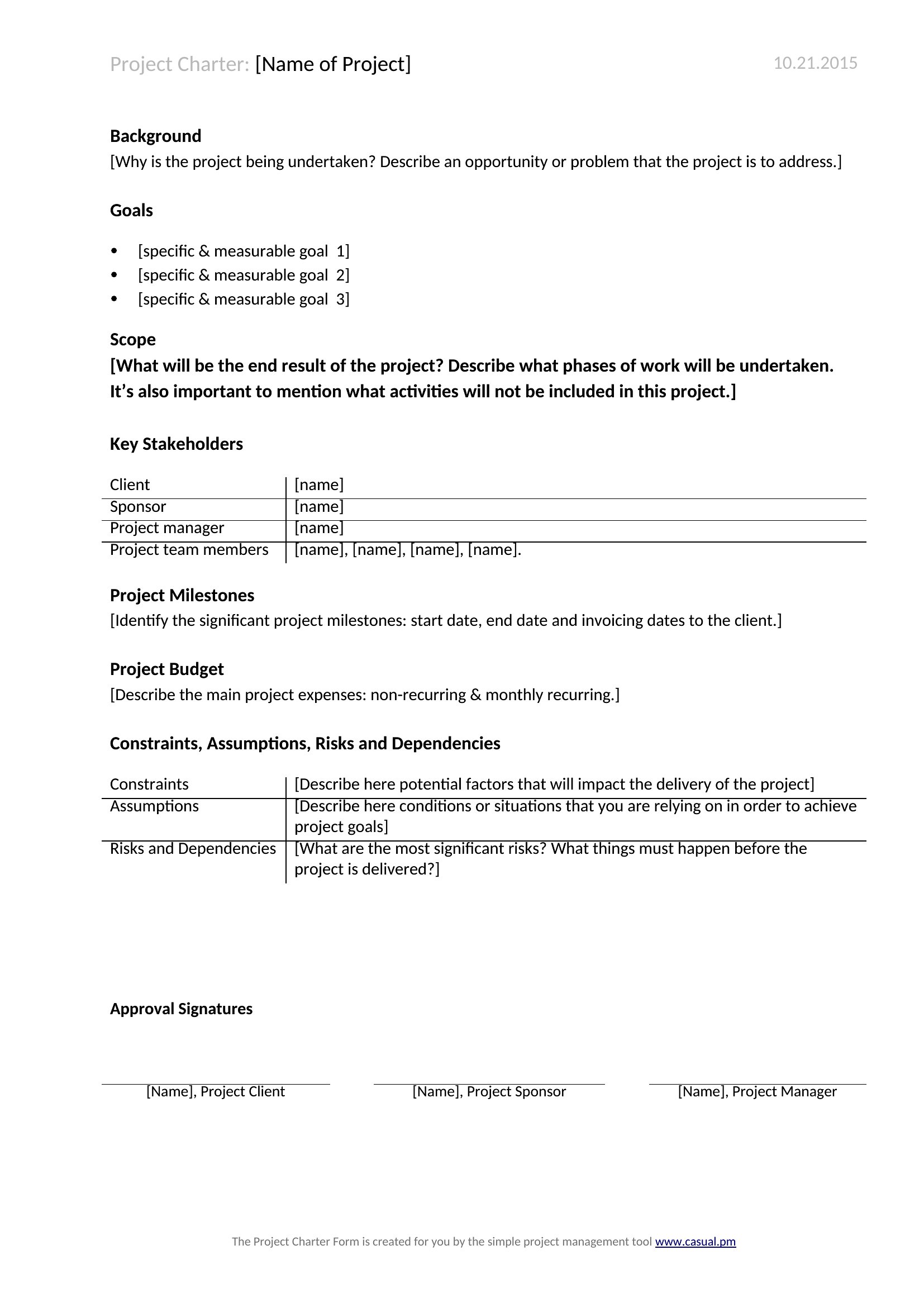
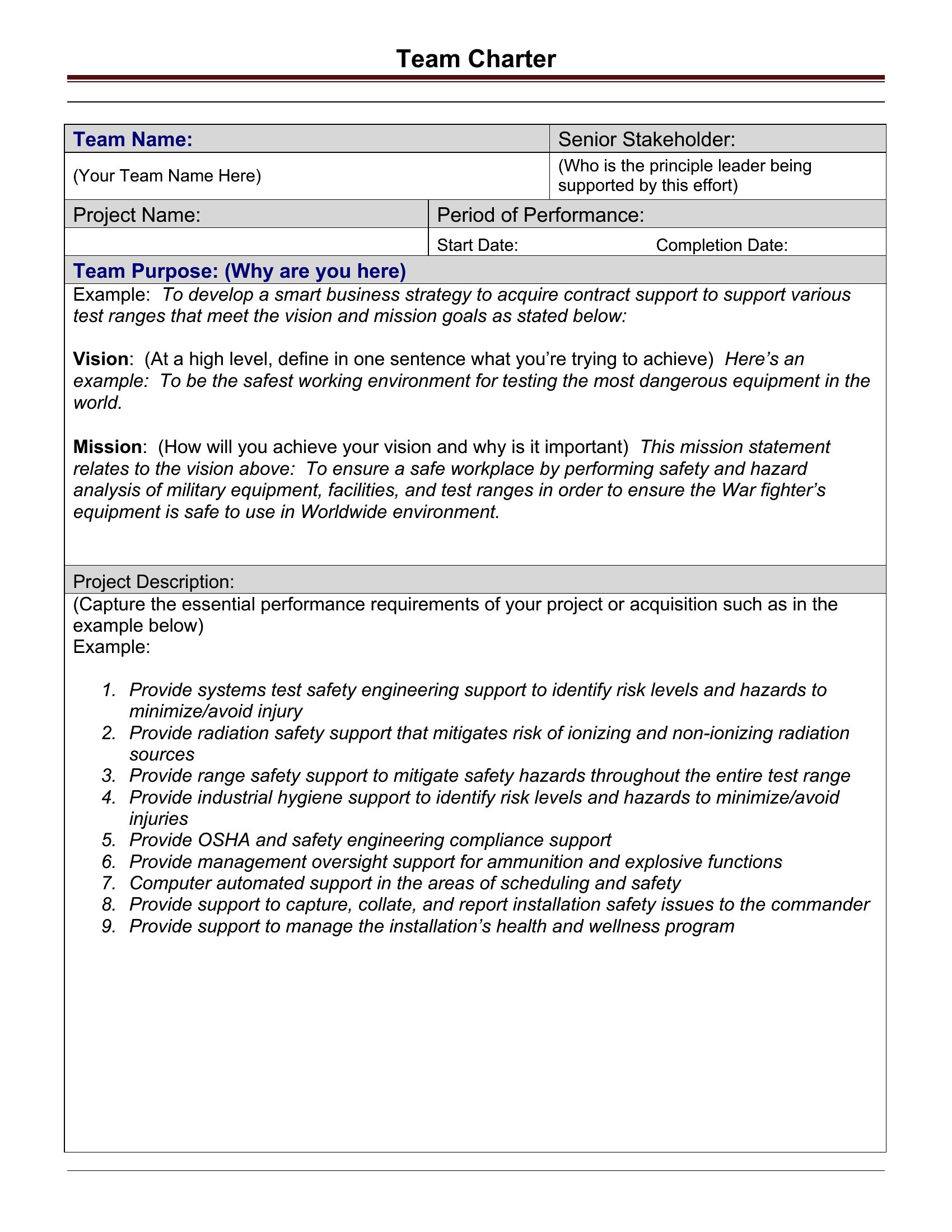
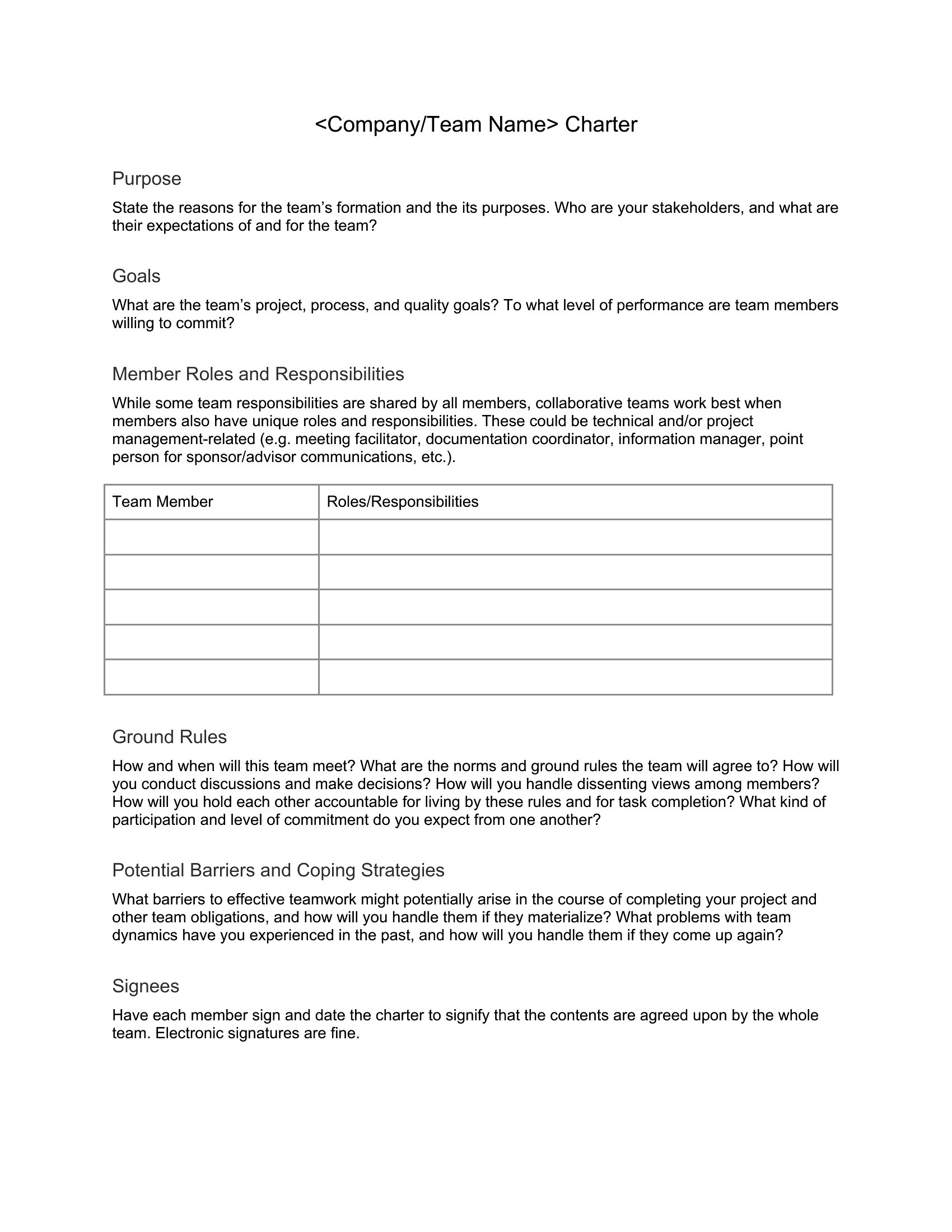
Team Charter template thumbnail
Free
0 downloads
Download
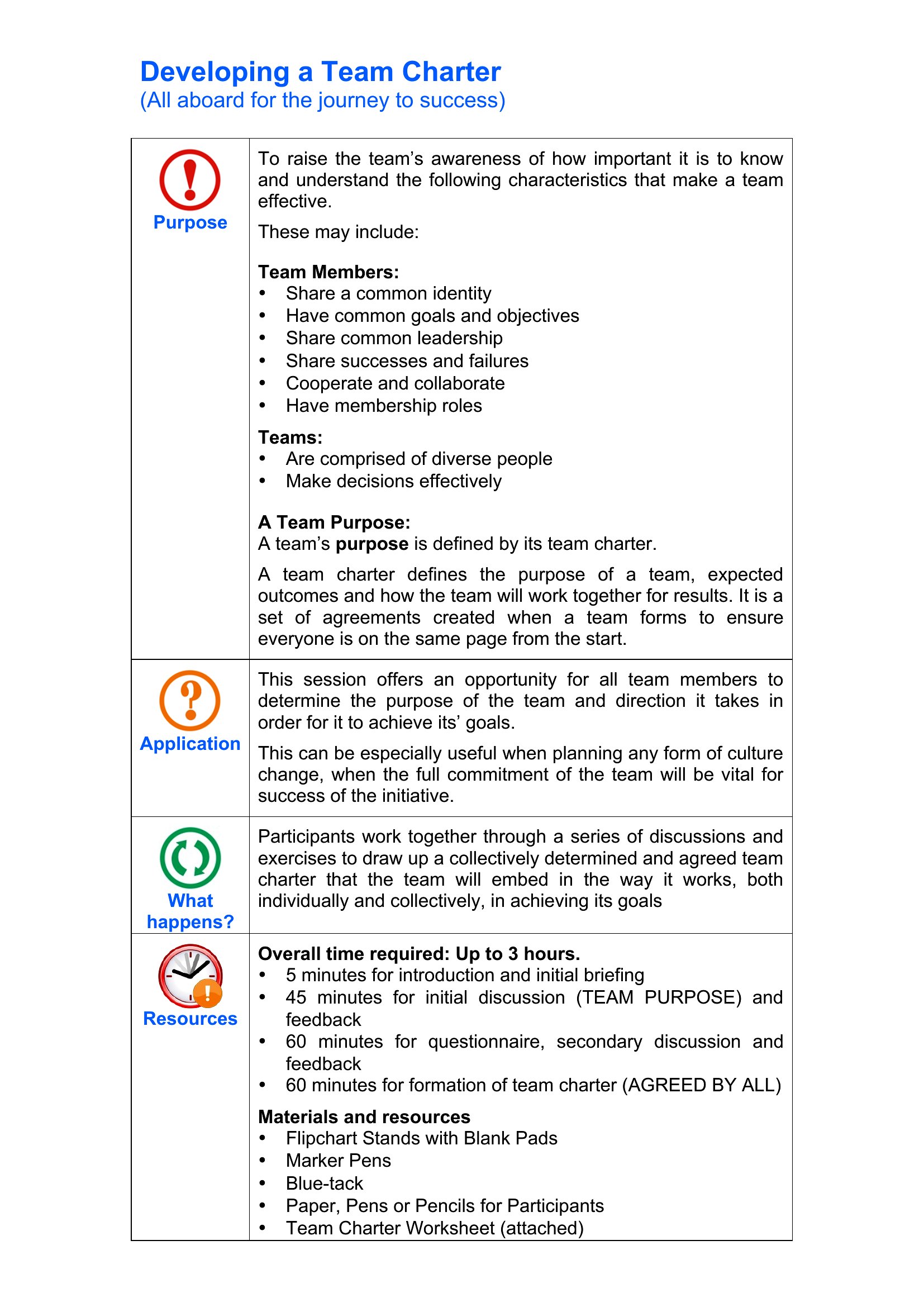
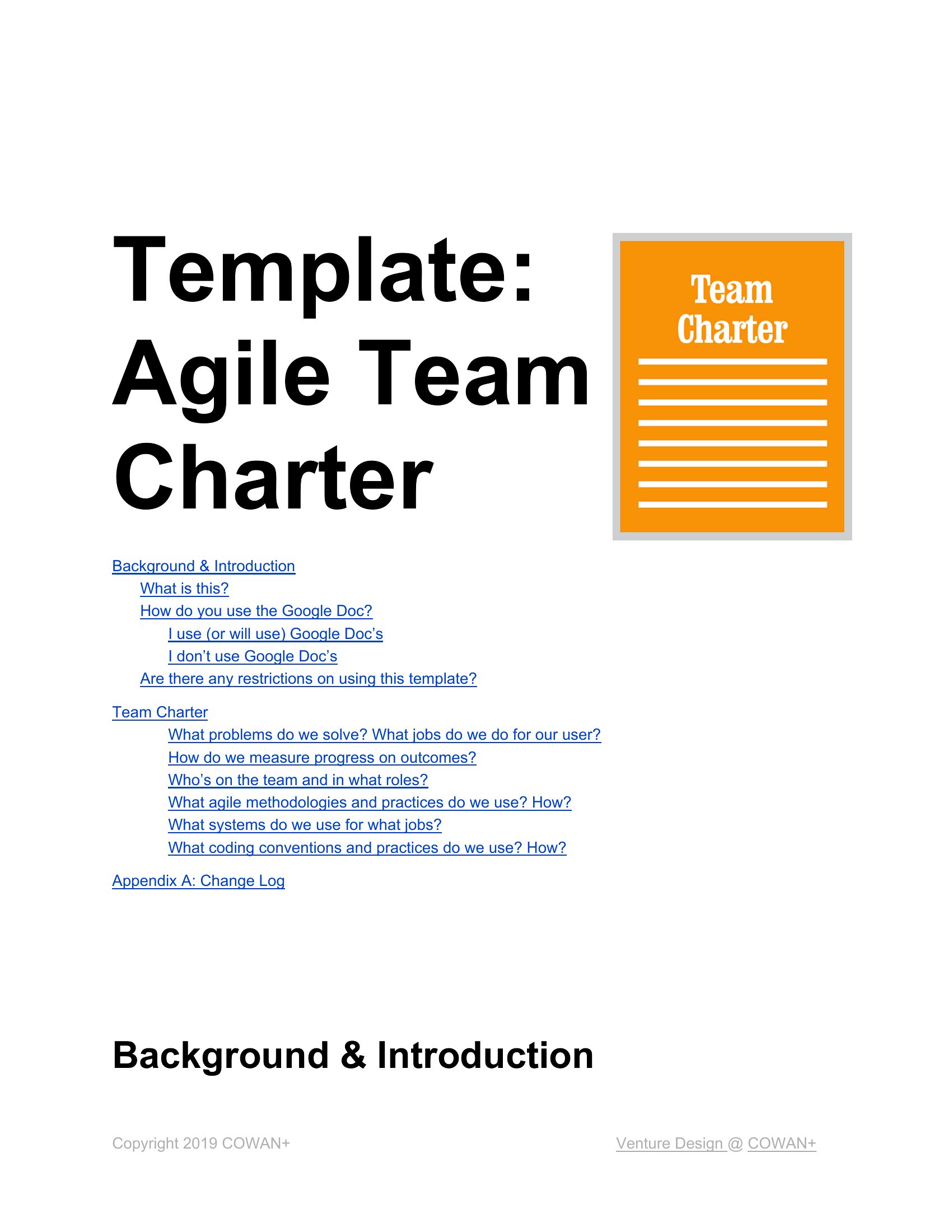
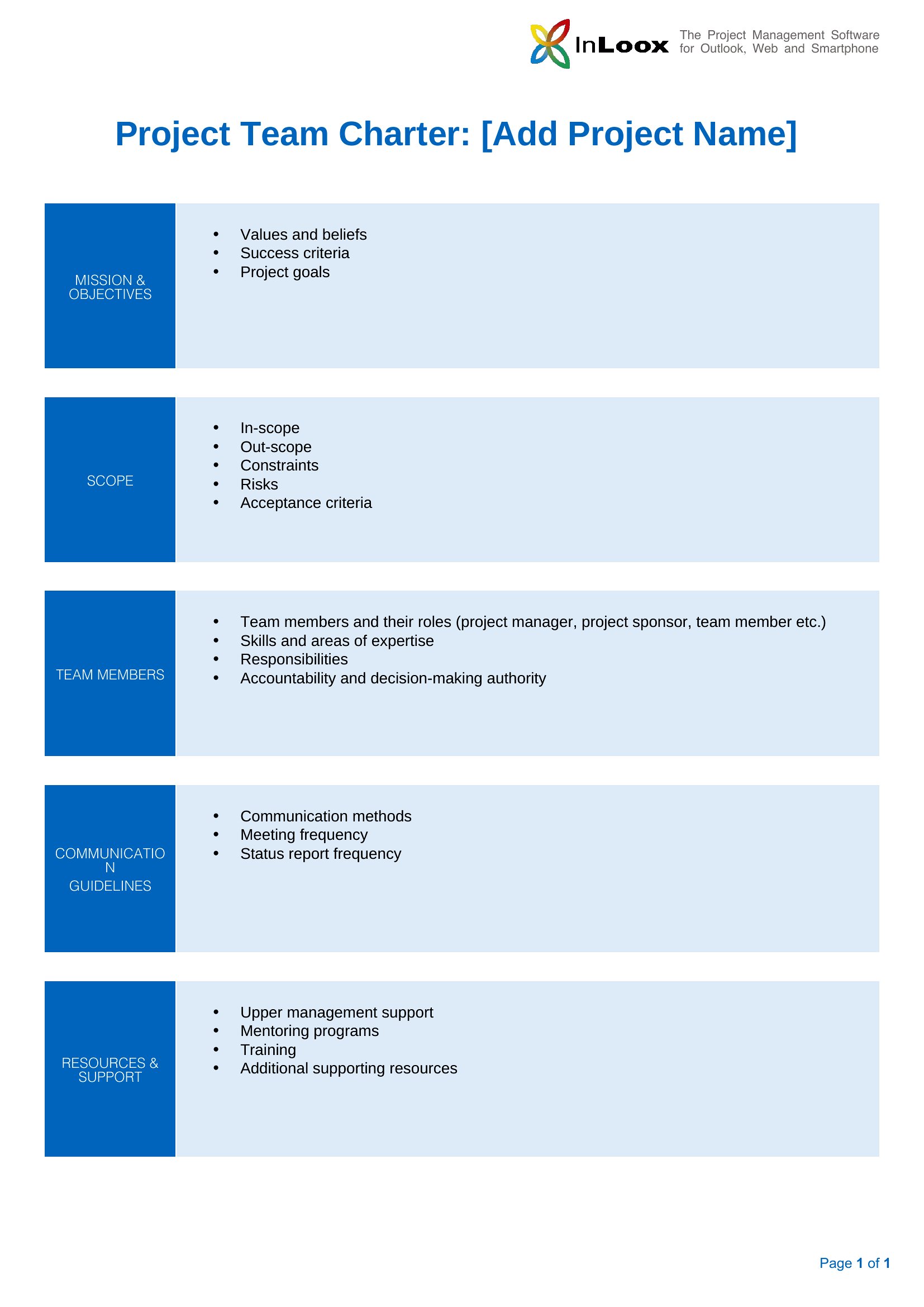
What Is A Team Charter template thumbnail
0 downloads
Download
Team Charter Schools template thumbnail
0 downloads
Download

How to use this Team Charter template

How do we handle sensitive information in a team charter?

Team charters should avoid including confidential details like salaries, proprietary processes, or internal critiques. Focus instead on public-facing goals, roles, and collaboration norms. If sensitive topics arise, note them as ‘off-charter’ items to discuss privately later.

What if our team’s structure changes after creating the charter?

Team charters aren’t set in stone. Update roles, responsibilities, or goals as needed—especially when team members join or leave. Flag changes clearly (e.g., ‘Revised June 2024’) to keep everyone aligned without losing the original intent.

Should we sign the charter to make it official?

While signatures add formality, the real value comes from team consensus and shared understanding. Instead, include a line like ‘All team members reviewed and agreed on this charter on [date]’ to show commitment without legal implications.

Comments

Join the conversation

Sign in to share your thoughts and leave a comment on this resource.

Newsletter

Get Weekly Design Updates

Join our community to receive curated resources and inspiration.

Weekly Tips Resources Early Access

We respect your privacy. Confirmation email required. Privacy Policy