

Skip to content
50% off this one-time $1.99 pack with HALFOFF — or unlimited with Pro.HALFOFF
Premium

Free Printable Tournament Brackets (Word, Excel)

Diagrams
odagroterud by odagroterud
Updated 0 downloads Quality-checked template

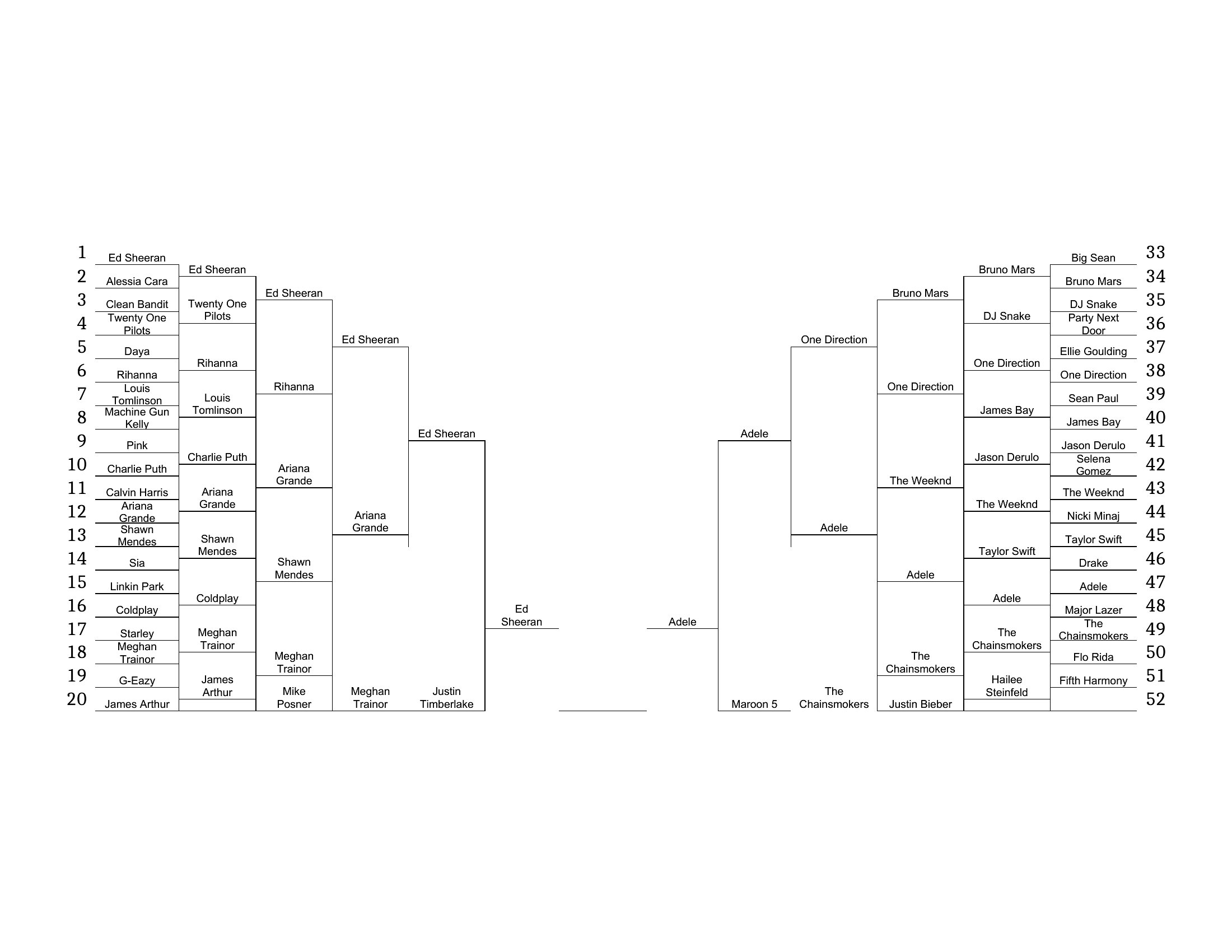
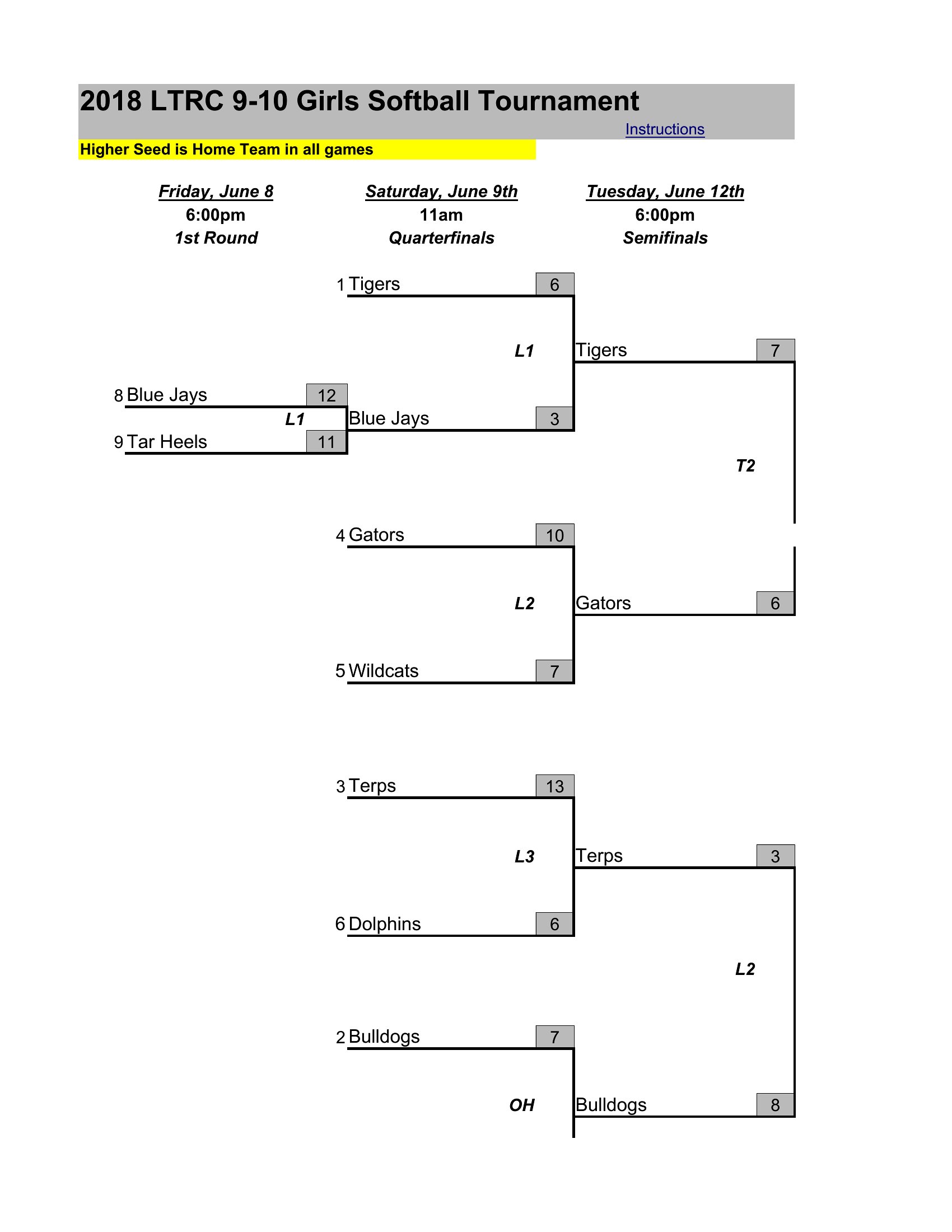
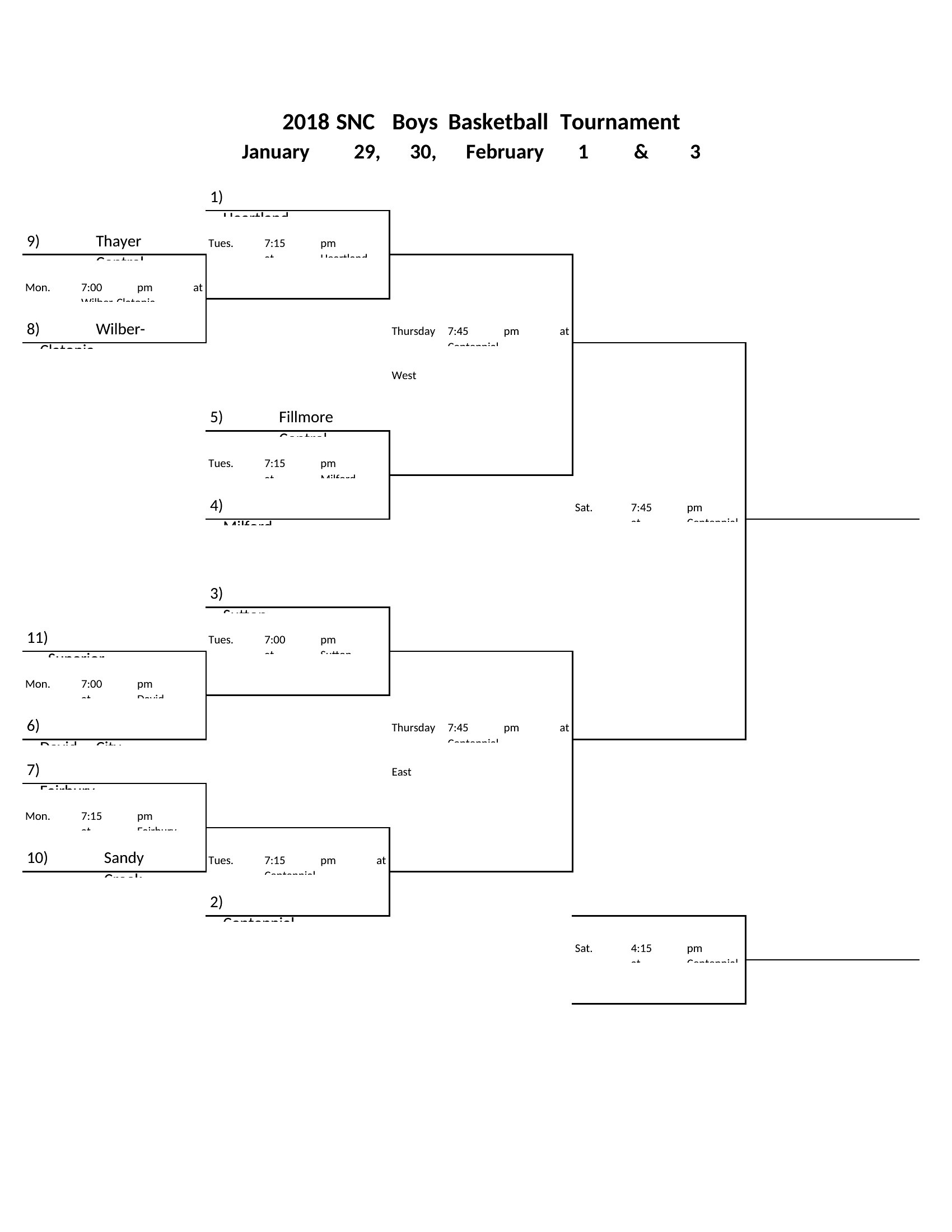
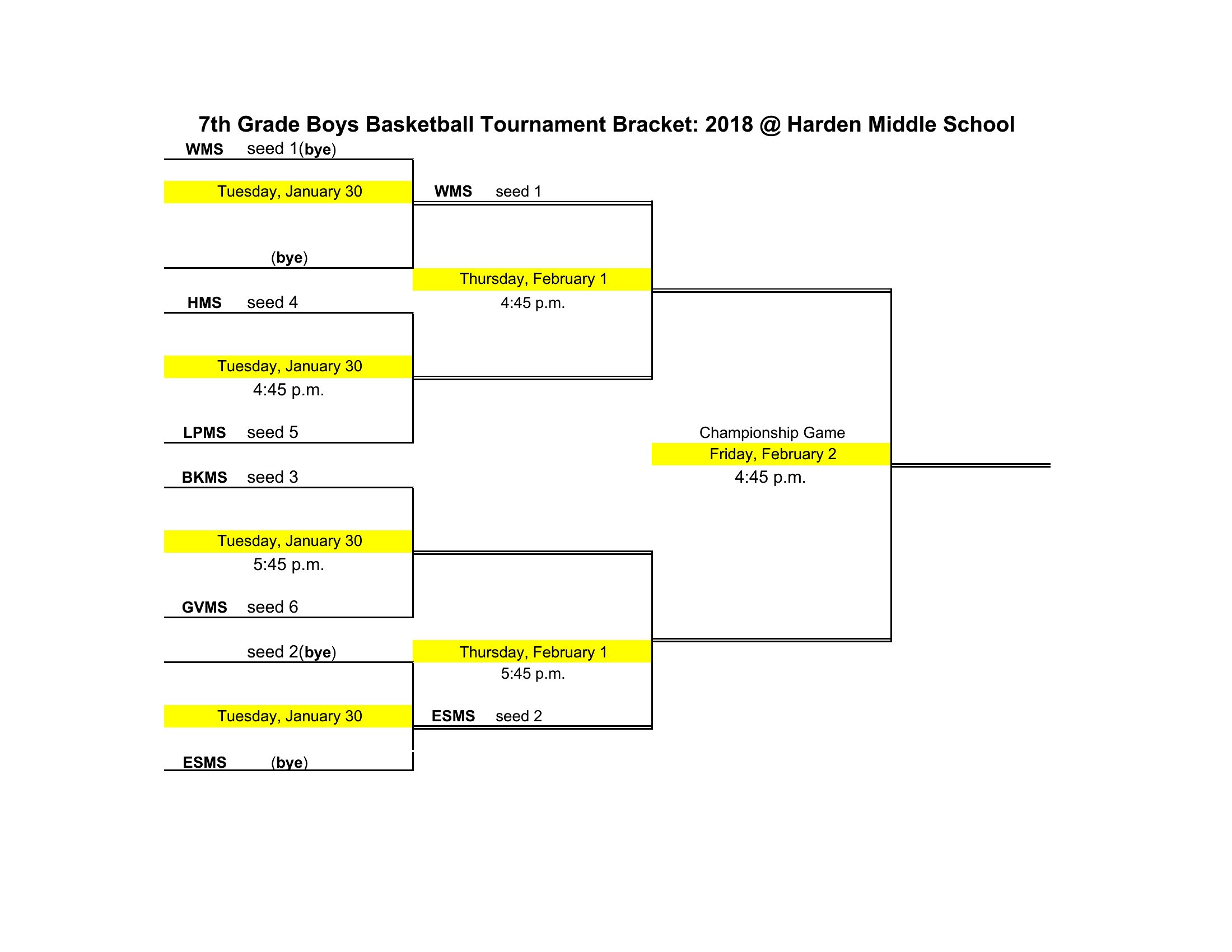
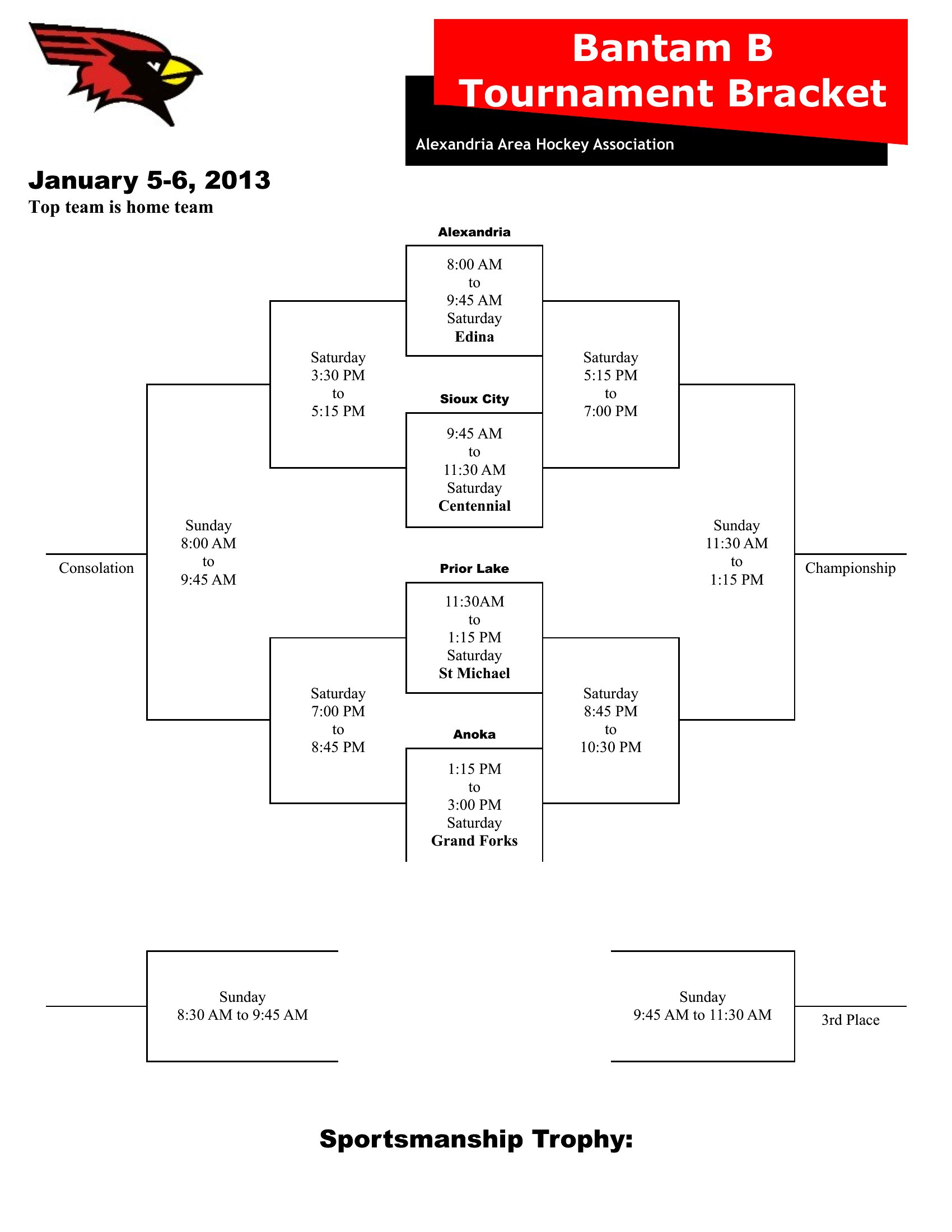
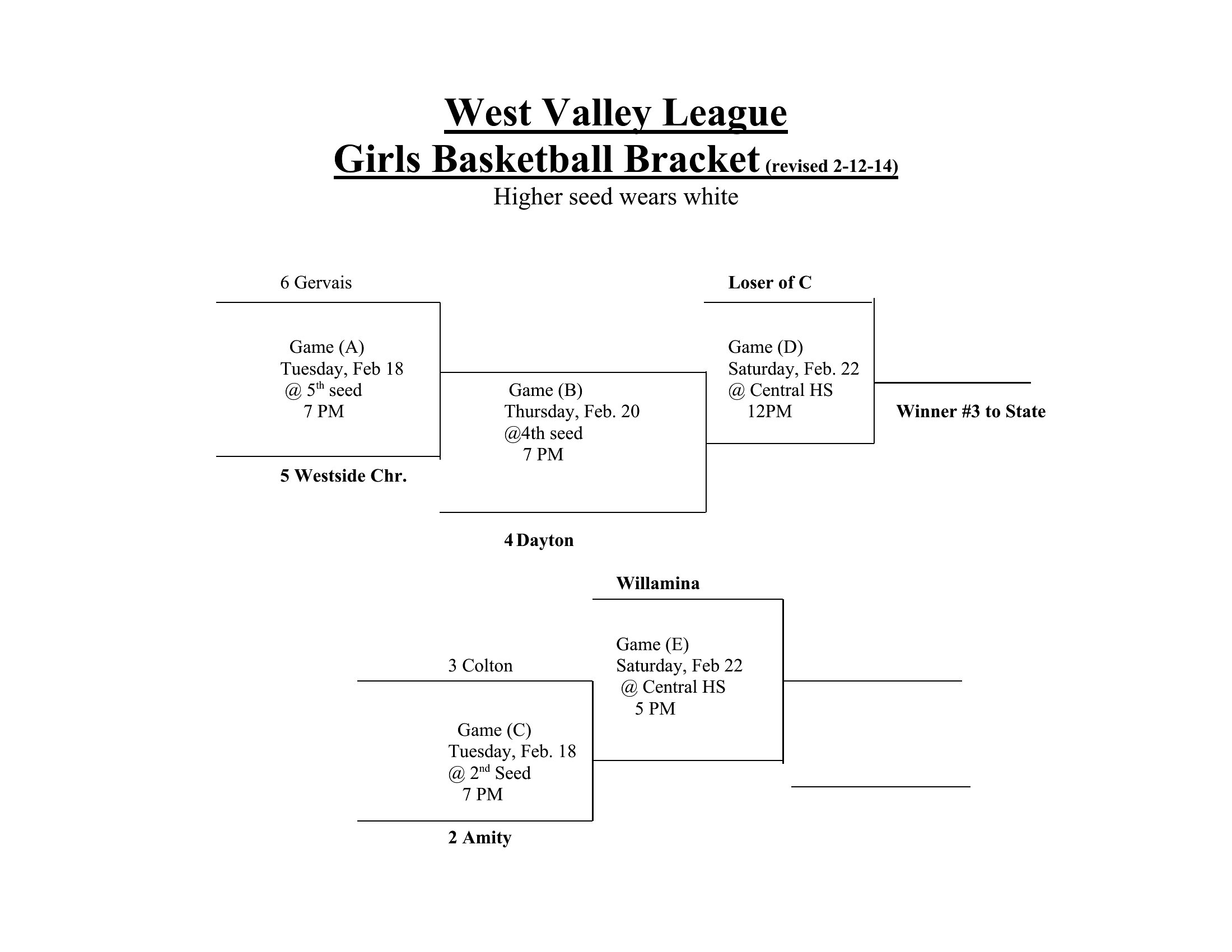
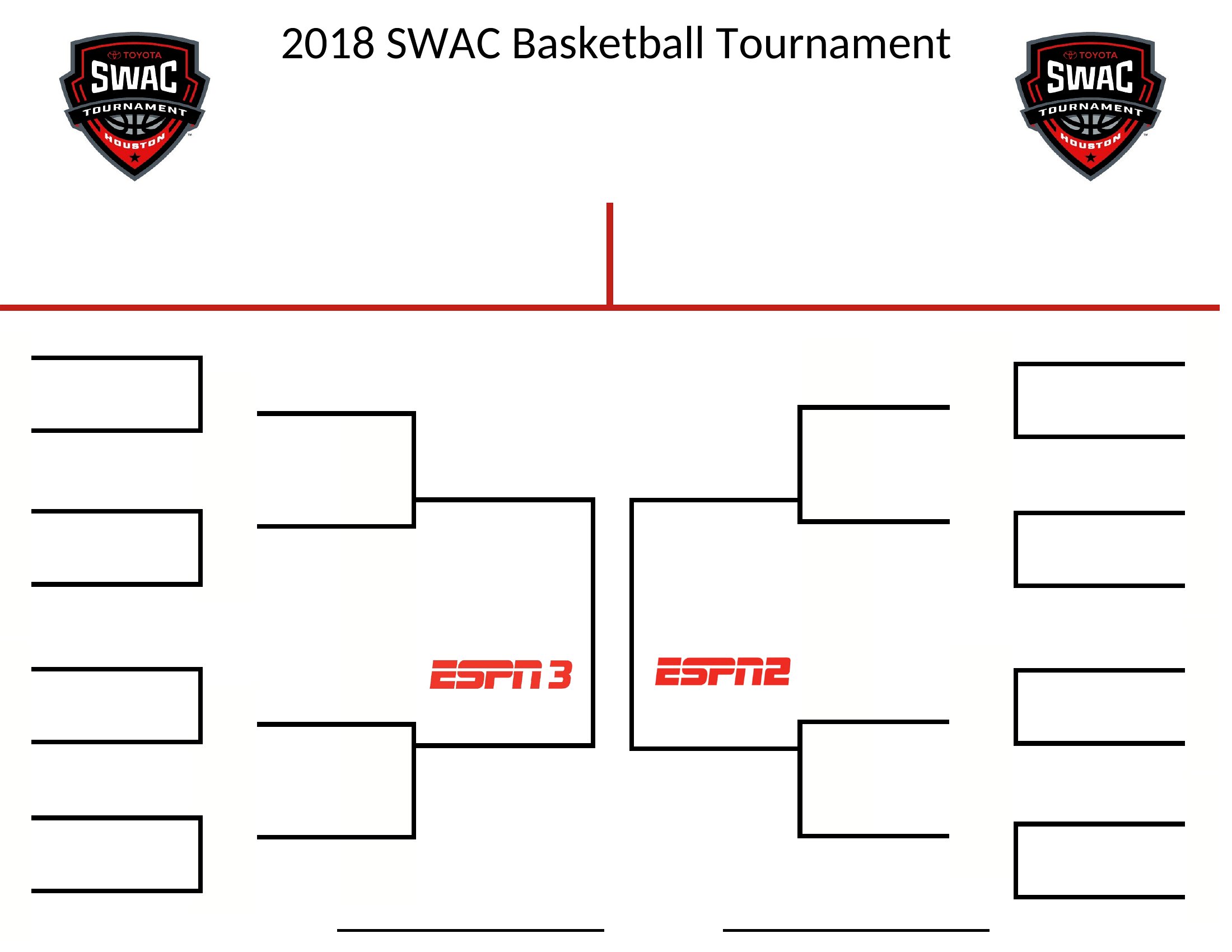
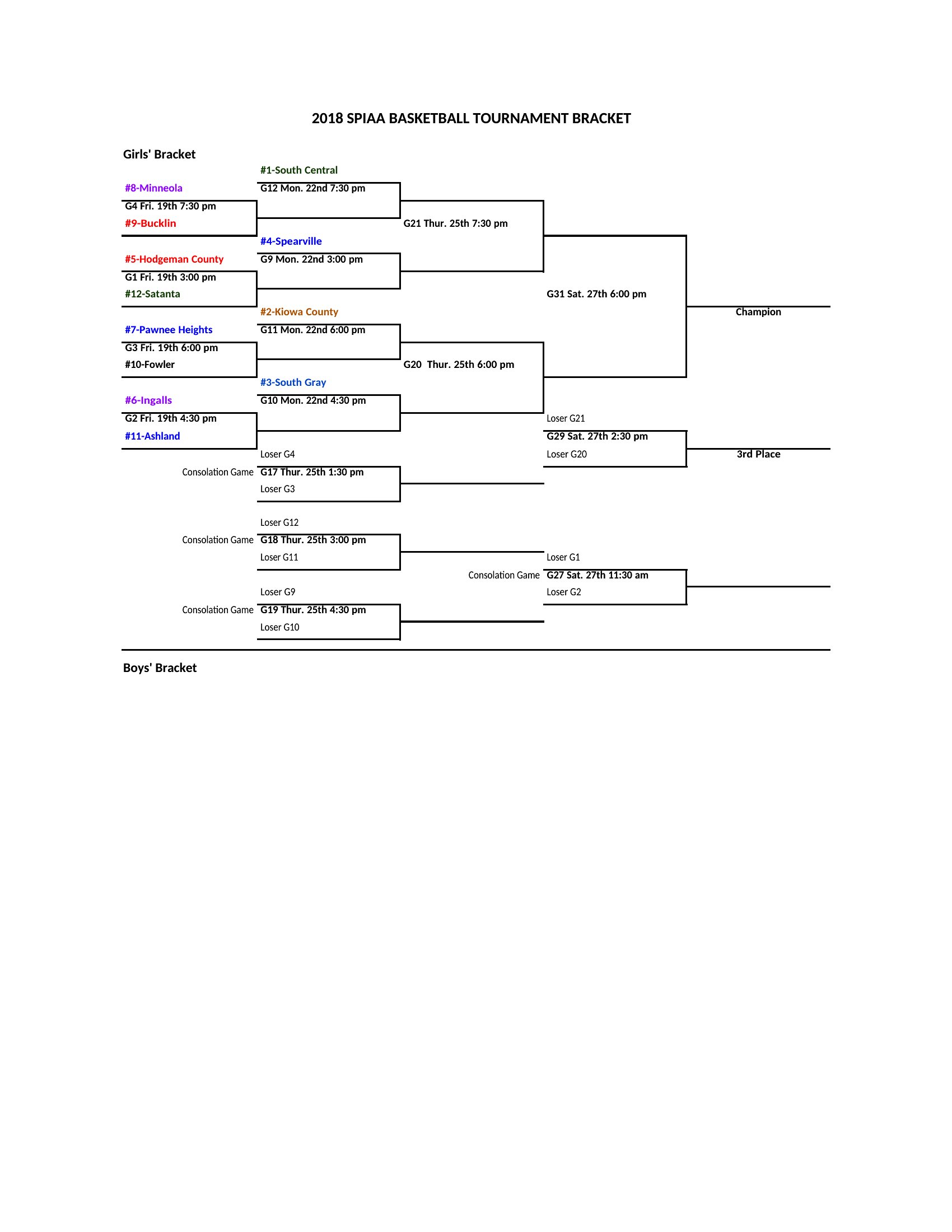
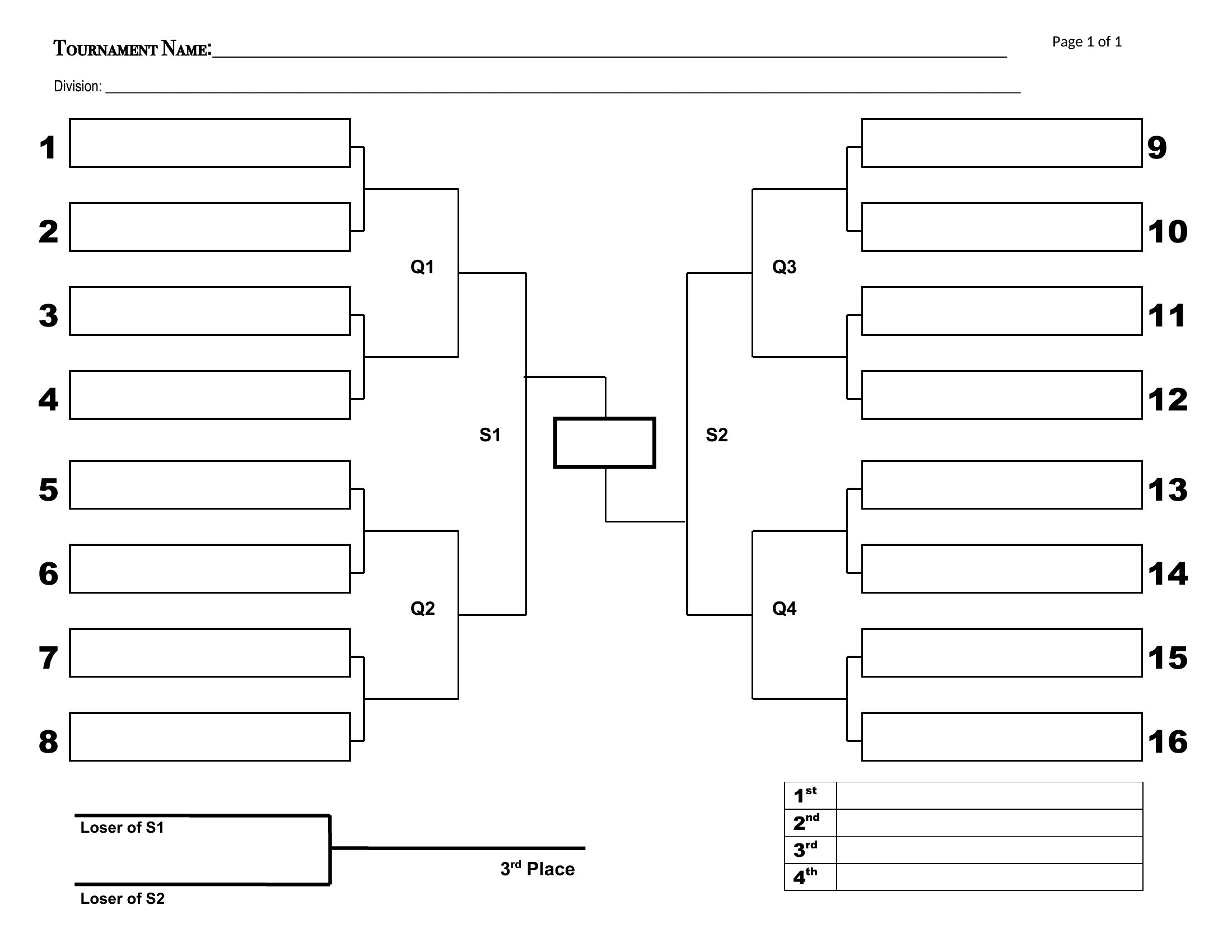
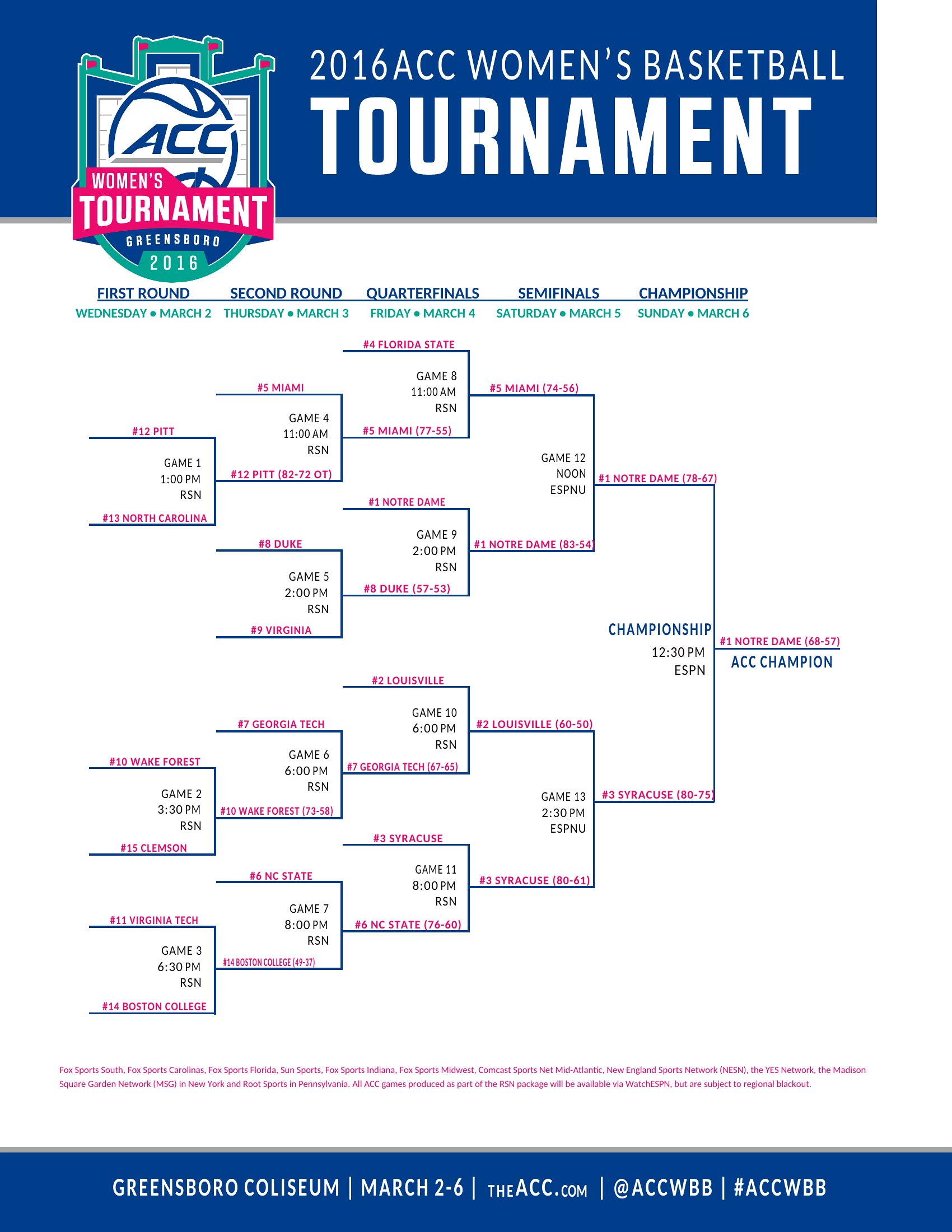
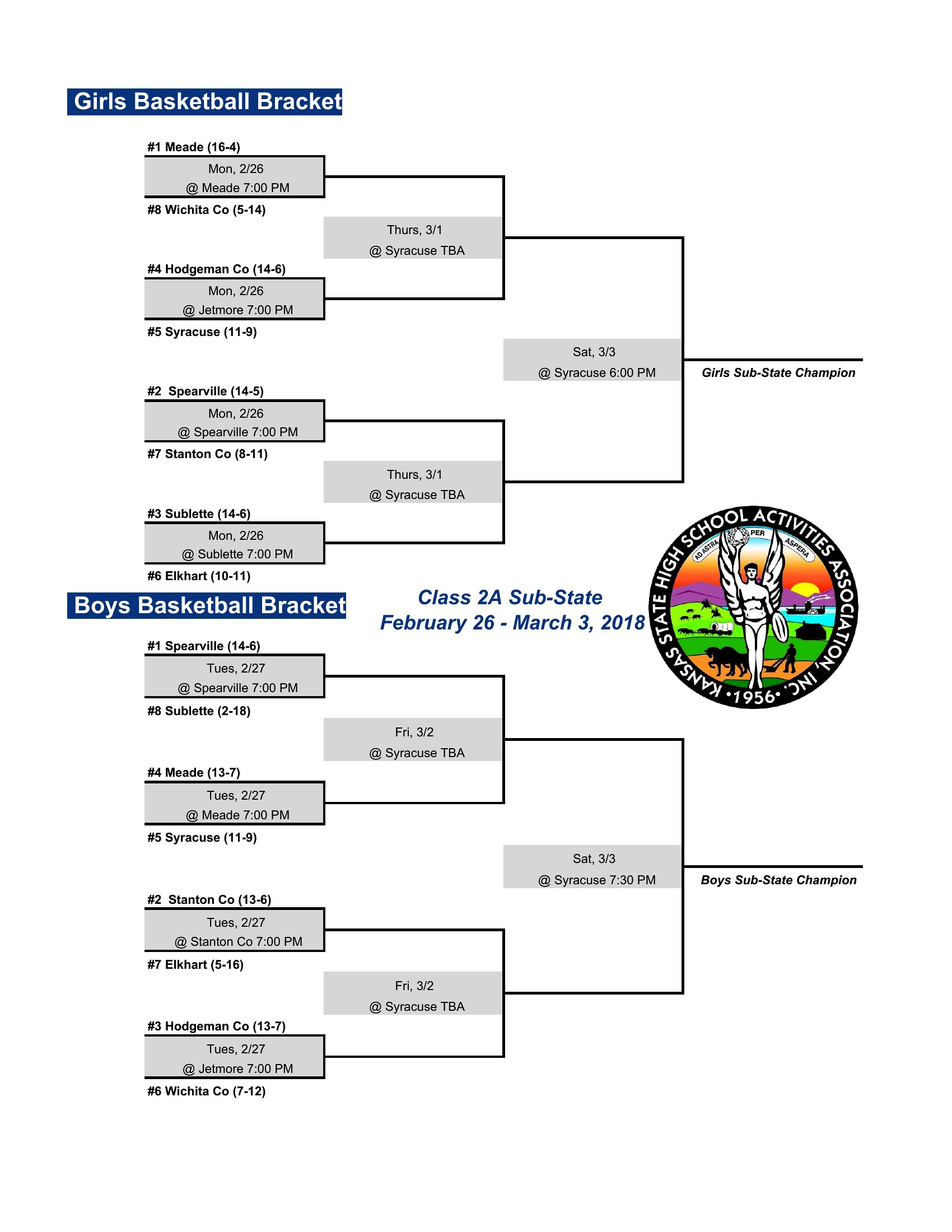
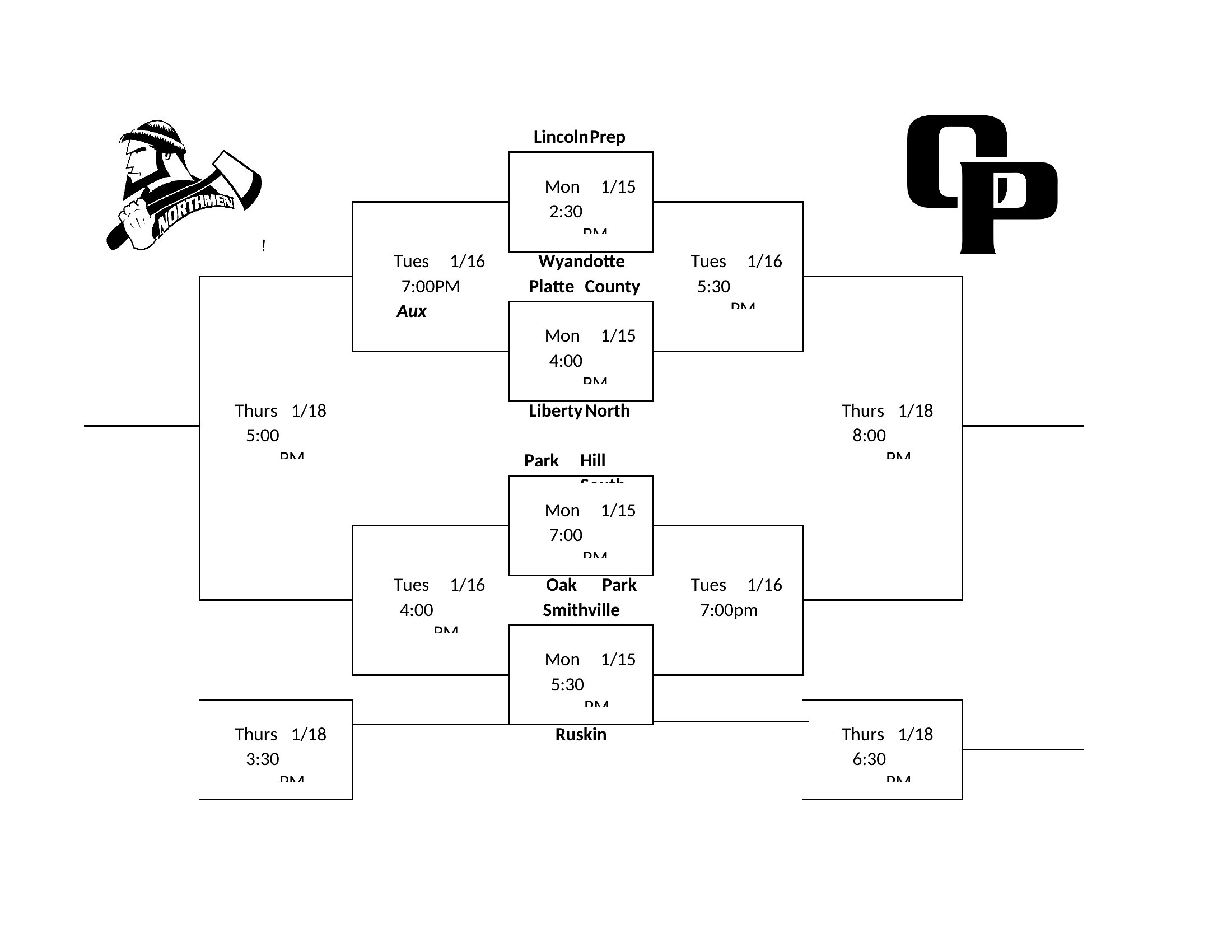
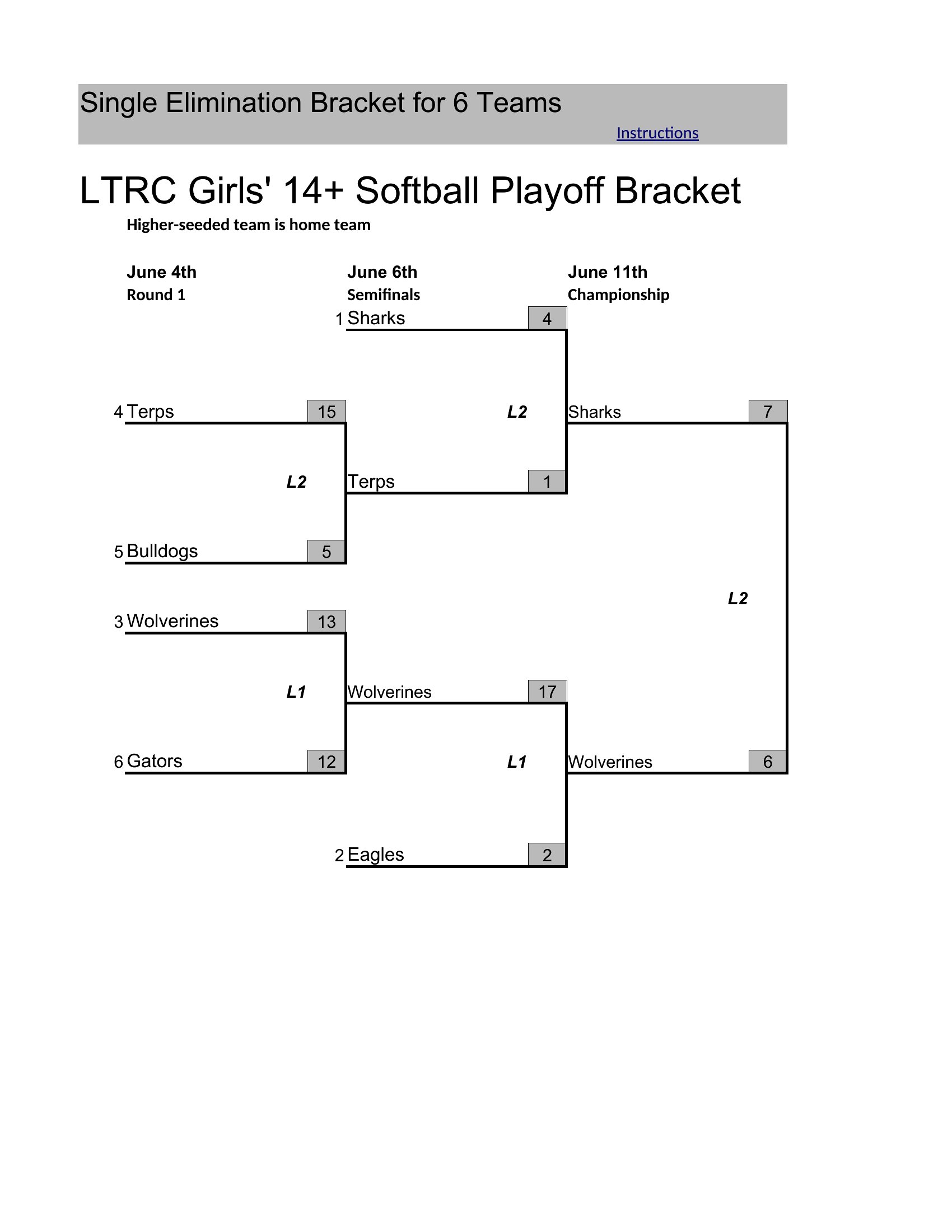
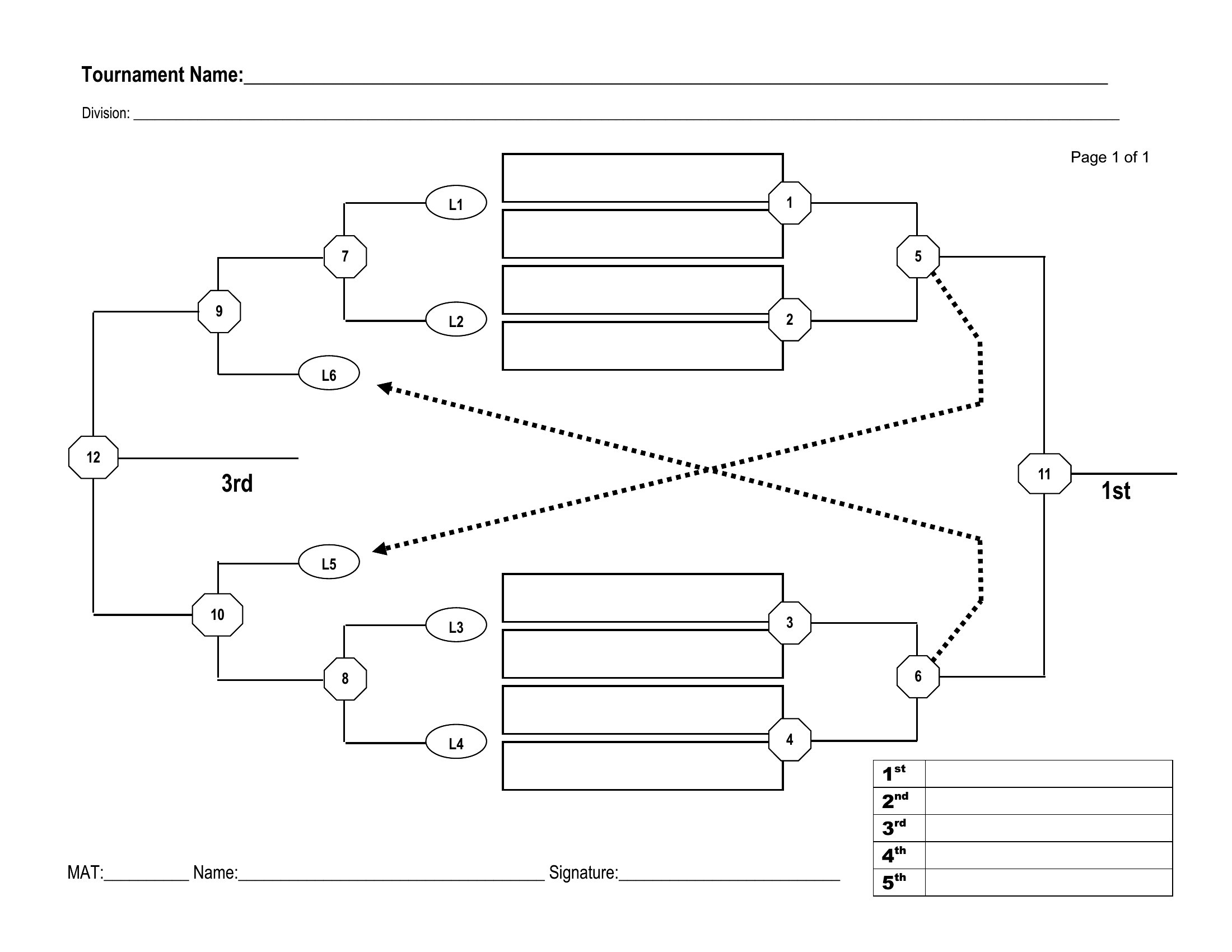
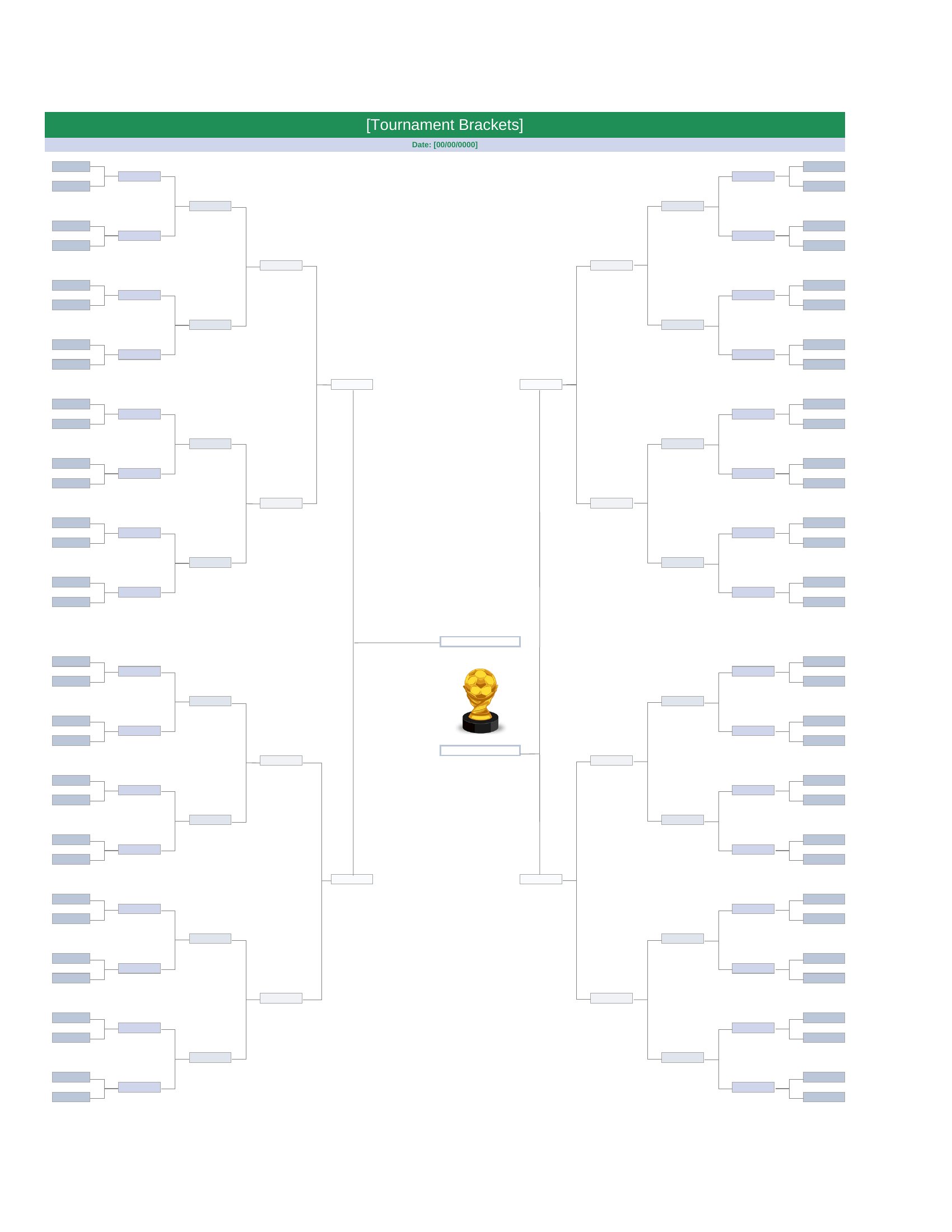
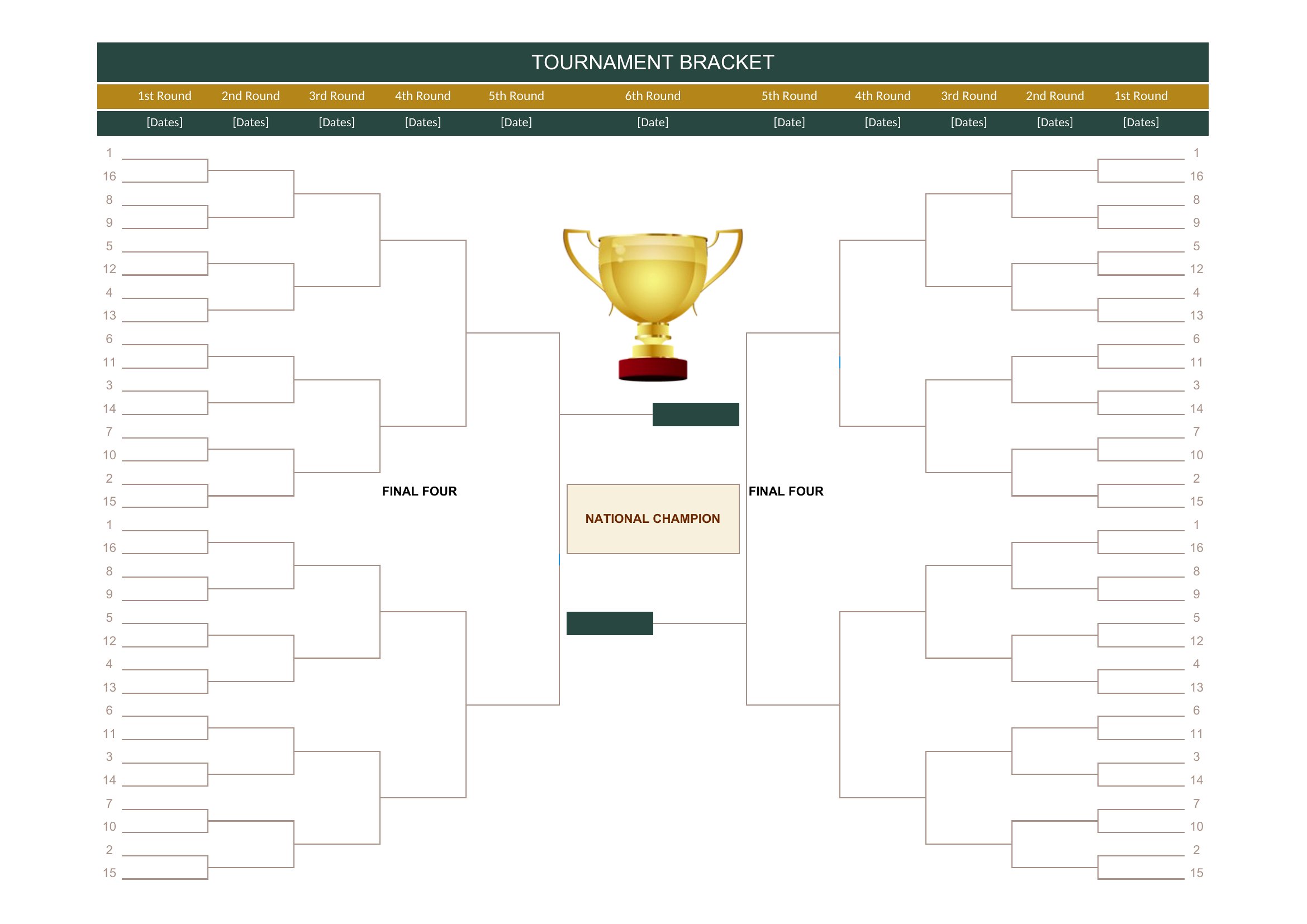
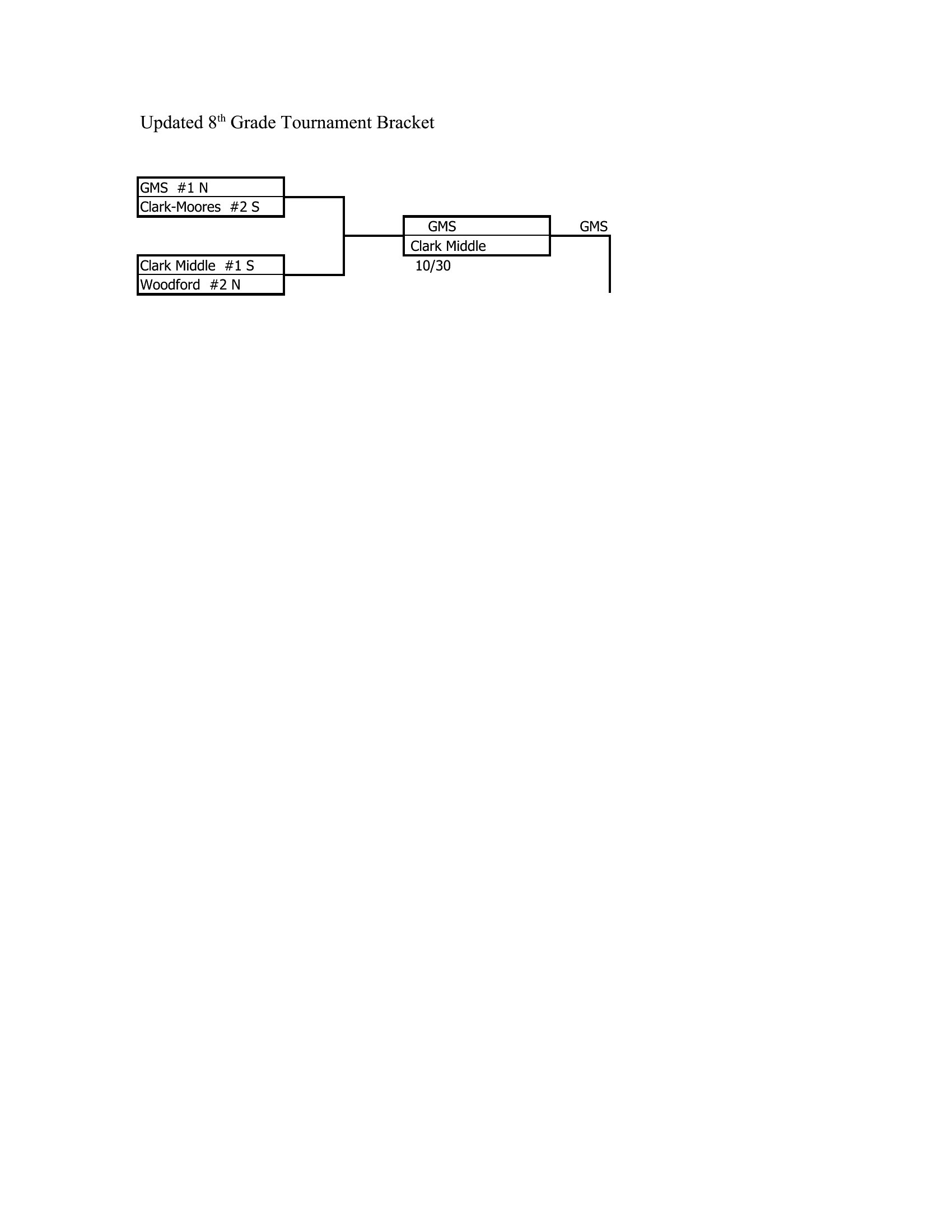
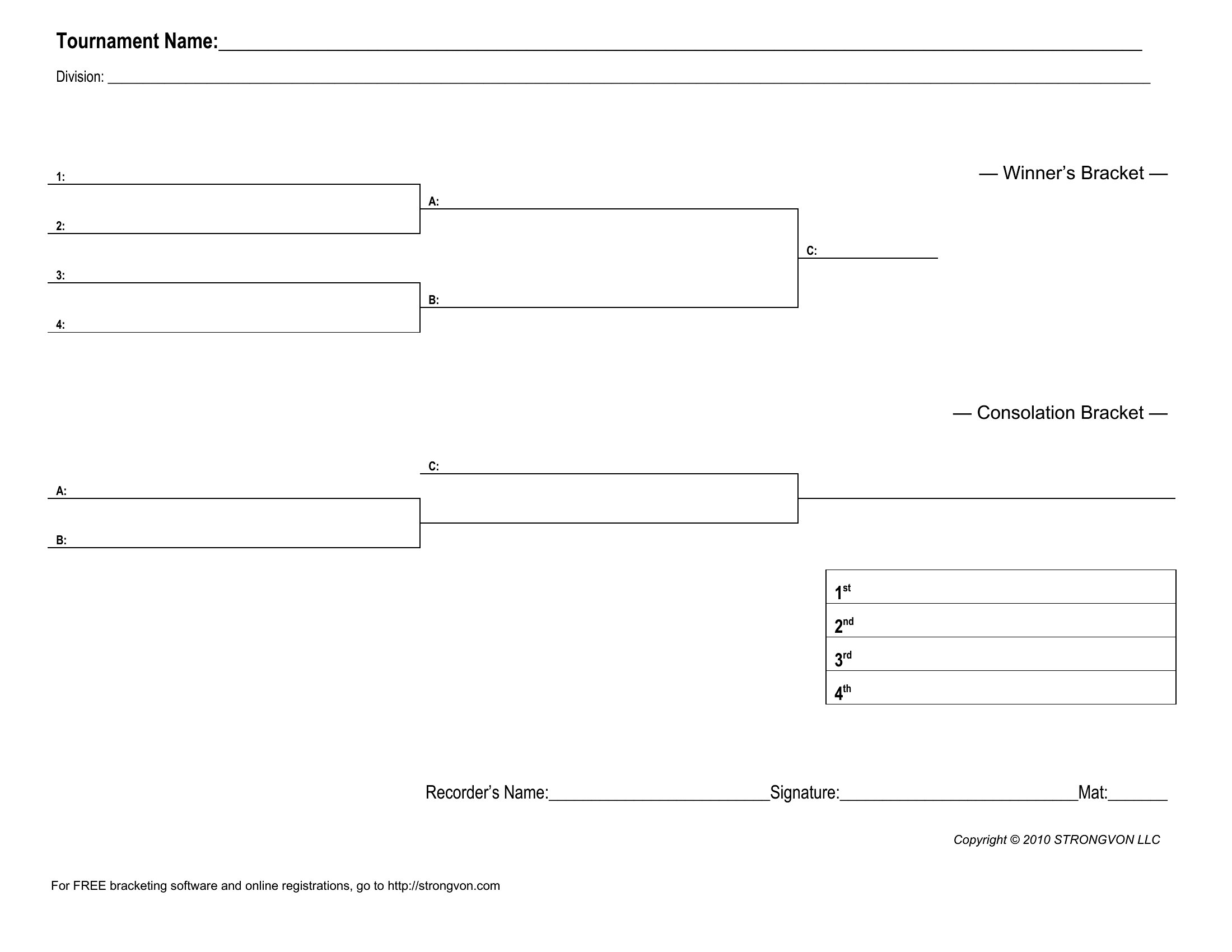
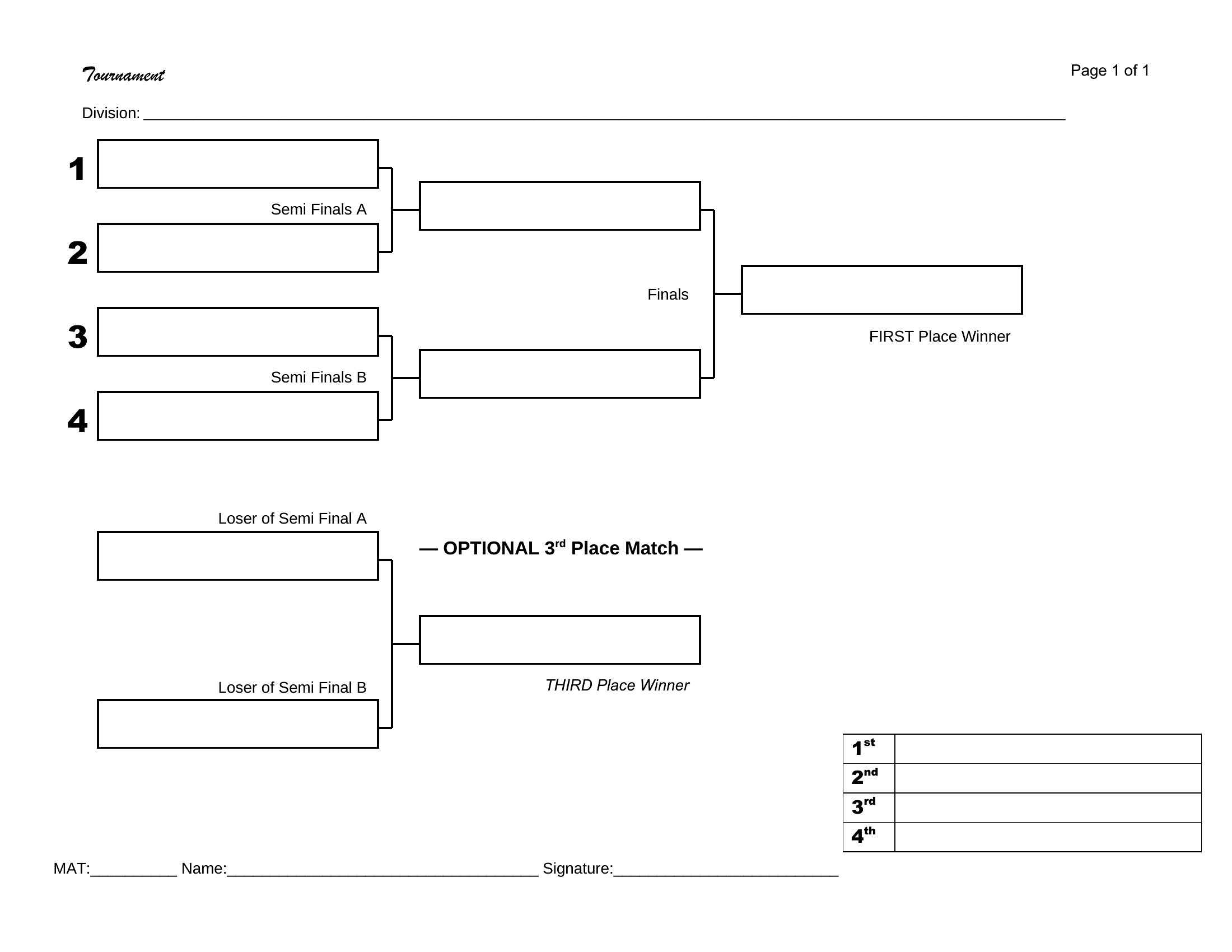
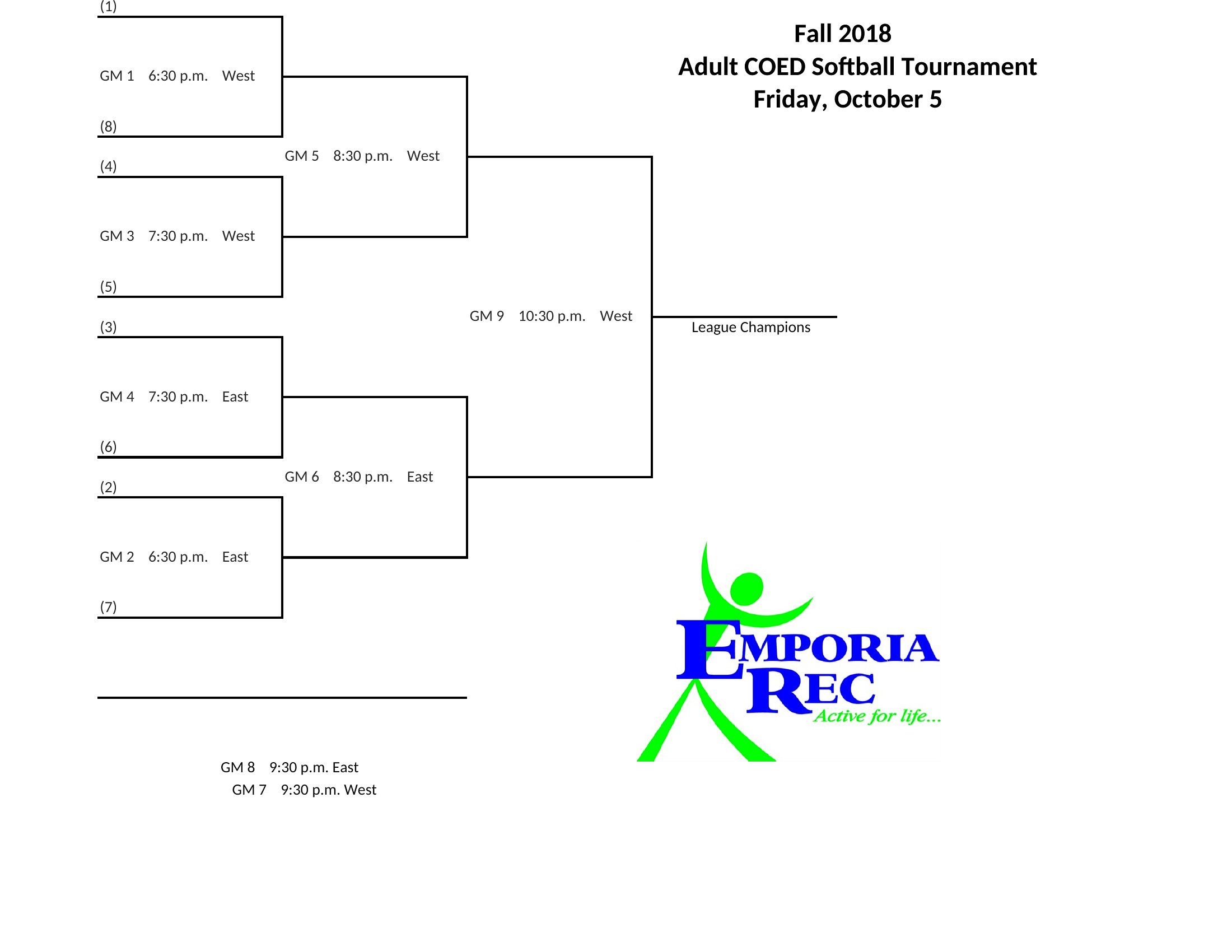
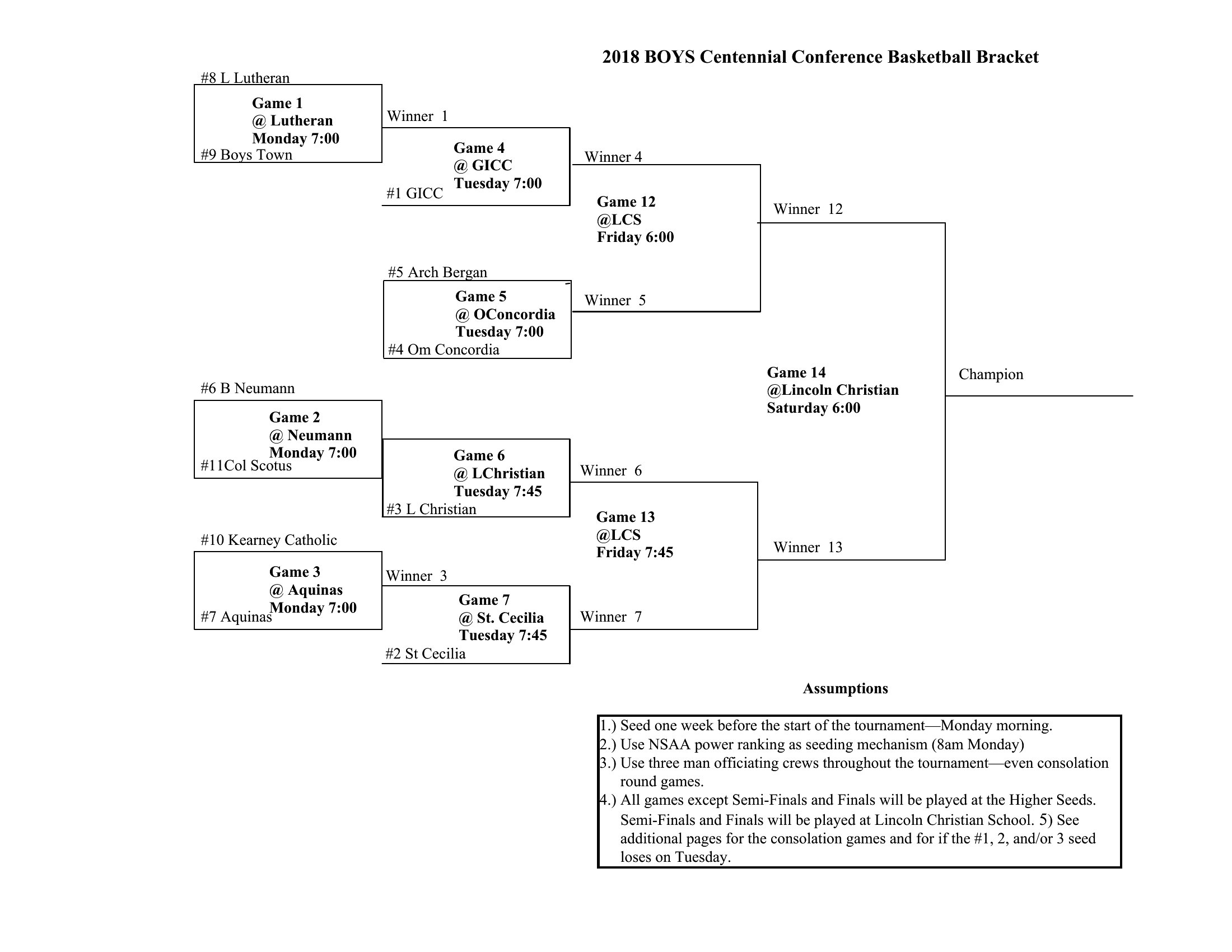
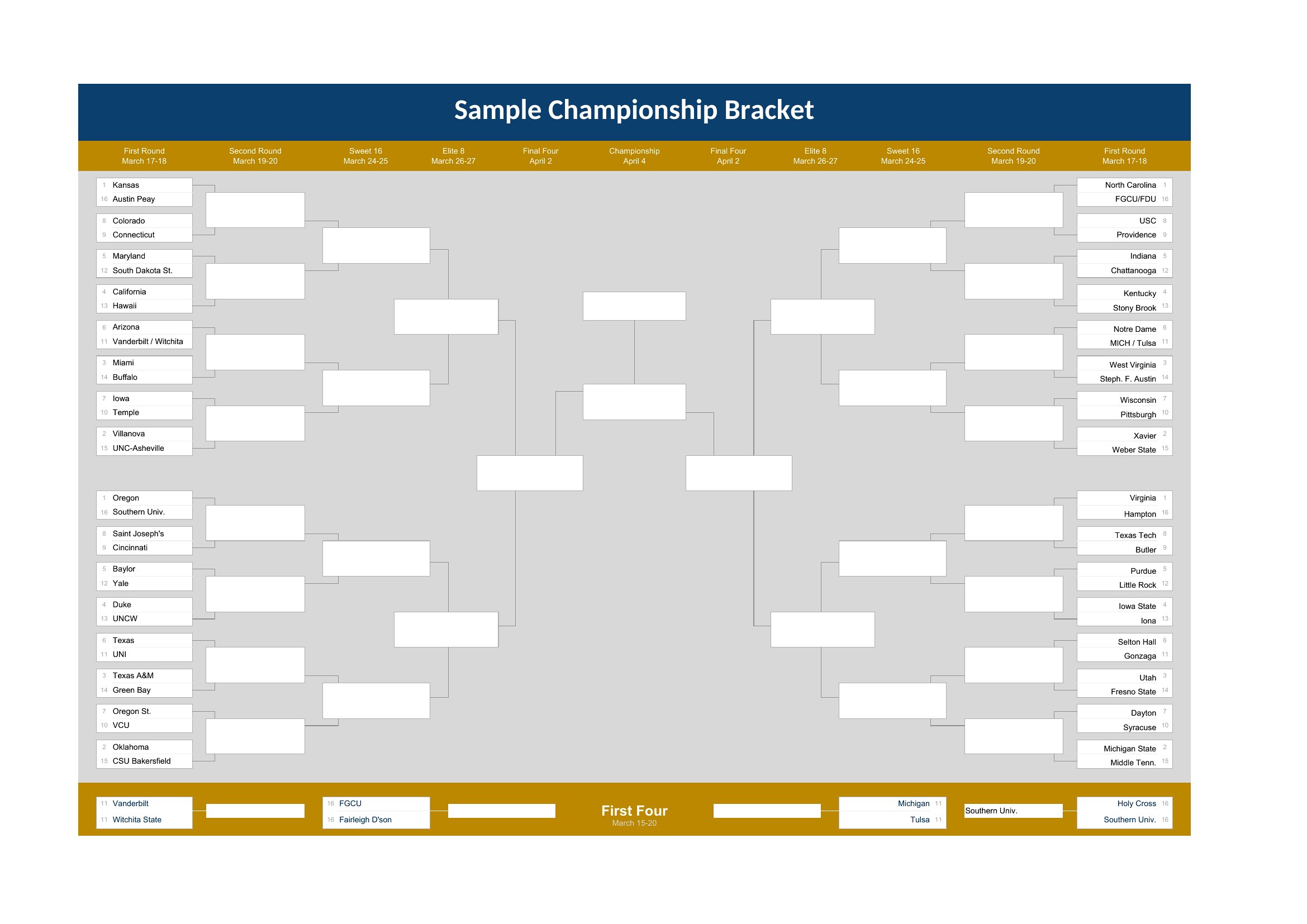
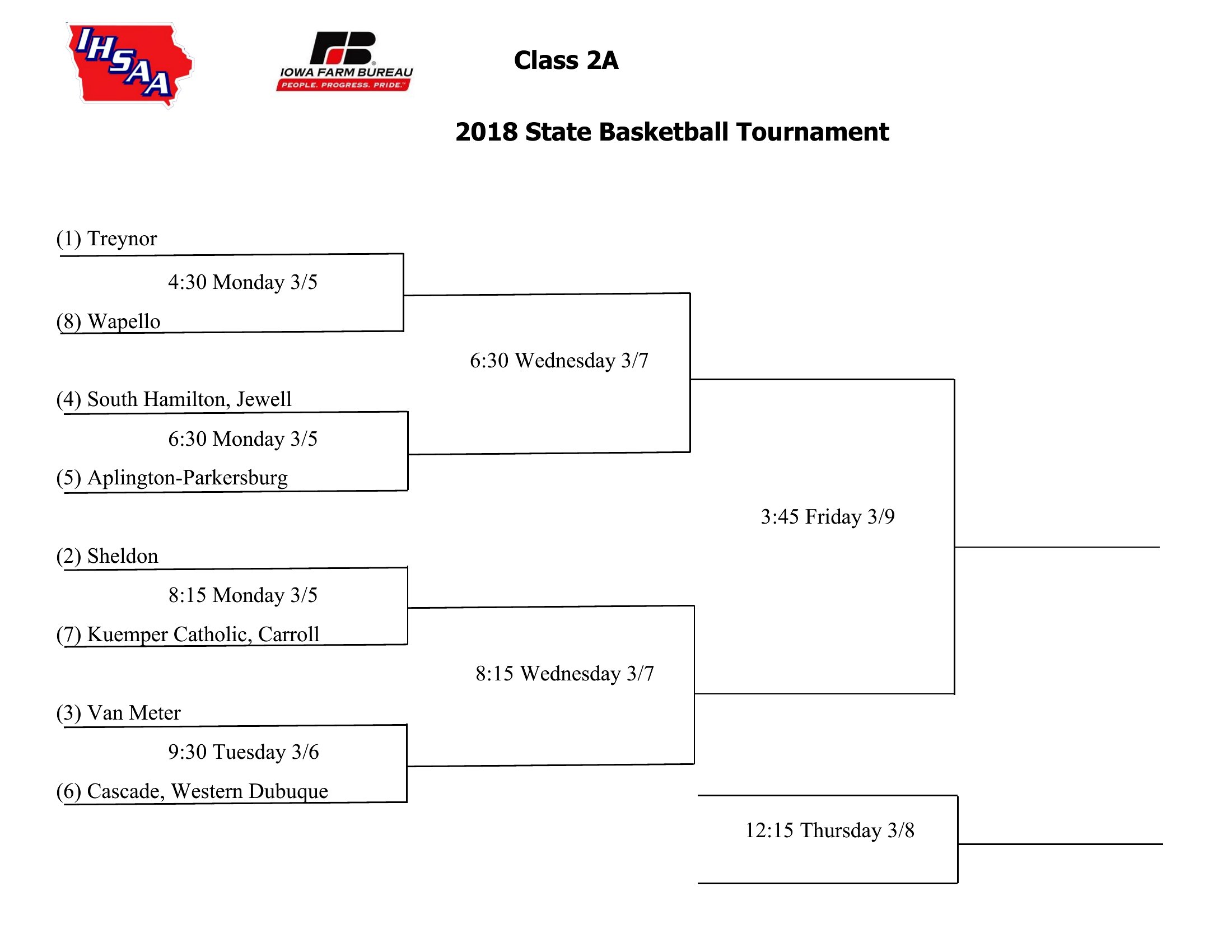
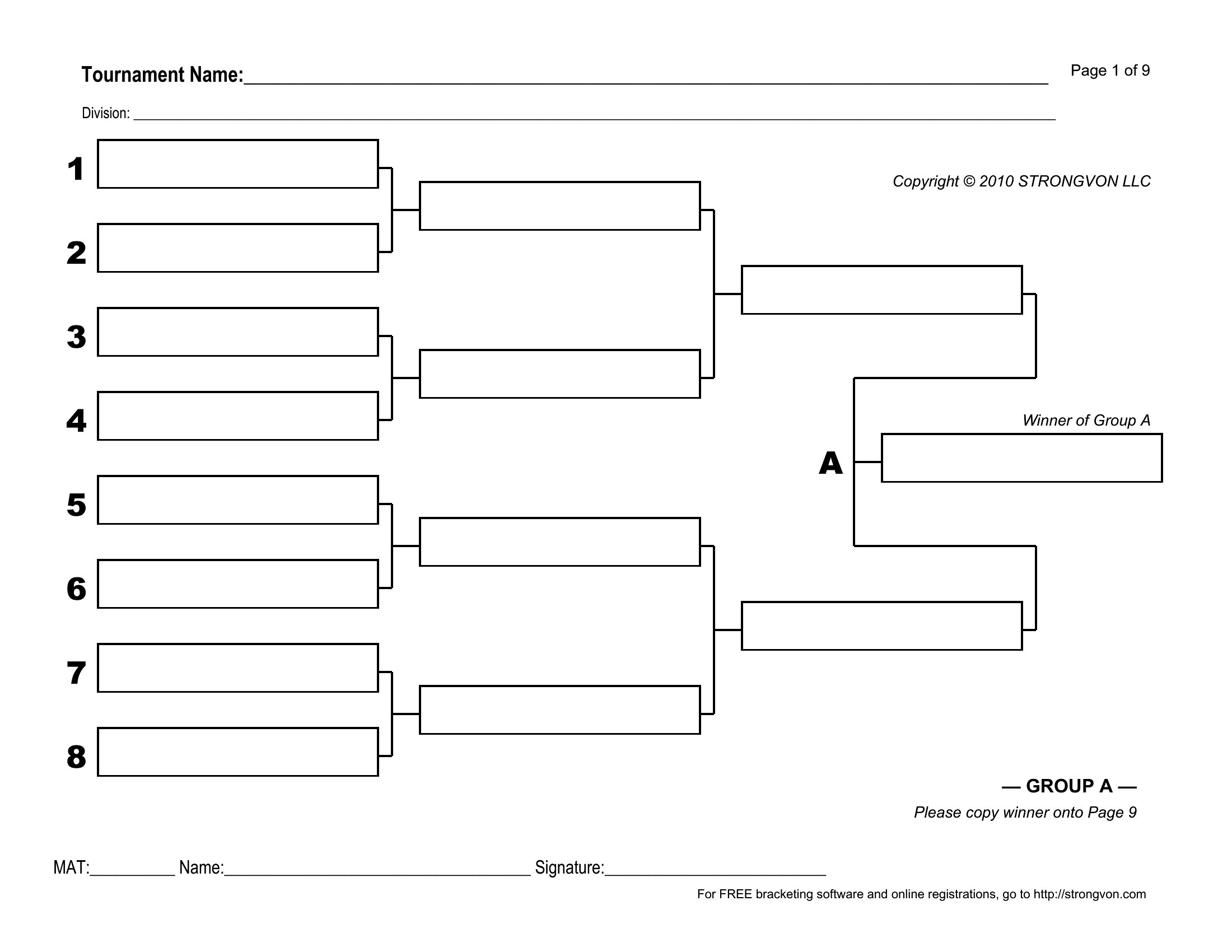
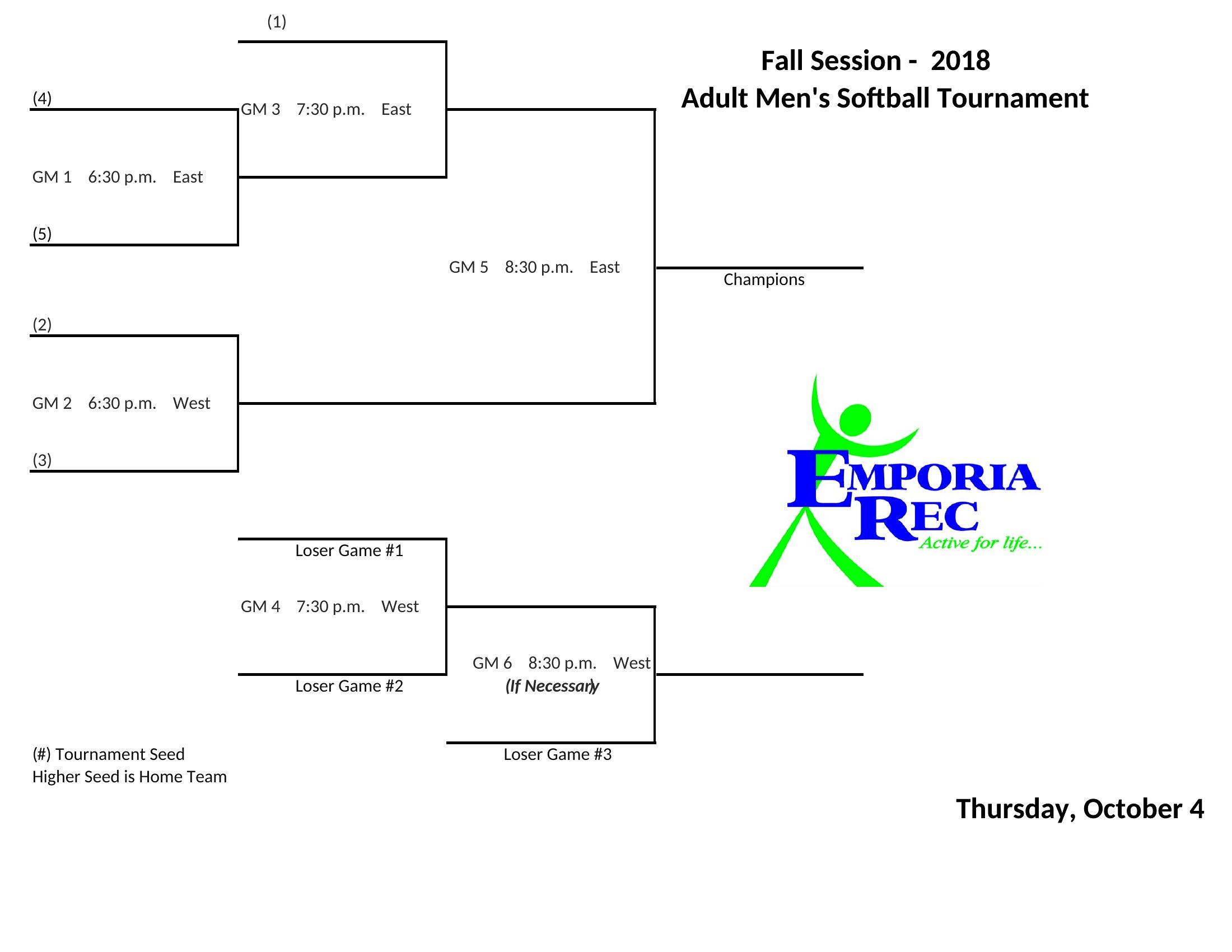
Running a tournament is half the fun and half the logistics, and a clean bracket keeps everyone clear on who plays whom next. This collection of 28 brackets handles single and double elimination formats for anywhere from a handful of teams up to a full 64-slot field. League organizers, coaches, and folks planning an office or family competition can drop in names and have a schedule ready in minutes.

The brackets come in Word for simple printing and Excel for versions that flow winners forward as you fill in results. Adjust the team count, print a big copy for the wall, or share the file so players can follow along. Whether it's basketball, volleyball, or a video game showdown, the structure stays the same. Pick the bracket size that fits your event and get the games started.

When to use this Tournament Bracket template

  • High school coaches need a quick way to print 32-team double-elimination brackets for regional playoffs, ensuring parents and players can track matchups and elimination rounds at a glance during tryouts.
  • A local esports league organizer uses customizable brackets to schedule weekly 16-player shootouts, adjusting for byes and automatic qualifiers automatically before posting to Discord for participants.
  • Corporate HR teams running a company-wide trivia tournament use the Excel format to auto-generate brackets for 64 employees, including tiebreakers for same-score matches in the first two rounds.
  • A family reunion committee avoids last-minute confusion by pre-filling a 12-team single-elimination bracket for a Friday night barbecue cook-off, assigning teams by age group to keep the competition fair and festive.

Which format should I download?

WordExcel

Choose Word if you need a polished, print-ready tournament bracket that doubles as a handout—ideal for coaches or event organizers who want to distribute physical copies to participants. The Word templates let you add team logos or custom colors, but require manual updates if the bracket changes. Excel is the better fit for dynamic tournaments where teams might drop out, scores need tracking, or you’re auto-generating brackets from a spreadsheet of participants. Use Excel when you want built-in formulas to handle byes, seeding, or random draws efficiently. For simple, static brackets (like a 16-team office pool), either format works, but Excel’s sorting tools can save time if you’re shuffling teams.

How to use this Tournament Bracket template

Can these templates handle byes for a tournament with an uneven number of teams?

Yes, the Excel-based templates include conditional formatting and formulas to automatically assign byes in single or double-elimination brackets. For example, a 19-team tournament will show three teams bypassing the first round. Word templates require manual adjustments for byes, but you can duplicate and delete rows as needed. Always preview the bracket after filling in names to catch any gaps.

How do I adjust the bracket for a tournament that uses a seeded format?

In Excel, sort your teams by seed number in column A before running the auto-fill formula (usually in cell B2). The template will place top seeds in opposite halves of the bracket to avoid early matchups. In Word, delete the placeholder names and type seeds into the labeled slots, then drag and drop teams to balance difficulty across rounds. For double-elimination, ensure losers’ brackets align with winners’ bracket seeds.

Are these templates compatible with digital signage for displaying live tournament results?

The templates aren’t designed for real-time updates, but you can export the Excel bracket as a PDF or image (screenshot) and use it as a static display. For live results, combine the bracket with a separate spreadsheet tracking scores, then manually update both. Some templates include blank score cells—add these to a projector or TV screen and refresh them between rounds. Avoid printing Word templates directly to digital displays, as formatting may distort.

Comments

Join the conversation

Sign in to share your thoughts and leave a comment on this resource.

Newsletter

Get Weekly Design Updates

Join our community to receive curated resources and inspiration.

Weekly Tips Resources Early Access

We respect your privacy. Confirmation email required. Privacy Policy