


FAQ
Can these templates handle byes for a tournament with an uneven number of teams?
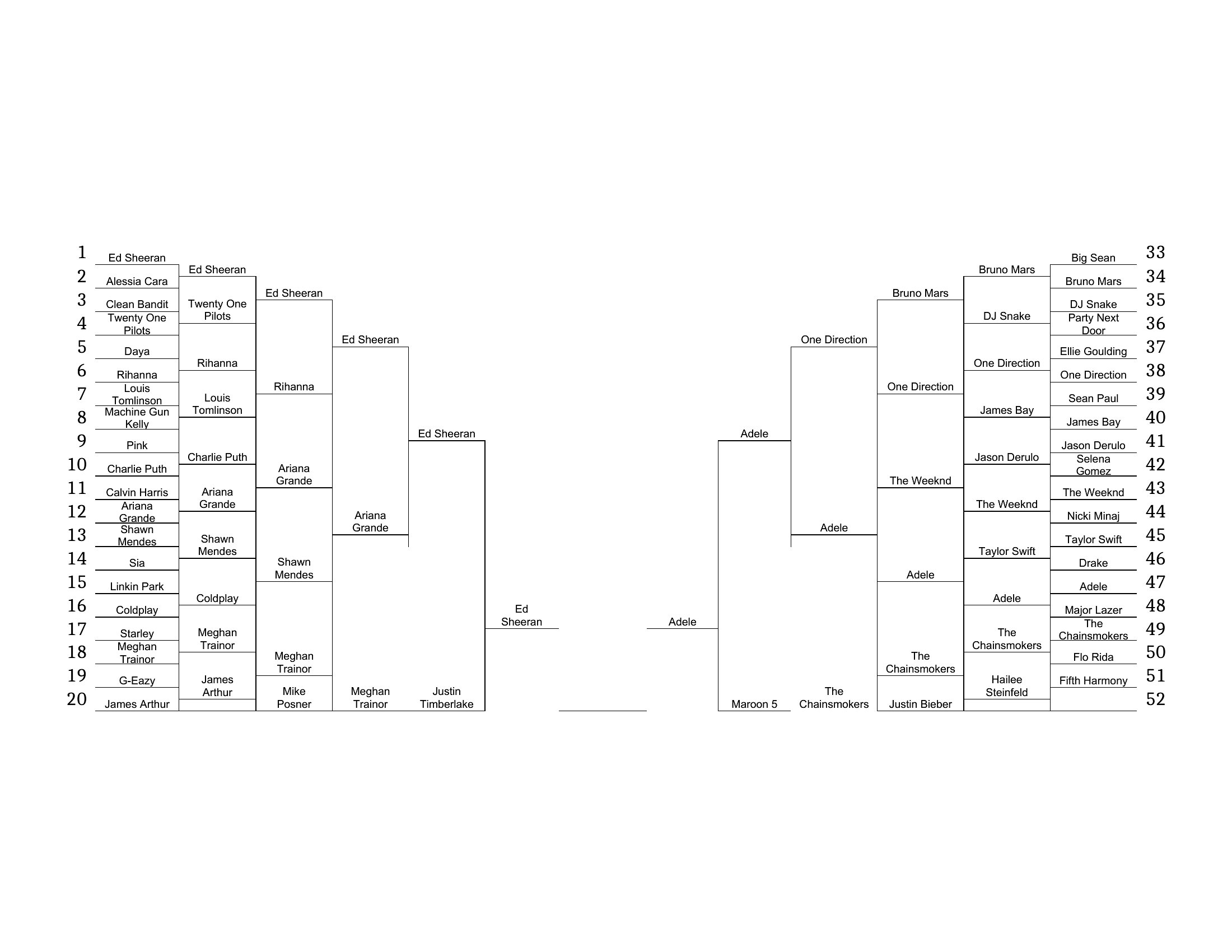
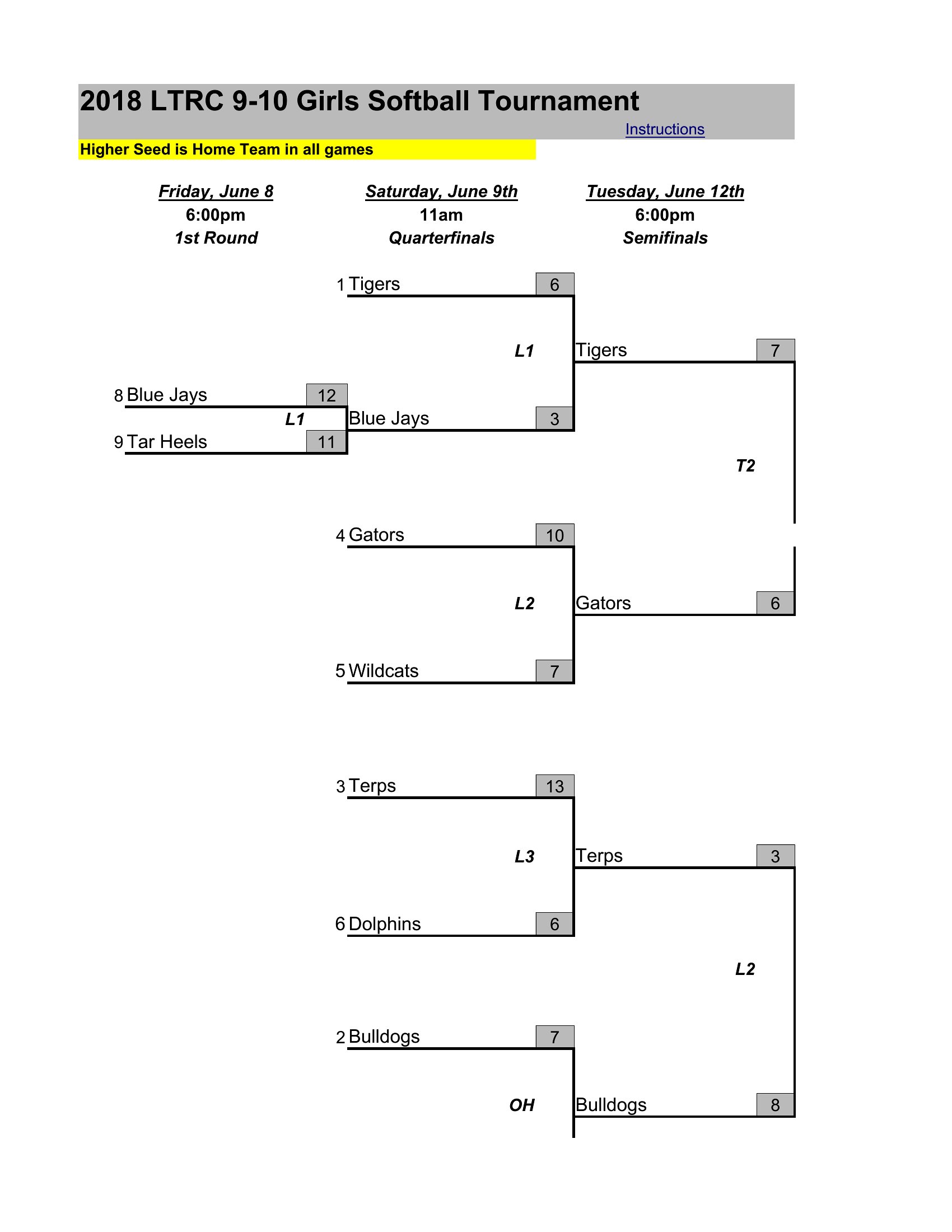
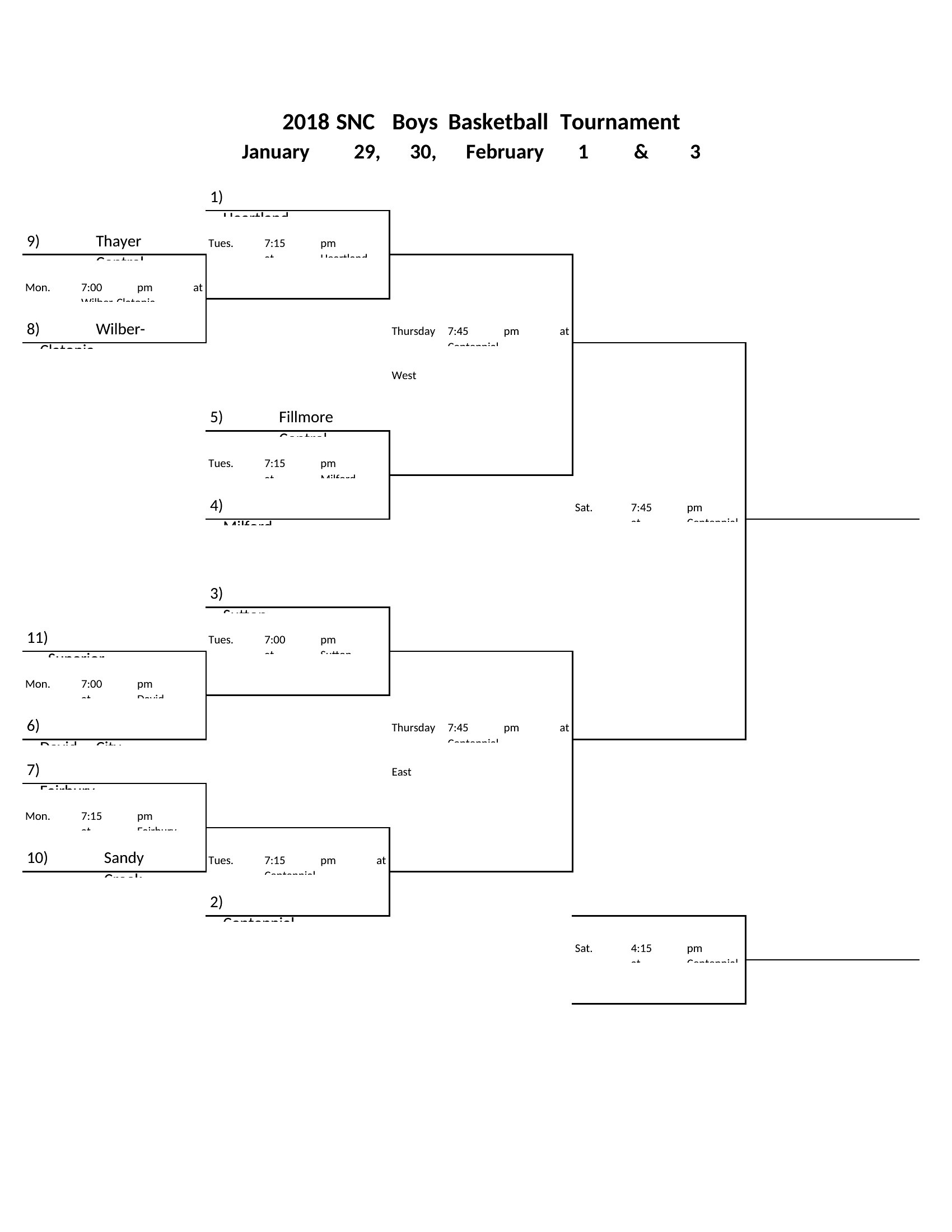
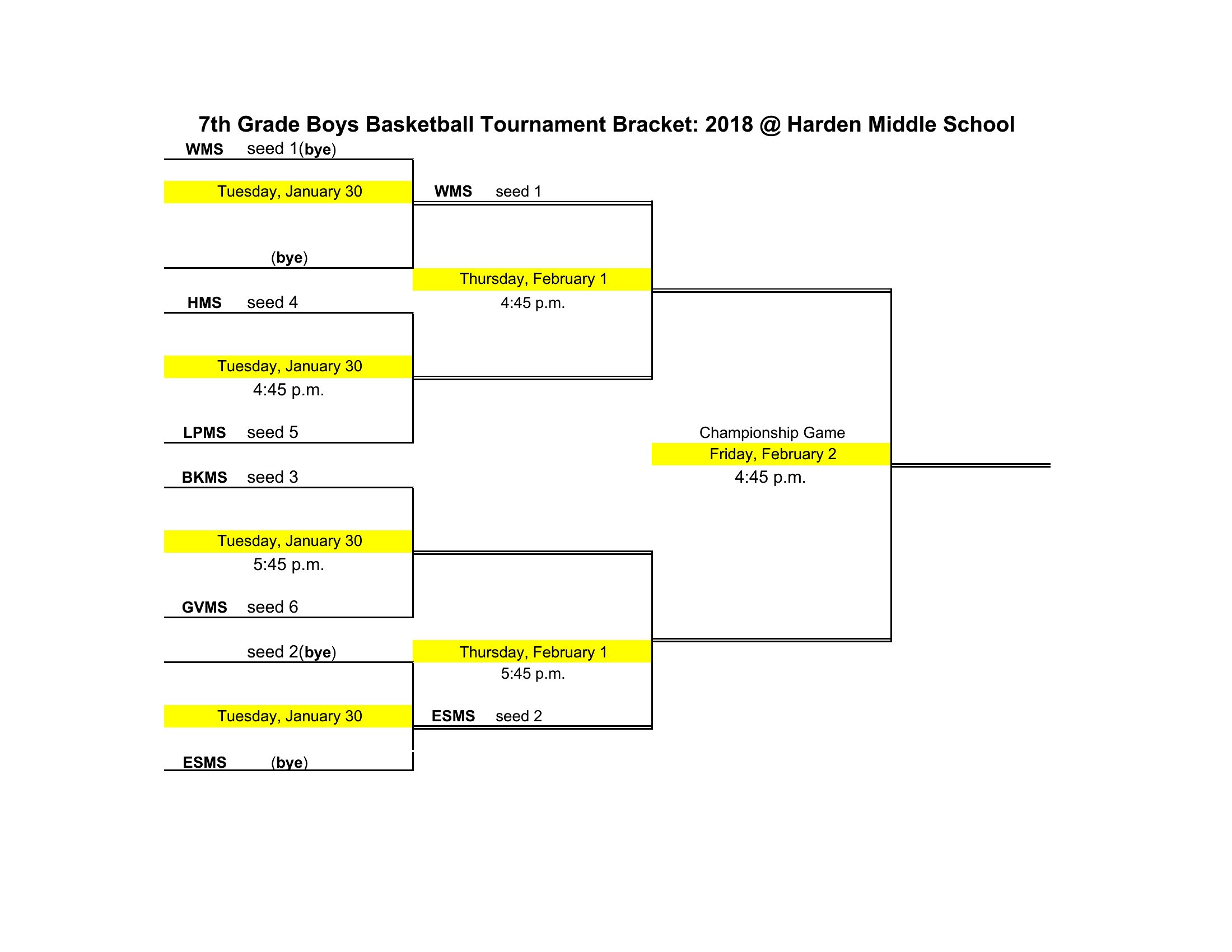
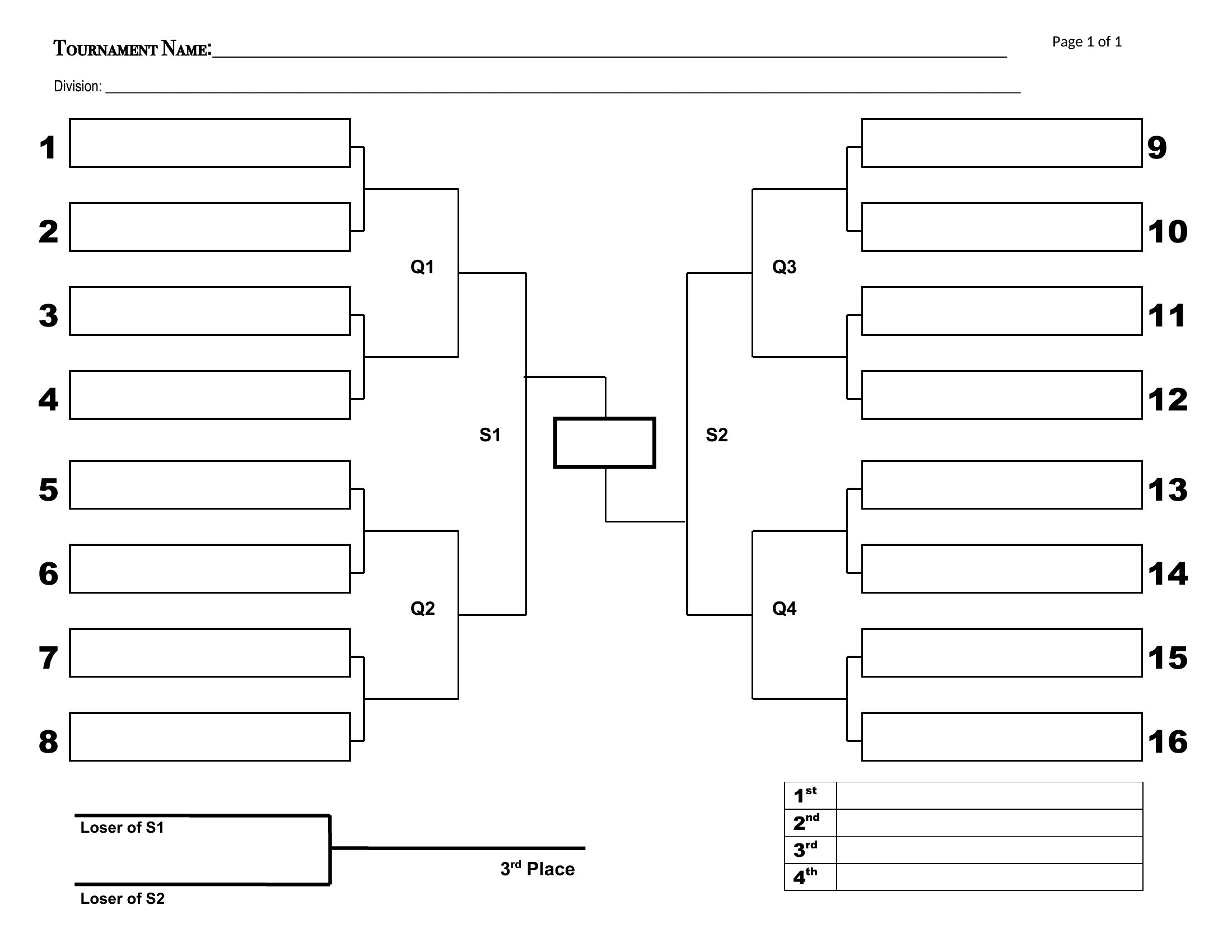
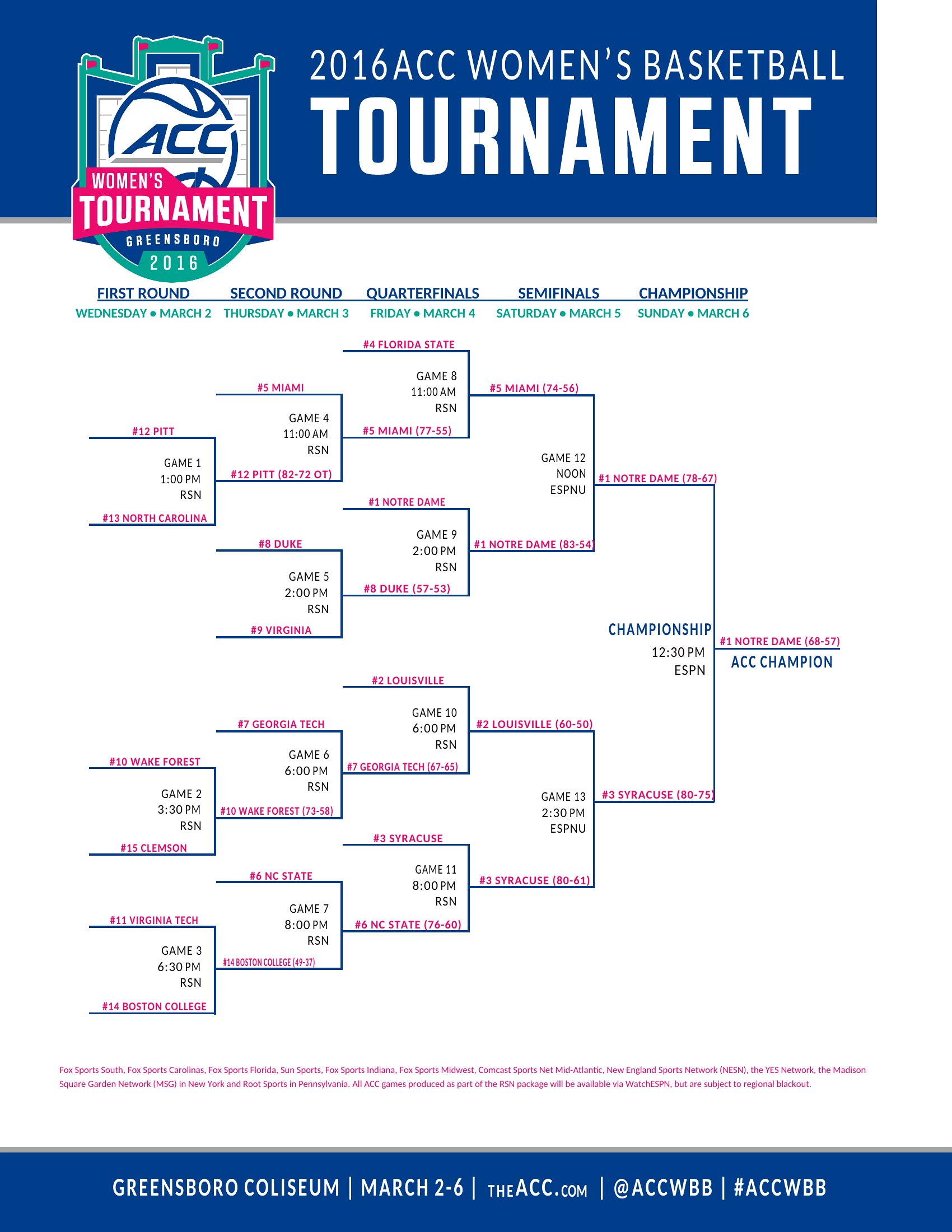
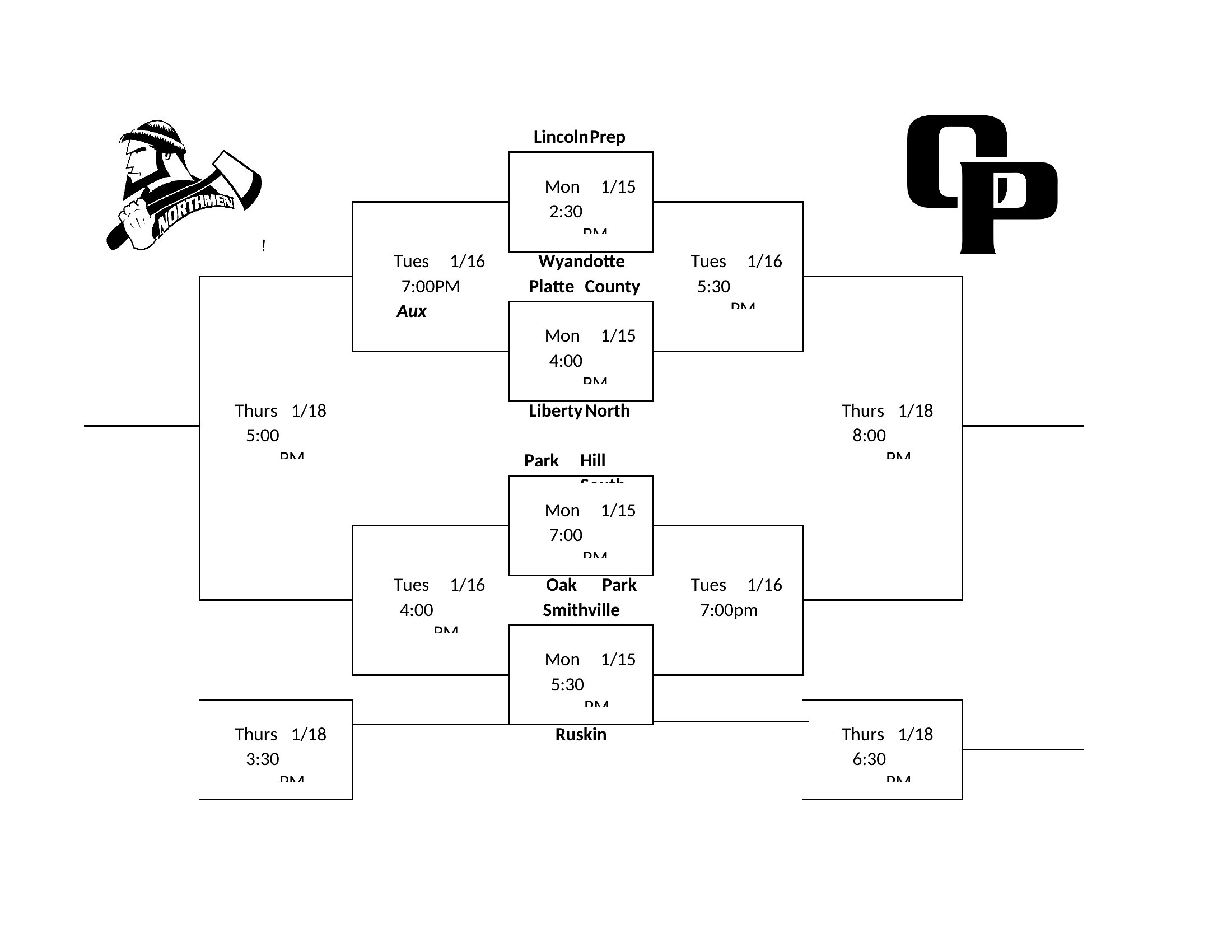
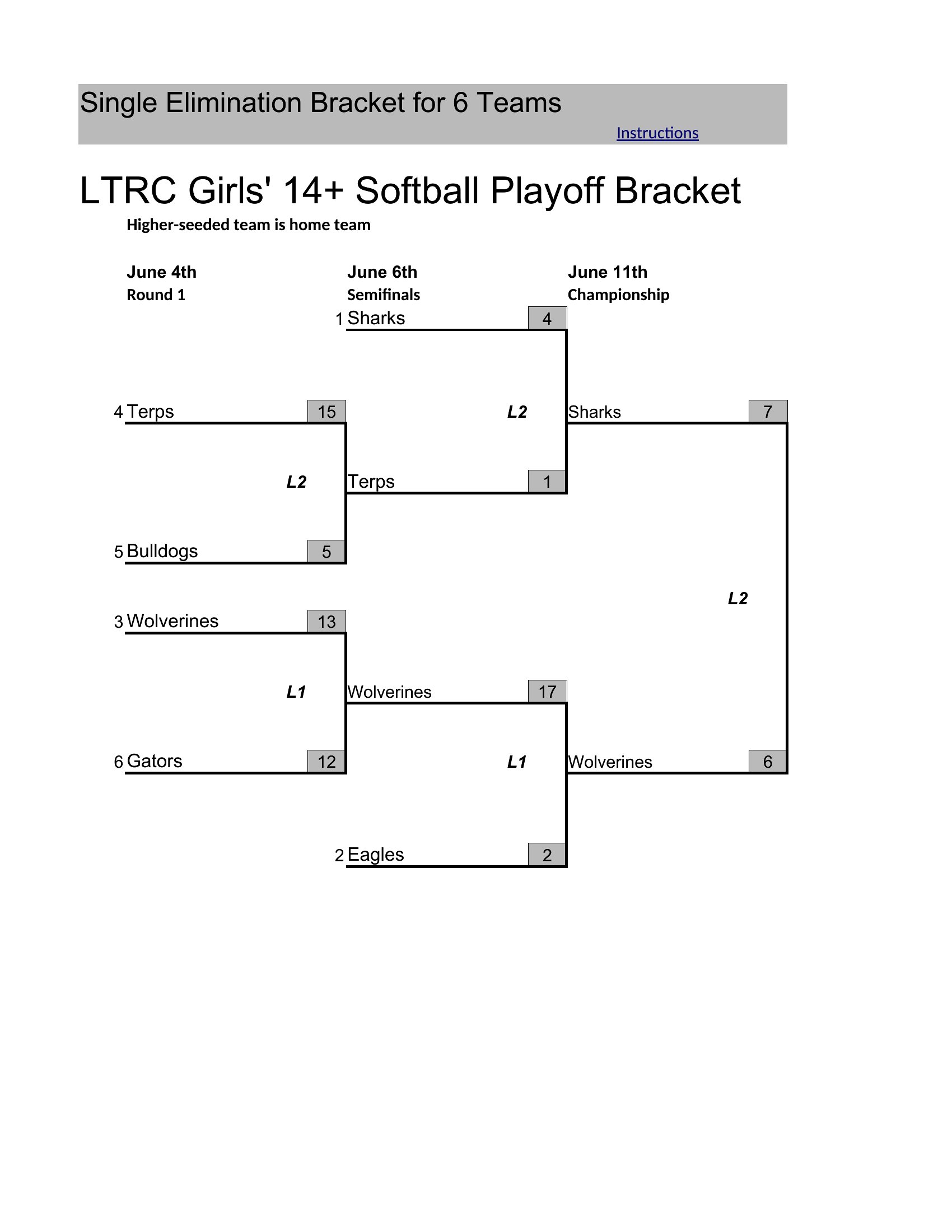
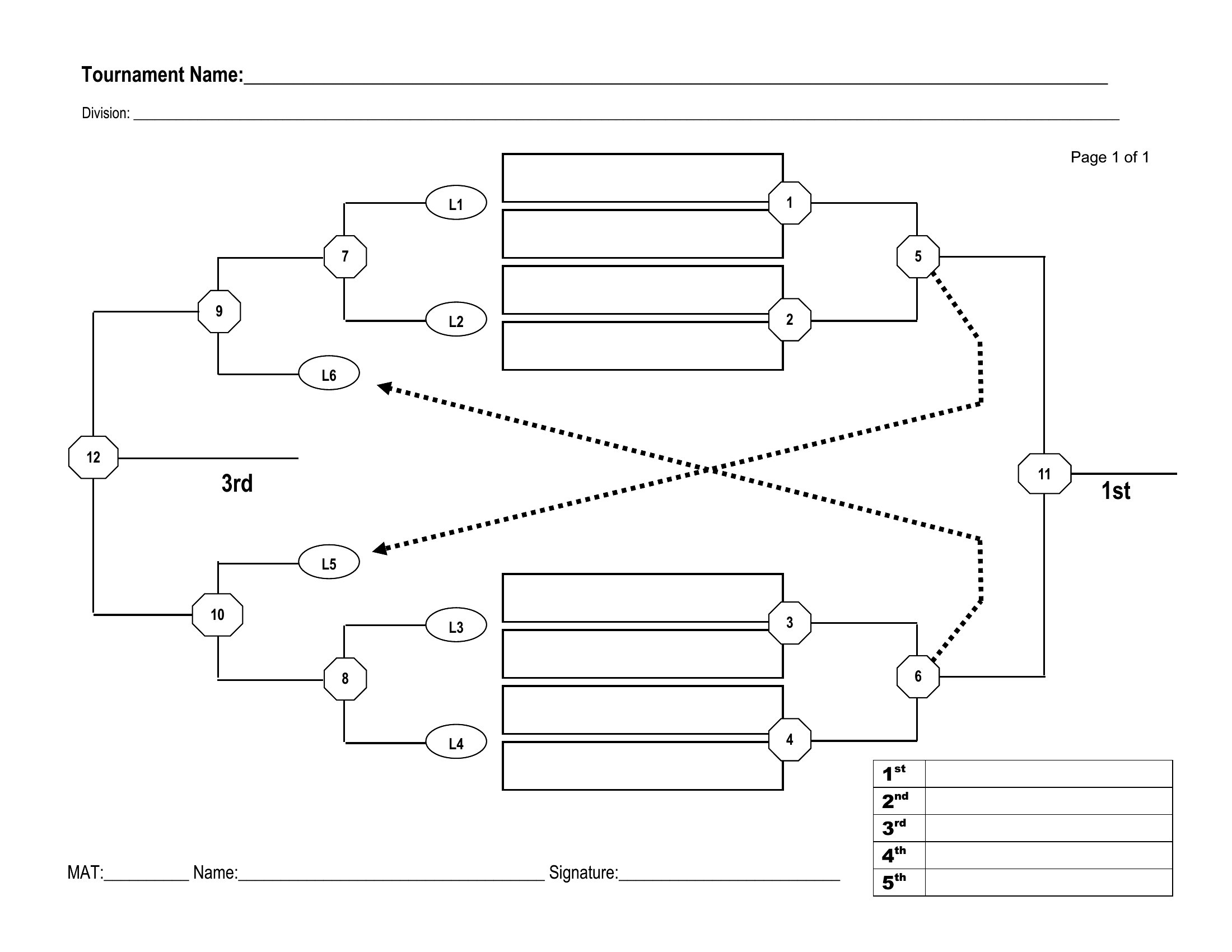
Yes, the Excel-based templates include conditional formatting and formulas to automatically assign byes in single or double-elimination brackets. For example, a 19-team tournament will show three teams bypassing the first round. Word templates require manual adjustments for byes, but you can duplicate and delete rows as needed. Always preview the bracket after filling in names to catch any gaps.
How do I adjust the bracket for a tournament that uses a seeded format?
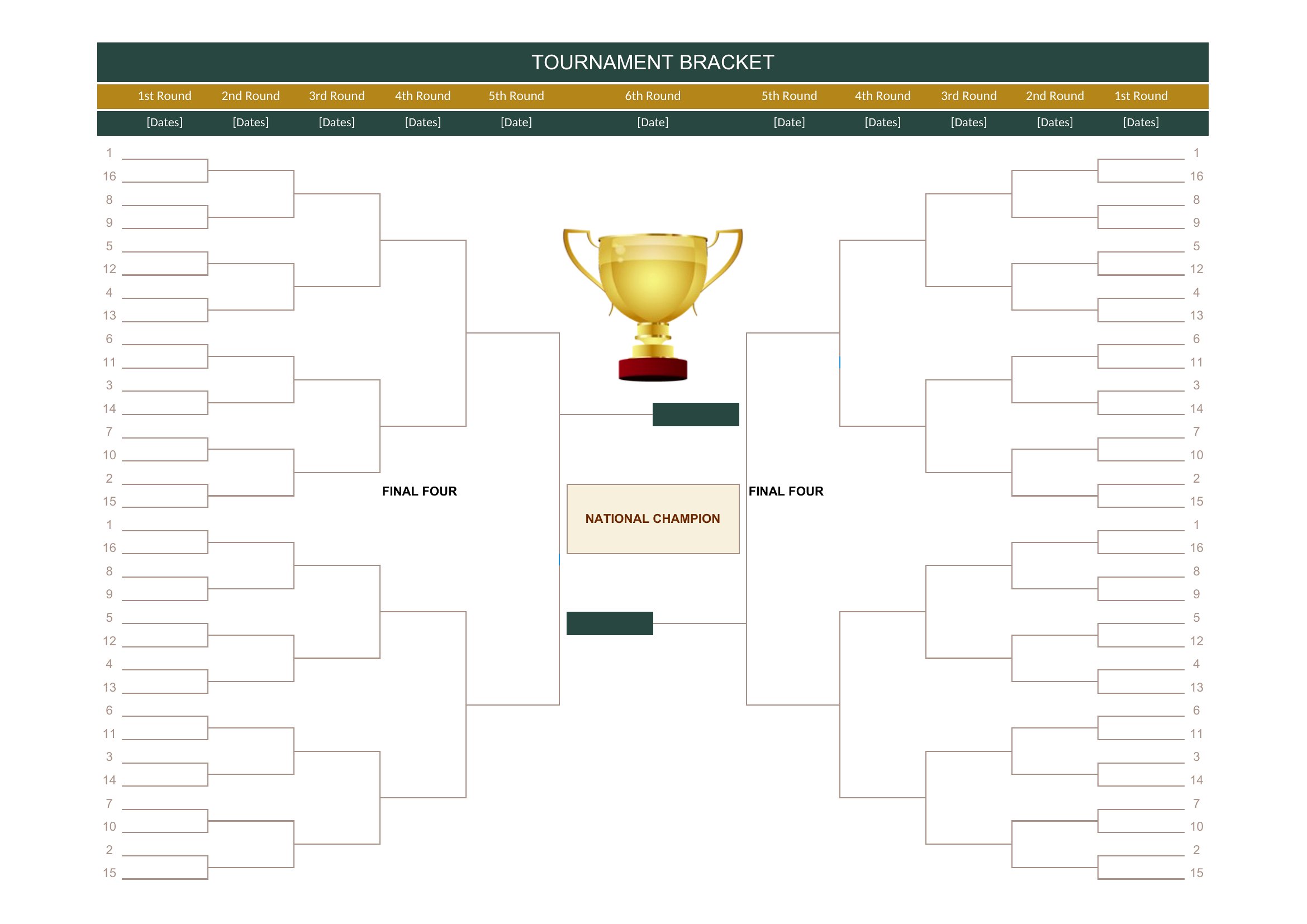
In Excel, sort your teams by seed number in column A before running the auto-fill formula (usually in cell B2). The template will place top seeds in opposite halves of the bracket to avoid early matchups. In Word, delete the placeholder names and type seeds into the labeled slots, then drag and drop teams to balance difficulty across rounds. For double-elimination, ensure losers’ brackets align with winners’ bracket seeds.
Are these templates compatible with digital signage for displaying live tournament results?
The templates aren’t designed for real-time updates, but you can export the Excel bracket as a PDF or image (screenshot) and use it as a static display. For live results, combine the bracket with a separate spreadsheet tracking scores, then manually update both. Some templates include blank score cells—add these to a projector or TV screen and refresh them between rounds. Avoid printing Word templates directly to digital displays, as formatting may distort.
Comments
Join the conversation
Sign in to share your thoughts and leave a comment on this resource.