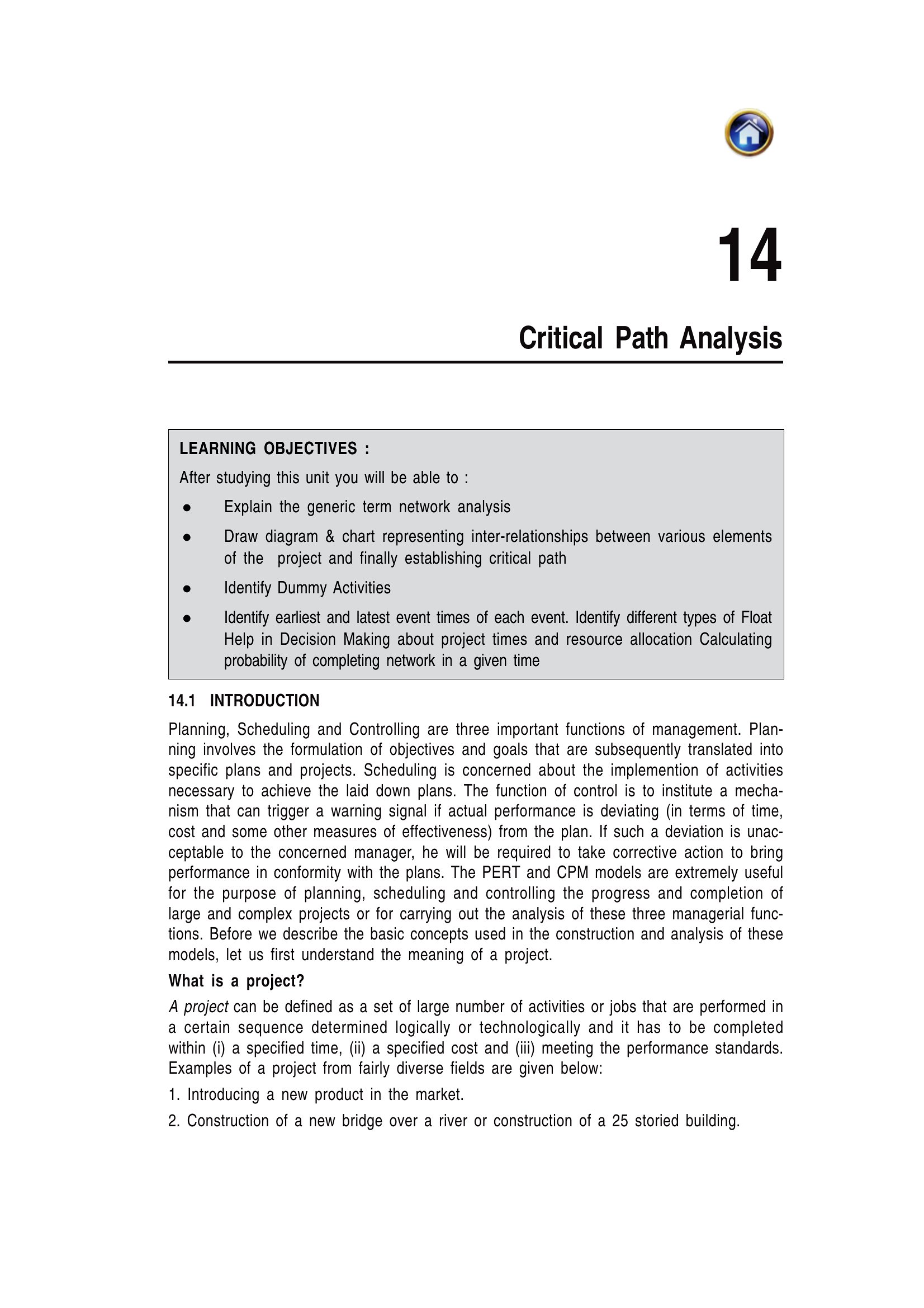
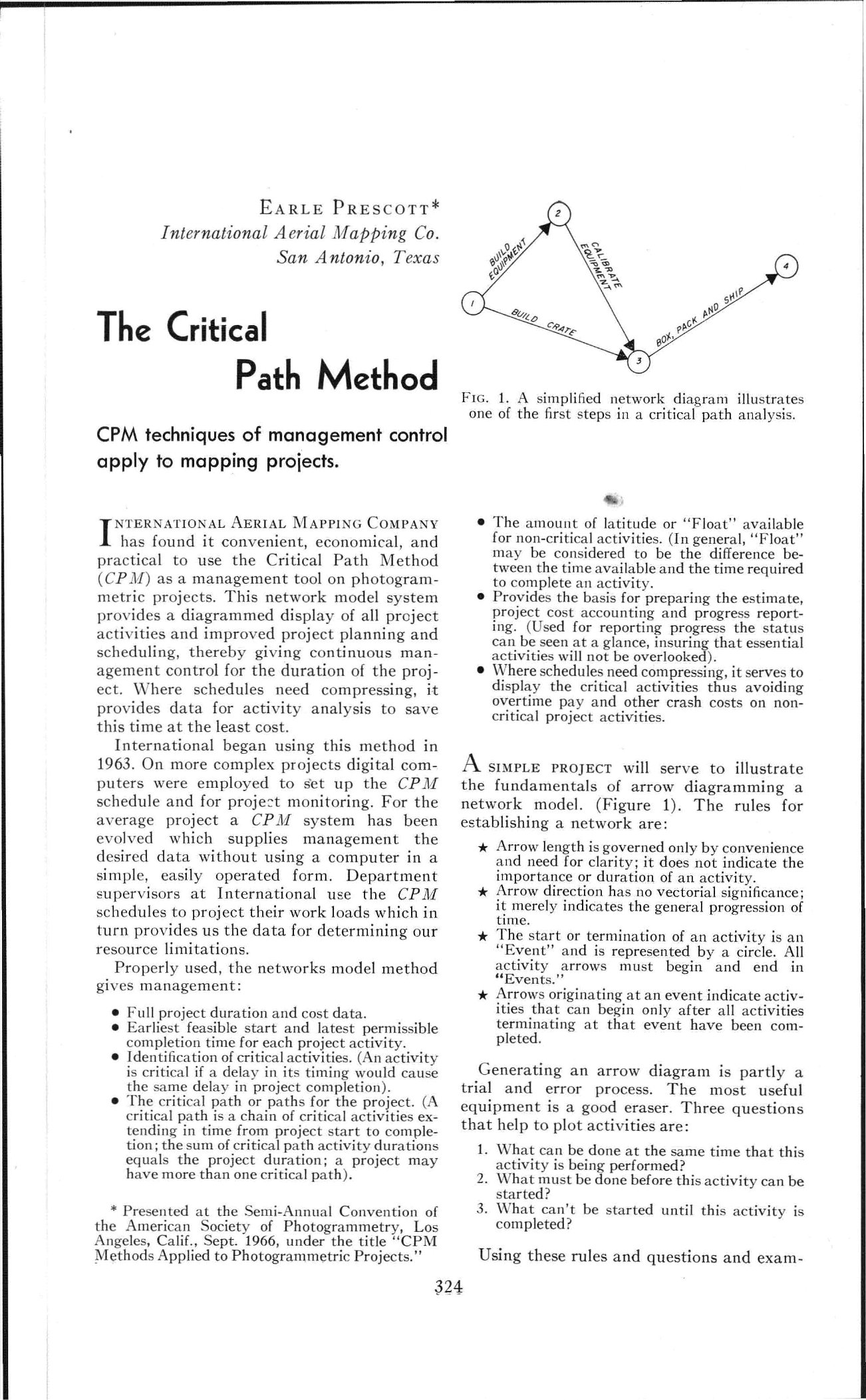
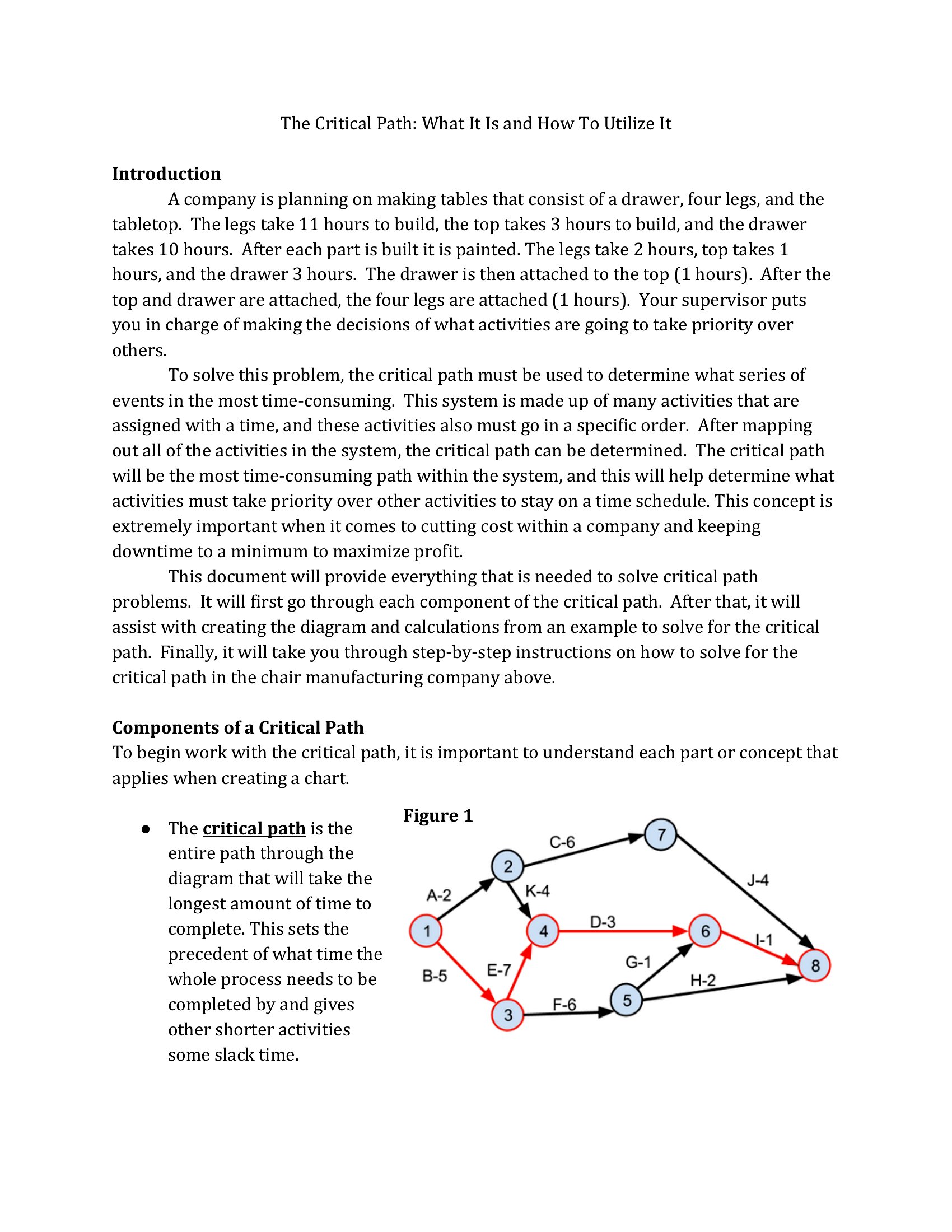
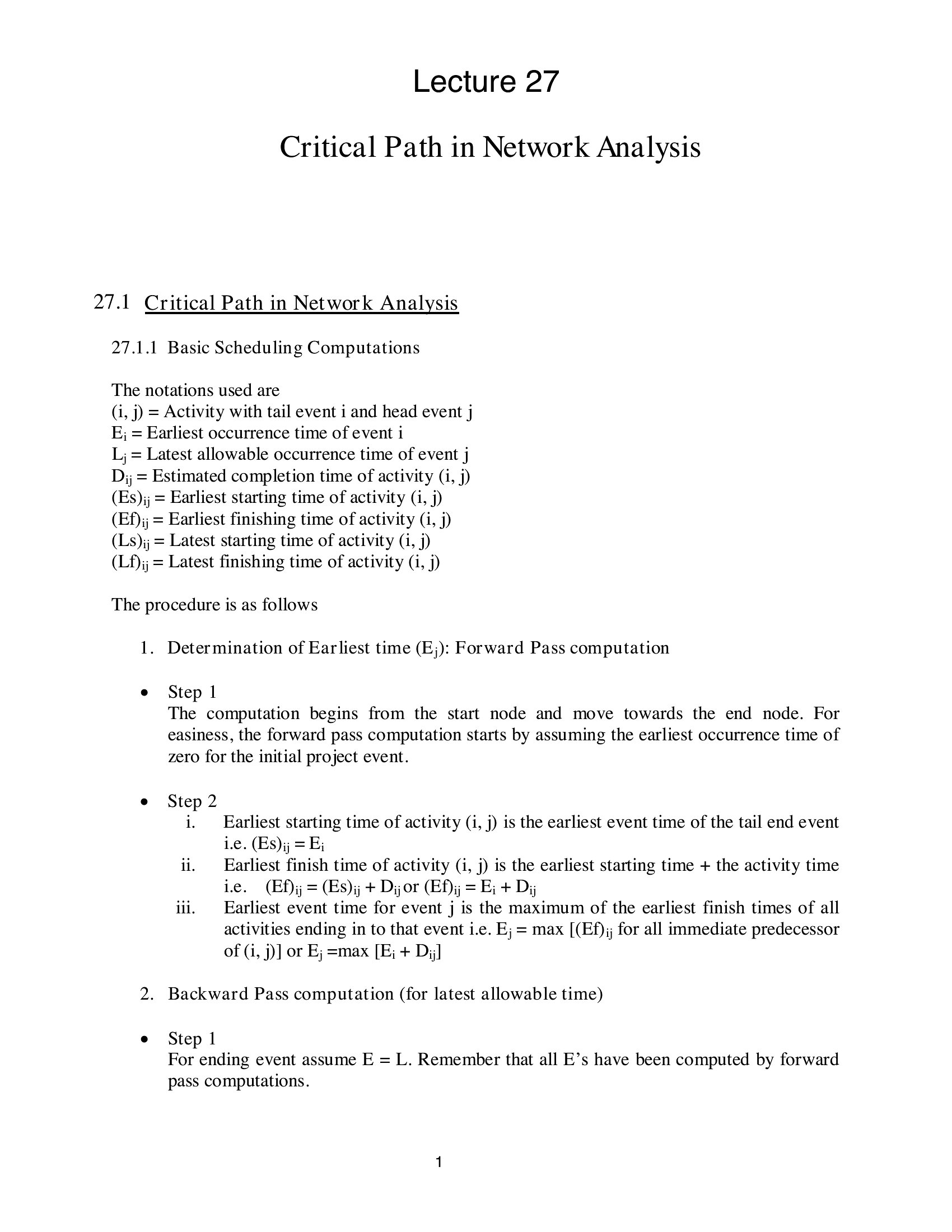
Free Critical Path Templates (Word, Excel, PDF)
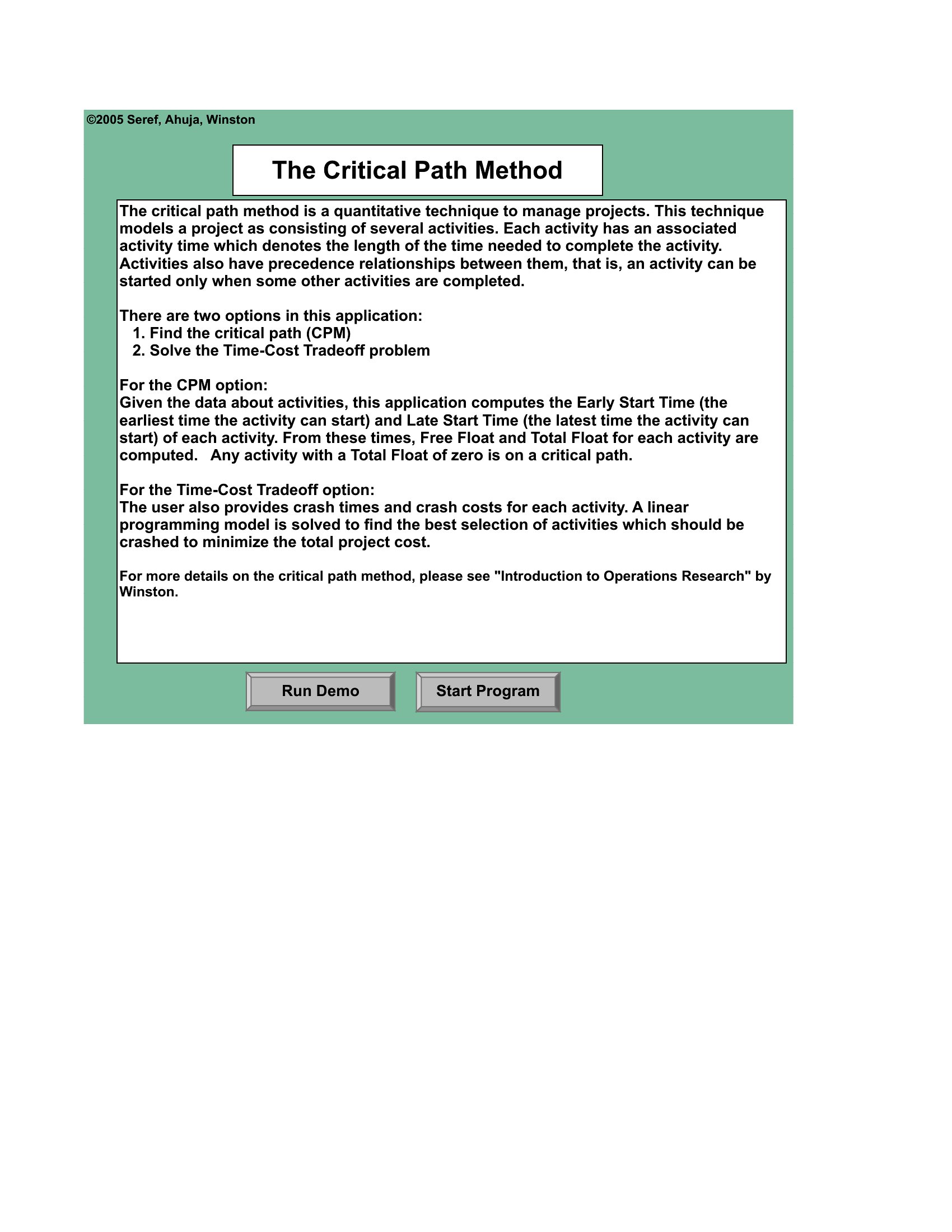
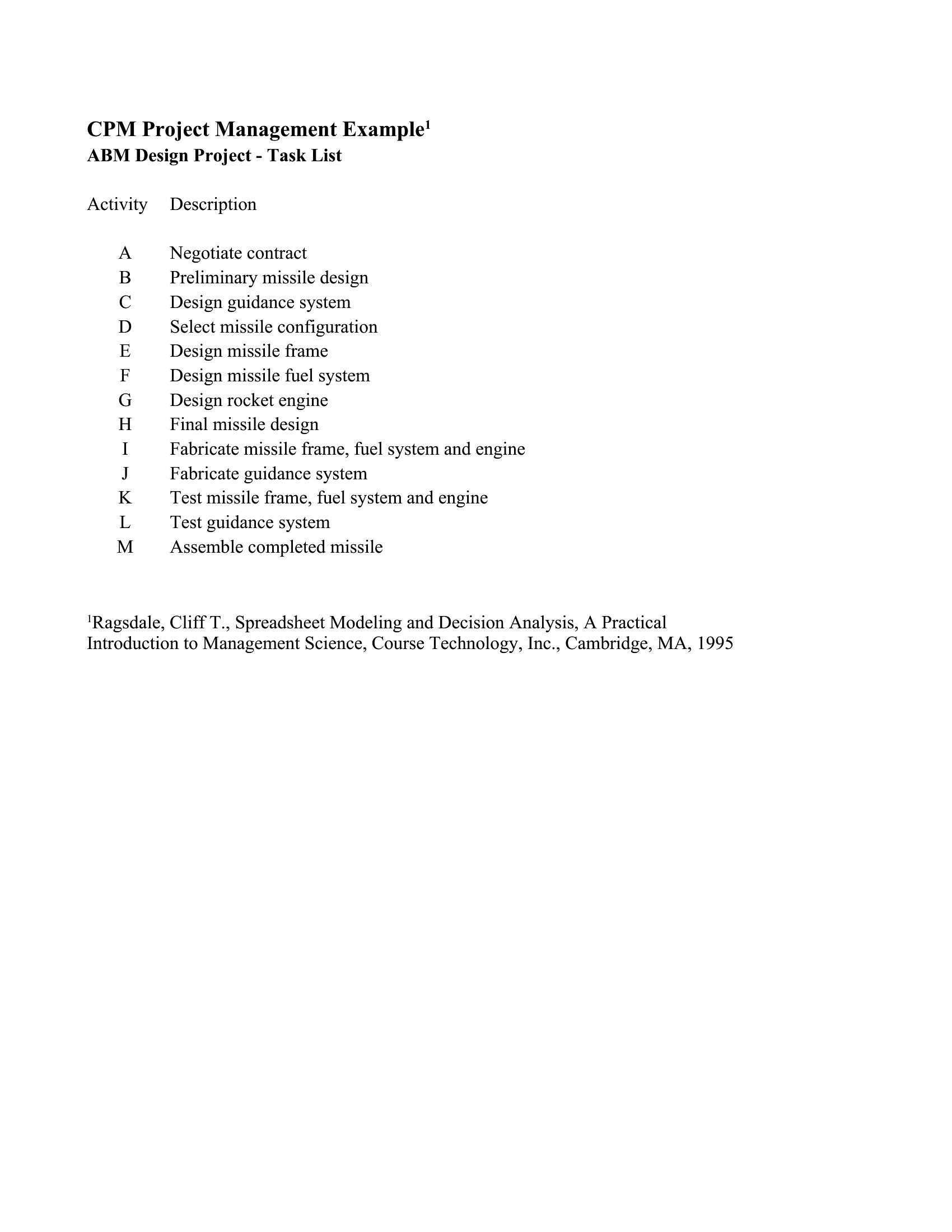
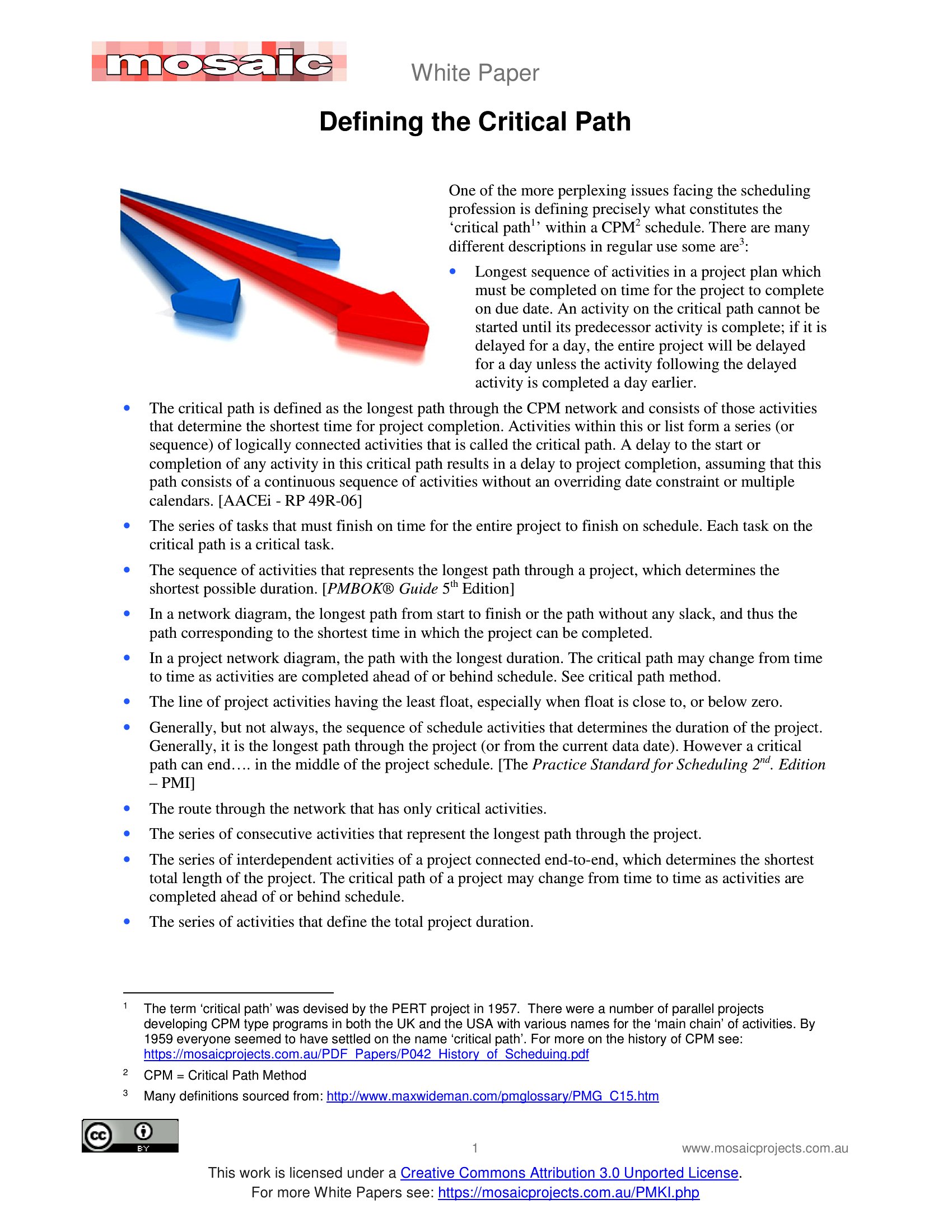
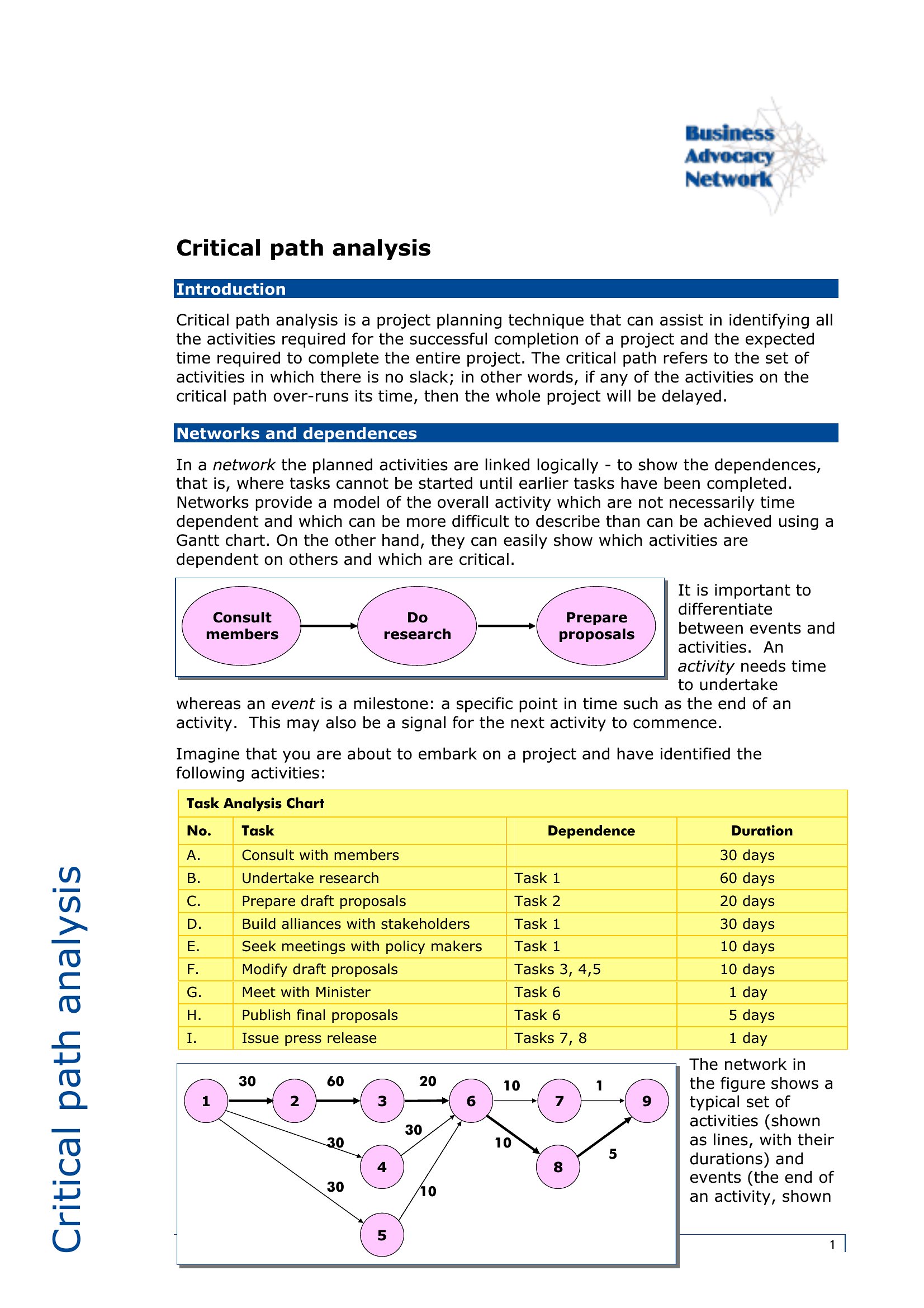
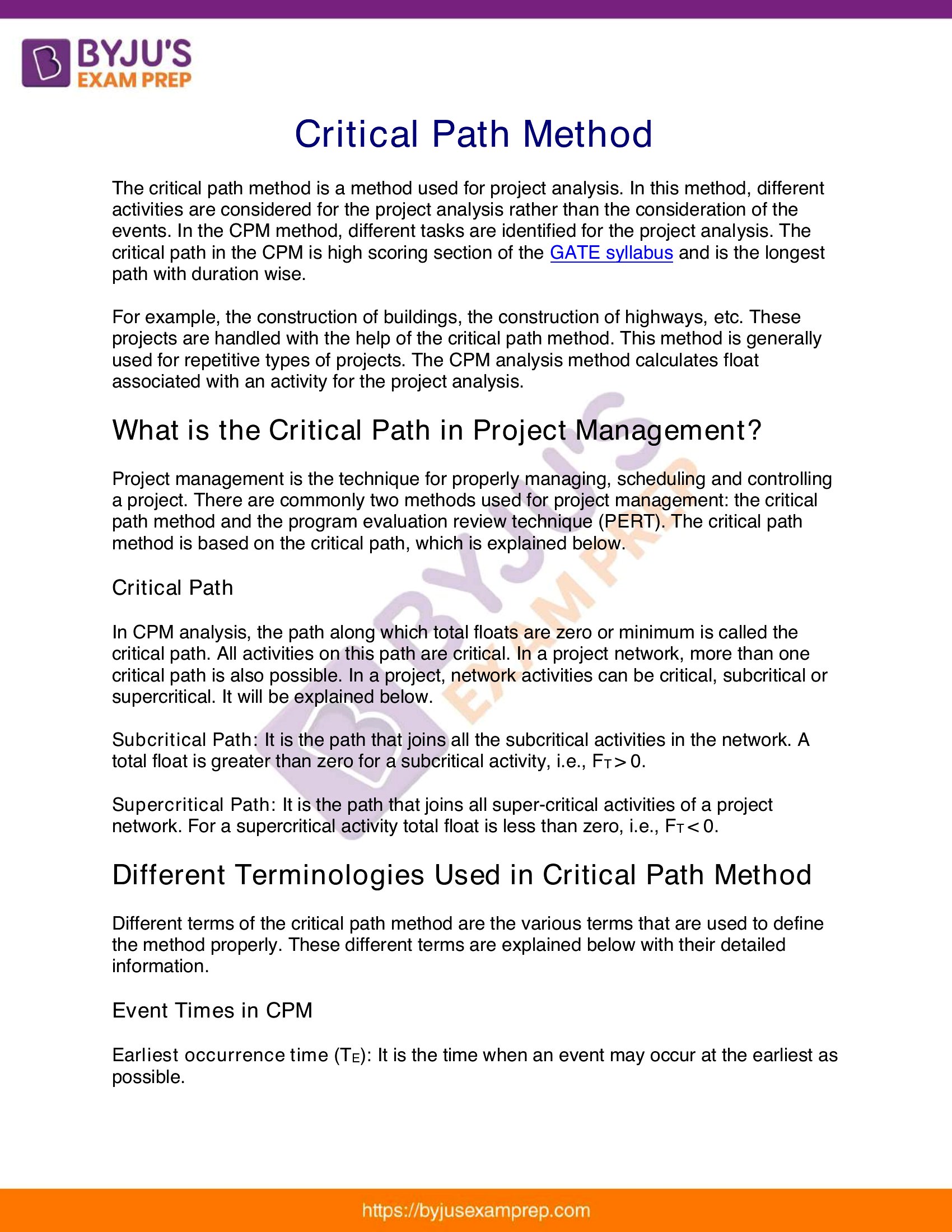
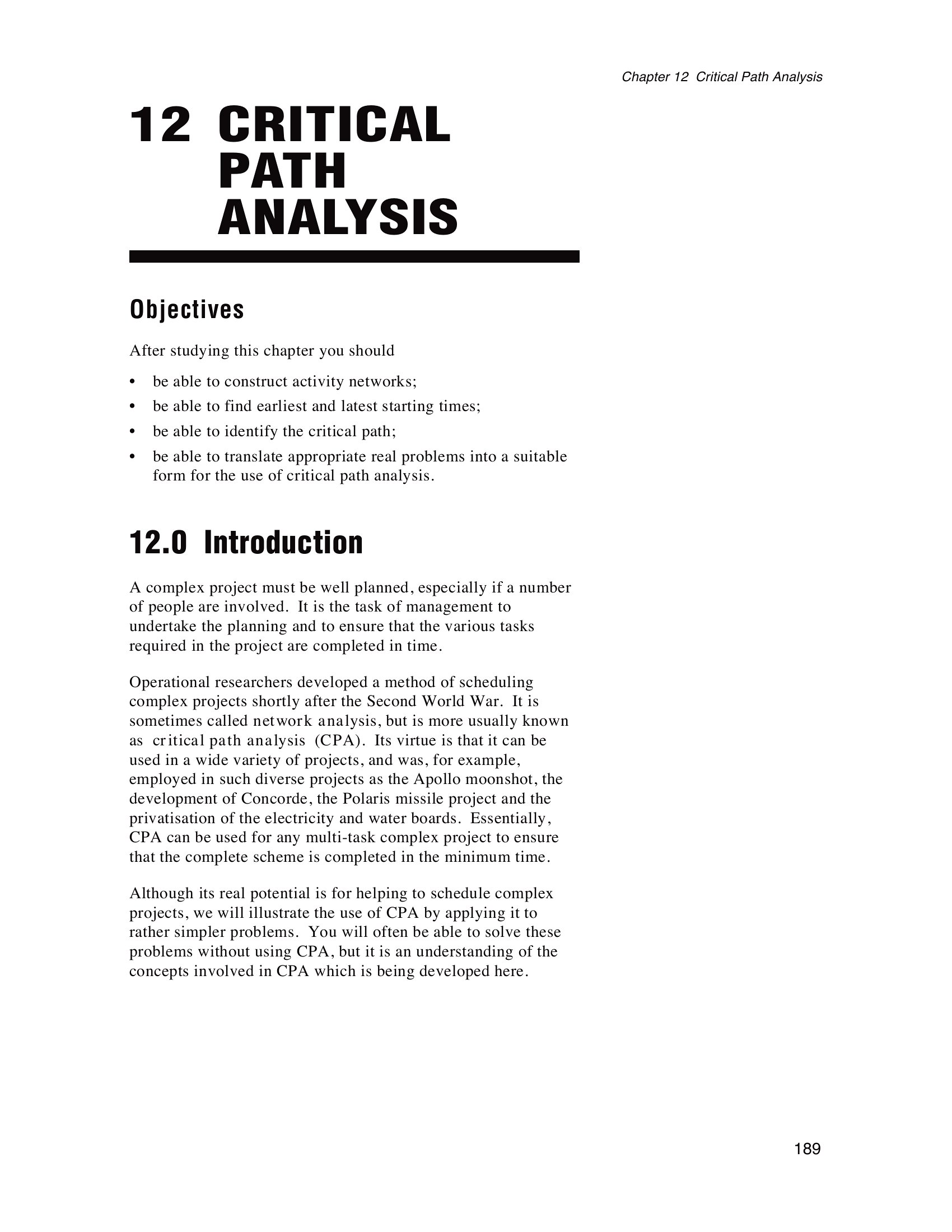
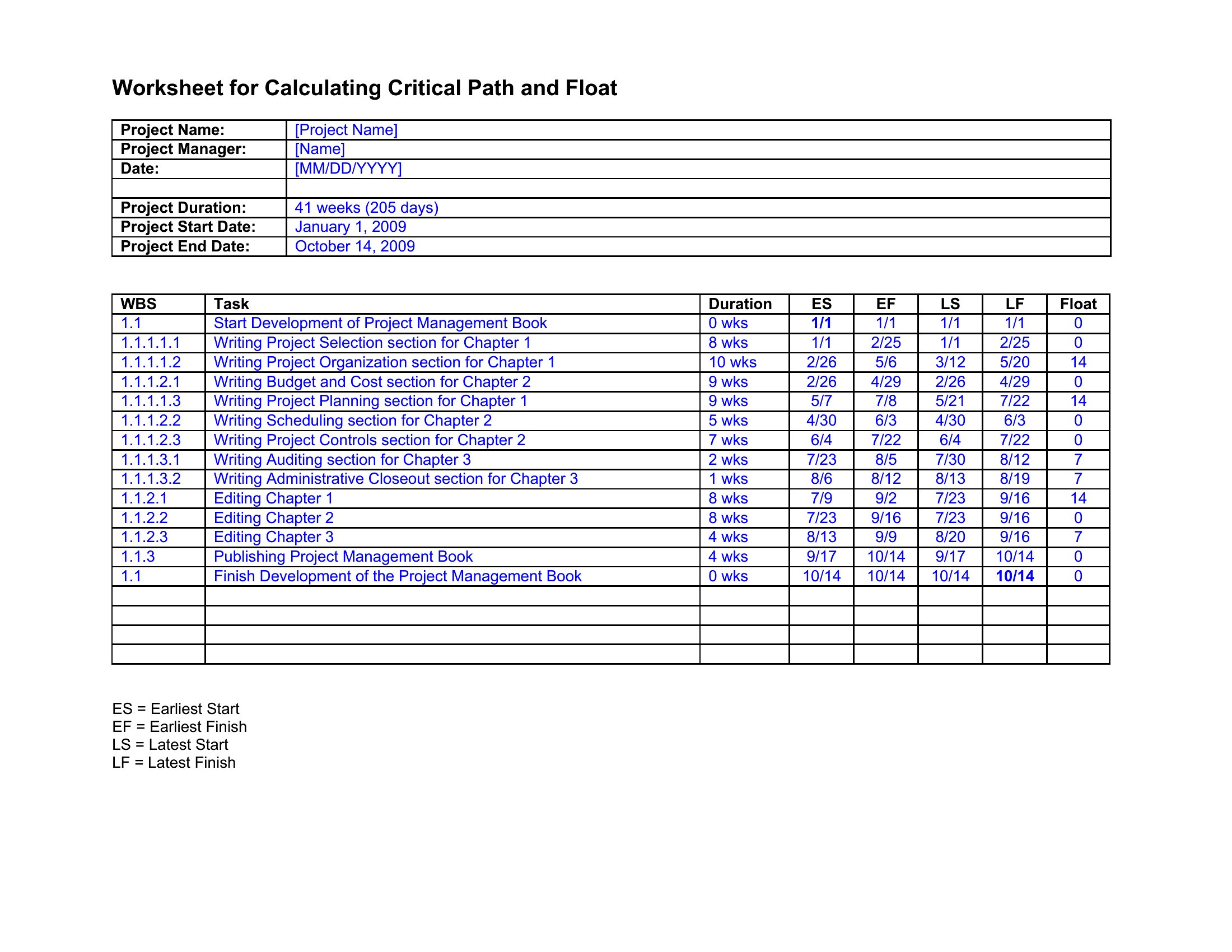
ProjectThe critical path is the chain of tasks that actually sets your project's finish date, and seeing it clearly keeps a schedule from slipping. This collection of 36 templates helps you list activities, map dependencies, and calculate the longest path through the work using familiar CPM methods. Project managers, schedulers, and team leads can drop in their tasks and spot where a delay would push everything back.

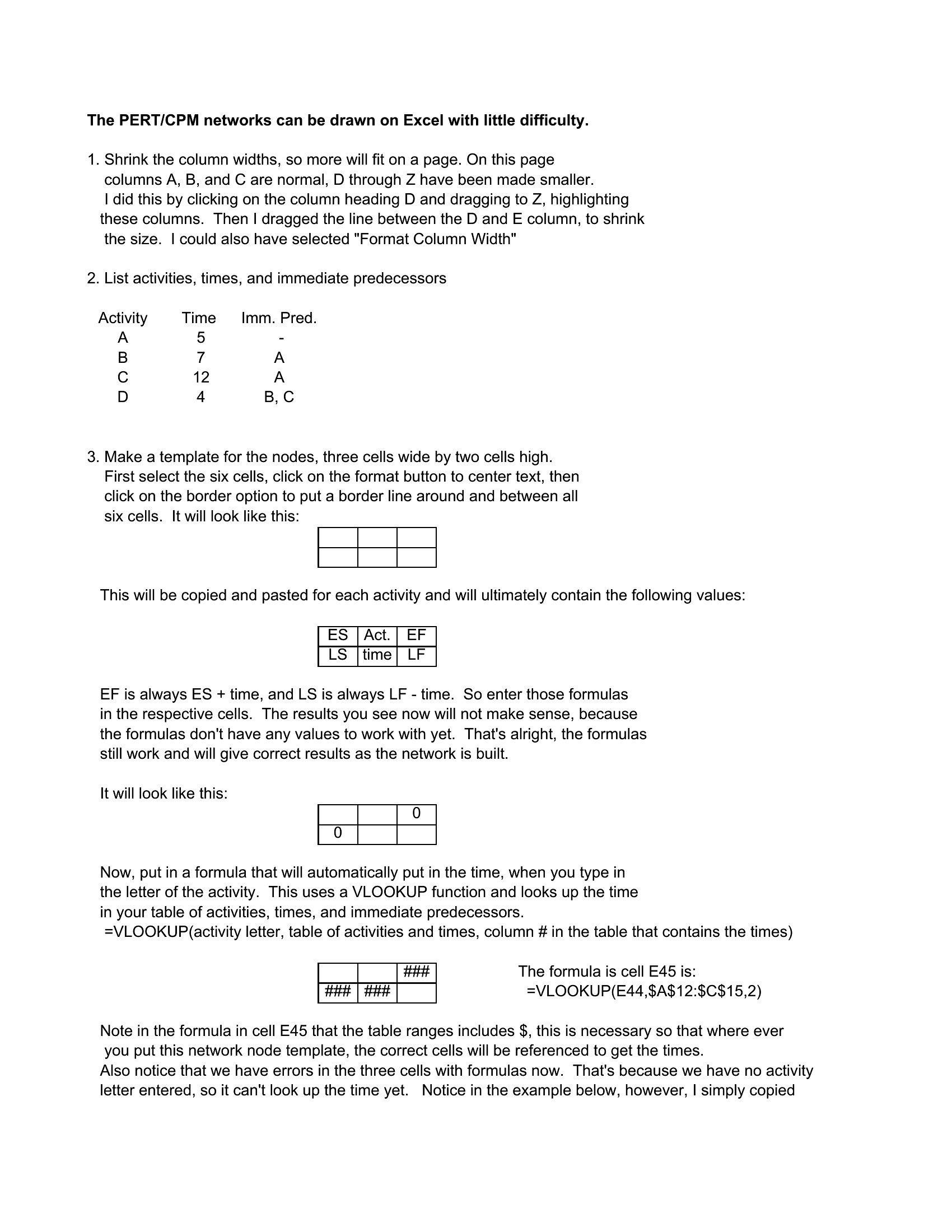
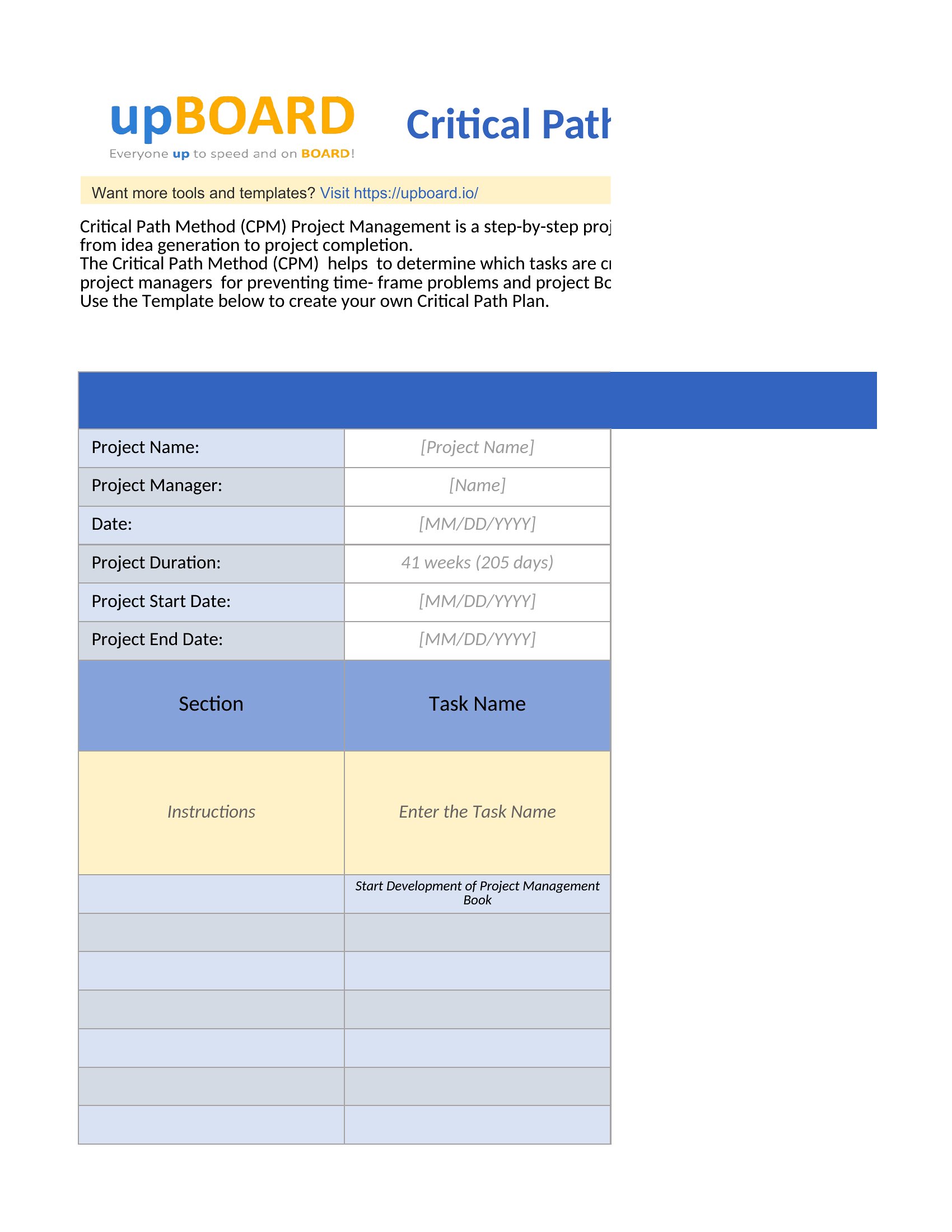
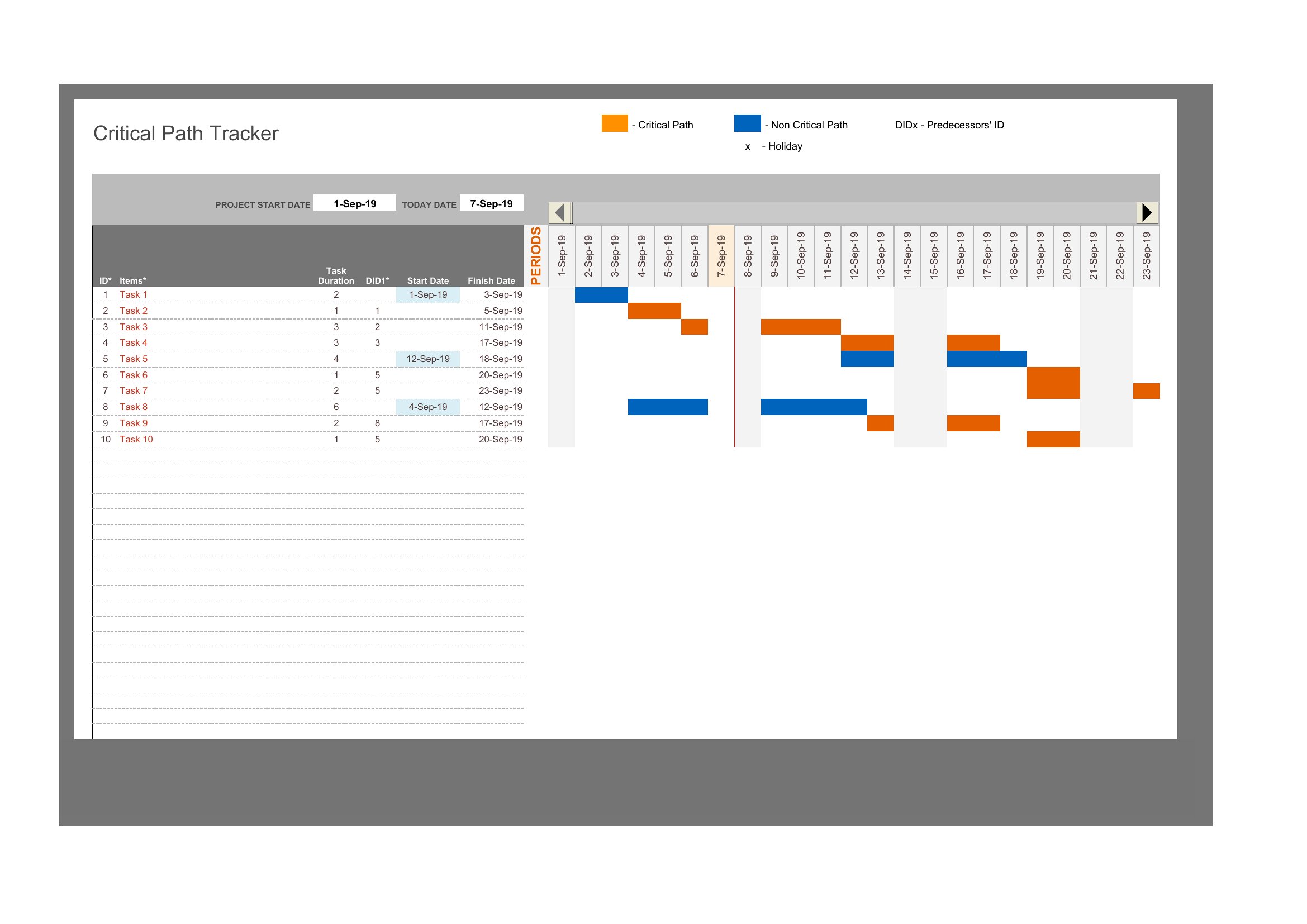
You'll find versions in Word and PDF for clean documentation, plus Excel sheets that handle the durations and sequencing as you type. Enter your tasks, link the dependencies, and the timeline takes shape without rebuilding a chart from scratch. Download the format that suits your project and bring some order to the schedule.
When to use this Critical Path template
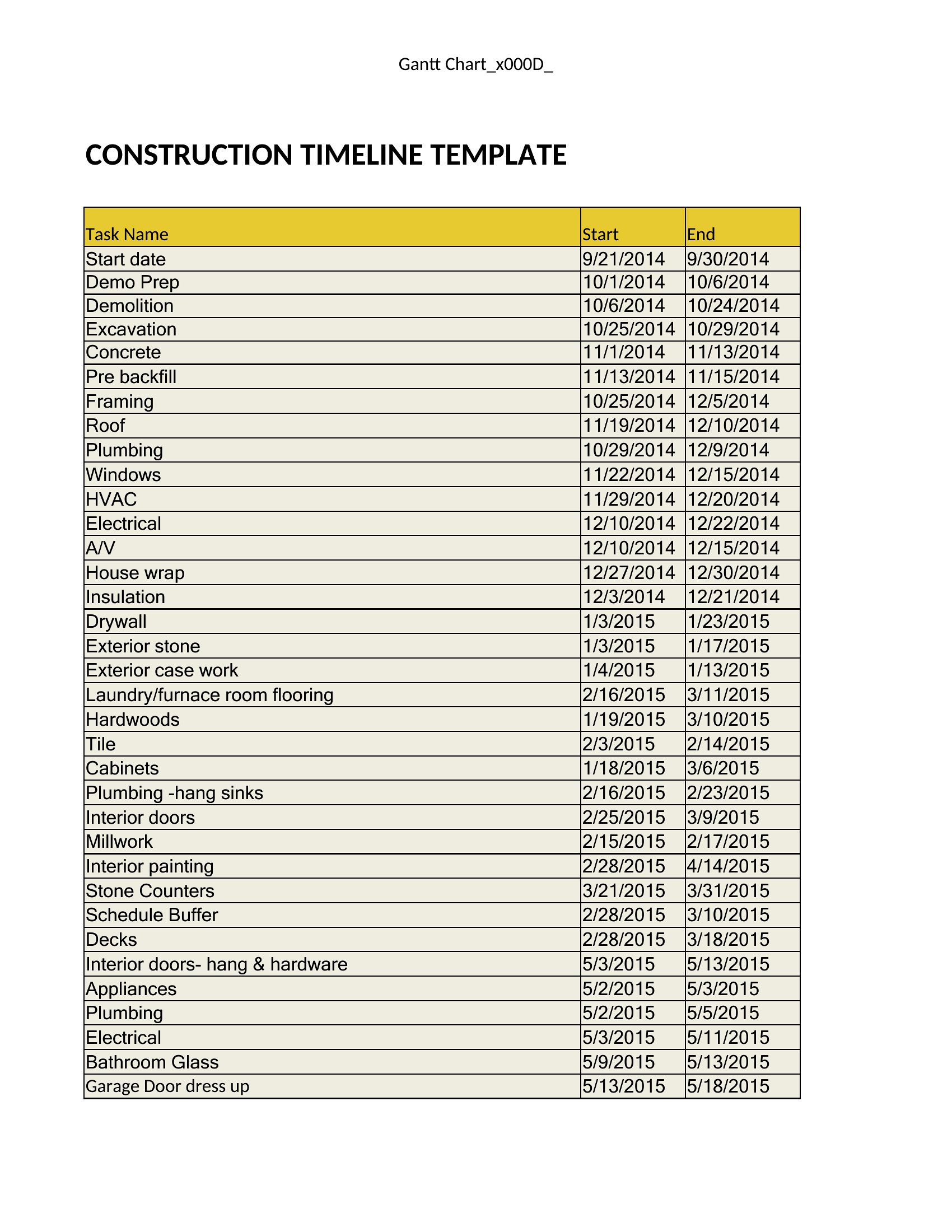
- A construction project manager tracking concrete pour schedules and weather-dependent tasks to ensure no delays push the deadline beyond client milestones.
- A software development team lead mapping sprint dependencies between frontend, backend, and QA teams to identify which blockers would stall the release.
- A government contractor analyzing a multi-vendor procurement timeline to pinpoint which subcontractor delays would legally void the contract’s performance clause.
- A marketing agency coordinator planning a campaign launch with ad approvals, vendor deliveries, and social media posts to avoid last-minute scrambles before the kickoff.
Which format should I download?
Choose Word if you need to embed the critical path within a full project plan document or share it as part of a larger report. Excel is ideal for teams that will update task durations, dependencies, or resource assignments frequently and need formulas to auto-recalculate the path. Select PDF when you must distribute a static, finalized critical path to stakeholders who don’t need to edit the schedule—like clients or external auditors. The Excel format is best for most project managers since it balances flexibility with CPM calculations.
Choose from 36 Critical Path Templates
How to use this Critical Path template
Can these templates help identify non-critical tasks that might be safely delayed without affecting the project end date?
Yes, all templates in this collection include slack time calculations, which highlight non-critical tasks. In Excel and Word formats, you’ll see visual cues (like grayed-out bars or zero-duration floats) marking tasks with buffer time. Focus on these to reallocate resources without risking delays to the critical path.
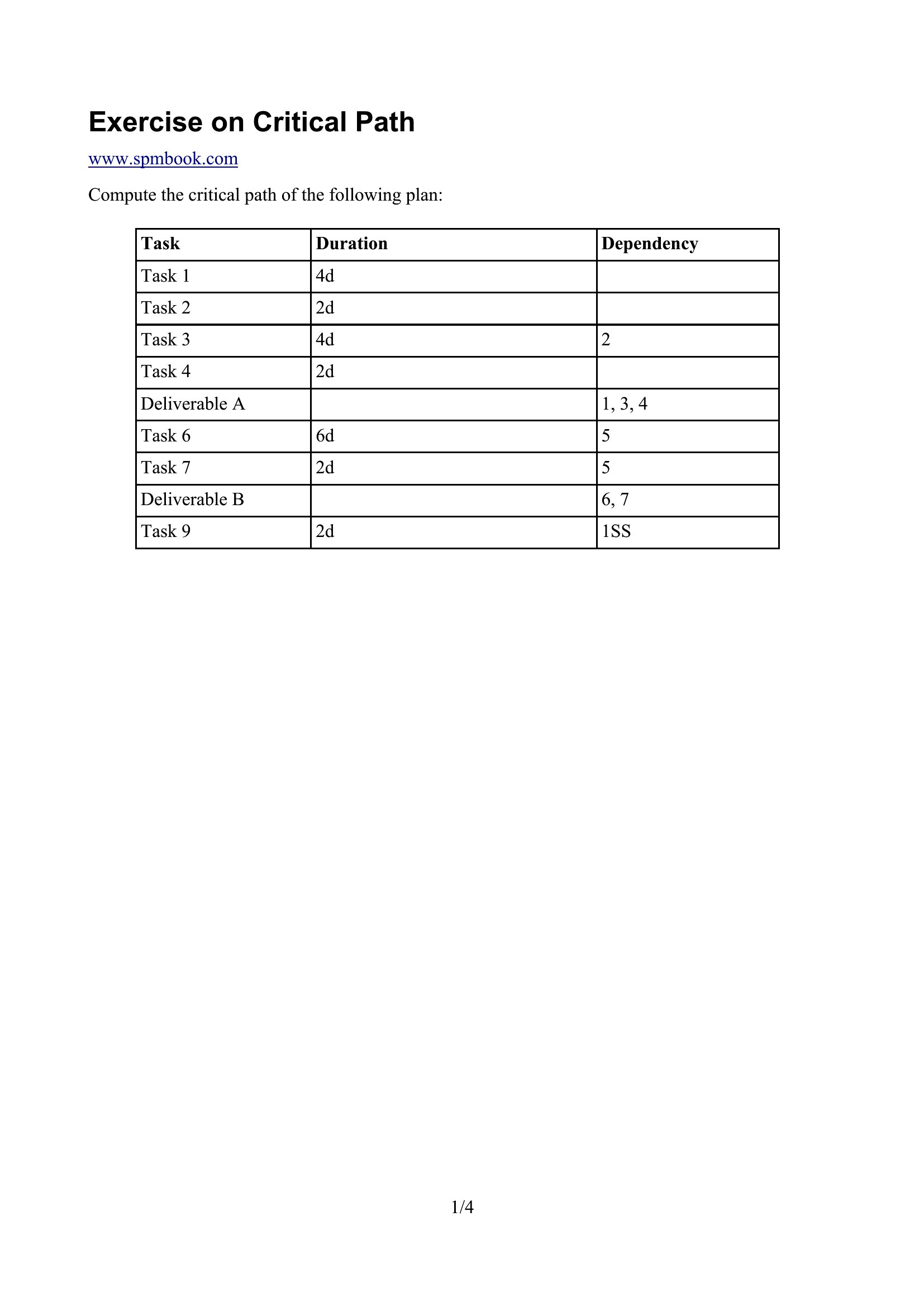
What if my project has overlapping phases with shared dependencies, like construction and interior design in a renovation?
These templates support complex dependencies, including start-to-start or finish-to-start relationships with lags. In Excel, use the dependency dropdowns to link tasks between phases, and the critical path will auto-adjust to reflect realistic sequencing. For Word or PDF, manually map dependencies in the diagram section and verify the longest path visually.
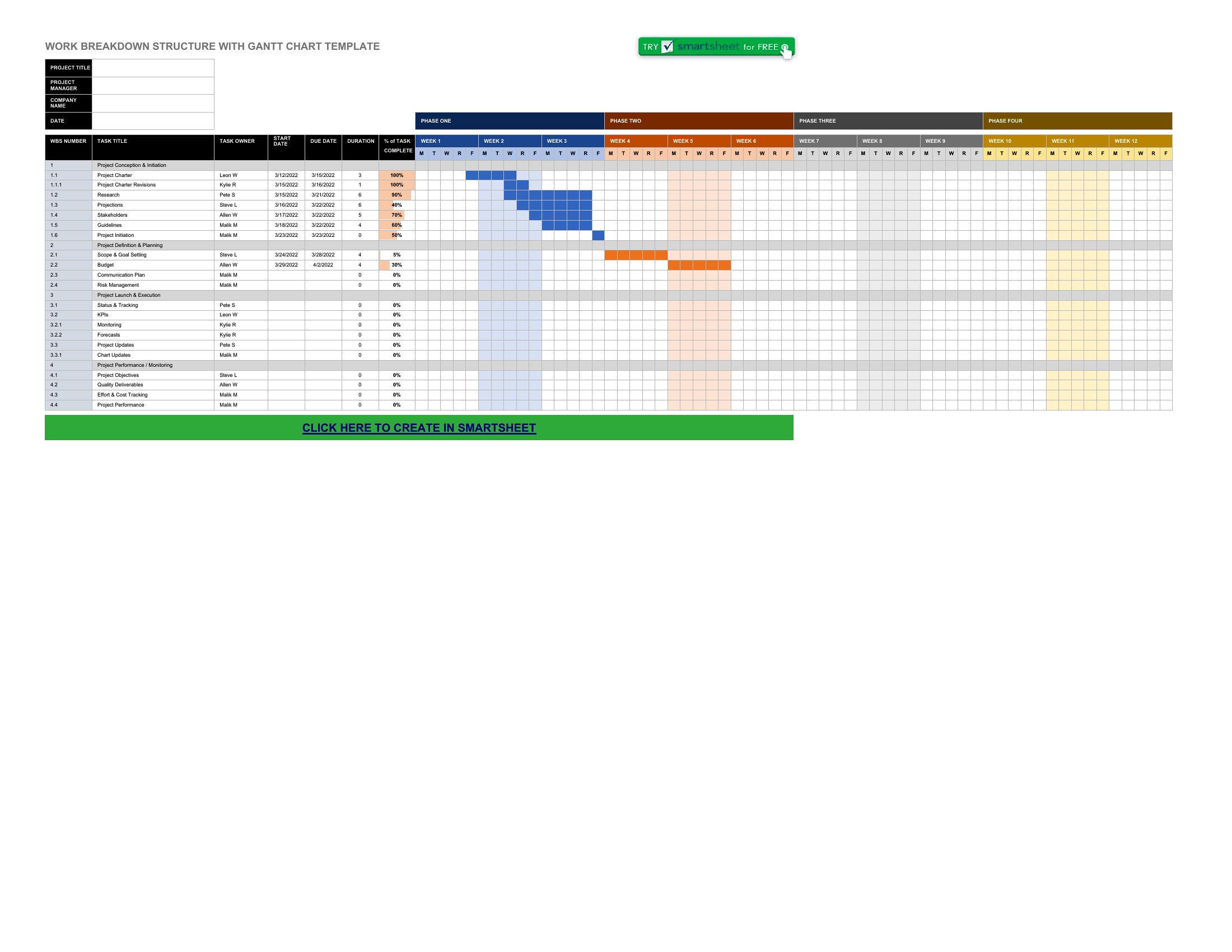
How do I account for tasks with uncertain durations, like ‘awaiting vendor approval’ or ‘pending regulatory sign-off’?
Add these tasks as fixed-duration placeholders (e.g., 1 day) and note them in the task description. In Excel, use conditional formatting to flag them, or assign them to a separate ‘risk’ category. The critical path will still calculate, but you’ll spot these uncertainties early. For Word/PDF, highlight them in red to prompt follow-up discussions during planning meetings.
Comments
Join the conversation
Sign in to share your thoughts and leave a comment on this resource.