Free Shooting Schedule Templates (Word, Excel, PDF)
ProjectTemplates

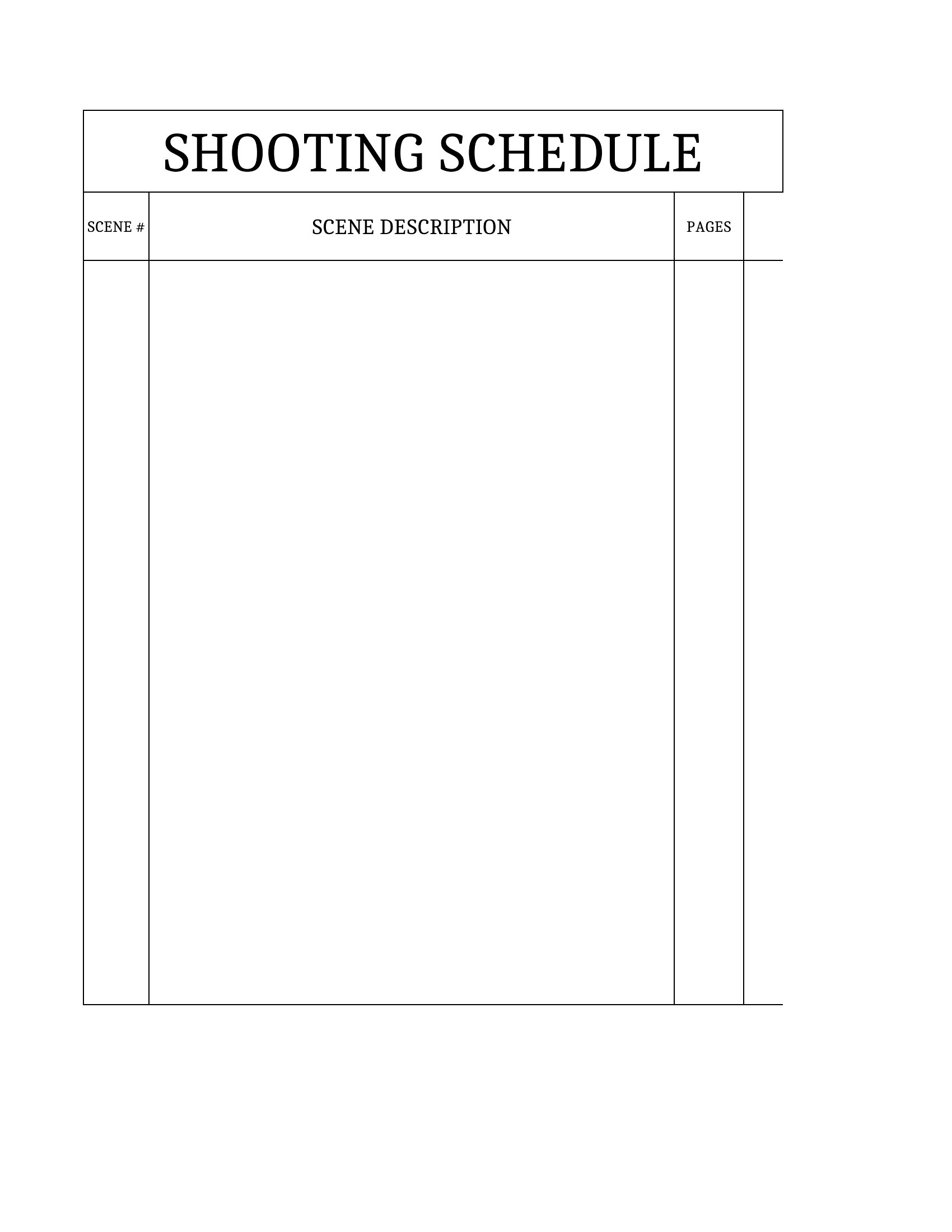
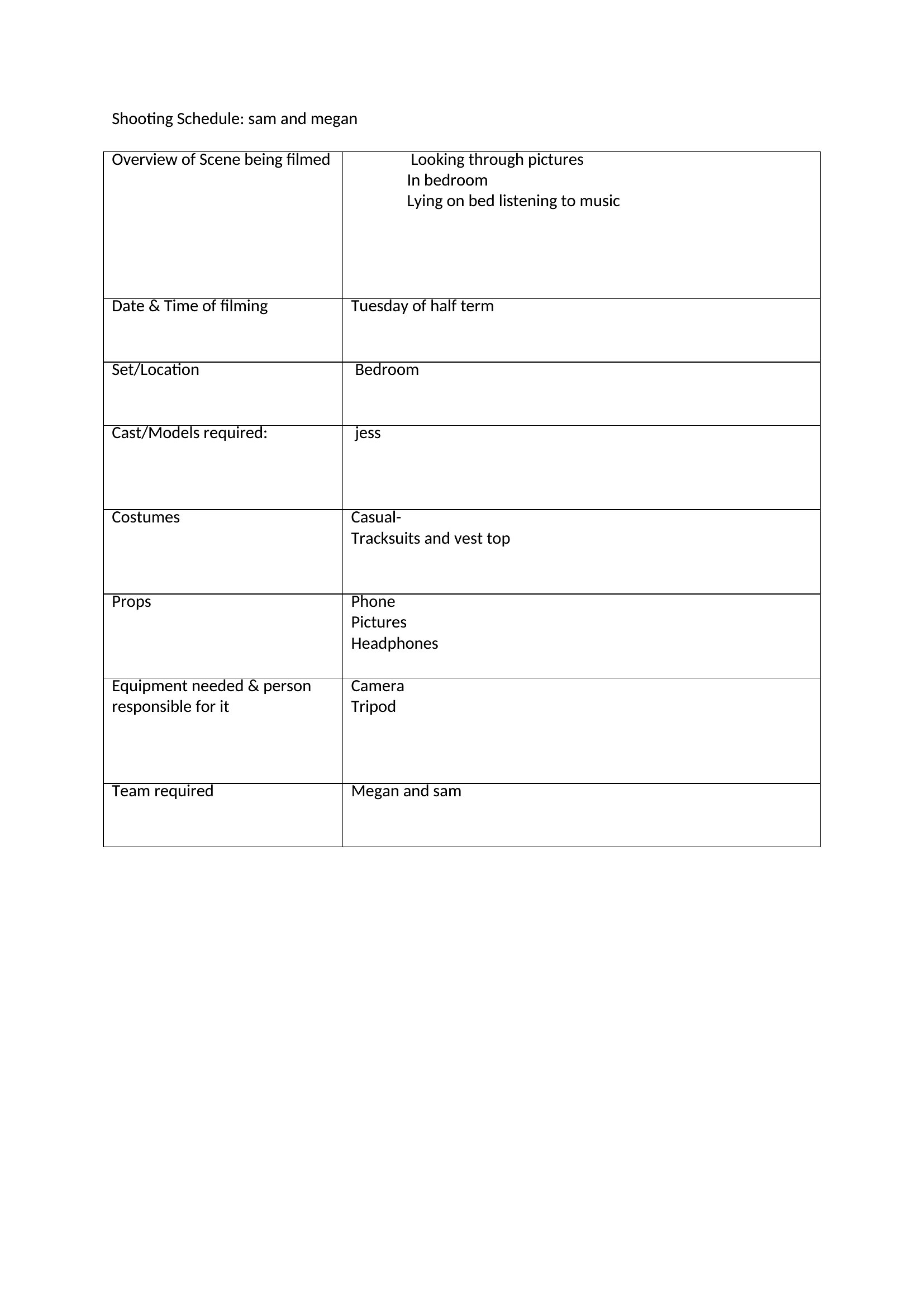
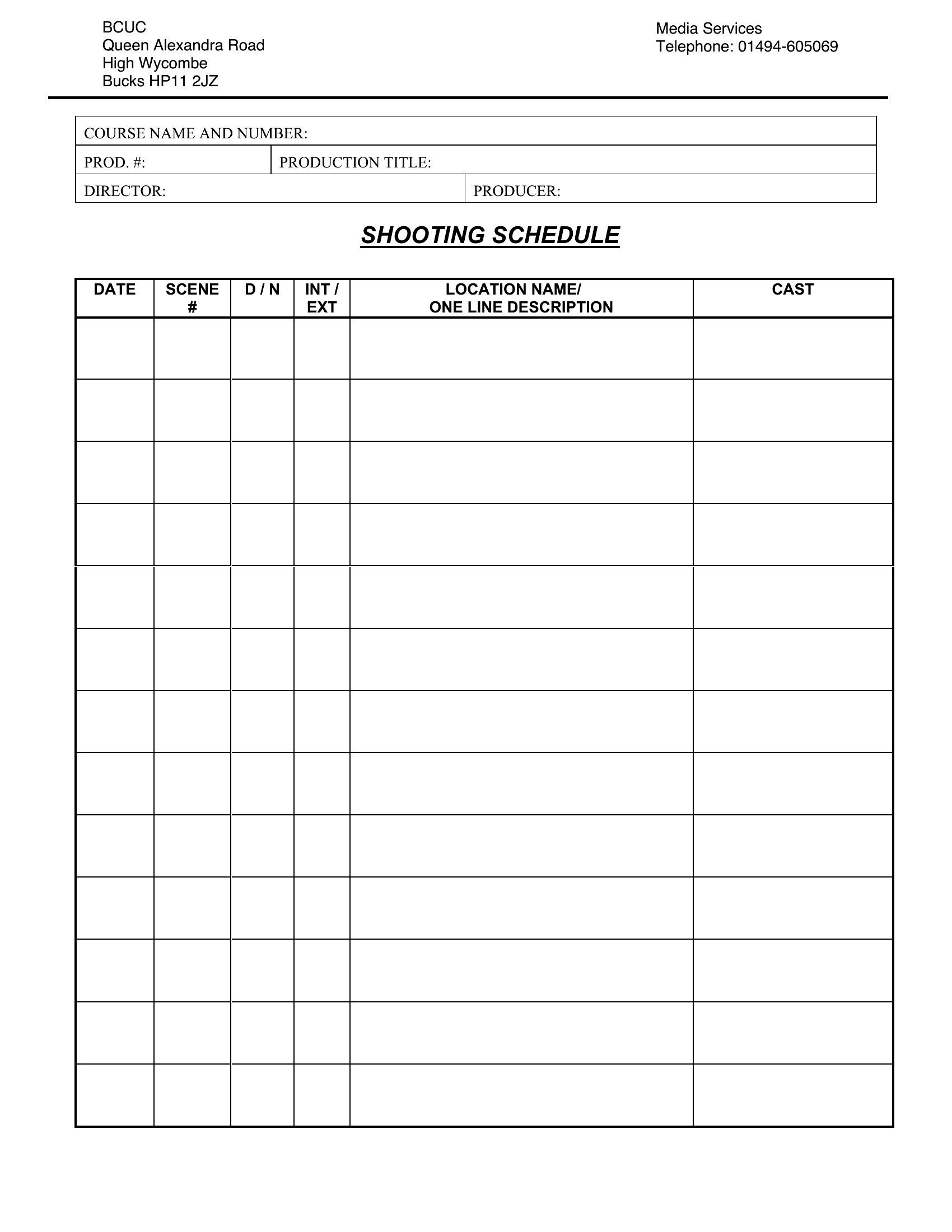
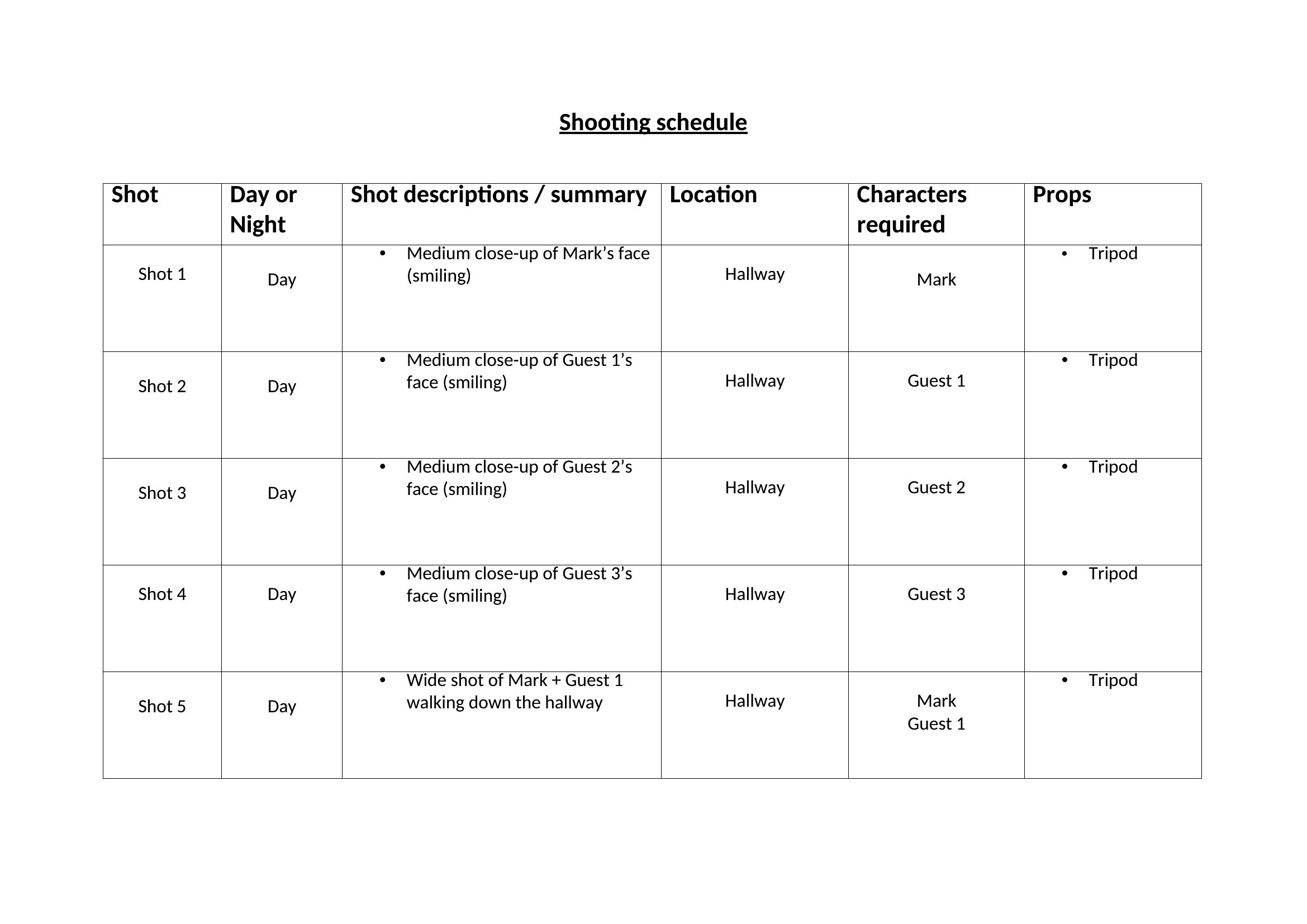
FAQ
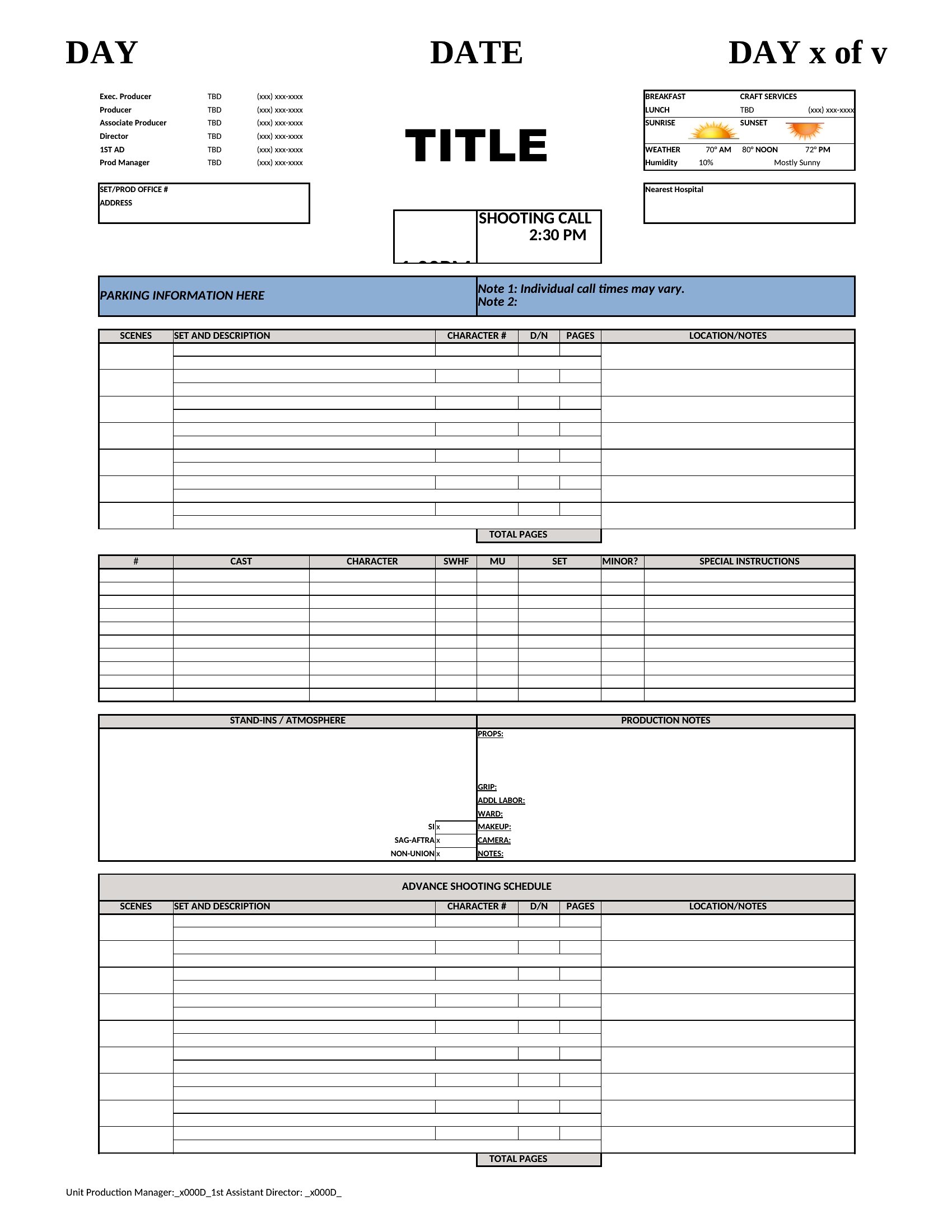
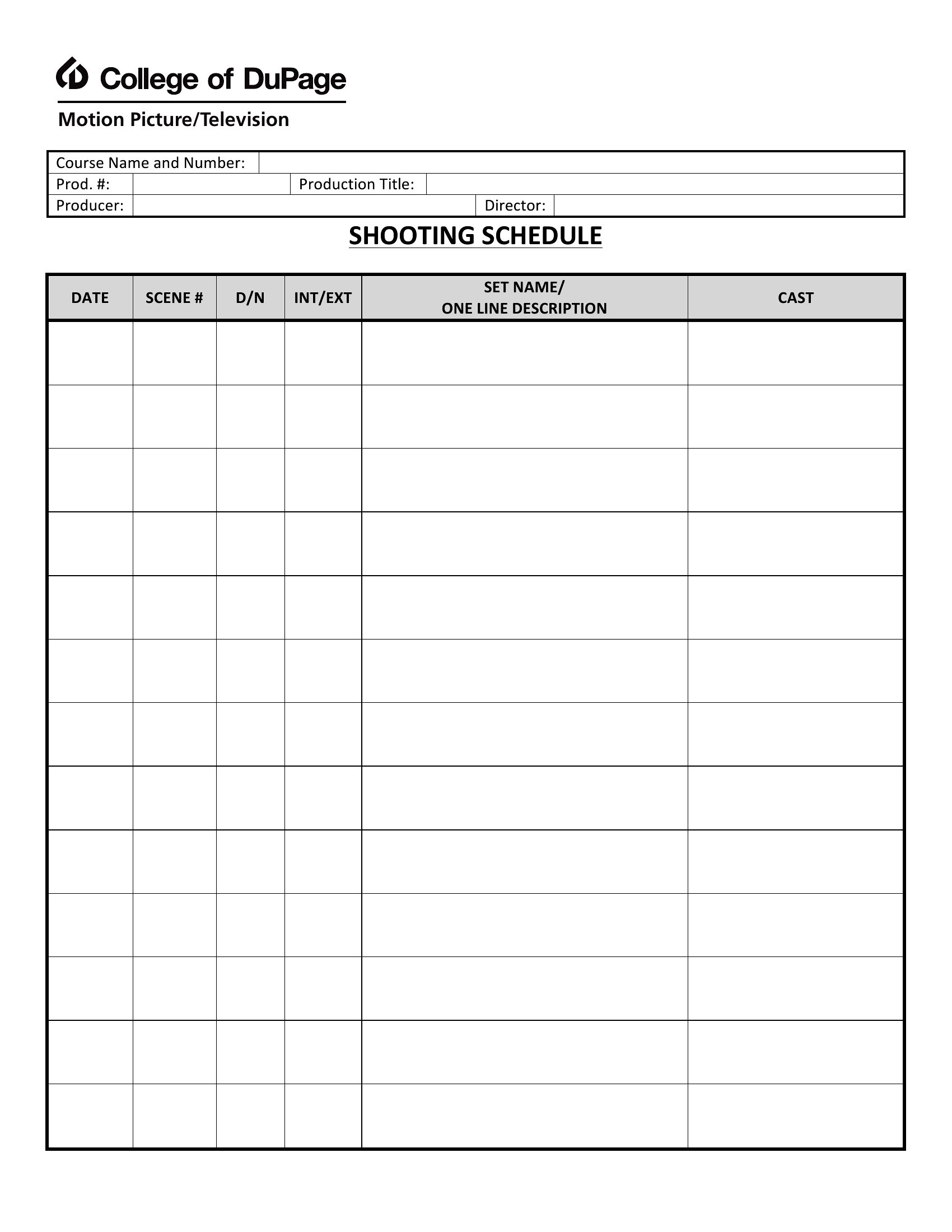
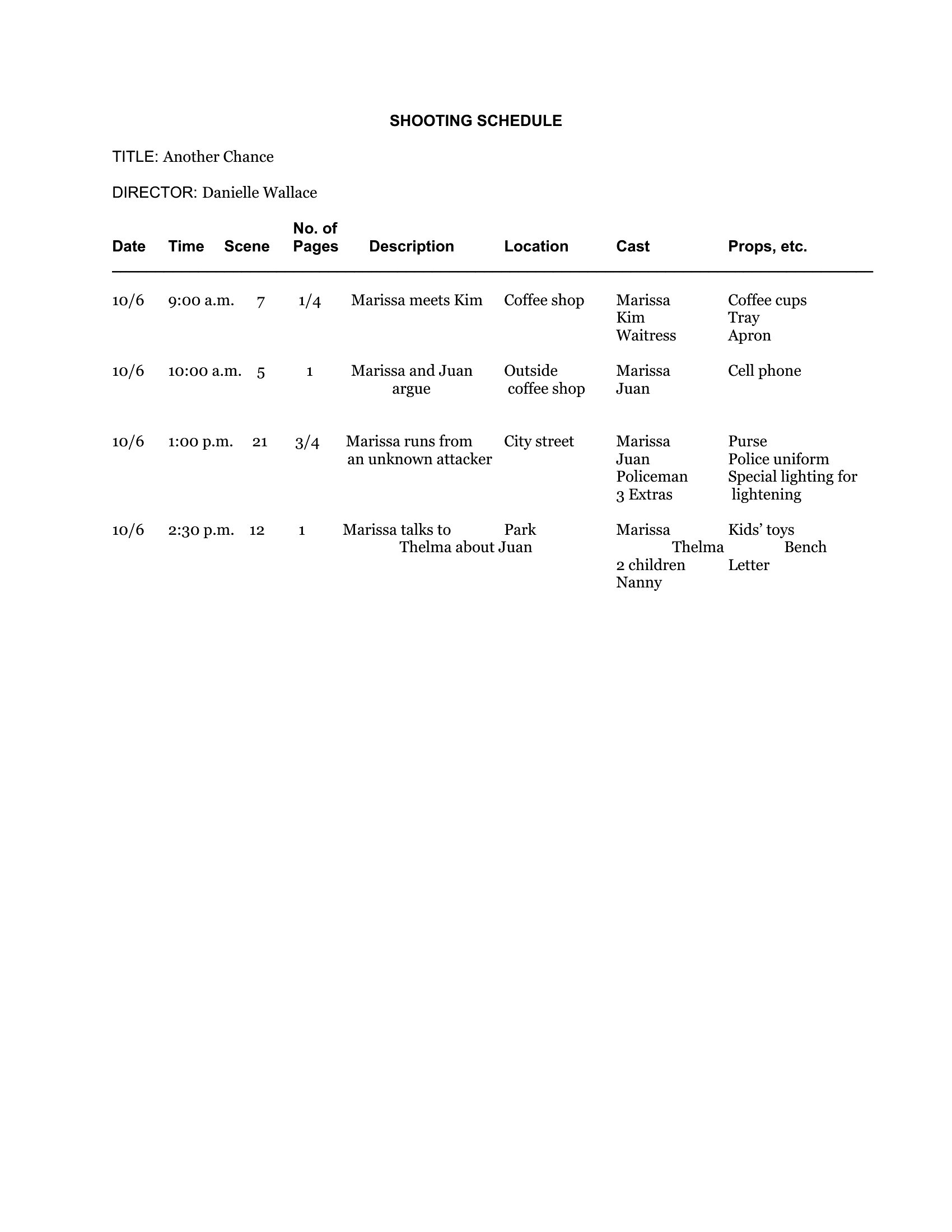
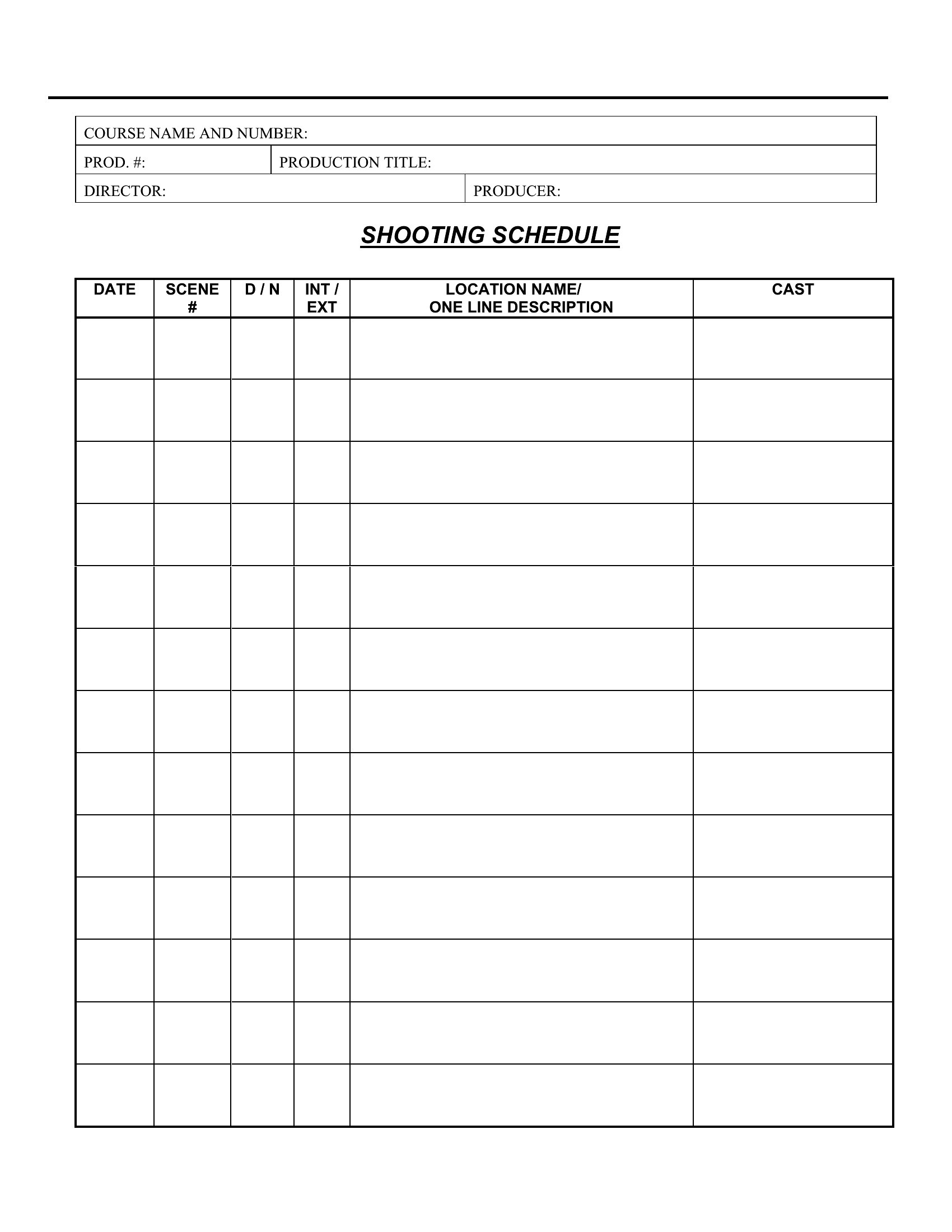
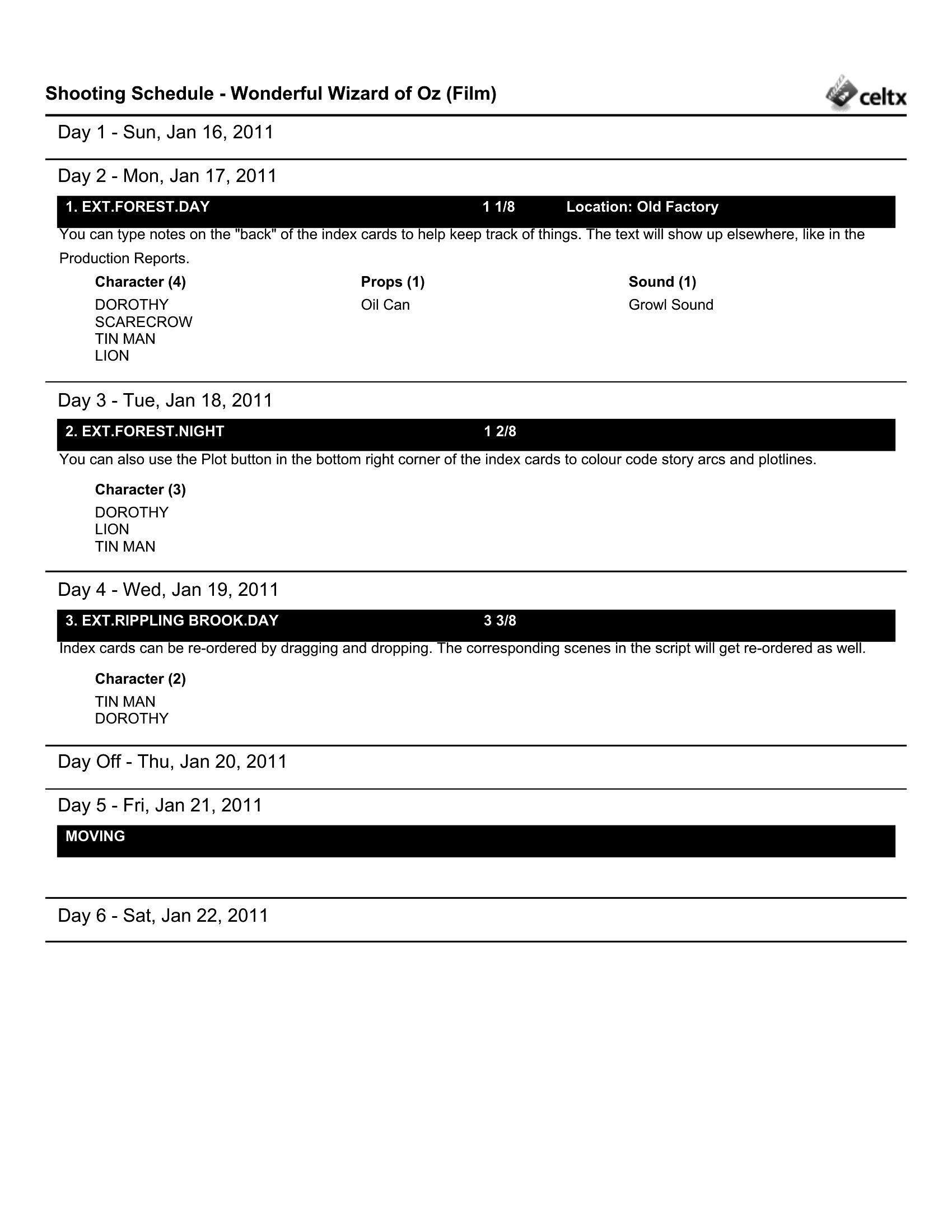
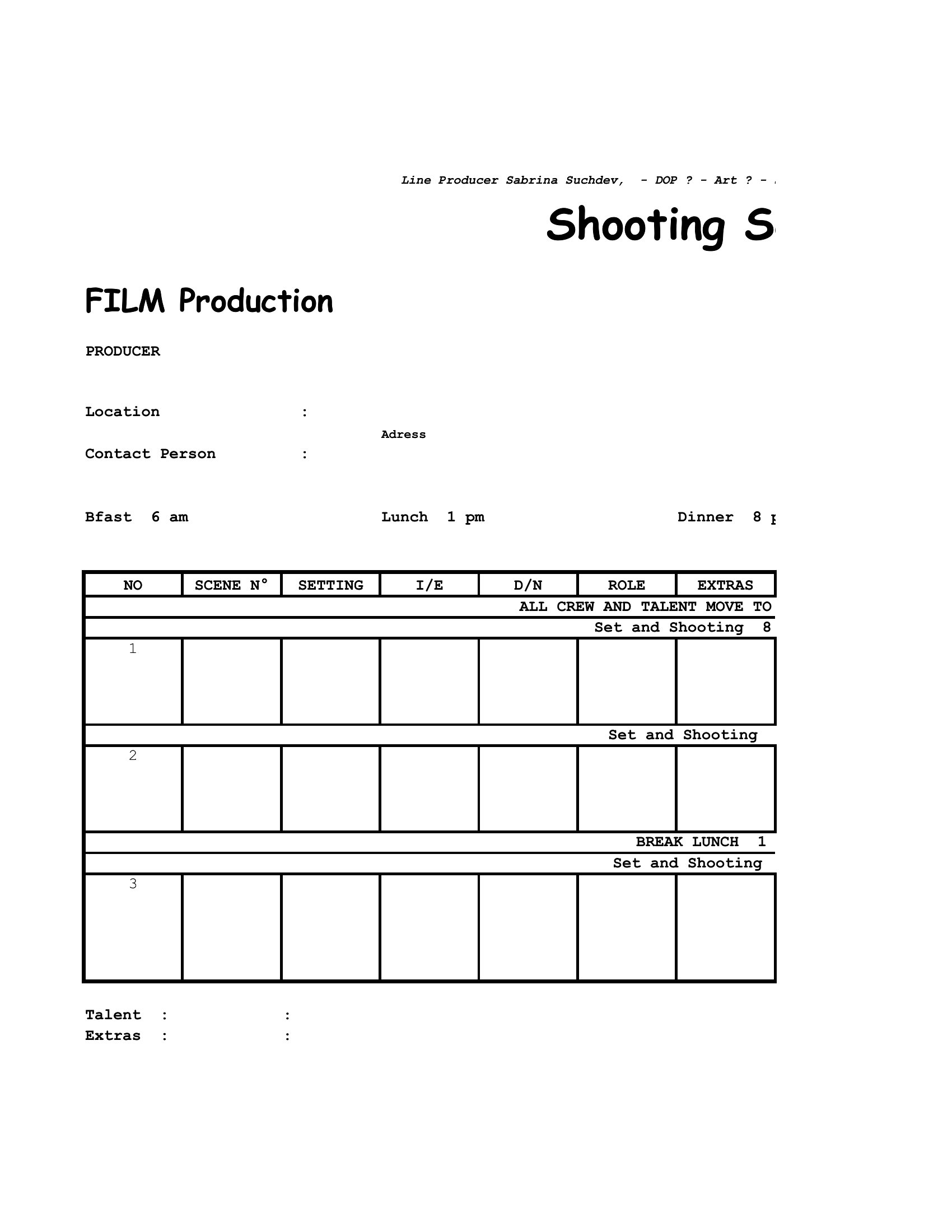
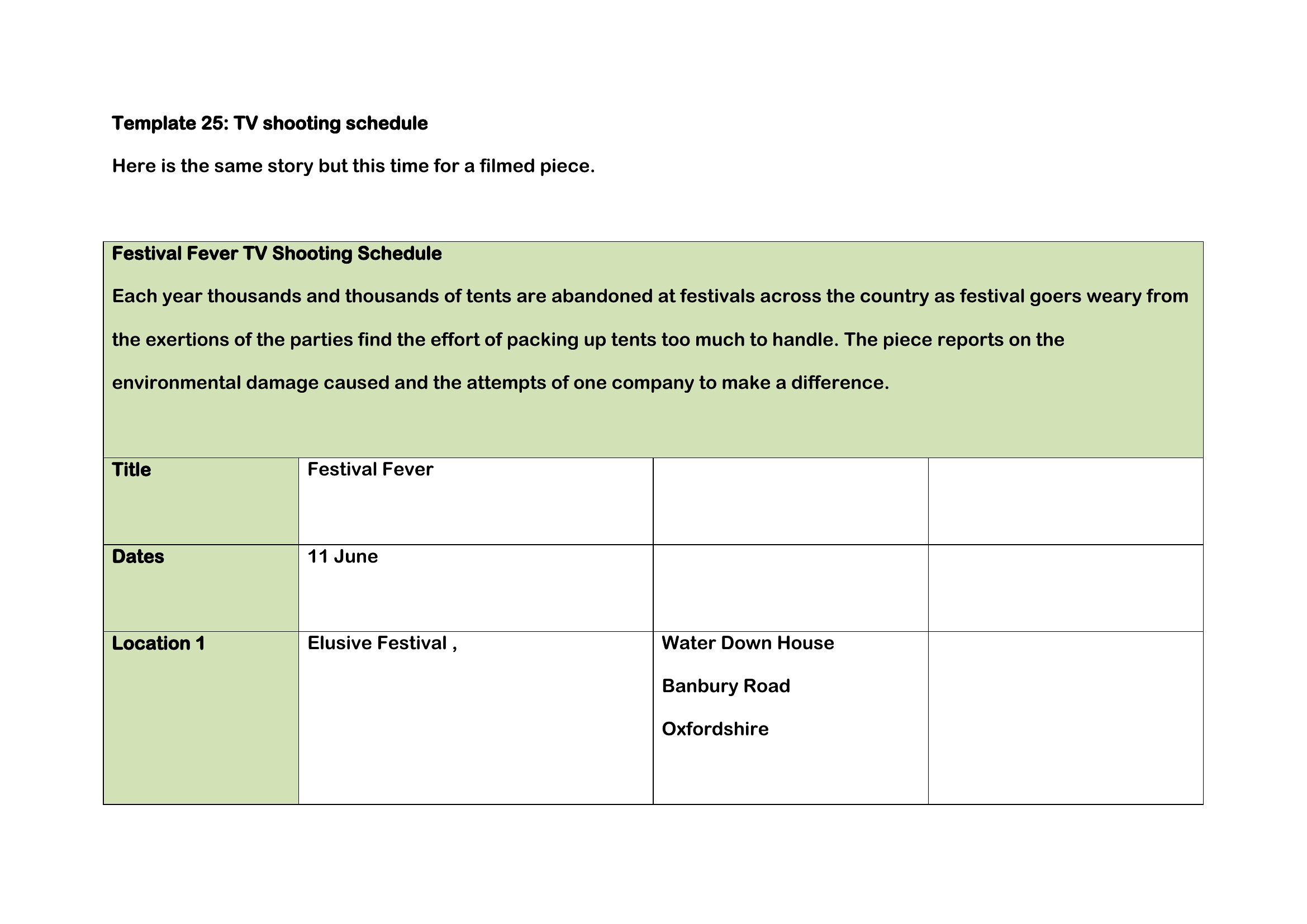
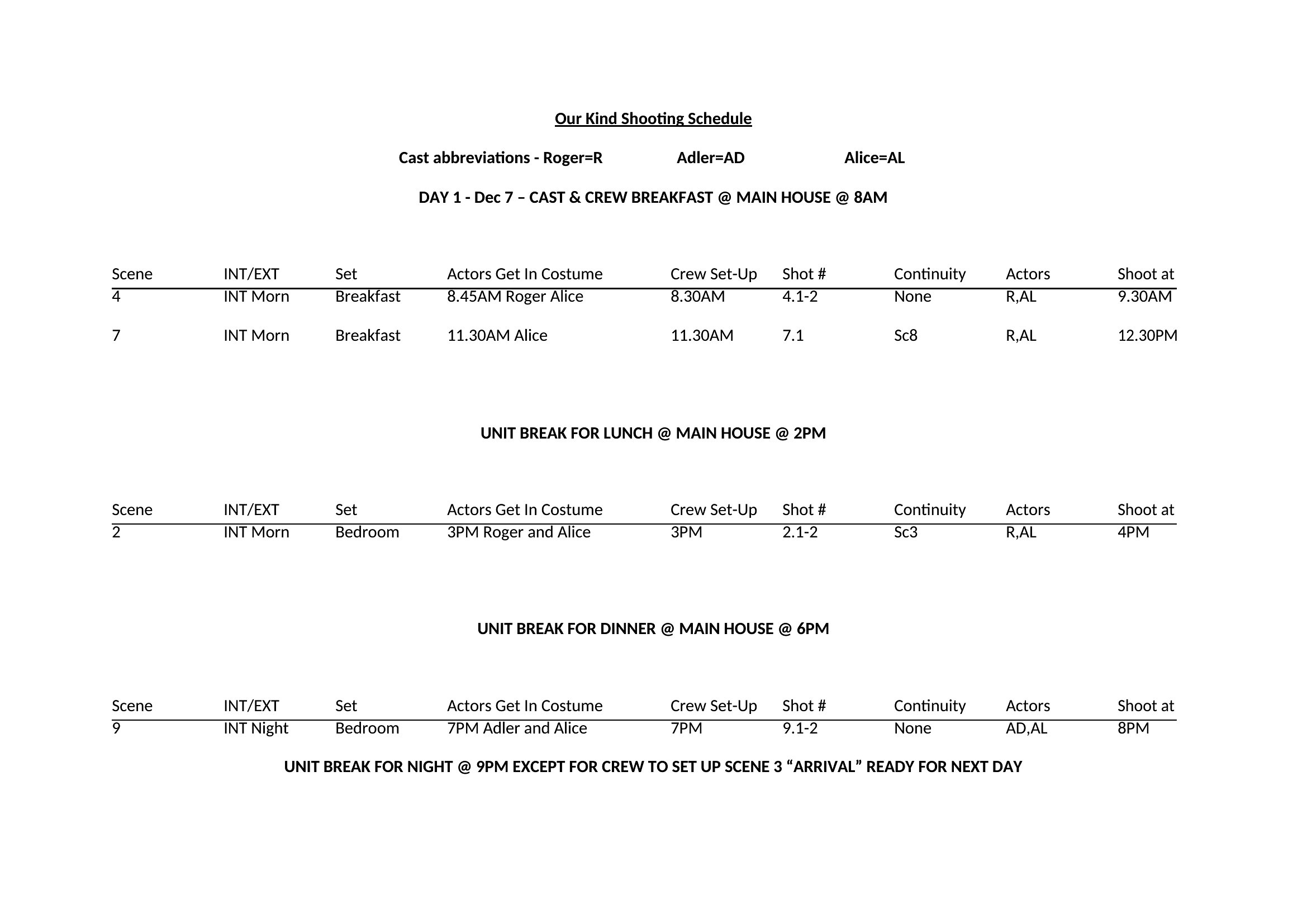
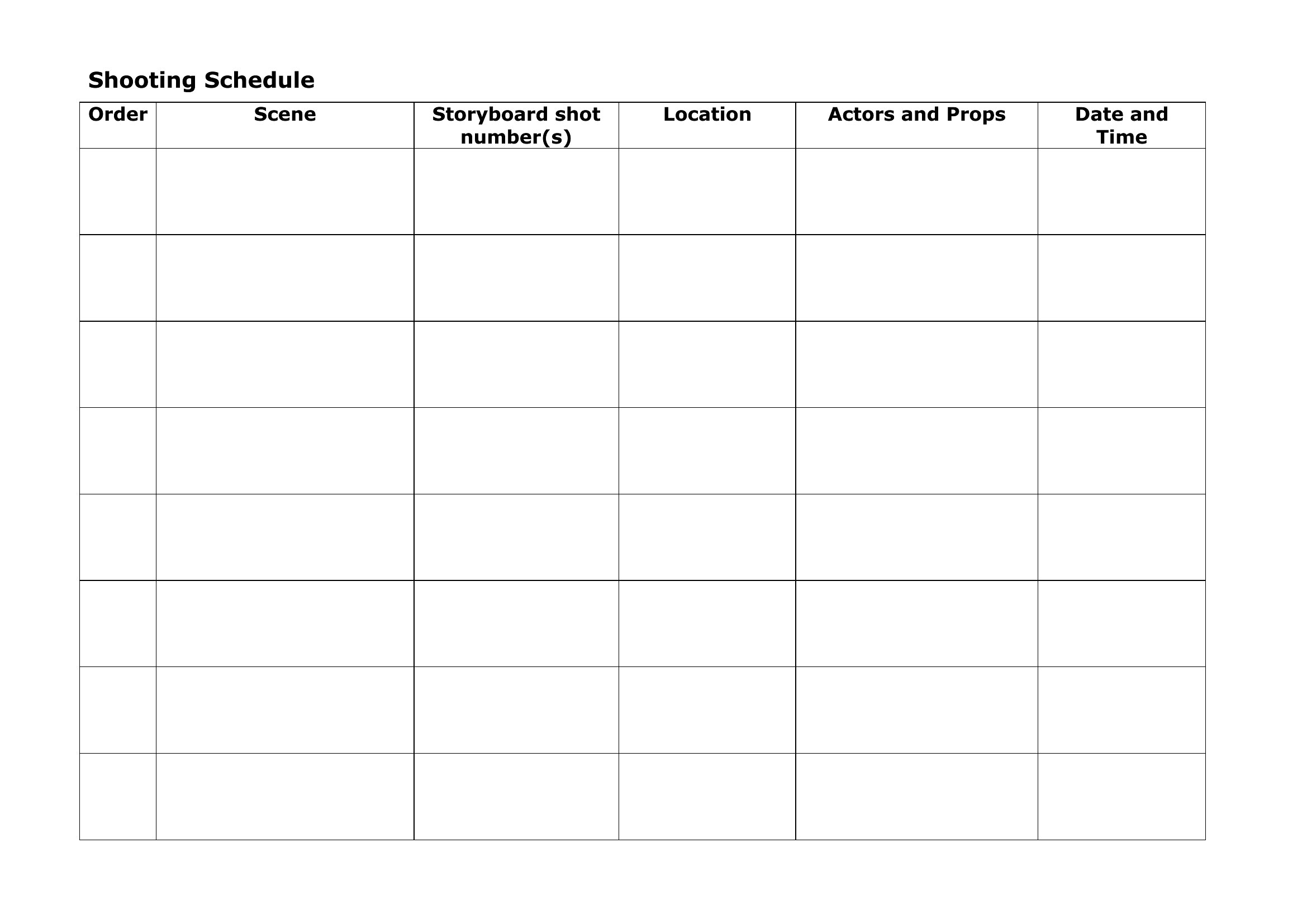
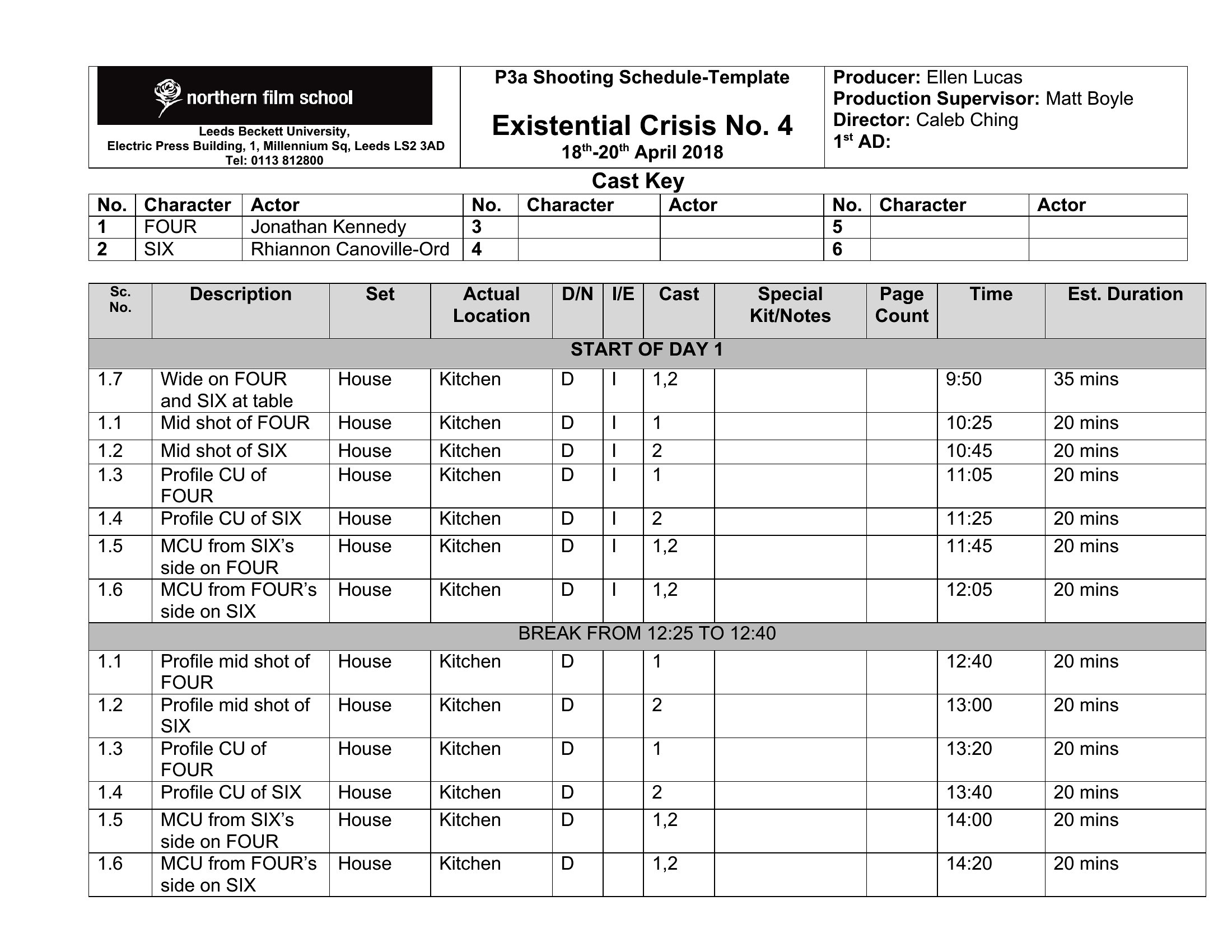
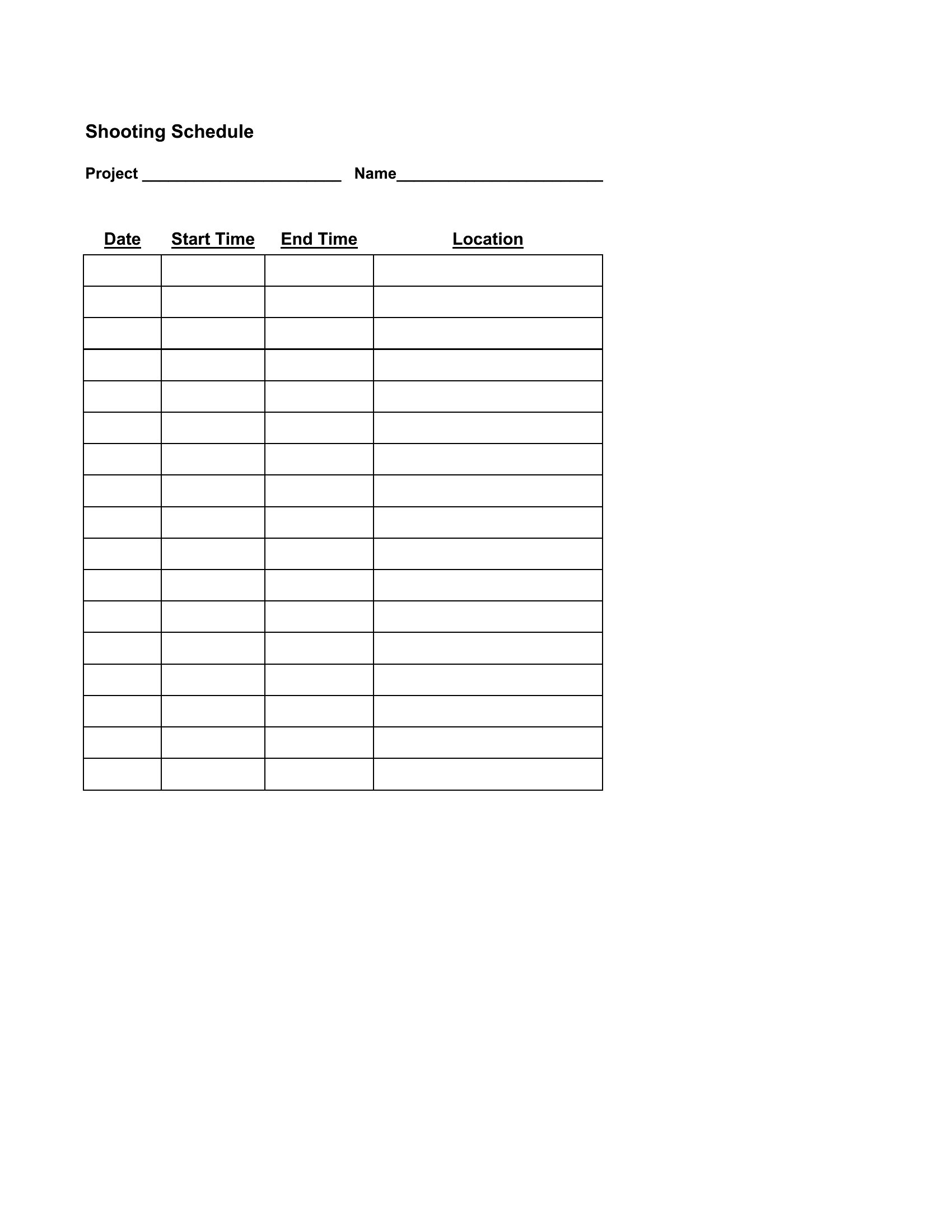
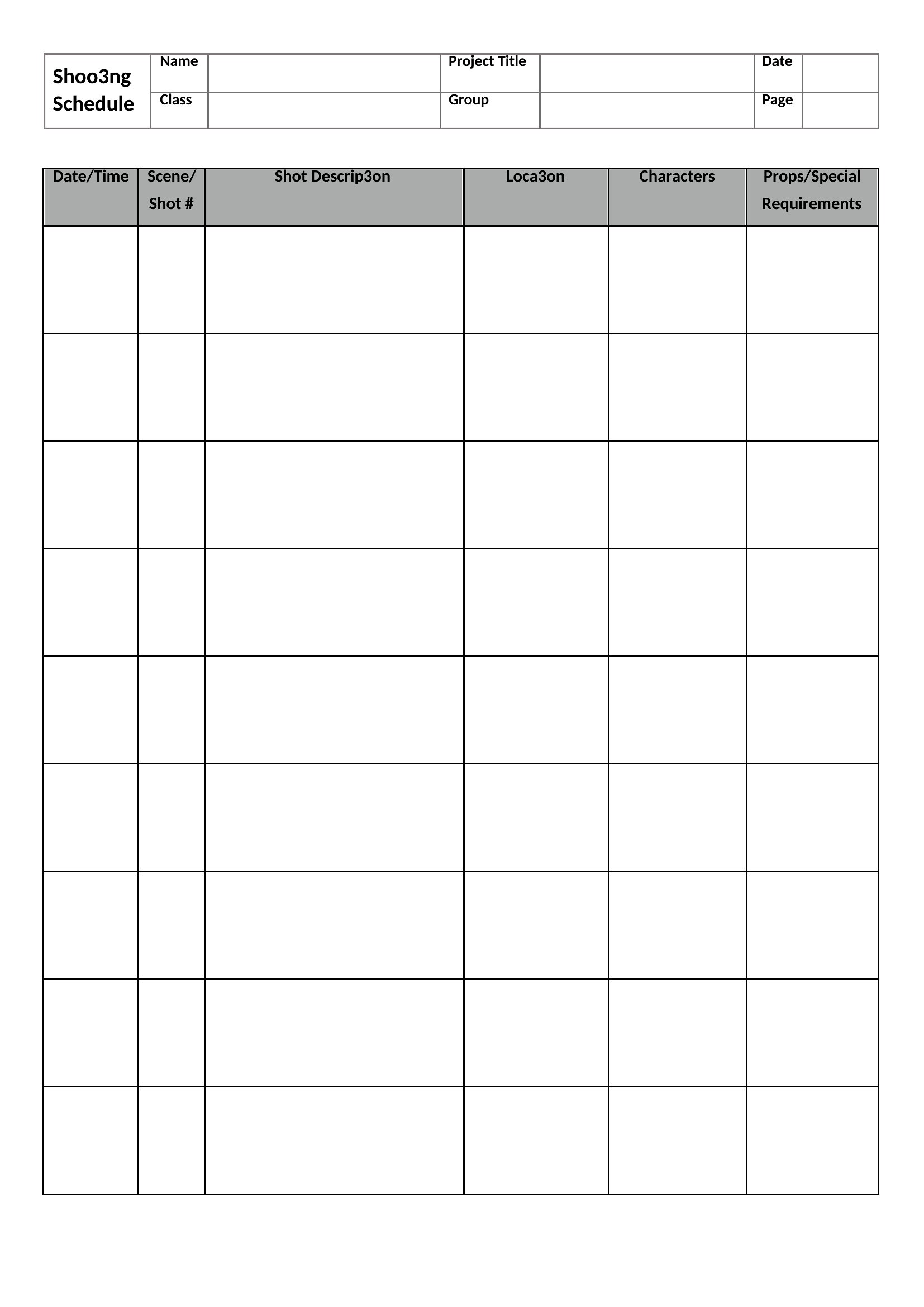
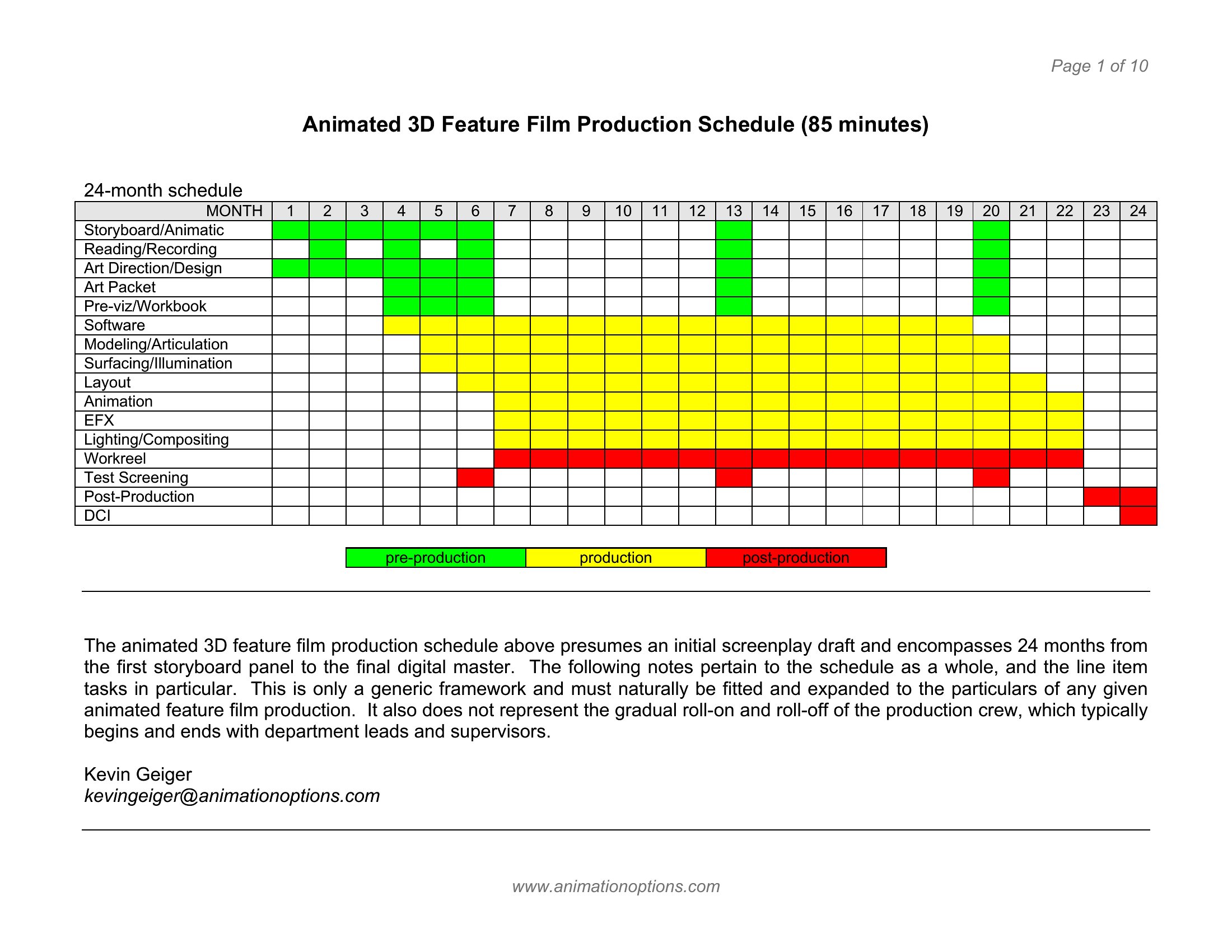
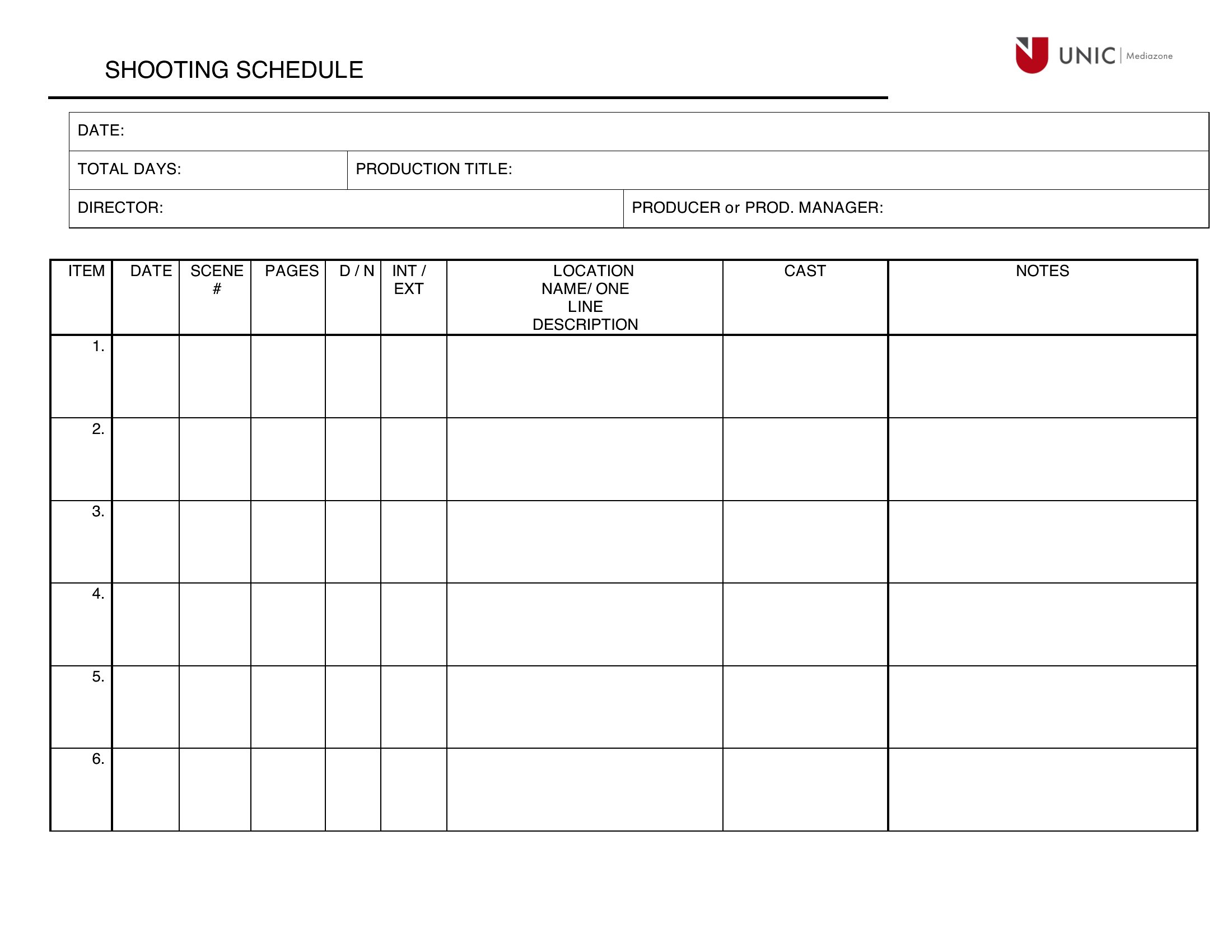
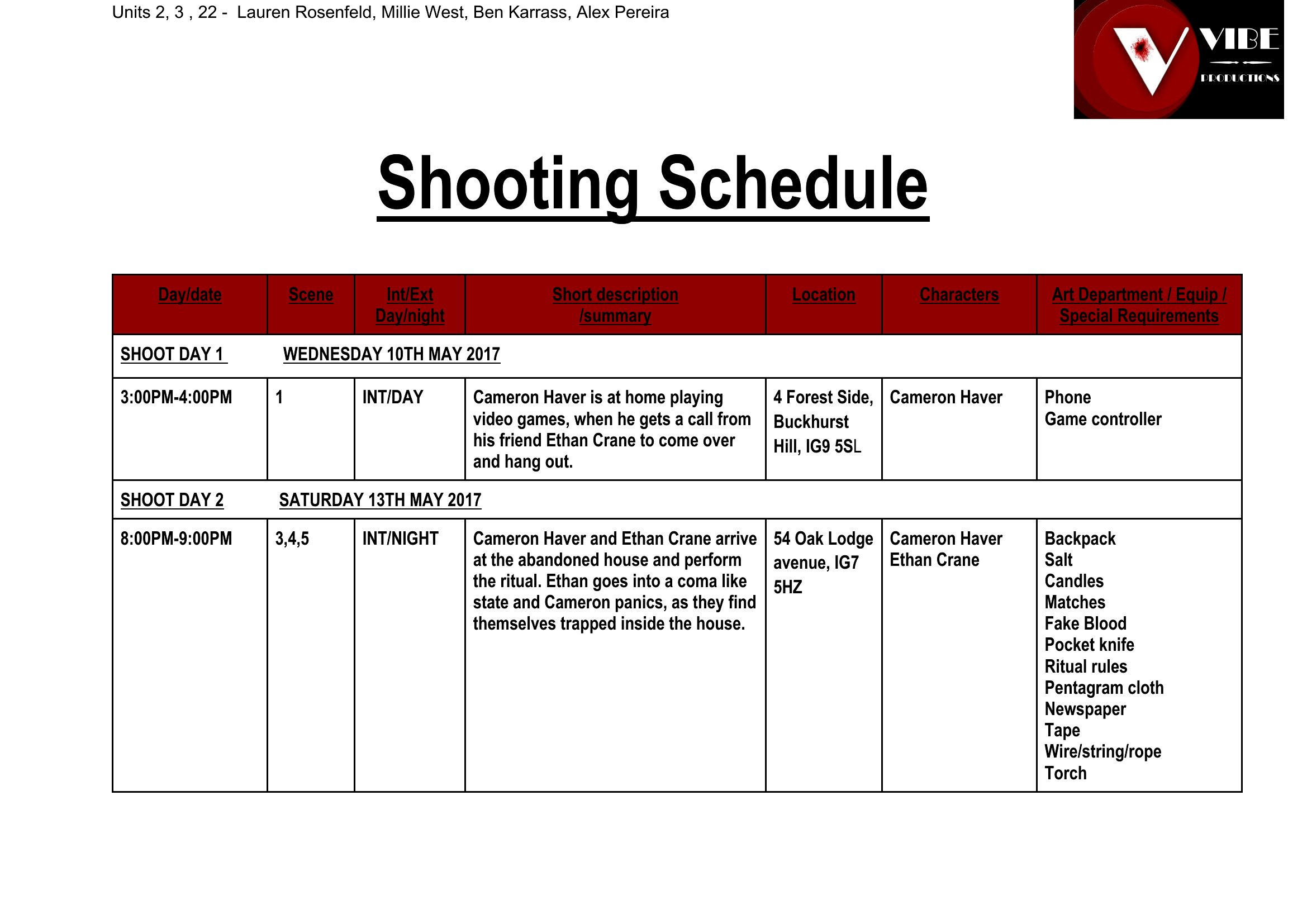
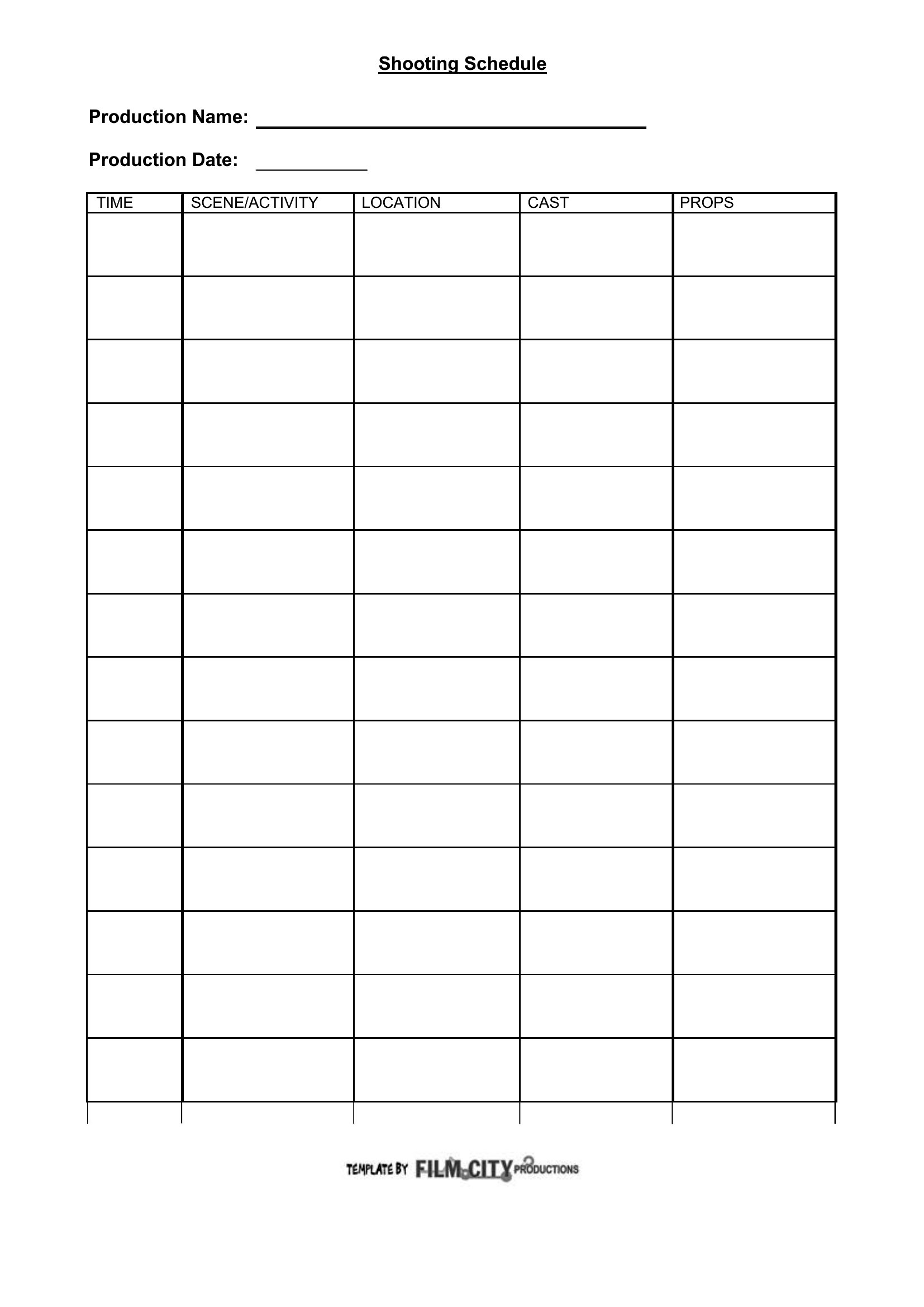
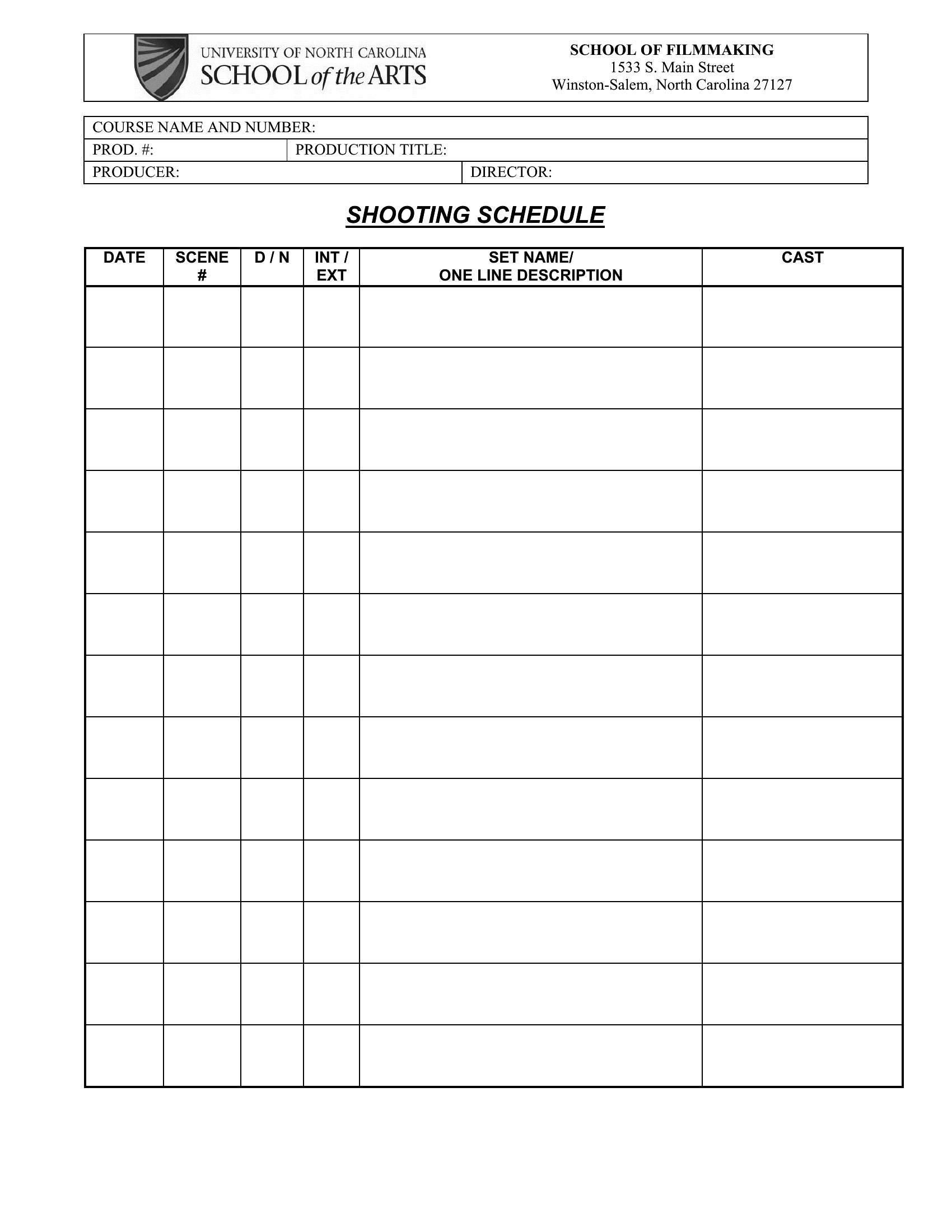
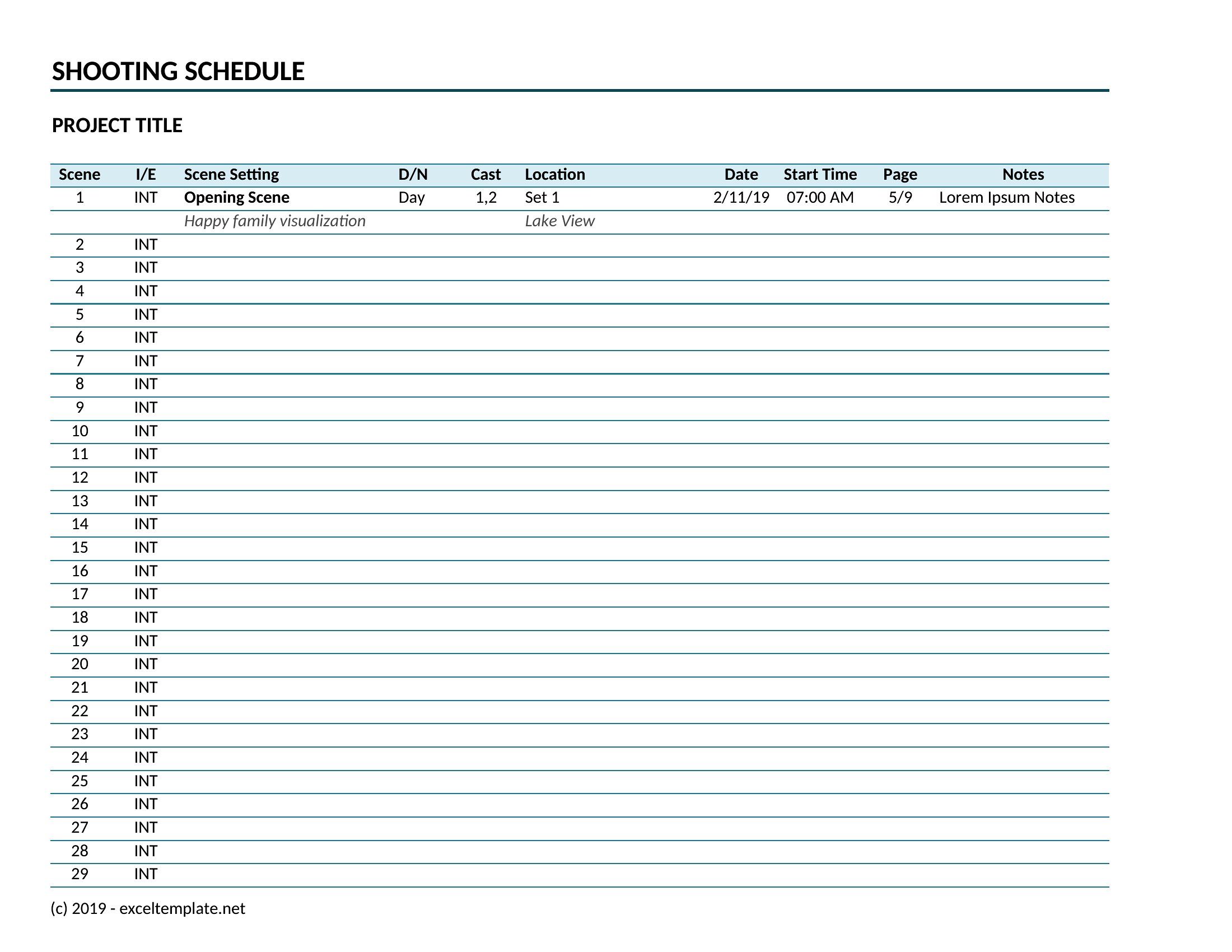
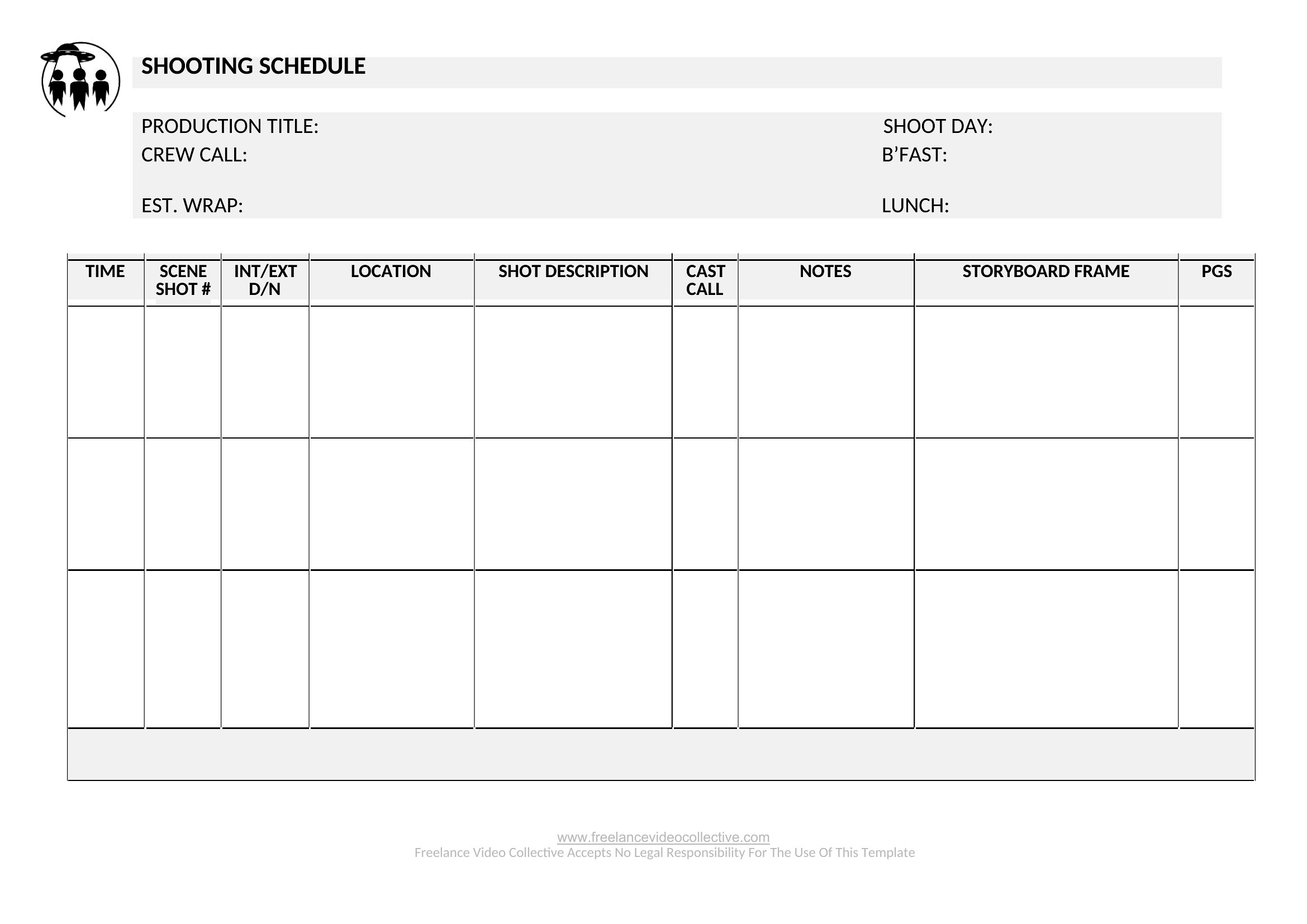
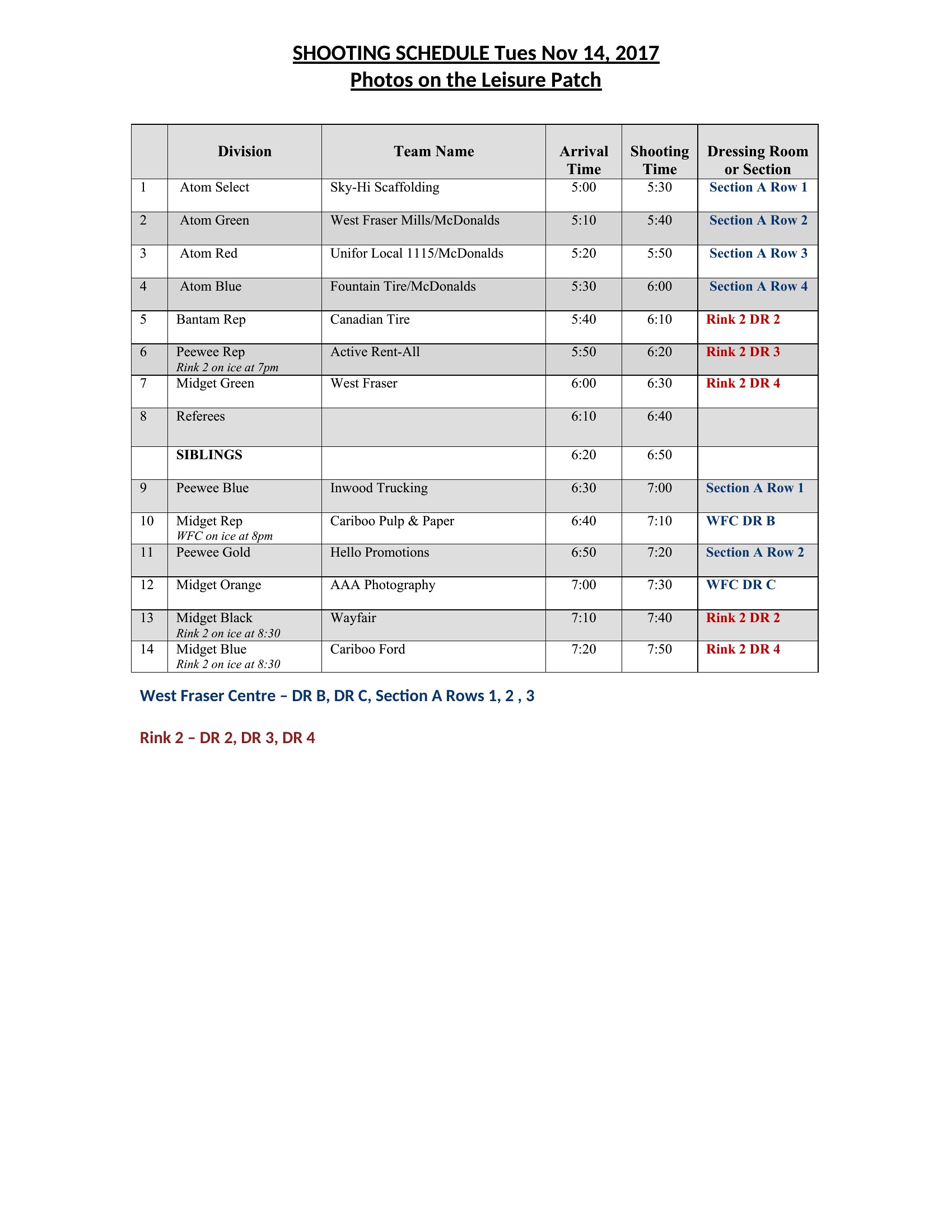
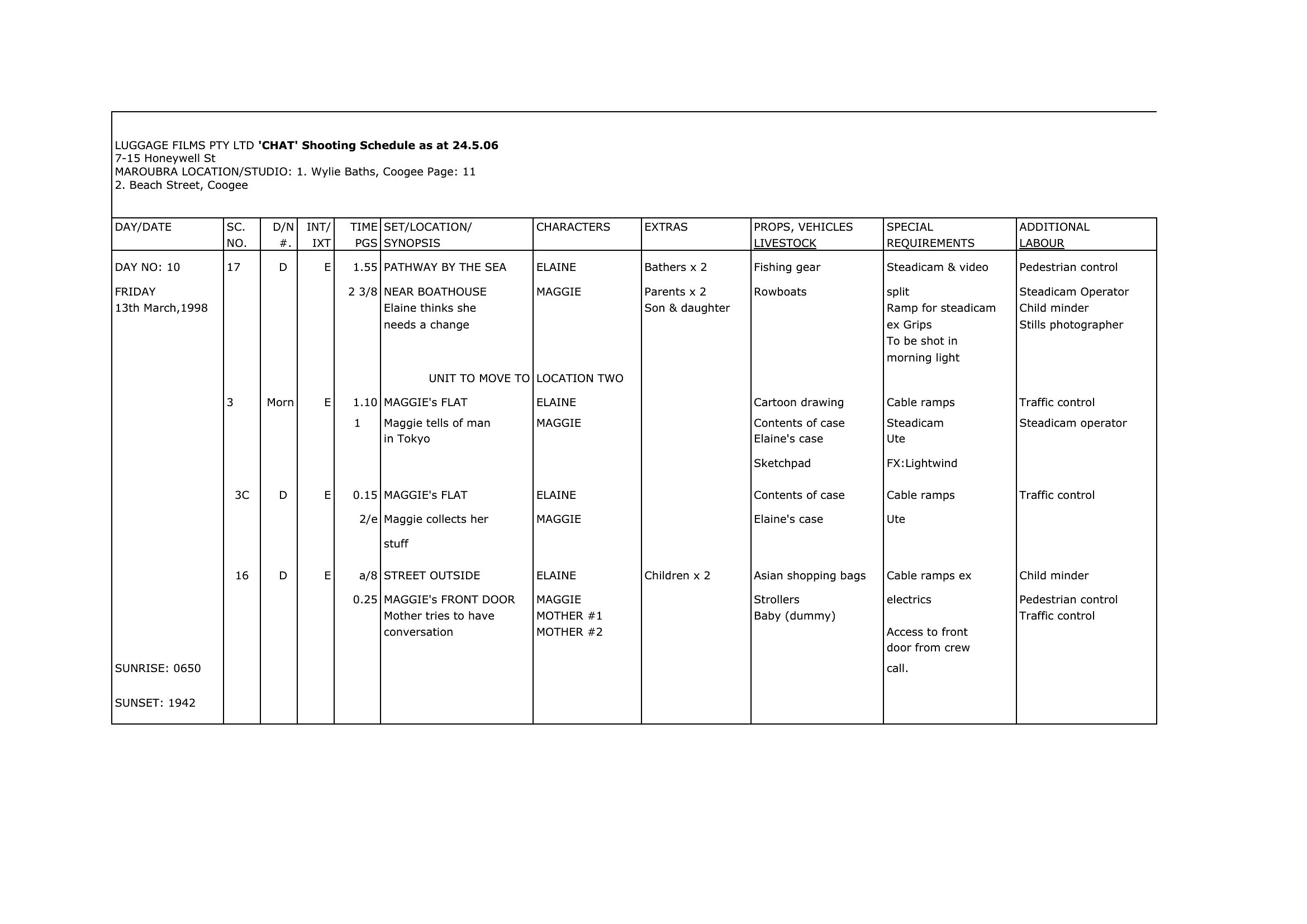
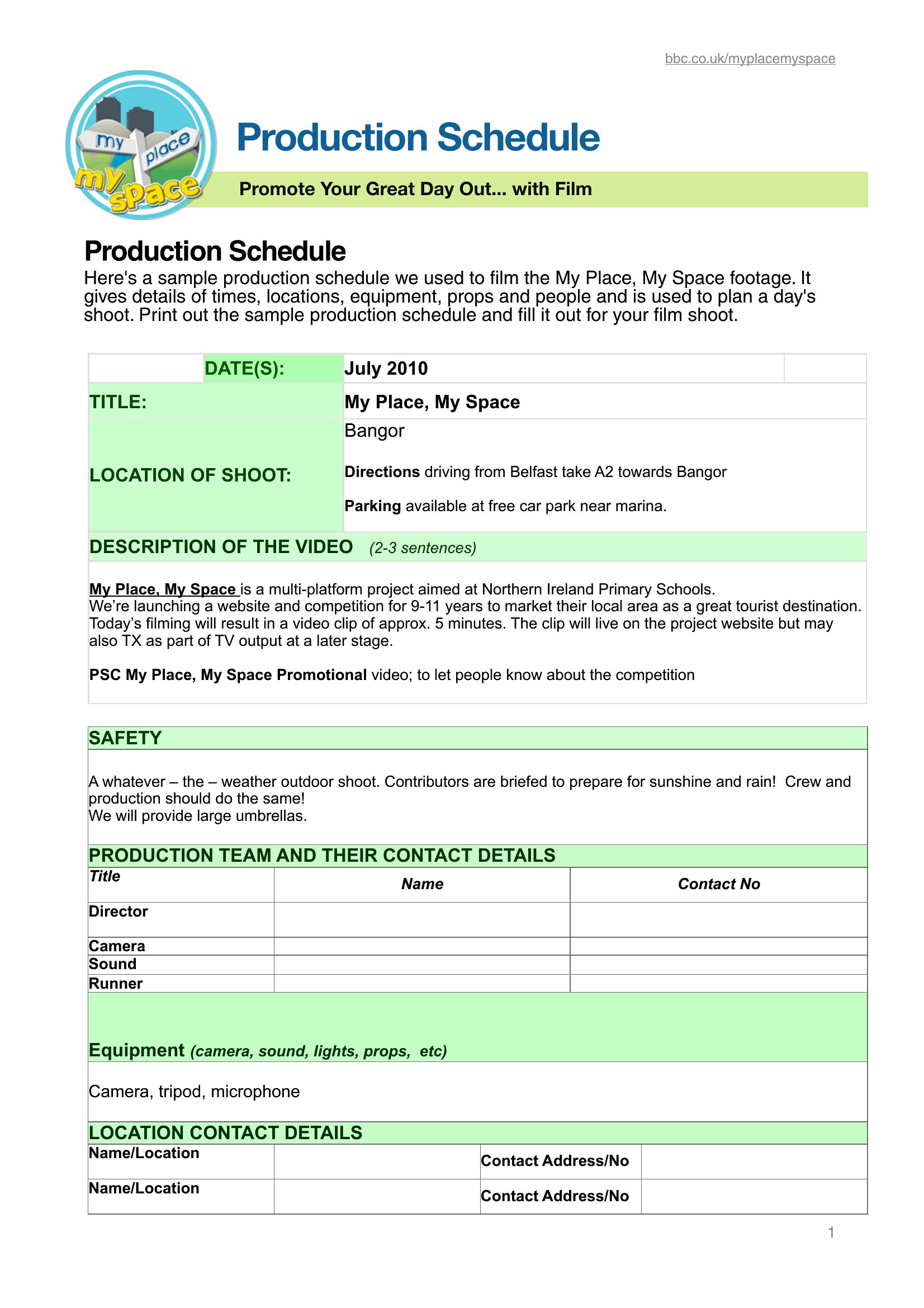
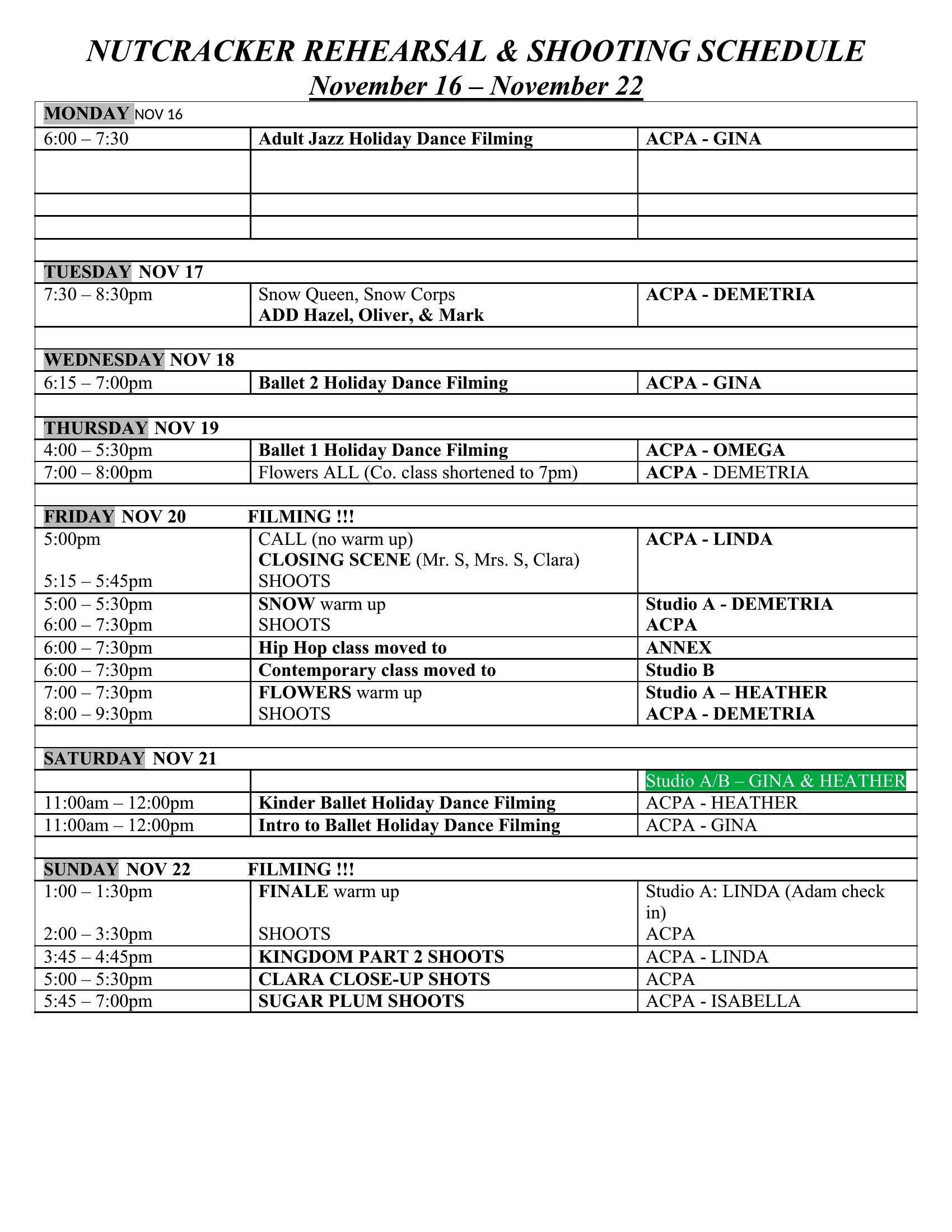
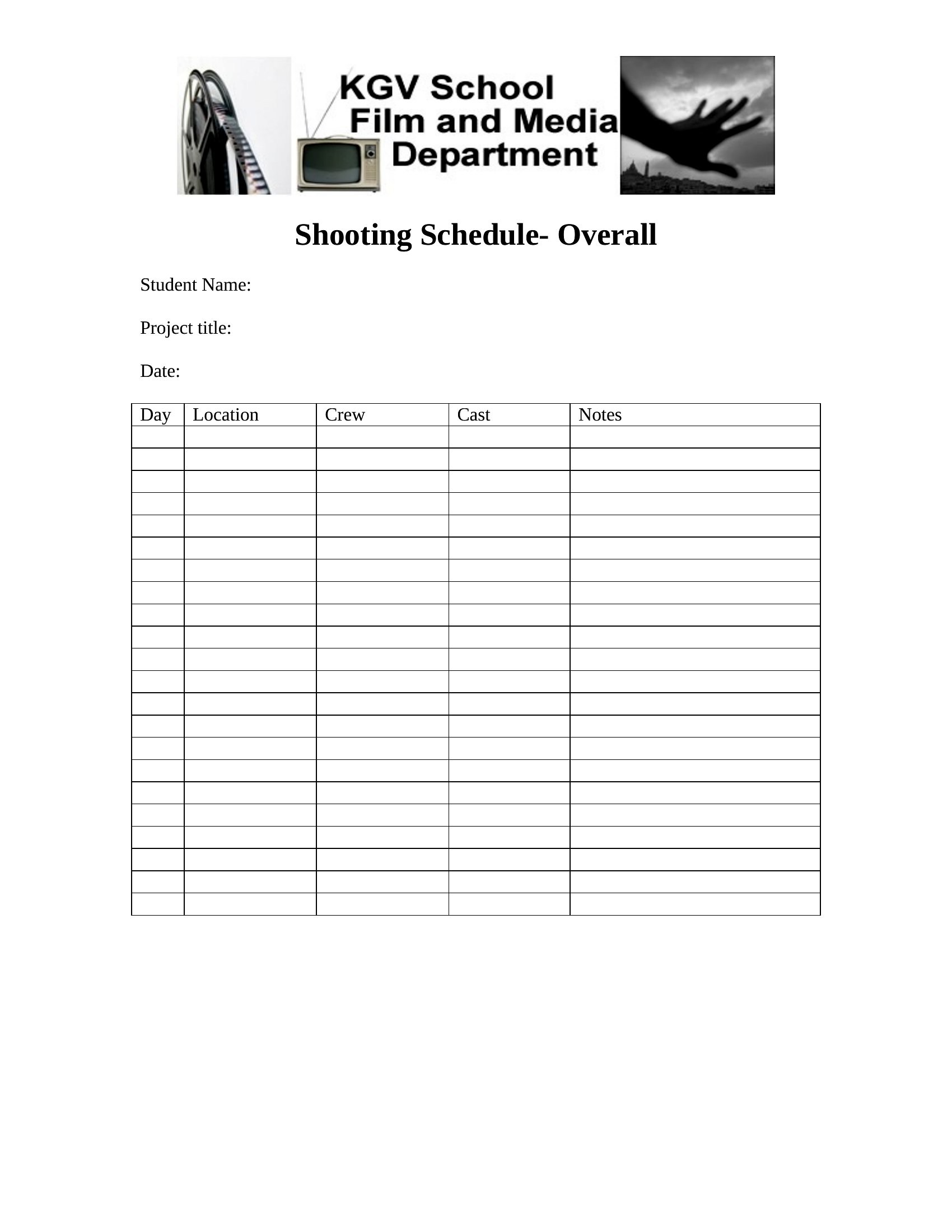
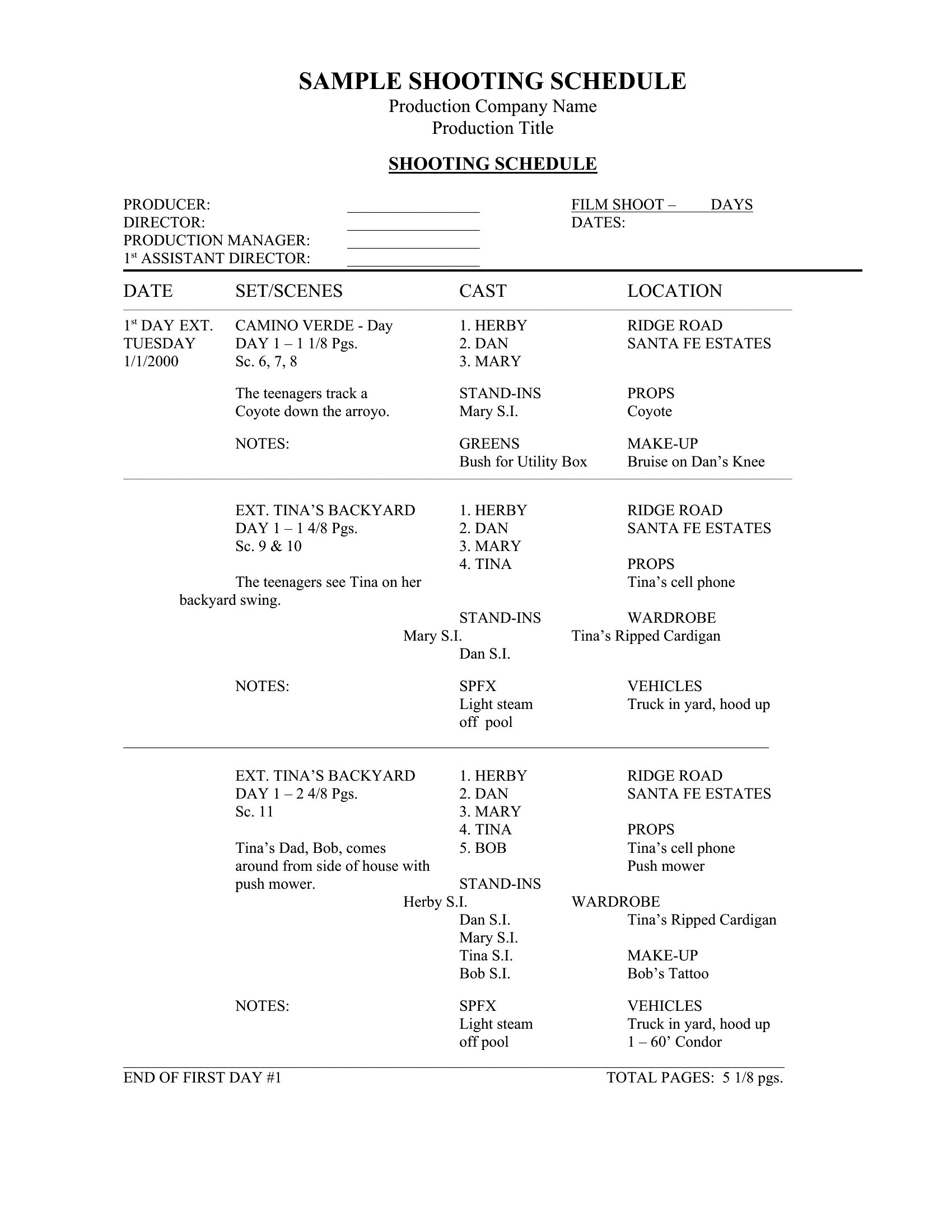
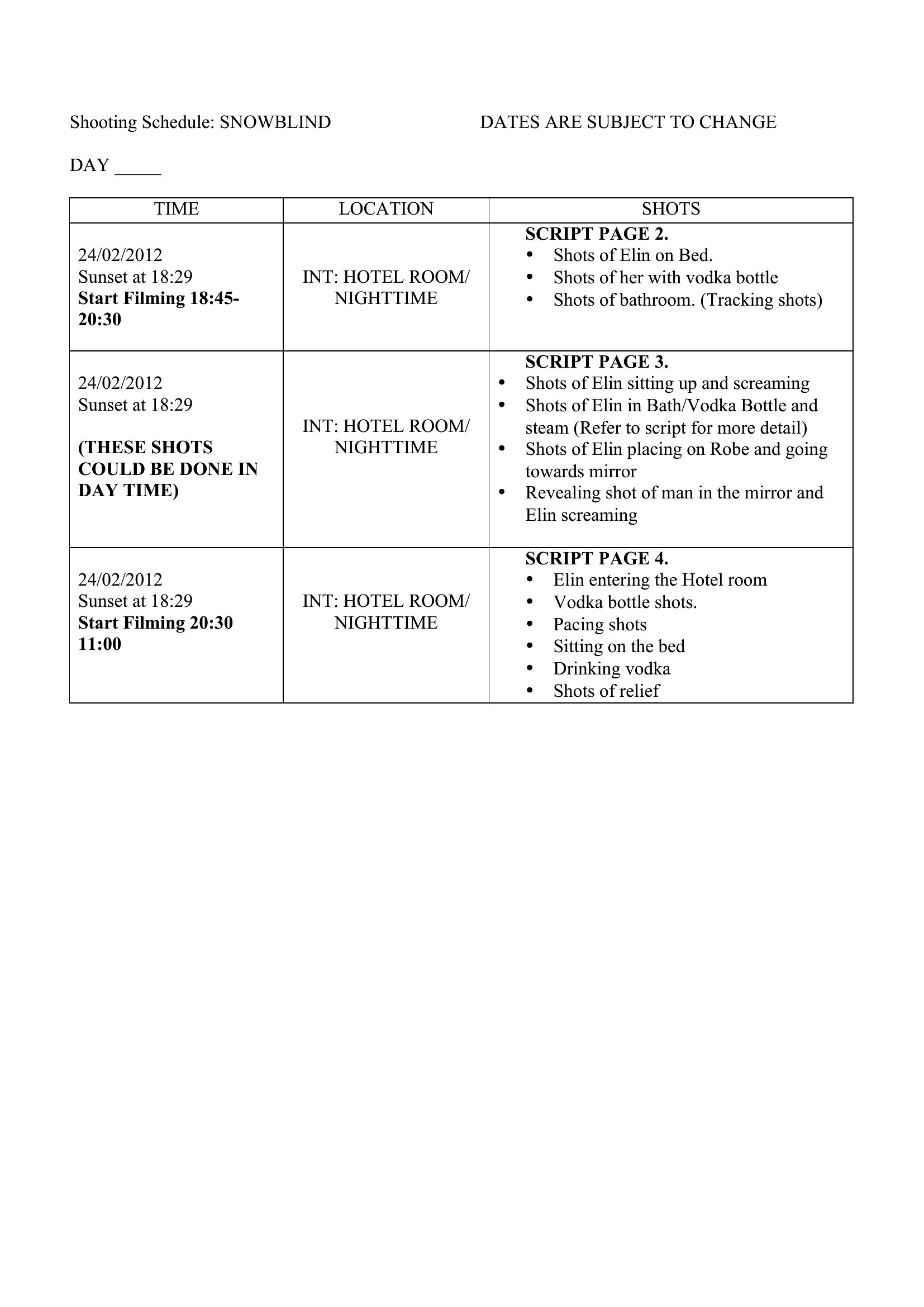
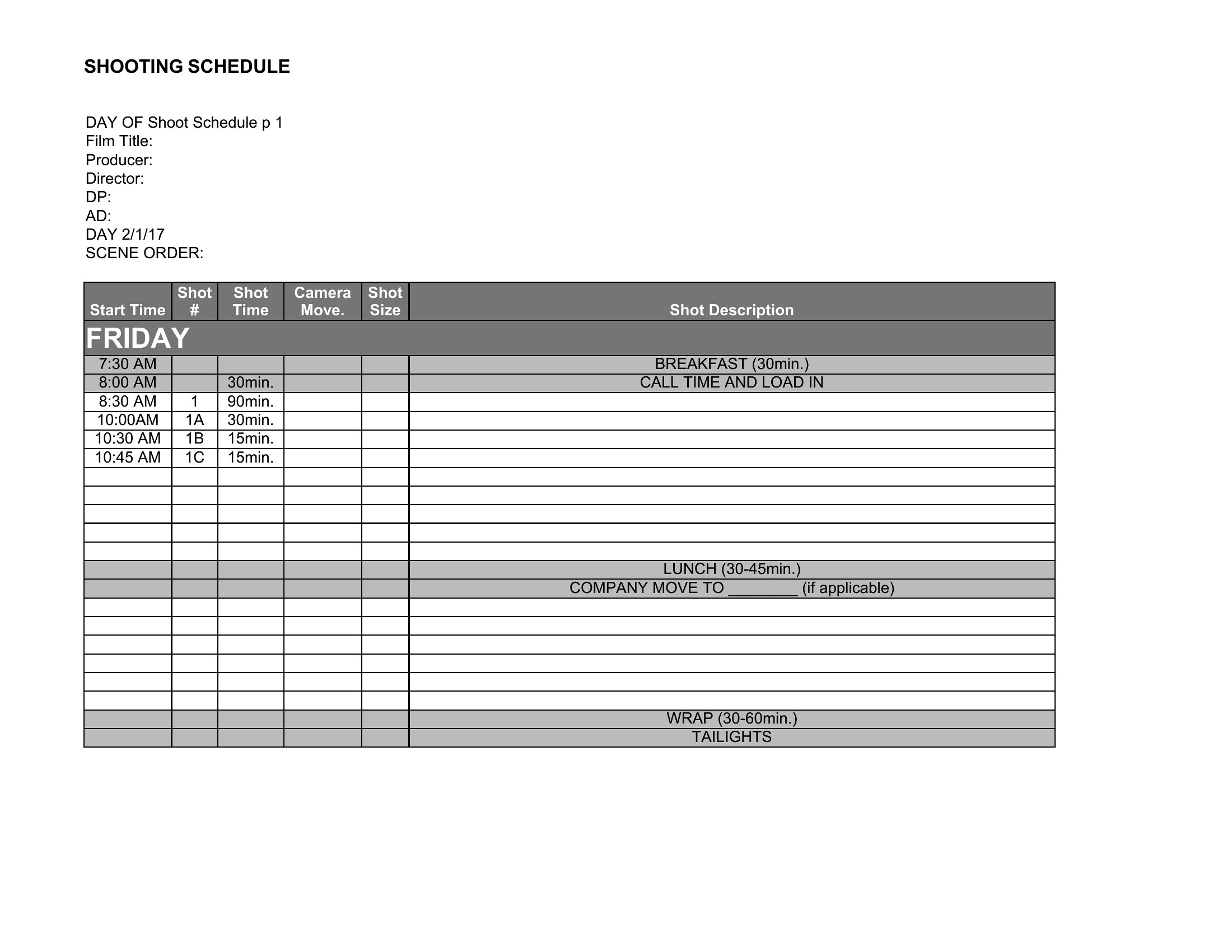
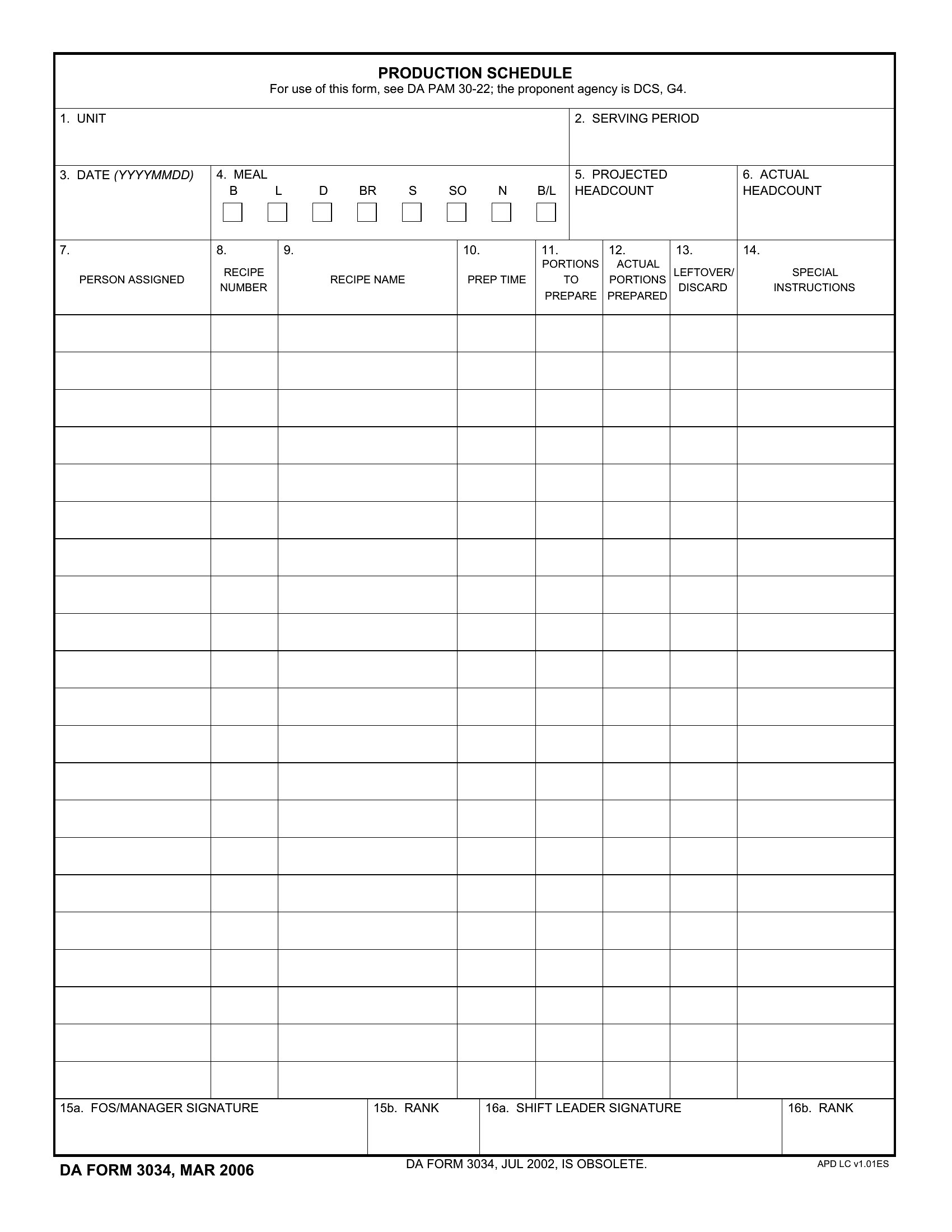
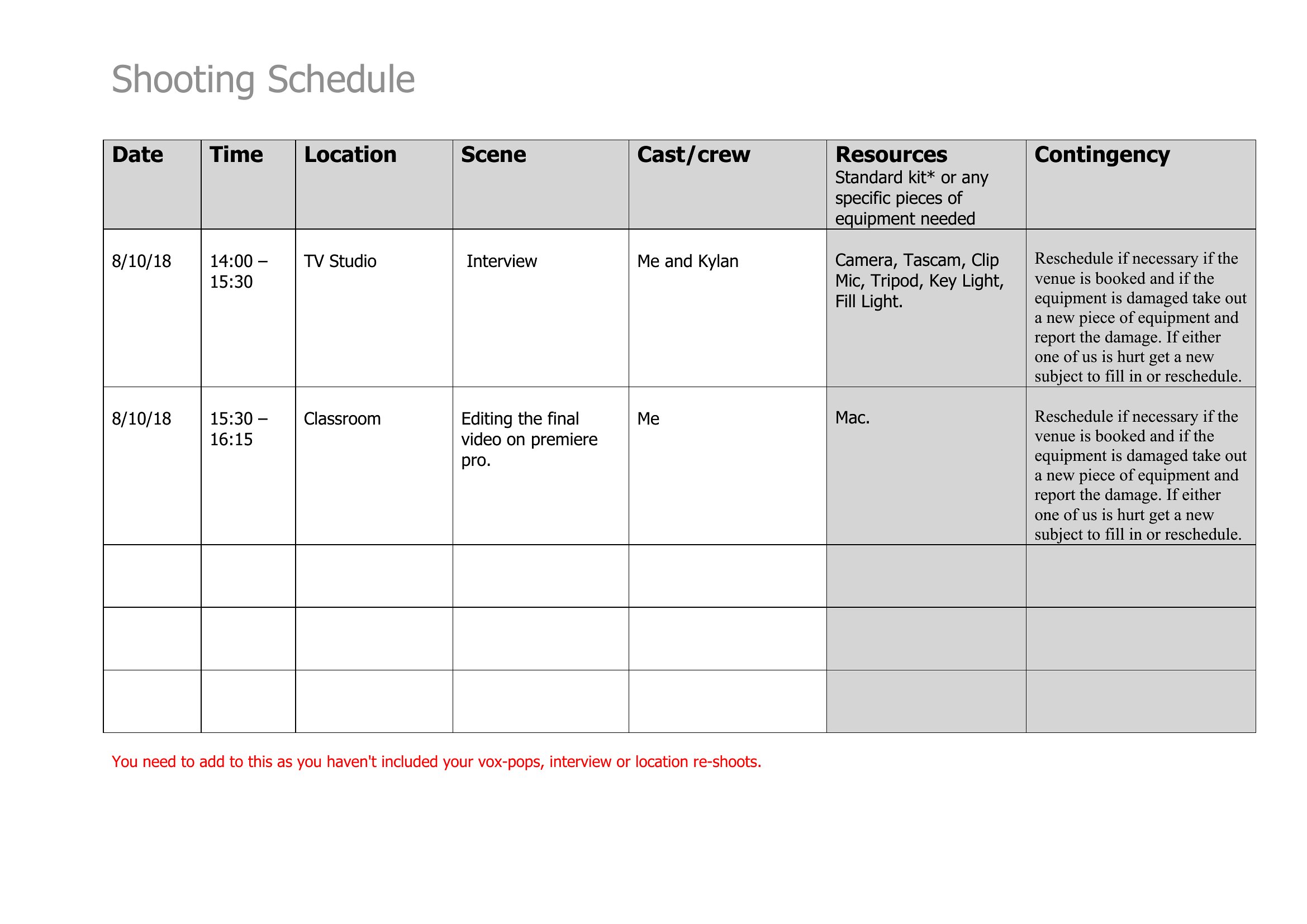
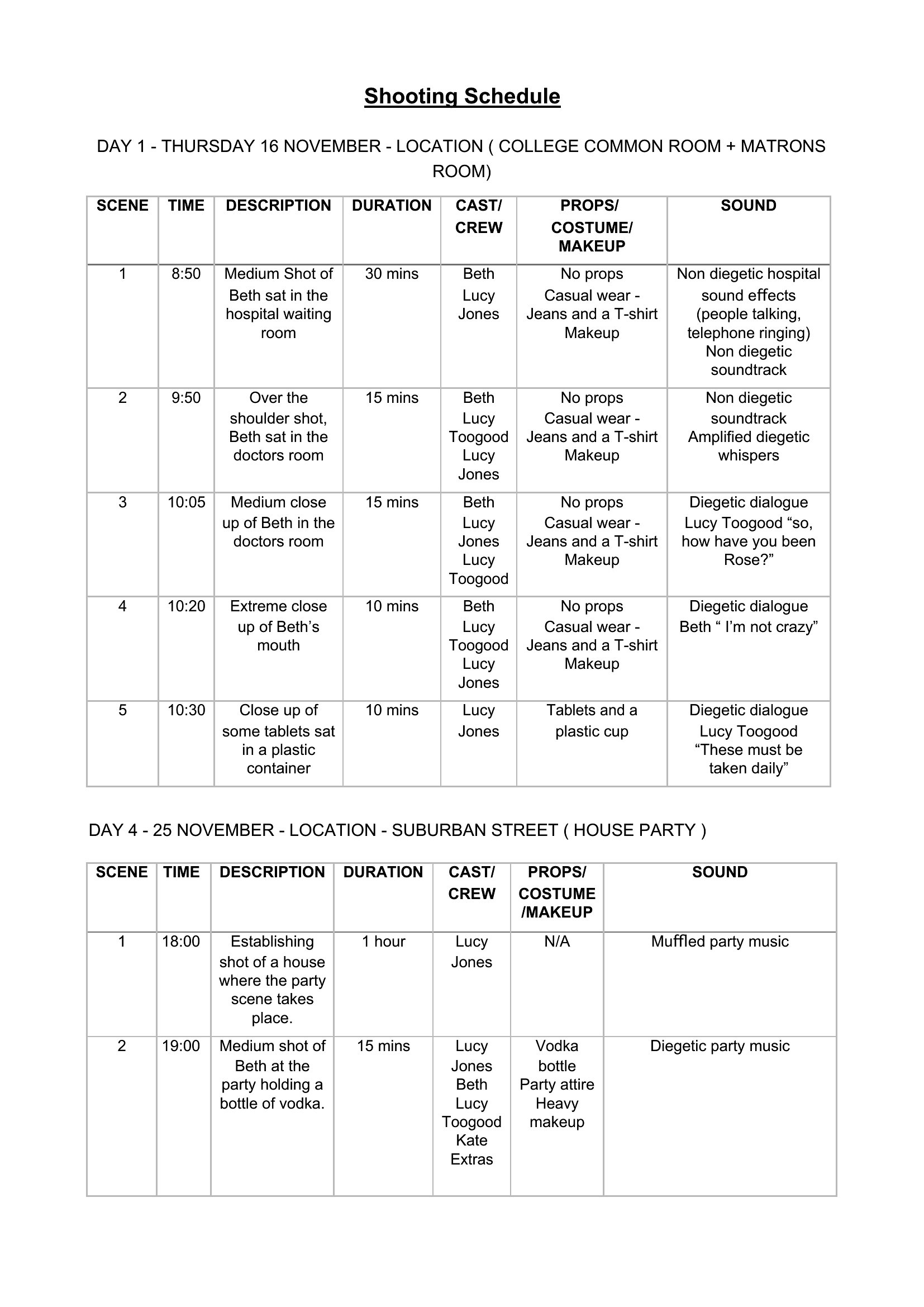
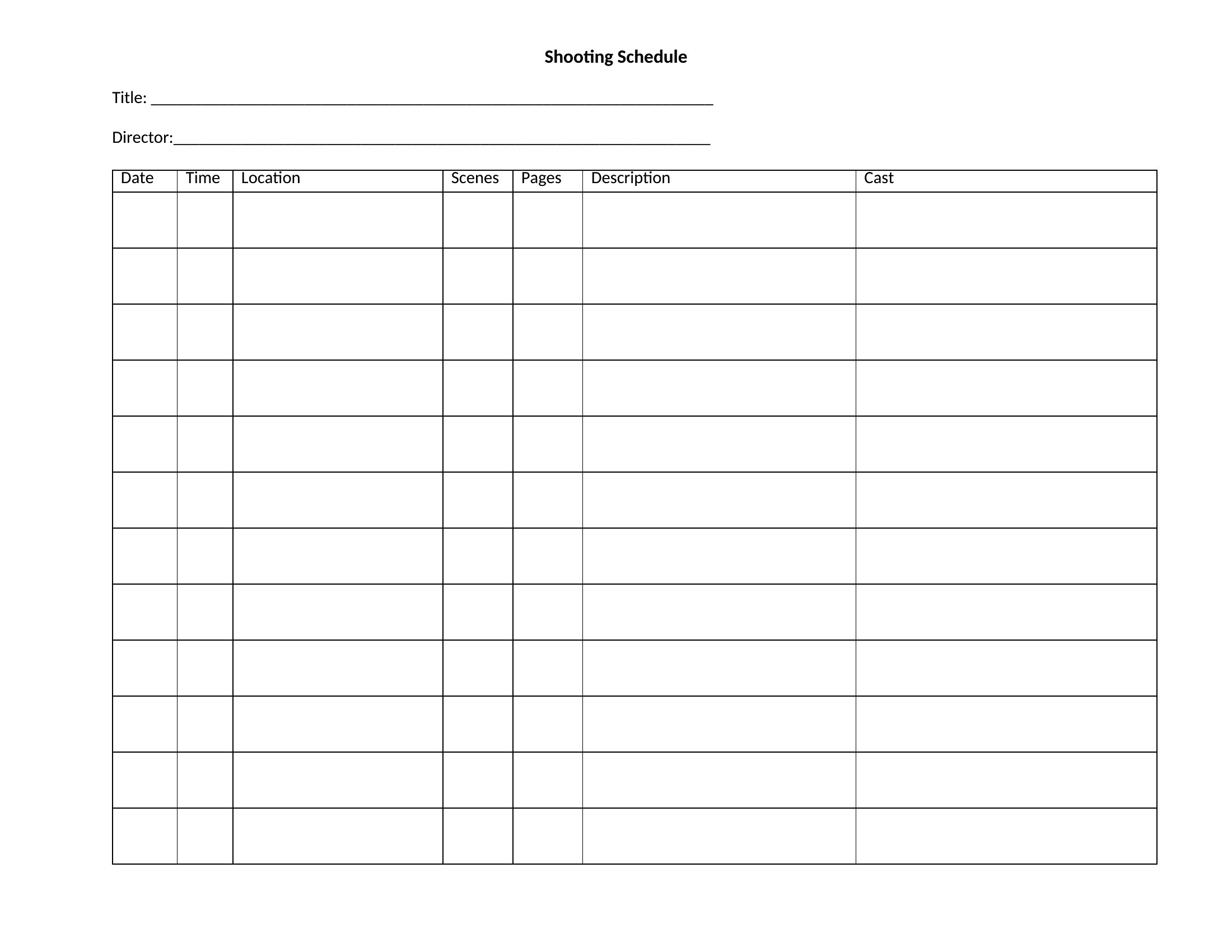
How can I adjust this shooting schedule template if my production has multiple shooting days?
Most templates in this collection include fields for date markers and scene numbering. Use the Excel format to create separate tabs for each day, or duplicate the Word document and rename it with the shoot date. For visual clarity, combine all days into a single PDF with clear section headers for each day’s scenes. Always test printouts for readability if sharing hard copies.
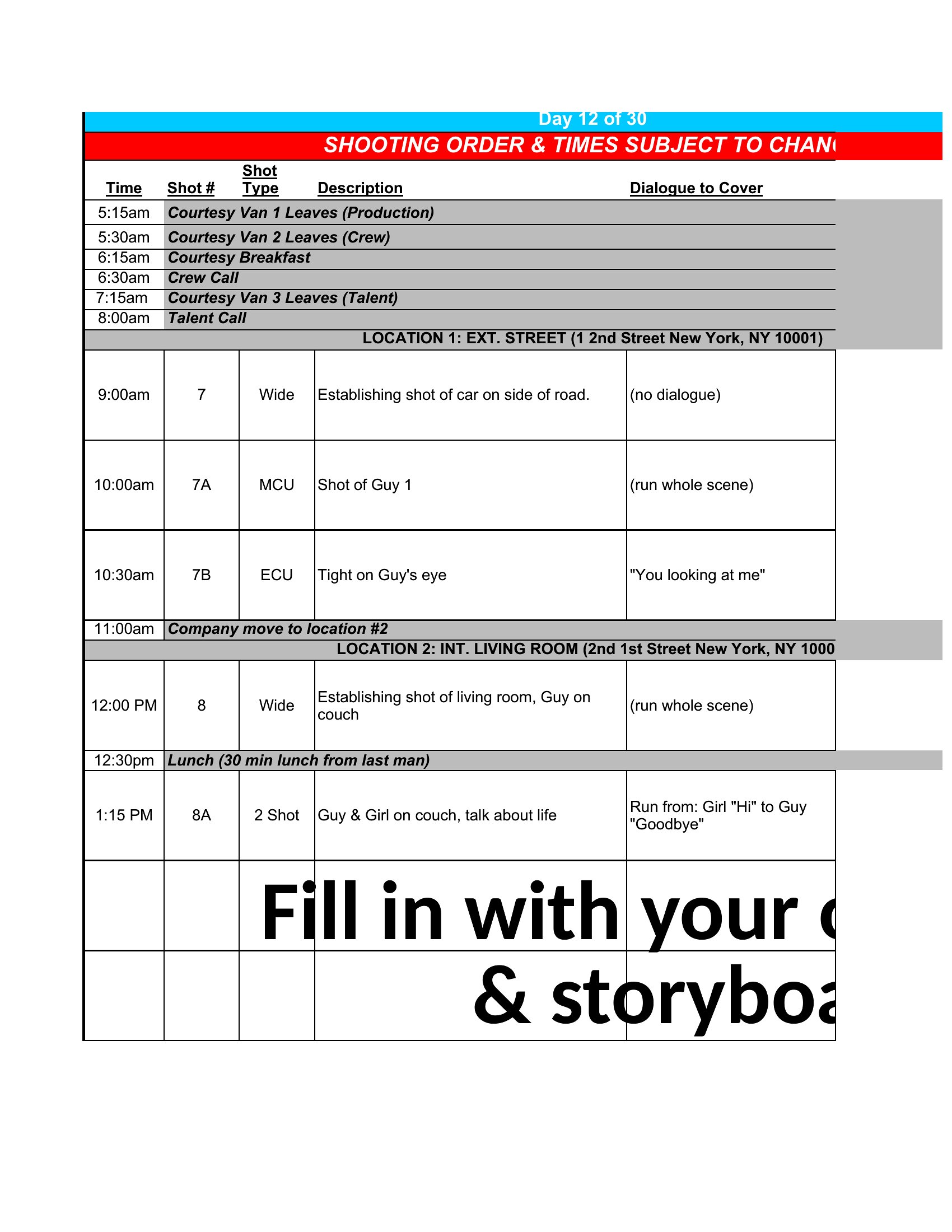
What details should I include in the ‘notes’ section to avoid confusion on set?
Add practical notes like prop requirements, special effects cues, or specific camera angles tied to lighting setups. Include crew assignments (e.g., ‘DP handles wide shots only’) and any safety warnings (e.g., ‘no drones near power lines’). For actors, note line changes or emotional beats to reduce rehearsal time. Keep notes concise but actionable—crew members should scan and understand them in seconds.
Can I use these templates for shoots with union crews who have strict call-time rules?
While these templates provide a framework, union schedules often require additional fields like meal breaks, overtime thresholds, or specific rest periods. Double-check with your union representative to identify missing details, then add them to the Word or Excel version before finalizing. The PDF format isn’t editable, so use it only after confirming all union requirements are met. Always treat templates as a starting point, not a replacement for legal guidance.
Comments
Join the conversation
Sign in to share your thoughts and leave a comment on this resource.