
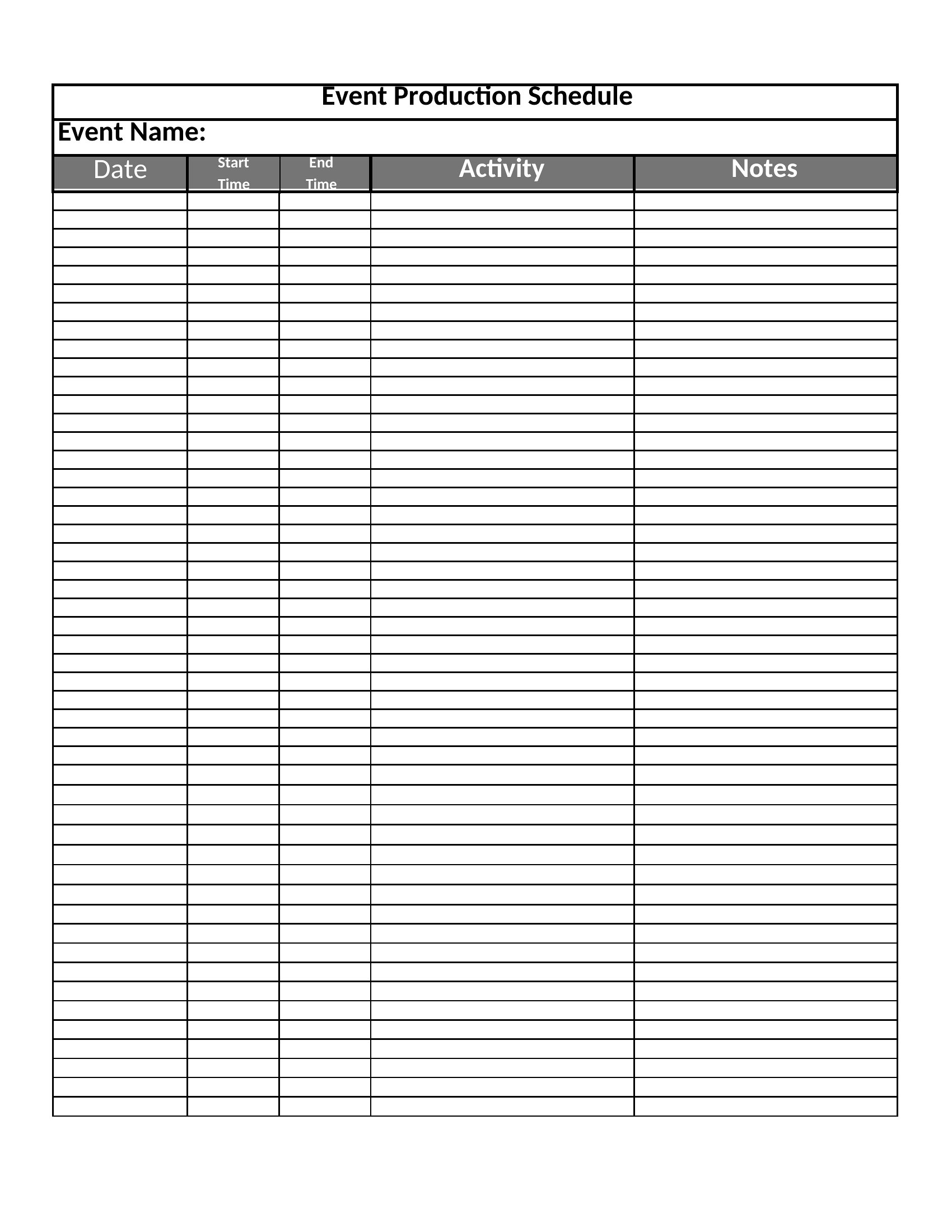
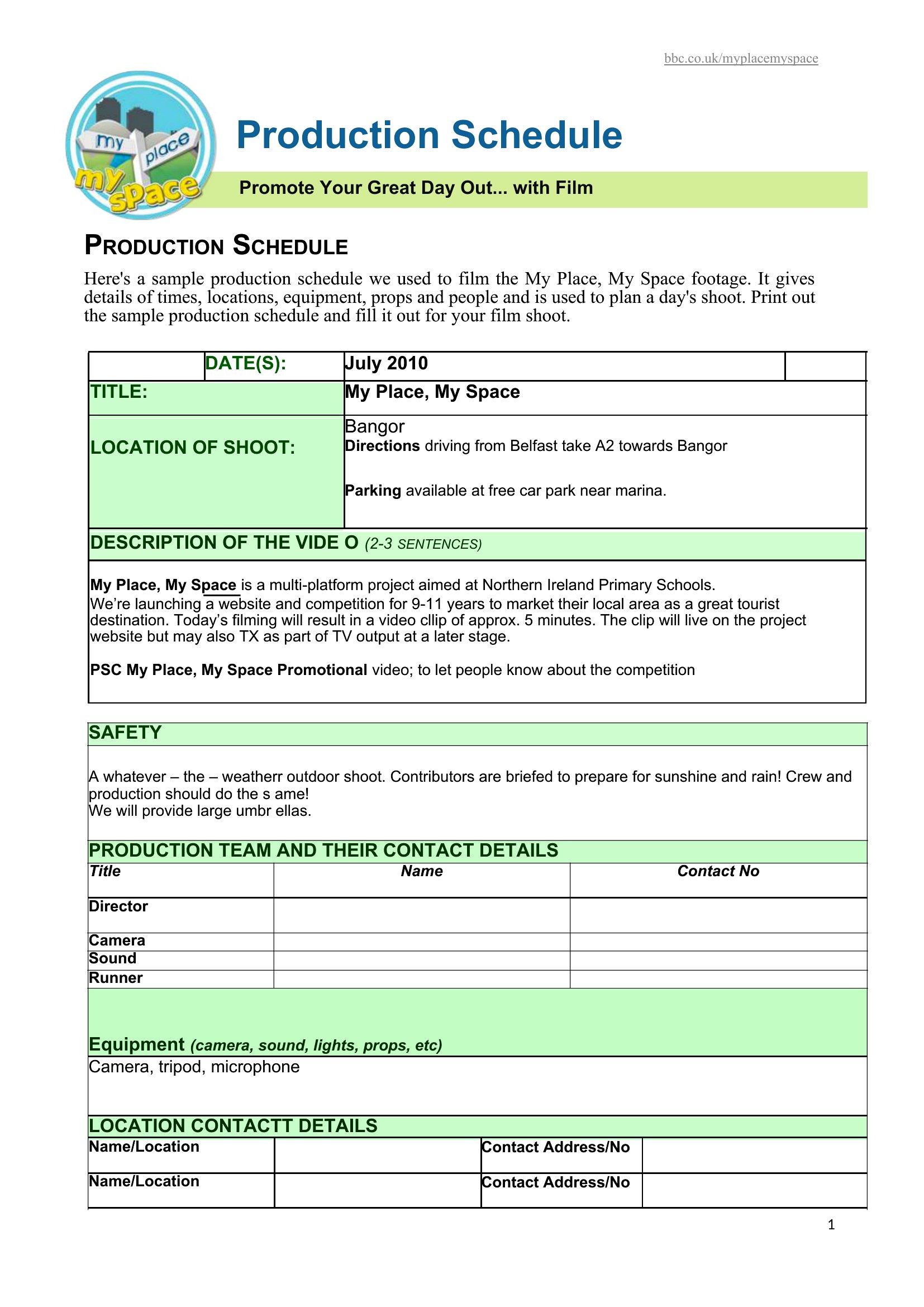
Free Production Schedule Templates (Word, Excel, PDF)
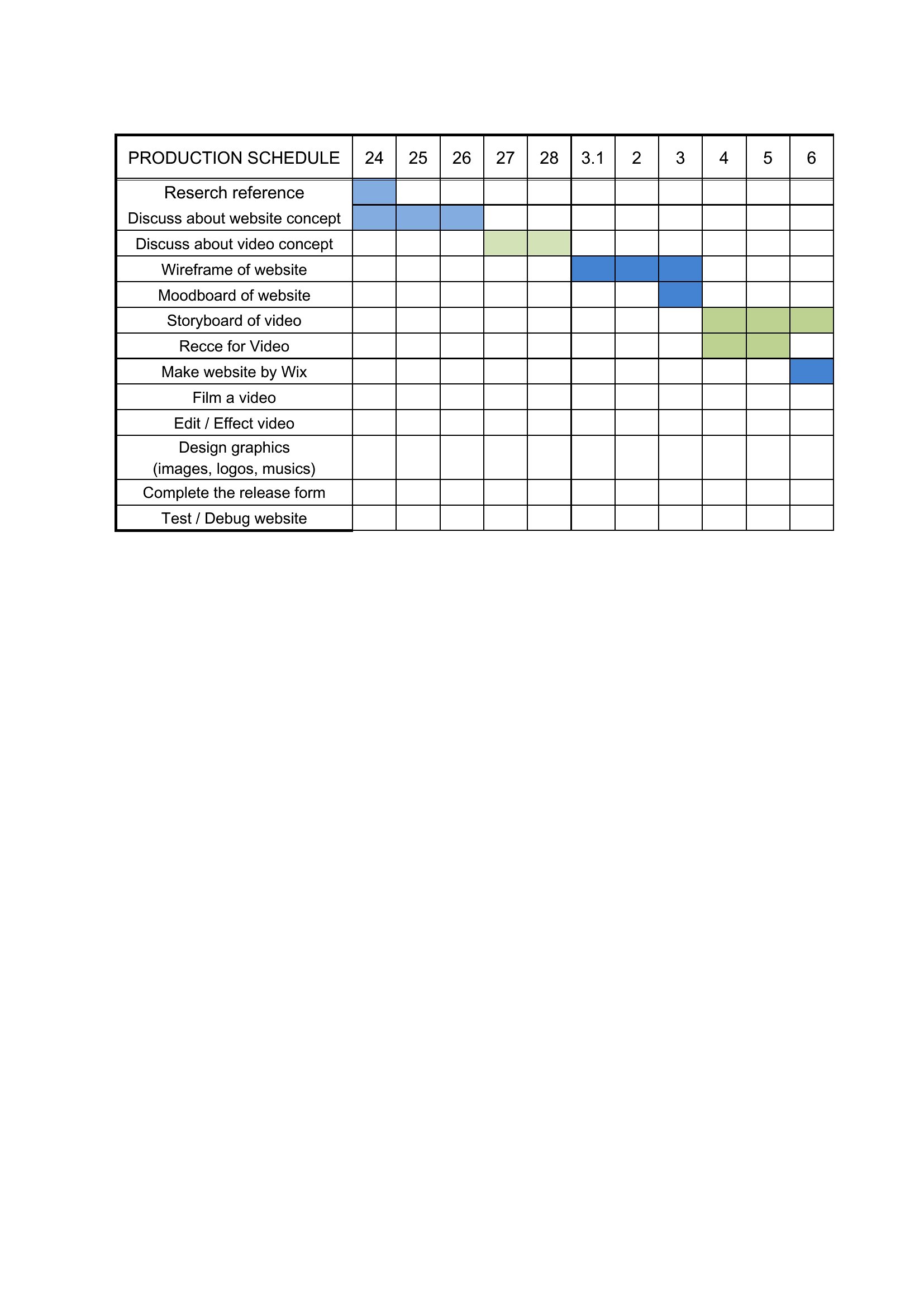
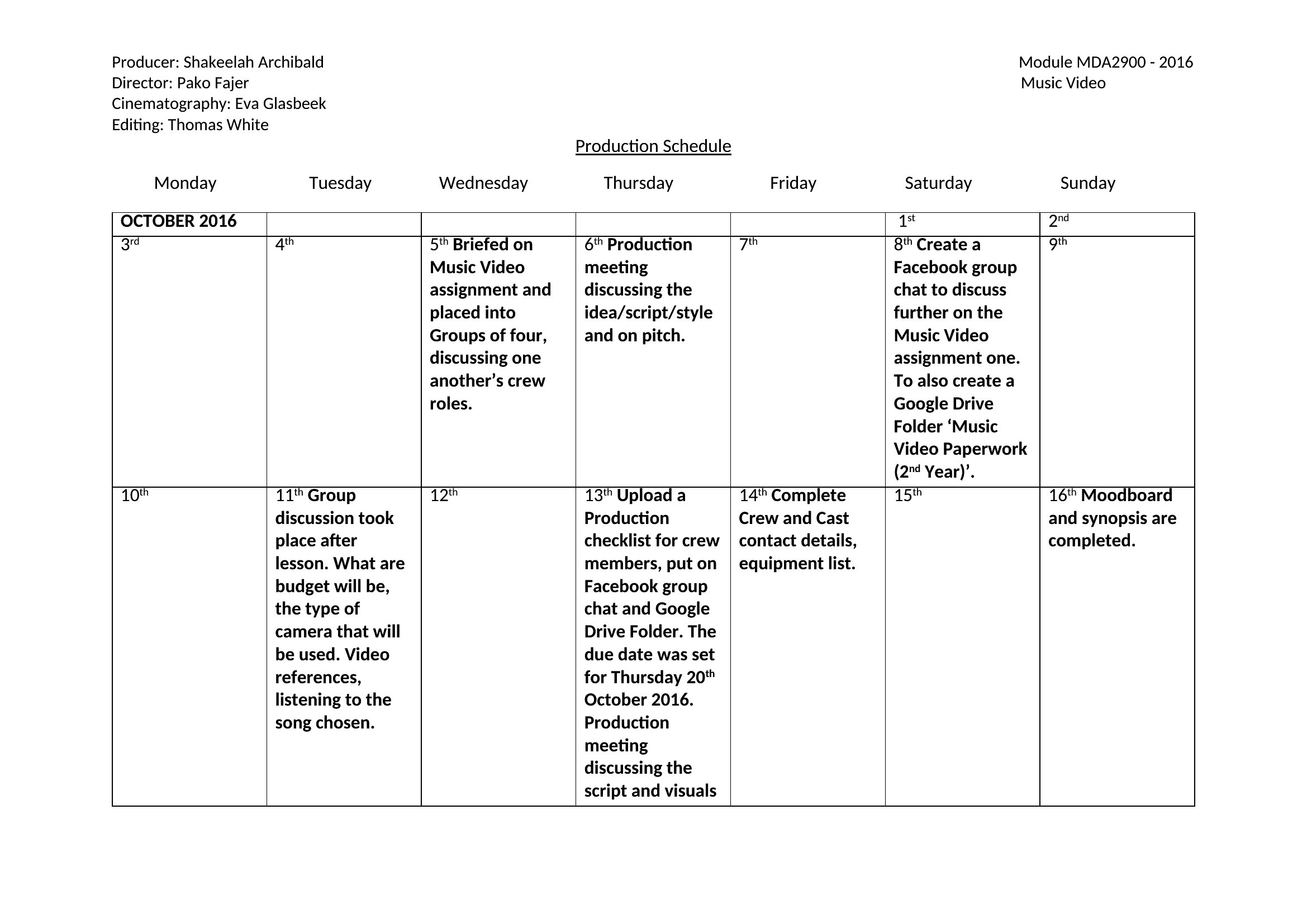
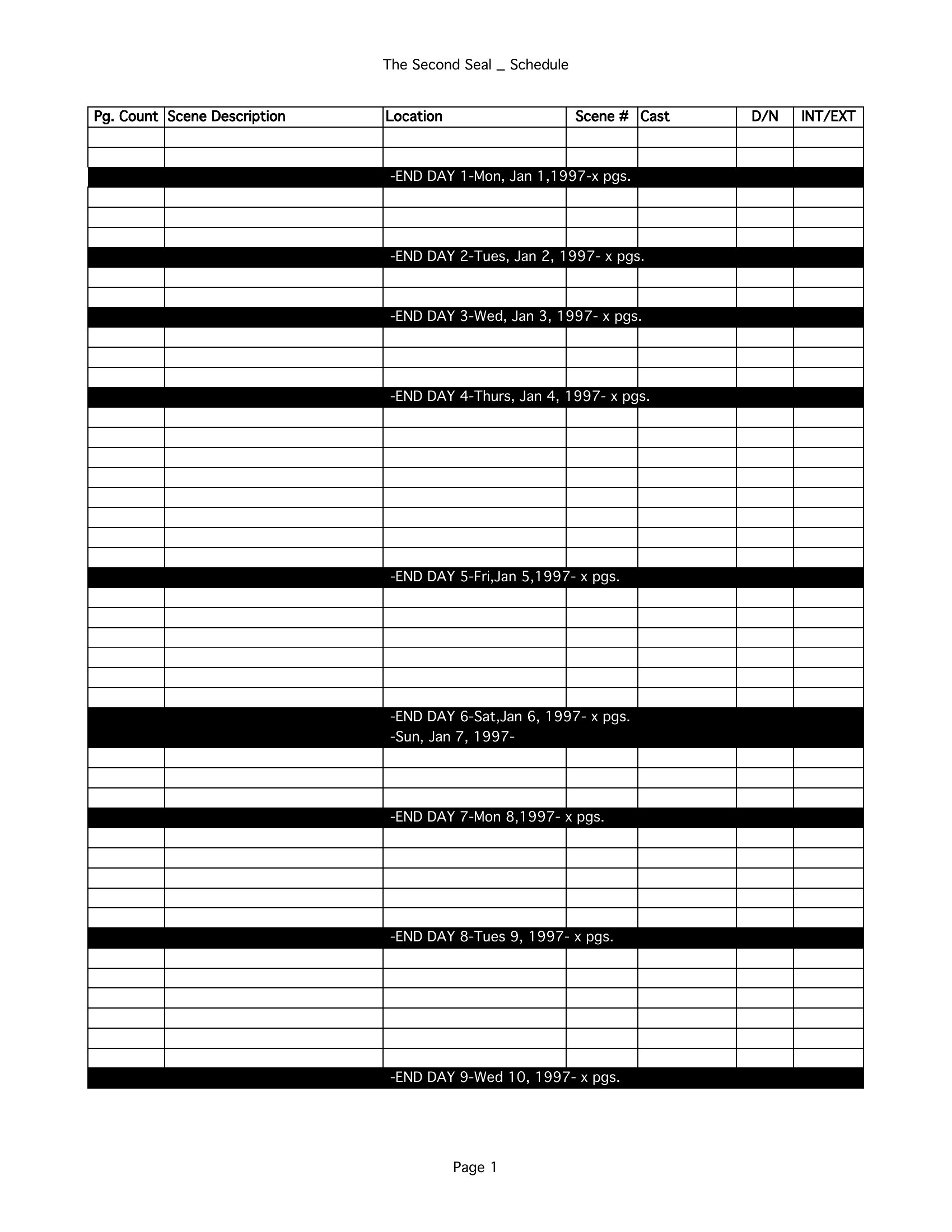
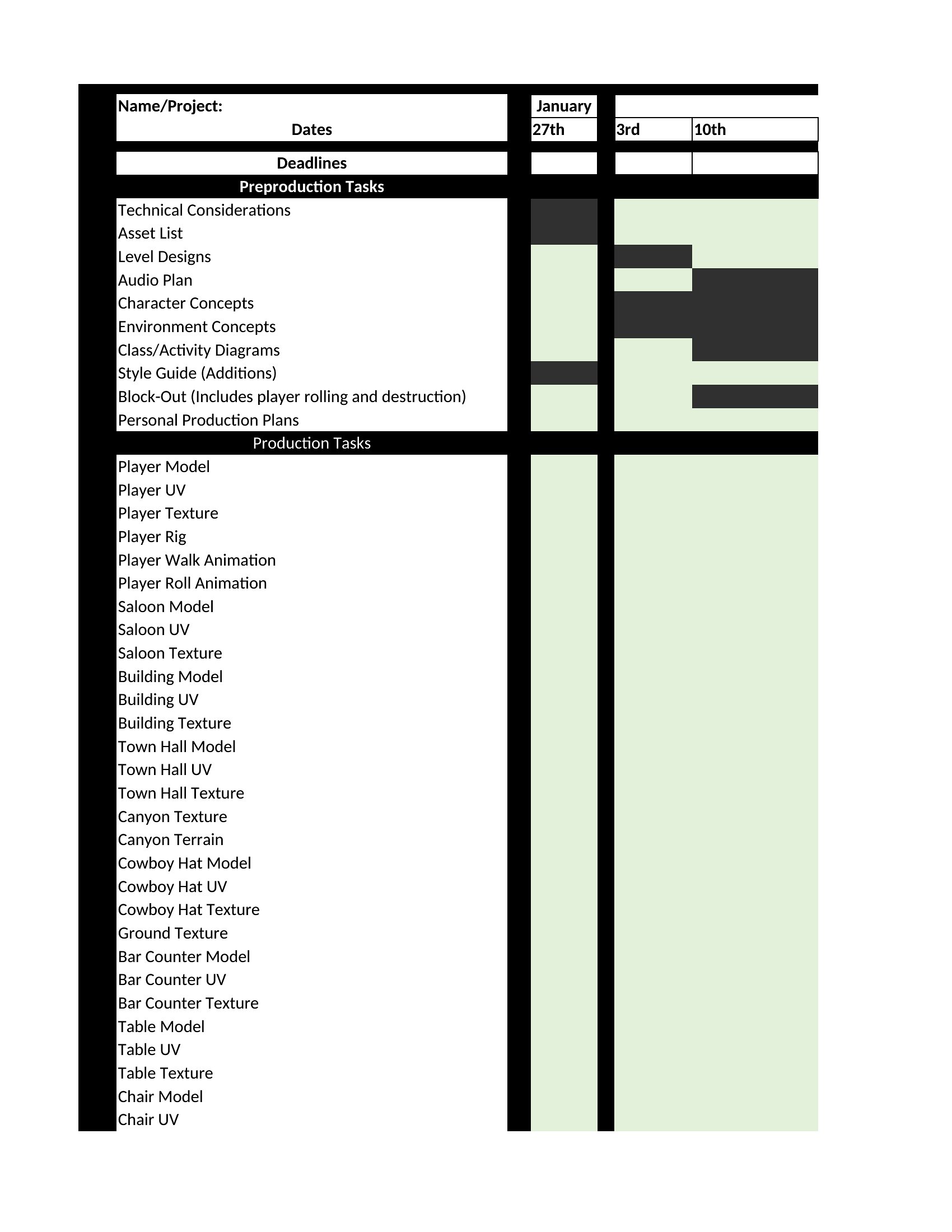
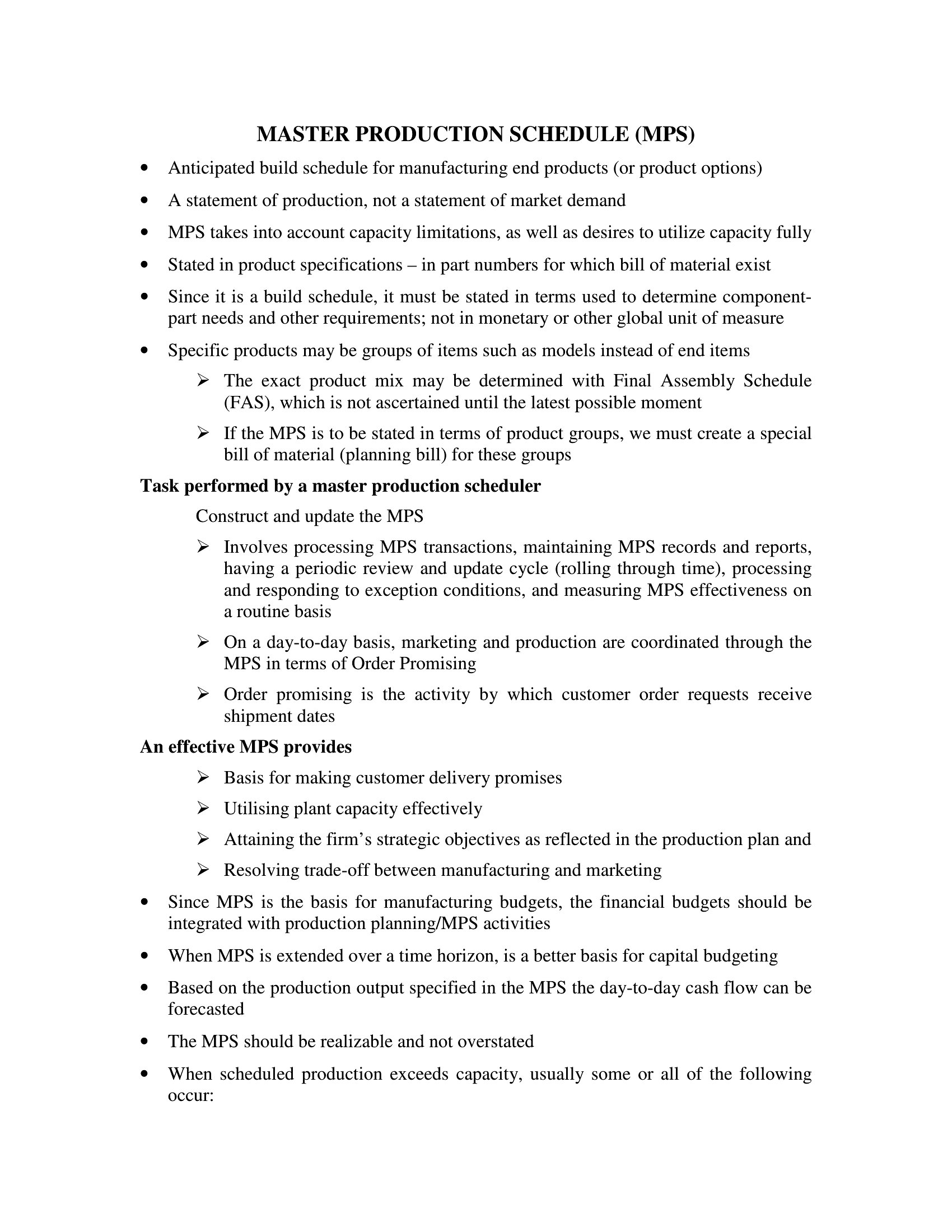
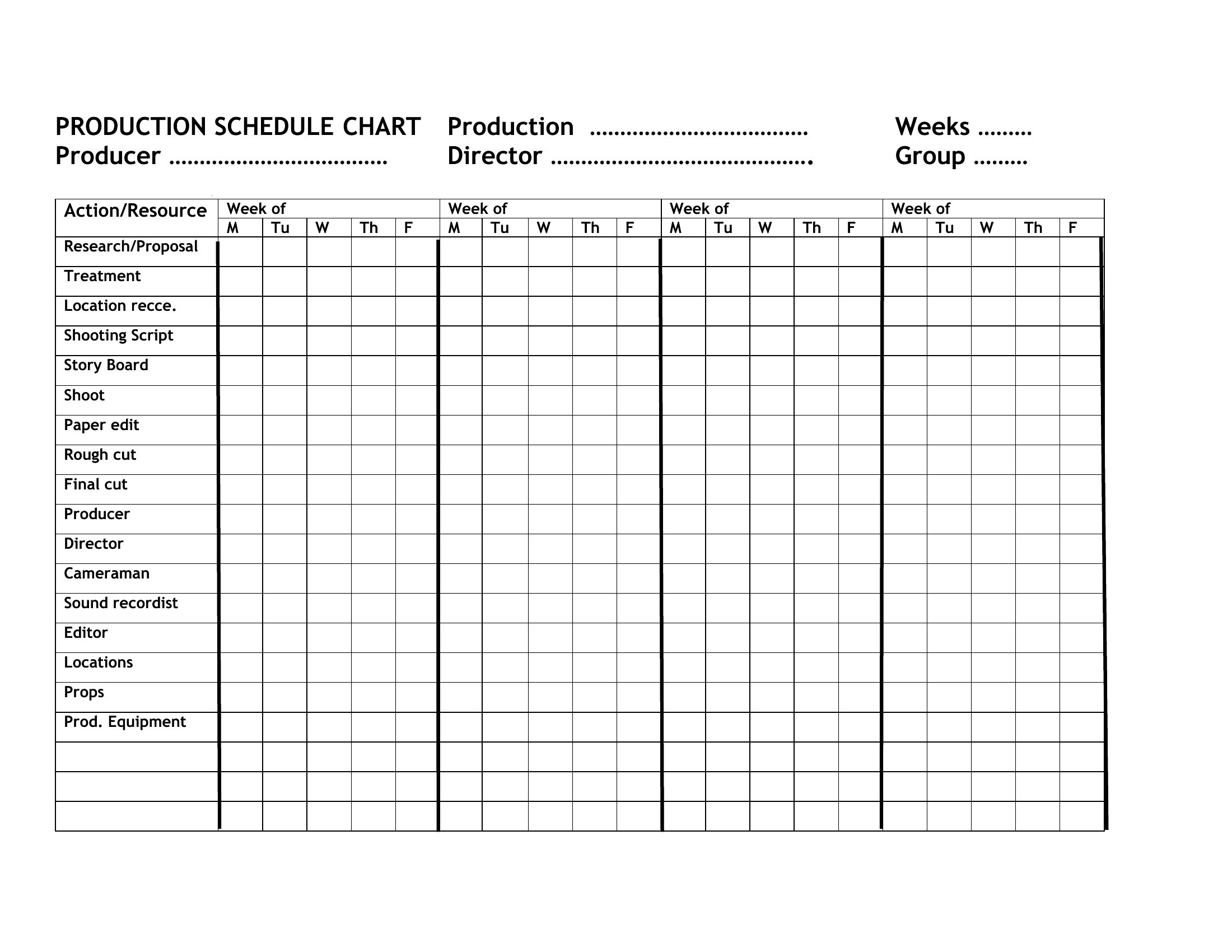
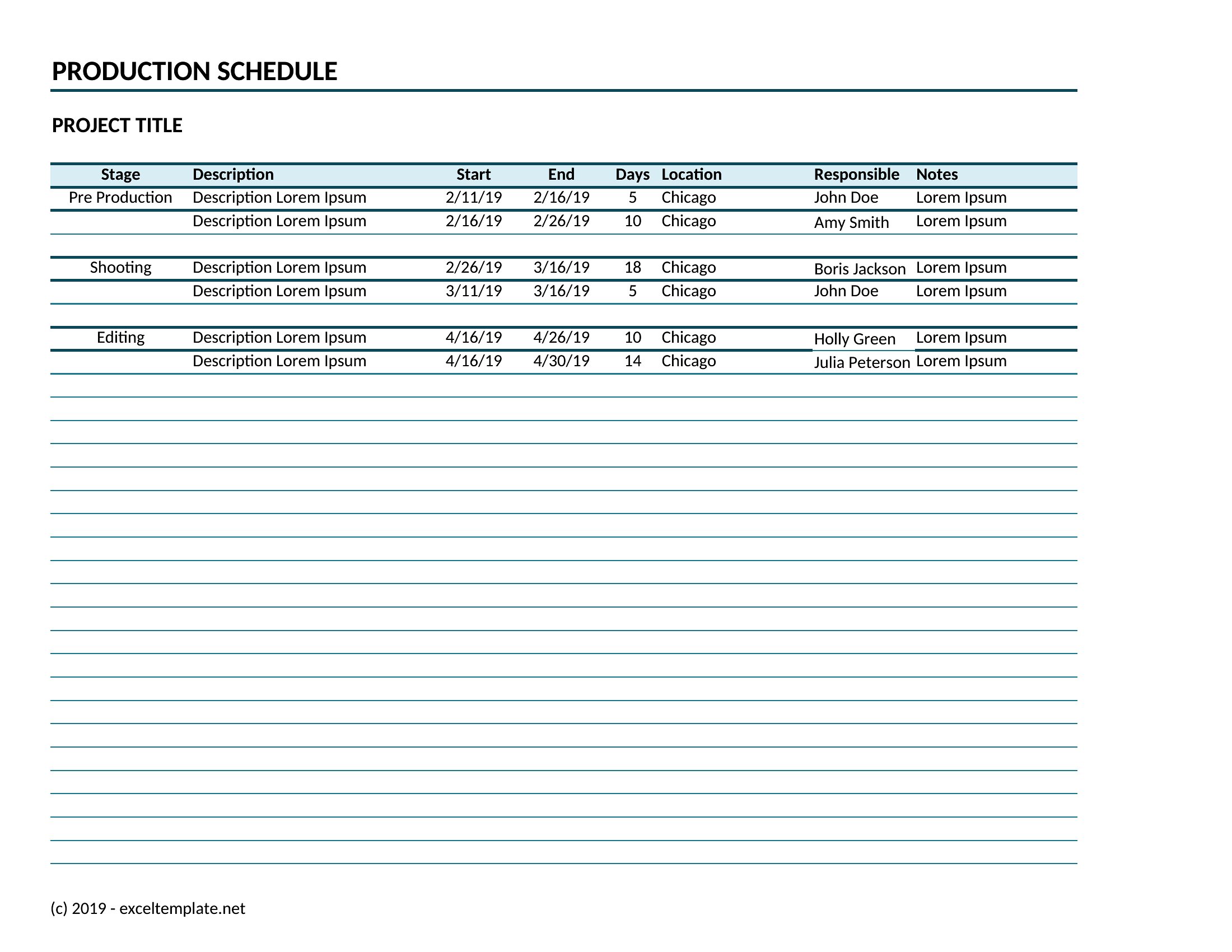
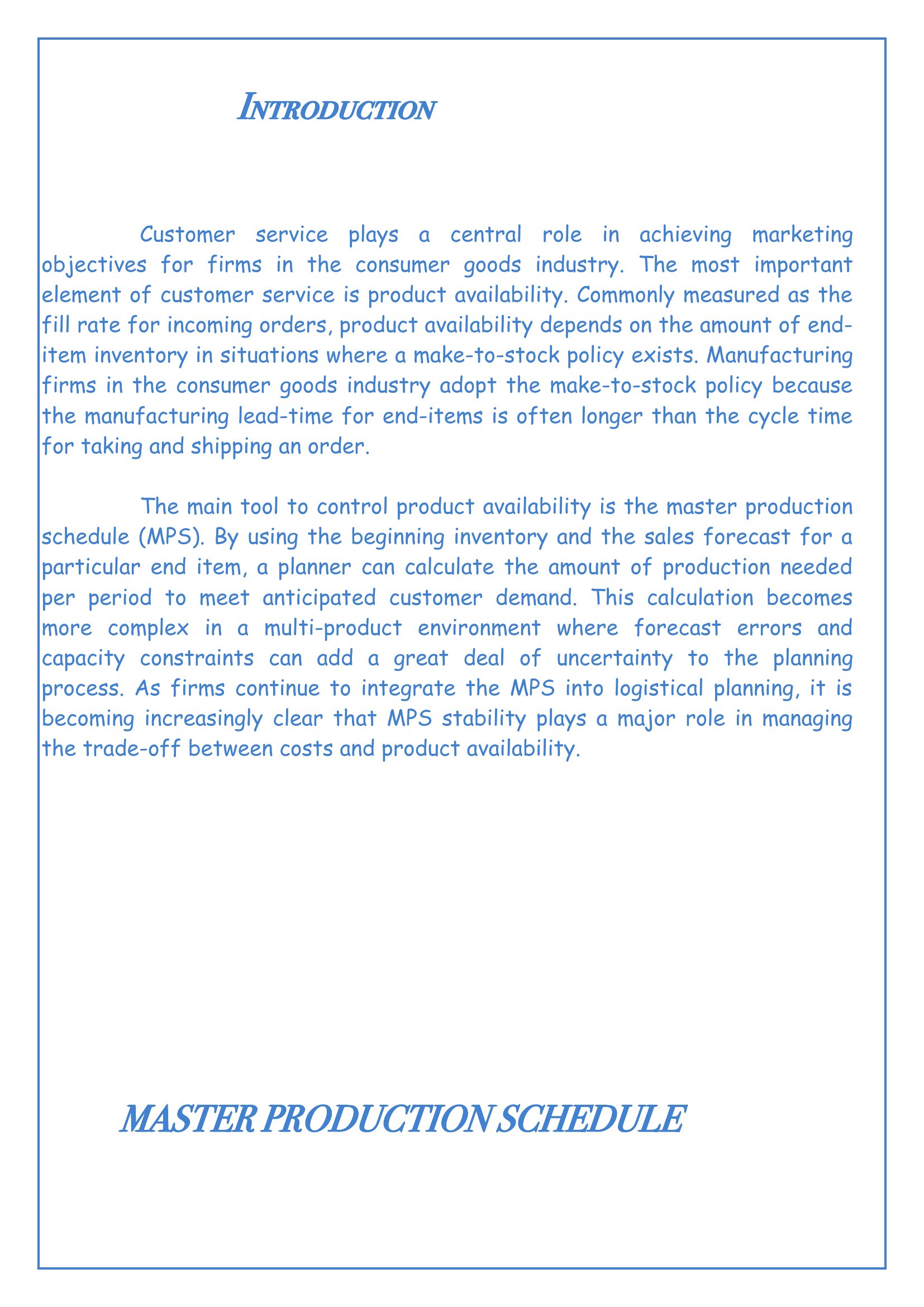
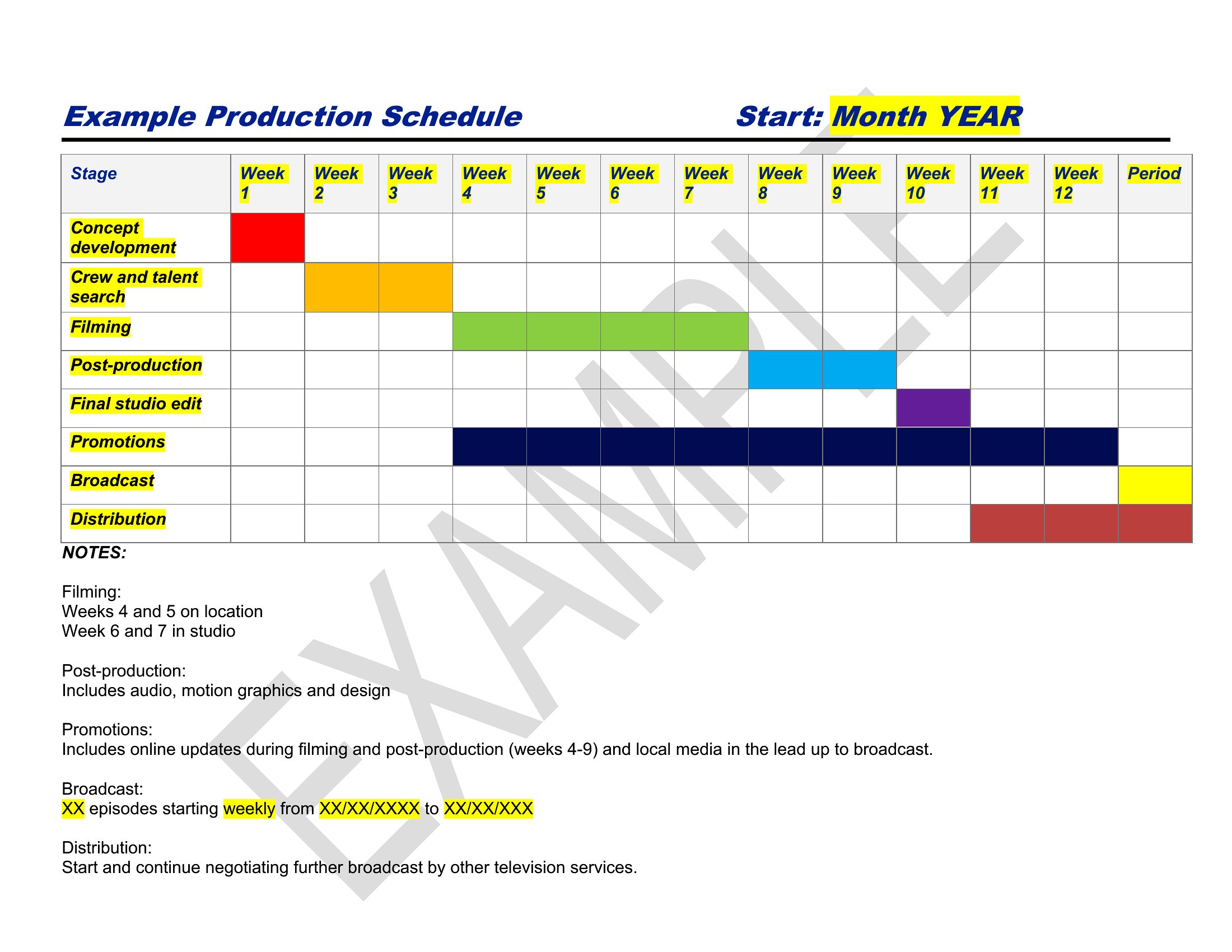
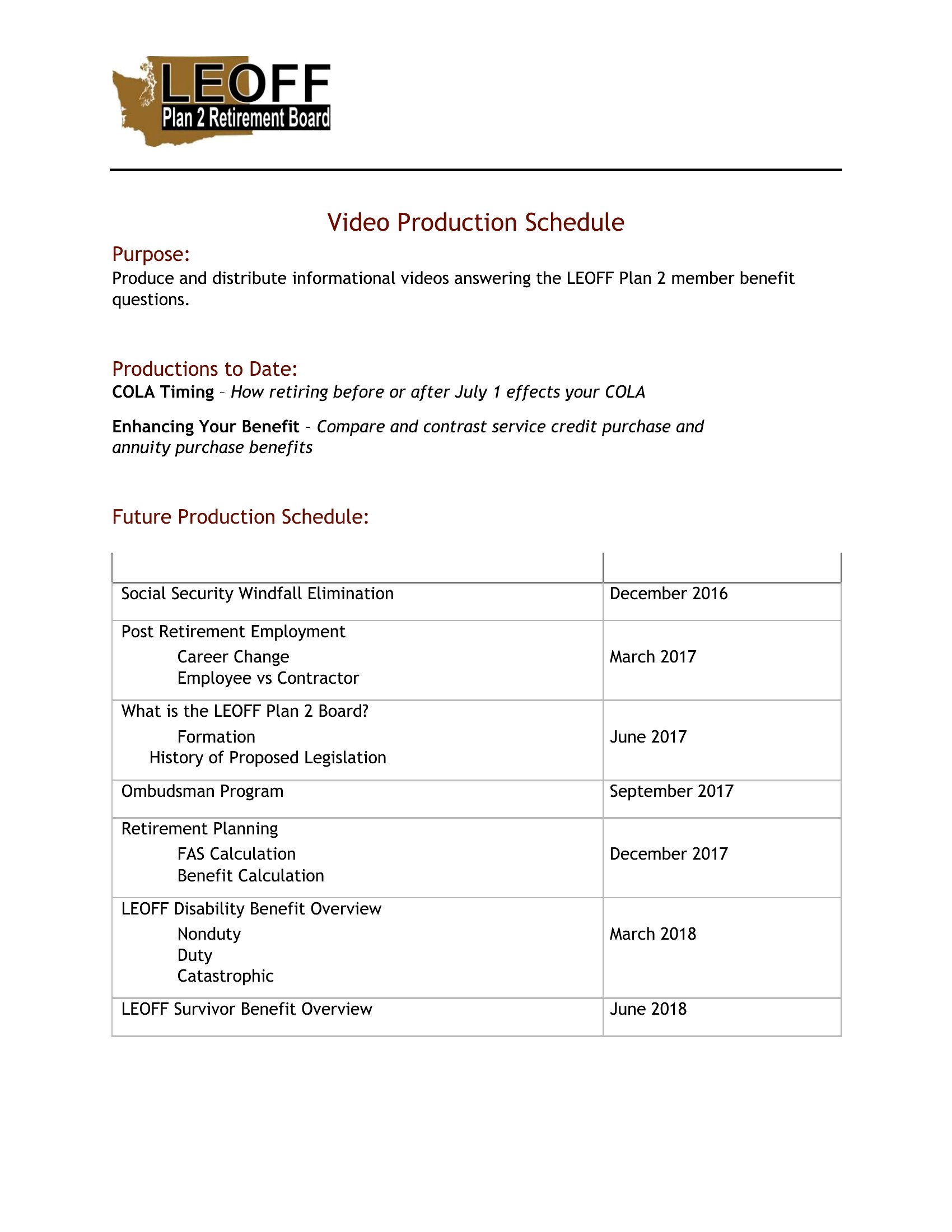
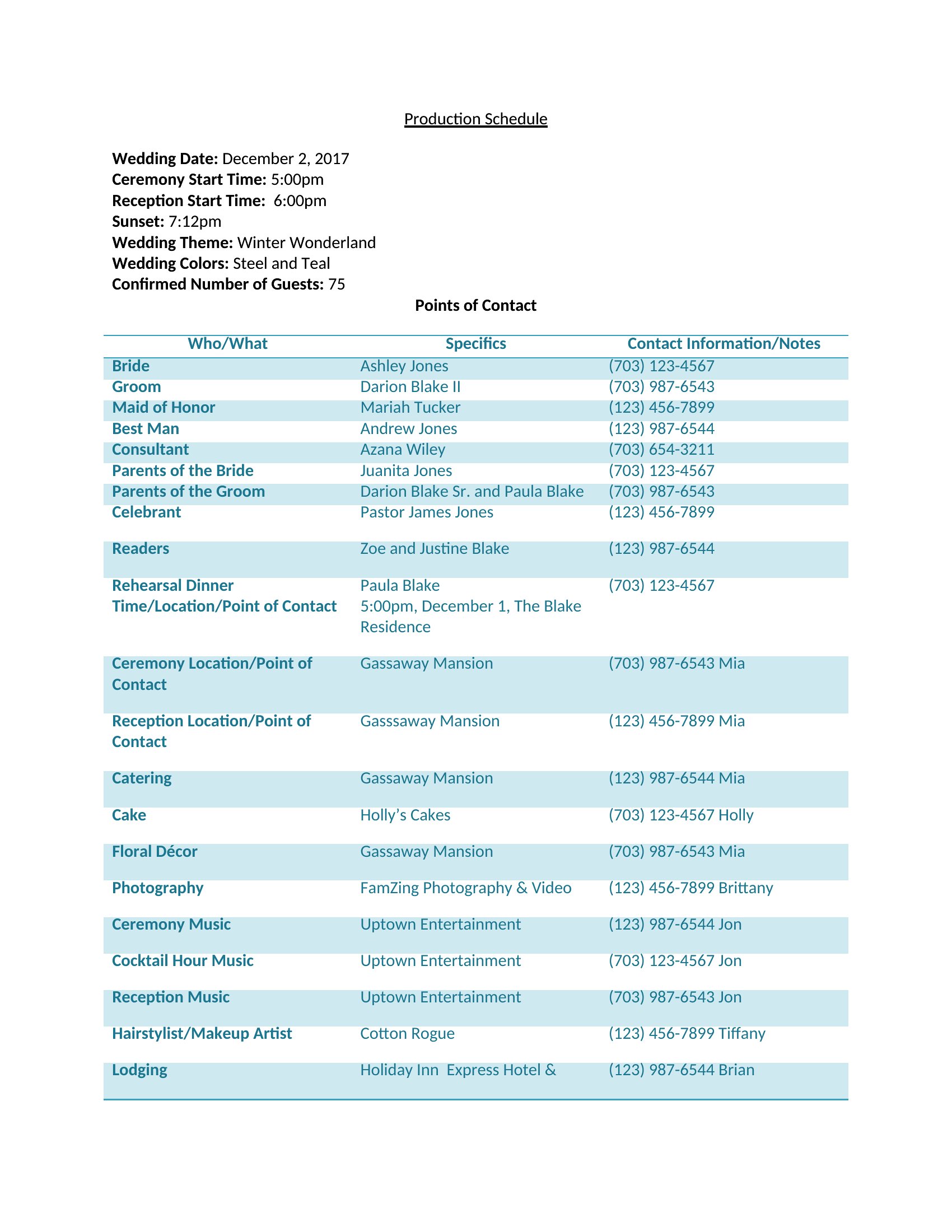
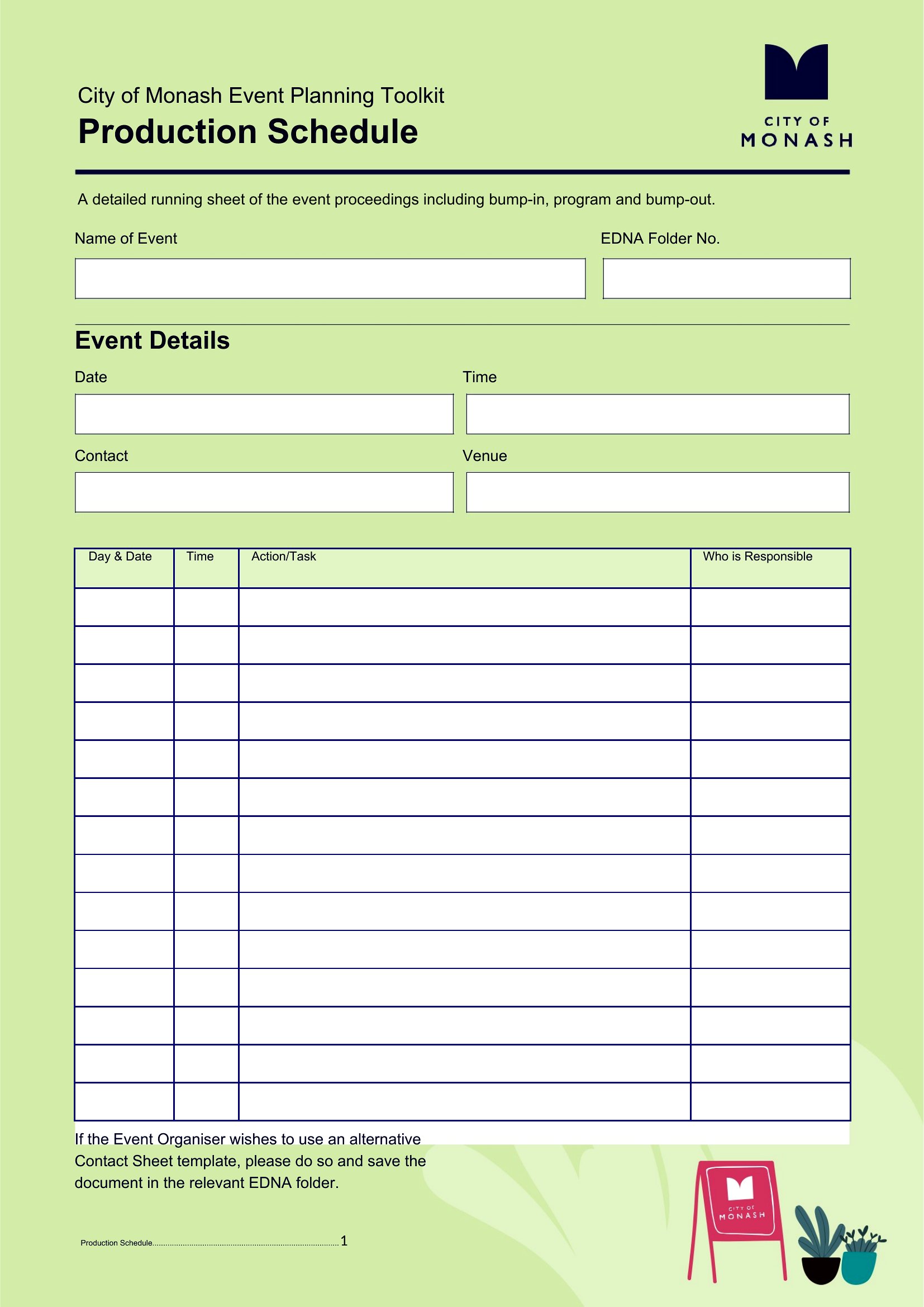
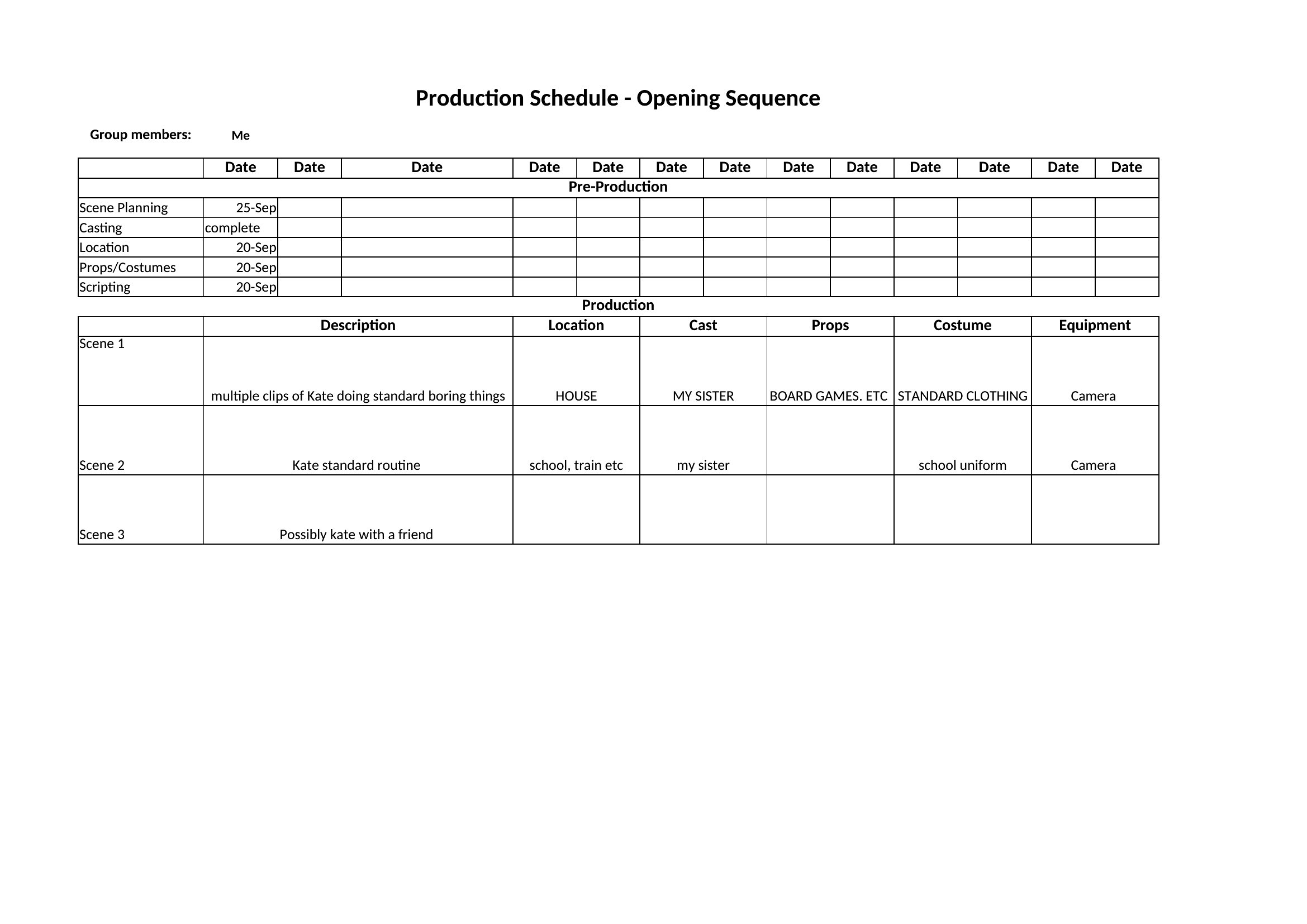
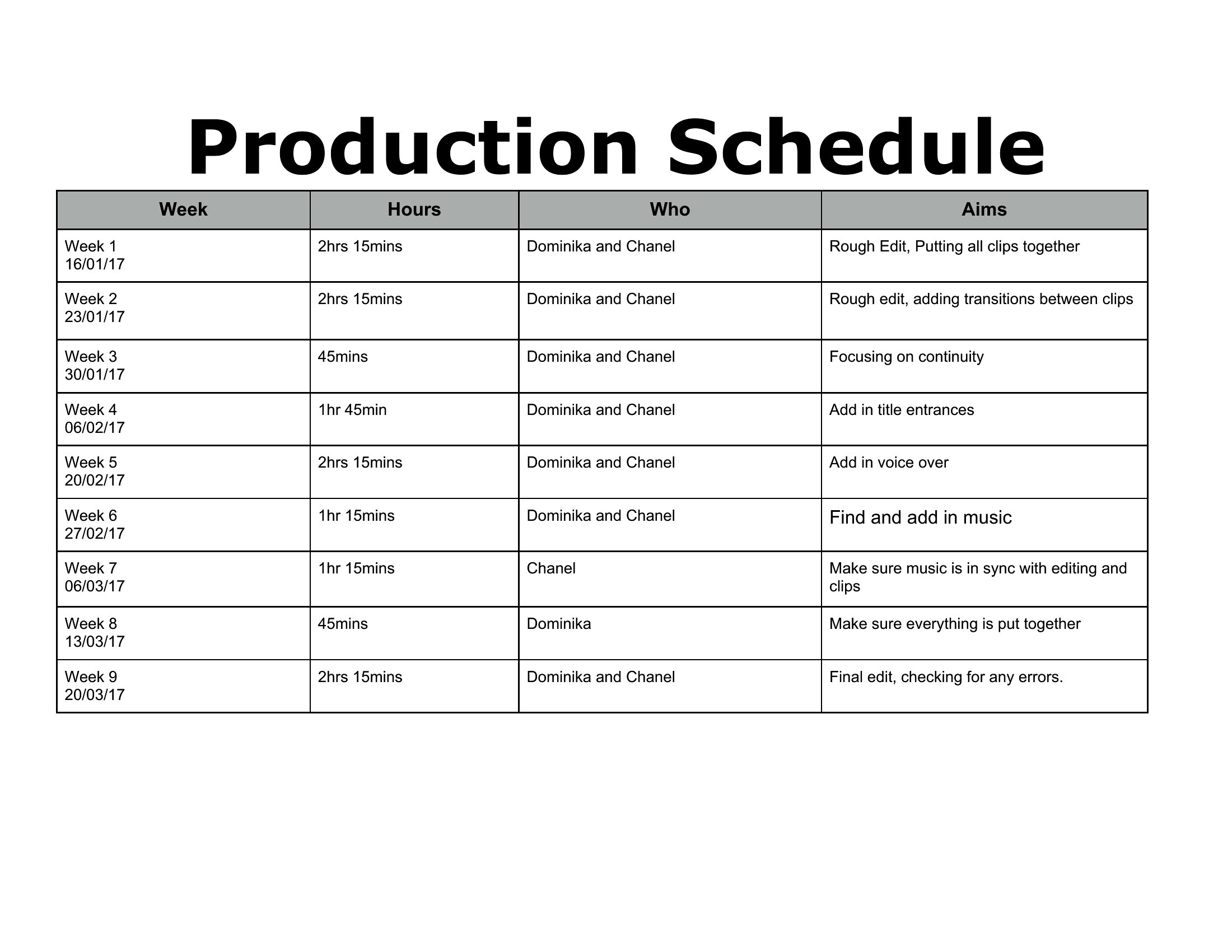
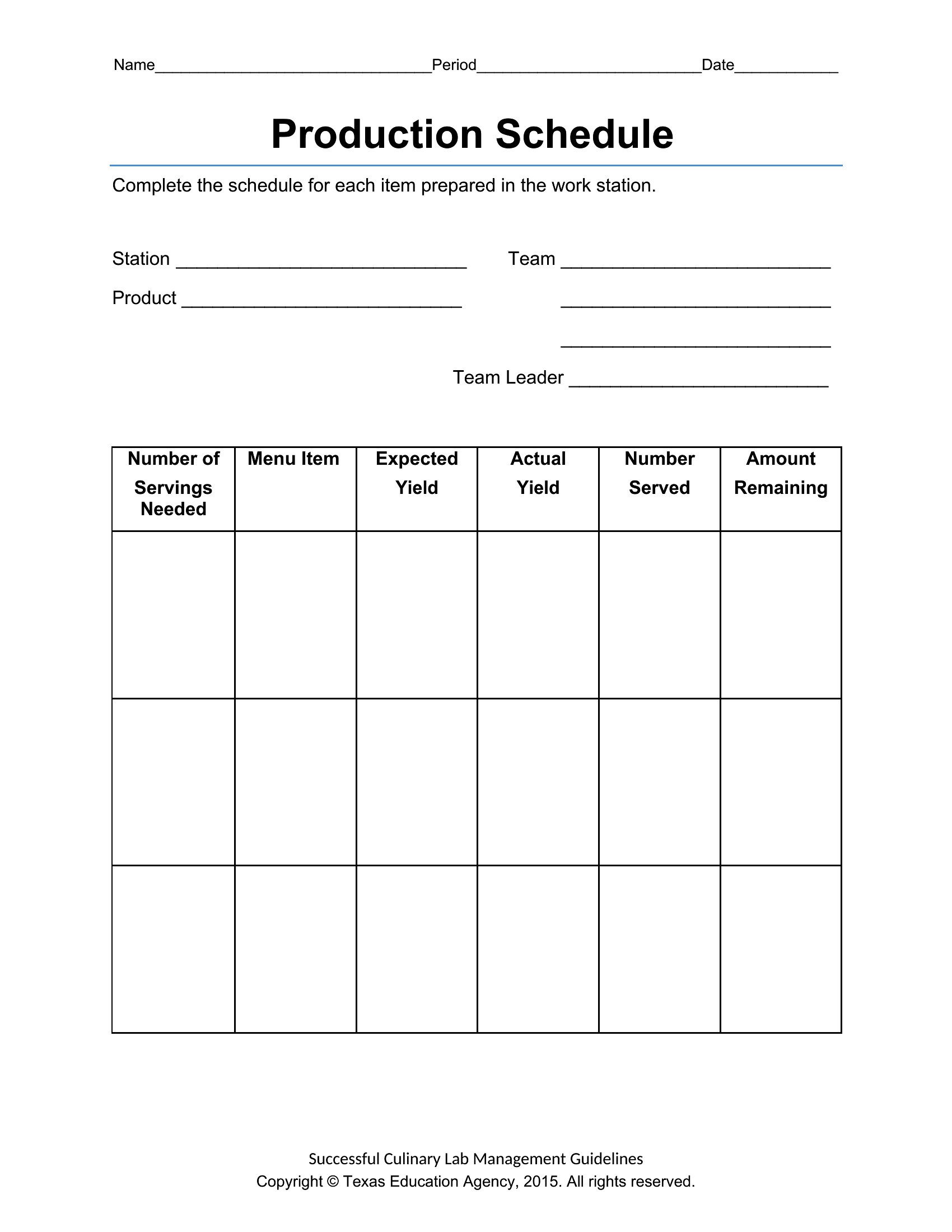
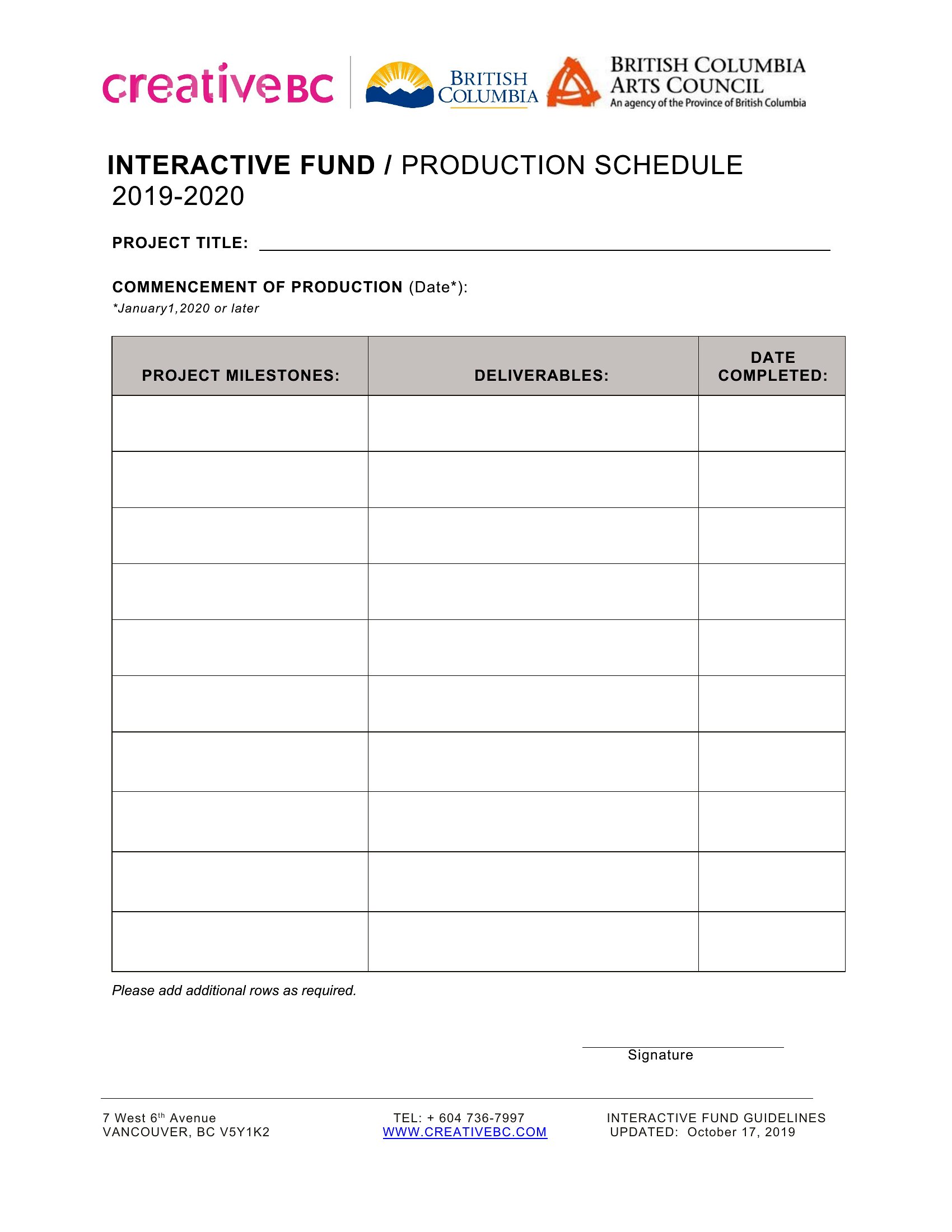
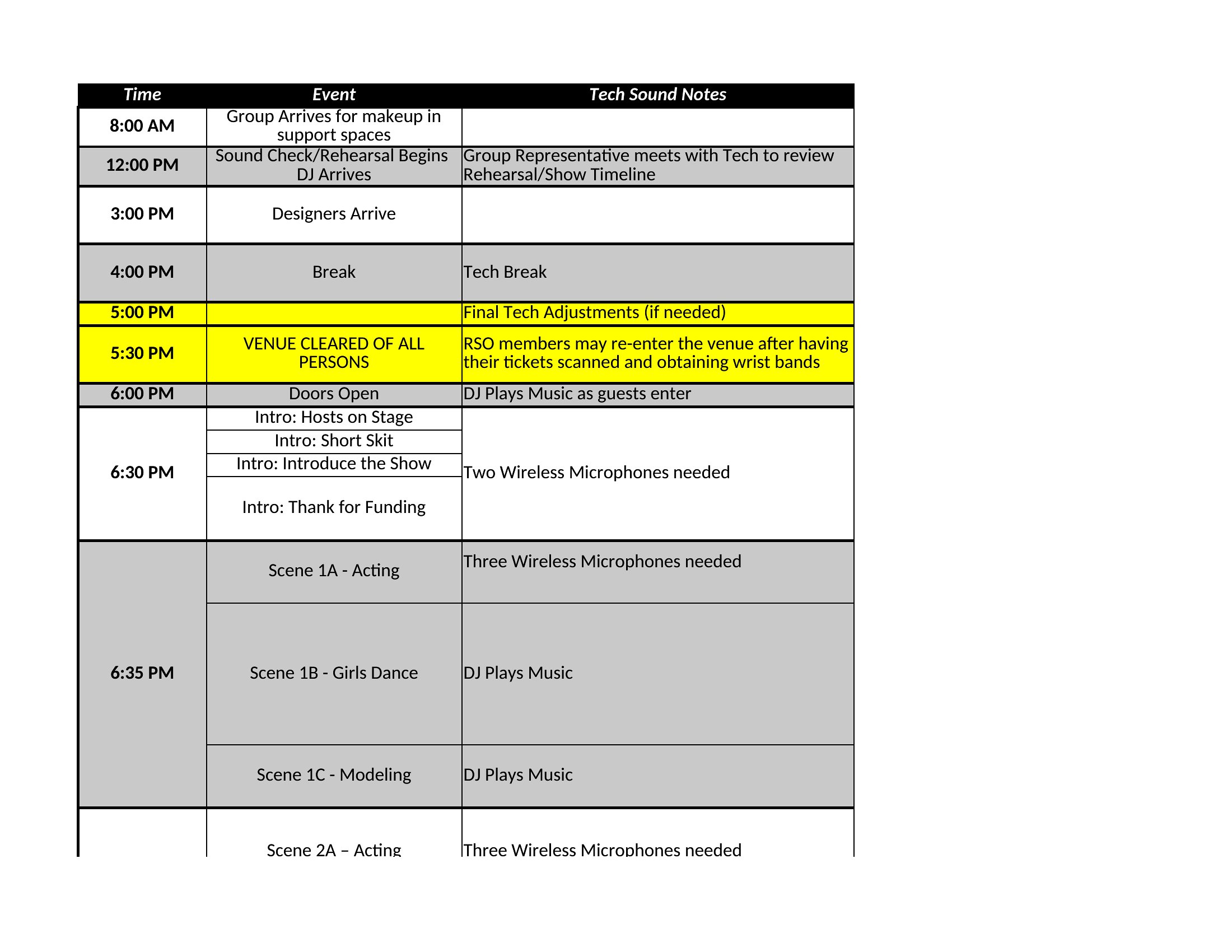
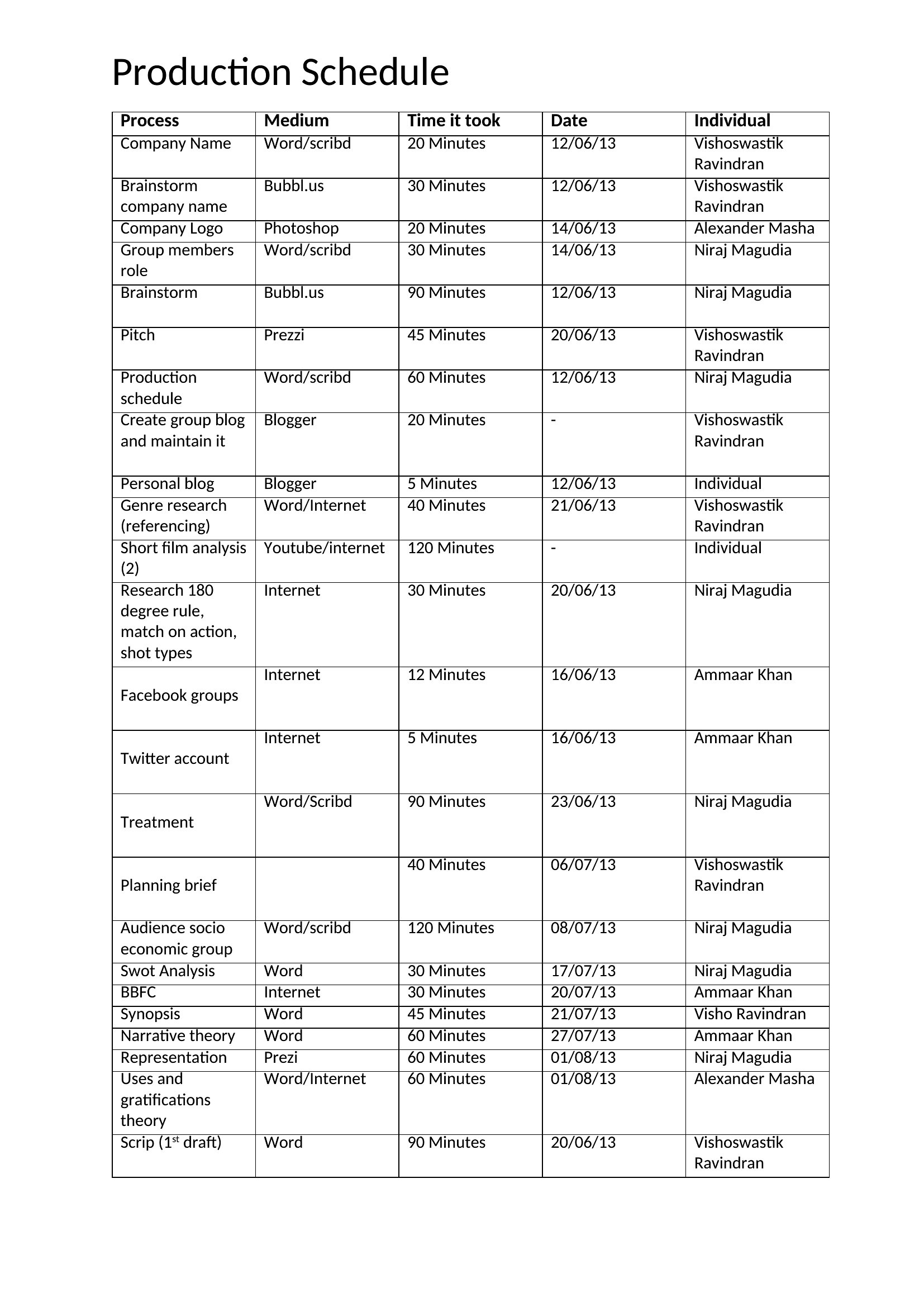
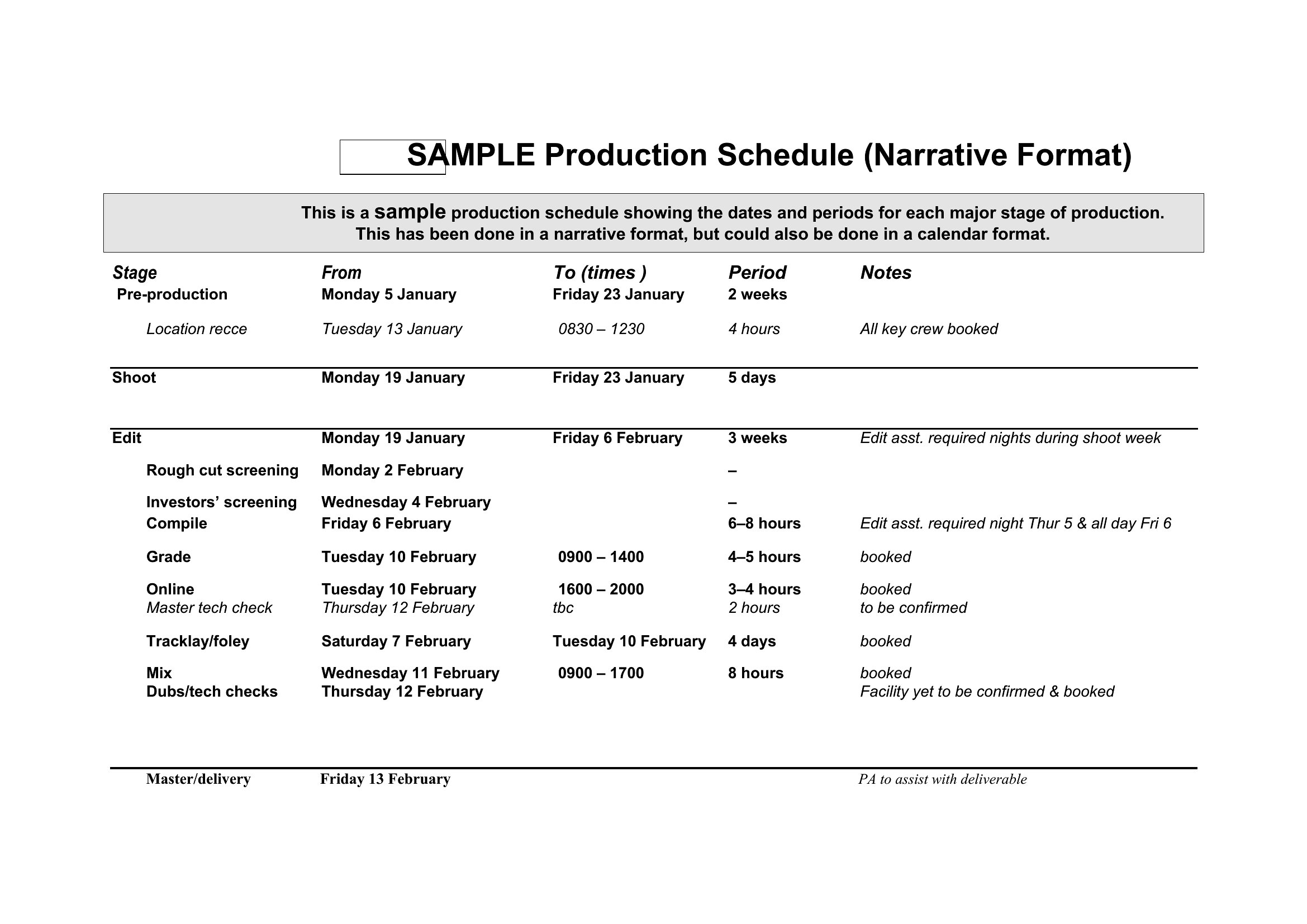
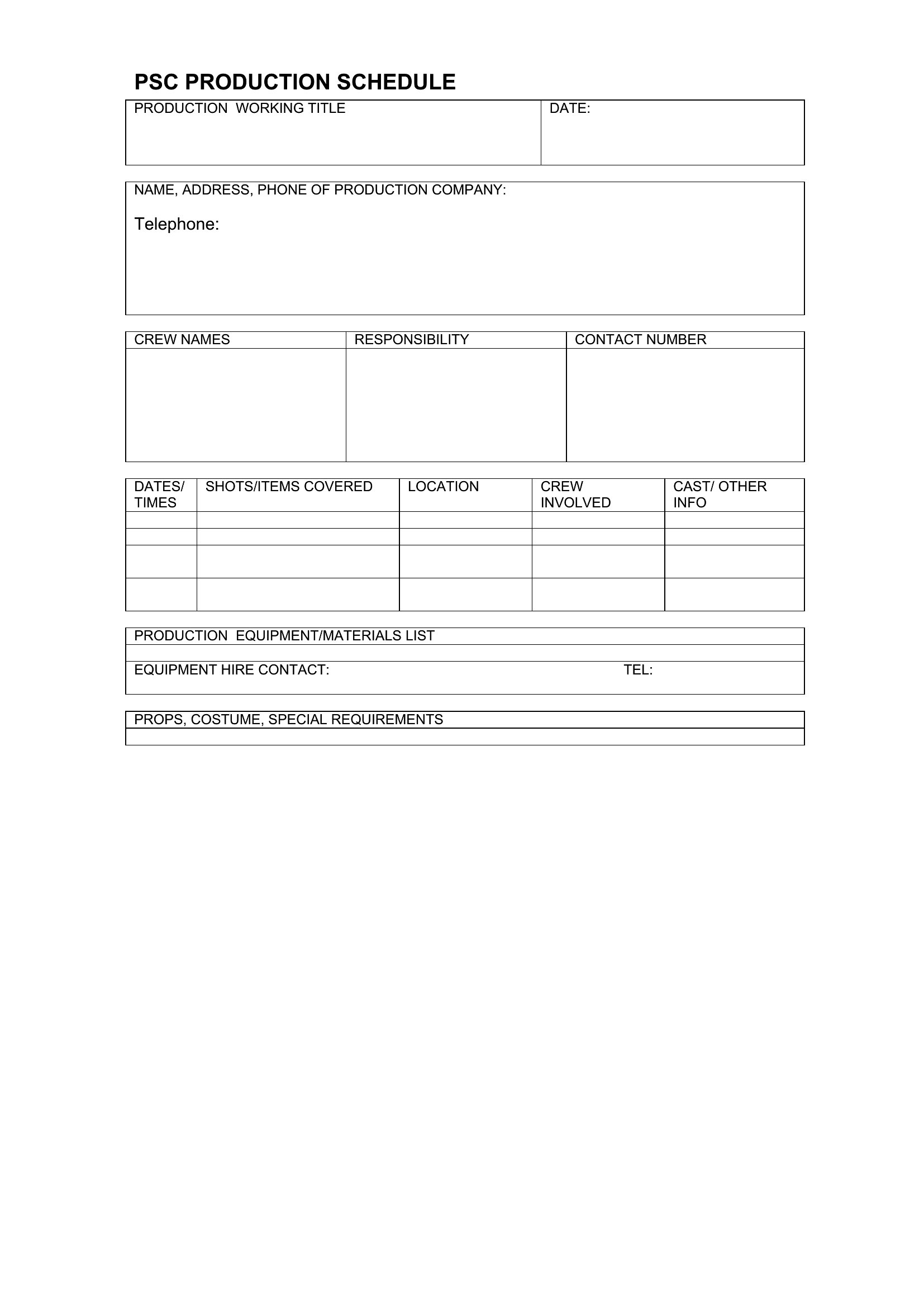
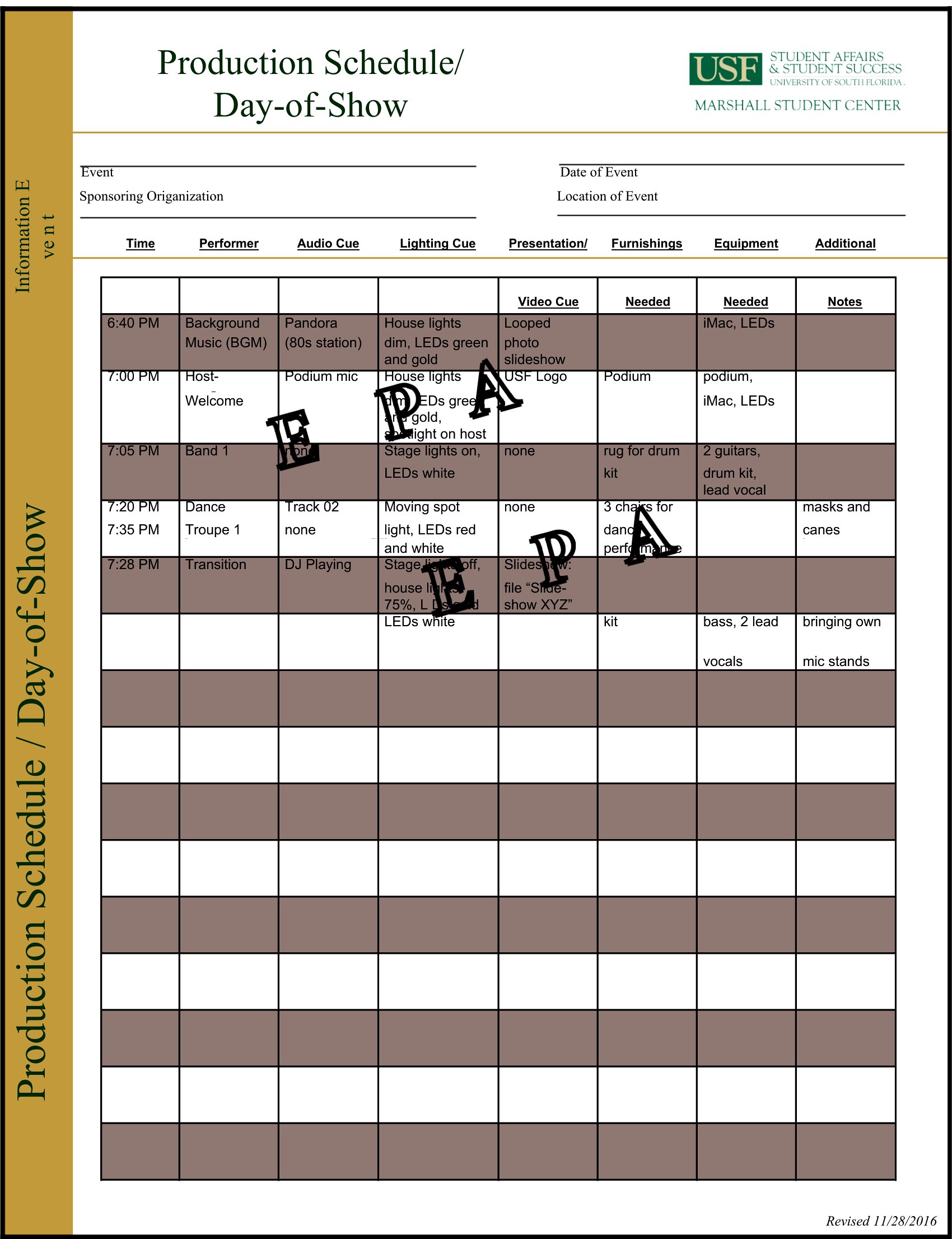
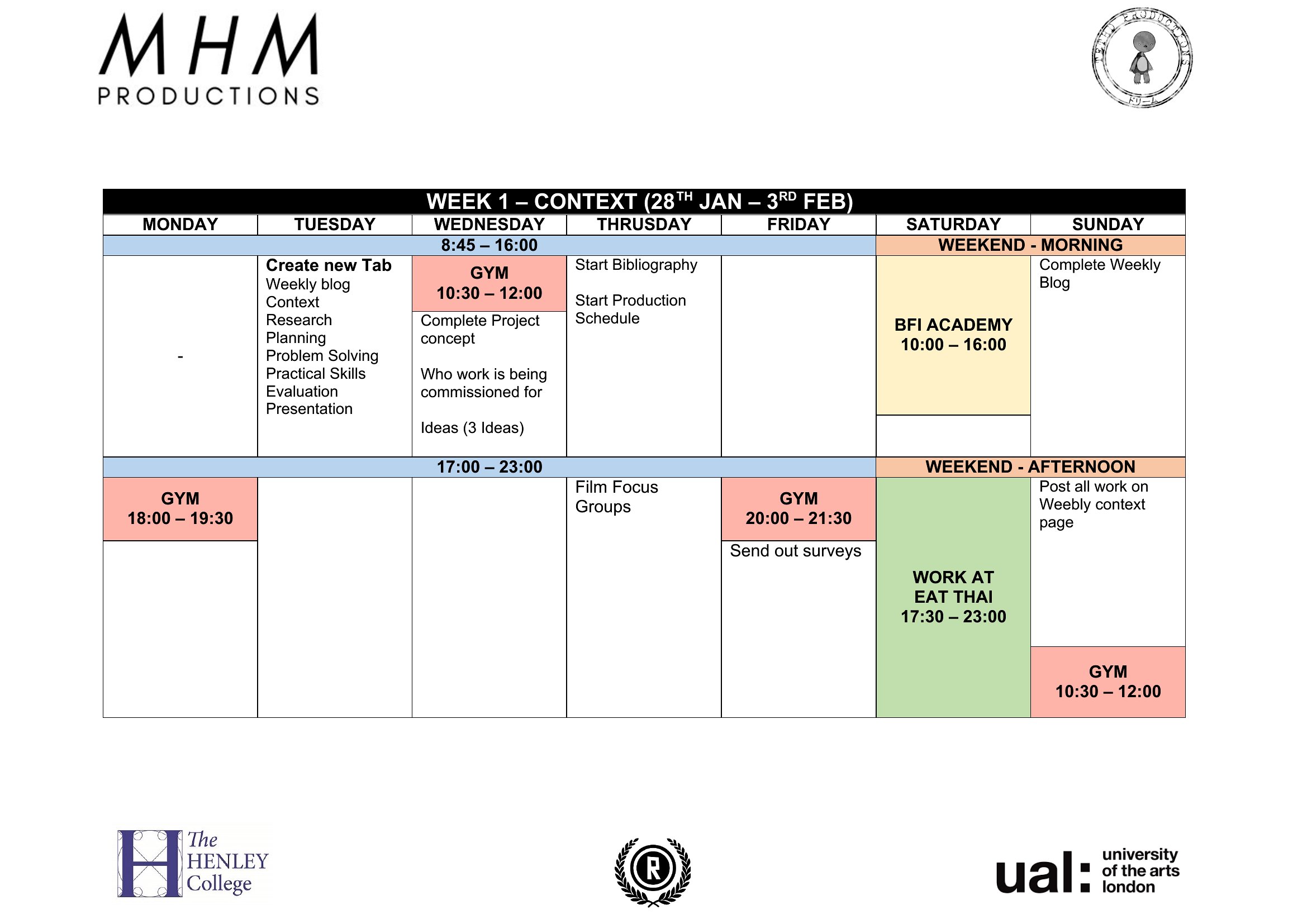
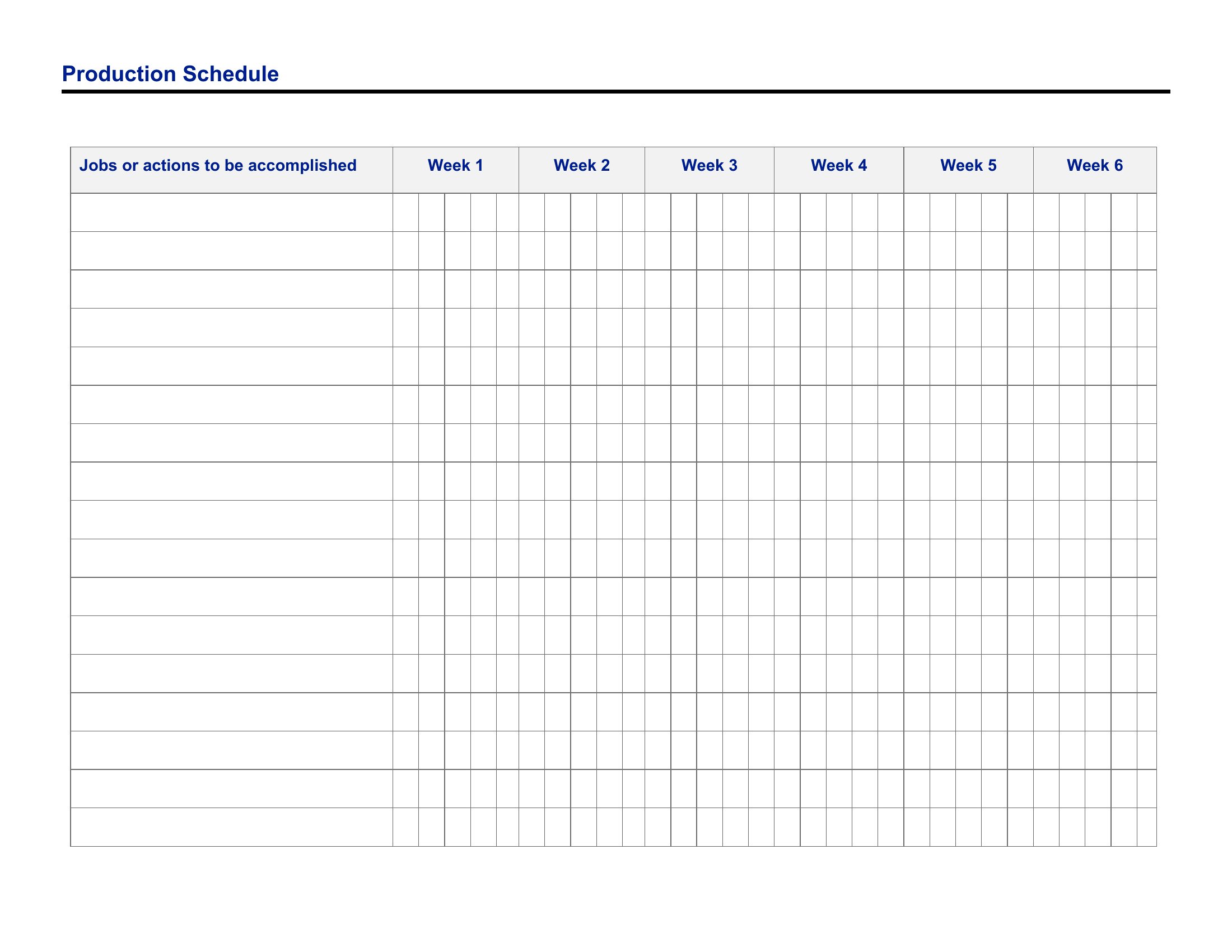
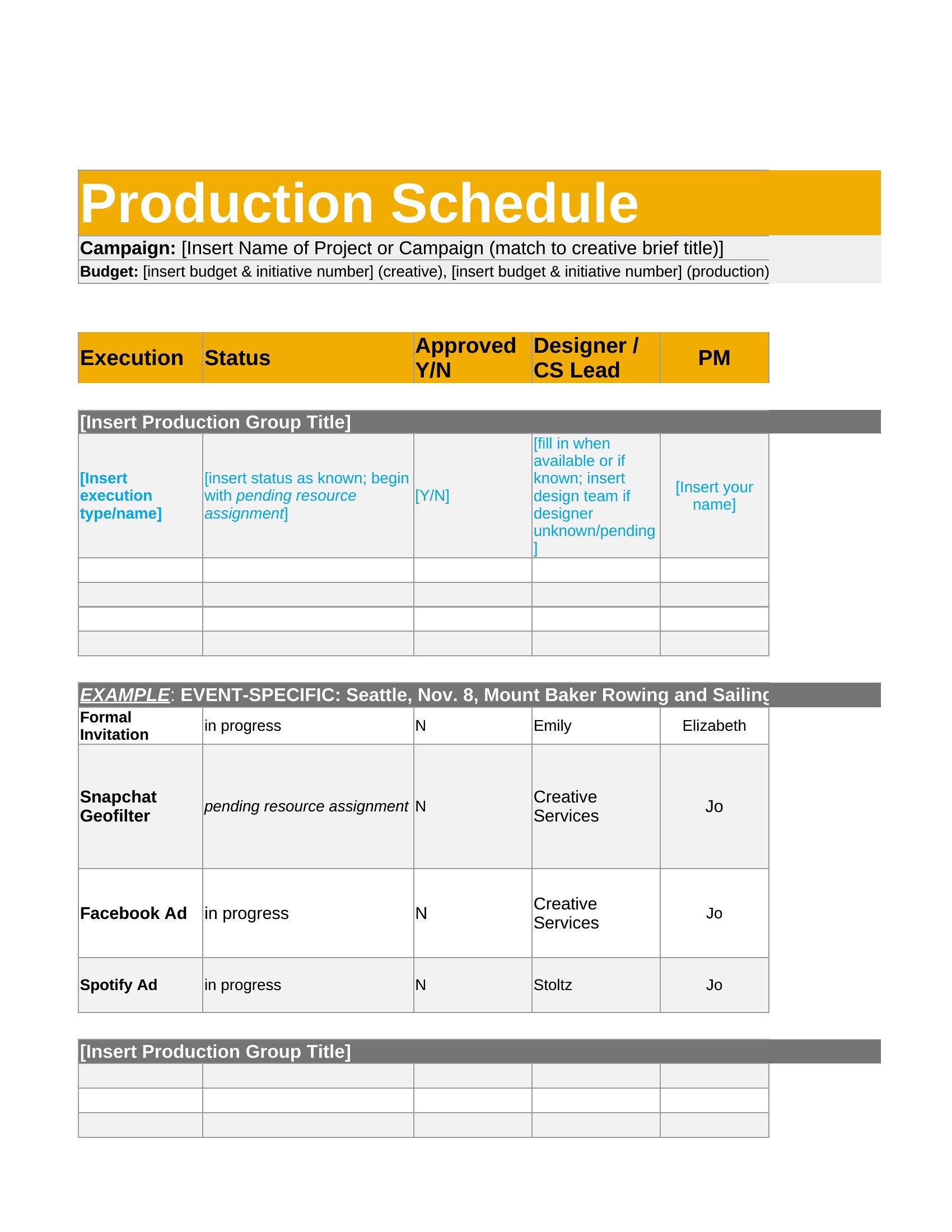
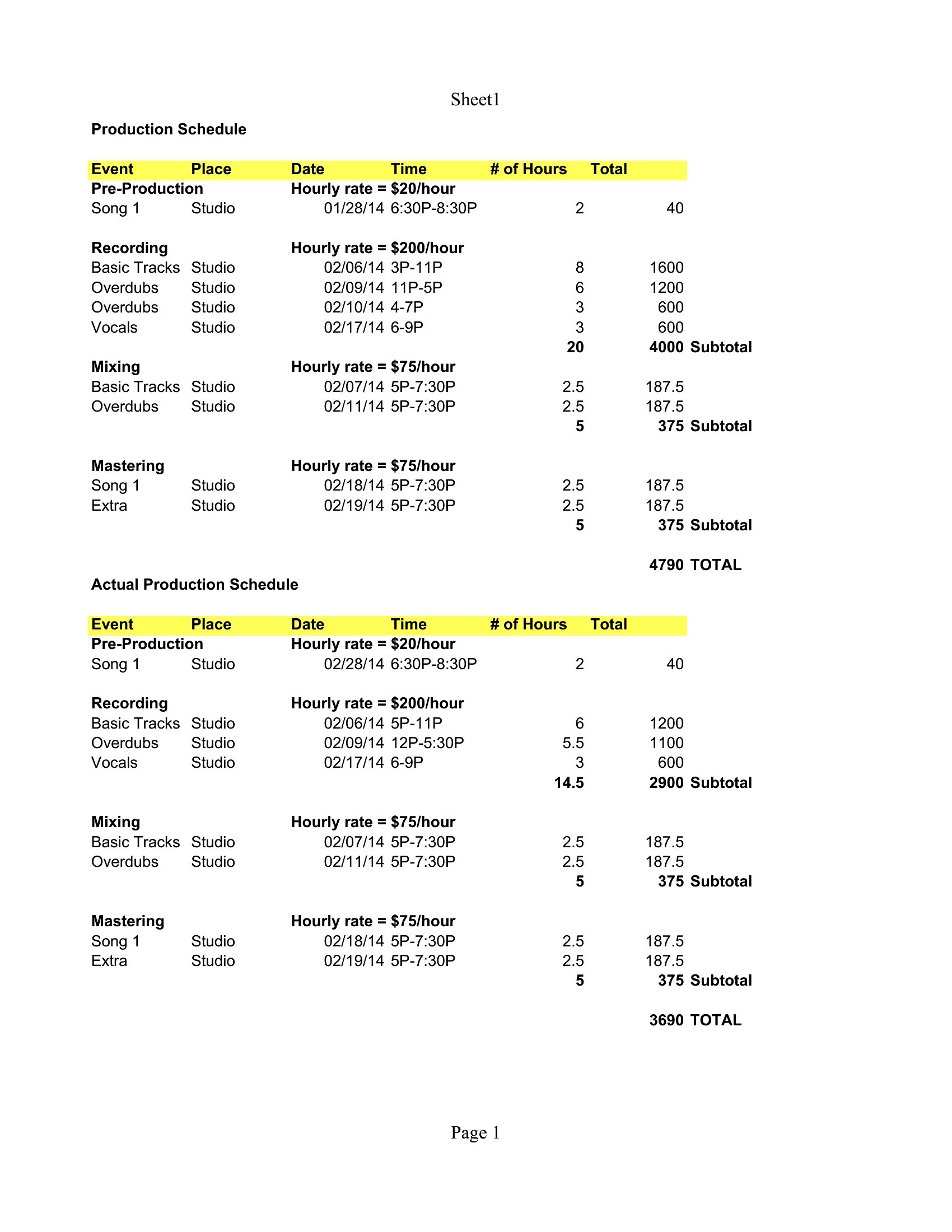
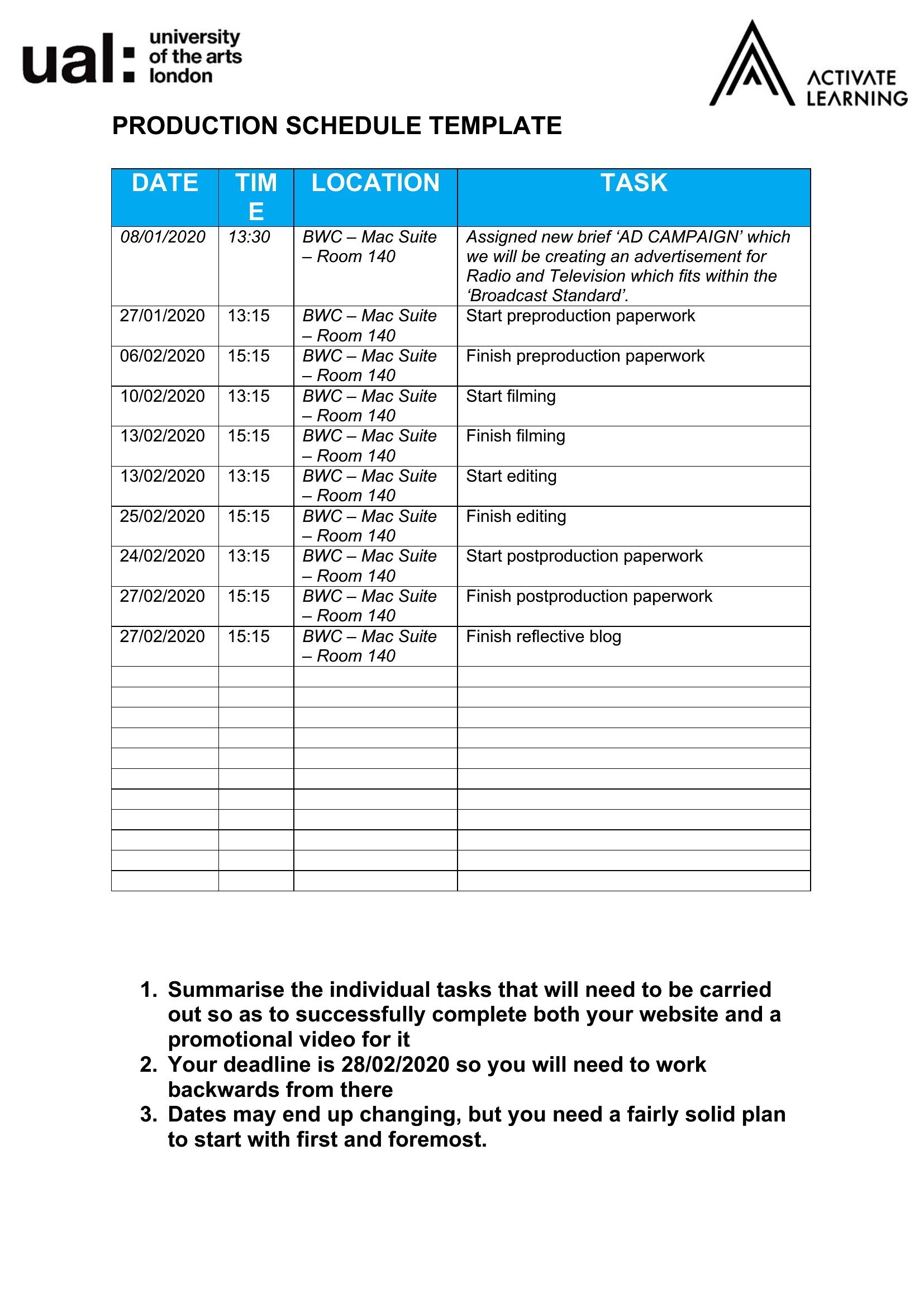
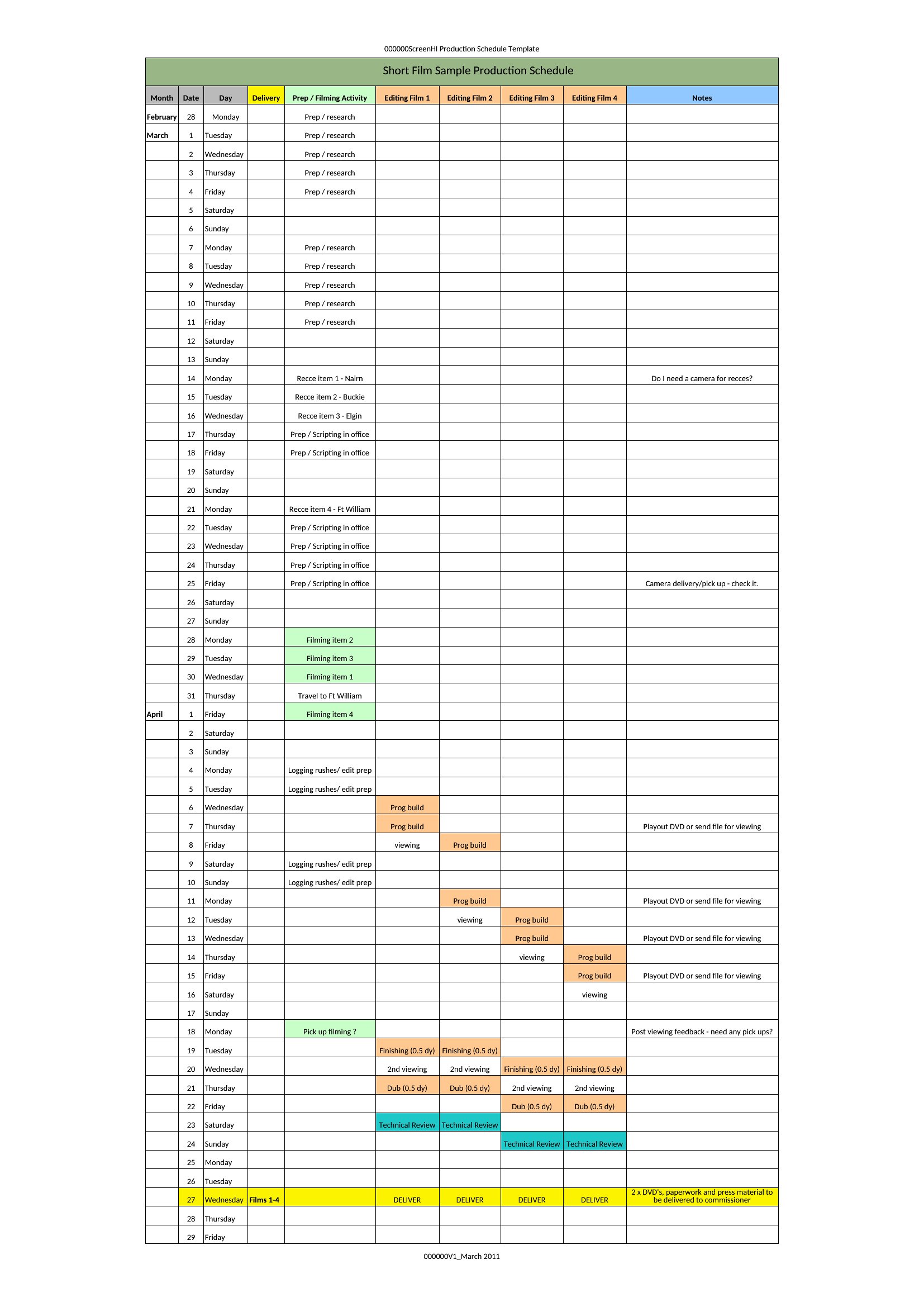
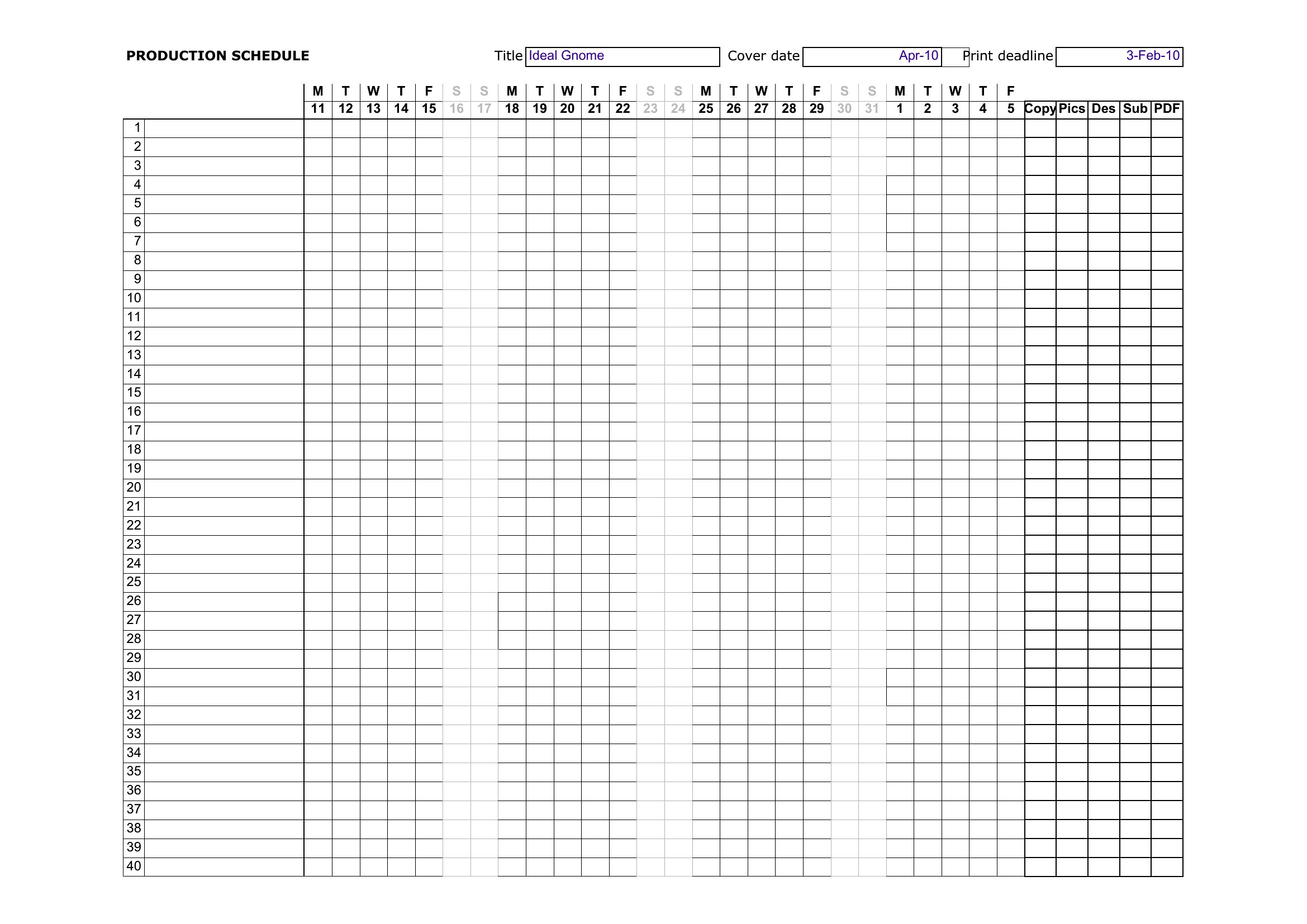
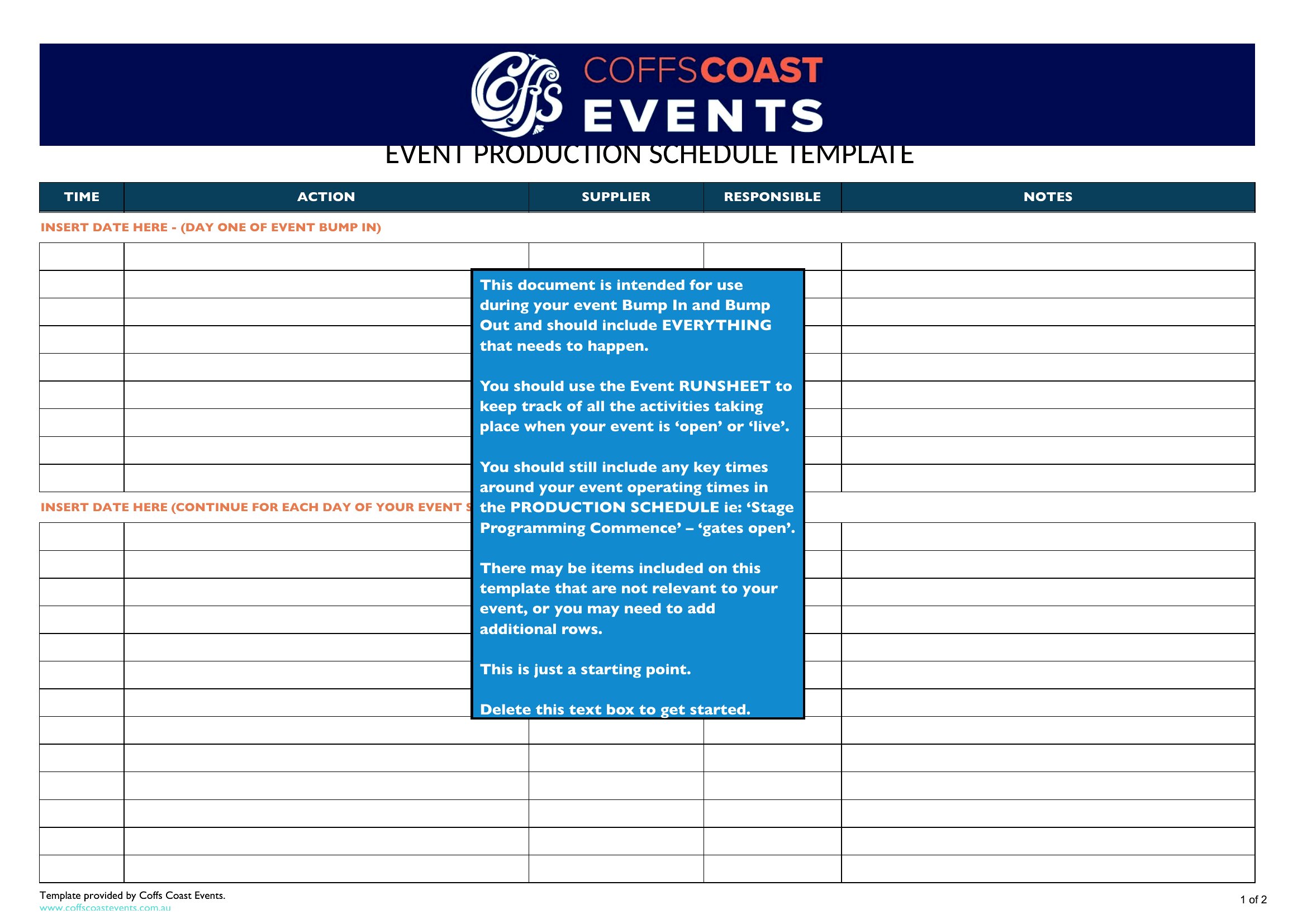
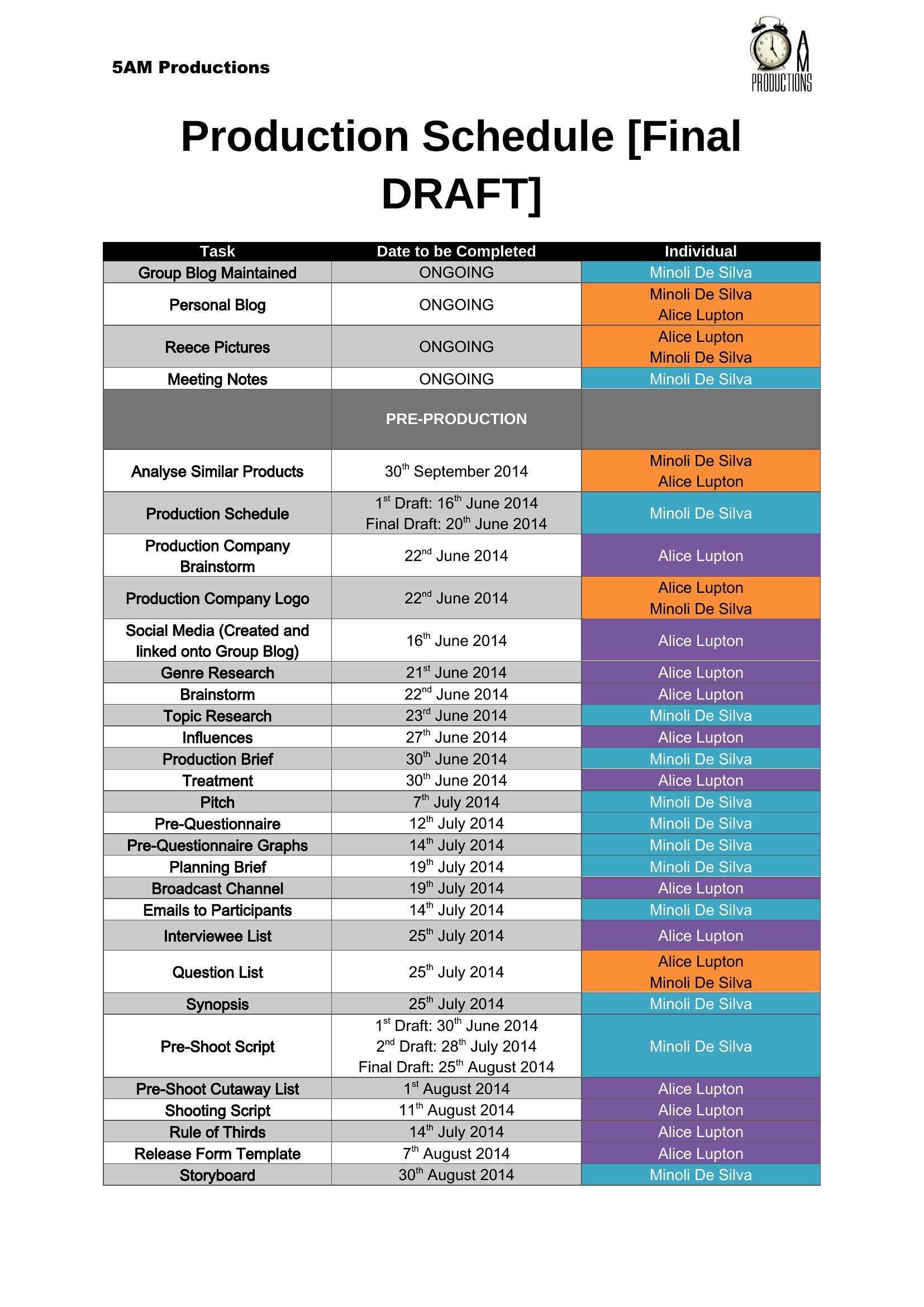
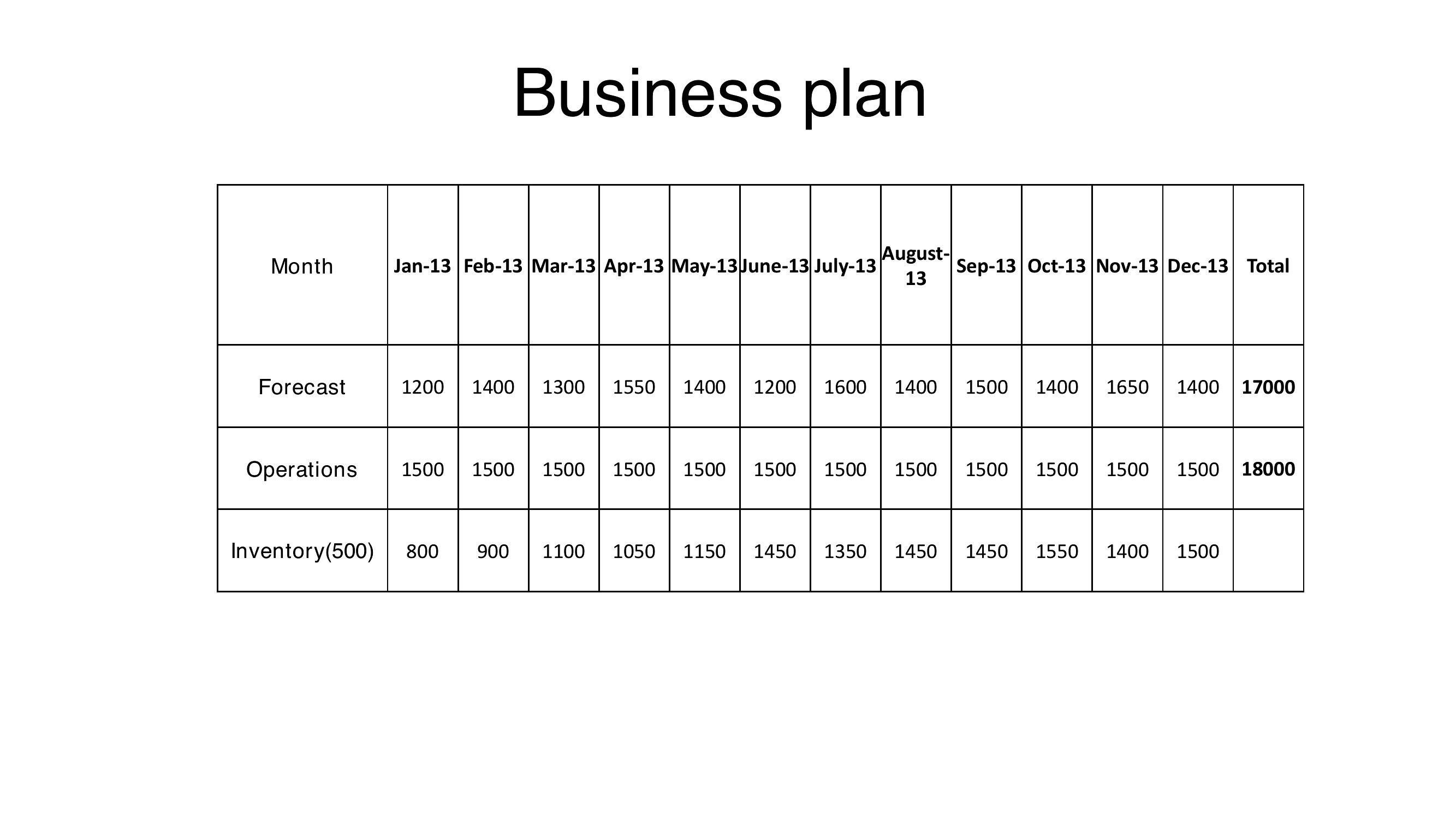
ProjectA production schedule keeps a project moving by mapping what gets made, by whom, and by when. This set of 47 production schedule templates helps manufacturers, film crews, and project managers lay out tasks, resources, and deadlines across a timeline. Each layout keeps every stage visible so bottlenecks surface early.
The Excel versions track dates and dependencies, the Word files suit a written plan, and the PDFs print for the floor or a meeting. Plug in your phases, assign the resources, and you've got a schedule the whole crew can follow. Download the format that fits your operation and keep production on track.
When to use this Production Schedule template
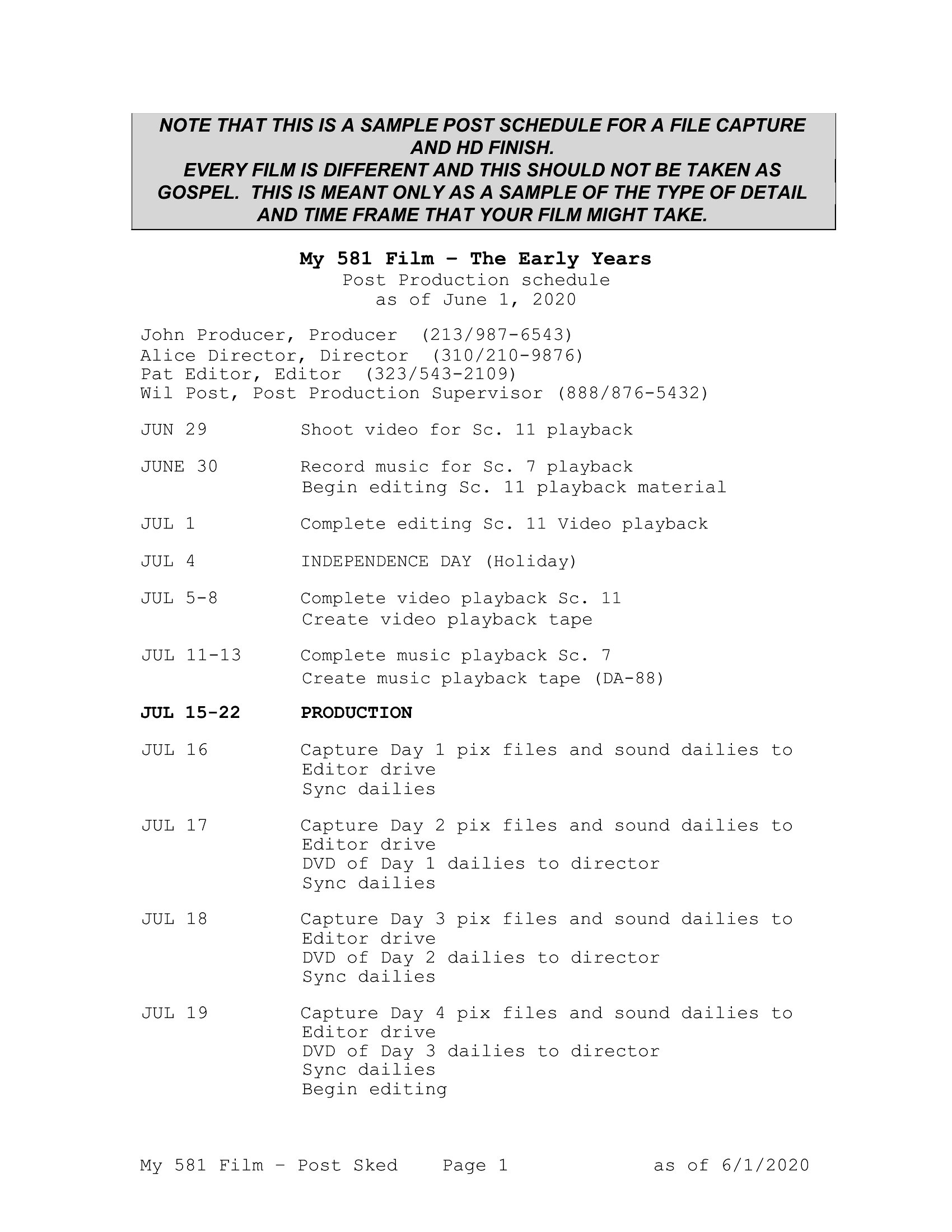
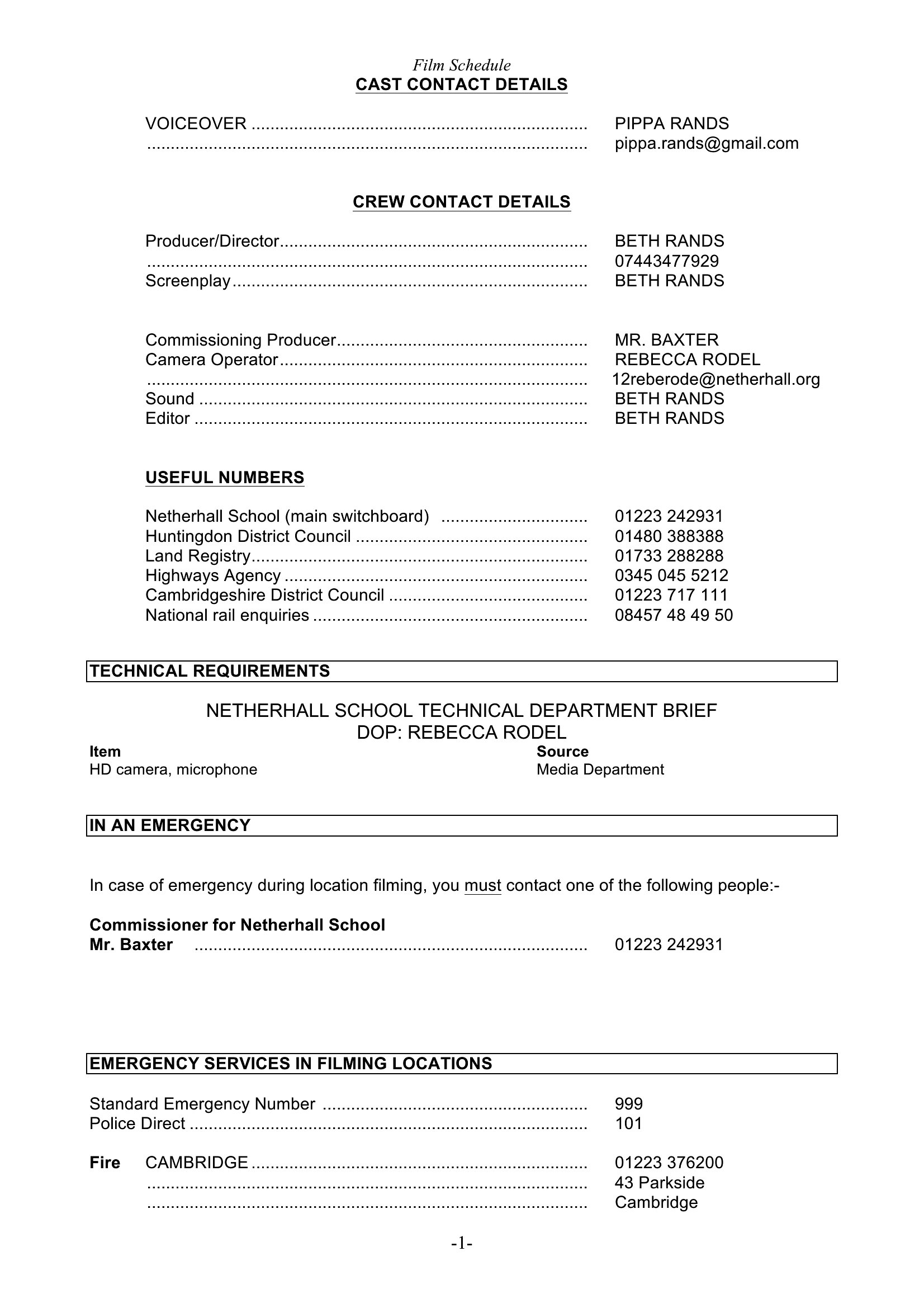
- Film producers use these templates to align crew shifts, equipment rentals, and shoot days with actor availability, ensuring no delays during tight 2-week location shoots.
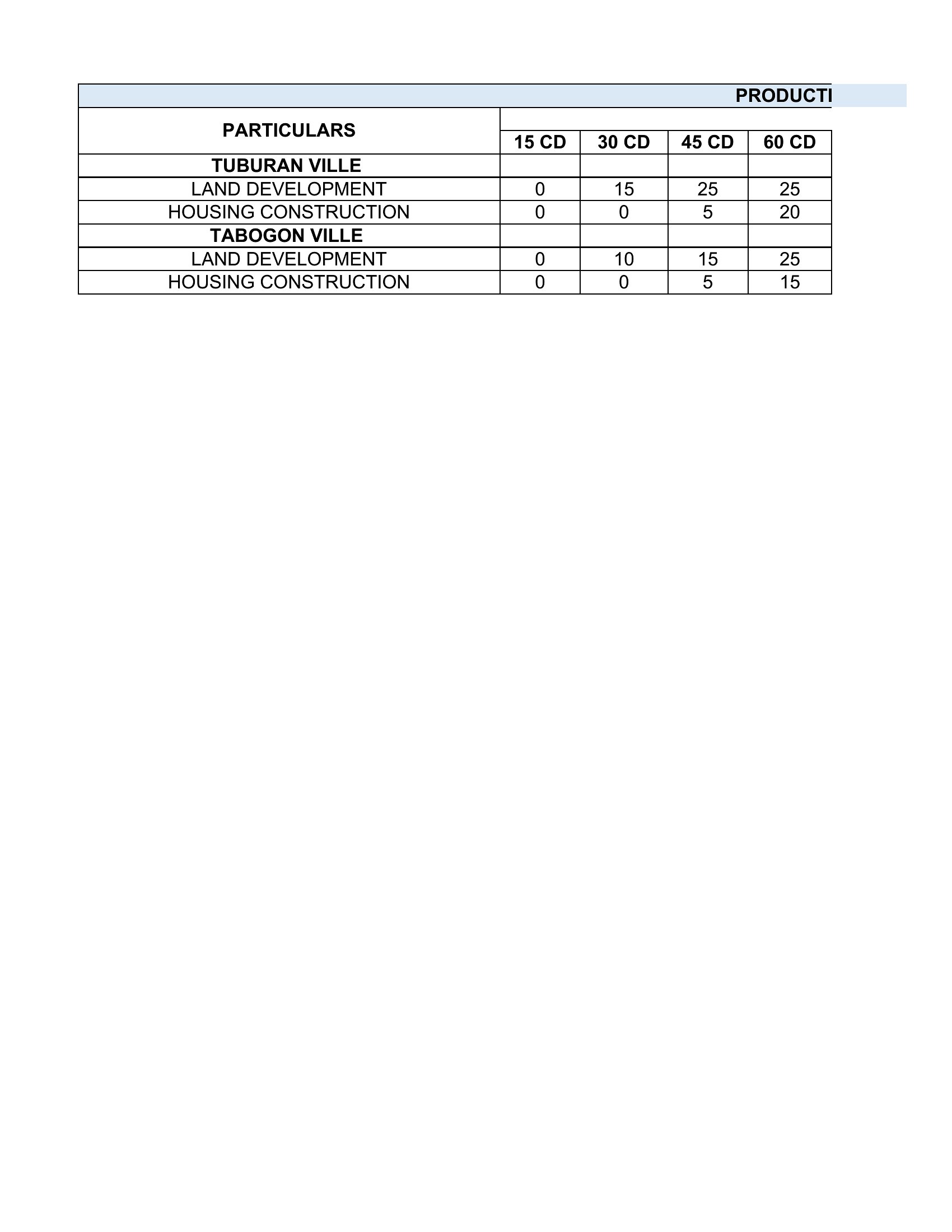
- Manufacturers planning a new product launch track assembly lines, quality checks, and shipping deadlines to avoid stockouts or last-minute material shortages.
- Software development teams schedule sprints, bug fixes, and client review milestones across multiple developers to maintain on-time releases for agile projects.
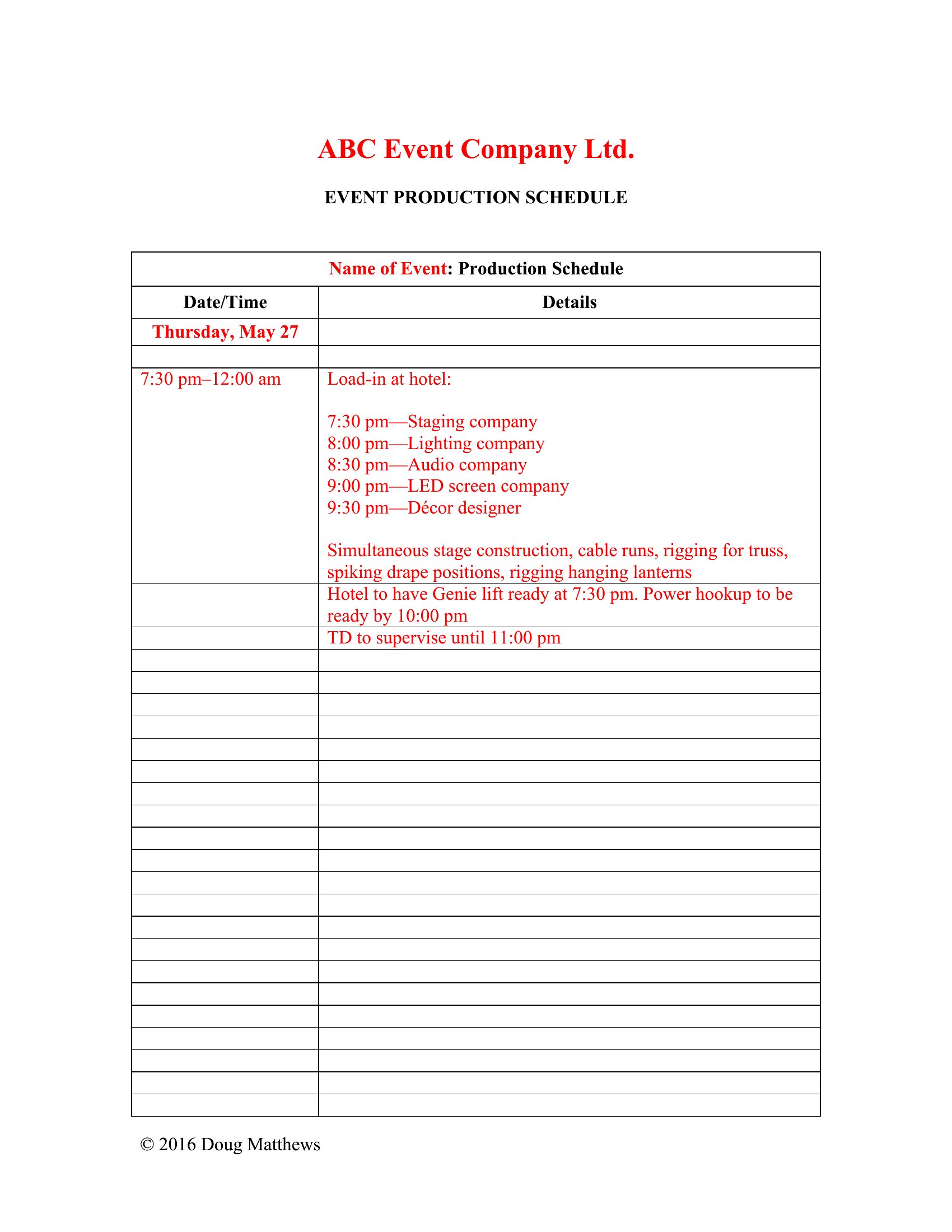
- Event coordinators map vendor deliveries, stage setup, and speaker rehearsals against a timeline to prevent long waits or missed performances during conferences.
Which format should I download?
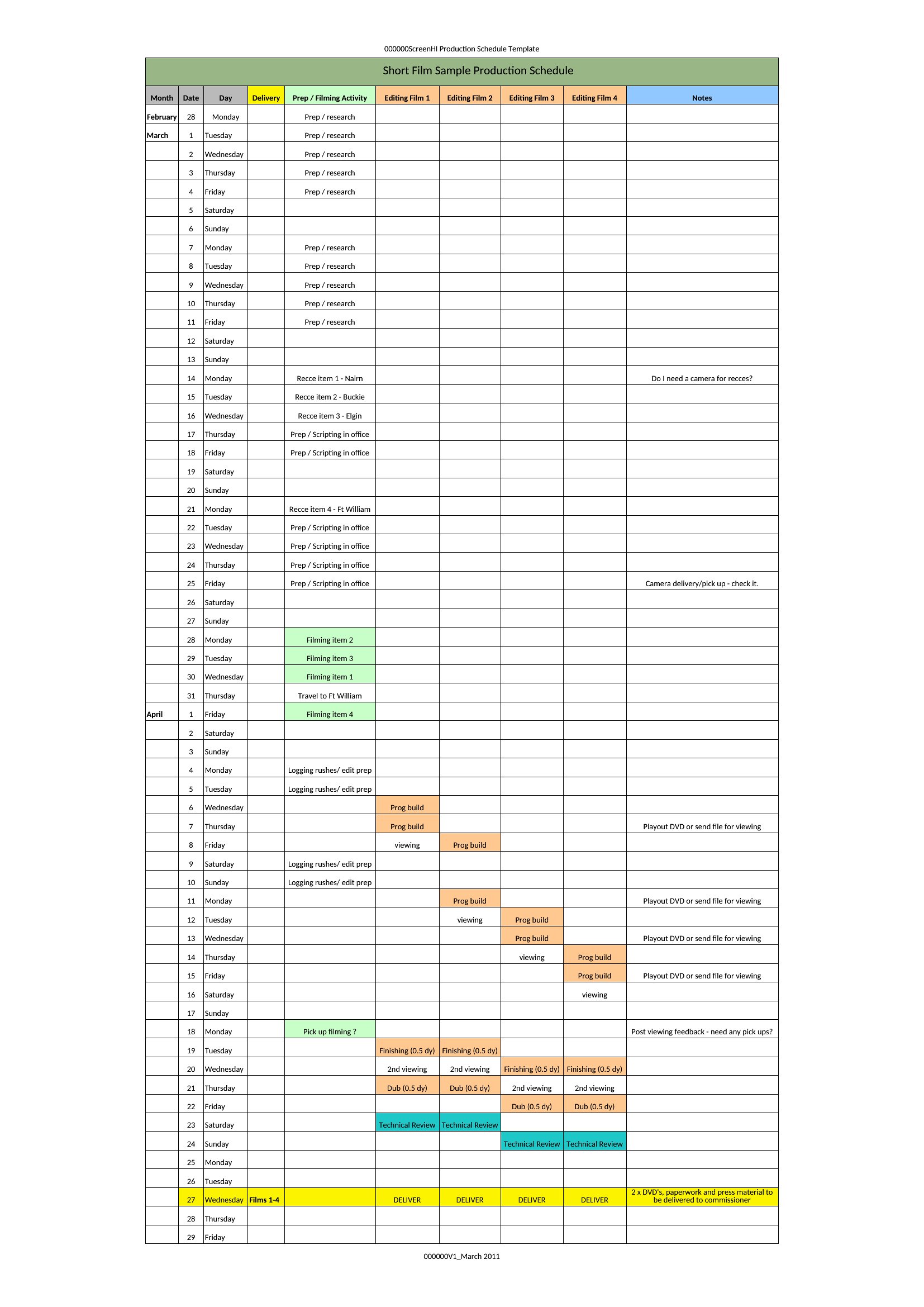
Choose Word for detailed, narrative-heavy schedules where team members need to add comments or sign off on changes—ideal for film crews or events with many variables. Excel is best for data-driven tracking of dates, dependencies, and resource allocation, perfect for manufacturers or software teams needing formulas to flag delays. Stick with PDF if you only need a finalized, shareable timeline without edits, such as for client approvals or regulatory submissions.
How to use this Production Schedule template
How do I adjust the production schedule if a key resource becomes unavailable?
Start by identifying tasks tied to that resource in the schedule. In Excel, filter dependent tasks and reschedule them to the next available slot or reassign them using the drop-down menus. In Word or PDF formats, manually update the timeline and note the change in a revision section for team communication.
Can I use these templates to track both internal tasks and third-party vendor milestones?
Yes. Excel templates include columns for task owners, which you can label as ‘Internal’ or ‘Vendor.’ Add a separate tab for vendor-specific deadlines and link critical milestones to internal tasks using dependency arrows. Word versions allow you to group sections by stakeholder for clarity.
What’s the best way to share a production schedule with stakeholders who don’t have scheduling software?
Export the schedule as a PDF to preserve formatting and lock in deadlines. For collaborative input, use the Word version and save it to a shared drive with comments enabled. Avoid Excel for stakeholders without spreadsheets—it can lead to formatting errors or confusion over linked cells.
Comments
Join the conversation
Sign in to share your thoughts and leave a comment on this resource.