


FAQ
How do I adjust the production schedule if a key resource becomes unavailable?
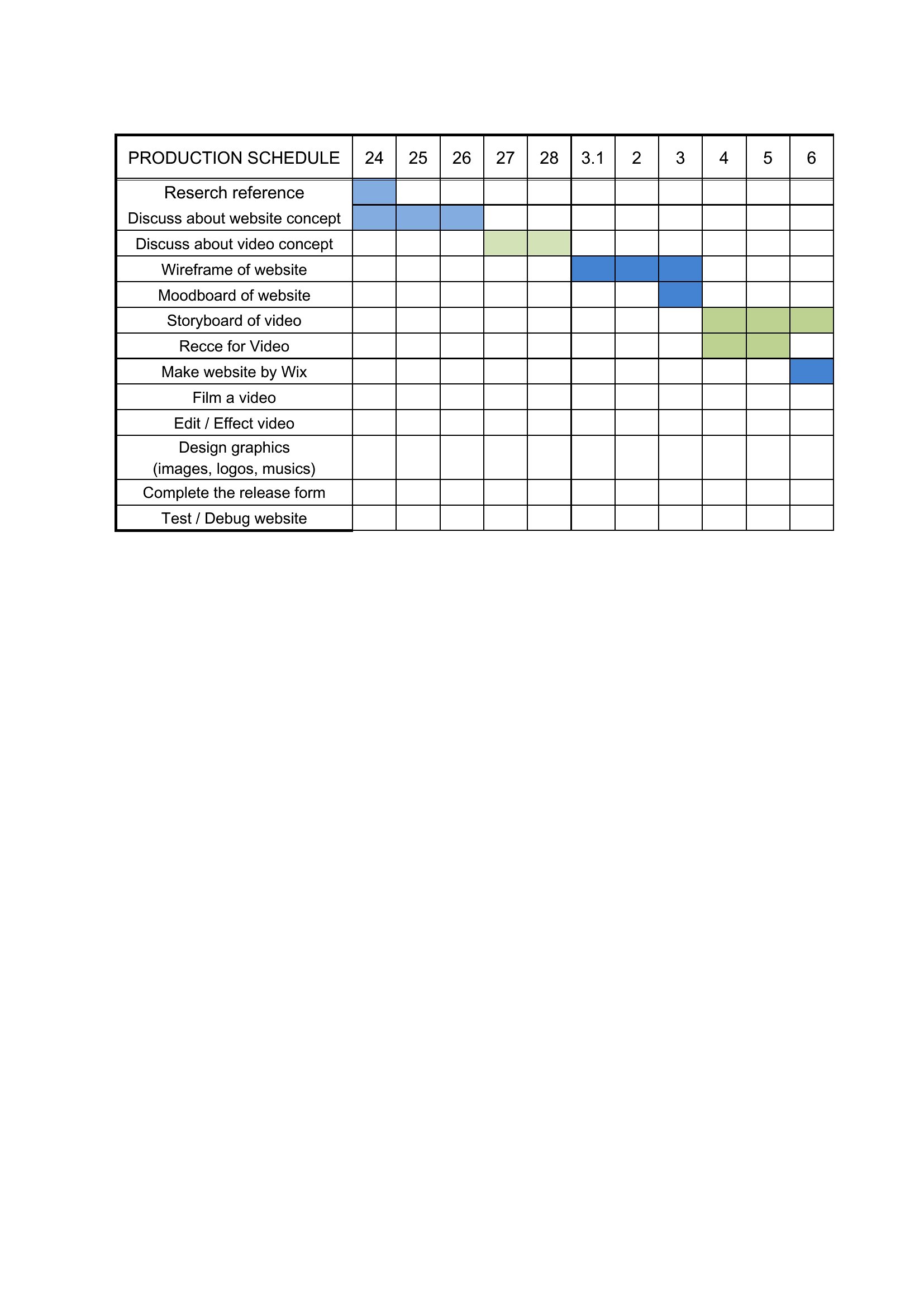
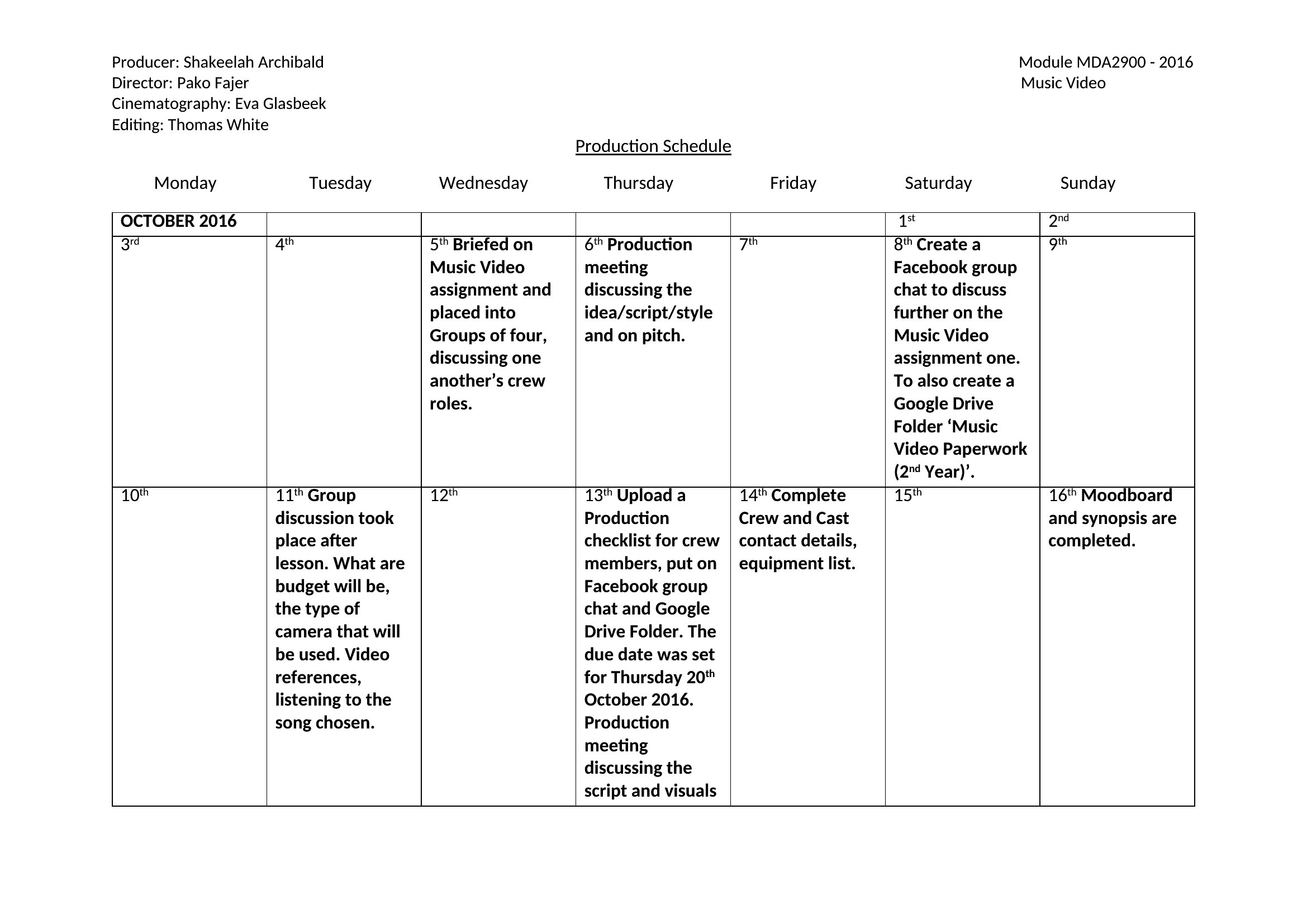
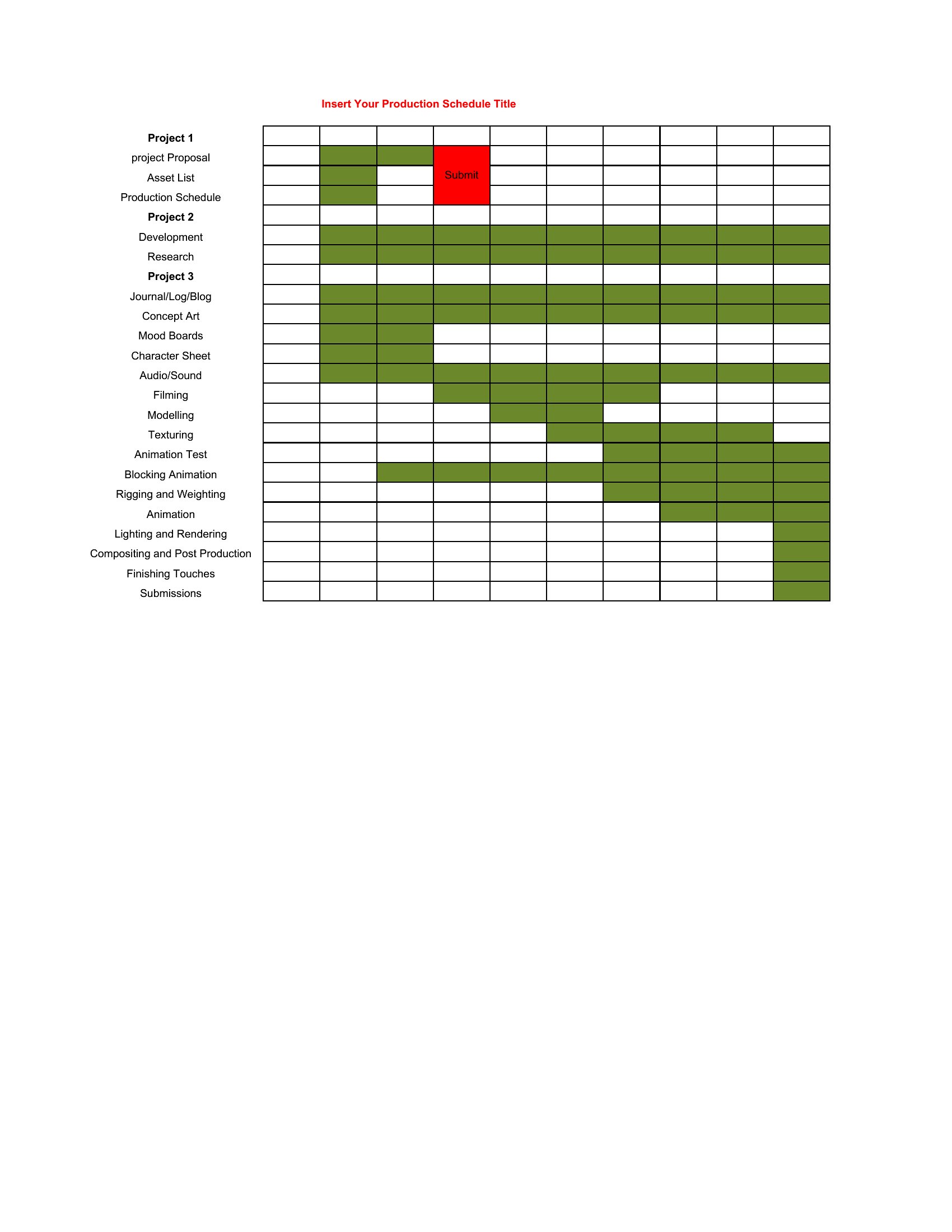
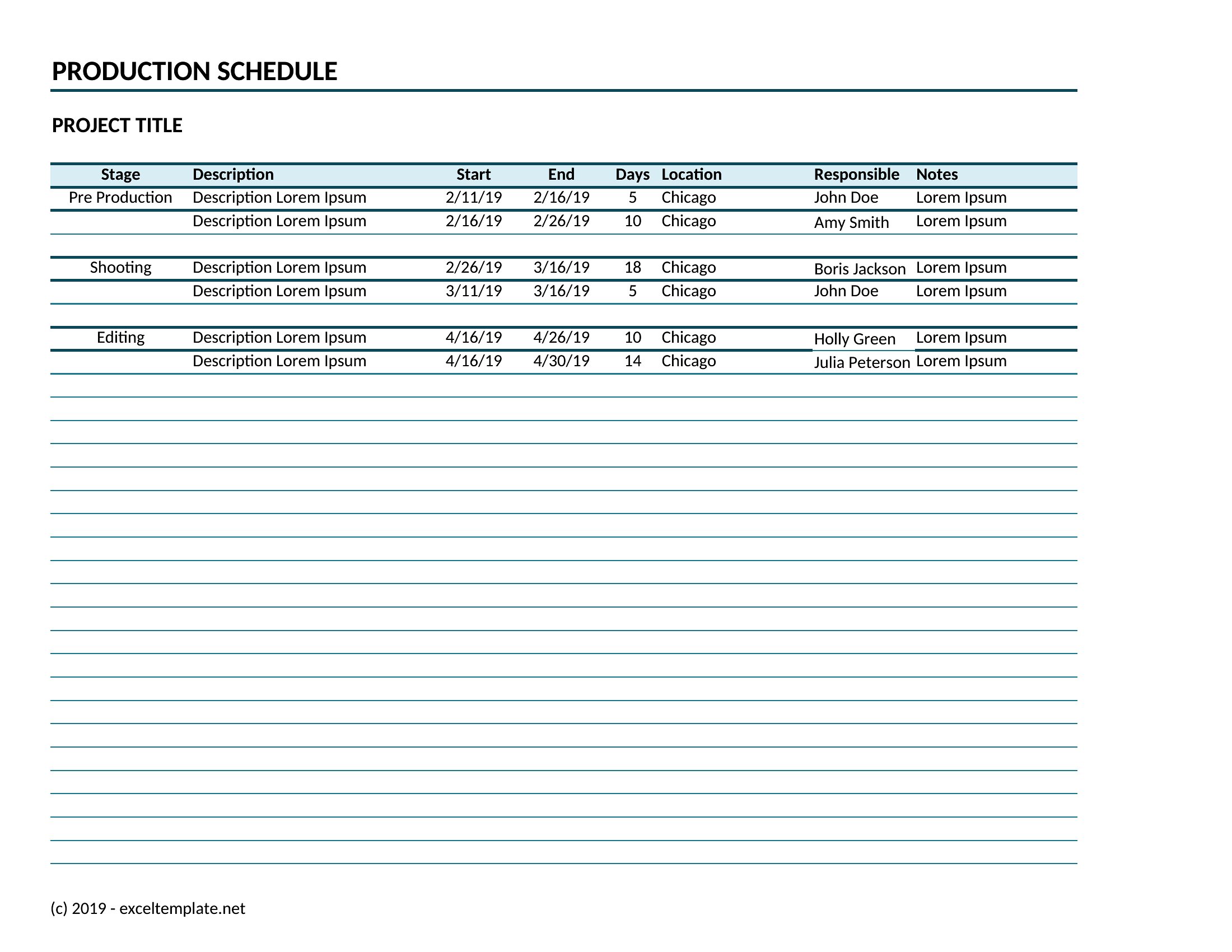
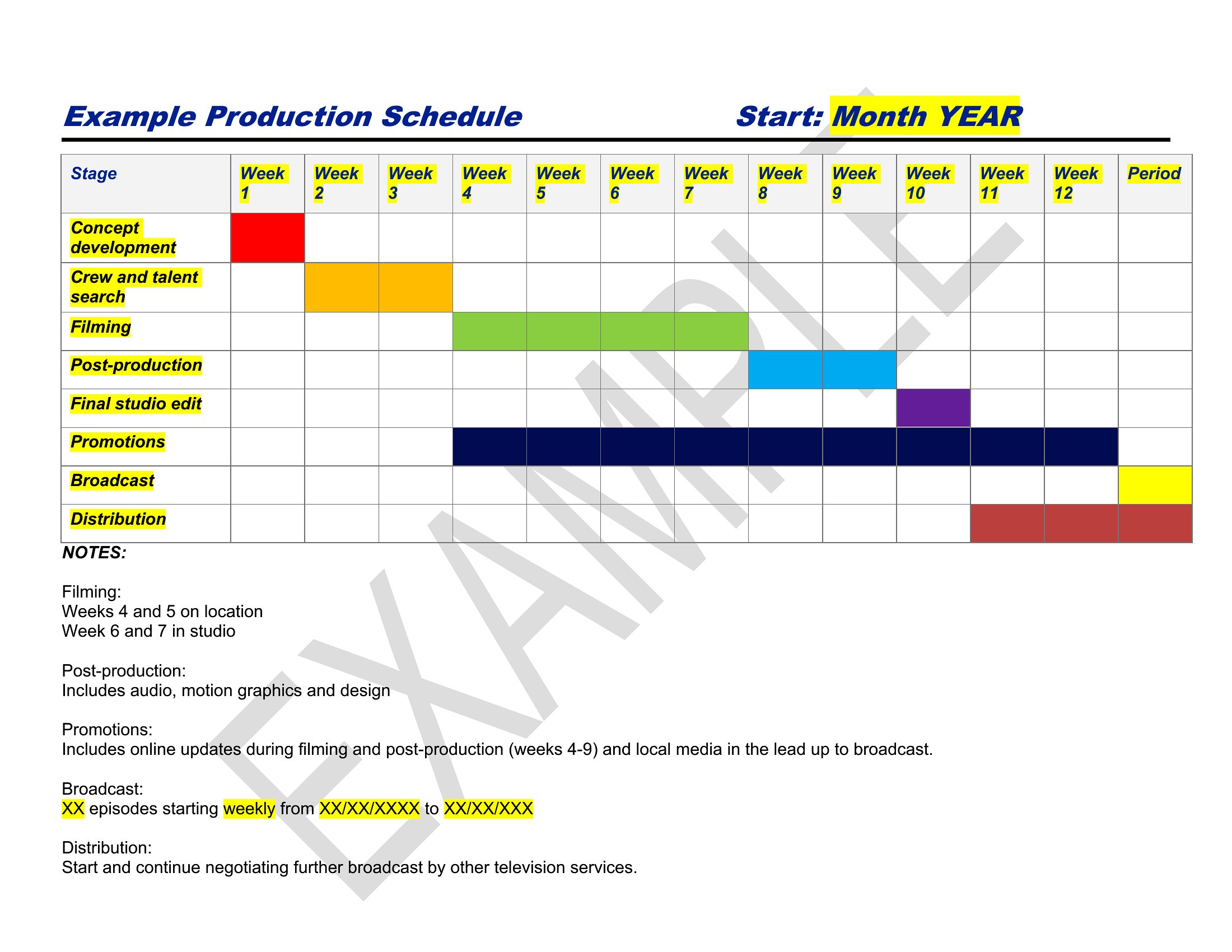
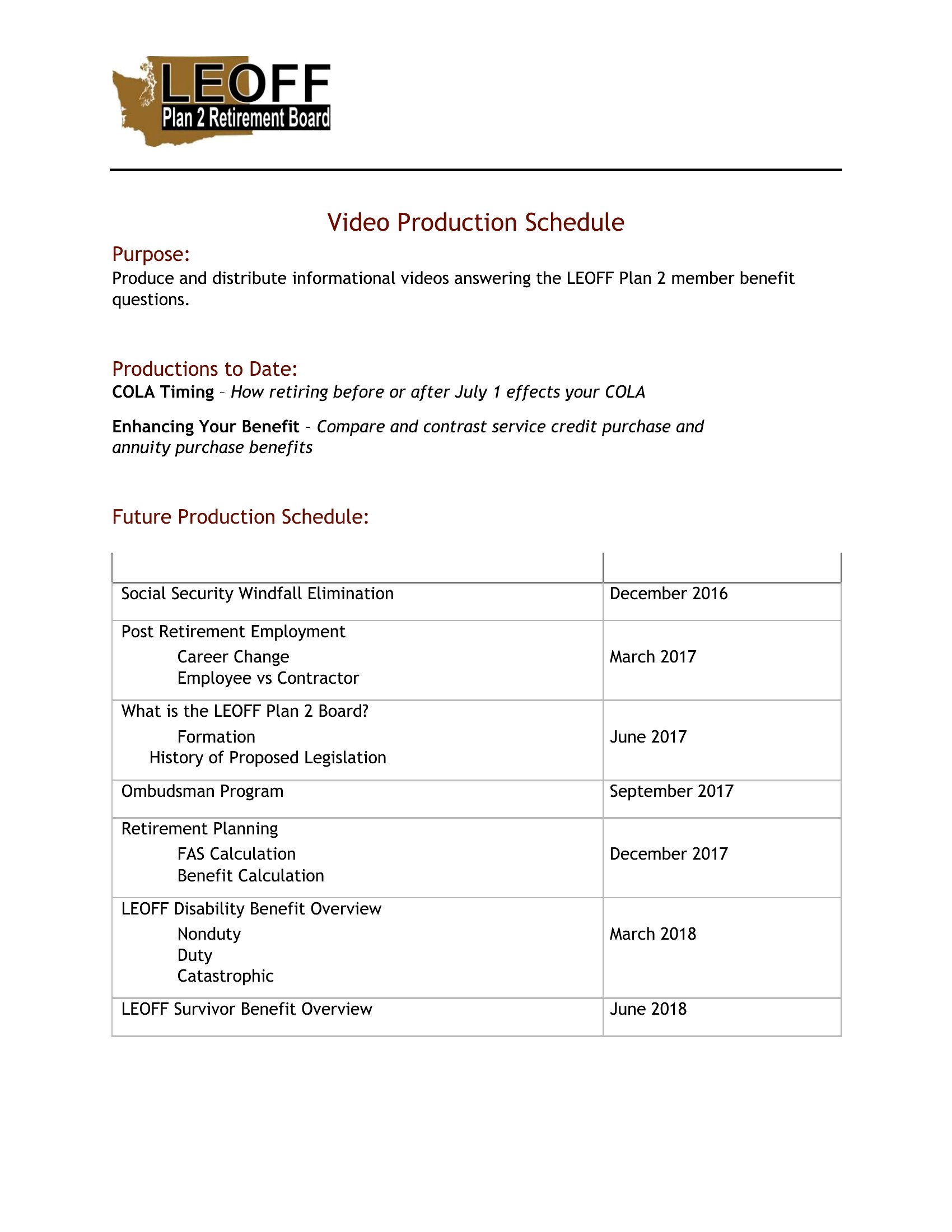
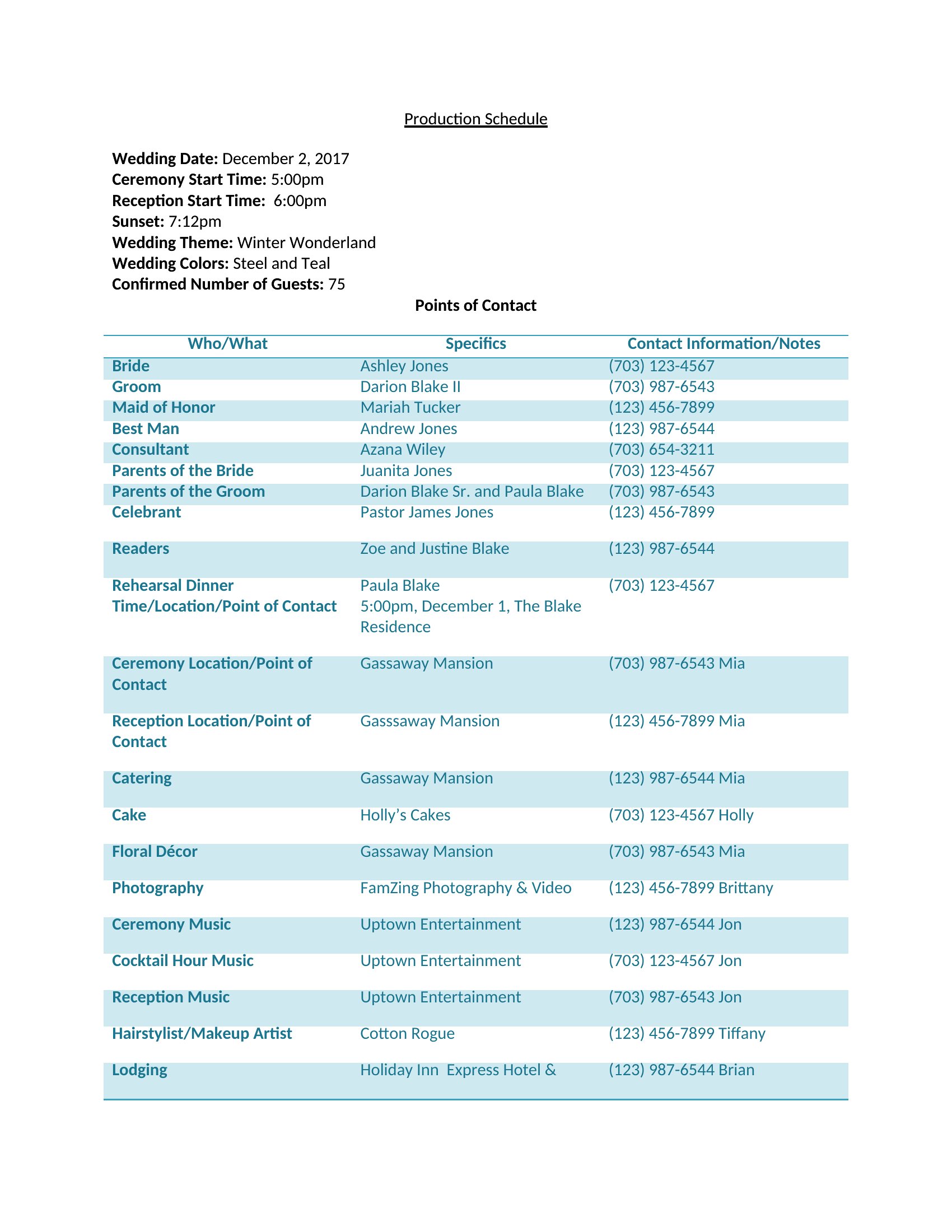
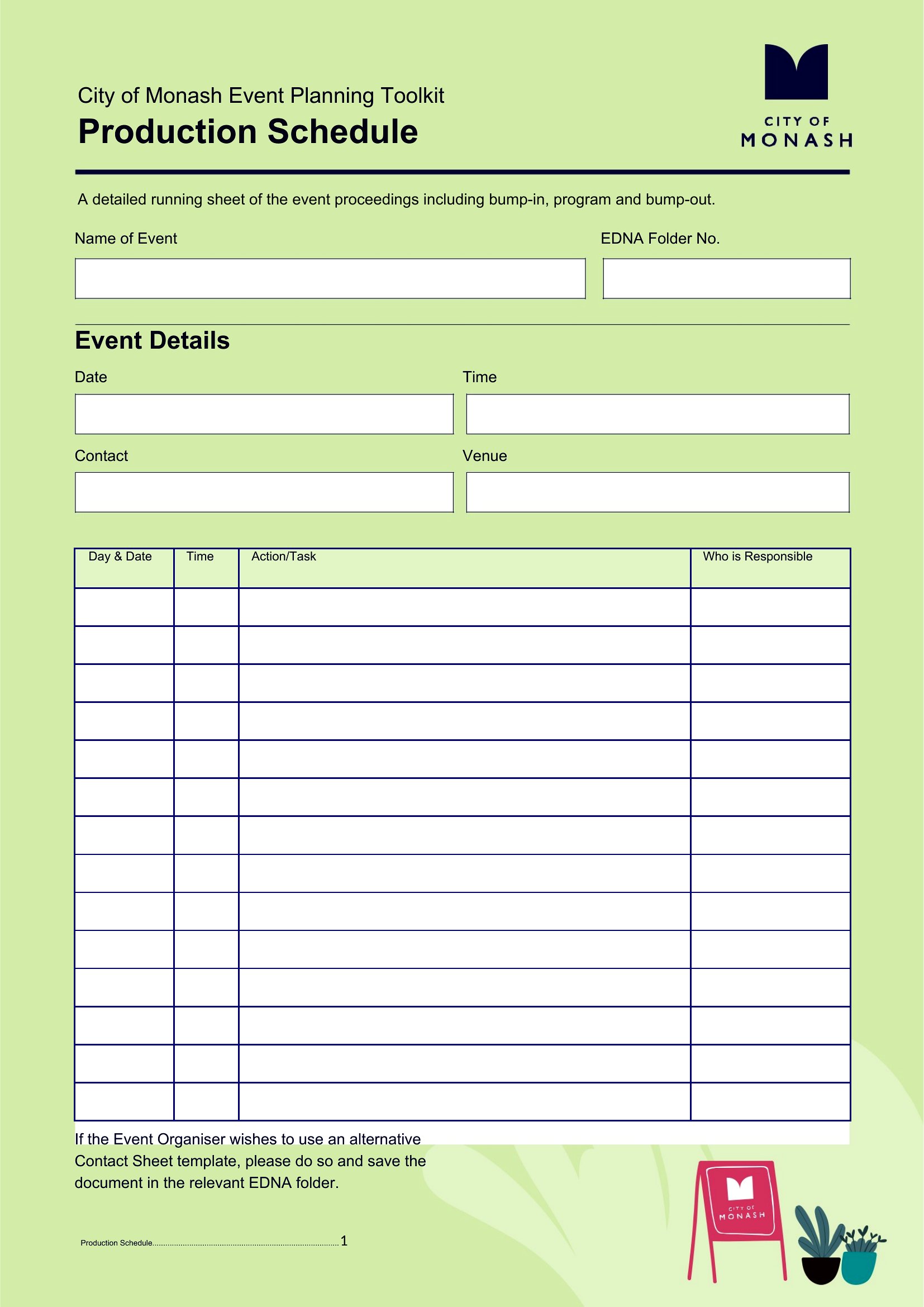
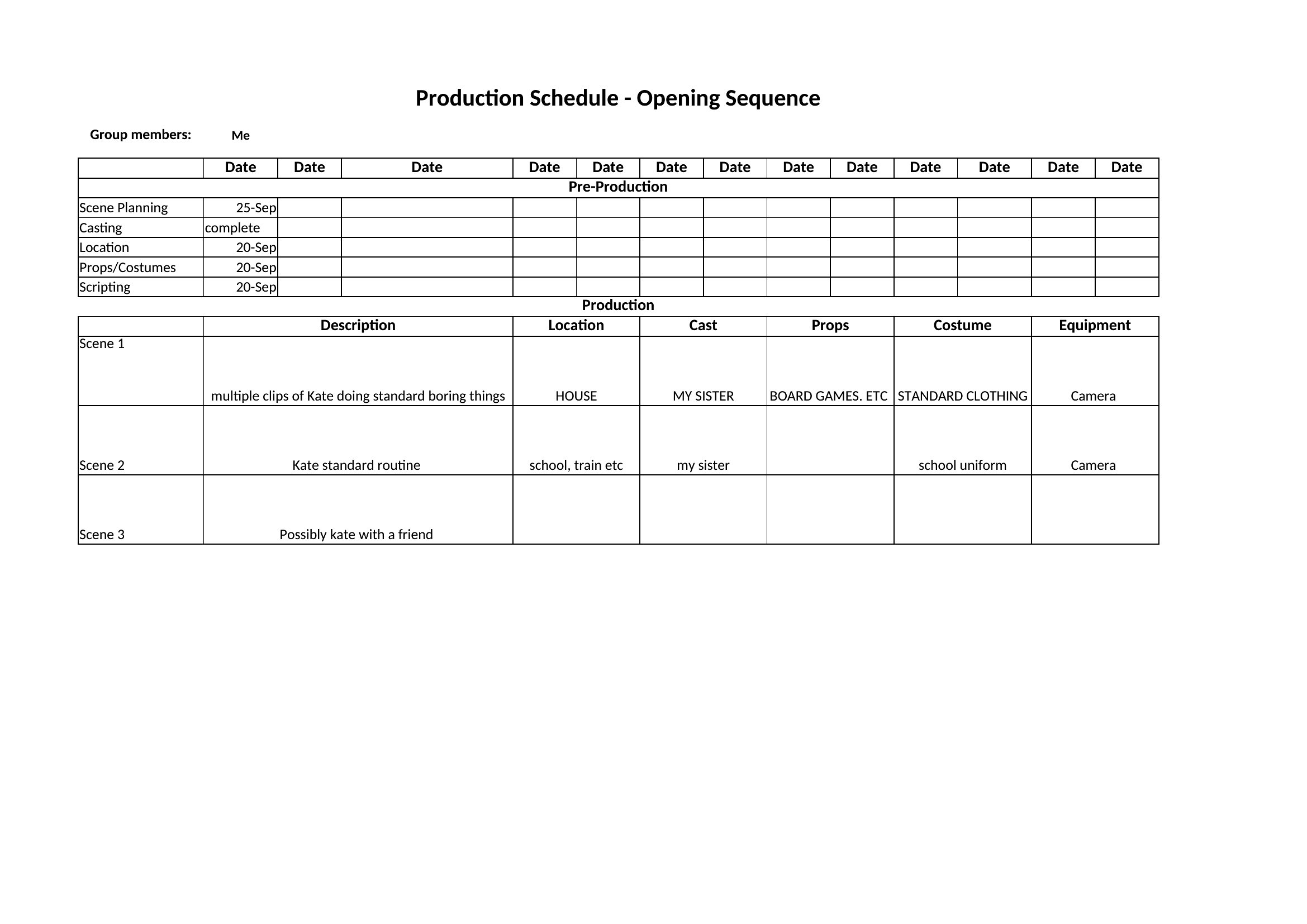
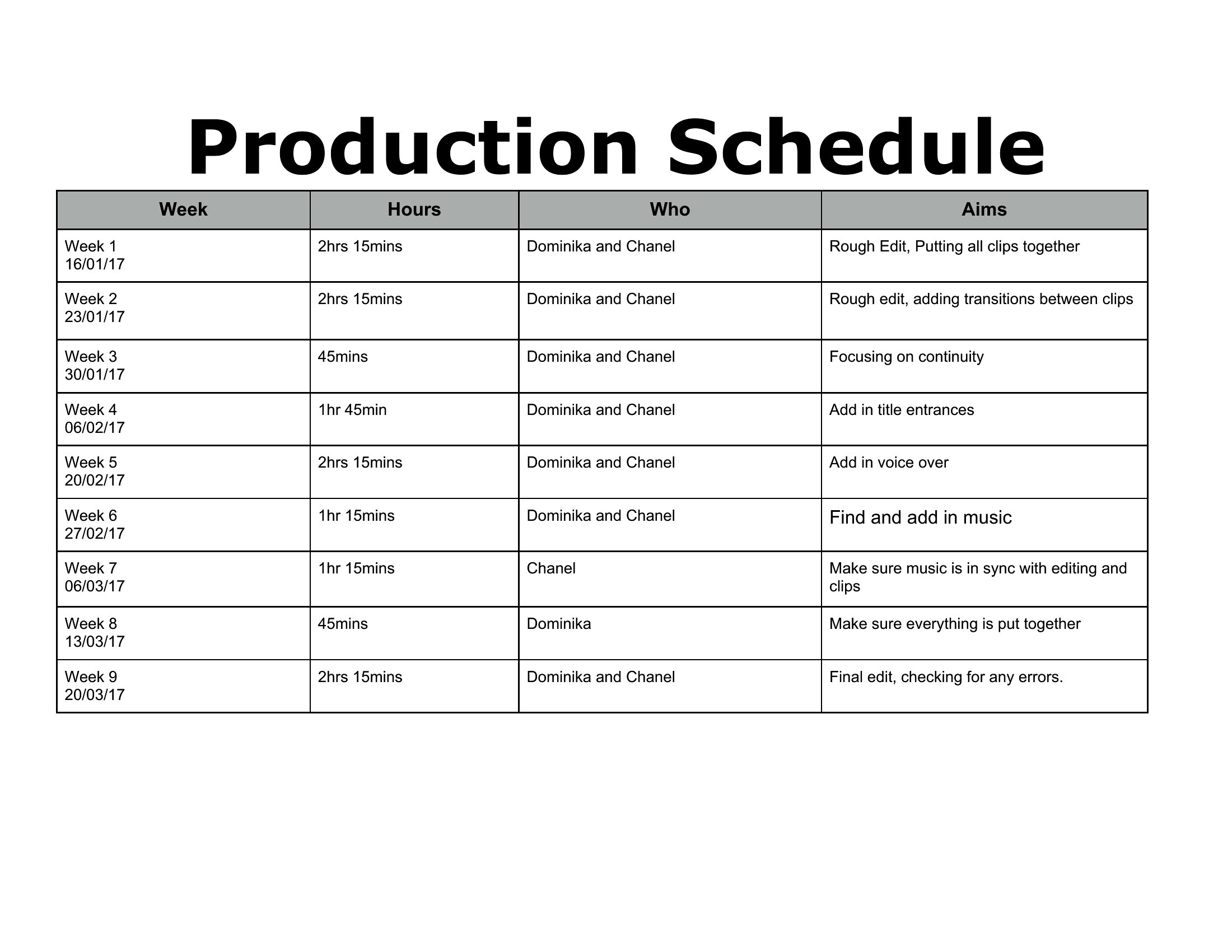
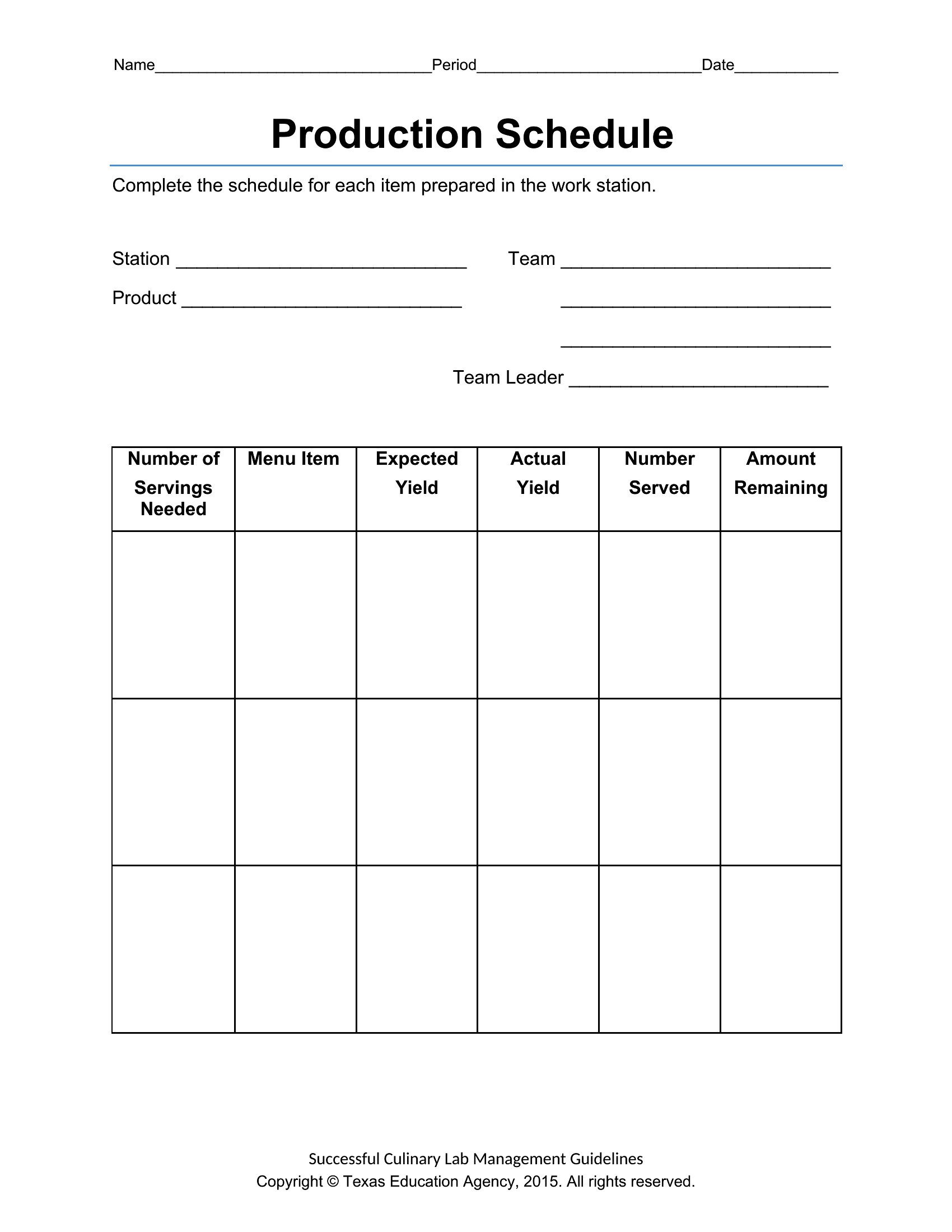
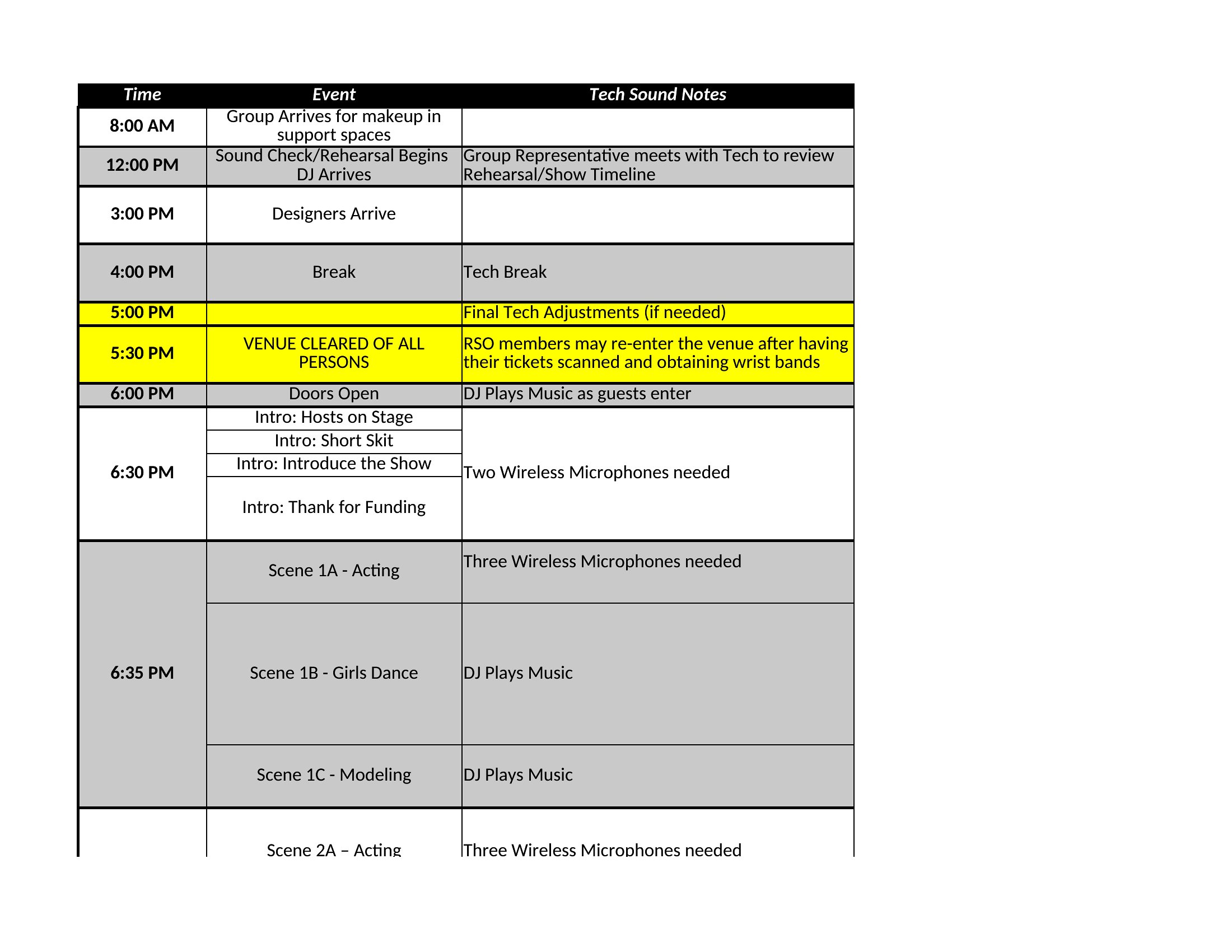
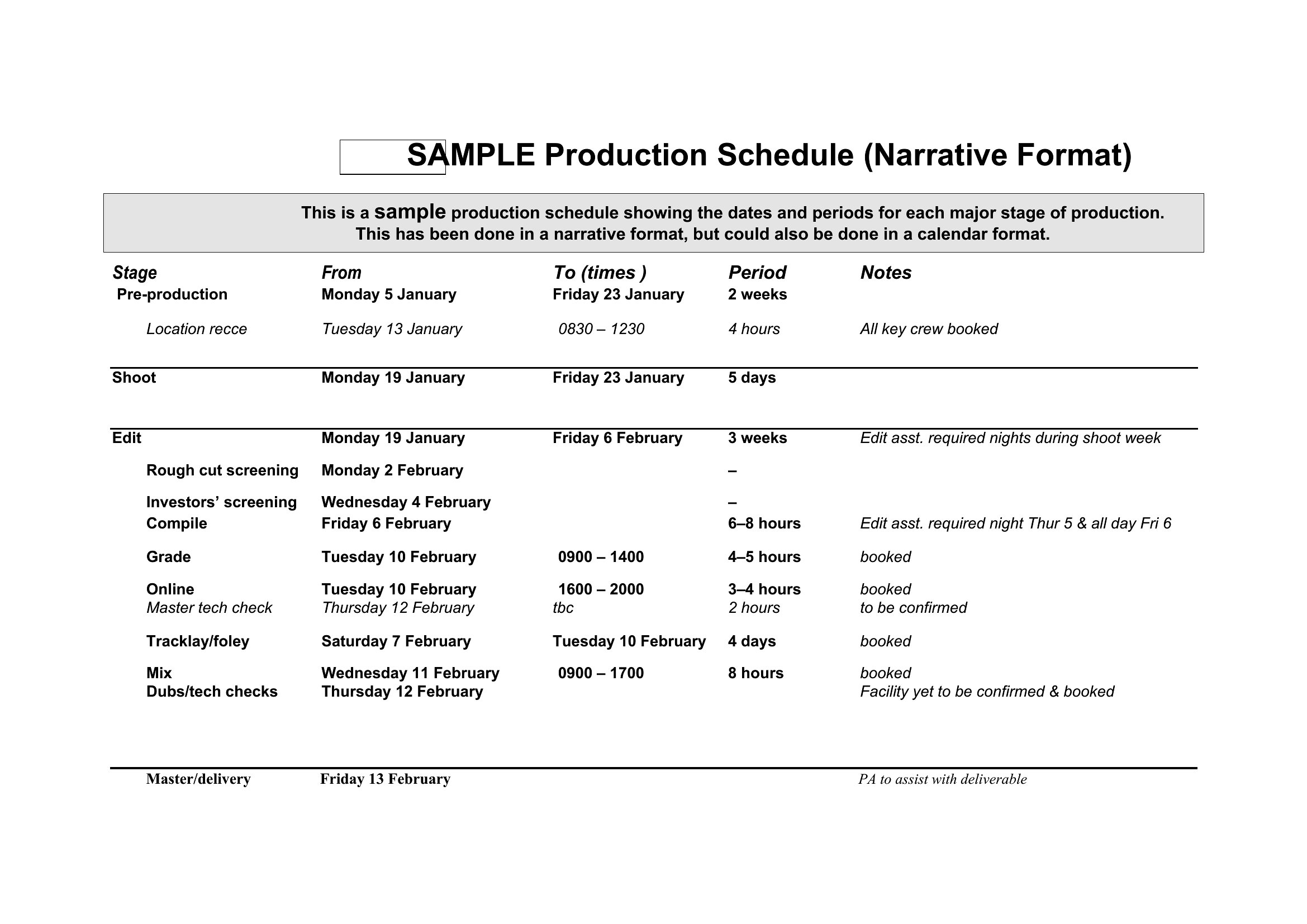
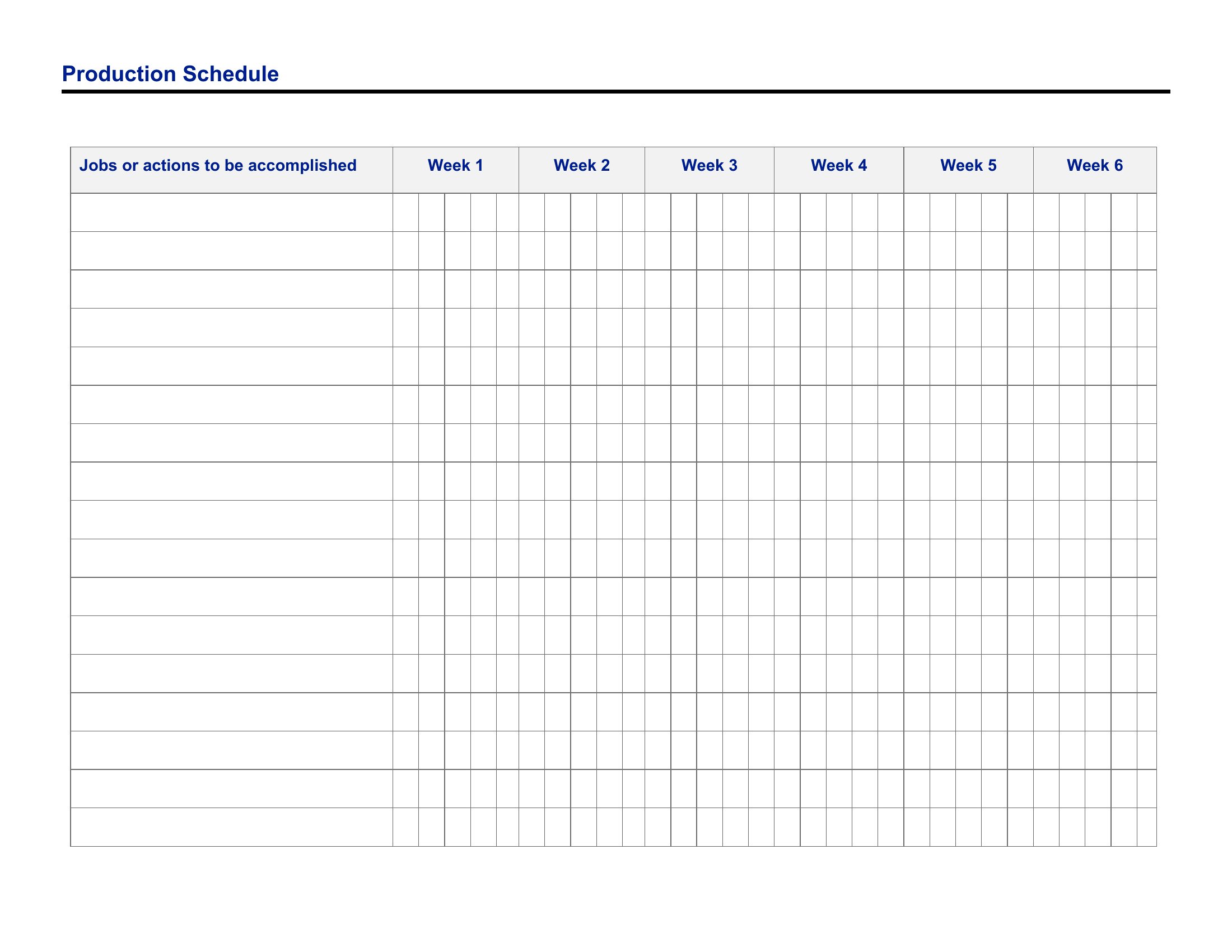
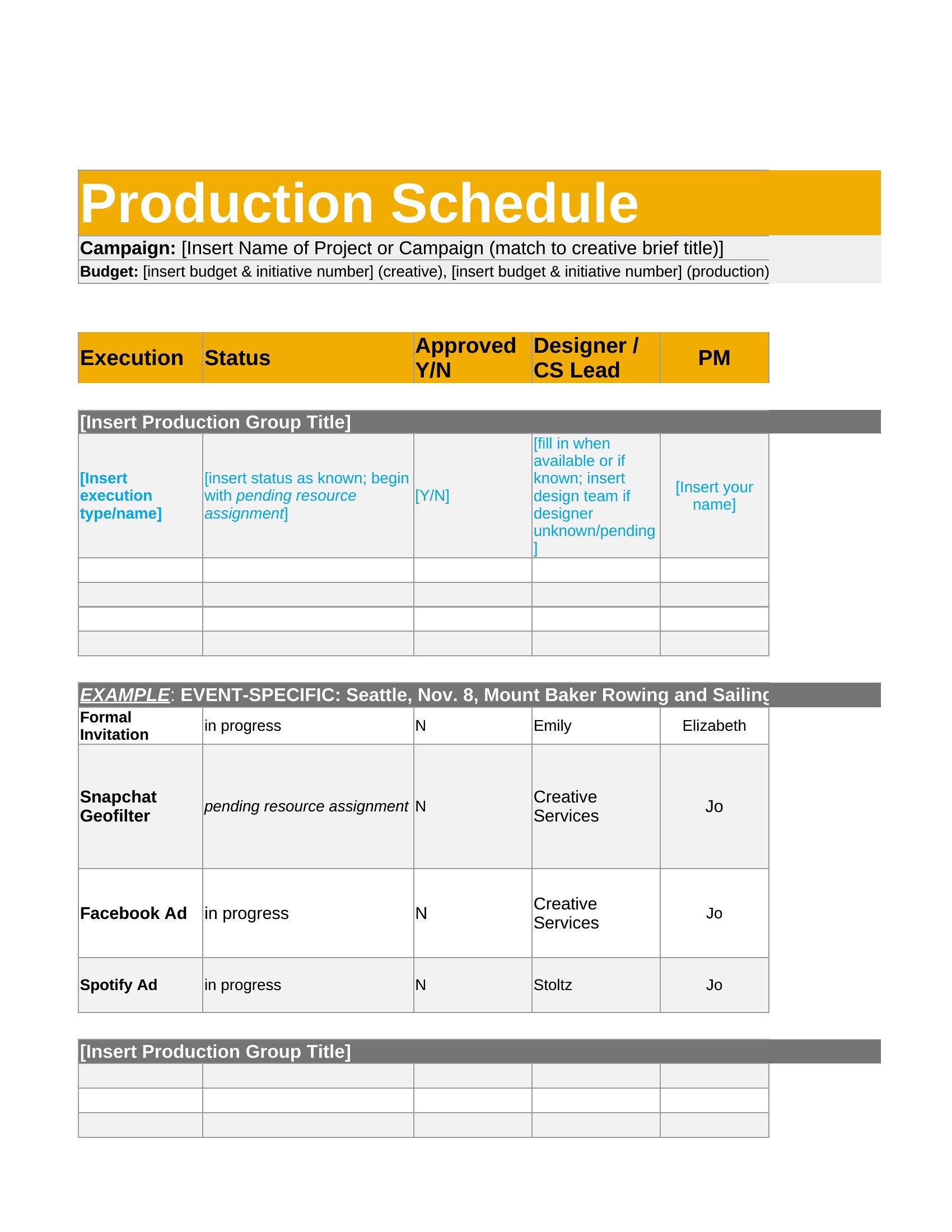
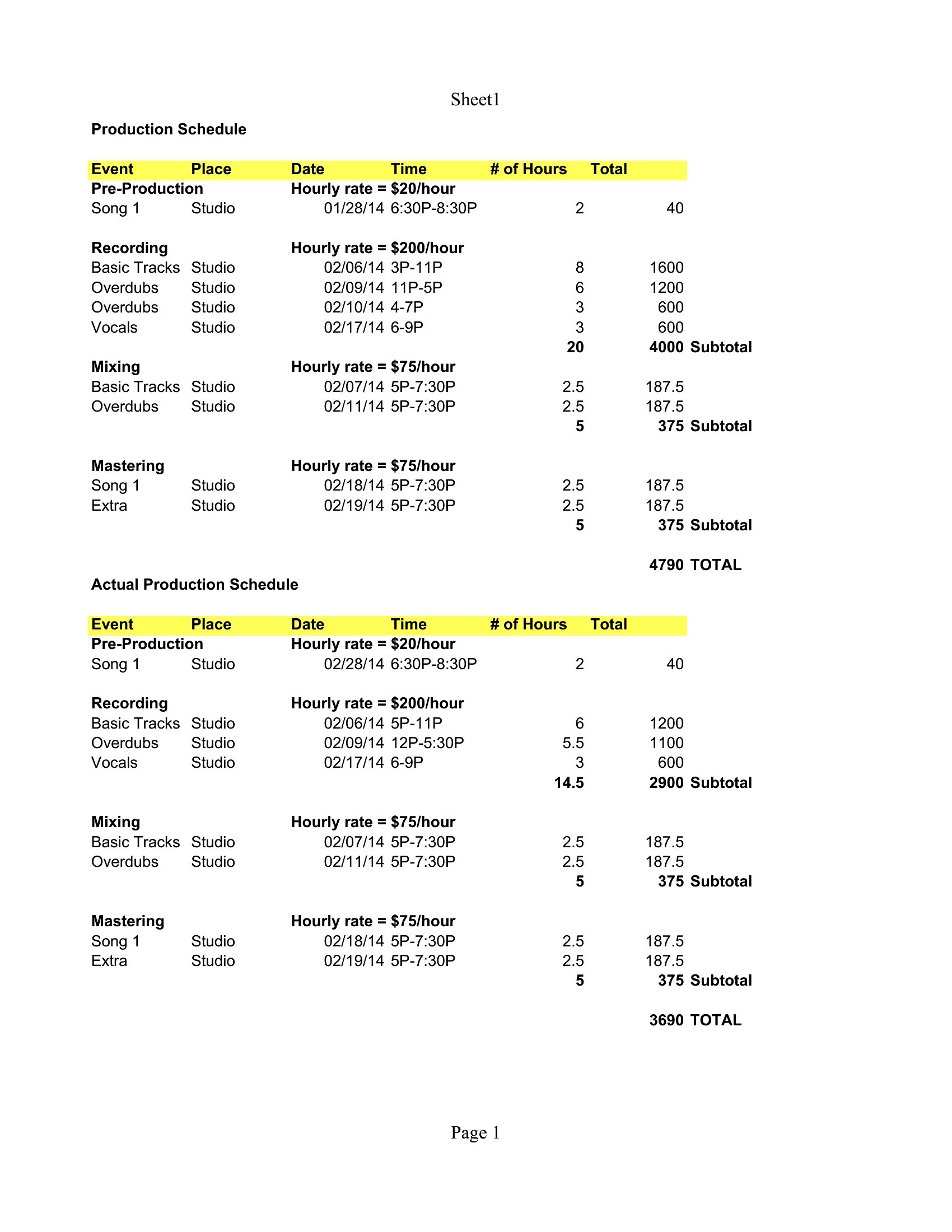
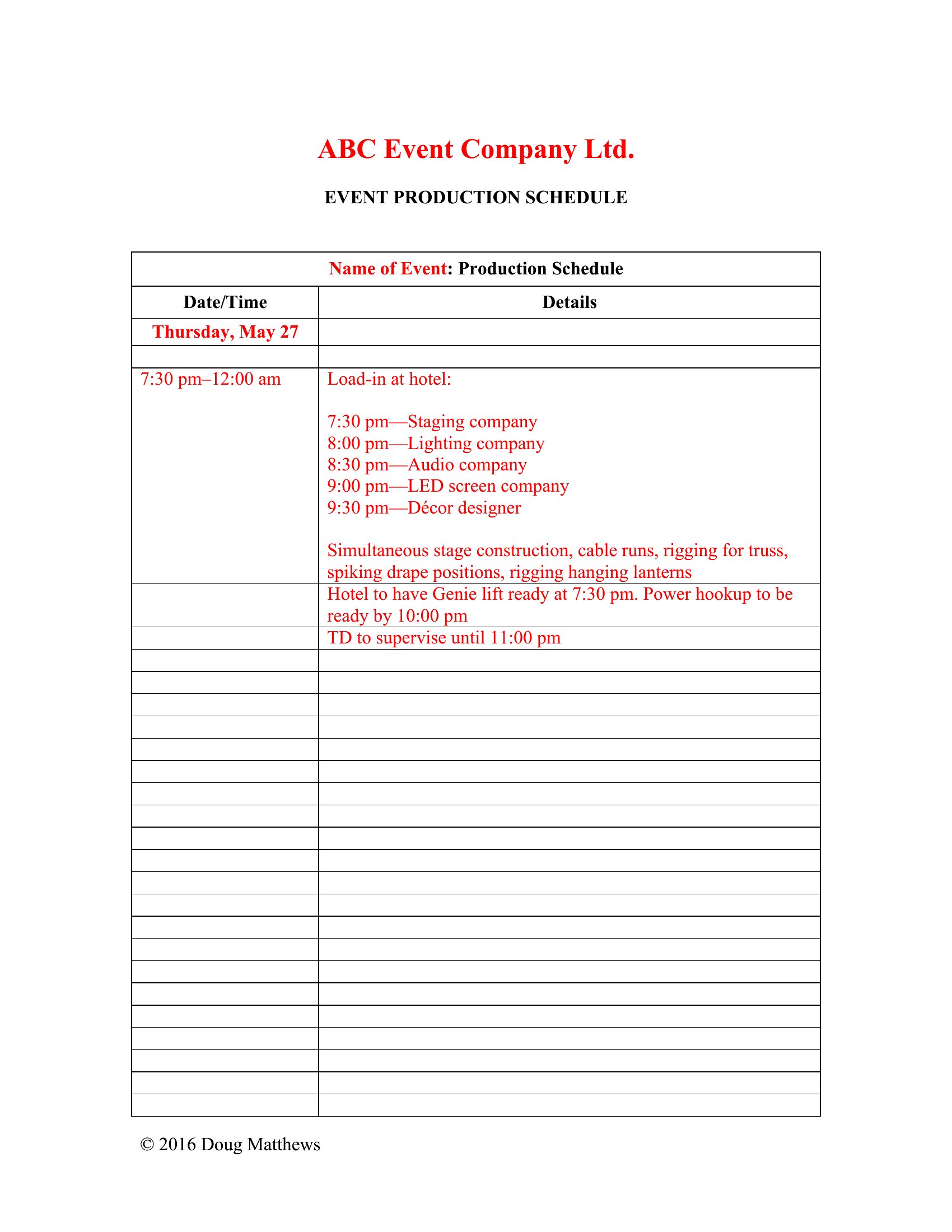
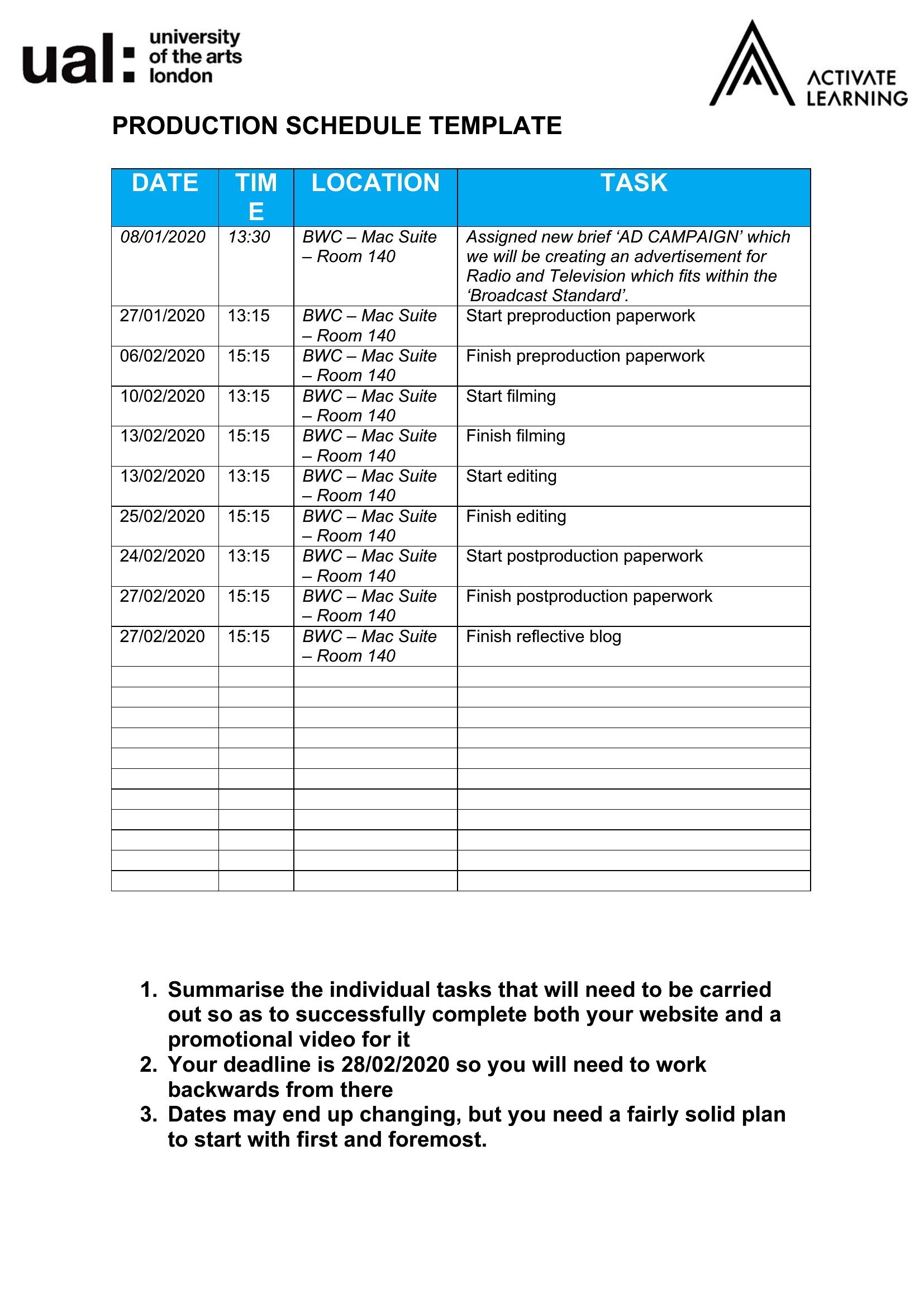
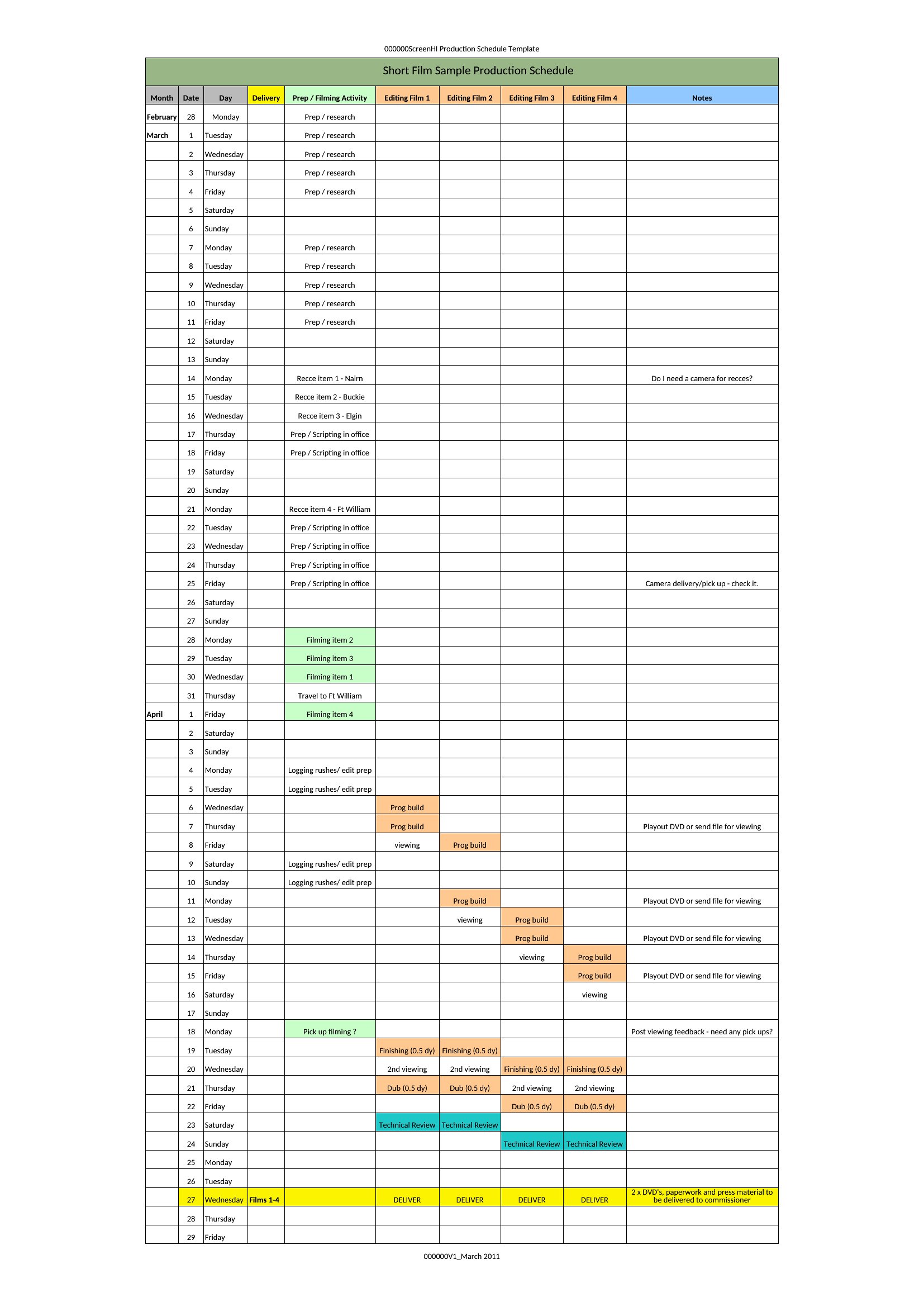
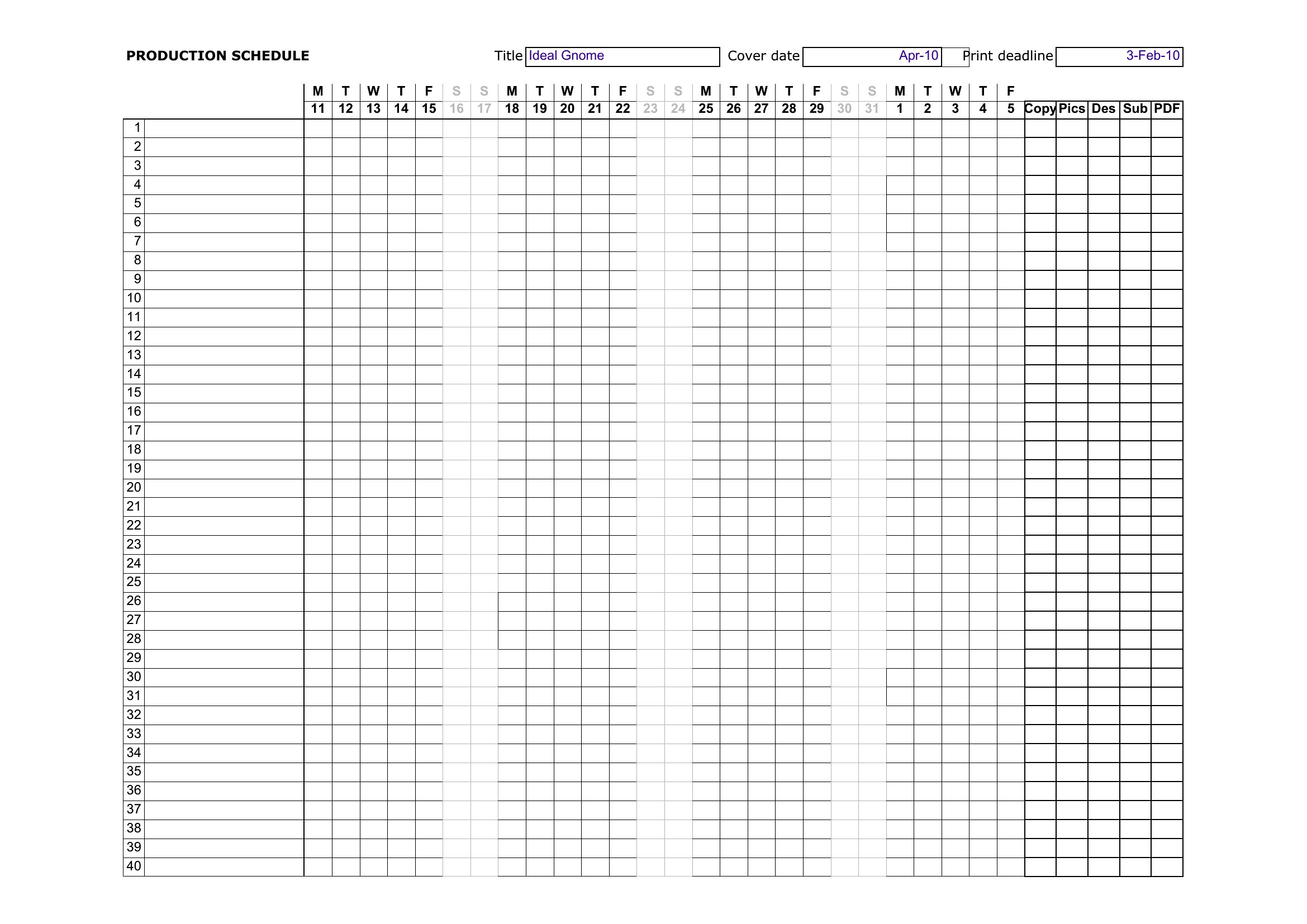
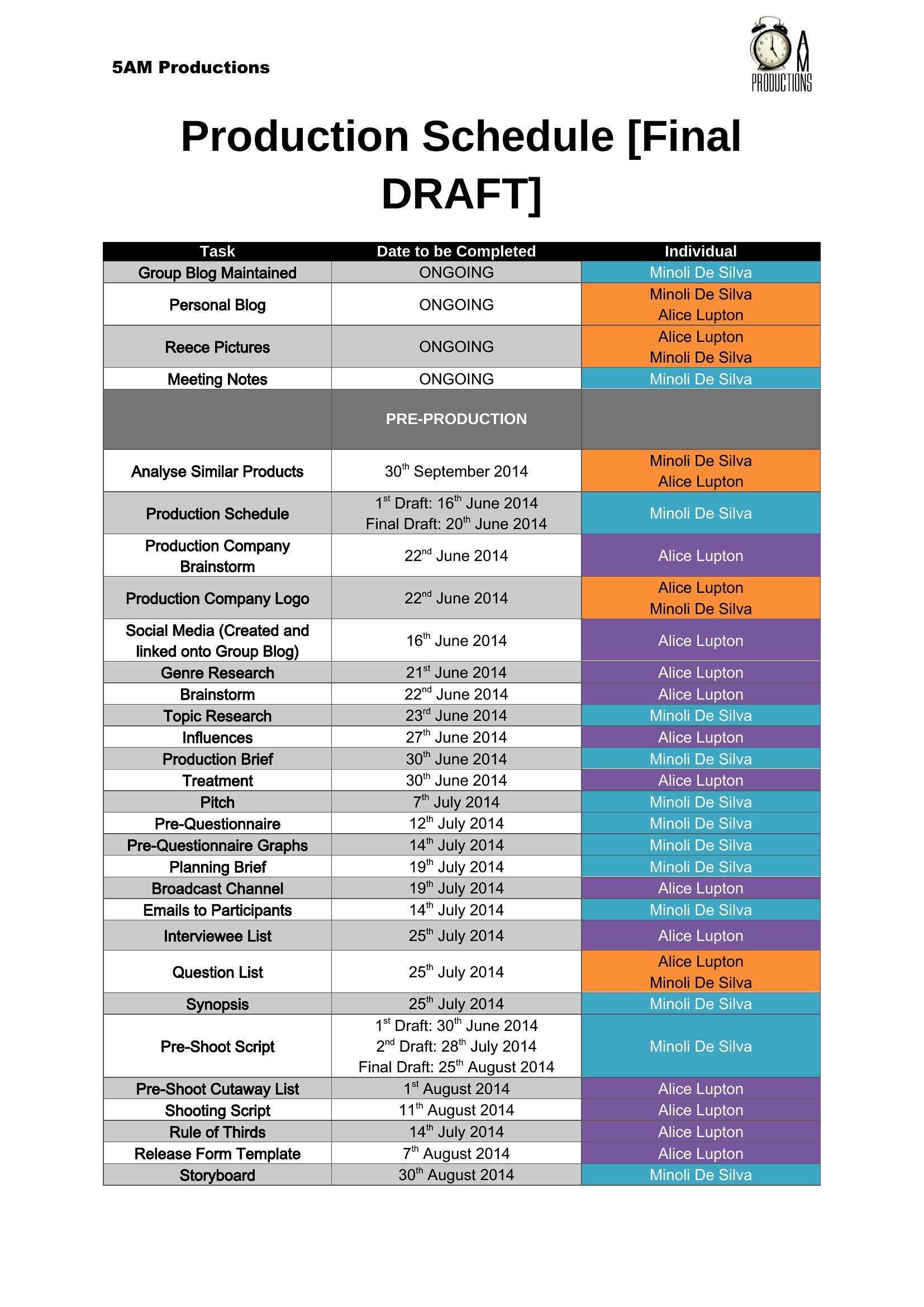
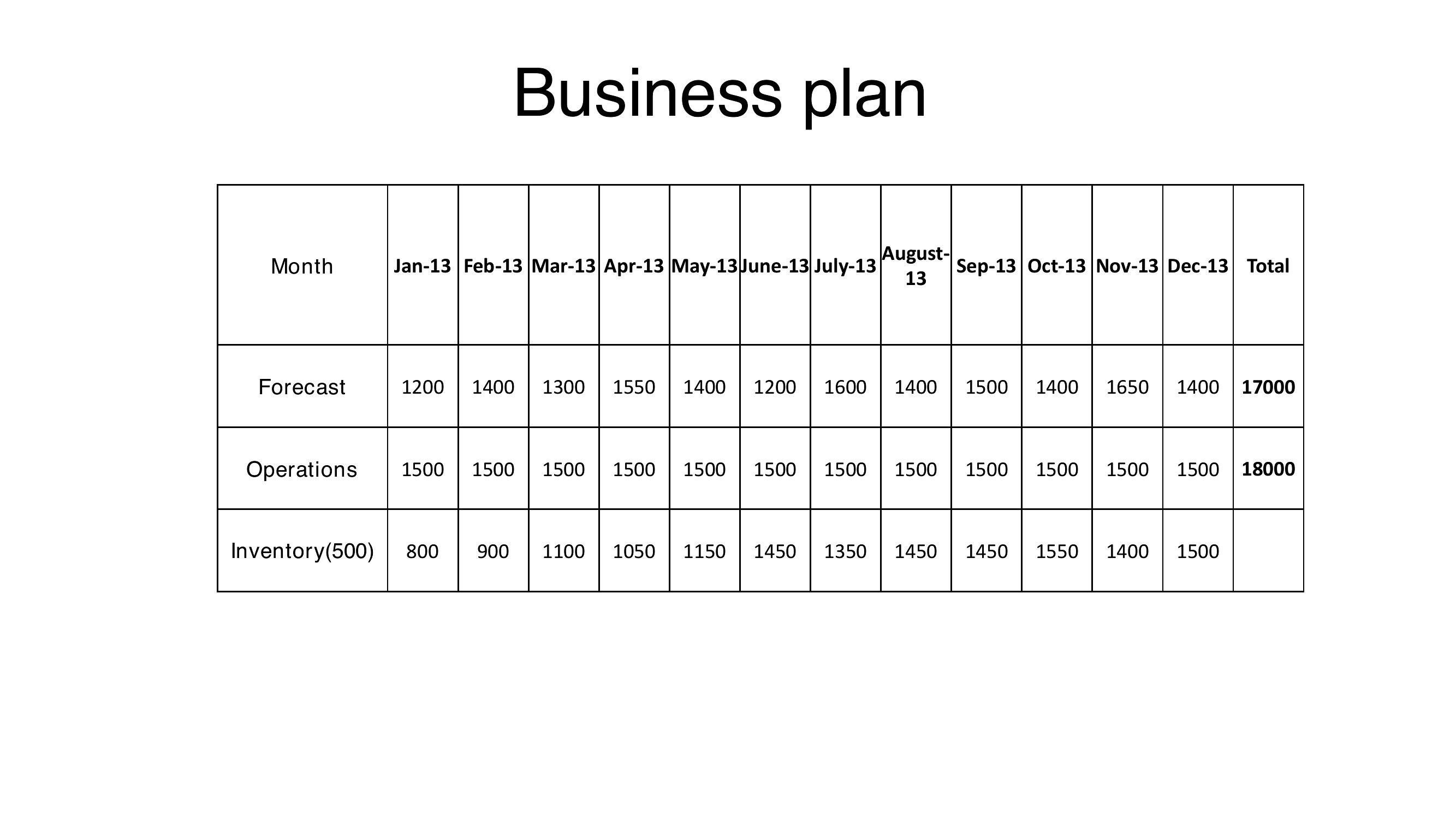
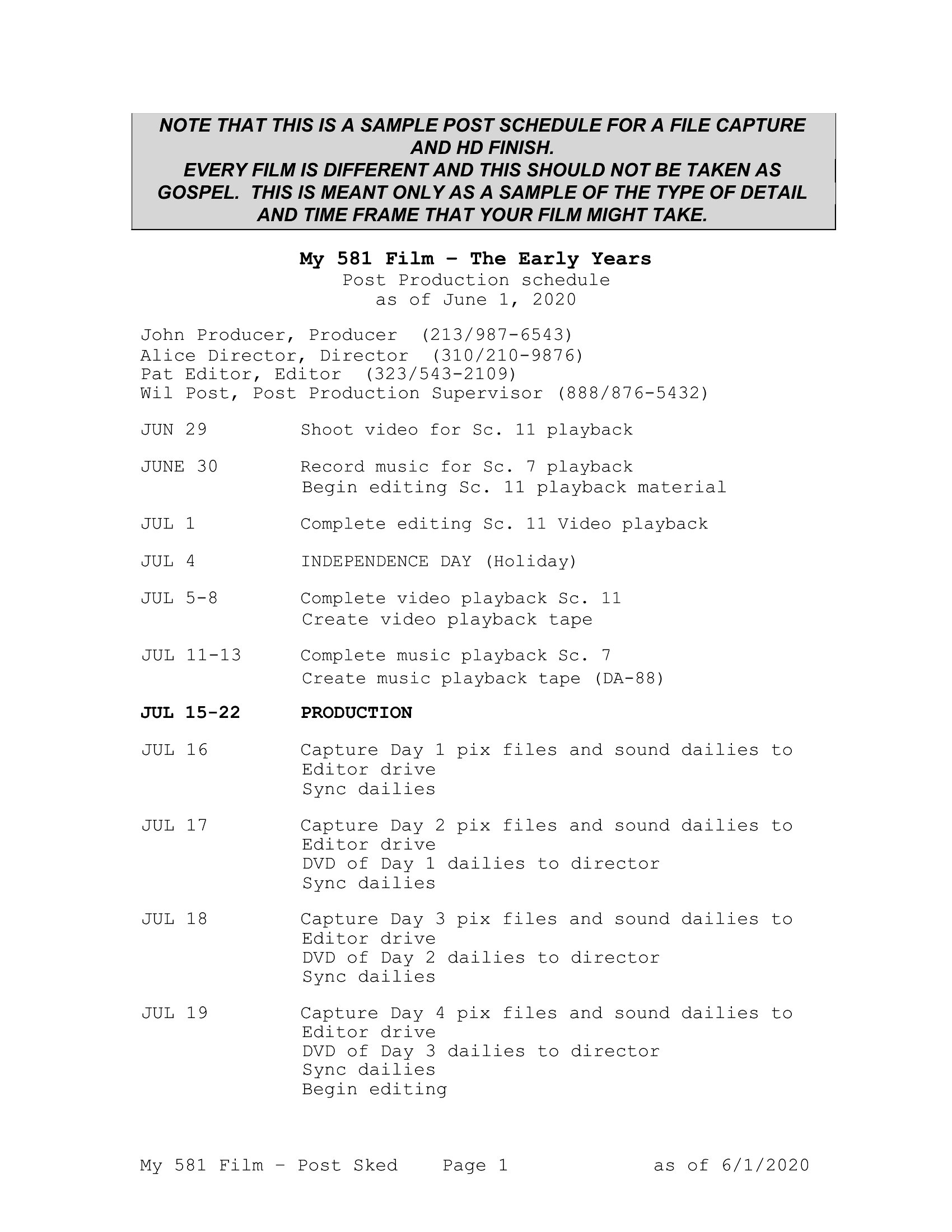
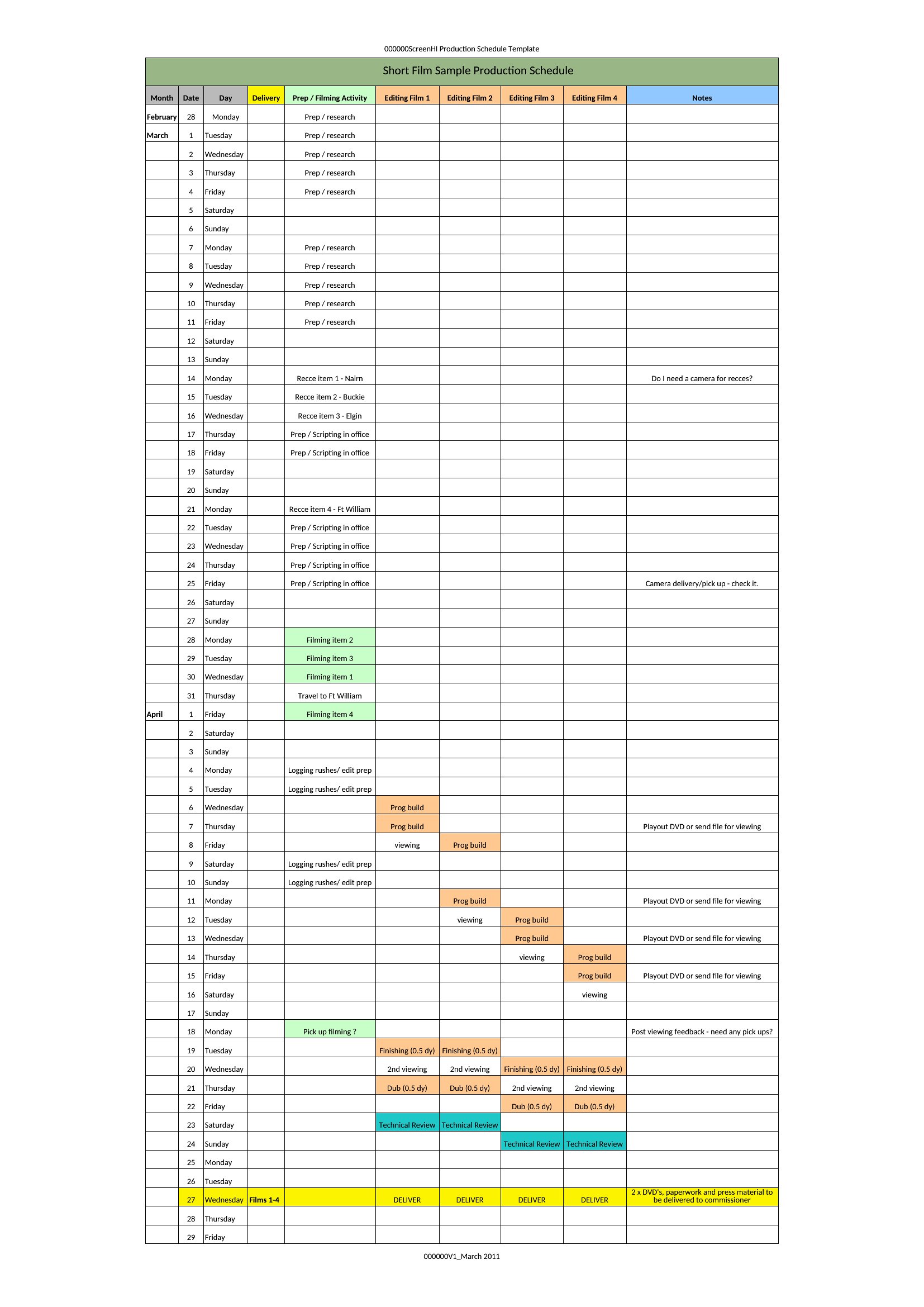
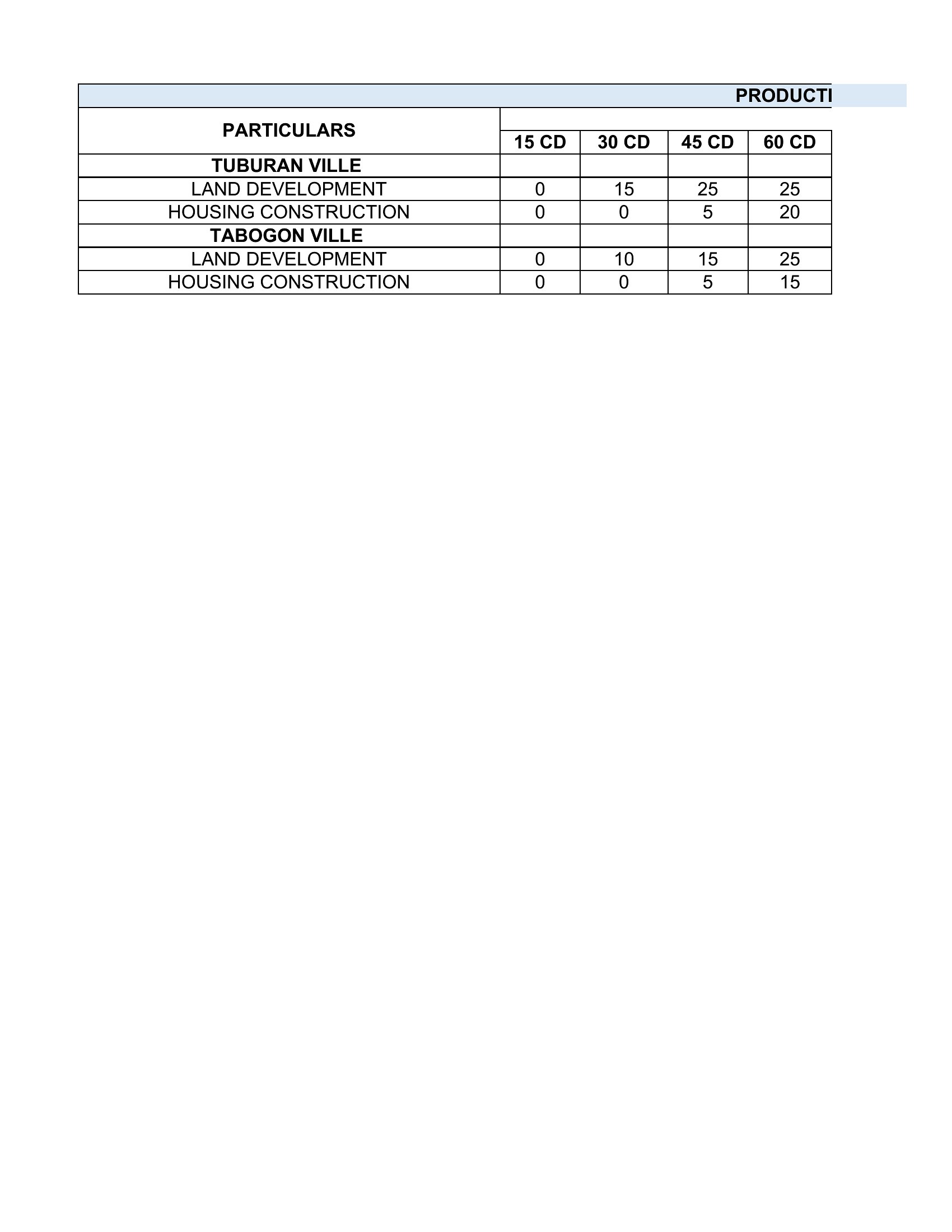
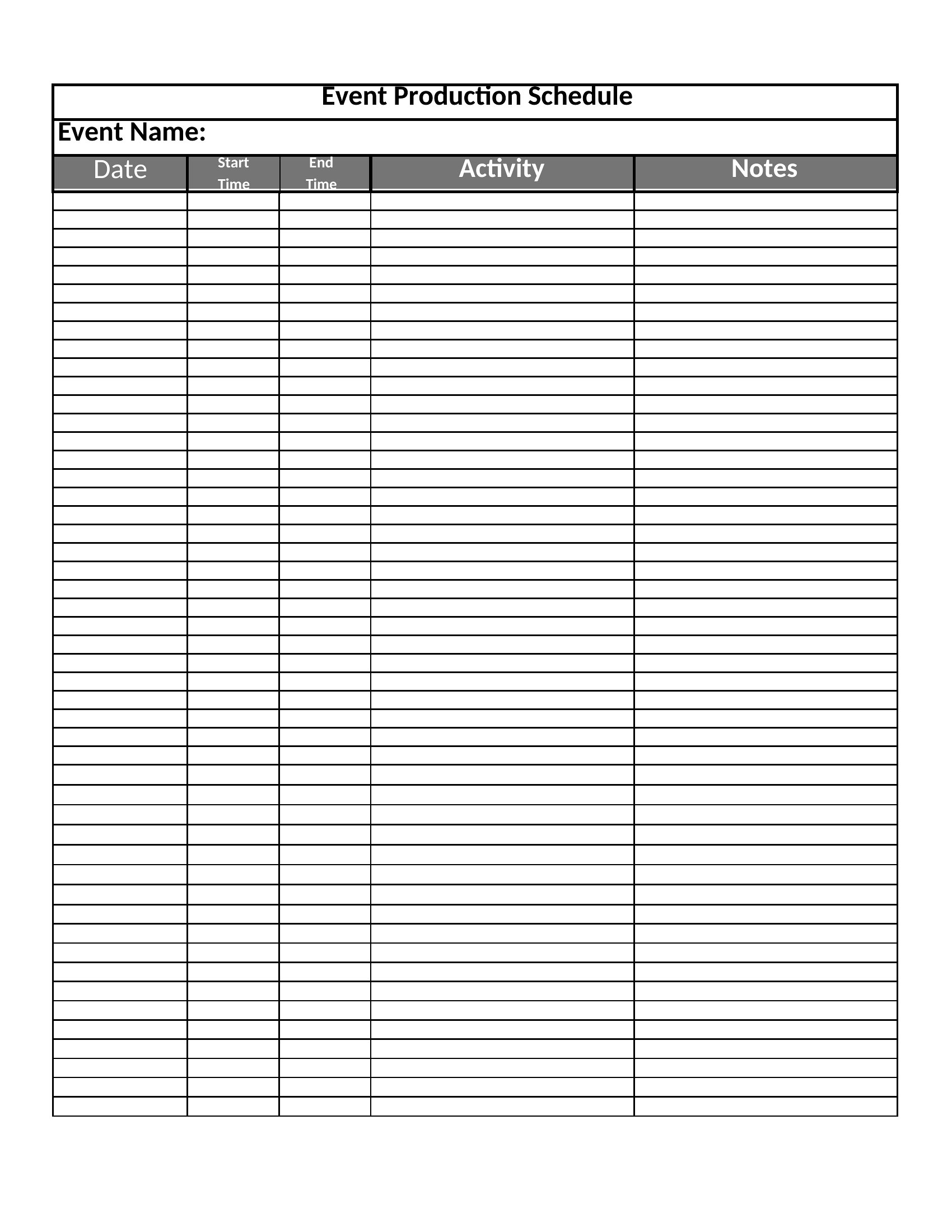
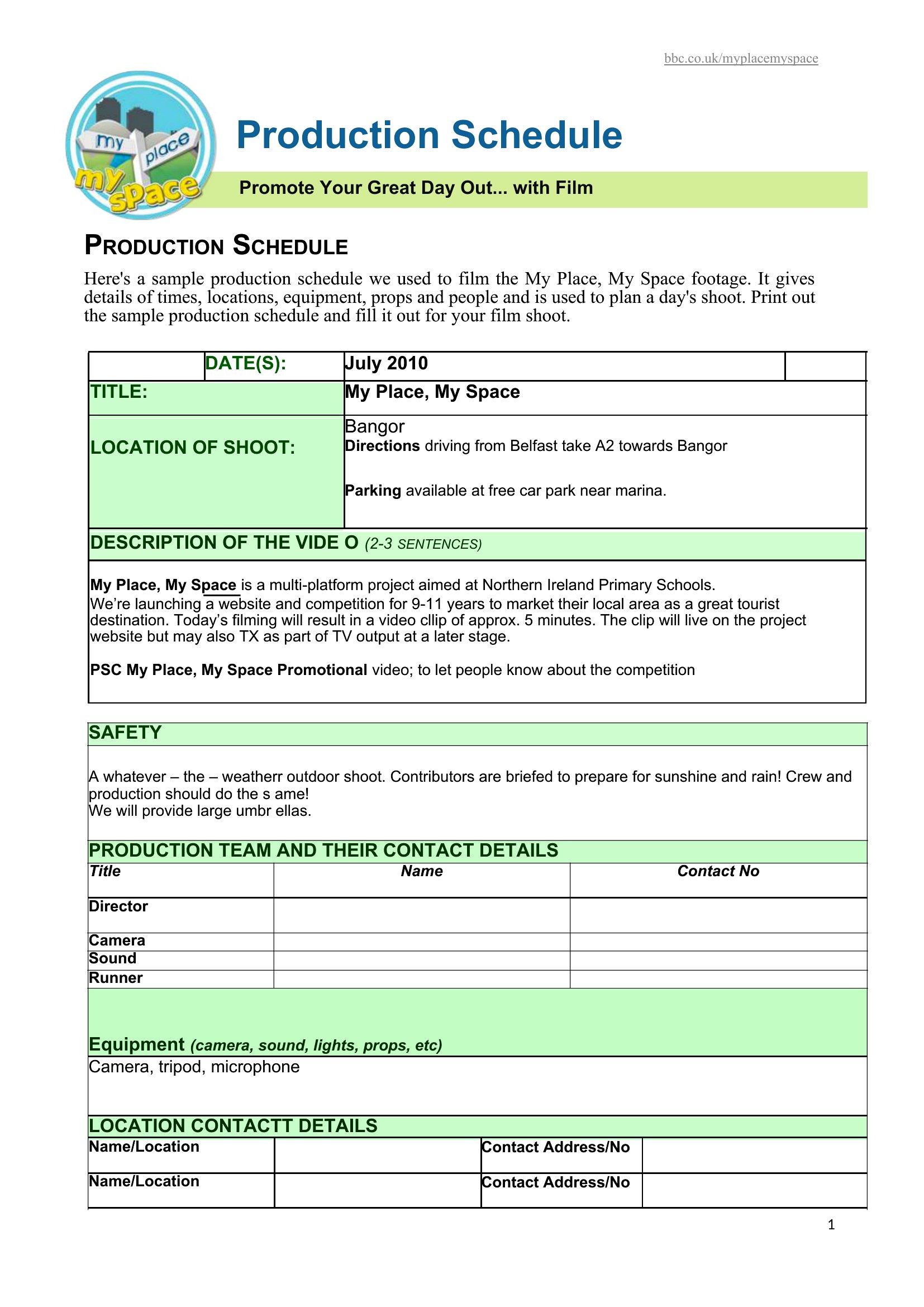
Start by identifying tasks tied to that resource in the schedule. In Excel, filter dependent tasks and reschedule them to the next available slot or reassign them using the drop-down menus. In Word or PDF formats, manually update the timeline and note the change in a revision section for team communication.
Can I use these templates to track both internal tasks and third-party vendor milestones?
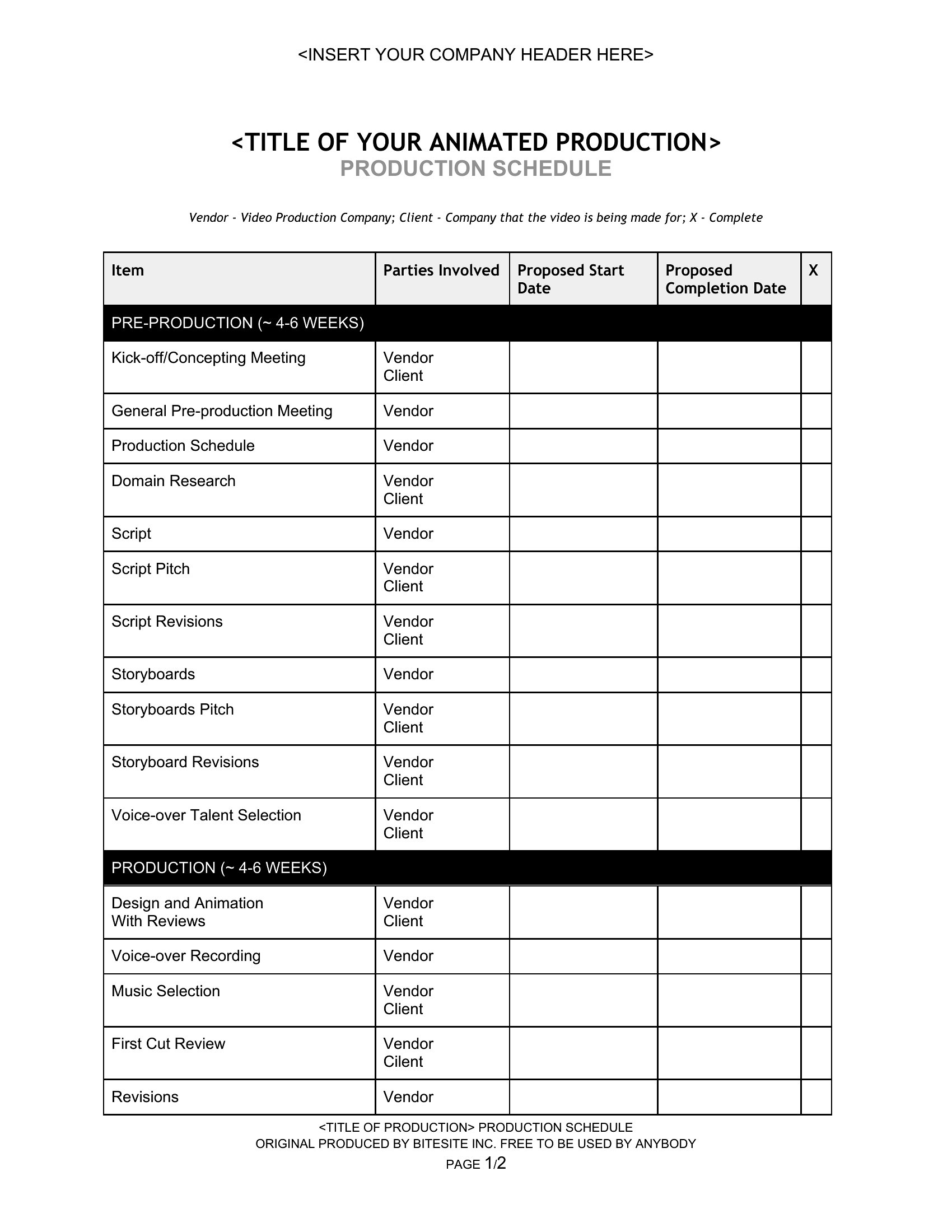
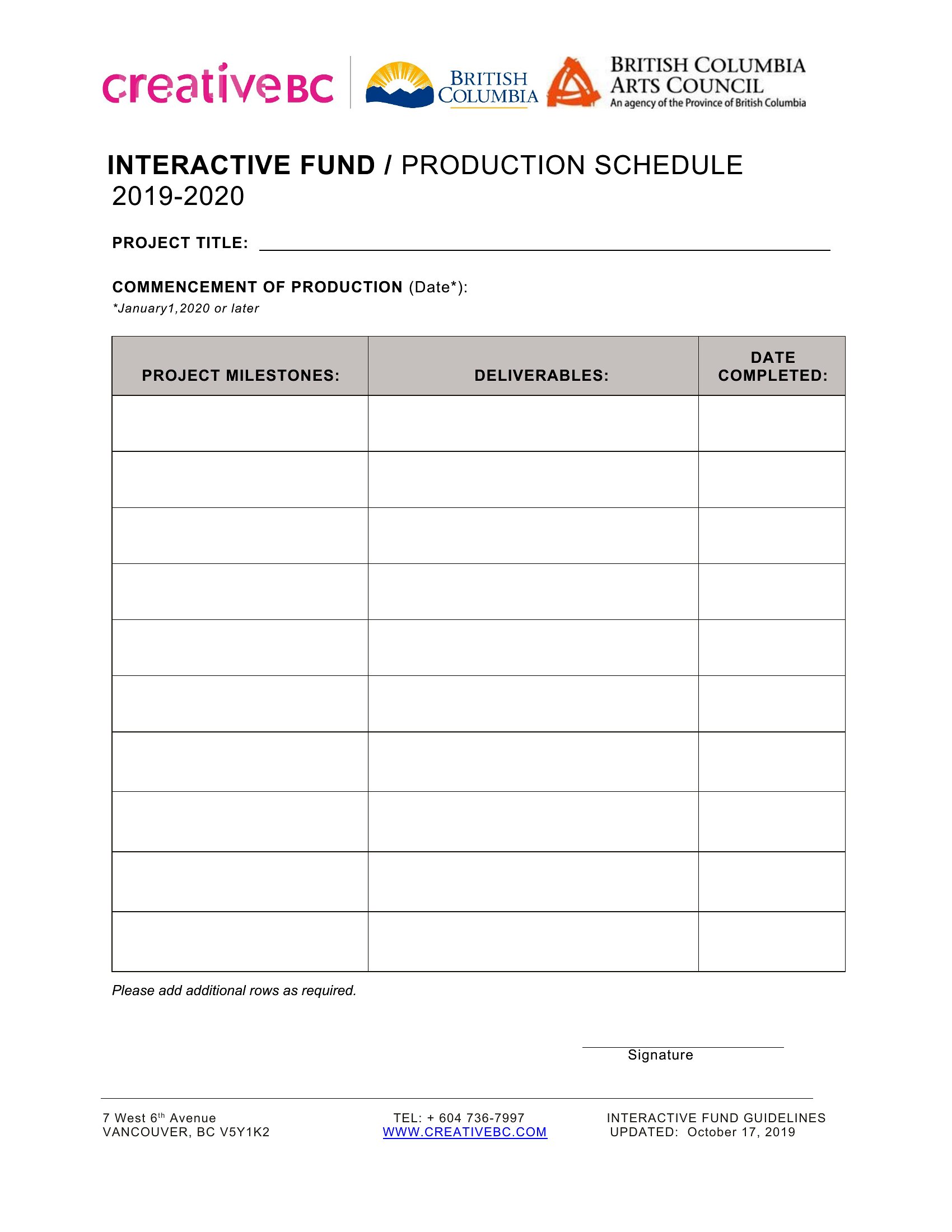
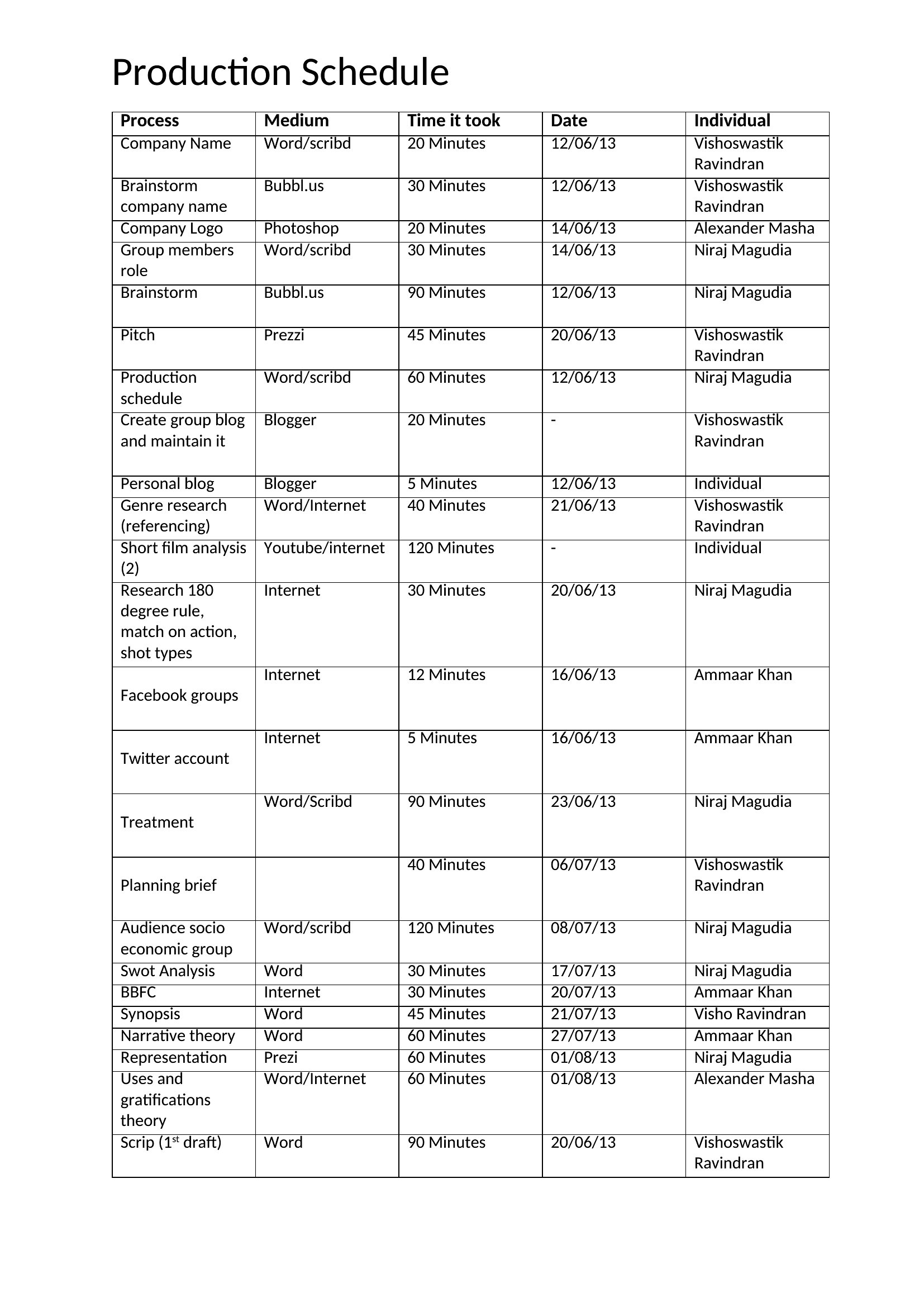
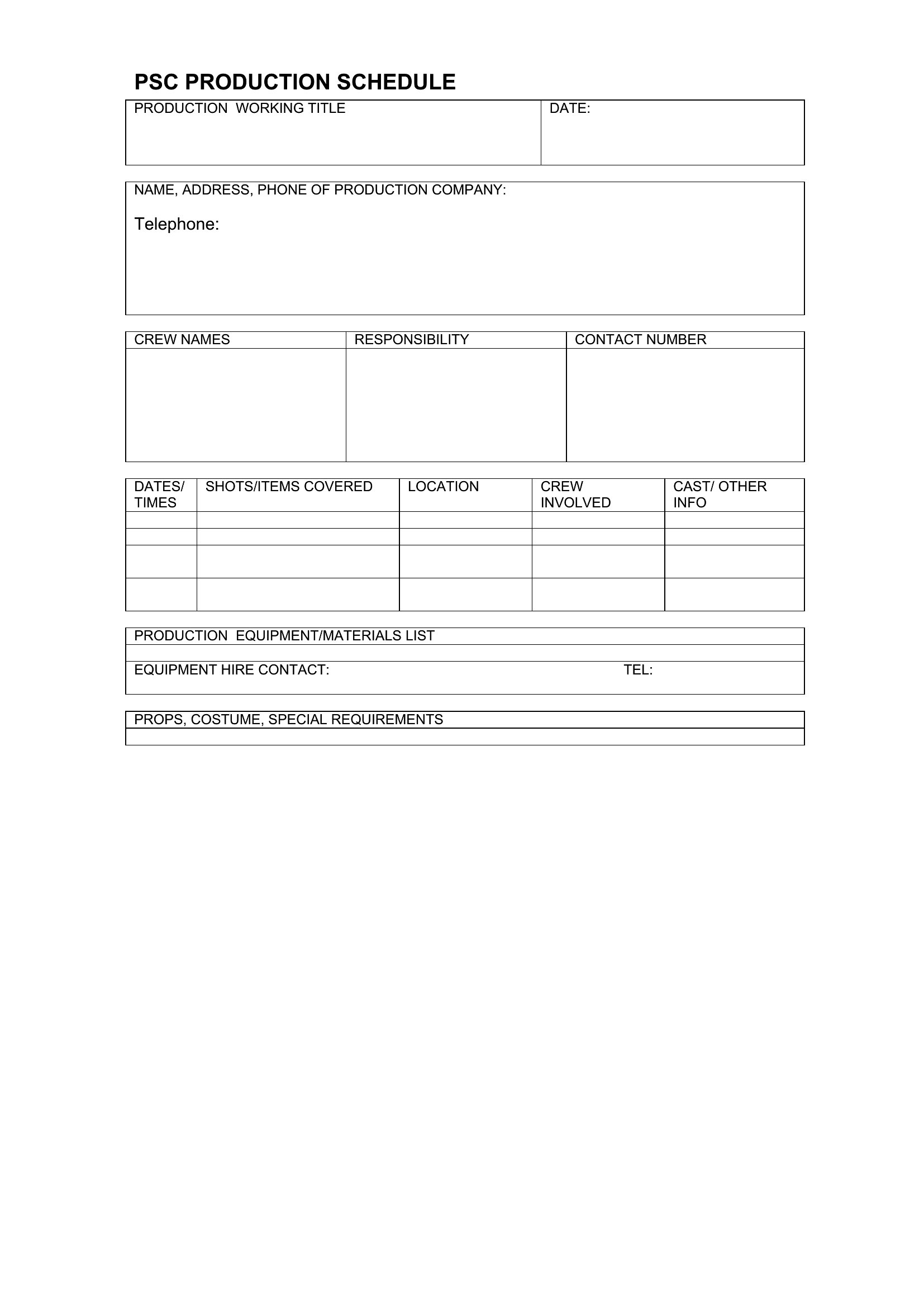
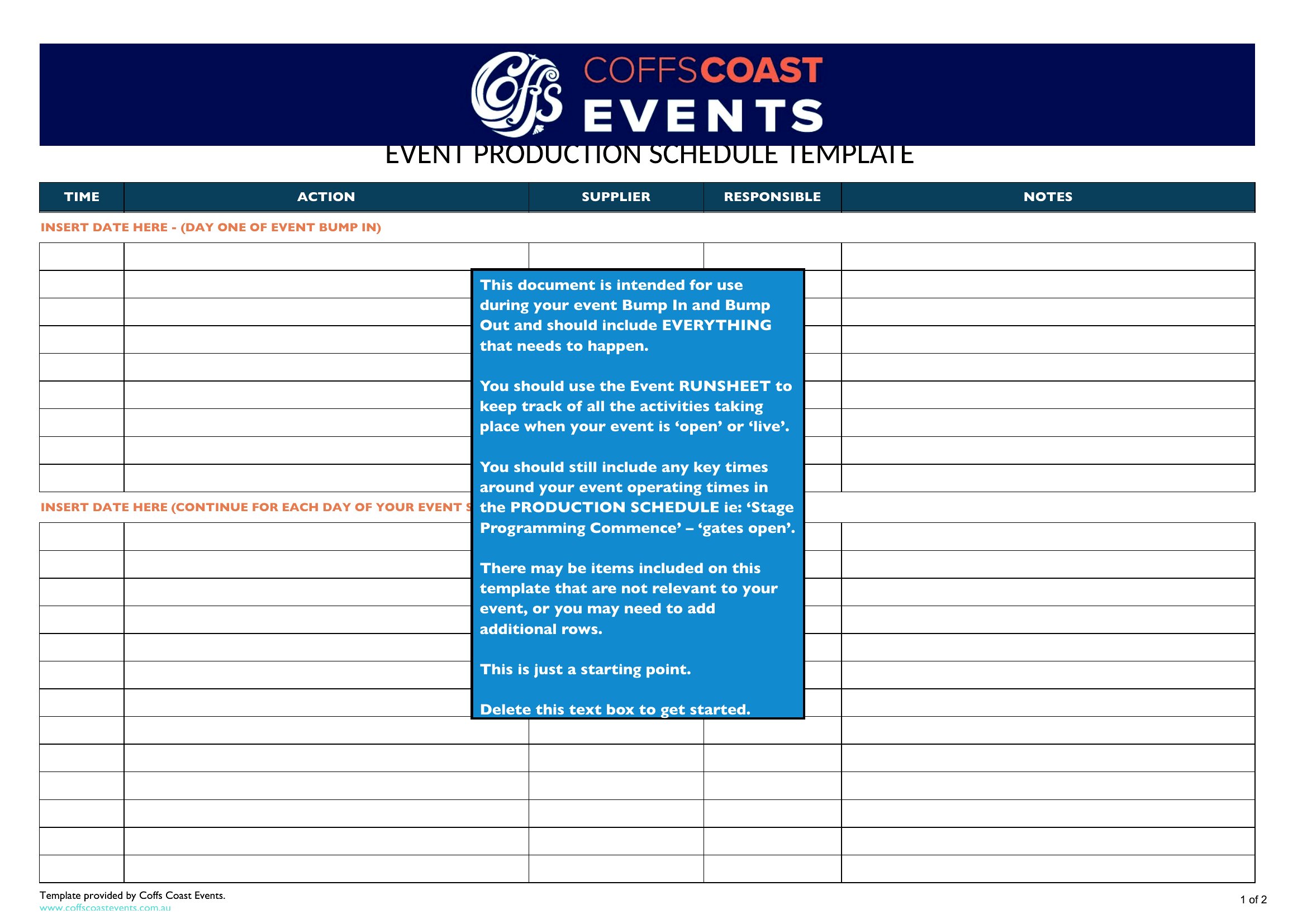
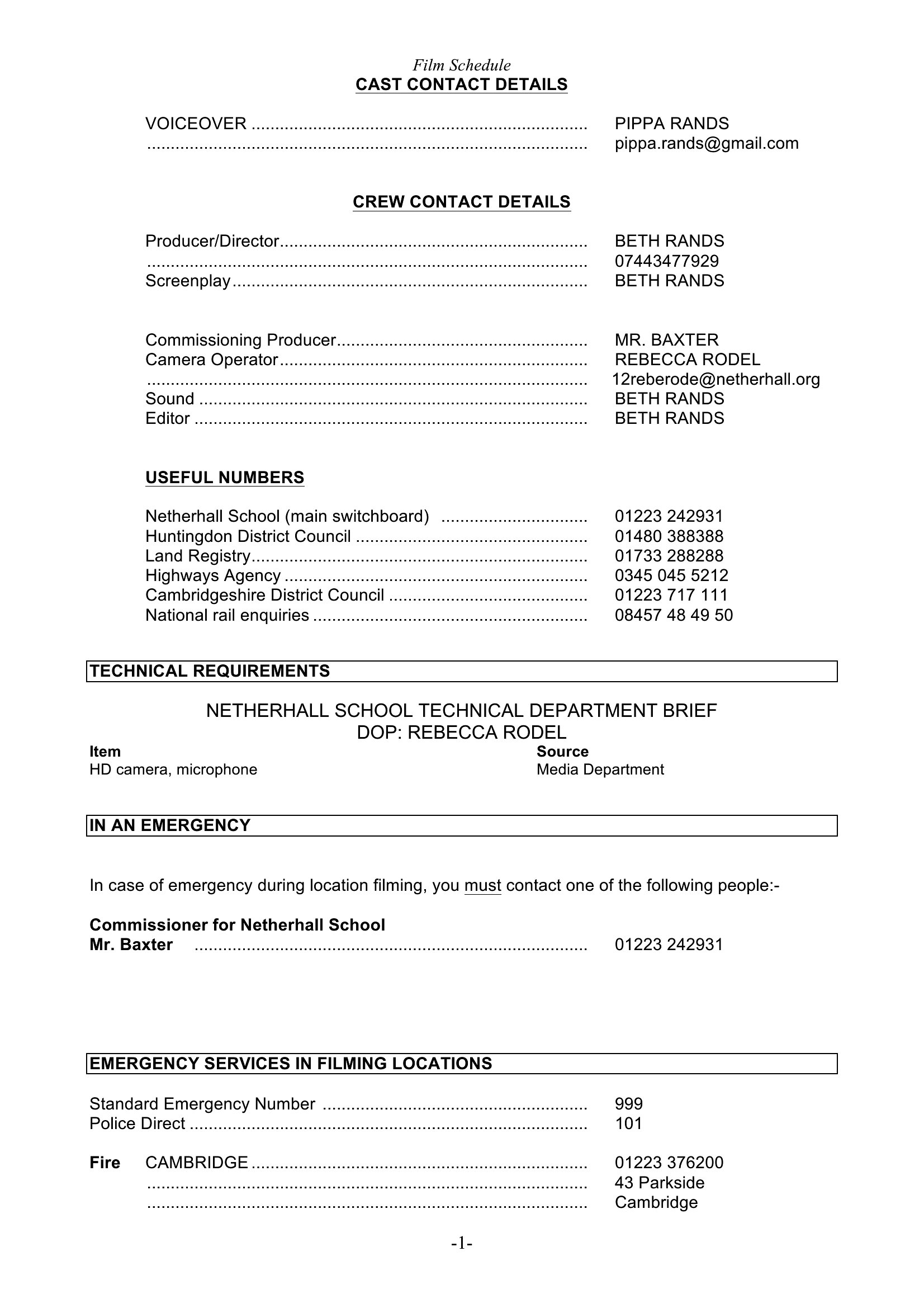
Yes. Excel templates include columns for task owners, which you can label as ‘Internal’ or ‘Vendor.’ Add a separate tab for vendor-specific deadlines and link critical milestones to internal tasks using dependency arrows. Word versions allow you to group sections by stakeholder for clarity.
What’s the best way to share a production schedule with stakeholders who don’t have scheduling software?
Export the schedule as a PDF to preserve formatting and lock in deadlines. For collaborative input, use the Word version and save it to a shared drive with comments enabled. Avoid Excel for stakeholders without spreadsheets—it can lead to formatting errors or confusion over linked cells.
Comments
Join the conversation
Sign in to share your thoughts and leave a comment on this resource.