Skip to content
50% off this one-time $1.99 pack with HALFOFF — or unlimited with Pro.HALFOFF
Premium

Free Physical Form for Work Templates (Word, PDF)

Applications
albaneschmitt by albaneschmitt
Updated 0 downloads 2 community comments

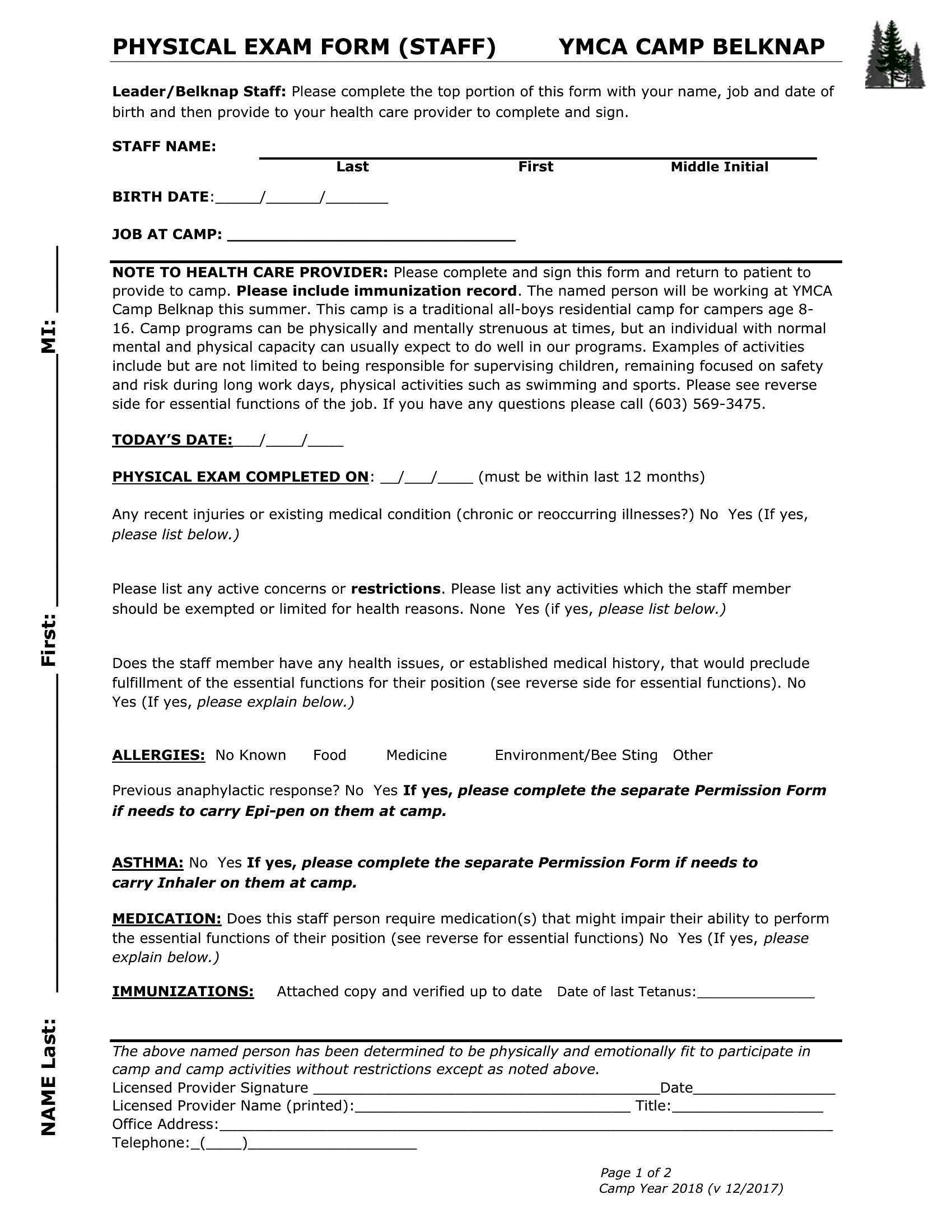
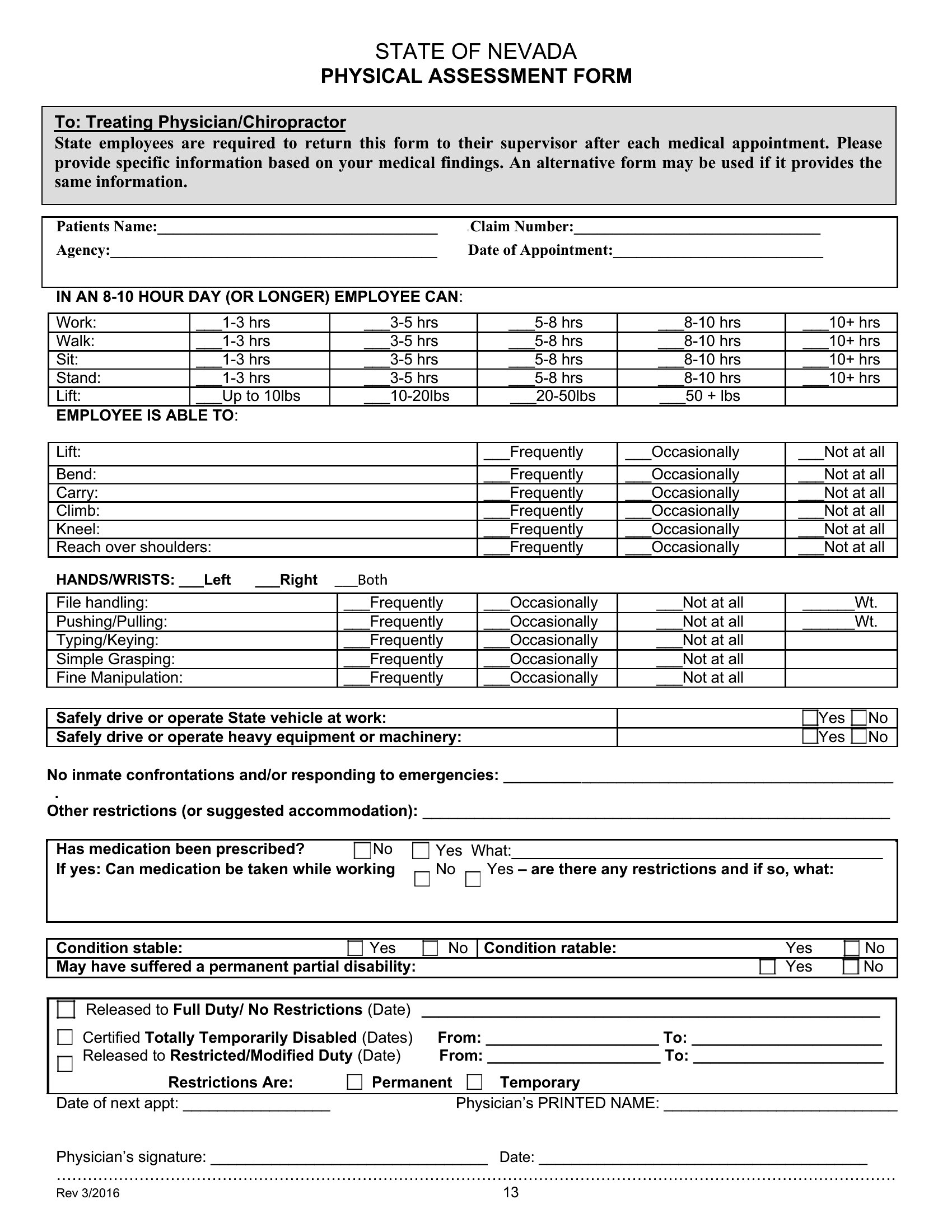
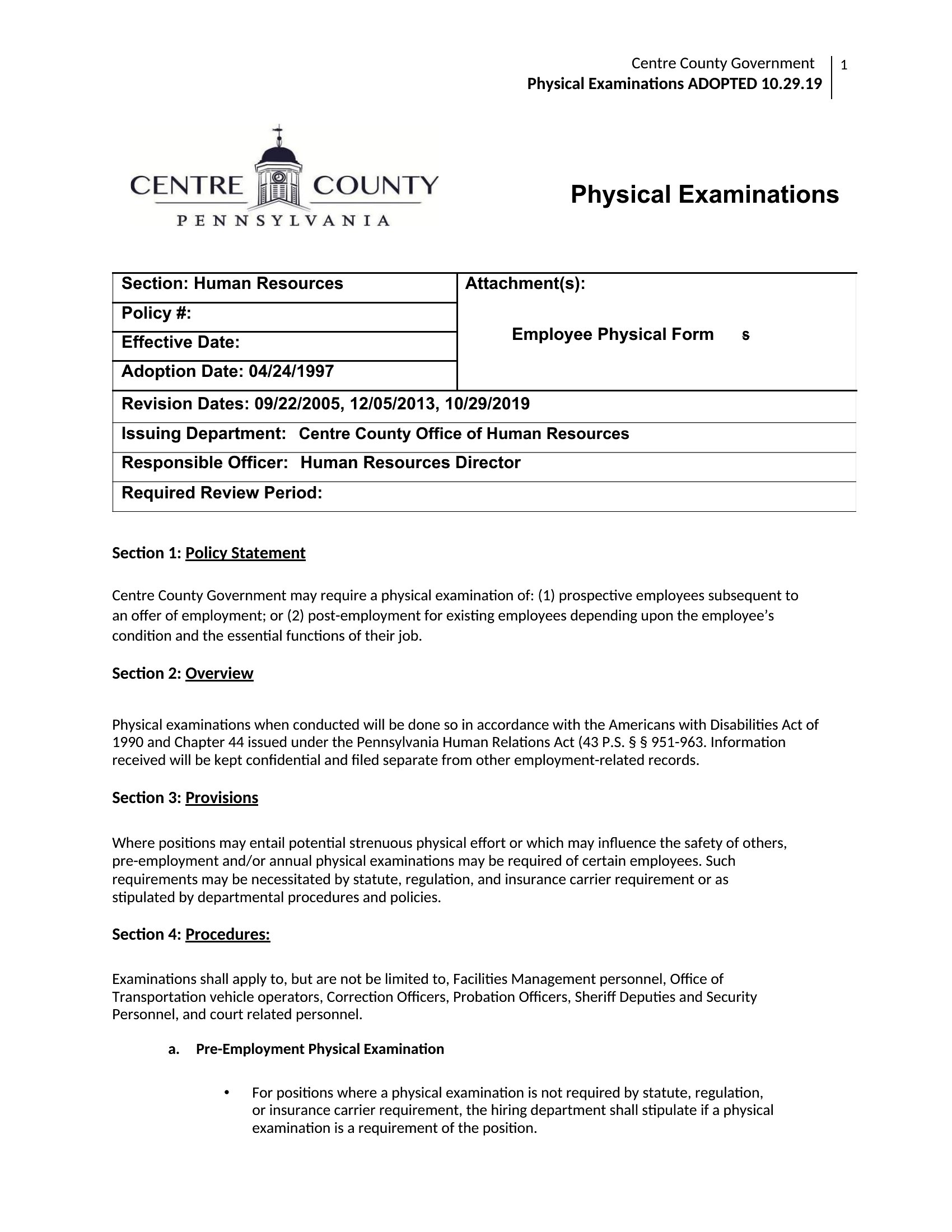
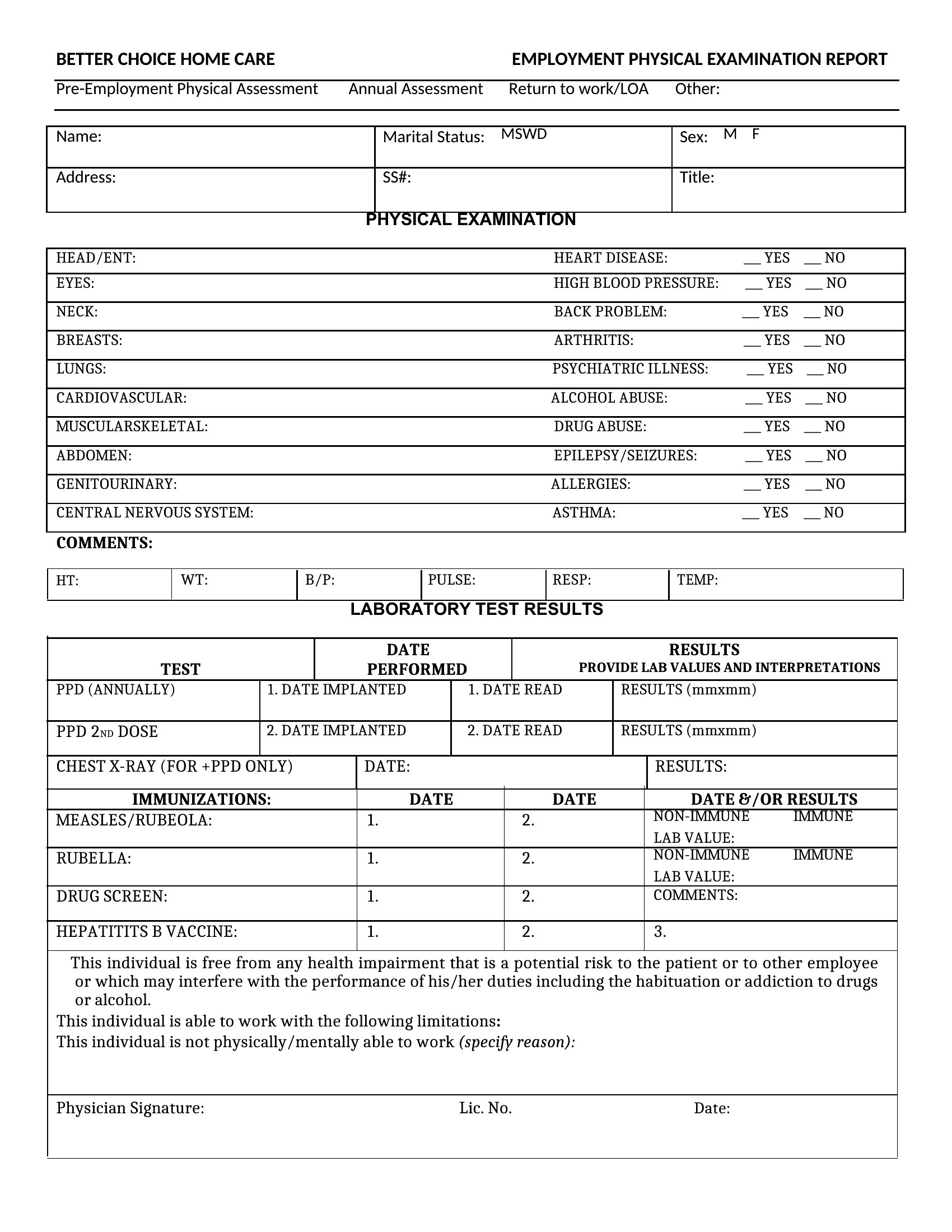
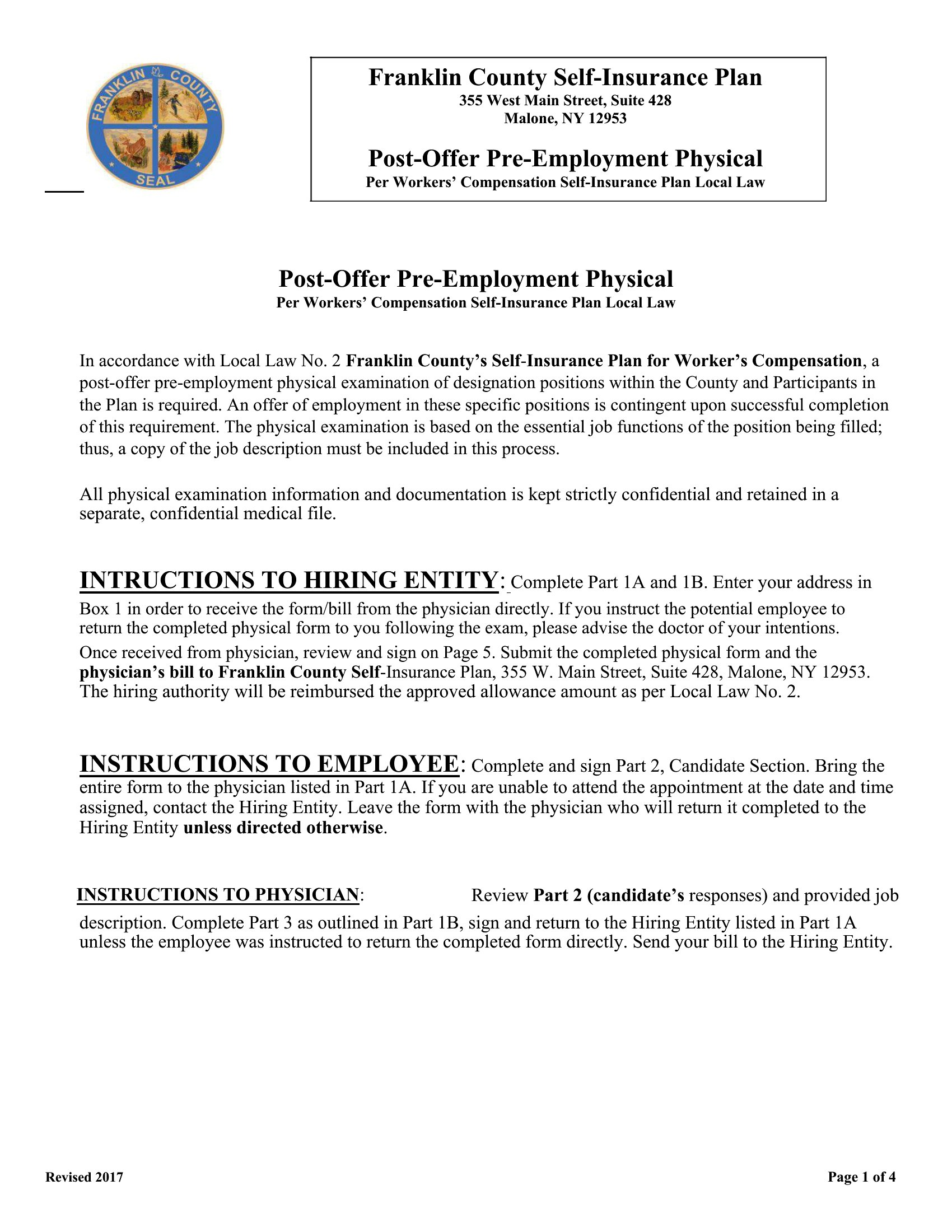
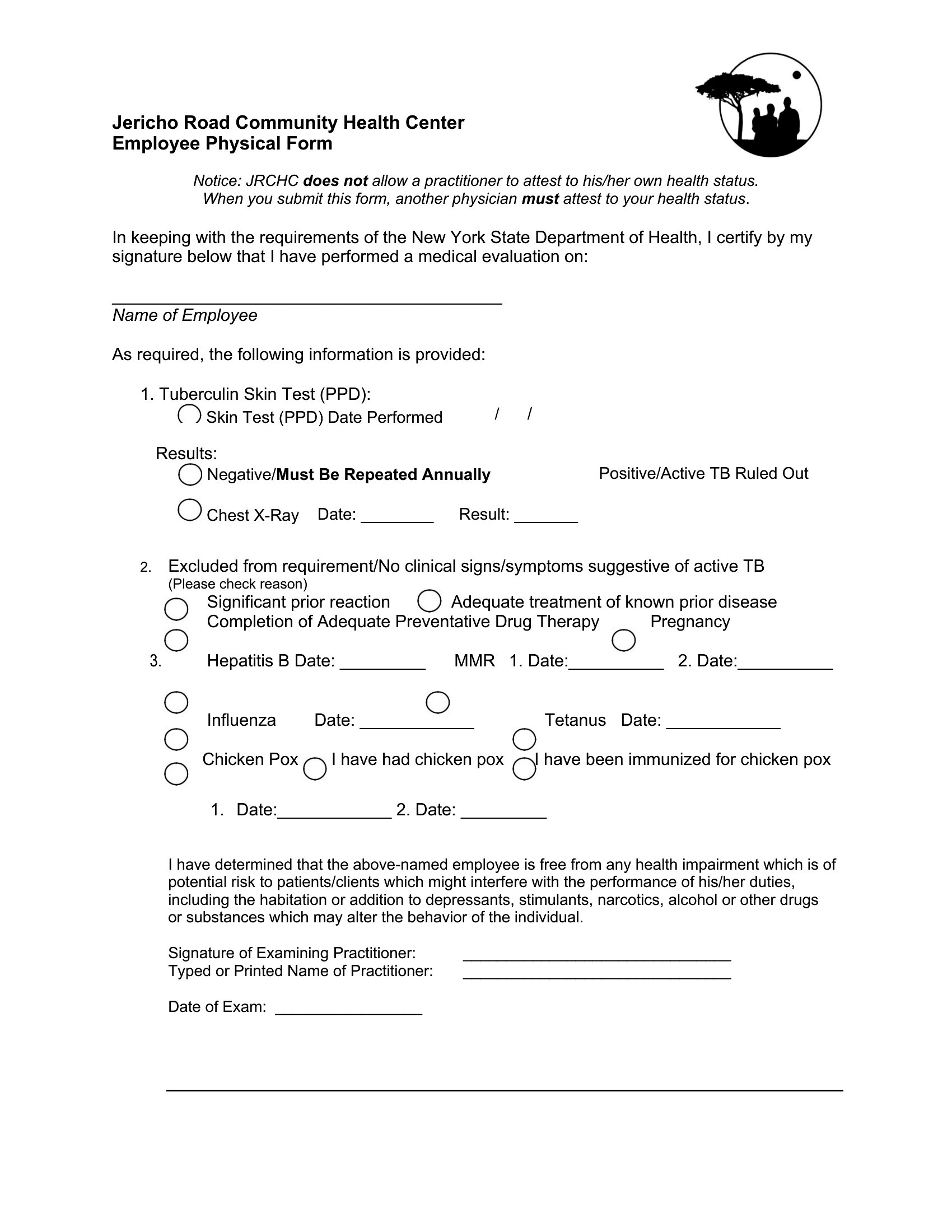
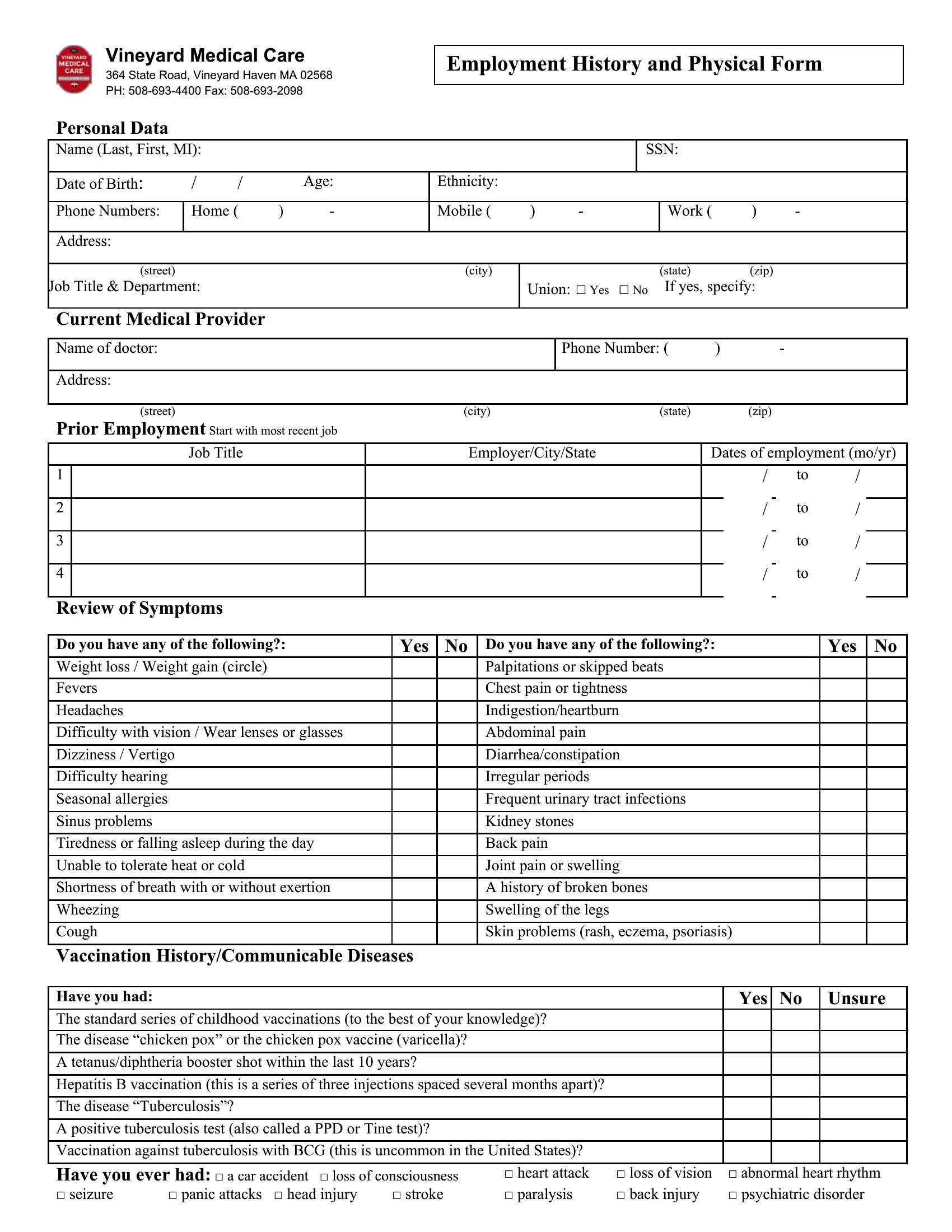
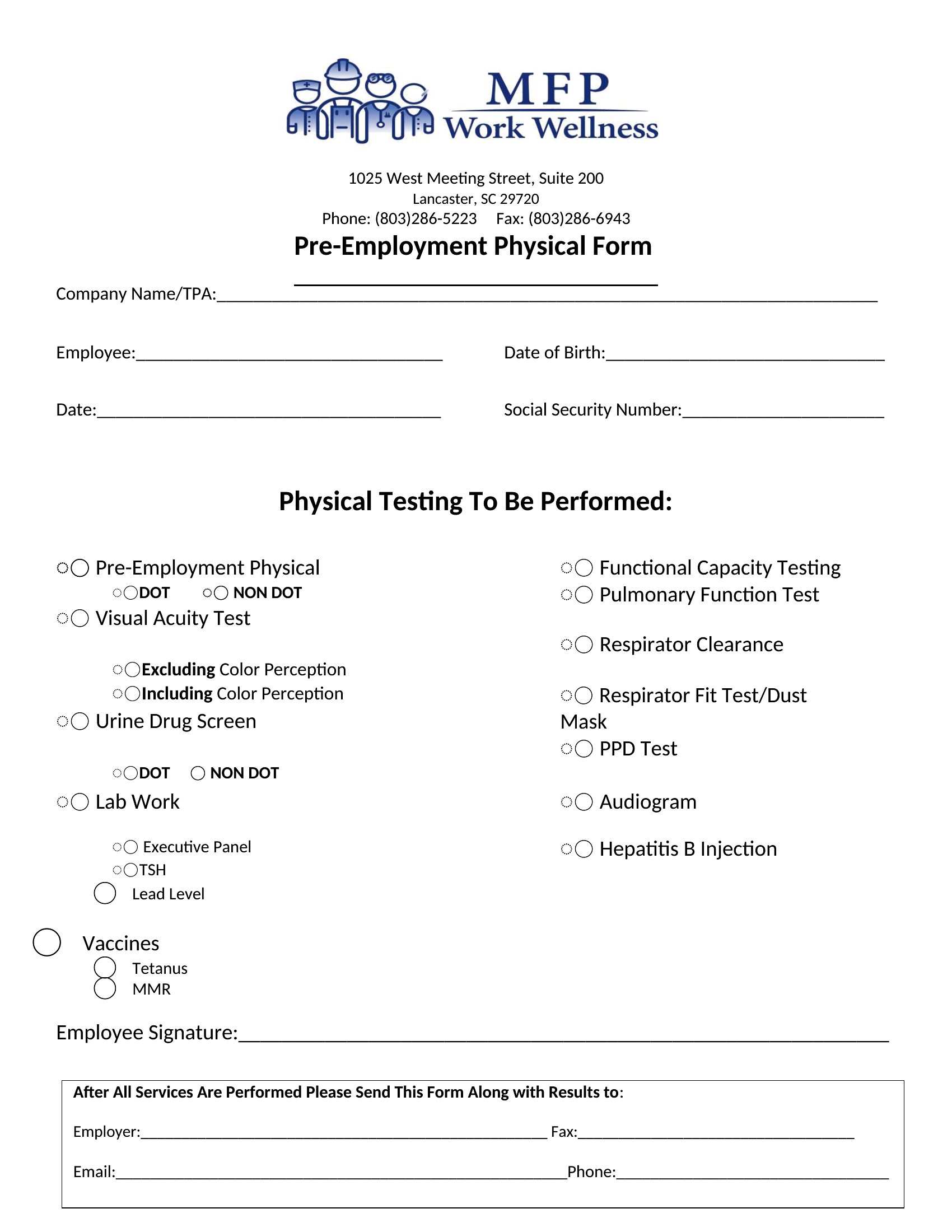
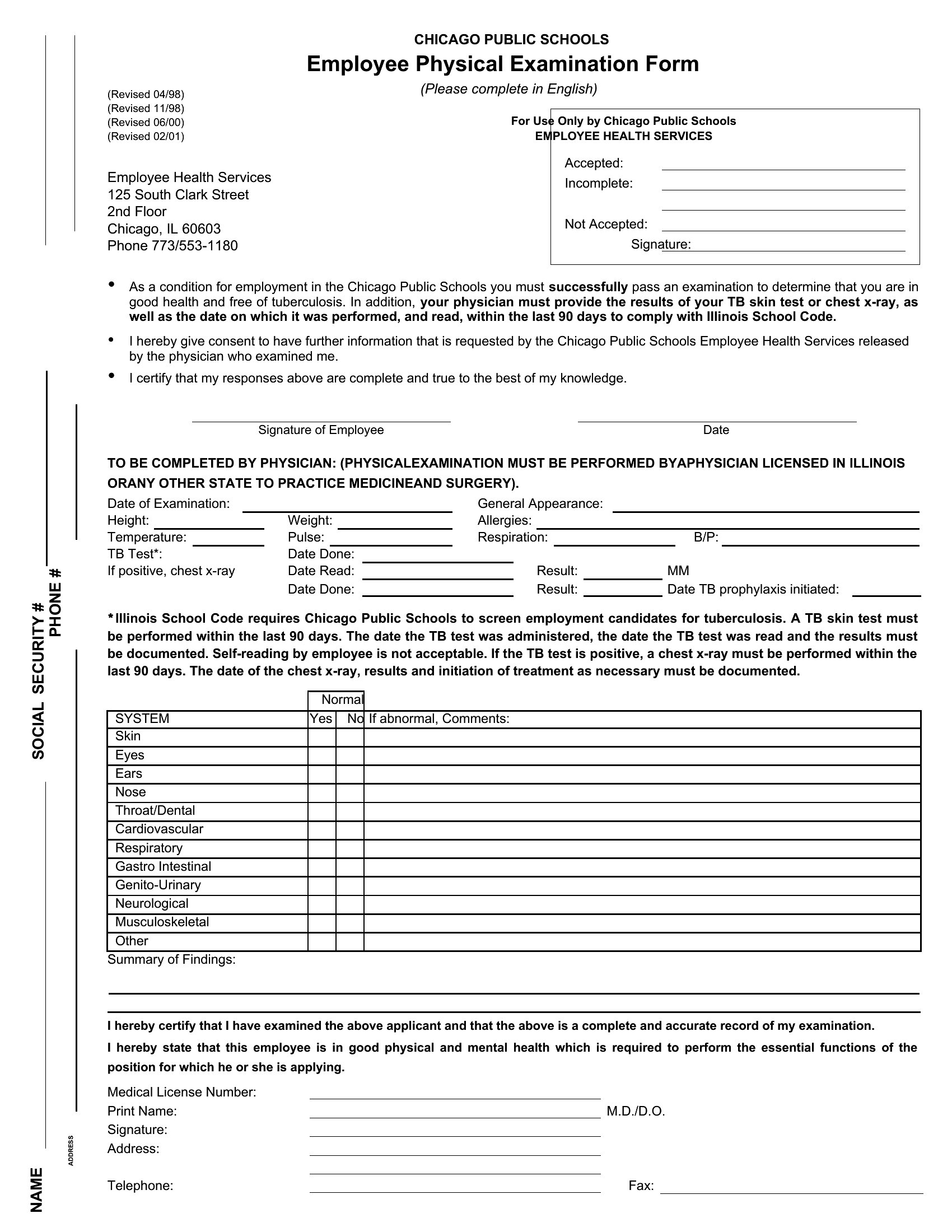
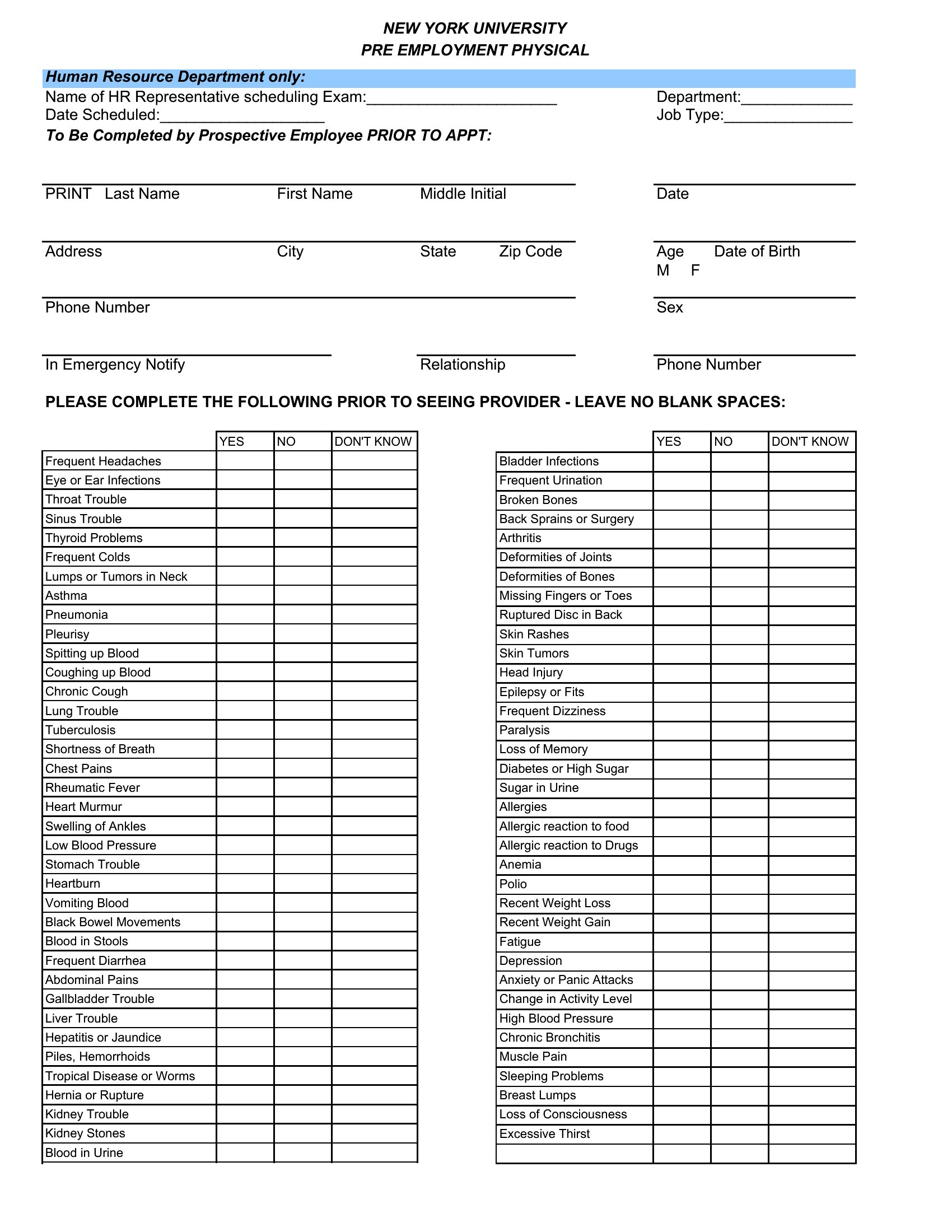
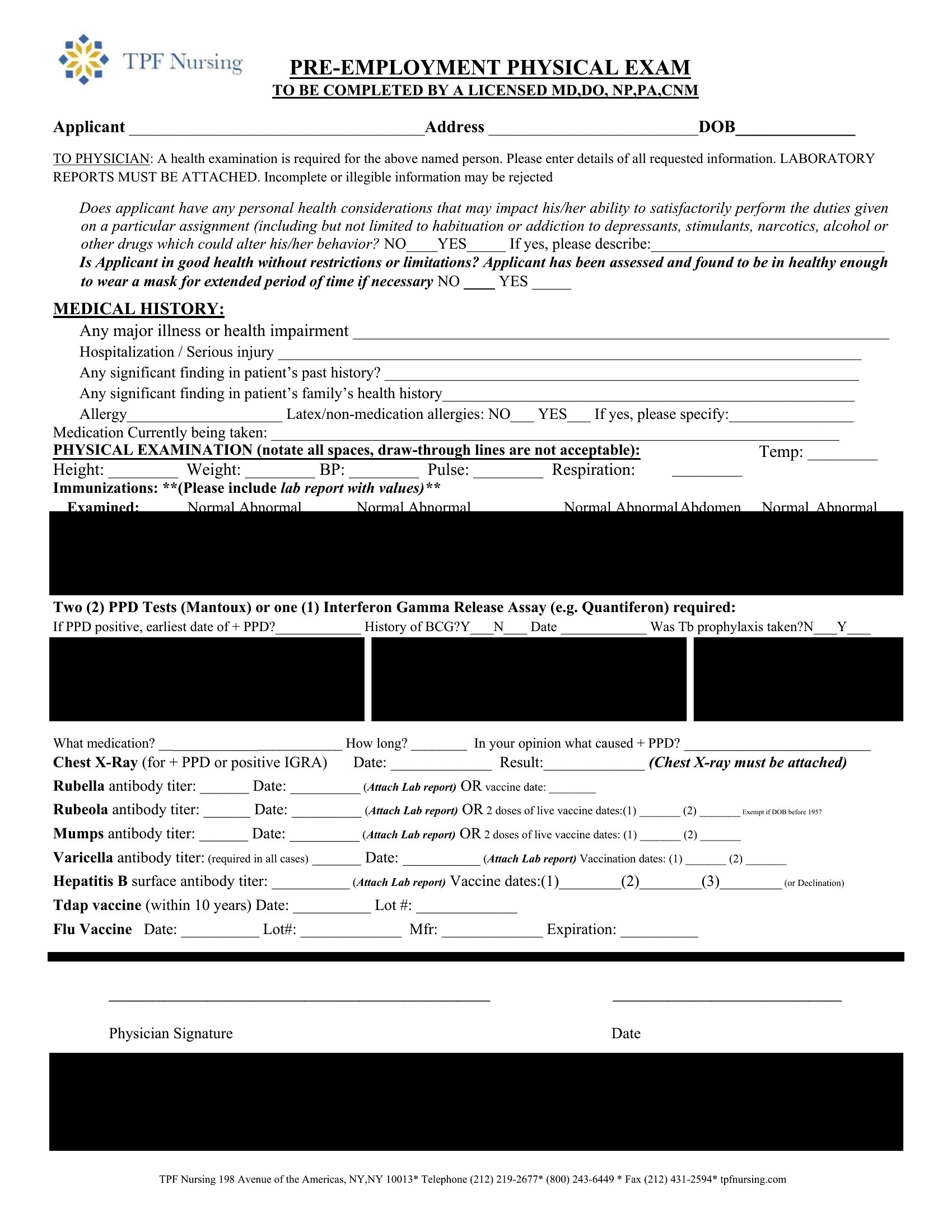
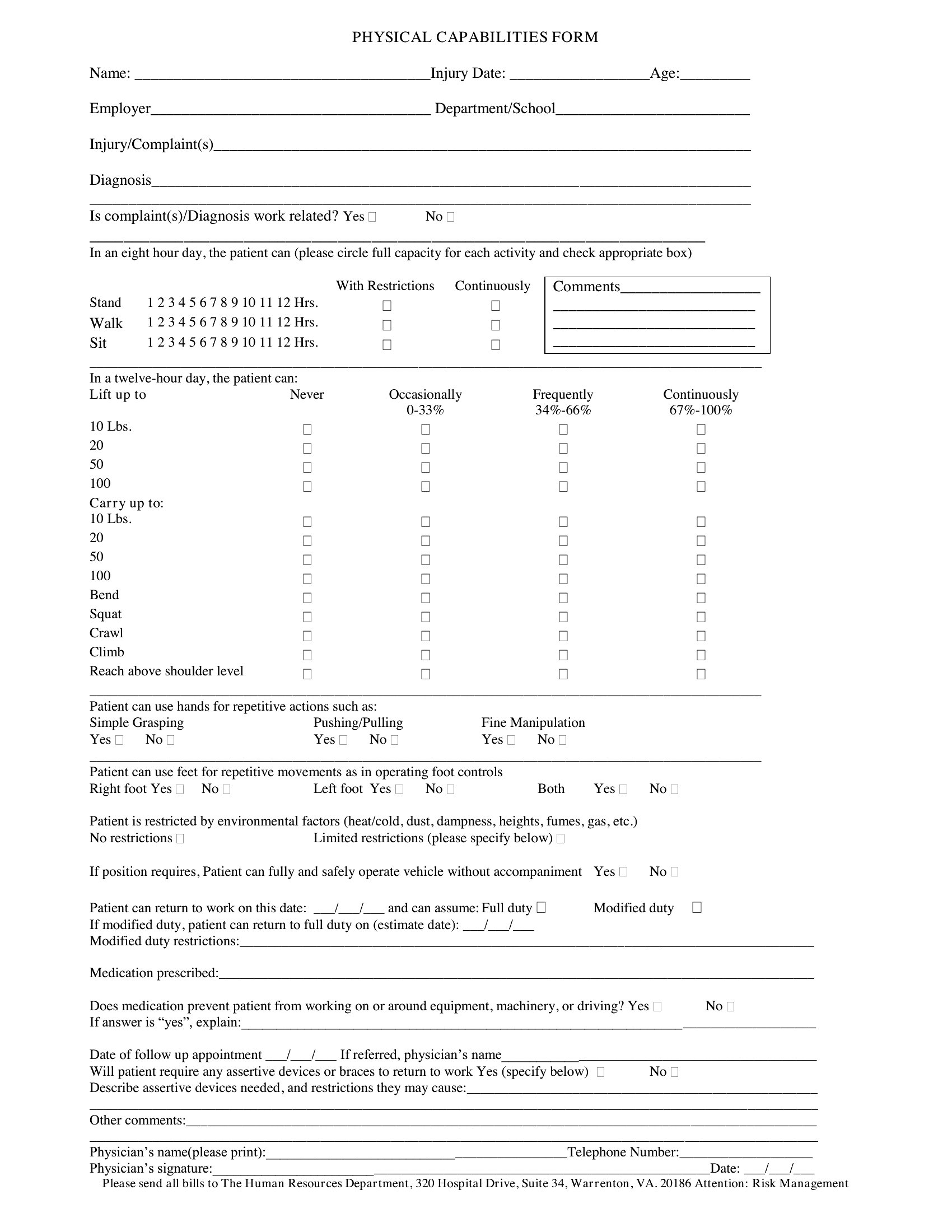
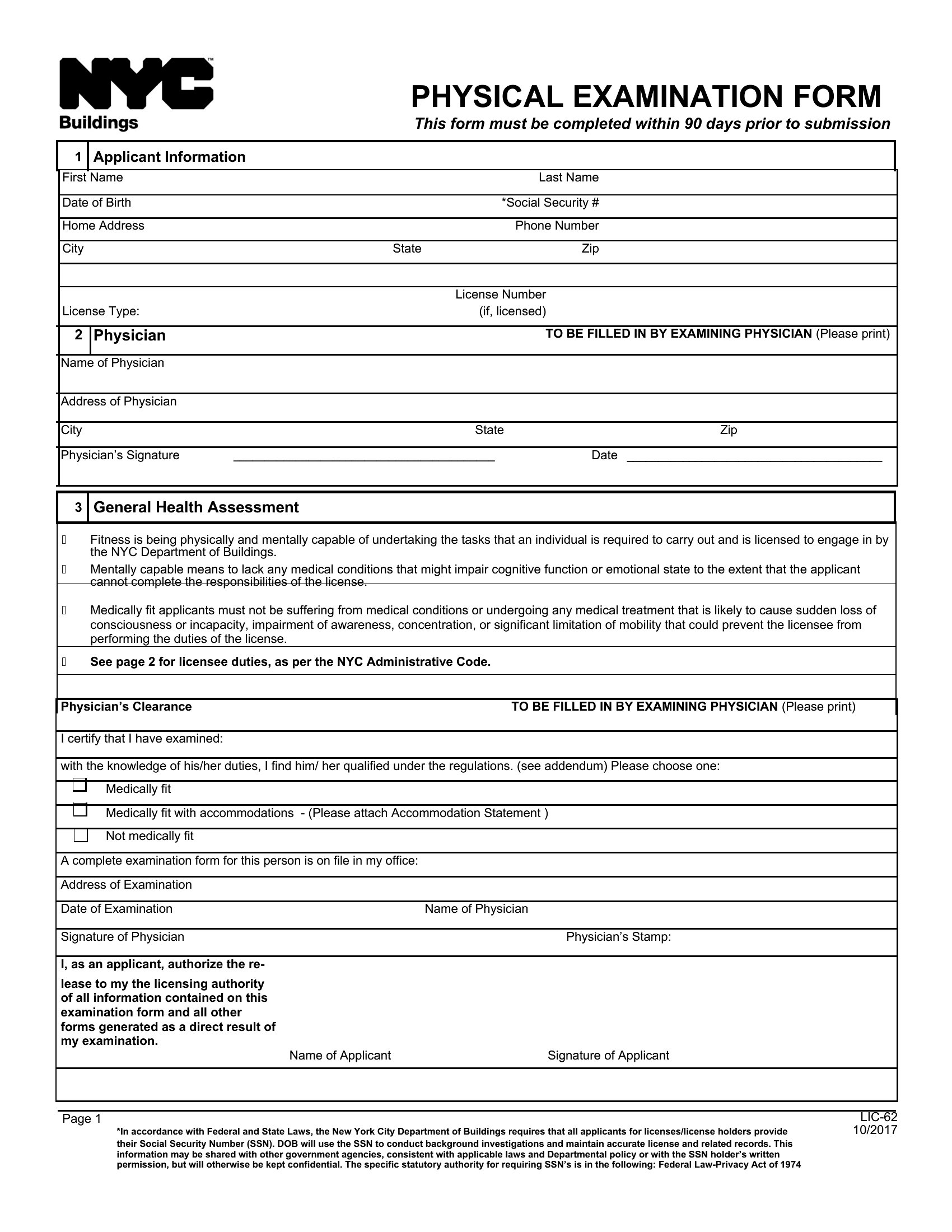
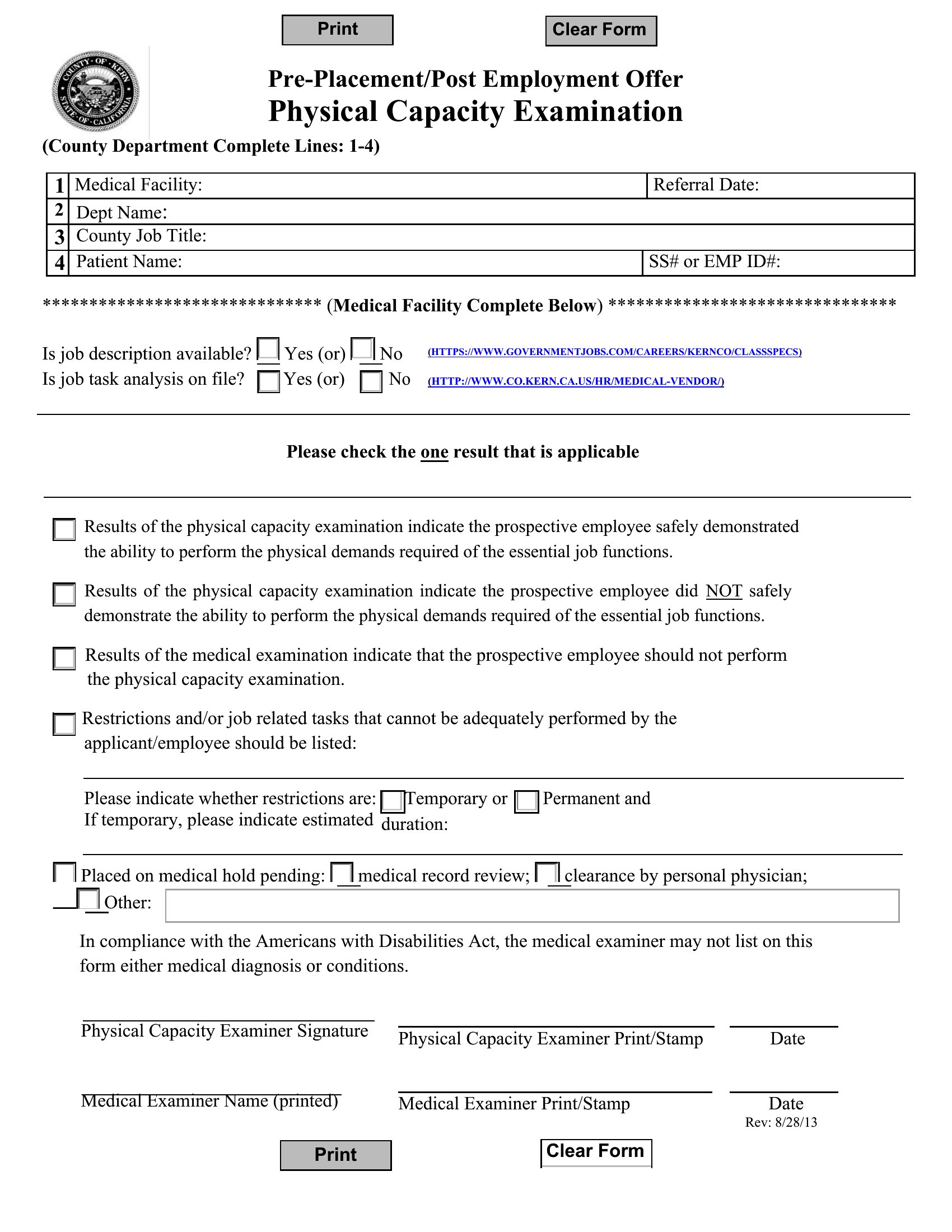
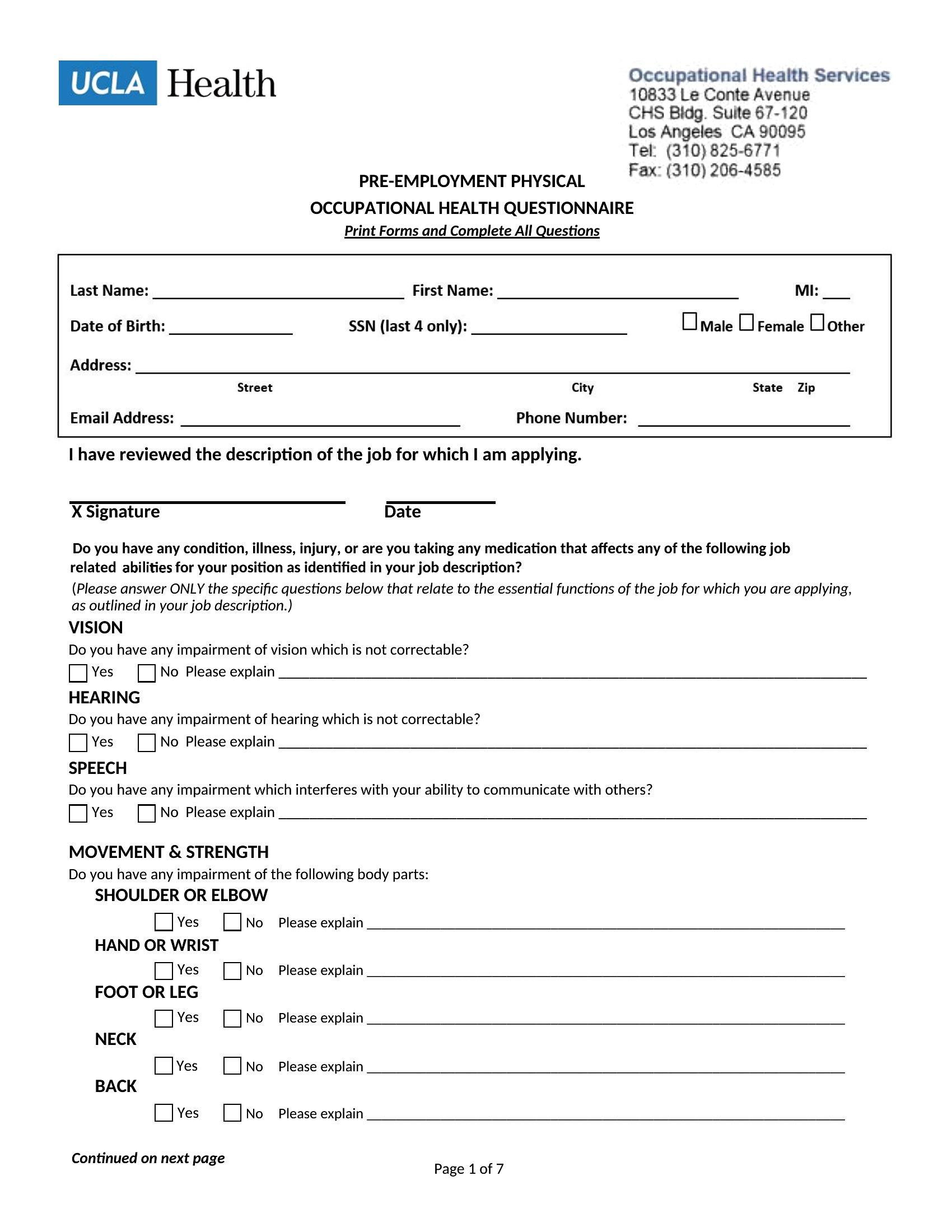
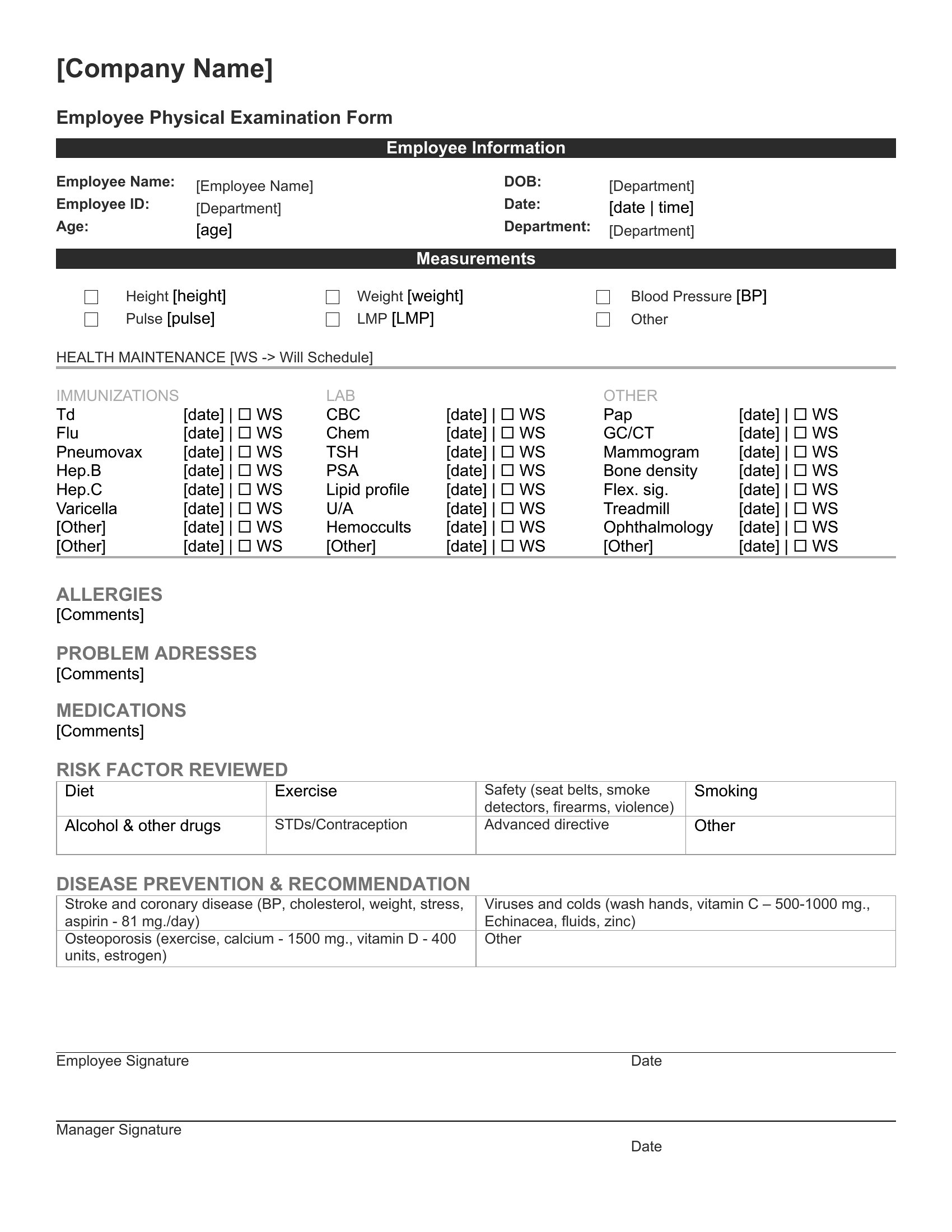
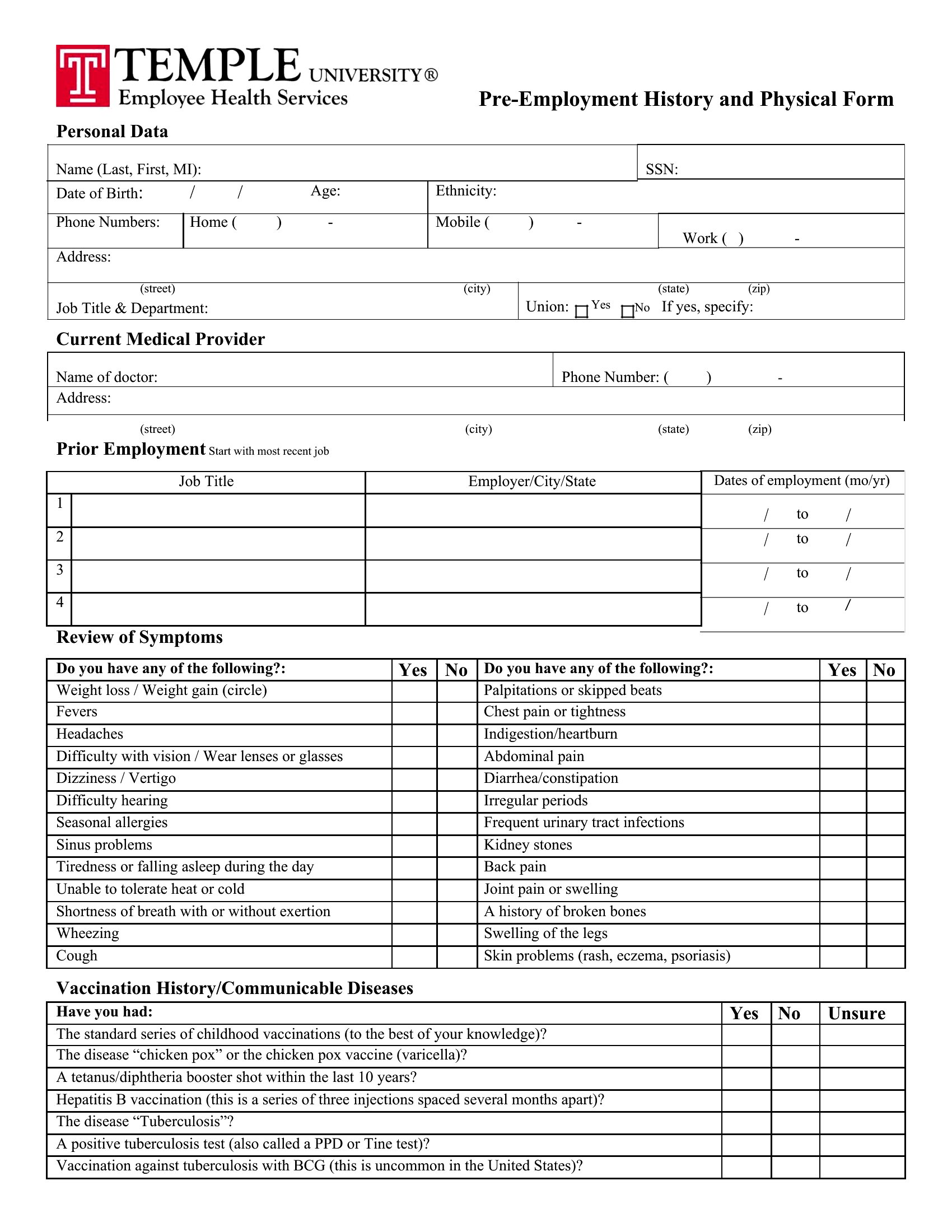
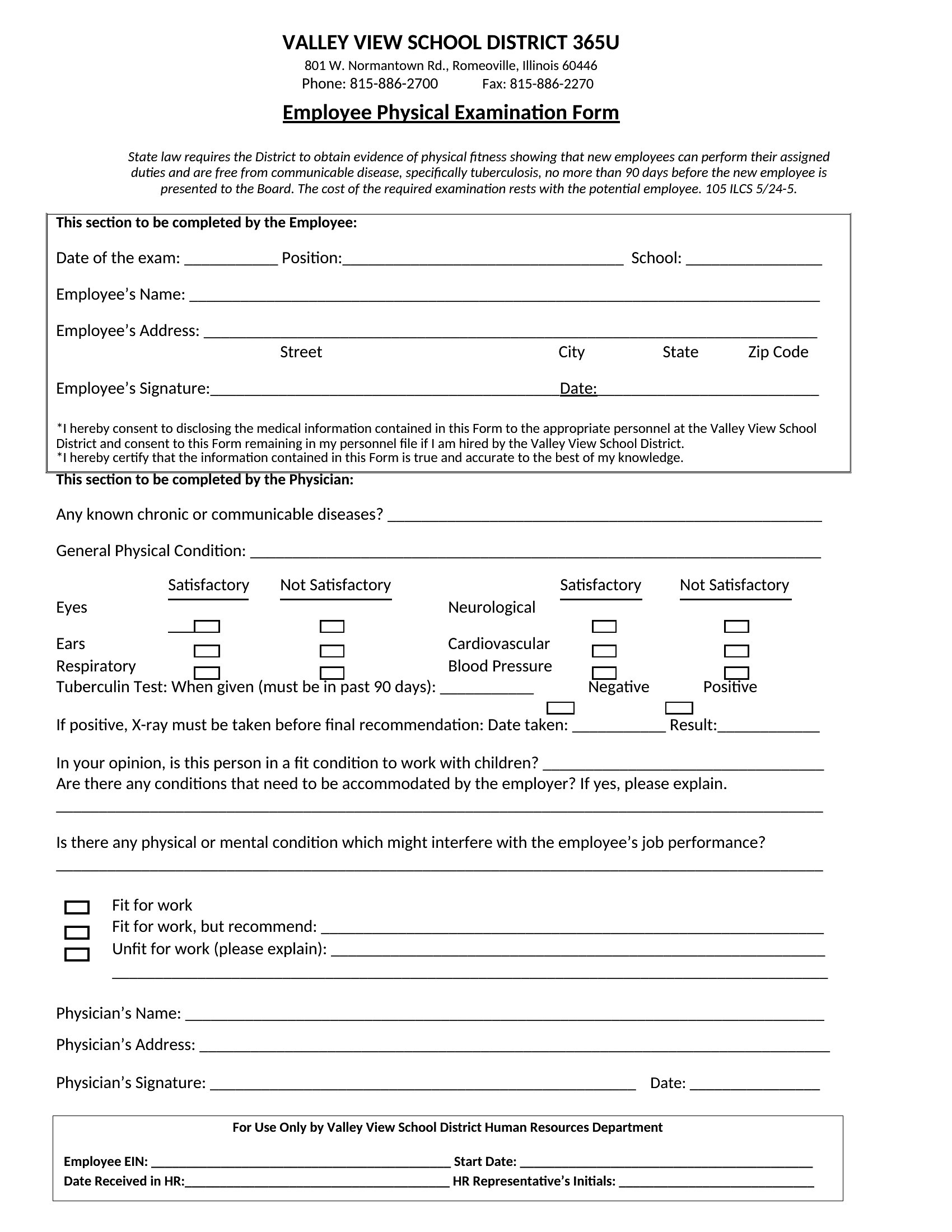
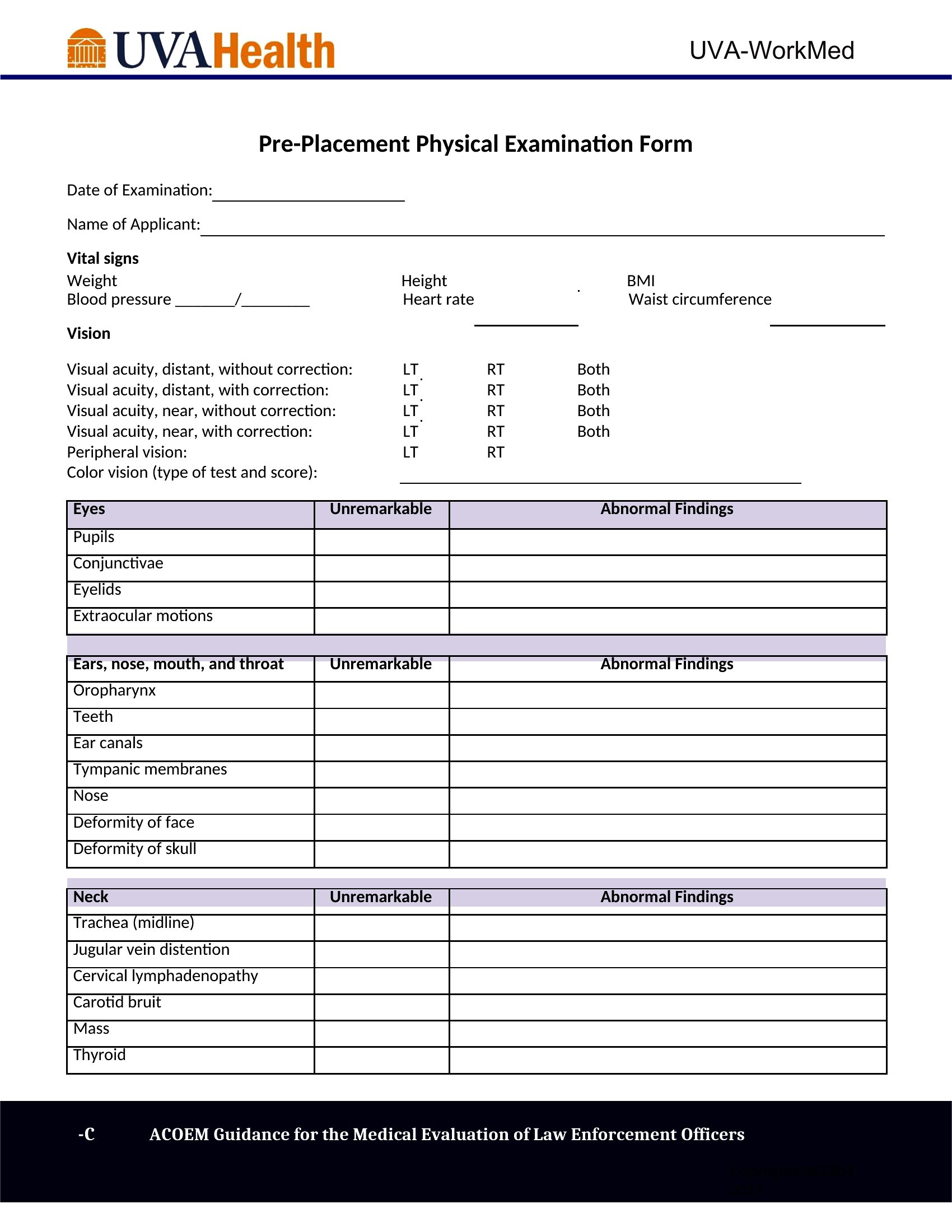
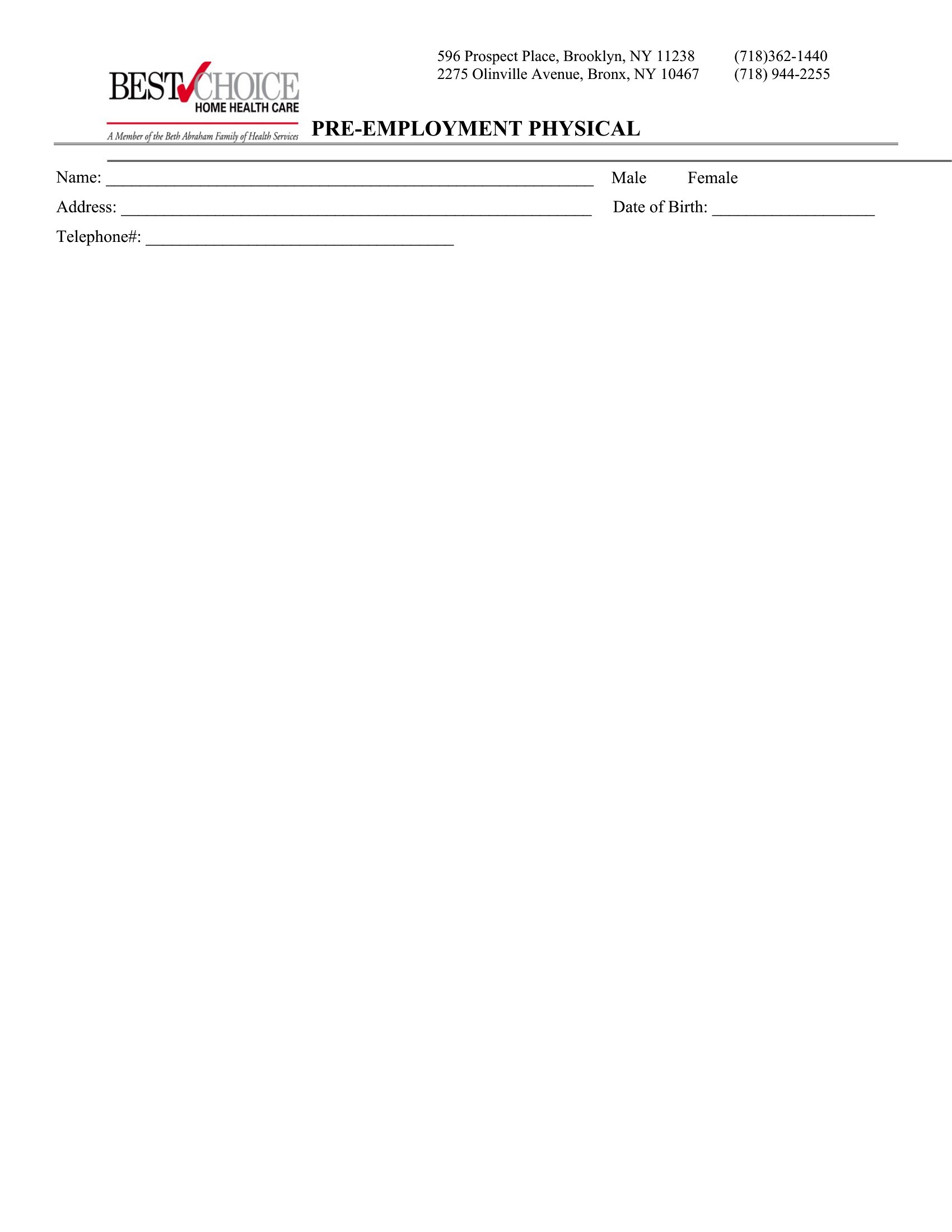
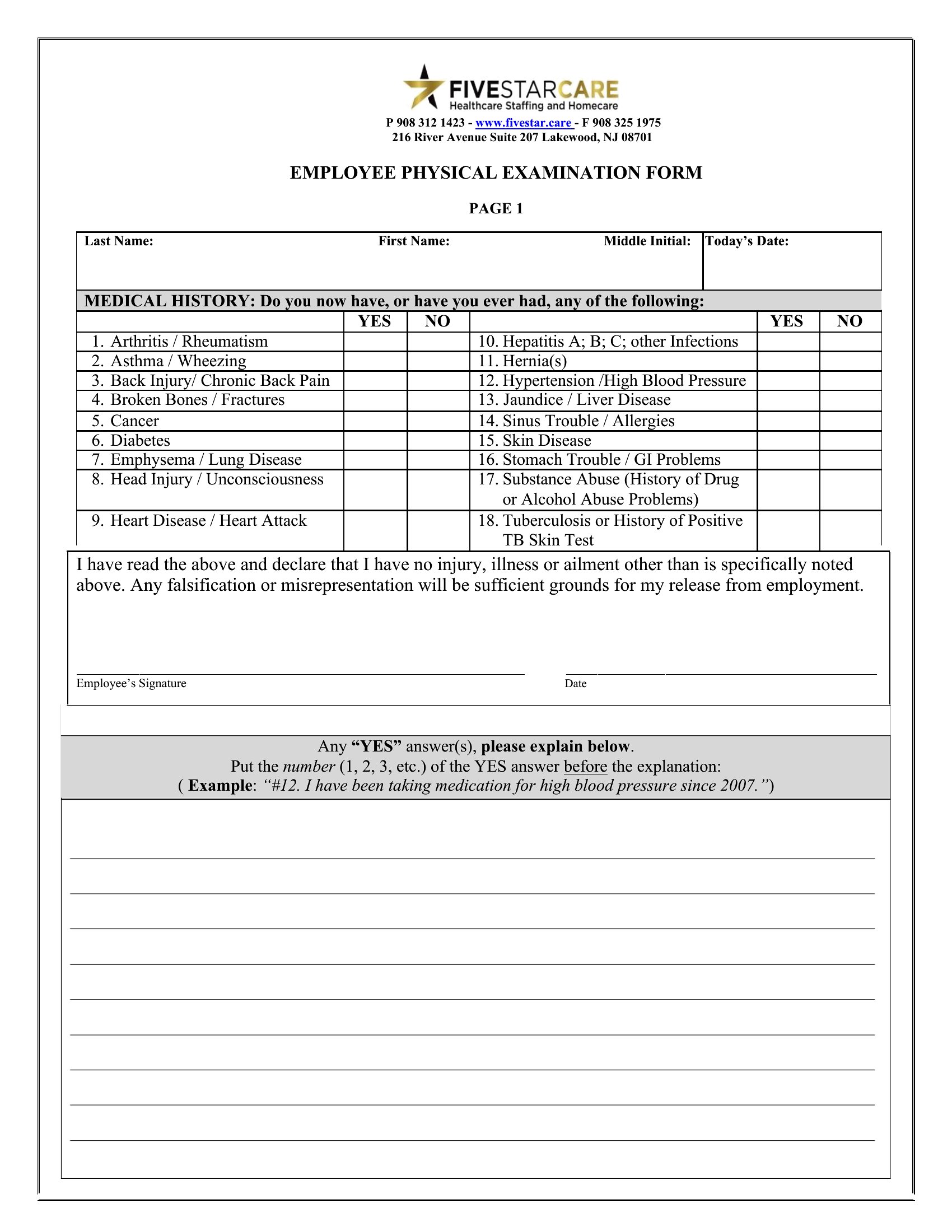
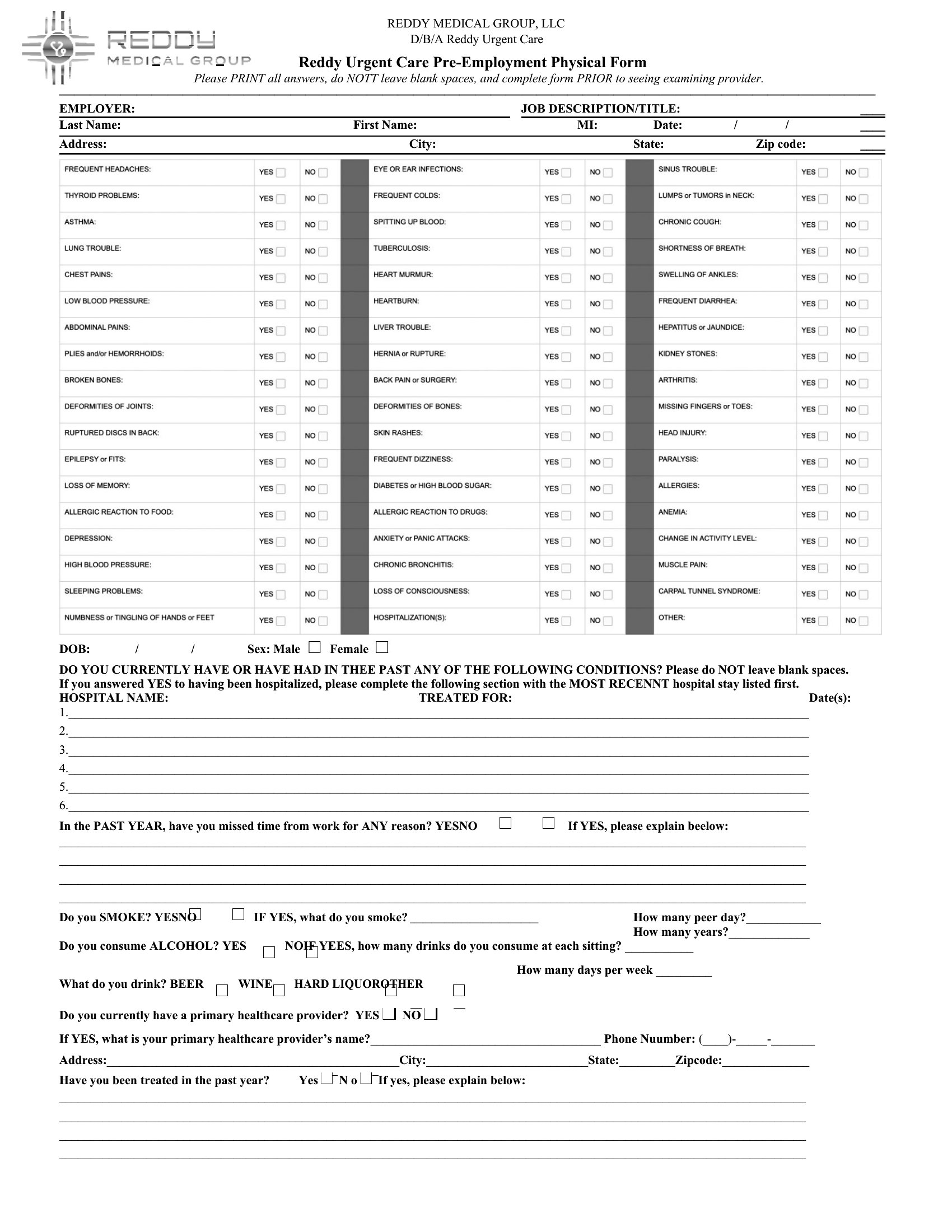
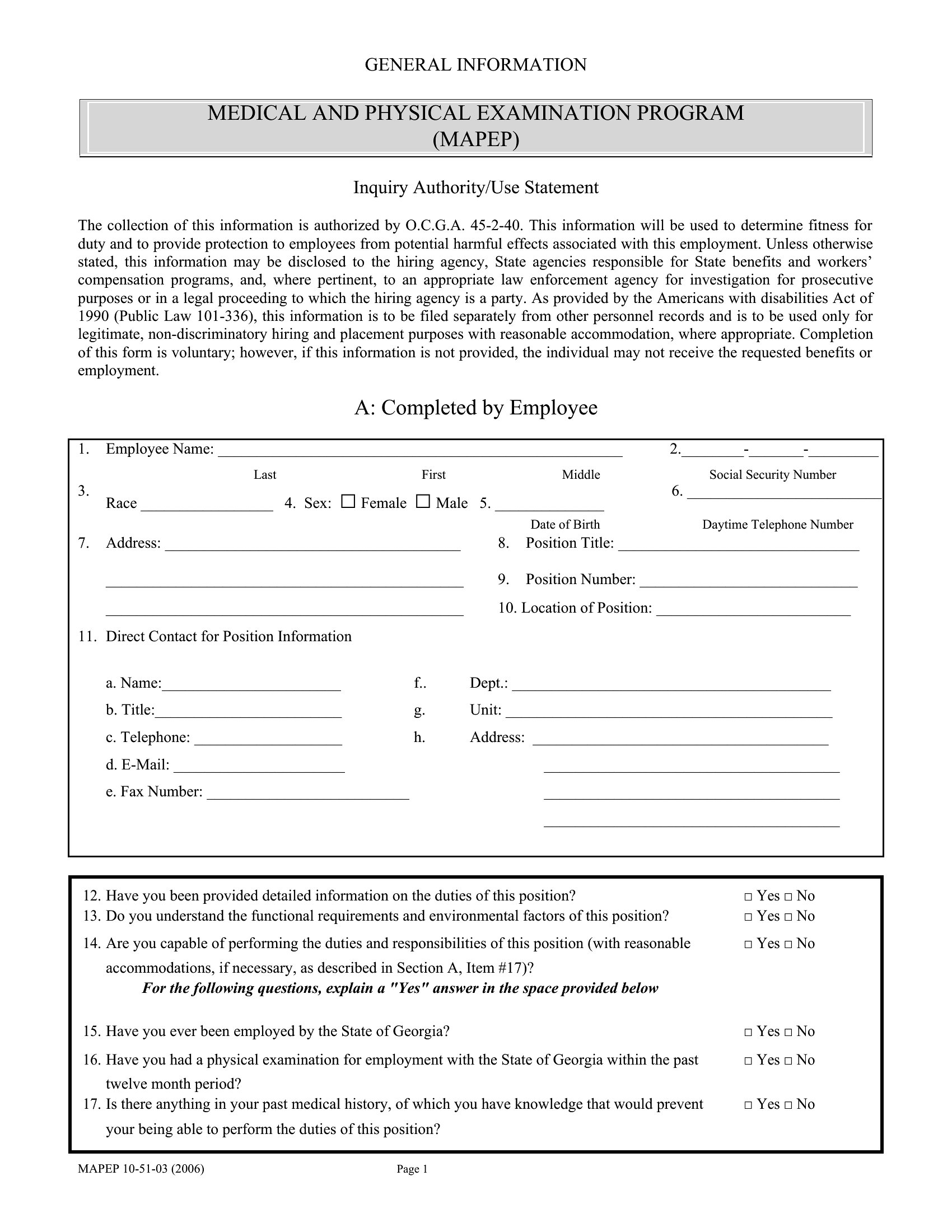
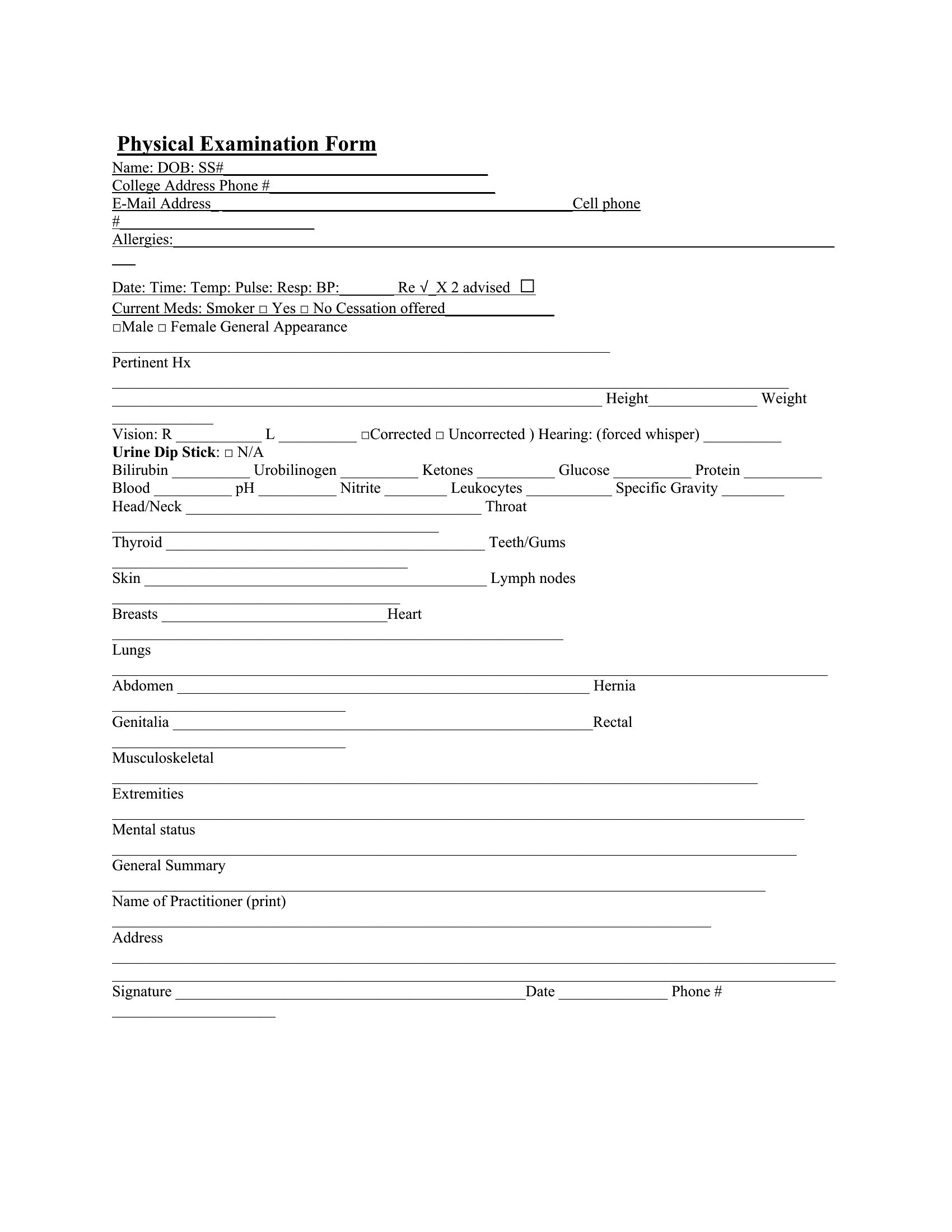
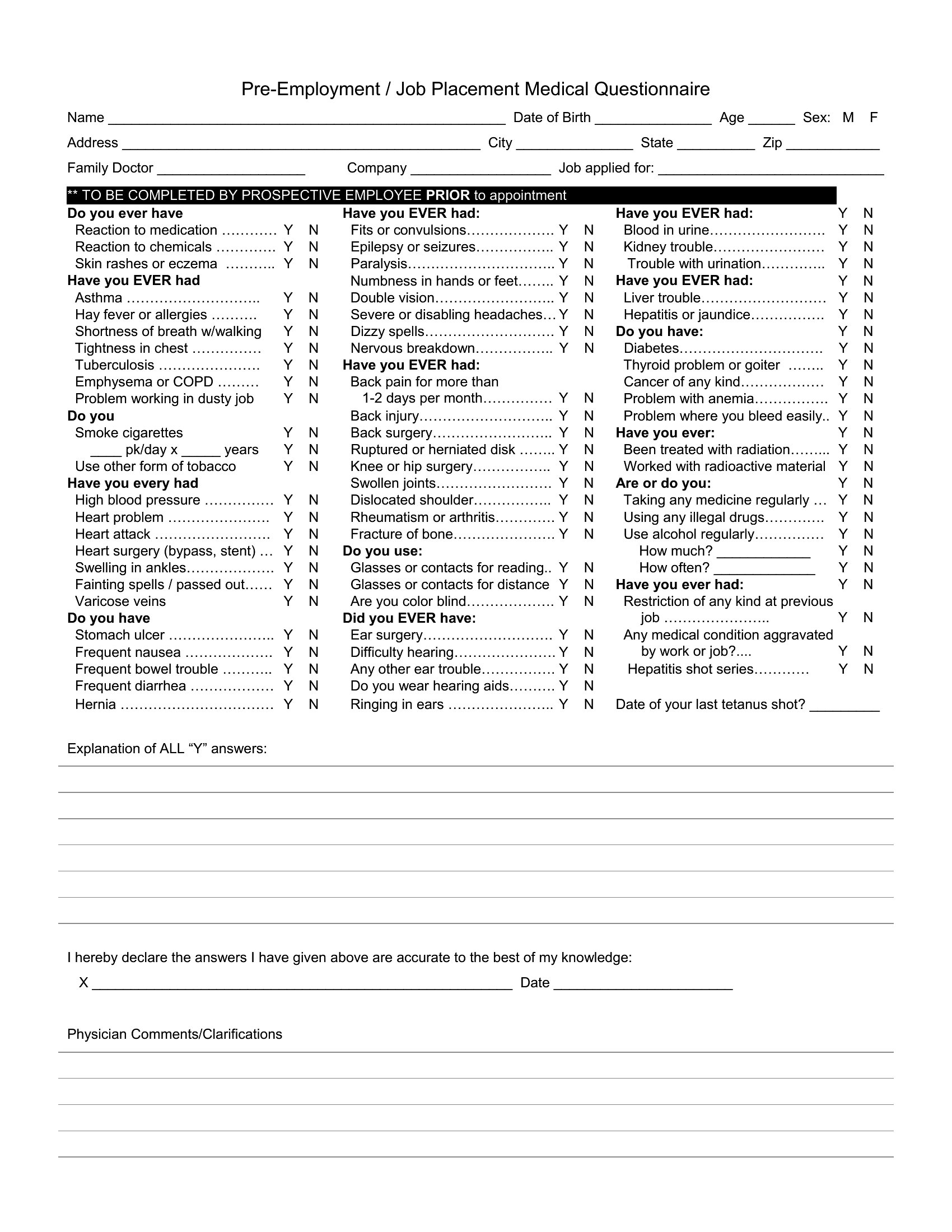
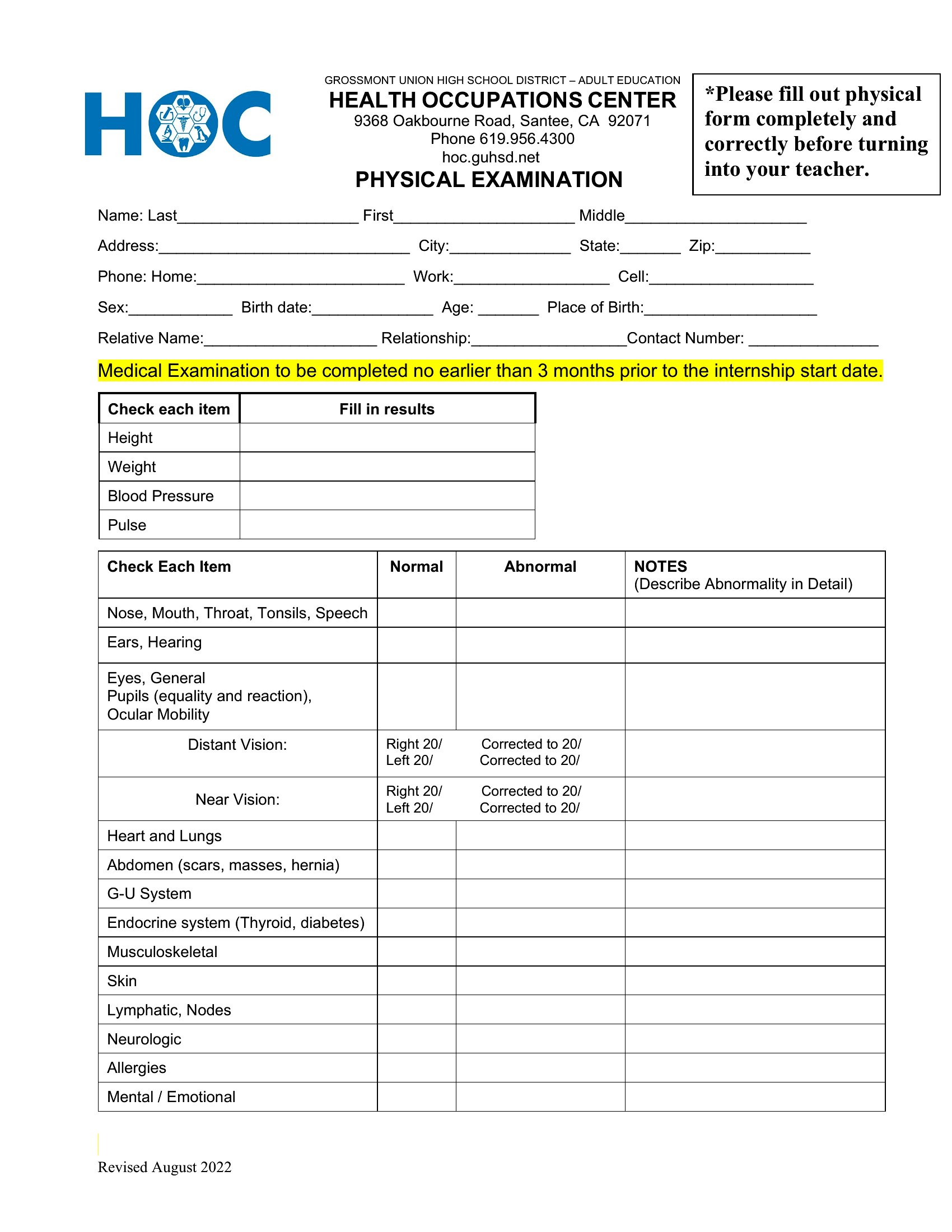
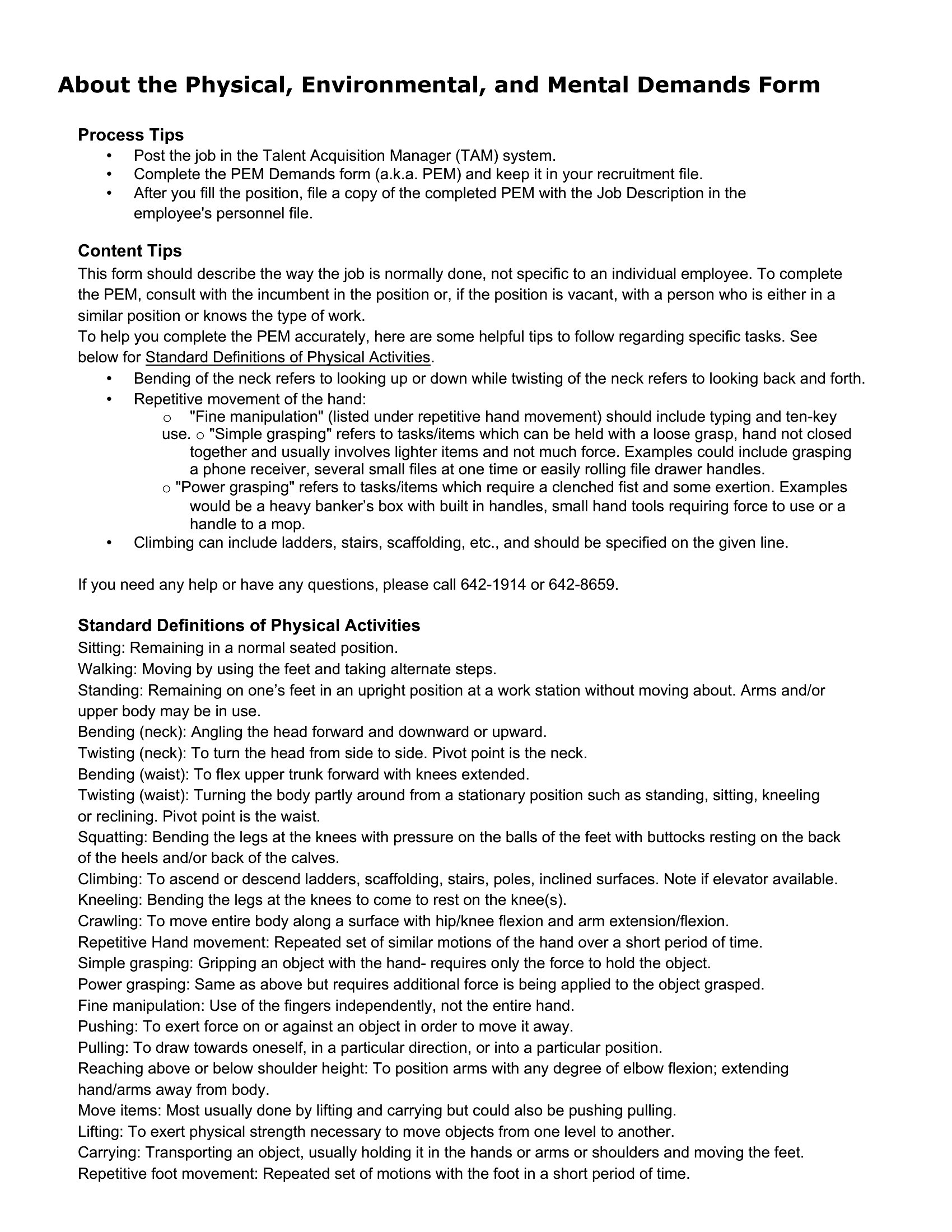
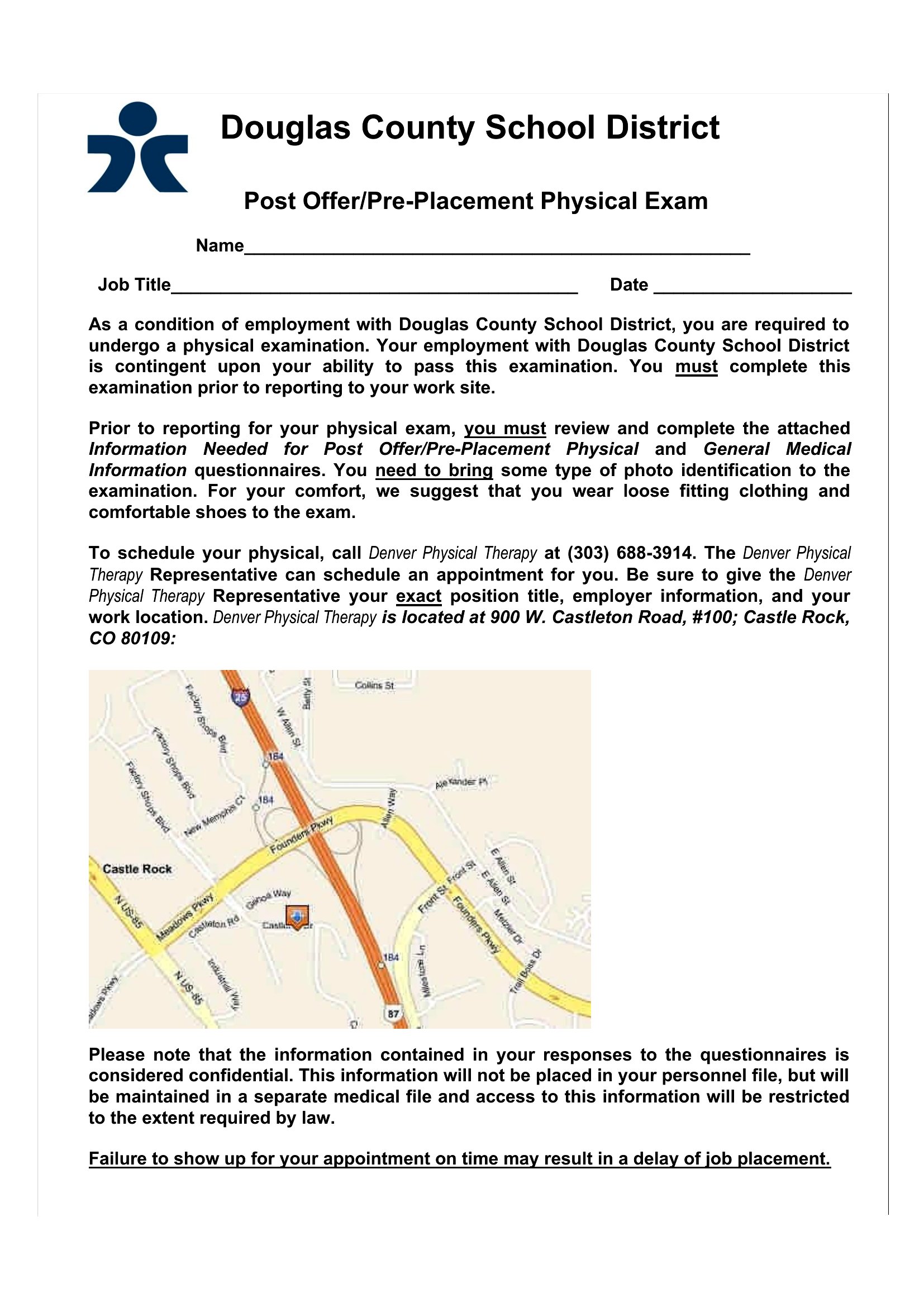
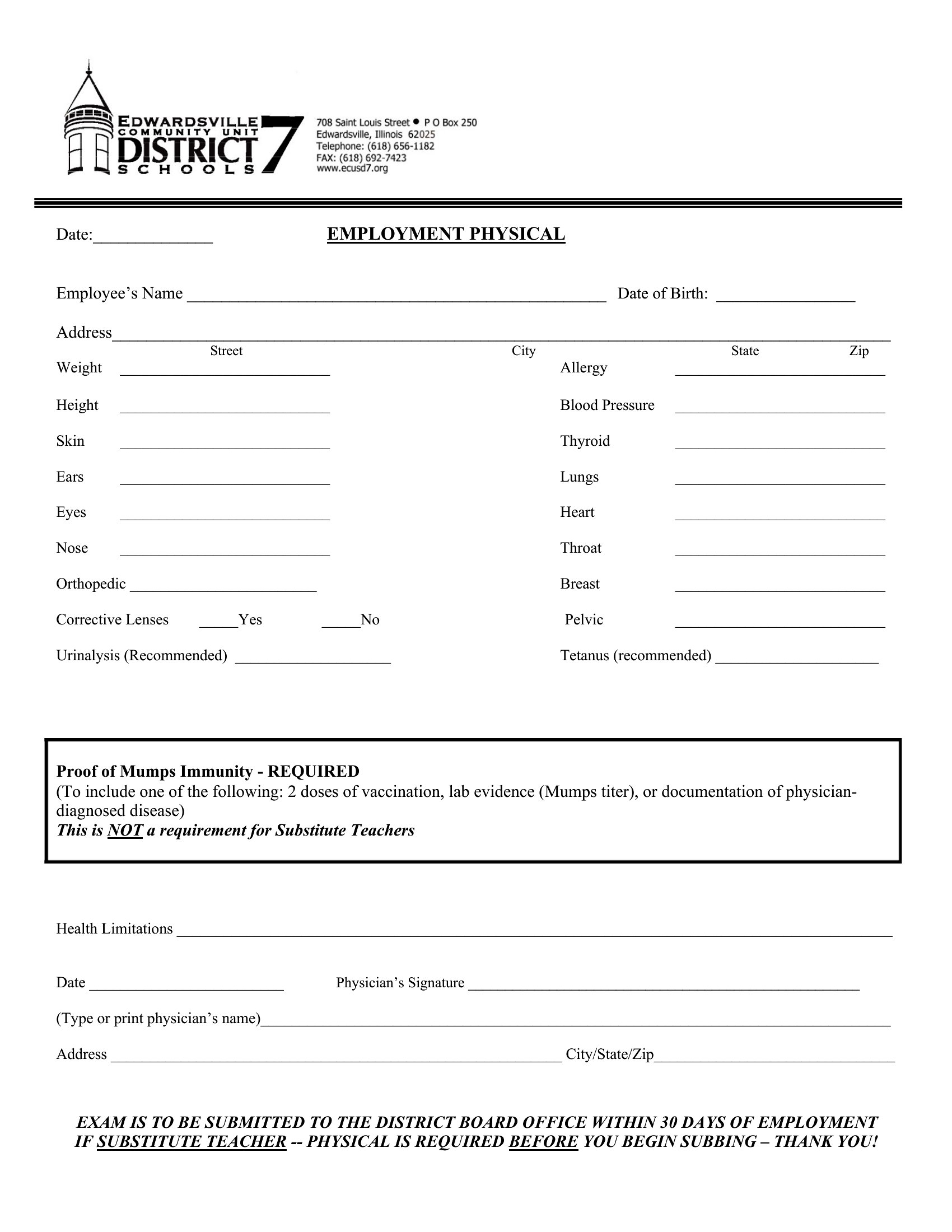
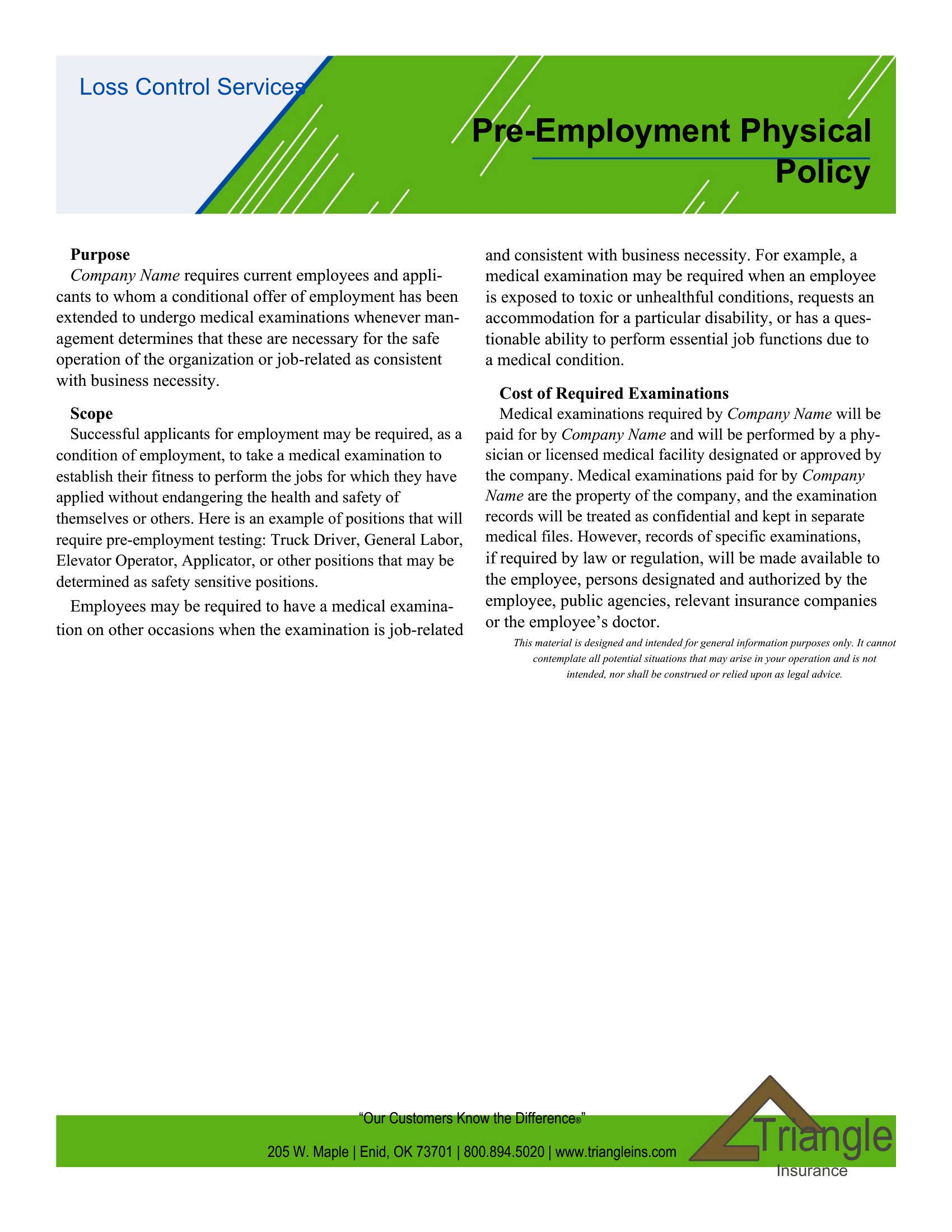
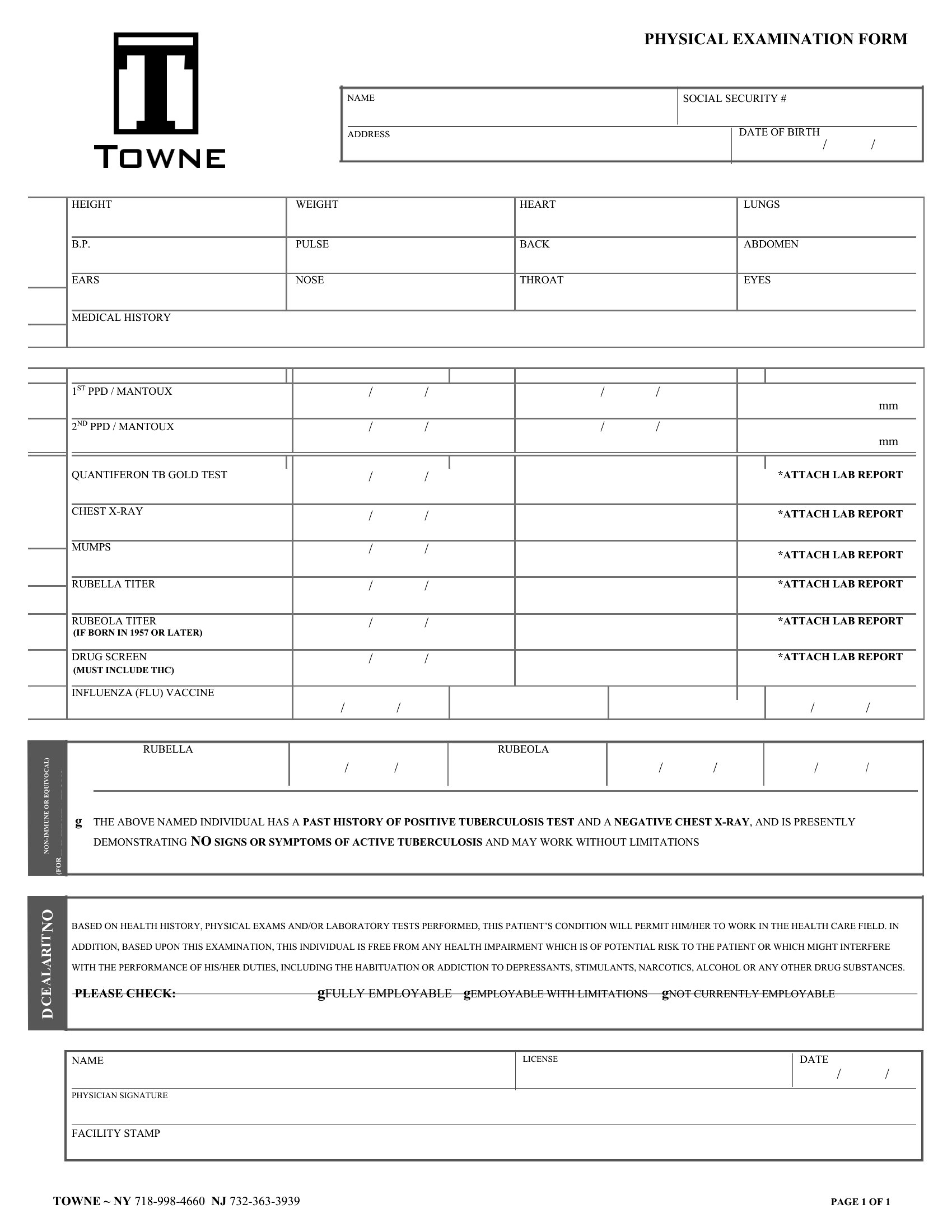
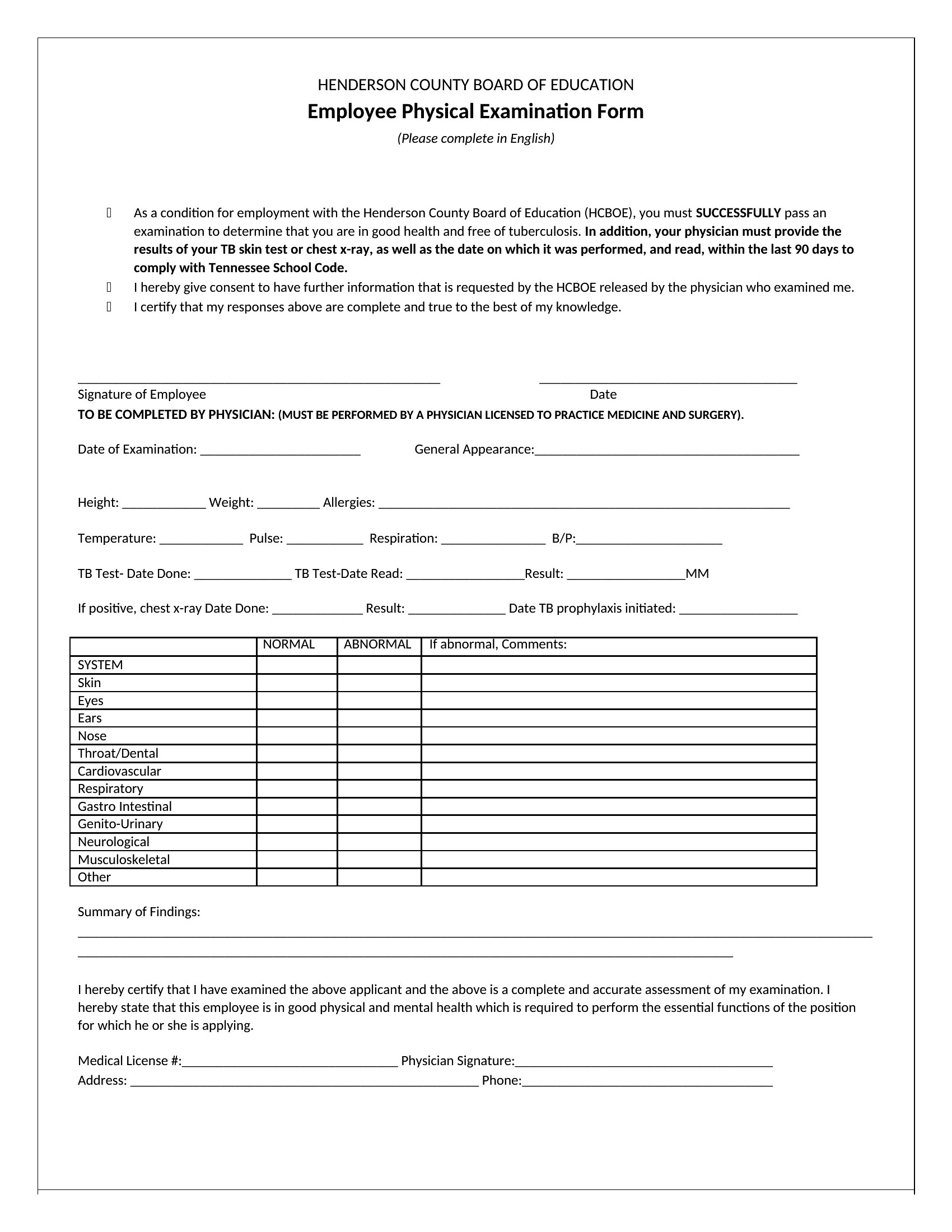
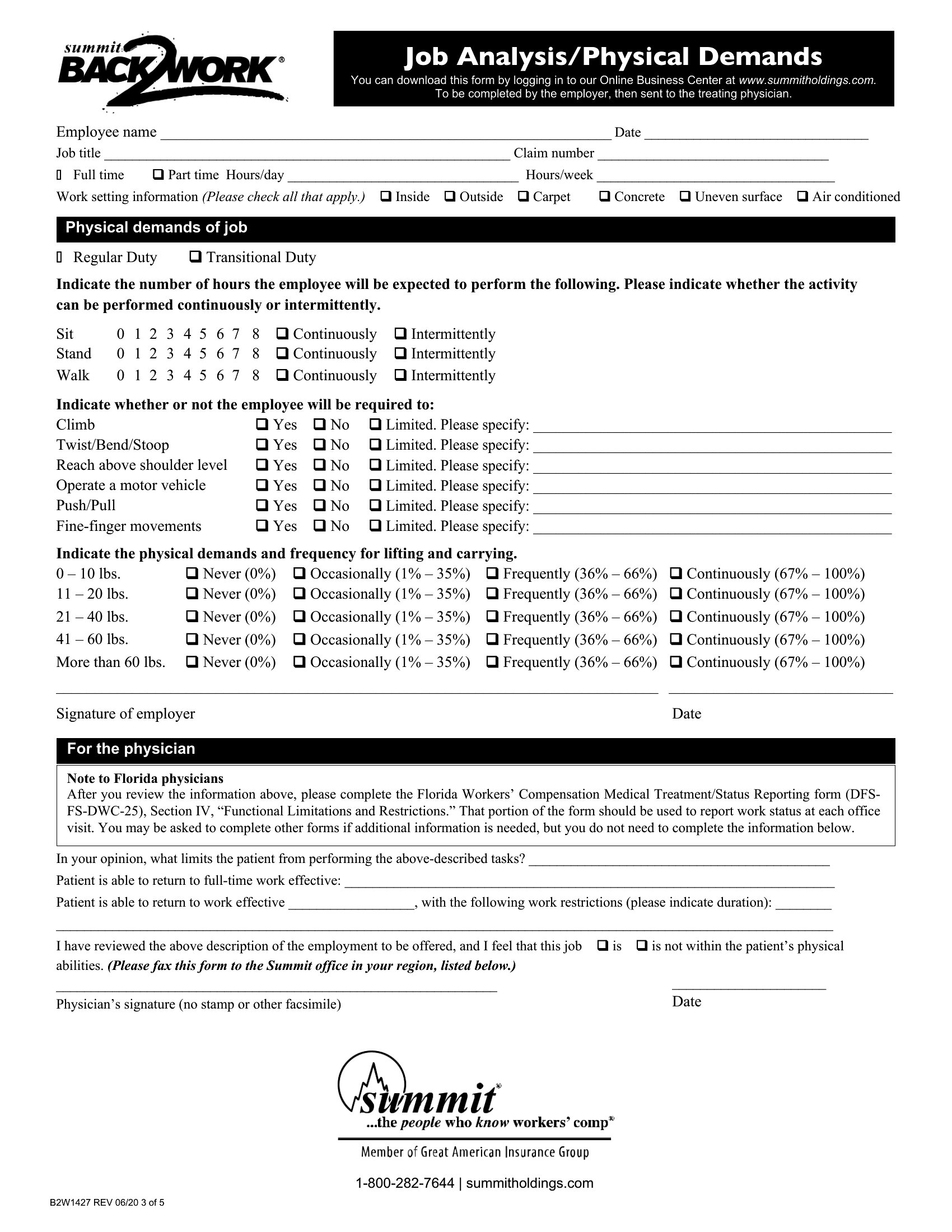
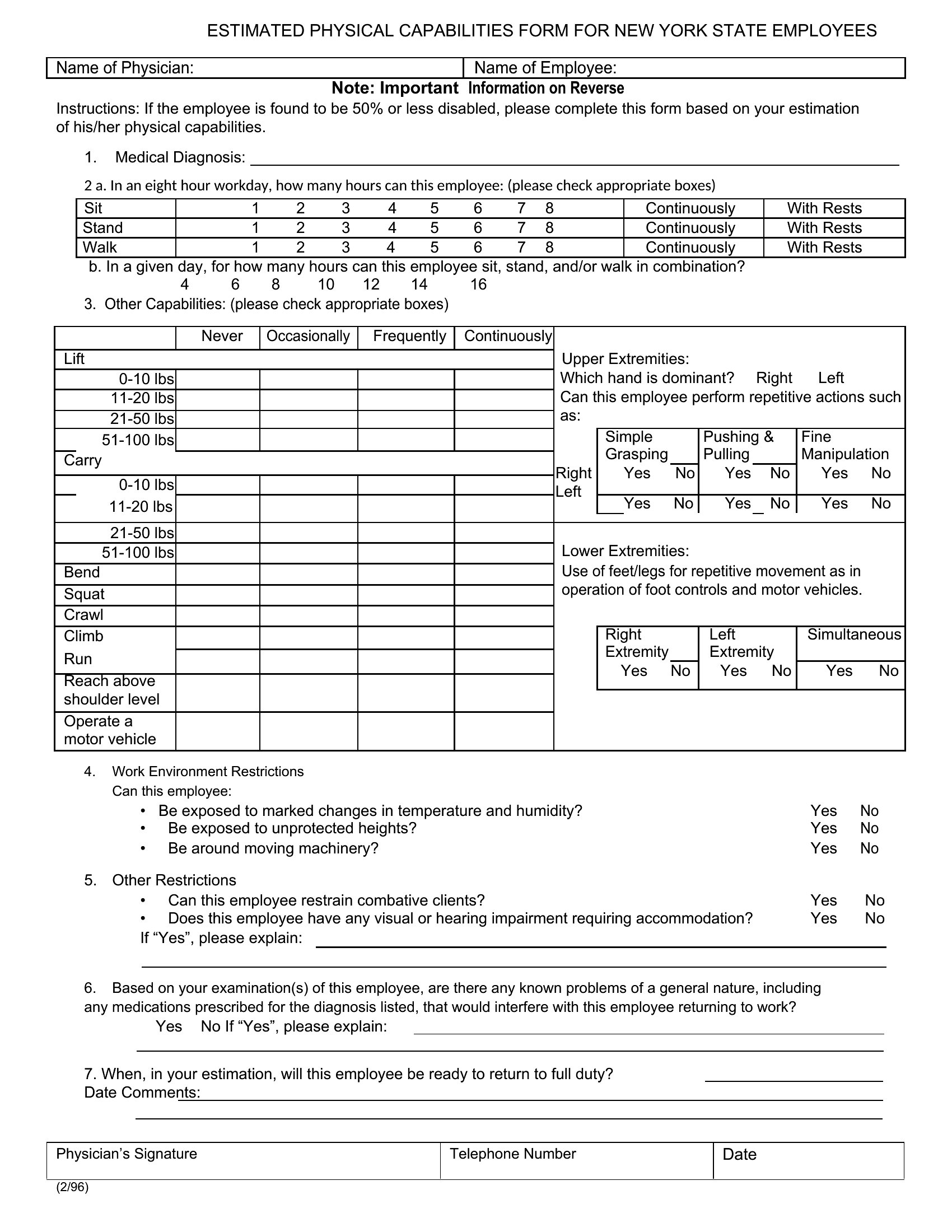
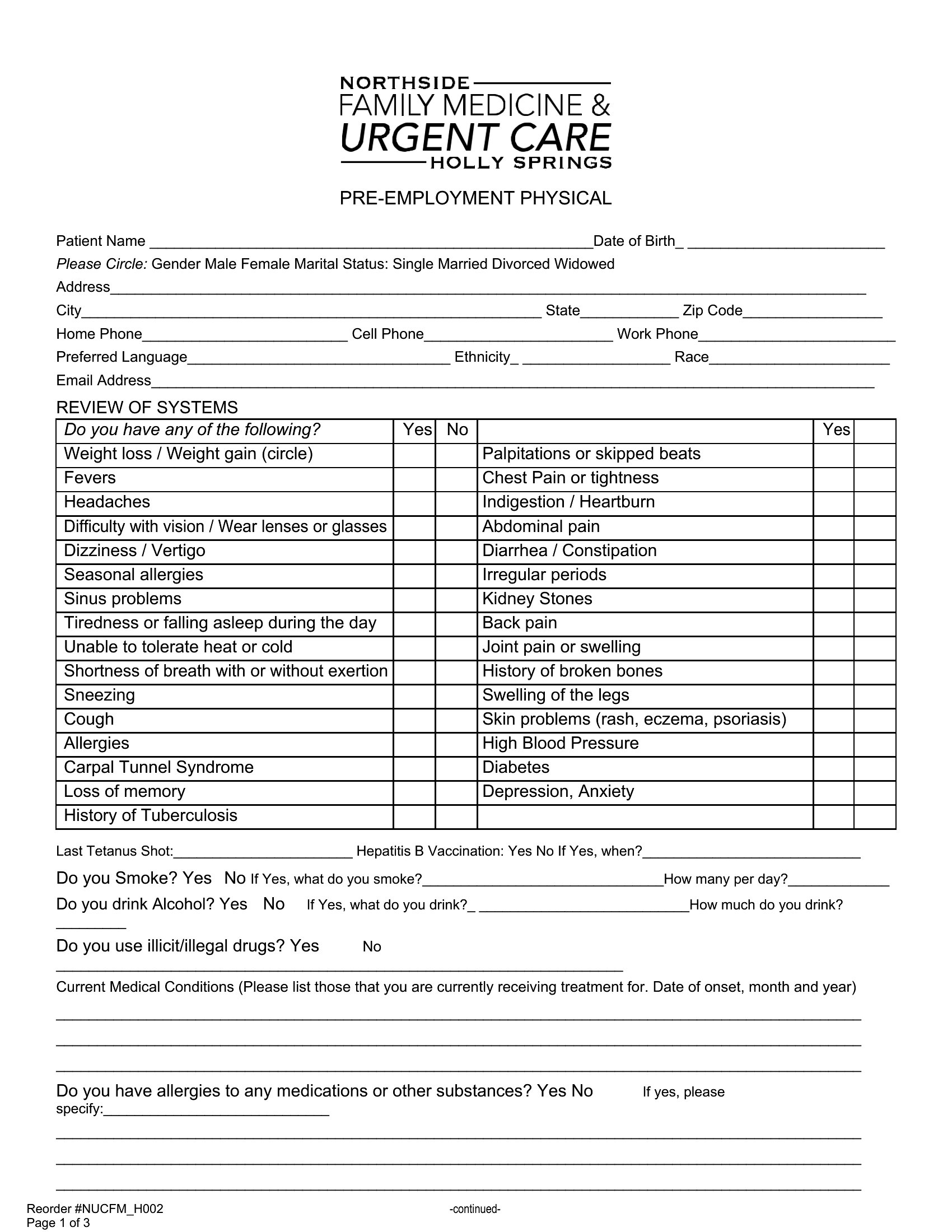
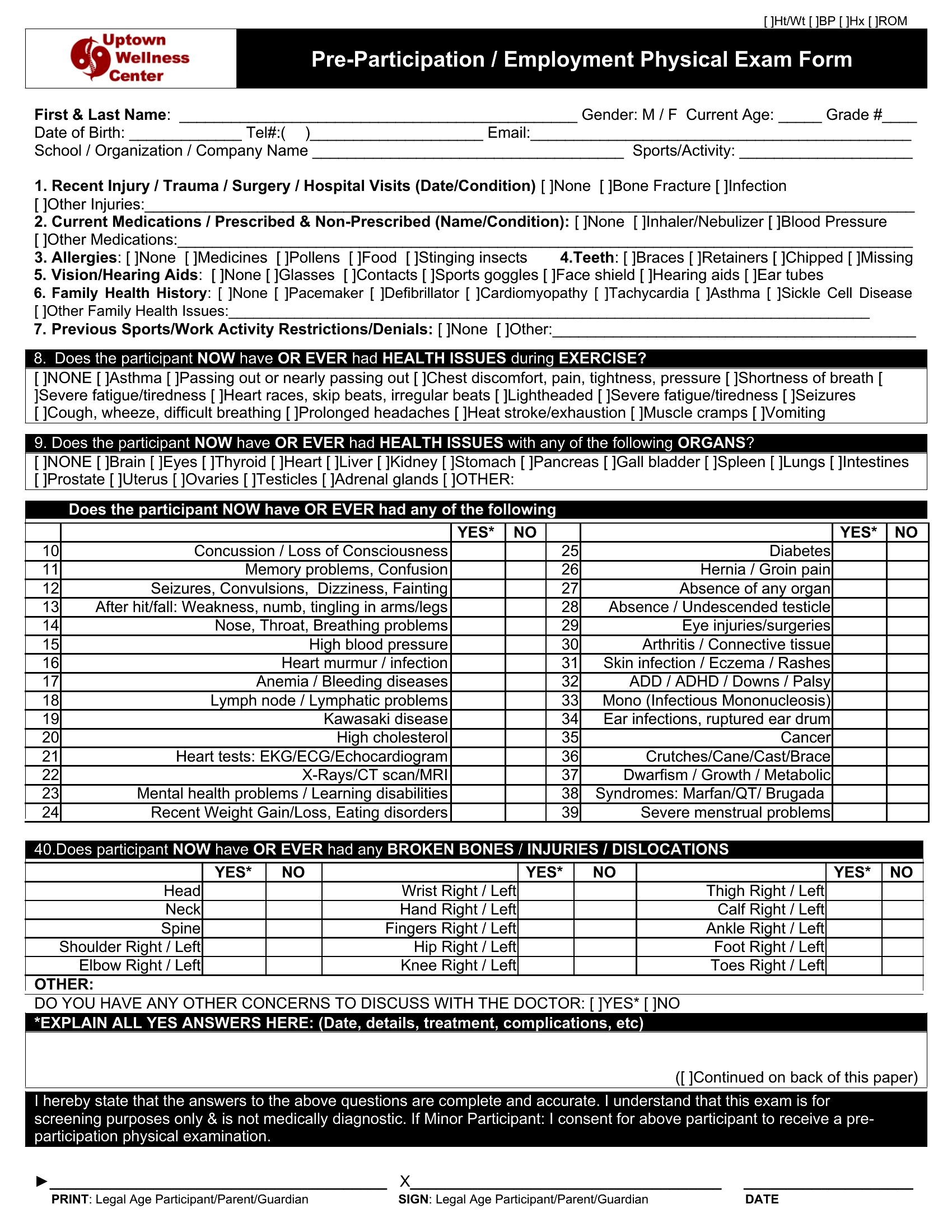
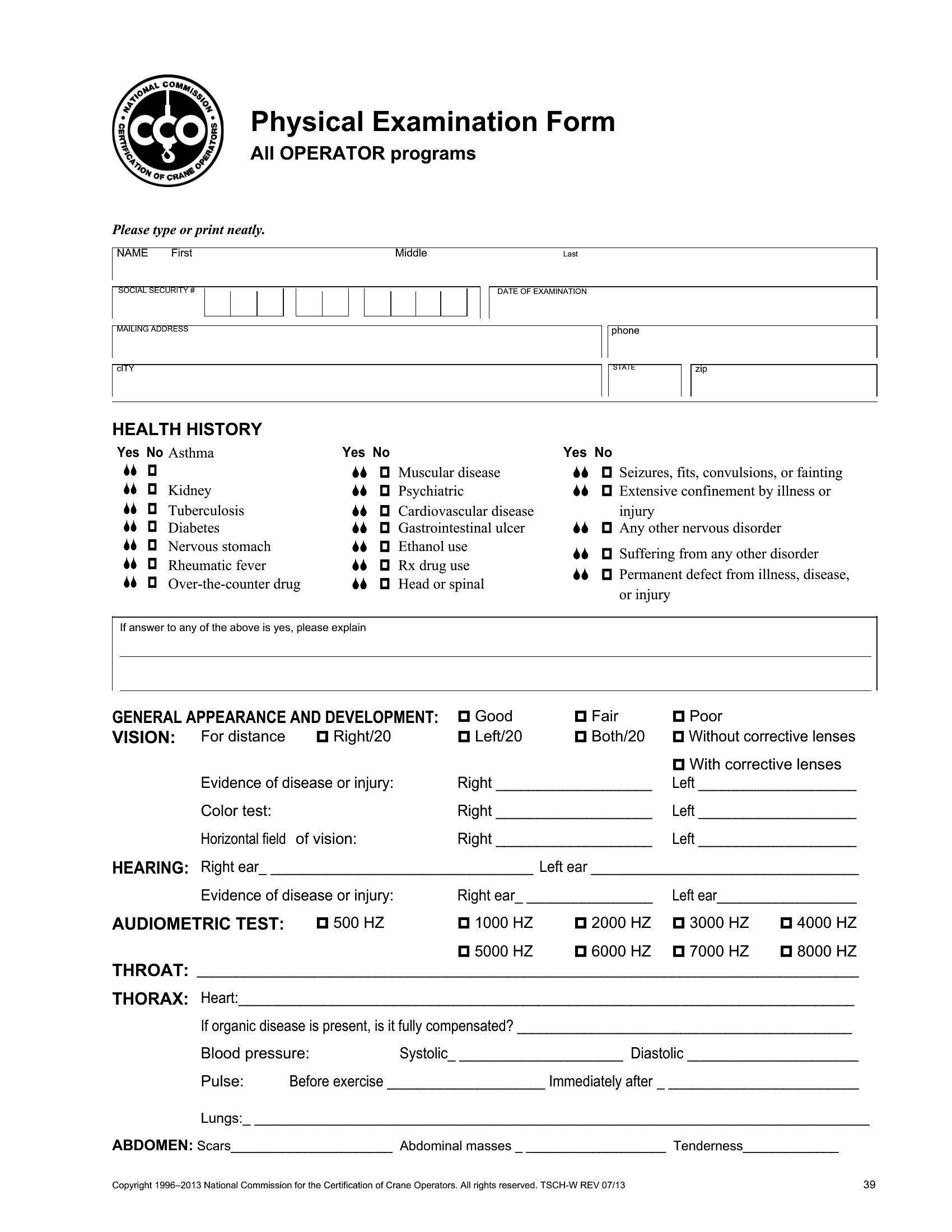
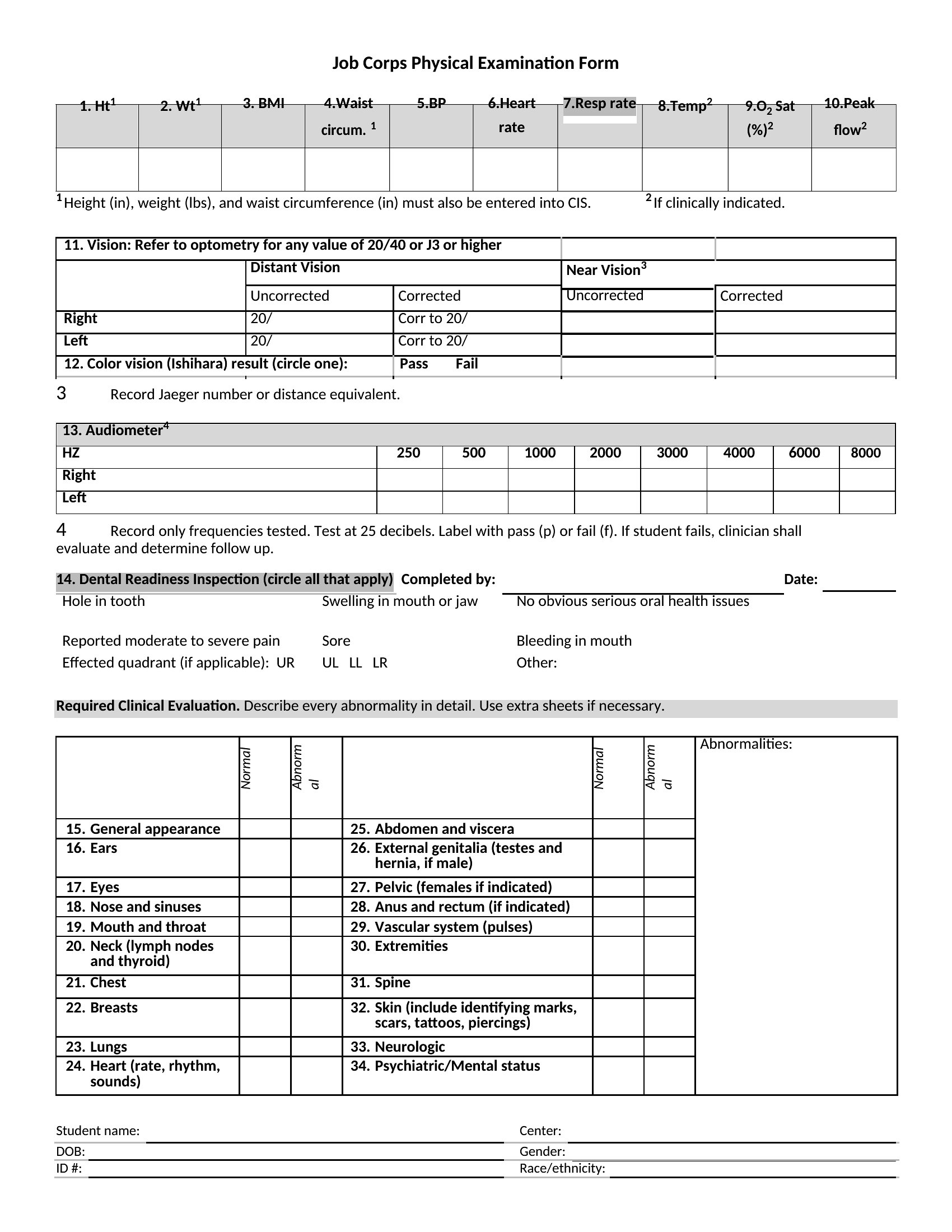
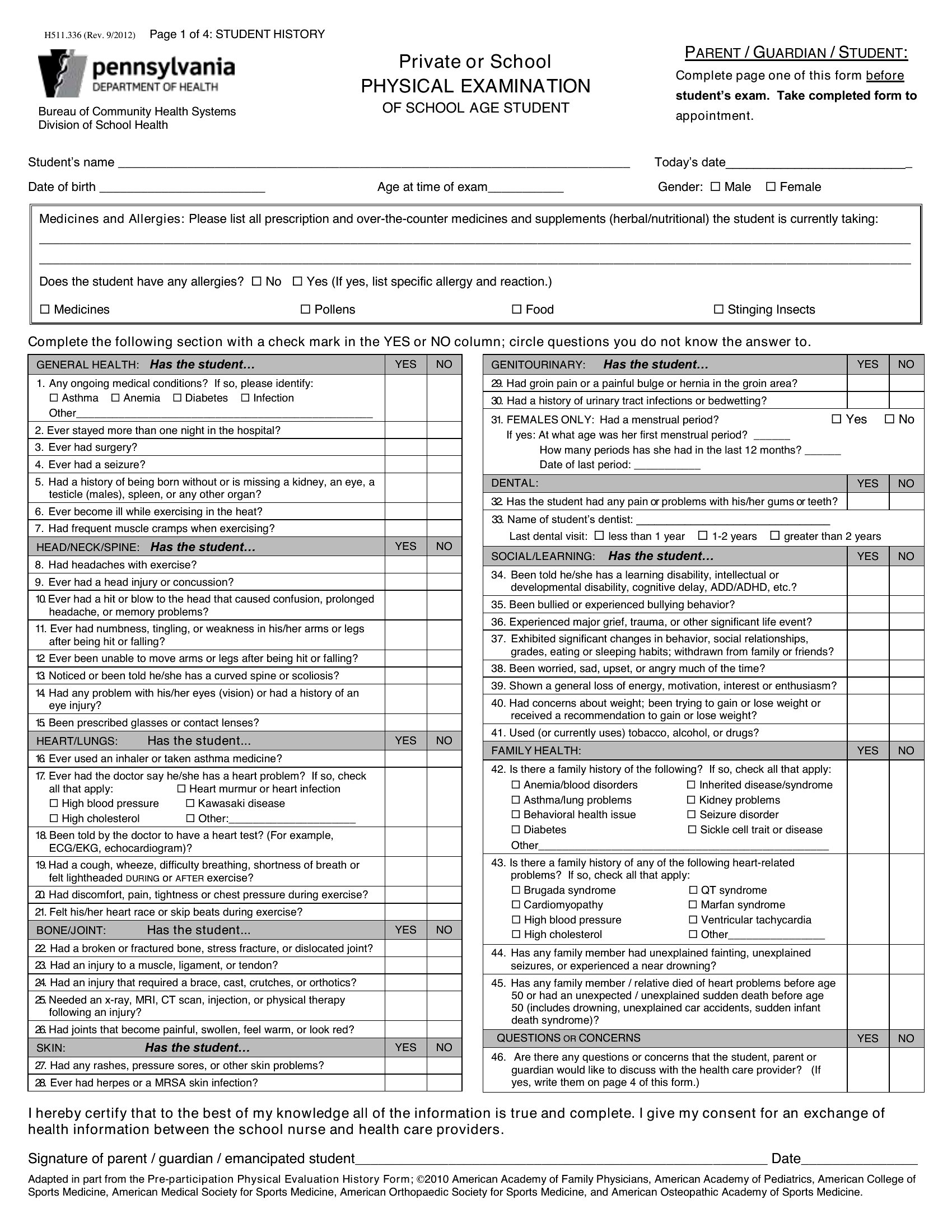
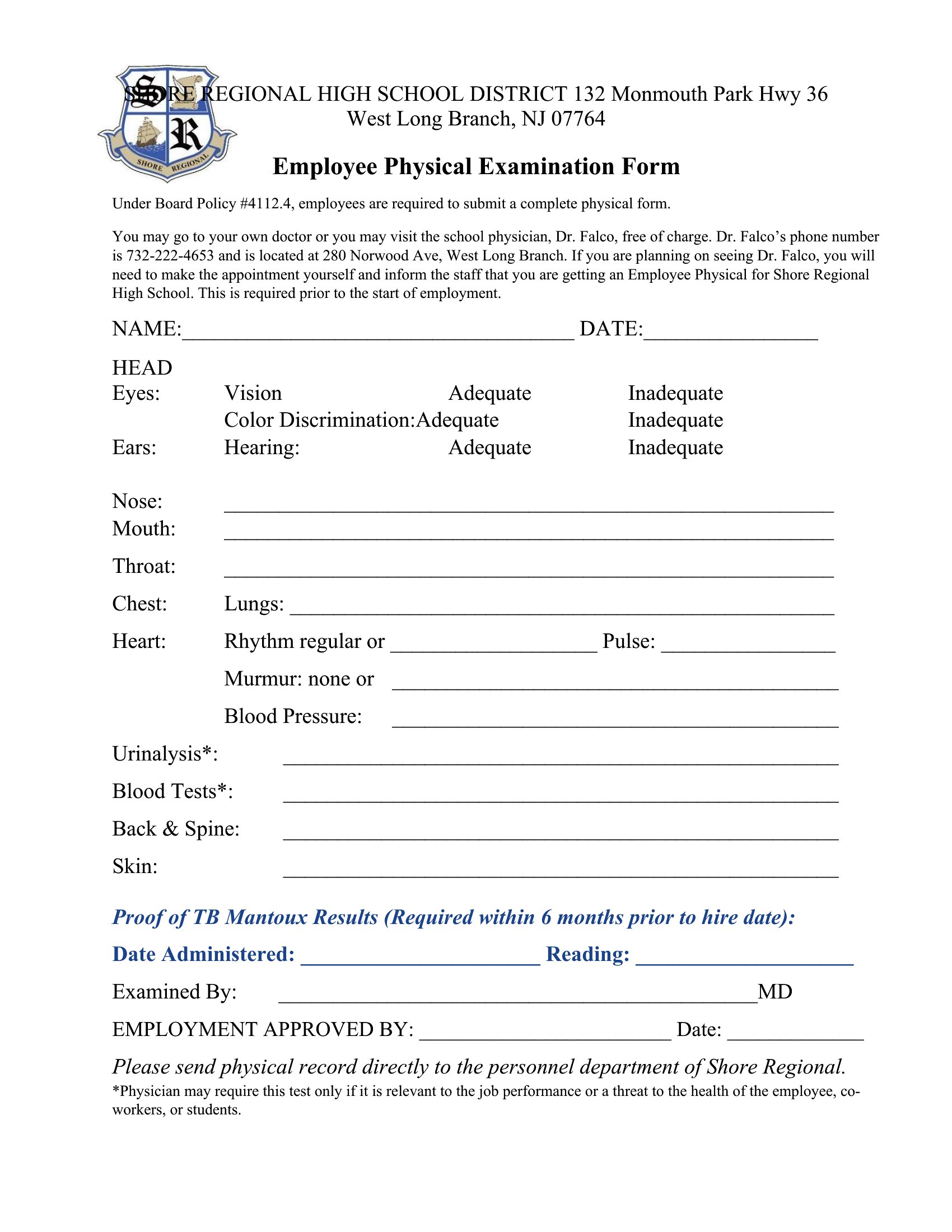
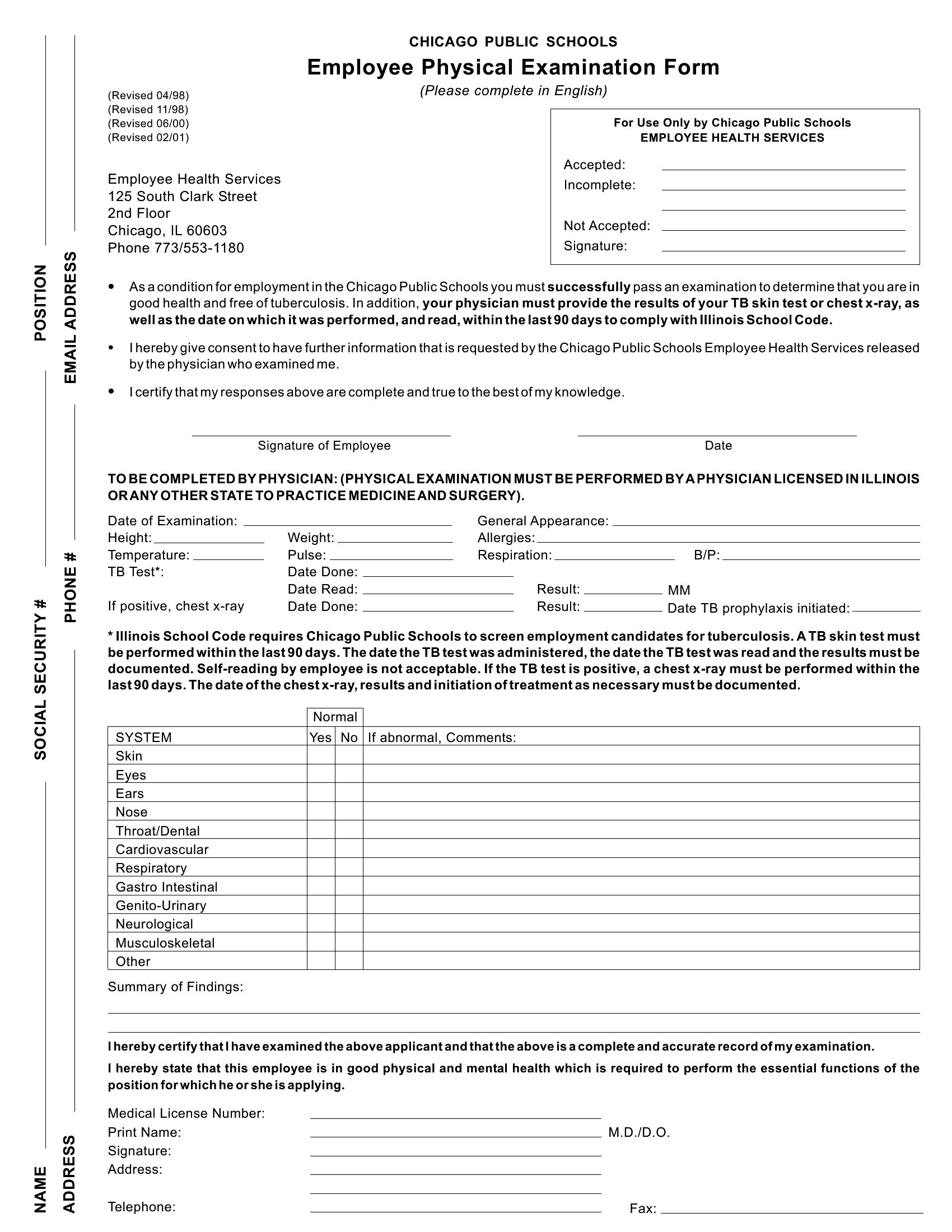
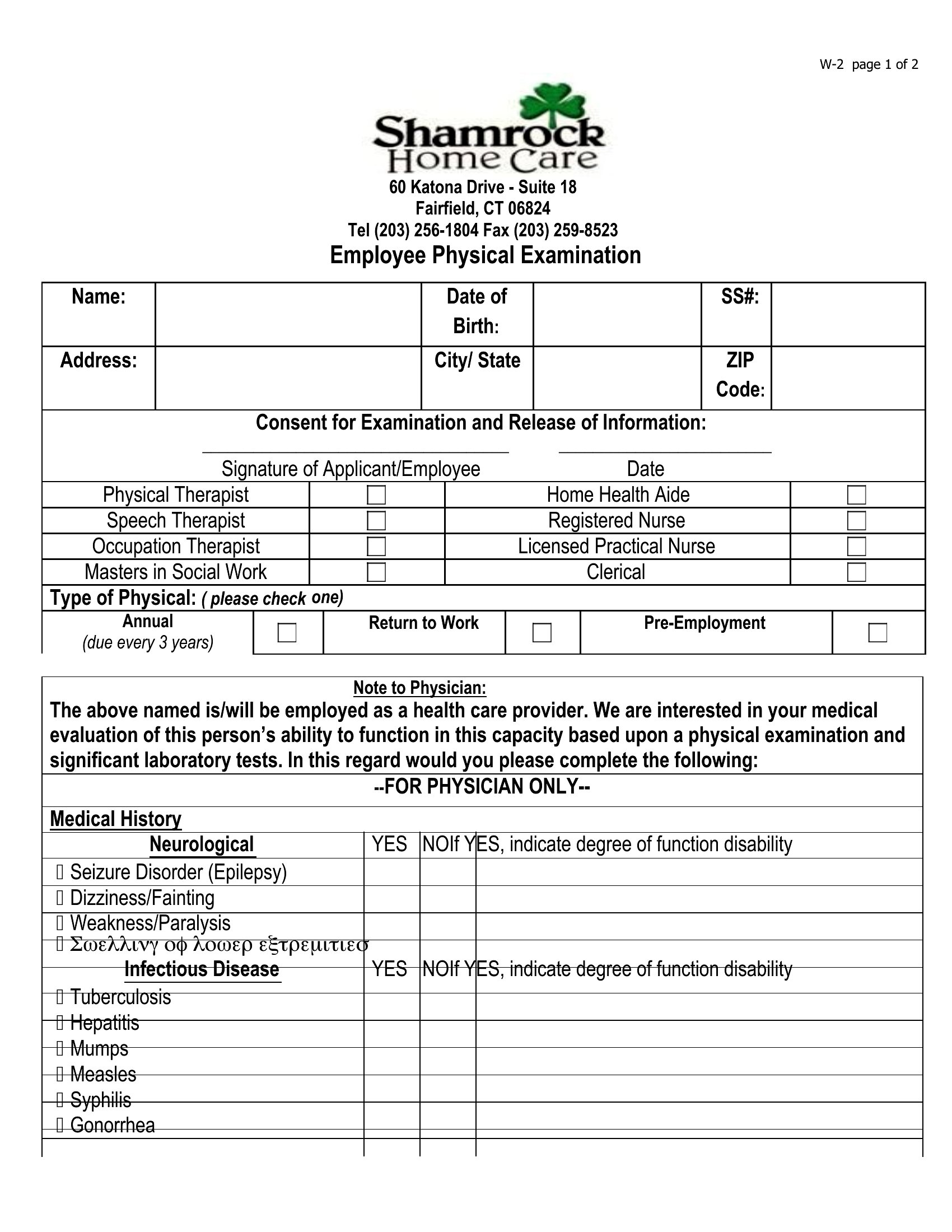
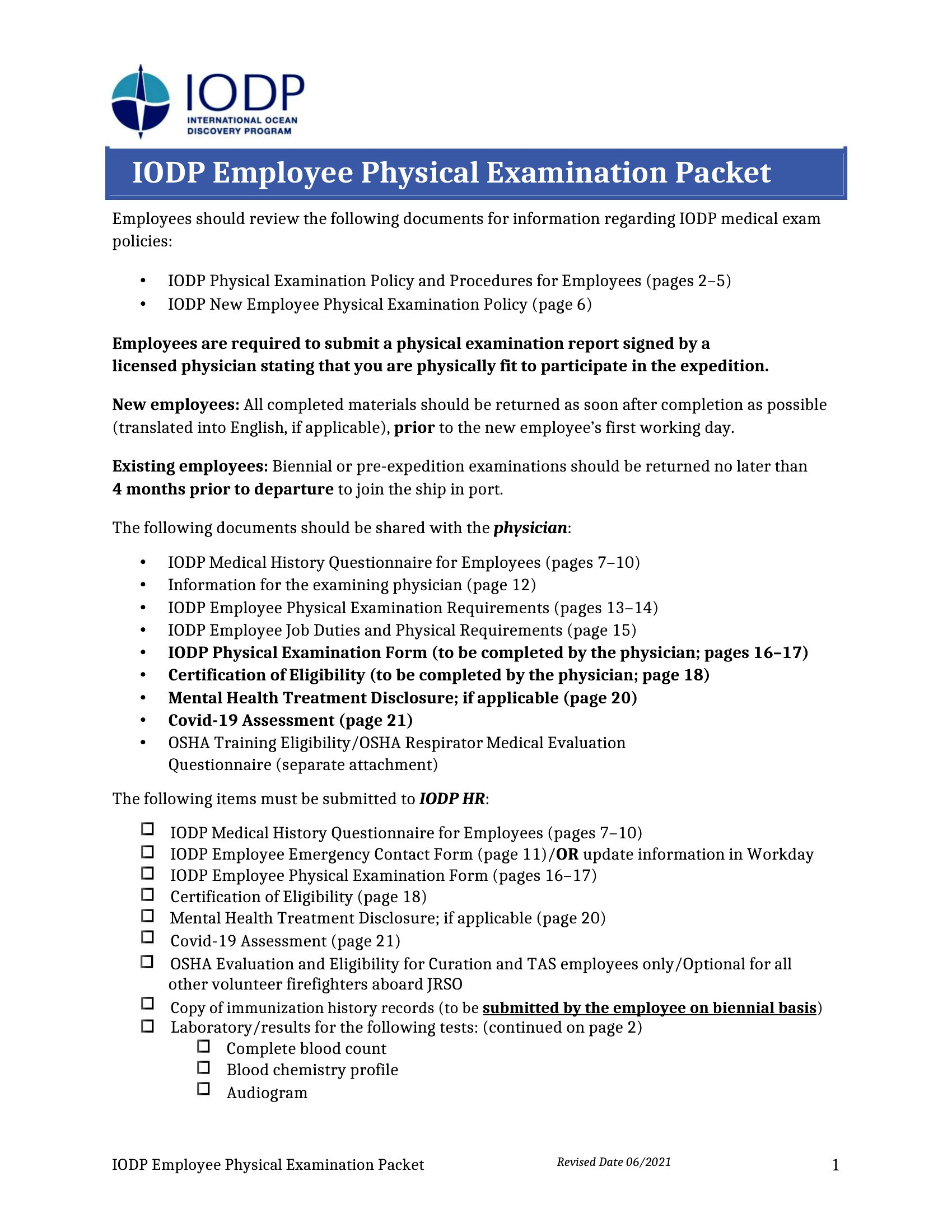
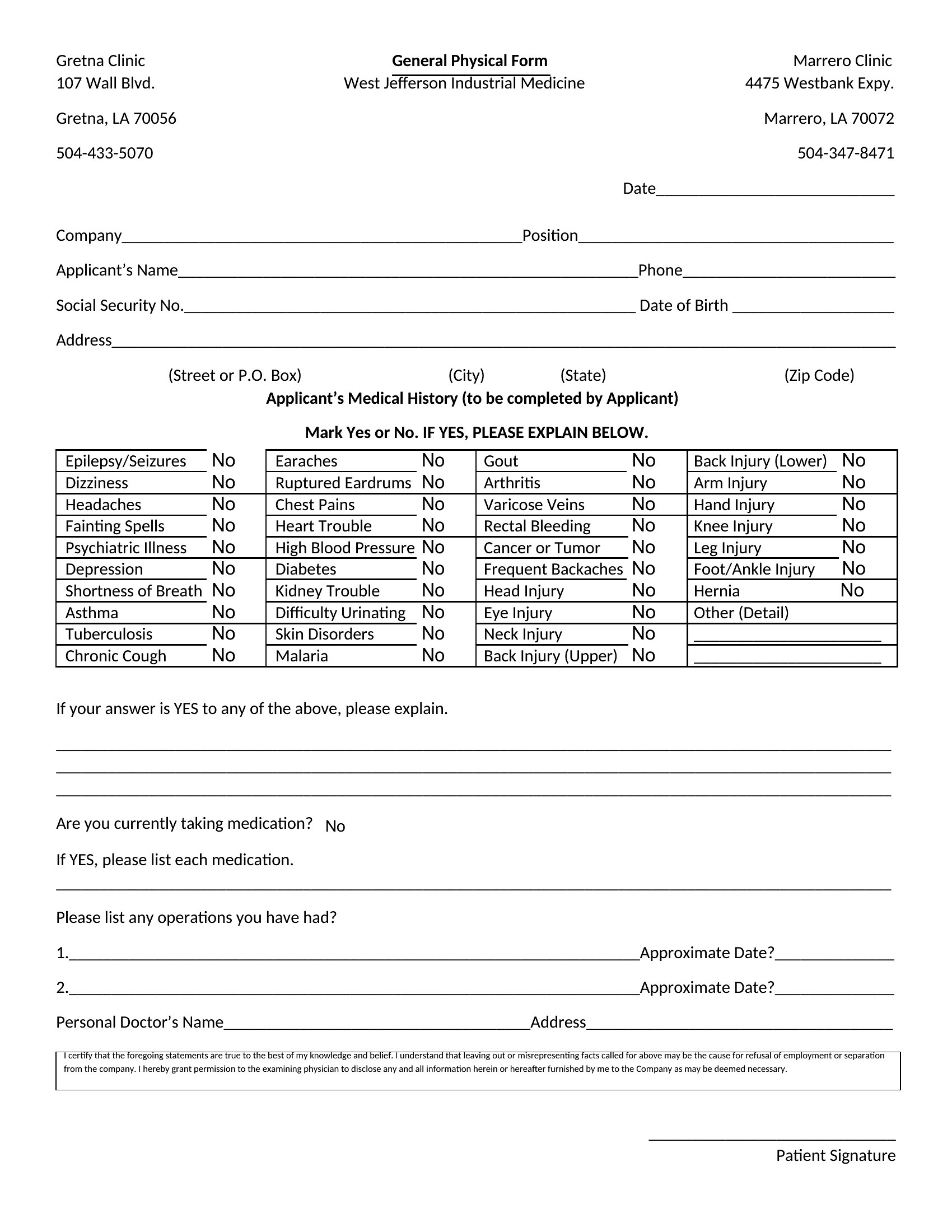
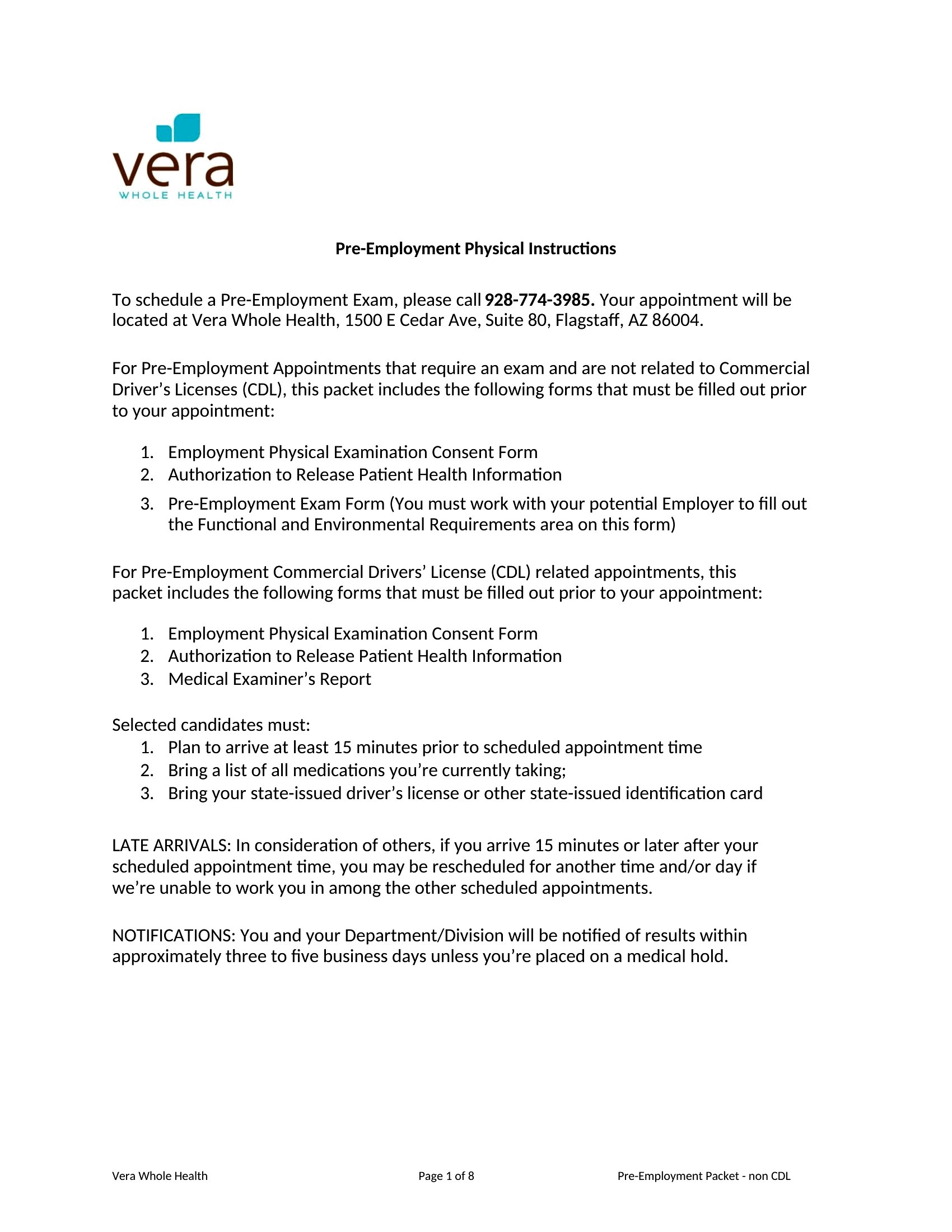
Starting a new job sometimes means proving you're fit for the work, and a physical form gives the doctor a structured place to record that exam. This collection of 45 templates helps employers, HR staff, and clinics document height, weight, vision, and a provider's sign-off before someone steps onto the floor. Each layout keeps the basic medical fields in one place so nothing gets missed.

The forms come as editable Word files and print-ready PDFs, so a clinic can customize the fields or simply print a stack for the waiting room. Fill in the employee details, let the examining provider complete and sign the assessment, and file the result. Health requirements differ by industry and state, so check what your role actually calls for before using one. Download the layout that matches your hiring process and get started.

When to use this Physical Form for Work template

  • A manufacturing supervisor needs a quick way to document pre-employment physicals for new warehouse hires, ensuring all OSHA-mandated fields (hearing, reach tests, lifting limits) are included before onboarding.
  • A small clinic’s HR coordinator wants to streamline employee wellness checks, using a standardized form for annual evaluations so records stay consistent and easily transferable to company files.
  • A construction foreman requires proof of physical capability for subcontractors before assigning equipment-heavy tasks, and needs a fillable template to note limitations or restrictions clearly.
  • A school district’s hiring team needs a HIPAA-compliant physical exam form for custodial and bus driver roles, ensuring all state-mandated health screenings (e.g., blood pressure, color vision) are captured in one document.

Which format should I download?

WordPDF

Choose Word if you need an editable template to tailor fields (e.g., adding company-specific questions or custom instructions) before printing or sharing digitally. Use PDF when you need a locked, print-ready form for immediate use by providers or employees, especially if the document will be distributed via email or a secure portal. The PDF format preserves formatting and reduces errors during data entry, while Word offers flexibility for teams that must adjust questions or branding over time. For clinics or HR departments, PDF is ideal for consistency; for internal processes needing revisions, Word fits best.

How to use this Physical Form for Work template

Can these forms be used to track long-term employee health trends over multiple years?

These templates are designed for one-time or annual physical documentation, not ongoing health tracking. For trend analysis, you’d need a separate system like an EHR or spreadsheet to log repeated exams. The forms focus on capturing exam details in a standardized way for compliance, not longitudinal records.

Do these templates meet ADA requirements for accommodations or restrictions noted during a physical?

The forms include sections for provider notes and restrictions, which can help document accommodations. However, they are not a substitute for legal review—consult an HR or ADA specialist to ensure your organization’s policies align with these fields. The templates provide a starting point for collecting necessary information.

How do I ensure the form complies with state-specific physical exam laws for certain roles (e.g., commercial drivers or healthcare workers)?

Each template includes placeholders for standard fields like height, weight, and vision, but state laws may add requirements (e.g., drug screening or specific certifications). Cross-reference your state’s labor board or occupational licensing guidelines, then modify the Word version to include those fields. For critical roles, have a legal expert review the finalized form.

Comments

Join the conversation

Sign in to share your thoughts and leave a comment on this resource.

Newsletter

Get Weekly Design Updates

Join our community to receive curated resources and inspiration.

Weekly Tips Resources Early Access

We respect your privacy. Confirmation email required. Privacy Policy