Skip to content
50% off this one-time $1.99 pack with HALFOFF — or unlimited with Pro.HALFOFF
Premium

Free Work Order Templates (Word, Excel)
Applications
irmagonzales by irmagonzales
Updated 0 downloads Quality-checked template

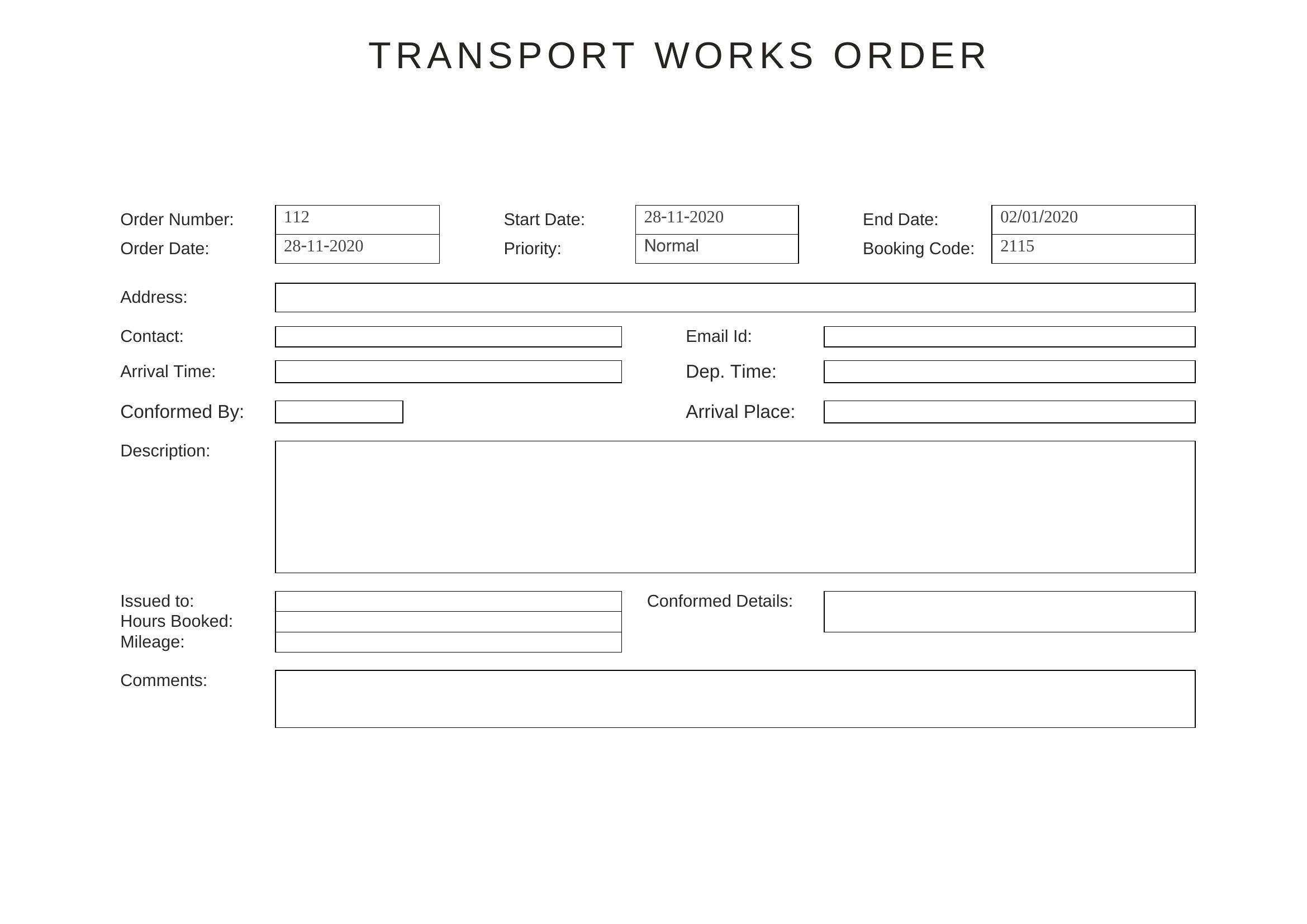
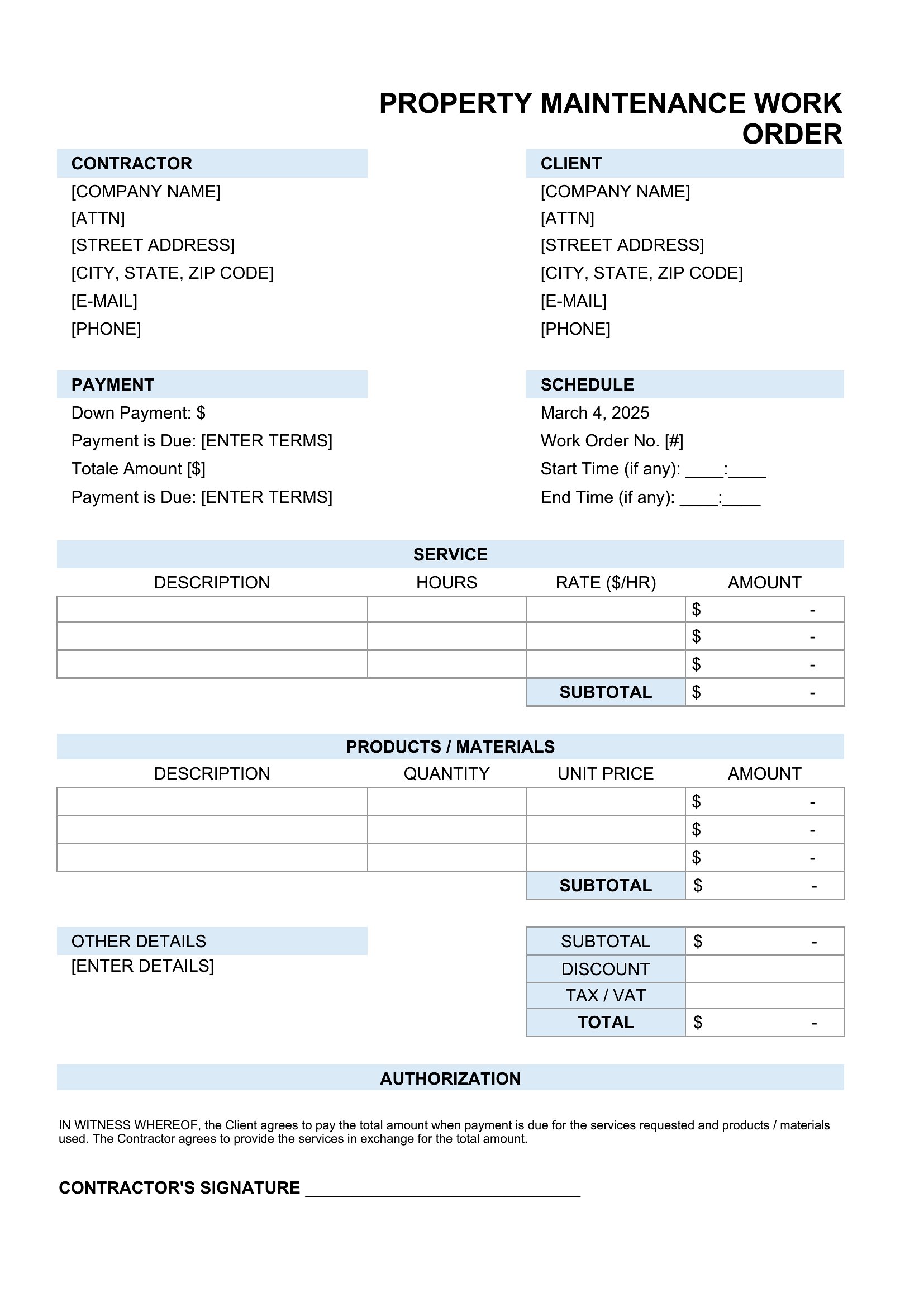
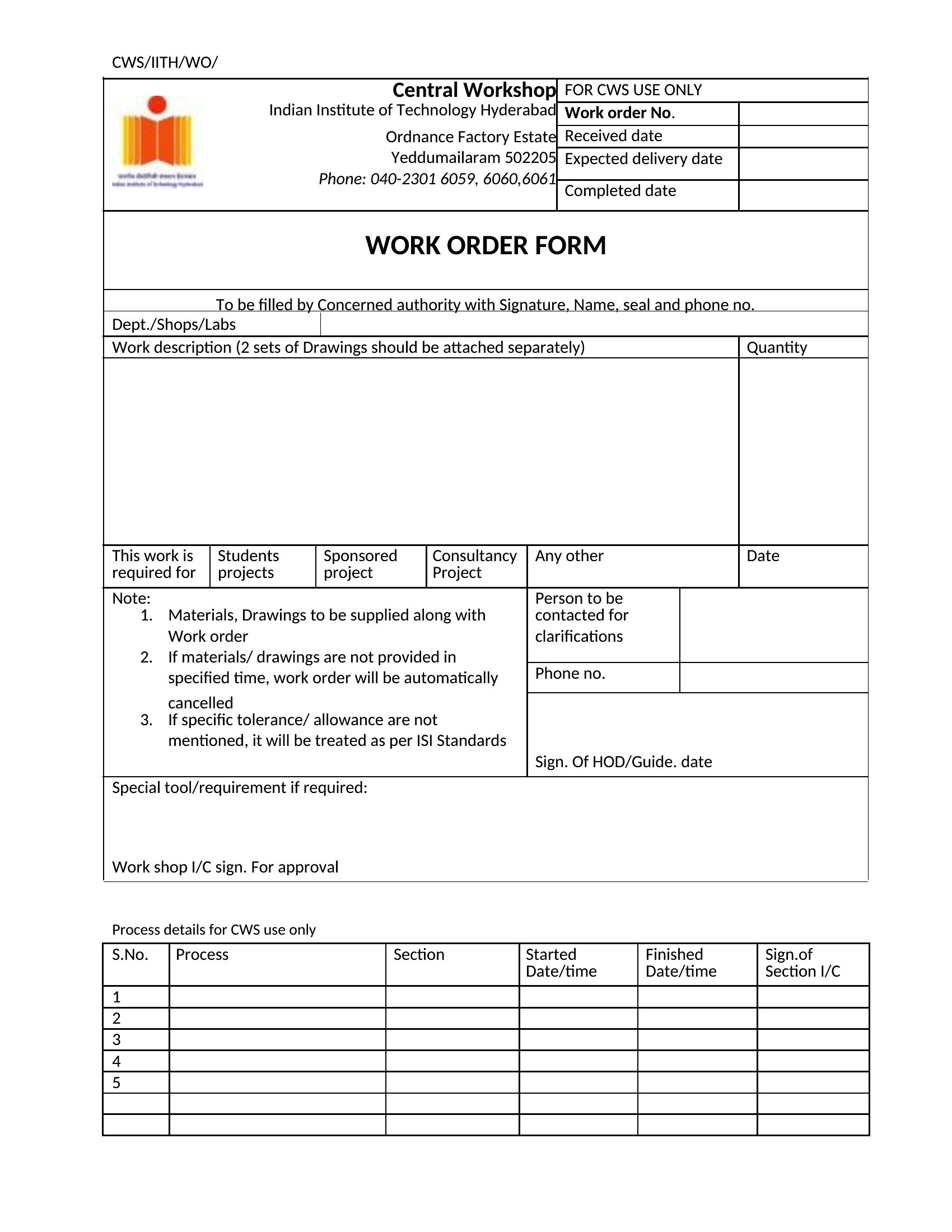
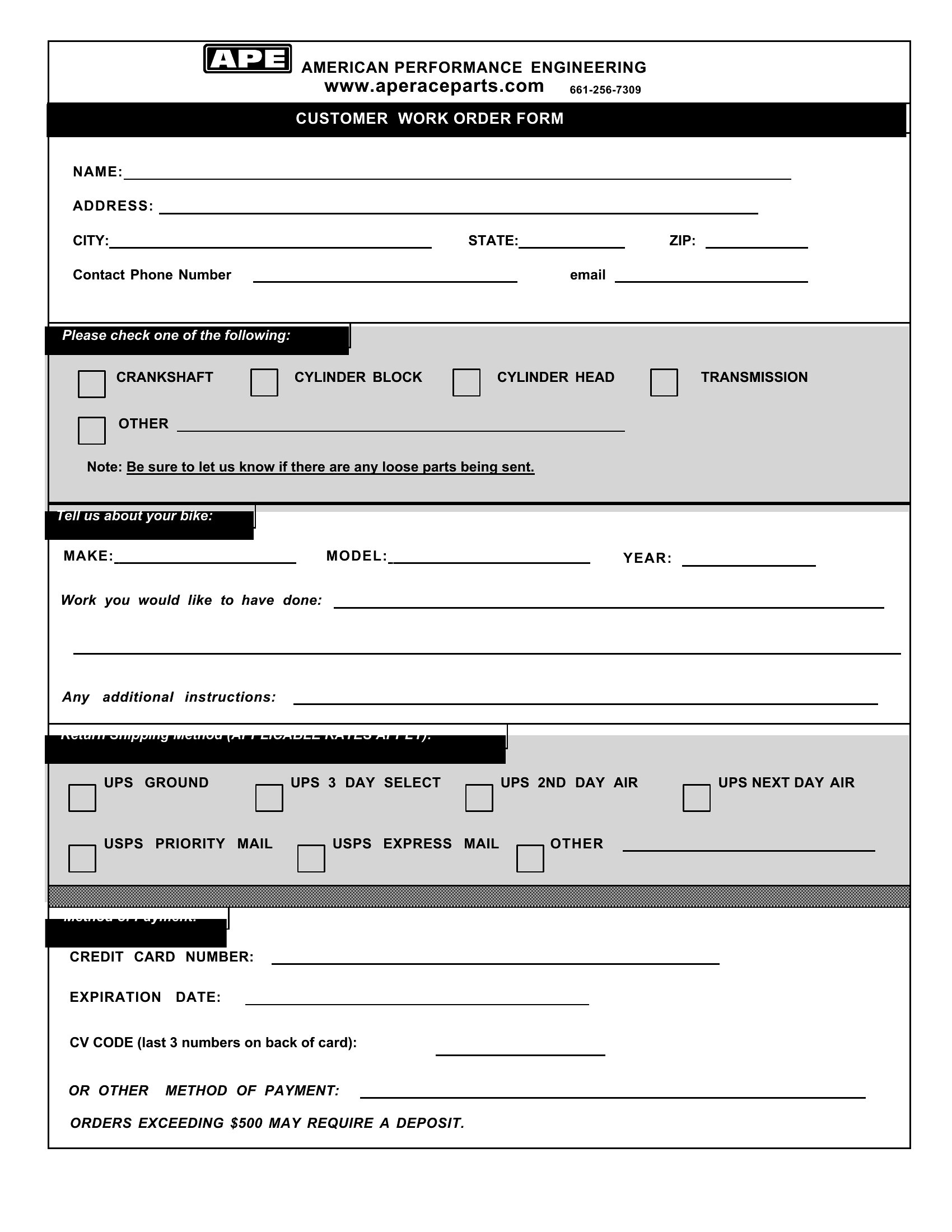
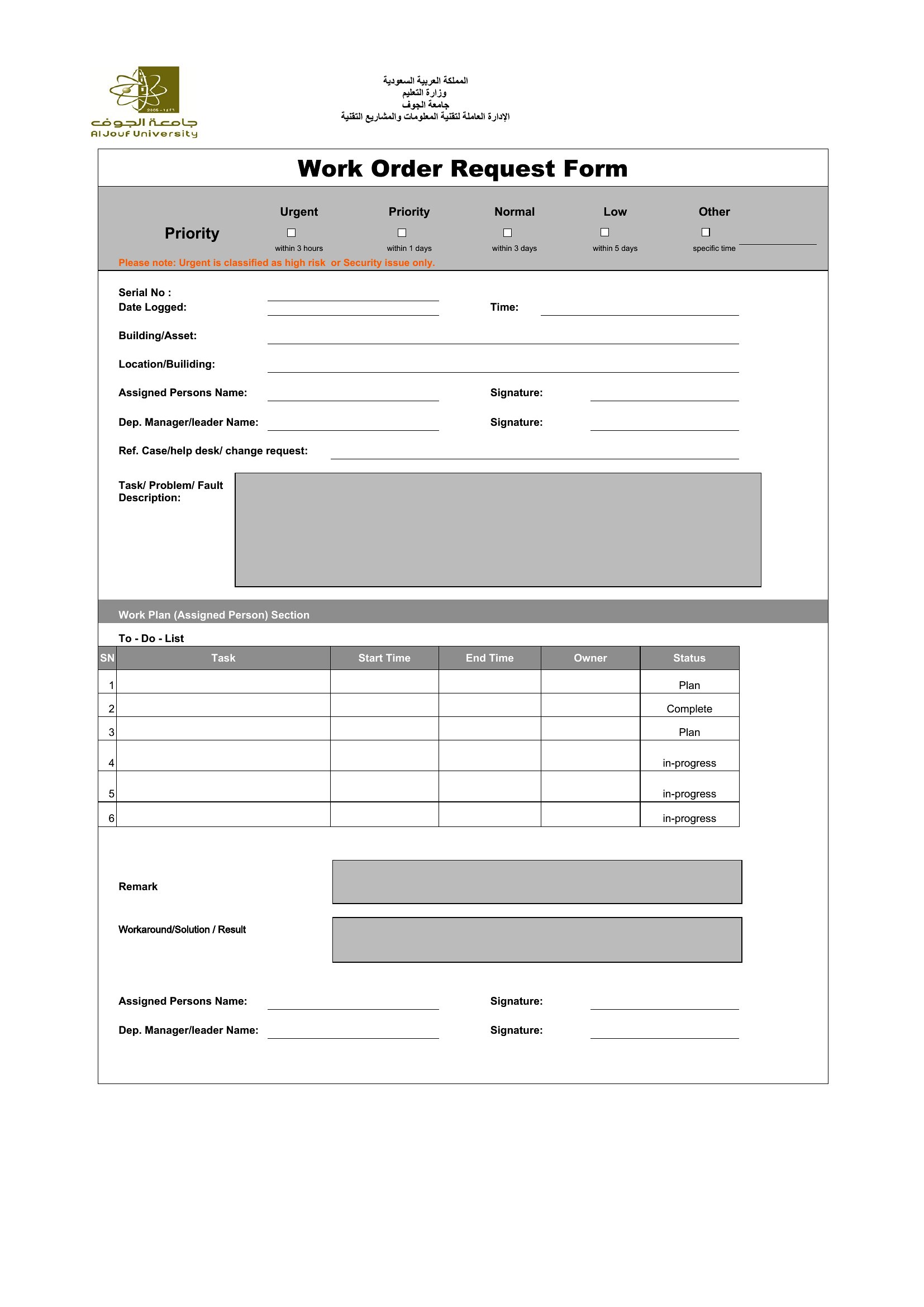
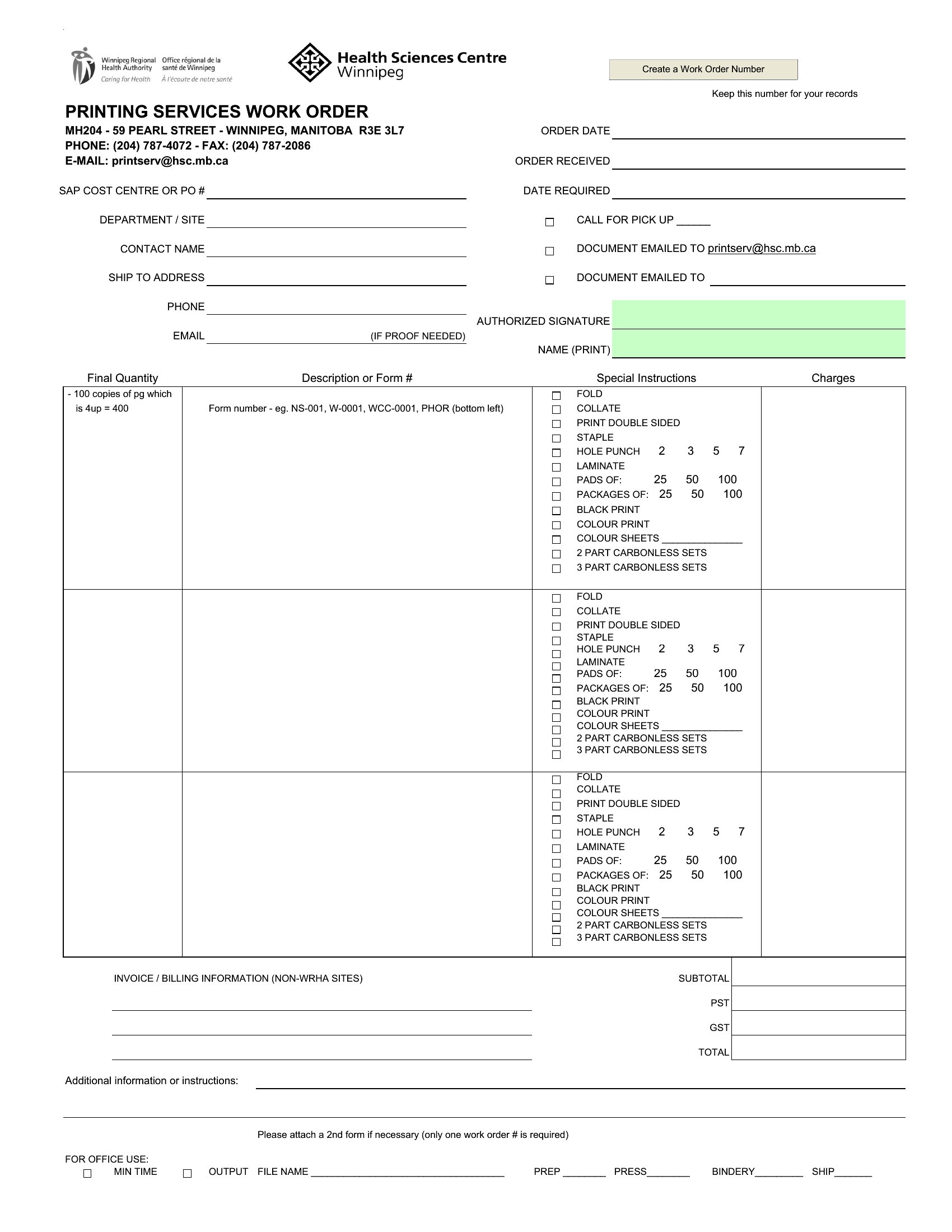
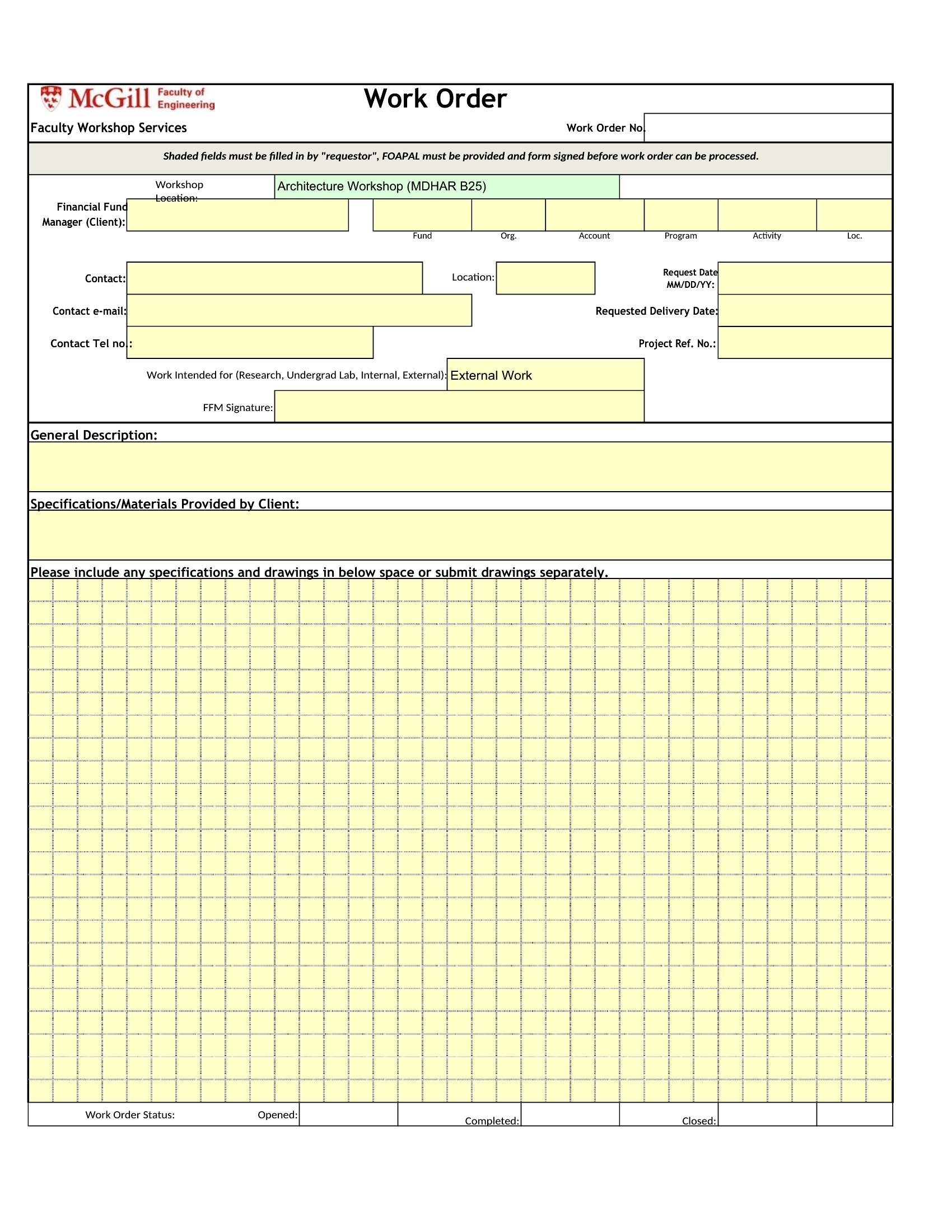
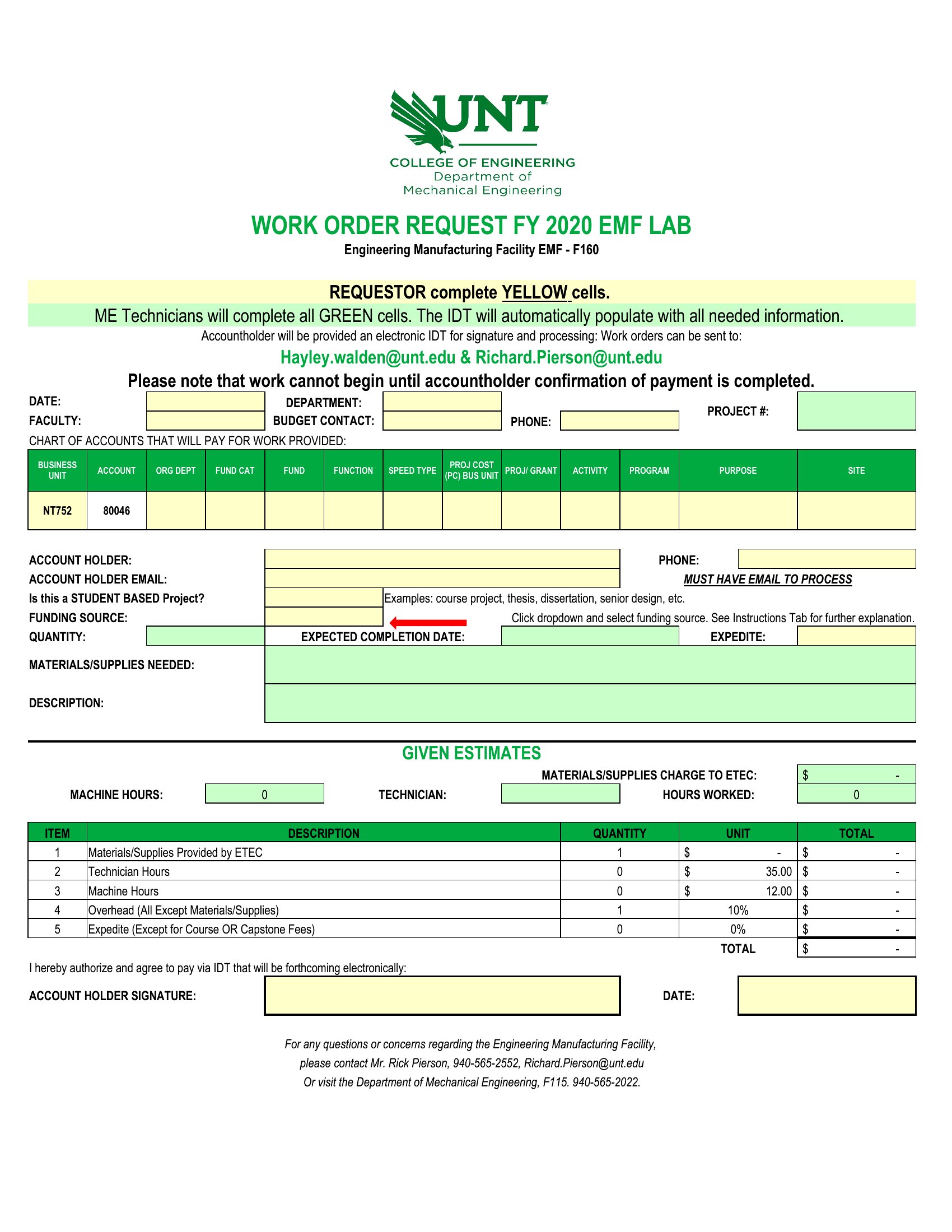
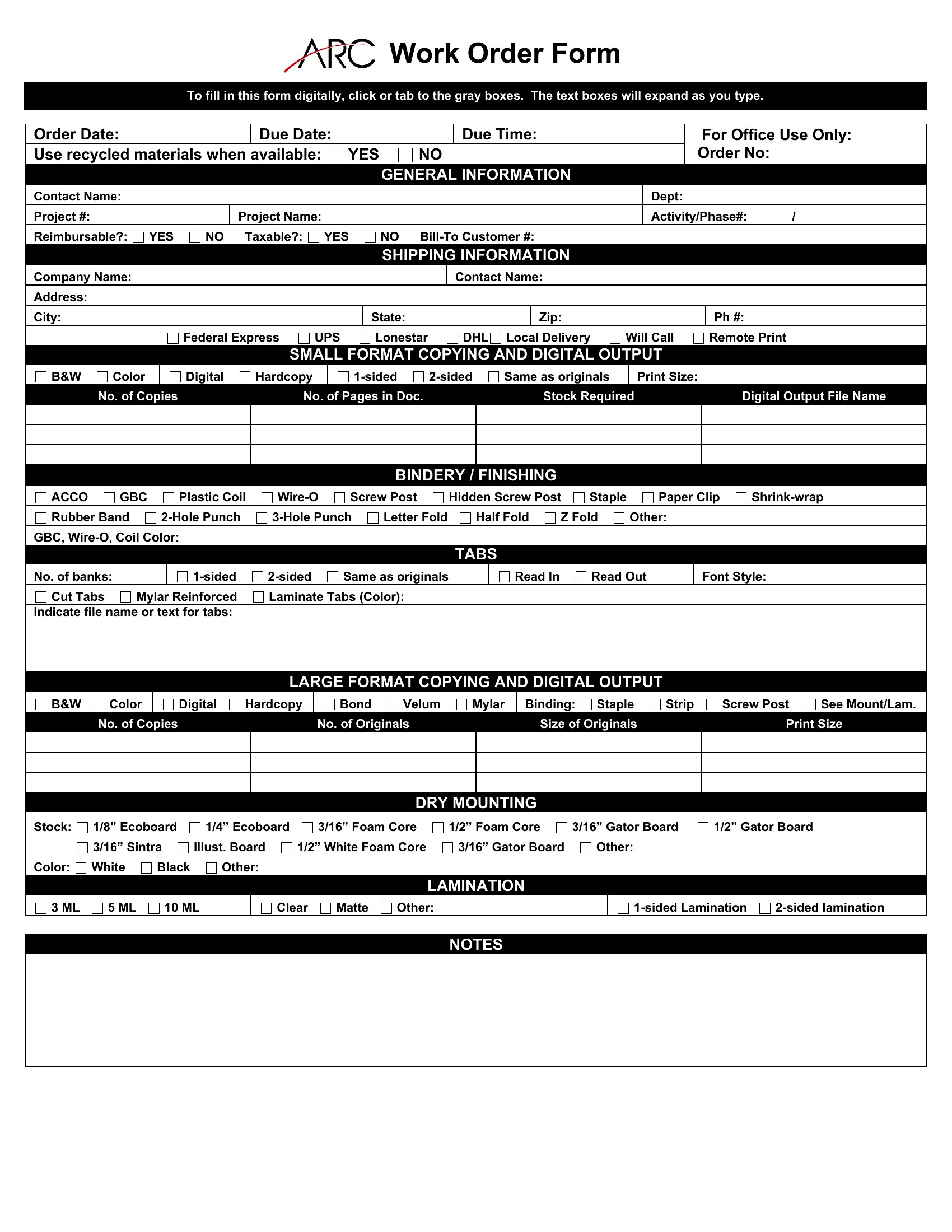
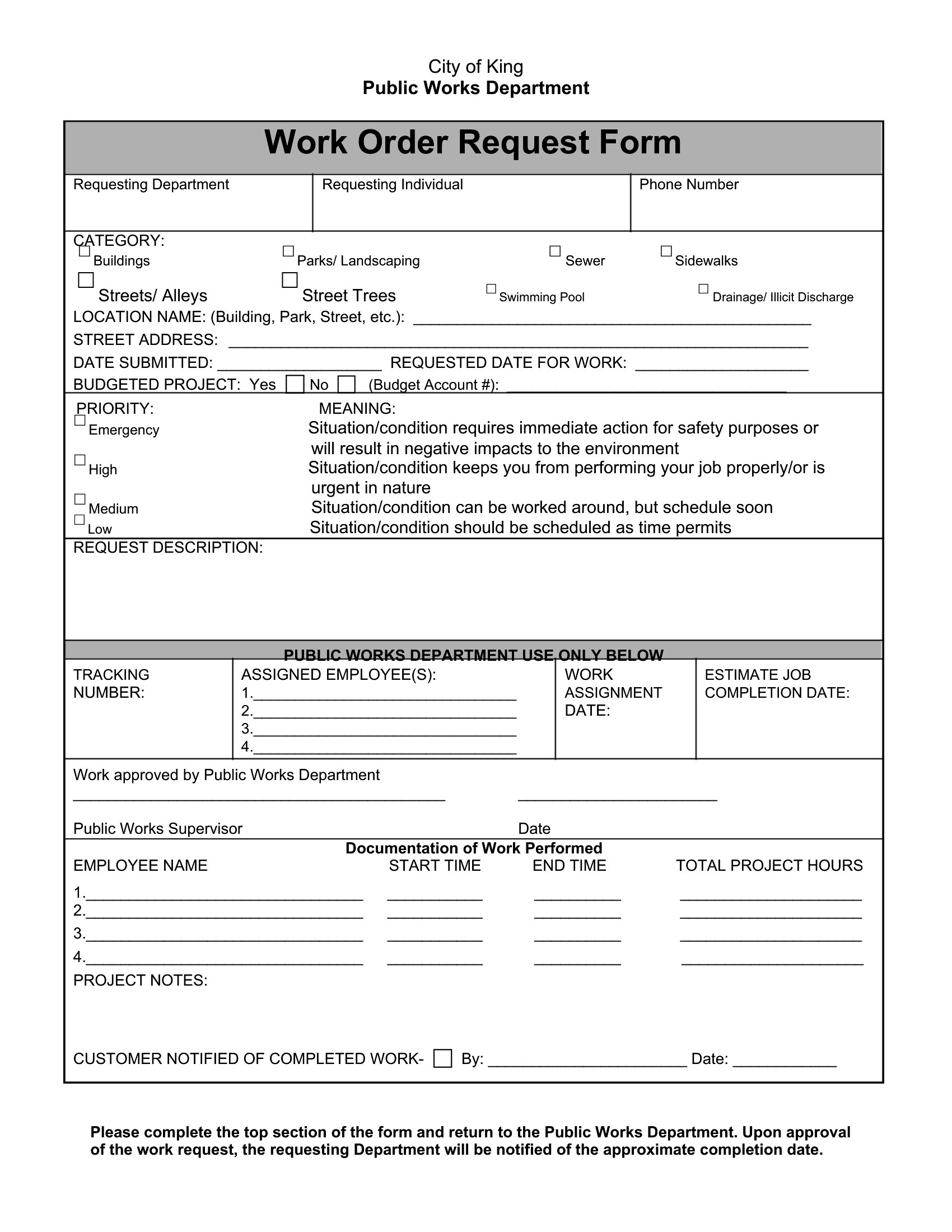
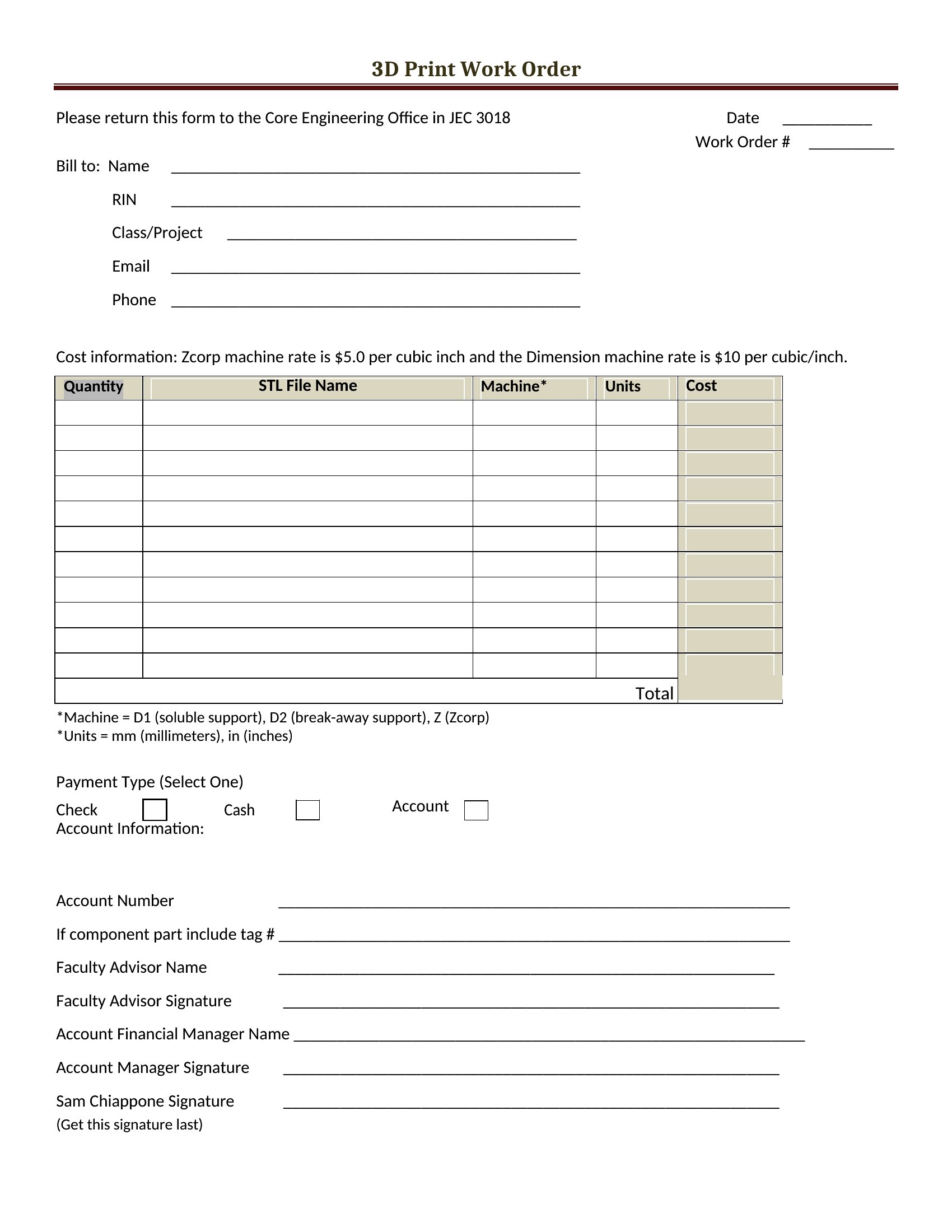
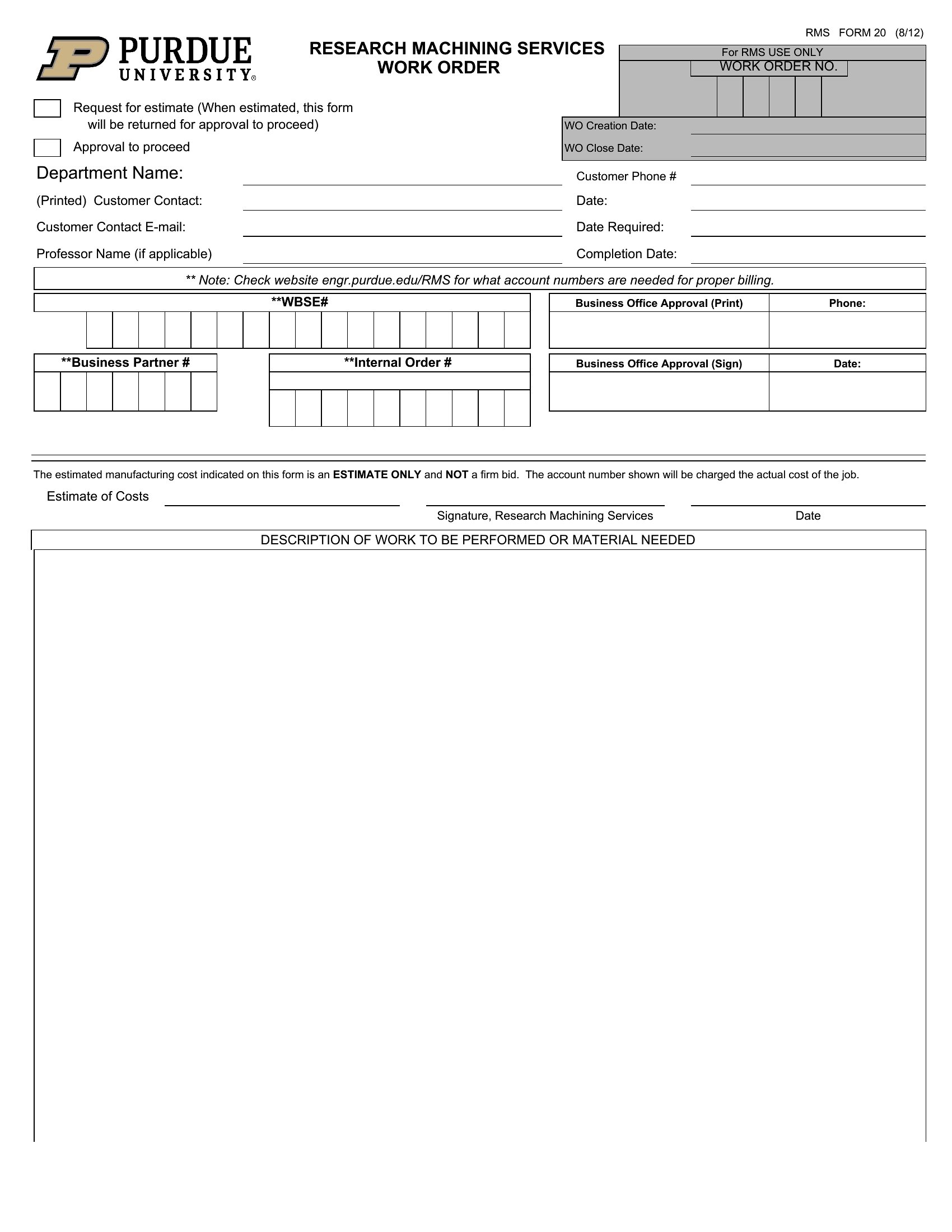
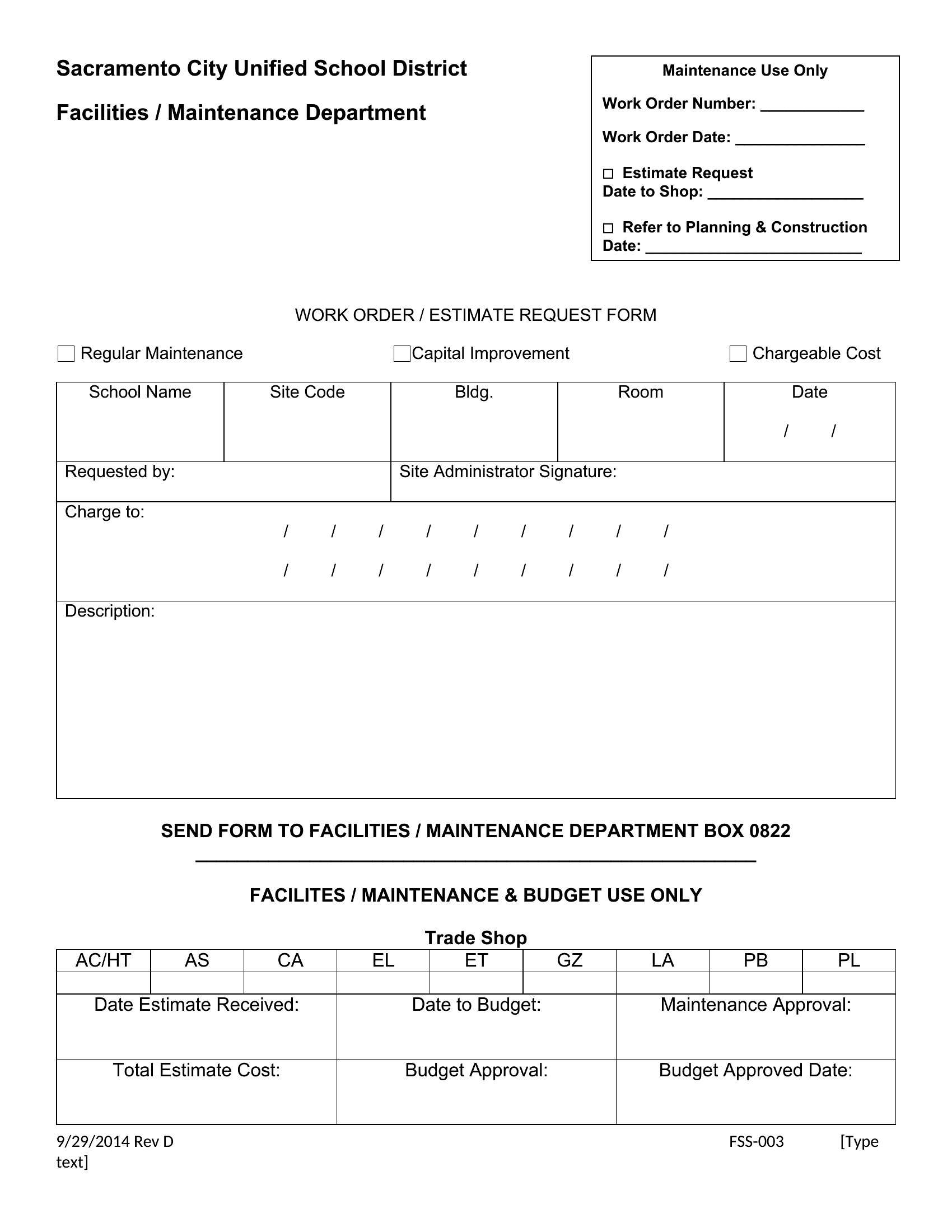
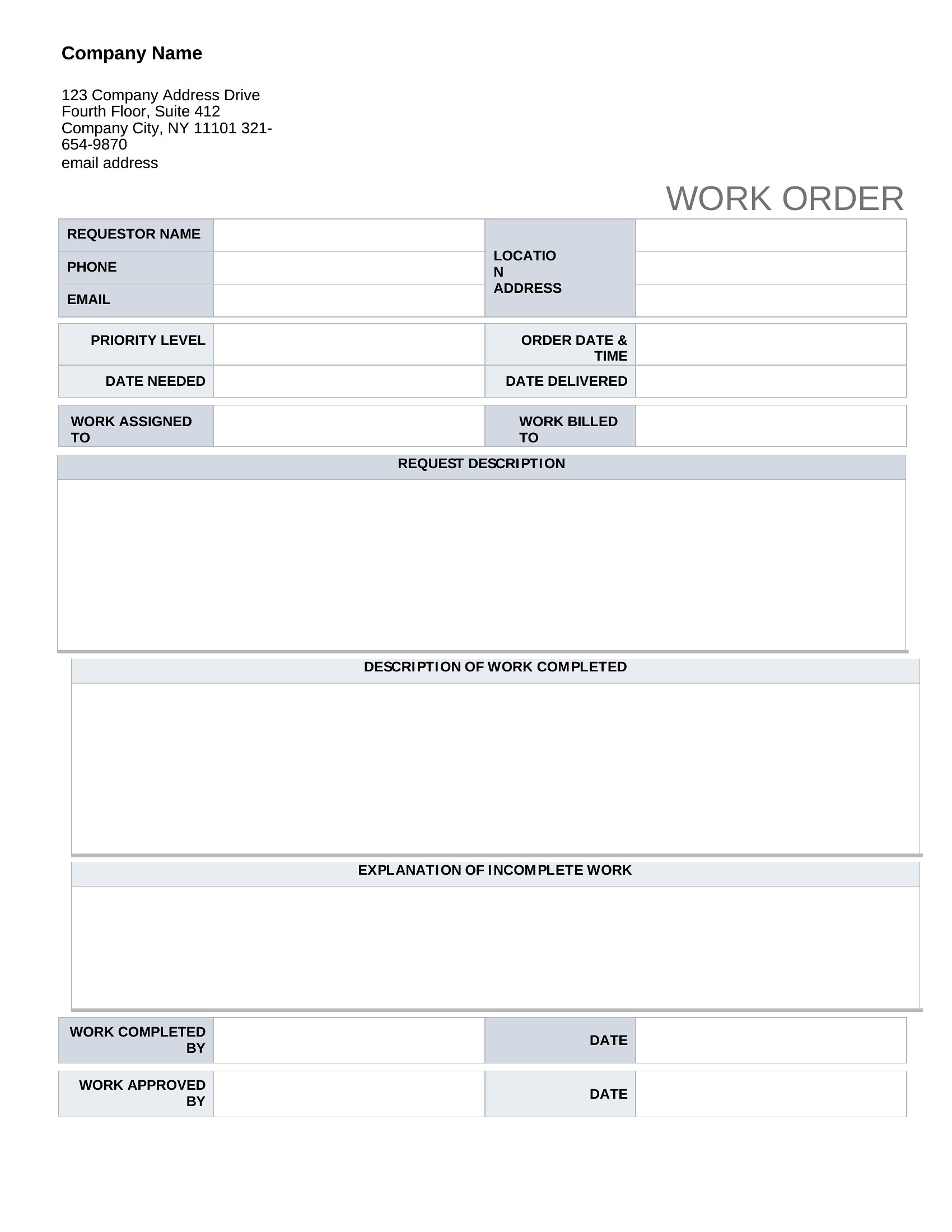
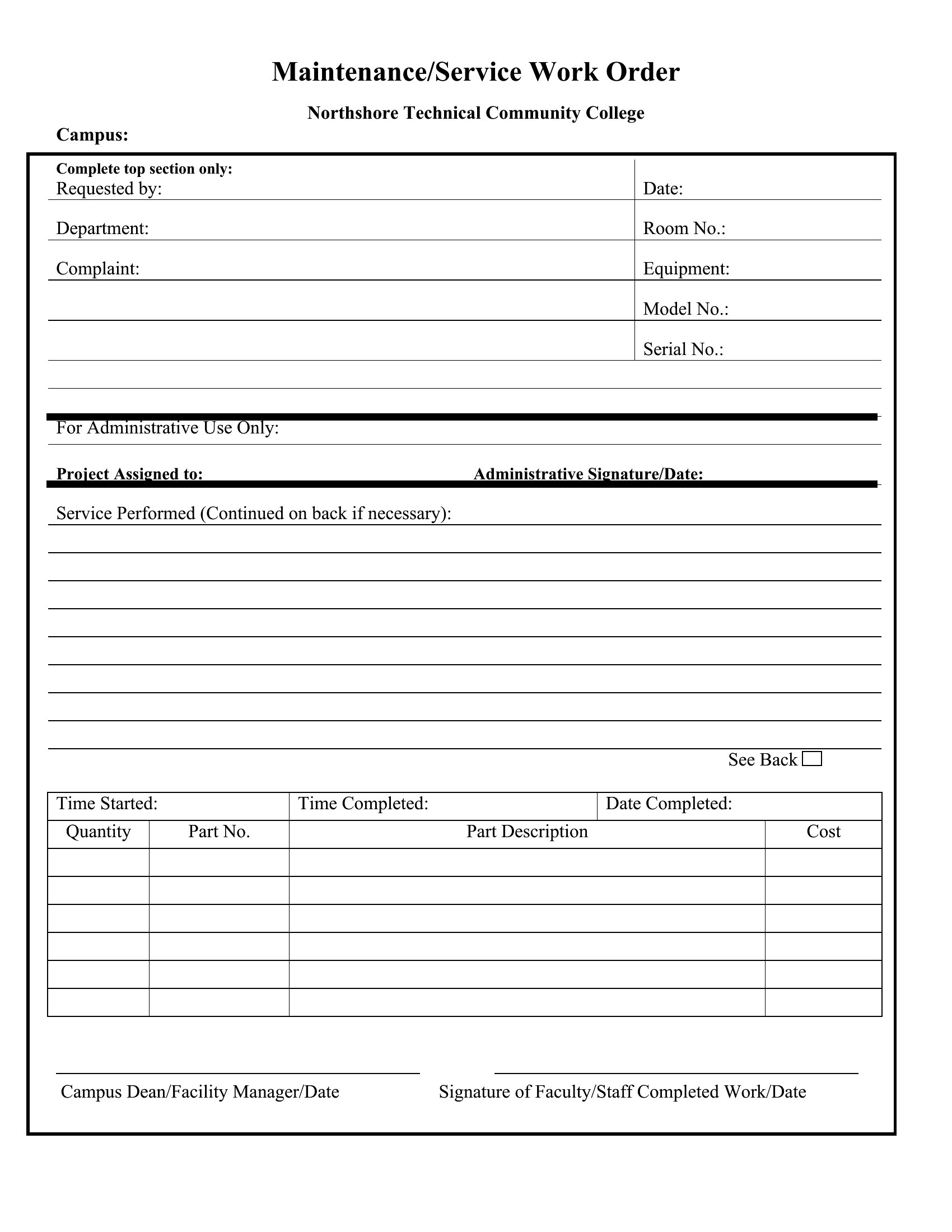
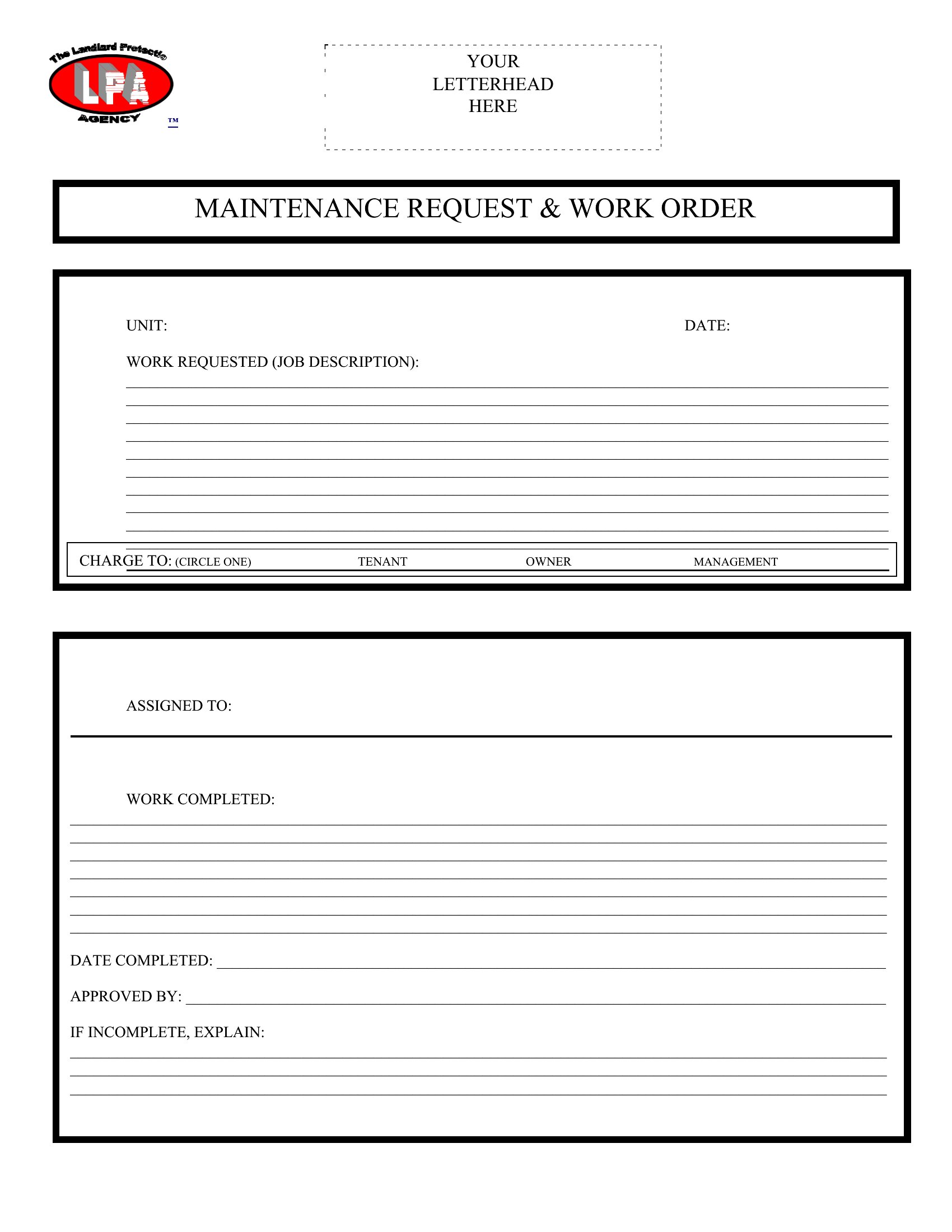
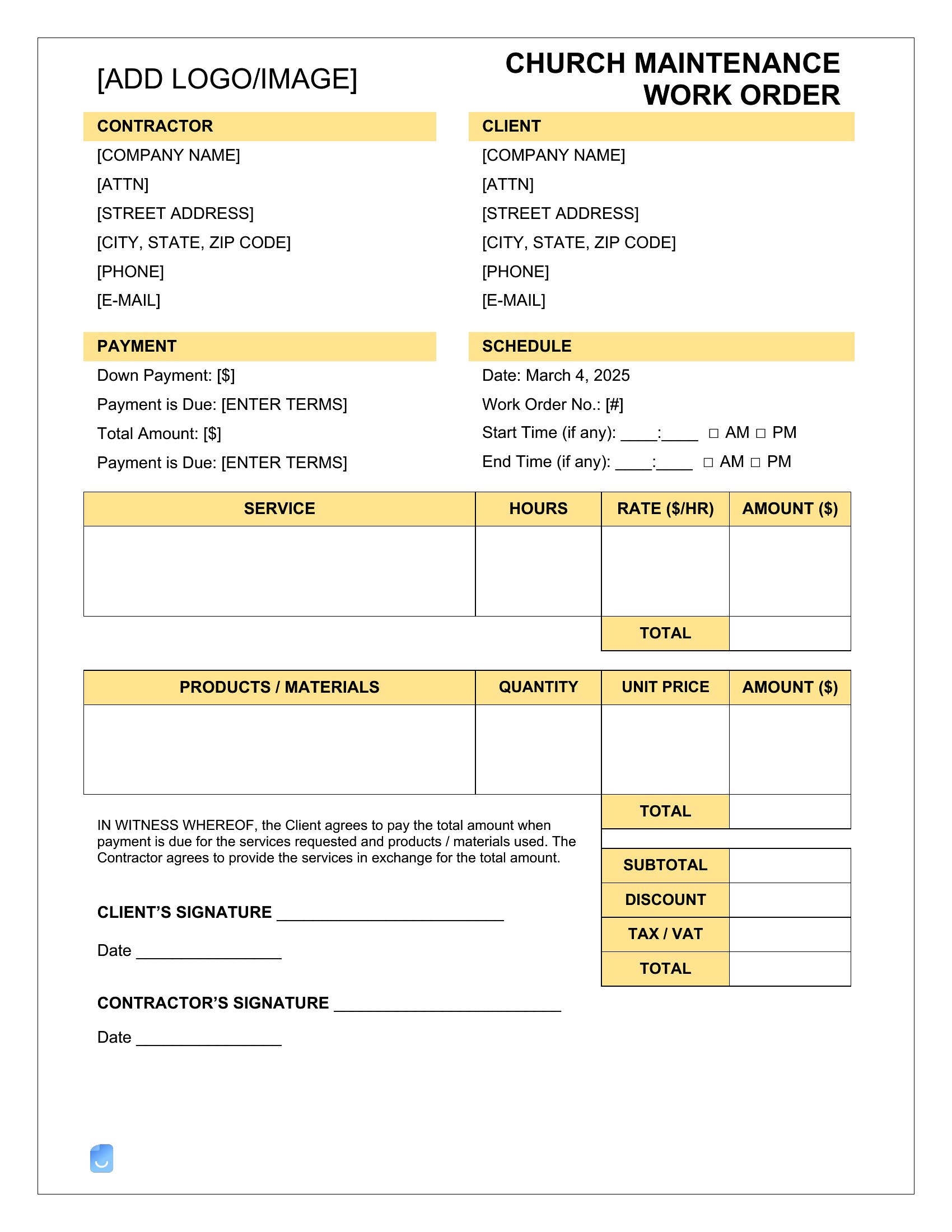
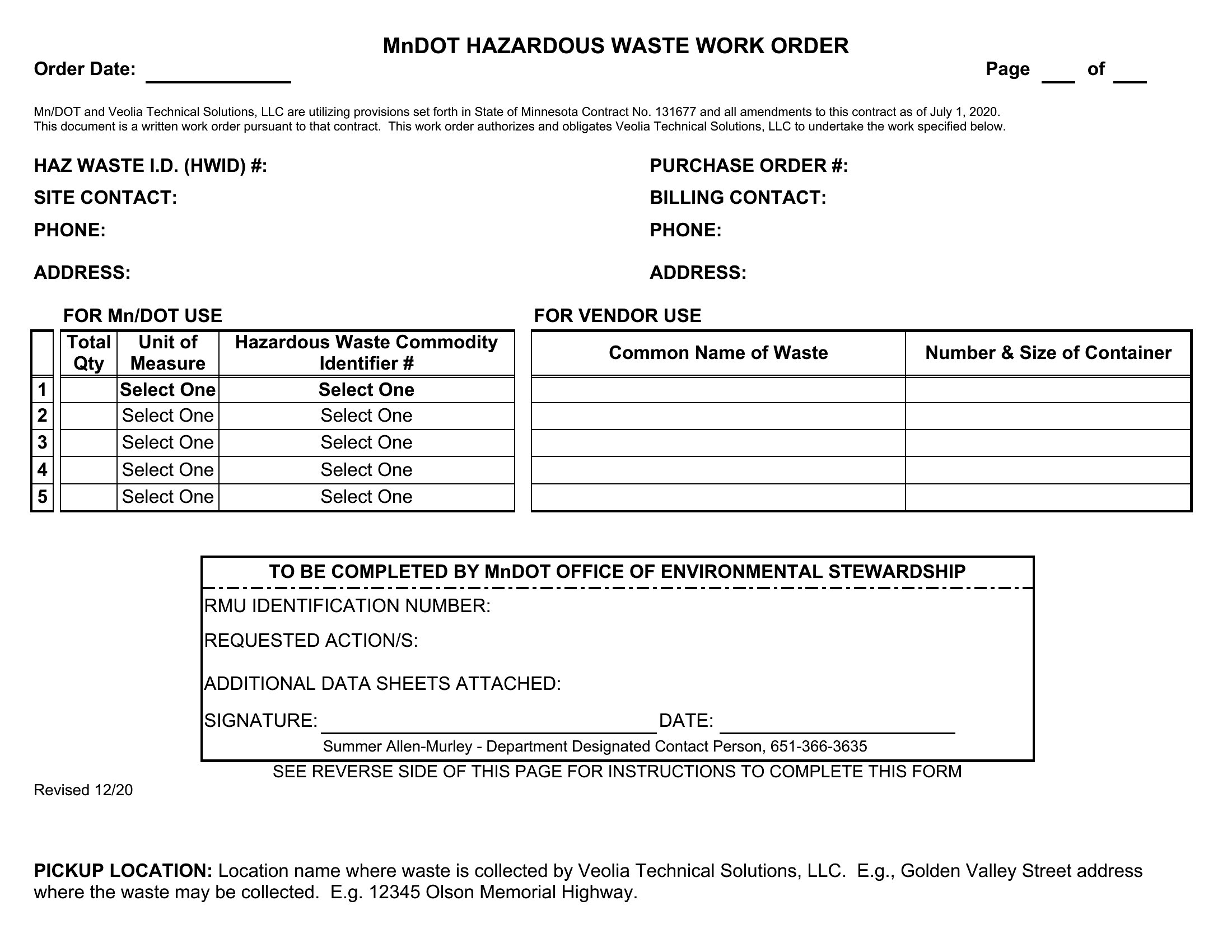
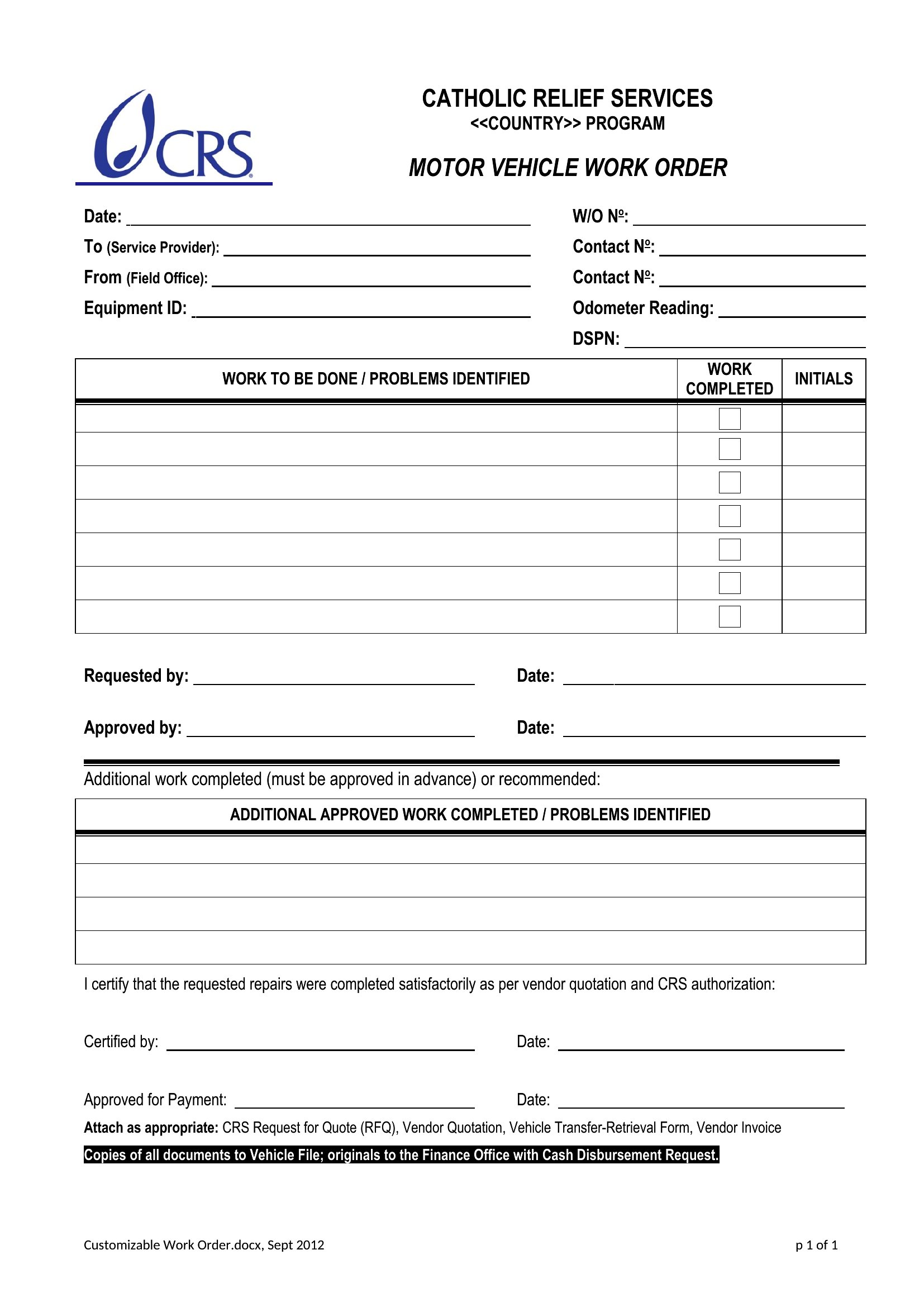
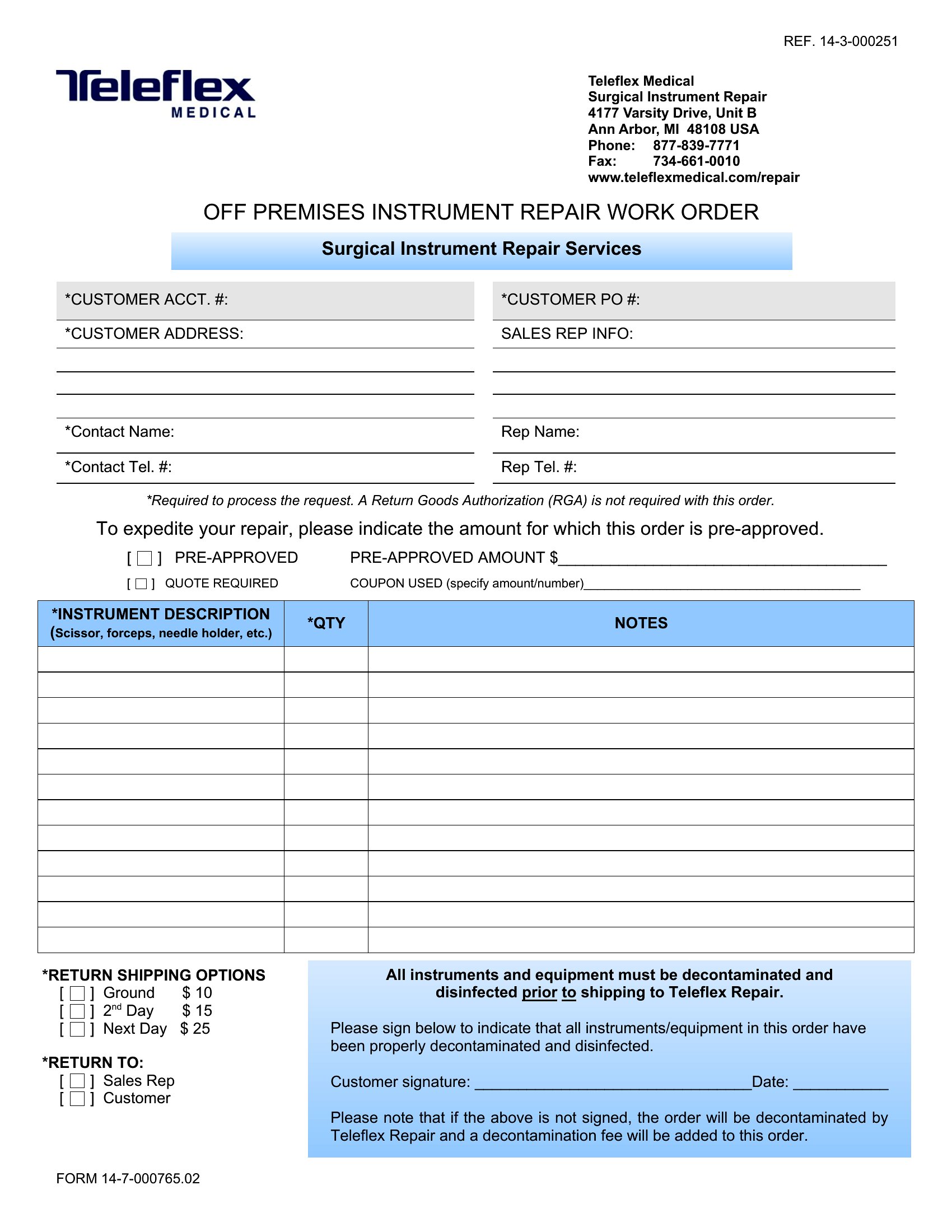
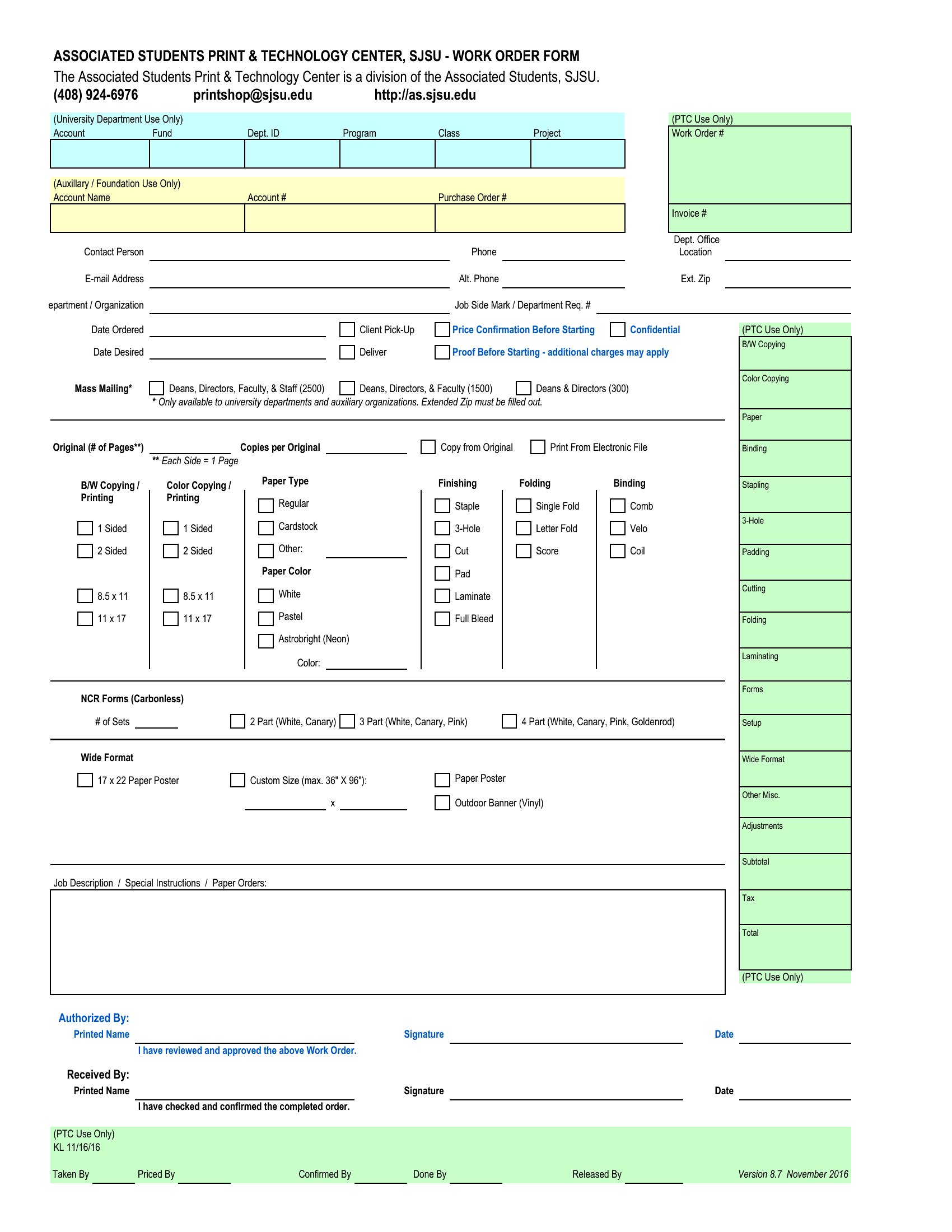
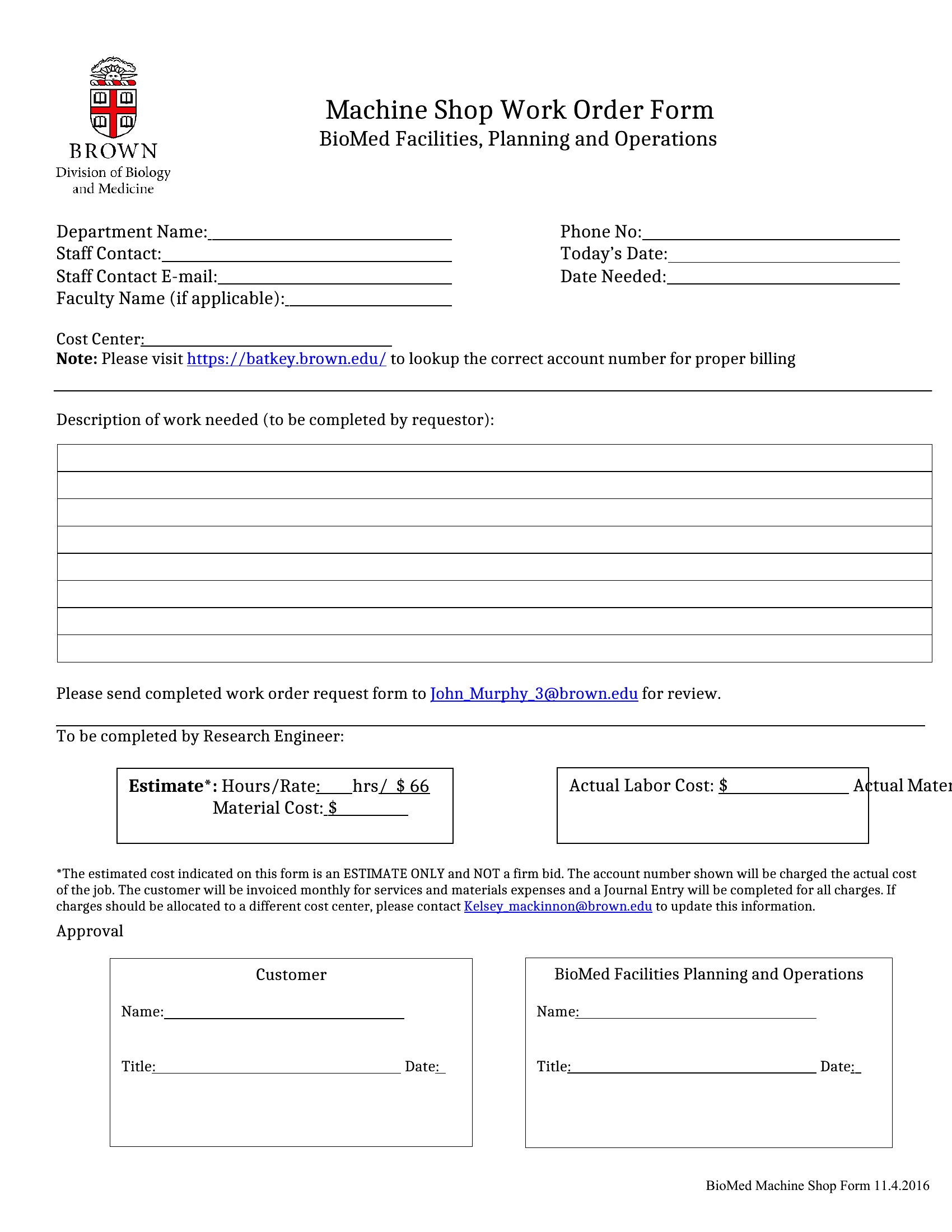
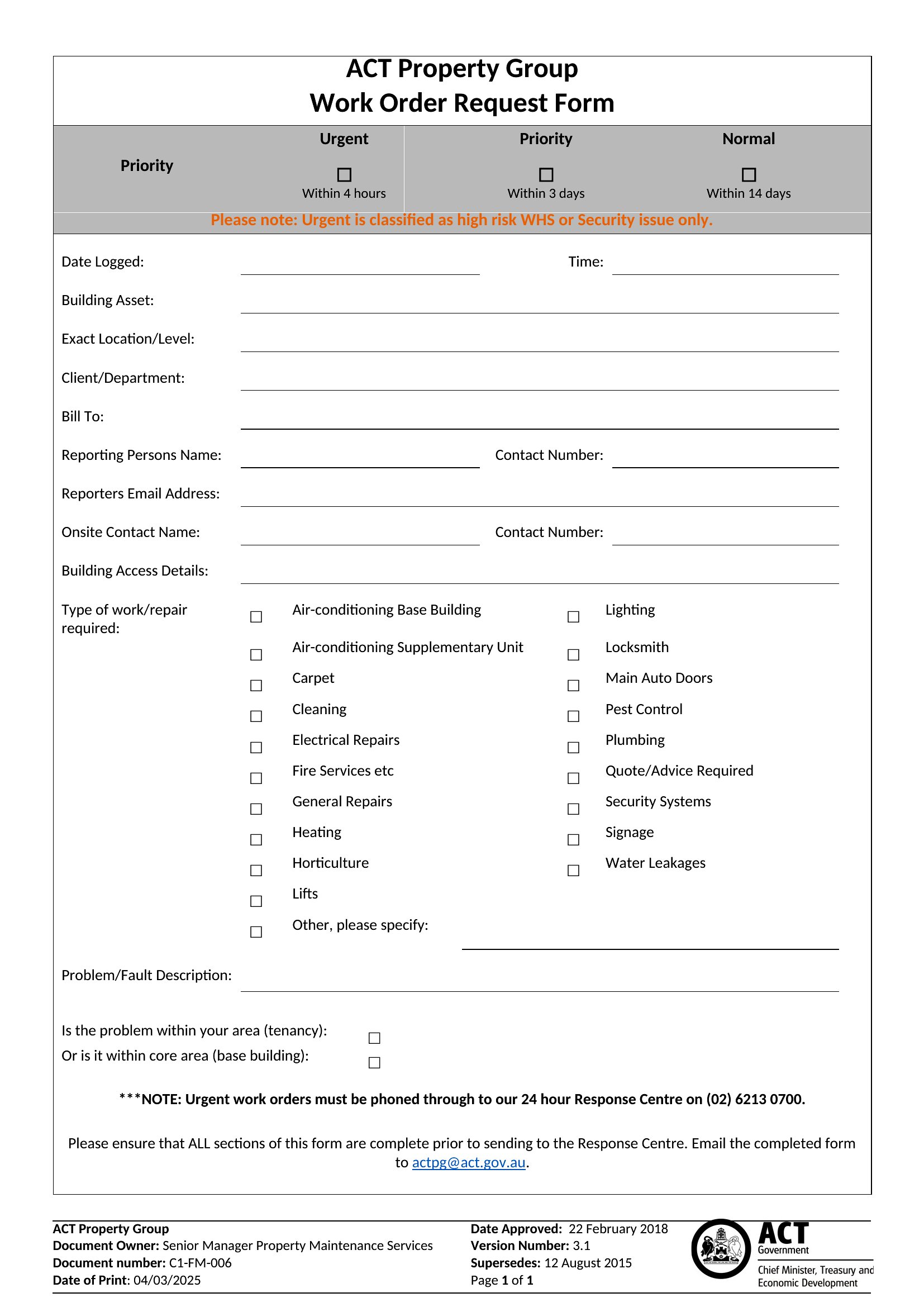
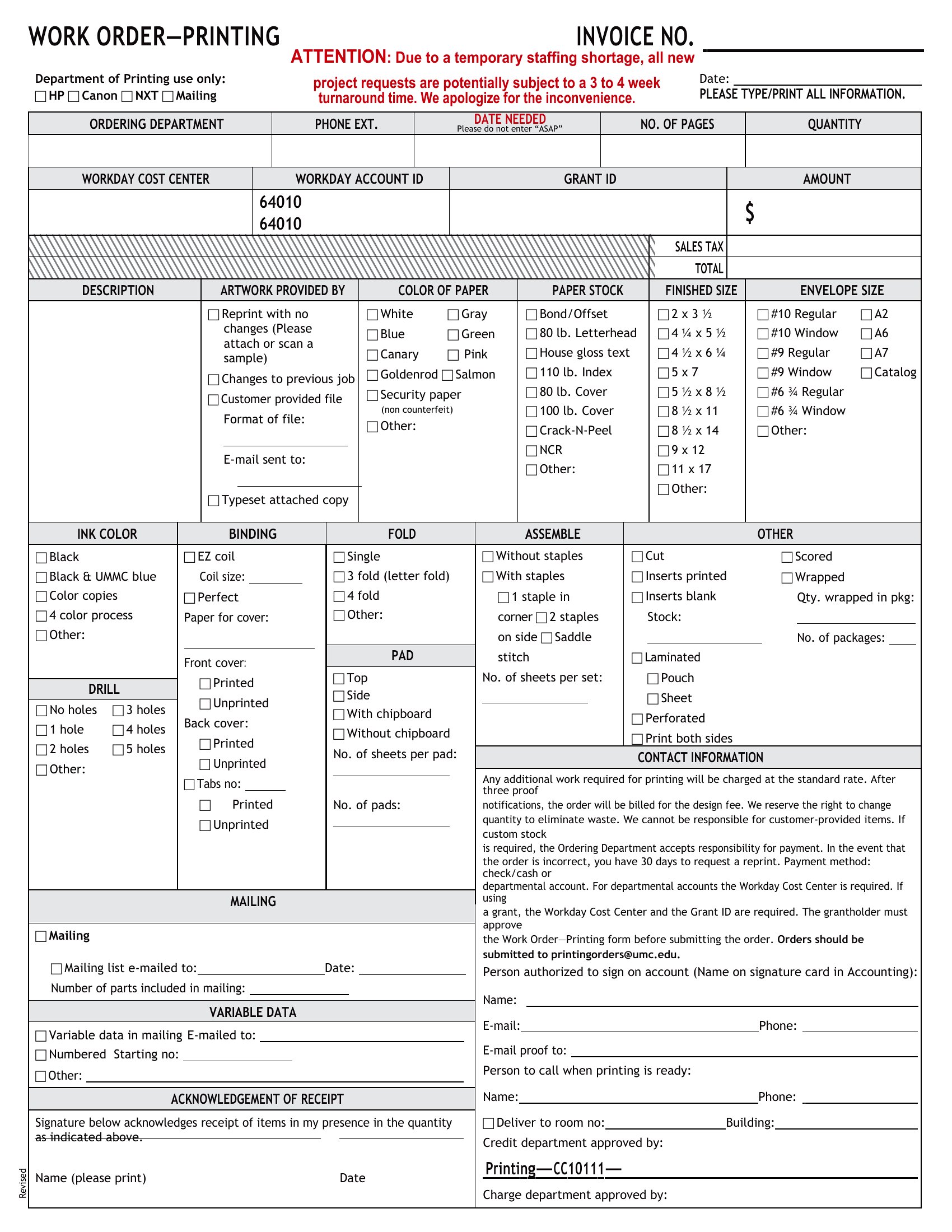
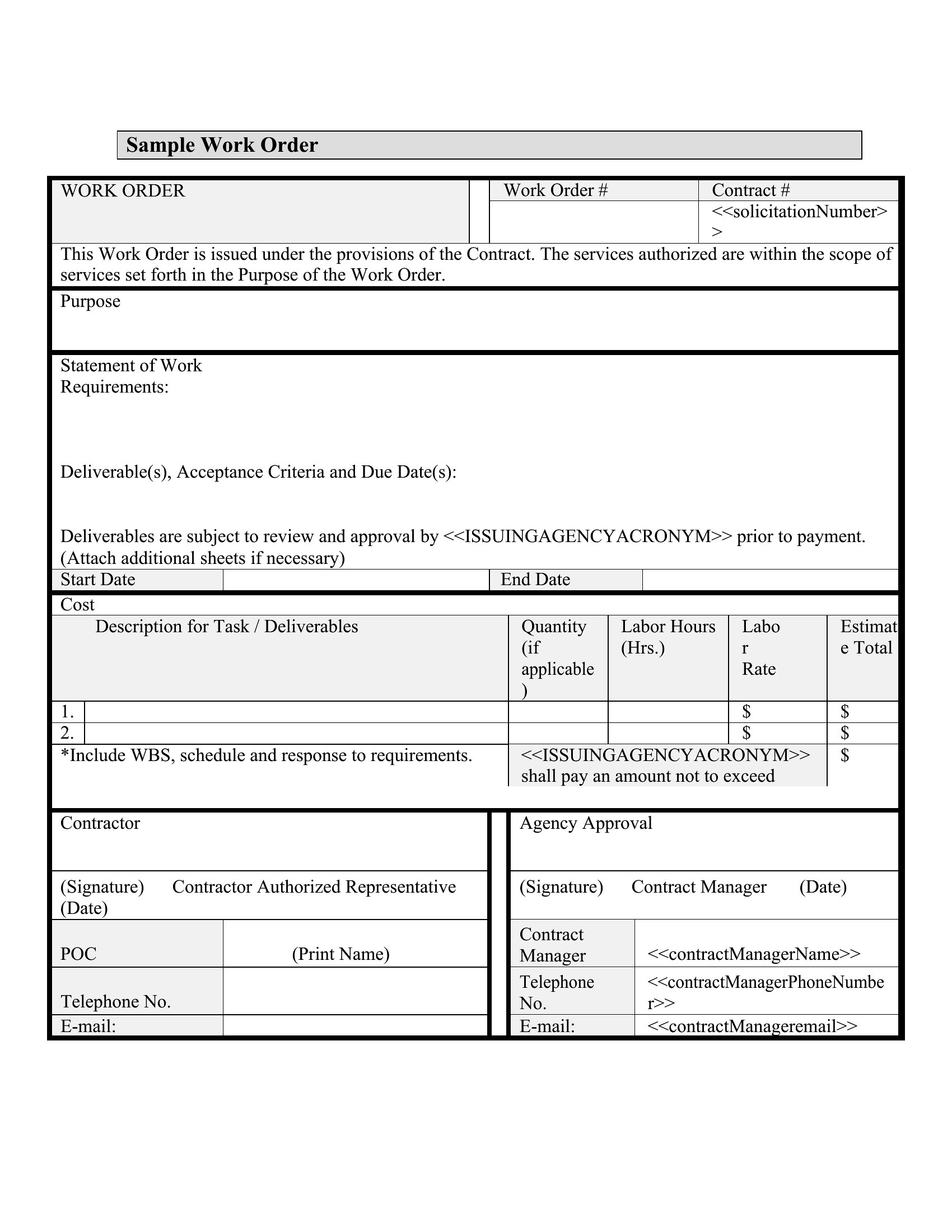
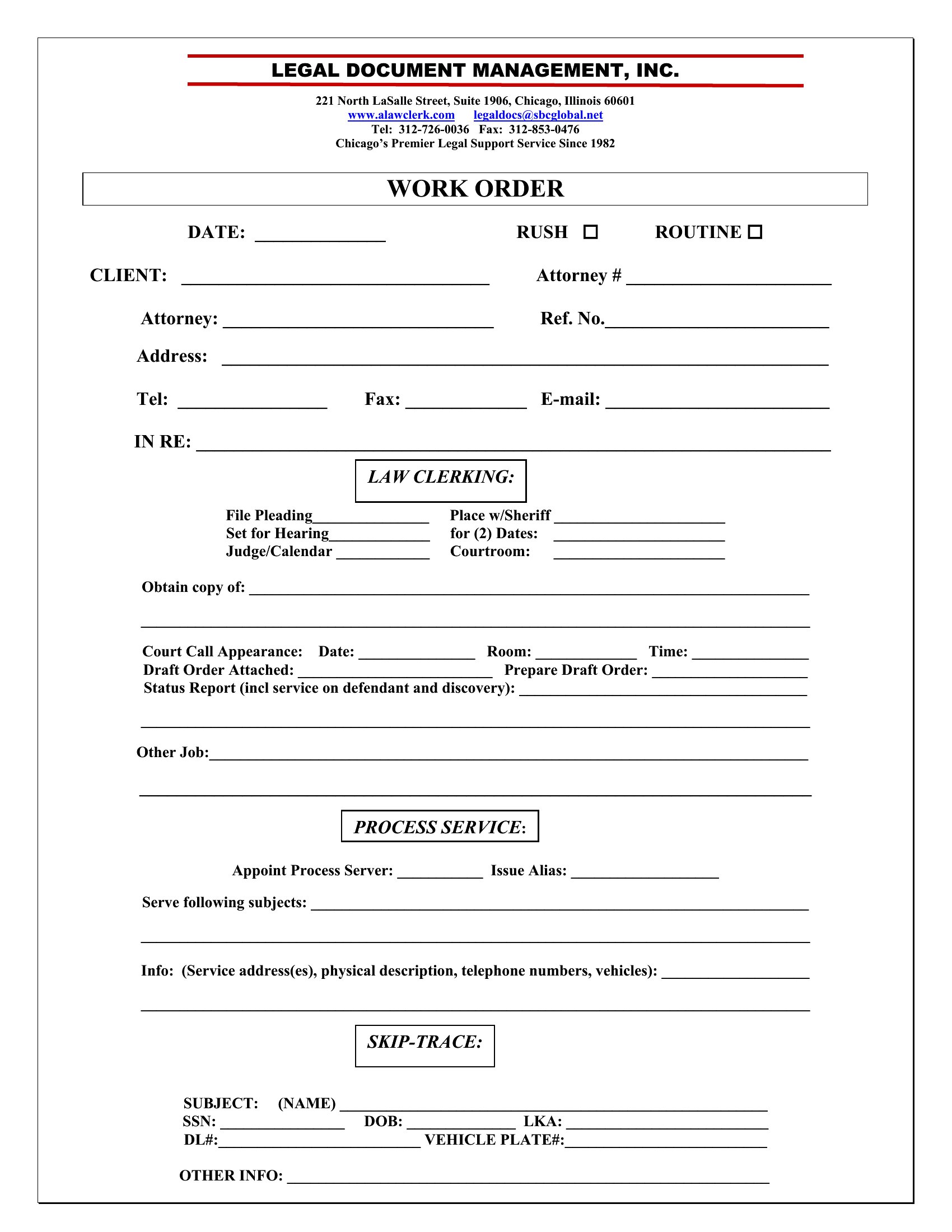
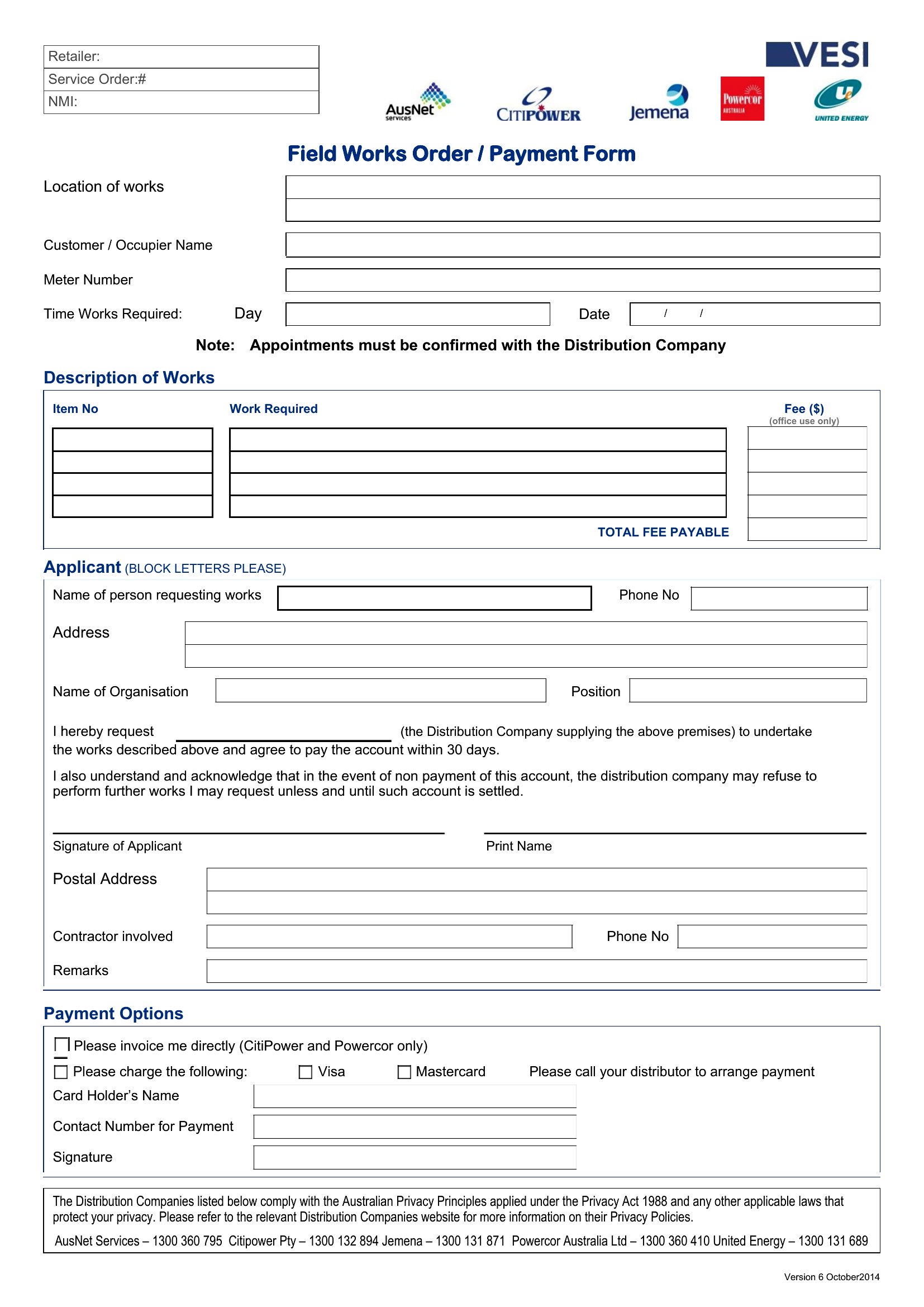
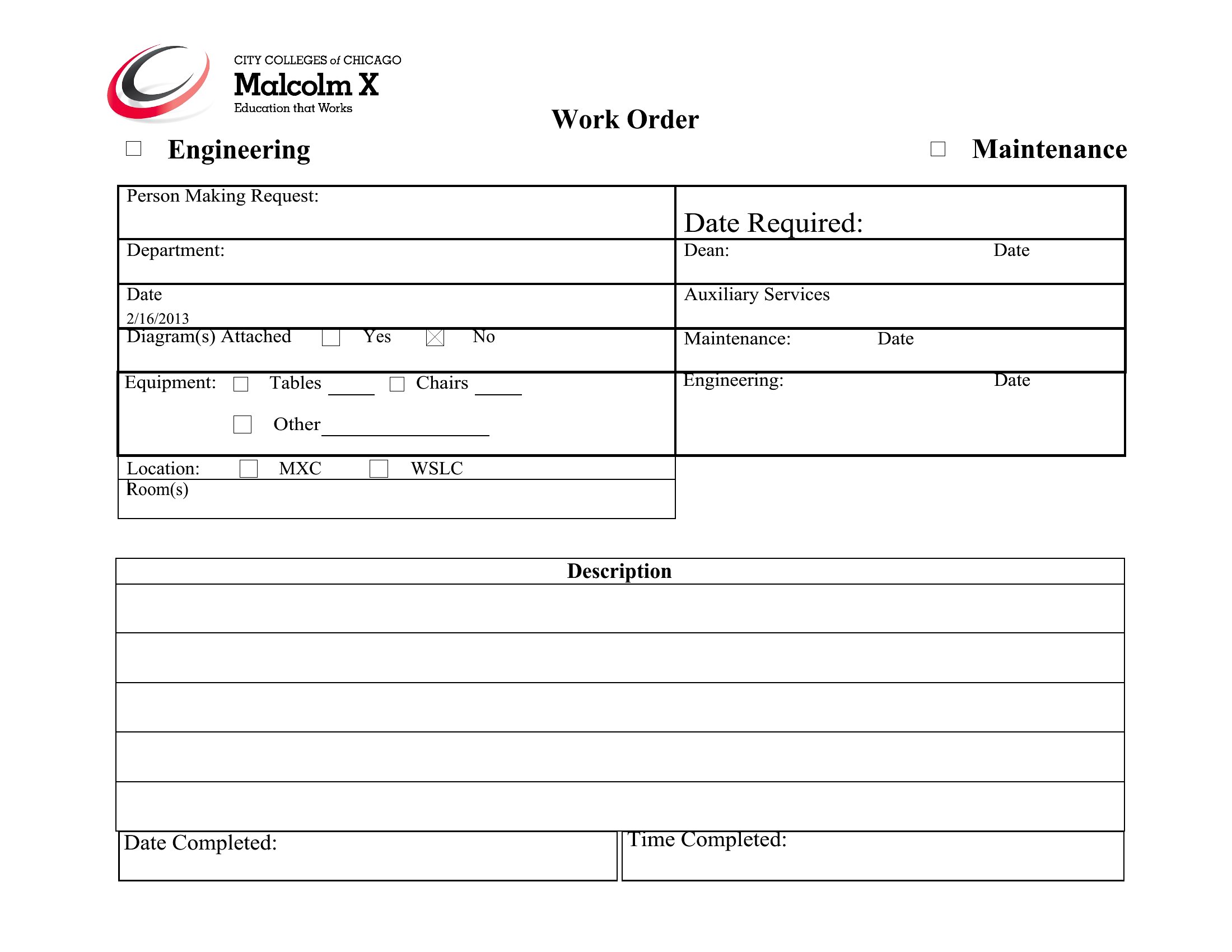
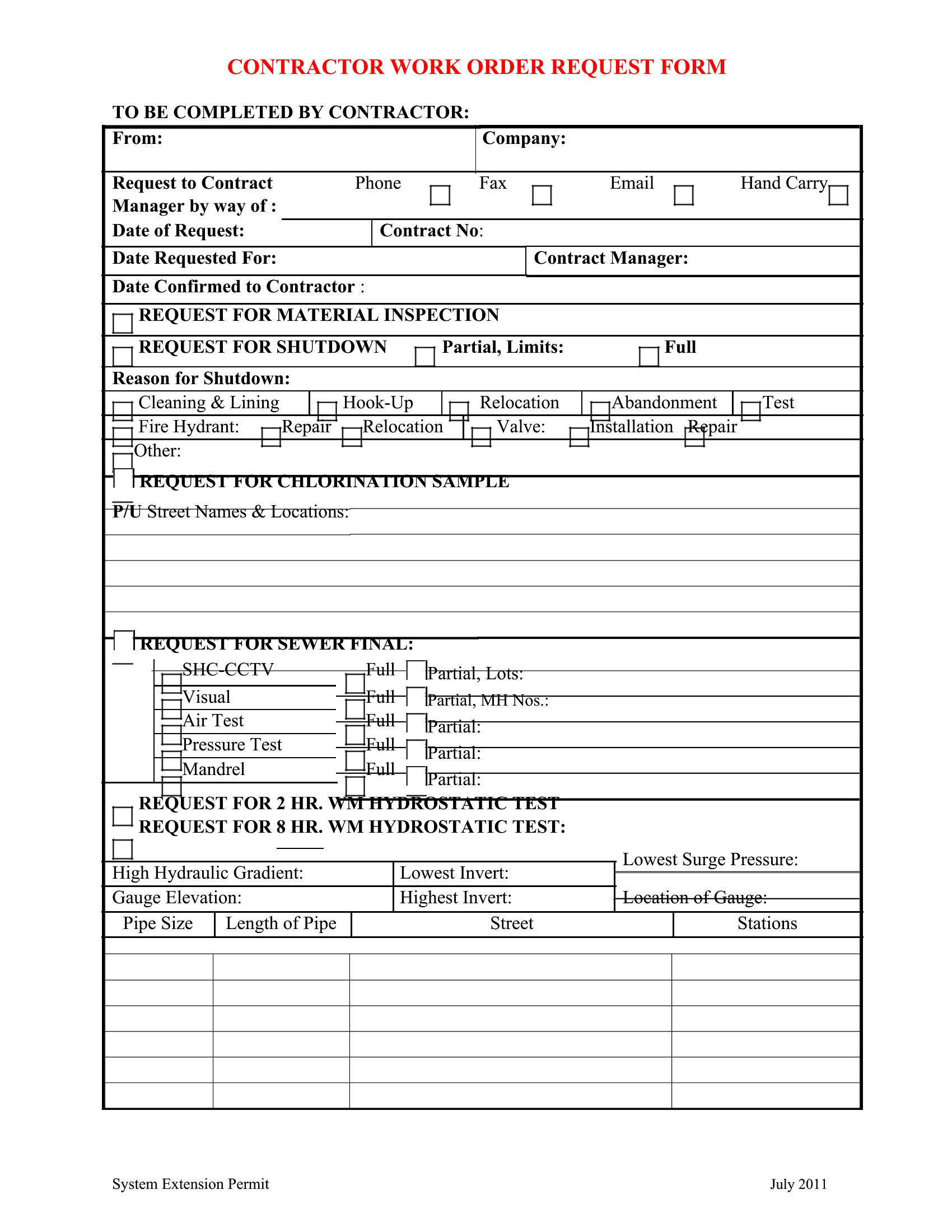
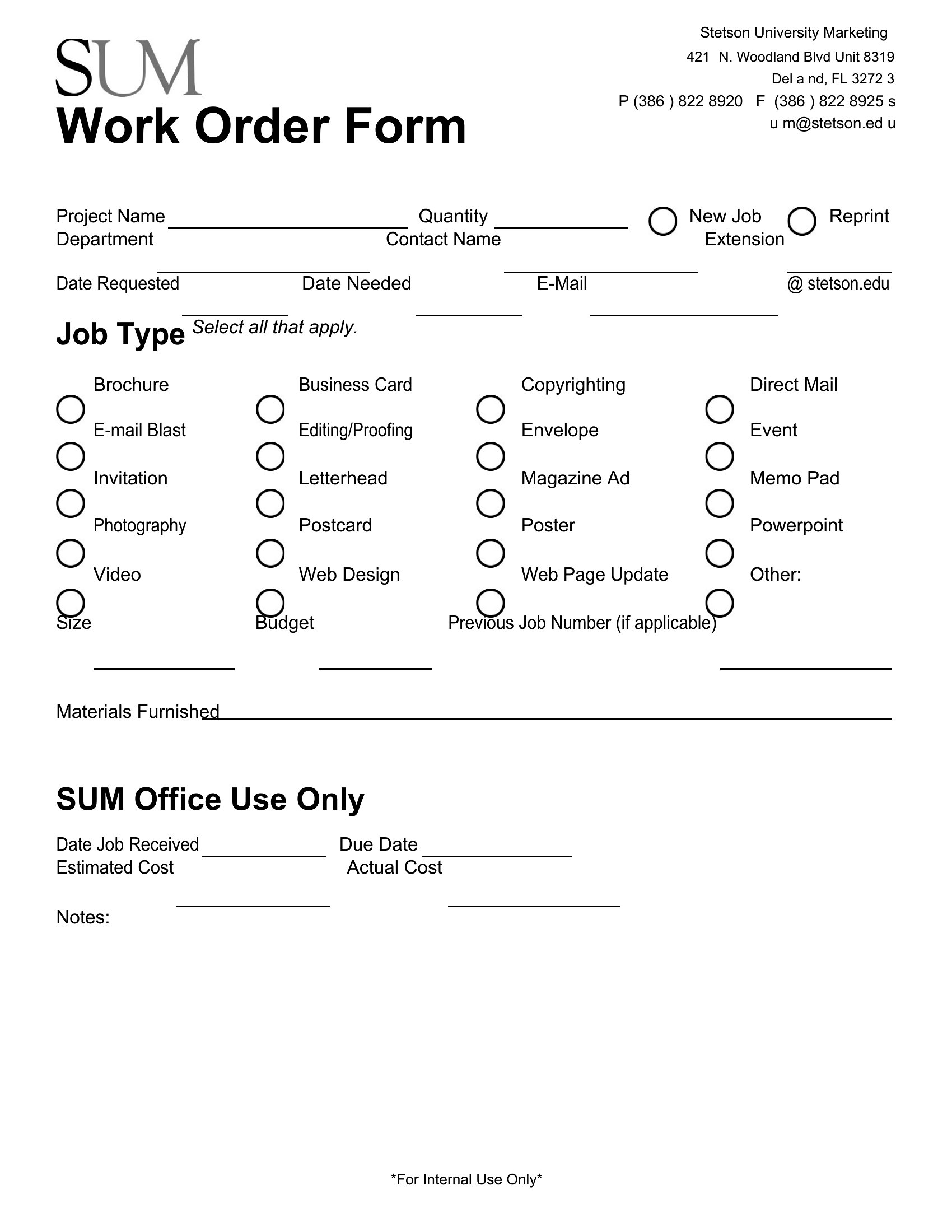
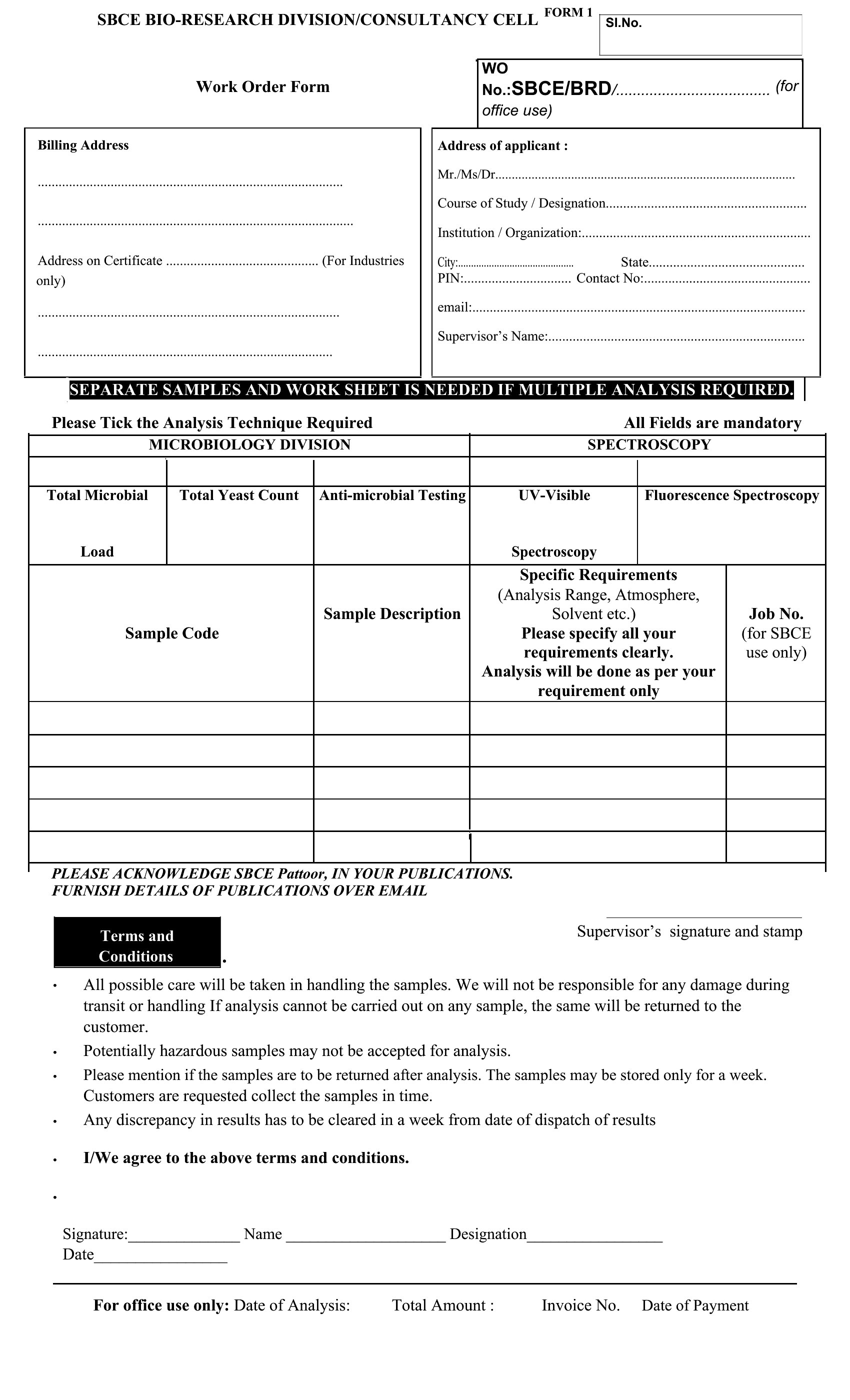
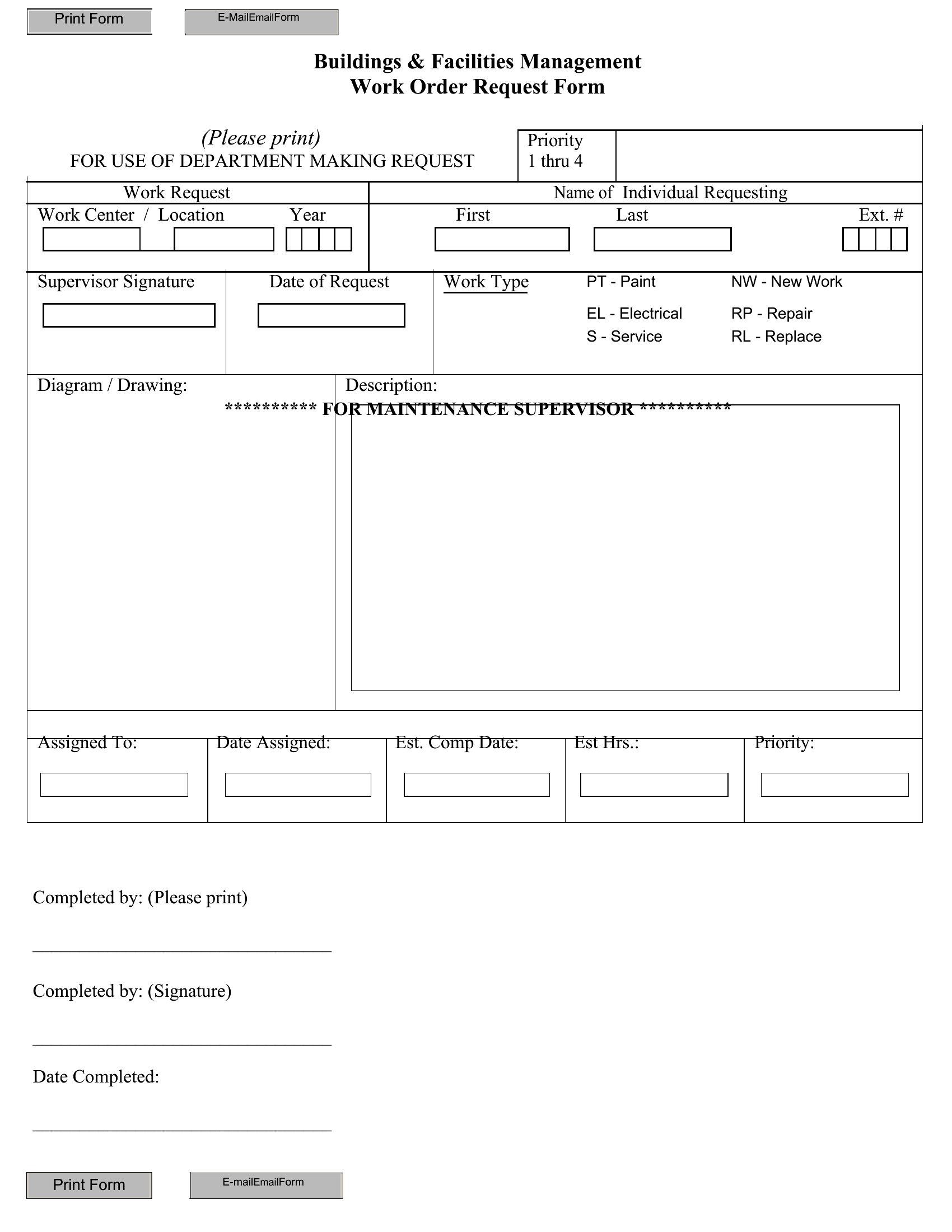
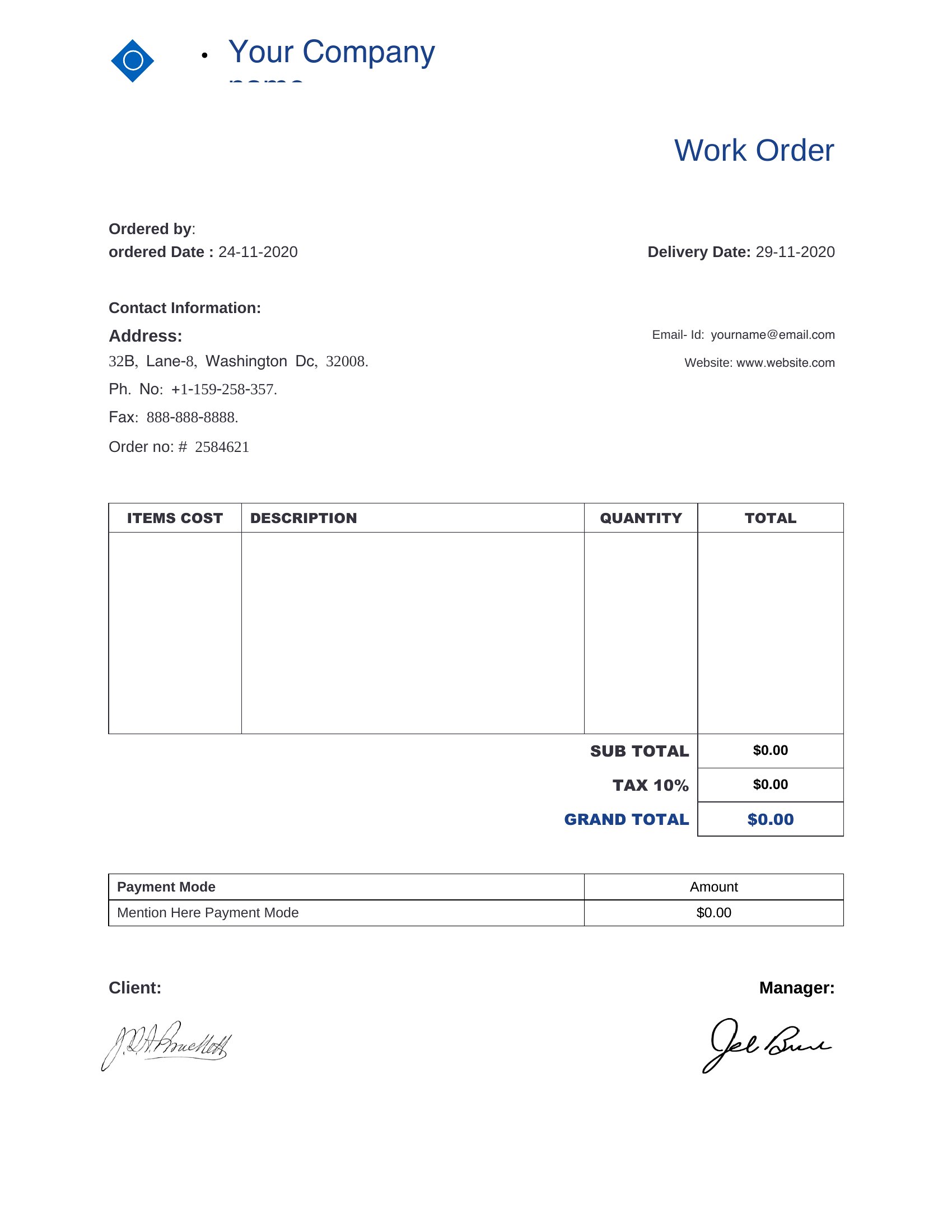
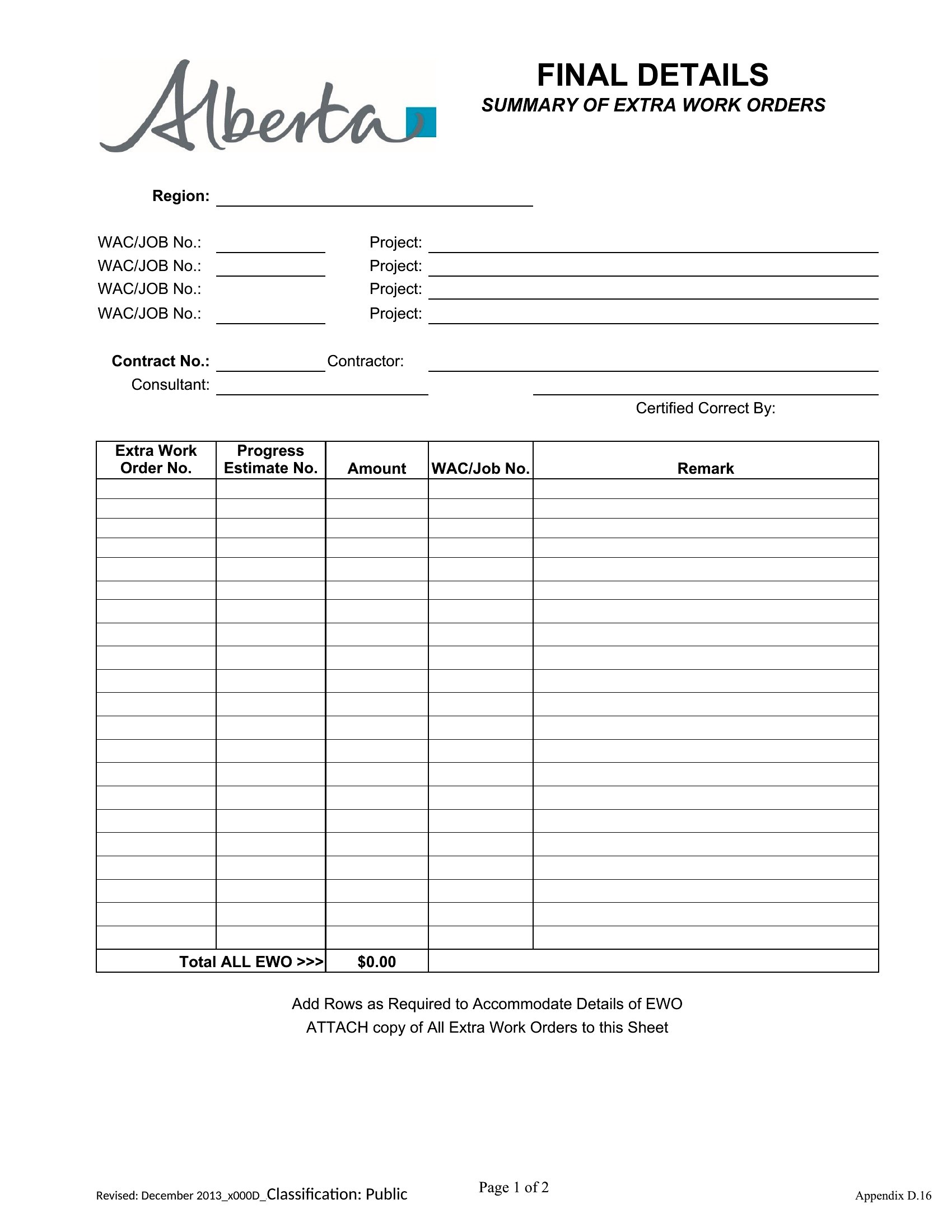
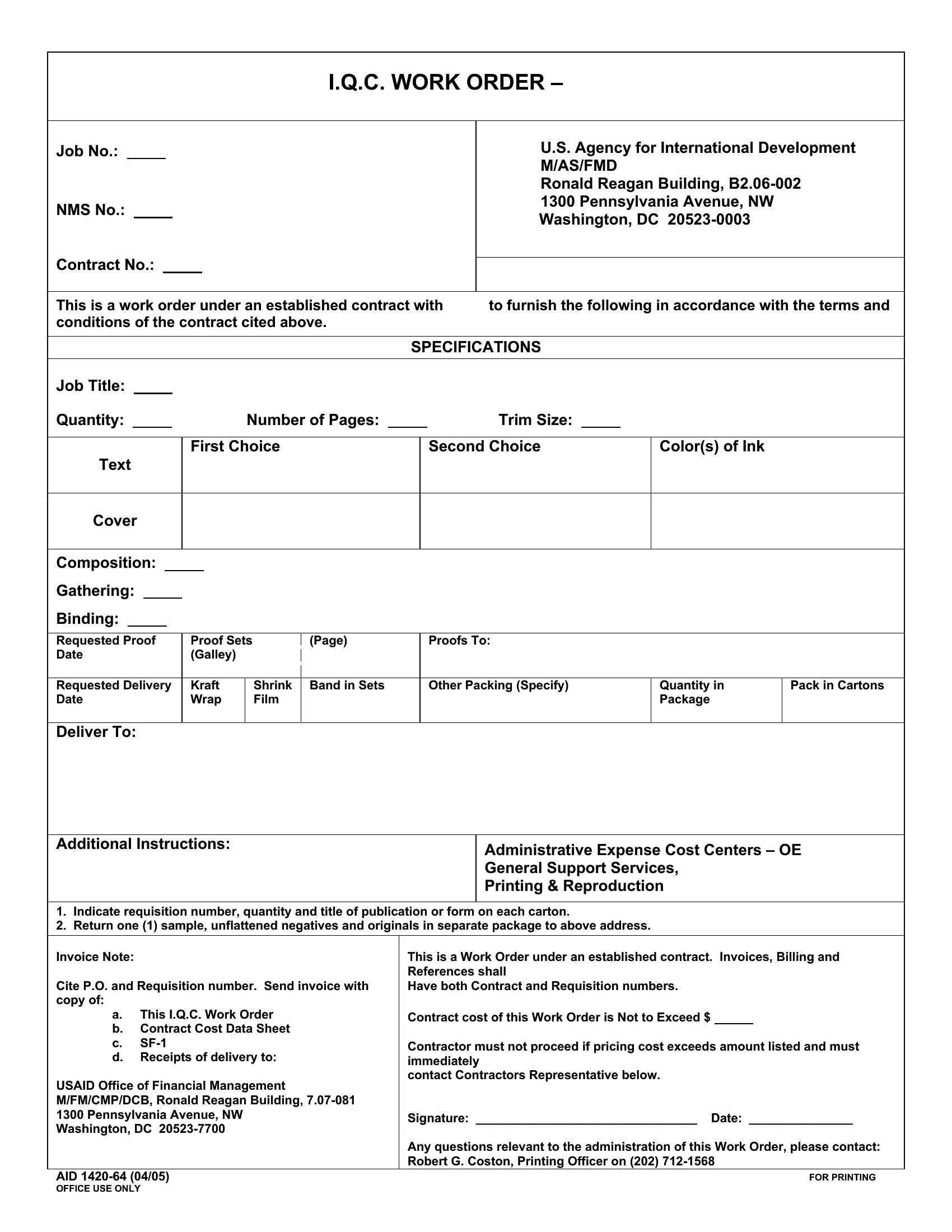
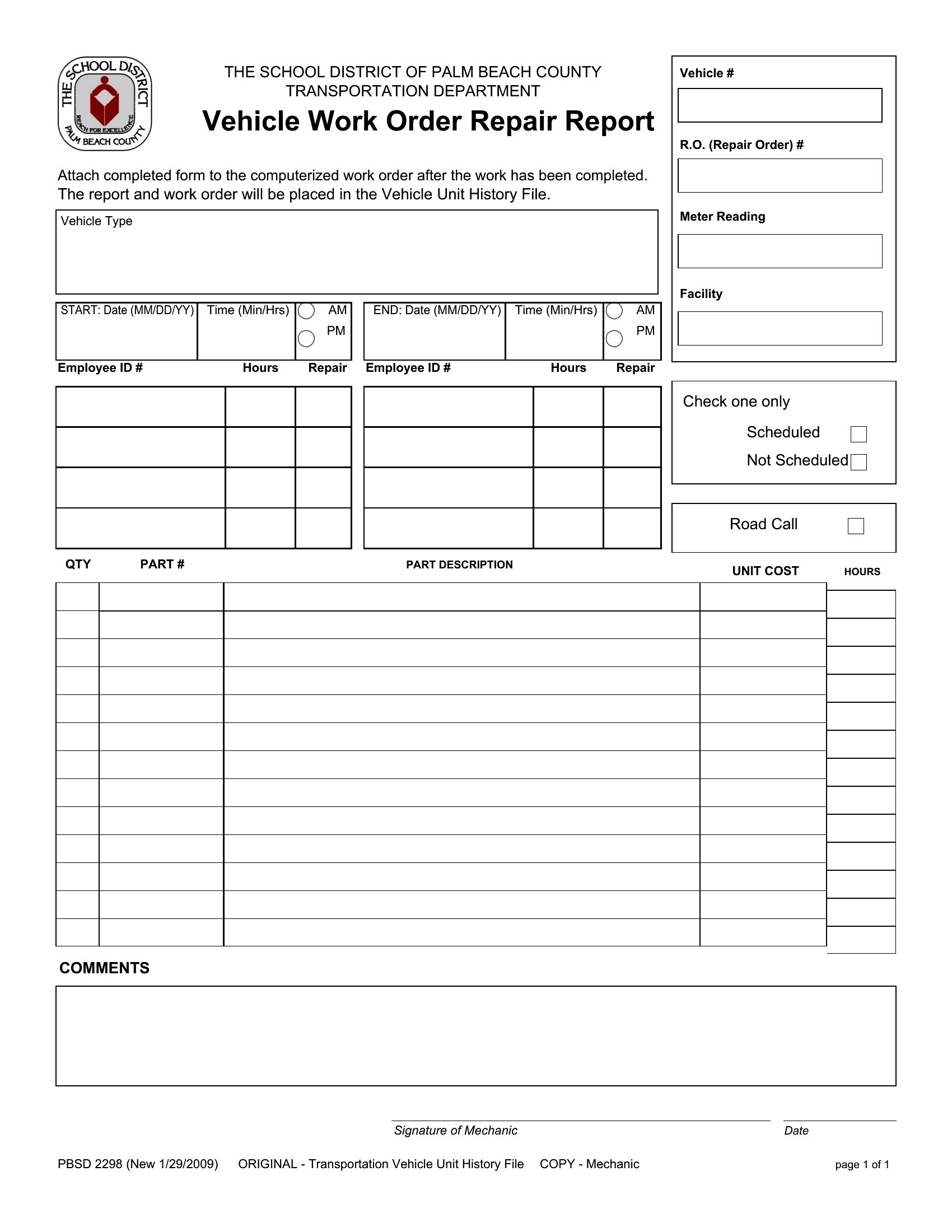
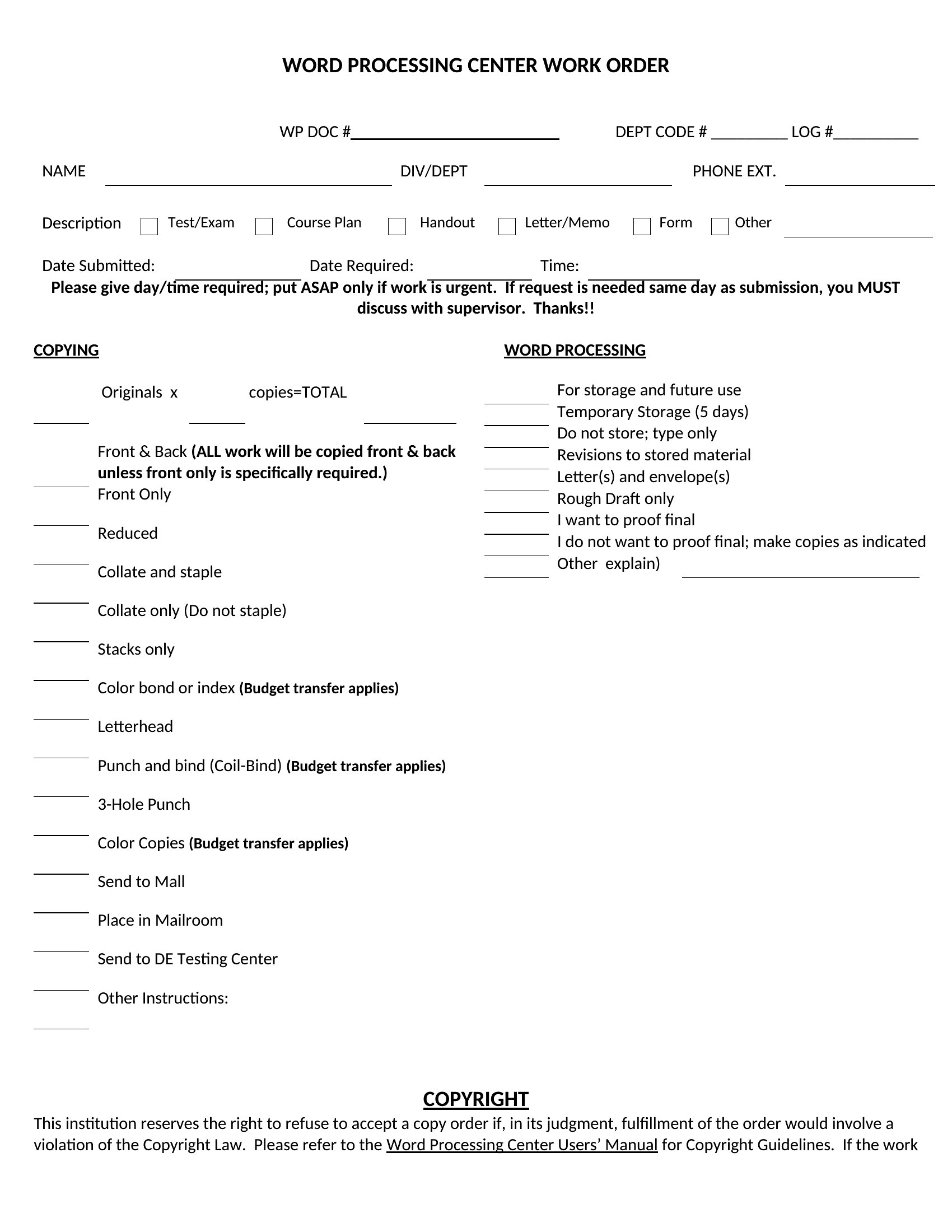
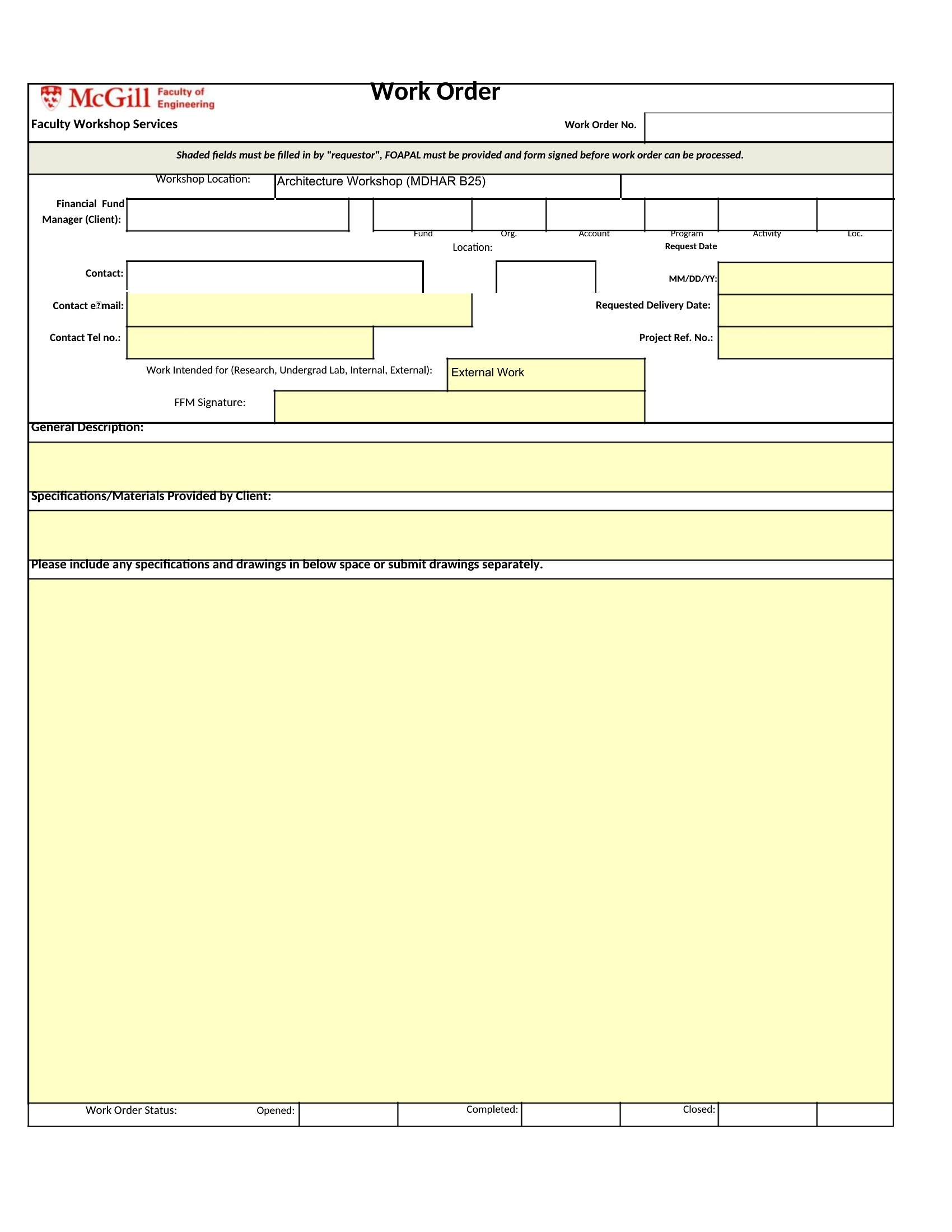
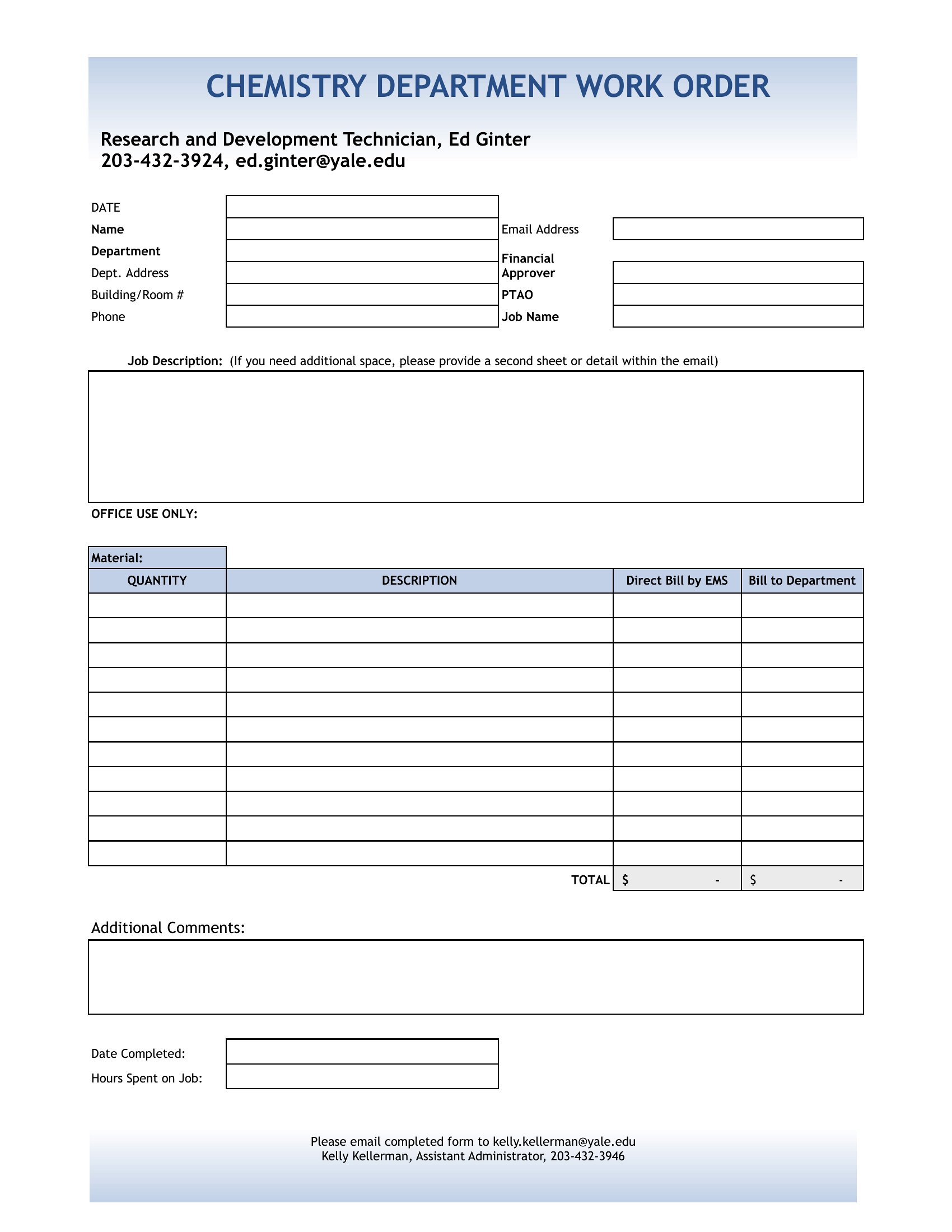
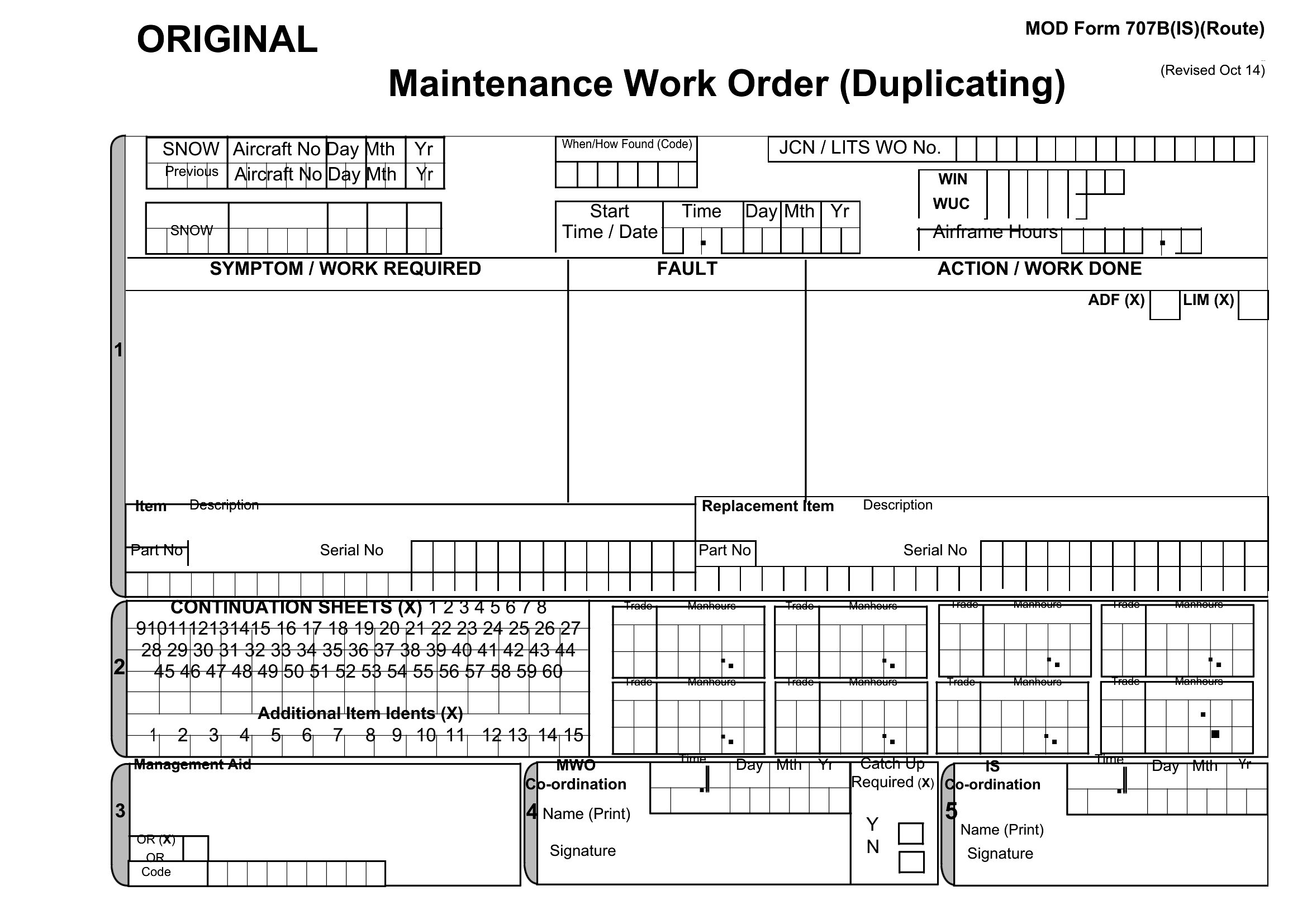
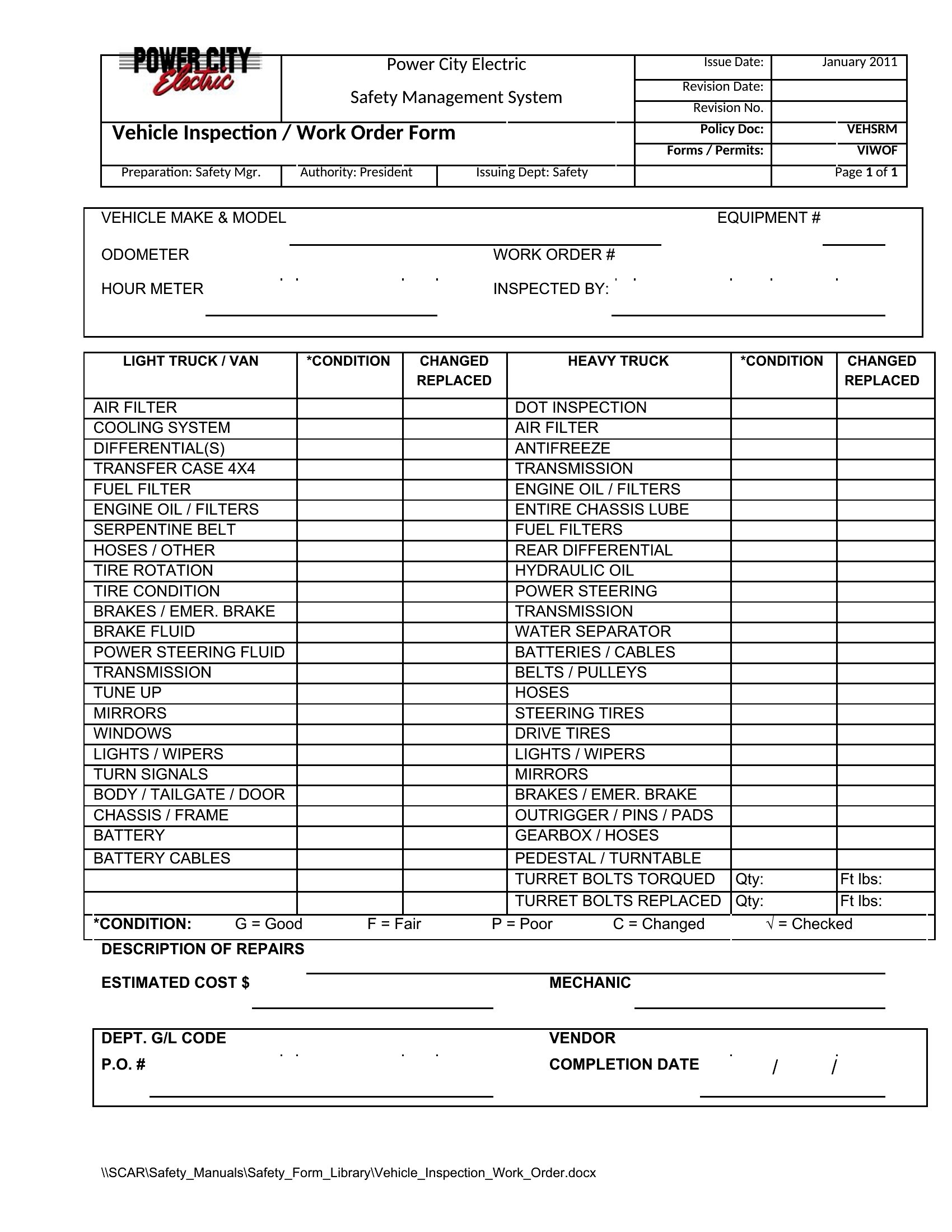
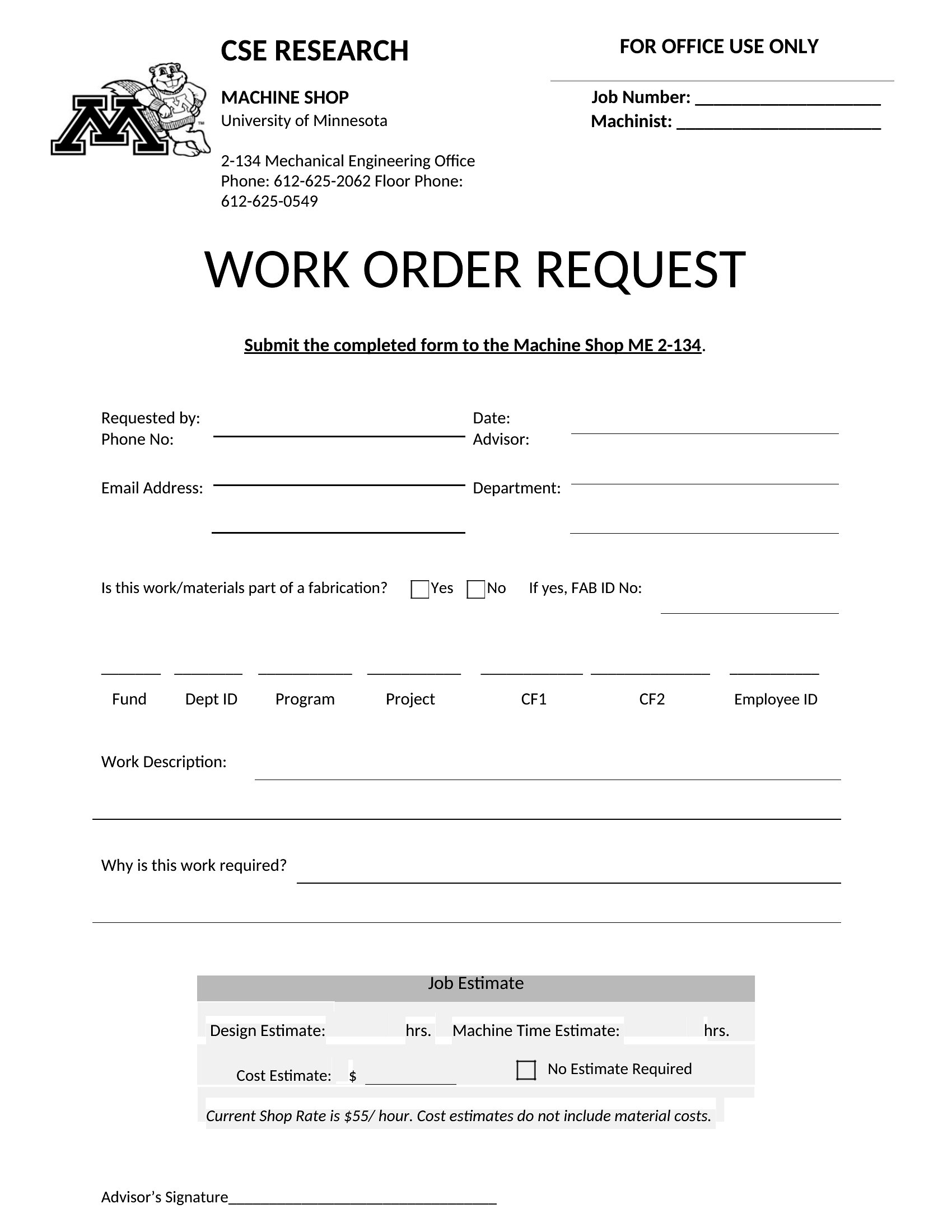
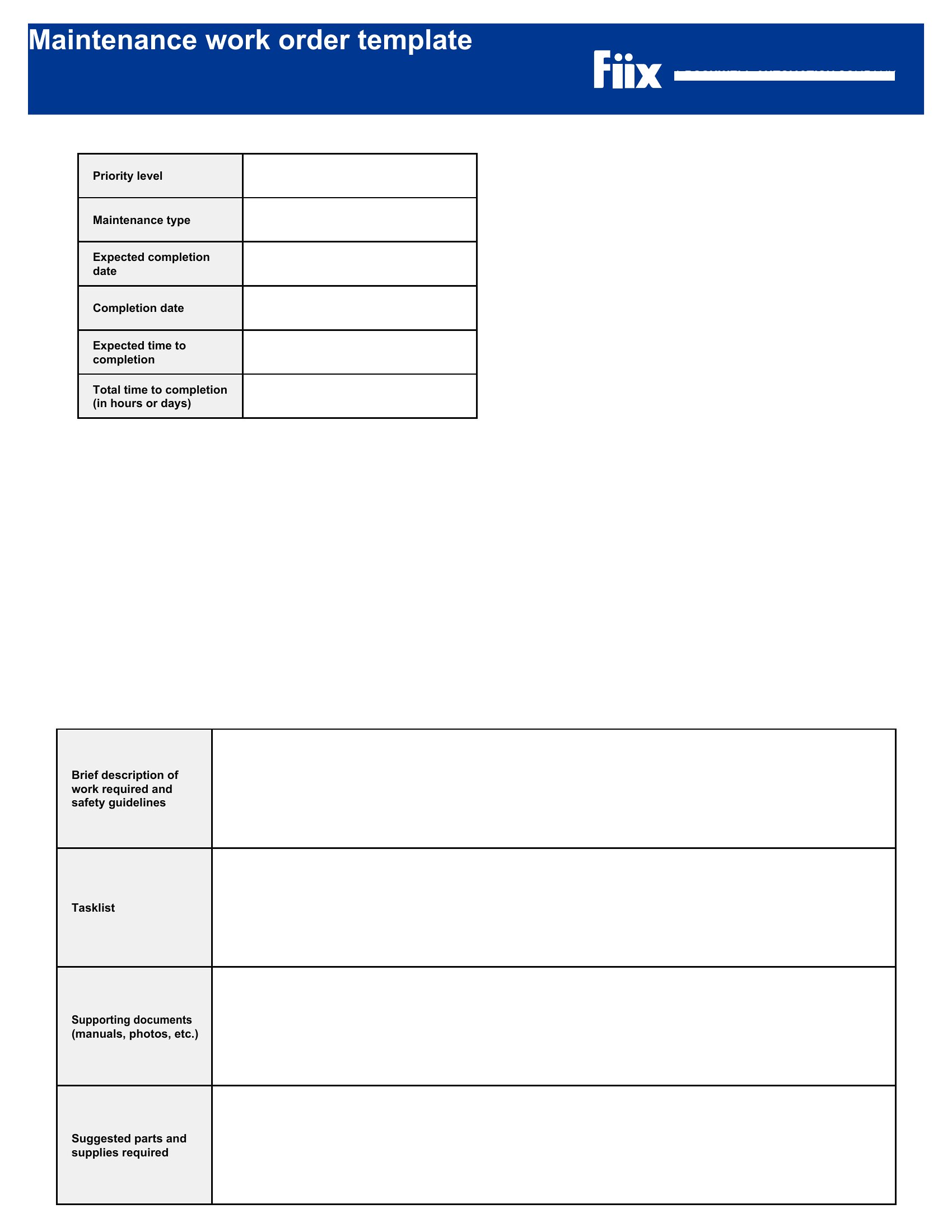
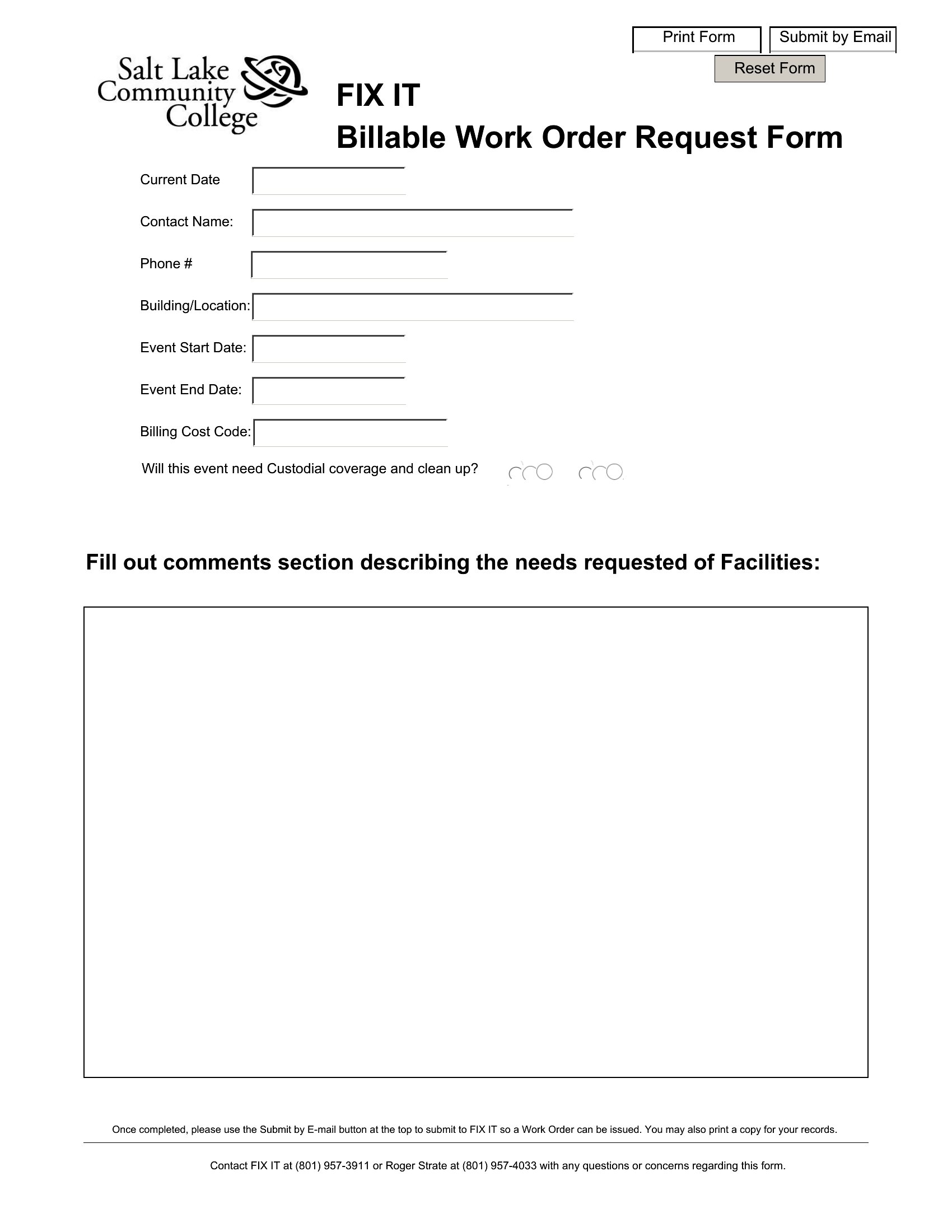
A written work order keeps repairs and service jobs from turning into he-said-she-said, spelling out the task, the parts, the labor, and the cost up front. These 50 templates help contractors, maintenance teams, and service businesses log requests, assign technicians, and total charges on one form. Layouts cover maintenance tickets, job orders, and detailed service forms with parts and labor lines.
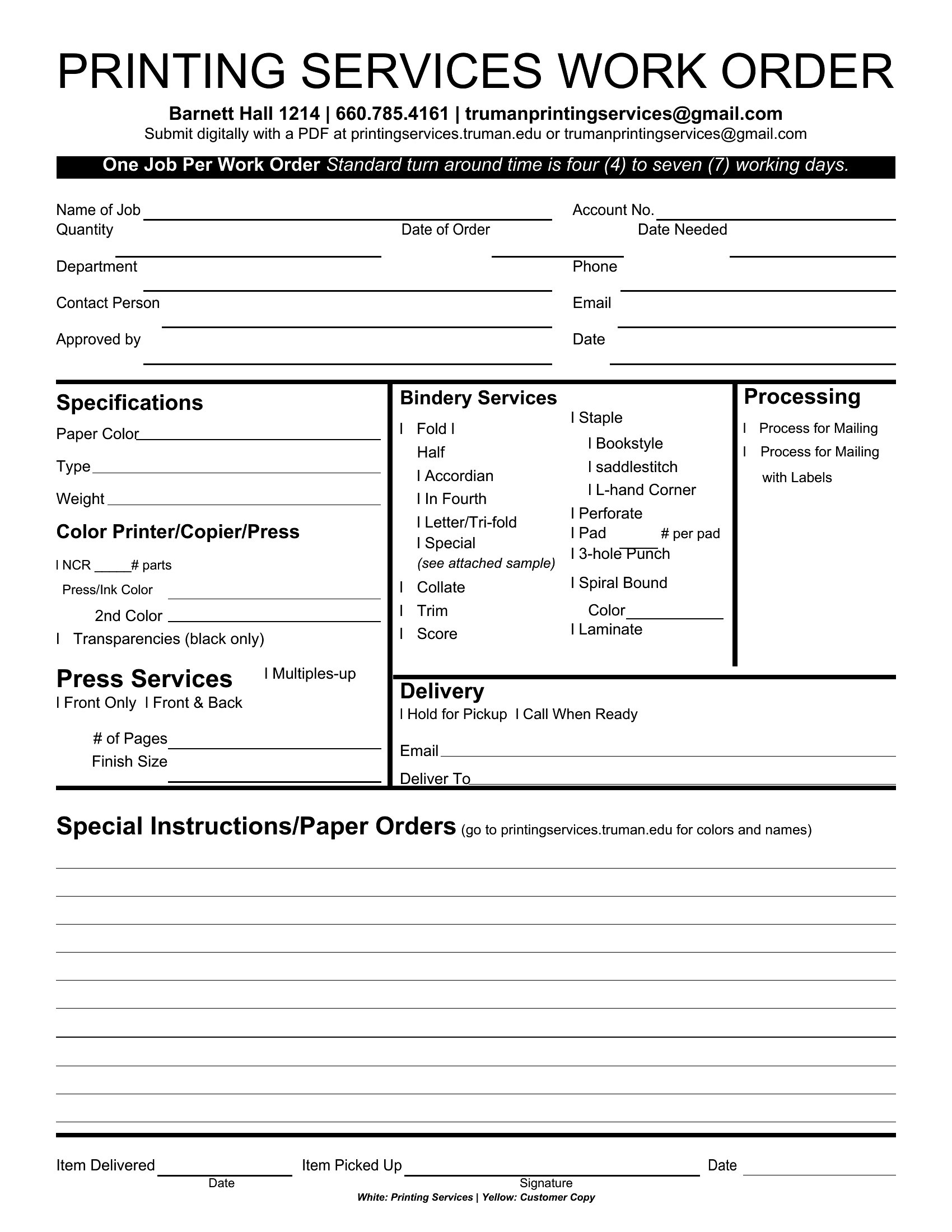
Word versions let you brand the form and adjust the fields, while the Excel sheets add up parts and labor as you type. Issue one to your crew, hand a copy to the customer, and keep a record for your books. Download the format that matches your trade and bring order to every job that comes in.

When to use this Work Order template

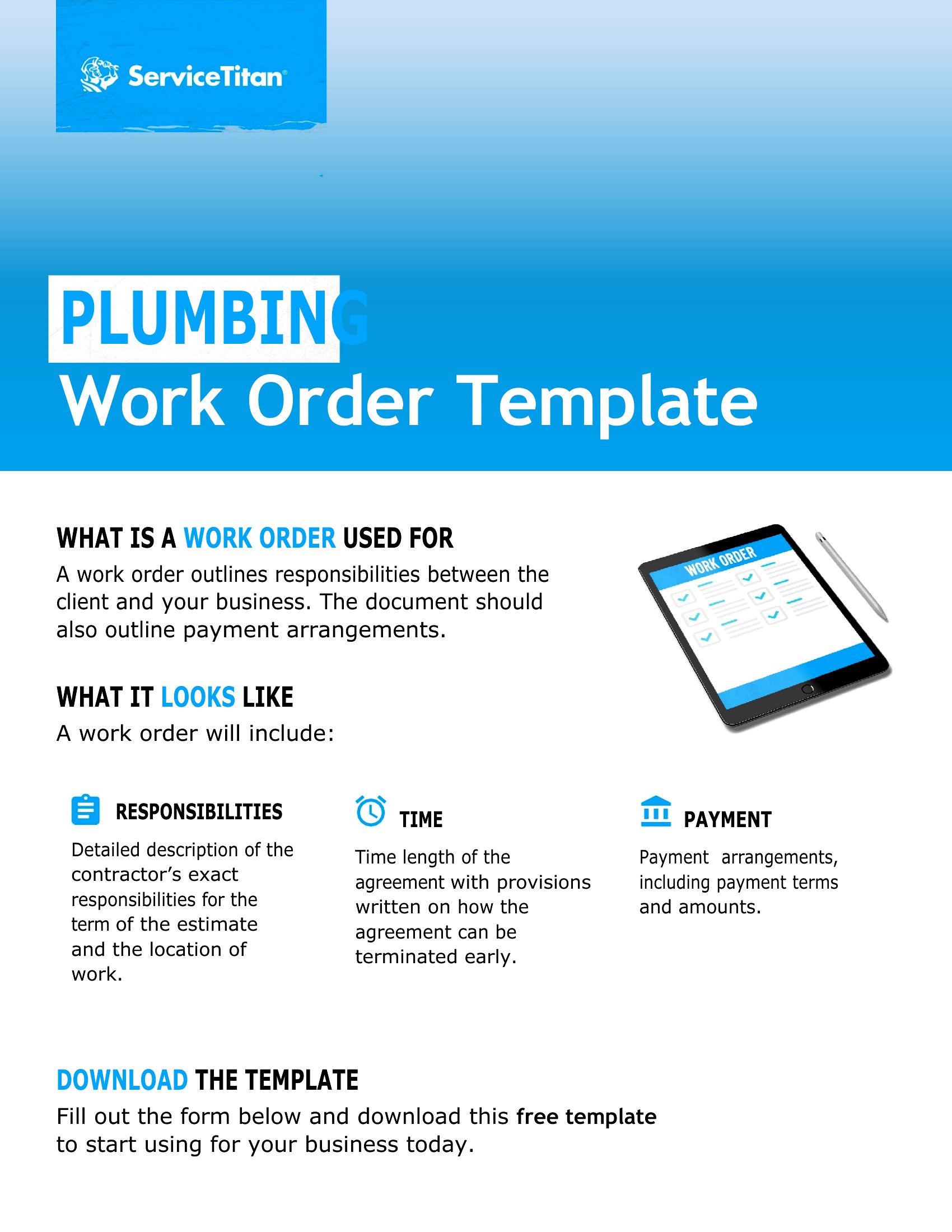
  • A plumbing company needs to document emergency service calls for customers, including parts used and labor hours, to justify charges and avoid disputes during after-hours repairs.
  • A school’s maintenance team uses work orders to track custodial requests from teachers—like broken copiers or leaky faucets—so they can prioritize repairs and allocate supplies efficiently.
  • An HVAC technician schedules seasonal tune-ups for residential clients by filling out work orders that outline inspections, safety checks, and any recommended upgrades to keep records straight.
  • A small manufacturing plant assigns internal work orders to its maintenance crew for routine equipment checks, ensuring all tasks are logged with completion times and signatures for accountability.

Which format should I download?

WordExcel

Choose Word for work orders that require detailed descriptions, signatures, or company branding—like service agreements or client-facing contracts. The editable text boxes and paragraph formatting work well for narrative-heavy tasks. Opt for Excel when you need to track multiple line items (parts, labor, quantities) with calculations, such as totaling costs or inventory deductions. The grid layout simplifies adding rows for bulk service requests or recurring maintenance schedules. For most contractors, Excel is ideal because it handles numbers and repetitive entries faster, while Word suits formal or legally styled documents.

Choose from 50 Work Order Templates
How to use this Work Order template

How do I decide which work order template fits my team’s needs?

Start by identifying whether your tasks involve mostly written notes (like inspection details) or numerical tracking (like parts and labor costs). If your team handles complex repairs with many variables, Excel’s columns are best. For straightforward service calls or client communications, a Word template with clear sections will streamline the process. Review sample templates like the ‘Customizable Work Order’ to see which layout matches your workflow.
Can I use these templates to track warranties or service guarantees?
These templates serve as a starting point to document the scope of work, parts used, and labor provided, which can help support warranty claims. However, they aren’t legally binding contracts. For warranty-specific language, consult a legal professional to ensure compliance with your industry standards. Some templates, like the ‘Service Work Order,’ include spaces for client acknowledgments, which may help clarify expectations upfront.
What’s the best way to organize work orders for a team of technicians?

Use Excel templates to create a master log with technician names, job dates, and status updates in separate columns for easy filtering. For paperless teams, save digital copies in a shared folder and name files by date or client (e.g., ‘2024-05-WorkOrder-SmithResidence’). If signatures are required, use Word’s digital signature fields or a third-party tool like DocuSign to streamline approvals. Always keep a backup of completed orders for audits or customer references.

Comments

Join the conversation

Sign in to share your thoughts and leave a comment on this resource.

Newsletter

Get Weekly Design Updates

Join our community to receive curated resources and inspiration.

Weekly Tips Resources Early Access

We respect your privacy. Confirmation email required. Privacy Policy