Free Work Order Templates (Word, Excel)
ApplicationsTemplates

FAQ
How do I decide which work order template fits my team’s needs?
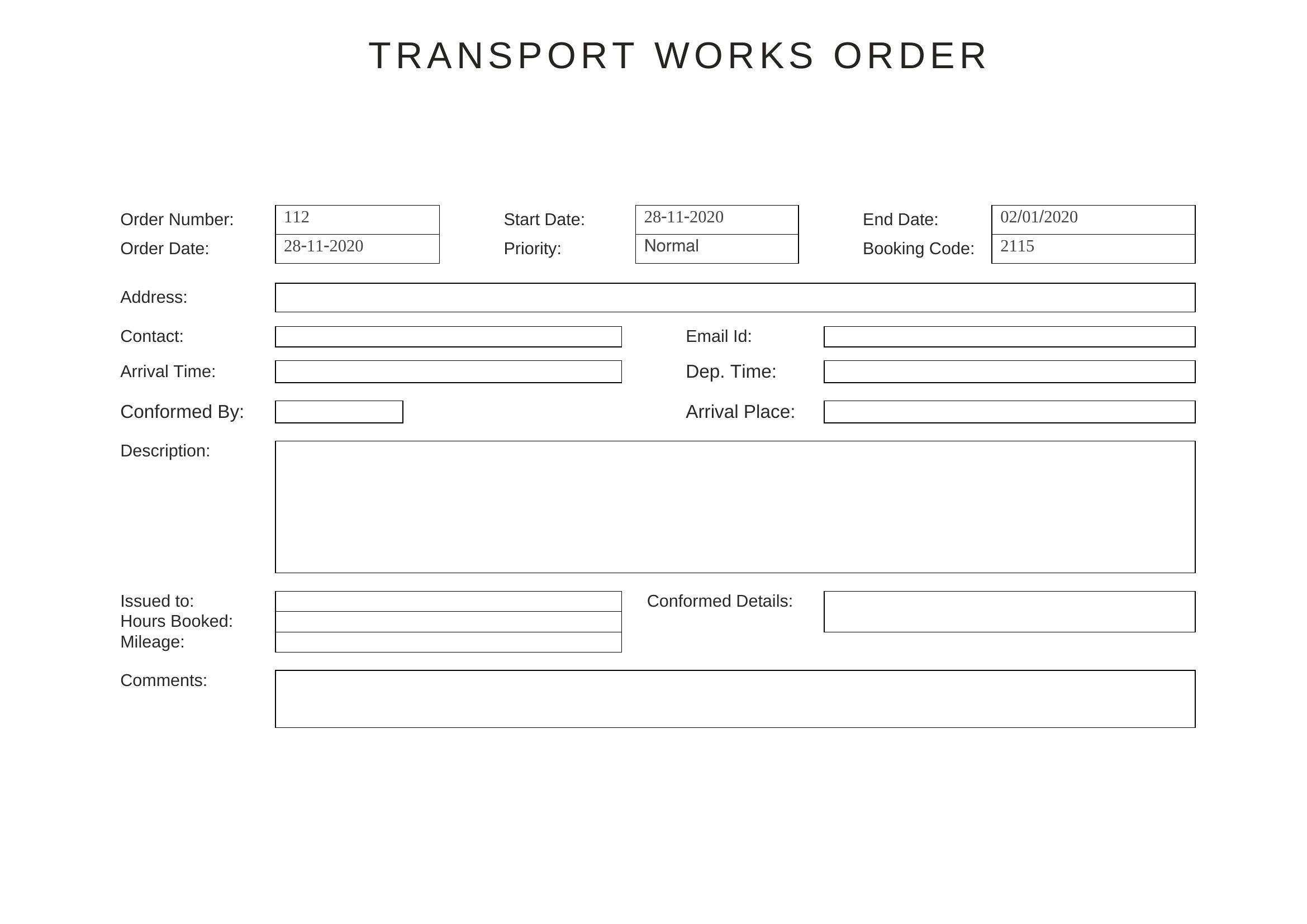
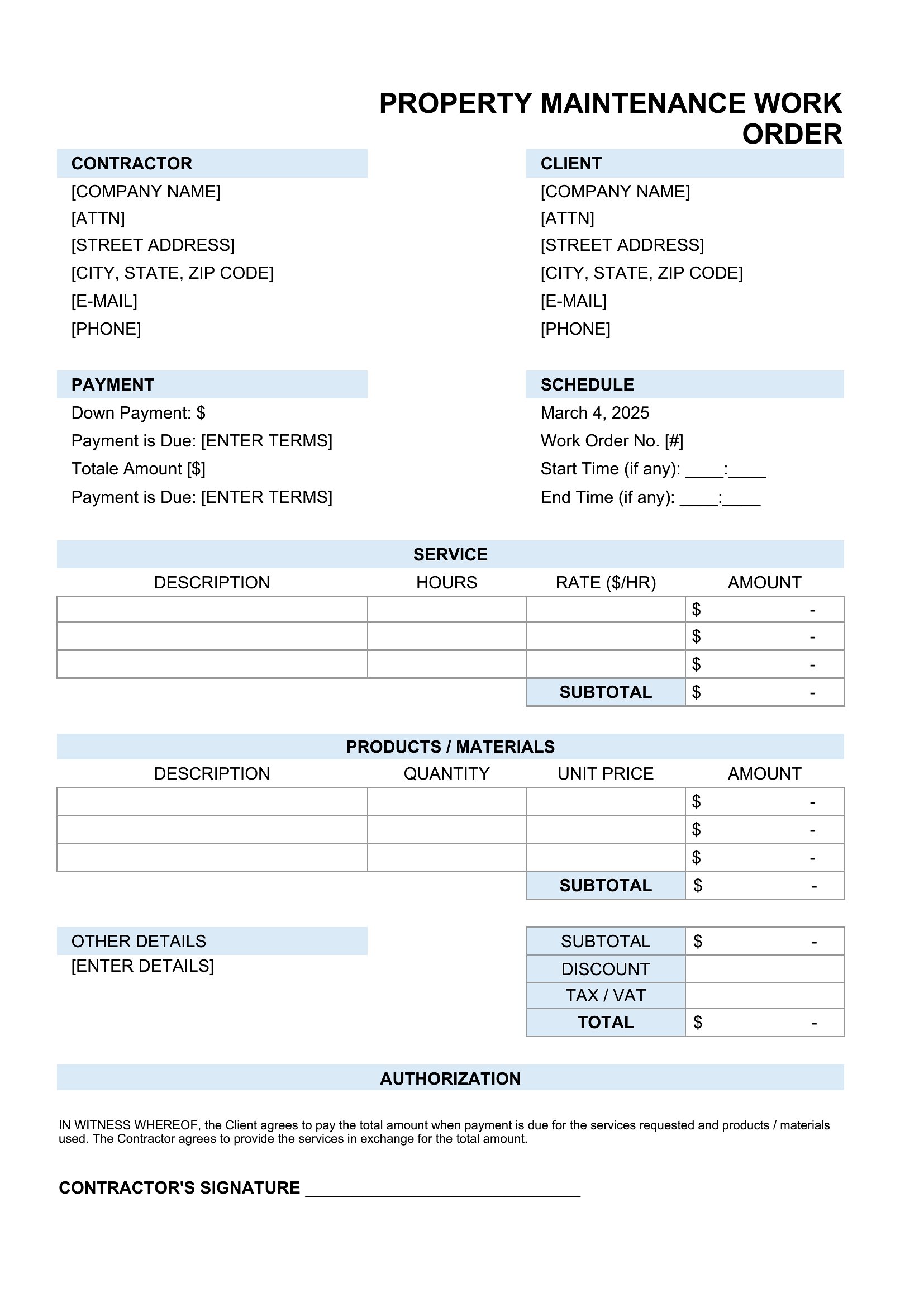
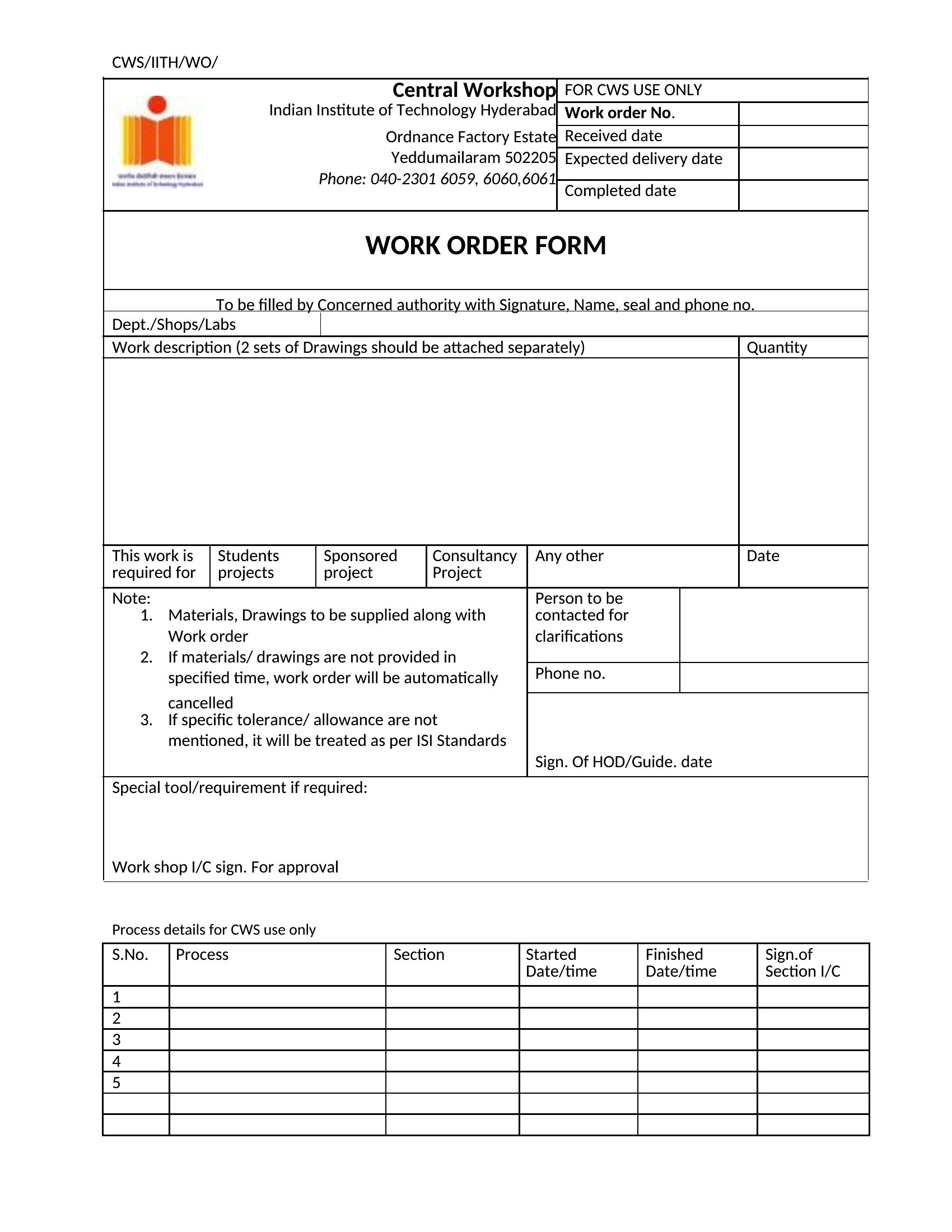
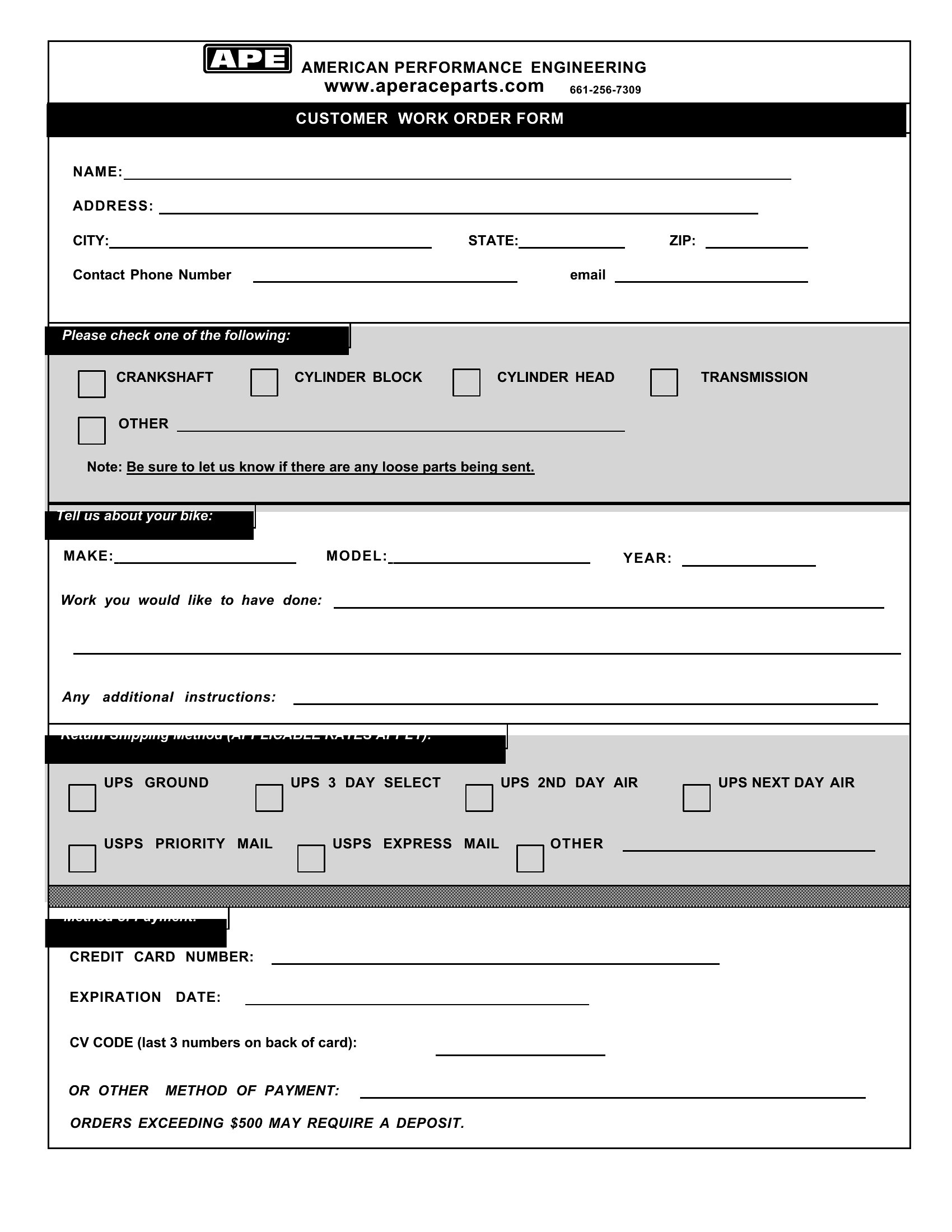
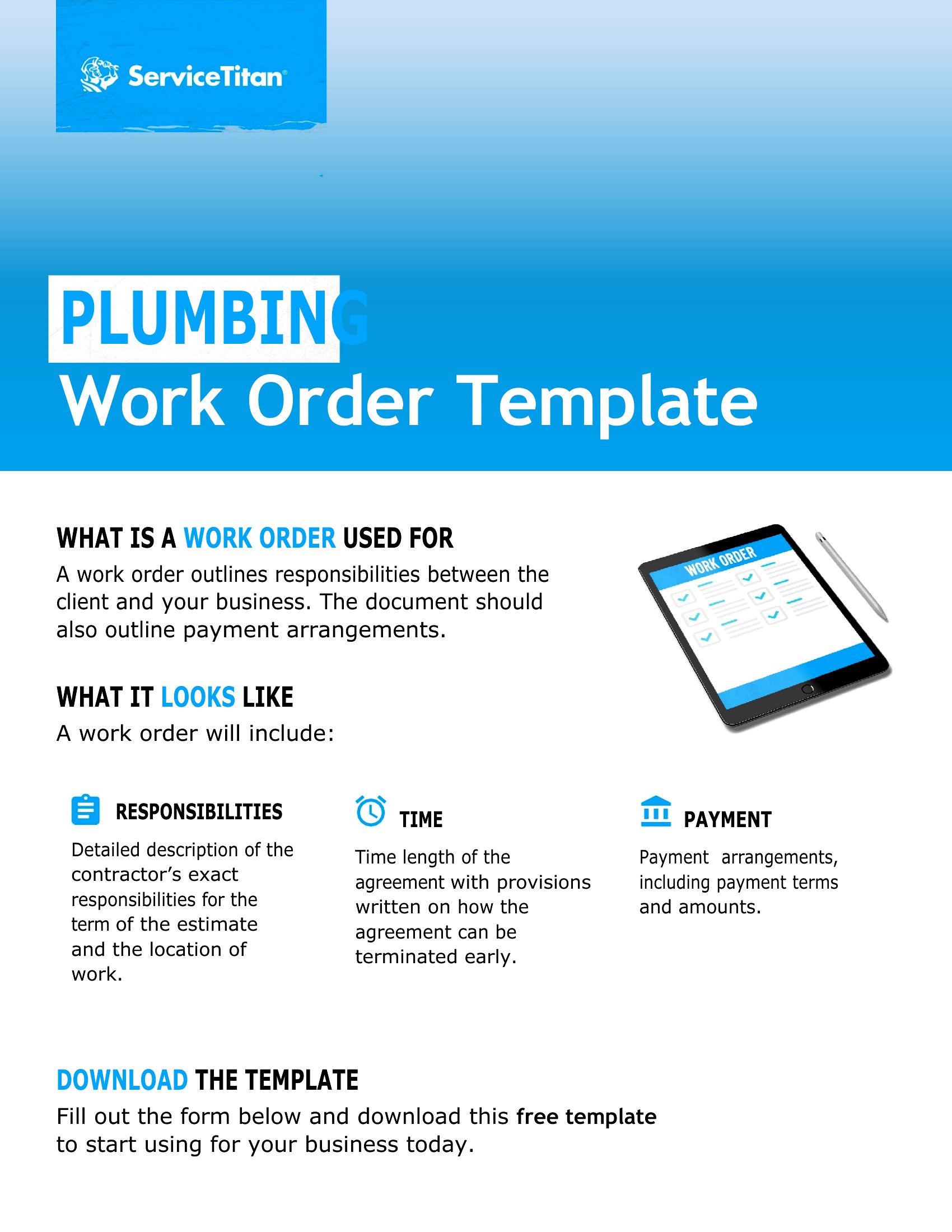
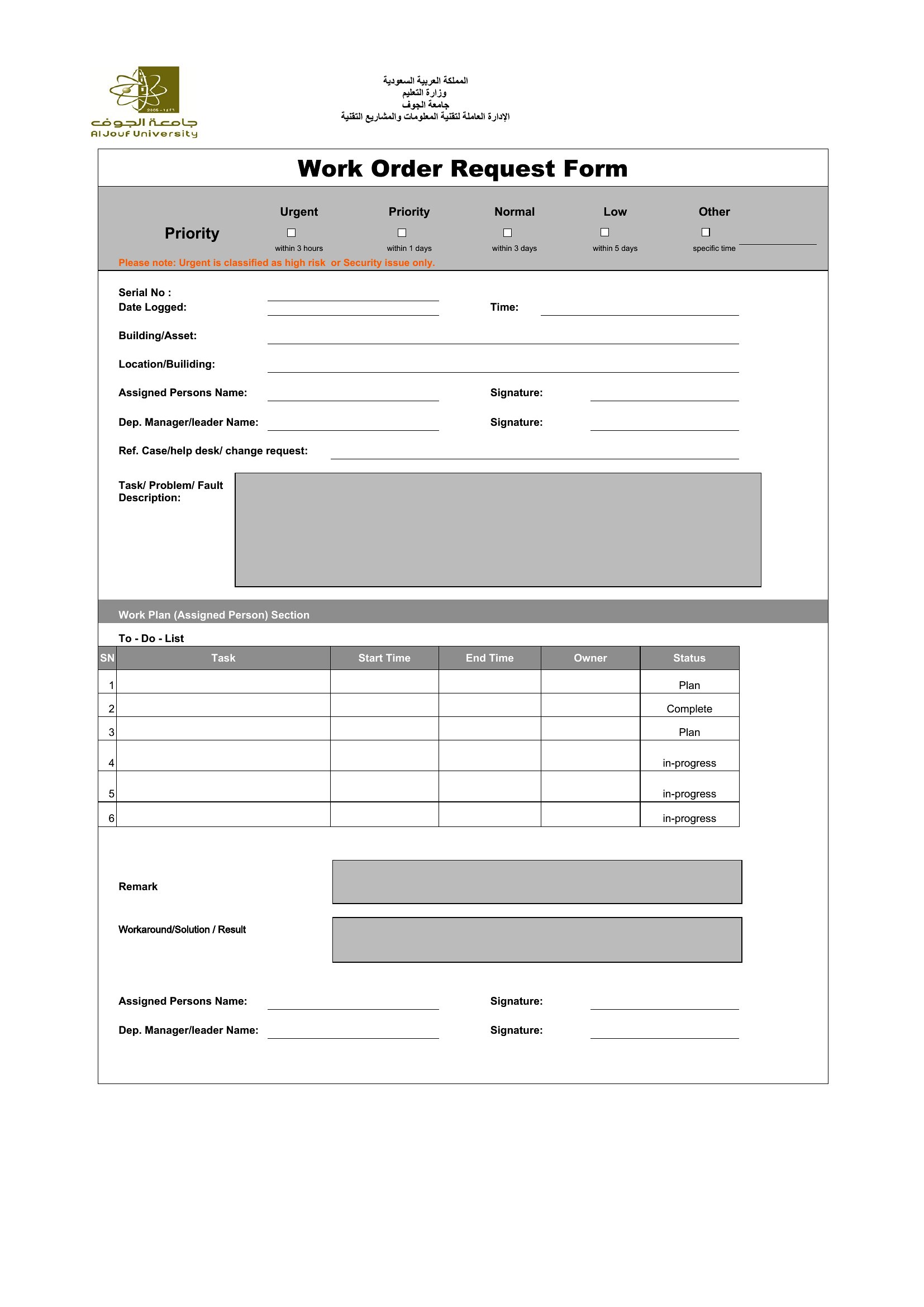
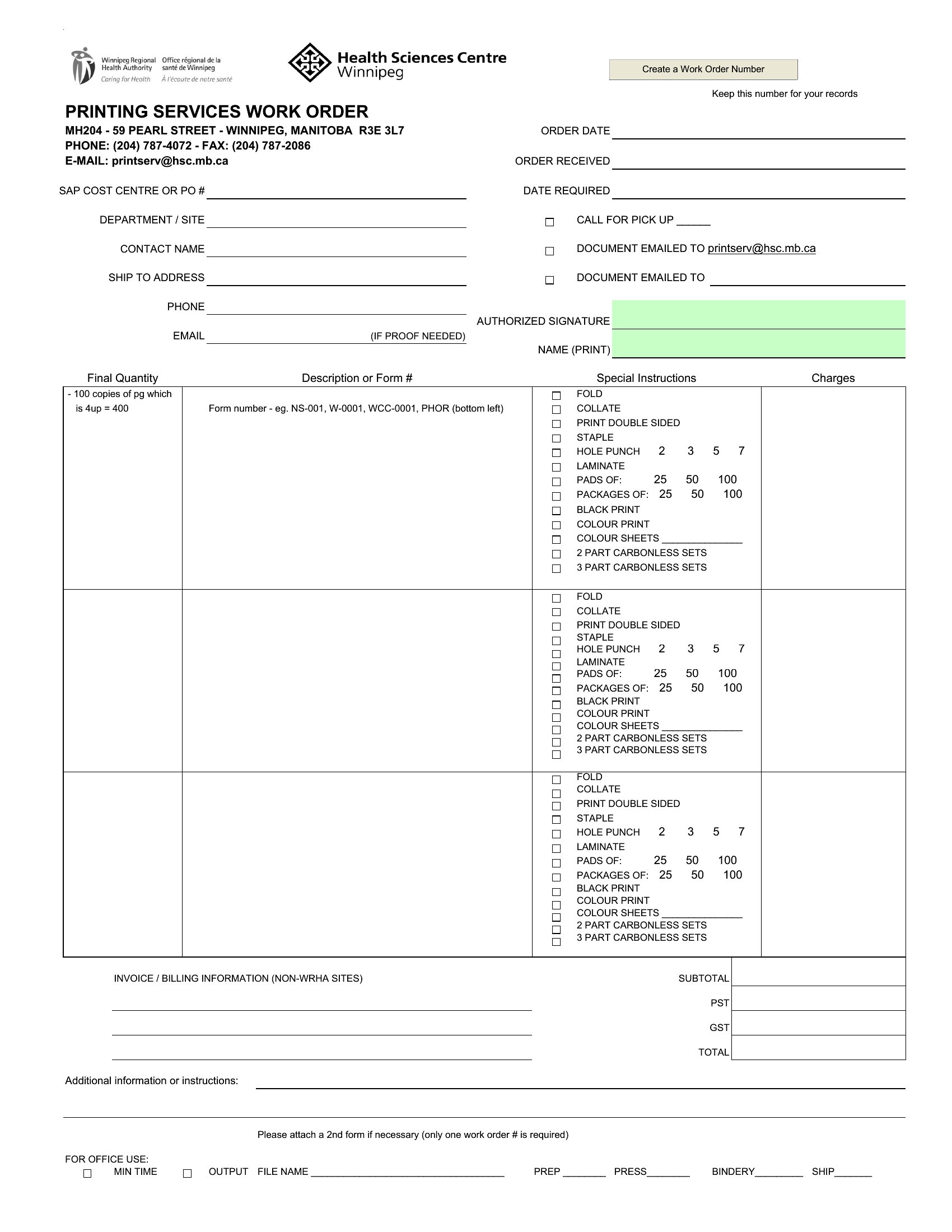
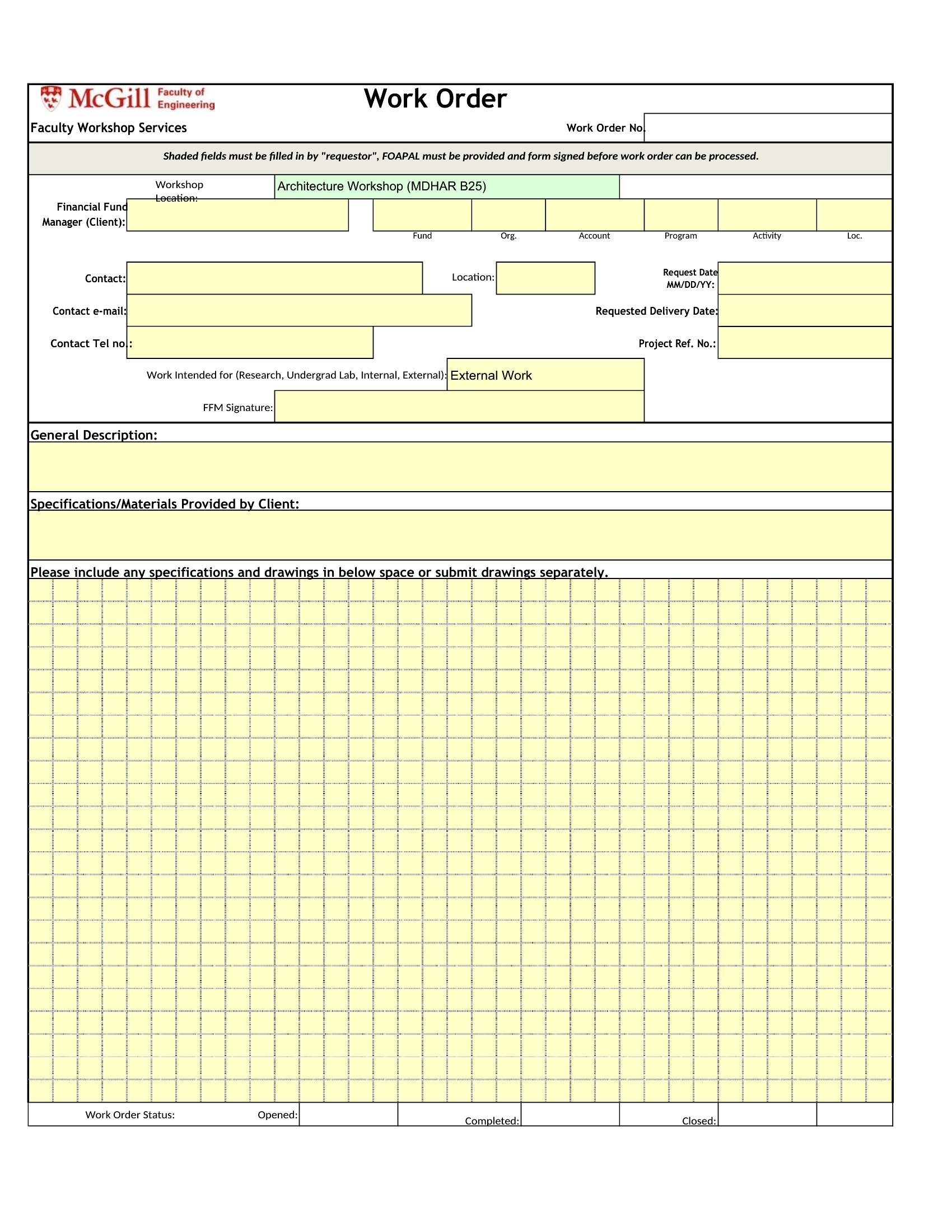
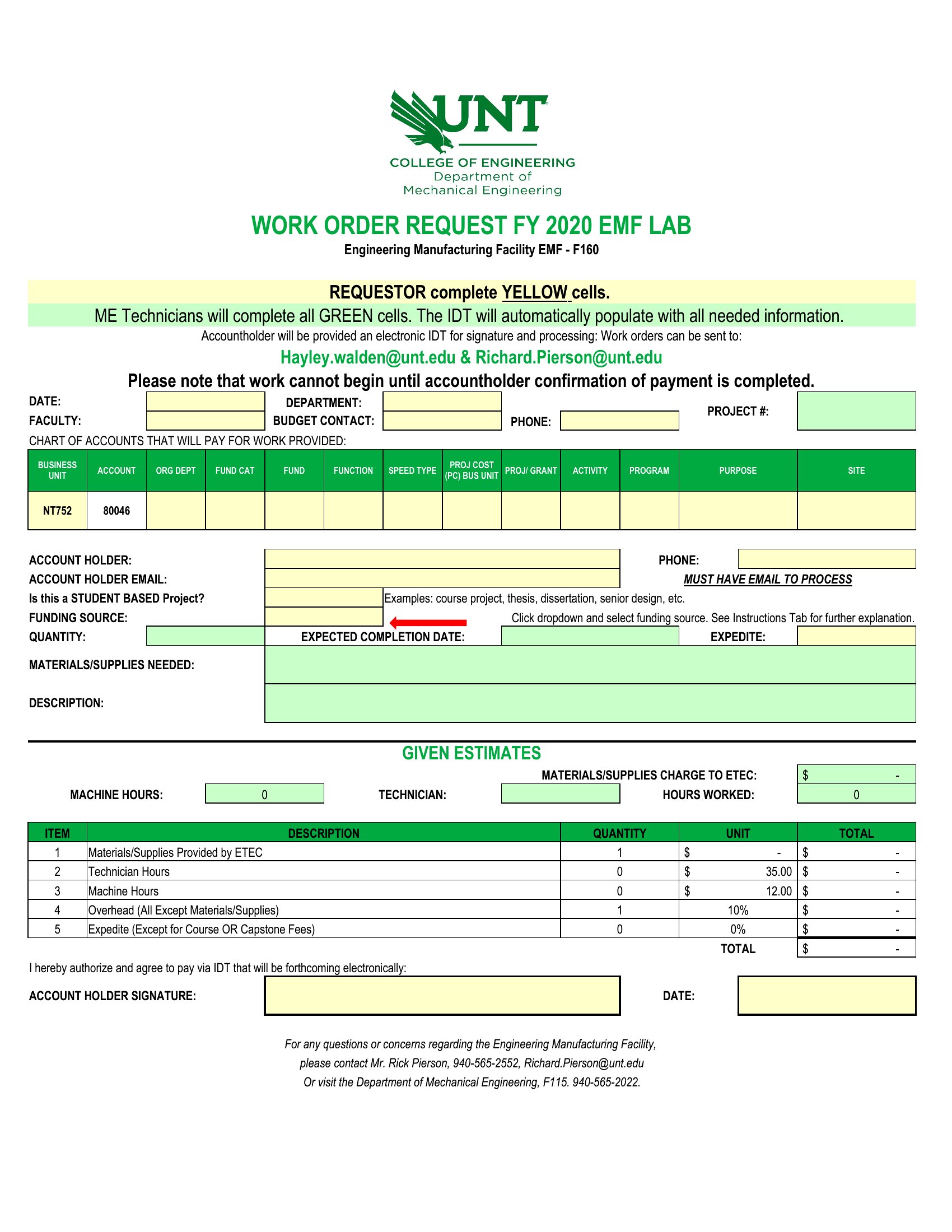
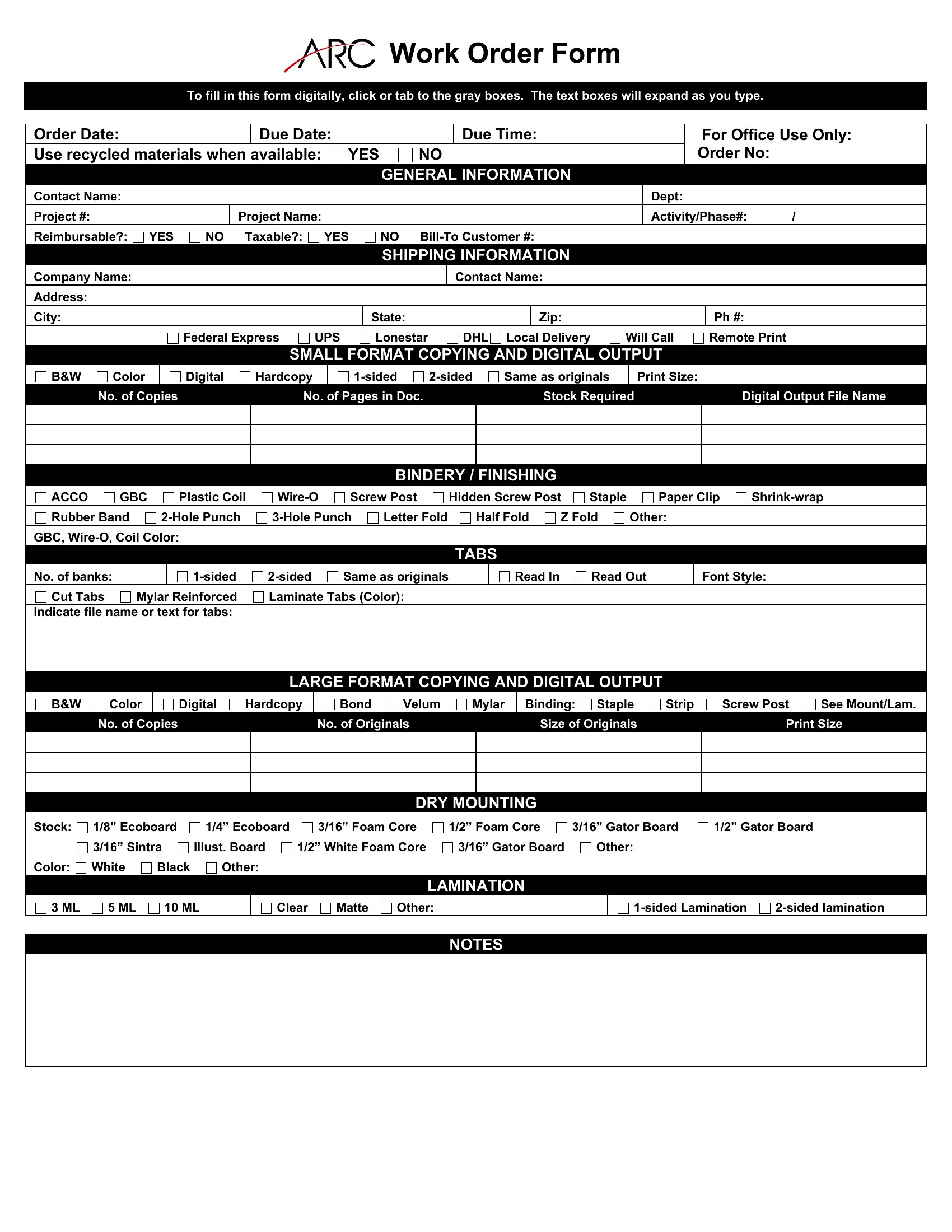
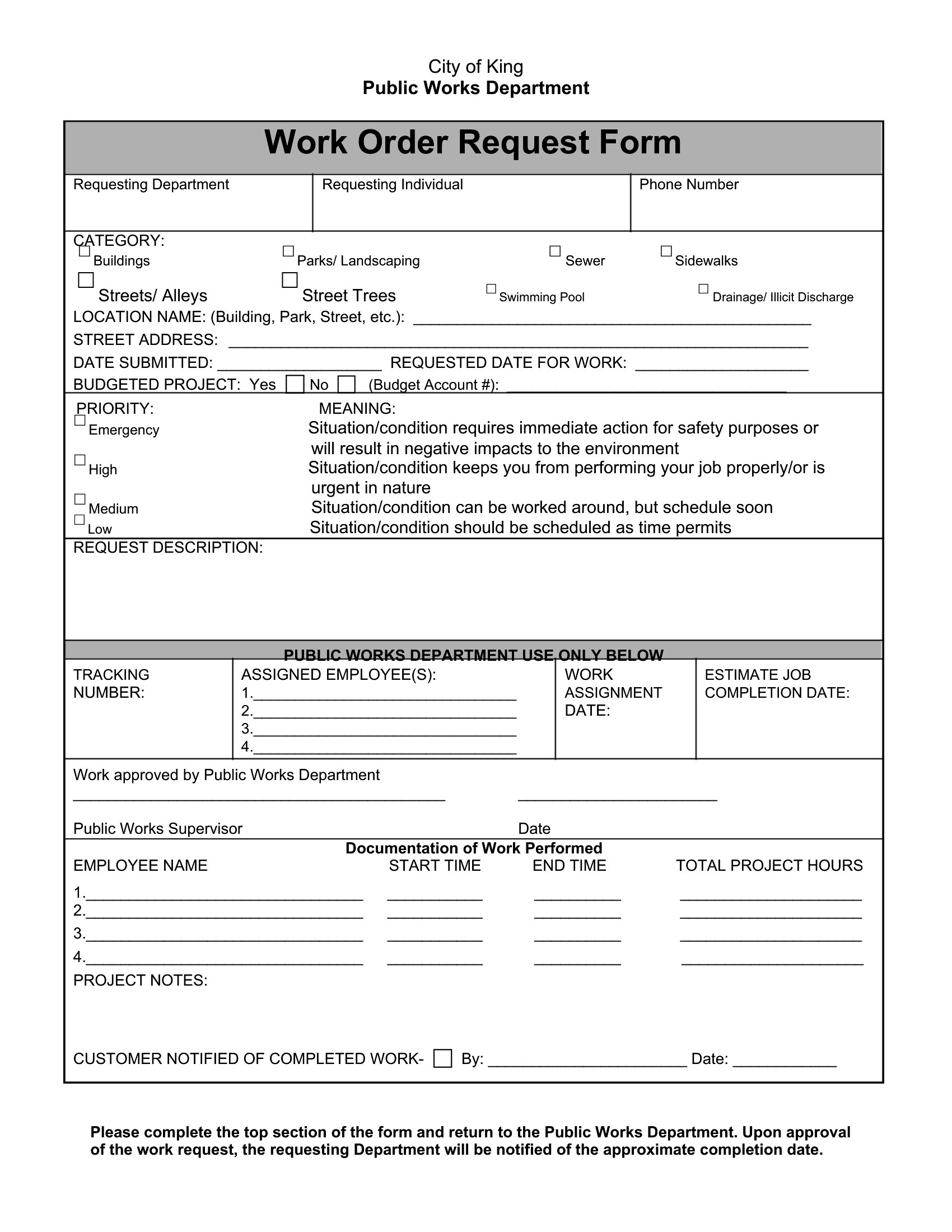
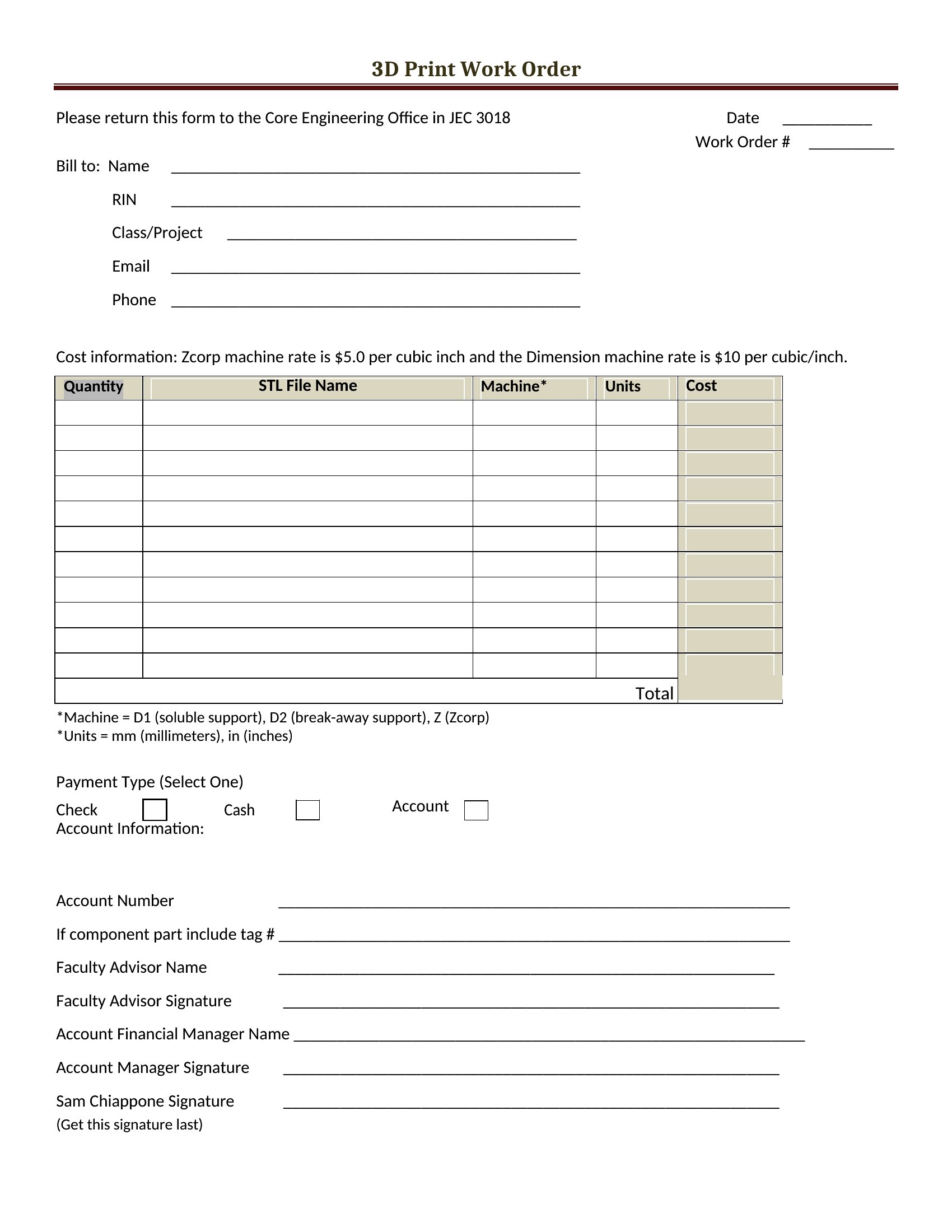
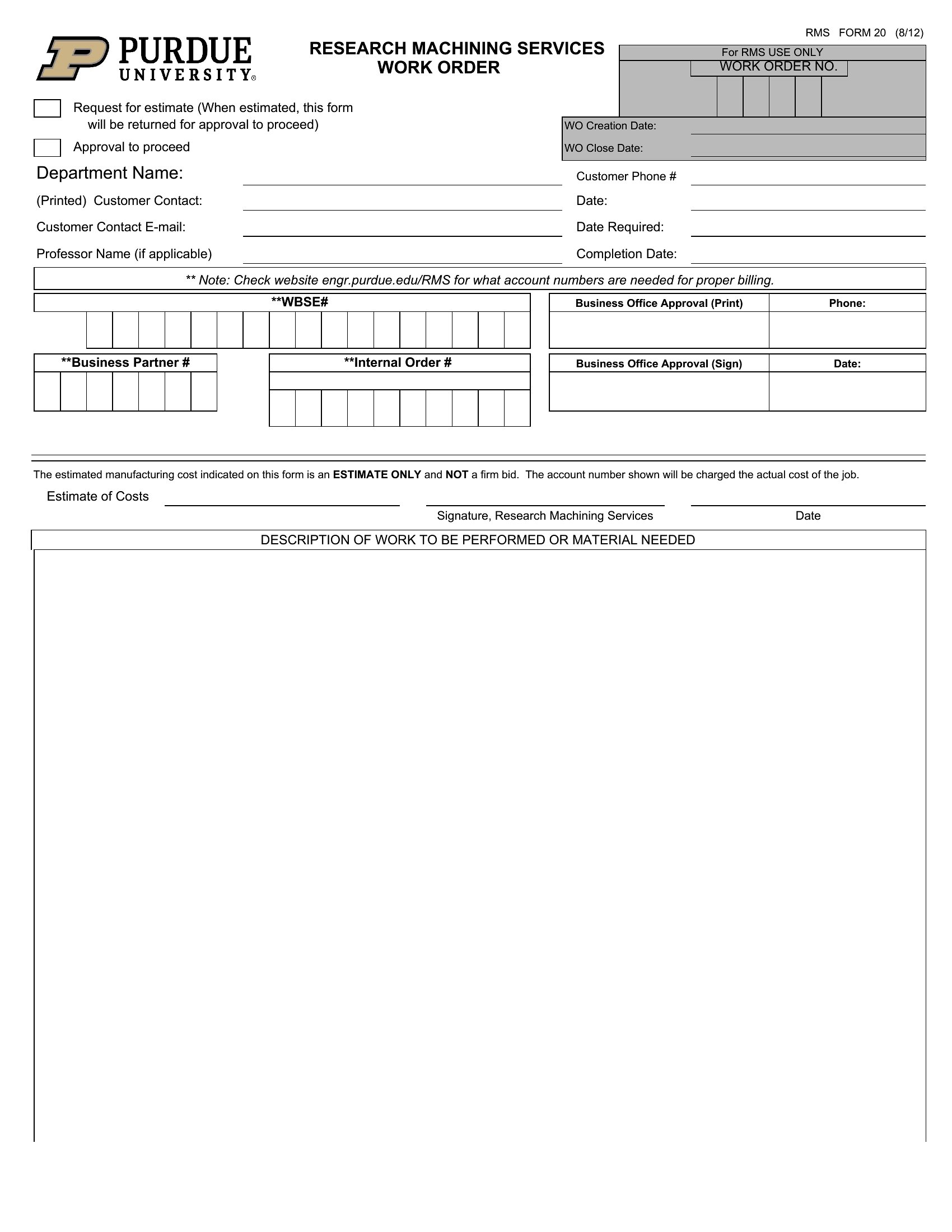
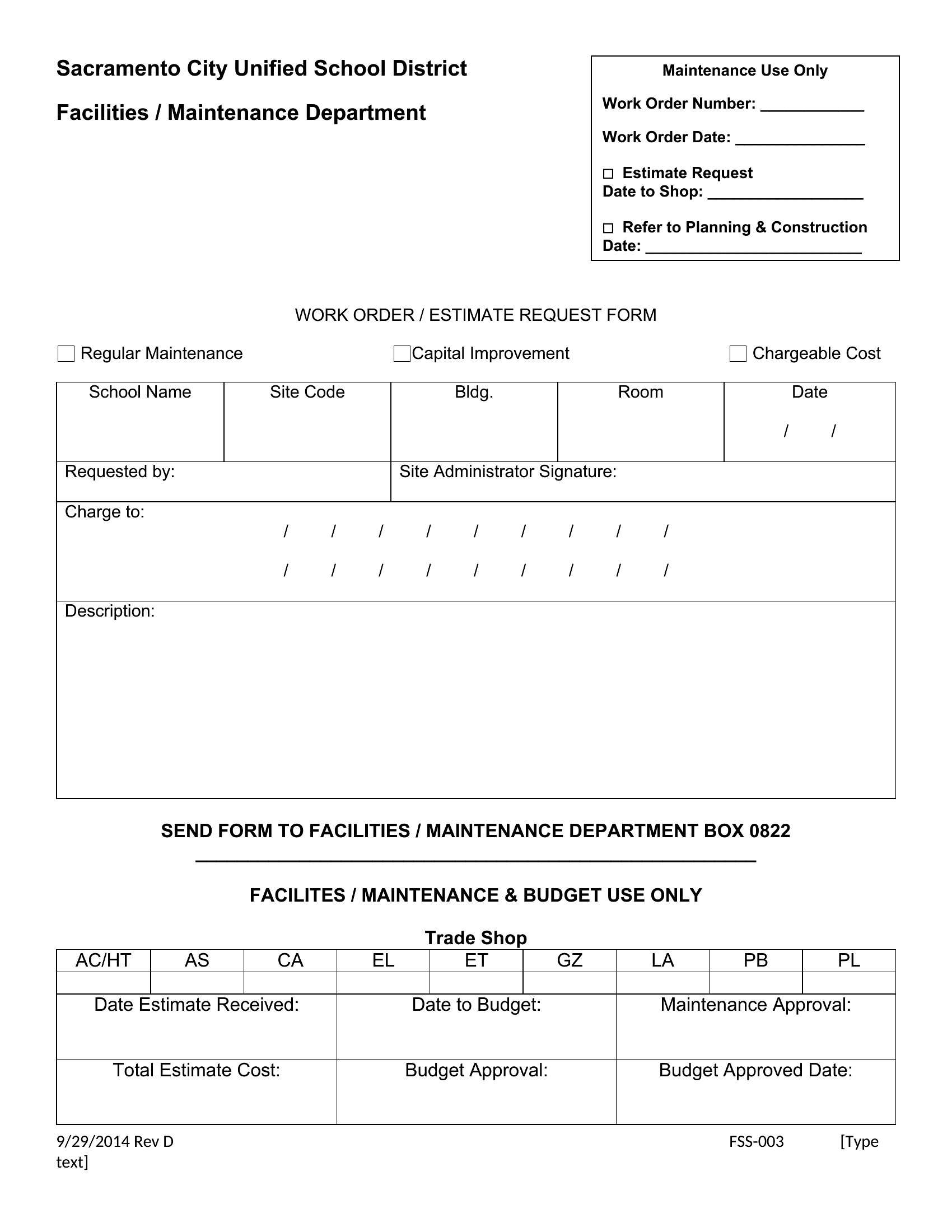
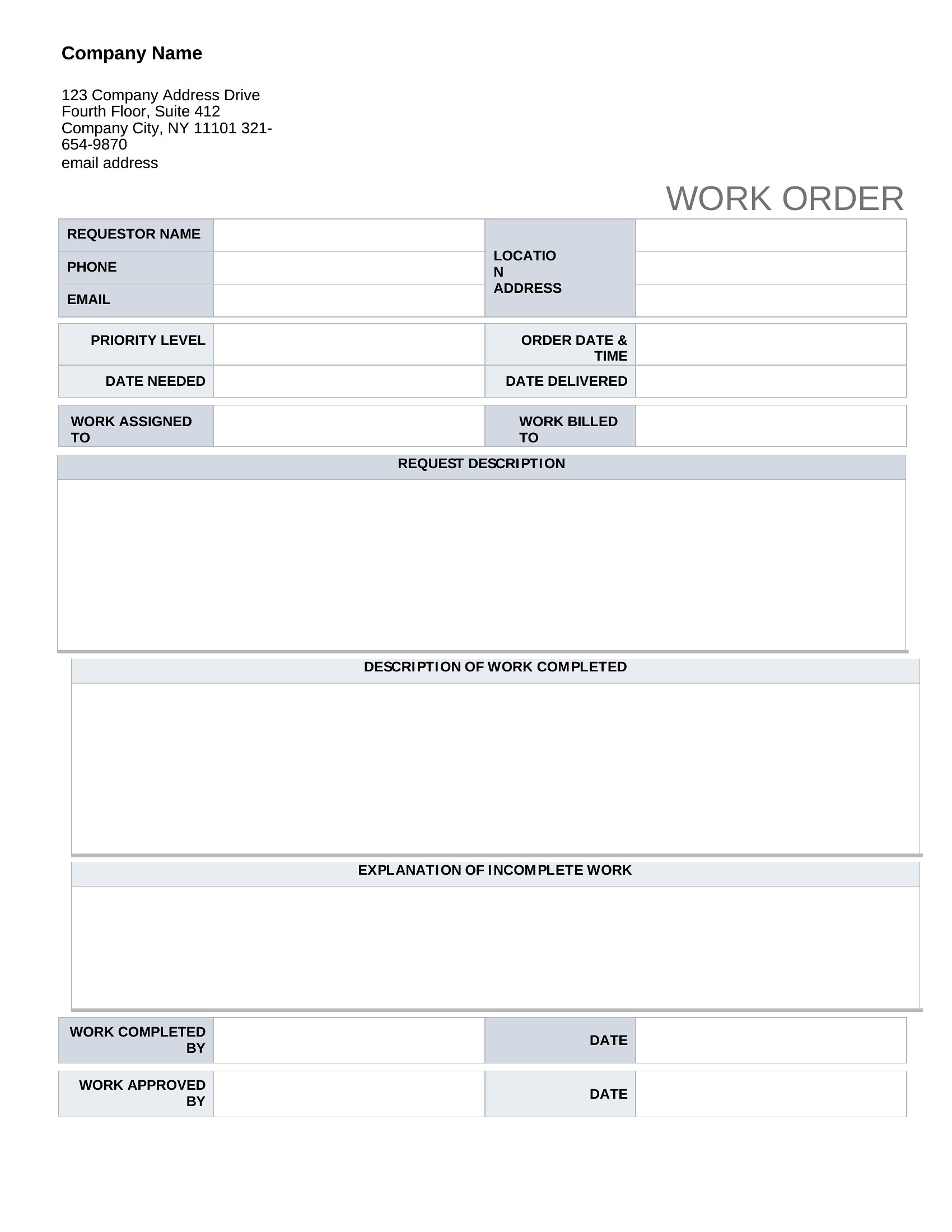
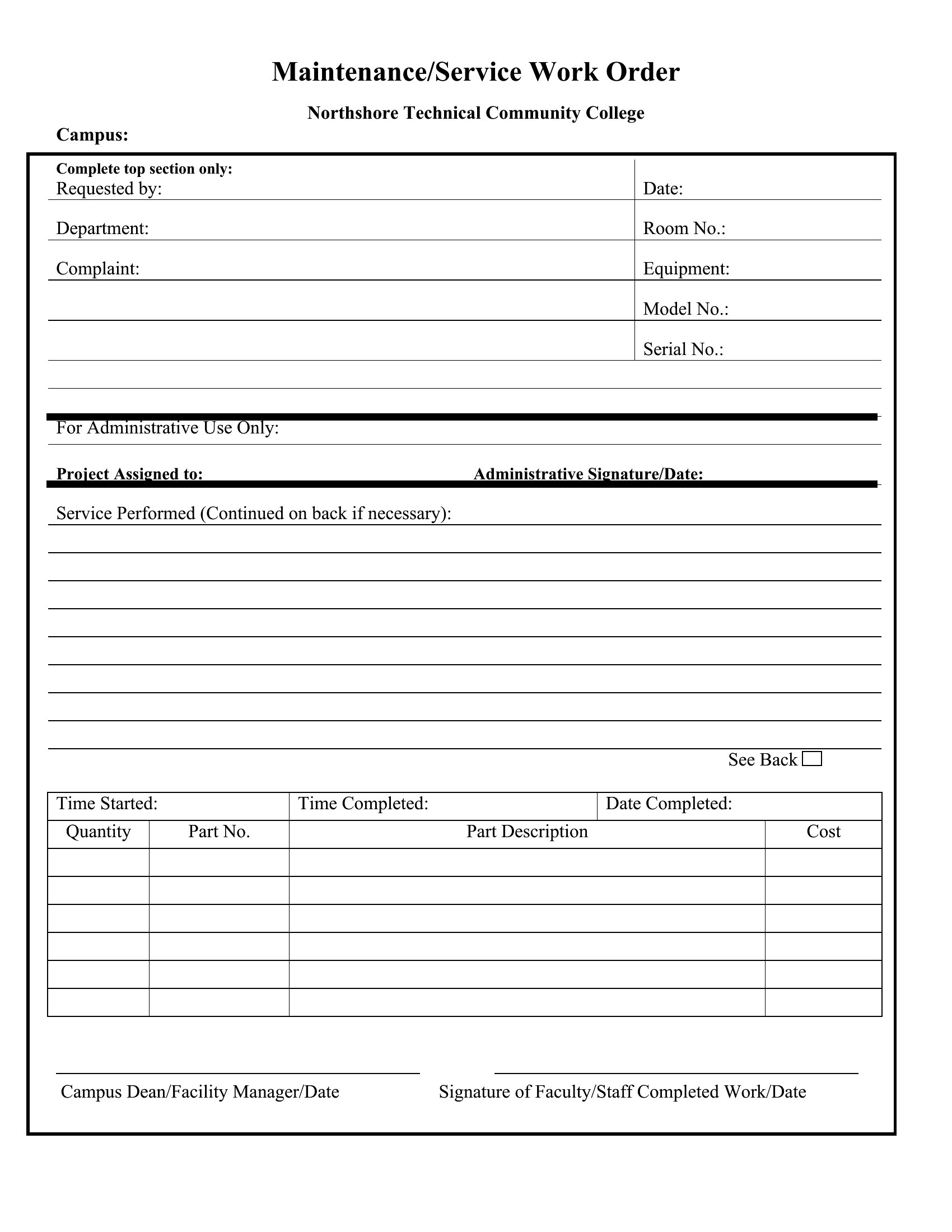
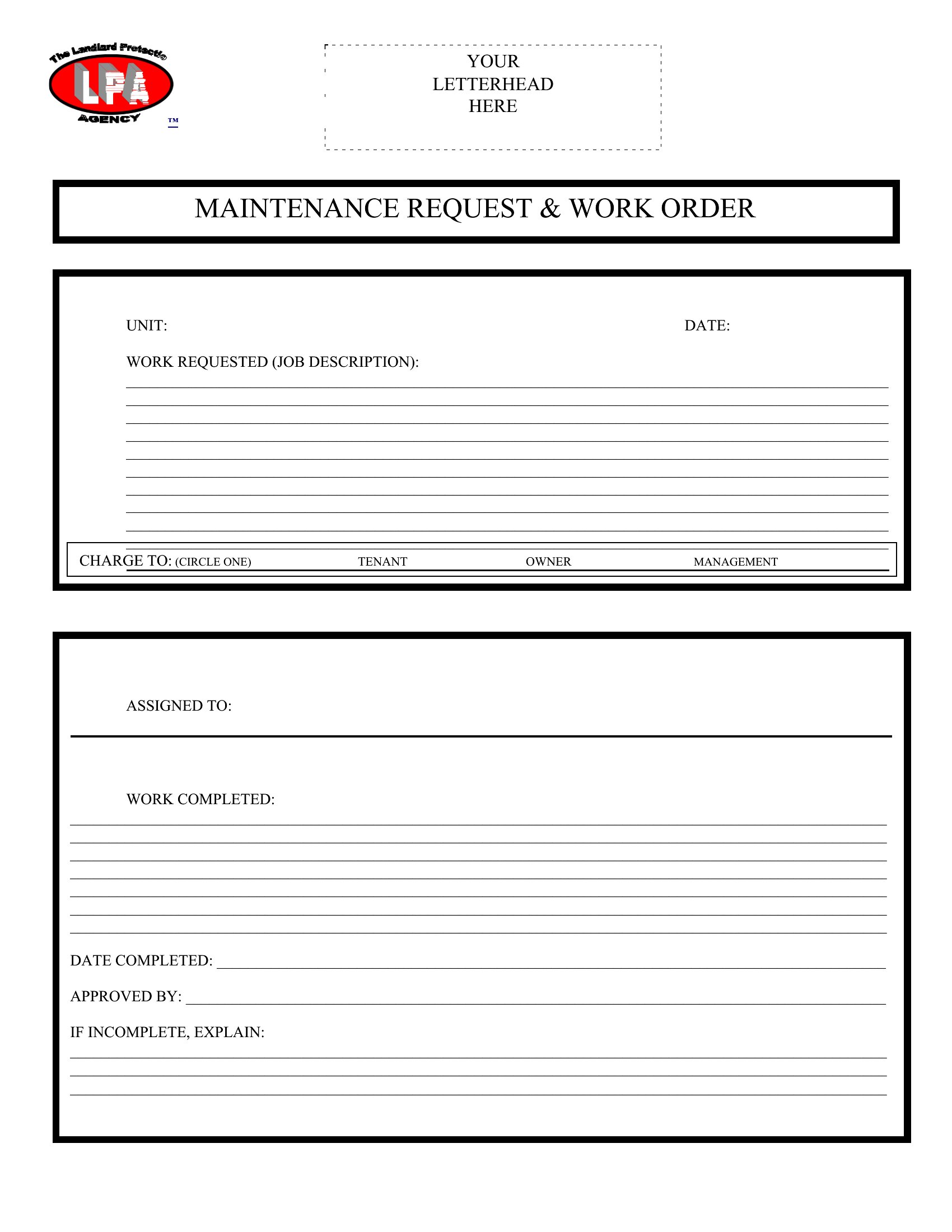
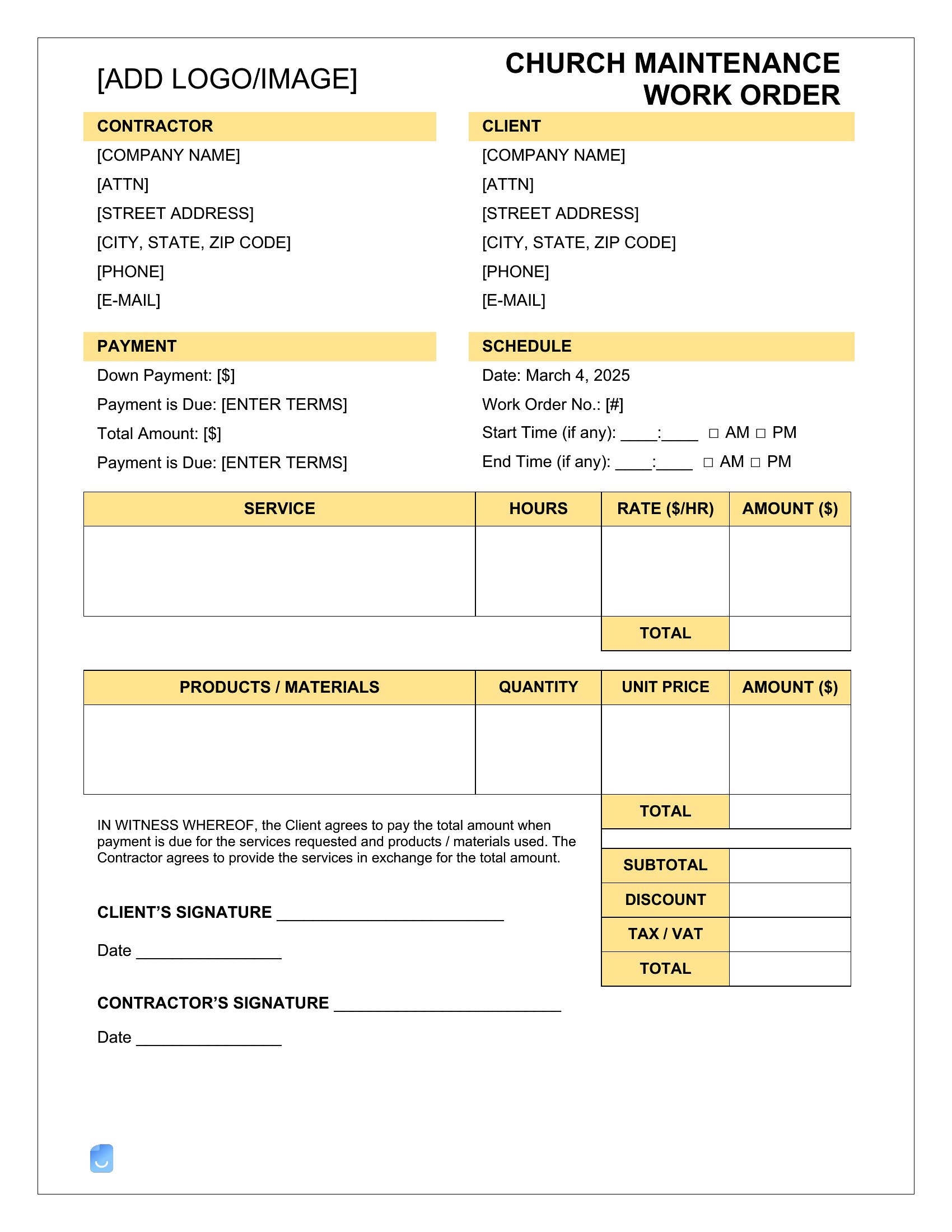
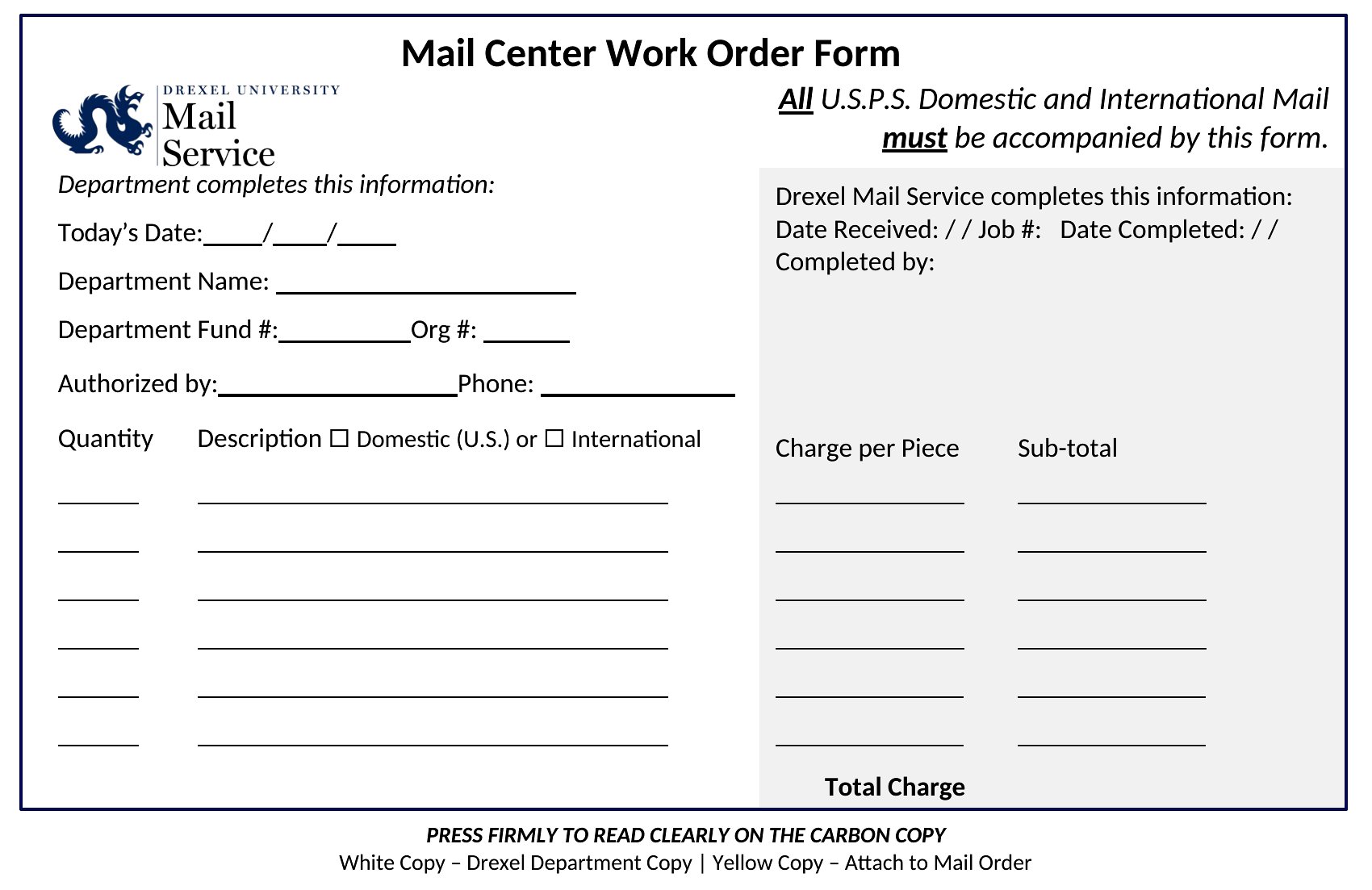
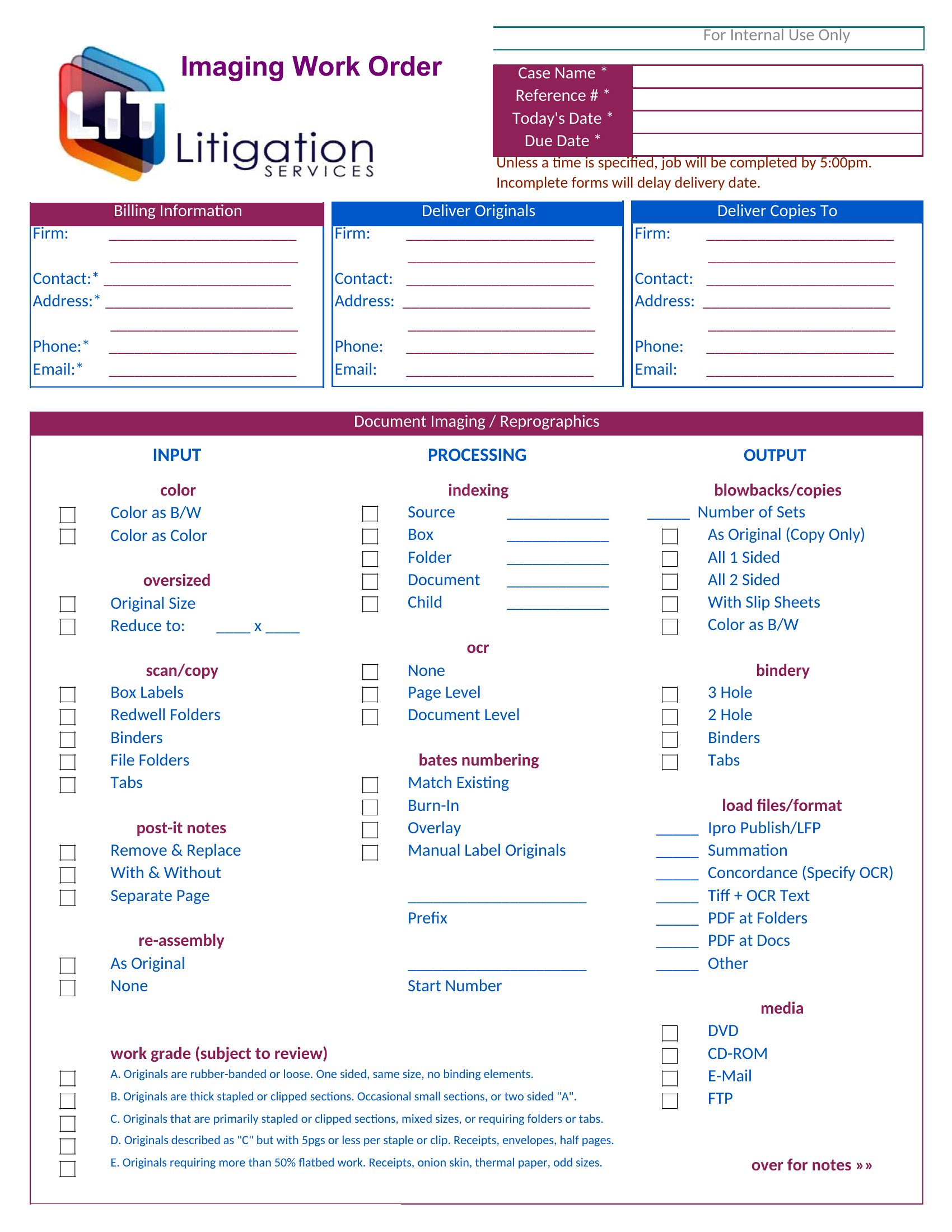
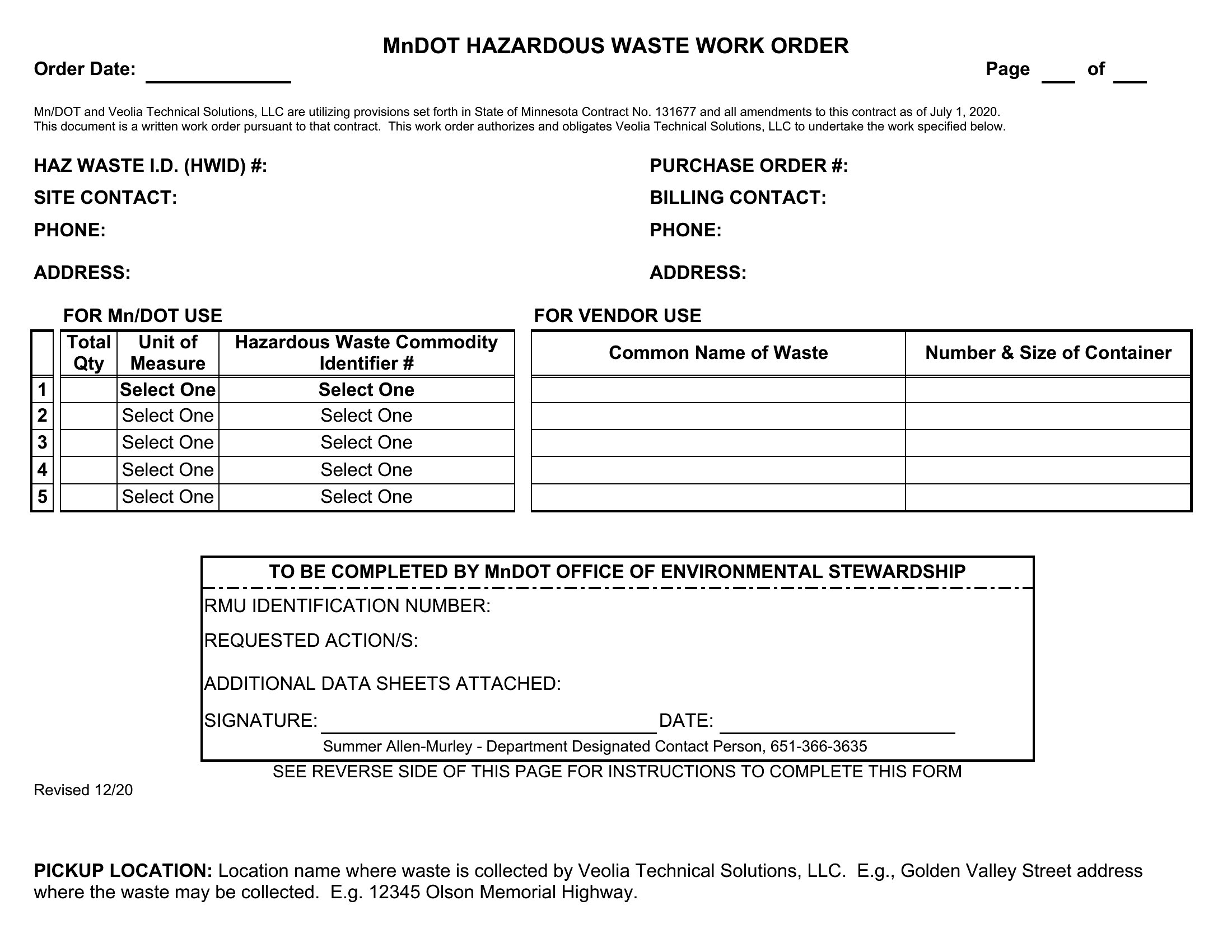
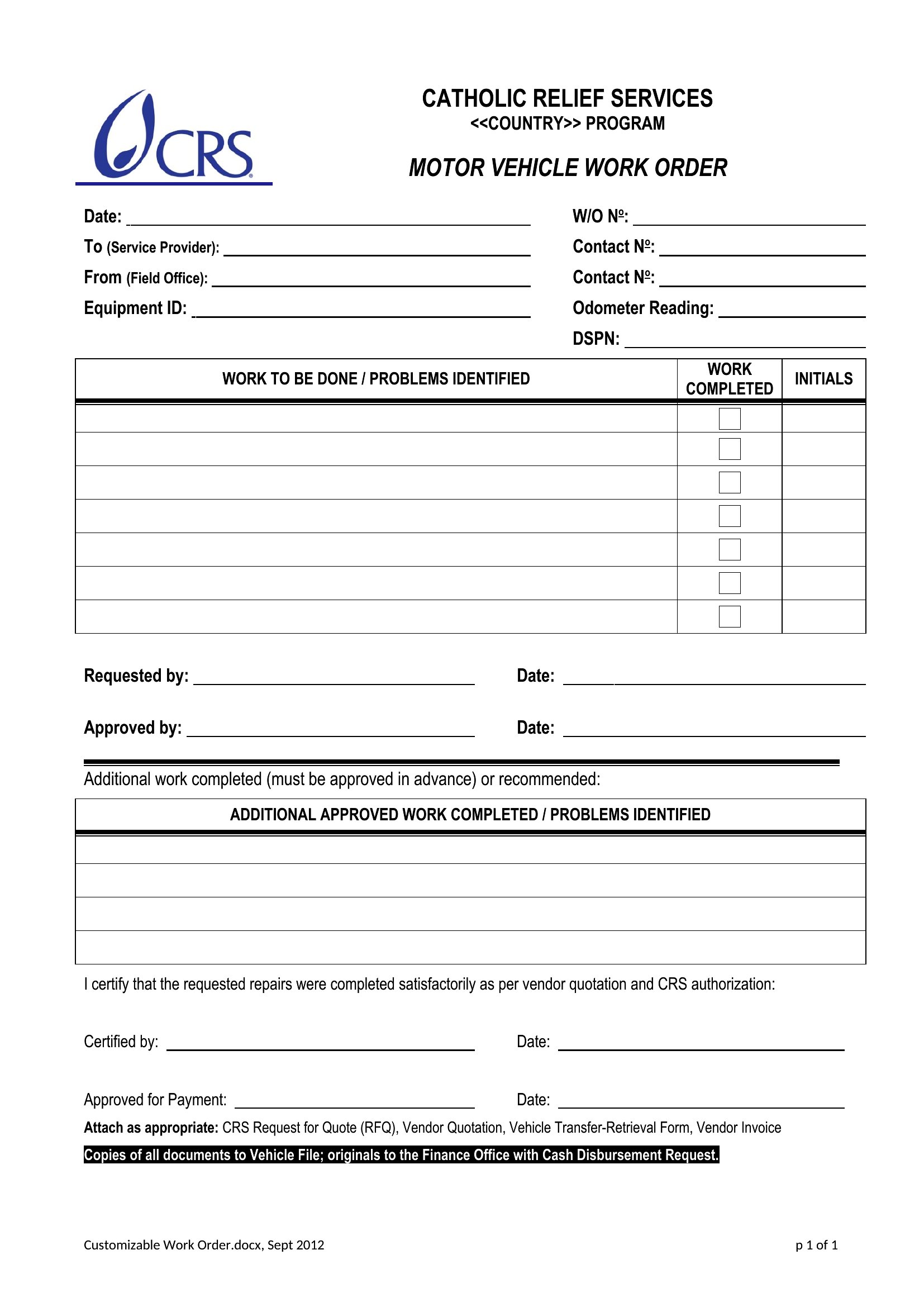
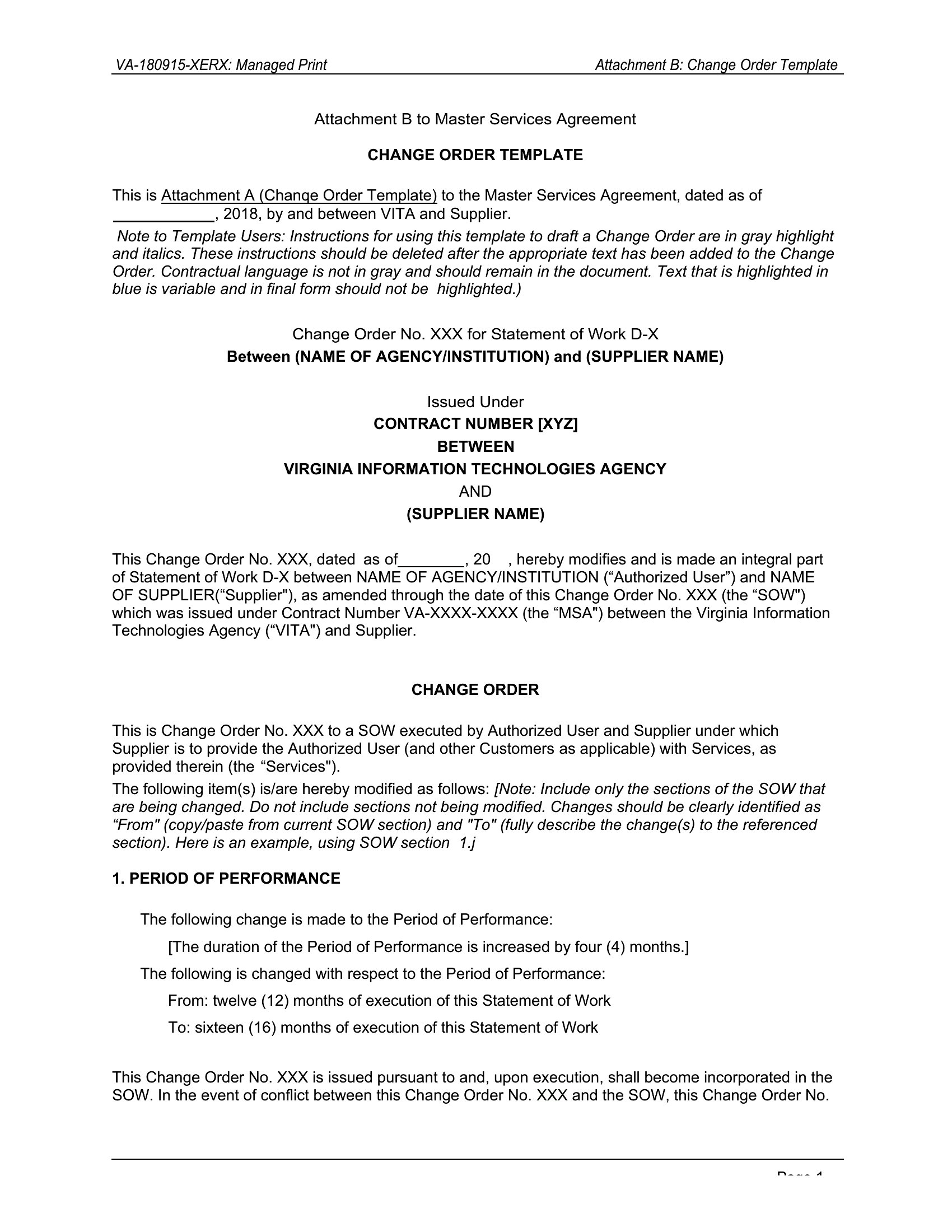
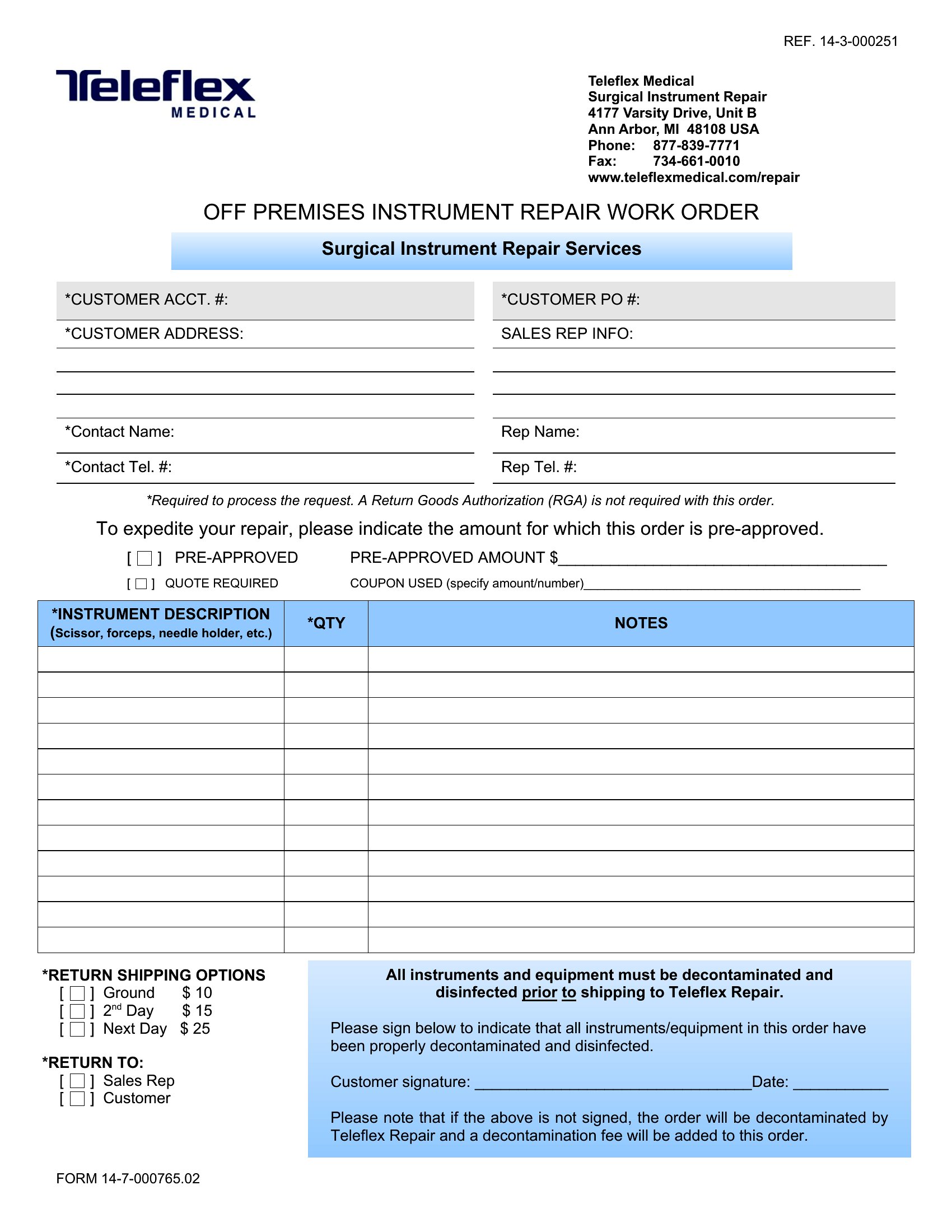
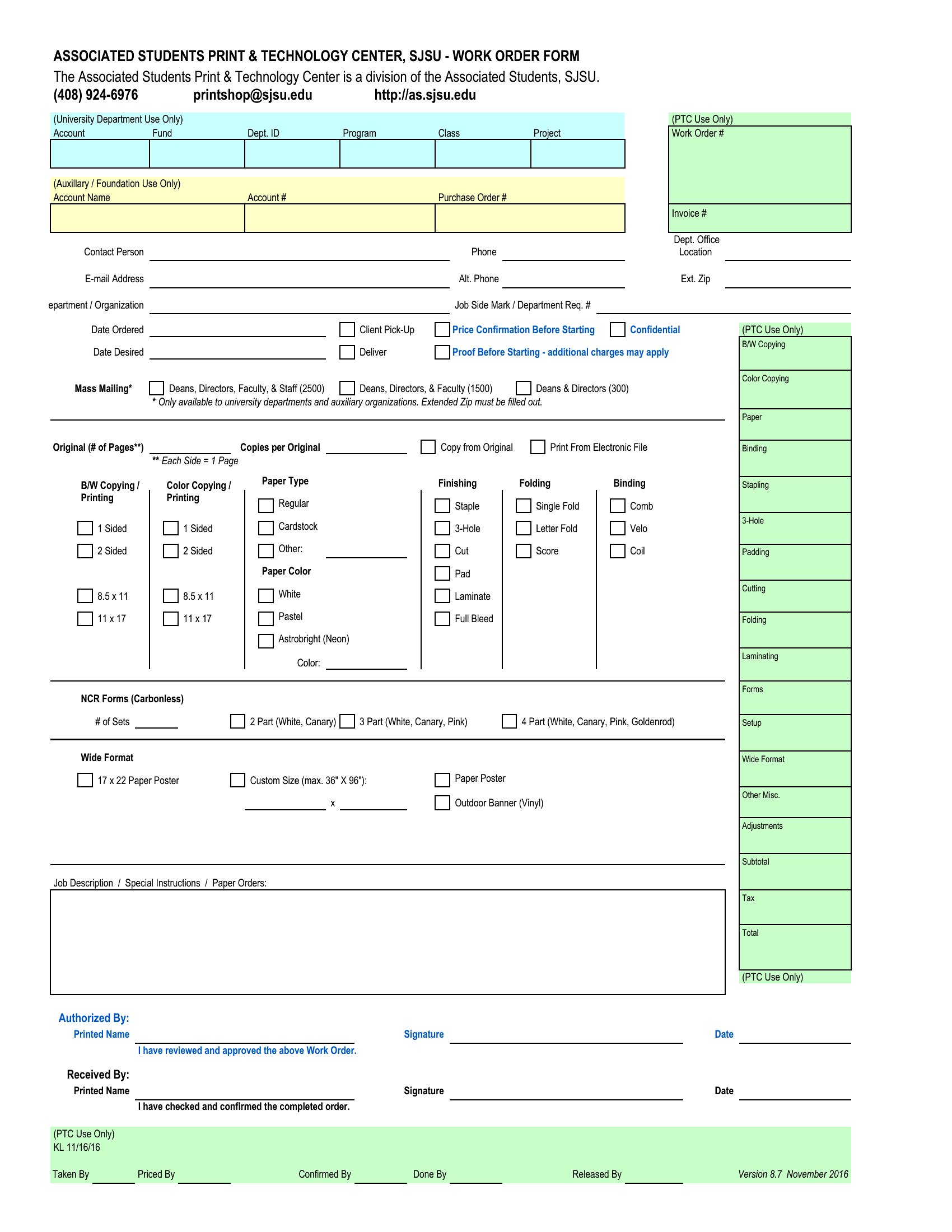
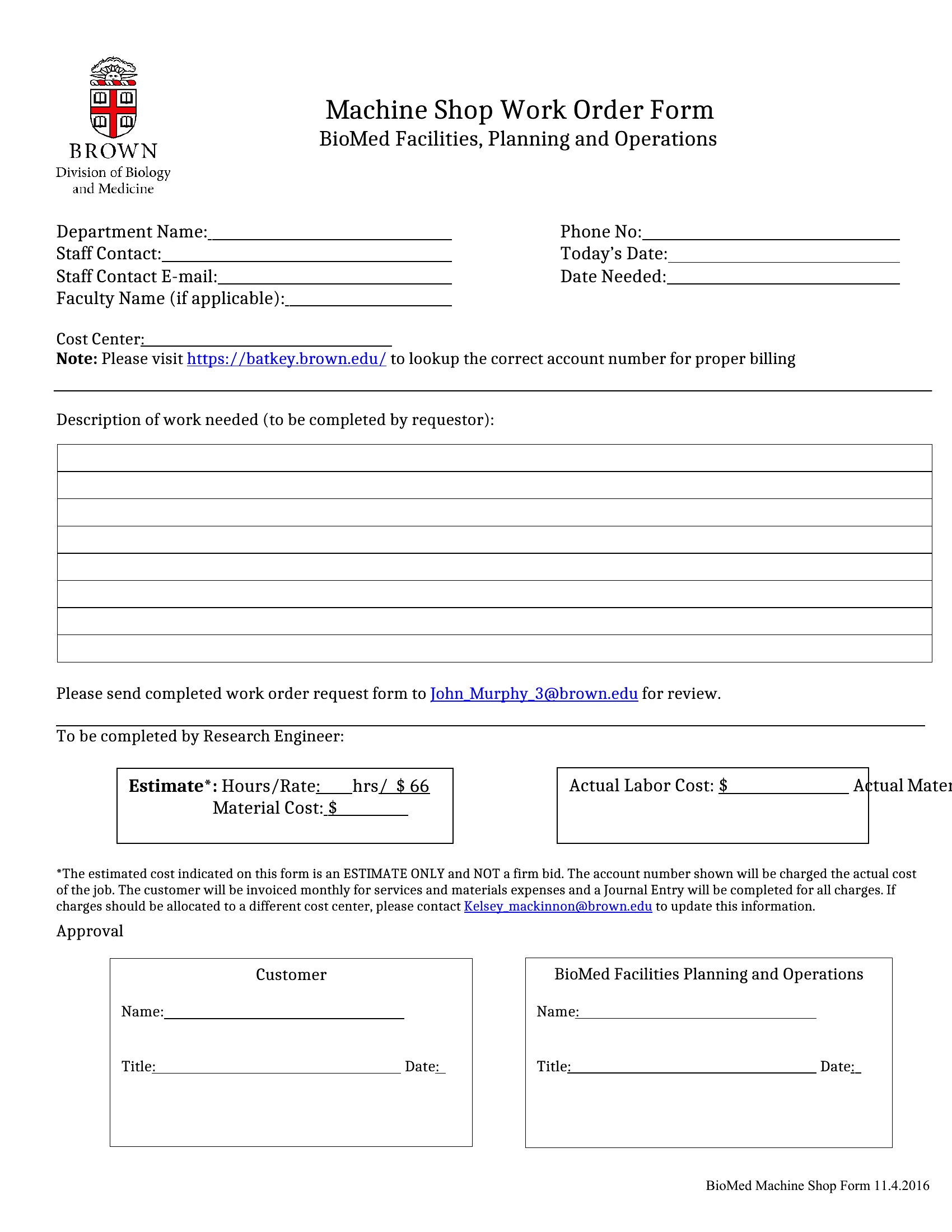
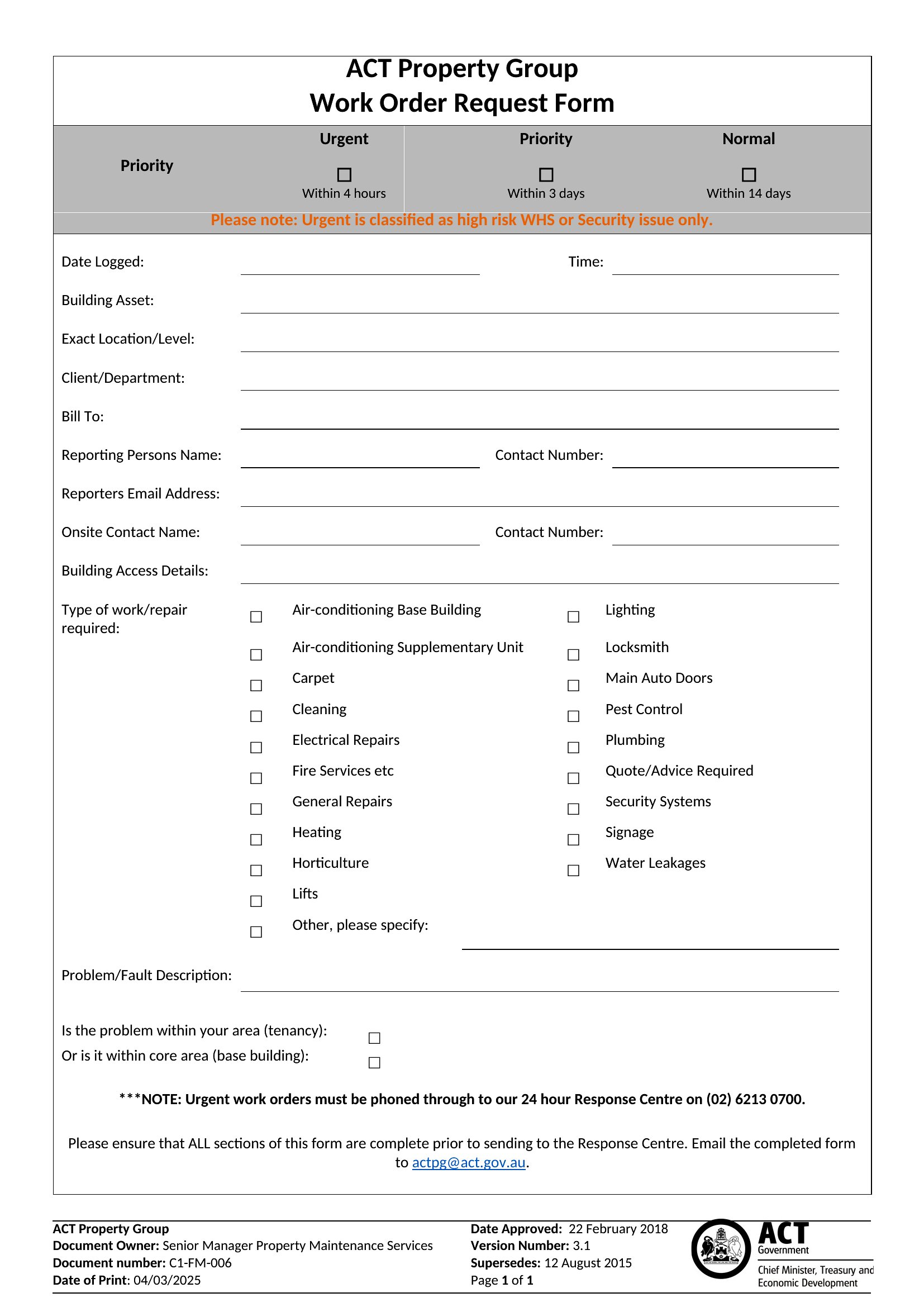
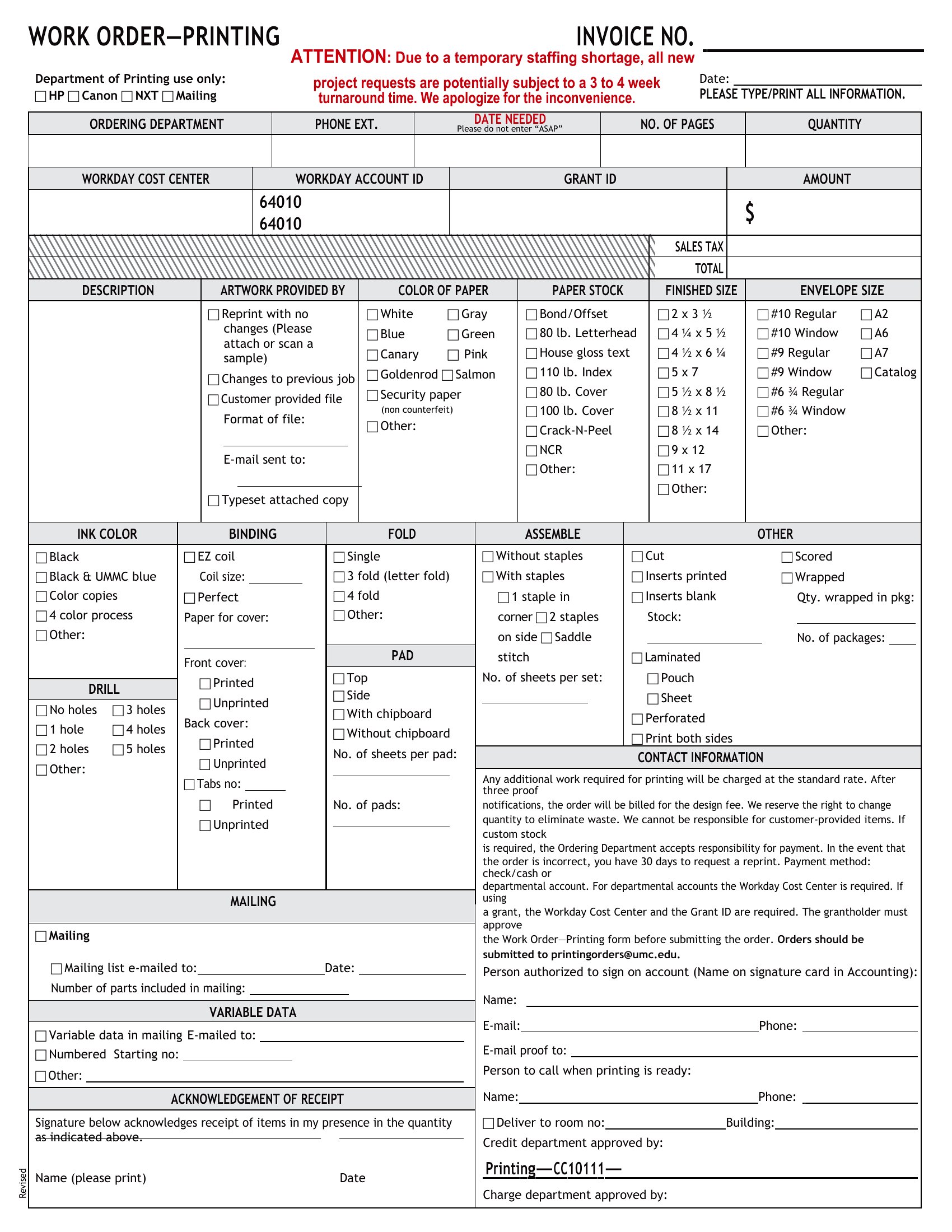
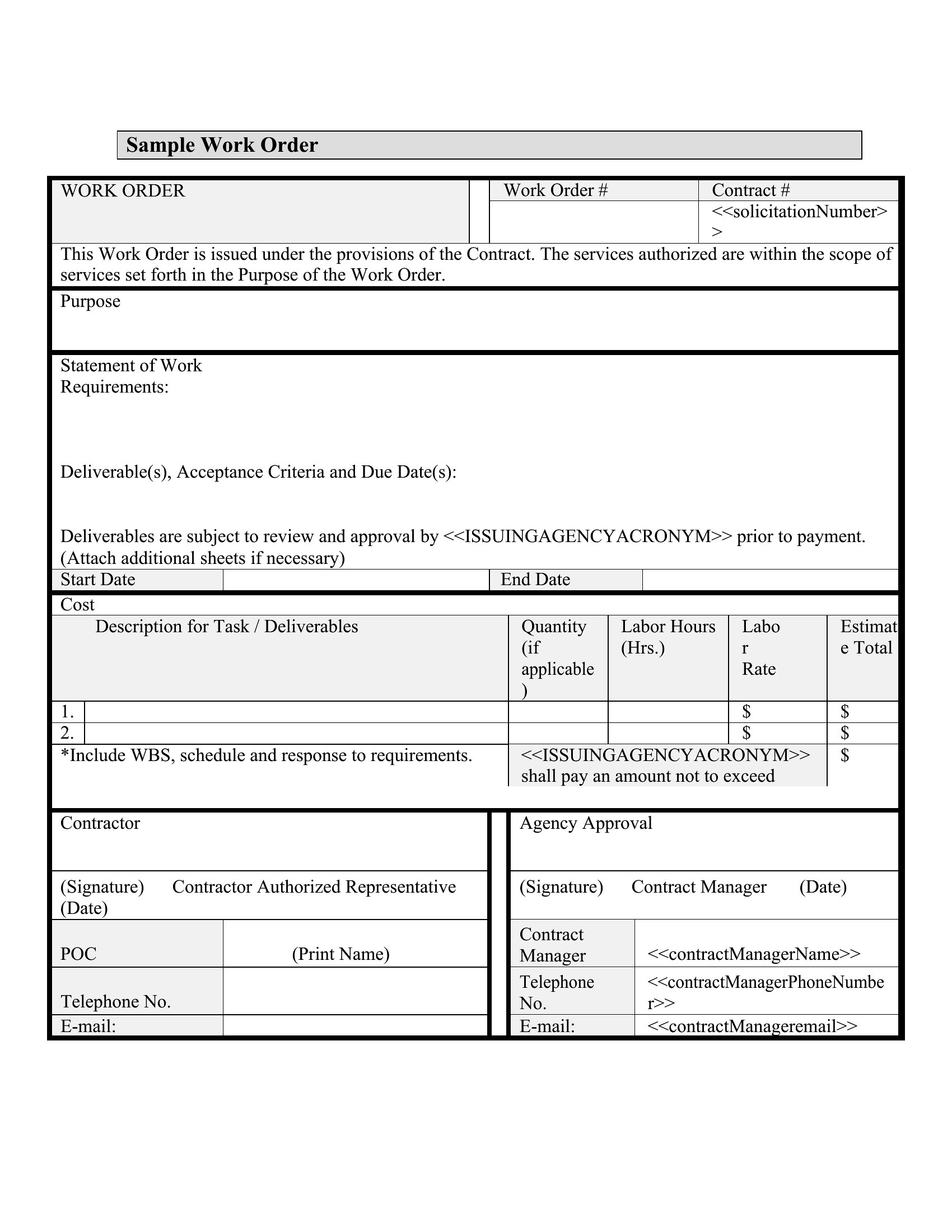
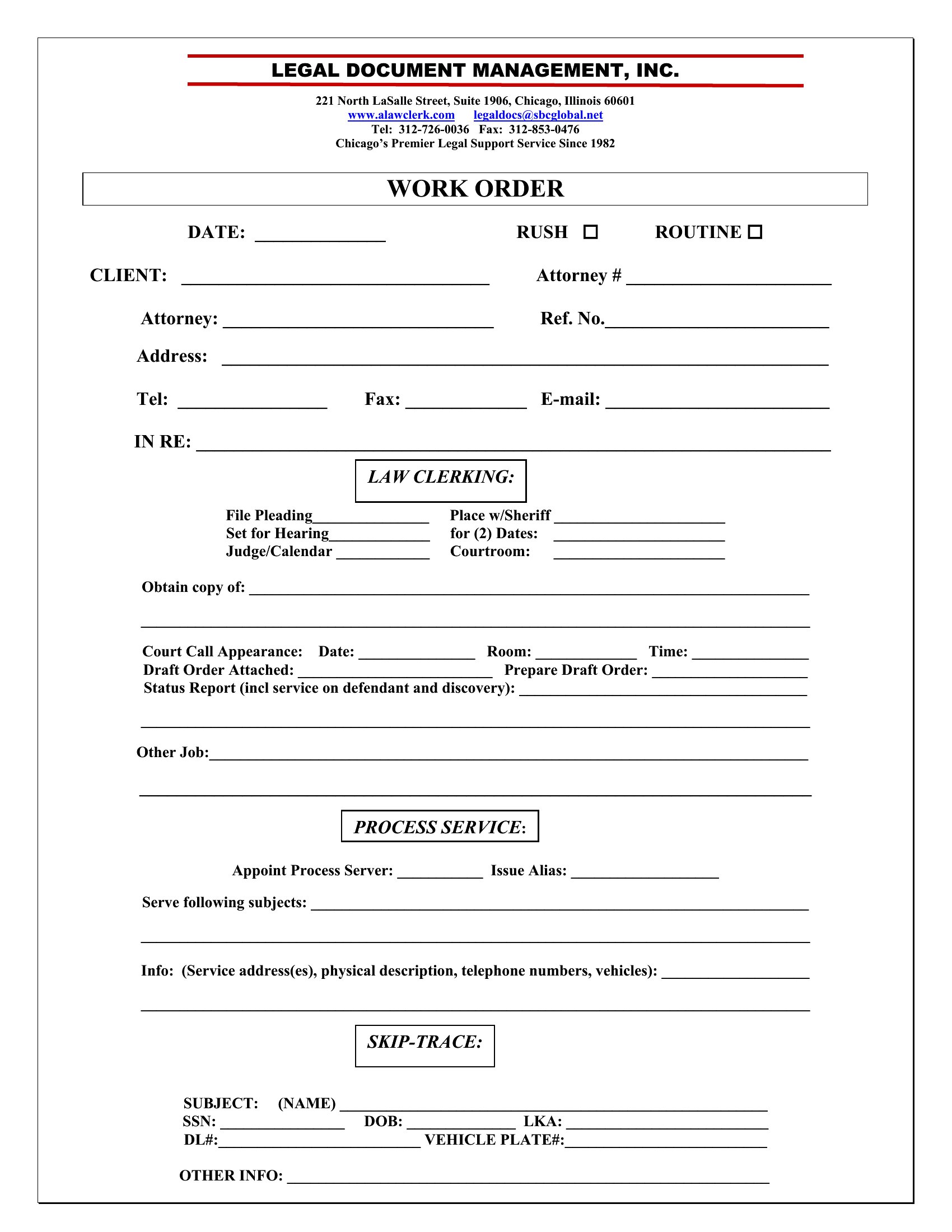
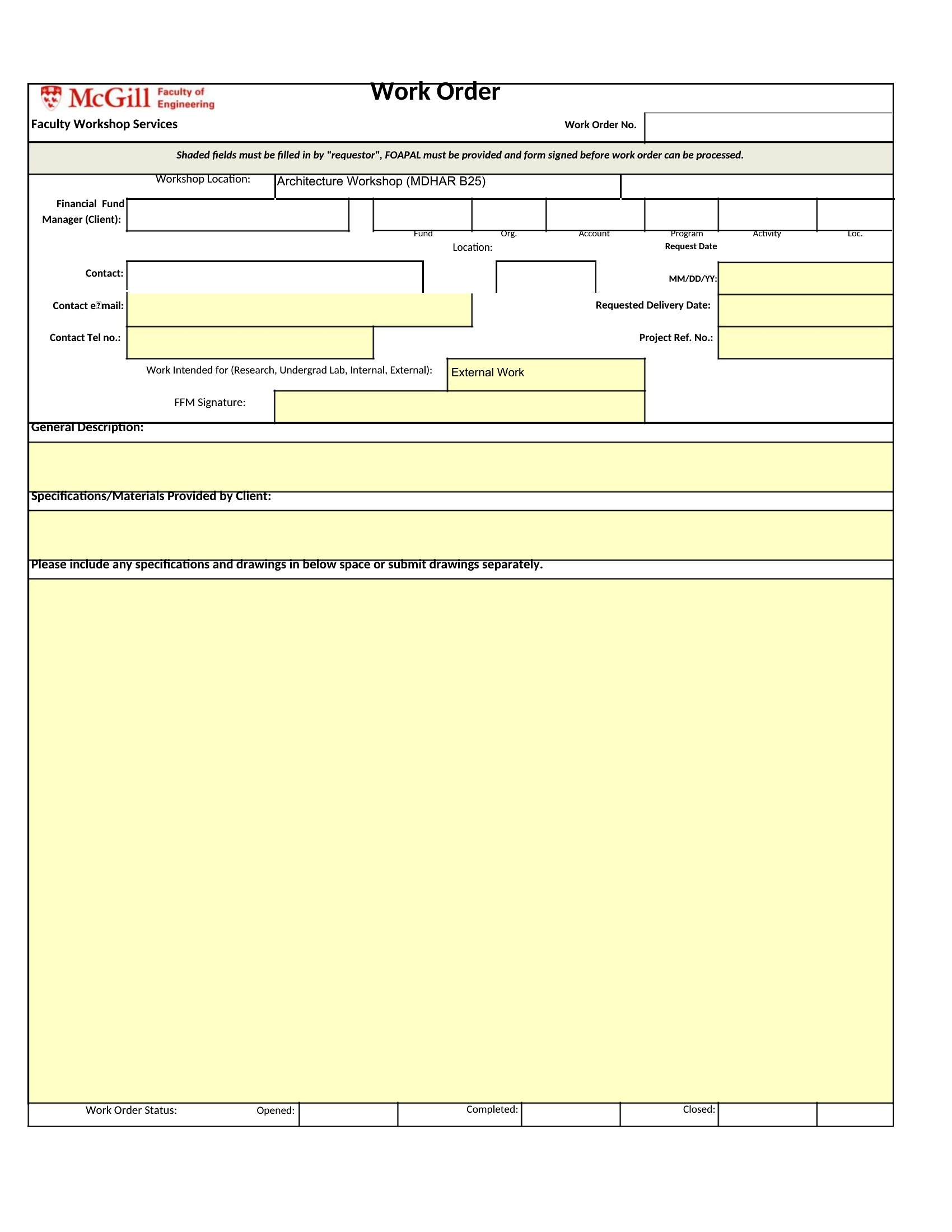
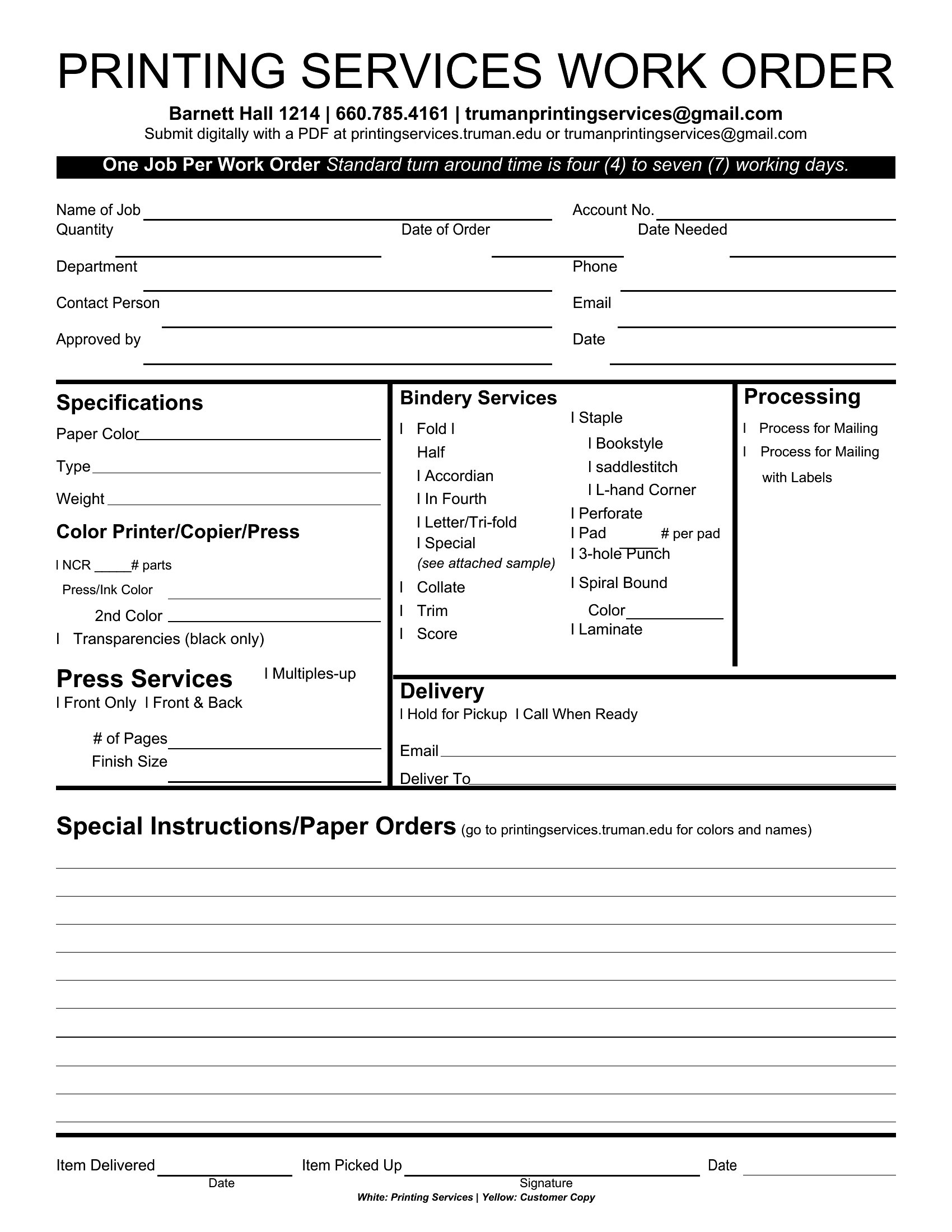
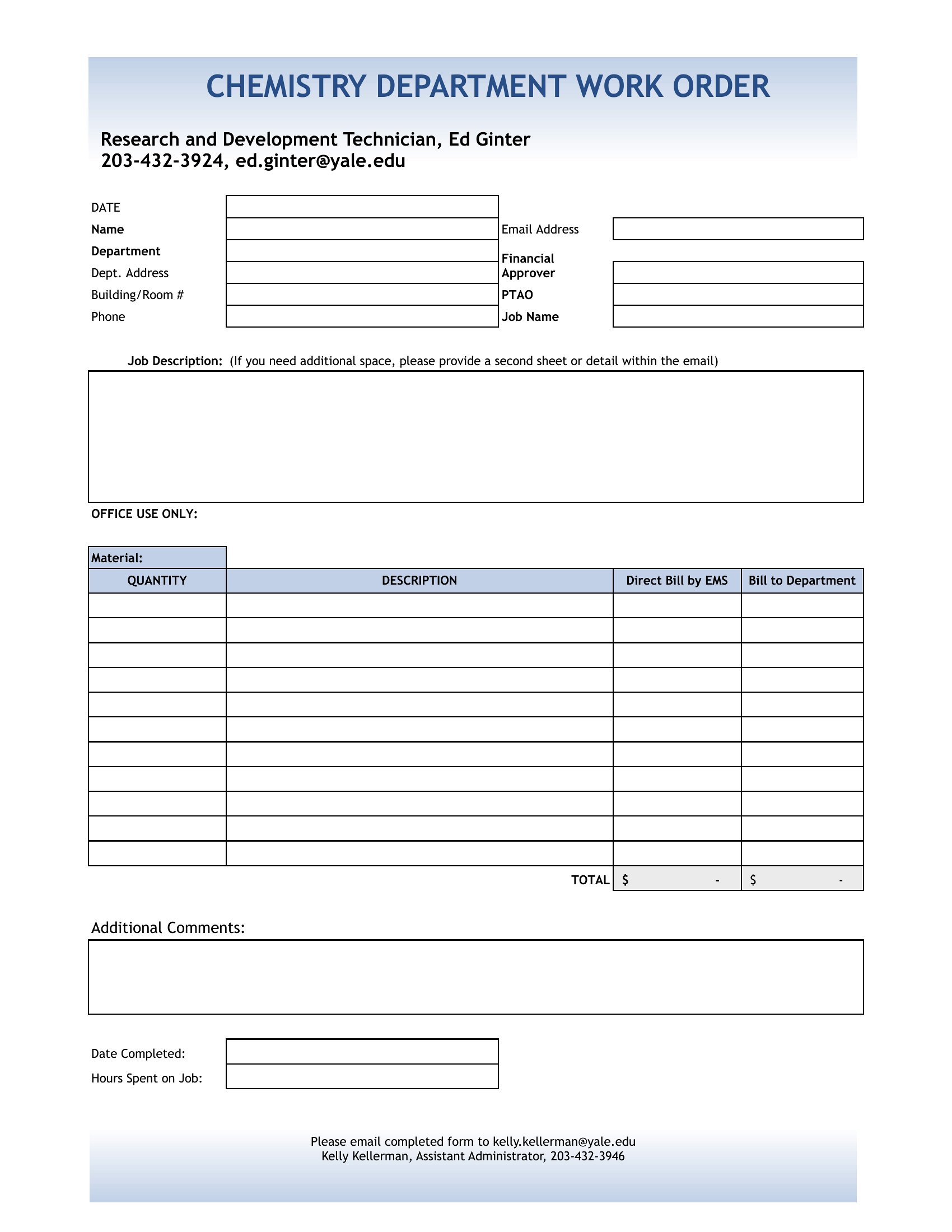
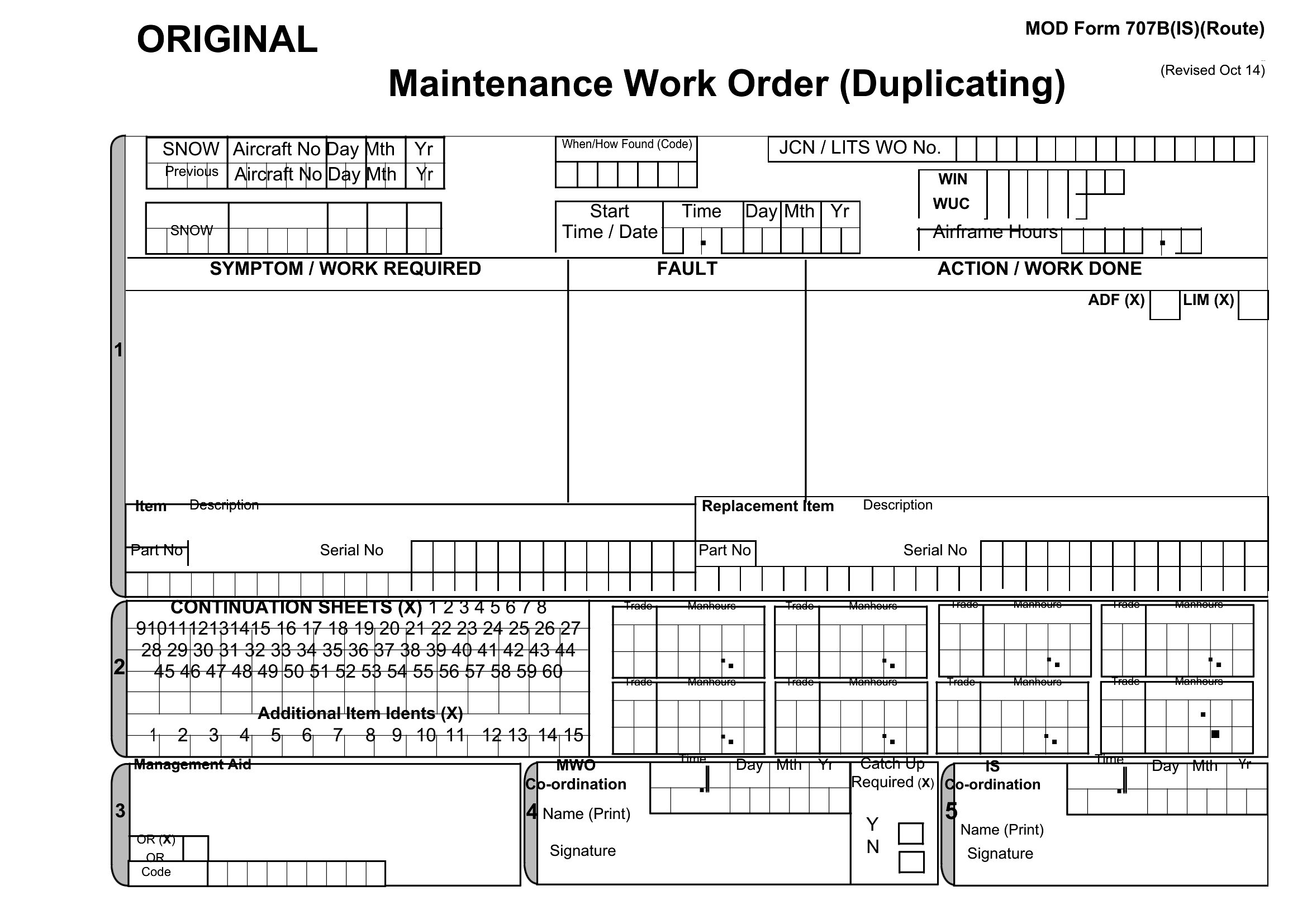
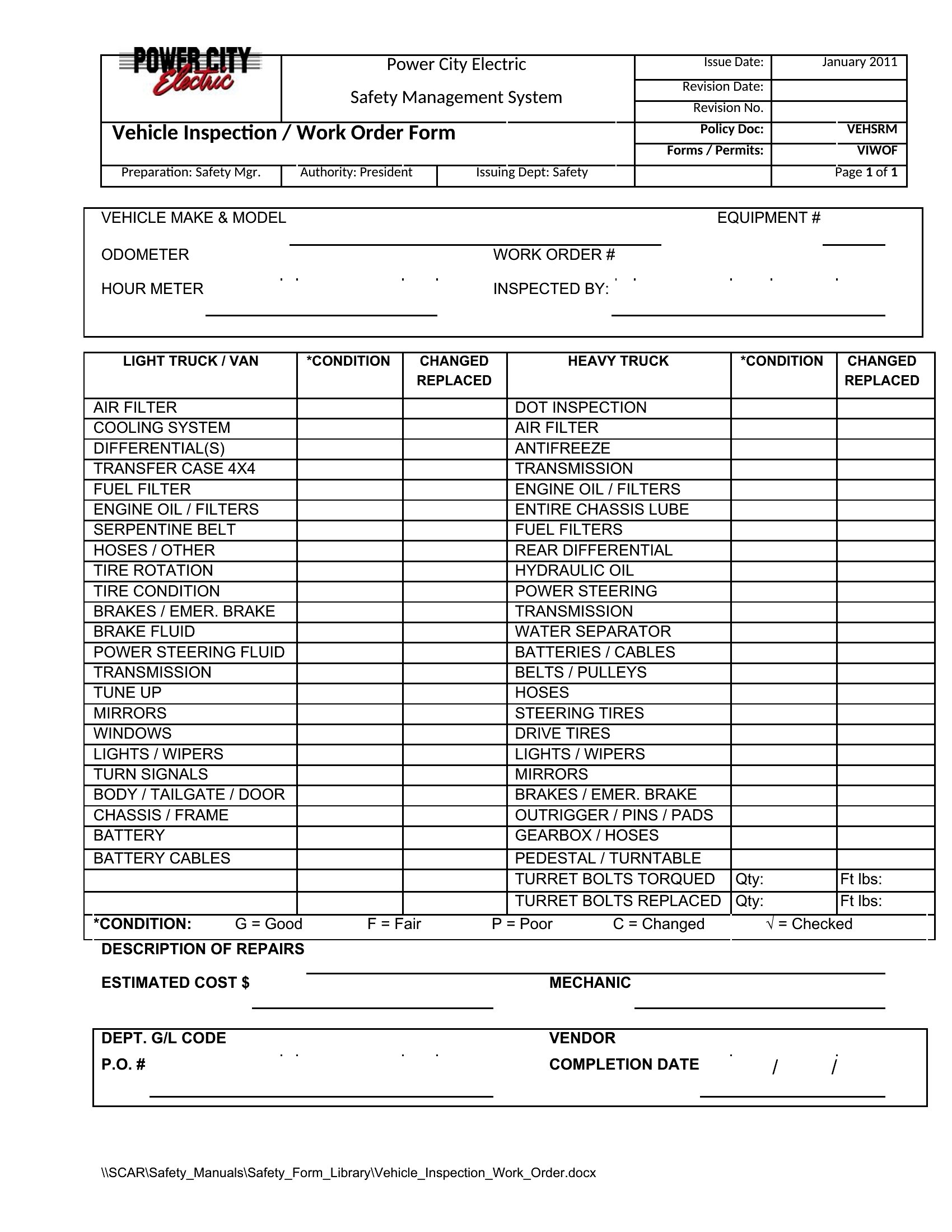
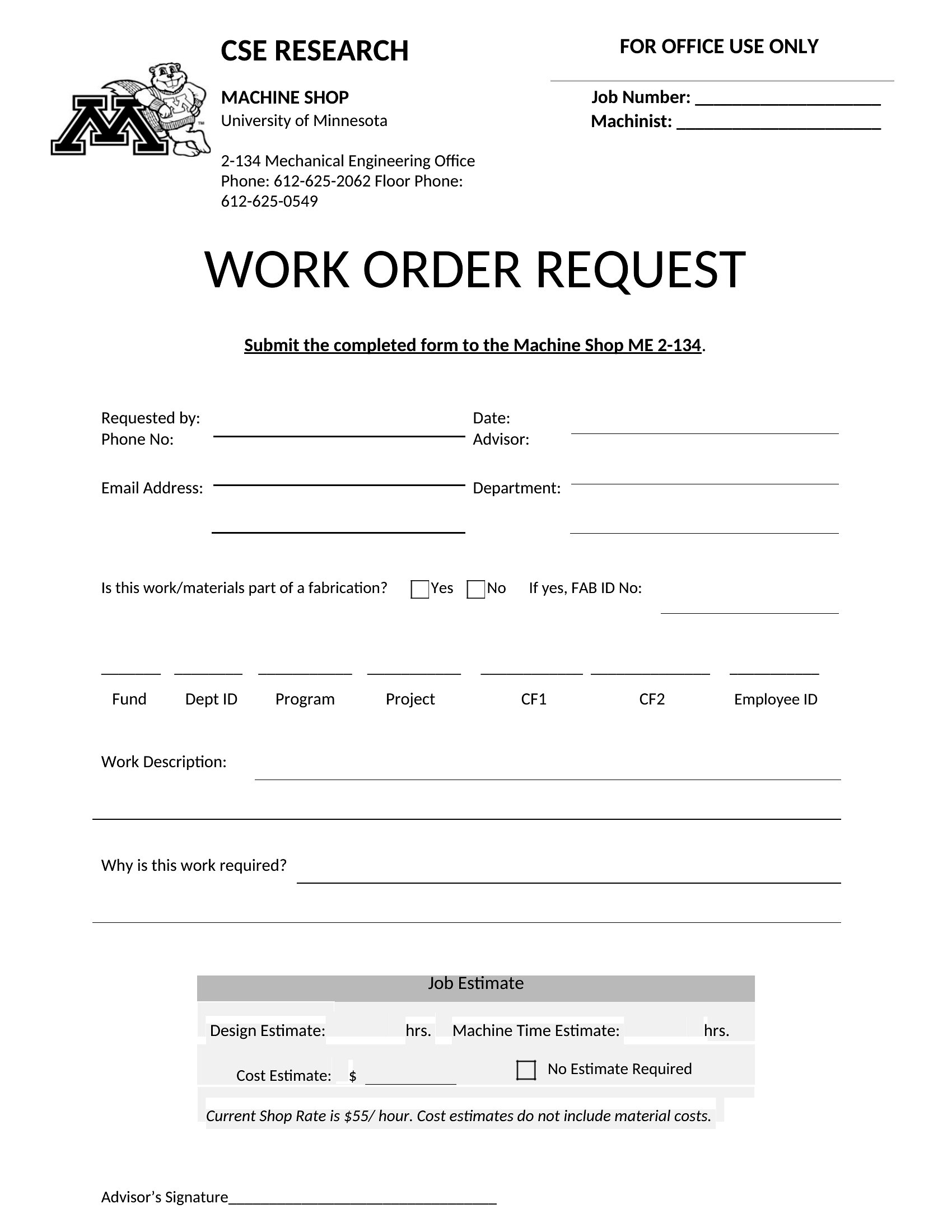
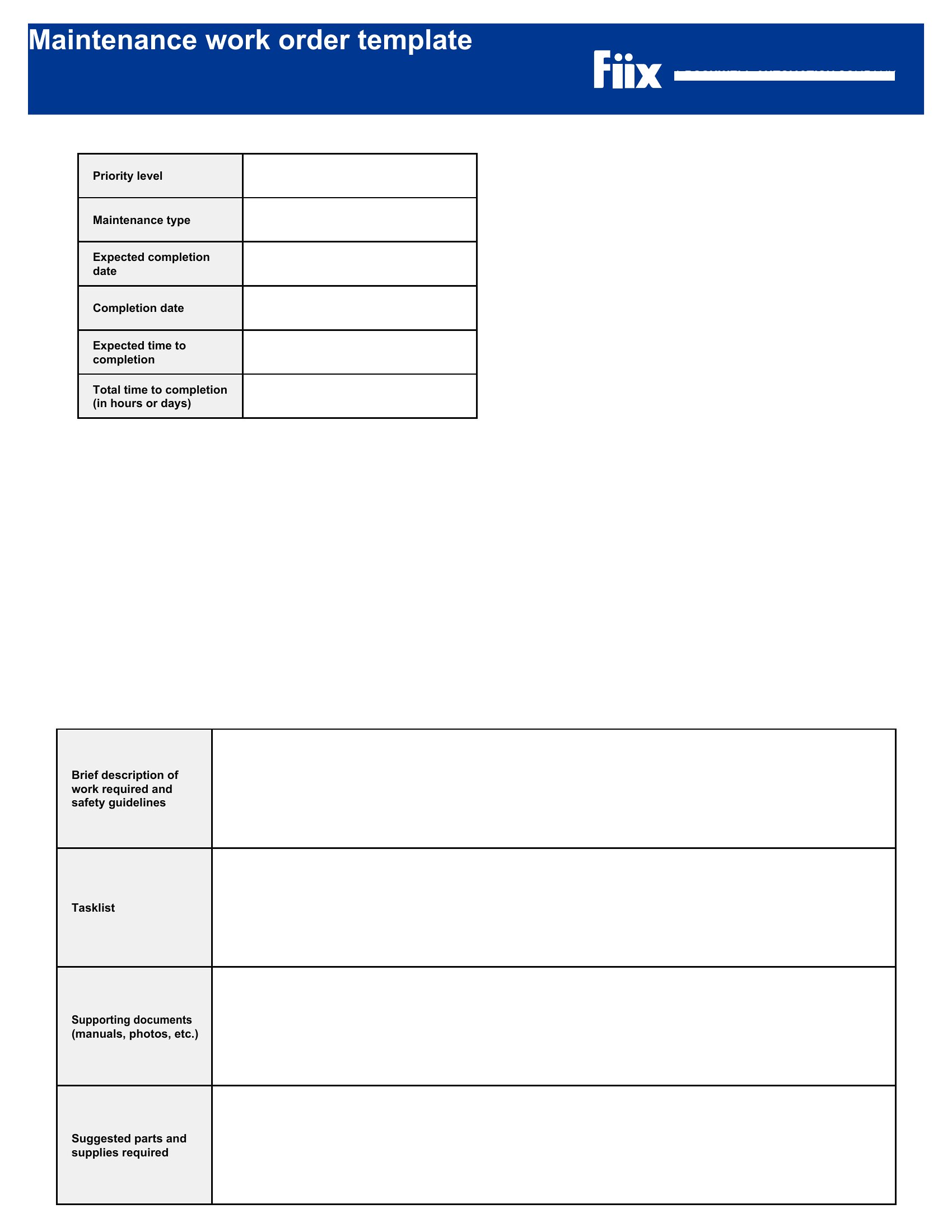
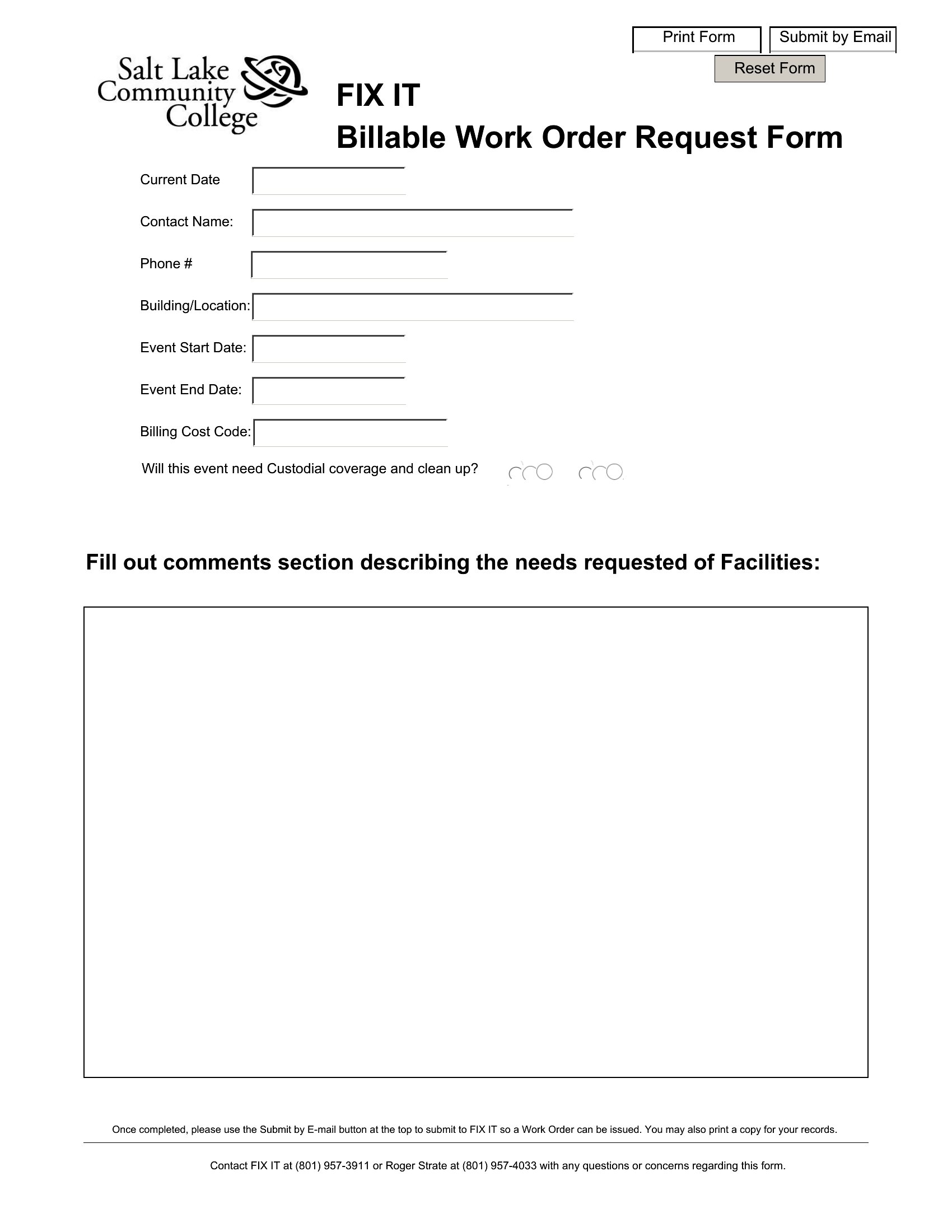
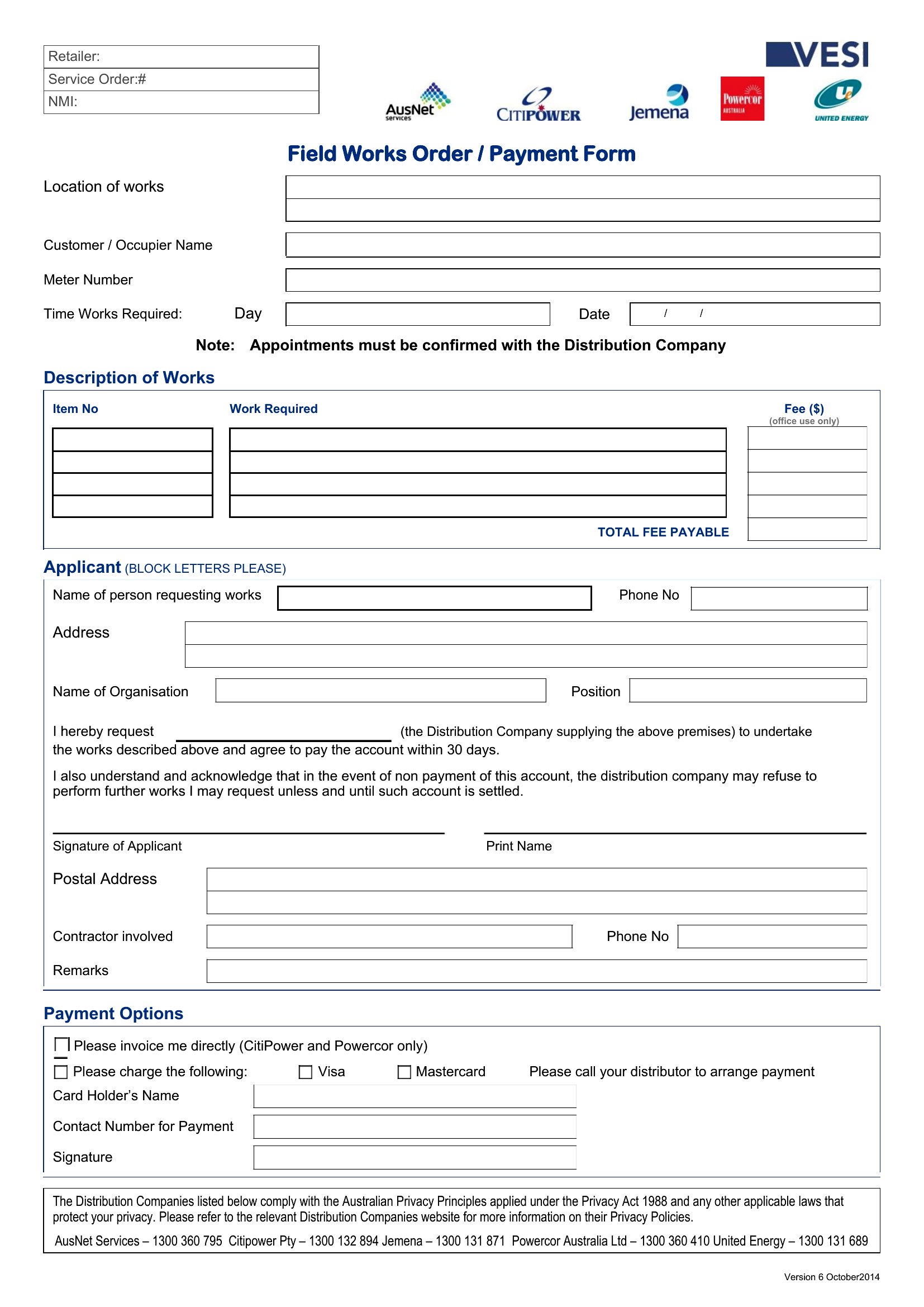
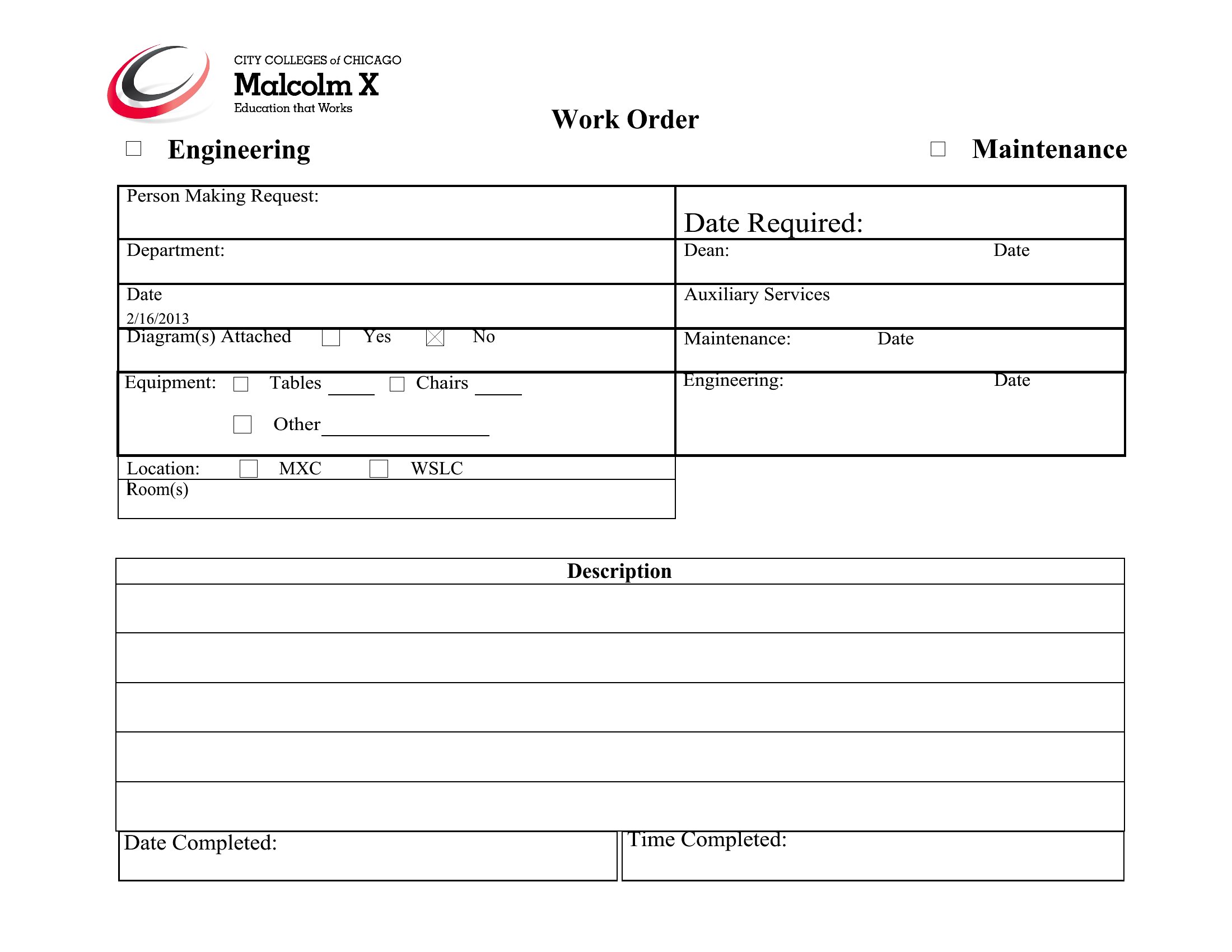
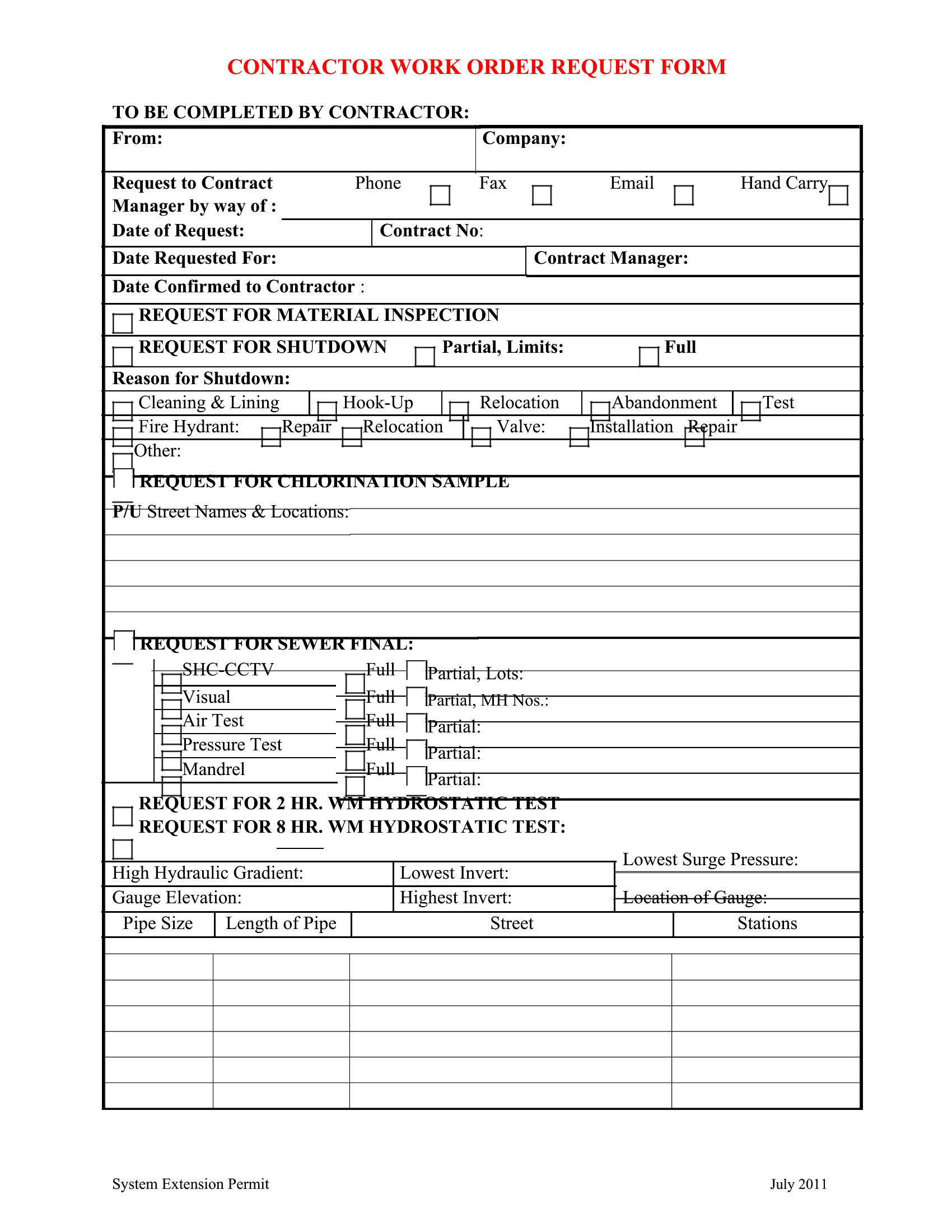
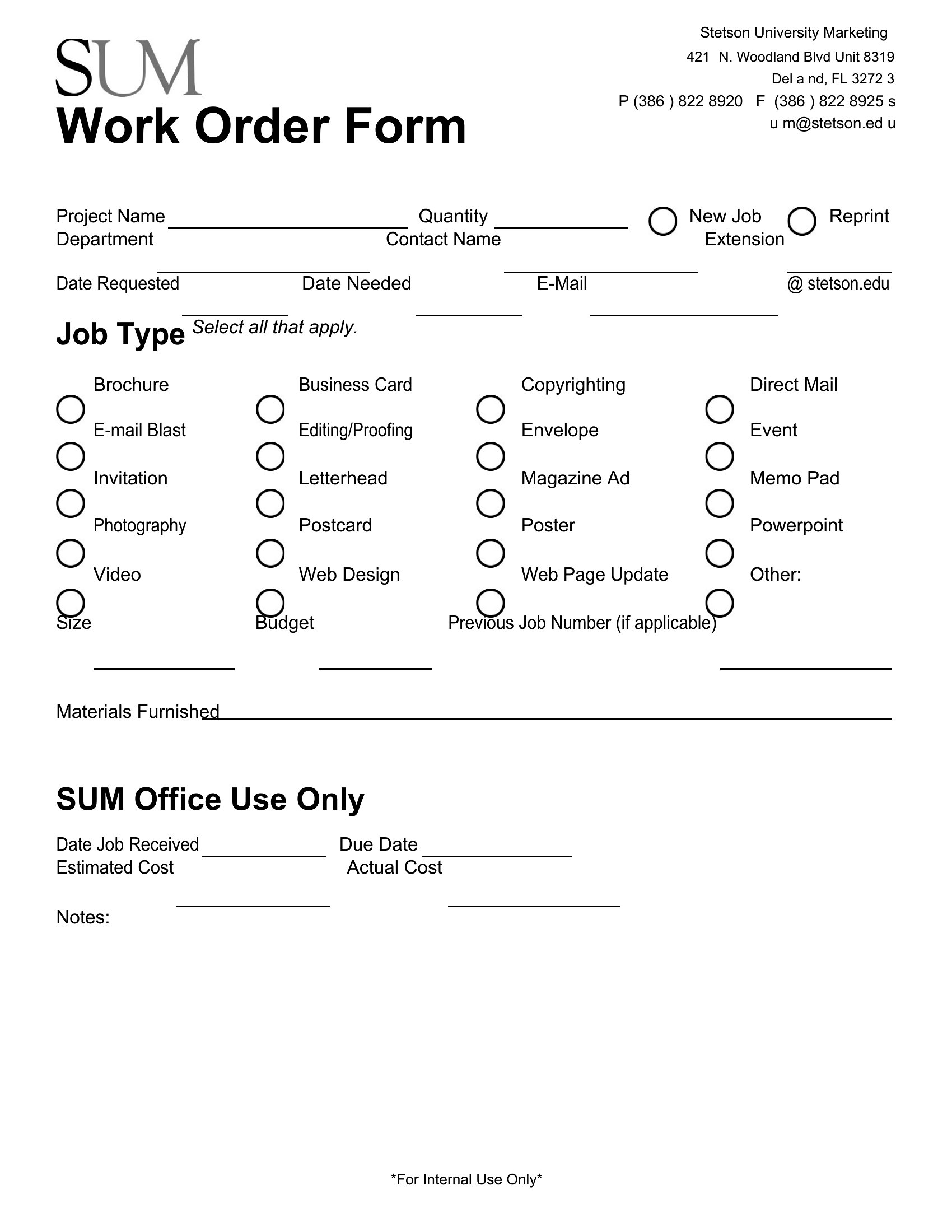
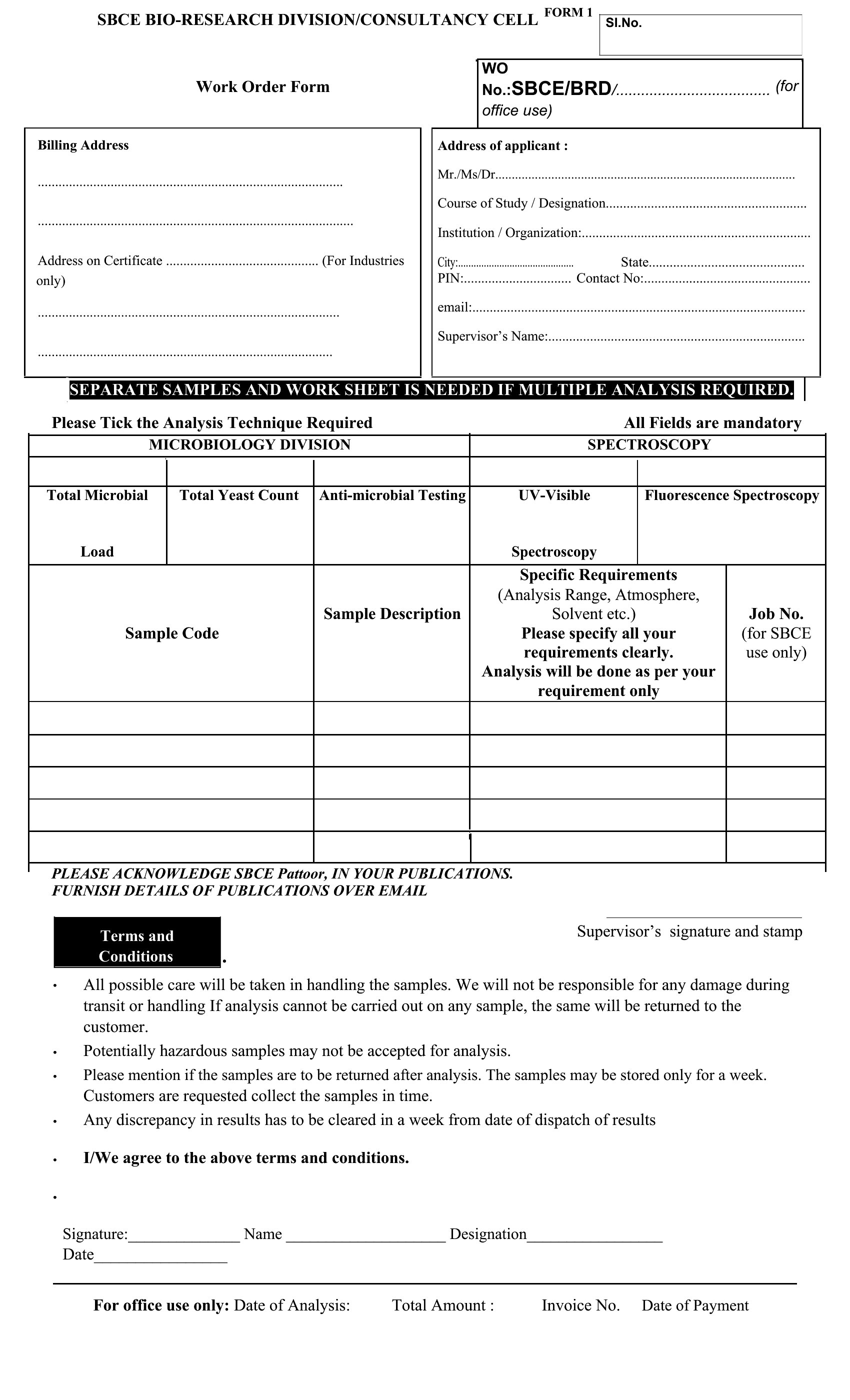
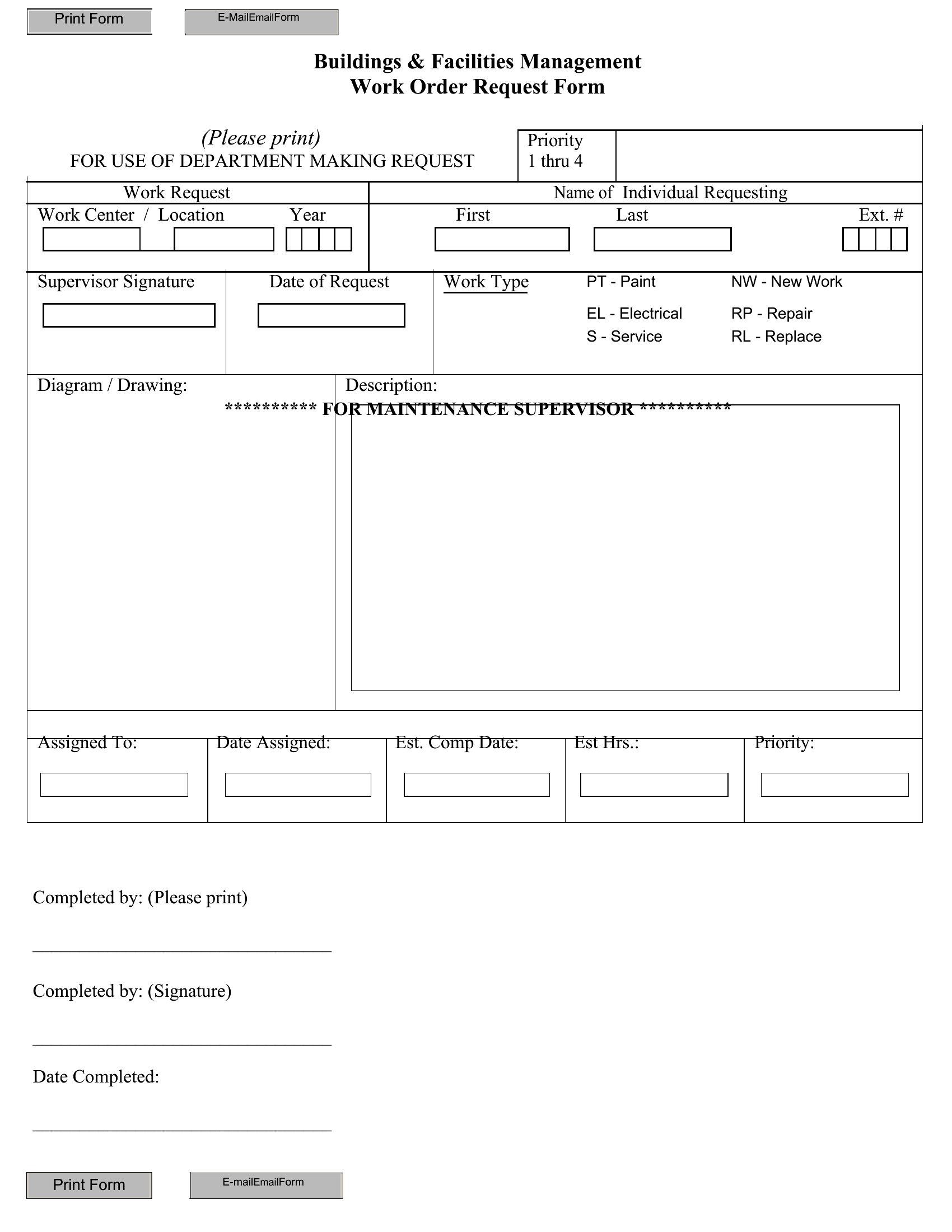
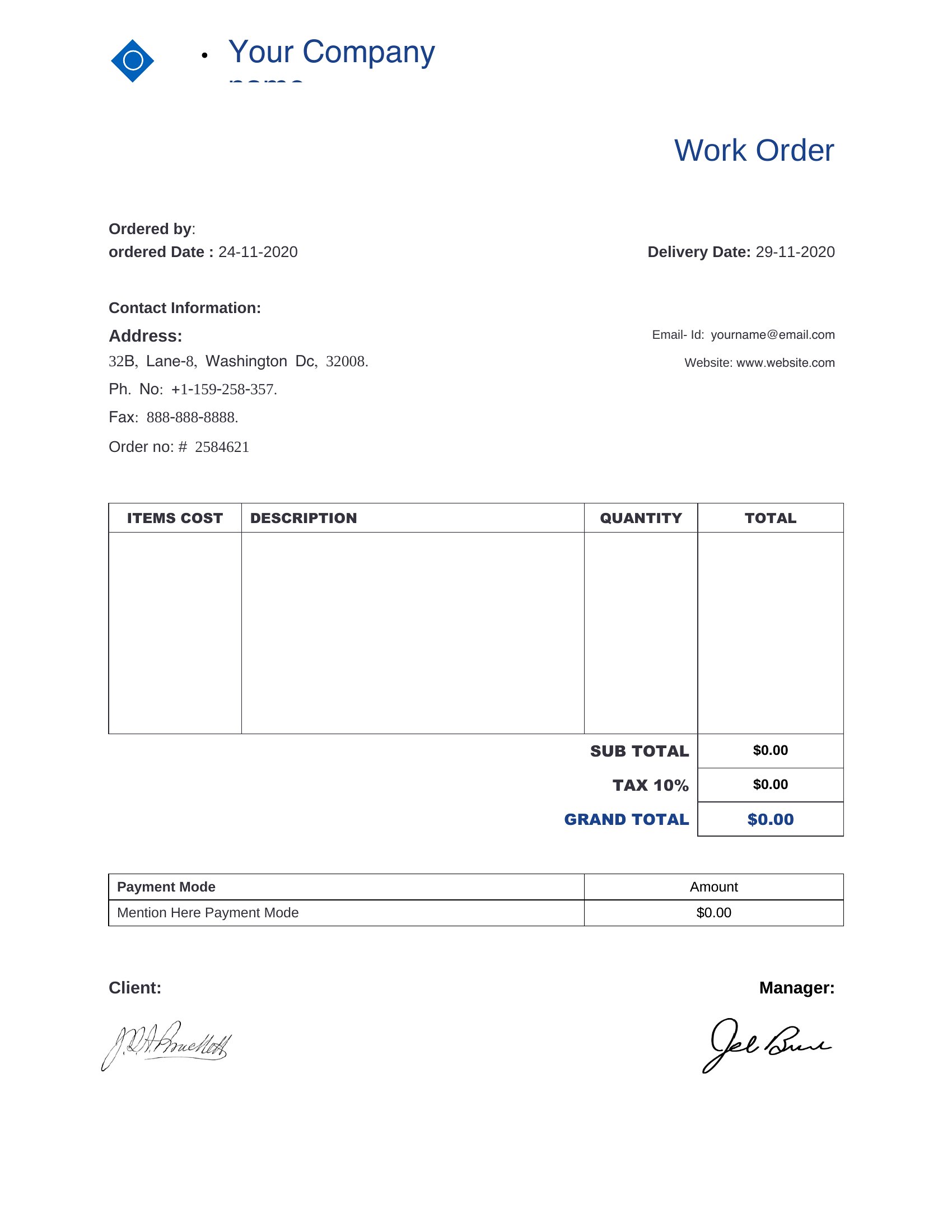
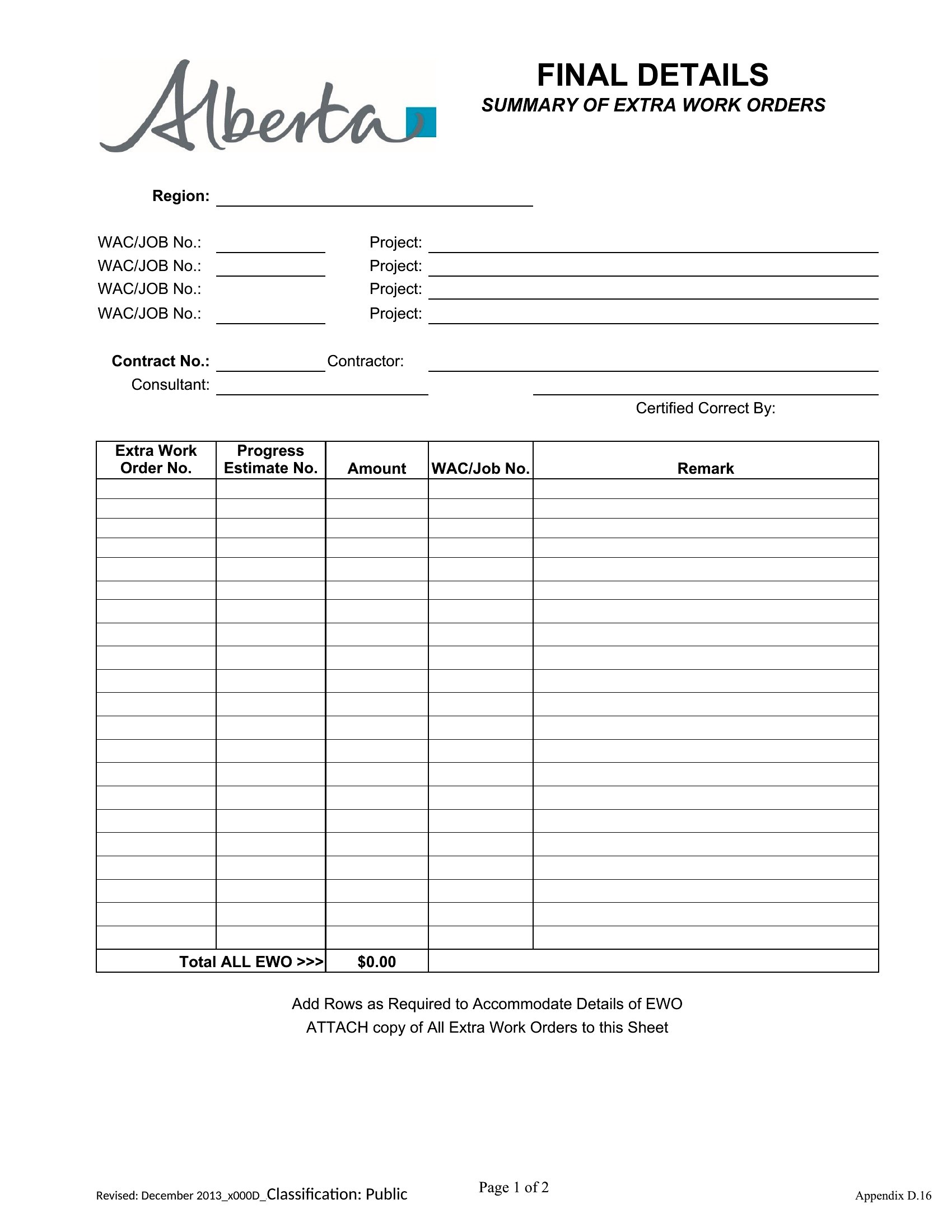
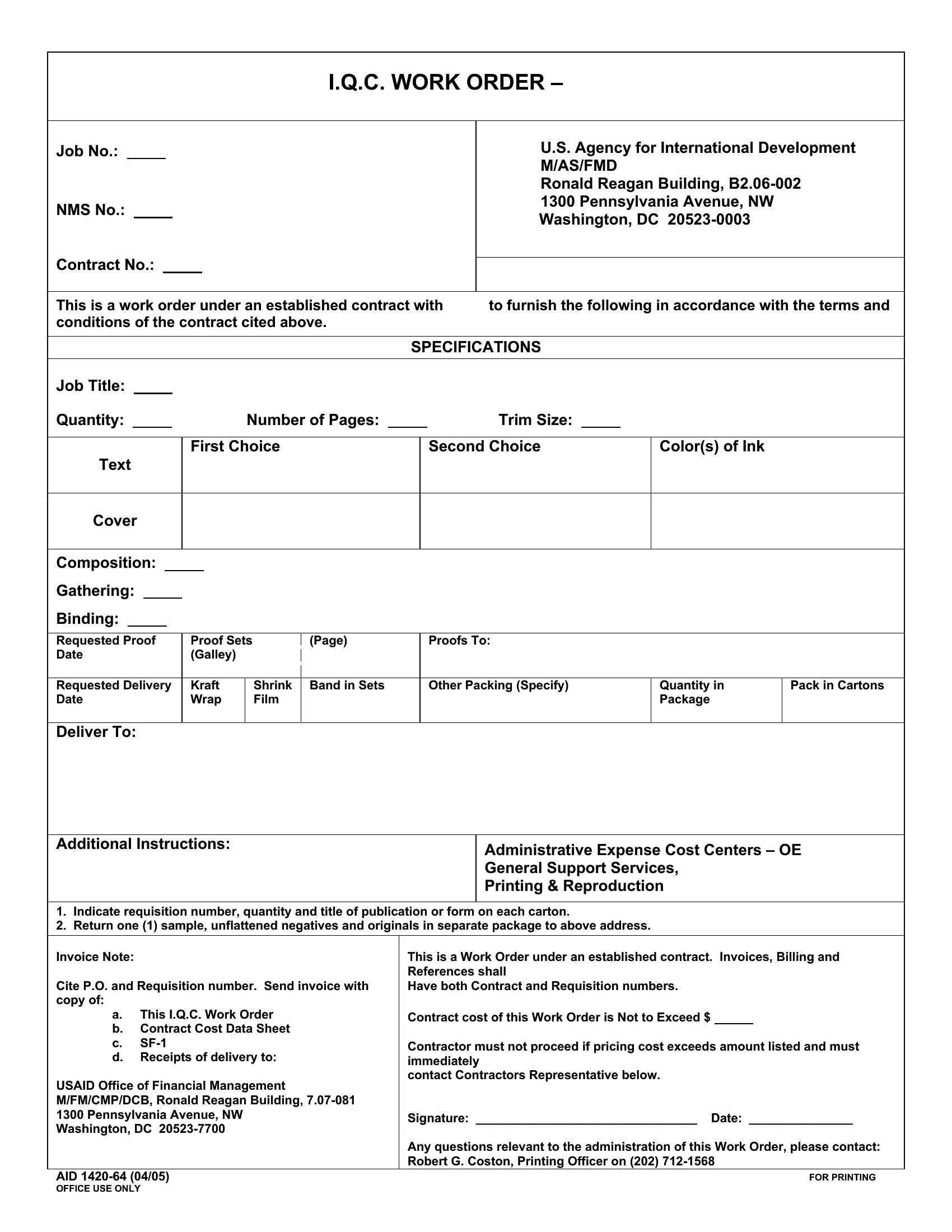
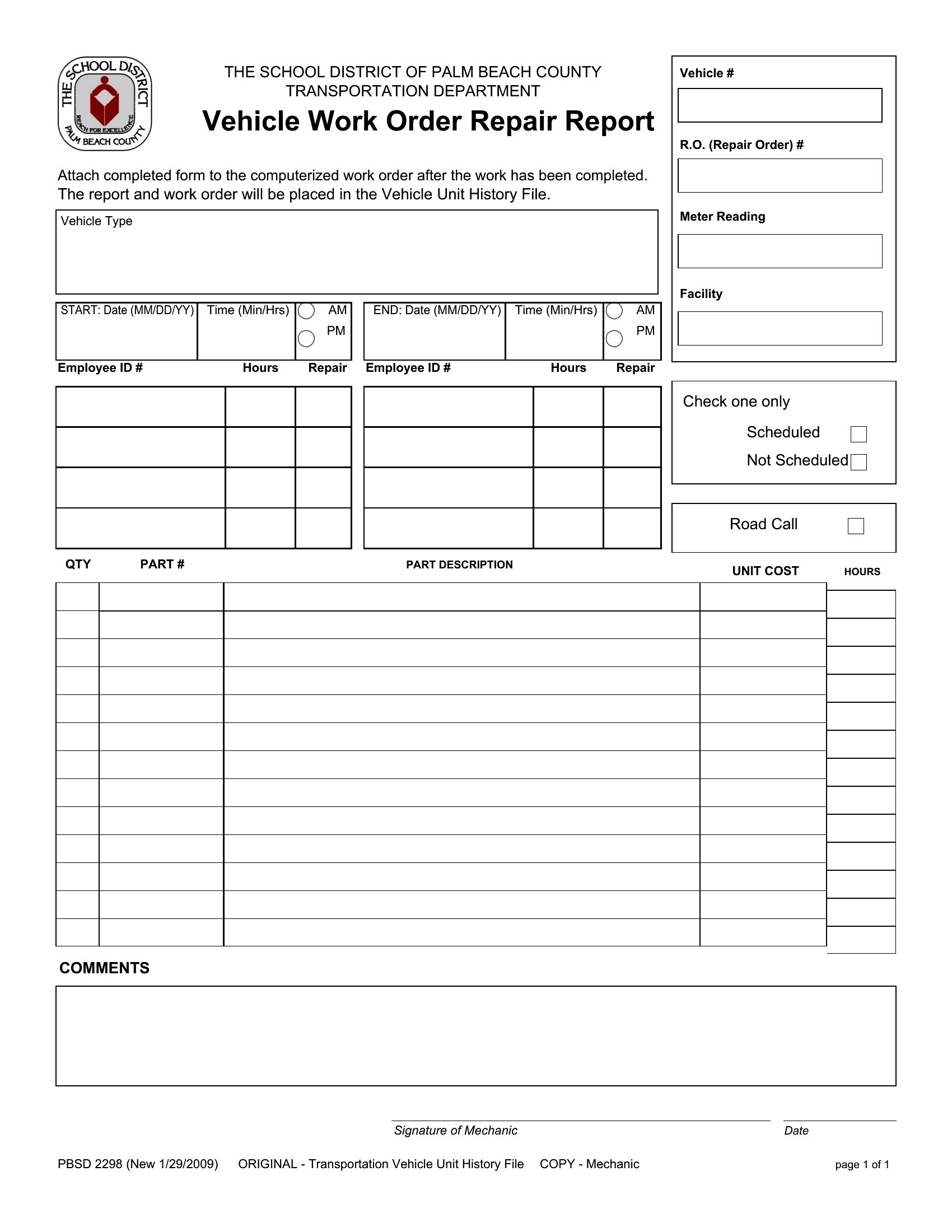
Start by identifying whether your tasks involve mostly written notes (like inspection details) or numerical tracking (like parts and labor costs). If your team handles complex repairs with many variables, Excel’s columns are best. For straightforward service calls or client communications, a Word template with clear sections will streamline the process. Review sample templates like the ‘Customizable Work Order’ to see which layout matches your workflow.
Can I use these templates to track warranties or service guarantees?
These templates serve as a starting point to document the scope of work, parts used, and labor provided, which can help support warranty claims. However, they aren’t legally binding contracts. For warranty-specific language, consult a legal professional to ensure compliance with your industry standards. Some templates, like the ‘Service Work Order,’ include spaces for client acknowledgments, which may help clarify expectations upfront.
What’s the best way to organize work orders for a team of technicians?
Use Excel templates to create a master log with technician names, job dates, and status updates in separate columns for easy filtering. For paperless teams, save digital copies in a shared folder and name files by date or client (e.g., ‘2024-05-WorkOrder-SmithResidence’). If signatures are required, use Word’s digital signature fields or a third-party tool like DocuSign to streamline approvals. Always keep a backup of completed orders for audits or customer references.
Comments
Join the conversation
Sign in to share your thoughts and leave a comment on this resource.