Free Flow Chart Templates (Word, PDF)
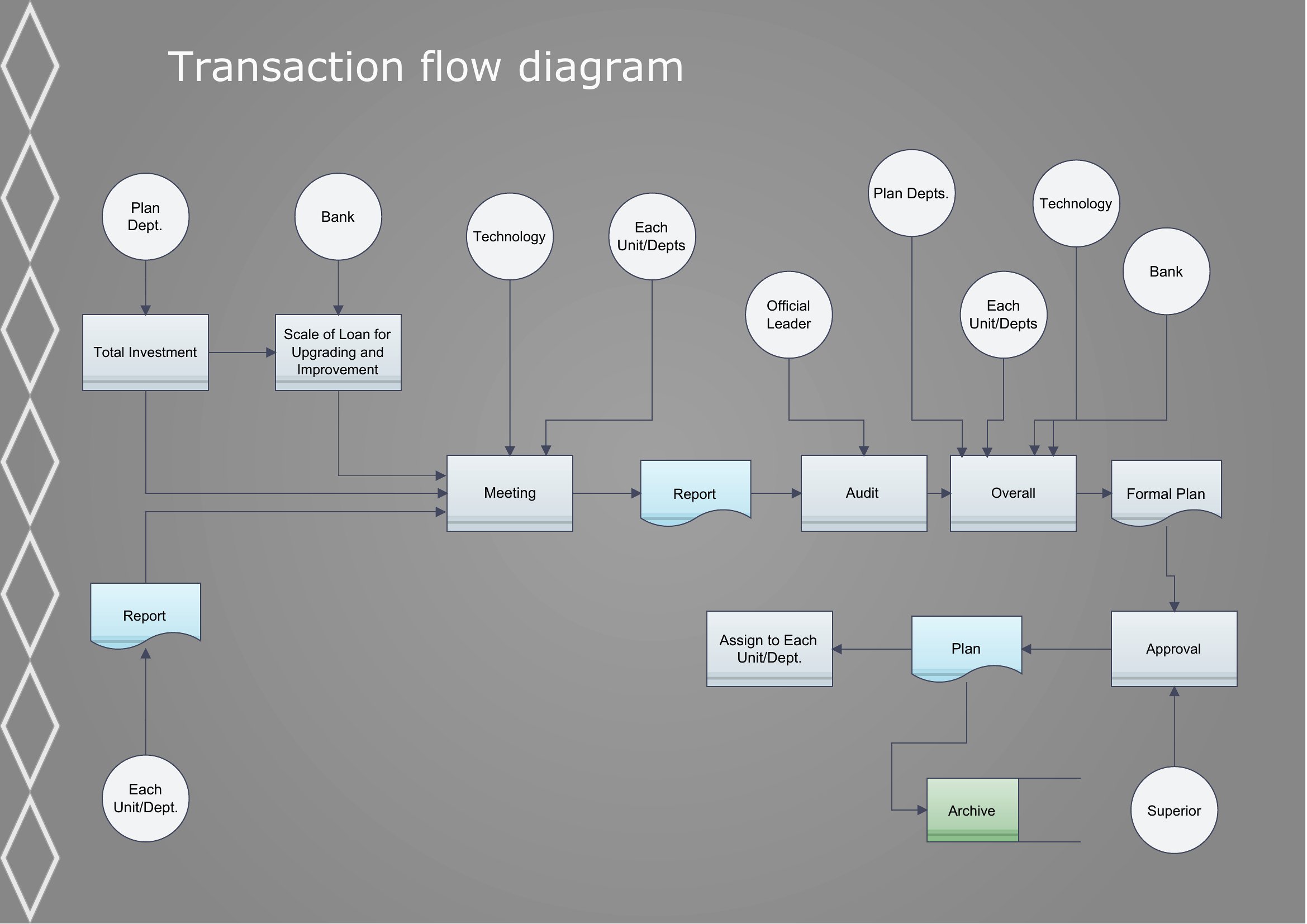
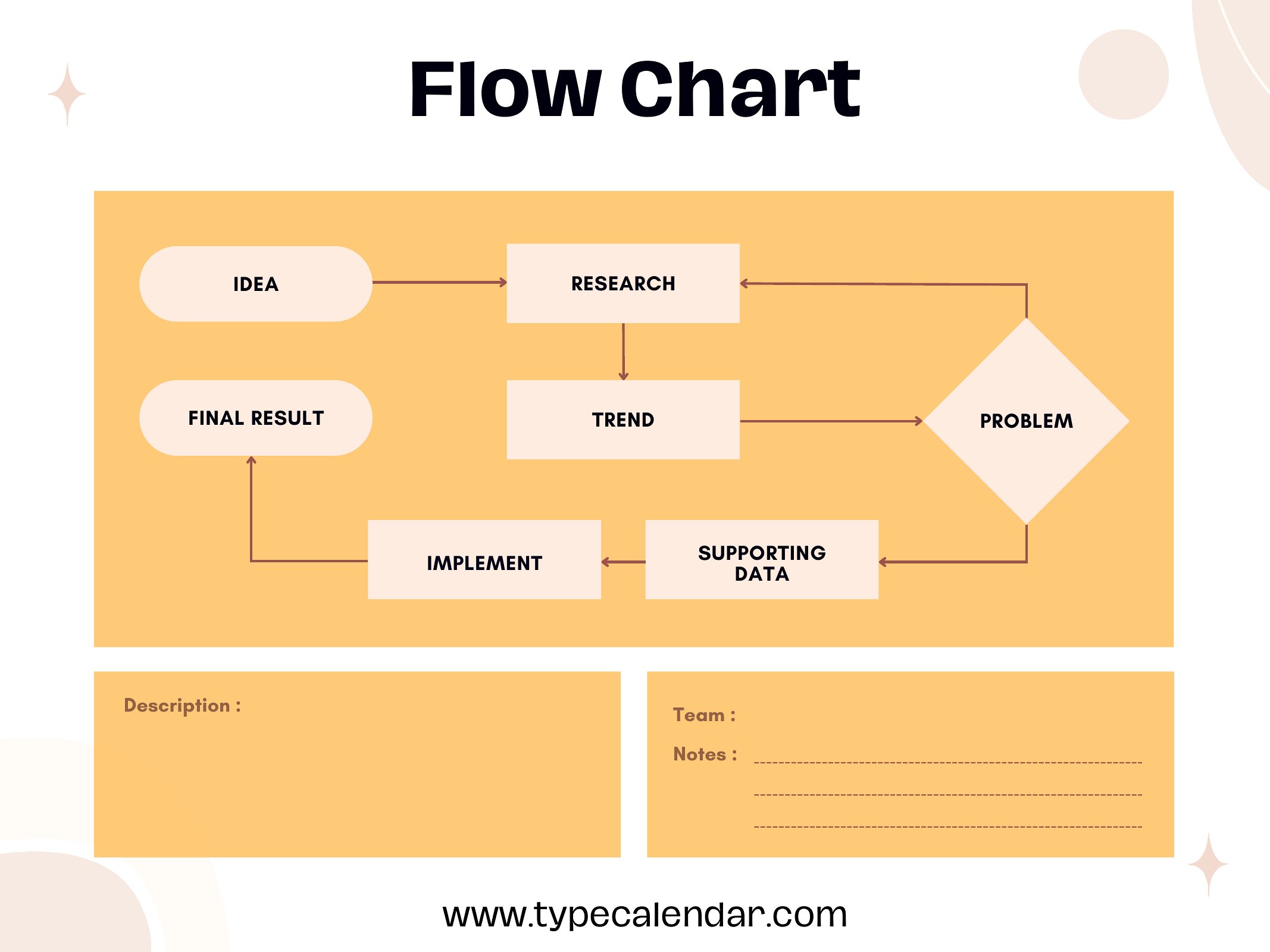
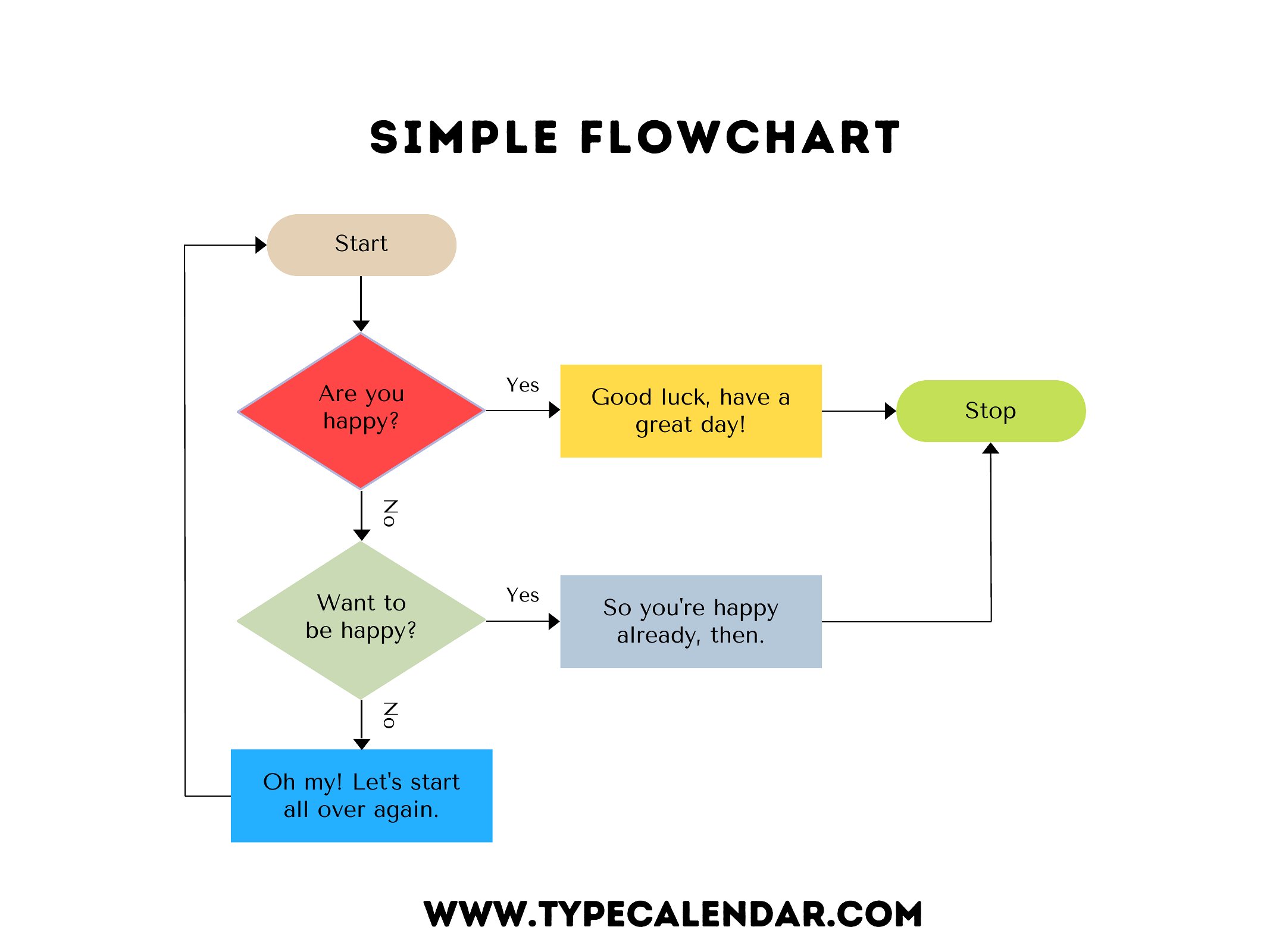
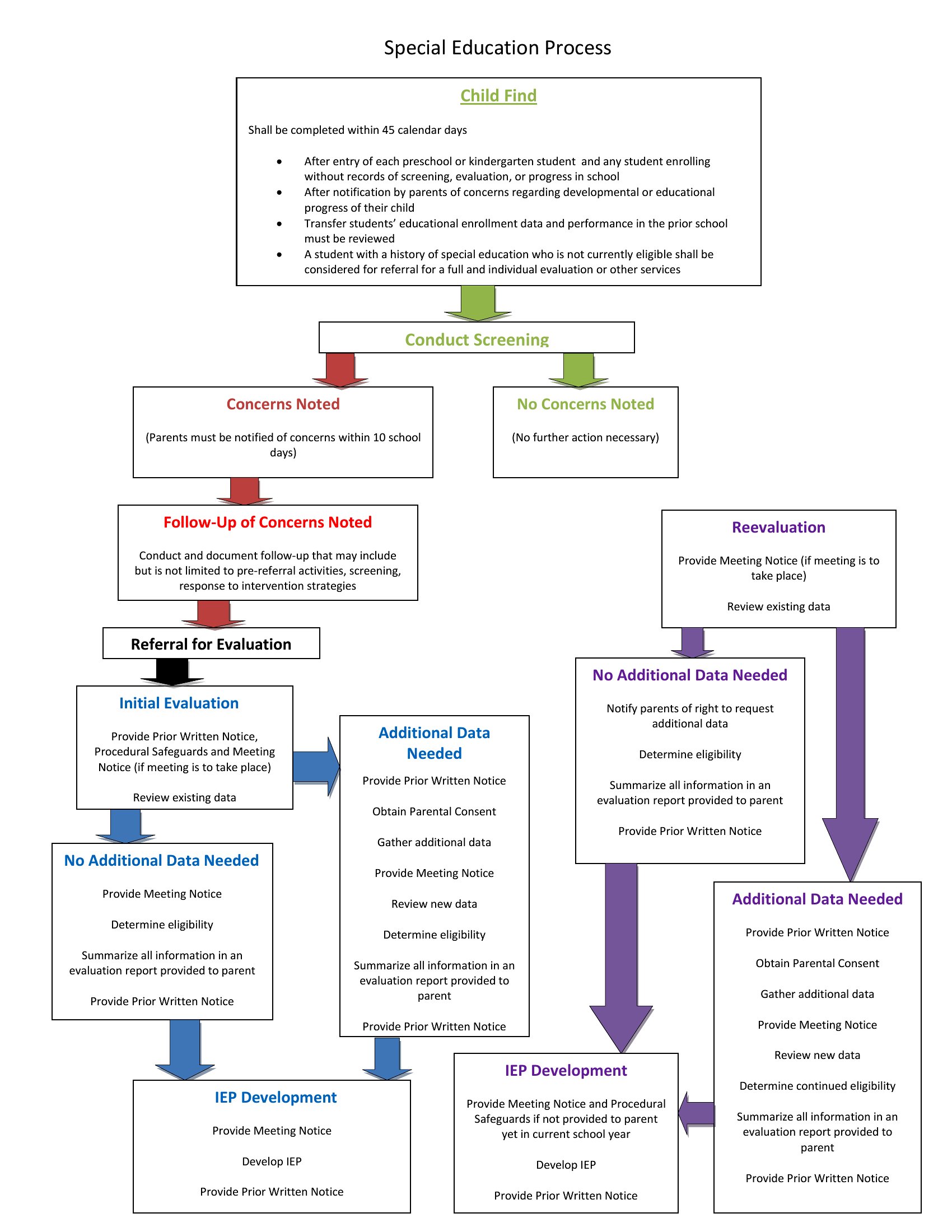
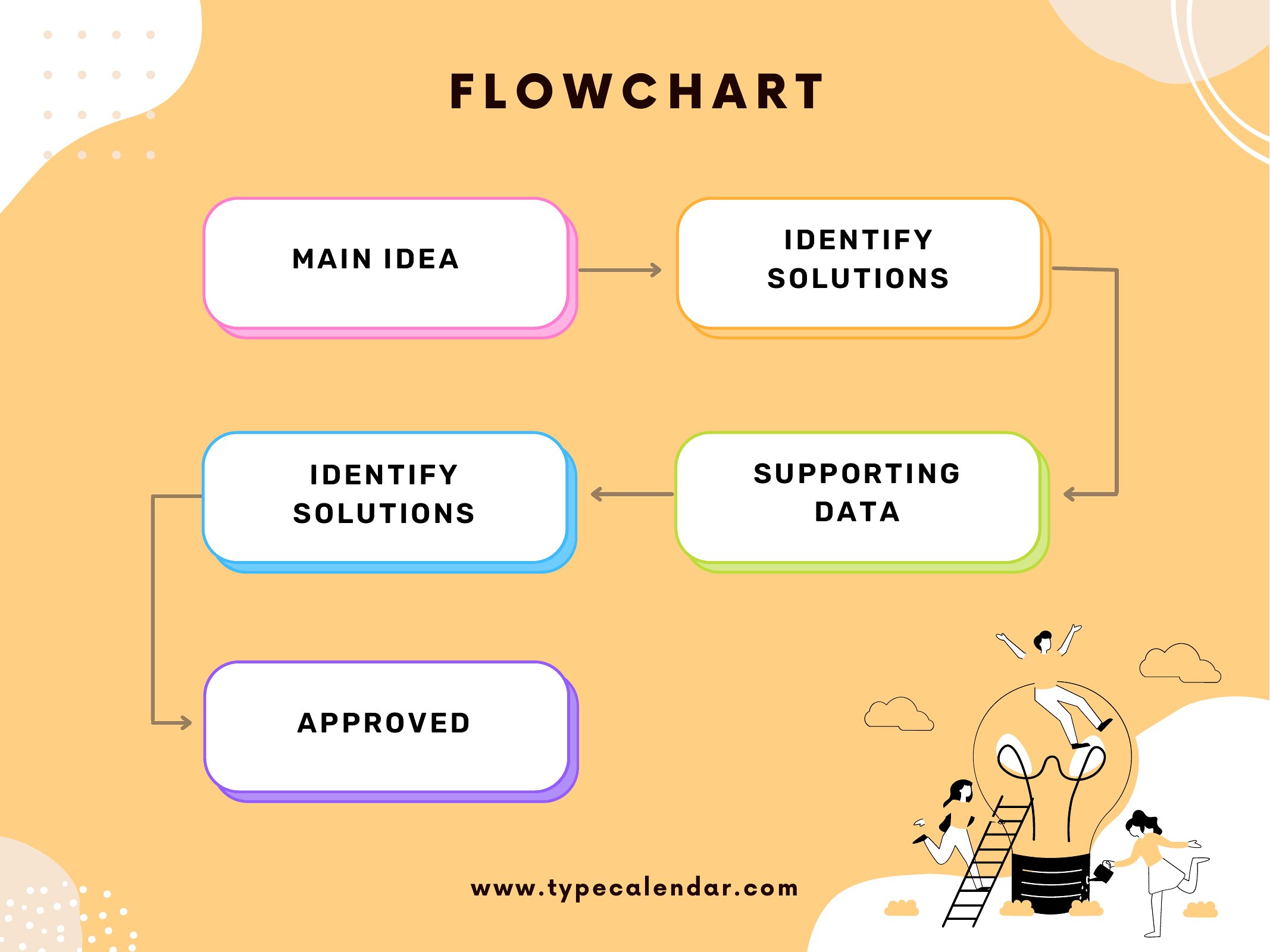
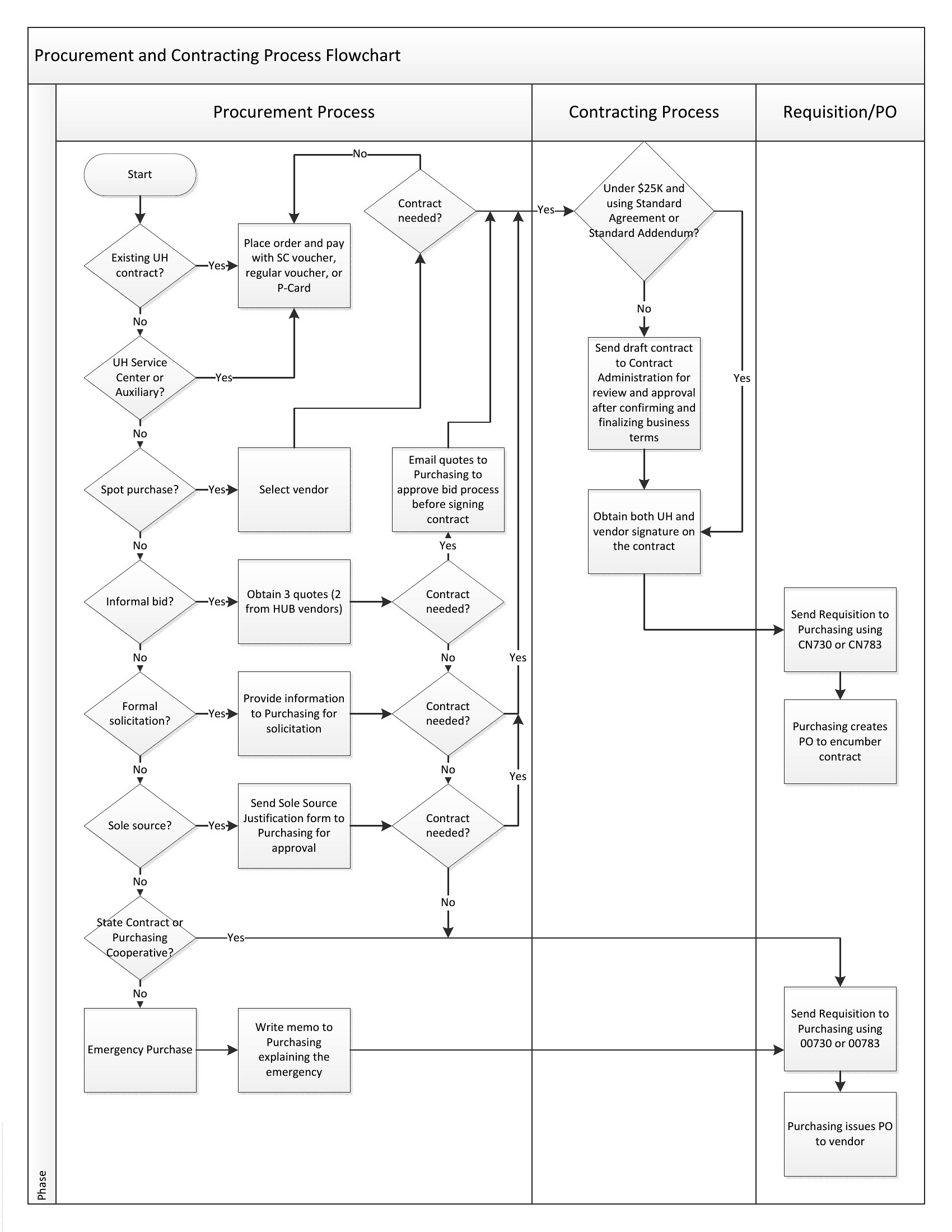
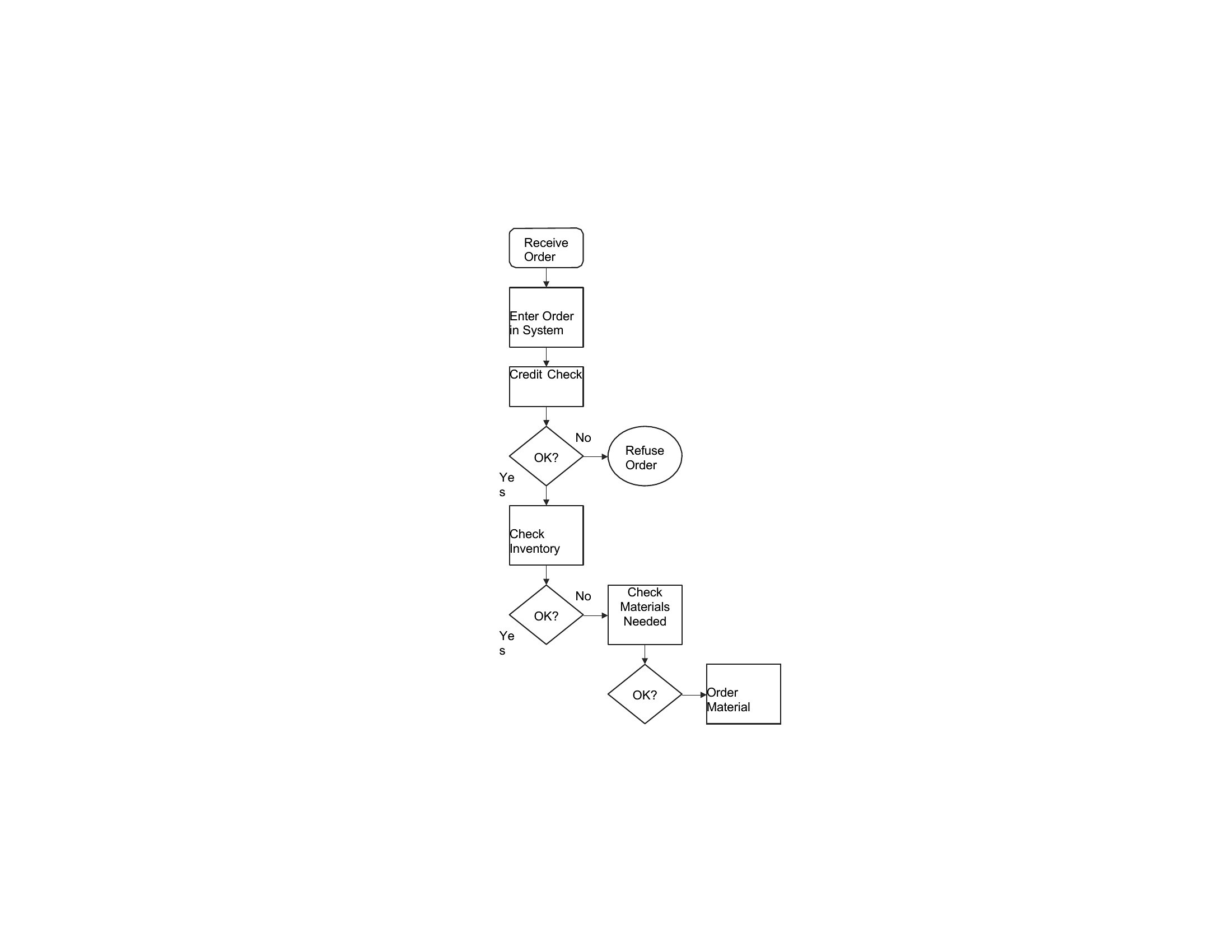
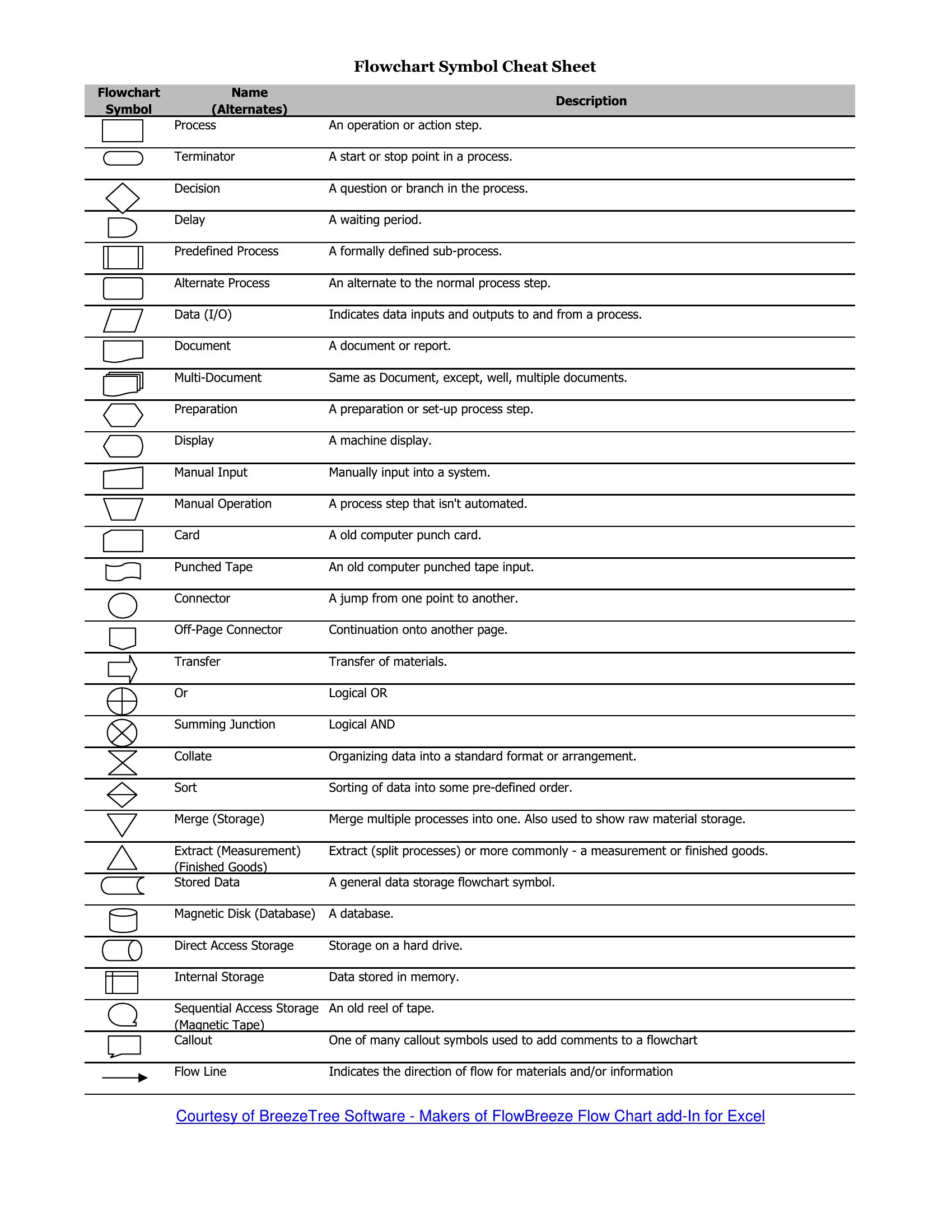
DiagramsMapping a process step by step makes bottlenecks obvious and gets a team on the same page fast. This set of 26 flow chart templates gives you ready-made layouts for workflows, decision trees, and process maps, complete with the boxes, diamonds, and arrows already arranged. Project managers, analysts, and students can drop in their own steps instead of fiddling with shapes and connectors.
You'll find editable Word versions for quick changes plus clean PDFs for printing and sharing. Rename the steps, adjust the branches, and your diagram is ready for a report, a presentation, or a wall. No special software is needed and there's no learning curve. Download the layout that matches your process and start charting.
When to use this Flow Chart template
- A project manager planning a new onboarding process for a remote team can visualize every approval step and hand-off point in a decision tree flow chart, ensuring no critical task is overlooked before implementation.
- A software developer debugging a multi-step API integration can map the request-response flow, highlighting where data gets lost or delayed by comparing expected versus actual paths.
- A high school biology teacher designing a lesson on the human digestive system can use a step-by-step anatomical flow chart to help students trace food from ingestion to excretion.
- An operations analyst at a logistics company tracking package delays can create a parallel process map to compare standard vs. actual routing, pinpointing where delays cluster most frequently.
Which format should I download?
Choose Word for editable flow charts where you’ll need to tweak steps, add notes, or collaborate with a team—the format lets you reopen and modify shapes/arrows later. Pick PDF when you’re finalizing a clean, shareable version for stakeholders who shouldn’t alter the structure, like clients reviewing a project timeline or students submitting an assignment. The PDFs lock the design but keep the visual clarity intact.
Choose from 26 Flow Chart Templates
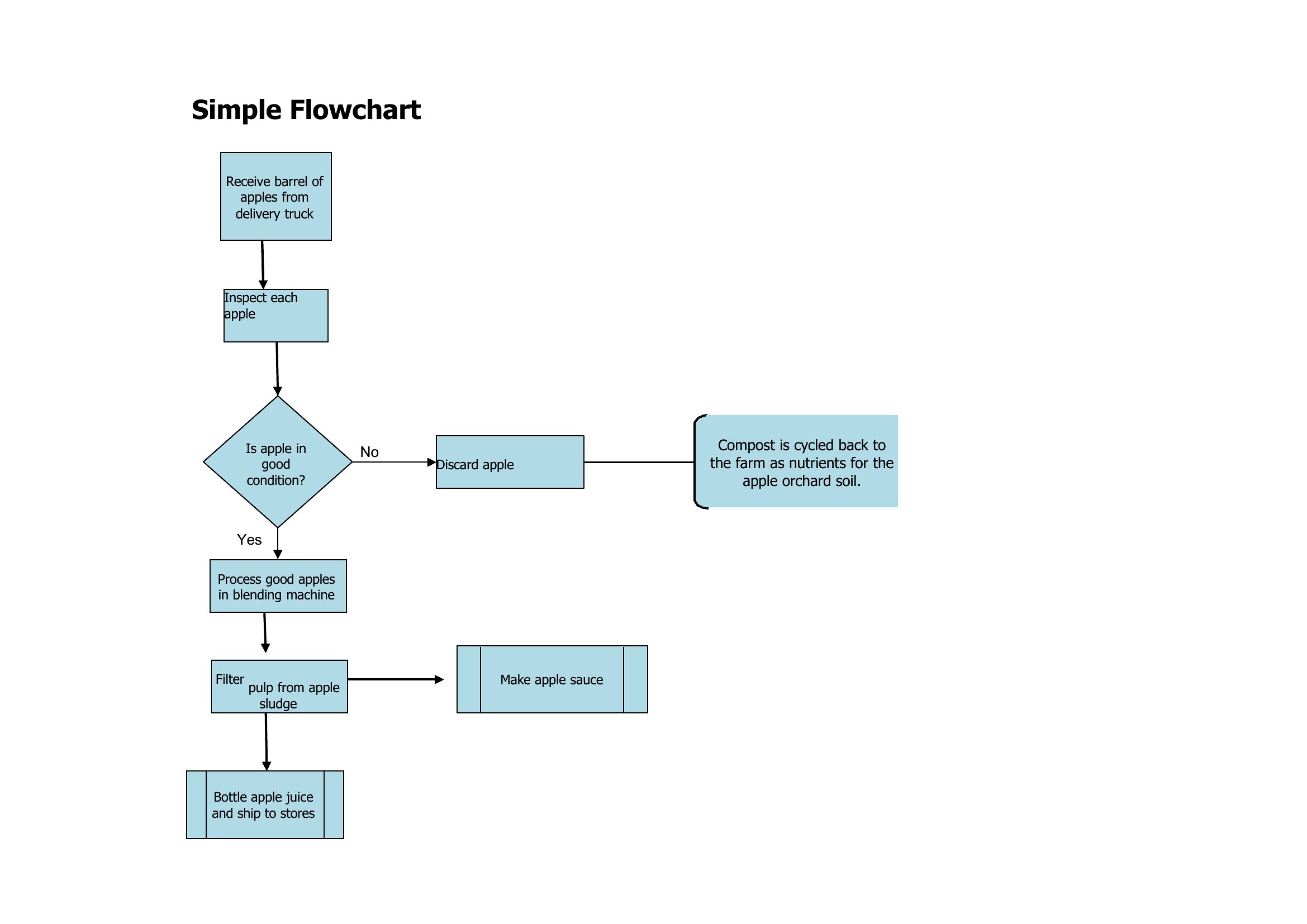
Free Flow Chart
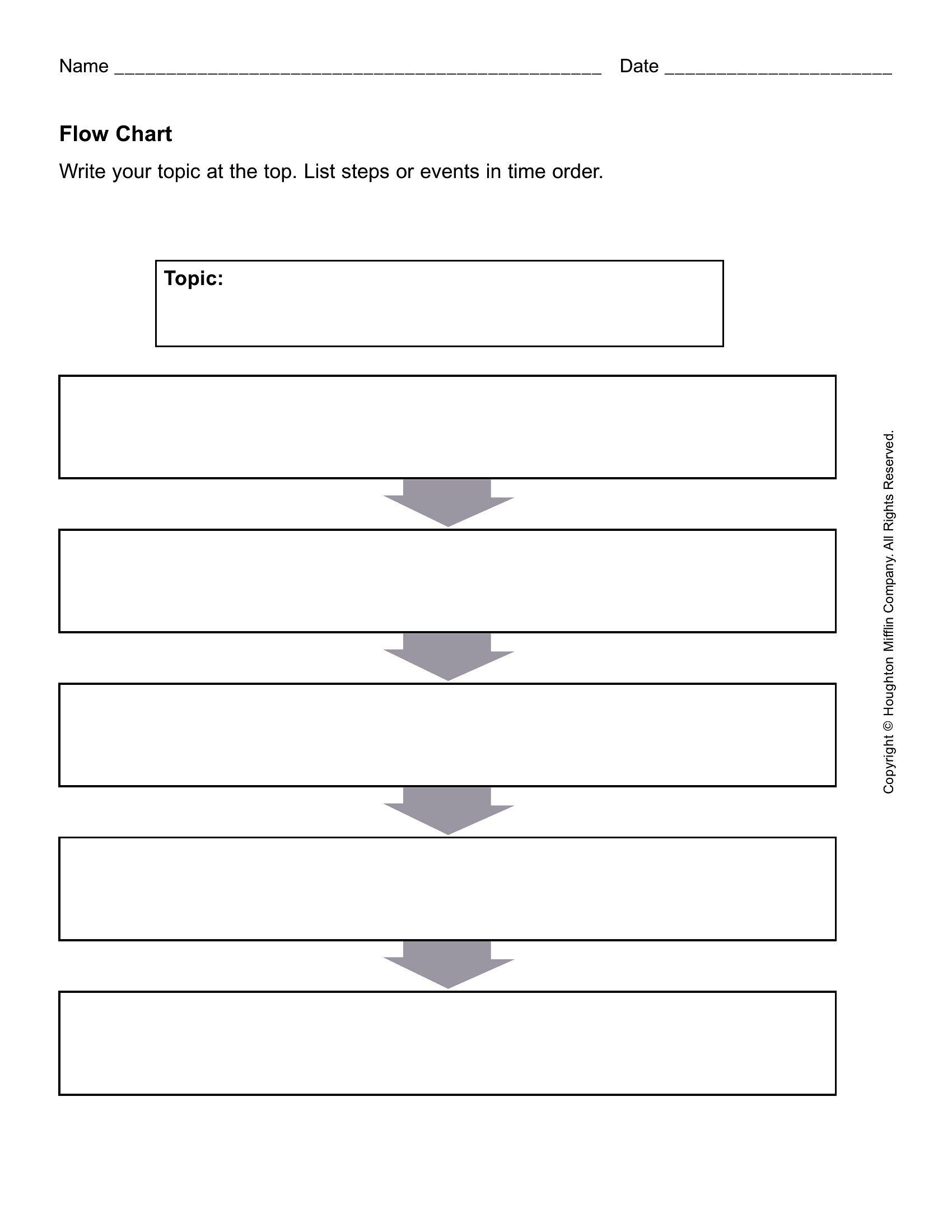
Flower Chart
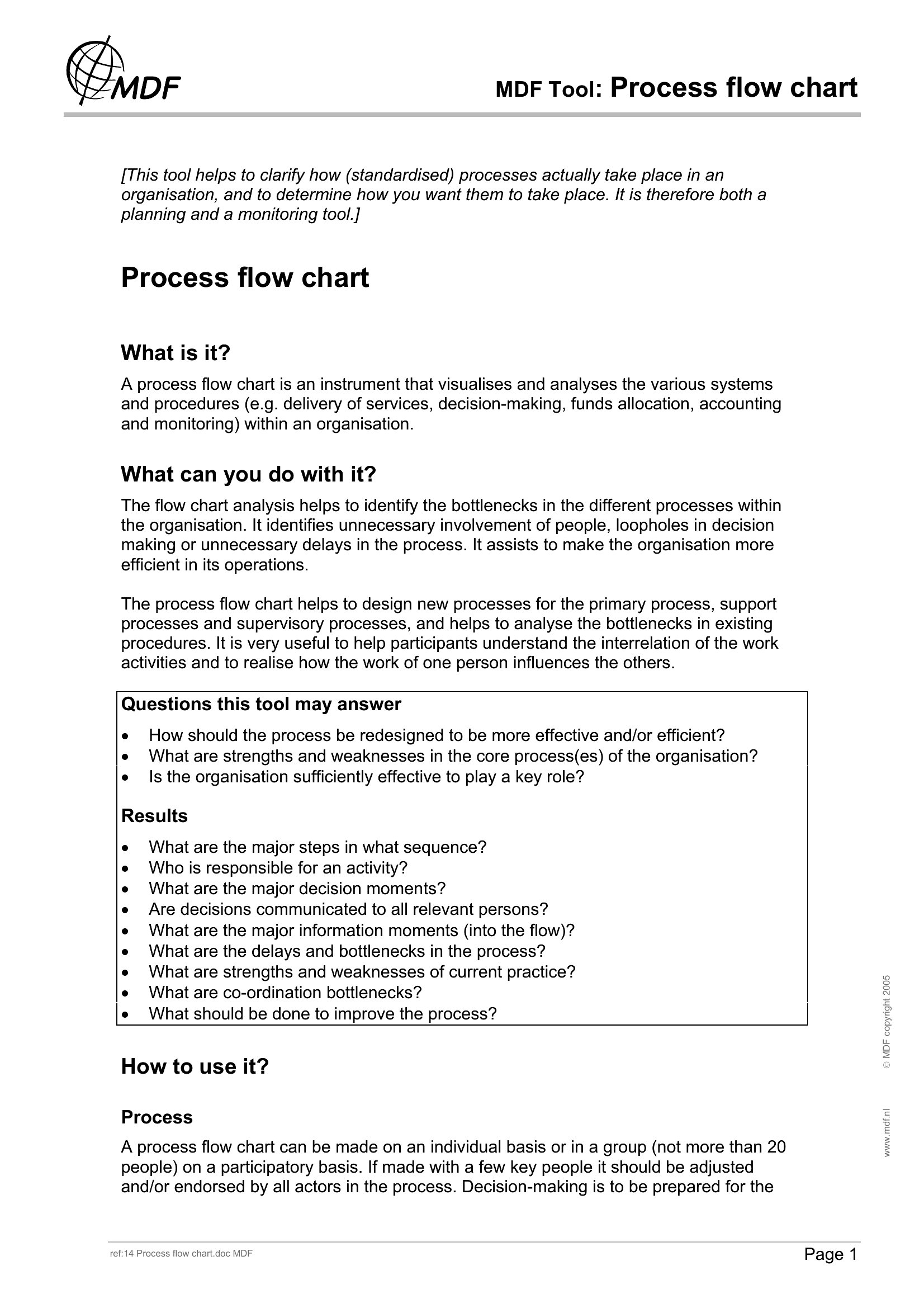
Flow Charts
How to use this Flow Chart template
Can I use these templates to map a complex decision tree with multiple branches?
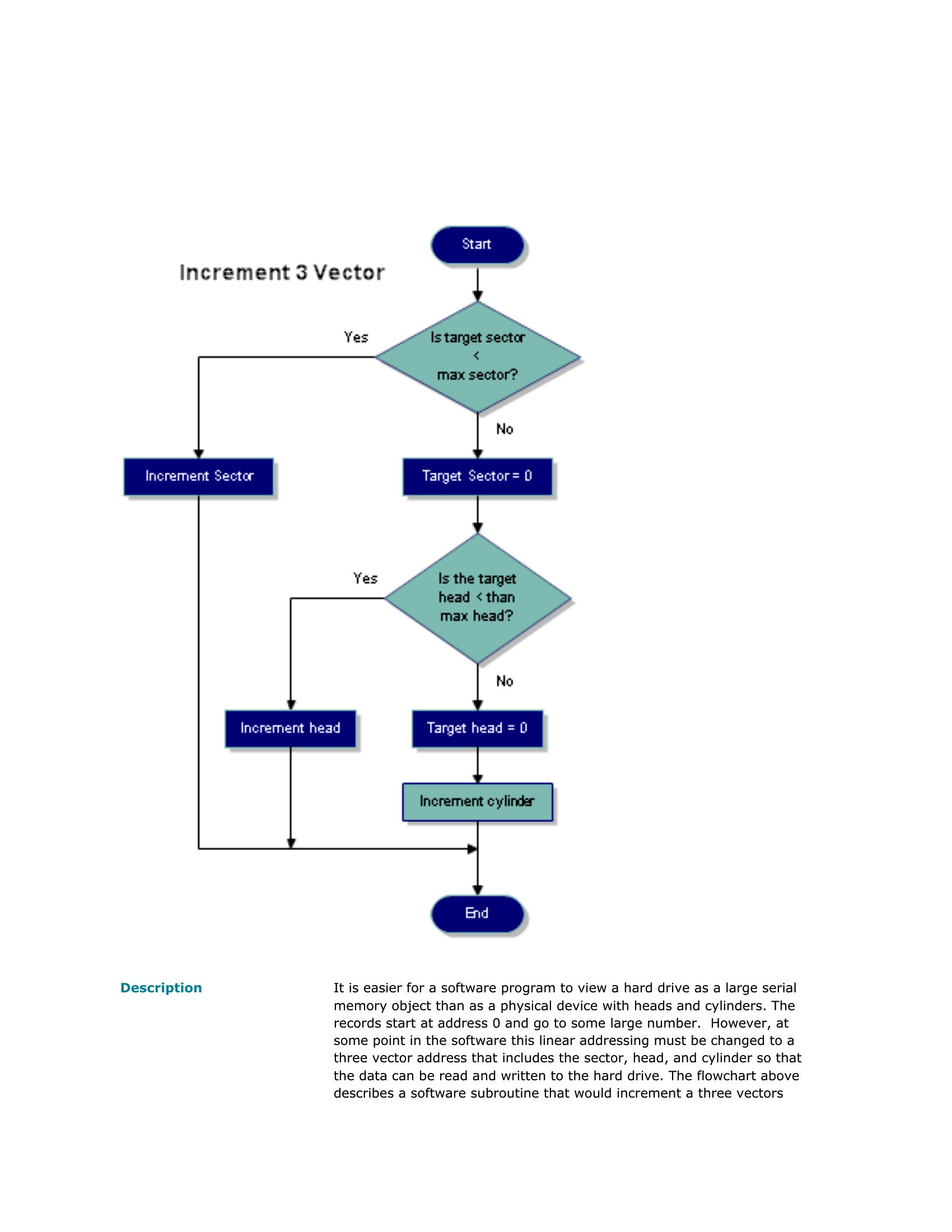
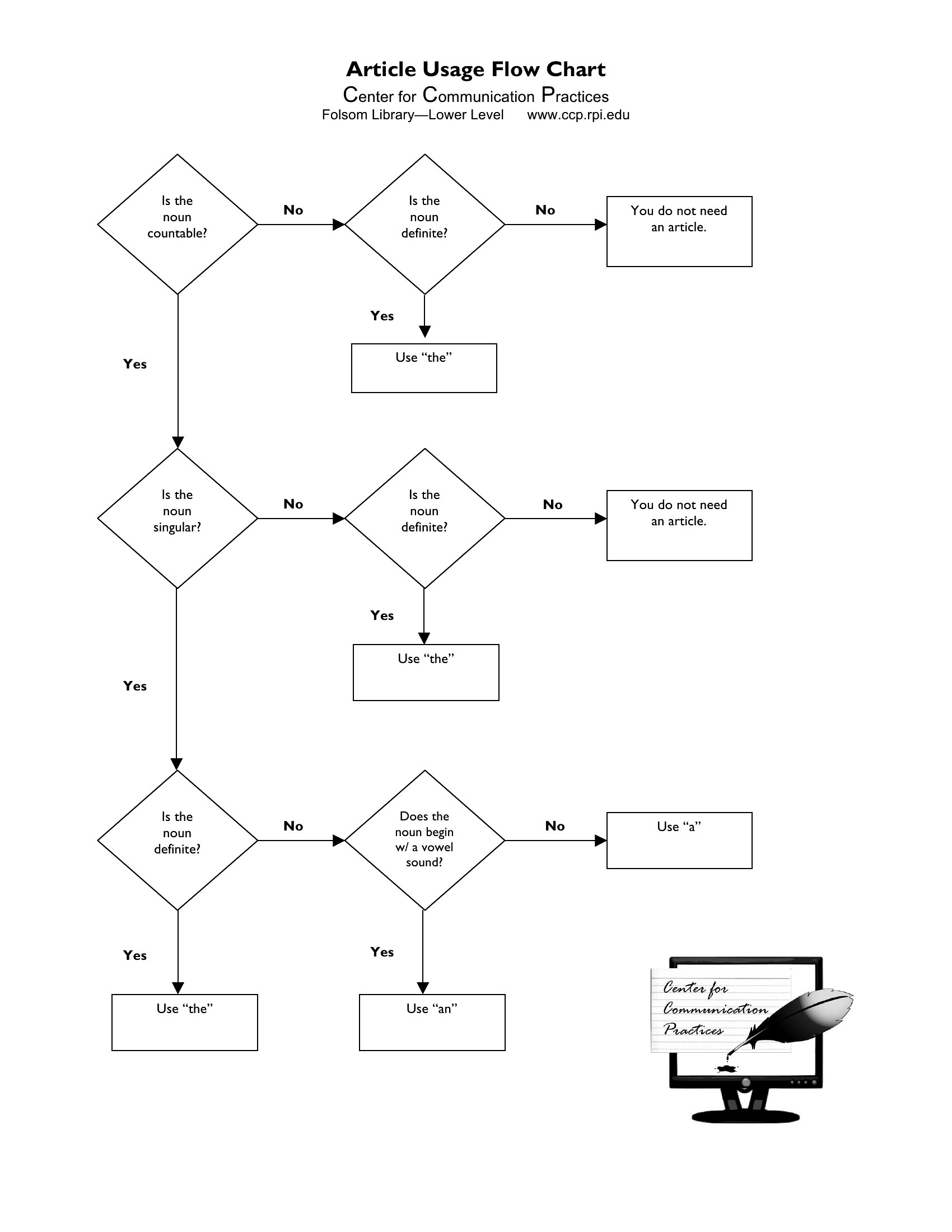
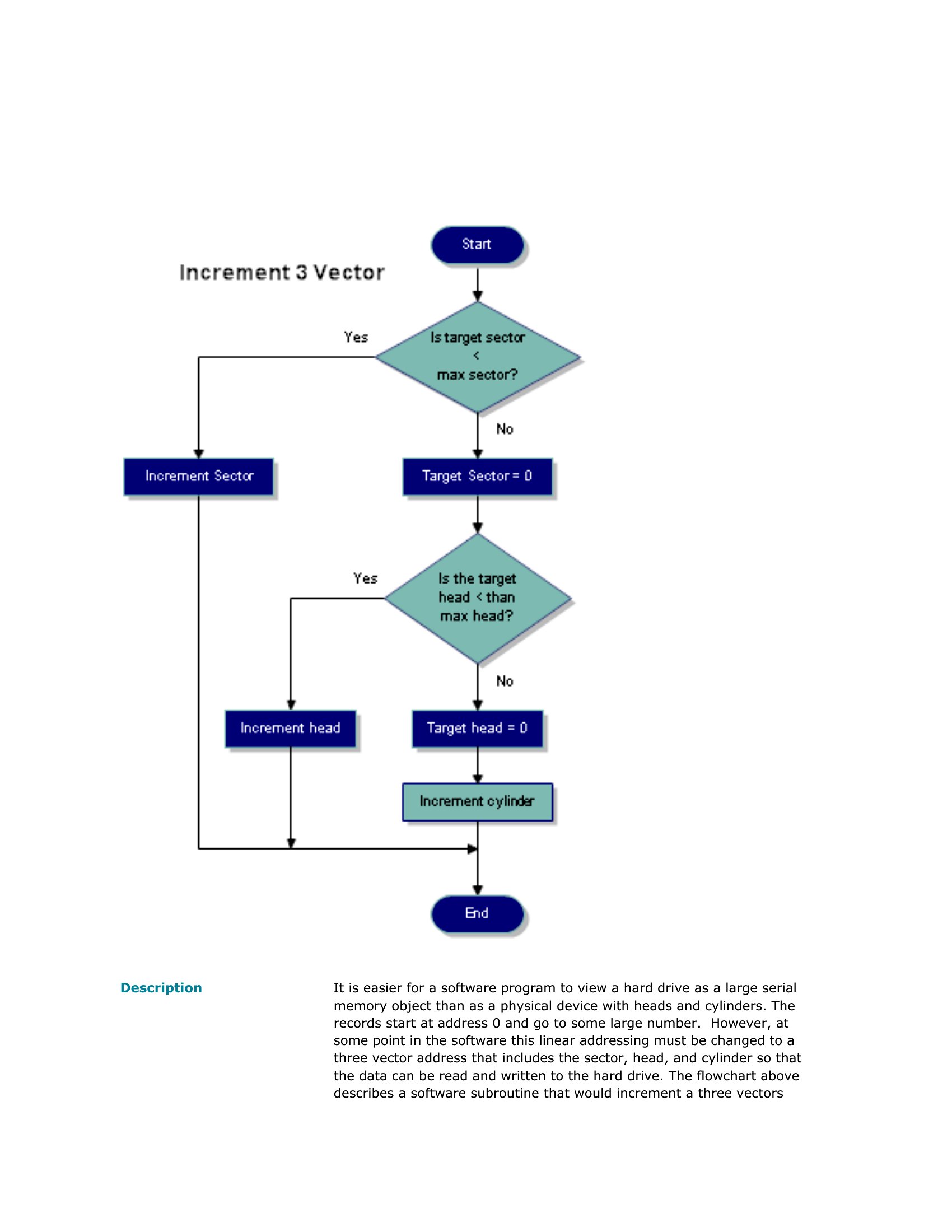
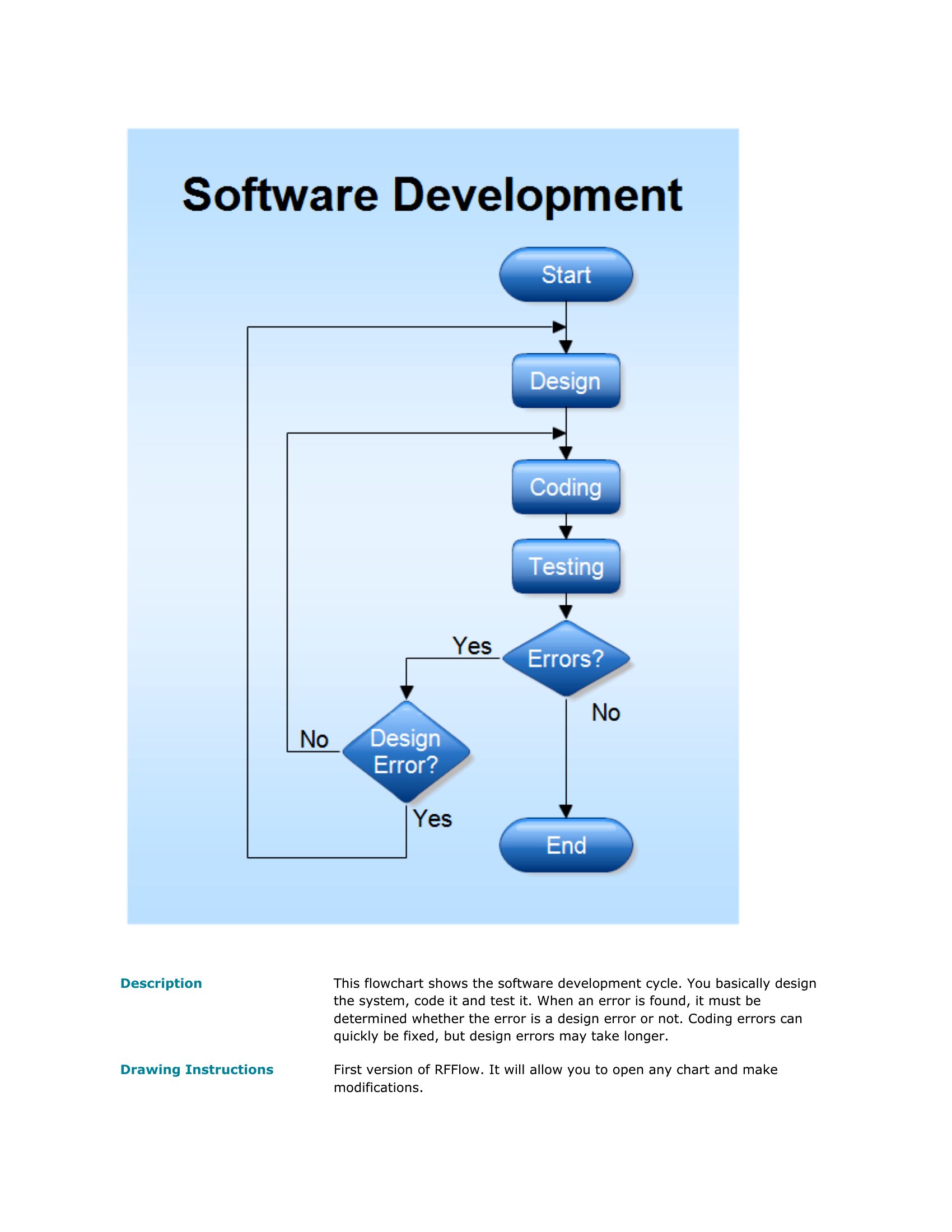
Yes, these templates include diamond shapes for decision points and branching arrows to represent outcomes. For highly detailed logic—like loan approval workflows—start with the ‘Process Flow Chart’ template and duplicate decision nodes as needed. Label each branch clearly to avoid confusion during reviews.
What’s the best way to share a flow chart with someone who needs to edit it but doesn’t have Word?
Export the flow chart as a PDF first to preserve the layout, then email it alongside the original Word file. The recipient can open the Word version in a free tool like LibreOffice or Google Docs to make edits. For collaboration, share the Word file directly via a platform like Microsoft Teams or Dropbox.
How do I ensure my flow chart stays readable if I add more than 10 steps?
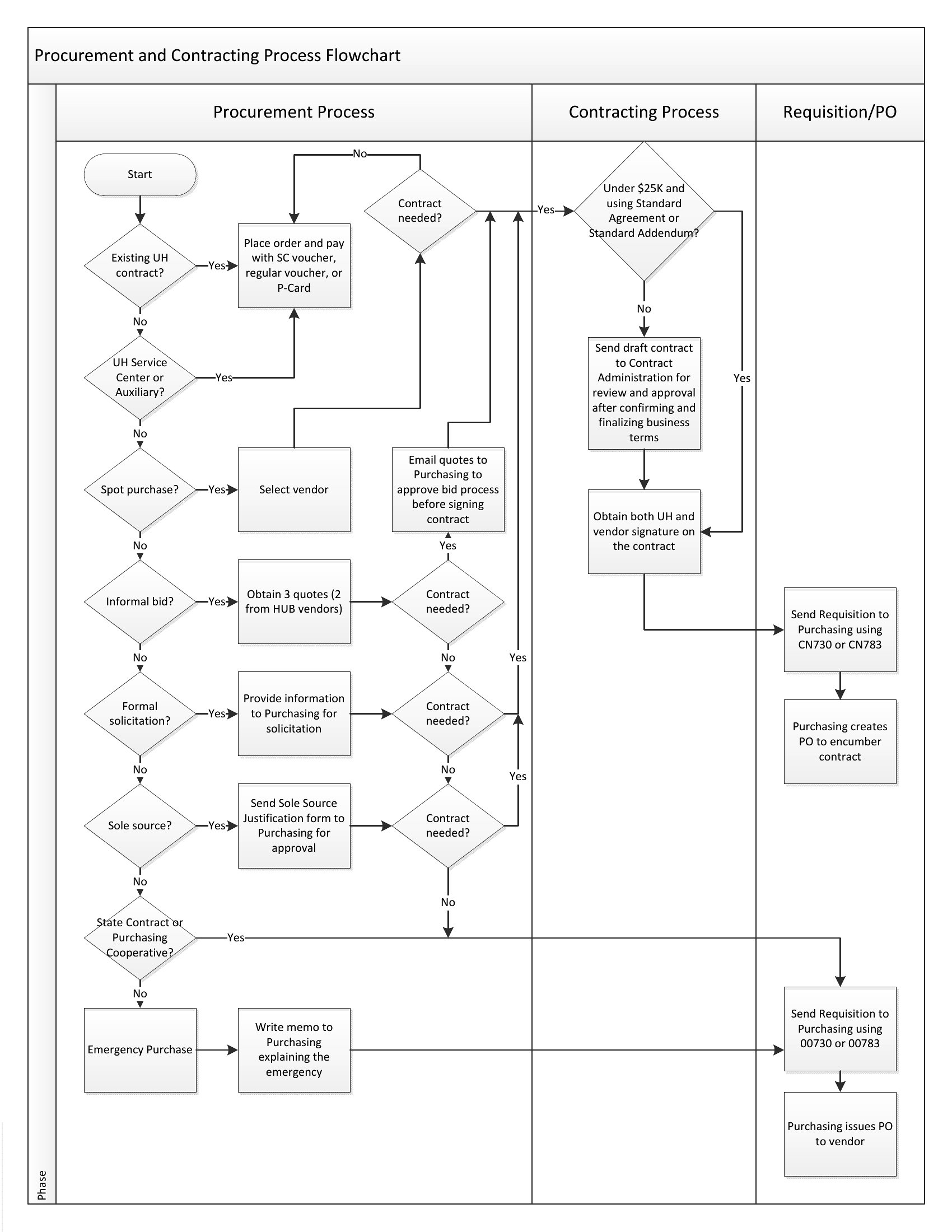
Use the ‘swimlane’ style from templates like ‘Process Flow Chart’ to group steps by department or role. Color-code connectors (e.g., solid lines for sequential actions, dashed for conditional branches) and add a legend. Keep text concise—if a step’s description exceeds three lines, consider breaking it into sub-steps or a linked annotation.
Comments
Join the conversation
Sign in to share your thoughts and leave a comment on this resource.