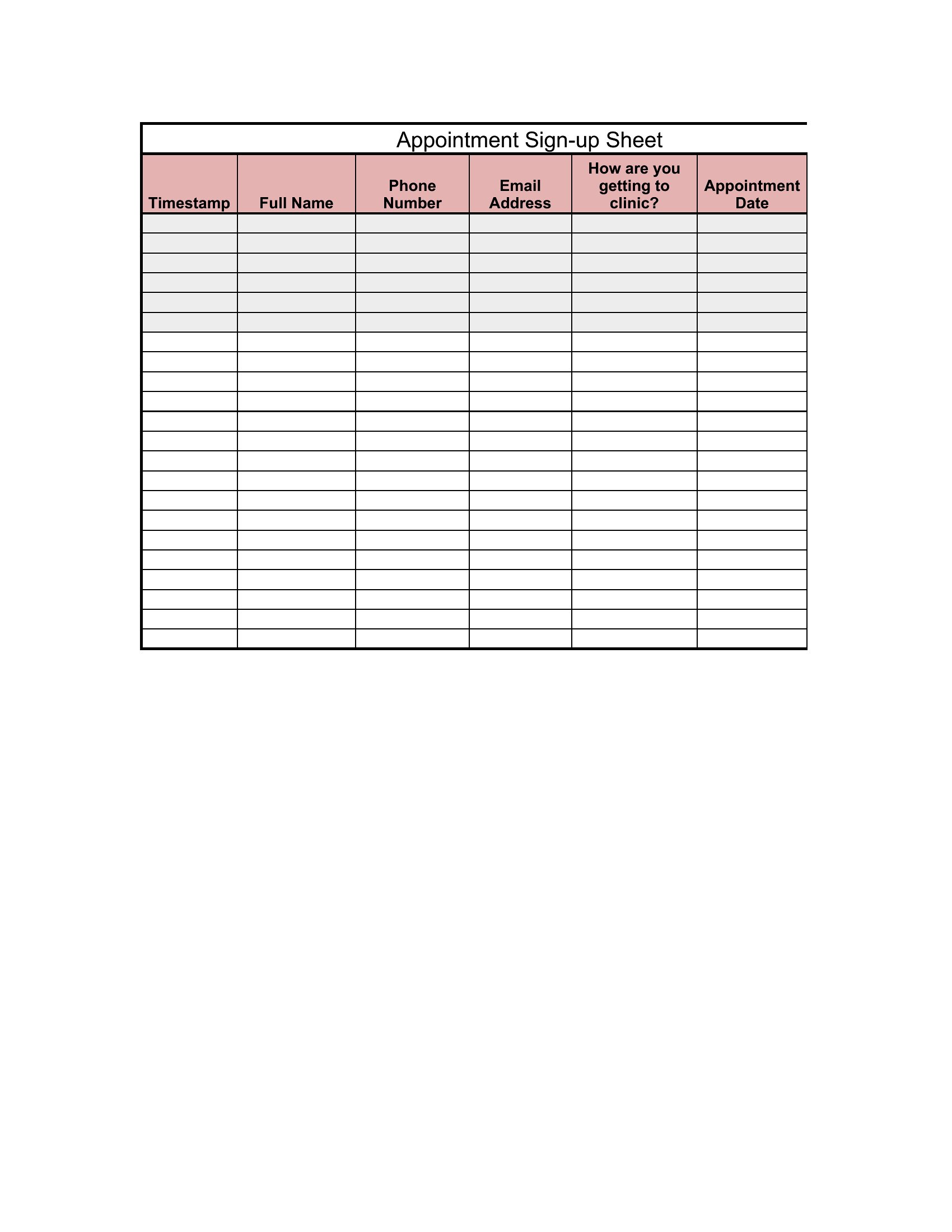
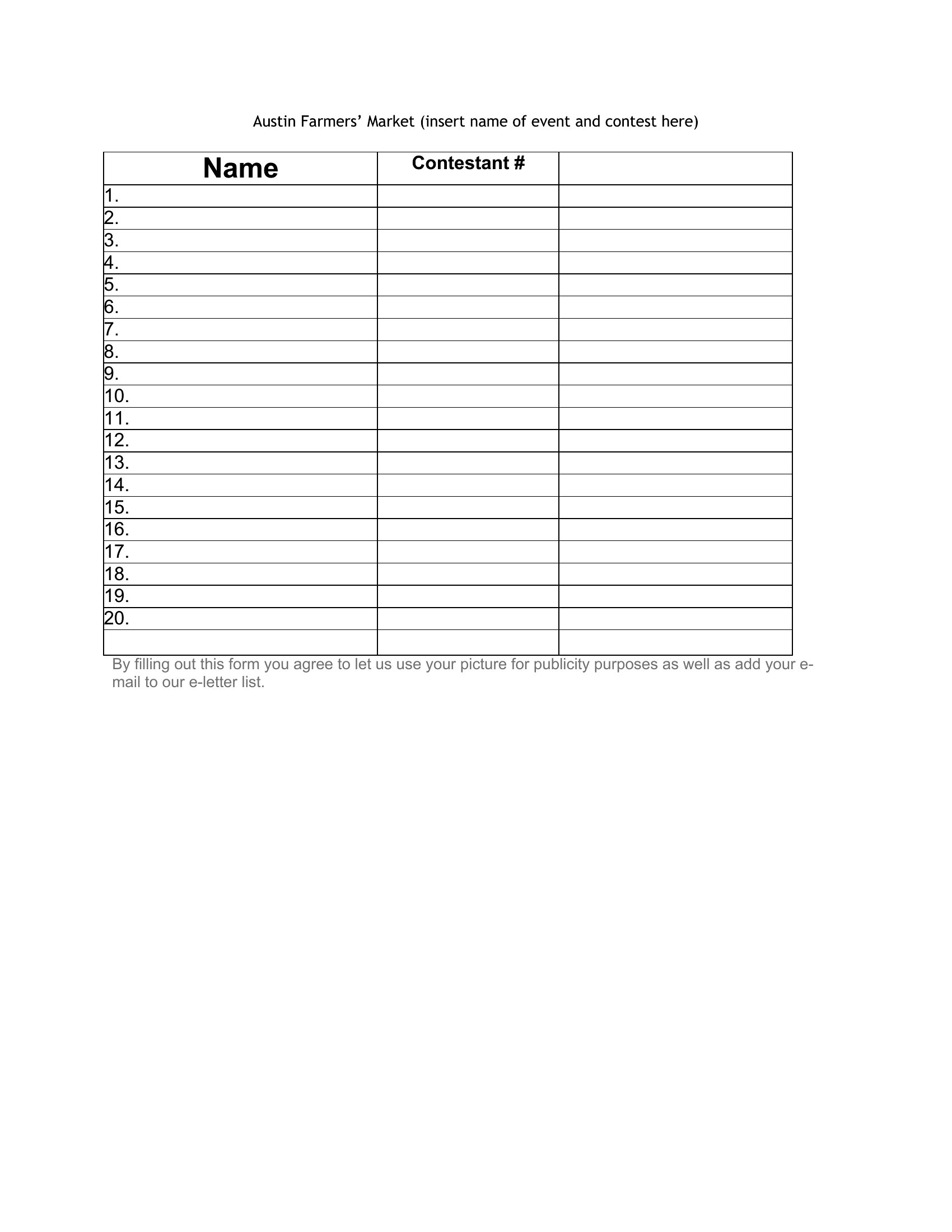
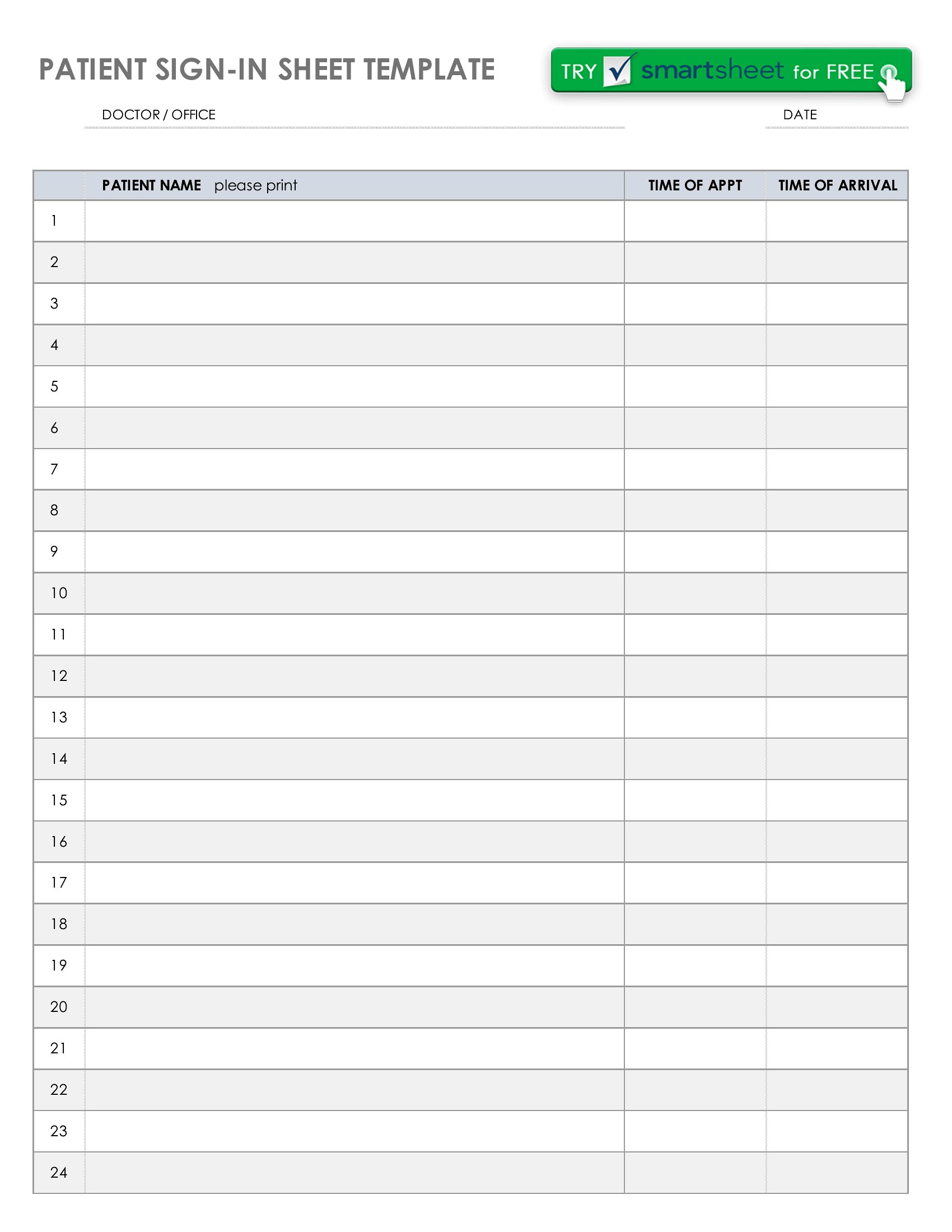
Free Sign-In Sheet Templates (Word, Excel, PDF)
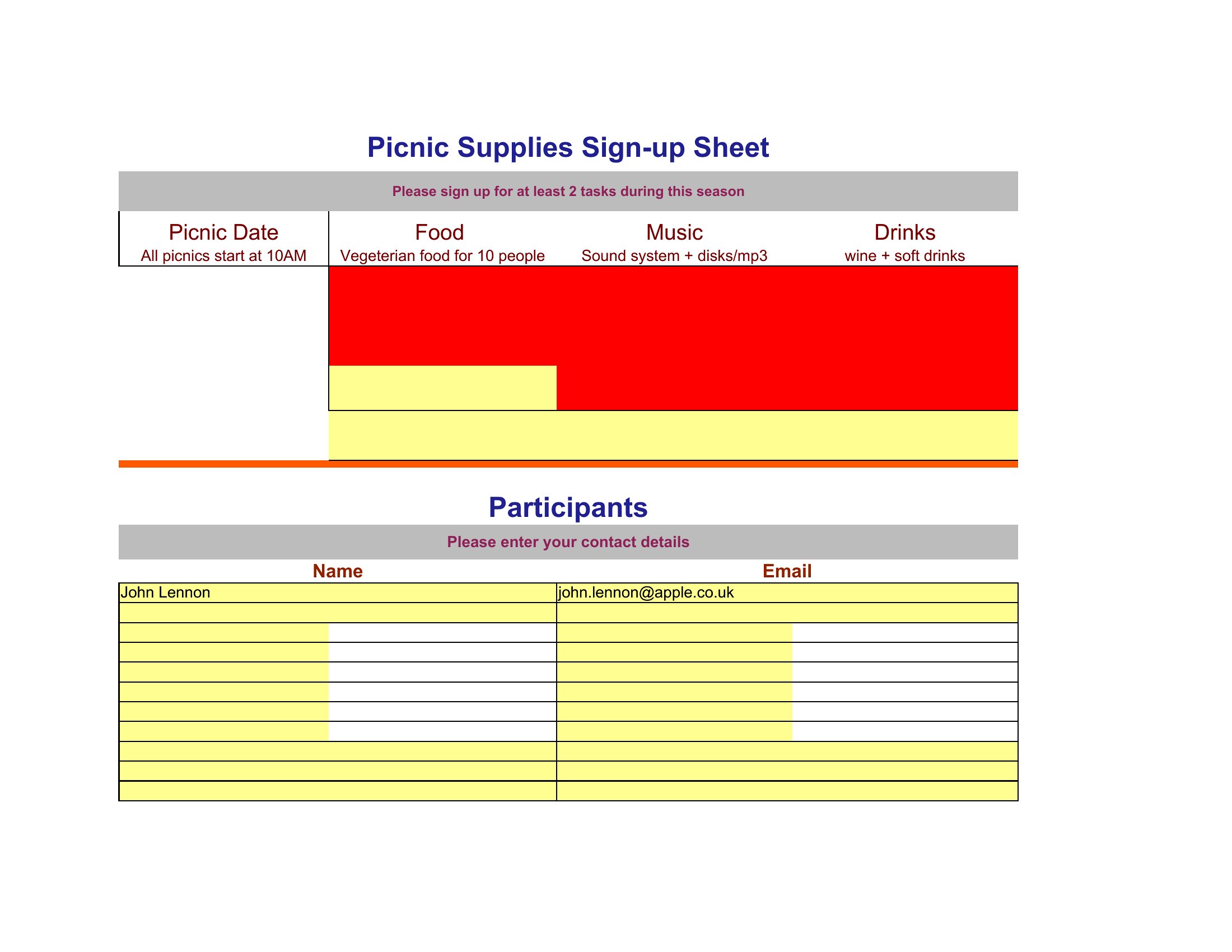
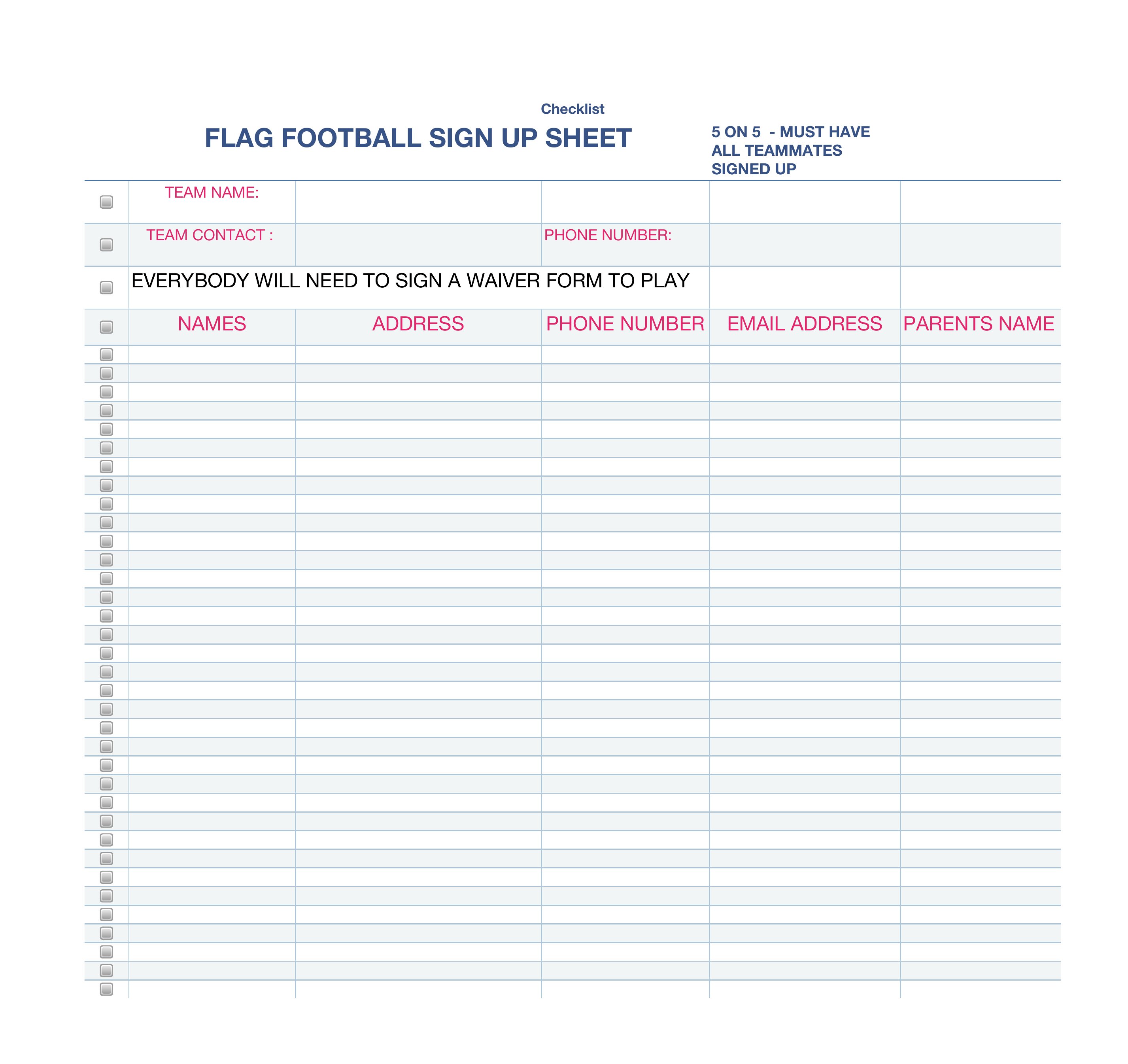
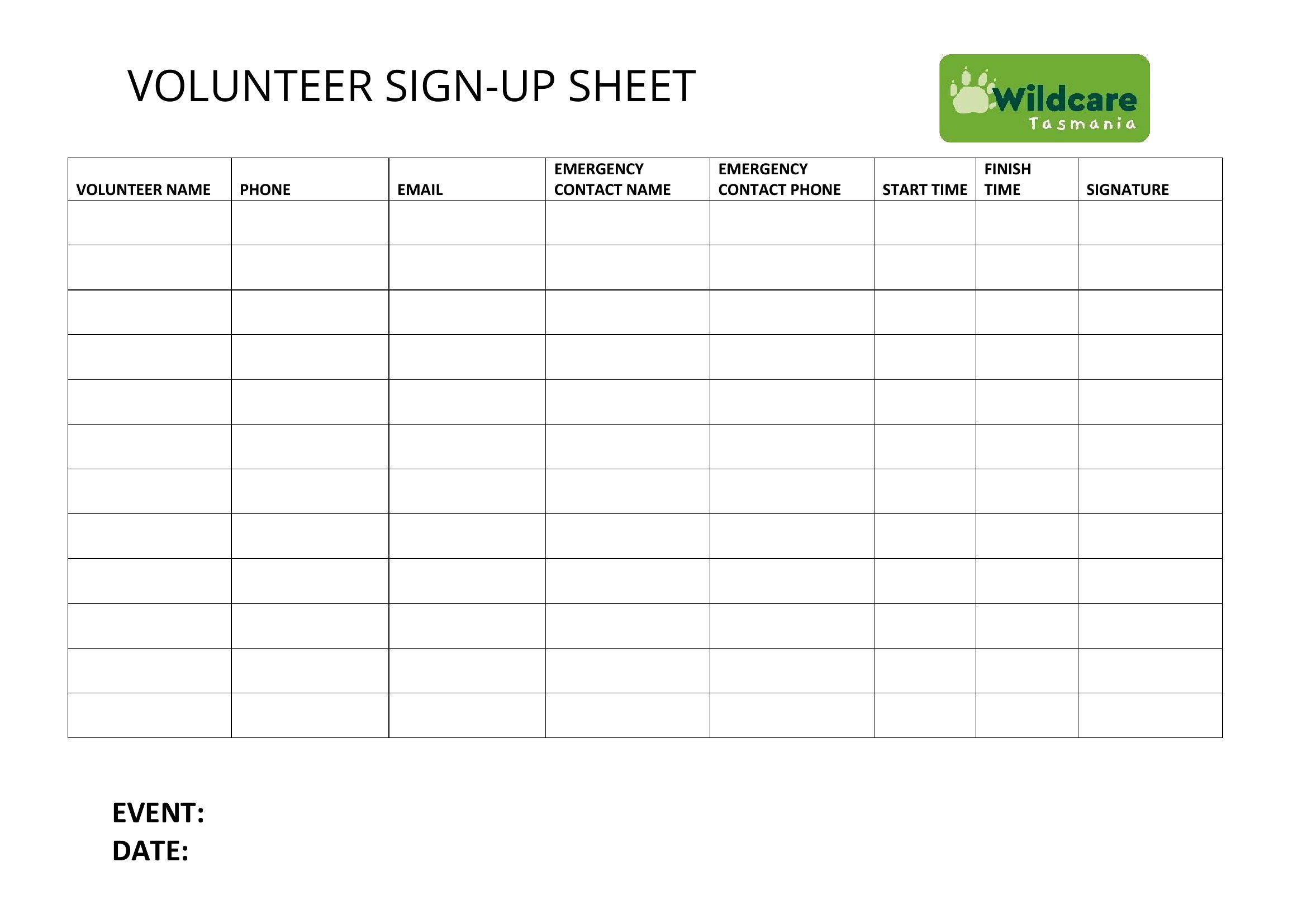
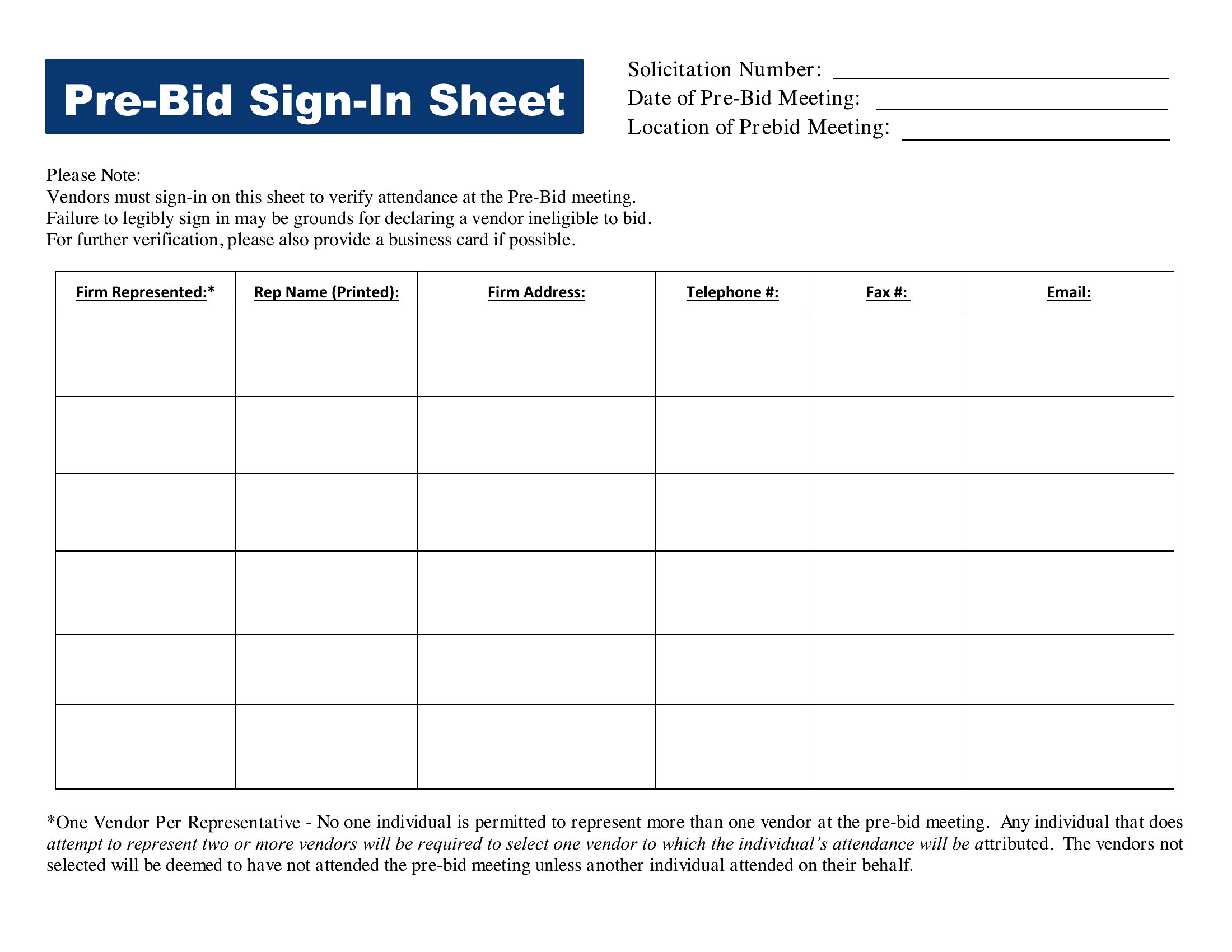
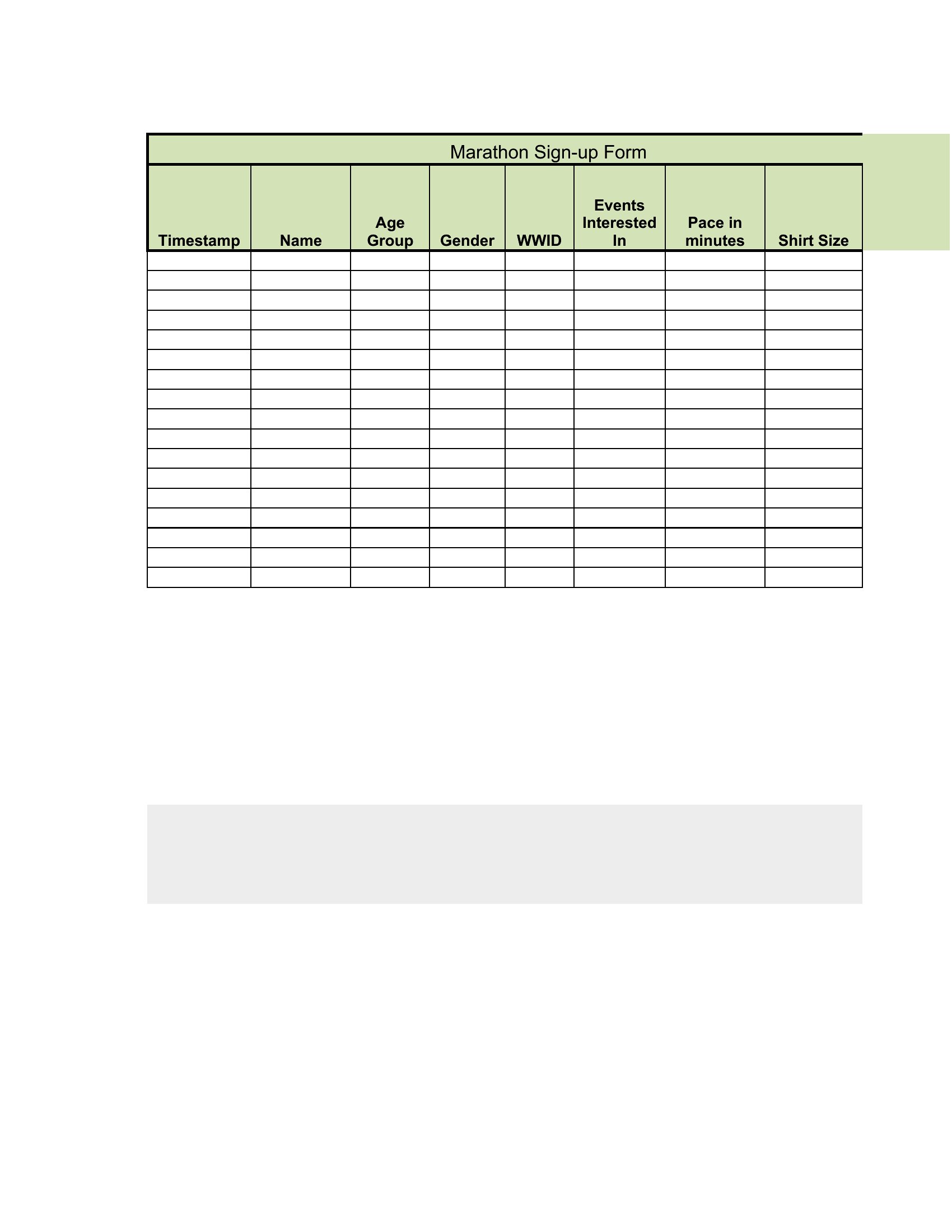
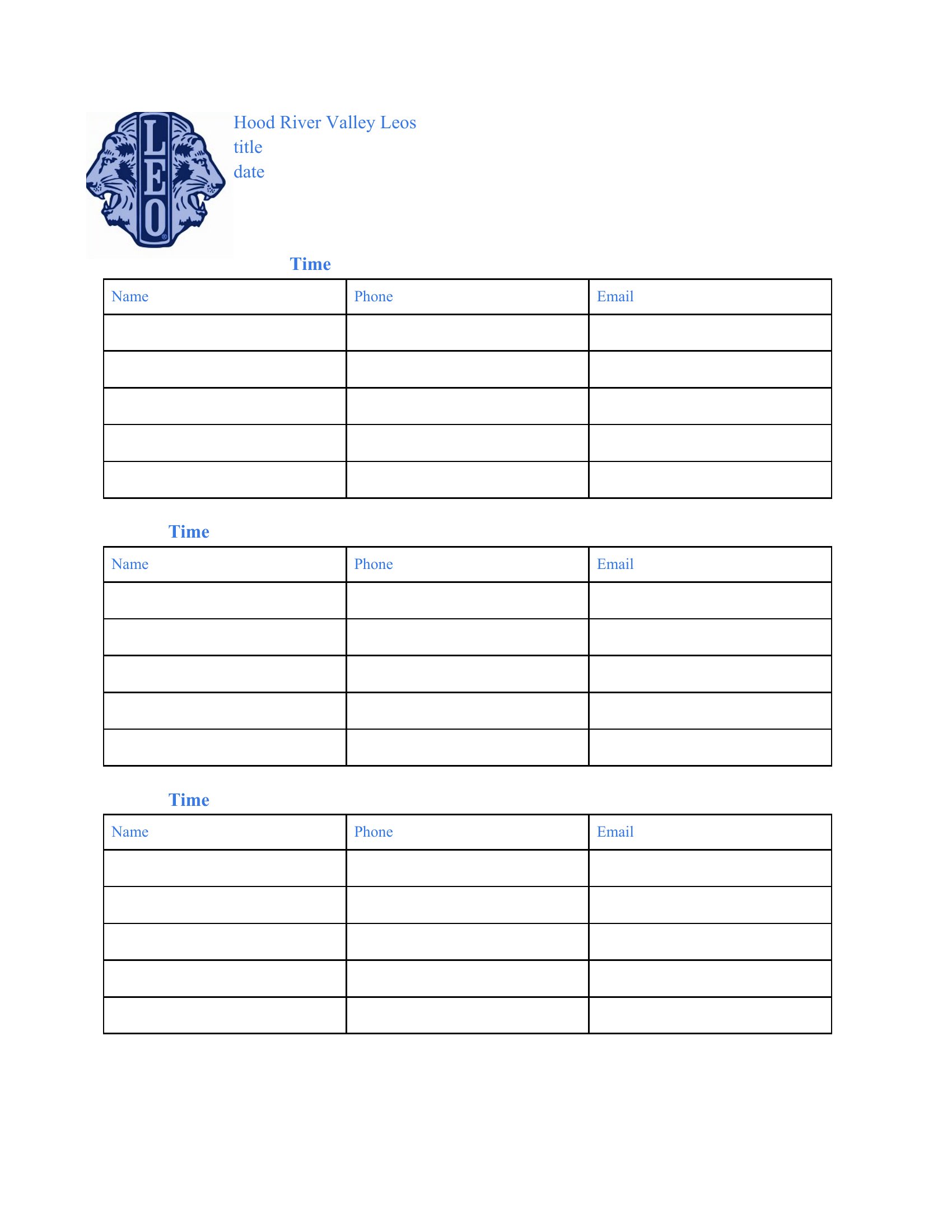
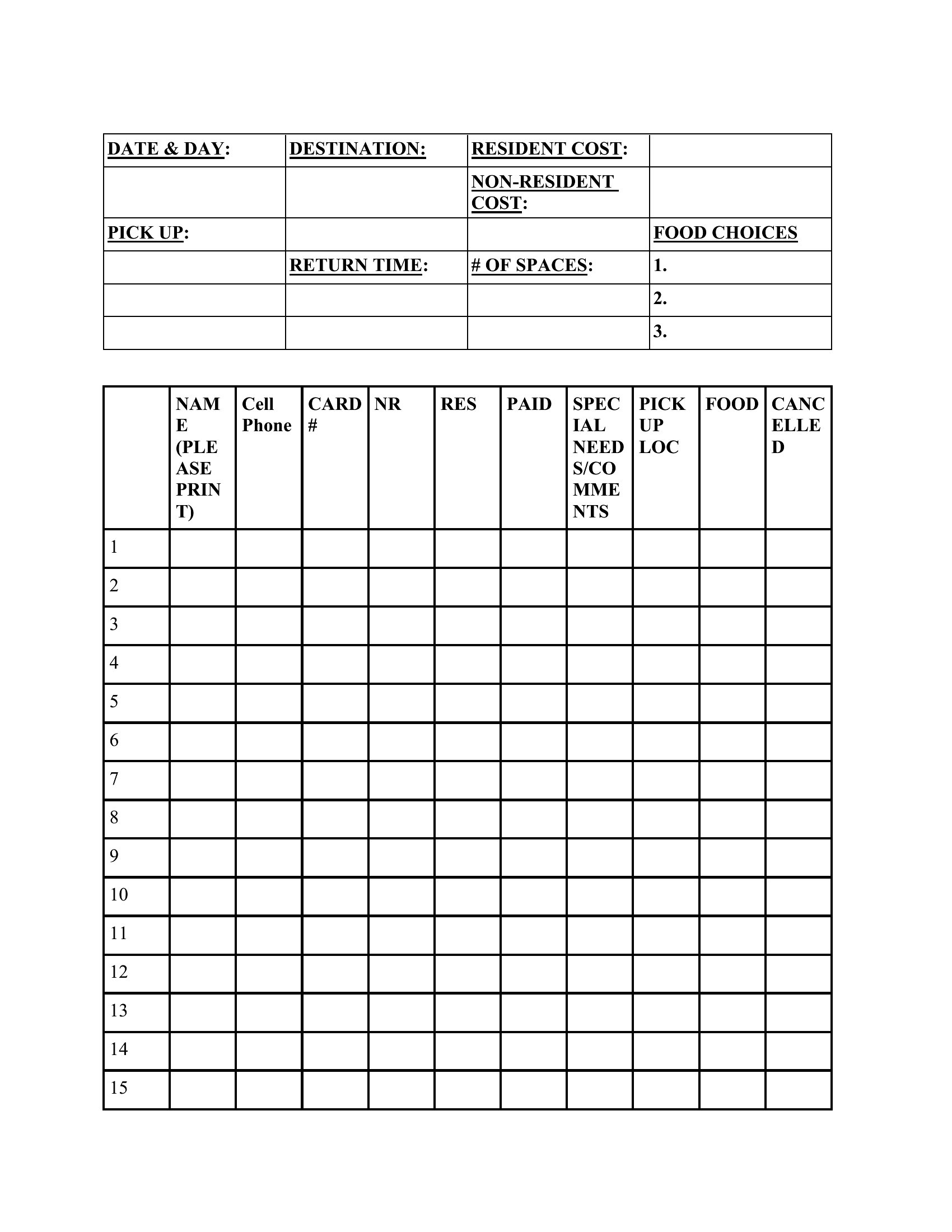
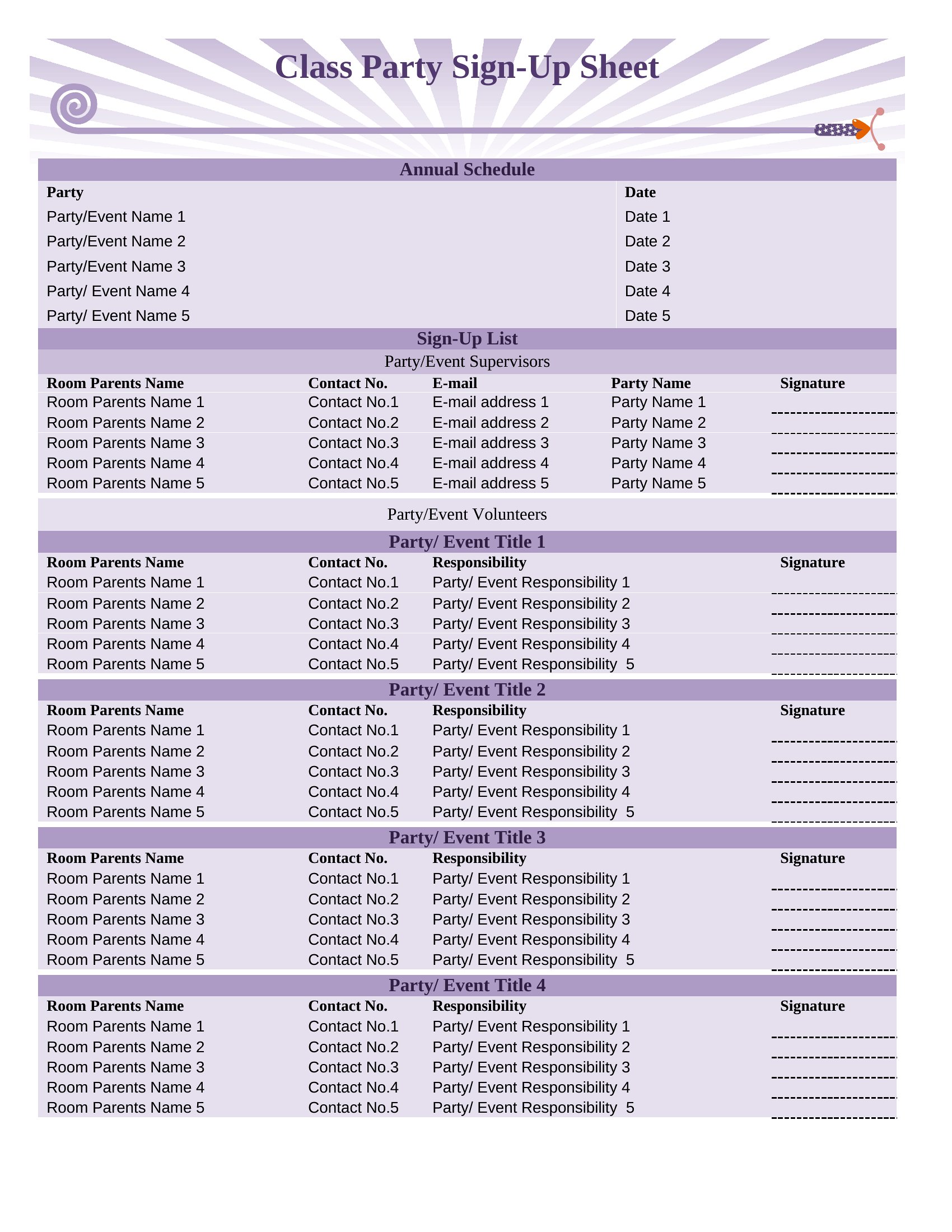
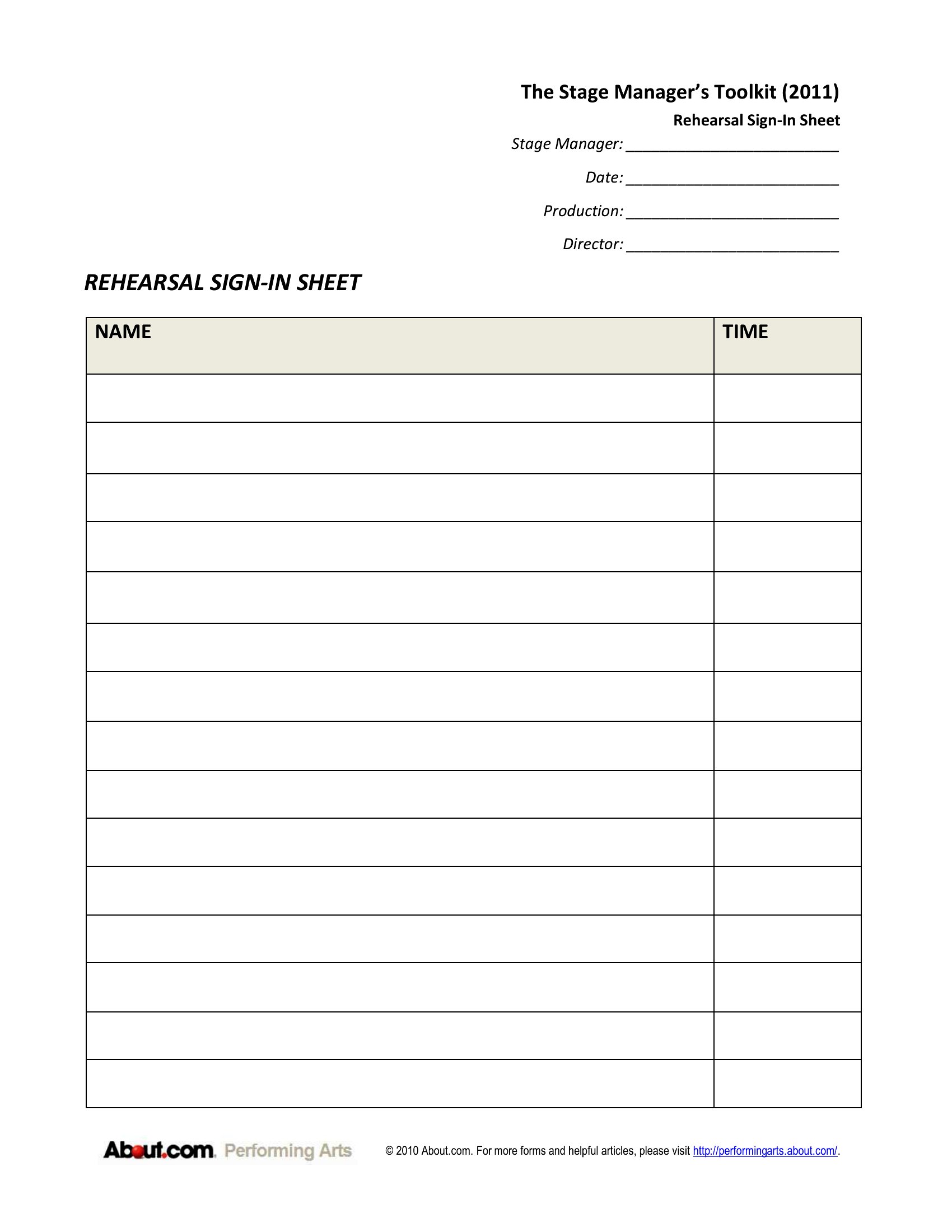
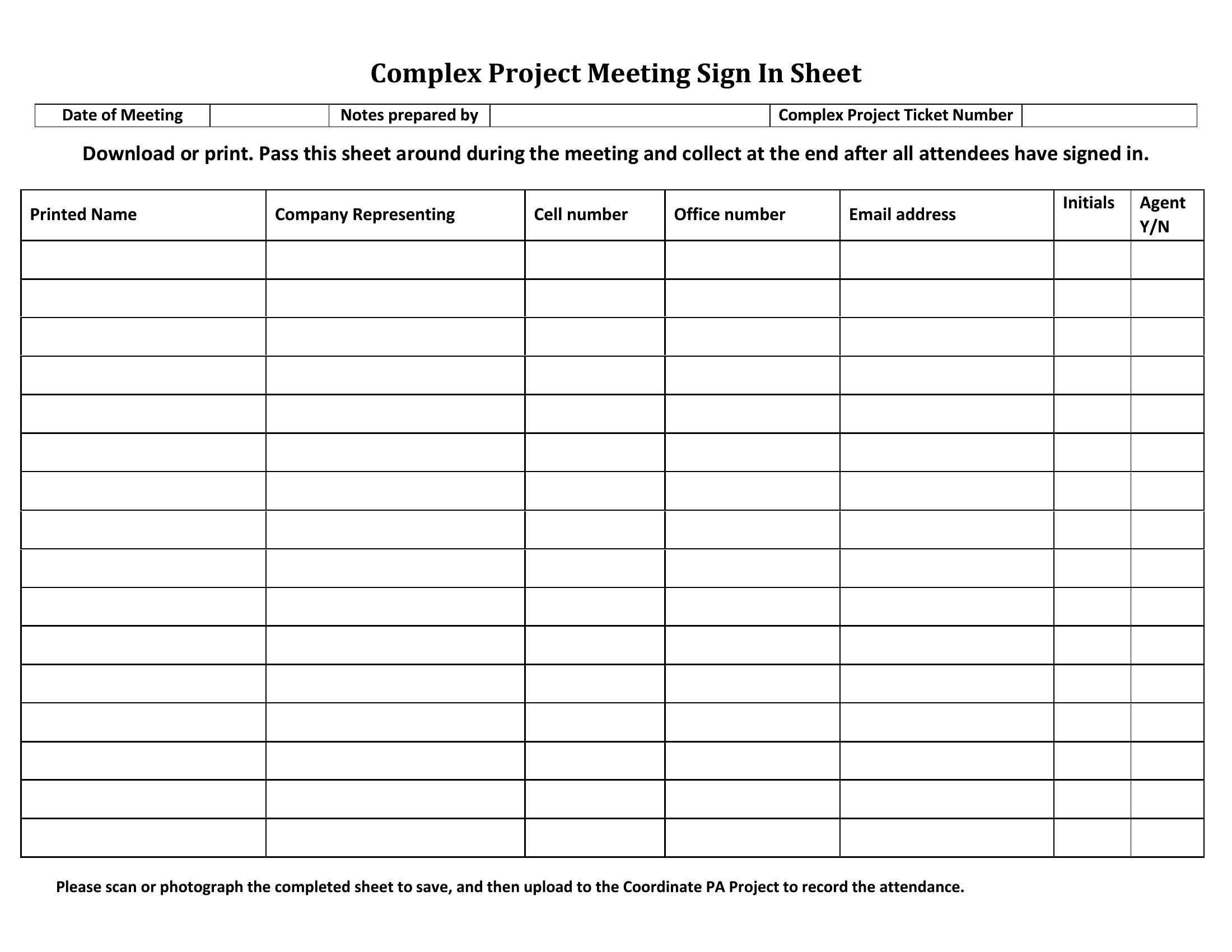
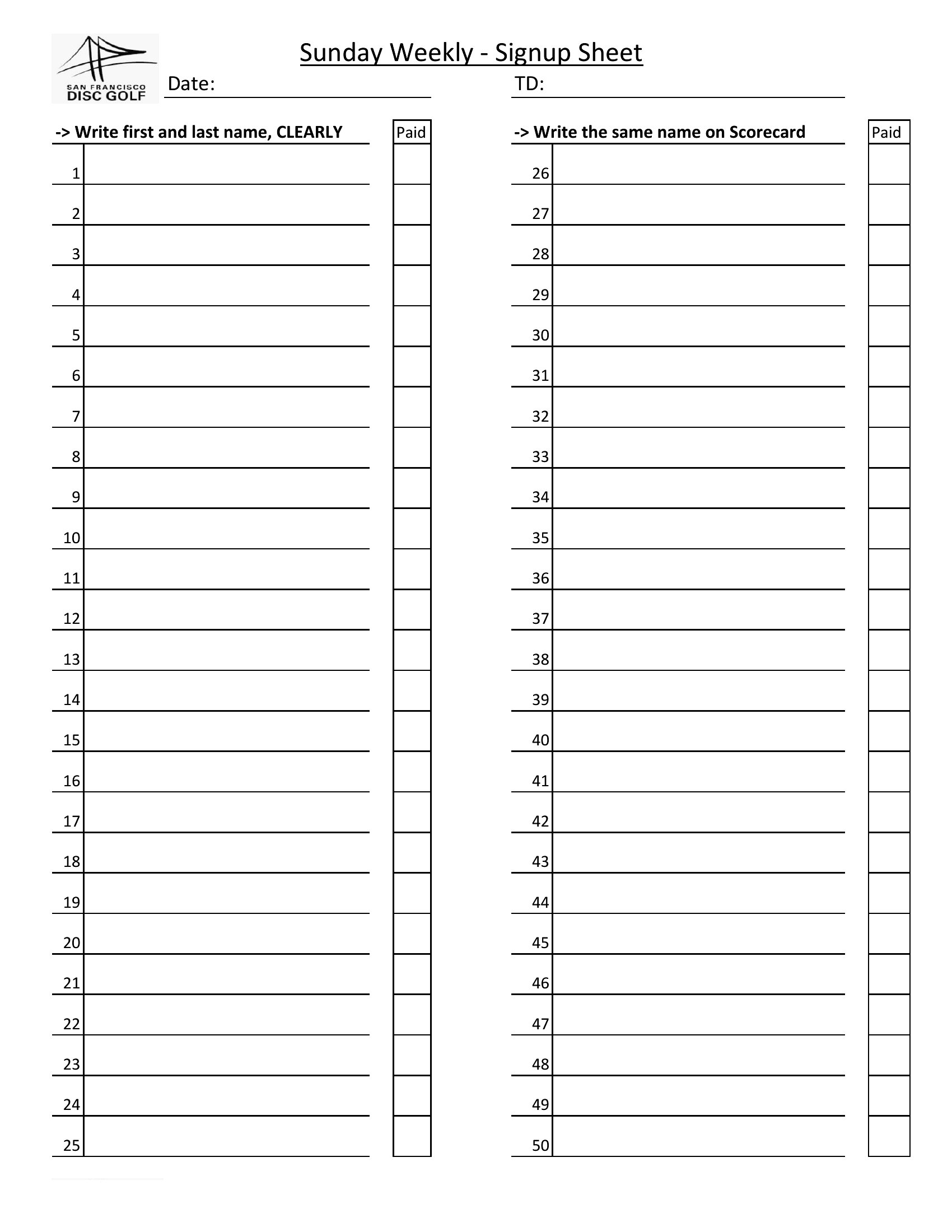
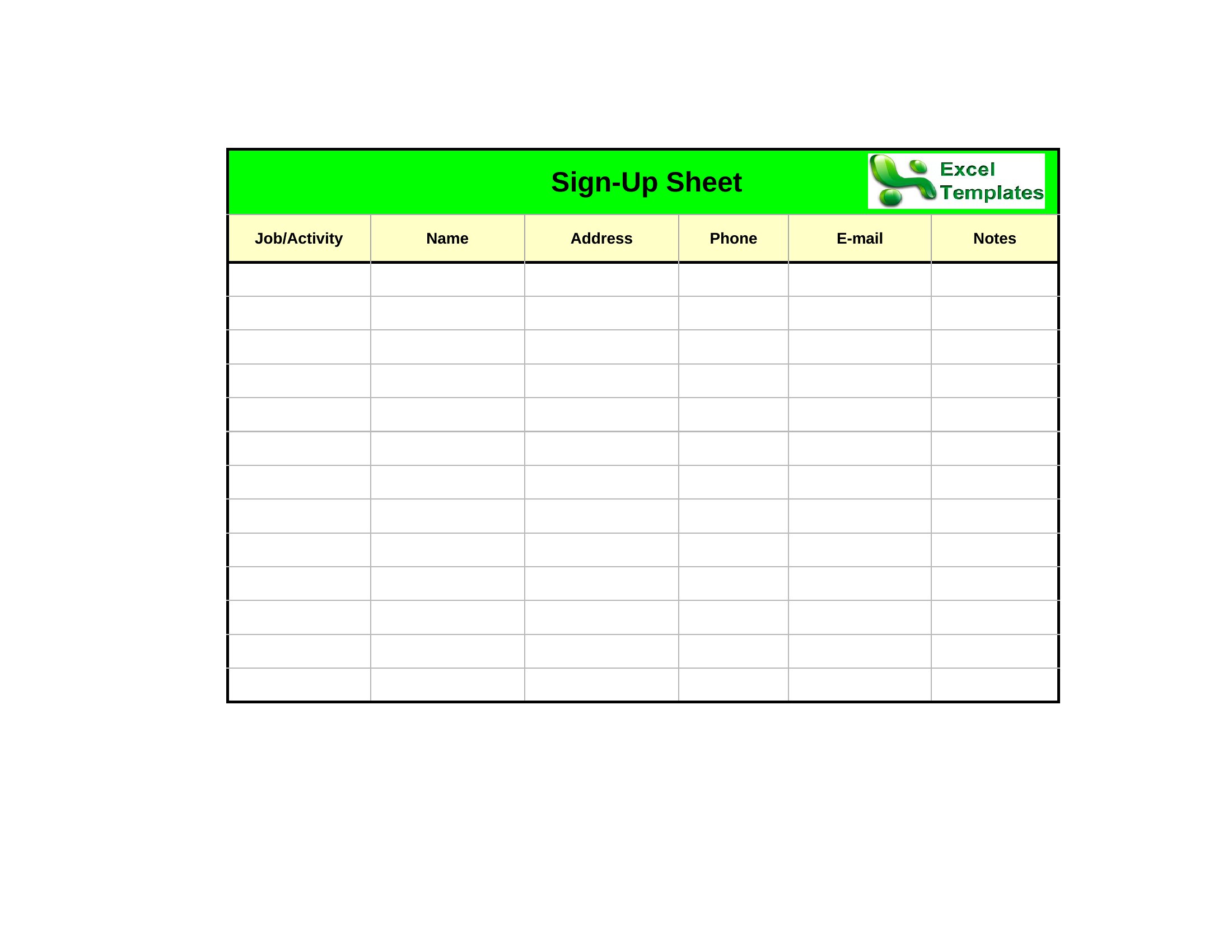
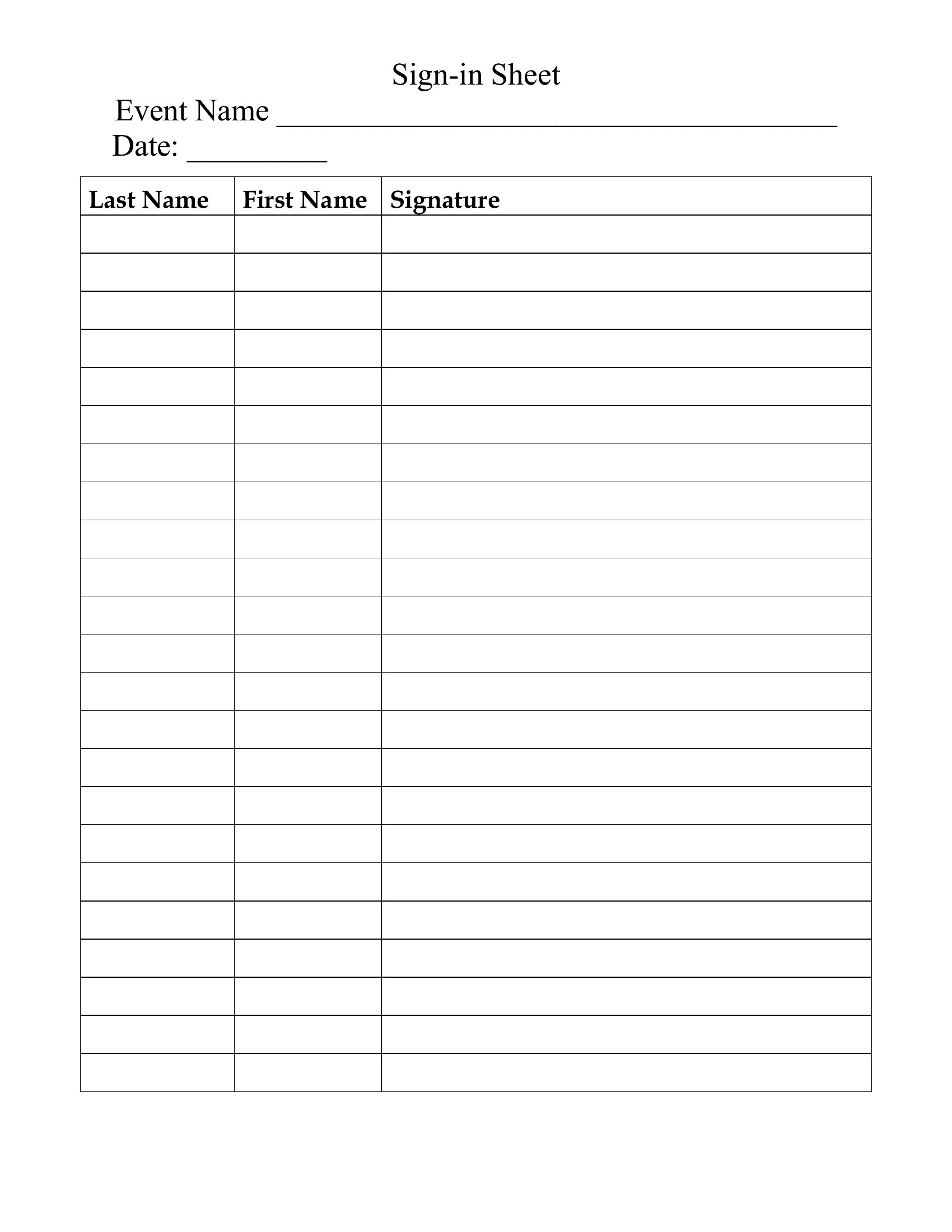
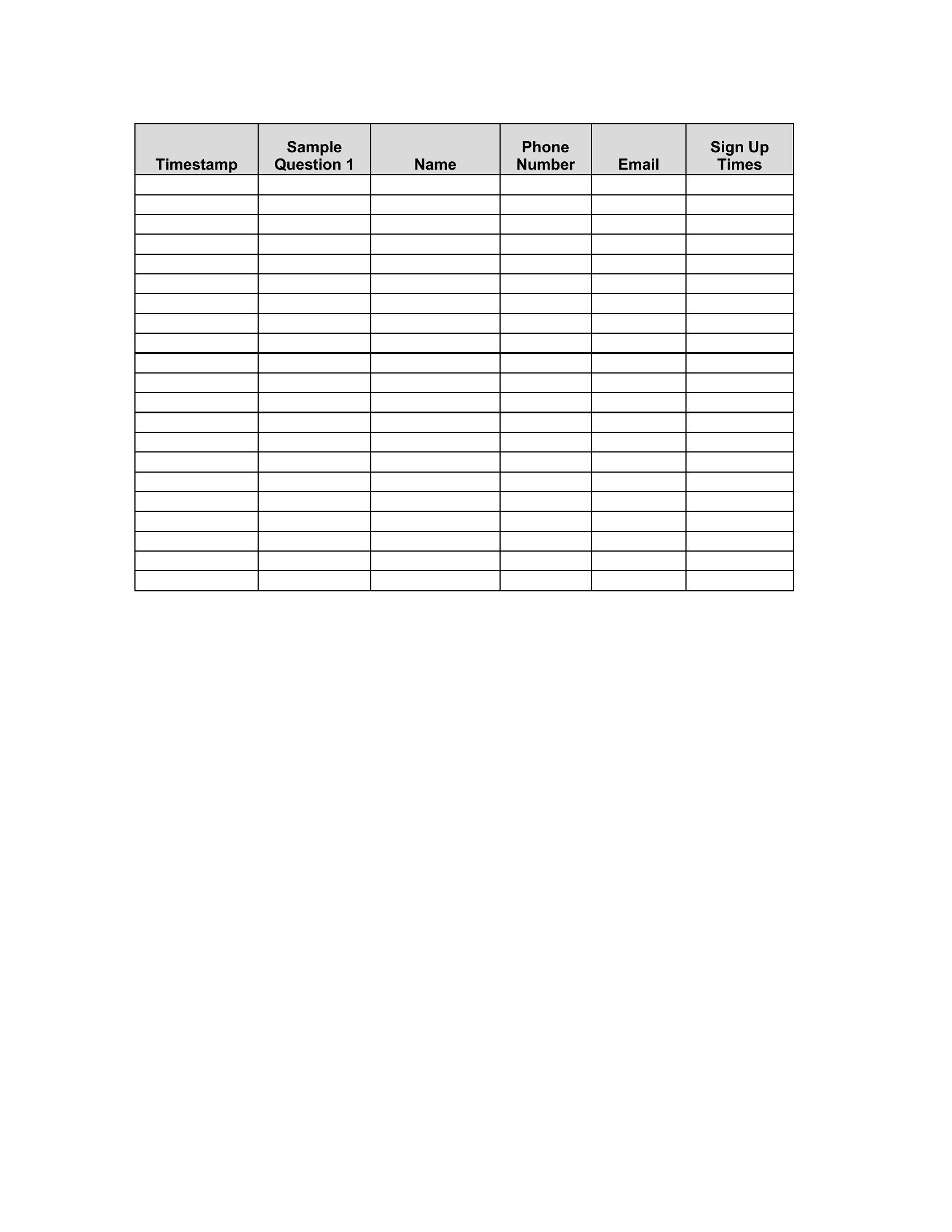
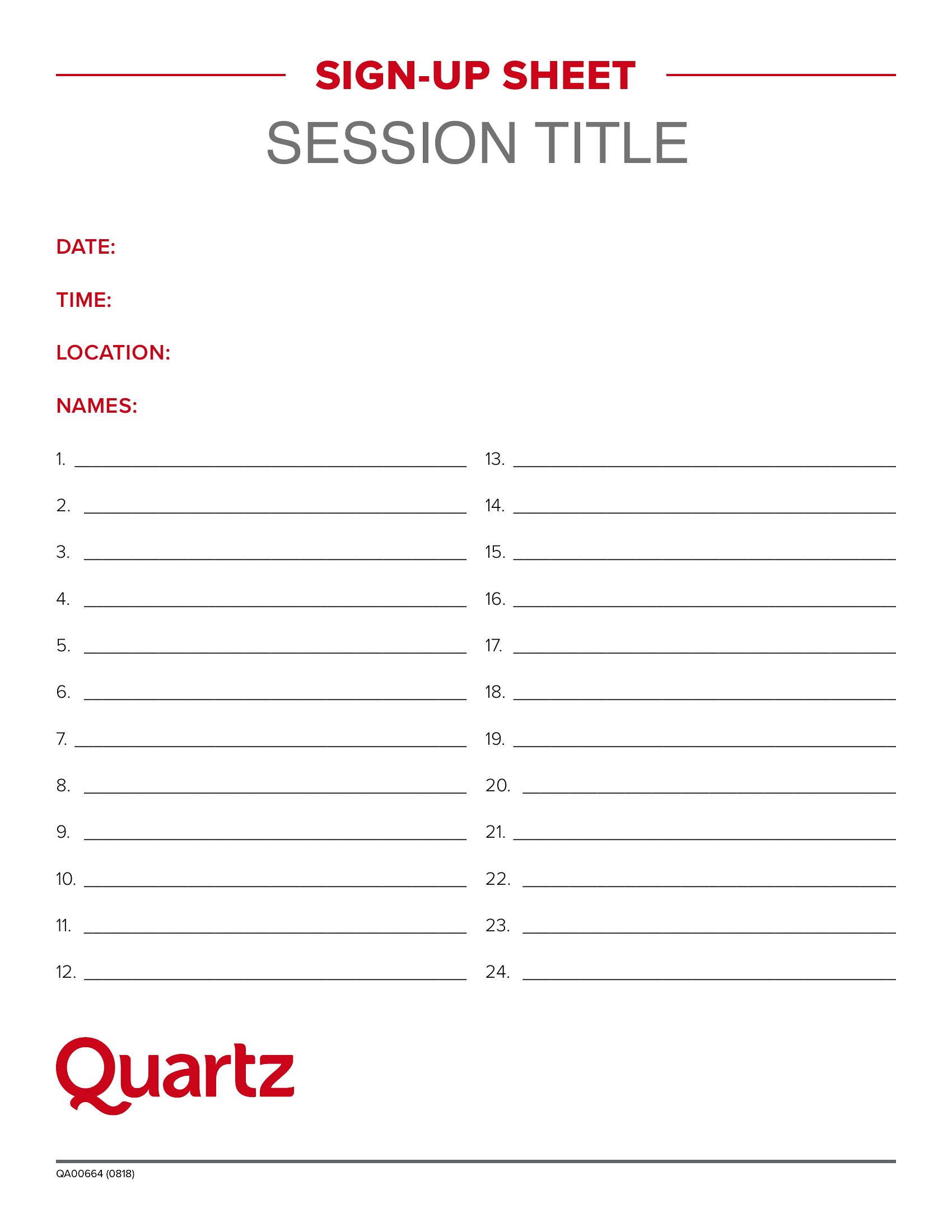
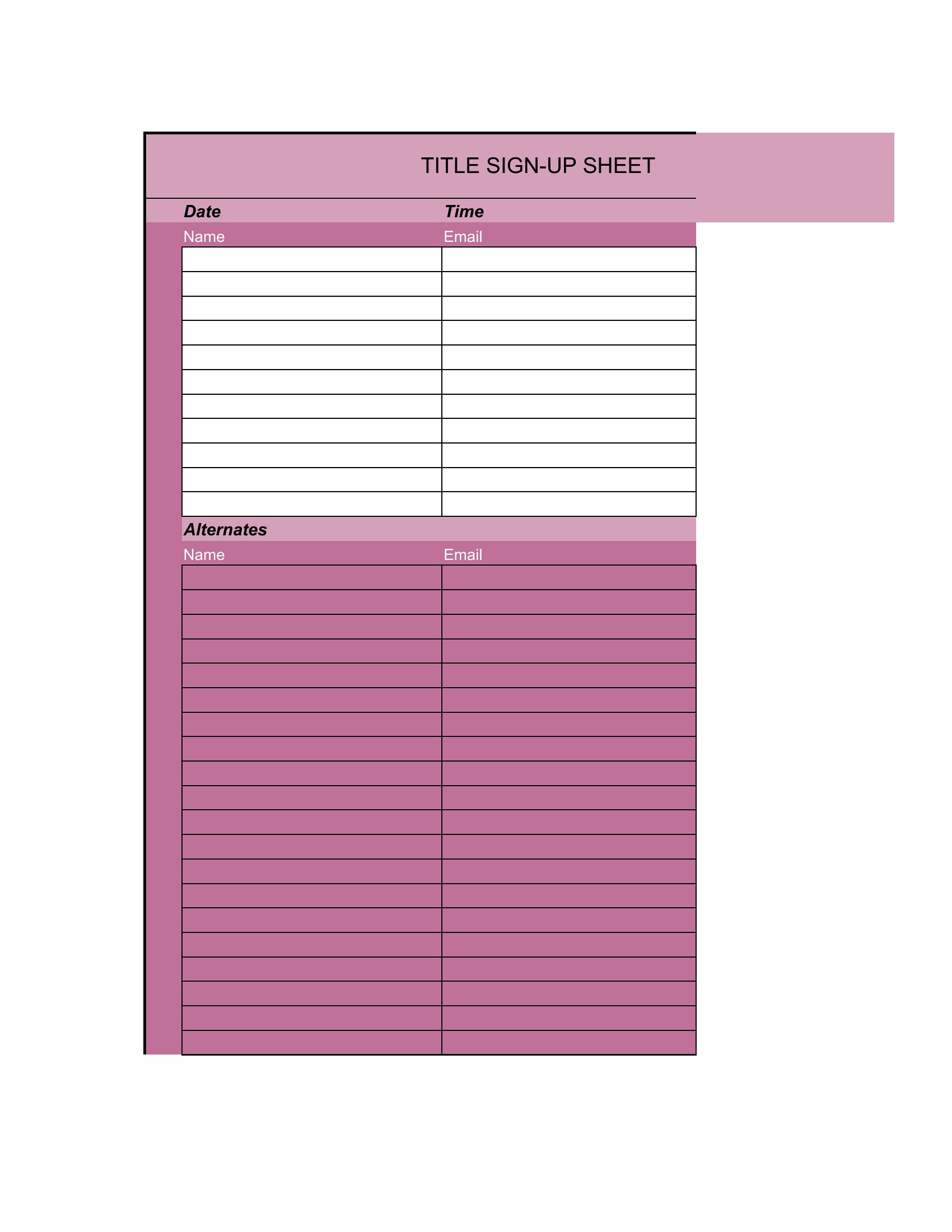
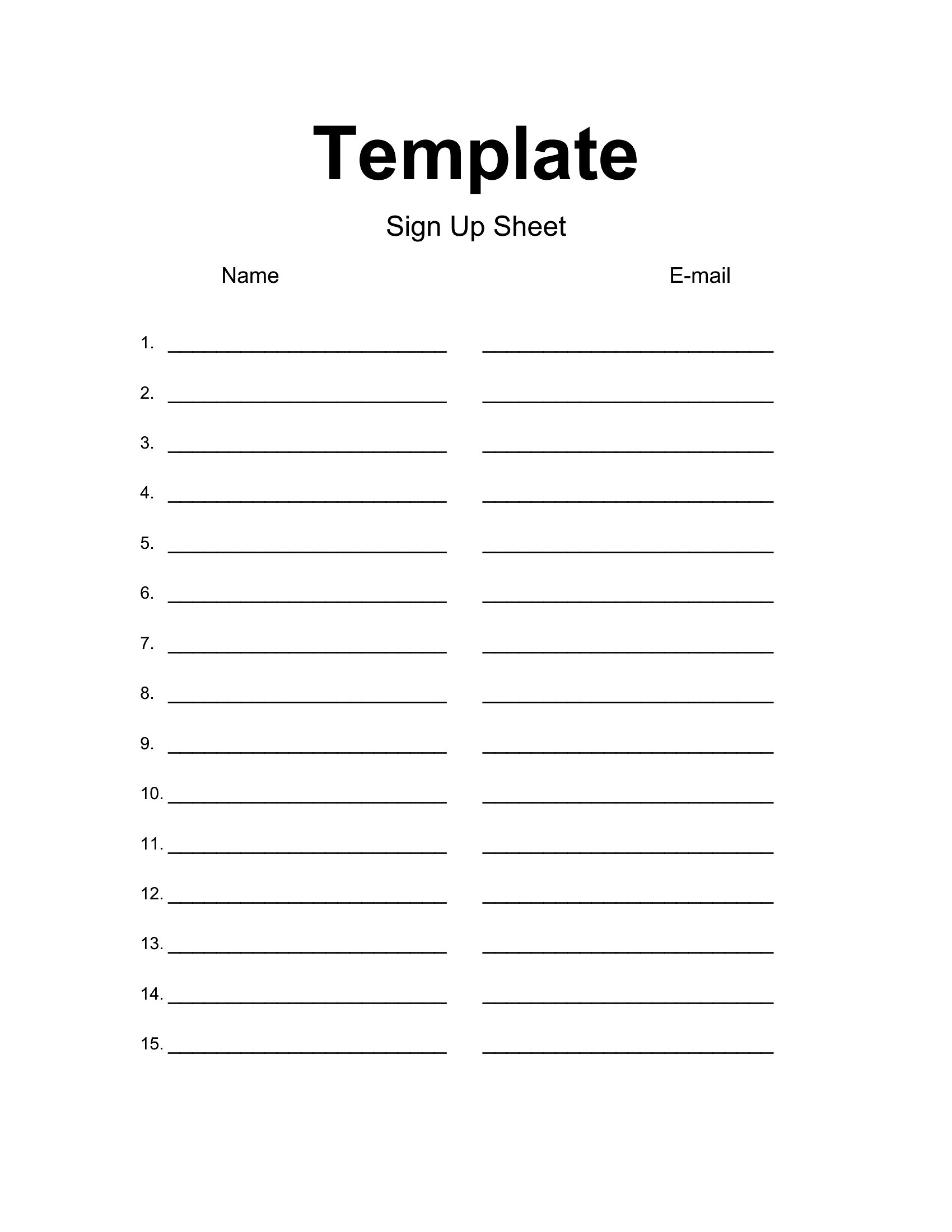
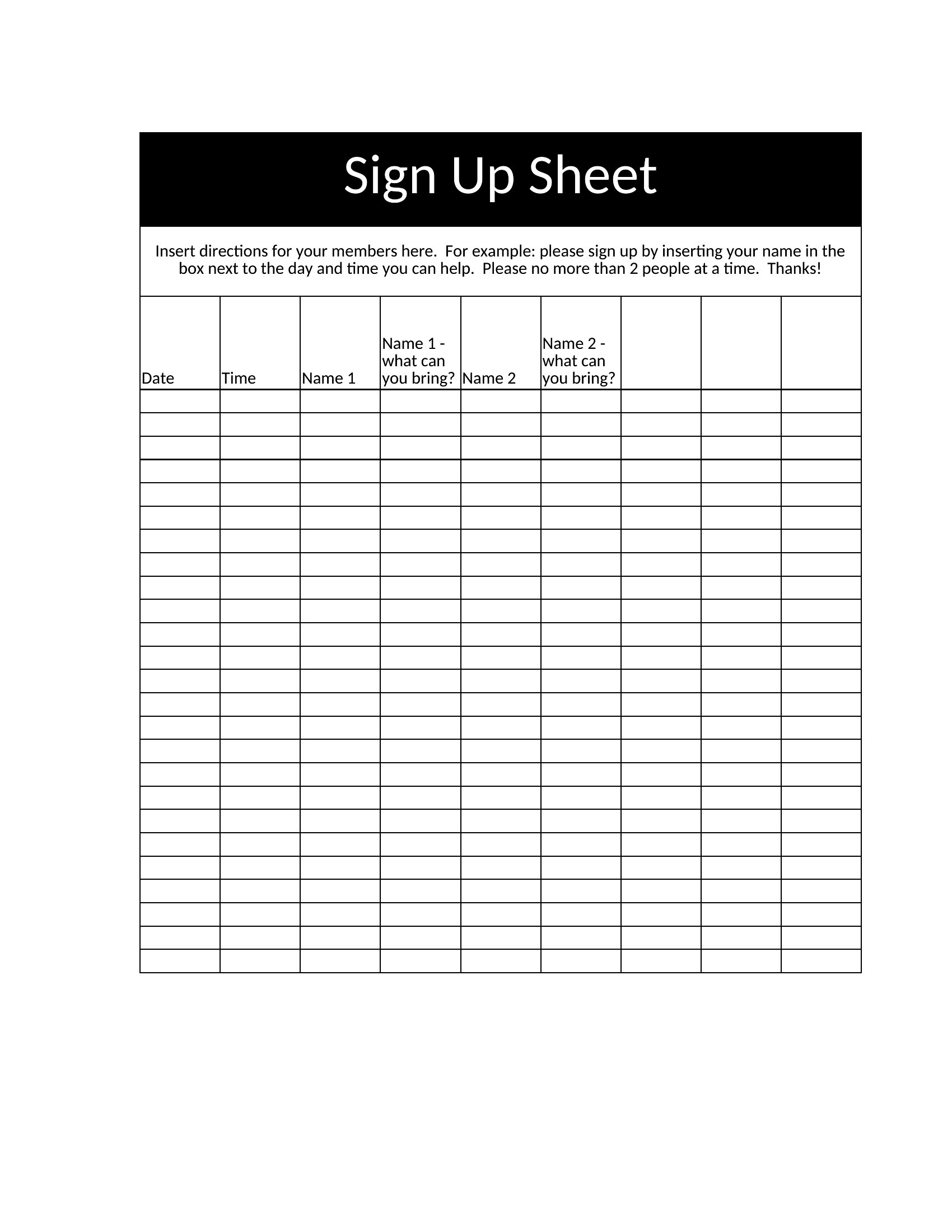
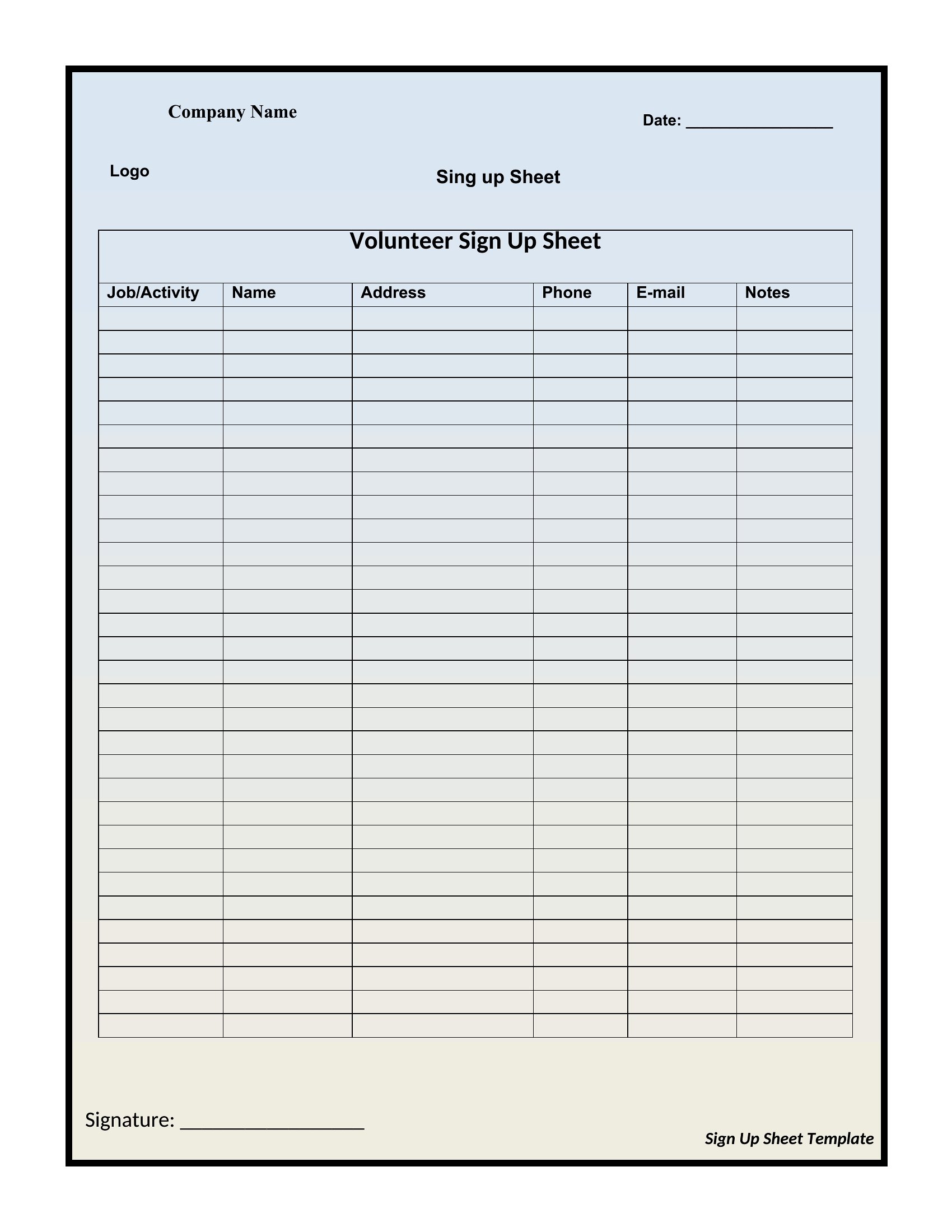
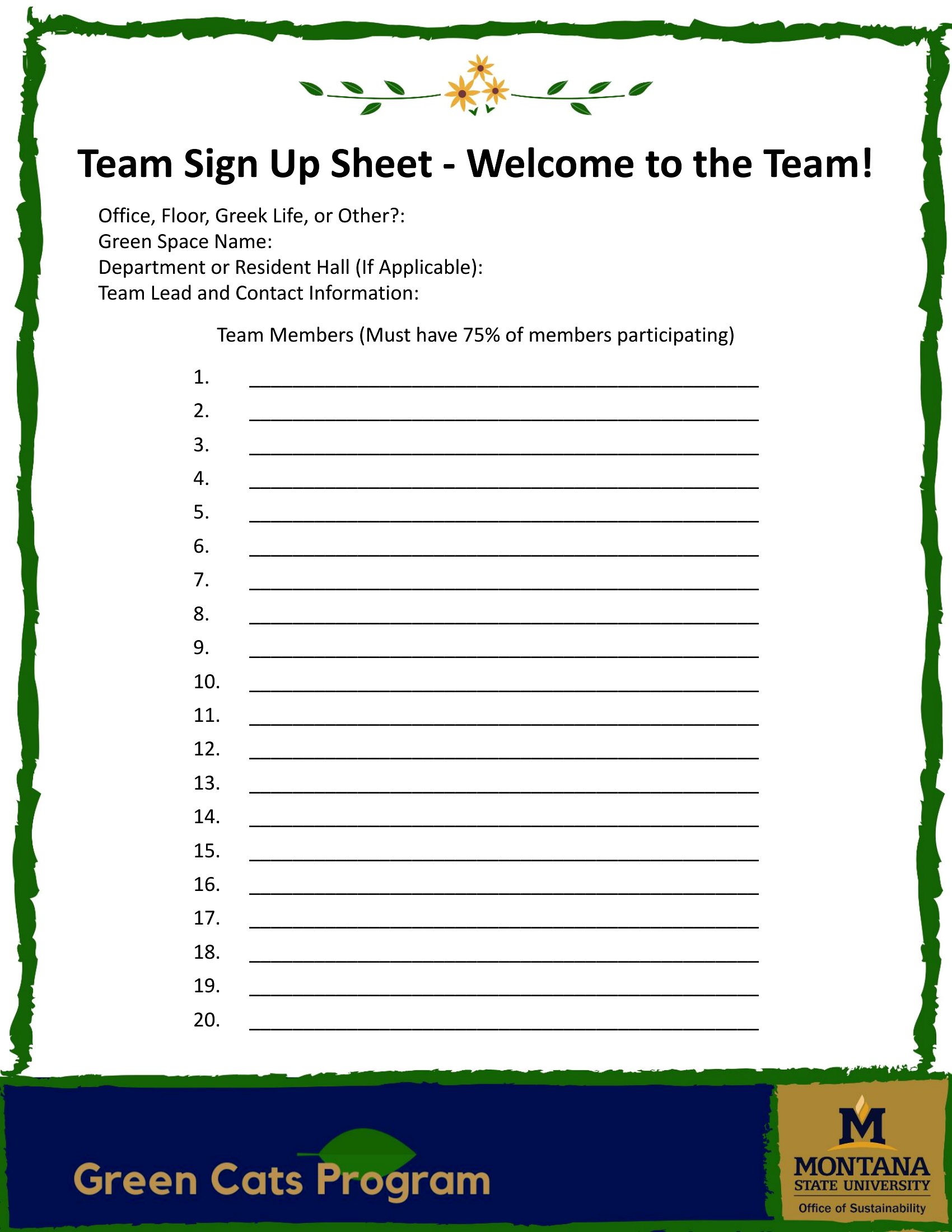
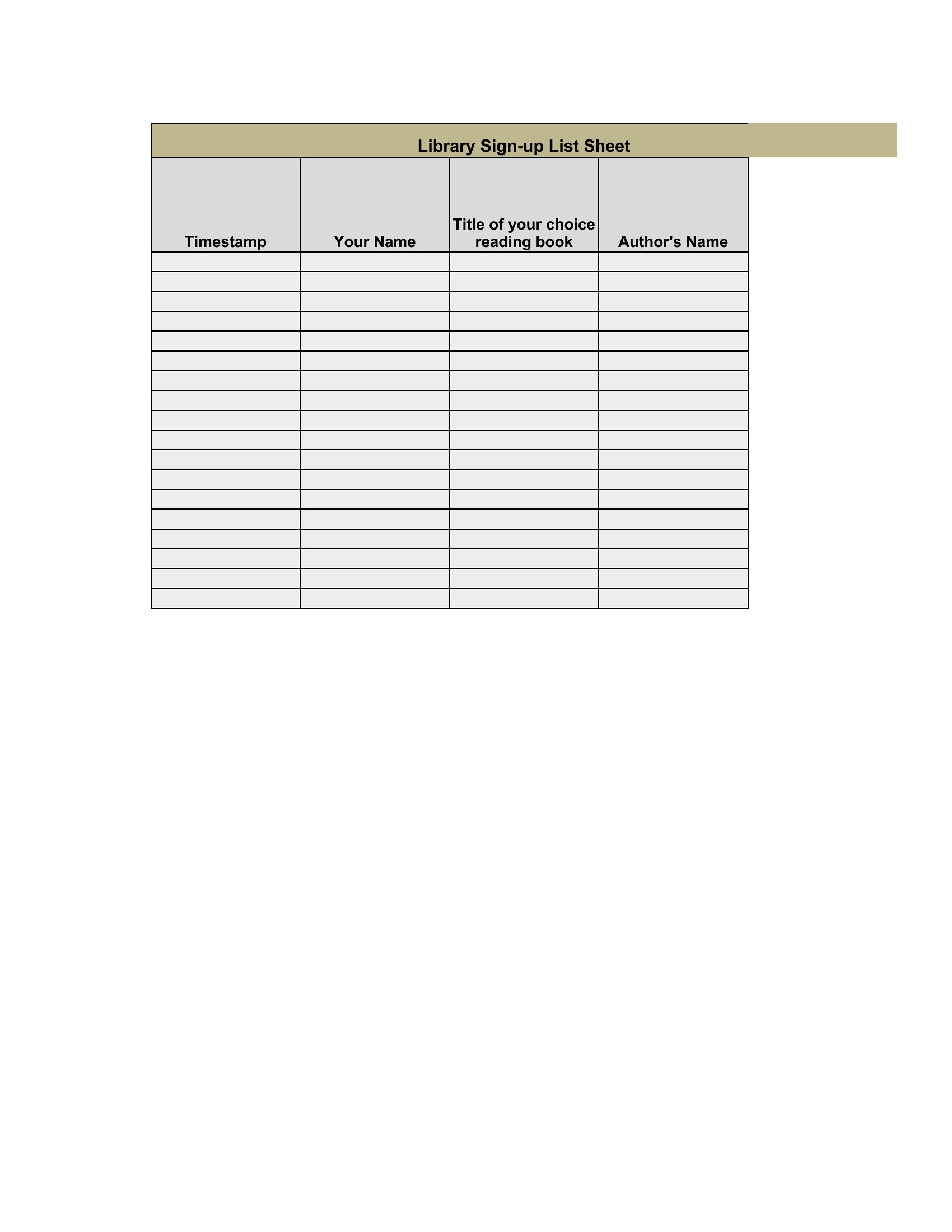
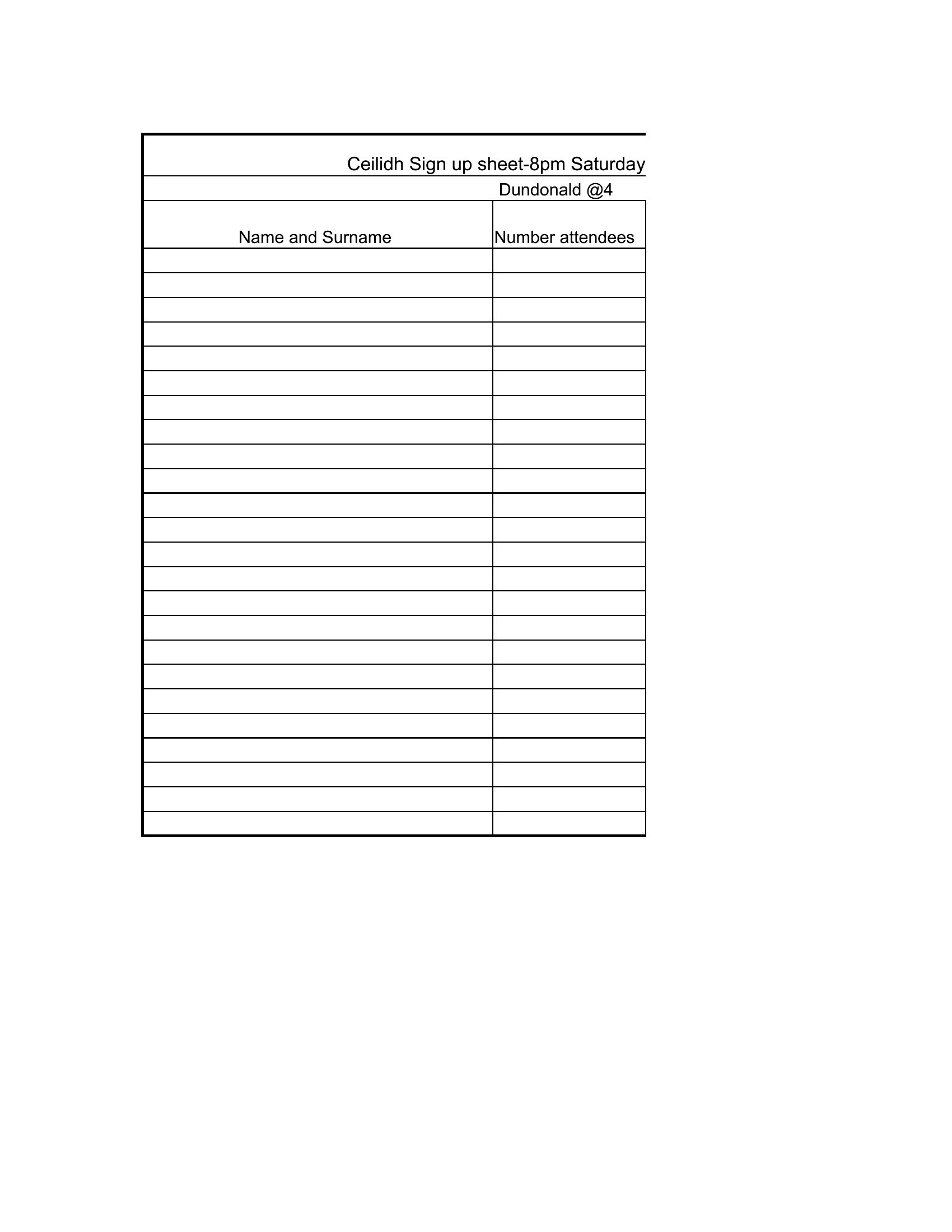
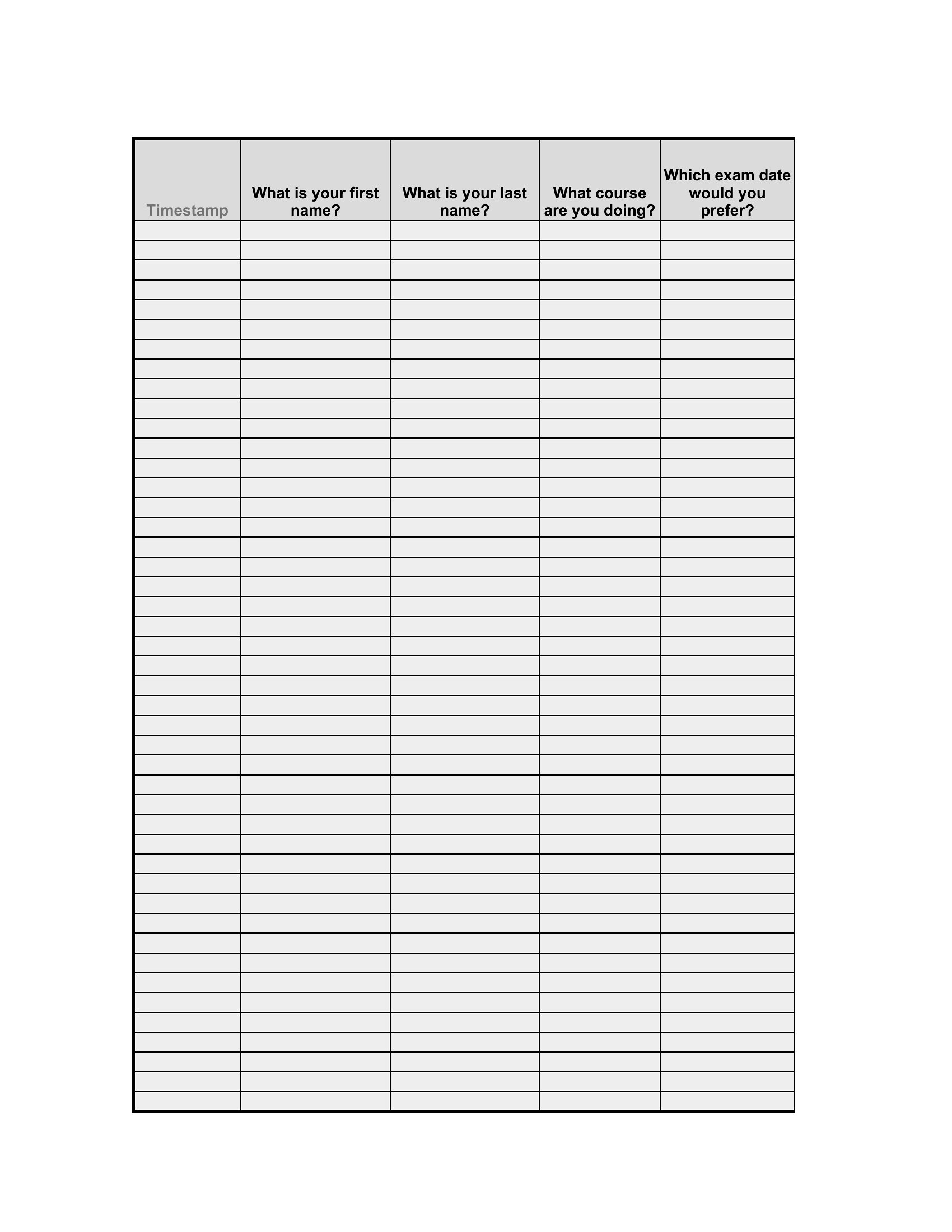
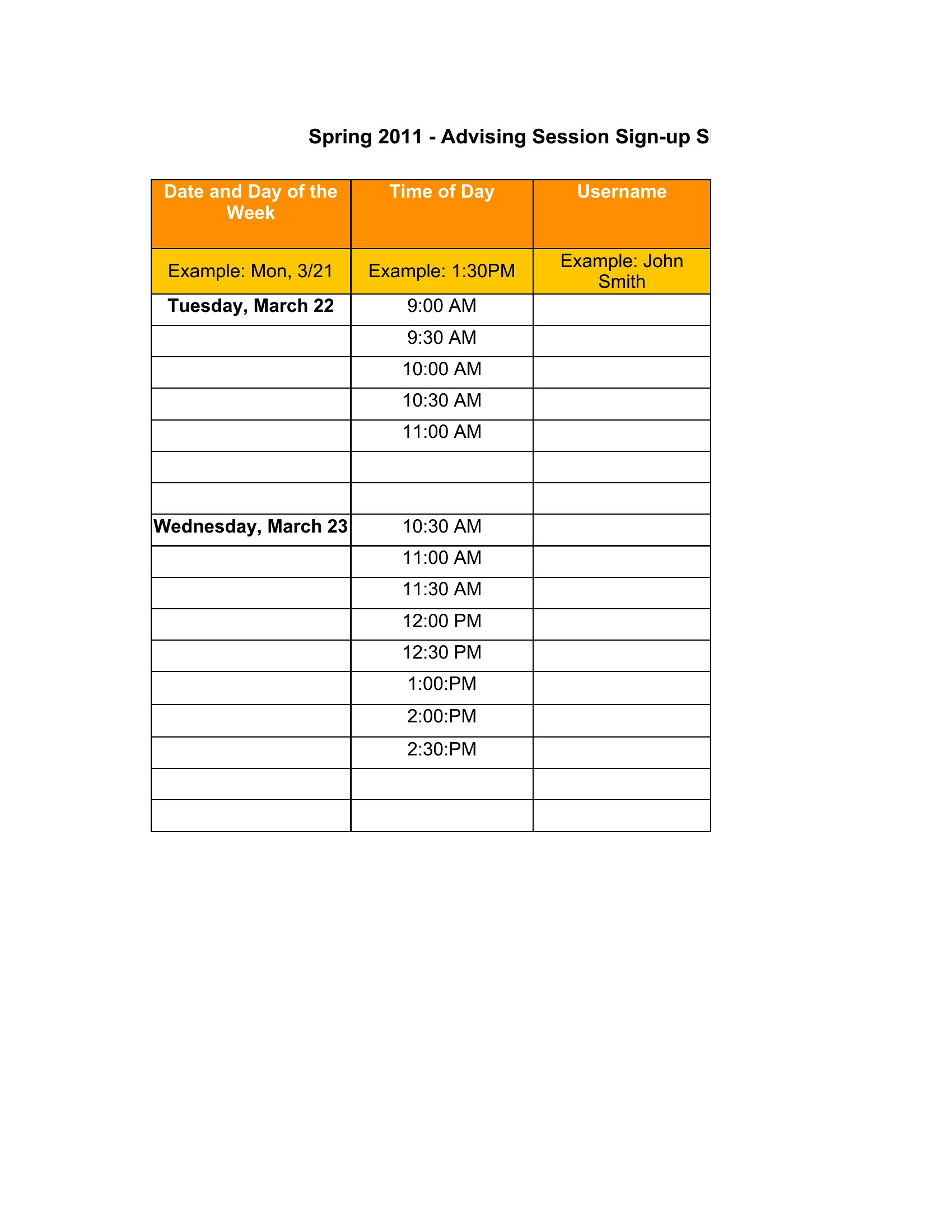
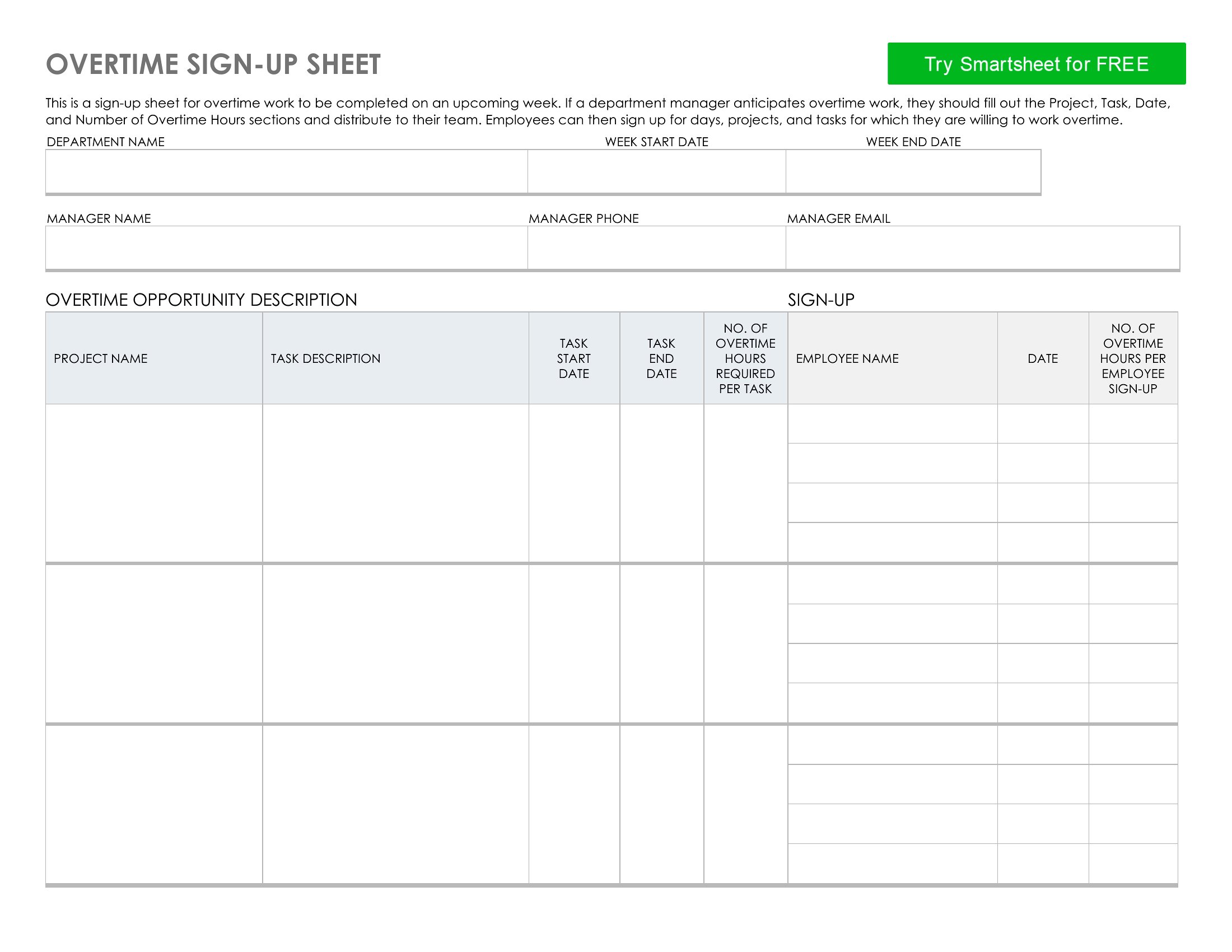
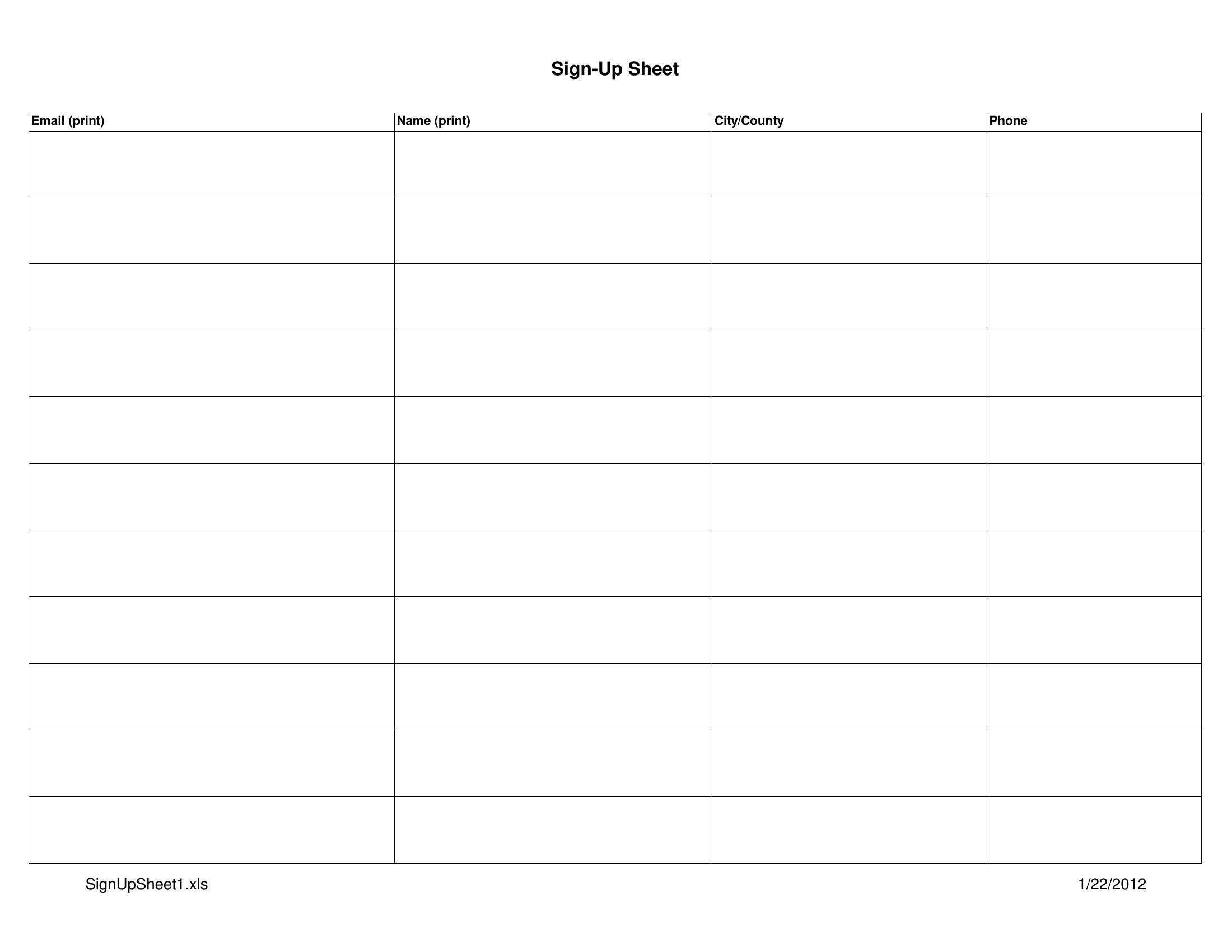
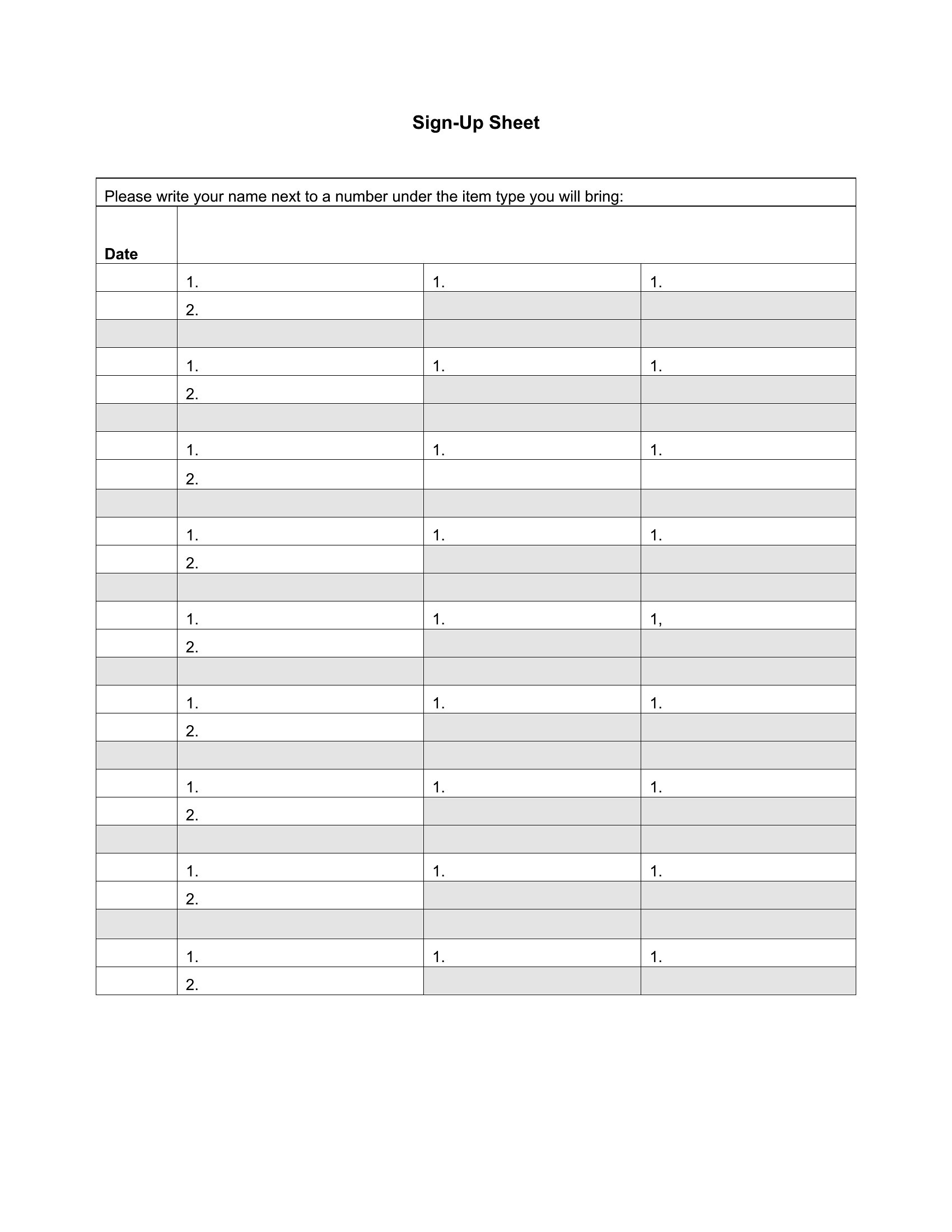
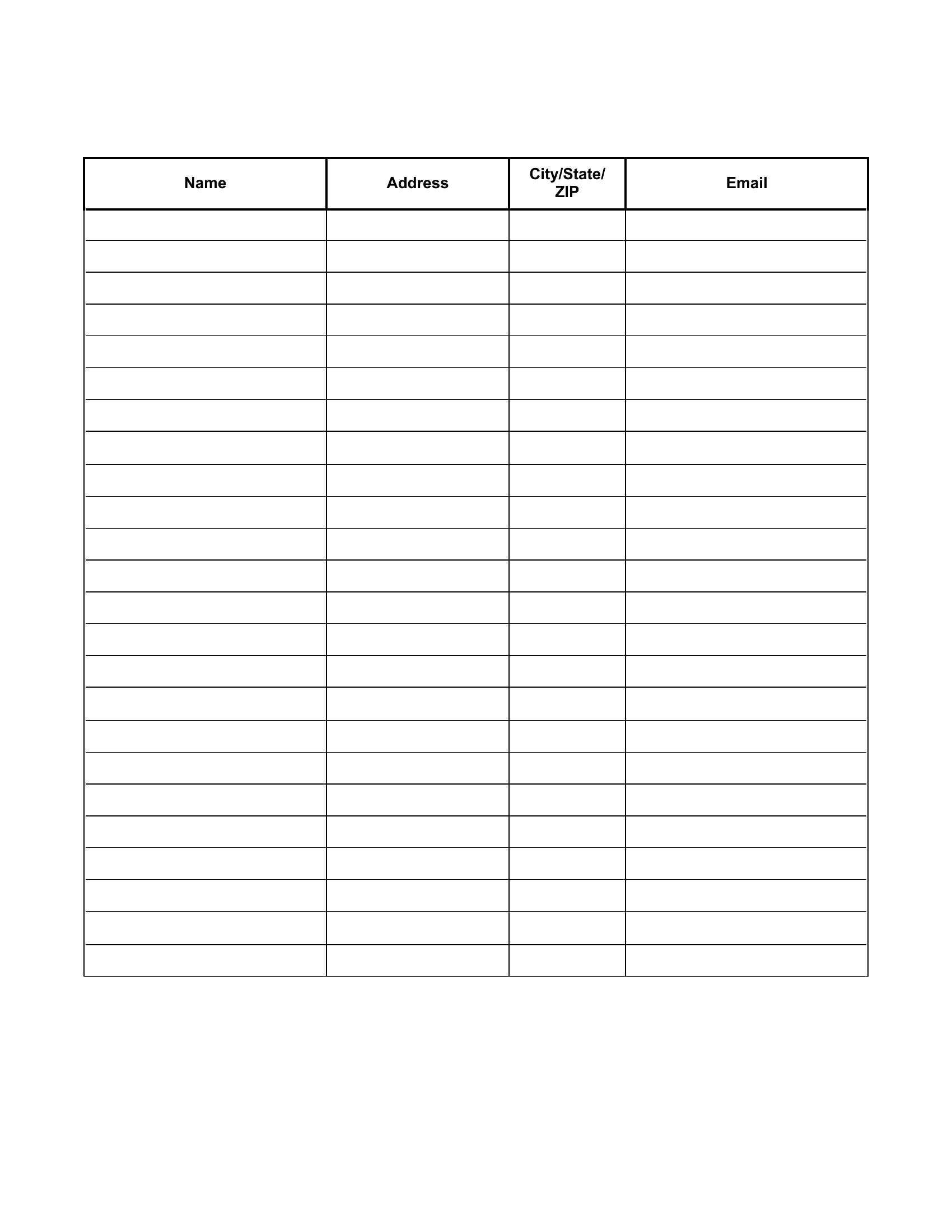
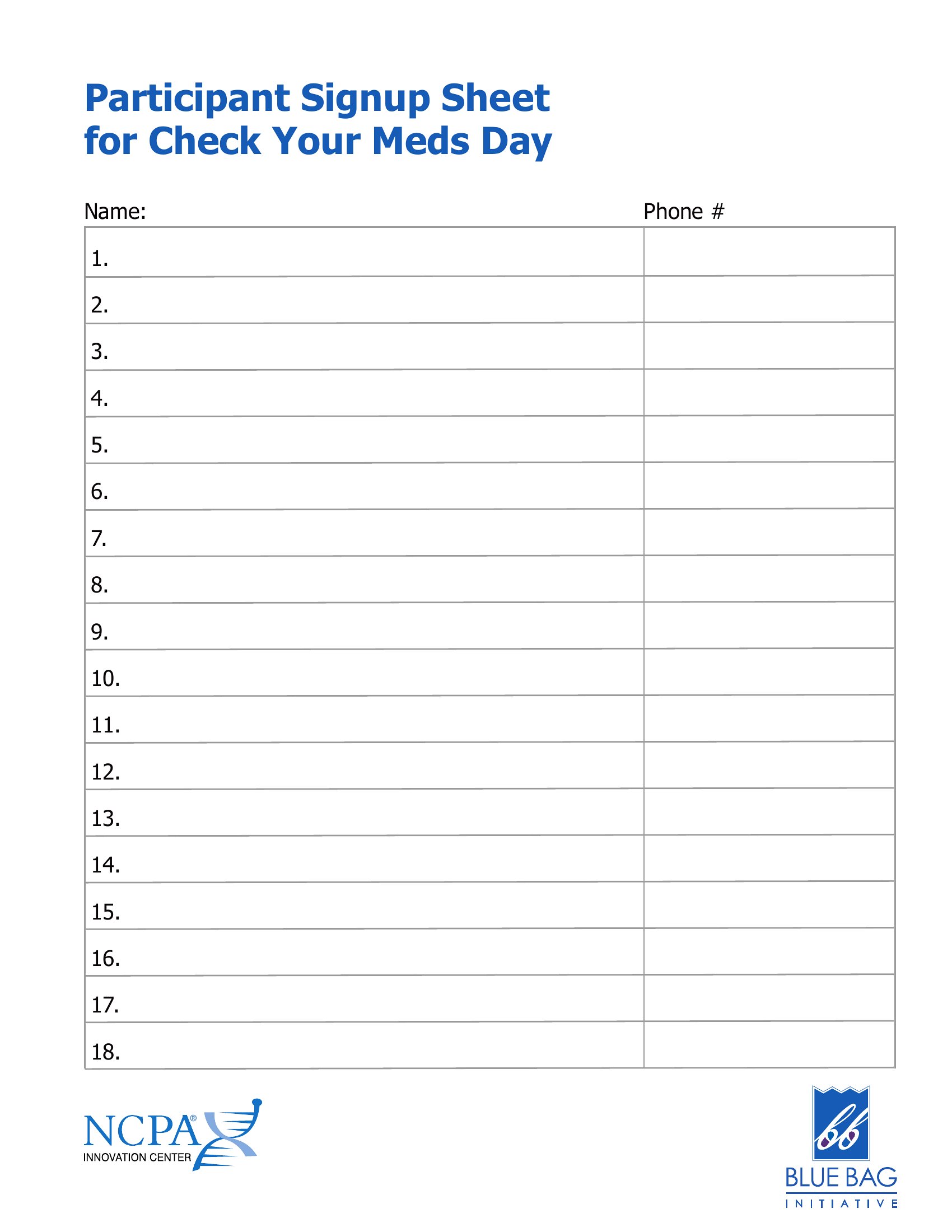
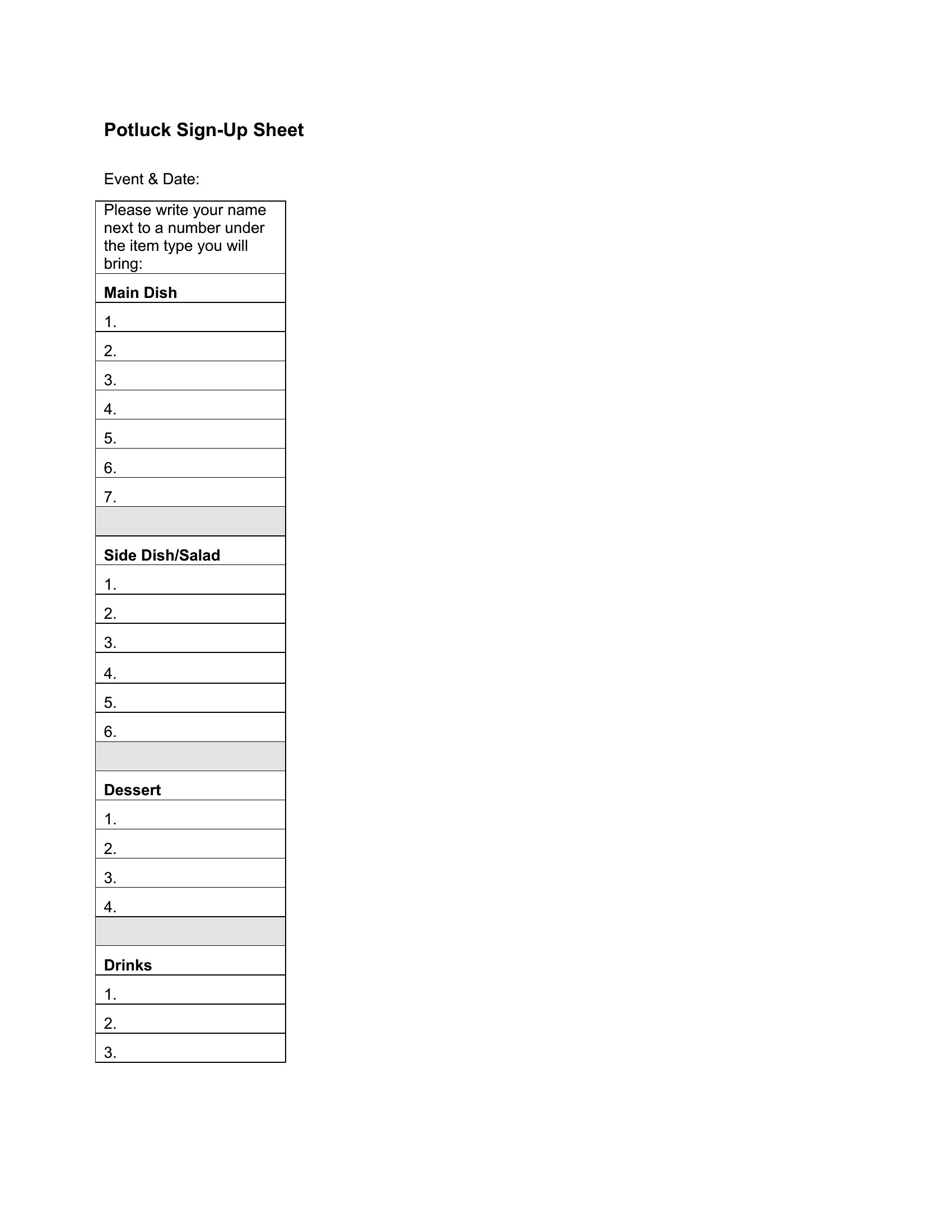
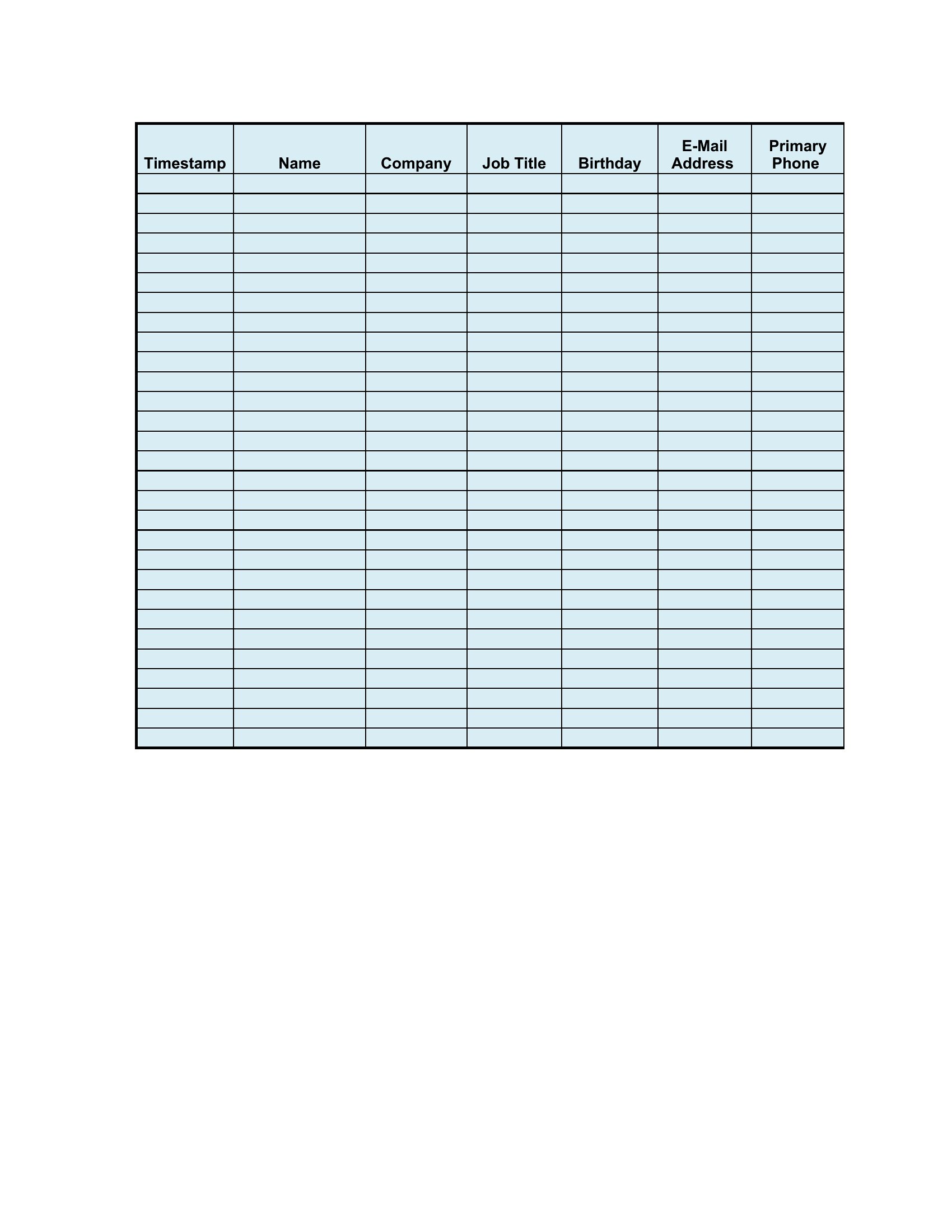
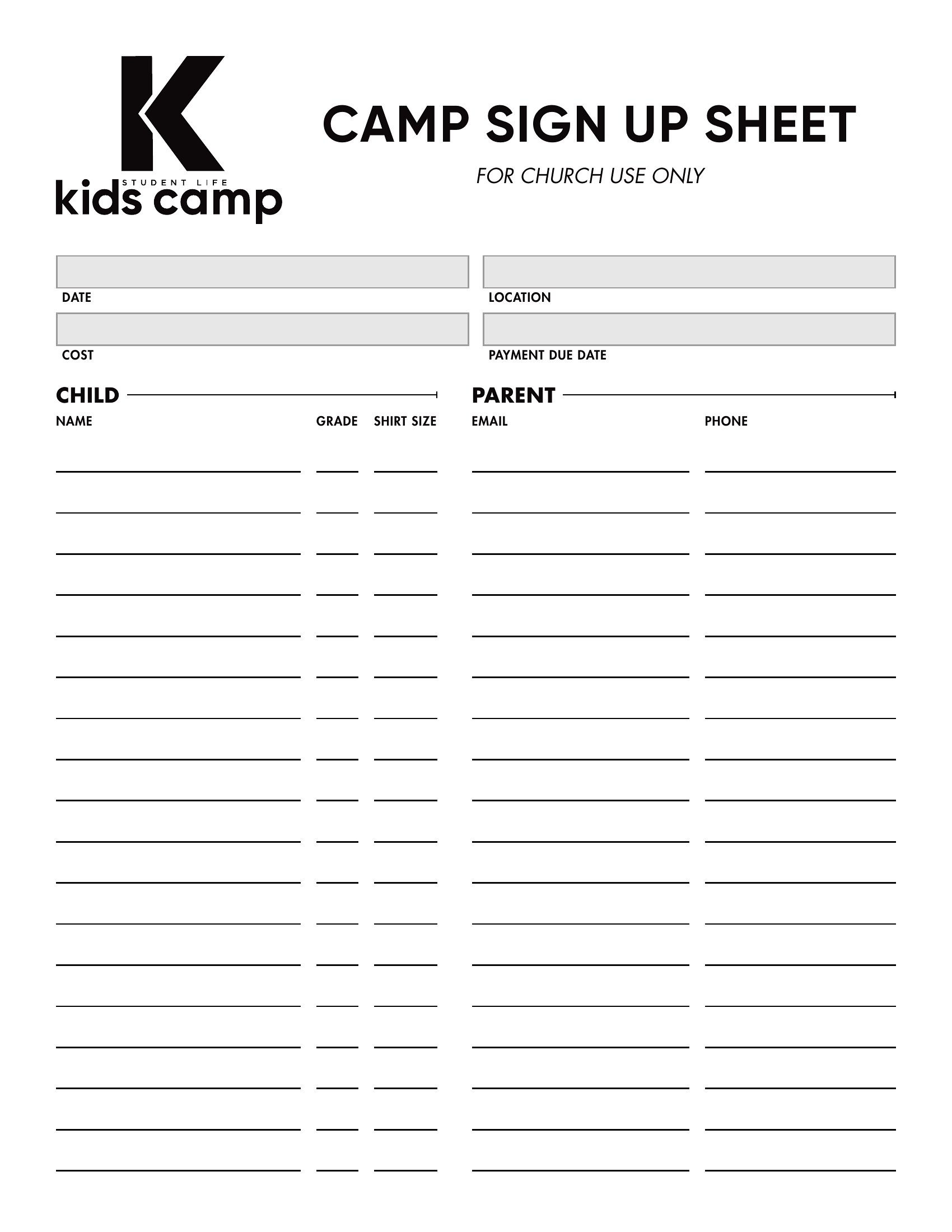
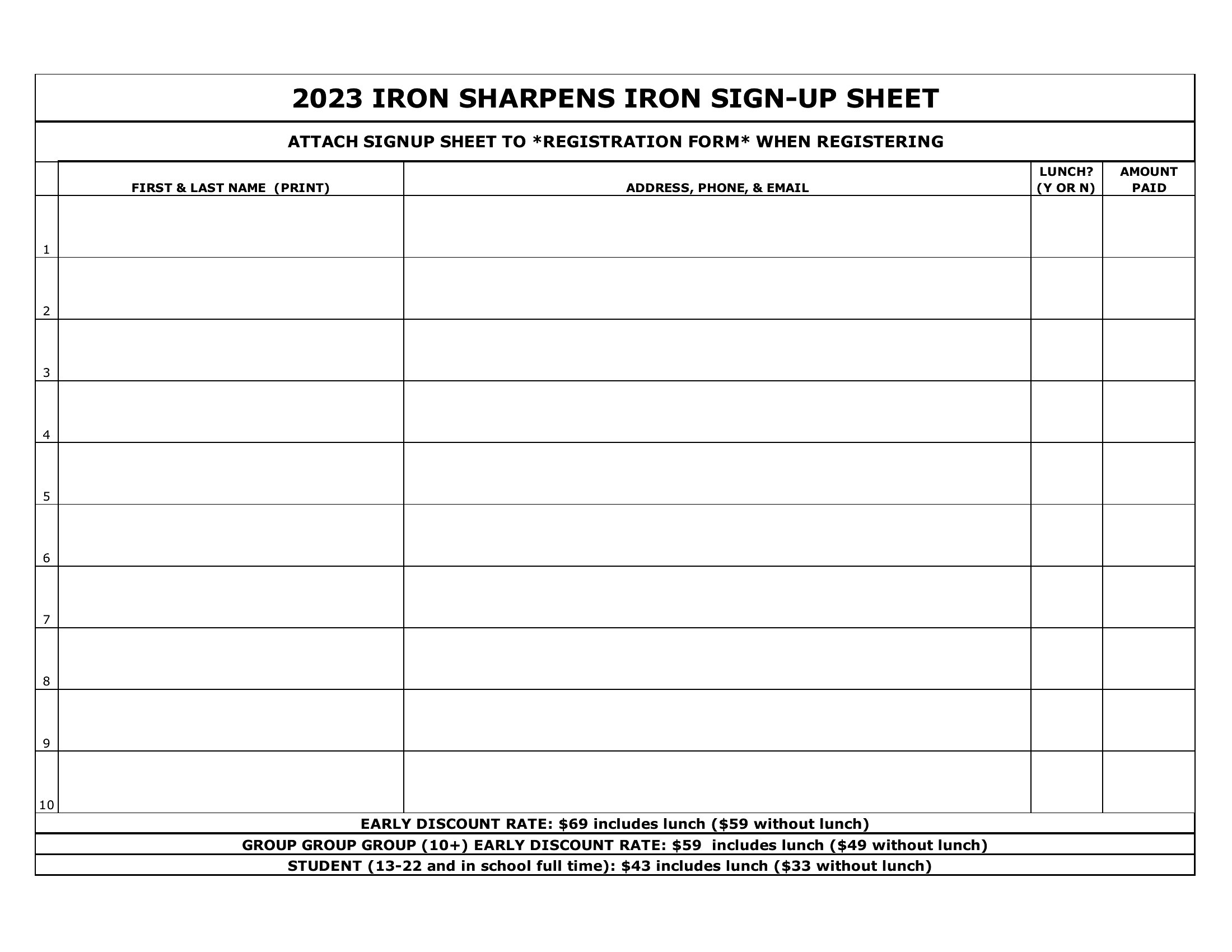
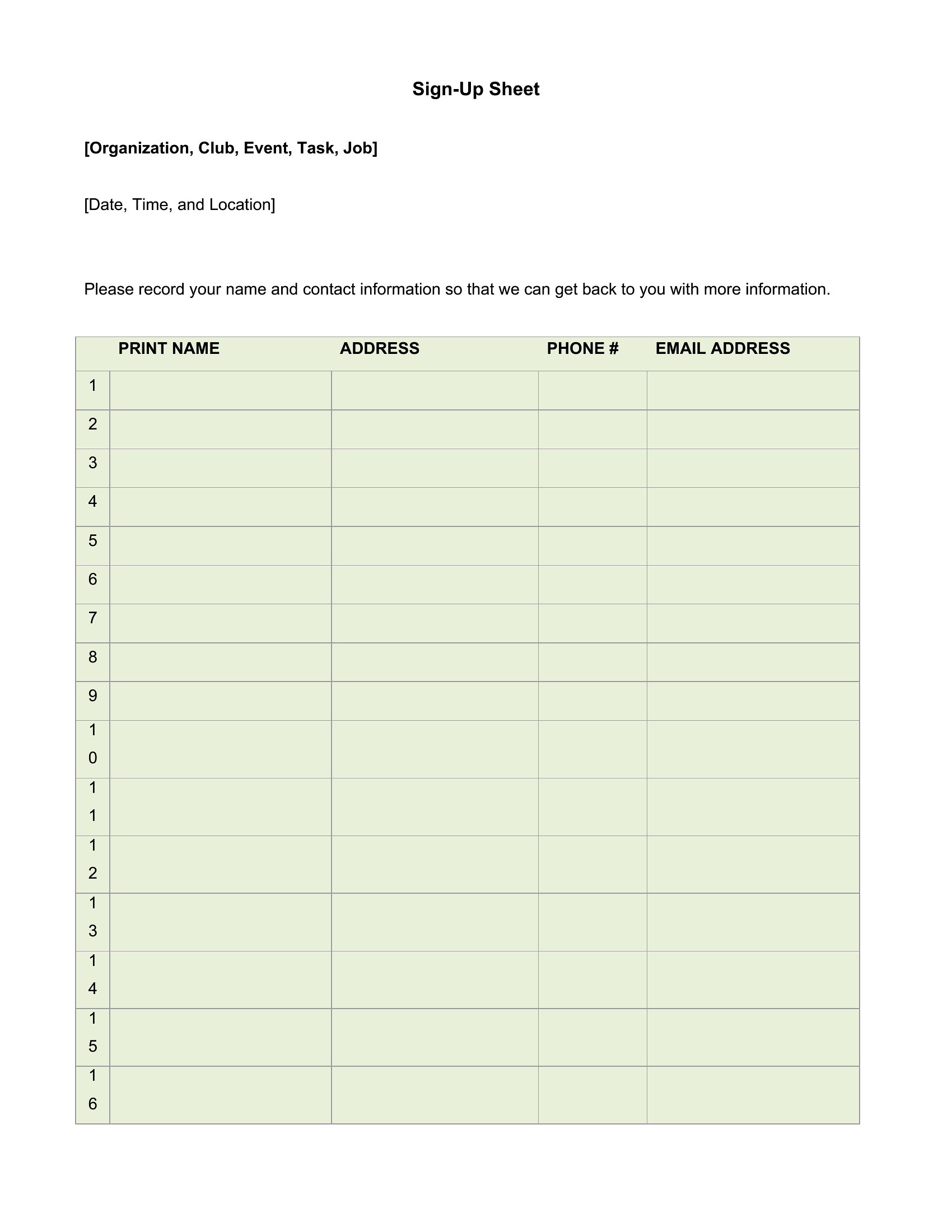
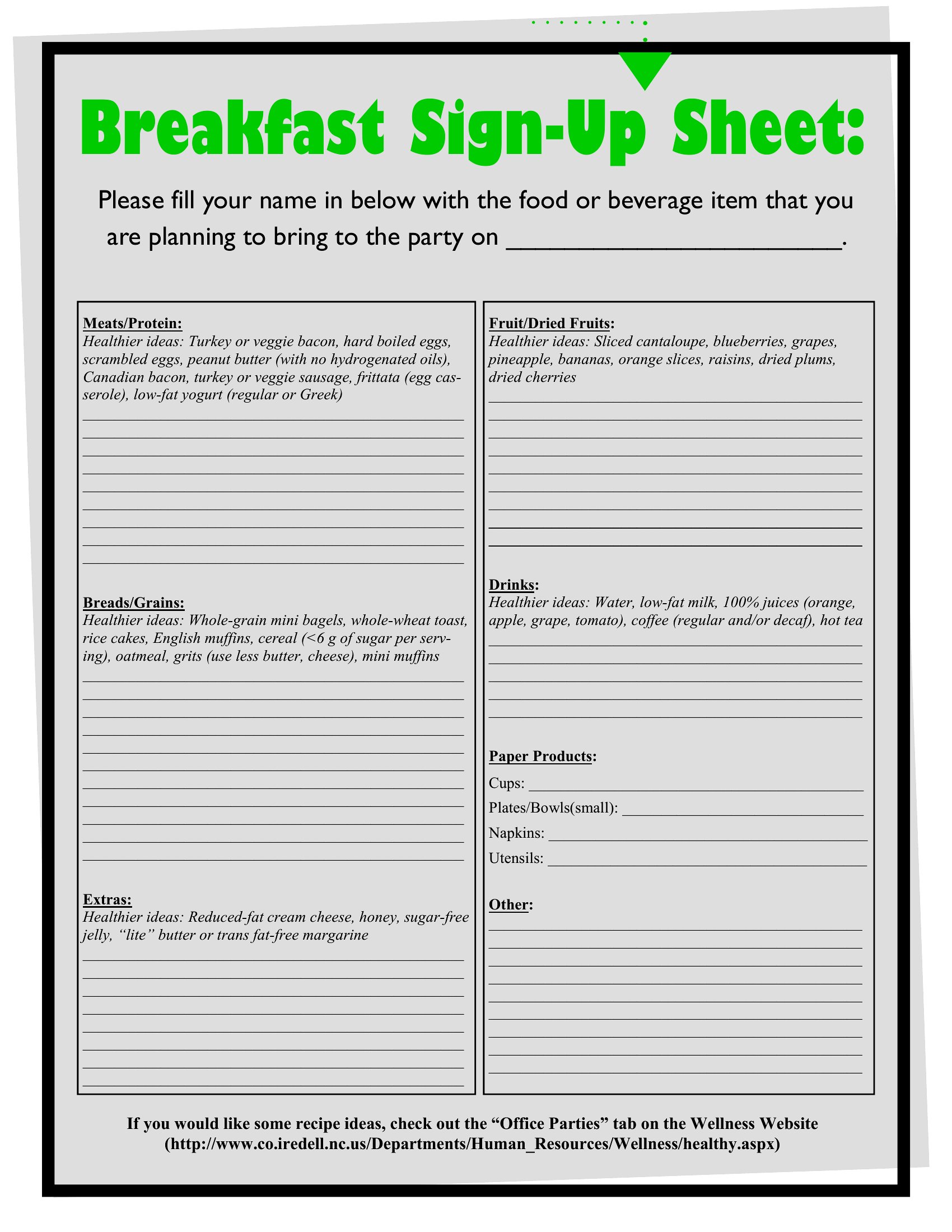
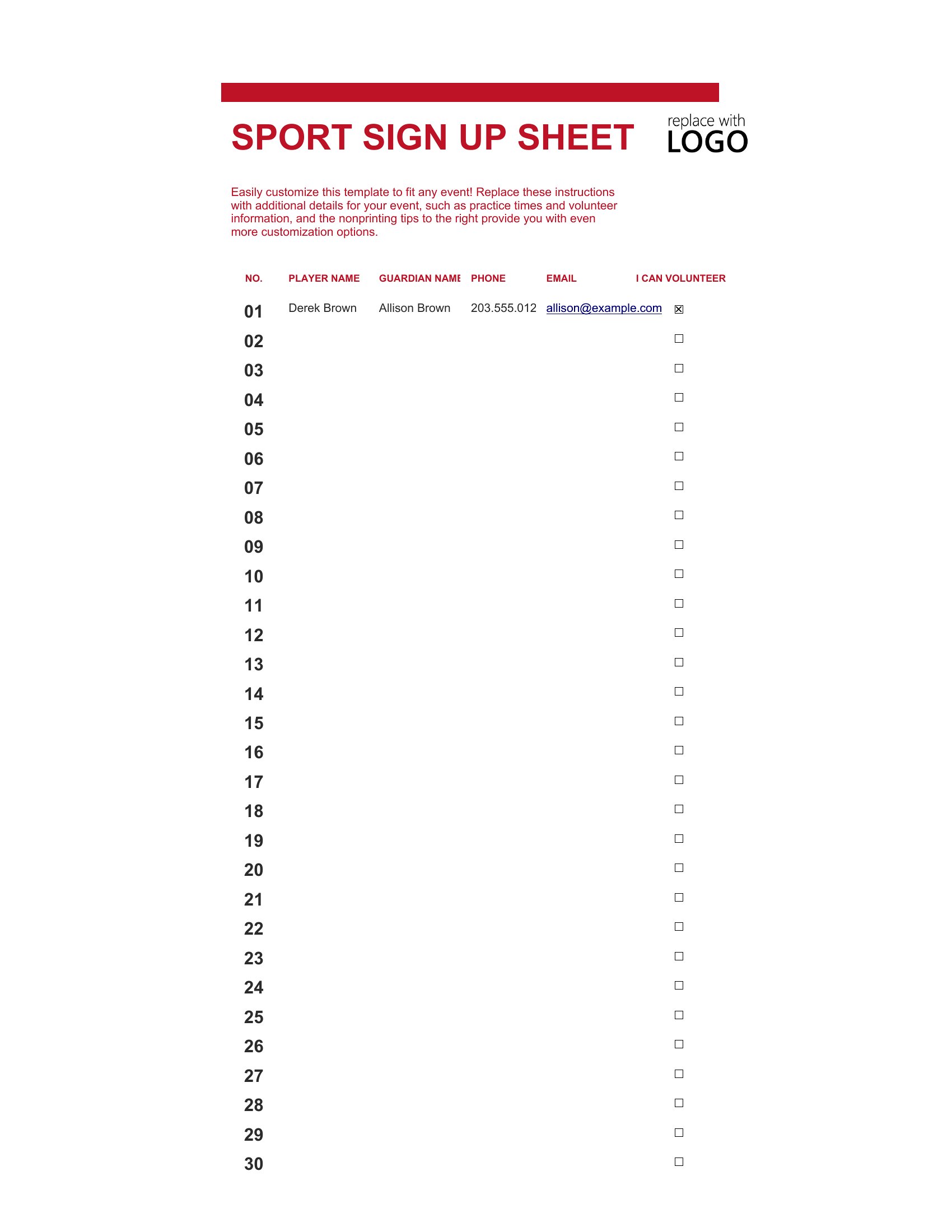
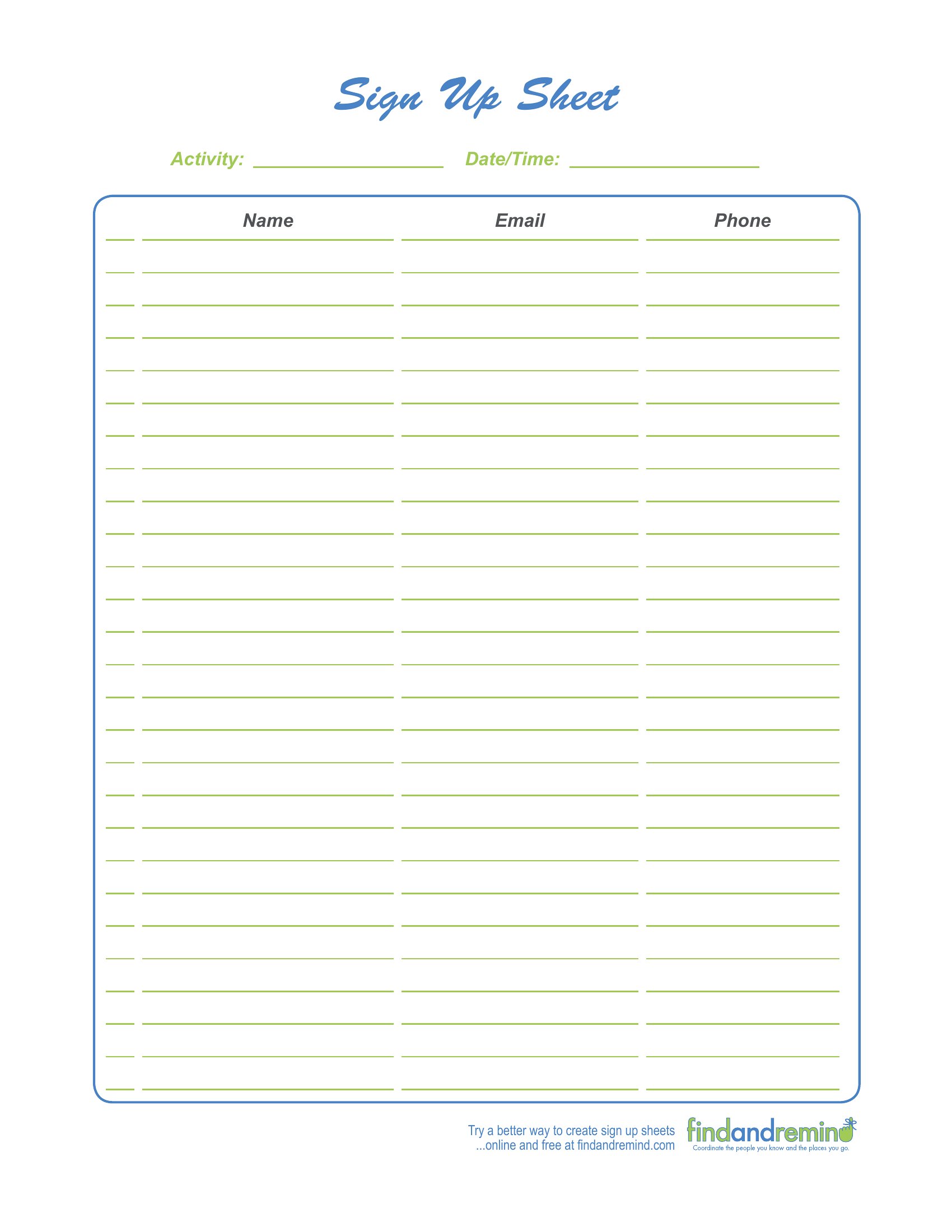
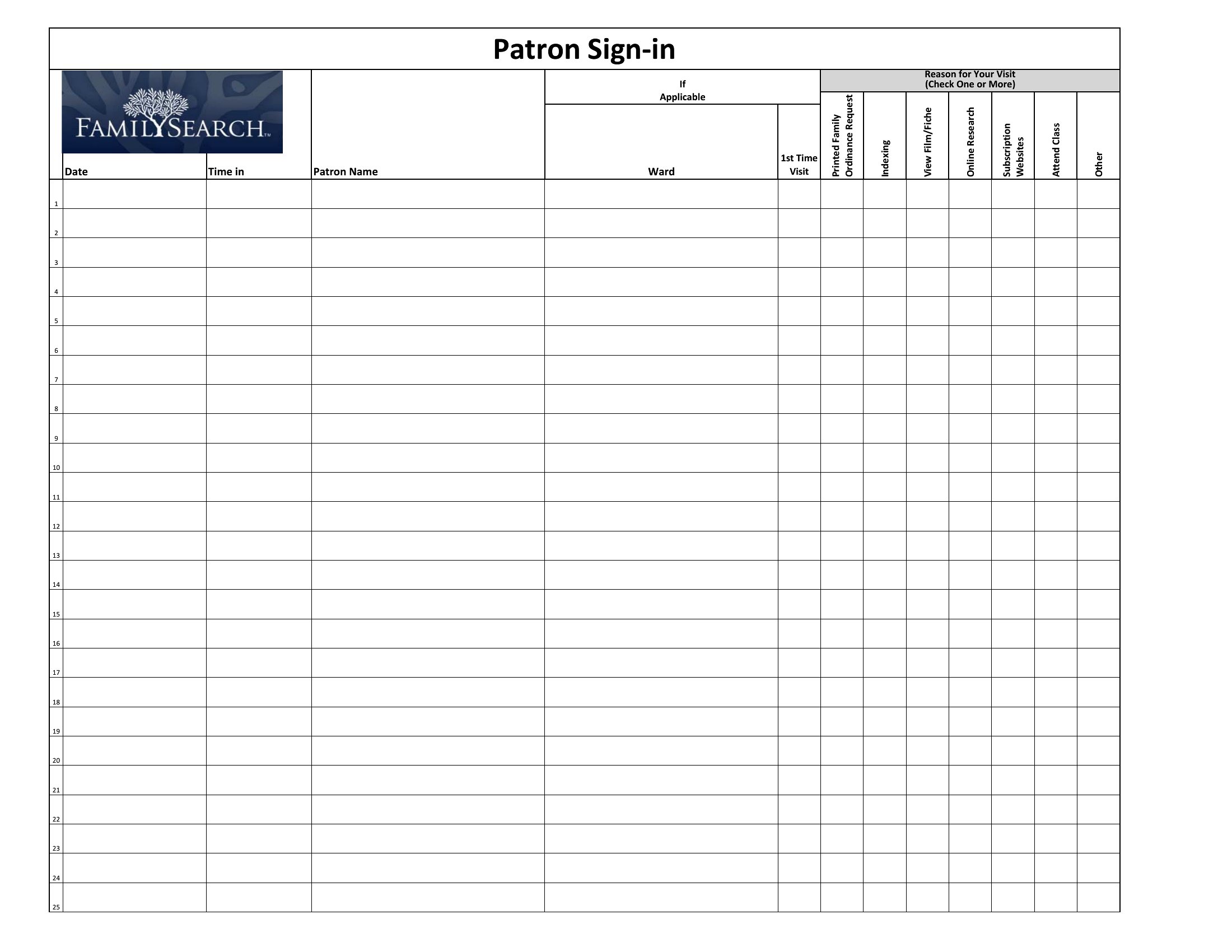
DataWhether it's a front desk, a classroom, or a job site, knowing exactly who came and went matters. These 55 sign-in and out sheet templates give offices, schools, and event hosts a simple log for names, times in and out, and the reason for a visit. The layouts cover visitors, volunteers, students, and staff.
Use the Excel version to count attendance automatically, the Word file for quick edits, or the PDF for a clipboard at the door. Print a sheet, set it out with a pen, and you've got a clean record of the day. Download the format that fits your space and keep track of everyone who passes through.
When to use this Sign In and Out Sheet template
- A school’s front office needs to track student pickups and drop-offs daily, recording names, times, and authorized individuals for legal compliance and safety protocols.
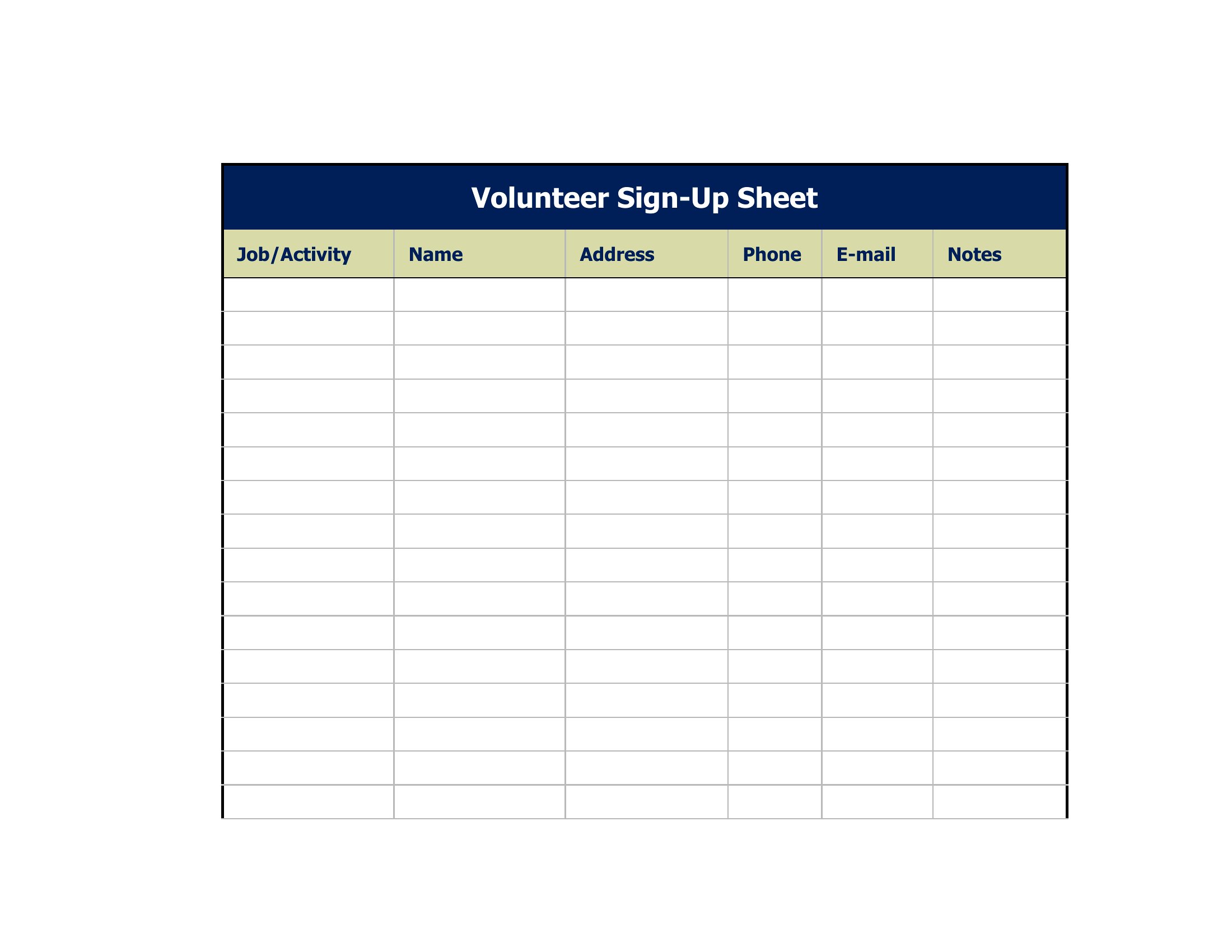
- Volunteer coordinators at a community event must log shifts for 50+ participants, ensuring accurate hours for reimbursement and preventing double-counting of time slots.
- A construction contractor requires a sign-in log for subcontractors and inspectors at a job site, documenting entry/exit times to verify labor hours and site access.
- A medical clinic’s reception team uses a sign-in sheet to monitor patient arrivals and departures, helping staff manage wait times and track visitor volume for peak hours.
Which format should I download?
Choose Word if you need to customize fields or add notes quickly—ideal for small teams updating records frequently. Opt for Excel when analyzing data, like calculating total volunteer hours or comparing daily attendance trends. Use PDF for a static, print-ready version when sharing with external parties or distributing to locations without editing access. The PDF format also secures the template’s integrity for compliance-heavy environments like healthcare or education.
Choose from 55 Sign In and Out Sheet Templates
How to use this Sign In and Out Sheet template
Can I use this template to track employee shift swaps or time-off requests?
These templates are designed for documenting physical attendance, not internal scheduling. For shift swaps or PTO tracking, consider a dedicated HR software or a time-clock template with approval fields. The sign-in sheets here focus on verifying who was present and when, not managing shifts. Always consult HR policies for compliance with labor laws.
How do I adapt this for a sign-in sheet with multiple locations or departments?
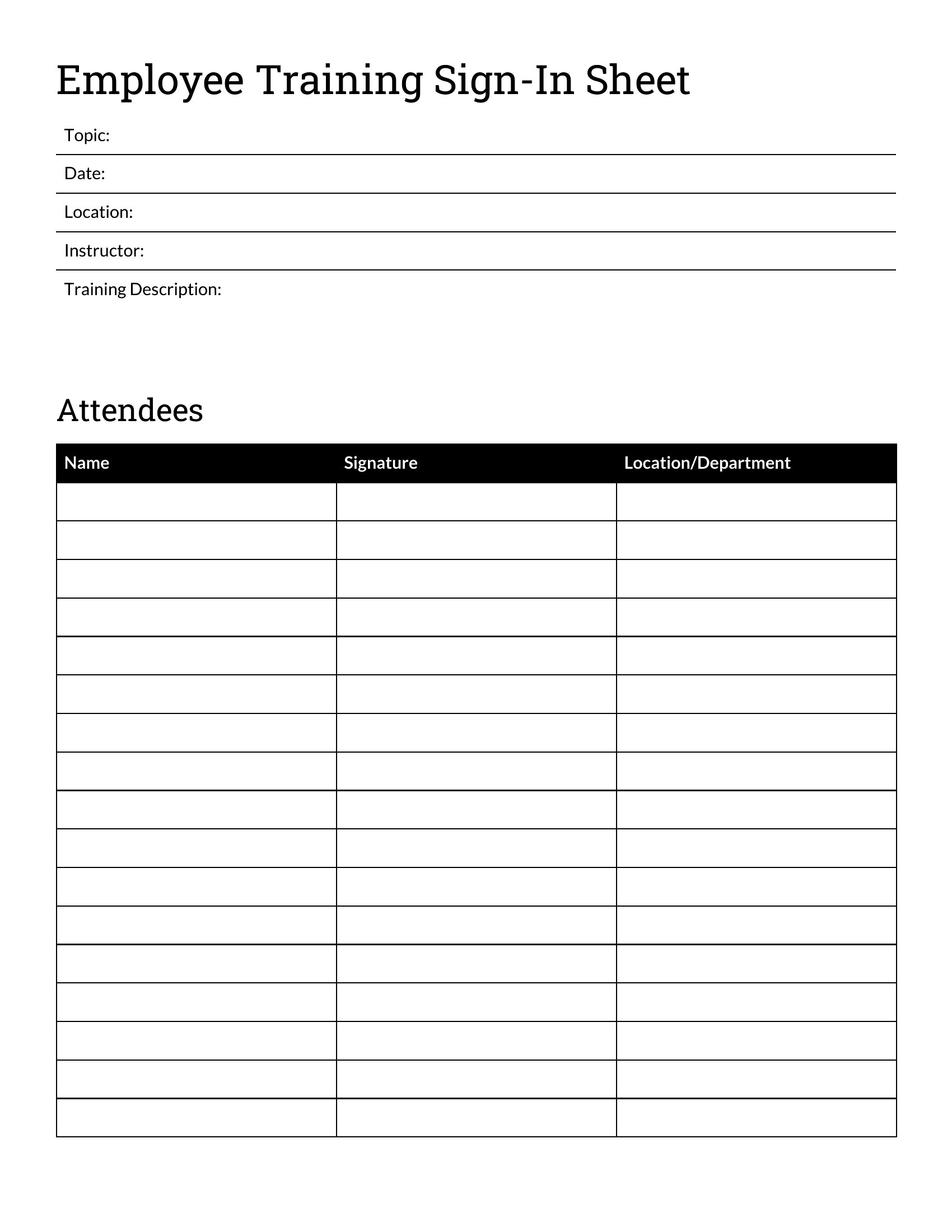
Add a column for ‘Location/Department’ in Word or Excel to categorize entries. For PDFs, use a fillable form with dropdown menus if distributing digitally. Color-code sections or use tabs in Word/Excel to separate data by site. Avoid combining locations in one sheet if tracking accuracy is critical, as it can complicate audits or reporting.
What’s the best way to ensure confidentiality for sensitive visitor logs, like those in legal offices?
Store digital copies securely on password-protected systems, and restrict access to authorized personnel only. For physical copies, limit distribution to designated staff and shred or delete logs after the retention period. Never include personal details beyond what’s required—stick to names, times, and purpose of visit. These templates serve as starting points; consult privacy laws like HIPAA or GDPR for your jurisdiction’s specific rules.
Comments
Join the conversation
Sign in to share your thoughts and leave a comment on this resource.