FAQ
Can I use this template to track employee shift swaps or time-off requests?
These templates are designed for documenting physical attendance, not internal scheduling. For shift swaps or PTO tracking, consider a dedicated HR software or a time-clock template with approval fields. The sign-in sheets here focus on verifying who was present and when, not managing shifts. Always consult HR policies for compliance with labor laws.
How do I adapt this for a sign-in sheet with multiple locations or departments?
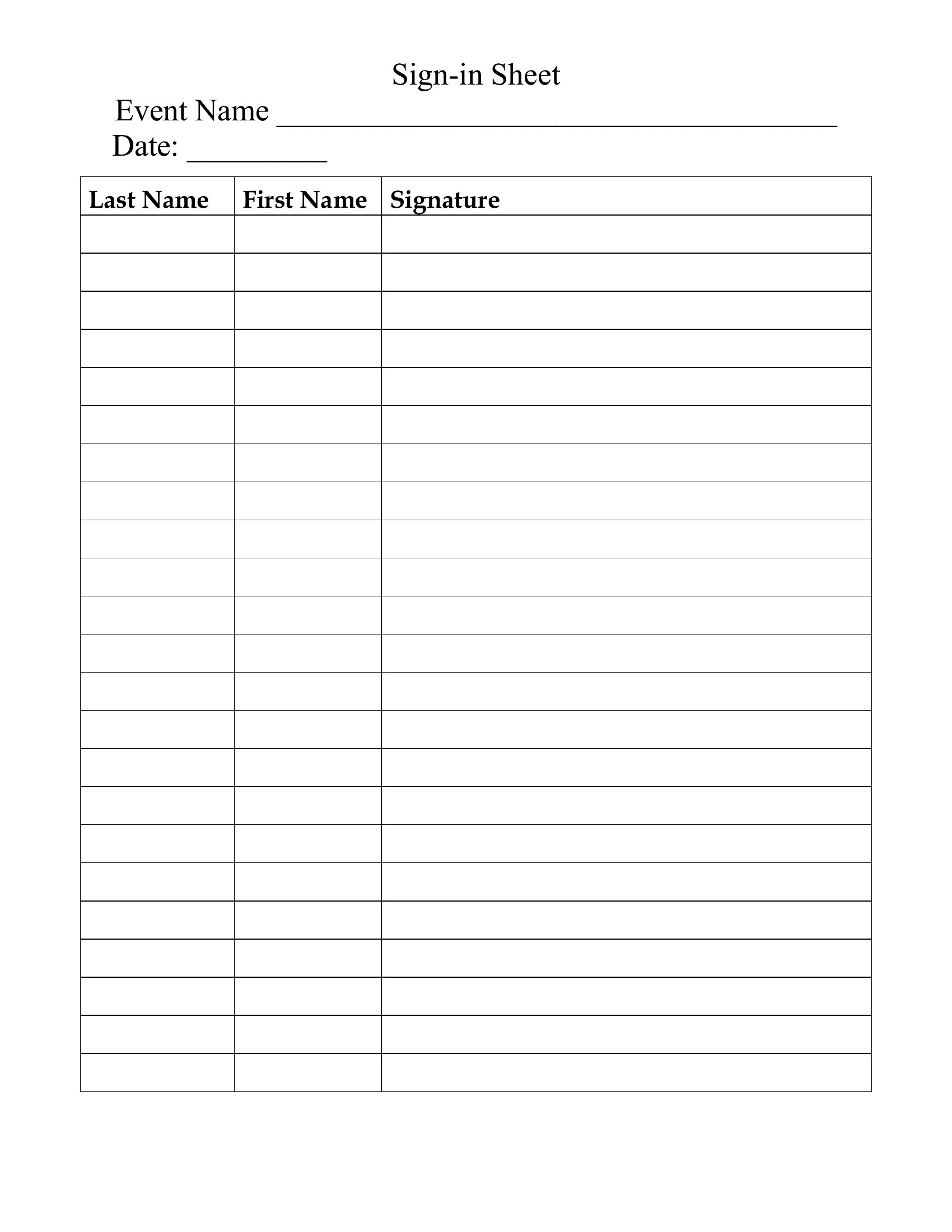
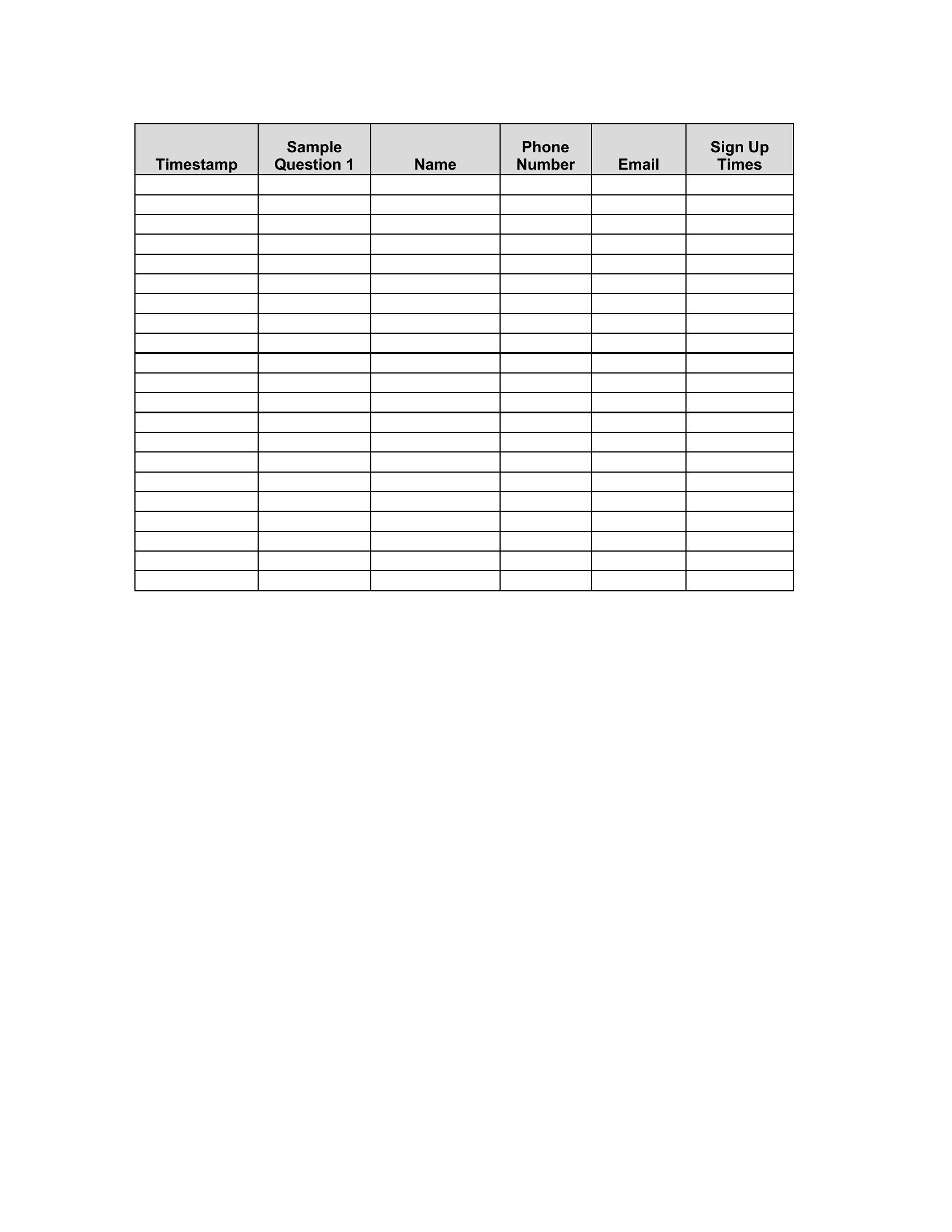
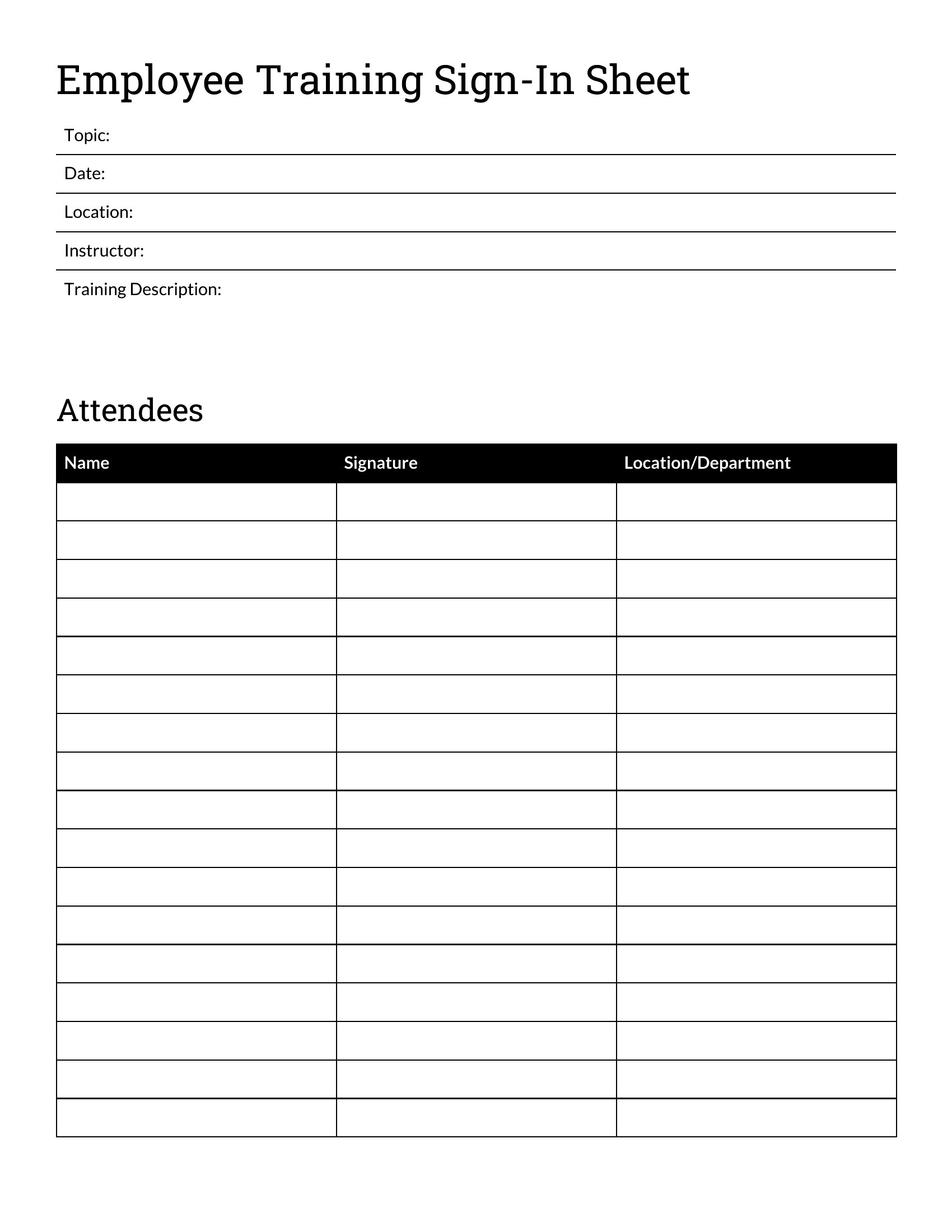
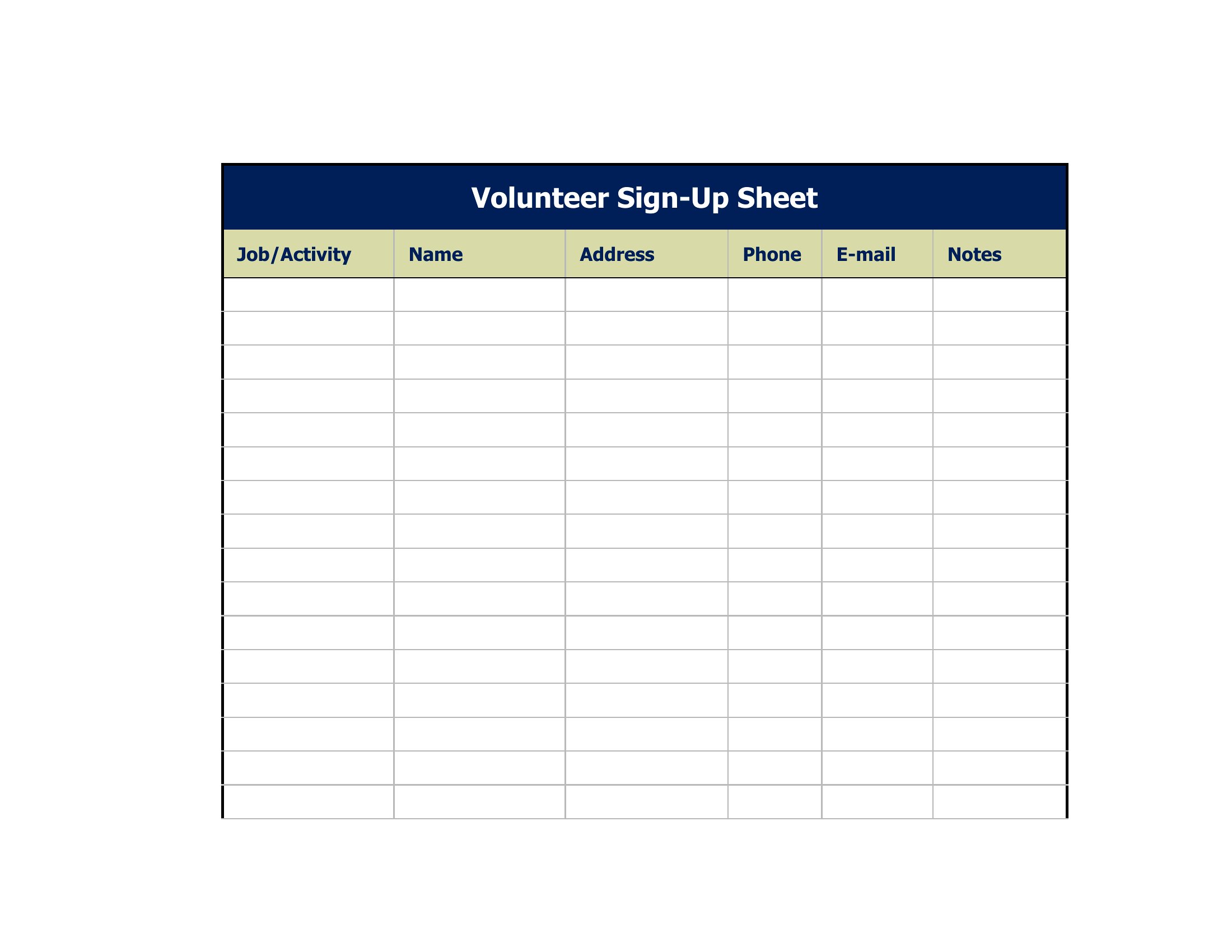
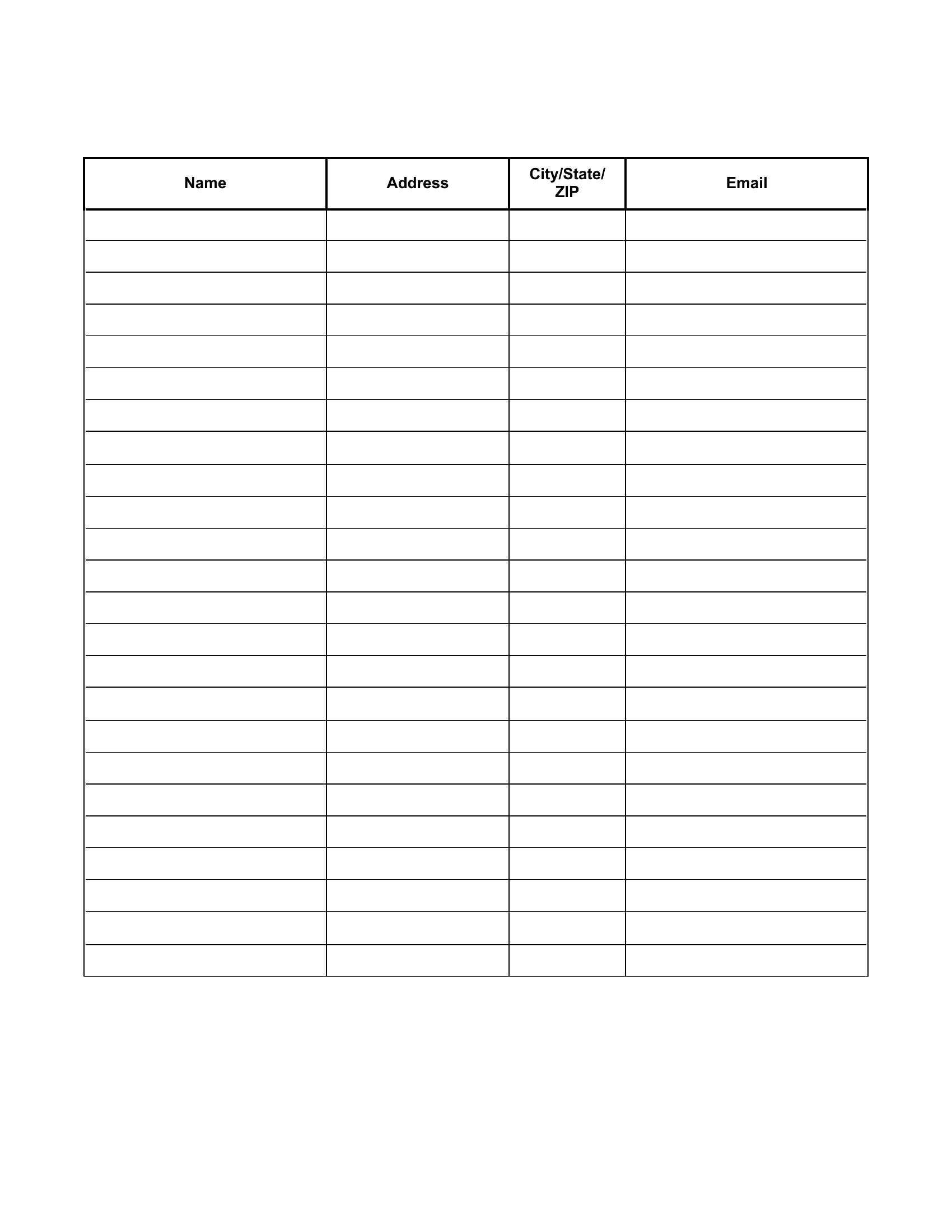
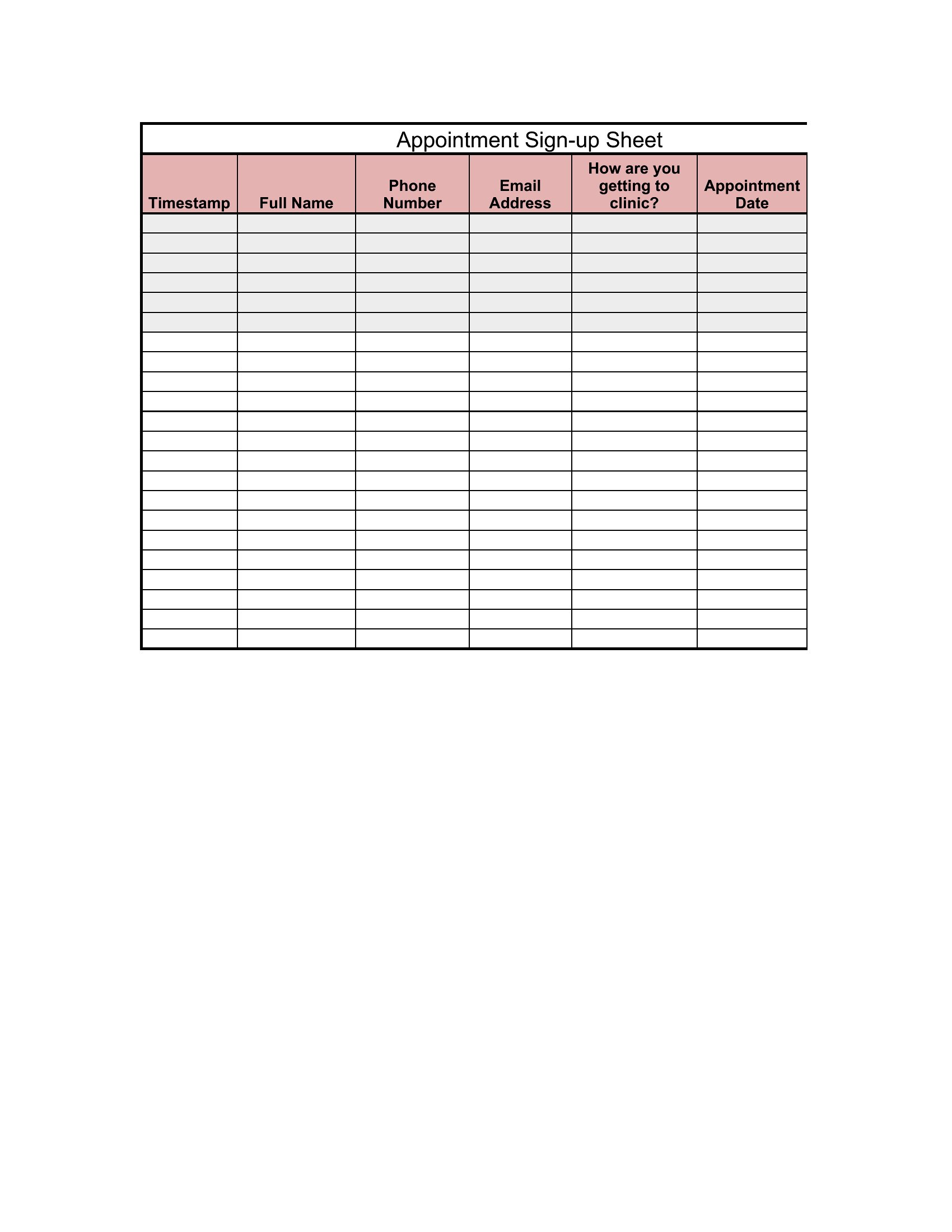
Add a column for ‘Location/Department’ in Word or Excel to categorize entries. For PDFs, use a fillable form with dropdown menus if distributing digitally. Color-code sections or use tabs in Word/Excel to separate data by site. Avoid combining locations in one sheet if tracking accuracy is critical, as it can complicate audits or reporting.
What’s the best way to ensure confidentiality for sensitive visitor logs, like those in legal offices?
Store digital copies securely on password-protected systems, and restrict access to authorized personnel only. For physical copies, limit distribution to designated staff and shred or delete logs after the retention period. Never include personal details beyond what’s required—stick to names, times, and purpose of visit. These templates serve as starting points; consult privacy laws like HIPAA or GDPR for your jurisdiction’s specific rules.
Comments
Join the conversation
Sign in to share your thoughts and leave a comment on this resource.