







FAQ
Can these signs be customized further beyond adding a return time?
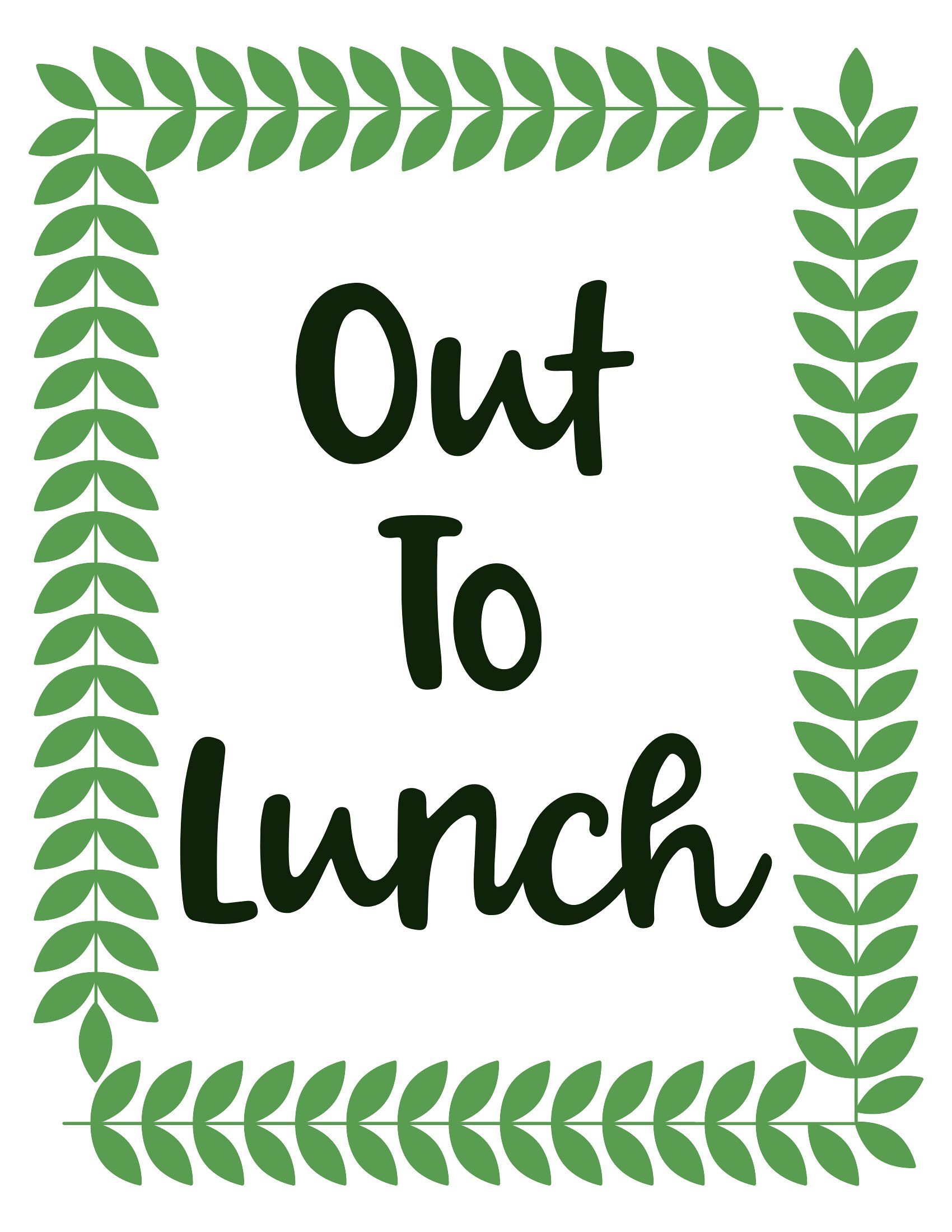
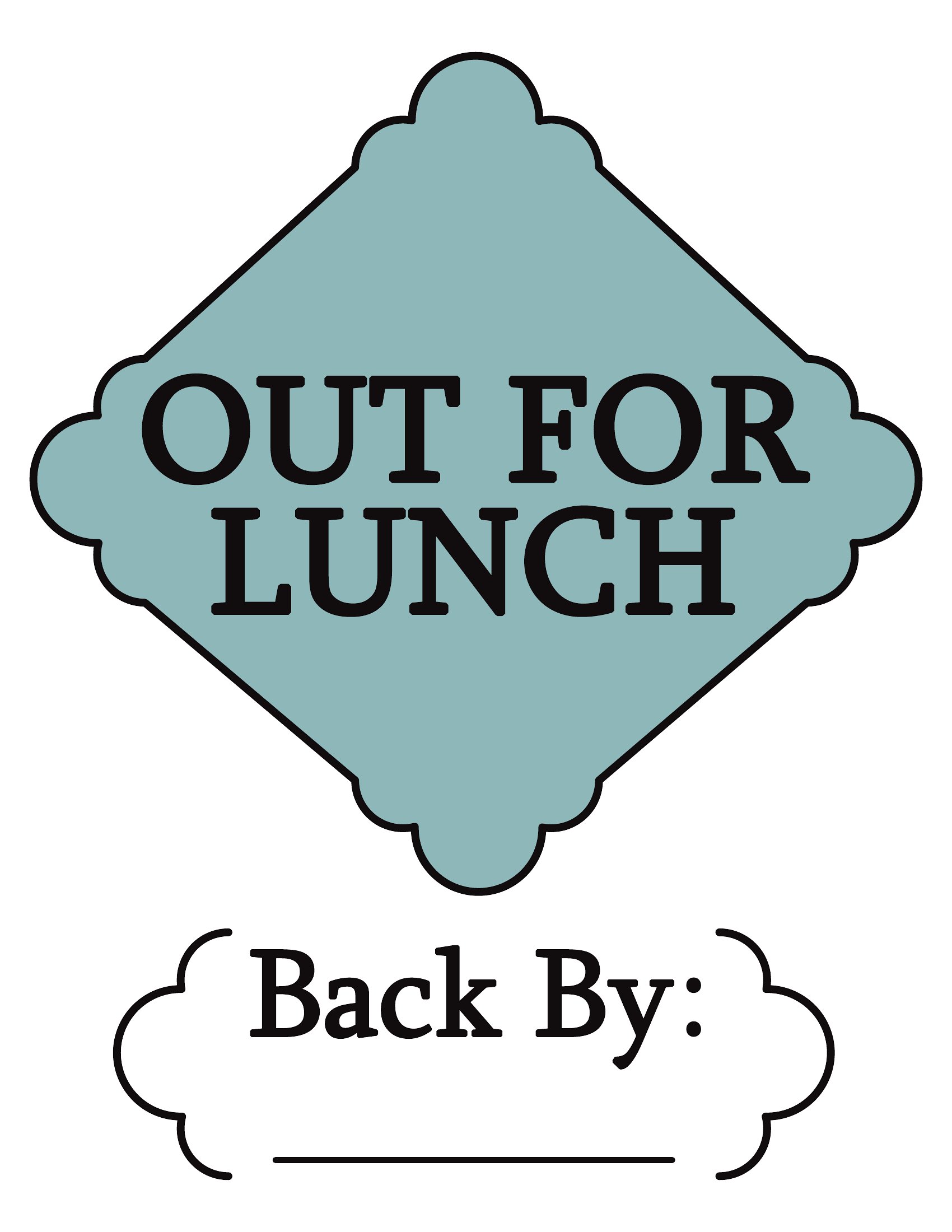
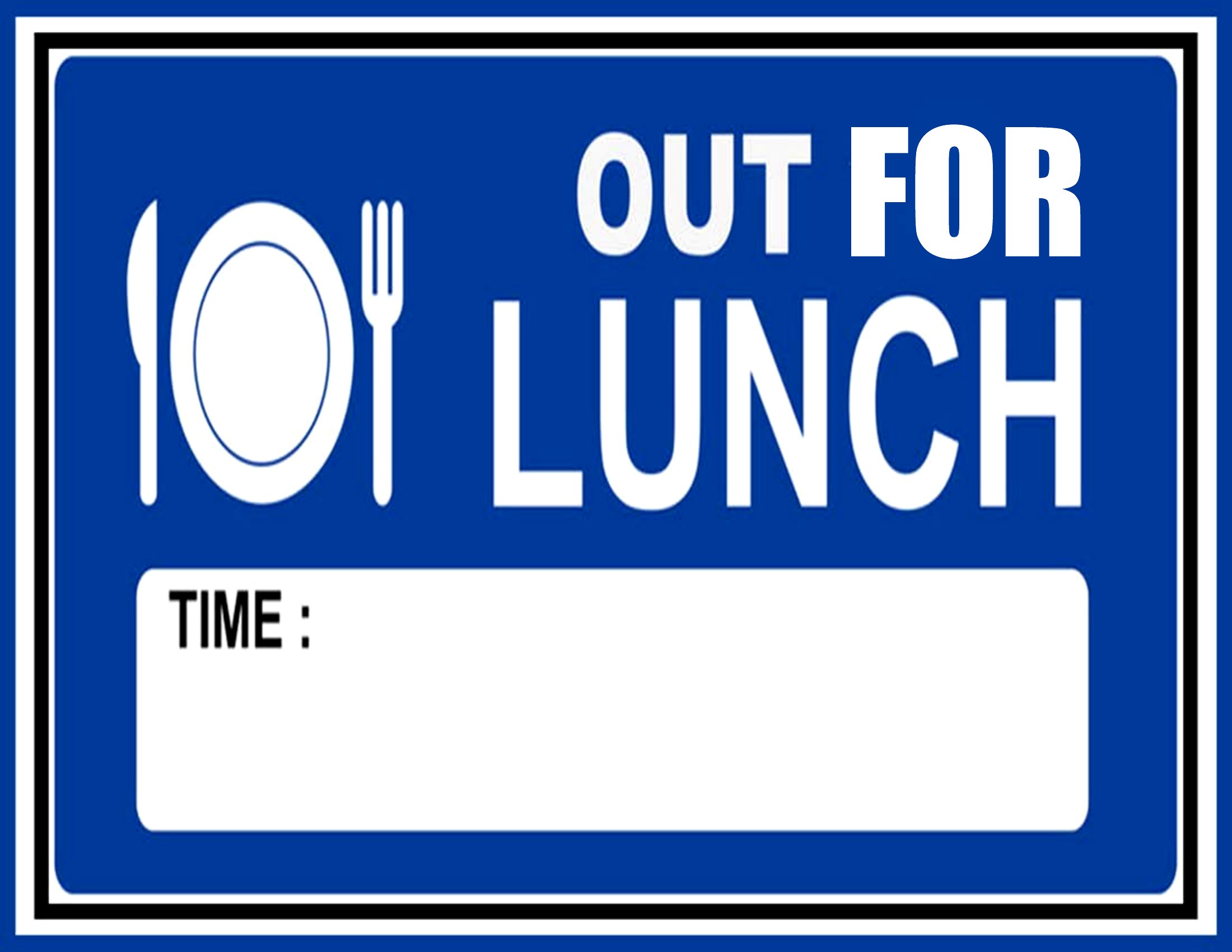
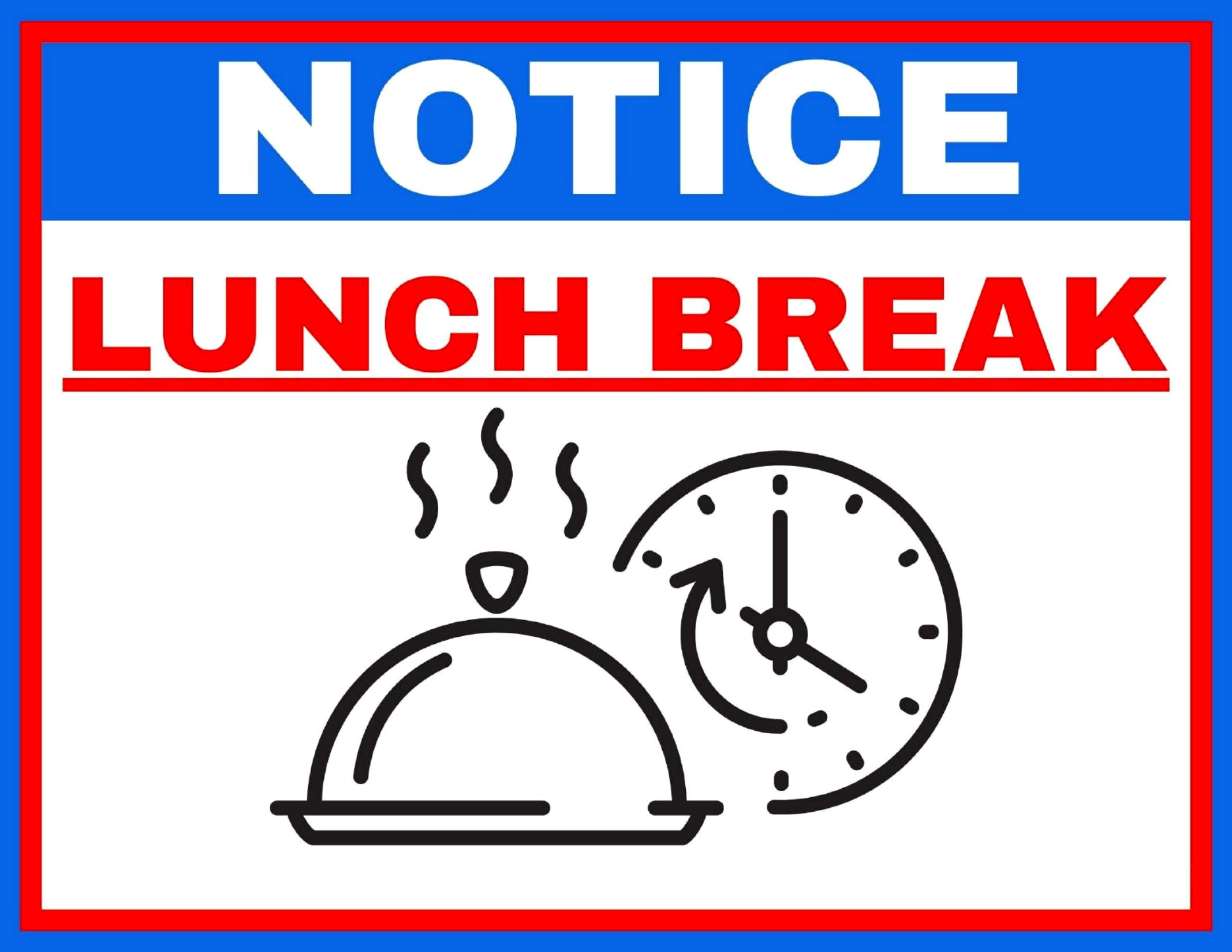
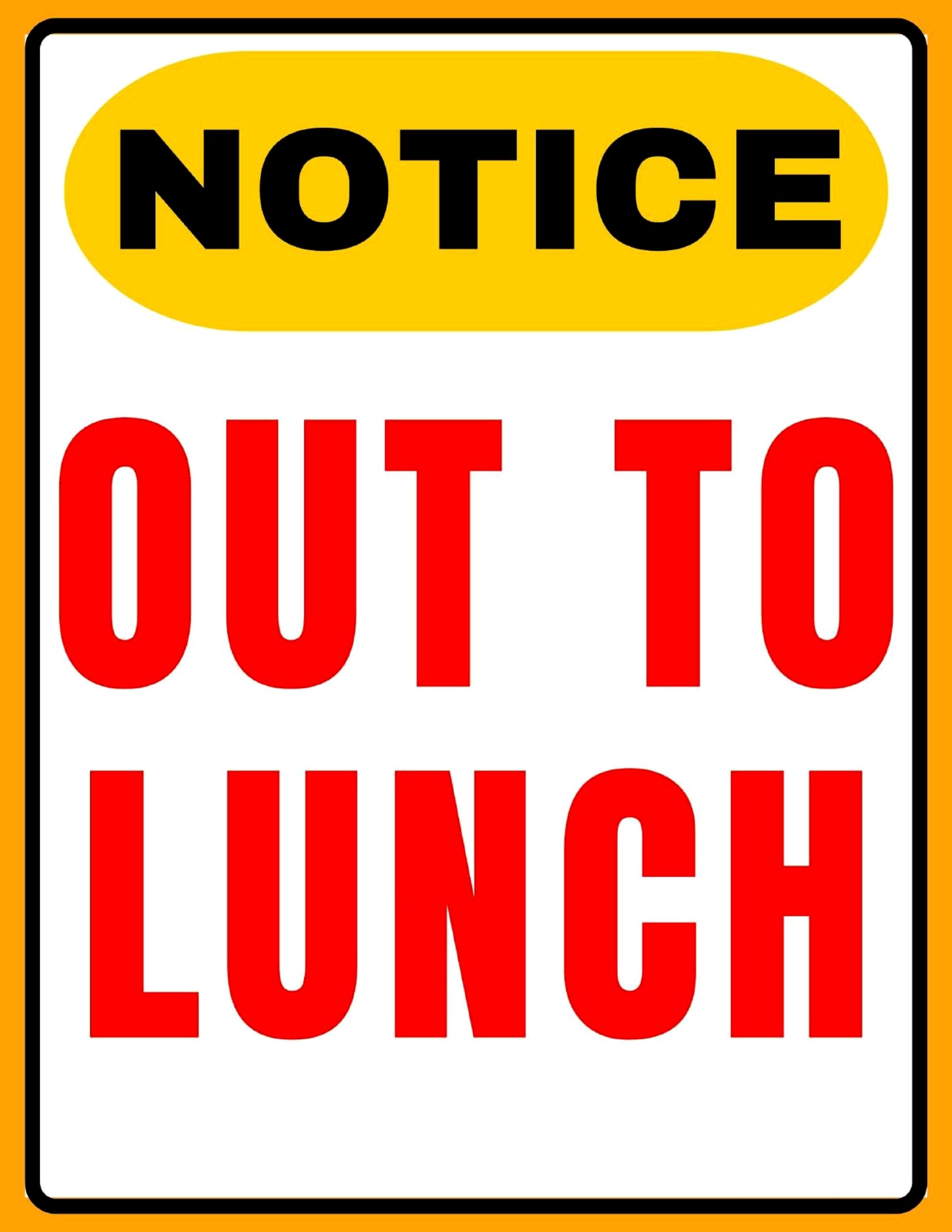
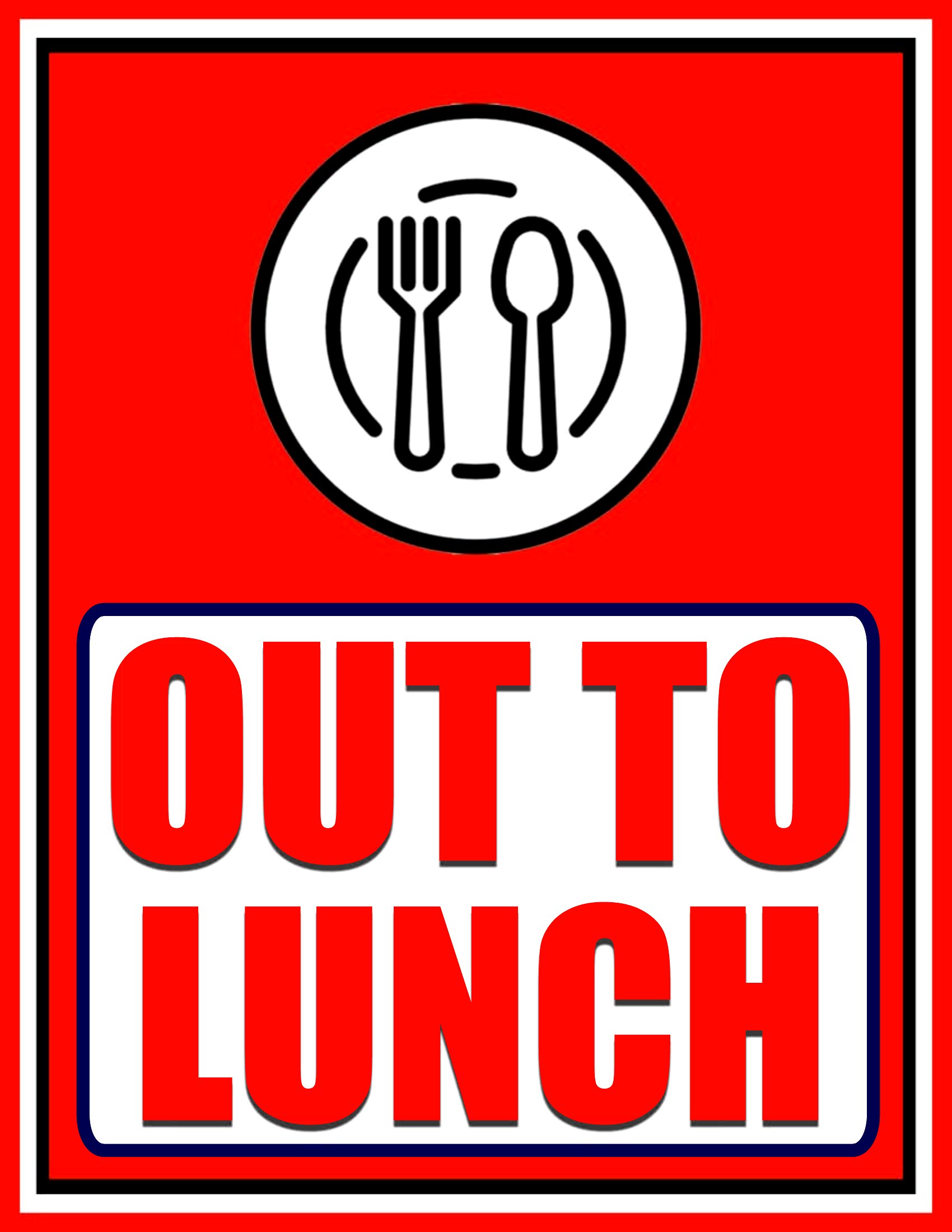
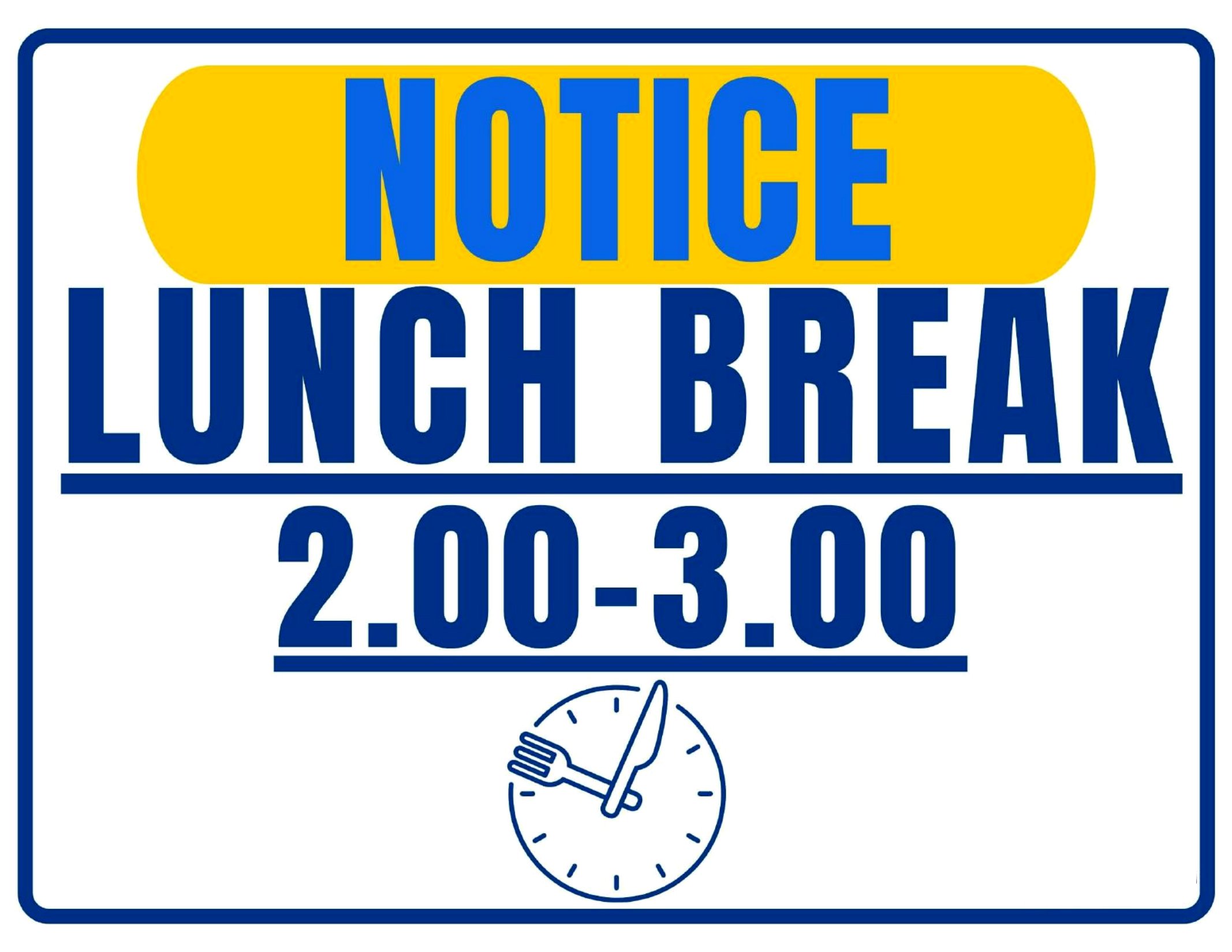
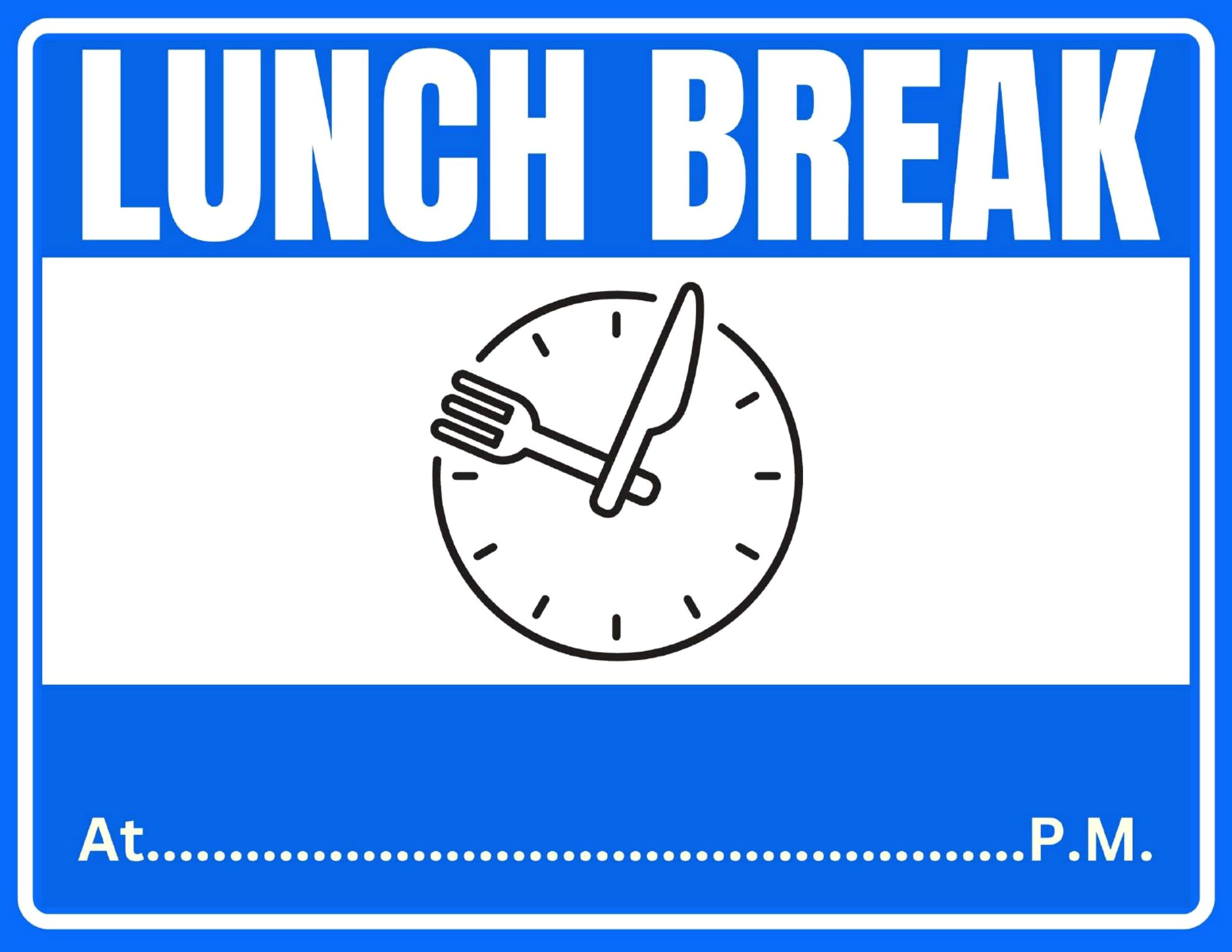
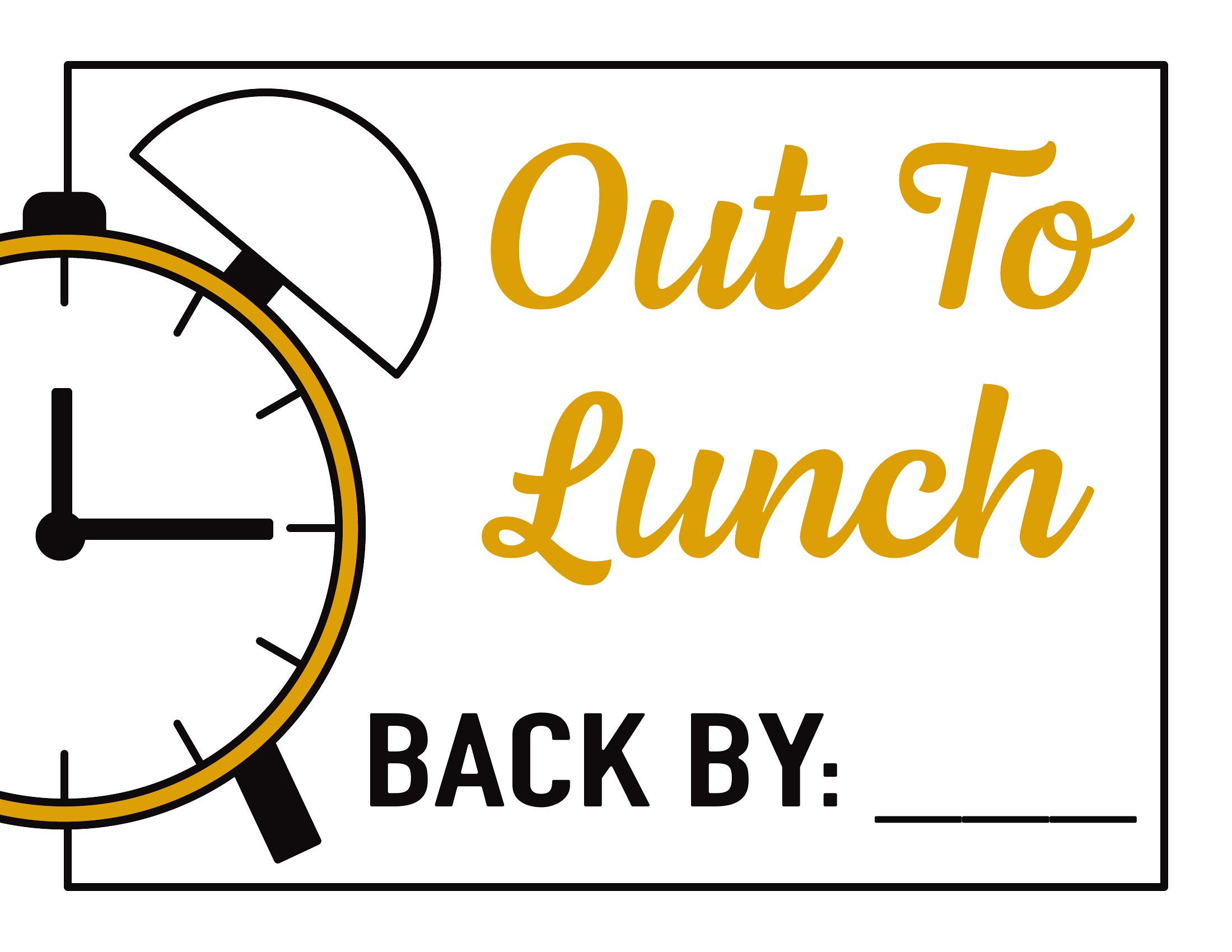
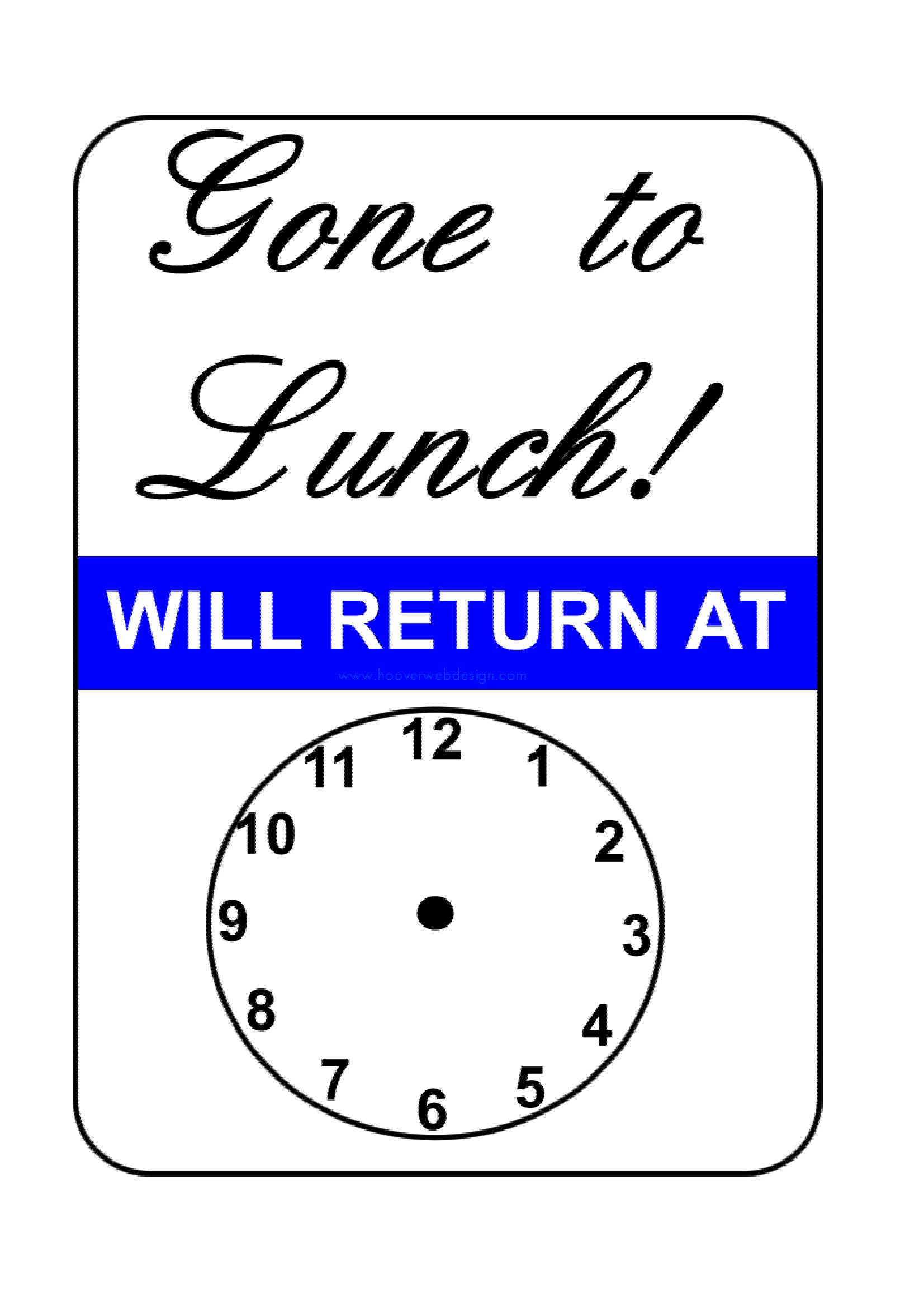
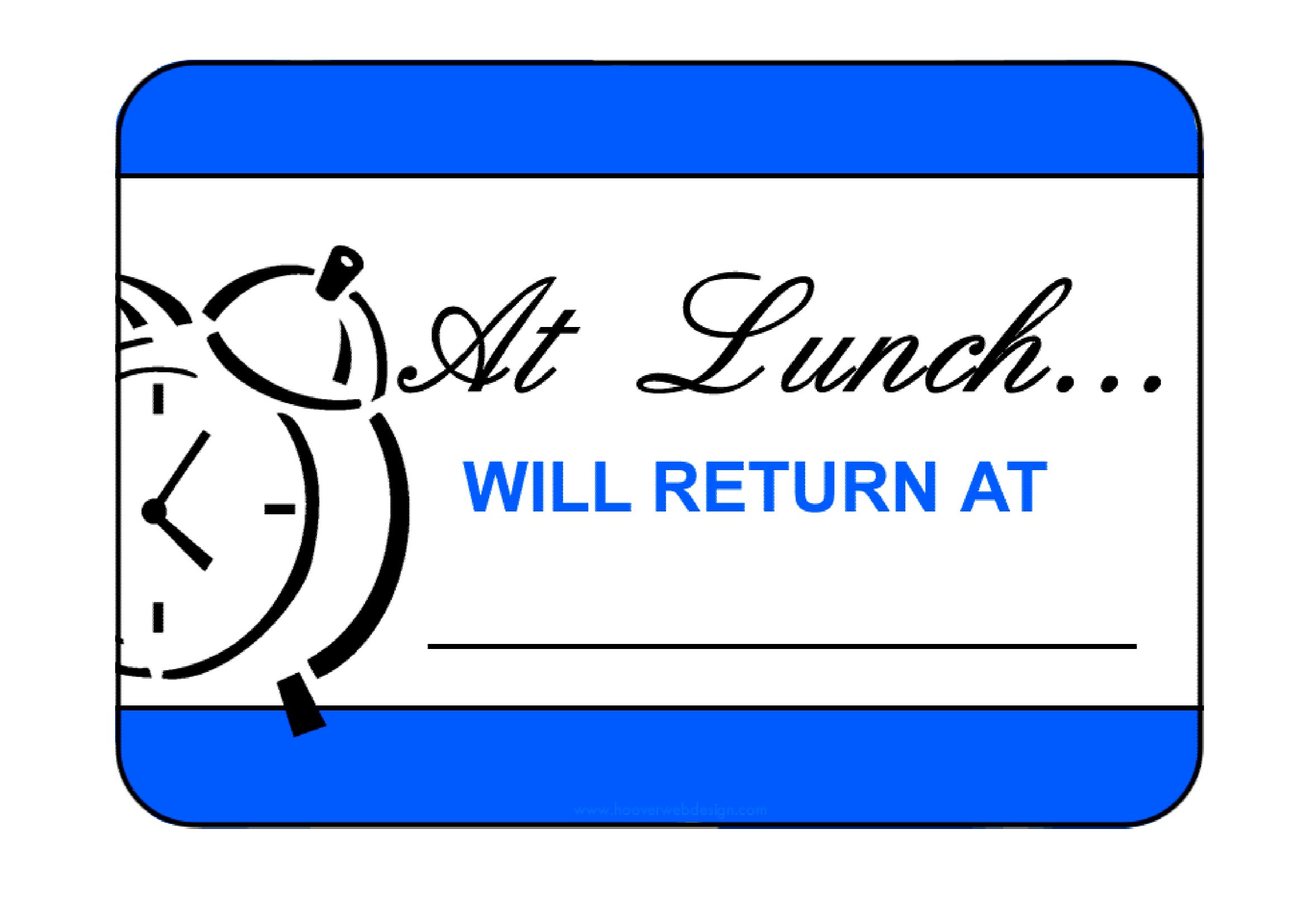
While the PDF templates are designed for straightforward use, you can easily edit them in any PDF editor or design tool to add small personal touches—like a logo or color scheme—as long as you maintain readability. For more extensive customization, consider using a blank template as a base and designing it yourself in software like Canva or Adobe Illustrator before saving as a new PDF.
Are these signs suitable for outdoor use, like on a food truck or outdoor market stall?
These PDF templates are best suited for indoor or semi-protected areas, like under a canopy or awning. For true outdoor use, you’ll want to print them on waterproof, weather-resistant material or laminate them for durability against wind, rain, or sun exposure. Avoid direct outdoor use without protection, as prolonged exposure can degrade the print quality.
How do I ensure the sign is visible to everyone who needs to see it, especially in a busy setting?
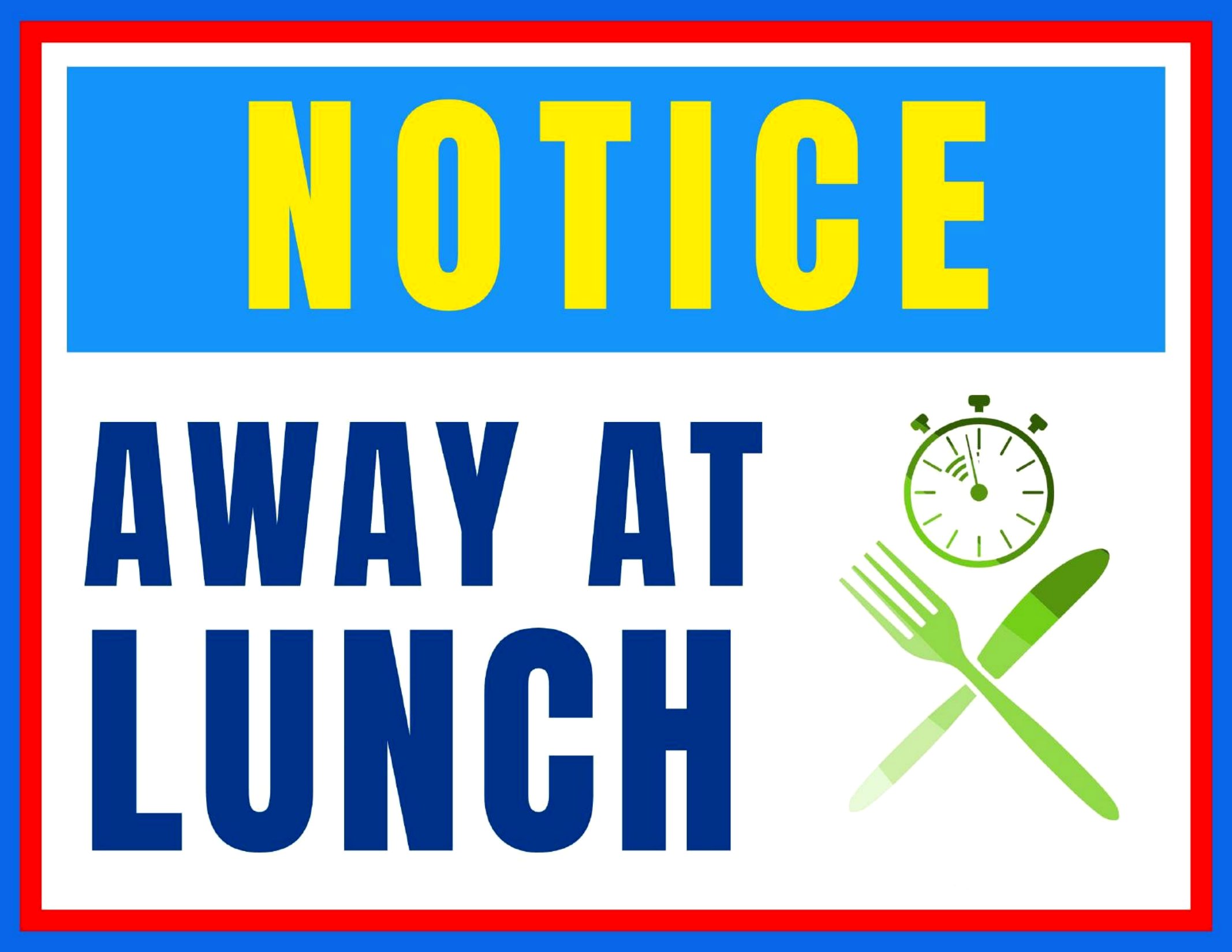
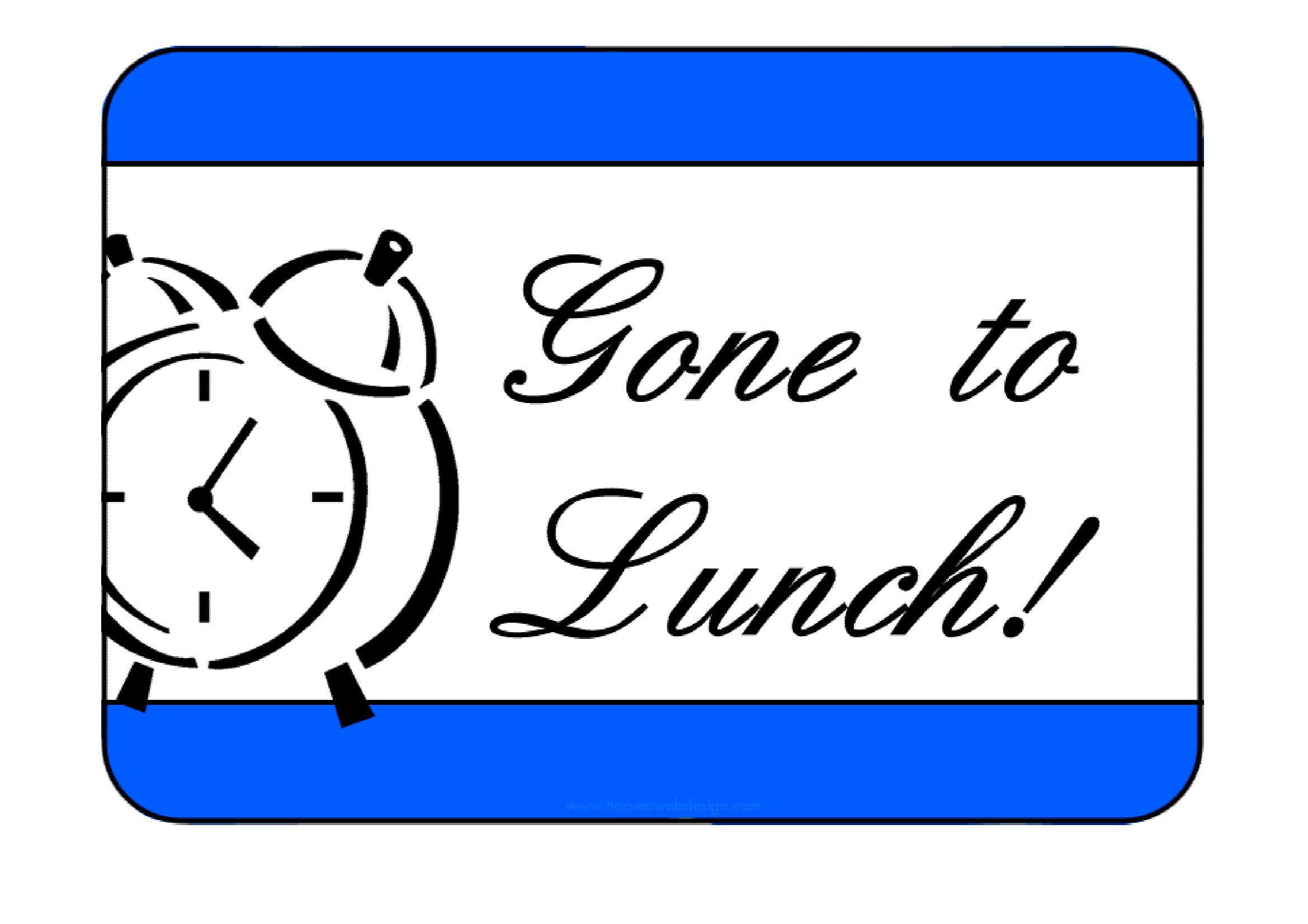
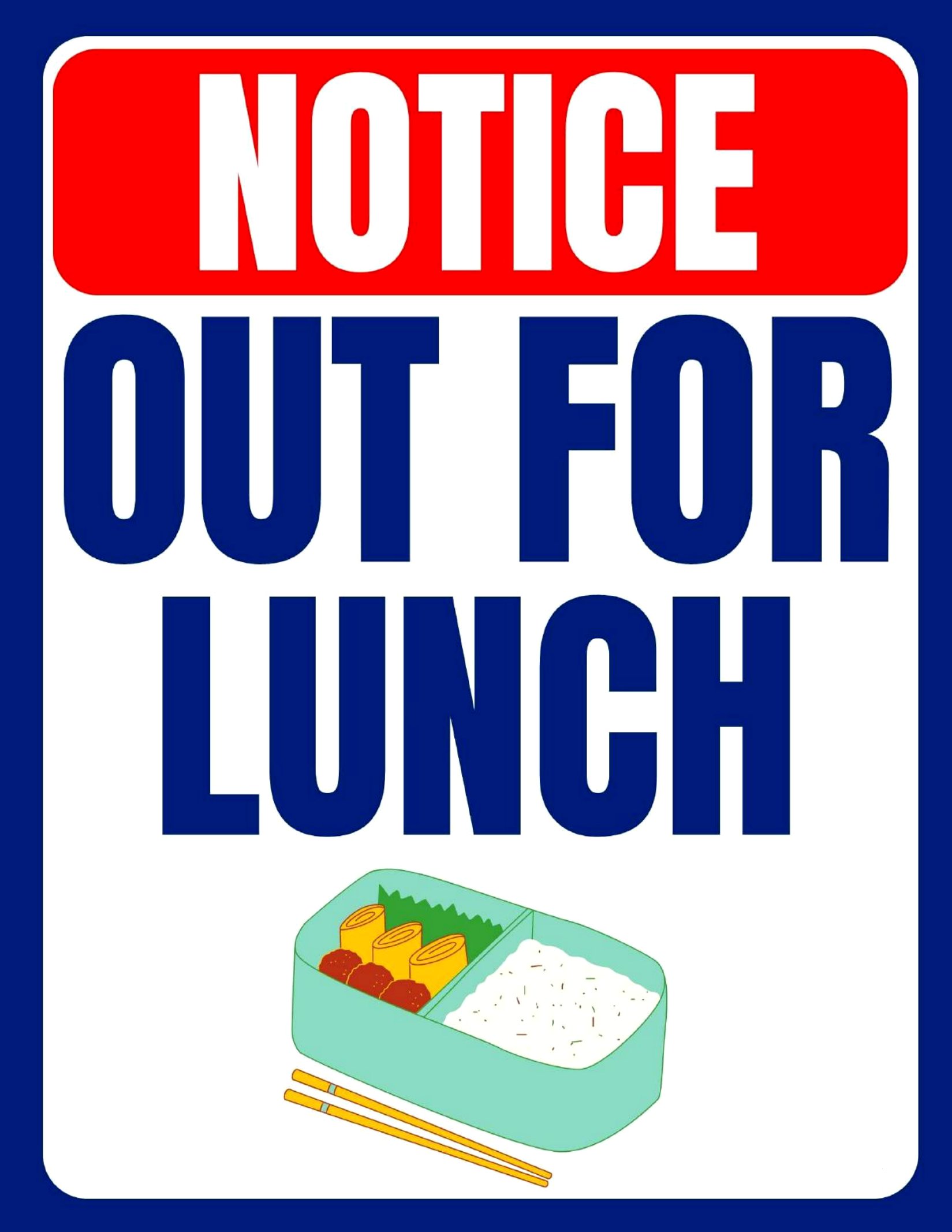
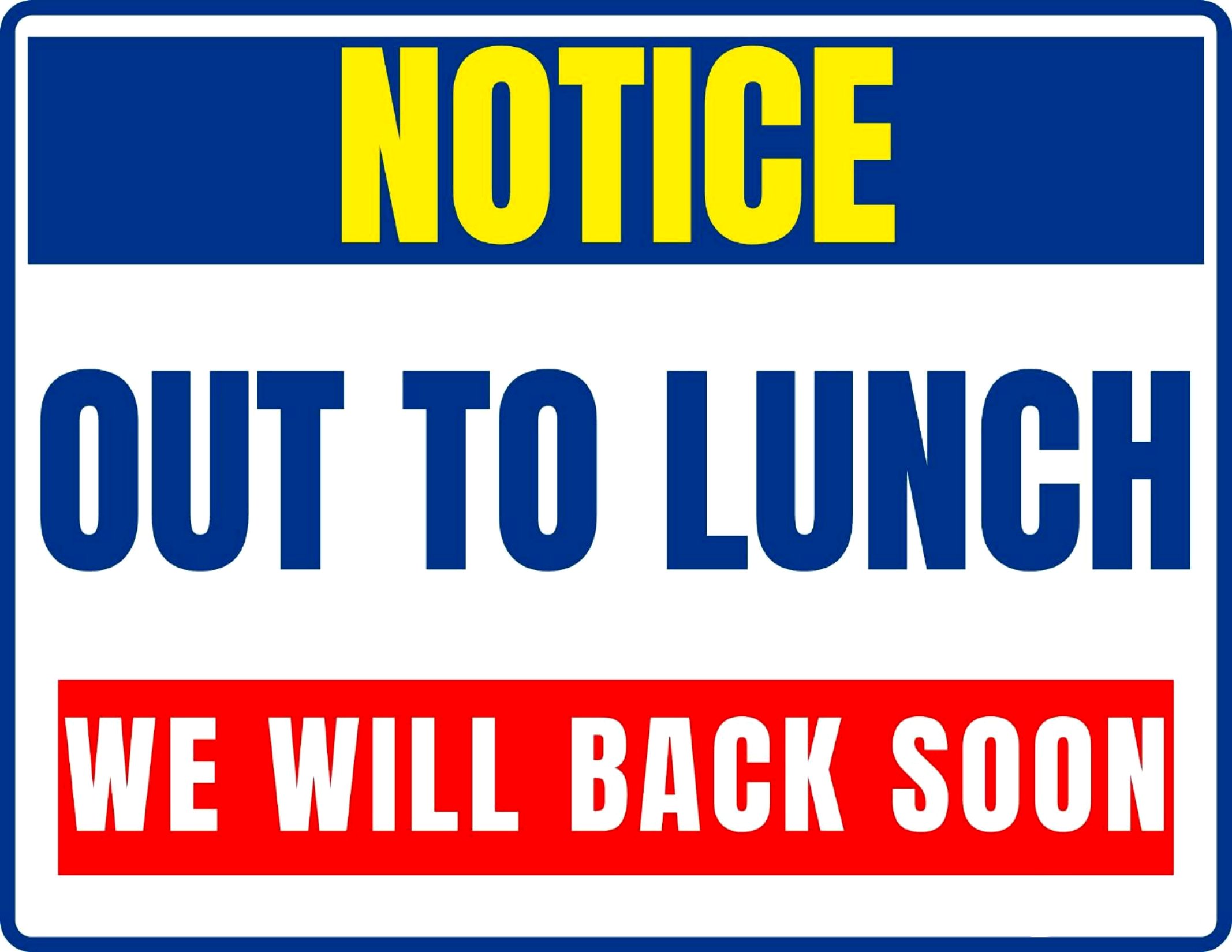
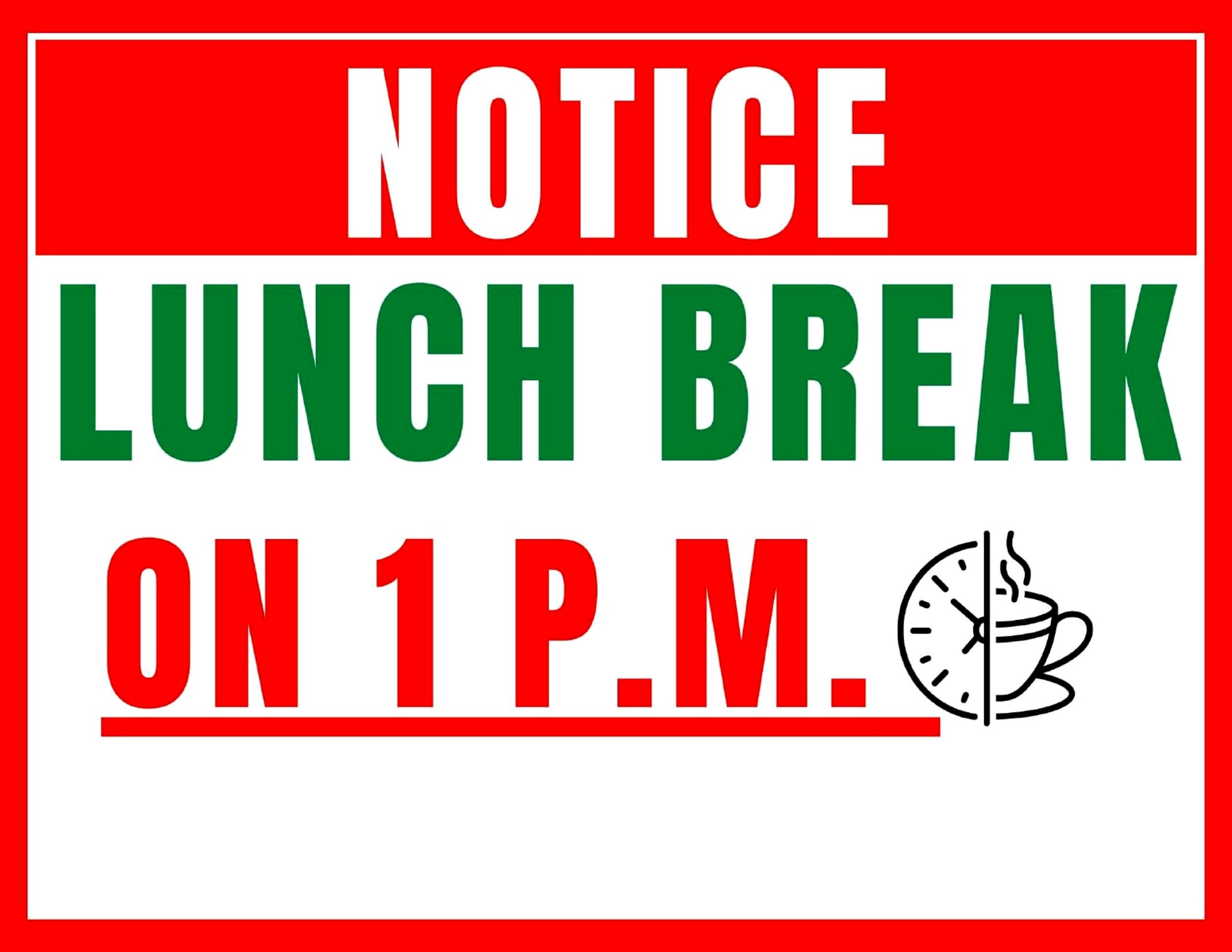
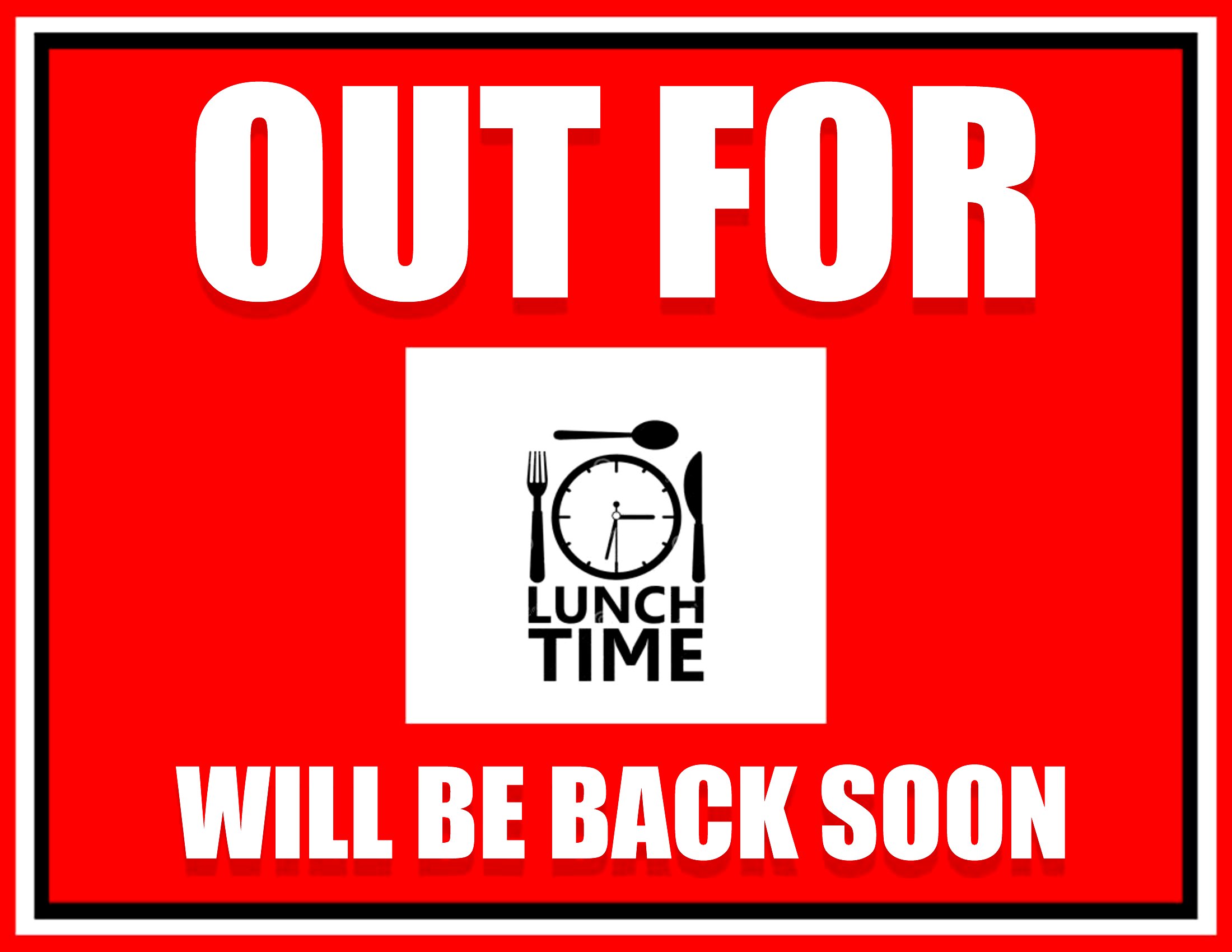
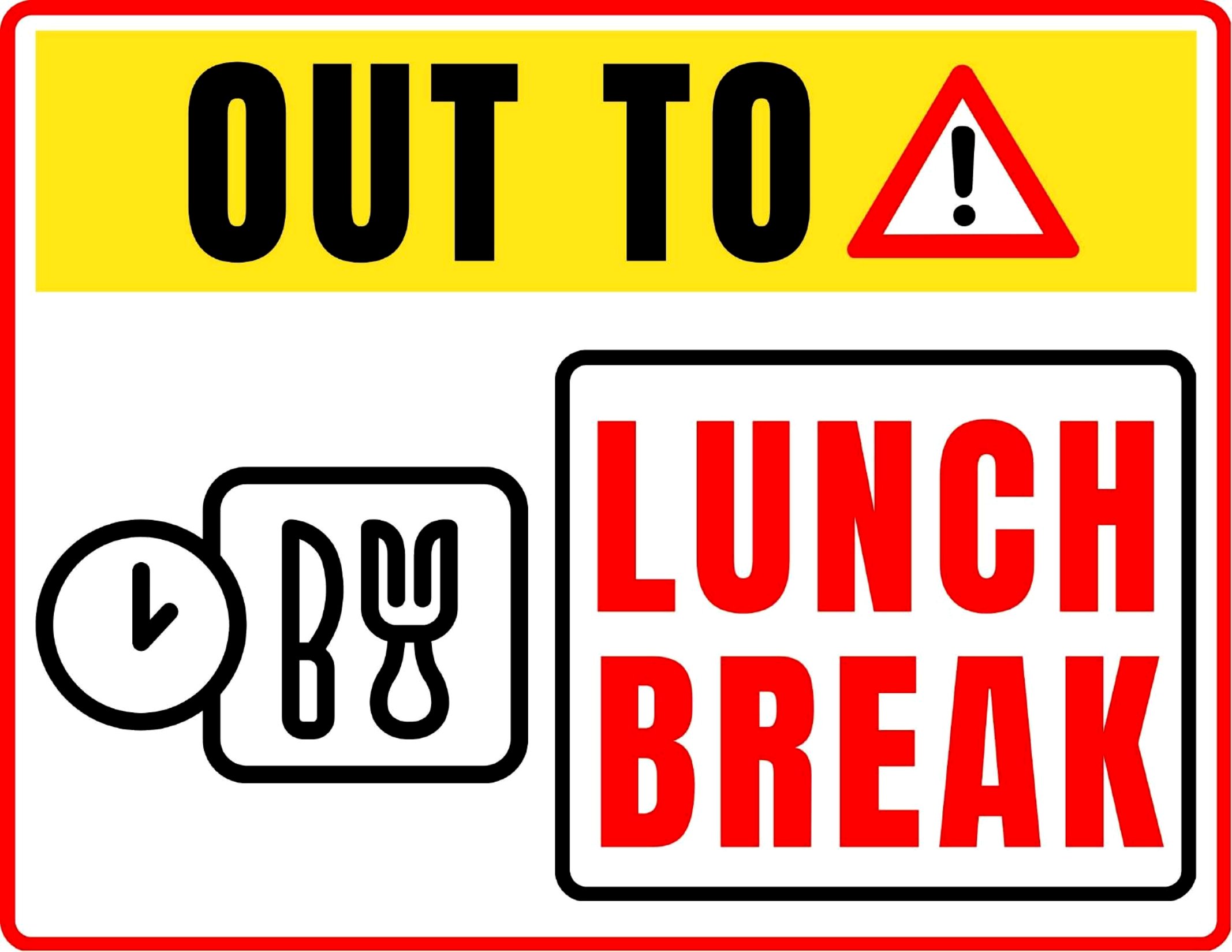
Place the sign in a high-traffic, easily visible location—like above the counter, on the door handle, or near the entrance. Use a contrasting color for the text and background to improve visibility, and consider printing multiple copies if your space is large. For added clarity, include a simple icon (like a clock or fork and knife) alongside the text if your audience includes non-native speakers.
Comments
Join the conversation
Sign in to share your thoughts and leave a comment on this resource.