



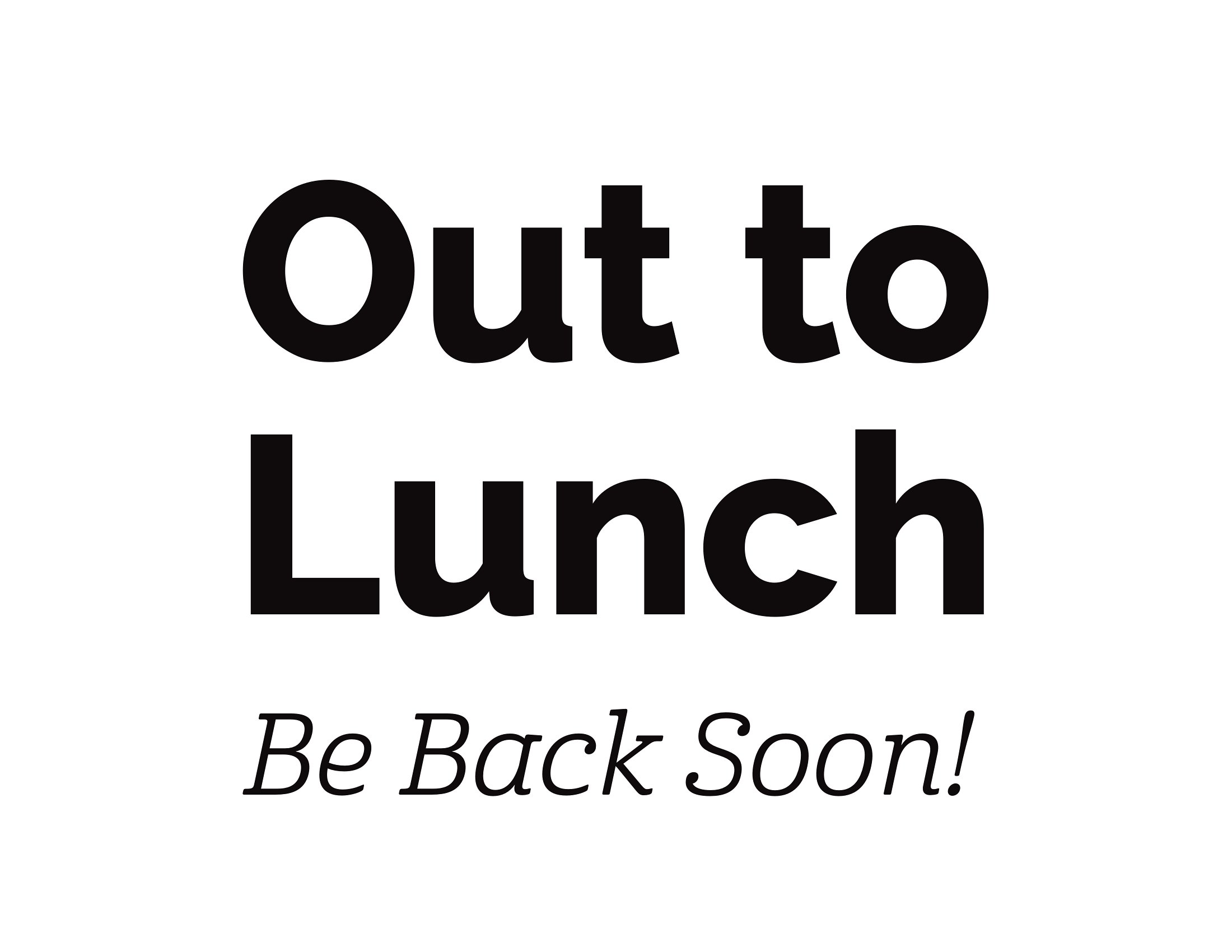
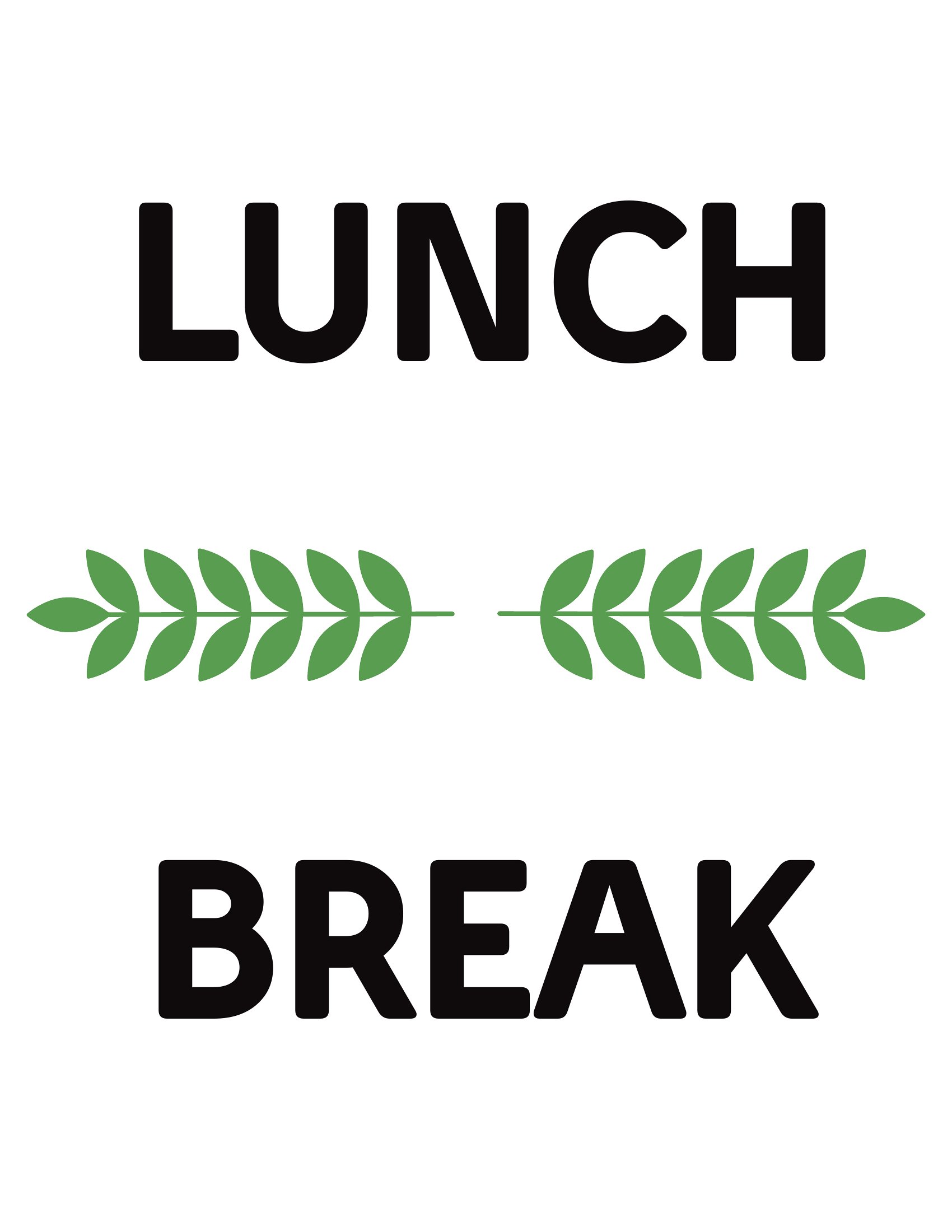
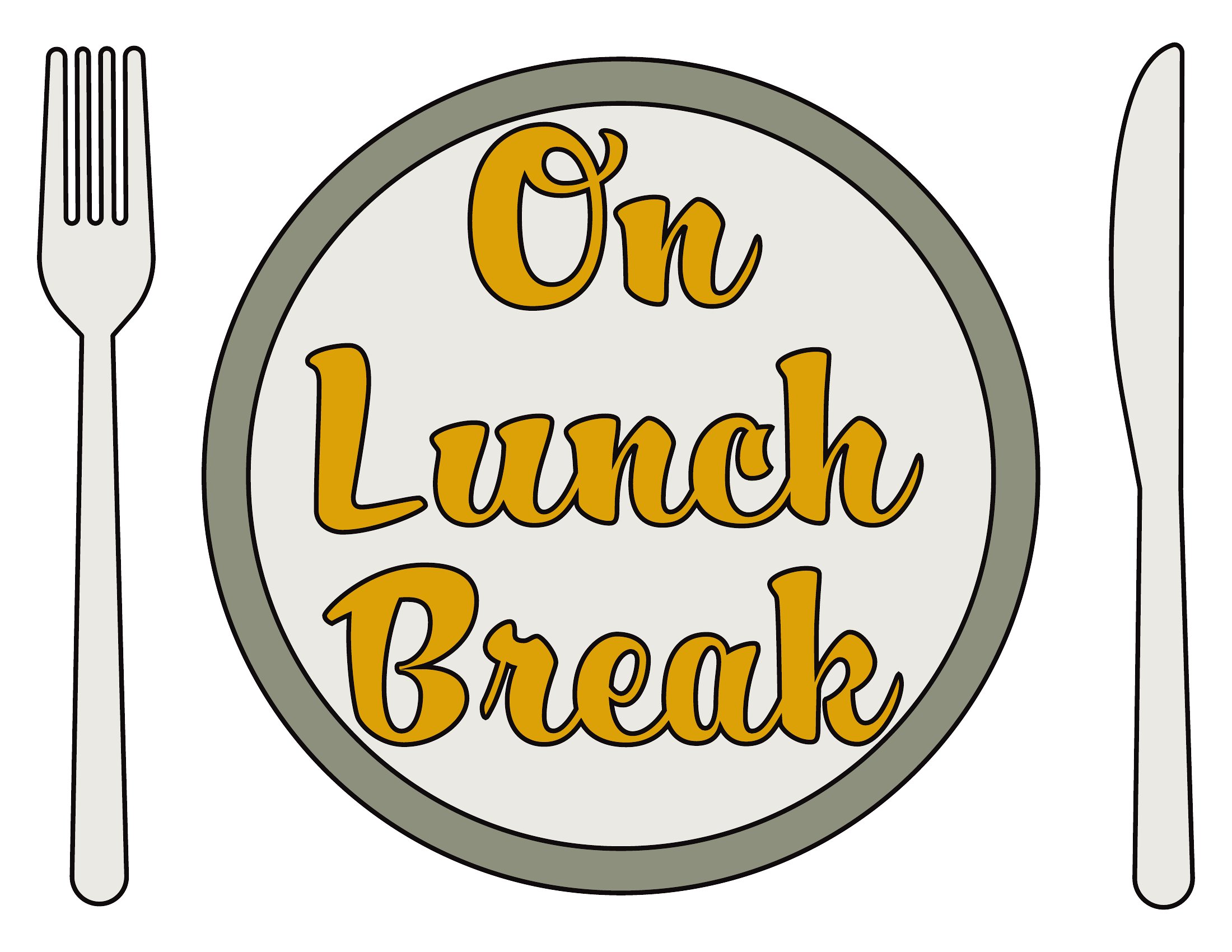
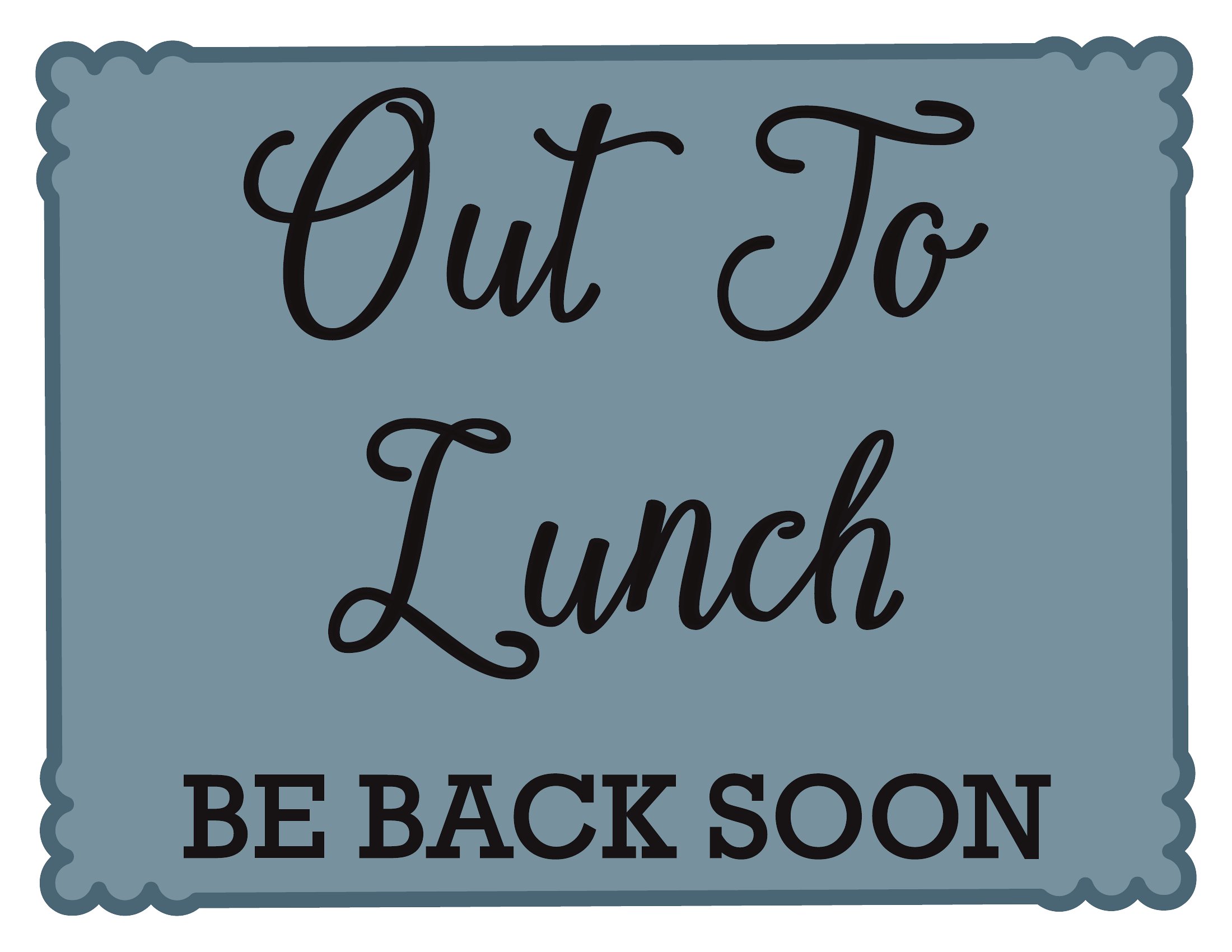

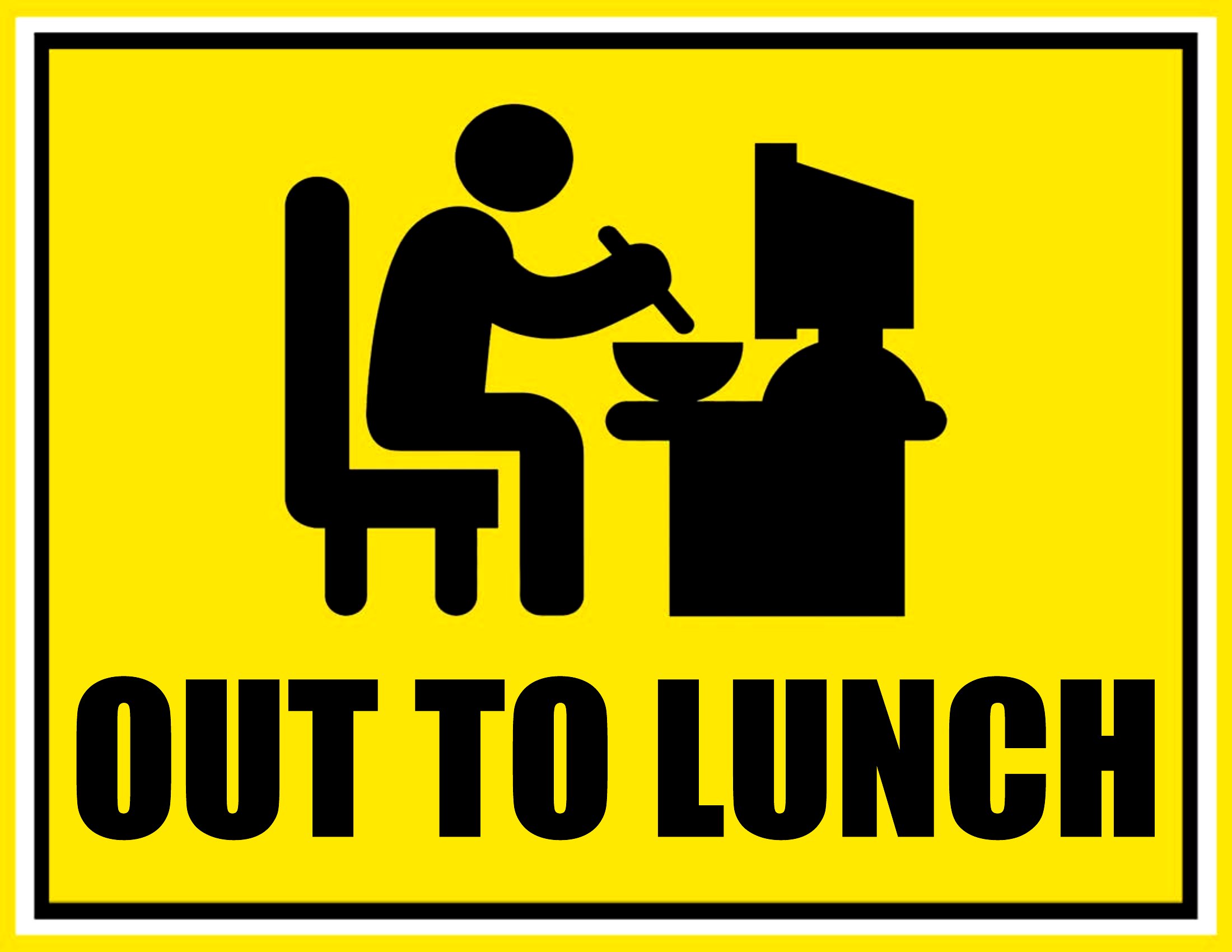

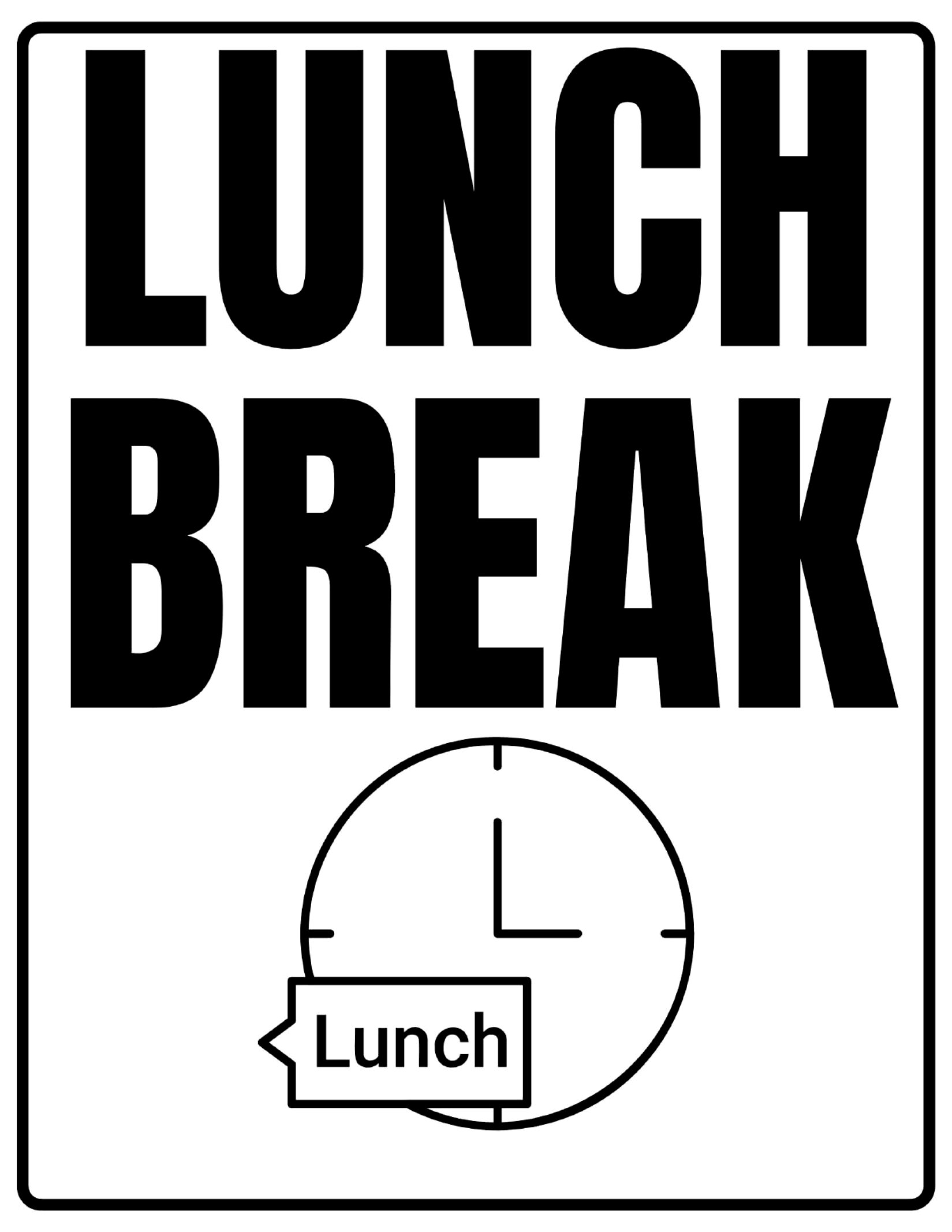
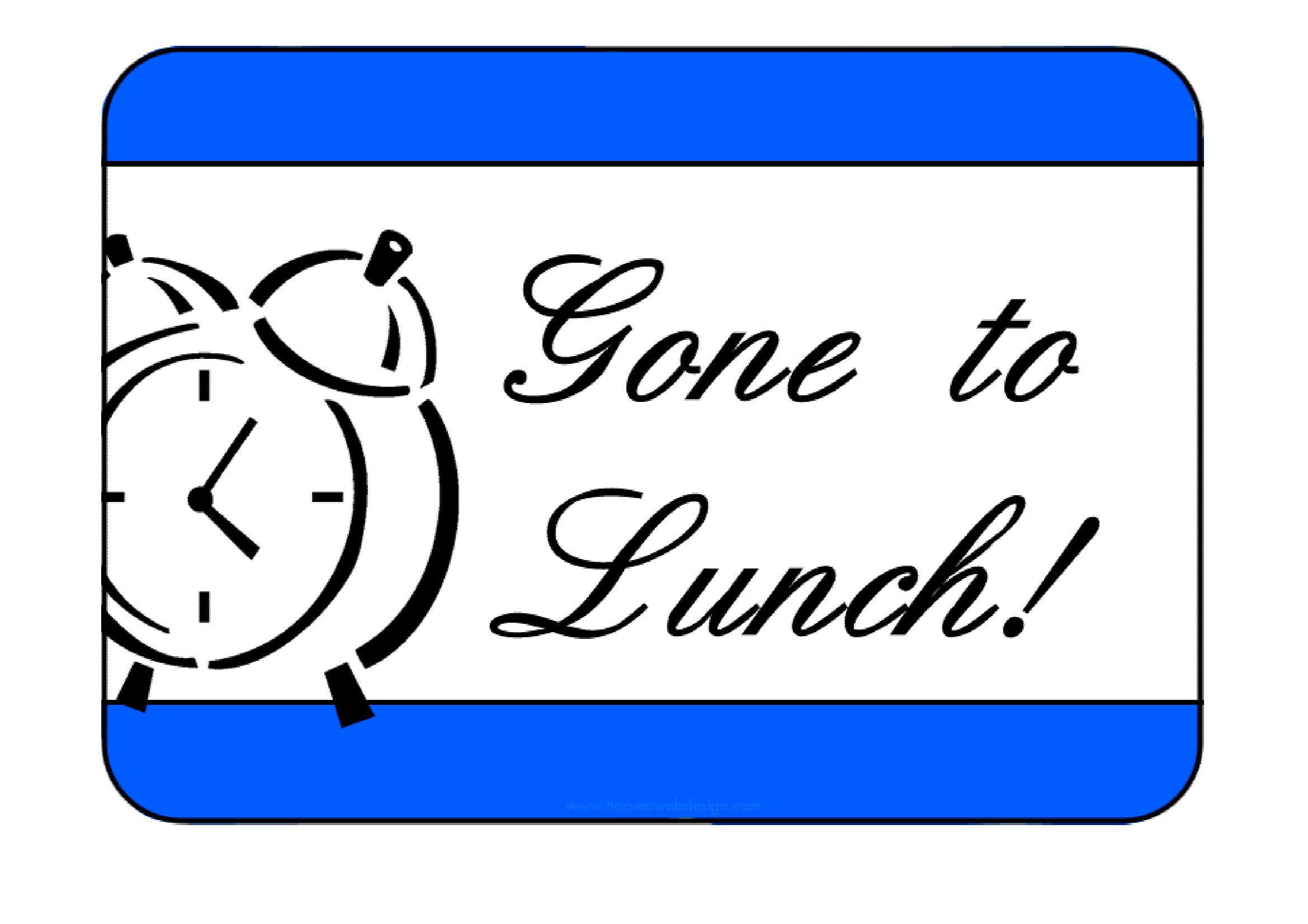
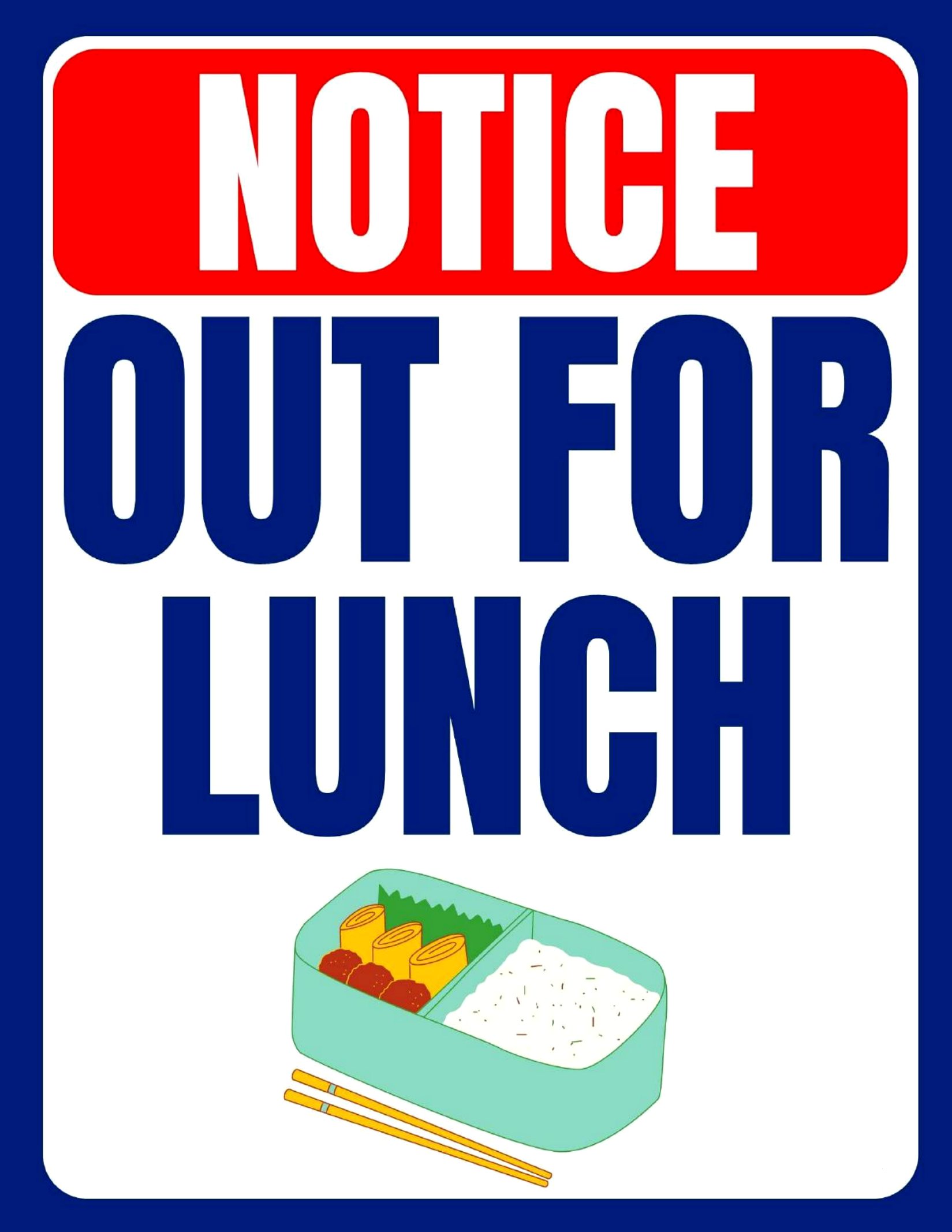
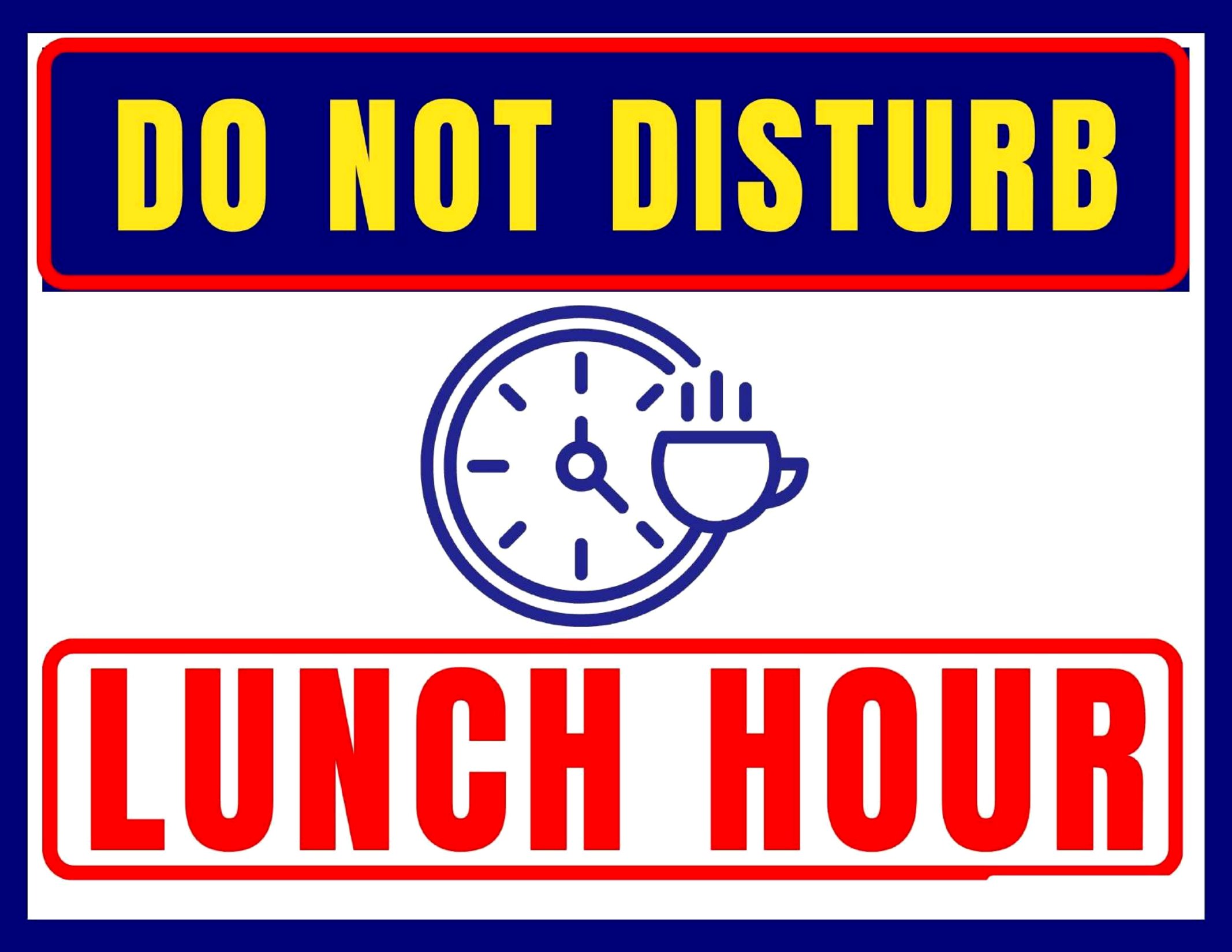
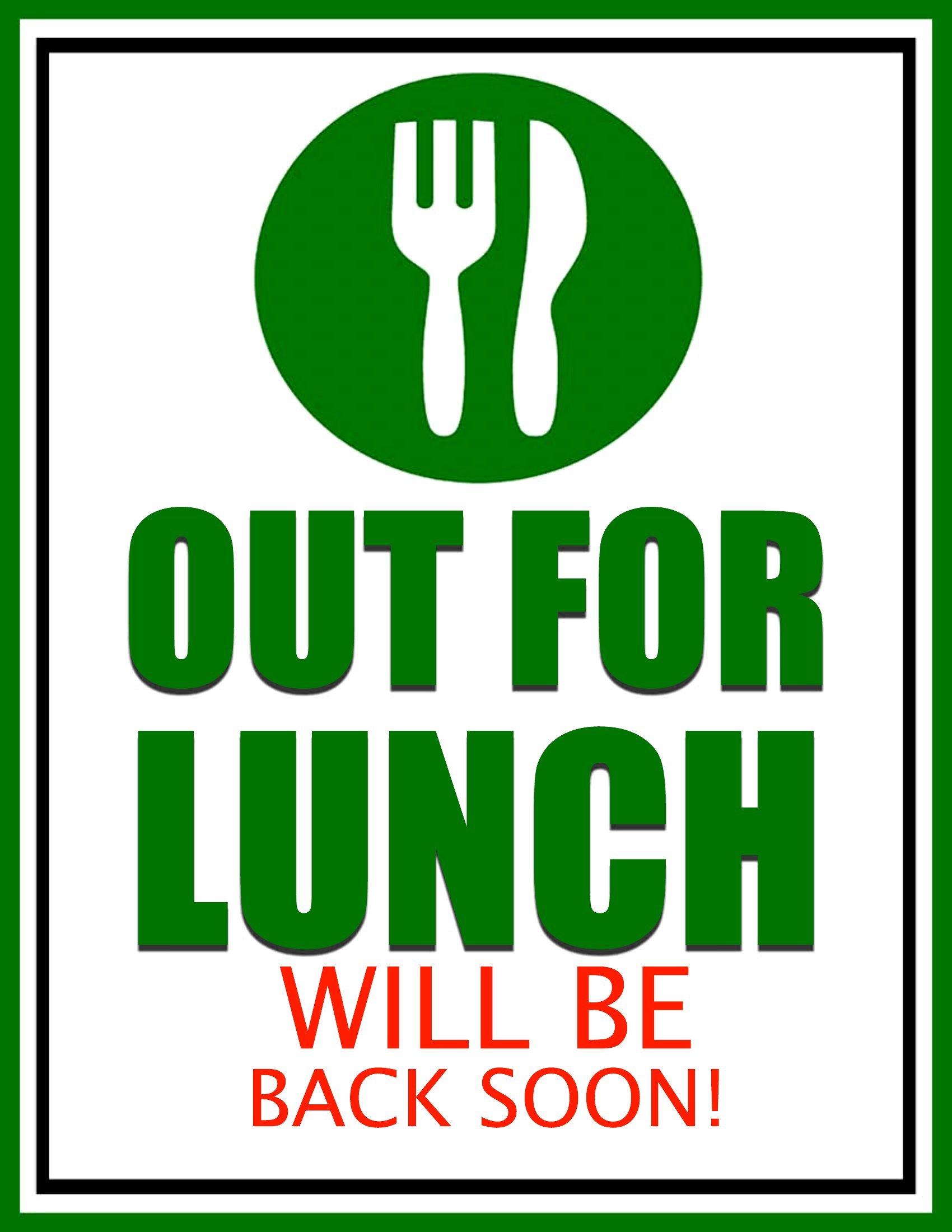
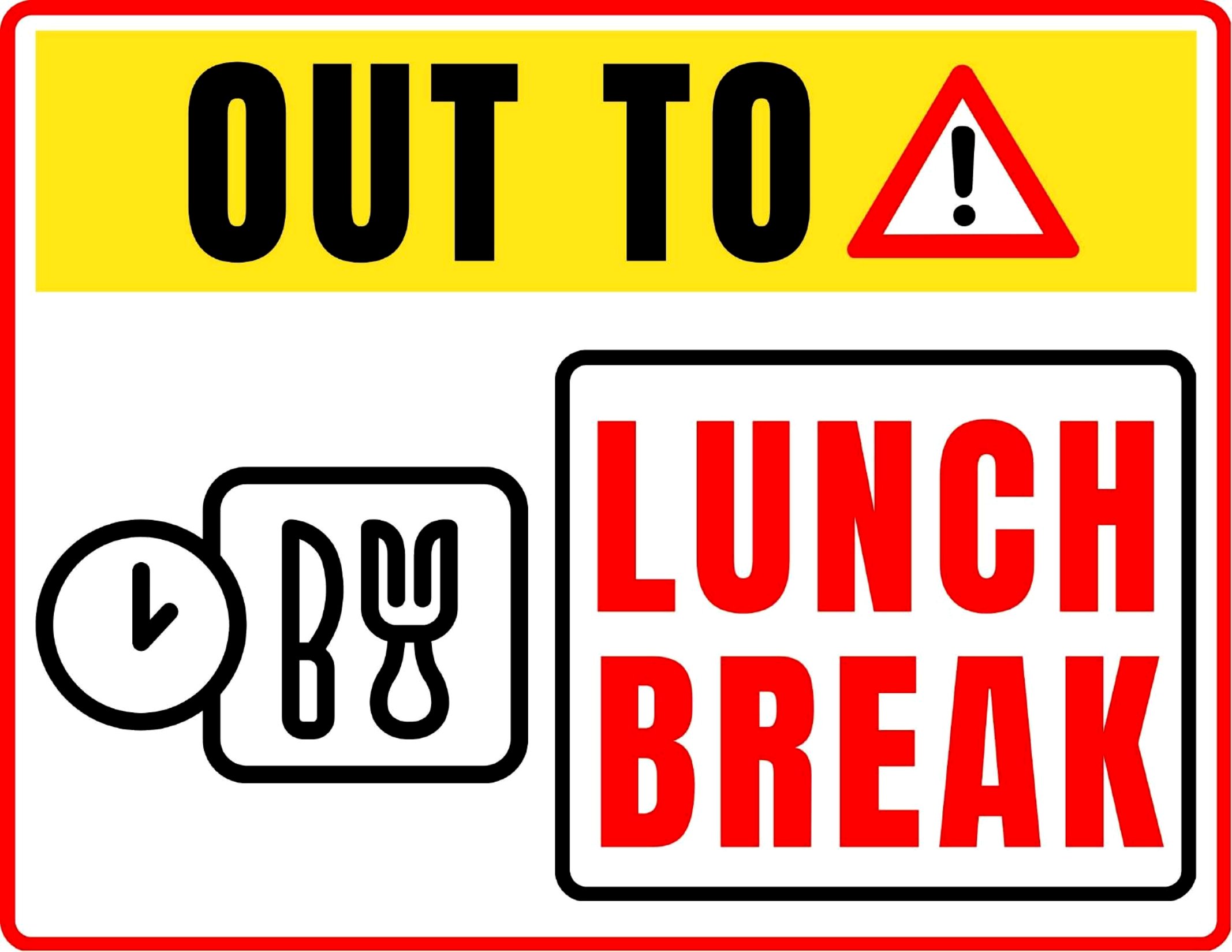
Free Out to Lunch Sign Printables (PDF)
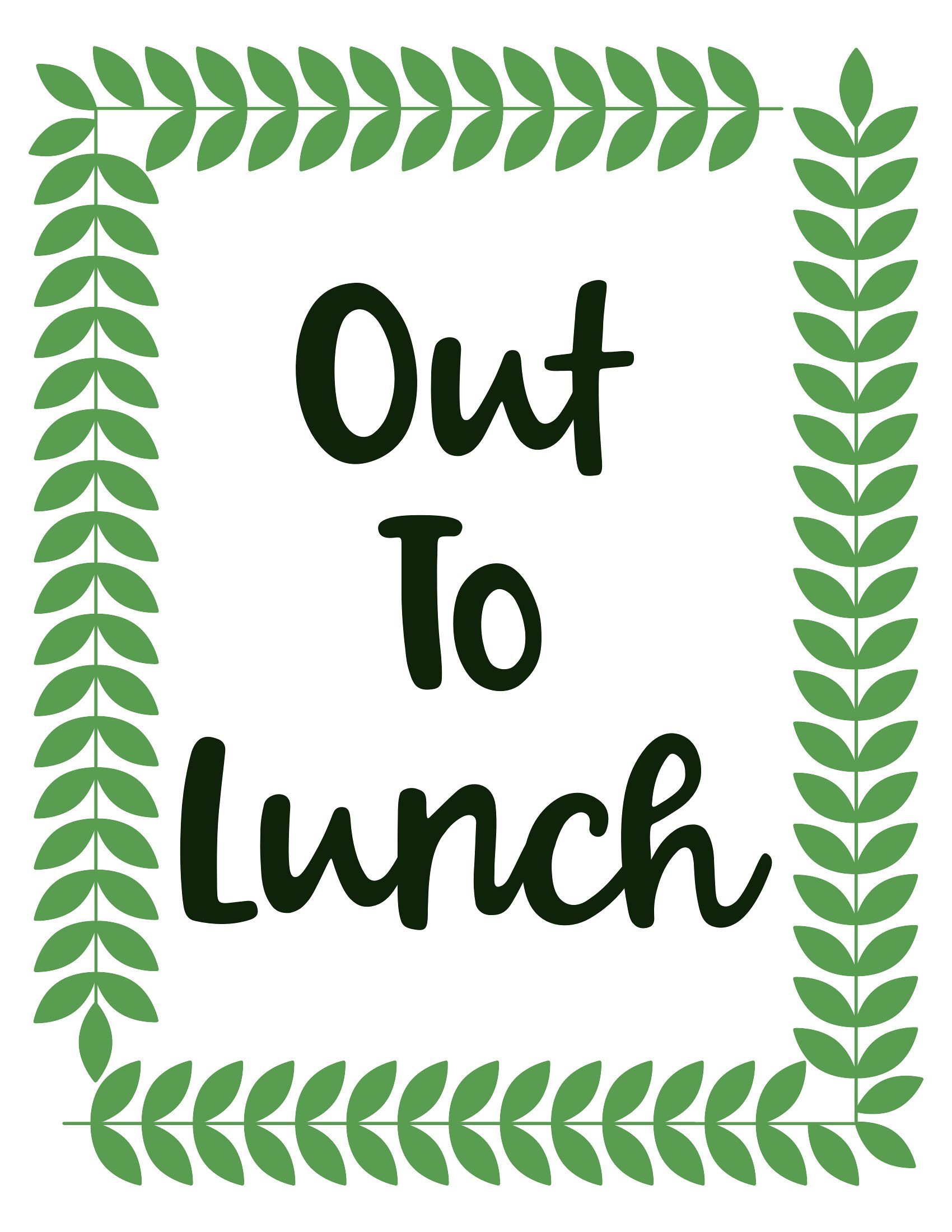
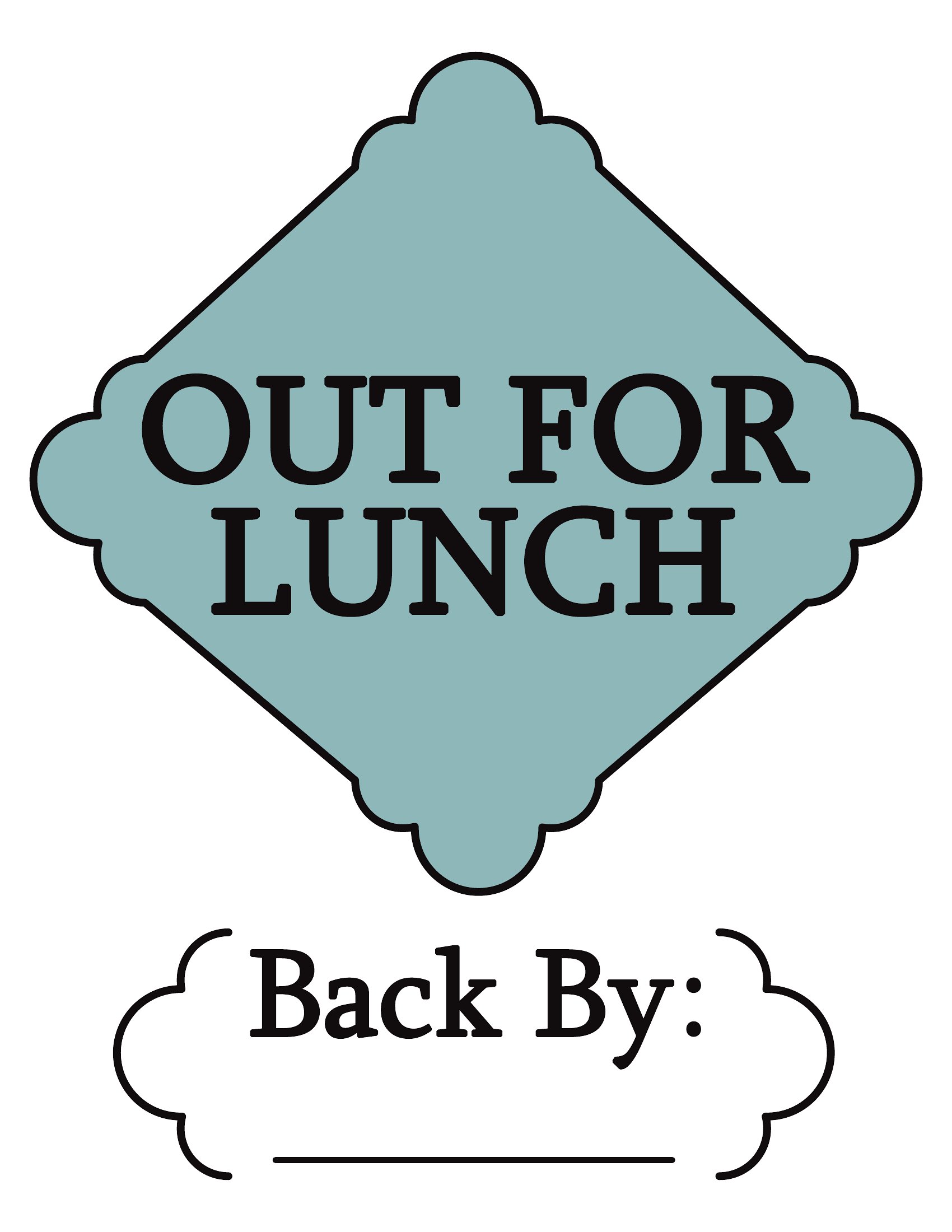
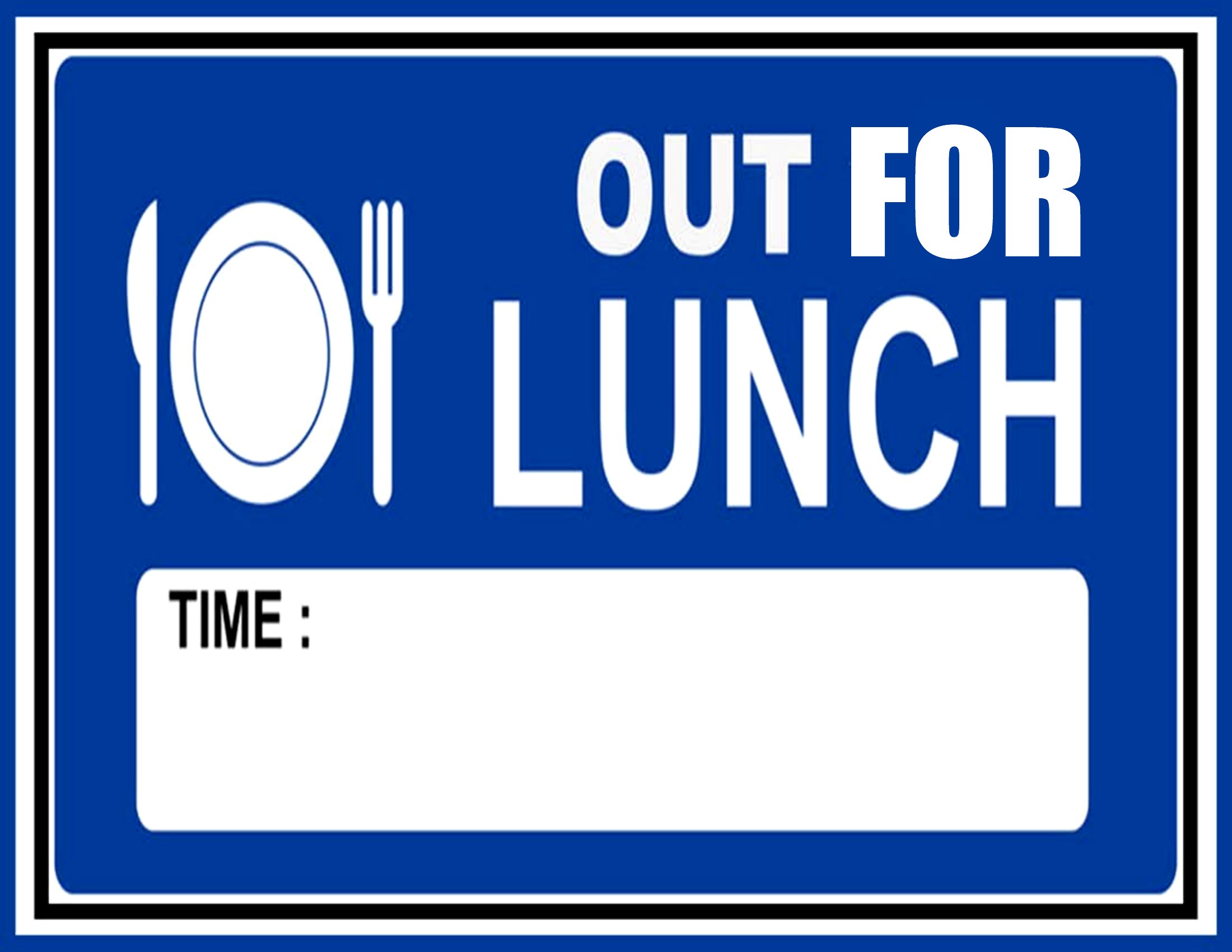
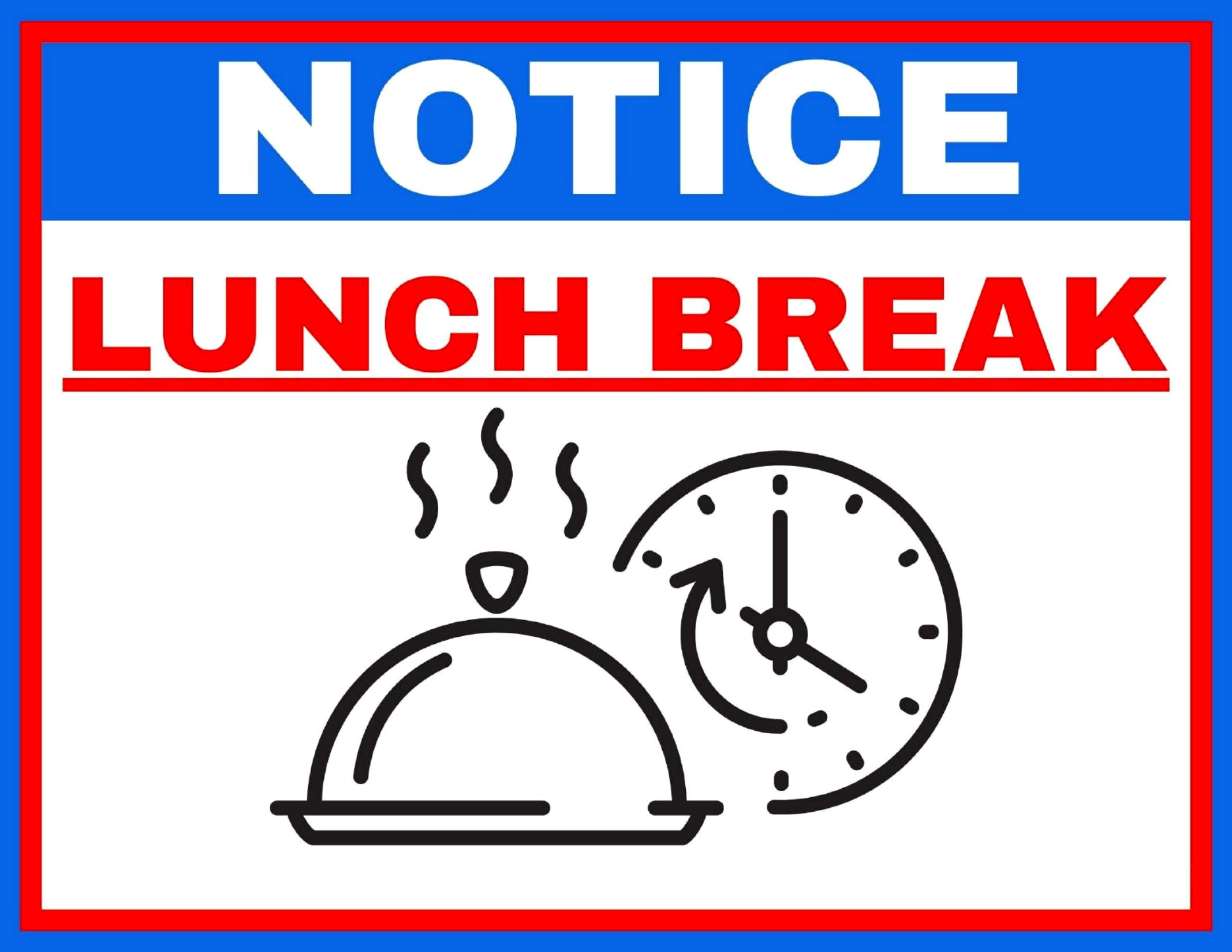
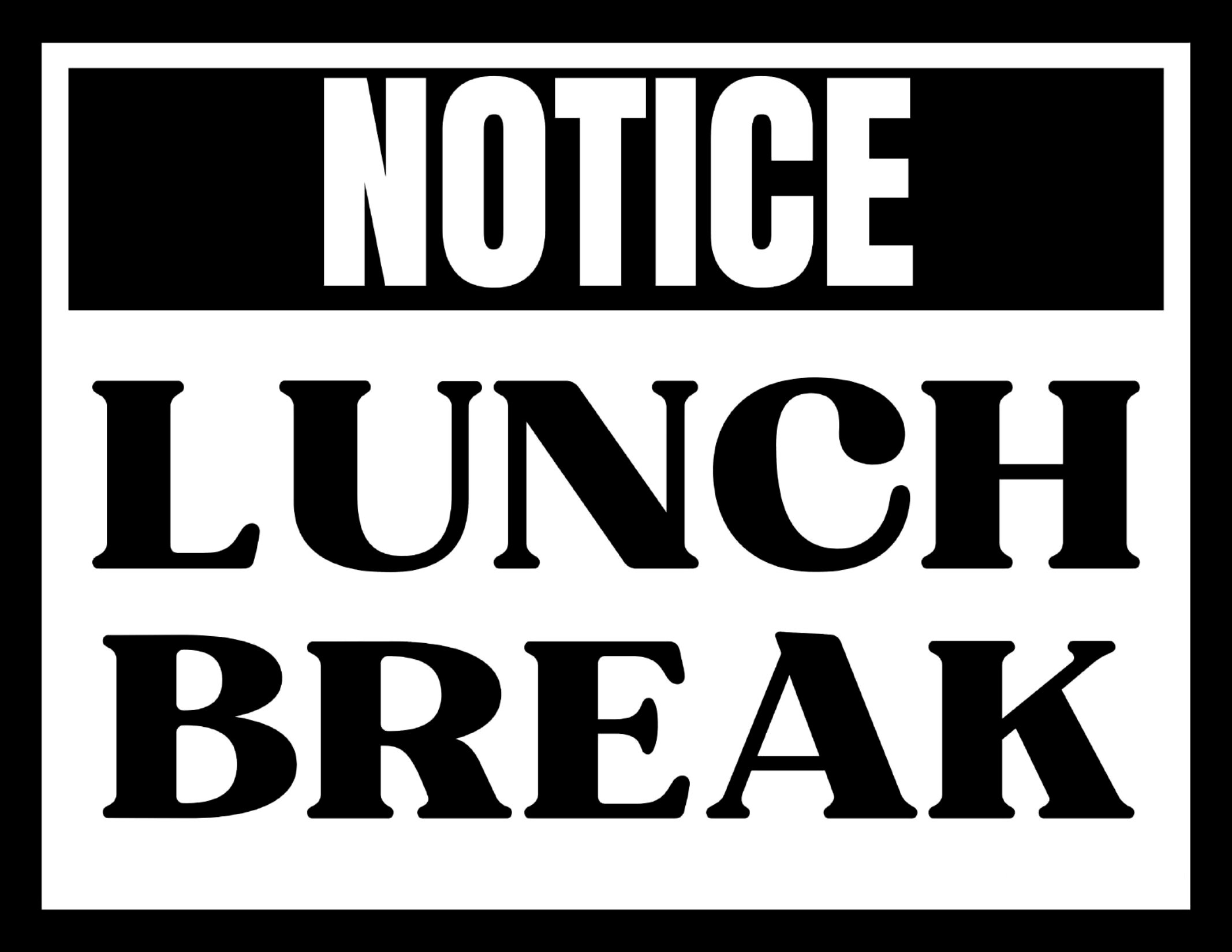
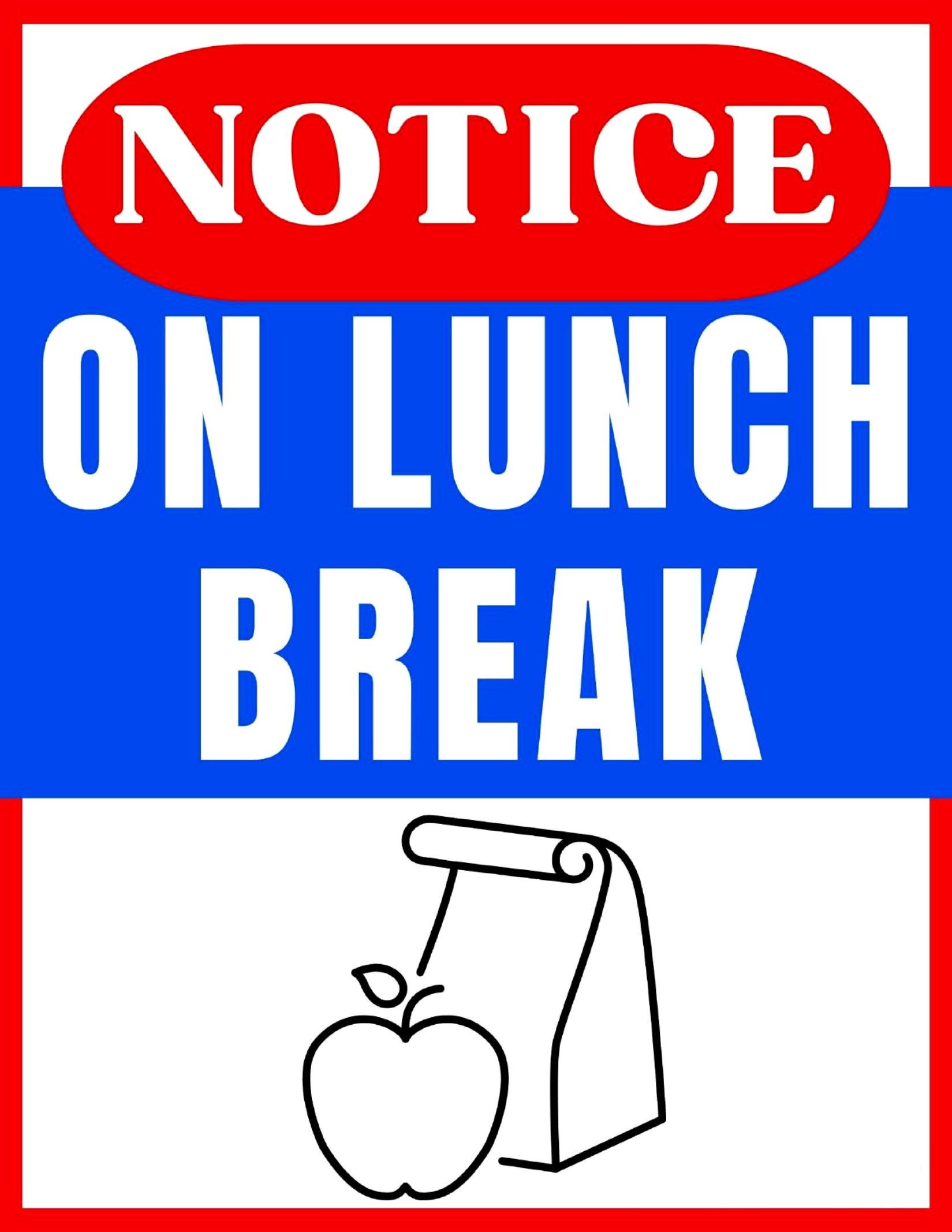
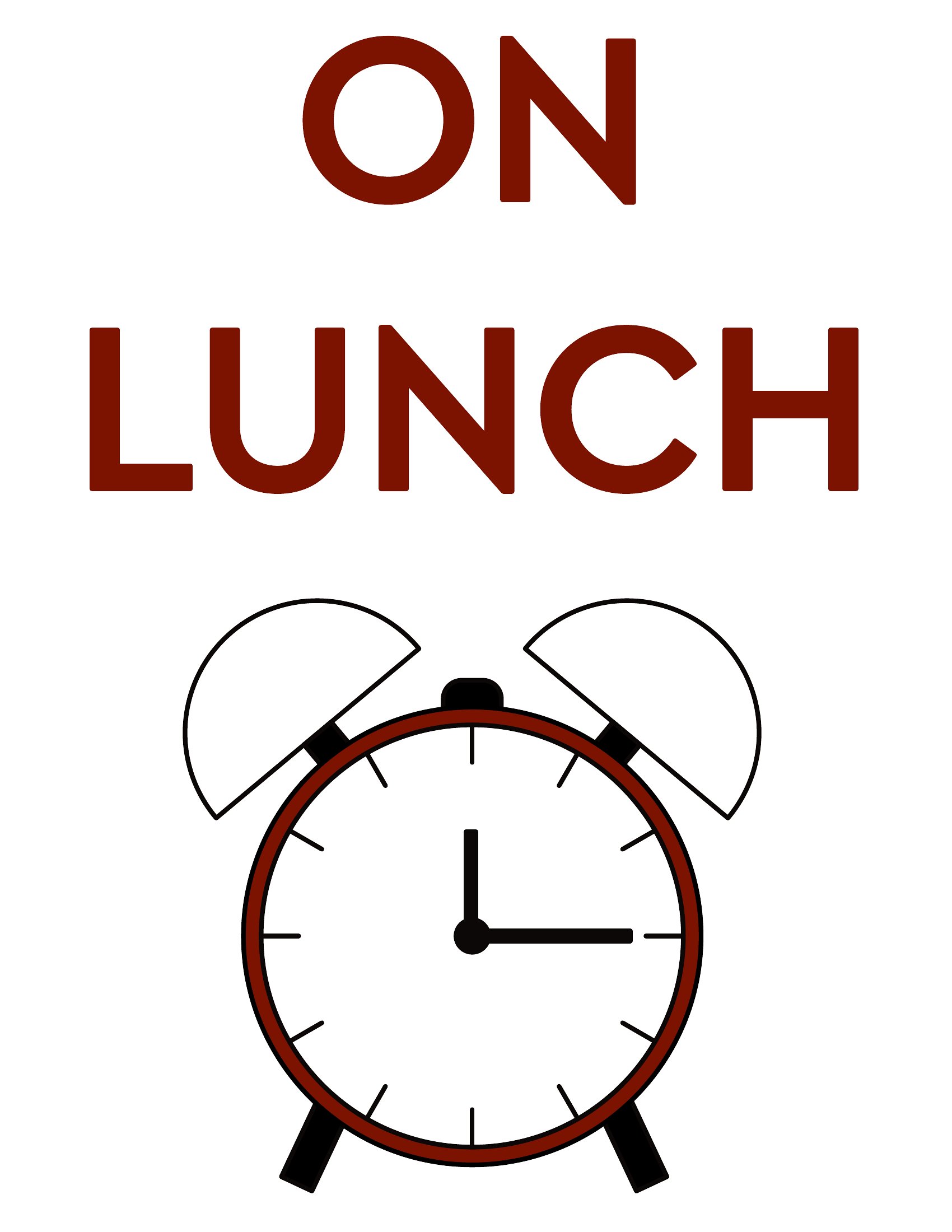
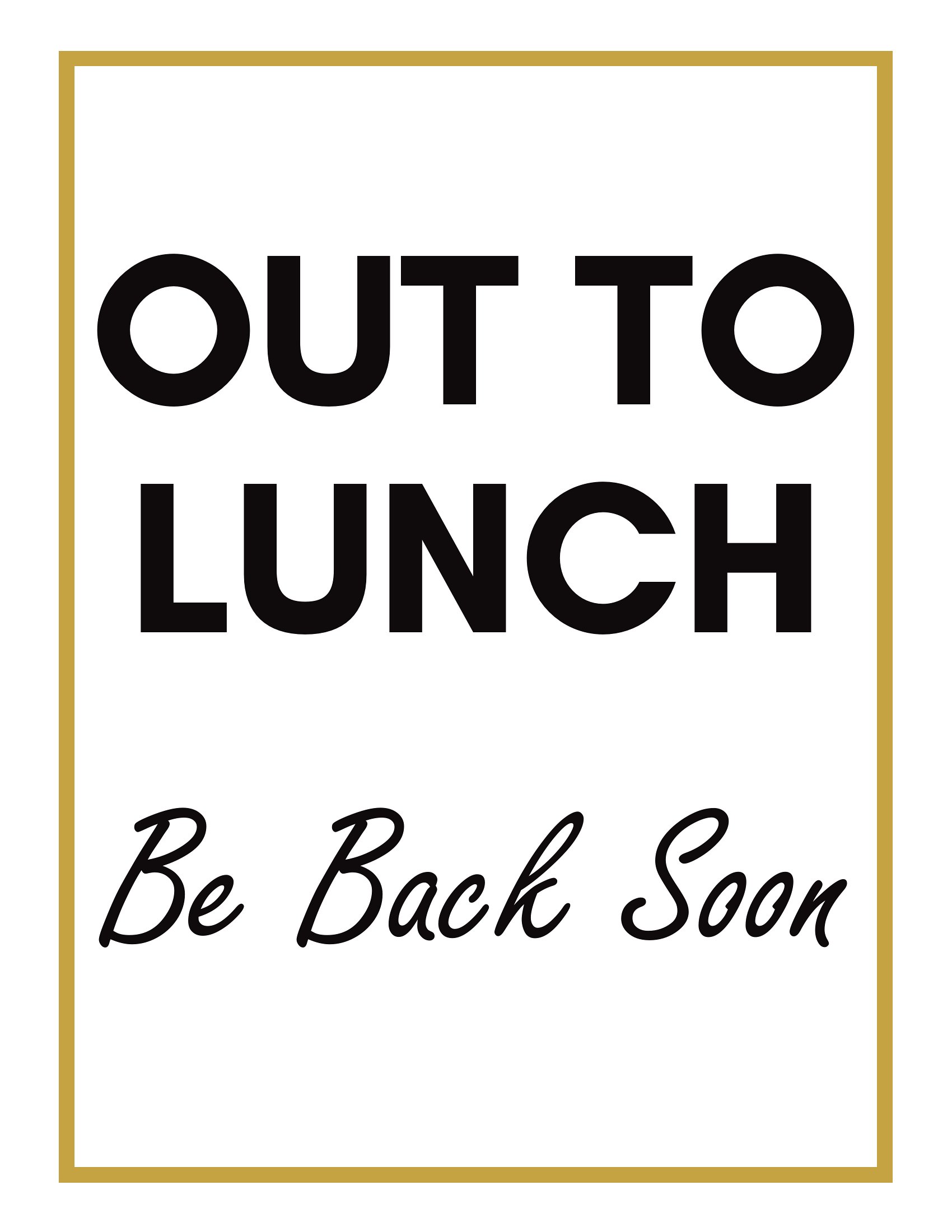
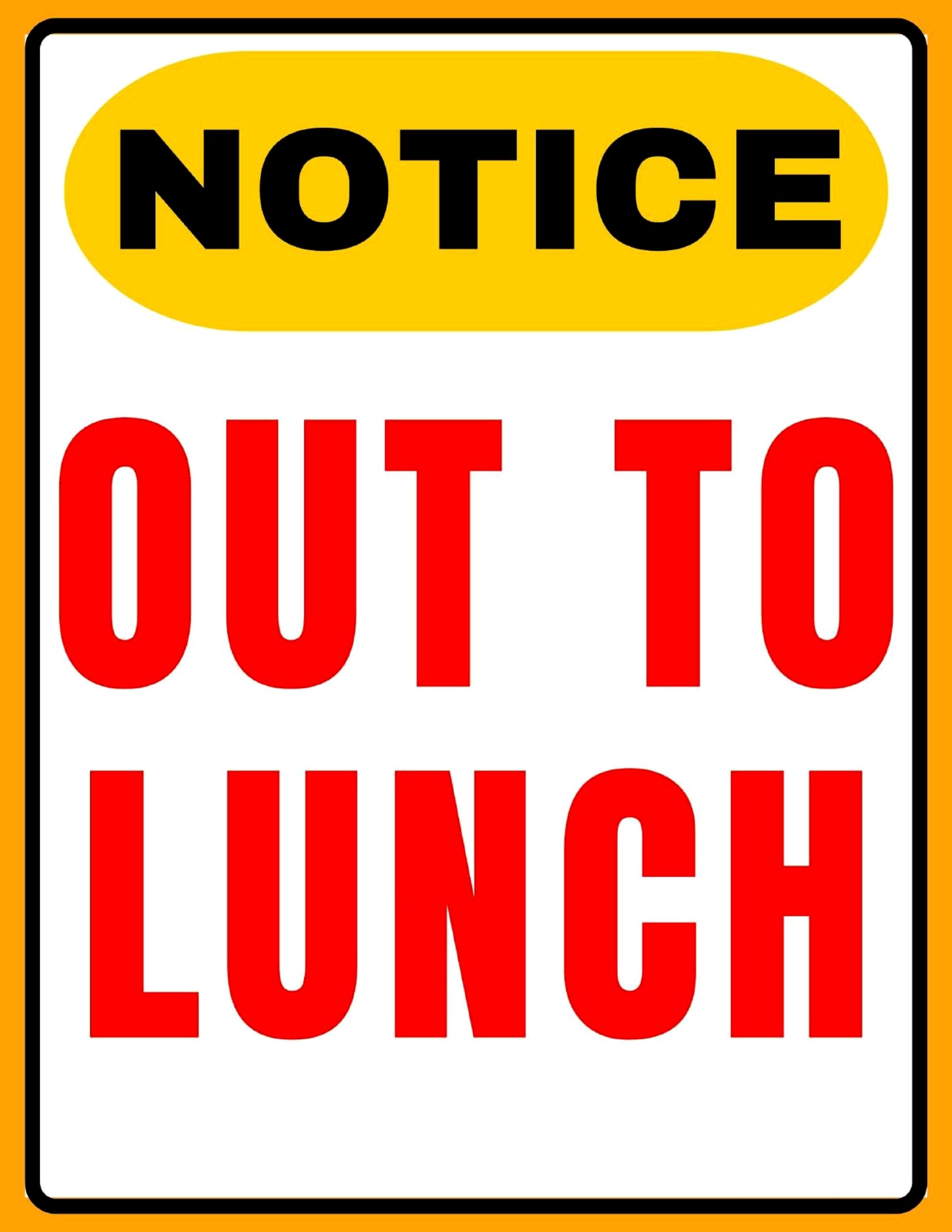
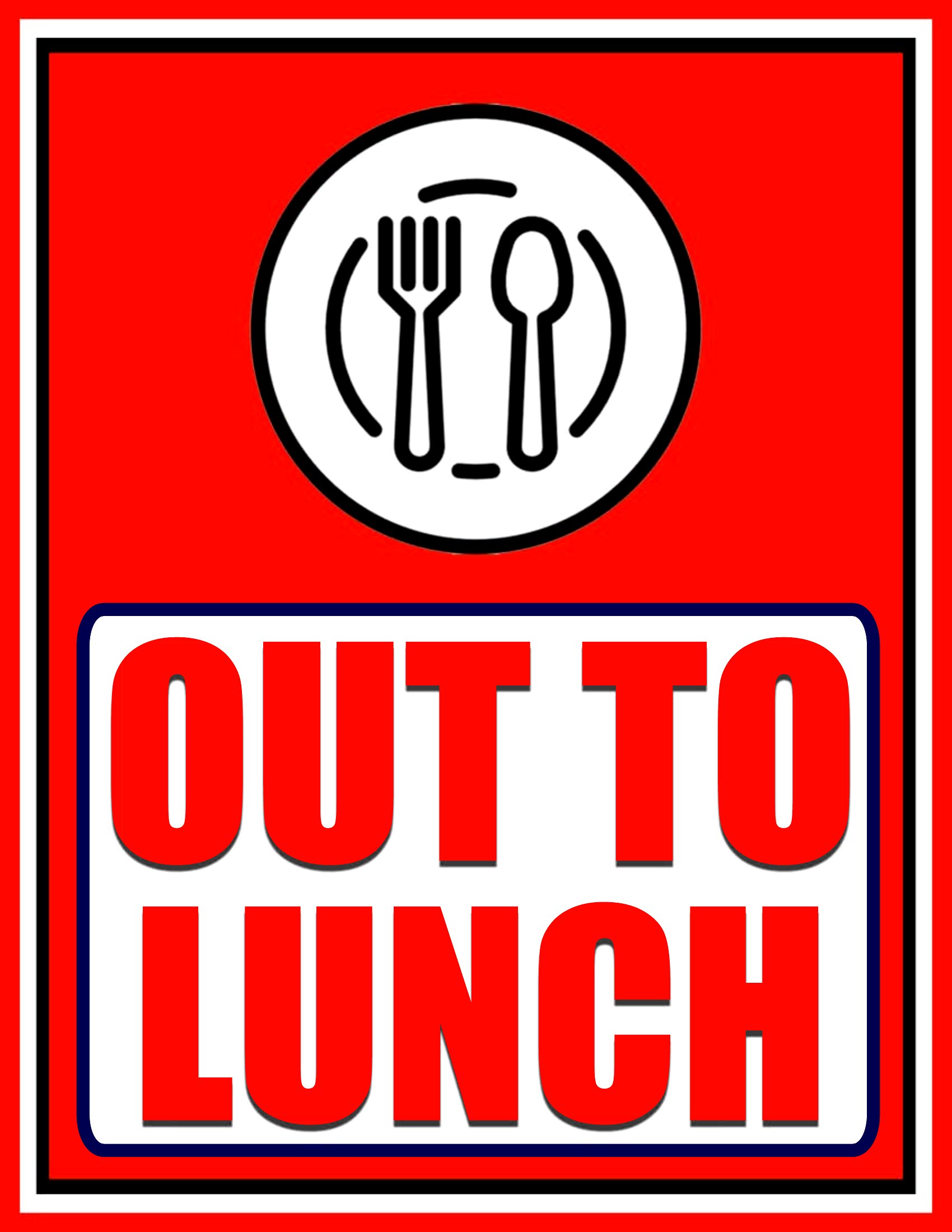
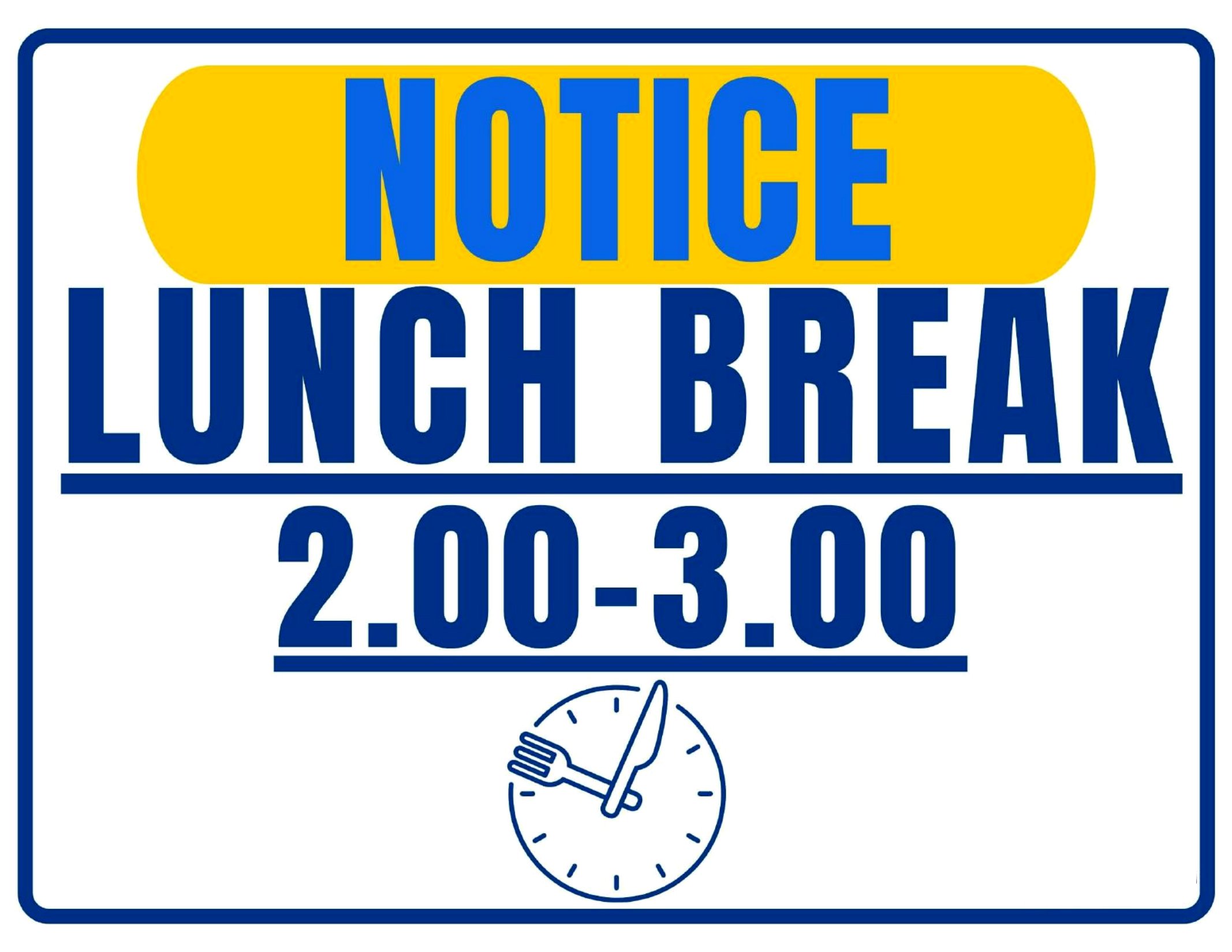
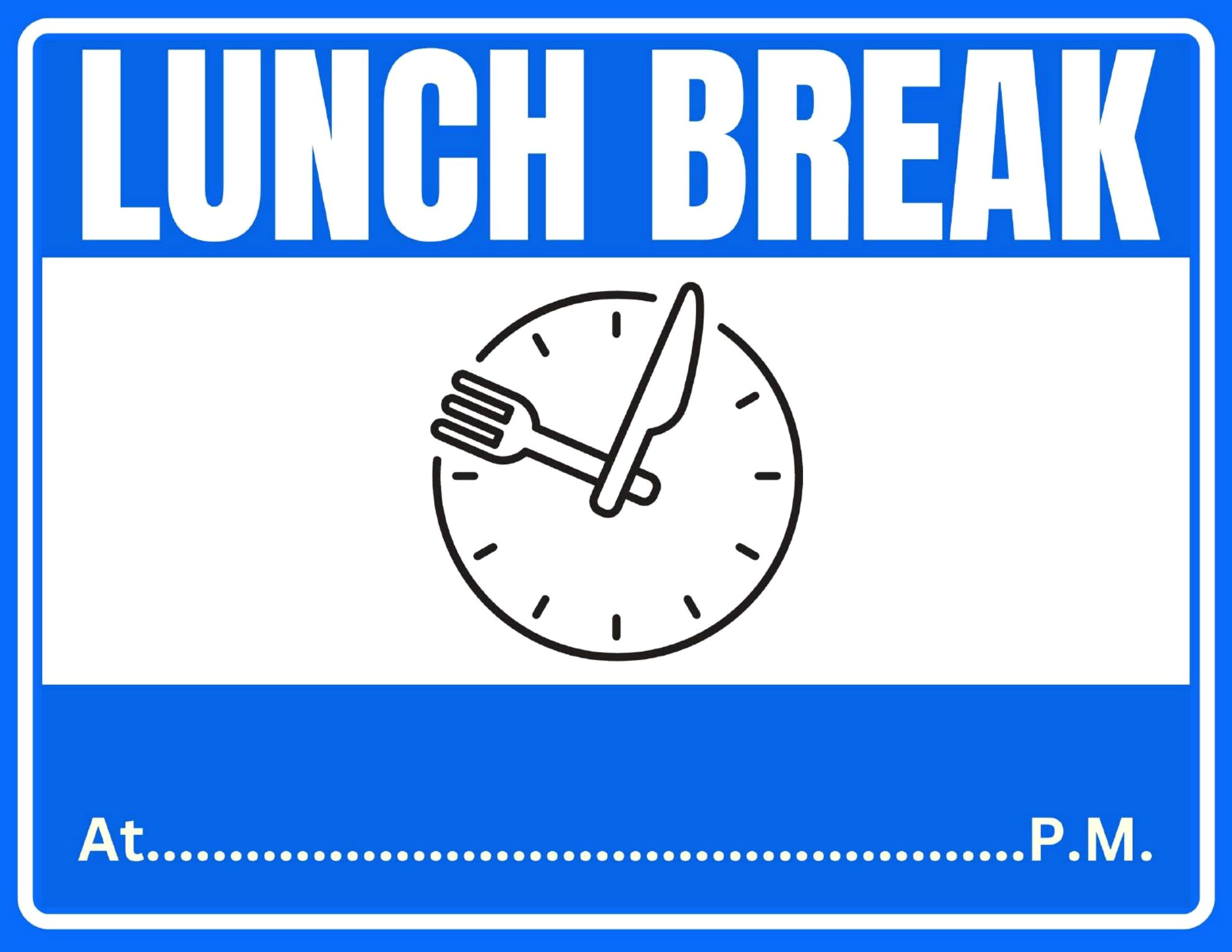
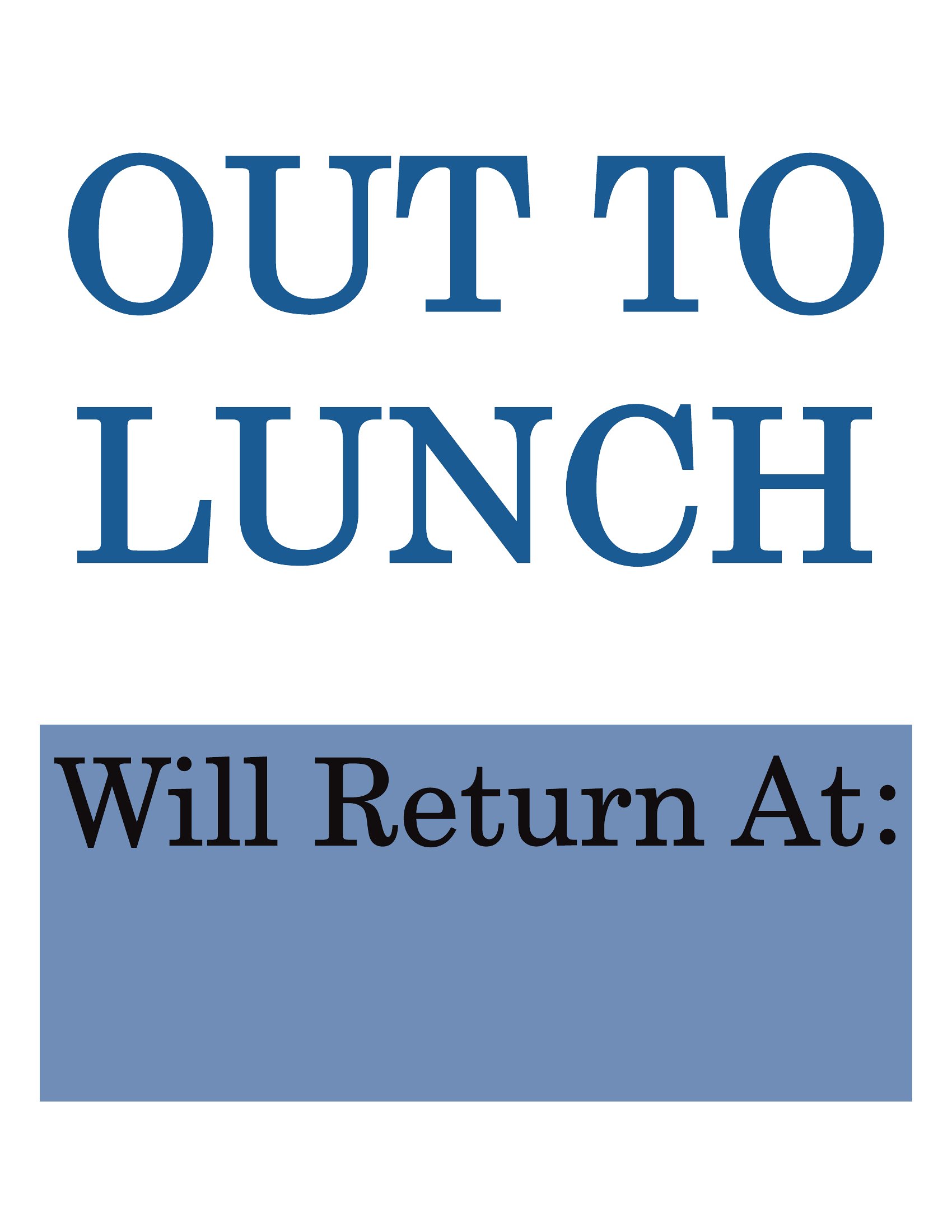
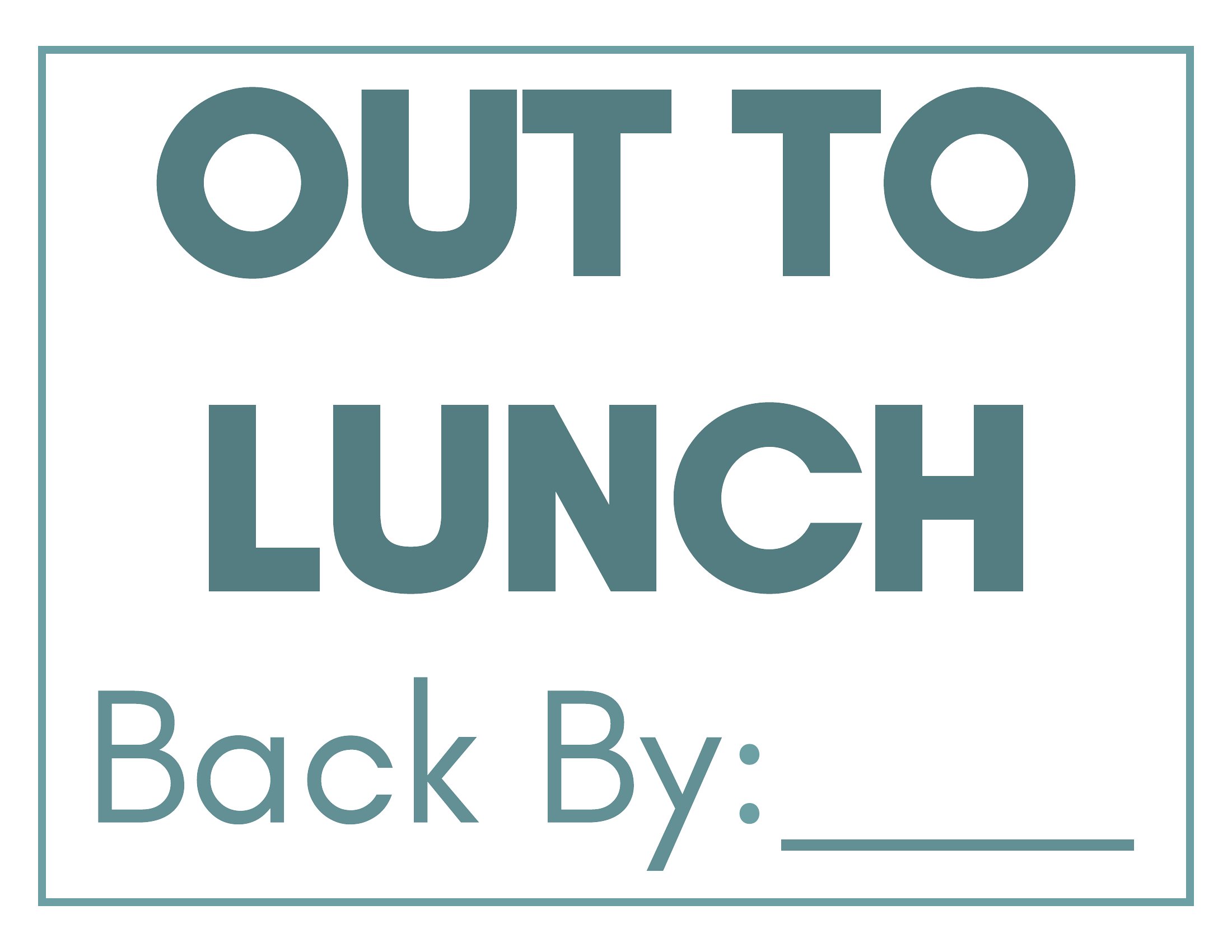
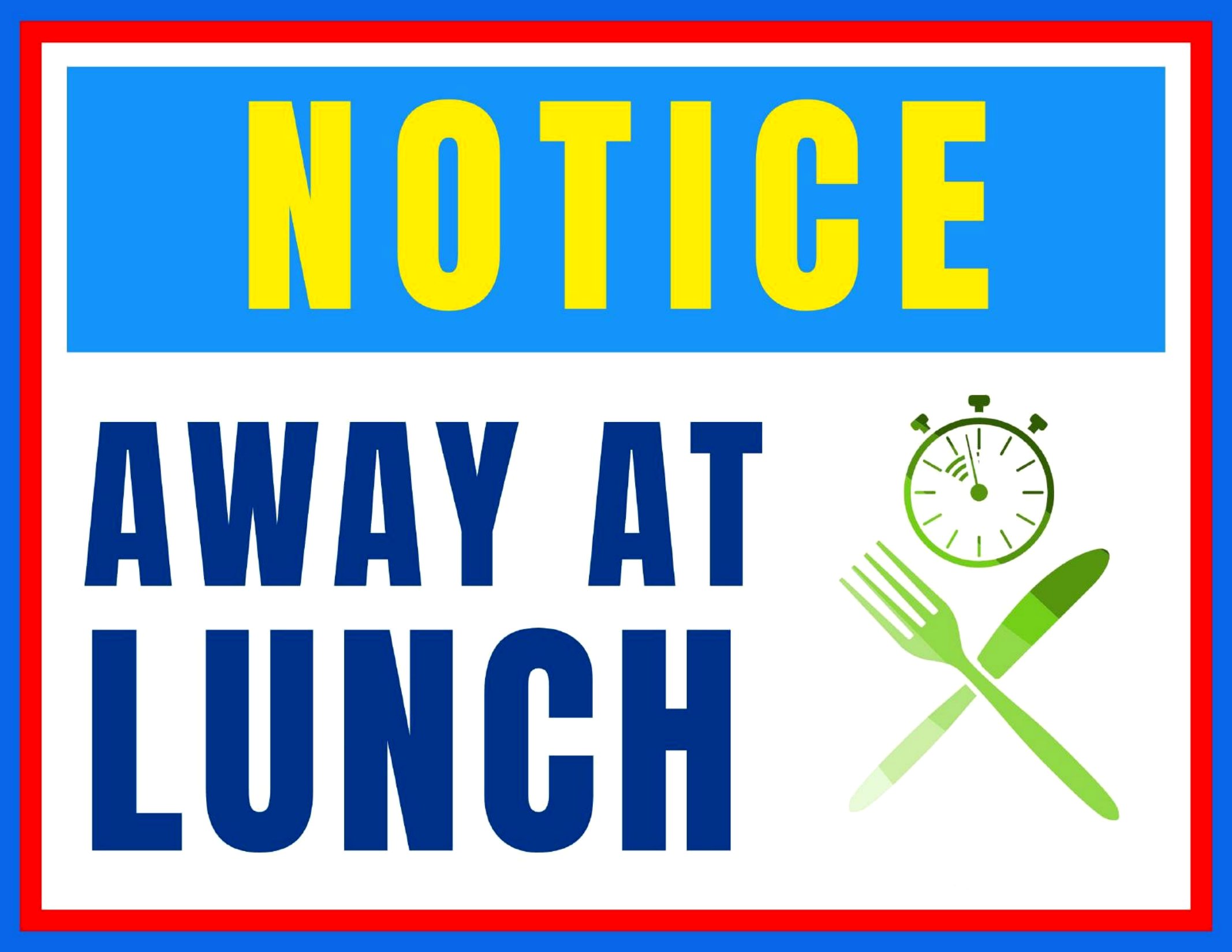
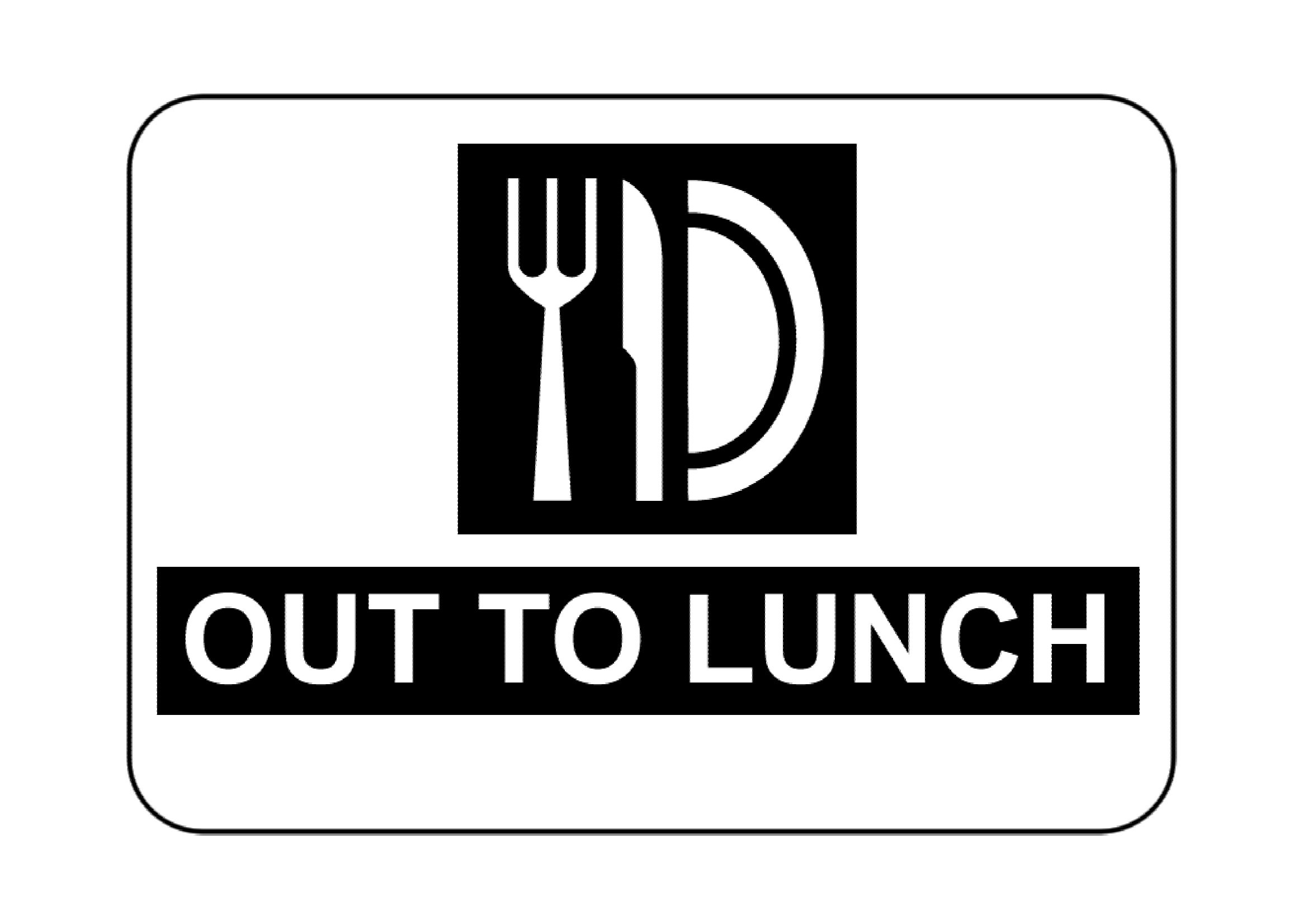
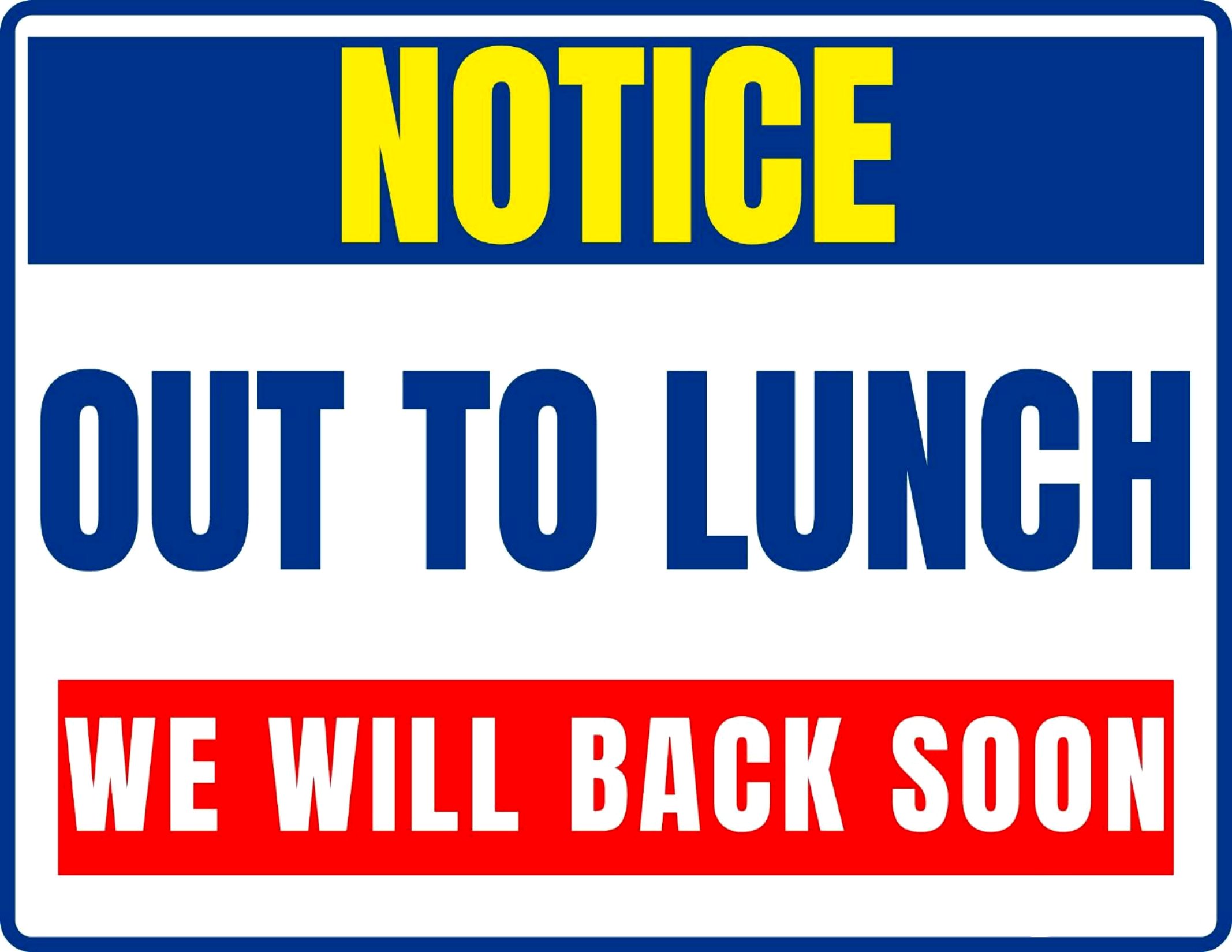
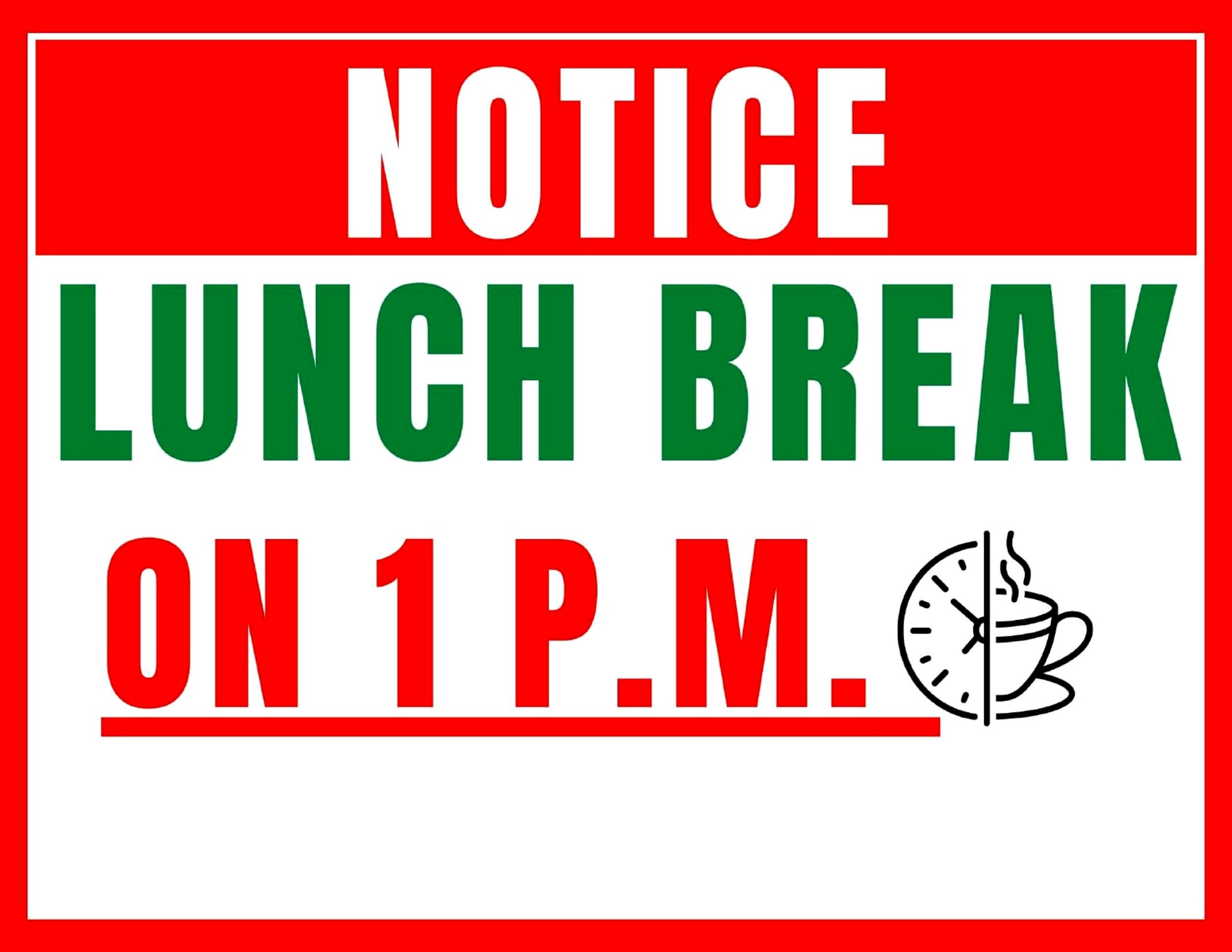
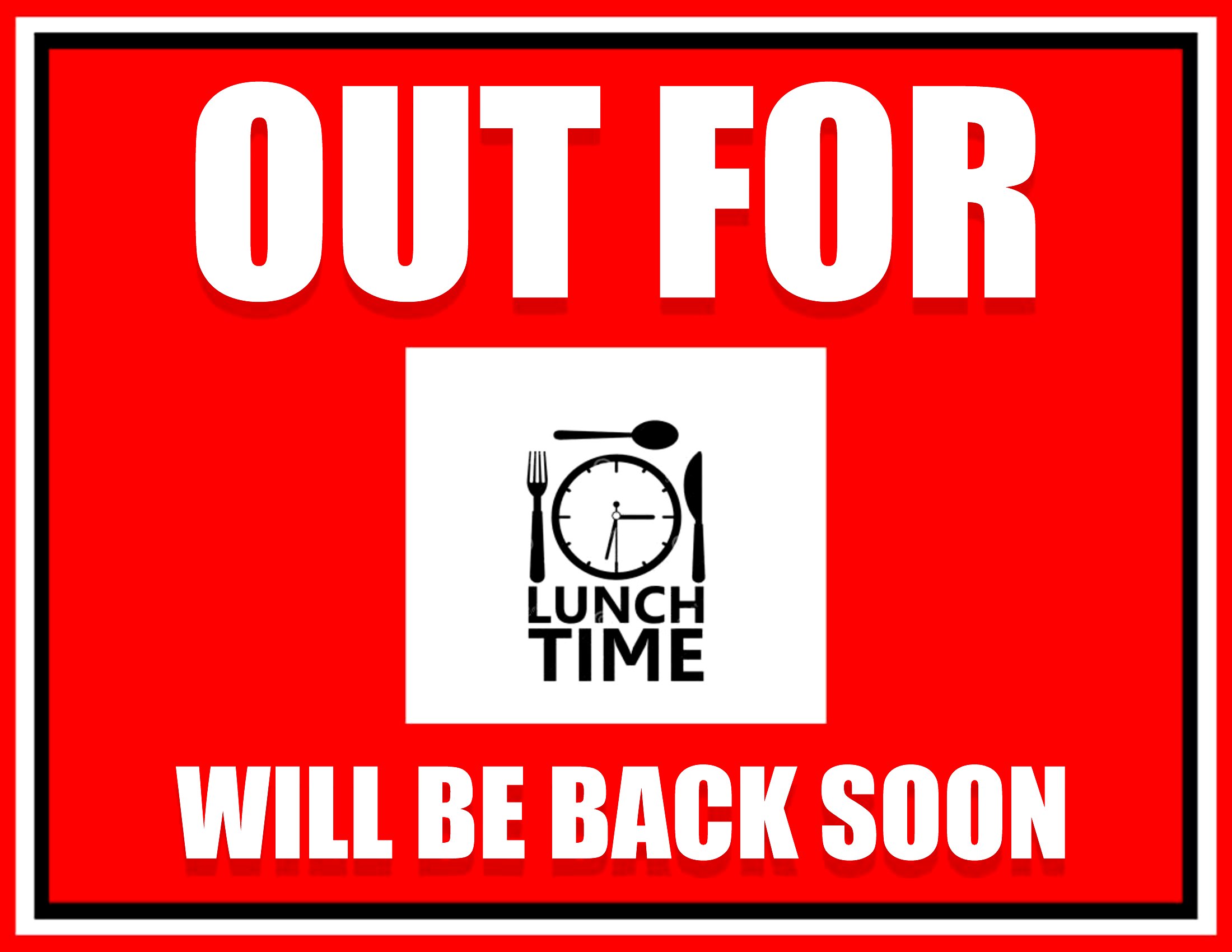
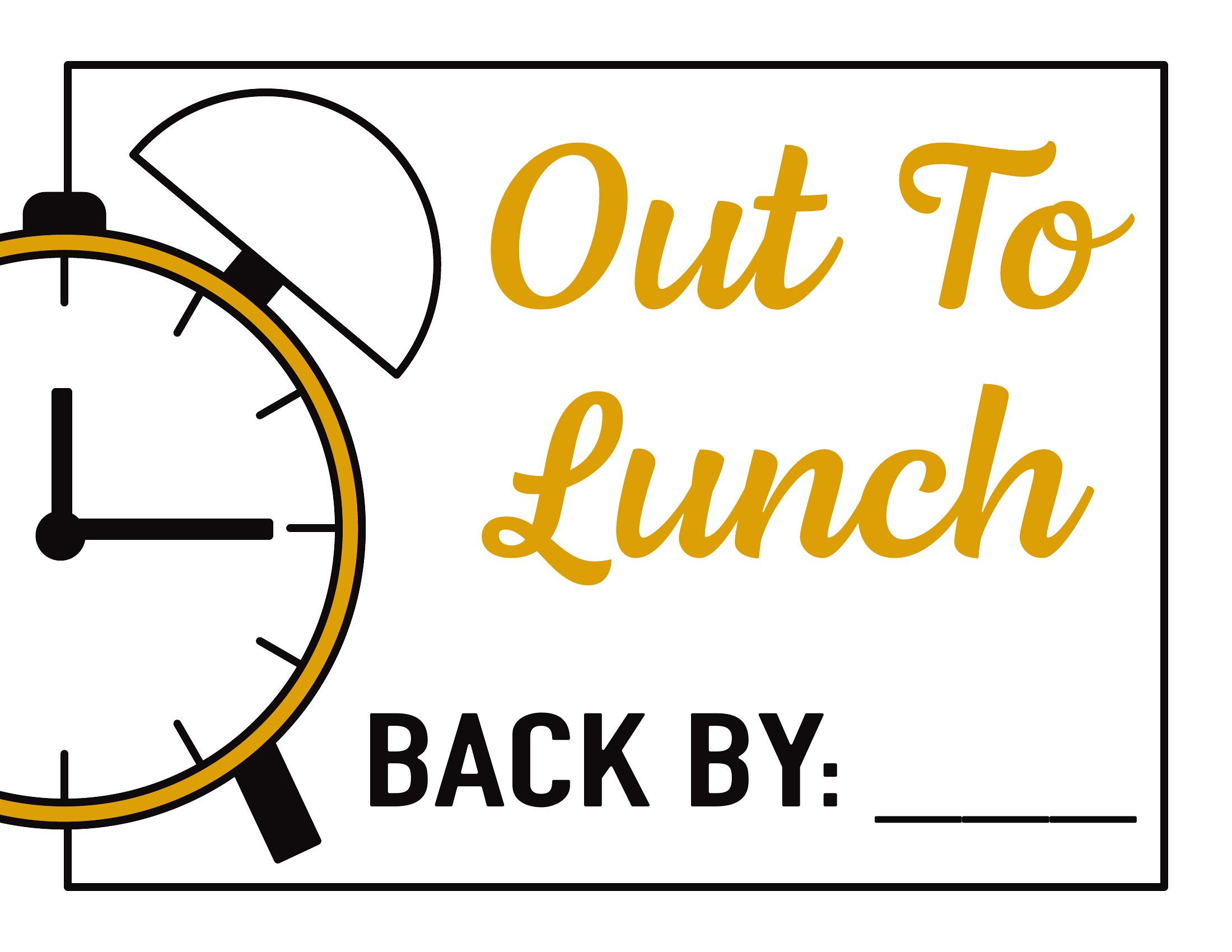
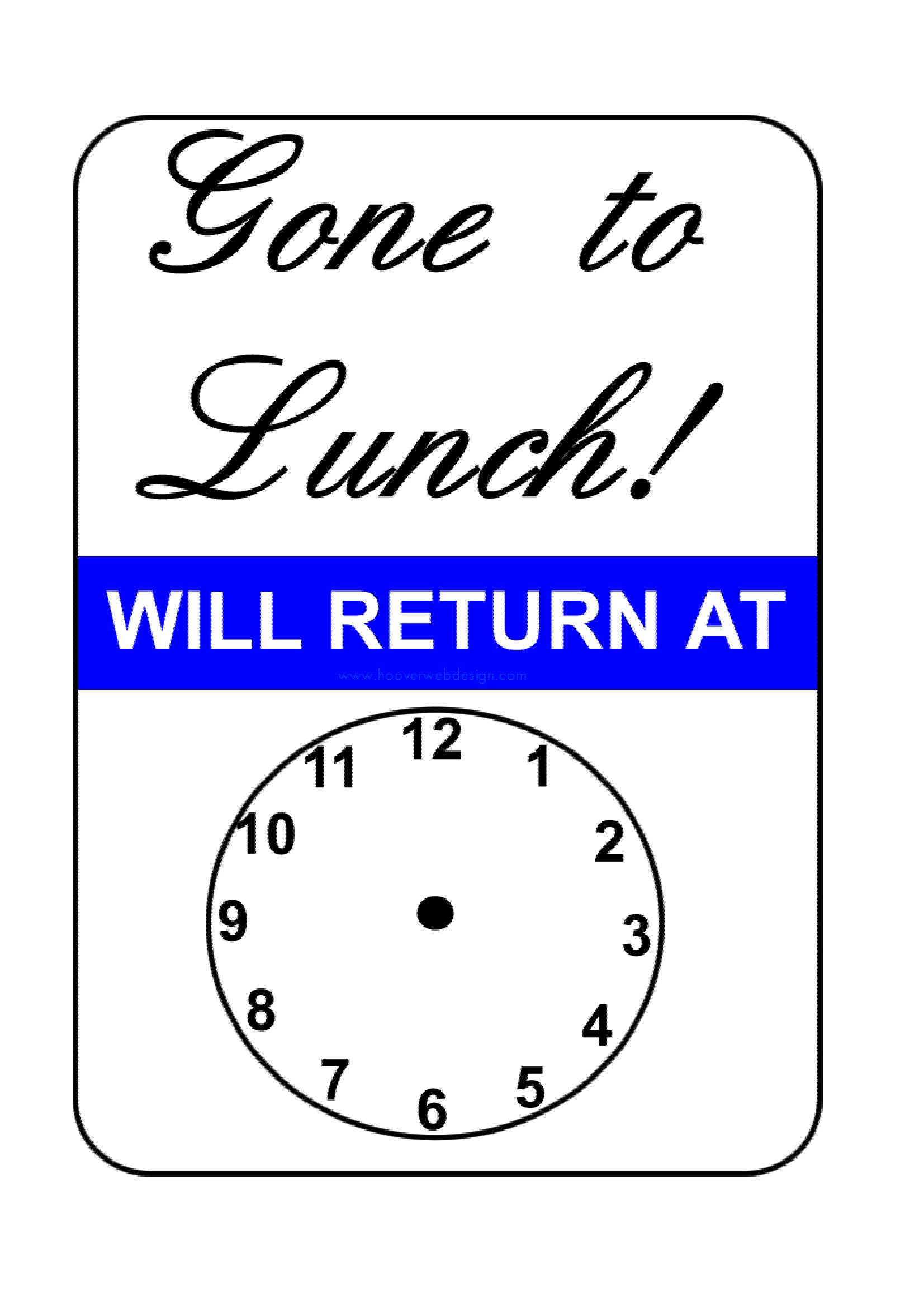
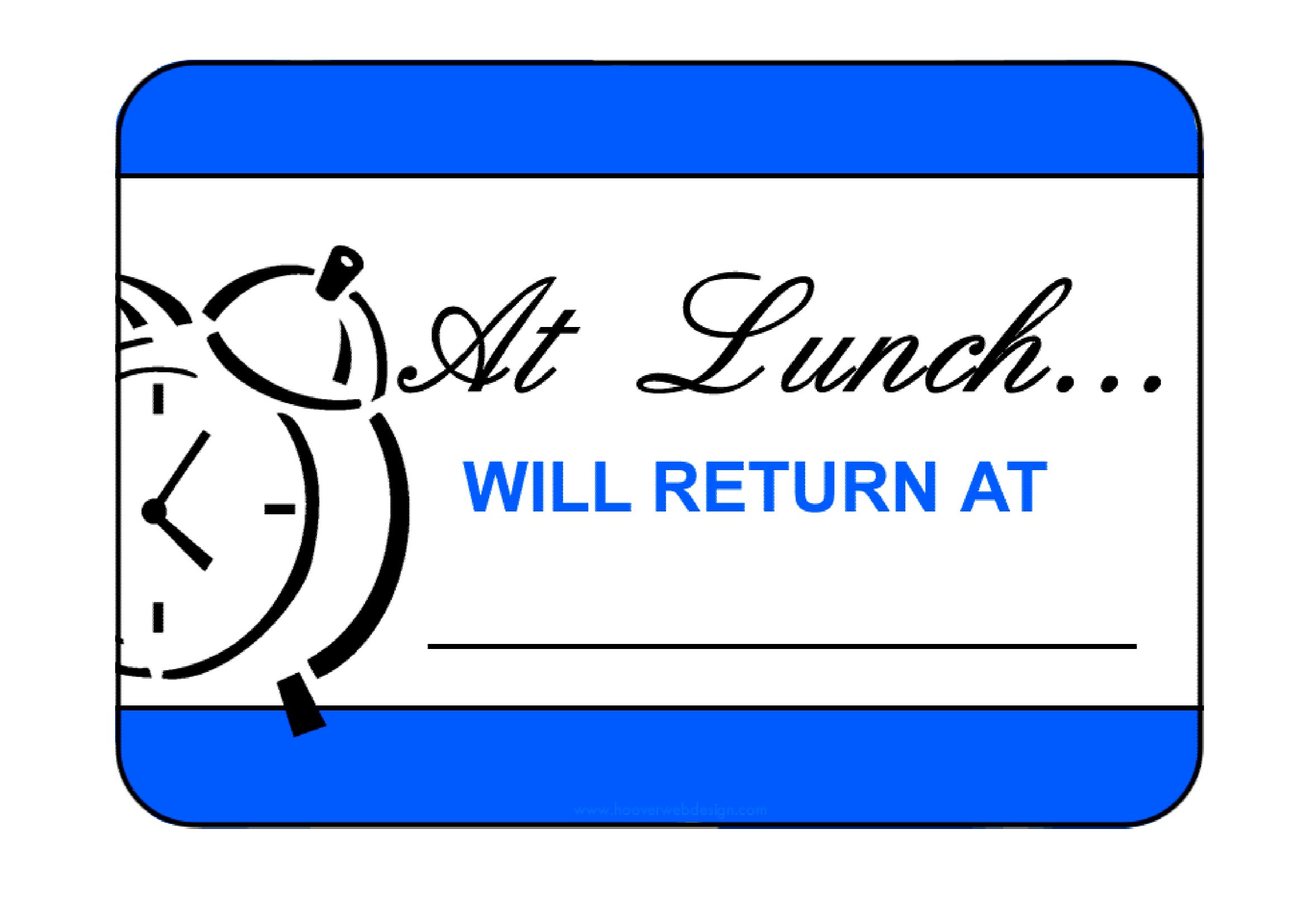
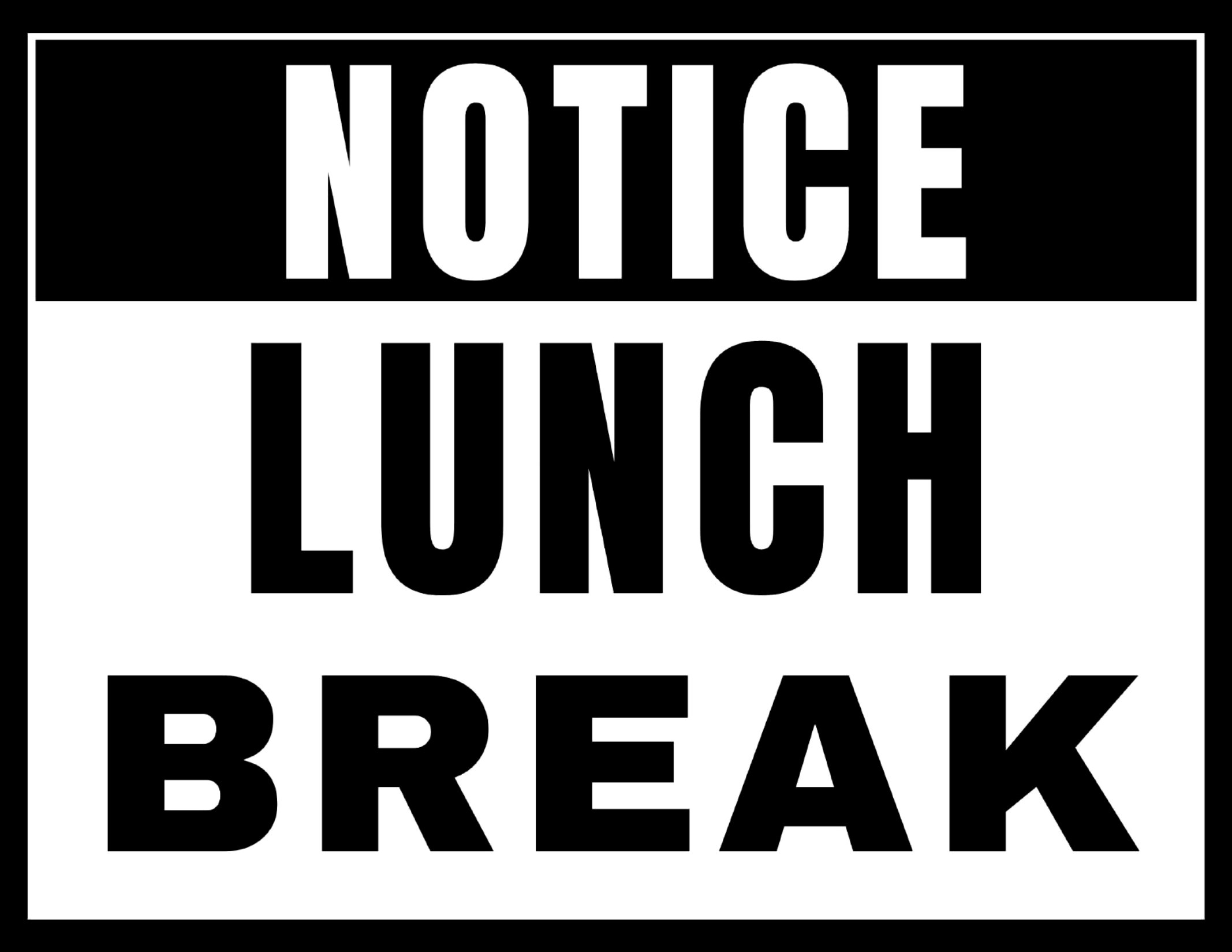
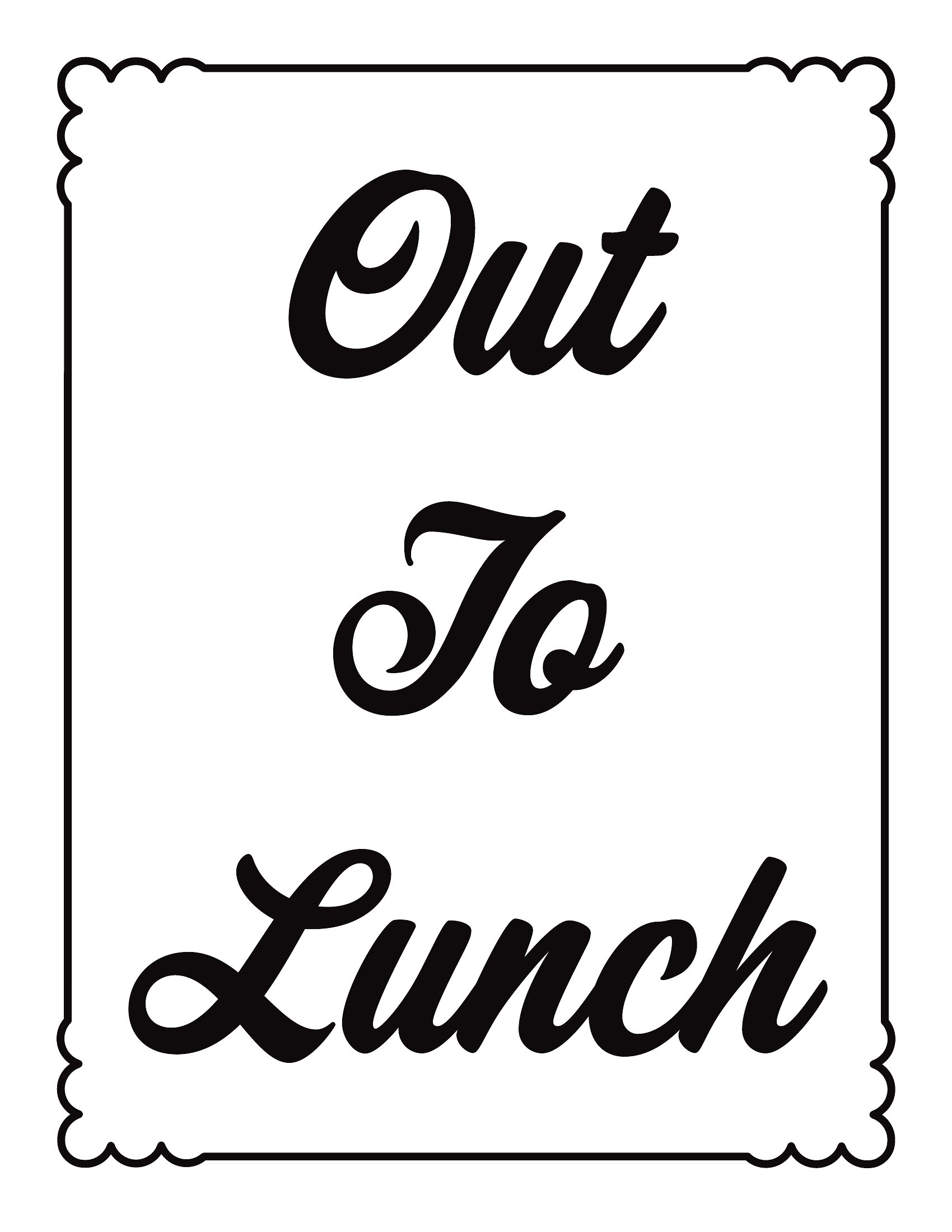
LifeStepping away from the desk or counter is easier when a sign explains your absence and says when you'll be back. This set of 45 out to lunch signs suits shop counters, office doors, and reception desks, with simple notices and versions you can write a return time on. Small-business owners and staff can step out without leaving customers guessing.
Files come as print-ready PDFs that print clean at full page or counter-card size. Print on cardstock for a reusable sign, or note the time on a fresh copy each day. Nothing needs installing and there's no design step. Pick the wording you like, print it, and prop it up before you head out.
When to use this Out to Lunch Sign template
- Small café owners who need a quick, professional sign to let customers know they’ve stepped away for a meal break—keeping service smooth without interrupting flow.
- Retail store clerks managing a busy checkout who want to avoid interruptions when leaving the counter for a short break, signaling their return time clearly.
- Office receptionists handling walk-ins who need a polite, professional note to post when popping out for lunch, ensuring visitors know when to expect assistance back.
- Home-based business owners or freelancers working from a separate space who want to notify household members or delivery drivers they’re temporarily unavailable.
Which format should I download?
All 45 templates in this collection are provided exclusively as print-ready PDFs. Choose this format because it ensures crisp, professional printing every time—no formatting issues or font mismatches. PDFs also preserve the design integrity whether you’re printing on standard paper, laminating for durability, or using a digital frame. Since these signs require no editing beyond filling in a return time, PDFs eliminate compatibility concerns and guarantee a polished look straight from download.
How to use this Out to Lunch Sign template
Can these signs be customized further beyond adding a return time?
While the PDF templates are designed for straightforward use, you can easily edit them in any PDF editor or design tool to add small personal touches—like a logo or color scheme—as long as you maintain readability. For more extensive customization, consider using a blank template as a base and designing it yourself in software like Canva or Adobe Illustrator before saving as a new PDF.
Are these signs suitable for outdoor use, like on a food truck or outdoor market stall?
These PDF templates are best suited for indoor or semi-protected areas, like under a canopy or awning. For true outdoor use, you’ll want to print them on waterproof, weather-resistant material or laminate them for durability against wind, rain, or sun exposure. Avoid direct outdoor use without protection, as prolonged exposure can degrade the print quality.
How do I ensure the sign is visible to everyone who needs to see it, especially in a busy setting?
Place the sign in a high-traffic, easily visible location—like above the counter, on the door handle, or near the entrance. Use a contrasting color for the text and background to improve visibility, and consider printing multiple copies if your space is large. For added clarity, include a simple icon (like a clock or fork and knife) alongside the text if your audience includes non-native speakers.
Comments
Join the conversation
Sign in to share your thoughts and leave a comment on this resource.