Free Sales Plan Templates (Word, Excel)
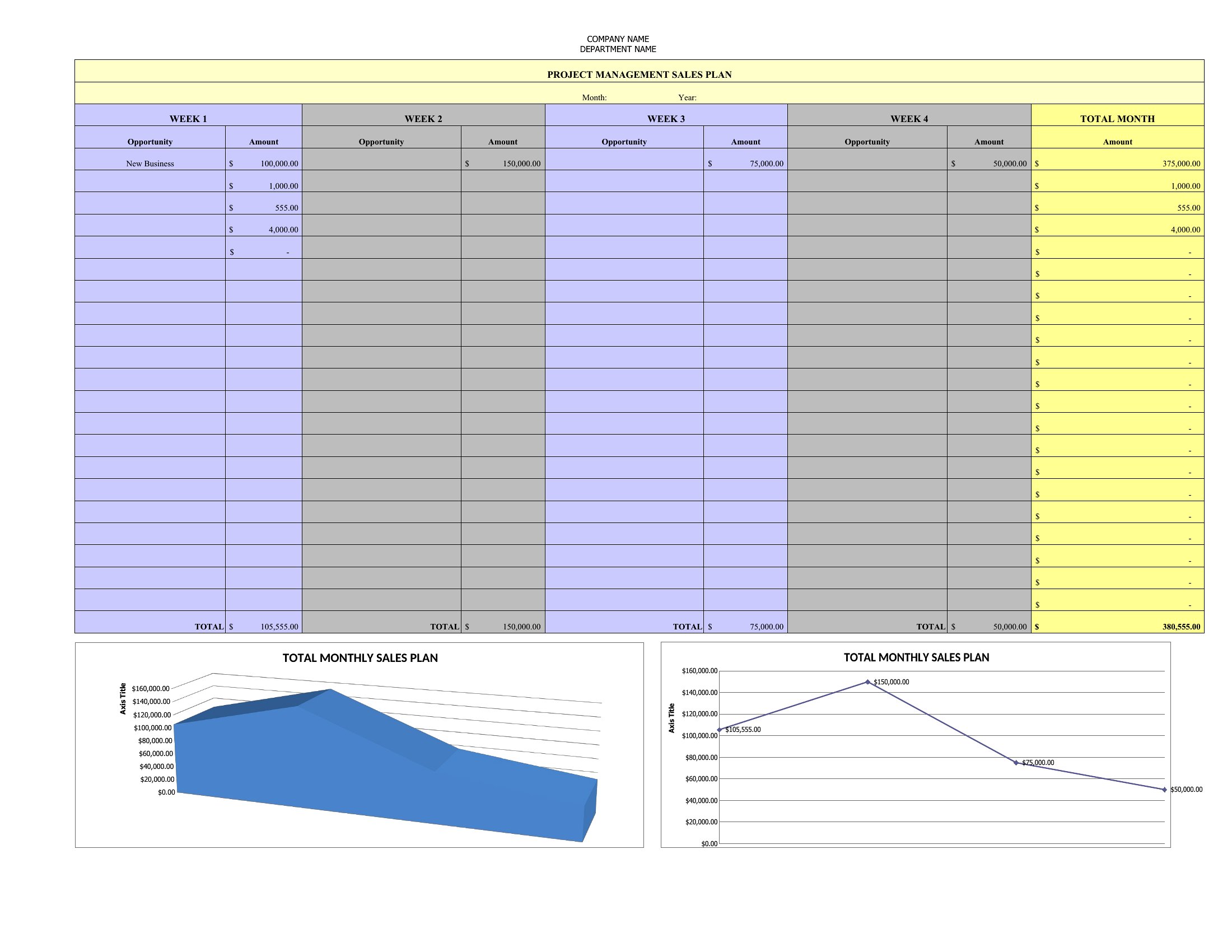
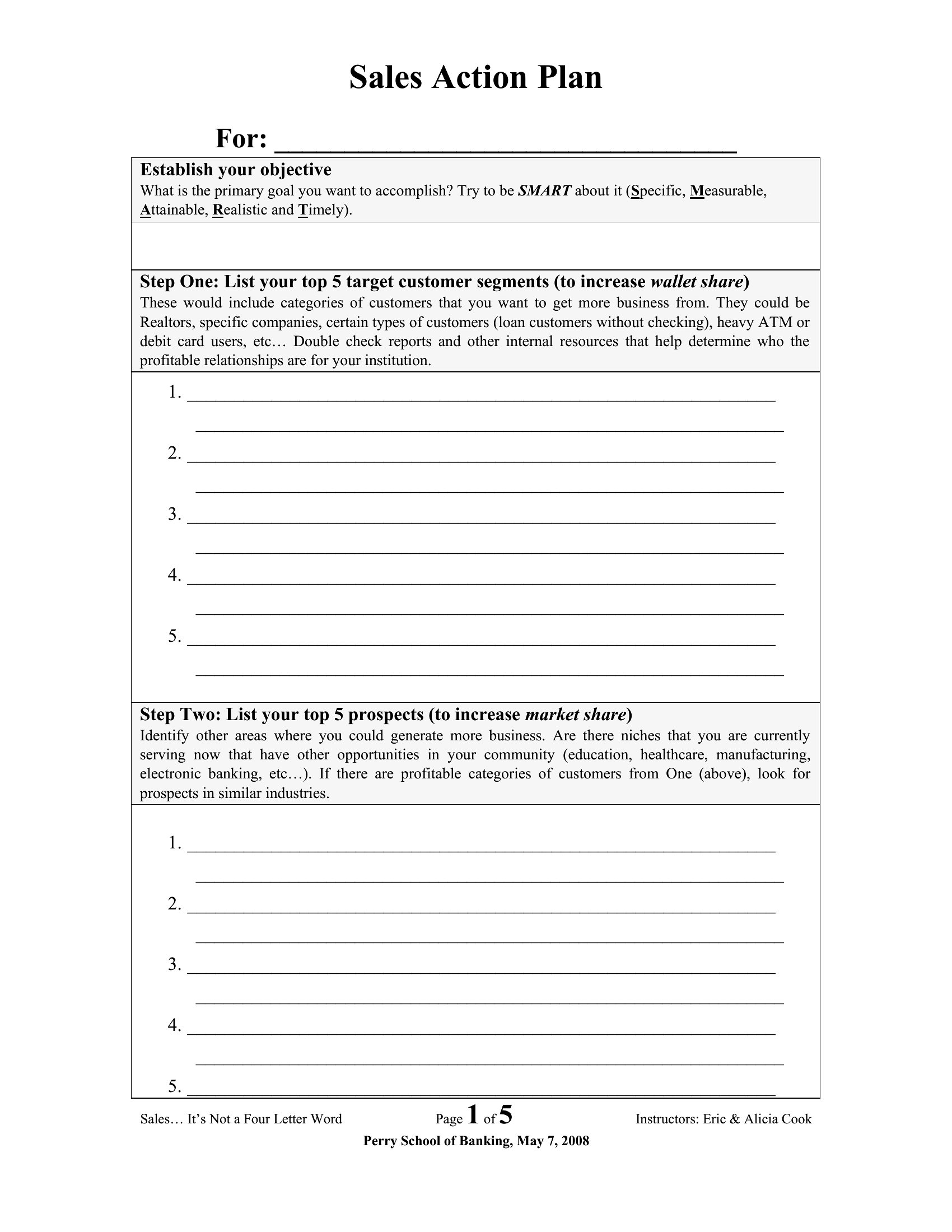
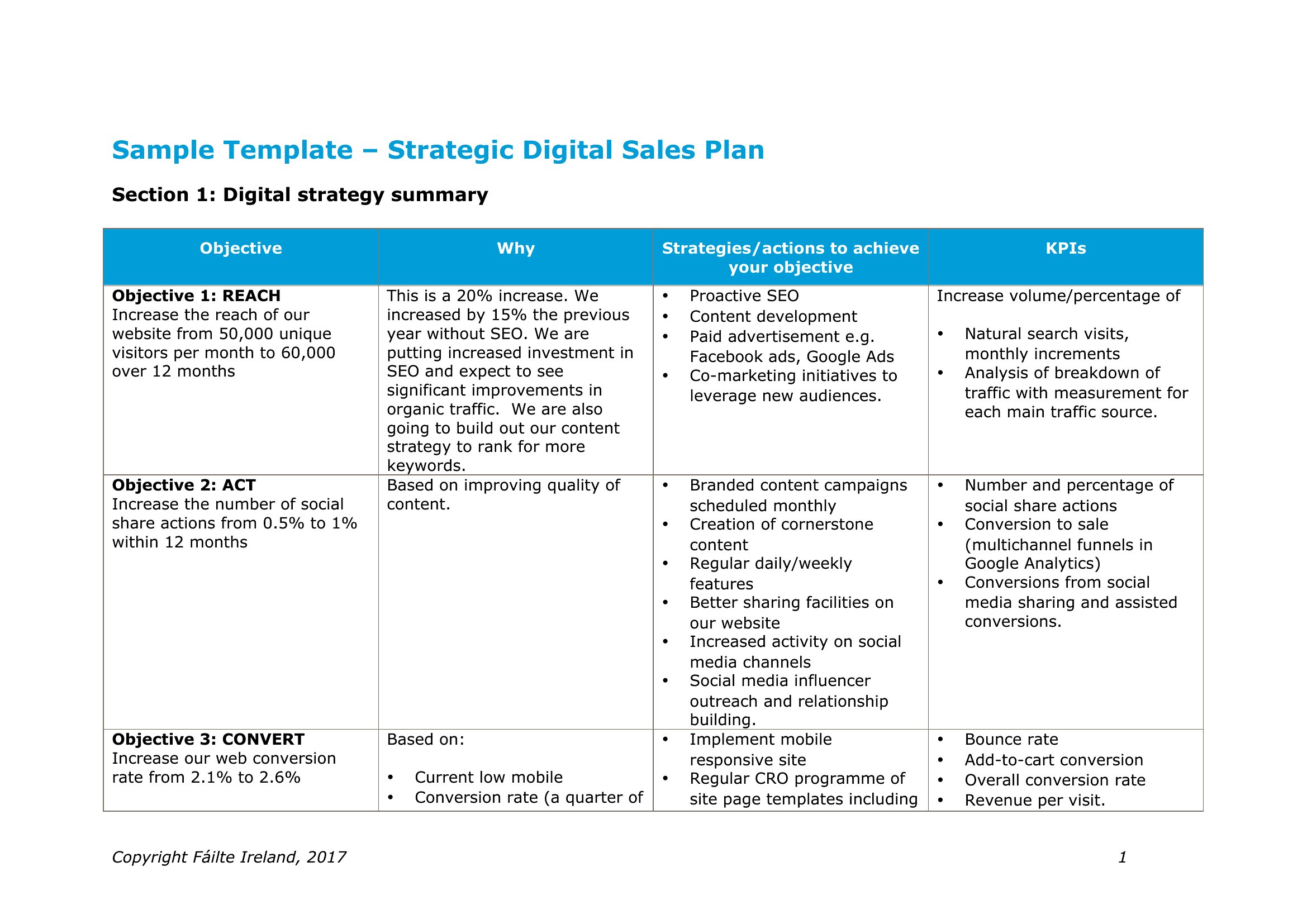
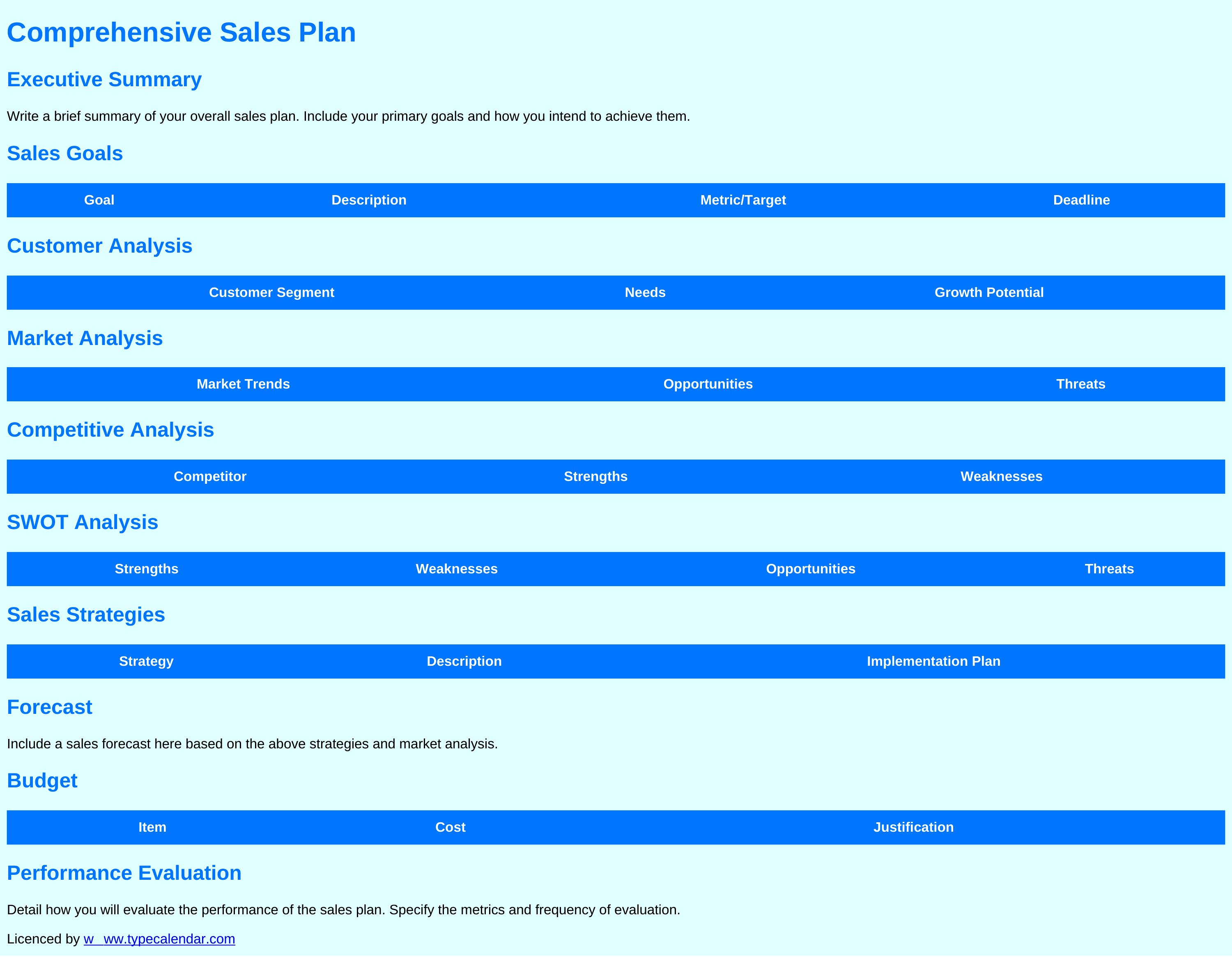
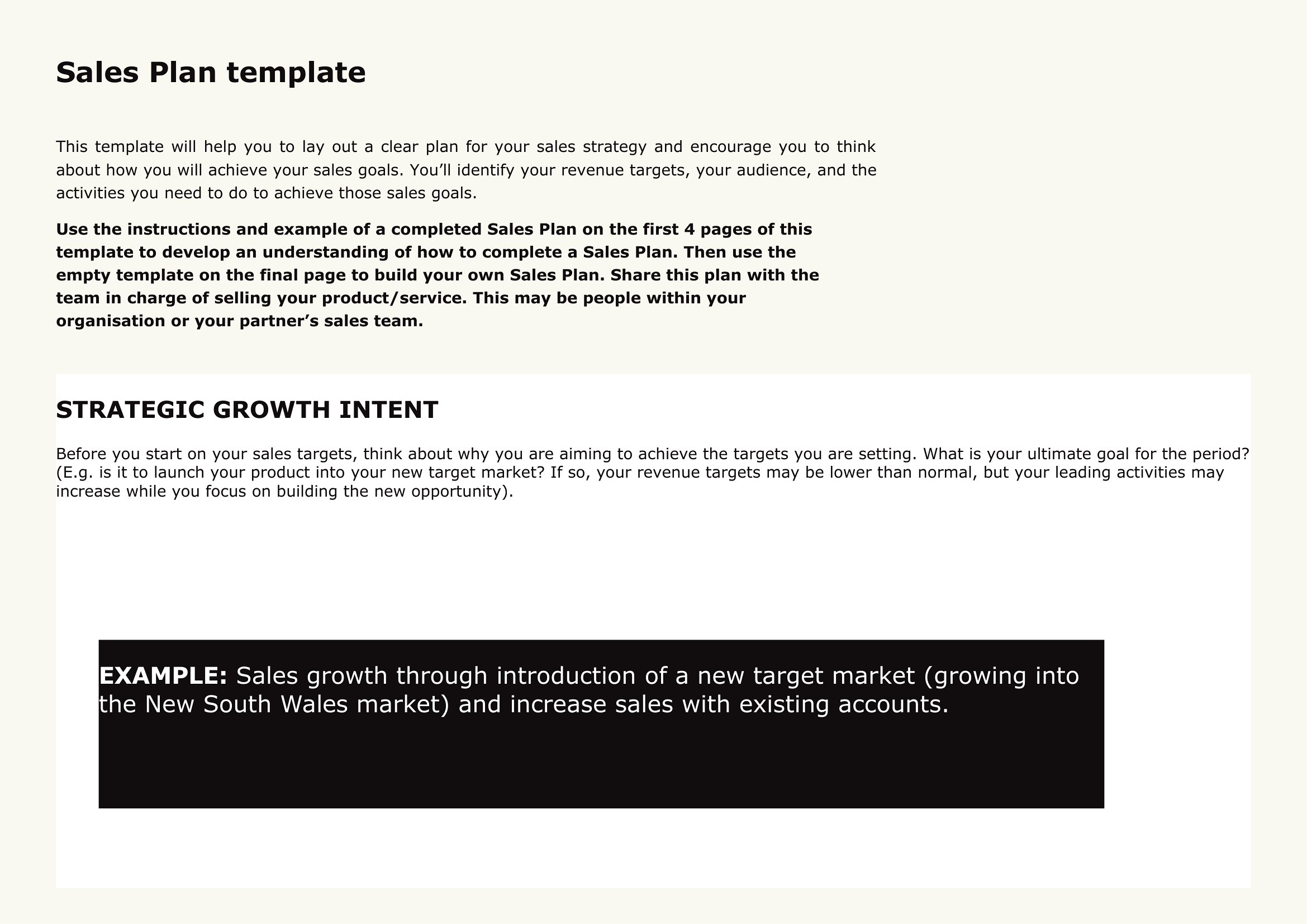
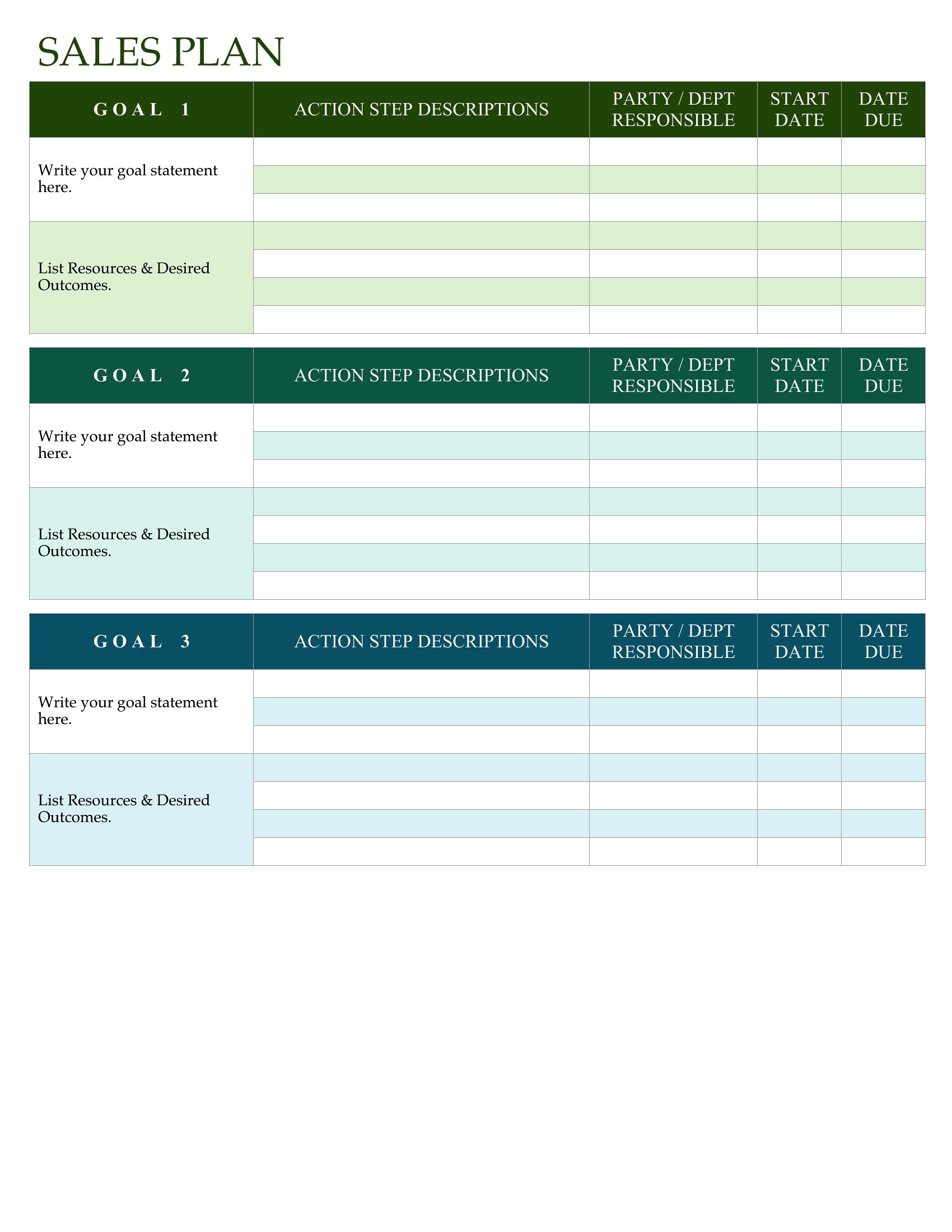
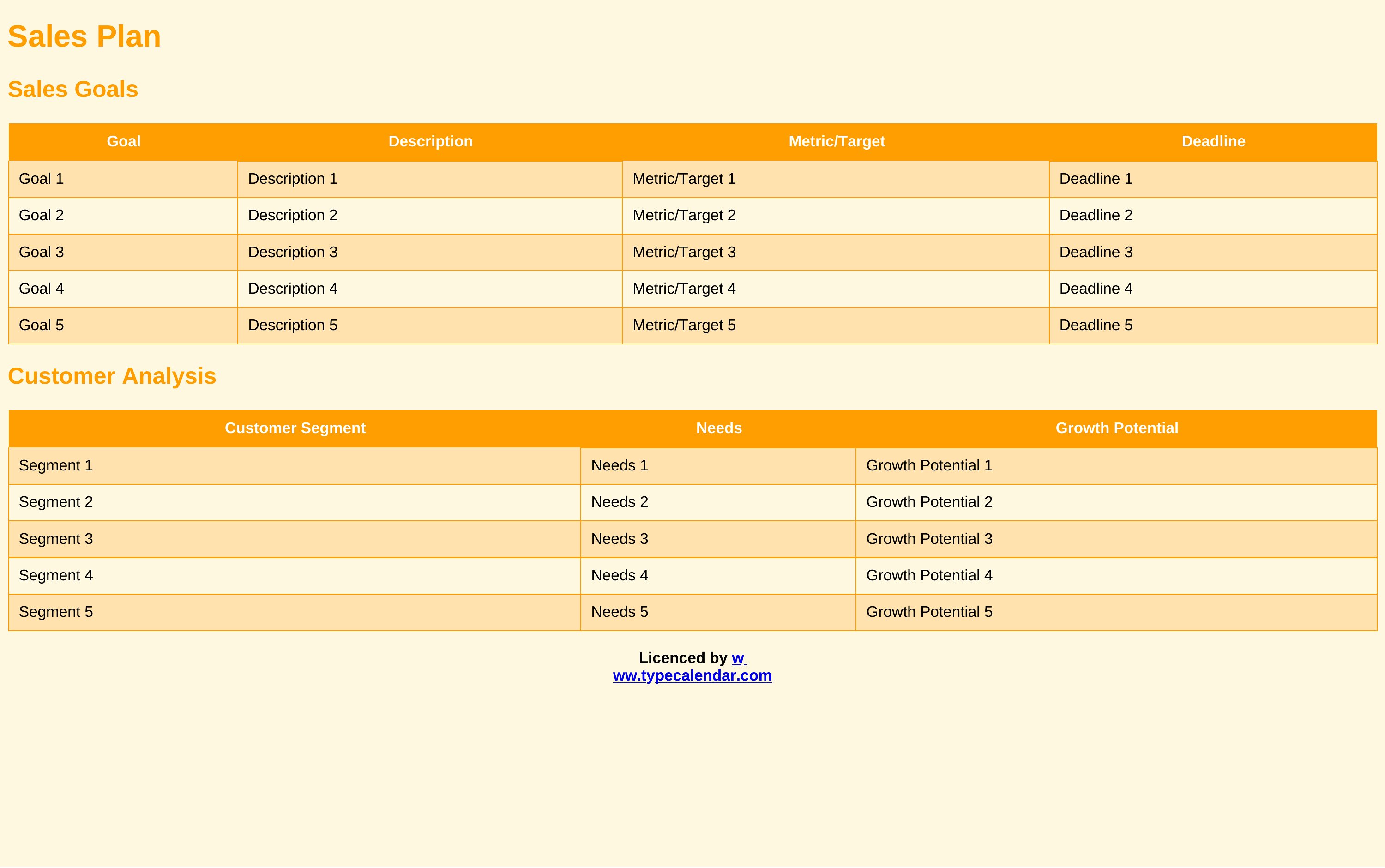
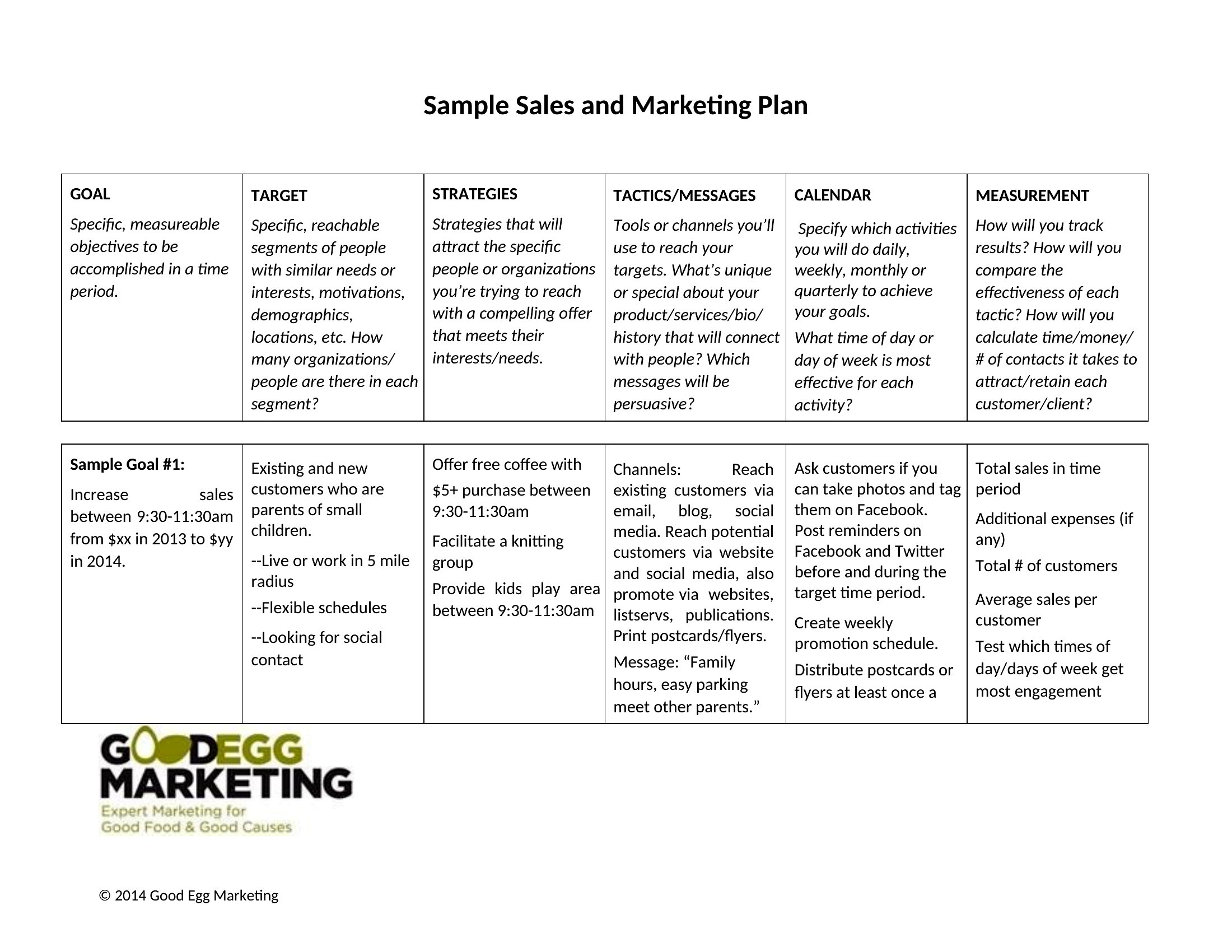
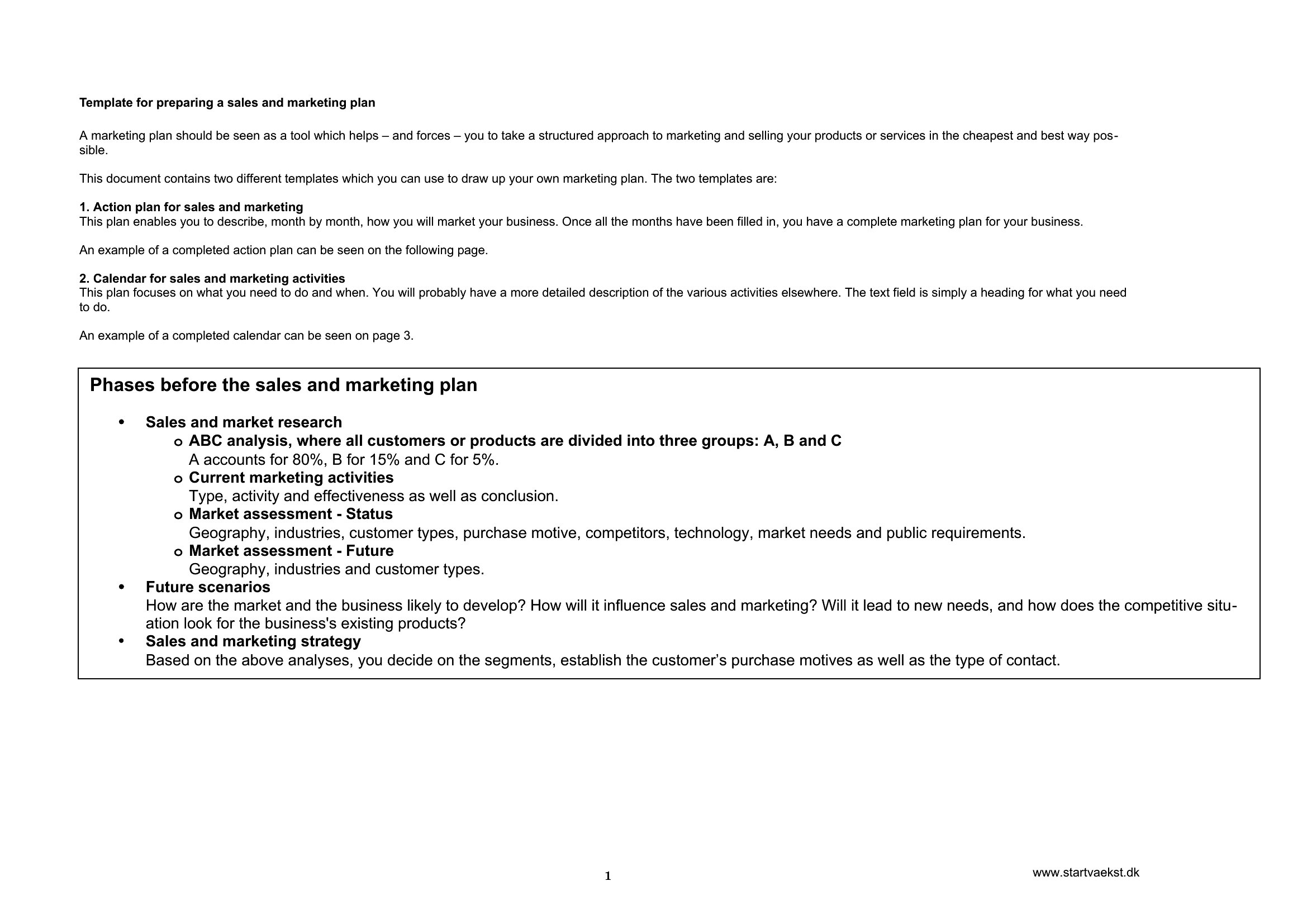
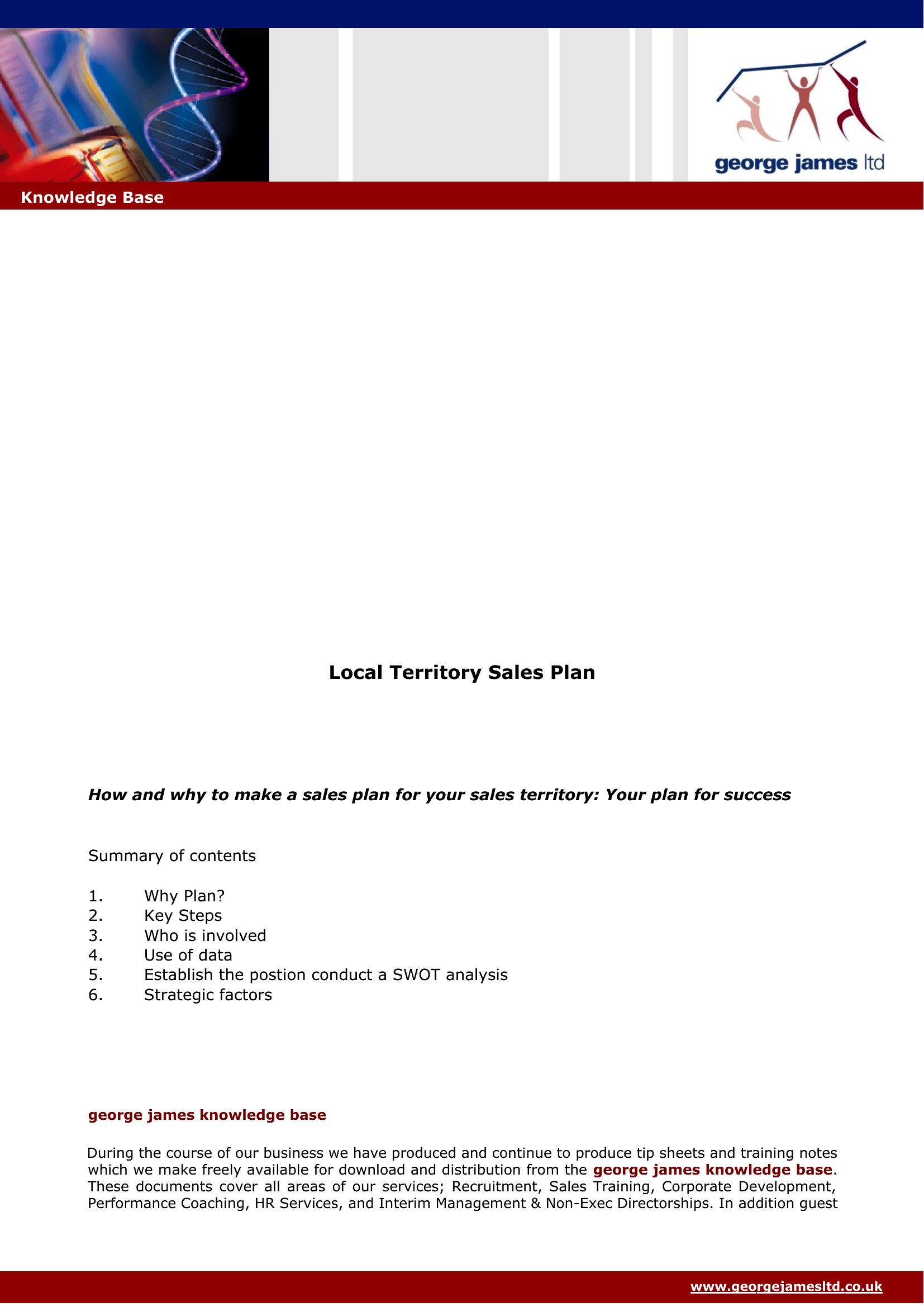
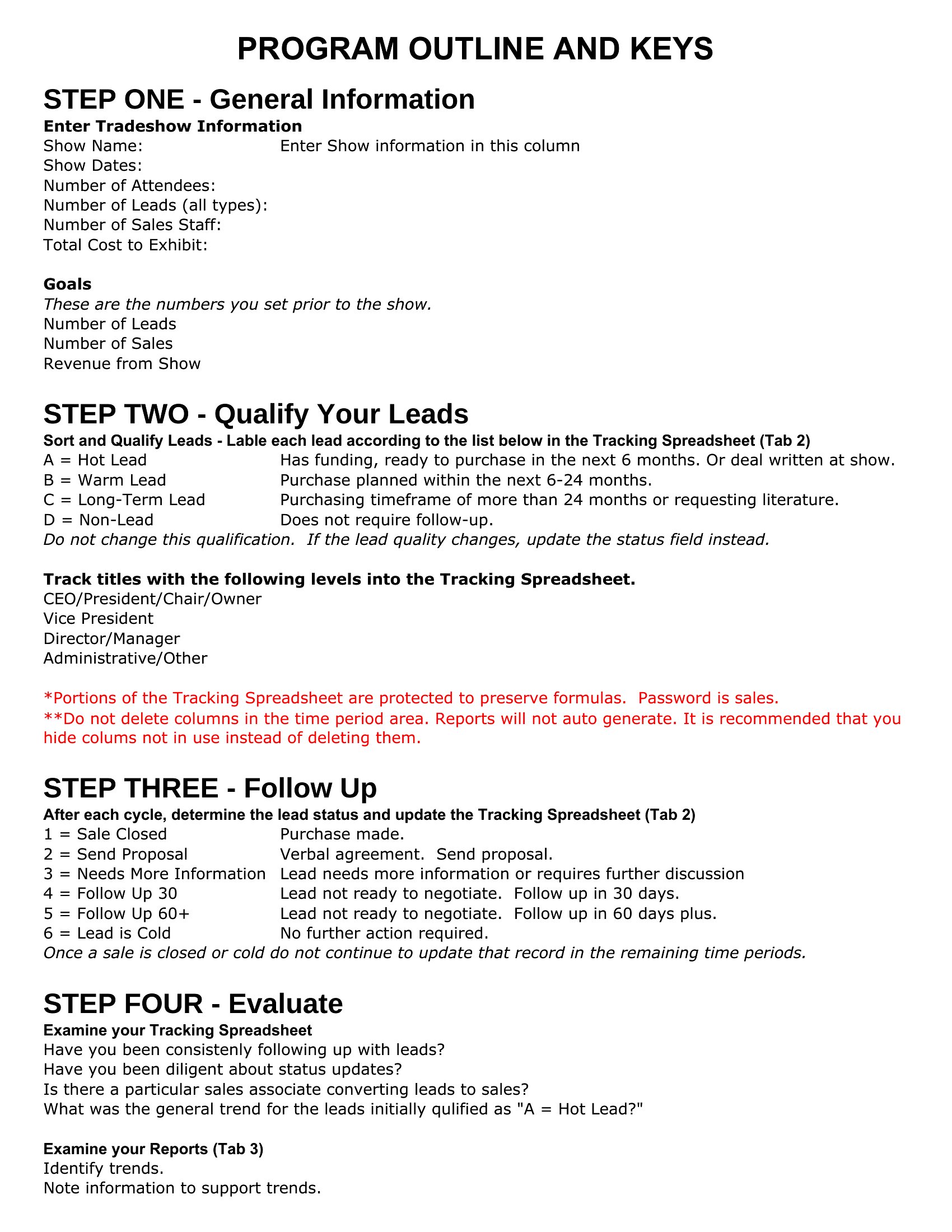
ProjectA sales plan turns a revenue target into the specific moves a team will make to hit it. This set of 41 sales plan templates helps managers and founders map goals, target accounts, tactics, and timelines in one document. The layouts cover territory plans, 30-60-90 day onboarding, and full annual strategies.

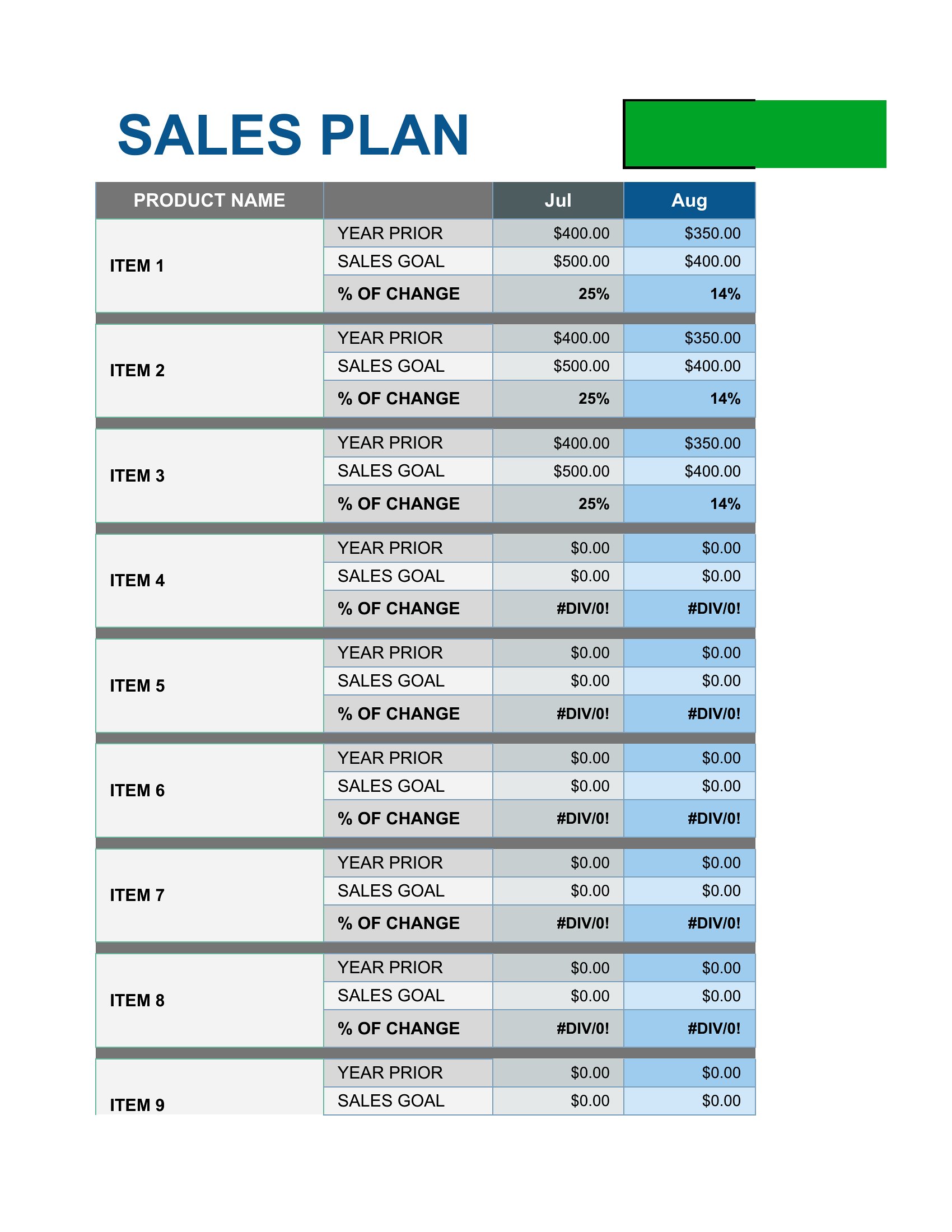
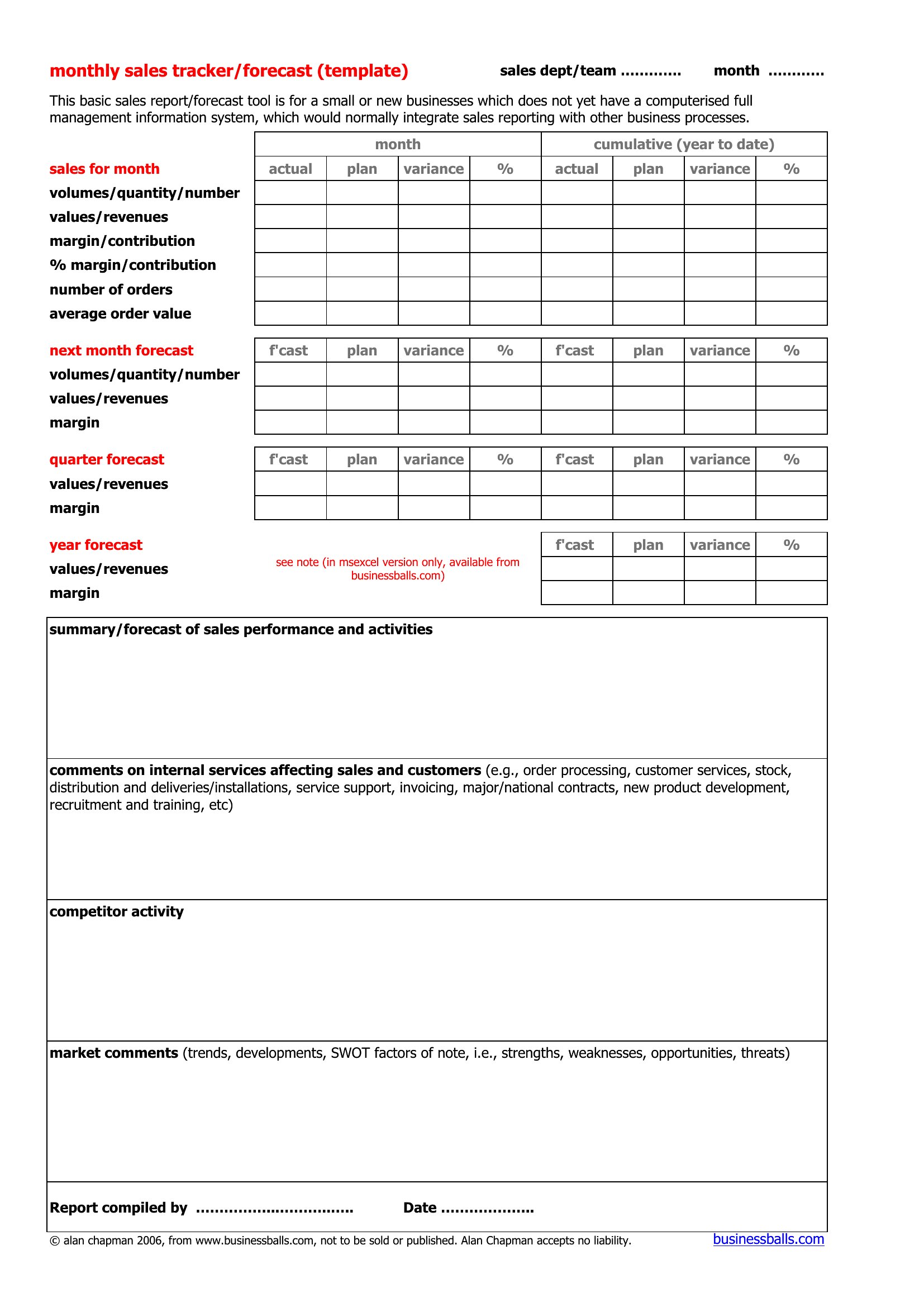
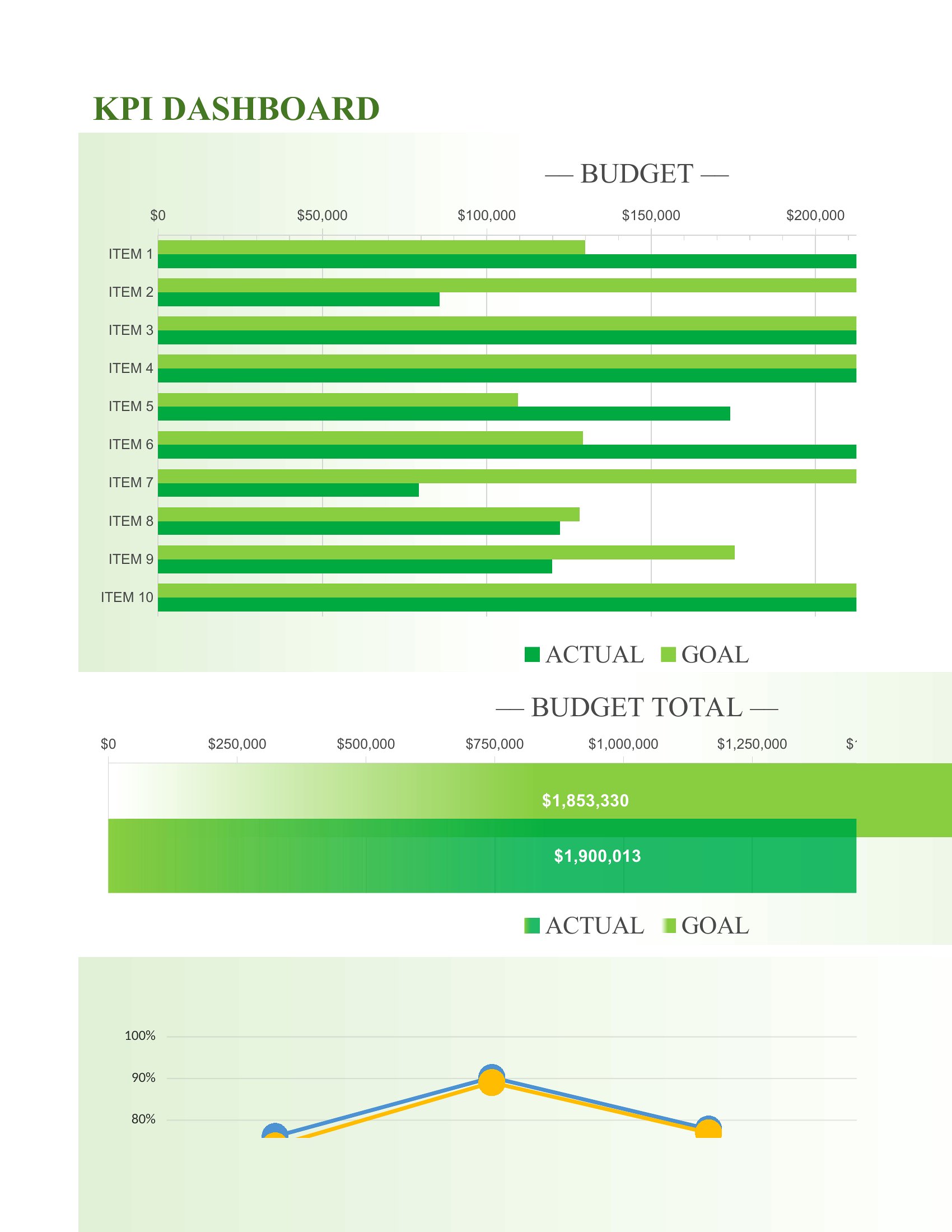
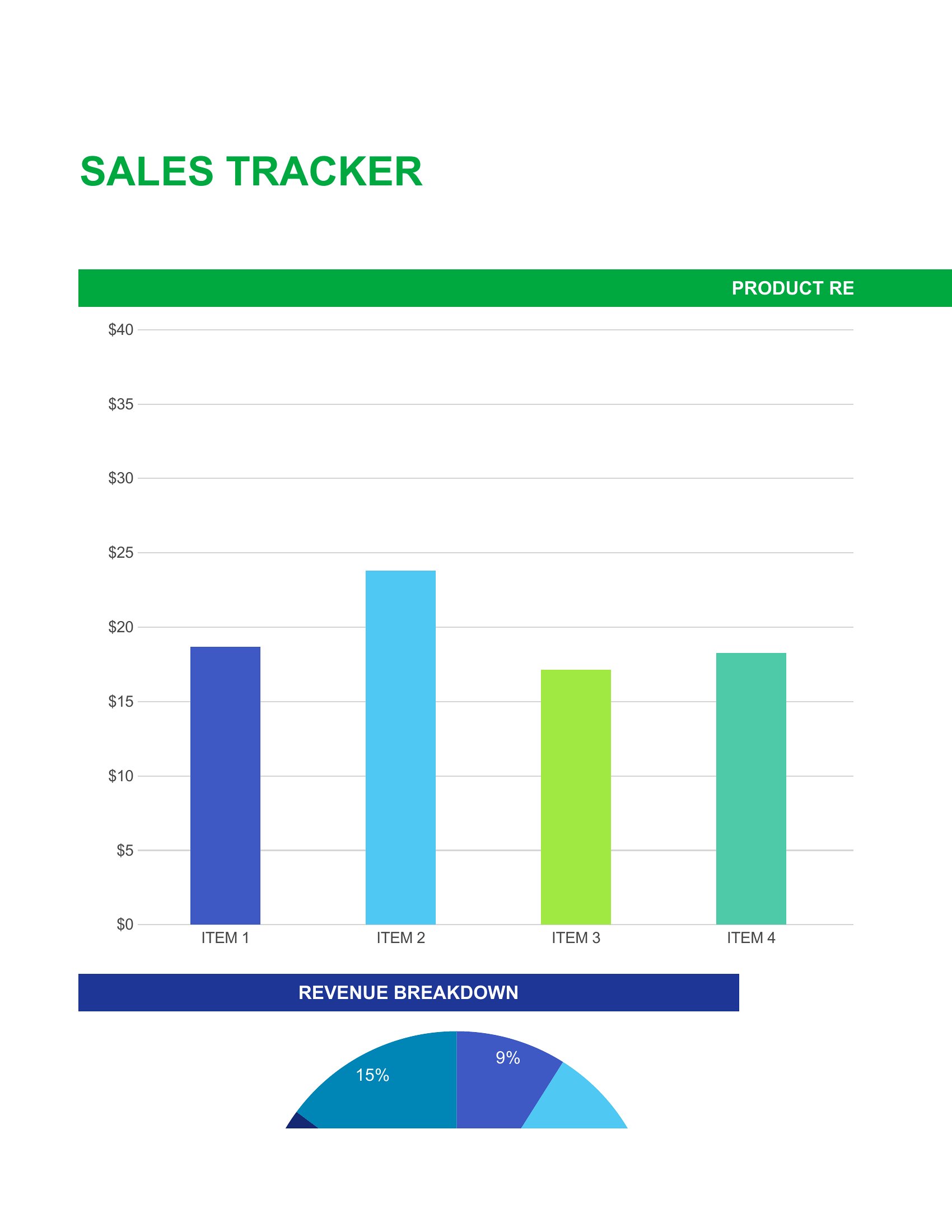
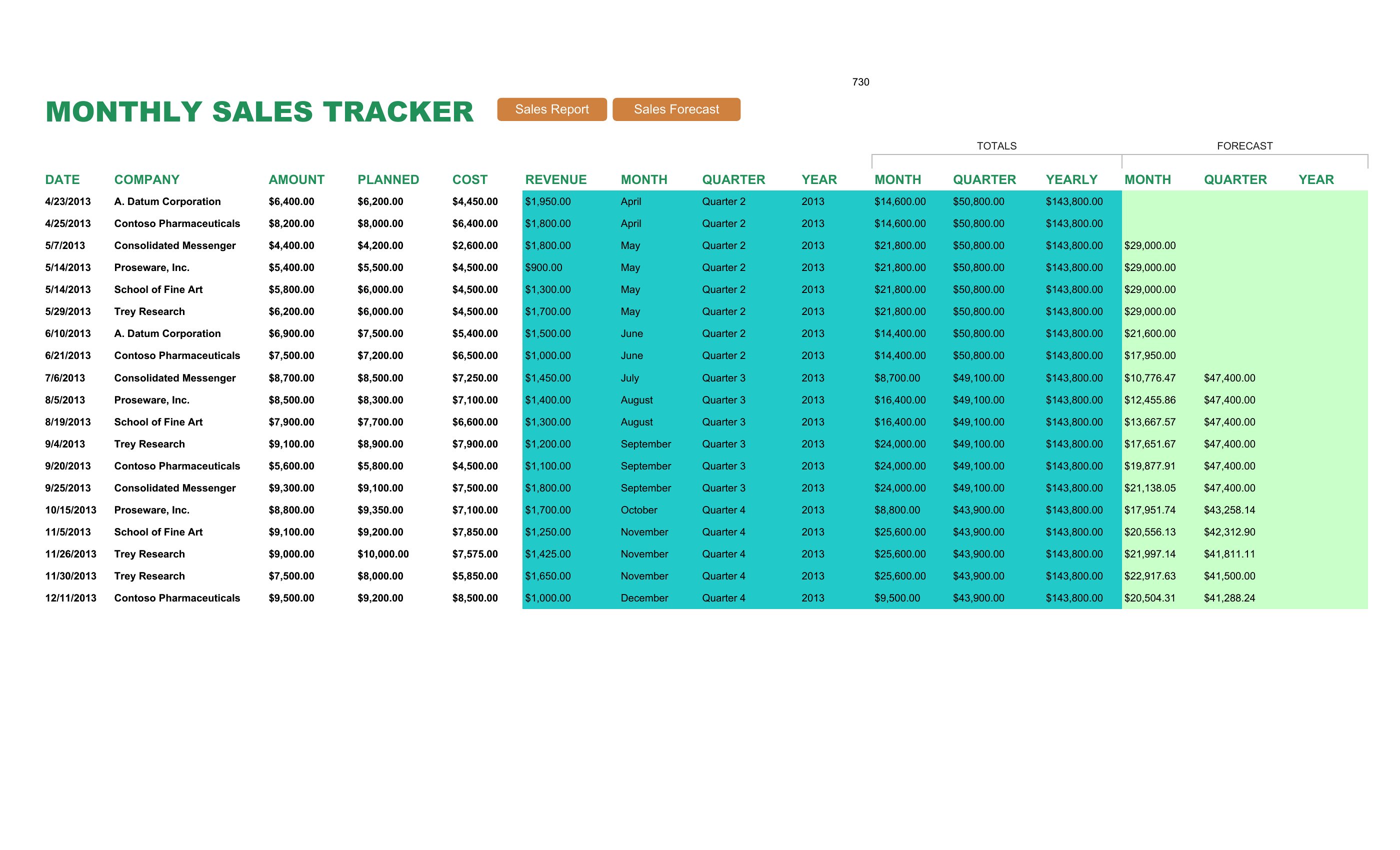
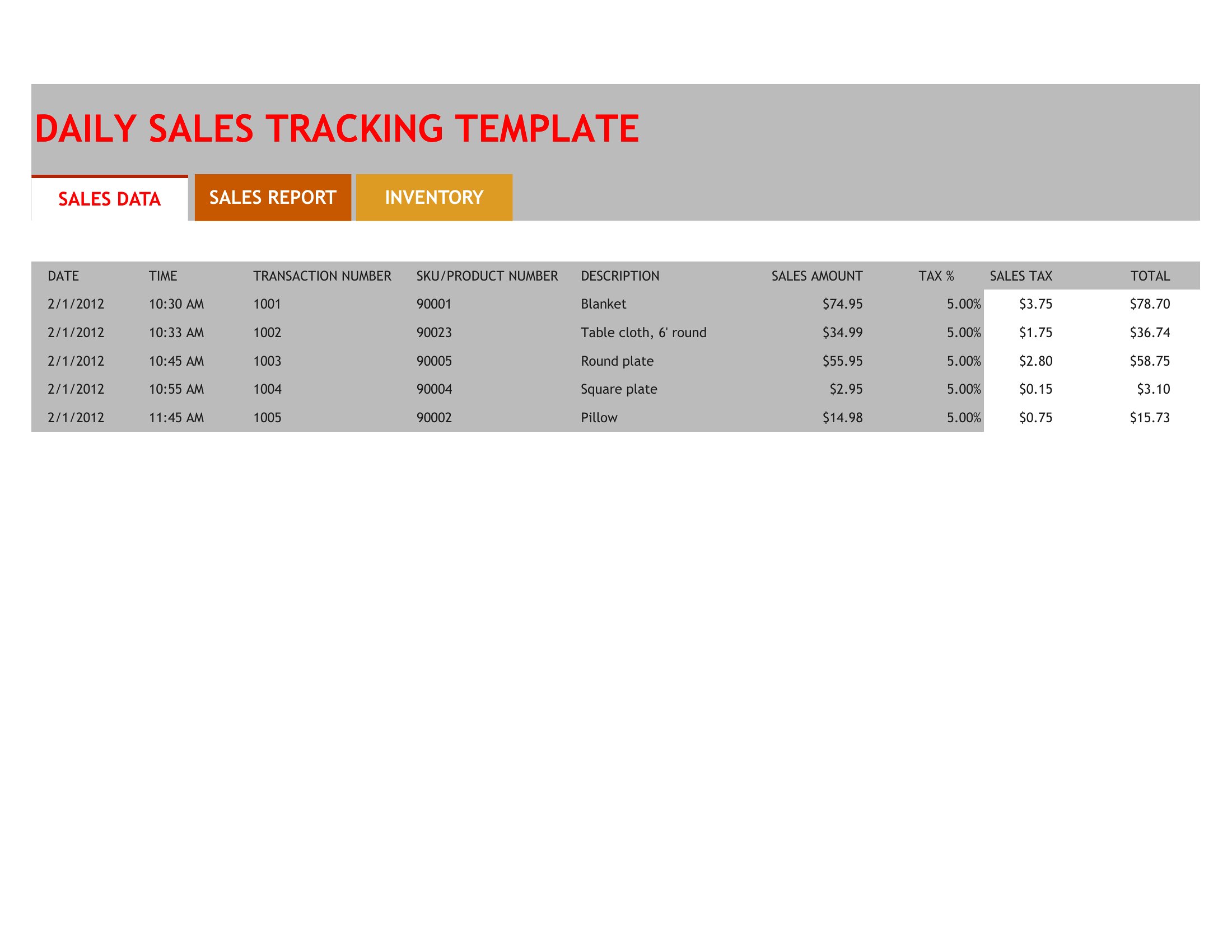
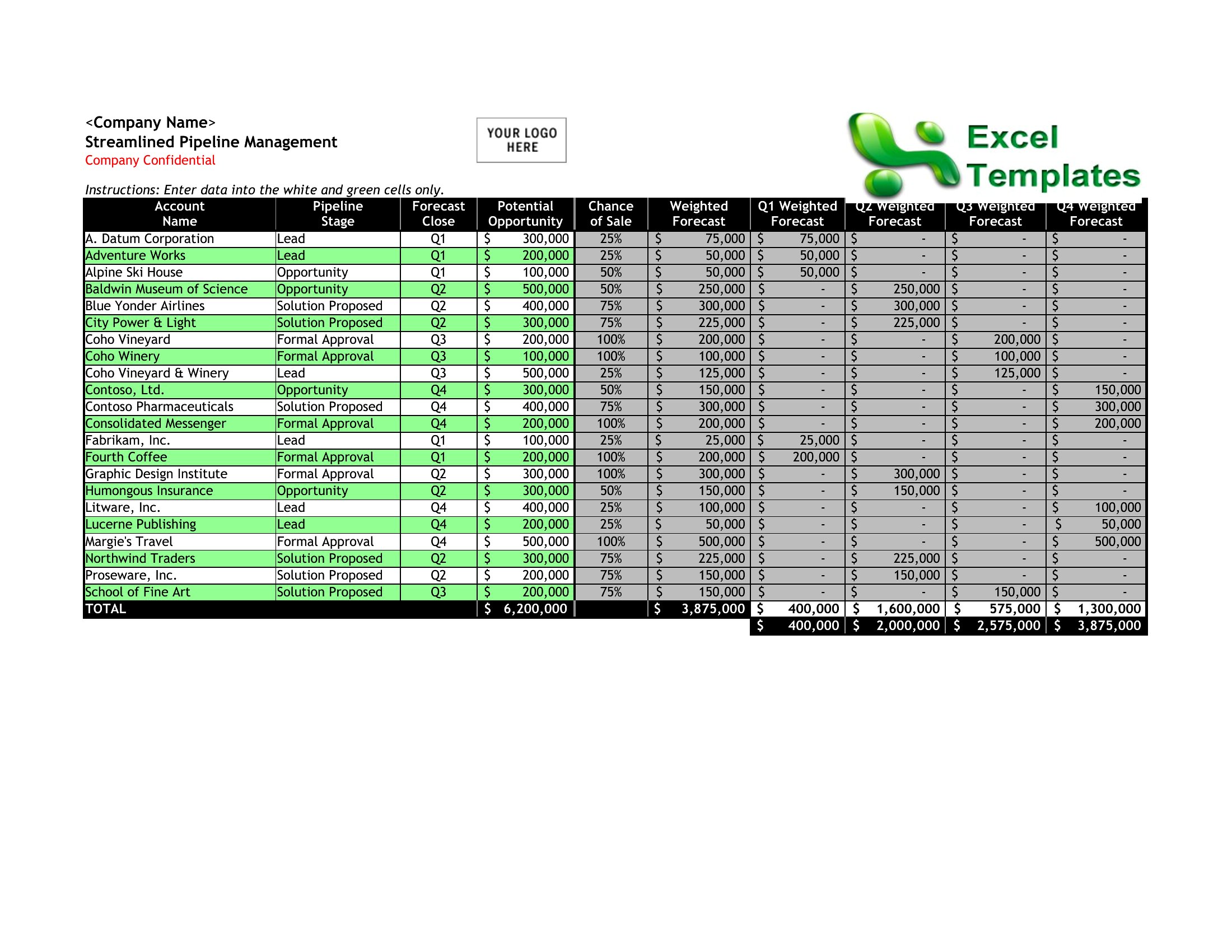
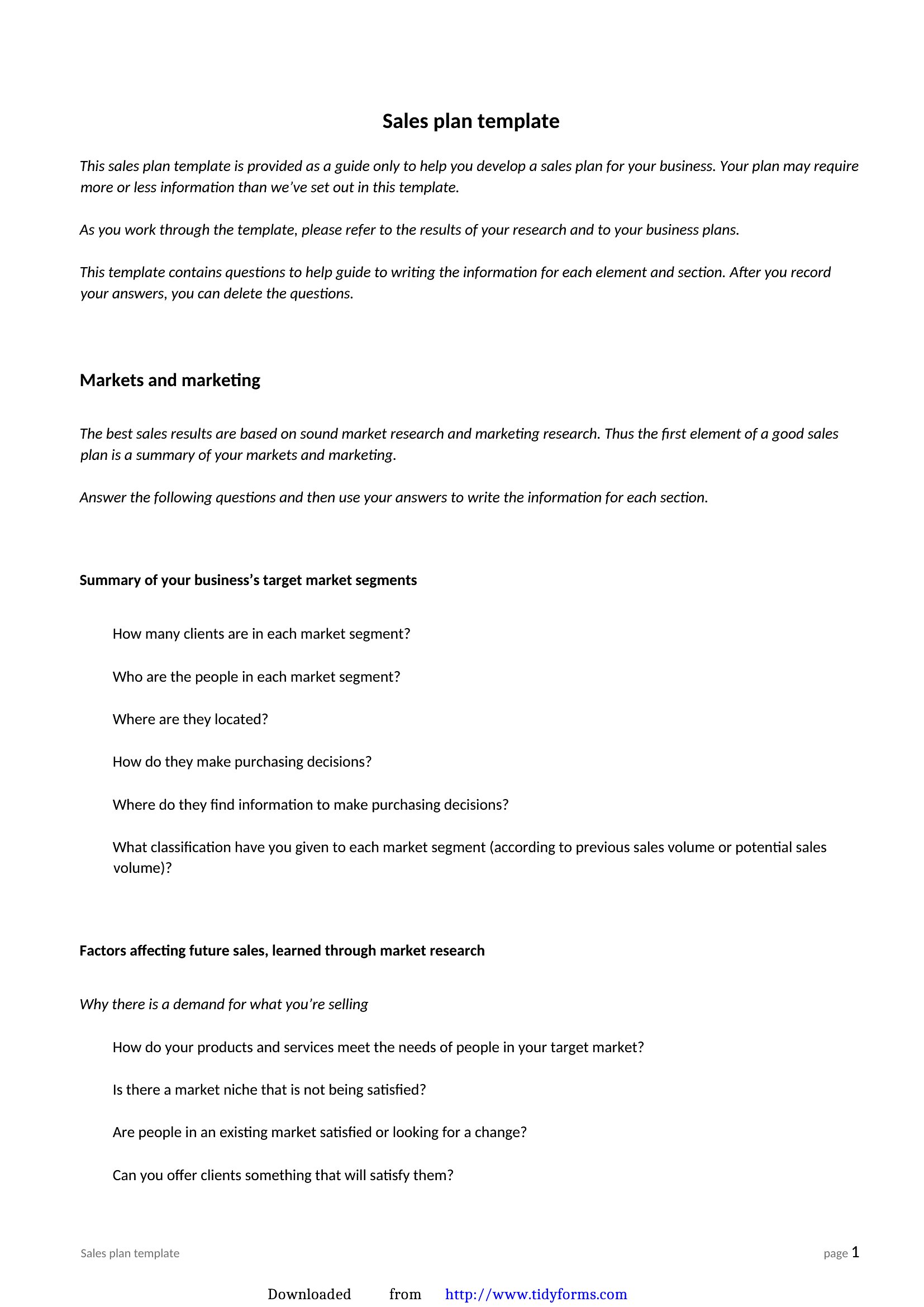
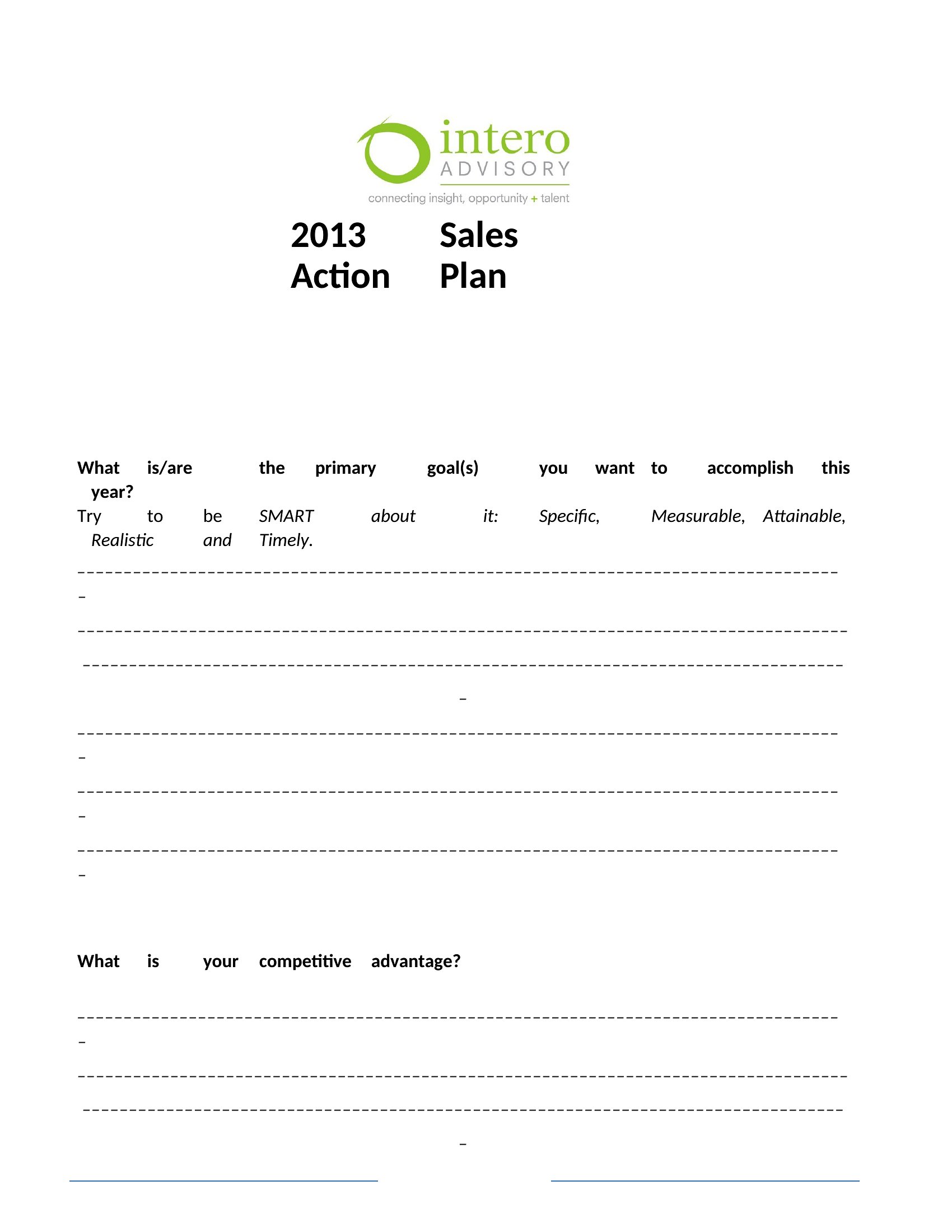
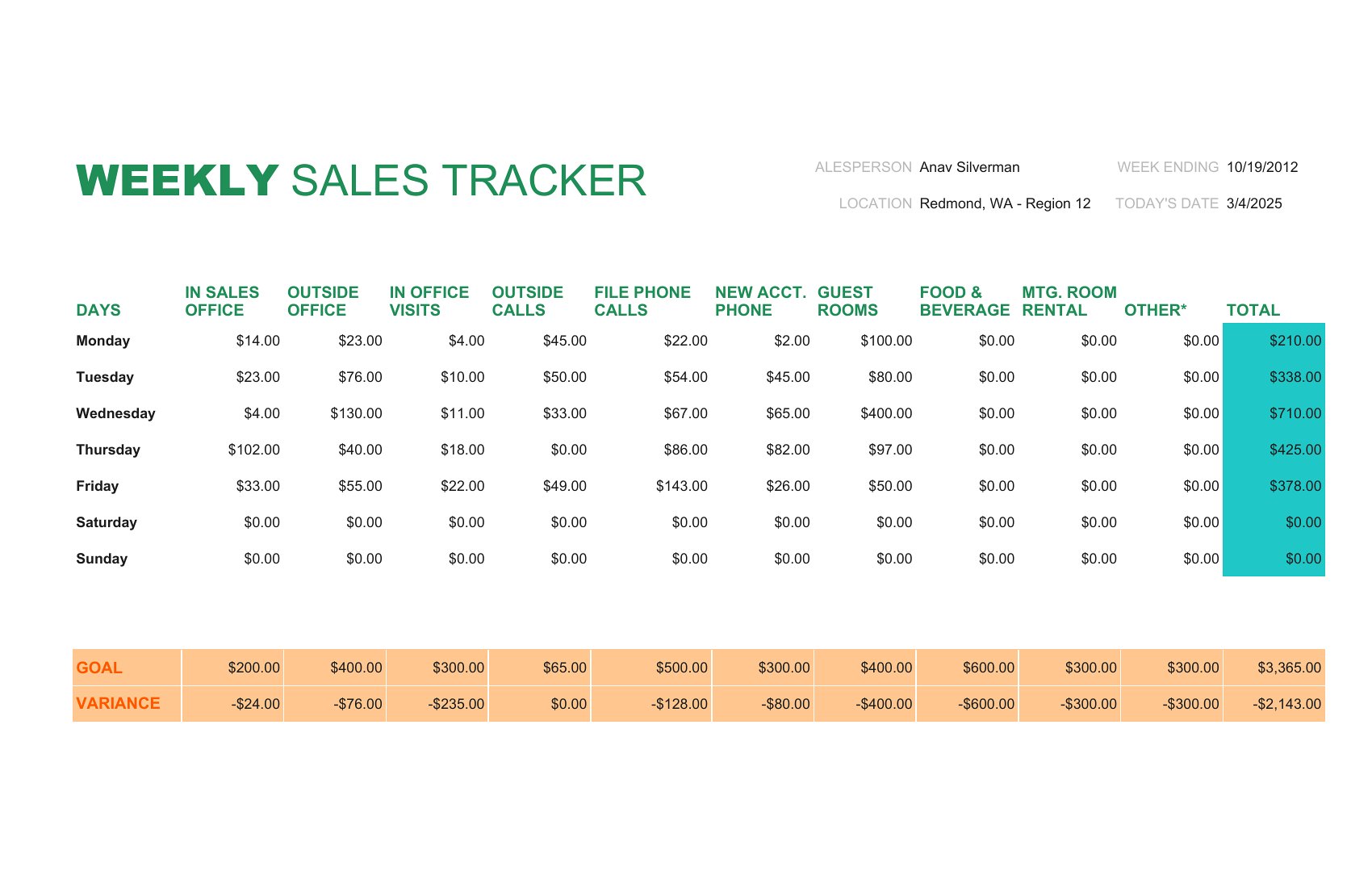
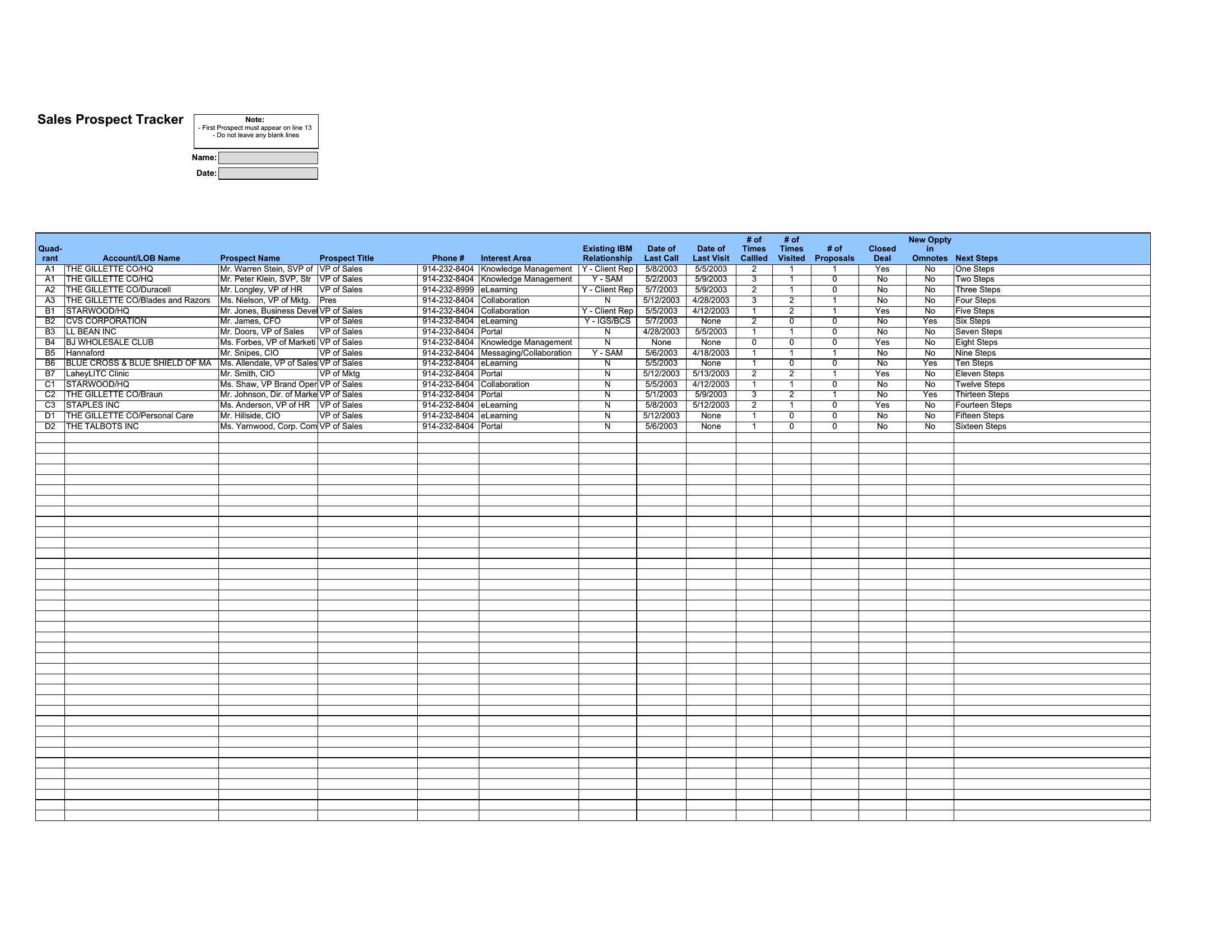
The Excel versions track quotas and pipeline numbers, while the Word files give you room to write the strategy and share it with the team. Set your targets, assign the actions, and you've got a plan people can actually follow. Pick the scope that matches your role, from a single rep's plan to a department's. Download one and turn your target into a roadmap.
When to use this Sales Plan template
- A startup founder needs to break down quarterly revenue targets into actionable steps for a new sales team of five, assigning territories and key metrics to each rep.
- A regional sales manager wants to align their five-person team’s efforts with a new product launch, mapping out customer touchpoints and follow-up schedules over 90 days.
- An account executive preparing for a high-value enterprise deal uses a 30-60-90 day plan to outline onboarding stages, stakeholder introductions, and contract negotiation timelines.
- A small business owner launching a subscription model needs to compare two pricing tiers, track customer acquisition costs, and forecast churn for the first year in one cohesive plan.
Which format should I download?
Choose Word if you need to write detailed strategies, explain roles, or draft narrative-driven sales narratives—ideal for founders and managers who prioritize clarity over data visualization. Pick Excel when tracking quotas, pipeline stages, or numerical goals is critical, such as for sales ops teams or revenue-focused leaders. The 30-60-90 day templates in Word work best for structured onboarding, while their Excel counterparts excel at progress tracking with formulas for conversion rates or deal stages.
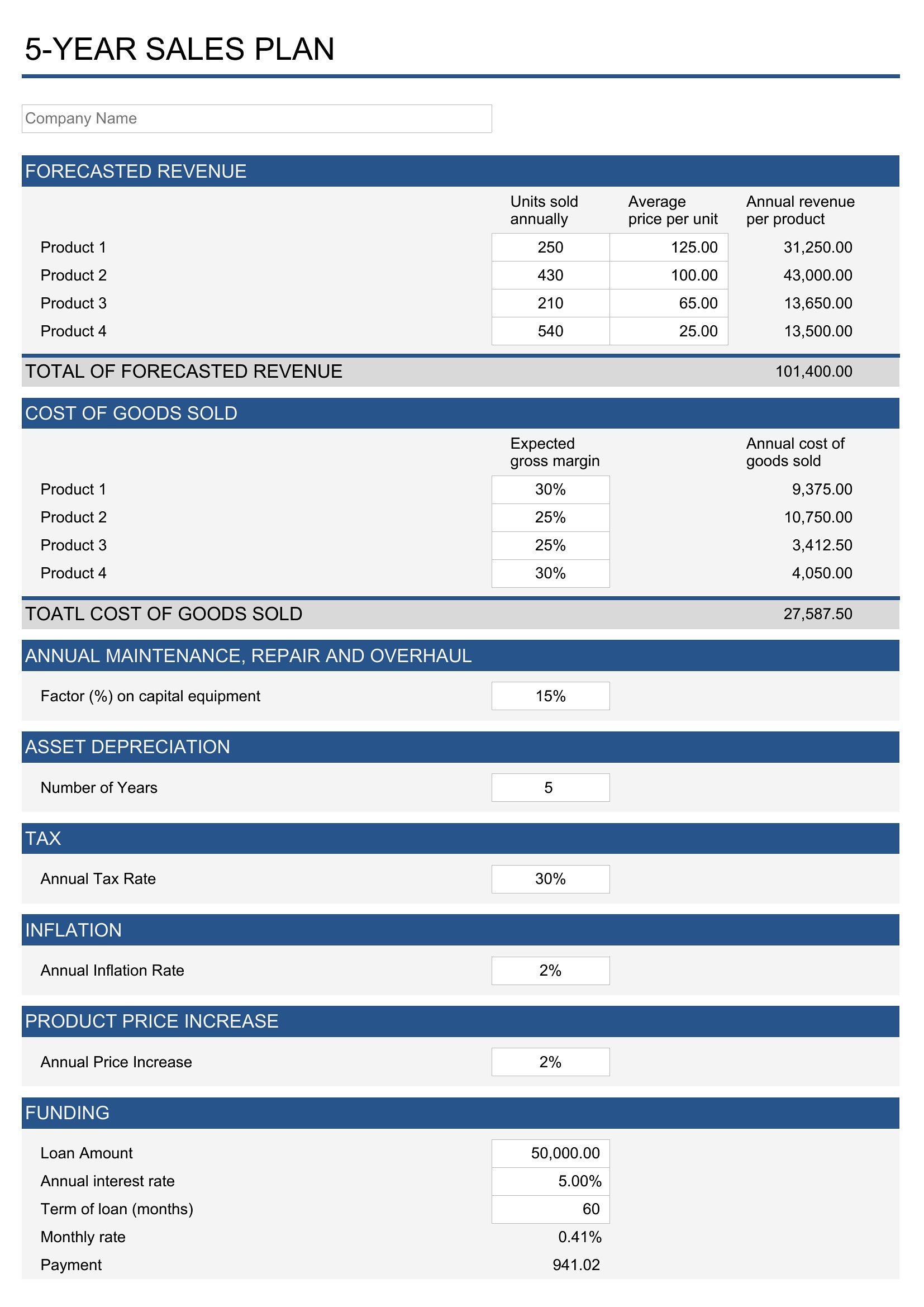
Choose from 41 Sales Plan Templates
How to use this Sales Plan template
How can I adjust these templates for a sales team with hybrid in-person and remote clients?
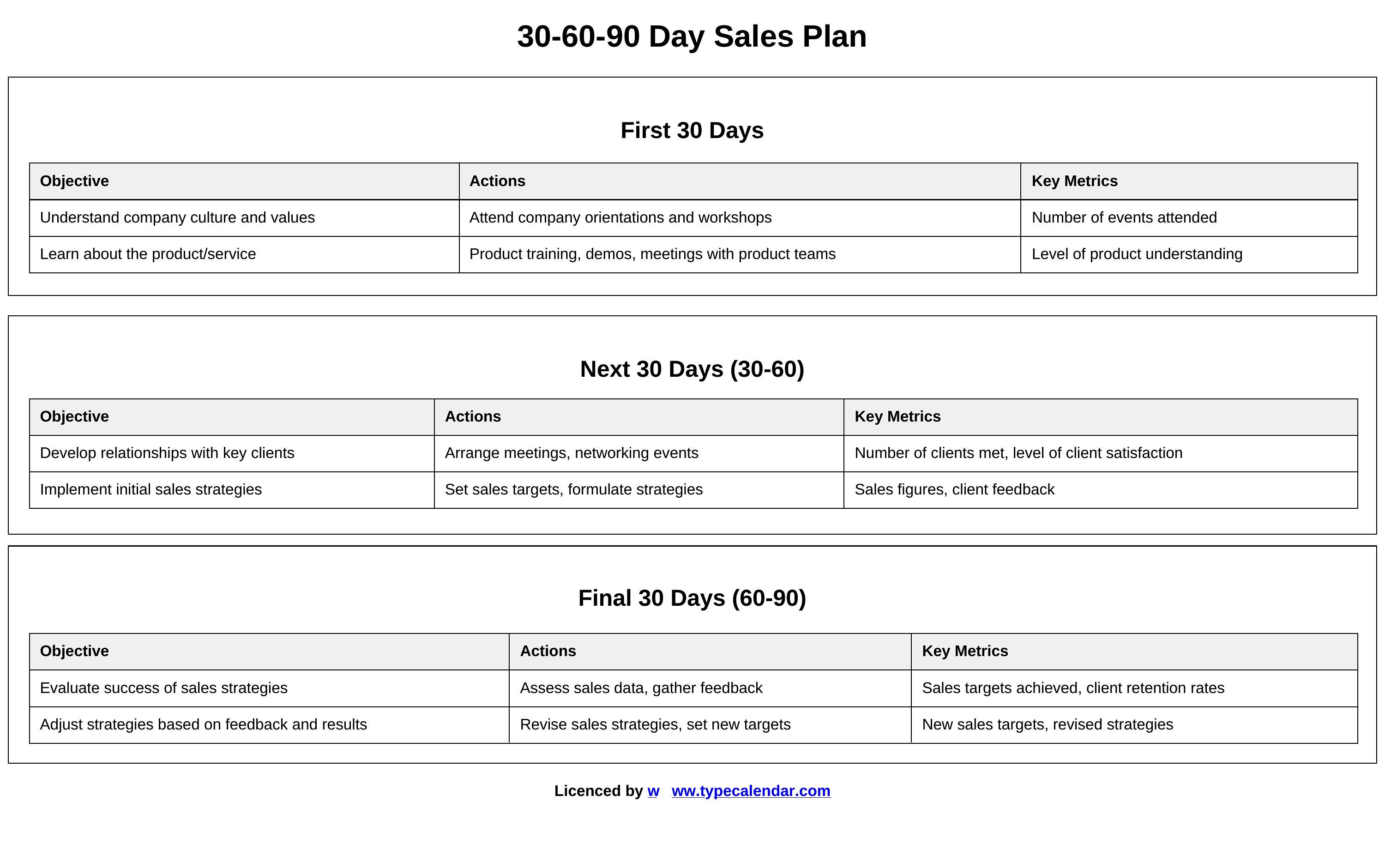
Use the Word templates to outline client meeting protocols (e.g., virtual demos vs. in-person visits) alongside your tactics. In Excel, add columns for ‘Channel’ (e.g., phone, email, field) to segment outreach efforts by client type. The 30-60-90 day plans include space to note travel schedules, so repurpose those for hybrid logistics.
Are the Excel templates set up to integrate with CRM tools like HubSpot or Salesforce?
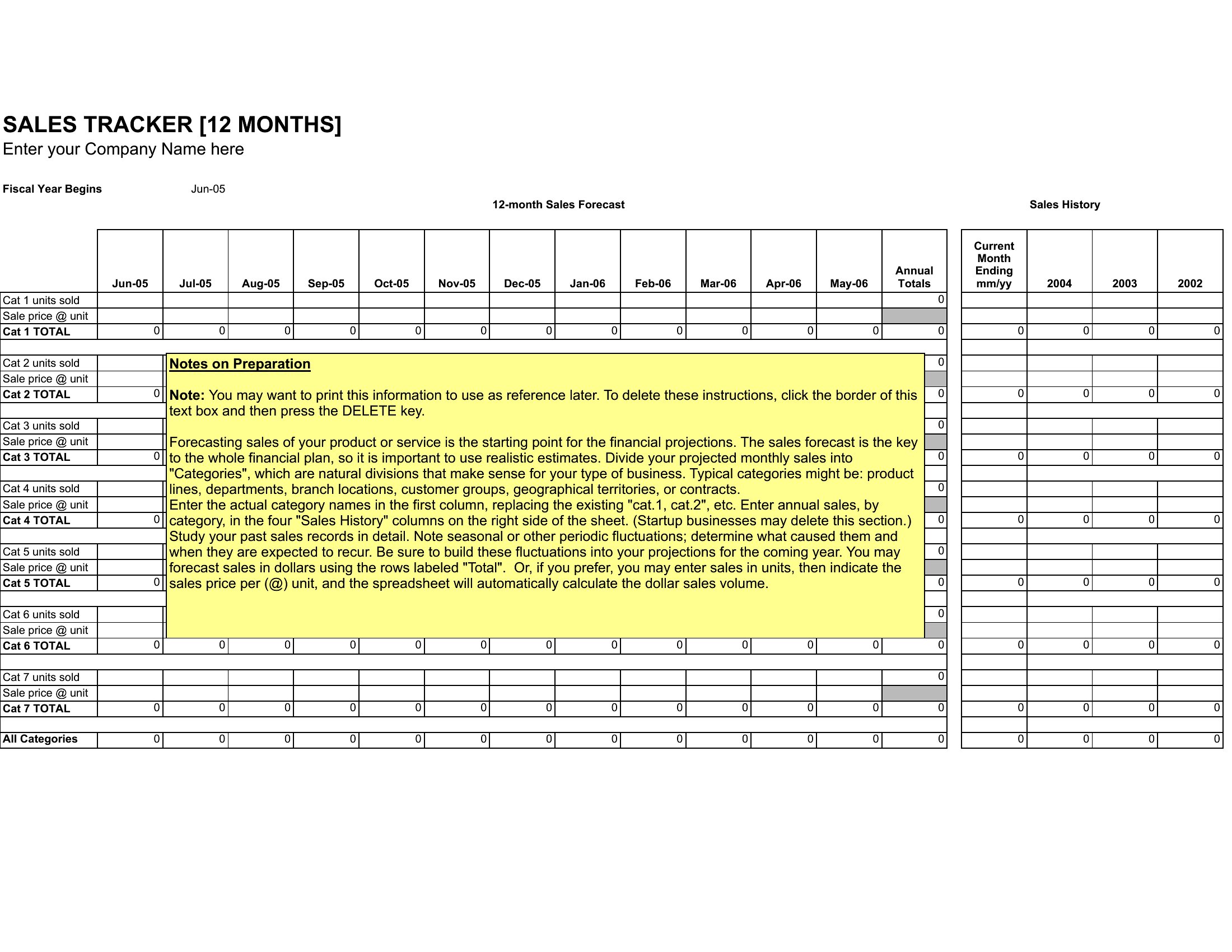
The Excel templates are designed to export clean data—use them to pull reports on quotas, pipeline stages, or activity metrics, then import the data into your CRM. For direct integration, some templates include tabs for ‘CRM Sync Notes’ with field mappings (e.g., ‘Opportunity Stage’ to ‘Deal Stage’). Check individual template descriptions for details.
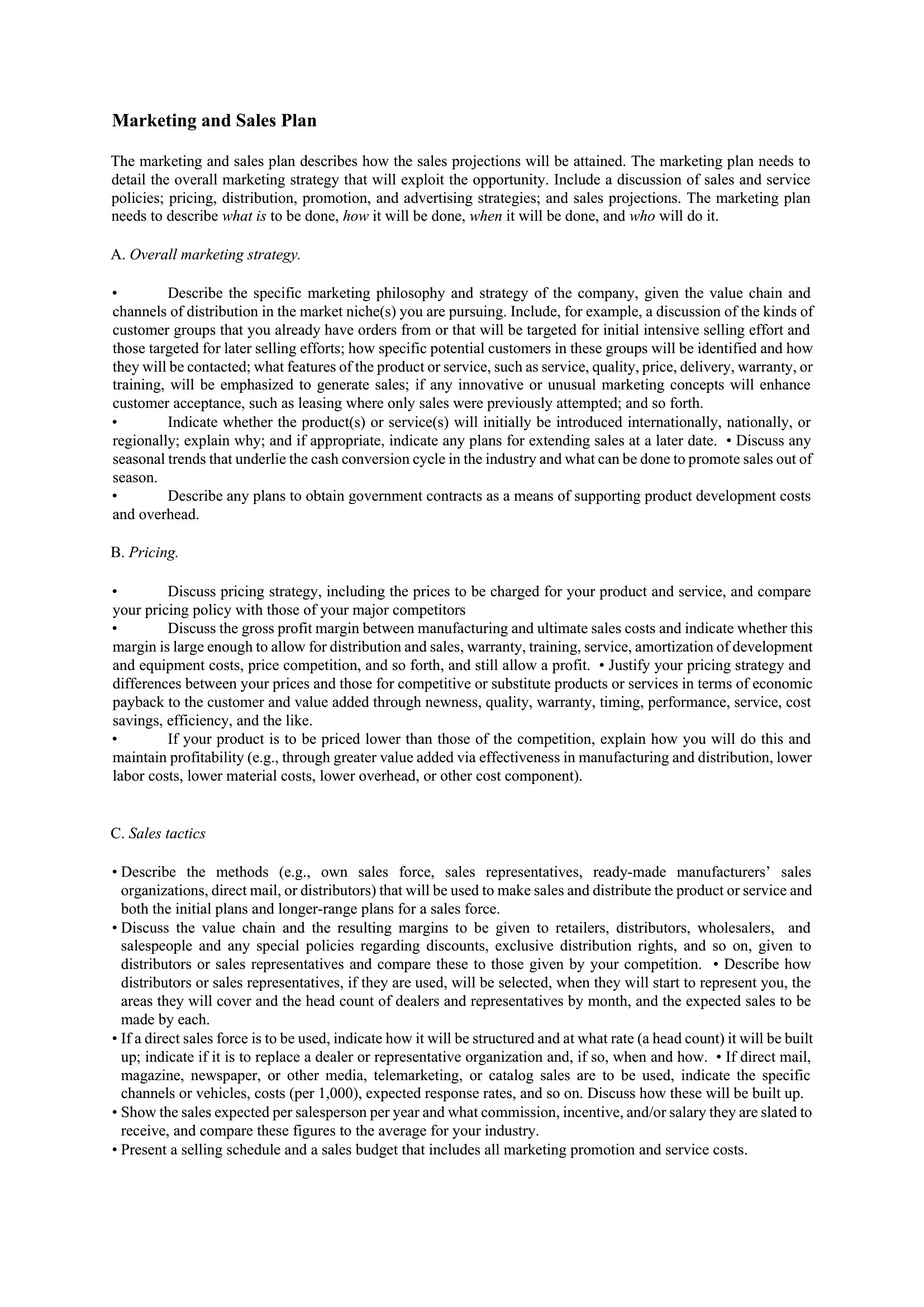
Can I use these templates to align sales and marketing teams on lead generation goals?
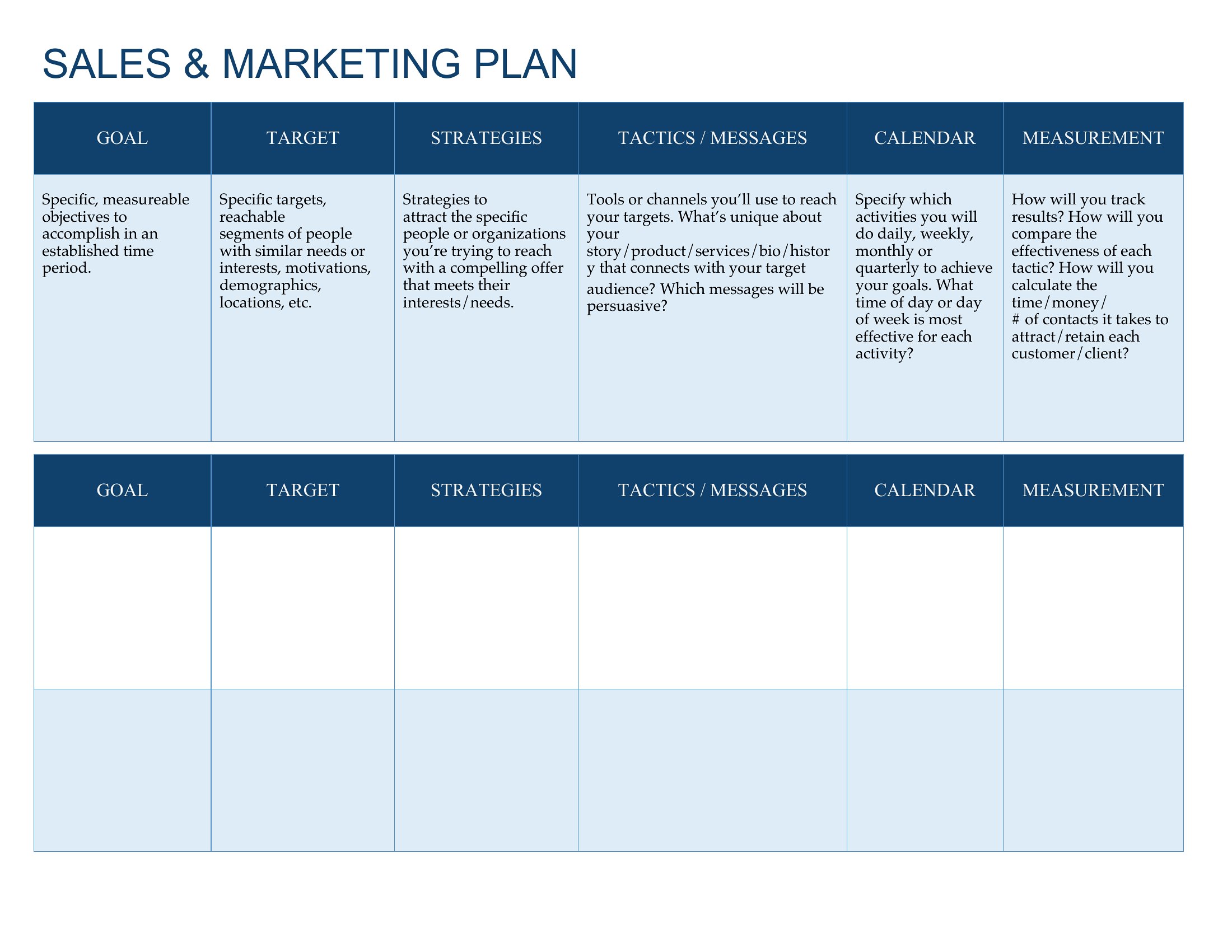
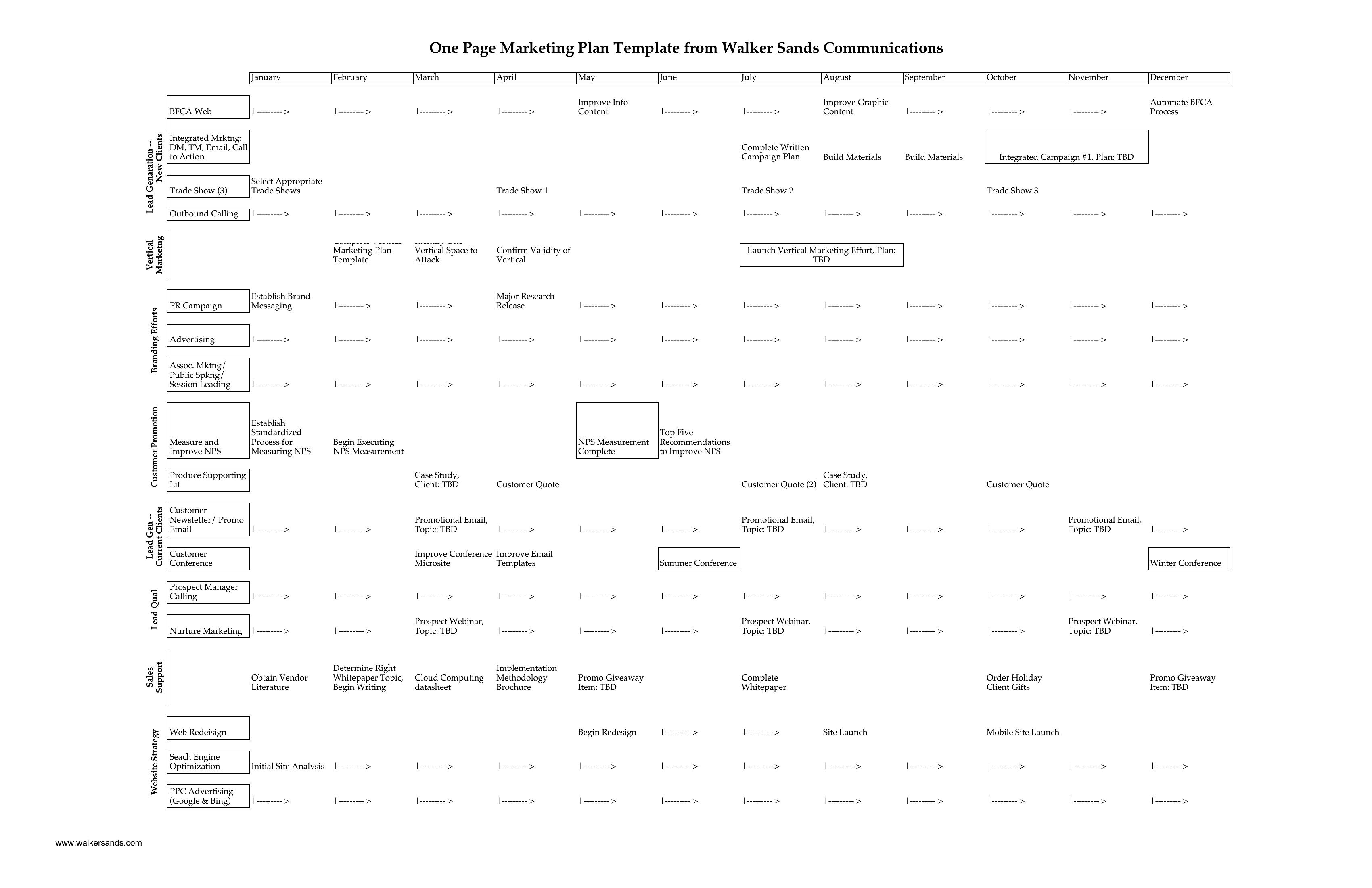
Yes. The ‘Marketing and Sales Plan’ templates include sections for shared KPIs like lead quality, nurture timelines, and handoff triggers. Word versions let you outline messaging alignment, while Excel tracks shared metrics (e.g., ‘MQLs to SQLs conversion rate’) to spot misalignments. Start with the 90-day template to pilot collaboration before scaling.
Comments
Join the conversation
Sign in to share your thoughts and leave a comment on this resource.