Free Sales Forecast Templates (Word, Excel, PDF)
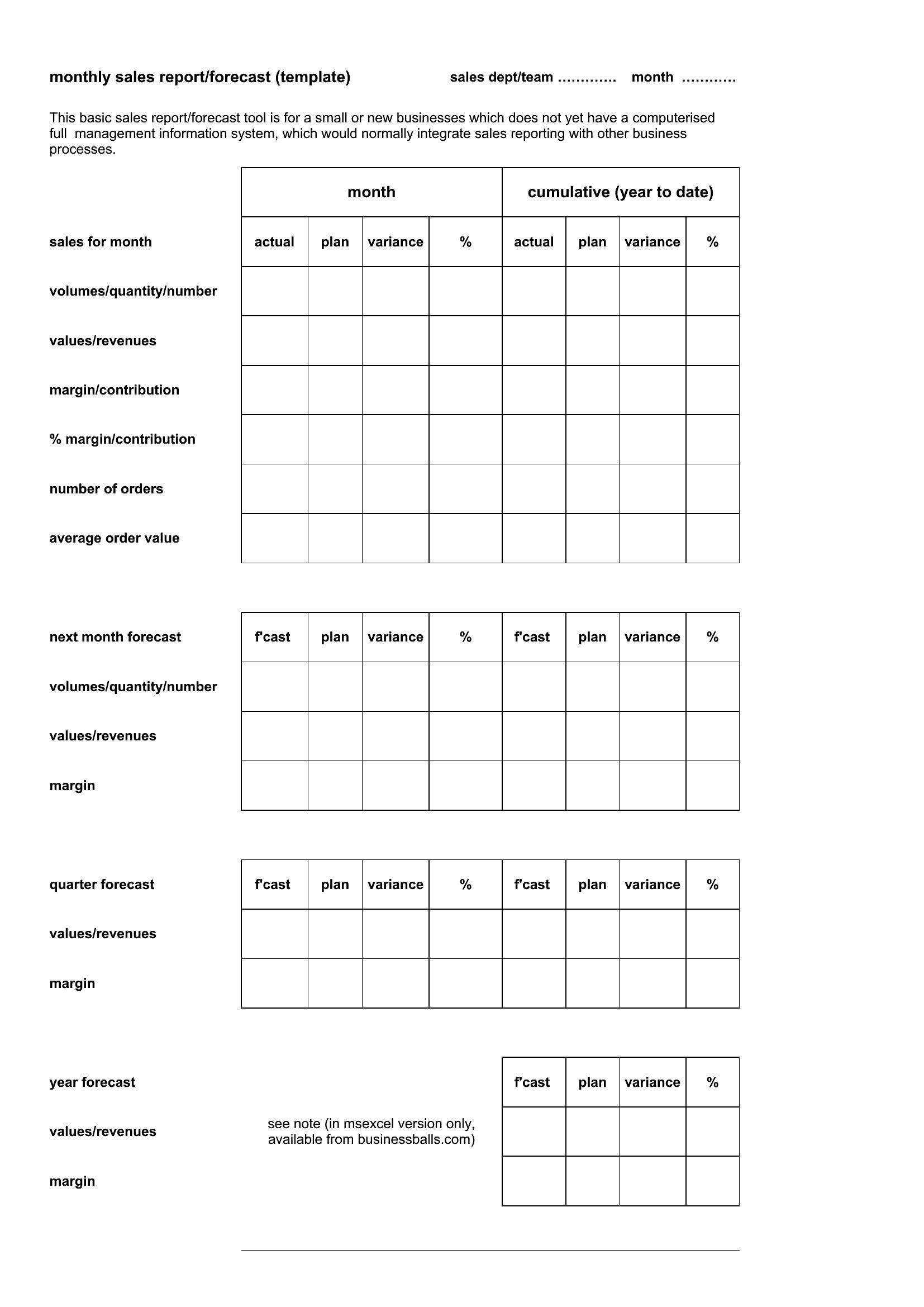
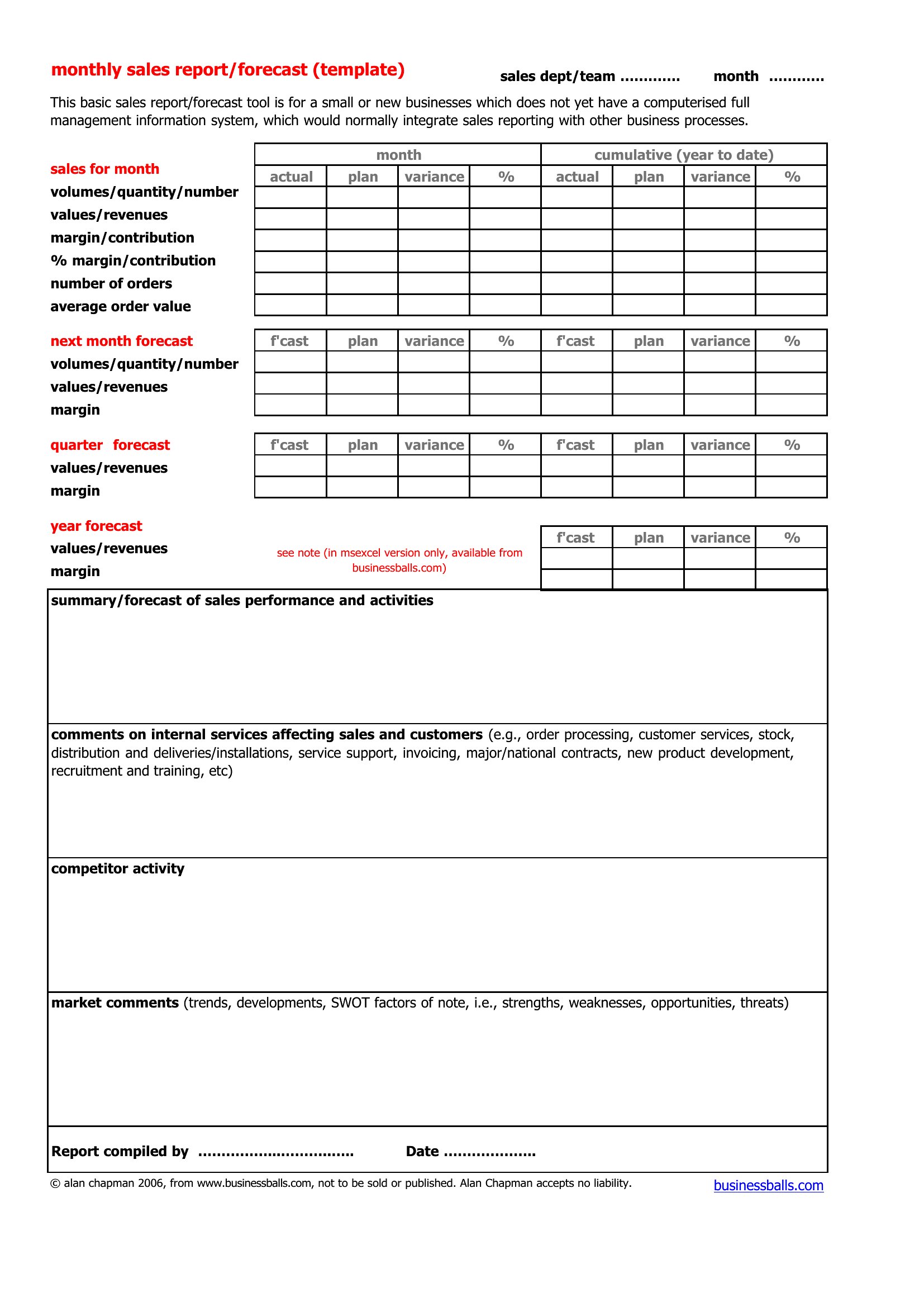
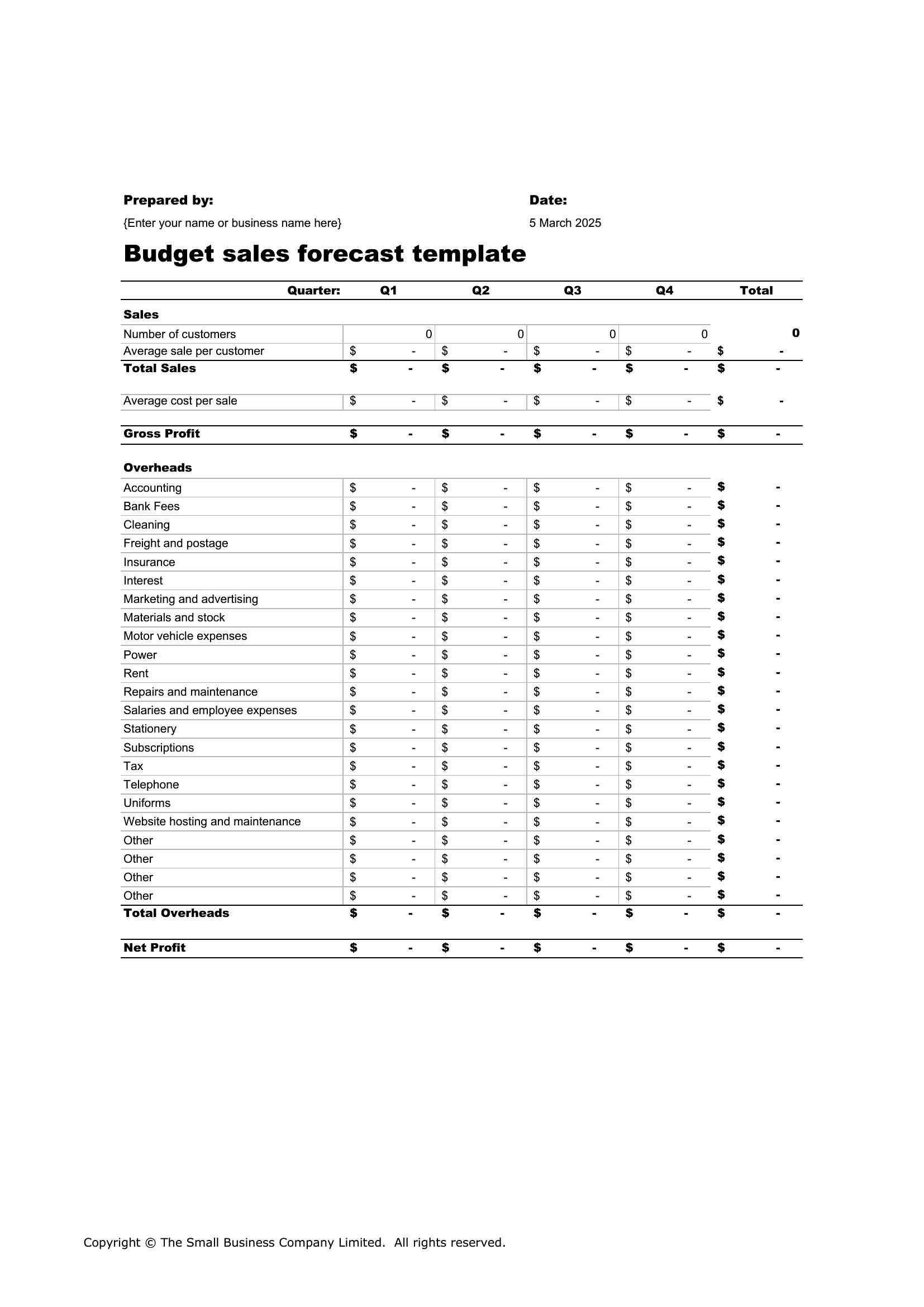
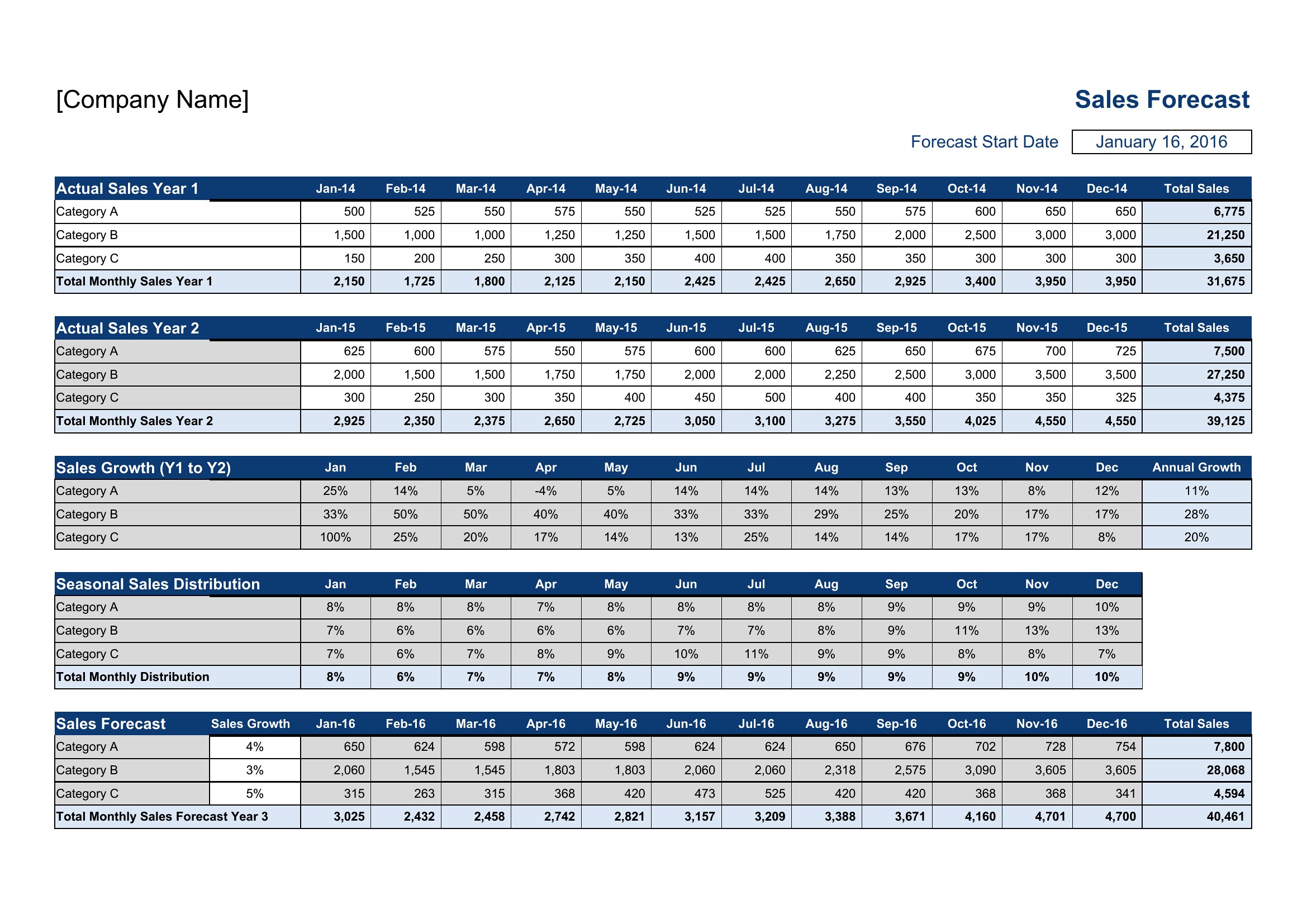
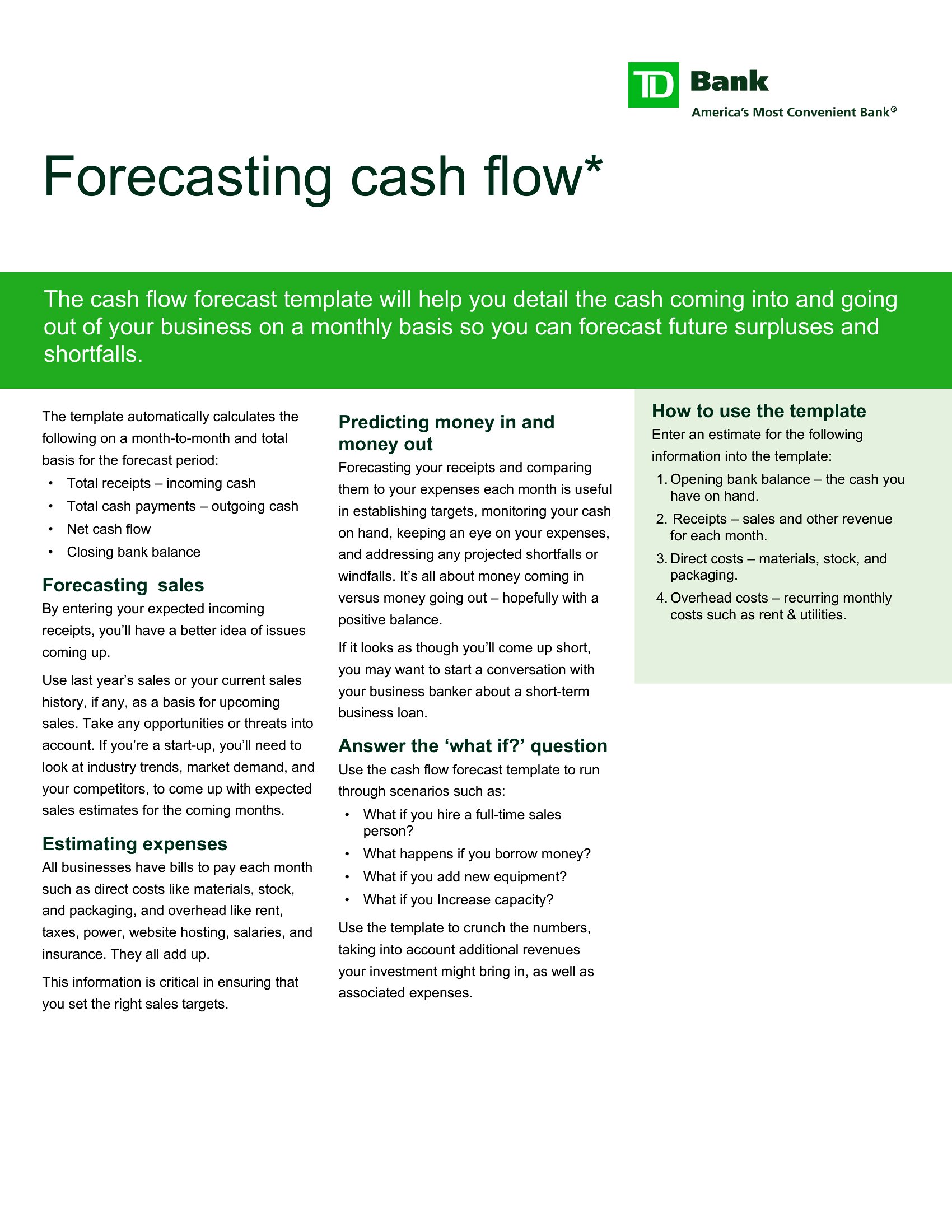
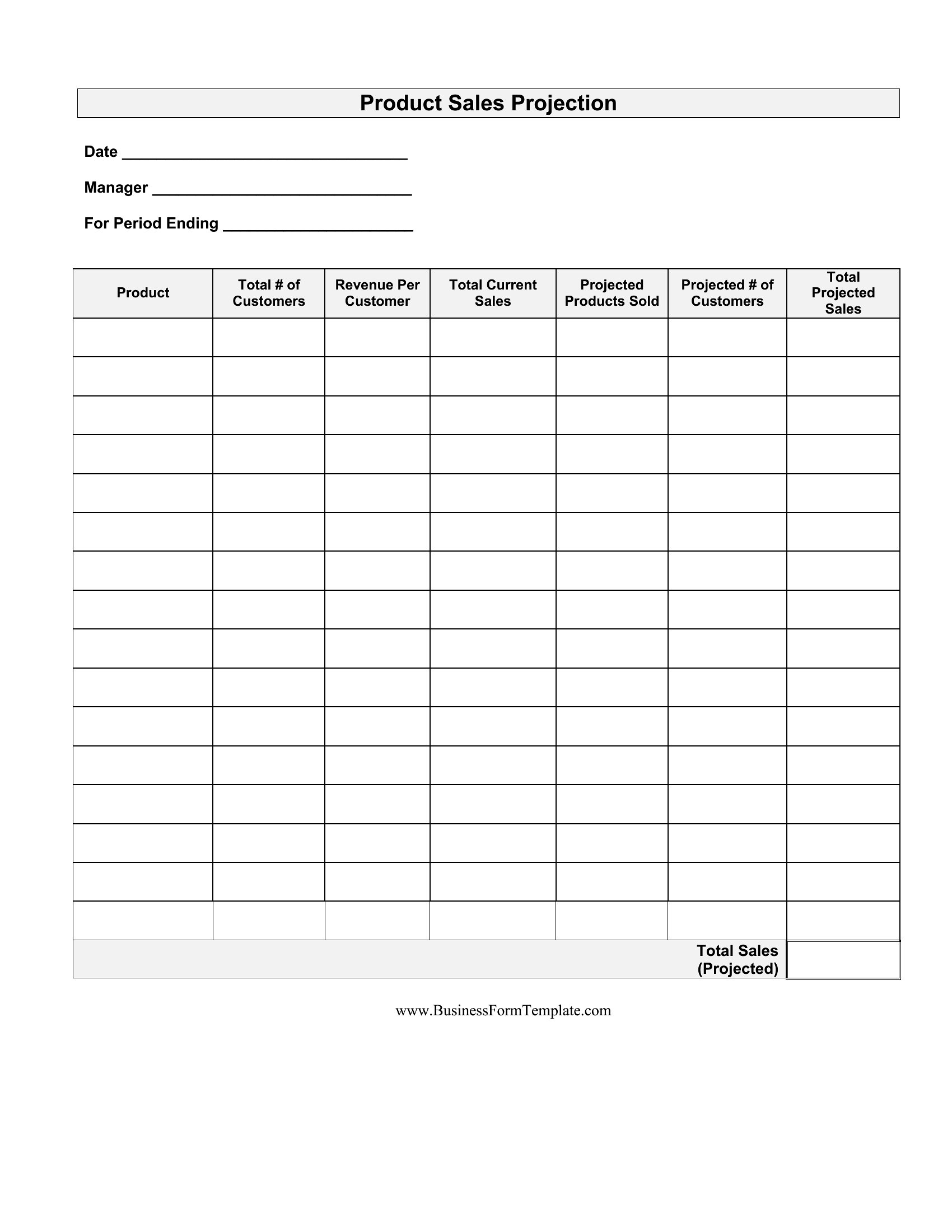
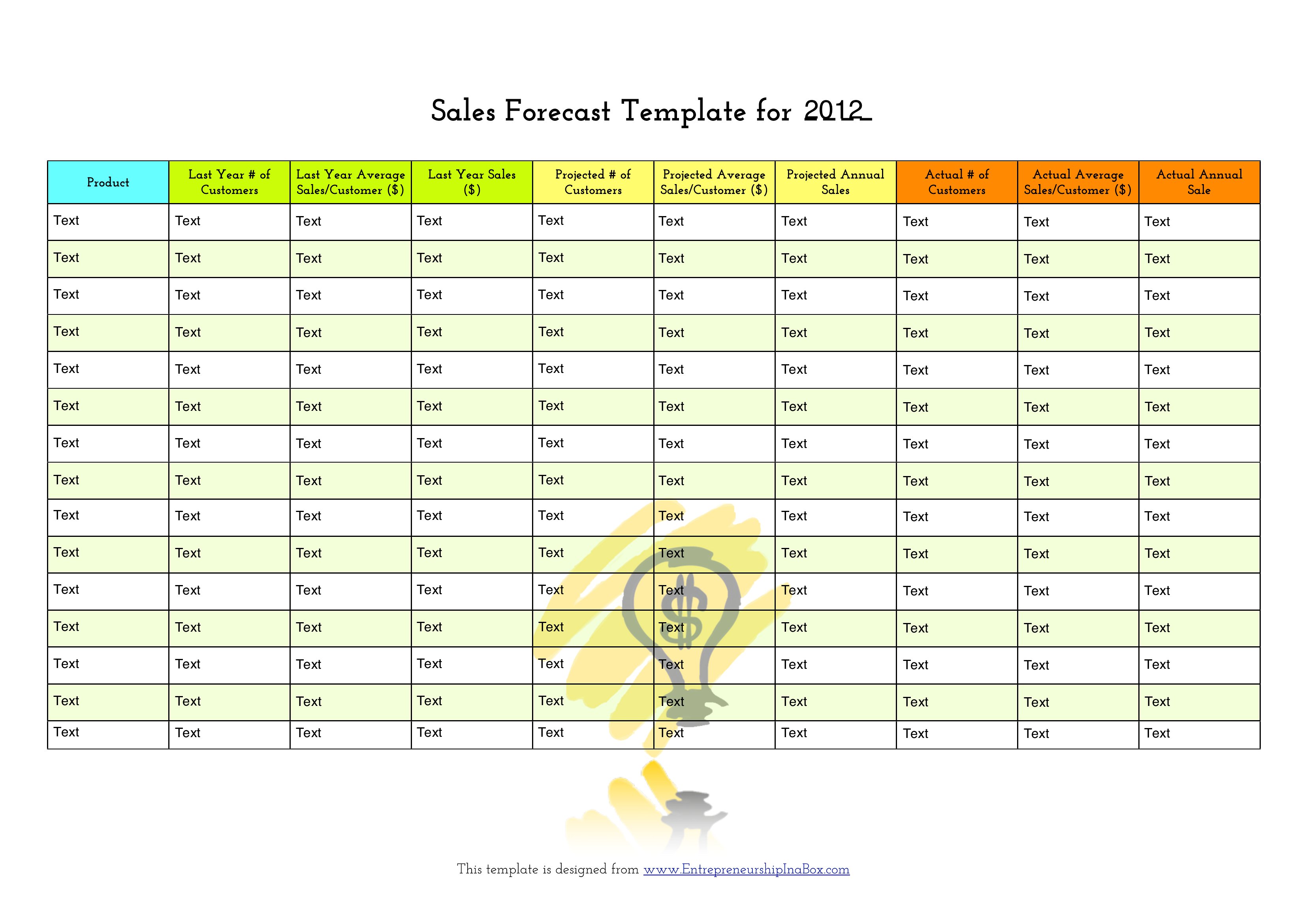
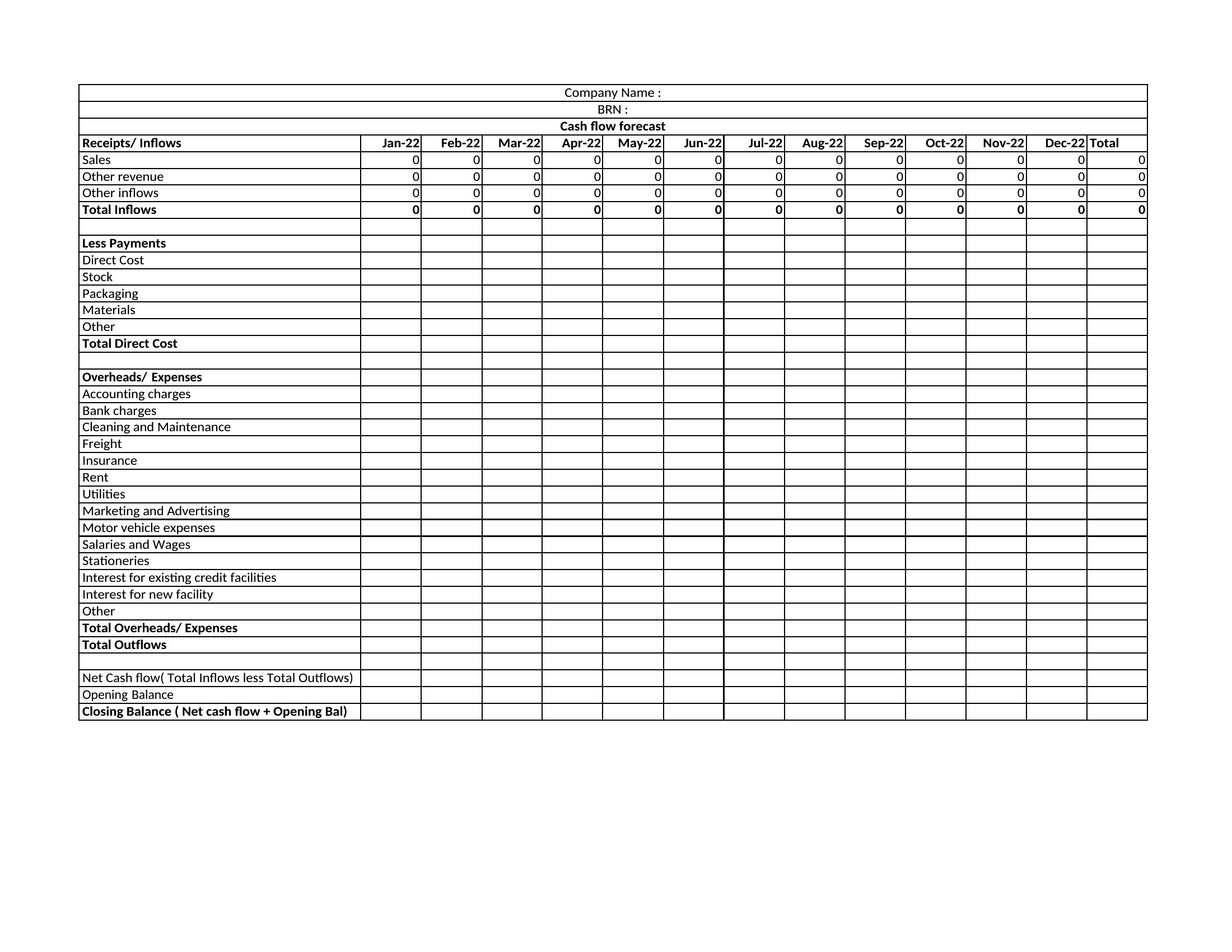
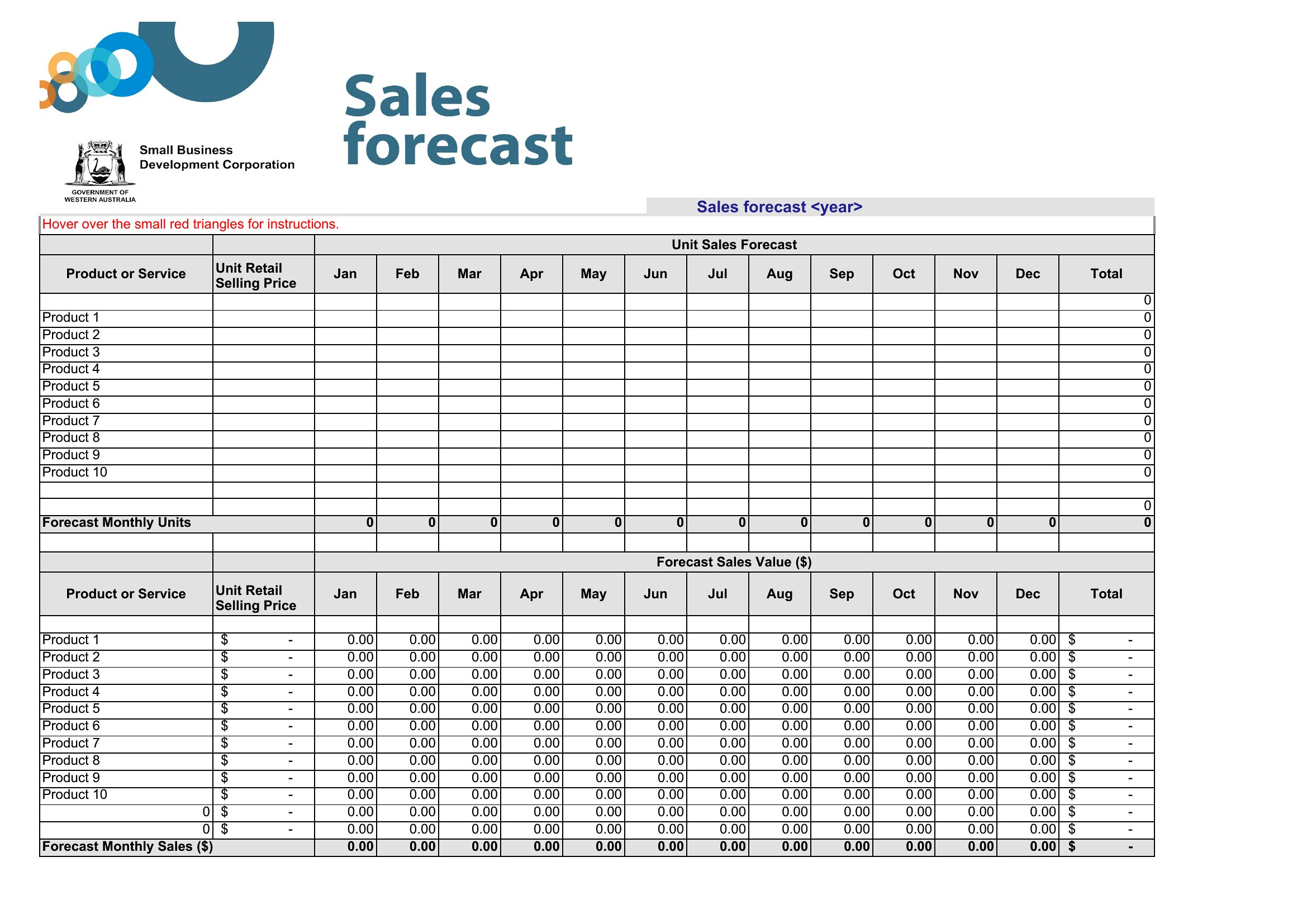
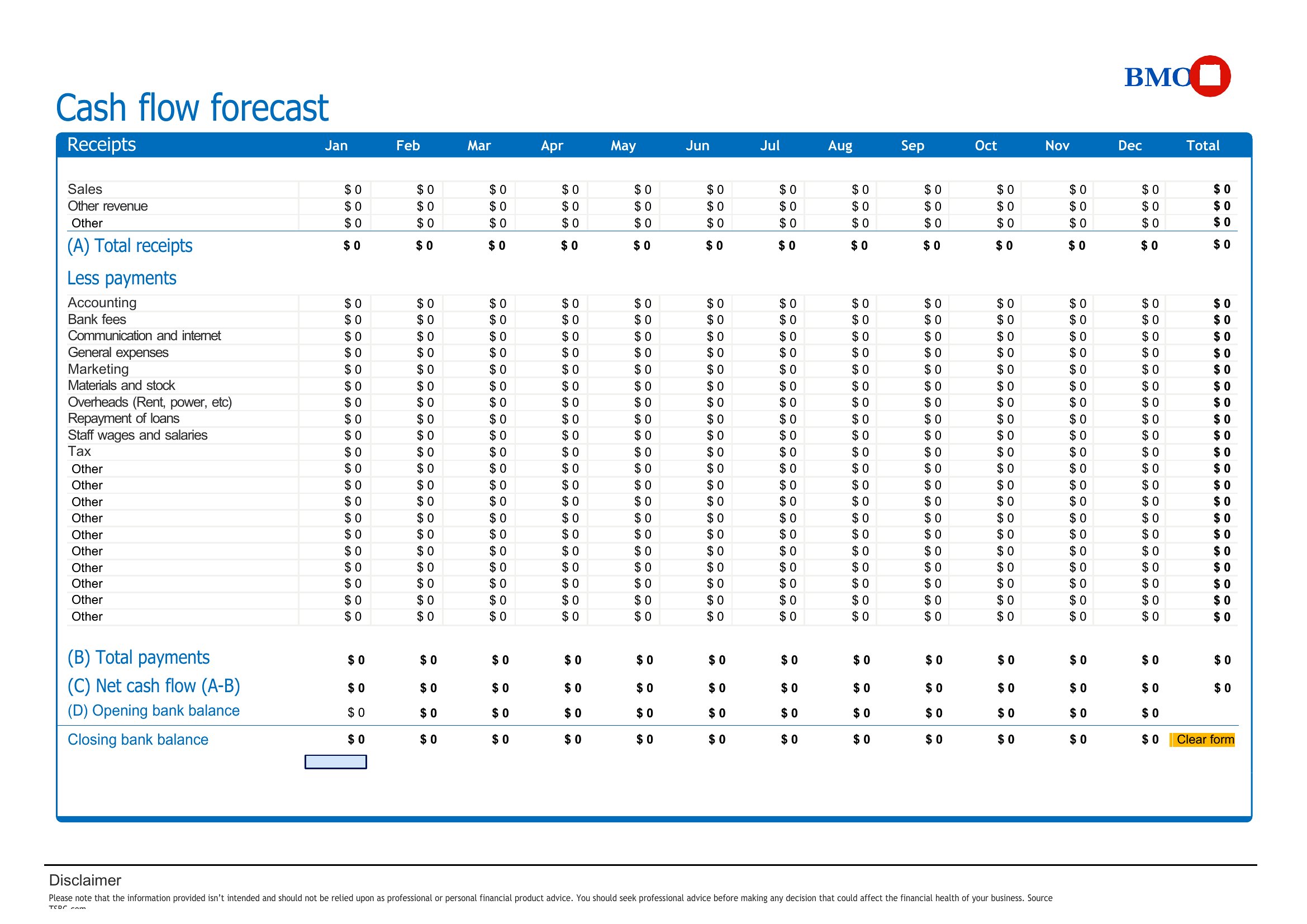
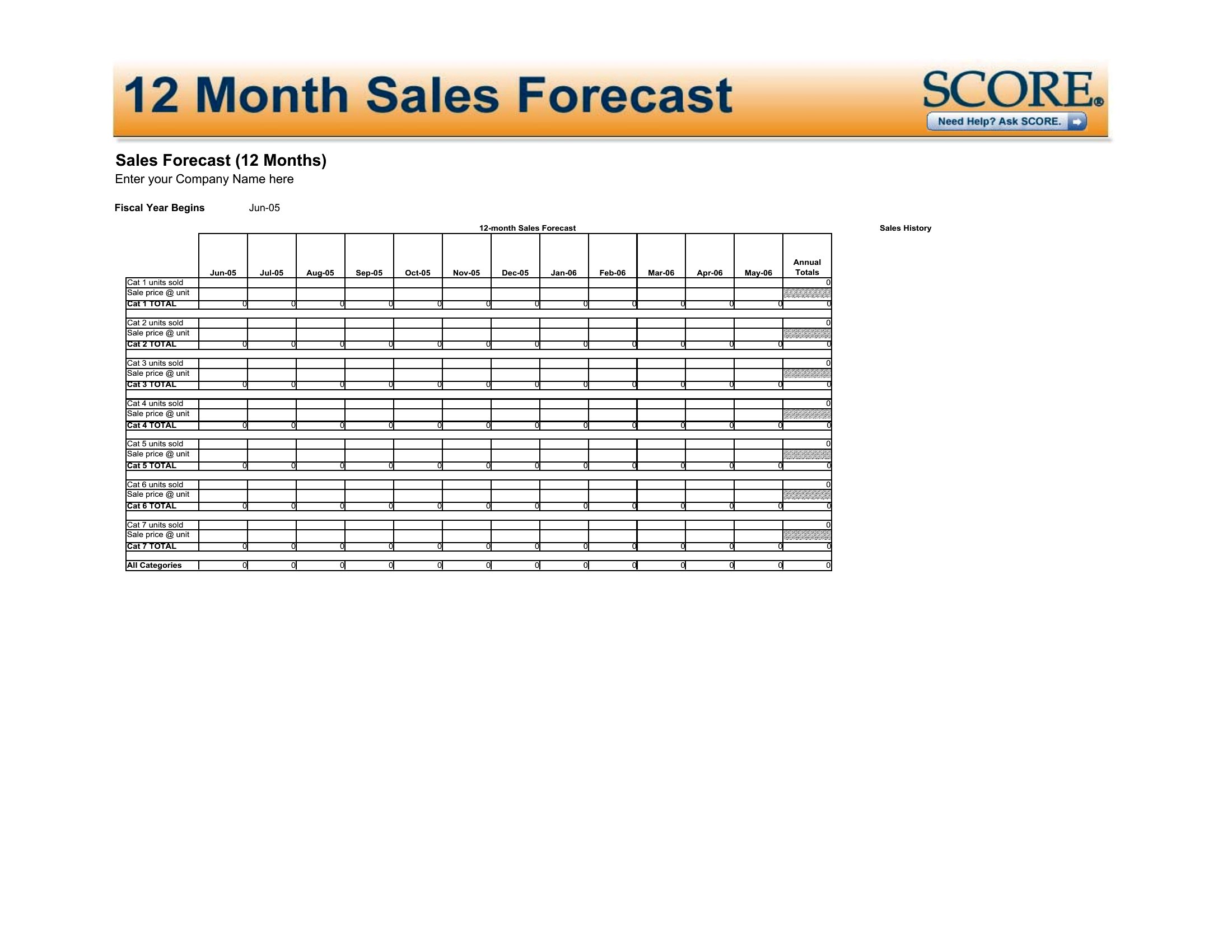
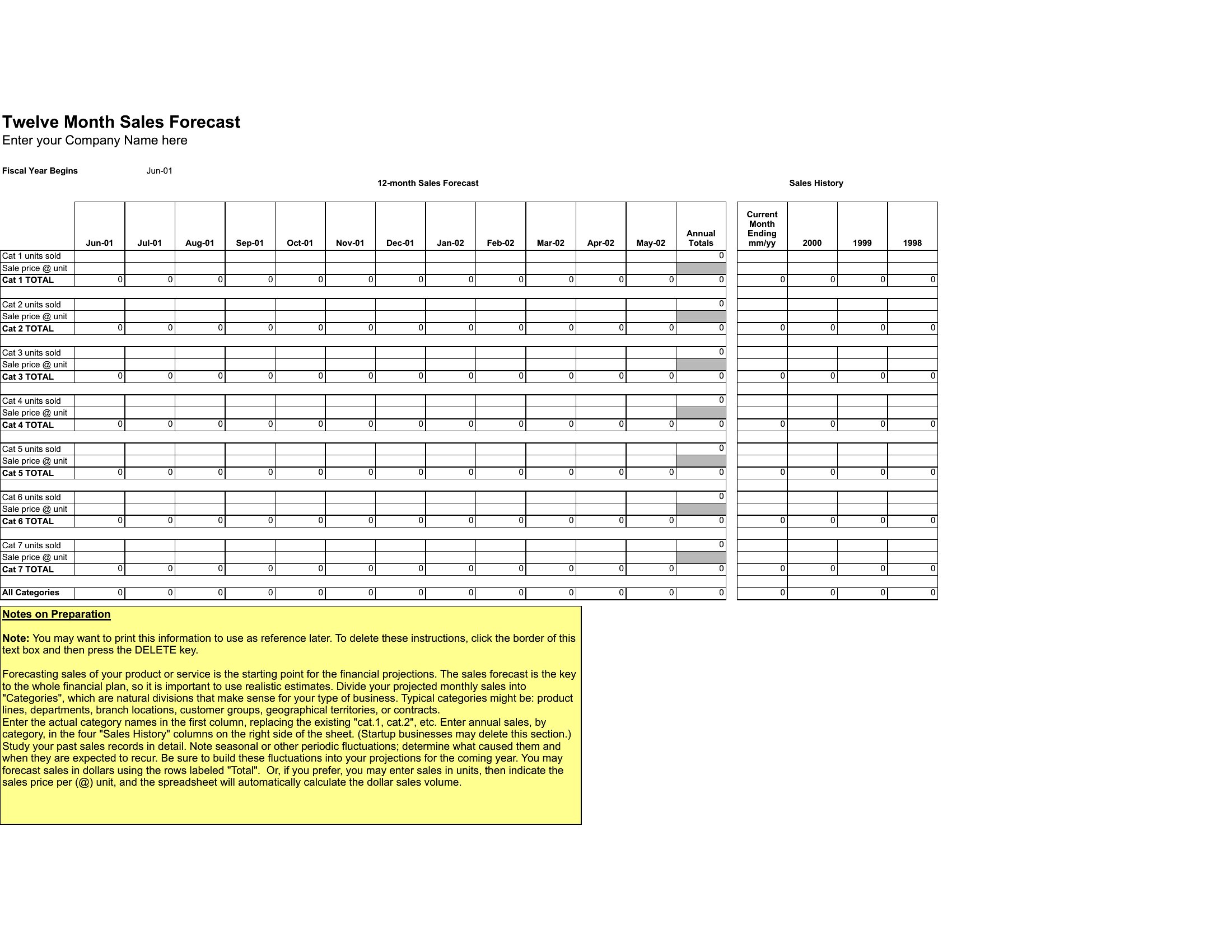
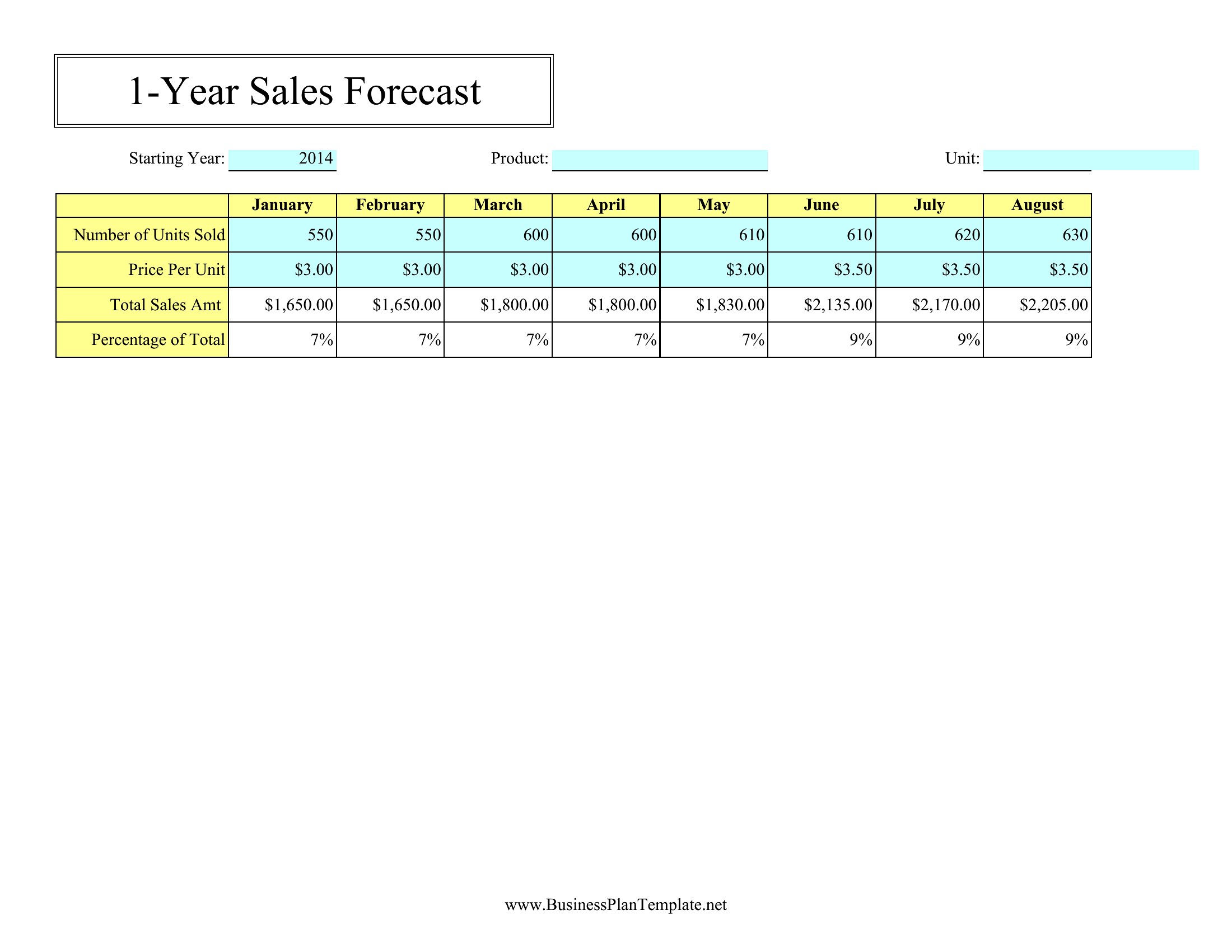
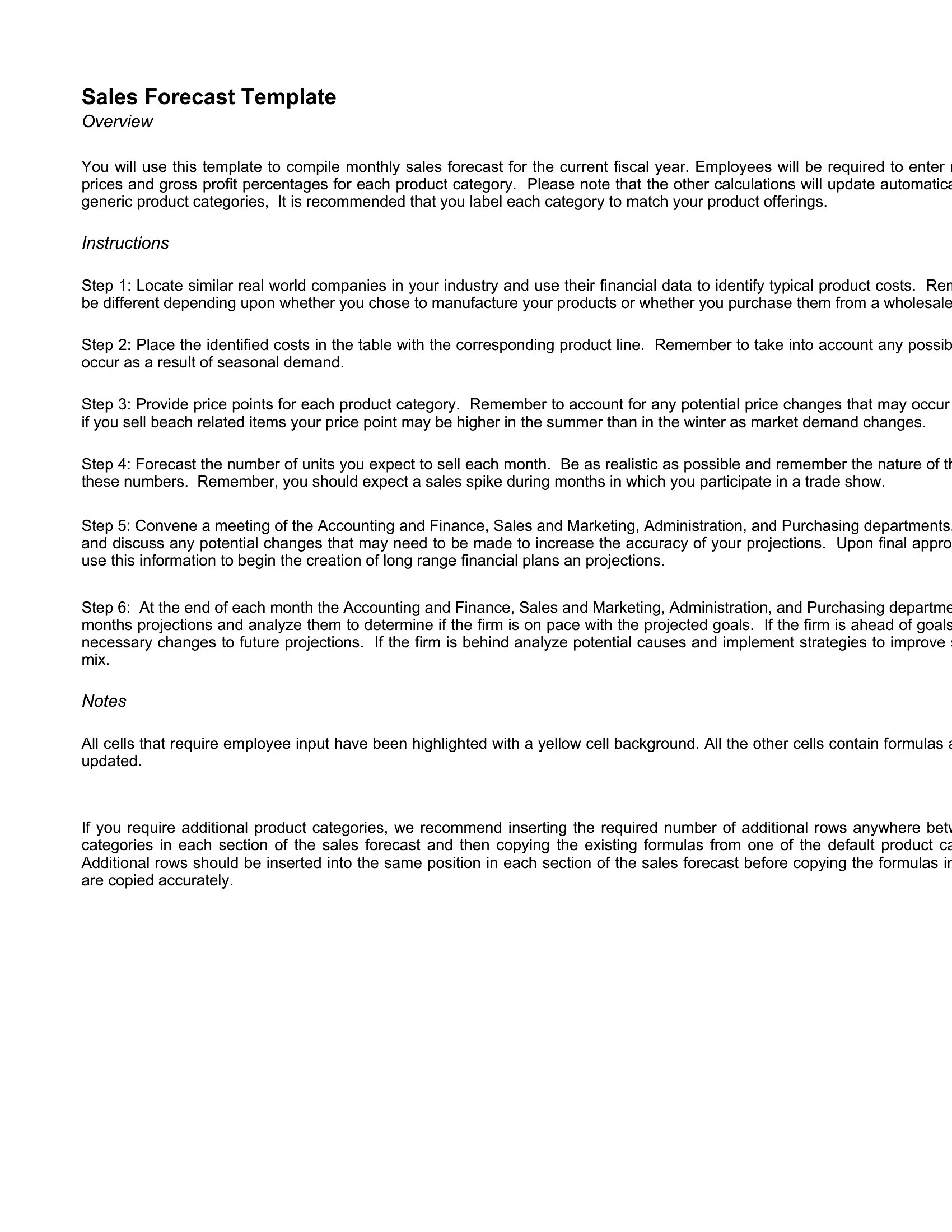
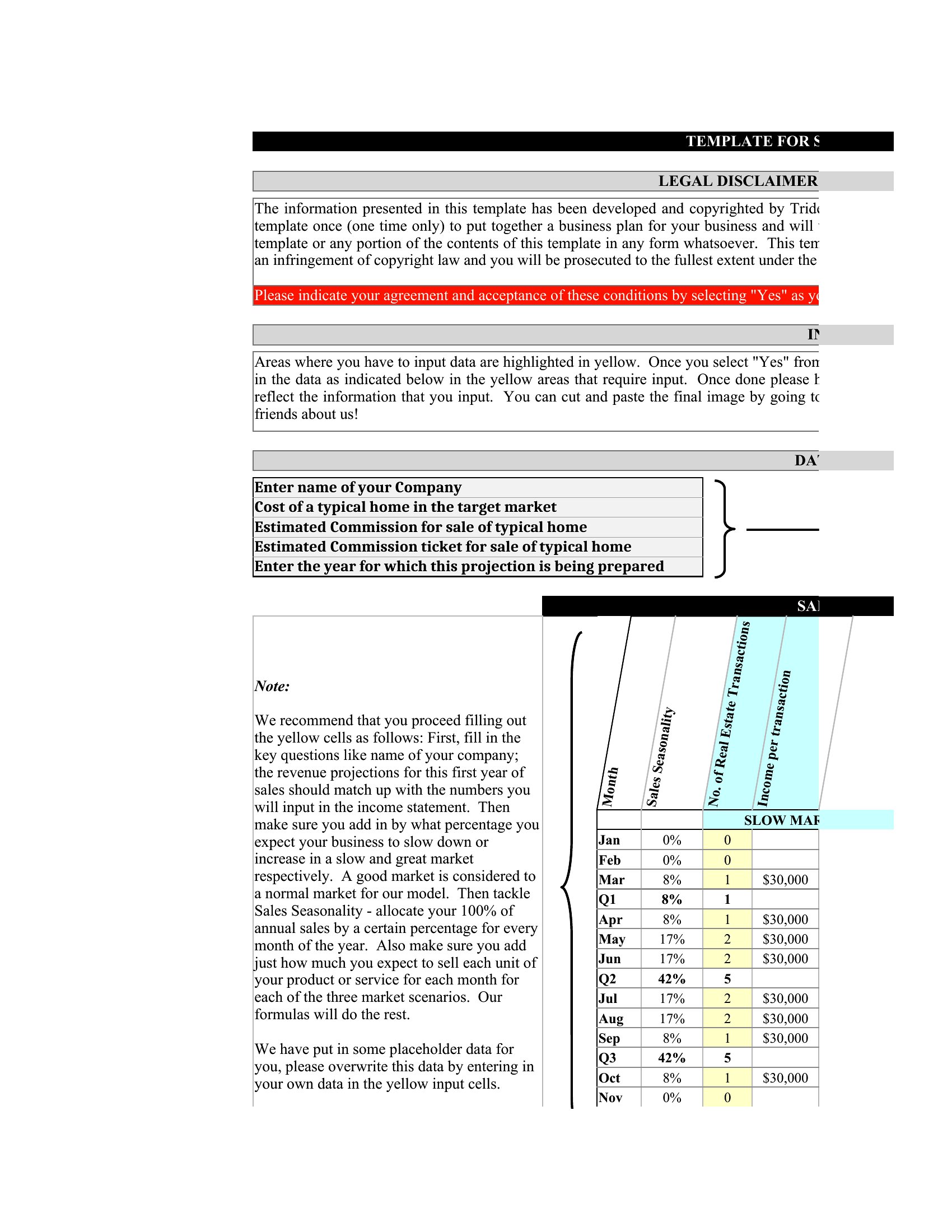
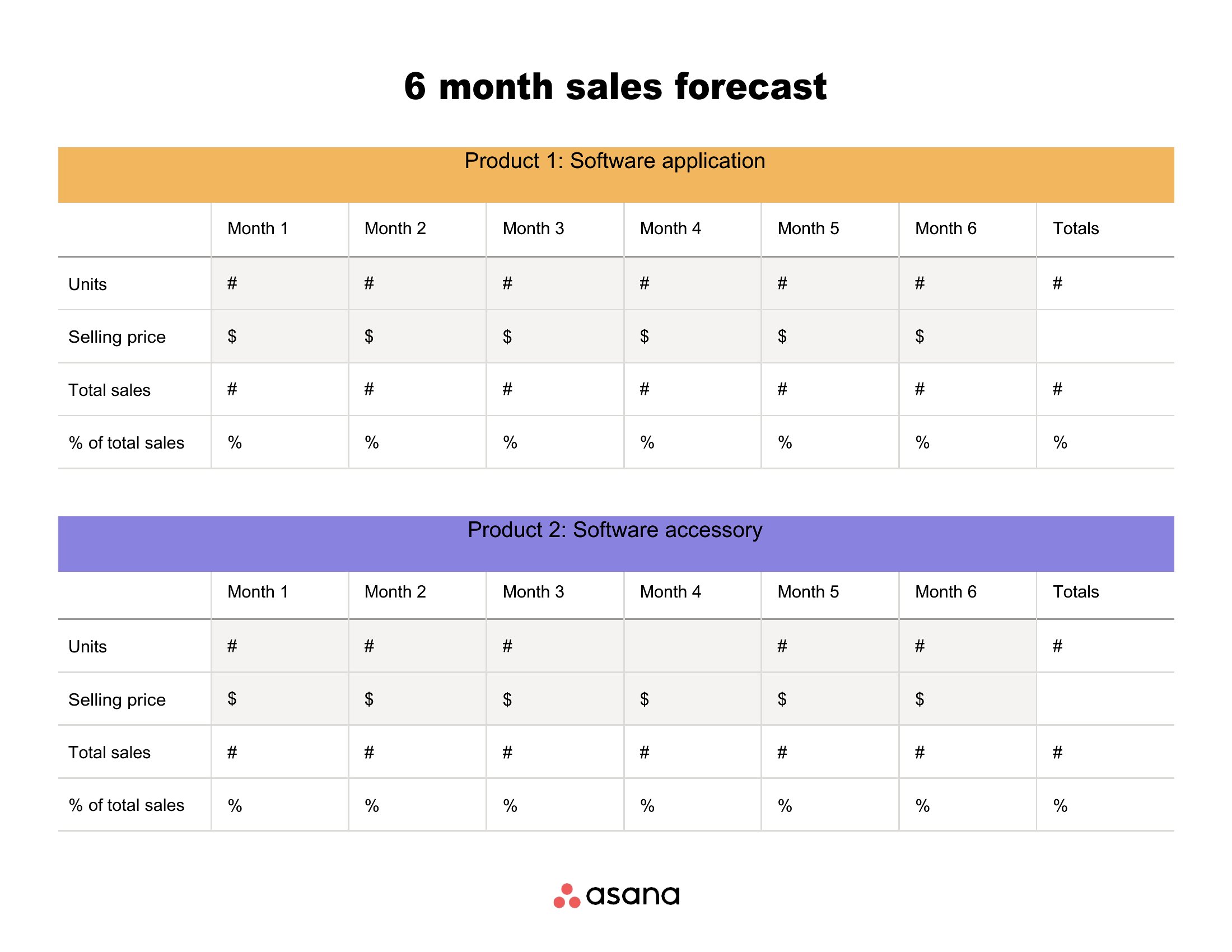
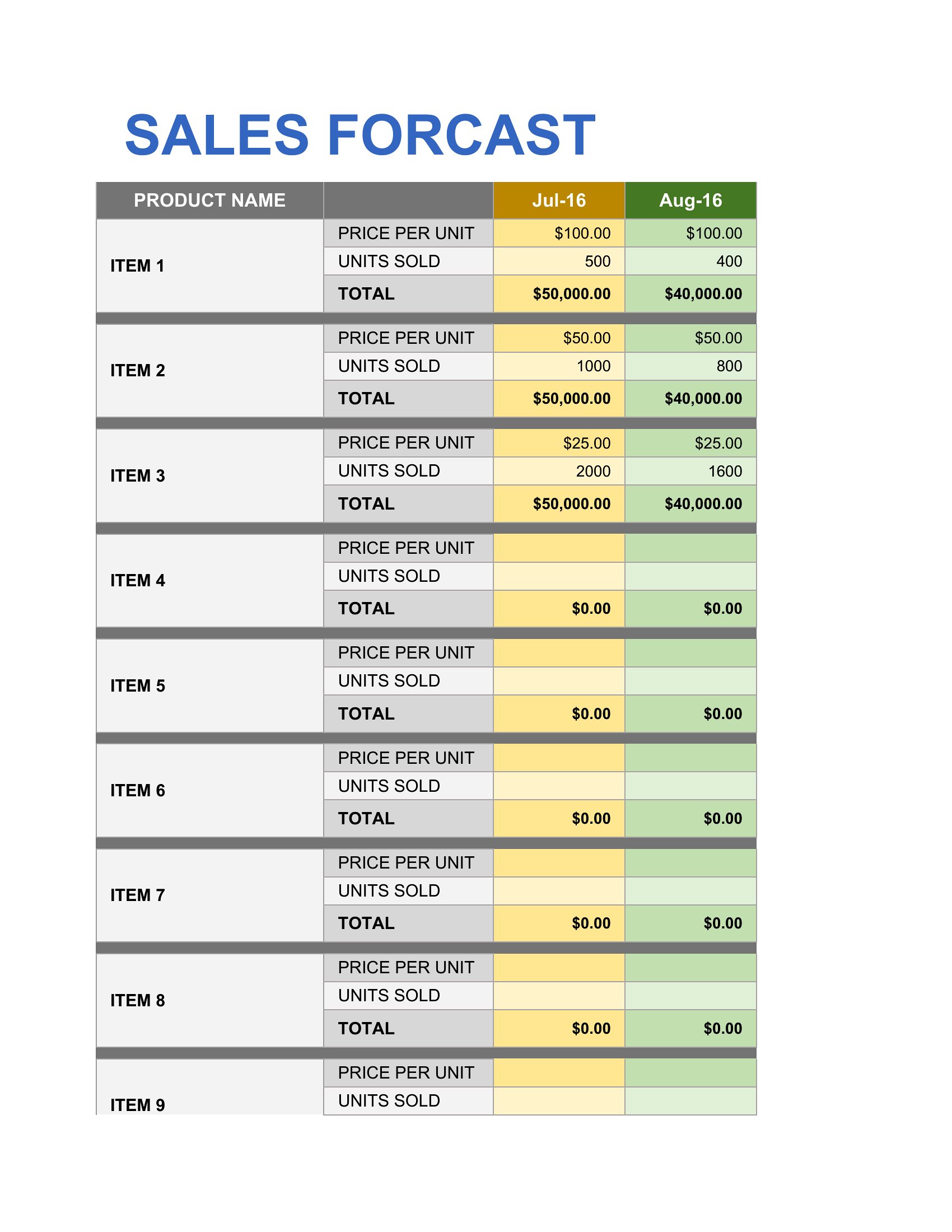
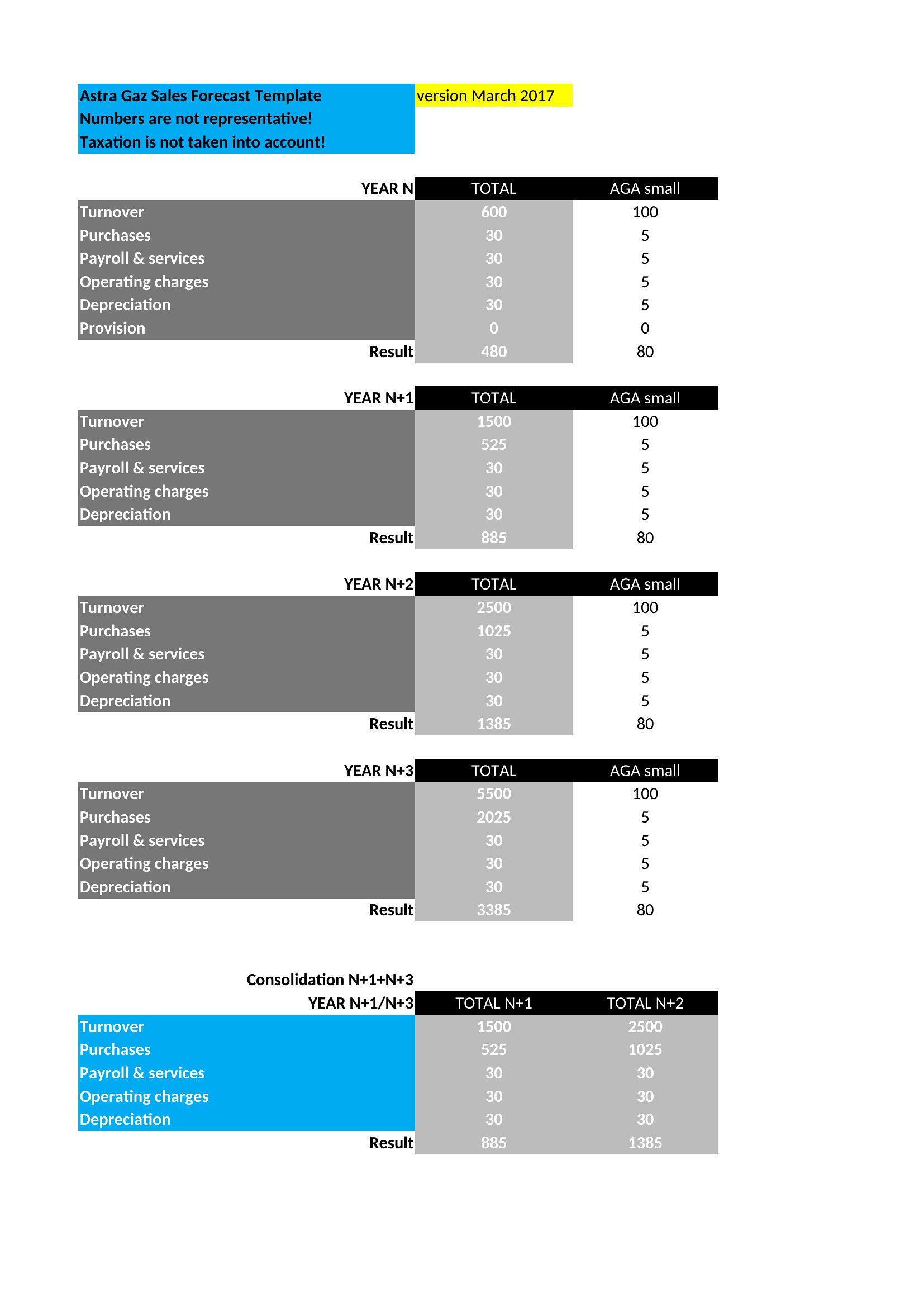
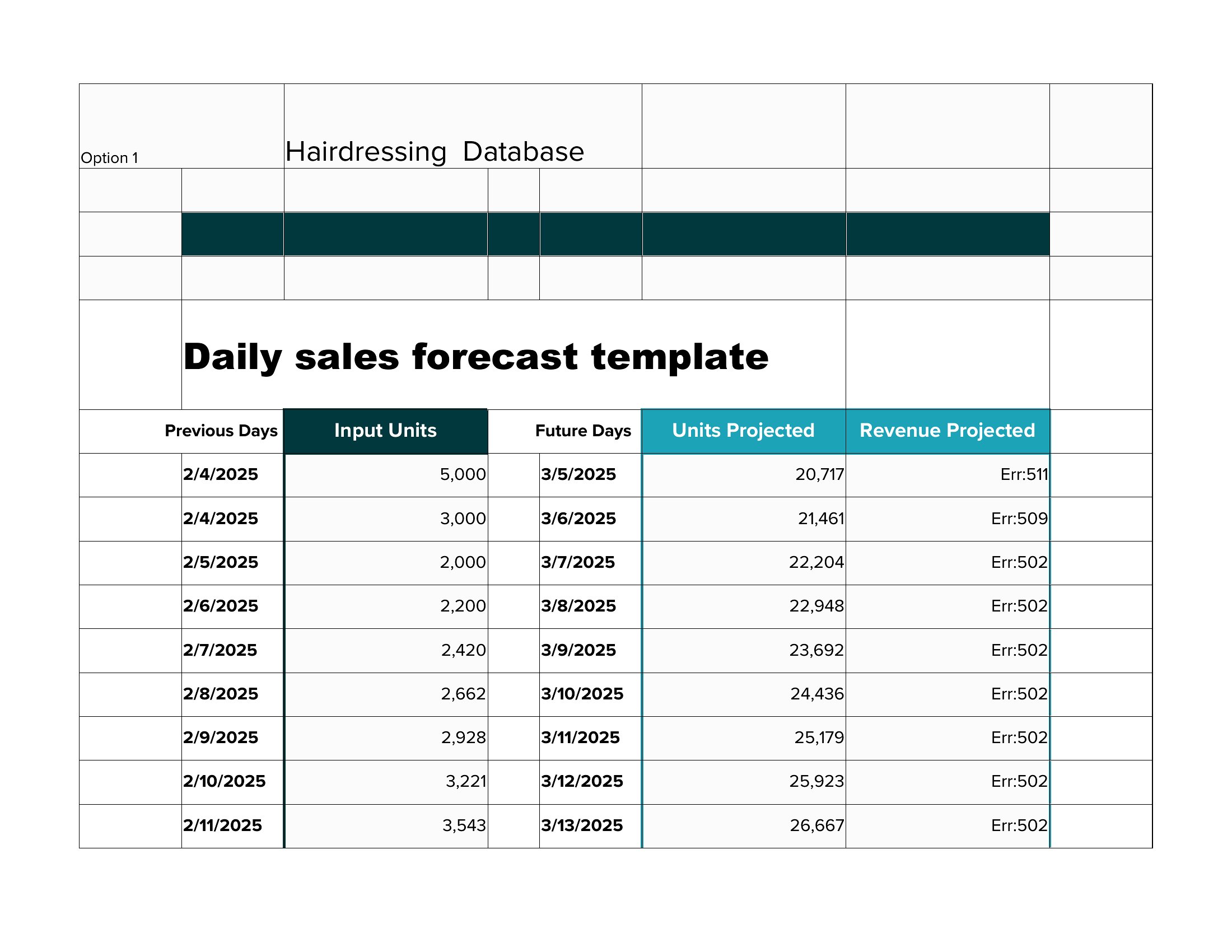
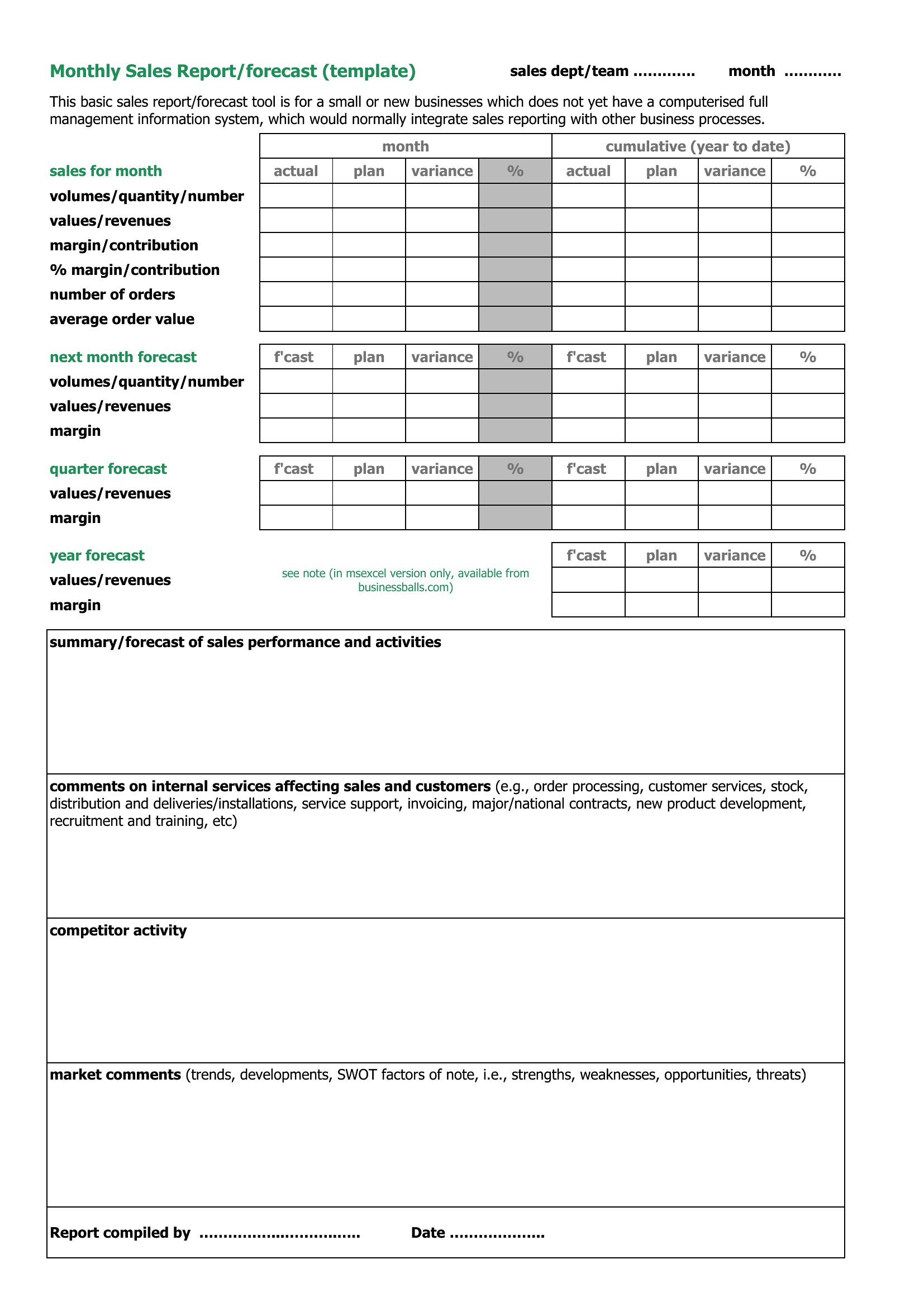
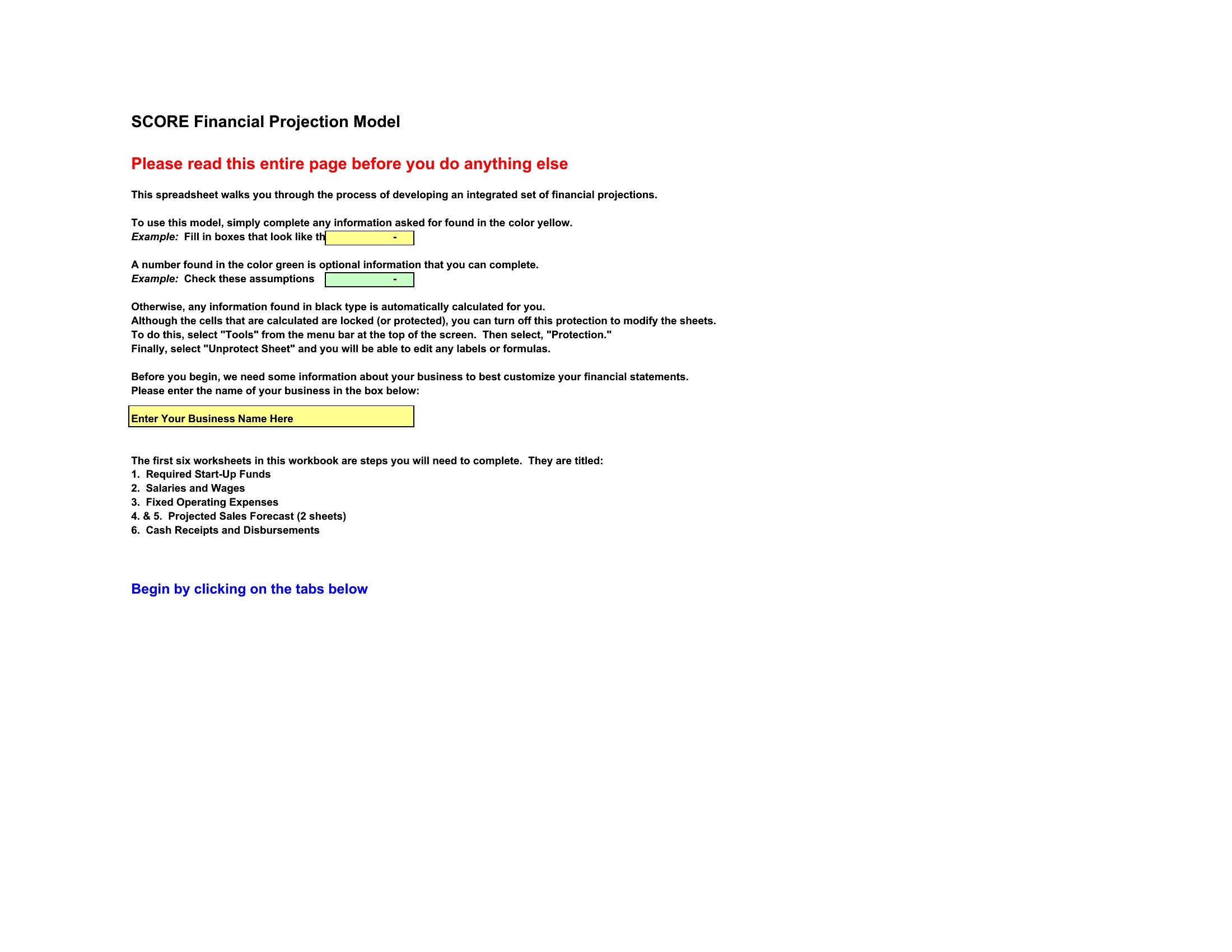
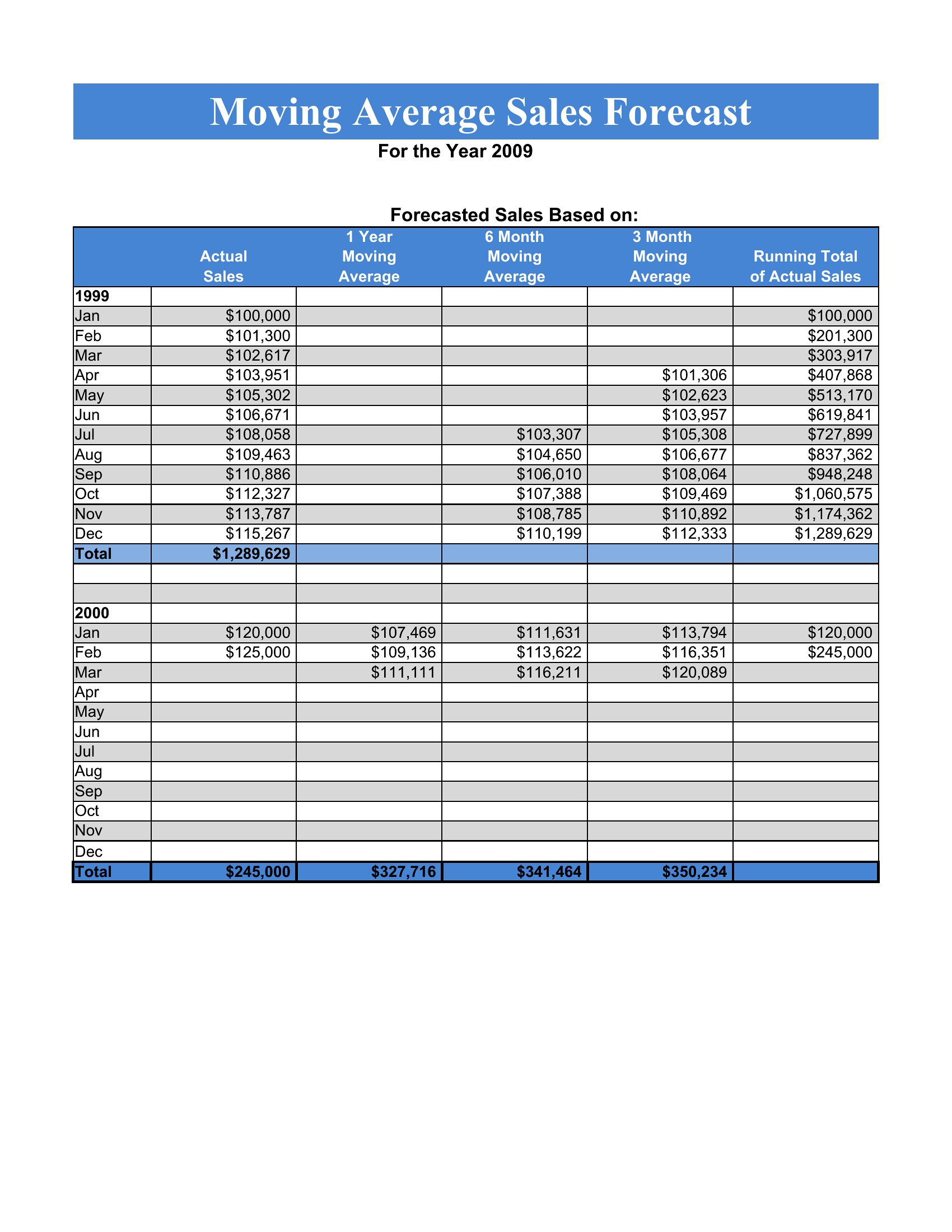
AnalysisA sales forecast turns hunches about next quarter into figures you can plan and budget around. This collection of 45 sales forecast templates helps founders, sales managers, and small-business owners map out expected revenue by month, product, or region. Whether you're pitching investors or just sizing up next year's targets, there's a layout that organizes your assumptions into a picture that makes sense.
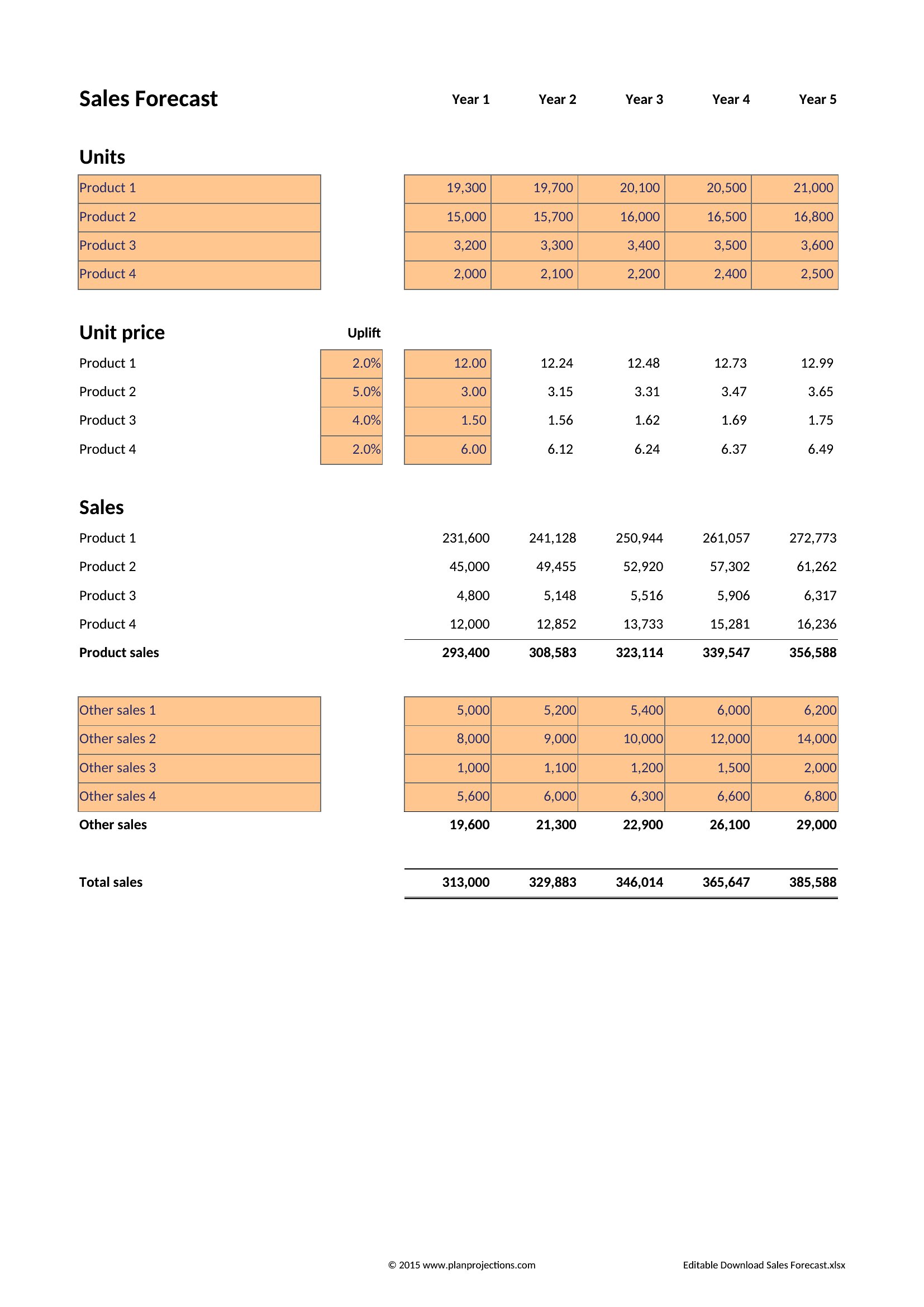
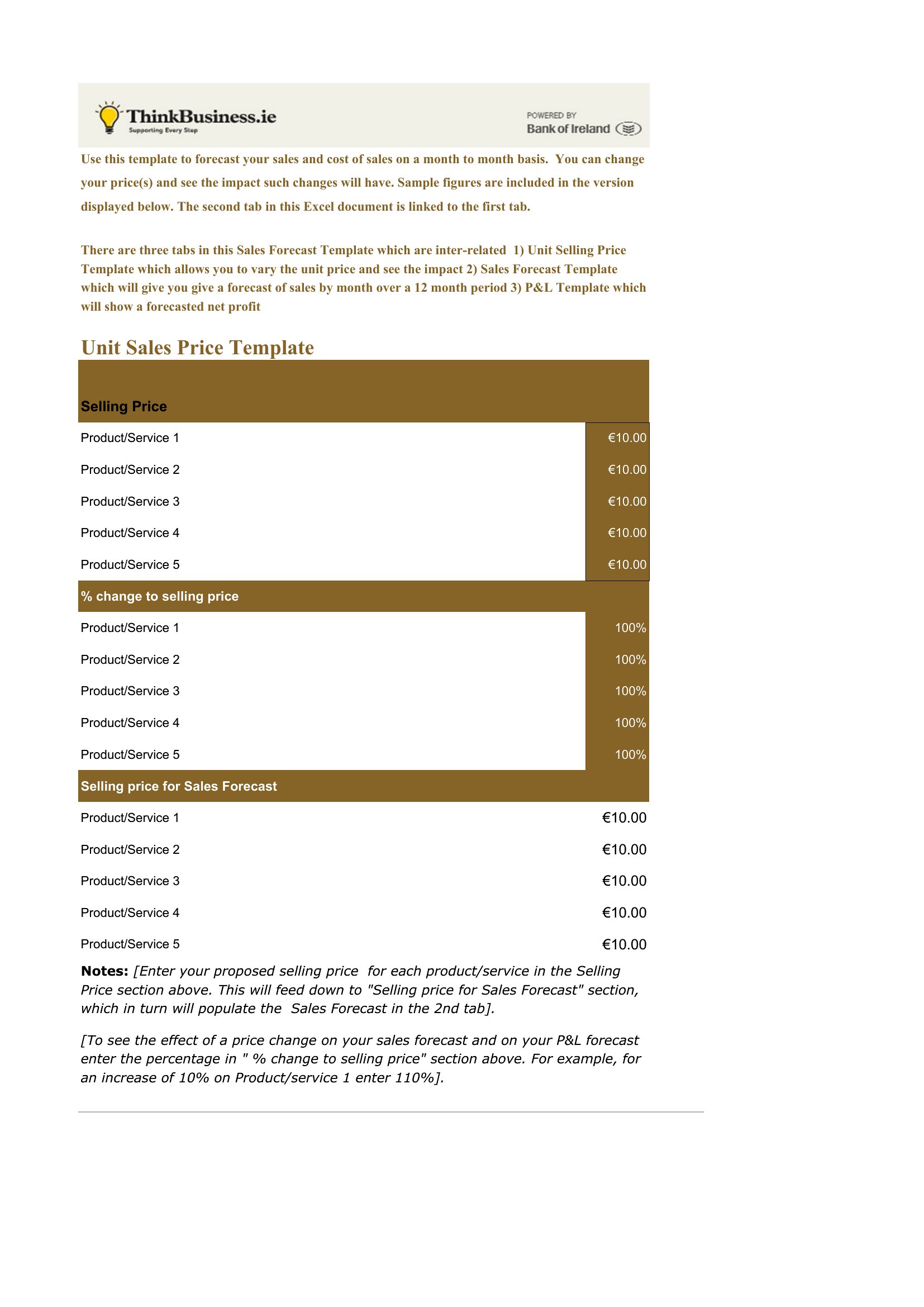
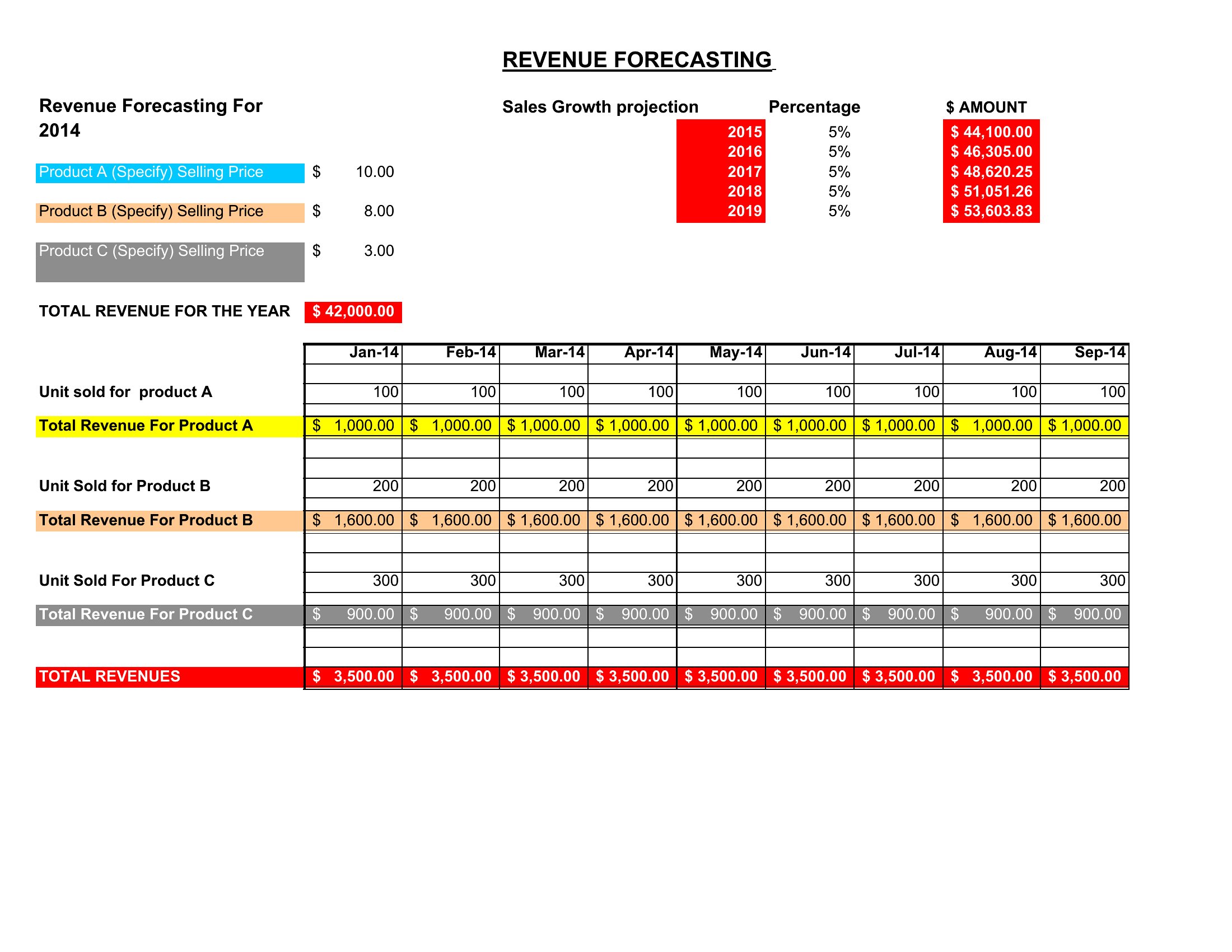
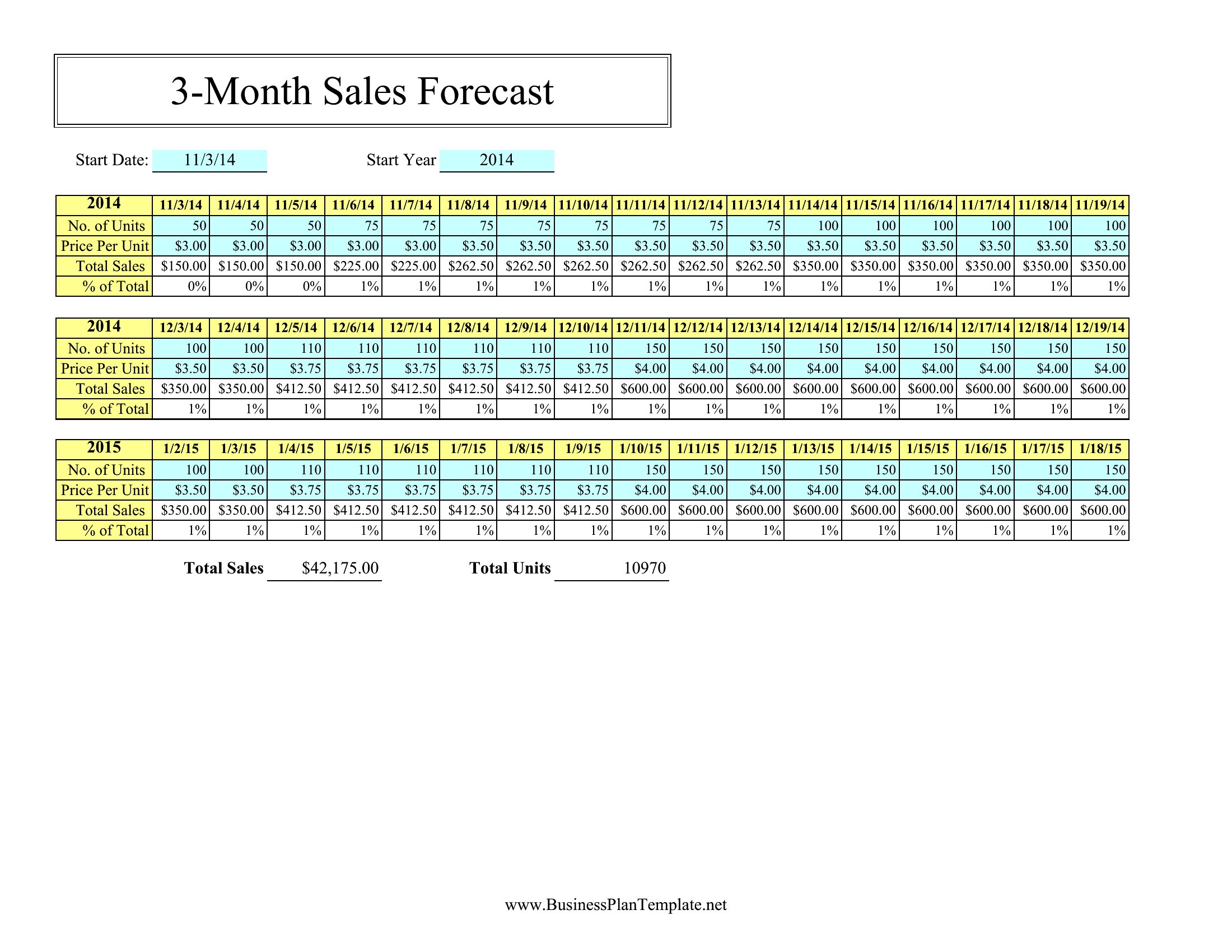
The Excel sheets do the heavy lifting, totaling units and revenue as you adjust your inputs, while Word and PDF versions are handy for reports and presentations. Drop in last year's figures, tweak your growth estimate, and watch the projection update. Download the forecast that fits your business and start planning with real numbers.
When to use this Sales Forecast template
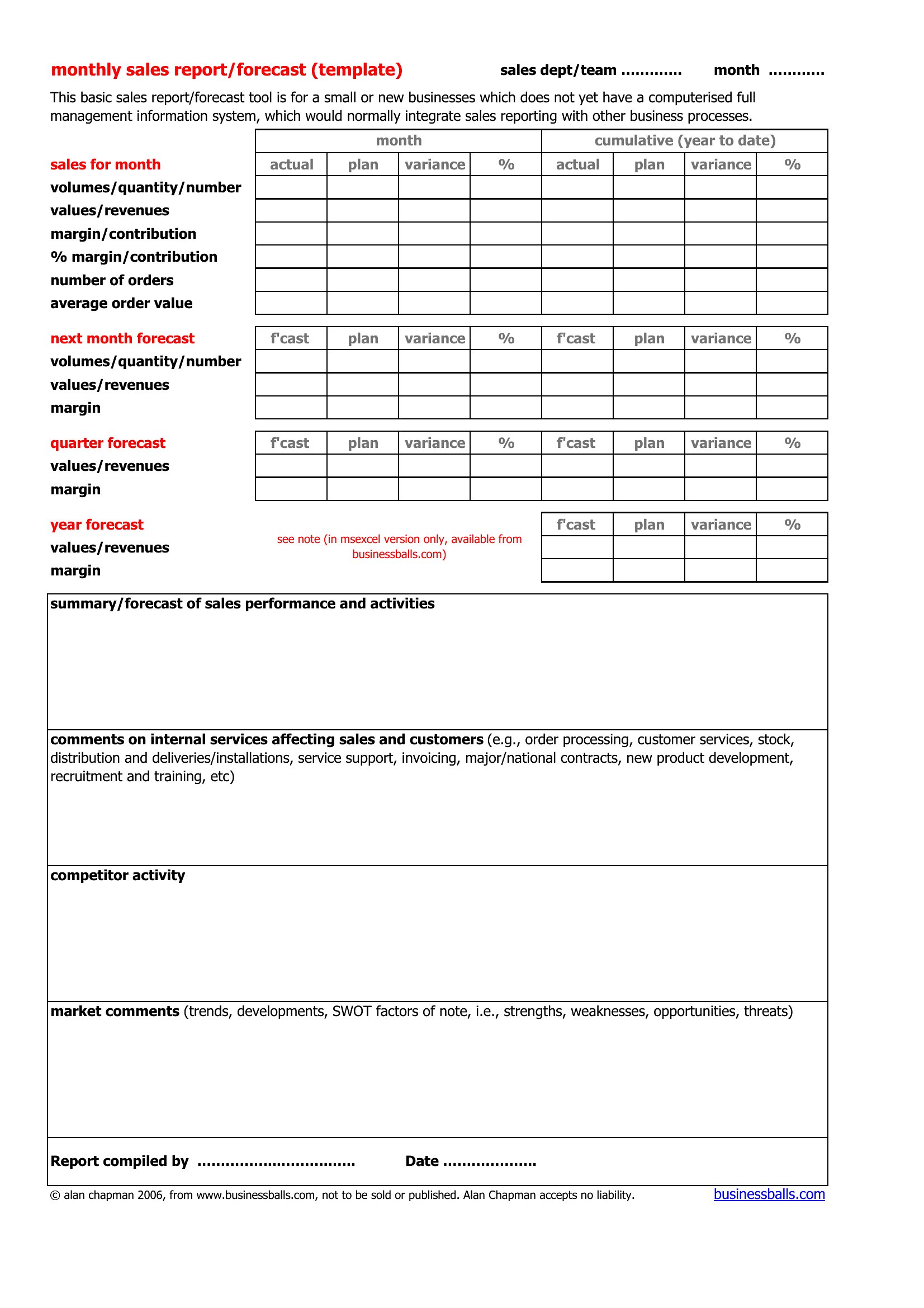
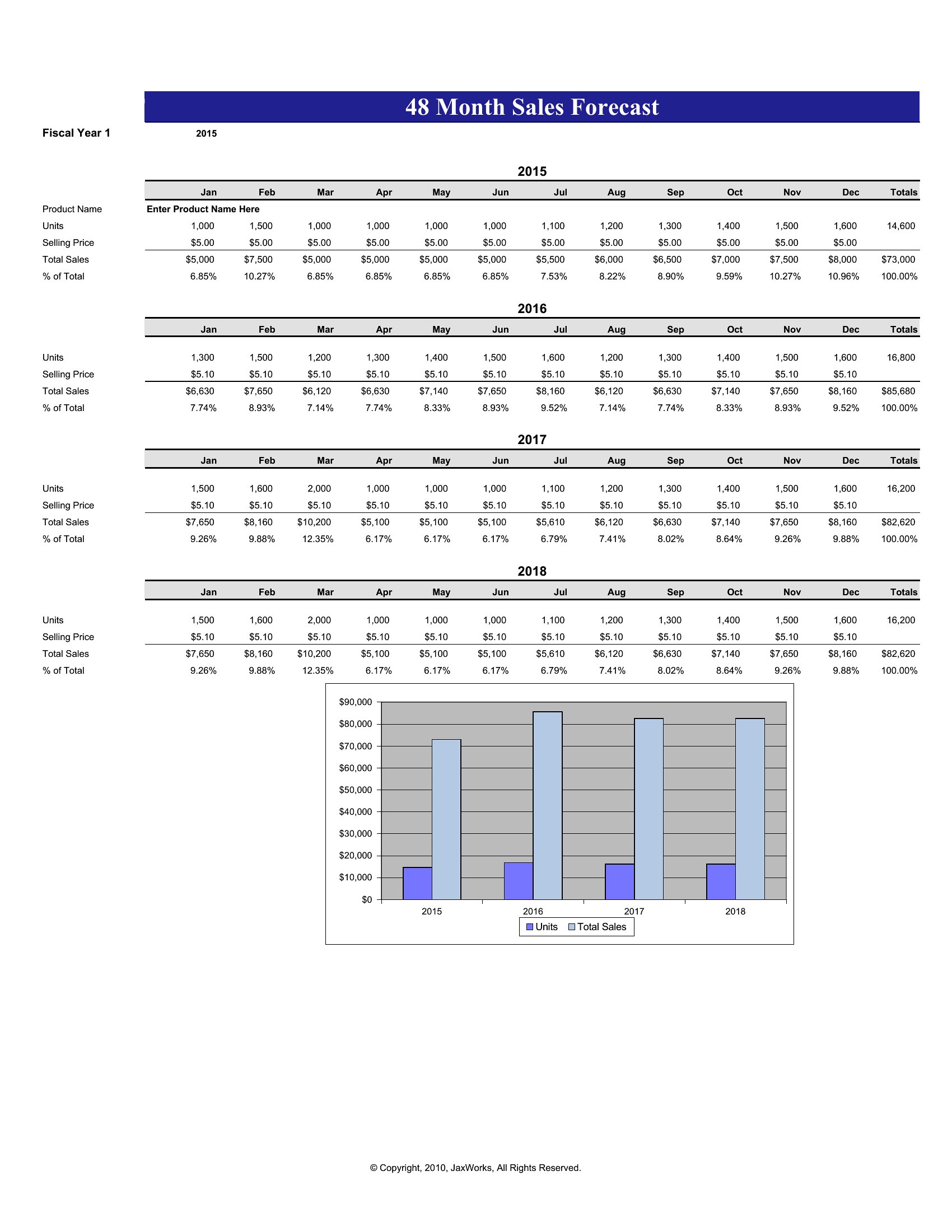
- A startup founder pitching to investors needs a concise, visual sales forecast Word template to project revenue growth over 12 months, highlighting key product lines and market assumptions in a single-page pitch deck format.
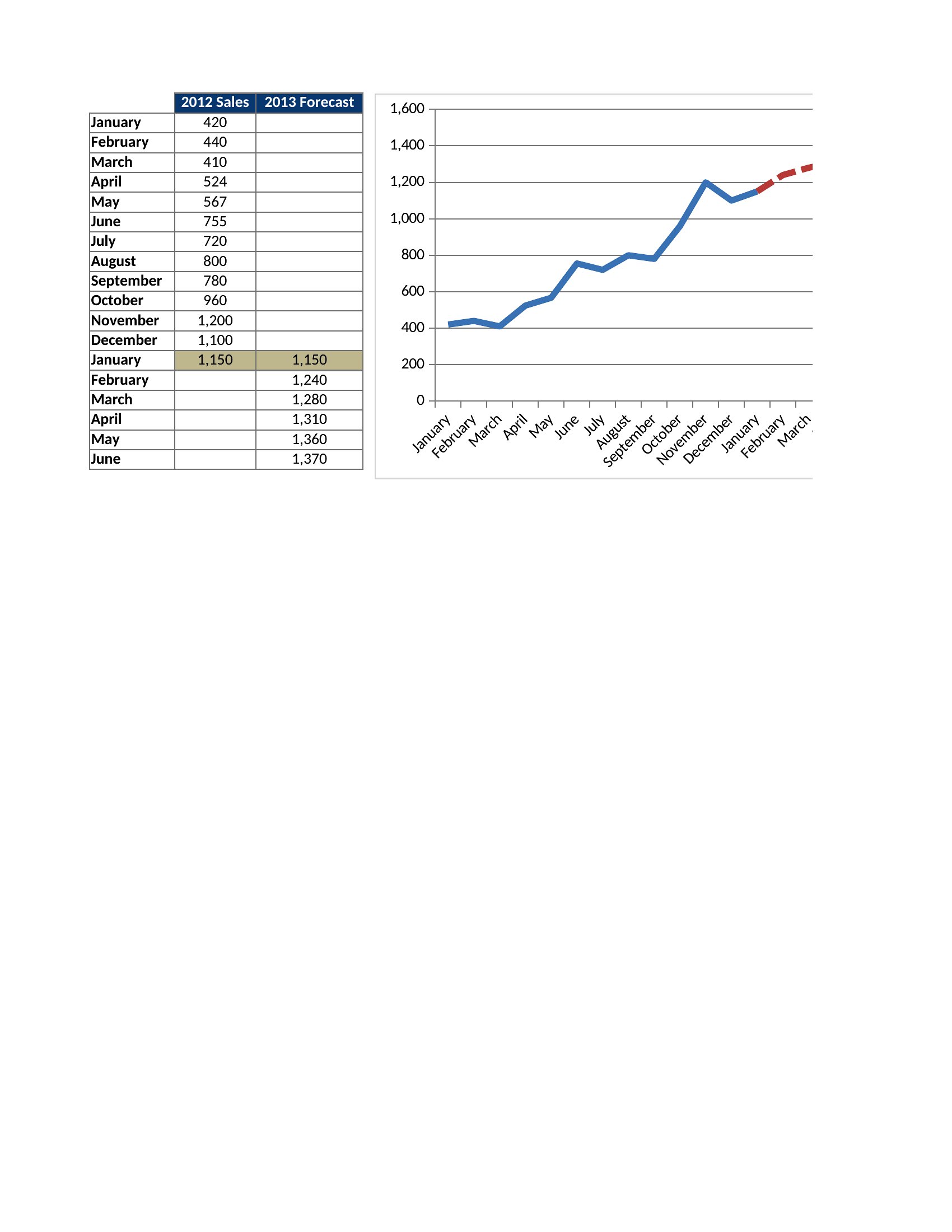
- A regional sales manager reviewing underperforming territories uses an Excel-based sales forecast to compare historical trends against quarterly targets, adjusting for seasonal fluctuations by product category before sharing insights with the leadership team.
- A small business owner preparing for a bank loan requests a fillable PDF sales forecast to demonstrate steady revenue growth, with monthly breakdowns and conservative estimates, ensuring the lender sees a clear, professional projection aligned with their business plan.
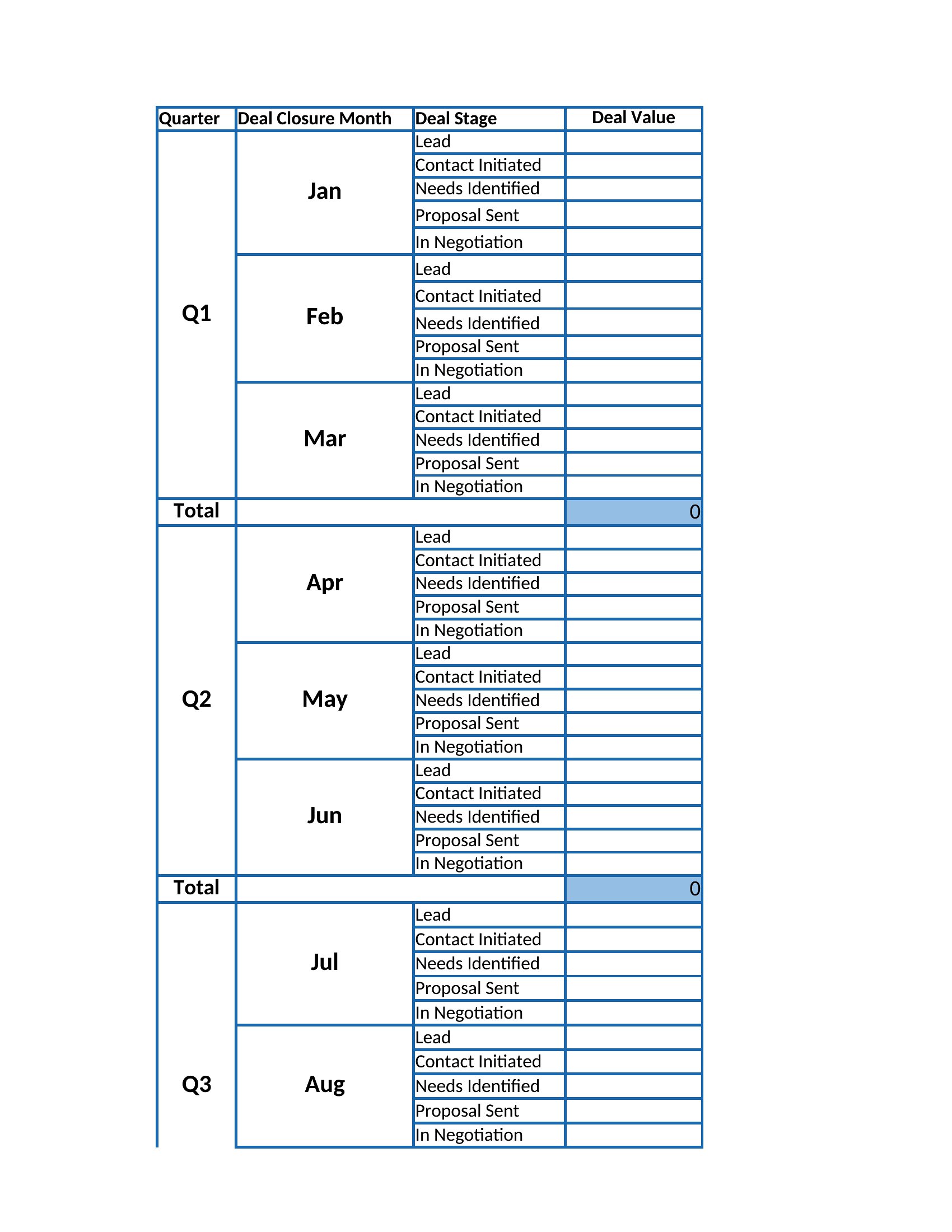
- A SaaS company’s sales operations team creates an Excel-based rolling 18-month forecast to align with their quarterly business reviews, updating it monthly to reflect pipeline changes and regional market shifts for executive stakeholders.
Which format should I download?
For investors or quick presentations, use the Word format—it’s easy to customize with company branding and embed into pitches. Choose Excel when you need dynamic calculations, pivot tables, or complex scenarios, like adjusting for seasonal trends or regional performance. The PDF format is ideal for finalized, shareable forecasts that require no edits, such as loan applications or regulatory submissions where formatting matters. Avoid Excel for static, one-time projections.
Choose from 45 Sales Forecast Templates
How to use this Sales Forecast template
Which template should I use if my sales data includes multiple revenue streams, like subscriptions and one-time purchases?
Look for an Excel-based template with a multi-tab layout—one for each revenue stream—and include columns for monthly/quarterly breakdowns. These let you track subscriptions separately from one-time sales while summing totals for the overall forecast. Avoid PDFs, as they don’t support dynamic updates.
Can I use a Word template to create a sales forecast if my data includes formulas or percentages?
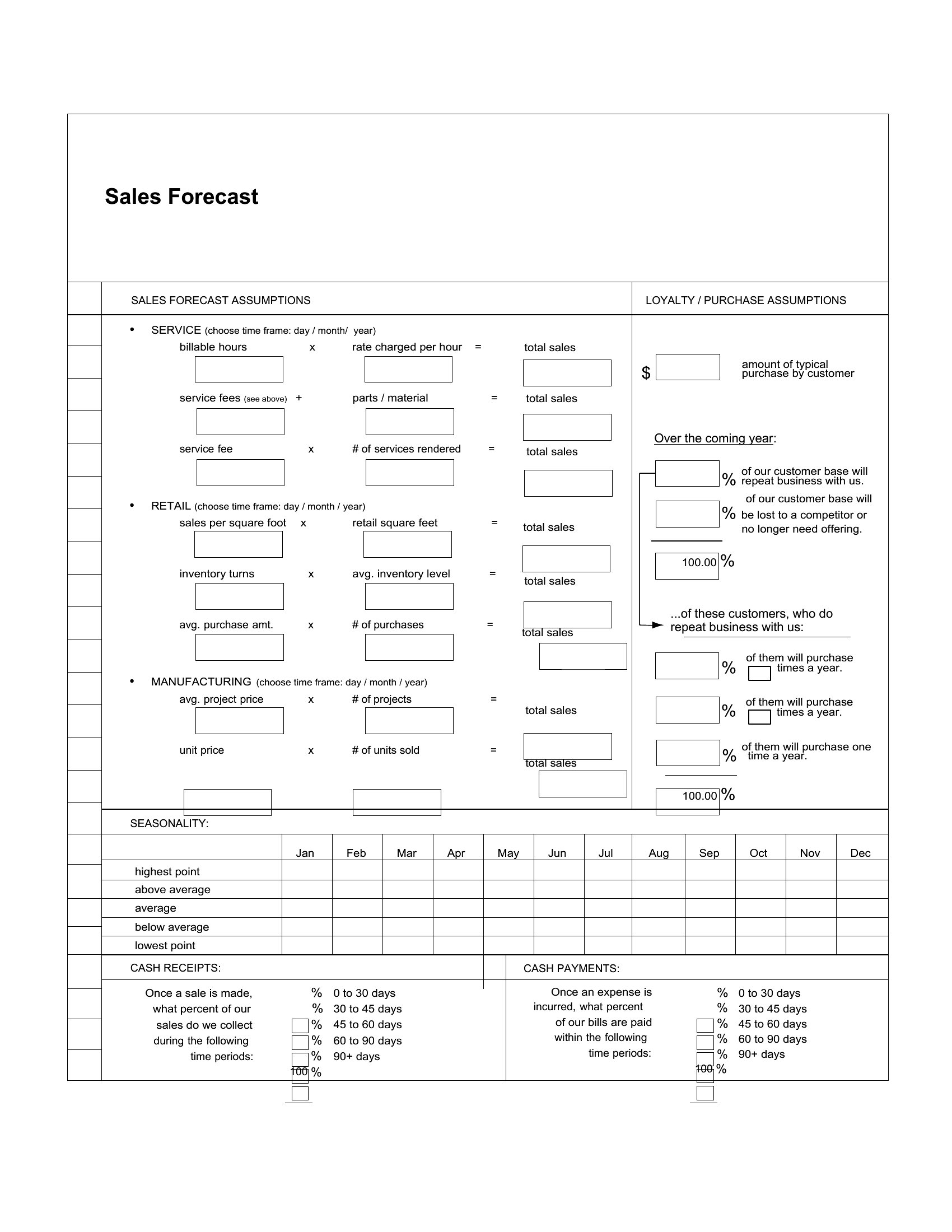
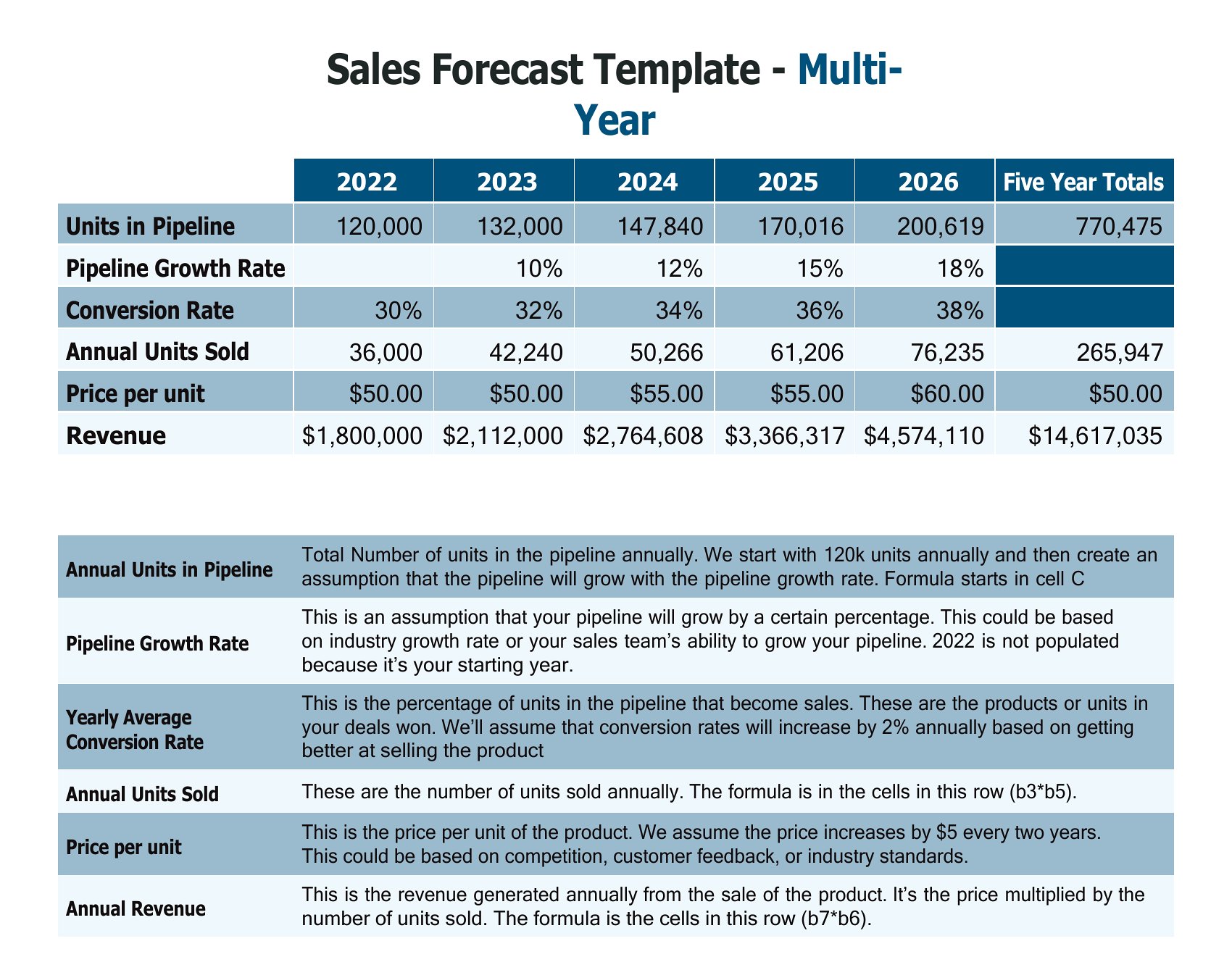
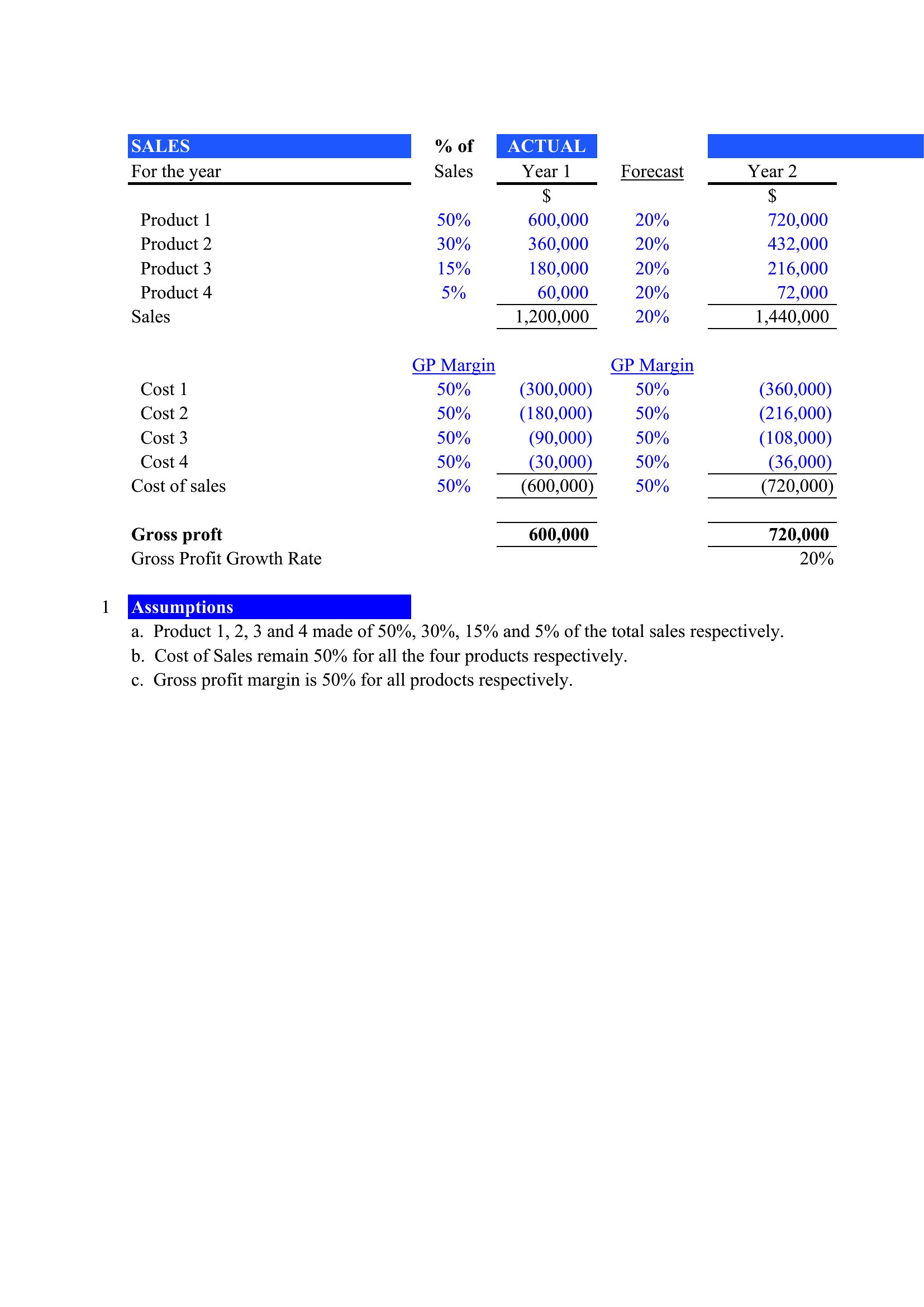
Yes, but only if your template includes a built-in table with basic formulas (like summing columns). For complex calculations—such as year-over-year growth rates or weighted averages—switch to Excel. Word templates are best for visual layouts where the math is manual or pre-filled.
How do I adjust a template if my sales cycles vary by product or region?
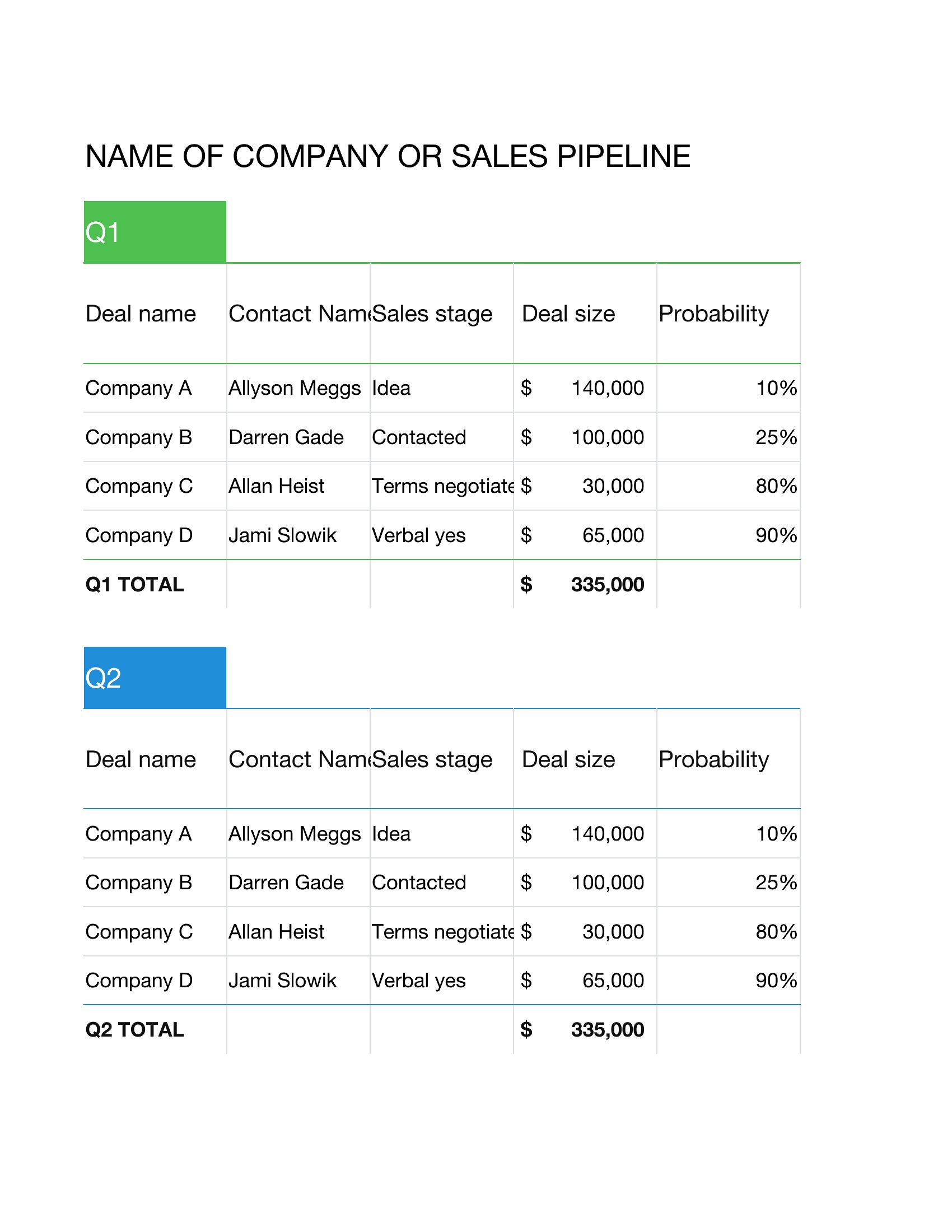
Use an Excel template with conditional formatting to flag overdue sales cycles and separate tabs for each product or region. For Word or PDF, manually add columns for cycle length assumptions and note them in a disclaimer. Always include a section for notes on exceptions, like seasonal spikes or regional delays.
Comments
Join the conversation
Sign in to share your thoughts and leave a comment on this resource.