Free Sales Forecast Templates (Word, Excel, PDF)
AnalysisTemplates
FAQ
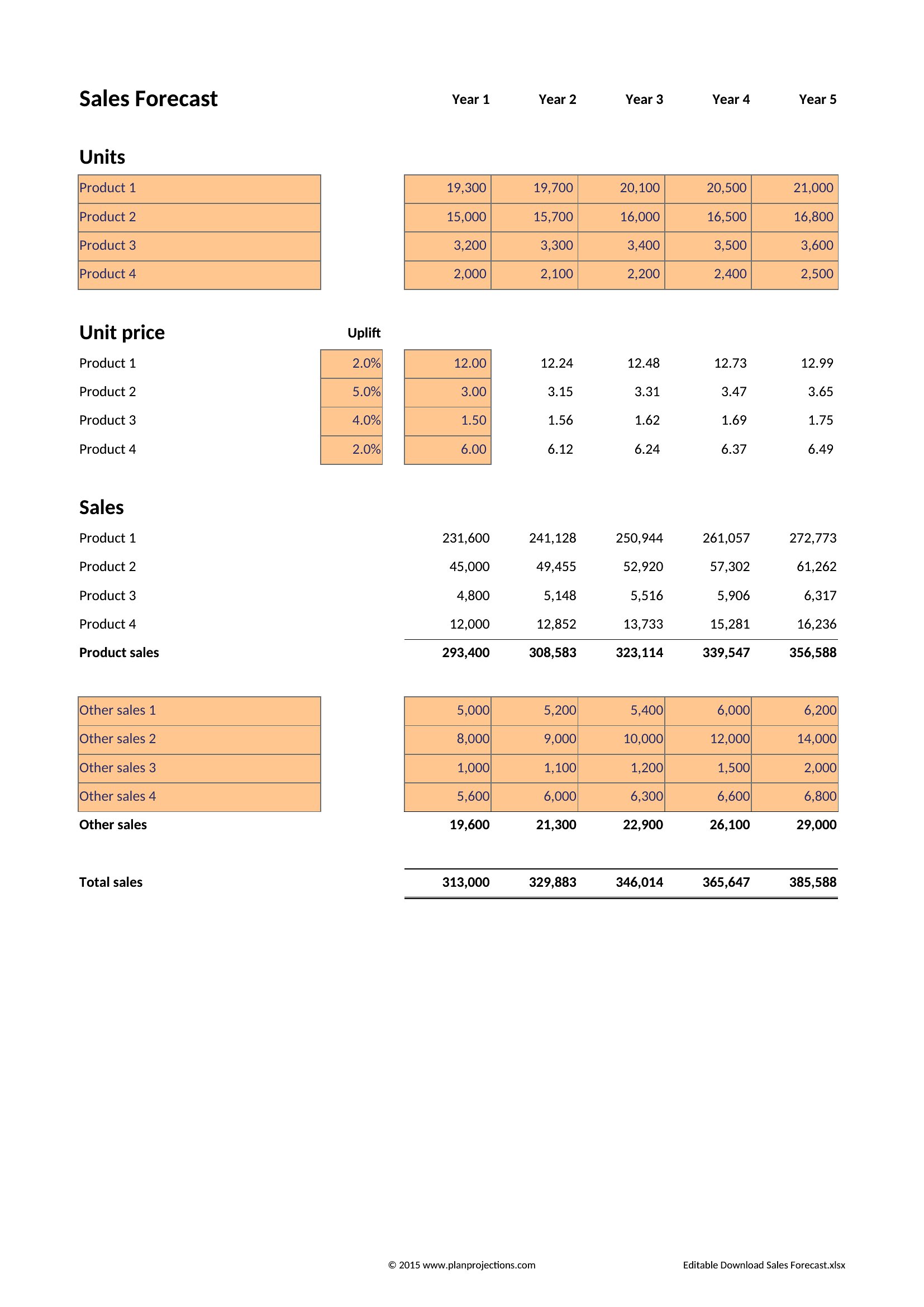
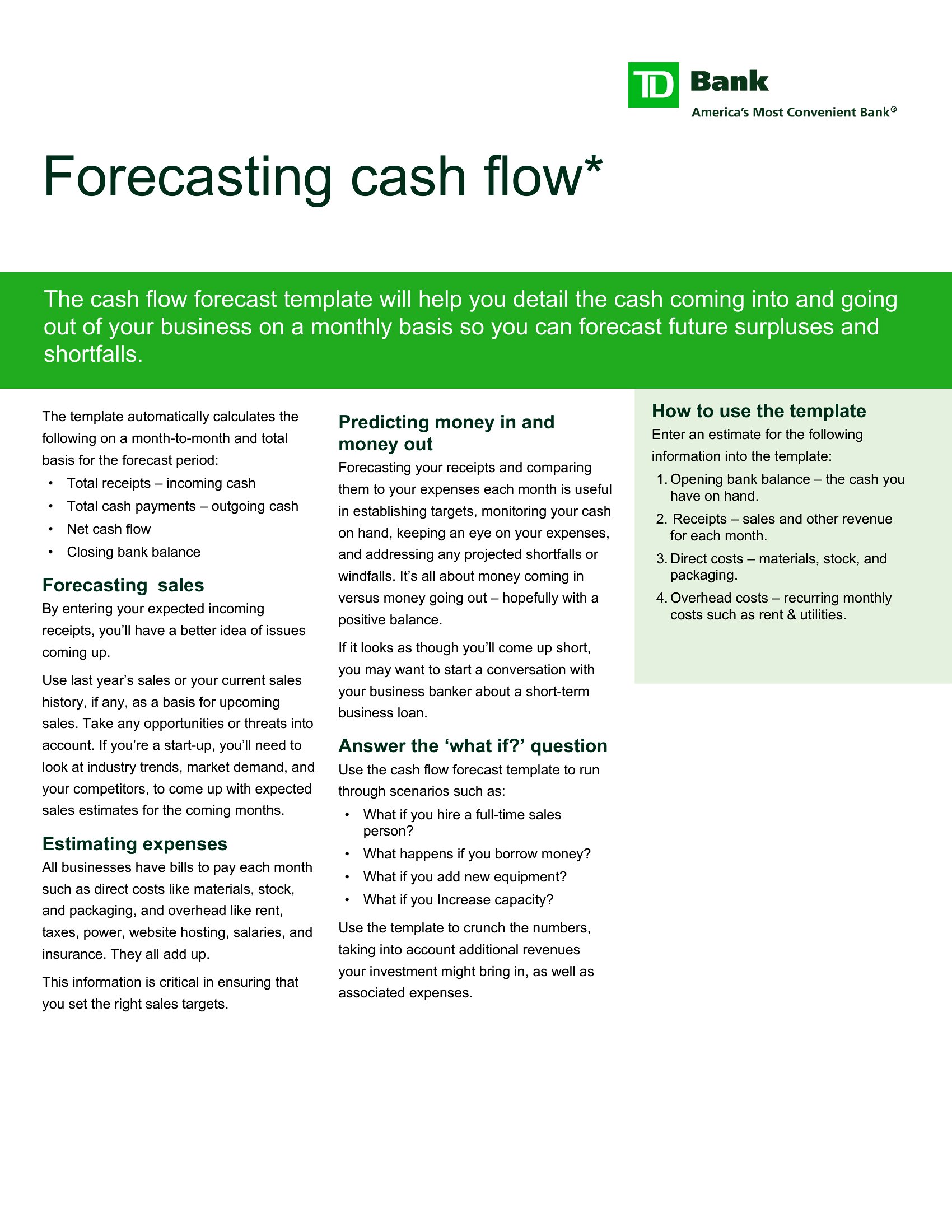
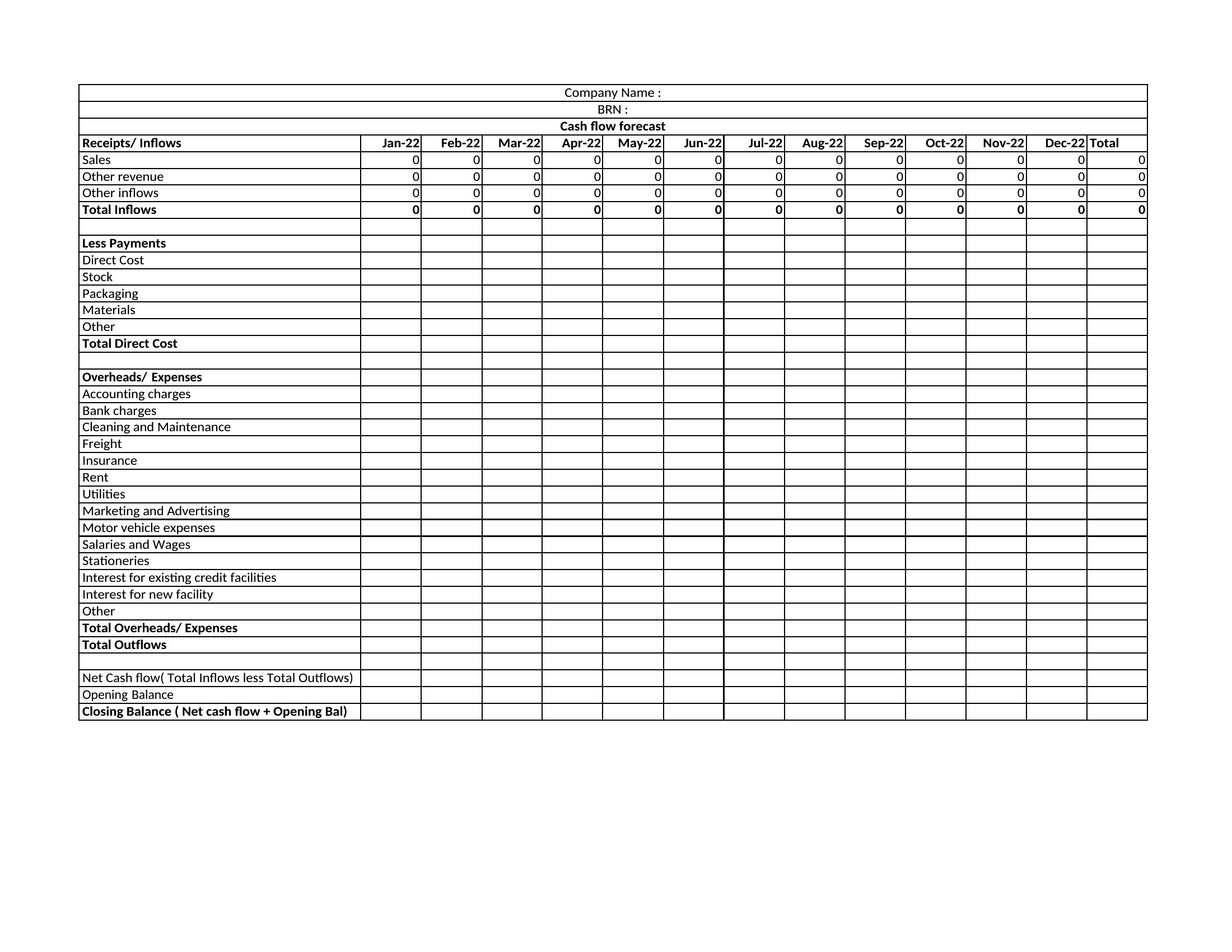
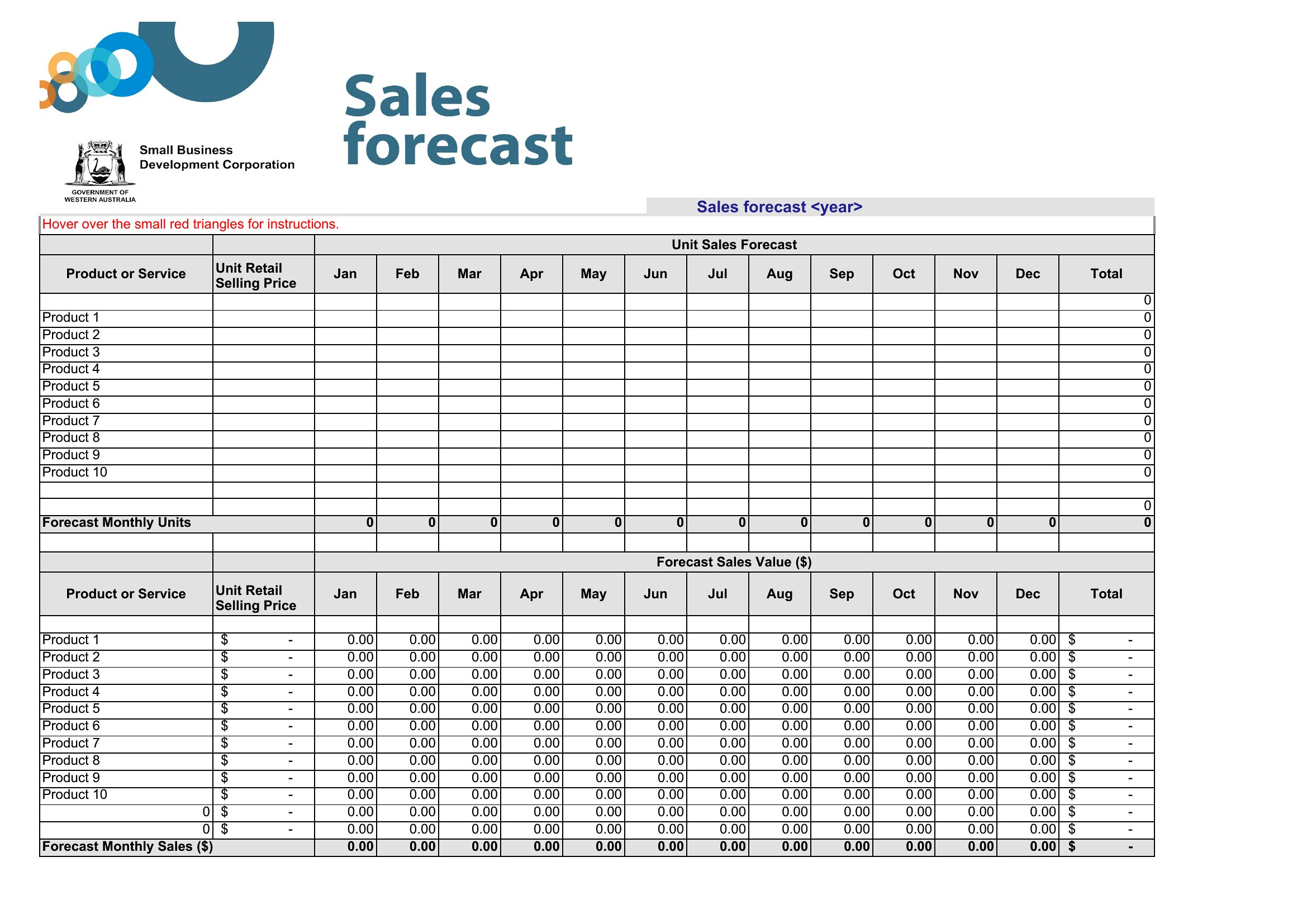
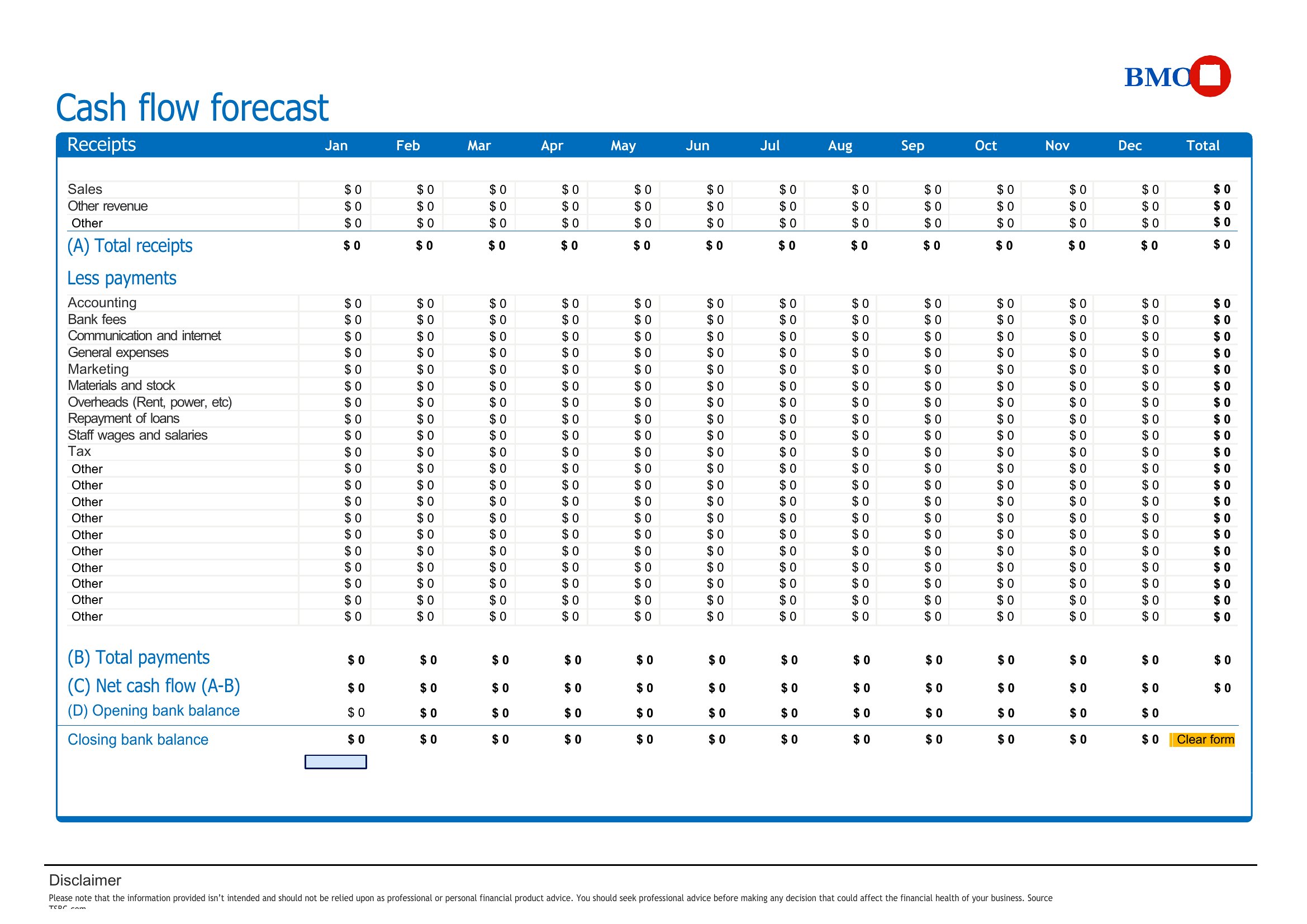
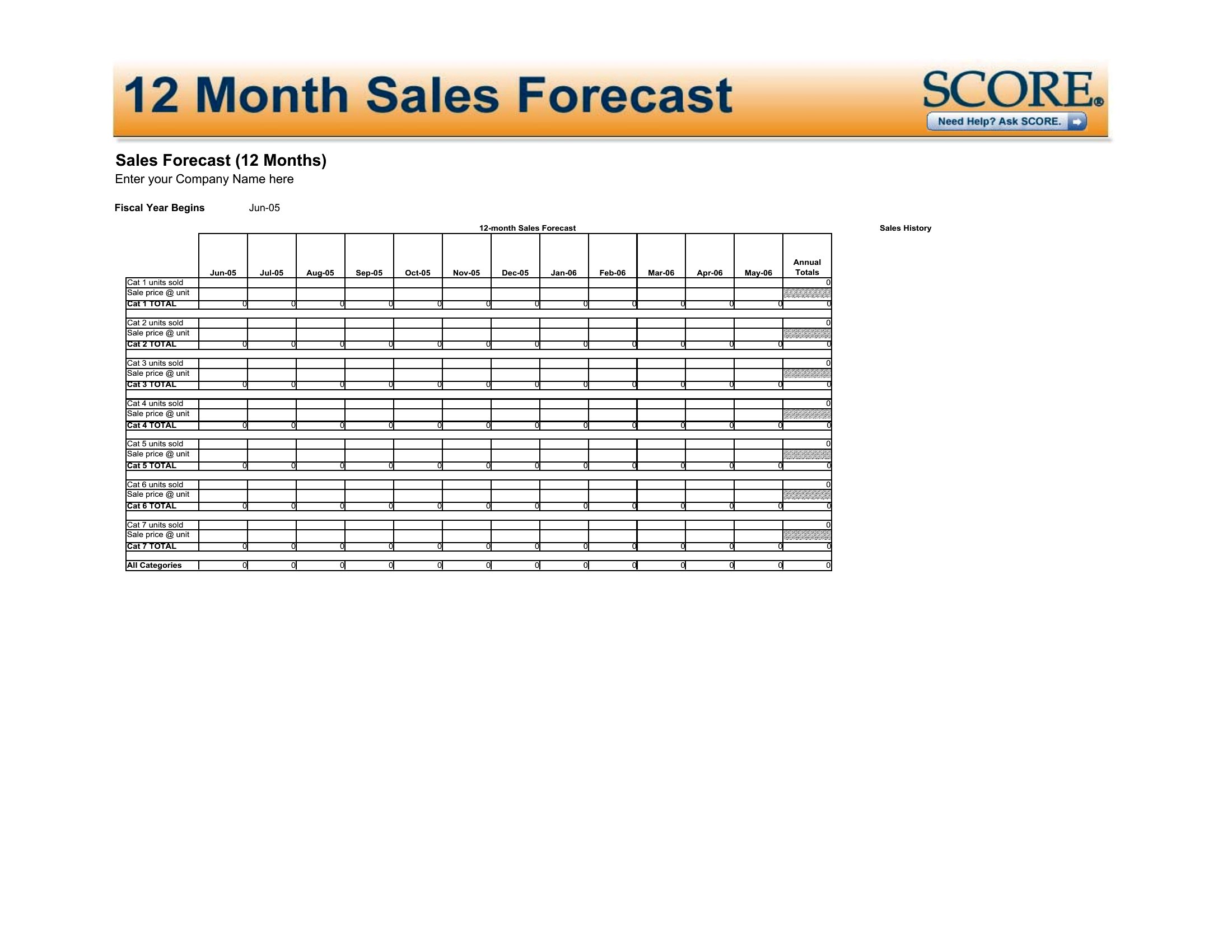
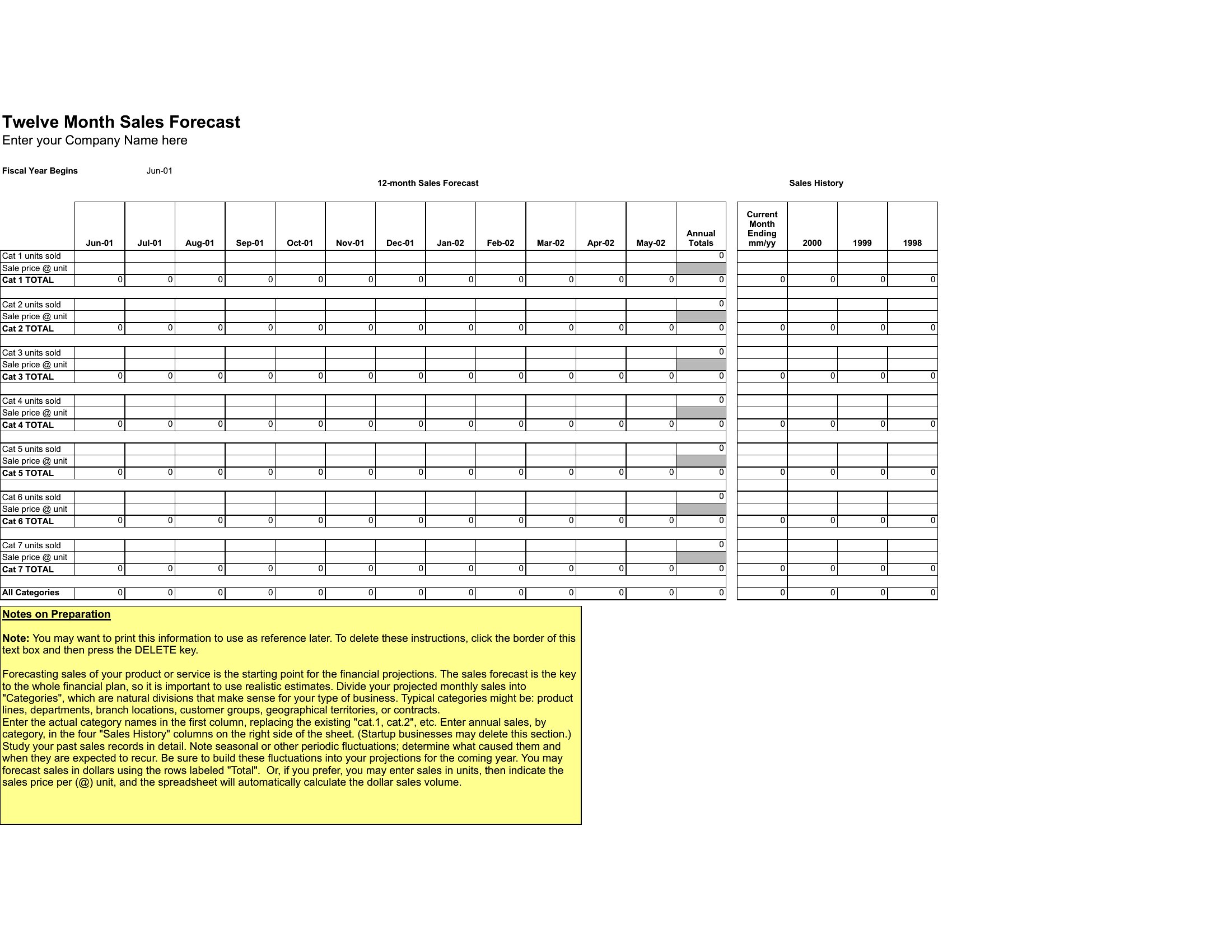
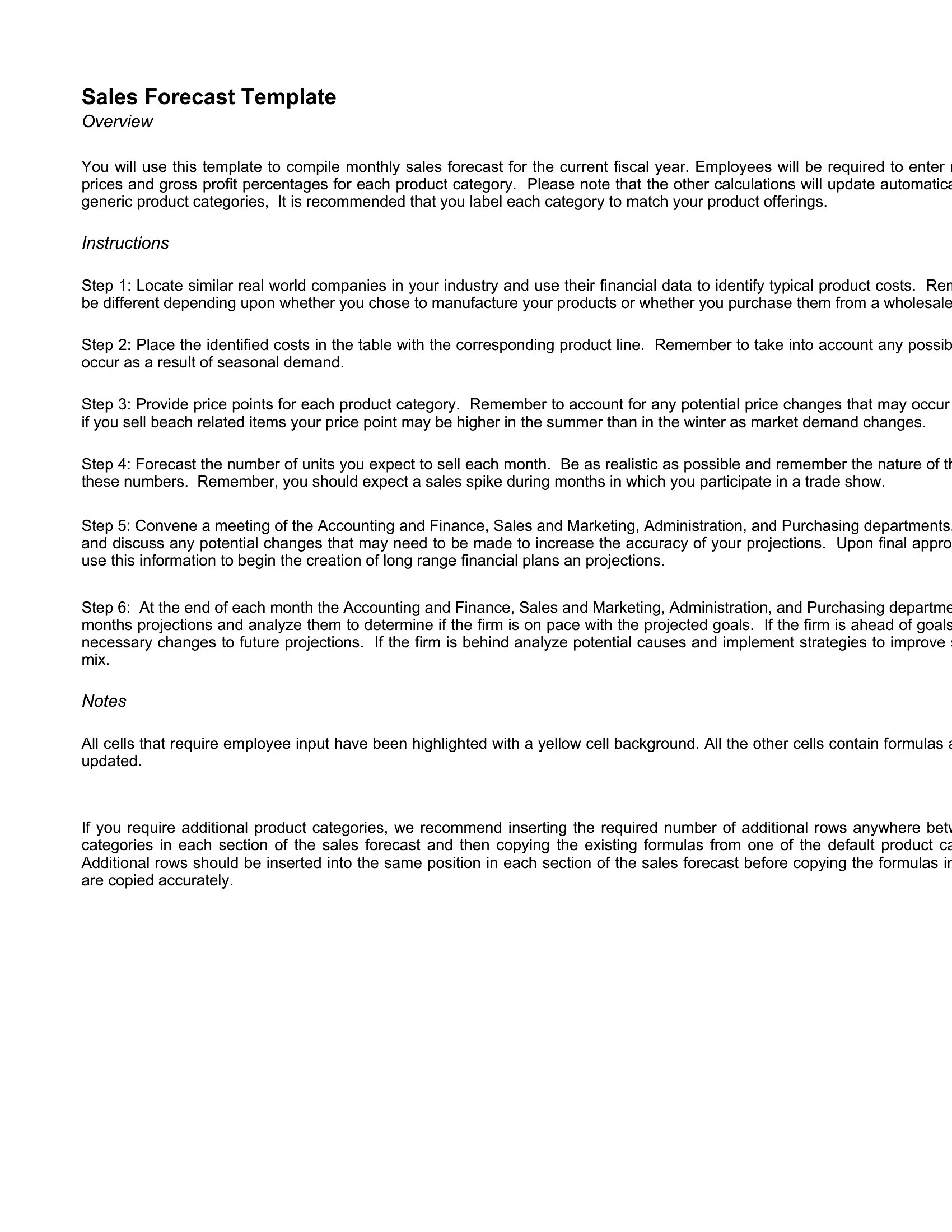
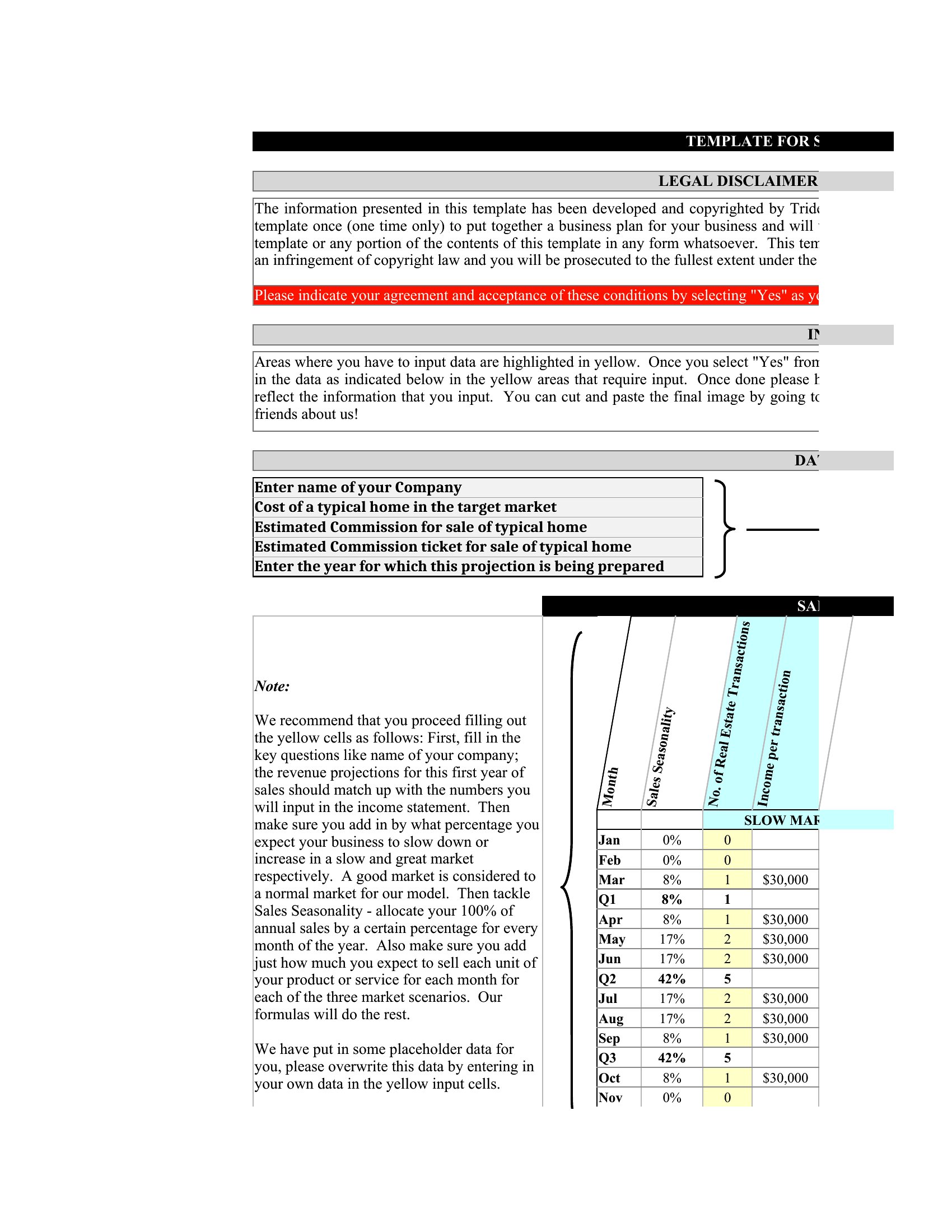
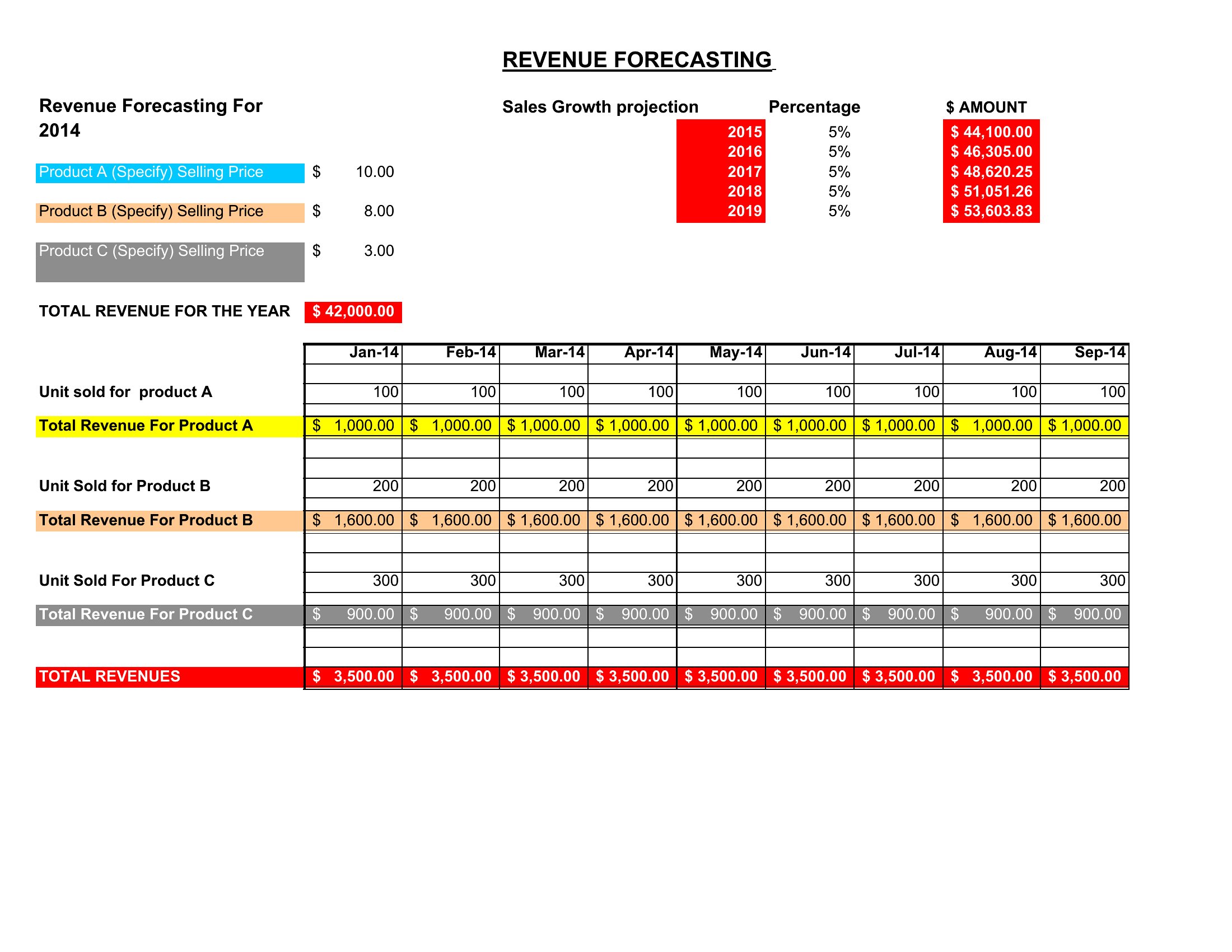
Which template should I use if my sales data includes multiple revenue streams, like subscriptions and one-time purchases?
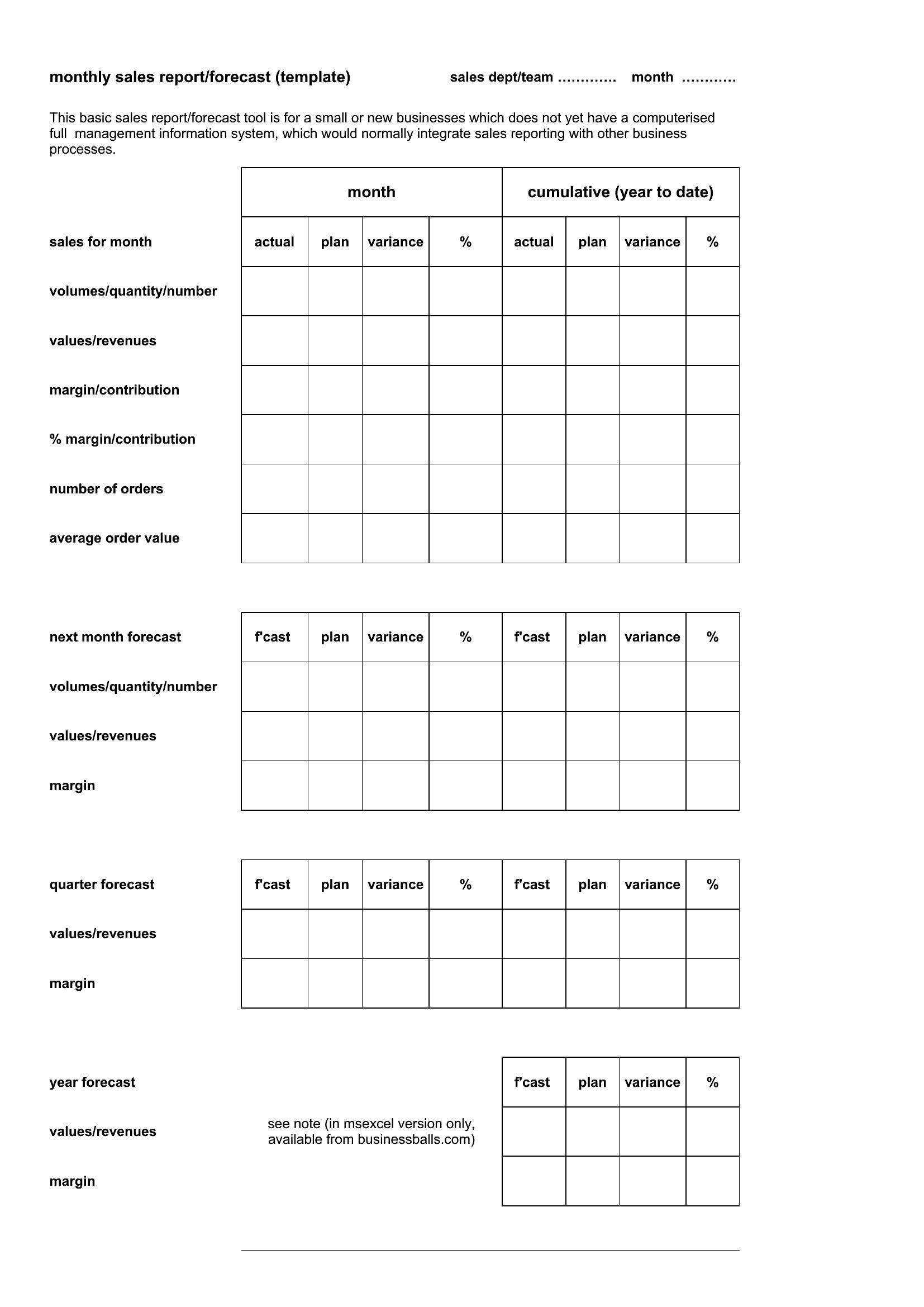
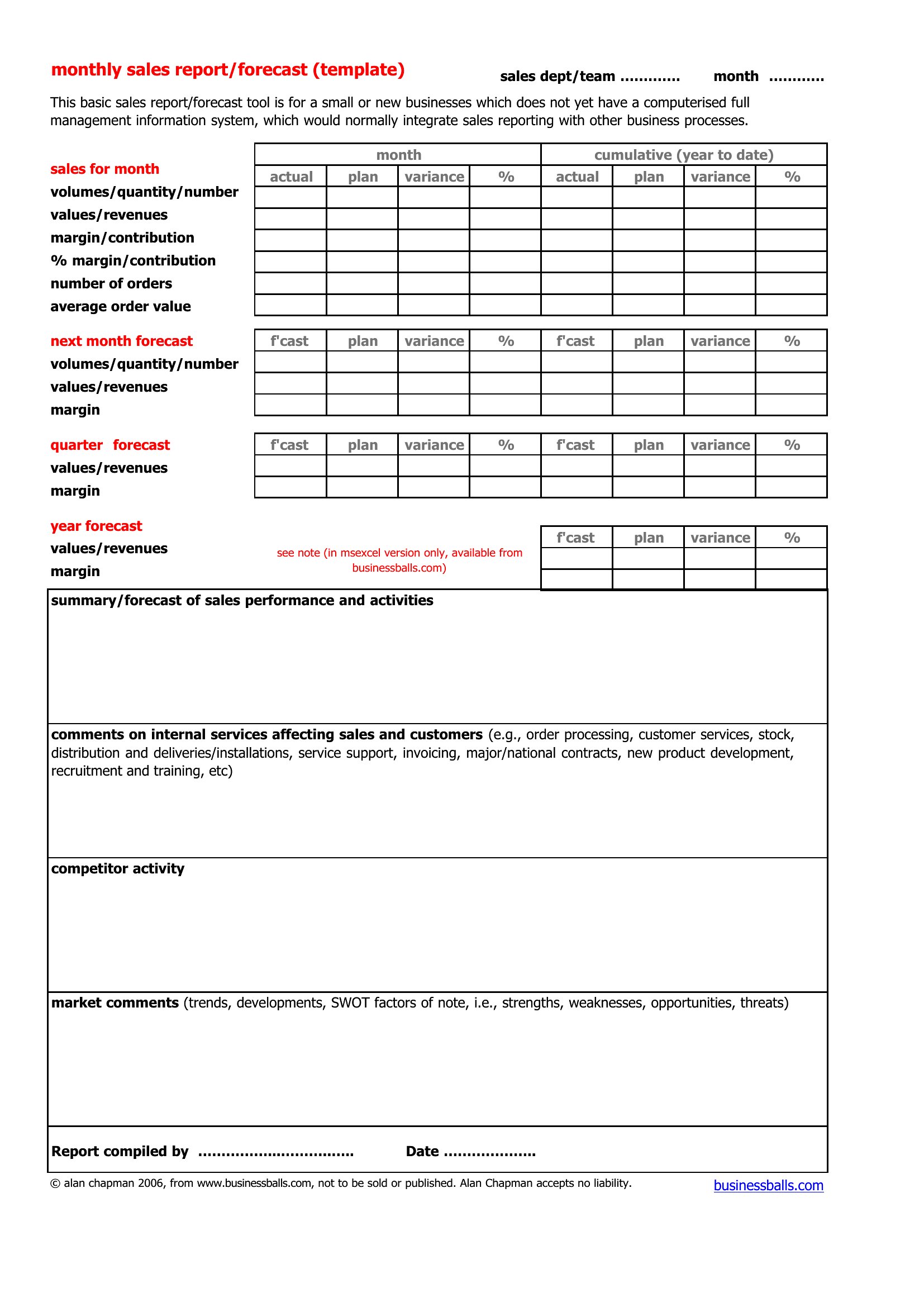
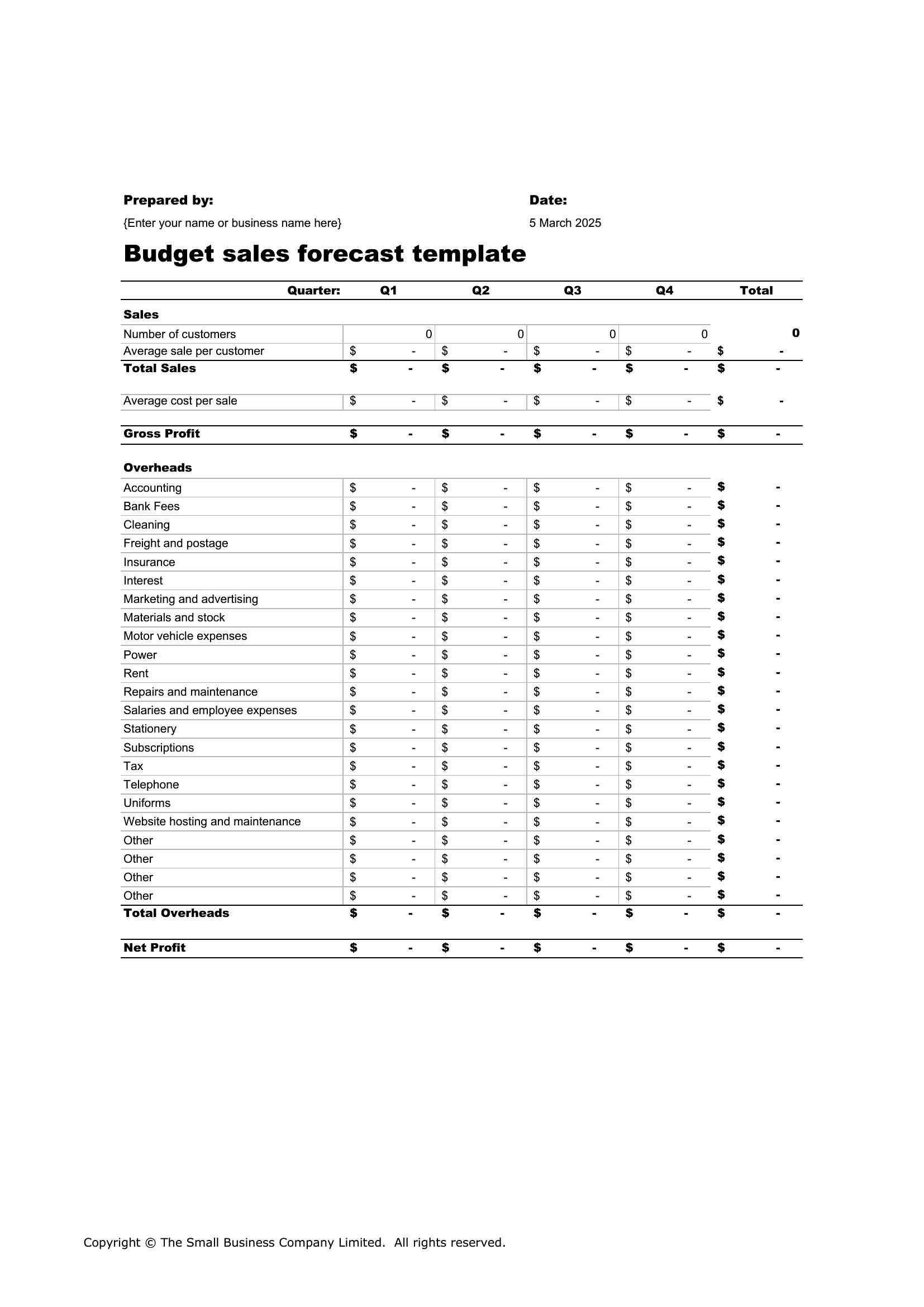
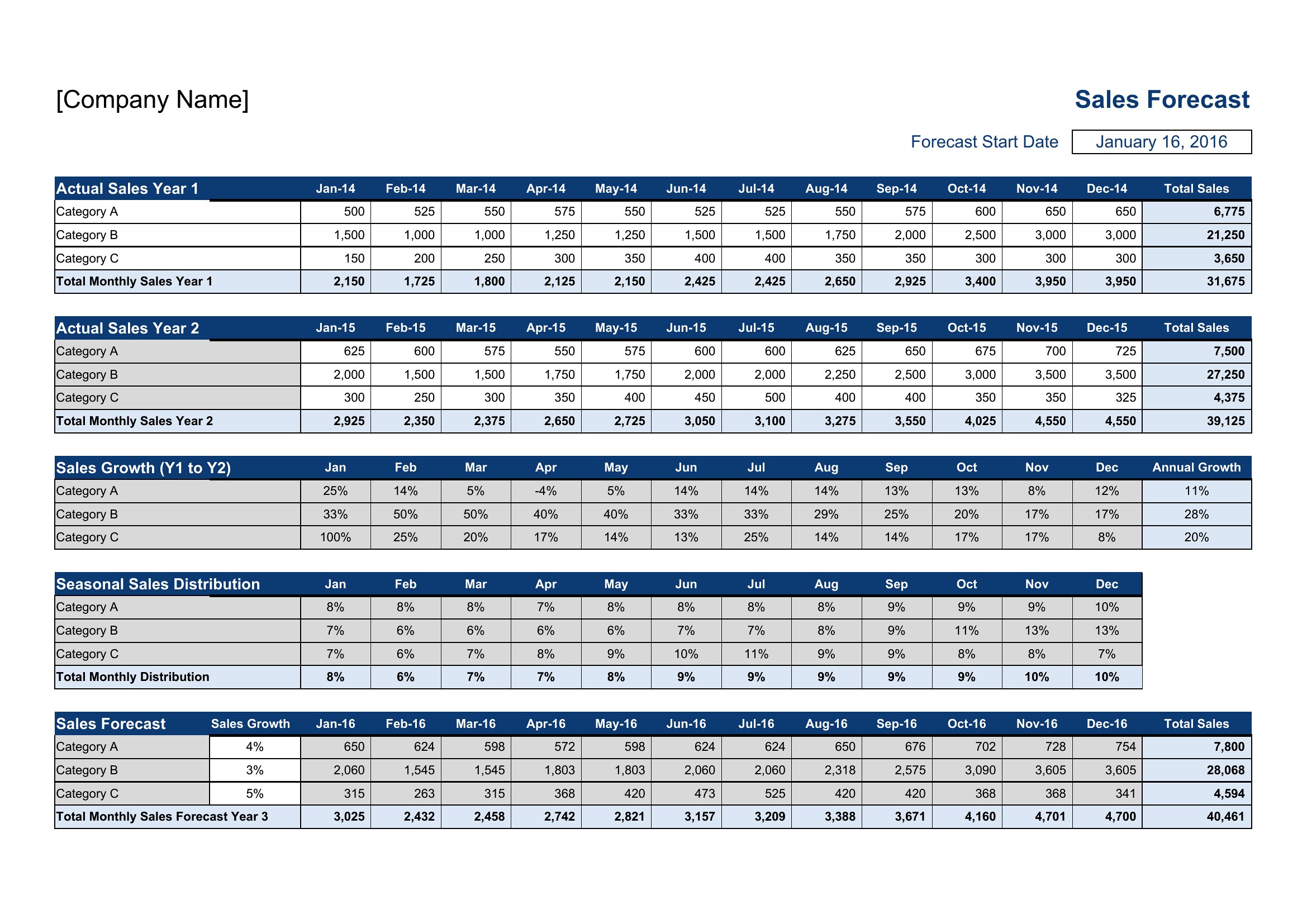
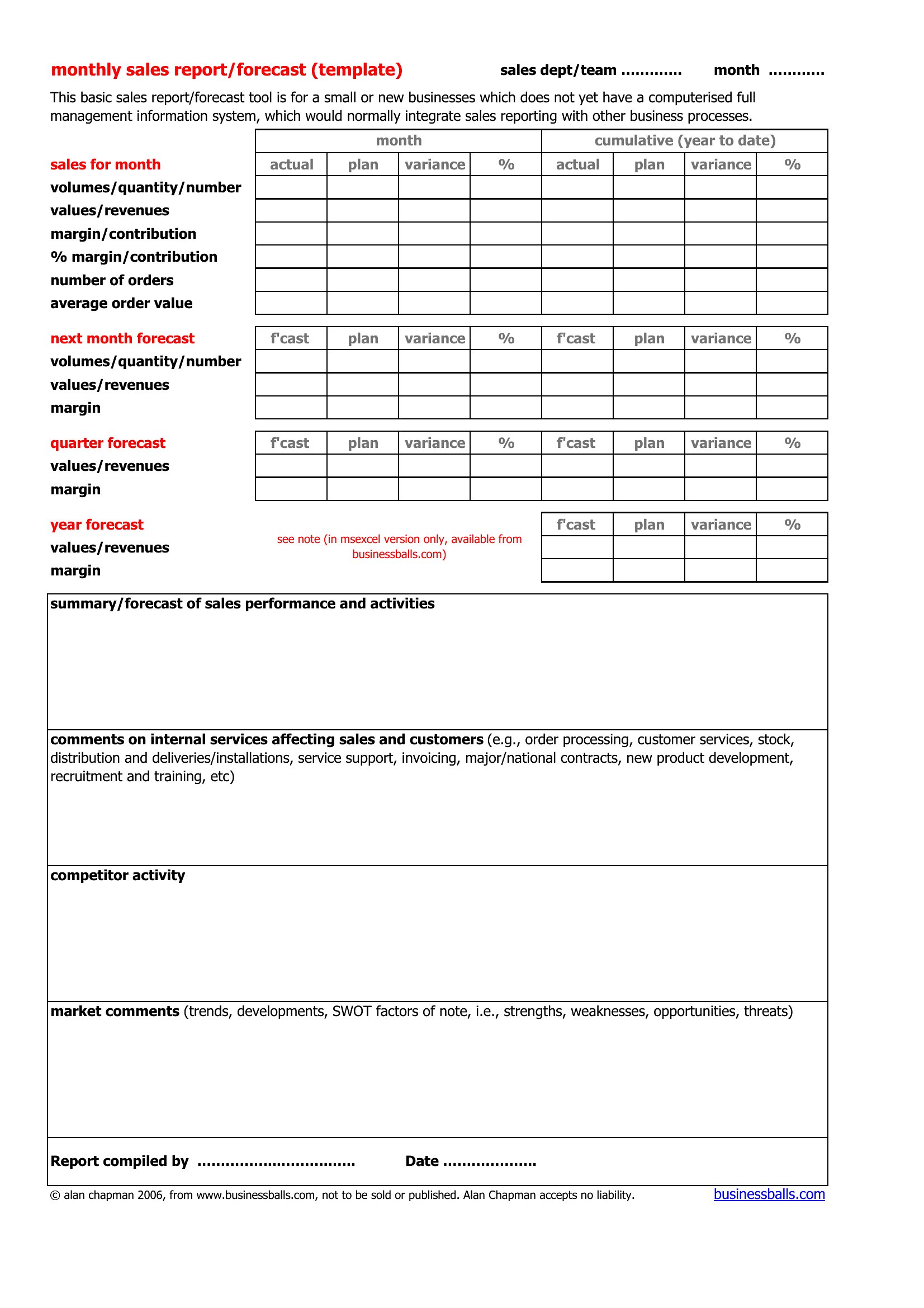
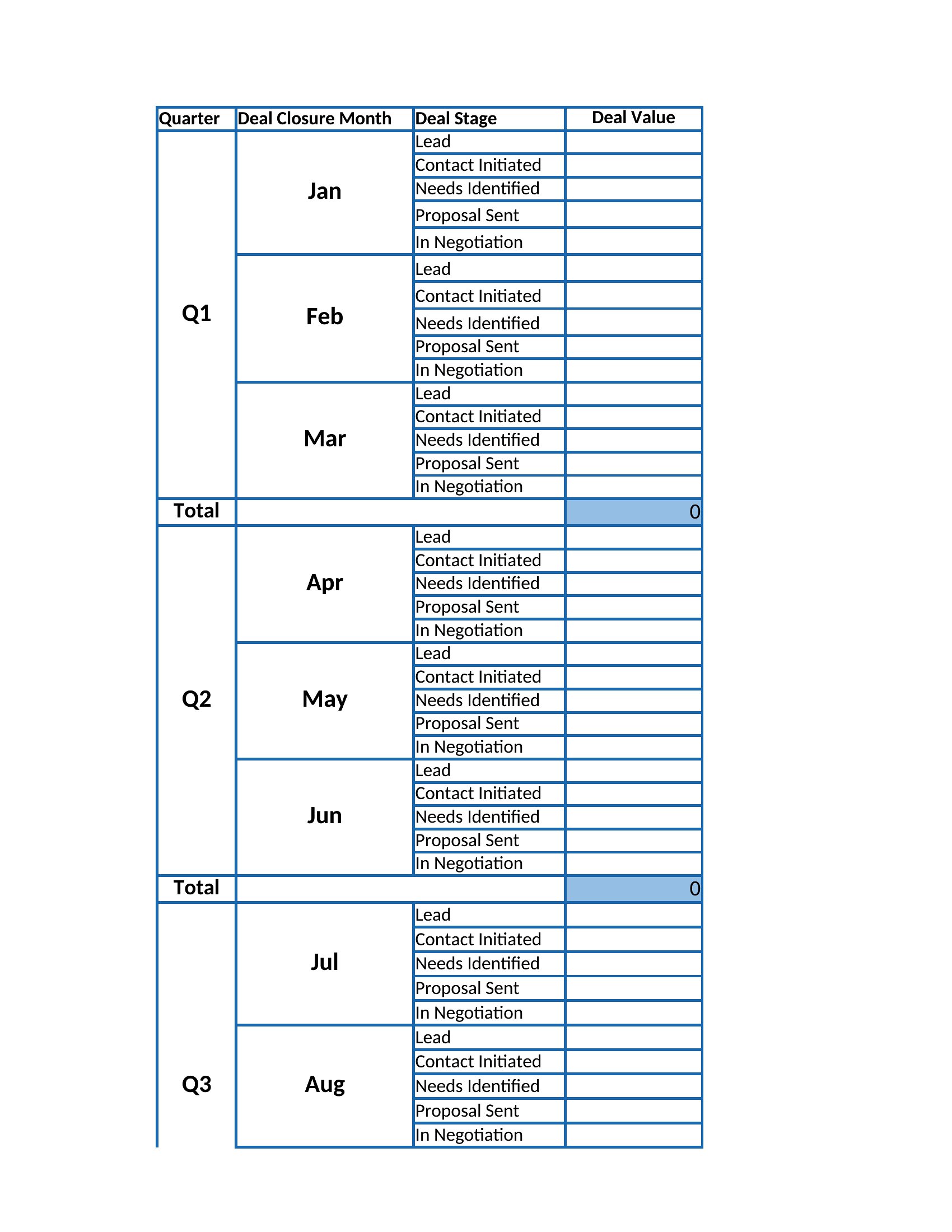
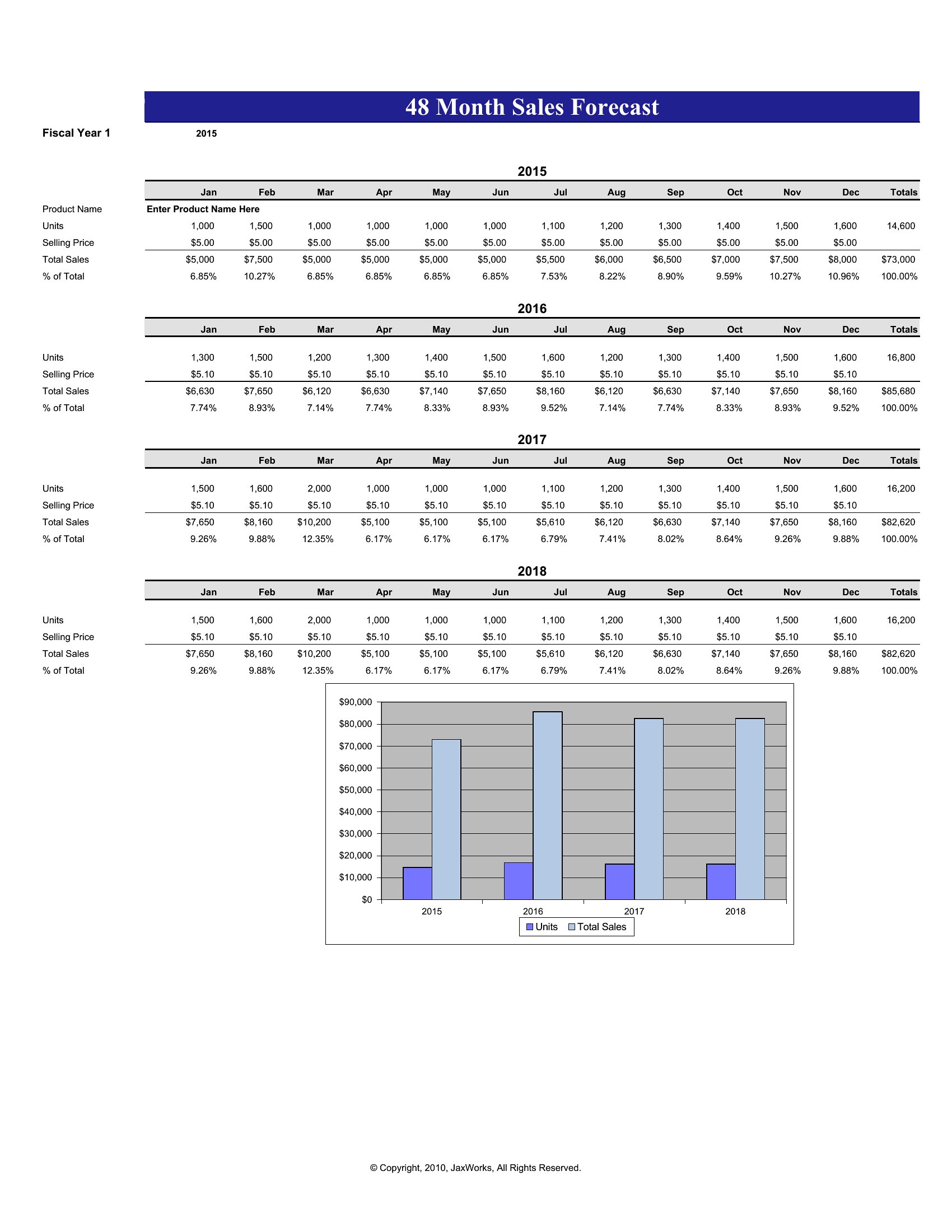
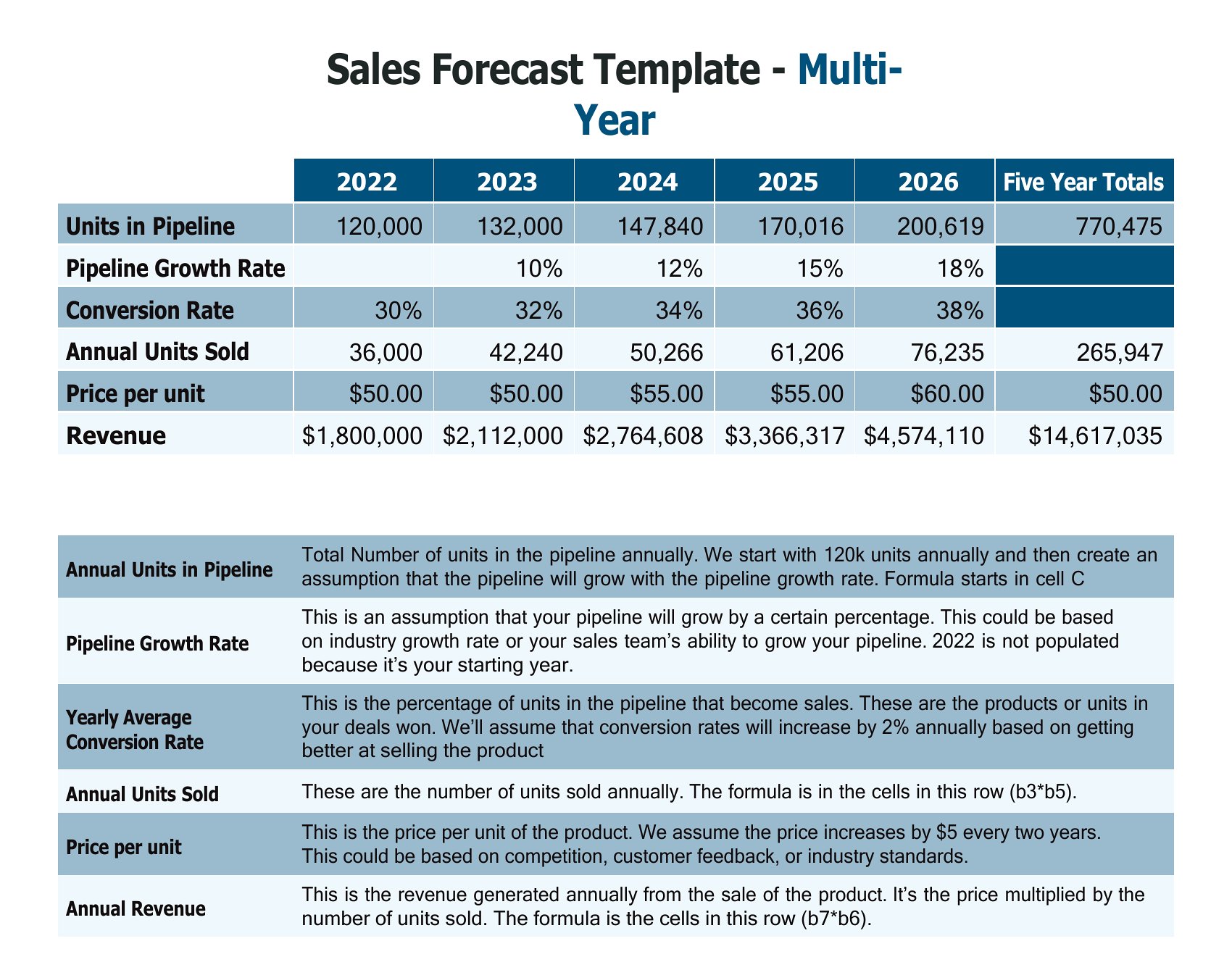
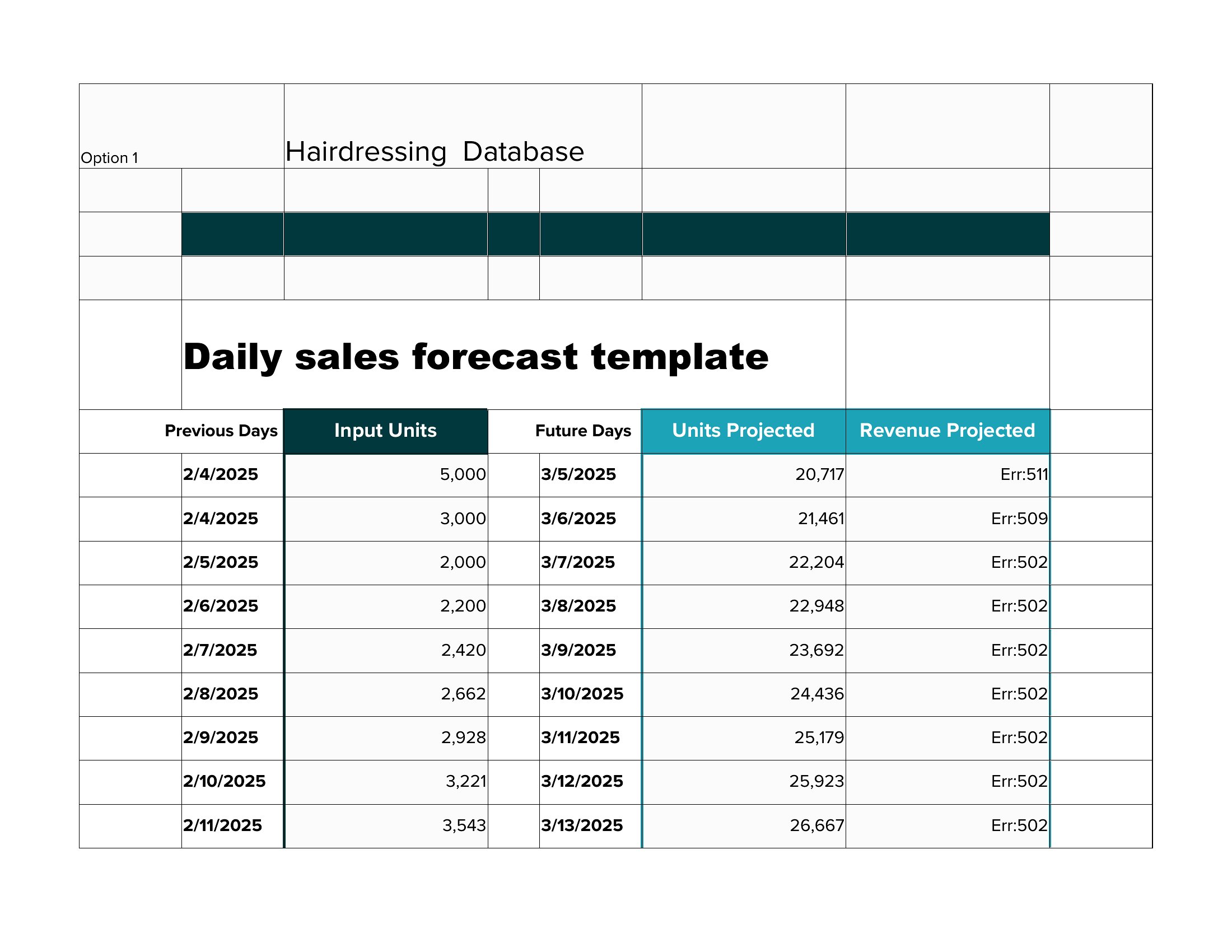
Look for an Excel-based template with a multi-tab layout—one for each revenue stream—and include columns for monthly/quarterly breakdowns. These let you track subscriptions separately from one-time sales while summing totals for the overall forecast. Avoid PDFs, as they don’t support dynamic updates.
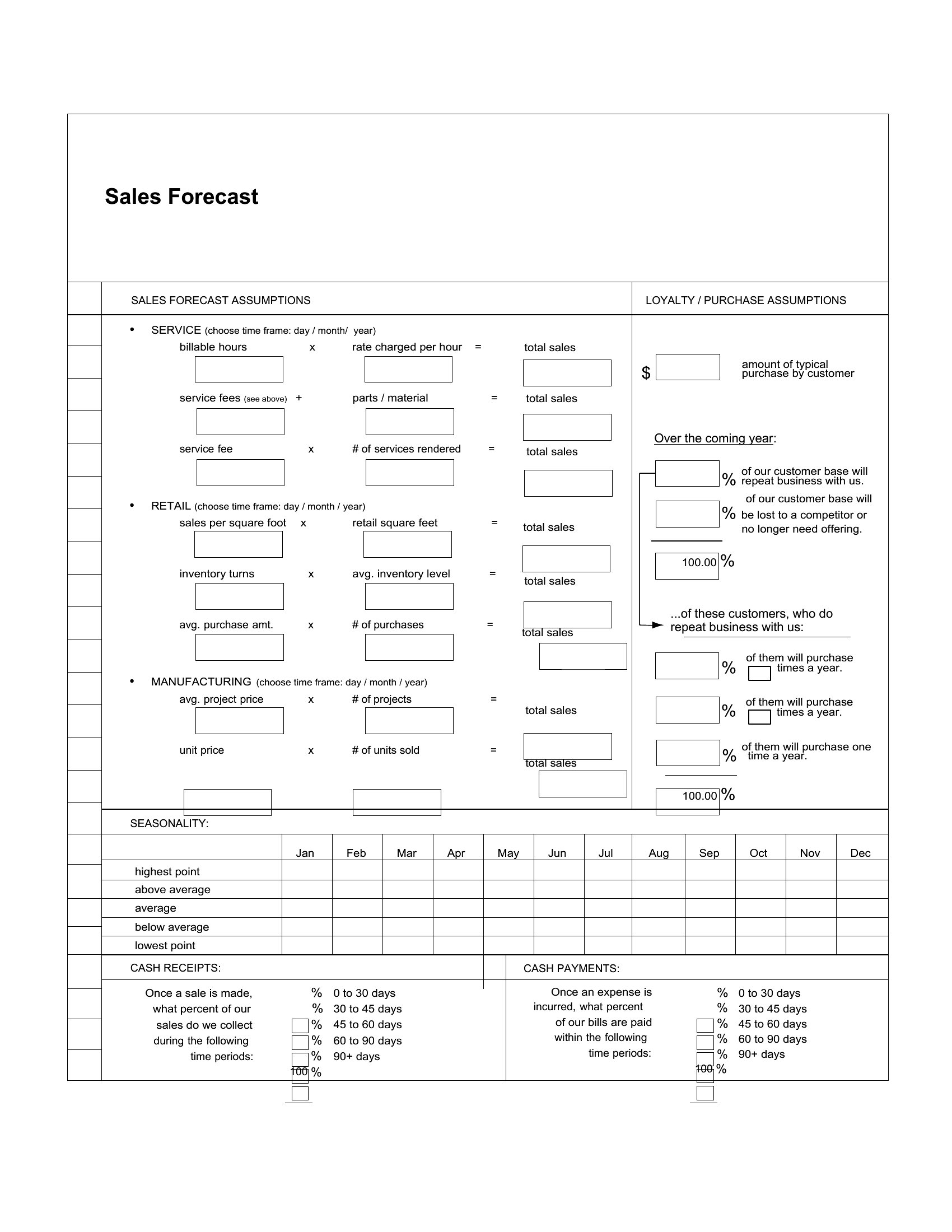
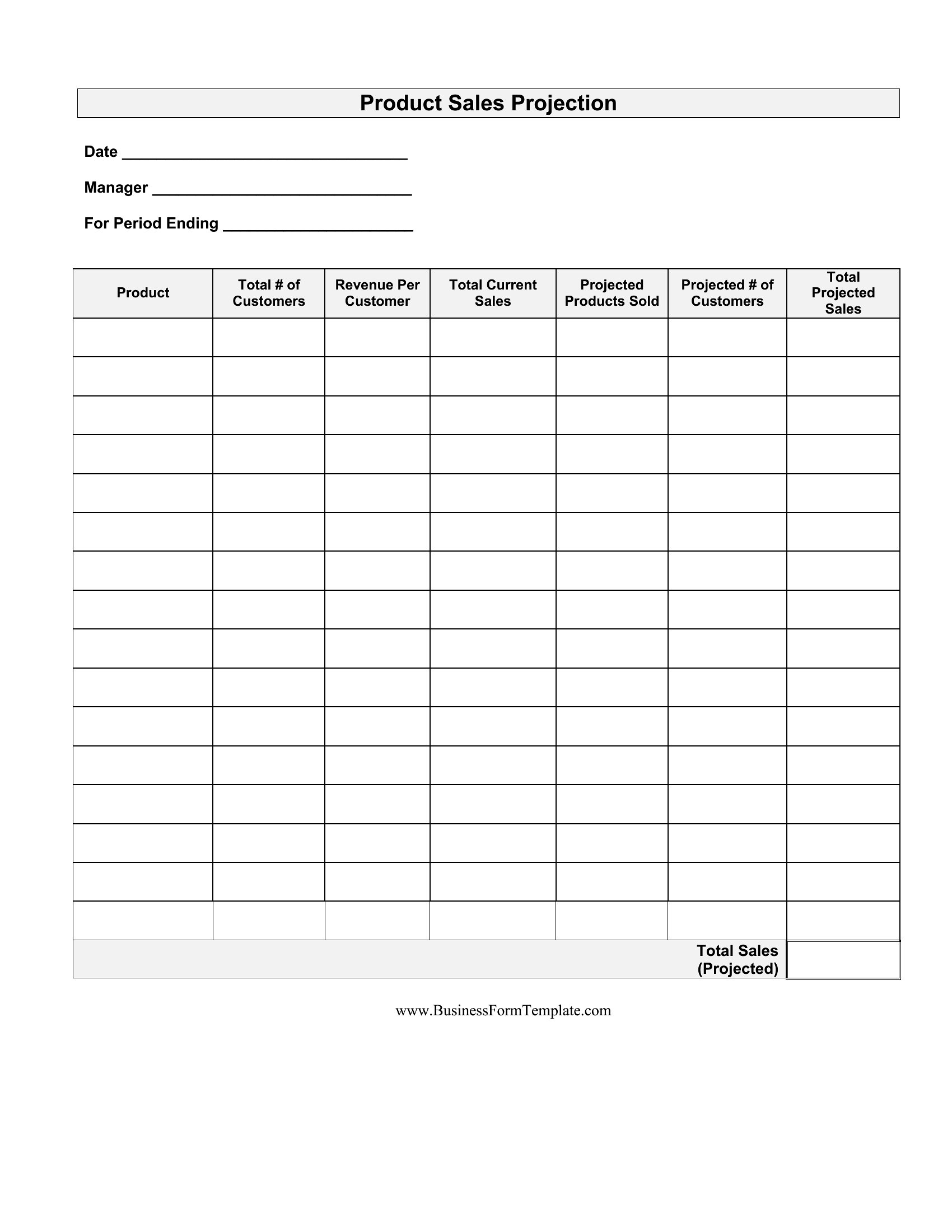
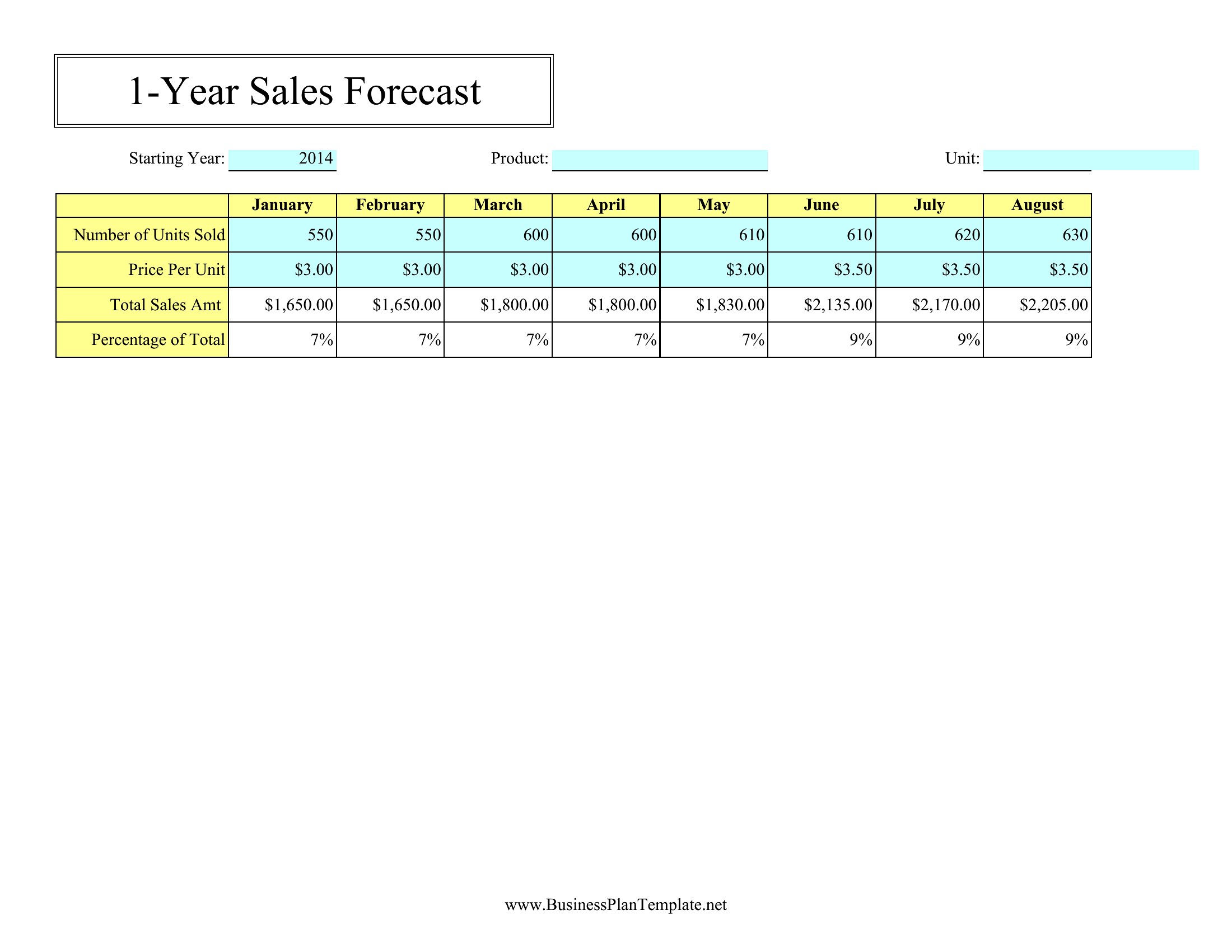
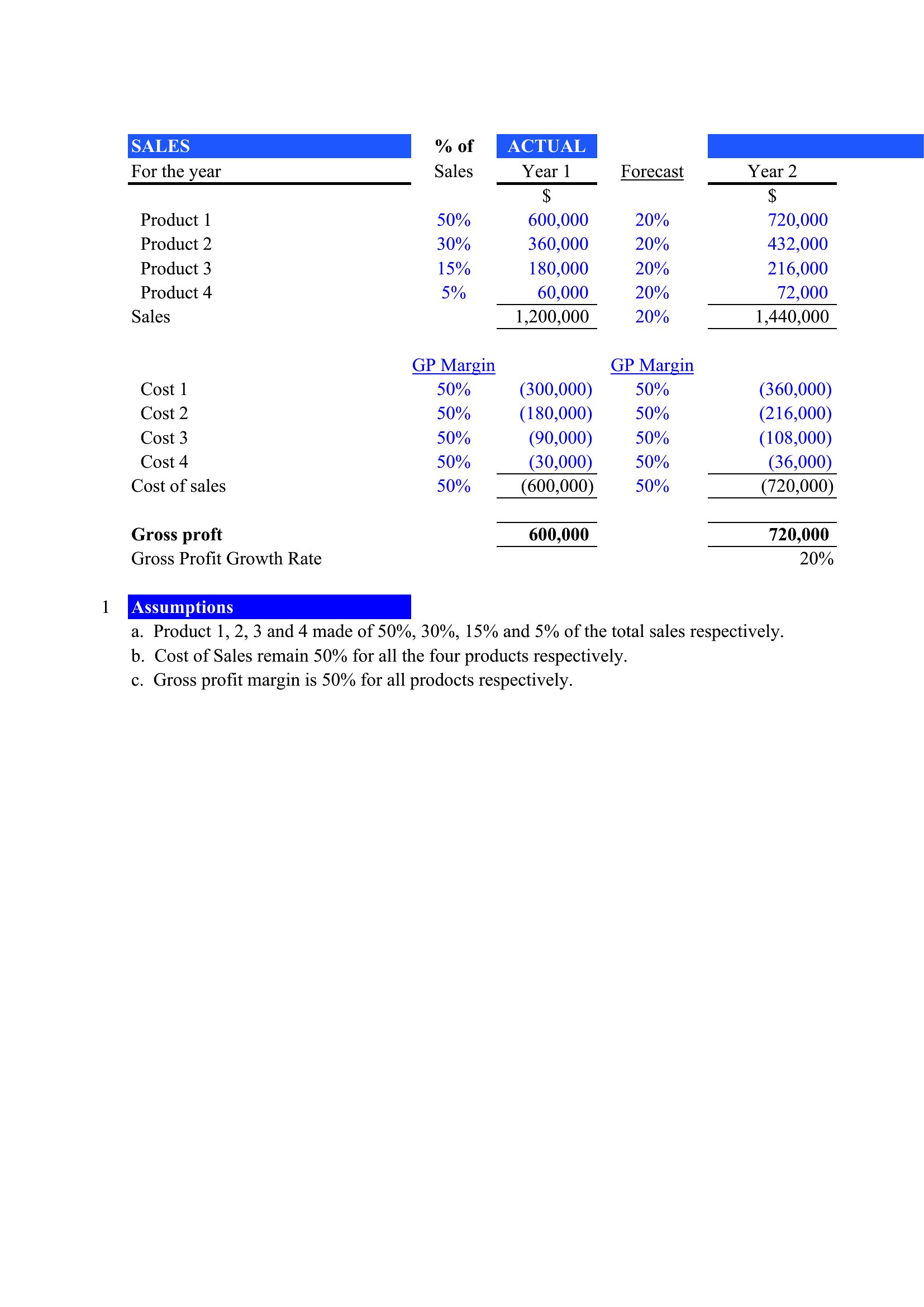
Can I use a Word template to create a sales forecast if my data includes formulas or percentages?
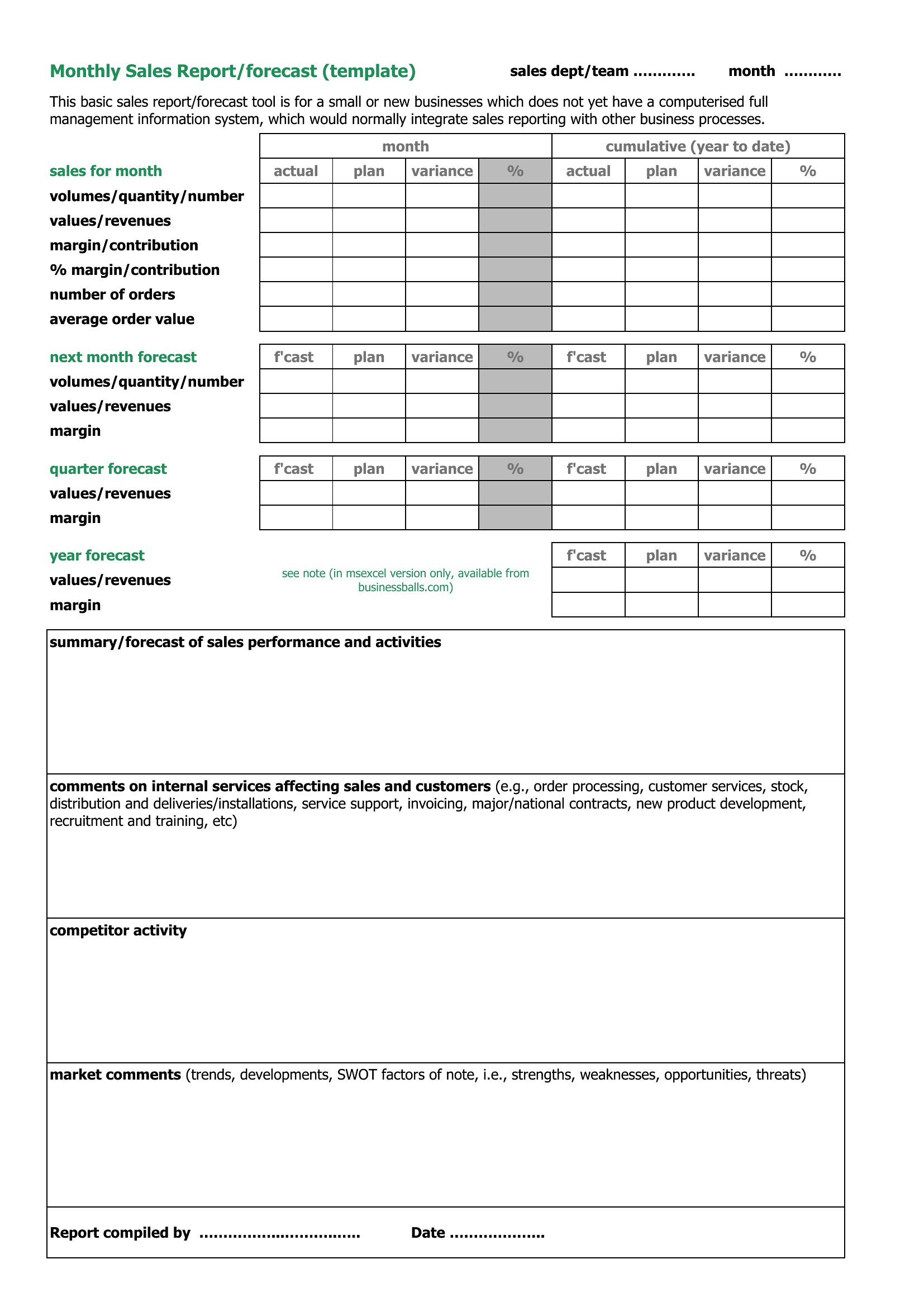
Yes, but only if your template includes a built-in table with basic formulas (like summing columns). For complex calculations—such as year-over-year growth rates or weighted averages—switch to Excel. Word templates are best for visual layouts where the math is manual or pre-filled.
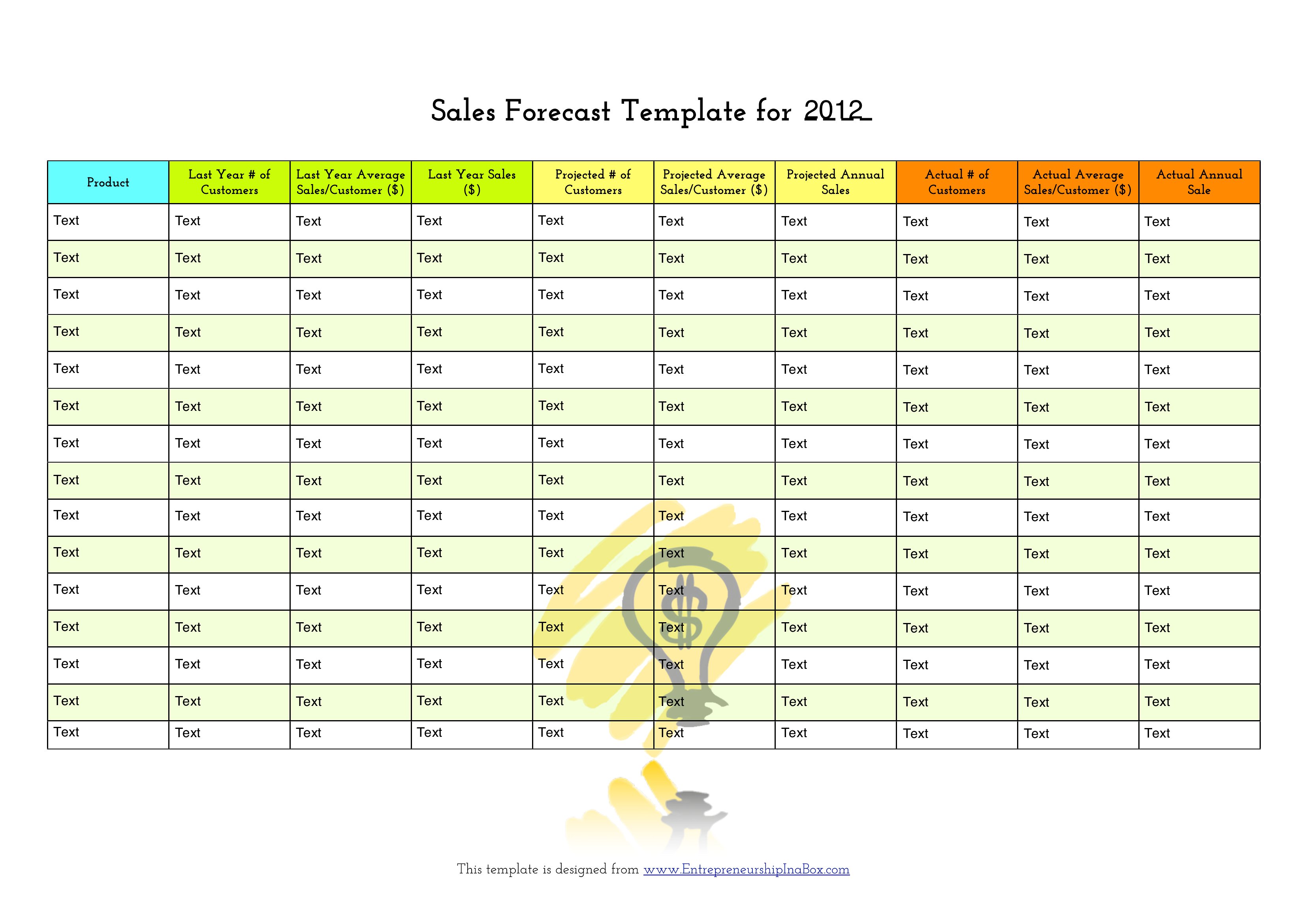
How do I adjust a template if my sales cycles vary by product or region?
Use an Excel template with conditional formatting to flag overdue sales cycles and separate tabs for each product or region. For Word or PDF, manually add columns for cycle length assumptions and note them in a disclaimer. Always include a section for notes on exceptions, like seasonal spikes or regional delays.
Comments
Join the conversation
Sign in to share your thoughts and leave a comment on this resource.